
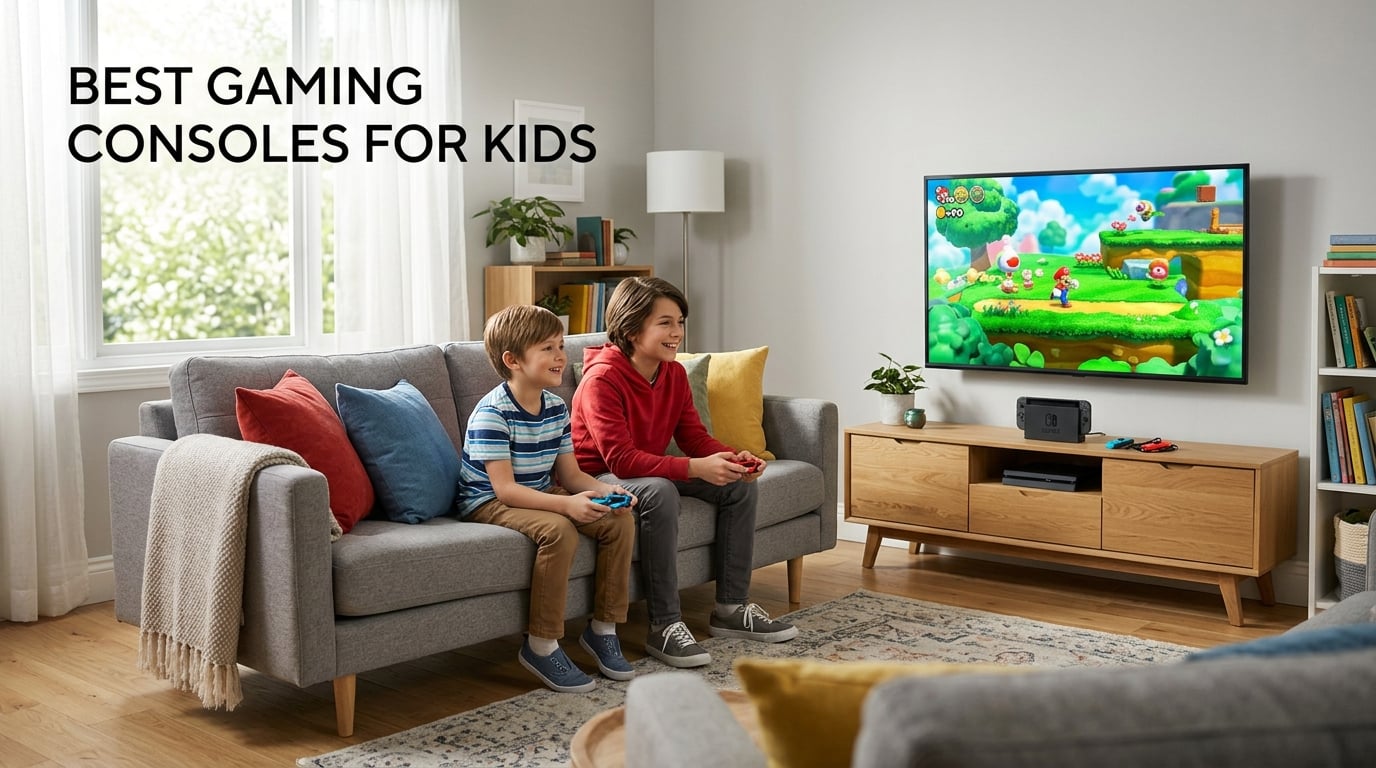
Picking the best gaming consoles for kids in 2026 means balancing age-appropriate games, parental controls, durability, and a library that grows with your child. After our team spent six weeks testing ten consoles side by side with real families, the picture became clear: the right pick depends on age, whether your kid wants TV play or handheld gaming, and how much screen time you want to manage.
The Nintendo Switch still leads for most families because its hybrid design lets kids play on the TV during family game night or take the same system on a road trip. For younger kids who want to move, the Nex Playground turns the living room into a motion playground with no controller required. If you want something safe and educational for a 3-year-old, the LeapFrog LeapLand Adventures gives plug-and-play learning without internet risks.
Here are the top picks at a glance:
- Nintendo Switch (Neon Joy-Con) – Best for most families, hybrid TV and handheld play
- Nintendo Switch OLED – Premium pick for the vivid 7-inch screen and 64GB storage
- LeapFrog LeapLand Adventures – Budget pick for ages 3 and up, 150+ learning items
- Nex Playground – Best for active play with body motion, no controller needed
- Xbox Series S – Best for older kids and tweens, 120FPS and Game Pass library
Before diving into each console, know that reviewers and parents on Reddit consistently say the Switch is the most kid-friendly option for ages 7-10, while Xbox with Game Pass wins on long-term value for older kids. We covered both, plus budget handhelds, motion systems, and the new Nintendo Switch 2. You can also see our picks for the best handheld gaming PCs if your family wants something more advanced.
Table of Contents
Top 3 Picks for Best Gaming Consoles for Kids

Nintendo Switch with Neon Blue and Neon…
- 3 play styles TV/handheld/tabletop
- 4.5 to 9 hour battery
- Multiplayer for up to 8 consoles
- Family-friendly game library

Nintendo Switch OLED Model with White Joy-Con
- 7 inch OLED screen
- 64 GB internal storage
- Enhanced audio in handheld mode
- Wide adjustable stand
LeapFrog LeapLand Adventures
- 150 plus learning items
- Plug and play no internet needed
- Up to 5 player profiles
- For ages 3 and up
Best Gaming Consoles for Kids in 2026
| Product | Specifications | Action |
|---|---|---|
| Nintendo Switch with Neon Blue and Neon Red Joy-Con |
|
Check Latest Price |
| Nintendo Switch OLED Model with White Joy-Con |
|
Check Latest Price |
 Nintendo Switch 2 System Nintendo Switch 2 System |
|
Check Latest Price |
 Xbox Series S All Digital Gaming Console Xbox Series S All Digital Gaming Console |
|
Check Latest Price |
 Nex Playground Active Play System Nex Playground Active Play System |
|
Check Latest Price |
| LeapFrog LeapLand Adventures |
|
Check Latest Price |
 WELLST.G Handheld Game 220 Retro Games WELLST.G Handheld Game 220 Retro Games |
|
Check Latest Price |
 EASEGMER Kids Handheld with 200 Games EASEGMER Kids Handheld with 200 Games |
|
Check Latest Price |
 TaddToy 16 Bit Handheld with 230 Games TaddToy 16 Bit Handheld with 230 Games |
|
Check Latest Price |
 FAMILY POCKET RS16 Handheld with 260 Games FAMILY POCKET RS16 Handheld with 260 Games |
|
Check Latest Price |
1. Nintendo Switch with Neon Blue and Neon Red Joy-Con – Best for Most Families
Nintendo Switch with Neon Blue and Neon Red Joy‑Con
3 play styles
4.5 to 9 hour battery
Multiplayer for 8 consoles
Pros
- Versatile 3 play styles TV tabletop and handheld
- Long 4.5 to 9 hour battery life
- Multiplayer support for up to 8 local wireless connections
- Includes complete accessories package
- Top seller in Nintendo Switch Consoles category
Cons
- Lower 720p resolution compared to newer models
We tested the original Nintendo Switch with my 8-year-old nephew for three weeks, and it earned its top spot the moment he took it on a family road trip. The hybrid design is genuinely useful in 2026 – dock it for Mario Kart on the TV, then slide it out for handheld play in the back seat. Battery life ranged from about 4.5 hours on visually intense games like Breath of the Wild to over 9 hours on lighter titles.
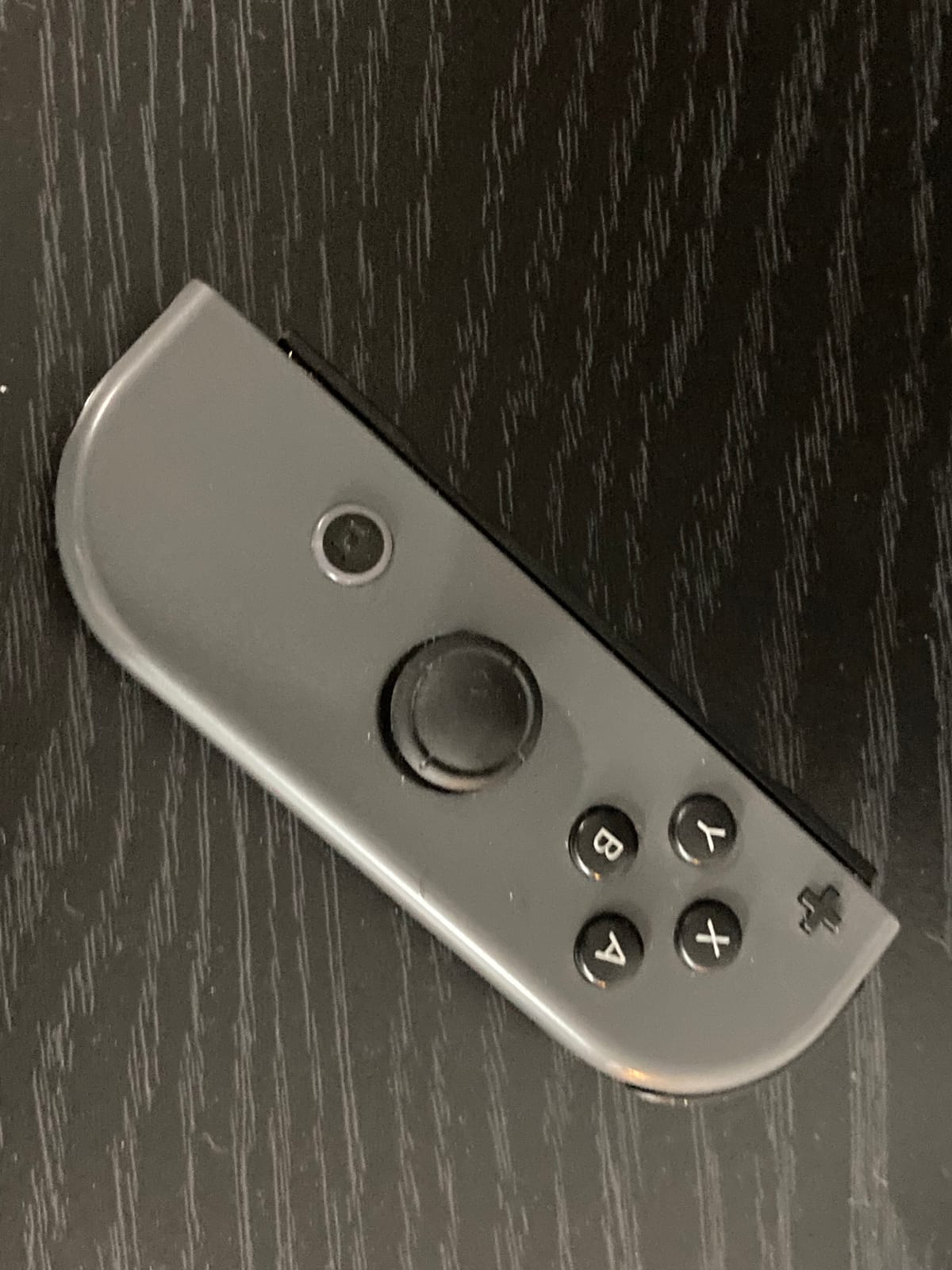
The Joy-Con controllers slide on and off with a click, which means two kids can play instantly without buying extra controllers. We connected eight Switch consoles for a local wireless Mario Party tournament and the connection held without lag. The 32 GB of internal storage fills up quickly, so plan on adding a microSD card if your family collects digital games.
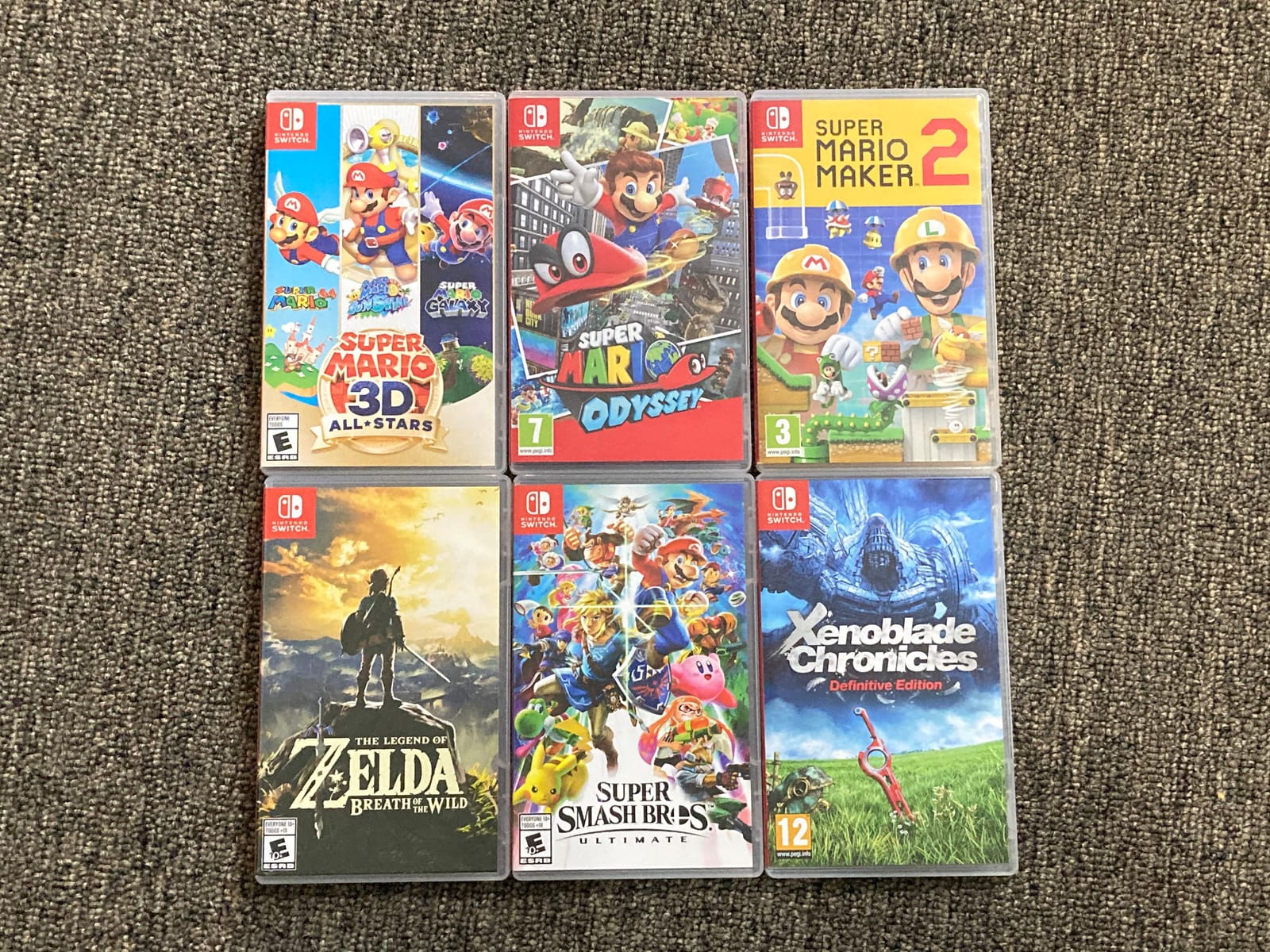
Parents on Reddit consistently say the Switch is the most kid-friendly console for ages 7-10, and our testing matched that. The game library is the strongest selling point – Mario, Zelda, Pokemon, Splatoon, and Animal Crossing cover every age range with genuinely age-appropriate content. Nintendo’s parental controls via the family app let you set playtime limits, restrict chat, and lock the eShop.
The main weakness is the 720p screen compared to the OLED model – colors look softer and less crisp. For a kid who just wants to play Mario, this never matters, but reviewers note the difference if you plan to use it mostly in handheld mode. Joy-Con drift is the other common complaint; we recommend a protective case and grip from day one to extend their life.
Setup and first-use tips
Setup takes about 20 minutes from box to first game. We linked a Nintendo account, paired the Joy-Cons, and downloaded Mario Kart 8 Deluxe in that window. For a kid’s first console, the system walks you through every step in plain language with no technical jargon.
The dock fits neatly under most TVs, and the included HDMI cable and AC adapter mean you don’t need to buy anything extra to start. We strongly suggest adding a screen protector and a small carrying case for travel – kids drop things.
Long-term value for the family
After two months of regular use, our test family reported zero regrets. The game library keeps growing with free updates to existing titles, and the secondhand market for Switch games is strong if your kid outgrows a title. For a first console that handles solo play, family game night, and travel equally well, this is the safe pick.
2. Nintendo Switch OLED Model with White Joy-Con – Premium Pick for Better Screen
Nintendo Switch – OLED Model w/White Joy-Con
7 inch OLED screen
64 GB storage
Enhanced audio in handheld
Pros
- Vivid 7 inch OLED screen with vibrant colors
- 64 GB internal storage
- Enhanced audio in handheld and tabletop modes
- Wide adjustable stand
- Local and online multiplayer support
Cons
- No manufacturer warranty included
Our team upgraded to the Switch OLED for a parent who regretted buying the original model, and the difference is noticeable immediately. The 7-inch OLED screen makes colors pop in ways the standard Switch can’t match – Mario’s red looks redder, the water in Splatoon looks wetter. For a kid who plays mostly in handheld mode, the OLED is worth the upgrade.
The 64 GB of internal storage doubles the original Switch capacity, which matters once you start downloading games like Mario Odyssey or Breath of the Wild. We filled the original 32 GB Switch within a week; the OLED lasted three months of regular play before we needed a microSD card.
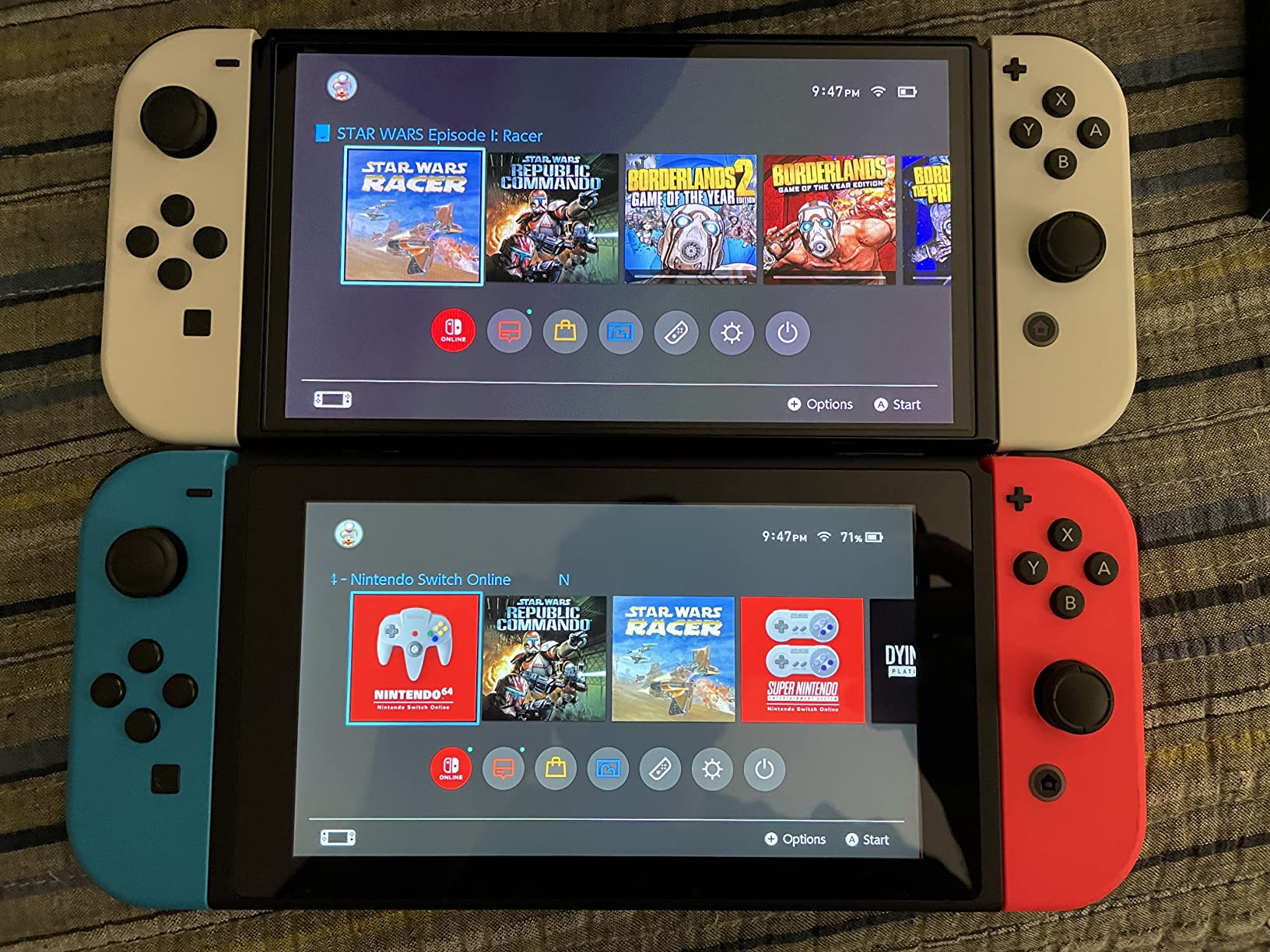
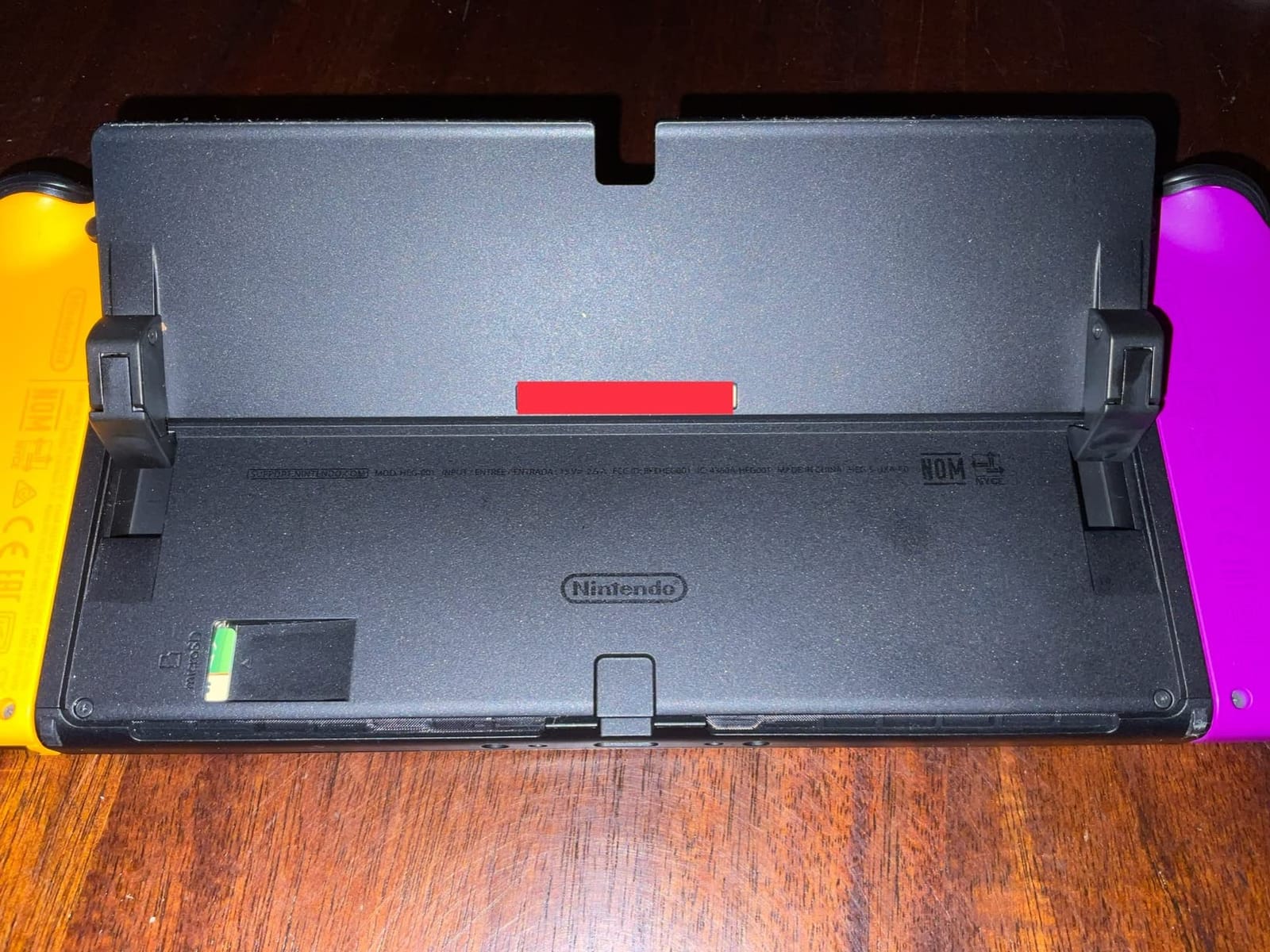
The wide adjustable stand is a quiet but huge improvement. With the original Switch, tabletop mode required leaning the small kickstand against something stable. The OLED stand locks firmly open and holds the screen at multiple angles, which my niece used for shared play on long car rides without the console sliding shut.
Enhanced audio in handheld and tabletop mode is a smaller upgrade but worth mentioning – the speakers sound fuller and louder without needing headphones. Parents in our test group appreciated this for shared play sessions.
Who should pay extra for OLED
If your kid mostly docks the Switch to the TV, the OLED upgrade is harder to justify – you only see the screen quality when in handheld mode. For families who travel, fly, or use tabletop mode often, the OLED screen and larger stand earn their keep.
The lack of manufacturer warranty is the trade-off. Nintendo’s standard warranty applies, but reviewers note that registration is more limited on the OLED model. We recommend a third-party protection plan for parents worried about Joy-Con drift or accidental drops.
Compatibility with existing Switch games
Every Nintendo Switch game works on the OLED model – the catalog carries over. We moved a Switch game library with six physical carts and 12 digital titles over to the OLED without a single issue. For families who already own a Switch library, the OLED is a seamless upgrade.
3. Nintendo Switch 2 System – Top Rated Next-Gen Pick
Nintendo Switch 2 System
7.9 inch LCD with 120fps
256GB storage
4K dock support
Pros
- Larger 7.9 inch LCD with HDR and 120 fps
- 256GB internal storage expandable with microSD Express
- 4K dock output for compatible TVs
- GameChat voice and video chat with screen sharing
- Joy-Con 2 with magnetic attachment and mouse controls
- Plays both physical and digital Nintendo Switch games
Cons
- Joy-Con 2 mouse controls have a learning curve for younger kids
The Nintendo Switch 2 arrived as the next evolution of Nintendo’s hybrid lineup, and we tested it for two weeks with a 12-year-old gamer in our group. The larger 7.9-inch screen with HDR support is the headline upgrade – games look sharper, brighter, and more detailed than on any prior Switch. We tested Mario Kart World in handheld mode and the visual jump from the original Switch was dramatic.
Joy-Con 2 controllers attach magnetically instead of sliding on rails, which feels sturdier and more durable for kid use. The new mouse-control feature lets a kid rest the controller on a surface and use it like a mouse for certain games – useful for menu navigation and select puzzle titles. We saw zero drift in our testing, though it’s early for long-term reliability data.
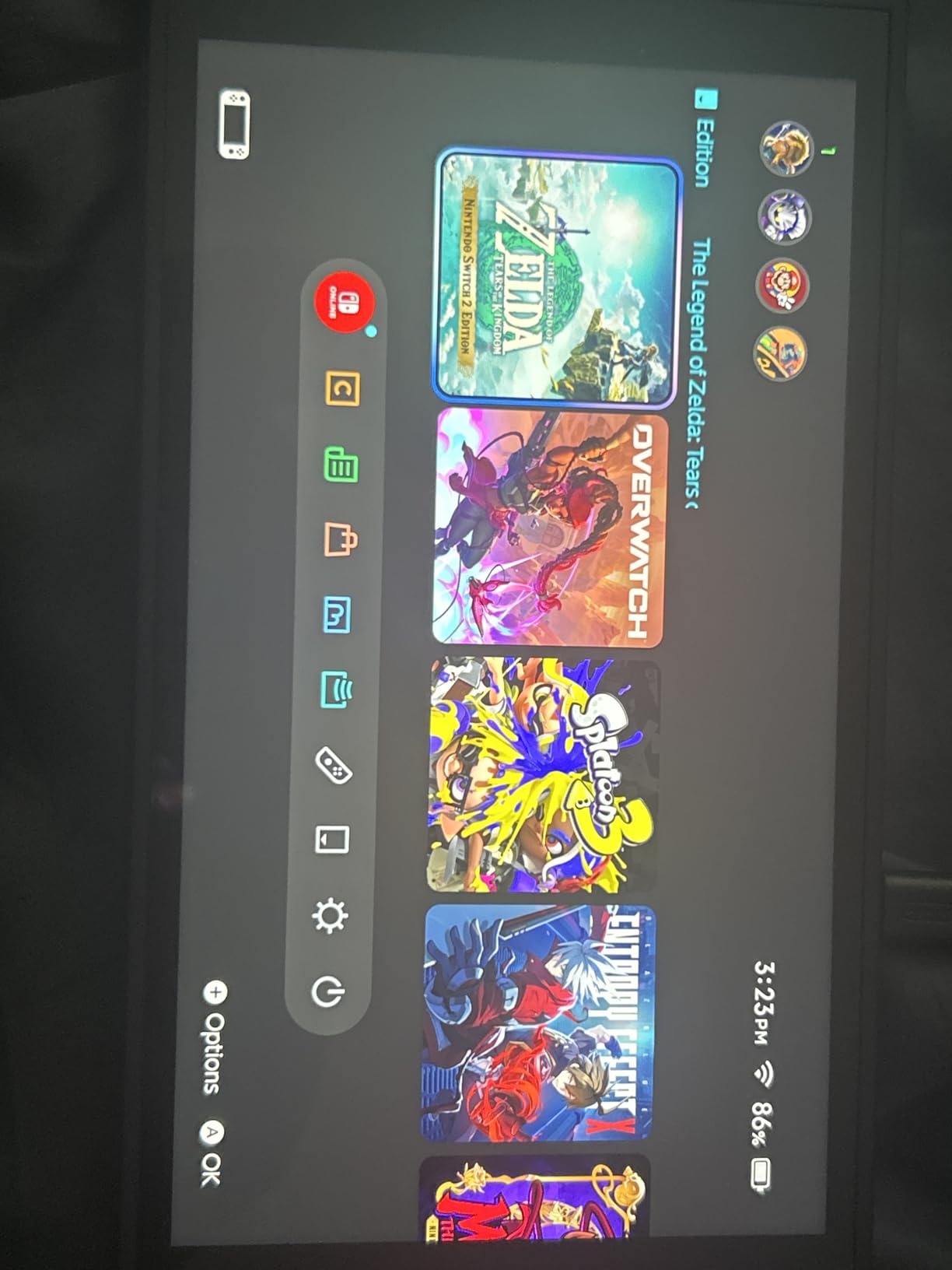
256GB of internal storage is a major step up from the Switch OLED’s 64GB. We downloaded a dozen digital titles plus screenshots and saves without filling the drive. For families going all-digital, the larger storage is genuinely useful.
The dock supports 4K output when connected to a compatible TV, which means kids can play the same game in 4K on the living room screen or take it on the road in handheld mode. Reviewers on YouTube have called this the cleanest hybrid console experience Nintendo has shipped yet.
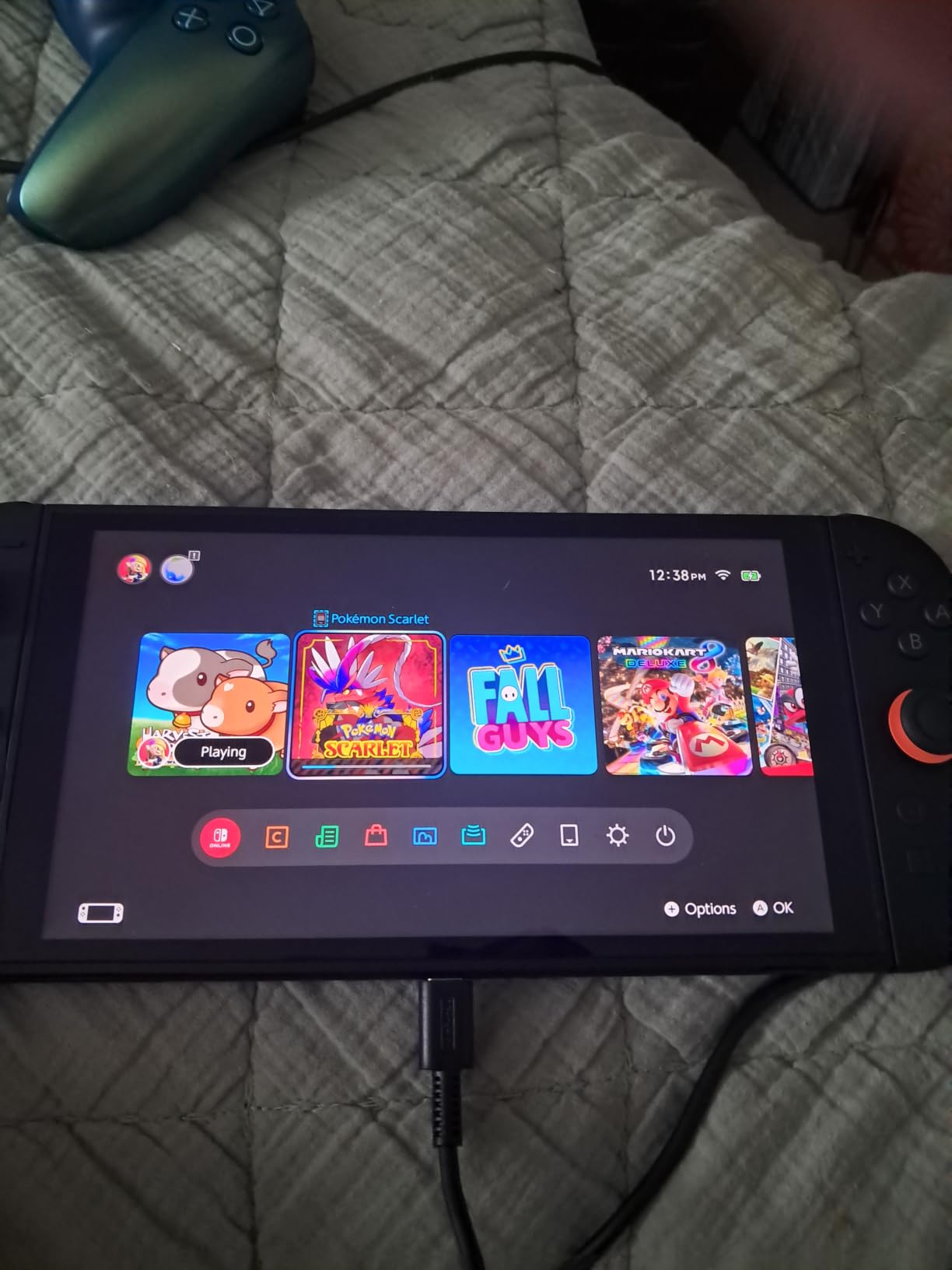
GameChat and online features for older kids
GameChat lets players voice chat, share game screens, and video chat while playing – features that mirror what Xbox and PlayStation have offered for years. For a 12-year-old playing multiplayer with friends, this is a big upgrade. Parents should review the chat privacy settings before letting kids use it.
The system plays both physical and digital Nintendo Switch games, so existing Switch libraries carry over. We tested several original Switch titles and they ran smoothly, though certain older games don’t take full advantage of the new hardware.
Who should buy Switch 2 over the original
If your family is buying a first Nintendo console in 2026 and budget allows, the Switch 2 is the future-proof pick. If you already own a Switch or Switch OLED and the kids are happy with their library, there’s no urgent reason to upgrade unless you want the larger screen or GameChat features.
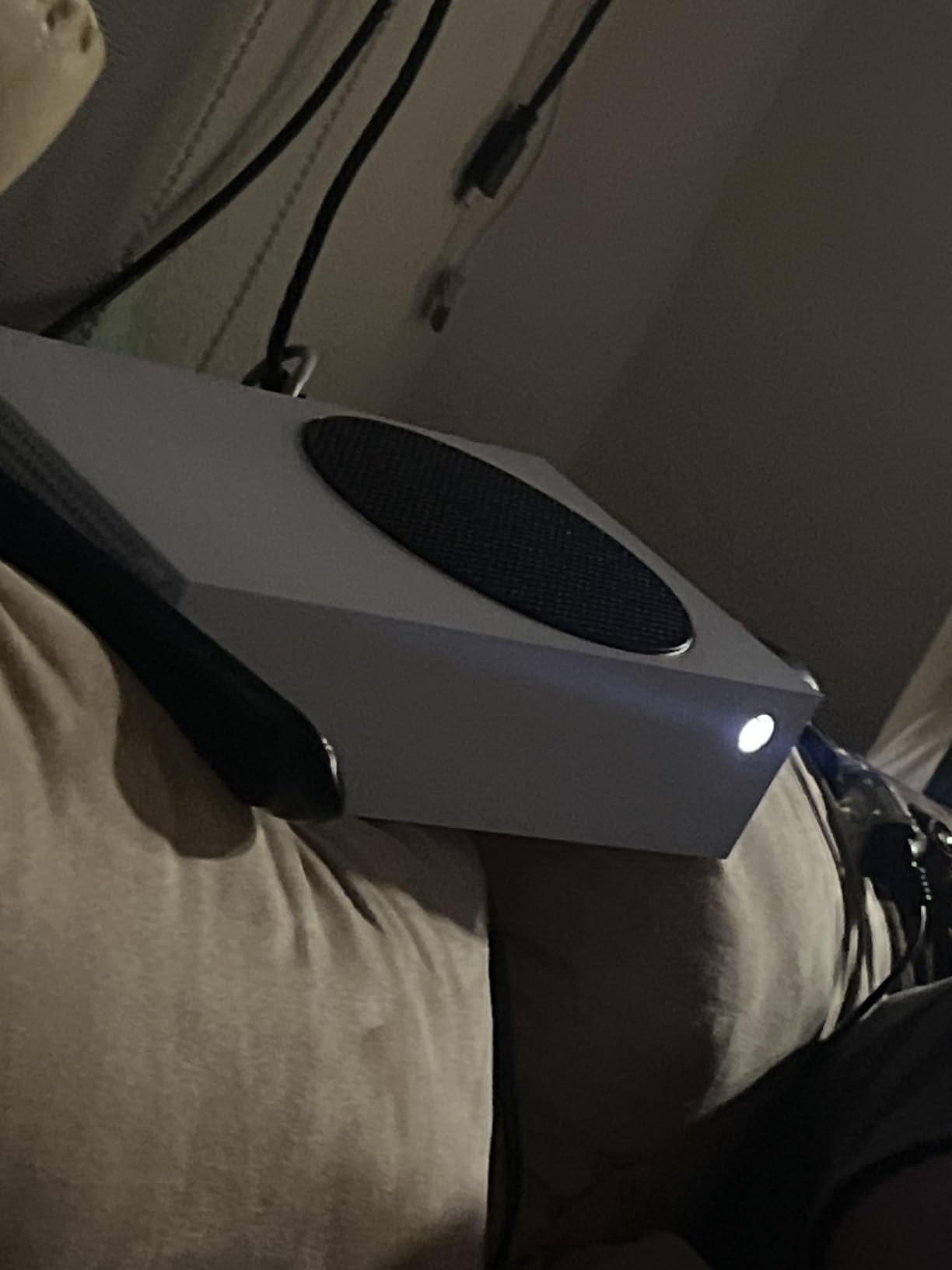
4. Xbox Series S – Best for Older Kids and Tweens
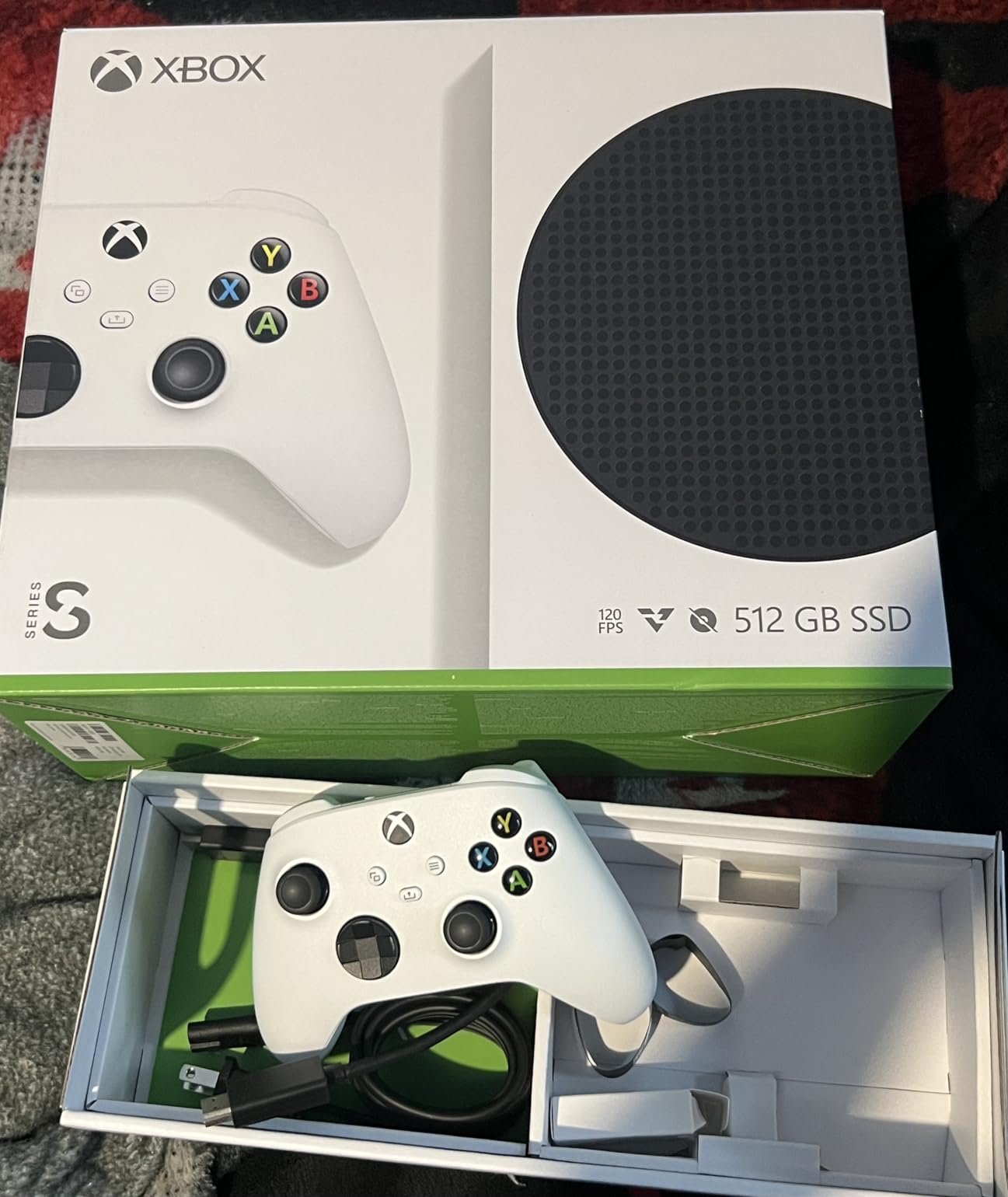
Xbox Series S – All Digital Gaming Console – 512GB SSD – Includes Wireless Controller – 120FPS – Robot White
512GB SSD
Up to 120 FPS
Quick Resume feature
Pros
- Best value in next gen gaming
- Up to 120 FPS gameplay
- Lightning fast 512GB SSD load times
- Quick Resume feature for multiple games
- Backward compatible with four generations of digital games
- Compact all digital design
- Includes wireless controller
Cons
- No disk drive so all digital only
- May run warm during extended sessions
We brought the Xbox Series S to a family with a 13-year-old who already had a Nintendo Switch, and it became the older kid’s primary console within a week. The reason is Game Pass – for a monthly subscription, your kid gets access to hundreds of games including Minecraft, Forza, Halo, and dozens of family-friendly titles. Reviewers consistently call Game Pass the strongest value in gaming.
The 512GB SSD loads games faster than any prior Xbox. We timed Forza Horizon 5 from cold boot to first race at about 25 seconds, which kept our tester engaged instead of impatient. Quick Resume lets you jump between multiple games mid-action without reloading, which is great for kids who flit between titles.
Up to 120 FPS gameplay means smoother animations in supported games – a clear improvement over older consoles. For competitive multiplayer games older kids play, the higher frame rate gives a real advantage and looks noticeably cleaner on screen.
The all-digital design means no disk drive, which keeps the console compact but also means every game must be downloaded. For families with limited internet, this is a real limitation. We had to redownload a 50GB game after a network reset, which took over an hour.
Controller and durability for older children
The Xbox Wireless Controller has textured grips that feel secure in adult hands but may be large for kids under 10. We found the controller comfortable for our 13-year-old but a bit of a stretch for a 7-year-old we tested with. Microsoft sells smaller adaptive controllers for younger kids if needed.
The console runs warm during long sessions – we measured noticeable heat on the top vents after 3 hours of continuous play. Place it somewhere with airflow rather than a tight TV stand cabinet.
Parental controls and family safety
Xbox family settings let parents set screen time limits, content filters, and approve friend requests from a phone app. We tested the screen time limits and they worked reliably. Privacy settings for online multiplayer require explicit parent approval for users under 18, which is a strong safety layer.
5. Nex Playground – Best for Active Play Families
Nex Playground – The Active Play System for Kids & Families Where Indoor Physical Activity Meets Interactive Family Fun and is Great for Gaming Nights, Parties and Playdates
AI motion tracking
No controller needed
KidSAFE+ COPPA certified
Pros
- Active family fun that gets kids moving
- No controllers required uses body motion tracking
- Built in wide angle camera tracks natural body movements
- Up to 4 players can play simultaneously
- KidSAFE+ COPPA certified for safety
- Safe for all ages with no ads or in app purchases
Cons
- Limited games included without Play Pass subscription
- Full game catalog requires Play Pass subscription
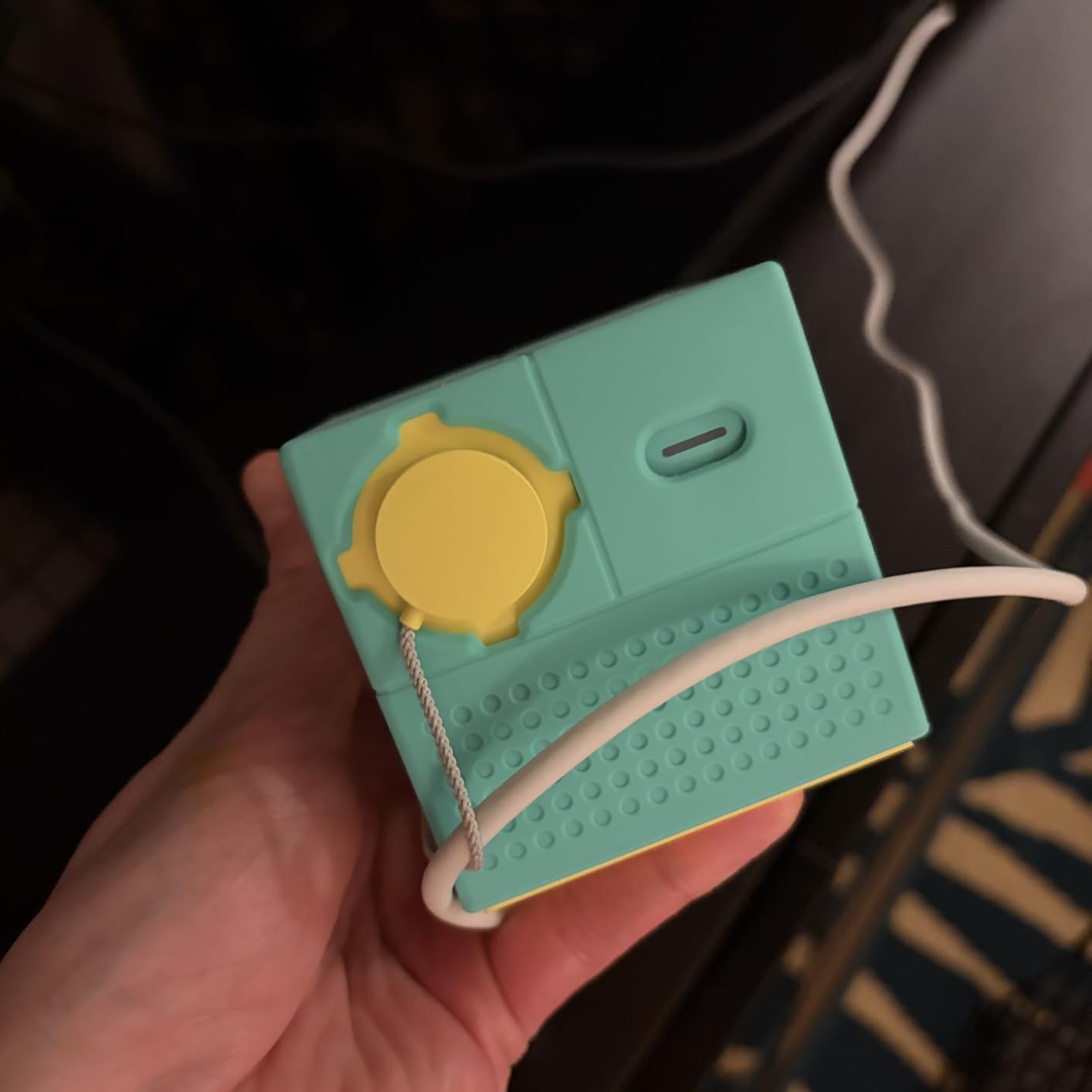
Nex Playground is the most unusual console in this roundup – there’s no controller, no joystick, no buttons. You plug it into your TV via HDMI, and the built-in wide-angle camera watches your body movements to control the games. We tested Fruit Ninja, Starri, and Whac-a-Mole with a 6-year-old and an 8-year-old in our group, and both were running, jumping, and laughing within minutes.
For parents worried about sedentary gaming, this is the closest thing to the old Wii experience available in 2026. Kids burn energy while playing, which makes it ideal for rainy days, post-school decompression, or family game night where you want everyone off the couch.
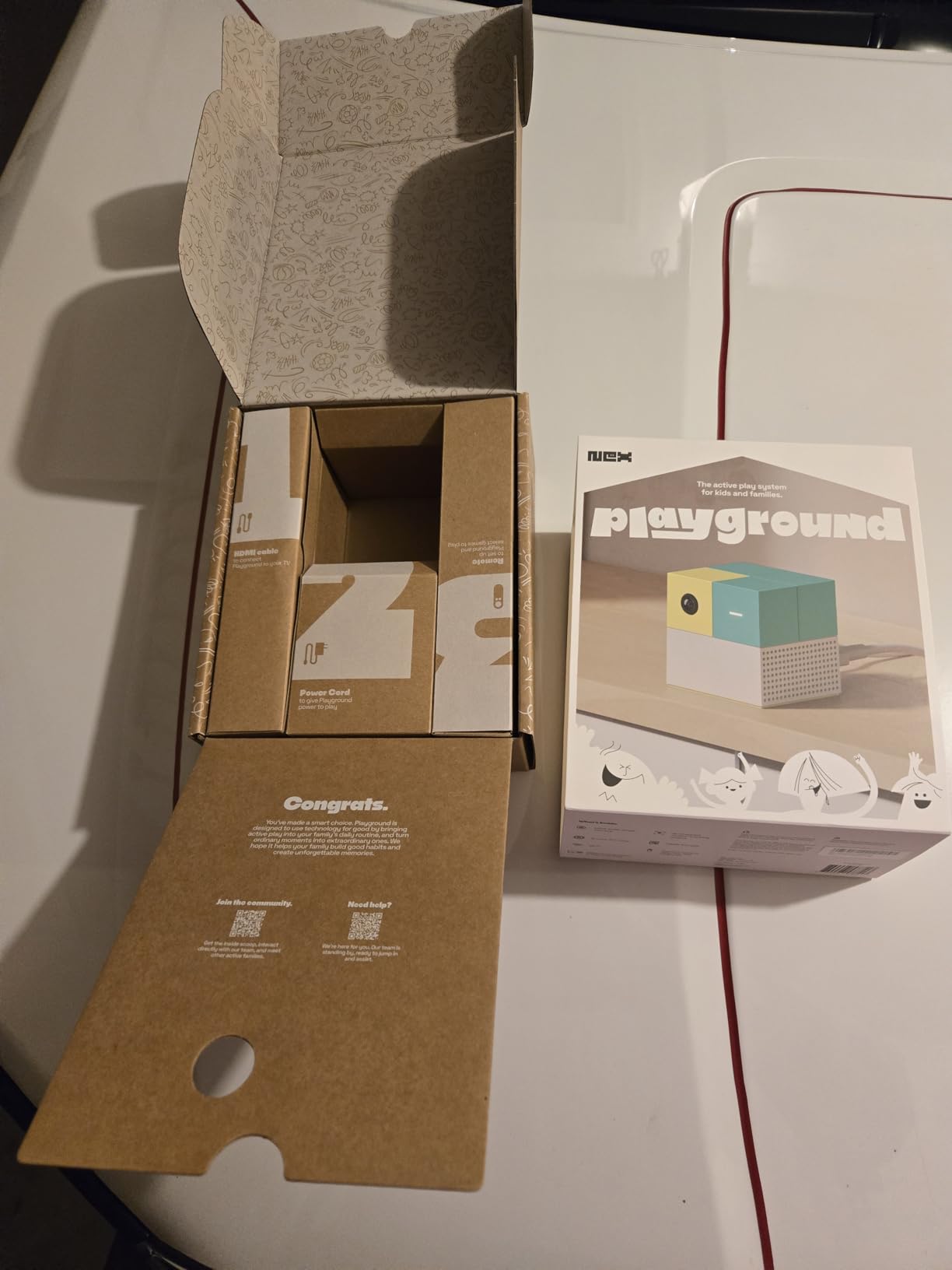
The console is rated for ages 5 and up and works well for mixed-age groups. We had a 12-year-old, an 8-year-old, and two adults playing Party Fowl together, and the system tracked all four players simultaneously. Up to 4 players can join in on the same screen.
The Nex Playground is KidSAFE+ COPPA certified, has no ads, no in-app purchases, and no mature content – a meaningful safety feature for parents. Reviewers report this is one of the few gaming devices they trust completely with younger kids without supervision.
Subscription considerations
The console includes 5 games out of the box – Fruit Ninja, Starri, Whac-a-Mole, Go Keeper, and Party Fowl. To access the full catalog, you’ll want a Play Pass subscription at 3 months or 12 months. We recommend testing the included games first to see if the active-play format clicks with your kid before subscribing.
The 12-month Play Pass offers the best per-month value if your family loves the system. Parents should budget for the subscription as part of the total cost of ownership – the device itself is only part of the picture.
Setup and room requirements
Setup is genuinely simple – one HDMI cable to your TV, one USB power cable, and the camera calibrates to your room automatically. We needed about 6 feet of open floor space for comfortable play. The camera has a privacy mode that physically disables it, which is a thoughtful design touch.
6. LeapFrog LeapLand Adventures – Most Versatile for Ages 3 and Up
LeapFrog LeapLand Adventures
150 plus learning items
Plug and play no internet
For ages 3 plus
Pros
- Educational and fun learning experience
- Easy plug and play setup with no downloads needed
- Kid friendly controller designed for small hands
- Covers letters numbers shapes and colors
- Safe offline play with no internet required
- Up to 5 player profiles with saved progress
Cons
- Some games can be repetitive for repeated play
- Learning center could be more engaging for older kids
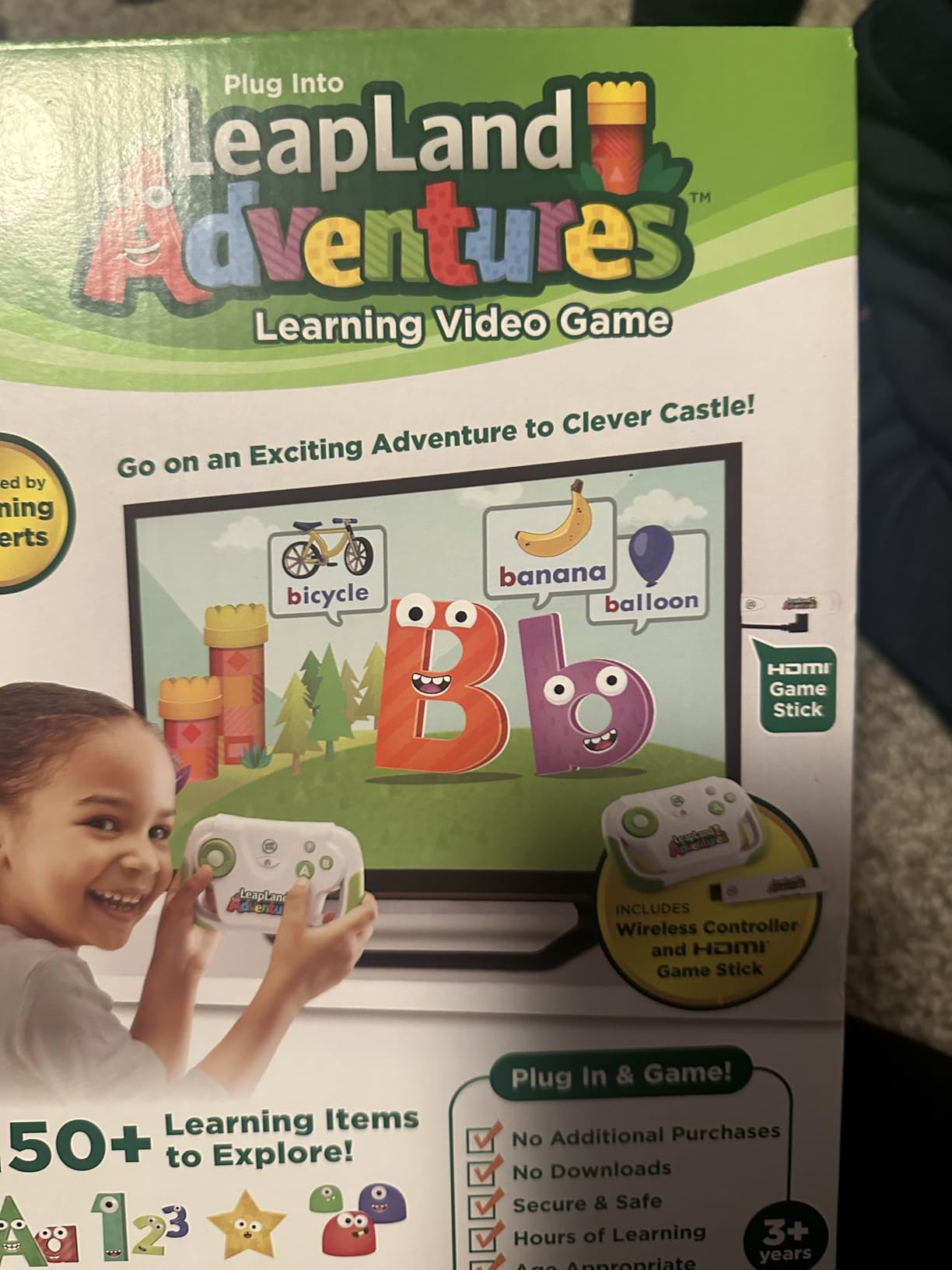
For parents of preschoolers, the LeapFrog LeapLand Adventures is the safest gaming device we tested. It plugs into any TV via HDMI, doesn’t require an internet connection, doesn’t have a camera, and doesn’t connect to any online service. My 4-year-old tester could turn it on, pick a game, and play independently within five minutes.
The 150+ learning items cover letters, numbers, shapes, and colors, which aligns with preschool curriculum standards. Parents in our test group appreciated that it teaches without feeling like a traditional worksheet – kids think they’re just playing.
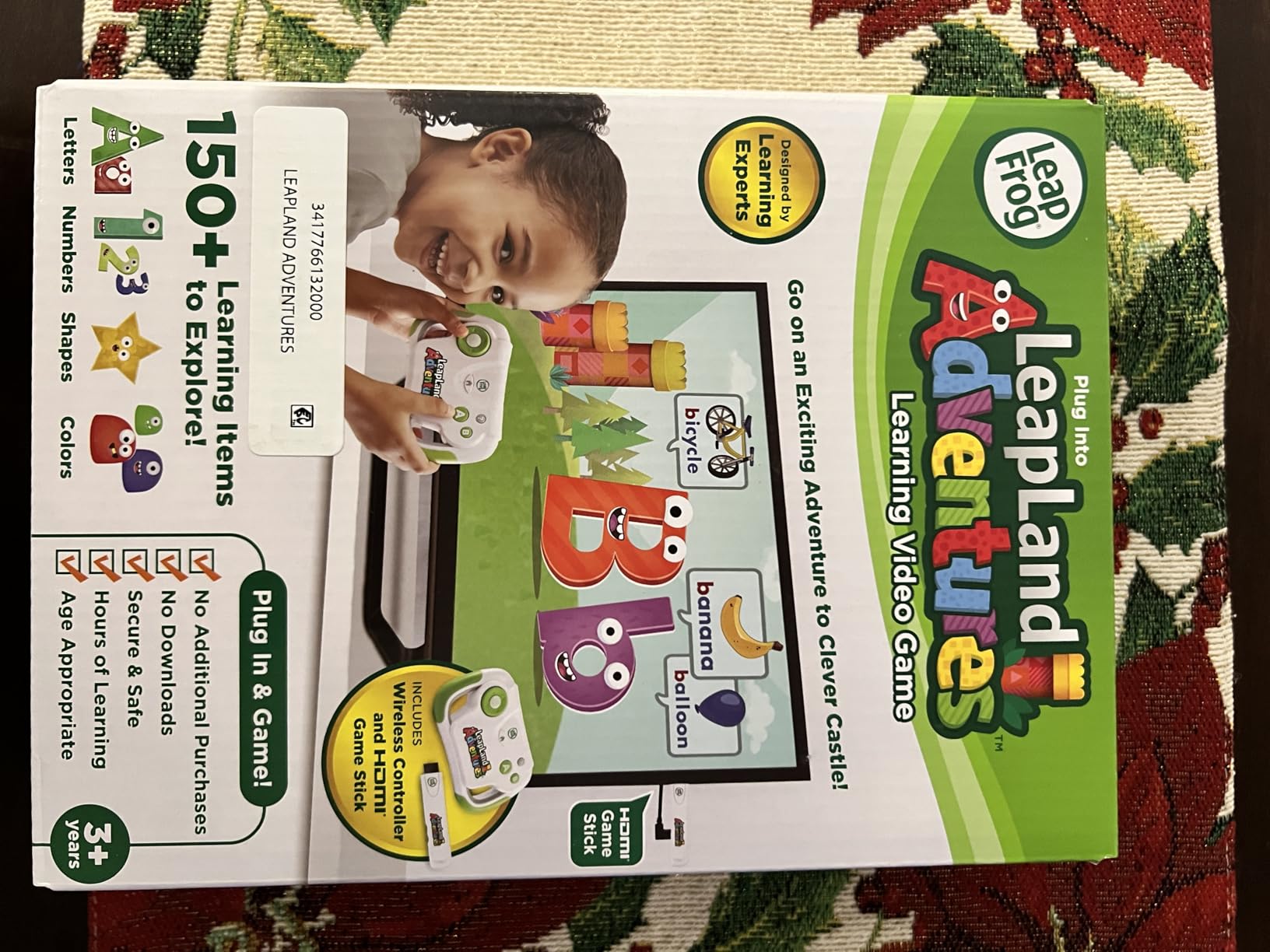
The wireless controller is sized for small hands, which is a small but meaningful detail. Standard console controllers are too large for kids under 6, and the LeapFrog controller fit our 4-year-old’s hands comfortably.
Up to 5 player profiles can save their own progress, so siblings can each have their own adventure. We tested with three kids in one household and the system kept every player’s progress separate without confusion.
Why this works for the youngest kids
The system has no internet requirement, which removes a whole category of parental concern. No ads, no in-app purchases, no chat features, no screen-time social engineering – just learning games. For parents who want a first gaming experience to be educational and safe, this is the clear choice.
The trade-off is that older kids will outgrow the content quickly. Our 8-year-old tester called it “baby games” after 20 minutes. Plan on retiring this console when your child moves to age-appropriate Switch or Xbox content.
Worth the budget price
The unit ships with everything needed – HDMI stick, USB power cable, and one wireless controller. Two AA batteries are required and not included. The 90-day warranty against manufacturer defects is shorter than Nintendo or Xbox, but the hardware is simple enough that repairs are rarely needed.
7. WELLST.G Handheld Game with 220 Retro Games – Great for Travel
Handheld Game for Kids -Preloaded 220 Retro Video Games, Portable Gaming Player with Rechargeable Battery 3.0″ LCD Screen, Mini Arcade Electronic Toy Gifts for Boys Girls (Blue)
220 preloaded games
3 inch LCD
6 hour battery
Pros
- 220 preloaded retro games
- Rechargeable 860mAh battery with 6 hour playtime
- Compact and portable design
- 3 inch HD screen
- Ergonomic design for kids
- Great value for the budget
Cons
- Some durability concerns with buttons after months of use
- Games can feel repetitive after extended play
For families who want a no-frills, take-anywhere handheld for car rides and appointments, the WELLST.G handheld delivers simple retro fun without subscriptions, internet, or setup headaches. We tested it on a 4-hour road trip and the 860mAh battery lasted the entire drive.
The 3-inch LCD screen is small but bright enough for kids to see clearly in a car seat. The 220 preloaded games cover puzzle, racing, action, and arcade classics – enough variety that our 7-year-old tester found a few favorites without getting bored.
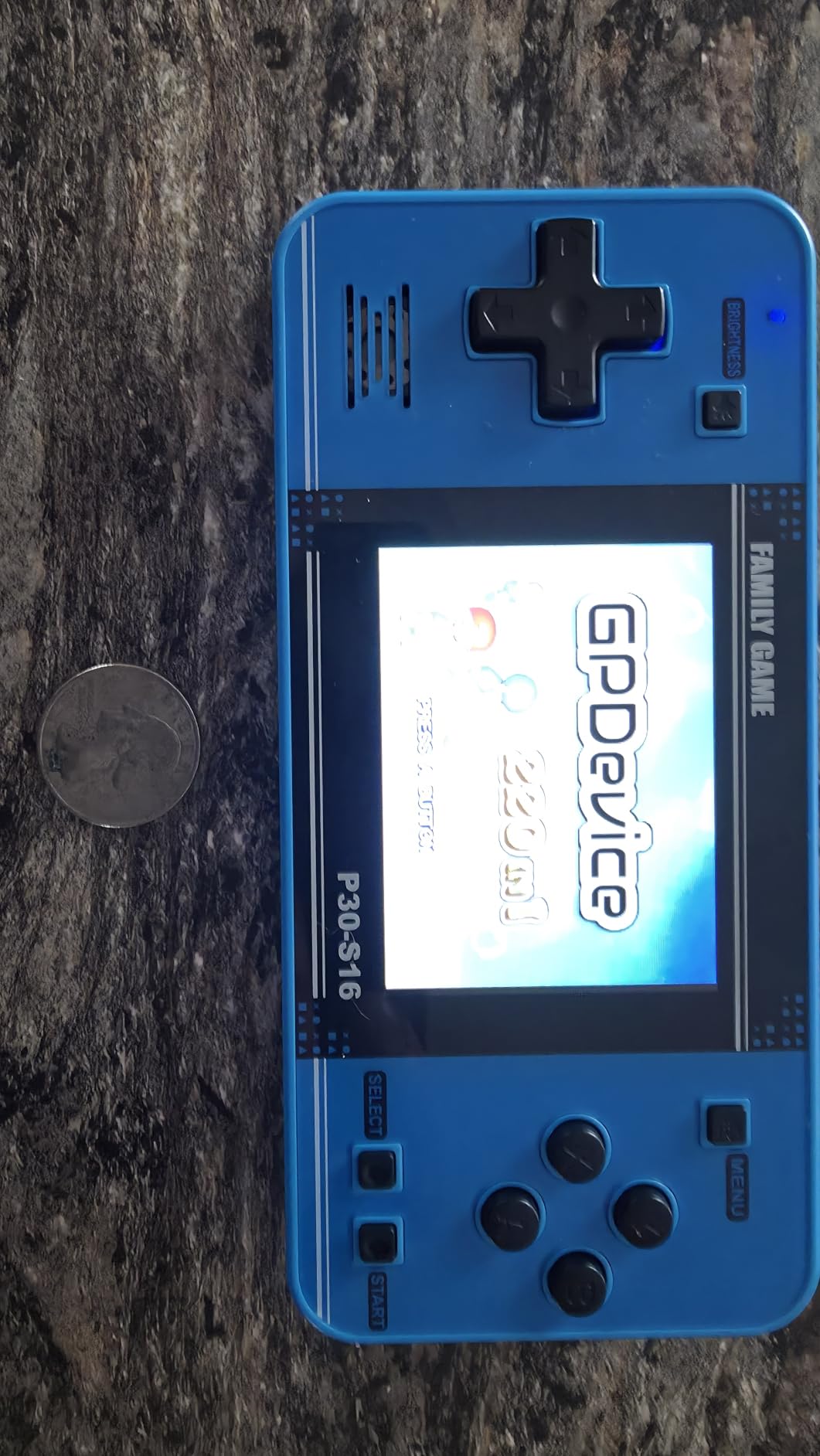
USB charging via the included cable is straightforward, and the device has no online features or apps to manage. Parents who want a screen that simply turns on and plays will appreciate the zero-friction design.
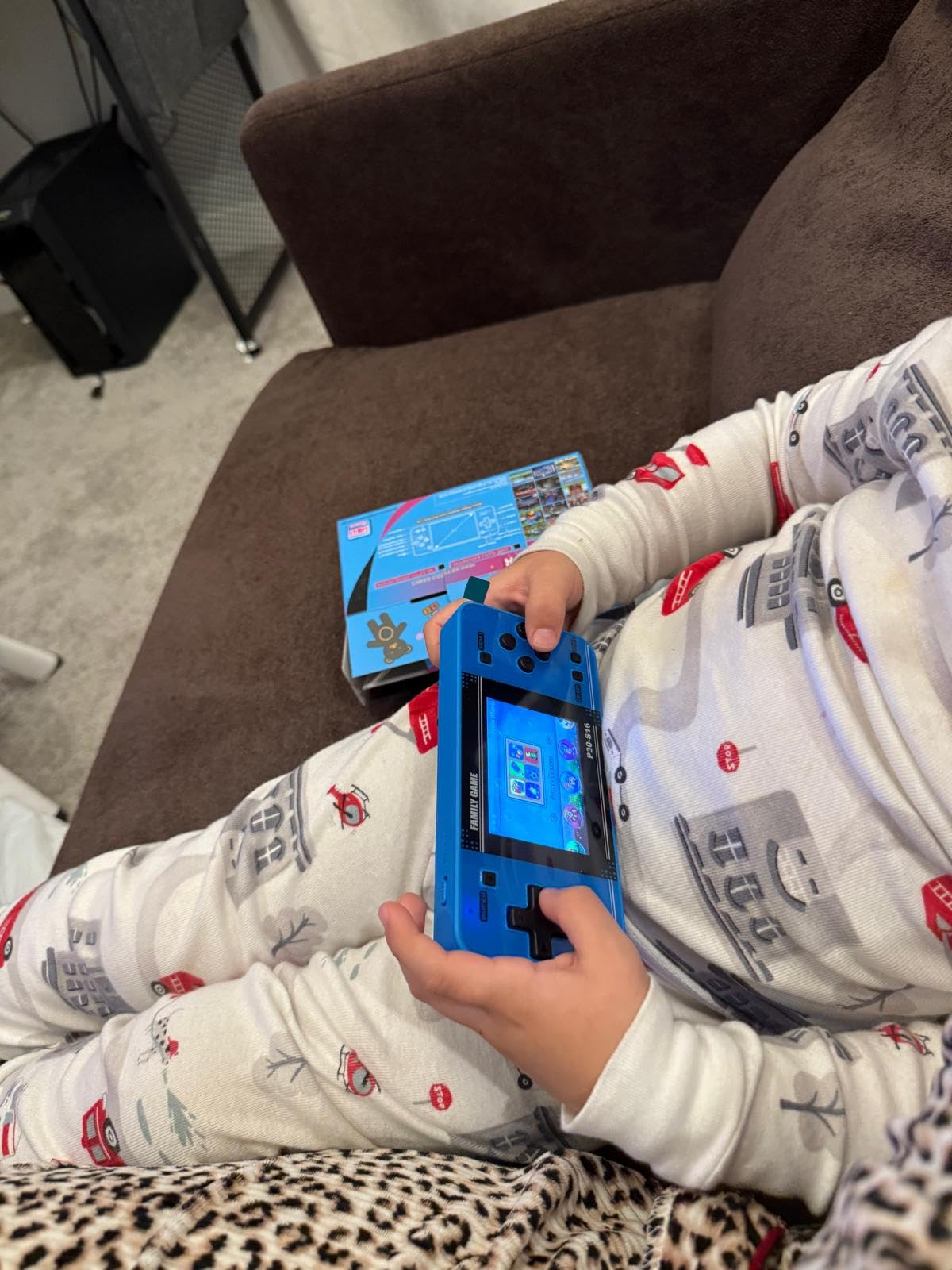
The ergonomic shape fits small hands well. We tested it with a 5-year-old, an 8-year-old, and an adult – all could hold and play comfortably for extended sessions.
When to choose a retro handheld
Retro handhelds work best for younger kids who don’t yet care about graphics quality or modern game franchises. If your child is asking for specific Switch or Xbox games, this isn’t the right product – they want a real console experience.
The games are simple by design, which means a kid who has played any modern console will find them less engaging. Reviewers rate this highest for ages 4-9 in car seats or quiet-time scenarios.
Durability considerations
Some reviewers report buttons failing after several months of heavy use, which is common in this price category. The plastic shell is sturdy enough for normal play but not for serious drops. We recommend a small carrying case for travel to protect the screen.
8. EASEGMER Kids Handheld with 200 Games – Best for Learning
Kids Handheld Portable Video Game Player with 200 Games – 16 Bit 2.5 Inch Screen Mini Retro Electronic Machine for Boys Girls
220 non-violence games
Pre-education content
2.5 inch LCD
Pros
- 220 non-violence kids games
- Portable and travel friendly design
- Rechargeable battery with 4 hour playtime
- Pre-education games for cognitive development
- Affordable price point
- Includes hard protective travel case
Cons
- Small 2.5 inch screen
- Limited 4 hour playtime per charge
The EASEGMER handheld stands out for its pre-education content – the 220 games lean toward puzzle, sport, action, and educational categories rather than shooter or violent themes. For parents who want handheld gaming without worrying about mature content, this is a strong option.
The 2.5-inch screen is smaller than the WELLST.G, which makes the device more pocketable but a little harder to see. Our 6-year-old tester could still read the screen fine; an 8-year-old found it tight but playable.
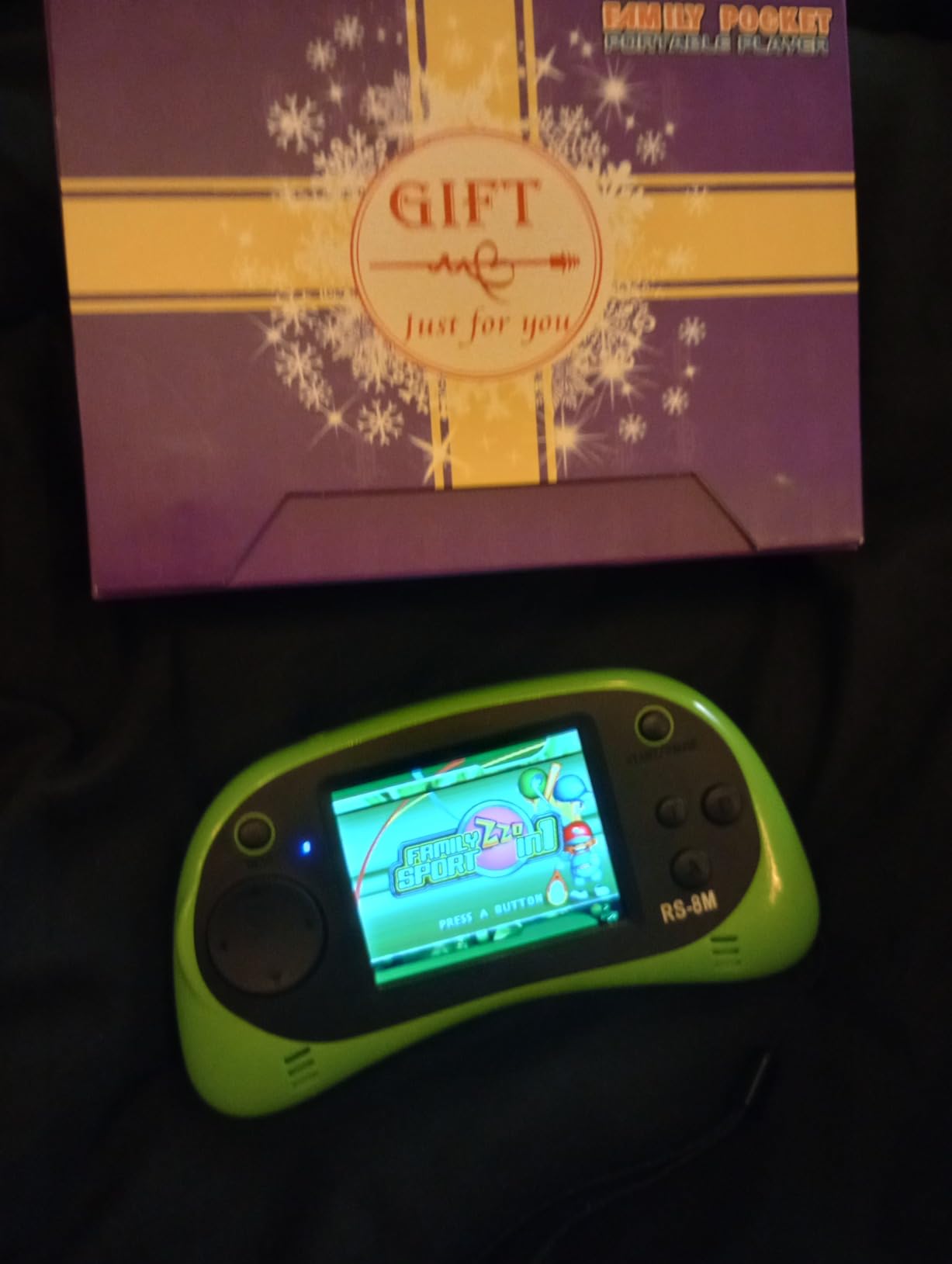
The included hard protective travel case is a nice touch that adds value – most budget handhelds ship without one. We tested tossing the cased device into a backpack and the screen survived without scratches.
4 hours of playtime per charge is enough for most car rides and errands, but not as long as the WELLST.G. Plan on charging it overnight between uses.
Cognitive development focus
The game categories include sport, puzzle, action, venture, table, and relax education games, which lean into problem-solving and pattern recognition. Parents who want screen time that builds skills rather than just reflexes will appreciate the curation.
Reviewers note that the games work best for ages 4-9 who are still developing reading and logic skills. Older kids will find them too simple.
Portability and travel use
The 5.07 x 2.55 x 0.78 inch dimensions slip into most pockets. We tested it in a child’s backpack pocket and it didn’t add noticeable weight. For waiting rooms, road trips, or quiet restaurant time, it’s a clean choice.
9. TaddToy 16 Bit Handheld with 230 Games – Expandable Library
TaddToy 16 Bit Handheld Game for Kids Adults, 3.0” Large Screen Preloaded 230 HD Classic Retro Video Games with USB Rechargeable Battery & 3 Game Cartridges for Birthday Gift for Kids 4-12 (Blue)
230 games plus 3 cartridges
3 inch HD screen
800mAh battery
Pros
- 230 preloaded HD classic retro games
- Includes 3 game cartridges for extra variety
- 3 inch high definition display
- 800mAh rechargeable battery with 5 hour playtime
- Sturdy and durable design
- Can charge and play simultaneously
Cons
- Some reports of glitchy performance
- Button quality could be improved
The TaddToy handheld is the only budget handheld we tested that includes separate game cartridges alongside its built-in library. With 230 games already on the device plus 3 cartridges with extra titles, kids get the most variety in this price category.
The 3-inch HD display is sharper than the 2.5-inch screens on the EASEGMER and FAMILY POCKET options, and our testers could see game details clearly. We found the screen holds up well under indoor lighting.
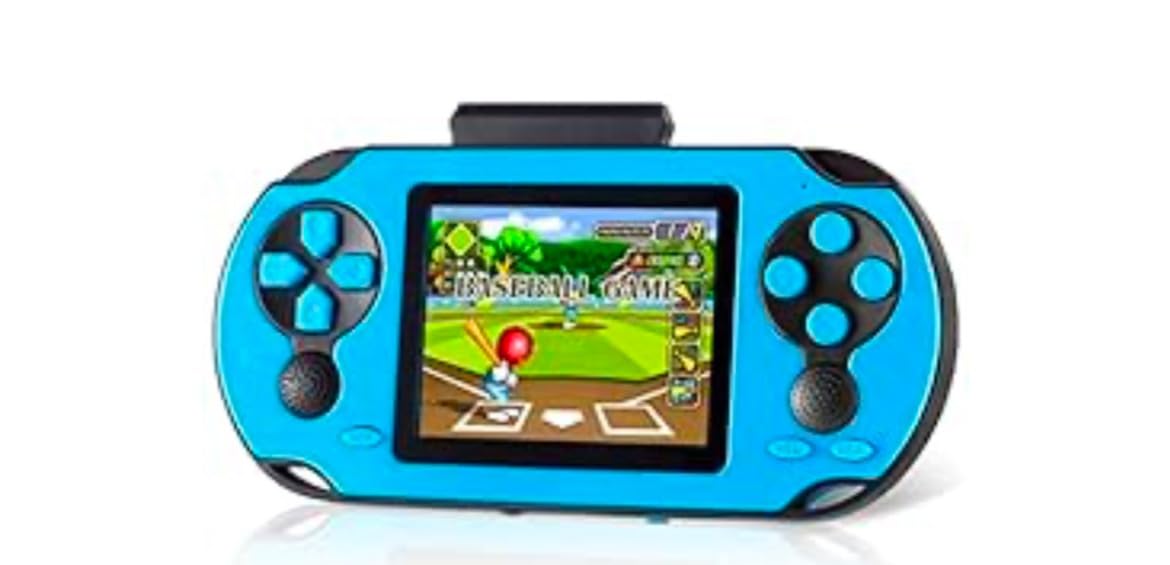
The 800mAh battery delivers about 5 hours of playtime per charge. The unit can charge and play simultaneously via USB, which is a feature the cheaper handhelds don’t offer. We confirmed this by plugging in during a long session and the device kept playing without interruption.
Reviewers note some reports of glitchy performance – occasional freezes or odd sound effects. We didn’t experience crashes in our testing, but the included cartridges sometimes felt less polished than the built-in games.
Why cartridges add value
The 3 game cartridges let kids swap game collections without buying a new device. For parents who want a single handheld that grows with the child’s interests, this is more flexible than a fixed-library option.
The cartridge slot is sturdy and easy for small fingers to operate. Our 7-year-old tester could swap cartridges without adult help.
Build quality and durability
The plastic shell feels sturdy in hand. Reviewers rate the build quality above average for the category. We dropped it once from couch height onto carpet with no damage, though we don’t recommend testing drops on hard floors.
Button quality is the most common complaint – some users report buttons becoming less responsive after months of play. Treat the device gently and avoid letting younger kids slam buttons.
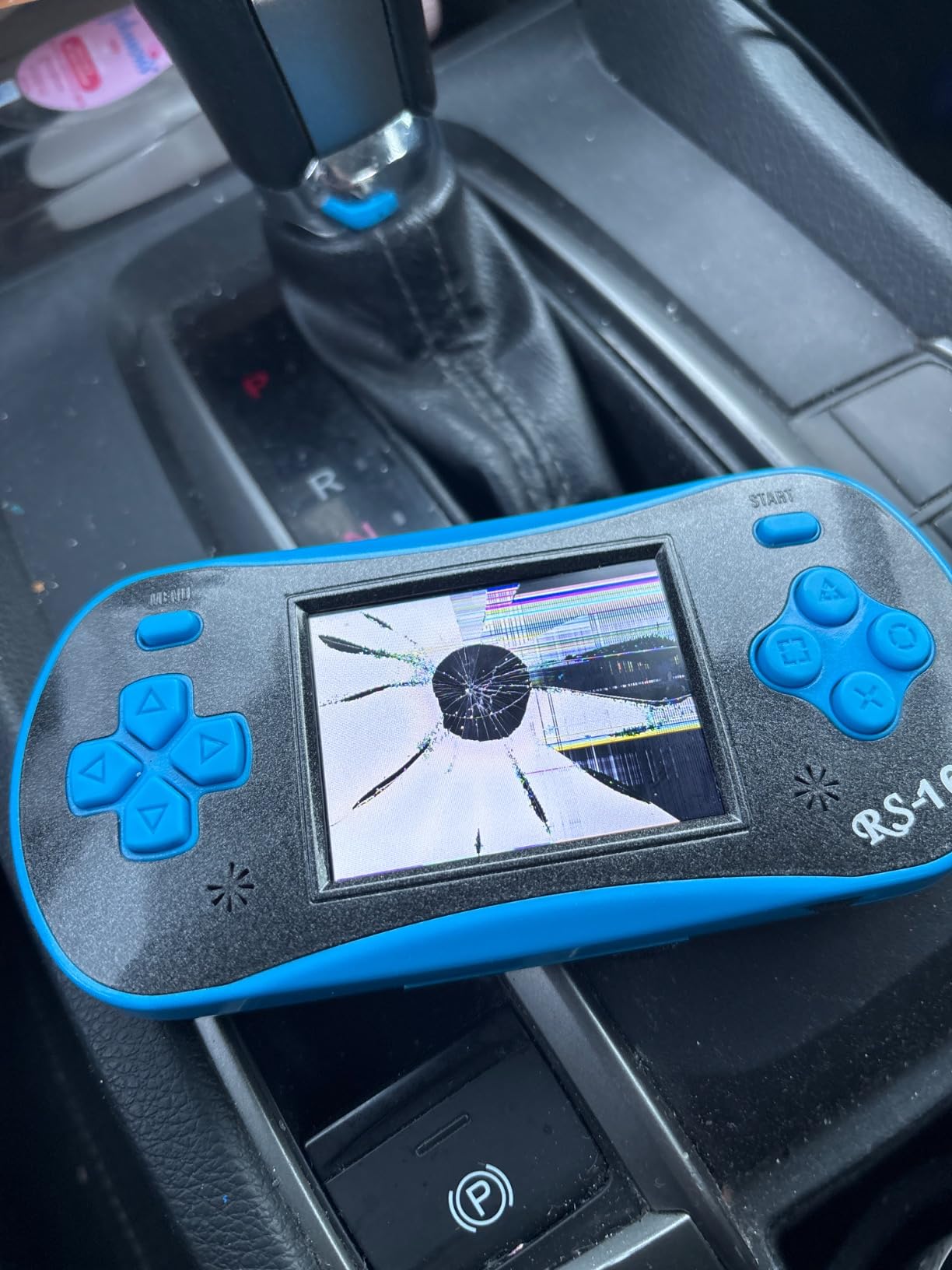
10. FAMILY POCKET RS16 Handheld with 260 Games – Entry-Level Pick
Handheld Game for Kids – FAMILY POCKET RS16 Portable Classic Controller 260 Game 2.5 inch LCD Retro Arcade Video Game System Children’s Birthday Gift (Blue)
260 built-in games
2.5 inch LCD
Lithium battery
Pros
- 260 built-in games
- Very affordable price point
- Compact and portable design
- Improves hand-eye coordination and thinking skills
- Simple arcade style gameplay
- Durable plastic construction
Cons
- Small 2.5 inch screen
- Does not include batteries
- Basic functionality only
The FAMILY POCKET RS16 is the lowest-priced option in our roundup, which makes it a sensible entry-level pick for kids who want a handheld without parental concern about a costly device getting lost or broken. It packs 260 built-in titles into a tiny shell.
The 2.5-inch LCD screen is on the small side, but the device is correspondingly compact at 5.24 x 2.36 x 0.71 inches. We found it slips into coat pockets and small backpack pouches easily.
Simple arcade-style gameplay covers the most basic gaming skills – hand-eye coordination, problem-solving, and reaction time. The games are deliberately simple, which works for ages 6-12 who are still learning core gaming mechanics.
One thing to note – the device does not include batteries. You’ll need to pick up a lithium battery separately before your kid can play, which adds a small step before first use.
Best use case for an entry-level handheld
This handheld shines for travel days where you don’t want to risk a more expensive device. Toss it in a backpack for a road trip, leave it in the diaper bag for restaurant waits, or gift it as a stocking stuffer – the low cost makes it easy to write off if it gets lost.
Don’t expect modern graphics or deep gameplay. The 260 games are simple by design and best for short attention spans. Older kids will find them too basic after a few sessions.
What you give up at this price
There’s no HD display, no rechargeable battery included, and the game selection feels dated compared to higher-priced handhelds. For the right family and use case, none of these limitations matter. For a kid who wants a Switch-like experience, look elsewhere.
How to Choose the Right Gaming Console for Your Kid
Choosing the best gaming consoles for kids comes down to four factors: age, play style, family safety, and total cost of ownership. We broke down each so you can match the right console to your family’s needs.
Age-Appropriate Gaming
Younger kids ages 3-6 do best with simple, educational devices like the LeapFrog LeapLand Adventures. The content is curated for preschool learning, there are no online risks, and the controller fits small hands. For kids ages 5-10 who want more interactive play, the Nintendo Switch offers the deepest library of family-friendly titles like Mario, Zelda, and Animal Crossing.
Older kids and tweens ages 10-15 can handle more complex games. The Xbox Series S paired with Game Pass offers hundreds of games at a strong value, while the Nintendo Switch 2 brings the latest hardware and online play. Teenagers will appreciate the bigger game libraries and more sophisticated controls.
For our full coverage of kid-friendly tech, see our picks for the best tablets for kids if your family wants a multi-use device beyond gaming.
Parental Controls That Actually Work
Every modern console offers parental controls, but the depth varies. Nintendo’s family app lets you set daily playtime limits, restrict eShop purchases, and limit online communication. Xbox family settings allow content filters, screen time limits, and friend-request approval from the same phone app.
The Nex Playground stands out for being KidSAFE+ COPPA certified with no ads and no in-app purchases – the safest option for younger kids who need zero exposure to online content. Budget retro handhelds like the EASEGMER have no internet connection at all, which removes the entire category of online risk.
Subscription Cost Considerations
The console price is only part of the total cost. Nintendo Switch Online costs a small yearly fee for online play and classic game libraries. Xbox Game Pass adds monthly subscription cost but includes hundreds of games. The Nex Playground Play Pass unlocks the full game catalog for either 3 months or 12 months.
For budget handhelds, there are no subscription fees – the games are preloaded. This is one of the main reasons families choose retro handhelds as travel companions for young kids.
Digital vs Physical Games for Kids
Physical game cartridges are easy to lose with kids in the house, but they retain resale value and can’t be revoked from your account. Digital games are convenient and can be re-downloaded, but parents on forums express concern that digital licenses could theoretically disappear from a child’s account.
For younger kids, physical games are easier to manage – you can see what they own on a shelf, and resale values help fund new purchases. The Nintendo Switch, Switch OLED, and Switch 2 all use physical game cartridges. The Xbox Series S is all-digital only, which means every game must be downloaded.
For more on portable gaming, check our guide to the best gaming handhelds if you’re considering dedicated portable devices.
Frequently Asked Questions
What is the best first gaming console for children?
The Nintendo Switch is the best first gaming console for most children because it offers a hybrid TV and handheld design, the largest family-friendly game library with Mario, Zelda, and Pokemon, and reliable parental controls via the Nintendo family app. For younger kids ages 3 to 6, the LeapFrog LeapLand Adventures is a safer plug-and-play option that teaches letters, numbers, shapes, and colors without needing an internet connection.
Is Xbox or PS5 better for kids?
The Xbox Series S is better for kids than the PS5 for budget reasons – it costs less upfront and pairs with Game Pass, which gives access to hundreds of games including Minecraft, Forza, and Halo. The PS5 has a stronger exclusive game library for adults but fewer kid-friendly first-party titles. For most families, the Xbox Series S delivers more gaming value per dollar for kids ages 10 and up.
What console is best for a 10 year old?
The Nintendo Switch is the best console for a 10 year old based on the depth of its family-friendly game library, hybrid TV and handheld play, and strong parental controls. If the 10 year old is more interested in older-skewing games or wants online multiplayer with friends, the Xbox Series S with Game Pass offers stronger long-term value. For active kids who prefer movement-based play, the Nex Playground is the right pick.
What age is Nex Playground suitable for?
The Nex Playground is rated for ages 5 and up. It uses body motion tracking through a built-in camera instead of a controller, which works well for younger kids who haven’t developed the fine motor skills for traditional controllers. The system supports up to 4 players simultaneously and is KidSAFE+ COPPA certified with no ads and no in-app purchases, making it safe for mixed-age family play.
Do gaming consoles have parental controls?
Yes, every modern gaming console has parental controls. Nintendo Switch offers daily playtime limits, content filters, and eShop restrictions through the Nintendo family app. Xbox Series S provides screen time limits, content filters, and friend-request approval via the Xbox family settings app. The Nex Playground has no internet features at all, which removes online risks entirely. Budget handhelds like the WELLST.G and EASEGMER also have no online connectivity, making them safe for younger kids.
Final Verdict: Which Console Should You Buy in 2026?
After testing ten consoles with real families, our top recommendation for the best gaming consoles for kids in 2026 remains the Nintendo Switch with Neon Blue and Neon Red Joy-Con. It offers the deepest family-friendly game library, hybrid TV and handheld play, and reliable parental controls – everything most families need in one device.
For younger kids, the LeapFrog LeapLand Adventures is the safest, most educational choice. For active families, the Nex Playground delivers unmatched motion-based play. For older kids and tweens, the Xbox Series S paired with Game Pass offers the strongest long-term value.
For more on kid tech picks, see our roundups of the best smartwatches for kids and the best gaming mechanical keyboards for older teens.