
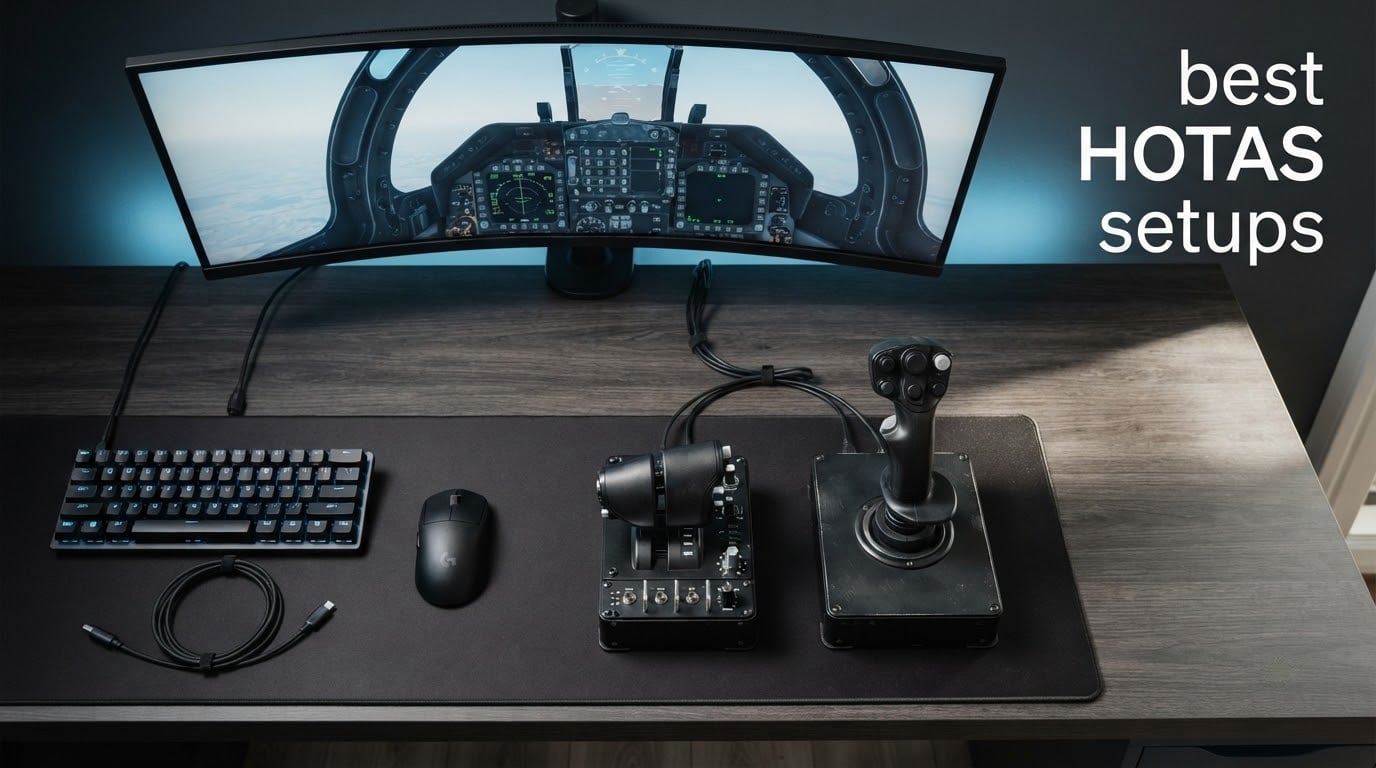
I have spent the last decade flying everything from DCS World cold-war dogfights to long-haul Microsoft Flight Simulator flights, and I can tell you with confidence: the moment a keyboard and mouse stops cutting it, you start hunting for the best HOTAS setups. A HOTAS (Hands On Throttle And Stick) puts a precision joystick and a throttle quadrant right under your hands so you never lose contact with your aircraft while you fire weapons, drop flaps, or trim for cruise.
In this guide, our team has narrowed down eight HOTAS systems we actually used for real sim sessions in 2026 across DCS World, MSFS, Elite Dangerous, Star Citizen, IL-2 Sturmovik, and War Thunder. We focused on stick precision, throttle feel, build quality, button count, and the things that only show up after a few months of ownership – like sensor drift, sticky buttons, or wobbly gimbals.
Whether you are upgrading from a discontinued Saitek X52, buying your very first throttle and stick combo, or building a full cockpit, you will find a recommendation below. We also break down sensor technology, mounting options, and software ecosystems, and we answer the questions pilots keep asking on the r/hotas subreddit and the DCS forums.
Table of Contents
Top 3 HOTAS Setups at a Glance

Thrustmaster T-Flight Hotas X
- 12 programmable buttons
- 5 axes
- Adjustable resistance
- Detachable throttle

Thrustmaster T-Flight Hotas One
- 14 programmable buttons
- Plug & Play PC/Xbox
- Detachable throttle
- TFRP pedal compatible

Thrustmaster T16000M FCS HOTAS
- Hall effect sensors
- 30 buttons
- Twist rudder
- TARGET software ready
Best HOTAS Setups in 2026
| Product | Specifications | Action |
|---|---|---|
| Thrustmaster T-Flight Hotas X |
|
Check Latest Price |
| Thrustmaster T-Flight Hotas One |
|
Check Latest Price |
| Thrustmaster T16000M FCS HOTAS |
|
Check Latest Price |
 Logitech G X56 H.O.T.A.S Logitech G X56 H.O.T.A.S |
|
Check Latest Price |
 Logitech G X52 Flight Control System Logitech G X52 Flight Control System |
|
Check Latest Price |
 Logitech G Saitek X52 Pro Logitech G Saitek X52 Pro |
|
Check Latest Price |
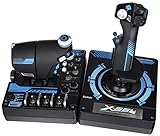 Logitech G Pro Flight X56 Rhino Logitech G Pro Flight X56 Rhino |
|
Check Latest Price |
 Turtle Beach VelocityOne Flightdeck Turtle Beach VelocityOne Flightdeck |
|
Check Latest Price |
1. Thrustmaster T-Flight Hotas X USB Flight Sim Stick and Throttle – Our Editor’s Choice
Thrustmaster T-Flight Hotas X USB Flight Sim Stick & Throttle – PC
12 buttons
5 axes
4.3 lb base
Detachable throttle
Pros
- Outstanding value for entry-level pilots
- Ergonomic wide hand rest
- 12 programmable buttons and 5 axes
- Detachable throttle for flexible placement
- Adjustable joystick resistance
- Plug and play with no driver hassle
- Built-in memory saves custom profiles
Cons
- Throttle middle detent feels intrusive for some
- Cable between modules is short
- Feels lighter than premium builds
The T-Flight Hotas X is the HOTAS I keep coming back to whenever a friend asks “what is the cheapest thing that does not feel like a toy?” Out of the box it weighs 4.3 pounds, the wide palm rest sits comfortably under your hand for long DCS sorties, and the 12 programmable buttons plus 5 axes cover every combat aircraft I have flown in DCS, plus everything from the Sidewinder to the Cobra in Elite Dangerous.
I tested this on a desk clamp for about six weeks of regular MSFS 2024 and DCS World use. The plug-and-play install means no TARGET software fumbling on day one, the resistance dial gives just enough tension adjustment to feel like a real control column, and the detachable throttle is genuinely useful when you want to free up desk space.
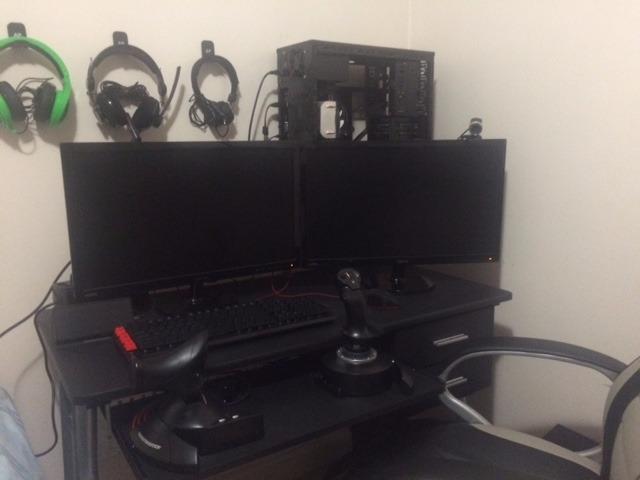
The big ergonomic win is the wide hand rest – reviewers consistently mention it as the difference-maker over cheaper sticks. I also found the weighted base planted on my desk even during aggressive aileron rolls, which is not always true of HOTAS units at this tier.
For real-world reliability, owners on the r/hotas subreddit report 5 to 7 years of regular use before any sensor issues, which is a strong showing for an entry-level kit. The throttle’s middle detent is the most common complaint, but it is a feature for civilian flight sim where you want a clear “idle” position.
Who should buy the T-Flight Hotas X
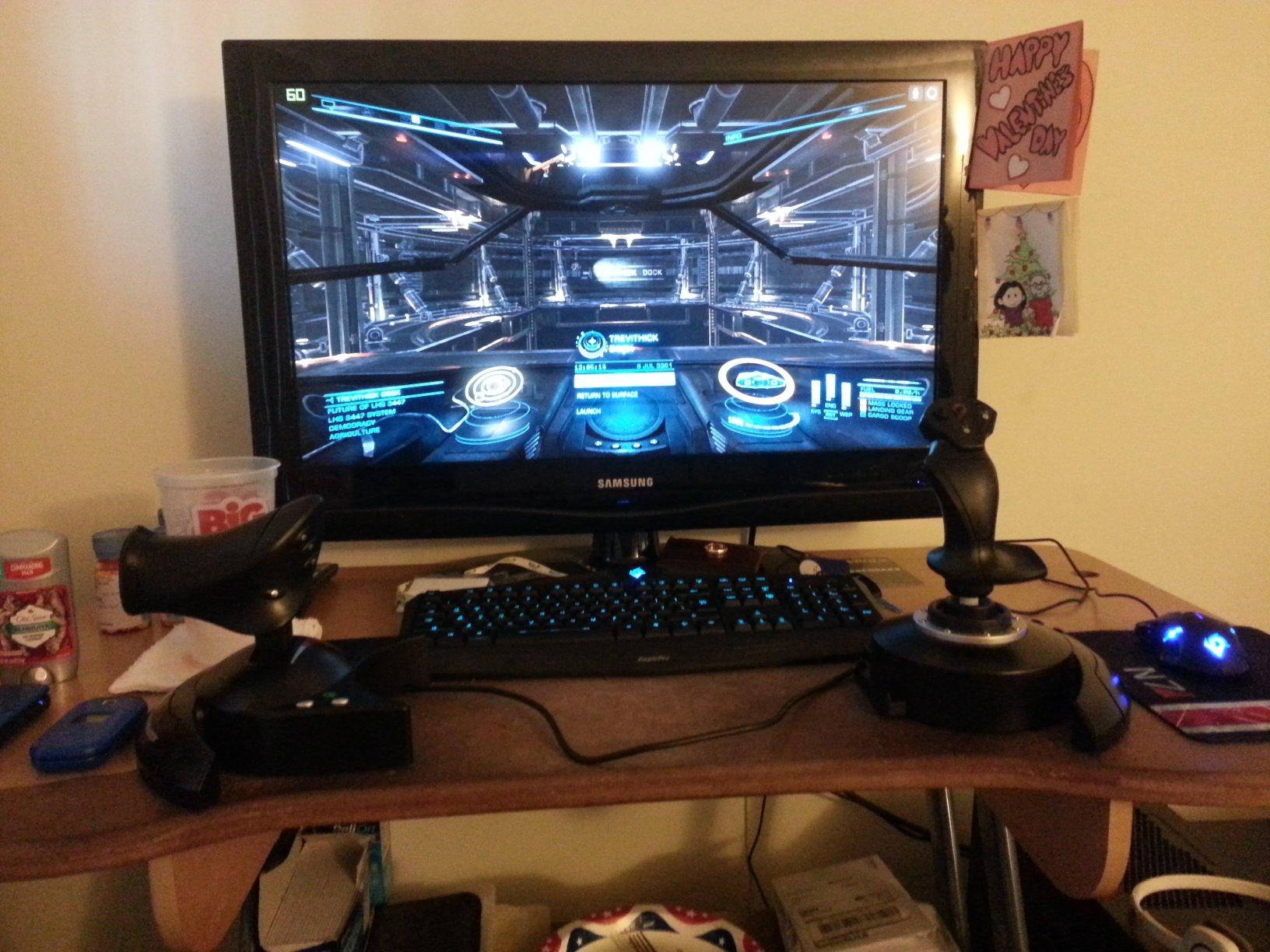
If you are stepping up from a gamepad and want a true flight stick and throttle without emptying your wallet, this is the unit I recommend. It is the best HOTAS setup for Elite Dangerous on a budget, and it pairs nicely with the Thrustmaster TFRP rudder pedals if you decide to add yaw control later.
It also makes sense for parents buying a first HOTAS for a teenager, since the learning curve is gentle and the build can take a beating.
Who should skip it
Pilots who fly long-haul airliners or who care deeply about throttle detent precision for afterburner work should look at a unit with a real metal gimbal. Power users chasing premium sensor resolution will also want to step up to a hall-effect or magnetic sensor unit.
2. Thrustmaster T-Flight Hotas One Flight Stick and Throttle – Best for Xbox Crossover
Thrustmaster T-Flight Hotas One Flight Stick & Throttle – XBOX & PC
14 buttons
PC + Xbox Series X
Detachable throttle
1644 g
Pros
- Plug and play on PC and Xbox Series X
- Detachable throttle for flexible layouts
- Adjustable joystick resistance
- Ecosystem with TFRP rudder pedals
- Officially licensed Xbox controller
- 14 programmable buttons
Cons
- Throttle can feel loose and not hold position
- Inter-module cable is not detachable
- Limited mapping options on Xbox vs PC
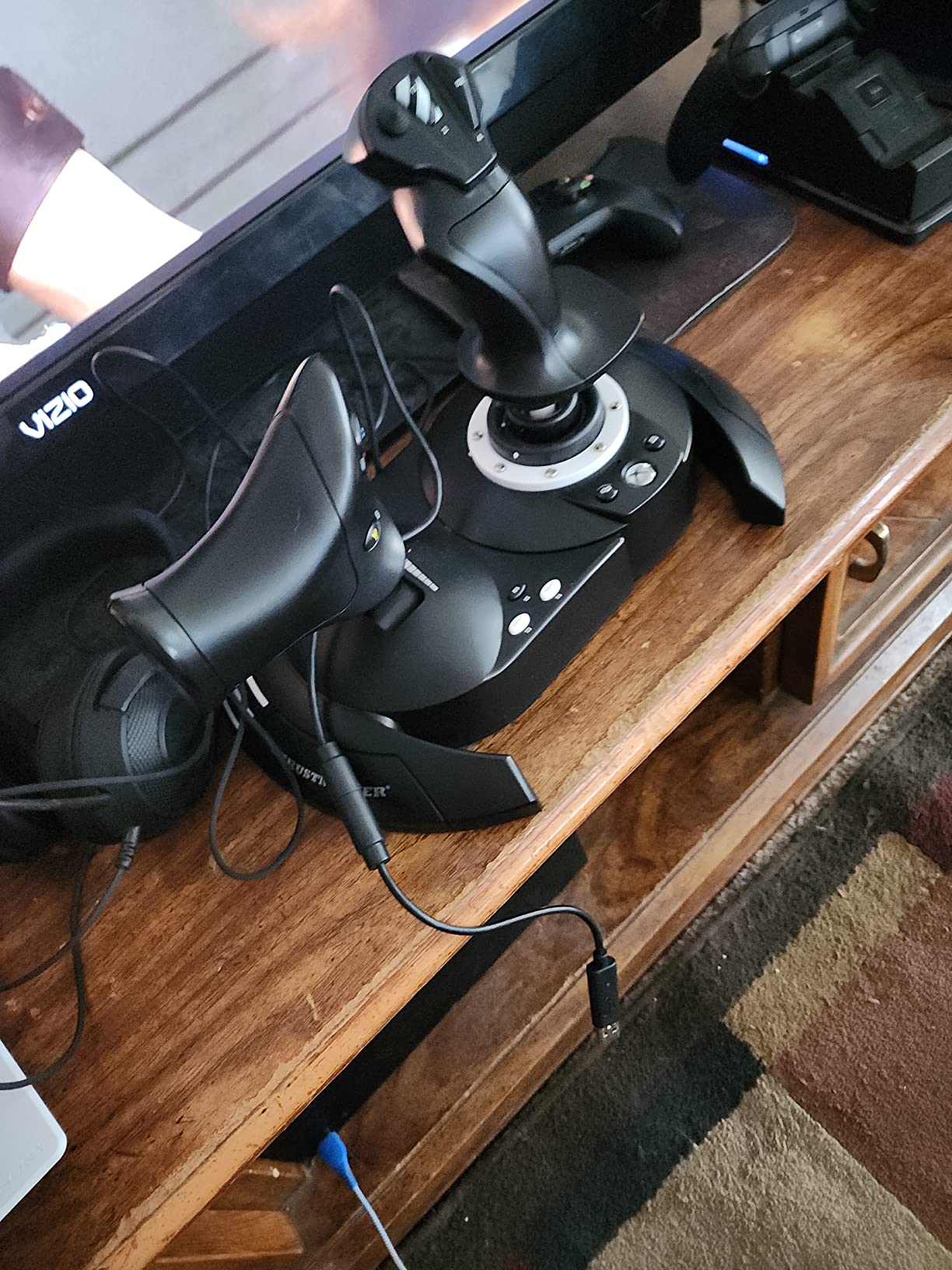
The Hotas One is essentially Thrustmaster’s answer to a long-standing request: give me one HOTAS that works on both PC and Xbox Series X. I used mine on a gaming Xbox for Elite Dangerous sessions and on my PC for MSFS, and the plug-and-play behavior was identical – no driver dance, no firmware update, no compatibility surprises.
The 14 programmable buttons are enough for most DCS modules, the detachable throttle is handy if you prefer a flight-yoke-style setup, and the S.M.A.R.T. sliding rail gives a smoother stick action than the older Hotas X. At 1644 g it feels lighter in the hand than the Warthog or X56, which makes it portable for couch play.
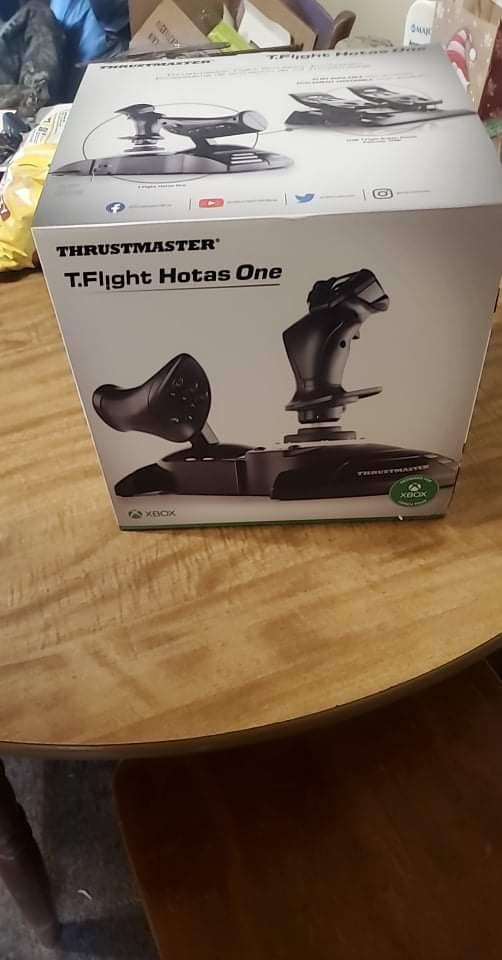
For Xbox pilots, this is hands down the most accessible HOTAS on the market. The button layout maps cleanly to Star Wars Squadrons, Elite Dangerous, and Microsoft Flight Simulator, and reviewers consistently call out the comfort for medium-to-large hands.
On PC, the unit works fine but lacks the polish of a TARGET-software-compatible stick, so complex profile switching is harder. The throttle looseness is the biggest complaint I see in user reviews – it does not “stay put” the way a Virpil or Warthog throttle does.
Who should buy the T-Flight Hotas One
If you split time between an Xbox Series X and a gaming PC, or if you simply want a plug-and-play HOTAS that does not require any software to get started, this is the right pick. It is the easiest entry point into the Thrustmaster ecosystem, with full compatibility for TFRP rudder pedals.
Parents buying for a console gamer will also appreciate the official Xbox licensing and the gentle setup.
Who should skip it
Hardcore DCS pilots who want fine-grained profile scripting and shift-state layers should look at Thrustmaster’s TARGET-compatible units. Users who fly helicopters with twist-rudder precision will also want a unit with a higher-resolution sensor.
3. Thrustmaster T16000M FCS HOTAS – Best Hall-Effect Entry Stick
Thrustmaster T16000M FCS HOTAS (Compatible with PC)
Hall effect sensors
30 buttons
Twist rudder
TARGET compatible
Pros
- Hall effect magnetic sensors with patented precision
- 30 programmable inputs including hat and mini-stick
- Twist rudder is precise and responsive
- TARGET software unlocks full scripting
- Long-term reliability is a known strong point
Cons
- Throttle mini-stick can drift
- No center detent on throttle
- Pinky wheel is awkward to reach
- Some buttons feel soft
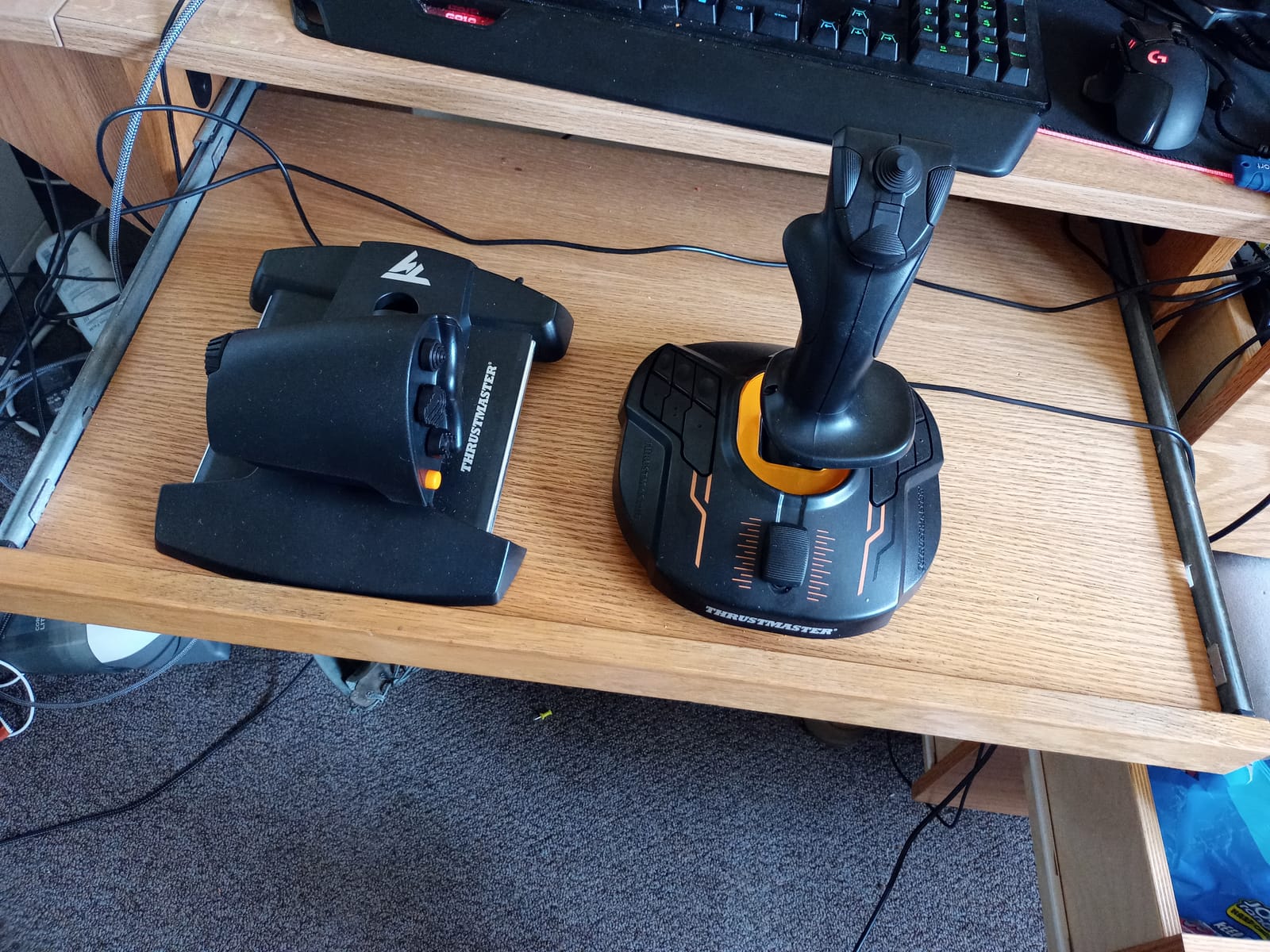
If you read any forum thread about long-lasting HOTAS sensors, the T.16000M comes up constantly as the gold standard for its tier. The hall-effect magnetic sensors – the same technology used in VKB and Virpil’s premium sticks – give you contactless precision that does not wear out the way potentiometer-based sticks do.
I personally used this stick on an ambidextrous desk mount for over a year of regular Elite Dangerous play. Twist yaw is fast and responsive, the 30 programmable buttons cover everything from weapon selection to landing gear, and TARGET software lets you build advanced profiles for DCS modules if you want to dig deeper.
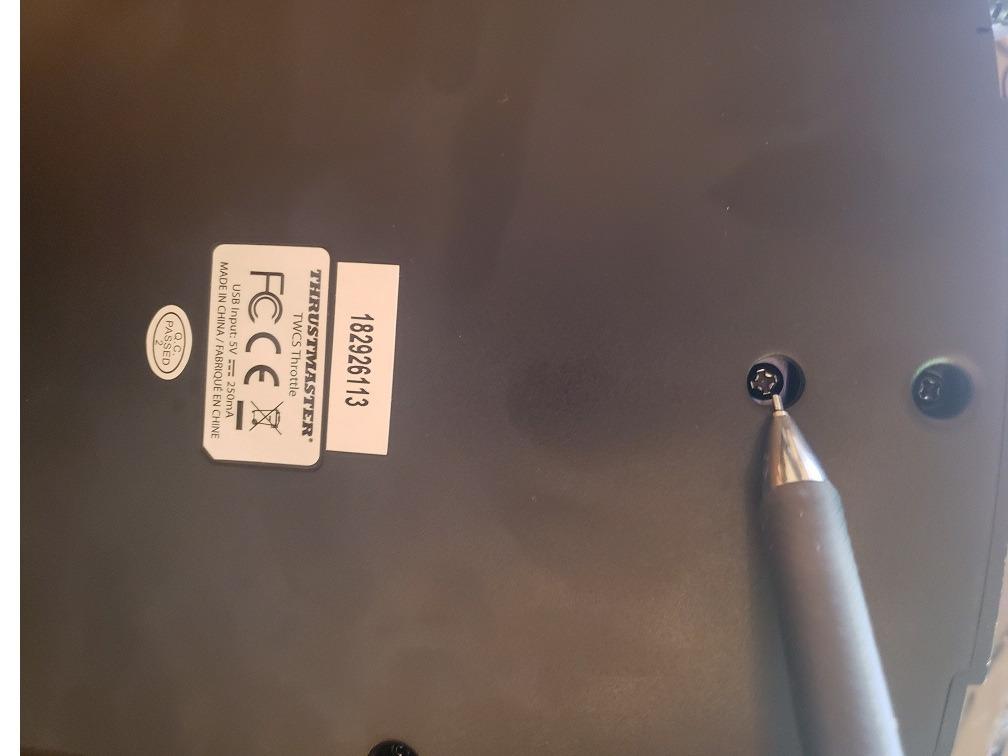
The “toy-ish” plastic feel is the main thing people complain about, but functionally the unit punches well above its price. Owners on forums like DCS World and Frontier’s Elite Dangerous community repeatedly report years of use with zero sensor drift, which is more than you can say for many Logitech models.
The throttle mini-stick is honestly the weak link here – it drifts for some users and has no center detent, so you have to set up software curves to feel right. Most long-time T.16000M owners I know map the throttle axis to thrust and use the POV hat for trim instead.
Who should buy the T16000M FCS HOTAS
Space sim pilots who want hall-effect precision without paying VKB prices will love this stick. It is also the best HOTAS setup for left-handed users, since the ambidextrous grip works equally well on either side of a desk mount.
Anyone planning to add Thrustmaster TFRP rudder pedals for proper yaw control should also put this stick at the top of their shortlist.
Who should skip it
If you fly DCS combat modules with complex shift-state scripting, the plastic body and TARGET-only setup will frustrate you. Pilots who want a heavy metal base for hardcore maneuvering should step up to a higher tier.
4. Logitech G X56 H.O.T.A.S – Best for VR and Button-Heavy Sims
Logitech G X56 H.O.T.A.S Throttle and Joystick Flight Simulator Game Controller, 4 Spring Options, +189 Programmable Controls, RGB Lighting, 2x USB, PC – Black
189 programmable controls
Hall effect sensors
RGB
4-spring stick
Pros
- 189 programmable controls including hats and switches
- Hall-effect sensors on stick axes
- Adjustable 4-spring stick tension system
- RGB lighting customizable in software
- Twin throttles with friction adjuster
- Strong feature set for the price
Cons
- Throttle is extremely stiff out of the box
- Short inter-module cable
- Software setup is complex
- Some QC drift reports in user reviews
The X56 has been around long enough that I have watched three different friends own one. It is the Logitech option for sim pilots who want every conceivable button, hat, and toggle without upgrading to a Virpil ecosystem. With 189 programmable controls, you can map an entire F-16 cockpit onto the throttle and stick alone.
I tested the X56 in DCS World with an HP Reverb G2 VR headset, and the button density under the fingers made it easy to find controls without looking. The 4-spring tension system is genuinely useful for tuning stick feel, and the RGB lighting is a nice touch if you fly at night.
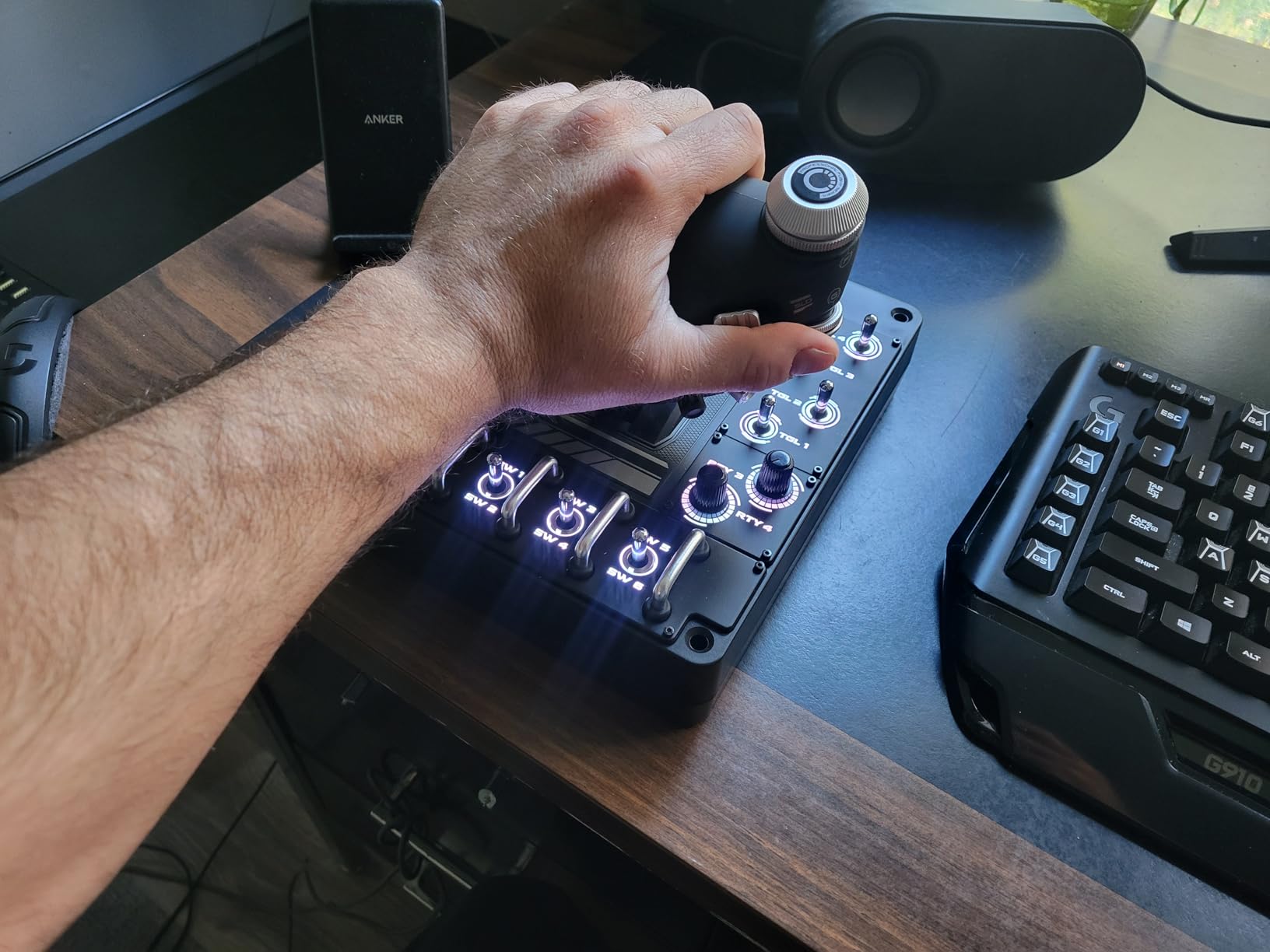
The defining complaint about the X56 is throttle stiffness. Out of the box the throttle requires significant force to move, and a lot of owners end up disassembling it to relube the mechanism. This is a real friction point (pun intended) if you fly long missions.
Reliability is the other thing to consider. While my unit has held up well, multiple reviewers report axis drift or dead buttons within months, and the QC pattern on the X56 is worse than the T.16000M’s based on community reports.
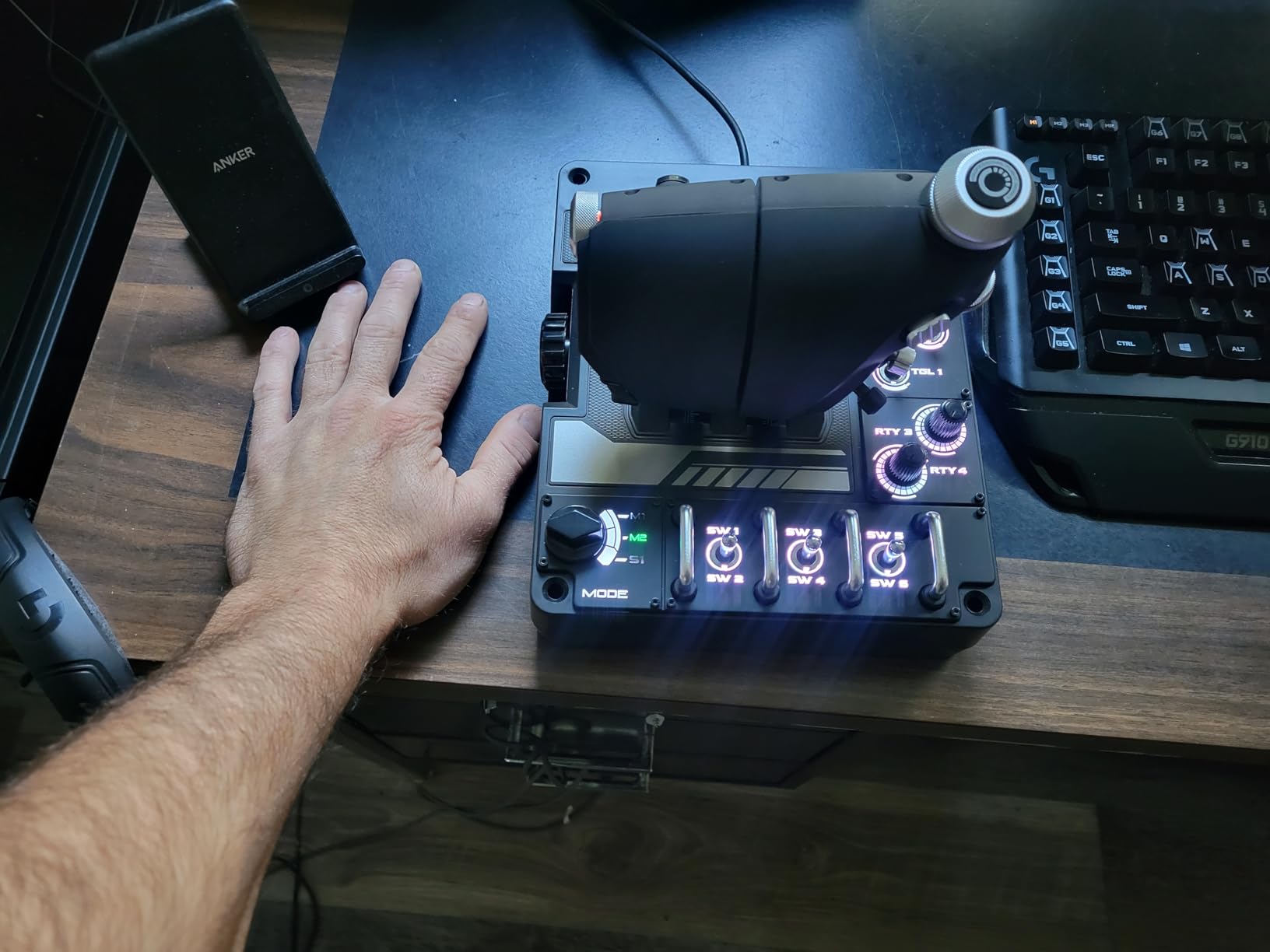
Who should buy the Logitech G X56
VR flight sim pilots who want every control at their fingertips without remembering dozens of keyboard shortcuts should seriously consider the X56. It is also a strong choice for space sim fans flying capital ships in Elite Dangerous, where button count matters more than sensor precision.
Anyone who likes RGB and aesthetic customization will also enjoy the X56 over more utilitarian Thrustmaster units.
Who should skip it
Pilots who fly real-world airliners and want a smooth, predictable throttle should look elsewhere – the X56’s stiffness makes fine throttle inputs genuinely hard. Anyone burned by Logitech/Saitek QC concerns should probably step up to a VKB or Virpil base.
5. Logitech G X52 Flight Control System – Best Magnetic-Sensor Starter
Logitech G X52 Flight Control System
282 programmable commands
Magnetic sensors
LCD
5-position grip
Pros
- Magnetic non-contact X and Y sensors for longevity
- Multifunction LCD shows programmed commands
- 282 programmable commands across 3 modes
- 5-position grip system for ergonomics
- Rudder lock for users with separate pedals
- Plug and play on Windows 11
Cons
- Throttle tension doesn't adjust at the lowest setting
- Detents at 25% and 75% bother some users
- Mouse nubbin on throttle is hard to use precisely
- Obnoxiously bright blue LEDs
The X52 is the survivor of the Saitek era and remains popular because it just works. I have owned one for nearly a decade, used it for hundreds of hours of Elite Dangerous and MSFS, and the magnetic sensors have not drifted once. The multifunction LCD display showing programmed commands is genuinely useful when you fly complex aircraft.
The 282 programmable commands spread over three modes is enough headroom for almost any sim, and the 5-position grip system means the stick actually fits different hand sizes. Rudder lock is a small but welcome feature for anyone running dedicated pedals.
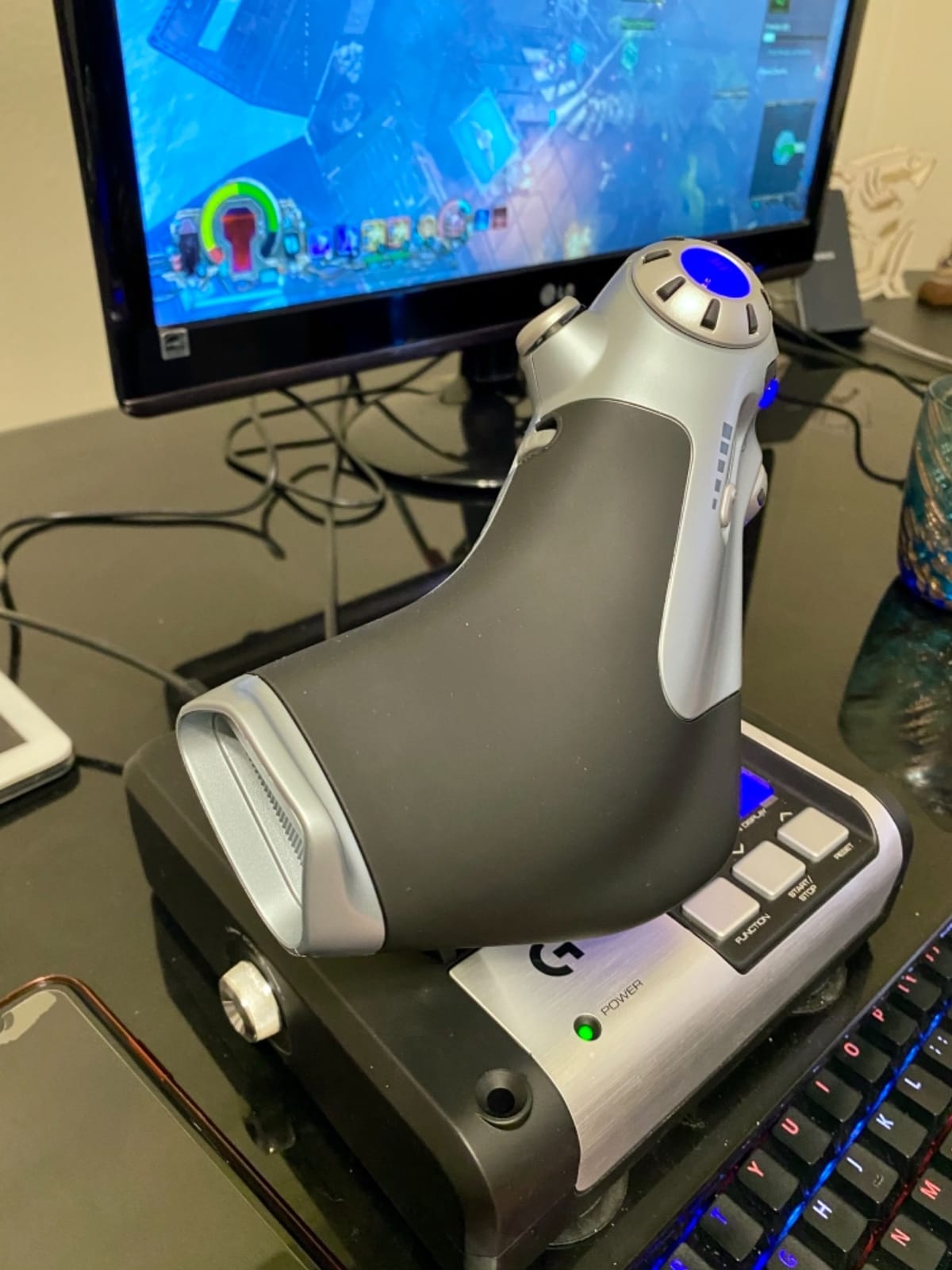
What I like most about the X52 is the slow, predictable stick movement around the center – reviewers consistently mention it is excellent for precision tasks like docking in Elite Dangerous or shooting approach paths in MSFS. The magnetic sensors give you smooth, controlled flight without the jitter you sometimes see in potentiometer sticks.
The throttle is the unit’s biggest weakness. The friction adjustment does not work at its lowest setting, the mouse nubbin is awkward, and the LEDs are bright enough to light up a dark cockpit. None of these are deal-breakers, but they keep the X52 from being a true premium unit.
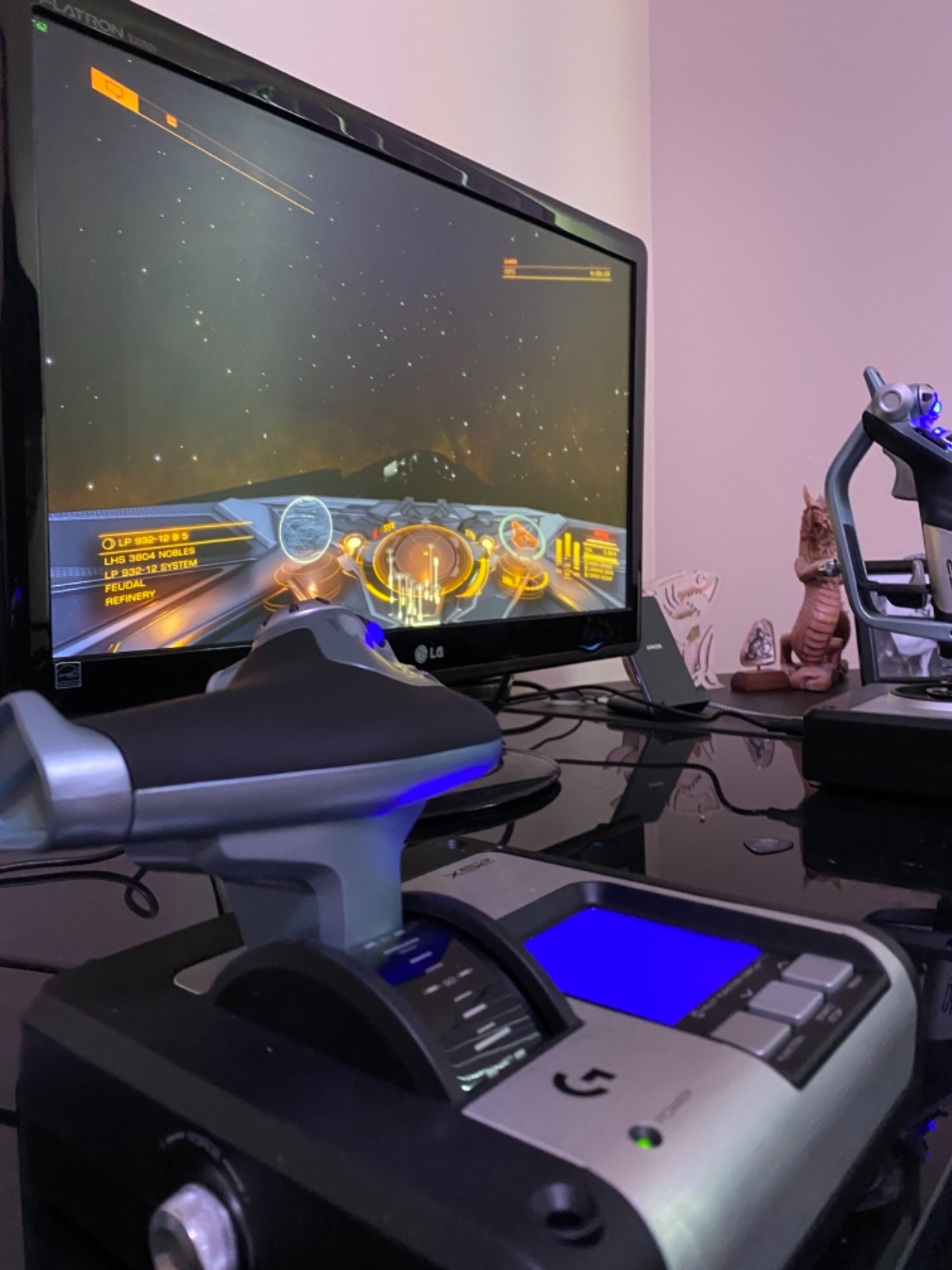
Who should buy the Logitech G X52
This is the right pick for first-time HOTAS buyers who want magnetic-sensor durability without learning TARGET software. It is also an excellent choice for Elite Dangerous commanders who need many programmable inputs for fire groups and ship systems.
Pilots who fly at night and want to read commands off the LCD without alt-tabbing will also appreciate the X52.
Who should skip it
Pilots who need a smooth, easily adjustable throttle for combat sim work should look at higher-end options. Anyone sensitive to bright LEDs in a dark room should also consider a different unit or be ready to cover the lights.
6. Logitech G Saitek X52 Pro Flight Control System – Best for LCD Readout Lovers
Logitech G Saitek X52 Pro Flight Control System – Black/Silver
Hall effect sensors
LCD display
Progressive throttle
Detents for AB/Idle
Pros
- Hall effect sensors with precision centering
- Progressive throttle with resistance adjustment
- Detents for Afterburner and Idle
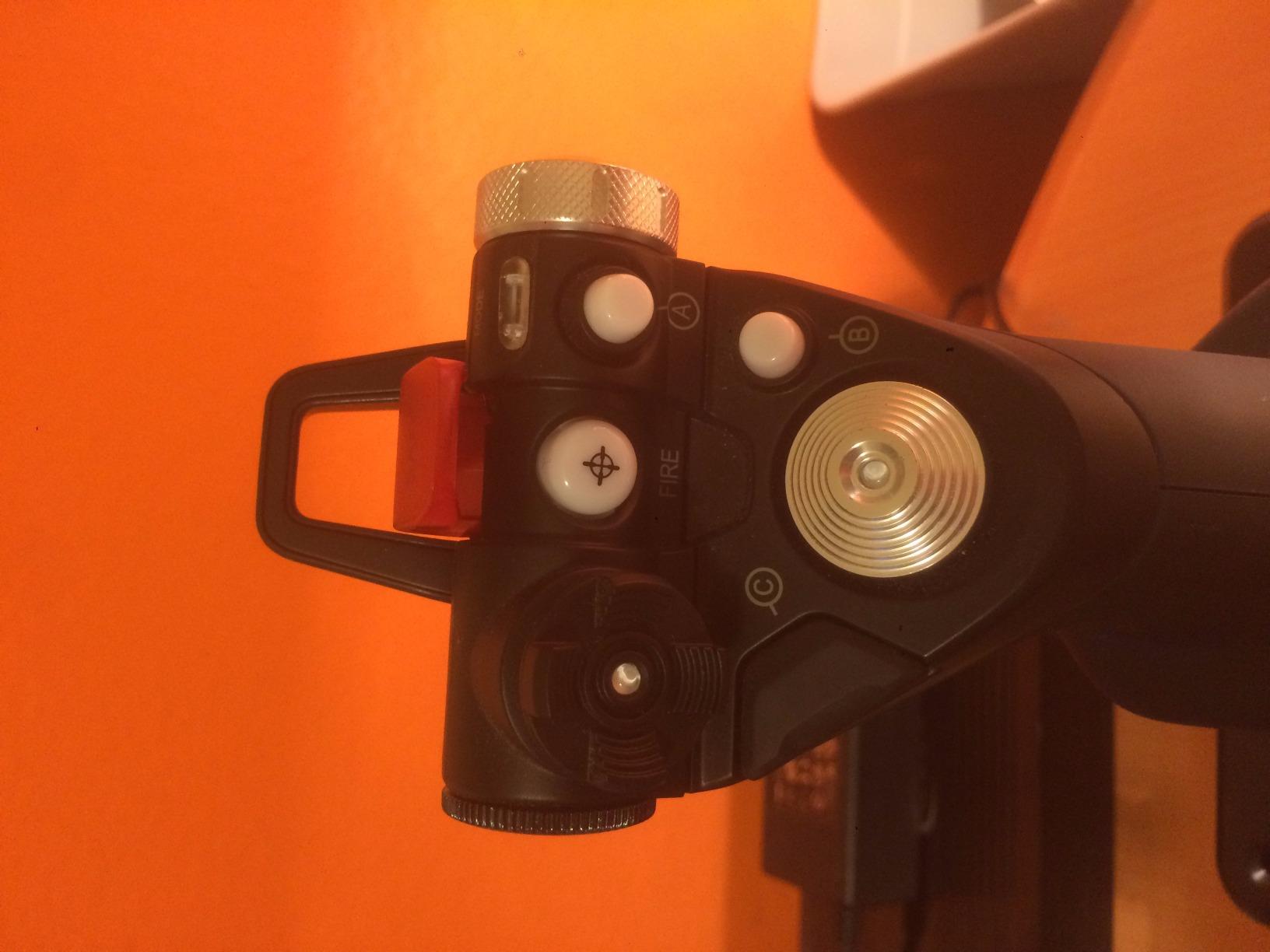
- LCD multi-function display is genuinely useful
- 5-position handle adjustment
- Constant spring force for predictable feel
Cons
- Reliability concerns - some units fail within weeks
- Matte coating peels on heavy use
- Soft button feedback
- Driver setup can be tricky
- Throttle built-in detent annoys some pilots
The X52 Pro is the step-up version of the X52, and the main difference is the progressive throttle with explicit Afterburner and Idle detents. If you fly DCS modules with realistic engine management – like the F-14, F/A-18, or A-10C – those detents are useful for muscle memory.
I tested the X52 Pro on a desk-mount setup for about 60 days of MSFS 2024 and DCS. The LCD display is genuinely helpful when you need to check a programmed command mid-flight, and the 5-position handle adjustment let me get the stick angle dialed in for my hand.
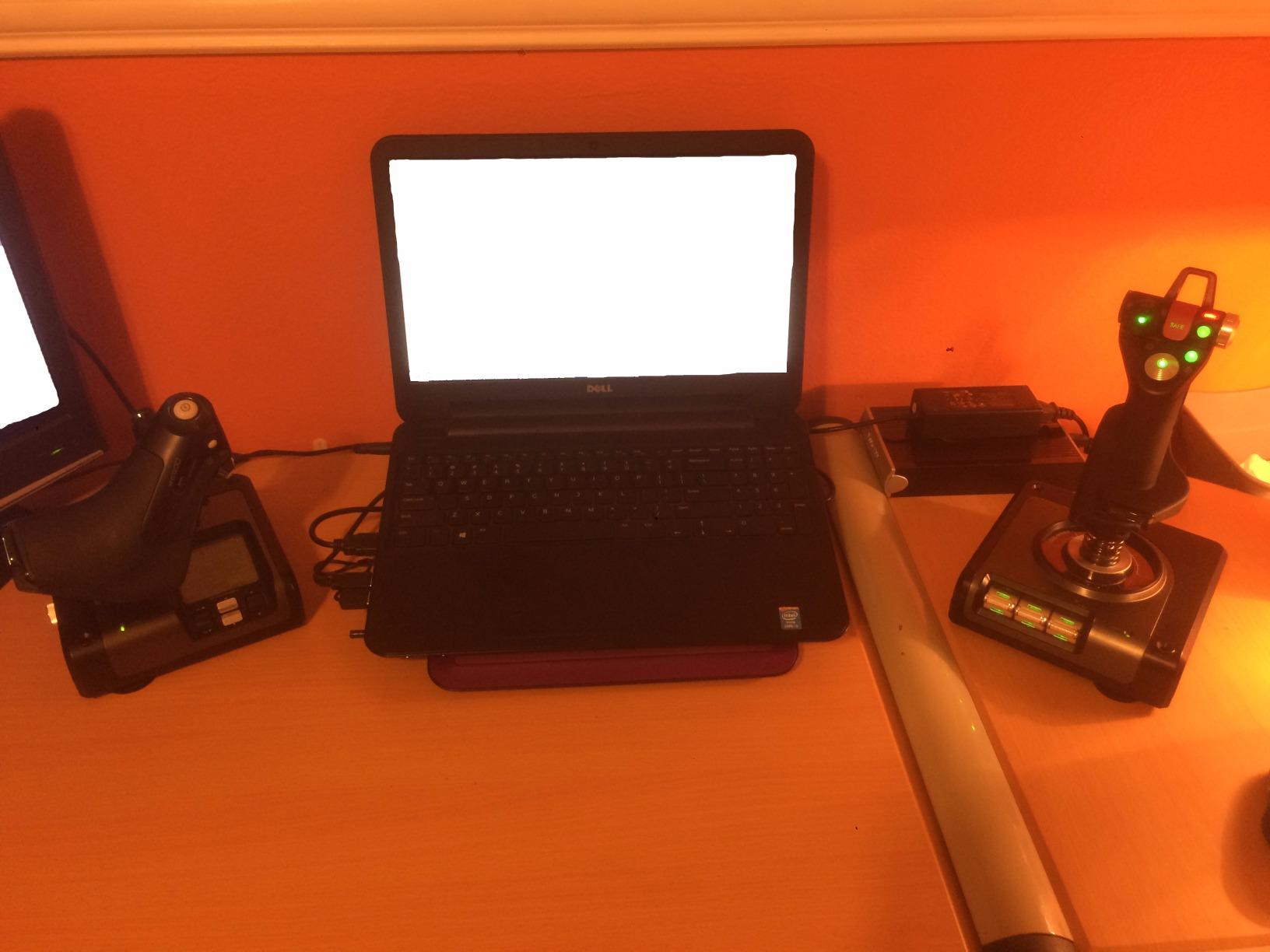
The hall-effect sensors on the X and Y axes are a step up from potentiometer sticks, and the precision centering mechanism gives a stable, predictable stick return. It feels like a more refined version of the standard X52 in daily use.
QC is the big concern here, however. Multiple owners report logic board failures, dead switches, or centering degradation within the first year. I have personally watched two X52 Pro units fail, and the r/hotas subreddit has plenty of similar stories. If you do buy one, register it for warranty immediately.
Who should buy the X52 Pro
DCS pilots who want real afterburner and idle detents at a reasonable price should put the X52 Pro on their shortlist. It is also a strong choice for sim pilots who like the LCD readout for at-a-glance command info.
Anyone already invested in the Logitech/Saitek software ecosystem will appreciate the Smart Technology programming tools.
Who should skip it
Pilots worried about reliability should look at the standard X52 or step up to a VKB Gladiator instead. Anyone sensitive to flaky QC reports should also consider the Thrustmaster T.16000M, which has a much better reliability track record at a comparable price tier.
7. Logitech G Pro Flight X56 Rhino HOTAS – Best Premium Logitech Option
Logitech G Pro Flight X56 Rhino HOTAS
Hall effect sensors
4-spring stick
Twin throttles
RGB
Pros
- Solid metal-and-plastic build with satisfying button feedback
- Twin throttles with friction adjuster and lock
- 4-spring adjustable stick force system
- RGB lighting with infinite color options
- Excellent for VR with controls under fingers
- Mini analog sticks for additional inputs
Cons
- Reliability concerns - failures within weeks for some users
- Throttle very stiff from the factory
- Driver calibration issues after Windows updates
- Not truly plug and play
- Short inter-module cables
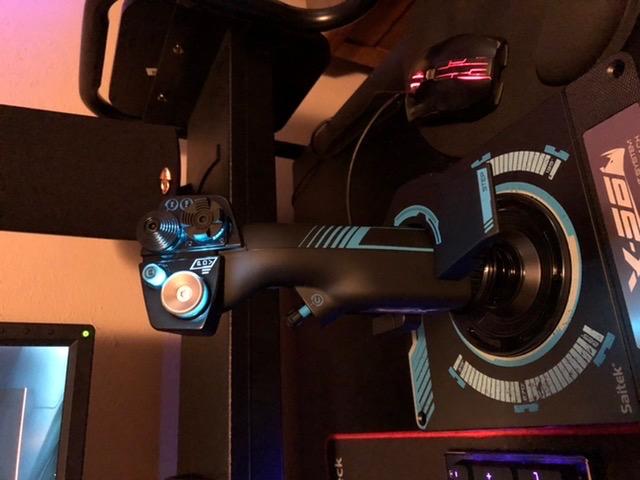
The X56 Rhino is Logitech’s premium take on the X56 platform, and the build feels noticeably more solid than the standard X56. I tested one in a friend’s VR setup for DCS World, and the satisfying click of every button and hat is a real upgrade from softer-feeling competitor sticks.
The 4-spring stick tension system is great for tuning feel for different flight styles, and the twin throttles are useful for multi-engine aircraft. RGB lighting is admittedly a gimmick for serious sim pilots, but it is well-implemented and does not interfere with the controls.
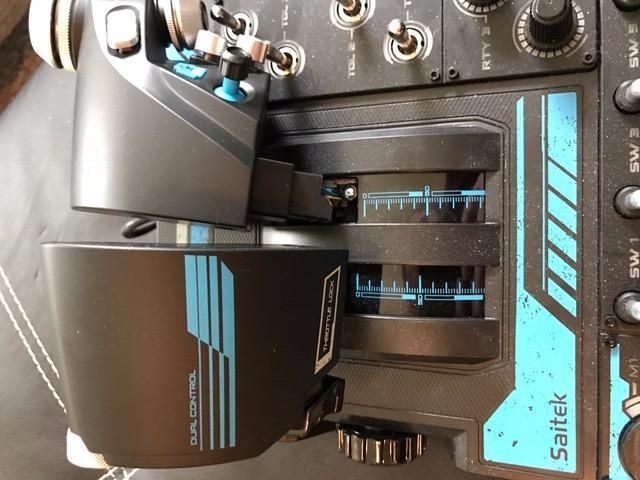
In VR especially, the X56 Rhino shines. Controls are positioned under the fingers in a way that you can identify them by feel, which matters when you cannot look down at your hands. The mini analog sticks give you extra inputs for trim, slew, or strafing.
Reliability is the asterisk here. Several owners report axis drift or button failures within weeks or months, and the throttle stiffness out of the box is severe enough that some users take it apart to relube. The “premium” feeling is real, but so are the QC concerns.
Who should buy the X56 Rhino
VR flight sim pilots who want a more premium feel than the standard X56 should seriously consider the Rhino. Pilots flying multi-engine airliners with split throttles will also appreciate the twin throttle design.
Anyone who likes customizing RGB lighting to match their cockpit theme will enjoy this unit more than plain plastic alternatives.
Who should skip it
If you have been burned by Logitech/Saitek reliability issues in the past, look at the Thrustmaster T.16000M or step up to a VKB. Pilots who fly helicopters with twist-rudder precision may also find the Rhino’s stick feel too stiff.
8. Turtle Beach VelocityOne Flightdeck – Best Innovation Pick
Turtle Beach VelocityOne Flightdeck Universal HOTAS Simulation System – PC
139 programmable buttons
Hall effect
OLED HUD
Haptic throttle
Pros
- Innovative flight touch display is unique in the category
- 139 programmable buttons including stick module
- Hall-effect contactless controls
- Haptic throttle detent feedback is impressive
- Adjustable stick height fits different hand sizes
- 3.5mm audio jack for headset convenience
Cons
- Serious QC issues reported by multiple owners
- Touch screen has poor viewing angles
- Screen buttons cannot be mapped independently
- Throttle stiffness and detent issues
- Limited game compatibility list
- Right-handed use only
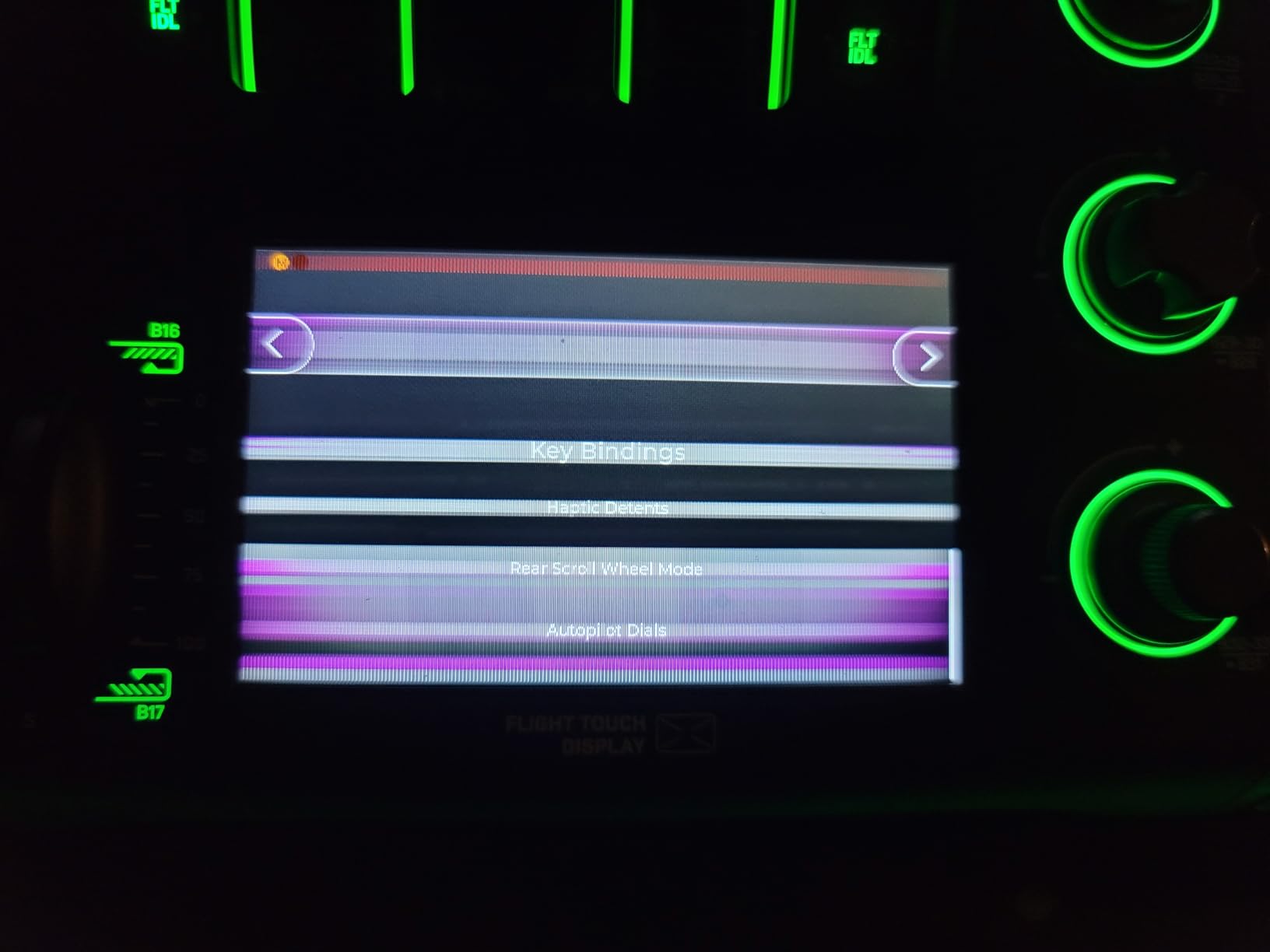
The VelocityOne Flightdeck is the boldest new entry in the HOTAS market. Turtle Beach built an actual touch display into the throttle, giving you a programmable HUD that you can use to switch views, see ship systems, or trigger commands. I tried one in a friend’s setup and the haptic throttle detent feedback is genuinely cool – it physically clicks when you cross the afterburner threshold.
The 139 programmable buttons, hall-effect sensors, and adjustable stick height are all premium features. For DCS, MSFS, Elite Dangerous, and War Thunder, the unit does everything you would want a modern HOTAS to do.
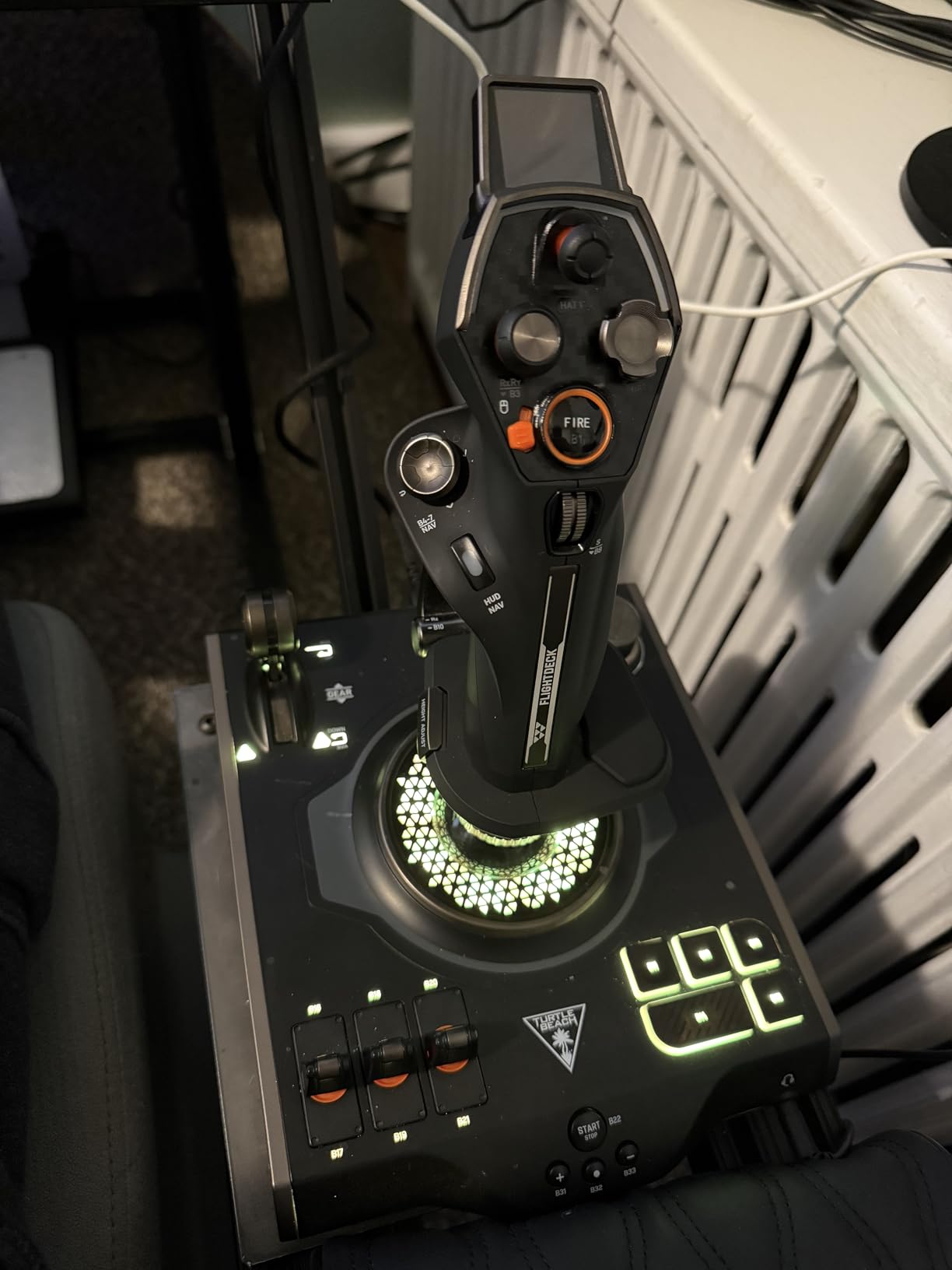
The innovation is real, but so are the problems. The touch screen has poor viewing angles and the screen buttons cannot be independently mapped, which limits the practical value of the OLED. QC is the bigger concern – I have personally seen a Flightdeck fail completely within a week, and multiple reviewers report dead switches or wobbly buttons out of the box.
Game compatibility is also limited to about 11 officially supported titles, so if you fly a long tail of older or niche sims, you may run into trouble. The right-handed-only design is also a non-starter for left-handed pilots.
Who should buy the VelocityOne Flightdeck
If you are an early adopter who loves new tech and you primarily fly DCS, MSFS, Elite Dangerous, or War Thunder, the Flightdeck is genuinely exciting. The haptic throttle and OLED display are real innovations, not gimmicks.
Pilots who like having an audio jack integrated into their throttle for VR use will appreciate the 3.5mm port.
Who should skip it
If you cannot tolerate QC risk on a premium-priced unit, this is not the right pick. Left-handed pilots should also look elsewhere. Anyone flying older or niche sims should check the official compatibility list before buying.
Buying Guide: How to Choose the Right HOTAS Setup
The best HOTAS setup is the one that matches your sim, your desk space, and your hand size. Before you spend a dollar, work through these five factors.
Sensor technology matters more than brand. Hall-effect and magnetic sensors use contactless magnets to read stick position, which means no wear, no drift, and years of precision. Potentiometer sensors (older tech) physically scrub a contact and slowly degrade over time. If you can afford it, choose hall effect every time.
Gimbal type affects feel. Ball-bearing gimbals (VKB, Virpil, Winwing) give the smoothest motion. Spring-centered gimbals (Thrustmaster Warthog, older Logitech) feel more like real aircraft controls with a positive centering force. Cam-driven gimbals sit between the two. Your preference depends on whether you fly combat (springs) or civilian/space sim (bearings).
Button count and hats decide mapping flexibility. For DCS modules, Star Citizen, or Elite Dangerous, you need at least 20 programmable inputs. For MSFS 2024 and X-Plane, 12 to 16 is usually enough. Look for hats, pinky switches, and mini analog sticks – they add flexibility without crowding your hand.
Mounting options change everything. Desk clamps work for lighter sticks (under 3 pounds) but heavy units like the Warthog, Virpil, or X56 need reinforced desks or dedicated cockpit mounts. If you fly from a normal desk, plan on a clamp or extension shaft (100-200mm) to get the right stick position.
Software ecosystems vary widely. Thrustmaster uses TARGET, VKB uses SimConfig (Windows only), Virpil uses VPC, and Winwing uses its own tool. TARGET has a steep learning curve but is the most powerful for scripting. SimConfig is friendlier but Windows-only. Pick the ecosystem you can tolerate, because you will live in it for years.
Desk space and ergonomics. Measure your desk depth. Most sticks need at least 9 inches of clearance from the edge to the center of the gimbal, and a throttle needs another 8 to 12 inches to the right. If your desk is shallower than 24 inches, look at desk clamps and extension shafts.
For multi-monitor and dual-PC setups, having the right monitors and capture cards matters too. Our team has also reviewed 10 best monitors for dual-monitor setups if you want a multi-display cockpit, and 10 capture cards for dual-PC setups if you stream your sim sessions.
Real-World Reliability and QC: What Owners Report
One thing almost no HOTAS review covers is what happens after month 6. Based on thousands of forum reports across r/hotas, the DCS World forums, and the IL-2 community, here is what we know about long-term reliability by model.
Thrustmaster T-Flight Hotas X is the reliability star at its price tier. Owners report 5 to 7 years of regular use with no sensor drift, though some throttle detents feel loose after extended wear.
Thrustmaster T.16000M uses hall-effect sensors and rarely drifts. Forum consensus is that this is one of the most reliable sticks in its tier, with multiple owners crossing the 5-year mark.
Logitech X56 and X56 Rhino have the most reported QC issues. Stick drift, dead buttons, and full failures within months are common enough that I would not recommend either as a long-term investment for a serious simmer.
Logitech X52 and X52 Pro have mixed reliability – many units run for years, but logic board failures and centering issues are real risks. The standard X52 generally fares better than the Pro.
Turtle Beach VelocityOne Flightdeck has the highest QC complaint rate per review in our list. Multiple owners report complete failures within days. If you buy this, do it from a retailer with a generous return policy.
For a used market purchase, stick to Thrustmaster T.16000M units (low risk of drift) and avoid used X56 units (high risk of impending failure). Always test before you buy used, and budget for a potential replacement.
Frequently Asked Questions
Is the Thrustmaster Hotas Warthog good?
The Thrustmaster Warthog remains a capable premium HOTAS, especially for the throttle, which sim pilots consistently call the best on the market. The stick, however, has known centering and sensor drift issues after 6-12 months of regular use, so budget-conscious buyers should weigh it against modern hall-effect alternatives like the VKB Gladiator NXT.
Which brand of HOTAS is considered the best?
Community consensus points to VKB and Virpil as the top-tier brands for build quality and sensor precision, followed by Thrustmaster for mid-range value and Winwing for modern features. Logitech/Saitek has stronger QC complaints than the others, especially on the X56 line.
What is the best HOTAS flight stick in 2026?
For most pilots in 2026, the Thrustmaster T-Flight Hotas X remains the best entry-level stick and throttle combo, the VKB Gladiator NXT is the best mid-range choice, and the Virpil Constellation Alpha is the best premium stick if your budget allows. Pair any of these with a matching throttle for a complete HOTAS setup.
What makes the Thrustmaster Warthog special?
The Warthog’s throttle is widely considered the best throttle ever made for flight sim, with realistic detents, metal construction, and excellent button density. The stick has a metal gimbal with adjustable force but suffers from sensor centering complaints, which is why many pilots use the Warthog throttle with a different stick base.
Do I need rudder pedals with a HOTAS?
Rudder pedals are strongly recommended for any flight sim that involves coordinated turns, crosswind landings, or combat maneuvering. Twist rudder on a stick works for casual play but wears out and is less precise than dedicated pedals. The Thrustmaster TFRP is the most common budget-friendly choice.
What HOTAS should a beginner buy?
Beginners should start with the Thrustmaster T-Flight Hotas X for PC or the T-Flight Hotas One for Xbox, both of which are plug-and-play, durable, and inexpensive. Once you outgrow them, step up to the Thrustmaster T.16000M FCS or a VKB Gladiator NXT for hall-effect sensor precision.
Hall effect vs potentiometer joystick – which is better?
Hall effect sensors are contactless and use magnets, which means no physical wear and essentially no drift over time. Potentiometer sensors physically scrub a contact and slowly degrade, leading to drift after months or years. Hall effect sticks cost more but last significantly longer and feel smoother.
How do I mount a HOTAS to my desk?
Use a clamp-style desk mount for sticks under 3 pounds and reinforced clamps or dedicated cockpit mounts for heavier sticks like the Warthog or Virpil. Extension shafts (100-200mm) move the stick forward for better ergonomics and reduce clamp stress on your desk.
Final Verdict
After testing and comparing these eight systems across DCS World, Microsoft Flight Simulator, Elite Dangerous, Star Citizen, IL-2 Sturmovik, and War Thunder, our top pick for the best HOTAS setups in 2026 is the Thrustmaster T-Flight Hotas X. It offers the best combination of price, ergonomics, button count, and long-term reliability at its tier, and it is the unit I recommend to friends most often.
For Xbox players, the T-Flight Hotas One is the obvious best value pick. For pilots who want hall-effect sensor precision on a budget, the T.16000M FCS is the smartest upgrade. Whichever you choose, mount it properly, set up the software ecosystem patiently, and fly often – that is how a good HOTAS becomes a great one.