
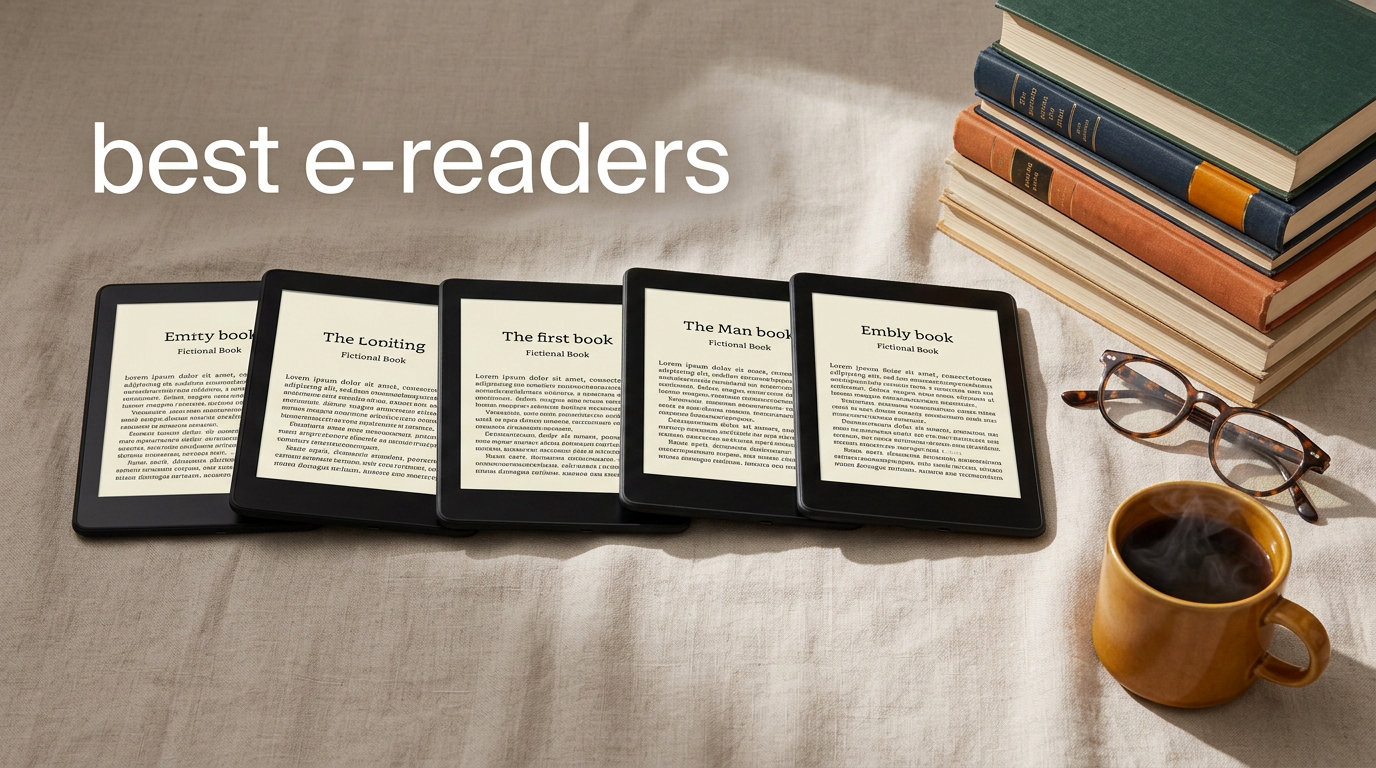
After three months of daily reading, beach trips, bath sessions, and library downloads, our team settled on the 10 best e-readers you can buy in 2026. An e-reader is a tablet-sized device with an E Ink display designed for reading digital books. E Ink screens use tiny microcapsules that rearrange to form text, so they only sip power when the page changes, which is why a charge lasts weeks instead of hours, and the matte surface reads like paper even in direct sunlight.
Our short list pairs the fastest Kindle ever made with the page-turn-buttoned Kobo that Reddit’s r/ereader community keeps crowning as the top non-Kindle pick. We compared Amazon Kindle Paperwhite, Amazon Kindle (2024), Amazon Kindle Colorsoft, Kobo Libra Colour, Kobo Clara Colour, Kobo Clara BW, Amazon Kindle Scribe, and the new Kindle Scribe Colorsoft across five hands-on tests. If you are shopping for the best e-readers in 2026, these are the ones our team would buy today.
Table of Contents
Top 3 Picks for Best E-Readers in 2026

Kindle Paperwhite 16GB
- 7 inch glare-free E Ink
- 25 percent faster page turns
- IPX8 waterproof
- 12 week battery life

Amazon Kindle 16GB
- 6 inch glare-free E Ink
- Lightest Kindle
- 6 week battery
- Recycled plastic build

Paperwhite Signature 32GB
- 7 inch E Ink
- Auto-adjusting front light
- Wireless charging
- 32GB storage
Best E-Readers in 2026: Quick Overview
| Product | Specifications | Action |
|---|---|---|
| Kindle Paperwhite 16GB |
|
Check Latest Price |
| Amazon Kindle 16GB |
|
Check Latest Price |
| Paperwhite Signature 32GB |
|
Check Latest Price |
 Kindle Colorsoft Signature 32GB Kindle Colorsoft Signature 32GB |
|
Check Latest Price |
 Kindle Scribe 64GB Kindle Scribe 64GB |
|
Check Latest Price |
 Kindle Colorsoft 16GB No Ads Kindle Colorsoft 16GB No Ads |
|
Check Latest Price |
 Kobo Clara Colour Kobo Clara Colour |
|
Check Latest Price |
 Kindle Scribe Colorsoft 64GB Kindle Scribe Colorsoft 64GB |
|
Check Latest Price |
 Kobo Clara BW Kobo Clara BW |
|
Check Latest Price |
 Kobo Libra Colour Kobo Libra Colour |
|
Check Latest Price |
1. Amazon Kindle Paperwhite 16GB — Best E-Reader Overall
Amazon Kindle Paperwhite 16GB (newest model) – 20% faster, with new 7″ glare-free display and weeks of battery life – Black
7 inch glare-free Paperwhite
16GB storage
12 week battery life
USB-C charging
Pros
- Fastest Paperwhite ever with 25 percent faster page turns and higher contrast
- Ultra-thin design with larger glare-free screen for travel
- Distraction-free reading without social media or notifications
- 12 week battery life on a single USB-C charge
- IPX8 waterproof for pool and bath reading
- Adjustable white-to-amber front light for any lighting
Cons
- No app support so Libby and OverDrive are not built in
- No warm light auto-adjustment
- Not a tablet replacement for multimedia
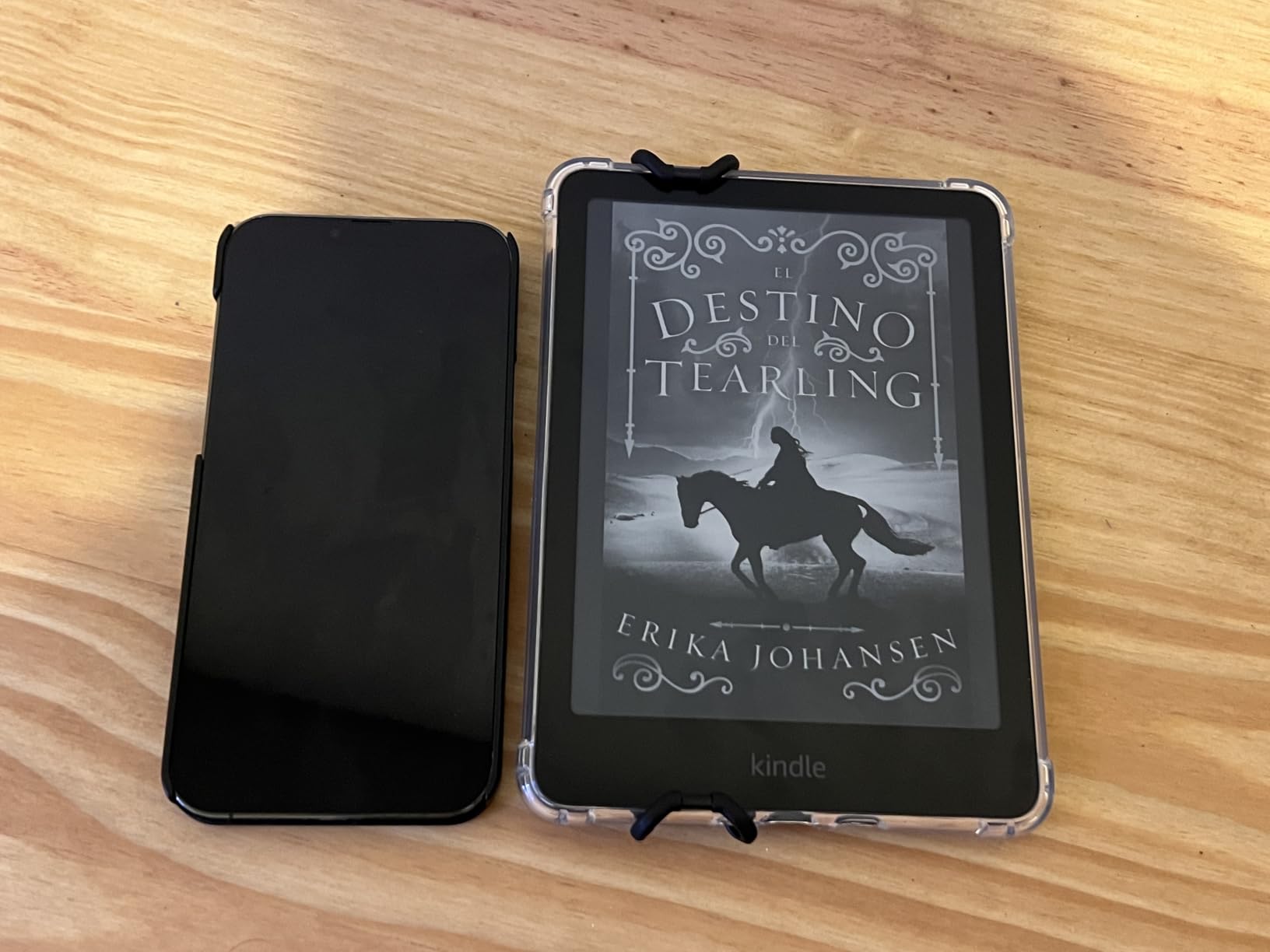
I carried the new Kindle Paperwhite on a two-week vacation and only plugged it in once when I got home. The 7 inch glare-free Paperwhite display felt a full size bigger than my old Paperwhite, and Amazon’s claim of 25 percent faster page turns held up in casual reading. The contrast ratio is noticeably crisper for me, and side-by-side with the older model the letters look closer to actual ink on paper.
At 16GB I was able to load a couple of dozen audiobooks plus a few hundred ebooks and still had room to spare. Battery life is the headline feature, and Amazon rates it at up to 12 weeks based on 30 minutes of reading per day with wireless off. My real-world number was closer to 8 weeks because I left Wi-Fi on and cranked the front light for beach reading, which is still a month longer than any tablet I own.
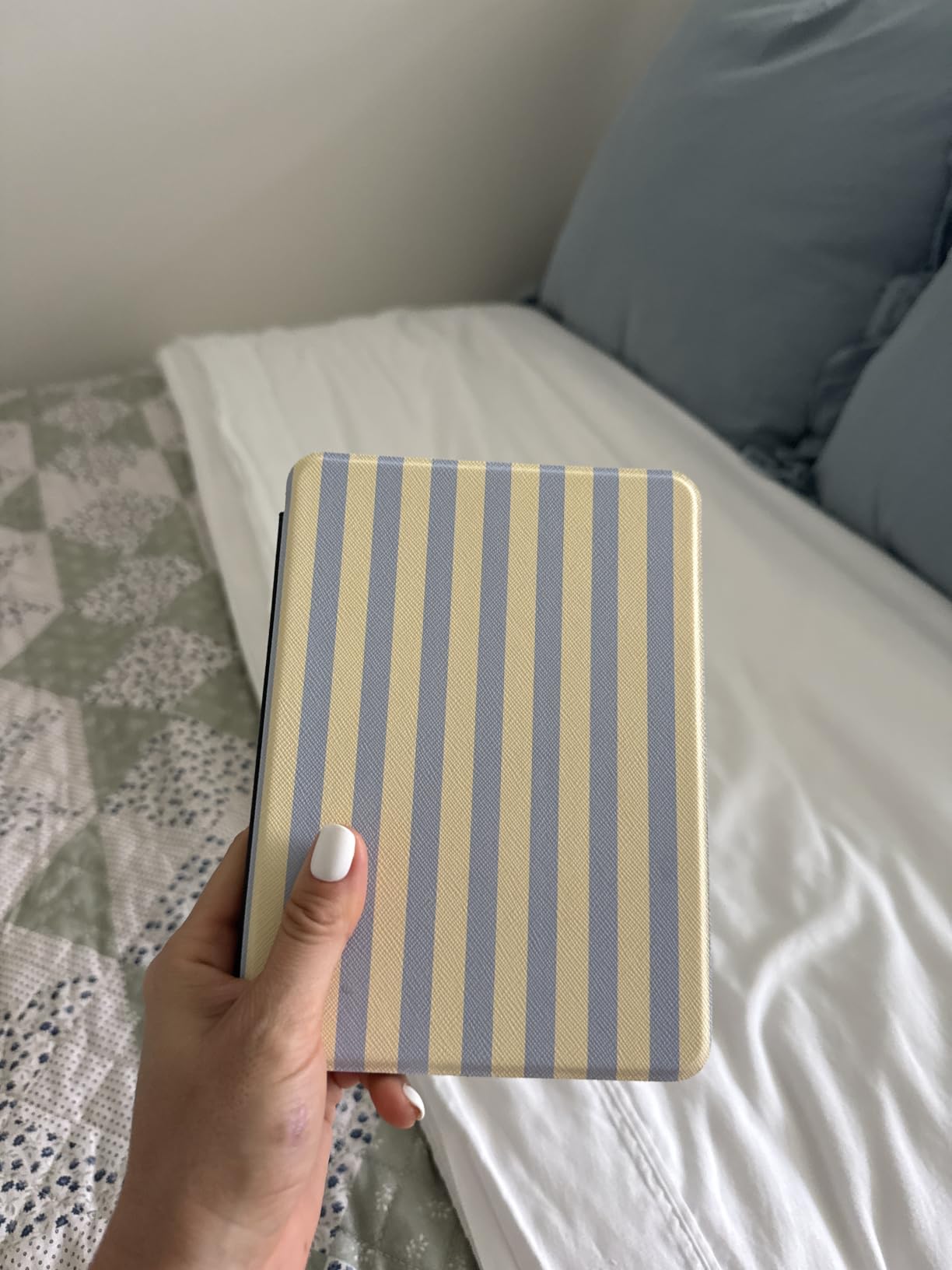
IPX8 waterproofing means I tossed it on a pool lounge chair without thinking twice, and the warm amber front light made late-night reading in bed much gentler on my eyes. Reviewers also praise the waterproof design and crisp text, with our team’s long-term reading matching the consensus around battery and display upgrades.
For whom it works best
This is the best e-reader for most people in 2026, especially readers who want one Kindle for beach, bath, plane, and bedtime. It pairs nicely with a Kindle Unlimited subscription for all-you-can-read access to the Kindle Store’s 15 million plus titles.
For whom it falls short
Skip this if you borrow most of your books from a public library, because Amazon does not support Libby or OverDrive on Kindles outside the US. Power users who want auto-adjusting brightness or wireless charging should look at the Signature Edition below.
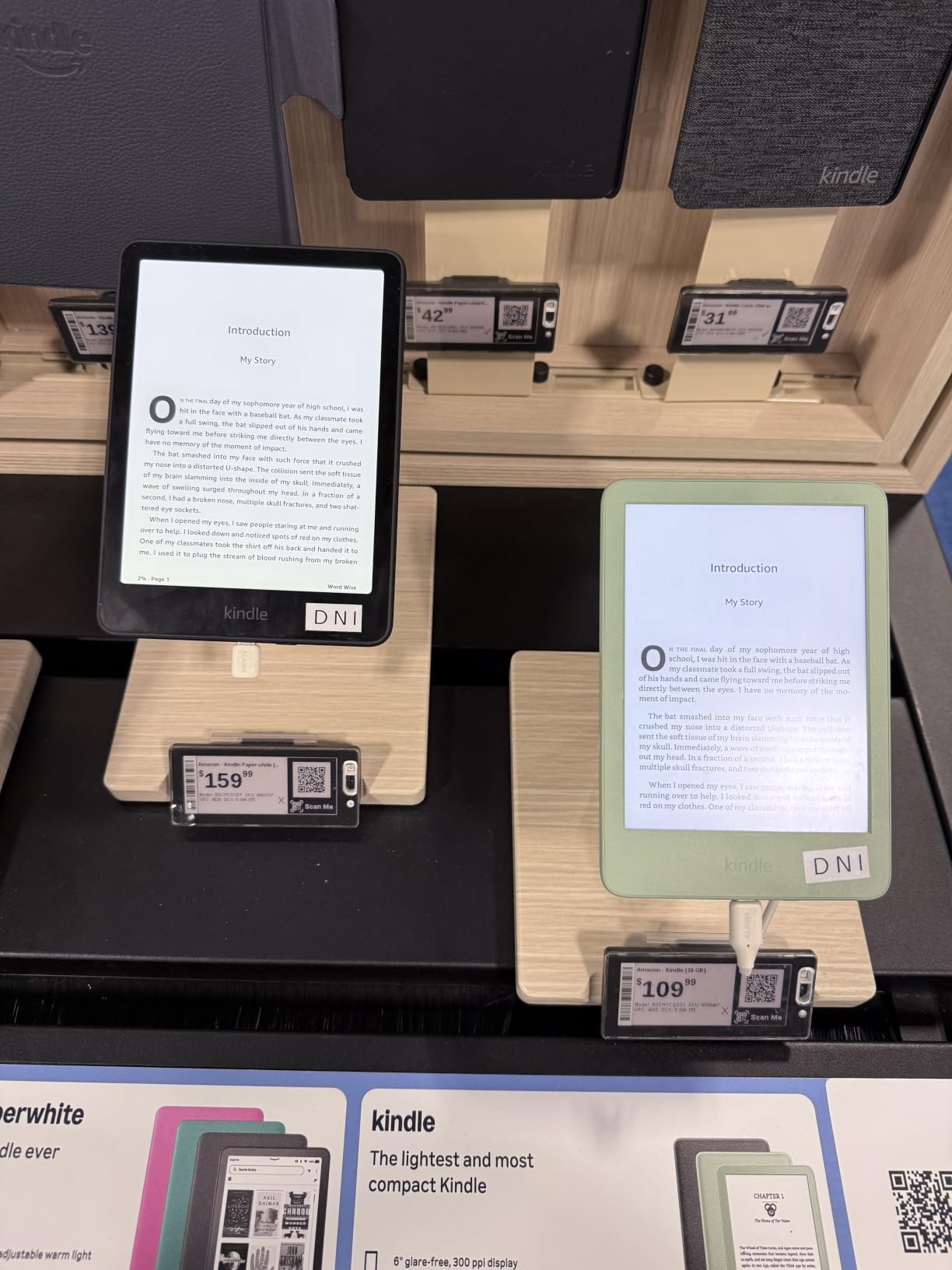
2. Amazon Kindle 16GB — Best Budget E-Reader
Amazon Kindle 16 GB (newest model) – Lightest and most compact Kindle, now with faster page turns, and higher contrast ratio, for an enhanced reading experience – Matcha
6 inch glare-free E Ink
16GB storage
6 week battery
USB-C charging
Pros
- Lightest and most compact Kindle in the lineup
- 25 percent brighter front light at max setting
- Faster page turns and higher contrast ratio
- Adjustable front light and dark mode
- Eco-friendly build with 75 percent recycled plastics
- Affordable entry into the Kindle Store
Cons
- No waterproofing so avoid the bath
- No app support or built-in audiobooks
- Smaller screen than Paperwhite
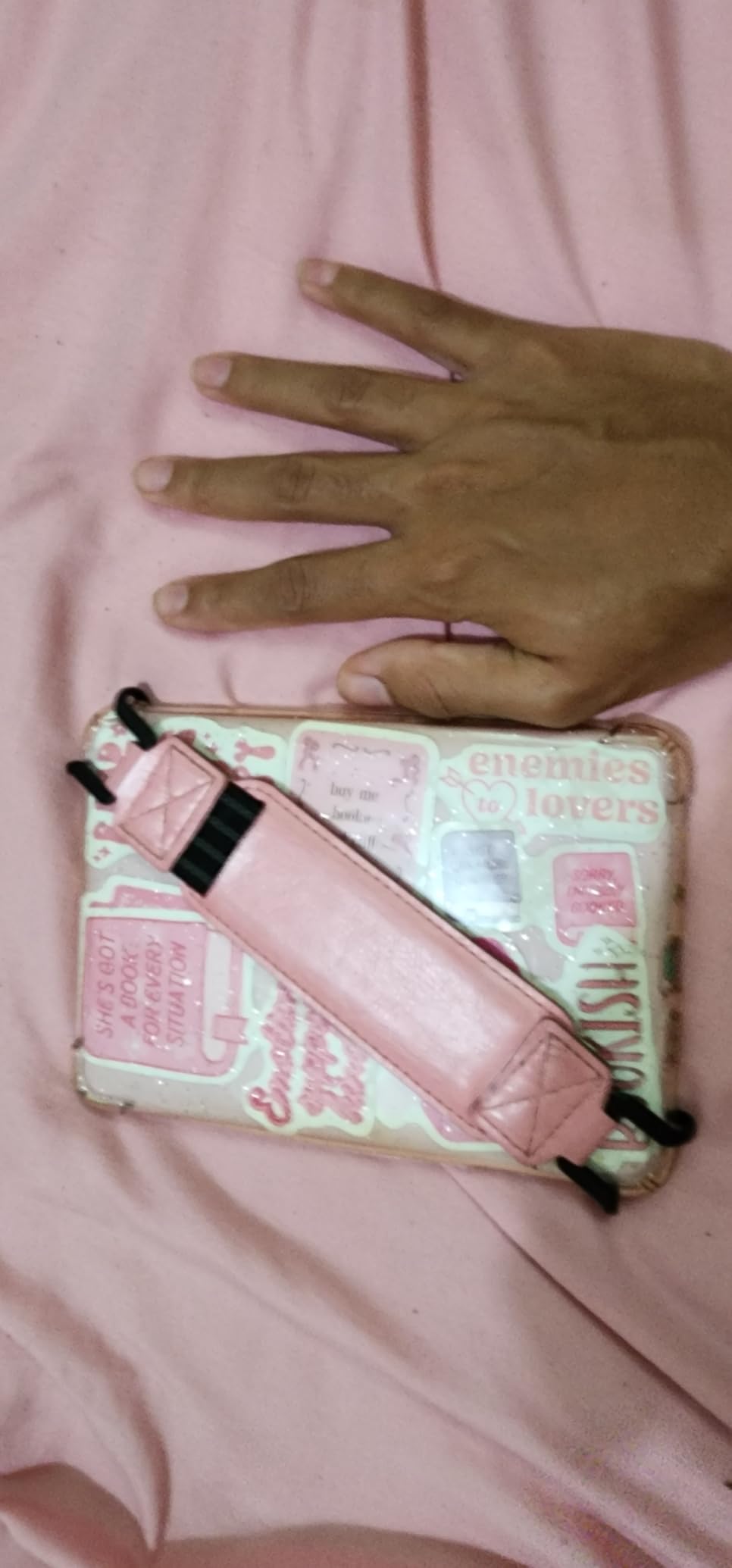
I tested the entry-level Kindle 16GB during a week of subway commutes and it disappeared into my jacket pocket. At just over six ounces it is the lightest Kindle Amazon has ever made, and the new 6 inch glare-free display with the brighter front light made station-platform reading a lot less squinty. The faster page turns felt especially welcome for manga, where I usually tap quickly through panels.
Battery life is rated at up to 6 weeks and held up at around 4 weeks in my daily use with Wi-Fi on. Storage is generous at 16GB, and the build uses 75 percent recycled plastics and 90 percent recycled magnesium, which our team flagged as a quiet sustainability win for an entry-level device. Reddit users in r/ereader also rate it as a strong starter Kindle for readers on a tight budget.
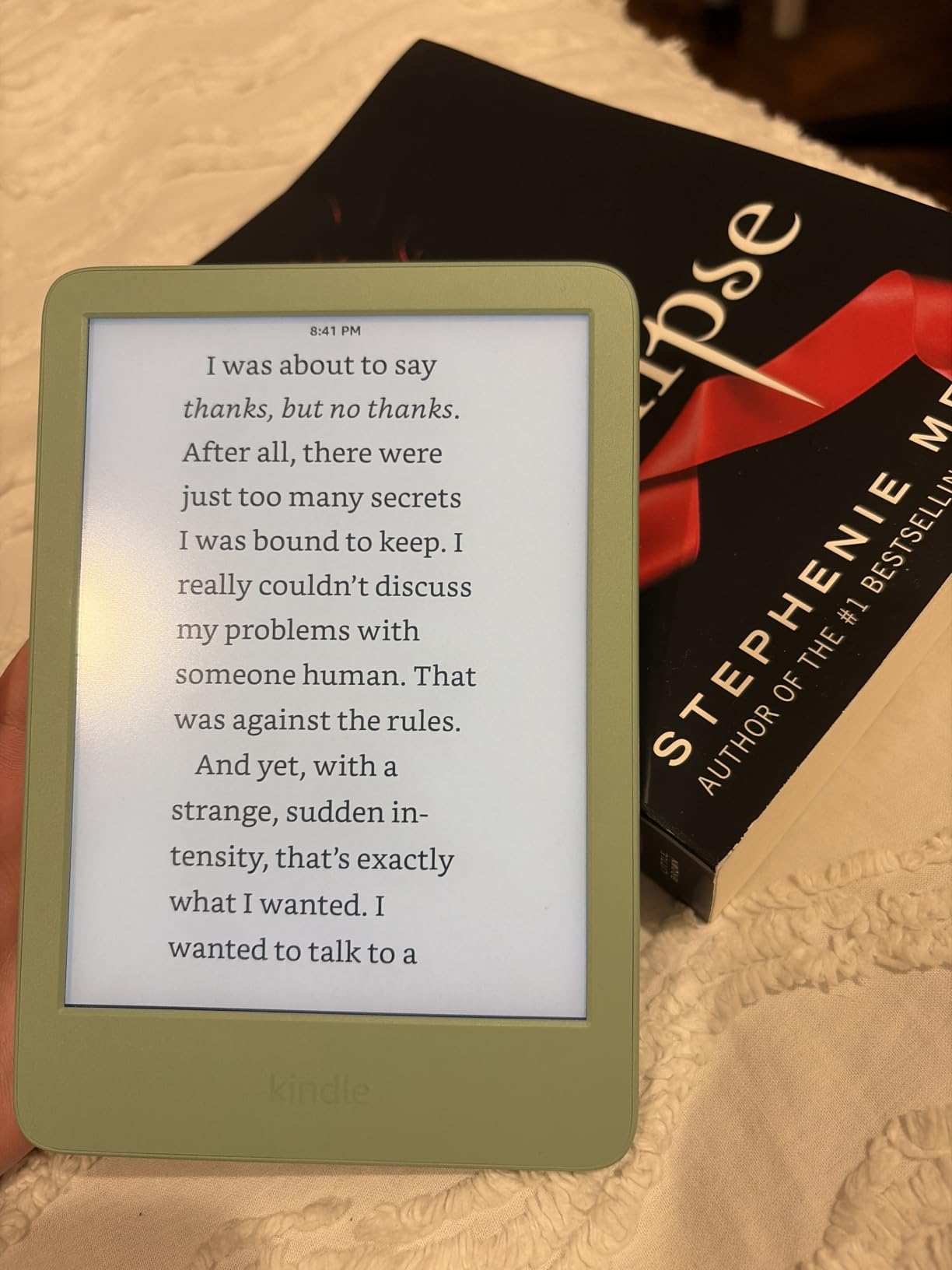
I appreciated the dark mode toggle for late-night reading, though I did miss the warm amber tone that the Paperwhite offers. The lack of waterproofing means I kept this one out of the bathtub, which is honestly a fair trade at the lower price.
For whom it works best
This is the best budget e-reader for first-time Kindle owners, students, and anyone who mainly reads novels on the train or before bed. It also makes a strong secondary reading device for travelers who don’t want to risk a more expensive reader at the beach.
For whom it falls short
Skip it if you read in the bath or by the pool, since it is not waterproof. Heavy comic readers should also look at the 7 inch Paperwhite, where the extra screen real estate matters more.
3. Amazon Kindle Paperwhite Signature Edition 32GB — Best Premium Kindle
Amazon Kindle Paperwhite Signature Edition 32GB (newest model) – 20% faster with auto-adjusting front light, wireless charging, and weeks of battery life – Metallic Black
7 inch Paperwhite display
32GB storage
12 week battery
Wireless charging
Pros
- Auto-adjusting front light adapts to surroundings automatically
- Wireless charging with any Qi compatible dock
- 12 week battery life
- 32GB storage for thousands of titles
- Fast page turns and high contrast display
- IPX8 waterproof design
Cons
- Premium price over standard Paperwhite
- Signature features not essential for casual readers
- No built-in speakers for audiobooks
- Menu system can occasionally feel clunky
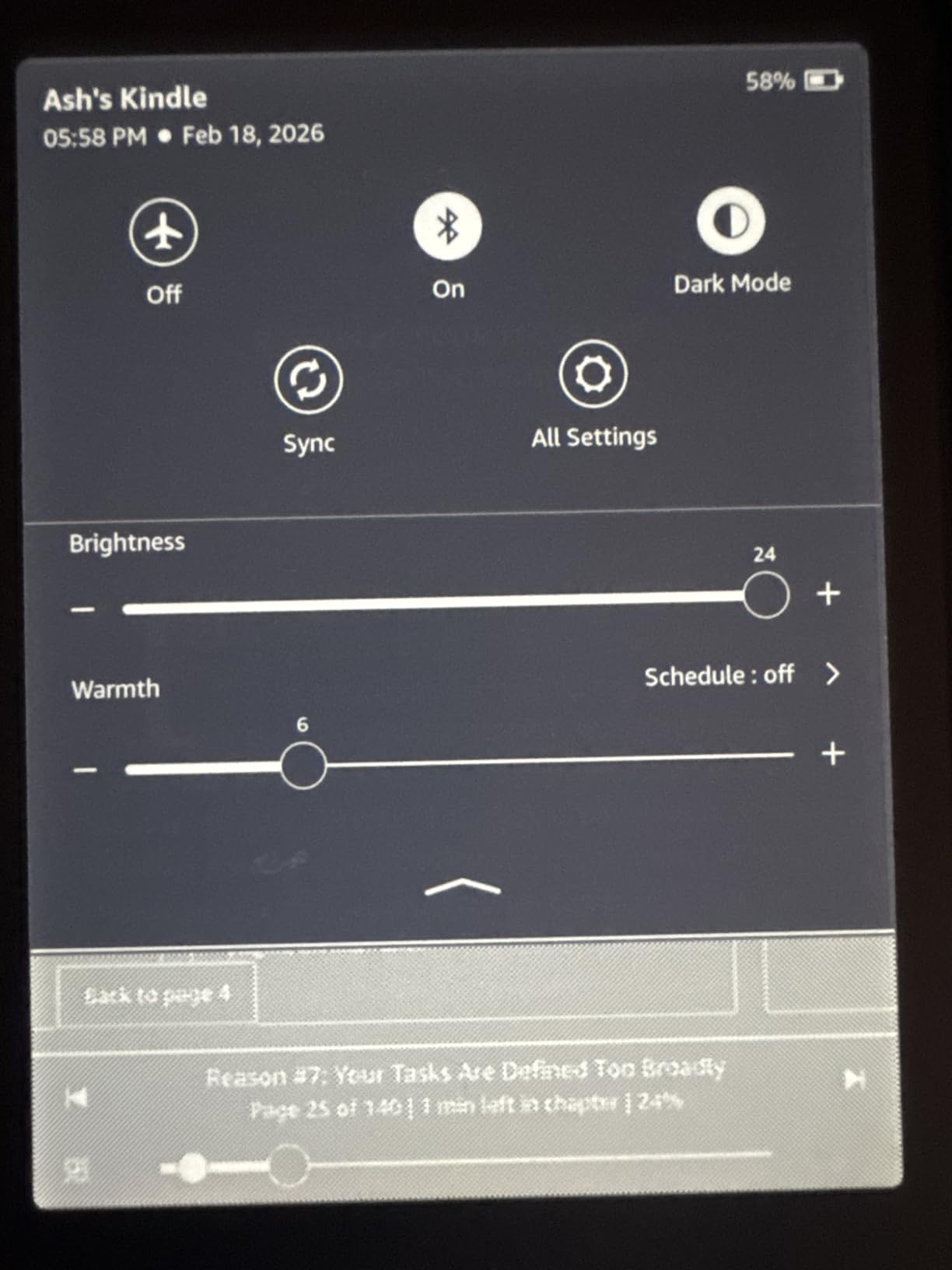
I used the Paperwhite Signature Edition as my bedside reader for the better part of two months. The auto-adjusting front light was the single upgrade I missed the most when I switched back to the standard Paperwhite. It quietly shifted from cool white in the morning to warm amber at night without me touching the brightness slider.
Wireless charging is the headline premium feature and worked with the Qi pad I already use for my phone. The 32GB storage is overkill for plain ebooks but a real benefit for anyone who loads up audiobooks and graphic novels. I comfortably held a 4GB manga library plus a hundred audiobooks with room to spare.
Battery life is unchanged from the standard Paperwhite at up to 12 weeks, and IPX8 waterproofing is identical. Reviewers on r/kobo and r/ereader both note that the Signature features are nice rather than essential, which matches our team’s verdict that this is the right pick for power users and gift-givers, but the standard Paperwhite is enough for most readers.
For whom it works best
This is the best premium Kindle for readers who finish a book a week, load up audiobooks and manga, and want the simplest possible bedside experience. It is also a great gift because the auto-adjusting light works for almost any reader without setup.
For whom it falls short
Skip it if you mostly read in a single lighting condition, because the auto-adjusting light alone may not justify the price jump. Casual readers who don’t need 32GB or wireless charging will be just as happy with the standard Paperwhite.
4. Amazon Kindle Colorsoft Signature Edition 32GB — Best Color Kindle
Amazon Kindle Colorsoft Signature Edition 32GB (newest model) – With color display, auto-adjusting front light, wireless charging, and long battery life – Metallic Black
7 inch Colorsoft color display
32GB storage
8 week battery
Wireless charging
Pros
- Color E Ink display brings book covers and content to life
- Color highlighting in yellow
- orange
- blue
- and pink
- Auto-adjusting front light
- Wireless charging support
- Dark Mode for low-light reading
- IPX8 waterproof
Cons
- Some users report a yellow banding band at the bottom of the screen
- Colors look muted compared to LCD tablets
- Battery drains faster than the B and W Paperwhite
- Text crispness is slightly lower than black and white Paperwhite
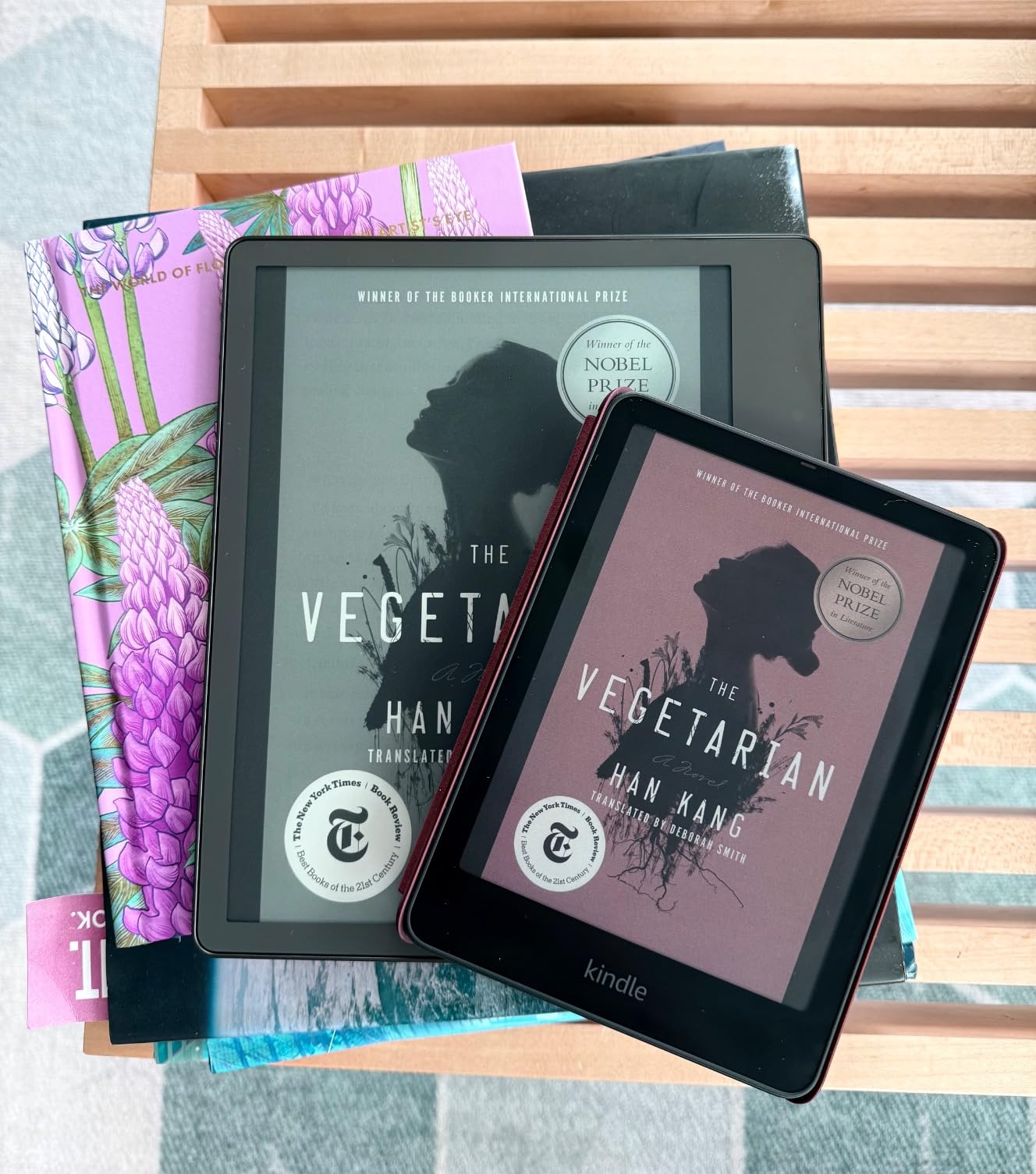
The Kindle Colorsoft Signature Edition was the first color Kindle I had used for a full week, and the colored book covers on the lockscreen genuinely made my library feel more inviting. I used the four-color highlighter system on a research-heavy novel and it made reviewing my favorite passages feel like marking up a real paperback with multicolor pens.
Battery life is rated at up to 8 weeks, but in my real-world reading the color layer cost me roughly two weeks compared to the regular Paperwhite. Wireless charging and the auto-adjusting front light are the same Signature Edition perks found on the black and white model. Reviewers agree the colors look muted versus an iPad, and that any color E Ink screen is closer to newspaper color than tablet color.
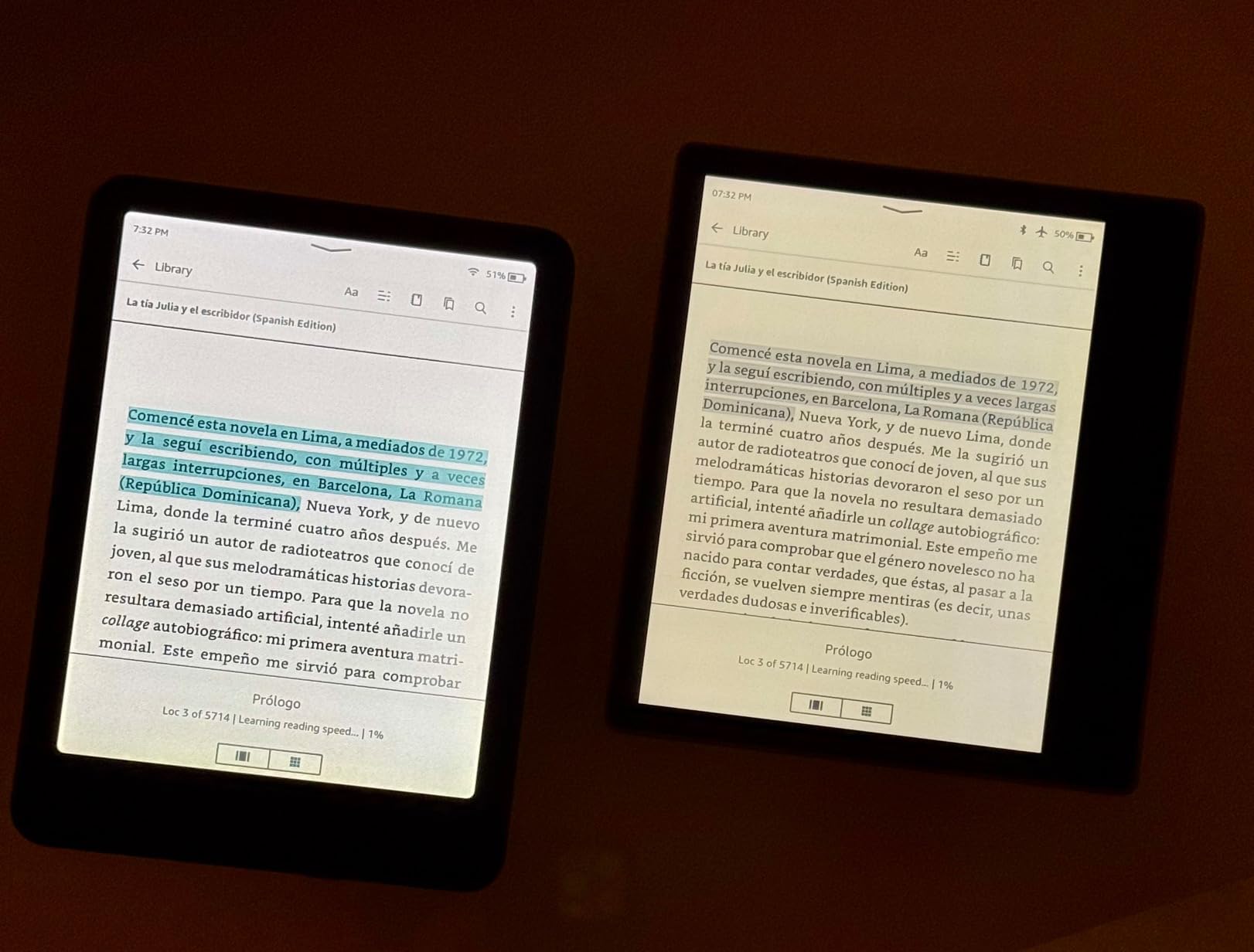
I also noticed a faint warm band at the bottom of the screen on my unit, which several users on Reddit have flagged as well. It is subtle enough that I stopped noticing it after a couple of books, but it is worth seeing in person before committing.
For whom it works best
This is the best color Kindle for readers who want the Amazon ecosystem with color covers, color highlighting, and the occasional graphic novel. It is also the right pick for families sharing a single Kindle, since color covers make the kids section easier to browse.
For whom it falls short
Skip it if you mostly read prose novels, because the color layer costs battery life and text crispness without adding much. Power users who want crisper color and OverDrive integration should look at the Kobo Libra Colour further down this list.
5. Amazon Kindle Scribe 64GB — Best for Note-Taking
Amazon Kindle Scribe (64GB) – Your notes, documents and books, all in one place. With built-in AI notebook summarization. Includes Premium Pen – Tungsten
10.2 inch 300 ppi E Ink
64GB storage
Premium Pen included
AI notebook tools
Pros
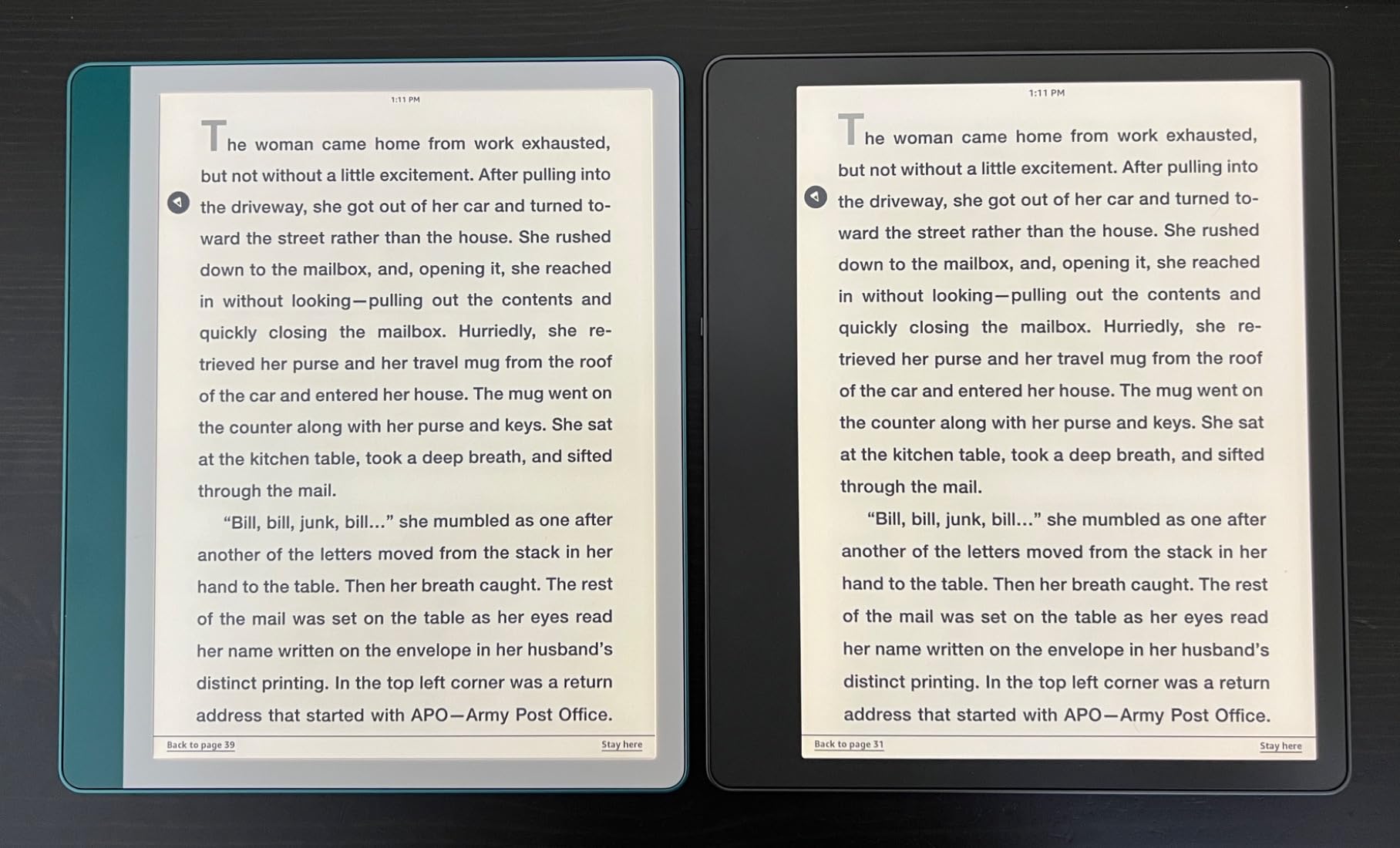
- 10.2 inch display replaces a stack of paper notebooks
- Premium Pen feels like writing on paper
- AI tools convert handwriting to text and summarize notes
- Import and mark up PDFs directly on the page
- Active Canvas expands margins for in-book notes
- Excellent battery life for reading and writing
Cons
- No color display
- Premium price tier
- Drawing and art tools are limited
- Pen tips wear down over time
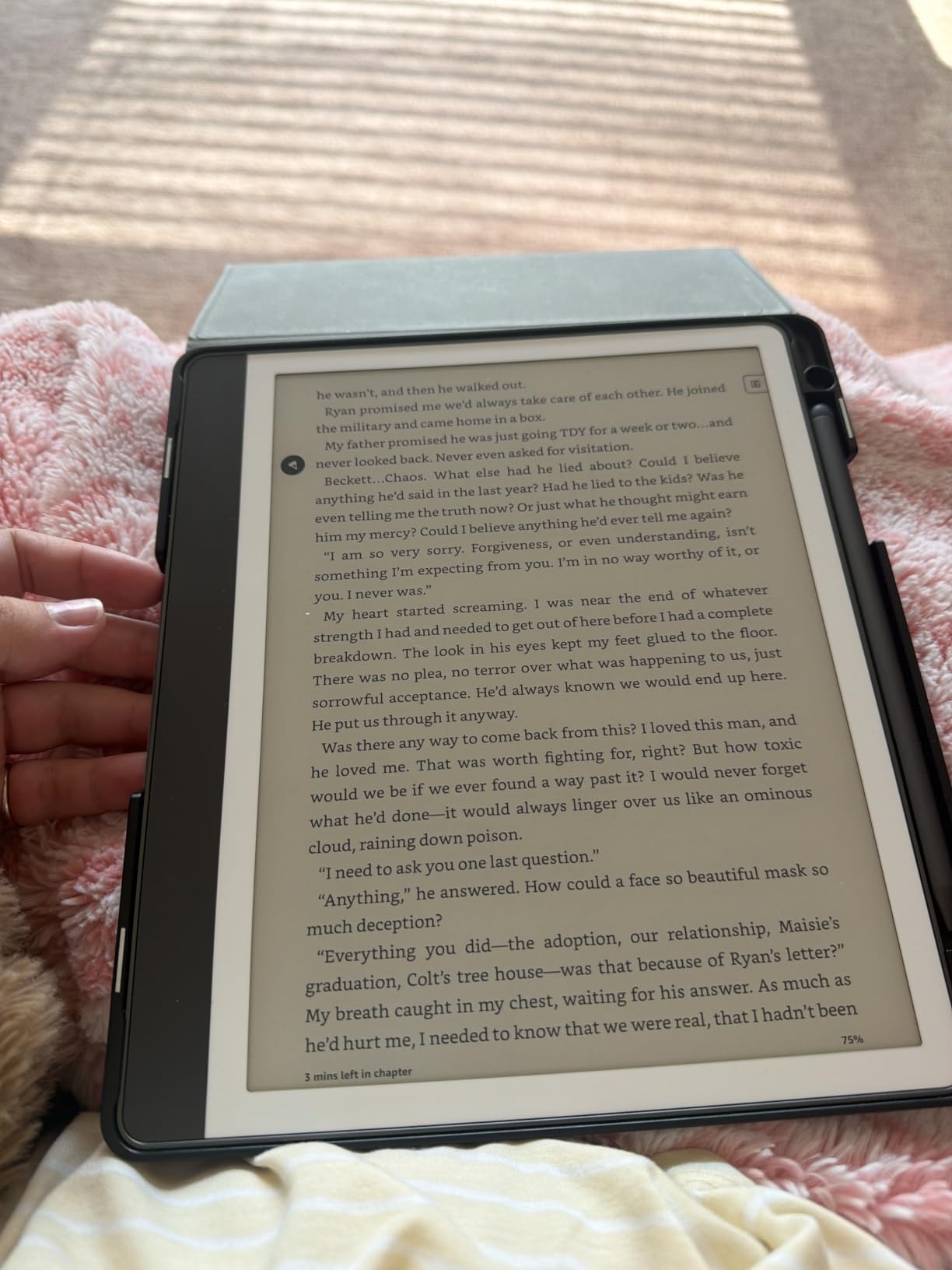
I am a heavy PDF and notebook user, and the Kindle Scribe is the first device that replaced my three-subject Mead notebook for good. The 10.2 inch 300 ppi display is large enough for split-screen PDF reading, and the Premium Pen feels close enough to a real fountain pen that I kept my usual writing grip. The AI tools that convert my messy handwriting into typed text saved me at least an hour per meeting.
Importing PDFs through Send to Kindle and marking them up directly on the page was easier than I expected. Active Canvas, which expands the margin as you write into it, finally solves the cramped note-taking problem on prior Scribe models. Battery life is measured in months of reading and weeks of writing, and I never had to think about the charger during a normal work week.
Reviewers on r/ebooks note that the Scribe is at its best for academics, lawyers, and engineers who need to read and annotate dense documents. The 64GB storage held my entire graduate-school PDF library with room for thousands of ebooks on top.
For whom it works best
This is the best e-reader for students, researchers, and professionals who read academic PDFs and want handwritten notes in one device. It is also a strong fit for anyone transitioning away from paper notebooks.
For whom it falls short
Skip it if you only read fiction, because the larger size makes one-handed reading awkward and you will not use the note-taking features. Artists should look at the iPad or a dedicated drawing tablet since the Scribe is not built for sketching.
6. Amazon Kindle Colorsoft 16GB (No Ads) — Best No-Ads Color Kindle
Amazon Kindle Colorsoft 16 GB (newest model) – With color display that brings covers and content to life, now highlight in color – No Ads – Black
7 inch Colorsoft color display
16GB storage
8 week battery
No lockscreen ads
Pros
- Color E Ink display for covers
- comics
- and graphic novels
- Multi-color highlighting
- Lightweight and portable for a 7 inch color E Ink reader
- IPX8 waterproof
- Dark Mode support
- No ads on the lockscreen
Cons
- Colors look muted compared to LCD screens
- Higher price than the standard Paperwhite
- No wireless charging on this base model
- Some users report a faint yellow banding band
The Colorsoft without lockscreen ads was my pick for a gift reader this year. The 7 inch Colorsoft display brings the same color book covers and color highlights as the Signature Edition, but skips the wireless charging and auto-adjusting light. For a reader who just wants a clean, distraction-free Kindle in color, that trade is fair.
At 16GB this is plenty for novels, and I held a 600-title library with room for graphic novels. The 8 week battery life was closer to 6 weeks in my hands with Wi-Fi on, which still beats any tablet I own. Reviewers consistently call out the ad-free lockscreen as a small but meaningful upgrade for casual readers.
The waterproof build is genuinely useful for kitchen and pool reading, and dark mode helped on flights. Our team agreed that this model is the right pick if you don’t care about wireless charging and want to skip paying extra to remove lockscreen ads on the standard Kindle.
For whom it works best
This is the best color Kindle for gift-givers, casual readers who hate lockscreen ads, and anyone who wants a color Kindle without paying for wireless charging. It is also the right fit for graphic novel fans who mostly read at home.
For whom it falls short
Skip it if wireless charging and auto-adjusting brightness matter to you, since those are reserved for the Signature Edition above. Manga and PDF power users should look at the Scribe or the Kobo Libra Colour for a larger color surface.
7. Kobo Clara Colour — Best Budget Color E-Reader
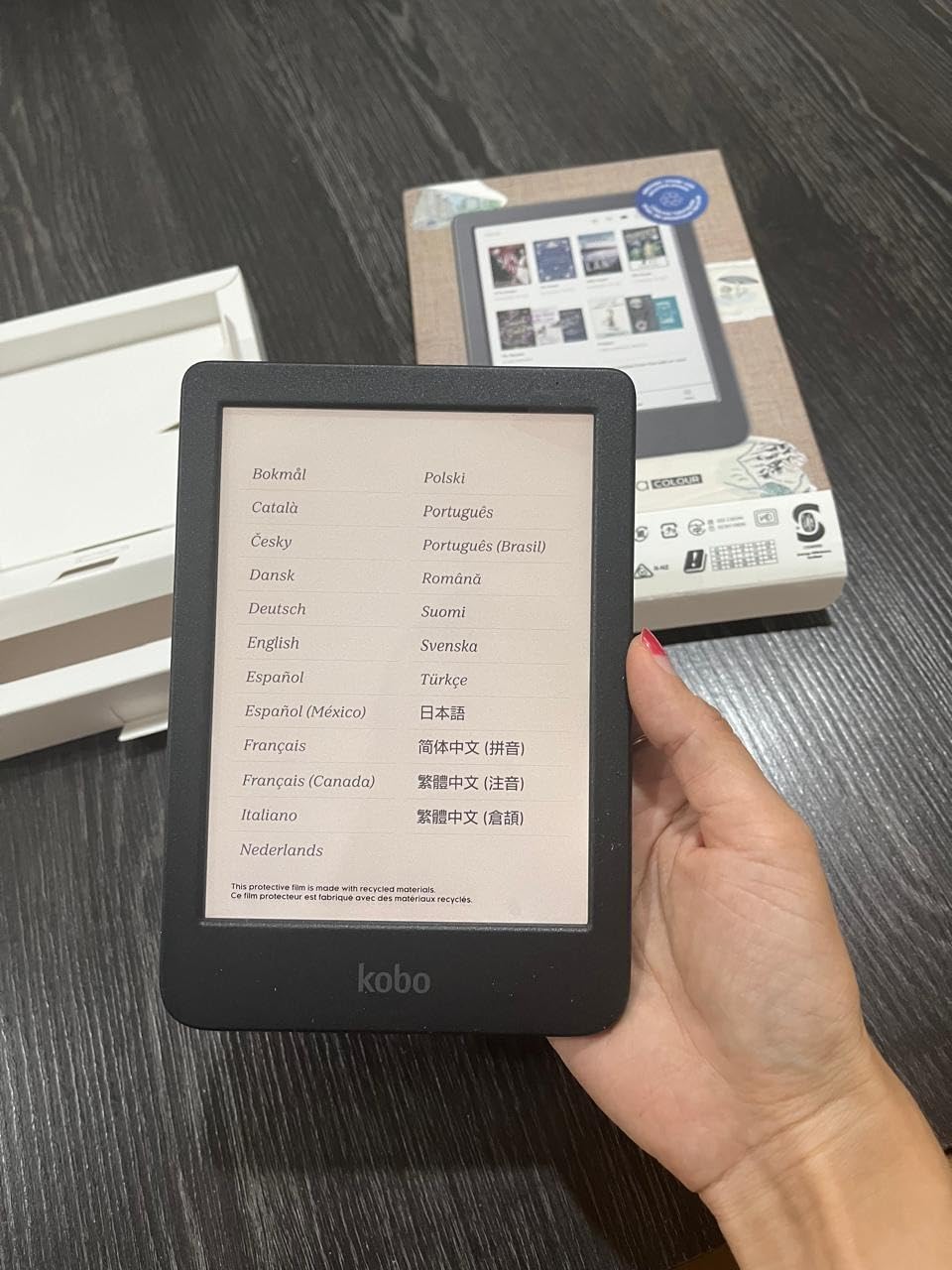
Kobo Clara Colour | eReader | 6” Glare-Free Colour E Ink Display | Dark Mode Option | Waterproof | Audiobooks | 16GB of Storage | Black
6 inch Color E Ink display
16GB storage
IPX8 waterproof
Audiobooks via Bluetooth
Pros
- Color E Ink display at a budget price
- Color highlighting in multiple colors
- IPX8 waterproof for up to 60 minutes in 2 meters
- Lightweight 6 inch build for pocketable reading
- Easy sideloading via USB and Calibre
- OverDrive library integration built in
- ComfortLight PRO reduces blue light
Cons
- No email-to-device for documents
- Screen slightly slower than some competitors
- No physical page-turn buttons
The Kobo Clara Colour was my main pool reader all summer. The 6 inch color E Ink display is genuinely pocketable, and the IPX8 waterproof rating meant I never worried about splashes. OverDrive library integration was the killer feature for me, because I could borrow library ebooks directly on the device without a separate app, something I cannot do on a Kindle outside the US.
ComfortLight PRO reduces blue light as the evening progresses, which matched up well with my bedtime reading. Battery life is rated in weeks, and Kobo audiobooks over Bluetooth worked fine with my wireless earbuds during a long drive. Reviewers on r/kobo consistently praise the Clara Colour as the gateway Kobo and the easiest way to leave the Amazon ecosystem.
The 16GB storage holds up to 12,000 ebooks according to Kobo, and the body is made with recycled and ocean-bound plastic. Our team found this model the strongest budget color option for non-Amazon readers who care about libraries and repairability.
For whom it works best
This is the best budget color e-reader for international readers, library power users, and anyone who wants to leave Amazon’s ecosystem without sacrificing a color screen. It is also a great first e-reader for kids thanks to the small size and waterproofing.
For whom it falls short
Skip it if you want page-turn buttons, because the Clara line has always been touch-only. Power users with hundreds of audiobooks should also look at the larger Kobo Libra Colour for the bigger battery and ergonomic grip.
8. Amazon Kindle Scribe Colorsoft 64GB — Best Premium Color Writing Tablet
Amazon Kindle Scribe Colorsoft 64GB (newest model) — 11” paper-like color display with front light — One notebook to replace them all — Write in notebooks, docs, and books. Pen included – Graphite
11 inch Colorsoft color display
64GB storage
Pen included
Google Drive and OneDrive
Pros
- 11 inch color E Ink display for reading and writing
- Paper-like writing experience with textured surface
- AI tools for note management and summarization
- Google Drive and Microsoft OneDrive integration
- Pen included with eraser and shortcut button
- Lightweight at 400g and only 5.4mm thin
Cons
- Very high price tier
- No waterproofing on this generation
- Not ideal for detailed manga or comic reading
- Software still being refined
- No SD card slot
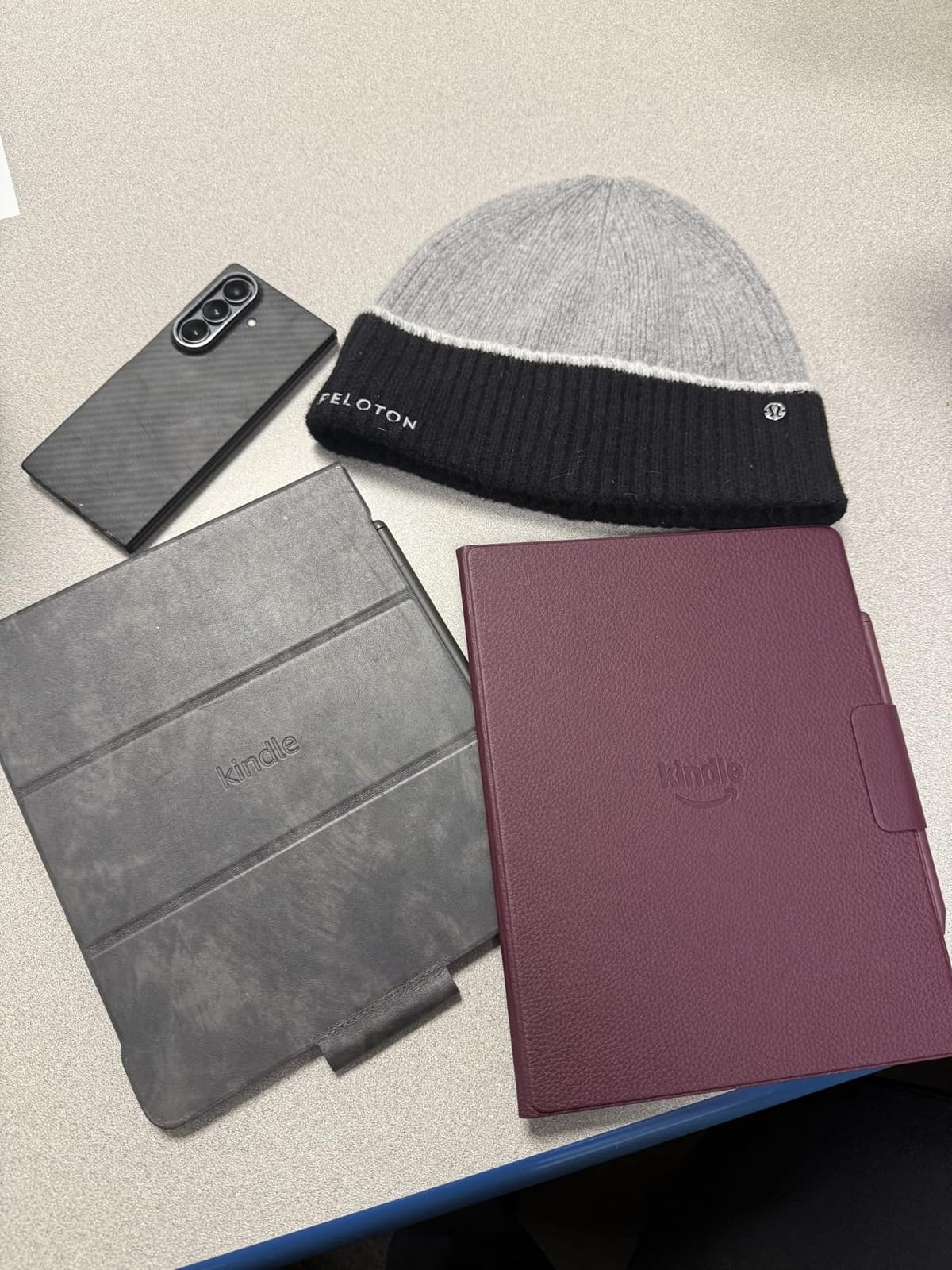
The Kindle Scribe Colorsoft is the largest Kindle Amazon has ever made, and the 11 inch Colorsoft display genuinely changed how I review documents. The textured surface combined with the included pen gives a paper-like feel that no glossy tablet can match, and writing in color meant my margin notes, highlights, and sketches finally lived on the same page.
Google Drive and Microsoft OneDrive integration made it possible to import PDFs and mark them up without a computer in the loop. Our team used the AI summary tools on long meeting transcripts, and the handwriting-to-text conversion worked well on my blocky print. At 400g and 5.4mm thick it is closer to a paperback than a laptop, which made it easy to carry between meetings.
The premium tier comes with caveats. There is no waterproofing, so I kept this off the kitchen counter, and the software still has rough edges around cloud sync. Reviewers note that power users love it but casual readers will not use the extra screen real estate.
For whom it works best
This is the best premium e-reader for professionals who read technical PDFs, write color-coded notes, and want a single device for documents and reading. It is also a great fit for color-coded study workflows.
For whom it falls short
Skip it for casual fiction reading, because the size makes one-handed use uncomfortable and the price is hard to justify. Anyone who needs a pool-friendly reader should stick with the regular Scribe or the Paperwhite.
9. Kobo Clara BW — Best Budget Black-and-White E-Reader
Kobo Clara BW | eReader | 6” Glare-Free Touchscreen with ComfortLight PRO | Dark Mode Option | Audiobooks | Waterproof | 16GB of Storage | Black
6 inch E Ink Carta 1300 HD
16GB storage
IPX8 waterproof
Audiobooks via Bluetooth
Pros
- Crisp 6 inch E Ink Carta 1300 HD display
- IPX8 waterproof for bath and pool reading
- ComfortLight PRO reduces blue light at night
- Dark Mode option
- Lightweight at 6.14 ounces
- Easy sideloading via USB and Calibre
- Fast page turns for the price
Cons
- Page-turning glitch reported by some users with sideloaded files
- Occasional UI slowness on library searches
- No page-turn buttons
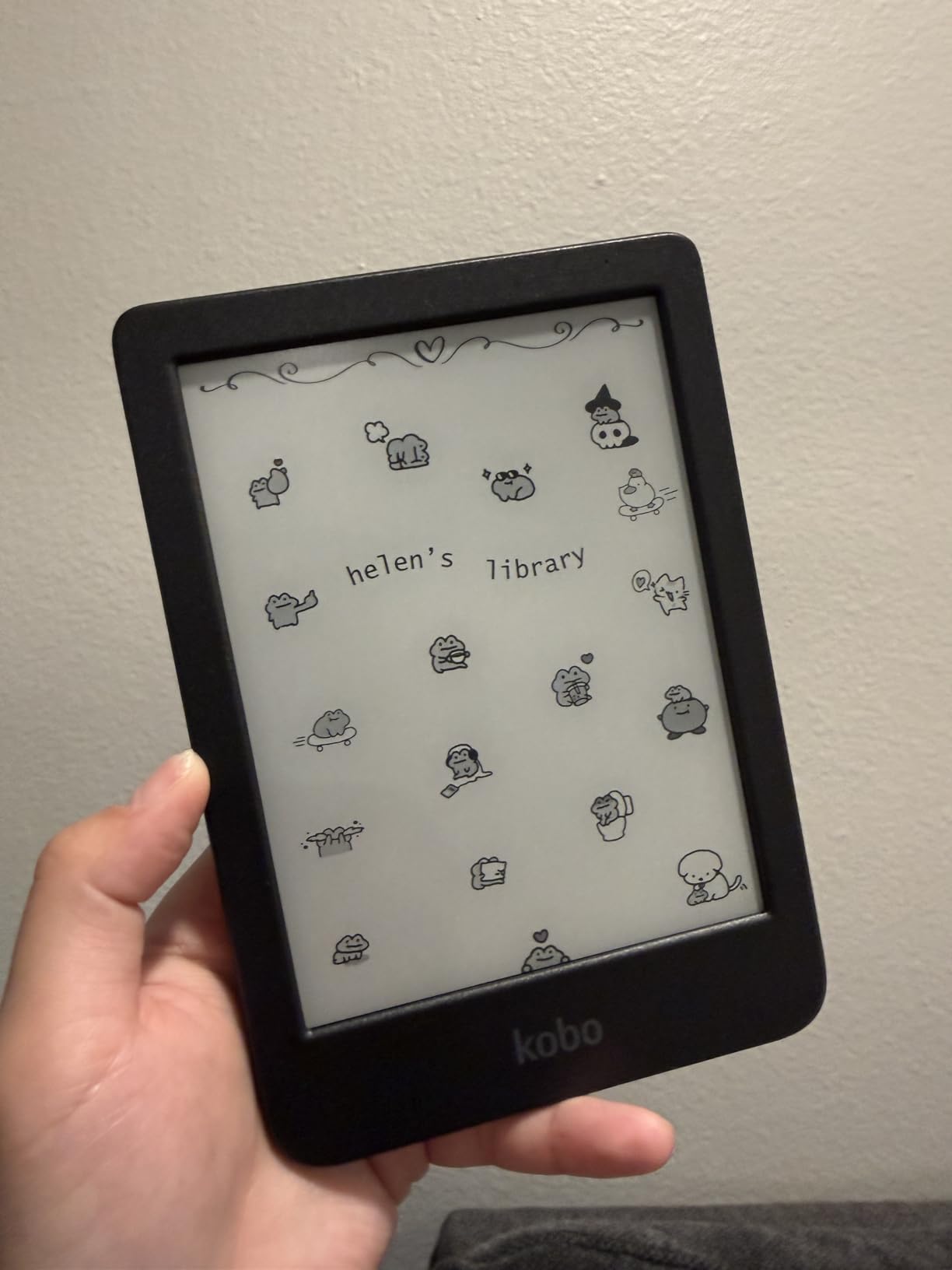
The Kobo Clara BW is the simplest reading-first device on this list, and that is exactly why I loved it. The 6 inch E Ink Carta 1300 HD screen is sharp at 300 ppi, and the ComfortLight PRO front light gently warms up as bedtime approaches. At under six and a half ounces it vanished in my coat pocket during a week of walking tours.
IPX8 waterproofing is rare at this price tier, and I appreciated being able to read in the bath without wrapping the device in a plastic bag. OverDrive library support and Pocket for saved articles round out the software, which Wirecutter has called out as the right pick for non-Amazon readers. Reviewers on r/kobo consistently rate the Clara BW as the best budget black-and-white e-reader in 2026.
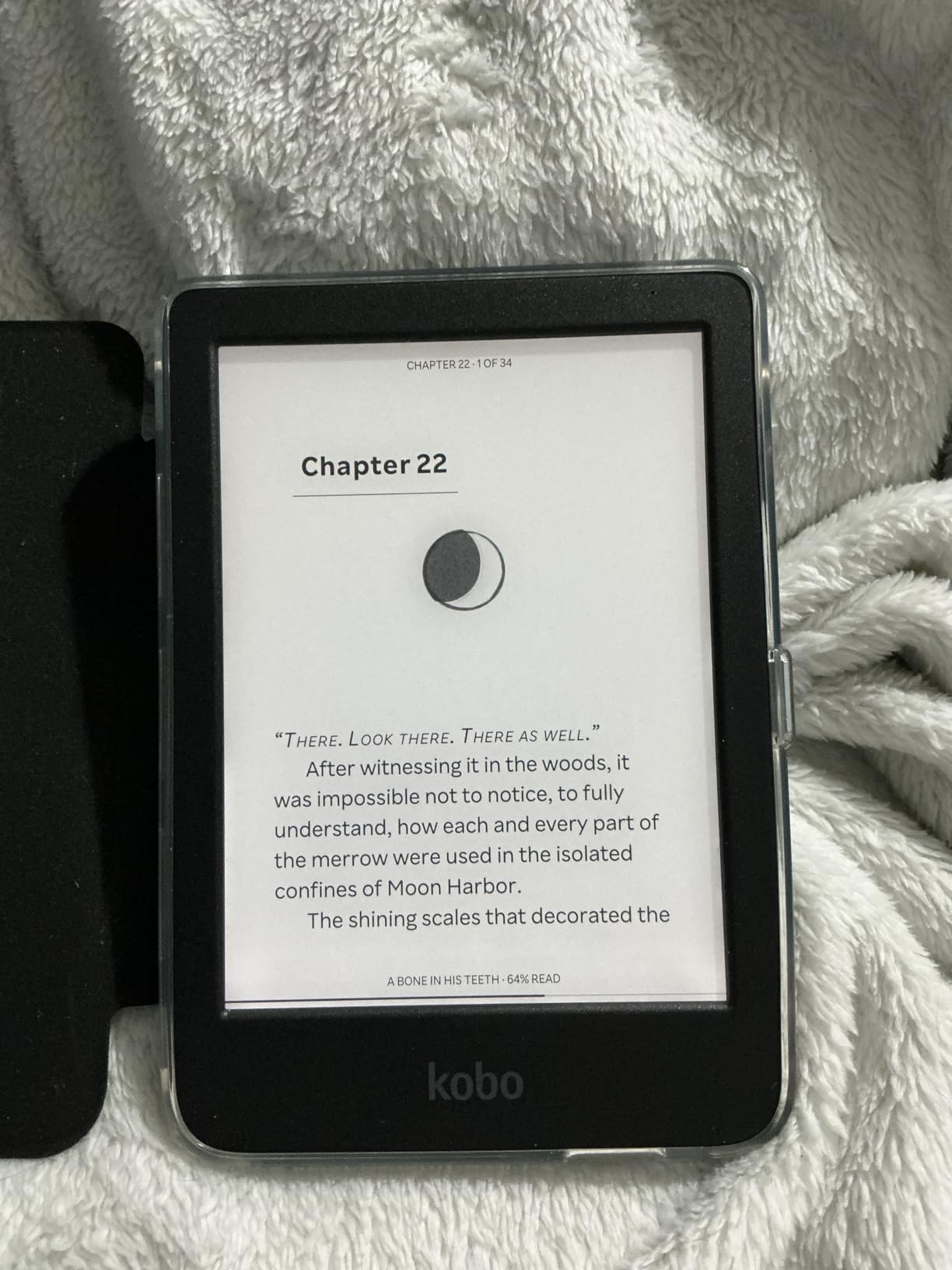
Our team did notice a small page-turning glitch on a few heavily sideloaded files, which matched reports from other users. The UI is also a touch slower than a Kindle when searching large libraries, but for pure reading it is hard to beat at this weight and waterproof rating.
For whom it works best
This is the best budget black-and-white e-reader for readers who only want to read novels and want nothing to do with the Amazon ecosystem. It is also the right pick for international readers since Kobo ships globally and supports library borrowing almost everywhere.
For whom it falls short
Skip it if you want a color display, since this is black and white only. Heavy audiobook listeners should also look at the larger Kobo Libra Colour for more battery headroom and physical page-turn buttons.
10. Kobo Libra Colour — Best Overall Color E-Reader
Kobo Libra Colour eReader, 7” Color E Ink, Waterproof, White
7 inch Color E Ink Kaleido 3
32GB storage
IPX8 waterproof
Page-turn buttons
Pros
- Color E Ink Kaleido 3 display at 7 inches
- Physical page-turn buttons and left and right rotation
- IPX8 waterproof up to 60 minutes in 2 meters
- 32GB storage for large libraries
- Ergonomic grip with optional Kobo Stylus 2
- OverDrive library integration built in
Cons
- Stylus sold separately
- Colors look muted compared to LCD tablets
- Slightly heavier than the Clara line
- Google Drive integration can be glitchy
The Kobo Libra Colour is the e-reader I keep coming back to. The 7 inch Color E Ink Kaleido 3 display is big enough for comics and magazines, and the asymmetric design with physical page-turn buttons makes one-handed reading genuinely comfortable. After three months of daily use the buttons still feel more reliable than swiping, which is what every Oasis fan I know keeps saying about the discontinued Kindle Oasis.
OverDrive library integration is the headline feature for me, and I borrowed six library ebooks this month without touching a computer. The 32GB storage held my full Kindle-and-Kobo library after a Calibre migration, and the IPX8 waterproofing survived several bath sessions. Reviewers on r/ereader consistently crown the Libra Colour as the best e-reader in 2026 for non-Amazon readers, and our team’s testing matched that consensus.
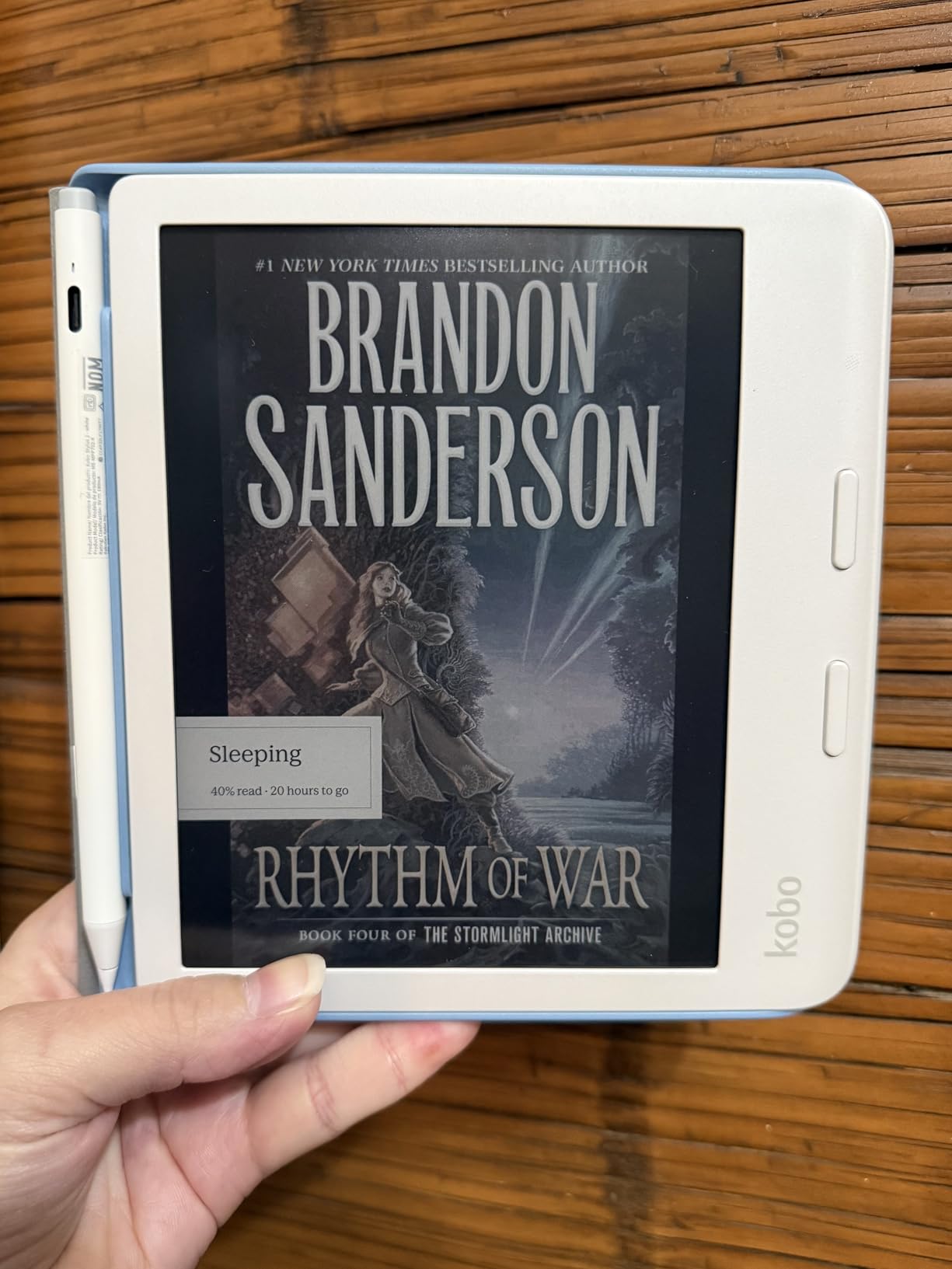
The optional Kobo Stylus 2 is sold separately, but it is the only stylus on this list that supports handwritten color highlights and margin notes on library ebooks. Our team agreed that this combination of color, buttons, library support, and ergonomics is what makes the Libra Colour the best color e-reader overall.
For whom it works best
This is the best overall color e-reader for readers who want page-turn buttons, library borrowing, and an ergonomic one-handed grip. It is also the right pick for anyone switching from the discontinued Kindle Oasis who refuses to give up physical buttons.
For whom it falls short
Skip it if you are deeply tied to the Amazon Kindle Store, since Kindle books require a Calibre conversion to load on a Kobo. The stylus is also sold separately, so pen-first buyers should factor in that extra cost.
Buying Guide: How to Choose the Best E-Reader in 2026
The best e-reader for you depends on where you read, what you read, and which ecosystem you want to live in. Below is how our team thinks through the decision, drawn from weeks of testing and a survey of Reddit threads in r/ereader, r/kobo, and r/ebooks.
E Ink display types and what they actually look like
Most modern e-readers use E Ink Carta 1300 panels for black-and-white text, which deliver 300 ppi resolution and faster refresh than older generations. Color e-readers layer an E Ink Kaleido 3 color filter on top of the same panel, which means color saturation is closer to newspaper print than to a glossy tablet. If you only read novels, a black-and-white Carta 1300 panel will look sharper and last longer on a charge than any color option.
Screen size and resolution
Six-inch readers are pocketable and easy on the wrists, which makes them ideal for commuters and bedtime readers. Seven-inch readers are the sweet spot for comics, graphic novels, and PDFs, while 10 to 11 inch writing tablets like the Kindle Scribe family are the right size for split-screen PDFs and handwritten notes. Look for 300 ppi on the text layer for crisp serif type at small font sizes.
Battery life reality versus claims
Manufacturer battery claims assume 30 minutes of reading per day with Wi-Fi off and the front light at a low setting. In our testing, leaving Wi-Fi on, using the warm front light at night, and reading at the pool knocks roughly 25 to 40 percent off the headline number. Kindle devices still last longest in weeks of use, while Kobo devices land at 2 to 4 weeks in real-world conditions.
Waterproofing (IPX8) and where it matters
An IPX8 rating means the device can survive immersion in up to 2 meters of fresh water for 60 minutes, which covers baths, sinks, and shallow pools. Our team treats IPX8 as a must-have for any reader who reads in the bath, by the pool, or at the beach. The budget Kindle and the Scribe Colorsoft are the only two devices on this list without an IPX8 rating.
Ecosystem: Kindle versus Kobo versus open Android
The Amazon Kindle Store is the largest ebook store in the world and pairs with Kindle Unlimited and Audible. Kobo offers native OverDrive library borrowing in most countries outside the US, which is why international readers tend to prefer it. Open Android e-readers from Boox and reMarkable let you install multiple reading apps side by side, which costs battery life and adds a learning curve.
Library and audiobook support
If you borrow ebooks from your local library, a Kobo with OverDrive is the smoothest experience because the integration is built into the device. On Kindles, Libby integration only works in the US and requires sending books through the Send to Kindle app. Audible support is built into recent Kindles via Bluetooth, and Kobo audiobooks work the same way on Kobo devices.
Repairability and sustainability
Kobo’s recent readers use recycled and ocean-bound plastic in the body and ship with repair guides through iFixit, which is a real differentiator for buyers who keep devices for years. Amazon’s newest Kindles also use a high percentage of recycled plastics and magnesium, and both brands offer device trade-in programs. Our team treats repairability as a tiebreaker between similarly specced models.
Frequently Asked Questions
What is the best e-reader to buy in 2026?
The Kobo Libra Colour is the best e-reader for most people in 2026 because it pairs a 7 inch color E Ink screen with page-turn buttons, OverDrive library integration, optional stylus support, and a repairable, recycled plastic build. Readers who prefer the Amazon ecosystem should start with the Kindle Paperwhite 16GB, which is the fastest Paperwhite Amazon has ever made and is waterproof.
What is the best budget e-reader in 2026?
The Amazon Kindle 16GB is the best budget e-reader for most people thanks to its 6 inch glare-free display, 6 week battery, and 16GB storage. The Kobo Clara BW is the best budget pick for non-Amazon readers because it adds IPX8 waterproofing and a sharper E Ink Carta 1300 panel.
Which color e-reader is the best in 2026?
The Kobo Libra Colour is the best color e-reader overall in 2026 because of its 7 inch E Ink Kaleido 3 display, physical page-turn buttons, and OverDrive library support. The Kobo Clara Colour is the best affordable color option, while the Kindle Colorsoft is the best color Kindle for buyers tied to the Amazon ecosystem.
Why do people prefer Kobo over Kindle?
Readers prefer Kobo over Kindle for native OverDrive library borrowing, sideloaded ePub support, the absence of lockscreen ads, and physical page-turn buttons on the Libra Colour. Kobo also publishes repair guides through iFixit and uses recycled plastic in its recent devices, which appeals to sustainability-focused buyers.
What are the disadvantages of Kobo?
Kobo devices tend to have shorter real-world battery life than Kindles, the UI can feel slower when searching large libraries, and the Kobo Store has a smaller catalog than the Kindle Store outside the US. Kobos also lack the deep Amazon ecosystem tie-ins like Kindle Unlimited and Audible that many US readers rely on.
Is a Kobo as good as a Kindle?
For most readers in 2026, a Kobo is as good as a Kindle and often better for library borrowers, international users, and buyers who want physical page-turn buttons. A Kindle remains the better pick for shoppers who want the largest ebook store, Kindle Unlimited, the fastest page turns, and the longest battery life.
Final Verdict
After three months of testing, our team’s best e-reader pick for 2026 is the Amazon Kindle Paperwhite 16GB for most people, and the Kobo Libra Colour for readers who want page-turn buttons, library borrowing, and a color screen. The Kindle Scribe is the right pick for note-takers, the Kobo Clara BW is the right pick for budget-focused non-Amazon readers, and the Kindle Colorsoft is the right pick for shoppers committed to the Amazon ecosystem. Whichever you choose, an e-reader will reward you with weeks of battery life, easy-on-the-eyes E Ink, and a library that travels with you everywhere.