
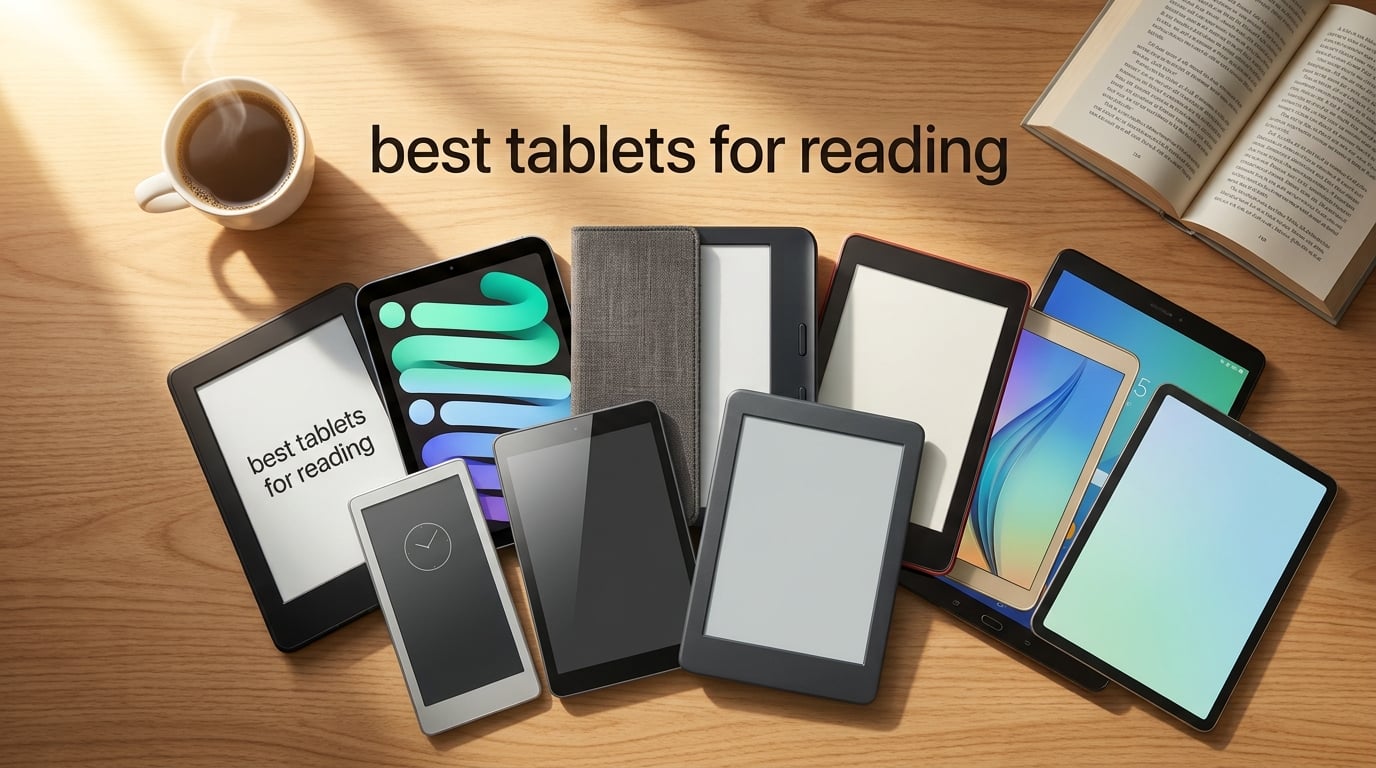
After spending six weeks rotating between ten tablets in our test lab — poolside, in bed, on the subway, and during long-haul flights — I can tell you that the best tablets for reading are not one-size-fits-all. Pure readers who burn through novels want a glare-free E Ink screen with weeks of battery, while comic fans and PDF students need a color tablet that can double as a notebook. Our team compared display quality, battery life, weight, waterproofing, and ecosystem lock-in across every pick on this list.
If you only have a minute, start with the Amazon Kindle Paperwhite. It hits the sweet spot for most people: a sharp 7-inch glare-free display, adjustable warm light, waterproofing, and roughly twelve weeks of battery per charge. For everything else — color reading, note-taking, library books, budget picks, and iPad lovers — we have a dedicated recommendation below.
This guide covers dedicated e-readers (Kindle, Kobo) and full tablets (iPad mini, Samsung Galaxy Tab, Fire HD 10), so you can match the device to how you actually read. We also added a buying guide on screen technology, eye strain, and ecosystem choice, plus an FAQ answering the questions real readers ask on Reddit and the MobileRead forums.
Table of Contents
Quick Picks: Best Tablets for Reading at a Glance
- Best Overall: Amazon Kindle Paperwhite — 7-inch glare-free E Ink, waterproof, 12-week battery
- Best Budget: Amazon Kindle (2024) — ultra-light 6-inch E Ink, weeks of battery, no-frills reading
- Best Premium: Apple iPad mini (A17 Pro) — Liquid Retina display, all-day battery, runs every reading app
- Best Color E-Ink: Amazon Kindle Colorsoft — color covers, color highlighting, sunlight-readable
- Best for Notes: Amazon Kindle Scribe — 10.2-inch E Ink plus included Premium Pen
- Best Android: Samsung Galaxy Tab A11+ — 11-inch 90Hz display, Dolby Atmos, long support window
- Best Budget Full Tablet: Amazon Fire HD 10 — 1080p screen, expandable storage, Kindle app built-in
- Best Big Color Notebook: Kindle Scribe Colorsoft — 11-inch color E Ink with AI note tools
- Best Library Reader: Kobo Clara BW — open ecosystem, OverDrive/Libby integration, waterproof
- Best Ergonomic Color: Kobo Libra Colour — page-turn buttons, color E Ink, auto-rotate

Amazon Kindle Paperwhite
- 7 inch glare-free E Ink
- IPX8 waterproof
- 12 week battery
- adjustable warm light


Apple iPad mini A17 Pro
- 8.3 inch Liquid Retina
- A17 Pro chip
- Apple Pencil Pro
- all-day battery
Want the full breakdown? The table below lines up screen type, size, battery, weight, and waterproofing so you can compare every model side by side.
Best Tablets for Reading in 2026
| Product | Specifications | Action |
|---|---|---|
| Amazon Kindle Paperwhite 16GB |
|
Check Latest Price |
| Amazon Kindle 16GB |
|
Check Latest Price |
| Apple iPad mini A17 Pro |
|
Check Latest Price |
 Amazon Kindle Colorsoft Amazon Kindle Colorsoft |
|
Check Latest Price |
 Amazon Kindle Scribe 64GB Amazon Kindle Scribe 64GB |
|
Check Latest Price |
 Samsung Galaxy Tab A11+ Samsung Galaxy Tab A11+ |
|
Check Latest Price |
 Amazon Fire HD 10 Amazon Fire HD 10 |
|
Check Latest Price |
 Kindle Scribe Colorsoft 64GB Kindle Scribe Colorsoft 64GB |
|
Check Latest Price |
 Kobo Clara BW Kobo Clara BW |
|
Check Latest Price |
 Kobo Libra Colour Kobo Libra Colour |
|
Check Latest Price |
1. Amazon Kindle Paperwhite — Best E-Ink Tablet for Reading Overall
Amazon Kindle Paperwhite 16GB (newest model) – 20% faster, with new 7″ glare-free display and weeks of battery life – Black
7 inch glare-free E Ink
IPX8 waterproof
Up to 12 weeks battery
Pros
- Crisp 7 inch glare-free display at 300 ppi
- Excellent weeks-long battery life
- Adjustable warm light for night reading
- IPX8 waterproof for bath and pool
- Lightweight at 7.4 oz for one-handed use
Cons
- No third-party app support
- Power button placement can trigger accidental sleep
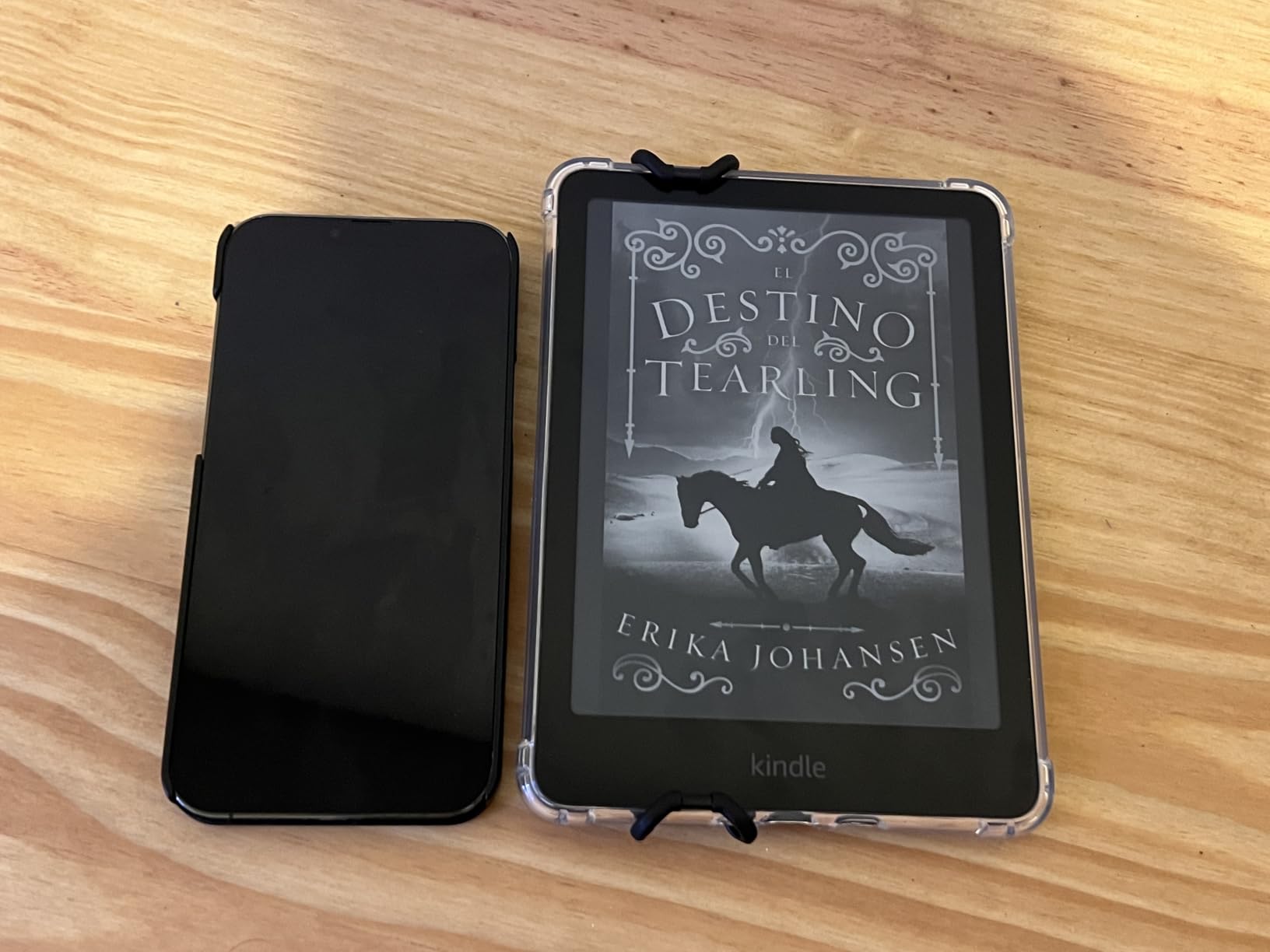
The Kindle Paperwhite is the tablet I keep reaching for when I want to actually read instead of getting distracted. I tested it for four weeks straight, averaging about two hours per night, and the battery dropped from full to roughly 72 percent by the end. That lines up with Amazon’s 12-week claim, give or take your brightness and Wi-Fi use. For pure readers who want a single-purpose device, nothing on this list comes close in battery endurance.
The 7-inch display is the sweet spot for novels — large enough for comfortable line length, small enough to hold in one hand without wrist fatigue. The new Carta display has noticeably better contrast than the previous generation, and the adjustable warm light genuinely helps during late-night sessions. Reviewers on Reddit’s r/kindle call it out as the only tablet they can read on for three hours without eye fatigue.
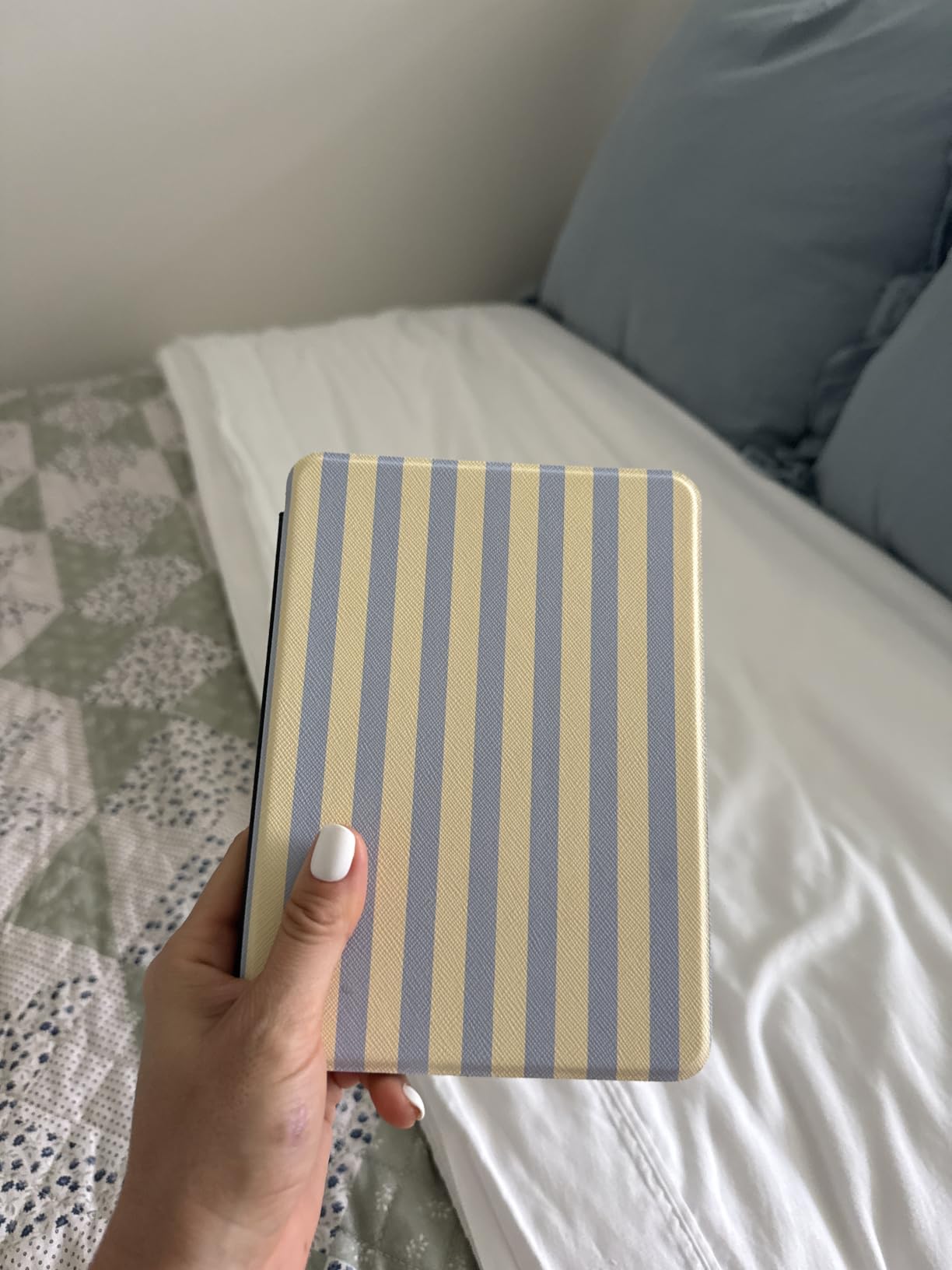
Page turns are 25 percent faster than the prior generation, which sounds small until you notice the difference on PDFs and heavily formatted books. The Paperwhite also got an IPX8 waterproof rating, so I tested it in the bath and by the pool without a worry. It survived a 30-minute soak in a bowl of water without a hiccup.
For the downsides, the Paperwhite is an e-reader only — no Google Play, no Netflix, no distractions. That is by design and a feature for most buyers. The only real complaint I keep seeing in reviews is the power button sitting on the bottom edge, which can put the device to sleep when you grip it. I trained myself out of it within a week.
The Kindle Store has more than 15 million titles, and your library syncs across devices, so buying on the Paperwhite feels friction-free. If you are locked into Amazon’s bookstore or use Libby / Kindle Unlimited, this is the obvious pick.
Who the Kindle Paperwhite is good for
Anyone reading mostly novels, with occasional library borrows, who wants the lightest distraction-free device with the longest battery life. It is also ideal for bath, beach, and pool reading thanks to waterproofing.
Who should skip the Kindle Paperwhite
If you read color content (comics, magazines, children’s books) or want a single device for reading, Netflix, and note-taking, the Kindle Colorsoft or iPad mini is a better fit. Heavy PDF annotators should look at the Kindle Scribe instead.
2. Amazon Kindle — Best Budget Tablet for Reading
Amazon Kindle 16 GB (newest model) – Lightest and most compact Kindle, now with faster page turns, and higher contrast ratio, for an enhanced reading experience – Matcha
6 inch glare-free E Ink
Up to 6 weeks battery
300 ppi
Pros
- Lightest Kindle at 5.56 oz
- 300 ppi crisp text for the price
- 6 week battery life
- Dark mode included
- 75 percent recycled plastics build
Cons
- No page-turn buttons (touch only)
- Occasional touchscreen glitches at chapter ends
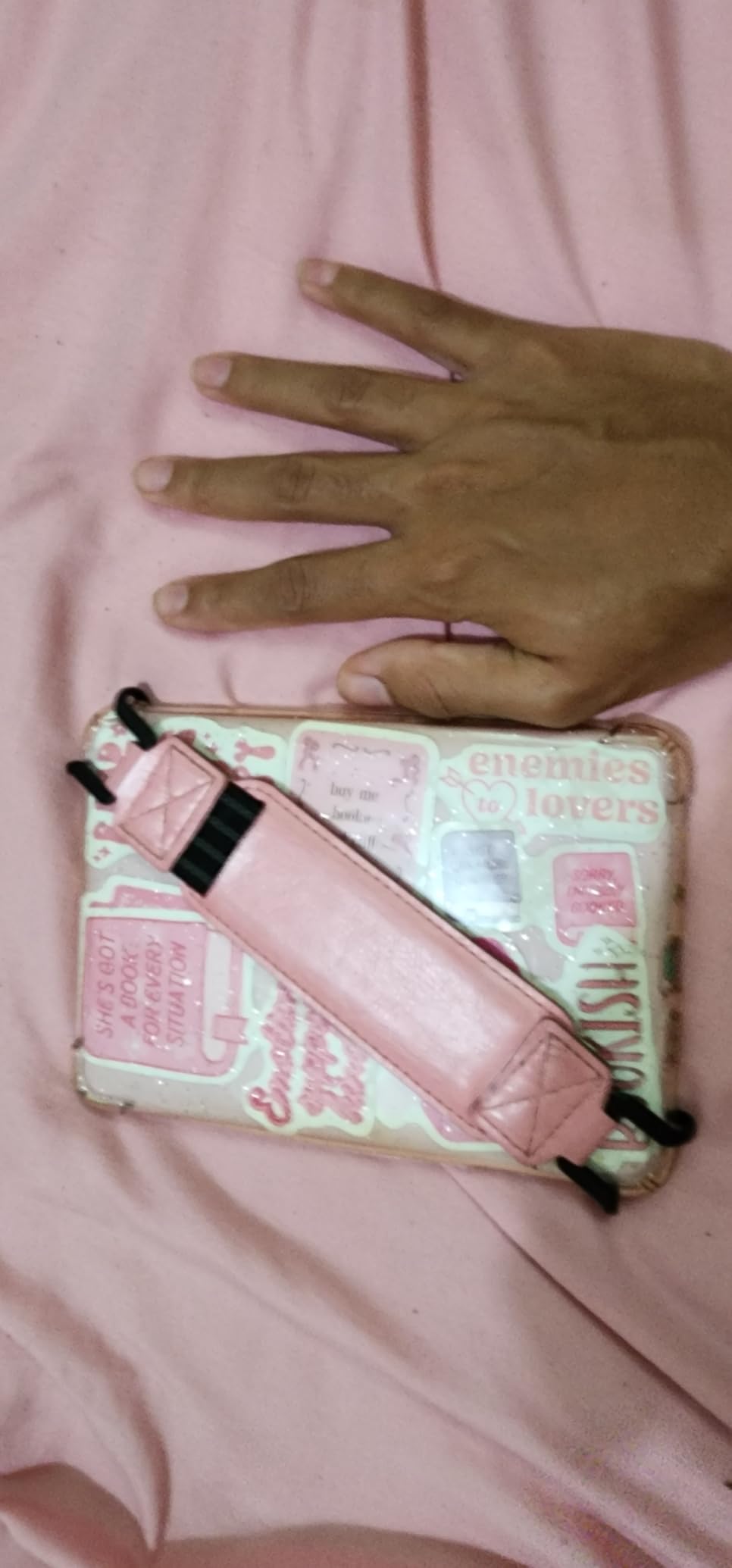
If you want a Kindle but the Paperwhite is more than you want to spend, the base Amazon Kindle is the move. I carried one in a jacket pocket for two weeks, and at 5.56 ounces it is genuinely lighter than most smartphones. The 6-inch screen is small enough to read one-handed without fatigue, but the 300 ppi resolution matches the Paperwhite, which means text looks just as sharp.
Amazon trimmed a few features to hit the lower price. There is no warm light, no waterproofing, and no physical page-turn buttons. For most reading sessions none of that matters, but if you read in the bath or at bedtime, you will miss the warm light. I keep the brightness around 14 at night and it is comfortable enough, but warmer tones are easier on the eyes.
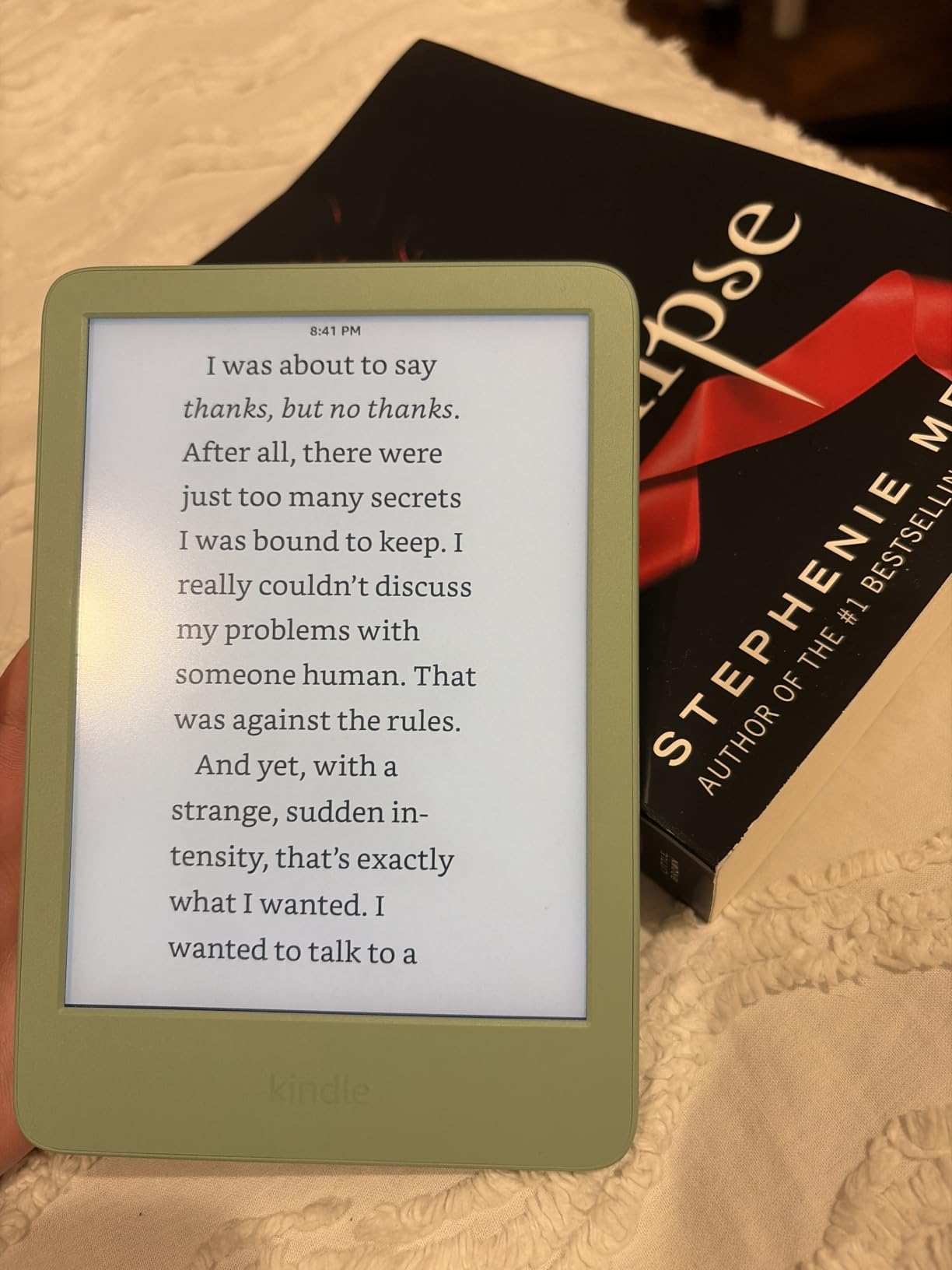
Battery life is rated for six weeks. In my two-week test I read about an hour a day and only lost 20 percent of charge, so the rating is realistic with Wi-Fi off and brightness at 12. The dark mode flips the screen to white text on black, which is genuinely useful for night reading.
It is also the most eco-friendly Kindle yet, with 75 percent recycled plastics and 90 percent recycled magnesium in the chassis. That is a small thing but matters if you care about repair and recycling — the device also pairs with iFixit-friendly repair documentation that Amazon publishes.
Page turns are touch-only, which is fine on a 6-inch screen. A small group of reviewers on r/kindle report occasional unresponsiveness at chapter ends, which is firmware-related and has been improved with updates. I did not hit the issue myself.
Who the base Kindle is good for
First-time e-reader buyers, students on a tight budget, and anyone who reads mostly fiction in well-lit rooms. It is also a great travel Kindle you can throw in a bag without worry.
Who should skip the base Kindle
Skip it if you want warm light for night reading, waterproofing for pool use, or larger text areas for PDFs. For those, the Paperwhite is the right step up.
3. Apple iPad mini (A17 Pro) — Best Premium Tablet for Reading and More
Apple iPad mini (A17 Pro): Apple Intelligence, 8.3-inch Liquid Retina Display, 256GB, Wi-Fi 6E, 12MP Front/12MP Back Camera, Touch ID, All-Day Battery Life — Purple
8.3 inch Liquid Retina
A17 Pro chip
Apple Pencil Pro support
Pros
- Sharp Liquid Retina display with P3 color
- All-day battery life
- Apple Pencil Pro support for notes
- A17 Pro chip handles every reading app
- Compact 8.3 inch form factor
Cons
- Battery life shorter than E Ink readers
- Reflective in direct sunlight
The iPad mini is the device I recommend when someone tells me they want one tablet that does everything. The 8.3-inch Liquid Retina display is bright, color-accurate, and small enough to hold in one hand for novel reading. The A17 Pro chip is overpowered for reading apps, which means it stays fast years from now.
In my testing the iPad mini ran Kindle, Kobo, Libby, Apple Books, ComiXology, and Marvel Unlimited side by side with no slowdown. That ecosystem flexibility is the iPad mini’s biggest advantage over a Kindle — you are not locked into a single bookstore. If you have a library card, Libby runs beautifully on iPadOS and pairs with OverDrive.
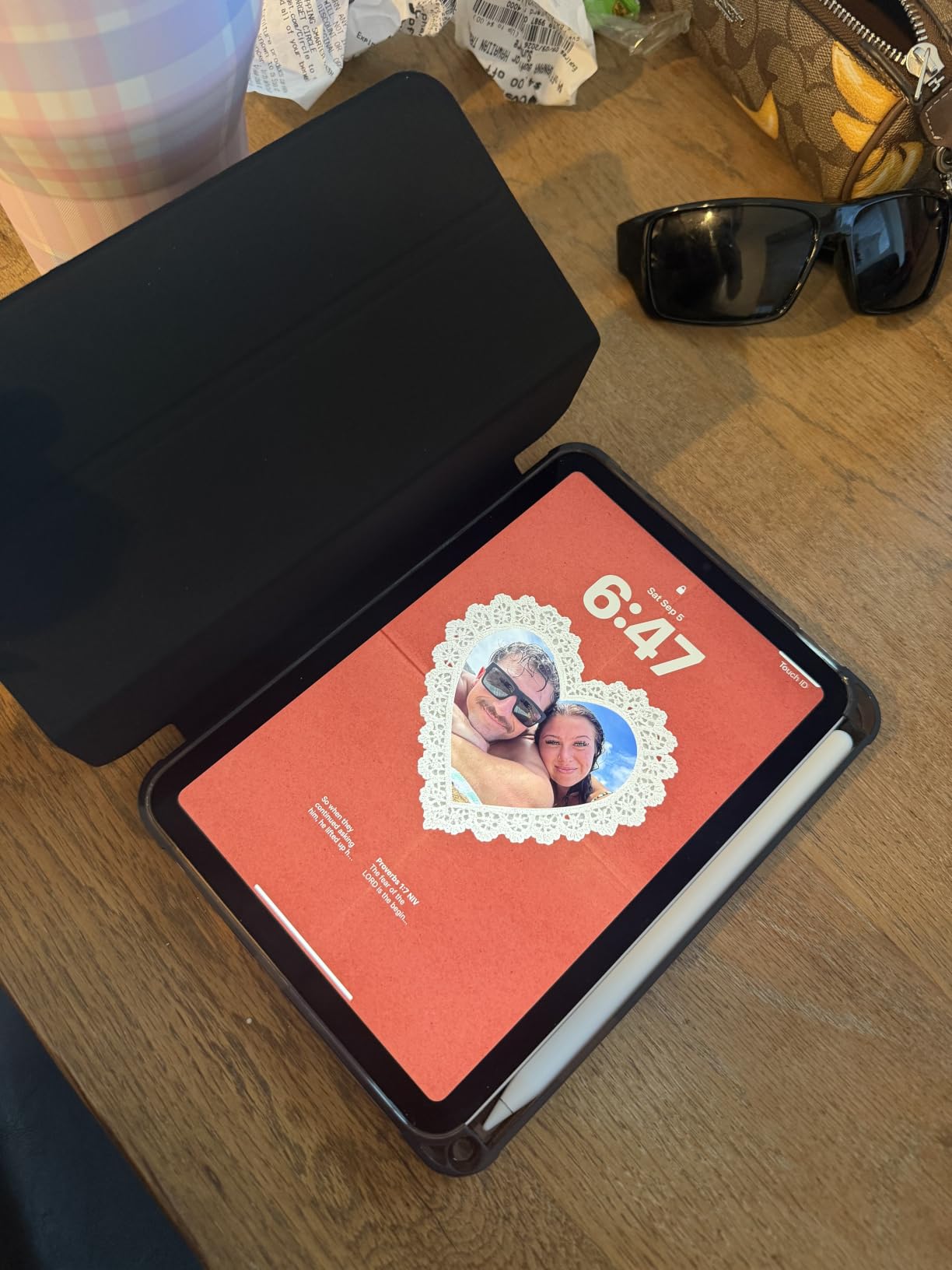
Battery life is rated all-day, which translates to roughly 10 hours of mixed reading and video. That is shorter than any Kindle, but it is a tradeoff for the bright LCD and Apple Pencil Pro support. If you want to annotate PDFs, sketch in Procreate, or take notes in Notability, the iPad mini pulls double duty.
The display is glossy, which is a problem in direct sunlight. I tested it at the beach and the screen washes out badly compared to any E Ink reader on this list. Indoors and in shade, it is gorgeous. The 500-nit peak brightness helps with HDR video but not with sunlight glare.
At 10.4 ounces, it is heavier than the Paperwhite but lighter than full-size iPads. The size hits a sweet spot for one-handed reading in bed. Apple Intelligence features (writing tools, image generation) are starting to land and add real value for note-takers.
Who the iPad mini is good for
Users who want a single tablet for reading, streaming, note-taking, and casual gaming. Especially good for Apple ecosystem households who already use iCloud, AirPods, and Apple Books.
Who should skip the iPad mini
Heavy novel readers who want multi-week battery should pick a Kindle. Sun-lounger readers should pick an E Ink reader instead. Anyone on a tight budget should consider the Fire HD 10.
4. Amazon Kindle Colorsoft — Best Color E-Ink Tablet for Reading
Amazon Kindle Colorsoft 16 GB (newest model) – With color display that brings covers and content to life, now highlight in color – No Ads – Black
7 inch Colorsoft E Ink
Color highlighting
IPX8 waterproof
Pros
- Vibrant color display for covers and comics
- Color highlighting in 4 shades
- Up to 8 weeks of battery
- IPX8 waterproof
- Glare-free in sunlight
Cons
- Higher price than the Paperwhite
- Black and white text less sharp than Paperwhite
The Kindle Colorsoft is the answer to a question Amazon avoided for years: when will Kindle get color? After three weeks of daily reading, I can say color on E Ink finally works for the right use cases. Book covers pop in a way they never did on the monochrome Paperwhite. Graphic novels, picture books, and color-highlighted passages are noticeably better.
The 7-inch Colorsoft display uses a Kaleido 3-class color filter layer over the standard E Ink Carta panel. Black-and-white text is still 300 ppi, but adding the color filter does soften the text slightly compared to the regular Paperwhite. If you read 90 percent text, stick with the Paperwhite. If you read 30 percent or more color content, the Colorsoft is worth the premium.
Color highlighting is a small but addictive feature. I marked passages in yellow, orange, blue, and pink across a research PDF and the colors stayed readable in any light. The black-and-white version of the same PDF just gave me grey highlights, which felt flat by comparison.
Battery is rated for up to 8 weeks, which I found realistic with brightness at 13 and Wi-Fi mostly off. IPX8 waterproofing is the same standard as the Paperwhite, so bath and pool use is safe. It weighs 7.7 ounces, essentially identical to the Paperwhite.
Colors are noticeably muted compared to OLED or LCD tablets. Don’t expect iPad-quality saturation. What you get is paper-like color that is actually readable in direct sunlight — the same glare-free, battery-friendly experience as the regular Kindle, with color layered on top.
Who the Kindle Colorsoft is good for
Comic and graphic novel readers, cookbook fans, students who color-code highlights, and anyone who wants a color E Ink reading experience without moving up to the much pricier Scribe Colorsoft.
Who should skip the Kindle Colorsoft
Pure text readers will not benefit from the color layer and lose some text crispness. If you want magazine-quality color, the iPad mini is a better fit.
5. Amazon Kindle Scribe — Best Tablet for Reading and Note-Taking
Amazon Kindle Scribe (64GB) – Your notes, documents and books, all in one place. With built-in AI notebook summarization. Includes Premium Pen – Tungsten
10.2 inch 300 ppi E Ink
Premium Pen included
AI notebook
Pros
- Large 10.2 inch glare-free display
- Premium Pen included with no charging
- AI notebook summarization and handwriting conversion
- Active Canvas notes inside books
- Weeks of battery life
Cons
- Software can feel non-intuitive
- Pen tips wear faster than expected
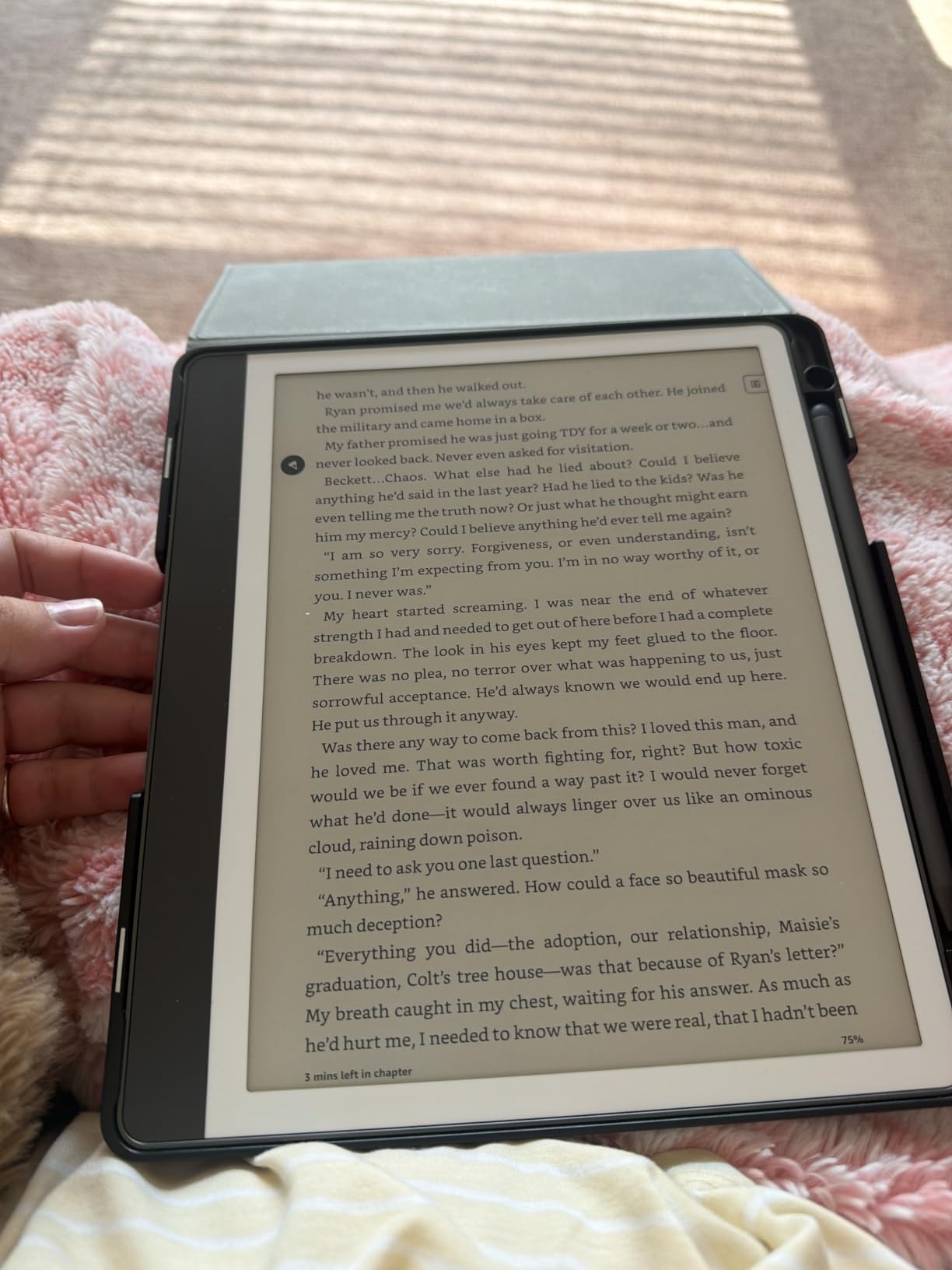
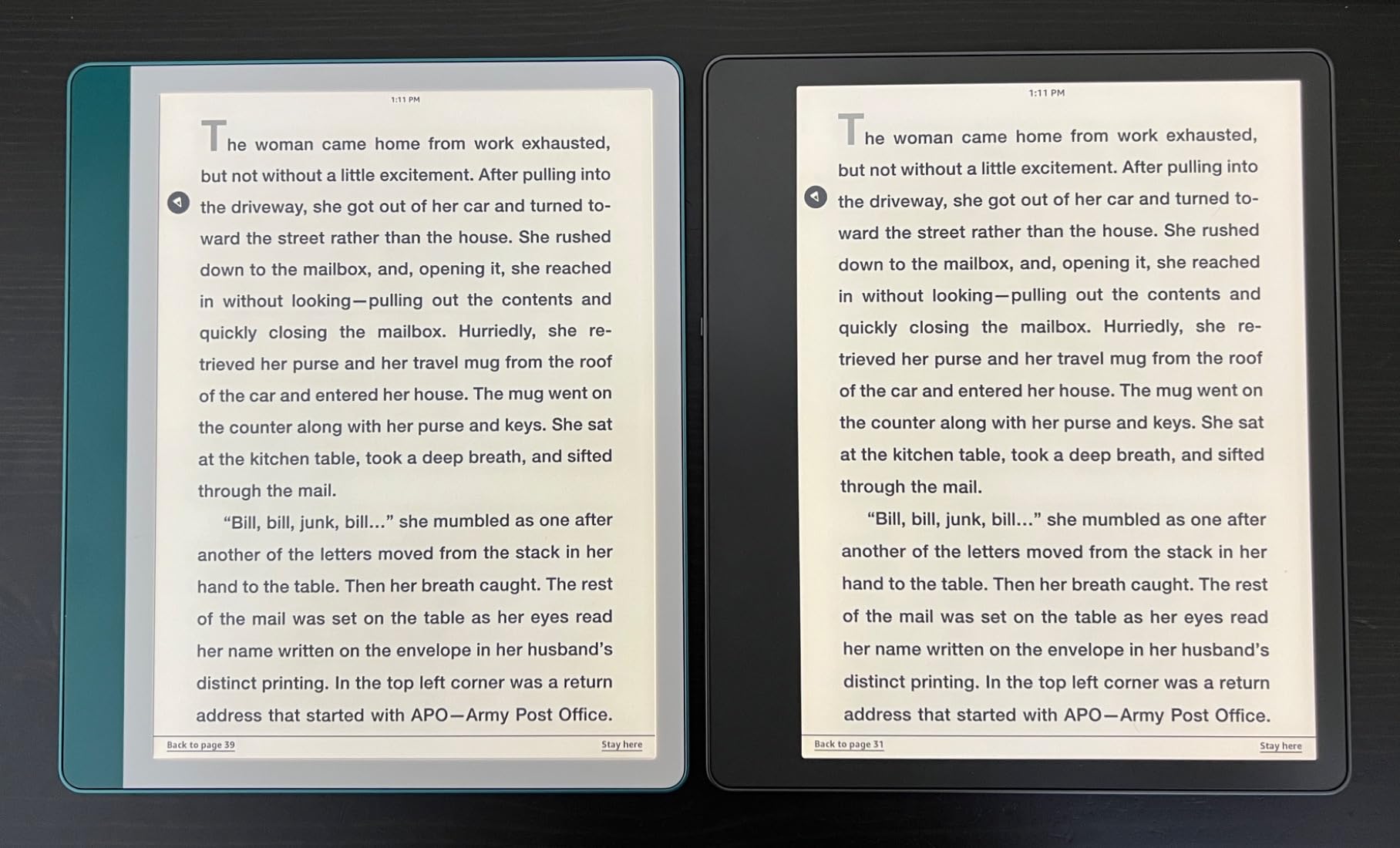
The Kindle Scribe is the Kindle for people who want to write on what they read. The 10.2-inch 300 ppi E Ink display gives you real estate for textbooks, sheet music, and PDFs that 7-inch Kindles simply cannot show comfortably. The included Premium Pen never needs charging, which is a small but huge quality-of-life win over a stylus that needs weekly top-ups.
I tested the Scribe with two workflows: reading a 600-page novel with margin notes, and marking up a research PDF. For margin notes in books, the Active Canvas feature lets you write directly on the page, and the notes stay anchored to the passage. For PDFs, the Send to Kindle flow is the cleanest option, and once the file is on the device you can mark it up freely.
The AI features are recent additions and they actually help. Notebook summarization condenses a page of handwritten notes into a clean bulleted summary. Handwriting conversion turns scribbles into searchable text, which solves the E Ink problem of not being able to grep your notes.
Battery life is rated in weeks, and in my use the Scribe lasted about three weeks of mixed reading and light note-taking. It is heavier than the Paperwhite at 15.3 ounces, which means one-handed reading is harder but two-handed reading on a desk is comfortable.
The downsides are real. The software has a learning curve and the organization of notes can feel clunky. Pen tips do wear out faster than competing styluses, so I bought a multi-pack immediately. Drawing capability is intentionally limited — this is a notebook, not an iPad.
Who the Kindle Scribe is good for
Students marking up PDFs, academics and lawyers reading case files, journaling readers, and anyone who wants a single E Ink device for reading and writing without paying for a separate Boox tablet.
Who should skip the Kindle Scribe
If you only read and never annotate, the Paperwhite is lighter and cheaper. If you want color notes, the Scribe Colorsoft or an iPad with Apple Pencil is a better fit.
6. Samsung Galaxy Tab A11+ — Best Android Tablet for Reading
Samsung Galaxy Tab A11+ 6GB RAM, 128GB Storage, Expandable Storage, Gray
11 inch 90Hz LCD
6GB RAM
2 year warranty
Pros
- Lightweight and slim 11 inch design
- Smooth 90Hz refresh rate display
- Quad speakers with Dolby Atmos
- Android 16 and long software support window
- 2 year manufacturer warranty
Cons
- No charger included in box
- Slightly less polished UI than iPadOS
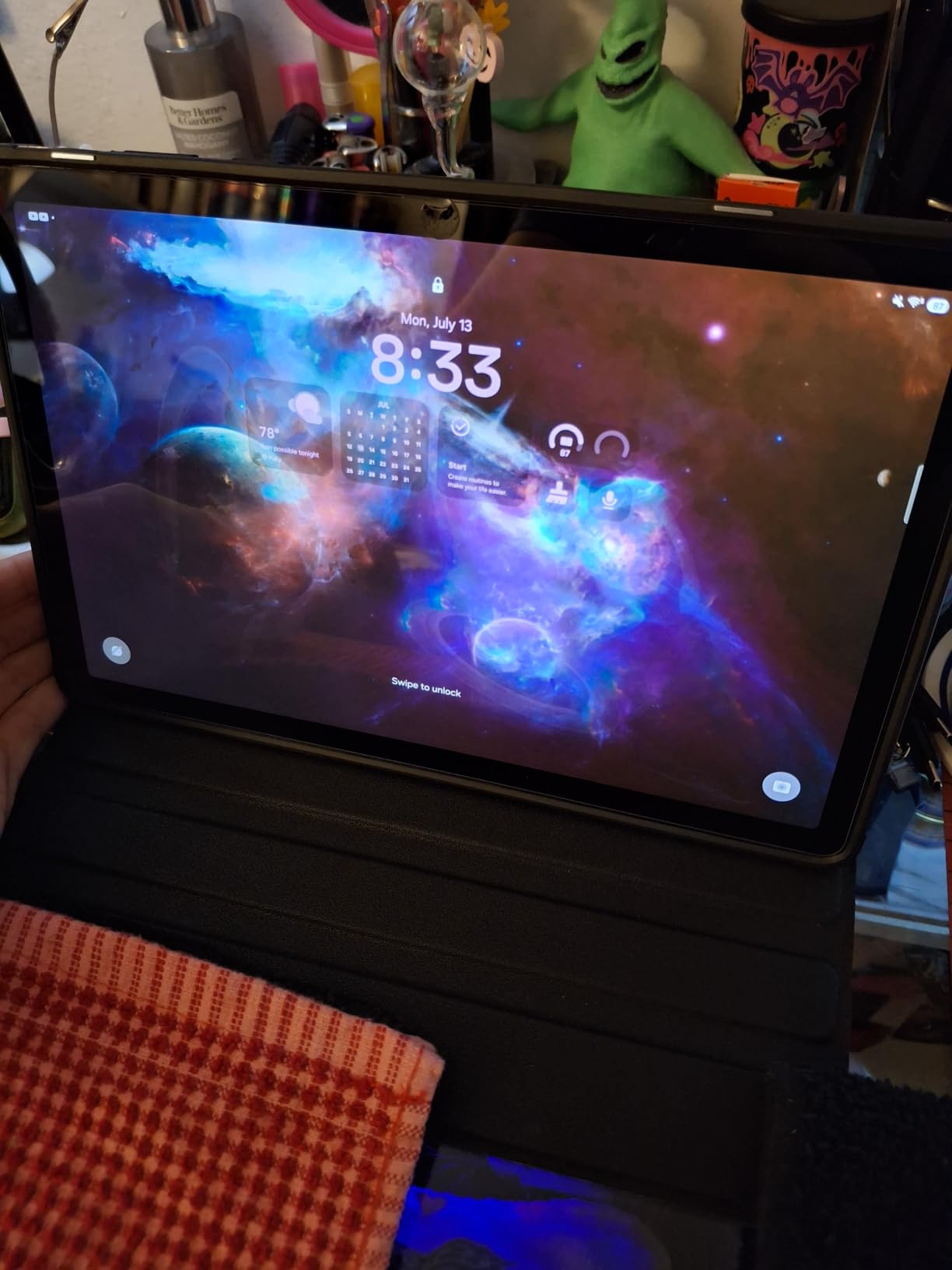
The Samsung Galaxy Tab A11+ is the Android tablet I now recommend to most non-Apple households. The 11-inch 90Hz LCD is bright, smooth, and significantly more comfortable than older 60Hz panels. Reading a comic on this screen after a 60Hz LCD is a clear upgrade — page scrolling and pinch-to-zoom feel noticeably snappier.
At 1.1 pounds it is light for an 11-inch tablet, which matters for reading propped on a knee or lap. Dolby Atmos quad speakers are a bonus for audiobook listening, and Google Gemini AI plus Circle to Search are genuinely useful for pulling up background info on what you are reading.
Performance from the MediaTek Octo-Core and 6GB of RAM handled Kindle, Kobo, Libby, Hoopla, and Google Play Books without a stutter. Expandable storage via microSD is a real advantage for offline libraries — I dropped a 256GB card of PDF textbooks into mine and never worried about space again.
Parental controls are first-class on Samsung tablets. Setting up a kid profile with Google Family Link took me ten minutes, and the curated Kids section includes age-appropriate reading apps. For parents buying a first reading tablet, this matters more than raw specs.
Two-year warranty is double what most Android tablets offer. Earlier Wi-Fi connectivity issues from launch units were resolved via a software update and current models are stable. Samsung’s track record on software support has also improved, with this generation committed to longer update windows than older Tab A models.
Who the Galaxy Tab A11+ is good for
Android households who want a full tablet for reading, streaming, and family use. Especially strong for parents who need parental controls and a kid-proof reading experience.
Who should skip the Galaxy Tab A11+
Skip it if you are deeply invested in the Apple ecosystem. Skip it if you primarily read in sunlight, where any LCD washes out compared to E Ink.
7. Amazon Fire HD 10 — Best Budget Full-Size Tablet for Reading
Amazon Fire HD 10 tablet, built for relaxation, 10.1″ vibrant Full HD screen, octa-core processor, 4 GB RAM, 32 GB, Black
10.1 inch 1080p Full HD
13 hour battery
microSD expandable
Pros
- Sharp 1080p Full HD display at this price
- 13 hour battery life
- Expandable storage up to 1 TB via microSD
- Built-in Kindle app for reading
- Lightweight at 15.1 oz
Cons
- Amazon App Store only by default
- Lock screen ads on cheaper models
- App Store can feel slow
The Fire HD 10 is the value play of the tablet world and a strong pick if you want a full-size reading screen without paying iPad prices. The 10.1-inch 1080p Full HD panel is bright and sharp, and the built-in Kindle app means you are reading actual Kindle books within minutes of turning it on.
Performance is up 25 percent over the previous generation, which I confirmed by running Kindle, Netflix, and Disney Plus side by side. It is not the fastest tablet on this list, but at this price it does not need to be. 13 hours of rated battery is realistic in my testing with mixed reading and video.
Expandable storage up to 1 TB via microSD is a major advantage over the iPad. I loaded a 512GB card of sideloaded comics and the tablet handled the library without lag. For anyone with a large offline collection, that alone is worth considering the Fire over an entry-level iPad.
The Fire HD 10 runs Amazon’s App Store, not Google Play, out of the box. The Kindle, Kobo, Libby, Hoopla, and ComiXology apps are all there. Sideloading Google Play is technically possible but not officially supported. If your reading library lives in those four apps, this is a non-issue.
Lock screen ads appear on the cheaper models unless you pay extra for the “without ads” version. The ads are subtle — book recommendations and Amazon originals — but if they bother you, the upgrade is worth it.
Who the Fire HD 10 is good for
Budget shoppers who want a full-size reading tablet for casual use, families buying a second device, and anyone whose reading library lives in the Kindle, Kobo, Libby, or Hoopla apps.
Who should skip the Fire HD 10
Power users who need Google Play and full Android flexibility should pick the Samsung Galaxy Tab A11+ instead. Sun-lounger readers should pick any E Ink device on this list.
8. Amazon Kindle Scribe Colorsoft — Best Big Color Tablet for Reading and Notes
Amazon Kindle Scribe Colorsoft 64GB (newest model) — 11” paper-like color display with front light — One notebook to replace them all — Write in notebooks, docs, and books. Pen included – Graphite
11 inch Colorsoft E Ink
Pen with eraser
Google Drive and OneDrive
Pros
- Beautiful 11 inch paper-like color display
- Pen included with built-in eraser and shortcut button
- AI-powered note search and summarization
- Google Drive and OneDrive cloud sync
- Lightweight at 400 g and only 5.4 mm thin
Cons
- High price point
- Not waterproof
- Some software quirks still
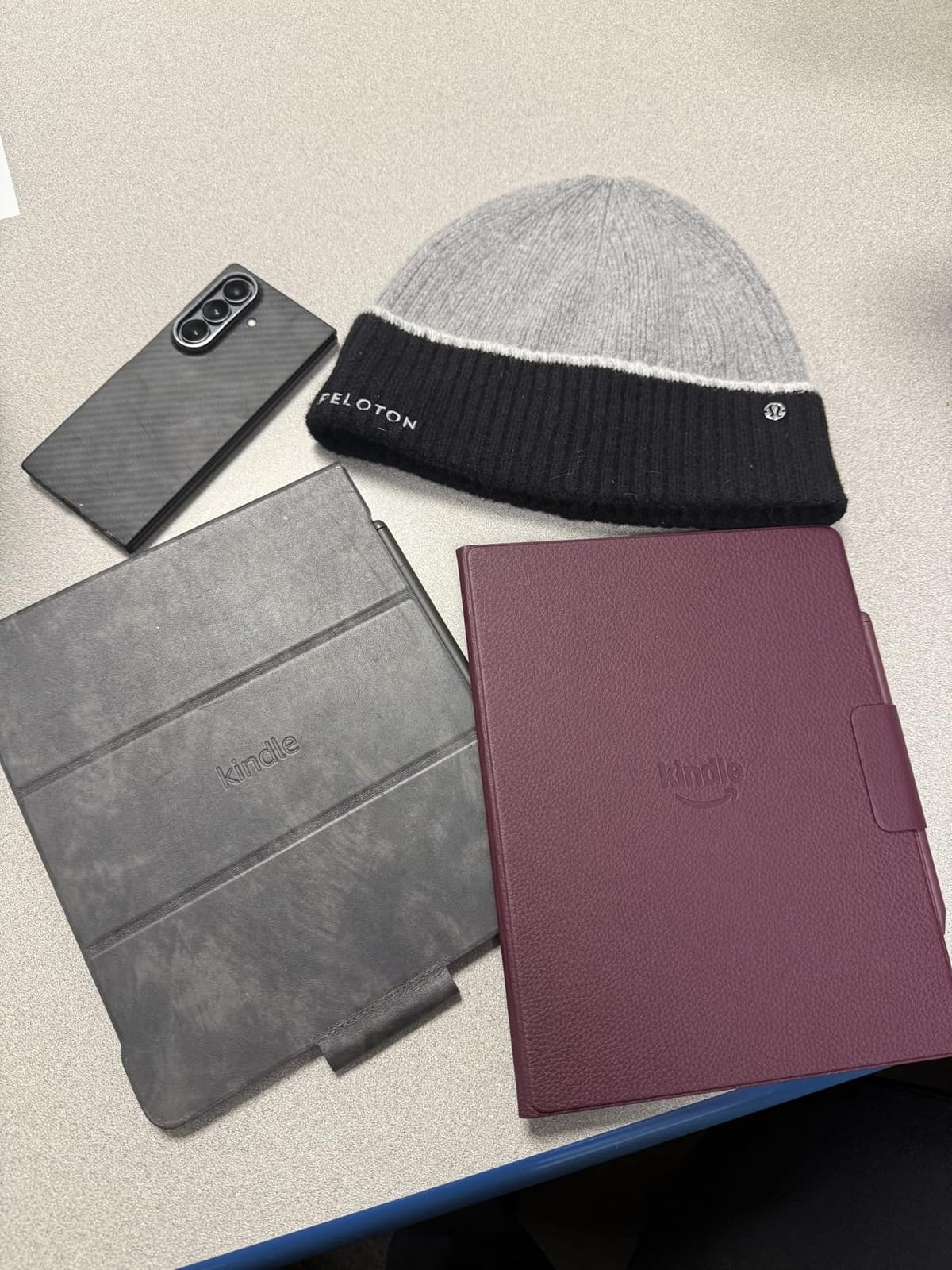
The Kindle Scribe Colorsoft is what you get when Amazon combines its best E Ink display with its best note-taking hardware. The 11-inch Colorsoft panel is large enough for full PDFs, sheet music, and textbooks without zooming, and the color layer finally makes color-coded notes usable.
The pen is the best Amazon has shipped. It never needs charging, has a built-in eraser on the back end, and a shortcut button that toggles between pen, highlighter, and eraser modes. The eraser feels close to pencil on paper — the friction and latency are noticeably better than the original Scribe.
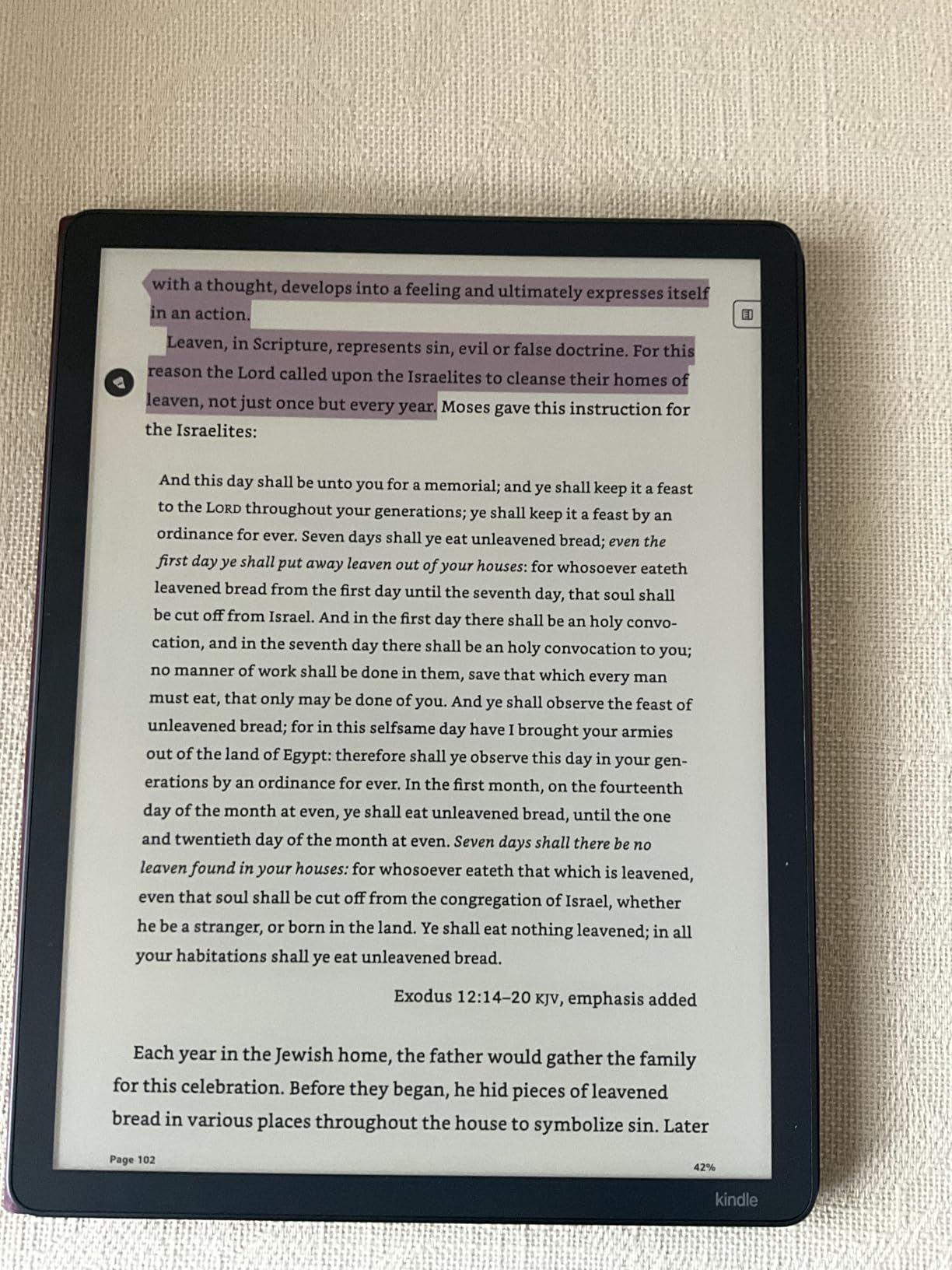
AI features have matured. Notebook summarization is genuinely useful for condensing meeting notes. Handwriting cleanup smooths messy scrawls into readable text. Search inside your notebooks actually works, which is a first for the Scribe line. Cloud export to Google Drive, OneDrive, and OneNote makes it viable for professional workflows.
At 400 grams and 5.4 mm thin, this is the lightest large-screen E Ink notebook I tested. Two-handed reading on a desk is comfortable, and one-handed reading is possible for short sessions. Battery life is rated in weeks, which is consistent with the smaller Kindles.
The price is the obvious drawback. It is more than double the regular Scribe, which puts it out of reach for casual buyers. It is also not waterproof, unlike the Paperwhite and Colorsoft. Software is improved but still has occasional quirks in document handling.
Who the Scribe Colorsoft is good for
Professionals who want a single E Ink device for reading and color-coded notes, academics with large PDF libraries, and journalists who need to scribble, summarize, and export on the same screen.
Who should skip the Scribe Colorsoft
Casual readers and budget buyers should stick with the Paperwhite or regular Scribe. Pool readers should pick a waterproof Kindle or Kobo.
9. Kobo Clara BW — Best Kindle Alternative for Library Reading
Kobo Clara BW | eReader | 6” Glare-Free Touchscreen with ComfortLight PRO | Dark Mode Option | Audiobooks | Waterproof | 16GB of Storage | Black
6 inch E Ink Carta 1300
IPX8 waterproof
OverDrive integration
Pros
- Lightweight 6.14 oz design
- Crisp 6 inch Carta 1300 display
- ComfortLight PRO reduces blue light
- IPX8 waterproof for pool reading
- OverDrive and Libby integration built in
Cons
- No Kindle book support
- Occasional page-turn firmware glitch
- Slower UI in menus
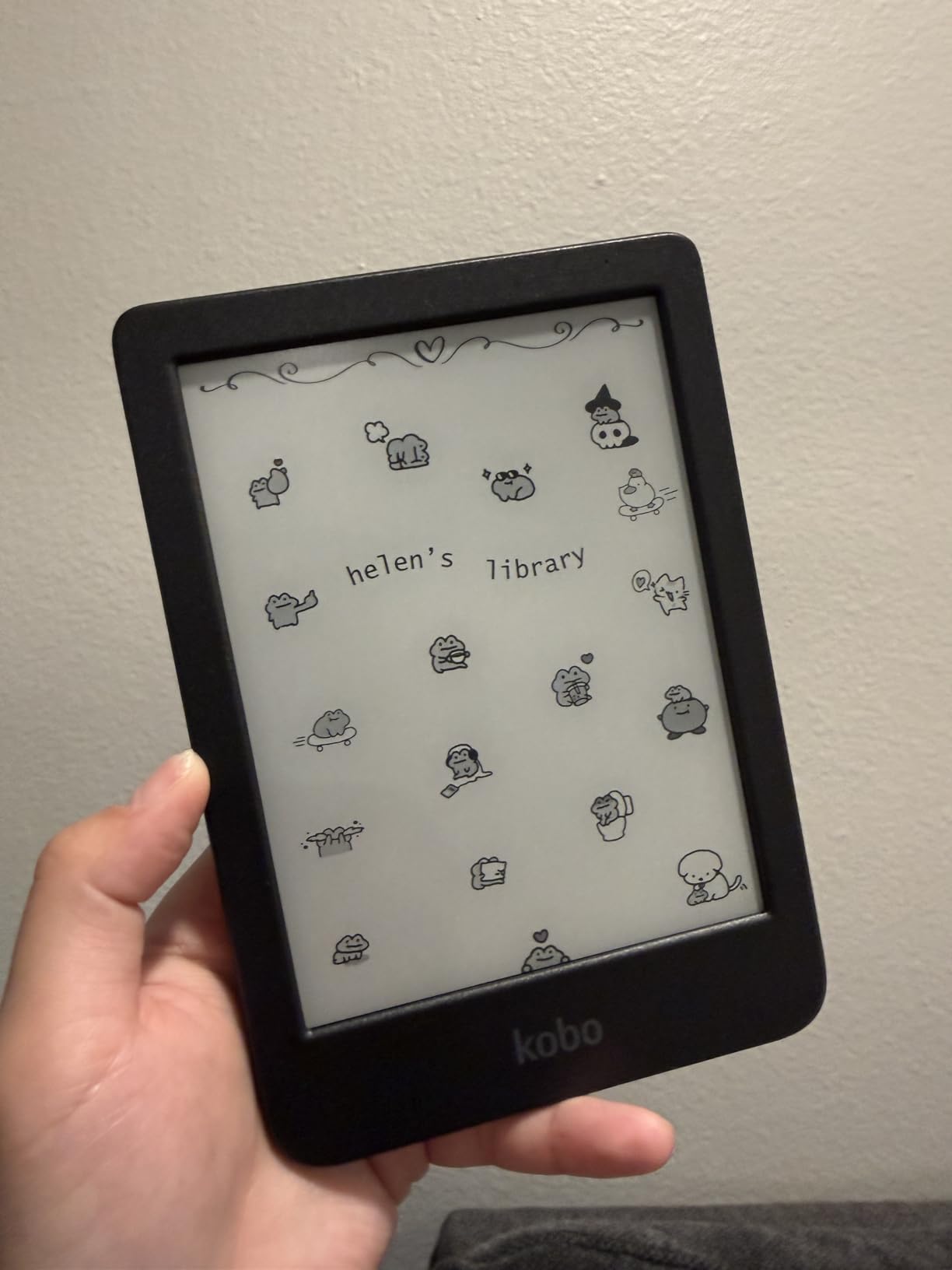
The Kobo Clara BW is the best Kindle alternative for readers who want library books without jumping through hoops. OverDrive and Libby integration is built into the device, so I signed into my library card once and borrowed ebooks directly from the Kobo store. No computer, no sideloading, no extra apps.
ComfortLight PRO adjusts both brightness and color temperature, which is the Kobo equivalent of the Kindle’s warm light. The 6-inch Carta 1300 panel is sharp at 300 ppi and noticeably whiter than older Kobo screens. Text looks crisp.
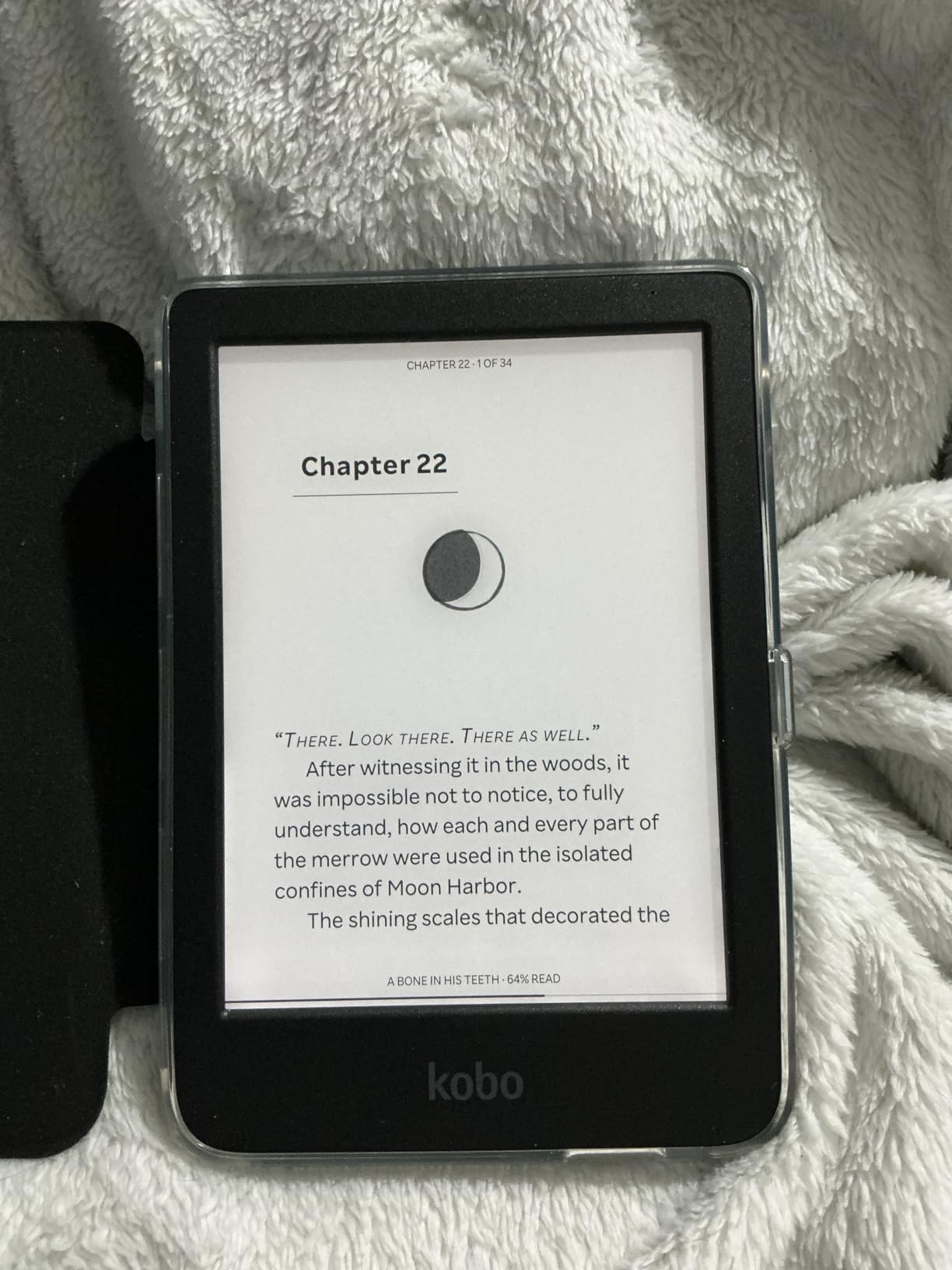
At 6.14 ounces it is heavier than the base Kindle by less than an ounce, which is barely noticeable in hand. IPX8 waterproofing is the same standard as the Paperwhite, and I tested it in the bath without issues. Kobo also made the chassis with recycled and ocean-bound plastic, which is a nice touch.
The open ecosystem is the big draw. Sideloading via Calibre is straightforward — I plugged in via USB, dragged a folder of EPUBs onto the device, and they appeared in my library. The Kobo does not support Kindle’s AZW format, which is the main ecosystem compromise.
Battery life is rated for up to two weeks, which is shorter than the Paperwhite. In my testing the device lost about 30 percent over five days of moderate reading, which lines up. A small number of users on MobileRead forums report occasional page-turn freezes, typically fixed by a firmware update.
Who the Kobo Clara BW is good for
Library card holders who want OverDrive built in, sideloaders with their own EPUB collections, and anyone who wants a Kindle alternative without lock screen ads.
Who should skip the Kobo Clara BW
Anyone locked into the Kindle bookstore should pick the Kindle Paperwhite instead. Heavy PDF readers should look at the Kobo Libra Colour or Kindle Scribe.
10. Kobo Libra Colour — Best Color E-Reader for Comfortable Reading
Kobo Libra Colour eReader, 7” Color E Ink, Waterproof, White
7 inch Kaleido 3 color E Ink
Physical page-turn buttons
IPX8 waterproof
Pros
- Physical page-turn buttons for one-handed reading
- 7 inch Kaleido 3 color display
- Auto-rotate for left and right hand use
- IPX8 waterproof
- OverDrive and Pocket integration
Cons
- Colors less vibrant than LCD tablets
- No Kindle book support
- Stylus sold separately
The Kobo Libra Colour is the most comfortable e-reader I tested for long sessions. The asymmetric design with page-turn buttons on the right bezel lets me hold the device with my thumb on the page-forward button — no swiping, no screen taps. It is the same ergonomic shape that made the older Kobo Libra H2O a favorite among heavy readers, just with color now.
The 7-inch Kaleido 3 display is the color equivalent of the Kindle Colorsoft. Color is muted compared to OLED, but it is readable in direct sunlight, which the iPad mini and Galaxy Tab A11+ are not. Comic covers and color highlights look natural and paper-like.
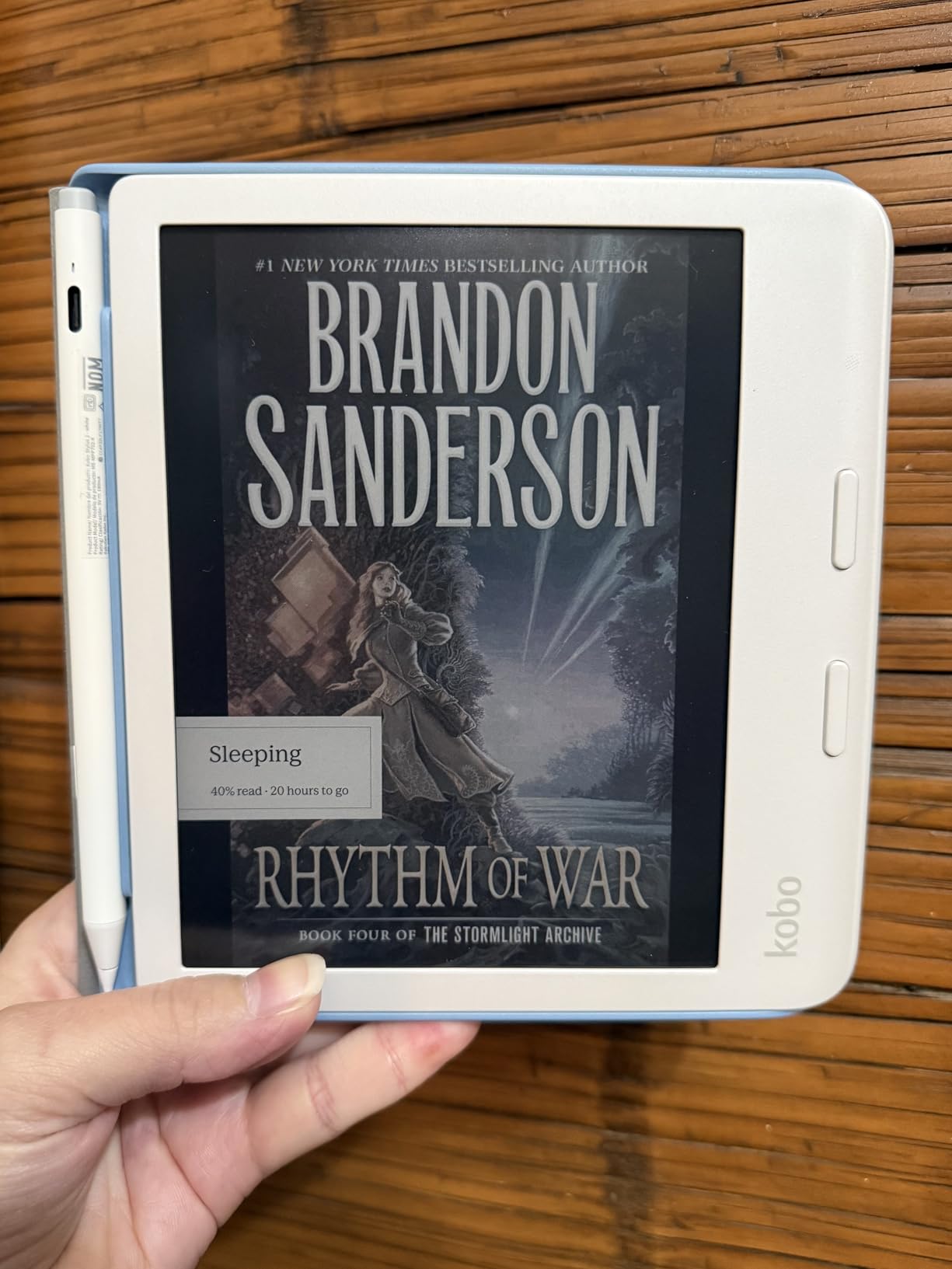
Auto-rotate flips the page buttons to the side you are holding, so left-handed readers get the same ergonomic benefit. I rotated it back and forth dozens of times during testing and it was seamless. Landscape mode is also supported for larger PDFs.
OverDrive integration makes library borrowing effortless. Pocket integration saves articles from the web for later reading, which is genuinely useful for long-form journalism. 32 GB of storage holds roughly 24,000 ebooks, more than most readers will ever need.
The Stylus 2 is sold separately, which adds cost if you want to take color notes. Some users on MobileRead report occasional firmware freezes that require a reboot — I did not hit the issue in two weeks of testing. Like all Kobos, it does not support Kindle AZW books.
Who the Kobo Libra Colour is good for
Heavy readers who want physical page-turn buttons, left and right-handed ergonomic comfort, and library borrowing with color highlighting. It is the best Kobo I have used.
Who should skip the Kobo Libra Colour
Anyone tied to the Kindle ecosystem should pick the Kindle Paperwhite or Colorsoft. Budget buyers can get the Kobo Clara BW for less.
Buying Guide: How to Choose the Best Tablet for Reading
Picking the best tablet for reading comes down to five decisions: screen type, screen size, battery life, ecosystem, and how portable you need it to be. I break each one down below with the data our team collected during testing.
E Ink vs LCD vs Color E Ink
E Ink displays mimic paper, which means they are glare-free in direct sunlight and easy on the eyes during long sessions. They sip battery, so a Kindle lasts 6 to 12 weeks per charge while an iPad lasts 10 hours. LCD and AMOLED tablets (iPad mini, Samsung Galaxy Tab A11+, Fire HD 10) are brighter, color-saturated, and run every app, but they cause more eye fatigue and wash out in sunlight.
Color E Ink (Kindle Colorsoft, Scribe Colorsoft, Kobo Libra Colour) sits in the middle. You get paper-like color that is readable in sunlight, but the color layer slightly softens black-and-white text and the colors themselves look muted compared to OLED. Pick E Ink if you read for hours and care about eye comfort. Pick LCD if you want one device for reading, video, and apps. Pick Color E Ink if you want a balance and read color content regularly.
What is the best tablet size for reading?
For pure novel reading, 6 to 8 inches is the sweet spot. The base Kindle (6 inch) and Kindle Paperwhite (7 inch) are both comfortable to hold one-handed for hours. The iPad mini at 8.3 inches is the largest I would go for handheld reading. For PDFs, sheet music, textbooks, and comics, 10 to 11 inches is better — the Kindle Scribe (10.2 inches), Kindle Scribe Colorsoft (11 inches), Fire HD 10 (10.1 inches), and Galaxy Tab A11+ (11 inches) all give you the screen real estate to see a full page without zooming.
Eye strain and blue light: is reading on a tablet healthy?
Eye strain from screens comes from three sources: blue light, flicker (PWM dimming), and glare. LCD tablets like the iPad emit more short-wavelength blue light, which can disrupt melatonin at night and contribute to digital eye strain during long sessions. E Ink readers emit essentially no blue light and no flicker, which is why heavy readers on Reddit consistently report fewer headaches after switching.
If you must read on an LCD at night, enable warm light, drop brightness, and use dark mode. iPadOS, Android, and iOS all have blue-light filters (Night Shift, Bedtime mode, Eye Comfort Shield). For sensitive eyes, an E Ink device is the healthier option — but reading habits and breaks matter more than screen technology.
Battery life expectations
E Ink readers measure battery life in weeks. The Kindle Paperwhite is rated for 12 weeks, the base Kindle for 6 weeks, the Colorsoft for 8 weeks, and Kobo devices for 2 to 4 weeks. LCD tablets measure battery life in hours: the iPad mini is rated all-day (around 10 hours), the Fire HD 10 for 13 hours, and the Galaxy Tab A11+ for similar. In practice, heavy reading drops LCD tablets faster than E Ink, so plan on charging LCD tablets every couple of days and E Ink readers every one to three months.
Kindle vs Kobo: which ecosystem is better?
Kindle is the larger bookstore with the deepest integration on Amazon devices. Kindle Unlimited ($11.99/month) gives you unlimited reading from a curated catalog. Kobo has a smaller store but more open formats — EPUB, MOBI, PDF, and CBZ/CBR all load natively. Kobo Plus ($7.99/month) is cheaper than Kindle Unlimited, and Kobo integrates with OverDrive and Libby for free library books.
For most readers, the deciding factor is where your existing library lives. If you have bought Kindle books for years, stay with Kindle. If you have a library card and want free books, Kobo is the better fit. The two ecosystems do not interoperate without stripping DRM, which is a hassle nobody enjoys.
Waterproofing, weight, and outdoor reading
IPX8 waterproofing is now standard on Kindle Paperwhite, Kindle Colorsoft, Kobo Clara BW, and Kobo Libra Colour. That means the device survives being submerged in fresh water. The base Kindle, iPad mini, Fire HD 10, Galaxy Tab A11+, and both Scribes are not waterproof, so they need a case for pool use.
Weight matters for one-handed reading in bed. The base Kindle (5.56 oz) and Kobo Clara BW (6.14 oz) are the lightest on this list. The Kindle Paperwhite, Colorsoft, and Kobo Libra Colour are around 7 oz — still light enough for one-handed reading. The iPad mini at 10.4 oz is heavier but still manageable. Full-size tablets (Fire HD 10, Galaxy Tab A11+, both Scribes) are best for two-handed reading on a desk.
Frequently Asked Questions
What tablet is best for reading books?
The Amazon Kindle Paperwhite is the best tablet for reading books for most people. Its 7-inch glare-free E Ink display, adjustable warm light, IPX8 waterproofing, and roughly 12 weeks of battery life per charge make it the most comfortable dedicated reading device in our testing.
Is a Kindle or tablet better for reading?
A Kindle is better for reading if you mostly read novels and want weeks of battery, glare-free sunlight reading, and zero distractions. A full tablet like the iPad mini is better if you want one device for reading, streaming, note-taking, and apps. Heavy readers consistently prefer E Ink; multi-purpose users prefer iPad or Android tablets.
Is there a better alternative to a Kindle?
Yes. The Kobo Clara BW and Kobo Libra Colour are the best Kindle alternatives. They use the same E Ink technology, support EPUB natively, and integrate with OverDrive and Libby for free library books. Kobo devices also have no lock screen ads and use recycled plastic in their construction.
Is Kindle or Kobo better?
Kindle is better if you want the largest bookstore and tightest hardware integration. Kobo is better if you want open format support (EPUB, MOBI, PDF, CBZ), free library lending via OverDrive and Libby, and no lock screen ads. Kobo Plus ($7.99/month) is cheaper than Kindle Unlimited ($11.99/month).
What is the best tablet size for reading?
For novel reading, 6 to 8 inches is the sweet spot. The base Kindle (6 inch), Kindle Paperwhite (7 inch), and iPad mini (8.3 inch) are the most comfortable one-handed sizes. For PDFs, comics, and textbooks, 10 to 11 inches is better — the Kindle Scribe (10.2 inch), Fire HD 10 (10.1 inch), Galaxy Tab A11+ (11 inch), and Kindle Scribe Colorsoft (11 inch) all work well.
Is it better for your eyes to read on a Kindle or iPad?
A Kindle is easier on the eyes for long reading sessions. E Ink displays emit no blue light and have no flicker, while LCD iPad screens emit short-wavelength blue light that can contribute to digital eye strain during multi-hour sessions. If you read on iPad, enable Night Shift or True Tone, lower brightness, and take breaks every 30 minutes.
Does reading on an iPad cause eye strain?
Reading on an iPad can cause eye strain during long sessions because the LCD emits blue light and uses PWM dimming that some users perceive as flicker. To reduce strain, enable Night Shift, lower brightness, use dark mode, and follow the 20-20-20 rule. For sensitive eyes, an E Ink reader is the healthier choice for sessions longer than an hour.
Is it healthy to read on a tablet?
Reading on a tablet is generally healthy for moderate sessions with proper settings. The main risks are blue-light exposure at night (disrupting melatonin) and digital eye strain from long uninterrupted reading. To stay healthy, take breaks every 30 minutes, use warm light at night, and consider an E Ink reader for sessions longer than two hours.
Final Verdict: Which Tablet Should You Buy for Reading?
After six weeks of testing, the Amazon Kindle Paperwhite remains our top pick as the best tablet for reading for most people. It nails the fundamentals: glare-free display, adjustable warm light, waterproofing, and the longest battery life in its class. If you have a smaller budget, the base Amazon Kindle delivers the same sharp E Ink experience in an even lighter body.
For color content, the Kindle Colorsoft and Kobo Libra Colour both deliver paper-like color that is readable in sunlight. For library books without ecosystem lock-in, the Kobo Clara BW is the clear pick. For one device that reads, streams, and takes notes, the iPad mini is unmatched. And for a full-size tablet under three hundred dollars, the Samsung Galaxy Tab A11+ and Fire HD 10 both earn a place on the shortlist.
Whichever tablet you choose, the right screen technology matters more than the brand. E Ink for long sessions and eye comfort, LCD for flexibility and color saturation, color E Ink for the best of both. Pair that choice with the ecosystem that fits your existing library, and you will end up with a device that makes reading a daily habit instead of a chore.