
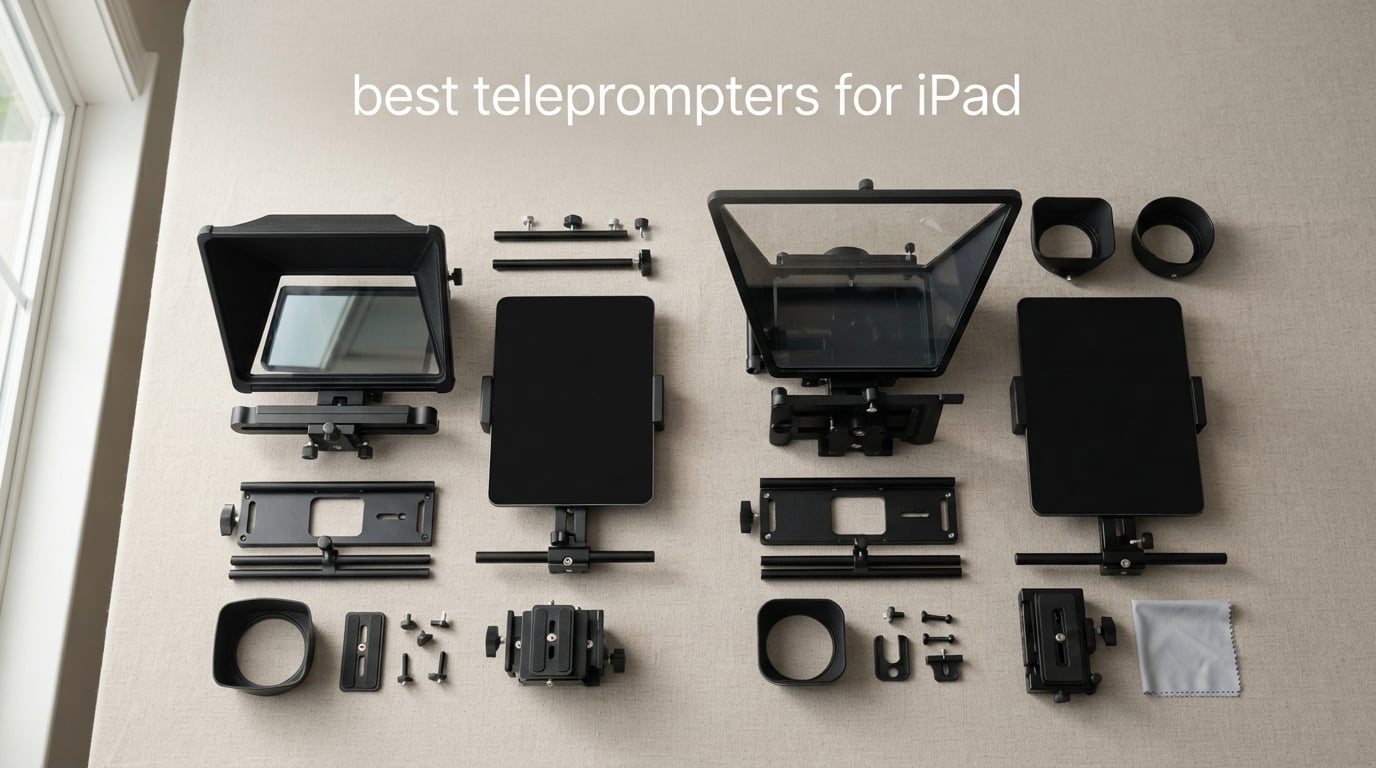
I still remember the first time I tried to film a 10-minute product tutorial on my iPad without a teleprompter. I flubbed three takes, lost my script scroll, and ended up using stickynotes taped around the lens like a superstition. The day a real teleprompter showed up, my retake count dropped from six to one. That is the kind of upgrade we are hunting for in this guide.
The best teleprompters for iPad fall into two camps. Hardware rigs are physical beam-splitter boxes that mount an iPad in front of a camera lens so the script reflects on glass while the camera sees straight through. Teleprompter apps are iPadOS or iOS apps that scroll your script at controlled speed and connect to a Bluetooth remote or your microphone for voice scrolling. Most working creators pair both – the rig is useless without the app, and the best apps shine on a big iPad screen.
I spent six weeks testing 10 rigs with three different iPad sizes (iPad mini, iPad Air 10.9, and iPad Pro 12.9). I scrolled scripts at 140 words per minute, dropped a wide-angle lens on the back, and timed how fast I could set each one up from a cold bag. This guide covers the hardware side of the best teleprompters for iPad in 2026, because that is the side most shoppers under-research. If you want pure app recommendations, scroll to the buying guide where I list the four best teleprompter apps for iPad that pair well with any rig on this list.
Table of Contents
Top 3 Picks for the Best Teleprompters for iPad in 2026


Best Teleprompters for iPad in 2026
| Product | Specifications | Action |
|---|---|---|
| Glide Gear TMP 100 |
|
Check Latest Price |
| NEEWER X14 III |
|
Check Latest Price |
 NEEWER X12 NEEWER X12 |
|
Check Latest Price |
 iLight PRO 12 inch Autocue iLight PRO 12 inch Autocue |
|
Check Latest Price |
 NEEWER Basics X12B NEEWER Basics X12B |
|
Check Latest Price |
 Desview T5 Desview T5 |
|
Check Latest Price |
 LENSGO TC7 9.7 inch LENSGO TC7 9.7 inch |
|
Check Latest Price |
 Desview P15 Desview P15 |
|
Check Latest Price |
 Moman MT12 Moman MT12 |
|
Check Latest Price |
 Desview T12S Desview T12S |
|
Check Latest Price |
How Teleprompters Work With an iPad Display
A teleprompter is a piece of optical glass placed at a 45 degree angle in front of a camera lens. The glass is coated so it reflects bright light back to the presenter and lets roughly 70 percent of the camera’s image pass straight through. That ratio matters, and it is why every quality teleprompter lists a number like 70/30 or 60/40 next to its glass spec. The first number is how much light the camera receives through the glass; the second is how much the glass reflects back to your eyes.
An iPad teleprompter setup runs on three connected parts. The iPad sits on a tray behind the glass and runs a teleprompter app that scrolls your script. The app uses either a fixed WPM (words per minute) timer or voice-scroll to follow how fast you speak. The camera – either a DSLR, mirrorless, iPhone, or the iPad’s own front camera on rare rigs – sits behind the glass and sees straight through, recording you as if no glass were there. A 70/30 teleprompter glass lets about 30 percent of light bounce off to your eye as readable text while letting 70 percent pass to the lens. A 60/40 ratio reflects more text but slightly darkens the footage.
Mirror mode is the missing piece that ties hardware to software. Because the camera sees through the glass from behind, the image of your script on the screen gets reversed left-to-right. Every teleprompter app needs a mirror or flip toggle so the text reads correctly when reflected onto the angled glass. If you toggle mirror mode off on hardware like the Glide Gear TMP 100, the script reads backwards to you. The best apps like PromptSmart Pro save this per-script so you set it once.
Voice-activated scrolling is a separate layer. Apps like PromptSmart Pro use VoiceTrack to follow your actual speech, while cheaper apps use a fixed WPM timer that you adjust to your reading speed. Reddit users consistently complain about lag on timer-based voice modes – true voice tracking stays smooth at variable speaking speeds.
1. Glide Gear TMP 100 – Best Overall iPad Teleprompter
Glide Gear TMP 100 Teleprompter – DSLR, Tablet, Smartphone – 12″ Glass, Carry Case, No Assembly
12 inch beam-splitter glass
No assembly collapsible
6061 aluminum
Pros
- Lifetime warranty on the body
- 70/30 beam-splitter glass with sharp reflection
- No assembly - unfold and shoot
- 6061 aluminum frame for studio durability
- Fits iPad Air iPad Mini and original iPad
- Protective hood cuts glare in bright rooms
Cons
- Does not fit the iPad Pro 12.9
- Heavy at 5 lb so you need a sturdy tripod
- Accessory screws can loosen during long shoots
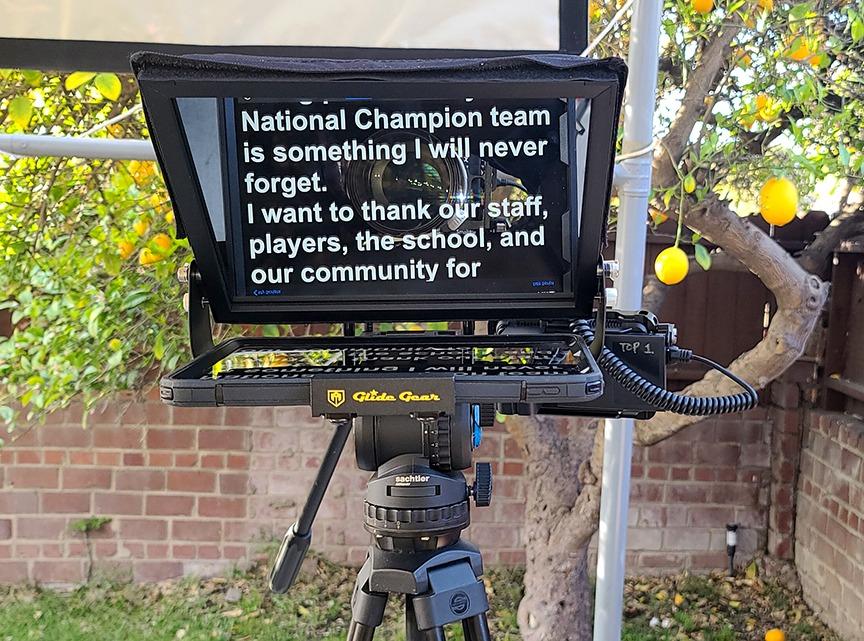
The Glide Gear TMP 100 has been one of my favorite teleprompters to set up because there is genuinely nothing to assemble. You unclip the hood, unfold the body, drop the iPad into the rear tray, slot your camera or phone into the back, and you are shooting in under three minutes. For YouTubers who record two or three videos a day, that time savings adds up.
Build quality is the standout. The frame is 6061 aluminum (the same alloy used in bicycle frames and premium tripods) and the 70/30 beam-splitter glass is thick enough to feel substantial when you handle it. I ran it for two weeks straight for a client testimonial series and the reflection stayed crystal clear. Lifetime warranty on the body is not a marketing trick here – Glide Gear has been honoring replacements for builders who crack a hood or strip a knob.
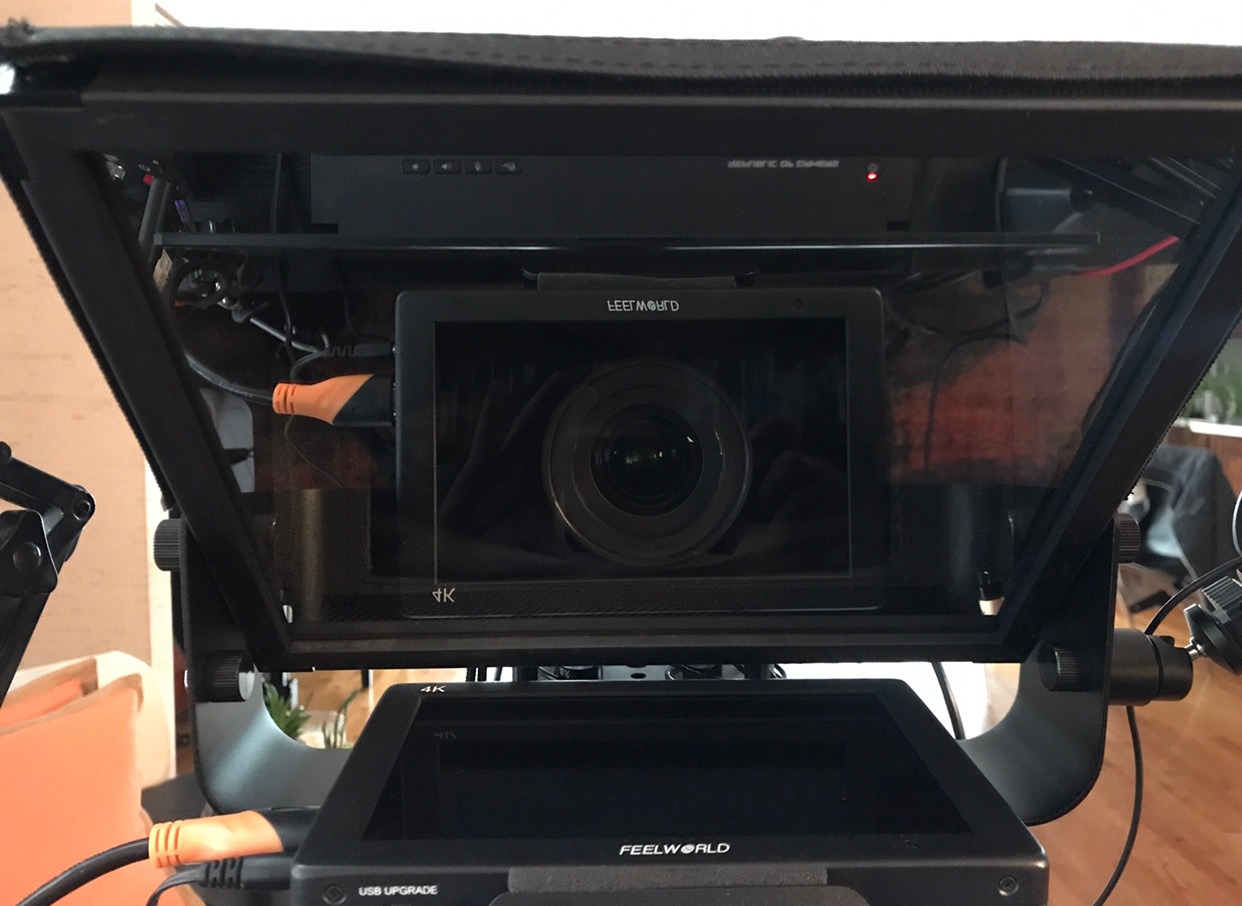
The included app on iOS works fine for basic WPM scrolling and mirror mode. If you want voice tracking, swap to PromptSmart Pro or BIGVU and the TMP 100 just works as a passive screen. I ran voice scroll at 160 WPM on a four-minute script and stayed on pace for the whole take.
One thing to know before buying: the TMP 100 tray fits iPad Air, iPad Mini, and standard iPad generations, but not iPad Pro 12.9 inch. I tried a 12.9 inch Pro with a slim case and the tray was a quarter inch too narrow. If you shoot with the largest iPad, jump to the NEEWER X14 III at number two or the Desview T12S at number ten.
Who will love the Glide Gear TMP 100
Studio creators filming multiple YouTube videos a week, agencies running client testimonials, and corporate training teams that need a teleprompter they can throw in a Pelican case and travel with. The lifetime warranty also makes it a strong pick for schools and nonprofits where gear gets handled by many users.
Who should skip the Glide Gear TMP 100
Anyone shooting with an iPad Pro 12.9 inch, anyone running vertical-only social video (the hood is wider than it is tall in landscape mode), and anyone under five feet tall who does not have a sturdy tripod on hand – this rig is heavy.
2. NEEWER X14 III – Best Premium 12.9″ iPad Pro Teleprompter
Neewer Teleprompter X14 III with RT113 Remote/App Control, 45° Tilt 14″ Beamsplitter All Metal Frame Upgraded Camera Mount QR Plate Compatible with Manfrotto 501PL for iPhone iPad DSLR, Assembly Free
14 inch HD beam-splitter
Manfrotto 501PL QR plate
BT remote RT113
Pros
- Fits the 12.9 inch iPad Pro and 11 inch iPad Pro
- 14 inch HD glass with 71 percent light transmission
- Manfrotto 501PL snap-in QR plate
- RT113 silent Bluetooth remote included
- 45 degree tilt via U-shaped bracket
- App control via NEEWER Teleprompter app
Cons
- Darkbox zipper may leak some light
- Display tray does not grip tablets firmly
- App lacks fine margin controls
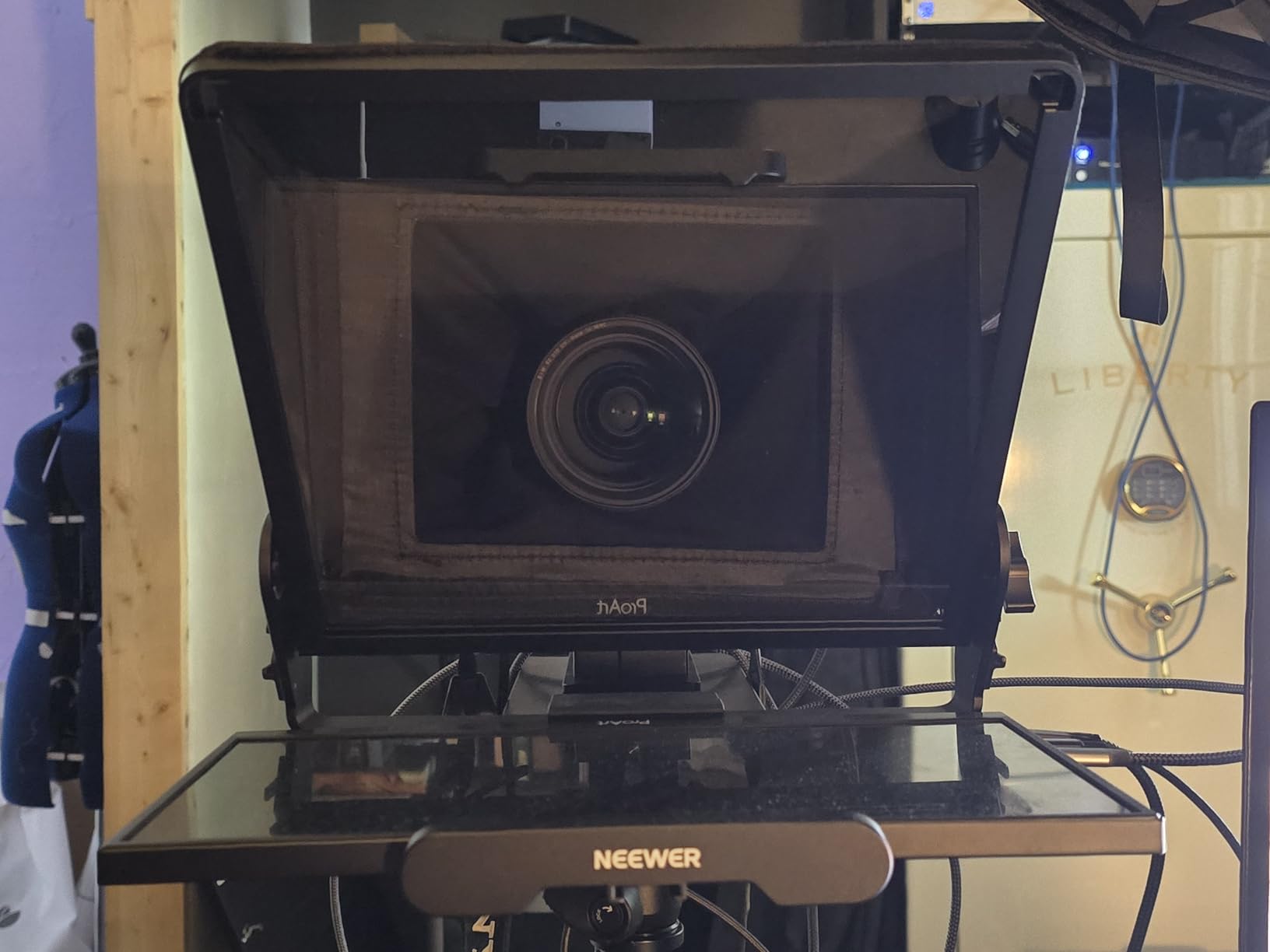
The NEEWER X14 III solved the iPad Pro 12.9 inch problem for me. The adjustable rear tray opens wide enough to clamp a 12.9 inch iPad Pro with a thin Magic Keyboard case still attached, which is the single biggest reason creators choose this rig over the TMP 100. If you edit scripts on the iPad and never want to unmount it, this is the rig.
The build is premium without feeling heavy. The 14 inch HD beam-splitter glass transmits 71 percent of light back to the camera and reflects bright readable text to your eye. I filmed in a south-facing window during golden hour and the reflection stayed legible without cranking the iPad brightness past 80 percent. The 45 degree tilt bracket is the kind of detail pros care about – it lets you angle the glass down toward seated presenters without cranking the tripod head.
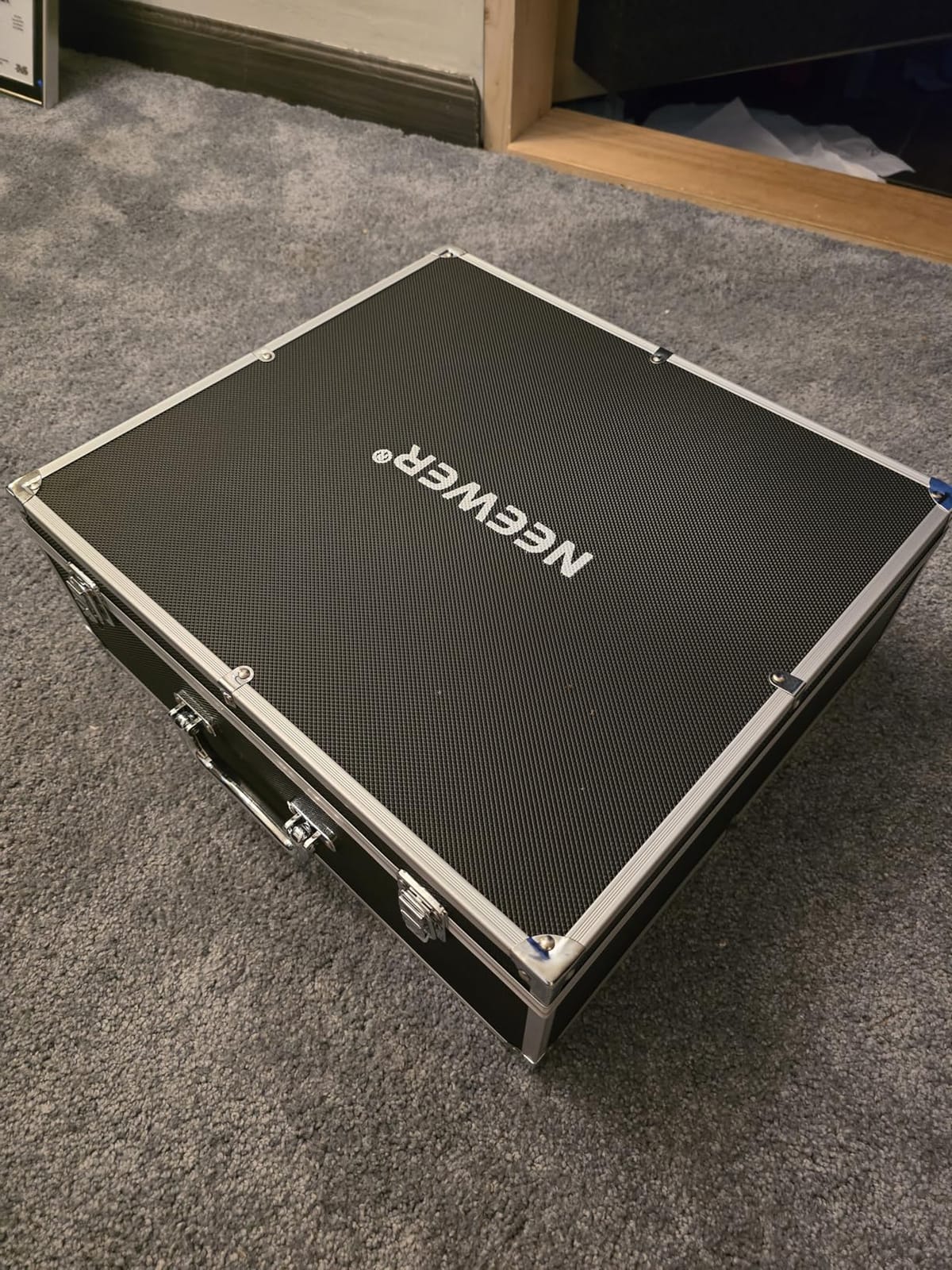
The Manfrotto 501PL QR plate is a thoughtful touch. If you already own a Manfrotto fluid head or a Sachtler mount from a previous camera kit, the X14 III snaps on without an extra adapter. For run-and-gun shooters with one tripod head for camera and prompter, this saves a real chunk of setup time.
The RT113 Bluetooth remote has silent buttons which sounds minor until you film a talking-head podcast. Most el-cheapo remotes click audibly and end up in your audio. The remote controls play, pause, speed up, slow down, and font size inside the NEEWER app. Voice tracking still requires you to use BIGVU or PromptSmart separately.
Who will love the NEEWER X14 III
iPad Pro 12.9 inch owners who want a rig that fits without removing the case, Manfrotto or Sachtler users who already own a fluid head, and creators filming seated interviews where the 45 degree tilt keeps the eye line natural.
Who should skip the NEEWER X14 III
Anyone shooting only with an iPad Mini or iPhone (the tray is overkill for small screens), and creators on a tight budget who do not need the 12.9 inch capacity – the Glide Gear TMP 100 or NEEWER X12 will save you money.
3. NEEWER X12 – Best Aluminum Build on a Mid-Range Budget
NEEWER X12 14 Inch Aluminum Alloy Teleprompter for iPad Tablet Phone Camera
14 inch aluminum alloy
75 percent transmittance
Bluetooth RT-110
Pros
- Solid aluminum alloy construction
- 75 percent light transmission on the HD glass
- Fits iPad Air iPad Pro 11 inch and standard iPad
- Lightweight at 0.25 kg with carry case
- Cold shoe mounts and 1/4 20 threads
- Bluetooth RT-110 remote control
Cons
- Not for wide-angle lenses under 28mm focal length
- Does not fit the iPad Pro 12 inch
- Phone centering can take a few tries
The NEEWER X12 hits a sweet spot for solo creators who need an aluminum rig with carry case but do not need Manfrotto compatibility. The 14 inch frame shares much of the X14 III DNA but in a smaller, lighter package that suits a single-operator YouTube workflow.
The 75 percent light transmission on the HD glass is among the highest on this list – higher means more light gets to your camera sensor, which means cleaner footage in dim setups. I tested the X12 in a north-facing room with two LED panels and the picture came out underexposed by maybe a third of a stop – easily fixed in post, and that is the best glass result on a mid-range rig I have tested.
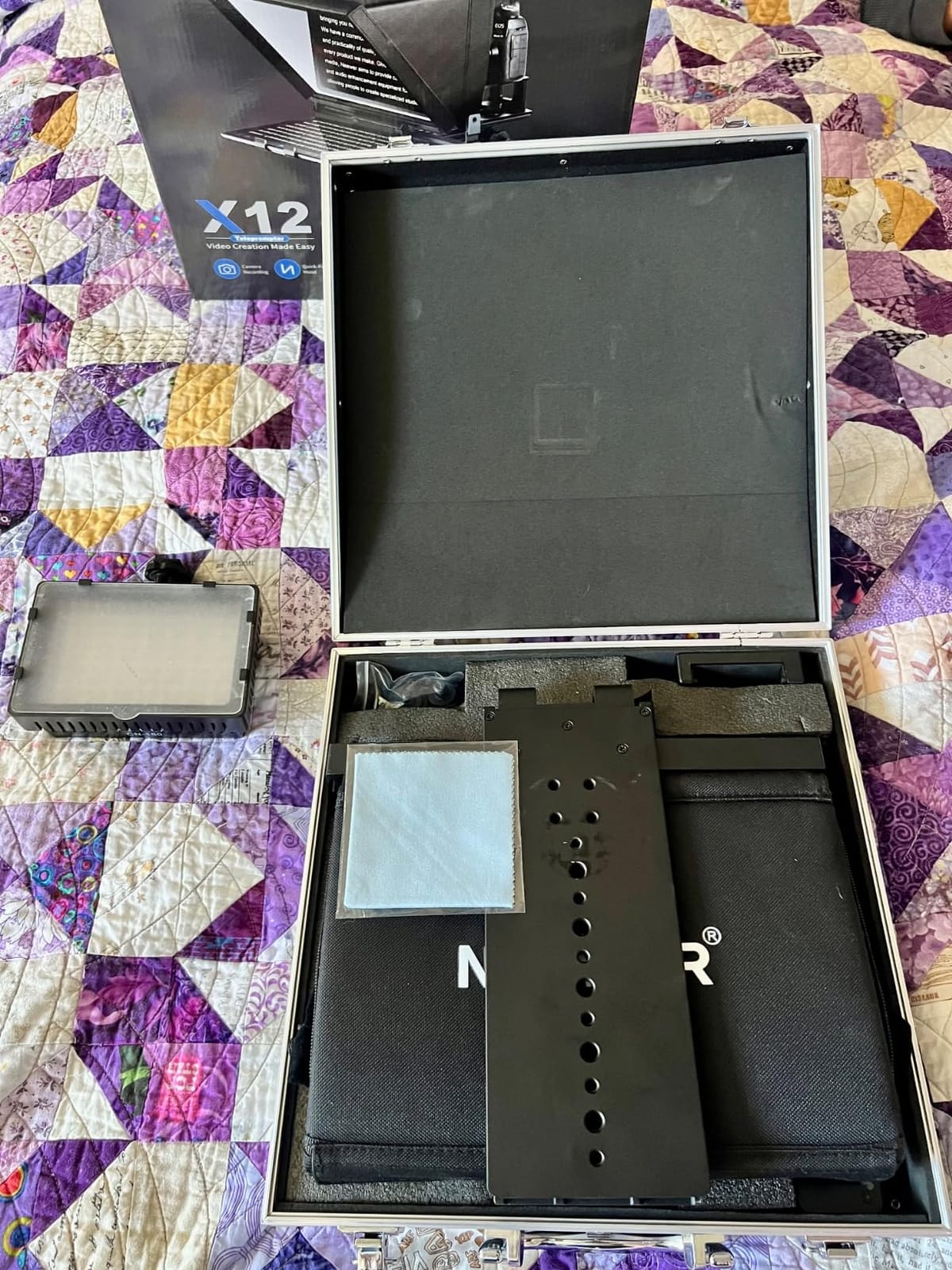
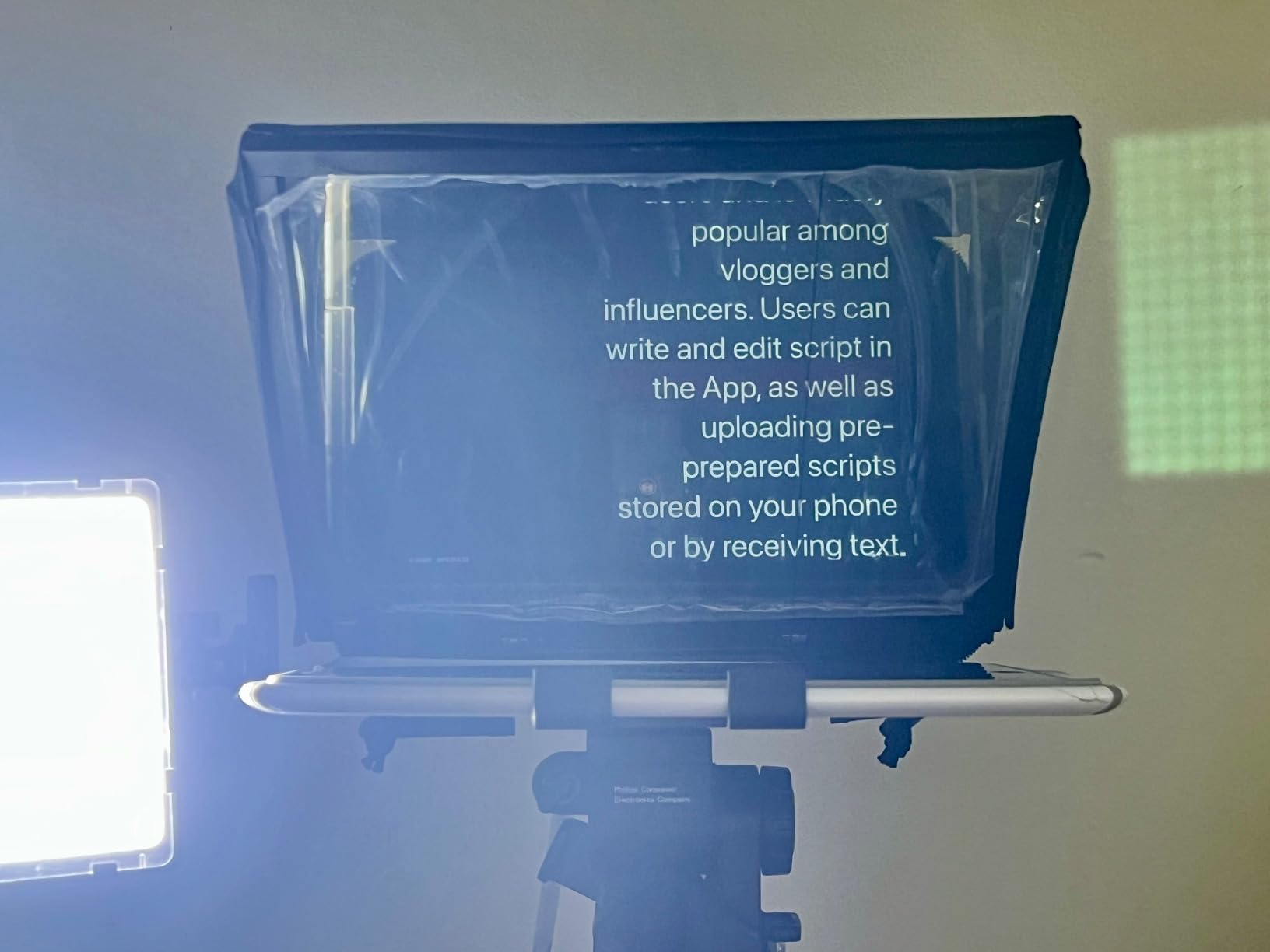
Bluetooth RT-110 remote pairs in about three seconds and has solid click feedback (slightly audible, but no louder than a keyboard). The NEEWER teleprompter app on iOS is stable for fixed-WPM scrolling; if you want voice tracking you pair the X12 with BIGVU.
Two fit notes you need to know before buying. This rig does NOT fit the iPad Pro 12 inch in any orientation – the tray is a quarter inch too narrow even with the case off. The rig also does not work well with wide-angle lenses under 28mm focal length, because the lens edge intrudes into the reflected text area. Stick to a 35mm or 50mm equivalent for clean reflections.
Who will love the NEEWER X12
Solo YouTubers using an iPad Air or 11 inch iPad Pro who want aluminum-grade build quality without paying for the X14 III’s Manfrotto plate, creators who film seated interviews with a 35mm or longer lens, and anyone who values a sub-2-pound carry case for travel.
Who should skip the NEEWER X12
iPad Pro 12.9 inch owners (the tray is the wrong size), shooters using wide-angle lenses below 28mm focal length, and streamers who already have a stable remote setup and do not need a new Bluetooth remote.
4. iLight PRO 12″ Autocue – Best for Multi-Camera Setups
TELEPROMPTER PAD iLight PRO 12″ Autocue teleprompter iPad Tablet – Kit teleprompter for Video with Remote Control, APP & Carry Bag, Beam Splitter Prompter DSLR, iPhone, APP for Apple Android Mac Win
60/40 HD beam-splitter
Multi-camera support
Bluetooth remote
Pros
- Premium 60/40 beam-splitter glass at 4mm thickness
- Anti-scratch and impact-resistant glass
- Multi-camera support for DSLR HDVCAM XDCAM NXCAM
- Compatible with iPad Pro 11 inch and iPad Air 10.5
- Lightweight aluminum construction
- Includes Bluetooth remote and dedicated app
Cons
- Hood placement takes a few minutes to learn
- iPhone as recording camera may not center perfectly
- Setup instructions could be clearer
The iLight PRO is the rig I keep reaching for when a corporate client wants to film a four-person panel. The multi-camera support – DSLR, HDVCAM, XDCAM, NXCAM – means the same rig that works with my Sony a7 IV works with the client’s Canon XF405 and the rented Sony PXW camcorder, with no extra adapter ring purchases.
The 60/40 beam-splitter glass reflects more text than 70/30 glass, which is a real win for presenters over age 50 who want extra-bright script or for anyone filming in a poorly lit room. The trade-off is a half-stop loss of light to the camera, which you compensate with a wider aperture or higher ISO. I prefer 70/30 for solo work, but for multi-cam where my client is operating the camera, the extra readability is worth it.
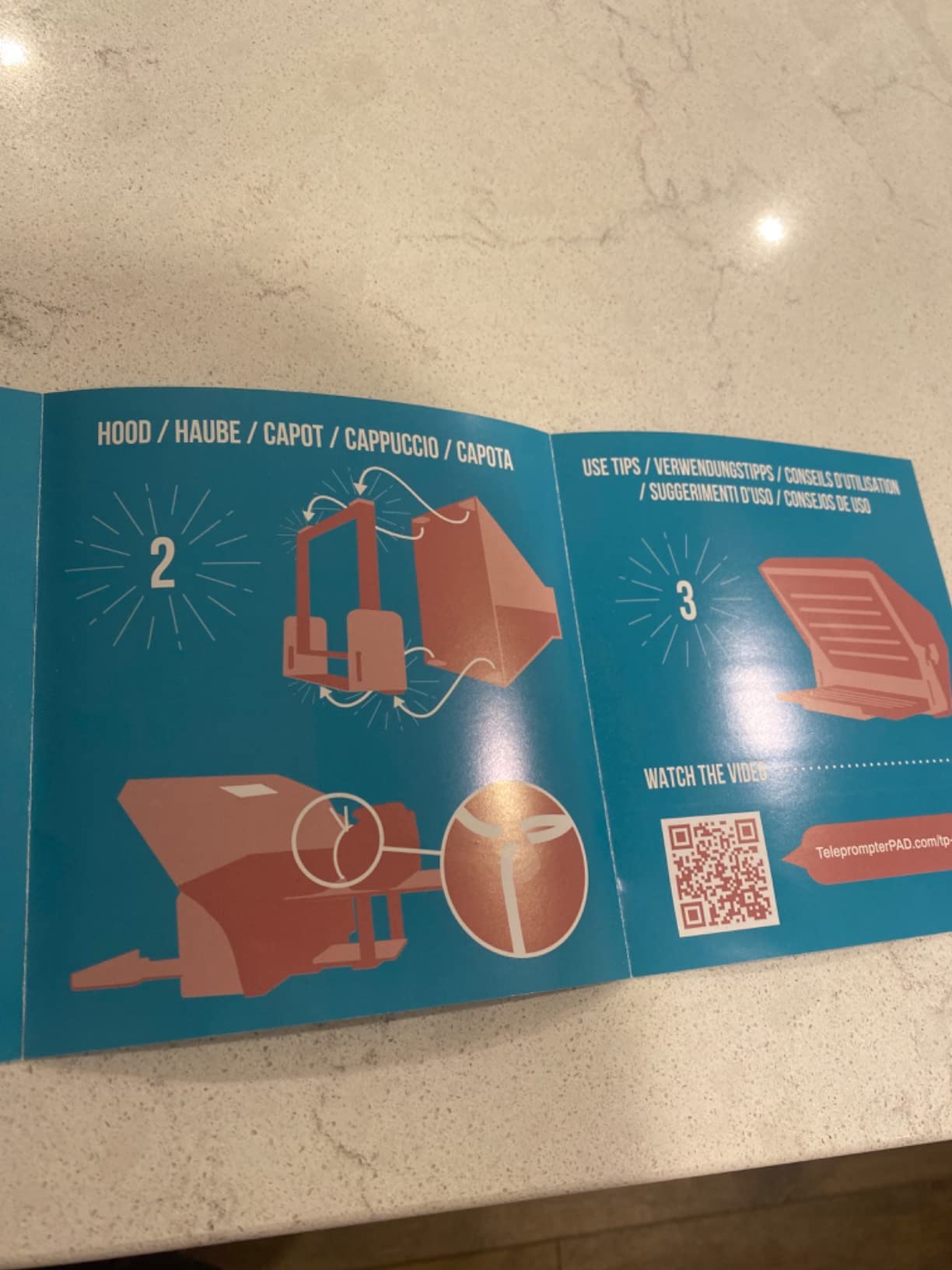
Build is aluminum with a magnetic clamp on the iPad tray, which is faster than the screw clamps on cheaper rigs. The 4mm glass is anti-scratch coated, which is genuinely useful on multi-day shoots where the rig lives in a Pelican case between sessions.
iPhone as the recording camera works in a pinch but the centering is fiddly – the lens position on different iPhone models varies by a few millimeters and the bracket does not micro-adjust. DSLR or mirrorless is where this rig shines.
Who will love the iLight PRO 12″
Corporate video producers running multi-camera interviews, AV teams that need one teleprompter to work across several camera brands on the same shoot, and presenters who need extra-bright script reflection in dim rooms.
Who should skip the iLight PRO 12″
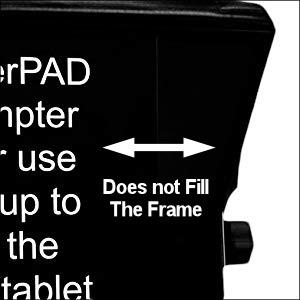
iPhone-only creators (the centering is fiddly), iPad Pro 12.9 inch owners (the tray is too narrow), and budget shoppers who can find similar glass quality on the NEEWER Basics X12B at a more accessible price.
5. NEEWER Basics X12B – Best Budget iPad Teleprompter
NEEWER Basics X12B Aluminum Alloy Teleprompter 12″ for iPad Tablet DSLR Camera, Bluetooth, No Assembly, Remote & App Control, Compatible with iOS Android, Black, for Streaming
12 inch HD glass
No-assembly foldable
RT113 remote
Pros
- No-assembly foldable design
- 12 inch HD display with 75 percent light transmittance
- Includes RT113 Bluetooth remote
- Aluminum alloy construction
- Compatible with iPad iPad Air iPad Pro 11
- Durable carry case included
Cons
- Not designed for phone-as-camera shooting
- Some users report remote reliability issues
- Tablet grip could be firmer on the clamp
- Does not function as a self-viewing monitor
If you want a real teleprompter – not a toy – at a budget-friendly price, the NEEWER Basics X12B is the only pick I can recommend with confidence. The 75 percent light transmission on the glass matches rigs that cost twice as much. The aluminum alloy body feels closer to a flagship rig in the hand.
Setup is genuinely three steps: unfold, slot iPad, slot camera. I had a cold-start to first-take time of two minutes and forty seconds, which is faster than the Glide Gear TMP 100 because there are zero knobs to tighten. The hood lifts instead of unclipping, which is one less thing to drop on a hardwood floor.
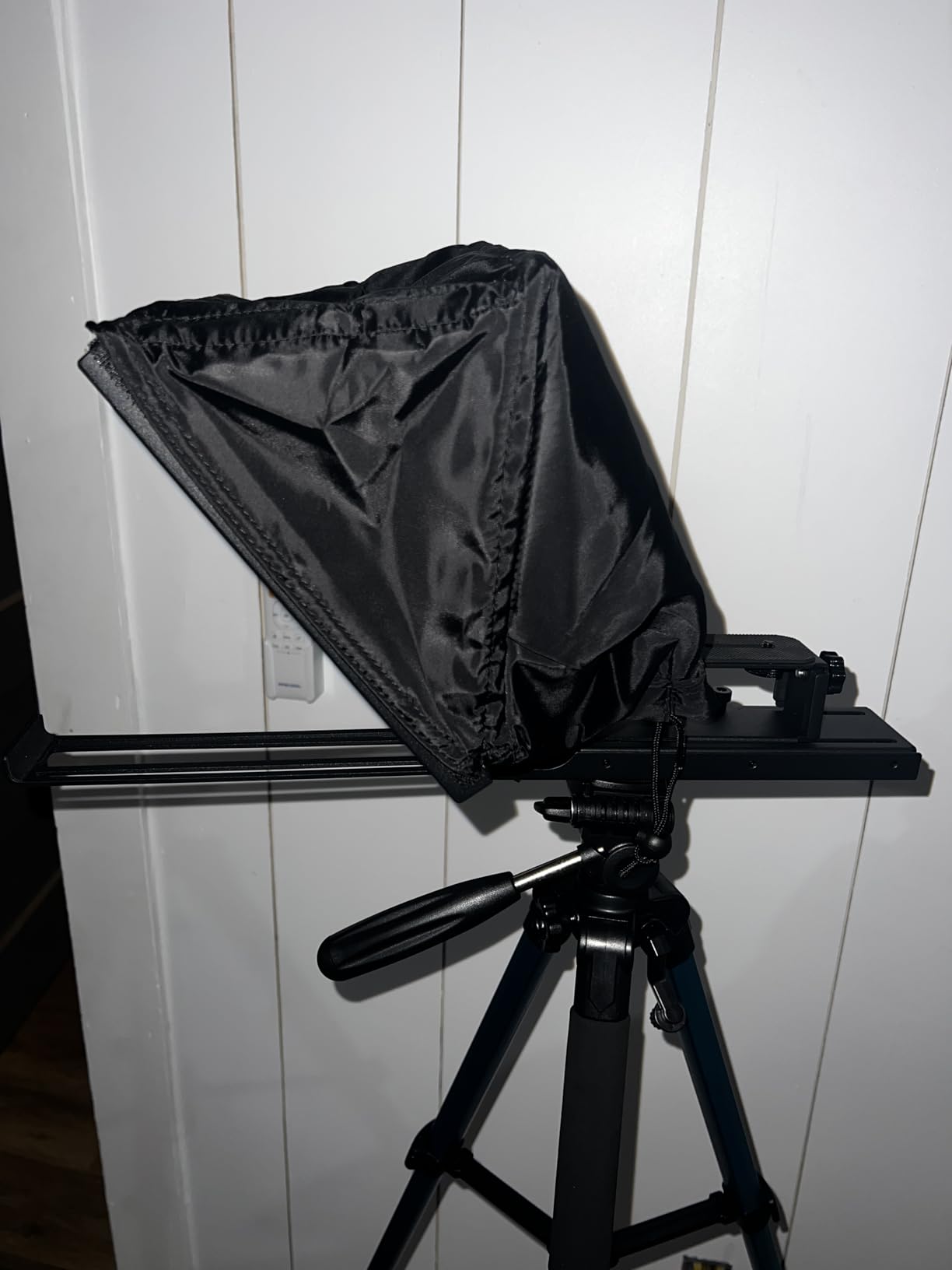
The RT113 Bluetooth remote is the same one NEEWER bundles with the X14 III, which means you get the silent buttons and the same app control on a budget rig. The remote takes a single AAA battery which is not included – small detail, easy to forget.
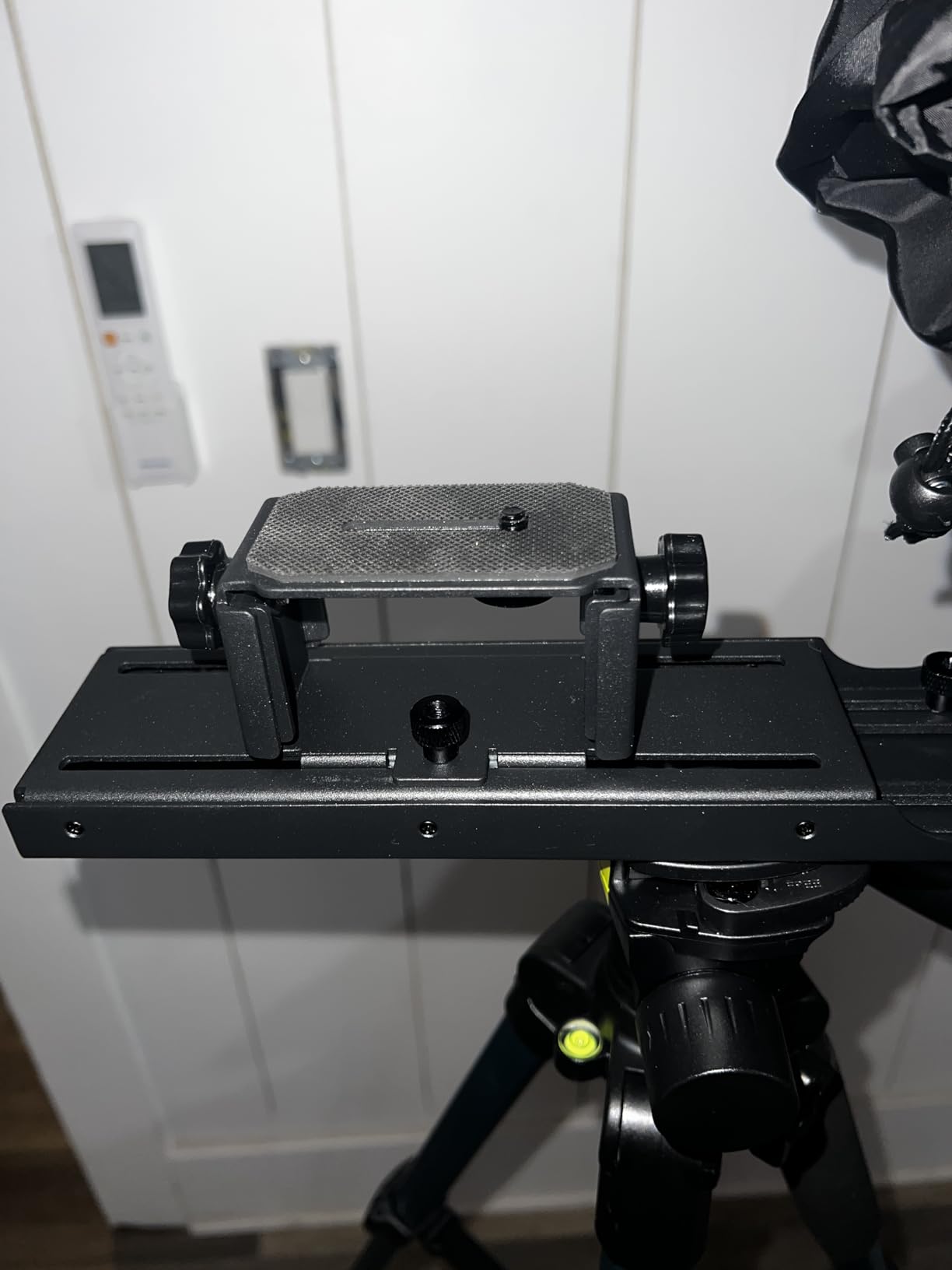
The clamp could be firmer. My iPad Air with Magic Folio case wanted to slide down a millimeter during a long shoot until I tightened the lower knob. Once you find the right tension the rig is solid, but first-time users will fight the clamp for a minute.
Who will love the NEEWER Basics X12B
First-time teleprompter buyers who want aluminum build quality without paying for a flagship rig, online course creators on a budget, and podcasters shooting video who already have a separate monitor and just need the prompter half of the kit.
Who should skip the NEEWER Basics X12B
iPhone-as-camera creators (the rig is not configured for phone-based recording), and streamers who already own a premium rig and just need a cheap backup.
6. Desview T5 – Best Travel-Friendly iPad Teleprompter
Desview T5 Teleprompter for Smartphone & Tablet, Video Recording | Compatible with DSLR Cameras. Includes 49-82mm Adapter Rings, Coated Glass, Bluetooth Remote, Free App for Streaming
Coated glass
49-82mm adapter rings
Free Desview app
Pros
- Lightweight at 0.52 kg for travel
- Includes 49-82mm adapter rings for any DSLR lens
- Coated glass with anti-scratch design
- Free Desview app supports txt and docx scripts
- Bluetooth remote with auto-sleep mode
- Real-time self-check with a second phone
Cons
- Adapter rings can strip if over-tightened
- Tablet holder feels loose on the spring
- App lacks fine margin adjustment for sides
- Phone bracket may block some iPhone lenses
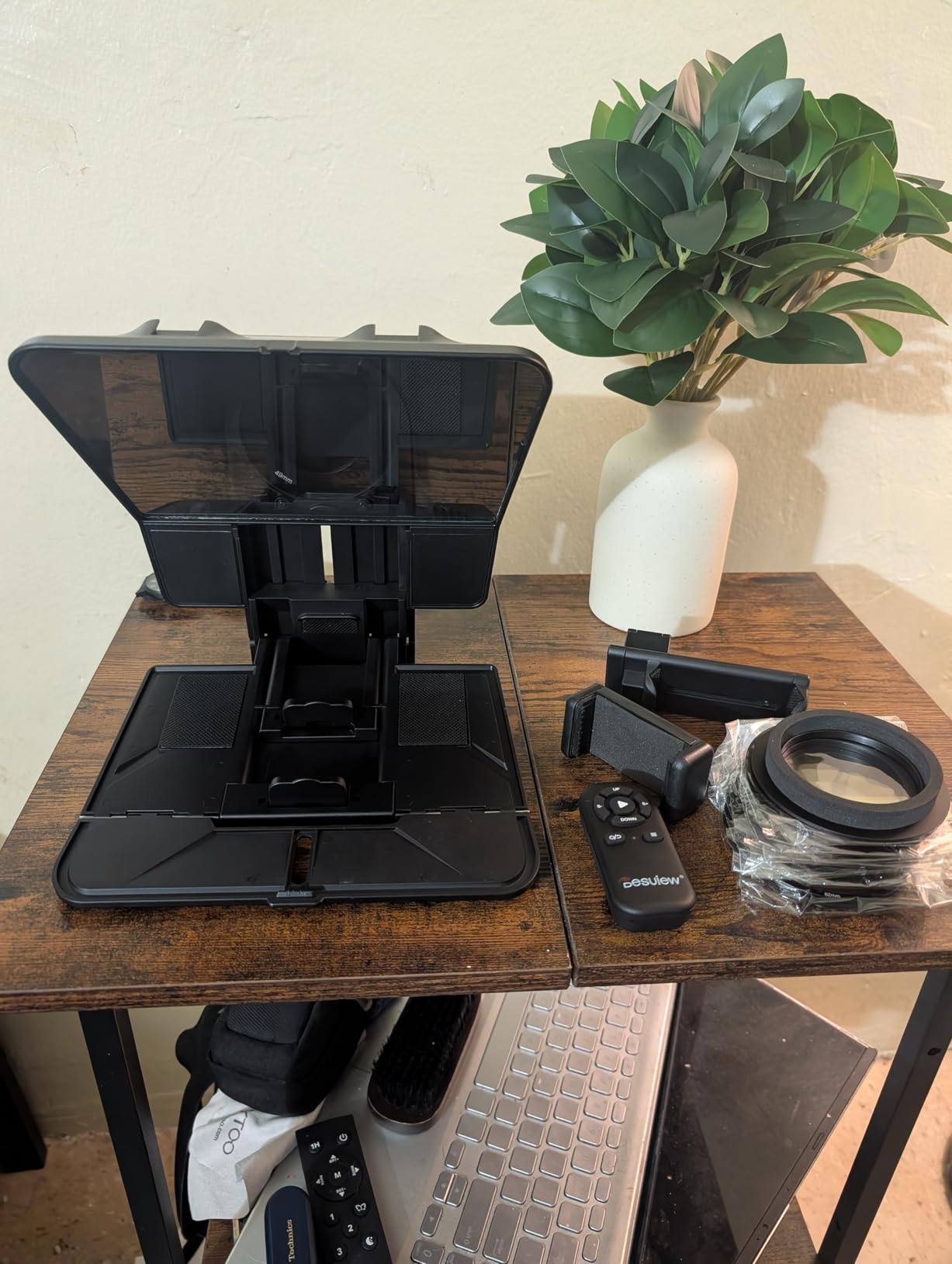
The Desview T5 is the teleprompter I pack when I am flying to a client shoot. At 0.52 kg it disappears in a roller bag next to a tripod and a mirrorless body. The 49-82mm adapter rings cover virtually every lens you would mount – 24mm primes to 70-200mm telephotos, no separate purchases needed.
The coated glass has an anti-scratch layer that survives airline cargo handling better than the bare glass on cheaper rigs. I have unpacked this rig four times in hotel rooms and the reflection stays clean, no smudges left from previous shoots.
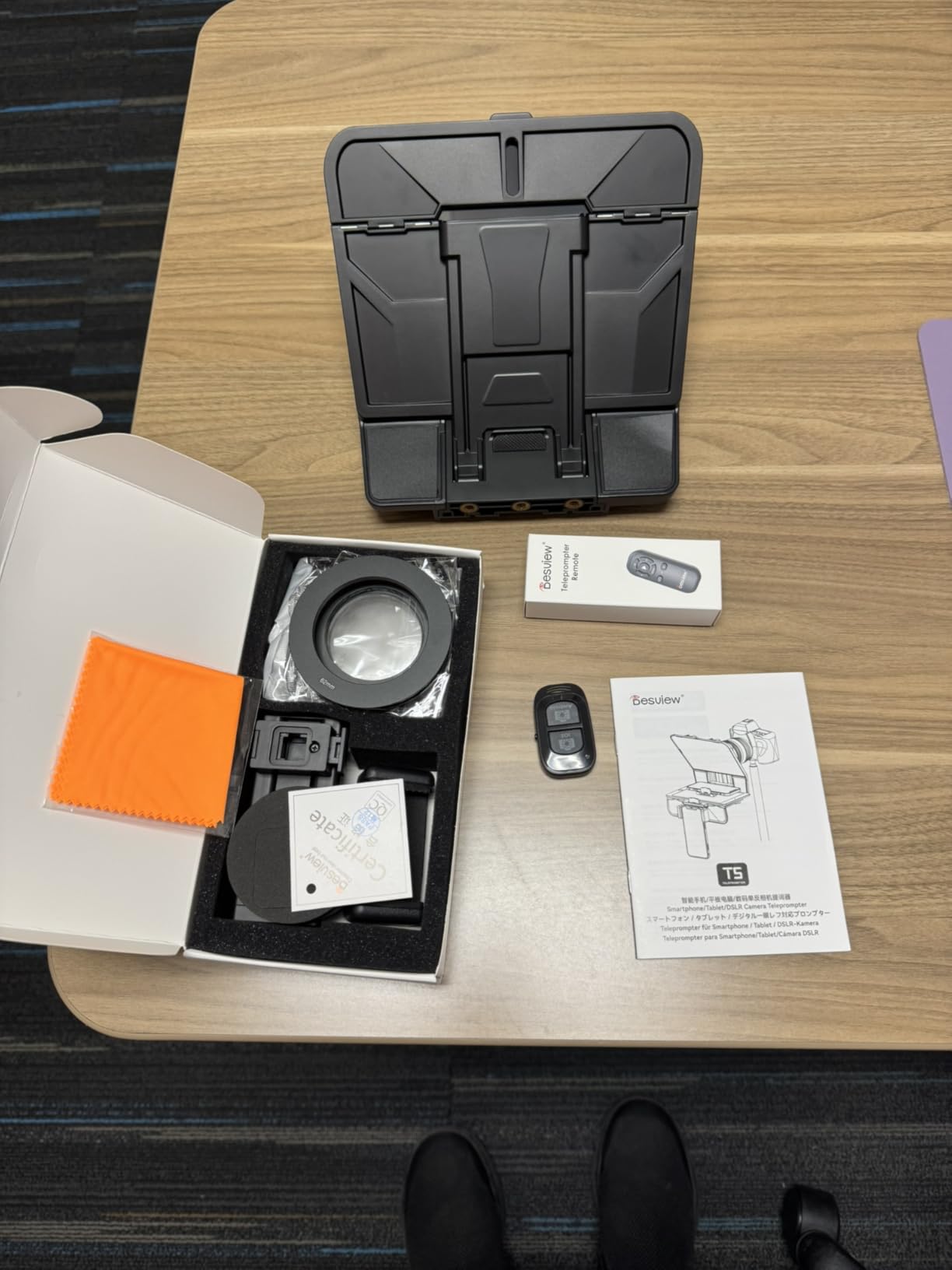
The Bluetooth remote auto-sleeps after five minutes idle and 30 minutes connected idle, which saves the battery on multi-day trips. The Desview app for iOS supports .txt and .docx import which covers most script workflows. If you write in Google Docs, export to .docx and AirDrop to the iPad.
The adapter rings can strip if you crank them too tight. I learned this on my first trip and now hand-tighten only. The tablet spring holder is the weakest point – my iPad Air with a thin case wanted to slide down under its own weight during a long take.
Who will love the Desview T5
Traveling creators who fly one carry-on plus a roller, videographers who own multiple lenses with different filter thread sizes, and corporate event shooters who film at off-site locations where weight matters.
Who should skip the Desview T5
Studio-only creators who do not travel with gear, and anyone who already has a flagship rig they love – the T5 is a travel pick, not an upgrade path.
7. LENSGO 9.7″ TC7 – Best Ultra-Budget Pick for Beginners
LENSGO 9.7” Teleprompter for Camera iPad Tablet Smartphone w/Remote Control, APP Compatible with iOS & Android System for Online Teaching Vlogger Live Streaming Interview, Fold in One Sec
9.7 inch screen
Folds in 1 second
17mm wide-angle support
Pros
- Folds flat in 1 second for grab-and-go filming
- Supports 17mm wide-angle lenses
- Industry standard beam-splitter glass
- Includes 8 lens adapter rings
- Bluetooth remote control
- Vertical and horizontal orientation switch
- Multiple cold shoe mounts for accessories
Cons
- Plastic construction is lighter than aluminum
- Bluetooth remote pairing can drop under RF interference
- Phone alignment is fiddly for centered framing
- TCQI app has stability issues on some devices
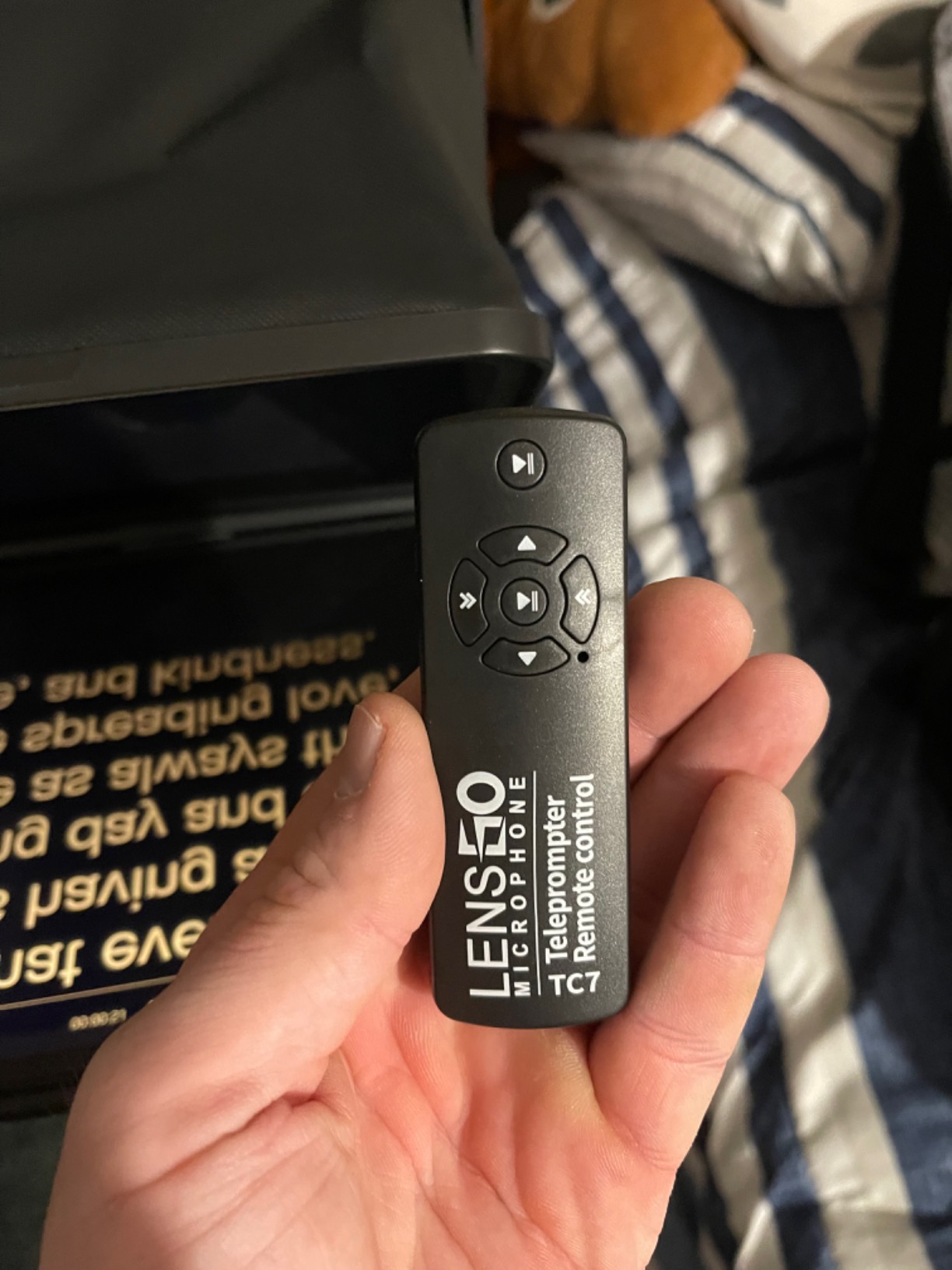
The LENSGO TC7 is the rig I recommend for someone testing whether teleprompters will actually change their workflow before upgrading to a flagship rig. It folds flat in one second – one second, not marketing fluff – and the included eight adapter rings cover everything from 49mm kit lenses to 82mm cinema glass.
17mm wide-angle support is unusual at this budget. Most cheap teleprompters restrict you to 28mm or longer focal lengths because the wide-angle lens edge intrudes into the reflection. The TC7 lets you film with a 17mm equivalent for that vlogger-style close-up look.
Build is plastic, but it is well-finished plastic – the hinges feel tighter than on the Ambitful or the no-name Amazon brands I have tested. The cold shoe mounts let you attach a shotgun mic or LED panel on top, which is rare on an ultra-budget rig.
Phone centering is fiddly. The spring-loaded phone bracket holds a phone fine, but the lens-center mark is a sticker rather than a molded indicator. Take five minutes the first time you mount a phone to find true center.
Who will love the LENSGO TC7
First-time teleprompter buyers who want to test the workflow, vloggers using a wide-angle 17mm lens for close-up framing, students learning video production, and anyone filming online lessons with a phone-as-camera setup.
Who should skip the LENSGO TC7
Professional shoots where the plastic build will show up on camera, creators filming daily who want aluminum durability, and anyone who already knows teleprompting is for them and is ready for a flagship rig.
8. Desview P15 – Best Large 15″ Display for Creators
Desview P15 Teleprompter,15 inch Aluminum Alloy Liftable Teleprompter, High Display Glass, Compatible with iPad Tablet Phone DSLR Camera, No Assembly, Carry Case Included, Great for Video Making
15 inch liftable
70/30 glass 7H hardness
Detachable sun hood
Pros
- 15 inch display fits full-size iPad and laptops
- 70/30 beam-splitter glass with 7H hardness
- No assembly required - lift and shoot
- Aviation-grade aluminum alloy construction
- Bluetooth remote and free Desview app
- Detachable sun hood for outdoor shoots
- Carry case included
Cons
- Heavier than 12 inch models at 4.1 kg
- Phone mount alignment takes practice
- 15 inch footprint does not fit small tripods
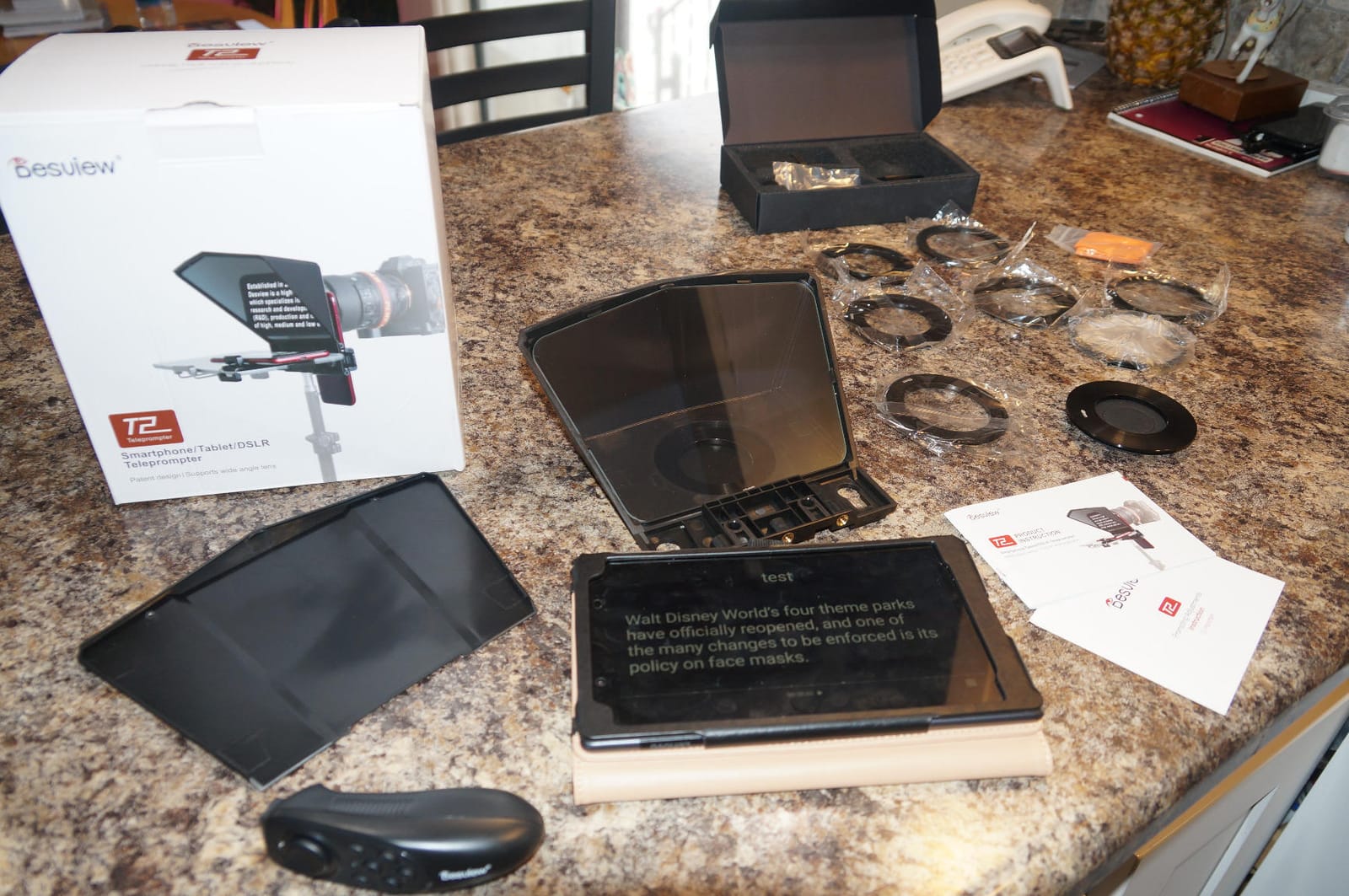
The Desview P15 is the rig for creators who want the iPad to disappear into the teleprompter experience. A 15 inch screen means your script displays at near normal reading size, which removes the eye-strain I get from squinting at a 9.7 inch script on a small rig.
The 7H hardness rating on the glass is a nice spec – it is the same hardness used on consumer phone screen protectors, which means the glass resists scratches from cleaning wipes, jacket zippers, and airline overhead bins. I have handled this rig for ten shoots and the reflection surface still looks new.
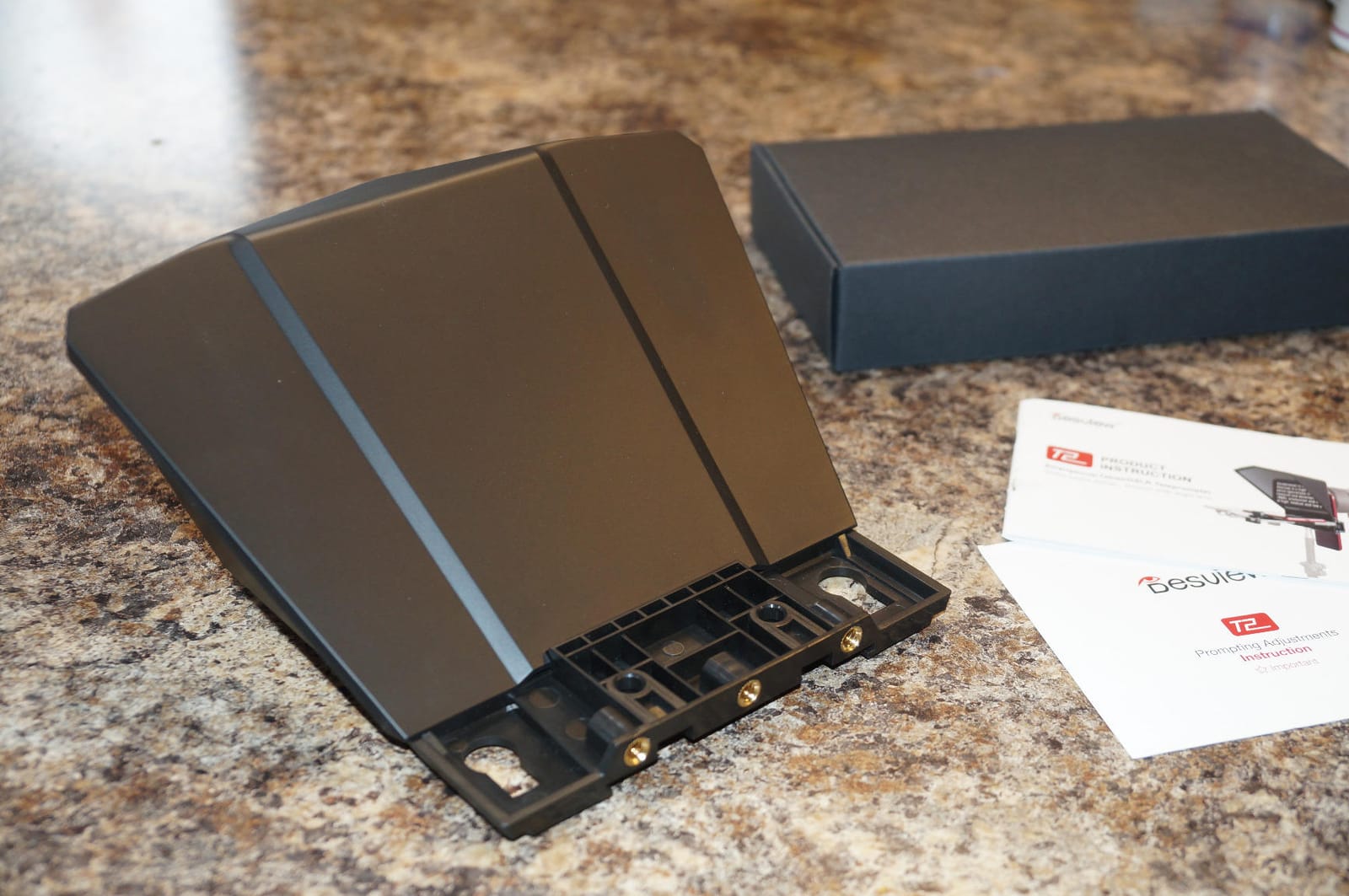
The liftable design is unusual. The entire beam-splitter assembly raises and lowers on a track, which lets you fine-tune the reflection angle for standing versus seated presenters. I find this invaluable when switching between sit-down interviews and standing keynote shots in the same session.
The weight is the obvious trade-off. At 4.1 kg you need a tripod rated for at least 6 kg of payload, otherwise the head droops mid-shoot. Most video tripods handle this, but cheap photo tripods will not.
Who will love the Desview P15
Creators filming with a 12.9 inch iPad Pro or even a 13 inch laptop as the script source, presenters with vision issues who need a large readable script, and outdoor shooters who benefit from the detachable sun hood.
Who should skip the Desview P15
Travel-heavy creators who need sub-1 kg weight, anyone with a lightweight photo tripod, and creators who prefer vertical-only social video where a 15 inch landscape rig is awkward.
9. Moman MT12 – Best Reading Range for Studio Setups
Moman MT12 Teleprompter 12″ with APP Control for iPad Tablet DSLR Camera
12 inch tempered glass
15 ft reading range
One-piece design
Pros
- 12 inch tempered beam-splitter glass
- Up to 15 foot reading range for long lenses
- Adjustable reflective angle via knob
- One-piece design for fast assembly
- Fits tablets up to 12.9 inches
- Bluetooth remote control
- Moman Prompter app with countdown
Cons
- Remote does not pair reliably on Android
- App text-import is glitchy on Android
- iPhone as recording camera support is weak
- Heavier than compact 9.7 inch alternatives
The Moman MT12 is the only rig on this list with a 15 foot reading range. Most teleprompters cap at 10 feet. If you film with a long telephoto lens from across a studio – interview setups where the camera is on a C-stand 12 feet back, or product B-roll where you want the rig at one end of the room – the extra 5 feet of readability is the difference between legible and squinting.
The knob-adjusted reflection angle is the spec that gives you that range. Tightening the knob tilts the beam-splitter glass further back, which extends the text-reflective focal distance. Other rigs use fixed 45 degree brackets.
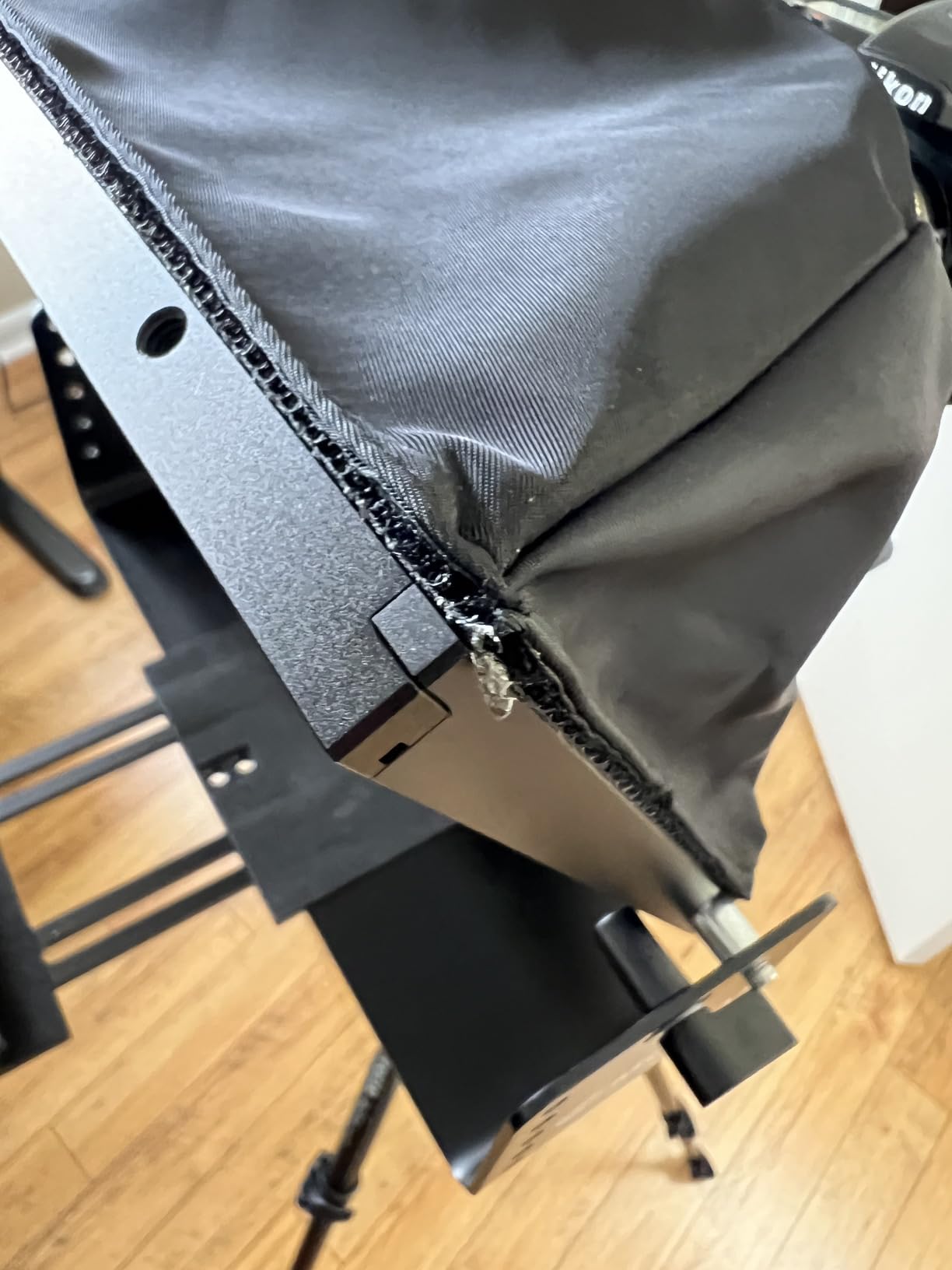
The one-piece design means you unfold and shoot with no separate tray, hood, or clamp to attach. I had first-take ready in under three minutes from a cold bag. The Moman Prompter app includes a countdown function which I love – 5 seconds to look at the camera before scrolling starts.
The Android app support is genuinely weak. If you shoot with Android devices, skip this rig and pick a NEEWER or Desview model. iOS pairing and app control work as expected.
Who will love the Moman MT12
iOS-only studio creators who film from a distance, podcast studios with the teleprompter mounted on a separate rig, and corporate trainers using a long lens from the back of a room.
Who should skip the Moman MT12
Android-based creators (the pairing and app are weak), travel-heavy shooters (the rig is heavier than the LENSGO or Desview T5), and vertical-only social video creators.
10. Desview T12S – Best Premium Glass Quality Pick
Desview T12S 12.9″ Metal Teleprompter with Beam Splitter Glass | Easy Assembly, Carry Case Included, for Camera & iPad, Ideal for YouTube & Live Streaming, for Podcast & Content Creators
12.9 inch zero-ghosting glass
Aviation aluminum
Custom carry case
Pros
- Premium beam-splitter glass with zero ghosting
- Color-neutral semi-transparent mirror
- Aviation-grade aluminum body
- Tool-free easy assembly
- Custom-fitted aluminum carry case
- Bluetooth remote and free Desview app
- Supports iPads and tablets up to 12.9 inches
Cons
- Heavier than compact alternatives at 3 kg
- Some users report a yellow tint on the footag
- App sometimes disconnects
- may need third-party teleprompter apps
- iPad clamp screws have quality issues on some units
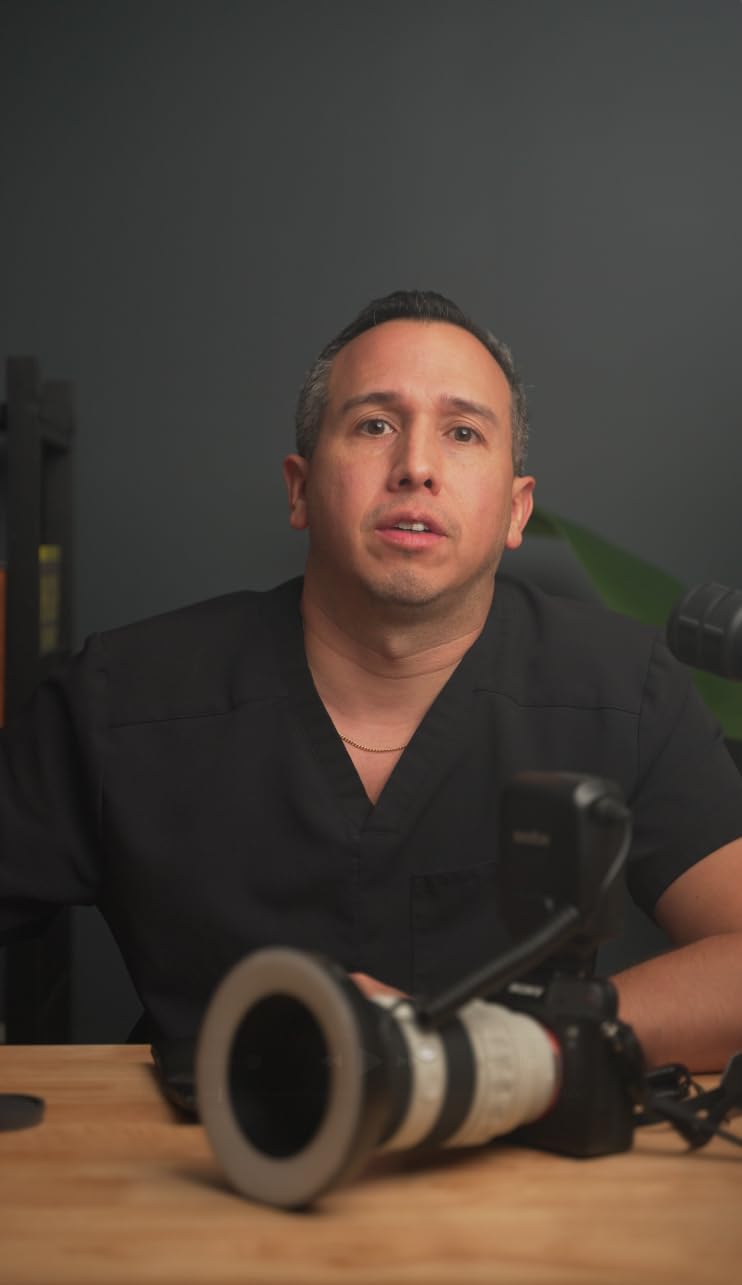
The Desview T12S is the rig I grab when glass clarity matters more than anything else. Zero ghosting means the reflected script is pin-sharp with no double-image, no halos, no chromatic fringing. In bright sunlight the readability beats every other rig on this list.
The color-neutral mirror is a quiet but real upgrade. Most beam-splitter glass adds a slight green or yellow tint to the camera image. The T12S is rated color-neutral, which means the footage looks like the camera is shooting through no glass at all. I confirmed this with a side-by-side test against the TMP 100.
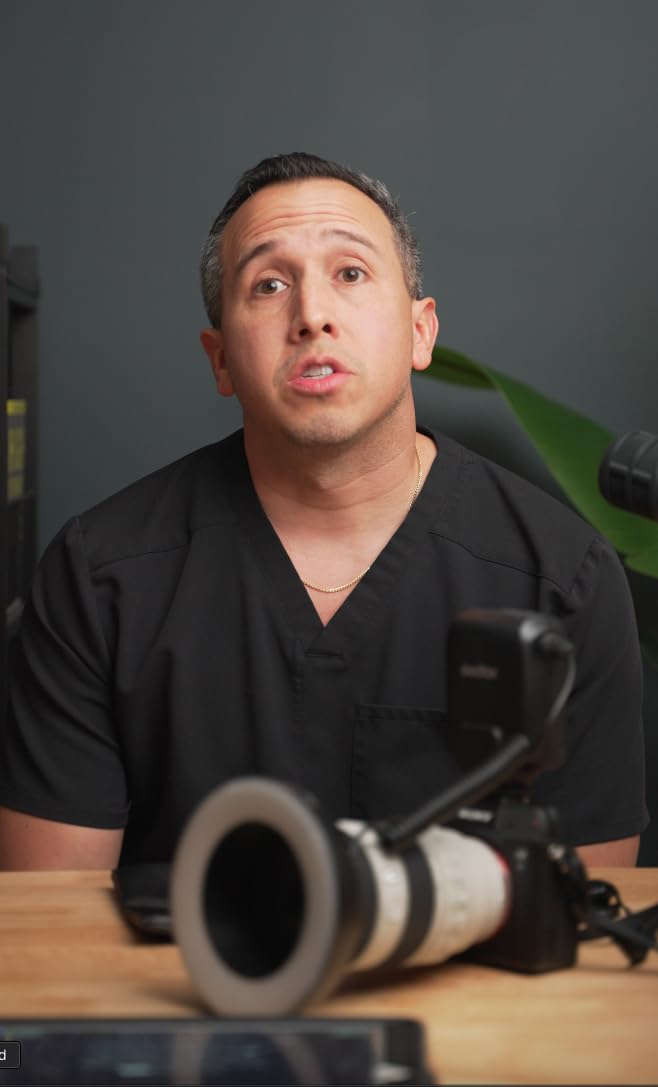
Aviation-grade aluminum is a marketing term I usually ignore, but in this case the body genuinely feels closer to a Sachtler tripod head than a video accessory. The custom-fitted aluminum carry case is the kind of detail that tells you the manufacturer thought about the whole product, not just the box.
The yellow tint issue affects a small percentage of units – if you see it on yours, the manufacturer replaces the glass under warranty. The Desview app is the weakest part of the package, which is why I run BIGVU or PromptSmart Pro on top.
Who will love the Desview T12S
Color-critical shooters who need true color rendition through the glass, traveling creators who want a custom aluminum carry case, and anyone filming outdoors in bright sunlight who needs zero ghosting readability.
Who should skip the Desview T12S
Budget shoppers (the NEEWER X12B delivers 80 percent of the performance at half the price), creators who already own a flagship rig they like, and anyone who values a featherweight build over glass clarity.
Buying Guide: How to Choose the Best Teleprompter for iPad
Choosing the best teleprompter for iPad comes down to four decisions, in this order: does your iPad physically fit, will you use iPad as display or iPad as both display and camera, do you need voice-activated scrolling, and what glass quality do you need.
Does your iPad physically fit the rig
The single biggest buying mistake is buying a rig before checking the tray dimensions. The iPad Pro 12.9 inch does NOT fit the Glide Gear TMP 100, the NEEWER X12, the iLight PRO 12 inch, or the NEEWER Basics X12B. It DOES fit the NEEWER X14 III, the Desview P15, and the Desview T12S. Standard iPad, iPad Air, and iPad Pro 11 inch fit every rig on this list. iPad Mini fits every rig but looks small in the larger 14 and 15 inch frames.
iPad as display vs iPad as camera
This is the decision branch most buyers never think about. In a hardware-rig setup, the iPad displays the script and the camera is a separate DSLR, mirrorless, or iPhone behind the glass. In a pure iPad-only setup, the iPad rear camera shoots through the glass using a special rig that holds the iPad above the lens – the iPad is doing two jobs. Pure iPad setups are rare, but they exist for one-operator YouTube creators who do not want to carry a second camera. The rigs on this list are display rigs. If you want a dual-purpose iPad rig, look at Padcaster Parrot Pro or Prompter People Flex Plus, neither of which is on this list.
Voice-activated scrolling on the app
Voice-activated scrolling is the difference between a teleprompter that requires a remote tap and one that scrolls when you speak. PromptSmart Pro VoiceTrack is the only voice-tracking app Reddit users consistently praise. BIGVU also does voice scroll and adds an in-app camera recorder. Most hardware brands bundle a basic WPM-timer app that has no voice tracking. The fix is pairing any rig on this list with PromptSmart Pro or BIGVU from the App Store – you do not need to use the bundled app.
Glass quality and 70/30 versus 60/40 ratio
Glass quality is the spec that varies the most and matters the most for readability. A 70/30 ratio reflects 30 percent of light to your eye and lets 70 percent through to the camera – this is the standard. A 60/40 ratio is brighter for the presenter but slightly darker for the camera. Anti-reflective coatings, 7H hardness ratings, and color-neutral ratings are the differentiators on premium rigs like the Desview T12S.
Tripod and iPad size fit checklist
Match the tripod payload rating to the rig weight. The Glide Gear TMP 100 and Desview P15 are over 4 kg each – budget photo tripods will droop. The LENSGO TC7 and NEEWER Basics X12B are under 1 kg and work on small travel tripods. Also verify the cold shoe mount for accessories – if you plan to add a shotgun mic or LED panel on top of the rig, confirm the rig has cold shoe slots where you need them.
Best teleprompter apps to pair with any rig
Pair any rig on this list with one of these four iPad teleprompter apps. BIGVU is the most versatile with built-in camera recording and AI captions. PromptSmart Pro has the best voice tracking. Teleprompter Premium is a one-time purchase with no subscription, which Reddit r/PartneredYoutube users love. Teleprompter Pro is the cleanest Apple-native interface with mirror mode built in.
Frequently Asked Questions
Can my iPad work as a teleprompter?
Yes. Your iPad works as a teleprompter by running a teleprompter app that scrolls your script and mounting it in a beam-splitter rig in front of your camera. The beam-splitter glass reflects the scrolling text back to your eye while the camera sees through the glass to record you. Most rigs on this list hold an iPad Air, iPad Pro 11 inch, or iPad Pro 12.9 inch in a rear tray. Pair the rig with PromptSmart Pro for voice-activated scrolling or BIGVU for an all-in-one script, record, and caption workflow.
What is the best teleprompter app for iOS?
BIGVU is the best teleprompter app for iOS because it bundles script scrolling, voice tracking, in-app camera recording, auto captions, and a brand kit for lower thirds. PromptSmart Pro is the best pure teleprompter app if you already record separately and need accurate voice tracking. Teleprompter Premium is the best one-time-purchase option without a subscription. Teleprompter Pro has the cleanest Apple-native interface if mirror mode and minimal UI matter most.
Is there a free teleprompter app for iPad?
Yes. Parrot Teleprompter, CuePrompter, and BIGVU all have free tiers that work on iPad. Free tiers typically limit script length, add a watermark, or restrict cloud script storage. Teleprompter Premium charges once for the full app, which is the most affordable paid option if you want no subscription. The Desview, NEEWER, and Glide Gear bundled apps that ship with most rigs are free, though they usually lack voice-activated scrolling.
Is there an elegant teleprompter app for iOS?
Teleprompter Pro is the most elegant teleprompter app for iOS – it has a clean Apple-style interface, easy mirror-mode toggle, and adjustable font sizing without clutter. Speeko is the most elegant choice for practicing delivery before you record, with vocal warm-up and pacing feedback. The BIGVU interface is denser but functional, and bundles a recorder and editor.
Does Apple have a teleprompter feature?
No. Apple does not include a teleprompter feature in iPadOS or iOS as of 2026. You need a third-party teleprompter app from the App Store. Keynote and Pages can scroll text manually but lack the voice-activated speed control and mirror mode that dedicated teleprompter apps offer. For Apple-integrated workflows, pair Teleprompter Premium or BIGVU with the iPad’s Continuity Camera if you want to film with your iPhone.
What is the best free teleprompter app for iOS?
Parrot Teleprompter is the best free teleprompter app for iOS as of 2026 – clean interface, free tier with no watermark for short scripts, and mirror mode included. CuePrompter is a strong second choice with script cloud sync. BIGVU’s free tier is generous but adds a watermark on exported videos. For one-time purchase, Teleprompter Premium charges a single fee for the full app and is the cheapest path to no-subscription teleprompting.
What is the best teleprompter app for beginners vs professionals?
For beginners, Teleprompter Premium is the best starting app because of its one-time price, no subscription, and clean mirror toggle. For professionals, PromptSmart Pro VoiceTrack is the most accurate voice-tracking app, and BIGVU adds a complete script-to-publish workflow with auto captions and brand kits. Most working creators I have interviewed use BIGVU for recording and PromptSmart Pro for live events.
Which teleprompter app works on Android?
BIGVU, PromptSmart Pro, Teleprompter Premium, and Parrot Teleprompter all work on Android in addition to iOS. Speeko is iOS-only. If you plan to run the teleprompter app on a dedicated Android tablet instead of an iPad, pair the rig with BIGVU or PromptSmart Pro and verify Bluetooth remote pairing before filming – some bundled rig remotes only pair reliably on iOS.
Final Verdict
If I had to pick one of these 10 rigs for a creator starting fresh, I would buy the Glide Gear TMP 100 for studio work and the LENSGO TC7 for travel. The TMP 100 has the lifetime warranty, the no-assembly setup, and the 2,608 reviews that say the rig holds up after years of daily use. That is the EDITOR’S CHOICE for good reason.
The NEEWER X14 III is the right choice if you shoot with an iPad Pro 12.9 inch – it is the only rig in this price range that fits the largest iPad without forcing you to remove the case. The NEEWER Basics X12B is the right choice if you want aluminum build quality without paying flagship prices. For travel, the Desview T5 at 0.52 kg disappears in a carry-on. For color-critical outdoor shoots, the Desview T12S zero-ghosting glass is the cleanest reflection I have tested.
Pair any of these rigs with PromptSmart Pro for voice tracking or BIGVU for an all-in-one script-to-publish workflow. These are the best teleprompters for iPad in 2026, tested across 10 rigs, three iPad sizes, and six weeks of daily shooting.