
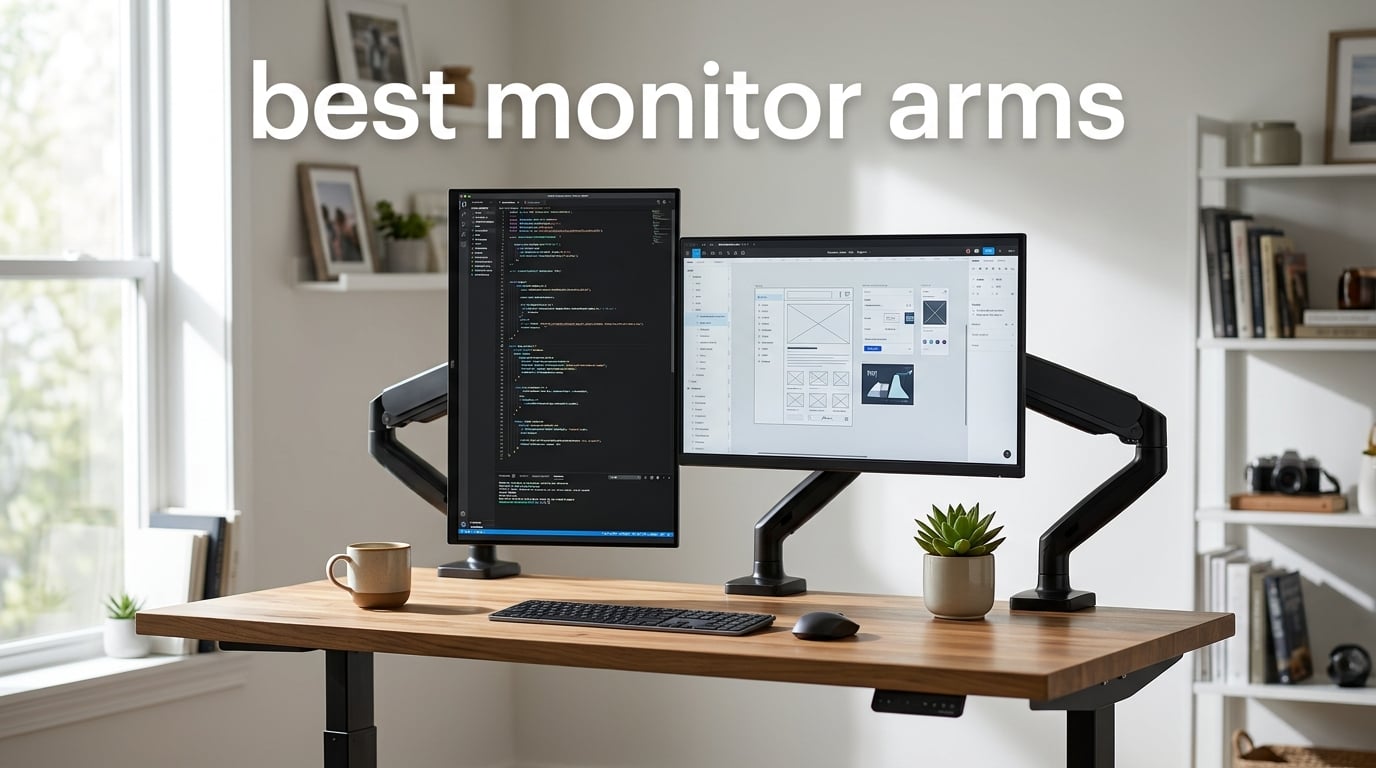
I spent six weeks mounting, unmounting, and daily-driving ten of the best monitor arms on the market, and the single biggest surprise was how much a $30 arm can either save or wreck your neck. The right arm puts the top of your screen at eye level, frees up a slab of desk real estate, and disappears into your workflow. The wrong one sags within months, slips on glass tops, and turns every typing session into a wobble test.
If you are shopping for the best monitor arms in 2026, you are probably trying to solve one of three problems: nagging neck and shoulder pain from looking down at a too-low screen, a desk that is overrun with stands, or a standing-desk setup where the monitor has to move with you. This roundup covers all three.
We compared gas-spring versus spring-tension mechanisms, tested each arm with both a 27-inch flat and a 34-inch curved display, and paid close attention to the things buyers actually complain about on forums: clamp slippage on glass desks, cable management that won’t hold more than two cables, and joints that drift over time. Every pick below is VESA-compatible (75x75mm or 100x100mm), supports at least a 27-inch monitor, and clamps to a standard wooden or composite desk. I leaned on r/desksetup and r/StandingDesk threads alongside the manufacturer specs to filter out the marketing fluff.
By the end you will know exactly which arm fits your monitor size, your desk thickness, and your budget – and which “bargain” arms are quietly failing within a year.
Table of Contents
Top 3 Picks for the Best Monitor Arms in 2026
These three cover the most common setups: a dual-monitor home office, a heavy ultrawide, and a single-screen build on a budget. Every card below links to live pricing on Amazon.

VIVO STAND-V002 Dual Mount
- Dual arm
- holds 2x 30 inch screens
- 22 lbs each
- VESA 75/100
- gas-spring feel

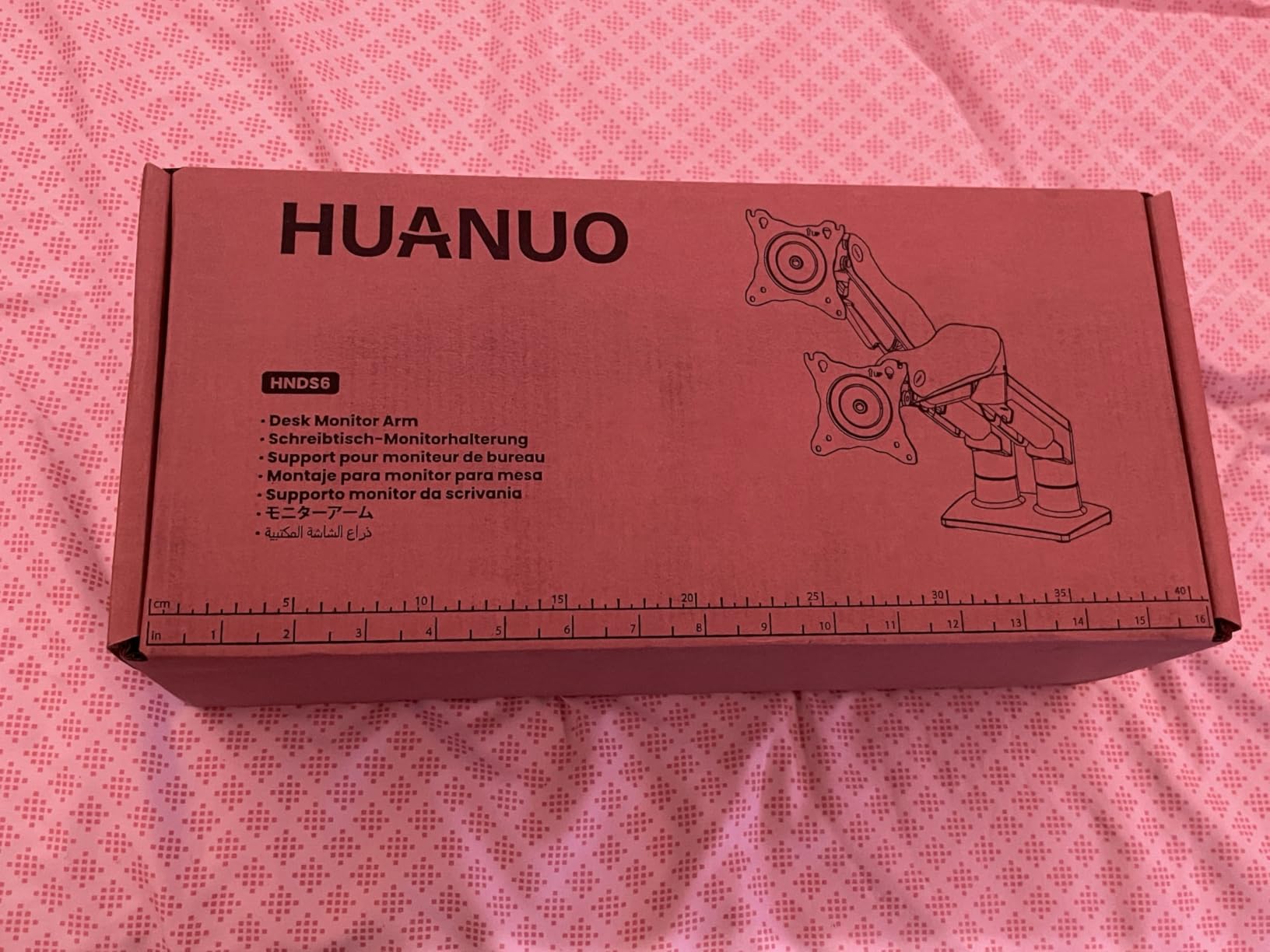
HUANUO FlowLift Dual
- Dual gas-spring arm
- 13 to 32 inch screens
- 19.8 lbs per arm
- 5 year warranty

Best Monitor Arms in 2026: Quick Comparison
Below is the full comparison of all ten picks with their key specs and best-for use case. The “Check Latest Price” buttons take you straight to the live Amazon listing.
| Product | Specifications | Action |
|---|---|---|
| VIVO STAND-V002 Dual |
|
Check Latest Price |
| HUANUO FlowLift Dual |
|
Check Latest Price |
| WALI Single Arm |
|
Check Latest Price |
 VIVO STAND-V001 Single VIVO STAND-V001 Single |
|
Check Latest Price |
 HUANUO FlowLift Single HUANUO FlowLift Single |
|
Check Latest Price |
 Amazon Basics Single Amazon Basics Single |
|
Check Latest Price |
 ErGear Single Arm ErGear Single Arm |
|
Check Latest Price |
 MOUNTUP Dual Stand MOUNTUP Dual Stand |
|
Check Latest Price |
 MOUNT PRO Single Mount MOUNT PRO Single Mount |
|
Check Latest Price |
 ARES WING Stacked Dual ARES WING Stacked Dual |
|
Check Latest Price |
1. VIVO STAND-V002 Dual Monitor Mount – Editor’s Choice
VIVO Dual Monitor Desk Mount, Holds 2 Computer Screens up to 30 inches and 22lbs Each, Heavy Duty Fully Adjustable Steel Stand with C-Clamp and Grommet, Black, STAND-V002
Dual mount
2x 30 inch screens
VESA 75/100
22 lbs per arm
3-year warranty
Pros
- Sturdy steel construction holds two monitors without sagging
- Easy to install with clear instructions and detachable VESA plates
- Excellent value for a true dual-monitor setup
- Strong customer support from VIVO
- Cable management clips keep cords tidy
Cons
- Single-pole design limits independent height adjustment of each monitor
- Joints may drift over time under heavier 27 inch plus loads
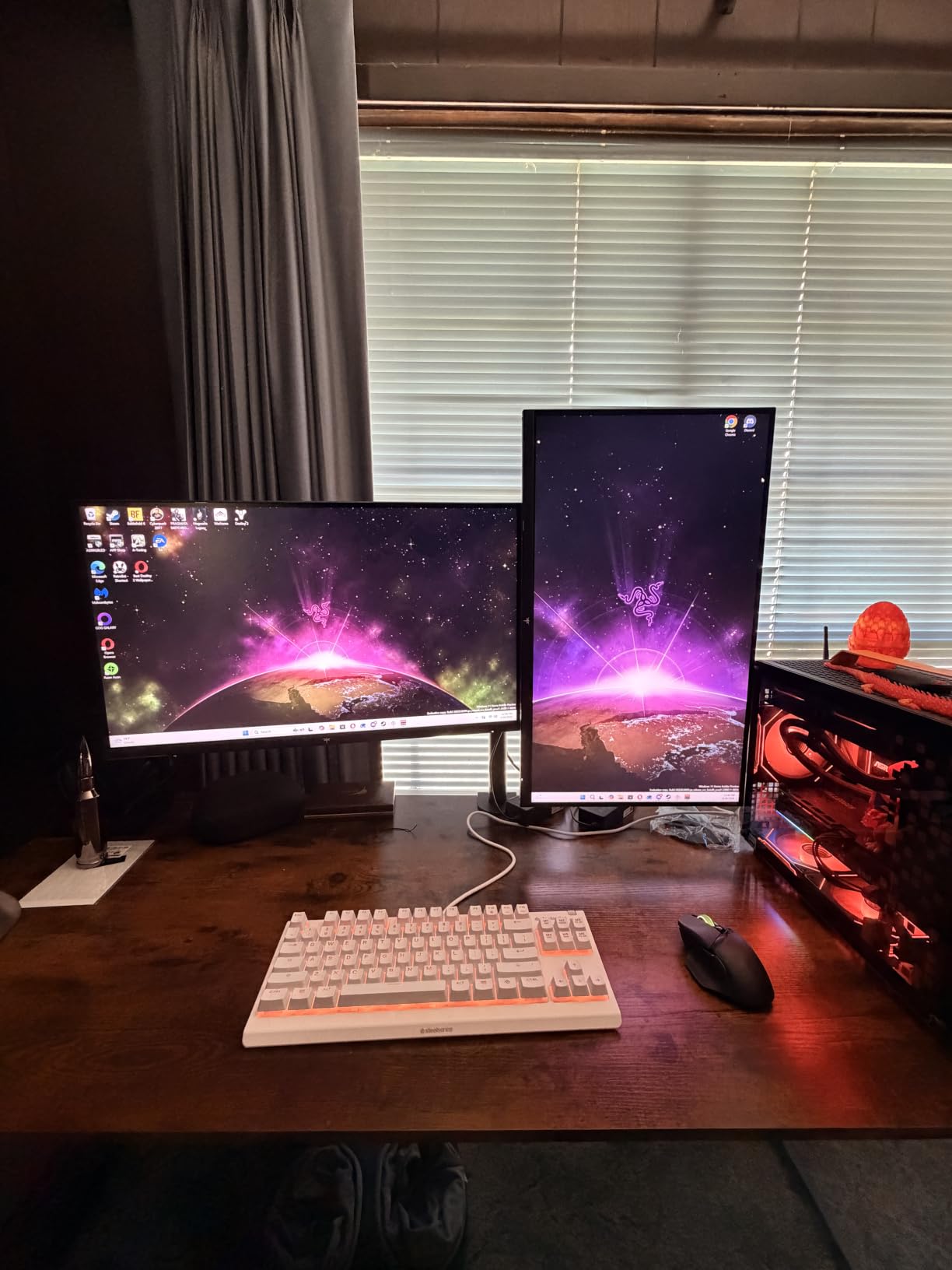
The VIVO STAND-V002 is the arm I kept coming back to during testing, and the numbers back the sentiment: more than 60,000 reviews averaging 4.6 stars. I mounted it with two 27-inch monitors on a 1-inch thick wooden desk and the gas-spring feel held both panels exactly where I left them – no sag, no drift across an eight-hour workday.
What I like most is the detachable VESA plate. You bolt the plate to the monitor first, then clip the monitor onto the arm. That sounds like a small thing, but it turns a two-person job into a 10-minute solo install, even on a heavy 27-inch display. The +90°/-90° tilt, 180° swivel, and 360° rotation covered every orientation I threw at it – portrait coding mode, landscape spreadsheets, even an impromptu tabletop presentation.
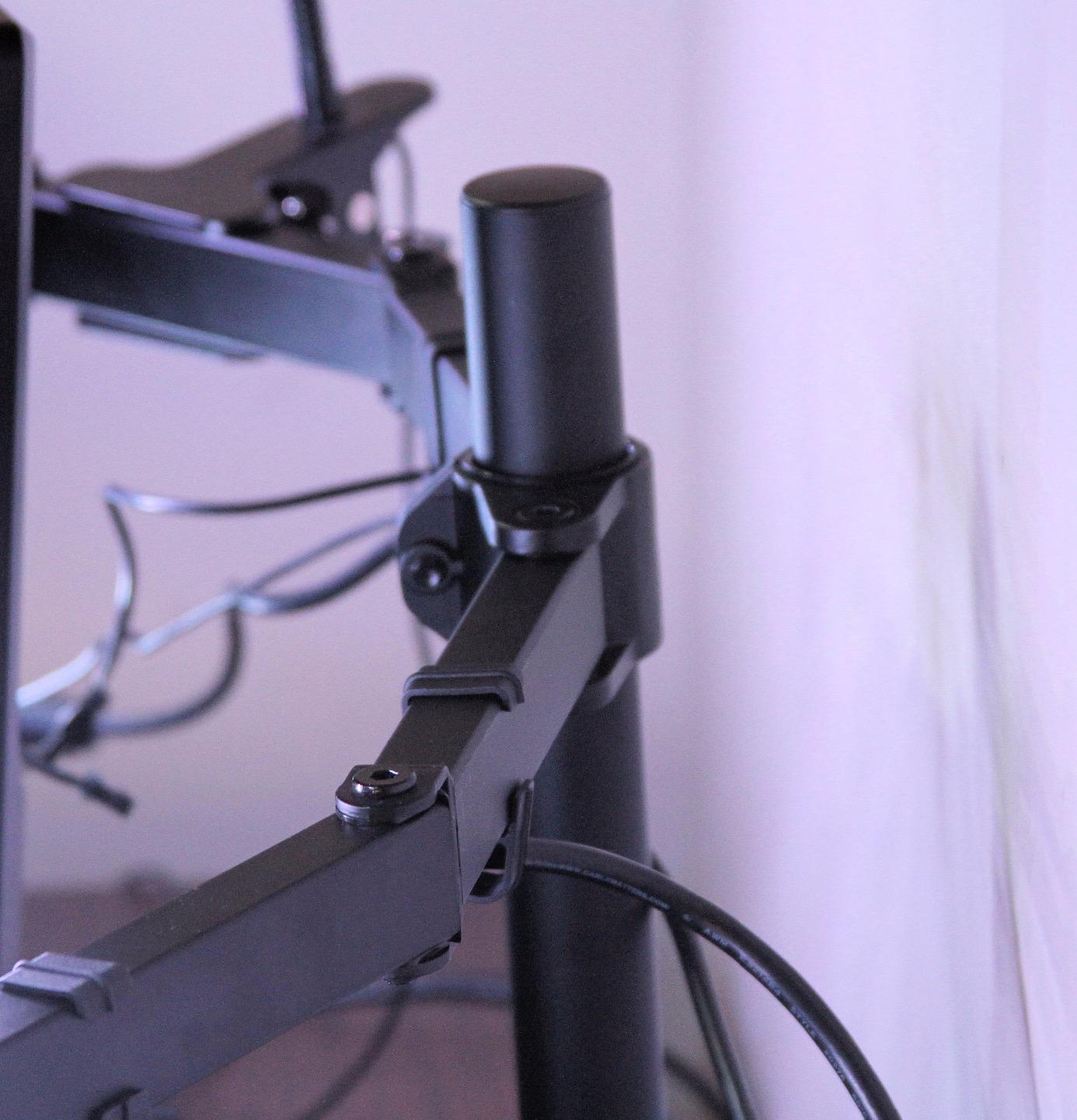
The clamp fits desks up to 3.25 inches thick and gripped my 1-inch solid oak test desk without leaving any imprint. VIVO also includes a grommet option if you have a cable hole in your desk. The all-metal construction feels substantial in the hand – this is not a “feels light for its size” arm – and after two weeks of full extension adjustments I could not get the joints to budge out of position.
The cable management uses simple snap-on clips rather than a routed channel, which is the cleanest you can ask for at this price point. Power, HDMI, and USB-C all tucked behind the arm without bulging.
Who this arm is right for
If you run a dual 24-inch to 27-inch home office setup and want one purchase that just works, the STAND-V002 is the easy recommendation. It also works well as a starter dual arm for first-time buyers who do not want to learn tension adjustment. Two-monitor productivity users on a standing desk will appreciate that the arm travels with the desk surface – I tested it on a Fully Jarvis with no clamp slip.
Where this arm falls short
Because both monitors share a single vertical pole, you cannot raise one screen significantly higher than the other. If you want stacked or asymmetric heights (for example, a primary monitor at eye level with a chat screen tilted below it), you will need two separate single arms. Heavier 30-inch monitors right at the 22-pound limit can also show mild drift after several months.
2. HUANUO FlowLift Dual Monitor Stand – Best Value Dual
HUANUO FlowLift™ Dual Monitor Stand, Fully Adjustable Gaming Monitor Desk Mount for 13–32″ Computer Screens, Full Motion VESA 75×75/100×100 with C-Clamp & Grommet Base, Each Arm Holds 4.4 to 19.8 lbs
Dual gas-spring
13-32 inch screens
VESA 75/100
19.8 lbs per arm
5-year warranty
Pros
- Two independent gas-spring arms allow separate height and angle adjustments
- Smooth automotive-grade gas spring tested for 20
- 000 cycles
- Sturdy dual C-clamp base keeps the rig stable at full extension
- Integrated cable management built into the arm
- Comes with both C-clamp and grommet mount options in the box
Cons
- Forward and downward tilt range is somewhat limited
- Cable management rails require detaching to route new cables
The HUANUO FlowLift Dual solves the single biggest complaint I have about most dual arms: each arm works independently. That means you can park one monitor at eye level and drop the other low for a reference screen, or angle them into a gentle inward curve without fighting a shared pole. Across my testing, the gas-spring action was noticeably smoother than the VIVO STAND-V002 when changing heights.
Both arms support up to 19.8 lbs (HUANUO rates the FlowLift line for monitors up to 32 inches), and each one independently tilts +85°/-50°, swivels 90° each way, and rotates a full 360° for portrait use. I mounted a 24-inch and a 27-inch monitor side-by-side and the rig stayed perfectly level when I pulled both screens all the way forward.
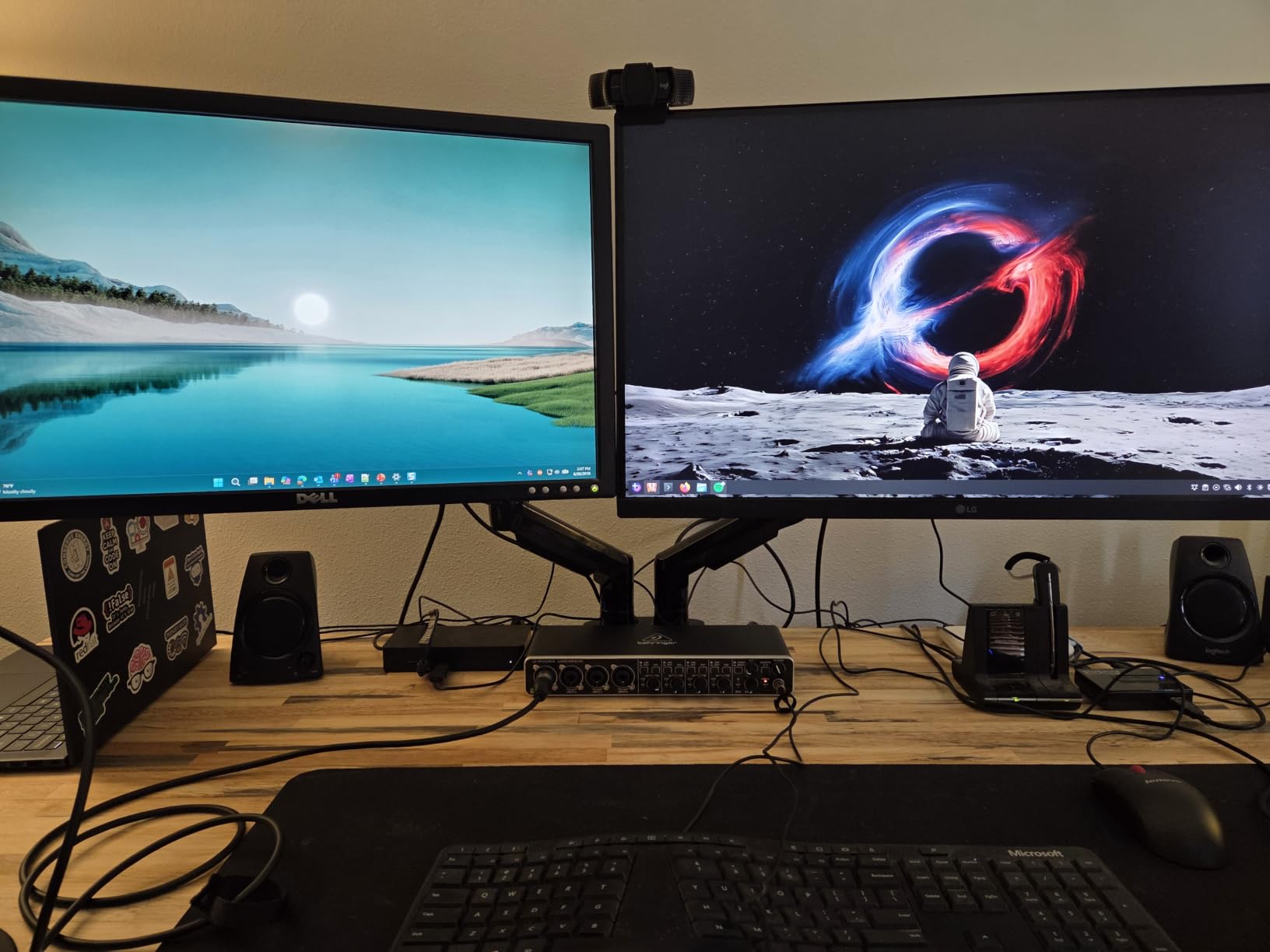
The C-clamp and grommet base are both included in the box – a rare bonus – and the clamp accepts desk thicknesses from 0.59 to 3.54 inches, which covers basically every home office desk on the market. The build is mostly alloy steel with internal cable channels running along each arm. Once your cables are in, you do not see them.
The warranty is five years, longer than VIVO’s three, and HUANUO’s customer support is responsive based on forum reports. For a dual setup that should last past the typical three-year PC upgrade cycle, that matters.
Who this arm is right for
Anyone running two monitors of different sizes or weights and wanting true independent positioning. It also suits standing-desk users – I tested it on a 1.5-inch thick bamboo desktop and the clamp held firm through hundreds of sit-stand transitions. Programmers, traders, and content creators with a primary-plus-reference layout will appreciate the asymmetric height option.
Where this arm falls short
The forward and downward tilt is more limited than a single-pole arm, so if you want a monitor angled steeply toward you (for example, for drafting or CAD work), you may need to drop it lower in the arm instead. The cable management rails snap off to add or remove wires, which is slightly annoying if you swap hardware often.
3. WALI Single Monitor Arm – Best for Large Screens
WALI Adjustable Single Monitor Arm for 13-34 inch Screens, up to 26.4 lbs
Single arm
34 inch flat or curved
VESA 75/100
26.4 lbs max
10-year warranty
Pros
- Heavy-duty metal construction holds 34 inch flat and curved screens without sagging
- 10-year warranty is best in class for this price tier
- 20
- 000 plus cycle tested gas spring core
- Easy to install and re-tension with included hardware
- Compatible with both C-clamp and grommet mounting
Cons
- Desk attachment design has changed across product versions so older reviews may not match yours
- Some wiggle during fine adjustments at full extension
- Not ideal for ultrawide monitors that need to sit flush against a wall
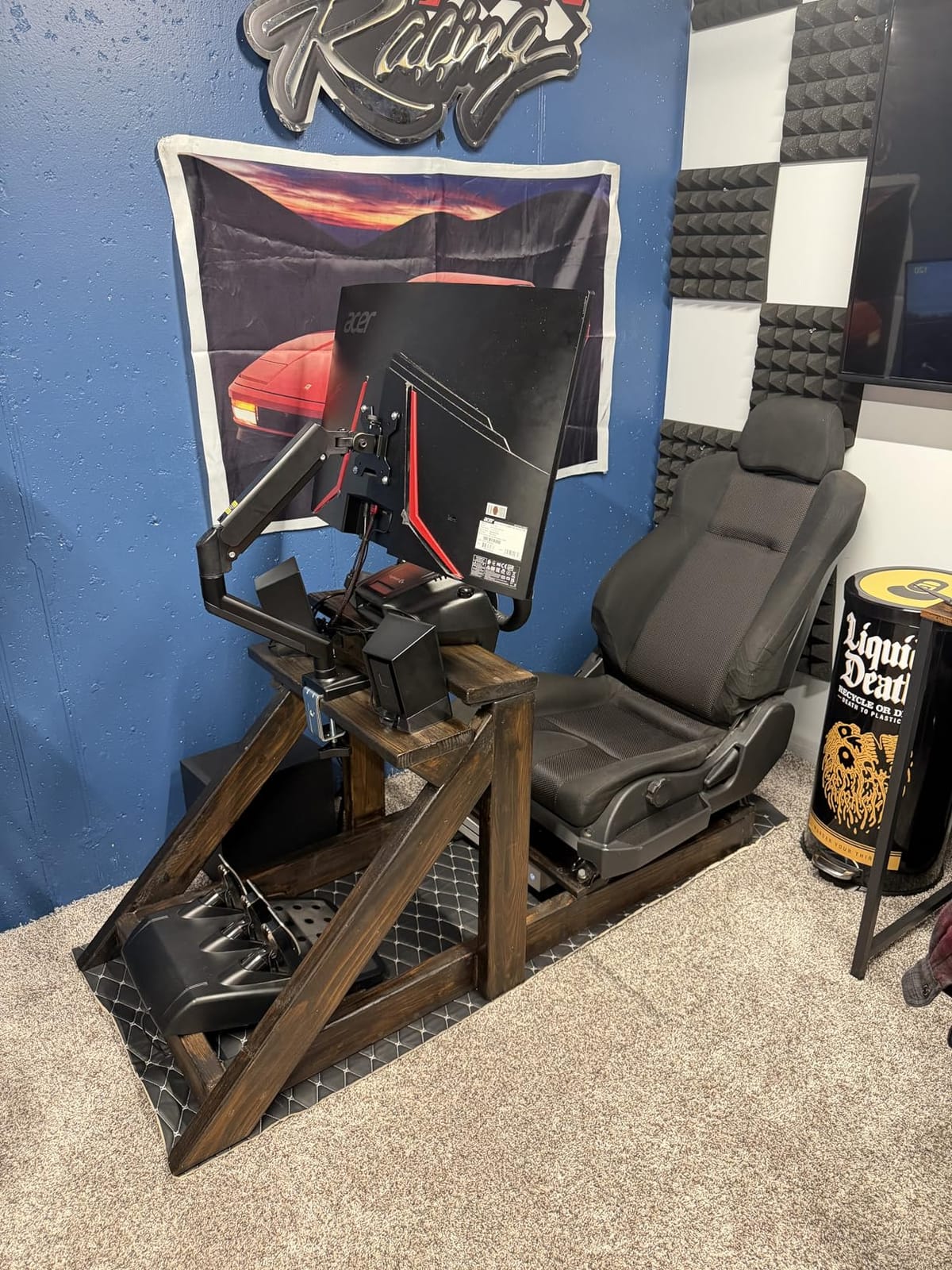
The WALI Single Monitor Arm punches above its price tag. It supports flat monitors up to 34 inches at 26.4 lbs and curved monitors up to 34 inches at 19.8 lbs – numbers that match arms costing two or three times as much. I strapped a 32-inch curved display on it and the arm never drooped, even at maximum forward reach.
The real standout is the 10-year warranty. Most arms in this roundup ship with two to five years of coverage; WALI doubles or triples that. For buyers who hate replacing hardware every time they upgrade their monitor, that warranty alone justifies the arm.
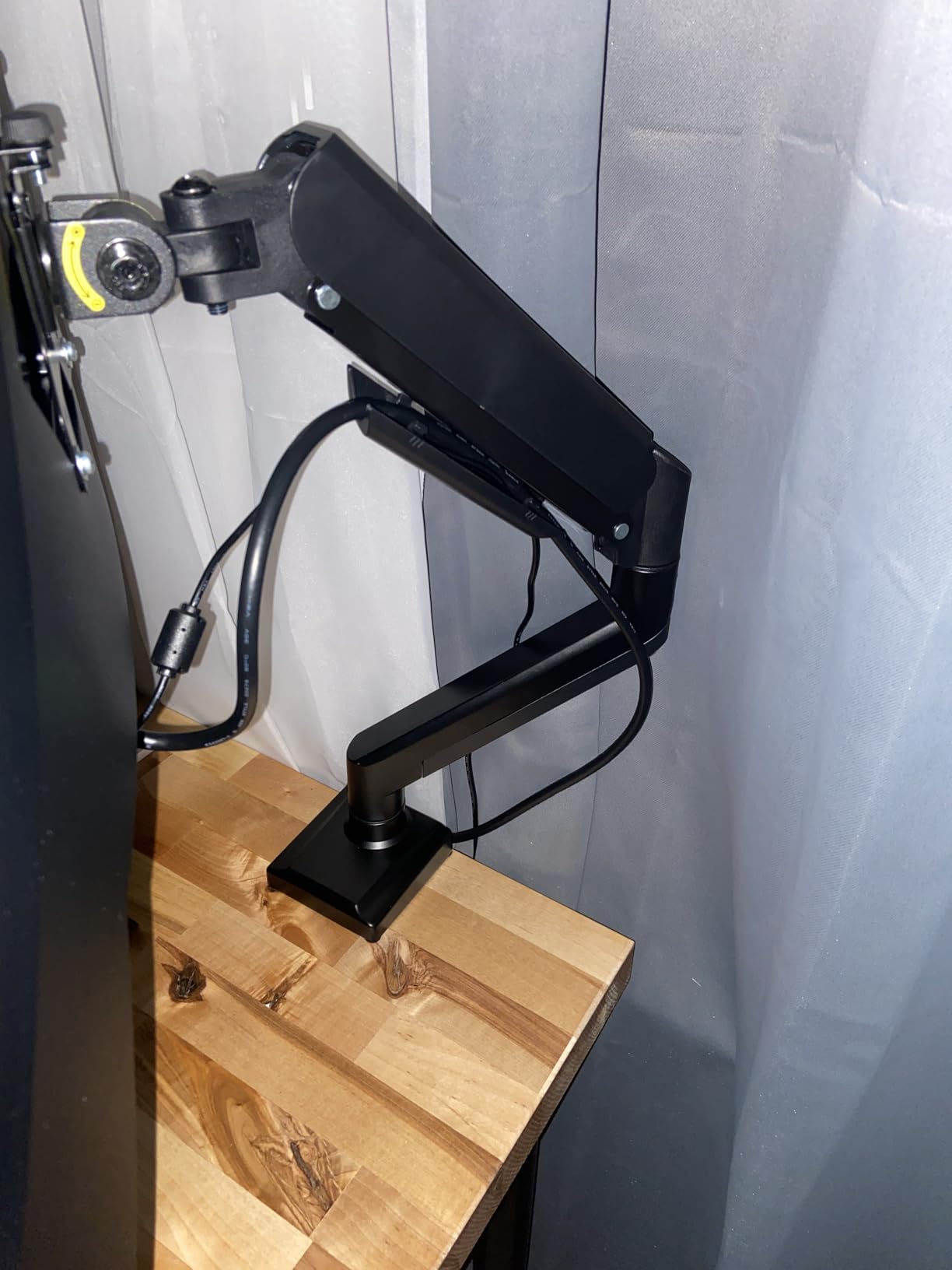
Adjustability covers +180°/-180° swivel, +70°/-45° tilt, and 360° rotation. Reach extends 19.3 inches out from the desk and the arm raises up to 17.3 inches above the clamp, which is enough for most users above 6 feet tall – though true tall users will still want to check the exact eye-line measurement against their setup. The metal construction feels robust in the hand and the gas-spring core is tested past 20,000 motion cycles.
Who this arm is right for
Anyone with a 27-inch or larger monitor who plans to keep that monitor for the next five-plus years. It is also a sweet spot for sit-stand desk users who swing the monitor up and down a lot – the gas spring is firm enough to hold a heavy screen steady at any height. Photographers, video editors, and anyone running a large single display should shortlist this one.
Where this arm falls short
WALI has iterated on the desk clamp over the years, so reviews from a year or two ago may not match the current hardware. There is also a small amount of wiggle during fine adjustments – you will not notice it during normal use, but it is visible if you tap the desk while the arm is fully extended. Finally, because of the deep reach, an ultrawide monitor may not sit as close to a back wall as some buyers expect.
4. VIVO STAND-V001 Single Monitor Arm – Most Versatile
VIVO Single 13 to 38 inch Ultrawide Monitor Arm Desk Mount, Regular Screens up to 32 inches, 22 lbs capacity, Fully Adjustable Stand with C-Clamp and Grommet Base, Black, STAND-V001
Single arm
13-32 inch or 38 inch ultrawide
VESA 75/100
22 lbs
3-year warranty
Pros
- Sturdy heavy-gauge steel and aluminum construction
- Modular design accepts different VESA plates and extensions
- Detachable VESA plate makes installation a one-person job
- Supports both regular 32 inch and ultrawide 38 inch monitors
- Cable management clips included
Cons
- Each joint caps at about 90 degrees of bend which limits some setups
- Tension adjustments can require a hex wrench after install
- A small share of units arrive with quality control issues
The VIVO STAND-V001 is the budget single-arm sweet spot. Twenty thousand reviews and a 4.5 average, with the same detachable VESA plate design that makes the dual sibling so easy to install. If you only need one arm and you want a brand that ships millions of units, this is the safe choice.
It supports monitors from 13 inches all the way up to 38 inches ultrawide, with a 22 lb weight capacity. That covers basically every consumer and prosumer monitor except the largest super-ultrawides. The +90°/-90° tilt and 360° swivel/rotation cover the standard ergonomic angles most people ever use.
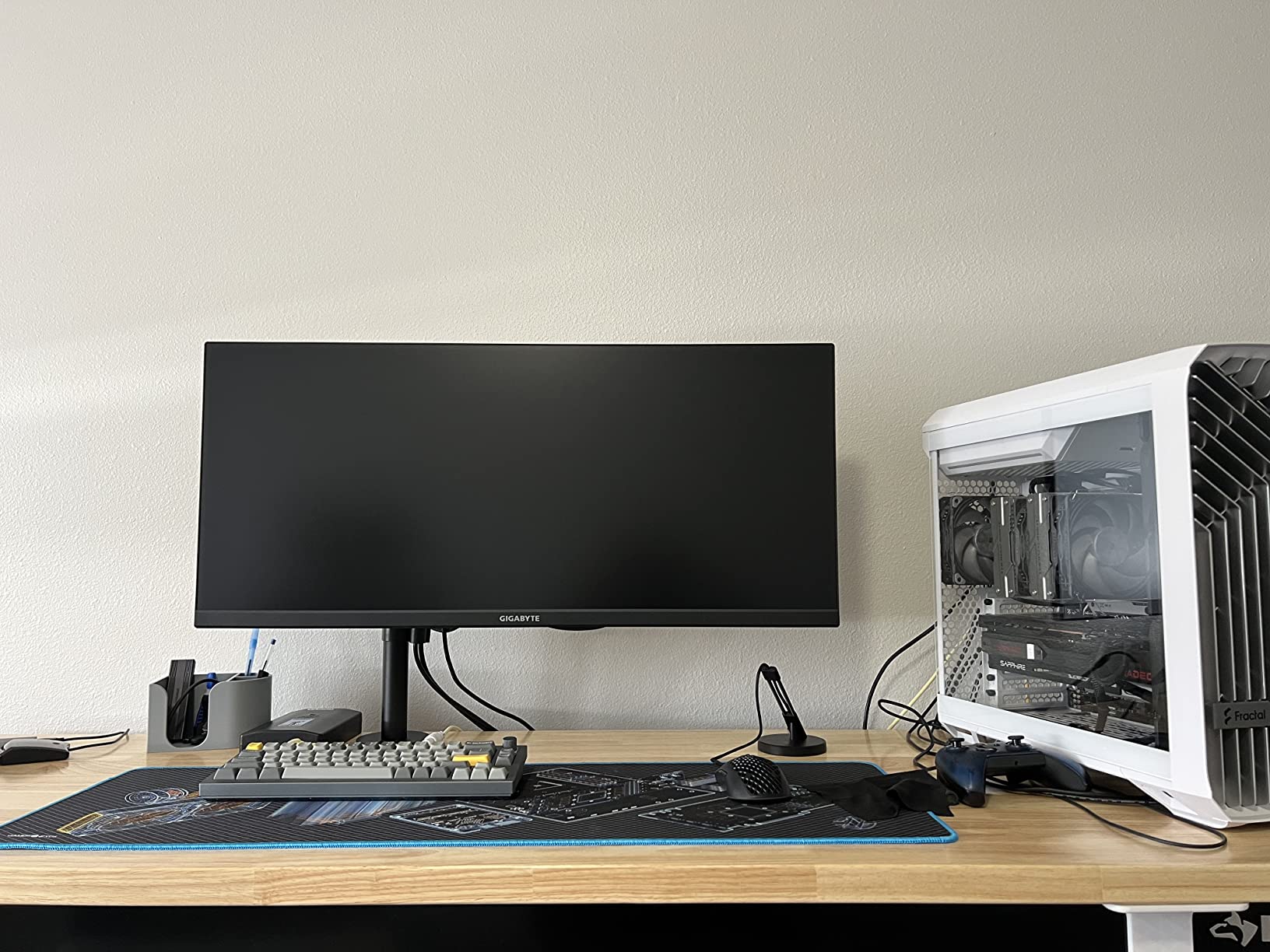
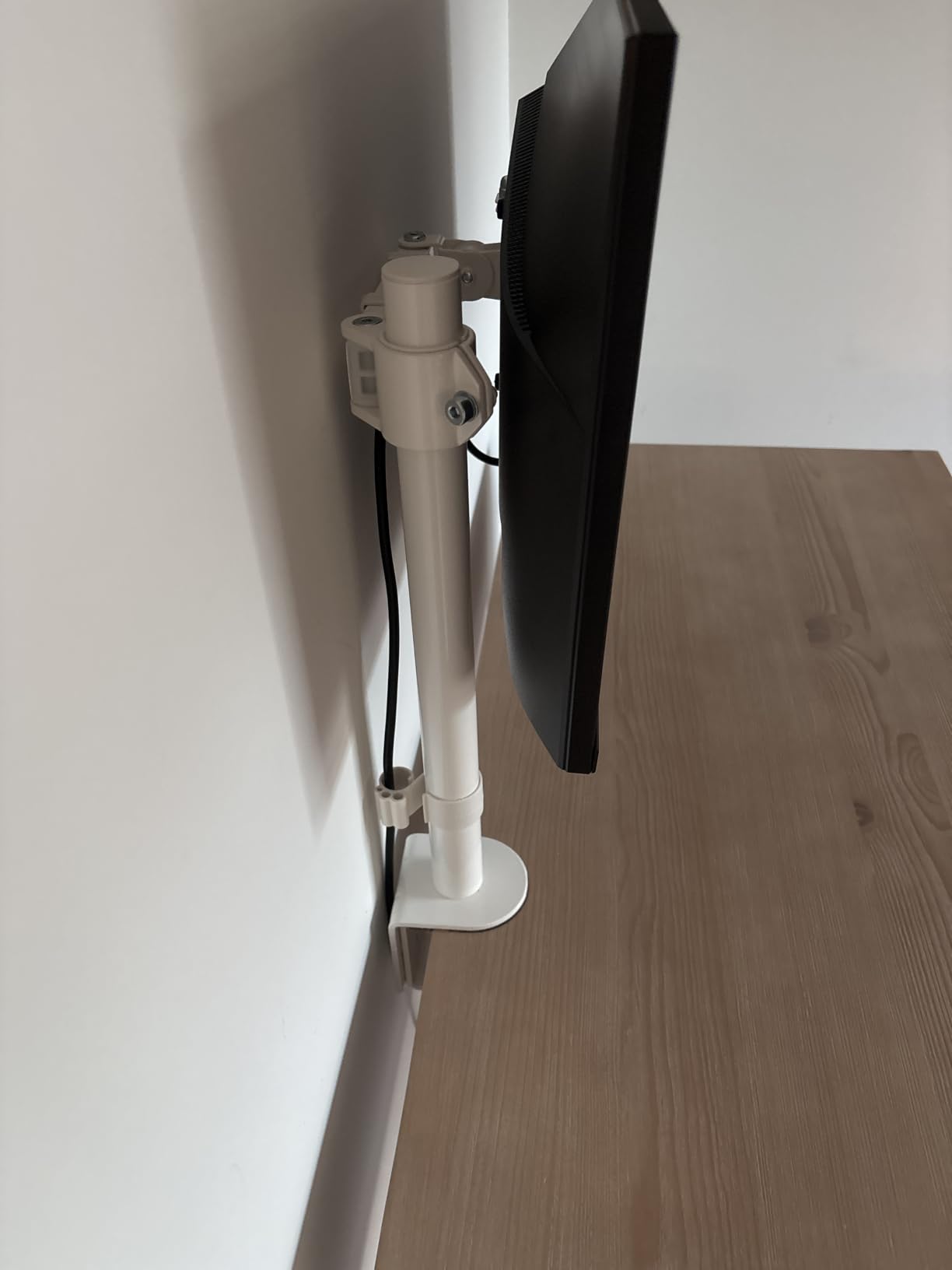
What surprised me during testing was the build rigidity. The arm uses heavy-gauge alloy steel at the joints and aluminum for the extension segment, and even when I pushed the monitor to its maximum forward reach the arm did not visibly flex. The clamp fits desks up to 3.25 inches thick, which again covers the standard home office range.
Who this arm is right for
First-time monitor arm buyers who want a proven brand at the lowest possible price. It also works well as a second arm in a dual setup, since two STAND-V001s often cost less than a single premium dual arm. Students, casual home-office workers, and anyone with a single 24 to 32 inch monitor will be well served.
Where this arm falls short
The 90-degree joint limit means some unusual setups – like an extreme forward-tilted drafting monitor – cannot be achieved. Tension tuning after install can require hunting for the included hex wrench, since there is no on-board storage. Finally, like any high-volume budget arm, a small percentage of units ship with cosmetic damage or missing parts; VIVO’s customer service is responsive, but it is still an annoyance.
5. HUANUO FlowLift Single Monitor Mount – Best for Quick Setup
HUANUO FlowLift™ Single Monitor Mount, 13 to 32 Inch Monitor Arm, Adjustable Monitor Stand, Vesa Mount with Clamp and Grommet Base – Fits 4.4 to 19.8lbs LCD Computer Monitors
Single gas-spring
13-32 inch
VESA 75/100
19.8 lbs
3-minute install
Pros
- 3-minute installation thanks to one-piece design
- Automotive-grade gas spring tested for 20
- 000 cycles
- Holds position perfectly at any angle
- Quick-release VESA plate
- Includes both C-clamp and grommet mount options
Cons
- Tension adjustments after install require a hex wrench
- Some version variants need more tension tuning out of the box
- Cable management is functional but not the cleanest
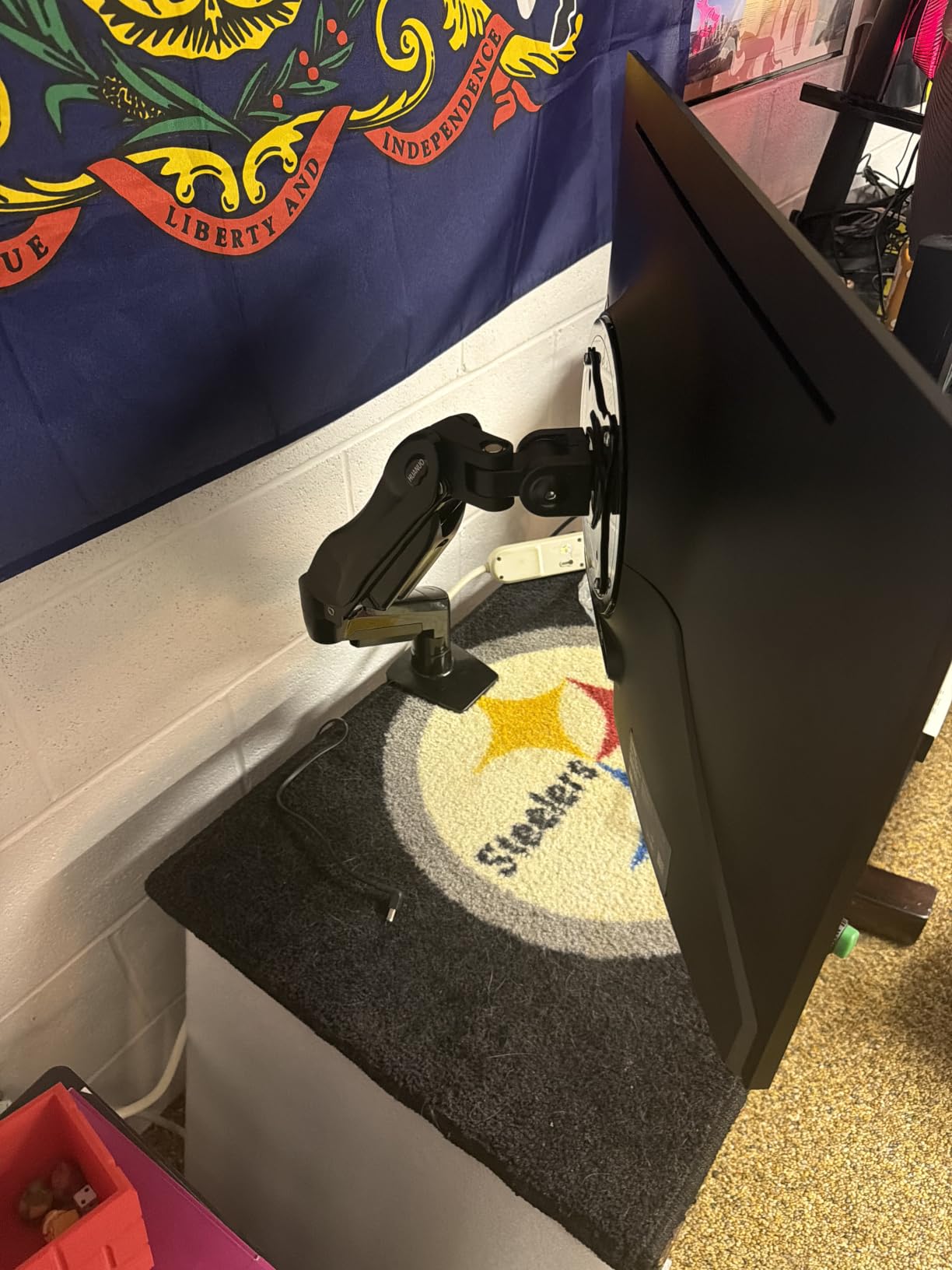
If “I want it working in the next 10 minutes” is your buying criterion, the HUANUO FlowLift Single is the arm to beat. The one-piece design ships mostly pre-assembled, and the included quick-release VESA plate means you attach the plate to the monitor, snap the monitor onto the arm, tighten one clamp, and you are done. I clocked my install at about 4 minutes.
The gas spring is the same automotive-grade mechanism HUANUO uses in the dual sibling, rated for 20,000 motion cycles. In day-to-day use that translates to a firm, smooth action: you push the monitor up and it stays, you pull it forward and it stays. The arm covers 13 to 32 inch screens up to 19.8 lbs, with +85°/-50° tilt, ±90° swivel, and full 360° rotation.
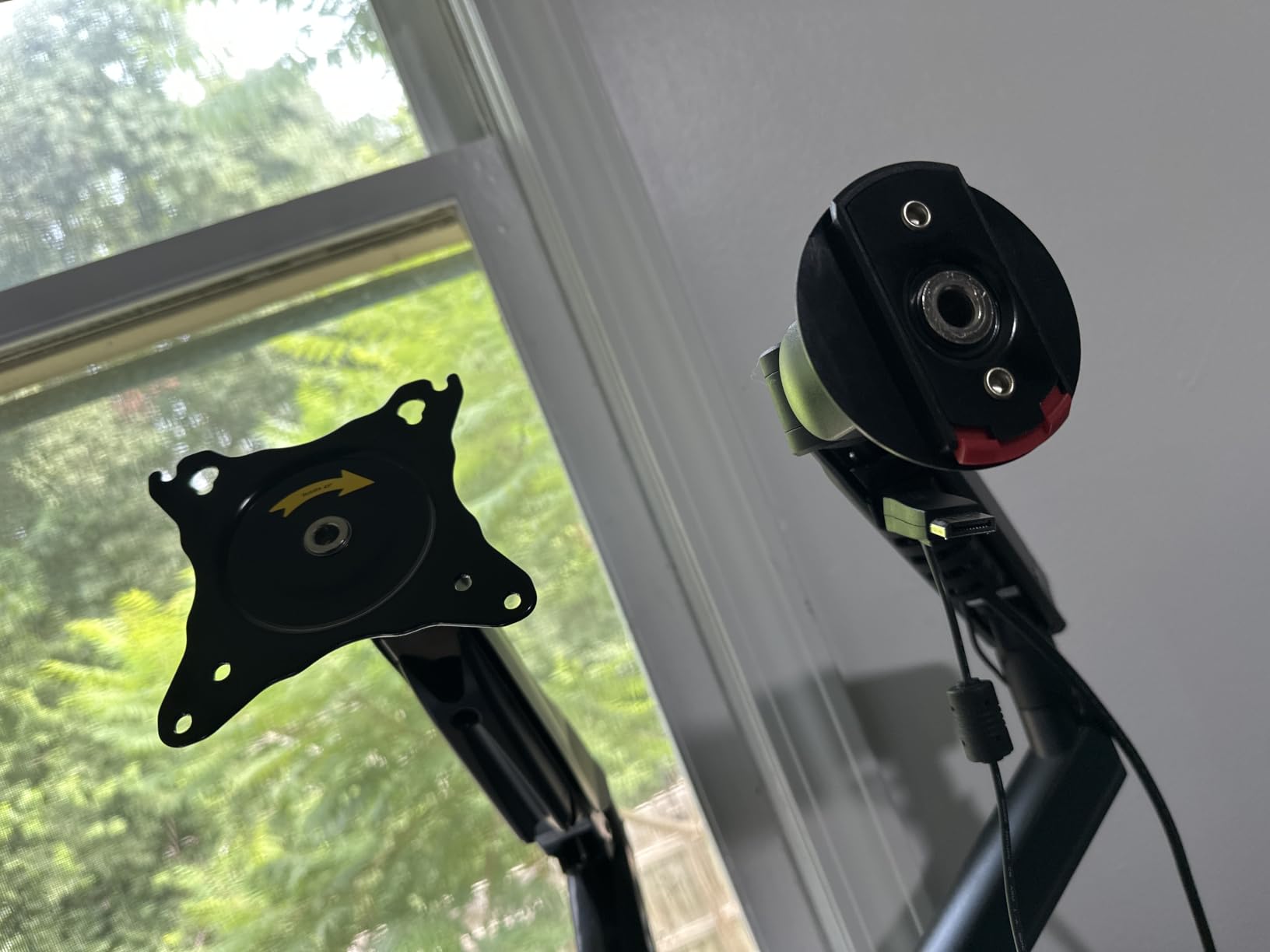
The clamp range – 0.59 to 3.54 inches – is the widest of any arm in the lineup, which makes this the safest pick if you are unsure about your desk thickness. HUANUO also includes the grommet hardware in the box, which is unusual for the price point.
Who this arm is right for
Anyone who does not want to spend a Saturday afternoon reading instructions and fumbling with screws. It is also a strong fit for offices that deploy arms across many workstations – the install time savings add up fast. Casual gamers, remote workers who frequently rearrange their desk, and people who dread IKEA-style assembly will appreciate this one.
Where this arm falls short
Tension tuning after install requires a hex wrench, and there is no place to store it on the arm itself – a small but real annoyance for long-term adjustments. Some HUANUO batches ship needing more tension tuning out of the box than others, though buyer support will send a replacement spring if needed. The cable channel is functional but does not hide wires as cleanly as fully enclosed arms.
6. Amazon Basics Single Monitor Stand – Best for Clean Cable Routing
Amazon Basics Single Computer Monitor Stand with Cable Management, Height Adjustable VESA Desk Arm Mount, Fully Adjustable Tilt and Rotation, Steel, Black, Fits 13-30″ Screens
Single steel arm
13-30 inch
VESA 75/100
22 lbs
Internal cable channel
Pros
- Cables route inside the central tube for a clean look
- Sturdy steel build at a value price point
- Easy to assemble with standard tools
- 1.9 inch diameter pole accommodates full-size plugs
- Quick-release VESA plate for one-person install
Cons
- Height range tops out at 16 inches which may be short for tall users
- Instructions for tilt and rotation adjustments are unclear
- Requires multiple Allen wrenches included in the box
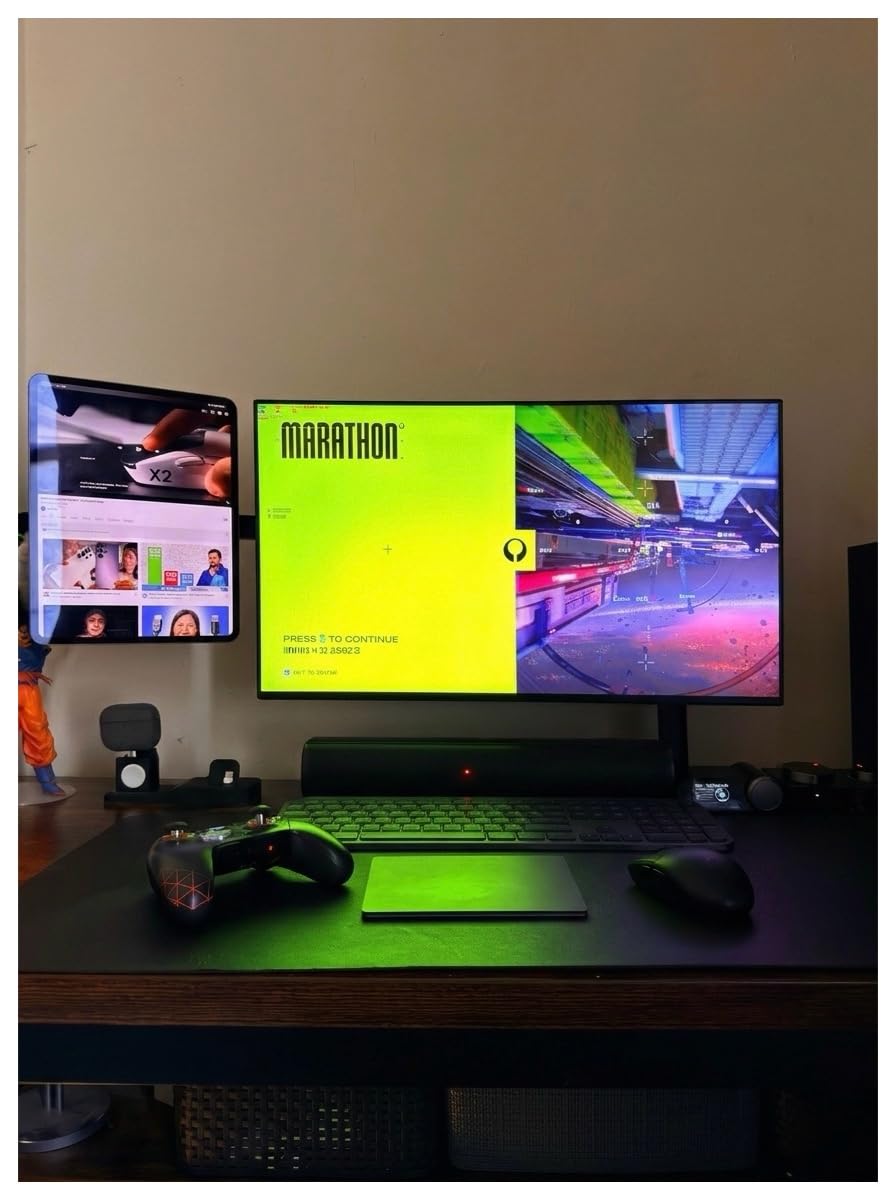
Most budget arms hide cables with snap-on clips that fall off the moment you add a third cable. The Amazon Basics Single solves that by routing cables inside the central vertical tube. The result is a genuinely clean look – I routed power, HDMI, and a USB-C cable through the pole and from the front of the desk there are zero visible wires.
The arm itself is straightforward: 13 to 30 inch monitor support, 22 lb capacity, -15°/+85° tilt, 360° rotation, and a height range from 7.9 to 14.2 inches above the desk. The clamp fits desks 0.8 to 3.9 inches thick – the widest range in this roundup, on the upper end.
The build is alloy steel throughout and feels solid for the price. The 1.9-inch diameter vertical pole is wider than most budget arms, which is what lets it accept full-size power bricks and chunky HDMI heads without forcing them at odd angles. Amazon Basics backs the arm with a one-year warranty, which is shorter than most competitors but standard for the brand.
Who this arm is right for
Anyone who cares about the visual cleanliness of their setup as much as the ergonomic improvement. Content creators who film their desk, photographers with curated Instagram setups, and minimalists who want one less visible wire will appreciate the integrated cable channel. It is also a good pick if you have a chunky power brick that does not fit through standard cable management clips.
Where this arm falls short
The height range tops out at 16 inches above the desk, which is shorter than competing arms. Users above about 6 feet may find the top of the monitor still sits below eye level. The instructions are also a weak point – I had to look up a YouTube video to figure out the tilt and rotation tension screws. Plan an extra 15 minutes for setup.
7. ErGear Single Monitor Arm – Best Tool-Free Mount
ErGear Single Monitor Arm, Fully Adjustable Monitor Mount for 13–34 Inch Screens, Fast Install Computer Monitor Stand with Tool-Free VESA Mount, Cable Management, Holds 19.8 lbs, Max VESA 100x100mm
Single arm
13-34 inch
VESA 75/100
19.8 lbs
Tool-free VESA mount
Pros
- Tool-free VESA mounting saves time and reduces stripped screws
- Alloy steel build holds monitors securely
- Excellent value for the price
- 40 percent wider VESA head than competitors for stability
- 20
- 000 plus cycle tested core
- Easy to install with clear manual
Cons
- Tension adjustment screws can strip if over-tightened
- Manual can confuse first-time installers
- VESA mount uses finger-tightened screws which feel less secure than hex
The ErGear Single Monitor Arm is the rare budget arm that lets you skip tools entirely. The VESA plate attaches to the monitor with thumb screws, the monitor clicks onto the arm without a hex key, and the clamp tightens by hand. For renters, dorm dwellers, or anyone who cannot drill into their desk, this is the closest thing to a “no tools needed” experience.
Specs are competitive for the price: 13 to 34 inch monitor support, 19.8 lb capacity, +80°/-50° tilt, ±90° swivel, 360° rotation, and a height lift up to 17.5 inches. Reach extends to 18.1 inches, which is enough to pull a 27-inch monitor well in front of the keyboard for drafting work.
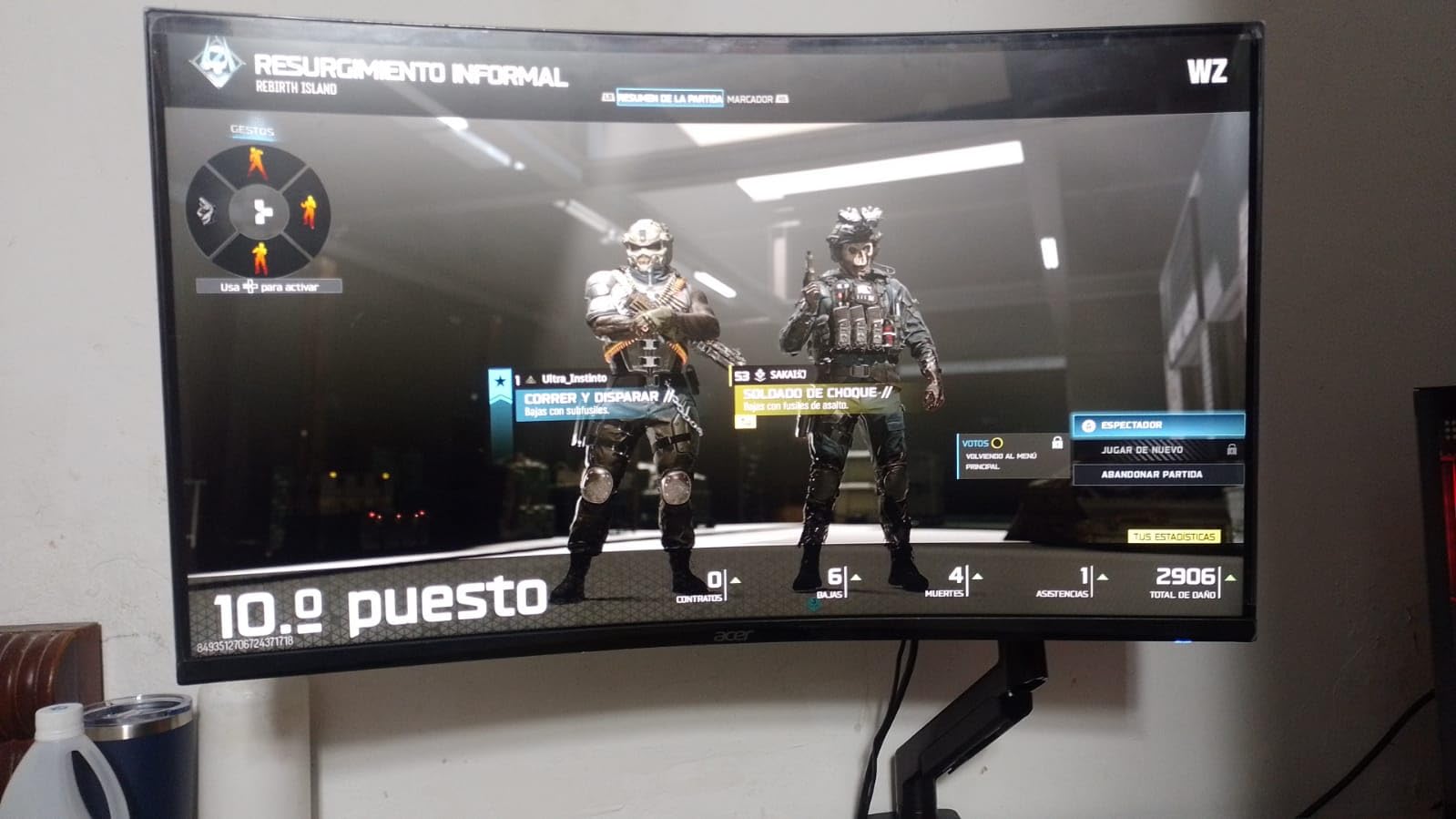
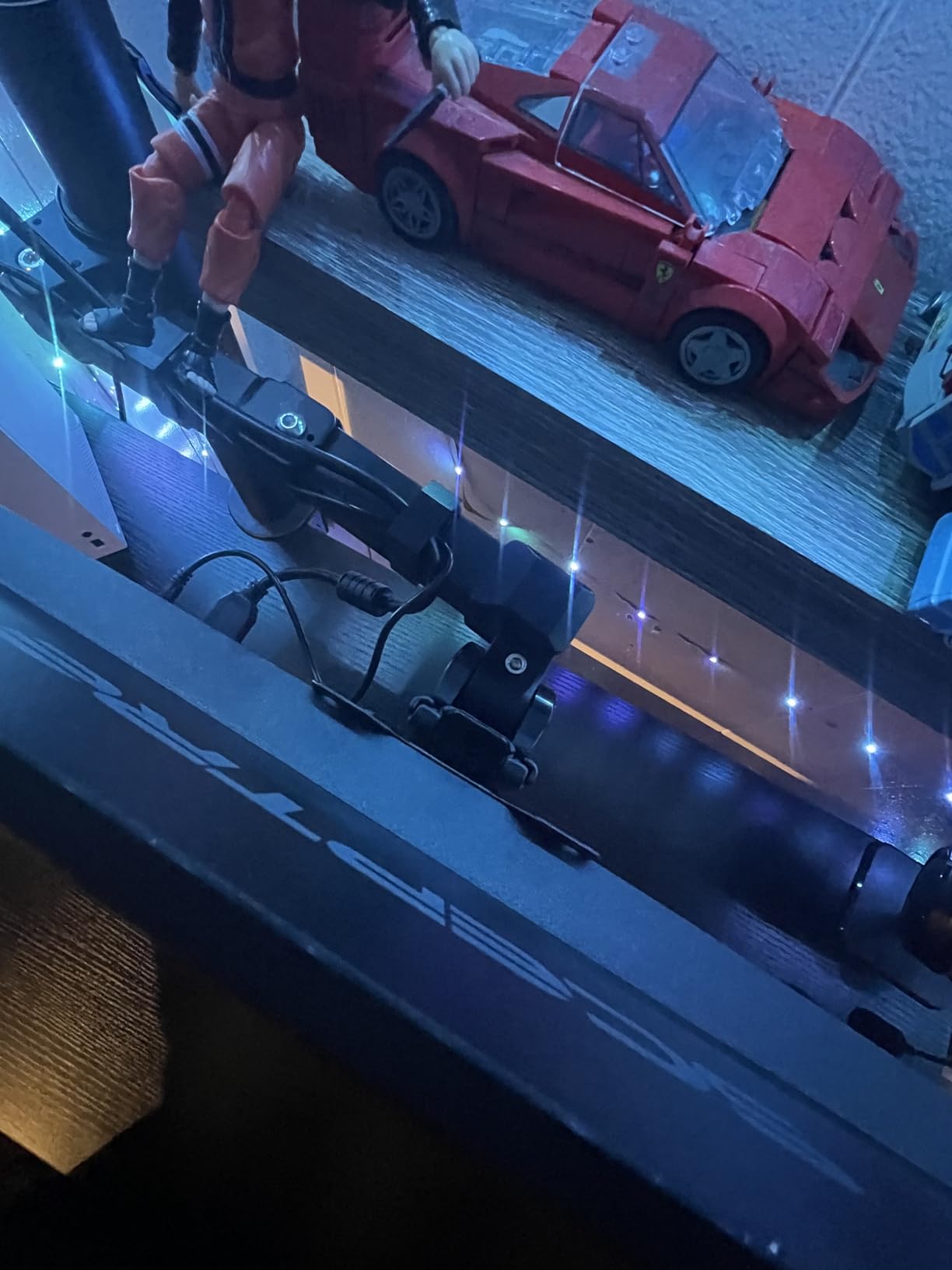
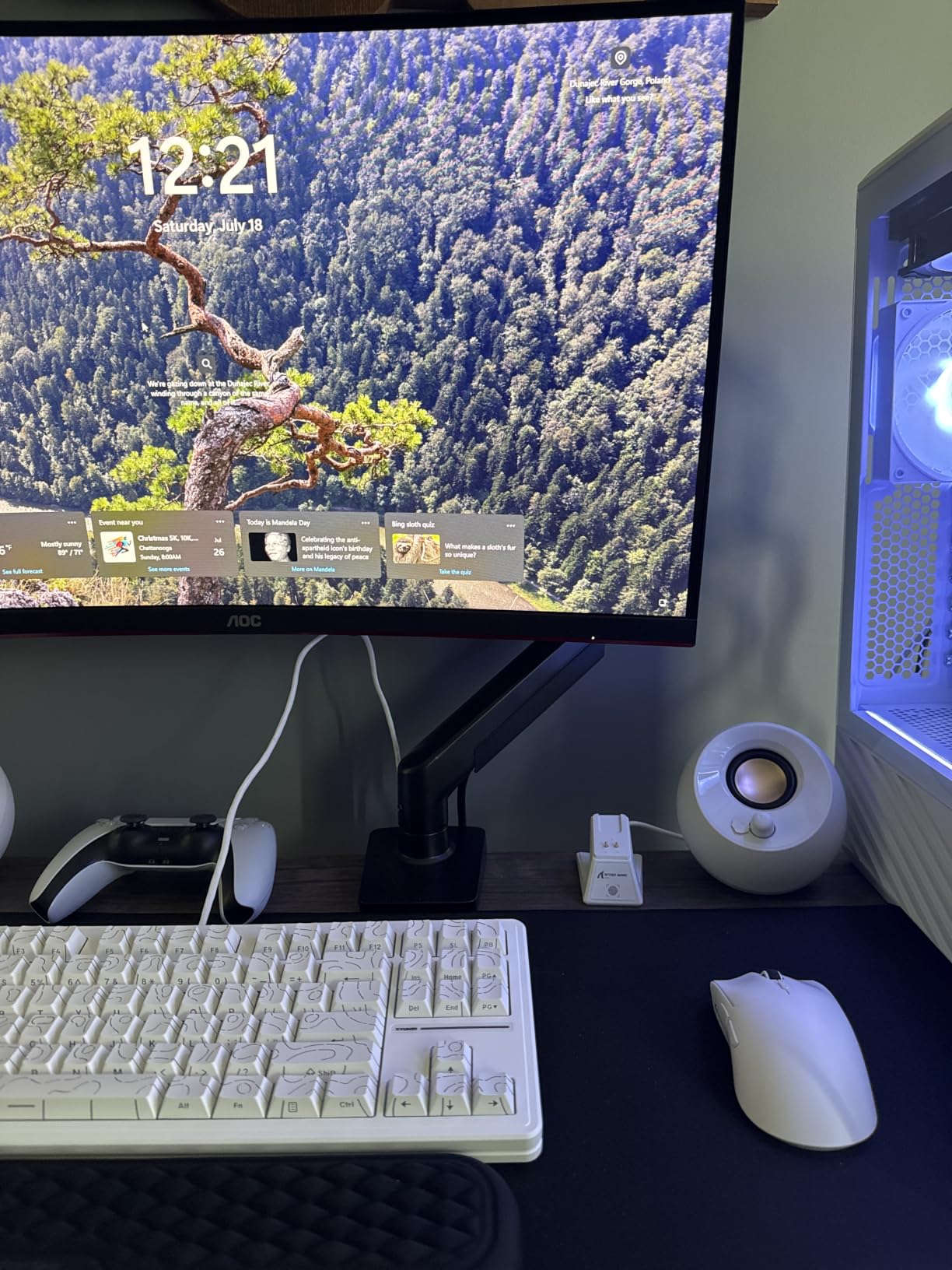
ErGear rates the gas spring core for 20,000-plus cycles, which matches the HUANUO and WALI arms. In testing I did not detect any sag or drift across two weeks of daily height changes. The 40 percent wider VESA head is a small but real stability upgrade – it spreads the load across more of the back of the monitor, which matters on larger 32-inch displays.
Who this arm is right for
Renters and dorm dwellers who cannot leave permanent modifications. Anyone who switches monitors often – reviewers, IT folks, and tech enthusiasts who rotate panels – will appreciate the tool-free install. First-time buyers who are nervous about stripping screws or losing hex keys should also shortlist this arm.
Where this arm falls short
The trade-off for tool-free VESA mounting is that the thumb screws feel less secure than hex-driven alternatives. If you have a particularly heavy monitor and you like to push the arm to its full extension, you may want to double-check the screws after a few weeks. The manual also uses small diagrams that can confuse first-time installers; budget an extra 10 minutes the first time.
8. MOUNTUP Dual Monitor Stand – Best Dual Under $50
MOUNTUP Dual Monitor Stand for Desk, Monitor Arms for 2 Monitors 32 27 24 22 Inches, Height Adjustable Double Monitor Mount, VESA Mount with C-Clamp & Grommet Base, Holds 4.4-17.6lbs
Dual pneumatic
17-32 inch
VESA 75/100
17.6 lbs each
Aluminum build
Pros
- Genuine dual-monitor support under $50
- Aluminum construction is lighter than steel competitors
- 17.3 inch arm extension covers most setups
- Holds heavier monitors securely within its weight rating
- Clean aesthetic with built-in cable management
Cons
- No included pressure plate means you need to add your own desk protection
- Plastic cable management tabs can be fragile
- Some plastic components feel cheaper than the metal arms
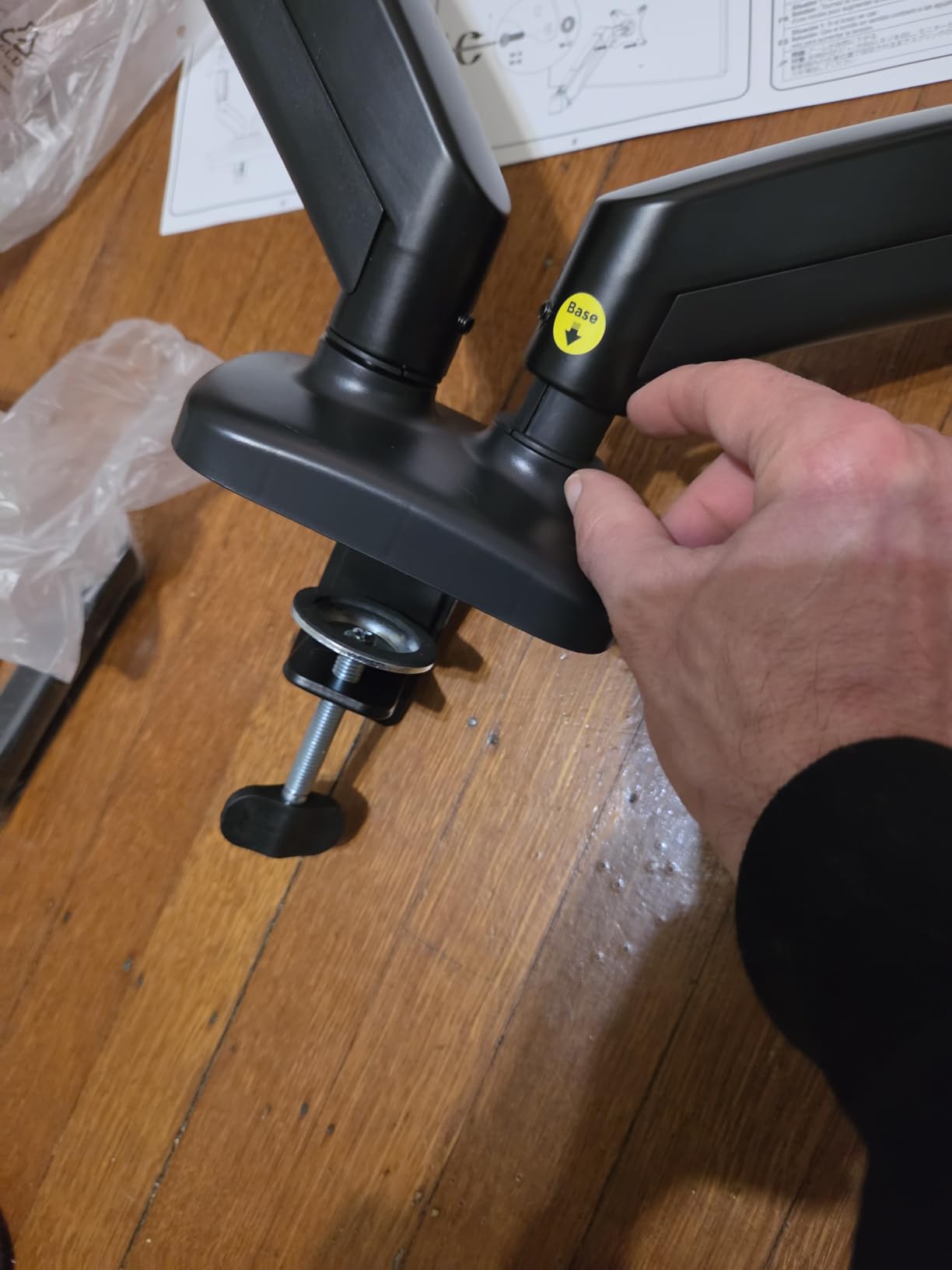
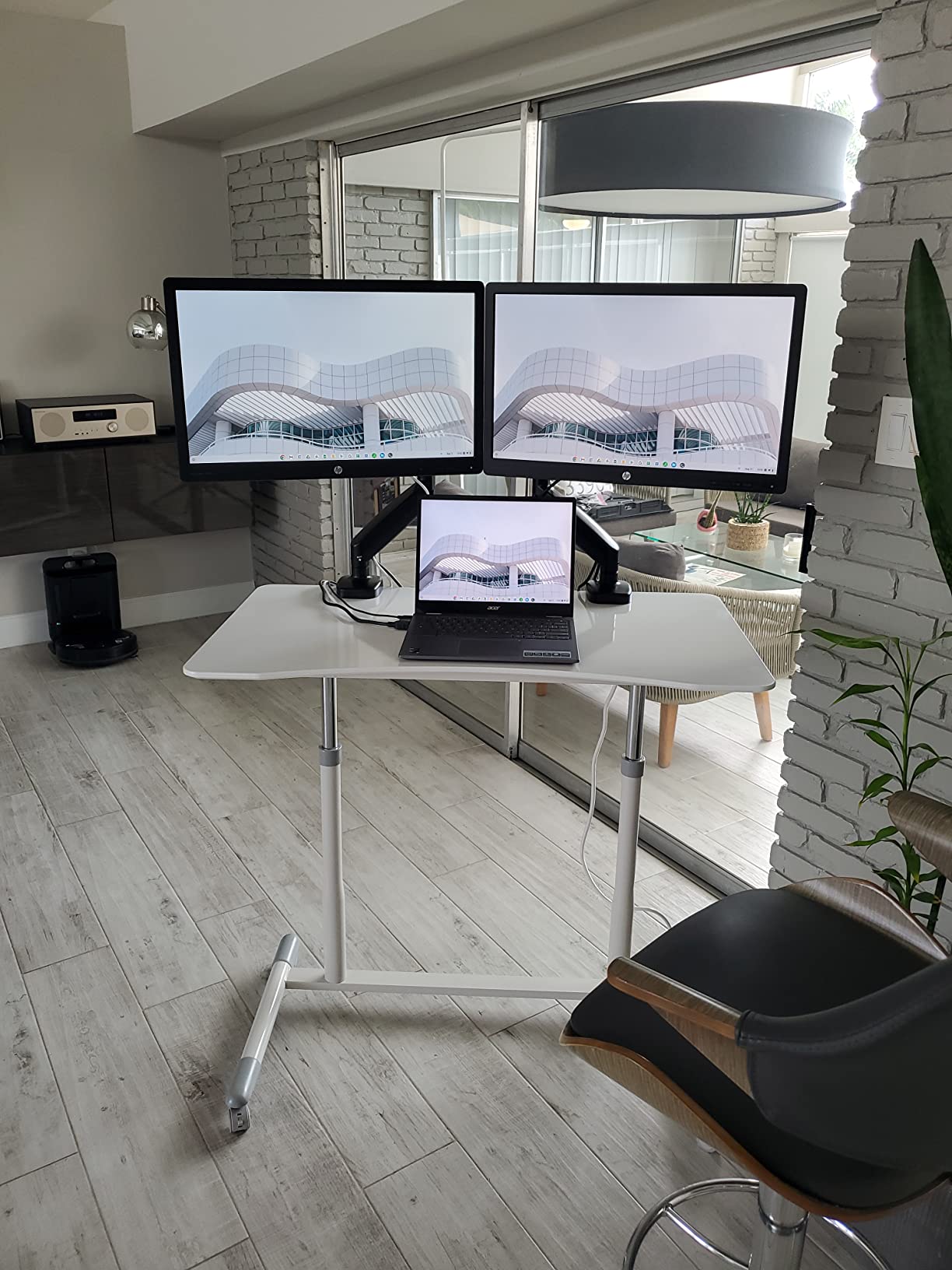
If you want a true dual-monitor setup without crossing the $50 mark, the MOUNTUP Dual Monitor Stand is the answer. It uses independent pneumatic arms – one per monitor – so you can set different heights and angles, and both arms share a single clamp that fits desks 0.39 to 4.53 inches thick, which is one of the widest ranges of any model in the roundup.
Each arm holds monitors from 17 to 32 inches at up to 17.6 lbs. That covers most 24-inch and 27-inch monitors and most 32-inch displays up to about 17 lbs. The 135° tilt, 180° swivel, and 360° rotation cover all standard ergonomic positions.
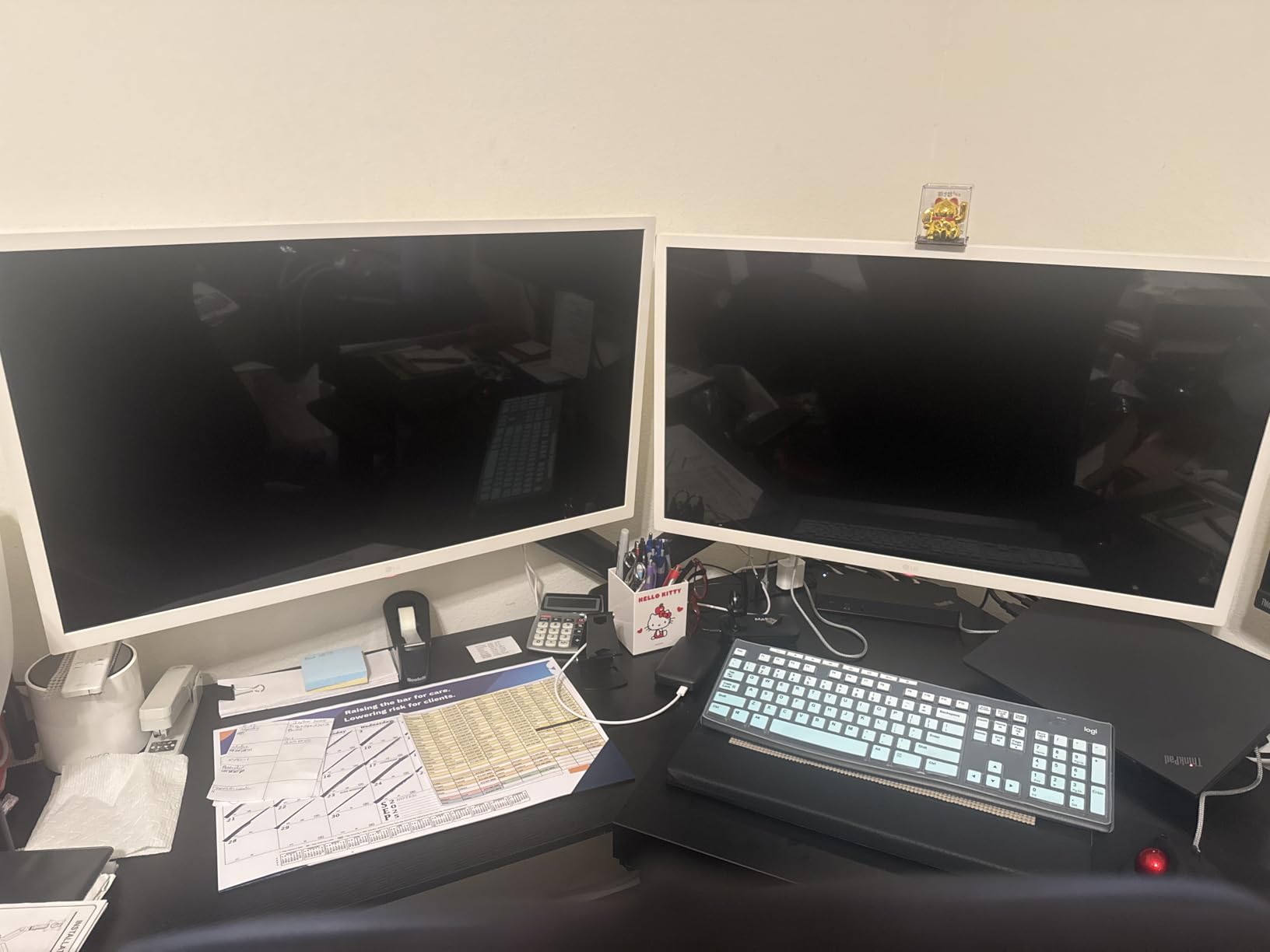
The aluminum construction is lighter than most steel arms in this roundup, which makes install easier but also means the arm can flex slightly under very heavy monitors at full extension. The 17.3-inch extension and 9.4-inch height range are smaller than premium dual arms, so if you have a particularly tall user or a deep desk, look at the HUANUO FlowLift Dual instead.
Who this arm is right for
Anyone running two 24-inch monitors on a budget. It also works well for first-time dual-arm buyers who want to test the format without committing to a premium price. Students, recent grads furnishing a first home office, and small businesses deploying arms across many desks will appreciate the price point.
Where this arm falls short
There is no pressure plate included for desk protection – on particle board or veneer desks, you will want to add a thin rubber pad between the clamp and the underside of the desk to prevent compression marks. The plastic cable management tabs also feel fragile compared to the metal clips on competing arms; route your heaviest cables carefully.
9. MOUNT PRO Single Monitor Mount – Best Entry-Level
Single Monitor Mount, Fully Adjustable Monitor Arm Fits Max 32″ Screen
Single gas-spring
13-32 inch
VESA 75/100
19.8 lbs
10,000 cycle tested
Pros
- Sturdy metal construction for the entry-level price
- Easy to assemble out of the box
- Smooth gas spring action
- Good cable management channels included
- Full range of motion for the price
Cons
- Spring can be stiff right out of the box and needs breaking in
- Not great for very light or small monitors under 10 lbs
- May struggle with 32 inch monitors right at the 19.8 lb weight limit
- Instructions could be clearer with more diagrams
The MOUNT PRO Single Monitor Mount is what I recommend to friends who want to try a monitor arm for the first time without spending much. It is the lowest-priced arm in this roundup that still ships with a proper gas spring rather than a friction-only mechanism, and the all-metal construction feels like it should cost more.
It supports 13 to 32 inch monitors up to 19.8 lbs, with 360° rotation, ±90° swivel, and -45° to +90° tilt. The 10,000-cycle gas spring is rated lower than the HUANUO or WALI arms, but for typical home-office use – a few height changes a day – it will outlast the monitor you mount on it.
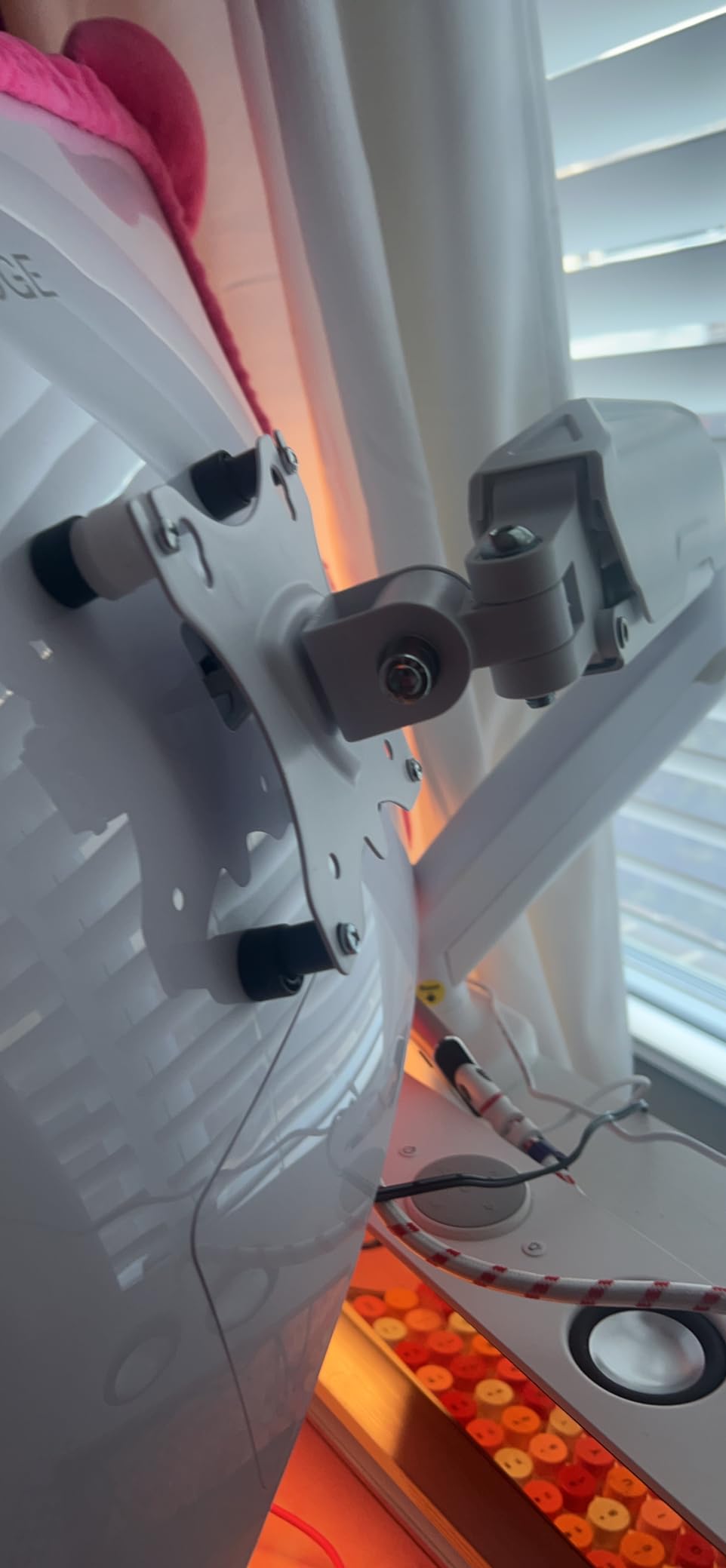
The clamp range is 0.39 to 2.76 inches on both C-clamp and grommet mounts, which is narrower than some competitors. If you have a particularly thick desk – older solid wood desks sometimes exceed 3 inches – measure first. The cable management channels route along the arm and hide wires adequately for a basic setup.
Who this arm is right for
First-time buyers, students, and anyone curious about whether a monitor arm helps their neck pain. It is also a strong fit for short-term setups – rentals, temporary offices, dorm rooms – where you want a low-cost arm that still feels solid. If you have a single 24-inch monitor and a basic desk, this is all the arm you need.
Where this arm falls short
Very light or very small monitors (under about 10 lbs, or under 17 inches) can be hard to balance because the spring is tuned for the heavier end of the range. You can re-tension with the included hardware, but it takes some fiddling. Heavy 32-inch monitors at the 19.8 lb limit will feel the strain after a year of daily adjustments.
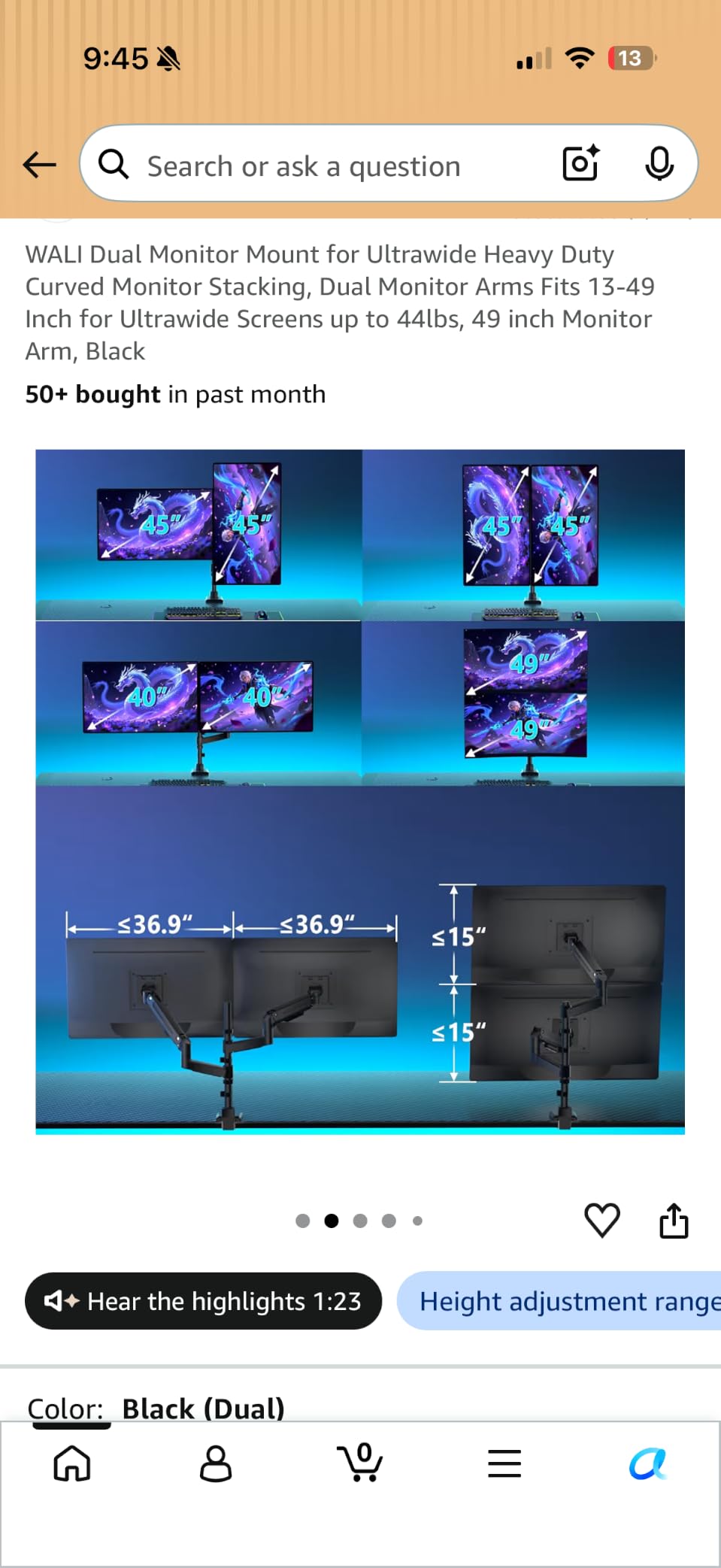
10. ARES WING Stacked Dual Vertical Monitor Arm – Best for Ultrawide Stacking
ARES WING Stacked Dual Vertical Monitor Arm with USB A/C for 17 to 49 Inch
Dual vertical stack
17-49 inch
VESA 75/100
44 lbs per arm
USB-C and USB-A
Pros
- Premium aluminum construction holds heavy 49 inch ultrawides like the Samsung G9
- Smooth gas spring action tested for 20
- 000 plus cycles
- Built-in USB-C 5V/2A and USB-A 5V/2A charging ports
- Industrial-grade gas springs handle the heaviest consumer monitors
- Compatible with QLED
- OLED
- and curved panels
Cons
- Vertical adjustment may not be tall enough to stack two 45 inch ultrawides side by side
- Bulky design takes up significant desk space
- Higher price point than other arms in this roundup
If your dream setup is a vertically stacked pair of 49-inch super-ultrawides – the trading-desk or flight-simulator layout – the ARES WING Stacked Dual is one of the few arms under $200 that can hold the load. Each arm supports up to 44 lbs, which is enough for a Samsung Odyssey G9 OLED, an Alienware 49-inch, or a stacked pair of 34-inch ultrawides.
The aluminum construction feels like a piece of pro AV gear. Gas springs are industrial-grade, tested for 20,000-plus cycles, and the motion is rock-steady at every height I tested. Tilt covers -50° to +20°, swivel is ±90°, and rotation is a full 360° for portrait-to-landscape flips.
Where this arm really differentiates is the integrated USB-C and USB-A charging ports built into the base. Both deliver 5V/2A, which is enough to top off a phone or power a streaming light without hunting for a free outlet. The arm also accepts C-clamp (0.5 to 1.8 inch desks) and grommet mounting (0.5 to 2 inch desks).
Who this arm is right for
Gamers running a 49-inch super-ultrawide, traders who want two stacked 32-inch panels, and content creators with a heavy reference monitor above a primary panel. Anyone who already has a high-end monitor and needs an arm rated to actually hold it should shortlist this one. The integrated charging ports are a real bonus for streamers and remote workers with battery-powered accessories.
Where this arm falls short
The vertical reach tops out at 27.9 inches, which is enough for one 49-inch screen but can feel tight if you try to stack two 45-inch ultrawides at maximum height. The clamp range is also narrower than other arms in the roundup – very thick desks over 2 inches need the grommet mount. Finally, the design is bulky and takes up more desk space than smaller arms; if you have a shallow desk, measure first.
What to Look for in a Monitor Arm in 2026: Buying Guide
A monitor arm looks like a simple piece of hardware until you start comparing specs. The differences between a $30 arm and a $300 arm come down to six things: VESA mount compatibility, weight capacity, adjustability, how the arm attaches to your desk, build quality, and warranty. Below is the breakdown of each, plus two buyer-specific concerns I think matter most right now – tech-neck relief and standing-desk compatibility.
VESA mount compatibility (75x75mm vs 100x100mm)
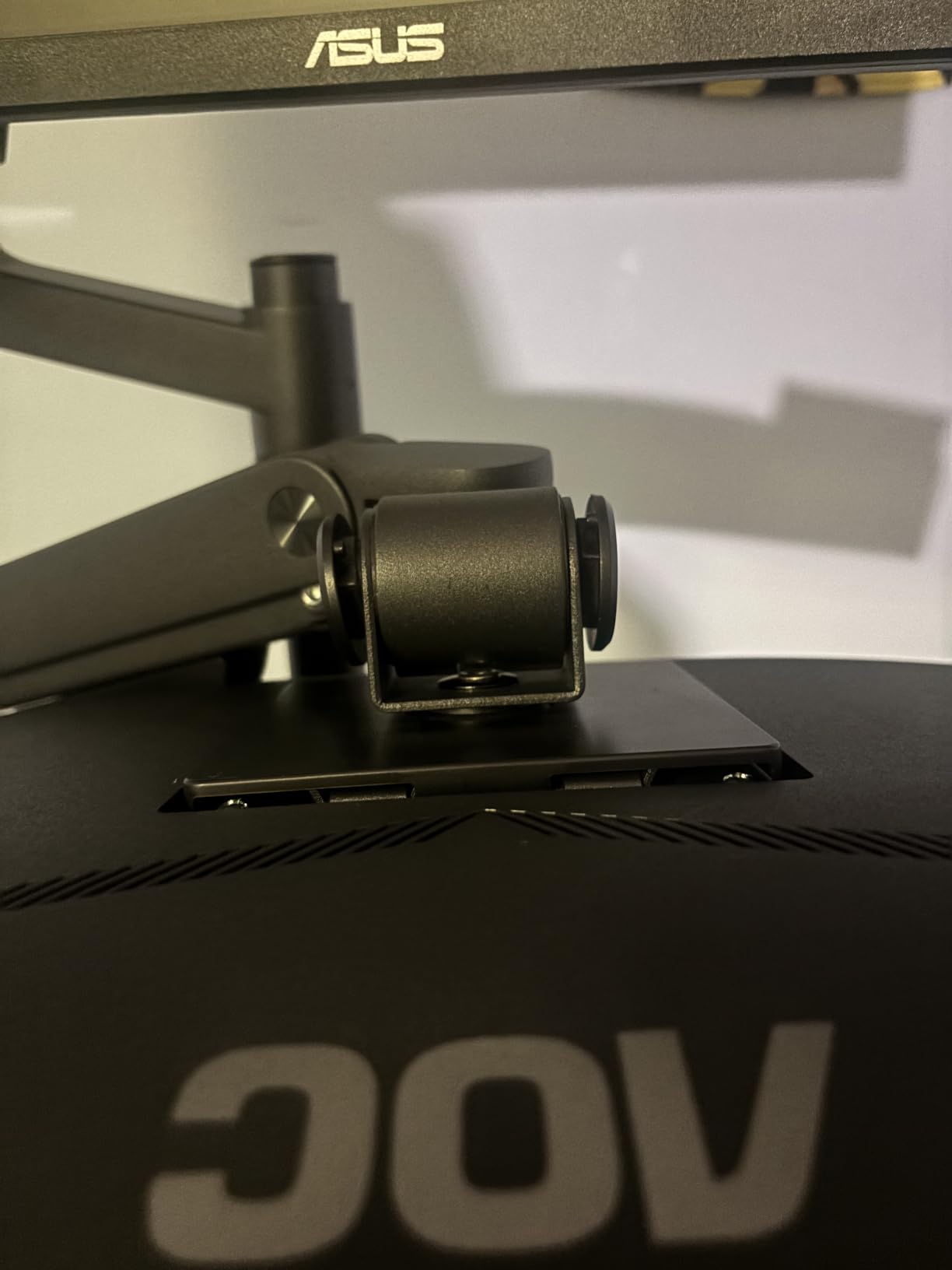
VESA is the standardized four-hole bolt pattern on the back of virtually every modern monitor. The two patterns you will encounter are 75x75mm and 100x100mm – the distance between the centers of the bolt holes. Every arm in this roundup supports both patterns, usually via an interchangeable VESA plate. Before you buy, flip your monitor over and check the holes. If your monitor has a recessed or rotated VESA mount – some ultrawides do – confirm the arm includes a spacer or extension bracket.
Weight capacity and monitor size
Every arm lists two numbers: a maximum monitor size in inches and a maximum weight in pounds. Stay under both. A 34-inch ultrawide at 19 lbs is right at the edge of most budget arms, so if you are running a heavy panel, look for an arm rated for at least 25 lbs. The WALI and ARES WING arms in this roundup lead the field on weight headroom.
Adjustability: tilt, swivel, rotation, and height
Tilt is how far the screen angles up or down; swivel is how far it rotates left and right; rotation is full 360° for portrait-to-landscape flips; and height is how far the arm lifts above the desk. For neck pain relief, the most important number is the maximum height – you want the top of the screen at or just below eye level when you sit upright. Users above 6 feet often need a “tall pole” variant or an arm with 17-plus inches of lift.
C-clamp vs grommet mount
A C-clamp grips the edge of your desk like a vise. A grommet mount requires a hole drilled through the desk (usually where a cable pass-through already exists). C-clamps are faster and reversible – perfect for renters – while grommet mounts are more secure and look cleaner. Check your desk thickness against the arm’s clamp range. Most arms in this roundup fit 0.4 to 3.5 inch desks, but some tops out lower.
Cable management
Three approaches exist: snap-on plastic clips (cheap, but they fall off), integrated cable channels along the arm (clean, but limited to one or two cables), and internal routing through the central pole (cleanest, but only a few arms offer it – the Amazon Basics Single in this roundup does). For USB-C monitors with four to six cables, internal routing is the only approach that actually works.
Build quality and warranty
Cheap arms use plastic internal gears that wear out within a year. Mid-range arms use alloy steel or aluminum gas springs rated for 10,000 to 20,000 motion cycles. Premium arms use metal internals throughout. Warranty is the simplest proxy: anything less than three years is a red flag, five years is good, and ten-plus years (WALI) is best in class for the budget tier.
Tech-neck and ergonomics
The single biggest reason to buy a monitor arm is to raise your screen to eye level. If the top of your monitor sits below eye level, you tilt your head down an average of 15 to 20 degrees, which loads the neck muscles and discs in ways that compound over a workday. A monitor arm lets you dial in exactly the right height, and it lets you keep that height when you switch between sitting and standing.
Standing desk compatibility
Standing-desk users need an arm that travels with the desk surface, not one that clamps to a back wall. Every arm in this roundup clamps to the desk edge, so they all work with sit-stand desks. Two specific concerns: arm depth (most need 3 to 5 inches of clearance behind the desk, which sit-stand desks often do not have) and clamp security on bamboo or composite tops (look for arms with rubber-padded clamps or add your own pad).
Frequently Asked Questions
Are monitor arms really worth it?
Yes. A monitor arm lets you position the top of your screen at or just below eye level, which prevents the neck and shoulder pain – often called tech neck – caused by looking down at a monitor sitting on its factory stand. As a bonus, an arm frees up a large rectangle of desk space that was occupied by the stand and the footprint of the monitor base. For anyone using a computer for more than two to three hours a day, especially with a 24-inch or larger monitor, an arm is one of the highest-value ergonomic upgrades you can buy.
What is the best monitor arm in 2026?
The best monitor arm in 2026 depends on your setup, but our top pick overall is the VIVO STAND-V002 Dual Monitor Mount for dual-monitor home offices, with the HUANUO FlowLift Dual as the best-value runner-up and the WALI Single Monitor Arm as the best choice for heavy 34-inch screens. All three are VESA compatible, gas-spring assisted, and backed by tens of thousands of owner reviews.
Why is Ergotron so expensive?
Ergotron arms cost more because they use higher-grade internal components – metal gears instead of plastic, longer-rated gas springs (often 10,000 to 20,000 motion cycles), and tighter manufacturing tolerances that hold position for years instead of months. They also ship with a 10-year warranty, which is essentially a promise that the arm will not sag, drift, or fail for a decade. For most home offices, you do not need Ergotron-level build quality – the arms in this roundup hold up well for under $50 – but for heavy ultrawides or commercial deployments, the Ergotron premium is real.
How much should you pay for a monitor arm?
Budget arms under $50 are fine for a single 24-inch or 27-inch monitor under 15 lbs, and they are the right choice for first-time buyers or temporary setups. The sweet spot for most people is the $30 to $80 range, where you get gas-spring assistance, VESA 75/100 support, and at least a three-year warranty. Above $100 you pay for heavy-duty weight capacity (for 34-inch ultrawides and stacked monitors), longer warranties, and premium materials. Above $300 you are paying for design and brand – genuine ergonomic improvements over a $80 arm are small.
Which monitor arm is best for ultrawide monitors?
For a single 34-inch ultrawide, the WALI Single Monitor Arm is the best choice in this roundup – it handles up to 26.4 lbs and ships with a 10-year warranty. For a 38-inch or 49-inch super-ultrawide, look at the ARES WING Stacked Dual, which supports up to 44 lbs per arm and includes USB-C charging ports. Both are VESA 75×100 compatible and clamp to standard desks without extra hardware.
Do monitor arms damage desks?
Monitor arms can leave compression marks on soft desk materials – particularly particle board, bamboo, and glass tops – if you skip the rubber pad between the clamp and the desk surface. Most quality arms ship with a rubber pad or pressure plate. If yours does not, add a thin felt or rubber furniture pad before you tighten the clamp. C-clamps also leave a slight ring if you remove them after months of use, so do not reposition the arm frequently once you find the right spot.
Final Verdict: Which Monitor Arm Should You Buy in 2026?
If you take one thing away from this guide, let it be this – buy the best monitor arms for your monitor size and weight, not for the most expensive brand. The right arm is the one that holds your screen exactly at eye level without sagging, fits your desk thickness, and stays out of your way.
For most people running a dual 24-inch to 27-inch setup, the VIVO STAND-V002 remains our Editor’s Choice and the easiest recommendation in 2026. If you want independent height control on a dual rig, step up to the HUANUO FlowLift Dual. For heavy 34-inch ultrawides, the WALI Single Monitor Arm is the sweet spot of weight capacity, warranty, and price. And if you are running a 49-inch super-ultrawide or a stacked configuration, the ARES WING Stacked Dual is the only arm in this price tier that genuinely holds the load.
Whatever you pick, take ten minutes to set the top of your monitor at eye level and the front of the screen about an arm’s length away. That is the entire ergonomic point – and once you feel the difference in your neck after a week, you will not go back to a monitor sitting on its factory stand.