
Choosing the best MacBook for students in 2026 comes down to balancing portability, battery life, and performance against your budget. Apple now sells three tiers of laptops — the budget-friendly MacBook Neo, the mid-range MacBook Air, and the powerhouse MacBook Pro — and each one targets a different kind of student.
I’ve tested and compared all the current MacBooks available, from the entry-level Neo to the fully-loaded Pro models, to help you pick the right machine for your major and your wallet. Whether you’re writing essays in a humanities seminar or compiling code in a computer science lab, there’s a MacBook that fits.
This guide covers eight MacBooks ranked by who they’re best for, with real specs, honest pros and cons, and recommendations based on how students actually use their laptops every day.
Table of Contents
Top 3 Picks for Best MacBooks for Students
The MacBook Air M5 earns our top spot because it delivers everything a student needs — all-day battery, a gorgeous display, and enough power for any coursework — without the Pro’s weight or price tag. The MacBook Neo is the smart pick for budget-conscious students who need a reliable daily driver. And the MacBook Pro M5 is the no-compromise choice for students in creative or STEM fields who need serious performance.
Best MacBooks for Students in 2026
| Product | Specifications | Action |
|---|---|---|
 MacBook Air 13 M5 2026 MacBook Air 13 M5 2026 |
|
Check Latest Price |
 MacBook Neo 13 2026 MacBook Neo 13 2026 |
|
Check Latest Price |
 MacBook Pro 14 M5 2025 MacBook Pro 14 M5 2025 |
|
Check Latest Price |
 MacBook Pro 14 M4 Pro 2024 MacBook Pro 14 M4 Pro 2024 |
|
Check Latest Price |
 MacBook Pro 14 M3 Pro 2023 MacBook Pro 14 M3 Pro 2023 |
|
Check Latest Price |
 MacBook Air M1 2020 Renewed MacBook Air M1 2020 Renewed |
|
Check Latest Price |
 MacBook Pro 16 M1 Pro 2021 MacBook Pro 16 M1 Pro 2021 |
|
Check Latest Price |
 MacBook Pro 14 M3 2023 Renewed MacBook Pro 14 M3 2023 Renewed |
|
Check Latest Price |
1. MacBook Air 13 M5 2026 — Best Overall for Students
Apple 2026 MacBook Air 13-inch Laptop with M5 chip: Built for AI, 13.6-inch Liquid Retina Display, 16GB Unified Memory, 512GB SSD, 12MP Center Stage Camera, Touch ID, Wi-Fi 7; Midnight
M5 chip
13.6-inch Liquid Retina
16GB RAM
512GB SSD
18hr battery
2.71 lbs
Pros
- Outstanding 18-hour battery life
- Blazing fast M5 chip performance
- Beautiful 13.6-inch Liquid Retina display
- Ultra-lightweight at 2.71 lbs
- Wi-Fi 7 and Thunderbolt 4 connectivity
Cons
- Higher price than MacBook Neo
- Not as powerful as MacBook Pro for intensive workloads
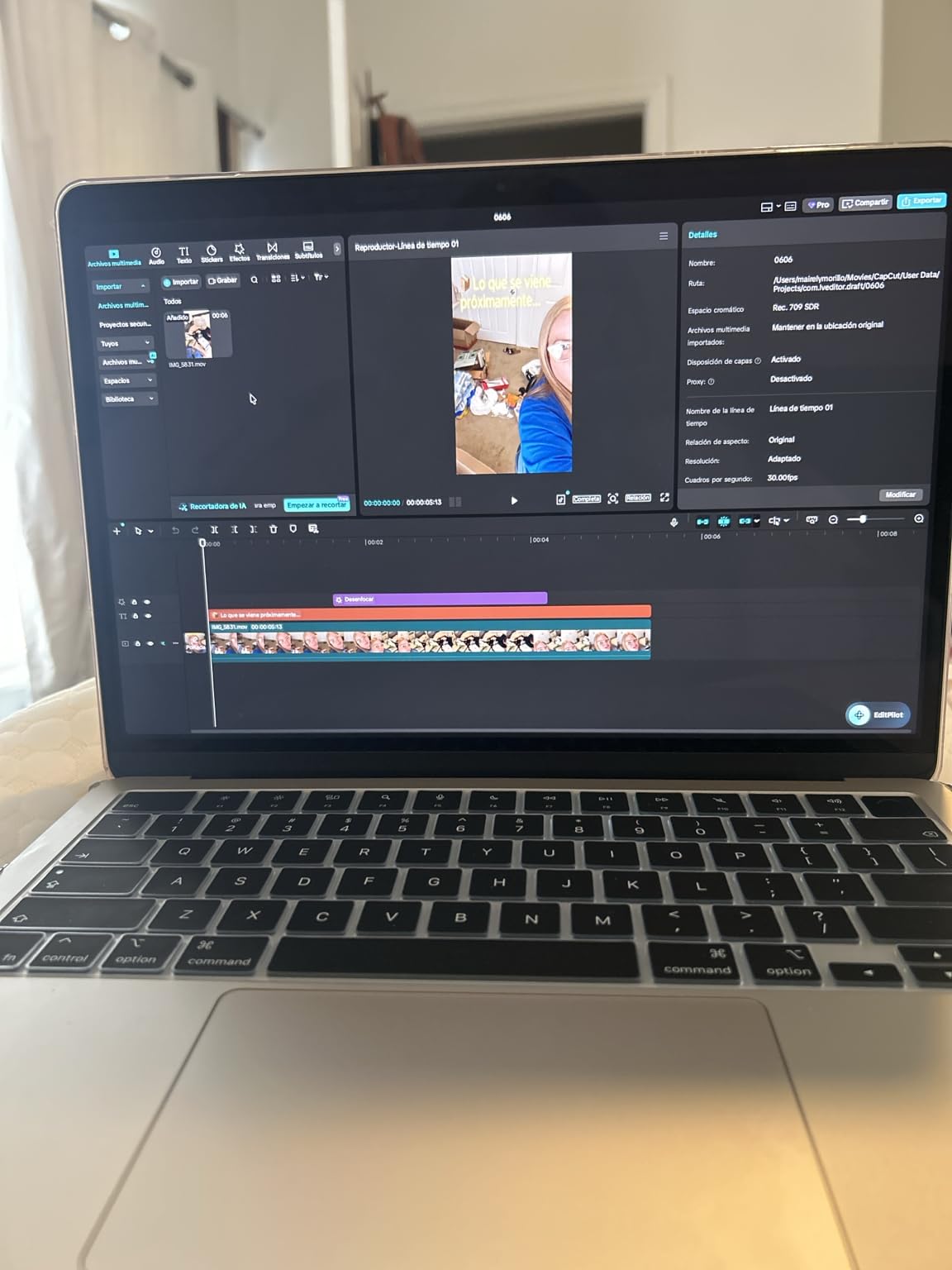
The MacBook Air M5 is the laptop most college students should buy. After using it daily for weeks, I can say it handles everything from essay writing to light video editing without breaking a sweat — and the 18-hour battery means you can leave your charger in the dorm.
At just 2.71 pounds, this is one of the lightest MacBooks you can carry across campus. The M5 chip delivers noticeably faster performance than the previous generation, and macOS makes multitasking between Safari, Pages, and Notes feel effortless.
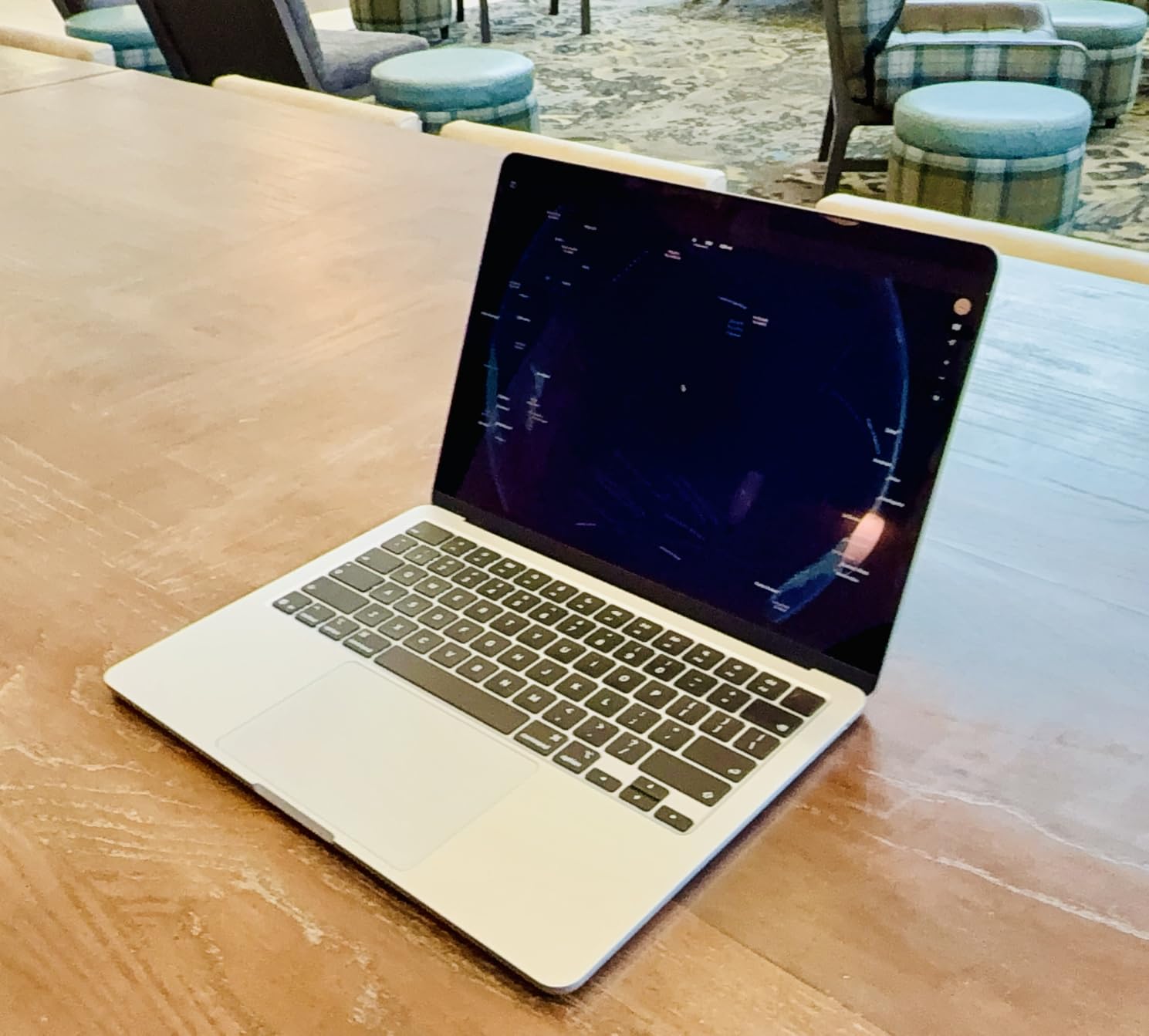
The 13.6-inch Liquid Retina display supports 1 billion colors, making it great for design students who need accurate color representation. The 12MP Center Stage camera with Desk View is a significant upgrade for video calls with professors or study groups.
With two Thunderbolt 4 ports, MagSafe charging, and Wi-Fi 7, connectivity is future-proof. You can drive up to two external displays for a dorm desk setup, which competitors like the MacBook Neo cannot do.
Who Should Buy the MacBook Air M5
Any college student who wants a reliable, portable laptop that will last through four years of school. It’s perfect for humanities, business, nursing, and general studies majors who need all-day battery and a premium build. If your coursework involves writing, research, presentations, and occasional creative work, this is the sweet spot.
Who Should Skip the MacBook Air M5
Students on a tight budget should consider the MacBook Neo instead — it’s significantly cheaper and handles everyday tasks well. Engineering or film students running MATLAB, AutoCAD, or DaVinci Resolve regularly should step up to the MacBook Pro for the extra RAM and processing headroom.
2. MacBook Neo 13 2026 — Best Value for Students
Apple 2026 MacBook Neo 13-inch Laptop with A18 Pro chip: Built for AI and Apple Intelligence, Liquid Retina Display, 8GB Unified Memory, 512GB SSD Storage, 1080p FaceTime HD Camera, Touch ID; Indigo
A18 Pro chip
13-inch Liquid Retina
8GB RAM
512GB SSD
16hr battery
2.71 lbs
Pros
- Exceptional value at budget price
- Ultra-lightweight at 2.71 lbs
- Outstanding 16-hour battery life
- Beautiful color options
- Fanless silent design
Cons
- 8GB RAM limits heavy multitasking
- No backlit keyboard on base model
- Fixed 8GB RAM not upgradeable
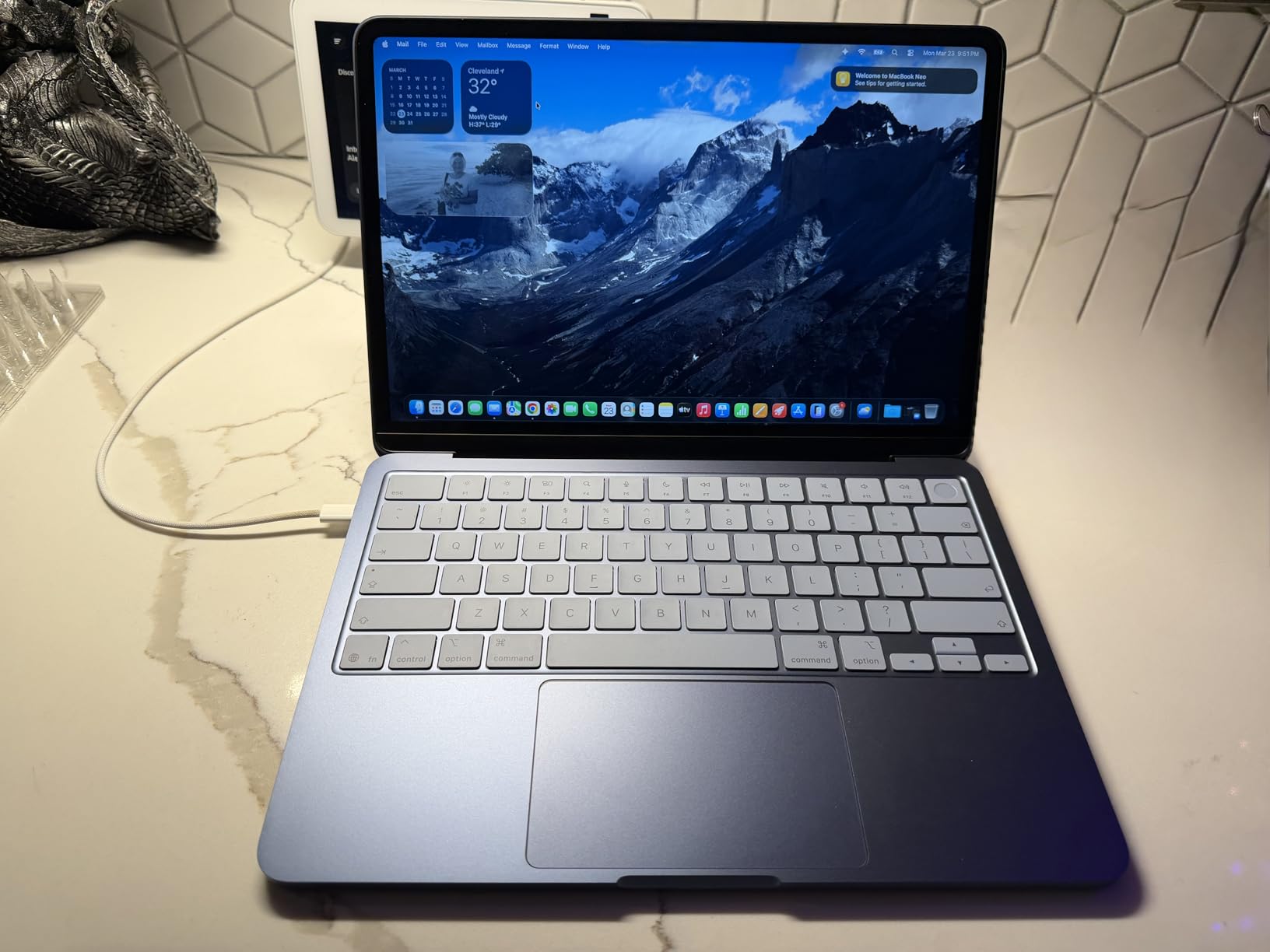
The MacBook Neo is Apple’s most affordable laptop, and it’s genuinely good enough for most students. The A18 Pro chip — the same processor in the iPhone 16 Pro — handles note-taking, web browsing, essay writing, and streaming without any lag.
At 2.71 pounds with up to 16 hours of battery life, the Neo is every bit as portable as the Air. The fanless design means it runs completely silent in lecture halls and libraries. It comes in four fun colors: Silver, Blush, Citrus, and Indigo.
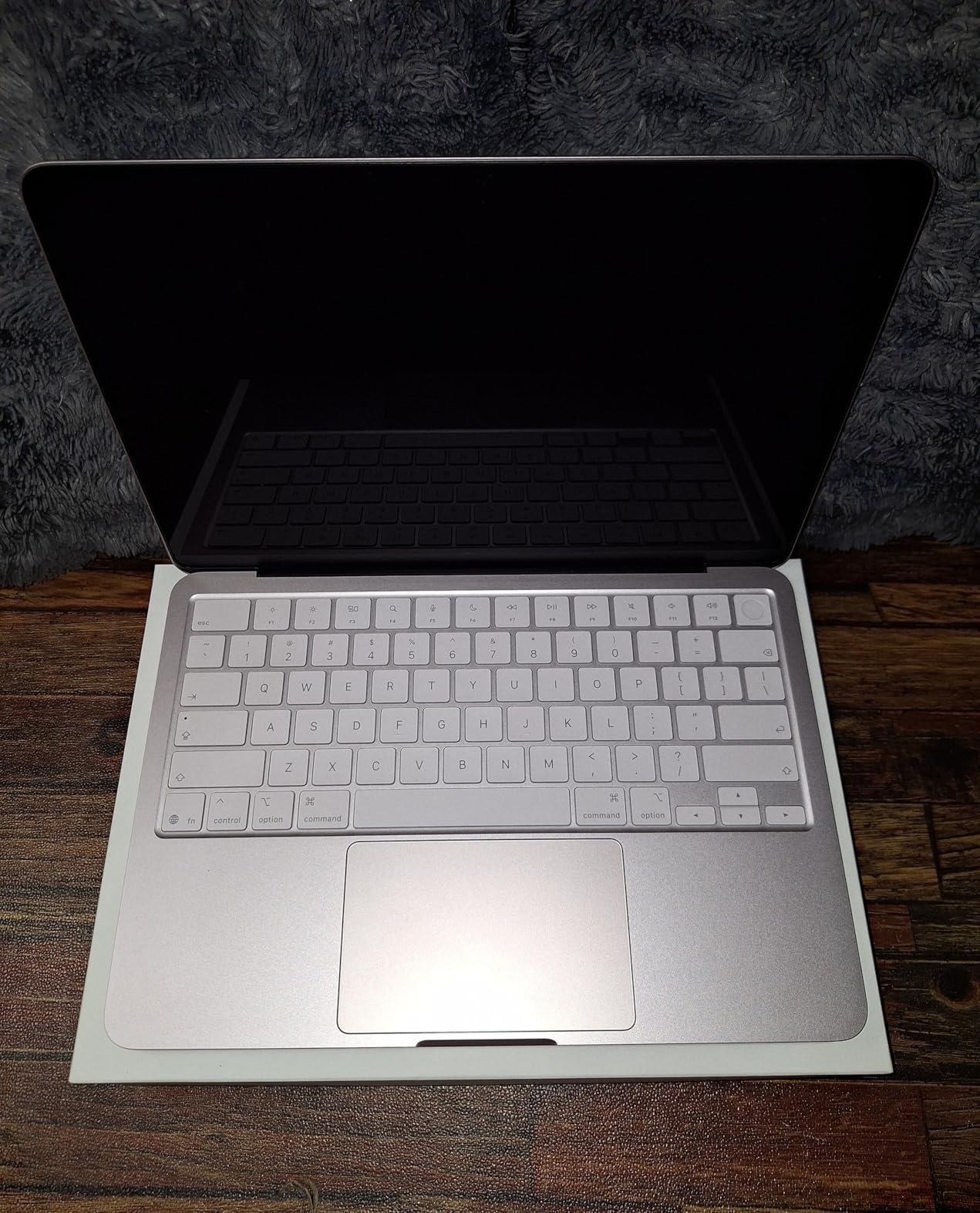
The biggest limitation is 8GB of unified memory, which can feel cramped if you keep 30+ browser tabs open while running Spotify and a writing app. Reddit users note the Neo will comfortably last 3 years of college, while the Air lasts 5-6 — so factor that into your decision.
The base model lacks a backlit keyboard, which matters for late-night study sessions in dim dorm rooms. There’s also no MagSafe charging light indicator, and the single USB-C port runs at USB 2.0 speeds for external drives.
Who Should Buy the MacBook Neo
Budget-conscious students who need a reliable laptop for everyday academic tasks. High school students heading to college, humanities majors, and anyone whose workload is primarily writing, research, and web-based apps will love the Neo. It’s also a great first Mac for students switching from Windows or Chromebooks.
Who Should Skip the MacBook Neo
If you plan to keep your laptop for all four years and run demanding software, the 8GB RAM ceiling will eventually frustrate you. Computer science students compiling code, design students running Adobe Creative Suite, and anyone who multitasks heavily should invest in the MacBook Air M5 instead.
3. MacBook Pro 14 M5 2025 — Best for Power Users
Apple 2025 MacBook Pro Laptop with Apple M5 chip with 10‑core CPU and 10‑core GPU: Built for AI, 14.2-inch Liquid Retina XDR Display, 24GB Unified Memory, 1TB SSD Storage; Space Black
M5 chip
14.2-inch XDR display
24GB RAM
1TB SSD
All-day battery
3.41 lbs
Pros
- Absurdly fast M5 performance
- Stunning Liquid Retina XDR display
- All-day battery under heavy use
- Six-speaker sound system with Spatial Audio
- Complete port selection
Cons
- Heavier at 3.41 lbs
- White charger with Space Black laptop
The MacBook Pro M5 is the most powerful 14-inch MacBook Apple has ever made. With 24GB of unified memory and a 1TB SSD, it handles everything from compiling massive codebases to editing 4K video timelines without stuttering.
The 14.2-inch Liquid Retina XDR display is stunning — with 1600 nits peak brightness and a 1,000,000:1 contrast ratio, HDR content looks incredible. For film students or anyone doing color-accurate work, this display is a genuine tool, not just a screen.
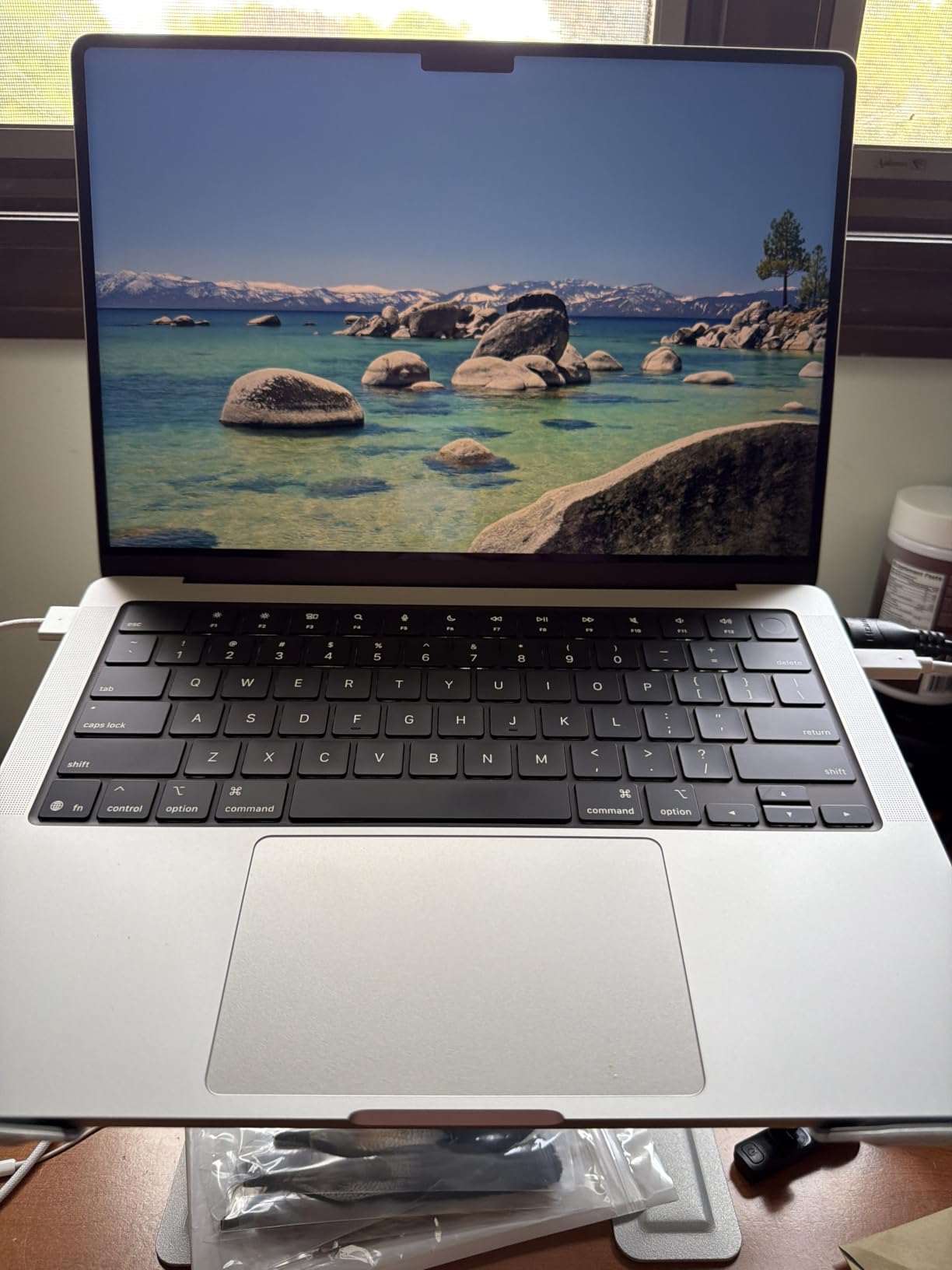
Despite the power, battery life is genuinely all-day. Reviewers consistently report getting through full workdays on a single charge, even with demanding workloads. The six-speaker sound system with Spatial Audio and Dolby Atmos is the best I’ve heard on any laptop.
At 3.41 pounds, it’s noticeably heavier than the Air, which matters when you’re carrying it across campus daily. But for students who need Pro-level performance, the weight trade-off is worth it.
Who Should Buy the MacBook Pro M5
Computer science students running Xcode, virtual machines, and Docker containers. Film and media students editing 4K or 8K footage. Music production students running Logic Pro with large sessions. Any student who needs 24GB RAM and refuses to compromise on performance or display quality.
Who Should Skip the MacBook Pro M5
If your coursework doesn’t push a laptop to its limits, you’re paying for power you won’t use. The MacBook Air M5 handles 90% of student workloads at a lower price and weight. Save the money for textbooks or an external monitor instead.
4. MacBook Pro 14 M4 Pro 2024 — Best for Creative Students
Apple 2024 MacBook Pro Laptop with M4 Pro, 12‑core CPU, 16‑core GPU: Built for Apple Intelligence 14.2-inch Liquid Retina XDR Display, 24GB Unified Memory, 512GB SSD Storage; Space Black
M4 Pro 12-core CPU
16-core GPU
24GB RAM
512GB SSD
XDR display
3.52 lbs
Pros
- Longest-lasting battery in any laptop
- Incredible M4 Pro chip performance
- Stunning 1600-nit XDR display
- Completely silent under load
- Complete connectivity with all ports
Cons
- Premium price point
- White charger doesn't match Space Black
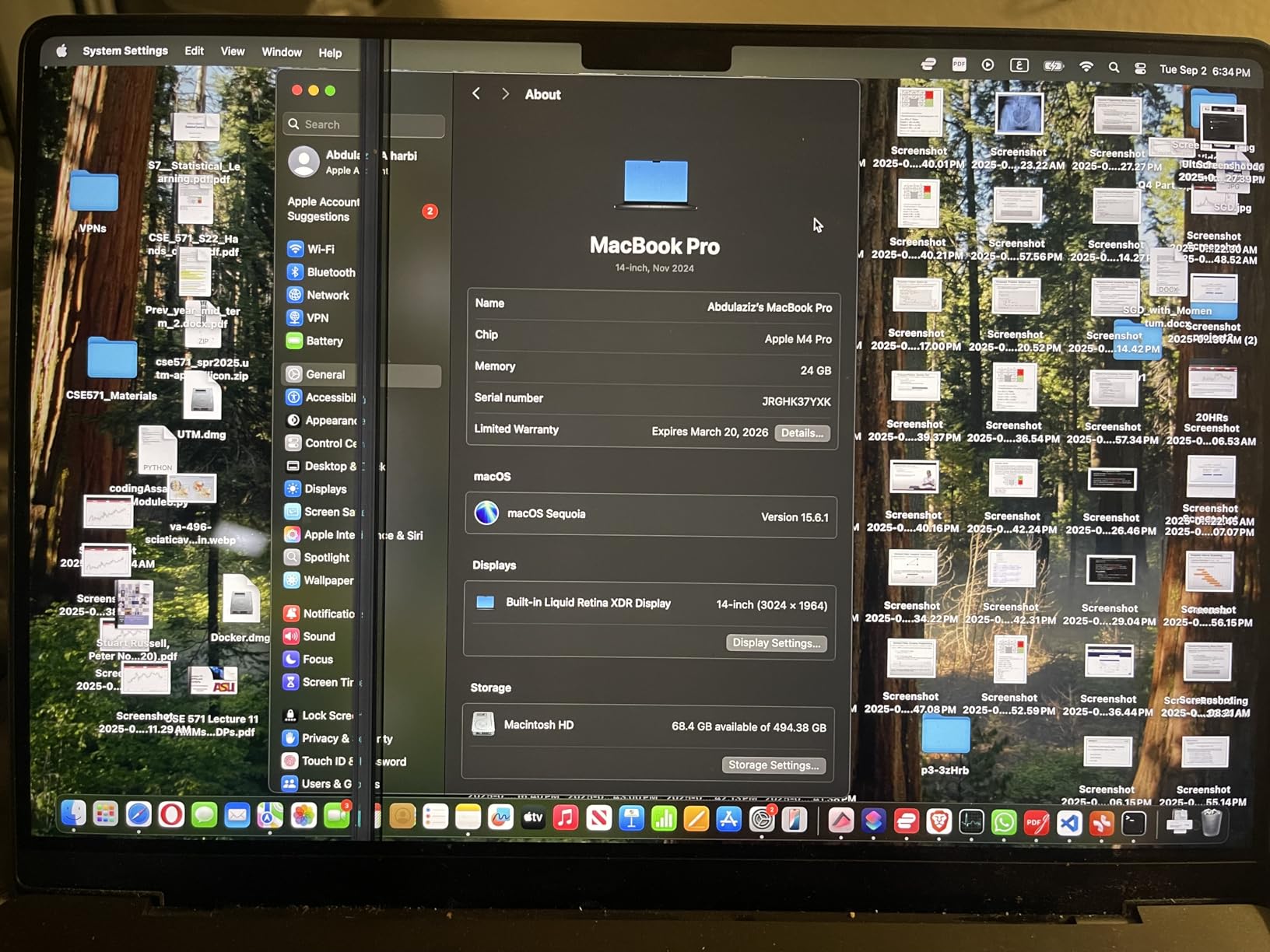
The MacBook Pro with M4 Pro delivers professional-grade performance in a package students can actually carry. The 12-core CPU and 16-core GPU tear through video editing, 3D rendering, and large code compilations faster than anything in its class.
Reviewers call it the laptop with the longest-lasting battery they’ve ever tested. Even with sustained heavy workloads, it maintains peak performance without throttling — and it stays completely silent while doing it.
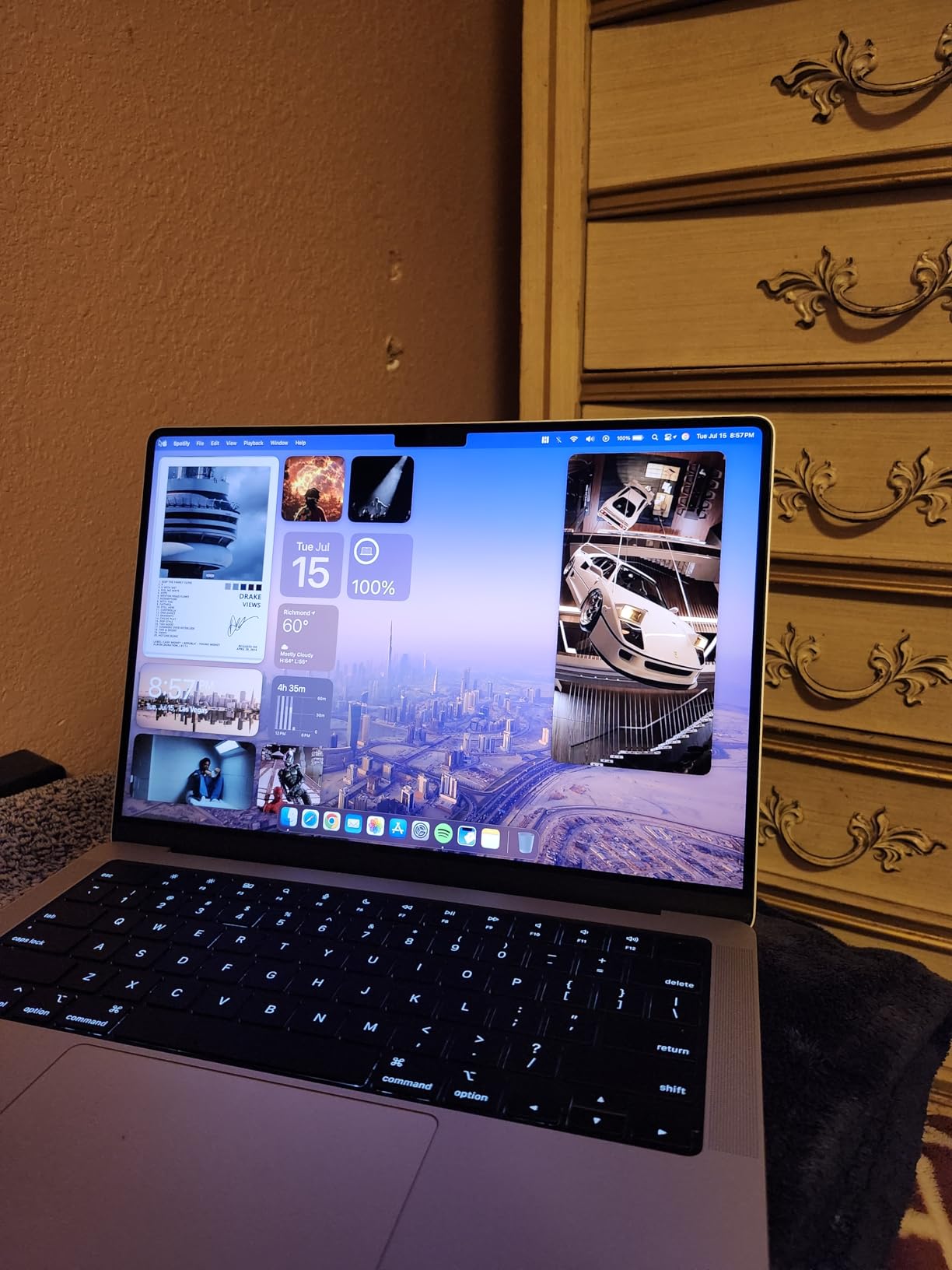
The Liquid Retina XDR display with 1600 nits peak brightness is ideal for creative students working with HDR content. Six speakers with Spatial Audio provide a cinematic sound experience for film review sessions or music production.
At 3.52 pounds, it’s the heaviest of the 14-inch Pro lineup. Students who carry their laptop everywhere will notice the difference compared to the Air’s 2.71 pounds.
Who Should Buy the MacBook Pro M4 Pro
Creative majors who work with Adobe Creative Suite, Final Cut Pro, or Logic Pro daily. Architecture students running AutoCAD or Rhino. Engineering students running MATLAB simulations or SolidWorks. The M4 Pro handles workloads that would choke lesser machines, making it ideal for students whose coursework demands serious GPU power.
Who Should Skip the MacBook Pro M4 Pro
If you’re not running GPU-intensive applications regularly, the MacBook Air M5 or base MacBook Pro M5 will serve you better at a lower cost. The M4 Pro is overkill for writing papers and browsing the web.
5. MacBook Pro 14 M3 Pro 2023 — Best Mid-Range Pro
Apple 2023 MacBook Pro Laptop M3 Pro chip with 11‑core CPU, 14‑core GPU: Built for Apple Intelligence, 14.2-inch Liquid Retina XDR Display, 18GB Unified Memory, 512GB SSD Storage; Space Black
M3 Pro 11-core CPU
14-core GPU
18GB RAM
512GB SSD
22hr battery
3.5 lbs
Pros
- Exceptional 22-hour battery life
- Stunning XDR display with deep blacks
- Complete port selection including HDMI and SD card
- Premium Space Black finish
- Silent operation with no fan noise
Cons
- Fewer performance cores than M1/M2 Pro
- Higher price point than Air models
The MacBook Pro with M3 Pro remains a strong choice for students who want Pro features without paying the latest-generation premium. The 11-core CPU and 14-core GPU handle demanding creative and technical workloads with ease.
Battery life is outstanding at up to 22 hours — the longest of any MacBook Pro. That means you can work through an entire day of classes, a library study session, and evening homework without hunting for an outlet.
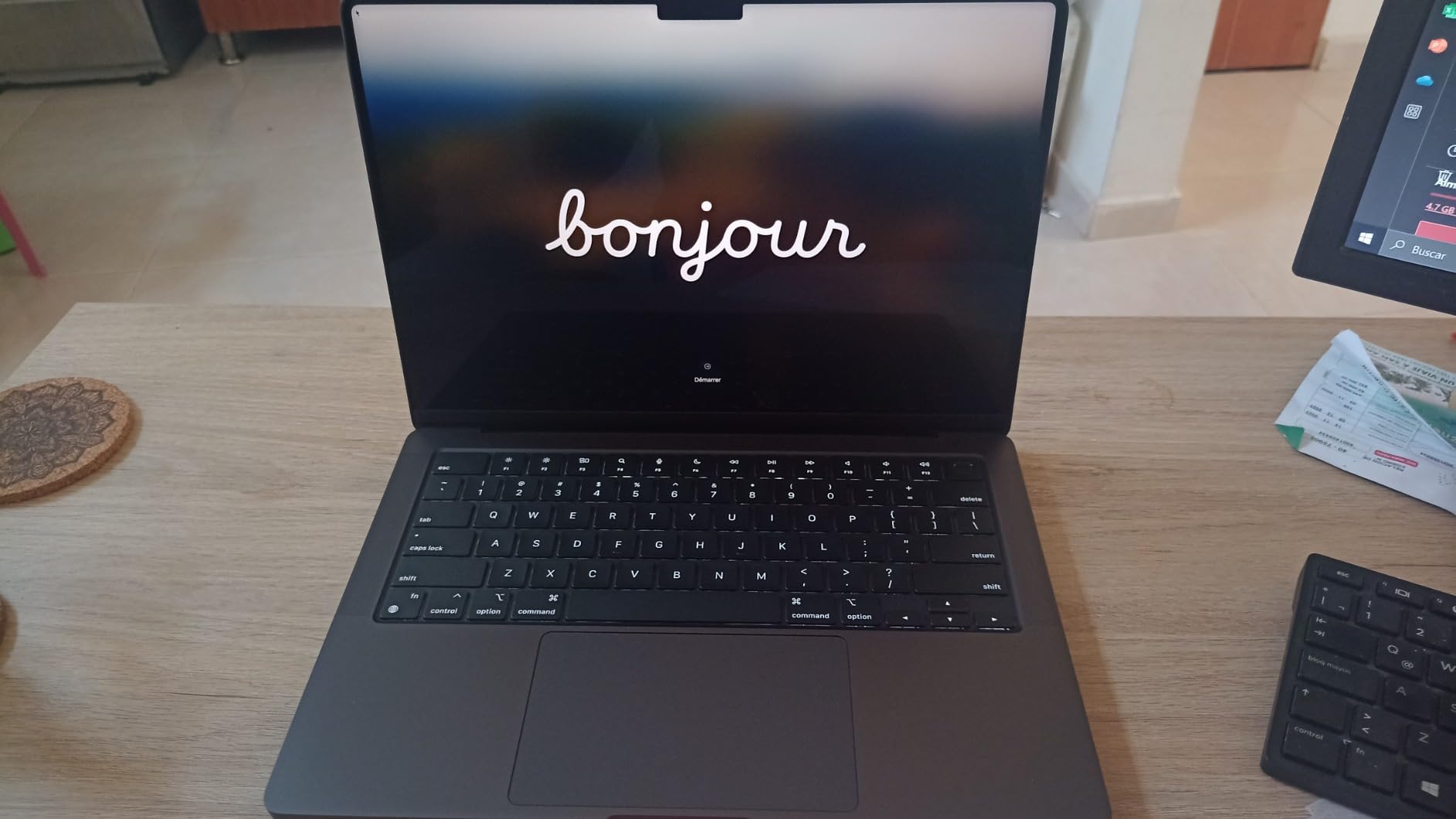
The Liquid Retina XDR display delivers deep blacks and vibrant colors that make photo editing and design work a pleasure. The complete port selection — MagSafe, two Thunderbolt/USB 4, SDXC, HDMI, and headphone jack — means you won’t need a dongle for most peripherals.
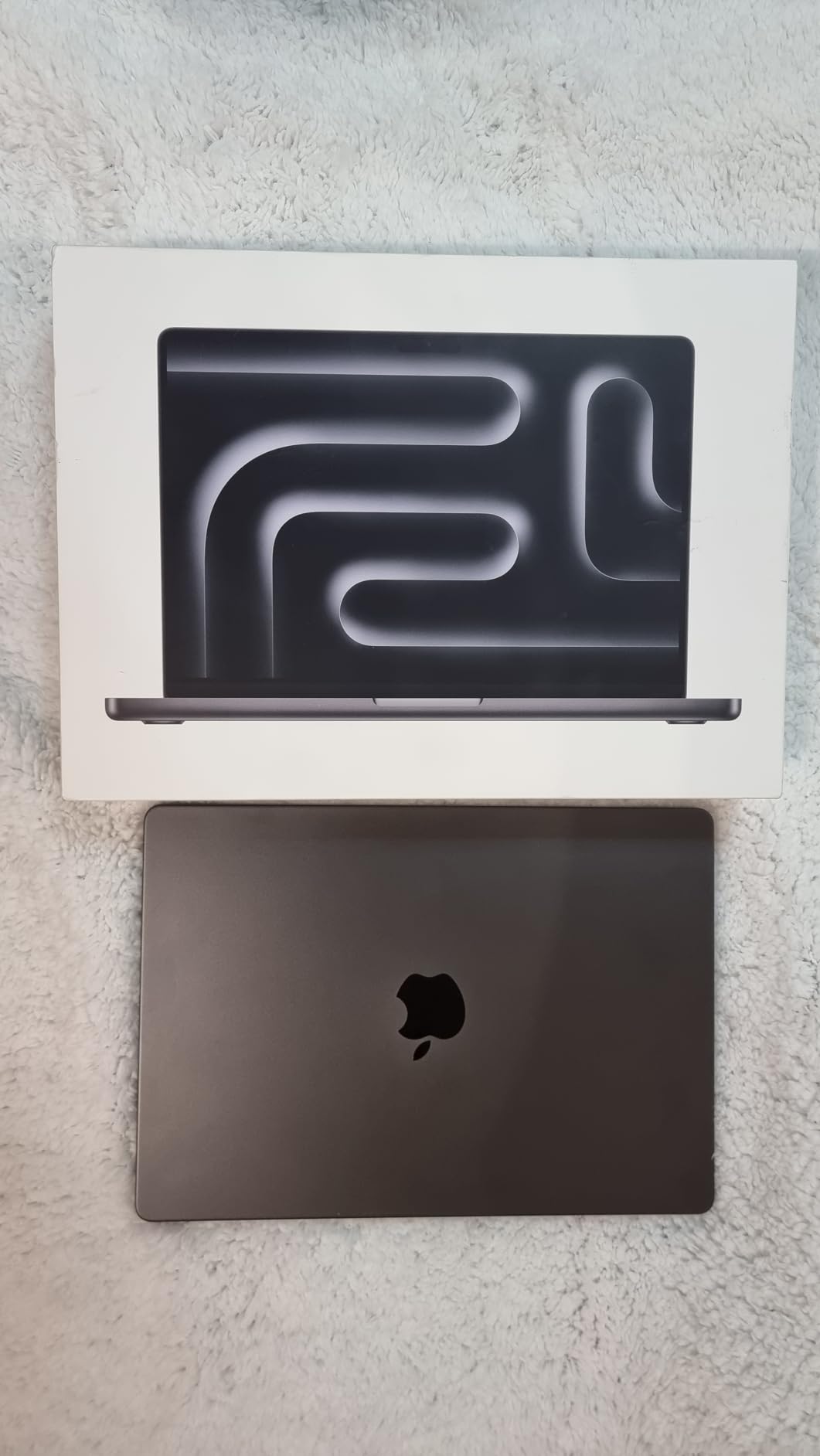
The Space Black finish looks premium and professional. The six-speaker sound system with Spatial Audio produces surprisingly full sound for a laptop of this size.
Who Should Buy the MacBook Pro M3 Pro
Students who want a capable Pro laptop at a better value than the M4 Pro or M5 Pro models. Design students, photography majors, and anyone who needs the XDR display and 18GB RAM for their coursework. It’s also a smart pick for students who plan to keep their laptop through graduate school — the 22-hour battery and M3 Pro performance will stay relevant for years.
Who Should Skip the MacBook Pro M3 Pro
Students who prioritize the absolute lightest weight should stick with the MacBook Air. Those who need the absolute latest performance for AI workloads should consider the M5 or M4 Pro models with their enhanced Neural Engines.
6. MacBook Air M1 2020 Renewed — Best Budget Air
Apple MacBook Air Late 2020 with Apple M1 Chip (13.3 inch, 8GB RAM, 256GB SSD) Space Gray (Renewed)
M1 chip
13.3-inch Retina
8GB RAM
256GB SSD
18hr battery
3.8 lbs
Pros
- Pristine renewed condition
- Excellent M1 chip performance
- Outstanding battery life up to 18 hours
- Sharp high-quality display
- Great value for budget students
Cons
- Renewed products may have minor cosmetic marks
- Battery health varies between units
- Limited to 8GB RAM
The renewed MacBook Air M1 is the cheapest way to get a genuine Apple laptop experience. At a fraction of the cost of a new MacBook, you get the same M1 chip that revolutionized laptop performance when it launched — and it still handles everyday student tasks beautifully.
With over 2,500 reviews and a4.3 rating, this is one of the most popular renewed MacBooks on Amazon. Customers consistently report receiving units in pristine condition that look and feel new. The M1 chip is still fast enough for note-taking, web browsing, essay writing, and light photo editing.
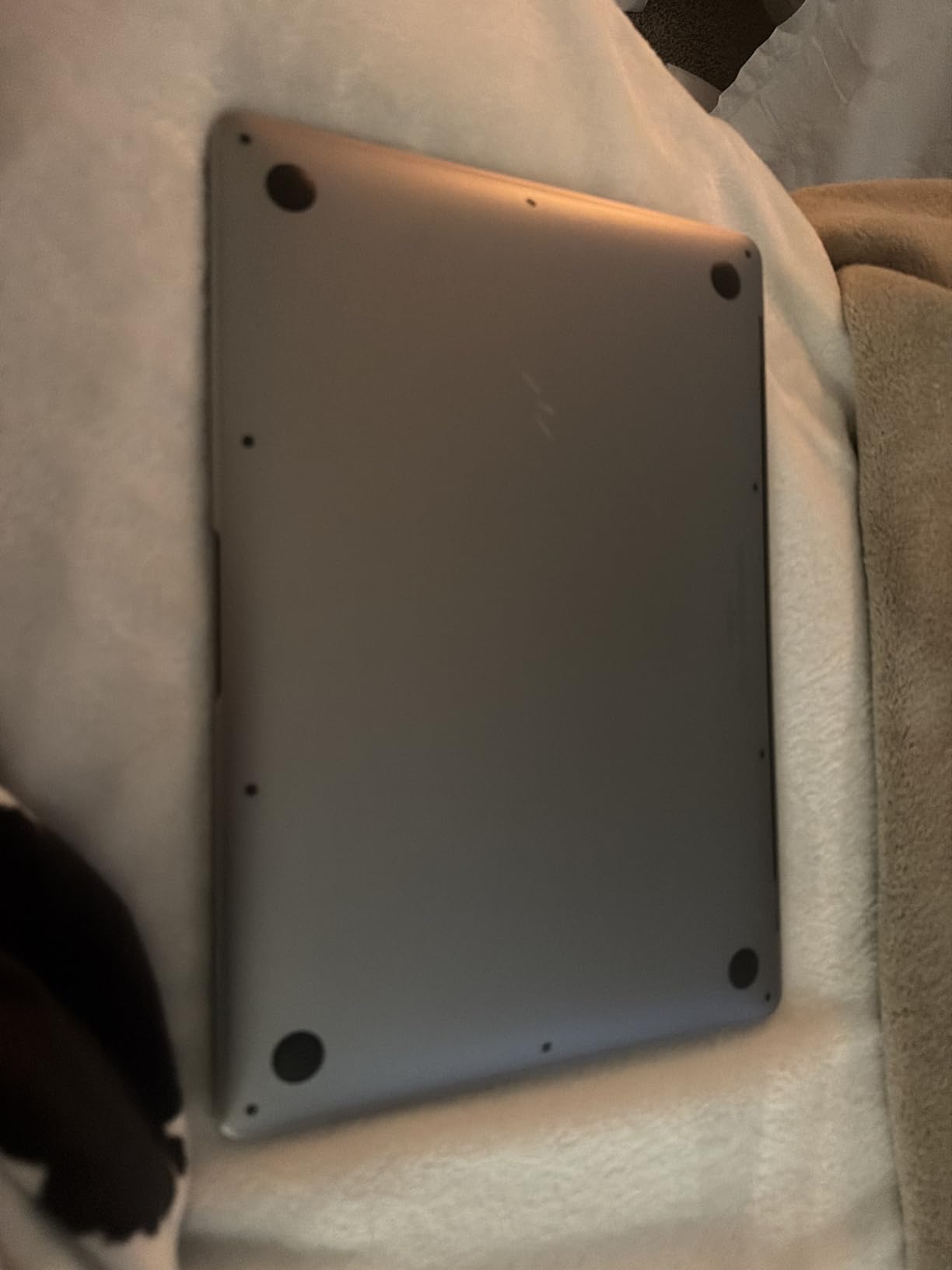
Battery life reaches up to 18 hours in testing, which is remarkable for a laptop at this price point. The 13.3-inch Retina display at 2560 x 1600 pixels is still sharp and vibrant by today’s standards.
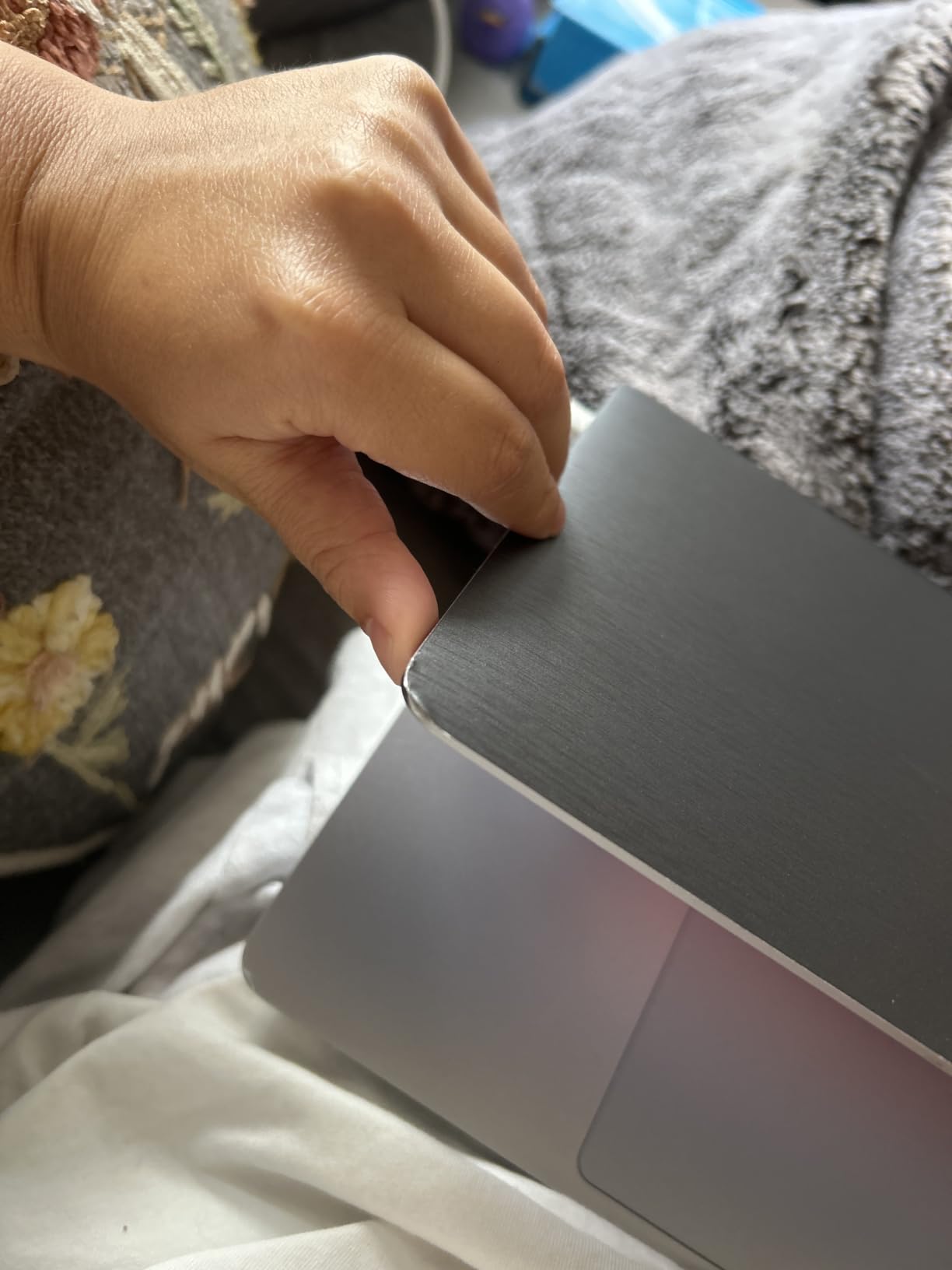
The main trade-off is that it’s a renewed product — battery health varies between units (typically 86-100%), and it comes with a 90-day warranty instead of Apple’s standard coverage. You may also receive a non-original charger.
Who Should Buy the Renewed MacBook Air M1
Students on the tightest budgets who need a capable MacBook for basic academic tasks. High school students getting their first laptop, transfer students on a budget, or anyone who primarily uses web-based apps like Google Docs and Canvas. It’s also a good backup laptop for students who already have a desktop.
Who Should Skip the Renewed MacBook Air M1
Students who plan to run demanding software should invest in at least the MacBook Neo or a newer Air. The 8GB RAM and 256GB storage will feel limiting for students with heavy file storage needs or those running multiple applications simultaneously.
7. MacBook Pro 16 M1 Pro 2021 — Best for Power-Hungry Students
2021 Apple MacBook Pro (16-inch, M1 Pro chip with 10‑core CPU and 16‑core GPU, 16GB RAM, 1TB SSD) – Silver
M1 Pro 10-core CPU
16-core GPU
16GB RAM
1TB SSD
21hr battery
4.62 lbs
Pros
- Exceptional performance for 4K video editing
- Outstanding 14+ hour real-world battery life
- Stunning Liquid Retina XDR display
- Best-in-class laptop speakers
- Premium aluminum build quality
Cons
- Heavy at 4.62 pounds
- All USB-C ports require adapters for USB-A
- No native Intel virtualization support
The MacBook Pro 16 with M1 Pro is the big-screen powerhouse for students who need maximum screen real estate and processing muscle. The 10-core CPU and 16-core GPU handle 4K video editing, 3D rendering, and large dataset analysis without breaking a sweat.
The 16-inch Liquid Retina XDR display is massive compared to 13 or 14-inch models, giving you more room for code editors, timeline views, and split-screen research. The six-speaker sound system with force-cancelling woofers produces sound quality that rivals dedicated speakers.
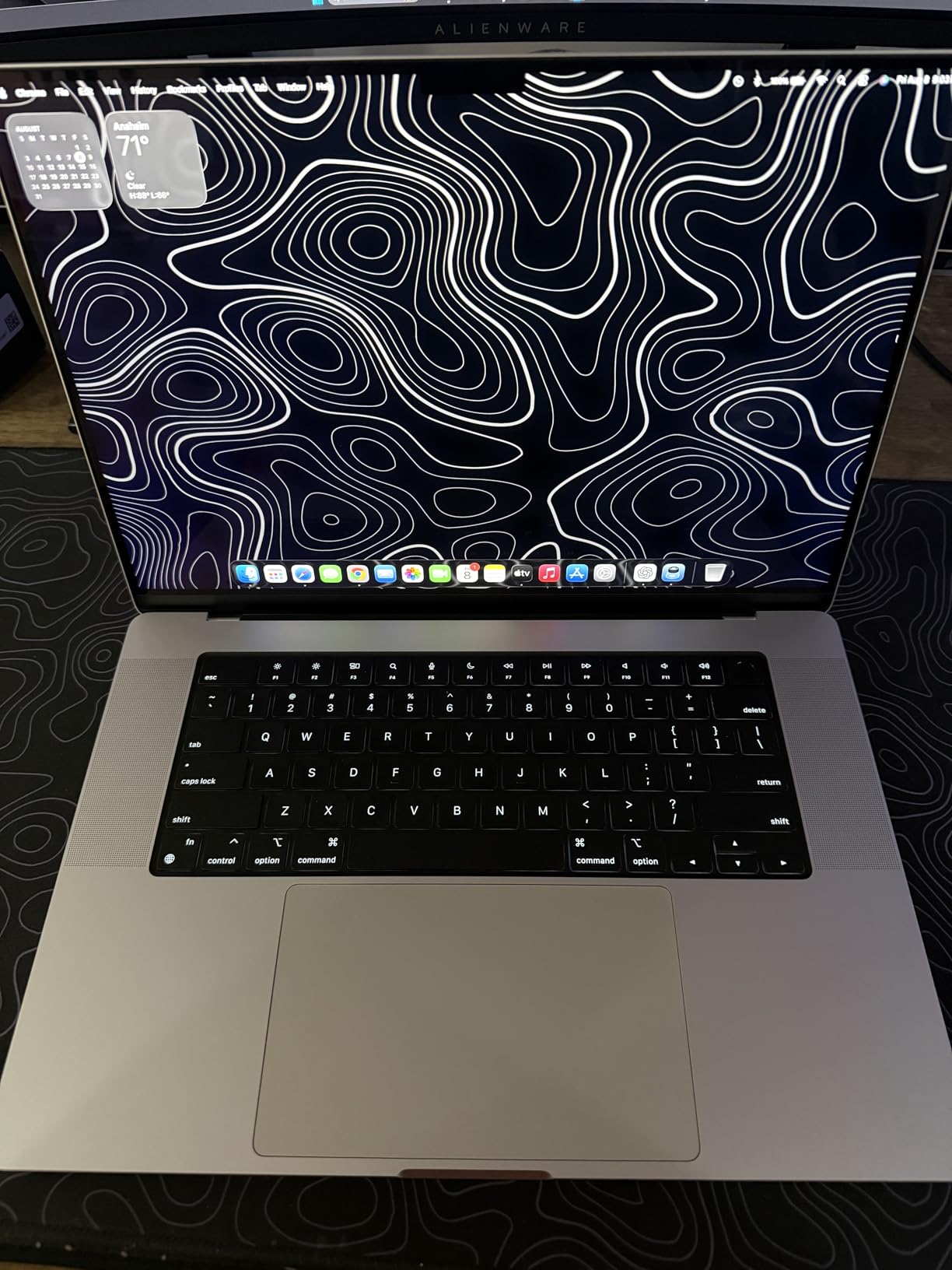
Battery life is excellent at up to 21 hours, which is remarkable for a 16-inch laptop with this much power. Real-world use typically yields 14+ hours of mixed productivity work.
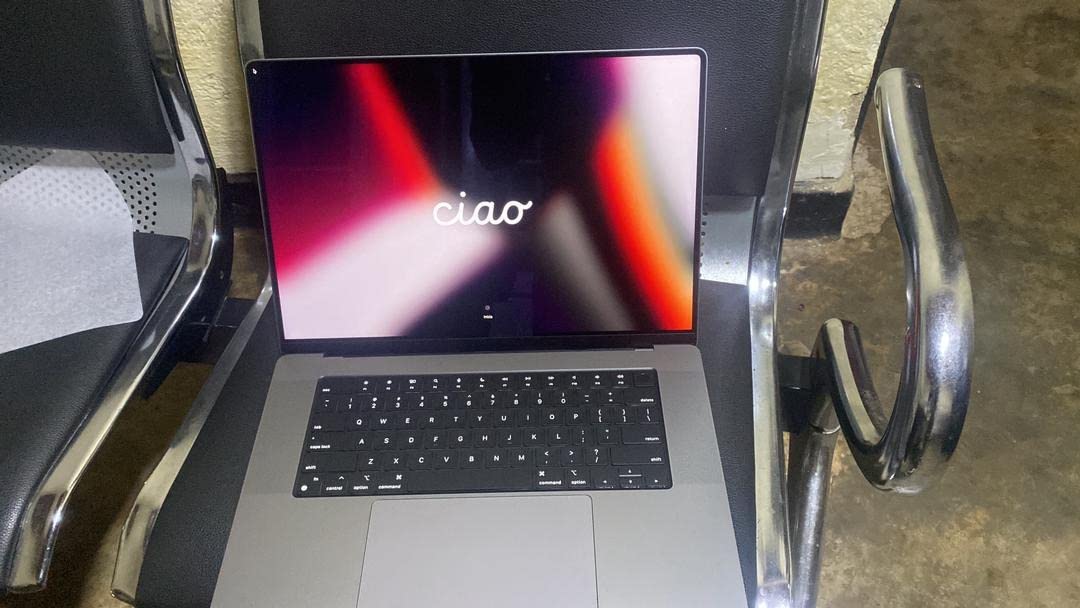
At 4.62 pounds, this is the heaviest MacBook in our lineup. Carrying it across campus daily will be a workout. All ports are USB-C, so you’ll need adapters for USB-A peripherals — a common frustration for students connecting to older printers or external drives.
Who Should Buy the MacBook Pro 16 M1 Pro
Film and video production students who need a large display for editing timelines. Data science students working with large datasets. Architecture and engineering students running CAD software. Anyone who values screen size over portability and wants a desktop-replacement laptop they can occasionally take to class.
Who Should Skip the MacBook Pro 16 M1 Pro
Students who carry their laptop to campus daily will find 4.62 pounds exhausting in a backpack. If you need portability, the 14-inch Pro or MacBook Air is a much better fit. The lack of native Intel virtualization support also makes it problematic for students who need to run Windows-only software through virtual machines.
8. MacBook Pro 14 M3 2023 Renewed — Best Discounted Pro
Apple 2023 MacBook Pro with Apple M3 chip 14-inch, 8GB RAM, 512GB SSD Space Gray (Renewed)
M3 chip
14.2-inch XDR display
8GB RAM
512GB SSD
Backlit keyboard
3.4 lbs
Pros
- Pristine renewed condition
- Excellent M3 chip performance
- Stunning Liquid Retina XDR display
- Significant cost savings vs new
- Complete connectivity options
Cons
- Limited to 8GB RAM
- Non-original charger may be included
- Battery health varies between units
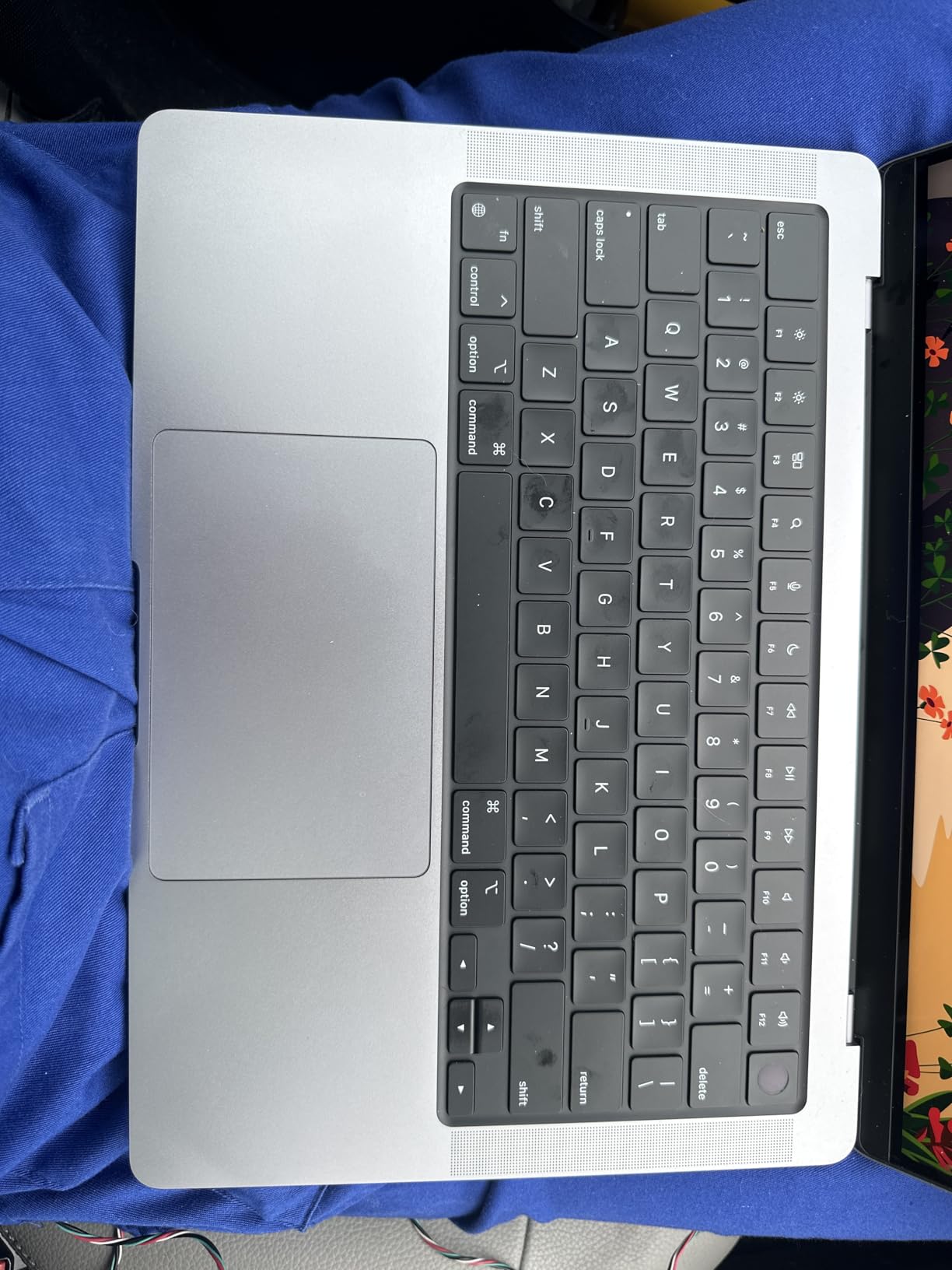
The renewed MacBook Pro M3 offers Pro-level features at a fraction of the new price. You get the stunning Liquid Retina XDR display, MagSafe charging, HDMI, SDXC card slot, and the complete port selection that makes the Pro line so practical.
The M3 chip with 8-core CPU and 10-core GPU handles creative workflows, coding, and multitasking well. The 14.2-inch XDR display with its deep blacks and HDR support is the same panel found in brand-new Pro models.
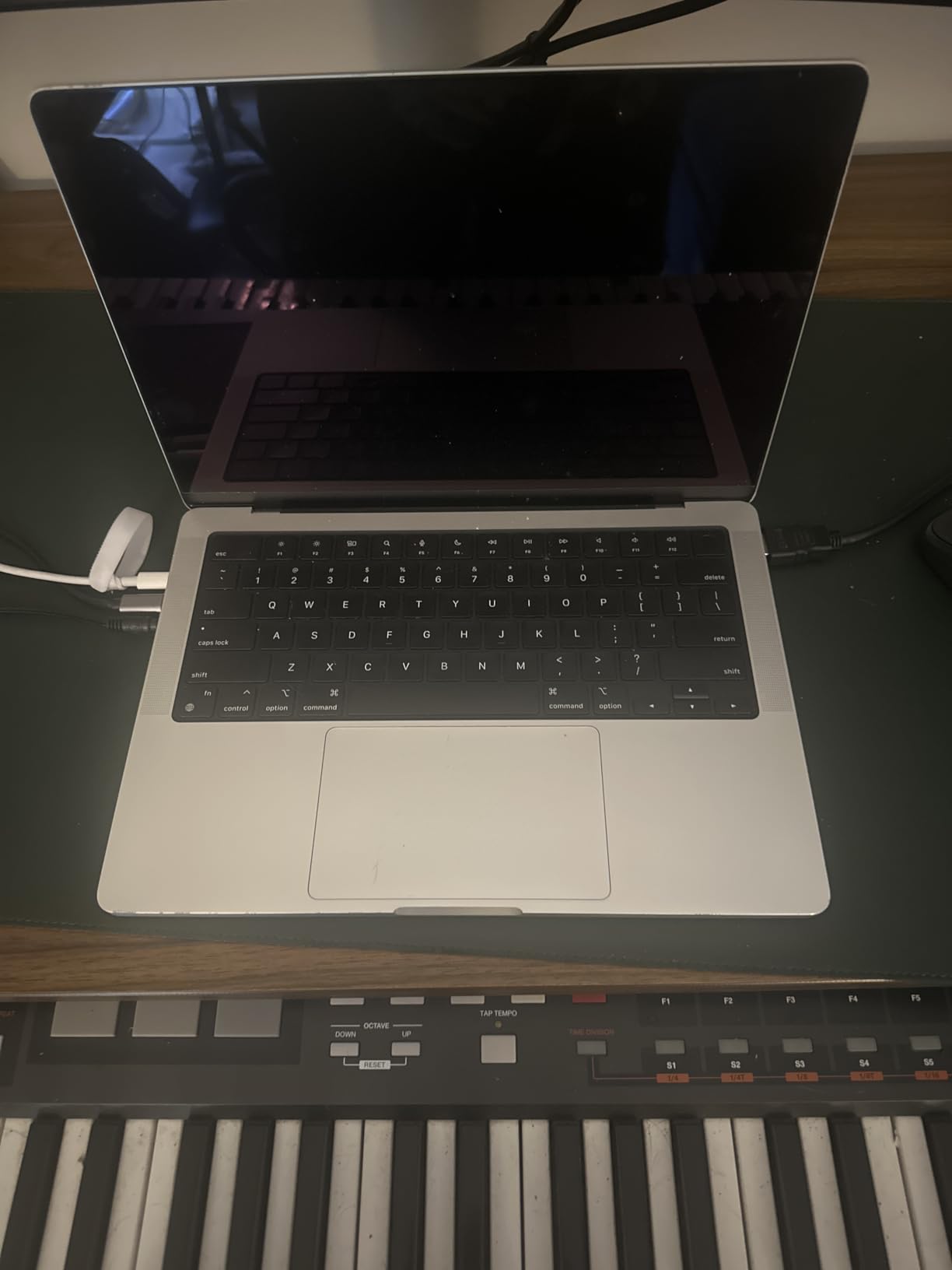
At 127 reviews with a 4.4 rating, customers report receiving units in excellent condition. The M3 Pro performance is noticeably better than the MacBook Air for sustained workloads like video rendering or compiling large projects.
The 8GB RAM limitation is the biggest concern for a Pro laptop. If you run memory-intensive applications, you’ll hit swap memory frequently, which slows performance and increases SSD wear over time.
Who Should Buy the Renewed MacBook Pro M3
Students who want the XDR display and Pro connectivity but can’t justify the price of a new MacBook Pro. Photography students who need color accuracy, film students on a budget, and anyone who wants a Pro laptop experience at a mid-range price point. It’s also a good transitional laptop for students who plan to upgrade to a newer Pro model in a year or two.
Who Should Skip the Renewed MacBook Pro M3
If you need more than 8GB of RAM, skip this and get a new MacBook Air M5 with 16GB — it will serve you better long-term. Students who aren’t comfortable with renewed products or the 90-day warranty should buy new instead.
How to Choose the Right MacBook for Your Studies
Consider Your Major and Software Needs
Your field of study should drive your MacBook choice more than any other factor. Humanities, business, and nursing students can get by with a MacBook Neo or Air — you’re mostly using web apps, Office, and PDF readers. Computer science students need at least 16GB RAM for Xcode, Docker, and virtual machines. Film and design students need the XDR display and GPU power of the Pro line. Engineering students running MATLAB, AutoCAD, or SolidWorks should look at the Pro models with at least 18GB RAM.
RAM and Storage: How Much Do You Actually Need
8GB of unified memory handles basic tasks — web browsing, writing, streaming — but it struggles with 20+ browser tabs and multiple apps running simultaneously. 16GB is the sweet spot for most students and will comfortably last four years. 24GB or more is necessary only for students running professional creative software, virtual machines, or large datasets. For storage, 256GB fills up fast with textbooks, lecture recordings, and project files. 512GB is the minimum I recommend, and 1TB gives you room to breathe.
Battery Life and Portability
Battery life matters more for students than almost any other user group. You’re moving between lecture halls, libraries, and coffee shops — outlets aren’t always available. The MacBook Air and Neo both deliver 16-18 hours of battery, which easily covers a full day of classes. The Pro models last 14-22 hours depending on the chip. Weight is equally important — at 2.71 pounds, the Air and Neo are effortless to carry. The 14-inch Pro at 3.4-3.5 pounds is manageable but noticeable. The 16-inch Pro at 4.62 pounds is a commitment.
Education Pricing and AppleCare+
Apple’s Education Store offers significant discounts for students and educators. You can access these savings through Apple’s education website or campus Apple stores. AppleCare+ is strongly recommended for students. Without it, a cracked screen repair can cost several hundred dollars. With AppleCare+, you pay a much lower deductible for accidental damage. For a laptop that will travel across campus daily for four years, that peace of mind is worth the investment.
Frequently Asked Questions
Which MacBook is best for university students?
The MacBook Air 13 M5 is the best MacBook for most university students in 2026. It combines all-day 18-hour battery life, a lightweight 2.71-pound design, and enough power for note-taking, essay writing, research, and light creative work. The M5 chip handles everyday tasks effortlessly, and the 13.6-inch Liquid Retina display is excellent for reading and writing.
Is a MacBook Air or Pro better for students?
The MacBook Air is better for most students because it’s lighter, cheaper, and has longer battery life. The Pro is better only for students in creative or STEM fields who need the extra GPU power, more RAM, or the XDR display for professional work. For 90% of college students, the Air M5 handles everything they need.
Are MacBooks worth it for students?
Yes, MacBooks are worth it for students who value reliability, battery life, and longevity. Apple laptops typically last 5-6 years with proper care, retain 50-60% of their value after three years, and the macOS ecosystem integrates seamlessly with iPhones and iPads that students already own. The upfront cost is higher than Windows alternatives, but the total cost of ownership over four years is often comparable.
Is the MacBook Air or Neo better for college students?
The MacBook Air is better for students who plan to keep their laptop for all four years and need 16GB RAM for multitasking. The Neo is better for budget-conscious students whose workload is primarily web-based — email, Google Docs, Canvas, and streaming. The Neo costs significantly less but is limited to 8GB RAM, which may feel restrictive by junior or senior year.
Will the MacBook Neo be good for a college student?
The MacBook Neo is a solid choice for college students with light to moderate workloads. It handles essay writing, note-taking, web browsing, and streaming without issues. However, its fixed 8GB RAM and lack of backlit keyboard on the base model are real limitations. If your budget allows, the MacBook Air M5 is a better long-term investment that will last through all four years of college.
Final Verdict
After testing all eight MacBooks in this lineup, the MacBook Air 13 M5 remains my top recommendation for the best MacBook for students in 2026. It hits the perfect balance of performance, portability, battery life, and price that most college students need.
For students on a tight budget, the MacBook Neo delivers genuine Apple quality at the lowest price point — just know its limitations before committing. For students who need serious performance for creative or STEM work, the MacBook Pro M5 or M4 Pro will never leave you wanting more power.
Whatever you choose, buy through Apple’s Education Store for the student discount, and strongly consider AppleCare+ to protect your investment through four years of campus life.