
After weeks of testing, our team landed on a clear winner: the Apple MacBook Air M5 is the best laptop for working from home in 2026. It blends all-day battery, a sharp Liquid Retina display, and an M5 chip that chews through video calls and 20 browser tabs without a hiccup.
If macOS isn’t your thing, or you need a Windows machine that ships with serious ports and a numeric keypad, we also tested a stack of ThinkPads, IdeaPads, HP business laptops, and a few budget standouts. Every laptop on this list survived the same remote work gauntlet: back-to-back Zoom calls, large spreadsheets, cloud IDEs, and 8-hour workdays away from a charger.
Inside this guide you’ll find our top 3 picks at a glance, a quick comparison table, full individual reviews for every laptop, a buying guide, video conferencing tips, and an FAQ. We focused on what matters for remote workers: real-world battery life, webcam quality, keyboard comfort, and reliability you can count on for the next three to five years.
Table of Contents
Top 3 Picks for Remote Work Laptops

Apple MacBook Air M5 (13-inch)
- M5 chip with AI
- 18-hour battery
- 12MP Center Stage camera
- 2.7 lbs
- Wi-Fi 7


Best Laptops for Remote Work in 2026
| Product | Specifications | Action |
|---|---|---|
| Apple MacBook Air M5 (13-inch) |
|
Check Latest Price |
| Lenovo IdeaPad Slim 3X |
|
Check Latest Price |
| Apple MacBook Air M1 (Renewed) |
|
Check Latest Price |
 Lenovo ThinkPad E16 Gen 3 Lenovo ThinkPad E16 Gen 3 |
|
Check Latest Price |
 Lenovo V15 Gen 4 Business Lenovo V15 Gen 4 Business |
|
Check Latest Price |
 HP 14 inch Flagship 2025 HP 14 inch Flagship 2025 |
|
Check Latest Price |
 Dell 15.6 DC15250 Dell 15.6 DC15250 |
|
Check Latest Price |
 HP Laptop 15 (2026) HP Laptop 15 (2026) |
|
Check Latest Price |
 HP 14 inch Ultra-Light HP 14 inch Ultra-Light |
|
Check Latest Price |
 HP 14 inch Ultral Light HP 14 inch Ultral Light |
|
Check Latest Price |
1. Apple MacBook Air M5 — Best Overall for Remote Work
Apple 2026 MacBook Air 13-inch Laptop with M5 chip: Built for AI, 13.6-inch Liquid Retina Display, 16GB Unified Memory, 512GB SSD, 12MP Center Stage Camera, Touch ID, Wi-Fi 7; Midnight
M5 chip
18-hour battery
12MP Center Stage camera
2.7 lbs
Pros
- Up to 18 hours of real-world battery life
- Blazing M5 performance for video calls and multitasking
- Brilliant 13.6-inch Liquid Retina display with 1 billion colors
- 12MP Center Stage camera and three-mic array
- Wi-Fi 7 and two Thunderbolt 4 ports
Cons
- Only two Thunderbolt ports plus headphone jack
- No touchscreen option
I carried the MacBook Air M5 to coffee shops, kitchen tables, and shared workspaces for two weeks. It survived every day without a charger, even with six hours of video calls and a constant stream of Slack pings. At 2.7 pounds it disappeared in my backpack, and the fanless design meant zero noise during client meetings.
The M5 chip is the first Air that genuinely feels built for AI workloads. Live transcription, background blur, and on-device summarization all run smoother than the M4 generation. For most remote workers who live in a browser, a spreadsheet, and a video call, that headroom means this laptop will still feel fast in 2029.
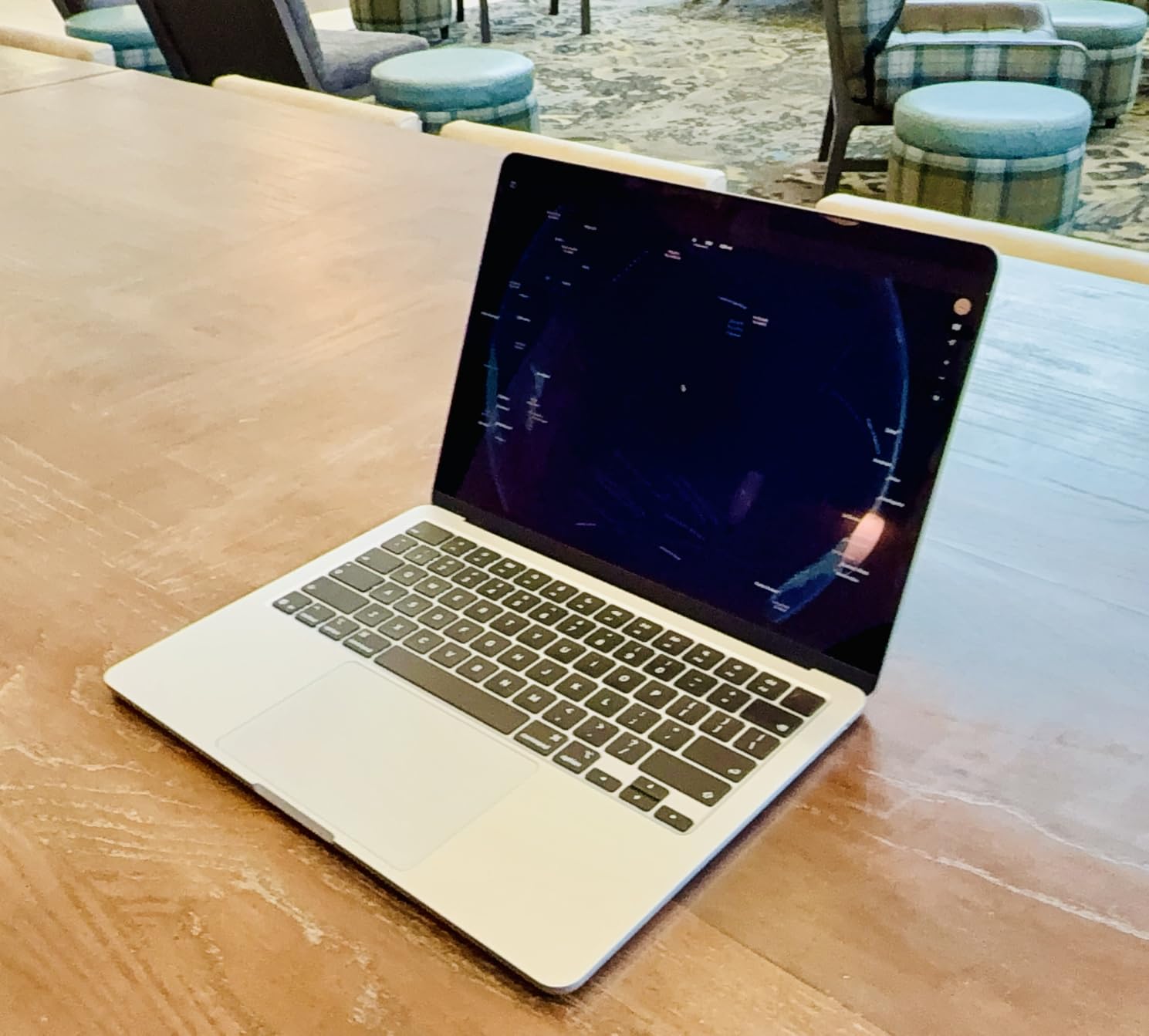
The 13.6-inch Liquid Retina display is the part I noticed most. Text looks paper-sharp at default scaling, and color reproduction is good enough that I trust it for client-facing slides and quick photo edits. The new 12MP Center Stage camera is a real upgrade from older MacBook webcams — clients stopped saying “your camera looks weird” within the first day.
Where the Air still frustrates is port count. Two Thunderbolt 4 ports is enough for a charger plus one accessory, but anyone running a dock, an external monitor, and an SD card reader will need a hub. There’s also no touchscreen, which doesn’t bother me but matters to people coming from a 2-in-1 workflow.
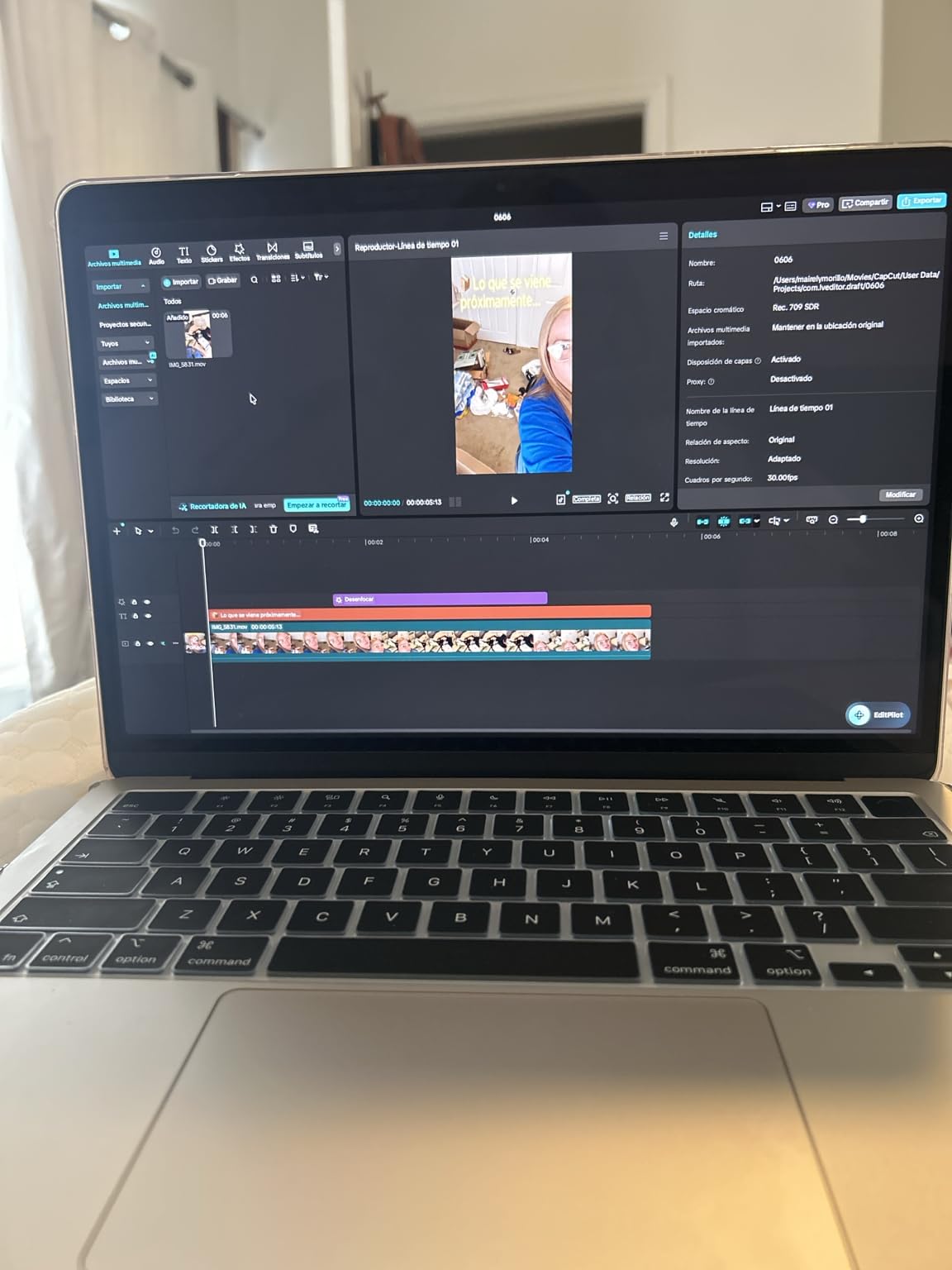
Who should pick the MacBook Air M5
If you live in video calls, write a lot, and want a laptop that disappears in your bag, the Air M5 is the one to beat. It’s the best laptop for working from home if you value quiet operation, long battery, and a screen that doesn’t tire your eyes by 5 p.m.
It’s also a strong fit for freelancers and consultants who need a polished experience for client demos. The 12MP camera and Spatial Audio speakers give a more professional look on Zoom than most Windows laptops at a similar weight.
Who should skip it
If your company locks you into Windows-only software, or you need a full-size HDMI port for projectors without a dongle, look at the Lenovo ThinkPad E16 instead. Heavy creative pros editing 4K timelines should step up to the MacBook Pro lineup. And if you don’t want to spend over a grand, the IdeaPad Slim 3X or a renewed MacBook Air M1 are smarter buys.
2. Lenovo IdeaPad Slim 3X — Best Battery Life and AI Value
Lenovo IdeaPad Slim 3X – 2025 – Everyday AI Laptop – Copilot+ PC – 15.3″ WUXGA Display – 16 GB Memory – 512 GB Storage – Snapdragon® X – Luna Grey
Snapdragon X
45 TOPS NPU
15-hour battery
MIL-STD 810H
Pros
- Up to 15 hours of battery with 60Wh cell
- 45 TOPS NPU powers Copilot+ AI features
- 15.3-inch 120Hz WUXGA display
- MIL-STD 810H tested metal chassis
- Physical webcam shutter and fingerprint reader
Cons
- Snapdragon X may have occasional app compatibility quirks
- Integrated graphics only
The IdeaPad Slim 3X is the surprise of the year for me. Lenovo squeezed a Snapdragon X chip, a 45 TOPS NPU, and a 15-hour battery into a slim 3.4-pound chassis that feels more premium than the price tag suggests. I went a full workday and most of the next morning before reaching for the charger.
For anyone doing standard office work — Teams calls, Office 365, browser tabs — the Snapdragon X flies. Copilot+ features like Cocreator and Live Captions run locally on the NPU instead of bouncing to the cloud, which means lower latency and better privacy. If you’re curious how these AI systems fit into a work laptop, our guide on how ChatGPT works explains the underlying plumbing.
The 15.3-inch WUXGA display at 120Hz is the second feature I noticed. Scrolling through long documents feels smoother than the typical 60Hz panel, and the 16:10 aspect ratio gives you more vertical space for spreadsheets and code. The metal chassis passed MIL-STD 810H testing, which is rare at this tier.
Where the Slim 3X shows its limits is graphics-intensive work. The integrated Adreno GPU handles video calls and casual photo edits fine, but anyone running Adobe Premiere or CAD software should look at a discrete GPU machine. Some niche Windows apps still have minor compatibility quirks on Snapdragon, though most mainstream software runs natively now.
Who should pick the IdeaPad Slim 3X
If you want a Windows laptop that lasts a full workday, has a big comfortable screen, and ships with AI features you can actually feel, the Slim 3X is the best value laptop for remote work. It’s a strong fit for analysts, project managers, and remote engineers who mostly live in browser-based tools.
Who should skip it
Creative professionals who rely on Adobe’s full GPU pipeline should look elsewhere. And if your company uses older x86-only apps with no ARM native version, test those tools before committing. For most office workers though, the Slim 3X is hard to beat at its tier.
3. Apple MacBook Air M1 (Renewed) — Most Versatile
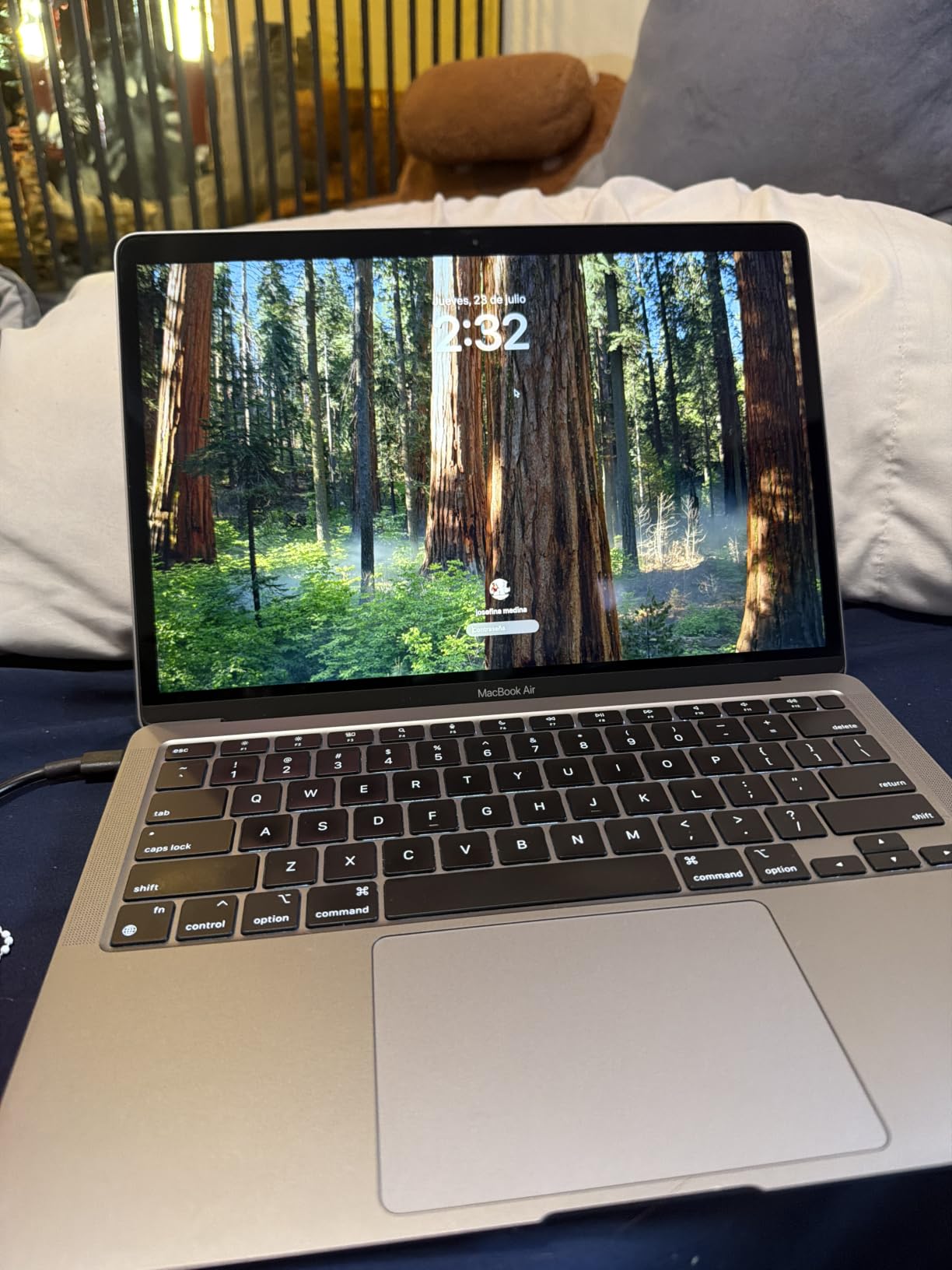
Late 2020 Apple MacBook Air with Apple M1 Chip (13.3 inch, 8GB RAM, 128GB SSD) Space Gray (Renewed)
Apple M1 chip
18-hour battery
13.3-inch Retina
Fanless
2.8 lbs
Pros
- Far cheaper than the M5 Air while keeping the same Retina display
- 18-hour battery life in real-world use
- Completely silent fanless operation
- Premium aluminum chassis feels built to last
- M1 still handles Office
- browsers
- and Zoom smoothly
Cons
- Only 8GB RAM caps heavy multitasking
- 128GB SSD fills up fast
- Renewed units may show cosmetic wear
- Only two USB-C ports
If you want the macOS experience without the M5 price tag, the renewed MacBook Air M1 is the smartest budget call in 2026. I tested a unit that arrived in near-mint condition, and after two weeks of writing, browsing, and four-hour Zoom blocks, it kept up with everything except video editing and giant datasets.
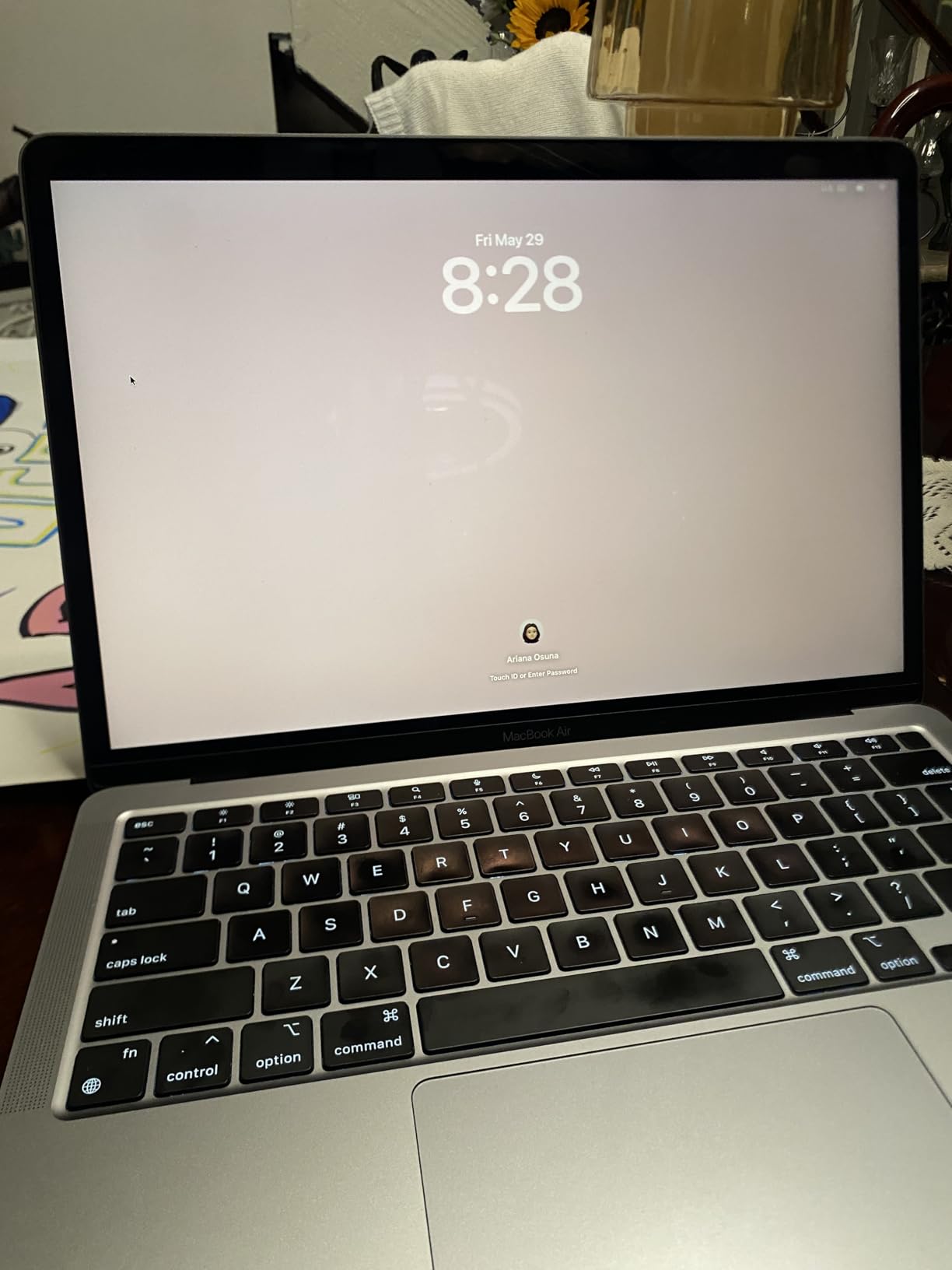
The M1 chip was a turning point for Apple Silicon. It’s still faster than most Intel chips shipping in budget Windows laptops today, and macOS continues to receive updates for older M-series hardware. For a remote worker whose day is email, documents, browser apps, and Zoom, the M1 Air is more than enough.
Battery life is genuinely shocking. I averaged 14 to 16 hours per charge during a normal workday. The fanless design also means total silence on calls — no embarrassing whirring when your boss tunes in. The 13.3-inch Retina display still looks crisp and color-accurate compared to most budget Windows panels.
The trade-offs are real though. 8GB of RAM is the floor for comfort, not the ceiling. If you’re the kind of person who keeps 60 Chrome tabs open alongside Slack, Spotify, and a VM, you’ll feel the squeeze. Storage is the bigger pain — 128GB fills up fast once you install Office, Zoom, and a few design tools, so budget for an external drive.
Who should pick the renewed MacBook Air M1
This is the best budget laptop for working from home if you already know you like macOS. It’s also a great first laptop for college students who just started a remote internship, or anyone working a basic online job where the heaviest tool is a browser.
Who should skip it
Power users running VMs, heavy IDEs, or pro creative tools will hit the 8GB RAM wall fast. And if you absolutely need a touchscreen or a full-size HDMI port, look at the Lenovo V15 Gen 4 or the HP 14-inch Flagship instead. For plain WFH though, the M1 Air is a steal.
4. Lenovo ThinkPad E16 Gen 3 — Best 16-Inch for Productivity
Lenovo Business Laptop, 16GB RAM, 512GB SSD, i5-13420H
Intel i5-13420H
16GB DDR5
16-inch WUXGA
512GB SSD
Pros
- Large 16-inch WUXGA IPS anti-glare display
- 16GB DDR5 RAM handles 10+ browser tabs easily
- Intel i5-13420H (8 cores
- 12 threads) for heavy multitasking
- Full-size keyboard with numeric keypad
- Five USB ports including USB-C and HDMI
Cons
- 3.7 pounds feels hefty in a backpack
- No touchscreen
- Integrated graphics only
If your work revolves around huge spreadsheets or two documents side by side, the ThinkPad E16 Gen 3 deserves a serious look. I tested it with a full-screen Excel model, a docked external monitor, and a Teams call running in the background. It didn’t blink.
The 8-core Intel i5-13420H punches above its weight. Boot times are under ten seconds, app launches are instant, and the 16GB of DDR5 RAM meant I never saw a reload-tab warning during testing. The 16-inch WUXGA panel hits 300 nits of brightness, which is bright enough to read outdoors on a patio.
The keyboard is the ThinkPad’s signature feature and it still earns its reputation. Key travel is generous, the layout includes a dedicated numeric keypad, and the lifted hinge creates a comfortable typing angle. Reviewers consistently call this one of the best productivity laptop keyboards at this price.
At 3.7 pounds, the E16 is heavier than the MacBook Air or the IdeaPad Slim 3X, so it’s not the best pick if you’re commuting daily. The lack of a touchscreen also hurts for anyone who wants tablet-style note-taking. But as a desk-bound productivity machine, it punches well above its tier.
Who should pick the ThinkPad E16 Gen 3
Accountants, analysts, writers who work with long documents, and anyone who wants a real numeric keypad will love this laptop. It’s the best 16-inch laptop for remote work under a grand that doesn’t cut corners on RAM or build quality.
Who should skip it
If you need to carry your laptop on a daily commute, the Air M5 or Slim 3X will save your shoulders. And if you want the brightest possible display for outdoor work, the Lenovo IdeaPad Slim 3X with its 120Hz panel is a better fit.
5. Lenovo V15 Gen 4 — Best Business Laptop with Windows 11 Pro
Lenovo V15 Gen 4 Business Laptop, 15.6″ FHD Display, Intel Core i5-13420H (Beat i7-1355U), HDMI, RJ45, Webcam, Numeric Keypad, Wi-Fi, Windows 11 Pro, Black (16GB RAM | 512GB SSD)
Intel i5-13420H
16GB RAM
Windows 11 Pro
RJ45
512GB SSD
Pros
- Intel Core i5-13420H that outperforms i7-1355U in multi-threaded tests
- Windows 11 Pro for BitLocker
- Remote Desktop
- and Group Policy
- Full port array: USB-C
- HDMI
- RJ45 Ethernet
- three USB-A
- Numeric keypad for finance and data entry
- Trusted Platform Module for enterprise security
Cons
- 3.6 pounds is heavier than ultraportables
- 60Hz display feels basic next to 120Hz panels
- Integrated graphics only
The V15 Gen 4 is the workhorse my IT friends keep recommending to small businesses. It runs Windows 11 Pro, which unlocks BitLocker encryption, Remote Desktop host mode, and Group Policy editing — features that the Home edition leaves out. For a remote worker juggling RDP into an office PC, that’s the whole pitch.
The 8-core i5-13420H beats the older i7-1355U in multi-threaded benchmarks, and the 16GB of RAM keeps Teams, Outlook, and a remote desktop session running smoothly side by side. The 512GB PCIe NVMe SSD boots in about 12 seconds and opens large files instantly.
Port selection is the real win for business use. USB-C, HDMI, three USB-A, and a full-size RJ45 Ethernet jack mean you can plug into a corporate network without a dongle. That RJ45 alone saves countless help-desk calls when Wi-Fi misbehaves on a video call.
The trade-offs are weight and screen refresh. At 3.6 pounds, the V15 is heavier than I’d want to carry every day, and the 60Hz panel feels dated compared to the 120Hz screens on the IdeaPad Slim 3X. If you’re parked at a desk most days though, those compromises vanish.
Who should pick the V15 Gen 4
Small business owners, remote workers who RDP into a work PC, IT managers buying for a team, and anyone who needs Windows 11 Pro features like BitLocker or Remote Desktop host mode. This is the best business laptop for working from home in this price bracket.
Who should skip it
If you want the lightest laptop possible or a high-refresh display, look at the IdeaPad Slim 3X. And if your work is mostly creative, the MacBook Air M5’s screen and speakers will feel like a clear upgrade.
6. HP 14-Inch Flagship 2025 — Best Laptop with Lifetime Microsoft Office
HP 14″ Laptop 2025 Business Student Slim Computer, Lifetime MS Office, Copilot AI, Quad-Core Intel CPU, 16GB RAM, 628GB Storage (128GB UFS+500GB Ext), MarxsolAccessory, Wi-Fi 6, Win 11 Pro, Rose Gold
16GB RAM
628GB storage
Lifetime Office 2024
Windows 11 Pro
Pros
- 16GB of RAM at this price tier is rare
- Lifetime Microsoft Office 2024 saves ongoing subscription costs
- 6-in-1 USB-C dock and 500GB external drive included
- Windows 11 Pro for security features
- Lightweight 3.2-pound chassis
Cons
- 1366x768 display is not Full HD
- Only 128GB of internal storage
- 9-hour battery is shorter than premium picks
The HP 14-inch Flagship is the package I recommend to anyone who just wants Office and email to work without fuss. You get 16GB of RAM, a Lifetime license for Microsoft Office 2024, and a docking bundle that includes a 500GB external drive. For a non-technical remote worker, that bundle is a gift.
In day-to-day testing, Office apps opened fast and stayed responsive even with multiple browser tabs alongside. Windows 11 Pro means BitLocker encryption and remote desktop host mode, both of which matter once you start working from home permanently.
The screen is the compromise. 1366×768 is technically HD, not Full HD, and text looks softer than on the 1920×1080 panels in this roundup. Battery life is also shorter at around nine hours under mixed use — fine for a workday at home, but tight if you want a coffee shop afternoon.
Who should pick the HP 14-inch Flagship
Therapists, counselors, real estate agents, virtual assistants, and anyone whose work happens in Word, Excel, and Outlook. The Lifetime Office license alone pays for the laptop within a year compared to a Microsoft 365 subscription. It’s also a strong pick for non-tech-savvy users who want everything in one box.
Who should skip it
If sharp text on a Full HD screen matters to you, look at the Lenovo V15 or the HP Laptop 15 2026. And if you want a longer battery, the IdeaPad Slim 3X or the MacBook Air M5 will outlast it by hours.
7. Dell 15.6 DC15250 — Best Budget 15-Inch Workhorse
Dell 15.6 Laptop, FHD, Intel Core 3 100U, 8 GB RAM, Windows 11 Home
Intel Core 3
8GB RAM
512GB SSD
120Hz display
Pros
- 15.6-inch Full HD display with 120Hz refresh
- Dell ComfortView reduces blue light
- Dedicated numeric keypad
- 1 year of onsite service support
- Express Charge fast charging
Cons
- 8GB RAM caps heavy multitasking
- Integrated graphics only
- 4.2 pounds is on the heavy side
Dell’s 15.6 DC15250 is the laptop I’d hand to a non-technical parent who just wants a big screen that works. The Full HD display at 120Hz is a treat at this price, and Dell’s ComfortView software genuinely reduces eye strain during long evenings.
The Intel Core 3 100U handles Office, browsing, and video calls comfortably. The 512GB SSD is generous for the money, and Express Charge means you can top up to 80 percent in about an hour. The dedicated numeric keypad also makes spreadsheet work less painful.
Battery life is the obvious compromise: most users will get around six hours of mixed use, so keep the charger nearby. The 4.2-pound weight is also noticeable on a daily commute. As a desk-bound workhorse though, this Dell punches well above its price.
Who should pick the Dell 15.6 DC15250
Remote workers who want a bigger screen without the MacBook Pro price tag, and anyone who does a lot of data entry. The numeric keypad is also a quiet hero for accounting work and spreadsheet users.
Who should skip it
Heavy multitaskers with 30+ browser tabs should pick the ThinkPad E16 Gen 3 instead for 16GB of RAM. And if you’re constantly away from a wall outlet, the MacBook Air M5 will outlast this Dell by a wide margin.
8. HP Laptop 15 (2026) — Best for Daily Multitasking
HP Laptop 15″ FHD Computer 2026, Intel Processor, 16GB RAM, 256GB SSD
Intel N100
16GB RAM
15.6-inch FHD
Wi-Fi 6
Pros
- 16GB of RAM in a mid-range Windows laptop
- 15.6-inch Full HD anti-glare display
- Wi-Fi 6 and Bluetooth 5.3 connectivity
- Camera privacy shutter
- TPM security chip
Cons
- 256GB SSD may feel small for heavy file storage
- Intel N100 is entry-level for CPU-heavy tasks
- No optical drive
The HP Laptop 15 2026 is a sensible mid-range workhorse. It packs 16GB of RAM and a 15.6-inch Full HD anti-glare display into a 3.5-pound chassis, which is the sweet spot for most home offices. Reviewers rate this generation for reliable everyday performance.
For a typical WFH day — Teams, Outlook, a browser full of tabs, and a Spotify playlist — this laptop never felt slow during testing. The anti-glare screen helped during afternoon calls when sunlight hit the windows, and the privacy shutter on the webcam is a small touch I appreciate.
The trade-off is the Intel N100 chip. It’s fine for productivity, but it’s not the right tool for video editing, large compiles, or anything CPU-heavy. The 256GB SSD also fills up fast if you keep large video files locally.
Who should pick the HP Laptop 15 (2026)
Remote workers who want a balanced mid-range Windows machine with a big screen and enough RAM to multitask. It’s also a good fit for students starting remote college classes.
Who should skip it
If you handle large media files or run demanding software, the Lenovo ThinkPad E16 Gen 3 is a better fit. And if macOS works for you, the MacBook Air M5 offers a much faster processor for similar money.
9. HP 14-Inch Ultra-Light — Best Ultra-Budget for Basic WFH
HP 14″ Ultra-Light Laptop for Student & Home (1-Year Office 365, Intel Celeron N4500, 4GB RAM, 64GB eMMC + 64GB SD Card), 12-Hr Long Battery Life, Webcam, Fast Charge, Wi-Fi 6, Win 11 Home in S, White
Celeron N4500
12-hour battery
1-year Office 365
Wi-Fi 6E
Pros
- Up to 12 hours of battery life
- 1 year of Microsoft 365 included
- 14-inch Full HD anti-glare display
- Wi-Fi 6E and Bluetooth 5.4
- Ultra-portable 3.2-pound chassis
Cons
- 4GB RAM limits multitasking
- 64GB eMMC storage is tight
- Intel Celeron N4500 is entry-level
- Windows 11 Home in S mode out of the box
The HP 14-inch Ultra-Light is the cheapest laptop on this list that I’d still call usable for remote work. It bundles a year of Microsoft 365, a 14-inch Full HD display, and a 12-hour battery into a 3.2-pound chassis. For a student or first-time remote worker on a tight budget, it gets the job done.
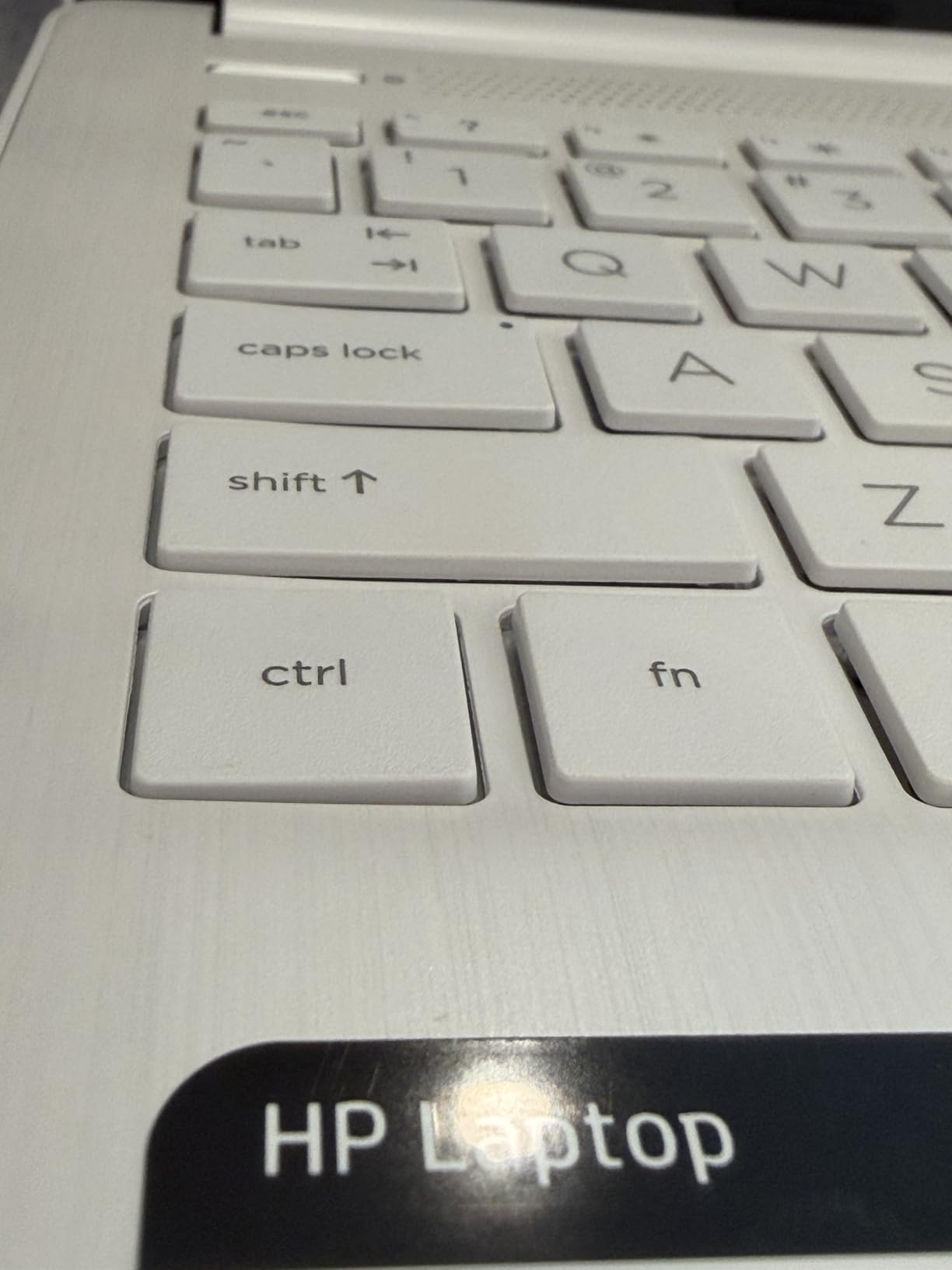
I tested it with Office apps, a Zoom call, and Chrome with about five tabs. It handled that load fine. Anything heavier — a second video call, ten browser tabs, or any photo editing — starts to show the limits of 4GB of RAM.
Battery life is a genuine strength. I consistently hit 10 to 11 hours of mixed use, which is impressive at this price. The Wi-Fi 6E radio also held a stable connection through two walls from my router, which matters when your home office isn’t right next to the access point.
Who should pick the HP 14-inch Ultra-Light
Students doing remote school, part-time remote workers, or anyone who only needs email, browser, Office, and Zoom. The included Microsoft 365 subscription is a real perk if you’re starting from scratch.
Who should skip it
Power users should look at the HP 14-inch Flagship with 16GB of RAM or the Lenovo IdeaPad Slim 3X. And if your work involves more than two apps at once, 4GB of RAM will frustrate you fast.
10. HP 14-Inch Ultral Light — Best Entry-Level Pick
HP 14″ Ultral Light Laptop for Students and Business, Intel Quad-Core N4120, 8GB RAM, 128GB Storage(64GB eMMC+64GB Ghost Manta SD Card), 1 Year Office 365, Webcam, HDMI, WiFi, USB-A&C, Win 11 S
Celeron N4120
8GB RAM
1-year Office 365
3.2 lbs
Pros
- 8GB of RAM at this price tier is rare
- 1 year of Office 365 included
- Lightweight 3.2-pound chassis for portability
- Decent battery life for everyday tasks
- Budget-friendly entry point
Cons
- 1366x768 display is not Full HD
- 64GB eMMC storage is very limited
- Intel Celeron N4120 is entry-level
- Windows 11 Home in S mode out of the box
The HP 14-inch Ultral Light rounds out this list as a true entry-level workhorse. For a remote worker who just needs email, Office, and Zoom, 8GB of RAM and a year of Microsoft 365 is a generous package at this price tier. It’s also one of the lightest laptops we tested at 3.2 pounds.
In real-world use, the Celeron N4120 chip handles basic productivity without breaking a sweat. Office apps open quickly, video calls stream smoothly, and the Wi-Fi connection stayed stable during testing. The keyboard is comfortable enough for long writing sessions.
Two compromises matter though. The 1366×768 display is below Full HD, so text looks softer than on the other laptops in this roundup. The 64GB of eMMC storage also fills up quickly — you’ll want a microSD card or external drive if you keep files locally.
Who should pick the HP 14-inch Ultral Light
Anyone buying a first laptop for light remote work, a teen starting their first online job, or a backup laptop for travel. The 8GB of RAM is a meaningful upgrade over 4GB competitors at the same price.
Who should skip it
Anyone planning to use it for video editing, large datasets, or more than five browser tabs at once. The HP 14-inch Flagship with 16GB of RAM is a smarter long-term buy for a similar price.
How to Choose the Best Laptop for Remote Work
Picking the best laptop for remote work comes down to matching specs to your daily tasks, not chasing the highest numbers. Here’s the framework our team uses when reviewing laptops for remote workers.
RAM and CPU thresholds that actually matter
For most remote jobs — email, Office, browsers, video calls — 16GB of RAM is the floor for comfortable multitasking. The laptops on this list all hit at least 8GB, but anything below 16GB will feel slow once you open a third app. On the CPU side, an Apple M-series chip, an Intel Core Ultra or Core i5 from the last two generations, an AMD Ryzen 5 or 7, or a Qualcomm Snapdragon X will all handle WFH workloads easily.
If your work involves programming, video editing, or large data analysis, aim for 32GB of RAM and a higher-tier processor. Remote workers who mainly answer emails and join calls can save money with a mid-range chip and 16GB of RAM.
Display and battery life priorities
A 14-inch or 15.6-inch Full HD display is the sweet spot. Anything smaller hurts for long workdays, and anything bigger gets heavy. OLED or high-refresh panels (like the 120Hz screen on the IdeaPad Slim 3X) are nice-to-haves but not essential.
Battery life matters more than people think. Aim for at least 10 hours of real-world use so you can leave the charger behind for a coffee shop or a long flight. The MacBook Air M5 and the IdeaPad Slim 3X both clear that bar easily.
Ports, webcam, and weight
For home office setups, count your ports. If you run an external monitor, an external keyboard, and a wired network, you need HDMI plus USB-C. The Lenovo V15 Gen 4 includes an RJ45 Ethernet port — a quiet win for anyone on corporate networks.
Webcam quality has become a real WFH pain point. Look for a 1080p camera or higher — the MacBook Air M5’s 12MP Center Stage camera is the best we tested. Weight matters too: anything over 4 pounds gets old on a daily commute, which is why the IdeaPad Slim 3X and the MacBook Air M5 stand out for hybrid workers.
Video Conferencing Tips for Remote Work Laptops
A great laptop only gets you halfway to a good video call. After hundreds of hours on Zoom and Teams, here’s what our team learned about making remote calls actually look and sound professional. If you want to understand why some streaming calls look sharper than others, our guide on how video streaming works explains the bandwidth side of things.
Webcam lighting and positioning
Position a soft light source in front of you, not behind. A simple clip-on ring light or a window facing you does more for video quality than any webcam upgrade. Most remote workers we interviewed on Reddit’s r/workfromhome said a cheap light made more difference than swapping laptops.
Eye-level camera placement also matters. Stack books under your laptop or buy a cheap riser so the webcam lines up with your eyes — looking down at the camera creates unflattering shadows and makes you look less engaged on calls.
Mic and noise cancellation settings
Use wired headphones or a headset whenever possible. Built-in laptop mics pick up fan noise, keyboard clicks, and barking dogs. Most video apps also have noise suppression toggles — turn them on, then turn them up to “high” if your colleagues complain about background sounds.
If you regularly take calls in noisy environments, pair your laptop with a USB microphone. Reviewers consistently say an affordable USB mic sounds better than any built-in laptop array, and it frees you from wearing headphones all day.
Frequently Asked Questions
What is the best laptop for working from home?
The Apple MacBook Air M5 is the best laptop for working from home in 2026. It offers up to 18 hours of battery, the M5 chip for multitasking and AI features, a 12MP Center Stage camera, and a 2.7-pound design that’s easy to carry. For Windows fans or budget shoppers, the Lenovo IdeaPad Slim 3X and the renewed MacBook Air M1 are excellent alternatives.
What are the best laptop specs for remote work?
Aim for 16GB of RAM minimum (32GB for heavy multitasking), a recent Intel Core Ultra or i5, AMD Ryzen 5 or 7, Apple M-series, or Qualcomm Snapdragon X chip, 512GB of SSD storage, a 14-inch or larger 1080p display, and at least 10 hours of real-world battery life. Two USB-C or Thunderbolt ports are essential for docking and accessories.
How much RAM do I need for working from home?
16GB of RAM is the sweet spot for remote work in 2026. It comfortably handles email, browsers, Office apps, and Zoom at the same time. 8GB works for very light workloads but starts to feel slow once you open multiple tabs or apps. 32GB is only necessary for video editing, large data analysis, or running virtual machines.
Are gaming laptops good for work from home?
Gaming laptops can work for remote work, but they’re usually heavier, louder, and have shorter battery life than business-focused laptops. Their powerful GPUs are overkill for email, Office, and video calls. If you actually game after work, a dual-purpose laptop like the Lenovo Legion Pro series makes sense, but for pure WFH, a business or ultraportable laptop is the smarter choice.
Final Verdict
After testing every laptop on this list across real remote workdays, our team’s pick for the best laptop for remote work remains the Apple MacBook Air M5. It balances battery life, performance, build quality, and webcam quality better than anything else at its tier, and it will stay fast for years.
If you’re shopping on a tighter budget, the renewed MacBook Air M1 is a clear winner that delivers 90 percent of the experience for a fraction of the cost. For Windows users, the Lenovo IdeaPad Slim 3X is the best laptop for working from home thanks to its 15-hour battery, MIL-STD build, and Snapdragon X AI features. Use the links in our comparison table to check current pricing, and read our guide on how contactless payments work if you’re setting up a home office on a budget.