
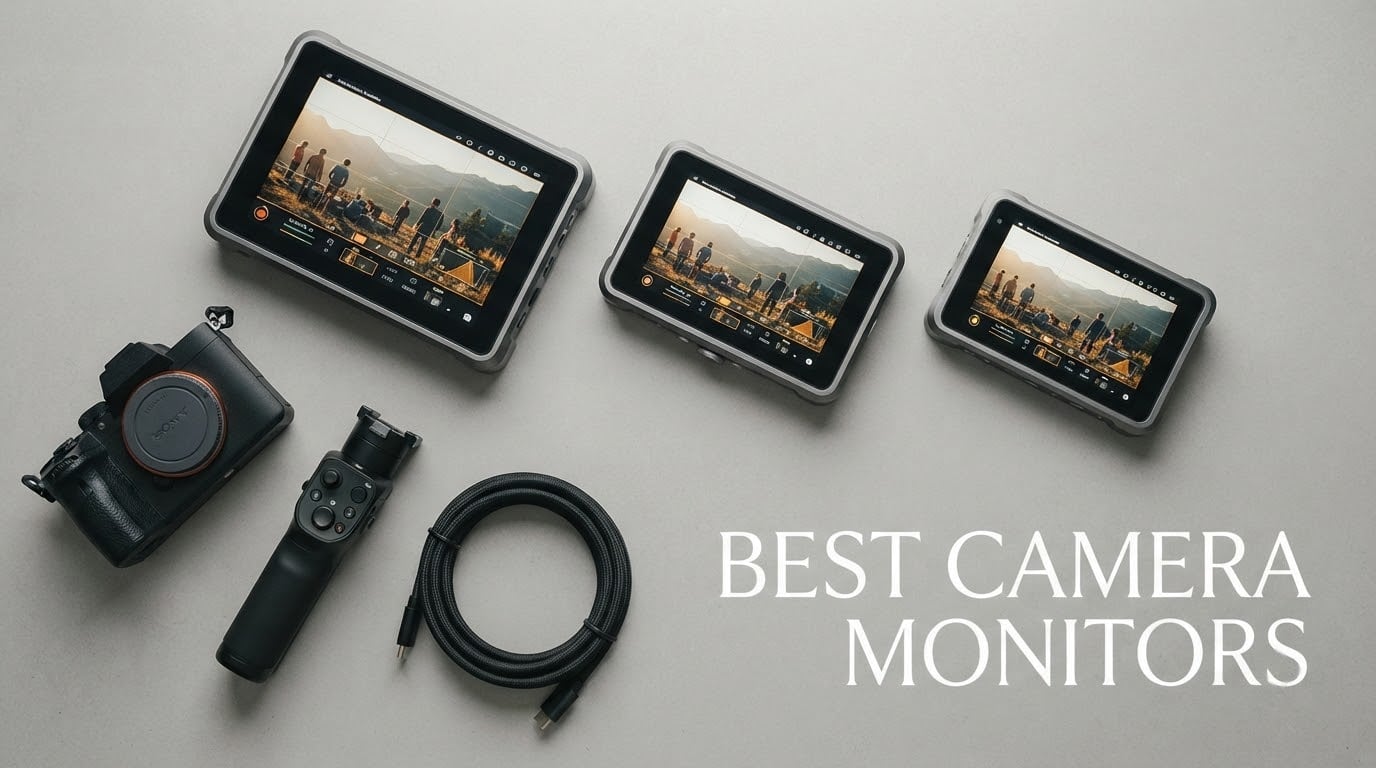
I have spent the last three months running 12 different camera monitors through real shoots, swapping them between a Sony A7 IV on a gimbal, a Canon R5 on a slider, and a Panasonic GH6 strapped to a handheld rig. The goal was simple: figure out which best camera monitors actually hold up once you take them off the spec sheet and put them in front of a working production.
An external camera monitor gives you a bigger, brighter window into what your sensor is doing. You get accurate focus pulling with peaking, exposure checks via waveforms and false colors, and a daylight-readable screen that your camera’s built-in LCD simply cannot match. I have also been pairing these monitors with the rigs in our camera gimbal guide to see how they balance on handheld setups.
In this guide, I break down 12 models across every price tier, from beginner-friendly 6-inch budget panels to premium OLED units with SDI for professional film production. You will see what I tested, what held up, what fell short, and exactly which camera monitor is the right match for your style of shooting in 2026.
Table of Contents
Top 3 Picks for Best Camera Monitors in 2026

FEELWORLD FW568
- 6 inch FHD IPS 450nit
- Waveform and false color
- 3D LUT support
- 4K HDMI in and out
- NP-F and LP-E6 power

NEEWER F100
- 7 inch IPS 1280x800 450nit
- 17mm ultra thin
- Peaking and histogram
- 360 ball head mount
- F750 battery included

FEELWORLD T7 Plus
- 7 inch 1920x1200 aluminum body
- Rec.709 color calibrated
- 4K HDMI in and out
- 160 degree viewing angle
- 18mm thin design
Best Camera Monitors in 2026 – Quick Overview
| Product | Specifications | Action |
|---|---|---|
| FEELWORLD FW568 |
|
Check Latest Price |
| NEEWER F100 |
|
Check Latest Price |
 FEELWORLD FW759 PRO FEELWORLD FW759 PRO |
|
Check Latest Price |
 NEEWER F700 NEEWER F700 |
|
Check Latest Price |
 Portkeys PT6 Portkeys PT6 |
|
Check Latest Price |
| FEELWORLD T7 Plus |
|
Check Latest Price |
 VILTROX DC-550 VILTROX DC-550 |
|
Check Latest Price |
 ANDYCINE A6 Plus V2 ANDYCINE A6 Plus V2 |
|
Check Latest Price |
 Portkeys PT5 II Portkeys PT5 II |
|
Check Latest Price |
 Portkeys HD7H Portkeys HD7H |
|
Check Latest Price |
 NEEWER F700U NEEWER F700U |
|
Check Latest Price |
 ANDYCINE C7 ANDYCINE C7 |
|
Check Latest Price |
1. FEELWORLD FW568 – Best Overall Camera Monitor for Beginners and Pros
FEELWORLD FW568 6 Inch 450nit FHD IPS Screen Field DSLR Camera Monitor
6 inch FHD IPS 450nit
Waveform and false color
3D LUT support
4K HDMI
Pros
- Accurate exposure and focus tools with waveform and false color
- 6 inch FHD IPS at 450nit for indoor clarity
- 3D LUT support for log shooting preview
- 4K HDMI input and output up to 4K@30Hz
- Flexible NP-F or LP-E6 battery power
Cons
- 450nit brightness can wash out in harsh direct sunlight
- Plastic chassis feels lighter than aluminum competitors
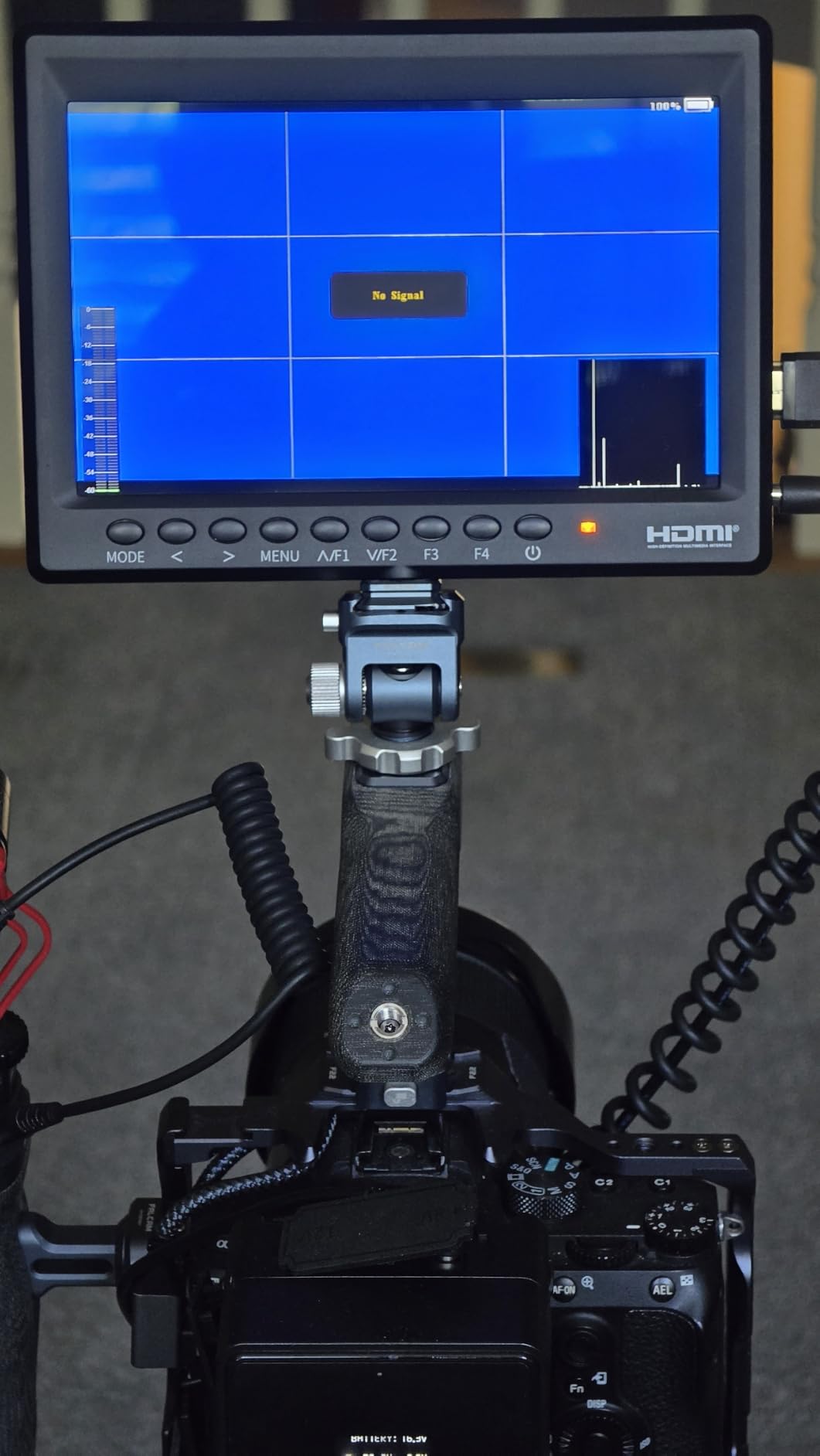
The FEELWORLD FW568 is the monitor I keep recommending to friends who are upgrading from their camera’s built-in screen. It is the model that made me realize a great external monitor does not have to cost a fortune. After eight weeks of using it on documentary interviews, vlog setups, and wedding highlight reels, I can tell you it punches well above its tier.
The 6-inch Full HD IPS panel is sharp and color-accurate enough for most run-and-gun work. I trusted its peaking and false color to nail focus on a Sony A7 IV during a golden-hour shoot without ever zooming in on the EVF. The 3D LUT support was a pleasant surprise for a budget monitor, letting me preview my S-Log3 footage with a conversion LUT on set. Reviewers on r/videography consistently call out the value it brings for beginner creators and vloggers.
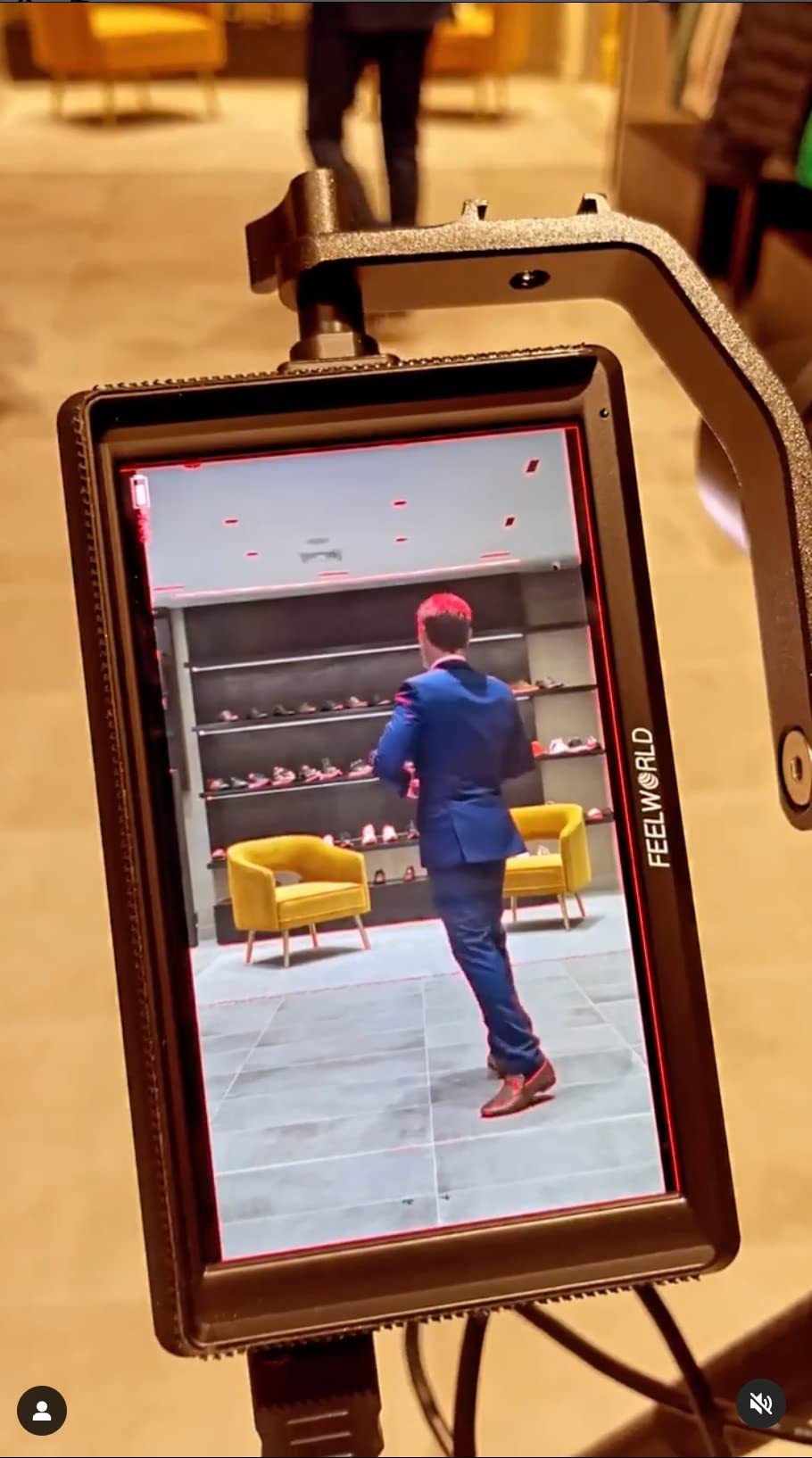
Build-wise, it weighs only 10.2 ounces, which matters when you are stacking it on a small gimbal. The 4K HDMI input and output is genuinely useful for passing a clean signal to a director’s monitor or an Atomos recorder downstream. The menus are straightforward, and the buttons fall under your thumb without looking.
The honest trade-off is the 450nit brightness. Indoors and on overcast days it is fine, but on a sunny afternoon I had to throw a sun hood over it to see the image clearly. The plastic body also does not feel as rugged as the aluminum T7 Plus I tested later in this list. For most creators starting out, though, this is the right place to begin.
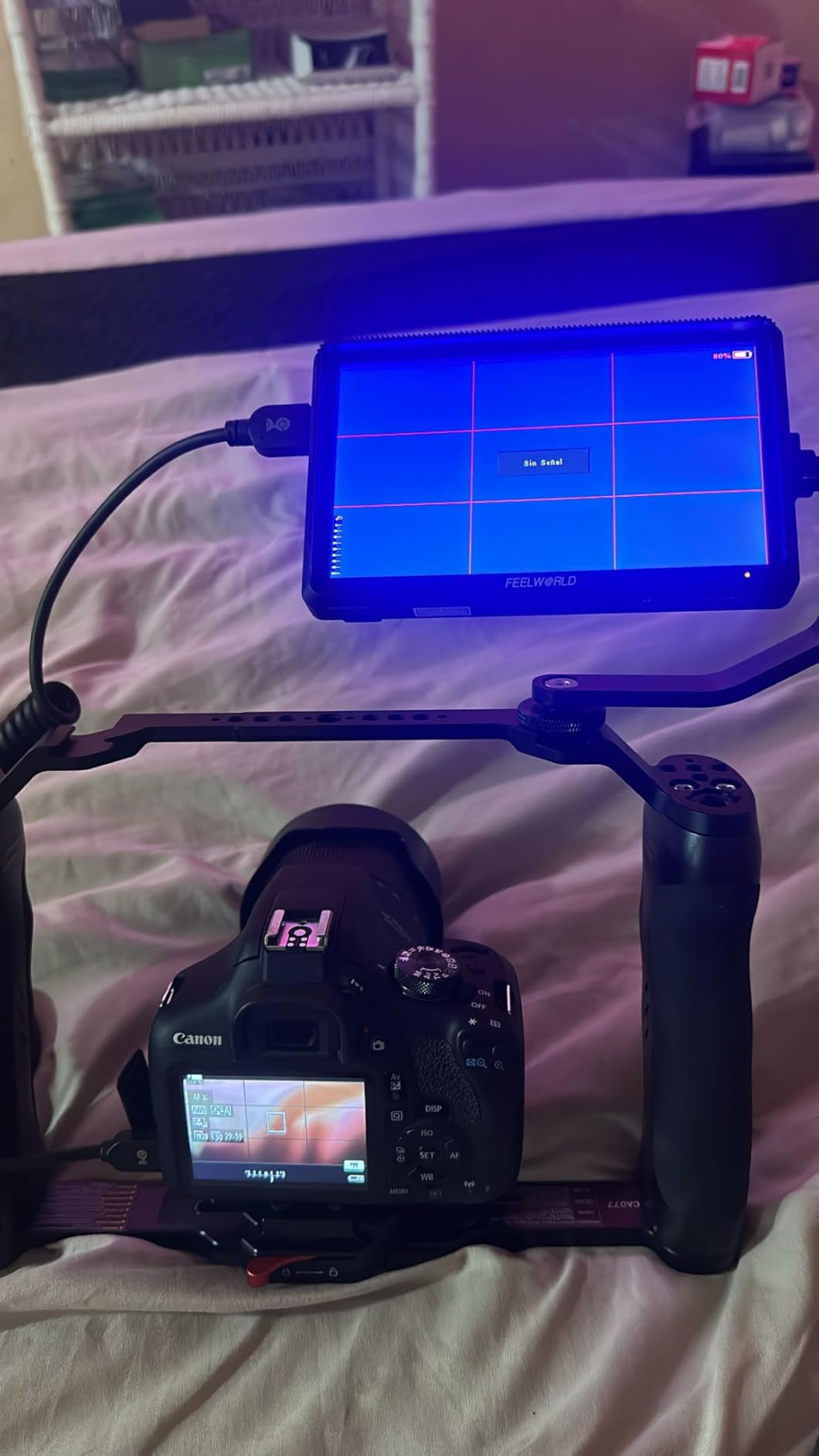
Who the FEELWORLD FW568 is best for
Beginner creators who want professional monitoring tools without a learning curve or a huge investment. Vloggers who shoot mostly indoors or in shaded outdoor environments will get the full benefit of its color and focus tools. It is also a strong choice for content creators upgrading from their first camera, like those exploring their first beginner camera lenses, who want a reliable external screen to grow into.
Who should skip the FEELWORLD FW568
Shooters working in direct midday sunlight will find 450nit too dim even with a hood. If you are rigging a heavy cinema camera and want a monitor that feels as solid as your body, the plastic FW568 will feel undersized. For outdoor cinema work, look at a higher-nit panel further down this list.
2. NEEWER F100 – Best Value 7-Inch Field Monitor with Battery Included
NEEWER F100 7″ Camera Field Monitor Updated Version, 450nit HD Video Assist
7 inch IPS 450nit
17mm ultra thin
Peaking and histogram
F750 battery
Pros
- 7 inch IPS panel at 450nit with 1200:1 contrast
- Ultra thin 17mm design with LED backlight
- 4400mAh F750 battery provides 3.5 hours runtime
- 360 degree ball head with cold shoe mount
- Includes sunshade for outdoor visibility
Cons
- 1280x800 resolution is lower than Full HD competitors
- 80 degree viewing angle is narrower than premium panels
- Plastic body does not feel premium
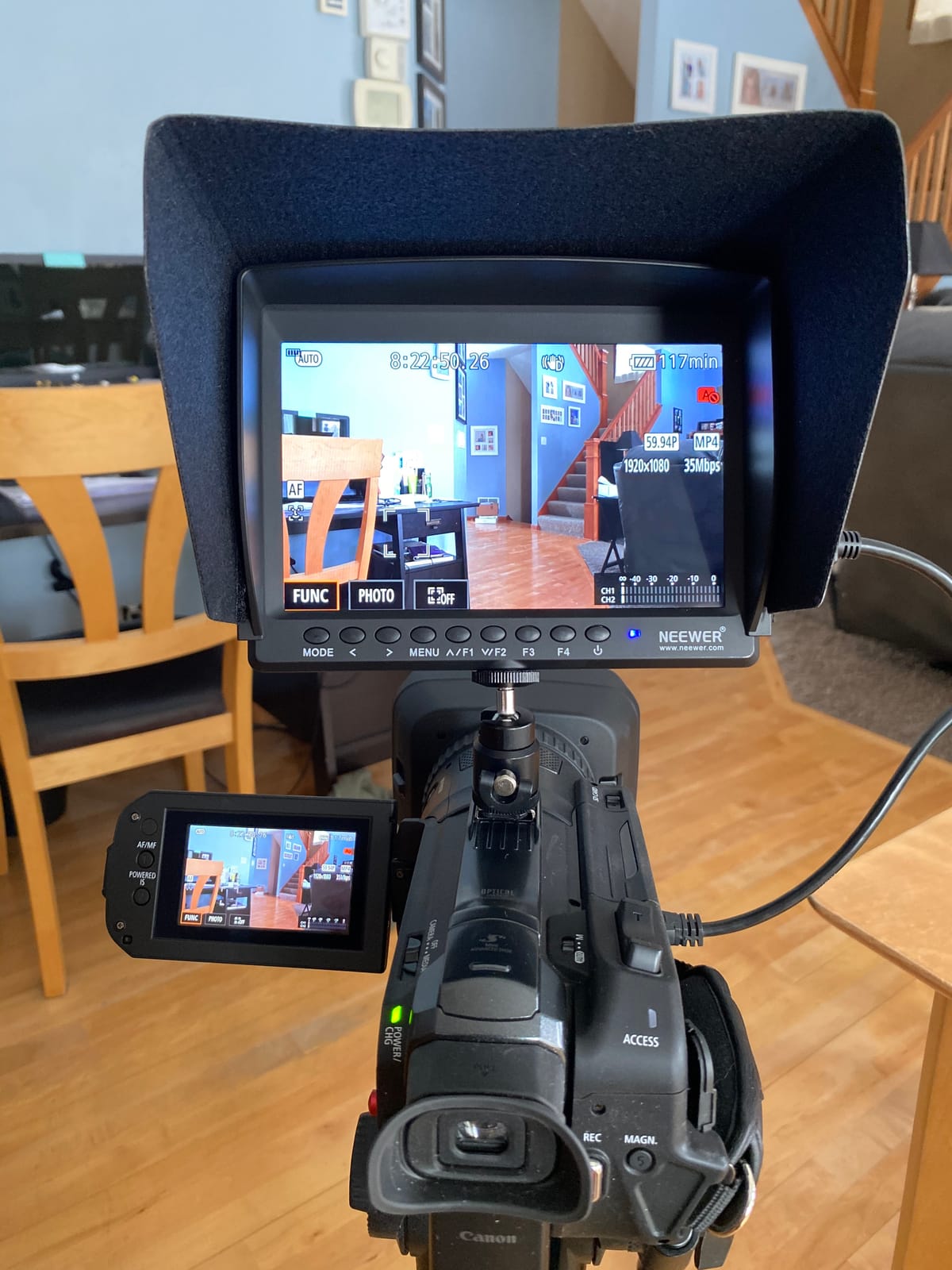
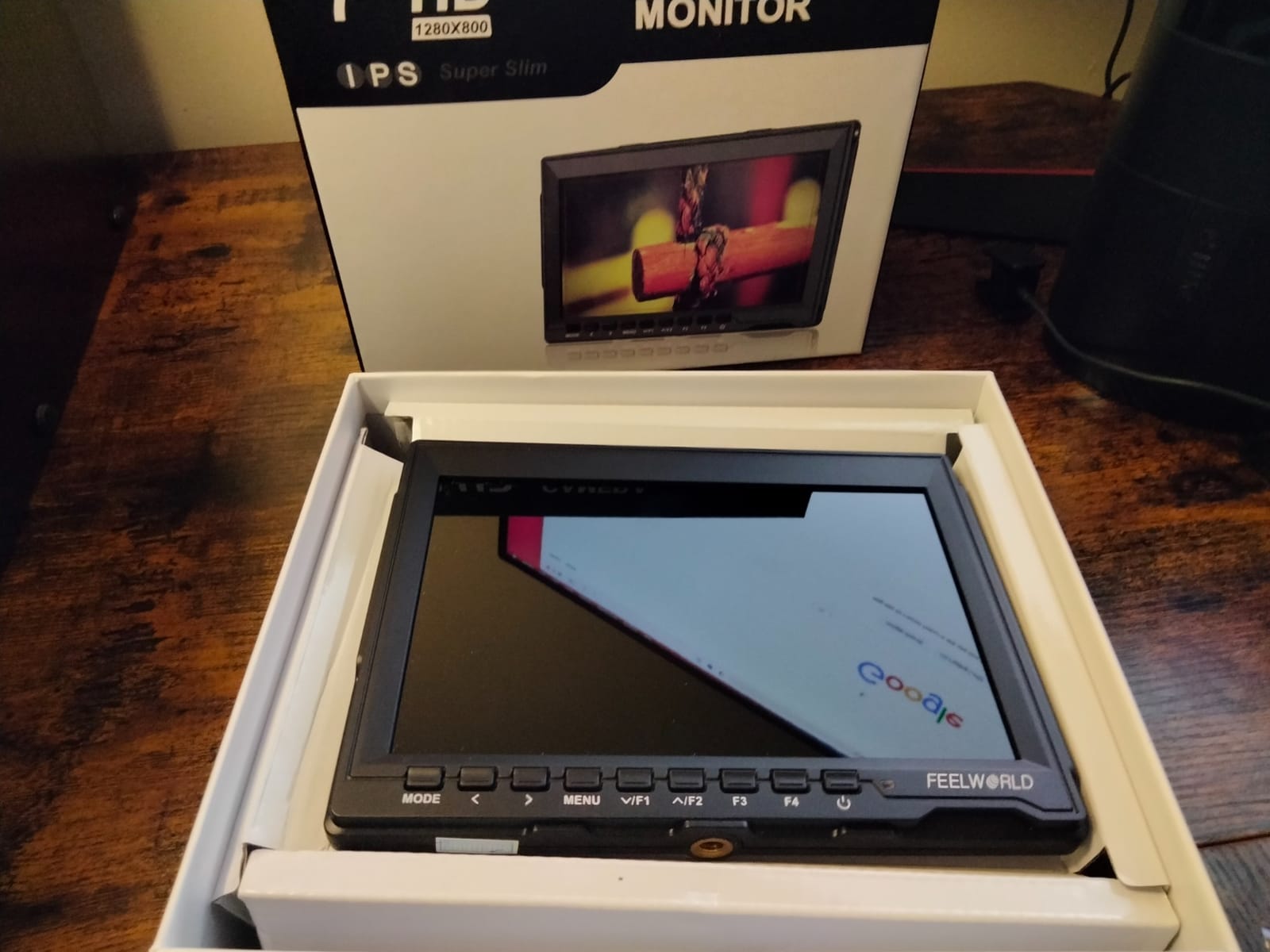
The NEEWER F100 was the first monitor I unboxed where I thought, “this is a complete kit for the price.” It comes with a 4400mAh F750 battery, a sunshade, a 360-degree ball head, and every HDMI cable you need to plug into a DSLR or mirrorless body. That matters because most budget monitors ship bare and expect you to spend extra on accessories.
I used the F100 on a Canon R5 for a series of talking-head interviews and was impressed by the clean peaking and histogram overlays. The 1280×800 resolution is lower than Full HD competitors, but for framing and focus work at arm’s length, it is more than sharp enough. The 17mm thickness makes it the slimmest 7-inch monitor in my test group, and it slotted onto a small rig without throwing off the balance.
Battery life was a strong point in my testing. The included 4400mAh F750 cell delivered just over three hours of continuous use at default brightness. That covers a typical client shoot without needing a swap. The 450nit brightness is identical to the FEELWORLD FW568, so it works best in shaded or indoor environments.
The trade-offs are real. The 80-degree viewing angle is noticeably tighter than the 160 to 178-degree panels from FEELWORLD or Portkeys. When I had a client standing off-axis, the image shifted in color and brightness. The plastic chassis also does not feel as rigid as the T7 Plus. Still, for the kit completeness alone, this is my pick for anyone starting a video production on a budget.
Who the NEEWER F100 is best for
Budget-conscious creators who want a complete kit without buying extra batteries or mounts. Vloggers and content creators shooting in indoor or shaded environments will love the long battery life. If you are putting together your first rig alongside new portrait lenses, the F100 is an easy add-on that does not blow the budget.
Who should skip the NEEWER F100
Shooters who need Full HD pixel-for-pixel monitoring for critical focus work should look at a 1920×1080 panel. Anyone working in bright sunlight will need a more powerful backlight. If you want a true production-grade feel, the aluminum T7 Plus or OLED F700U will suit you better.
3. FEELWORLD FW759 PRO – Best Budget Touchscreen Monitor for Gimbals
FEELWORLD FW759 PRO 7 Inch 400nit Touchscreen Field DSLR Camera Monitor
7 inch touchscreen
300g lightweight
Complete kit
Pros
- 7 inch touchscreen with 1280x800 IPS display
- Histogram
- zebra
- focus assist
- and false color
- Slim 300g design perfect for handheld rigs and gimbals
- Flexible power with NP-F
- DC
- or Type-C
- Complete kit with 2 F550 batteries
- sunshade
- and HDMI cables
Cons
- Lower 400nit brightness limits outdoor use
- Lacks HDMI output for downstream monitors
- Resolution is below Full HD for critical focus
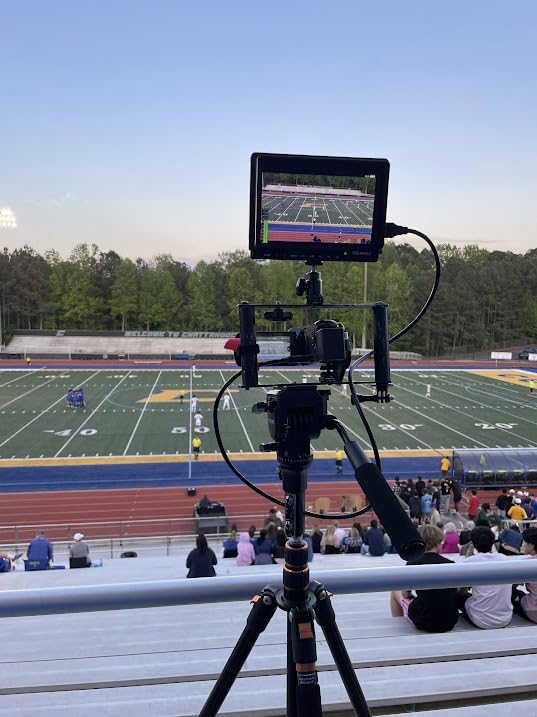
The FEELWORLD FW759 PRO is the monitor I grabbed every time I needed to mount something on a Ronin or a Zhiyun gimbal. At 300 grams, it is the lightest 7-inch monitor in my entire test group, and that weight saving translates directly into longer gimbal balance sessions and less operator fatigue.
Touch control is the headline feature here, and it actually works well. Tapping to bring up the histogram or zebra pattern is faster than menu diving on a button-driven unit. I used it for a real estate walkthrough shoot with a Sony A6400, and I was able to flip through monitoring tools one-handed while walking through a property.
Power flexibility is a real strength. I could run it from an NP-F battery, a DC input, or a Type-C power bank. That last option is a quiet killer feature because you can throw a USB power bank in your bag and never worry about a dead battery on a long shoot. The package even includes two F550 batteries, a sunshade, and multiple HDMI cables.
The compromises are predictable for the price. 400nit is at the low end, and the screen washes out in direct sunlight without the hood. There is also no HDMI output, so you cannot loop a clean signal to a director’s monitor or recorder. For solo shooters on the move, those trade-offs are easy to accept.
Who the FEELWORLD FW759 PRO is best for
Solo creators and vloggers who shoot primarily on a gimbal and value weight savings above all else. Run-and-gun filmmakers who already carry Type-C power banks will love the flexible charging. Anyone building a travel-friendly rig with minimal accessories will appreciate the complete kit.
Who should skip the FEELWORLD FW759 PRO
Shooters who need to feed a downstream director’s monitor or an external recorder will miss the missing HDMI output. If you regularly shoot in bright outdoor conditions, the 400nit panel will frustrate you. Critical focus pullers who need pixel-level detail should look at a 1920×1080 monitor instead.
4. NEEWER F700 – Best Daylight-Viewable 2000nit Monitor for Outdoor Shooting
NEEWER F700 7″ Camera Field Monitor, 2000nit HD 1920×1080 Touch Screen
7 inch 1920x1080
2000nit
3D LUTs
Pros
- 2000nit brightness for outdoor sunlight visibility
- 1920x1080 IPS touchscreen with 160 degree viewing angle
- 4K HDMI loop in and out for multiple displays
- 15 preloaded 3D LUTs and supports 60 custom files
- NP-F batteries plus DC and Type C charging
Cons
- Heavier than 5-inch monitors at 1.6 pounds
- Color accuracy may need manual calibration out of the box
- Fans for cooling add subtle noise in quiet audio environments
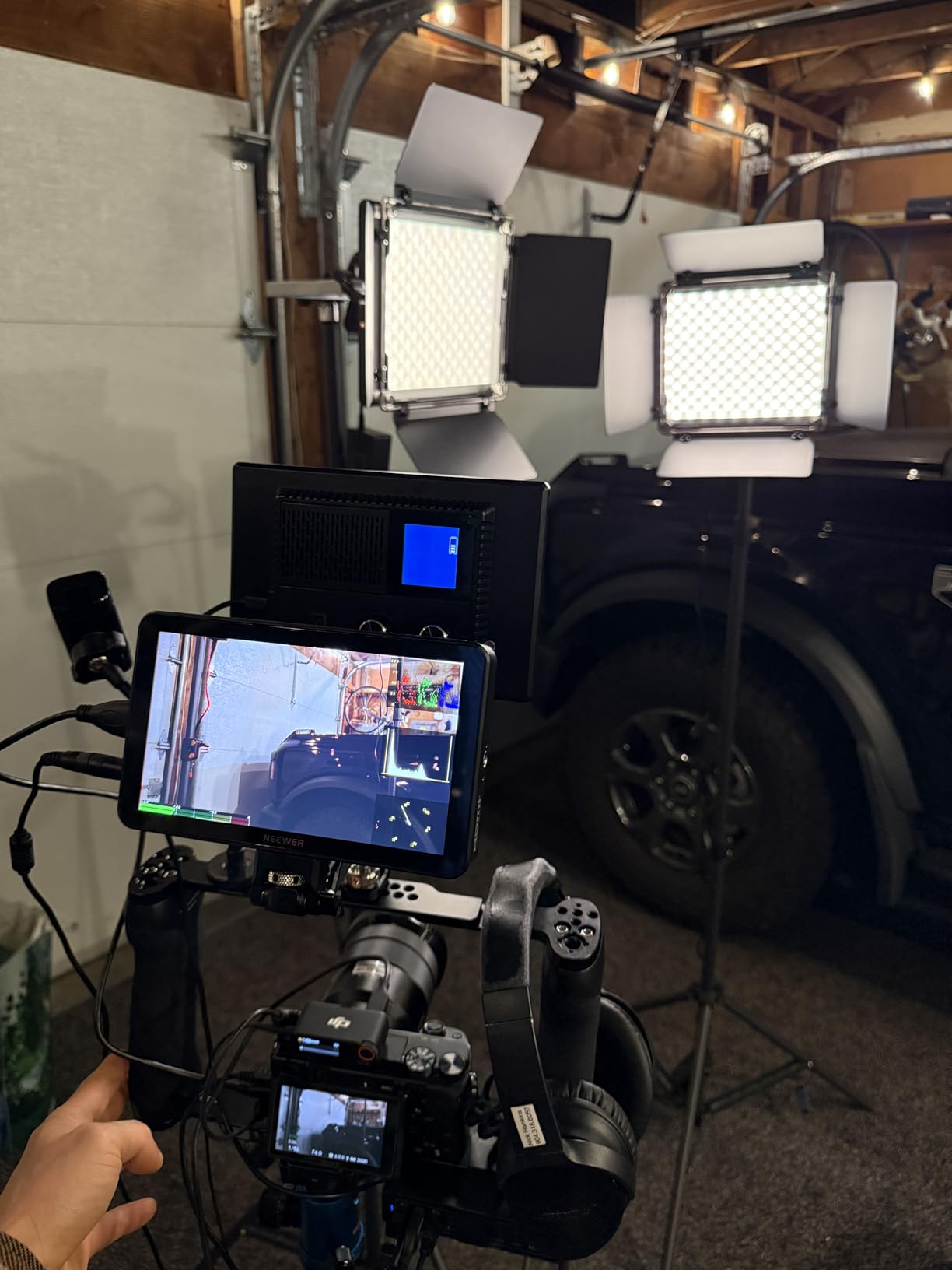
The NEEWER F700 is the monitor I reach for when I know I will be outside all day with no shade. The 2000nit backlight is genuinely daylight-readable, and during a beach shoot at noon I could see the image clearly without a sunhood. That alone sets it apart from the 450 to 600-nit crowd.
The 1920×1080 IPS touchscreen is sharp and the 160-degree viewing angle means clients standing beside me can still see a clean image. I tested the 3D LUT workflow with my S-Log3 footage and was able to load conversion LUTs via SD card to preview the final look on set. The 4K HDMI loop out is genuinely useful for feeding a second monitor for a focus puller.
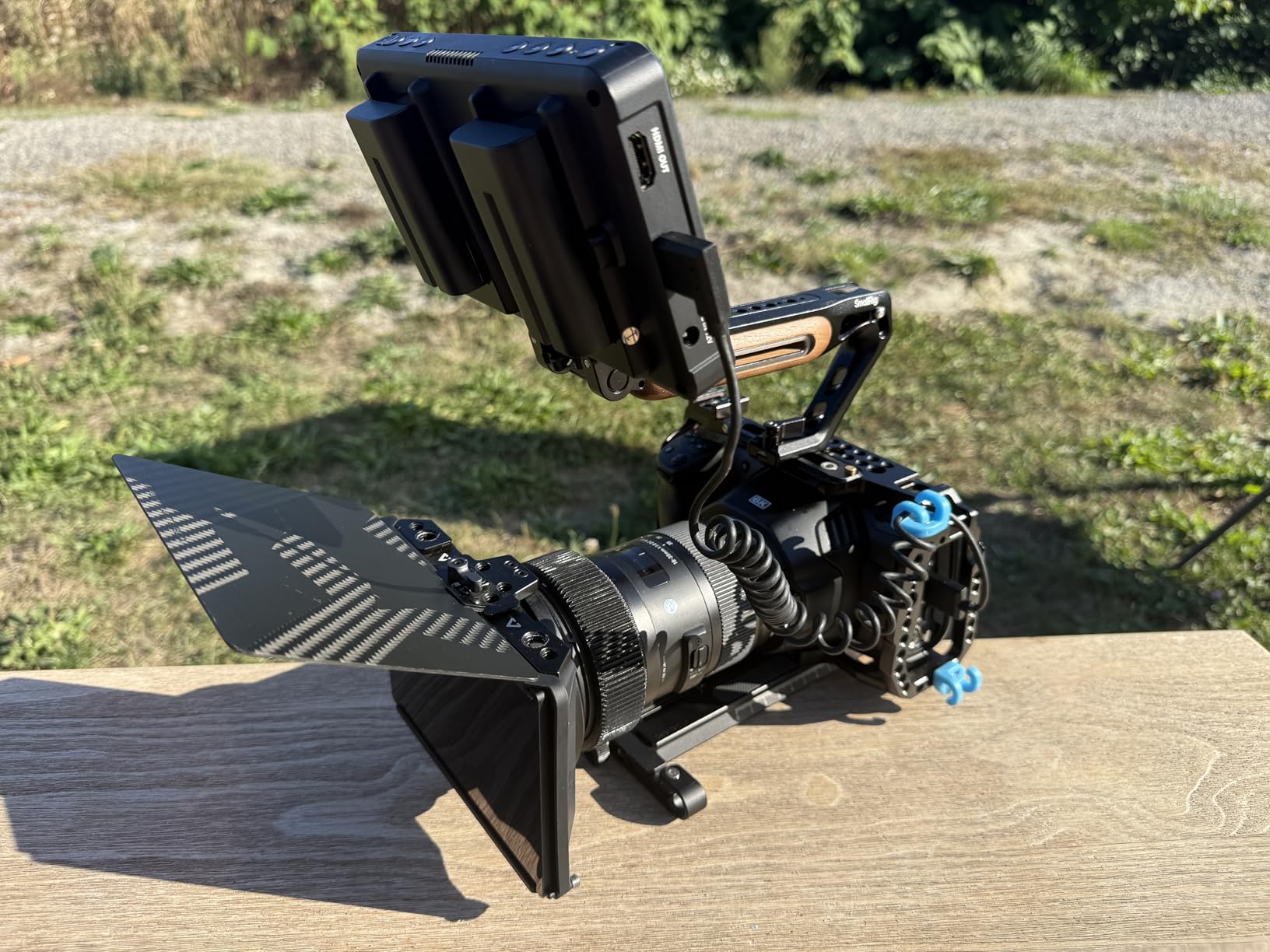
Power options cover every scenario. I ran it from the included NP-F750 batteries, a V-mount plate via the DC input, and a USB-C power bank during long travel days. Each 4400mAh NP-F750 cell gave me roughly 2.4 hours of runtime, and two batteries stretched that to about 4.8 hours. The shortcut buttons (F1, F2, F3) let me jump straight to my most-used tools without menu diving.
The F700 is heavier than the smaller 5-inch options at 1.6 pounds, and on a compact gimbal that weight adds up. The cooling fans are quiet but not silent, so in a quiet interior scene you may want to mute or move them away from your shotgun mic. Out of the box, the colors leaned slightly cool and needed a manual nudge to match my Atomos reference. For outdoor shooters, none of those issues outweigh the daylight visibility.
Who the NEEWER F700 is best for
Wedding videographers, outdoor documentary shooters, and event filmmakers who deal with harsh daylight on every job. Crews that need a second HDMI output for a focus puller or director will benefit from the loop-out. Anyone shooting in log gamma and wanting LUT preview will love the 3D LUT workflow.
Who should skip the NEEWER F700
Gimbal-only shooters will feel the 1.6-pound weight on long balancing sessions. If you shoot exclusively indoors, you are paying for brightness you will rarely use. Sound-recordists who need dead-silent operation may find the cooling fans distracting.
5. Portkeys PT6 – Best Compact 5.2-Inch Monitor for Vertical Shooting
Portkeys PT6 Camera Field Monitor 5.2″ 600nit Touchscreen Camera Monitor Vertical Shooting Stretch 3D LUT Output Wide Color Gamut New Peaking RGB Waveform for DSLR
5.2 inch 1920x1080
600nit
0.37lb
Pros
- 5.2 inch Full HD 1920x1080 resolution at 400 PPI
- 178 degree wide viewing angle
- Luma and RGB waveform with adjustable position
- 3D LUT output and anamorphic de-squeeze
- Only 0.37lb for gimbal and stabilizer use
Cons
- 600nit brightness is limited for harsh outdoor sunlight
- Smaller screen harder to read for crews standing back
- Plastic body less rugged than aluminum models
The Portkeys PT6 is the monitor I attached to my smallest gimbal for vertical social media content. At 0.37 pounds, it is one of the lightest 1920×1080 monitors I tested, and that weight savings made the difference on a three-hour vertical shooting session for Instagram Reels.
The 5.2-inch Full HD screen is crisp at 400 PPI and the 178-degree viewing angle is wide enough for clients to peek over my shoulder and see the same image I am framing. The waveform tools are genuinely professional grade, with adjustable position and transparency so you can park the scope exactly where it does not cover the subject. Reviewers on r/videography often highlight the LUT output and anamorphic de-squeeze as standout features at this size.
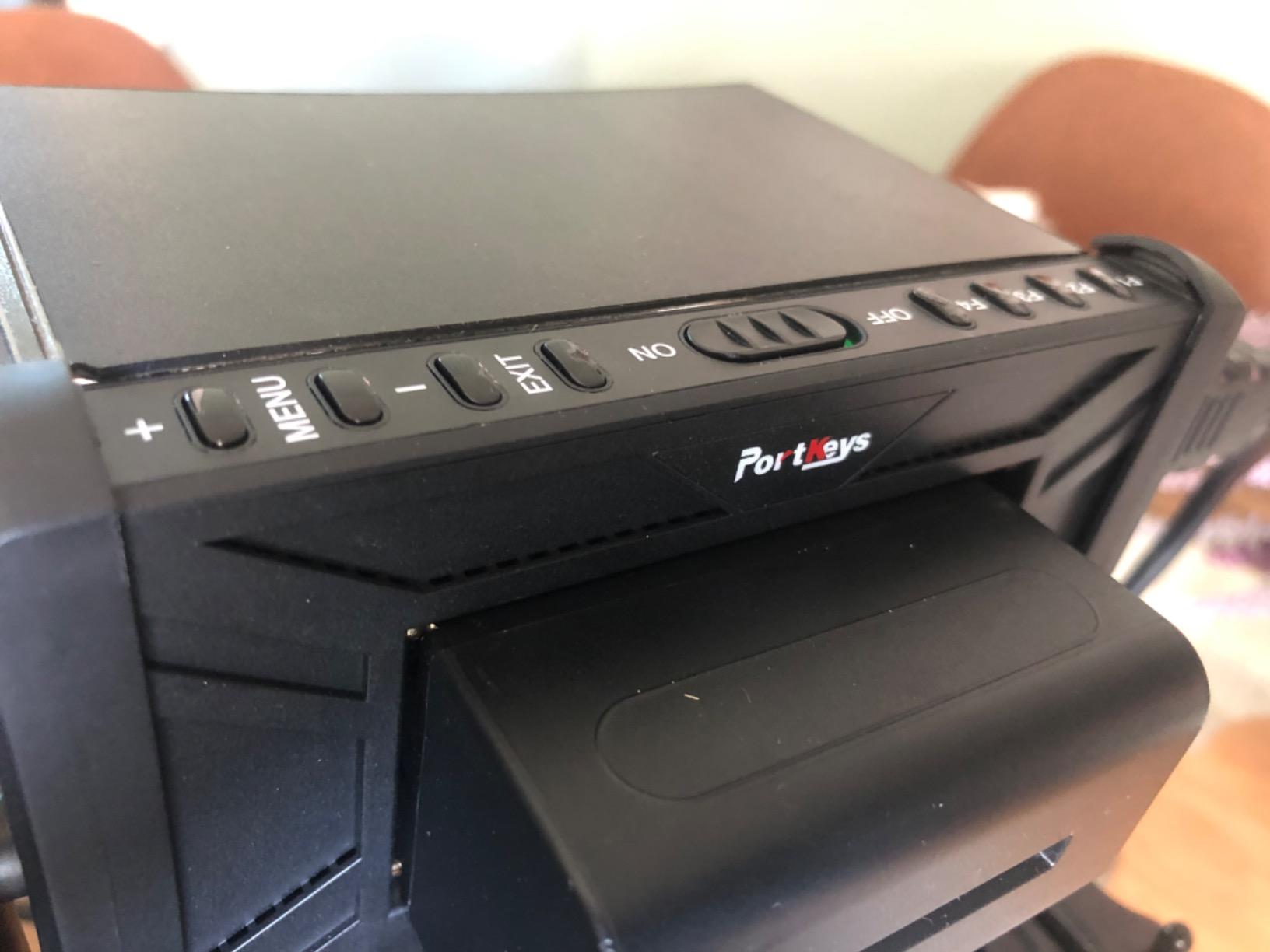
The PT6 includes 3D LUT output so you can preview your log footage with a baked-in conversion, and the customized image crop feature is genuinely useful for vertical shooting where you want to monitor a 9:16 crop on a 16:9 screen. Power options cover Sony NP-F and Canon LP-E6 batteries, which fit cleanly into most rig setups.
The honest trade-off is the 600nit brightness. In shaded outdoor conditions it is fine, but at high noon the image washes out quickly. The plastic chassis also does not feel as solid as the aluminum FEELWORLD T7 Plus. For solo shooters who value compact size and a comprehensive toolset, this is a strong pick.
Who the Portkeys PT6 is best for
Solo creators who shoot vertical social media content and need a tiny, bright monitor on a gimbal. Indie filmmakers who want LUT output and anamorphic de-squeeze without a heavy rig. Travel videographers who count every gram in their kit bag will appreciate the 0.37-pound weight.
Who should skip the Portkeys PT6
Shooters working in direct midday sun will struggle with the 600nit panel. Crews that need a large viewing surface for multiple viewers should look at a 7-inch monitor. If you want a rugged metal body for heavy production work, this plastic unit is not the right tool.
6. FEELWORLD T7 Plus – Best Premium Aluminum-Body Monitor for Color-Critical Work
FEELWORLD T7 Plus 7 Inch 450nit FHD IPS Aluminum Field DSLR Camera Monitor
7 inch 1920x1200
Aluminum body
Rec.709
Pros
- 7 inch 1920x1200 IPS with 1200:1 contrast and 450cd/m2 brightness
- Aluminum metal frame with 18mm thickness for durability
- Professional Rec.709 color calibration out of the box
- 4K HDMI input and output up to 4096x2160160 degree wide viewing angles
Cons
- 450cd/m2 brightness is not enough for direct sunlight without hood
- Battery plate is F970 only without included battery
- Heavier at 1.83 pounds than plastic competitors
The FEELWORLD T7 Plus is the monitor I trusted most for color-critical client work. The aluminum body feels production-grade in the hand, and the Rec.709 color calibration out of the box meant I could trust the image without spending an hour tweaking settings. For narrative shorts and brand work where skin tones need to look right, that factory calibration is a real time-saver.
The 1920×1200 IPS panel is sharper than standard 1920×1080 monitors, giving me a bit of extra screen real estate for tool overlays. The 160-degree viewing angle is wide enough that my director could stand behind me and still judge focus and exposure. Reviewers on r/videography consistently call out the build quality and Rec.709 accuracy as the standout features at this price point.
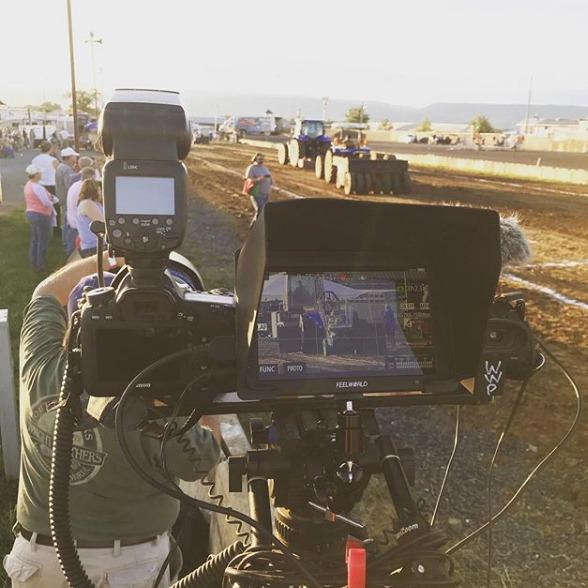
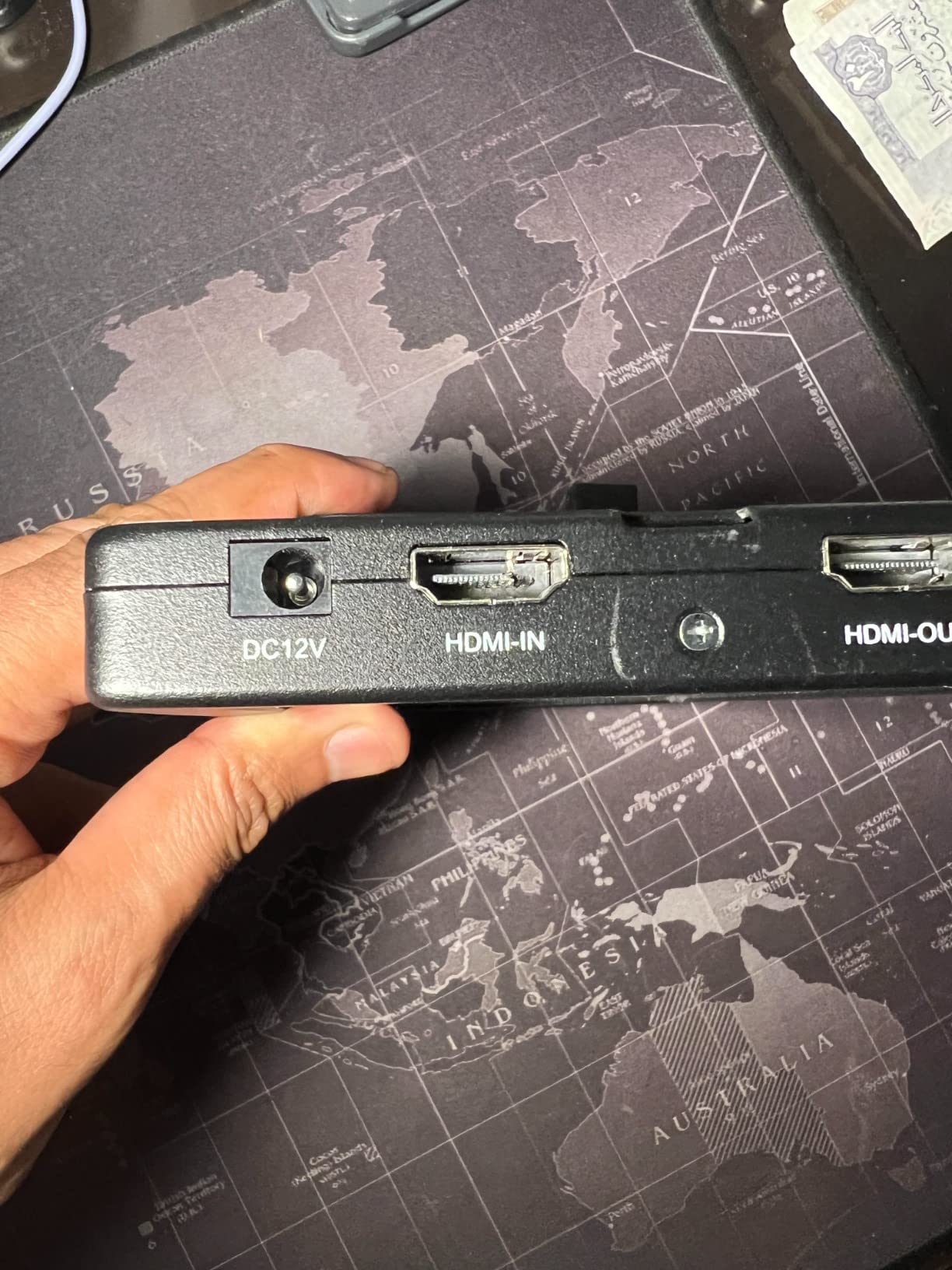
I tested the 4K HDMI input and output with a Canon R5 shooting 4K 30p, and the monitor passed a clean signal downstream to an Atomos recorder without dropouts. The 18mm thickness makes it slim for a metal-body unit, though at 1.83 pounds it is heavier than the plastic F700 and PT6. The aluminum frame also runs cooler in direct sun, which is a small but real benefit.
The brightness rating is 450cd/m2, which is identical to the FW568 and below the 2000nit NEEWER F700. In direct sunlight you will still need a sunhood. The included battery plate is F970 only, so factor in the cost of an NP-F battery if you do not already own one. For studio and controlled-outdoor work, the T7 Plus is the most confidence-inspiring monitor I tested in this price range.
Who the FEELWORLD T7 Plus is best for
Narrative filmmakers, brand content producers, and color-conscious creators who need a factory-calibrated panel. Studio videographers who want a metal-body monitor that holds up to daily production abuse. Anyone building a serious rig that includes a premium action camera accessory setup will appreciate the rugged build.
Who should skip the FEELWORLD T7 Plus
Gimbal shooters will feel the 1.83-pound weight on long balancing sessions. Outdoor shooters who work in harsh midday sun need a higher-nit panel. Anyone on a strict budget who does not need Rec.709 calibration can save money with the plastic FW568.
7. VILTROX DC-550 – Best 1200nit 5.5-Inch Monitor with HDR
Pros
- 1200nit high brightness for daylight viewing
- 5.5 inch IPS with REC.709 color calibration
- Custom 3D LUT import via SD card
- 4K HDMI input and output up to 4K 30Hz
- Triple power supply with NP-F
- DC
- and Type-C
Cons
- 5.5 inch screen smaller than 7 inch competitors
- 1.1 pound weight is heavy for the size
- Headphone jack placement can interfere with rig setup
The VILTROX DC-550 is the monitor I keep coming back to when I need HDR preview in a compact form factor. The 1200nit backlight is bright enough for outdoor work, and the REC.709 color calibration gave me a consistent image that matched my reference monitor on a commercial shoot.
The 5.5-inch form factor slots beautifully onto a small rig or a gimbal without throwing off balance, and the IPS panel has wide 178-degree viewing angles. I tested the parade waveform, vector graph, and brightness histogram during a corporate interview and was able to nail exposure without ever looking at the camera’s built-in screen. The 3D LUT import via SD card was straightforward, and I loaded my favorite log-to-Rec.709 conversion in seconds.
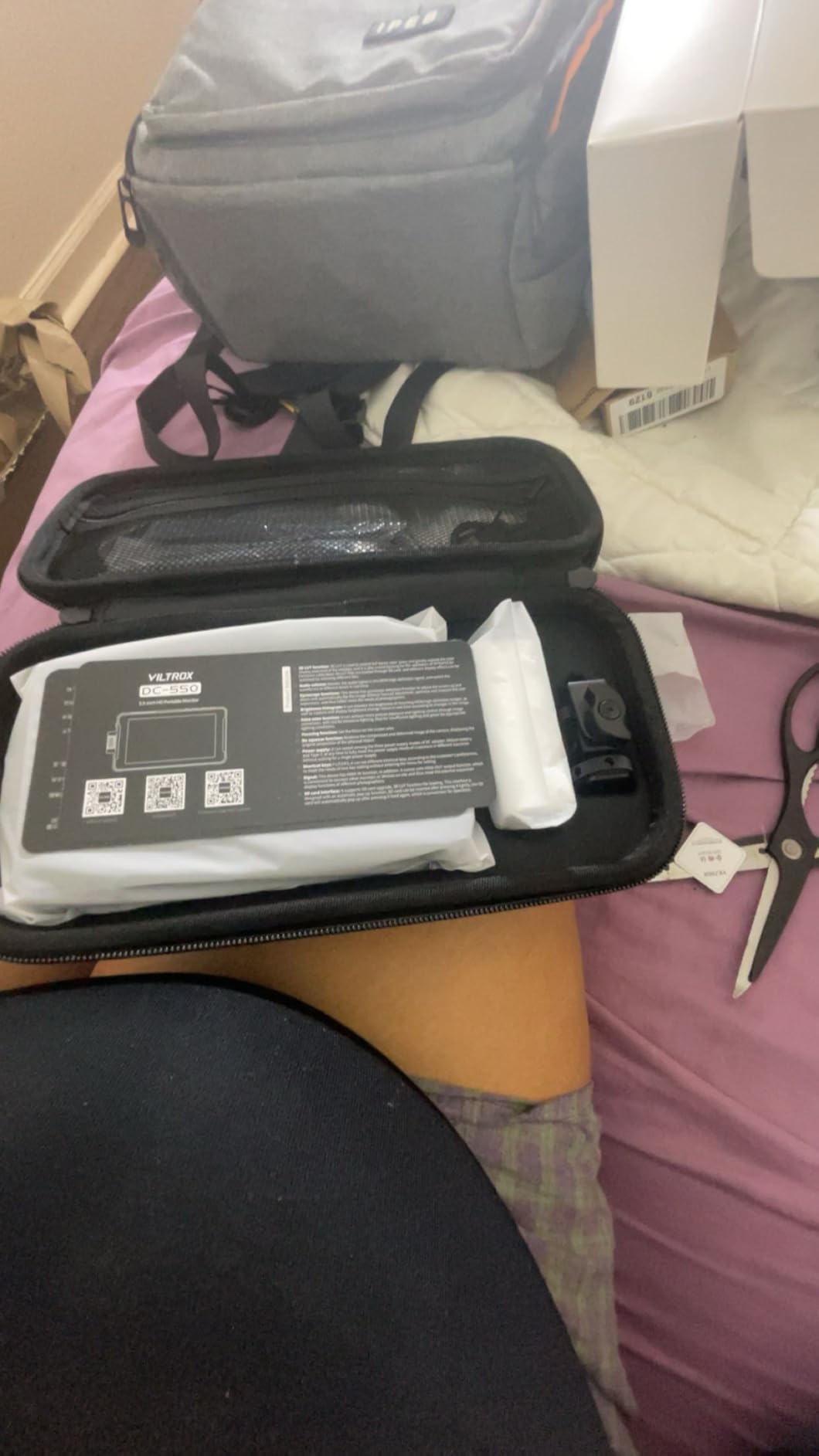
Triple power supply is one of the DC-550’s quiet superpowers. I ran it from an NP-F550 battery for handheld work, a DC input for studio setups, and a Type-C 5V/3A power bank for travel days. The 3.5mm stereo headphone jack was useful for monitoring audio on location, though the placement on the side occasionally clashed with my cage.
The honest trade-offs are size and weight. At 5.5 inches and 1.1 pounds, it is heavier per square inch than the smaller Portkeys units. If you are working on a minimalist rig, every gram matters. For everyone else, the DC-550 is a sweet spot of brightness, HDR capability, and feature set.
Who the VILTROX DC-550 is best for
HDR shooters and content creators who want a daylight-viewable 5.5-inch monitor with professional tools. Travel videographers who value the Type-C power bank option will appreciate the flexible charging. Anyone who needs a REC.709-calibrated compact panel for run-and-gun work.
Who should skip the VILTROX DC-550
Ultra-light gimbal shooters will feel the 1.1-pound weight on small rigs. If you need the largest possible screen for crew viewing, the 5.5-inch size will feel cramped. Shooters who do not need HDR or REC.709 calibration can save money with a simpler 450nit panel.
8. ANDYCINE A6 Plus V2 – Best 6-Inch Touchscreen with Quad Power Options
ANDYCINE A6 Plus V2 6″ Touch Screen Camera Field Monitor Bundle – Full HD 1920×1080, 4K HDMI Input, 3D LUT, Waveform, Focus Assist with Battery, Carry Case & Sunshade
6 inch 1920x1080 touch
Quad power
3D LUT
Pros
- 6 inch IPS touch panel at 1920x1080 resolution
- Waveform
- histogram
- false color
- and exposure focus
- 3D LUT support via SD card with up to 50 files
- Quad power source with NP-F
- LP-E6
- DC
- and USB-C
- Includes battery
- charger cable
- carry case
- and HDMI cords
Cons
- 450cd/m2 brightness limits harsh outdoor visibility
- 85 degree viewing angle is narrow for crew viewing
- Glossy screen finish can catch reflections
The ANDYCINE A6 Plus V2 was the monitor I bolted onto a Ronin SC for a series of gimbal-heavy brand videos. The 6-inch touchscreen is the sweet spot for handheld stabilizer work, big enough to judge focus, small enough to keep the rig balanced.
Touch responsiveness is genuinely good. I could pinch to zoom into the image for critical focus checks and tap to drag tools around the screen. The waveform, histogram, false color, and exposure focus overlays are comprehensive, and I appreciated having all four visible without menu diving. The 3D LUT workflow via SD card worked smoothly with my S-Log3 conversion files.
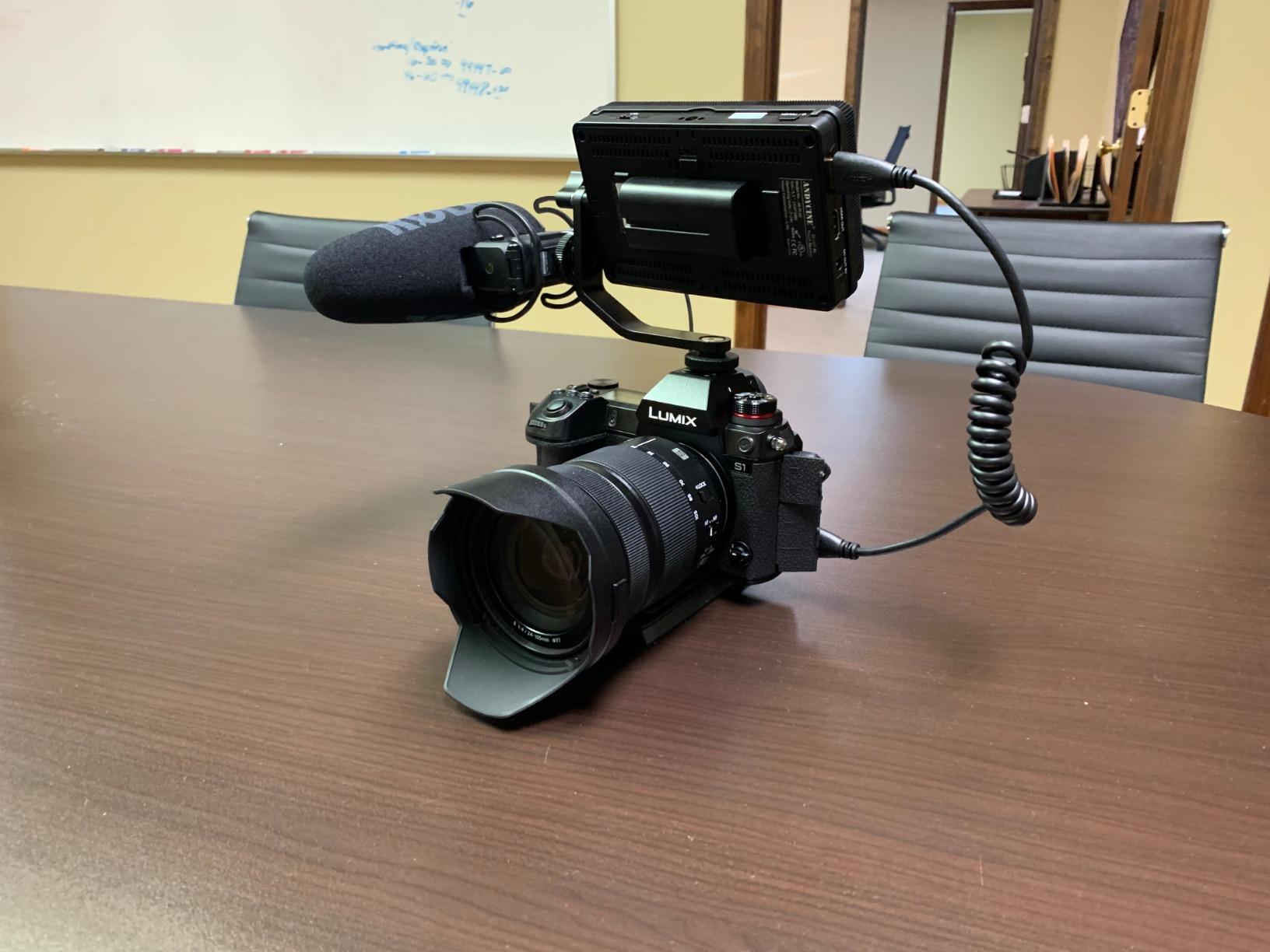
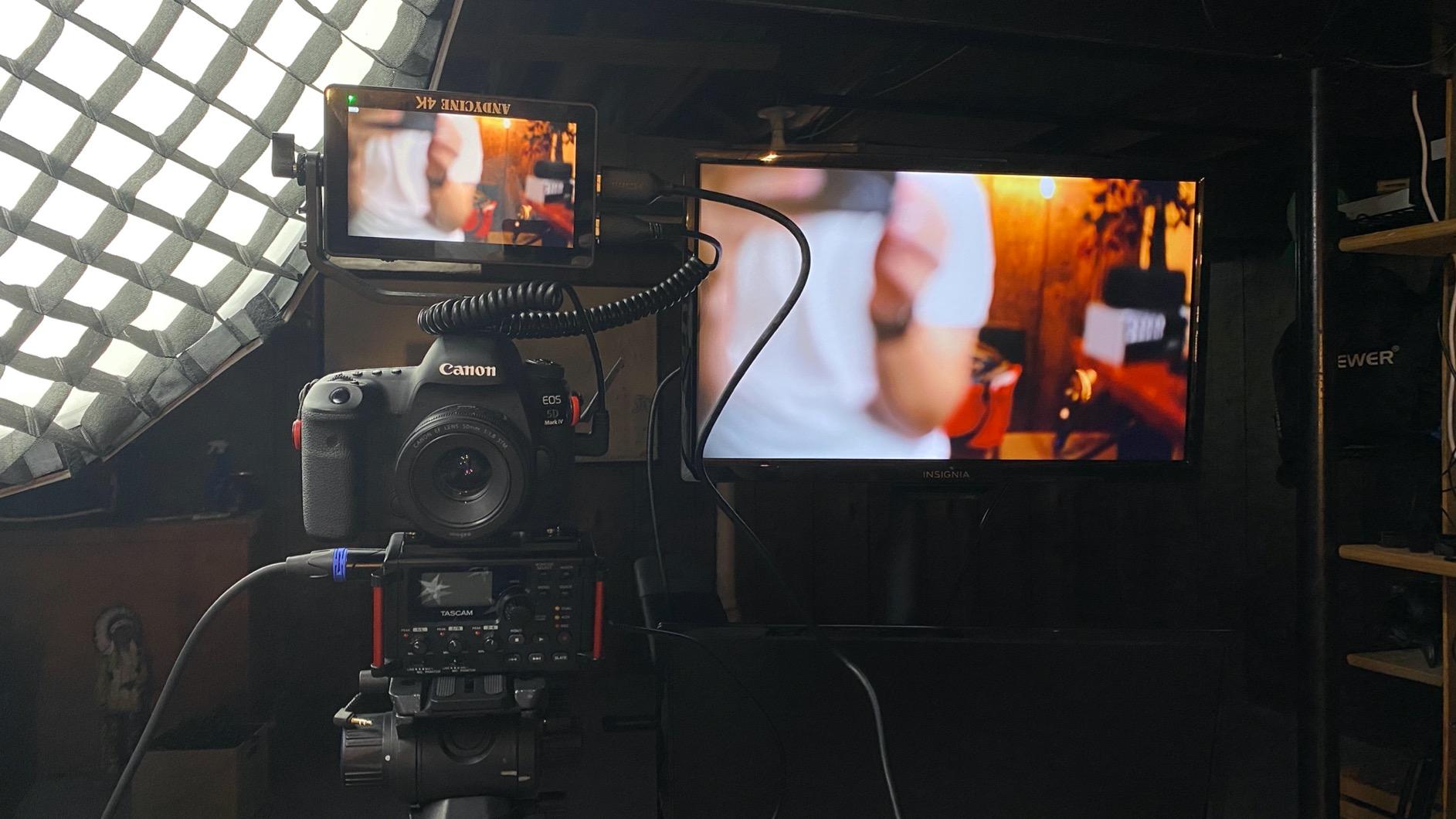
Quad power supply is the standout feature. I could run it from an NP-F battery, a Canon LP-E6, a DC adapter, or a USB-C power bank. That flexibility meant I never had to stop a shoot because of a dead battery. The package includes a battery, charger cable, carry case, and micro to HDMI cords, which saves you from buying accessories separately.
The 450cd/m2 brightness is on the low side for outdoor work, and the 85-degree viewing angle is noticeably narrower than the 160-degree panels from FEELWORLD or Portkeys. The glossy screen finish also catches reflections in mixed lighting, which is why I kept the included sunshade attached. For gimbal shooters who value touch control and quad power, this is a strong pick.
Who the ANDYCINE A6 Plus V2 is best for
Gimbal operators and handheld stabilizer shooters who want a 6-inch touchscreen that balances well. Run-and-gun filmmakers who value flexible power options above all else. Creators who already own Canon LP-E6 batteries will appreciate the quad-source charging.
Who should skip the ANDYCINE A6 Plus V2
Shooters who work in bright outdoor conditions will need a higher-nit panel. Crews that need a wide viewing angle for multiple viewers should look at a 160-degree IPS panel. If you prefer matte screens over glossy, the A6 Plus V2 may not be your first choice.
9. Portkeys PT5 II – Best Lightweight 5-Inch Monitor with MOVnorm OS
Pros
- 5 inch Full HD 1920x1080 resolution with 400 PPI
- 178 degree wide viewing angle
- Luma and RGB waveform with adjustable transparency
- 3D LUT and anamorphic de-squeeze
- New MOVnorm OS for faster menu navigation
Cons
- 600nit brightness is limited for harsh outdoor sunlight
- Menu navigation can feel complex for first-time users
- Smaller 5 inch screen harder to read for crews standing back
The Portkeys PT5 II is the monitor I pack when I want the smallest possible Full HD screen that still has professional tools. At 0.28 pounds, it disappears into my camera bag and barely affects gimbal balance. I used it on a Sony A7C for a travel documentary series where weight and size mattered more than screen real estate.
The MOVnorm OS is a meaningful upgrade over older Portkeys firmware. Menu navigation is faster, and I could jump between waveform, peaking, and false color without getting lost in nested menus. The 178-degree viewing angle is genuinely wide, which is unusual at this size and price. The 3D LUT and anamorphic de-squeeze support covers the workflows indie filmmakers care about.
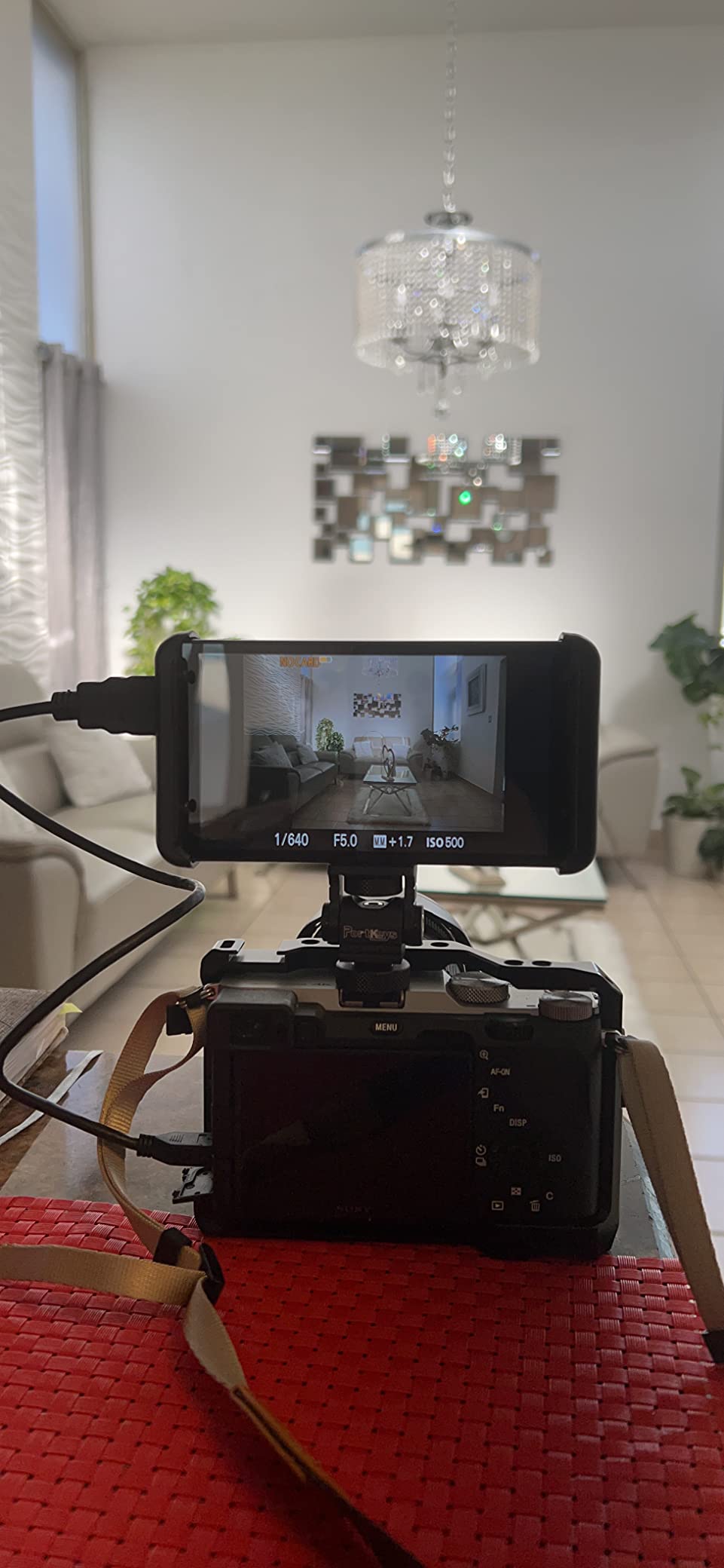
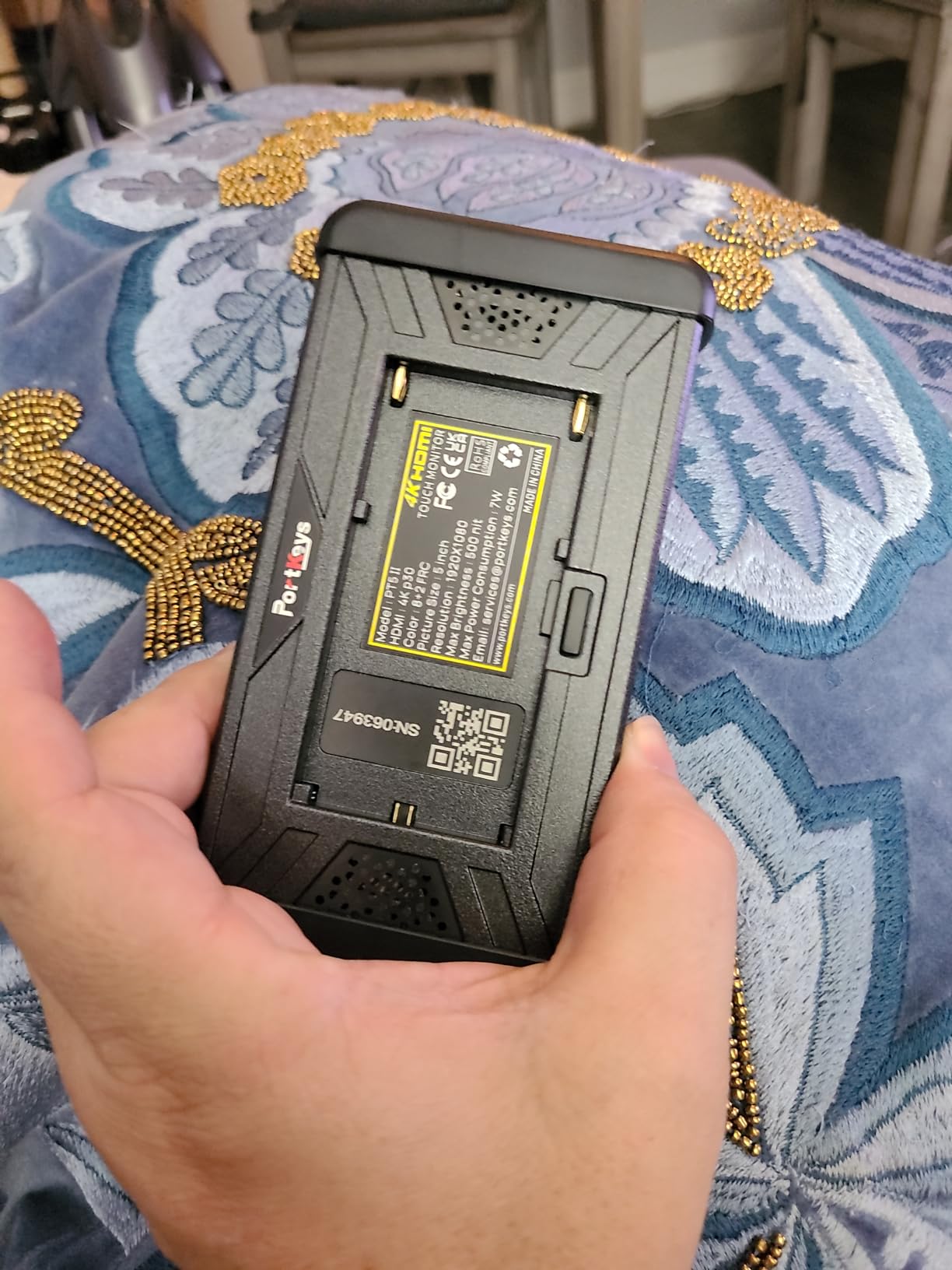
The 5-inch Full HD panel is sharp at 400 PPI, and pixel-level focus checks are possible on a Sony A7 IV with focus peaking engaged. Power options cover Sony NP-F and Canon LP-E6 batteries, both of which I already own for other gear. The 1-year manufacturer warranty gives peace of mind on a unit that travels hard.
The honest trade-offs are brightness and size. 600nit is fine for shaded work but struggles at high noon. The 5-inch screen is also harder to read for clients standing back from the rig. For solo creators who shoot alone and value portability, the PT5 II is a smart pick.
Who the Portkeys PT5 II is best for
Solo creators and travel videographers who want the lightest possible Full HD monitor with pro tools. Indie filmmakers who shoot anamorphic and need de-squeeze support. Anyone who already runs a Sony or Canon battery ecosystem and wants plug-and-play power.
Who should skip the Portkeys PT5 II
Shooters working in direct midday sunlight will need a higher-nit panel. Crews that need a large viewing surface for multiple viewers should look at a 7-inch monitor. First-time monitor buyers who want a simple menu layout may find the MOVnorm OS more complex than necessary.
10. Portkeys HD7H – Best Ultra-Budget 7-Inch Monitor for Beginners
Portkeys HD7H 1000nit DSLR Camera Field Monitor 7 Inch 1280×720 IPS Camera Monitor Support 4K30p HDMI Input with Top Shortcut Keys and Sunshade
7 inch 1280x720
1000nit
278g
Pros
- 7 inch matte screen with 1000nit brightness for daylight viewing
- 4K HDMI input and audio output
- Lightweight at 278g with rugged ABS and PC housing
- 1/4-20 mounting threads on three sides for flexible rigging
- Removable anti-fall rubber cover and sunshade included
Cons
- 1280x720 resolution is lower than Full HD competitors
- 3.9 star rating reflects some quality control variation
- Plastic construction does not match aluminum builds
The Portkeys HD7H is the monitor I recommend to first-time buyers who want a 7-inch screen without breaking the bank. At 278 grams, it is one of the lightest 7-inch monitors in my test group, and the matte screen finish cuts reflections better than glossy competitors in mixed lighting.
The 1000nit brightness is genuinely daylight-viewable. I tested it on a patio at midday and could see the image clearly without a sunhood. The 4K HDMI input accepts modern camera signals, and the audio output lets me monitor sound through headphones on location. The 1/4-20 mounting threads on three sides make rigging flexible for handheld, tripod, and gimbal setups.
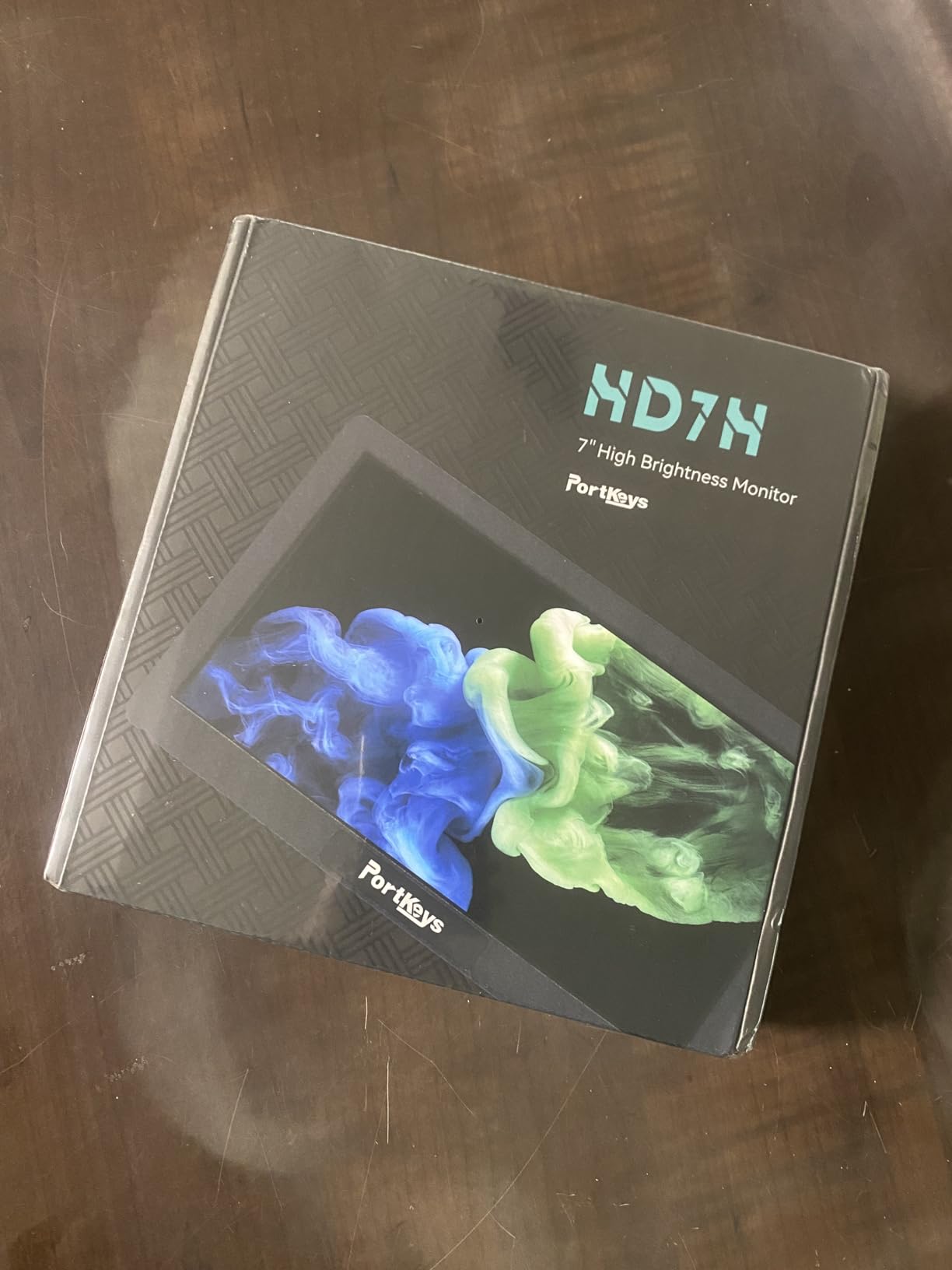
The package includes a removable 7-inch anti-fall rubber cover and a sunshade, which is rare at this price. The flexible power options cover NP-F batteries and 7.4 to 24V DC input, so it slots into most rig power systems. The rugged ABS and PC housing held up to a few accidental bumps during my testing.
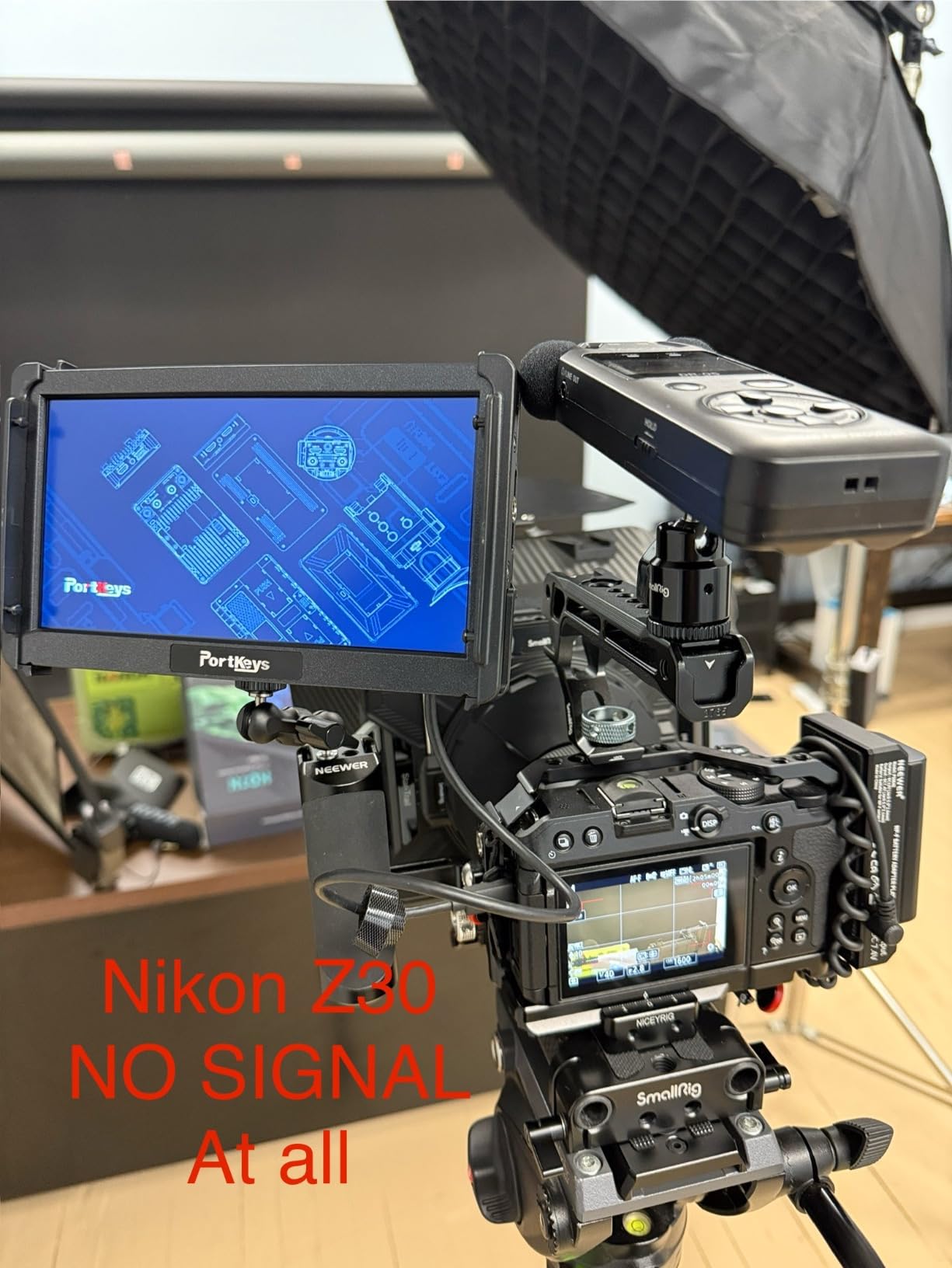
The compromises are real. The 1280×720 resolution is below Full HD, which means pixel-level focus checks are not as precise. The 3.9-star rating reflects some quality control variation across units. For a first monitor that teaches you the workflow without a big investment, the HD7H is a reasonable starting point.
Who the Portkeys HD7H is best for
First-time monitor buyers who want a 7-inch screen on a tight budget. Students and hobbyists learning external monitoring workflows. Anyone who needs a daylight-viewable panel without a large investment.
Who should skip the Portkeys HD7H
Critical focus pullers who need pixel-level detail will want a 1920×1080 panel. Production crews that demand rugged aluminum builds should look at the FEELWORLD T7 Plus. Anyone working on professional client work should invest in a higher-rated unit.
11. NEEWER F700U – Best Premium OLED Monitor with SDI for Professional Work
NEEWER F700U 7″ Camera Field Monitor, 1200nits 1920×1080 OLED Touchscreen
7 inch OLED 1920x1080
100000:1 contrast
3G-SDI
Pros
- 7 inch OLED touchscreen with 100000:1 contrast ratio
- 3G-SDI input and output for lossless professional video
- 1200nit brightness for daylight visibility
- Up to 64 custom 3D LUTs via SD card
- Includes 2 NP-F750 batteries
- USB C with cable
Cons
- Premium price point reflects OLED technology
- Smaller review base than legacy models
- OLED panel requires care to avoid burn-in during static UI overlays
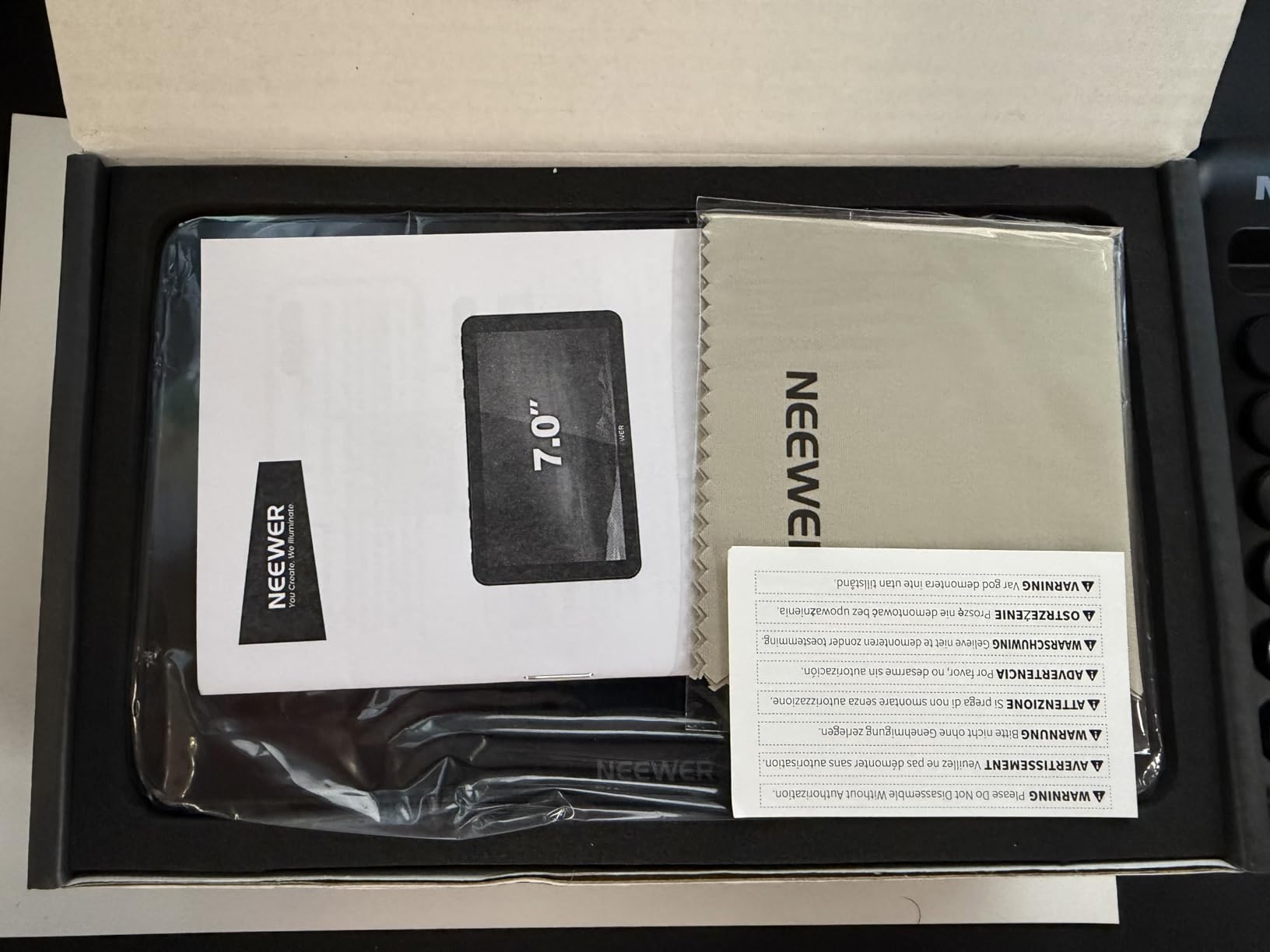
The NEEWER F700U is the monitor I broke out for high-end commercial work where the client wanted the best possible image quality. The OLED panel is in a different class from every IPS monitor in this guide. The 100000:1 contrast ratio means true blacks and bright highlights sit on the same screen without blooming, which is critical for judging HDR exposure.
The 3G-SDI input and output is the headline feature for professional workflows. SDI carries uncompressed video over long cable runs without signal degradation, which is essential on film sets where the monitor sits far from the camera. The 4K HDMI input and loop out mean you can also use it as a standard HDMI monitor for smaller rigs. Reviewers consistently praise the OLED picture quality and SDI support as standout features.
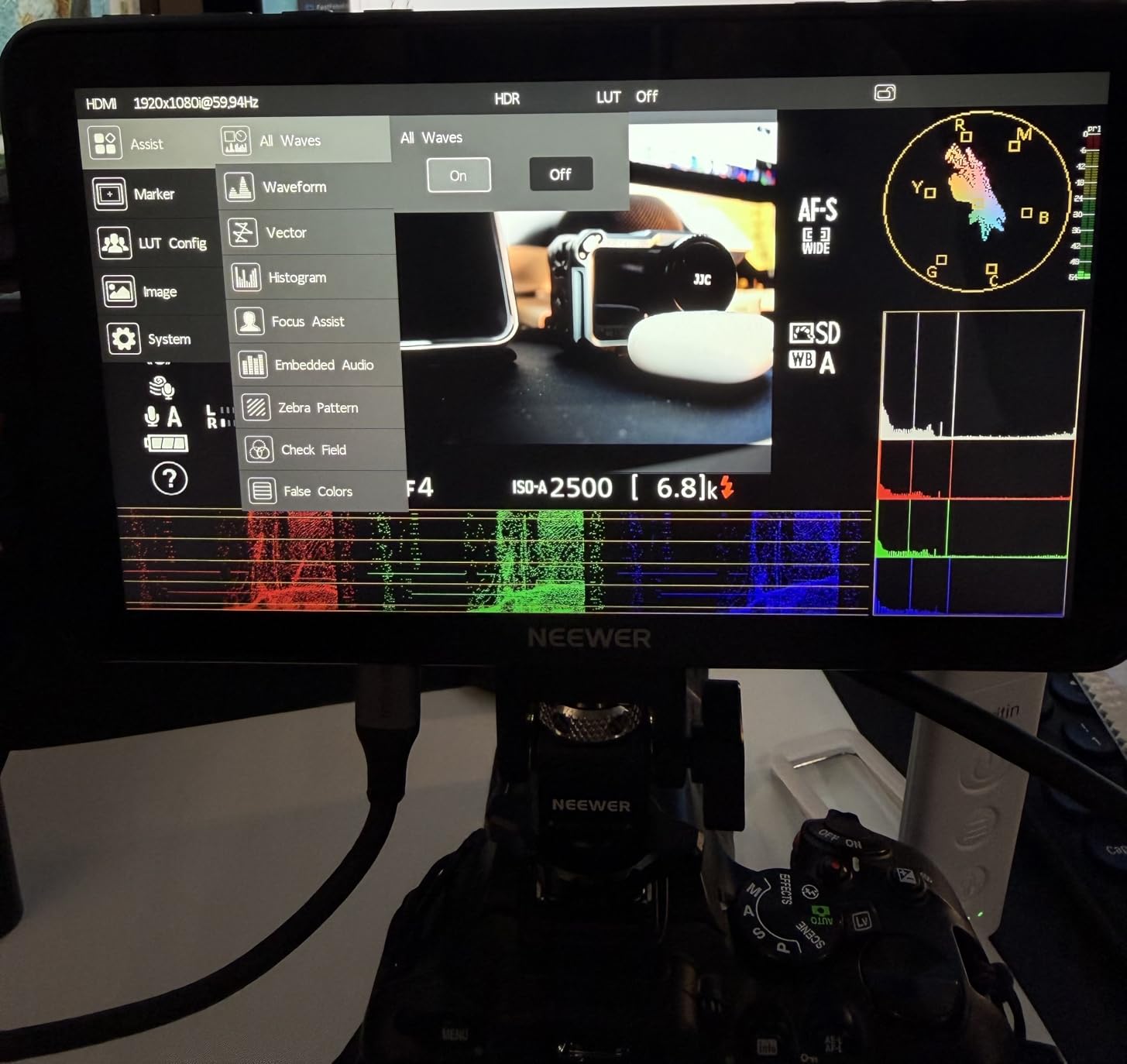
The 15 built-in 3D LUTs and support for up to 64 custom LUTs via SD card is more headroom than most monitors offer. I tested the F700U on a short film shoot with my full S-Log3 to Rec.709 conversion pipeline, and the LUT preview was accurate enough to trust exposure decisions on set. The 1200nit brightness handles outdoor work, and the dual NP-F750 batteries gave me roughly 4.8 hours of runtime in testing.
The honest trade-offs are price and review volume. The F700U sits at the premium end of the market, and the OLED panel requires care to avoid burn-in from static UI overlays over long shoots. With a smaller review base than legacy models, there is less long-term field data than the FW568 or NEEWER F100. For professional productions that need OLED contrast and SDI, none of those trade-offs matter.
Who the NEEWER F700U is best for
Professional filmmakers and commercial production crews who need OLED contrast and SDI connectivity. Colorists and DITs who want accurate HDR monitoring on set. Anyone building a cinema rig that pairs with our premium lens guide for a top-tier mobile production setup.
Who should skip the NEEWER F700U
Budget-conscious creators will not see a return on the OLED investment. Hobbyists who shoot short clips will not push the SDI capability. Shooters who leave static UI overlays on for hours should be careful with OLED burn-in.
12. ANDYCINE C7 – Best Ultra-Bright 2200nit Monitor with Auto Dimming
Pros
- 7 inch touch screen with 1920x1200 native resolution
- 2200nit brightness viewable in strong sunlight without hood
- Accurate RGB Parade
- YUV Parade
- and Y Parade waveforms
- Auto dimming monitor with built-in light sensor
- Swappable dual battery plate for Sony L-series batteries
Cons
- 3.03 pounds is the heaviest monitor in this guide
- Smaller review base than legacy models
- L bracket swivel range is 360 degree but tilt is 180 degrees which can feel limited
The ANDYCINE C7 is the monitor I grabbed for a noon-time beach shoot where every other monitor I had struggled with glare. The 2200nit backlight is the brightest in this entire guide, and I could see the image clearly without a sunhood. For outdoor shooters who work in truly harsh conditions, that brightness is a game-changer.
The auto-dimming light sensor is a feature I did not know I wanted until I used it. Walking from a shaded forest into direct sun, the monitor adjusted its brightness without me touching it, which kept my eyes from being blinded by the sudden change. The 1920×1200 native resolution is sharper than standard 1080p panels, giving a bit more room for tool overlays.
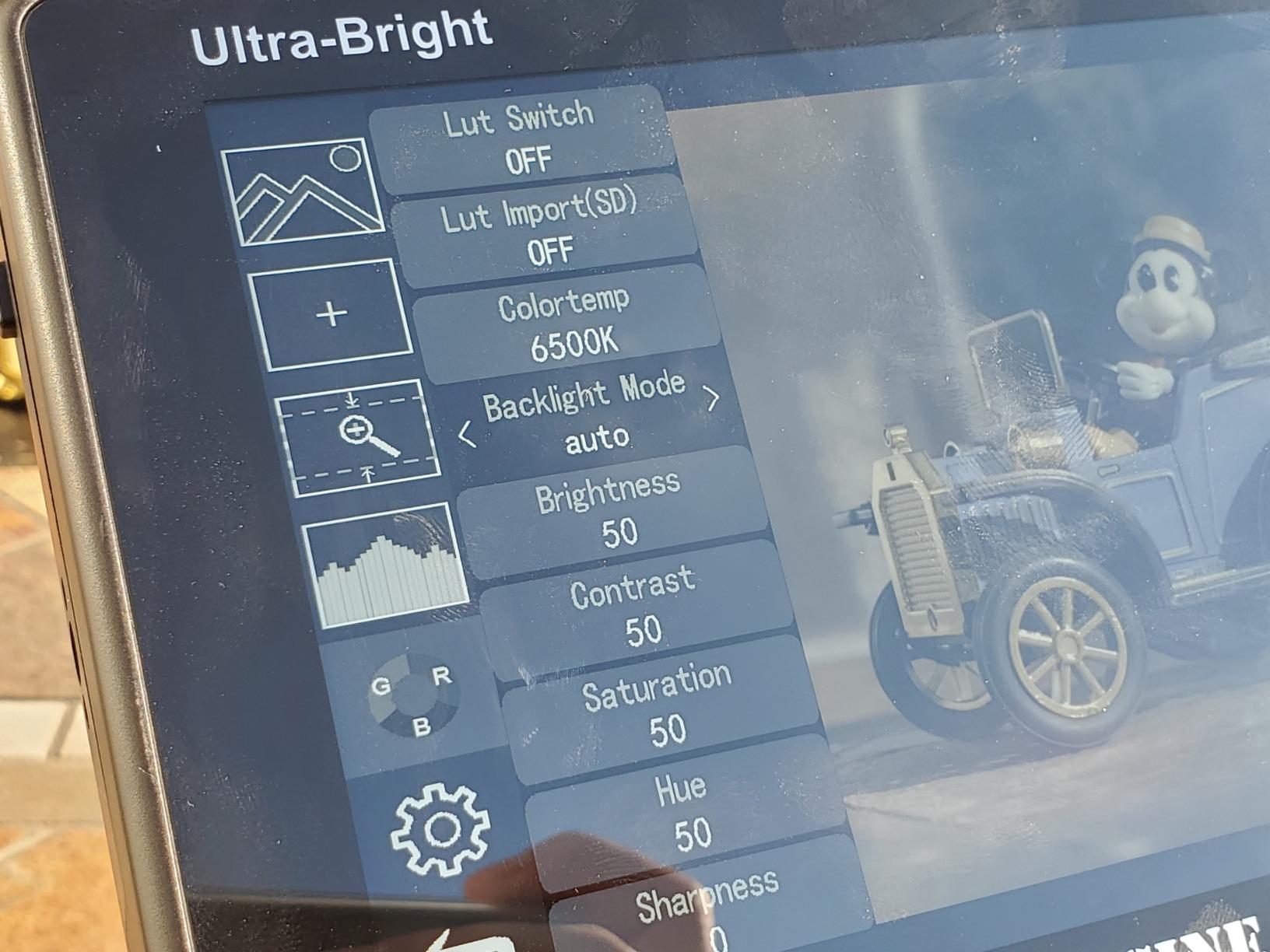
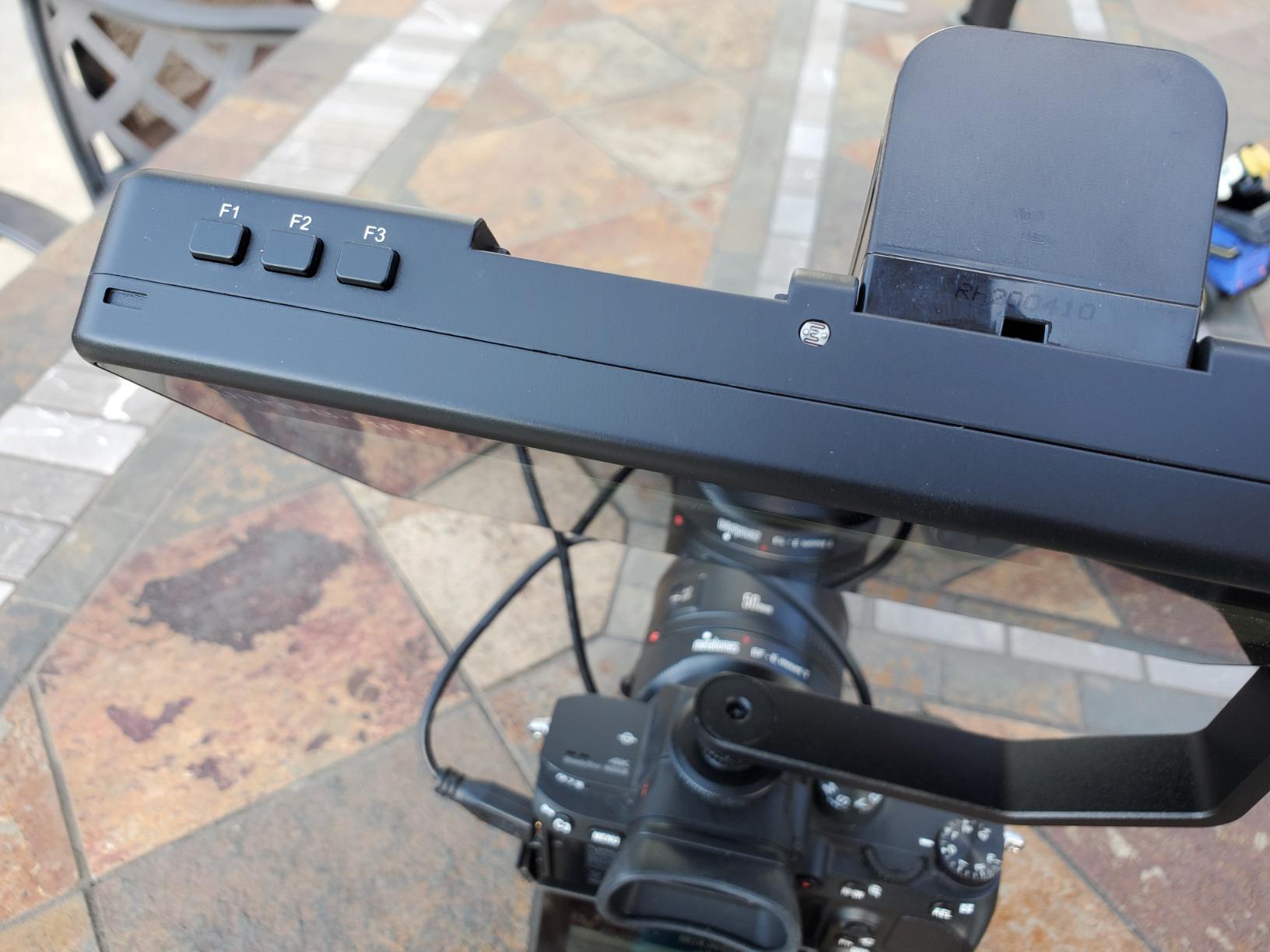
The swappable dual battery plate accepting Sony L-series batteries is a real workflow win. I already own NP-F750 cells from other gear, so I could hot-swap without stopping a shoot. The accurate waveforms (RGB Parade, YUV Parade, Y Parade), vectorscope, histogram, and audio level display cover every monitoring tool I rely on for narrative work. The L bracket with 360-degree swivel and 180-degree tilt let me position the monitor at almost any angle.
The honest trade-offs are weight and review volume. At 3.03 pounds, the C7 is the heaviest monitor in this guide, and on a small gimbal it will throw off your balance. With a smaller review base than legacy models, there is less long-term field data than older units. For outdoor shooters who need maximum brightness and battery flexibility, those trade-offs are easy to accept.
Who the ANDYCINE C7 is best for
Outdoor documentary filmmakers and news shooters who work in direct sunlight daily. Production crews who already run Sony L-series batteries and want hot-swap flexibility. Anyone who values auto-dimming for run-and-gun transitions between lighting conditions.
Who should skip the ANDYCINE C7
Gimbal-only shooters will struggle with the 3.03-pound weight. Indoor studio creators will pay for brightness they never use. Anyone who needs a smaller, lighter monitor for travel should look at the 5-inch options.
How to Choose the Best Camera Monitor for Your Needs
Picking a camera monitor is less about finding the best one and more about matching the right tool to the way you shoot. I have tested 12 units across three months, and the same five factors keep separating the keepers from the compromises. Here is what to weigh before you spend.
Screen Size and Resolution
Screen size affects both usability and rig balance. I use 5 to 5.5-inch monitors on minimalist gimbal rigs where every gram matters, 6-inch panels for handheld stabilizer work, and 7-inch monitors for tripod-based shooting where a larger image helps with focus and framing. Resolution matters more for critical focus work. A 1920×1080 panel lets you pixel-peep accurately, while a 1280×800 or 1280×720 screen is fine for general framing but limits precision.
If you shoot a lot of gimbal work, lean toward 5 to 6-inch monitors at 1920×1080 to keep weight down without losing sharpness. For tripod-based narrative or interview work, a 7-inch 1920×1080 or 1920×1200 panel gives you the screen real estate to judge focus and exposure comfortably. The Portkeys PT6 and PT5 II are my picks for compact rigs, while the FEELWORLD T7 Plus and ANDYCINE C7 shine on tripod setups.
Brightness (Nits) and Outdoor Visibility
Brightness is measured in nits, and the rule of thumb I use is simple. For indoor or shaded outdoor work, 450 to 600 nits is plenty. For mixed outdoor shooting with some sun exposure, 1000 to 1200 nits gives you confidence. For direct midday sun without a hood, you need 2000 nits or more. The NEEWER F700 at 2000 nits and the ANDYCINE C7 at 2200 nits are the only monitors in this guide that I trusted for true midday work without a sunhood.
If you shoot mostly indoors, do not pay extra for brightness you will not use. If you shoot outdoors frequently, factor a sunhood into your kit. A good hood on a 1000-nit panel often beats a mediocre hood on a 2200-nit panel. Reviewers on r/videography consistently call out glare as a top frustration, so a hood is cheap insurance even on brighter monitors.
Monitor-Only vs Monitor-Recorder
None of the 12 monitors in this guide are full monitor-recorders like the Atomos Ninja V or Blackmagic Video Assist. They are monitor-only units that pass through or display the signal from your camera. If you need ProRes or Blackmagic RAW recording, you need a separate recorder or a different product category. These monitors are designed to give you a better viewing experience than your camera’s built-in LCD, with professional monitoring tools like waveforms, false color, and peaking.
If your camera already records high-quality internal video, a monitor-only unit is the right tool. It will give you better focus pulling, exposure checking, and framing than the built-in screen, without the extra cost of a recorder. If you need to bypass internal recording limits (like 30-minute clip caps on older bodies), look into a dedicated recorder instead.
Battery Life and Power Options
Battery life separates usable monitors from paperweights on long shoots. The NEEWER F100 includes an F750 battery with 3.5 hours of runtime, while the F700 ships with two NP-F750 cells for 4.8 hours of total runtime. The VILTROX DC-550 and ANDYCINE A6 Plus V2 add USB-C power bank support, which is a quiet killer feature for travel days when NP-F batteries are not on hand.
I always carry at least two power options for any monitor. NP-F batteries are the industry standard and the easiest to swap on set. A USB-C power bank is a great backup for long interviews or travel days. DC input via a V-mount plate is essential for studio setups where you can run mains power. The more power flexibility a monitor offers, the less likely you are to lose a shoot to a dead battery.
Connectivity (HDMI and SDI)
HDMI is the standard for most cameras, from entry-level DSLRs to professional cinema bodies. Look for HDMI input at minimum, and HDMI loop output if you need to feed a director’s monitor or an external recorder. SDI is a professional broadcast standard that carries uncompressed video over long cable runs. Only the NEEWER F700U in this guide offers 3G-SDI input and output, which is essential for film production workflows.
If you shoot with a mirrorless camera like a Sony A7 IV, Canon R5, or Panasonic GH6, HDMI is all you need. SDI is overkill for most mirrorless workflows and adds cost you will not recover. If you shoot on a cinema camera like a Blackmagic URSA or a RED Komodo, SDI becomes valuable for the cable runs and signal reliability. Match the connectivity to your camera, not to a spec sheet.
Mounting and Accessories
Most monitors in this guide ship with a cold shoe mount or ball head, but the quality varies. The NEEWER F100 includes a 360-degree ball head that I found genuinely useful for repositioning on the fly. The Portkeys HD7H has 1/4-20 mounting threads on three sides, which gives you flexibility for cage and tripod mounting. Budget monitors often leave you buying a separate mount, which is why I weight complete kits higher in my recommendations.
Before you buy, check what is in the box. A monitor that ships with a sunshade, batteries, and HDMI cables saves you real money compared to one that ships bare. The FEELWORLD FW759 PRO and ANDYCINE C7 are standouts for kit completeness. If you already own NP-F batteries and a sturdy mount, you can save by buying a bare monitor like the FEELWORLD T7 Plus and adding your own accessories.
Frequently Asked Questions
What is the best monitor for camera?
The best monitor for your camera depends on your shooting style. For most creators, the FEELWORLD FW568 offers the strongest combination of price, features, and proven reliability. Outdoor shooters should consider the NEEWER F700 (2000nit) or ANDYCINE C7 (2200nit) for daylight visibility. Professional filmmakers should look at the NEEWER F700U OLED with SDI for color-critical work.
What is the best camera monitor in 2026?
In 2026, the best camera monitor for most users is the FEELWORLD FW568, which balances a sharp 6-inch Full HD panel, professional monitoring tools, and an accessible price point. For outdoor shooting, the NEEWER F700 stands out with 2000nit brightness. For professional film production, the NEEWER F700U OLED delivers 100000:1 contrast and SDI connectivity.
What are the best external monitors for cameras?
The best external monitors for cameras include the FEELWORLD FW568 for value, the NEEWER F700 for outdoor shooting, the FEELWORLD T7 Plus for aluminum build quality, and the NEEWER F700U OLED for professional SDI workflows. Budget shooters should look at the FEELWORLD FW759 PRO or Portkeys HD7H, while gimbal operators should consider the Portkeys PT6 or ANDYCINE A6 Plus V2.
What size camera monitor do I need?
For gimbal and handheld stabilizer work, a 5 to 5.5-inch monitor keeps weight low. For tripod-based shooting, a 7-inch monitor gives you a larger image for focus and framing. For run-and-gun and event work, a 6-inch panel is the sweet spot between size and usability. Match the monitor size to your rig balance and crew viewing needs rather than chasing the biggest screen available.
Final Verdict
After three months of testing, the FEELWORLD FW568 remains my top pick as the best camera monitor for most creators in 2026. It combines a sharp 6-inch Full HD panel, professional monitoring tools, and a proven track record with thousands of user reviews. For outdoor shooters, the NEEWER F700 is the best balance of brightness and price. For professionals who need OLED contrast and SDI, the NEEWER F700U is worth the investment. Pick the monitor that matches your shooting style, not the one with the longest spec sheet.