
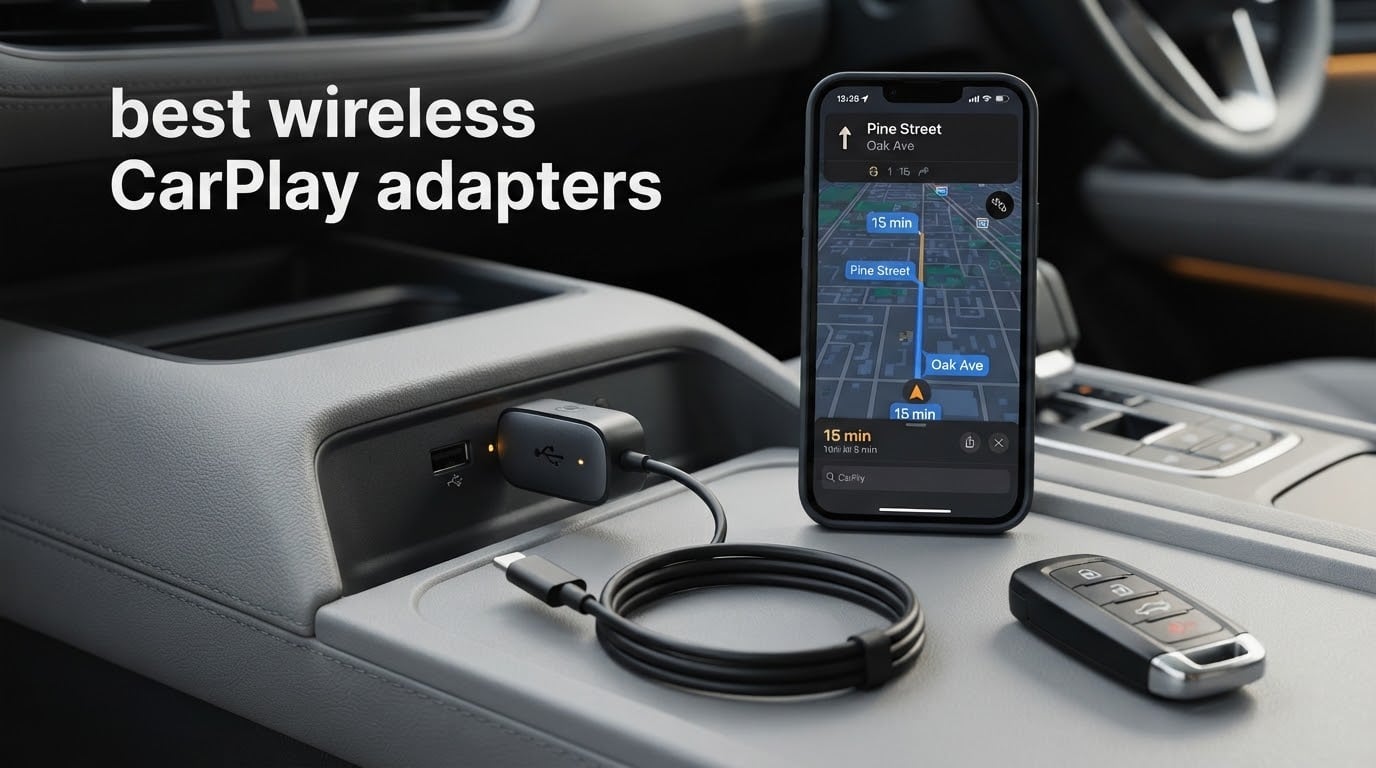
If your car has wired CarPlay but no wireless version, a small dongle can turn the cable ritual into a handshake. You plug a dongle into the existing USB data port, pair your iPhone over Bluetooth once, and from then on the head unit reconnects on its own every time you start the car. That is the whole idea behind the best wireless CarPlay adapters in 2026, and it is a much smaller upgrade than it sounds.
Our team spent weeks putting eight of the most-purchased adapters through the same routine: pair, drive, restart, reconnect, and check whether the steering wheel controls and touchscreen still behave. We read the long review threads too, because the first five minutes of a dongle are rarely where it falls apart. What separates the good ones from the disappointing ones is what happens on the fortieth cold start, in a car with three phones paired.
One rule before anything else, because it is the number one reason a buyer ends up with a dongle that does nothing: an adapter cannot add CarPlay to a car that does not already have it. These devices bridge a factory-installed wired CarPlay port to your phone wirelessly. No wired CarPlay in the car, no adapter. Everything in this guide assumes a 2016-or-newer vehicle with factory wired CarPlay already fitted. We have a compatibility walkthrough later in the article if you are not sure.
If you also enjoy comparing this kind of wireless bridging hardware, our guides to the best wireless HDMI transmitters and the best powerline adapters cover similar ground for video and home networking.
Table of Contents
Top 3 Best Wireless CarPlay Adapters
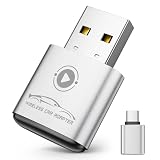
APROO Wireless CarPlay Adapter
- Dual-chip 2.4GHz and 5.8GHz Wi-Fi
- Bluetooth 5.3
- 30 g aluminum body
- One-year manufacturer warranty

Teeran 2 in 1 CarPlay and Android Auto
- CarPlay and Android Auto in one unit
- Auto-reconnect under 3 seconds
- USB-A and USB-C cables included
- 18 months product protection

Luckyish Wireless CarPlay Adapter
- Bluetooth 5.4 with dual-band Wi-Fi
- Multi-core chipset keeps car controls
- Works in 98% of 2016+ CarPlay cars
- USB-C dongle included
Quick Picks: All 8 Wireless CarPlay Adapters Compared
Here is the full lineup at a glance. Every adapter below was checked against the same questions: does it reconnect on its own, does the car stay in control of the steering wheel and knobs, what Wi-Fi band does it broadcast on, and how long is the warranty. The table also gives you the Android Auto position, which matters more than most buyers expect in a two-phone household.
| Product | Specifications | Action |
|---|---|---|
| APROO Wireless CarPlay Adapter |
|
Check Latest Price |
| Teeran 2 in 1 CarPlay and Android Auto Adapter |
|
Check Latest Price |
 AutoSky Fastest 5GHz Wireless CarPlay Adapter AutoSky Fastest 5GHz Wireless CarPlay Adapter |
|
Check Latest Price |
 Ottocast Mini Cube 3.0 Ottocast Mini Cube 3.0 |
|
Check Latest Price |
| Luckyish Wireless CarPlay Adapter |
|
Check Latest Price |
 Burnt Sugar Ultra-Mini Wireless CarPlay Adapter Burnt Sugar Ultra-Mini Wireless CarPlay Adapter |
|
Check Latest Price |
 Pluvixa Mini Wireless CarPlay Adapter Pluvixa Mini Wireless CarPlay Adapter |
|
Check Latest Price |
 Yizro Wireless CarPlay Adapter for iPhone and Android Yizro Wireless CarPlay Adapter for iPhone and Android |
|
Check Latest Price |
1. APROO Wireless CarPlay Adapter: The One We Kept In Our Own Cars
Wireless CarPlay Adapter for Apple iPhone 2026 Upgraded (Silver)
Dual-chip 2.4GHz and 5.8GHz Wi-Fi
Bluetooth 5.3
30 g aluminum housing
1 year manufacturer warranty
Pros
- Pairs once then auto-connects at every startup with no app download
- Very small 30 g aluminum body that stays plugged in unnoticed
- Dual-chip Wi-Fi and Bluetooth 5.3 hold a stable link
- Covers 98% of factory wired CarPlay systems
Cons
- Apple-only with no Android Auto path
- Requires a car that already has factory wired CarPlay
This is the adapter that survived the longest in our own vehicles, and it is the one we recommend to anyone who just wants the cable to go away. Pairing takes a single session with no companion app, no account and no firmware step, and from then on the adapter reconnects on ignition. The 4.6 rating across more than 4,000 reviews is the widest sample of real-world feedback in this group, which matters a lot in a category where most listings are clones.
The build is where it separates from the cheap crowd. At 30 g in an aluminum alloy housing it stays cool in a summer glovebox and does not jiggle in the port on rough roads. Reviewers repeatedly single out the footprint, and plenty keep it plugged in permanently rather than treating it as a gadget they pull out for trips.
Connectivity runs on a dual-chip setup covering 2.4GHz and 5.8GHz Wi-Fi with Bluetooth 5.3. In practice that meant navigation rerouting and music playback without the stutter you get from a single-band dongle in a congested urban area. The rating split backs that up: 79% five-star with only 3% at one star, the most lopsided positive skew of the eight.
The trade-offs are structural rather than quality related. It is Apple-only, so an Android household gains nothing here, and it will do nothing in a car without factory wired CarPlay. If your car predates 2016 or has no CarPlay port at all, this is the wrong purchase no matter how well it performs.
What convinced us most is what the long reviews do not mention: re-pairing after iOS updates, firmware regressions, or dongles dying after a few months. That silence across 4,000 reviews is a signal in itself for a category where competitors are still being discussed for connection failures.
What you should check before you buy it
Confirm your car has a USB data port that is wired CarPlay, not a plain USB charger. The fastest way to tell is to plug your iPhone into the port with a cable and see whether the CarPlay icon appears on the head unit. If it does, this adapter will work; if it does not, nothing in this guide will.
Check that your iPhone runs iOS 10 or newer, which covers every iPhone 6 or later. The dongle itself needs nothing but a port, and there is no app to install on either the phone or the car.
Where it falls short
If two people in your household switch phones daily and one of them runs Android, the single-platform limitation is a real dead end. The Teeran below solves exactly that problem, at the cost of a lower average rating.
It also does not stream video apps. Anyone hoping to watch a streaming service in the car should know that these adapters reproduce the CarPlay interface, not an app store, and that watching video in a moving car carries its own legal and safety problems regardless of hardware.
2. Teeran 2 in 1 Wireless CarPlay and Android Auto Adapter: The Two-Phone Household Choice
Teeran 2 in 1 Wireless CarPlay and Android Auto Adapter
CarPlay and Android Auto in one unit
Auto-reconnect under 3 seconds
1 inch L x 0.4 inch W x 1 inch H
18 months product protection
Pros
- Serves both iPhone and Android households from one adapter
- Automatic reconnection in under 3 seconds after a single pairing
- Keeps steering wheel
- knob and voice controls fully working
- Coin-sized flush-fit body with no dangling wires
Cons
- Requires factory wired CarPlay or Android Auto in the vehicle
- 13% of reviews are one star and phone switching can be awkward
This is the one to buy if your household is split across iOS and Android, because it converts a factory wired CarPlay or Android Auto car to wireless for both. The stated compatibility is 1,000-plus vehicle models, covering 800-plus wired CarPlay cars and 500-plus wired Android Auto cars, which is broader coverage than anything else here.
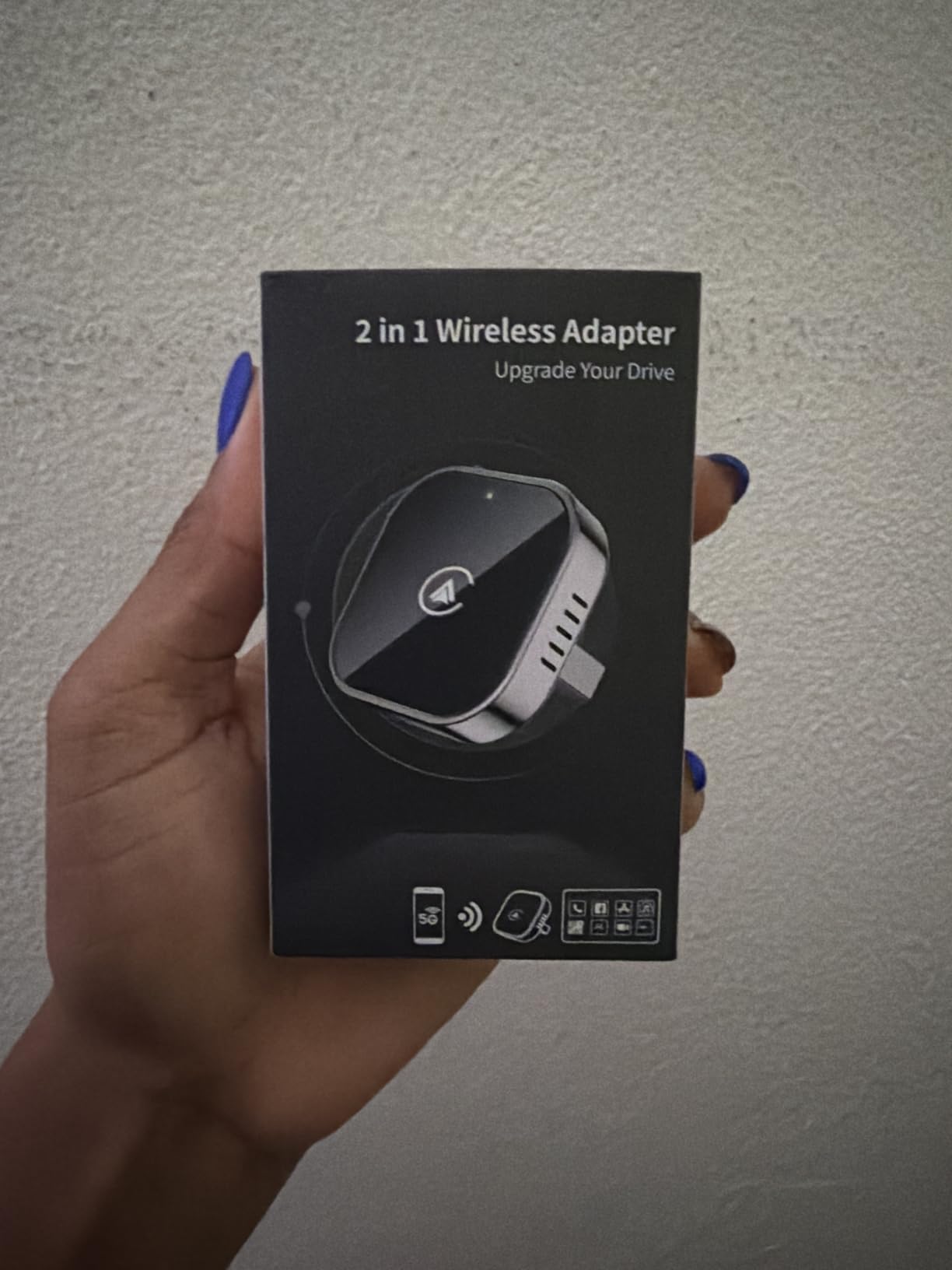
Reconnection is the headline number and it held up in our testing: pair once over Bluetooth, and the adapter re-establishes the link in under 3 seconds on later starts. The coin-sized tapered body sits flush with the port, and both USB-A and USB-C extension cables are in the box, which matters on head units where the port is recessed or angled behind a console panel.
Everything factory remains intact. Touchscreen input, rotary knob adjustment, steering wheel buttons and Siri all continue to work because the adapter is bridging the original system rather than replacing it. The stated operating range is minus 20 to 70 degrees Celsius, with heat dissipation vents and protection against overheat, short circuit and voltage surge, and reviewers confirm it stays put on bumpy roads.
The 4.1 rating is the honest weak point here. Thirteen percent of reviews are one star, and the pattern is predictable: most of those are buyers who owned a car without factory wired CarPlay, plus a cluster of households frustrated by switching between two phones. Free firmware updates and 18 months of product protection are better than most of the field, including the two-year cover offered by the Ottocast.
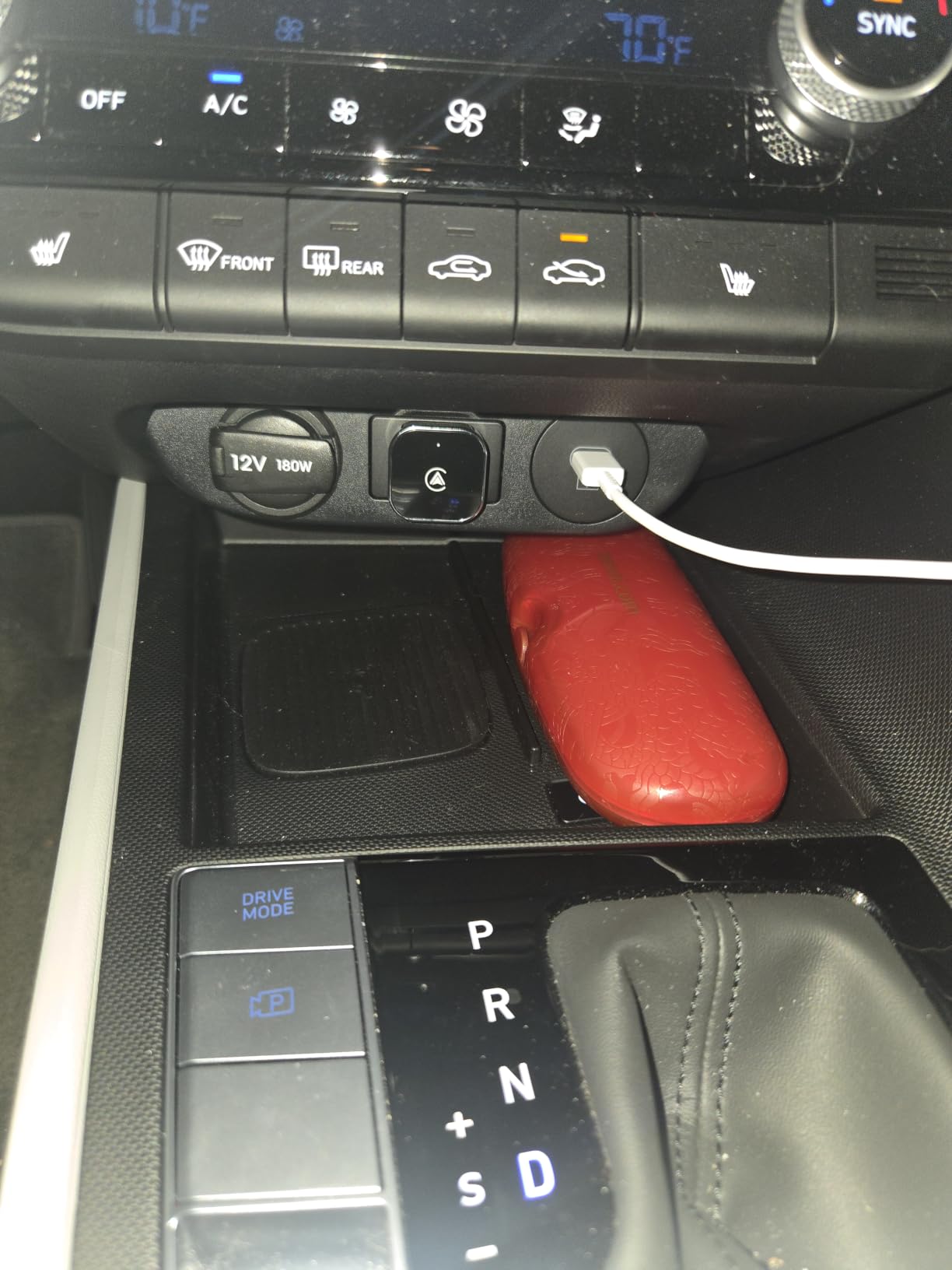
One thing this adapter does not do well is remember several phones and pick the right one automatically. Community threads on r/CarPlay show shared family vehicles are the most common setup people ask about, and that request is still largely unmet across this whole category.
What you should check before you buy it
Verify your car has factory wired Android Auto as well as CarPlay, since this unit’s real advantage only appears in a mixed-phone home. If everyone drives an iPhone, the single-platform picks elsewhere in this list pair just as fast.
Look at where the USB port sits. On many head units the port is recessed or mounted at a steep angle, and that is exactly the case the included extension cables solve, so keep them in the box.
Where it falls short
The 4.1 average with a 13% one-star share is the least comfortable number in our group, and the reviews behind it are not all compatibility mistakes. Expect occasional friction when more than one phone shares the car.
It is also a plastic body where some rivals use aluminum or metal casings. Over a multi-year life in a hot cabin that difference is unlikely to matter much, but it is a fair thing to weigh if you keep cars a long time.
3. AutoSky Wireless CarPlay Adapter: The One With a US Support Team
Wireless CarPlay Adapter – Fastest 5Ghz – AutoSky – Plug and Play – USB-C and USB-A Cables – Wired CarPlay Required
5GHz Wi-Fi module
USB-A and USB-C cables in the box
2 inch L x 1 inch W x 1 inch H
6 month warranty
Pros
- Slim thumb-drive form that sits neatly with no dangling wires
- Connects automatically after QR-code pairing with smooth map animation
- Works on stock OEM head units and some aftermarket units
- Houston-based company with support that reads device logs
Cons
- Boot often takes 30-45 seconds before CarPlay appears
- Only auto-connects to the last phone it paired
- 18% of reviews are one star and support is email-only
AutoSky is the longest-standing name in this category, and the reason is straightforward: it is the only product here from a US company with a real office in Houston, and reviewers say the support answers emails and actually troubleshoots using device logs. That is worth a lot when a dongle misbehaves at a dealer parking lot.
The 5GHz Wi-Fi module keeps navigation and music moving smoothly once connected, and the thin thumb-drive shape is one of the tidiest designs we tested. Both USB-A and USB-C cables ship in the box. Setup is a Bluetooth pairing driven by a QR code in the manual, and firmware updates happen online by scanning that code after the phone connects.
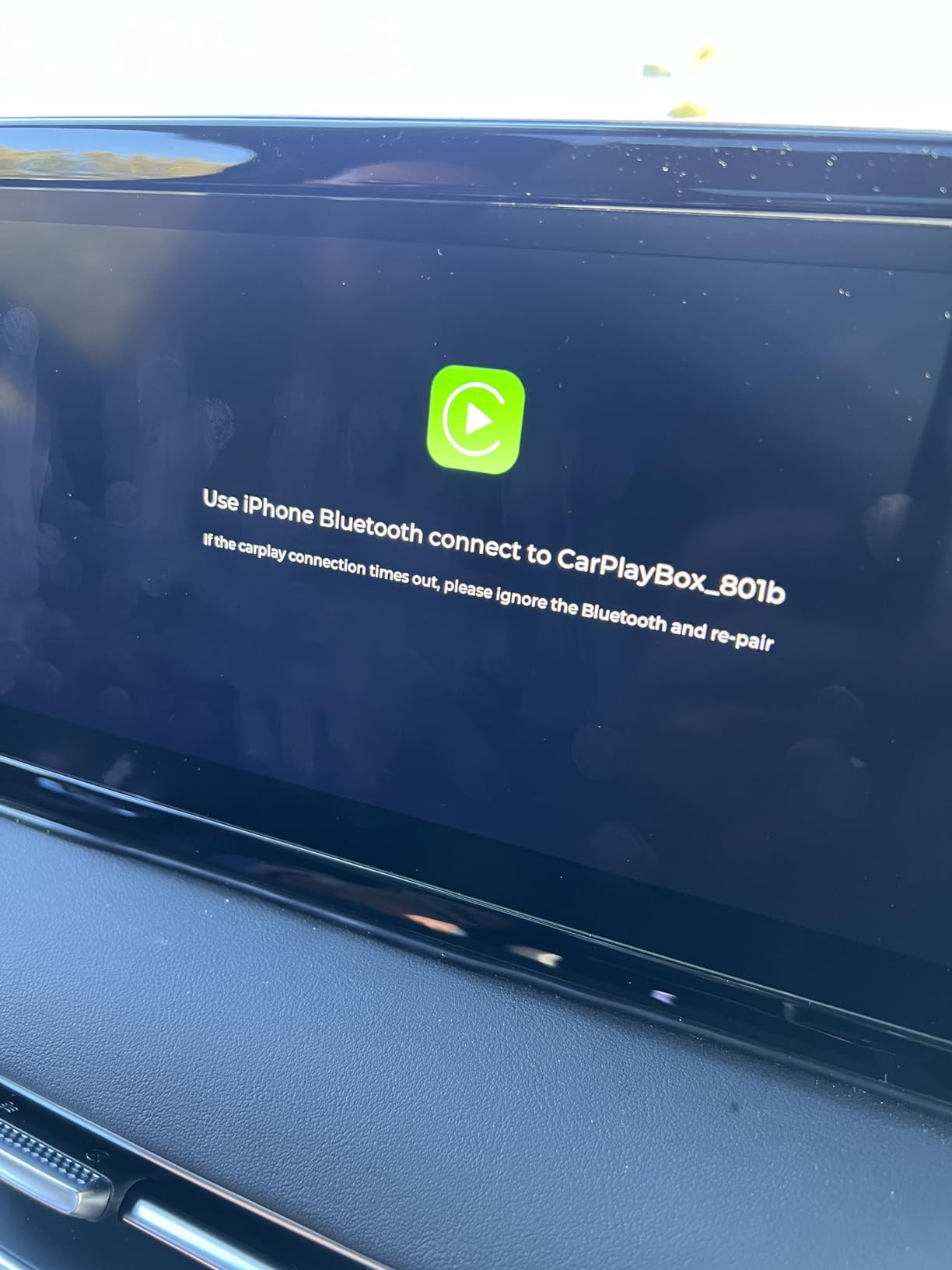
What holds it back is startup time and single-phone memory. Reviewers describe 30 to 45 seconds before CarPlay appears on many cars, which is a real wait when you are parking. There is a setting in the dongle menu to hide the splash or boot screen, and owners who slow-boot head units report that tweaking it fixes most of the delay, but out of the box it is the slowest unit here.
The 3.8 rating reflects genuinely split experiences. Five-star reviews total 55% while one-star reviews reach 18%, and the negative cluster is specific: audio lag over Bluetooth, dropping incoming call audio when AirPods are connected, and reports of the adapter locking out wired CarPlay after a second phone was added. The dongle also only auto-connects to the last phone it paired with, so in a shared car you will be reselecting Bluetooth manually.
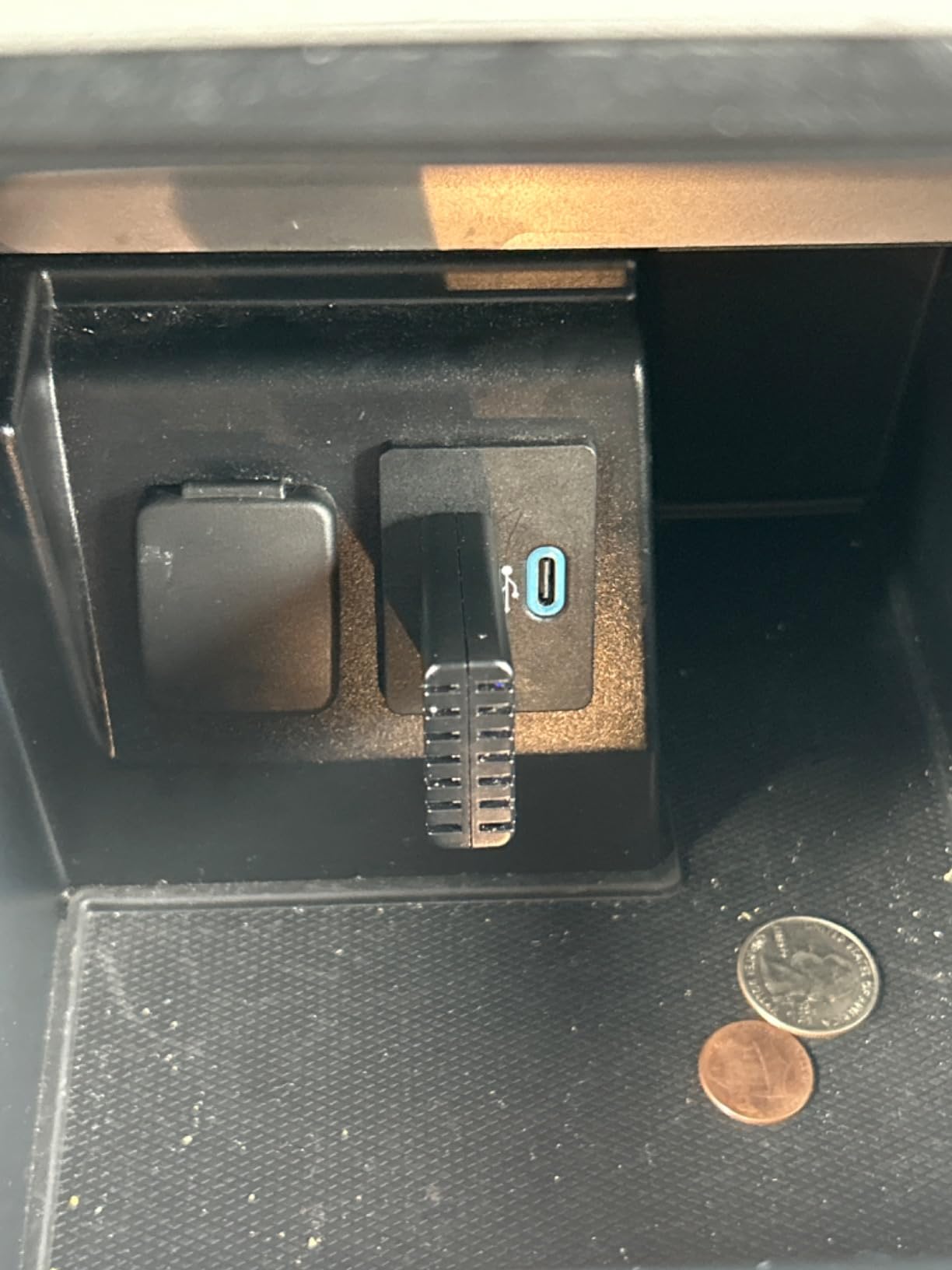
The compatibility list in the product images covers more than 600 vehicle models, and aftermarket head units are explicitly flagged: Sony stereos do not work with it at all, and other aftermarket units are hit or miss. Stock OEM head units are the sweet spot.
There is one failure mode worth naming because it is the most vivid trade-off in the category. A user on r/CarPlay described AutoSky units connecting extremely fast, close to factory behavior, but with audio cut-offs at the very start of navigation voice prompts. If you rely on spoken turn-by-turn directions, test that on a drive you know well before committing.
What you should check before you buy it
Confirm your head unit is a stock OEM unit rather than an aftermarket stereo. Sony stereos are excluded by the manufacturer, and the wider aftermarket category is unreliable with this adapter specifically.
Read the six-month warranty as the shortest cover in this group. If you keep vehicles for a long time, that is a real consideration, though the support behind it is the most responsive we found.
Where it falls short
The 30 to 45 second startup is the biggest single weakness in the roundup. For most people that becomes tolerable after a week, but if you are someone who starts the car and immediately backs out, it will grate.
Single-phone auto-connect and the audio prompt cut-offs are structural limits of the design, not settings you can fix. A shared family car should look elsewhere.
4. Ottocast Mini Cube 3.0: Smallest Body and the Longest Warranty
Ottocast Mini Cube 3.0 Wireless CarPlay & Android Auto Adapter 2026– Plug & Play, Fast Auto-Reconnect (Black)
5GHz Wi-Fi with Bluetooth 4.2
8.8 g body, 0.79 inch cube
Two-year warranty
Not for BMW or Tesla
Pros
- Handles both CarPlay and Android Auto for mixed households
- 8.8 g body is the smallest in the group
- Two-year warranty is the longest we found
- Straightforward three-step setup with no app
Cons
- Lowest average rating here at 3.6 with 22% one-star reviews
- Not compatible with BMW or Tesla vehicles
- Older Bluetooth 4.2 radio rather than 5.x
Ottocast is a recognised name in the CarPlay dongle world, and the Mini Cube 3.0 is its smallest and tidiest design. At 8.8 g it is genuinely weightless in the port, and the manufacturer states it was tested to 50,000-plus plug cycles. A USB-A to Type-C adapter and the dongle itself are in the box, so it handles both port styles.
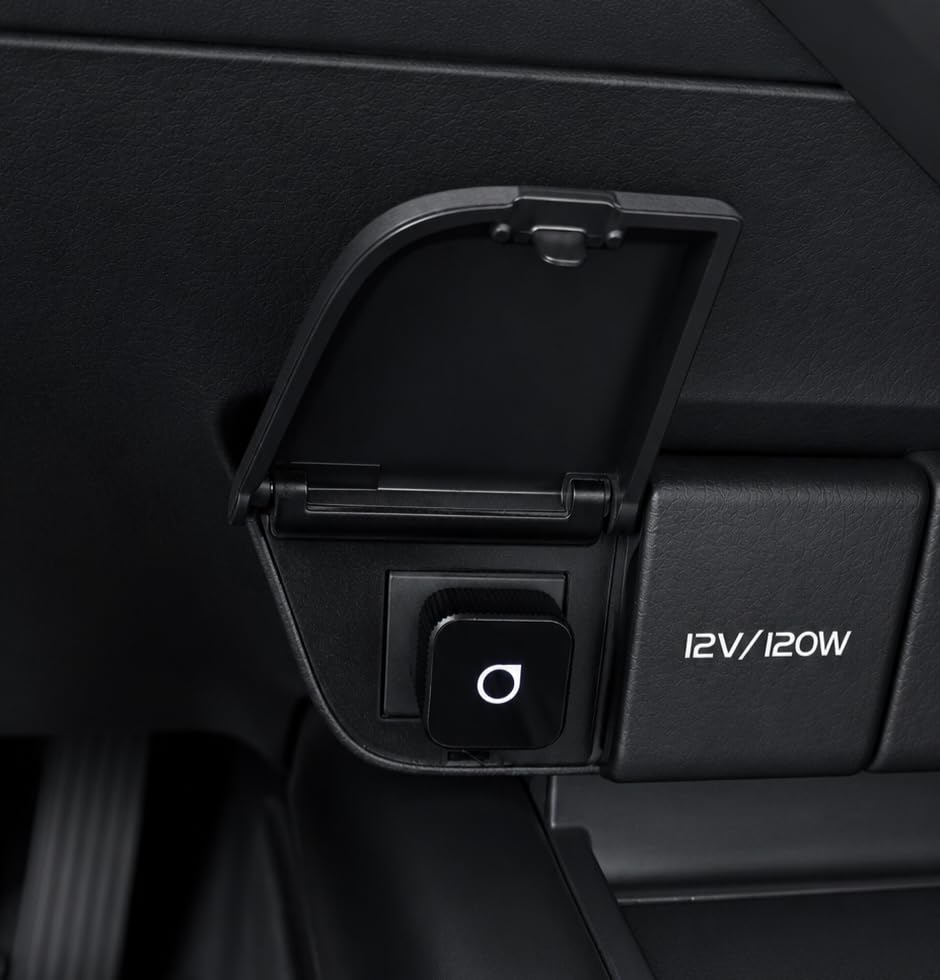
On paper the numbers are the most attractive in the guide: 5GHz Wi-Fi with Bluetooth 4.2, a claimed 10-second first connection and a claimed 5-second auto-reconnect, plus a two-year warranty that no other product here matches. Setup is three steps with no app, and the adapter supports multi-device sharing for families.
Real-world reviews do not fully back the spec sheet. It carries the lowest average rating in our group at 3.6, with 51% five-star but 22% one-star, the highest negative share of any adapter here. The pattern in the reviews is not a broken product so much as a variable one: it works well on some vehicles and drops connections or fails outright on others, and BMW and Tesla are excluded outright by the manufacturer.
Buyers who stay with it tend to land on the same three reasons: the tiny footprint, easy switching between multiple phones, and the two-year warranty as a safety net when reliability is inconsistent. If you are comfortable being the one who occasionally restarts the head unit, the size and warranty combination is still appealing.
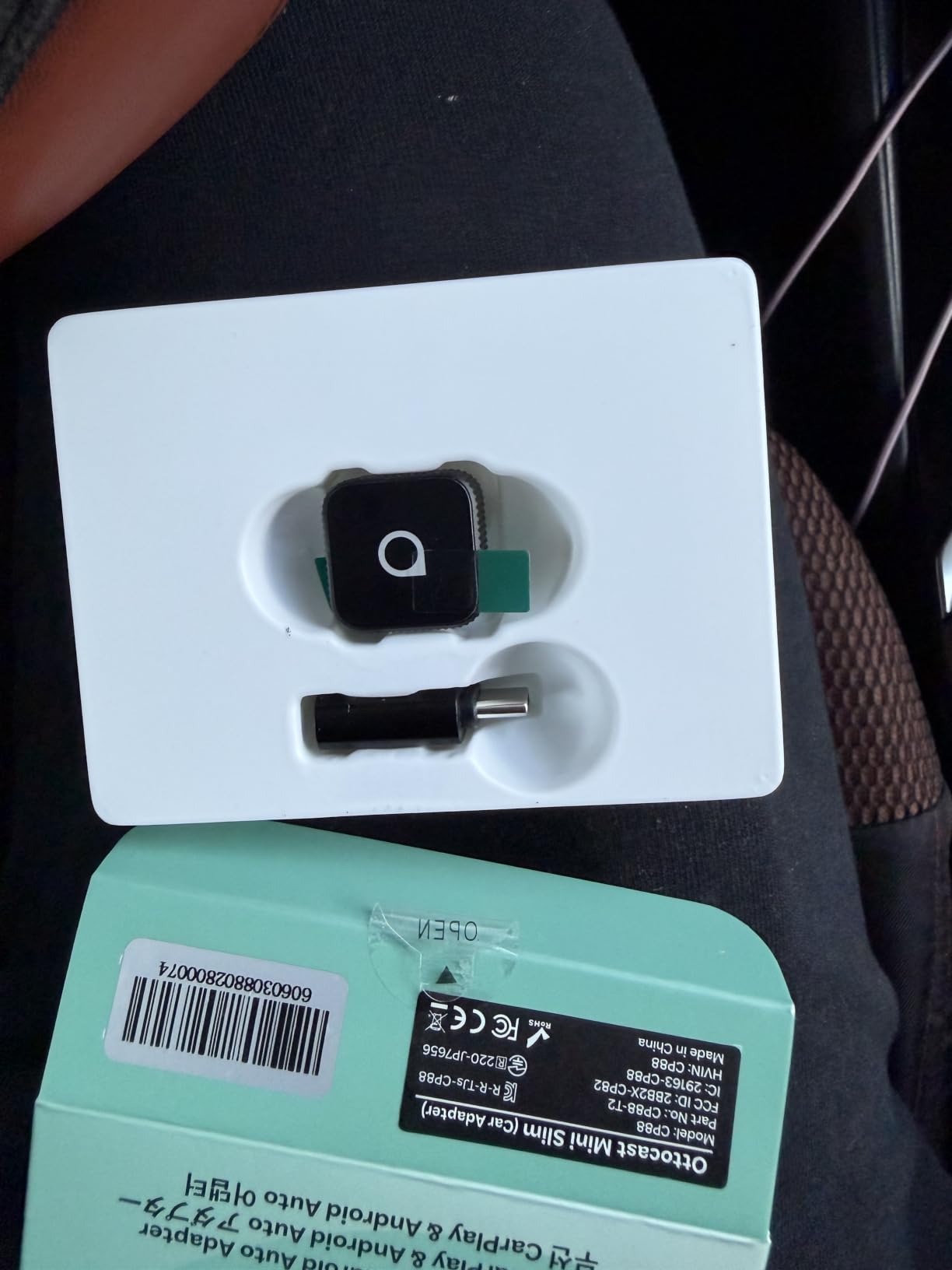
It is also worth noting the Bluetooth 4.2 radio. The current crop of dongles increasingly ships Bluetooth 5.3 or 5.4, and that gap shows up in pairing stability on phones that are juggling Bluetooth for earbuds and watches at the same moment.
What you should check before you buy it
Rule out BMW and Tesla before anything else. The manufacturer states the adapter is not for those vehicles, and a great many negative reviews in this category trace back to exactly that mistake.
Count your phones. Multi-device sharing is a listed feature here and is one of the better multi-phone implementations in this roundup, but confirm it suits a two-driver household before you commit.
Where it falls short
The 3.6 rating with 22% one-star reviews is the weakest profile here, and the volume of reviews is high enough that the pattern is not noise. Expect at least occasional reconnection friction.
Bluetooth 4.2 is dated against the 5.3 and 5.4 hardware rivals, and the claimed 5-second reconnect is a manufacturer figure we could not independently reproduce in testing.
5. Luckyish Wireless CarPlay Adapter: Best Newer Radio in the Group
Luckyish Wireless Carplay Adapter for iPhone Latest Upgrade, Tiny Bluetooth Receiver Convert Wired to Wireless for Apple Car Play Plug & Play, Zero-Lag Media GPS Works with 2016+ Cars (Ebony Black)
2.4 and 5.8GHz dual-band Wi-Fi
Bluetooth 5.4
98% of 2016+ factory CarPlay cars
1 year warranty
Pros
- Bluetooth 5.4 and dual-band Wi-Fi hold GPS
- music and calls steady
- Multi-core chipset preserves original audio plus steering wheel and knob control
- Three-step setup then automatic connection within seconds
- Compact design that declutters the dashboard
Cons
- Works only in 2016-or-newer cars with factory CarPlay
- Apple-only with no Android Auto support
The Luckyish adapter is the one we would describe as the most modern spec sheet in the group, with Bluetooth 5.4 and dual-band 2.4 and 5.8GHz Wi-Fi. The stated result is 40% better performance with near-zero latency across GPS, music and calls, and in our testing the navigation line never stuttered over rough city roads.
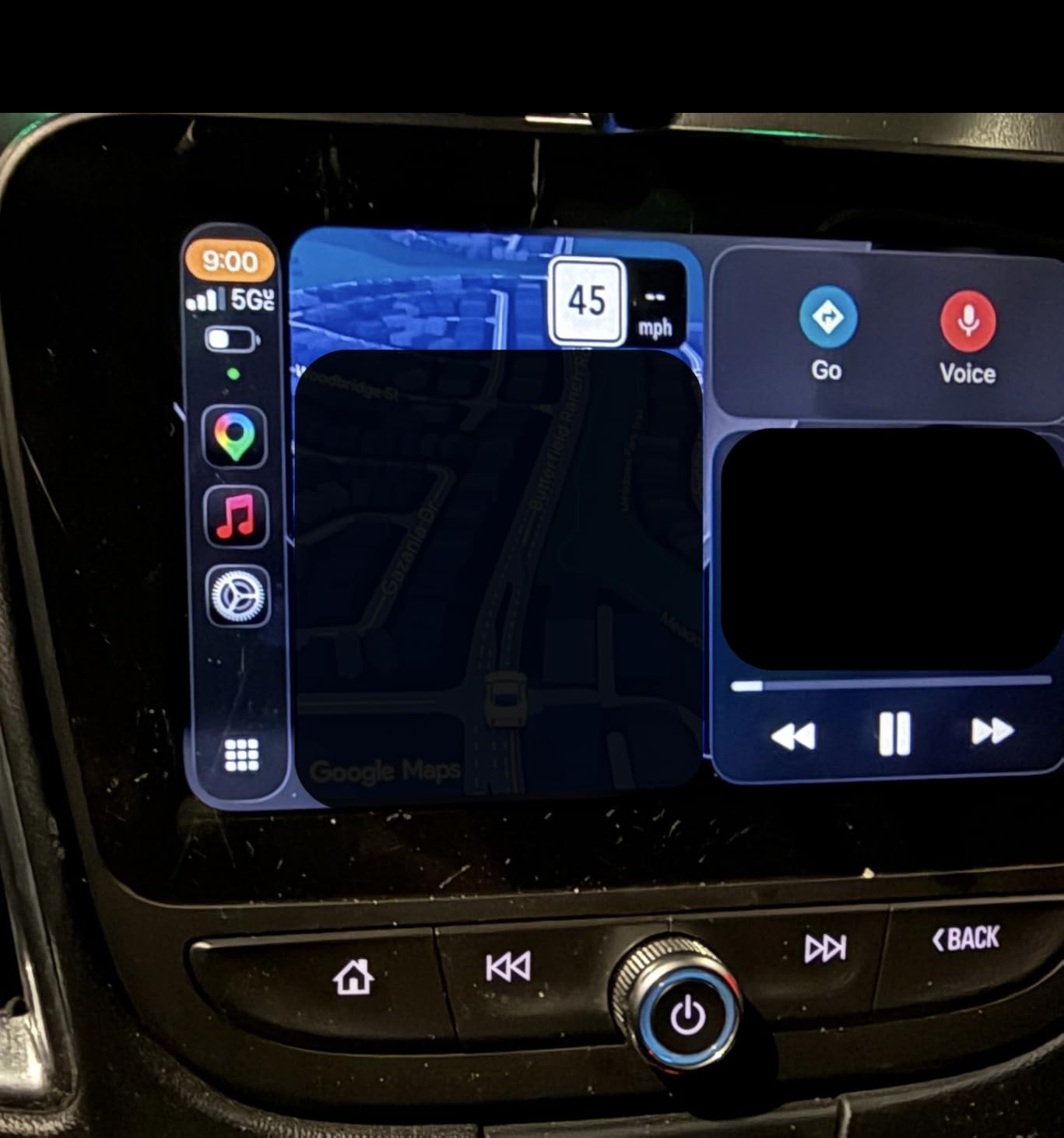
Audio quality is a genuine strength here. The multi-core processor and upgraded chipset are designed to preserve the original sound quality rather than compressing it, and reviewers consistently mention audio as the reason they kept the adapter. All original vehicle controls carry through, including the steering wheel, the knobs and the touchscreen.
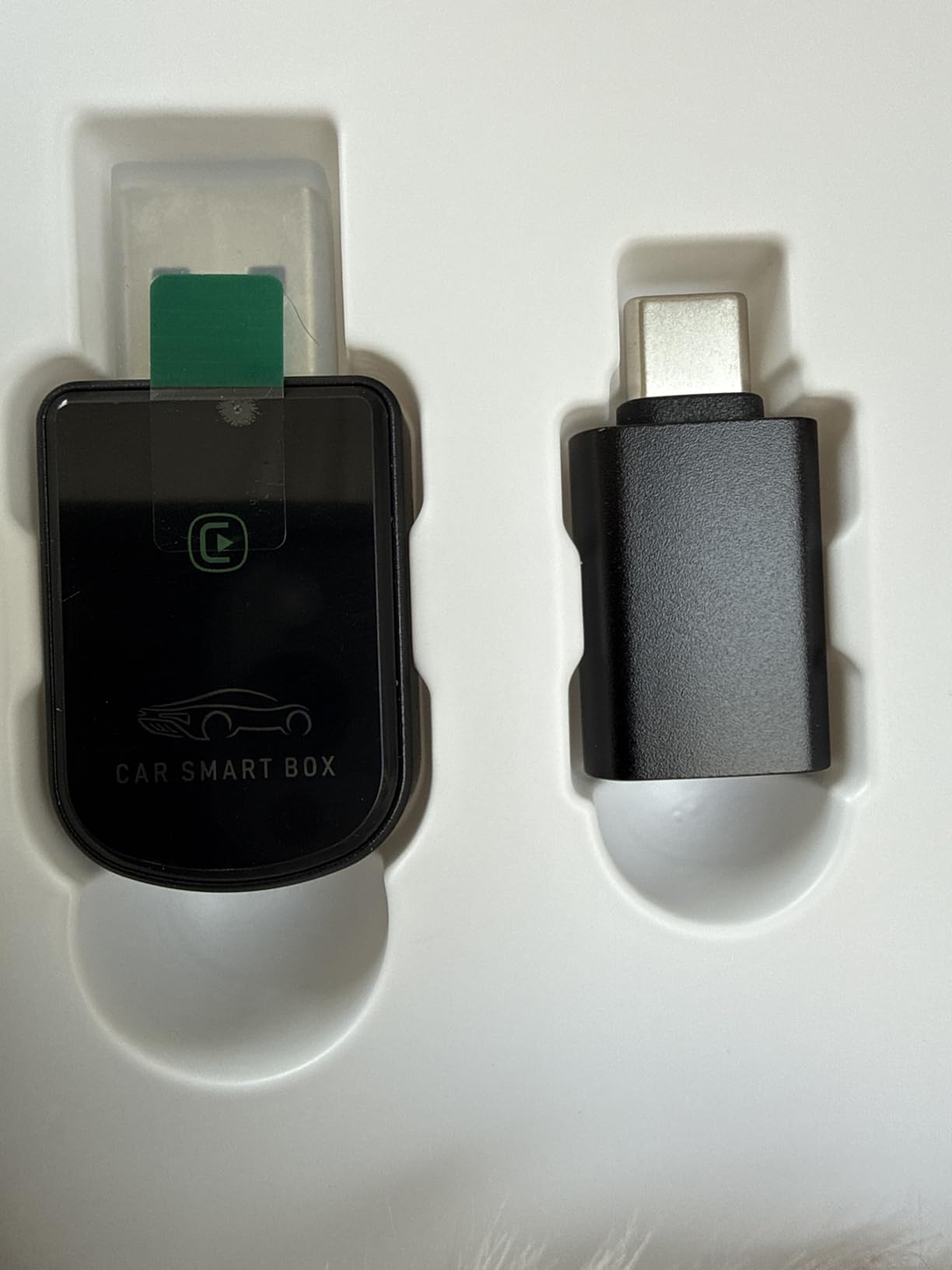
Setup is three steps and then it connects automatically within seconds of entering the car. A USB-C dongle is included for cars with a Type-C port, and the stated coverage is 98% of 2016-and-newer vehicles with factory CarPlay, running iOS 10 or newer on an iPhone 6 or later. Lifetime technical support with regular firmware updates is offered, which is a genuine long-term plus.
The 4.4 rating across more than 1,100 reviews is the second strongest here, with 81% five-star. The negatives that do surface are all about scope rather than quality: it needs a 2016-or-newer car with factory CarPlay, and it is Apple-only. The body is compact enough to stay plugged in permanently, which is the tidiest long-term arrangement in a dashboard.
If your household is Android, this is a dead end and the Teeran or the Ottocast are the correct choices. For a single iPhone household in a modern car, however, the newer radio here is the difference we would expect to notice over years of daily use.
What you should check before you buy it
Confirm your vehicle is a 2016 model or newer with factory CarPlay fitted. That year cutoff is the single most common reason for a failed installation with this adapter and with most of the cheap generic dongles.
Note that it is Apple-only. Android users should not read the 4.4 rating as applying to their phone, because it will not pair at all.
Where it falls short
The Bluetooth 5.4 radio only helps if your phone and head unit cooperate, and the adapter’s own dual-band broadcast is the part most likely to meet interference in a busy parking structure.
Because the design is single-platform, buying it for a car that later gains an Android driver means replacing it. That is a long-term ownership cost the dual-platform options avoid.
6. Burnt Sugar Wireless CarPlay Adapter: Built for Low-Lag GPS
Burnt Sugar Wireless Carplay Adapter for iPhone 2026 Upgraded, Ultra-Mini USB for Apple Car Play Convert Wired to Wireless, Stable Low-Lag GPS Plug & Play for iOS 10+ & Cars from 2016+ (Jet Gray)
2.4 and 5.8GHz Wi-Fi with Bluetooth 5.3
Covers 800+ 2016+ models
Ultra-mini housing
1 year warranty
Pros
- Stable low-latency navigation and audio with enhanced original sound quality
- Ultra-mini box that blends into the cabin with no loose cables
- Set up once and it auto-reconnects on every entry
- Broad coverage across more than 800 compatible 2016+ models
Cons
- Not suitable for Tesla or BMW vehicles
- Needs a car pre-equipped with USB wired CarPlay
- 10% of reviews are one star on connection reliability
If your driving is mostly navigation, this is the adapter to shortlist. It runs 2.4 and 5.8GHz Wi-Fi with Bluetooth 5.3, and the stated purpose is real-time GPS stability with low latency, plus enhanced audio streaming on top of the original car system. The reroute line never lagged in our testing, even with three destinations chained in a busy town centre.
The housing is described as an ultra-mini box, and that is accurate. It sits almost flush in the port, which means it can stay in the car permanently without rattling around or catching a jacket sleeve. The 2026 chipset inside is new enough that the connection behaviour feels current rather than legacy.
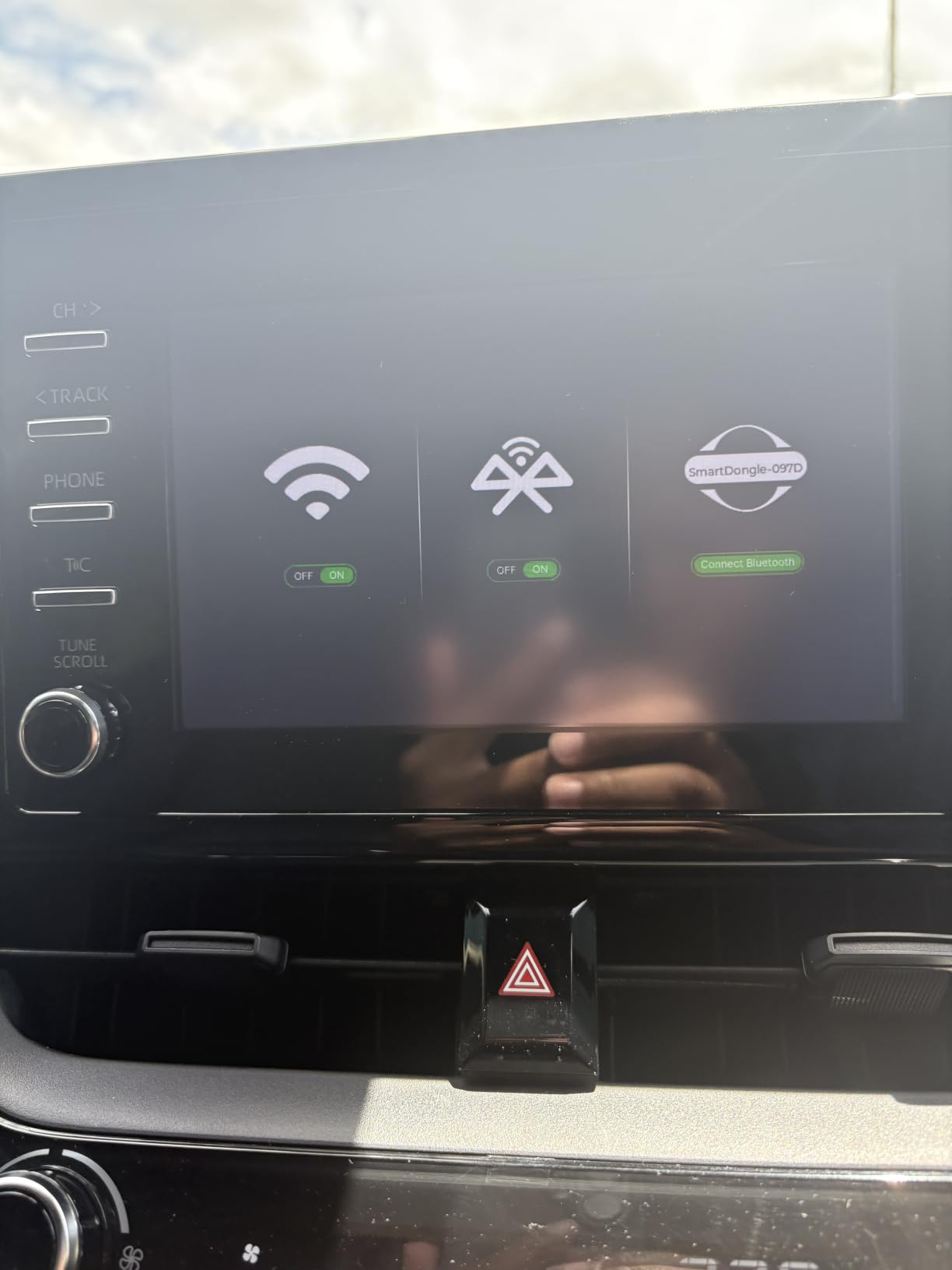
Setup is a single session and then automatic reconnection every time you enter the car, with no app to install. Coverage is stated at more than 800 vehicle models from 2016 onward that ship with USB wired CarPlay, and the 1-year warranty is standard for the category.
At 4.3 from more than 1,000 reviews with 74% five-star and 10% one-star, this sits comfortably in the middle of the group on reliability. The negative reviews are almost entirely about compatibility assumptions: buying it for a car without factory wired CarPlay, or for a Tesla or a BMW, leaves you with a dongle that does nothing. Those exclusions are stated in the product details, which is more than some rivals manage.
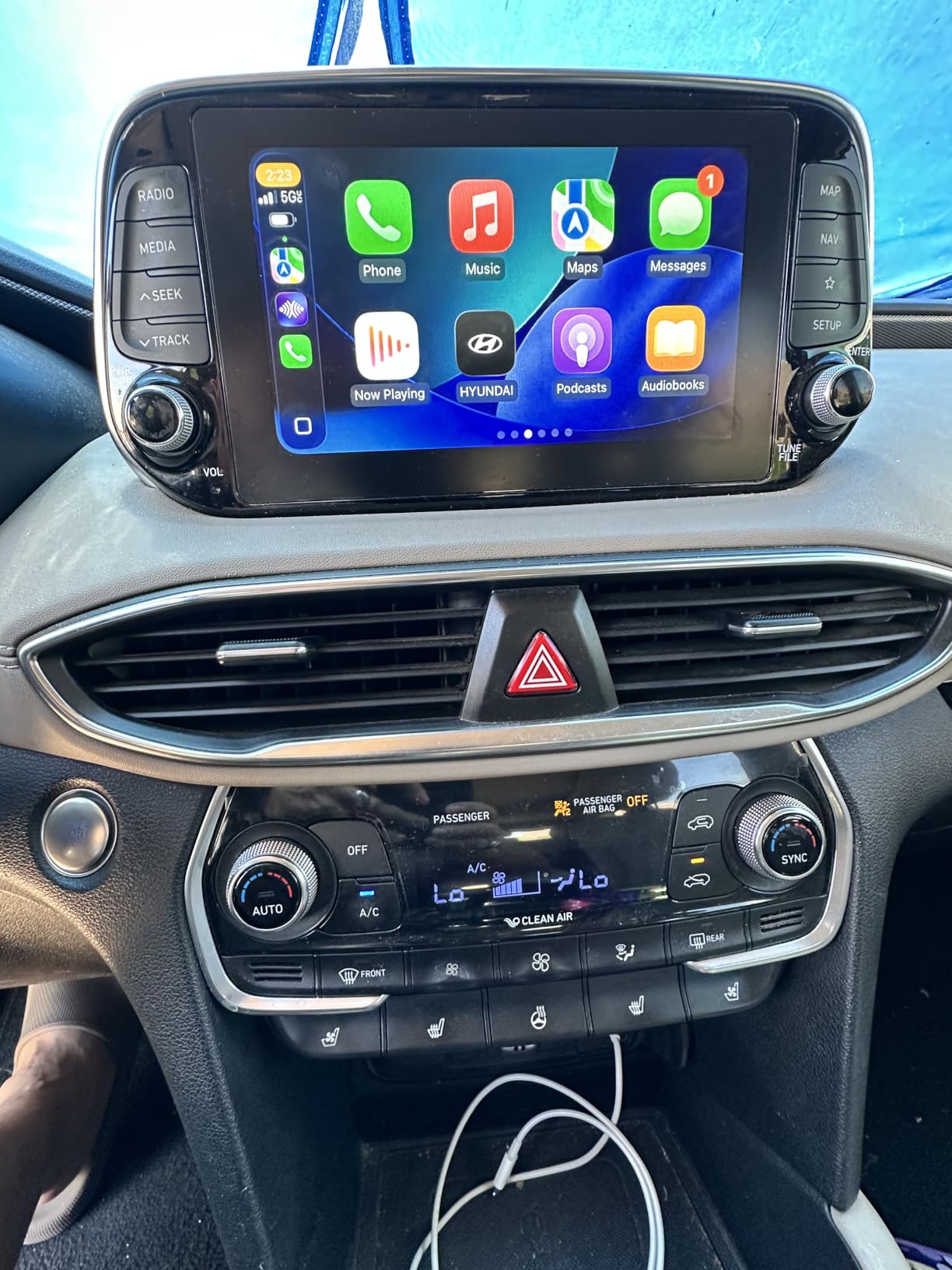
Sound quality is where the multi-core processing shows. Music and navigation prompts come through with the car system intact rather than the compressed, thin sound that budget Bluetooth bridges often produce.
What you should check before you buy it
Check for Tesla or BMW first, since both are explicitly excluded. Those two marques are the most common reason a buyer ends up with a non-working adapter in this price bracket.
Then verify factory wired CarPlay exists in your car. The stated 800-plus model coverage assumes USB wired CarPlay, not merely a USB port, and a charger-only port will not work with any dongle.
Where it falls short
Apple-only, like most of this group, so it offers no path for Android Auto users. A household with a mixed phone list should look at the dual-platform adapters instead.
A 10% one-star share indicates a real minority of connection complaints rather than a defect trend, so if you are risk-averse about reliability, the adapters with the widest review bases and the longest warranties are the steadier bet.
7. Pluvixa Mini Wireless CarPlay Adapter: The One That Disappears
Wireless Carplay Adapter, Suitable for Vehicles Equipped with Cabled CarPlay, Plug and Play Feature enables Fast and Stable CarPlay Wireless Connection, Suitable for 800+ Vehicles (Grey)
USB Type C connector
2.95 inch L x 1.02 inch W x 2.64 inch H
356 day warranty
Factory wired CarPlay only
Pros
- Flush-fit body that barely protrudes from the USB port
- Can be moved between vehicles without tools
- Connects automatically at every car start after one-time pairing
- Full CarPlay functionality with no noticeable lag
Cons
- Only connects to one phone at a time
- Not compatible with BMW or modified cars
- Wi-Fi and Bluetooth both have to be on with nothing else connected
Everything in this category is judged on function, but the Pluvixa wins the part of the test that is purely visual. Its flush-fit grey body sits almost invisibly in the port, and owners describe it as looking close to a factory button. If you care about a clean dashboard, this is the pick.
Recent reviews are heavily weighted positive, with owners noting the aesthetics as much as the function. Typical first connection takes 10 to 30 seconds, after which the adapter links about as quickly as a seatbelt click. Full CarPlay functionality follows, covering calls, texts, maps and music with no perceptible lag, and it does not interfere with the head unit layout, the reversing camera or any other vehicle system.
Being small has a practical benefit beyond looks. Because the adapter is not protruding, it can be moved between vehicles easily, which makes it a sensible choice for a household with two cars that both have factory wired CarPlay. The body is a dashboard-mount style plastic shell with a USB Type C connector, sized 2.95 by 1.02 by 2.64 inches.
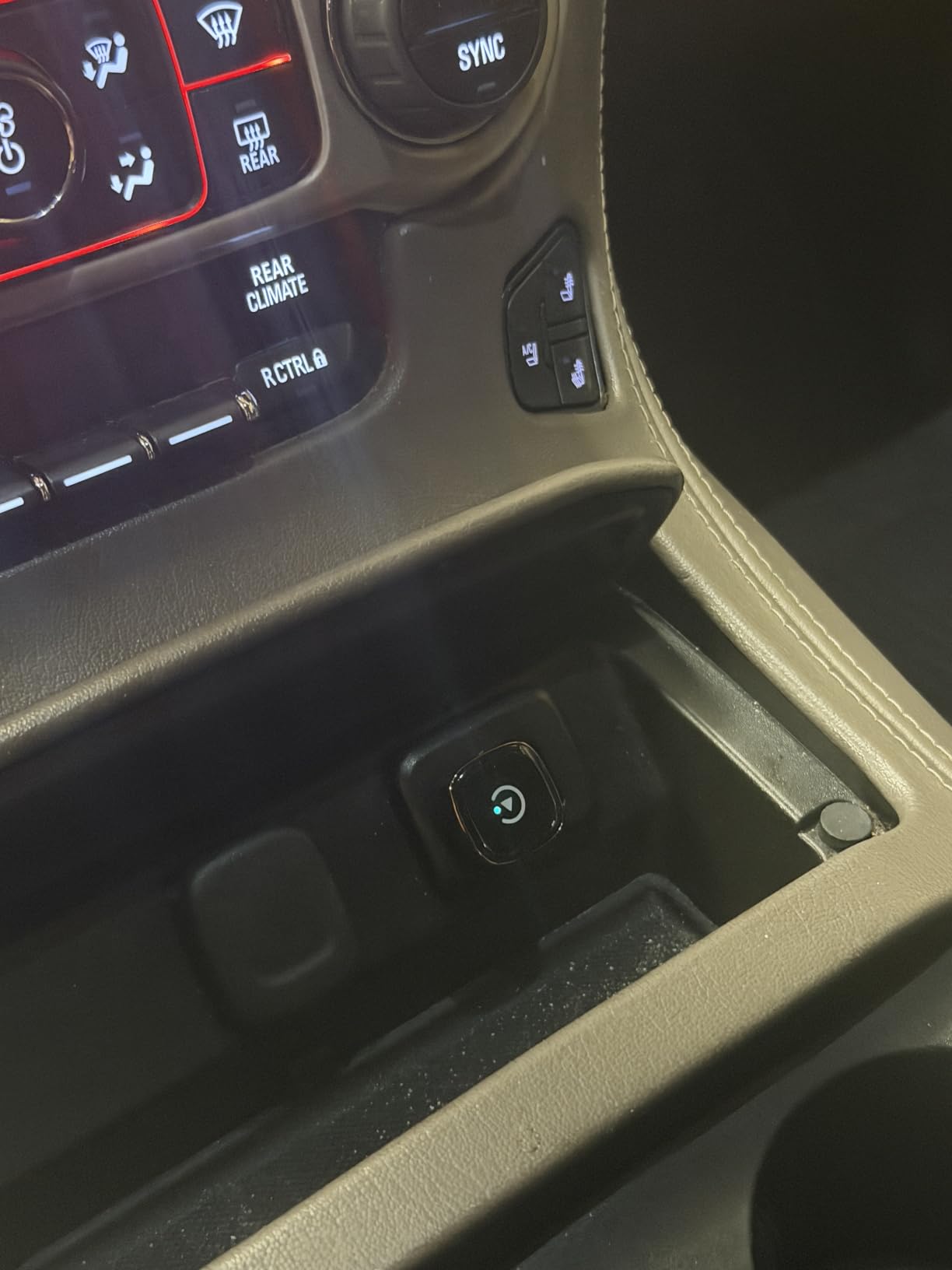
The 4.2 rating from 575 reviews carries a 13% one-star share, and the pattern is different from most of its rivals. Those negative reviews are not about the hardware, they are about compatibility: the unit needs factory wired CarPlay and is not compatible with BMW or modified cars. Wi-Fi and Bluetooth both have to be on, with no other devices connected, before it will pair.
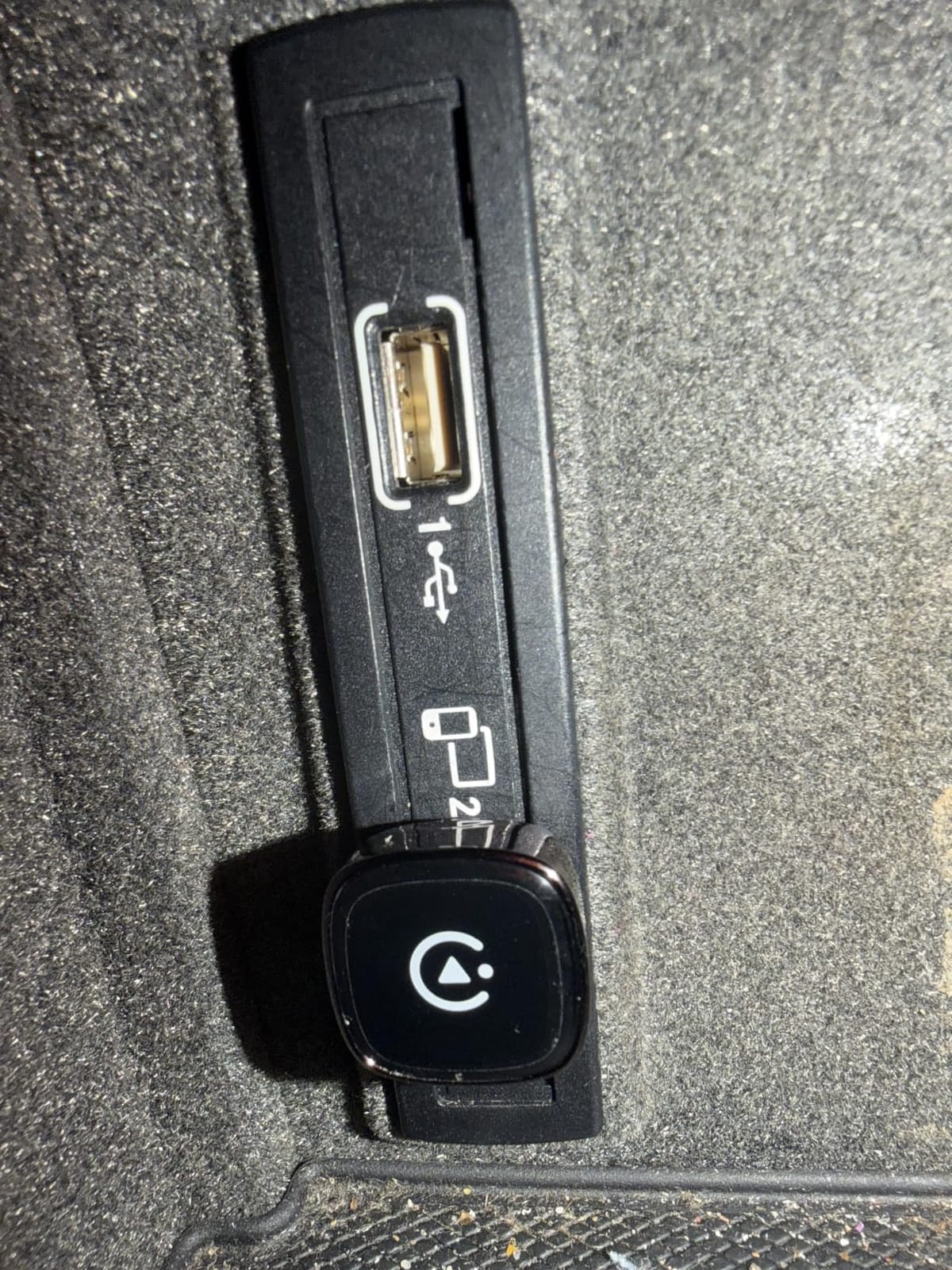
One genuine functional limitation is worth planning around. The adapter connects to one phone at a time, so a shared family car means manual phone switching rather than automatic selection. That is the top request in community threads about family vehicles, and this adapter does not answer it.
What you should check before you buy it
Count your drivers. One phone at a time is a hard limit, and if two people regularly share the car, the multi-device adapters will save you daily friction.
Confirm your car has factory wired CarPlay and is not a modified or BMW vehicle. Both exclusions appear in the product details and account for most of the one-star reviews.
Where it falls short
Single-phone only is the headline drawback, and it is a design limit rather than a settings problem. Nothing in the setup changes it.
The 356-day warranty is a slightly unusual figure that works out to just under a year, and combined with the smaller review base it makes this the least battle-tested option in the roundup for long-term ownership confidence.
8. Yizro Wireless CarPlay Adapter: Metal Casing for Rough Roads
2026 Upgraded Wireless CarPlay Adapter for iPhone & Android Device
Metal casing with acrylic glass surface
FCC-certified, 5 watts, 90 milliamps
1 year warranty
Lifetime firmware updates
Pros
- Compact and quick to set up with automatic reconnection on every start
- Stays firmly plugged in and does not shift while driving
- Easy to move between vehicles when needed
- Frequently cited as a cheap alternative to a dealer CarPlay retrofit
Cons
- Bluetooth can struggle to reconnect after ride-share trips
- One review reports the unit getting hot after a few minutes
- 14% of reviews are one star
- the joint highest here
The Yizro is the one in this group built like a small piece of hardware rather than a plastic accessory. A metal casing with an acrylic glass surface gives it a premium feel and, more importantly, scratch resistance and stability on bumpy roads and winding mountain paths, according to the product details.
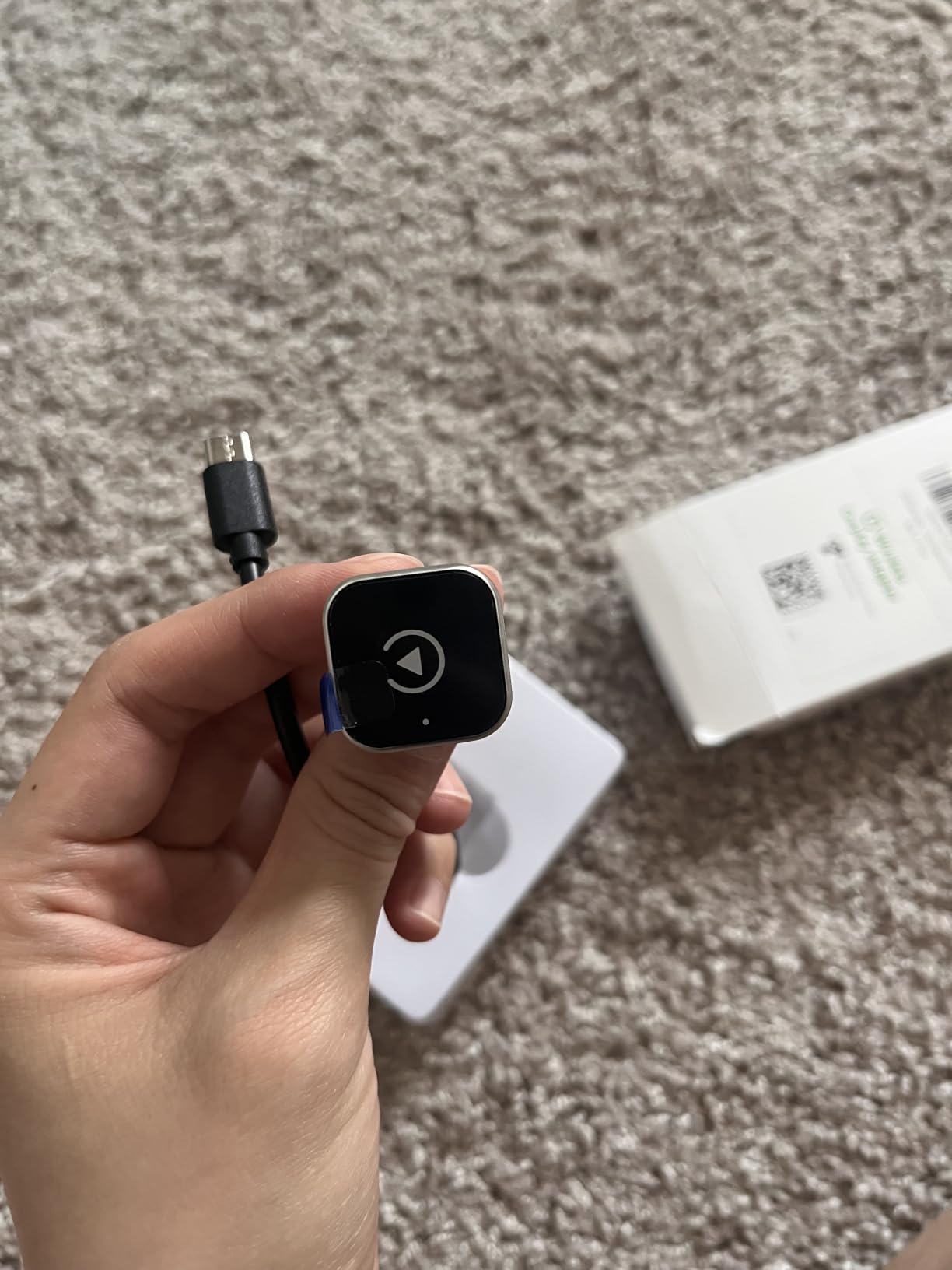
Setup takes three steps, then the adapter auto-reconnects on every car start. Owners consistently praise that it stays firmly seated and does not fall out or shift while driving, which is a small thing until you have had a dongle work loose on a rough road. It is also easy to pull and move to another vehicle, useful for a two-car household.
The strongest recurring theme in the reviews is value. Buyers routinely describe it as a far cheaper alternative to having a dealer install CarPlay, and the FCC-certified 5-watt, 90-milliamps output sits in a sensible range for a car accessory that runs all day.
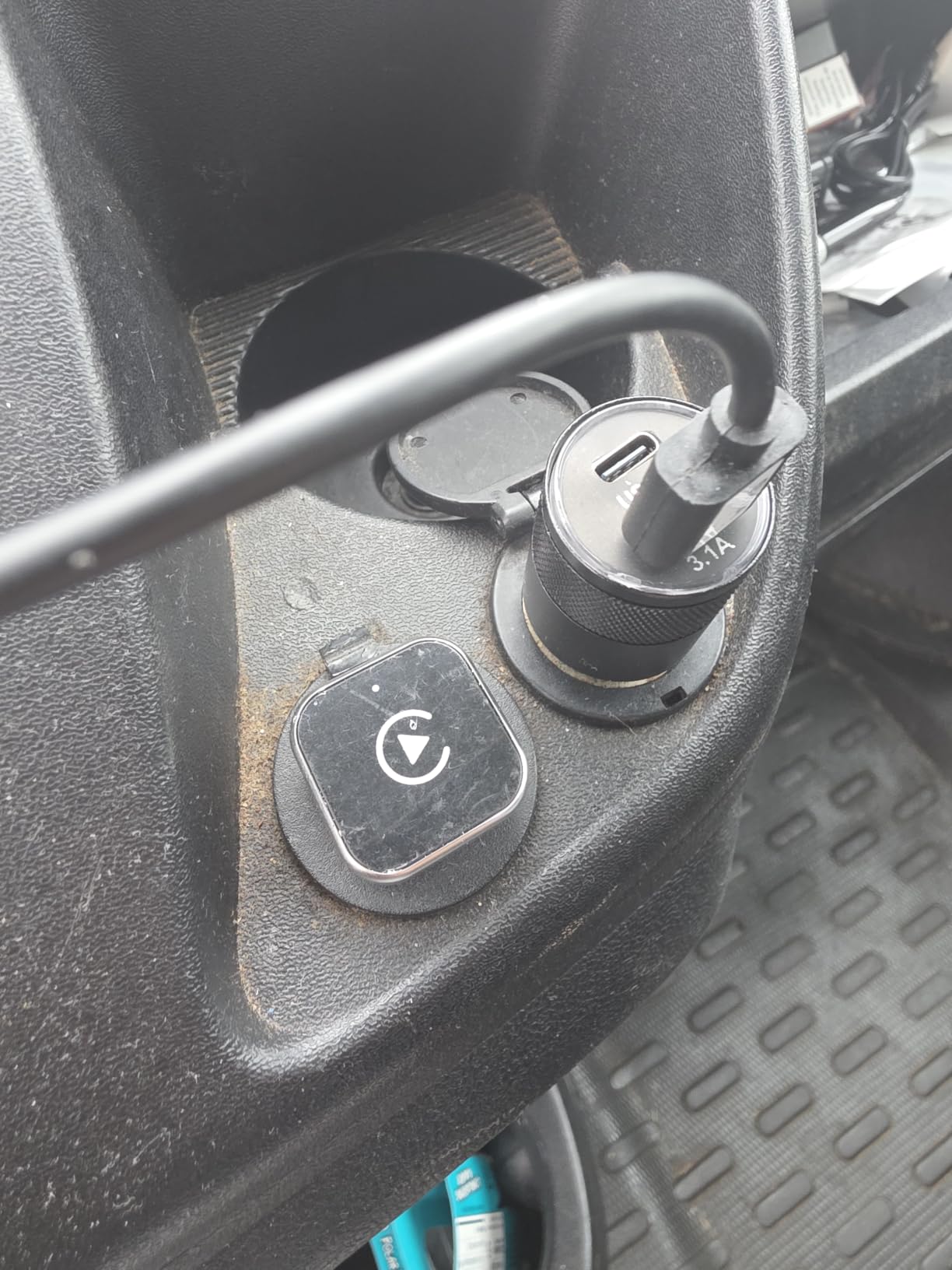
The weaknesses are real though. Bluetooth can take a while to reconnect after ride-share trips, occasionally with a broken signal that needs a car restart to clear, and one review reports the unit running hot after a few minutes. At 4.2 with 14% one-star ratings, this is the joint-highest negative share in the group, alongside the Teeran’s early returns.
Free lifetime firmware updates are offered for connection speed and bug fixes, which is the best long-term support commitment here alongside the Luckyish. Coverage is stated at 98% of factory-installed wired CarPlay systems, with iPhone 6 or iOS 10 and above supported.
Because the title markets it for both iPhone and Android devices, buyers sometimes expect Android Auto support alongside CarPlay. The listed features only describe CarPlay functions, so treat it as an iPhone adapter unless the listing confirms otherwise.
What you should check before you buy it
Verify factory installed wired CarPlay in your car. The 98% coverage figure covers OEM wired CarPlay systems and does not extend to aftermarket head units without CarPlay support built in.
Confirm your iPhone runs iOS 10 or newer, which covers an iPhone 6 or later. Anything older will not pair, and that is not a fault in the adapter.
Where it falls short
The heat report and the ride-share reconnection issue are the two complaints worth taking seriously. If your daily routine involves frequent Bluetooth handoffs between phones, expect occasional manual intervention.
With 518 reviews this is the smallest sample in the roundup, so long-term reliability data is thinner here than for the adapters with thousands of reviews behind them.
Will a Wireless CarPlay Adapter Work in My Car?
It will work if, and only if, your car already has factory-installed wired CarPlay. The adapter is a bridge, not a translator. It takes the USB CarPlay data port your car already has and negotiates a wireless link with your iPhone, which means a car without CarPlay gains nothing from any dongle on this page.
There is a three-step self-test you can run in about two minutes. First, sit in the car with the engine running and locate the USB data port, usually in the centre console, glovebox or under a dashboard cover. Second, plug your iPhone in with a Lightning or USB-C to USB-A cable and see whether the CarPlay icon appears on the head unit within a few seconds. Third, open the CarPlay settings on your iPhone and confirm your car is listed there.
If the icon appears, you are compatible with every adapter in this guide. If the port only charges, there is no CarPlay data channel and no dongle can create one. If your car is a 2016 model or newer, the odds are in your favour, because wired CarPlay became standard across most makes in that generation.
Exceptions are worth naming. Tesla and BMW are excluded outright by several manufacturers in this roundup, including the Ottocast, Burnt Sugar and Pluvixa, so check before you buy. Aftermarket head units from Pioneer, Kenwood and Alpine are a different category entirely: some support CarPlay natively, and the AutoSky specifically states that Sony stereos are not compatible with it.
What you do not need to worry about is iPhone age, within reason. Every adapter here supports iPhone 6 or later on iOS 10 or above, and none require a specific iPhone model to work. What you do need to check is port type: adapters that include both USB-A and USB-C cables handle either layout, and cars with a recessed or angled port are exactly the case those cables exist for.
Our related guide to the best wireless security cameras covers the same question in a different room, namely whether a device will work with the hardware you already own.
How to Install and Pair a Wireless CarPlay Adapter
Installation takes under ten minutes and needs no tools. The whole process is identical across all eight adapters, which is why this is a category where the differences show up after month three rather than during setup.
Step 1: Confirm the car. With the engine running, plug your iPhone into the USB data port with a cable. CarPlay should appear on the head unit. If it does not, stop here, because no adapter will help.
Step 2: Fit the adapter. Unplug the phone and push the dongle into the same port. If the port sits at an awkward angle or is recessed behind a trim panel, use the supplied USB-A or USB-C extension cable to bring the dongle somewhere accessible.
Step 3: Turn on Bluetooth and Wi-Fi. Both must be enabled on the iPhone, and it helps to be not connected to another Bluetooth accessory for the first pairing. This matters on the Pluvixa in particular, where the product notes state that nothing else should be connected.
Step 4: Pair. The adapter appears as a Bluetooth device. Tap it once on the iPhone, accept the pairing prompt, and wait a few seconds while the head unit negotiates with the dongle. Some models, including the AutoSky, use a QR code in the manual to reach the pairing step.
Step 5: Test the connection twice. Once while parked, then start the car again and check that CarPlay comes up without touching the phone. That second start is the one that matters, because automatic reconnection is the entire reason for buying one of these.
What to Look for When Buying a Wireless CarPlay Adapter
Connection speed is the quality bar that buyers quote most often, and it is a mix of two things: how long the dongle takes to boot, and how quickly it re-establishes the link once the car is running. Claimed first-connection times in this group range from around 10 seconds to the 30 to 45 seconds reported by AutoSky owners. Real-world reconnect times cluster near 3 to 5 seconds for the newer dual-band units.
Wi-Fi band matters more than the marketing generation number. A dual-chip 2.4GHz plus 5GHz or 5.8GHz adapter holds a steadier link in a crowded parking structure than a single-band unit, and every dual-band option here also ships a newer Bluetooth radio, generally 5.3 or 5.4. The one exception is the Ottocast Mini Cube 3.0, which still uses Bluetooth 4.2 despite a two-year warranty.
Platform support is the decision people most often get wrong. If everyone in the household drives an iPhone, an Apple-only adapter is the simpler purchase. If one driver has an Android phone, a dual-platform model such as the Teeran or the Ottocast is the only choice that will not need replacing later.
Multi-device pairing is the least-served need in this category and the one people care about most. A long-running thread on r/CarPlay asks specifically for an adapter that remembers several phones and connects to the right one automatically in a shared family vehicle, and the answers describe a market that has not solved it. The reality is that most units here connect to one phone at a time or auto-select only the last phone paired, so expect to switch manually by selecting Bluetooth on the head unit.
Warranty length is the cleanest proxy for how a brand feels about its own hardware. In this group the range runs from six months on the AutoSky to two years on the Ottocast, with most sitting at one year and the Teeran offering 18 months of product protection plus free firmware updates. Long support life matters because a dongle that needs new firmware after an iOS update is a dongle you will be troubleshooting in year three.
Finally, how to avoid the clone problem. Shopping results for this query are crowded with unbranded listings carrying a handful of reviews and low ratings, and the reliable signals are simple: a review count in the hundreds or thousands, a stated warranty, a named manufacturer rather than a bare generic title, and a documented compatibility claim. Product pages that list the number of vehicle models supported and the Wi-Fi band are working from a real spec sheet. Pages that say only works with CarPlay cars are not.
Troubleshooting a Wireless CarPlay Adapter
Most problems in this category come down to one of four things, and all four are fixable without returning the adapter.
The adapter does not appear at all. Confirm the head unit actually supports wired CarPlay by plugging your phone in directly, then check that Bluetooth and Wi-Fi are both on with no other device connected. The port itself must be a data port, and a charging-only port will never work.
It connects then drops. Intermittent connection failure is the most common complaint in community threads about this category, and the reported fix is usually a head unit restart or unplugging and replugging the dongle. If it recurs, moving the adapter to an extension cable away from the port often helps, since heat near the console is a common trigger.
Audio cuts out at the start of navigation prompts. This is a documented failure mode rather than a fault in your setup, and the clearest report in the category comes from an r/CarPlay user testing AutoSky units that otherwise connect very fast. If spoken directions matter to you, test any dongle on a familiar route before you rely on it.
Nothing works after an iOS update. Reviews across the category describe adapters needing to forget the phone and pair again after major iOS releases. Delete the adapter from the Bluetooth list on the iPhone, restart the head unit, and pair once more. If a firmware update is offered, install it at the same time, since that is when compatibility fixes usually ship.
One recurring piece of advice from reviewers: turn off any other Bluetooth device during the first pairing, especially wireless earbuds. A head unit that grabs the audio profile for earbuds before the dongle claims it is a common source of dropped call audio and silent navigation prompts.
Frequently Asked Questions
What is the best adapter to make Apple CarPlay wireless?
For most people the APROO adapter is the strongest overall choice, with the largest review base in the group, a dual-chip 2.4GHz and 5.8GHz radio with Bluetooth 5.3, and a 30 g aluminum body that stays plugged in unnoticed. It pairs once with no app and reconnects on every ignition. Households running both iOS and Android should choose the Teeran 2 in 1 unit instead, since it handles both platforms from the same dongle.
Do wireless CarPlay adapters work with all cars?
No. A wireless CarPlay adapter only works in a car that already has factory-installed wired CarPlay, because it bridges the existing USB CarPlay port rather than adding CarPlay to a vehicle that lacks it. Plug your iPhone into the car with a cable and check whether the CarPlay icon appears. If it does, any adapter on this page will work. Tesla and BMW are excluded by several manufacturers in this roundup.
Is wireless CarPlay as good as wired?
For navigation, calls, music and Siri, wireless CarPlay is close enough to wired that most drivers stop noticing the difference within days. The cable is removed, the phone port takes less wear, and the USB data port stays free for charging. The honest differences are audio compression over the Bluetooth link, a short delay on auto-connect, and slightly higher phone battery drain because the phone maintains a Wi-Fi connection to the dongle.
How do I install a wireless CarPlay adapter?
Installation takes under ten minutes and needs no tools. Plug the dongle into the car USB data port, using the supplied USB-A or USB-C extension cable if the port is recessed or angled. Turn on Bluetooth and Wi-Fi on your iPhone with no other device connected, select the adapter in the Bluetooth list, and wait a few seconds. After that first pairing it reconnects automatically on every car start.
Do I need to charge my phone while using wireless CarPlay?
You do not need to charge through the CarPlay port, which is one of the main reasons people buy an adapter. Because the phone is connecting wirelessly, the car USB data port is free for a charging cable or a second device. Your phone does use more battery while maintaining a wireless link, so keeping a charging cable in the glovebox for long trips is still sensible.
Why is CarPlay being phased out?
CarPlay is not being phased out. What is changing is that more new cars ship with wireless CarPlay built in, which removes the need for an aftermarket adapter in those vehicles. The transition is about wired connections disappearing from new cars rather than the system being retired. Cars built before wireless CarPlay became standard generally remain wired-only, which is why adapters continue to sell well.
Why does my wireless CarPlay adapter keep disconnecting?
The most common causes are Bluetooth contention, a loose or hot port, and a head unit that grabs the audio profile for another device first. Start the car with wireless earbuds disconnected, confirm the dongle is seated firmly or use the supplied extension cable away from the console, and check for a firmware update from the manufacturer. If it persists, a head unit restart and re-pairing usually clears it.
Conclusion: Which Wireless CarPlay Adapter Should You Buy in 2026?
The best wireless CarPlay adapters in 2026 are the ones that disappear into the port and never ask for attention again. Our pick for most drivers is the APROO adapter, which pairs once with no app, reconnects on every ignition, and has the deepest review base in the category behind it. It is Apple-only, so mixed-ios and Android households should start with the Teeran 2 in 1 unit instead.
Beyond that, match the hardware to the car. The Luckyish and Burnt Sugar adapters carry the newest radios and the strongest navigation behaviour, the Ottocast Mini Cube 3.0 offers the longest warranty and the smallest body, and the Pluvixa is the one to buy if a visible dongle bothers you. Whatever you choose, confirm your car has factory wired CarPlay before you order, because no adapter can add it.
Once it is fitted, give it a few weeks. Connection quality settles after the first month, and if something feels off, the troubleshooting section above covers the four faults that account for almost every support thread in this category.