
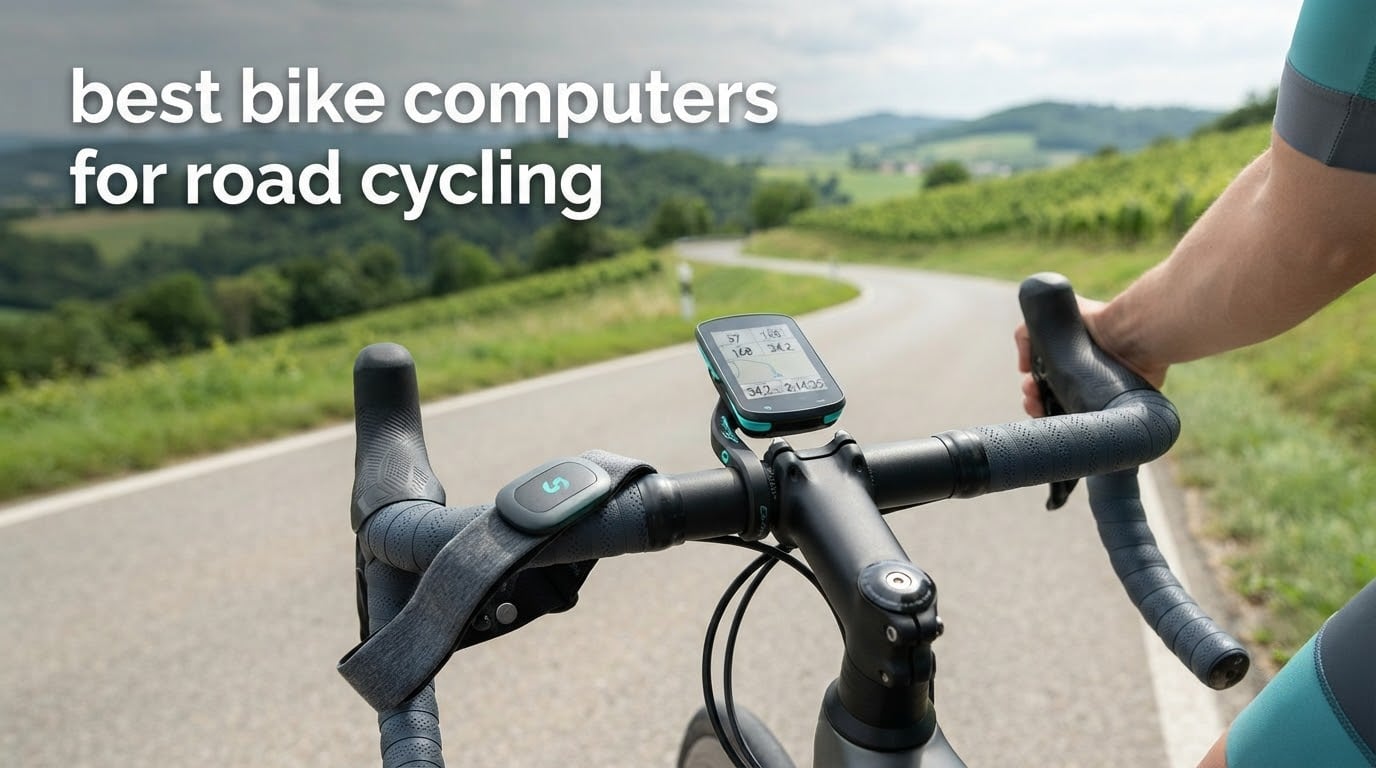
The Garmin Edge 1050 is the best bike computer for road cycling in 2026. It pairs a bright 3.5-inch colour touchscreen with a built-in speaker, a barometric altimeter and one of the most reliable sensor pairings in this roundup, and it is one of only two devices here that speaks navigation cues to you. If you want spoken turn prompts and the longest real-world endurance, take the Wahoo ELEMNT ROAM V3 instead. Riders who want maps and navigation without the flagship cost usually land on the Magene C506.
We assembled this list from current-generation hardware only, which matters more than it sounds. Plenty of bike computer guides online still lead with models that have been replaced, and the road rider is the exact person who pays for that: you want a unit that boots fast on a cold start, holds a satellite lock through a city, pairs with your power meter in seconds, and does not need a charger in your jersey pocket for a five-hour ride.
The ten units below span the whole market, from a cable-free speedometer that does nothing but count kilometres to a touchscreen flagship with a speaker and contactless payment. We read the manufacturer specifications, weighed the owner feedback, and sorted out where the marketing language and the real-world behaviour diverge. As a side note, if your garage is filling up, our bike racks for garage walls guide covers where to actually mount the thing before you worry about the mount.
Table of Contents
Quick Picks: Best Bike Computers for Road Cycling (October 2026)

Garmin Edge 1050
- 3.5 inch colour touchscreen with buttons
- Built-in speaker for turn prompts
- 64 GB storage
- Multi-band GNSS

Wahoo ELEMNT ROAM V3
- Spoken turn-by-turn directions
- 2.8 inch 480x800 screen
- 25 hour battery
- IPX7 rated

Garmin Edge 540
- Multi-band GNSS
- ClimbPro ascent planner
- 26 hours demanding use
- 2.6 inch button interface
Those three cover the widest range of road-riding needs. The Edge 1050 is the most complete unit we list, the ROAM V3 is the endurance and spoken-navigation specialist, and the Edge 540 is the one most road riders should actually buy.
All Ten Bike Computers Compared Side by Side in 2026
| Product | Specifications | Action |
|---|---|---|
| Garmin Edge 1050 |
|
Check Latest Price |
| Wahoo ELEMNT ROAM V3 |
|
Check Latest Price |
| Garmin Edge 540 |
|
Check Latest Price |
 Garmin Edge Explore 2 Garmin Edge Explore 2 |
|
Check Latest Price |
 Magene C506 Magene C506 |
|
Check Latest Price |
 iGPSPORT BiNavi iGPSPORT BiNavi |
|
Check Latest Price |
 iGPSPORT BSC300T iGPSPORT BSC300T |
|
Check Latest Price |
 iGPSPORT BSC200S iGPSPORT BSC200S |
|
Check Latest Price |
 CooSpo BC107 CooSpo BC107 |
|
Check Latest Price |
 CYCPLUS G1 CYCPLUS G1 |
|
Check Latest Price |
Two columns deserve a note. The battery figures above are manufacturer figures under their own stated conditions, and those conditions are not the same across brands, so read the buying guide section on battery claims before you compare them side by side. The same goes for weight: the CYCPLUS G1 and the iGPSPORT BSC300T both come in at 67 to 70 grams, while the Wahoo ROAM V3 and the iGPSPORT BiNavi sit above 100 grams.
1. Garmin Edge 1050 – The Most Complete Road Computer You Can Buy
Garmin Edge® 1050, Premium Cycling Computer
3.5 inch colour touchscreen
5.7 ounce body
20 hours demanding use and 60 hours saver
64 GB storage
Built-in speaker
Pros
- 3.5 inch colour screen that accepts both buttons and touch
- Built-in speaker gives spoken turn prompts and a tap-to-ring bike bell
- Fast interface compared with earlier Edge generations
- Consistent pairing with Di2 and Varia lights and heart rate monitors
- Garmin Pay for coffee stops mid-ride
Cons
- Heaviest and bulkiest unit here at 5.7 ounces
- Search needs an exact address rather than a place name
- Default eat and drink and rest alerts are noisy out of the box
The Edge 1050 is the one I keep coming back to for road. The 3.5-inch colour screen sits at the top of the size range in this roundup, and the fact that it is a touchscreen rather than a pure touch device matters more than the spec sheet suggests: when your hands are soaked on a descent or you are wearing full-finger winter gloves, the physical buttons still respond.
Sensor pairing is where this unit separates itself. Owners coming from older Edge models report immediate improvements in multi-sensor stability, particularly with Di2 and SRAM AXS shifting, Varia lights and heart rate monitors connecting without the usual reconnection dance. The flush out-front mount and standard mount are both in the box, which matters if you own more than one bike.
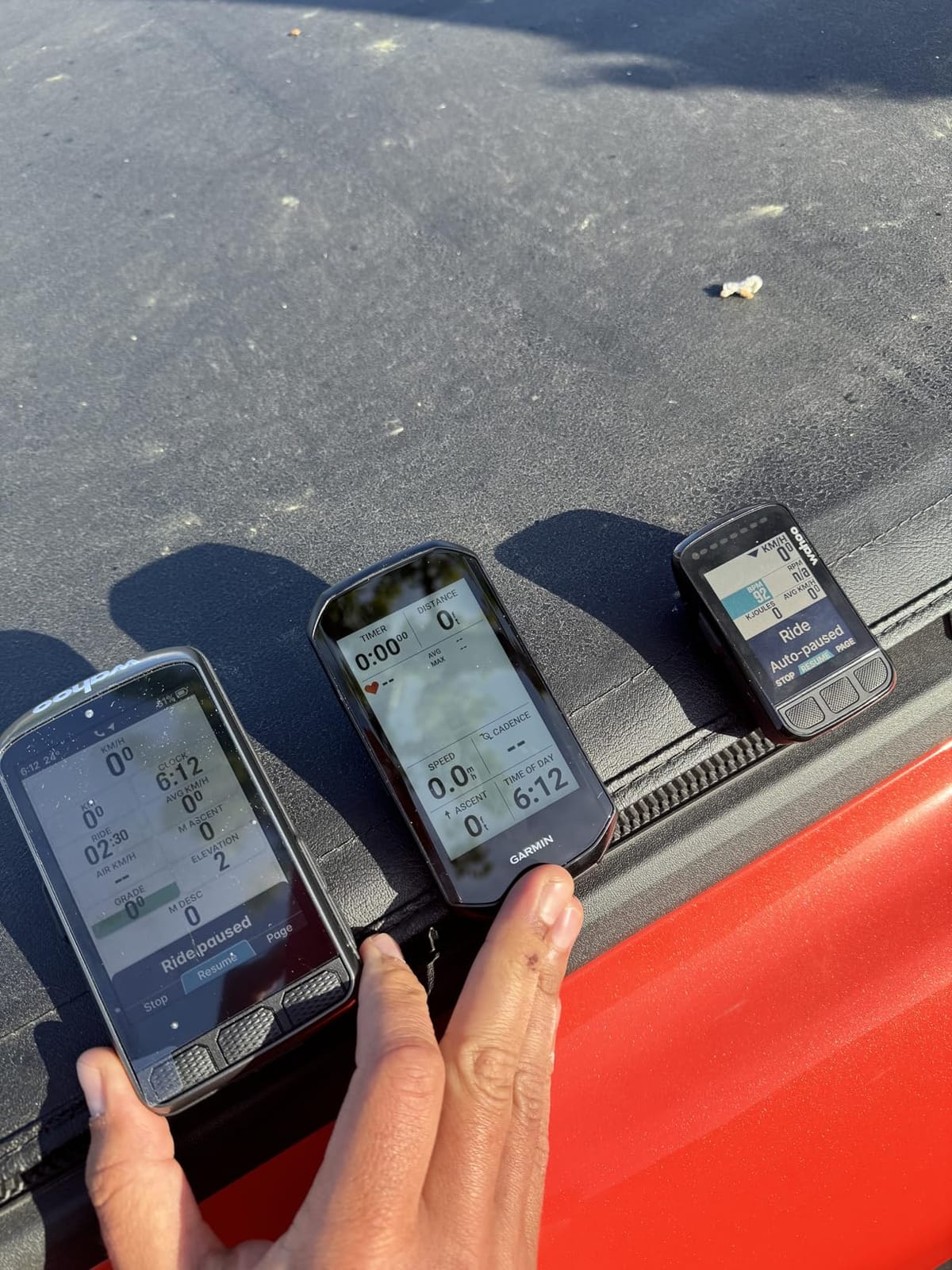
One owner reports 58% battery remaining after a ride of more than ten hours with navigation running at full brightness. That is the demanding-use scenario that matters on a road century, and it is a real-world report rather than a lab figure. Garmin Pay also works well for the coffee stop at mile 60, and GroupRide messaging with live locations covers the group-ride case properly.
The learning curve is real. Owners consistently mention the number of menus and features, and the default alerts for eating, drinking, resting and hazards need turning off before they stop feeling like noise. Search is also clearly a generation behind a phone: you type an address, not a place name.
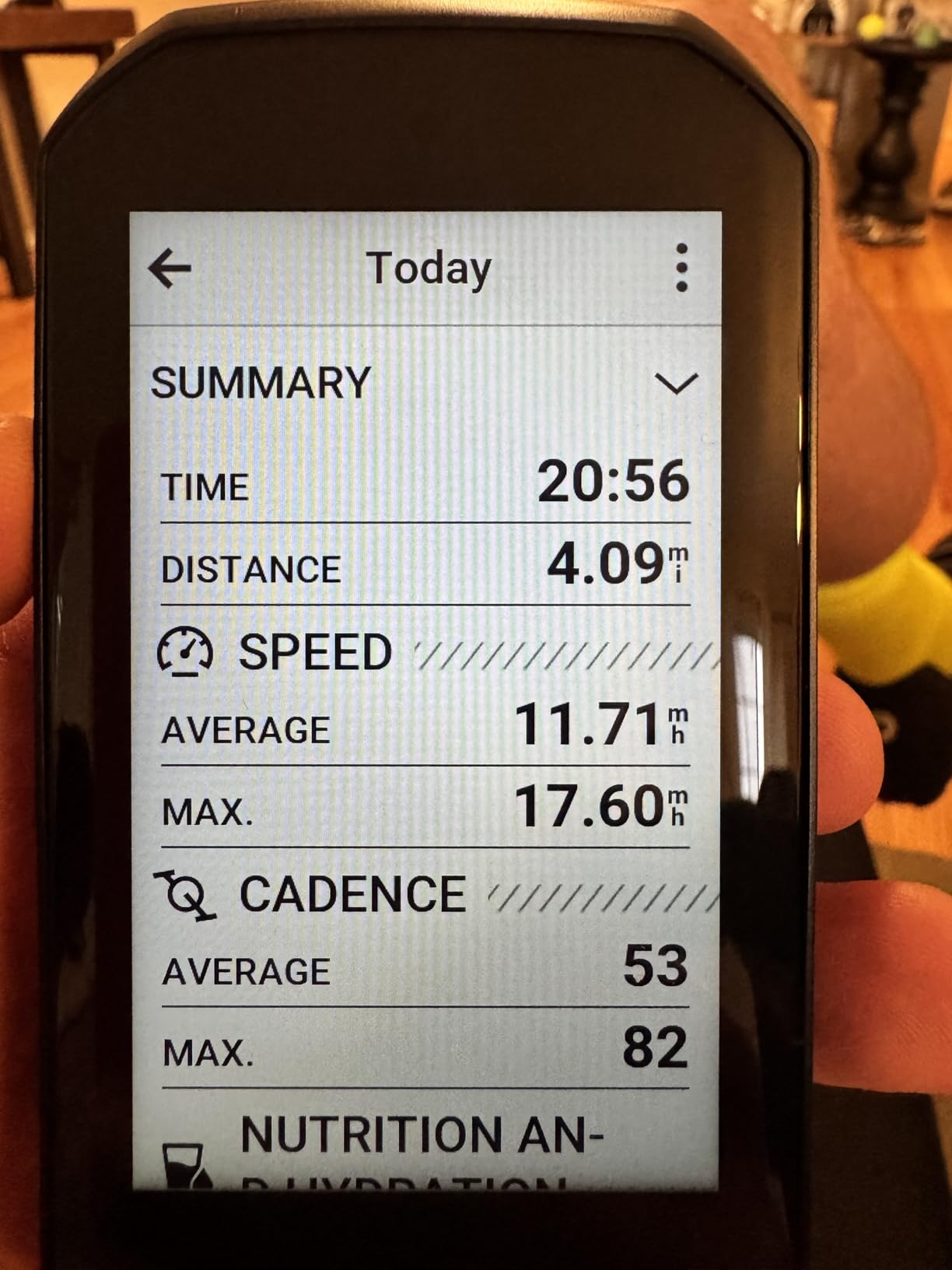
What you give up for the flagship
Weight. At 5.7 ounces with the out-front mount, this is the heaviest device we list, and riders chasing a race-weight build will feel it on a long climb. Battery life is also not the class leader here even though the saver-mode figure of 60 hours looks generous on paper.
Size is the other issue. The 3.5-inch screen is superb, but on a compact bar with 31.8mm handlebars the flush mount can crowd the stem and your brake lever cables. Check your cockpit before ordering, and budget for a different mount if your bar tape is tight.
Who should skip it
Casual weekend riders. This is far more computer than a once-a-week spin needs, and the extra menus cost you time you could spend riding. If your rides are all on roads you already know, the training depth here is wasted capability.
It is also the wrong pick if your hands get wet and cold and you hate touchscreens. The buttons help, but a pure button device is calmer in winter. The Edge 540 below is lighter, smaller and better suited to that rider.
2. Wahoo ELEMNT ROAM V3 – Spoken Navigation and Long-Distance Riding
Wahoo ELEMNT ROAM V3 GPS Cycling/Bike Computer,Black
2.8 inch 480x800 screen
109 g
25 hour battery
IPX7
Out-front and stem mounts included
Pros
- Spoken turn-by-turn directions rather than beeps
- Dual-band GPS across seven satellite systems
- All key functions also reachable by physical button
- Out-front and stem mounts included in the box
- Large screen stays readable as eyesight ages
Cons
- App syncing and ride downloads reported slow at times
- Screen dims aggressively in shade with sunglasses
- No map-making tool so imported Garmin courses are awkward
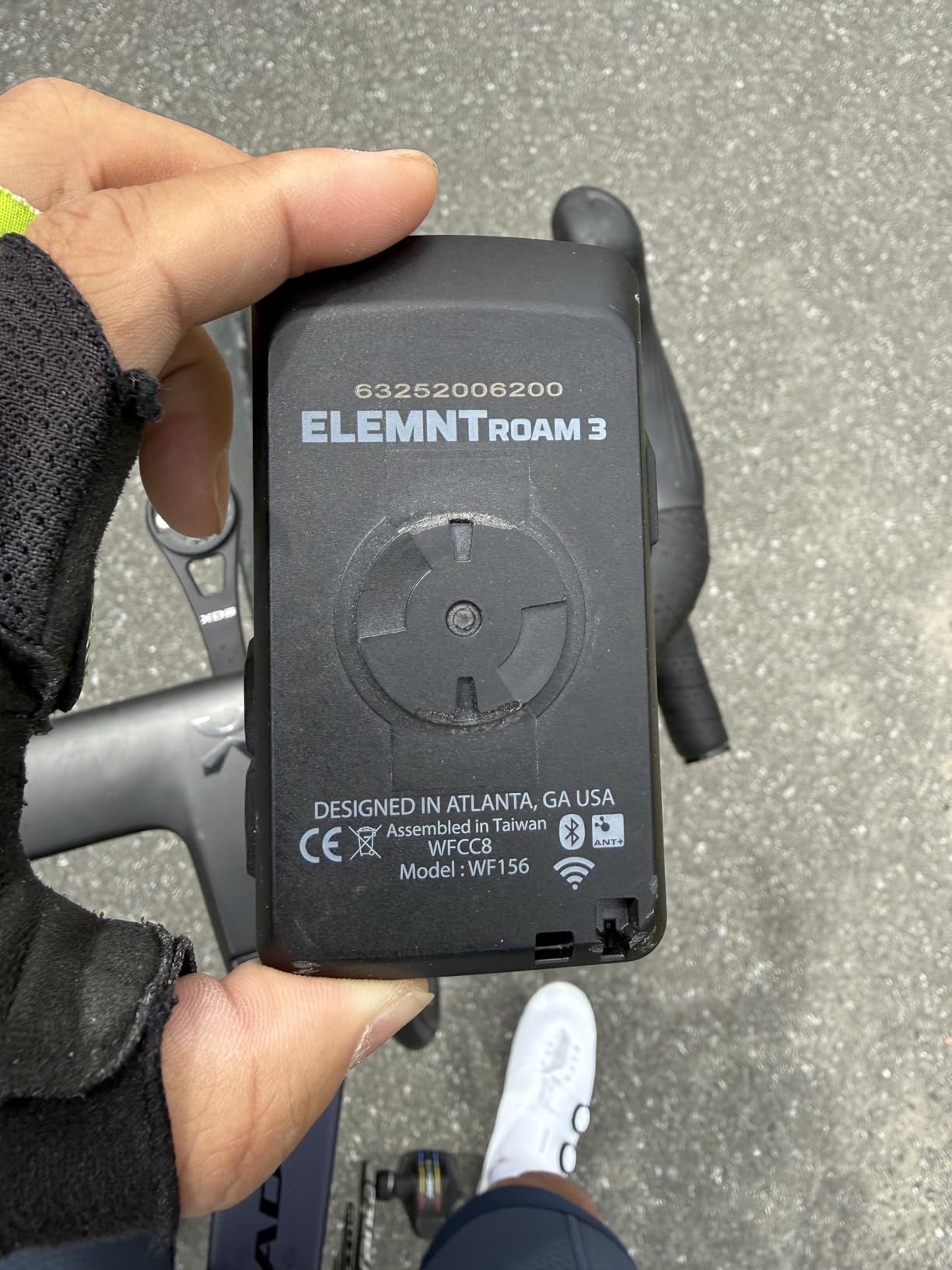
What separates the ROAM V3 from most rivals is that it talks to you. Instead of beeps, it gives spoken turn-by-turn directions with street names, which means you can keep your eyes on the road through an unfamiliar junction on a training ride. Dual-band GPS across GPS, GLONASS, BEIDOU, Galileo, QZSS, SBAS and NavIC holds an accurate track under forest and urban obstruction.
Battery life is the headline for long-distance riders. One owner report has roughly 50% charge remaining after a 14-hour, 200-mile ride, which is the endurance figure that matters most on this list. The 2.8-inch 480×800 panel is large without being unwieldy at 109 grams, and every key function is also reachable through buttons, so gloves and rough roads are not a problem.
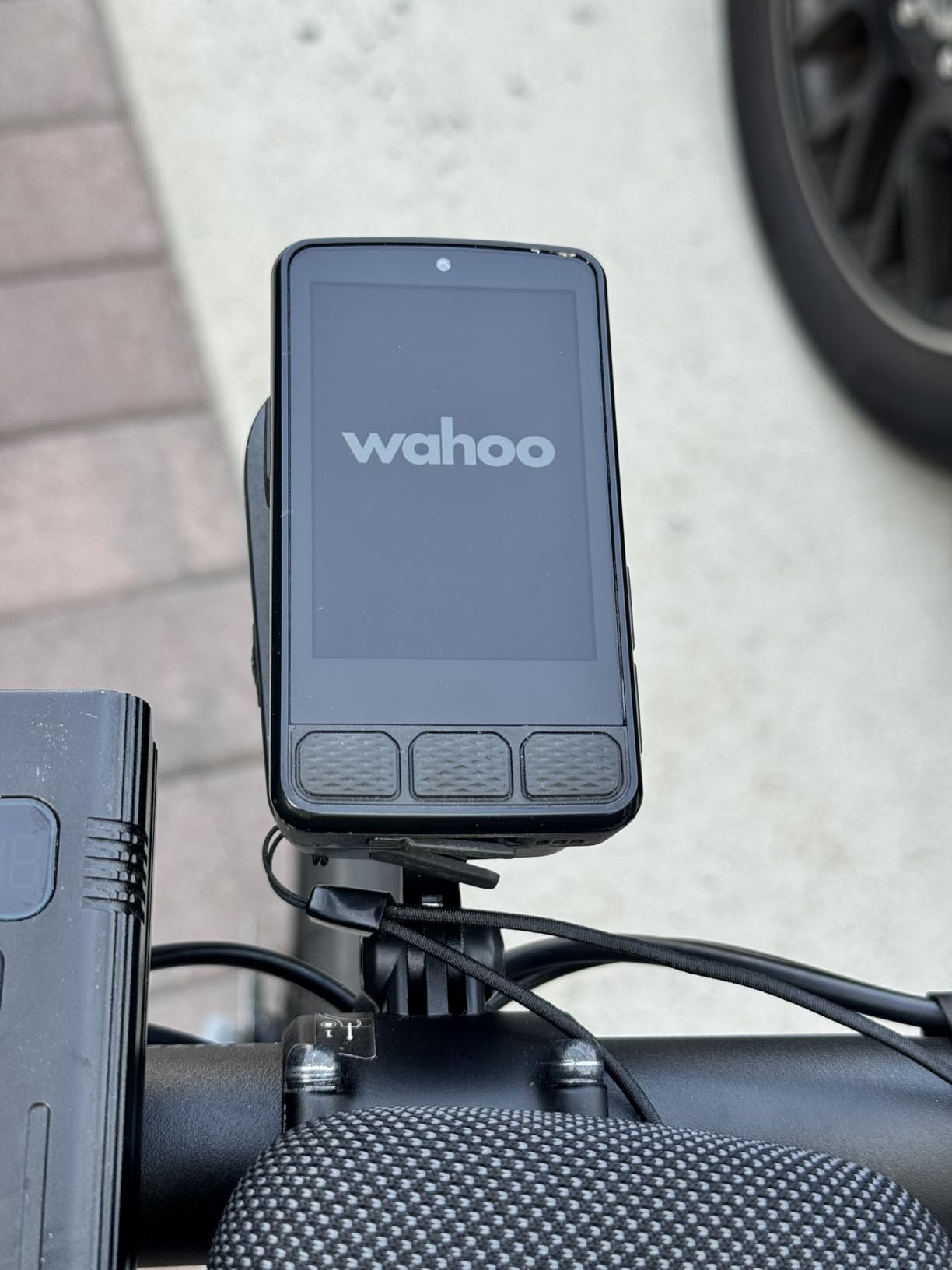
On-demand route generation from the map page or the app is a genuinely useful road feature: if the group splits and you need to find a shortcut, you can build it on the device. There is also public route sharing between nearby ELEMNT users, and setup is as simple as scanning a QR code.
The feedback on this unit is sharply split, which is why its rating sits below the rest of the list. Many riders give it five stars for the hardware itself, while a smaller group report slow app syncing – sometimes half an hour or more – phone pairing failures on individual units, and occasional crashes or false off-course alerts on very long rides.
How the battery and screen behave in real conditions
Owners rate the endurance well, and the 25-hour manufacturer figure lines up better with reported real-world use than most figures in this list. That makes it the natural pick for century riders, gravel multi-day trips and anyone who does not want to carry a cable.
The screen complaint is about shade, not sunlight. It dims too aggressively under trees or when you are wearing sunglasses, which on a wooded back road can leave you guessing at the numbers.
Who should look elsewhere
If you plan routes on your computer rather than on your phone, the ROAM V3 is a weak fit. Wahoo has no map-making tool, so importing courses you built in Garmin Connect is awkward, and customisation has to happen in the app rather than on the device.
Speakers are limited to basic continue and turn cues with street names rather than richer guidance. Riders who want a large touch-first map experience are better served by the Edge 1050 or the iGPSPORT BiNavi, and riders who want the simplest possible setup should look at the CooSpo unit further down.
3. Garmin Edge 540 – The Sweet Spot for Road Training
Garmin Edge 540, Compact GPS Cycling Computer
2.6 inch 246x322 screen
2.8 ounces
26 hours demanding use and 42 hours saver
16 GB storage
Button control
Pros
- Multi-band GNSS locks fast and holds accurate tracks
- Buttons stay reliable with wet hands or gloves
- ClimbPro shows remaining climb and grade on every ride
- Compact body suits 31.8mm handlebars
- USB-C charging
Cons
- Garmin Connect setup is clunky on first run
- Climb detection lags 5 to 10 seconds entering and leaving a climb
- Standard mount only is included in the box
For most road riders this is the correct answer. The Edge 540 delivers nearly the data accuracy and feature set of the higher-end units in a 2.8-ounce body, and the button interface is a control method that stays dependable when it is raining. Multi-band GNSS locks satellites quickly and holds accurate tracks, elevation and speed through most terrain.
ClimbPro is the feature that makes it a road-cycling computer rather than a generic bike computer. It plans ascents and shows the remaining climb and grade on every ride, which turns a long Alpine route into a series of manageable segments. Daily suggested workouts, adaptive training prompts, power guide and stamina insights with a paired power meter complete the training picture.
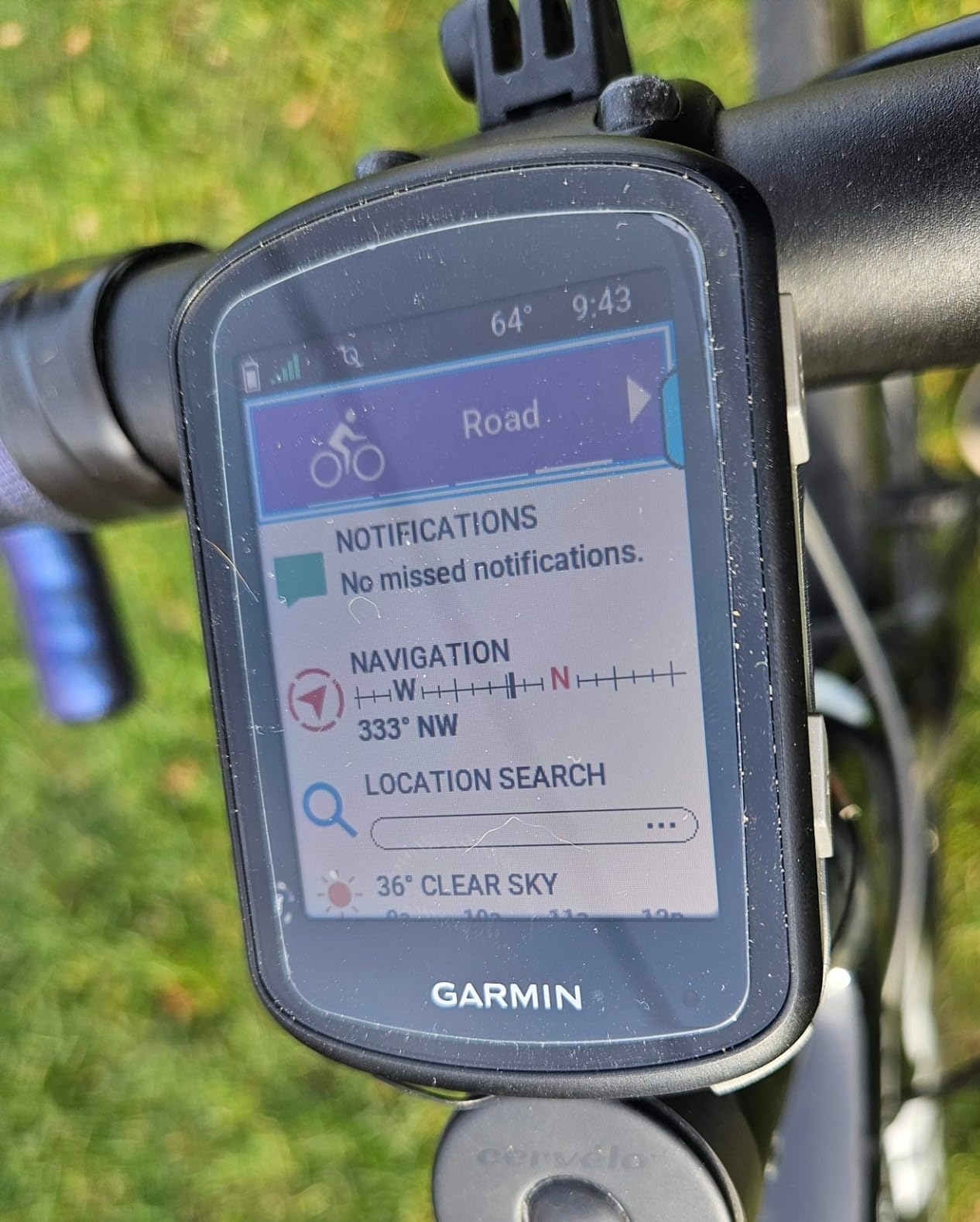
Sensor pairing is reliable across power meters, heart rate straps and speed and cadence sensors, and 16 GB of internal storage holds ride-type-specific maps with searchable points of interest. At 26 hours in demanding use and 42 hours in saver mode, most riders will go several long rides between charges.
Two owner complaints are worth planning around. Climb detection has a 5 to 10 second lag both entering and leaving a climb, so the ClimbPro banner appears slightly late. And the device drains charge if you leave it in power-save mode instead of powering it fully off, which matters if the computer lives on the bike between rides.
What the smaller screen costs you
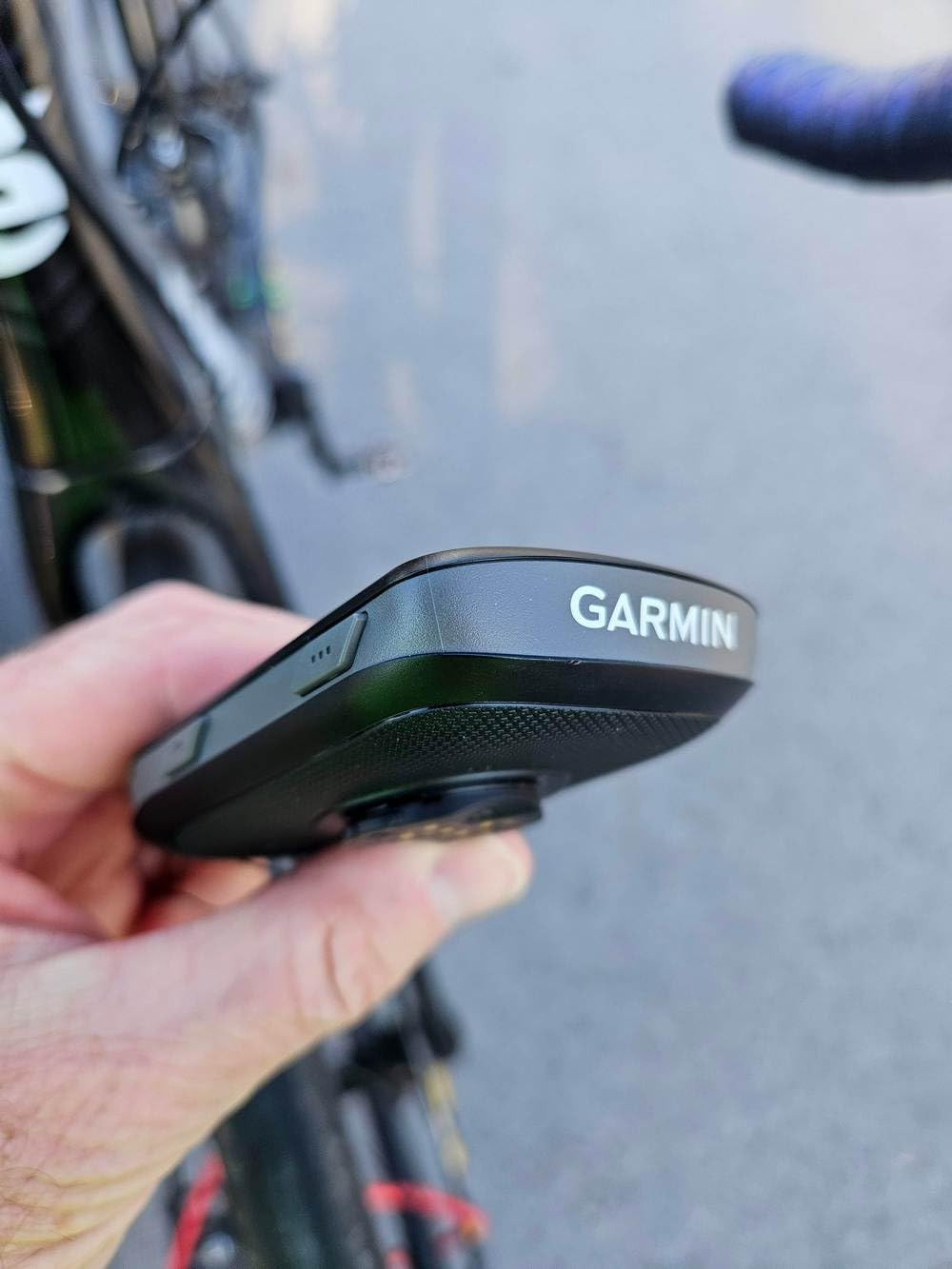
The 2.6-inch 246×322 panel is smaller than the 3.5-inch Edge 1050, so map work on the device is cramped and is better done in Garmin Connect before you roll. Data fields are configurable and readable at a glance, which is the day-to-day experience that actually matters on a road bike.
First-time setup is the weakest part of the ownership experience. Owners describe Garmin Connect configuration as clunky and time-consuming, and the Varia radar software update takes roughly eight minutes on first connection. Plan an evening for it, not five minutes in the car park.
Who should skip it
Riders who insist on a touchscreen. There is no touch input at all here, which is a dealbreaker for some and a relief for others. The other group to look elsewhere is anyone who plans routes on the fly – this is a training-first computer that will follow a route you set up in advance.
Also note the box contents. Only the standard mount is included, so if you want an out-front mount for a race build or a second bike you will need to buy it separately.
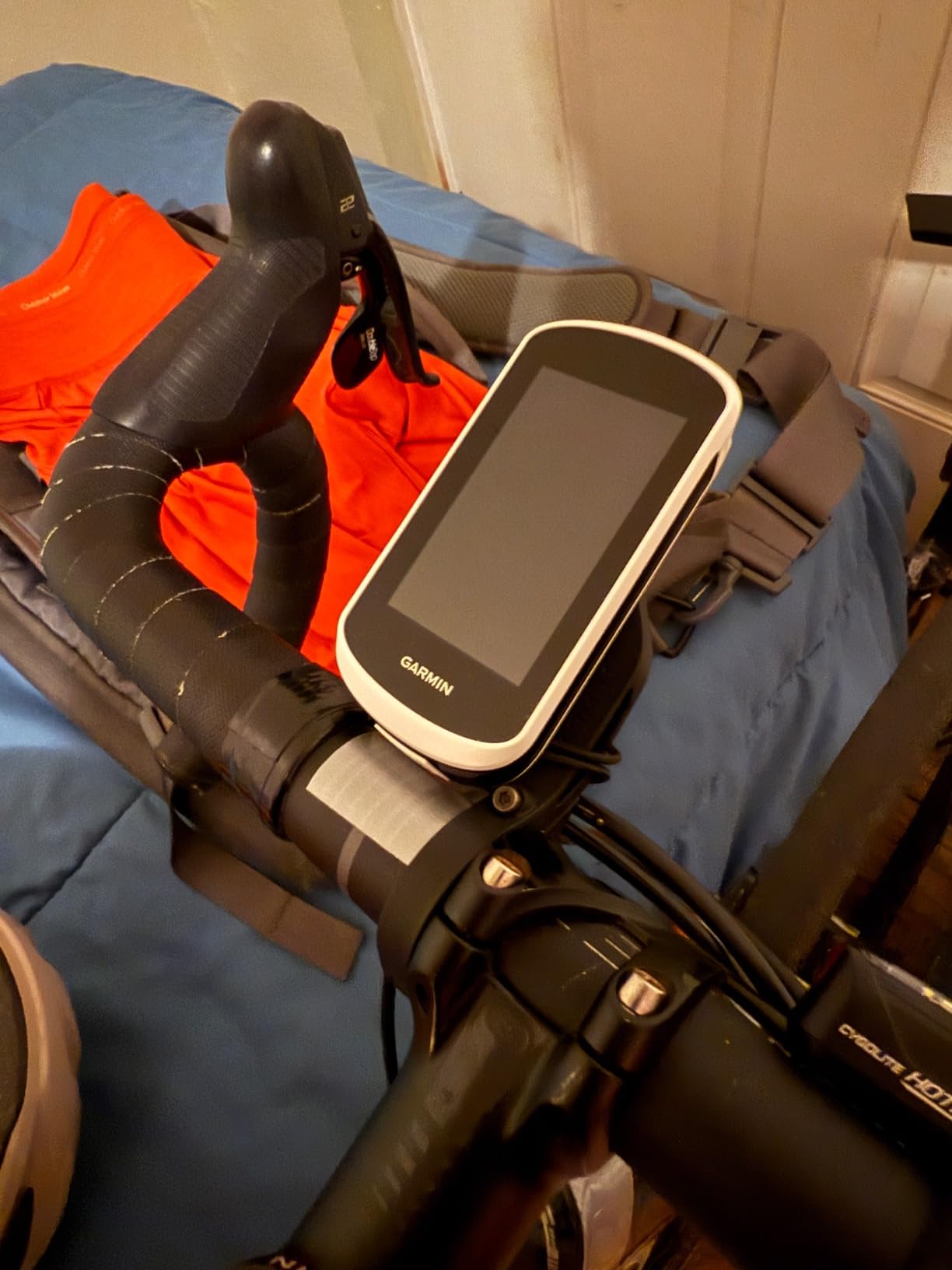
4. Garmin Edge Explore 2 – The Easiest Large-Screen Garmin to Run
Garmin Edge® Explore 2, Easy-to-Use GPS Cycling Navigator
3.4 inch touchscreen
4.1 ounces
16 hour battery
16 GB storage
Capacitive touch
Pros
- Large glove and rain friendly touchscreen readable in direct sunlight
- Preloaded road off-road and indoor profiles work out of the box
- Ride type-specific maps with searchable points of interest
- Smart notifications plus LiveTrack and GroupTrack
- eBike battery assist level and range guidance
Cons
- Shortest battery in the Garmin range at 16 hours
- Map design described as hard to follow by some riders
- Heart rate and speed and cadence sensors sold separately
The Explore 2 is the Garmin you hand someone who has never used a bike computer. Preloaded road, off-road and indoor activity profiles work straight out of the box, so there is no configuration session before your first ride. The 3-inch capacitive touchscreen is designed to respond to gloves and rain, and owners confirm it stays visible in direct sunlight.
Mapping is the reason to choose it. Ride type-specific maps highlight popular roads, show high-traffic roads directly on the map, include searchable points of interest and support eBike routing. For a rider who navigates rather than trains, that is a lot of useful detail in a simple interface.
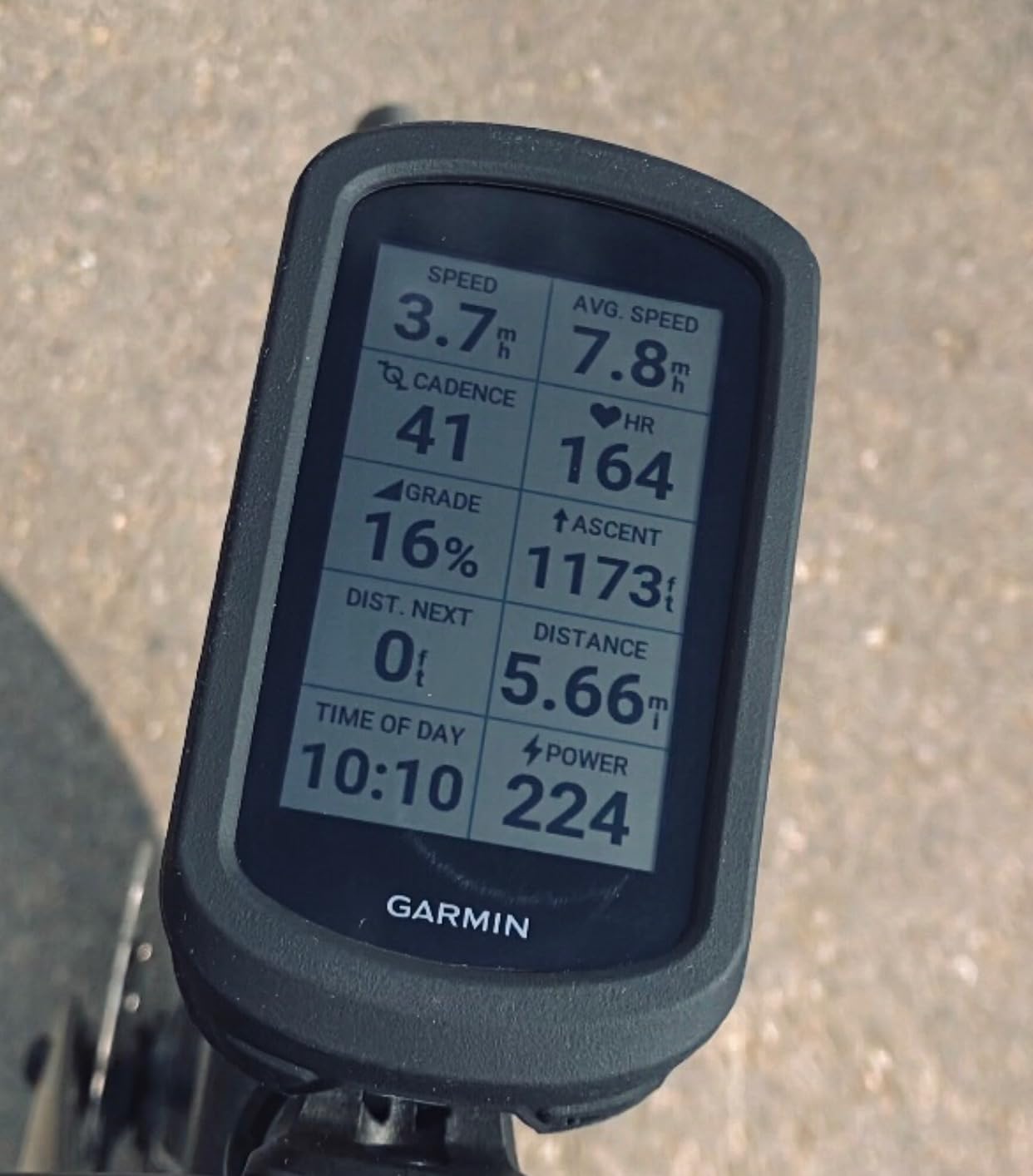
Smart notifications, LiveTrack, GroupTrack and rider-to-rider messaging cover group rides, and incident detection is included. Music control from the device works during indoor sessions, which pairs nicely with a smart trainer on a bad-weather day.
The 16-hour battery is the shortest among the Garmin units in this roundup and the only serious drawback for road use. That is roughly a full day of riding with the screen at sensible brightness, but it is not a century-day unit and it is the main reason this sits below the Edge 540 here.
Is the mapping actually good?
Mixed owner feedback. The point-of-interest search and high-traffic road layer are praised, while the map design itself is described by some reviewers as hard to follow. If you are the type who rides a loop you have memorised, this matters little. If you improvise on unknown roads every weekend, it matters a great deal.
Garmin Connect is still the tool to use for planning. Owners generally find it functional rather than pleasant, and the Explore 2 is a device you set up in advance and then leave alone on the bike.
Who should skip it
Long-distance riders. Sixteen hours is not enough for a full-day century plus a slow coffee stop, and the Explore 2 is not a solar model. Riders training with a power meter will also want to buy sensors separately, which adds a cost the headline figure does not suggest.
If you ride in winter with wet hands, note that there is no button option at all. The Edge 540 keeps physical controls and costs less, so it is the better cold-weather road choice.
5. Magene C506 – Best Value With Real Turn-By-Turn Navigation
Magene C506 GPS Bike Computer – 2.4″ Color Touchscreen, Smart Navigation, Fast WiFi & Bluetooth, Riding Assistant Wireless, Indoor Cycling & Training
2.4 inch colour touchscreen
76 g
24 hours endurance mode
WiFi and Bluetooth
ANT+ and Bluetooth sensors
Pros
- Full turn-by-turn navigation with maps well below flagship cost
- Light at 76 g with bold fonts readable in bright sunlight
- Supports nine device types including power meters radar and Di2
- Indoor trainer simulation with power resistance and gradient targets
- Automatic ride start and stop during navigation
Cons
- Map downloads and settings sit in non-obvious menus
- OnelapFit app is less refined than Garmin Connect or Wahoo
- No Strava Live or starred segment support on this model
The C506 is the value answer that actually navigates. You get a 2.4-inch colour touchscreen, turn-by-turn mapping, custom routes from the OnelapFit app or your own GPX files, and 105 data items across 14 categories, in a body weighing 76 grams. Mapping hardware at that weight is unusual in this price bracket.
The Airoha chipset with AGNSS delivers a positioning fix in as little as five seconds, which matters on a cold start at the top of a hill. WiFi and Bluetooth dual protocol syncing is advertised as roughly 28 times faster than Bluetooth alone, and rides sync automatically to Strava and Google Health without you being prompted.
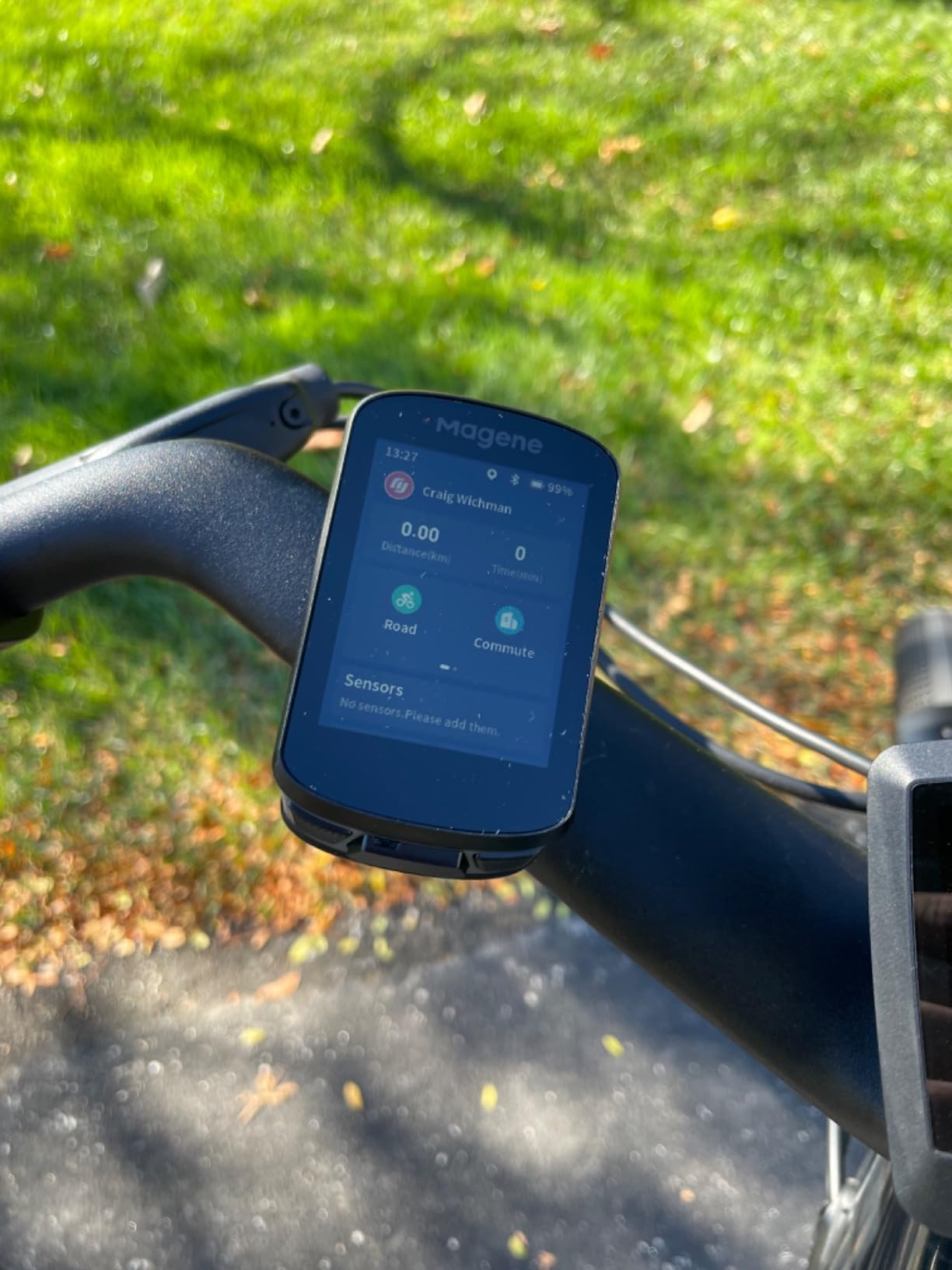
Sensor support is the sleeper feature. Nine device types over ANT+ and Bluetooth, including power meters, smart trainers, radar and Di2 or SRAM eTap shifting, means a mixed-brand garage is not a problem. The indoor trainer simulation with power, resistance and gradient targets also makes it usable for winter trainer work, and automatic start and stop during navigation stops you losing ride segments.
The compromises are real but manageable. Map downloads and settings are buried in menus that take practice to find, the OnelapFit app is less refined and can feel slow, and this model does not get Strava Live or starred segment support, which is reserved for higher models in the range. If your post-ride analysis happens on the desk rather than on your phone, our home office desktop computer guide covers the setup side of that workflow.
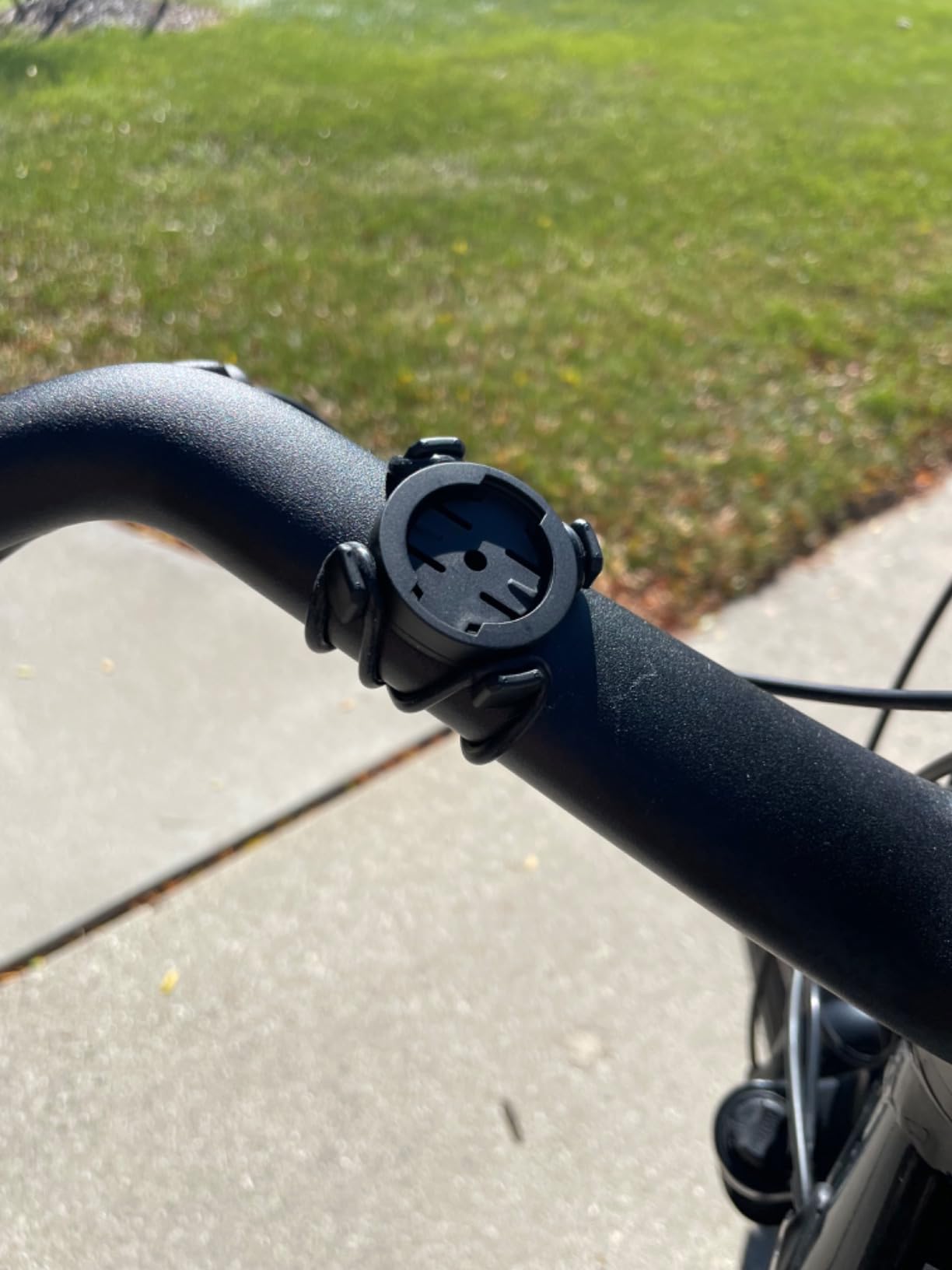
How accurate is the positioning?
Mostly good, with one documented exception. Owners report reliable tracks in normal open riding, and the multi-satellite support helps. One reviewer who compared the recorded route against an Apple Watch saw inaccuracies and invented paths on a particular ride, so treat it as a training-and-navigation unit rather than a survey tool.
The touchscreen sometimes needs two presses to register, and several reviews warn that it expects a firmware update before every ride. Both are cheaper to live with than a step up to a flagship.
Who should skip it
Riders whose training depends on live Strava segments, and anyone who wants the deepest ecosystem tooling – if your post-ride analysis lives in Garmin Connect or the Wahoo app, you will rebuild parts of that workflow here. The same applies to riders who want a large map screen; 2.4 inches is a data screen first and a map screen second.
It is a strong fit for riders building an equipment setup on a mixed budget: a first power meter, a first heart rate strap and full navigation without committing to the top of the market.
6. iGPSPORT BiNavi – Big Screen and Long Battery for Less
iGPSPORT BiNavi GPS Bike Computer, 3.5” Touch Screen MAP Navigation
3.5 inch colour touchscreen
103 g
35 hour battery
32 GB storage
Dual-band GPS on L1 and L5
Pros
- Large 3.5 inch colour touchscreen with many customisable data screens
- Dual-band GPS on L1 and L5 with five satellite systems
- Owners report 39% charge remaining after roughly 20 hours of big-adventure riding
- iClimb Pro ascent planning with route preview and effort distribution
- Route storage on device plus Strava and Komoot import
Cons
- Rerouting is slow enough to look like a freeze and blocks other screens
- Screen reported fragile with a cracked unit after no fall
- Touchscreen response described as only okay
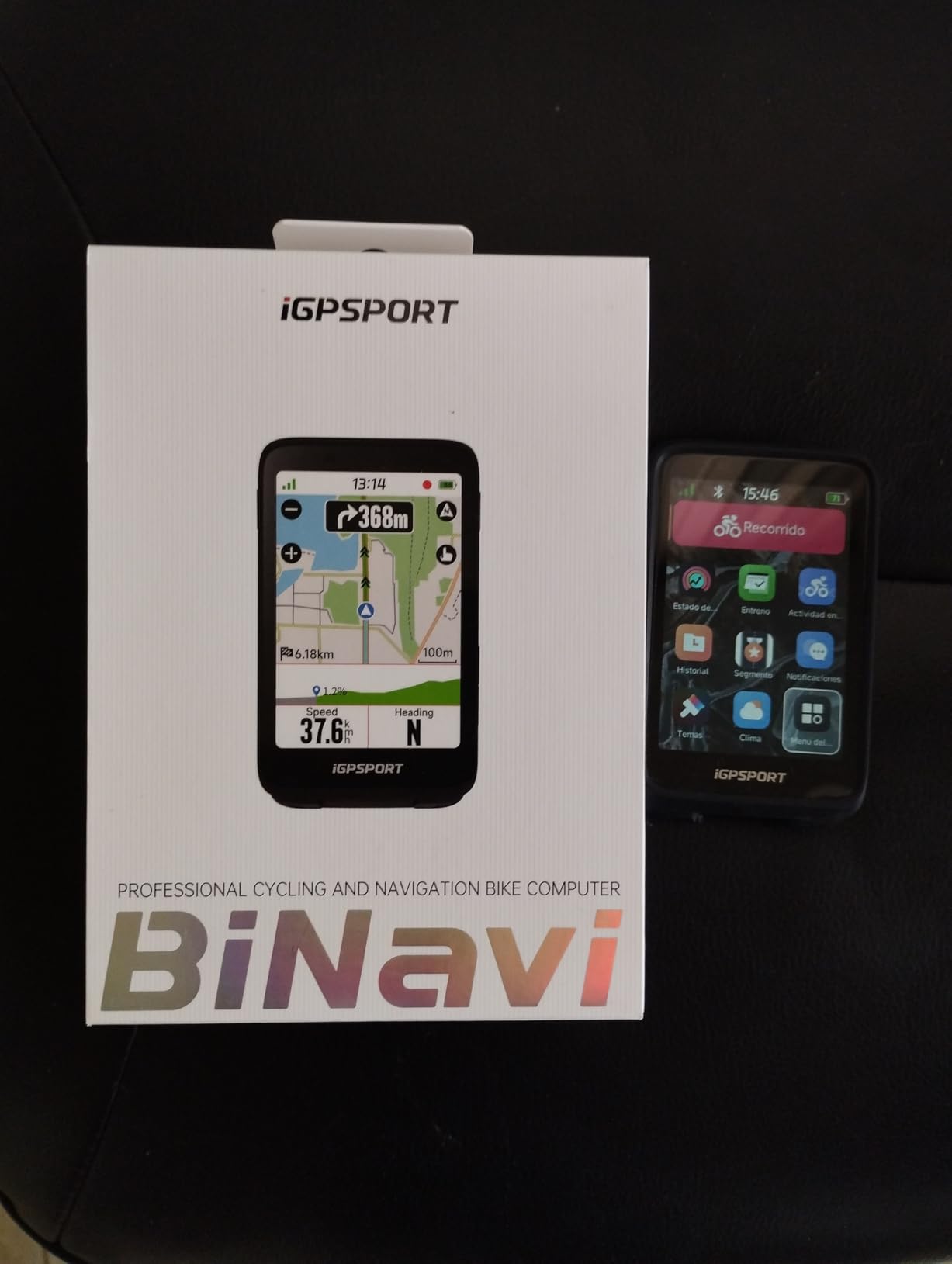
The BiNavi takes the large-screen, long-battery brief seriously. A 3.5-inch colour touchscreen, 32 GB of internal storage for route storage and maps, dual-band GPS on L1 and L5 with five satellite systems, and a manufacturer battery figure of 35 hours. One long-distance owner reports 39% charge remaining after roughly 20 hours of big-adventure riding.
For road cycling, the climbing tools are the differentiator. iClimb Pro plans ascents with route preview and effort distribution, saved point navigation lets you revisit a summit or a coffee stop you have been to before, and training plan analysis gives training effect feedback after the ride. One long-distance reviewer describes it as a step up from a Garmin Edge 705.
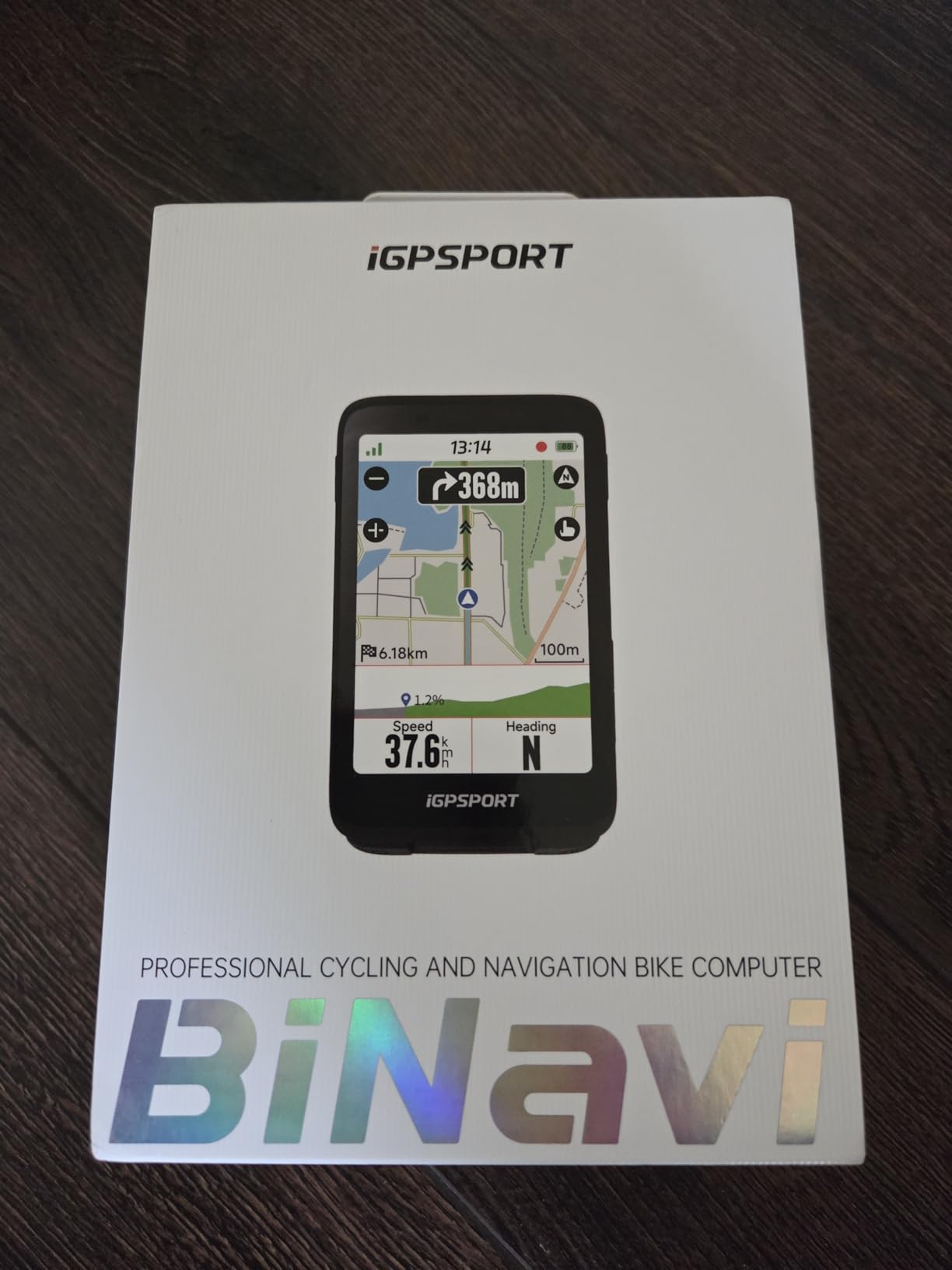
Yaw planning is meant to recalculate the route automatically when you stray off course, and music control from your paired phone is handled from the device. A charging cable and screen film are in the box, which is more than some competitors manage.
Yaw planning is also the biggest weakness. Owners report that rerouting is slow enough to look like a freeze, and it blocks other screens while it works. Route loading can be buggy and slow to start, and rerouting has no knowledge of nearby road closures, so it can send you back down a road that no longer exists.
How it feels in the hand
At 103 grams it is a substantial unit, similar in weight to the Wahoo ROAM V3 and well above the sub-80-gram options below. The screen is large and colourful, but the touch response is described as only okay, and one reviewer’s unit cracked without a fall or a drop – so handle it with more care than its spec sheet suggests you need to.
Customisable data screens are plentiful, which suits riders who want many fields visible on a big panel. If your cockpit is tight, measure before ordering; 3.5 inches is the same footprint class as the Edge 1050.
Who should skip it
Anyone who navigates by improvising. When rerouting stalls, a road rider in unfamiliar territory is exactly the person who suffers. Riders who want audio guidance should also note there is no speaker here, so the Edge 1050 and ROAM V3 serve that need better.
It is the right pick for a rider who plans carefully, rides very long distances, and wants a big screen and long runtime without flagship cost. The iGPSPORT BSC300T below is the lighter, cheaper alternative if you can live with a 2.4-inch panel.
7. iGPSPORT BSC300T – Offline Maps and Group Tracking on a Budget
iGPSPORT BSC300T GPS Bike Computer, Smart Map Navigation 2.4” Touch Screen
2.4 inch touchscreen with six buttons
67 g
20 hour battery
8 GB storage
ANT+ and Bluetooth 5.0
Pros
- Worldwide offline map download with route preview and turn prompts
- Real-time group tracking shows teammate locations
- Multi-satellite positioning on five systems
- Over 130 riding data fields with Strava and Komoot sharing
- ANT+ and Bluetooth 5.0 covers sensors e-bikes and trainers
Cons
- 20 hour battery is short against the rest of this range
- 8 GB internal storage is modest for large offline map downloads
- No Type-C charging cable in the box
The BSC300T is the pick for group rides on a budget. Real-time teammate tracking shows where the rest of the group is on the map, which is the feature most riders in a bunch actually want. Offline map download is worldwide, with route preview and turn prompts.
Positioning covers GPS, BeiDou, GLONASS, Galileo and QZSS, so satellite acquisition is quick even on a cold start. Over 130 riding data fields are available with app-based analysis and sharing to Strava and Komoot, and ANT+ plus Bluetooth 5.0 covers sensors, e-bikes and smart trainers.
What the e-bike mode gives you
Ebike mode displays power level alongside standard cycling data, which is one of the few places in this roundup where an e-bike rider gets a purpose-built field. Several reviewers on electric road bikes specifically call this out as the reason they bought an iGPSPORT rather than a generic budget unit.
The dual-control layout of a 2.4-inch touchscreen plus six physical buttons is unusual at this weight and it works: touch for map work, buttons when your hands are cold. Owners accept that it adds a little bulk to a 67-gram body, and that it takes a moment to learn which control does what.
How it holds up over a long ride
The 20-hour battery is the shortest among the iGPSPORT models in this list, and 8 GB of storage is tight if you download whole regions. Turn off map layers you are not using, and charge the unit fully the night before a big day out.
Note also that no Type-C charging cable is included, so budget for a cable if you do not already own one. That is a small inconvenience rather than a dealbreaker, and the off-course warning that prompts until you are back on route is a genuinely useful safety net on an unfamiliar road.
Who should skip it
Riders on multi-day trips who need a week of maps downloaded and stored locally, and anyone whose main concern is battery headroom. If you ride long distances in unfamiliar areas, the BiNavi or the Wahoo ROAM V3 are more comfortable; if you ride a fixed loop and want group tracking, this is hard to argue with.
8. iGPSPORT BSC200S – Lightweight Transflective Screen, 25 Hours
iGPSPORT BSC200S GPS Bike Computer, Route Navigation Long Battery Life
2.4 inch semi-reflective colour display
67 g
25 hour battery
320x240 resolution
Handlebar mount
Pros
- Very light at 67 g with a semi-reflective screen that reads well in sunlight
- 25 hour battery from a 1.5 hour USB-C charge
- Over 100 data fields with customisable layouts and 400 hours of storage
- Continue last ride function protects interrupted recordings
- One-touch navigation and back-to-start routing
Cons
- Button-only interface with no touchscreen
- Turn and yaw reminders need app configuration first
- Routing is less refined than navigation-first computers
The BSC200S is an affordable way into a real route-following bike computer, and it does something the units above it do not: it uses a semi-reflective colour display at 67 grams. Reflective screens get brighter with ambient light rather than fighting it, so it stays readable in open sun without a backlight.
Route creation happens in the iGPSPORT app and you can import from Strava, Ride with GPS and Komoot. One-touch navigation, back-to-start routing and a continue-last-ride function that protects an interrupted recording are all practical on a road ride where you might stop for a mechanical.
Battery and storage for daily use
A 25-hour battery from a 1.5-hour charge over USB-C is one of the better figures in this list, and owners rate the endurance positively. There is 400 hours of ride storage and more than 100 data fields with customisable page layouts, so you will not run out of either in a season.
Call and SMS notifications work through a paired phone, and there is compatibility with the iGPSPORT front light and radar light if you want vehicle awareness on commutes. Turn, yaw and direction reminders can be set up – though they have to be configured in the companion app first, not on the device.
Who should skip it
Anyone who wants to interact with a map by touch. This is a button-only unit with no touchscreen, so scrolling a route or checking a junction means working through menus, and routing options are less refined than the dedicated navigation-first computers in this list.
It is a good match for a commuter, a winter rider, or a road cyclist on a strict weight budget who plans routes on a computer and just wants the bars to follow them.
9. CooSpo BC107 – Add ANT+ Sensors and Strava Sync on a Budget
COOSPO Bike Computer GPS Wireless, ANT+ Cycling Computer with Bluetooth, 2.4 LCD Screen, Speedometer with Auto Backlight IP67 Waterproof
2.4 inch 240x320 LCD
100 g
80 hour battery
IP67
ANT+ and Bluetooth
Pros
- Pairs with existing ANT+ heart rate speed and cadence sensors
- Uses standard Garmin-style out-front mounts
- Syncs rides to Strava through the CoospoRide app
- Long claimed runtime that covers multiple long rides
- Works independently of a phone during long rides
Cons
- First GPS acquisition can take several minutes on a cold start
- App is less polished than Garmin or Wahoo equivalents
- Mounting bands are oversized so the fit is loose
The CooSpo BC107 answers a specific question: how inexpensively can you add a heart rate strap, a cadence sensor or a power meter to a bike that has nothing? It pairs over ANT+ with existing sensors, records independently of your phone, and syncs .fit files to Strava through the CoospoRide app. Several owners coming from Wahoo and Garmin units report comparable core metrics.
The claimed 80-hour battery is a manufacturer figure, and it is the number in this roundup that deserves the most scepticism, since a full-colour backlit screen and paired sensors will change it. What owners do report is that a full charge covers multiple long rides without anxiety.
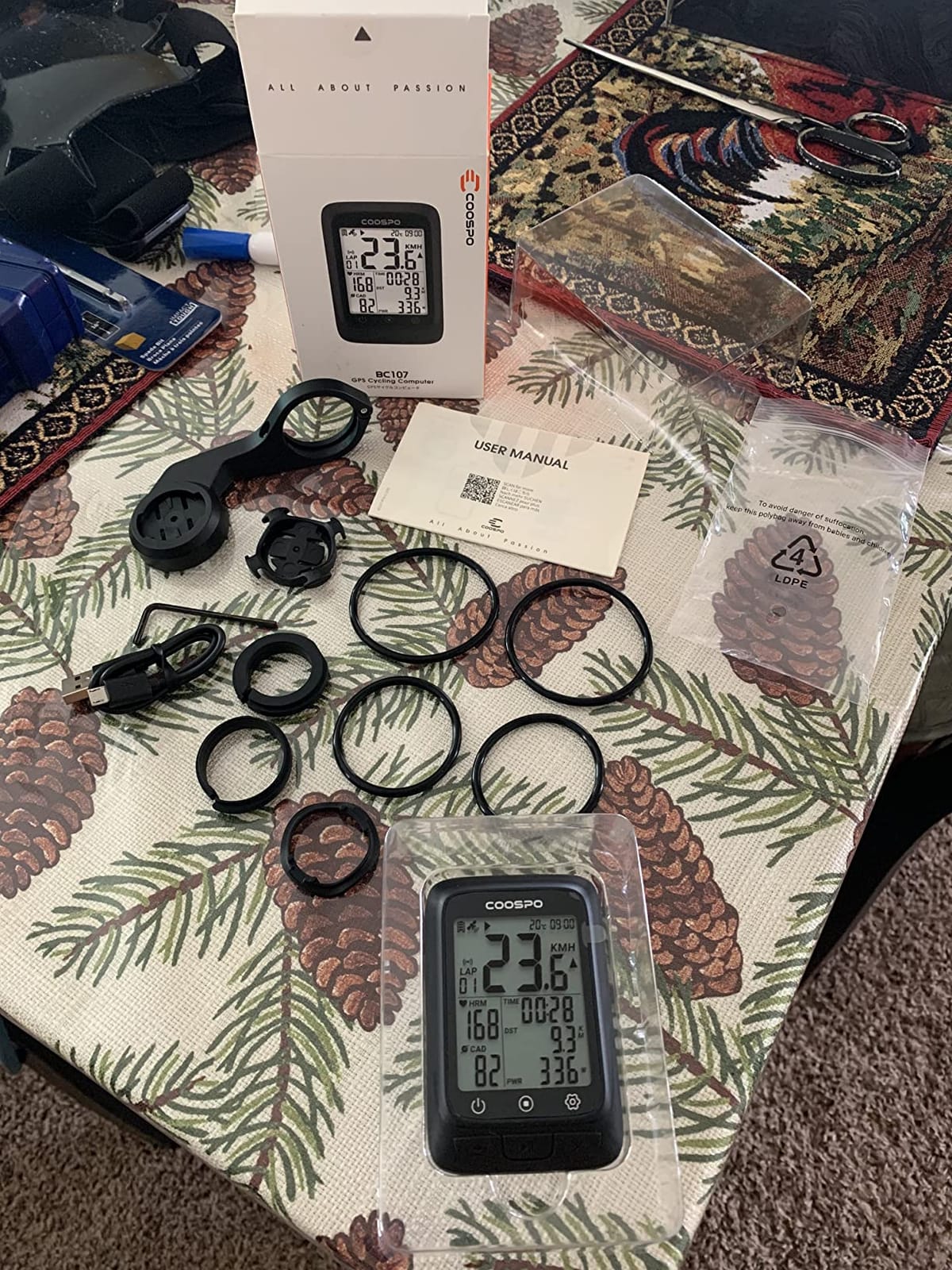
Two practical details matter more than they sound. It uses standard Garmin-style quarter-turn out-front mounts, so if you already own a mount from another brand you can reuse it instead of buying again. And it works fine with no phone in sight, which is the point for a rider who wants the bars to be the bars.
Cold starts are the recurring gripe: first GPS acquisition can take several minutes, which is tolerable on a Saturday morning and annoying when you are already late for a group ride. The 2.4-inch 240×320 screen is sunlight-readable with an automatic backlight, and data field customisation is limited – the time and temperature fields are noticeably smaller than the rest.
Build quality and the warranty question
Warranty cover is 12 months, and a small number of owners report units failing after a few weeks. One reviewer described an early total failure with limited recourse. Customer service is reported as responsive when that happens, but the risk profile is different from a brand with a five-year track record in cycling electronics.
The supplied mounting bands are also oversized, so the fit on a 31.8mm bar is loose until you sort out a better band or add a wrap. Budget five minutes and a strip of tape.
Who should skip it
Anyone who wants turn-by-turn navigation on the device – this unit tracks, it does not guide. Riders who care about a clean back catalogue, structured workouts or a polished app should step up a tier, and anyone who wants out of the box reliability should weigh the CooSpo against a Garmin or Wahoo instead.
10. CYCPLUS G1 – Cable-Free Simplicity for Casual Riders
CYCPLUS Wireless GPS Bike Computer G1, 70g, 2.0″ Screen, IPX6, 1200mAh
2.0 inch backlit FSTN screen
70 g
1200mAh battery
IPX6
Handlebar mount
Pros
- Owners report 16+ hours per charge and weeks of standby
- Bright glare-free backlit screen readable in sun and at night
- Clean cable-free handlebar installation
- Distance and speed within 1-2% of Strava on open roads
- Light at 70 g and easy to move between bikes
Cons
- No phone app or sensor connectivity so nothing syncs anywhere
- GPS degrades under tree cover tunnels and urban canyons
- Does not auto-start so you must power it on before every ride
The CYCPLUS G1 is not a smart bike computer and does not pretend to be. It is a 70-gram cable-free speedometer with a glare-free backlit FSTN screen, a 1200mAh battery and IPX6 waterproofing, and with over four thousand reviews it has the largest owner base in this list. It suits a fixed-road commuter, a winter bike or a first bike for a child.
Owners consistently report 16+ hours per charge and weeks of standby, plus distance and speed readings within 1 to 2% of Strava on open roads. Installation is genuinely cable-free, which removes the one thing that stops many casual riders fitting a computer in the first place.
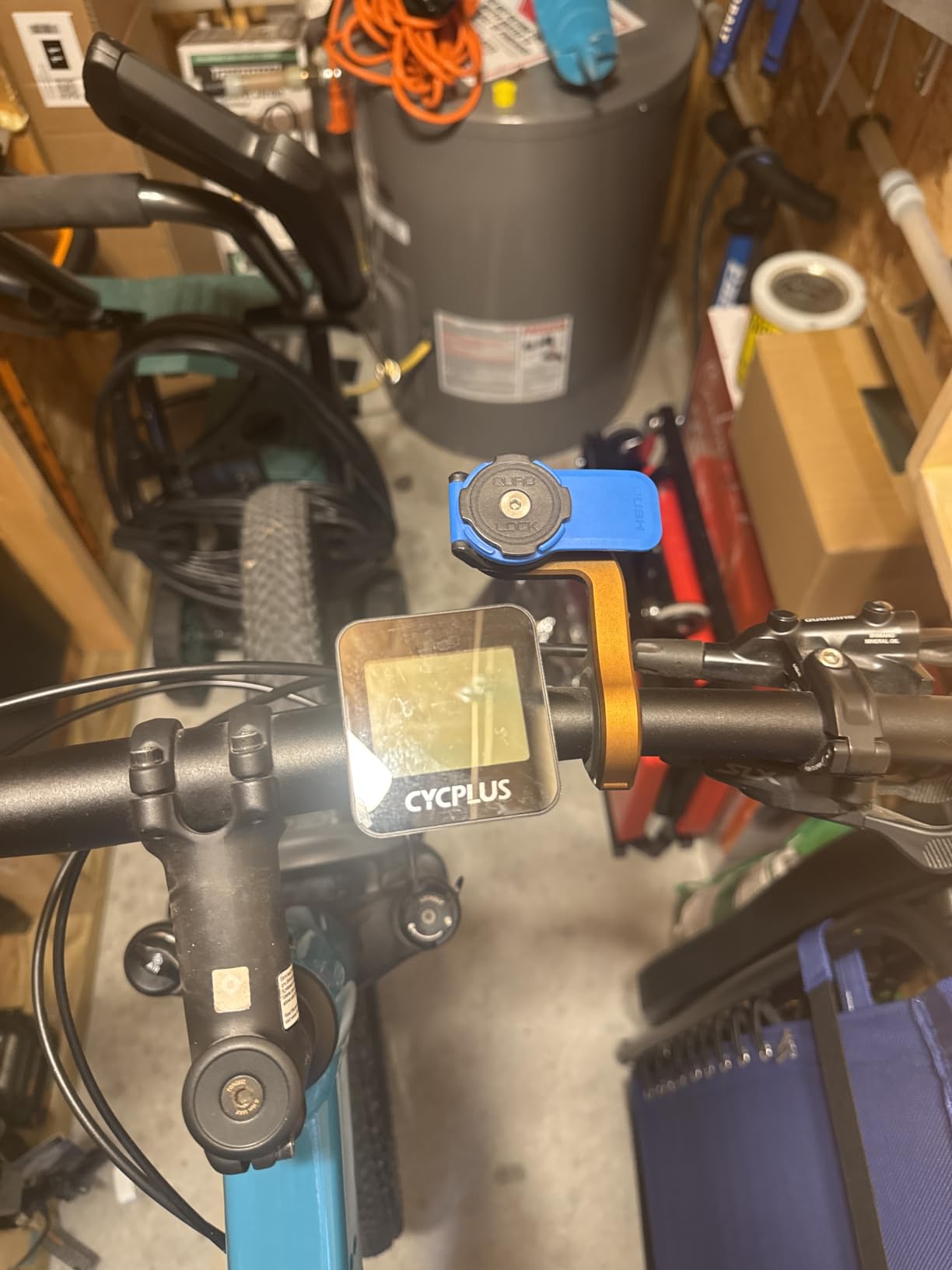
The limitation is total: there is no connectivity to a phone, an app or any sensor, so your data cannot be synced to Strava or a computer. You read your ride off the screen and that is the whole experience. GPS speed and distance also degrade under dense tree cover, tunnels and urban canyons, and the speed readout can lag briefly during hard acceleration or braking.
It also does not auto-start. You have to remember to power it on before rolling or you will ride a blank screen, which is a bigger problem than it sounds on a bike you use twice a week. The upside is that a casual rider with a weekend-only bike has no ecosystem to maintain at all, which is also the subject of our card games for road trips roundup if the ride gets rained off.
What the reviews say about ownership
Two details recur. The mount does not stay tight on rough terrain without an extra wrap, so add tape if you ride roads with broken tarmac. And the time zone setup in the manual is confusingly worded, which is a five-minute problem on the kitchen table rather than a dealbreaker.
The two-year warranty is the longest in this roundup, which partly offsets the absence of any app. Automatic sleep after ten minutes of inactivity is helpful for battery life, and the tempered glass over the screen matters more than it sounds on a device that lives in a bag.
Who should skip it
Everyone who trains with numbers. Without sensor pairing you get no heart rate, no power, no cadence and no structured workouts, and without an app there is no training load, no recovery guidance and no route history. This is a distance-and-time display, and buying it with training expectations is the main refund driver in this category.
If you want your first real bike computer, the CooSpo BC107 adds ANT+ and Strava syncing for very little more, and the Magene C506 adds full navigation.
How to Choose a Bike Computer for Road Cycling in 2026
Navigation-first or training-first?
Decide this first, because it removes most of the list. If you ride the same roads on repeat and care about power, heart rate, structured workouts and training load, you want a data-first computer with buttons: the Garmin Edge 540 is the clearest example here. If you follow unfamiliar roads, ride unfamiliar gravel, or travel for a century, mapping comes first and the Edge 1050, Wahoo ROAM V3, Magene C506 or iGPSPORT BiNavi are the relevant group.
Do not buy a breadcrumb-trail tracker and expect street-level navigation. If you need to find a café in a town you have never visited, you need a map on the device.
Touchscreen or physical buttons?
This is a real decision, not a preference. Touchscreens are better for map interaction and route review, and modern Garmin capacitive panels do work with gloves and rain. Physical buttons are better in cold wet conditions, on rough roads, and while wearing full-finger winter gloves, because they never misregister. The Edge 1050 and the iGPSPORT BSC300T give you both; the Edge 540 and the Wahoo ROAM V3 lean on buttons with touch as a supplement.
Owners of older budget units report touchscreens wearing out over time. On a device you will keep for years, that is a genuine consideration.
How to read battery claims honestly
Manufacturer battery figures are not comparable across brands because each one states its own scenario, and those scenarios are not the same. In this list you will see claimed runtimes of 16, 20, 24, 25, 26, 35 and 60 hours, and only some of those are demanding-use figures measured with navigation running and sensors paired. The Garmin Edge 1050 is explicit: up to 20 hours in demanding use and 60 hours in battery saver. The Edge 540 states 26 hours demanding and 42 hours saver. Others quote a single number with no scenario attached.
The practical rule: take the manufacturer figure, halve it if it is a saver-mode number, and assume the device will not reach the backlight for a whole century. The only honest end-to-end reports are owner ones, like the Wahoo ROAM V3 at roughly 50% remaining after a 14-hour, 200-mile ride, or the BiNavi at 39% after about 20 hours of big-adventure riding.
Which ecosystem will own your ride history?
Once your ride history, planned workouts and training analysis live in Garmin Connect, the Wahoo app, OnelapFit or the iGPSPORT app, switching brands has a real cost that is never money – it is re-learning the app, re-buying mounts and re-importing your history. That is why plenty of riders deliberately mix ecosystems and pair a bike computer from one brand with a watch from another.
The practical compromise riders use, and the one our own research turns up repeatedly, is to build routes in a platform that exports everywhere – Ride with GPS, Komoot and Strava all work across Garmin, Wahoo and iGPSPORT – and the cycling computer is the display layer. If you already have a Garmin watch and a full Garmin Connect history, a Garmin computer is the low-friction choice. If you have no strong loyalty, the mid-tier units here are the cheapest way to find out what you actually use.
Mounts, bar tape and race weight
Out-front mounting puts the screen in your line of sight, which is safer, but it adds weight and it collides with tight bar tape and some integrated cockpits. Devices fitted to compact bars with 31.8mm handlebars can clash with the stem or brake lever cables, so measure your cockpit before buying anything with a 3.5-inch screen.
Weight is worth checking if you ride weight-sensitive routes. The heaviest devices here, the Edge 1050 at 5.7 ounces and the ROAM V3 at 109 grams, are noticeable on a long climb; the lightest, the iGPSPORT BSC300T and the CYCPLUS G1 at 67 and 70 grams, are effectively free. Also confirm what is in the box: the Edge 540 ships with the standard mount only, while the ROAM V3 includes both out-front and stem mounts.
Frequently Asked Questions
What bike computer do professional cyclists use?
In the teams we have seen, the split is roughly half and half between Garmin Edge units and Wahoo ELEMNT units, usually whichever brand the rider already had when the team kit was issued. Pro riders care less about mapping than most guides suggest: they train on known roads, so they prioritise light weight, reliable sensor pairing with power meters and a head unit that never hangs. Many buy a second personal unit at race level rather than using the team-supplied one.
Is it worth getting a cycling computer?
Yes if you train with a power meter or heart rate strap, ride in groups, follow unfamiliar routes, or simply want rides recorded without your phone dying. A dedicated computer gives you far better battery life than a phone, controls that work with gloves and rain, structured workout prompts, live segments and group tracking. If you ride the same loop every week and never train with numbers, a phone and a free app genuinely cover the basics.
Which cycling computer has the best battery life?
Among the units we compared, the iGPSPORT BiNavi claims up to 35 hours and the Wahoo ELEMNT ROAM V3 up to 25 hours, with owner reports of roughly 50% charge remaining after a 14-hour, 200-mile ride on the Wahoo. Take these with care: most manufacturer figures use a battery-saver scenario. The Garmin Edge 1050 states 20 hours in demanding use, the Edge 540 states 26 hours demanding and 42 hours in saver mode.
Can I use my phone as a cycling computer?
Yes, and plenty of riders do. A phone mounted on the bars gives you the largest screen available, excellent search and the fastest route planning of anything in this roundup. The trade-offs are battery drain, screen glare, no glove-friendly controls, and a device that can be lost or damaged in a crash. If your rides are on known roads, a phone is a legitimate setup. If you want all-day battery, a dedicated unit is the better tool.
Should I buy a Garmin or a Wahoo bike computer?
Choose Garmin if your training analysis lives in Garmin Connect, you ride with a Garmin watch, or you want the deepest sensor ecosystem including Di2, Varia and power guide features. Choose Wahoo if you want spoken turn-by-turn directions, better real-world endurance, and a simpler interface. Budget riders often get more capability for less from a Magene C506 or an iGPSPORT unit, though the companion apps are less polished.
The Bottom Line for Road Cyclists in 2026
The best bike computer for road cycling in 2026 depends less on the spec sheet than on your longest repeated ride. Riders who want the most complete unit should take the Garmin Edge 1050, with its 3.5-inch touchscreen, physical buttons and built-in speaker. Riders who ride long and far, and who want their computer to talk, should take the Wahoo ELEMNT ROAM V3. Everyone else should look at the Garmin Edge 540 for training and the Magene C506 for value.
Whichever you pick, set it up properly before the first ride – firmware, sensor pairing, fields and alerts – and check that the mount clears your bar tape. That half hour is the difference between a computer you use every day and one that sits in a drawer. For anyone who also needs somewhere to put all that equipment, our garage wall bike rack guide is the next sensible read.