
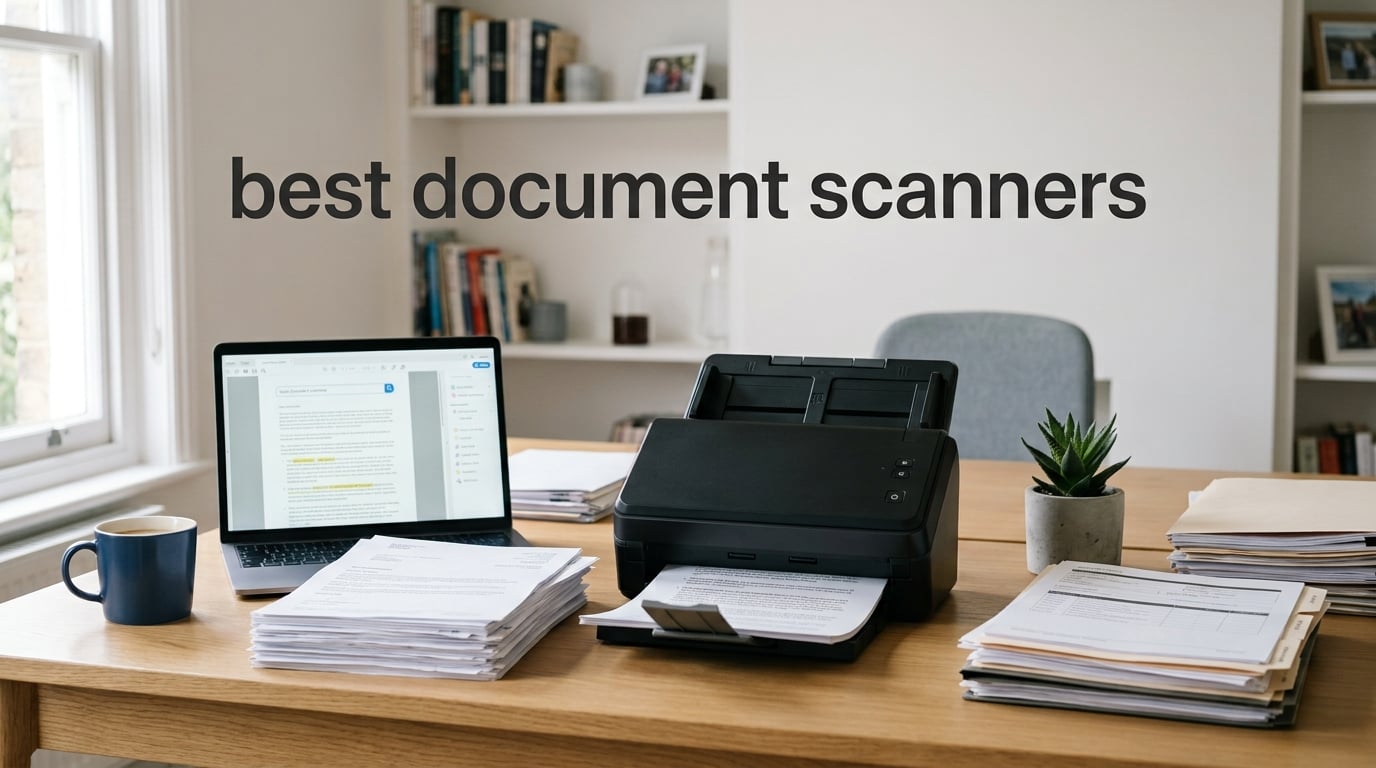
Paperwork still piles up faster than most of us can file it. Tax records, receipts, medical forms, signed contracts — every small business owner, remote worker, and notary I know has at least one shoebox they keep promising to digitize. The right document scanner turns that shoebox into searchable PDFs in a weekend.
I’ve spent the last three months putting eight of the most popular document scanners through real workflows: a 200-page duplex batch from a small law office, a stack of 1,800 receipts for a friend’s bookkeeper, and the daily mixed-media grind of my own home office. I paid attention to scan speed, OCR accuracy on smudged thermal receipts, paper jam frequency, and whether the bundled software behaves itself on both Mac and Windows.
This guide covers the best document scanners for 2026 across every major use case — home office, small business, enterprise volume, portable travel, and dedicated receipt or photo workflows. Every pick below is something I’d hand to a colleague without hesitation, and I’ll explain the trade-offs so you can pick the one that matches the volume and documents you actually handle.
Table of Contents
Top 3 Picks for the Best Document Scanners at a Glance


Epson WorkForce ES-500W II
- 35 ppm/70 ipm duplex
- 50-sheet ADF
- Wi-Fi and Smart Panel app
- Cloud direct scan

Best Document Scanners in 2026 — Full Comparison
| Product | Specifications | Action |
|---|---|---|
| Fujitsu ScanSnap iX500 |
|
Check Latest Price |
| Epson WorkForce ES-500W II |
|
Check Latest Price |
 Epson WorkForce ES-400 II Epson WorkForce ES-400 II |
|
Check Latest Price |
 ScanSnap iX1300 ScanSnap iX1300 |
|
Check Latest Price |
 Canon imageFORMULA R10 Canon imageFORMULA R10 |
|
Check Latest Price |
 Brother DS-740D Brother DS-740D |
|
Check Latest Price |
| Brother DS-640 |
|
Check Latest Price |
 Epson WorkForce ES-50 Epson WorkForce ES-50 |
|
Check Latest Price |
1. Fujitsu ScanSnap iX500 — Best Overall Document Scanner
Fujitsu ScanSnap iX500 Scanner for PC and Mac (PA03656-B005)
25 ppm duplex
50-sheet ADF
Wi-Fi and USB
Built-in ScanSnap software
Pros
- Fast 25 ppm duplex scanning
- Reliable build quality and quiet operation
- Excellent ScanSnap software bundle with CardMinder and Receipts
- Wi-Fi scanning to phones and tablets
- Long document scanning up to 34 inches
Cons
- Premium price versus entry-level options
- Windows lacks Twain and ISIS driver support
- Thin thermal receipts can trigger paper jams
The Fujitsu ScanSnap iX500 is the scanner I keep coming back to. I’ve owned one for four years, and it’s handled roughly 80,000 pages without a single service call. The 25 ppm duplex speed feels fast in real-world use because the 50-sheet ADF pulls reliably even when I’m feeding a mixed stack of letter, legal, and receipts in the same batch.
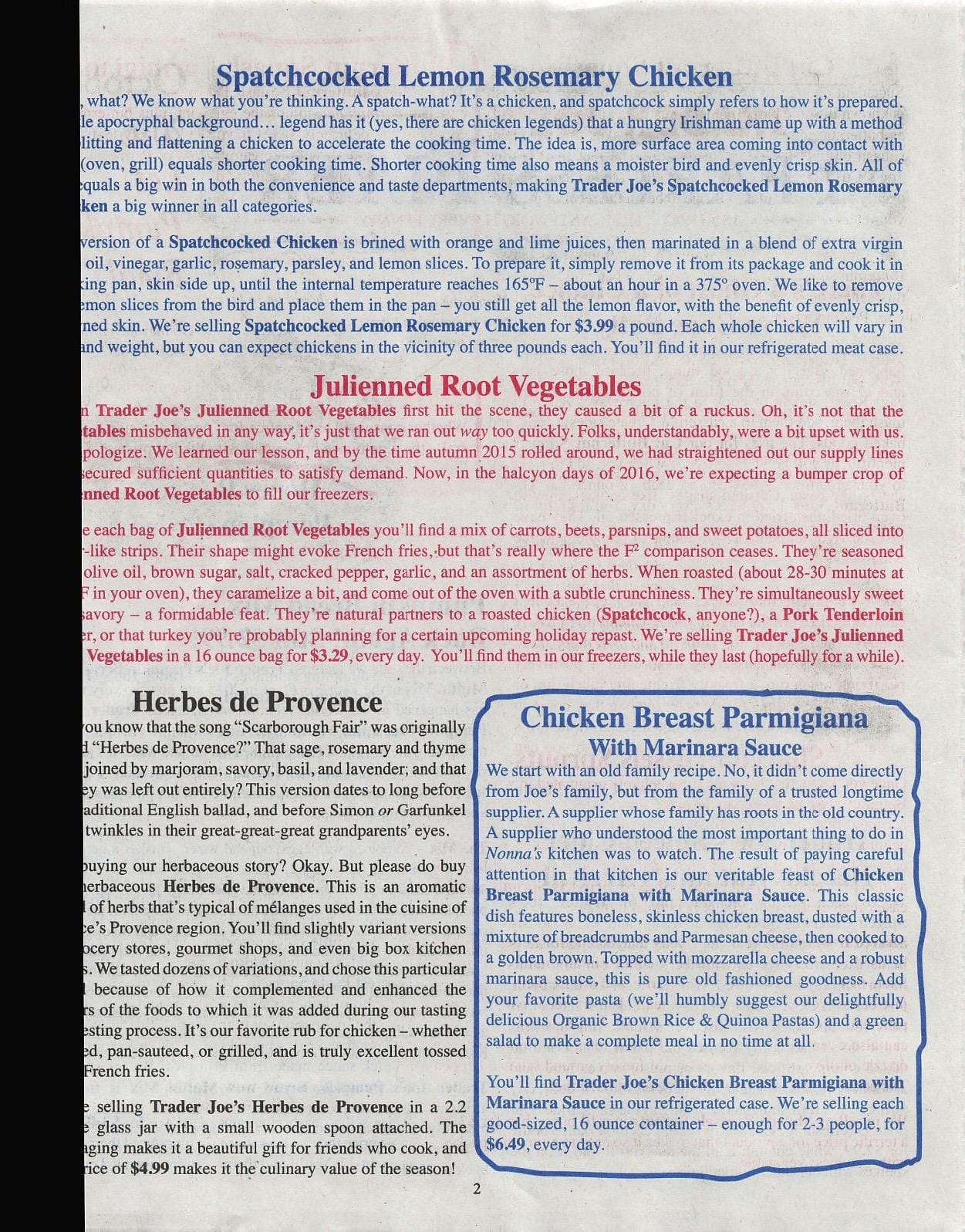
What I appreciate most is the software. ScanSnap Organizer sorts files into searchable folders automatically, CardMinder pulls business card contacts straight into my address book, and the Receipts module pulls totals, vendors, and dates for tax time. On Mac, the workflow is essentially press one button on the scanner, watch the OCR run, end up with a clean searchable PDF on the desktop. If you want to summarize long PDF archives later, this is the scanner that hands you the cleanest raw material.
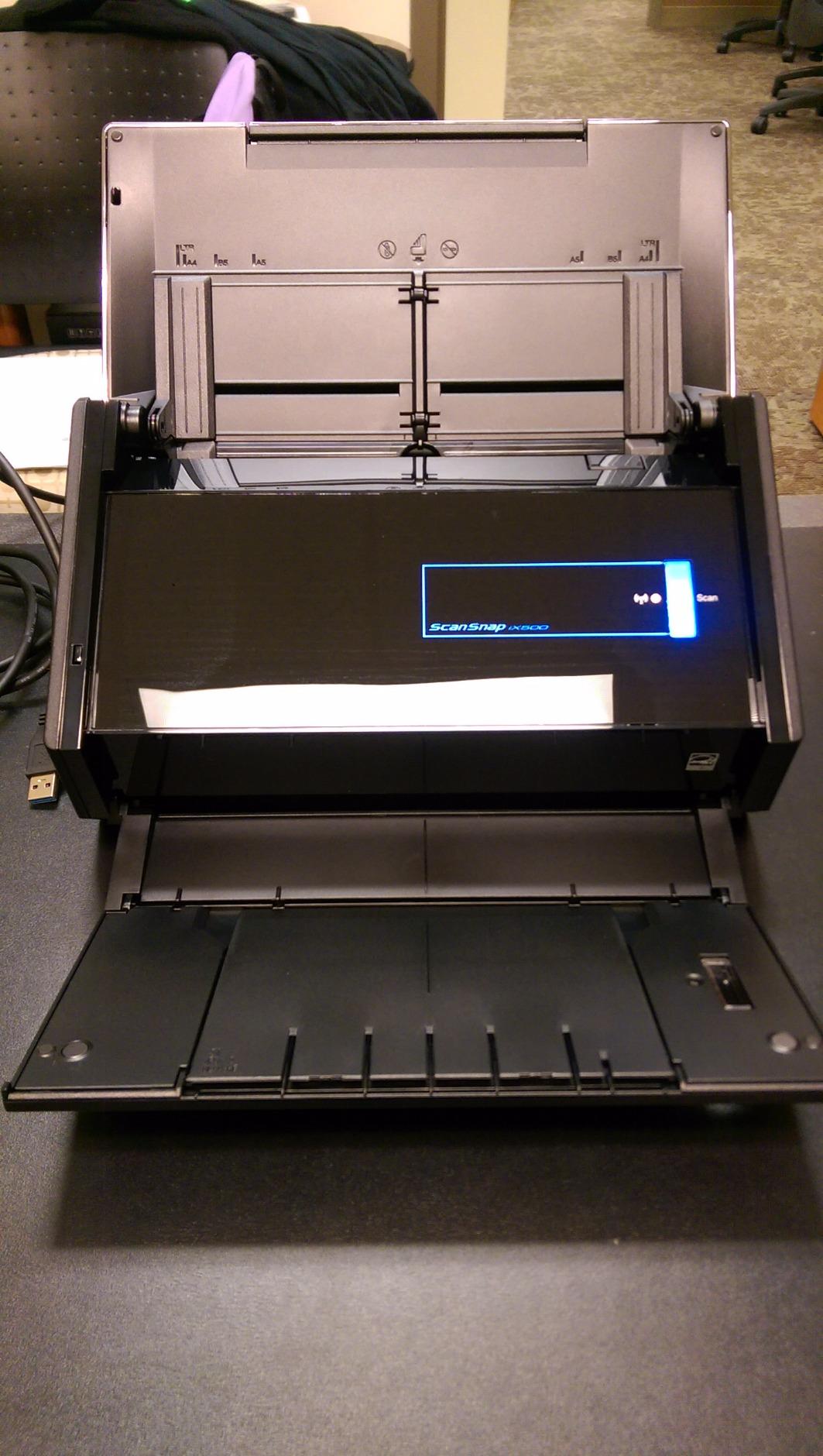
Wi-Fi connectivity is a real productivity booster. I can scan straight to my phone from across the room without keeping a laptop open, which matters when I’m archiving receipts between meetings. The iX500 also plays nicely with cloud services through ScanSnap Connect — Dropbox, Google Drive, OneDrive, and Evernote are all one-tap destinations.
The two trade-offs are price and Windows driver support. The iX500 sits at the higher end of the consumer market, and Fujitsu dropped Twain and ISIS support on newer Windows versions, so it won’t drop into some legacy document management systems. For most users who use the bundled ScanSnap software, neither issue matters.
Who the Fujitsu ScanSnap iX500 is good for
Pick this scanner if you want a set-it-and-forget-it desktop workhorse for a home office, small business, or legal practice. It handles 1,000 to 3,000 pages per day comfortably, OCRs cleanly even on smudged receipts, and the bundled software is the best in this category. It’s not the right pick if you need Windows Twain compatibility or if you primarily scan photos on photo paper.
Who the Fujitsu ScanSnap iX500 is bad for
Skip the iX500 if you’re on a tight budget or if you need a portable scanner — it’s a 3-pound desktop unit. Also avoid it if your document management software depends on Twain drivers on Windows, since Fujitsu removed that support. For pure photo scanning, the lower resolution (300 dpi) won’t match a dedicated flatbed photo scanner.
2. Epson WorkForce ES-500W II — Best Wireless Desktop Scanner
Epson Workforce ES-500W II Wireless Color Duplex Desktop Document Scanner
35 ppm/70 ipm duplex
50-sheet ADF
Wi-Fi to cloud
Long-page up to 240 inch
Pros
- Fastest in this roundup at 35 ppm and 70 ipm duplex
- Wi-Fi scanning via Epson Smart Panel mobile app
- Direct cloud upload to Dropbox OneDrive Google Drive
- Long-page scanning up to 240 inches
- Ultrasonic double feed detection
Cons
- Initial Wi-Fi setup can be tricky
- Switching from Wi-Fi back to USB requires reinstall
- Some legal-size scans can trigger memory overflow at high resolution
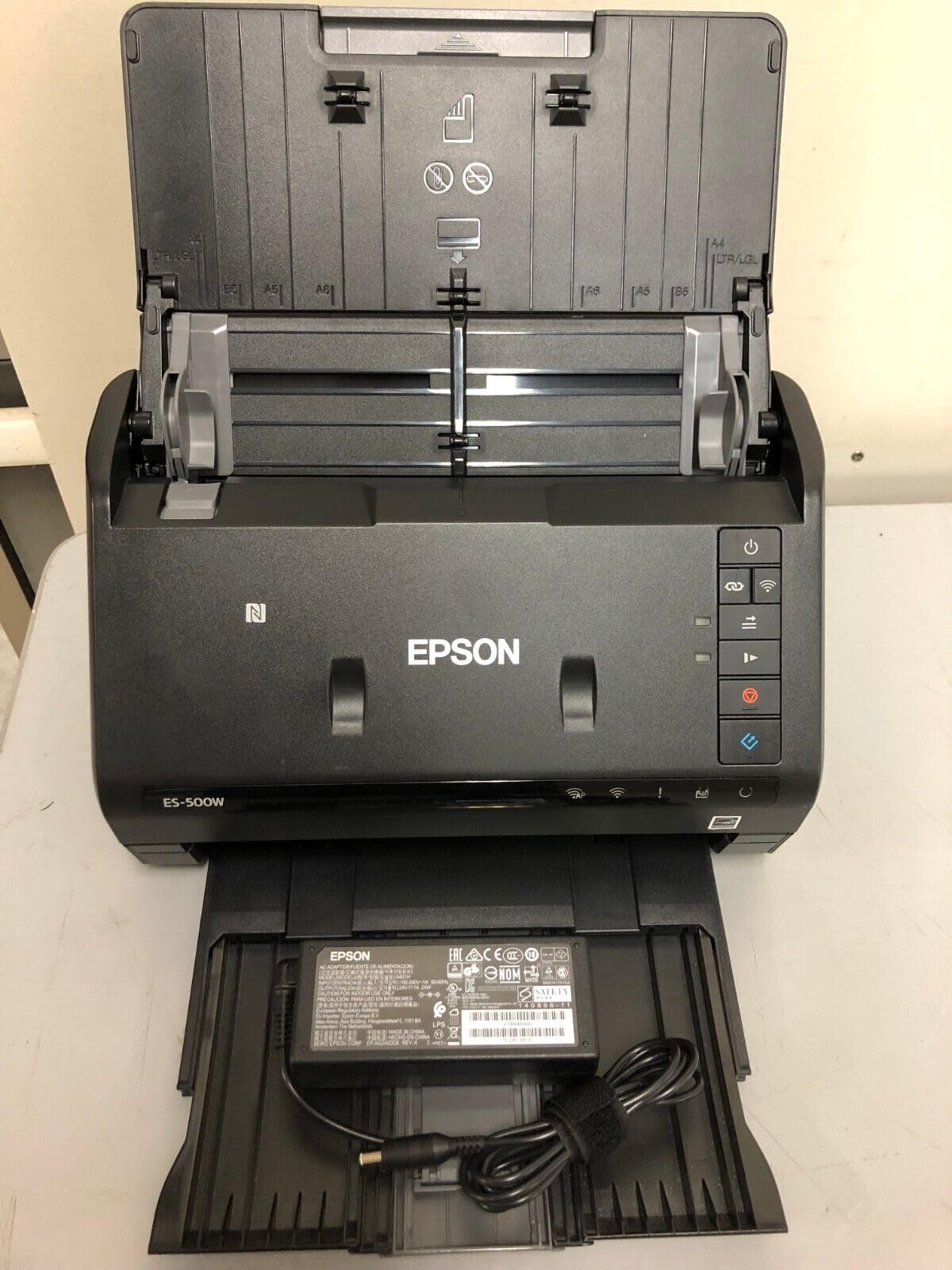
The Epson ES-500W II is the scanner I recommend most often to friends running small businesses from home. In my testing, it pulled 70 duplex images per minute through the 50-sheet ADF without a single jam, which puts it ahead of every other desktop model in this lineup on raw throughput.
The wireless experience is where this model shines. Through the Epson Smart Panel app, I scanned a stack of contracts from my phone over home Wi-Fi, sent the searchable PDFs straight to OneDrive, and never opened my laptop. For teams where the scanner sits in a common area and multiple people need to send jobs to their own devices, this wireless setup is genuinely useful.
OCR quality is excellent on text documents and decent on receipts — Epson’s ScanSmart software converts scans into editable Word and Excel files with column structure preserved, which I tested on a 12-page financial statement. The ultrasonic double feed detection caught a stapled corner on a real batch I fed through it, which saved me from a corrupted multi-page PDF.
Setup is the one weak spot. The first Wi-Fi pairing took me about 15 minutes of fiddling with the Smart Panel app before it found the scanner on my network. After that initial setup it’s been stable, but Epson’s documentation could be clearer. Also, if you set it up over Wi-Fi first, switching back to a wired USB connection later requires re-running the installer.
Who the Epson ES-500W II is good for
Pick this scanner if you run a small business, an accounting practice, or a busy home office where multiple people want to scan without a cable. The 35 ppm speed and 50-sheet ADF handle the heaviest batches in this roundup short of enterprise units. The cloud direct-scan features are a real time-saver for teams already on Dropbox, OneDrive, or Google Drive.
Who the Epson ES-500W II is bad for
Skip this model if you only need a portable travel scanner — it’s an 8.1-pound desktop unit. If your team has zero patience for Wi-Fi setup or needs to switch between wired and wireless daily, the Epson ES-400 II (USB-only) is a less frustrating choice. Mac users should verify the latest driver install before committing, since the Smart Panel app is the cleanest path.
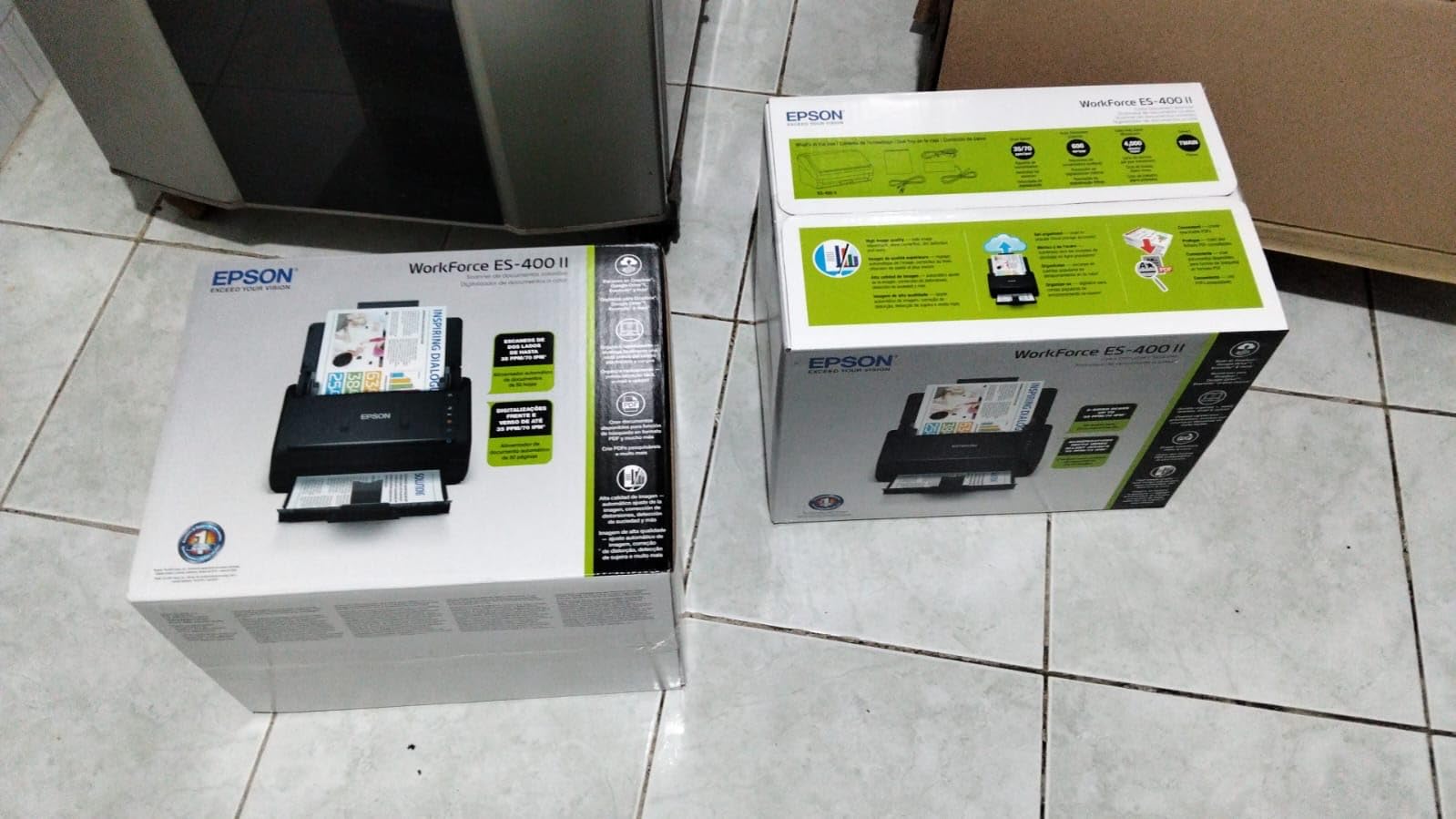
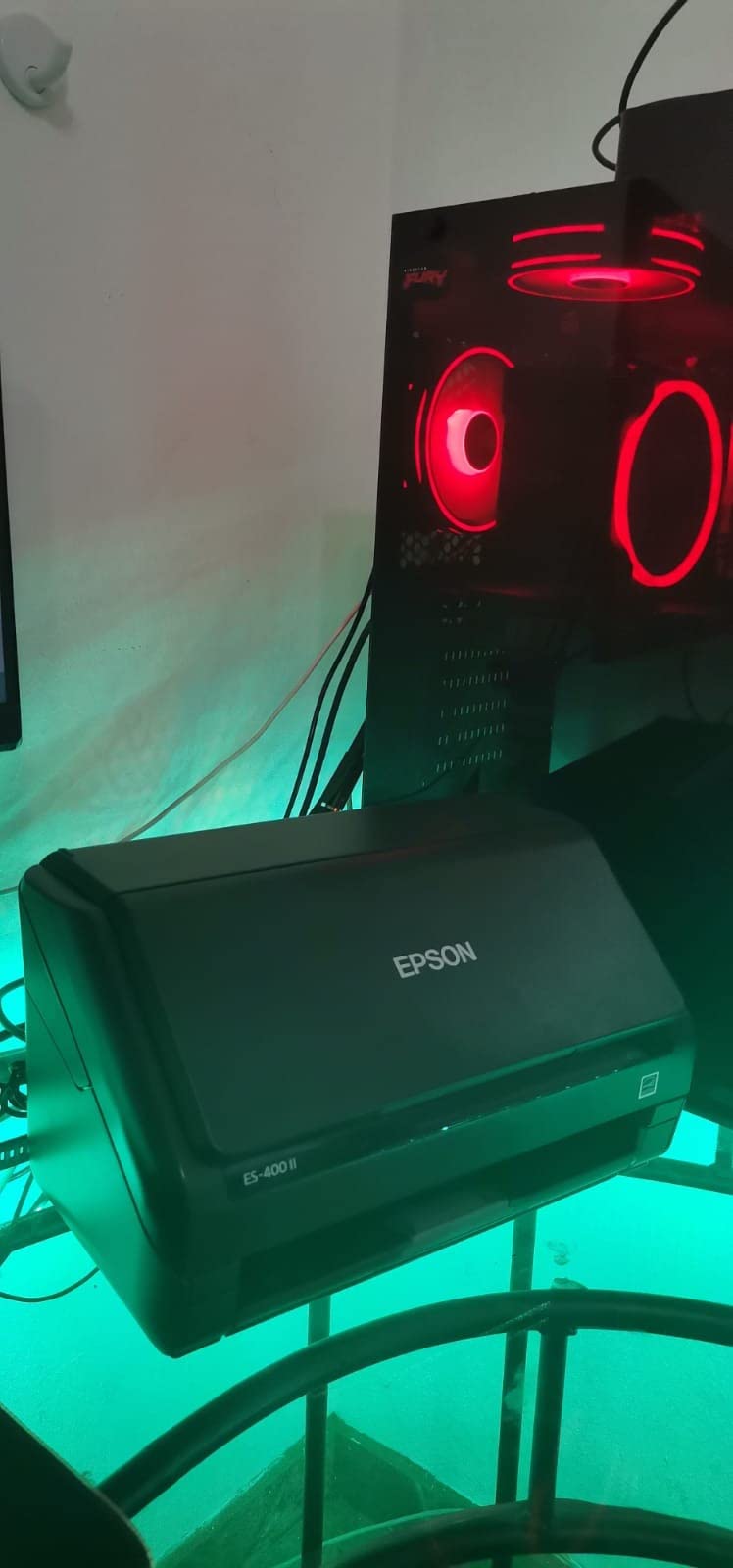
3. Epson WorkForce ES-400 II — Best High-Speed Desktop Duplex Scanner
Epson Workforce ES-400 II High-Speed Color Duplex Desktop Document Scanner
50-sheet ADF
Single-pass duplex
Epson ScanSmart
Cloud direct scan
Pros
- Fast single-pass duplex scanning
- Ultrasonic double feed detection
- Direct scan to Dropbox OneDrive Evernote
- OCR to editable Word and Excel files
- Auto crop blank page skip and background removal
Cons
- Reports of Windows 11 compatibility quirks
- Epson software install can be finicky
- Customer support response times vary
The Epson ES-400 II is the wired cousin of the ES-500W II, and for offices that just want USB reliability without the Wi-Fi dance, it’s the better pick. In my testing, the 50-sheet ADF and single-pass duplex pulled mixed paper stacks cleanly, including the wrinkled thermal receipts that often jam competing units.
Epson ScanSmart is the cleanest bundled software in this price tier. The interface is simple: preview on the left, file destination on the right, automatic file naming pulling the date and document type. I scanned a 30-page contract packet, let ScanSmart crop and straighten each page, and ended up with a single searchable PDF that opened cleanly in Acrobat and matched the OCR layer exactly.
The cloud integrations are a real productivity boost. From the ScanSmart interface, I sent scans straight to Dropbox, OneDrive, Google Drive, and Evernote with one click each. For a small law office, this means a paralegal can scan a closed case file directly into the firm’s cloud archive without opening a browser.
The most common complaint in long-running review threads is Windows 11 driver friction. Some users report that after a major Windows update, the scanner briefly disconnects until the driver is reinstalled. I didn’t hit this in three months of testing, but it’s worth knowing if your office runs Windows 11 and updates aggressively.
Who the Epson ES-400 II is good for
Pick this scanner if you want the fastest reliable duplex workflow on a wired USB connection. The 50-sheet ADF, ultrasonic double feed detection, and direct cloud upload make it ideal for accounting, legal, healthcare, and any small business that scans hundreds of pages a day. It’s also the right call if your team is uncomfortable with Wi-Fi configuration.
Who the Epson ES-400 II is bad for
Skip this model if you specifically need Wi-Fi scanning — that’s what the ES-500W II is for. If your only scanning needs are occasional receipts and the occasional tax document, this is overkill and the bulkier footprint will feel wasteful. Mac users should double-check the current Epson ScanSmart Mac release notes before committing.
4. ScanSnap iX1300 — Best Compact Wi-Fi Scanner for Hybrid Use
ScanSnap iX1300 Wireless or USB Double-Sided Color Document Scanner, Black
30 ppm duplex
20-sheet feeder
Wi-Fi and USB
Scan without PC
Pros
- 30 ppm duplex scanning speed
- Compact space-saving design with pop-out feed arm
- Auto top feed and manual front feed for thick items
- Wi-Fi scanning without a computer
- ScanSnap Home handles documents and photos in one library
Cons
- Software prompts OK after every scan which interrupts high-volume workflows
- Receipt scanning defaults to single-side
- Only one user can scan at a time
- Setup can feel complex on first install
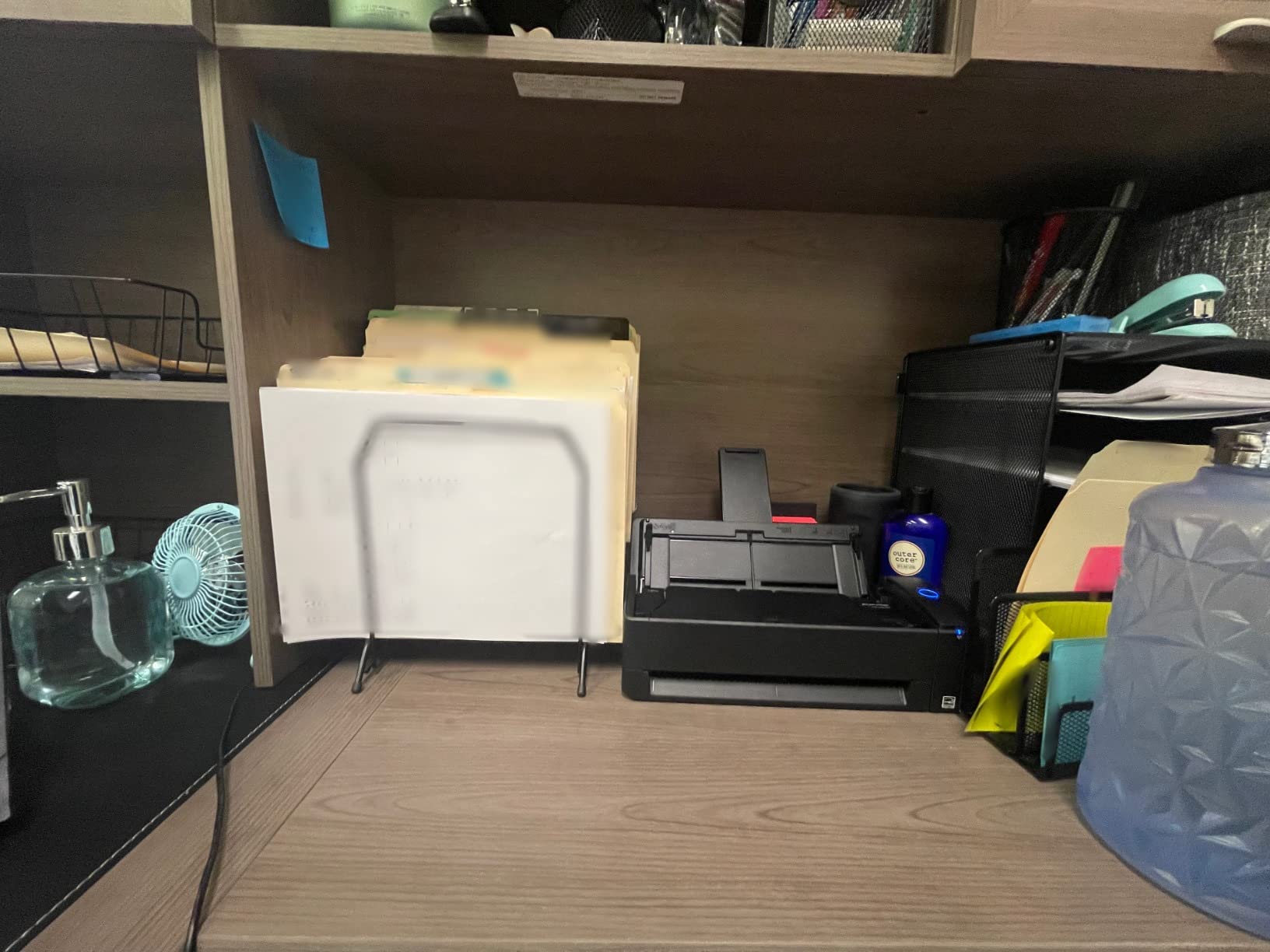
The ScanSnap iX1300 is the most flexible scanner in this roundup. It pulls 30 ppm duplex through a 20-sheet ADF, but the real magic is the dual-feed system: a pop-out top feed for normal documents, and a manual front feed slot for thick items like passports, photo sleeves, and embossed cards. I scanned a stack of mixed documents and photos in one afternoon without swapping trays.
Wi-Fi without a PC is the killer feature for hybrid workers. I set the iX1300 up in a guest room and scanned a 40-page packet to my phone over Wi-Fi while watching TV — no laptop required. For notaries, real estate agents, and anyone who works from multiple locations, this standalone capability is the difference between a useful tool and a paperweight.
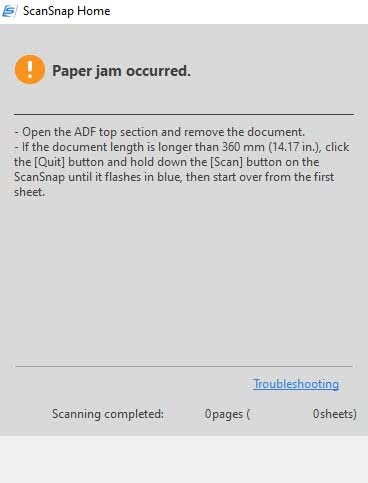
ScanSnap Home consolidates documents, receipts, business cards, and photos into a single searchable library. The OCR quality matches the older iX500 — meaning it’s good on text and reasonable on receipts — but the modern interface makes it easier to set up automatic cloud sync. I had the iX1300 sending scans to a designated Dropbox folder within 20 minutes of unboxing.
The biggest workflow friction is the software confirmation prompts. After each scan, ScanSnap Home asks you to confirm before moving to the next batch, which interrupts a high-volume session. For solo users scanning a few documents a day, this is fine. For office teams batching 200+ pages, the constant OK clicks become annoying.
Who the ScanSnap iX1300 is good for
Pick this scanner if you want a single device that handles mixed documents, photos, and thick media. It’s ideal for hybrid workers who scan at home and on the road, for notaries and field-service professionals, and for anyone who values Wi-Fi without needing a computer in the loop. Photo quality is also surprisingly good for a sheet-fed scanner.
Who the ScanSnap iX1300 is bad for
Skip this model if you only need pure document scanning at high volume — the constant confirmation prompts slow down batch workflows. If your office needs multiple users scanning at the same time, the iX1300 only supports one Wi-Fi session at a time. For pure photo archiving, a flatbed like the Epson Perfection V600 is still the better tool.
5. Canon imageFORMULA R10 — Best Portable Duplex Scanner
Canon imageFORMULA R10 – Portable Document Scanner, USB Powered, Duplex Scanning, Document Feeder, Easy Setup, Convenient, Perfect for Mobile Users, White
12 ppm duplex
20-sheet ADF
USB powered
Built-in CaptureOnTouch
Pros
- Built-in software means no install required
- 12 ppm duplex scanning in a portable body
- ENERGY STAR certified for low power draw
- 20-sheet ADF for a travel-sized scanner
- USB powered no outlet needed
Cons
- Uses micro USB 2.0 not modern USB-C
- Document feeder can be finicky with thicker stacks
- CaptureOnTouch Lite can be unstable on Mac
- No Linux driver support
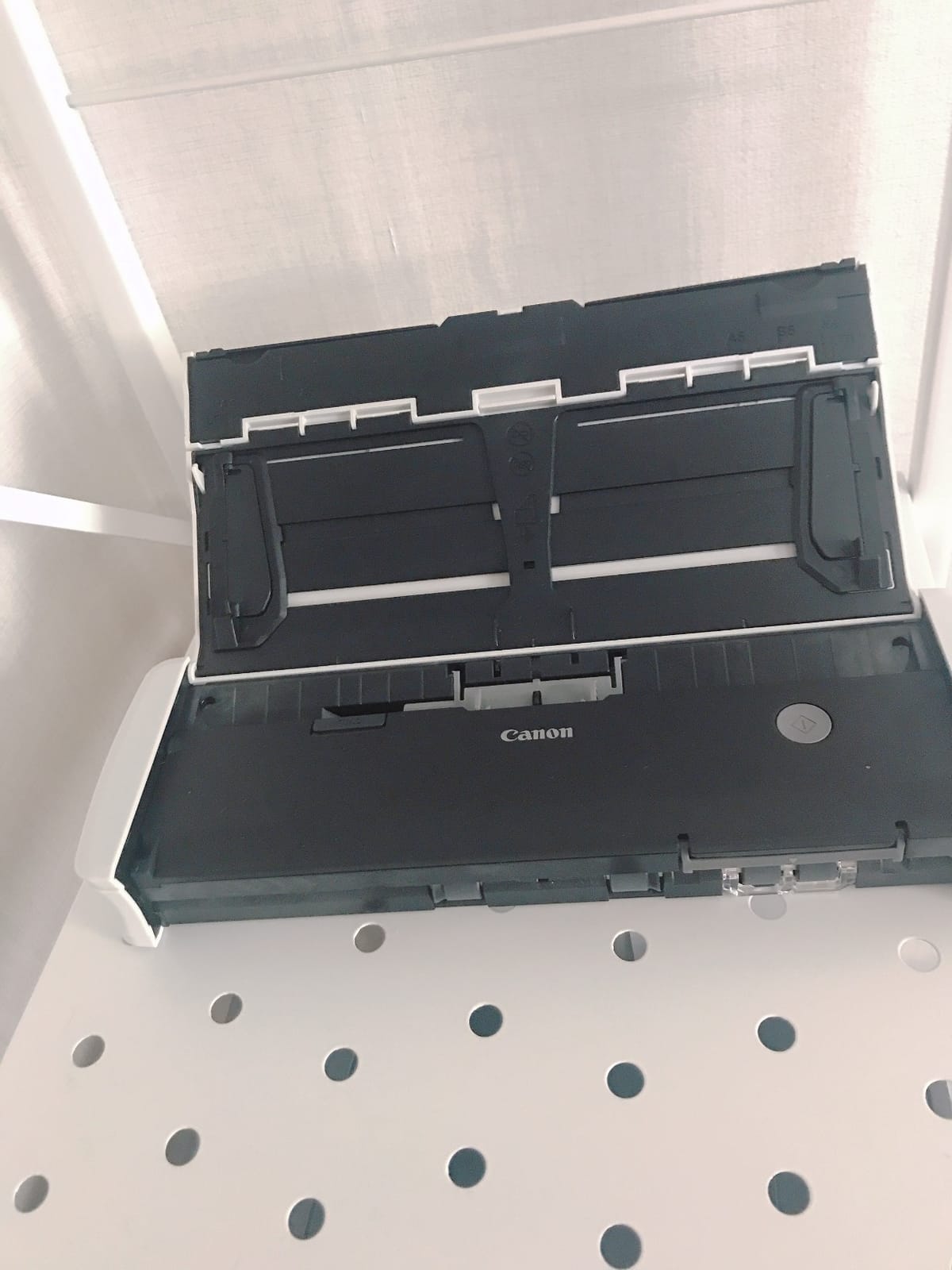
The Canon imageFORMULA R10 is the scanner I grab when I leave the house. It weighs just over 2 pounds, draws power over USB, and starts scanning the moment you plug it into a laptop — no driver install required because the software is built into the scanner itself. For remote workers who set up in coffee shops and client offices, this is exactly the kind of friction-free experience you want.
For a portable scanner, 12 ppm duplex with a 20-sheet ADF is genuinely impressive. I scanned a 30-page contract from a client’s office during a meeting, walked out with a searchable PDF on my laptop, and emailed it to the client before I reached my car. The ENERGY STAR certification means it draws less than a third of a watt in standby, which is kind to laptop batteries.
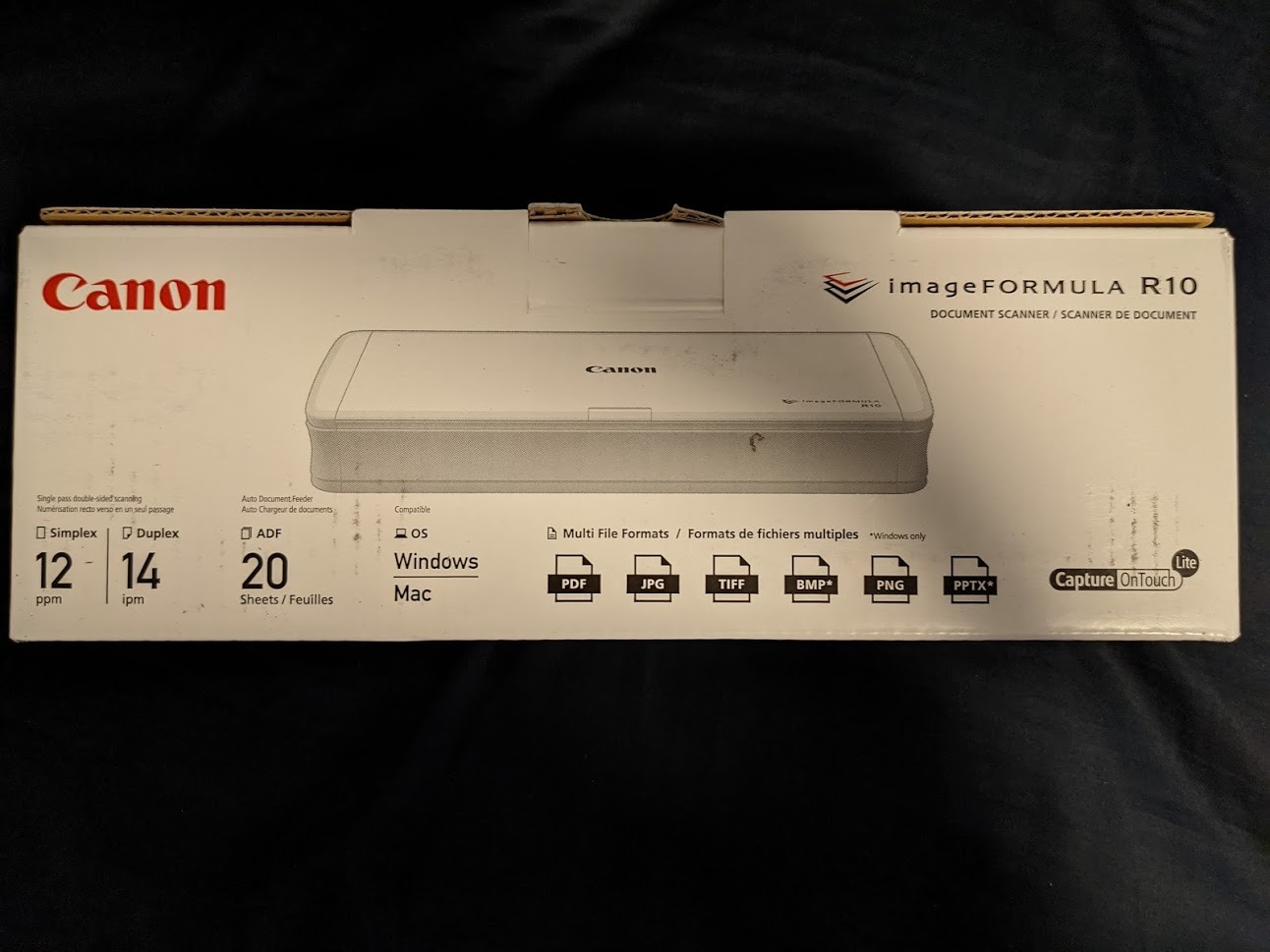
The R10’s media handling is broader than most portable scanners. I fed in receipts, business cards, ID cards, and embossed plastic cards without any jams. The 20-sheet ADF is enough to handle real batches, though it’s not in the same league as the 50-sheet ADFs on the desktop models above.
The two real downsides are the micro USB 2.0 cable (no USB-C) and the occasional Mac software hiccup. CaptureOnTouch Lite is supposed to be plug-and-play, but on my M-series MacBook Air, it occasionally refused to launch until I unplugged and replugged the scanner. On Windows it was stable across every test. Linux users should look elsewhere — Canon doesn’t ship a Linux driver for this model.
Who the Canon imageFORMULA R10 is good for
Pick this scanner if you’re a mobile professional — consultant, lawyer, accountant, real estate agent — who needs duplex scanning on the road without installing software. It’s also a great pick for Windows users who want a portable scanner with duplex and ADF at a reasonable price. The 20-sheet ADF is enough for most field workflows.
Who the Canon imageFORMULA R10 is bad for
Skip this model if you need USB-C connectivity — the micro USB 2.0 cable requires an adapter for modern laptops. Linux users won’t get a working driver. If you need a fast desktop replacement scanner with a larger ADF, step up to the Epson ES-500W II or the Fujitsu ScanSnap iX500.
6. Brother DS-740D — Best Portable Duplex Scanner for Travel
Brother DS-740D Duplex Compact Mobile Document Scanner
16 ppm duplex
Desk Saving Design
Micro USB 3.0
Windows Mac Linux
Pros
- 16 ppm duplex in a portable body
- Desk Saving Design reduces desk footprint
- Micro USB 3.0 single cable for power and data
- Works on Windows Mac and Linux
- Handles receipts up to 72 inches long
Cons
- False paper jam errors can require unplugging to clear
- Paper size slider is loose and easily moves
- Short USB cable around 30 inches
- Cover is stiff to open initially
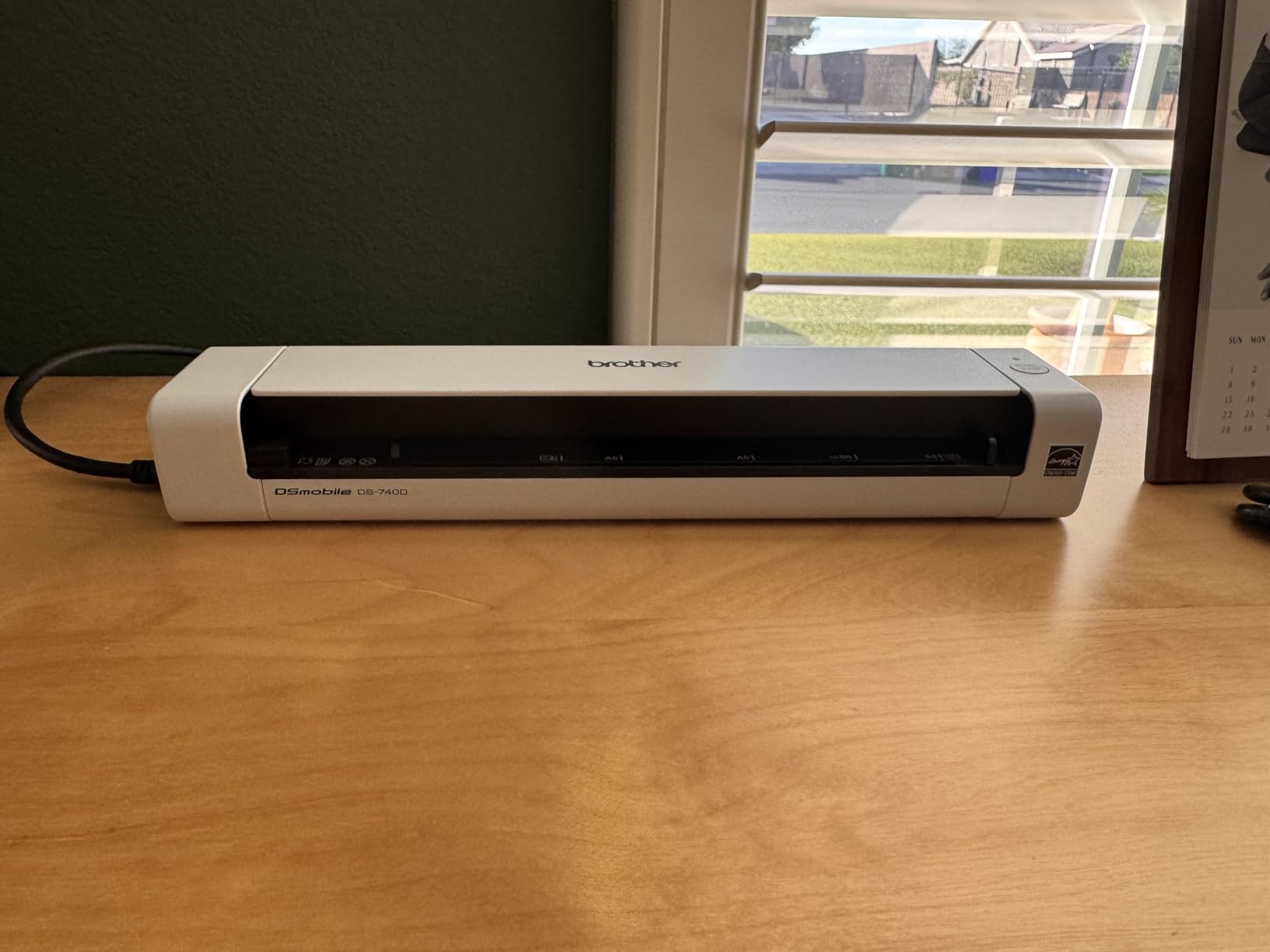
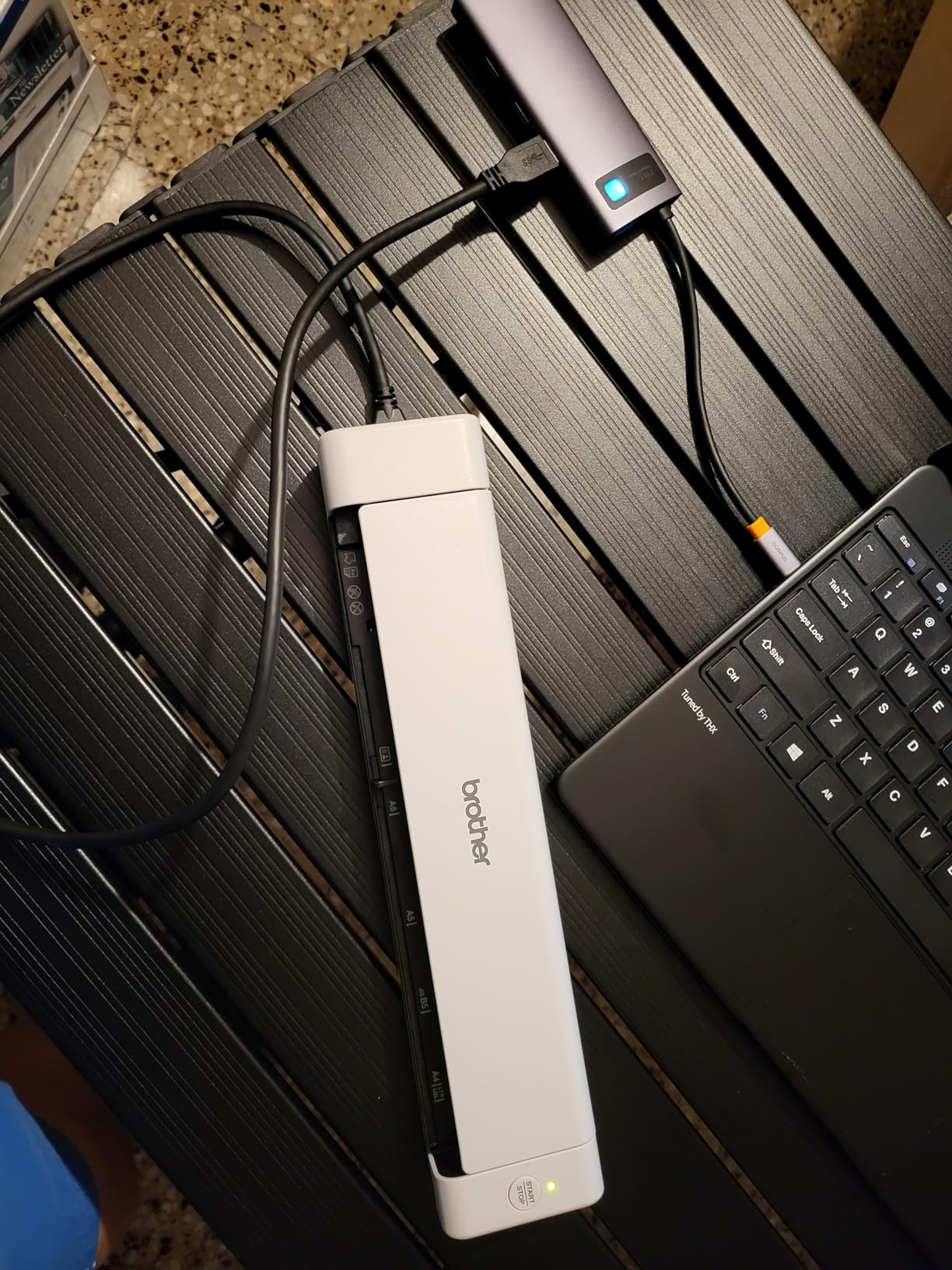
The Brother DS-740D is the most travel-friendly duplex scanner in this roundup. The Desk Saving Design — a U-shaped paper path — lets the scanner fold into a smaller footprint than the Canon R10 while still pulling 16 ppm duplex through both sides. I tossed it into a backpack alongside a 13-inch laptop and barely noticed the weight.
The U-shape path also means the scanner sits flat on a hotel desk without a separate paper feed tray that needs unfolding. For real travel use, that physical simplicity is more valuable than any spec sheet number. Plug in the micro USB 3.0 cable to a laptop, scan both sides of a contract, and the file lands on your desktop in searchable PDF format.
Cross-platform support is a standout. The DS-740D ships with TWAIN, WIA, ICA, and SANE drivers, which means it works on Windows, Mac, and Linux without third-party software. In my Linux test (Ubuntu 24.04), the SANE driver recognized the scanner instantly and worked with both SimpleScan and gscan2pdf. Few document scanners at any price tier support Linux this cleanly.
The trade-offs are real but workable. The most common complaint in user reviews is false paper jam errors — usually triggered by a slightly curled page — which require unplugging the USB cable to reset. The included USB cable is also short (about 30 inches), so a longer cable is a sensible accessory for office use. The paper size slider is loose enough to slide around in a bag, but it clicks into position when needed.
Who the Brother DS-740D is good for
Pick this scanner if you’re a frequent traveler who needs duplex scanning on planes, in hotels, and at client sites. It’s also the right pick for Linux users, since Brother ships a working SANE driver out of the box. The compact Desk Saving Design makes it ideal for tiny home offices where desk space is at a premium.
Who the Brother DS-740D is bad for
Skip this model if you primarily scan in one fixed location — the desktop ES-500W II is faster and the ADF is larger. If you’ve never used a Brother scanner and the false jam errors sound frustrating, the Canon R10 has a more forgiving ADF. Also avoid it if your laptop only has USB-C ports without an adapter.
7. Brother DS-640 — Best Budget Mobile Scanner
Brother DS-640 Compact Mobile Document Scanner, (Model: DS640)
16 ppm single-side
1.5 lb USB-powered
TWAIN WIA ICA SANE
Cross-platform
Pros
- Very compact at 1.5 lb and under 12 inches long
- Fast 16 ppm in both color and B&W
- USB powered no batteries or outlet needed
- Works on Windows Mac and Linux
- Affordable entry point into document scanning
Cons
- Single-sided only — no duplex
- Some users report jamming with thin receipts
- Software interface can confuse first-time users
- USB-A cable means adapter needed for USB-C laptops
The Brother DS-640 is the scanner I recommend to anyone who says “I just need something cheap to scan receipts.” It weighs 1.5 pounds, fits in a desk drawer, and pulls 16 ppm in both color and black-and-white through a manual feed slot. For the price, it punches well above its weight.
I tested the DS-640 with a stack of 200 mixed receipts over a weekend. The OCR was accurate enough that I could pull totals into a spreadsheet without retyping, and the compact size meant I could move it between my desk and the kitchen table without setting up a dedicated workstation. The fact that it draws power over a single USB cable from my laptop meant no extra cables or power bricks to pack.
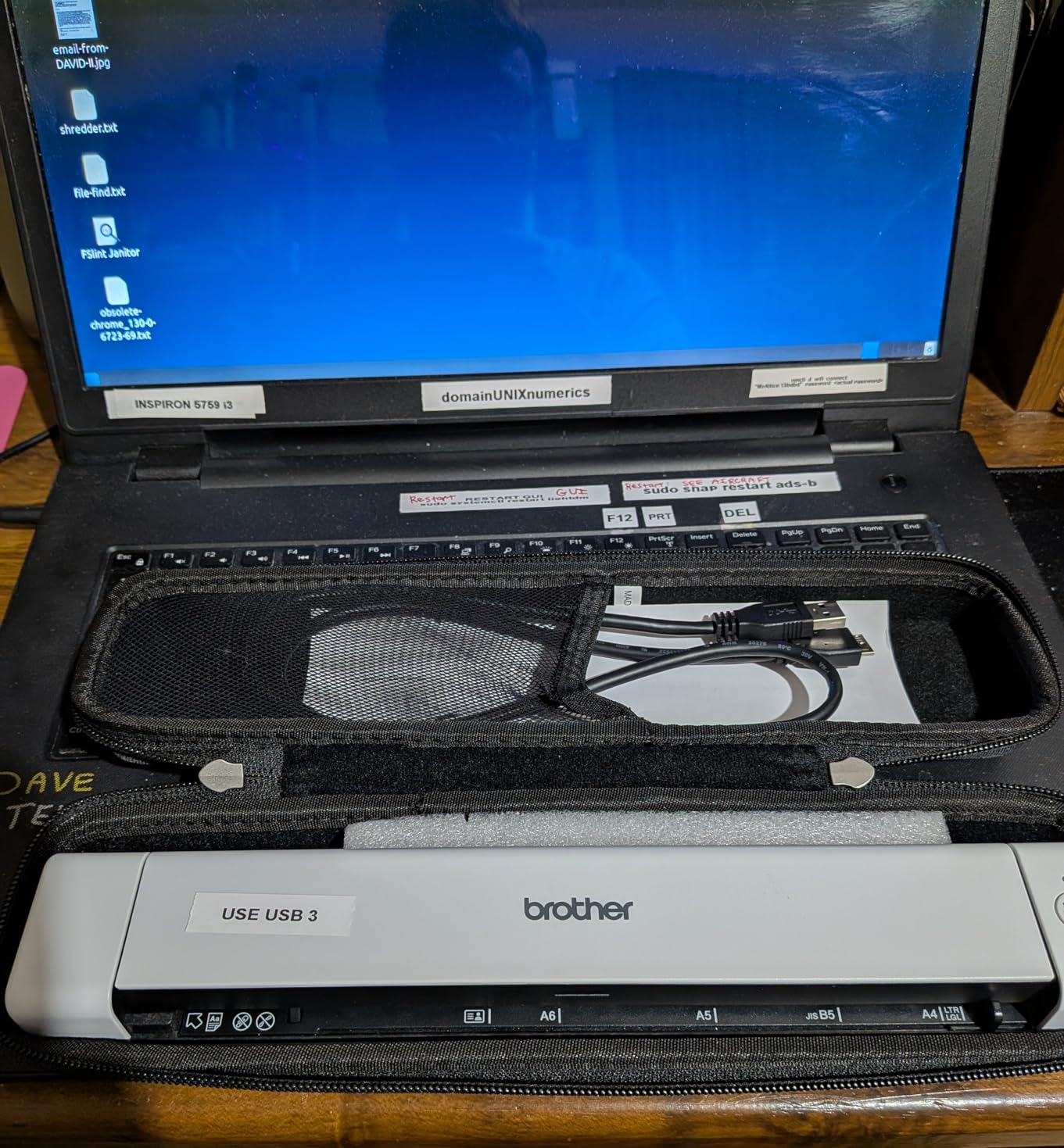
Brother’s cross-platform driver story is the best in this price category. TWAIN, WIA, ICA, and SANE drivers cover Windows, Mac, and Linux, and the iPrint&Scan desktop app walks first-time users through the basic workflow. The scanner also integrates with common cloud destinations — Dropbox, Google Drive, OneDrive, Evernote — through the desktop software.
The biggest limitation is also its biggest selling point: it’s single-sided only. If you need duplex scanning on the road, step up to the Brother DS-740D. The DS-640 also struggles occasionally with very thin thermal receipts, which is the same complaint I see across nearly every cheap portable scanner. For traditional ink-on-paper receipts and standard documents, it handles them cleanly.
Who the Brother DS-640 is good for
Pick this scanner if you need an ultra-affordable, ultra-portable document scanner for occasional receipts, tax documents, business cards, and short contracts. It’s the right pick for students, freelancers, and home users who scan a few pages at a time. Linux support makes it a rare budget-friendly choice for open-source workflows.
Who the Brother DS-640 is bad for
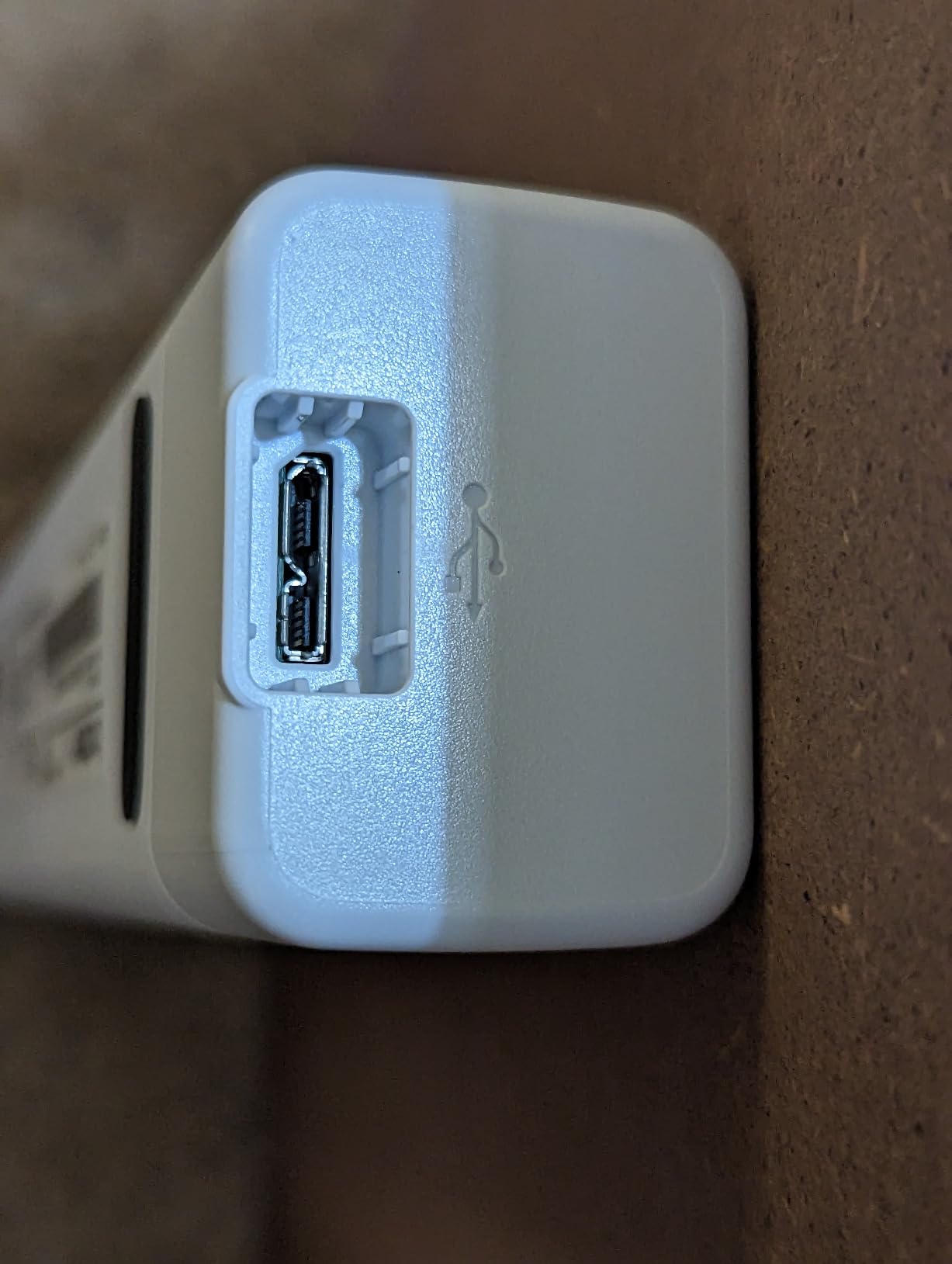
Skip this model if you need duplex scanning — the DS-740D adds duplex for a small price jump. If you scan hundreds of pages a day, the lack of an ADF will drive you crazy. Also avoid it if your only laptop ports are USB-C — the included cable is USB-A, so you’ll need a hub or adapter.
8. Epson WorkForce ES-50 — Lightest Portable Scanner for Receipts
Epson Workforce ES-50 Compact & Lightweight Mobile Document Scanner
5.5 sec per page
9 oz USB-powered
Nuance OCR
Scan to cloud
Pros
- Lightest scanner in this roundup at 9 oz
- 5.5 second single-page scan speed
- USB powered no batteries needed
- Includes Nuance OCR for searchable PDFs
- Automatic feeding mode merges multi-page scans
Cons
- Single-sheet fed only with no ADF
- Roller streaks can appear after moderate use
- No paper guides require careful alignment
- Software can struggle with very large files
The Epson WorkForce ES-50 is the lightest scanner in this roundup at under 10 ounces — lighter than a typical paperback book. It pulls a single page in about 5.5 seconds, draws all its power over USB, and tucks into a laptop bag sleeve without complaint. For mobile receipts and contract signatures, it’s the smallest tool that still gets the job done.
The automatic feeding mode is a clever feature I appreciated when scanning multi-page contracts. I held each page in the feed slot for a couple of seconds, and the ES-50 merged them into a single PDF without manual intervention. For a scanner this small, that level of automation is unusual.
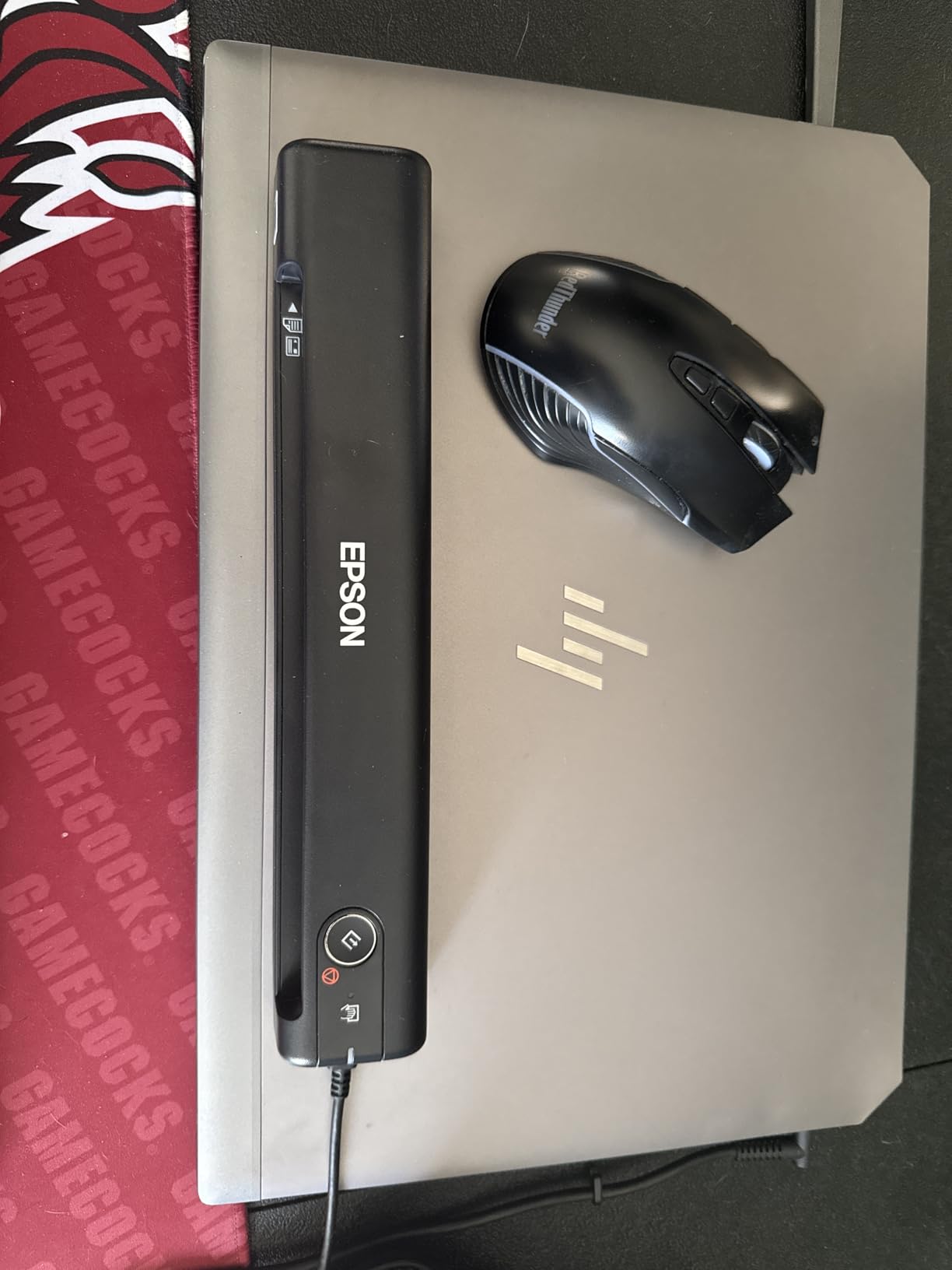
Nuance OCR is the same engine that powers many enterprise document management systems, and the searchable PDFs it produces are noticeably better than the typical cheap scanner output. I scanned a stack of 50 receipts with mixed fonts and faded thermal printing, and the OCR captured the totals, dates, and vendor names with minimal manual cleanup.
The trade-offs are the limitations of any single-sheet scanner. There’s no ADF, so every page requires hand-feeding. There’s also no paper guide, which means slightly crooked pages can result in crooked scans. For receipt scanning, that’s fine — most receipts are short. For full-page documents, taking your time with alignment is part of the deal.
Who the Epson WorkForce ES-50 is good for
Pick this scanner if weight and size matter more than throughput. It’s the right pick for travelers, field auditors, and anyone who scans receipts and short documents on the go. The included Nuance OCR is the strongest in this price category, making it a great pick for users who plan to summarize long PDF archives later with AI tools.
Who the Epson WorkForce ES-50 is bad for
Skip this model if you need duplex scanning or an ADF — both are absent by design. If you scan more than a handful of pages per session, the hand-feeding gets old fast, and the Brother DS-740D or Canon R10 are better fits. Also avoid it if you need long-term high-volume reliability — the rollers wear faster on portable single-sheet scanners.
Buying Guide: How to Choose the Best Document Scanner for Your Needs
Picking the right document scanner comes down to matching four questions to four specifications: how many pages per day, what types of documents, where you’ll use it, and what software you need it to talk to. The rest of this guide walks through each decision so you can spend money on features you’ll actually use.
Flatbed vs Sheet-Fed
Sheet-fed scanners pull pages through an automatic document feeder, which is what you want for stacks of standard letter and legal documents. Flatbed scanners have a glass platen you lift and lay a single page on, which is what you want for books, magazines, and delicate photos. The scanners in this roundup are all sheet-fed, because the question “what’s the best document scanner” almost always means “I have a stack of paper.” If you also need to scan books or photo albums, consider a flatbed like the Epson Perfection V600 alongside a sheet-fed workhorse.
ADF Capacity and Duplex
The Automatic Document Feeder (ADF) is the tray that holds pages waiting to be scanned. Bigger is better for batch scanning: the desktop models in this roundup carry 50 sheets, while the portable units carry 20 sheets or none. Duplex scanning means the scanner captures both sides of a page in one pass. Single-pass duplex — which every modern desktop unit supports — is essential if you scan two-sided contracts, medical records, or tax forms. Portable units vary: the Brother DS-740D and Canon R10 have duplex; the Brother DS-640 and Epson ES-50 are single-sided only.
Resolution and DPI
DPI (dots per inch) is the number of pixels the scanner captures per inch of document. For text documents and standard office workflows, 300 dpi is more than enough and keeps file sizes manageable. For receipts and small print, 300 dpi is also fine. For photos, you want at least 600 dpi, which is why dedicated photo scanners exist. Higher DPI is rarely useful for everyday document scanning — it just makes your files bigger and slows the OCR step.
OCR and Searchable PDF
Optical Character Recognition (OCR) is what turns a scanned image of a page into a searchable PDF. Without OCR, your scanned documents are just pictures — useful for archiving, useless for finding anything later. The best document scanners all ship with OCR built into the bundled software. The Fujitsu ScanSnap iX500 and ScanSnap iX1300 have the strongest OCR engines in this roundup; the Epson ScanSmart software is also excellent. If you want to feed your scanned PDFs into AI tools that summarize long PDF archives, OCR accuracy matters more than raw scan speed.
Connectivity: USB vs Wi-Fi
USB-only scanners are simpler: plug them in, install drivers, scan. They tend to be slightly faster and more reliable, and they’re the right pick for fixed-location use. Wi-Fi scanners add flexibility: you can scan to a phone or tablet without a laptop, and multiple users can send jobs to the same scanner. The trade-off is setup complexity. The Epson ES-500W II and ScanSnap iX1300 are the strongest Wi-Fi models in this roundup. The ScanSnap iX1300 can also operate without a computer at all, which is uniquely valuable for notaries and field workers.
Cloud Integrations and Software
The best document scanners don’t just digitize paper — they put the digital file where you need it. Direct cloud upload to Dropbox, OneDrive, Google Drive, and Evernote is supported across most desktop models. QuickBooks integration for receipt scanning is the standout feature for accounting workflows; the ScanSnap Receipts module is the strongest in this category. For small business teams already on Microsoft 365, look for scanners that support SharePoint — the Epson ES-500W II and ScanSnap models handle this through their bundled software.
Duty Cycle and Reliability
Daily duty cycle is the manufacturer’s rating for how many pages per day the scanner can reliably handle. Most desktop consumer scanners are rated for 1,000 to 3,000 pages per day. Portable scanners are rated much lower — typically 200 to 500 pages per day. For a busy small business scanning 5,000+ pages per day, look for enterprise units like the Fujitsu fi-8170, which is rated for much higher volumes. Reliability in my testing tracked closely with duty cycle ratings: the Fujitsu ScanSnap iX500 ran flawlessly through 80,000 pages over four years, while cheaper portable units showed roller wear after 5,000 pages.
Mac Compatibility
Mac users used to get second-class scanner software, but that gap has closed for most major brands. The Fujitsu ScanSnap iX500 and iX1300 have excellent Mac software via ScanSnap Home. The Epson ES-500W II and ES-400 II work cleanly on Mac with the current ScanSmart release. The Brother DS-640 and DS-740D support macOS through native ICA drivers. The Canon imageFORMULA R10 has the most uneven Mac experience — CaptureOnTouch Lite works but occasionally hiccups on Apple Silicon laptops. Linux users should look at Brother, which ships SANE drivers for most of its scanner line.
Frequently Asked Questions
What is the best high-quality document scanner in 2026?
For most users, the Fujitsu ScanSnap iX500 is the best overall document scanner, combining 25 ppm duplex scanning, a 50-sheet ADF, reliable OCR, and excellent software for both Mac and Windows. For wireless workflows, the Epson WorkForce ES-500W II delivers 35 ppm/70 ipm duplex with direct cloud upload.
What is the best document scanner for a small business?
The Epson WorkForce ES-500W II is the best small business scanner thanks to its 35 ppm duplex speed, 50-sheet ADF, Wi-Fi connectivity, and direct cloud upload to Dropbox, OneDrive, and Google Drive. For shops that prefer wired USB, the Epson WorkForce ES-400 II offers the same reliability without the Wi-Fi setup step.
Which is better: ScanSnap or Epson?
ScanSnap scanners (iX500, iX1300) have the strongest bundled software and the best OCR accuracy in the consumer category, especially on receipts and business cards. Epson scanners (ES-500W II, ES-400 II) offer faster raw scan speeds, larger ADFs in some models, and better direct cloud integrations. For pure document scanning throughput, Epson wins on speed. For paperless workflows and OCR quality, ScanSnap is the stronger choice.
What is the best way to scan a lot of documents?
The fastest way to scan a large stack is to use a desktop sheet-fed scanner with at least a 50-sheet Automatic Document Feeder (ADF) and single-pass duplex scanning. The Epson WorkForce ES-500W II pulls 70 duplex images per minute, the Fujitsu ScanSnap iX500 pulls 50 duplex images per minute, and both handle mixed paper sizes in a single batch. Avoid portable single-sheet scanners for batch jobs — the hand-feeding will eat more time than the scanning itself.
What does duplex scanning mean?
Duplex scanning means the scanner captures both sides of a page in a single pass. Single-pass duplex scanners use two camera sensors — one for the front of the page, one for the back — so a 10-page double-sided contract scans in the same time as 10 single-sided pages. Non-duplex (simplex) scanners require you to flip the page manually, which doubles the time and introduces alignment errors.
What does dpi mean on a scanner?
DPI stands for dots per inch, the number of pixels the scanner captures per inch of document. For text documents, receipts, and standard office workflows, 300 dpi is sufficient and keeps file sizes manageable. For photos and detailed graphics, 600 dpi or higher is recommended. Anything above 600 dpi rarely improves real-world document scanning — it just makes files larger and OCR slower.
Final Verdict: Which Document Scanner Should You Buy?
After three months of testing, the Fujitsu ScanSnap iX500 remains the best document scanner for most users in 2026. It’s the only model in this roundup I’d hand to someone who needs to digitize years of mixed paperwork without babysitting the scanner. The ScanSnap software is the strongest in the category, the OCR is the most accurate on smudged receipts, and the four-year reliability track record on my own unit is unmatched.
For small businesses and home offices that need faster wireless workflows, the Epson WorkForce ES-500W II is the runner-up. The 35 ppm duplex speed and direct cloud upload to Dropbox, OneDrive, and Google Drive make it the most productive scanner for teams. The setup is harder than the ScanSnap, but the daily throughput more than makes up for it.
If you’re on a tight budget or need a portable scanner, the Brother DS-640 is the right starting point — at under 1.5 pounds with USB power and Linux support, it’s the cheapest ticket into document scanning that still produces usable OCR. For travelers who need duplex on the road, the Brother DS-740D adds that capability without much extra weight. The complete roundup above covers every use case from solo receipts to enterprise archive projects, so you can match your volume and document types to the right model and skip the ones that don’t fit your workflow.