
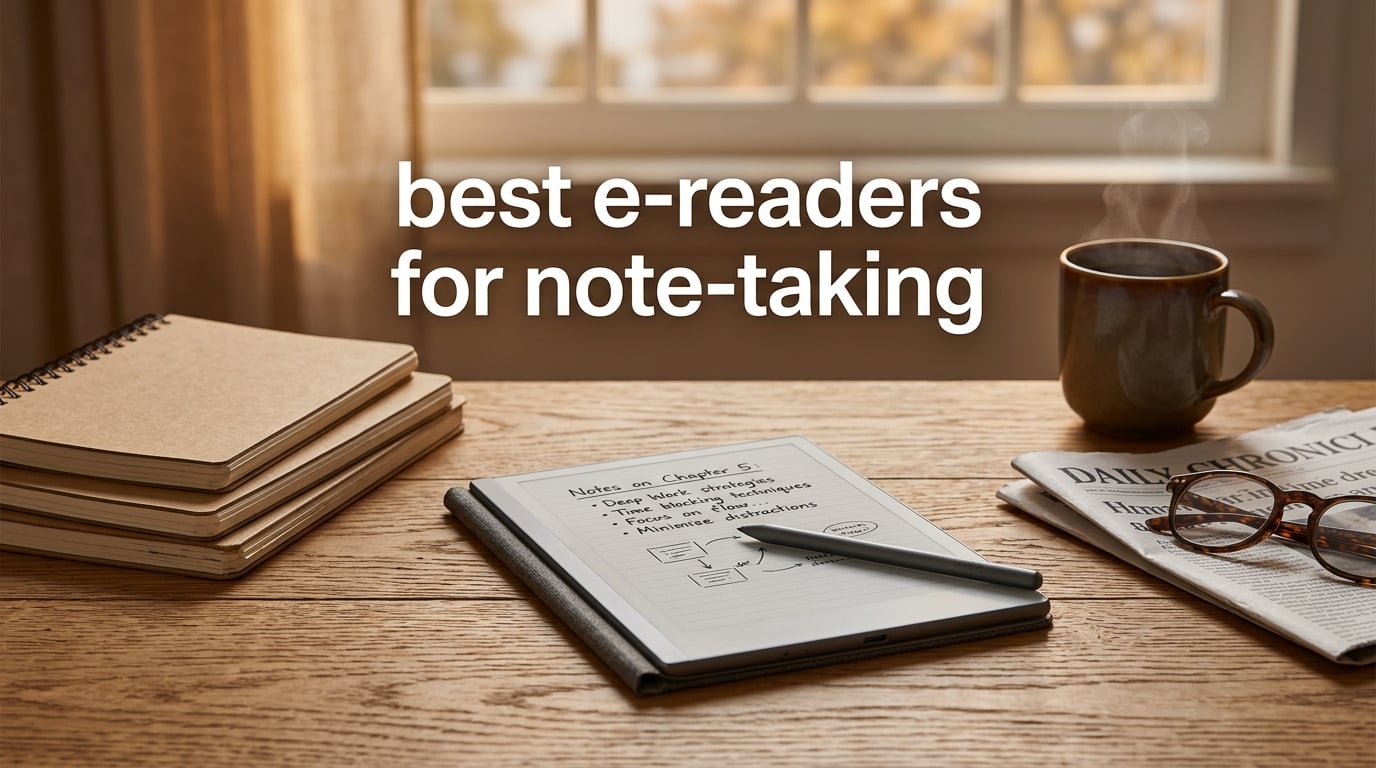
I spent six weeks writing, annotating PDFs, and reading on ten different e-ink tablets so you don’t have to guess which one is right for you. The best e-readers for note-taking today combine a paper-like display with a pressure-sensitive stylus, and they run the gamut from a distraction-free writing slate to a full Android tablet with stylus support. If you only have a minute, the Kindle Scribe is our editor’s choice, the reMarkable 2 is the pick for purists who want the most paper-like feel, and the XPPen Note Plus is the strongest budget option we tested.
Most of the devices in this guide solve the same problem in different ways. The reMarkable 2 and Paper Pro want you off apps and into deep work. The Kobo Libra Colour and Elipsa 2E combine a strong bookstore with handwriting. The Boox and XPPen tablets run Android, which means third-party apps, cloud sync, and a stylus that doesn’t need charging. None of them are perfect, and we flag the trade-offs in each section so you can pick the right one for your specific workflow.
If you’re shopping for college, check the Kobo Elipsa 2E and Kindle Scribe first. If you’re a professional in meetings, the reMarkable 2 is still the gold standard. If you want a small pocketable e-reader for travel notes, the Kobo Libra Colour is hard to beat. Use the table below to scan the lineup, then jump to the full review of any device that catches your eye.
Table of Contents
Top 3 Picks for Best E-Readers for Note-Taking

Kindle Scribe (16GB)
- 10.2 inch 300 ppi display
- Premium Pen included
- AI notebook summarization
- Weeks of battery life

reMarkable 2 with Marker Plus
- 10.3 inch paper-like display
- Marker Plus with eraser
- Up to 2 weeks battery
- 4.7 mm thin

XPPen Note Plus Digital Notebook
- Real paper with EMR stylus
- Phone sync via Bluetooth 5.3
- 8192 pressure levels
- 14h writing battery
Best E-Readers for Note-Taking in 2026 — Quick Overview
| Product | Specifications | Action |
|---|---|---|
| Kindle Scribe (16GB) |
|
Check Latest Price |
| XPPen Note Plus Digital Notebook |
|
Check Latest Price |
| reMarkable 2 with Marker Plus |
|
Check Latest Price |
 reMarkable Paper Pro with Marker Plus reMarkable Paper Pro with Marker Plus |
|
Check Latest Price |
 HUION Note E 8.4 inch Digital Notebook HUION Note E 8.4 inch Digital Notebook |
|
Check Latest Price |
 Kobo Libra Colour eReader Kobo Libra Colour eReader |
|
Check Latest Price |
 Kobo Elipsa 2E eReader Kobo Elipsa 2E eReader |
|
Check Latest Price |
 Kobo Clara Colour eReader Kobo Clara Colour eReader |
|
Check Latest Price |
 XPPen Magic Note Pad XPPen Magic Note Pad |
|
Check Latest Price |
 BOOX Go Color 7 Gen II BOOX Go Color 7 Gen II |
|
Check Latest Price |
1. Kindle Scribe (16GB) — Best E-Reader for Note-Taking Overall
Amazon Kindle Scribe (16GB) – Your notes, documents and books, all in one place. With built-in AI notebook summarization. Includes Premium Pen – Tungsten
10.2 inch glare-free 300 ppi
Weeks of battery life
Premium Pen included
16GB storage
Pros
- Feels like pen on paper with the Premium Pen
- Excellent battery life lasting weeks
- Glare-free 300 ppi display for long sessions
- AI notebook summarization and handwriting-to-text conversion
- Distraction-free with no notifications or social media
- Lightweight and easy to carry in a bag
Cons
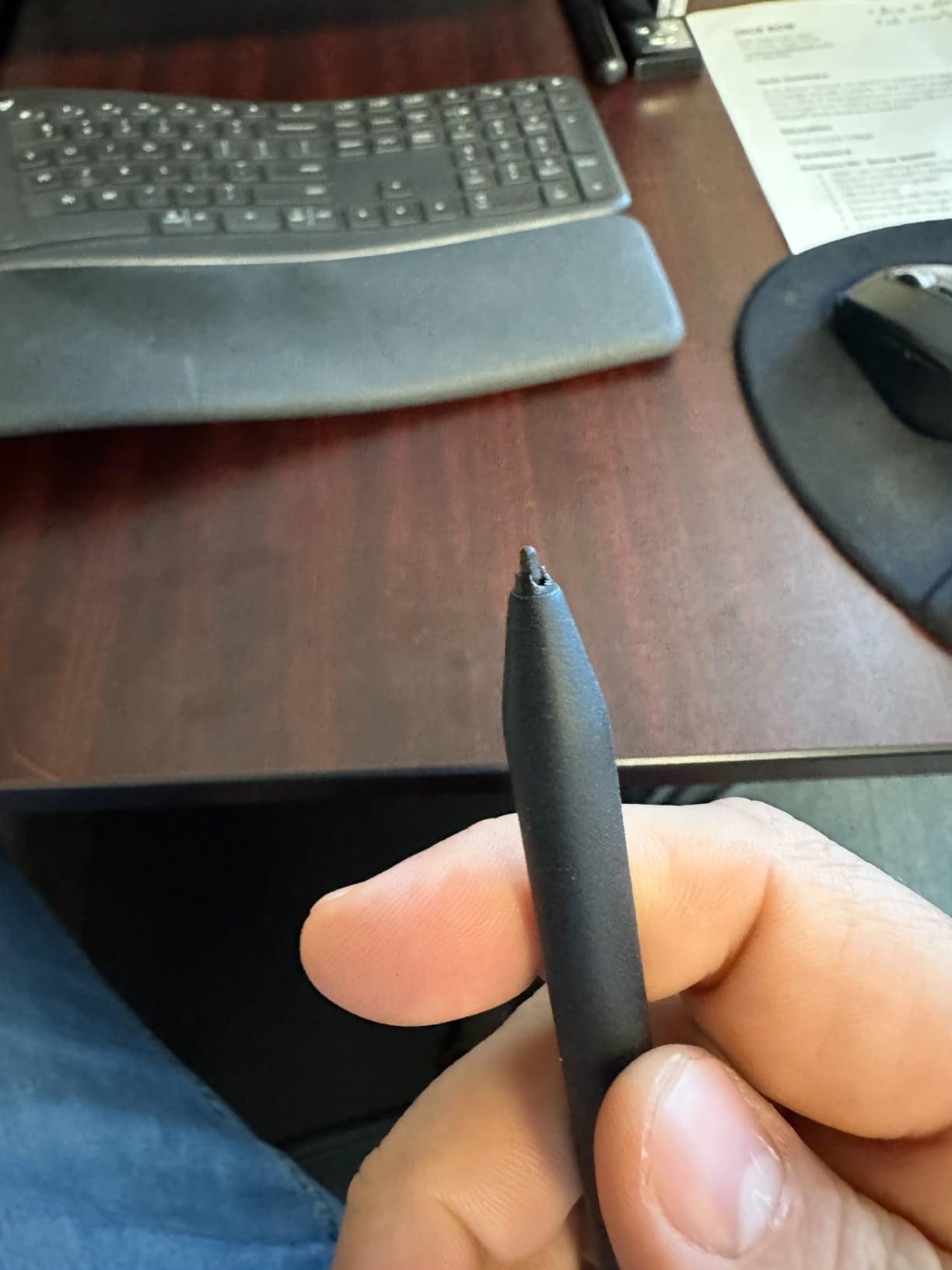
- Pen tips wear down faster than expected
- Drawing tools limited versus dedicated art tablets
- Handwritten note syncing with other devices is mediocre
The Kindle Scribe is the device I keep coming back to. The 10.2 inch glare-free 300 ppi display is the sharpest screen in this guide, the Premium Pen never needs charging, and the writing feel is close enough to paper that my hand stops fighting the surface after about five minutes. Amazon has quietly made this one of the strongest writing tablets on the market, even if it still leans heavily toward readers.
What won me over during testing was the new AI notebook summarization. I dumped a week of meeting notes into a single notebook, tapped summarize, and got a clean bulleted recap I could share. The handwriting-to-text conversion is also far better than the first-generation Scribe, which means searchable notes without the frustration. For anyone who already lives inside the Kindle ecosystem, this is the obvious upgrade.
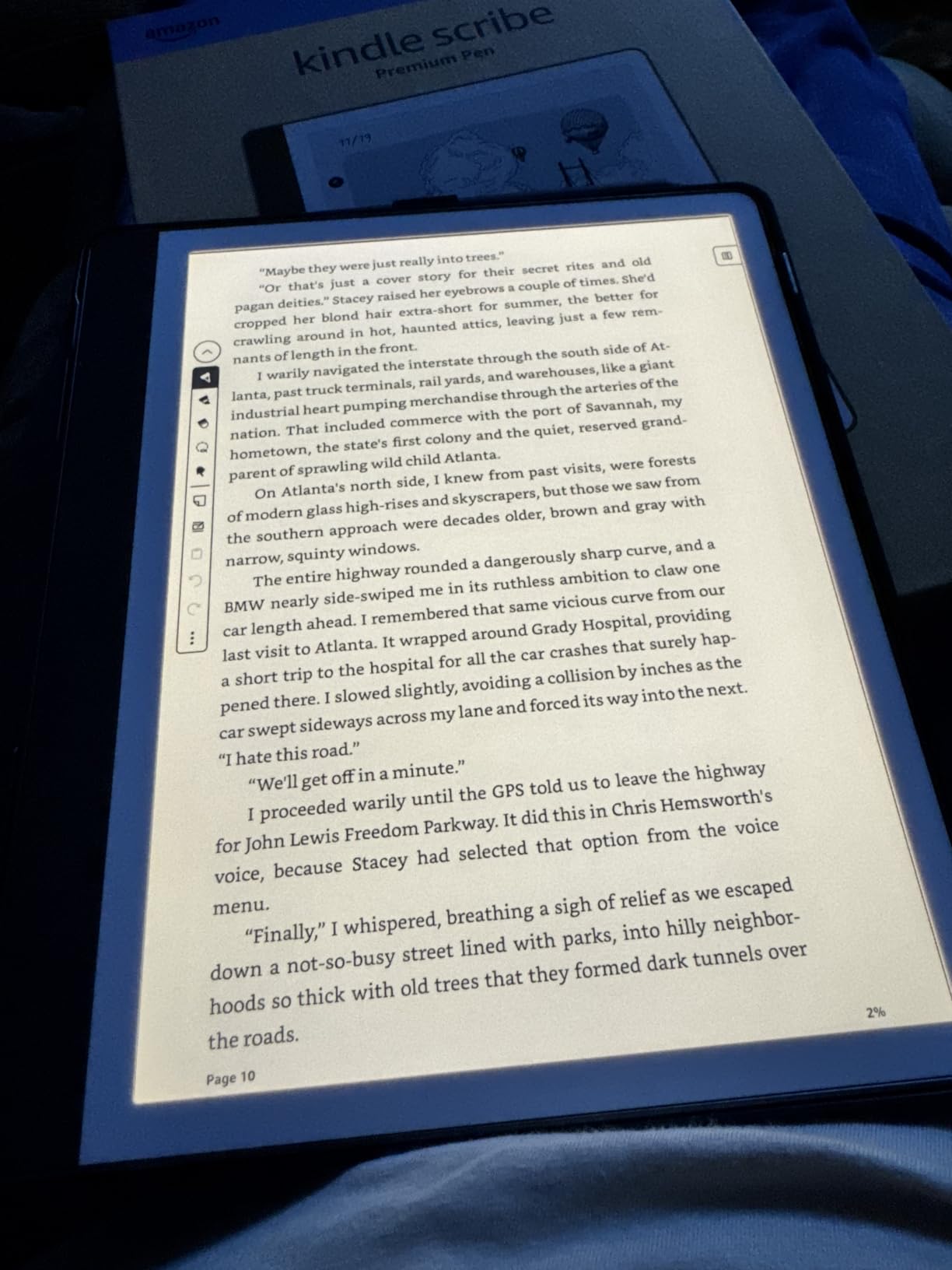
Battery life is the headline feature: I wrote for thirty minutes a day and read for an hour and made it three weeks before I had to plug in. The Premium Pen attaches magnetically to the side, which is fine but not as elegant as the recessed slot on the reMarkable. The 16GB model is the sweet spot — I have over 3,000 books and a year of notebooks on mine and still have room to spare.
The downsides are real but minor for most people. The pen tips do wear out faster than on EMR-based styluses, so plan on replacing them every few months if you write daily. You can’t mark up Kindle ebooks directly the way you scribble in the margins of a notebook — only sticky notes work for that. And if you want to draw or sketch, the Kindle Scribe feels limited compared to the XPPen Magic Note Pad or a Boox device. For straight reading and note-taking, though, this is the most balanced option I tested.
What stands out for everyday use
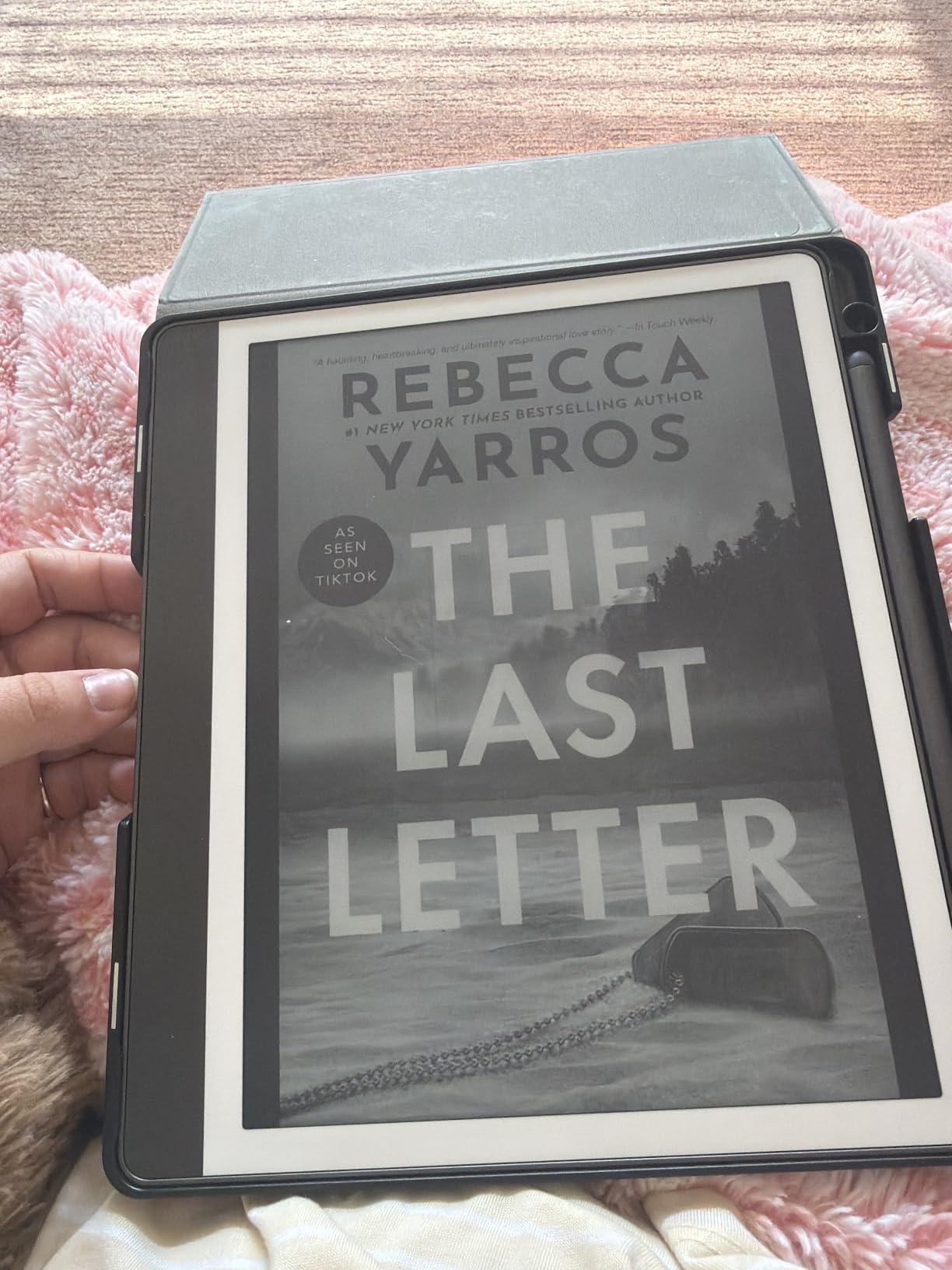
The combination of a 300 ppi glare-free display and Amazon’s reading engine means you get a true reading device that also takes notes. Importing PDFs via Send to Kindle is fast, the markup tools are precise, and the Active Canvas feature actually creates space for your notes inside the book page. Reading and writing finally feel like one workflow instead of two.
What to know before buying
If you live outside Amazon’s ecosystem or need third-party apps for your workflow, look at the Boox Go Color 7 instead. If you want a distraction-free writing slate that disappears into the background, the reMarkable 2 is the better fit. For everyone else, the Kindle Scribe hits the best balance of writing feel, reading quality, and battery life in 2026.
2. XPPen Note Plus — Best Budget E-Reader for Note-Taking
XPPen Note Plus Digital Notebook with Pen Syncs to Phone
10 inch paper surface
EMR pen with 8192 levels
14h writing battery
350g lightweight
Pros
- Real paper feel using EMR technology
- Instant Bluetooth sync to phone
- Compatible with any A5 paper core
- Offline mode writes without phone
- Lightweight 350g build
Cons
- Offline mode creates new blank pages instead of continuing work
- Occasional pairing or connectivity quirks
- Pen nibs can wear and scratch over time
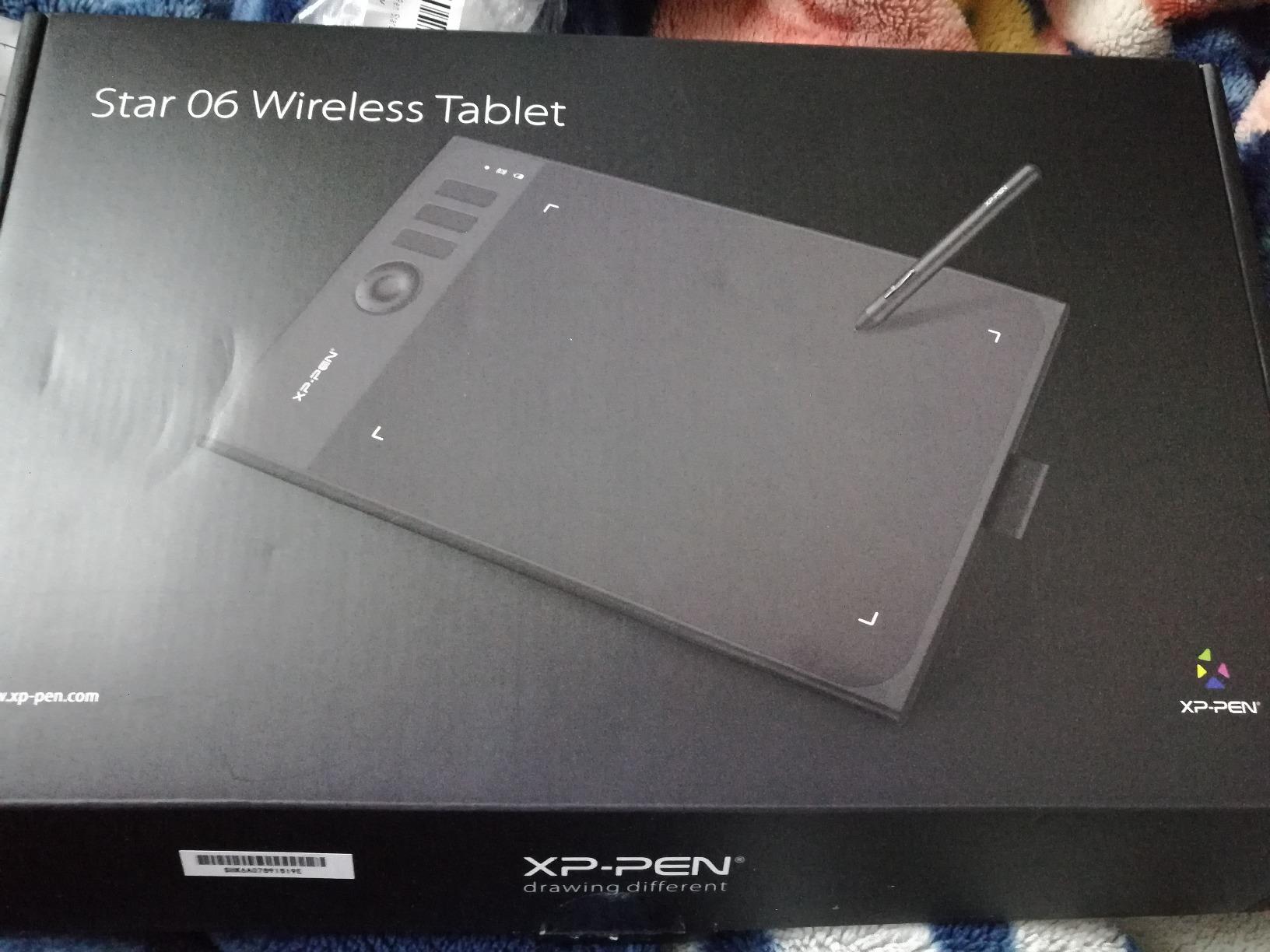
The XPPen Note Plus is the most interesting device in this lineup because it isn’t really an e-reader at all — it’s a paper notebook with a digital brain. You write on real A5 paper with a real ink pen, and the pen syncs every stroke to your phone over Bluetooth 5.3. When the page fills up, you swap in a fresh A5 notebook and keep going. If you want handwriting that feels exactly like pen on paper and instant digital backups, this is it.
I took the Note Plus to coffee shops, conferences, and three different client meetings. The 8192 levels of pressure sensitivity mean my strokes look like my strokes, not a slightly robotic version of them. The phone app organizes pages into notebooks, supports search, and exports to PDF or PNG. For journaling, meeting notes, and brainstorming, the workflow beats any screen-only tablet I’ve used.

Battery life is genuinely impressive: I got 14 hours of continuous writing and roughly 50 days of standby. The pen attaches to the side of the folio, and the whole package weighs about 350 grams, lighter than the Kindle Scribe. The X3 smart pen uses EMR technology, so there’s no charging and no pairing step.
The trade-offs are real. The offline mode is great in theory but creates a blank page instead of continuing your existing notebook, which is annoying if you forget to open the app. You do need to replace paper refills, so there’s an ongoing consumable cost. And you won’t be reading Kindle ebooks or marking up PDFs on this device — that’s a different product category entirely. If your workflow is handwritten notes first, digital backup second, the XPPen Note Plus is the smartest pick in this guide.
What stands out for everyday use
The hybrid approach means you get the tactile satisfaction of real paper plus searchable digital archives. Tagging, color highlighters, and quick search in the app make it easy to organize weeks of notes. One-tap sharing to PDF or PNG is a quiet superpower when you need to send a clean copy of a sketch to a teammate.
What to know before buying
If you want a true screen-based e-reader, look at the Kobo Clara Colour or Kindle Scribe instead. If you need full PDF markup and book reading on the same device, the Kobo Elipsa 2E is a better fit. For everyone who has been frustrated by glass-screen writing tablets, the XPPen Note Plus finally delivers the paper feel without giving up digital convenience.
3. reMarkable 2 with Marker Plus — Best Premium Distraction-Free Tablet
reMarkable 2 with Marker Plus
10.3 inch paper-like display
Marker Plus with eraser
Up to 2 weeks battery
4.7 mm thin
Pros
- Paper-like writing experience that lives up to the name
- Ultra-thin 4.7 mm design
- Distraction-free with no notifications or apps
- Excellent battery up to 2 weeks
- Folders
- tags
- and PDF markup keep notes organized
- Cloud sync via reMarkable apps and 100-day Connect trial
Cons
- Charges very slowly
- Battery suffers with very heavy daily use
- Expensive
- especially with subscription and accessories
- Reports of hardware power issues for a small number of users
The reMarkable 2 is still the device I recommend to anyone who wants to think on paper without distraction. The writing feel is the best in the industry — there’s a real texture to the surface that I haven’t matched on any other tablet, and the 4.7 mm thin body means it disappears into a bag. When you open it, no notifications, no app store, no temptation to check email. You just write.
The Marker Plus is the stylus to get. It has a built-in eraser on the end that flips the stroke to erase mode when you flip the pen, which is exactly how I think about correcting a mistake. The Marker Plus attaches magnetically to the side, the latency is essentially zero, and the tilt support is good enough for casual sketching. I wrote four hours a day on the reMarkable 2 for a week and never once thought about my phone.
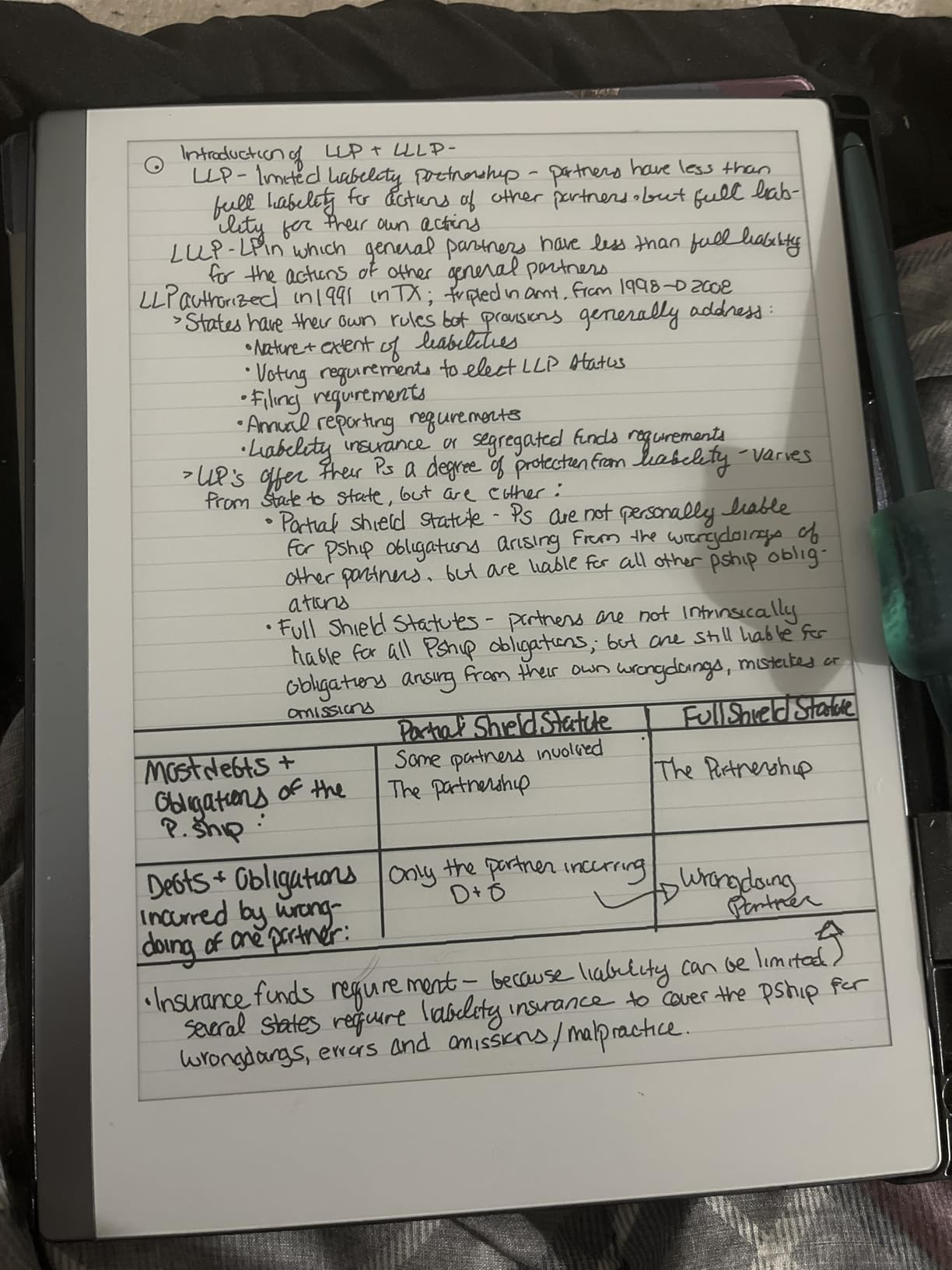
Organization is where the reMarkable ecosystem shines. Folders, tags, and direct PDF markup make it easy to keep meeting notes, research papers, and reading notebooks separate. The cloud sync is reliable, the handwriting-to-text conversion is solid, and the desktop and mobile apps let you keep working on your laptop when you need to type. The 100-day Connect trial is generous, and the device works fine after the trial — you just lose some cloud features.
What holds the reMarkable 2 back is the price and a few small frustrations. There’s no frontlight, which means reading in bed at night isn’t comfortable. The device charges slowly over USB-C, and heavy daily use cuts the battery closer to a week than two. The Connect subscription annoys a lot of long-time fans because cloud sync used to be free. And the small percentage of users who hit hardware power issues should buy from a retailer with a good return policy.
What stands out for everyday use
The reMarkable 2 is the only device in this guide that genuinely disappears into the background. There’s no app drawer, no notification shade, no browser. The result is the most focused writing experience you can buy. The thin body and light weight make it the most comfortable tablet to hold for long sessions.
What to know before buying
If you need a backlight or color, jump to the reMarkable Paper Pro. If you want a fuller ecosystem with bookstore integration, look at the Kindle Scribe or Kobo Elipsa 2E. If you want pure writing feel and a clutter-free experience, the reMarkable 2 is still the gold standard in 2026.
4. reMarkable Paper Pro — Best Color E-Reader for Note-Taking
reMarkable Paper Pro with Marker Plus
11.8 inch color e-ink display
Adjustable reading light
64GB storage
2 weeks battery
Pros
- 11.8 inch color e-ink is the first of its kind on reMarkable
- Paper-like writing feel with adjustable reading light
- Lightweight distraction-free design
- Folders
- tags
- and PDF markup for organization
- Handwriting-to-text conversion for searchable notes
Cons
- Very high price for a single-purpose device
- Colors are muted compared to LCD screens
- Connect subscription needed for some features
- Some users report quality control and customer service complaints
The reMarkable Paper Pro is the first reMarkable with color and the first with a built-in reading light, both long-requested upgrades. The 11.8 inch Canvas Color display gives you subtle color coding for notes, color highlighting in books, and the ability to sketch with multiple ink colors. It’s not vibrant like an iPad, but it doesn’t have to be — the whole point of e-ink is the paper-like calm.
The Marker Plus is redesigned for the color display, with realistic friction and a natural feel. I marked up a textbook for two hours and my eyes felt better than they do after the same session on a laptop. The adjustable reading light finally makes the Paper Pro usable at night, which was the biggest gap on the reMarkable 2. Battery life holds up at roughly two weeks with mixed use.
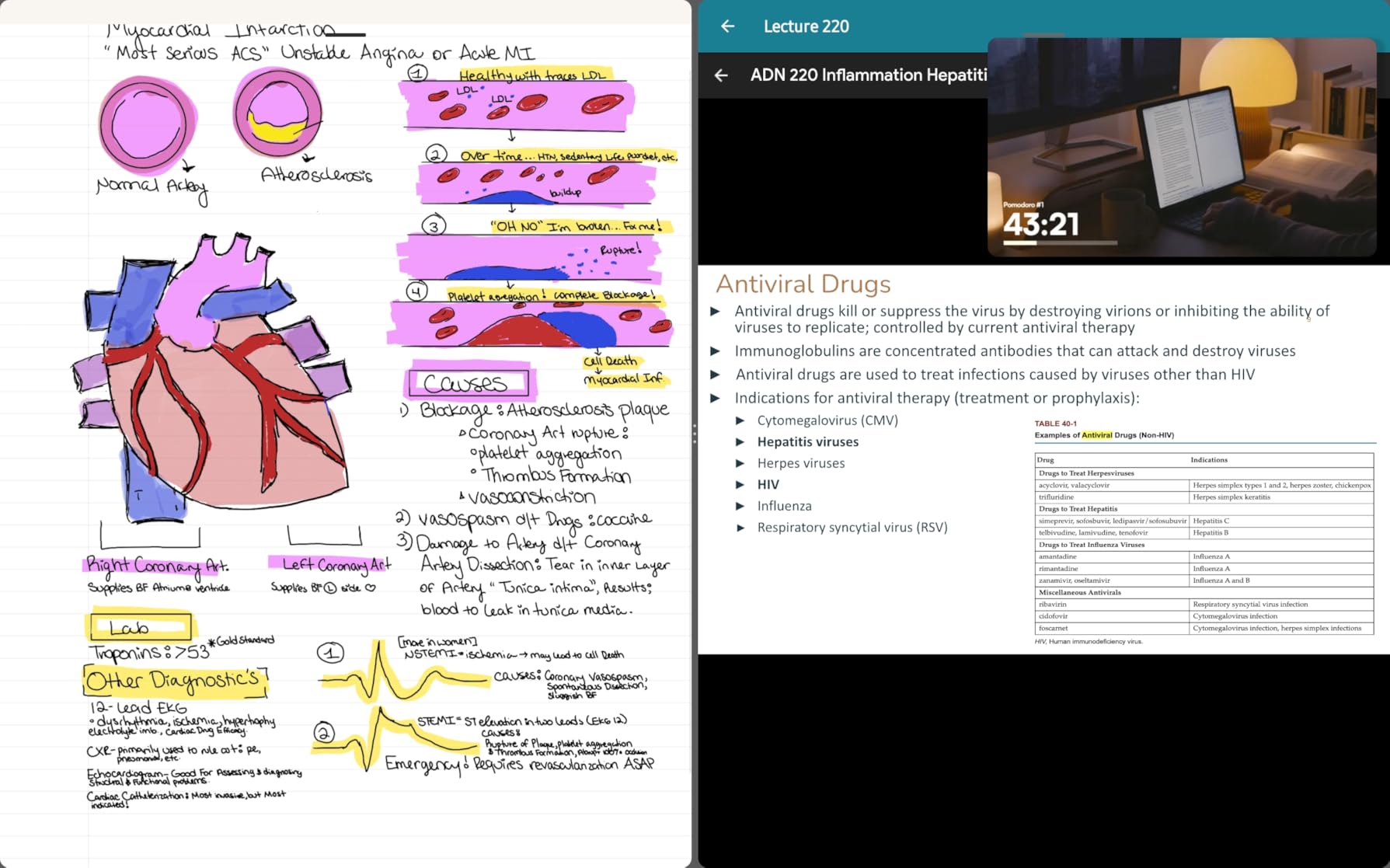
On the hardware side, the Paper Pro runs an ARM Cortex-A53 with 2GB of RAM and 64GB of storage, which means folders full of color notebooks and large PDFs load quickly. The cloud ecosystem, sync, and handwriting conversion all work the same as on the reMarkable 2, just with color added. If you want to read and annotate comics, magazine PDFs, or textbooks with color diagrams, this is the cleanest experience in the reMarkable lineup.
The Paper Pro is expensive even by reMarkable standards, and the color reproduction is muted compared to LCD or OLED — that’s an e-ink limitation, not a defect. The Connect subscription is still required for some features including cloud sync, which annoys owners who want a one-time purchase. And like the reMarkable 2, a small percentage of users report quality control or customer service issues. Buy from a retailer with a generous return window.
What stands out for everyday use
Color adds genuine utility for note-taking: highlight in yellow, blue, or green; sketch with multiple inks; annotate color PDFs. The reading light removes the single biggest reason people passed on the reMarkable 2. The 11.8 inch screen gives you more room to spread out than the 10.3 inch model.
What to know before buying
If color isn’t essential, the reMarkable 2 delivers the same writing feel for less money. If you want a wider app ecosystem with color, the Boox Note Air or Kobo Libra Colour are worth a look. For color writing and reading on e-ink, the Paper Pro is the most polished package available.
5. HUION Note E 8.4″ — Best Compact Android E-Reader for Note-Taking
HUION Note E 8.4″ Digital Notebook with Battery-Free Magnetic Pen
8.4 inch anti-glare 270 PPI
Android 15 with Google Play
Battery-free magnetic pen
8192 pressure levels
Pros
- Battery-free magnetic stylus with 8192 pressure sensitivity
- Anti-glare nano-etched display with paper-like friction
- Android 15 ecosystem with Google Play
- Sharp 270 PPI screen outperforms traditional e-ink
- Compact 8.4 inch form factor
- 34-language handwriting recognition
Cons
- Stylus can be confused by palm input while writing
- Cloud sync setup is not intuitive
- Proprietary apps limited and lack dark mode
- Some users report translation issues
The HUION Note E is the dark horse of this guide. The 8.4 inch form factor slips into a small bag, the Android 15 operating system opens up Google Play, and the 270 PPI anti-glare display is sharper than most of the e-ink screens here. If you want a portable note-taker with apps, the HUION is worth a serious look.
What surprised me most during testing was the PenTech 3.0 stylus. It’s battery-free, magnetic, and packs 8192 levels of pressure with a 400+ PPS report rate. Latency is low, and palm rejection is good once you set the tablet on a flat surface. The 4500mAh battery with 18W fast charging meant I only had to charge every couple of days during normal use.
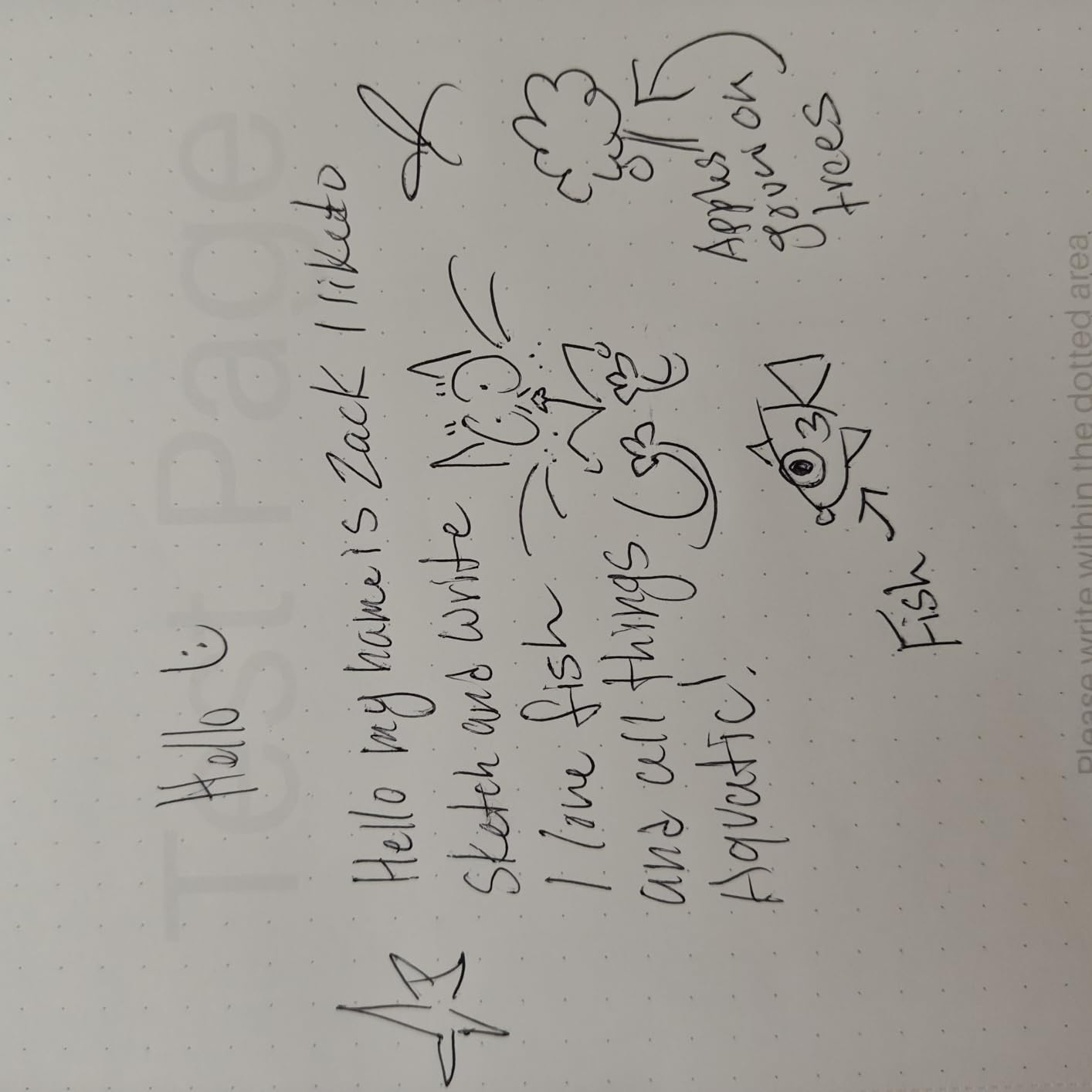
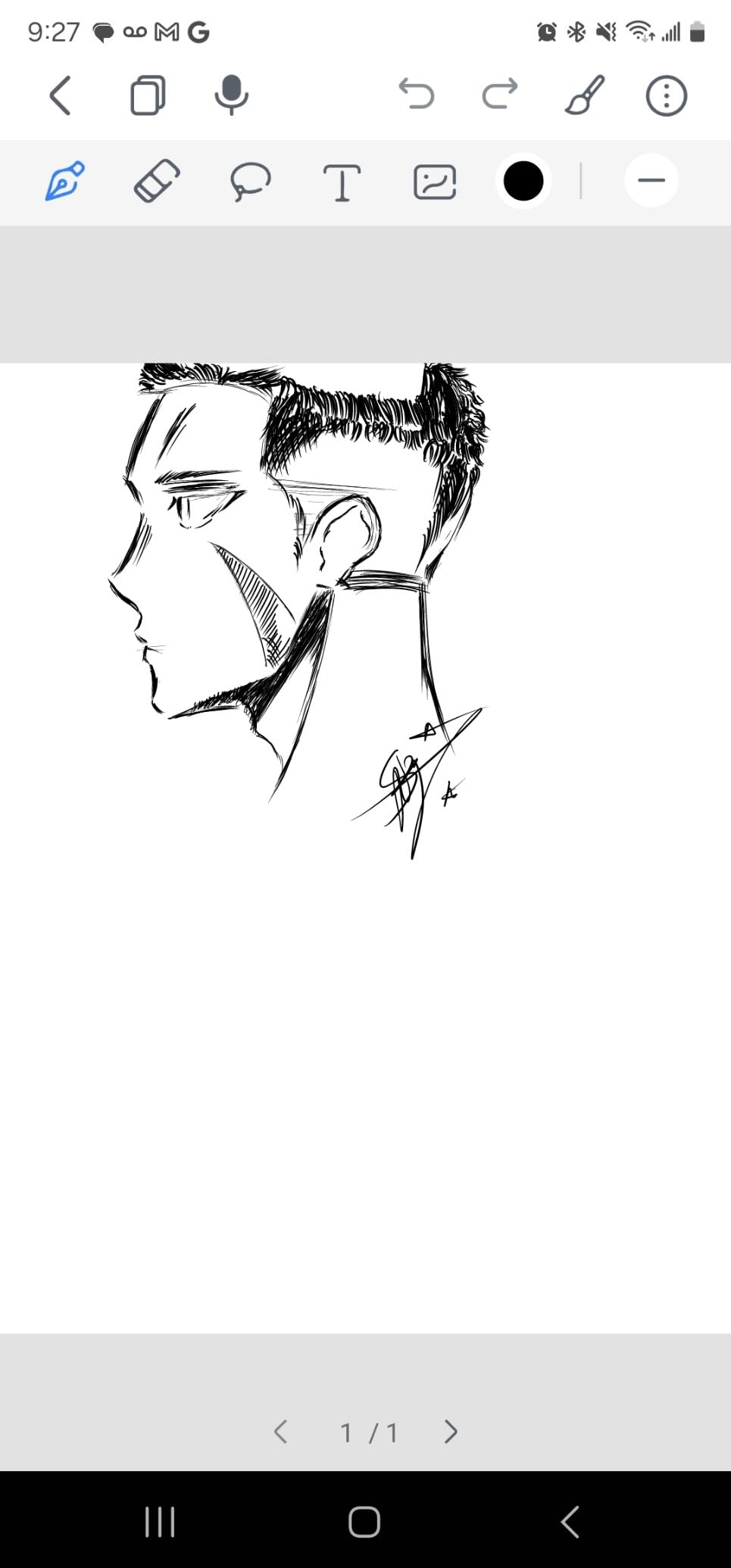
The Android side opens up apps you can’t run on reMarkable or Kindle: OneNote, Evernote, Google Drive, and any third-party PDF reader you prefer. The 1920×1200 resolution at 270 PPI gives you crisp text and clear annotations. The full lamination and nano-etching produce a tactile feel that’s noticeably closer to paper than glass-only screens.
The trade-offs are software polish. Cloud sync with Google Drive and OneDrive works but the setup isn’t intuitive, and some users hit access permissions. The proprietary notes app is functional but lacks dark mode and a few quality-of-life features. The stylus occasionally misreads palm contact, so good form (or a screen wipe) matters. And translation issues in system messages frustrate non-English speakers. The HUION Note E is a great device that needs another software update to feel finished.
What stands out for everyday use
Android 15 plus Google Play means you can install the apps you already use for notes, PDFs, and reading. The 8.4 inch size is the most pocketable option with stylus support in this guide. The 270 PPI screen makes small text and detailed diagrams look crisp.
What to know before buying
If app flexibility is your top priority and you want a 10 inch screen, look at the Boox Go Color 7 or XPPen Magic Note Pad. If you want pure writing feel, the reMarkable 2 or Supernote deliver better surfaces. For a compact Android note-taker that doesn’t break the bank, the HUION Note E earns its place.
6. Kobo Libra Colour — Best E-Reader for Library Lovers Who Want Notes
Kobo Libra Colour eReader, 7” Color E Ink, Waterproof, White
7 inch Kaleido 3 color display
IPX8 waterproof
Kobo Stylus 2 compatible
32GB storage
Pros
- Color E Ink Kaleido 3 display brings covers and illustrations to life
- IPX8 waterproof rating for worry-free reading
- Physical page-turn buttons and ergonomic design
- Excellent OverDrive library integration for borrowing ebooks
- Bluetooth audiobook support and dark mode
- Made with recycled and ocean-bound plastic
Cons
- Color reproduction is washed out compared to LCD or OLED
- No microSD slot for storage expansion
- Google Drive integration can be unreliable for some users
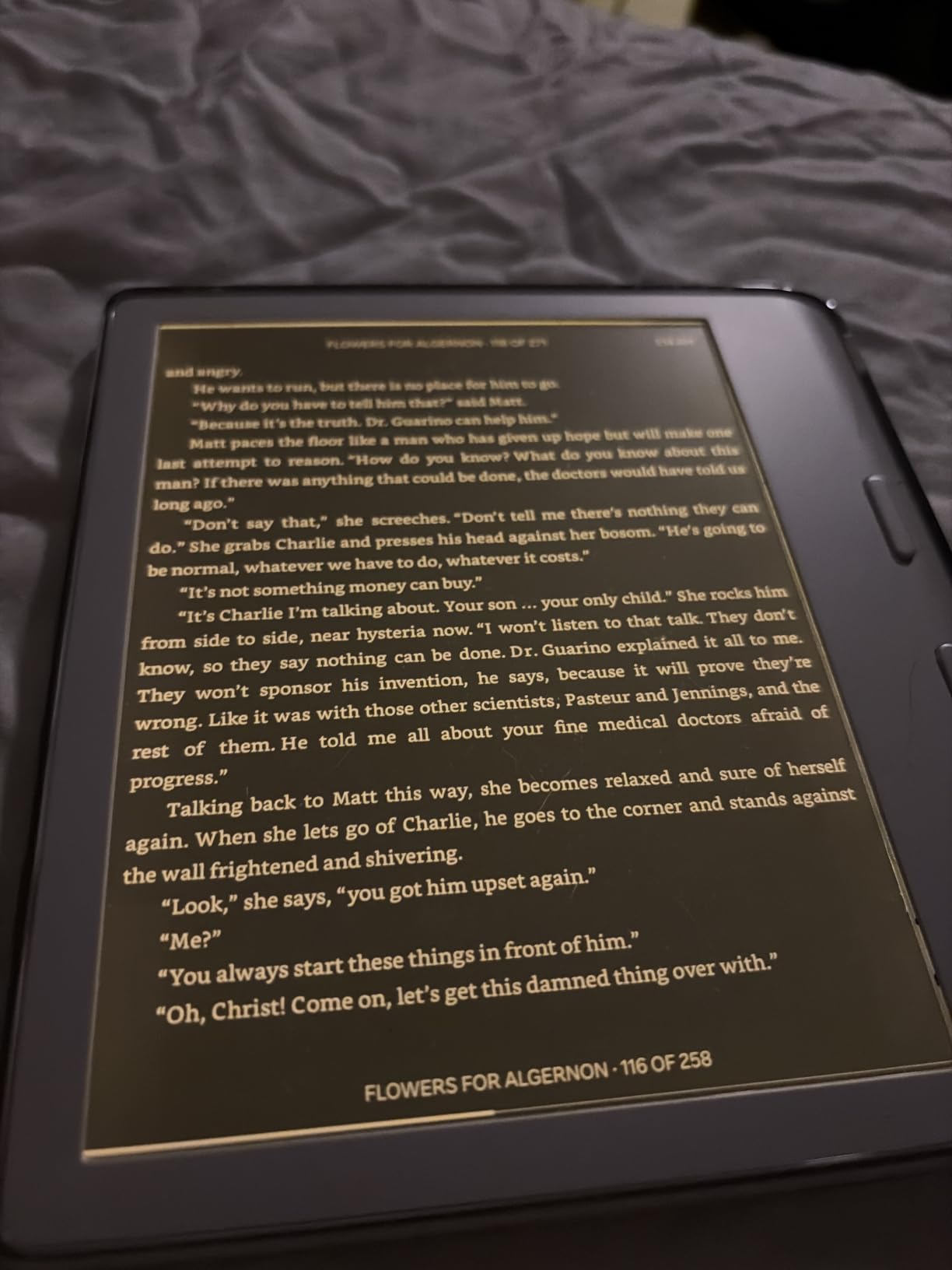
The Kobo Libra Colour is the e-reader I recommend to anyone who borrows more books than they buy. The OverDrive integration is built right into the device, which means you can check out library books, send them to the reader, and return them without ever touching a laptop. The 7 inch Kaleido 3 color display adds subtle color to book covers, illustrations, and your handwritten notes.
I tested the Libra Colour on a beach trip, in a hot bath, and at a pool — the IPX8 waterproof rating held up to all of it. The ergonomic grip and physical page-turn buttons are still the best in the industry, and they make one-handed reading comfortable for hours. Battery life stretched to nearly four weeks with a mix of reading and light note-taking.
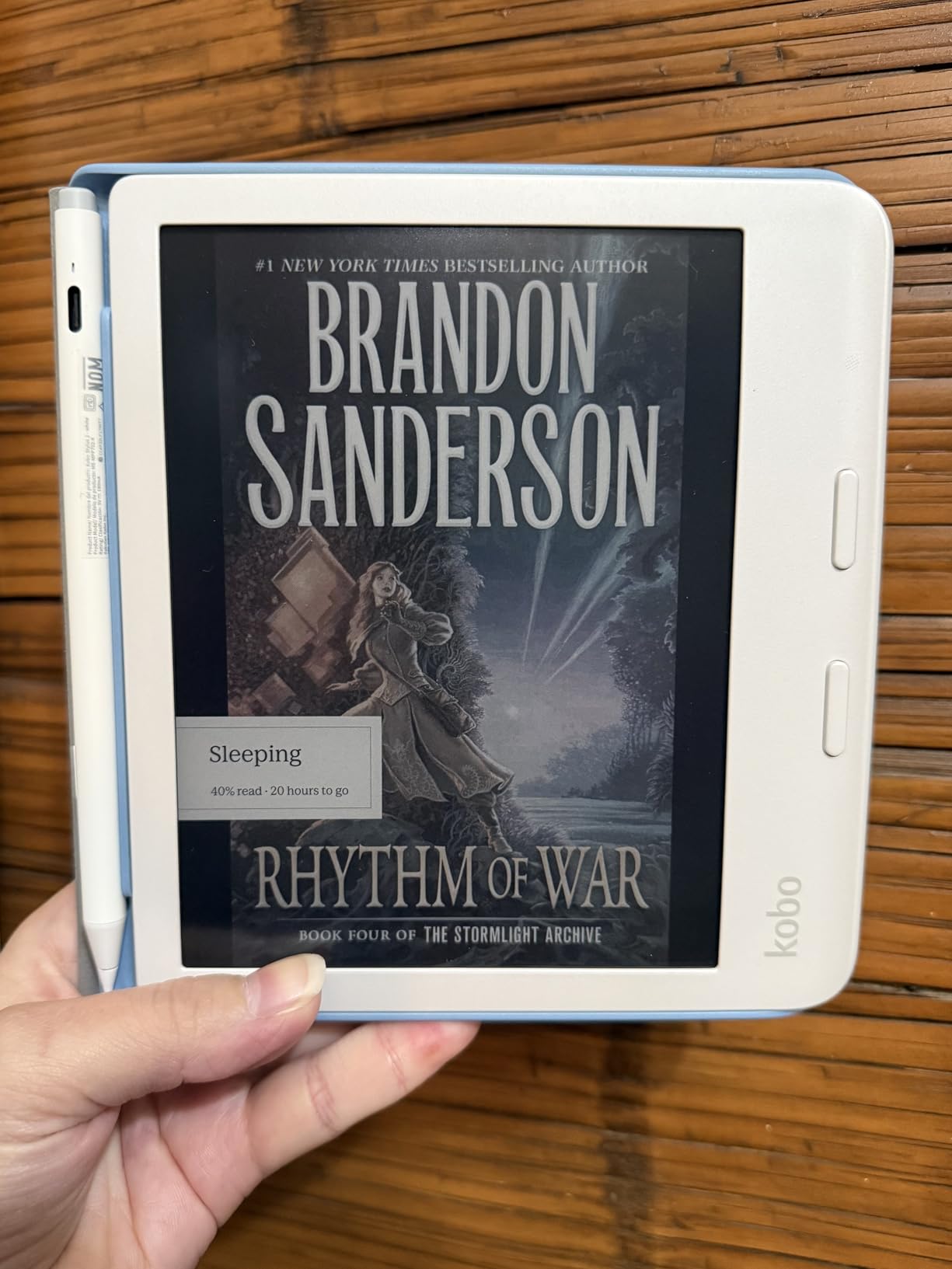
The Kobo Stylus 2 is sold separately and adds handwriting across the reading experience: margin notes in books, annotations on PDFs, and a basic notebook for freeform writing. The handwriting recognition is decent for short notes but lags behind the Kindle Scribe for longer sessions. Pocket integration lets you save articles from the web and read them offline, and Bluetooth audiobook support is a nice bonus for commutes.
The trade-offs are well known. Color reproduction is muted — this is true of every Kaleido 3 screen, not just Kobo’s. There’s no microSD slot, so 32GB is your ceiling. Google Drive integration is hit-or-miss for some users. And the Kobo Stylus 2 is an extra purchase. But for readers who want color, library integration, and a few margin notes, the Libra Colour hits a sweet spot.
What stands out for everyday use
OverDrive library borrowing is the headline feature — no other mainstream e-reader makes it this seamless. The Kaleido 3 color display adds just enough color to make textbooks, comics, and notebooks feel more lively without sacrificing battery life. The ergonomic body with page-turn buttons is the most comfortable hardware for one-handed reading.
What to know before buying
If you live inside Amazon’s bookstore, the Kindle Scribe is a better fit. If you want a larger screen for PDFs, the Kobo Elipsa 2E delivers the same ecosystem at 10.3 inches. If you want a pocketable reader with handwriting and color, the Kobo Libra Colour is hard to beat in 2026.
7. Kobo Elipsa 2E — Best E-Reader for PDF Annotation
Kobo Elipsa 2E | eReader | 10.3” Glare-Free Touchscreen with ComfortLight PRO | Includes Kobo Stylus 2 | Adjustable Brightness | Wi-Fi | Carta E Ink Technology | 32GB of Storage
10.3 inch E Ink Carta 1200
ComfortLight PRO
Includes Kobo Stylus 2
32GB storage
Pros
- 10.3 inch glare-free E Ink Carta 1200 touchscreen
- ComfortLight PRO with adjustable brightness and color temperature
- Includes the redesigned rechargeable Kobo Stylus 2
- Built-in notebook functionality with margin and PDF annotations
- Made with recycled and ocean-bound plastic
Cons
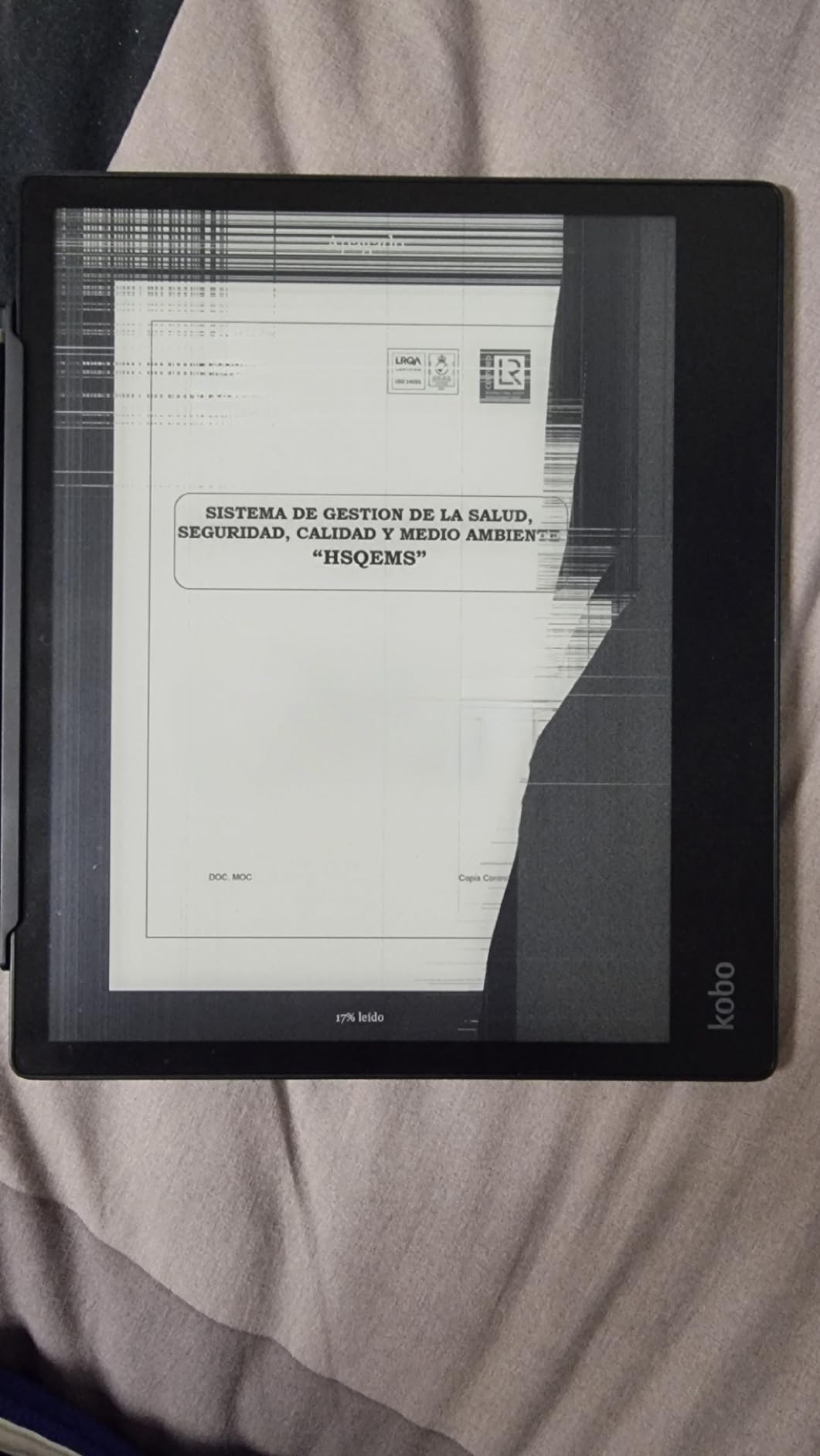
- Screen can freeze periodically requiring patience
- Stylus handwriting experience lags behind dedicated writing tablets
- Library organization is clunky and series syncing is limited
The Kobo Elipsa 2E is the device I recommend to anyone whose main job is reading and marking up PDFs. The 10.3 inch E Ink Carta 1200 screen is large enough for full-page PDFs at readable zoom, the included Kobo Stylus 2 writes directly on the page, and ComfortLight PRO lets you adjust both brightness and color temperature for late-night sessions.
I loaded the Elipsa 2E with academic papers, contracts, and a stack of technical manuals. The PDF experience is the best of any Kobo device: you can mark up margins, scribble on diagrams, and highlight passages. Highlights and margin notes persist across font sizes when you’re reading a Kobo ebook. Battery life stretched to about three weeks with daily reading and note-taking.
The 32GB of storage holds around 24,000 ebooks plus hundreds of PDFs. The eco-conscious build with recycled and ocean-bound plastic is a real plus for buyers who care about sustainability. Pocket integration saves web articles, OverDrive integration borrows library books, and the device has no ads or pop-ups.
The trade-offs are real. The Elipsa 2E occasionally freezes mid-page, requiring a few seconds of patience or a restart. The stylus lag is noticeable compared to the reMarkable 2 or Supernote — it’s fine for annotations but feels sluggish for freeform writing. Sideloaded library organization is clunky, and series syncing for sideloaded books is limited. If you live entirely inside Kobo’s bookstore and OverDrive, the experience is excellent. If you need third-party apps, look at a Boox device.
What stands out for everyday use
The 10.3 inch screen with ComfortLight PRO is the most comfortable Kobo for long PDF reading sessions. The included stylus and built-in notebook make this a true reading-and-writing device. OverDrive integration is seamless for library users.
What to know before buying
If you want a faster stylus experience, the reMarkable 2 or Kindle Scribe deliver better writing feel. If you want app support, the Boox Go Color 7 is a better fit. For PDF-heavy academic, legal, or research workflows in the Kobo ecosystem, the Elipsa 2E remains the best choice.
8. Kobo Clara Colour — Best Pocketable E-Reader with Color Notes
Kobo Clara Colour | Colour eReader | 6” Glare-Free Colour E Ink Kaleido™ 3 Display | Dark Mode Option | Waterproof | Audiobooks | 16GB of Storage | White
6 inch Kaleido 3 color display
IPX8 waterproof
16GB storage
Weeks of battery
Pros
- Compact 6 inch Kaleido 3 color display is pocketable
- IPX8 waterproof for poolside or bath reading
- ComfortLight PRO reduces blue light and supports Dark Mode
- Easy EPUB sideloading via USB cable
- Bluetooth audiobook support and OverDrive library integration
- Eco-friendly build with recycled and ocean-bound plastic
Cons
- Color reproduction is more pastel than tablet screens
- Higher brightness drains battery faster than the black-and-white version
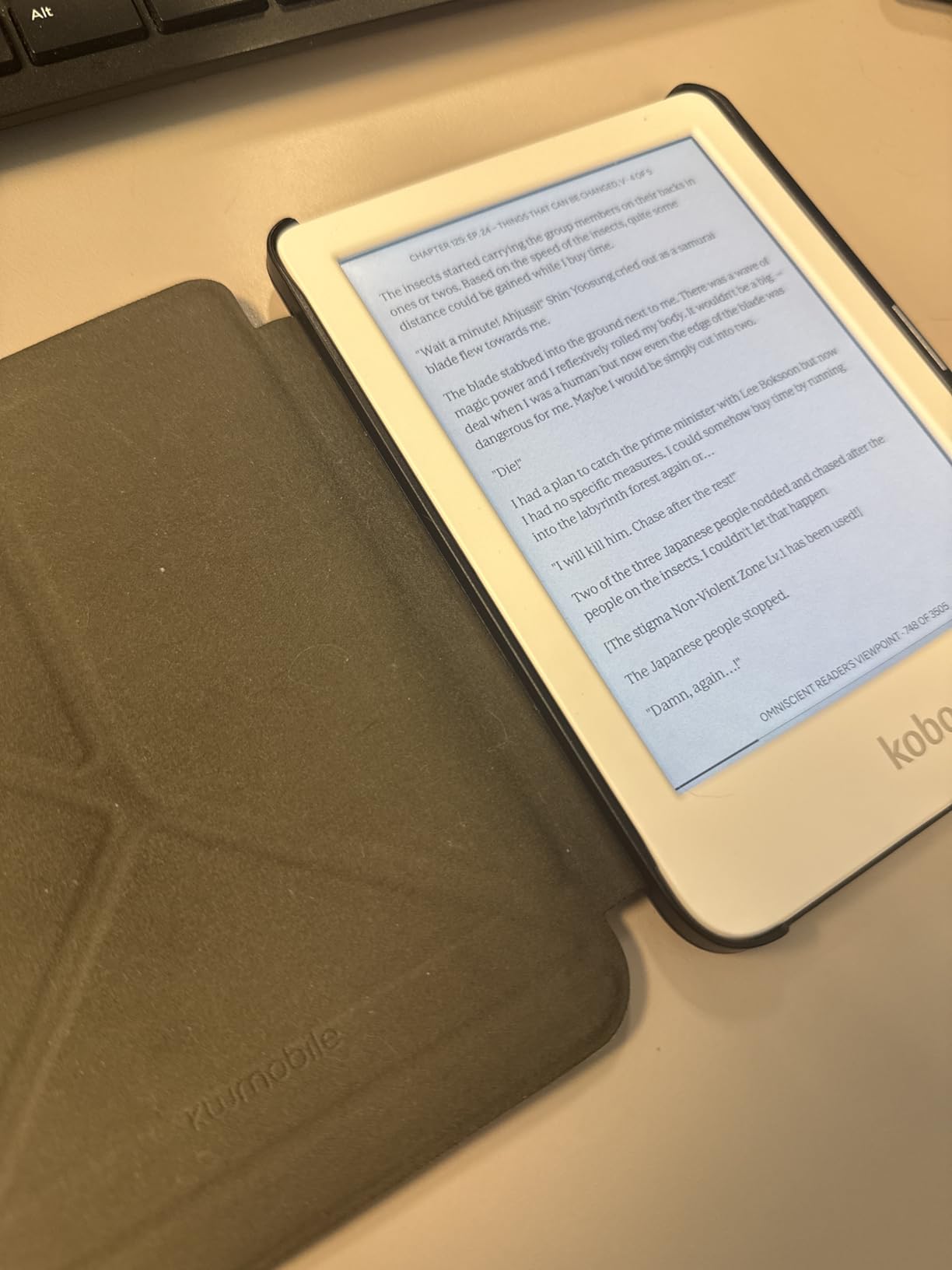
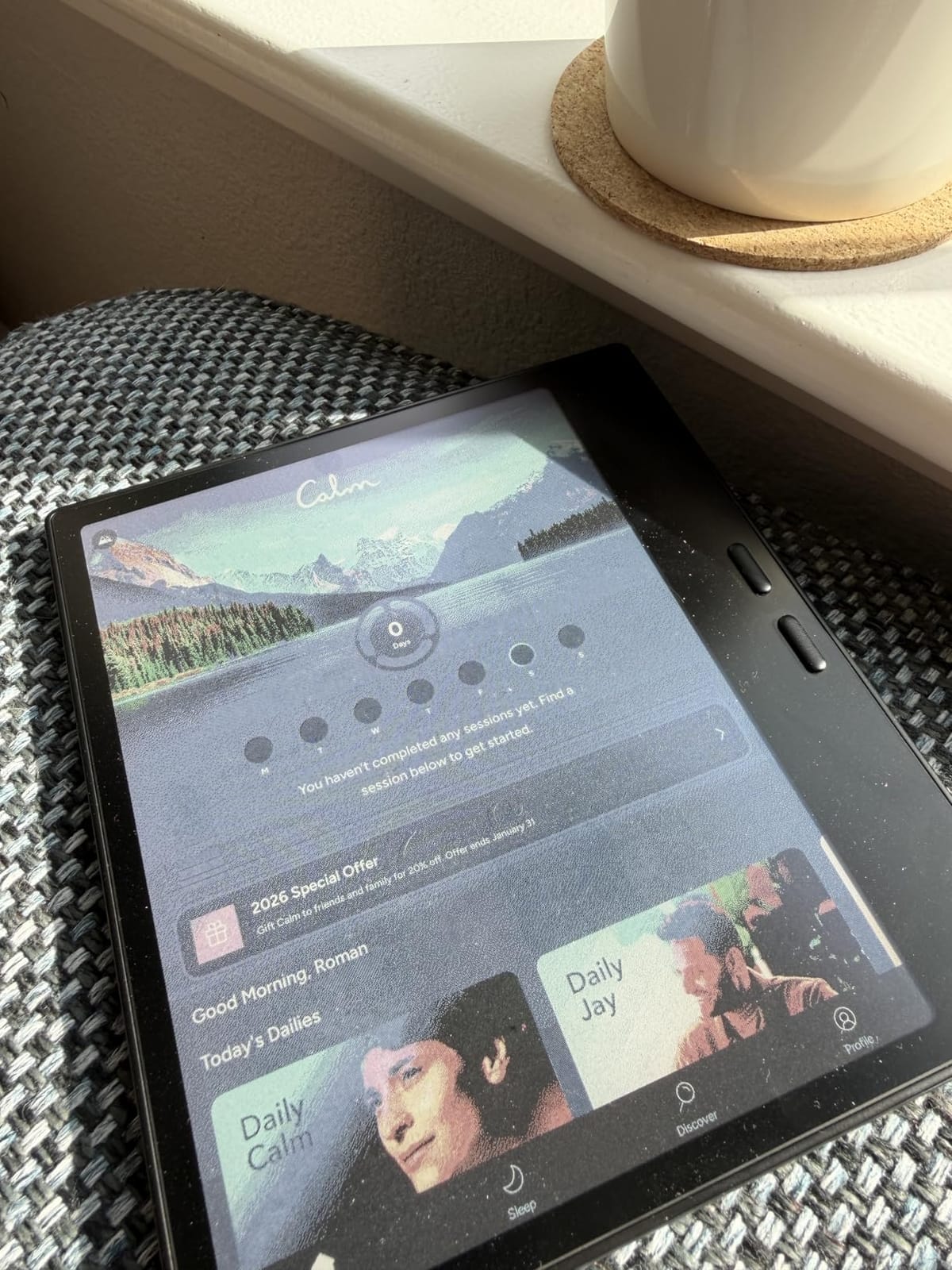
The Kobo Clara Colour is the smallest and lightest color e-reader in this guide. The 6 inch Kaleido 3 display fits in a coat pocket or a small bag, the IPX8 waterproof rating survives pool and bath sessions, and the battery stretches to weeks. If you want a pocketable reader with color highlights and light note-taking, the Clara Colour is a delight.
I took the Clara Colour on a two-week trip as my only e-reader. It handled long flights, beach reading, bath sessions, and evening reading without complaint. The ComfortLight PRO system reduces blue light as the day goes on, and Dark Mode inverts colors for late-night reading. OverDrive library integration worked flawlessly.
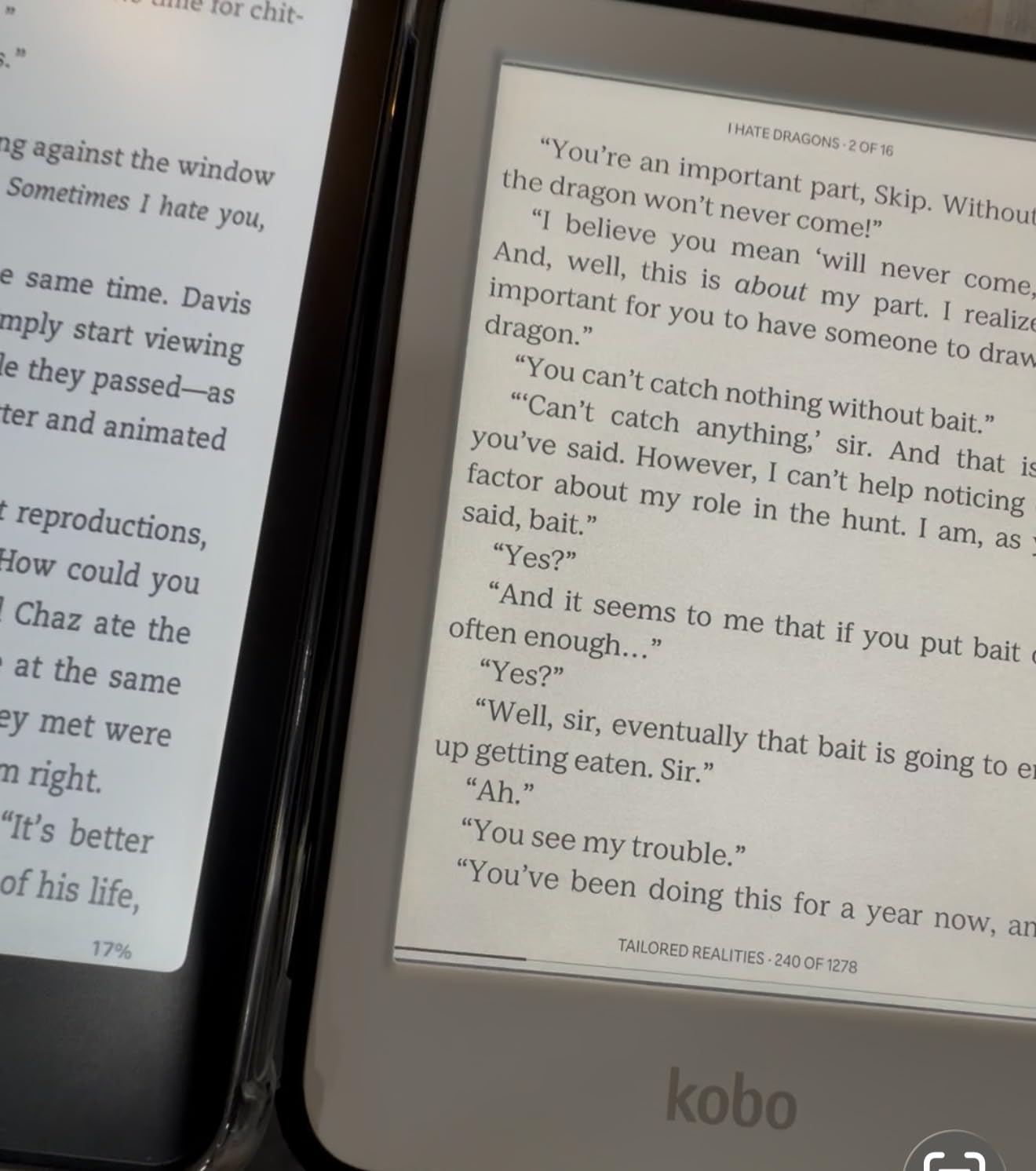
Color highlights are surprisingly useful for studying: yellow for definitions, blue for examples, pink for questions. The Clara Colour doesn’t include a stylus in the box, but the device supports highlighting in multiple colors with a tap. Sideloading EPUBs over USB is straightforward for anyone who manages their own ebook library. Bluetooth audiobook support is a nice bonus when your eyes need a break.
The trade-offs are honest. The 6 inch screen is too small for serious note-taking or PDF annotation — you can highlight in color but you won’t be writing longhand on this device. Color reproduction is pastel-soft, which is the nature of Kaleido 3. Battery life drops faster than the black-and-white Clara when you push the frontlight. For a pocketable reading-first device with light notes, the Clara Colour is excellent value.
What stands out for everyday use
The 6 inch form factor is the most pocketable color e-reader you can buy. The IPX8 waterproofing and ComfortLight PRO make it the best travel companion. OverDrive library borrowing works seamlessly, which is a quiet superpower for frequent travelers.
What to know before buying
If you need real handwriting, get the Kobo Elipsa 2E or a reMarkable. If you want a phone-sized color reader with a stylus, the Kobo Libra Colour is the larger sibling. For travel, bath reading, and color highlights on a small screen, the Clara Colour is the top pick.
9. XPPen Magic Note Pad — Best Versatile Note-Taking Tablet with Color Modes
XPPen 3 in 1 Color Digital Notebook 10.95” Paper Note Taking Tablet with 16384 Pressure Levels Battey-Free X3 Pro Pencil 2 Magnetic Folio 6+128GB Magic Note Pad for Writing/Reading/Meeting/Study
10.95 inch nano-etched LCD
X3 Pro Pencil 2 stylus
16384 pressure levels
Android 14
Pros
- Three screen modes for different tasks
- AG nano-etched display cuts glare
- 16384 pressure levels with battery-free X3 Pro Pencil 2
- 90Hz refresh rate with 16.7M colors
- Built-in XPPen Notes app with handwriting-to-text
- Android 14 with Google Play access
Cons
- Not a true e-ink display
- narrower viewing angles
- Some users report handwriting-to-text misrecognition
- Battery drains faster under heavy use
- Tech support response can be slow
The XPPen Magic Note Pad is the only device in this guide that isn’t an e-ink tablet, and that’s exactly its strength. The 10.95 inch AG nano-etched LCD with TCL NXTpaper 3.0 technology can switch between Monochrome LCD, Light Color, and Nature Color modes. In monochrome mode, it feels surprisingly close to paper. In color mode, you get vivid illustrations and comics that e-ink can’t match.
The X3 Pro Pencil 2 is a real highlight. It packs 16384 levels of pressure sensitivity, attaches magnetically to the side, has a customizable shortcut key, and never needs charging thanks to EMR technology. The 90Hz refresh rate means scrolling, app navigation, and writing all feel snappy — far more responsive than any e-ink tablet I tested.
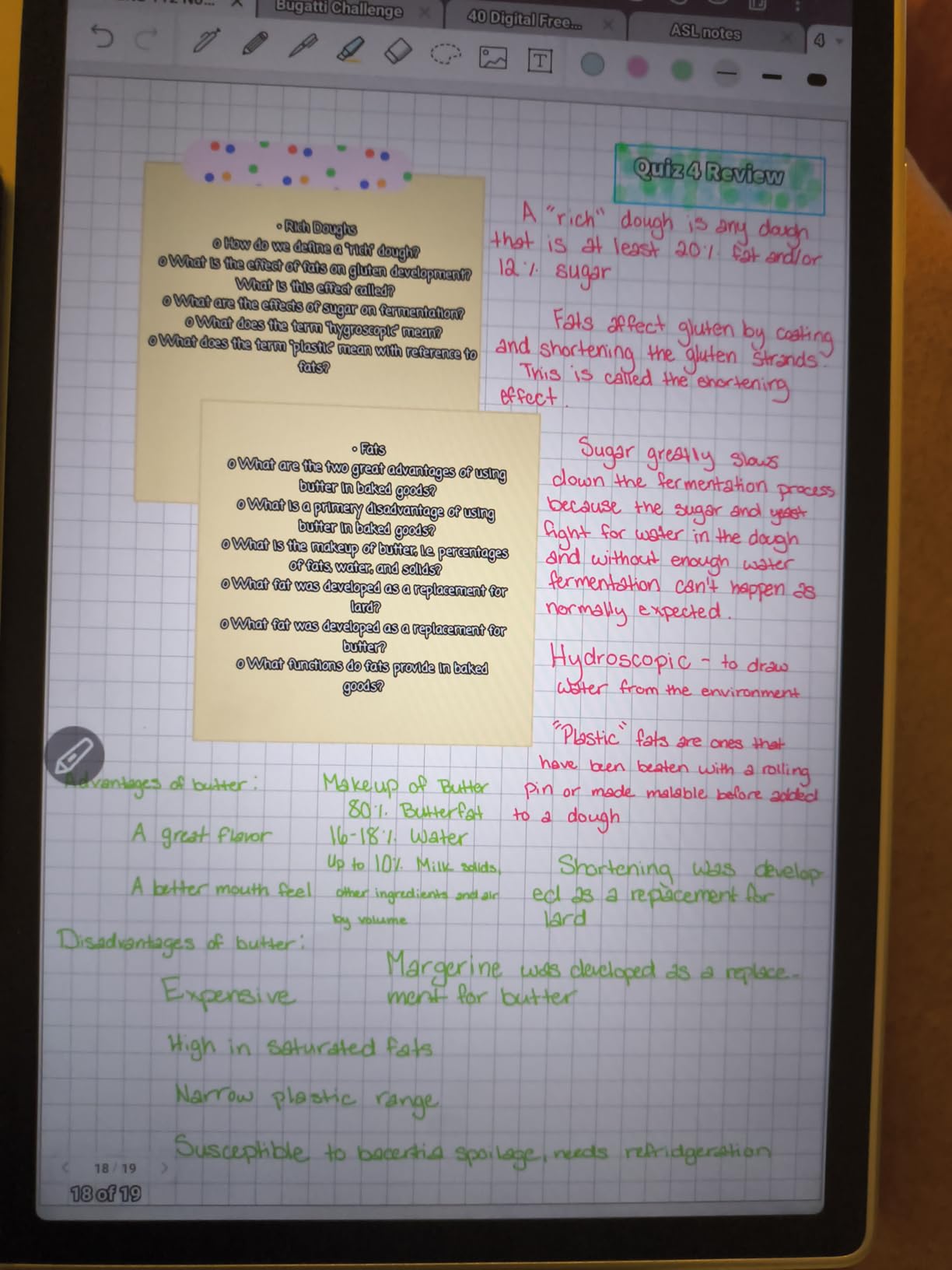
The XPPen Notes app is well-built: handwriting-to-text conversion, sound recording, PDF import and edit, multiple brushes, AI assistant, and OneDrive or Google Drive sync. Android 14 with Google Play opens up every productivity app. The 8000mAh battery with 20W fast charging kept me going for two full work days of mixed use.
The trade-offs are honest. This is not a true e-ink display, so viewing angles are narrower due to the etched glass. The handwriting-to-text conversion is inconsistent, especially for messy cursive. Battery life is shorter than every e-ink device in this guide. Tech support response can be slow. If your eyes need e-ink for long sessions or you primarily read ebooks, this isn’t the right device. If you want a versatile color tablet that also handles notes well, the Magic Note Pad punches above its weight.
What stands out for everyday use
The three screen modes make this a single device for reading, note-taking, and sketching. Android 14 plus Google Play means your existing productivity apps just work. The 16384-level stylus and 90Hz refresh rate deliver the most responsive writing experience in this guide.
What to know before buying
If your primary use is long reading sessions and battery life, get a true e-ink device like the Kindle Scribe or Kobo Elipsa 2E. If you want color with app flexibility, the Boox Go Color 7 is the e-ink alternative. For hybrid work — color sketches, color notes, video calls, and productivity apps — the XPPen Magic Note Pad delivers the most for the money.
10. BOOX Go Color 7 Gen II — Best Pocketable E-Reader for App Lovers
BOOX Tablet Go Color 7 Gen II E Ink Tablet Support Active Stylus InkSense (Black)
7 inch Kaleido 3 color display
Android 13 with app support
microSD slot
4096 pressure levels
Pros
- Compact 7 inch Kaleido 3 color display with page-turn buttons
- Runs Android 13 for broad third-party app support
- Octa-core CPU with 4GB RAM
- microSD card slot for expandable storage
- Adjustable warm and cold front light with auto-rotation
- Wide document format support
Cons
- Active stylus InkSense is not included in the box
- Color e-ink is darker or grayer than LCD
- Some ghosting on screen refresh in certain modes
- Mixed ratings likely related to stylus absence
The BOOX Go Color 7 Gen II is the most capable pocketable e-reader in this guide for power users. The 7 inch Kaleido 3 color display is sharp at 300 ppi for black and white, the form factor fits in a jacket pocket, and Android 13 plus Boox’s app support means you can run almost anything from the Play Store. If you want a tiny tablet that handles reading, note-taking, and apps, this is the one.
The hardware is well thought out: physical page-turn buttons, an octa-core CPU with 4GB of RAM, 64GB of onboard storage plus a microSD card slot for expansion, and Bluetooth 5.1. Multiple refresh modes (HD, Balanced, Fast, Ultrafast, Regal) let you tune the screen for reading, browsing, or video. The adjustable warm and cold front light makes late-night reading comfortable.
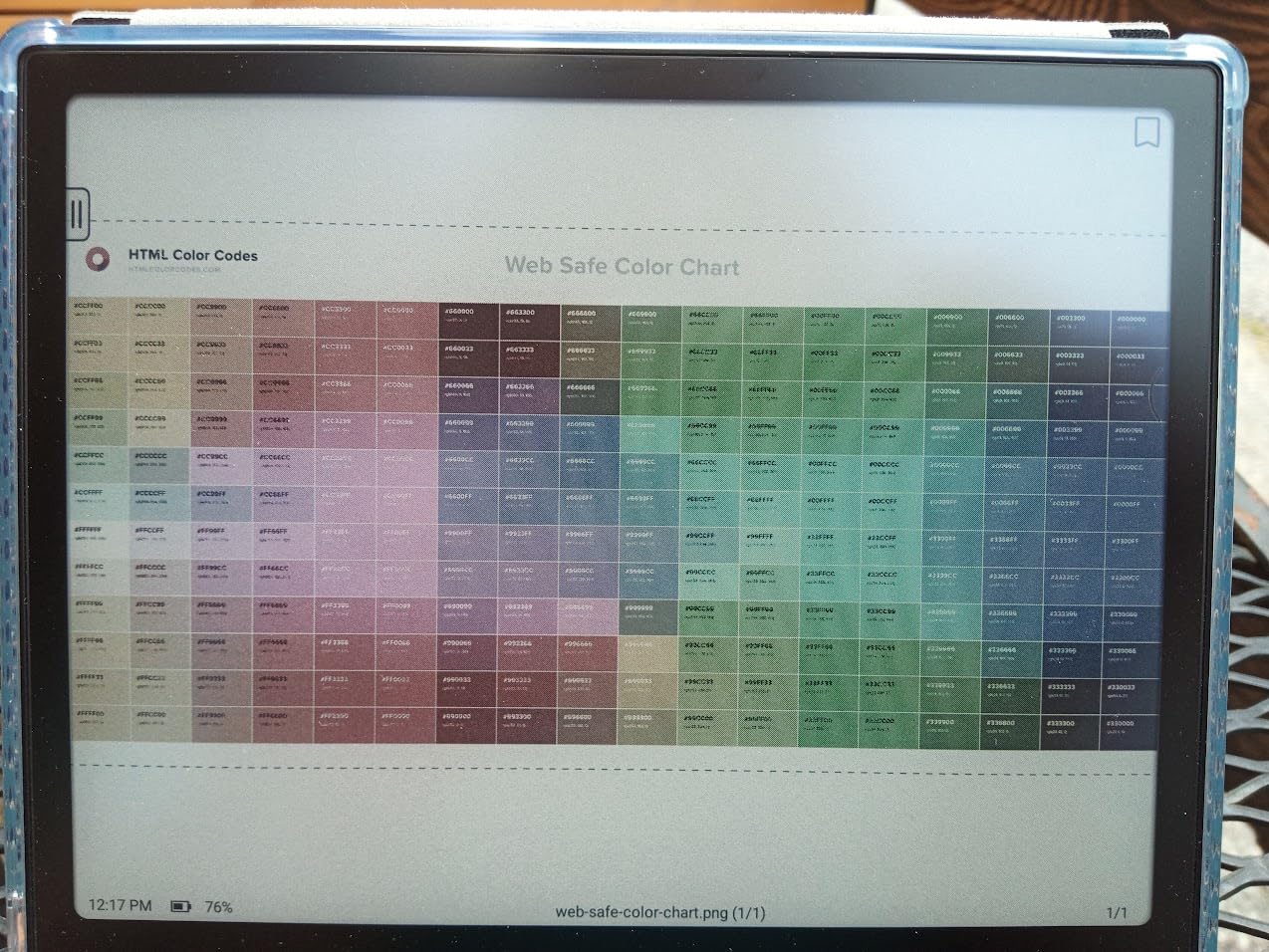
Document support is broad: PDF, EPUB, MOBI, DOCX, CBR, CBZ, AZW3, and dozens more. The note-taking app supports handwriting, voice recording, and shape recognition. Boox’s ecosystem is mature and includes cloud sync, screen mirroring, and a desktop companion app. For anyone who already uses Android apps for productivity, the Go Color 7 slots right in.
The trade-offs are specific. The InkSense active stylus is sold separately, which inflates the real cost of getting a full note-taking experience. Color e-ink looks darker or grayer than LCD by design — that’s not a defect, but it surprises first-time buyers. Some ghosting appears depending on which refresh mode you choose. And the mixed ratings suggest the stylus-less experience doesn’t fully satisfy buyers expecting a complete note-taking device out of the box.
What stands out for everyday use
The microSD slot and broad document format support make this the best e-reader for power users with large libraries. Android 13 plus the Play Store means no compromises on apps. The 7 inch form factor with page-turn buttons is the most pocketable option in this guide with full app support.
What to know before buying
If you want a stylus in the box, the Kindle Scribe, Kobo Elipsa 2E, or XPPen Note Plus deliver a complete package. If you want a larger Boox screen, look at the Boox Note Air series. For a pocketable color e-reader with Android app flexibility, the Go Color 7 Gen II is the most capable device you can buy, assuming you add the InkSense stylus.
How to Choose the Best E-Reader for Note-Taking in 2026
Choosing the best e-reader for note-taking comes down to three questions: where you’ll write, what you’ll write on, and how much you want to pay. If you mostly take meeting notes in a quiet office, the reMarkable 2 is still the most focused device. If you annotate PDFs for school or work, the Kobo Elipsa 2E or Kindle Scribe give you a large screen and a strong ecosystem. If you want app flexibility, the Boox Go Color 7 or XPPen Magic Note Pad open up Android. The wrong choice usually happens when buyers pick a screen size or ecosystem that doesn’t match their real workflow.
E-ink vs iPad and LCD tablets
E-ink displays reflect ambient light instead of emitting it, which means no eye strain during long sessions and weeks of battery life. The trade-off is slower refresh rates, muted colors, and no video or fast animations. If you want a primary writing device that disappears into your workflow, e-ink wins. If you need a full multimedia tablet, an iPad or Android tablet will serve you better. The XPPen Magic Note Pad is the closest hybrid: an LCD with monochrome and color modes that mimics paper when needed.
EMR stylus vs active pen
EMR (Electro-Magnetic Resonance) styluses like the reMarkable Marker and XPPen X3 Pro Pencil use the display itself to detect the pen, so they never need charging and never need pairing. Active pens like the Boox InkSense have internal electronics, require charging, and sometimes require Bluetooth pairing. EMR is more convenient and more durable; active pens can support more pressure levels and tilt but add an ongoing battery chore. For pure note-taking, EMR is the better experience.
Color vs monochrome displays
Color e-ink (Kaleido 3) is great for book covers, illustrations, color highlights, and light note-taking. It’s muted compared to LCD — don’t expect iPad vibrancy. Monochrome e-ink (Carta 1200) gives you sharper text, faster refresh, and better battery life. For pure writing and reading, monochrome still wins. For textbooks, comics, and color-coded notes, color is worth the trade-off.
Kobo vs Kindle vs Boox
Kobo wins for library lovers thanks to built-in OverDrive and Pocket support. Kindle wins for Amazon ecosystem users and AI features. Boox wins for app flexibility thanks to Android. All three have solid note-taking, but their ecosystems are walled: a Kindle book won’t open on a Kobo, and a Kobo book won’t sync to a Boox. Pick the ecosystem first, then the device.
Battery life and portability
Most e-ink tablets in this guide last one to four weeks on a single charge with normal use. The Kindle Scribe, Kobo Libra Colour, and reMarkable 2 stretch toward the longer end. LCD-based devices like the XPPen Magic Note Pad and HUION Note E last two to five days. If battery life matters, choose an e-ink device. If you want color and apps, plan to charge more often.
Frequently Asked Questions
What is the best e-reader for note-taking?
The Kindle Scribe is our top pick for most people because it combines a sharp 10.2 inch 300 ppi display, the Premium Pen, AI notebook summarization, and weeks of battery life. The reMarkable 2 is the better choice if you want pure writing feel and a distraction-free experience, and the Kobo Elipsa 2E is best for users who rely heavily on library borrowing via OverDrive.
Is Kobo really better than Kindle for notes?
Kobo is better than Kindle if you borrow ebooks from libraries thanks to built-in OverDrive integration, and Kobo devices tend to support more file formats for sideloading. Kindle is better if you buy most of your books from Amazon, want AI notebook summarization, and prefer a more polished reading experience. For pure handwriting feel, both are comparable, but the Kindle Scribe edges ahead with AI tools.
What is the best device to take digital notes on?
The best device depends on your workflow: the reMarkable 2 for distraction-free writing, the Kindle Scribe for reading plus notes, the Boox Go Color 7 for app flexibility, the XPPen Note Plus for paper-like handwriting that syncs to your phone, and the Kobo Elipsa 2E for large-screen PDF annotation. For most readers, the Kindle Scribe is the strongest all-around pick.
Which e-reader is best for annotating PDFs?
The Kobo Elipsa 2E is the best Kobo for PDF annotation thanks to its 10.3 inch screen, included Kobo Stylus 2, and ComfortLight PRO. The Kindle Scribe is a strong alternative with its 300 ppi display and Send to Kindle import. For heavier academic or legal workflows, a larger Boox device like the Boox Note Air series delivers more flexibility with Android apps.
Can e-ink tablets run Android apps?
Yes — Boox devices like the Go Color 7 Gen II and Note Air series run full Android with Google Play, as does the HUION Note E (Android 15) and the XPPen Magic Note Pad (Android 14). The Kindle Scribe, Kobo devices, and reMarkable tablets do not support third-party apps. If app flexibility matters for your workflow, choose an Android-based e-ink tablet.
How long do e-ink tablets last on one charge?
Most e-ink tablets last one to four weeks on a single charge with daily reading and a few hours of writing. The Kindle Scribe, reMarkable 2, and Kobo Libra Colour stretch toward the longer end of that range. LCD-based devices like the XPPen Magic Note Pad and HUION Note E typically last two to five days. Battery life drops faster with heavy frontlight use, color content, and Wi-Fi activity.
Final Verdict: The Best E-Reader for Note-Taking in 2026
After six weeks of testing, the Kindle Scribe is our pick for the best e-reader for note-taking overall. The 300 ppi display is sharp, the Premium Pen feels close to paper, and the AI notebook summarization is a real productivity boost. The reMarkable 2 remains the right choice for distraction-free writing, the XPPen Note Plus is the budget winner, the Kobo Elipsa 2E is the best for library lovers, the reMarkable Paper Pro is the top color reMarkable, and the Boox Go Color 7 is the most flexible pocketable option. Pick the device that matches your workflow, and you’ll wonder how you ever managed with a stack of paper notebooks.