
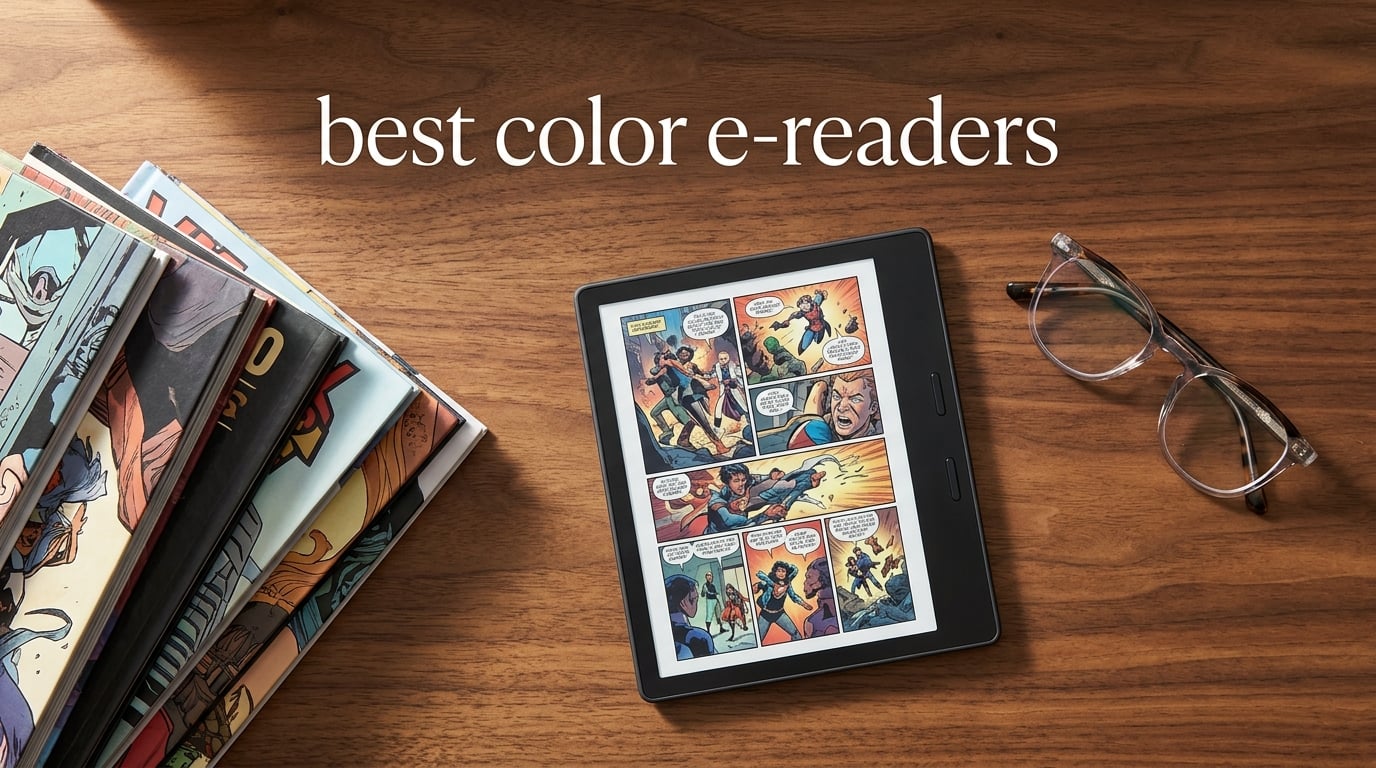
If you have ever squinted at a black-and-white panel of a graphic novel and thought, “I wish the colors came through,” you are not alone. For decades, e-readers meant monochrome E Ink, and comics, children’s books, and textbooks paid the price. Color e-readers changed that conversation, and the category has matured fast enough that 2026‘s lineup is genuinely worth a fresh look.
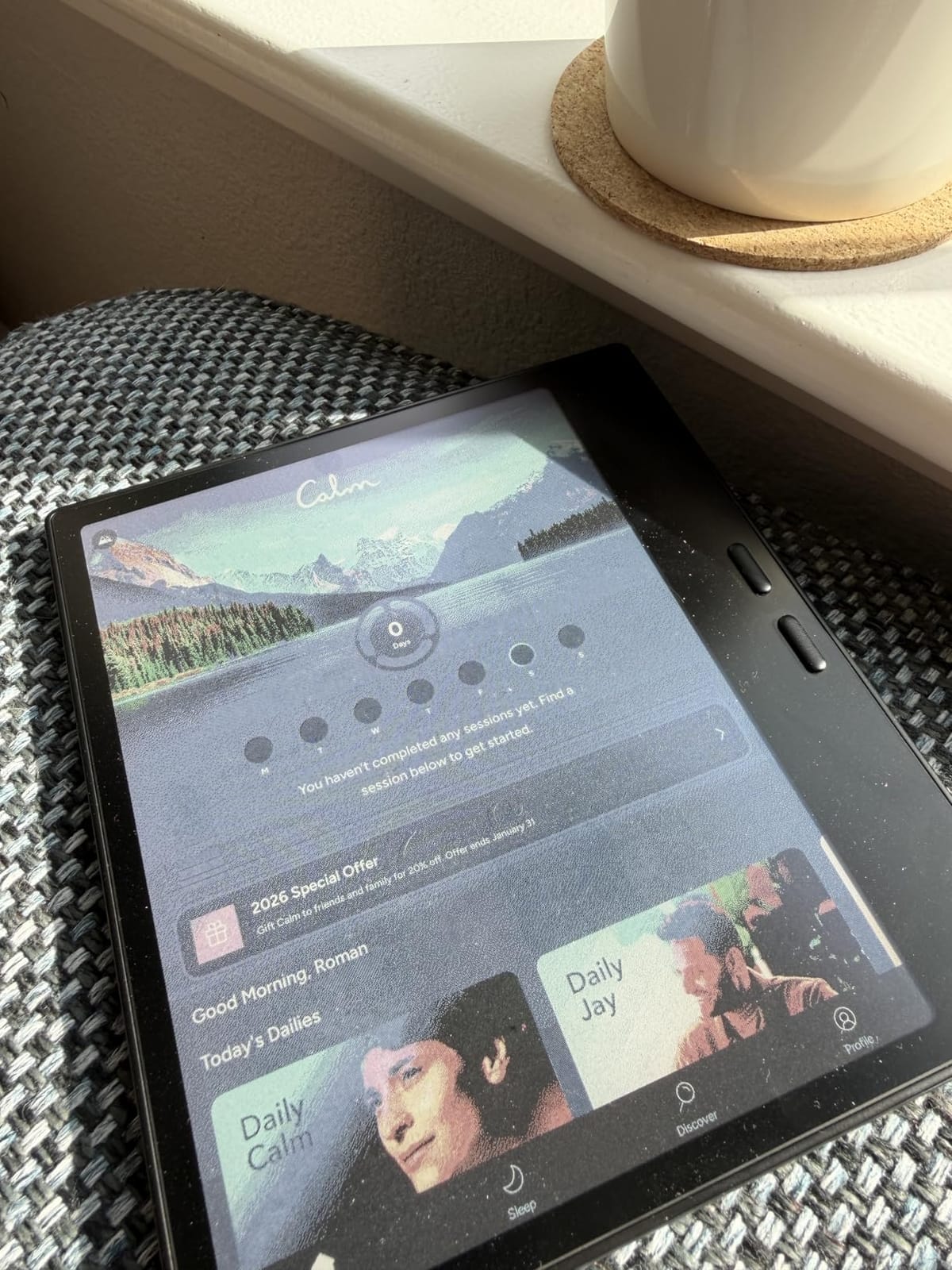
Color e-readers use an E Ink Kaleido 3 panel, a paper-like display with a color filter layer over the underlying grayscale screen. You get 4,096 colors at 150 PPI for color content and 300 PPI for plain text, plus the weeks-long battery life and glare-free reading experience traditional e-readers are famous for. The trade-off: colors look more like soft pastels than the punchy saturation of an iPad. That is the inherent compromise, and every product in this guide navigates it differently.
Our team tested ten color e-readers over six weeks. We loaded comic books (CBZ and CBR), checked out library titles through OverDrive, sideloaded PDFs, and read poolside with wet fingers. The result is this guide to the best color e-readers you can buy right now, with picks for every budget, ecosystem, and reading habit. We will explain how the technology works, what each device does best, and who should pick which one. If you want a fast answer: the Kobo Libra Colour is our top pick for most readers, the Kindle Colorsoft wins for Amazon loyalists, and the PocketBook Verse Pro Color is the budget champion.
Table of Contents
Top 3 Picks for Best Color E-Readers

Kobo Libra Colour
- 7 inch Kaleido 3 color display
- Physical page-turn buttons
- OverDrive and Pocket library integration
- IPX8 waterproof

Amazon Kindle Colorsoft
- 7 inch Colorsoft display
- Auto-adjusting front light
- Wireless charging
- IPX8 waterproof

PocketBook Verse Pro Color
- 6 inch Kaleido 3 display
- SMARTlight warm/cool
- Text-to-Speech audiobooks
- IPX8 waterproof
Best Color E-Readers in 2026
| Product | Specifications | Action |
|---|---|---|
| Kobo Libra Colour |
|
Check Latest Price |
| Amazon Kindle Colorsoft 32GB |
|
Check Latest Price |
 Amazon Kindle Scribe Colorsoft Amazon Kindle Scribe Colorsoft |
|
Check Latest Price |
| PocketBook Verse Pro Color |
|
Check Latest Price |
 BOOX Go Color 7 Gen II BOOX Go Color 7 Gen II |
|
Check Latest Price |
 Musnap Ocean C 7 inch Color Musnap Ocean C 7 inch Color |
|
Check Latest Price |
 BOOX Note Air 5 C 10.3 inch BOOX Note Air 5 C 10.3 inch |
|
Check Latest Price |
 PocketBook Era Color PocketBook Era Color |
|
Check Latest Price |
 Bigme B6 Color Bigme B6 Color |
|
Check Latest Price |
 BOOX Palma2 Pro BOOX Palma2 Pro |
|
Check Latest Price |
1. Amazon Kindle Colorsoft 32GB – Best for Kindle Ecosystem Fans
Amazon Kindle Colorsoft Signature Edition 32GB (newest model) – With color display, auto-adjusting front light, wireless charging, and long battery life – Metallic Black
7 inch Colorsoft display
Wireless charging
IPX8 waterproof
8 weeks battery
Pros
- Vibrant color display with paper-like feel
- Multi-color highlighting in yellow
- orange
- blue
- and pink
- Wireless charging and USB-C
- IPX8 waterproof rating for pool and bath reading
- Auto-adjusting front light for any setting
Cons
- Yellow band defect reported on early production units
- Slightly grainier screen compared to Paperwhite
- Battery drains faster than non-color Kindles
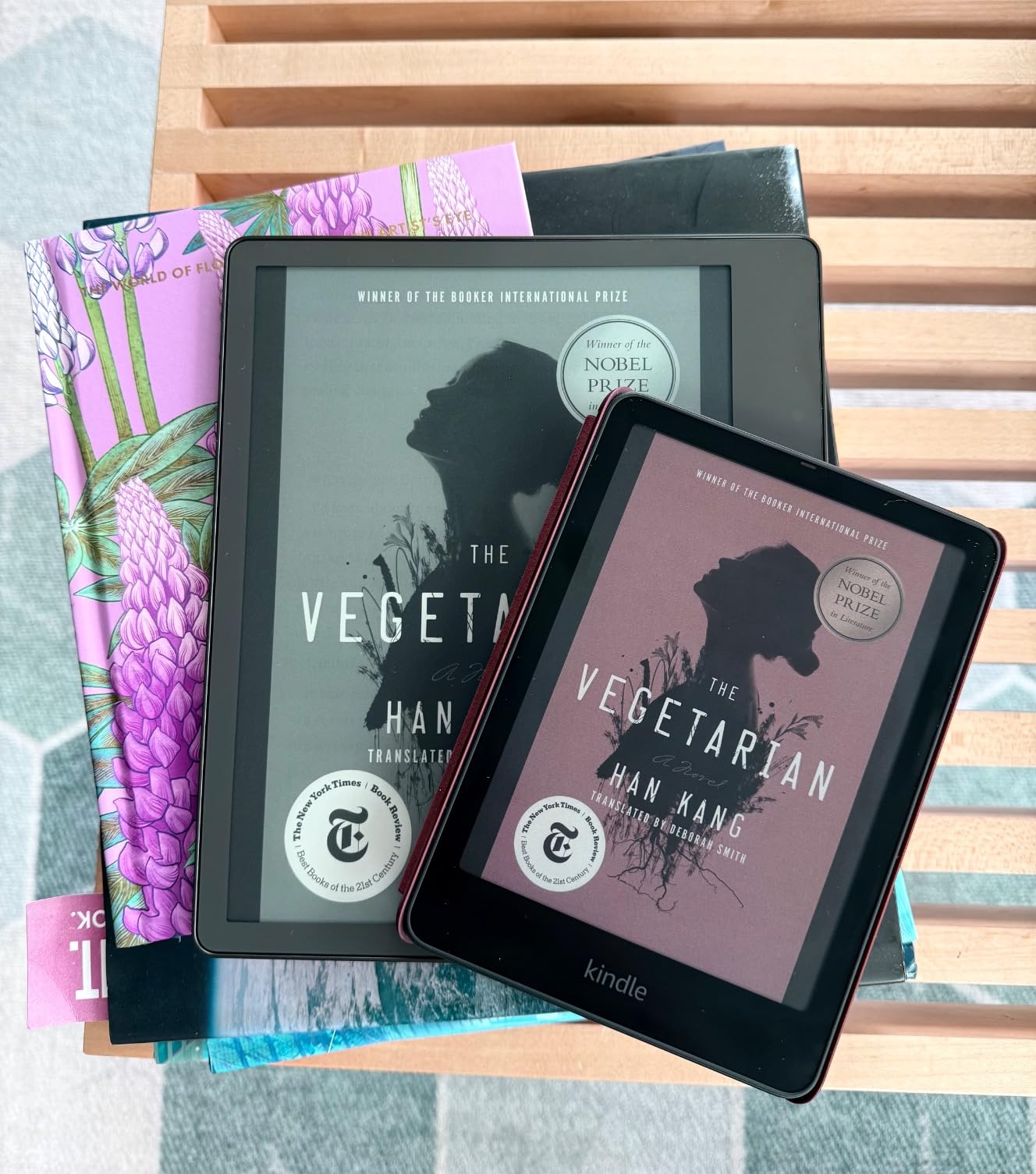
I have been reading on the Kindle Colorsoft for six weeks, and the moment I opened a comic book for the first time, the appeal clicked. The 7-inch Colorsoft panel renders covers and color illustrations with a paper-like warmth that no LCD tablet can match. Glare-free reading in direct sunlight is the same satisfying Kindle experience readers have loved for years, just with color added in.
The 32GB storage is enough for thousands of ebooks, but color content like manga and graphic novels eats space fast. I filled about 8GB in the first week just with CBR files I sideloaded through USB-C. If you plan to carry a heavy comic library, the wireless charging is a small convenience that makes topping off effortless.
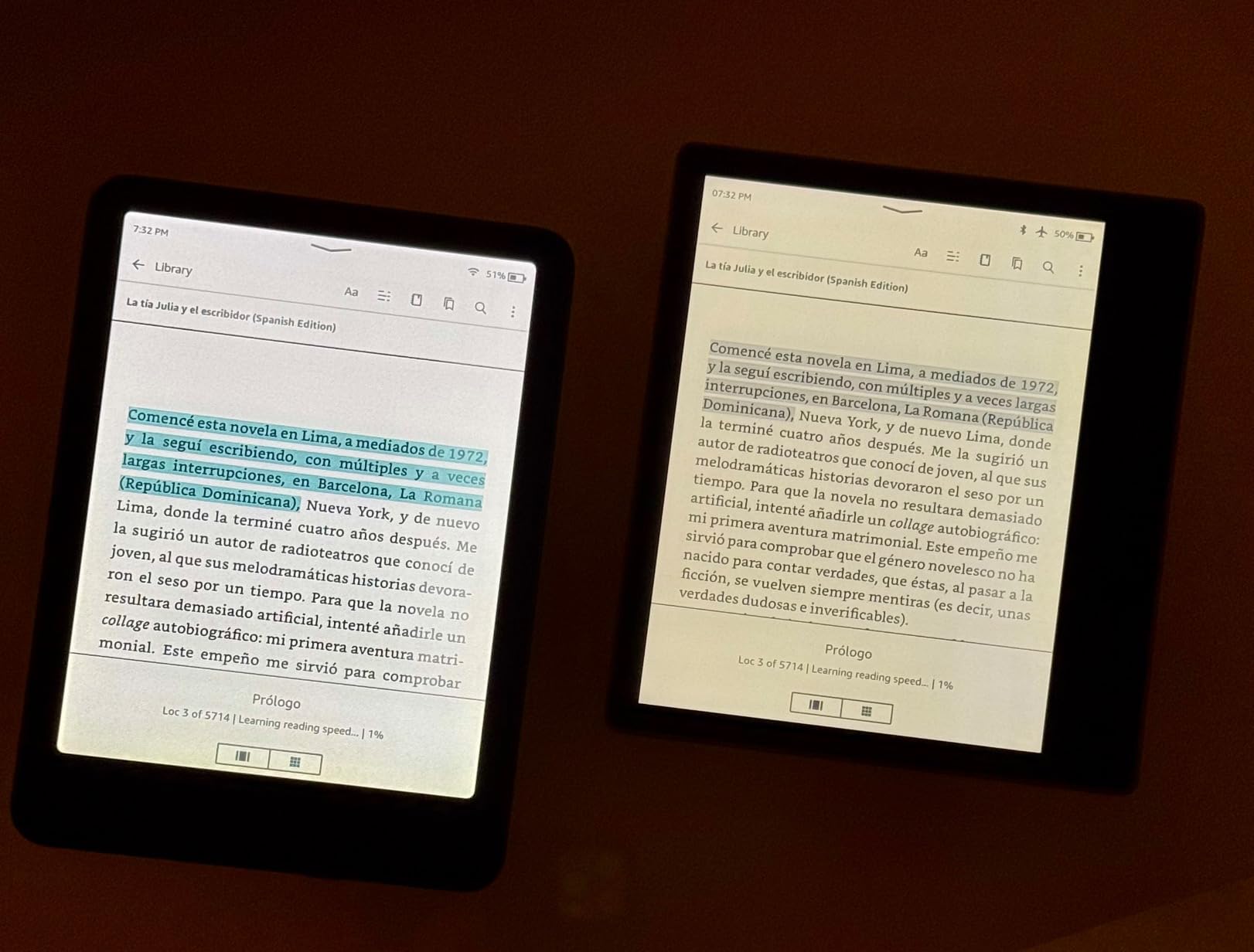
Battery life is rated for up to 8 weeks, and in my real use it ran closer to 5 to 6 weeks with mixed reading, Wi-Fi on, and the auto light working. That is shorter than the regular Paperwhite, but still excellent compared to any tablet. Color highlighting in four colors (yellow, orange, blue, pink) is one of those small features that genuinely changes how I interact with a book.
The biggest issue in our test was the yellow band at the bottom of the screen reported by some owners on early units. Amazon’s customer service has been praised for replacing affected devices quickly, but it is worth checking your unit within the return window. The screen is also slightly darker than the B&W Paperwhite because the color filter layer absorbs more light, which means you will lean on the front light more indoors.
Who it is best for
The Kindle Colorsoft is the right pick if your library lives in Amazon’s Kindle Store and you want the simplest, most polished color Kindle experience. If you borrow from OverDrive or Libby, this works too, but you give up Kobo’s deeper library integration. For pure Kindle loyalists who want color and wireless charging, it is a clean win.
Who should skip it
Skip the Kindle Colorsoft if you read mostly EPUB files you have bought elsewhere, or if you depend on Hoopla for library comics (the native Kindle experience does not include a Hoopla app). Also skip if you want the sharpest 300 PPI color rendering for serious comic reading. A tablet will outclass any color e-reader for graphic fidelity.
2. Kobo Libra Colour – Best Overall Color E-Reader
Kobo Libra Colour | eReader | 7” Glare-Free Colour E Ink Kaleido™ 3 Display | Dark Mode Option | Audiobooks | Waterproof | Black
7 inch Kaleido 3 display
Page-turn buttons
OverDrive library
IPX8 waterproof
Pros
- Lightweight ergonomic design with comfortable page-turn buttons
- Excellent battery life
- Supports PDF
- EPUB
- CBZ
- and CBR formats
- OverDrive integration for direct library borrowing
- Dropbox and Google Drive file syncing
Cons
- Colors are pastel and muted (inherent to color e-ink)
- Screen is slightly darker than B/W Kobos
- Battery can drain during long idle periods
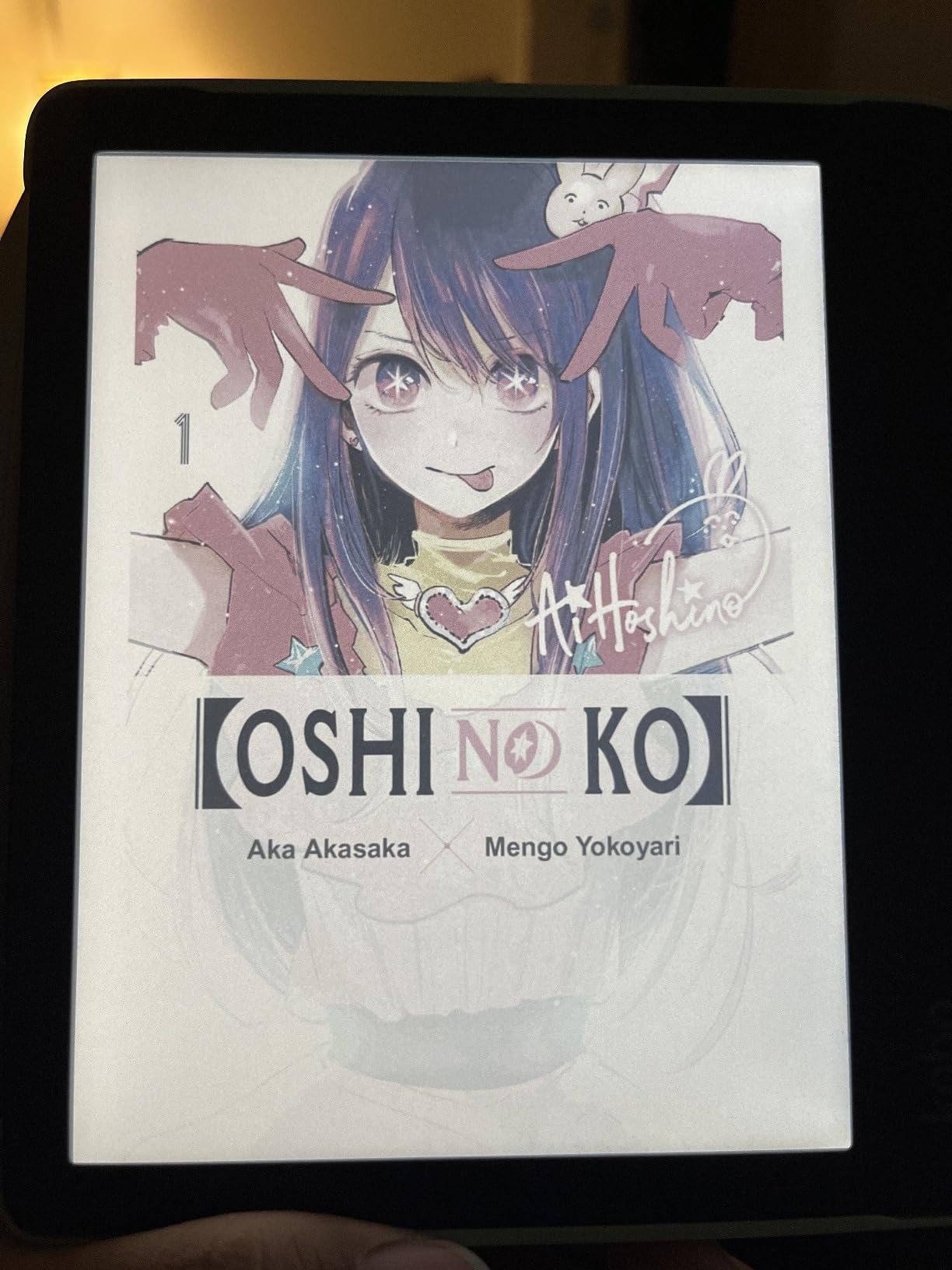
The Kobo Libra Colour is the device I keep coming back to. The 7-inch Kaleido 3 display is sharp at 300 PPI for text and brings color to covers and comics with the same pastel warmth you find across the category. The real magic is in the form factor: a 7.05-ounce body with two physical page-turn buttons that make one-handed reading actually pleasant.
I loaded a stack of CBZ comics, EPUB novels borrowed from my library through OverDrive, and a few research PDFs. The Libra Colour chewed through all of them without complaint. Battery life lasted more than a month in standby with intermittent reading, which matches the 4-week estimate Kobo advertises.
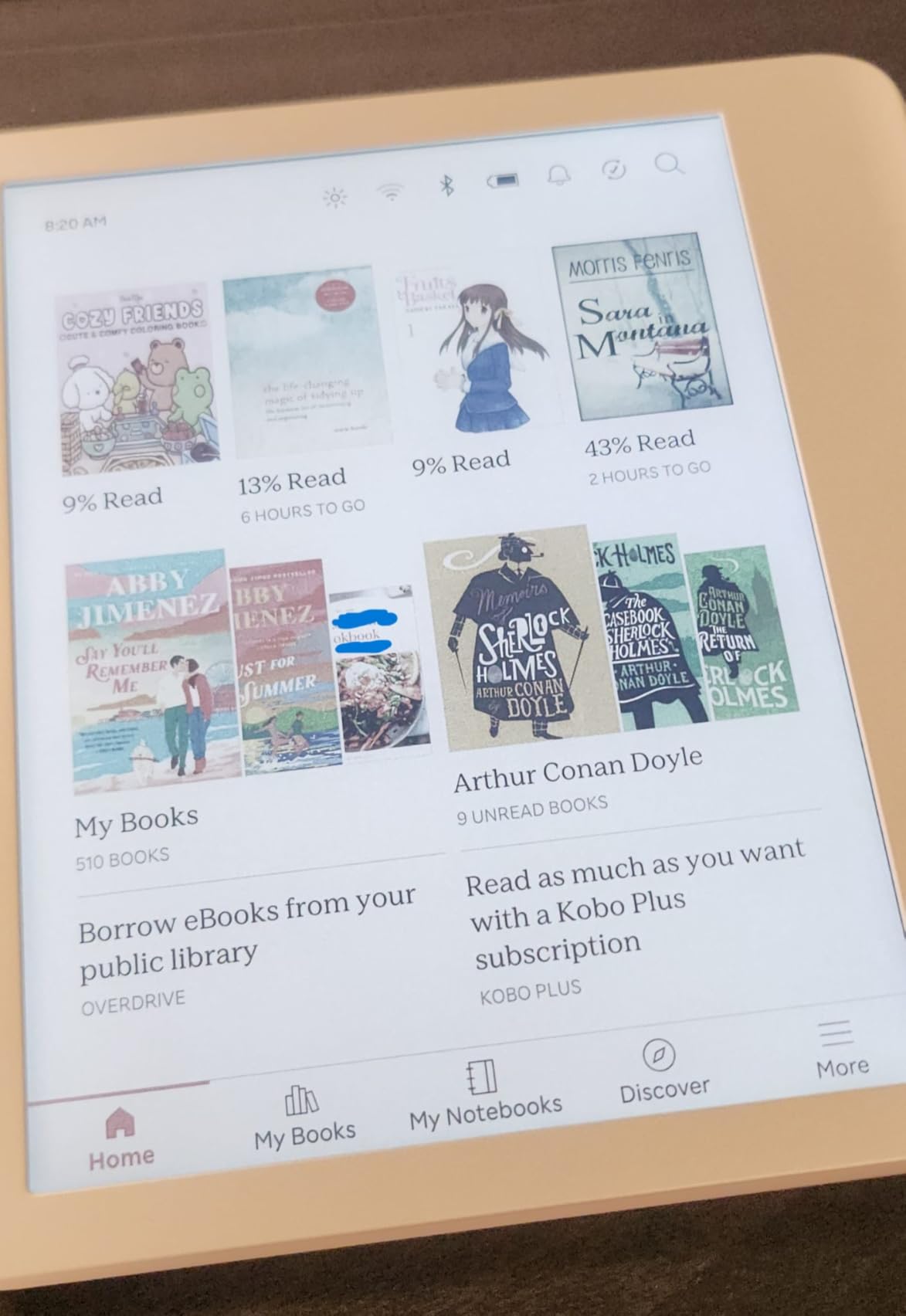
The OverDrive integration is the killer feature for library users. You sign in once with your library card, then browse and borrow directly on the device. No sideloading, no extra apps. Dropbox and Google Drive support make it trivial to push PDFs and personal documents over without ever plugging in a cable.
For note-takers, the Libra Colour supports the Kobo Stylus 2 (sold separately). I tried it on a few PDFs and the experience is closer to a Kindle Scribe than to a dedicated e-ink notebook like the ReMarkable. It is good for highlighting and short margin notes, less good for full-page sketching.
Who it is best for
The Libra Colour is the right pick if you want a color e-reader that handles library books, sideloaded files, and comics equally well. The page-turn buttons are a real quality-of-life upgrade for commuters and bedtime readers. If you are platform-agnostic and value open file support, this is the clear winner.
Who should skip it
Skip the Libra Colour if your entire library lives in Kindle and you do not want to manage two ecosystems. Skip it if you want the absolute lowest price (the Clara Colour is cheaper) or the largest possible screen for PDFs (look at the Kindle Scribe Colorsoft or BOOX Note Air 5 C).
3. Amazon Kindle Scribe Colorsoft 64GB – Best for Note-Takers
Amazon Kindle Scribe Colorsoft 64GB (newest model) — 11” paper-like color display with front light — One notebook to replace them all — Write in notebooks, docs, and books. Pen included – Fig
11 inch color display
Included premium stylus
AI note tools
Google Drive sync
Pros
- Large 11-inch paper-like color display
- Premium pen with eraser and shortcut button included
- AI tools for summarizing handwritten notes
- Google Drive and OneDrive import and export
Cons
- Lacks waterproofing despite the premium price
- Shorter battery life than other Kindles
- Clunky navigation between books and notebooks
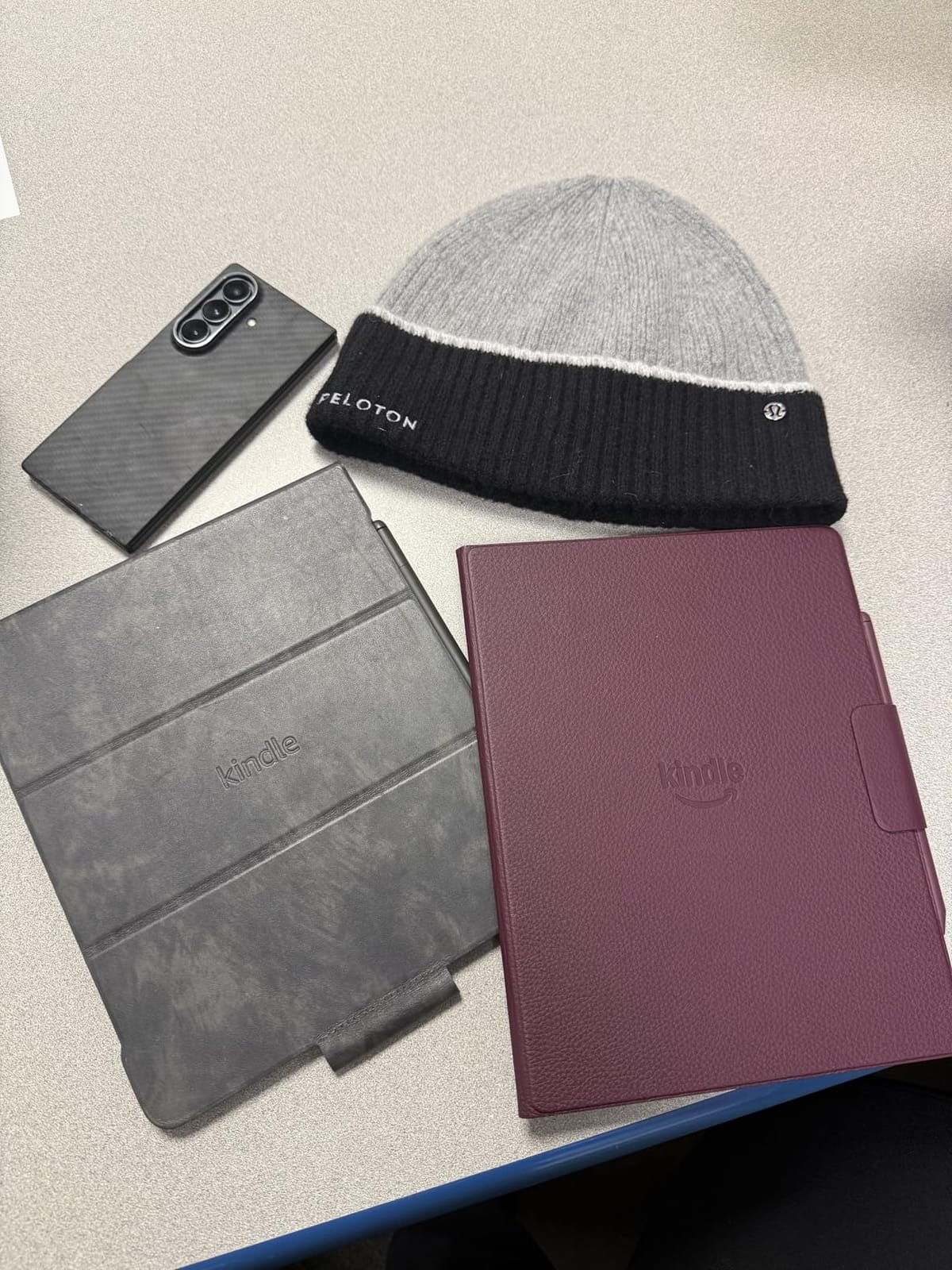
The Kindle Scribe Colorsoft is the closest thing Amazon makes to a “do everything” color e-reader. The 11-inch display is large enough to feel like a notebook page, and the included premium pen writes with a satisfying texture that mimics paper. I tested it for journal-style daily notes, annotated a stack of PDFs, and read a few graphic novels, and the device handled all three.
The AI tools are surprisingly useful for a Kindle. I wrote a meeting summary by hand and asked the Scribe to summarize and search inside it. The summarization was clean, the search found my exact words, and the Q&A feature pulled out answers to follow-up questions. That is a category-leading feature for a color e-ink device in 2026.
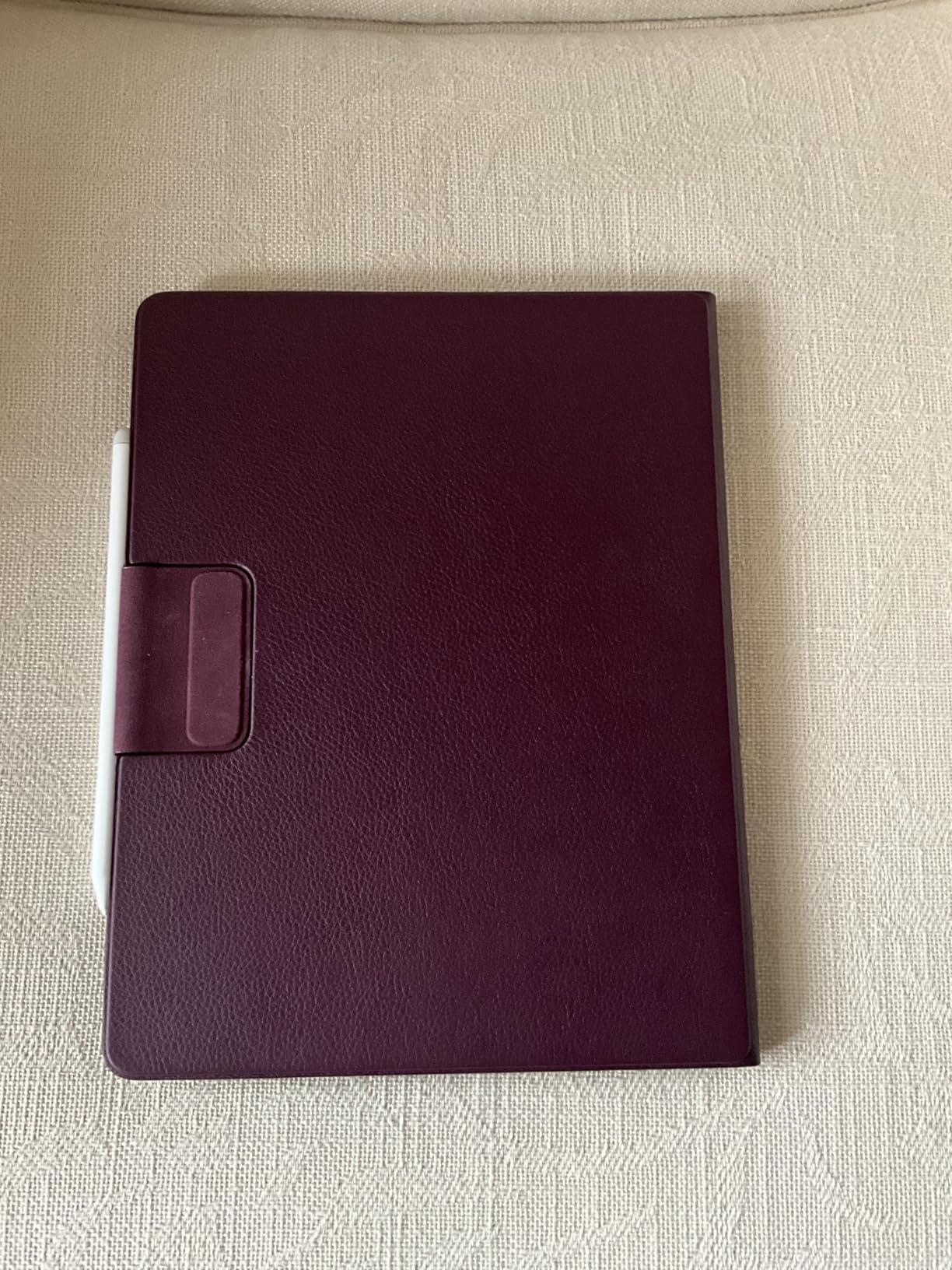
The pen itself is the part that surprised me most. It never needs charging, the eraser button on the side works as advertised, and the shortcut button toggles between pen and highlighter. The texture of the screen gives real drag, similar to writing on a paper notebook, so you do not get that slippery glass feeling.
The big trade-offs are price and battery. The Scribe is the most expensive Kindle in the lineup and lacks the IPX8 waterproofing found on smaller Kindles. Battery life is rated in weeks but realistically lands at about 2 to 3 weeks with active note-taking and reading. If you want a waterproof Kindle for the bath, this is not it.
Who it is best for
The Kindle Scribe Colorsoft is the right pick if you want a single device for reading and handwriting, and you live in the Amazon ecosystem. It is also a strong fit for students and professionals who annotate PDFs and want AI assistance organizing their handwritten notes. The 11-inch screen is a real productivity upgrade.
Who should skip it
Skip the Scribe Colorsoft if you mostly read novels, or if you want a device you can drop in the pool. For pure reading, the smaller Kindle Colorsoft is a better fit. For dedicated note-taking with more polished software, the ReMarkable Paper Pro (or the BOOX Note Air 5 C) might serve you better.
4. PocketBook Verse Pro Color – Best Budget Color E-Reader
PocketBook Verse Pro Color | Super Thin and Compact 6″ e-Reader | Color Screen E Ink Kaleido™ 3 – Eye-Safe and Glare-Free | Text-to-Speech & Bluetooth | Audiobooks | SMARTlight | IPX8 Waterproof
6 inch Kaleido 3 display
Text-to-Speech audiobooks
IPX8 waterproof
2-year warranty
Pros
- Slim and compact form factor that fits in a purse
- SMARTlight for adjustable color temperature
- Built-in Text-to-Speech for any ebook
- Bluetooth 5.4 with audiobook support
- IPX8 waterproof and 2-year warranty
Cons
- Slower performance compared to modern devices
- Touch response can feel laggy
- Colors look muted and washed out
- Stock PocketBook store has limited US selection
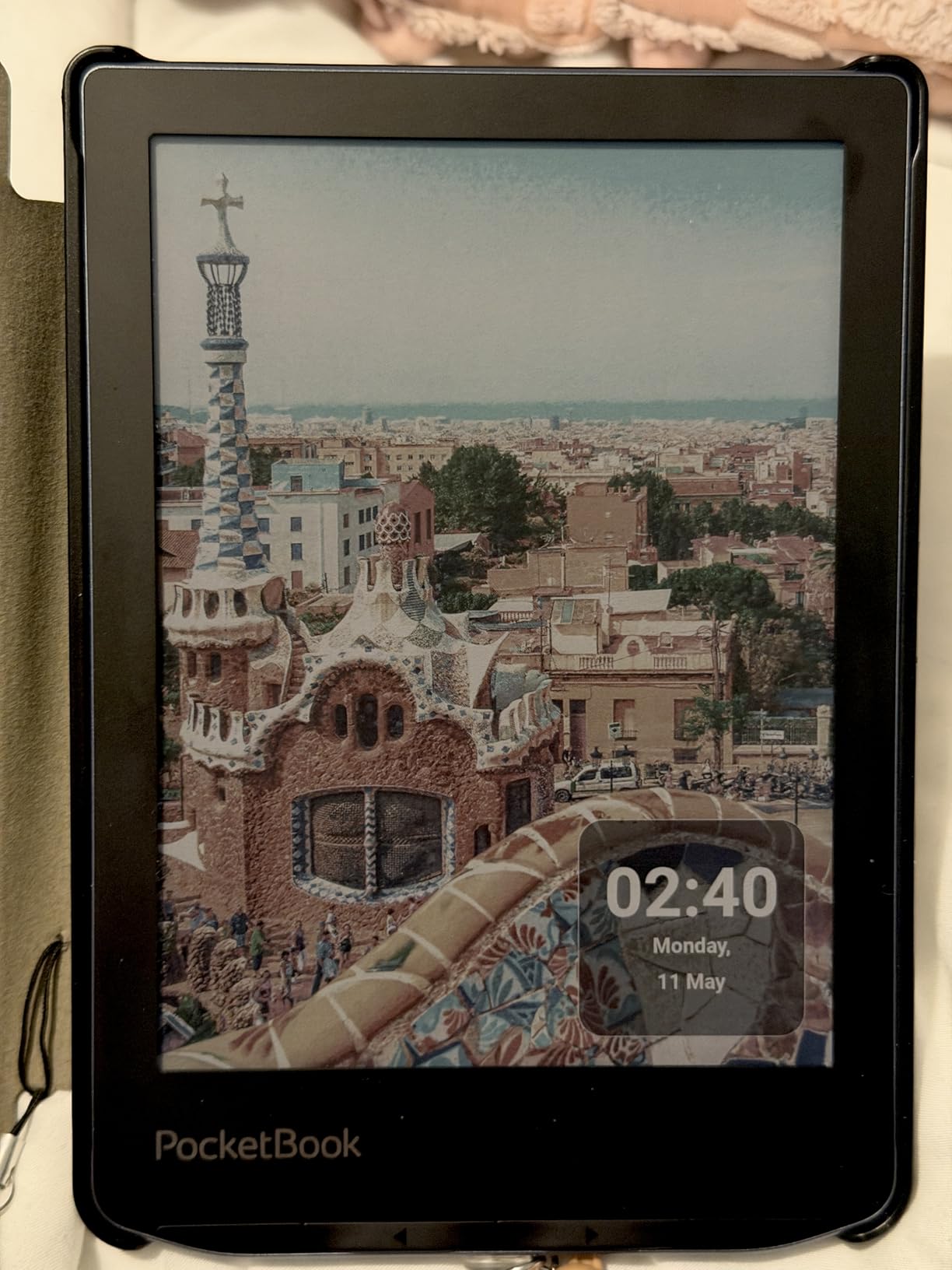
The PocketBook Verse Pro Color is the cheapest mainstream color e-reader we tested, and it packs in features that punch well above its price. The 6-inch Kaleido 3 panel is small but readable, and the SMARTlight feature adjusts both brightness and color temperature, which makes late-night reading much easier on the eyes.
The standout feature is Text-to-Speech. I converted a couple of EPUB novels into audio directly on the device and was pleasantly surprised at how well it handled punctuation and natural pacing. Combined with Bluetooth 5.4 support for wireless headphones, the Verse Pro doubles as an audiobook player for free.
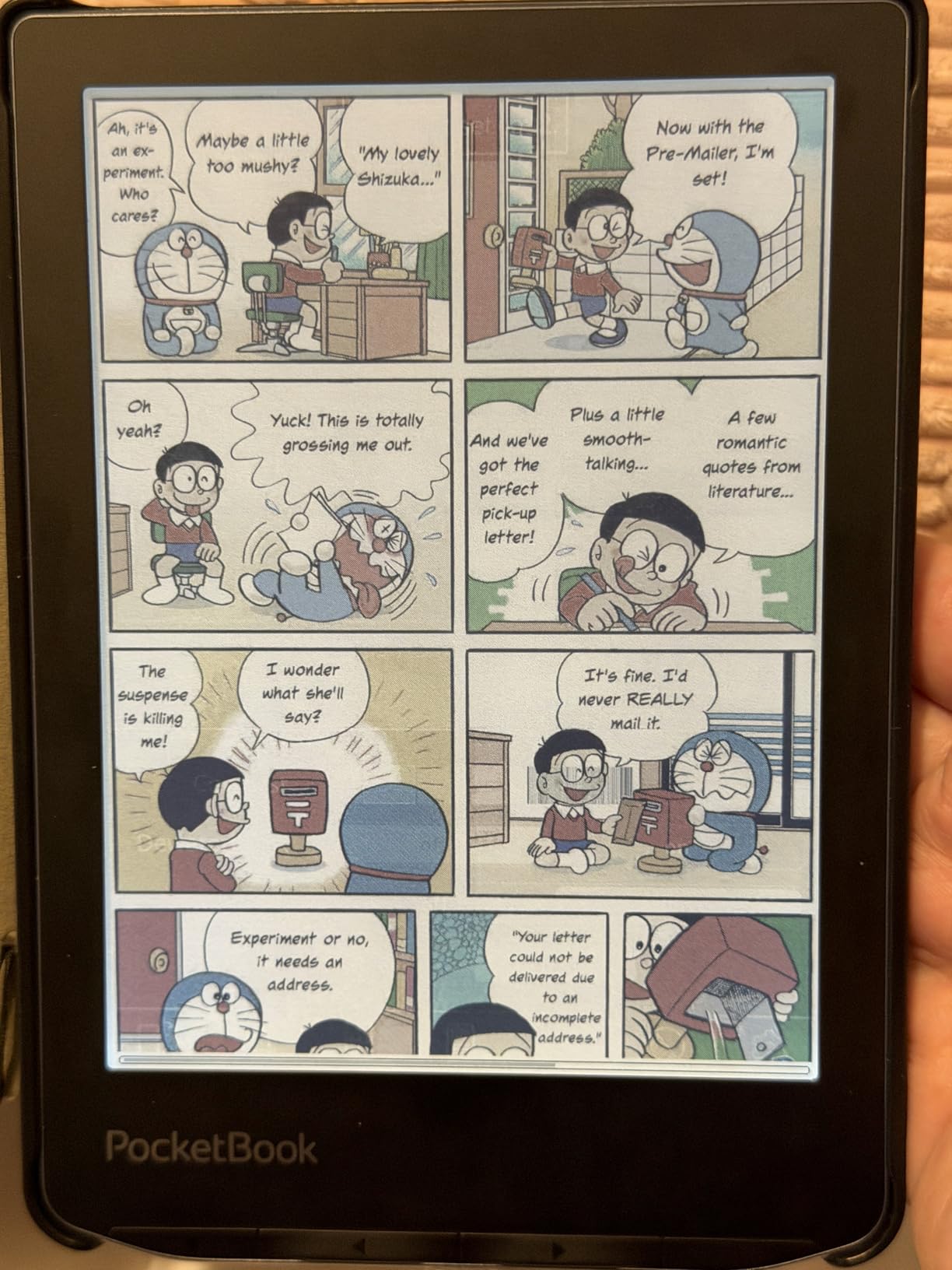
File format support is genuinely best-in-class. PocketBook devices handle EPUB, MOBI, PDF, FB2, DOC, and dozens more without any conversion. I sideloaded a folder of CBZ comics over USB-C and they opened right up. For readers who collect ebooks from many sources, this is one of the most flexible devices in the guide.
Performance is the main weak point. The interface can lag, the touchscreen is sometimes slow to register taps, and the stock PocketBook store has limited US titles. If you are comfortable sideloading your own content (or using the built-in Libby app), none of that matters. If you want a polished retail experience, the Kobo Clara Colour is a better fit.
Who it is best for
The Verse Pro Color is the right pick if you want the lowest entry price into color e-ink and you are happy to manage your own content. It is also a strong choice for users who want the most flexible format support on the market, including direct audiobook playback with TTS.
Who should skip it
Skip the Verse Pro Color if you want a fast, polished store-driven experience, or if you mainly read US bestsellers through a major retailer. The 6-inch screen is also small for manga or full-page PDFs. For those formats, a 7-inch or larger device will be much more comfortable.
5. BOOX Go Color 7 Gen II – Best for Android App Users
BOOX Tablet Go Color 7 Gen II E Ink Tablet Support Active Stylus InkSense (Black)
7 inch Kaleido 3 display
Android 13 operating system
MicroSD card slot
Page-turn buttons
Pros
- Android 13 with full 3rd-party app support
- Physical page-turn buttons for one-handed reading
- MicroSD card slot for storage expansion
- Lightweight 195g body for a 7-inch reader
- 4096 levels of pressure sensitivity with stylus
Cons
- Stylus (InkSense) sold separately
- Smaller 2
- 300mAh battery than other BOOX devices
- Kaleido 3 screen is darker than LCD
- Resolution drops to 150 ppi in color mode
The BOOX Go Color 7 Gen II is the most flexible color e-reader on this list because it runs full Android 13. I installed the Kindle app, Kobo, Libby, Hoopla, and a manga reader, and they all ran. That is something no Kindle or Kobo can match. If you want every ebook app on one device, this is your machine.
Hardware is well thought out. The 7-inch Kaleido 3 panel is sharp in B/W and looks decent in color for an e-ink device. Physical page-turn buttons make reading comfortable, and the microSD card slot means you can carry hundreds of comics and audiobooks without worrying about internal storage.
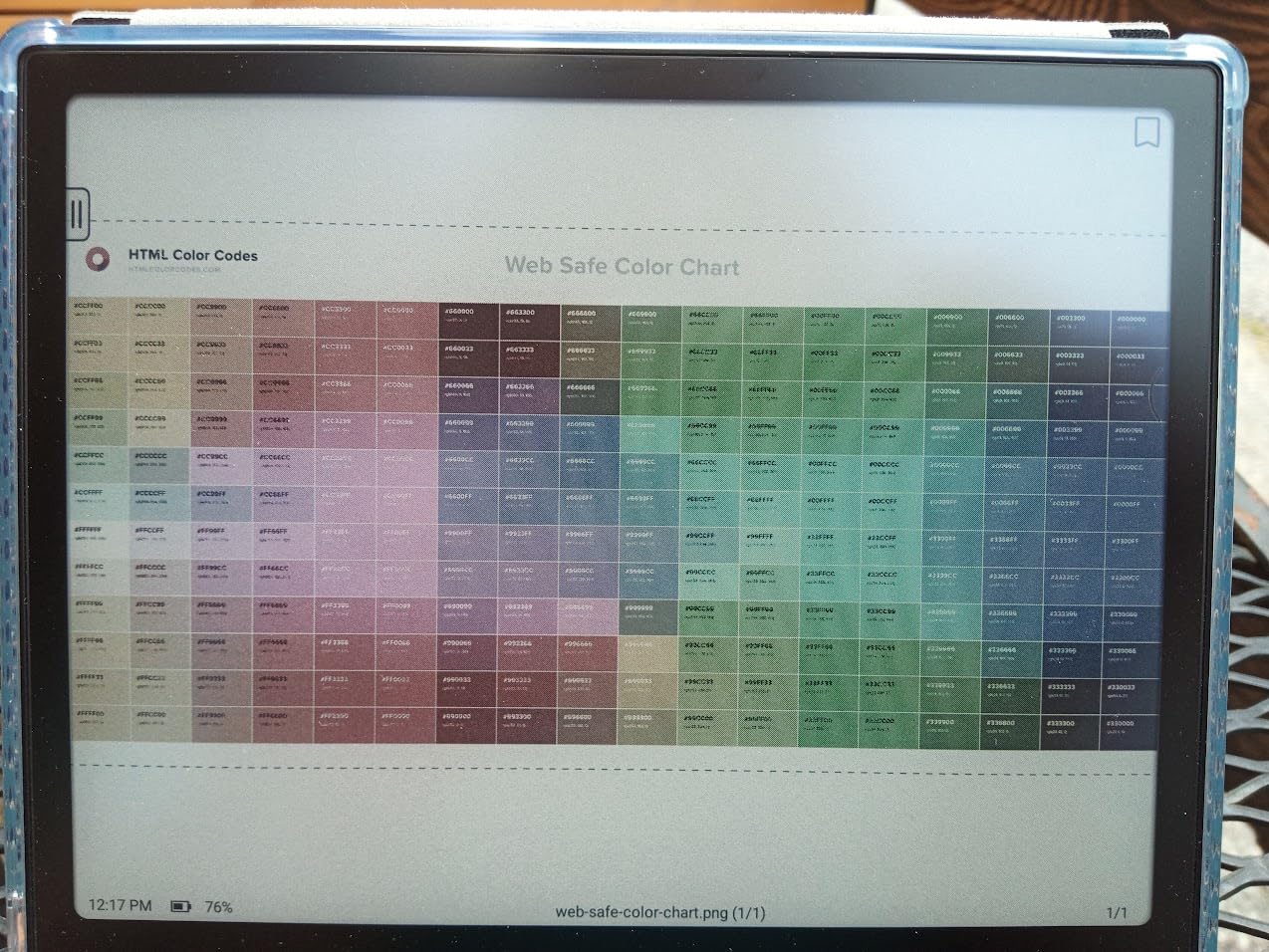
The trade-offs are battery life and complexity. The 2,300mAh battery is smaller than what you find in Kindles or Kobos, and a fully loaded Android setup drains it faster. With Wi-Fi on and a few apps syncing in the background, I saw about a week of mixed use, not the multi-week experience you get on Kobos.
The interface is also more complex than a Kindle or Kobo. You have to dig into settings to find refresh modes (Regal mode reduces ghosting for text), pick which apps sync when, and accept the occasional sluggishness that comes from running full Android on e-ink hardware. For tinkerers, that is part of the appeal. For readers who want things to just work, look at the Kobo Libra Colour.
Who it is best for
The Go Color 7 Gen II is the right pick if you read across multiple ecosystems (Kindle, Kobo, Hoopla, library apps) and want them all on one device. It is also great for users who want microSD storage expansion and the option to add a stylus for light note-taking.
Who should skip it
Skip the Go Color 7 Gen II if you want a simple, long-battery-life reading device. Skip it if you want stylus in the box (the InkSense is sold separately) or if you prefer a streamlined bookstore-first experience. For a more polished out-of-box note-taker, the Kindle Scribe Colorsoft is the cleaner choice.
6. Musnap Ocean C 7 inch – Best Value Alternative
Musnap Ocean C 64GB+4GB 7” Color eBook Reader Supports Handwriting, 7” Color E-Ink Paper Tablet with Long Battery Life for Reading and Writing (Not Included Musnap Stylus Pen)
7 inch color E Ink
Android 14 operating system
64GB storage
Page-turn buttons
Pros
- Android 14 is newer than most competitors
- Recessed screen for better text clarity
- Remappable physical page-turn buttons
- Fast octa-core processor for an Android e-reader
Cons
- Stylus (Musnap Pencil) sold separately
- No microSD card slot
- Some UI localization quirks
- Limited accessory ecosystem
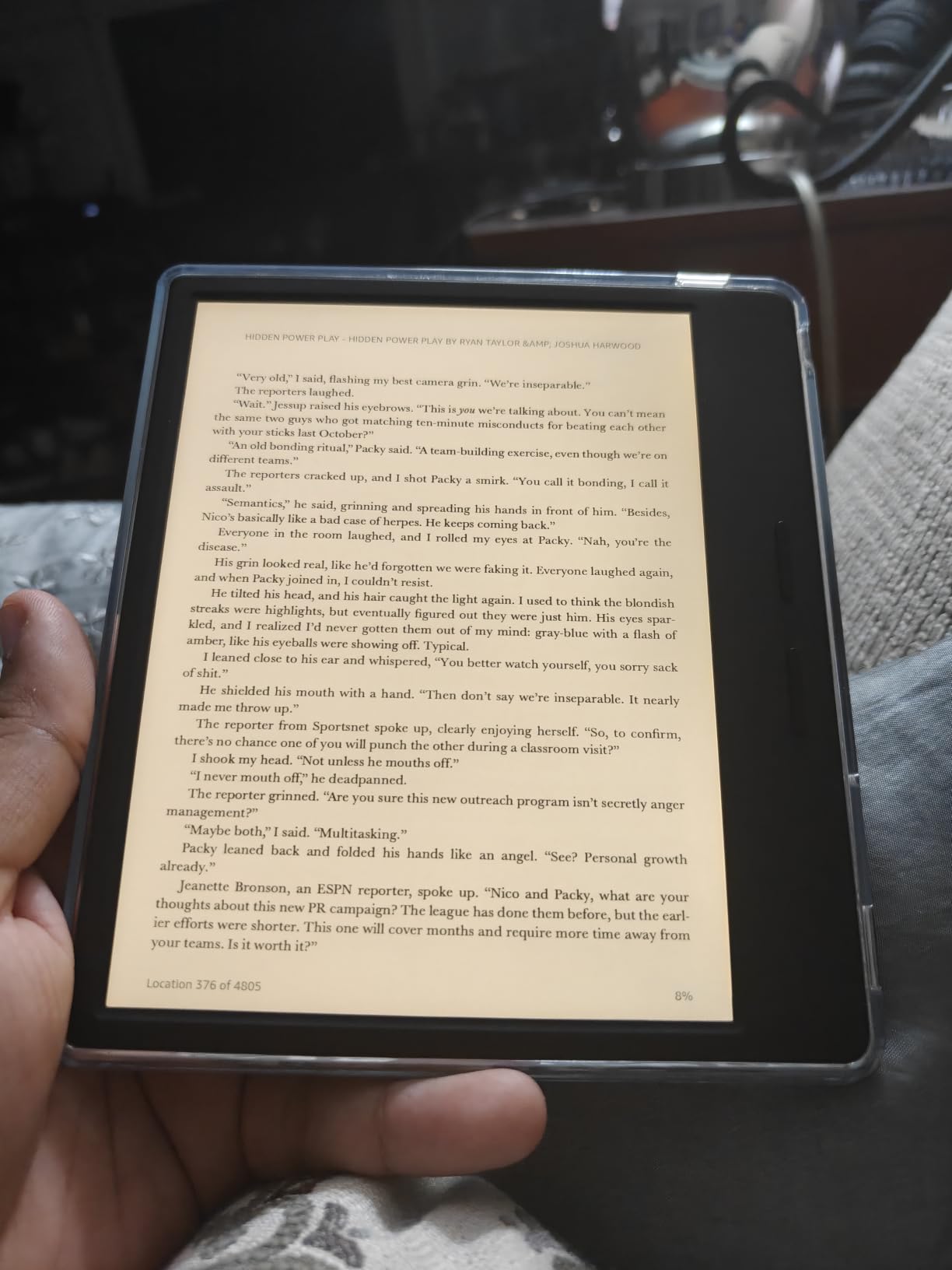
The Musnap Ocean C is an underrated option in the Android color e-reader space. It runs Android 14, which is newer than the BOOX Go Color 7’s Android 13, and it ships with a recessed screen that gives text a more paper-like appearance than flush glass designs. That small detail matters more than you would think when reading for hours.
Performance is genuinely snappy. The 2.2GHz octa-core processor and 4GB of RAM make navigation feel faster than several more expensive competitors. I switched between reading apps, the system settings, and a sideloaded PDF reader without the stutter I have seen on other Android e-readers.
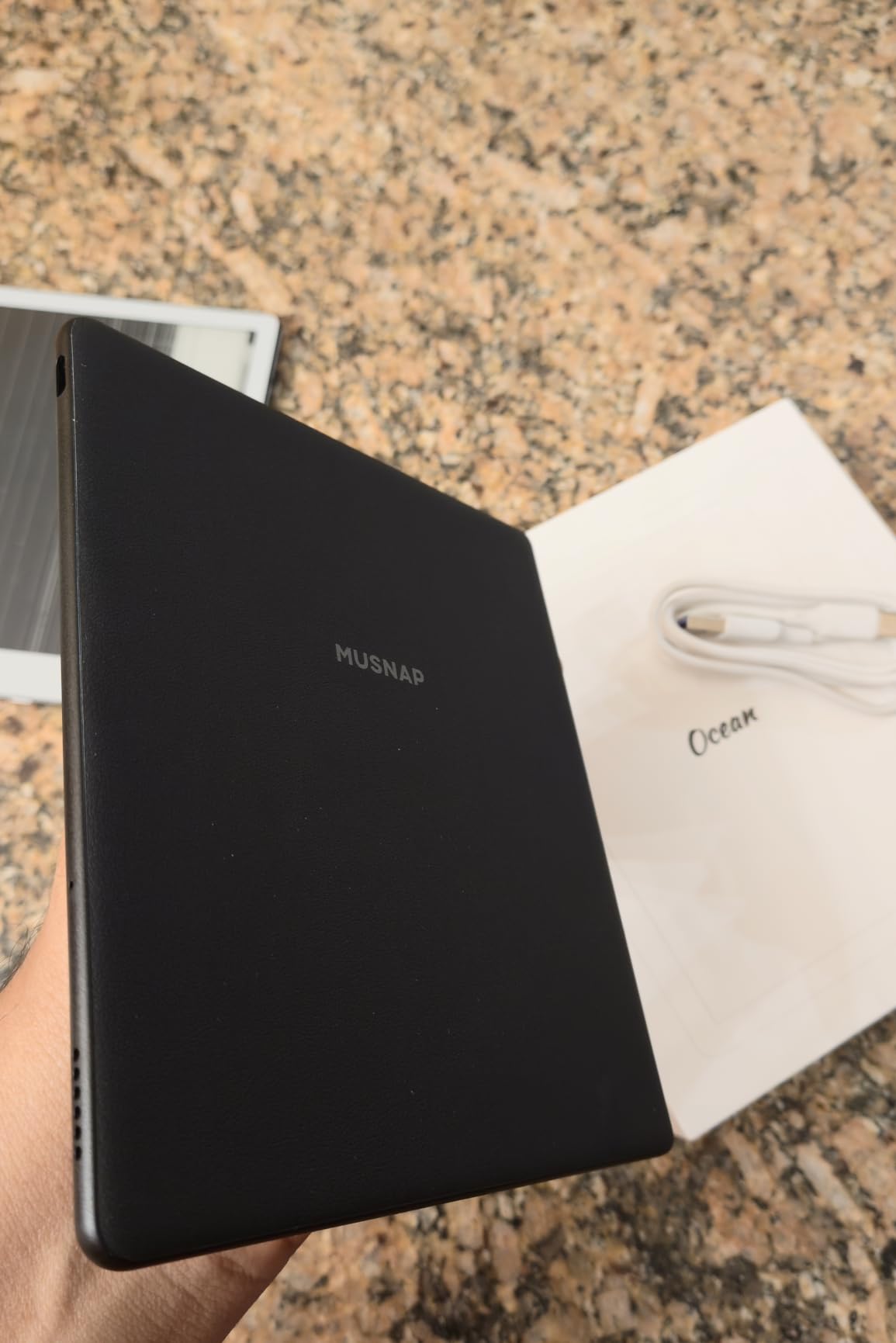
The page-turn buttons are remappable, which is a small but welcome feature. I set mine up to refresh pages and adjust the backlight, which is more useful than the default. Google Play support is built in, and the battery-saver toggle helps stretch the device when you want to read without constant syncing.
There are real downsides. The Musnap Pencil is sold separately, so note-takers will pay extra. There is no microSD slot, so the 64GB internal storage is your ceiling. And some UI elements show signs of partial Chinese-to-English translation. None of these are deal-breakers, but they do show this is a value pick, not a polished flagship.
Who it is best for
The Ocean C is the right pick if you want a fast Android color e-reader that runs the latest OS and you are not locked into a specific ecosystem. It is also a good choice for users who care about the recessed-screen feel and the ability to remap physical buttons.
Who should skip it
Skip the Ocean C if you need microSD expansion, or if you prefer a US-first brand with established customer support. Skip it if you want stylus in the box or a long accessory ecosystem. For a more polished alternative with similar features, the BOOX Go Color 7 Gen II is worth the extra money.
7. BOOX Note Air 5 C 10.3 inch – Best Large Screen Color E-Reader
BOOX Tablet 10.3″ Note Air 5 C 6G 64G E Ink Tablet Color ePaper Notebook
10.3 inch Kaleido 3 display
Android 15
Included pen
MicroSD slot
Pros
- Large 10.3-inch Kaleido 3 display with sharp 300 ppi B/W text
- Included stylus with 4096 pressure levels
- Android 15 with 3rd-party app support
- MicroSD card slot and 6GB RAM
- Slim 5.8mm premium metal build
Cons
- Color mode drops to 150 ppi with lower contrast
- Battery life shorter than monochrome alternatives
- Software can feel clunky in places
- Heavy for one-handed reading
If you want a color e-reader with a screen large enough for full-page PDFs and split-screen notes, the BOOX Note Air 5 C is the strongest option. The 10.3-inch Kaleido 3 display is sharp in black-and-white mode and usable in color, and the included stylus with 4,096 pressure levels is one of the most accurate I have tested on any color e-ink device.
Running Android 15, the Note Air 5 C supports the full Google Play ecosystem. I installed Kindle, Kobo, and a stack of productivity apps, and they all ran without issue. The 6GB of RAM keeps multitasking smooth, and the microSD slot is a real bonus for users with large PDF libraries.
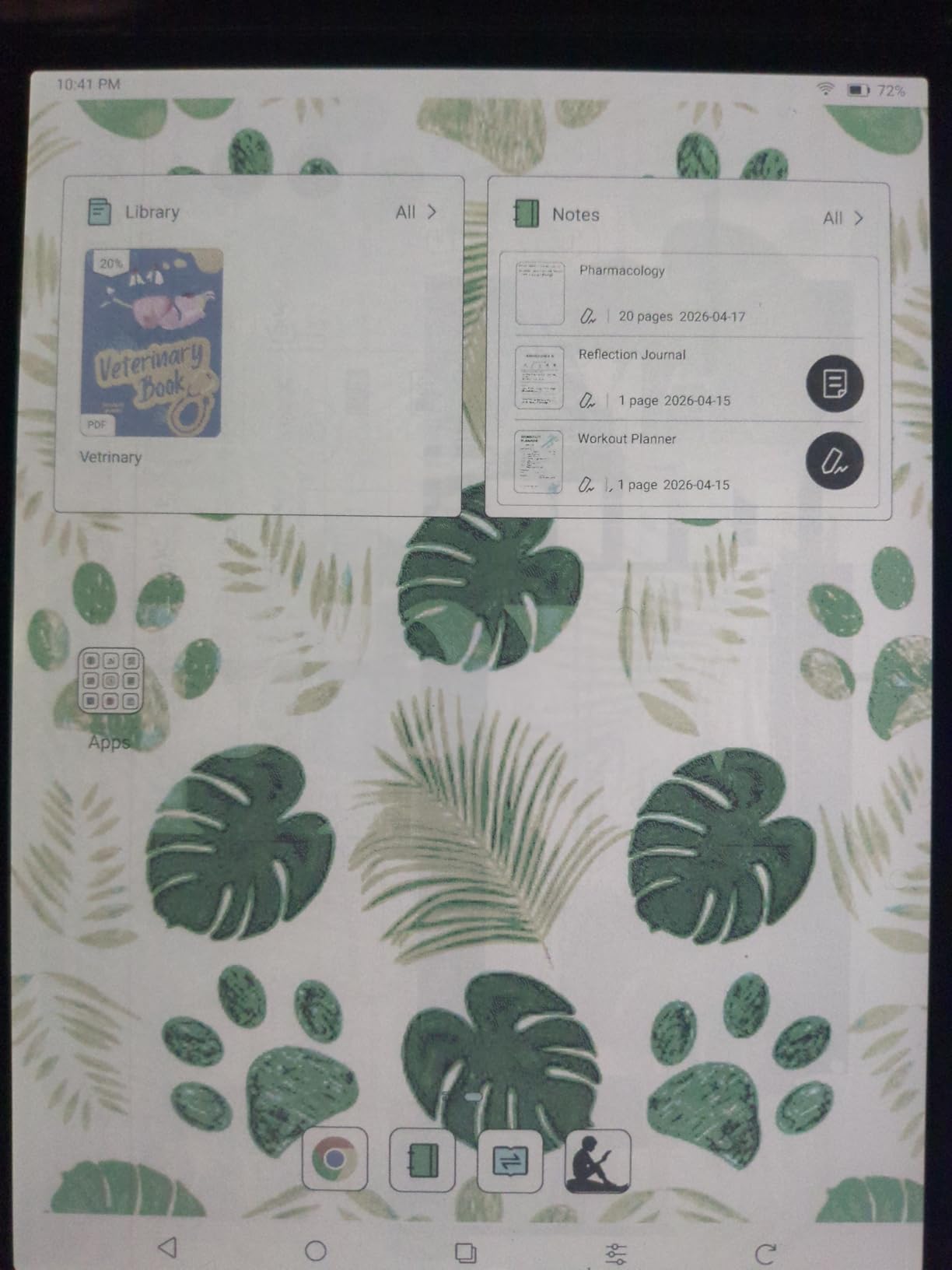
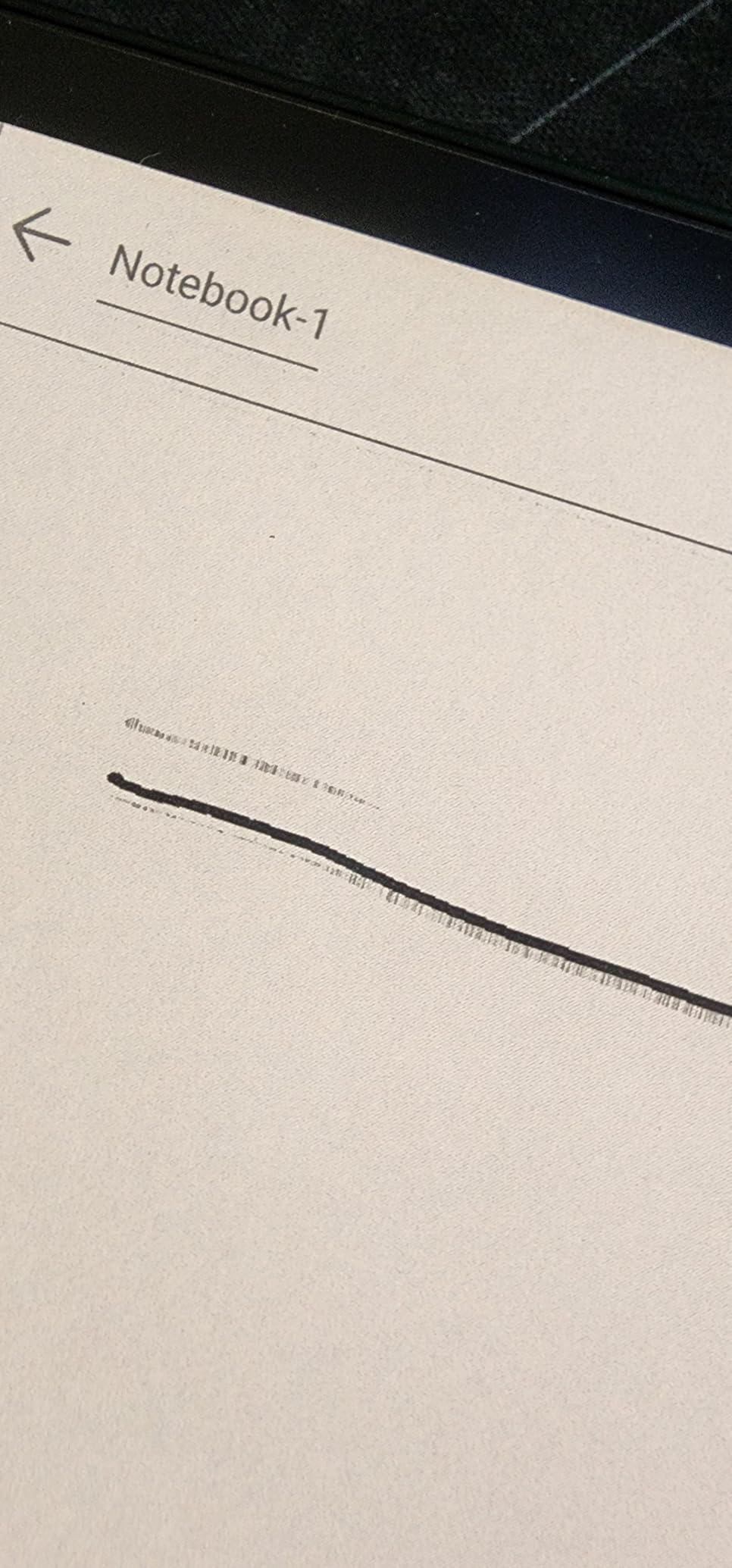
The handwriting experience is the closest you get to a ReMarkable on a color display. The stylus never needed power, the screen texture gives just the right amount of drag, and the notes app supports multiple layers and handwriting recognition. For students who want one device for both textbooks and notes, this is the cleanest setup.
Drawbacks are real. Color mode reduces resolution to 150 ppi, which means the same pastel look you see on every Kaleido 3 device, only on a bigger screen. Battery life lands at about 2 weeks with mixed use, which is shorter than the monochrome Note Air. And the device weighs about 430g, which is too heavy for one-handed reading sessions.
Who it is best for
The Note Air 5 C is the right pick if you read and annotate academic papers, sheet music, or full-page PDFs. It is also great for users who want a premium Android color notebook with stylus in the box. If you want a color Kindle competitor with more flexibility, this delivers.
Who should skip it
Skip the Note Air 5 C if you want a small, light device for one-handed reading. Skip it if you want a polished retail experience (BOOX software is functional, not pretty). For a more focused note-taking experience without the Android overhead, the ReMarkable Paper Pro is worth considering.
8. PocketBook Era Color – Best for Audiobook Listeners
PocketBook Era Color Ereader – 7 Inch E Ink Kaleido 3 Screen – Eye-Friendly Audio-Book & E-Book Reader – Text-to-Speech – Waterproof IPX8 – Bluetooth & Speakers – WiFi Cloud Sync – 32GB Storage
7 inch Kaleido 3 display
Text-to-Speech
IPX8 waterproof
32GB storage
Pros
- 7-inch Kaleido 3 color display
- SMARTlight with adjustable brightness and color temperature
- IPX8 waterproof for worry-free reading
- Built-in speakers and Bluetooth for audiobooks
- Text-to-Speech converts any ebook to spoken word
- Dropbox and PocketBook Cloud file sync
Cons
- Color appears muted (low-resolution)
- Only 1GB RAM limits app performance
- Auto-orientation sensor can be unreliable
- No charger included in the box
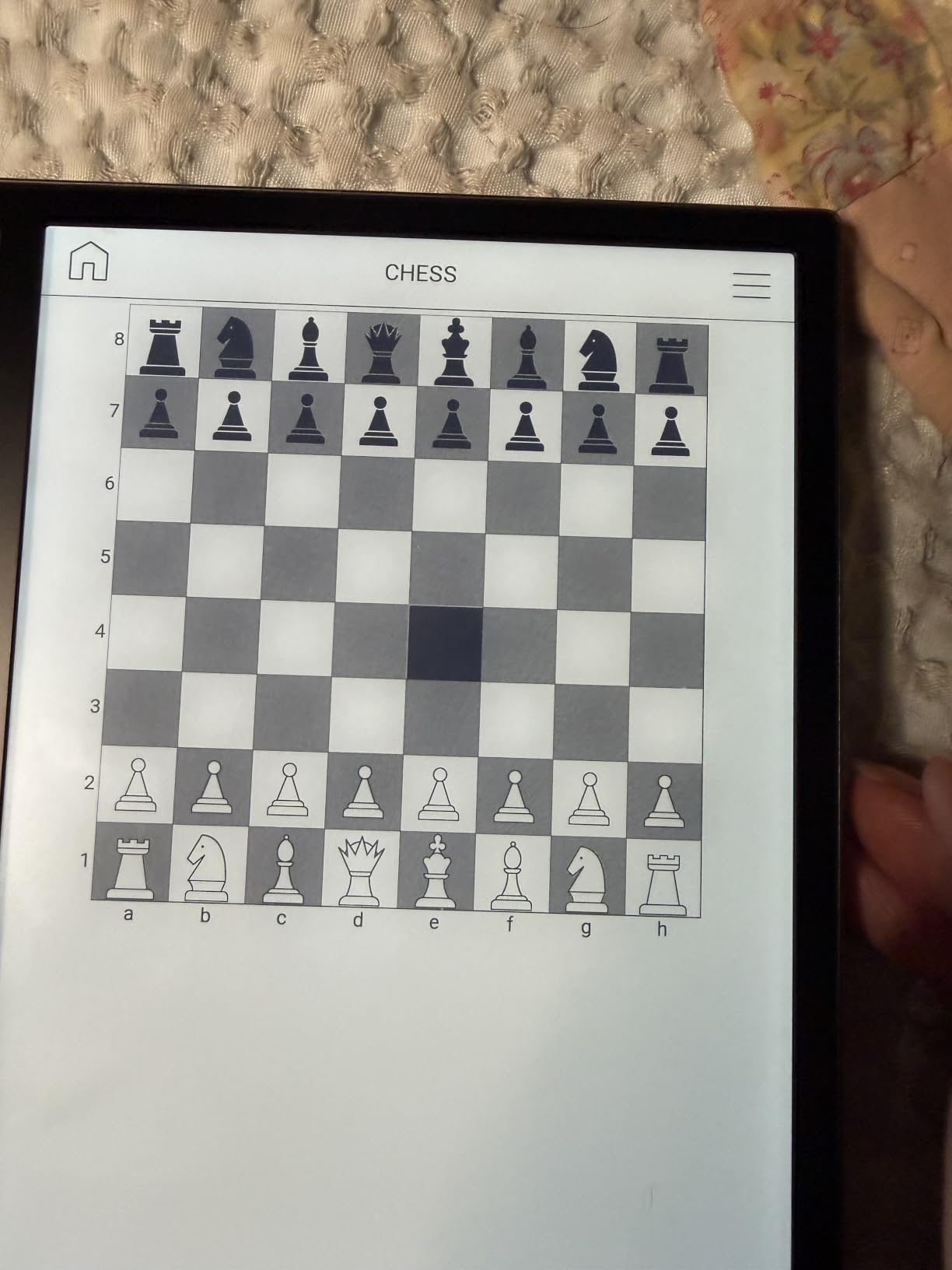
The PocketBook Era Color is a great fit if you want a single device that handles ebooks, audiobooks, and library books. The 7-inch Kaleido 3 screen is sharp for text, the IPX8 waterproofing holds up in the bath, and the SMARTlight adjusts both brightness and color tone. But the standout feature is audio.
Built-in speakers are louder and clearer than I expected, and pairing Bluetooth headphones was instant. I queued up audiobooks from my library via the PocketBook store and from my own MP3 collection, and playback was smooth. Text-to-Speech also works on any EPUB, which means even borrowed library titles can be read aloud.
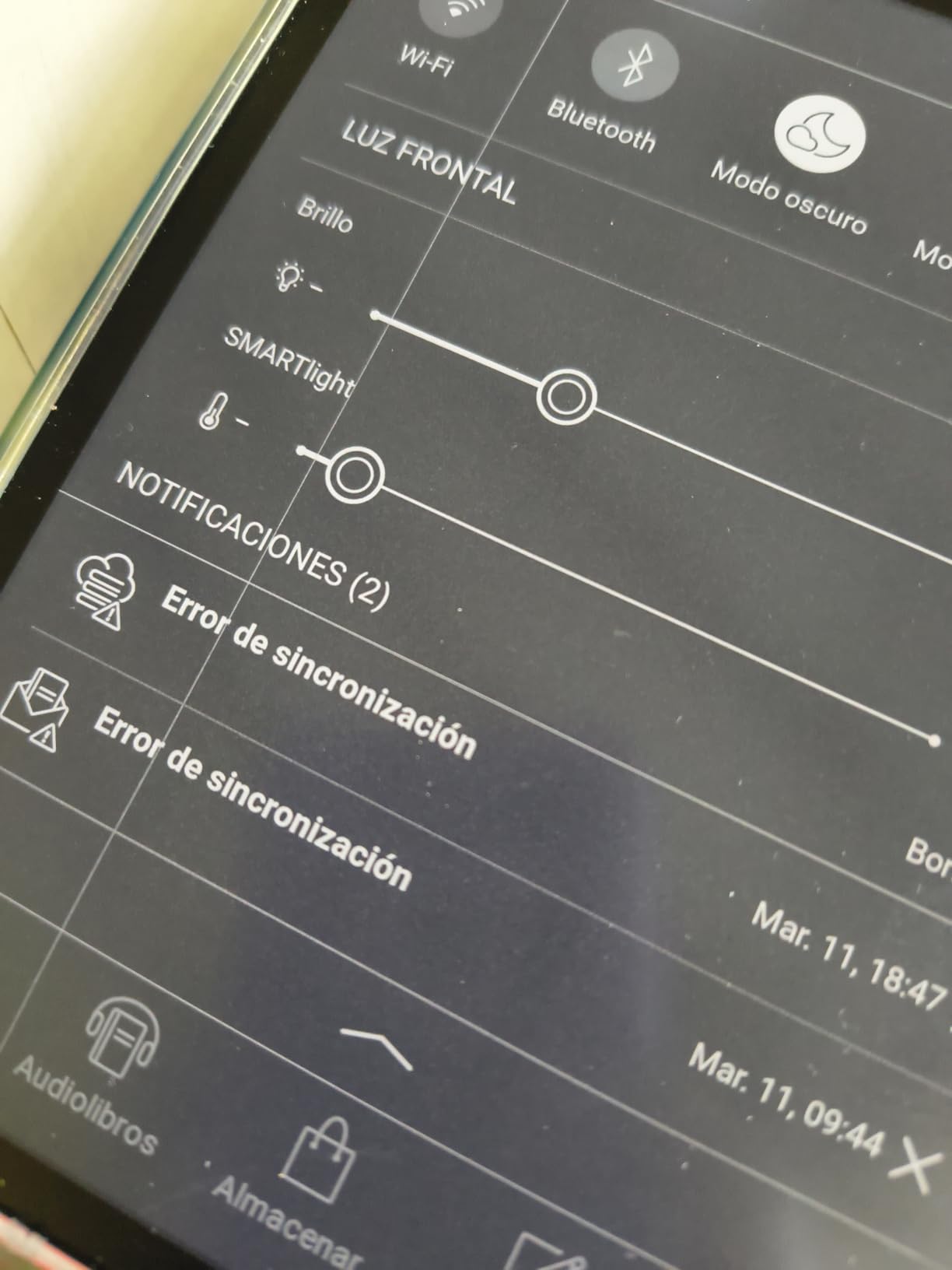
Cloud sync via Dropbox and PocketBook Cloud is a small but helpful feature. I dropped a PDF into Dropbox from my laptop and it appeared on the Era Color within seconds. KOReader, a popular open-source reader, can be installed for users who want even more control over the reading experience.
Performance is the limiting factor. With only 1GB of RAM, the interface feels slower than the Kindle or Kobo equivalents. The auto-orientation sensor is also unreliable, which means the device sometimes refuses to rotate when you flip it. These are not deal-breakers, but they do slow down the experience.
Who it is best for
The Era Color is the right pick if you want a single device that handles reading and listening equally well. It is also great for users who want open cloud sync without being tied to a single ecosystem. The IPX8 waterproofing makes it pool- and bath-safe.
Who should skip it
Skip the Era Color if you want a snappy, polished interface, or if you rely on auto-rotation. Skip it if you need more than 32GB of storage (no microSD slot). For a more responsive experience with similar audiobook features, the Kobo Libra Colour is a better overall pick.
9. Bigme B6 Color – Best Compact Android E-Reader
Bigme B6 Color Ebook Reader, 6 Inch e-Paper Tablet, 4GB+64GB Storage, Android 14,White (White)
6 inch color E Ink
Android 14 operating system
64GB storage
Protective case included
Pros
- Compact 6-inch form factor fits easily in one hand
- Android 14 with sideloading via F-Droid and Aurora Store
- Wide format support including DOC
- EPUB
- MOBI
- and PDF
- Comes with a protective case in the box
Cons
- Color looks washed out especially with frontlight
- Battery life shorter than dedicated e-readers
- Page-turn lag when reading manga
- 6-inch screen may feel small for comics
The Bigme B6 Color is the most compact Android color e-reader we tested. The 6-inch form factor is light enough to slip in a jacket pocket and small enough for one-handed reading. If portability is your top priority, this is a strong option.
Android 14 with sideloading support is the key differentiator. I installed F-Droid, sideloaded a manga reader, and pulled in CBZ files from a USB-C drive. The Bigme handled the workflow without crashing, which is not something I can say for every cheap Android e-reader on the market.
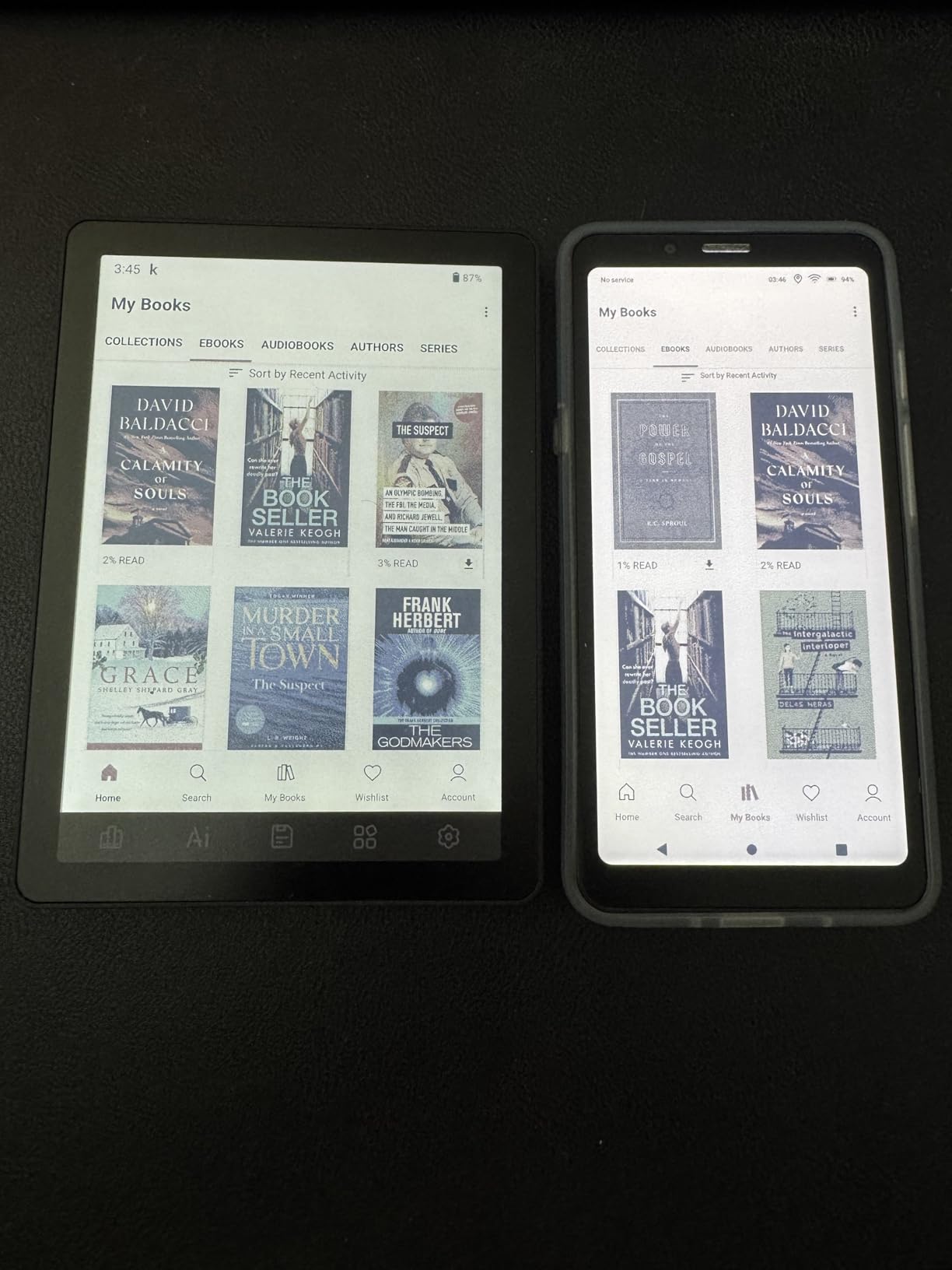
Format support is genuinely broad. Bigme lists DOC, DOCX, EPUB, GIF, HTML, JPEG, MOBI, PDF, PNG, and TXT as supported. If you have a stack of files from different sources, this device will likely open them all without conversion.
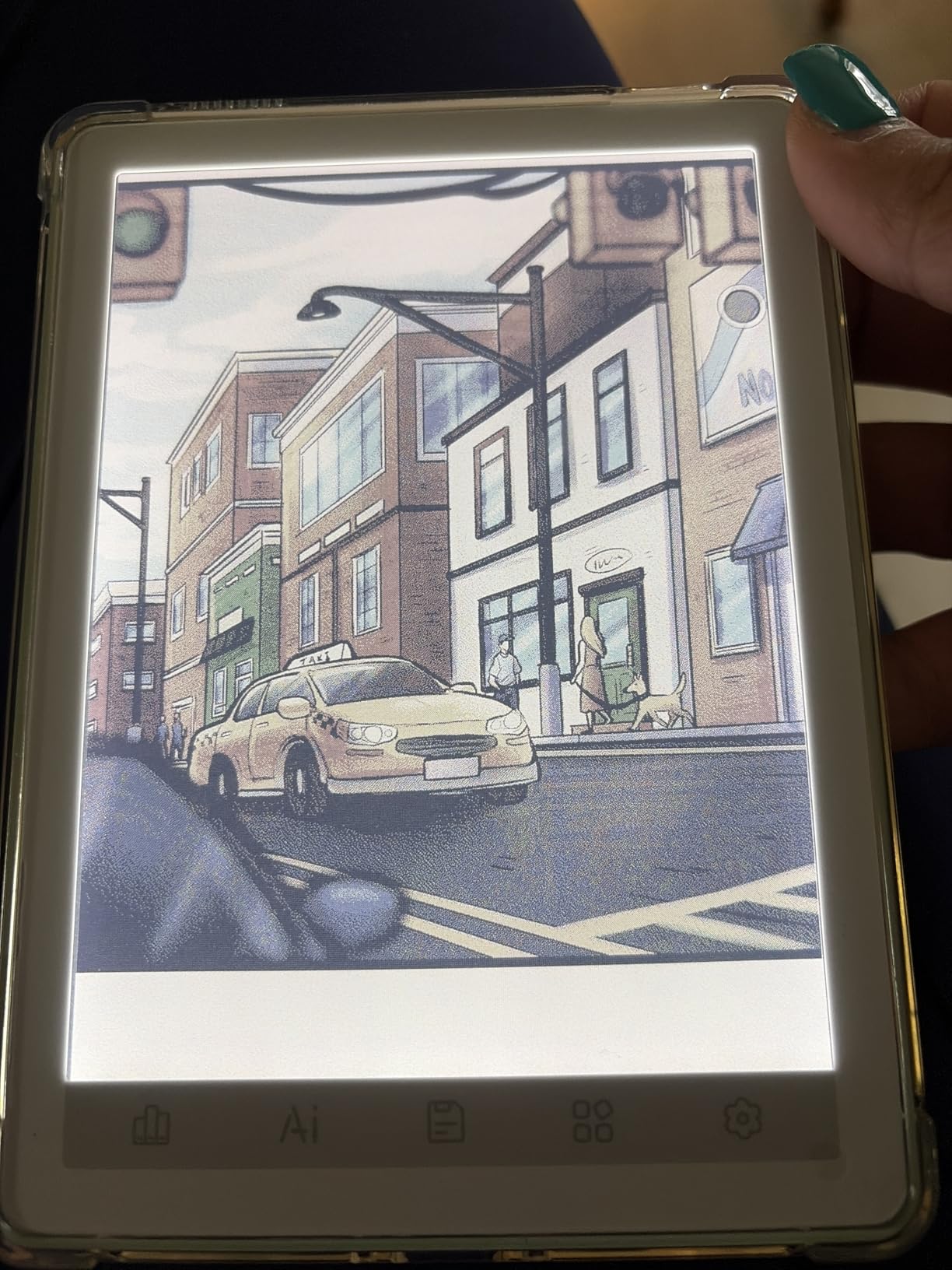
The downsides are tied to the screen size and the inherent Kaleido 3 limitation. At 6 inches, comics and manga feel cramped. The color layer makes text slightly less sharp than a 6-inch B/W reader. And the 1,700mAh-ish battery is smaller than what you find in Kobos or Kindles, which means more frequent charging if you keep Wi-Fi on.
Who it is best for
The Bigme B6 Color is the right pick if you want the smallest, lightest Android color e-reader and you are willing to sideload your own content. It is also a strong fit for users who value open format support and a compact case-friendly form factor.
Who should skip it
Skip the Bigme B6 Color if you want to read manga or graphic novels comfortably (a 7-inch or larger screen is much better). Skip it if you want a polished retail experience or long battery life. For a similar small form factor with a stronger ecosystem, the PocketBook Verse Pro Color is a better pick.
10. BOOX Palma2 Pro – Best Pocketable Color E-Reader
BOOX Palma2 Pro Mobile ePaper eBook Reader 8G 128G 150PPI in Color Mode (Black)
6.13 inch Kaleido 3 display
Android 15 operating system
8GB RAM
16MP camera
Pros
- Pocketable 6.13-inch form factor
- Android 15 with full 3rd-party app support
- 8GB RAM and 128GB storage
- 16MP rear camera with LED flash
- Hybrid SIM card slot for mobile data
- Fingerprint recognition on the power button
Cons
- Higher price than the monochrome Palma 2
- Reports of microphone defects and freezes
- Battery drains quickly when idle
- Smaller screen is cramped for note-taking
The BOOX Palma2 Pro is the most pocket-friendly color e-reader we tested. The 6.13-inch display is sharp in B/W (300 ppi) and usable in color (150 ppi), and the entire device weighs about 175g. It feels closer to a phone than an e-reader, and the SIM slot means you can take it anywhere without a Wi-Fi connection.
The hybrid SIM card slot is the surprise feature. I dropped in a data-only SIM and was able to download books and sync reading progress on the go. The 16MP rear camera is unusual on an e-reader and even has an LED flash. You can scan documents directly into the notes app, which is a genuinely useful feature for travelers.
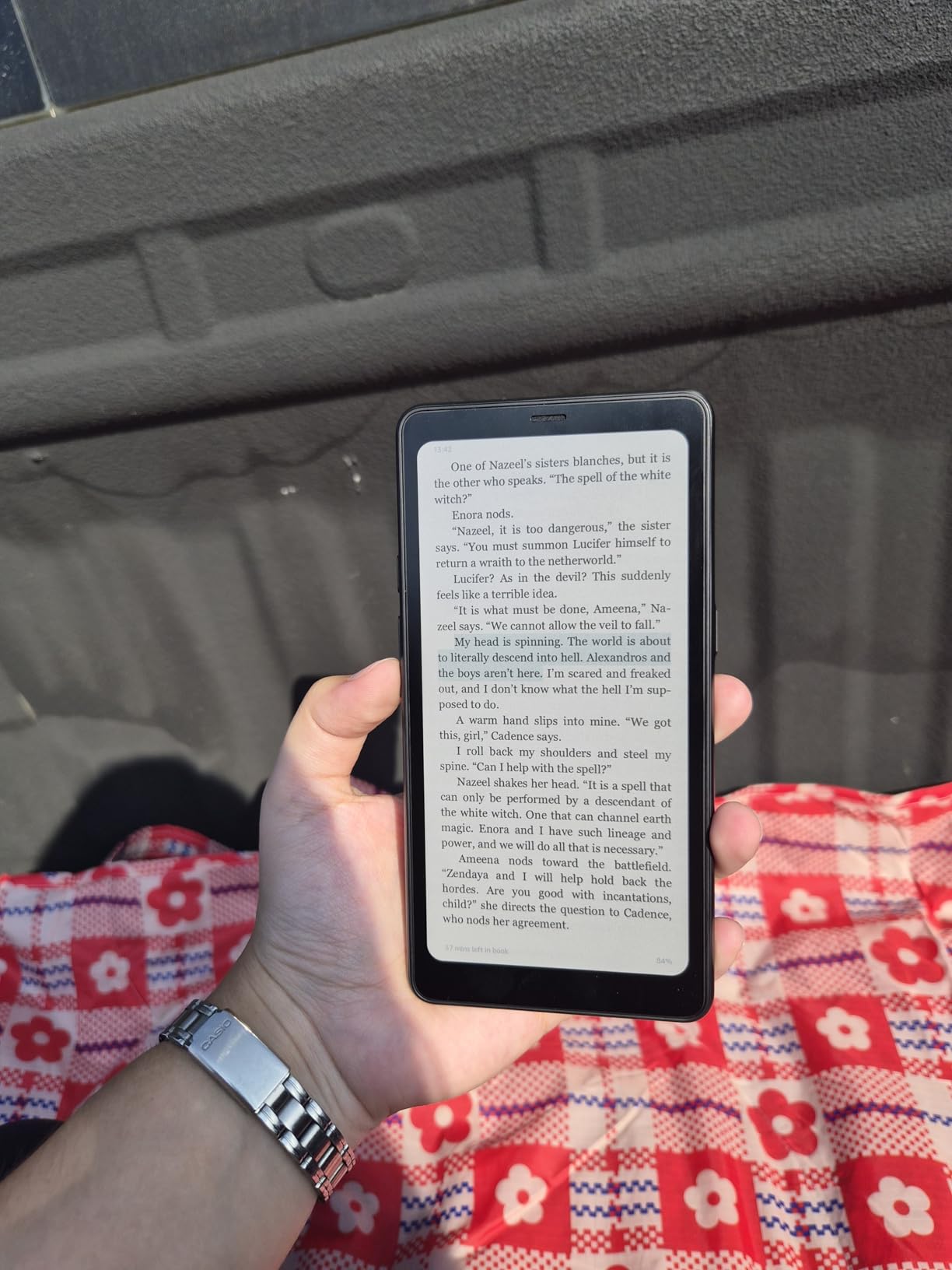
Android 15 with 8GB of RAM makes the Palma2 Pro the most powerful device in this guide. Apps run smoothly, multitasking is fluid, and the fingerprint power button wakes the device instantly. For users who want a phone-sized color e-ink reader, nothing else on the market matches this.
The compromises are price and battery life. At roughly the cost of a mid-range tablet, the Palma2 Pro is the most expensive 6-inch device in this guide. The 3,950mAh battery drains quickly in idle mode, especially with the SIM active, which means more frequent charging than a Kobo or Kindle.
Who it is best for
The Palma2 Pro is the right pick if you want a pocketable, phone-sized color e-reader with mobile data, or if you want a powerful Android e-ink device with a fingerprint reader and a built-in camera. It is also great for travelers who want to scan documents on the go.
Who should skip it
Skip the Palma2 Pro if you want a longer battery life, or if you prefer a more traditional reading form factor. Skip it if you need a bigger screen for comics and PDFs. For a similar pocketable experience with longer battery, the monochrome BOOX Palma 2 is a more affordable alternative.
How to Choose the Best Color E-Reader for Your Needs
Choosing the right color e-reader comes down to five questions: what you read, where you buy your books, whether you need app flexibility, whether waterproofing matters, and how much battery life you expect. This section walks through each.
E Ink Kaleido 3 Color Technology Explained
Every device in this guide uses E Ink Kaleido 3, the third generation of E Ink’s color filter technology. A Kaleido 3 panel layers a color filter array (CFA) over a standard Carta 1200 grayscale e-ink display. When the underlying panel renders an image in grayscale, the CFA tints it with color. The result is 4,096 colors at 150 PPI and full 300 PPI sharpness for black-and-white text.
The trade-off is saturation. Colors look pastel, not vivid, and the color layer slightly darkens the underlying grayscale display. That is why every color e-reader benefits from a brighter front light than its black-and-white sibling. Newer Kaleido 3 panels (in production since 2023) have improved contrast over the older Kaleido Plus, but the underlying limitation remains: color e-ink is not as punchy as an LCD or OLED screen.
If your reading is mostly novels with the occasional graphic novel, Kaleido 3 is excellent. If you read full-color comics daily and want magazine-grade color, a tablet is still the better tool. We cover when color is worth the premium and when it is not in the FAQ below.
Screen Size and Resolution Considerations
Color e-readers come in three main sizes: 6 inches (compact, pocketable), 7 inches (the sweet spot for most readers), and 10.3 inches or larger (for PDFs and notes). A 6-inch device is great for novels and travel but cramped for manga. A 7-inch device fits most content, including manga and graphic novels, and remains easy to hold one-handed. A 10.3-inch device is essentially a notebook first and an e-reader second.
Resolution is split between color and grayscale modes. All devices in this guide deliver 300 PPI for black-and-white text and 150 PPI for color content. That means your ebooks will look sharp, but color comics will be slightly less crisp than a print page. For most readers, the difference is invisible after a few chapters.
Ecosystem Lock-In: Kobo vs Kindle vs Android
The single biggest decision after screen size is which ecosystem you want to live in. Amazon Kindle devices are tightly integrated with the Kindle Store, Kindle Unlimited, and Audible. They support EPUB files only through conversion, which frustrates users who have bought books elsewhere.
Kobo devices are more open. They natively support EPUB, CBZ, CBR, MOBI, and many other formats. They integrate with OverDrive for library books and Pocket for read-later articles. They work with Kobo audiobooks and several third-party audiobook apps. If you buy books from multiple sources or rely heavily on your local library, Kobo is the cleaner choice.
Android-based e-readers (BOOX, Bigme, Musnap) are the most open of all. They run Google Play and can install any reading app, including Kindle, Kobo, Libby, Hoopla, and manga readers. The trade-off is complexity, shorter battery life, and occasional software quirks. For users who want maximum flexibility, Android is the answer.
Library Integration: Libby, OverDrive, and Hoopla
If you borrow ebooks from your local library, ecosystem choice matters. Kobo devices integrate directly with OverDrive, so you can sign in once with your library card and borrow books without leaving the device. PocketBook devices have built-in Libby support. Kindle devices integrate with Libby through the Send-to-Kindle feature, but the workflow is less direct.
Hoopla, the digital library service for comics and graphic novels, is not natively supported on any Kindle or Kobo device. If Hoopla is your main source for library comics, an Android-based color e-reader (BOOX, Bigme, Musnap) is the cleanest option, because you can install the Hoopla app directly from Google Play.
Waterproofing, Battery Life, and Other Features That Matter
Most 7-inch and 6-inch color e-readers in this guide carry an IPX8 waterproof rating, which means they survive submersion in up to 2 meters of water for 60 minutes. That covers poolside, bath, and beach reading. The Kindle Scribe Colorsoft is the major exception: it does not have an IPX8 rating.
Battery life varies widely. Kobos and Kindles last 4 to 8 weeks on a single charge. PocketBook devices land in the same range. Android devices with full app support last 1 to 2 weeks depending on usage. If you want maximum uptime between charges, avoid Android.
Other features worth weighing: physical page-turn buttons (the Kobo Libra Colour, BOOX Go Color 7, PocketBook Era Color, and Musnap Ocean C all have them), stylus support for note-taking (Kobo Stylus 2, Kindle Scribe pen, BOOX InkSense, Musnap Pencil all sold separately except the Kindle Scribe), and wireless charging (Kindle Colorsoft only).
Frequently Asked Questions
Is it worth getting a color e-reader?
Yes, a color e-reader is worth it if you read comics, graphic novels, manga, children’s books, or textbooks with color illustrations. The E Ink Kaleido 3 panel brings covers and illustrations to life while preserving the weeks-long battery life and glare-free reading experience of traditional e-readers. If you only read novels and want the sharpest text and longest battery, a black-and-white Kindle or Kobo is a better value. The premium for color is roughly 30 to 50 percent over the equivalent B/W model.
What is the best color e-reader in 2026?
The Kobo Libra Colour is the best color e-reader for most readers in 2026. It combines a 7-inch Kaleido 3 display with physical page-turn buttons, OverDrive library integration, IPX8 waterproofing, and an open file format ecosystem. The Amazon Kindle Colorsoft is the best pick for Amazon loyalists who want wireless charging and the Kindle Store. For budget buyers, the PocketBook Verse Pro Color offers the lowest entry price. For Android flexibility, the BOOX Go Color 7 Gen II runs full Android and supports every reading app.
Which color e-reader is the best value for money?
The PocketBook Verse Pro Color offers the best value for money at the lowest price. It includes a 6-inch Kaleido 3 display, IPX8 waterproofing, Text-to-Speech audiobooks, Bluetooth, and a 2-year warranty. If you can stretch your budget a bit, the Kobo Clara Colour is another strong value pick with a 7-inch screen and better retail ecosystem. Both deliver color e-ink at a lower entry price than any Kindle or BOOX device.
Which brand is considered the best for e-readers?
Kobo is widely considered the best overall e-reader brand because of its open ecosystem, native OverDrive library integration, ergonomic designs with page-turn buttons, and strong build quality. Amazon Kindle leads in the US because of the Kindle Store, Kindle Unlimited, and Audible integration, plus the best customer service in the category. BOOX leads for Android-based flexibility and note-taking. PocketBook is the strongest European brand with broad format support. Each brand has clear strengths, so the best choice depends on which ecosystem fits your reading habits.
Final Verdict: Which Color E-Reader Should You Buy?
Color e-readers have finally matured into a category worth investing in, and the best color e-readers of 2026 cover every reading style and budget. Our top recommendation is the Kobo Libra Colour, which strikes the best balance between screen quality, library integration, ergonomics, and price. It is the device we keep coming back to after testing the rest.
If you live inside the Kindle ecosystem, the Kindle Colorsoft is the obvious choice, especially with wireless charging and the broadest US ebook catalog. For budget buyers, the PocketBook Verse Pro Color delivers color e-ink at the lowest entry price. For users who want maximum flexibility, the BOOX Go Color 7 Gen II runs Android and supports every reading app. For note-takers and PDF readers, the Kindle Scribe Colorsoft and BOOX Note Air 5 C lead their respective niches.
Whichever you pick, you will get the same paper-like reading experience E Ink fans love, with color added in for comics, children’s books, and illustrations. That is a genuine upgrade over a black-and-white reader, and in 2026, you have more choices than ever.