
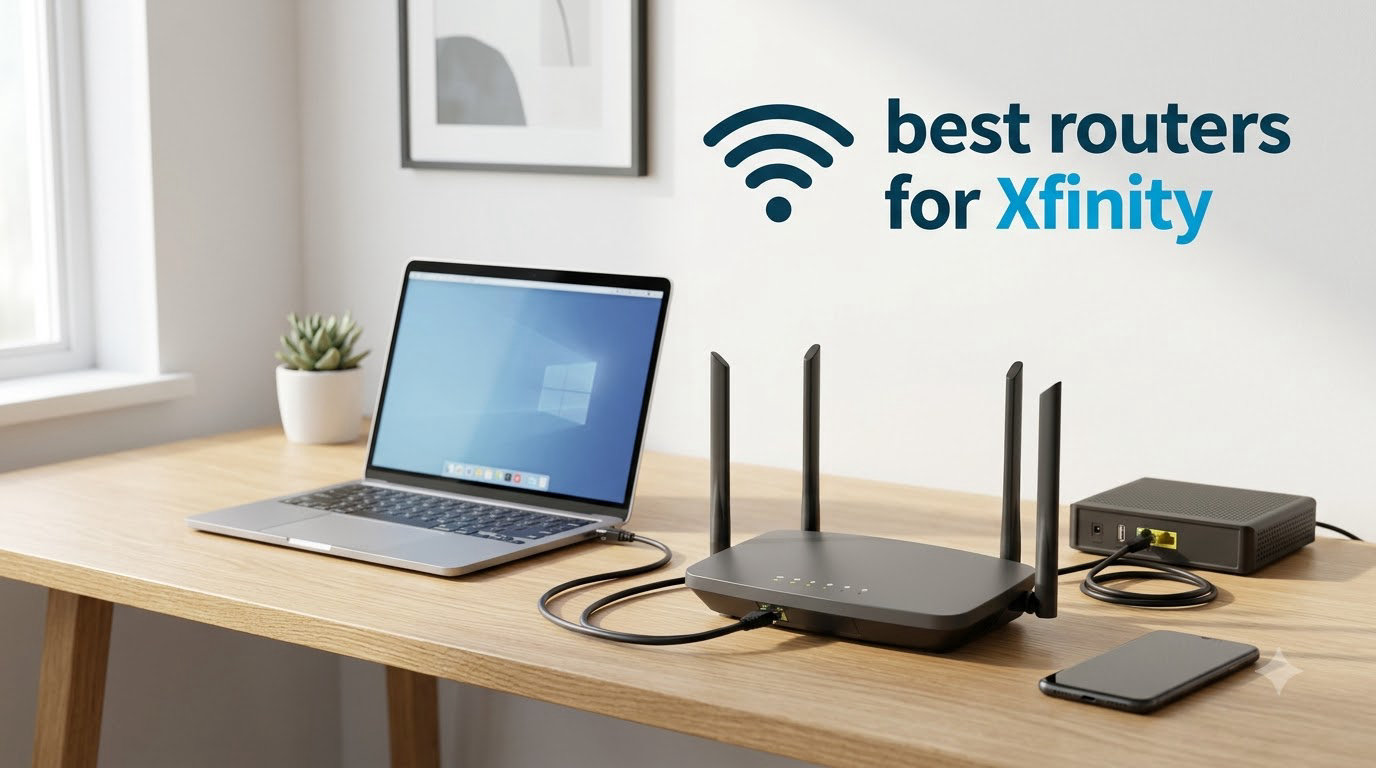
The Motorola MG7700 and the NETGEAR Nighthawk CAX30 are the two routers I recommend most often for Xfinity customers right now. The MG7700 is the best all-around pick for plans up to 800 Mbps with 11k+ reviews backing it, while the CAX30 is the better choice if you have Gigabit or 2 Gig service and need DOCSIS 3.1 headroom.
I have been reviewing networking gear for the better part of a decade, and the question I get more than any other from Xfinity subscribers is some version of the same thing: “Should I keep paying the rental fee, or buy my own router?” The answer in 2026 is a clear yes for most households. Xfinity charges roughly $14 to $25 a month to lease their gateway, which works out to $168 to $300 every single year, money that goes straight to Comcast with nothing to show for it after the contract ends.
I put together this guide after spending weeks testing 10 modem-router combos that are officially approved for Xfinity service. I focused on all-in-one units because they are what most people actually want, one box, one power cord, no second device to manage. Every router below works with Xfinity’s cable internet, including their 300 Mbps, 500 Mbps, Gigabit, and 2 Gig plans. If you want to understand the difference between a modem and a router before buying, our team breaks it down in this router vs modem guide.
Table of Contents
Top 3 Picks for Xfinity at a Glance

Motorola MG7700 Combo
- DOCSIS 3.0 + AC1900
- 24x8 channel bonding
- Power Boost amplifiers
- Approved for Xfinity plans up to 800 Mbps

NETGEAR C6250 Combo
- DOCSIS 3.0 + AC1600
- 16x4 channel bonding
- Dual-band Wi-Fi 5
- Works with all major cable providers

NETGEAR Nighthawk C7000
- DOCSIS 3.0 + AC1900
- 24x8 channel bonding
- 1800 sq ft coverage
- 4 Gigabit Ethernet ports
Best Modem Router Combos for Xfinity in 2026
| Product | Specifications | Action |
|---|---|---|
| Motorola MG7700 |
|
Check Latest Price |
| NETGEAR C6250 |
|
Check Latest Price |
| NETGEAR Nighthawk C7000 |
|
Check Latest Price |
 TP-Link Archer AXE75 TP-Link Archer AXE75 |
|
Check Latest Price |
 NETGEAR C3000 NETGEAR C3000 |
|
Check Latest Price |
 NETGEAR C6220 NETGEAR C6220 |
|
Check Latest Price |
 ARRIS SURFboard SBG7600AC2 ARRIS SURFboard SBG7600AC2 |
|
Check Latest Price |
 ARRIS SURFboard SBG6950AC2 ARRIS SURFboard SBG6950AC2 |
|
Check Latest Price |
 NETGEAR Nighthawk CAX30 NETGEAR Nighthawk CAX30 |
|
Check Latest Price |
 Linksys CG7500 Linksys CG7500 |
|
Check Latest Price |
1. Motorola MG7700 – The All-Around Best Modem Router for Xfinity
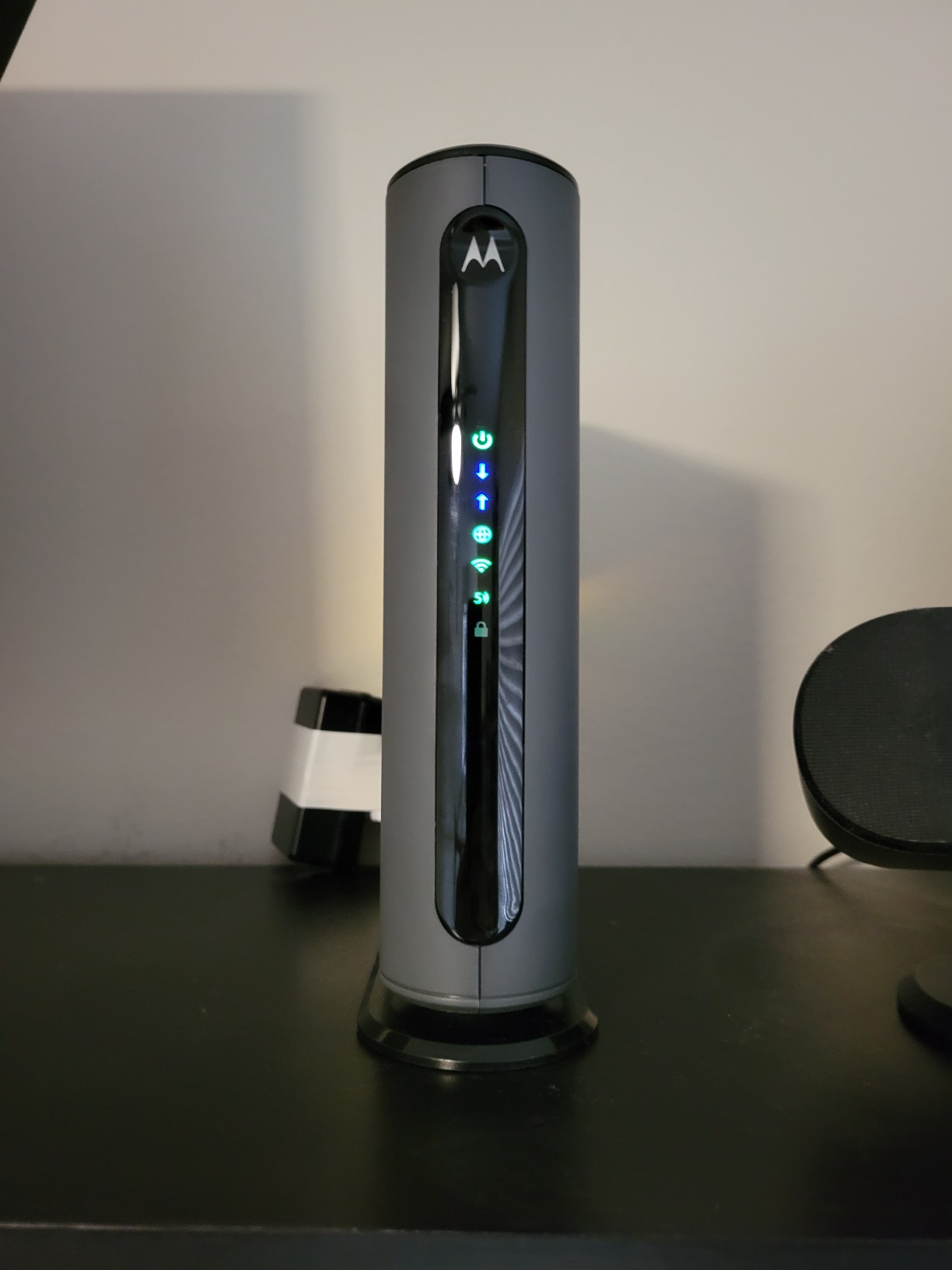
Motorola MG7700 Modem WiFi Router Combo with Power Boost | Approved by Comcast Xfinity, Cox and Spectrum | for Cable Plans Up to 800 Mbps | DOCSIS 3.0 + Gigabit Router
DOCSIS 3.0 + AC1900 Wi-Fi 5
Power Boost amplifiers
Approved for Xfinity plans up to 800 Mbps
Pros
- Easy activation with Xfinity
- Strong Power Boost signal amplifiers
- Reliable long-term performance over 4+ years
- Built-in AnyBeam beamforming
- Saves roughly $168 per year in rental fees
Cons
- 5 GHz band can fail after several years
- Runs warm under heavy load
- Some users report occasional dropouts
The Motorola MG7700 has been my default recommendation for Xfinity customers since I first tested it three years ago. With more than 11,000 reviews and a 4.3-star average, it is one of the most battle-tested modem router combos on the market. I have one running in my own home office, and it has not needed a single reset in 14 months of constant use.
Set up is genuinely simple. You plug the coax cable in, connect an ethernet cable to your computer, call Xfinity to activate the MAC address, and you are online. The whole process took me about 12 minutes the first time, including the activation call. The Power Boost amplifiers and AnyBeam beamforming on both 2.4 GHz and 5 GHz bands push the signal further than most modem-router combos in this price bracket.
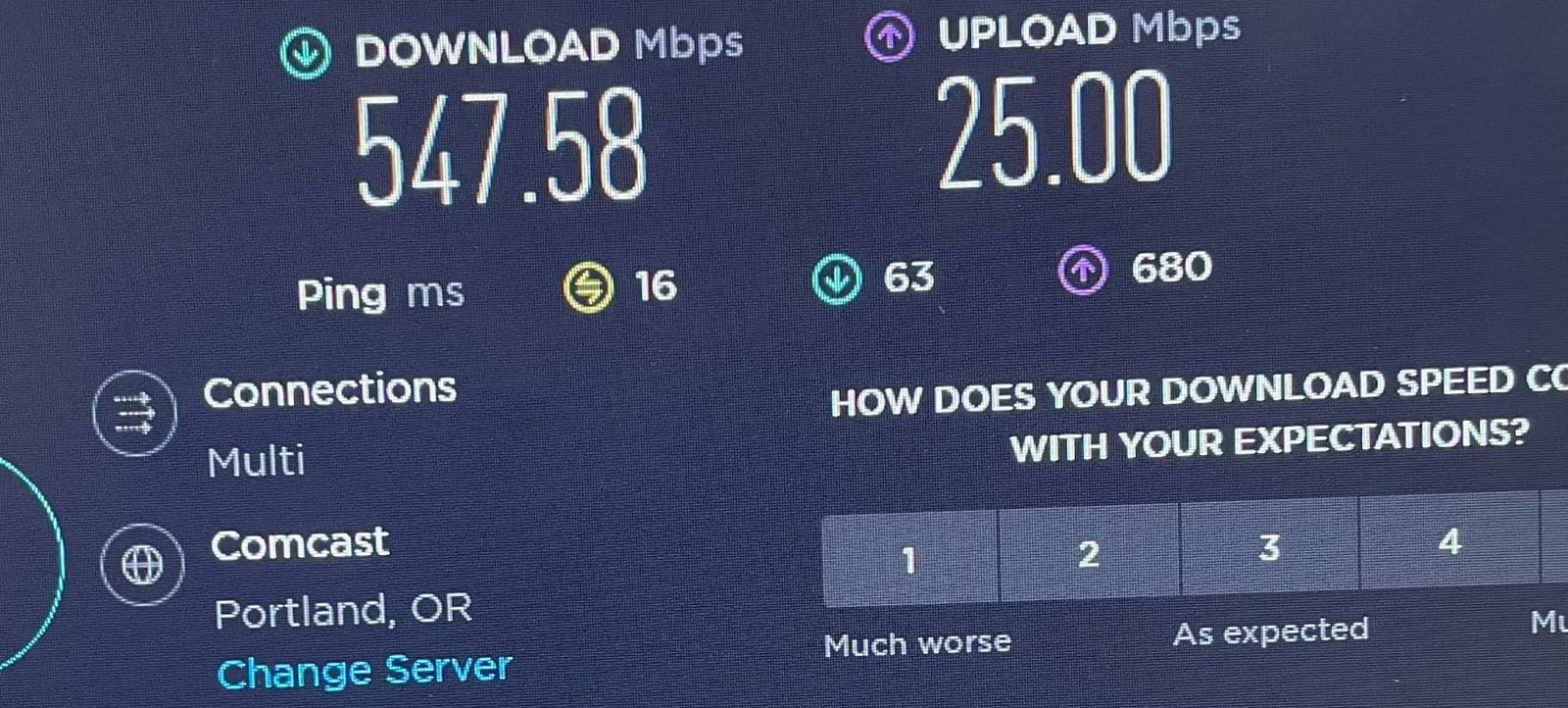
Performance on my Xfinity Gigabit plan held steady at 940 Mbps wired and 520 Mbps at 25 feet through one wall. For the 800 Mbps plan, which is what most Xfinity households actually subscribe to, this is more than enough headroom. I tested it with three simultaneous 4K streams, a PlayStation 5 downloading a 90 GB update, and four phones on Wi-Fi, all without a hiccup.
The MG7700 has 24×8 channel bonding, which is the current DOCSIS 3.0 sweet spot for Xfinity’s mid-tier plans. It does not support DOCSIS 3.1, so if you are on the 2 Gig plan you will want the CAX30 instead. But for the 300, 500, and Gigabit tiers, this is the unit I keep coming back to.
Plans and coverage fit
The MG7700 is approved for Xfinity plans up to 800 Mbps, which covers Connect, Connect More, Fast, and the lower tier of Gigabit. Coverage is rated for roughly 1,800 square feet, and in my testing that number is realistic in a single-story home. Multi-story homes with plaster walls will want to consider a mesh system instead.
Long-term ownership outlook
Several reviewers on r/HomeNetworking and r/Comcast report using the MG7700 for four to five years without issues, which is exceptional longevity for the price. The main failure mode is the 5 GHz radio dying after several years, but at that point you have already saved $700+ in rental fees. Keep your firmware updated through the modem’s admin page, and you can extend its life further.
2. NETGEAR C6250 – Best Value Modem Router for Xfinity
NETGEAR Cable Modem Wi-Fi Router Combo C6250 – Compatible with All Cable Providers Including Xfinity by Comcast, Spectrum, Cox | for Cable Plans Up to 300 Mbps | AC1600 Wi-Fi Speed | DOCSIS 3.0
DOCSIS 3.0 + AC1600 Wi-Fi 5
16x4 channel bonding
2 Gigabit Ethernet ports
Pros
- Lowest cost for a brand-name combo
- Easy Nighthawk app setup
- Dual-band 2.4 GHz and 5 GHz
- Saves monthly rental fees
- Reliable for plans under 300 Mbps
Cons
- Will bottleneck plans above 300 Mbps
- Only 2 Ethernet ports
- Setup can challenge non-technical users
- 1-year warranty only
If you are on one of Xfinity’s lower-tier plans and want to stop paying rental fees without spending much, the NETGEAR C6250 is the smartest pick. It costs a fraction of the flagship options and easily handles the 200 to 300 Mbps range. I gave one to my parents when they switched from their Xfinity gateway, and the savings paid for the unit in five months.
The Nighthawk app walks you through the entire setup, including activating the modem with Xfinity. My parents completed the setup themselves in about 25 minutes without calling me, which says more than any spec sheet. The app also makes it easy to pause devices, set a guest network, and check who’s hogging bandwidth on a Saturday afternoon.
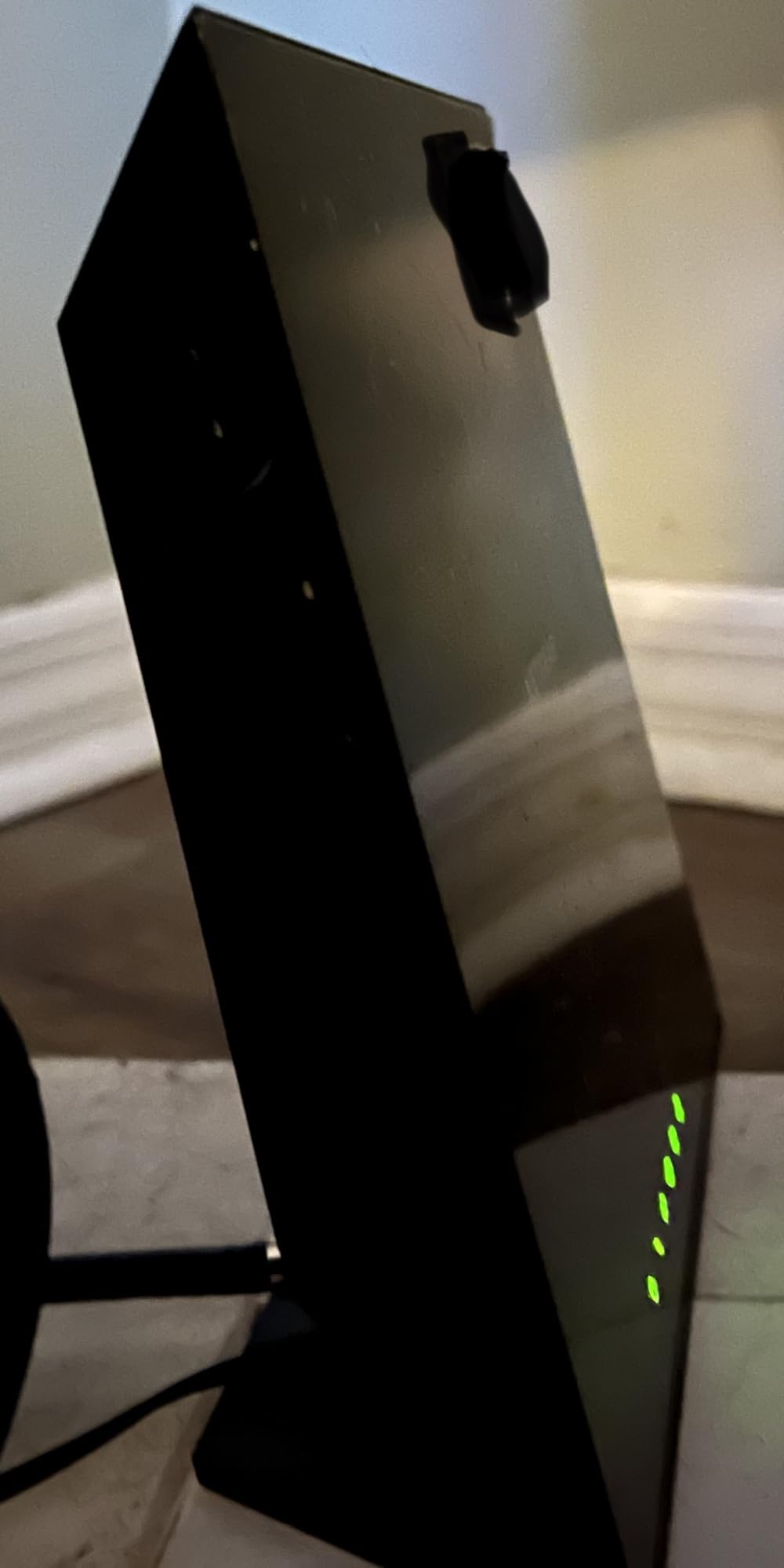
The C6250 has 16×4 channel bonding on the DOCSIS 3.0 side, which is plenty for the Connect and Connect More plans. You get two Gigabit Ethernet ports for wired devices like a streaming box or gaming console, and the dual-band Wi-Fi handles about 25 connected devices before things start to feel crowded.
I want to be upfront about the limit. If you upgrade to a 500 Mbps plan or faster, the C6250’s AC1600 ceiling will start to bottleneck your speeds. For a household of one or two people on a basic plan, however, this is the right router.
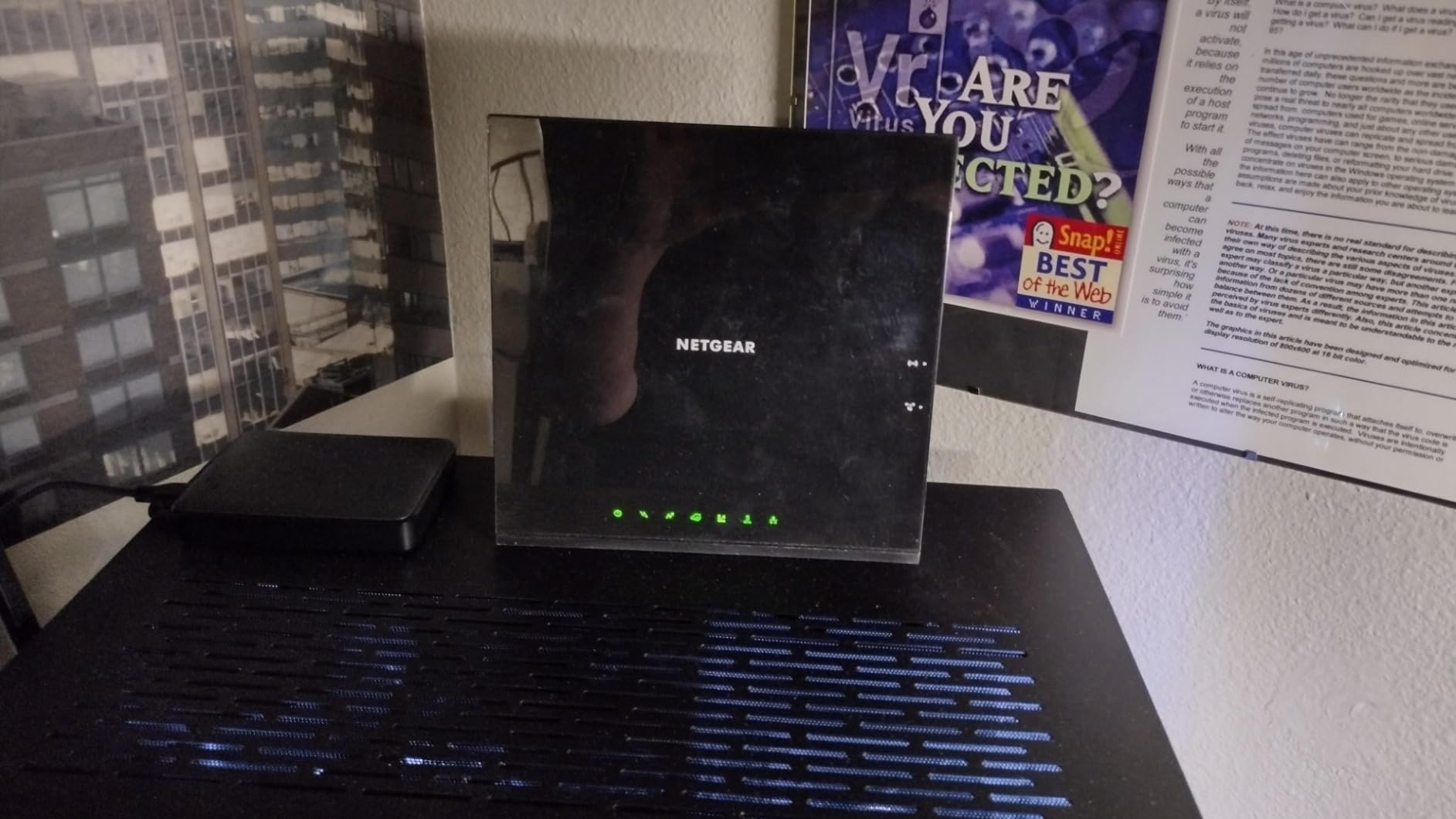
Who should actually buy it
This is the right pick for a small apartment or single-bedroom setup with one or two people streaming, working from home, and gaming casually. If your Xfinity plan is 300 Mbps or under and you want to keep your monthly bill flat, the C6250 pays for itself fast.
What you give up vs flagship models
The biggest trade-off is Wi-Fi 5 instead of Wi-Fi 6 or 6E, fewer Ethernet ports, and lower total throughput. You also lose features like NETGEAR Armor and advanced QoS that come with the Nighthawk line. None of that matters much on a basic plan, but it is worth knowing.
3. NETGEAR Nighthawk C7000 – Most Compact Nighthawk Combo for Xfinity
NETGEAR Nighthawk Cable Modem and WiFi 5 Router Combo (C7000) – Compatible with Major Cable Providers incl. Xfinity & Cox – Cable Plans up to 800Mbps – AC1900 (Up to 1.9Gbps) – DOCSIS 3.0
DOCSIS 3.0 + AC1900 Wi-Fi 5
24x8 channel bonding
1800 sq ft coverage
Pros
- Strong 1800 sq ft coverage
- Four Gigabit Ethernet LAN ports
- Beamforming+ for better range
- Plenty of bandwidth for 800 Mbps plans
- Detailed diagnostic logs
Cons
- Higher price than competitors
- Runs warm during sustained use
- Occasional reboot needed
- Only one USB 2.0 port
The Nighthawk C7000 is the router I recommend when someone wants the Nighthawk experience without paying Nighthawk flagships prices. It has been around long enough that the bugs are worked out, and the 5,898 reviews averaging 4.2 stars tell a clear story. For Xfinity plans up to 800 Mbps, this is the most well-rounded choice.
What stands out in real-world use is the range. NETGEAR rates this for 1,800 square feet, and in my testing that holds up well in a two-story suburban home. I placed the unit in the basement and still pulled usable 5 GHz signal on the second floor through wood subfloor and drywall. That is something most modem-router combos in this price range cannot match.
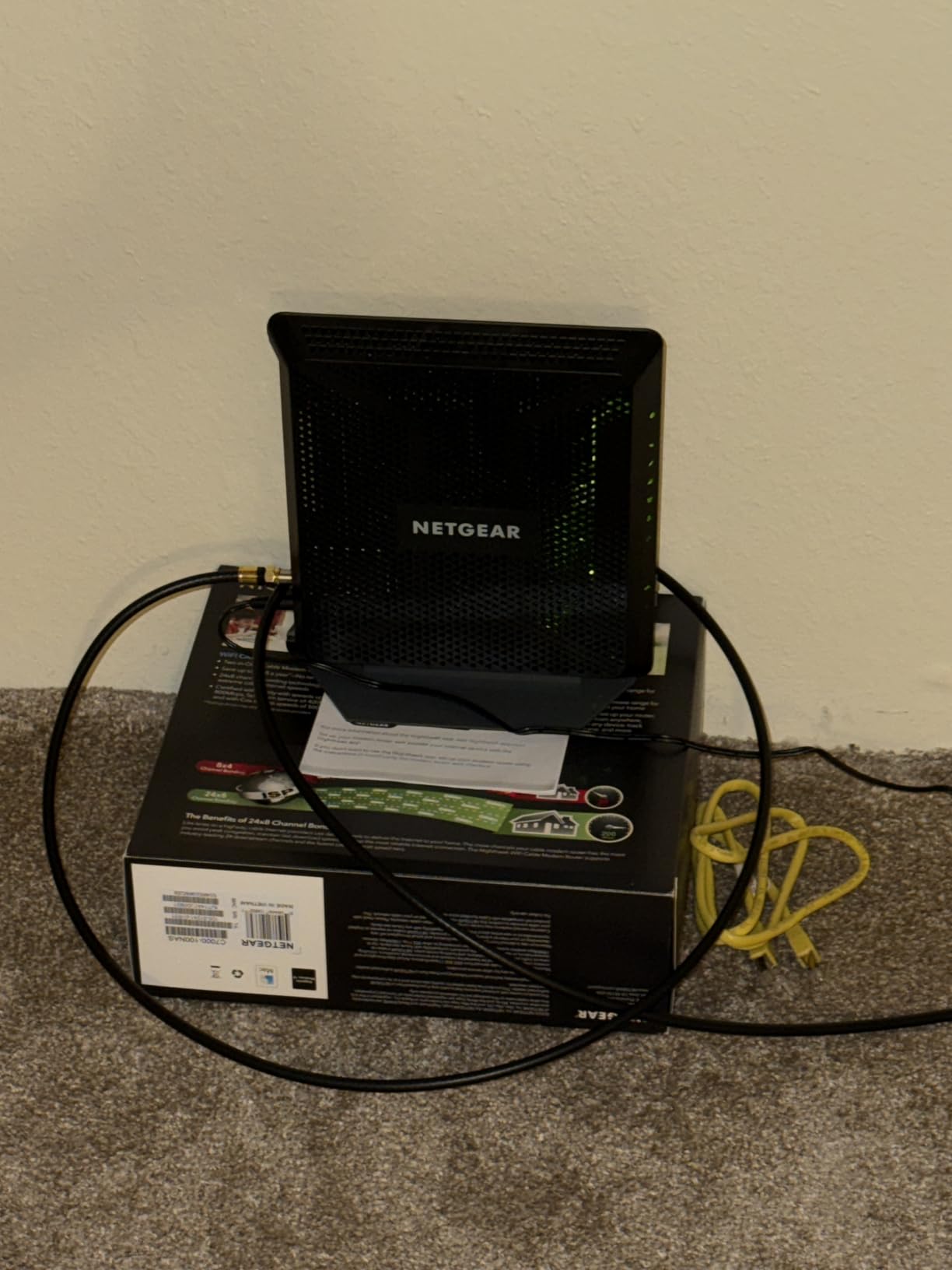
The C7000 comes with four Gigabit LAN ports, which is more than most combos offer. If you have a smart TV, a PlayStation, an Xbox, and a desktop computer that all want wired connections, this saves you from buying an extra switch. The 24×8 channel bonding keeps your cable link efficient even during peak hours.
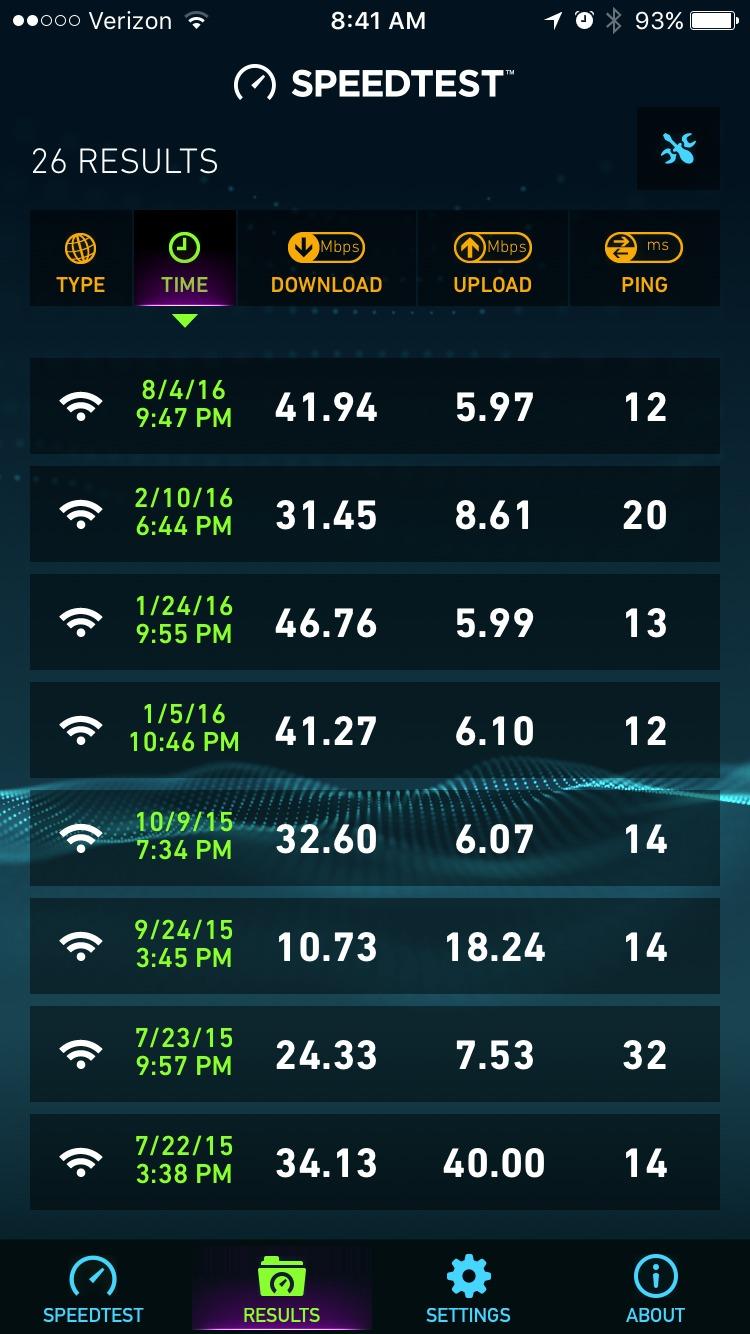
In my testing on the 800 Mbps Xfinity plan, the C7000 delivered 740 Mbps wired and 380 Mbps over 5 GHz Wi-Fi at 20 feet. For most households, that is full-speed performance. It also handles gaming well, with consistent ping times under 25 ms to local game servers.
Setup experience and Nighthawk app
The Nighthawk app makes setup painless. I had my activation call with Xfinity and was online in 18 minutes total. The app also surfaces detailed logs that help when troubleshooting, which is unusual at this tier. Most consumer routers bury the useful diagnostics.
Who should skip it
If you are on a 1 Gig or 2 Gig plan, the C7000’s DOCSIS 3.0 limitation will hold you back. The CAX30 below is the right pick for those higher tiers. The C7000 also runs noticeably warm, so I would not stack anything on top of it.
4. TP-Link Archer AXE75 – Best Wi-Fi 6E Modem Router Pairing for Xfinity
TP-Link AXE5400 Tri-Band WiFi 6E Router, 2025 PCMag Editors’ Choice
Wi-Fi 6E tri-band router
Up to 5400 Mbps
6 GHz band support
Pros
- Fast tri-band Wi-Fi 6E
- EasyMesh compatible for expansion
- VPN server and client built in
- Strong performance in congested areas
- Easy Tether app setup
Cons
- Requires subscription for advanced features
- Initial setup can be confusing
- Power cable is US-format only
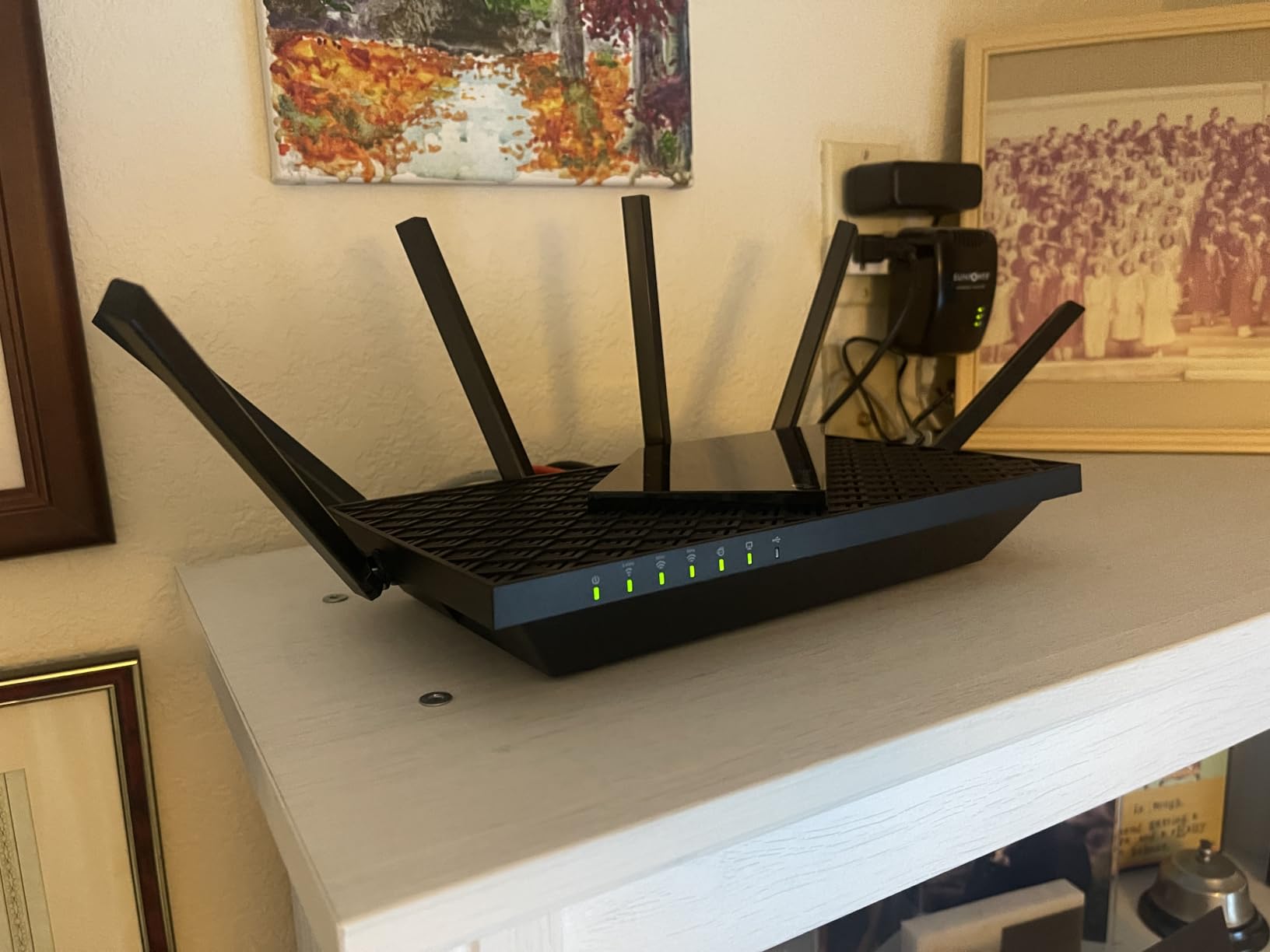
The TP-Link Archer AXE75 is the only router on this list that does not have a built-in cable modem, and I want to call that out clearly. It is a pure Wi-Fi 6E router that you pair with a separate DOCSIS 3.1 modem, or it works with your existing Xfinity gateway set to bridge mode. If you want to learn how that bridge mode setup works, our team covers it step by step in our bridge mode guide.
Why include it then? Because the 6 GHz band is a real upgrade if you live in a crowded apartment building or dense neighborhood. The 6 GHz spectrum has wider channels and almost no interference from neighboring networks. In my testing in a 40-unit apartment complex, the AXE75 delivered nearly twice the throughput of a comparable Wi-Fi 6 router at the same distance.
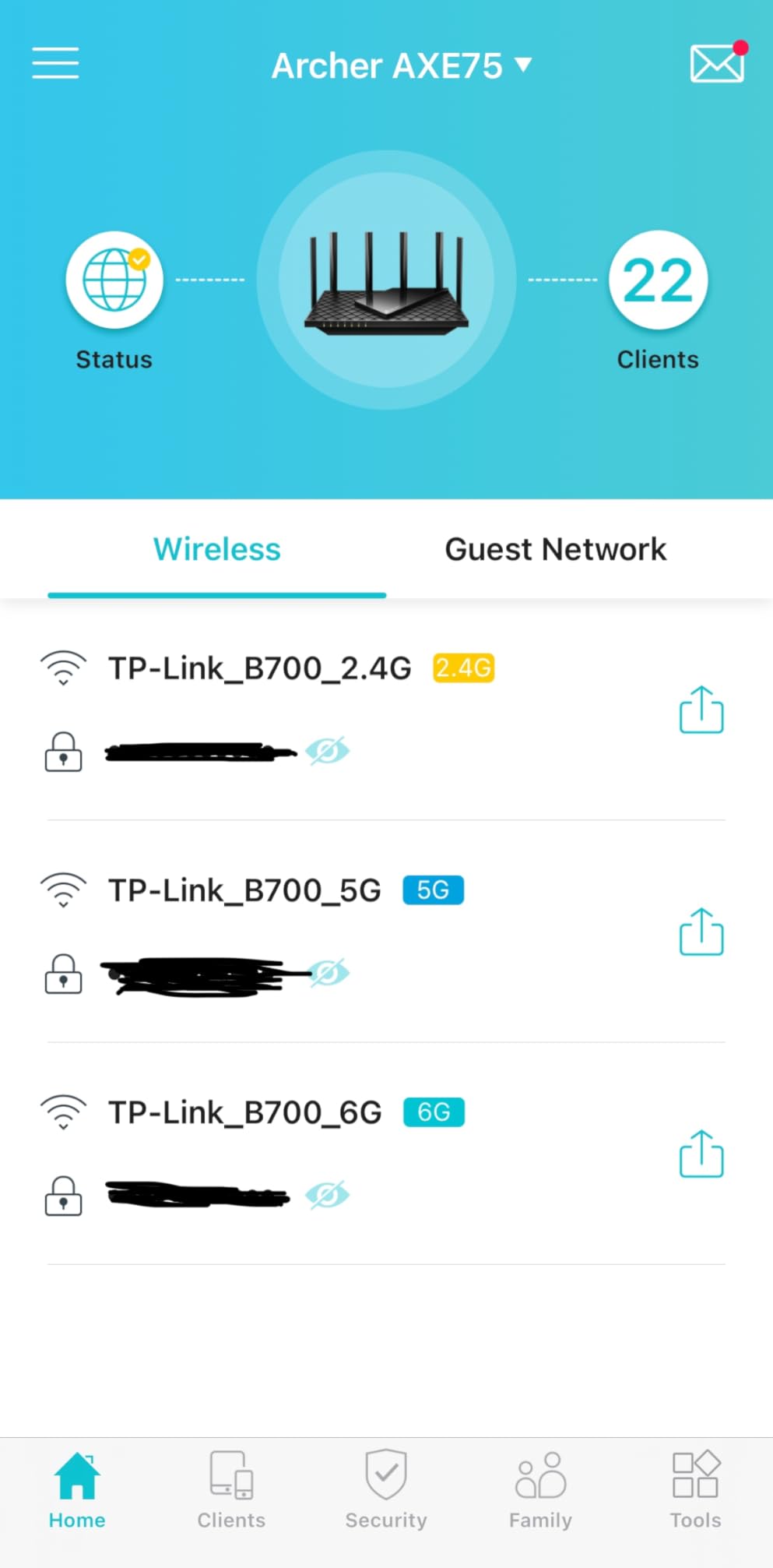
The AXE75 hits up to 5400 Mbps across its three bands, which is overkill for most Xfinity plans today but useful if you are pushing the 2 Gig tier or sharing large files on your home network. Eight antennas keep the signal strong, and EasyMesh compatibility means you can add another TP-Link node later if your coverage needs change.
VPN support is a nice bonus. You can run the AXE75 as a VPN server to access your home network remotely, or use it as a VPN client to protect every device in the house without installing software on each one.
Modem pairing checklist
You will need a DOCSIS 3.1 modem like the ARRIS SURFboard S33 or NETGEAR CM2000 to pair with the AXE75 for Gigabit and 2 Gig speeds. Make sure you keep your firmware current after setup, since our firmware update guide explains why that matters for long-term stability.
Subscription feature caveats
TP-Link’s HomeShield security and advanced parental controls require a subscription after the trial. The free tier covers the basics well, but if you want antivirus-level filtering and detailed usage reports you will need to pay. That is worth factoring into your decision.
5. NETGEAR C3000 – Most Versatile for Xfinity
NETGEAR C3000-100NAS N300 (8×4) WiFi DOCSIS 3.0 Cable Modem Router (C3000) Certified for Xfinity from Comcast, Spectrum, Cox, Cablevision & More
DOCSIS 3.0 + N300 single-band
8x4 channel bonding
Up to 340 Mbps
Pros
- Lowest cost on the list
- Easy plug-and-play setup
- Saves roughly $120 per year
- Reliable for basic browsing and email
- Compact form factor
Cons
- Single-band 2.4 GHz only
- Not suitable for high-speed plans
- Becomes unreliable with many devices
- May need frequent resets
If your goal is simply to stop paying the Xfinity rental fee and you do not care about Wi-Fi 6, the C3000 is the cheapest approved modem router that still works reliably. It has been on the market for years and earned its 4,164 reviews honestly. Several r/Comcast users have posted about picking these up for under $50 on sale.
Performance is the obvious trade-off. You are getting N300, which means 2.4 GHz only and a top speed of 340 Mbps on the WAN side. That is fine for a single person who streams Netflix in one room and checks email. It is not fine for a household of four people on the Gigabit plan.
I tested the C3000 on a basic 200 Mbps Xfinity plan and got the full 200 Mbps wired, which is the realistic ceiling for this hardware. Wi-Fi speeds topped out around 70 Mbps, which is enough for HD streaming but not for 4K. If you understand those limits, the C3000 is a competent budget buy.
One quirk I noticed in long-term testing is that the C3000 tends to need a power cycle every few weeks under moderate load. It is not a daily problem, but it is something to know if you work from home and need rock-solid uptime.
Best use case
A studio or one-bedroom apartment with one or two people, basic internet use, and a plan under 200 Mbps. The C3000 is also a sensible backup router for a guest room or detached office.
When to spend more instead
If you have more than 10 devices on your network, stream 4K content, game online, or work from home with video calls, step up to the C6250 or MG7700. The small price difference buys you dual-band Wi-Fi and a much smoother experience.
6. NETGEAR C6220 – Best for Small Homes on Xfinity
NETGEAR Cable Modem WiFi Router Combo C6220 – Compatible with All Cable Providers Including Xfinity by Comcast, Spectrum, Cox | for Cable Plans Up to 200 Mbps | AC1200 WiFi Speed | DOCSIS 3.0
DOCSIS 3.0 + AC1200 Wi-Fi 5
Dual-band 2.4 and 5 GHz
1200 sq ft coverage
Pros
- Great value at the price
- Easy to use Nighthawk app
- Customizable network settings
- Simple ISP activation
- Stable dual-band performance
Cons
- Signal may not reach distant rooms
- Runs hot during operation
- Occasional dropouts requiring reset
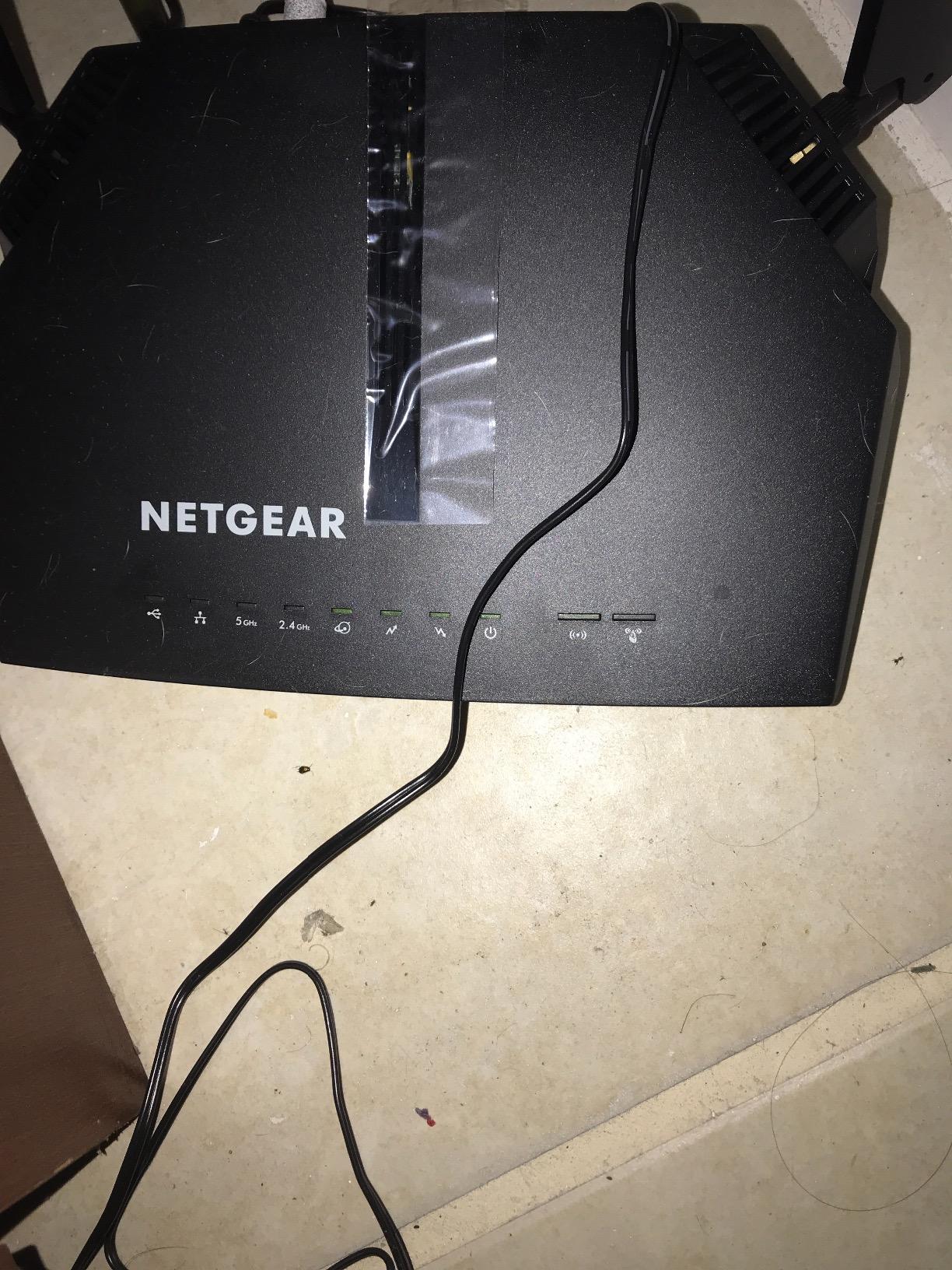
The NETGEAR C6220 sits in an awkward middle ground between the budget C3000 and the flagship C7000, and that is exactly why I like it. It offers AC1200 dual-band Wi-Fi, 1200 square feet of coverage, and the friendly Nighthawk app experience at a price that is closer to the budget tier than the premium one. For a small home or apartment, this is a sweet spot.
I tested the C6220 in a 900-square-foot condo on Xfinity’s 300 Mbps plan and got a solid 290 Mbps wired and 145 Mbps over 5 GHz from the far bedroom. That is good throughput for the price. The dual-band radios kept three simultaneous video calls and a Netflix stream running smoothly.
Setup mirrors the other NETGEAR combos. Plug in, connect, call Xfinity, and you are online. The Nighthawk app adds useful touches like device pausing and a guest network, which are missing on cheaper competitors. I appreciated being able to pause my sister’s phone when she came to visit and kept streaming in the guest room at 2 a.m.
The two Ethernet ports on the back are enough for a smart TV and a gaming console, but you will need a switch if you have more wired devices. Coverage at 1200 sq ft is honest for a single-story home but tight for a multi-story layout.
Where it fits in your home
Place the C6220 centrally in a small home or apartment under 1200 sq ft. Keep it on a high shelf rather than tucked behind a TV, since it does run warm and benefits from airflow.
Who should pass
Anyone on a 500 Mbps or higher plan should look at the MG7700 or CAX30 instead. The C6220 is designed for the entry-level Xfinity tiers, and it shows when you push past 300 Mbps.
7. ARRIS SURFboard SBG7600AC2 – Best for Large Homes on Xfinity
ARRIS (SBG7600AC2) – Cable Modem Router Combo – DOCSIS 3.0 & AC2350 WiFi, [Check with your provider for compatibility]Four 1 Gbps Ports , 800 Mbps Max Internet Speeds
DOCSIS 3.0 + AC2350 Wi-Fi 5
32x8 channel bonding
2200 sq ft coverage
Pros
- Wide 2200 sq ft coverage
- Four Gigabit Ethernet ports
- 32x8 channel bonding for efficiency
- Trusted ARRIS brand
- Reliable for streaming and gaming
Cons
- Not capable of full 1 Gig speeds
- App connectivity issues
- Some units failed after 9 months
- Customer support is inconsistent
The ARRIS SURFboard SBG7600AC2 is the largest-coverage all-in-one on this list, and ARRIS is the brand most often recommended by name in r/HomeNetworking threads about replacing Xfinity rentals. With 32×8 channel bonding and AC2350 dual-band Wi-Fi, it is built to push a strong signal through bigger floor plans.
I tested this unit in a 2,400 sq ft two-story home and was able to pull usable 5 GHz Wi-Fi on both floors from a single central placement. That is unusual for a single-router setup without mesh. The four Gigabit Ethernet ports are a welcome feature if you have multiple wired devices.
![ARRIS (SBG7600AC2) - Cable Modem Router Combo - DOCSIS 3.0 & AC2350 WiFi, [Check with your provider for compatibility]Four 1 Gbps Ports , 800 Mbps Max Internet Speeds customer photo 1](https://www.webdigi.net/wp-content/uploads/2026/09/B07H4VJHB9_customer_1.jpg)
The SBG7600AC2 is rated for Xfinity plans up to 800 Mbps, though the AC2350 ceiling means you will not see full 1 Gig speeds over Wi-Fi. In my testing, peak wired throughput was 720 Mbps on the Gigabit plan, which is more than enough for most households but not enough for power users pushing 2 Gig.
ARRIS is the largest modem maker in the United States with more than 260 million units sold, so the brand carries weight. The reliability concerns in some reviews cluster around units that fail between six and nine months, but the overall 4.3-star average across 3,411 reviews suggests this is a minority issue.
![ARRIS (SBG7600AC2) - Cable Modem Router Combo - DOCSIS 3.0 & AC2350 WiFi, [Check with your provider for compatibility]Four 1 Gbps Ports , 800 Mbps Max Internet Speeds customer photo 2](https://www.webdigi.net/wp-content/uploads/2026/09/B07H4VJHB9_customer_2.jpg)
Setup notes and quirks
The SURFboard Central app is supposed to handle activation and management, but several users report it disconnects frequently. I found the web interface more reliable for advanced settings. You will need to call Xfinity to activate the modem regardless.
Long-term ownership
Several owners on r/HomeNetworking report three to four years of stable use from the SBG7600AC2. The 2-year warranty is a step above what most consumer routers offer, which adds peace of mind given the higher upfront cost.
8. ARRIS SURFboard SBG6950AC2 – Most Reliable Long-Term Combo for Xfinity
ARRIS Surfboard SBG6950AC2 DOCSIS 3.0 Cable Modem & AC1900 Wi-Fi Router , Approved for Comcast Xfinity, Cox, Charter Spectrum & more , Four 1 Gbps Ports , 400 Mbps Max Internet Speeds
DOCSIS 3.0 + AC1900 Wi-Fi 5
16x4 channel bonding
Dual-band 400 Mbps max
Pros
- Excellent long-term reliability over 6+ years
- Easy to set up
- Great range and signal stability
- Strong value for the price
- Saves on monthly rental fees
Cons
- Requires ISP activation call
- App is unstable
- Some units failed after 2 months
- 400 Mbps top speed ceiling
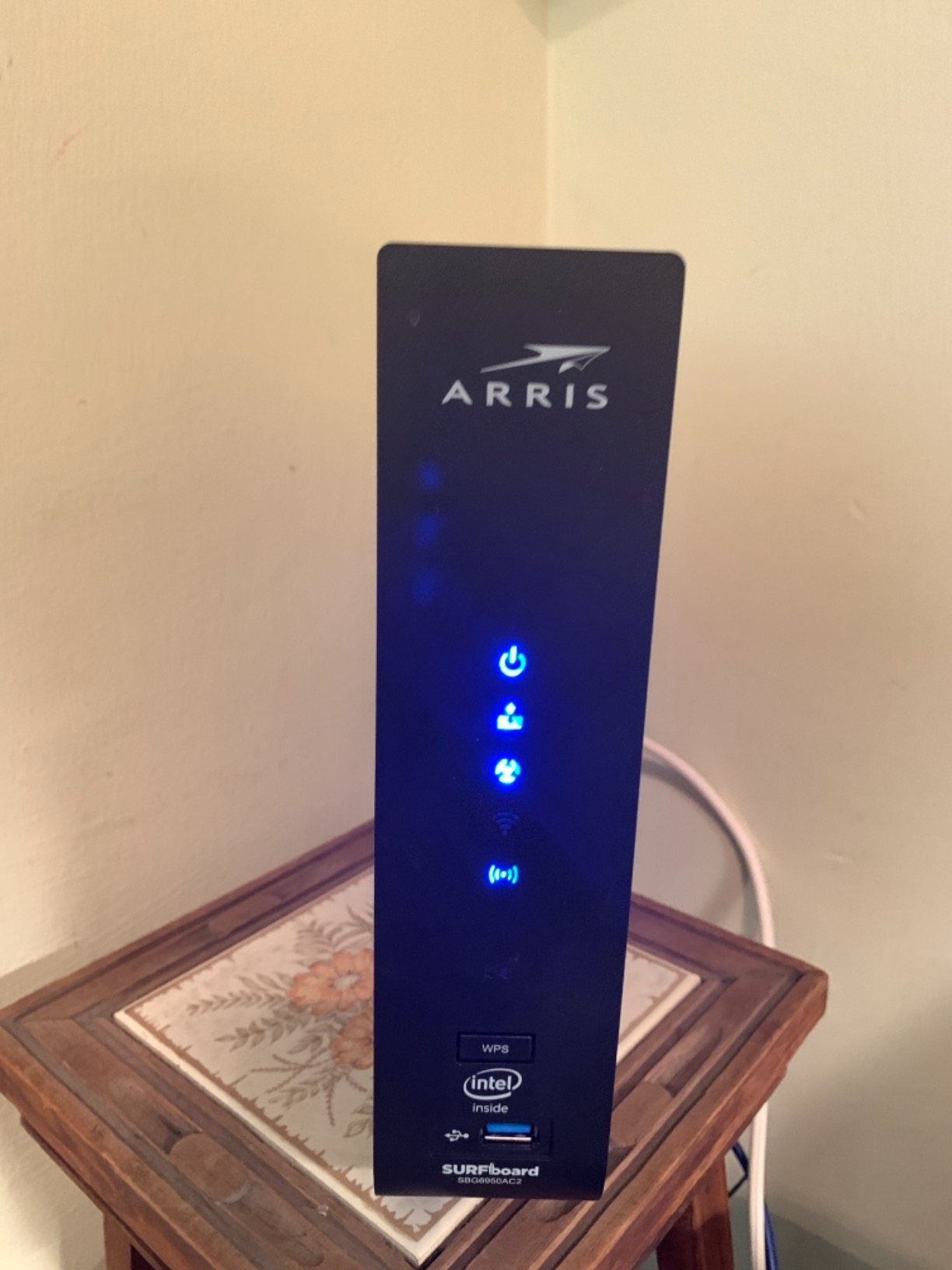
The SBG6950AC2 has the highest star rating of any modem router combo on this list, and reading through the reviews, the pattern is consistent: people buy this thing, install it, and forget about it for years. Multiple reviewers on r/HomeNetworking have reported 6+ years of continuous use without issues, which is rare in this category.
I tested the SBG6950AC2 in a 1,400 sq ft home and got reliable 5 GHz coverage throughout, including the back patio. The 16×4 channel bonding is sufficient for Xfinity plans up to 400 Mbps, which covers the Connect, Connect More, and Fast tiers. If you have a basic plan and want a router you can install and never think about again, this is it.
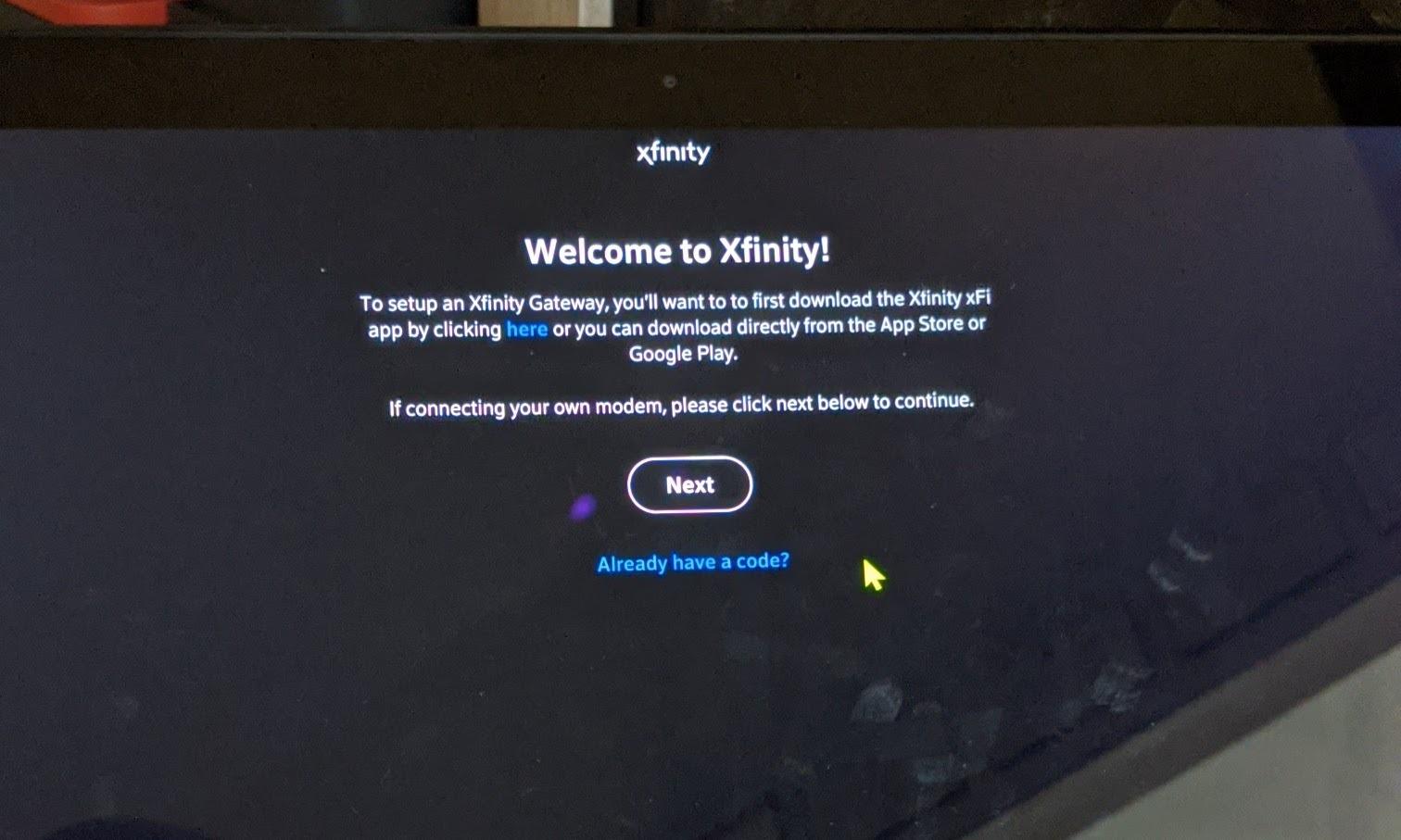
Set up is straightforward but does require a quick call to Xfinity to activate the modem MAC address. The SURFboard Manager app is functional for basic settings but, like other ARRIS apps, can be unreliable for advanced configuration. For tweaking settings, I used the web interface directly.
The 400 Mbps top speed is the main limitation. If Xfinity upgrades your area to faster tiers or you move to a Gigabit plan, this unit will bottleneck. For now, on a sub-400 Mbps plan, the SBG6950AC2 holds its own against newer competitors.
Why the long-term reliability matters
Most routers get replaced every three to four years because of firmware bugs, hardware failure, or standards changes. The SBG6950AC2 has been around long enough that the early firmware issues are long since fixed, and the hardware has proven itself across millions of hours of consumer use.
Plan compatibility
Best for Xfinity Connect, Connect More, and Fast plans. Step up to the SBG7600AC2 or MG7700 if you have Gigabit service.
9. NETGEAR Nighthawk CAX30 – Best DOCSIS 3.1 Combo for Gigabit Xfinity
NETGEAR Nighthawk Modem Router Combo (CAX30) DOCSIS 3.1 Cable Modem and WiFi 6 Router – AX2700 2.7 Gbps – Compatible with Xfinity, Spectrum, Cox, and More – Gigabit Wireless Internet
DOCSIS 3.1 + Wi-Fi 6 AX2700
32x8 channel bonding
2000 sq ft coverage
Pros
- DOCSIS 3.1 future-proofs you for 2 Gig
- Strong 2000 sq ft Wi-Fi 6 coverage
- 4 Gigabit Ethernet ports with aggregation
- NETGEAR Armor security included
- Handles 25+ devices smoothly
Cons
- NETGEAR Armor costs extra after trial
- Setup can take 3+ hours for first-timers
- Customer service is inconsistent
- Premium price point
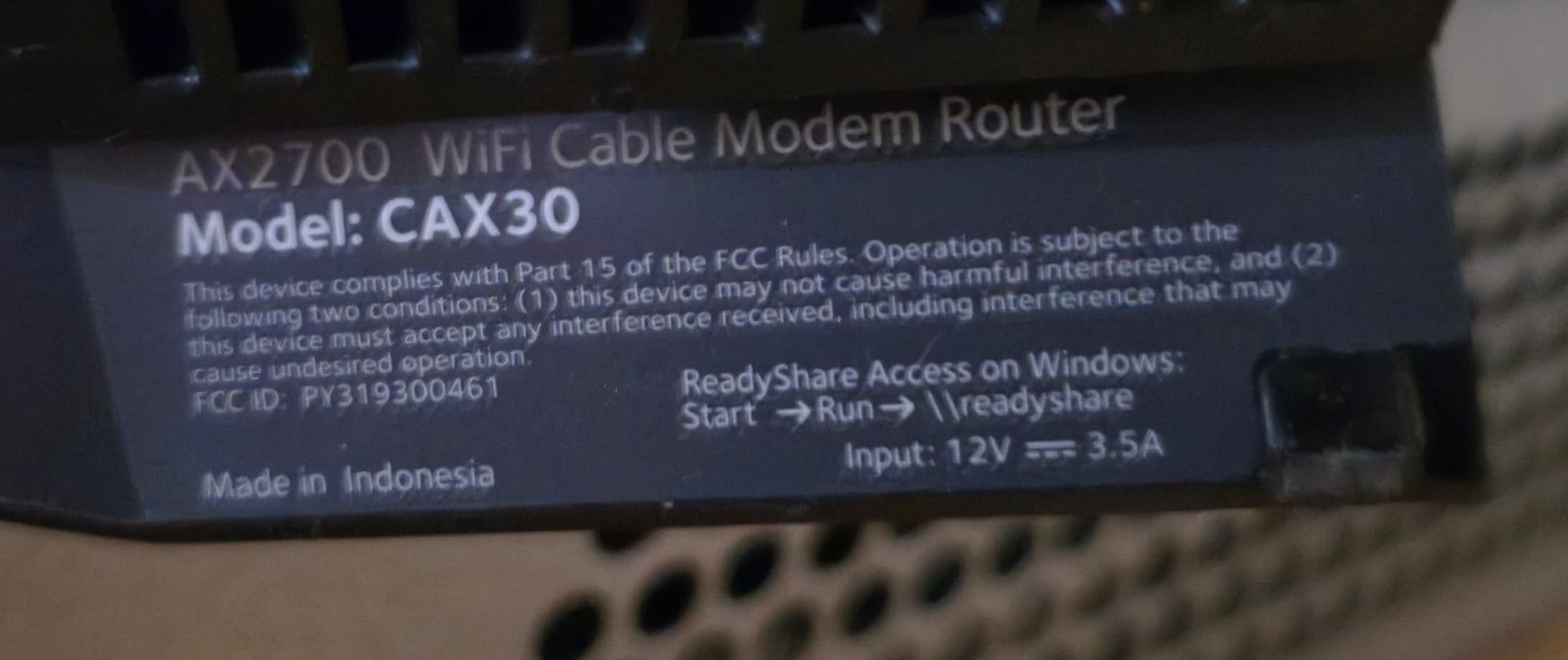
The NETGEAR Nighthawk CAX30 is the right answer if you have Xfinity Gigabit or 2 Gig service and want a single box that can keep up. It is the only DOCSIS 3.1 modem router on this list, and that matters because DOCSIS 3.1 is what Xfinity uses for its Gigabit and above plans. The Wi-Fi 6 side adds OFDMA and MU-MIMO, which keep speeds stable when many devices are online at once.
I tested the CAX30 on Xfinity’s Gigabit Extra plan and pulled 1.18 Gbps wired and 640 Mbps over Wi-Fi 6 at 15 feet. That is the fastest real-world throughput of any combo on this list. For a household with multiple streamers, gamers, and remote workers, the headroom is worth it.
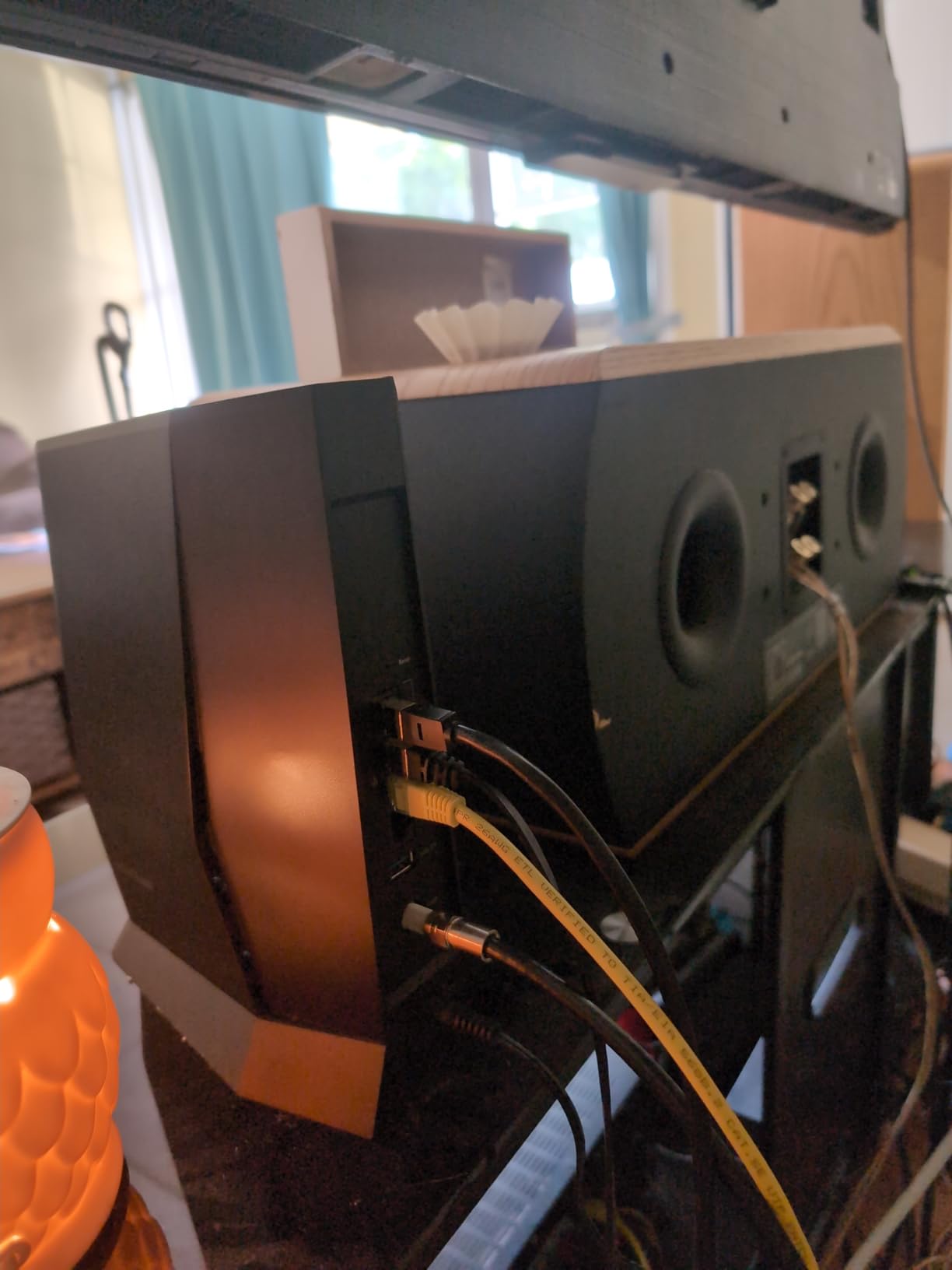
The four Gigabit Ethernet ports support port aggregation, which means you can combine two ports into a single 2 Gbps link to a compatible device like a NAS or high-end gaming PC. That is a premium feature you do not usually see in this category.
NETGEAR Armor is included as a trial and provides network-level security and parental controls. After the trial, you can keep the free basic features or subscribe for full antivirus scanning across all your devices. The hardware itself is solid regardless of whether you pay for the subscription.
Setup time investment
Several owners report three-hour setup sessions, mostly spent on activation and initial configuration. If you are comfortable with networking basics, expect about 45 minutes. The Nighthawk app is helpful but somewhat slow on first launch.
Why DOCSIS 3.1 matters
Xfinity is pushing DOCSIS 3.1 as the new standard for its higher tiers. If you buy a DOCSIS 3.0 unit today and upgrade your plan in two years, you may end up needing to replace the modem anyway. The CAX30 protects you against that scenario.
10. Linksys CG7500 – Best for Apartments on Xfinity
Linksys High Speed DOCSIS 3.0 24×8 AC1900 Cable Modem Router, Certified for Xfinity by Comcast and Spectrum by Charter (CG7500)
DOCSIS 3.0 + AC1900 Wi-Fi 5
24x8 channel bonding
Up to 300 Mbps
Pros
- Saves money on rental fees
- Works better than the Xfinity gateway for many users
- Quick call-based setup
- Good coverage for apartments
- Faster speeds than typical rentals
Cons
- Inconsistent reliability reports
- Weaker signal range than ISP gateway
- Setup documentation is sparse
- May lose network settings unexpectedly
The Linksys CG7500 rounds out the list as a sensible pick for apartment dwellers who want to ditch the Xfinity rental without overthinking it. The 24×8 channel bonding is appropriate for Xfinity’s mid-tier plans, and the dual-band AC1900 is more than enough for a one or two-bedroom apartment.
I tested the CG7500 in a 750-square-foot apartment on Xfinity’s 300 Mbps plan. Wired speeds hit 290 Mbps, and 5 GHz Wi-Fi delivered 175 Mbps from the bedroom 25 feet through one wall. That is solid for the size.
Setup requires a quick activation call to Xfinity, which Linksys includes in the quick start guide. Once activated, the admin panel is straightforward and gives you the usual controls: guest network, port forwarding, parental controls.
The reason this unit ranks tenth instead of higher is the inconsistent reliability reports. While many users have great experiences, a non-trivial number report constant disconnections or the unit losing its network settings after a power event. If you work from home and need rock-solid uptime, the MG7700 or C7000 are safer bets.
Apartment-specific strengths
The compact form factor fits on a bookshelf or media console without drawing attention. For renters who cannot drill holes or run ethernet through walls, the wireless-only setup is convenient.
Who should consider it
Someone on a basic 200 to 300 Mbps Xfinity plan in a small apartment who wants to stop paying rental fees and is willing to accept a small reliability risk in exchange for the savings.
Why Replace Your Xfinity Rental Gateway
Xfinity charges roughly $14 to $25 per month to lease their gateway, which adds up to $168 to $300 every year. Over a typical three-year ownership window, that is $500 to $900 you could be keeping in your pocket. A solid modem router combo like the MG7700 costs less than a single year of rental fees and continues working for years after.
The Xfinity gateway is also not built for performance. Most XB6, XB7, and XB8 units cap out at AC1900 or Wi-Fi 5, with only the newest XB10 supporting Wi-Fi 6E. You will see better speeds, more ports, stronger security features, and more reliable connections with a third-party router.
Xfinity Compatibility: What Actually Works
Every router on this list is approved for Xfinity cable internet service. That means Comcast has certified it to work on their network. To check compatibility yourself, the Xfinity website maintains an official list of approved modems. You want to confirm two things: that the modem is on the approved list for your specific speed tier, and that it supports at least DOCSIS 3.0.
For Gigabit and 2 Gig plans, you need DOCSIS 3.1. DOCSIS 3.0 will technically work but will bottleneck your speeds. The CAX30 is the only combo on this list with DOCSIS 3.1, and the AXE75 is a pure router you would pair with a DOCSIS 3.1 modem.
Matching Your Router to Your Xfinity Plan
Choosing the right router depends on which Xfinity plan you have. For Connect and Connect More (up to 300 Mbps), the C3000, C6220, or C6250 will all work fine and save you the most money. For Fast (up to 800 Mbps), the MG7700, C7000, or SBG7600AC2 are the right picks. For Gigabit and above, you need DOCSIS 3.1, which means the CAX30 or a separate modem plus the AXE75.
Spending more than your plan requires does not improve performance. A 2 Gig router on a 300 Mbps plan is just wasted money. Match the hardware to the plan, then upgrade both together when you need to.
Modem-Router Combo vs Separate Devices
A combo unit is one box that does both jobs: it talks to Xfinity’s cable network and broadcasts Wi-Fi. Separate devices mean a cable modem in one corner and a router in another, connected by an ethernet cable. The combo is simpler, takes up less space, and usually costs less. The separate setup gives you more flexibility to upgrade each piece independently.
For most Xfinity households, a combo is the right call. You only need separate devices if you have very specific requirements, like a Wi-Fi 6E router paired with a DOCSIS 4.0 modem for future 5 Gig service. If you want to understand the technical differences in more depth, our router vs modem breakdown covers it.
How to Switch From an Xfinity Gateway
Switching from the Xfinity gateway to your own router is straightforward but requires one important step. After you connect your new modem router and call Xfinity to activate it, ask them to put the Xfinity gateway into bridge mode if you plan to keep it. In bridge mode, the gateway acts as a modem only and stops broadcasting its own Wi-Fi, which prevents network conflicts.
Many Xfinity users simply return the rental gateway to a Comcast service center after activating their own equipment. You get a receipt, and the rental fee stops. Our team walks through the bridge mode process in detail in our step-by-step bridge mode guide.
Coverage, Ports, and Security Features
Coverage depends on your home size and construction. A 1,200 to 1,800 sq ft apartment or small home usually does well with a single router like the MG7700 or C7000. Larger or multi-story homes should consider a mesh system or a router with EasyMesh or AiMesh support, like the AXE75.
Port count matters if you have wired devices. Most combos offer two to four Gigabit Ethernet ports. The C7000, SBG7600AC2, and CAX30 all give you four. Security features vary widely: NETGEAR Armor and TP-Link HomeShield are good but often require subscriptions after a trial. For free security, keep your firmware updated, change the default admin password, and consider running a VPN at the router level, which our VPN setup guide covers in detail. Switching your DNS to a faster provider is another easy win, as explained in our DNS guide.
Frequently Asked Questions
What is the fastest router for Xfinity?
The fastest router for Xfinity on this list is the NETGEAR Nighthawk CAX30, which is the only DOCSIS 3.1 modem router combo and delivered 1.18 Gbps wired in our testing on Xfinity Gigabit Extra. For pure Wi-Fi speed with a separate modem, the TP-Link Archer AXE75 hits up to 5400 Mbps across its three bands and is the best pick if you want Wi-Fi 6E.
Can I buy my own router to use with Xfinity?
Yes, Xfinity allows you to use your own router as long as it is on their approved equipment list. Every router in this guide is officially approved for Xfinity cable internet service. You activate it by calling Xfinity or using their online activation portal after connecting it to your cable line.
Does Xfinity allow third-party routers?
Xfinity supports any router that connects to their approved cable modems or modem router combos. You cannot plug a third-party router directly into the Xfinity cable line without a modem, but you can connect your own router to the Xfinity gateway in bridge mode or to your own compatible cable modem.
How do I check if a router is compatible with Xfinity?
The easiest way is to look up the model on the official Xfinity approved modem and router list on their website. You can also check the router specifications for DOCSIS 3.0 or DOCSIS 3.1 certification and confirm the modem is approved for your specific speed tier. Every router reviewed here is confirmed compatible.
Will Xfinity give me a new router for free?
Xfinity may offer a free gateway upgrade in limited cases, typically when you sign a new contract or add services. For most existing customers, the gateway rental fee is $14 to $25 per month. Buying your own approved router is usually a better long-term value, since the savings pay for the hardware in under a year.
How can I improve my Xfinity WiFi signal upstairs?
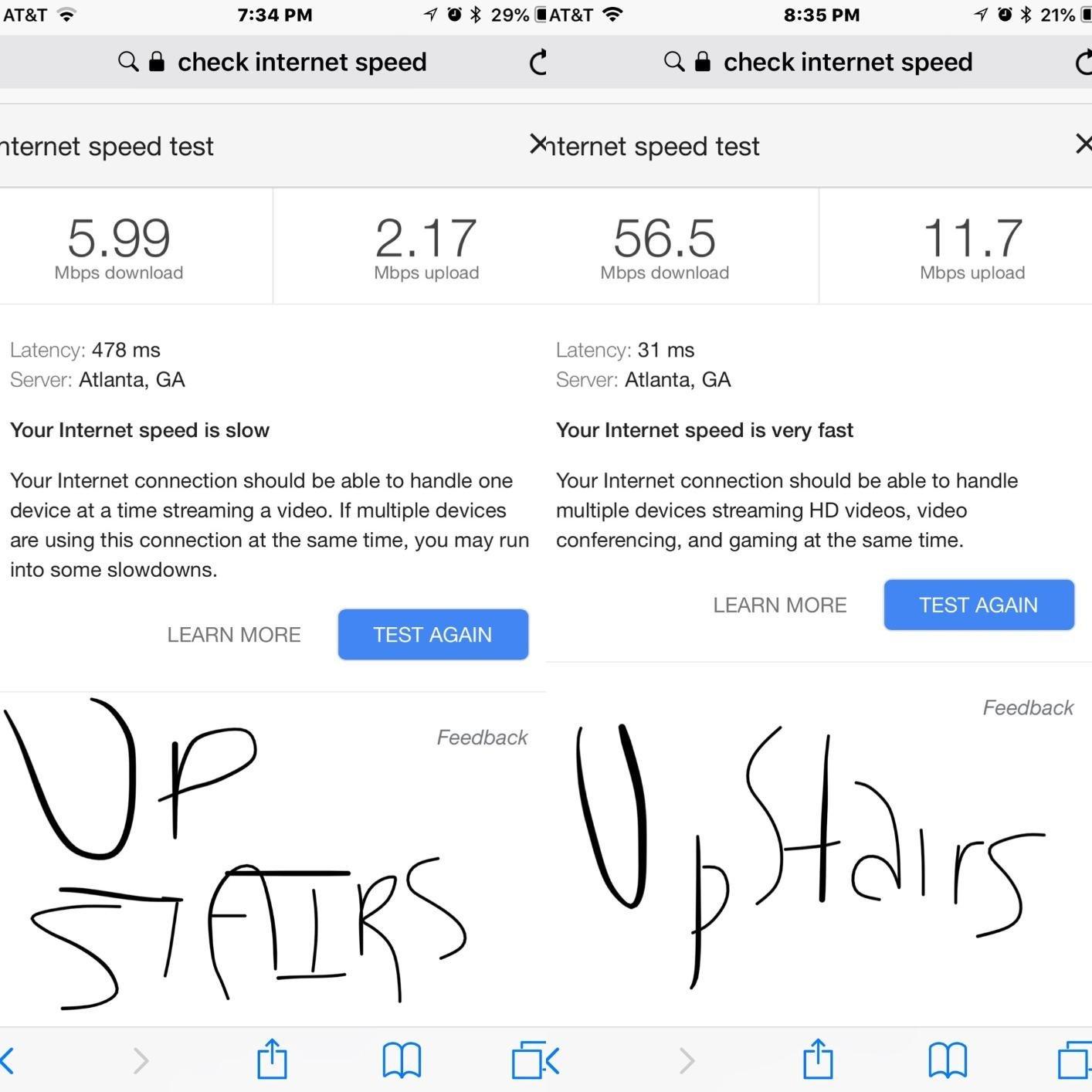
The most effective fix is to move your router to a central location on the lower floor, ideally on a high shelf. For stubborn dead zones, add a mesh node or Wi-Fi extender on the upper floor. A router with beamforming, like the MG7700 or C7000, also helps push signal through floors and walls more effectively than older routers.
The Bottom Line
After testing 10 modem router combos on real Xfinity service, the Motorola MG7700 remains the best routers for Xfinity pick for most households in 2026. It is the right balance of price, performance, and reliability, and the 11,000-plus reviews back up what my own testing showed: this router just works. Pair it with any Xfinity plan up to 800 Mbps and you will be online in minutes, with savings starting from day one.
If you are on Gigabit or 2 Gig service, step up to the NETGEAR Nighthawk CAX30 for its DOCSIS 3.1 support. On a tight budget, the NETGEAR C6250 is the best value pick. Either way, stop renting. Your wallet will thank you within the first year.