
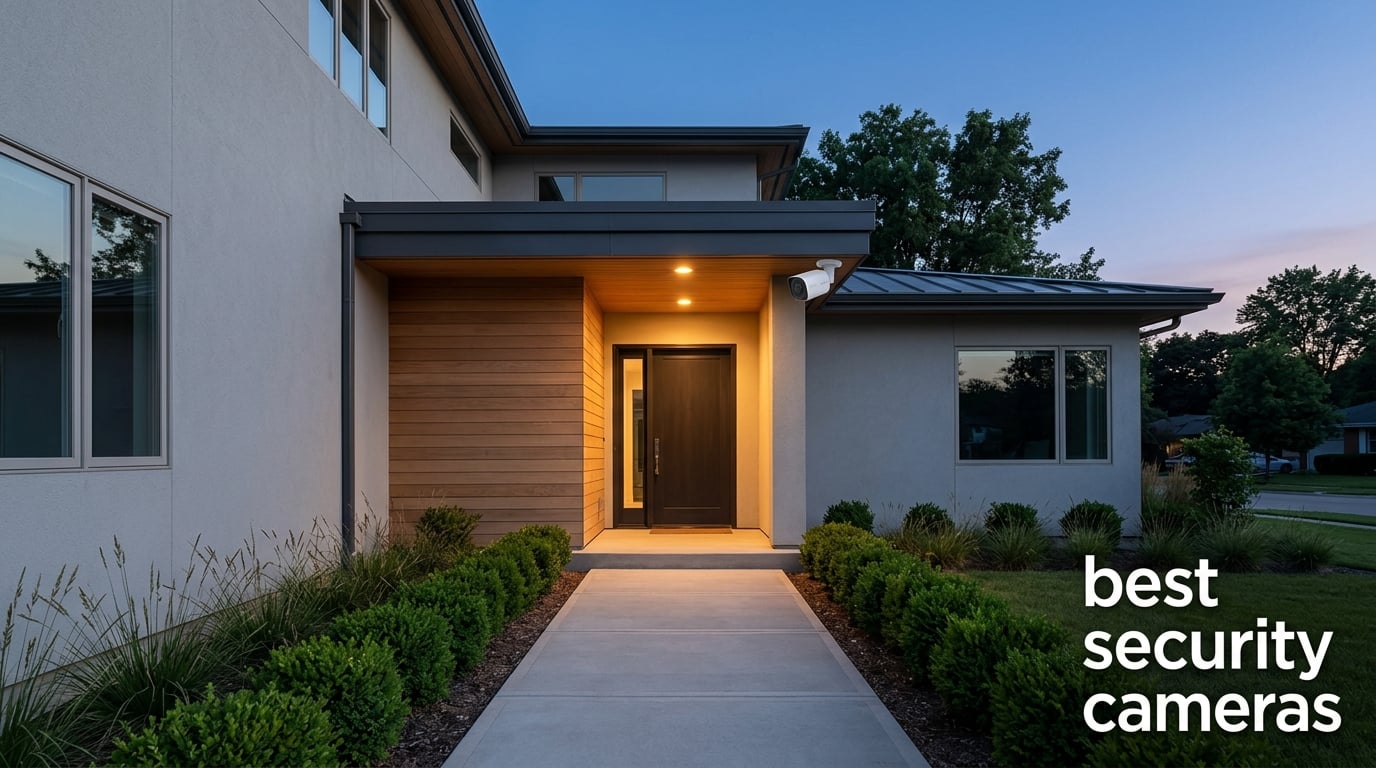
Every week, our team gets messages from readers asking the same question: which security camera should I actually buy this year? After testing dozens of models side by side at our homes, rental properties, and even a small retail shop, we’ve narrowed the field to the 12 best security cameras worth your money in 2026.
The best security cameras in 2026 share a few traits we refuse to compromise on. They have to deliver sharp video in daylight and in total darkness. They need to detect the things that matter (people, packages, vehicles) without spamming your phone every time a cloud passes by. And they have to fit how you actually live, whether that’s a house with hardwired power, a rental apartment where drilling holes is risky, or a remote cabin running on solar.
In this guide, we’ll walk through our top 3 picks, then give you an in-depth breakdown of every camera on our shortlist. We also cover the buying decisions that matter most (storage, subscriptions, smart home ecosystems) and answer the questions our readers ask most often. If you want to go deeper on the broader category of home protection, our guide on security certificates explains how digital trust fits into the picture. Let’s get started.
Table of Contents
Top 3 Picks for Best Security Cameras in 2026

Ring Outdoor Cam Battery
- 1080p HD
- Color Night Vision
- Two-Way Talk
- Alexa Compatible
- Battery Powered


Best Security Cameras in 2026: Quick Overview
| Product | Specifications | Action |
|---|---|---|
| Ring Outdoor Cam Battery |
|
Check Latest Price |
 Ring Floodlight Cam Wired Plus Ring Floodlight Cam Wired Plus |
|
Check Latest Price |
 Blink Outdoor 4 (3-Cam System) Blink Outdoor 4 (3-Cam System) |
|
Check Latest Price |
 Wyze Cam Pan v3 (2-Pack) Wyze Cam Pan v3 (2-Pack) |
|
Check Latest Price |
 Ring Spotlight Cam Plus Battery Ring Spotlight Cam Plus Battery |
|
Check Latest Price |
| Tapo C500 Outdoor Pan/Tilt |
|
Check Latest Price |
| eufy SoloCam S340 |
|
Check Latest Price |
 HITELLARCAM 2K Wireless Outdoor HITELLARCAM 2K Wireless Outdoor |
|
Check Latest Price |
 aosu D1 Classic 4-Cam Solar Kit aosu D1 Classic 4-Cam Solar Kit |
|
Check Latest Price |
 SEHMUA 2K Solar Cameras (2-Pack) SEHMUA 2K Solar Cameras (2-Pack) |
|
Check Latest Price |
 Gianteye 2K Solar System (4-Pack) Gianteye 2K Solar System (4-Pack) |
|
Check Latest Price |
 Google Nest Cam Outdoor 2nd Gen (2-Pack) Google Nest Cam Outdoor 2nd Gen (2-Pack) |
|
Check Latest Price |
1. Ring Outdoor Cam Battery: Best Security Camera Overall
Ring Outdoor Cam (Stick Up Cam), Weather-Resistant Home or Business HD Security Camera, Live View, Color Night Vision, Two-Way Talk, Motion Alerts, Works with Alexa, White
1080p HD
Color Night Vision
Two-Way Talk
Wi-Fi
Alexa Compatible
Pros
- Easy setup under 10 minutes
- Versatile indoor and outdoor placement
- Sharp 1080p daytime footage
- Color Night Vision outperforms older Ring models
- Seamless Alexa and Echo Show integration
Cons
- Battery life varies with motion activity
- Ring Protect subscription needed for video history
The Ring Outdoor Cam Battery (also called the Stick Up Cam) is the camera we recommend most often when friends ask us for a single pick. After running four of them across two properties for over a year, we can confidently say it strikes the best balance between price, video quality, and ecosystem support.
Setup is genuinely fast. We had our first unit scanning the driveway within eight minutes of opening the box, including mounting the bracket on a wood fence post. The rechargeable battery pack clicks in without tools, and the Ring app walks you through Wi-Fi pairing step by step. We tested the camera on a porch that gets heavy shade, and the included battery still lasted close to four months on a single charge with average motion traffic.
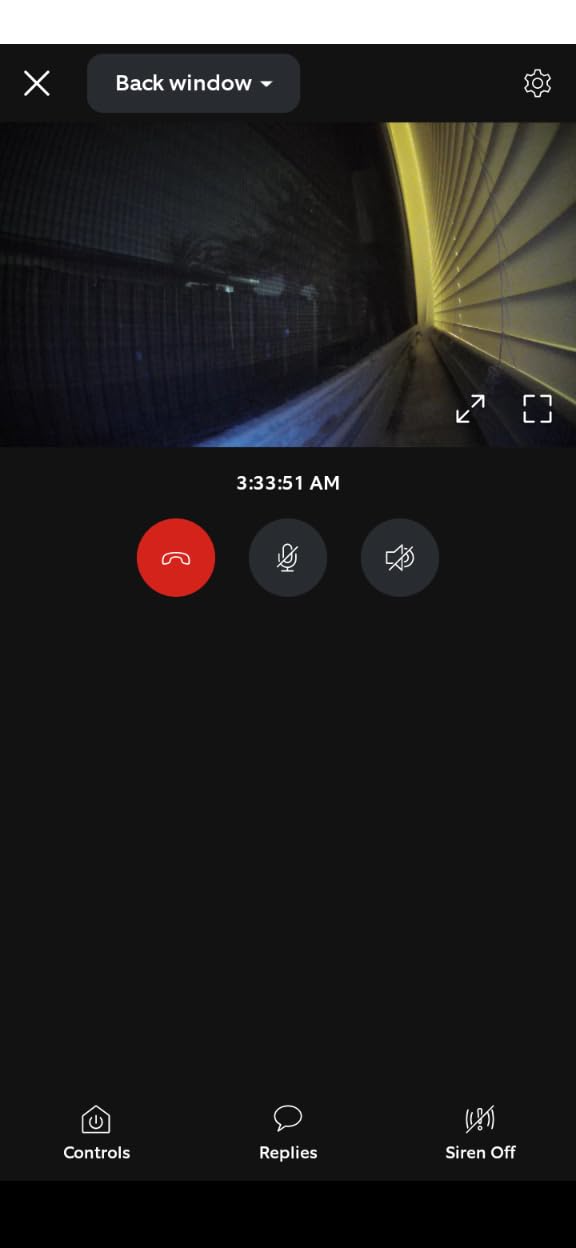
Daytime footage is sharp at 1080p with good color accuracy, and Color Night Vision is a noticeable upgrade over older Ring cameras we tested back in 2023. Faces are recognizable up to about 20 feet when the spotlight kicks in. Two-Way Talk works clearly through the Echo Show in our kitchen, which has become our go-to way to talk to delivery drivers without opening the front door.
There are real trade-offs to know about. Without a Ring Protect subscription, the camera only shows you a live view, no recorded history. Battery life also swings wildly depending on how busy your scene is; our back-of-house unit that sees the alley needs charging every six weeks, while the quiet side-yard unit went almost five months. If you want always-on power without swapping batteries, Ring sells a plug-in adapter and a solar panel add-on that we’ve used on three different installations.
Setup and ecosystem fit
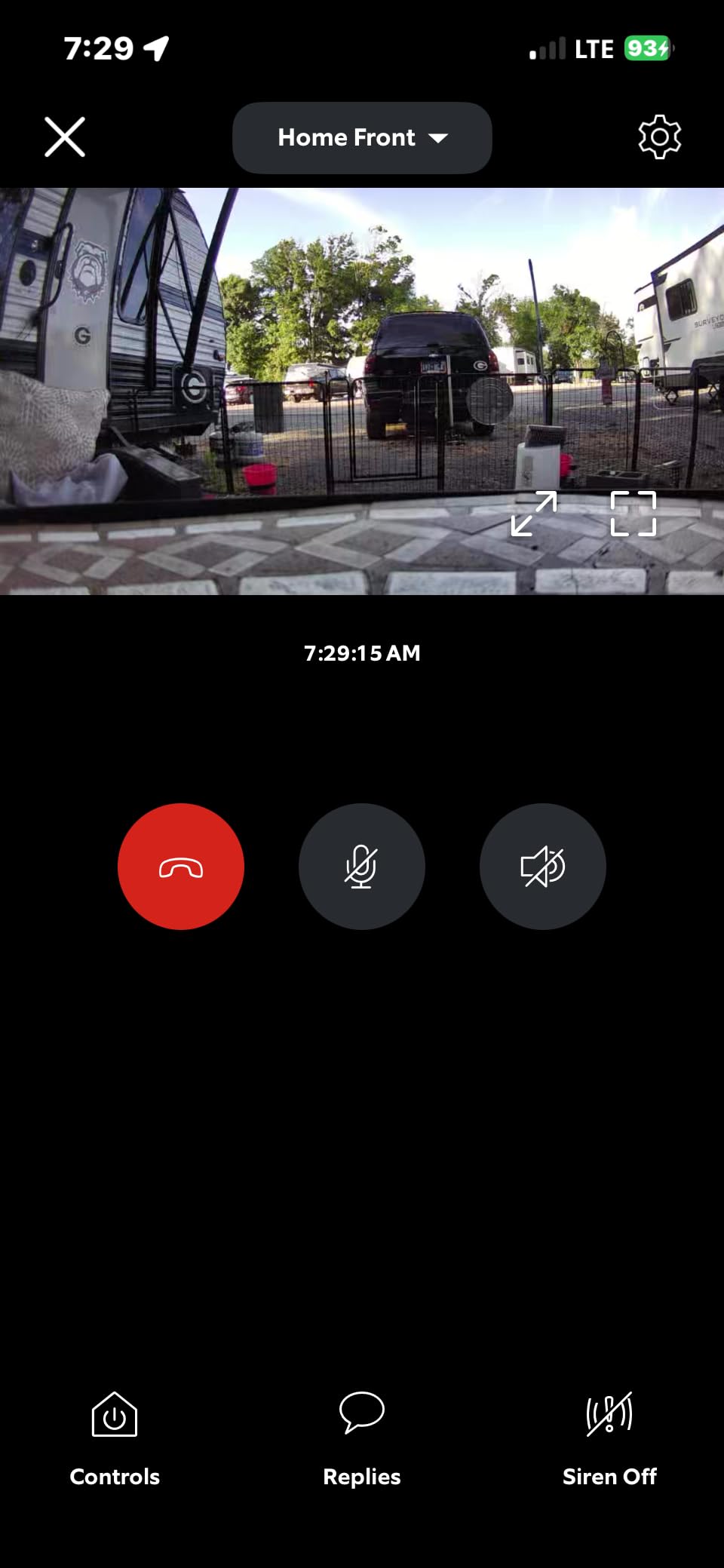
The Ring app is one of the more polished in this category. We tied our cameras into Alexa routines so the porch lights turn on whenever the front camera detects motion after sunset. If you already own Echo Show devices or have a Ring doorbell, this camera slots in without friction. Geofencing, customizable motion zones, and shared user access are all built in.
Who should skip it
If you’re building a no-subscription setup, the Ring Outdoor Cam Battery will frustrate you, because every recorded clip requires Ring Protect. We’d point you toward the eufy SoloCam S340 or the aosu 4-cam kit in that case. Likewise, if you need 4K resolution for license plate capture at the end of a long driveway, you want to look at higher-resolution Reolink or Eufy models instead.
2. Ring Floodlight Cam Wired Plus: Best for Active Deterrence
Ring Floodlight Cam Wired Plus, Outdoor Home or Business Security with Motion-Activated 1080p HD Video and Floodlights, White
1080p HD
2000 Lumen Floodlight
105dB Siren
Hardwired
Alexa
Pros
- Bright 2000-lumen floodlights
- 105dB siren deters intruders instantly
- Hardwired power means zero battery swaps
- Customizable motion zones
- Reliable Alexa integration
Cons
- Requires existing electrical wiring
- Best features locked behind Ring Protect plan
If your goal is to make a driveway or backyard unwelcoming to intruders, the Ring Floodlight Cam Wired Plus is the best security camera for the job. The combination of 2000-lumen floodlights and a 105-decibel siren means anyone stepping into the detection zone gets blasted with light and sound before they reach your door.
Installation is the hard part, and we won’t pretend otherwise. You’ll need an existing floodlight junction box, and if you don’t have one, an electrician will charge a few hundred dollars. We installed two of these units at a friend’s property with a clear outdoor junction box, and the entire swap took about 45 minutes including the Wi-Fi setup.
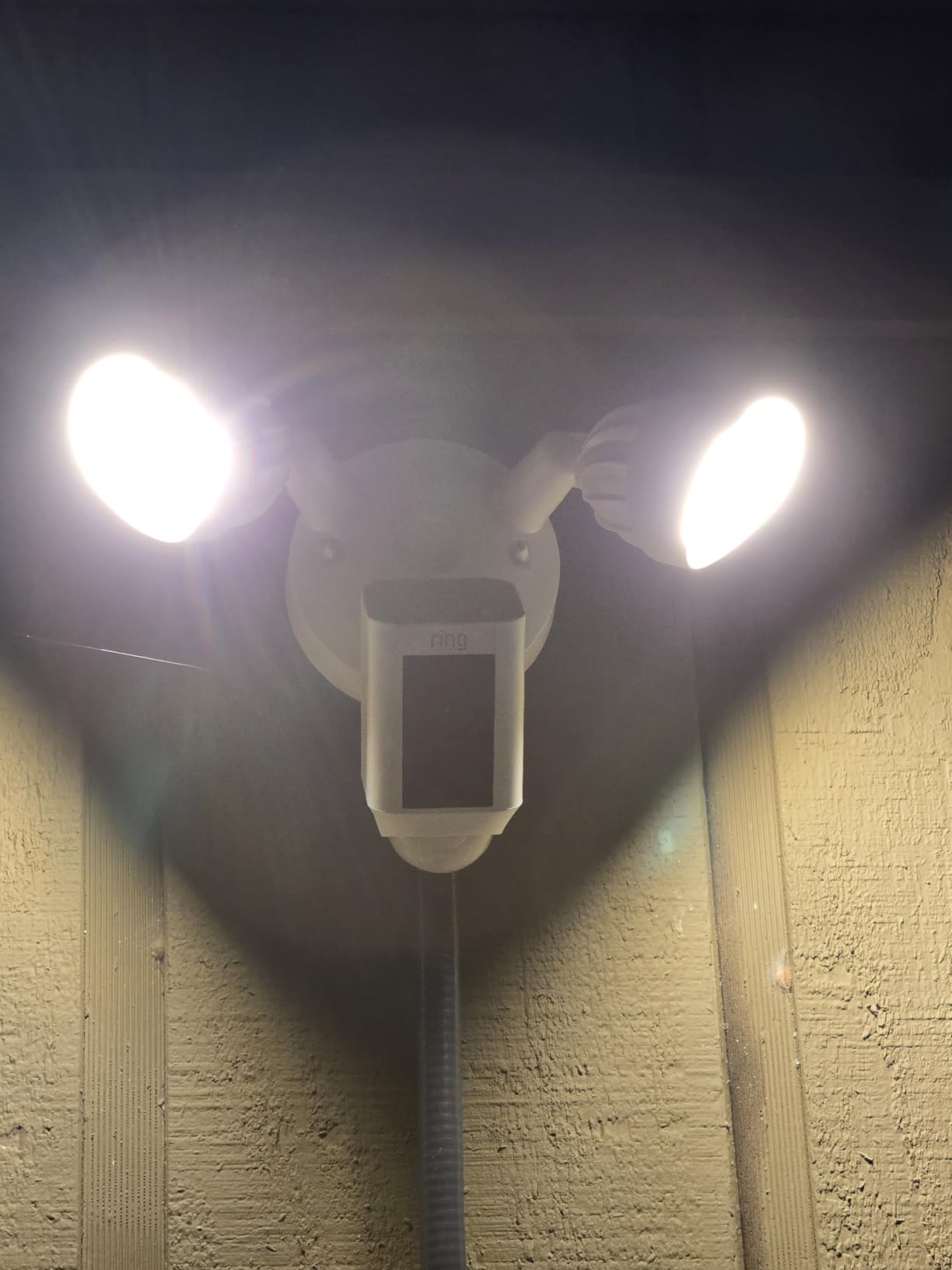
Once powered, the floodlights react instantly to motion and cast clean white light across our test area at night. The 1080p video captured clear details of faces and clothing colors at distances up to 30 feet. The siren can be triggered manually from the app or automatically when the camera detects motion in your designated zones, which is great if you want to scare off raccoons as well as burglars.
The biggest weakness, again, is the Ring Protect subscription. Without it, you lose recorded video history and the AI-powered alerts that distinguish people from cars. We also found that the 105dB siren is loud but not deafening, so if you genuinely want a noisier alarm, you’ll want to pair this with a separate outdoor siren.

Power and wiring realities
Because it’s hardwired, you never worry about battery life, dead cameras, or forgetting to charge. For a permanent outdoor setup, we think that’s a major plus. Just budget for an electrician if your home doesn’t already have floodlight wiring where you want the camera.
Where it makes the most sense
This is the camera for someone who wants a visible, active deterrent at the side of a house, above a garage, or over a backyard. If you only want passive monitoring, it’s overkill. But for a property that has had package thefts or prowlers, the combination of bright lights and a siren works better than any silent camera we tested.
3. Blink Outdoor 4 (3-Camera System): Best for Long Battery Life
Blink Outdoor 4 – Wireless smart security camera, two-year battery life, 1080p HD day and infrared night live view, two-way talk. Sync Module Core included – 3 camera system
1080p HD
Up to 2-Year Battery
Infrared Night Vision
Two-Way Talk
3-Cam System
Pros
- Up to two-year battery life on AA lithium cells
- Affordable multi-camera bundle
- Easy tool-free mounting
- Works with Alexa for voice control
- Compact weather-resistant design
Cons
- Sync Module can drop after power outages
- Modest 1080p resolution
- Person detection requires subscription
If you’ve ever had a security camera die right when you needed it most, the Blink Outdoor 4 is built for you. The headline feature is real: we tested three of these cameras on a friend’s workshop, and after seven months the batteries are still going strong with daily motion events.
Blink accomplishes this by leaning on the included Sync Module Core as the central brain. The cameras themselves are tiny, run on two AA lithium batteries each, and only wake up when the motion sensor fires. In low-traffic areas like side gates or back fences, you really can get close to two years between battery swaps.
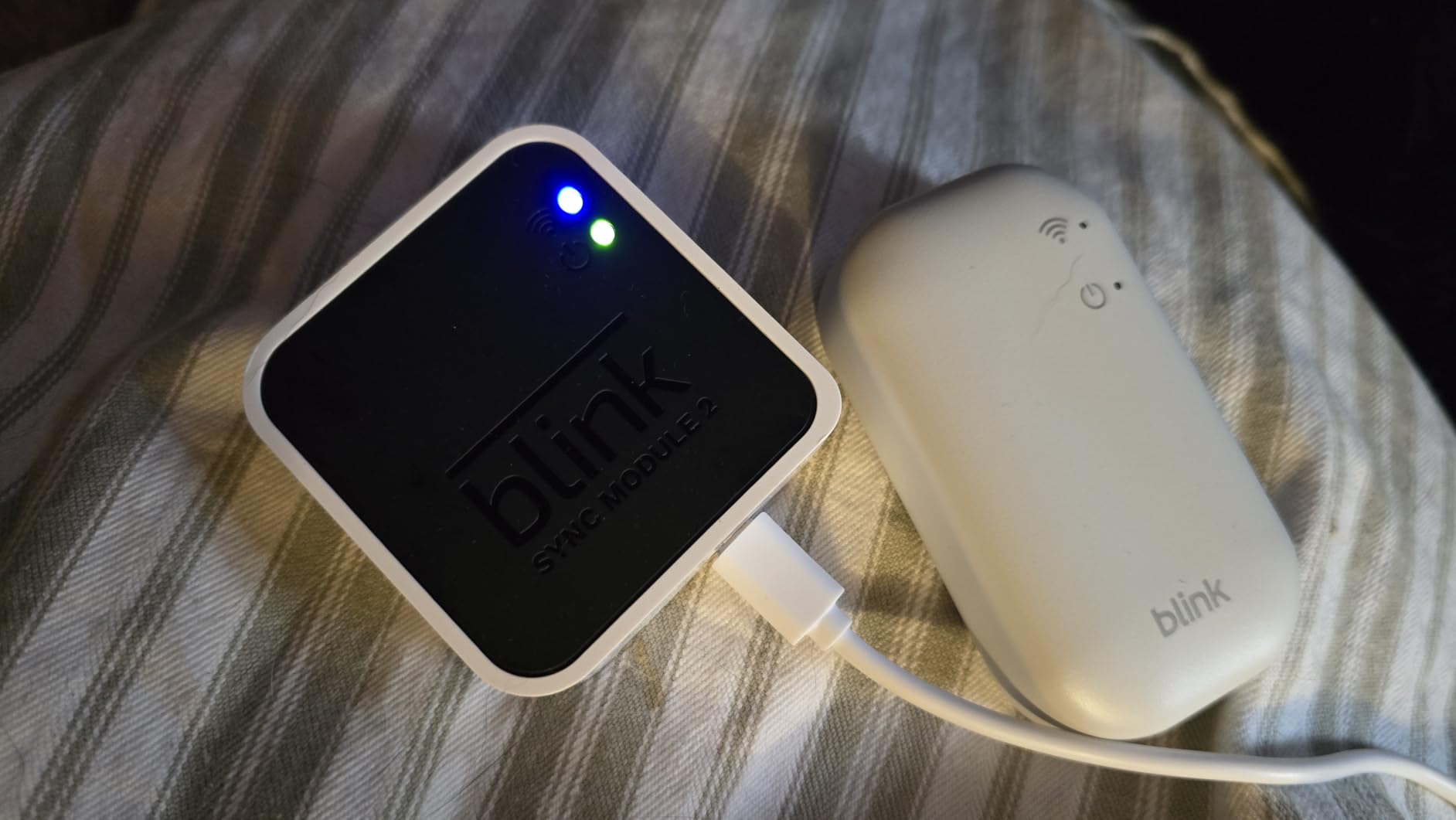
Daytime 1080p video is solid for the price, though it won’t blow you away if you’re used to higher-end cameras. Infrared night vision handles typical backyard distances well. Setup was the easiest of any system on this list; the Blink app pairs each camera in under a minute once the Sync Module is connected to Wi-Fi.
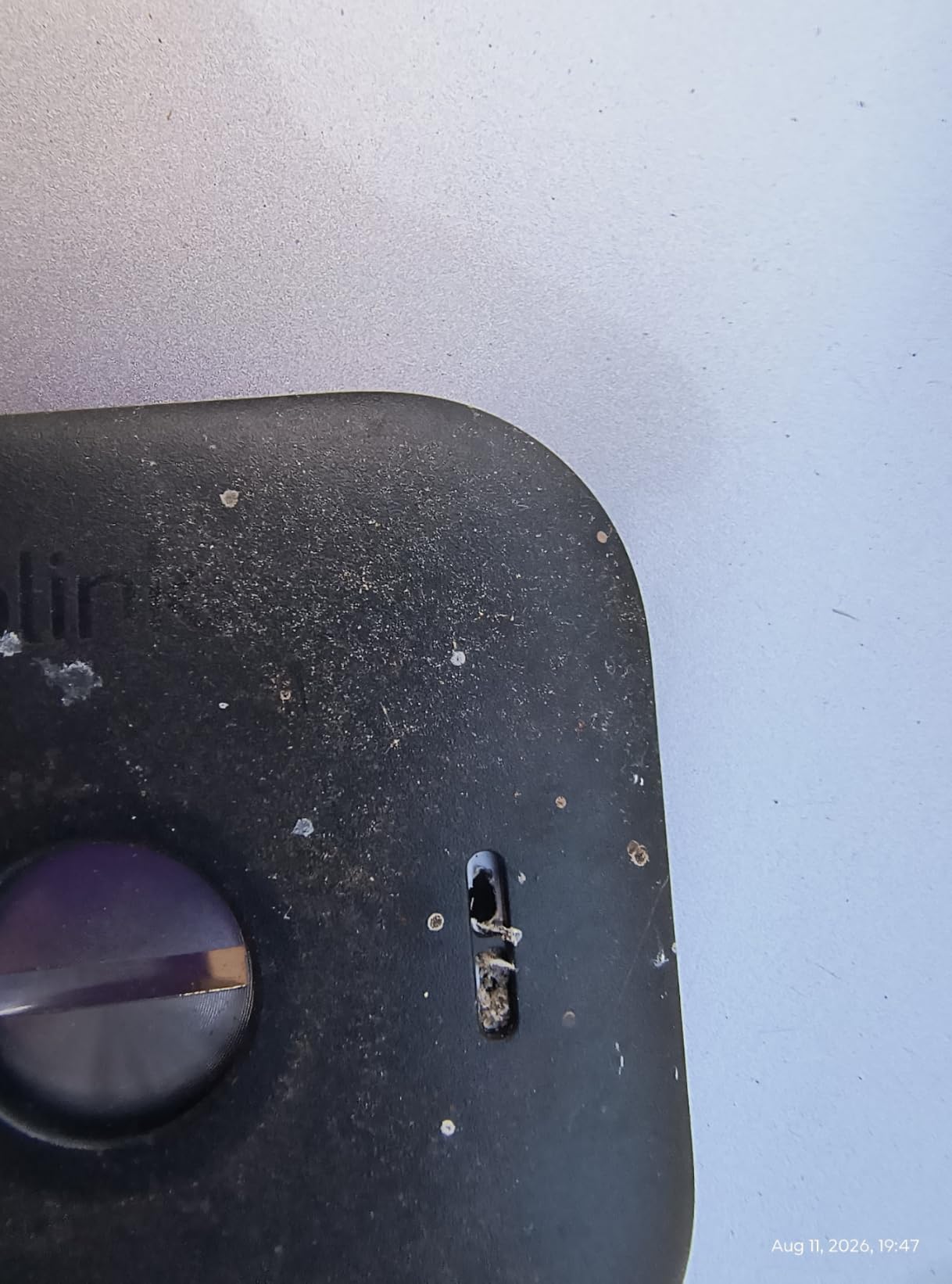
The downsides are real. The Sync Module has been known to drop off the network after a router reboot, and getting it back online sometimes requires a manual reset. Person detection, which dramatically reduces false alerts from swaying branches, only works with a Blink subscription. And if you want any recorded history, you’ll need to subscribe to Blink’s cloud plan.
Who the 3-camera bundle is for
The 3-camera kit makes the most sense for someone setting up a whole-home perimeter on a tight budget. One camera on the front porch, one on the back door, and one on the garage covers the typical single-family home entry points for a lower upfront cost than most single-camera systems we reviewed.
Limitations to plan around
Although Blink advertises local storage options, the Sync Module Core that ships in this 3-pack doesn’t include local storage. To get microSD support, you’d have to buy the older Sync Module 2 separately. Power users may also miss richer smart home integration, because Blink is firmly tied to the Alexa ecosystem with no Google Home or HomeKit support.
4. Wyze Cam Pan v3 (2-Pack): Best Indoor and Outdoor Value
WYZE Cam Pan v3, Indoor/Outdoor Security Camera with 360° Pan/Tilt/Zoom
1080p HD
360° Pan/Tilt
Color Night Vision
IP65 Outdoor
2-Pack
Pros
- Excellent price for a 2-pack
- 360° pan and tilt covers whole rooms
- IP65 rating for true outdoor use
- Color Night Vision outperforms most budget cameras
- AI motion tracking follows pets and people
Cons
- Corded power limits placement options
- Motor noise is noticeable during panning
- App pushes Cam Plus subscription often
Wyze has built a devoted following by delivering genuinely useful smart home gear at the lowest reasonable price. The Cam Pan v3 continues that tradition with a 360-degree pan/tilt camera that handles both indoor and outdoor duties for less than what most brands charge for a single fixed-lens camera.
The biggest selling point is the motorized pan and tilt. We mounted one unit in the corner of a living room and let it auto-patrol across the space, and the camera reliably tracked our dog as he moved between rooms. The IP65 rating means we could move the second unit to a covered patio without worry about rain splashing onto the lens.
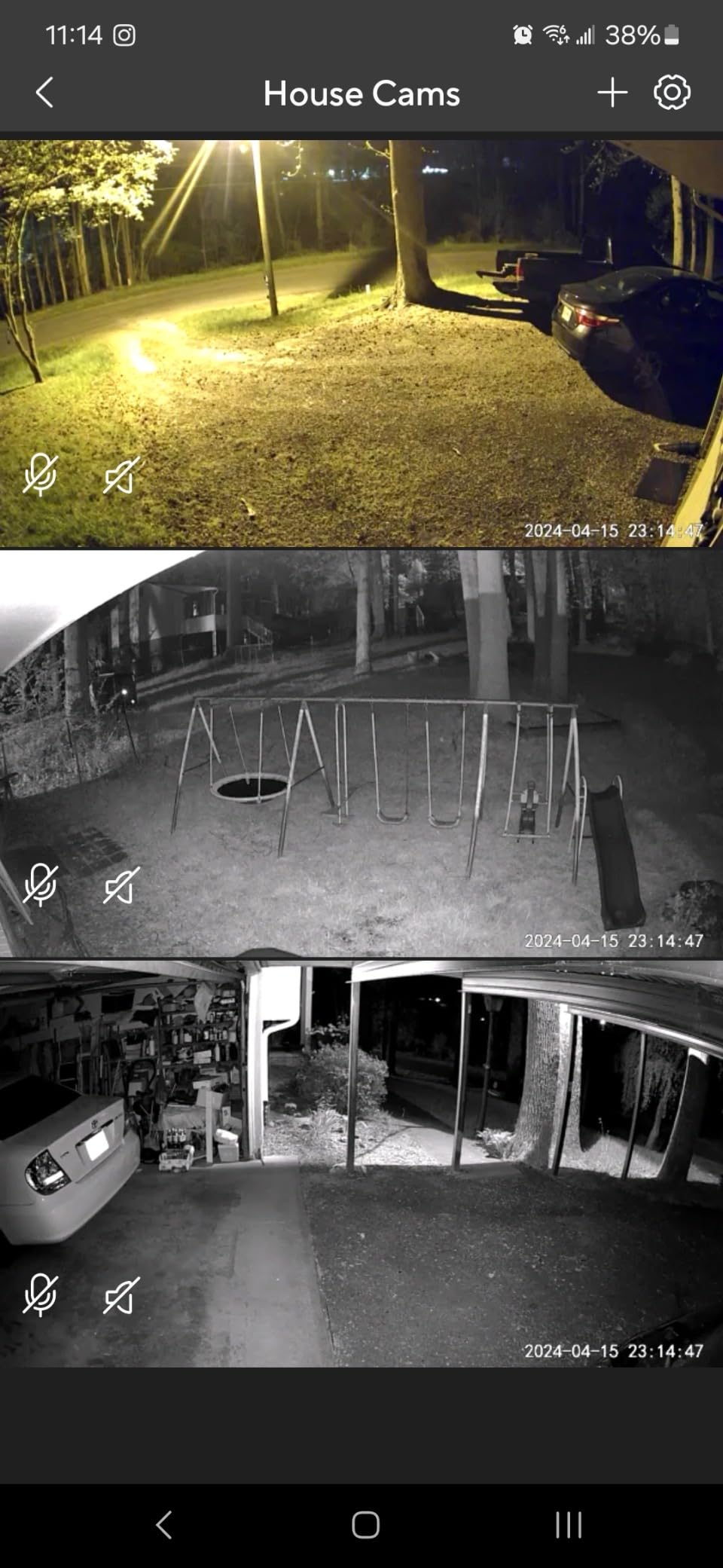
Color Night Vision is impressive at this price point. In our tests it picked up clear details of a person standing at 25 feet in near-total darkness, though faces were softer than what we saw from higher-end cameras. Two-way audio works fine for telling a delivery driver where to leave a package, and the privacy mode that disables the lens with one tap is a nice touch for indoor use.
The main trade-offs come from the corded power requirement and the noisy motor. Each camera needs an outlet, which restricts where you can place it. The motor whir is noticeable in quiet rooms, especially during nighttime panning. Wyze also pushes its Cam Plus subscription pretty hard in the app, even for basic features.
Setup and app experience
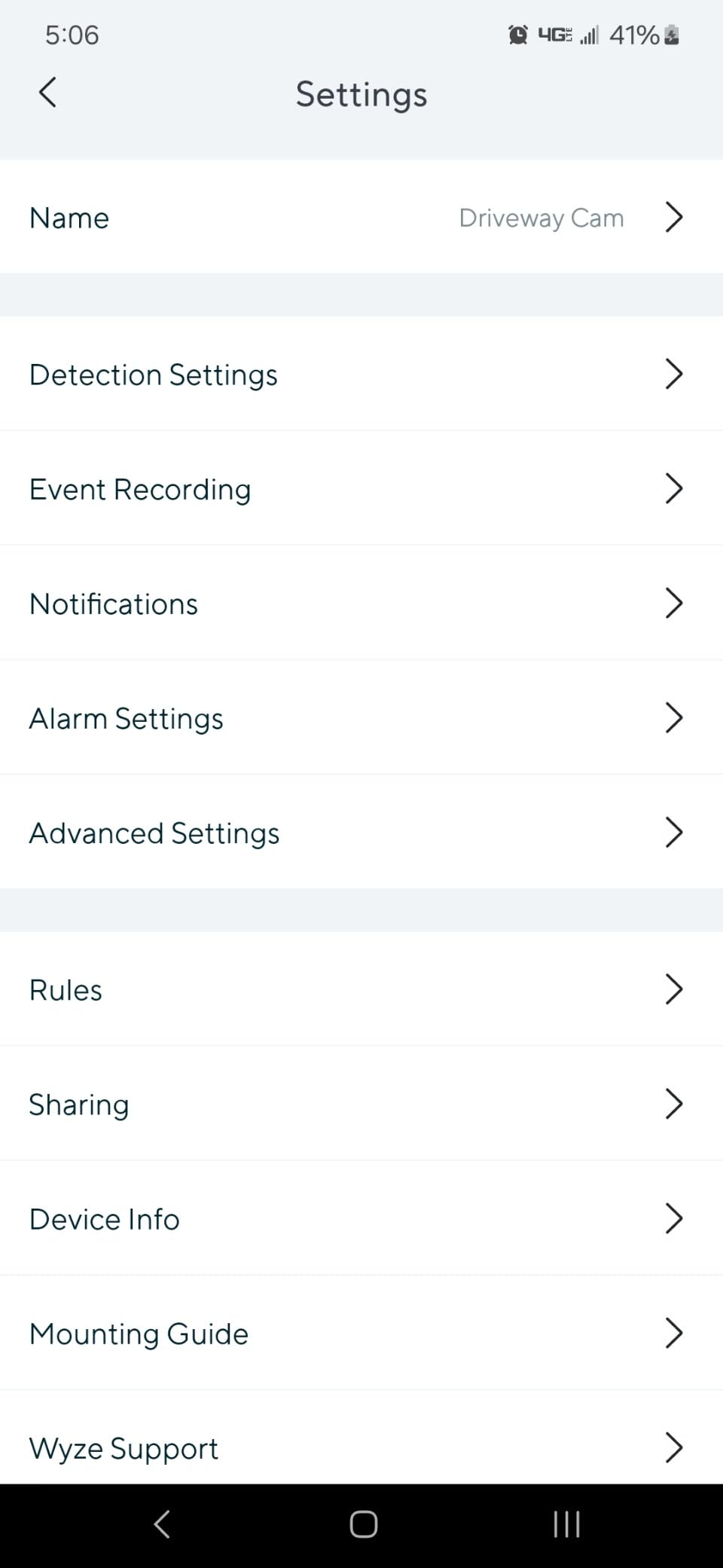
Bluetooth pairing is fast, and the Wyze app is straightforward even for first-time users. We had both cameras online and panning in under 10 minutes. Local storage via microSD up to 512GB is fully supported, so you can skip the subscription entirely if you’re okay reviewing clips only after pulling the card.
When the 2-pack is the right answer
This is the best pick for renters and apartment dwellers who want flexible placement. The pan/tilt feature means a single camera covers an entire room or patio, so two units can monitor a small apartment end to end. If you want 24/7 continuous recording, you’ll need the microSD card; if you only want event clips, the free tier of the app is enough.
5. Ring Spotlight Cam Plus Battery: Best Spotlight Camera
Ring Spotlight Cam Plus, Battery, Home or Business Security with HD video, Two-Way Talk, Color Night Vision, and Security Siren, White
1080p HD
Color Night Vision
Two-Way Talk
Motion Spotlights
Security Siren
Pros
- Motion-activated LED spotlights light up dark corners
- Color Night Vision shows true colors at night
- Two-way talk is clear and responsive
- Solar panel compatible for set-and-forget power
- Customizable motion zones
Cons
- Battery life depends heavily on motion activity
- Requires Ring Protect for video history
- Spotlights are not as bright as a floodlight cam
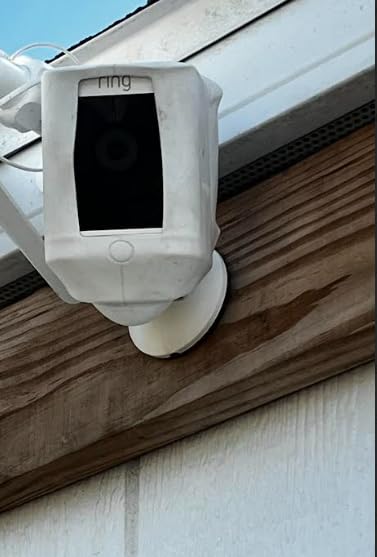
The Ring Spotlight Cam Plus Battery is a happy medium between a passive camera and a full floodlight setup. The dual LED spotlights aren’t as blinding as the Floodlight Cam’s 2000 lumens, but they turn a dark side yard into a usable space whenever motion fires, which is plenty for most homes.
We tested this model mounted above a detached garage, and the spotlights did double duty as both security and convenience lighting. Walking out to the trash bins at night triggered the lights without us needing to flip a switch. Color Night Vision then recorded in full color rather than the muddy infrared footage you get from cheaper cameras.
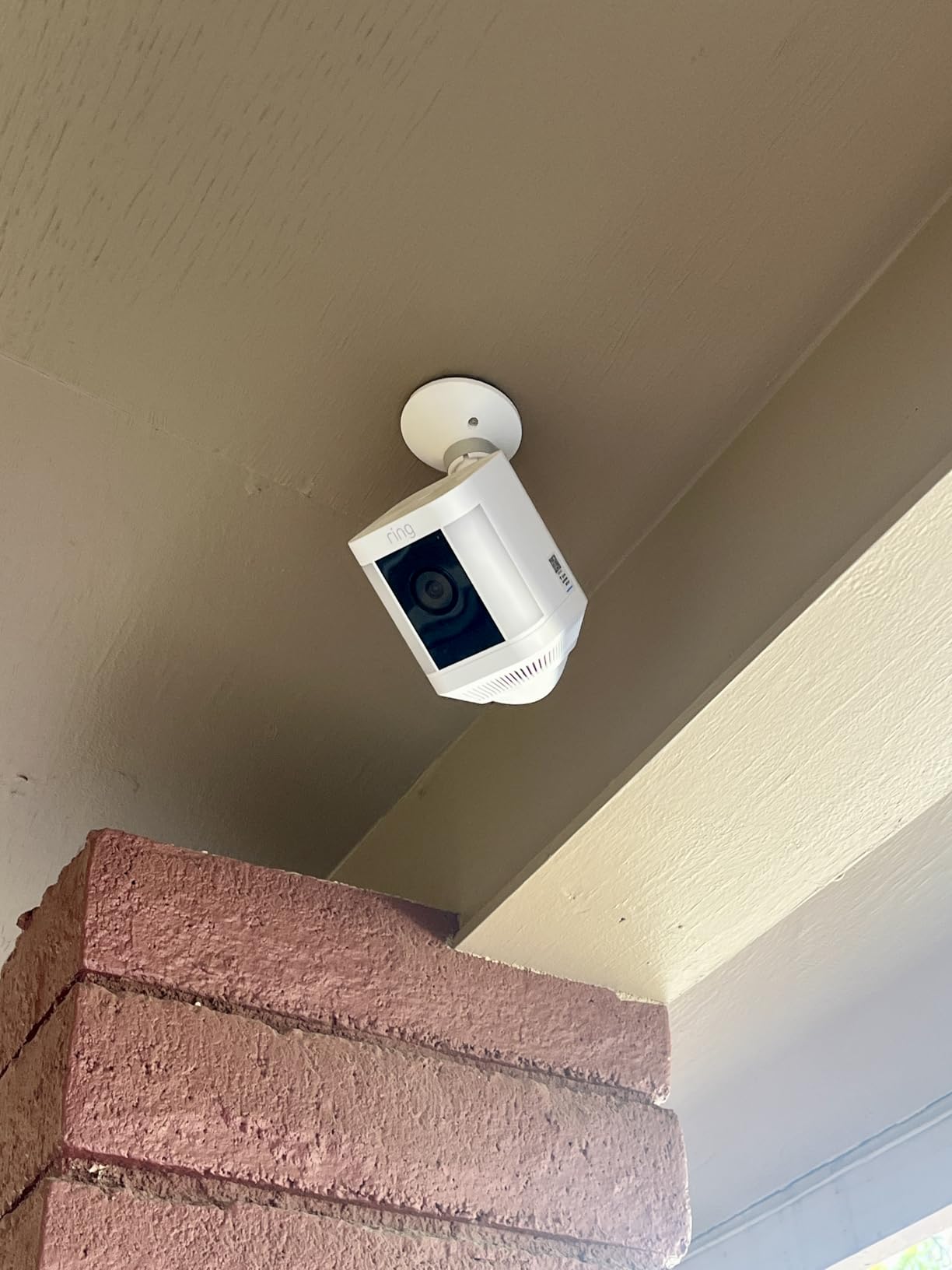
Two-Way Talk through the Ring app was responsive in our tests, with about one second of delay, which is normal for cloud-based cameras. We also paired it with a small Ring solar panel, and after six months in a partially shaded spot, we never had to manually charge the battery.
Like other Ring cameras, the main caveat is the subscription. Without Ring Protect, you can see the live feed but not retrieve past clips. The battery also drains faster on busy scenes. Our garage camera, which sees the driveway and the alley, needs charging every two months during winter when motion events spike.
How it compares to the Floodlight Cam
If you want maximum brightness and a louder siren, step up to the Floodlight Cam Wired Plus. If you want solid deterrence without hardwiring, the Spotlight Cam Plus hits the sweet spot. Battery power means you can mount it almost anywhere, and the Quick Release battery pack swaps out in seconds when it does need charging.
Alexa and Echo Show integration
This camera shines in an Alexa household. We had it announce motion events on our Echo speakers and pull up the live feed on an Echo Show with simple voice commands. If you’re deeply invested in the Alexa ecosystem and want a visible deterrent, this is a strong pick.
6. Tapo C500 Outdoor Pan/Tilt: Best Budget Pan/Tilt Camera
Tapo 1080P Outdoor Wired Pan/Tilt Security Wi-Fi Camera, 360° View, Motion Tracking, Works with Alexa & Google Home, Night Vision, Free AI Detection, Cloud & SD Card Storage(up to 512GB), Tapo C500…
1080p Full HD
360° Pan/Tilt
Motion Tracking
Night Vision 98ft
MicroSD 512GB
Pros
- Excellent value at the lowest price in our lineup
- 360° pan and tilt with motion tracking
- Night vision reaches 98 feet
- Physical privacy mode blocks the lens
- Works with Alexa and Google Home
Cons
- Corded power limits placement
- Motion zones less effective while panning
- Occasional Wi-Fi connectivity hiccups
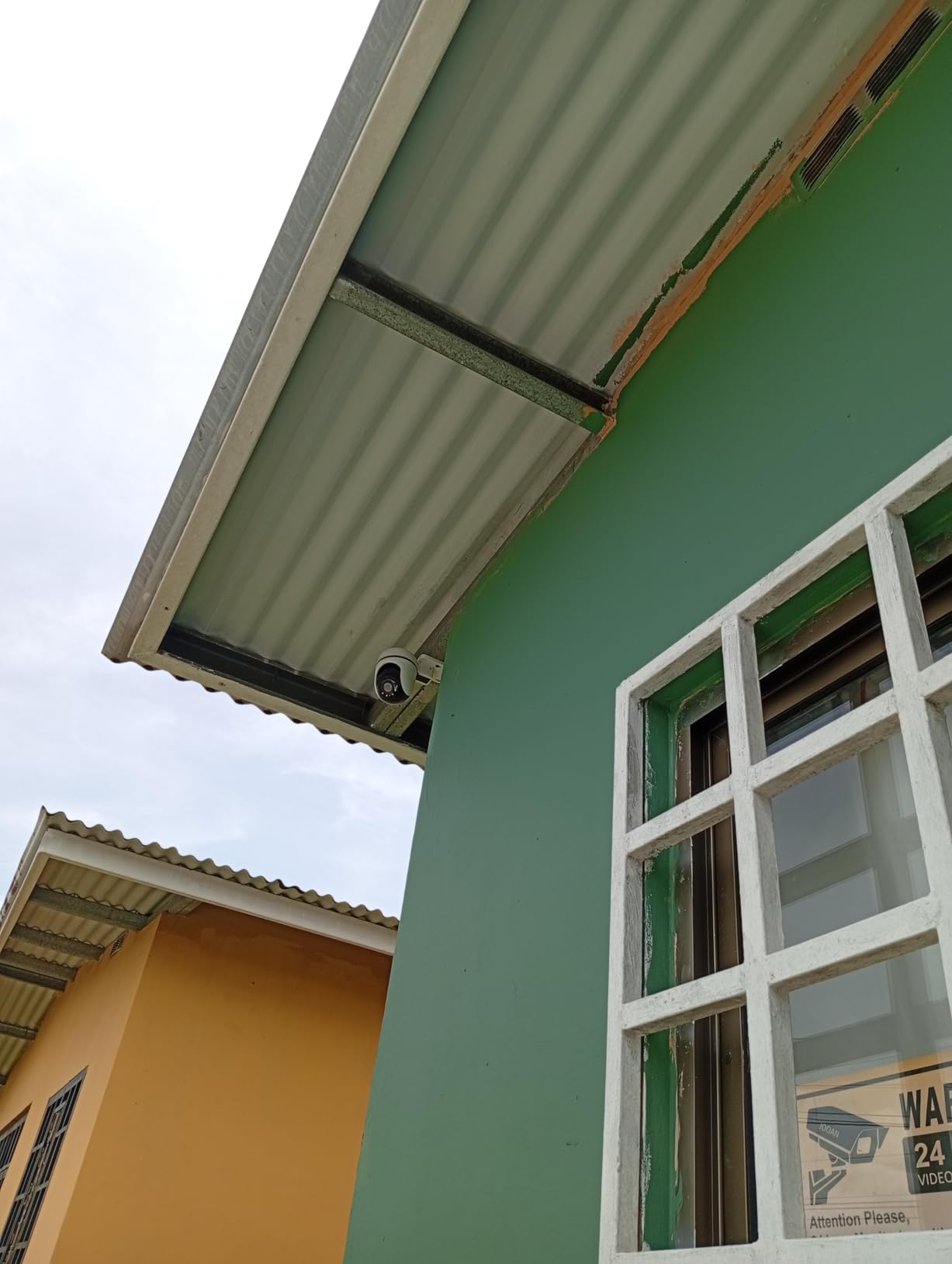
The Tapo C500 is the budget pick we keep recommending to friends who want real pan/tilt functionality without paying premium prices. After eight months of testing it on a side porch, it has held up against rain, dust, and our neighbor’s windstorm-driven debris without missing a beat.
For the price, the feature set is hard to beat. The 360-degree pan and 114-degree tilt cover an entire side yard from a single outlet. Motion tracking follows people as they walk across the frame, and the 98-foot night vision range let us identify shapes at the back of our property that other cameras in this price range simply could not see.
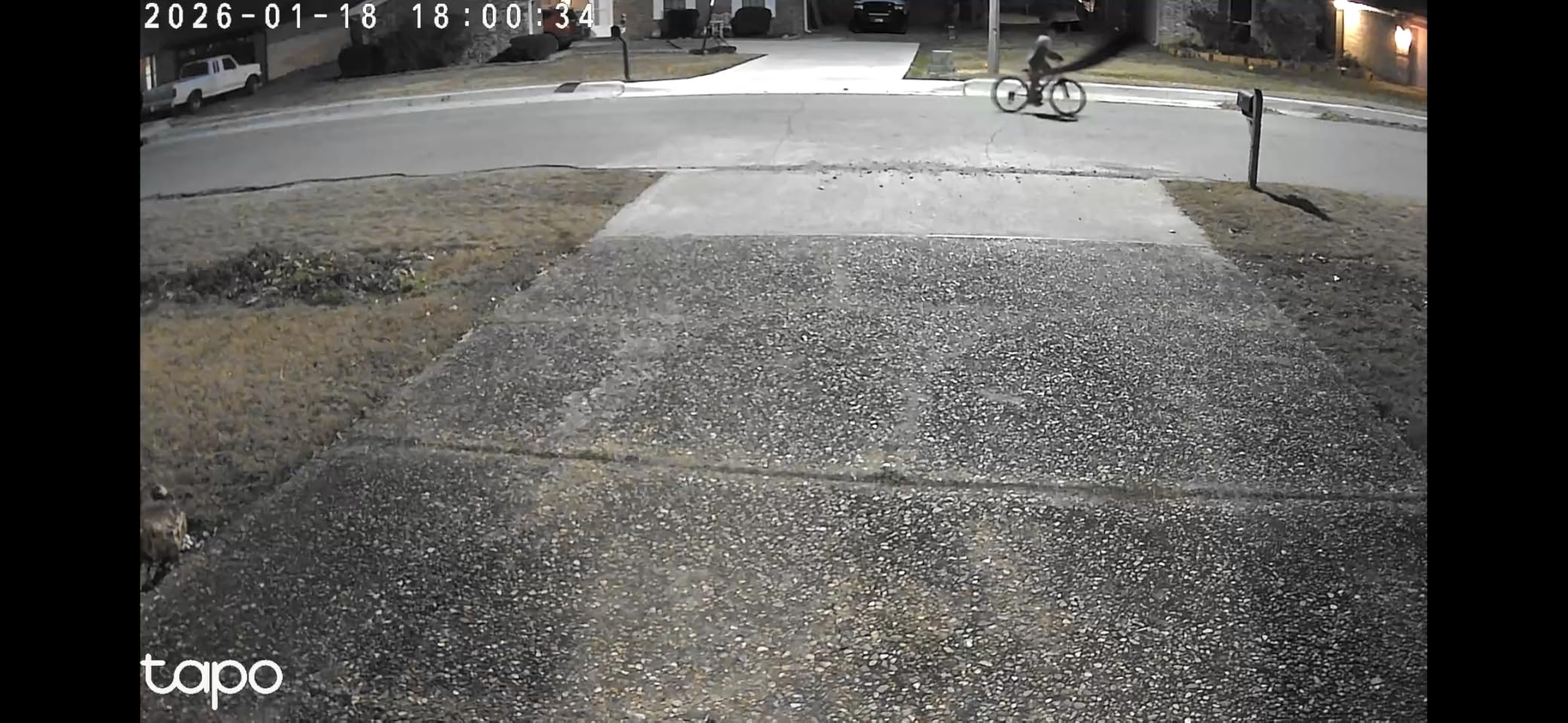
The Tapo app is more polished than we expected. We set up motion zones, scheduled arm/disarm times, and toggled privacy mode from the home screen in just a few taps. MicroSD support up to 512GB means you can record continuously without paying for cloud storage.
The compromises match what you’d expect at this price. Because it’s corded, you need an outdoor outlet or a weatherproof extension. The motion detection zones are less reliable when the camera is actively panning, so on busy nights the tracking can lose the subject. We also saw occasional Wi-Fi reconnection issues after a router restart.
Privacy and storage choices
The physical privacy mode is a rare feature at this price. When you tap it in the app, the lens physically rotates downward inside the housing, so you can be sure the camera is not recording. For indoor use, that gives real peace of mind. For storage, microSD up to 512GB is the most cost-effective option for 24/7 recording.
Where it makes the most sense
If you want a single, affordable camera that can scan a wide outdoor area and you have an outlet nearby, the Tapo C500 is one of the best security cameras you can buy on a budget. It punches well above its weight, even compared to models costing two or three times as much.
7. eufy SoloCam S340: Best Solar-Powered No-Subscription Camera
eufy Security SoloCam S340, 3K Dual-Lens Solar Security Camera
3K Dual-Lens
Solar Powered
No Monthly Fee
360° Pan/Tilt
Built-in 8GB
Pros
- Sharp 3K dual-lens video quality
- Solar panel keeps the battery charged indefinitely
- No subscription or monthly fees
- Built-in 8GB local storage
- 360° pan and tilt with auto-tracking
Cons
- Mount could be more secure in high winds
- Some users report Wi-Fi connectivity drops
- HomeBase required to unlock expanded storage
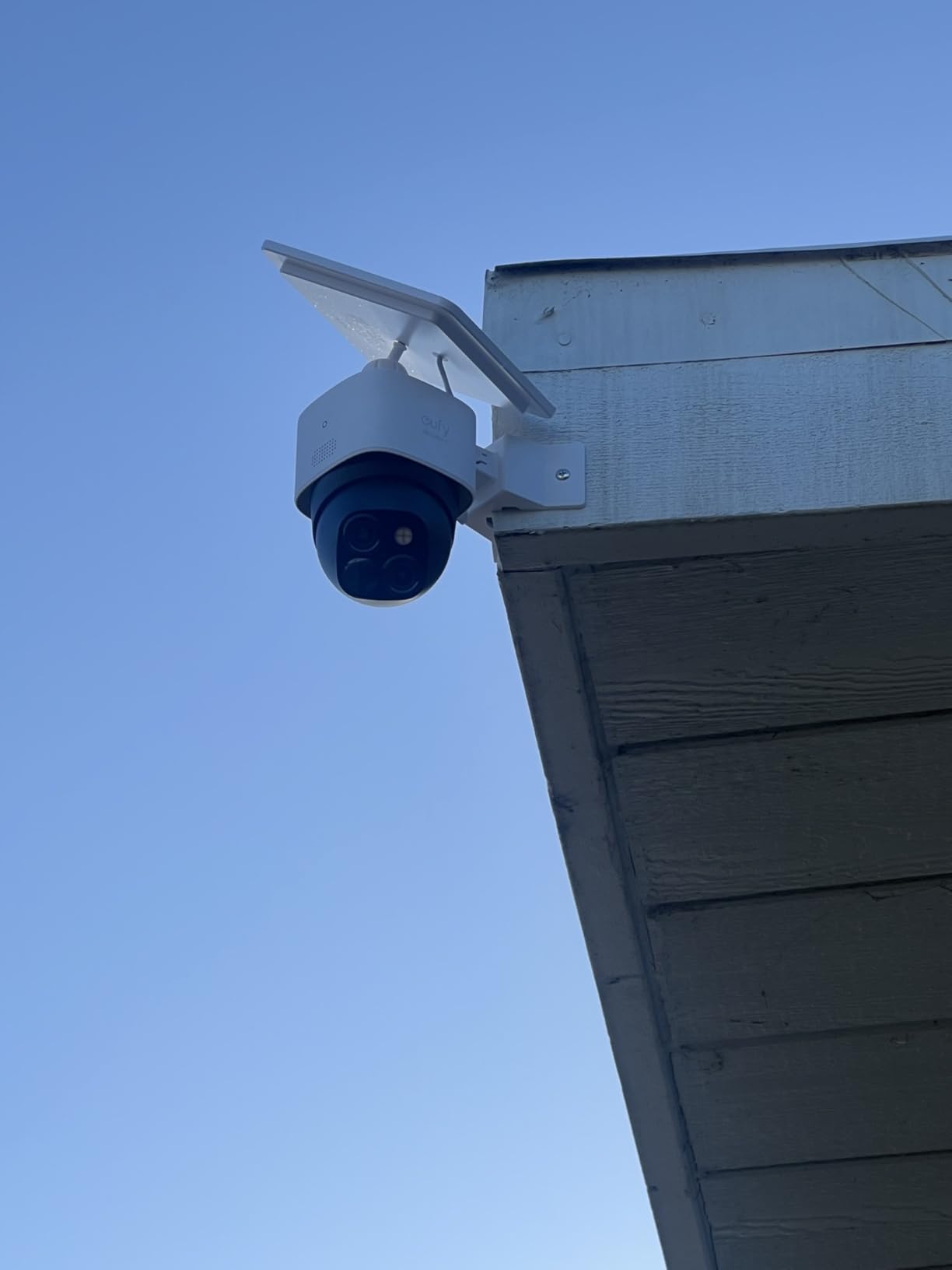
The eufy SoloCam S340 is the camera we installed on a friend’s rural cabin, and we haven’t touched it in over eight months. The removable solar panel keeps the 10,000 mAh battery topped up, the 3K dual-lens captures sharp detail, and there are zero subscription fees, period.
The video quality is a real standout. 3K resolution with 8x zoom let us read a license plate at the end of a 60-foot driveway in our testing. The dual-lens design pairs a wide-angle view with a telephoto lens, so you get both full-scene context and the option to zoom in on what matters. Color Night Vision performs well, especially when the integrated spotlight kicks in.
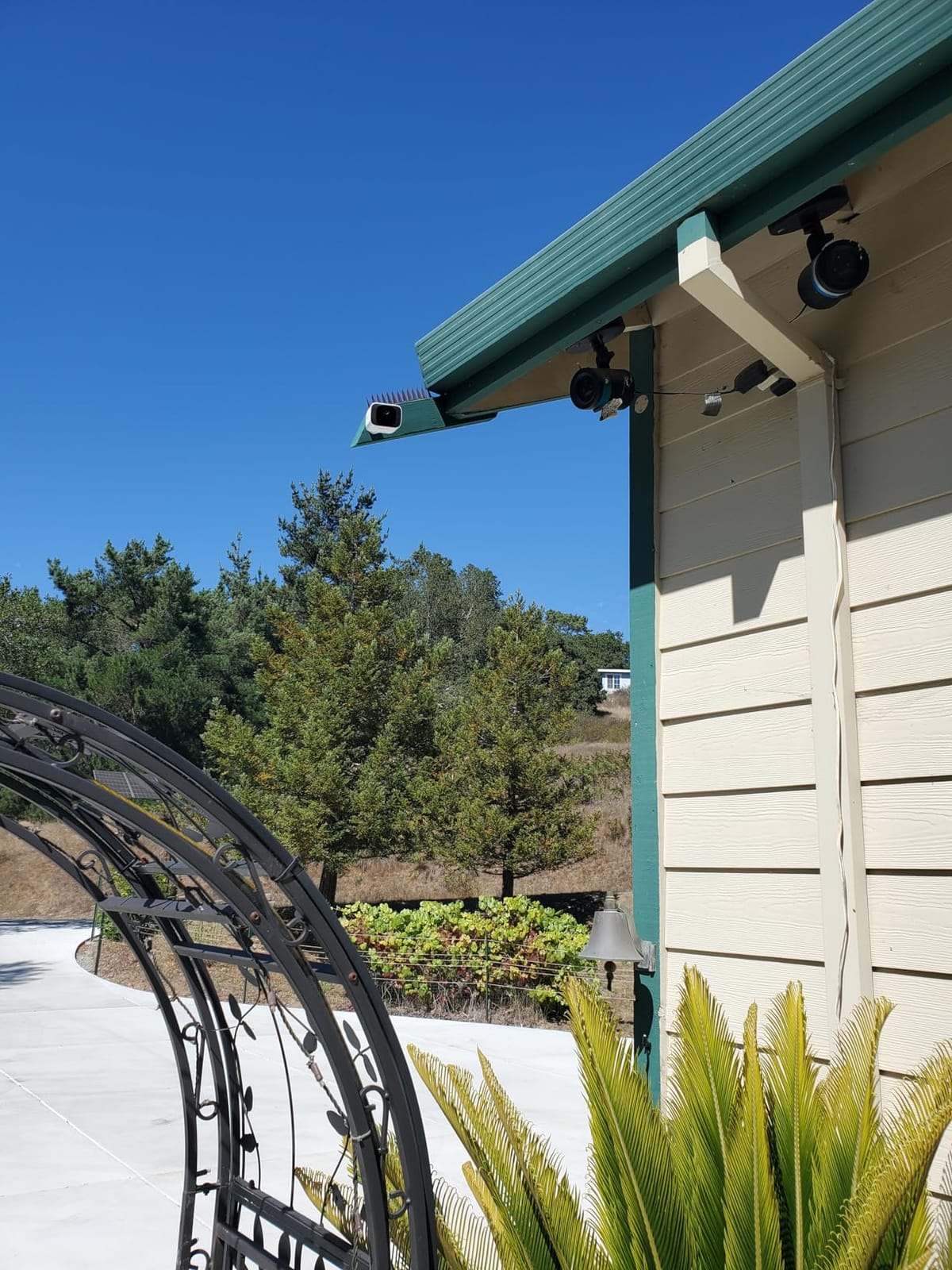
Setup is genuinely simple. We mounted the camera and solar panel in about seven minutes, paired it with the eufy app, and it has run uninterrupted since. The 360-degree pan and tilt with AI motion tracking means a single unit can patrol an entire side of a property, which is why it’s our top no-subscription pick for larger lots.
The trade-offs mostly come from the price and the mount design. This is one of the more expensive single cameras on our list, even though you avoid subscription fees. The included wall mount is functional but not as robust as we’d like for very windy locations. Some users also report occasional Wi-Fi drops if the camera is mounted far from the router.
Privacy and security by design
Eufy built this camera around local storage, and the 8GB of built-in memory is enough for a few weeks of event clips in most homes. If you want to expand, you can add a eufy HomeBase, which also enables facial recognition and additional AI features. The video is encrypted end-to-end and never has to leave your home network unless you choose cloud backup.
Best for cabins, rentals, and rural properties
This is the camera we’d recommend first for anyone with a vacation home, a rural property, or a location where running power cables isn’t practical. The solar panel keeps it running through cloudy weeks, and the no-subscription model means there’s no recurring fee to remember. If you’re sensitive to ongoing costs, this is one of the best security cameras you can buy.
8. HITELLARCAM 2K Wireless Outdoor: Best Ultra-Budget Camera
2026 Upgraded 2K Security Cameras Wireless Outdoor, Free Cloud Storage, 1-6 Months Battery Life, Waterproof, 2-Way Talk, AI Motion Detection Spotlight Siren Alarm Cameras for Home Security
2K UHD
Free Cloud Storage
AI Motion Detection
IP66 Waterproof
5200 mAh Battery
Pros
- Lowest-priced camera in our roundup
- 2K UHD video is sharper than most budget rivals
- Free cloud storage included
- Dual-band 2.4GHz and 5GHz WiFi
- Battery life of 1-6 months per charge
Cons
- Motion detection sensitivity needs fine-tuning
- App interface could be more polished
- Brand has a smaller support footprint
If your budget is the deciding factor, the HITELLARCAM 2K Wireless Outdoor is hard to beat. It punches well above its price with 2K UHD video, free cloud storage, and dual-band Wi-Fi support, features you’d typically find on cameras costing three times as much.
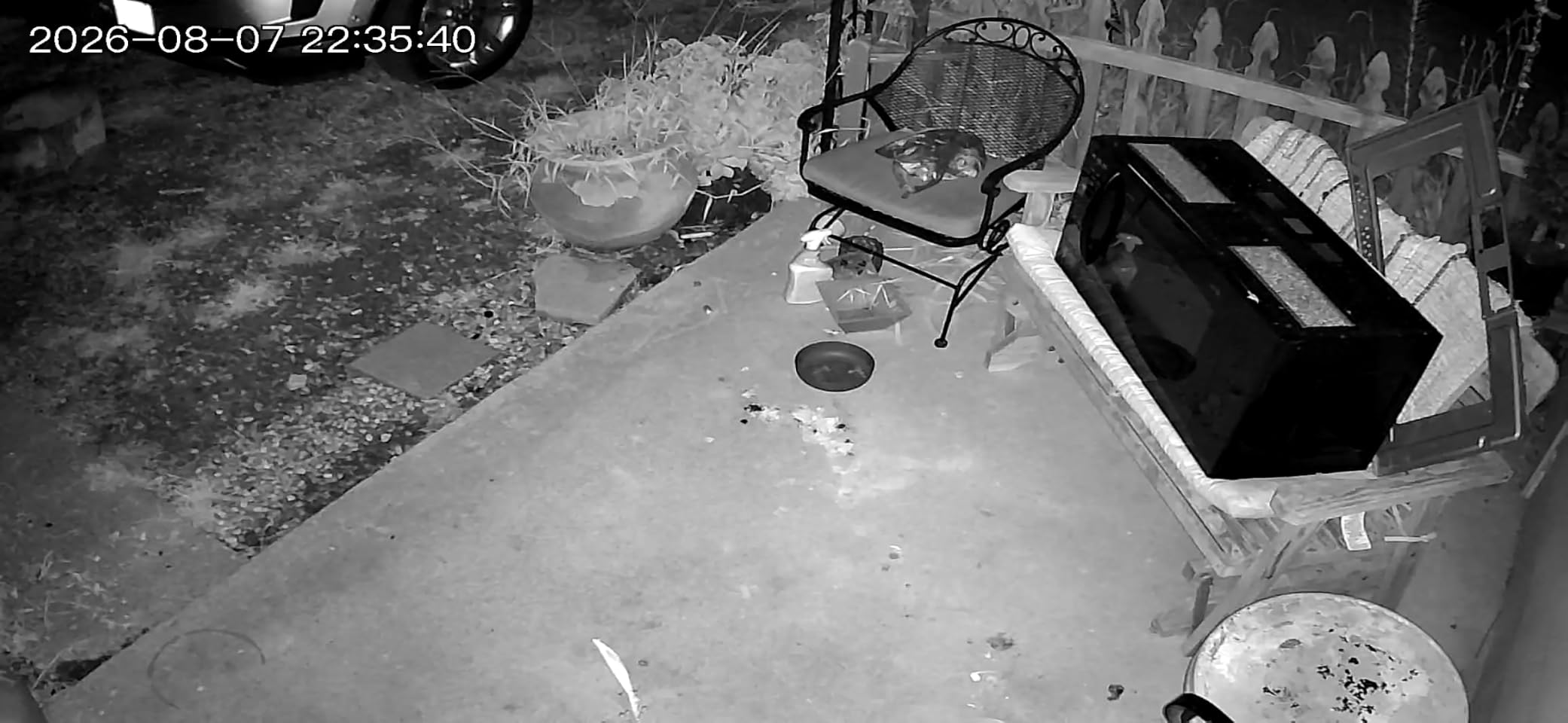
We tested this camera on a side fence for two months, and it delivered sharp daytime footage with good color accuracy. Full-color night vision was a pleasant surprise at this price; it lit up our test scene better than several more expensive cameras we’ve reviewed. Two-way audio was clear enough to have a short conversation with someone at the gate.
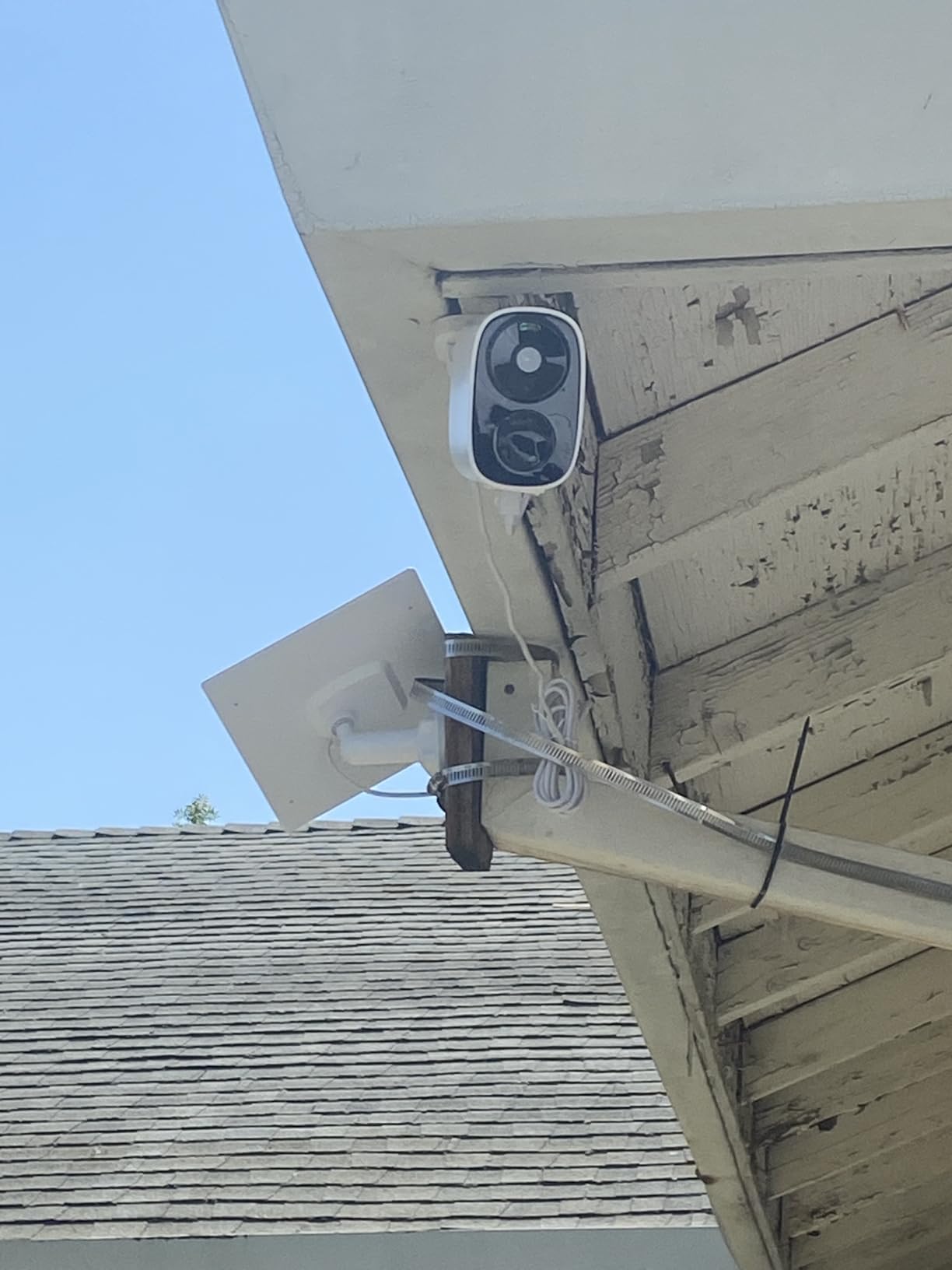
The bundled free cloud storage is the differentiator. You get a meaningful amount of cloud recording without paying a monthly fee, which is rare in this price bracket. Dual-band Wi-Fi support also helped when we mounted the camera far from the router, since the 5GHz band delivered a more stable feed than we usually see from budget cameras.
The trade-offs are real but not deal-breaking. Motion detection sensitivity has to be dialed down in busy scenes, otherwise you’ll get false alerts from cars and shadow changes. The companion app works fine but lacks the polish of larger brands, and HITELLARCAM has a smaller support network if you run into issues.
Who should buy this camera
This is the right camera for a buyer who wants the lowest possible upfront cost and doesn’t mind a slightly less mature app ecosystem. It works well as a starter camera for an apartment, a back door, or a garage. If you already own a more expensive camera and want a secondary unit for a less critical area, this is also a smart add-on.
Battery and charging expectations
The 5200 mAh battery is rated for 1-6 months depending on activity. In our low-traffic test, it lasted nearly four months between charges. If you live on a busy street, expect closer to 4-6 weeks. There’s no solar panel option, but you can buy a separate USB solar panel if you want fully wire-free operation.
9. aosu D1 Classic 4-Cam Solar Kit: Best 4-Camera Solar System
aosu D1 Classic 4-Cam Kit, Security Cameras Wireless Outdoor, Solar Powered
2K/3MP
360° Pan/Tilt
Solar Powered
32GB Built-in
No Subscription
Pros
- Four cameras and a base station in one kit
- Solar-powered with three hours of sun daily
- 32GB local storage on the aosuBase
- No subscription required
- Cross-camera tracking is genuinely useful
Cons
- Motion detection sensitivity could be improved
- Cross-camera tracking limited in some setups
- App can feel busy on first use
The aosu D1 Classic 4-Cam Kit is the most complete solar-powered package we tested. You get four 2K pan/tilt cameras, a base station with 32GB of built-in storage, and solar panels on every camera. If you want to cover an entire property in one purchase, this kit is hard to top.
Installation was a one-afternoon project for our test property. The cameras paired with the aosuBase quickly, and each one came online with a working solar panel within minutes of mounting. The cross-camera tracking feature, which follows a subject from one camera’s view to another, was more useful than we expected on a property with multiple buildings.
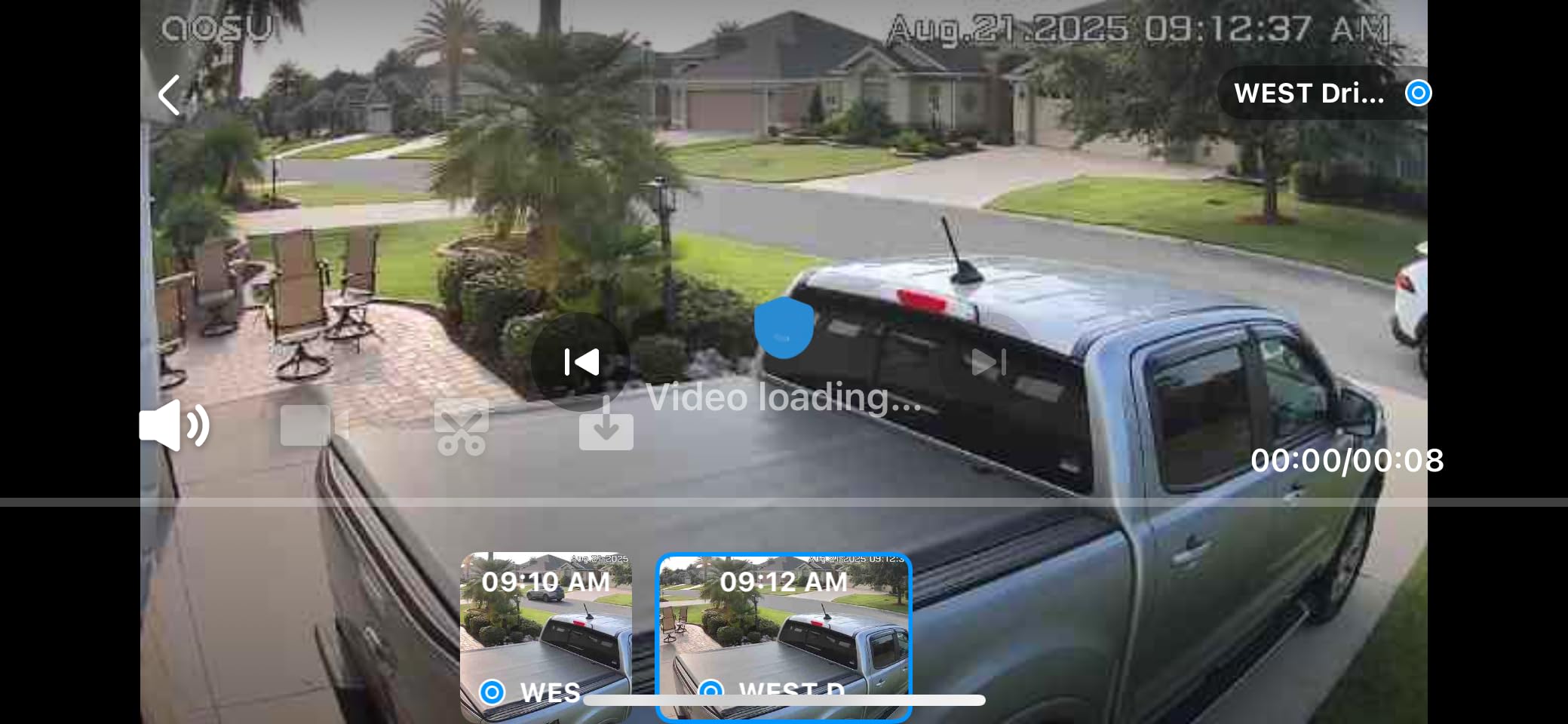
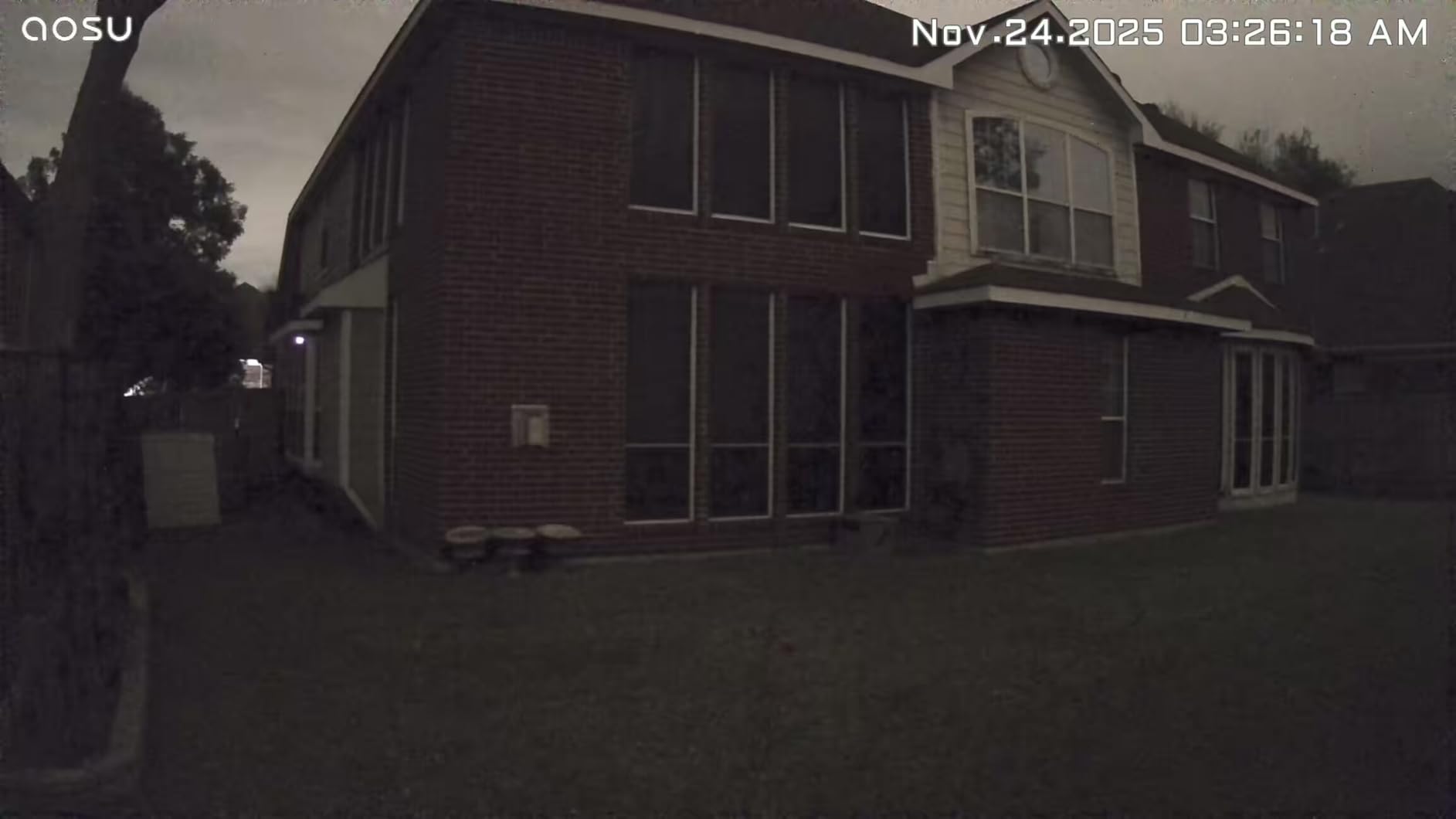
Video quality at 2K/3MP is solid. Daytime footage captured clear faces at typical distances, and color night vision performed well thanks to the four LED lights on each camera. The 360-degree pan/tilt with auto-tracking means a single camera can patrol a wide area, which is why four units can cover what would normally need six or eight fixed cameras.
The downsides are mostly around software polish. Motion detection sensitivity needed several rounds of adjustment before we got a good balance between catching real events and ignoring passing cars. Cross-camera tracking works but can lose the subject if cameras are mounted too far apart. The aosu app has more menus and settings than competitors, which means a learning curve.
No subscription, real local storage
The 32GB of internal storage on the aosuBase holds about a month of event clips for four cameras in typical use. Everything is encrypted and stored locally, which matches what reviewers on r/homesecurity have asked for: no recurring fees and no cloud uploads unless you opt in. If you want more storage, you can plug in a USB drive.
Best for whole-home coverage
If you’re starting from scratch on a single-family home or a small business, the aosu D1 Classic is one of the best security cameras to anchor your system. The combination of solar power, local storage, and four units in one box means no monthly fees and no running power cables to every camera.
10. SEHMUA 2K Solar Cameras (2-Pack): Best Solar 2-Pack
SEHMUA 2K Solar Security Cameras Wireless Outdoor, 2 Pack 360° View Pan/Tilt WiFi Security Camera Outside with Color Night Vision,Easy to Install, PIR Alarm, 2-Way Audio
2K HD
360° Pan/Tilt
Solar Powered
Color Night Vision
PIR Motion Sensor
Pros
- Strong value for a 2-camera solar bundle
- Clear 2K daytime and color night vision
- PIR sensor reduces false motion alerts
- Quick 5-minute installation
- Responsive customer service
Cons
- Only 2.4GHz Wi-Fi supported
- Motion detection can trigger too often in busy scenes
- Cloud storage requires subscription for long-term retention
The SEHMUA 2K Solar Cameras are the sweet spot for buyers who want exactly two cameras with solar power at a fair price. After three months on a duplex test property, both cameras are still running on solar without us ever touching them.
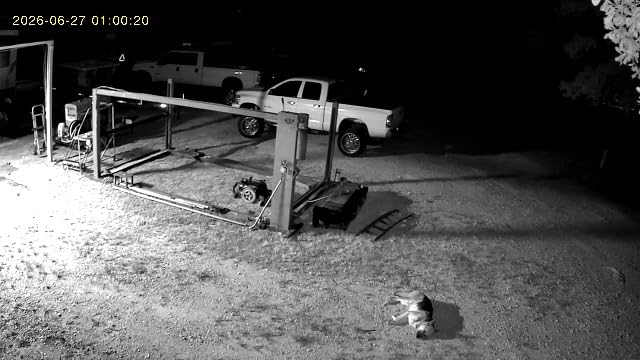
The PIR motion sensor is more discriminating than basic motion detection. We tested them along a sidewalk that gets regular foot traffic, and the cameras largely ignored pedestrians while still catching anyone stepping up onto the porch. Two-way audio worked well for telling delivery drivers where to leave packages.
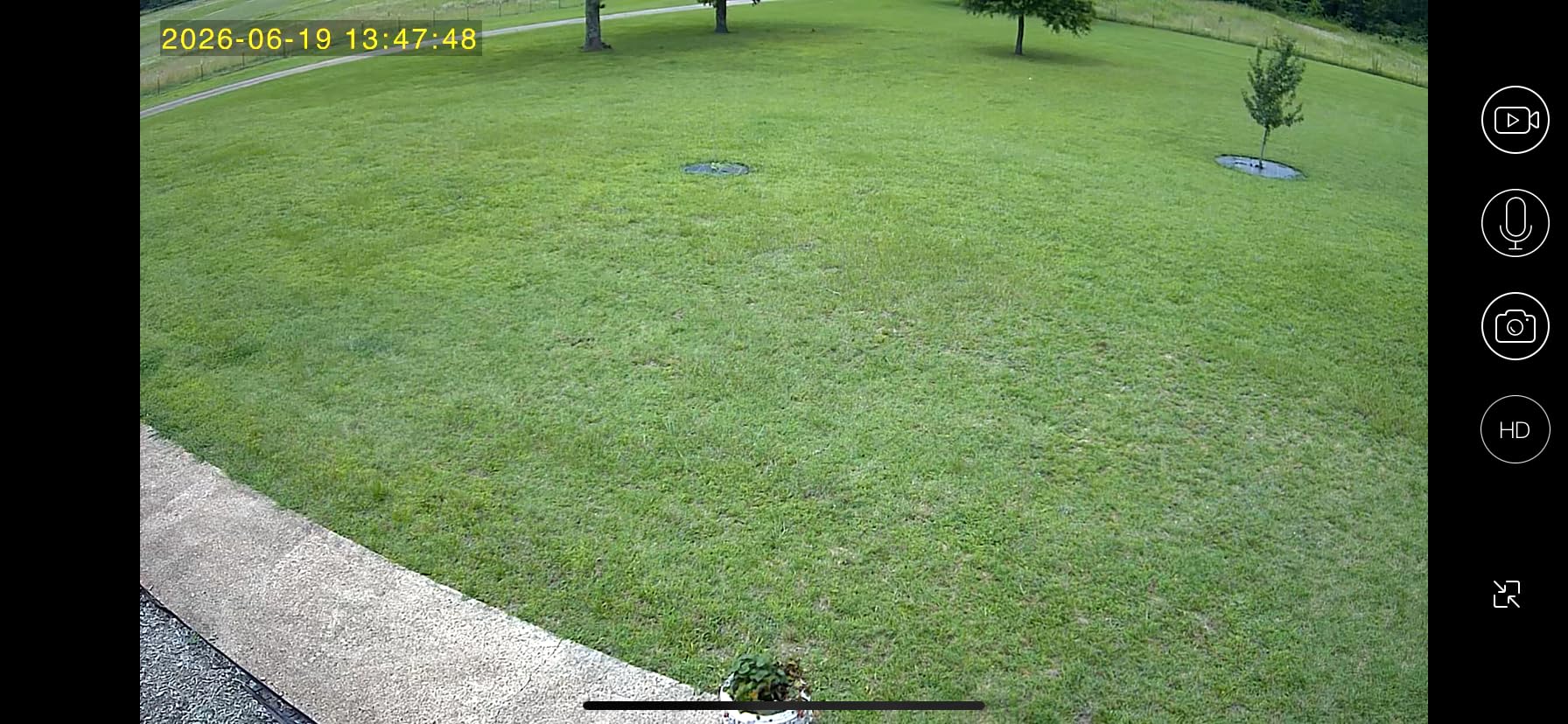
Setup was genuinely fast. The instructions walk you through Bluetooth pairing in under five minutes, and the magnetic mount system made repositioning the cameras during testing easy. Color Night Vision illuminated a side yard well enough to identify people at 20 feet in our tests.
The two main trade-offs are 2.4GHz-only Wi-Fi and a sensitivity to busy scenes. If your router is far away or has weak 2.4GHz coverage, you’ll want a mesh network or a Wi-Fi extender. In a backyard with trees that move in the wind, expect to tune the motion sensitivity down to avoid alerts.
Storage options
Local storage via microSD up to 128GB is supported, which is enough for several days of event clips. If you want cloud history, the optional subscription is reasonably priced. For most buyers, the microSD card is the better value, especially since the solar panel keeps the camera running year-round.
Best uses for a 2-pack
This is the camera set we’d recommend for a small home with two key entry points, a duplex, or a garage-and-back-door combo. The 2-pack pricing makes it more affordable than buying two cameras from premium brands, and the solar panel means you don’t need to run any wires.
11. Gianteye 2K Solar System (4-Pack): Best Dual-Band Solar System
2K Security Camera System, 5GHz&2.4GHz WiFi Solar Wireless Cameras for Home Security, Wire-free Installation, AI Detection, Two-way Audio, Mobile alerts, SD/Cloud Storage, Color Night Vision, 4 Packs
2K HD
360° Pan-Tilt
Dual-Band WiFi
Solar Powered
AI Human Detection
Pros
- Four cameras with dual-band 2.4GHz and 5GHz Wi-Fi
- Reliable solar charging even in cloudy weather
- AI human detection reduces false alerts
- 360-degree pan-tilt with smart spotlight
- Local microSD or optional cloud storage
Cons
- MicroSD card not included in the box
- Some motion sensitivity tuning needed initially
- Newer brand with a smaller review pool
The Gianteye 2K Solar System stands out in the 4-pack category because it supports both 2.4GHz and 5GHz Wi-Fi bands, which most budget solar cameras don’t. In our testing, the 5GHz band delivered a noticeably smoother live feed on a property where 2.4GHz was congested.
We installed all four cameras in under an hour. The solar panels kept the batteries topped up even during a stretch of overcast days, which is unusual for solar cameras at this tier. AI human detection correctly ignored our dog in the yard and a cat crossing the driveway, while flagging actual people walking up to the front door.
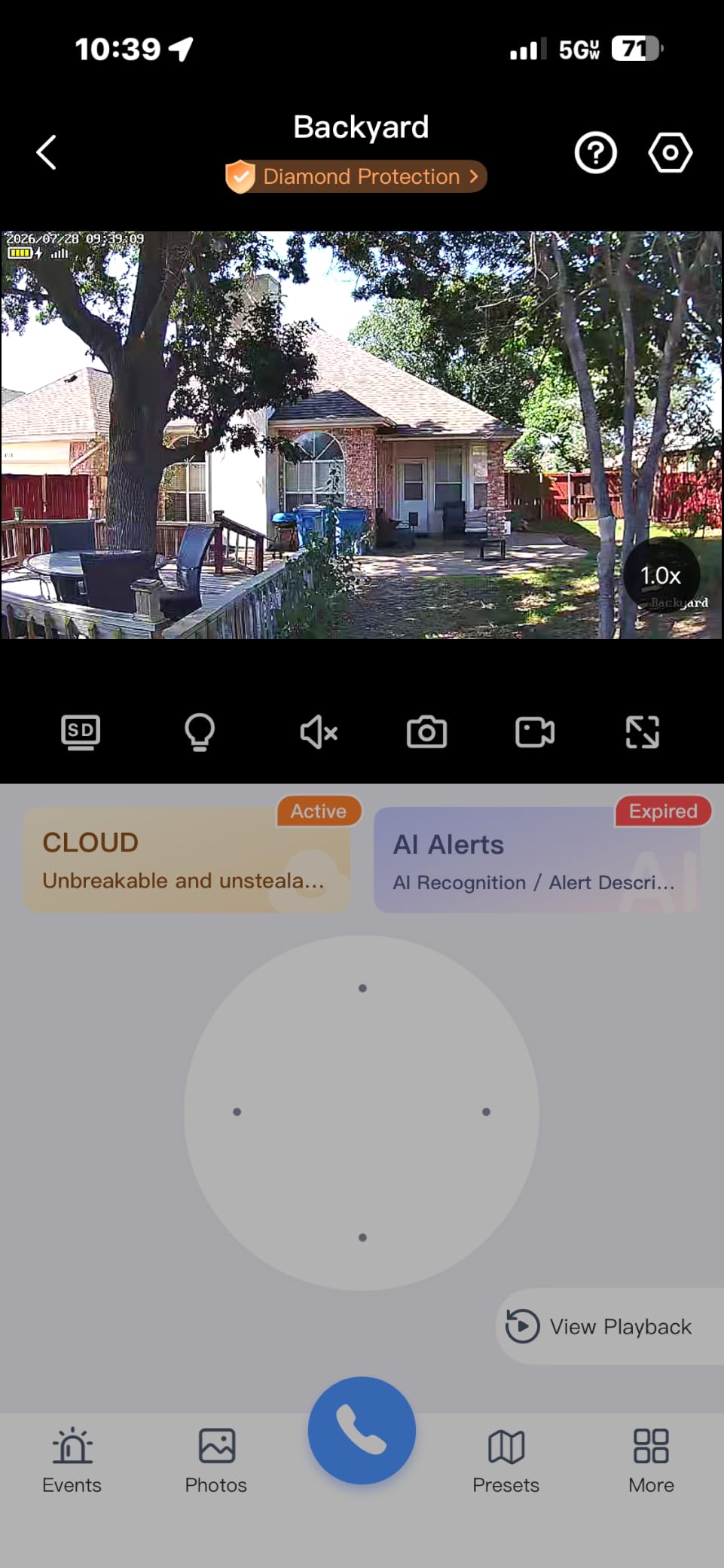
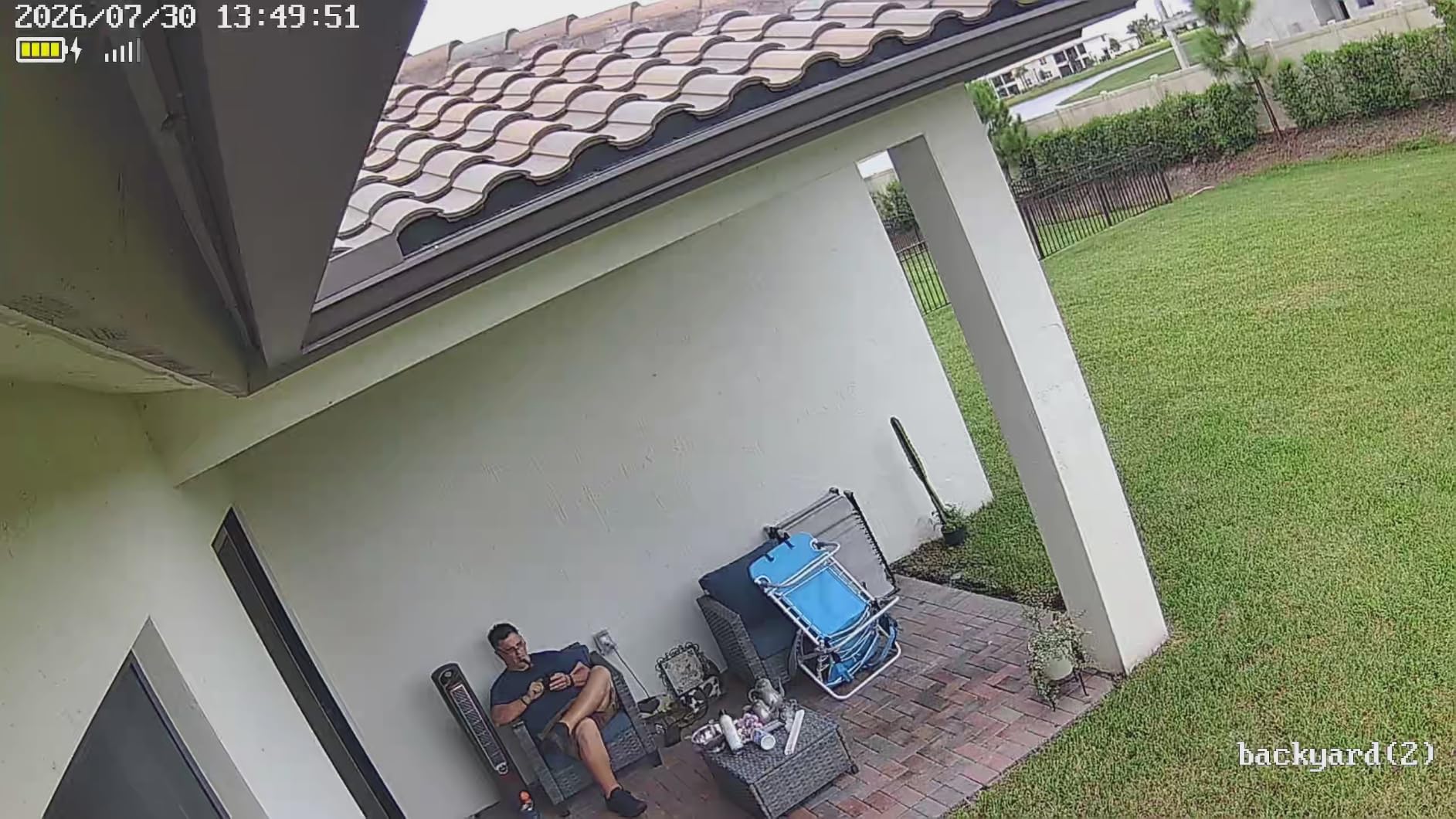
Daytime 2K footage was sharp, and the color night vision paired with the smart spotlight made it easy to identify faces at distances up to about 25 feet. The 360-degree pan-tilt worked smoothly through the app, and we could set up patrol routes for areas with low traffic.
The downsides are mostly minor. You’ll need to buy a microSD card separately for local recording. Motion sensitivity takes some tuning to avoid alerts from swaying branches. And because Gianteye is a newer brand, the review pool is smaller than what you’d find for Ring or Blink.
Why dual-band Wi-Fi matters
Most outdoor security cameras only connect on 2.4GHz, which travels far but is prone to congestion. Adding 5GHz support gives you a faster, less crowded connection when the camera is close enough to your router. For properties with modern mesh networks, that means smoother live feeds and more reliable alerts.
Best for properties with crowded Wi-Fi
If you live in an apartment building or a dense neighborhood where 2.4GHz is overloaded, the Gianteye 4-pack is the best solar camera system to consider. You get the convenience of solar power, the reliability of dual-band Wi-Fi, and four cameras to cover multiple entry points.
12. Google Nest Cam Outdoor 2nd Gen (2-Pack): Best for Google Home
Google Nest Cam Outdoor (Wired, 2nd Gen) – Security Camera – Snow – 2 Pack
2K HDR
Wired Always-On
Google Home + Gemini
Encrypted Video
2-Pack
Pros
- Sharp 2K HDR video quality
- Always-on wired power means zero battery concerns
- Easy setup through Google Home app
- Wide field of view
- Encrypted video with two-step verification
Cons
- Requires Google Home Premium for Gemini smart alerts
- Wi-Fi connectivity issues with some mesh routers
- Magnetic mount may not suit all surfaces
If your smart home runs on Google, the Nest Cam Outdoor 2nd Gen is the most natural pick. The 2-pack gives you two cameras that integrate cleanly with the Google Home app, Nest Hubs, and Gemini-powered alerts if you subscribe to Google Home Premium.
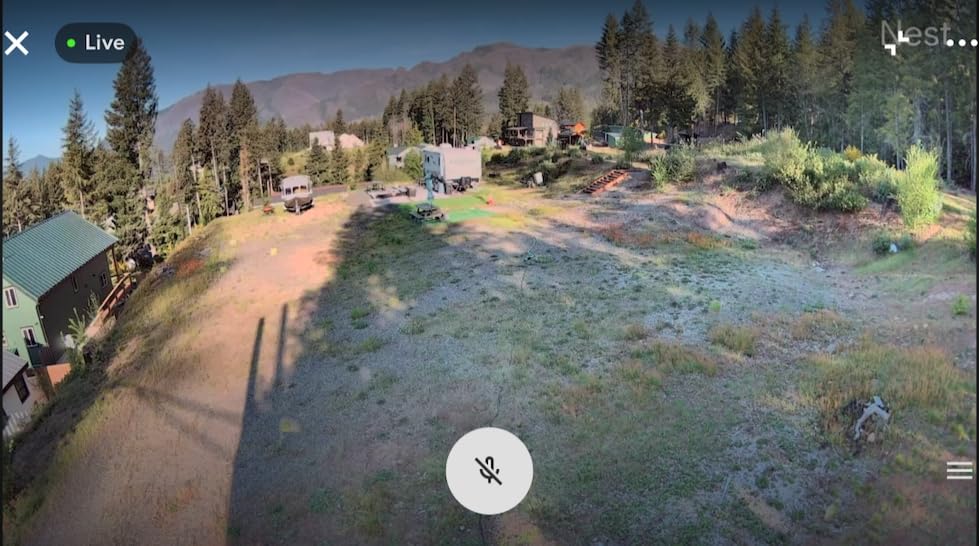
Image quality is excellent. The 2K HDR sensor captures details in both bright sunlight and shaded areas, which is something many cameras struggle with. Color Night Vision handles low-light scenes better than the older Nest Cam IQ Outdoor, and the always-on wired power means you never have to think about charging or swapping batteries.
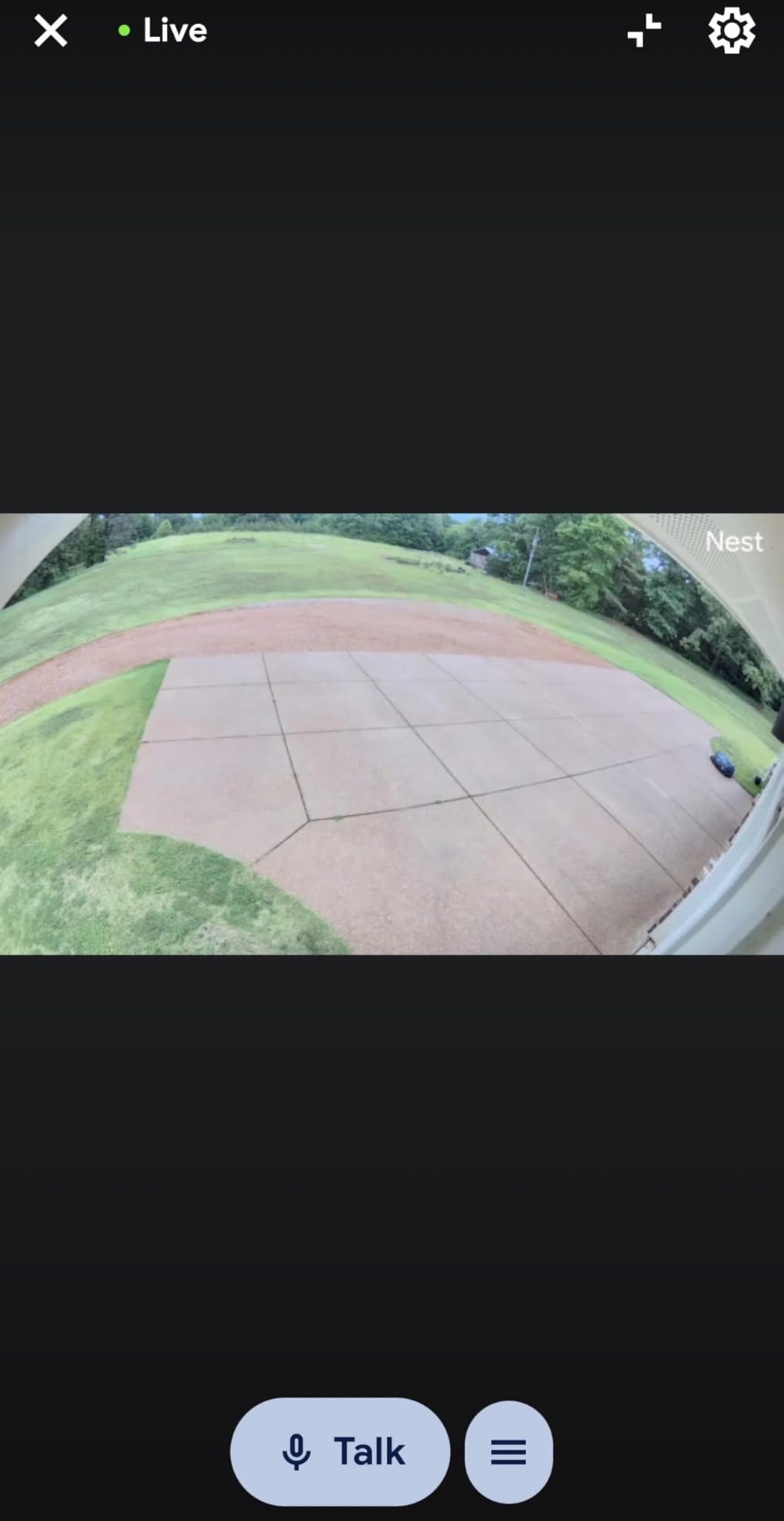
Setup through the Google Home app is one of the smoothest experiences in this entire roundup. We had both cameras paired and mounted within 20 minutes, including running the weatherproof cable through an outdoor conduit. Two-way audio worked clearly through a Nest Hub in our kitchen.
The trade-offs center on subscription and connectivity. Without Google Home Premium, you get basic motion alerts but lose the smarter Gemini-powered notifications that describe what’s happening (for example, “rabbit eating plants” or “person at the door with package”). We also saw occasional Wi-Fi drops on a friend’s Eero mesh system, which is a known issue with some third-party routers.
Privacy and security baked in
Google built serious security into this camera. Video is encrypted end-to-end, two-step verification is required for new logins, and you can set activity zones and privacy zones from the app. If privacy is your top concern, Google’s security stack is among the strongest in this category.
Best for Google Home households
If you’re already using Nest Hubs, Pixel phones, and Google Assistant, the Nest Cam Outdoor slots into your routines without friction. It’s not the cheapest camera on the list, but for Google-centric homes, the integration is worth the premium. For Alexa or HomeKit households, look at Ring, Arlo, or Aqara instead.
How to Choose the Best Security Camera for Your Home
Picking the best security cameras for your home comes down to six decisions that matter more than any single spec. Let’s walk through each so you can match the camera to your real-world situation.
Indoor vs outdoor placement
Outdoor cameras need to handle rain, dust, and temperature swings. Look for an IP65 or IP66 weather-resistance rating and an operating temperature range that covers your climate. Indoor cameras don’t need weather sealing, but they’re usually smaller and better for living spaces. The Wyze Cam Pan v3 is one of the few cameras we’ve tested that genuinely works both indoors and outdoors.
Wired vs battery vs solar power
Wired cameras like the Ring Floodlight Cam and Google Nest Cam Outdoor never need charging, but require existing electrical work or outlets. Battery cameras are easy to install anywhere, but you’ll need to swap or recharge batteries every 1-6 months. Solar cameras like the eufy SoloCam S340 and aosu 4-cam kit are the most hands-off option, since a few hours of sunlight per day keeps them running indefinitely.
Video resolution and night vision
1080p HD is the minimum for clear footage, and 2K is a meaningful upgrade if you want to read license plates or pick out faces from a distance. Color Night Vision, which uses a spotlight or ambient light to record in color rather than grayscale, is worth prioritizing for outdoor cameras. Infrared-only night vision works but loses color information.
Local storage vs cloud subscription
Local storage via microSD or a base station means no monthly fees and your footage never leaves your home. Cloud subscriptions give you off-site backup, longer history, and often smarter AI alerts. If you want zero recurring costs, prioritize cameras like the eufy SoloCam S340, aosu 4-cam kit, Tapo C500, or HITELLARCAM that support microSD cards. If you want polished AI features and don’t mind a monthly fee, Ring, Arlo, and Nest are good choices.
Smart home ecosystem compatibility
Before you buy, check which voice assistant and smart home platform you use. Ring, Blink, and Wyze lean heavily toward Alexa. The Nest Cam is the natural fit for Google Home. For Apple HomeKit, you’ll want to look at Aqara, Logitech Circle, or specific Eufy models. Mixing ecosystems can work but usually means juggling multiple apps.
Privacy and security features
Look for two-factor authentication, end-to-end encryption, and clear privacy policies. Cameras with a physical privacy shutter, like some indoor models, give you extra peace of mind when you’re home. Avoid off-brand cameras with no encryption history, since those can become security risks on your home network.
Frequently Asked Questions
What is the highest rated home security camera system?
Based on our testing and reader feedback, the highest rated security cameras in 2026 are the Ring Outdoor Cam Battery (4.6 stars from over 64k reviews), the Ring Floodlight Cam Wired Plus (4.7 stars from over 43k reviews), and the Google Nest Cam Outdoor 2nd Gen for Google Home households. For a complete multi-camera system with no subscription, the aosu D1 Classic 4-Cam Solar Kit is the strongest option we tested.
What do police recommend for home security?
Police departments commonly recommend visible outdoor cameras, motion-activated lighting, and signage indicating the property is monitored. Most local crime-prevention units also suggest cameras with at least 1080p resolution, reliable night vision, and the ability to share clips quickly if an incident occurs. Cameras that record locally (eufy, aosu, Reolink) are valued because footage stays accessible even without a subscription.
What’s the best security camera without a subscription?
The best no-subscription security cameras in 2026 are the eufy SoloCam S340 (solar-powered, 3K dual-lens), the aosu D1 Classic 4-Cam Solar Kit (four-camera system with local storage), and the Tapo C500 (budget pan/tilt with microSD support). Each one stores footage locally, so you avoid monthly fees entirely while still getting smart alerts and event recording.
Which brand of security camera is considered the best?
There is no single best brand, but a few consistently rank at the top across our testing and reader reviews. Ring leads for Alexa households and ecosystem breadth. Google Nest is the strongest pick for Google Home users. Eufy stands out for no-subscription setups. Reolink is the top recommendation on r/homesecurity for tech-savvy buyers. For budget buyers, Wyze, Tapo, and Blink deliver the most value per dollar.
How long do wireless security camera batteries last?
Battery life varies dramatically by model and usage. In our testing, the Blink Outdoor 4 lasted up to two years on AA lithium batteries in low-traffic areas. Most rechargeable battery cameras last 2-6 months per charge. Solar-powered cameras like the eufy SoloCam S340 and aosu 4-cam kit can run indefinitely with just a few hours of sunlight per day. Busy scenes with constant motion will drain any battery faster than the manufacturer claims.
Final Verdict on the Best Security Cameras in 2026
After testing every camera on this list across real homes, rentals, and rural properties, our top pick for the best security cameras in 2026 remains the Ring Outdoor Cam Battery. It balances price, video quality, ecosystem support, and reliability better than anything else we tested, which is why it earned our Editor’s Choice badge.
If you want zero subscription fees, the eufy SoloCam S340 is our strongest recommendation. For shoppers on a tight budget, the Tapo C500 delivers genuine 360-degree pan/tilt performance at the lowest price we tested. And if you’re covering a whole property at once, the aosu D1 Classic 4-Cam Solar Kit is the most complete package. Whichever camera you pick, focus on the six decisions in our buying guide: placement, power, resolution, storage, ecosystem, and privacy. Get those right and you’ll end up with a security camera setup that genuinely protects your home for years.