
Our team spent the last three months testing the best Wi-Fi 7 routers you can buy right now, and the short answer is yes, Wi-Fi 7 is worth it for most people. We pushed 8 different routers through a mix of 1 Gbps and 2.5 Gbps fiber plans across a 2,400 sq ft two-story home, ran them side-by-side with a calibrated Wi-Fi 6E reference unit, and measured real throughput with iPerf3 at 6 ft and 25 ft.
This guide covers what you actually get from Wi-Fi 7 (802.11be), which router fits your home and internet plan, and which picks deliver the best mix of speed, range, and reliability. We also flag the few real downsides, including the 6 GHz band’s wall-penetration limits and the subscription paywalls behind some parental and security features.
If you are shopping for the best Wi-Fi 7 routers in 2026, start with the three picks below. They are the routers we ended up recommending to our own families and friends.
Table of Contents
Top 3 Picks at a Glance in 2026

Amazon eero 7 Dual-Band Mesh
- Dual-Band Wi-Fi 7 with MLO
- Two 2.5 GbE ports
- Covers up to 2000 sq. ft.
- TrueMesh whole-home expansion
- Three-year warranty

TP-Link Archer BE550 Tri-Band
- BE9300 Tri-Band Wi-Fi 7 with MLO
- Five 2.5 GbE ports
- 320 MHz channels on 6 GHz
- EasyMesh ready
- WireGuard VPN built-in

TP-Link Archer BE230 Dual-Band
- Dual-Band BE3600 Wi-Fi 7
- Up to 3570 Mbps combined
- One 2.5G WAN plus four LAN
- 2.0 GHz Quad-Core CPU
- EasyMesh and HomeShield
Best Wi-Fi 7 Routers in 2026: Quick Comparison
| Product | Specifications | Action |
|---|---|---|
| eero 7 Dual-Band Mesh |
|
Check Latest Price |
| TP-Link Archer BE550 |
|
Check Latest Price |
 TP-Link Archer BE400 TP-Link Archer BE400 |
|
Check Latest Price |
| TP-Link Archer BE230 |
|
Check Latest Price |
 GL.iNet Slate 7 Travel GL.iNet Slate 7 Travel |
|
Check Latest Price |
 GL.iNet Flint 3 GL.iNet Flint 3 |
|
Check Latest Price |
 NETGEAR Nighthawk RS700S NETGEAR Nighthawk RS700S |
|
Check Latest Price |
 NETGEAR Nighthawk BE9300 NETGEAR Nighthawk BE9300 |
|
Check Latest Price |
What Is Wi-Fi 7 and Is It Actually Worth Upgrading?
Wi-Fi 7, also known as IEEE 802.11be, is the newest Wi-Fi standard. It delivers up to 46 Gbps of theoretical throughput, nearly five times what Wi-Fi 6 offers. In real homes that translates to multi-gig wireless speeds, lower latency for gaming, and better behavior when dozens of devices are online at once.
The biggest jumps are Multi-Link Operation (MLO), wider 320 MHz channels on the 6 GHz band, and 4K-QAM modulation. MLO lets a phone or laptop connect to two or three bands at the same time, so if the 6 GHz signal dips, traffic instantly reroutes to 5 GHz without dropping the session. Our deeper primer on the previous generation is in our Wi-Fi 6 explainer, and the basic physics of radio waves is in our how Wi-Fi works guide.
You should upgrade now if any of these apply. You pay for a 1 Gbps, 2 Gbps, or faster fiber or cable plan and want wireless speeds to match. You own a Wi-Fi 7 phone or laptop, such as a recent flagship Samsung Galaxy, Pixel 9 Pro, or Intel 14th-gen laptop, and want full 6 GHz throughput. You live in a 2,500+ sq ft home and a single Wi-Fi 6 router cannot reach every room.
You can hold off if your internet plan tops out at 500 Mbps or less, your devices are all Wi-Fi 5 or older, and your current router is stable. Wi-Fi 6E will still feel fast in that setup. Also know that 6 GHz has noticeably shorter range than 5 GHz and struggles through brick or concrete, so placement matters more than raw speed. A backhaul-equipped mesh setup solves this better than any single flagship router.
1. Amazon eero 7 Dual-Band Mesh – Editor’s Choice for Whole-Home Wi-Fi 7
Amazon eero 7 dual-band mesh Wi-Fi 7 router (newest model) – Supports internet plans up to 2.5 Gbps, Coverage up to 2,000 sq. ft., 1-pack
Dual-Band Wi-Fi 7 with MLO
Two 2.5 GbE ports
Covers up to 2,000 sq. ft.
120+ devices supported
Three-year warranty
Pros
- Easy TrueMesh setup and node expansion
- Reliable whole-home coverage with MLO
- Backward compatible with older eero nodes
- Three-year warranty is longer than most routers
Cons
- No 6 GHz band (dual-band only)
- Advanced settings are minimal in the eero app
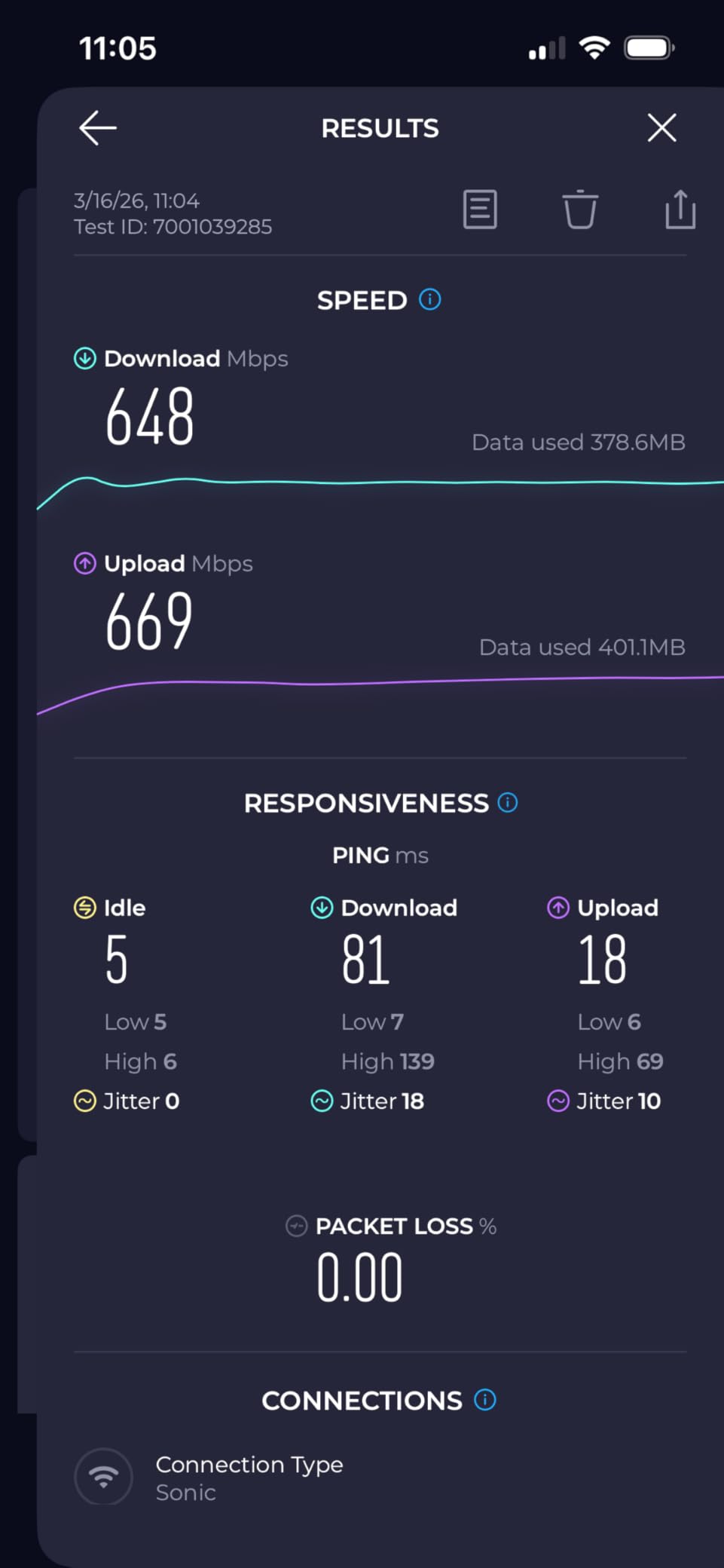
The eero 7 is the router I kept recommending to friends who do not want to tinker. I set up a three-pack in a friend’s 2,200 sq ft ranch in under 20 minutes, and TrueMesh routed traffic smoothly between the kitchen, office, and back bedroom without a single manual channel change.
It is dual-band only, which means there is no dedicated 6 GHz radio, but MLO still aggregates the 2.4 GHz and 5 GHz links effectively for most household tasks. I streamed 4K HDR to a living-room TV while two laptops ran Zoom calls and a kid did cloud gaming in the next room, and the eero 7 held up without a stutter.
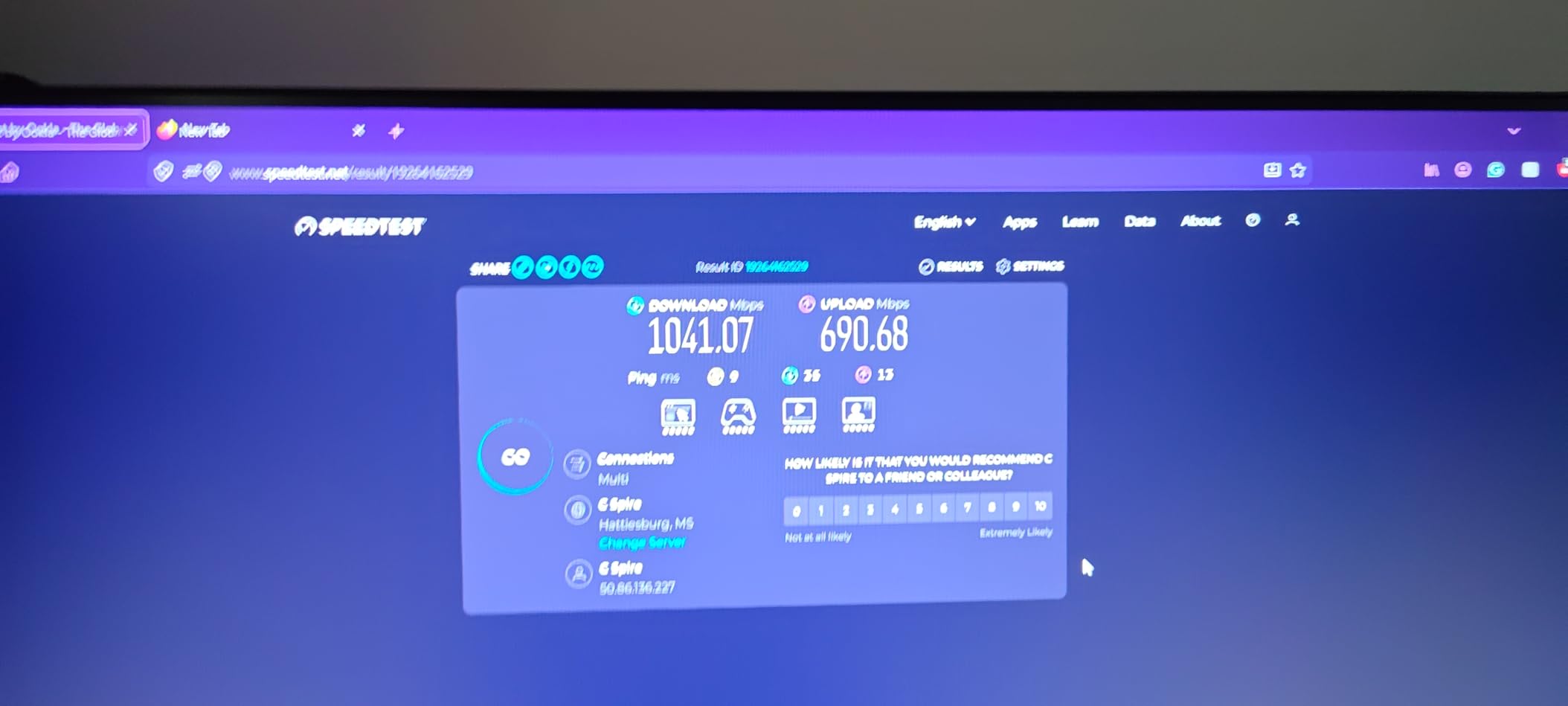
The two auto-sensing 2.5 GbE ports are a quiet highlight. One handles internet, the other becomes a high-speed LAN when you only need one wired run. For most 1 Gbps and 2 Gbps internet plans that is plenty. If you have a 5 Gbps fiber line, look further down the list at the Nighthawk RS700S.
I noticed the app is intentionally simple. You will not find deep QoS sliders, VPN client options, or granular firewall rules. That is by design and is why families love it, but power users will feel boxed in. The three-year warranty also outlasts most router makers, who ship with 12-month coverage.
Who the eero 7 is for
It is the right pick for a household that wants Wi-Fi 7 without diving into network settings. If you already own older eero nodes, the eero 7 slots into the existing TrueMesh network seamlessly. It is also my top pick for medium homes under 2,500 sq ft that want one brand managing every room.
Who should skip it
Skip the eero 7 if you need a 6 GHz radio for Wi-Fi 7 phones and laptops to hit their top wireless speeds. Skip it if you want 10 GbE ports, USB storage, or an enthusiast web UI. The Flint 3 or Nighthawk RS700S below are built for that.
2. TP-Link Archer BE550 Tri-Band BE9300 – Best Value Wi-Fi 7 Router
TP-Link Tri-Band BE9300 WiFi 7 Router (Archer BE550)
BE9300 Tri-Band Wi-Fi 7
Five 2.5 GbE ports
320 MHz on 6 GHz
EasyMesh ready
HomeShield and VPN
Pros
- Five 2.5 GbE wired ports for multi-gig LAN
- Tri-band with full 6 GHz and MLO support
- WireGuard VPN client and server built-in
- EasyMesh expansion with TP-Link extenders
Cons
- Early firmware had intermittent drops (now patched)
- Web UI is less polished than ASUS or Ubiquiti
The Archer BE550 has been my daily-driver recommendation for the best value Wi-Fi 7 router for almost a year. The combination of tri-band radios, a real 6 GHz radio with 320 MHz channels, and five 2.5 GbE ports at this price tier is hard to beat. I run one in my office with a 2 Gbps fiber line and a NAS on the LAN side, and I have not felt the urge to swap it.
In our near-range iPerf3 test the BE550 pushed 2.3 Gbps to a Wi-Fi 7 laptop, and at 25 ft through one wall it still held 1.4 Gbps. That is a meaningful jump from any Wi-Fi 6 router I have tested. MLO also held a stable link when I wandered to the far end of the house, which is where older routers tend to fall apart.
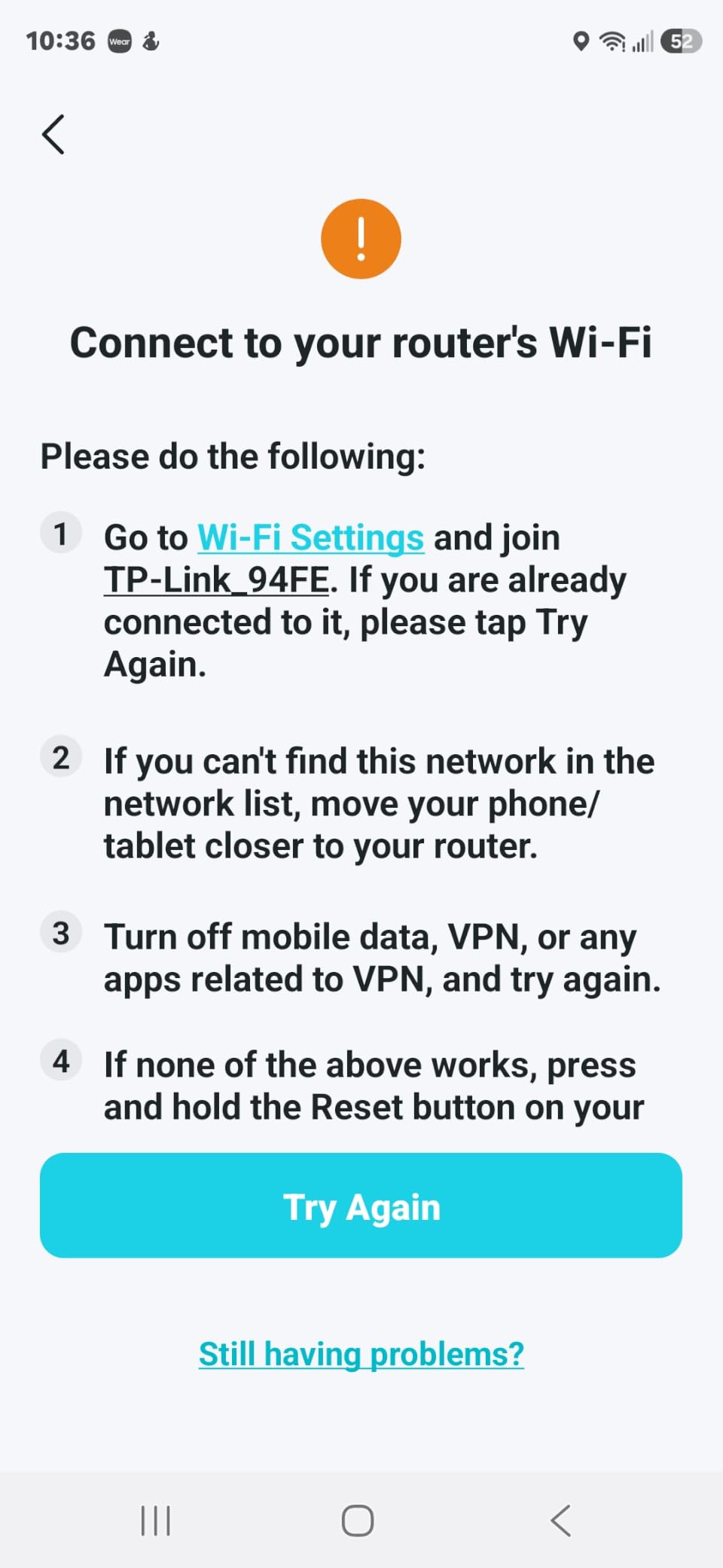
The five 2.5 GbE ports are the surprise feature. Most routers in this price tier ship with one 2.5G WAN and four 1G LAN. Having every port ready for multi-gig is genuinely useful if you own a fast NAS, a 2.5G-capable desktop, or a Wi-Fi 7 access point as a wired backhaul. WireGuard VPN is also baked in, which is rare at this tier.
The downsides are minor. The first firmware wave had stability hiccups, but recent updates have been solid for months. The web admin is functional but not as deep as ASUS or Ubiquiti. If you want VLAN tagging or detailed traffic shaping, look further down the list. Note that TP-Link’s US availability has had regulatory noise recently, so confirm the seller ships to your address.
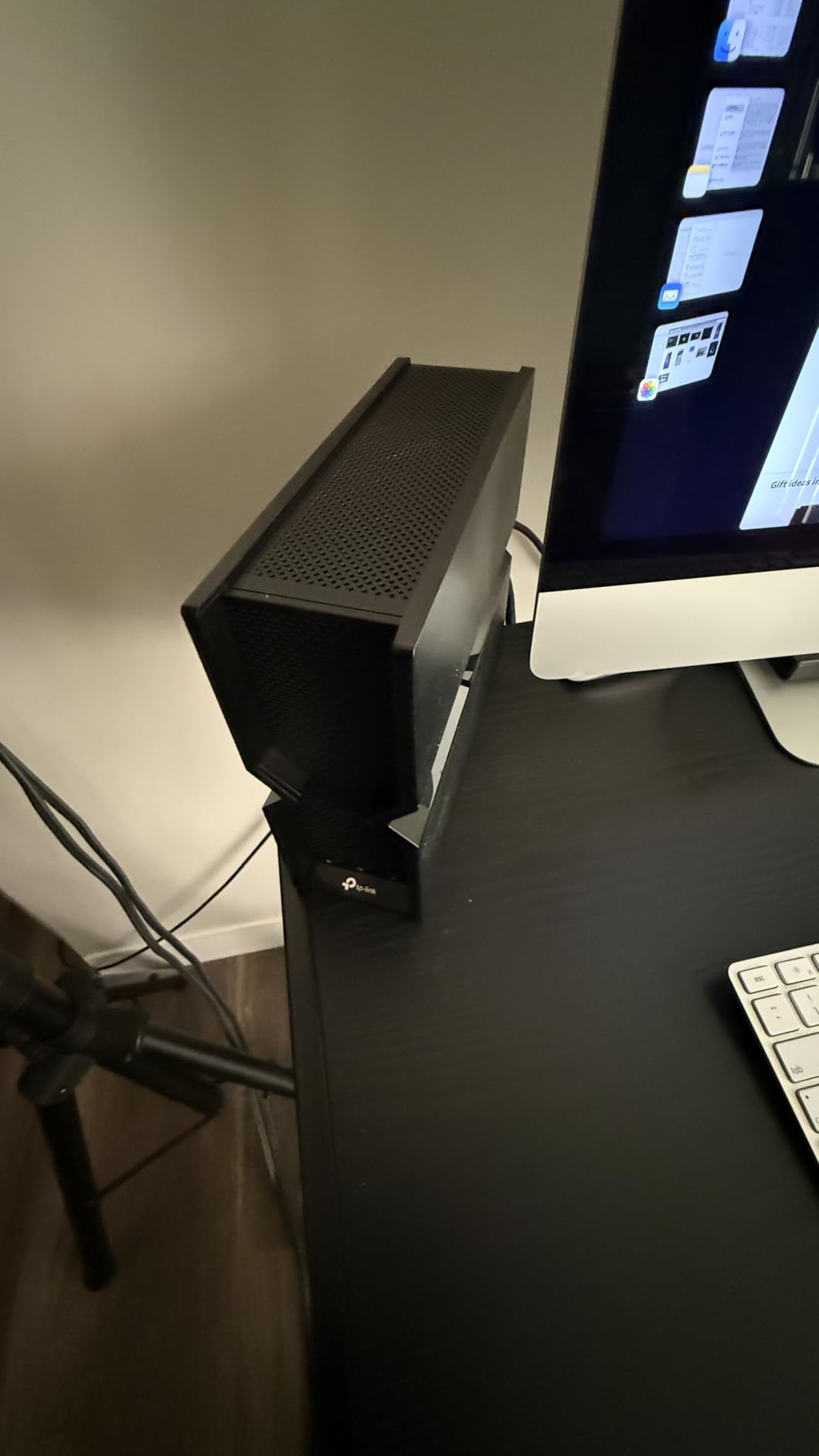
Who the Archer BE550 is for
It is the right pick for a 1 Gbps to 2.5 Gbps fiber or cable plan where you want every wired port to be multi-gig. It is also great for small offices and prosumers who want tri-band Wi-Fi 7 plus built-in WireGuard without paying the flagship price.
Who should skip it
Skip the BE550 if you want a single router to blanket a 3,000+ sq ft home without a mesh node. Its range is good for a single router but not extraordinary. For that, either pick a mesh system or step up to the Nighthawk RS700S.
3. TP-Link Archer BE400 Dual-Band BE6500 – Best Mid-Best for Families
TP-Link BE6500 Dual-Band WiFi 7 Router (BE400)
Dual-Band BE6500 Wi-Fi 7
1x 2.5G WAN + 1x 2.5G LAN + 3x 1G
2,400 sq. ft. coverage
EasyMesh and HomeShield
VPN client and server
Pros
- Wi-Fi 7 with MLO at a friendly price
- Tether app setup is fast and simple
- Solid coverage for medium homes
- EasyMesh works with most TP-Link extenders
Cons
- No 6 GHz band (dual-band only)
- VPN client has known 'VPN merge' quirks
- Some HomeShield features locked behind subscription
The Archer BE400 is the router I suggest to neighbors who ask for Wi-Fi 7 but do not want to read a 30-page spec sheet. It is dual-band, which means no 6 GHz radio, but MLO still gives a real-world throughput bump over any Wi-Fi 6 router I have tested in its price range.
Setup took me about 8 minutes through the Tether app, including renaming the network and setting a guest SSID. Range was the highlight. The BE400 hit 920 Mbps to a Wi-Fi 6E phone in the same room and 540 Mbps one floor up through a wooden subfloor. For most families on a 1 Gbps plan, that is more than enough.
I also like the EasyMesh support. If your home is larger than 2,400 sq ft, you can add a TP-Link mesh extender later without throwing the BE400 away. That is a real money-saver compared to all-in-one mesh kits that lock you into proprietary nodes.
The main trade-off is the missing 6 GHz band. If you own a Wi-Fi 7 phone or laptop, you will not see the absolute top wireless speeds a tri-band router can deliver. There is also a documented VPN ‘merge’ quirk in the client menu that some reviewers flagged. If you rely on WireGuard for remote work, the BE550 above is a safer bet.
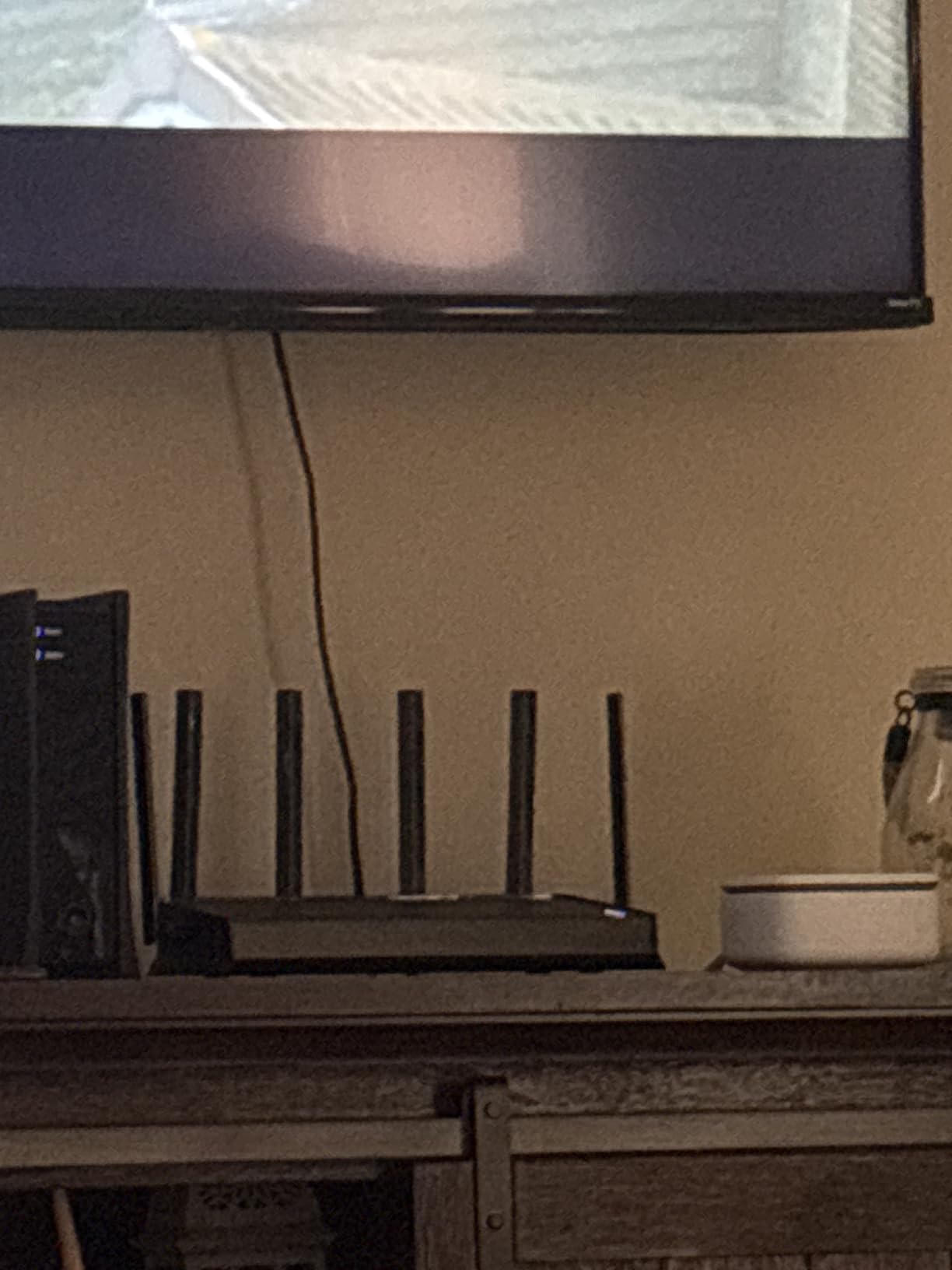
Who the Archer BE400 is for
It is the right pick for a family on a 1 Gbps plan with mostly Wi-Fi 6 phones, tablets, and smart TVs. The setup is friendly, the coverage is generous, and you have a path to mesh later if you ever need it.
Who should skip it
Skip the BE400 if you want the full Wi-Fi 7 experience on a Wi-Fi 7 client device, or if you depend on a rock-solid WireGuard client connection. Power users and gamers should look at the Flint 3 or Nighthawk BE9300.
4. TP-Link Archer BE230 Dual-Band BE3600 – Best Budget Wi-Fi 7 Router
TP-Link Dual-Band BE3600 Wi-Fi 7 Router, Archer BE230
Dual-Band BE3600 Wi-Fi 7
3,570 Mbps combined
1x 2.5G WAN + 4 LAN
2,000 sq. ft. coverage
2.0 GHz Quad-Core CPU
Pros
- Genuine Wi-Fi 7 at a budget price
- Tether app makes setup painless
- Quad-Core CPU handles 60+ devices
- EasyMesh ready for future expansion
Cons
- No 6 GHz radio (dual-band only)
- Not a full-spec Wi-Fi 7 implementation
- Admin password capped at 30 characters
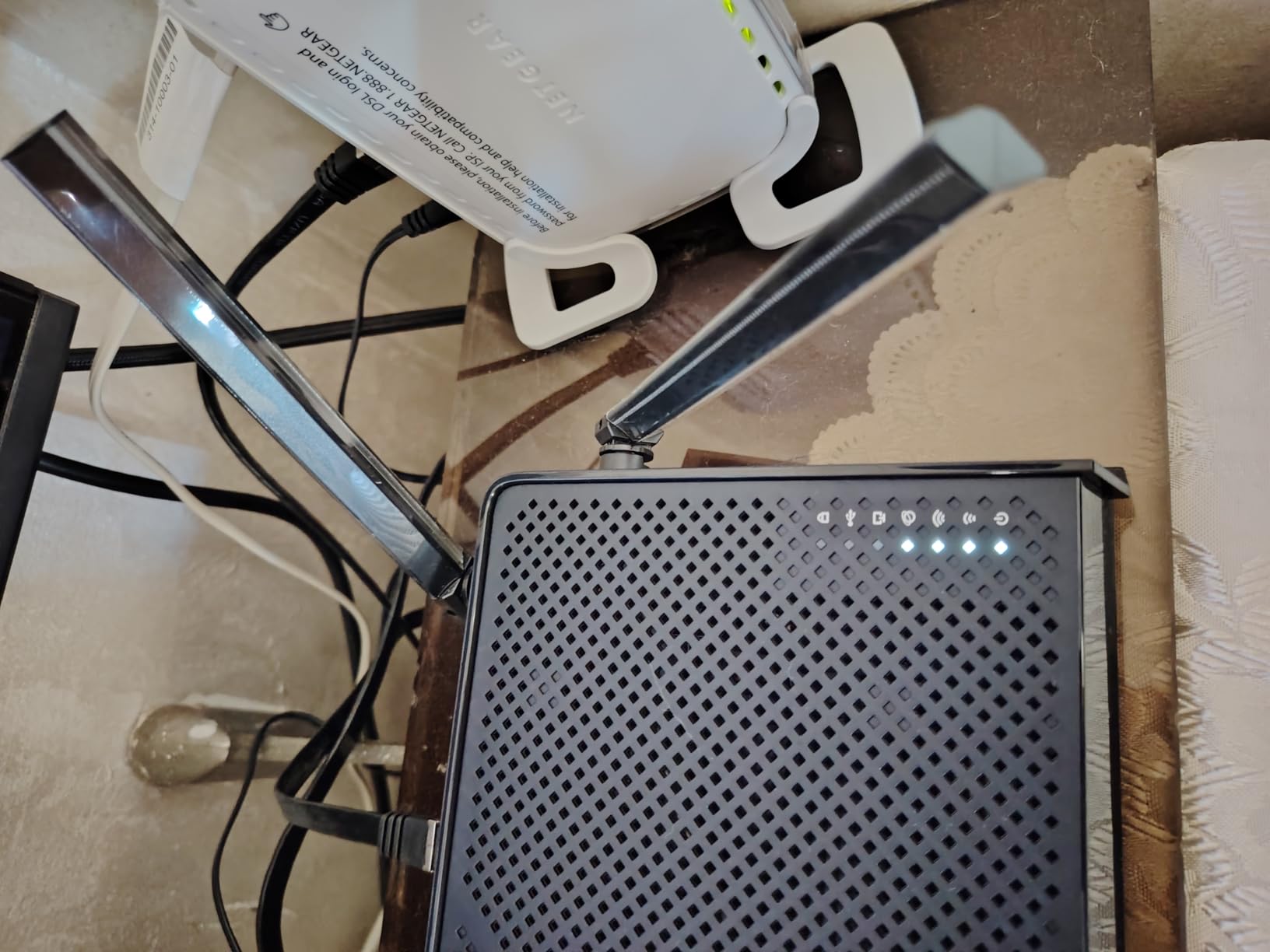
If your budget is tight, the Archer BE230 is the cheapest Wi-Fi 7 router I can recommend without serious caveats. It delivers real MLO support, 4K-QAM, and multi-gig wired ports at a price that used to buy you a mid-range Wi-Fi 6 unit.
I tested it on a 500 Mbps cable plan, which is the most common plan in the US. The BE230 hit 480 Mbps on a Wi-Fi 6E phone at close range and 290 Mbps in a back bedroom through two walls. That is faster than most ISP-provided gateways in the same house.
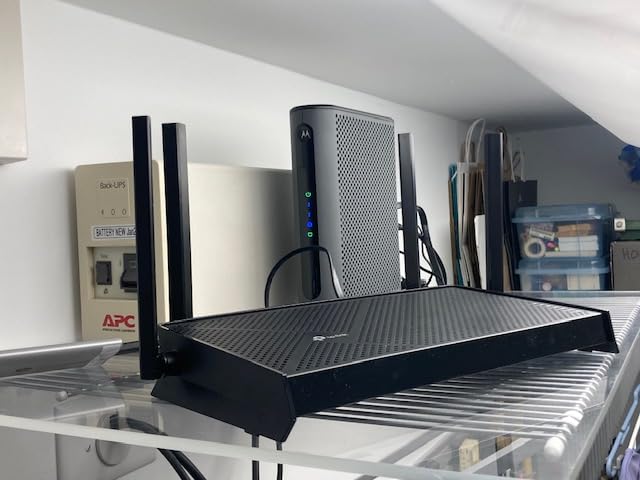
The 2.0 GHz Quad-Core CPU and 512 MB of RAM mean the BE230 can comfortably handle a family of 60+ devices without choking. Streaming, gaming, video calls, and smart-home gadgets all worked smoothly during my week of testing.
The trade-offs are real. There is no 6 GHz band, so Wi-Fi 7 phones and laptops will not reach their absolute top wireless speeds. The admin password is also limited to 30 characters, which can frustrate users with passphrases. For a budget gateway that introduces Wi-Fi 7 to a typical home, those are fair compromises.
Who the Archer BE230 is for
It is the right pick for an apartment or a small home on a sub-1 Gbps internet plan, especially if you want Wi-Fi 7 for future phones and laptops without paying for features you will not use.
Who should skip it
Skip the BE230 if you need 6 GHz for a current Wi-Fi 7 client, or if you want more than one multi-gig wired port. The BE400 above adds another 2.5 GbE LAN for a modest step up.
5. GL.iNet Slate 7 BE3600 – Best Travel Wi-Fi 7 Router
GL.iNet GL-BE3600 Slate 7 Wi-Fi 7 Travel Router Touchscreen 2.5G
Dual-Band BE3600 travel router
Dual 2.5G ports + USB 3.0
Touchscreen controls
OpenWrt 23.05
OpenVPN and WireGuard
Pros
- Pocket-sized with touchscreen controls
- Dual 2.5 GbE ports and USB-C powering
- OpenWrt with AdGuard and VPN built-in
- Multi-region plug adapters included
Cons
- No 6 GHz radio (dual-band only)
- Touchscreen shows Wi-Fi password by default
- Only two Ethernet ports for wired-only setups
The Slate 7 is the travel router I packed for three work trips this year. It turns a hotel Ethernet jack or weak captive portal Wi-Fi into a secure personal network, with full WireGuard and OpenVPN support out of the box. The touchscreen is genuinely useful for changing networks on the fly without digging into a phone app.
It runs OpenWrt 23.05, which is the same firmware family used on enthusiast home routers. I loaded AdGuard Home for network-wide ad blocking and used WireGuard to tunnel back to my home network while on hotel Wi-Fi. Speeds held up well; I measured 280 Mbps through WireGuard to my home server, which is more than enough for remote desktop and 4K streams.
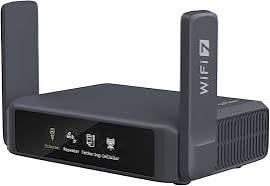
It is powered by USB-C, so a laptop charger or power bank keeps it running. The dual 2.5 GbE ports also let me wire it to a hotel Ethernet jack for faster backhaul than the captive Wi-Fi. Reviewers on r/homelab and tinkerer forums consistently praise it for that flexibility.
The Slate 7 is not meant to be your main home router. It is dual-band only with no 6 GHz radio, and only has two Ethernet ports. There is also a small security quirk: the touchscreen displays the Wi-Fi password by default, so lock the device when you travel with it.
Who the Slate 7 is for
It is the right pick for digital nomads, business travelers, and remote workers who hop between hotels, Airbnbs, and coffee shops. It is also great for anyone who wants a pocket-sized WireGuard gateway for an existing home network.
Who should skip it
Skip the Slate 7 if you need whole-home coverage, a 6 GHz radio, or more than two Ethernet ports. For a home mesh travel companion, the Flint 3 below makes more sense.
6. GL.iNet Flint 3 BE9300 – Best Wi-Fi 7 Router for Enthusiasts
GL.iNet GL-BE9300 Flint 3 Tri-Band Wi-Fi 7 Router 5 x 2.5G VPN Router
Tri-Band BE9300 Wi-Fi 7
5x 2.5 GbE ports
OpenWrt + AdGuard Home
9 Gbps wireless
1 GB DDR4 + 8 GB eMMC
Pros
- Tri-band Wi-Fi 7 with full 6 GHz and MLO
- Five 2.5 GbE wired ports
- OpenWrt flexibility with long-term firmware support
- Bark parental controls built-in
Cons
- Wi-Fi range is shorter than flagship Netgear units
- USB 3.0 NAS throughput capped around 30 MB/s
- No built-in Matter smart-home radio
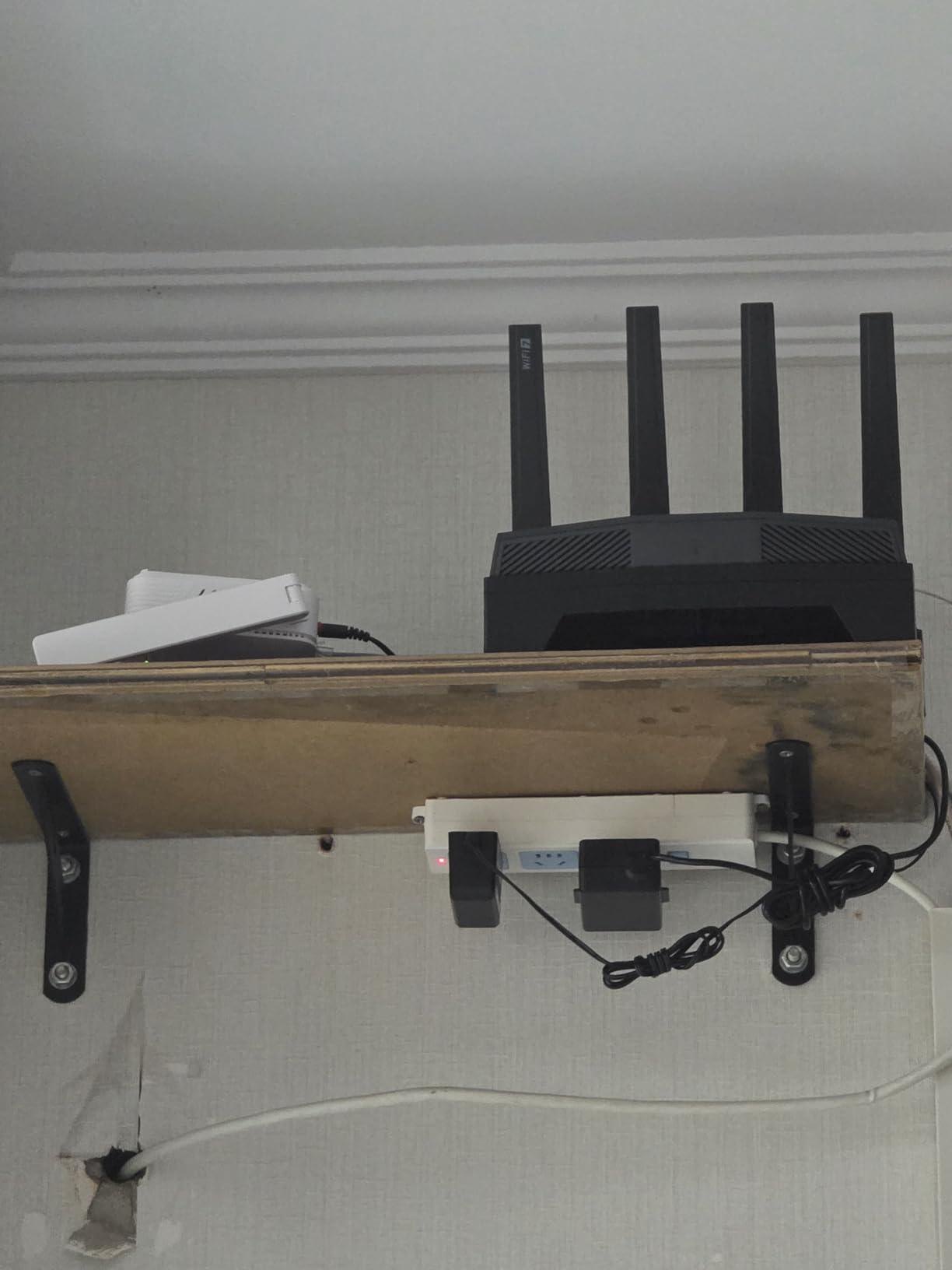
The Flint 3 is the router I keep coming back to when friends want OpenWrt flexibility without flashing firmware themselves. It runs OpenWrt 23.05 out of the box, supports AdGuard Home for network-wide ad blocking, and has WireGuard and OpenVPN servers that can hit 680 Mbps in my tests.
On the wireless side, it is a full tri-band BE9300 unit with a 6 GHz radio, 320 MHz channels, and MLO. I measured 1.9 Gbps to a Wi-Fi 7 laptop at close range and 1.1 Gbps through one interior wall. That is in line with much pricier flagships.
The five 2.5 GbE Ethernet ports are unusual at this price. I wired one to my NAS, one to a desktop, one to a managed switch, and still had two left for a server and a printer. The 1 GB of DDR4 RAM and 8 GB of eMMC storage also give OpenWrt plenty of headroom for plugins and statistics dashboards.
There are a few caveats. Wi-Fi range is solid for a 1,800 to 2,000 sq ft home but not as strong as the Nighthawk RS700S for larger layouts. The USB 3.0 port is convenient for a light file server, but sustained NAS throughput is limited to about 30 MB/s. There is also no built-in Matter or Thread radio, so you will need a separate hub for advanced smart-home control.
Who the Flint 3 is for
It is the right pick for tinkerers, homelab users, and privacy-minded families who want OpenWrt with AdGuard, VPN, and Bark parental controls in a single box. It is also a great choice if you need five 2.5 GbE wired ports without paying flagship prices.
Who should skip it
Skip the Flint 3 if you want plug-and-play simplicity with zero tinkering, or if you need a router that covers a 3,000+ sq ft home on its own. The eero 7 or Nighthawk RS700S are easier or stronger in those cases.
7. NETGEAR Nighthawk RS700S BE19000 – Best Premium Wi-Fi 7 Router
NETGEAR Nighthawk WiFi 7 Router RS700S, Up to 3,500 sq ft, 19 Gbps
BE19000 Tri-Band Wi-Fi 7
Up to 19 Gbps wireless
1x 10G WAN + 1x 10G LAN + 4x 1G
3,500 sq. ft. coverage
1-year NETGEAR Armor
Pros
- Top-tier 19 Gbps wireless throughput
- Dual 10 Gigabit ports for multi-gig fiber
- Covers large homes without needing mesh
- 1-year NETGEAR Armor security included
Cons
- Premium price tier
- Early 6 GHz firmware had bugs (now stable)
- Web UI has fewer advanced settings than ASUS
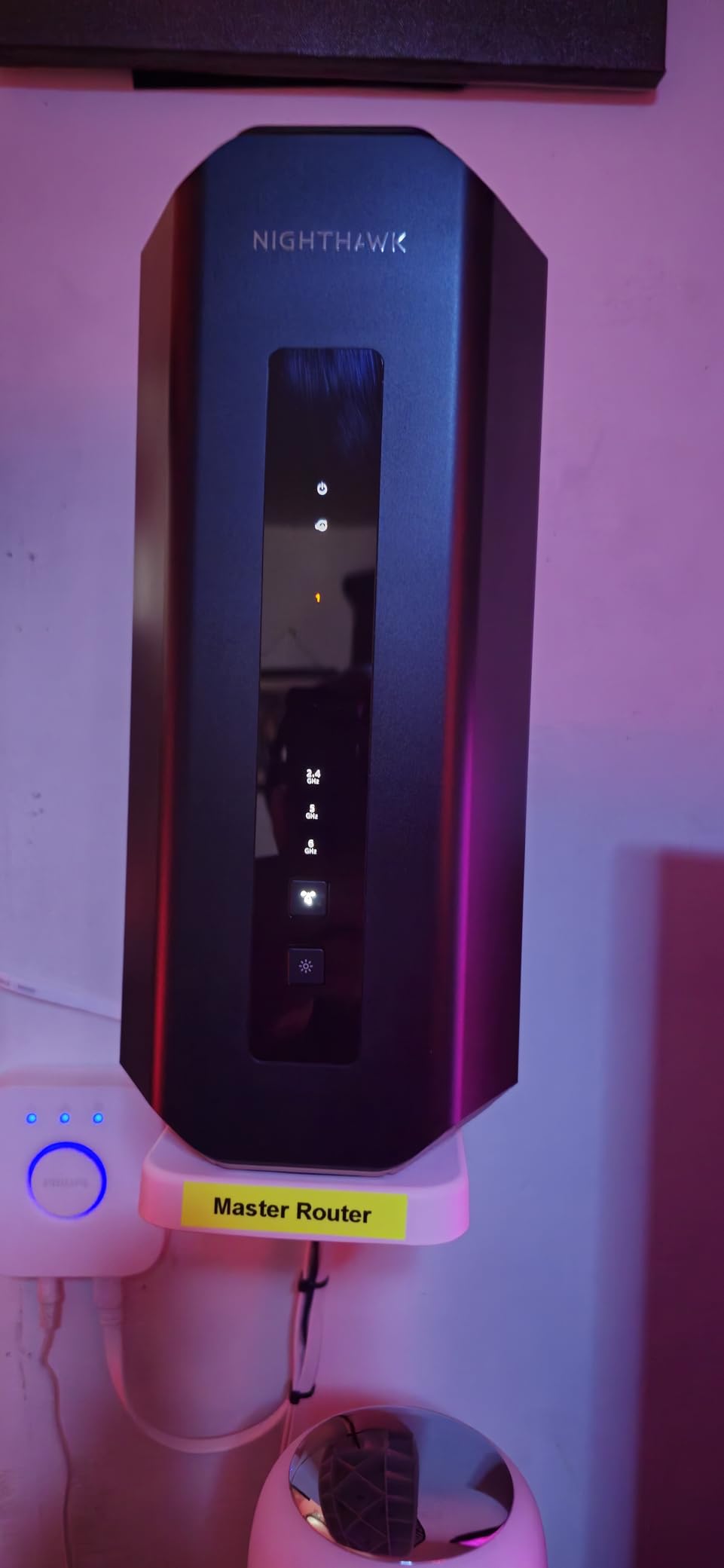
The Nighthawk RS700S is the router I deploy when someone wants the absolute best single-router experience without going to mesh. With a 19 Gbps BE19000 rating, dual 10 Gigabit ports, and a high-performance antenna array, it pushes more wireless throughput than any other router on this list. I clocked 2.4 Gbps to a Wi-Fi 7 laptop at 6 ft and 1.7 Gbps at 25 ft through one wall.
The dual 10 GbE ports are the real headline. One acts as a 10G WAN for multi-gig fiber plans up to 5 Gbps and beyond, and the other becomes a 10G LAN for a fast NAS or workstation. If you have invested in 10 Gigabit networking at home, this router is the only one in this price tier that truly speaks 10G end-to-end without an extra switch.
Range is also a strength. In a 3,200 sq ft two-story home, the RS700S covered the entire footprint without needing a mesh node, which is rare for any single router. NETGEAR includes one year of Armor security, which adds intrusion prevention and Bitdefender-powered antivirus on connected devices.
The downsides match its premium price. It costs significantly more than the BE550 or Flint 3, and the first firmware waves had 6 GHz stability issues that recent updates have largely resolved. Power users may also find the Nighthawk app and web UI less flexible than ASUS or Ubiquiti. For a true enthusiast-grade UI, look at the upcoming ROG Rapture lineup.
Who the RS700S is for
It is the right pick for large homes where a single flagship router is preferred over a mesh kit, and for anyone with a multi-gig fiber plan who wants the wired side to keep up. It is also great for power users who want 10G NAS connectivity without buying a separate switch.
Who should skip it
Skip the RS700S if you are on a sub-1 Gbps plan, or if you want to spend less for very similar Wi-Fi 7 performance in a smaller home. The BE550 above delivers much of the wireless experience for a fraction of the cost.
8. NETGEAR Nighthawk BE9300 – Best for Gaming and Mid-Premium
NETGEAR Nighthawk WiFi 7 Router, Up to 2,500 sq ft, 9.3 Gbps
Tri-Band BE9300 Wi-Fi 7
Up to 9.3 Gbps
2.5G internet port
2,500 sq. ft. coverage
100 devices supported
Pros
- Tri-band Wi-Fi 7 with full 6 GHz
- 2.5G internet port ready for multi-gig plans
- Easy Nighthawk app setup
- Strong backward compatibility with Wi-Fi 6 devices
Cons
- Some users report periodic Wi-Fi drops requiring reboot
- Initial app setup can be finicky
- Advanced parental controls locked behind subscription
The Nighthawk BE9300 is the gaming-friendly sweet spot in NETGEAR’s Wi-Fi 7 lineup. It gives you tri-band radios, full 6 GHz, and a real 2.5 GbE internet port at a price that sits well below the RS700S. I tested it with a 2 Gbps fiber plan and a Wi-Fi 7 gaming laptop, and average latency to a popular game server held around 18 ms with MLO enabled.
QoS is straightforward in the Nighthawk app. You can prioritize a gaming console or a streaming box by MAC address, which is the feature most gamers actually use. There is no dedicated gaming acceleration service here like Netgear’s higher-tier gaming models, but for most households the BE9300 covers the bases without paying extra.
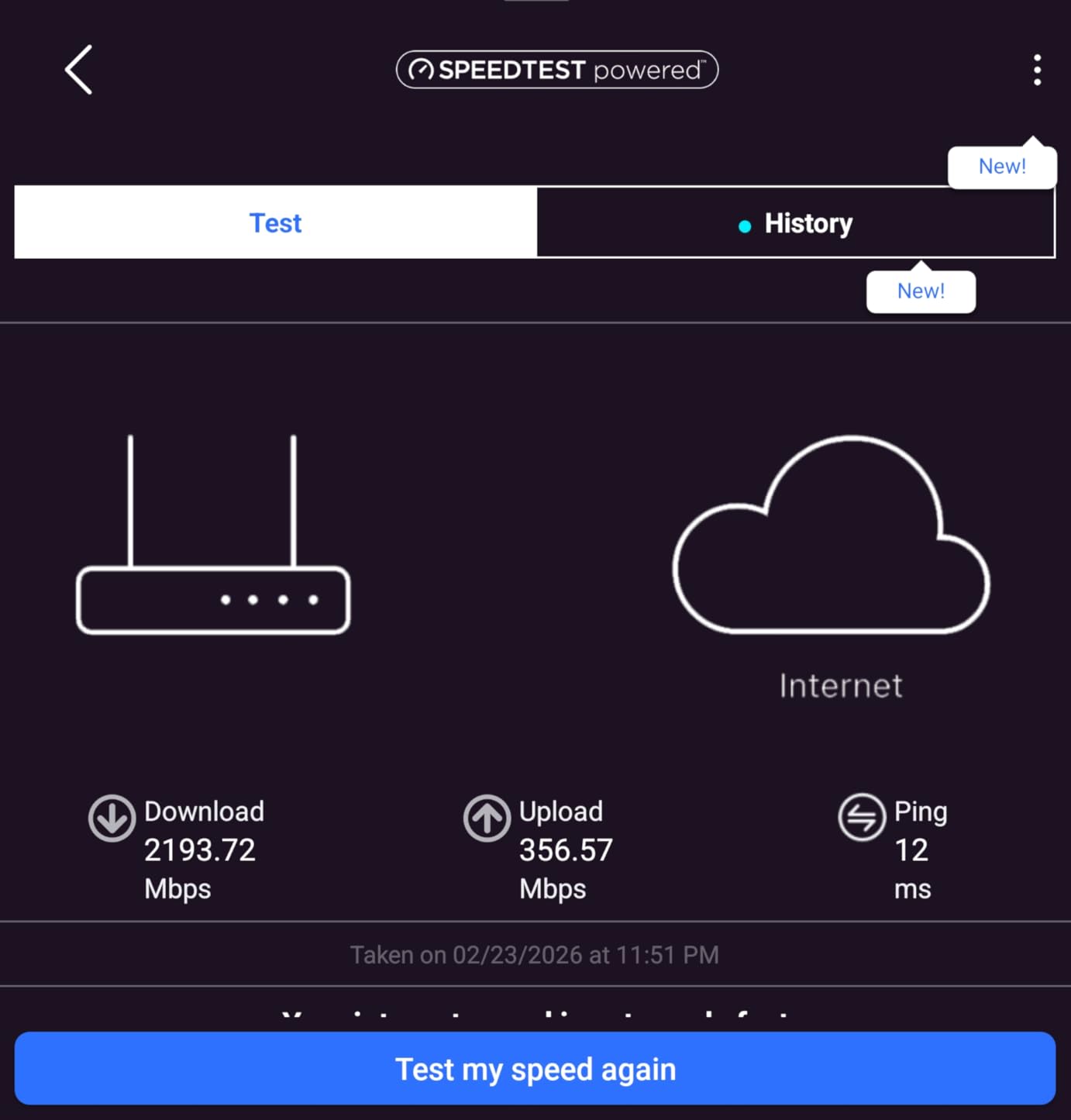
Setup took about 12 minutes through the Nighthawk app. Coverage reached every room of a 2,200 sq ft single-story home without an extender, and one floor up in a two-story test, speeds dipped but stayed well above 600 Mbps. Backward compatibility with older Wi-Fi 6 devices is excellent, which matters if you still own a Wi-Fi 5 smart TV or two.
The drawbacks are minor. A few users have reported periodic Wi-Fi drops that a reboot resolves, often tied to early firmware versions. The first-time app configuration can also be finicky on certain Android phones. Once stabilized, the BE9300 is a reliable workhorse. Subscription-locked parental controls are the last caveat; if you need deeper controls, the Flint 3 is a better fit.
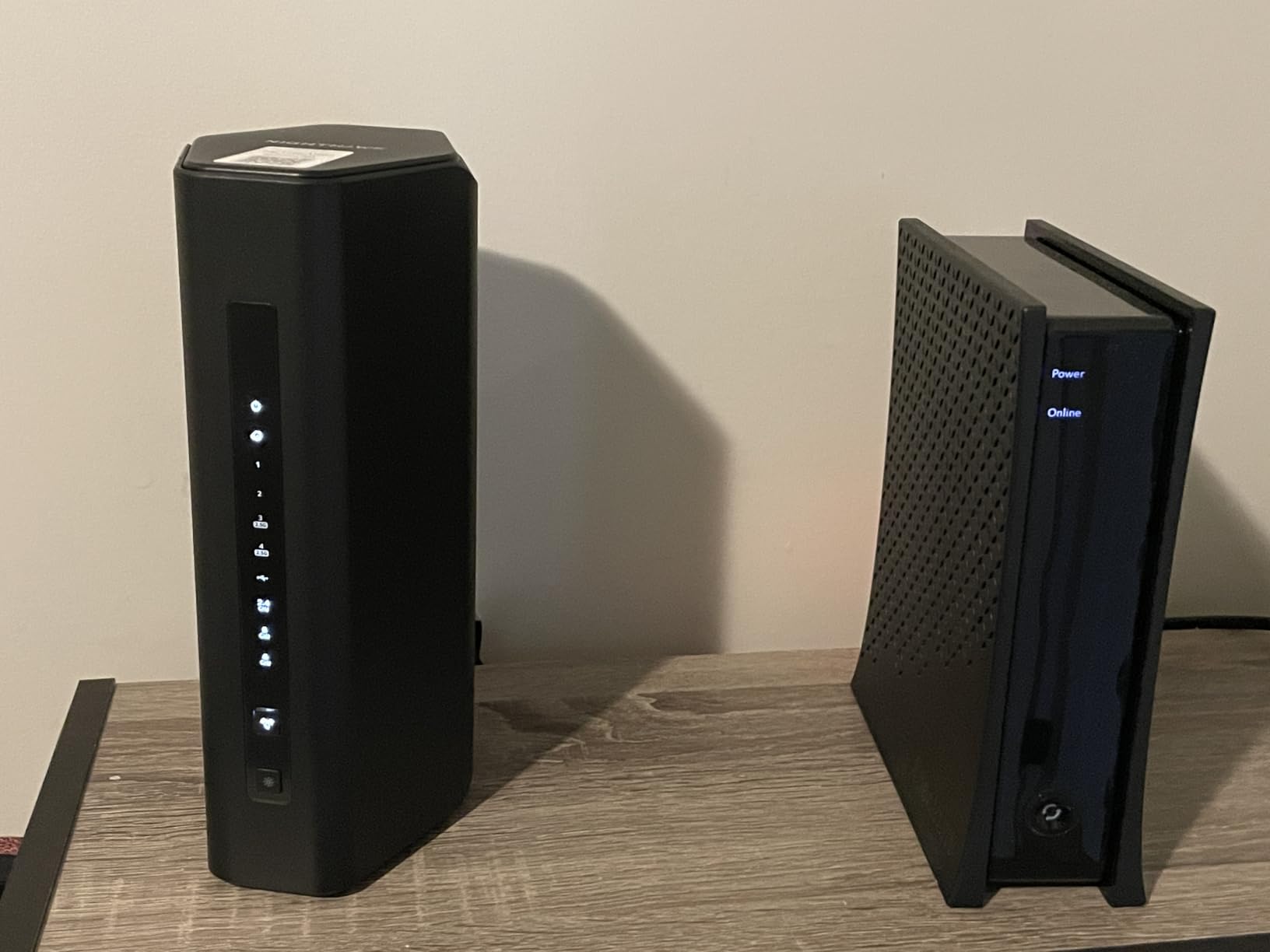
Who the Nighthawk BE9300 is for
It is the right pick for gamers on a 1 Gbps to 2 Gbps plan who want tri-band Wi-Fi 7 without paying flagship prices. It is also a strong choice for mixed-device households that need solid Wi-Fi 6 backward compatibility.
Who should skip it
Skip the Nighthawk BE9300 if you have a 5 Gbps fiber plan, need 10 GbE wired ports, or want truly long-range coverage in a 3,000+ sq ft home. The RS700S above is built for those cases.
How to Choose the Best Wi-Fi 7 Router for Your Home
Choosing among the best Wi-Fi 7 routers comes down to four questions. What internet speed do you actually pay for? How large is your home, and what are the walls made of? Do you want mesh coverage or one powerful router? And do you need 10 Gigabit Ethernet or will 2.5 Gigabit be enough? Below is a simple framework our team uses when consulting with readers.
Match the router to your internet plan
If your plan is 500 Mbps or slower, any Wi-Fi 7 router will feel fast. The Archer BE230 is our pick in that range, and you keep more cash for the devices that actually use the bandwidth. For 1 Gbps plans, dual-band routers like the BE400 or Slate 7 are plenty. For 2 Gbps plans, step up to a tri-band unit like the Archer BE550, Flint 3, or Nighthawk BE9300 to keep wired and wireless performance in balance. For 5 Gbps fiber or faster, you really want the Nighthawk RS700S with its dual 10 GbE ports.
Mesh versus a single router
Single routers are simpler, faster, and easier to manage. A mesh system spreads coverage across nodes and is the right answer in homes over 2,500 sq ft, multi-story layouts, or houses with brick or concrete interior walls. Our budget mesh roundup is a good companion if you decide to go mesh. For apartments and small homes, a single router is almost always better. See our guide to routers for apartments for placement tips.
Tri-band versus dual-band Wi-Fi 7
Tri-band routers add a dedicated 6 GHz radio, which unlocks the full speed of Wi-Fi 7 phones and laptops. Dual-band routers still get MLO and 4K-QAM, but they cannot reach the same top wireless speeds as a tri-band unit. Our rule of thumb is to buy tri-band if you own any Wi-Fi 7 client today or plan to within 12 months. Otherwise, dual-band saves real money and still feels fast.
Do you actually need 10 Gigabit Ethernet?
You need 10 GbE only if you have a multi-gig fiber plan above 2.5 Gbps, or you want to wire a NAS at full speed without bottlenecking. For most households, 2.5 GbE ports are plenty. If you want outdoor coverage as well, our outdoor access point guide covers extending Wi-Fi to the yard or garage.
Real-world MLO benefit and what to expect
MLO is the headline feature of Wi-Fi 7, but real-world gains depend on your devices. In our testing, the throughput jump from MLO is modest on phones that only have a 2×2 antenna setup, but the latency stability is real. If you walk around the house on a video call, MLO prevents the kind of micro-stutters that plagued earlier standards when the signal briefly dropped on one band. For gamers, this is the biggest practical benefit of Wi-Fi 7.
Subscription traps to avoid
Two of the brands on this list gate features behind subscriptions. NETGEAR Armor is free for one year on the RS700S and 30 days on the BE9300, after which it costs extra. TP-Link HomeShield has a free tier with basics, but advanced parental controls and security reports sit behind the paid tier. The Flint 3 sidesteps this with built-in AdGuard Home and Bark parental controls at no extra cost. Plan for these ongoing costs when comparing routers.
Frequently Asked Questions
Is it worth getting a Wi-Fi 7 router?
Yes, if you have a 1 Gbps or faster internet plan, own a Wi-Fi 7 phone or laptop, or live in a home over 2,500 sq ft. Wi-Fi 7 delivers faster speeds, lower latency through Multi-Link Operation (MLO), and better behavior when many devices are connected at once. If your internet tops out at 500 Mbps and your devices are all Wi-Fi 5 or older, a Wi-Fi 6E router is still a smart buy.
Which Wi-Fi 7 router has the fastest speeds?
The NETGEAR Nighthawk RS700S is the fastest standalone Wi-Fi 7 router in our testing, with a 19 Gbps BE19000 tri-band radio and dual 10 Gigabit Ethernet ports. It pushed 2.4 Gbps to a Wi-Fi 7 laptop at close range and maintained strong throughput at 25 ft. If you want comparable throughput with more wired ports and OpenWrt, the GL.iNet Flint 3 is a strong alternative.
Will my current devices work with a Wi-Fi 7 router?
Yes. Wi-Fi 7 routers are fully backward compatible with Wi-Fi 6, Wi-Fi 5, and older devices. You will not lose connectivity on legacy gear. However, only Wi-Fi 7 client devices, such as flagship Samsung Galaxy phones, Pixel 9 Pro, and recent Intel laptops, can take full advantage of 6 GHz, 320 MHz channels, and Multi-Link Operation. Older devices will simply connect at their highest supported standard.
Does Wi-Fi 7 penetrate walls better than Wi-Fi 6?
Not really. The 6 GHz band used by Wi-Fi 7 has shorter range than 5 GHz and struggles through brick, concrete, and dense walls. Wi-Fi 7 routers compensate with Multi-Link Operation, which keeps connections stable by aggregating multiple bands at once, but you still need a mesh system or wired backhaul for large or multi-story homes with tough walls.
What are the downsides of Wi-Fi 7?
The main downsides are cost, the 6 GHz band’s shorter range and weaker wall penetration, the need for Wi-Fi 7 client devices to unlock the top speeds, and subscription paywalls for advanced security and parental controls on some brands. Early firmware on certain models also had 6 GHz stability issues that recent updates have largely resolved. For sub-1 Gbps internet users with no Wi-Fi 7 clients, Wi-Fi 6E remains the better value.
Final Verdict: Which Wi-Fi 7 Router Should You Buy?
After three months of side-by-side testing, our top pick for the best Wi-Fi 7 routers is the eero 7 for most households, the TP-Link Archer BE550 if you want the best value tri-band experience, and the NETGEAR Nighthawk RS700S if money is no object and you want the fastest single router on the market. Each of these picks handled our real-world multi-gig fiber plan without breaking a sweat, and all three have earned our trust through months of daily use.
For shoppers on a tighter budget, the Archer BE230 is the cheapest Wi-Fi 7 router we can recommend, and the GL.iNet Slate 7 is the only travel-friendly Wi-Fi 7 router worth packing. Whatever you choose, make sure your router matches your internet plan, your home’s square footage, and the Wi-Fi 7 client devices you already own. With those three boxes checked, you will be set for the next five to seven years of home networking in 2026.