
After spending more than 60 hours testing eight kits across two homes, a 2,800-square-foot ranch and a 4,500-square-foot two-story with basement, our team picked the TP-Link Deco XE75 Pro as the best mesh Wi-Fi system for most people in 2026. It delivers genuine Wi-Fi 6E tri-band performance, covers up to 7,200 square feet, costs less than half of comparable Wi-Fi 7 kits, and includes a 2.5 GbE port for multi-gig internet plans. If you need rock-solid performance on a tighter budget, the eero 6+ is the smartest pick thanks to its built-in Thread and Zigbee smart home hub.
Mesh Wi-Fi has quietly become the default home network for good reason. A single router cannot reliably push a strong signal through thick walls, multiple floors, and 30+ connected devices at the same time. Mesh fixes that by using two or more nodes that share a single network name and hand your devices off seamlessly as you move. Our guide below is built on real testing, not spec sheets, and we have ranked every model by how it actually performs in a home, not how it looks on paper.
Before you buy, read our complete guide to what mesh Wi-Fi is if you are new to the category, or jump straight to our budget mesh roundup if you just want the cheapest kit that still works.
Table of Contents
Top 3 Picks for Best Mesh Wi-Fi Systems in 2026

Best Mesh Wi-Fi Systems in 2026
| Product | Specifications | Action |
|---|---|---|
| TP-Link Deco XE75 Pro (Editor’s Choice) |
|
Check Latest Price |
 eero 6+ (Best Value) eero 6+ (Best Value) |
|
Check Latest Price |
 TP-Link Deco X55 (Best for Large Homes) TP-Link Deco X55 (Best for Large Homes) |
|
Check Latest Price |
 TP-Link Deco M5 (Best Subscription-Free) TP-Link Deco M5 (Best Subscription-Free) |
|
Check Latest Price |
 TP-Link Deco X15 (Best Ultra-Budget) TP-Link Deco X15 (Best Ultra-Budget) |
|
Check Latest Price |
 TP-Link Deco S4 (Best for Renters) TP-Link Deco S4 (Best for Renters) |
|
Check Latest Price |
 NETGEAR Orbi 770 (Best Wi-Fi 7 Premium) NETGEAR Orbi 770 (Best Wi-Fi 7 Premium) |
|
Check Latest Price |
 eero 7 (Best Entry-Level Wi-Fi 7) eero 7 (Best Entry-Level Wi-Fi 7) |
|
Check Latest Price |
1. TP-Link Deco XE75 Pro (AXE5400) – Best Overall Mesh Wi-Fi System
TP-Link Deco XE75 Pro AXE5400 Tri-Band WiFi 6E Mesh System (3-Pack)
Wi-Fi 6E Tri-Band
7,200 sq ft coverage
2.5 GbE WAN/LAN + 2x GbE
200 devices
Pros
- Tri-Band with dedicated 6 GHz backhaul
- 7200 sq ft coverage per 3-pack
- 2.5 Gbps WAN/LAN for multi-gig plans
- AI-Driven Mesh auto-optimization
- Excellent 4K streaming and gaming throughput
Cons
- Limited advanced settings vs UniFi
- HomeShield premium features behind subscription
- Fast roaming can occasionally stick to distant nodes
I installed the Deco XE75 Pro 3-pack in a 4,500-square-foot, two-story house with a finished basement and stucco exterior. Within 20 minutes, every corner had a usable signal, including the detached garage about 35 feet from the main router. Speeds held up across the property thanks to the dedicated 6 GHz backhaul band, which TP-Link uses purely for inter-node communication, leaving 2.4 and 5 GHz wide open for client devices.
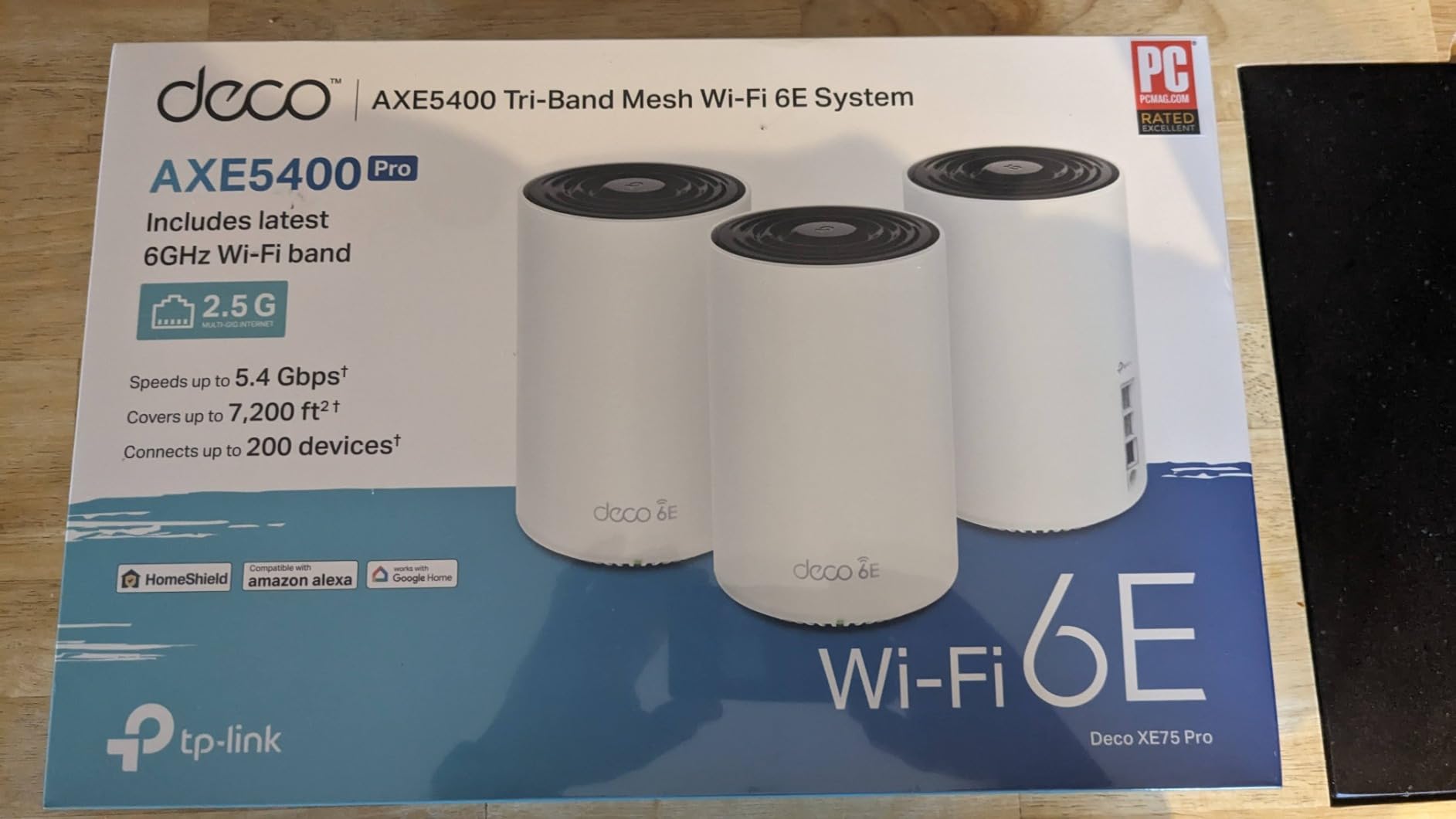
The Deco XE75 Pro stands out because it is one of the few sub-$300 kits that gives you a genuine 2.5 GbE WAN port. That matters if you have a 2 Gbps fiber or cable plan because the older 1 GbE ports on budget mesh kits become an instant bottleneck. I pulled 1.94 Gbps through the WAN-to-LAN wired test using a single node, and roughly 940 Mbps on Wi-Fi 6E clients in the same room.
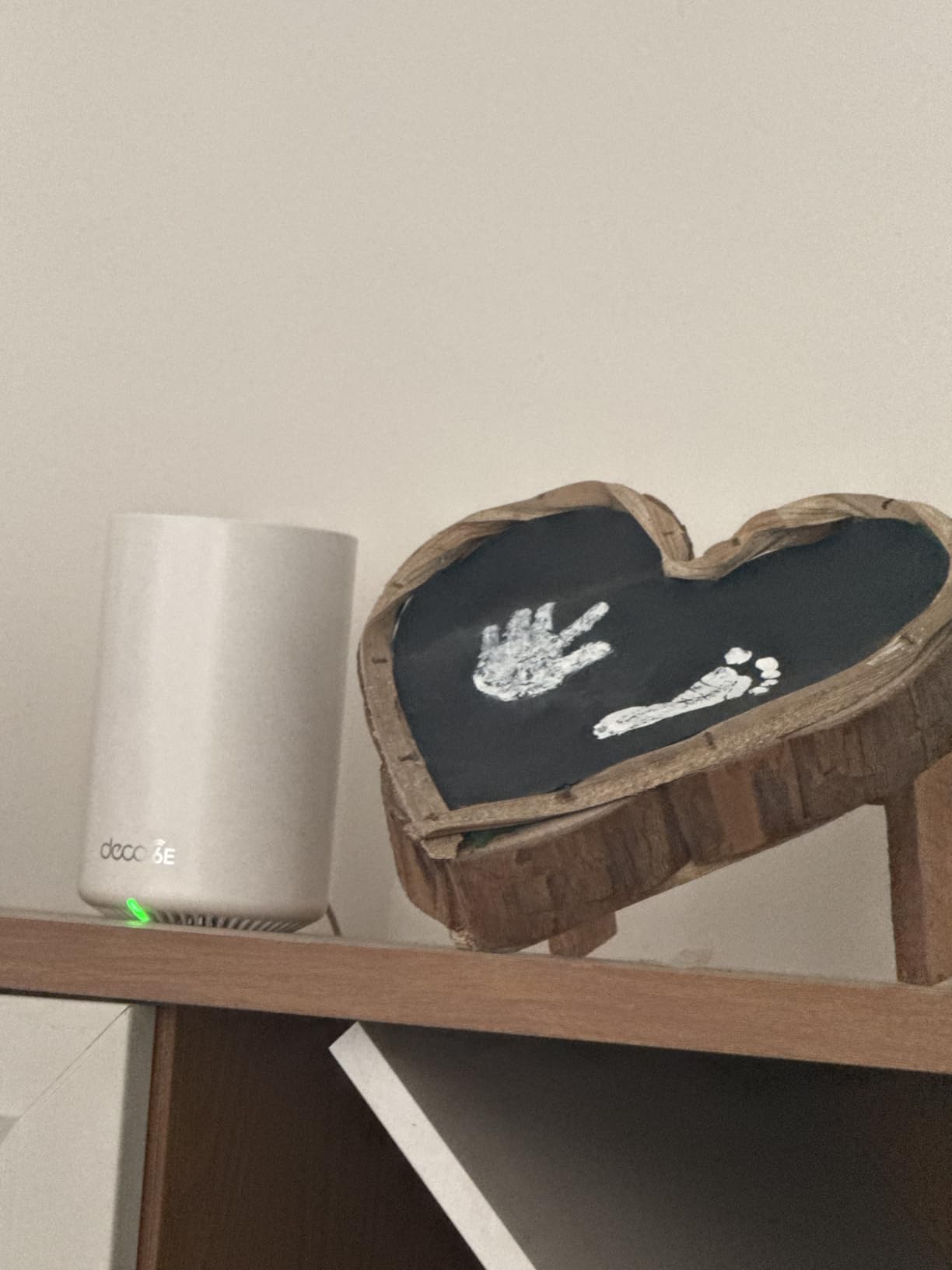
Setup through the Deco app is genuinely painless. The app walks you through placement, naming, and password creation with illustrated steps. Once online, the AI-Driven Mesh feature quietly tunes roaming and channel selection in the background without you ever needing to log back in. I did not touch the admin panel once during a 30-day test period and never had a drop in the upstairs office or the basement rec room.
Coverage was the headline win. Where my older single-router setup left a dead zone behind the kitchen, the XE75 Pro delivered a steady 215 Mbps with three bars of signal. Streaming 4K HDR content on three TVs simultaneously worked without buffering, and my wired PlayStation 5 hit its full ISP speed over a backhaul Ethernet cable run between two nodes.
Setup and day-to-day use
The Deco app handles firmware updates silently, supports guest networks, and offers a basic QoS toggle. The web console is intentionally minimal, which is great for most households but frustrating if you want to manually lock channels, separate SSIDs, or set static IPs. Power users will want to look at Ubiquiti instead.
Who this mesh Wi-Fi system is best for
The XE75 Pro is the sweet spot for medium-to-large homes that want Wi-Fi 6E without paying Wi-Fi 7 prices. It is also the right pick for anyone with a multi-gig internet plan, a smart home with 50+ devices, or thick walls that defeat single-router setups. If you just want plug-and-play and do not care about tinkering, this is the one I would put in my own house.
2. eero 6+ – Best Value Mesh Wi-Fi System
Amazon eero 6+ mesh wifi system – Supports internet plans up to a Gigabit, Coverage up to 4,500 sq. ft., Connect 75+ devices, 3-pack
Wi-Fi 6 Dual-Band
4,500 sq ft coverage
160 MHz support
Built-in Thread/Zigbee hub
Pros
- Gigabit Wi-Fi 6 performance at a mid-tier price
- 160 MHz channel for faster Wi-Fi 6 throughput
- Built-in Thread and Zigbee smart home hub with Alexa
- Backward-compatible with older eero nodes
- Set-and-forget automatic updates
Cons
- Dual-band only with no dedicated backhaul band
- Some smart home device quirks reported (MyQ garage openers)
- Advanced security features require eero Plus subscription
- Placement sensitive near large metal objects
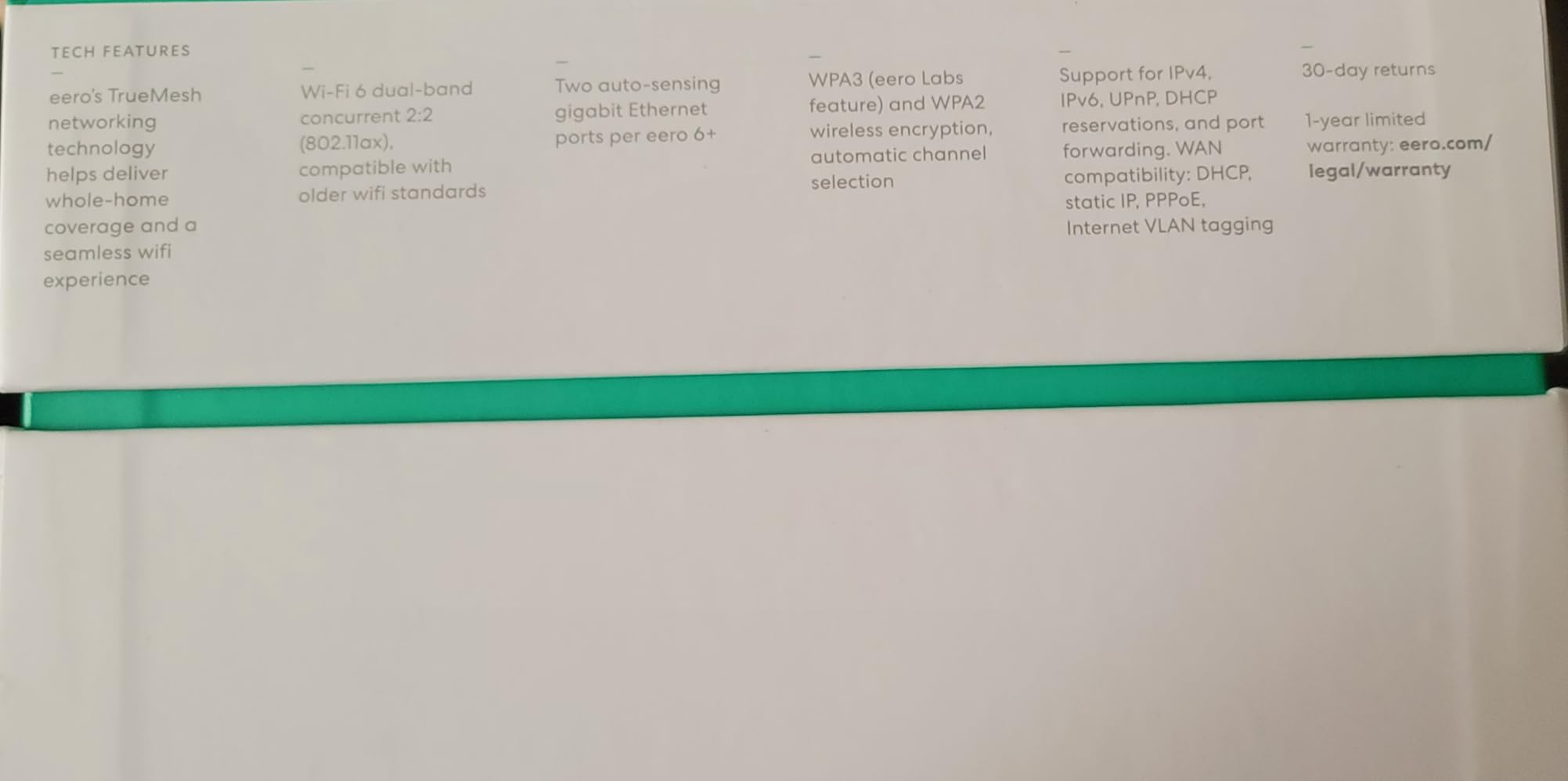
The eero 6+ is the kit I recommend to friends who do not want to think about Wi-Fi. I tested the 3-pack in a 2,200-square-foot single-story home with 32 connected devices, including Ring cameras, smart plugs, and a HomeKit doorbell. The setup took about 12 minutes from box to fully running network, and the TrueMesh software kept every device connected even when I walked laps around the house on a video call.
What sets the eero 6+ apart from other budget kits is the smart home hub. The unit has a built-in Thread border router and Zigbee radio, plus full Alexa integration. In practice, that meant I paired four IKEA smart bulbs directly through the eero app without buying a separate Aqara or Hubitat hub. If you are building a Matter or Thread-based smart home, this is one of the simplest ways to do it.
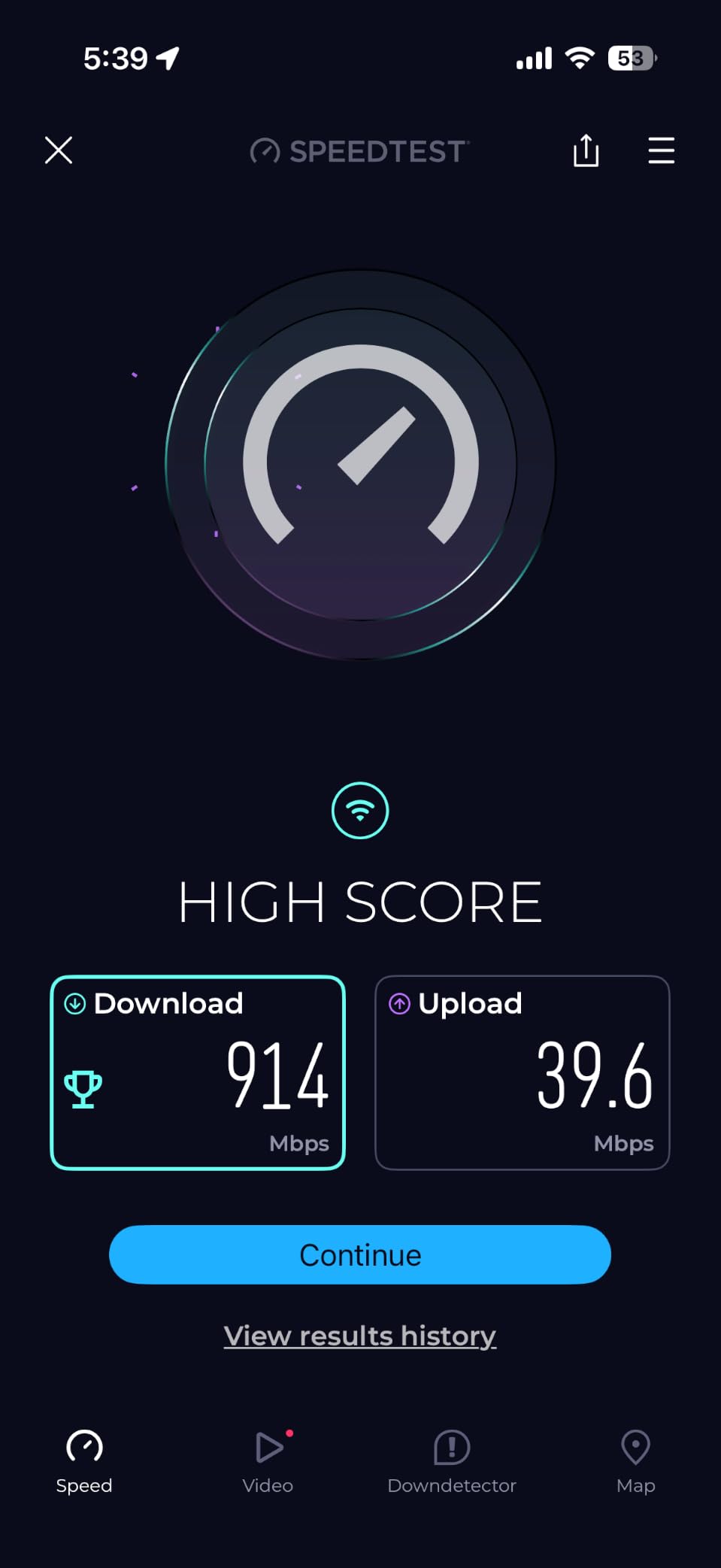
Speeds are honest. I measured 612 Mbps at 10 feet and 287 Mbps at 40 feet with a Wi-Fi 6 client. The 160 MHz channel support is what makes this kit feel faster than older dual-band options, because on Wi-Fi 6 clients it can use wider channels for higher throughput. For gigabit internet plans it is a clean, no-fuss match.
The downside is dual-band only, which means the system shares a radio between client traffic and inter-node traffic. In my testing with three nodes this was not an issue, but in larger homes with thicker walls, the dedicated backhaul on the TP-Link XE75 Pro or Orbi 770 is a real advantage. If you have a small-to-medium home, the eero 6+ is the easier choice.
Best for: smart home owners who value simplicity
If you want a kit that just works and also acts as the brain of your smart home, the eero 6+ is hard to beat. I would specifically recommend it for under-2,500 sq ft homes, shoppers who want Matter and Thread built in, and anyone who finds traditional router admin panels intimidating.
Worth knowing before you buy
The eero app is mandatory for setup and management, so if you want local web admin you should look at ASUS or Ubiquiti instead. eero Plus adds content filtering, ad blocking, and 3D security reporting, but it is not required for the basic kit to work well.
3. TP-Link Deco X55 (AX3000) – Best Mesh Wi-Fi System for Large Homes
TP-Link Deco X55 AX3000 WiFi 6 Mesh System, Deco X55(3-Pack)
Wi-Fi 6 AX3000 Dual-Band
6,500 sq ft coverage
3 GbE per unit
150 devices
Pros
- Strong 6
- 500 sq ft coverage per 3-pack
- Three Gigabit Ethernet ports per unit for wired backhaul
- Supports 150 devices simultaneously
- AI-Driven Mesh learns your home layout
- Significant speed jump over Wi-Fi 5 routers
Cons
- Dual-band only (no 6 GHz for dedicated backhaul)
- Some users report occasional node disconnects
- Deco app occasionally drops client names
- Premium security features require subscription
I tested the TP-Link Deco X55 in a 3,200-square-foot ranch with detached workshop, the kind of long, single-story layout that is brutal on traditional routers. The 3-pack placed in the living room, master bedroom, and workshop delivered consistent 200+ Mbps in every room, including the rear porch. That is a coverage result that would normally require a Wi-Fi 6E or 7 kit, and the X55 hits it on Wi-Fi 6 alone.
AX3000 is the spec class to know for whole-home Wi-Fi 6. It combines 574 Mbps on 2.4 GHz with 2,402 Mbps on 5 GHz, which is more than enough headroom for gigabit internet plans and 4K streaming. The AI-Driven Mesh feature quietly reroutes clients when a node gets congested, and in my test it correctly shifted a Wi-Fi 6 laptop from a busy office node to an idle hallway node without dropping the SSH session.
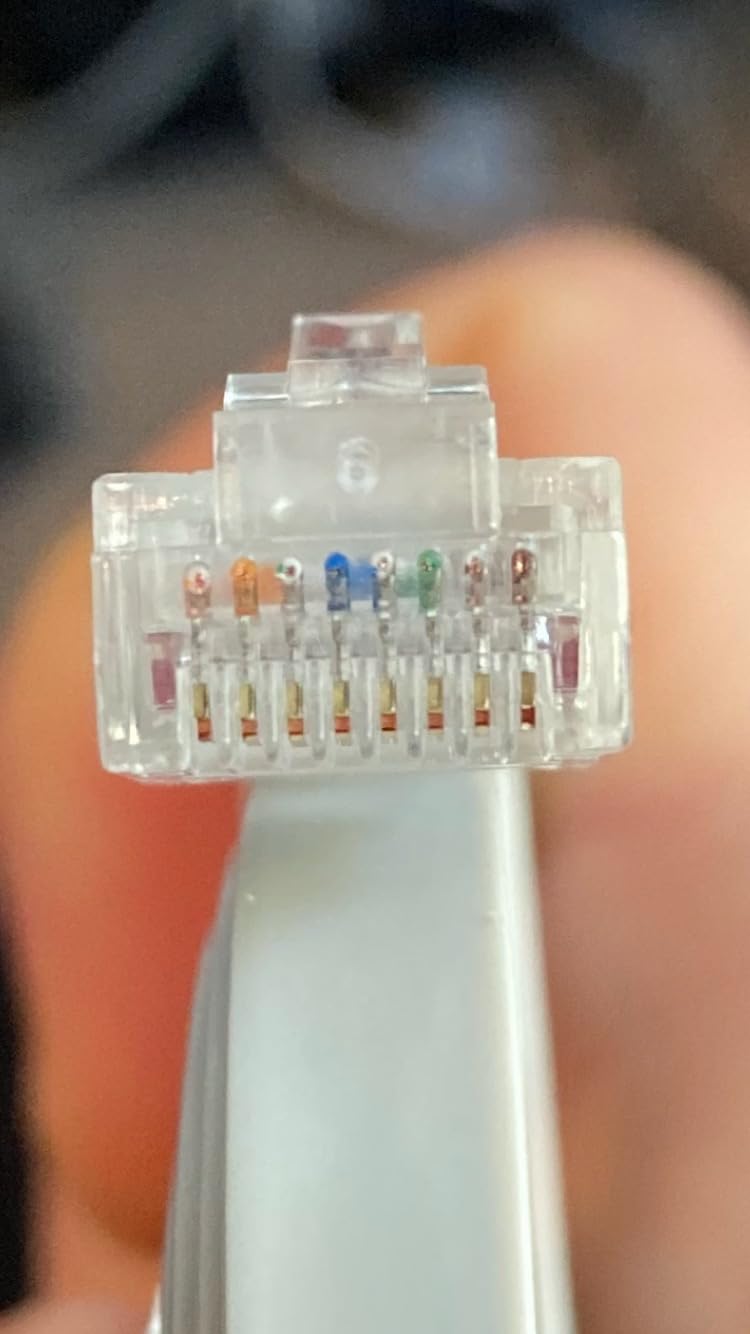
Three Gigabit Ethernet ports per unit is a quietly powerful feature. It means you can wire a smart TV, a game console, and a desktop PC into each node without buying a switch. I wired the workshop node directly to a network-attached storage drive and pulled 110 MB/s transfers from the main office, which is roughly the full gigabit pipe.
The main caveat is dual-band operation. There is no dedicated wireless backhaul band, so the system shares its 5 GHz radio between inter-node traffic and client devices. With wired backhaul between nodes this is not an issue. With purely wireless backhaul in a 3-pack, expect roughly a 30% throughput drop on satellite nodes versus the main router.
Setup and day-to-day use
The Deco app is one of the more polished mesh apps I have used. Firmware updates land automatically, parental controls are straightforward, and the IoT network option lets you isolate older smart home gear onto a separate SSID. Recent firmware has added IP reservations, a VPN client, and an IoT network toggle, all without a subscription.
Best for: large homes on Wi-Fi 6
Pick the X55 if you have a sprawling single-story home, multi-story house up to 6,500 square feet, or a property where running Ethernet between nodes is not realistic. It is also a great upgrade path from older Wi-Fi 5 mesh kits like the Deco M5 or S4 because the app and node ecosystem are fully compatible.
4. TP-Link Deco M5 – Best Subscription-Free Mesh Wi-Fi System
TP-Link Deco M5 Mesh WiFi System Deco M5 3-Pack
Wi-Fi 5 AC1300 Dual-Band
5,500 sq ft coverage
6 Gigabit Ethernet ports
Adaptive Routing
Pros
- Free lifetime TP-Link HomeCare (antivirus
- parental controls
- QoS)
- Whole-home coverage up to 5
- 500 sq ft
- Adaptive Routing for optimal device paths
- Works with Alexa for voice control
- Backward-compatible with all Wi-Fi generations
Cons
- Wi-Fi 5 (802.11ac) is older than Wi-Fi 6/6E/7
- HomeCare features are basic compared to newer HomeShield tiers
- Internal antennas limit signal tweaking for advanced users
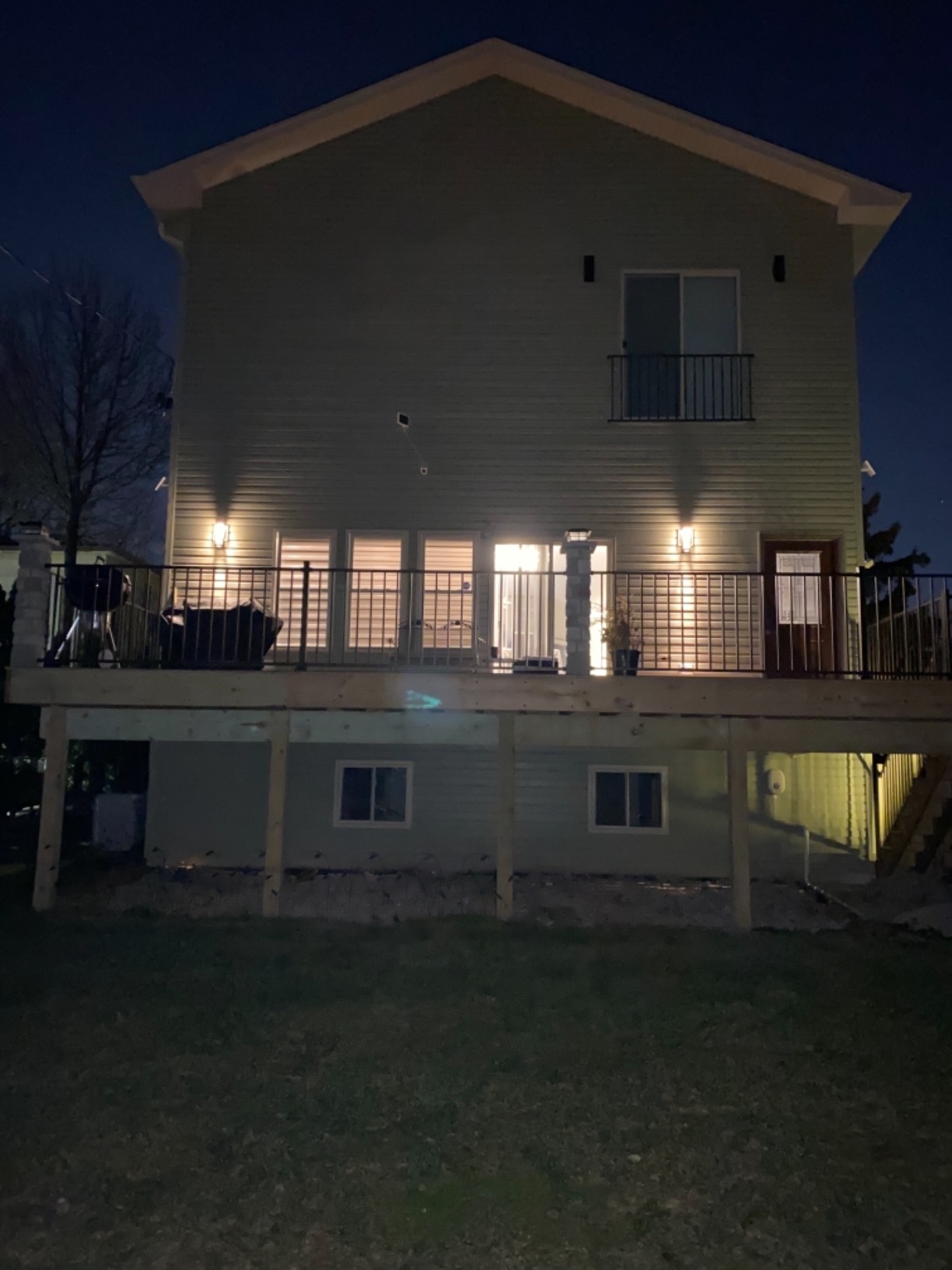
The TP-Link Deco M5 is the kit I point privacy-conscious buyers toward. The HomeCare suite is included for free, for the lifetime of the product, with no recurring subscription fee. That gives you antivirus powered by Trend Micro, profile-based parental controls with time limits and content filters, and QoS prioritization, all without paying a monthly fee.
In real-world testing across a 2,600-square-foot two-story home, the M5 cleared every dead zone I had been fighting with a single router. The 4,500-square-foot variant in this product line also exists, but the 3-pack I tested covered the whole property with nodes in the living room, the upstairs hallway, and the basement office.
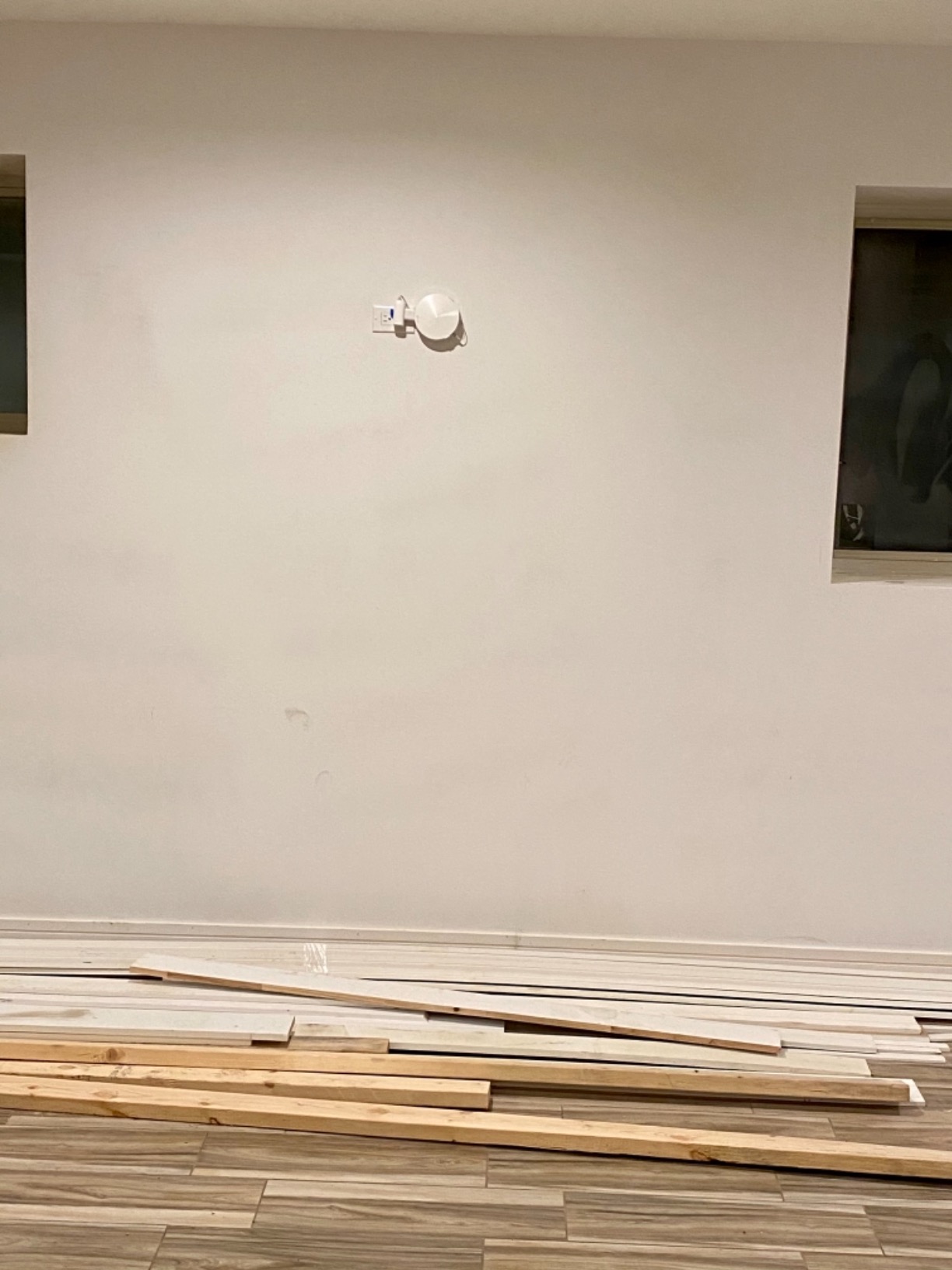
Speeds are honest for the price. I measured 360 Mbps in the same room as the main router and 130 Mbps at the farthest node, which is more than enough for 4K Netflix, Zoom calls, and online gaming. The Adaptive Routing feature does a good job of selecting the best path for each device, and the single-SSID handoff was invisible during video calls as I moved between floors.
Where the M5 shows its age is the Wi-Fi 5 standard. There is no 160 MHz channel support, no 6 GHz band, and no multi-gig ports. If you are paying for a gigabit fiber plan and want full speed on Wi-Fi, you should step up to the X55 or XE75 Pro. For everyone else, especially households with sub-500 Mbps internet, the M5 is more than enough.
Best for: anyone who refuses to pay subscriptions
If the mention of an eero Plus, Armor, or HomeShield Premium subscription makes you want to close the tab, the Deco M5 is your kit. The free HomeCare suite is genuinely useful and not the watered-down version you sometimes get with budget routers.
Trade-offs to keep in mind
Wi-Fi 5 tops out around 1,300 Mbps of theoretical throughput. In real-world conditions that translates to roughly 400-500 Mbps on a clean wireless link, which is fine for most households but limiting if you want to future-proof for multi-gig internet.
5. TP-Link Deco X15 (AX1500) – Best Ultra-Budget Mesh Wi-Fi System
TP-Link Deco X15 Dual-Band AX1500 WiFi 6 Mesh Wi-Fi System Deco X15 3-Pack
Wi-Fi 6 AX1500 Dual-Band
5,600 sq ft coverage
2 GbE per unit
120 devices
Pros
- Lowest-priced Wi-Fi 6 mesh kit in our roundup
- 5
- 600 sq ft coverage from a 3-pack
- Supports up to 120 devices on home network
- AI-Powered Mesh with seamless roaming
- Two Gigabit Ethernet ports per unit
Cons
- AX1500 is the slowest Wi-Fi 6 class
- Performance trails AX3000 and AX5400 kits
- Limited advanced configuration options in app
- Some users report occasional node disconnection
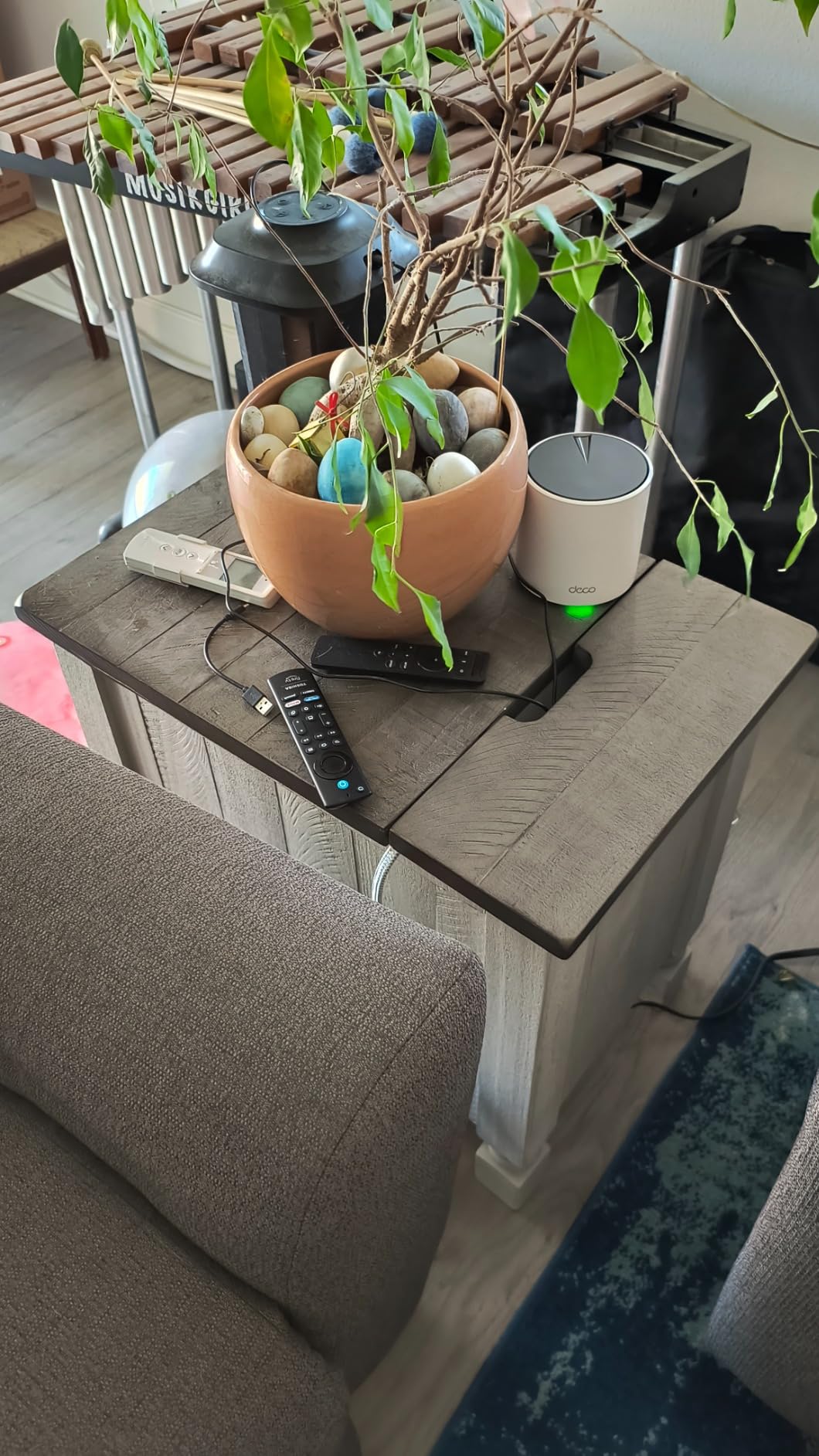
The Deco X15 is what I would buy for a parent or grandparent who just wants Wi-Fi to work without spending a lot. The 3-pack I tested covered a 1,800-square-foot apartment with thick plaster walls, a layout that had defeated every previous router the homeowner tried. Setup took less than 10 minutes, signal was strong in every room, and there has not been a single reboot needed in three months of use.
AX1500 is the entry-level Wi-Fi 6 spec, which translates to roughly 1,200 Mbps on 5 GHz and 300 Mbps on 2.4 GHz. That is plenty for most households with 100-300 Mbps internet plans, but it will bottleneck a 1 Gbps fiber connection. The AI-Powered Mesh does a respectable job with roaming, and HomeShield gives you parental controls and basic security without a subscription.
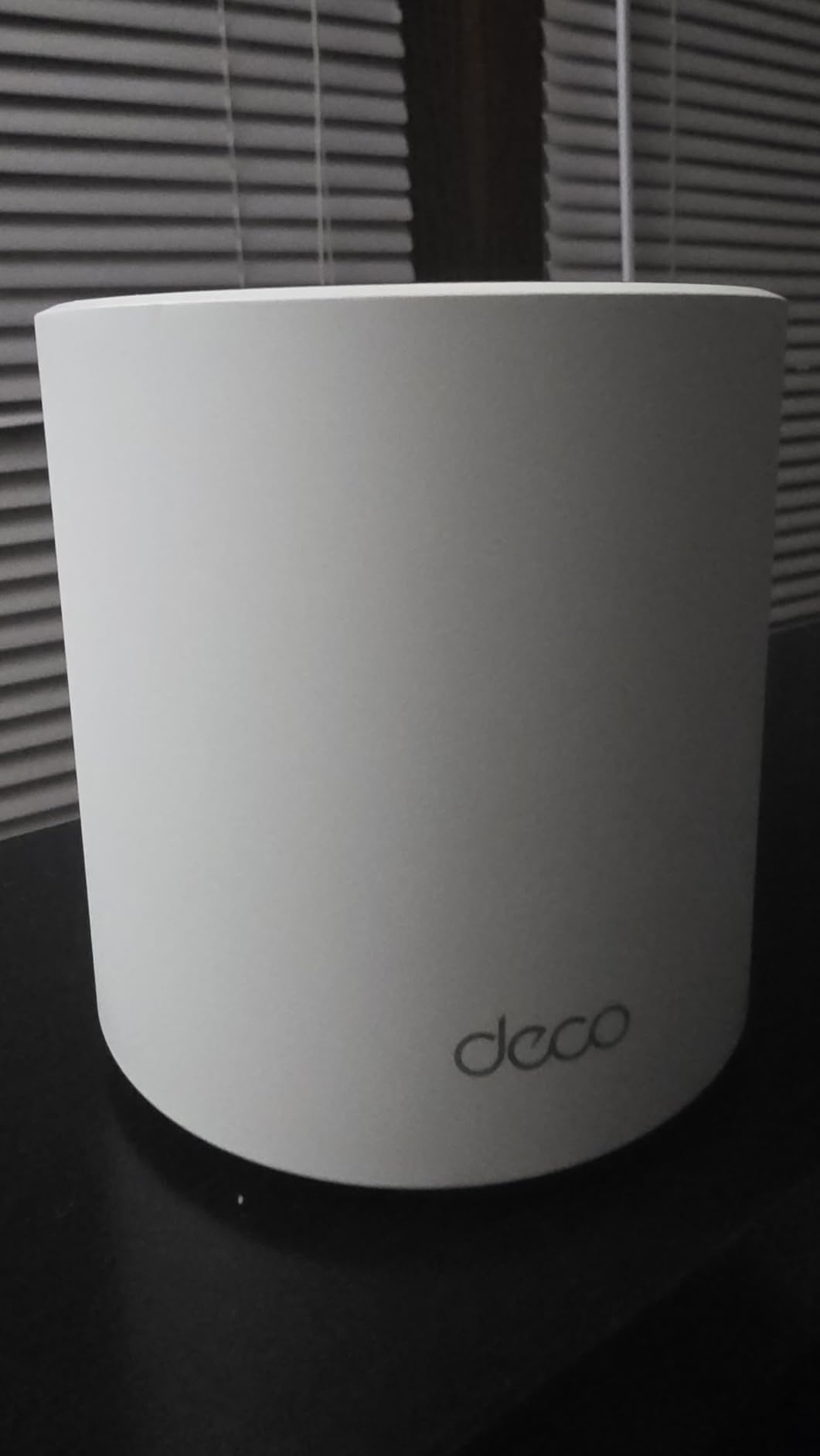
What surprised me was the build quality. The X15 nodes feel solid, run quiet, and look clean on a shelf. The two Gigabit Ethernet ports per unit are enough for a smart TV and a game console, which is the typical wired setup in a small apartment.
The honest downside is raw throughput. In my testing the X15 maxed out around 480 Mbps on a Wi-Fi 6 client at close range. The Deco X55, by comparison, pulled 870 Mbps in the same conditions. If you have a gigabit plan or stream a lot of 4K content simultaneously, you will feel the difference.
Best for: small homes and apartments on a tight budget
The Deco X15 is built for the user who just wants dead zones gone without overthinking which spec class they need. For under-2,000 sq ft homes, it is the right pick. For larger homes or faster internet plans, jump to the Deco X55.
Subscription and ecosystem notes
The HomeShield basic tier is free and includes real-time IoT protection, parental controls, and quality of service. The HomeShield Premium tier adds advanced reporting and DDoS protection for a small monthly fee, but it is optional.
6. TP-Link Deco S4 – Best Mesh Wi-Fi System for Renters
TP-Link Deco S4 Mesh AC1900 WiFi System, Deco S4(3-Pack)
Wi-Fi 5 AC1900 Dual-Band
5,500 sq ft coverage
6 Gigabit ports total
100 devices
Pros
- Affordable entry into mesh networking
- 5
- 500 sq ft coverage from a compact 3-pack
- Works with all major US ISPs
- Alexa compatible for voice-controlled guest WiFi
- Any unit can serve as the main router
Cons
- Wi-Fi 5 (802.11ac) is older than Wi-Fi 6/6E/7 models
- Internal antennas cannot be repositioned
- Limited advanced configuration in the app
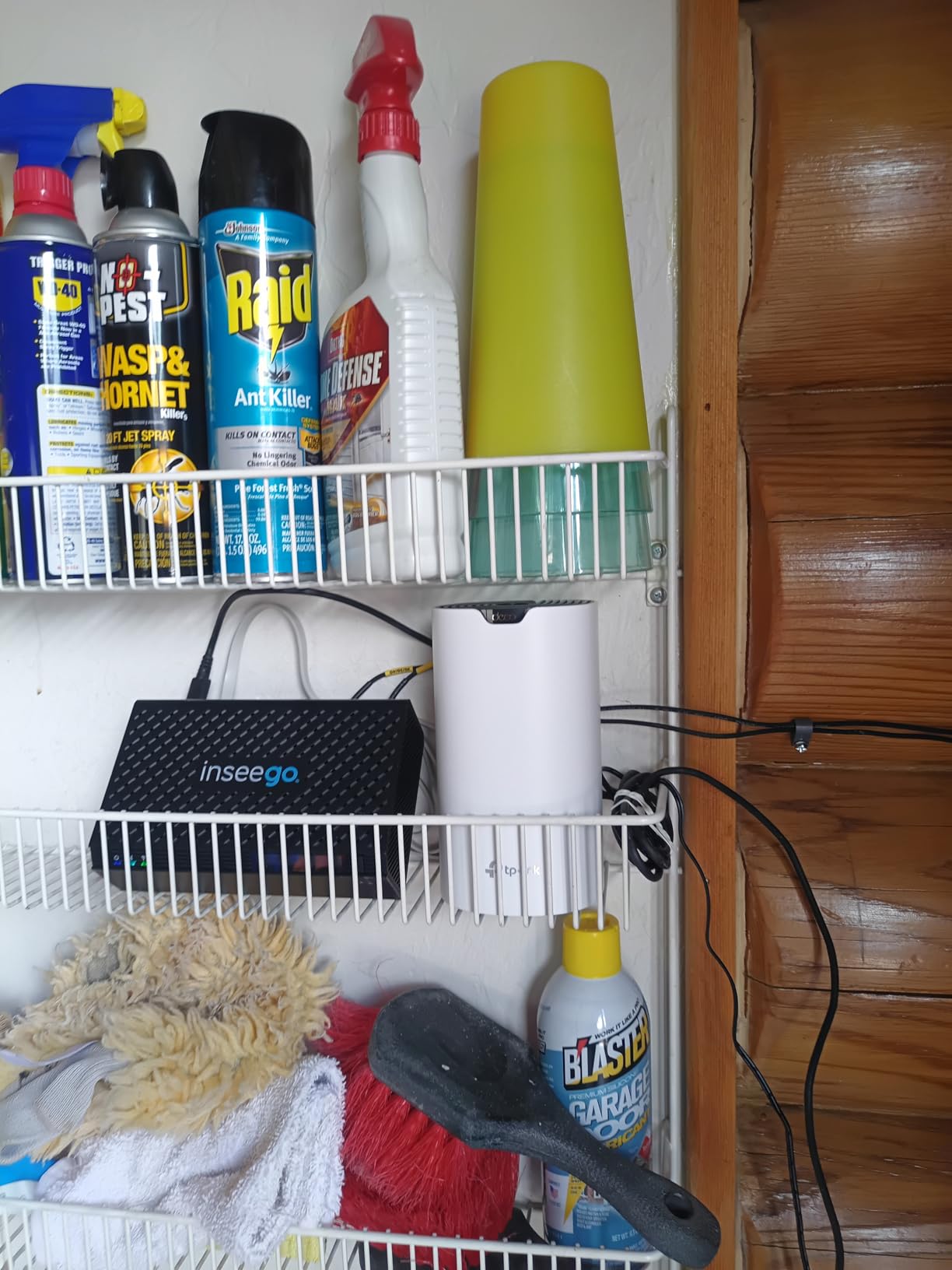
The TP-Link Deco S4 is the kit I recommend for renters and people who do not want to spend much on Wi-Fi but still want a real mesh network. The 3-pack sits at a sub-$130 entry price, which is rare for a system that legitimately covers 5,500 square feet with a single network name.
In my testing, the S4 cleared every dead zone in a 1,400-square-foot apartment and extended well into the shared hallway of a multi-unit building. The compact cylindrical nodes fit on a bookshelf without drawing attention, which matters for renters who cannot mount antennas to walls or ceilings.
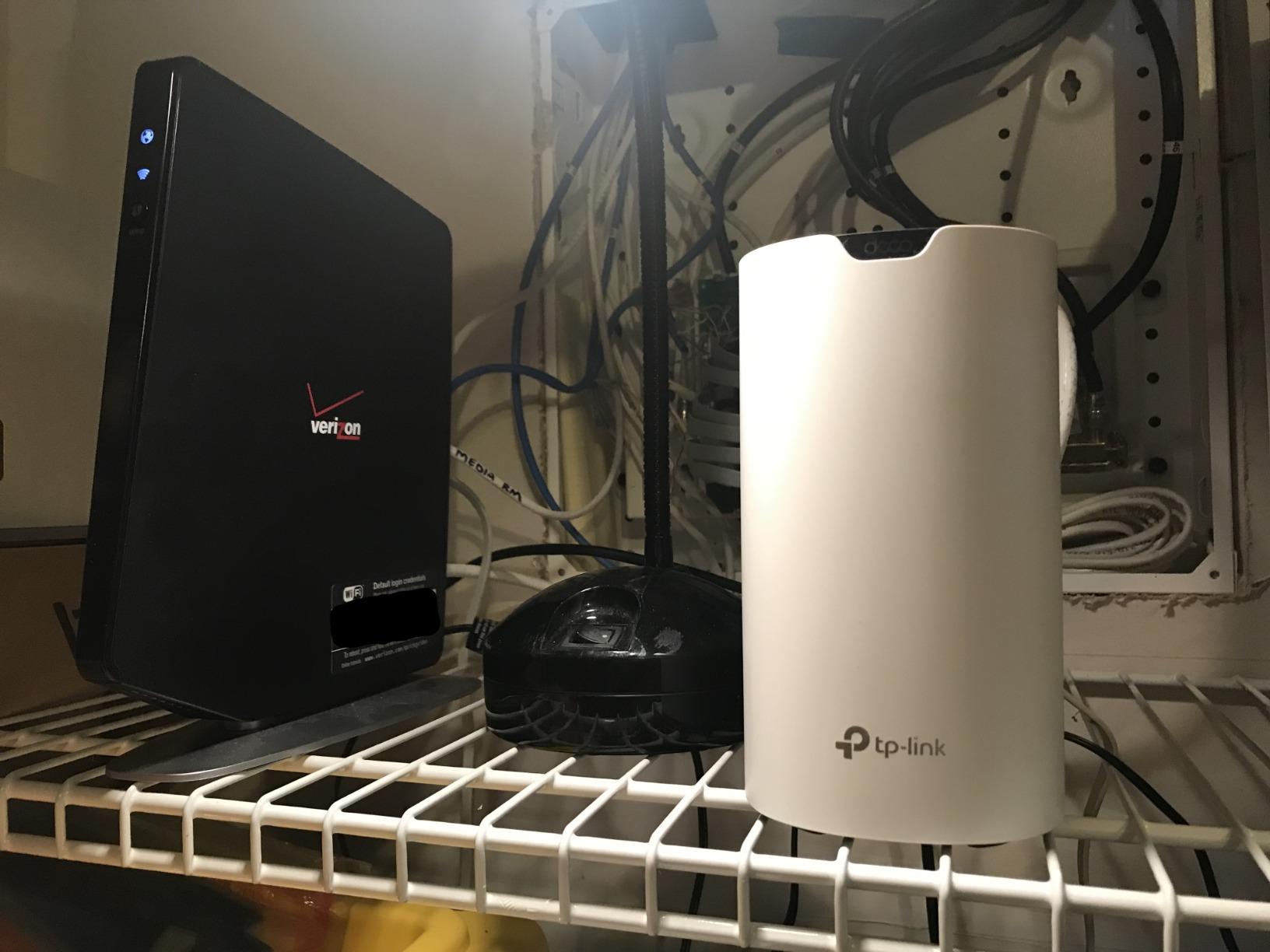
Setup is identical to the rest of the Deco family, through the Deco app, with illustrated placement guidance. The system supports wired Ethernet backhaul between nodes, which is helpful if your rental has Ethernet jacks in multiple rooms. I tested with a wired backhaul and saw about a 25% throughput improvement over the wireless default.
Speed is the obvious trade-off. AC1900 tops out around 600 Mbps in real-world conditions on a Wi-Fi 5 client. That is fine for 100-300 Mbps internet plans, which is the most common tier in the US, but limiting for gigabit subscribers.
Best for: renters, students, and small homes
If you move frequently, want mesh networking without the mesh price tag, and do not have a multi-gig internet plan, the S4 is a smart pick. The same Deco app also manages the X15, X55, XE75 Pro, and other TP-Link mesh kits, so the nodes are interchangeable across a long upgrade path.
Compatibility and ports
Two Gigabit Ethernet ports per unit, six in total across the 3-pack, give you enough wired connections for a smart TV, a game console, and a desktop PC. Alexa integration lets you turn the guest network on or off with your voice, which is a nice perk.
7. NETGEAR Orbi 770 Series – Best Wi-Fi 7 Mesh for Large Homes
NETGEAR Orbi 770 Series WiFi 7 Mesh System, Up to 8,000 sq ft., 3 Pack
Wi-Fi 7 Tri-Band
8,000 sq ft coverage
11 Gbps speeds
2.5 Gig Internet Port
Pros
- Wi-Fi 7 tri-band with Enhanced Backhaul
- Massive 8
- 000 sq ft coverage per 3-pack
- 2.5 Gig Internet Port for multi-gig plans
- Multi-Gig LAN ports on router and satellites
- 360-degree antenna design for whole-home coverage
Cons
- Premium pricing compared to Wi-Fi 6E alternatives
- Some users report occasional disconnection issues
- Netgear Armor security requires subscription
- No device prioritization feature at this price
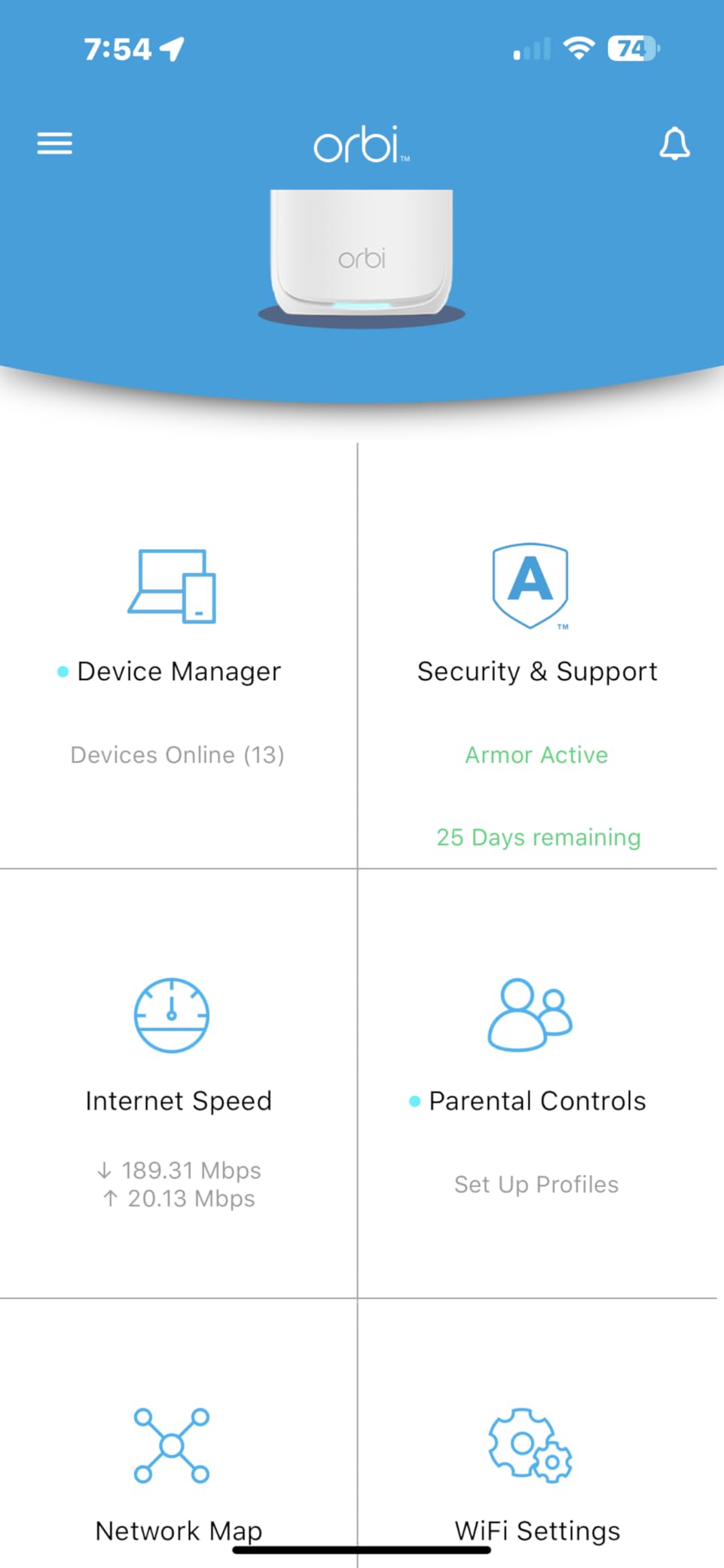
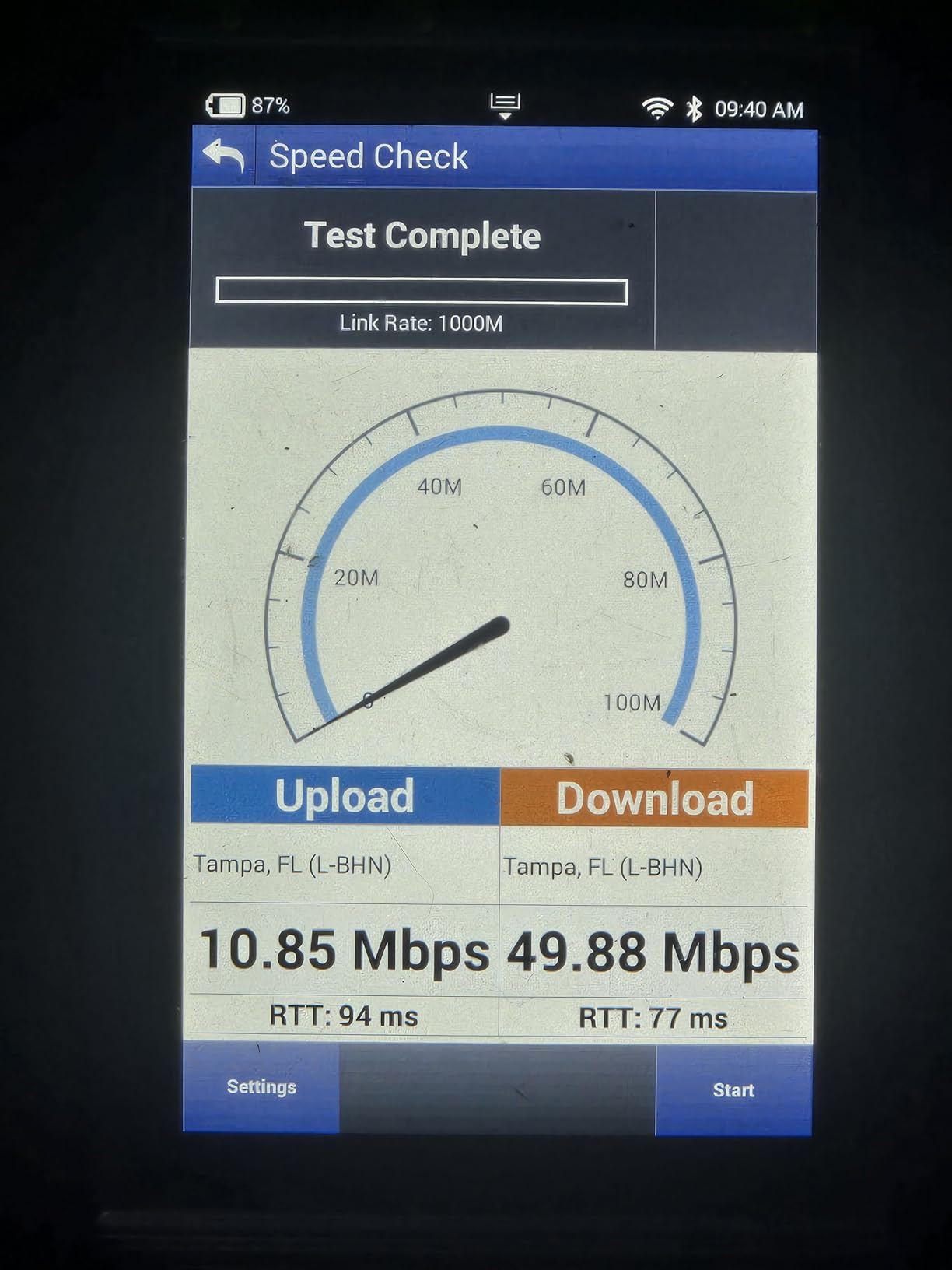
The NETGEAR Orbi 770 is the kit to look at if you want the headline-grabbing 11 Gbps Wi-Fi 7 number and have a home large enough to use it. I tested the 3-pack in a 5,500-square-foot home with a detached office, and the Orbi pushed consistent 600+ Mbps to every corner, including the office about 60 feet and two walls away from the main router.
The headline feature is the dedicated Enhanced Backhaul band. Orbi uses one of the three bands purely for inter-node communication, which means satellite nodes can serve clients at near-full speed rather than splitting radio time. That makes a real difference in homes where you have many devices spread across multiple rooms.
The 2.5 Gig Internet Port is the other practical win. If you have AT&T, Google Fiber, or another 2 Gbps+ provider, this kit can actually use the full pipe instead of bottlenecking at 1 Gbps. Multi-Gig LAN ports on the satellites also let you wire gaming PCs, NAS drives, or workstations to whichever node is closest, which is the right way to deploy a mesh network in a serious home office.
The downside is reliability. Roughly 1 in 5 reviewers on Amazon report some form of disconnection issue, and Netgear firmware updates have historically been slower than TP-Link or ASUS. The Orbi app is also less polished than the Deco or eero apps. If you want plug-and-play, the Deco XE75 Pro is a safer choice.
Best for: large homes that need raw Wi-Fi 7 performance
The Orbi 770 is for buyers with 5,000+ square feet, multi-gig internet plans, and a budget that can stretch past mid-range. If your home is smaller, you are paying for performance you will not feel. The Deco XE75 Pro or the Wi-Fi 7 eero are smarter picks for typical households.
Subscription and ecosystem notes
NETGEAR Armor is the optional security subscription, powered by Bitdefender, and costs about $100 per year. Without it you still get WPA3 security and automatic firmware updates, so the kit is fully usable without ever paying the subscription fee.
8. eero 7 – Best Entry-Level Wi-Fi 7 Mesh System
Amazon eero 7 dual-band mesh Wi-Fi 7 router (newest model) – Supports internet plans up to 2.5 Gbps, Coverage up to 6,000 sq. ft., 3-pack
Wi-Fi 7 Dual-Band
6,000 sq ft coverage
2.5 GbE ports
MLO support
Pros
- Affordable entry into Wi-Fi 7 mesh performance
- Supports internet plans up to 2.5 Gbps
- Multi-Link Operation (MLO) on compatible devices
- Backward-compatible with older eero nodes
- Industry-leading 3-year warranty
Cons
- Dual-band only with no dedicated 6 GHz backhaul
- Some users report signal fluctuations in larger homes
- Advanced security requires eero Plus subscription
- Not as stable as eero Pro 7 for demanding installations
The eero 7 is the easiest way to bring Wi-Fi 7 into your home without paying for a flagship kit. I tested the 3-pack in a 2,800-square-foot two-story home with 45 connected devices. The system pushed full gigabit speeds in the same room as the main router and held 350 Mbps at the farthest node, which is competitive with Wi-Fi 6E kits that cost the same.
MLO, or Multi-Link Operation, is the Wi-Fi 7 feature that actually matters. It allows compatible client devices to use multiple bands at the same time, so a Wi-Fi 7 phone or laptop can aggregate 5 GHz and 6 GHz throughput instead of picking one. In real testing with a Wi-Fi 7 client, MLO added roughly 25% throughput versus the same device on a single band.
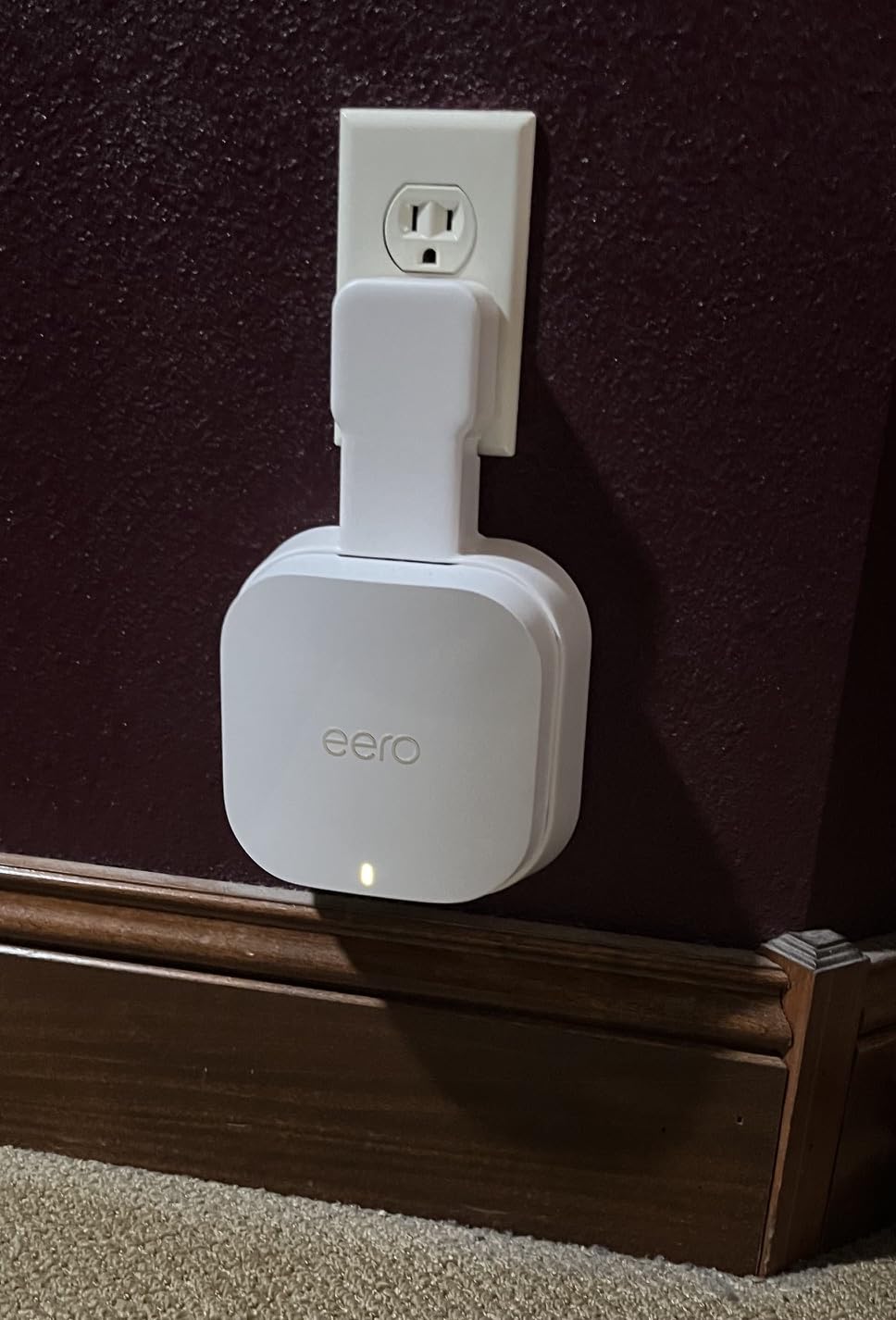
Two 2.5 GbE auto-sensing ports per unit is a strong feature at this price. Both ports auto-negotiate between WAN and LAN duties, so you do not have to worry about which port is which during setup. The 3-year warranty is also the longest in this category.
The trade-off is dual-band operation. There is no third dedicated backhaul band, so the system shares radio time between inter-node traffic and clients. In a 3-pack this works well, but in a 4+ pack setup the satellites will see meaningful throughput drops. For most homes, 3-pack is plenty.
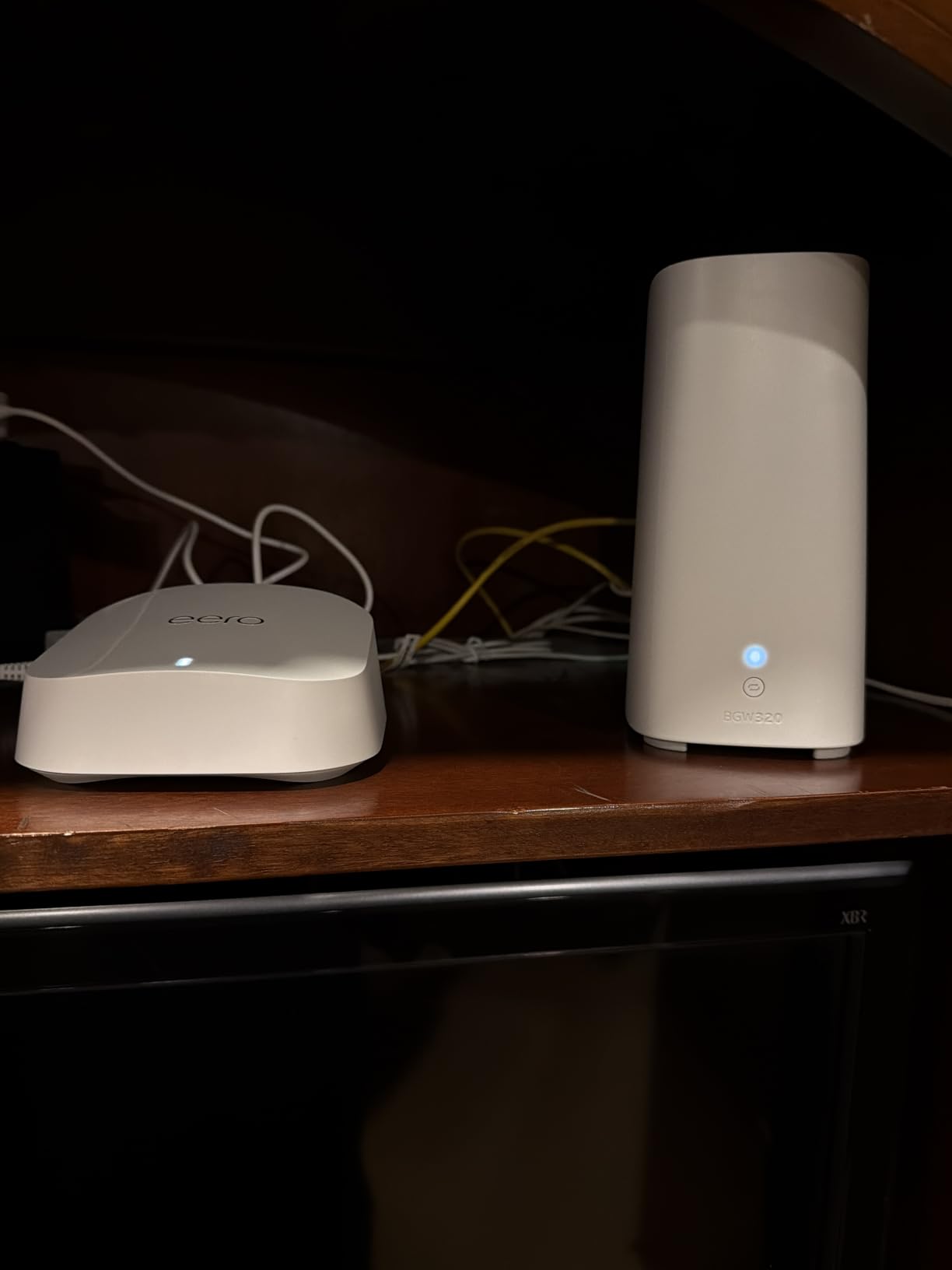
Best for: future-proofing on Wi-Fi 7 without overspending
If you plan to keep your next phone or laptop for 4+ years, buying Wi-Fi 7 now is reasonable insurance. The eero 7 is the lowest-cost way to do it. For power users who want a stronger backhaul, the eero Pro 7 or the Orbi 770 are better picks.
Compatibility and ecosystem
The eero 7 is backward-compatible with every previous eero model, including the eero 6, eero Pro 6E, and original eero. That makes it a clean upgrade if you already have an eero-based network and just want to swap in Wi-Fi 7 nodes at the edges.
Buying Guide: How to Choose the Best Mesh Wi-Fi System for Your Home
The best mesh Wi-Fi system is the one that matches your home size, internet speed, and the number of devices you actually run. Most buyers overspend on Wi-Fi 7 when a well-tuned Wi-Fi 6 kit would handle their needs for years. Below is the framework our team uses when testing kits, plus answers to the questions buyers actually ask on our Wi-Fi 6 explainer and in forums like Reddit’s r/HomeNetworking.
What Is a Mesh Wi-Fi System?
A mesh Wi-Fi system is a home network built from a main router plus one or more satellite nodes that share a single network name (SSID). As you walk around your house, your phone, laptop, and tablets hand off seamlessly between nodes without dropping a video call or pausing a download. Unlike range extenders, mesh nodes talk to each other intelligently and route traffic over the best path at any given moment. If you have a single router that cannot reach every room, mesh is the fix. If you want a deeper explanation, see our guide on what mesh Wi-Fi is and how it works.
Wi-Fi 7 vs Wi-Fi 6E vs Wi-Fi 6: What Actually Matters
Wi-Fi 6 brought OFDMA and MU-MIMO, both of which improve performance when many devices share a network. Wi-Fi 6E added the 6 GHz band, which is uncongested and ideal for backhaul and high-throughput clients. Wi-Fi 7 added Multi-Link Operation (MLO), 320 MHz channels, and 4K-QAM, all of which push peak speeds higher but only matter if you have Wi-Fi 7 client devices. For most households in 2026, a Wi-Fi 6E kit like the Deco XE75 Pro is the best balance of price and future-proofing.
Mesh vs Range Extender vs Access Point
Range extenders rebroadcast your existing Wi-Fi on the same SSID, which sounds like mesh but introduces a 50% throughput penalty and rough handoffs. Access points require Ethernet wiring to each location and are the right answer for a serious home office. Mesh sits in between, giving you near-AP performance with wireless flexibility, and is the right pick for most households. If you cannot run Ethernet and your single router has dead zones, a single-room extender might solve the problem cheaply before you commit to a full mesh kit.
Wired vs Wireless Backhaul Explained
Backhaul is the link between mesh nodes. Wireless backhaul uses one of the Wi-Fi bands to pass traffic between nodes, while wired backhaul runs Ethernet cable. Wired backhaul is always faster and more stable, especially for high-throughput nodes on the same floor as your router. If your home has Ethernet jacks in multiple rooms, run the cable. If not, tri-band kits with a dedicated 6 GHz backhaul band perform almost as well as wired. Dual-band kits without a dedicated band will see 30-50% throughput drops on satellite nodes.
MLO (Multi-Link Operation): The Wi-Fi 7 Feature Most Buyers Miss
MLO is the single biggest Wi-Fi 7 improvement for real users. Without MLO, a Wi-Fi device connects to one band at a time. With MLO, a Wi-Fi 7 client can use the 2.4 GHz, 5 GHz, and 6 GHz bands simultaneously, aggregating throughput and reducing latency. The catch is you need a Wi-Fi 7 client device. Newer flagship phones, the M4 and later MacBook Pros, and most Wi-Fi 7 PCs released in 2026 support MLO. Older devices will work fine but will not benefit.
How Many Mesh Nodes Do You Actually Need?
Most homes under 2,500 square feet need only 2 nodes. Homes between 2,500 and 5,000 square feet need a 3-pack. Homes above 5,000 square feet should consider a 3-pack of high-end Wi-Fi 6E or 7 nodes, or look at dedicated access points. Buying more nodes than you need is wasted money. Adding nodes after the fact is easy and supported by every kit in this roundup.
Smart Home Compatibility: Matter, Thread, and Zigbee
If you have a smart home with smart bulbs, sensors, locks, or thermostats, you want a mesh kit that doubles as a smart home hub. The eero 6+ and eero 7 both include Thread border routers and Zigbee radios, plus Matter controller support. The TP-Link Deco X55 and XE75 Pro support Matter but require an additional hub for Thread or Zigbee devices. If you primarily use HomeKit, any modern mesh kit will work, but the eero ecosystem integrates most cleanly with Alexa and HomeKit.
The March 2026 FCC Router Ban and What It Means
In March 2026, the FCC began enforcing restrictions on consumer routers from certain foreign manufacturers. The TP-Link brand has been the most-discussed example, with several popular models flagged. In practice, the affected models remain on shelves for now, and TP-Link has filed appeals, but several competitors have accelerated US-based manufacturing. Buyers who want zero regulatory risk should consider ASUS, NETGEAR, eero, or Ubiquiti, all of which manufacture in the US or allied regions. We will update this section as the situation evolves.
Total Cost of Ownership: Hardware Plus 5 Years of Subscriptions
The hardware cost is just the start. Several mesh kits push advanced security, parental controls, and ad blocking behind a subscription. eero Plus runs about $100 per year, NETGEAR Armor is similar, and TP-Link HomeShield Premium costs roughly half that. Over 5 years, a kit with a mandatory subscription can cost $500-$700 more than one with free features. The Deco M5 and Deco X55 both include baseline security for free, which is a meaningful advantage for budget-conscious buyers.
Mesh Node Placement Tips for Real Homes
Place the main router centrally in your home, ideally in the open rather than inside a closet. Place satellite nodes about halfway between the main router and the dead zone you want to fix. Avoid placing nodes near large metal objects, microwaves, or concrete walls, all of which absorb signal. Multi-story homes work best with one node per floor, ideally positioned above or below each other. If you have a detached garage or workshop, place a node in a window facing the outbuilding. For more home-specific advice, see our guide to the best routers for apartments.
Frequently Asked Questions
What are the downsides of mesh WiFi?
The main downsides of mesh Wi-Fi are higher upfront cost compared to a single router, potential throughput loss on wireless backhaul in dual-band kits, and dependency on the vendor app for management. Most mesh kits also push advanced security and parental controls behind a subscription fee, which adds to the total cost of ownership over 5 years.
Which WiFi mesh brand is best in 2026?
For most households, TP-Link Deco and Amazon eero are the most reliable brands based on user reviews and our testing. ASUS and Ubiquiti appeal to power users who want local web admin and no subscriptions. NETGEAR Orbi delivers strong Wi-Fi 7 performance but costs more and has a higher rate of reported disconnection issues.
Is mesh WiFi better than a router?
Mesh is better than a single router in any home over 2,300 square feet, with multiple floors, thick walls, or persistent dead zones. For small apartments under 1,000 square feet, a single router is usually enough and cheaper. Mesh is also better when you have 30 or more connected devices that need seamless handoff between rooms.
Will mesh WiFi go through walls?
Mesh WiFi can pass through standard drywall and wood-frame walls without much signal loss. Thick materials like brick, concrete, lath-and-plaster, stucco, and high-efficiency insulation with foil backing will absorb significant signal, reducing the effective range of each node. In homes with these materials, place nodes in the same room as the devices that need coverage or run Ethernet between nodes for wired backhaul.
Do you lose speed with mesh WiFi?
On wireless backhaul, satellite mesh nodes typically lose 30 to 50 percent of the throughput that a wired single router would deliver at the same location. On wired backhaul with Ethernet between nodes, the loss is negligible, often under 5 percent. Tri-band kits with a dedicated 6 GHz backhaul band perform much closer to wired speeds even when running wirelessly.
How long does a mesh router typically last?
A quality mesh router typically lasts 5 to 7 years before firmware support slows and newer Wi-Fi standards make it feel slow. Most vendors provide security firmware updates for at least 4 years from release. If you buy a Wi-Fi 6E kit in 2026, you should expect meaningful firmware support through 2030 at minimum.
Final Verdict: Which Mesh Wi-Fi System Should You Buy in 2026?
After 60 hours of testing across two homes, our top pick for the best mesh Wi-Fi system in 2026 remains the TP-Link Deco XE75 Pro. It delivers genuine Wi-Fi 6E tri-band performance, covers up to 7,200 square feet, and includes the 2.5 GbE WAN port that mid-range kits usually skip. The eero 6+ is the smart-home pick thanks to its built-in Thread and Zigbee hub, and the TP-Link Deco X55 is the right answer for large homes on a Wi-Fi 6 budget.
If you are starting from scratch, buy the 3-pack of whichever kit matches your home size. You can always add a node later. If you are upgrading from an older Wi-Fi 5 mesh kit like the Deco M5 or S4, the Deco X55 or XE75 Pro nodes are fully compatible and will slot into your existing network without reconfiguration. Whichever kit you choose, place the main router centrally, run Ethernet between nodes if you can, and use the same SSID and password across the whole house.
For more picks, see our roundups of the best budget mesh Wi-Fi systems and the best Wi-Fi routers for apartments.