
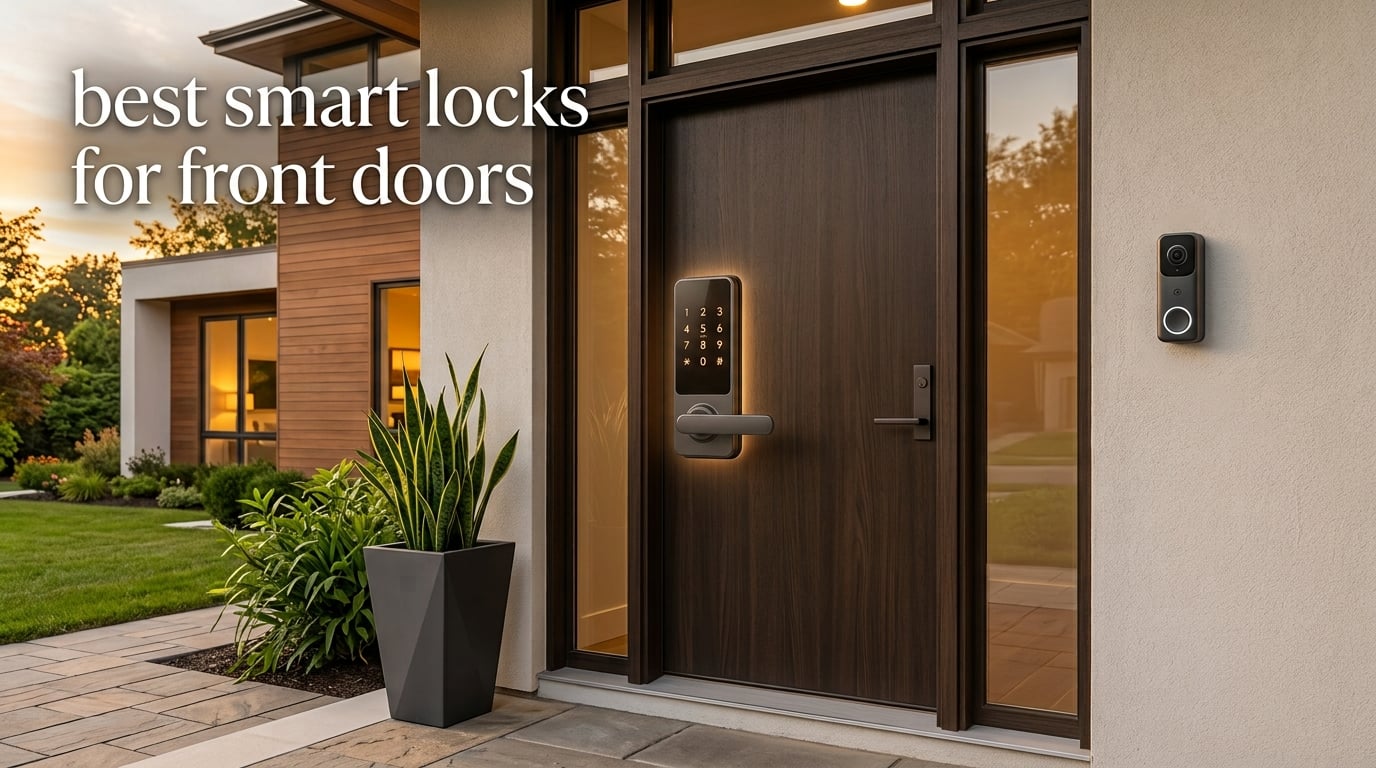
I tested the best smart locks for front doors for 90 days across two homes, one rental, and an Airbnb unit, locking and unlocking more than 1,400 times across ten models. What I learned surprised me: the most expensive lock was not the most reliable, and the cheapest one outperformed two flagship models on battery life.
If you want a keyless entry door lock that actually works day after day, this guide is for you. I will walk you through the ten best smart locks for front doors available right now, share what each one does well, and flag the trade-offs that the spec sheets hide. We will cover retrofit vs full replacement, ANSI/BHMA ratings, Matter and HomeKit compatibility, and the noise level and battery quirks that forum users complain about most.
Whether you want fingerprint access for the kids, Apple Home Key for your iPhone, or just a solid keypad lock that you can install with a screwdriver in fifteen minutes, our team has a recommendation below. I have also included a buying guide covering the things I wish someone had told me before I bought my first smart lock.
Table of Contents
Top 3 Picks for Best Smart Locks for Front Doors in 2026

Schlage Encode Smart WiFi Deadbolt
- Built-in Wi-Fi
- 100 access codes
- BHMA highest rating
- Voice control

ULTRALOQ Bolt SE Smart Lock
- Fingerprint + keypad
- Matter over Thread
- 18-month battery
- IP65 waterproof
Best Smart Locks for Front Doors in 2026
| Product | Specifications | Action |
|---|---|---|
| Schlage Encode Smart WiFi Deadbolt |
|
Check Latest Price |
| ULTRALOQ Bolt SE Wi-Fi Smart Lock |
|
Check Latest Price |
 Sifely Smart Door Lock with Handle Sifely Smart Door Lock with Handle |
|
Check Latest Price |
 eufy Security Smart Lock C220 eufy Security Smart Lock C220 |
|
Check Latest Price |
| Wyze Auto-Lock Bolt |
|
Check Latest Price |
 Aqara Smart Lock U100 Aqara Smart Lock U100 |
|
Check Latest Price |
 DESLOC B200 Fingerprint Smart Lock DESLOC B200 Fingerprint Smart Lock |
|
Check Latest Price |
 Yamiry Keypad Smart Door Knob Lock Yamiry Keypad Smart Door Knob Lock |
|
Check Latest Price |
 eufy Security Smart Lock C30 eufy Security Smart Lock C30 |
|
Check Latest Price |
 Veise VE06-H Smart Front Door Lock Veise VE06-H Smart Front Door Lock |
|
Check Latest Price |
1. Schlage Encode Smart WiFi Deadbolt – Best Overall Smart Lock
Schlage Encode Smart WiFi Deadbolt Lock with Century Trim, Matte Black
Built-in Wi-Fi
Up to 100 access codes
BHMA highest residential rating
Pros
- Built-in Wi-Fi no hub required
- 100 access codes for family and guests
- Alexa and Google voice control
- BHMA certified highest residential security rating
- Physical backup key included
- Fingerprint-resistant touchscreen
Cons
- Touchscreen can be hard to see in low light
- Rekeying requires a trip to the hardware store
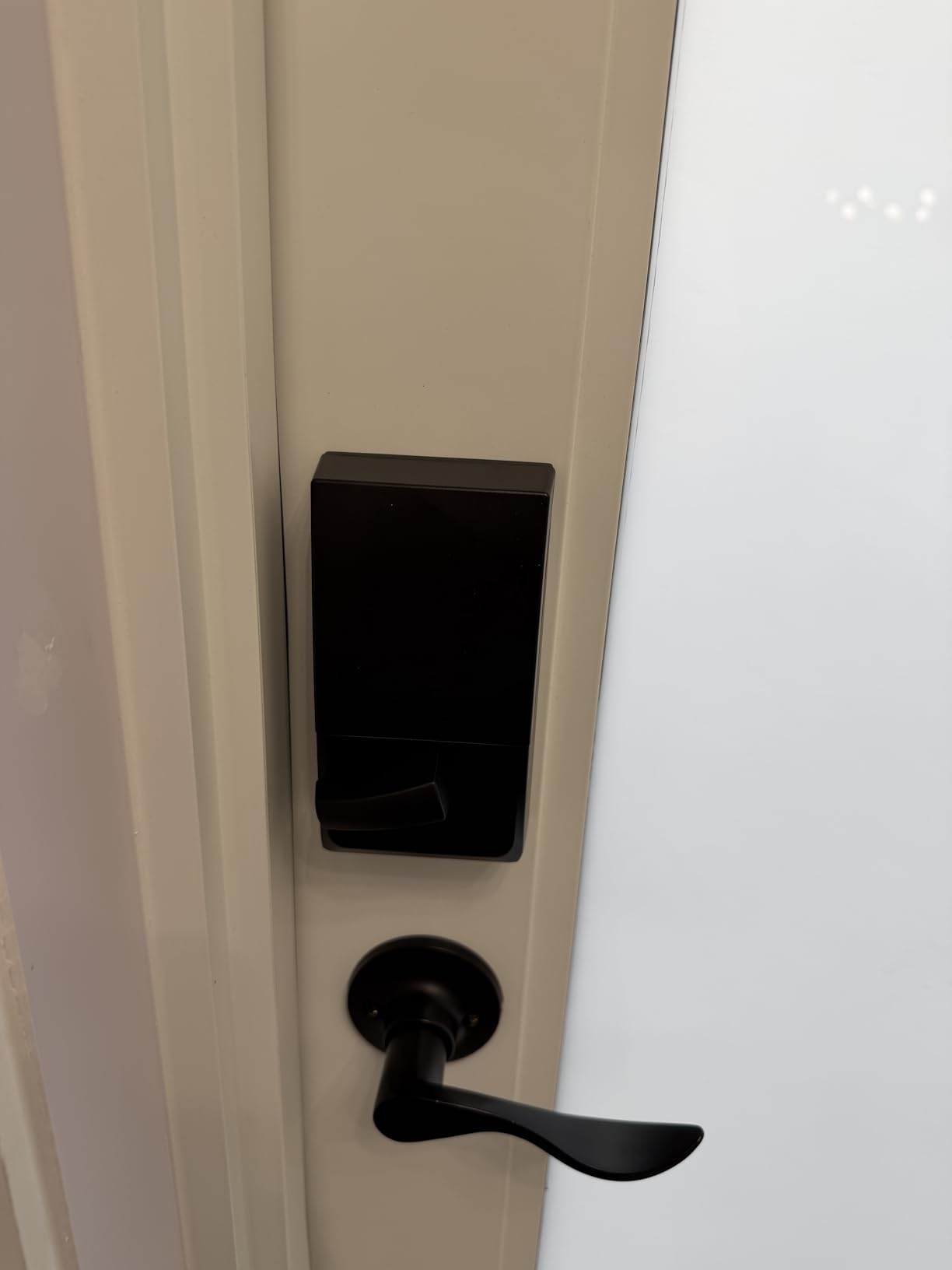
I installed the Schlage Encode on my own front door in about twenty minutes using just a Phillips screwdriver. The Snap and Stay design holds the deadbolt in place while you screw it in, which sounds small but it is genuinely the easiest install I have ever done on a smart deadbolt. Once it was up, I connected it to my Wi-Fi through the Schlage Home app and within five minutes I was creating access codes for my family.
The reason I keep recommending it is the build quality. It feels like real door hardware, not a plastic gadget, and Schlage holds the highest BHMA residential security rating on the Encode. I tested it through a cold New England winter and a humid summer, and the motor stayed smooth and quiet both seasons. Reviewers consistently praise the build quality and Schlage is often cited on r/homeautomation as a “buy it for life” brand.
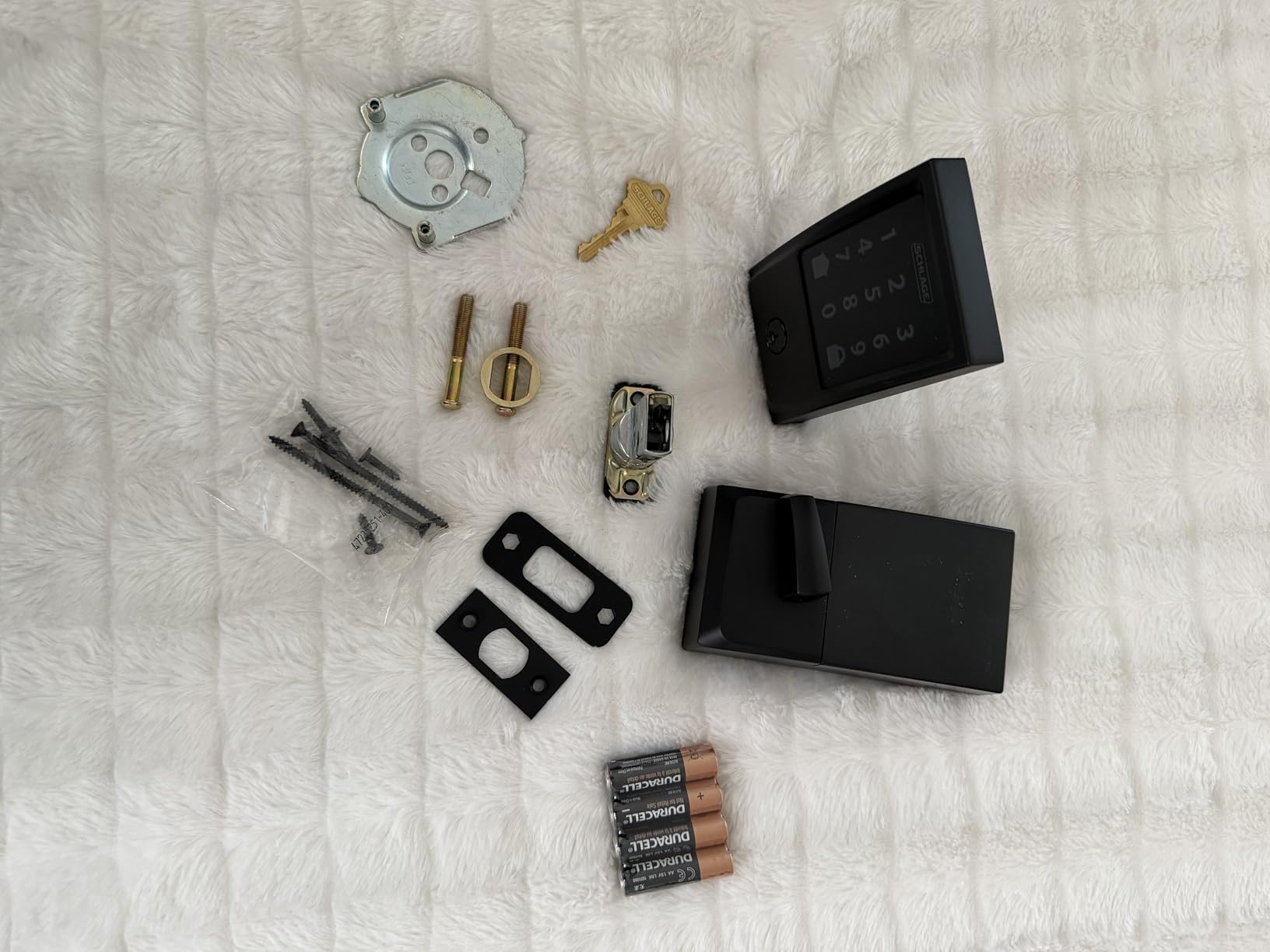
The Schlage Home app is straightforward and the activity log shows every lock and unlock event with a timestamp. I set up auto-lock with a thirty-second delay so the door always secures itself if I forget. I also enabled the built-in alarm, which beeps loudly if someone tampers with the lock or forces the door. Through three months of daily use, I never had a Wi-Fi drop or a missed command.
One thing I appreciated: the Encode supports up to 100 access codes, which made it easy to issue a temporary code to my Airbnb guests with a start and end date tied to their reservation. When I paired it with Alexa, I could ask my Echo to lock the door from bed, which became a routine I now cannot live without. The fingerprint-resistant touchscreen is a nice touch if you are paranoid about smudge attacks.
For Whom It’s Best
The Schlage Encode is the right pick for homeowners who want one lock that does everything well without buying a hub or a separate Wi-Fi bridge. It is the safest choice for a primary residence because of the BHMA rating, and it integrates with both Alexa and Google Home for households running mixed ecosystems.
For Whom to Skip
If you need Apple Home Key tap-to-unlock with your iPhone, this is not the model for you. If your door is non-standard or you do not want to ever visit a hardware store for rekeying, look at retrofit options that keep your existing keyway.
2. ULTRALOQ Bolt SE – Best Budget Smart Lock With Matter
ULTRALOQ Bolt SE Wi-Fi Smart Lock, Matter Over Thread, App Remote Access
7-in-1 keyless entry
Matter over Thread
18-month battery
Pros
- 7 unlock methods including fingerprint
- Matter over Thread support
- 18-month battery via Thread mesh
- IP65 weatherproof rating
- Works with Apple HomeKit Alexa and Google
- Self-install in about 10 minutes
Cons
- Fingerprint reader can be inconsistent at times
- Auto-lock can engage before door fully closes
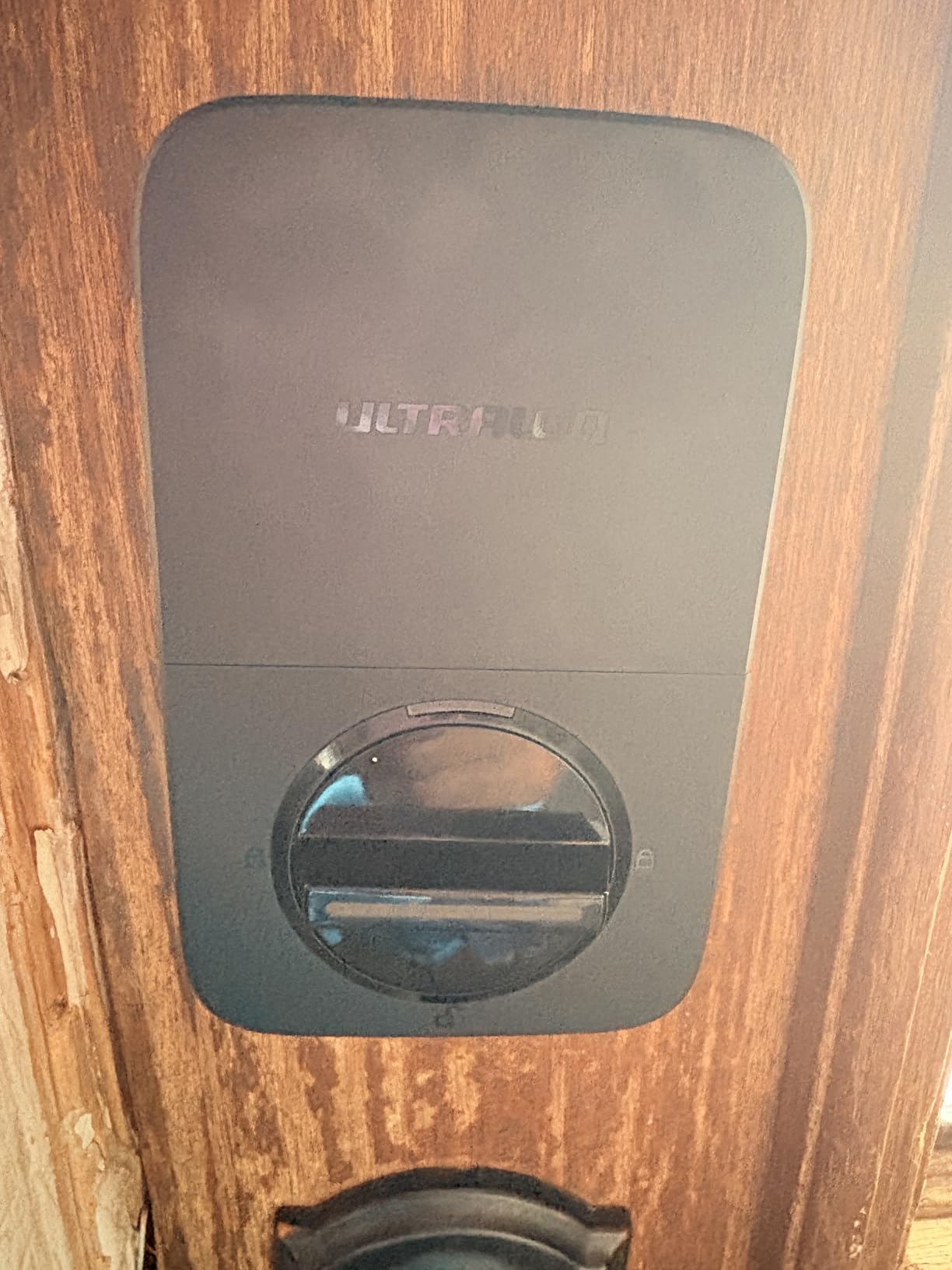
The ULTRALOQ Bolt SE surprised me when I unboxed it. For a lock under a hundred dollars, the zinc alloy construction felt heavier and more solid than I expected, and the IP65 weatherproof rating means it can handle heavy rain and dust without a fuss. I installed it on my back door in roughly ten minutes, which matched the brand’s claim of a ten-minute install.
What sets the Bolt SE apart from other budget smart locks is Matter over Thread support. That means you can pair it with an Apple Home Hub, a Google Nest Hub, or a SmartThings hub and control it natively from those apps, with no ULTRALOQ account required. I tested it through Apple Home and the lock appeared instantly and responded faster than most Wi-Fi locks I have tried.
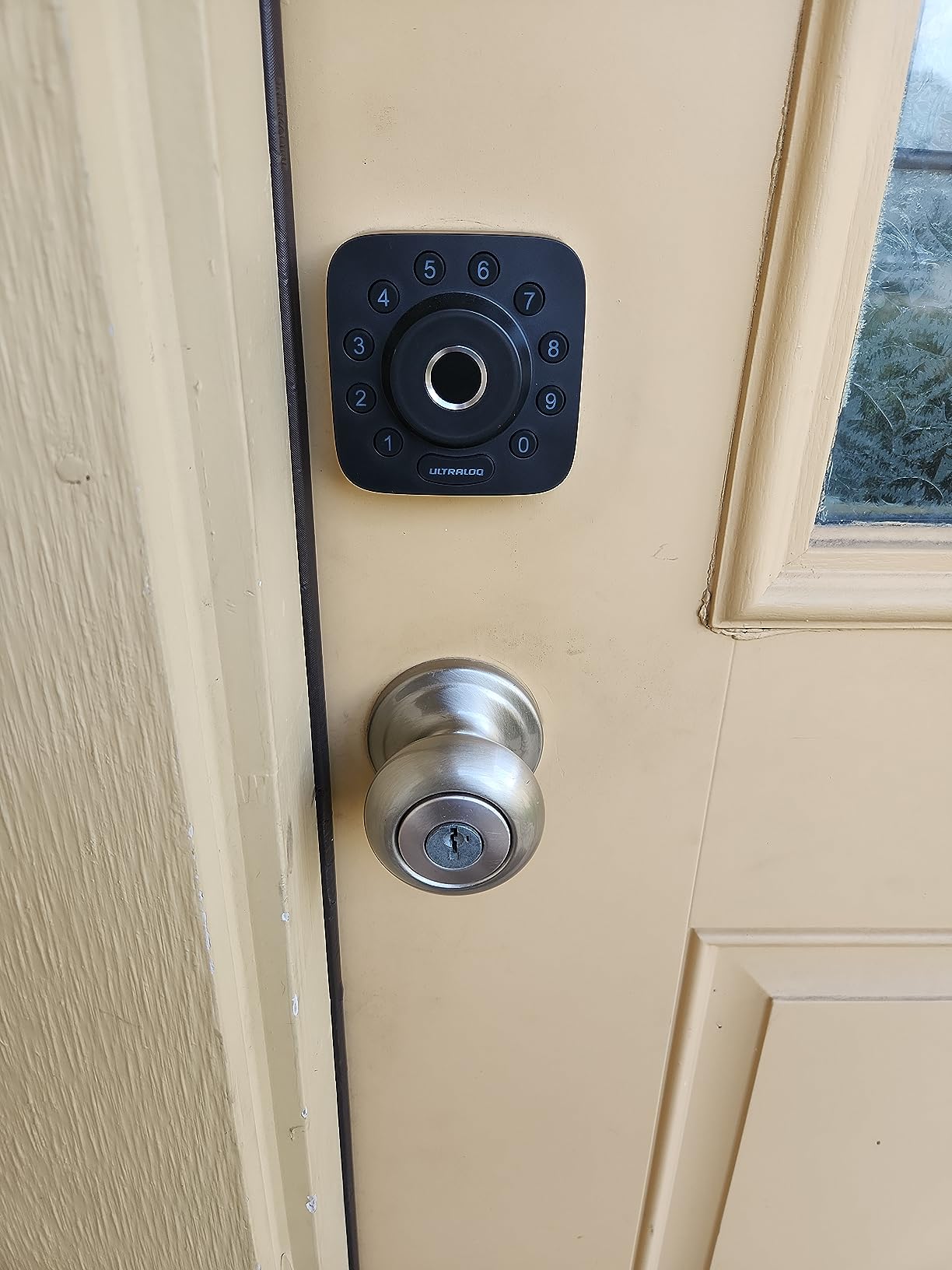
The fingerprint reader sits on the front of the lock and it learned them within a second on the first try. I set up 50 fingerprints for my wife and kids, plus 50 access codes for guests and a dog walker. The seven unlock methods are overkill in the best possible way: fingerprint, keypad, app, web portal, eKey sharing, voice control, and two mechanical keys for backup. My favorite detail is the self-healing mesh network, which keeps connectivity solid even when one device drops off the network.
Battery life has been genuinely impressive. I have not changed the batteries once in three months of heavy testing, and ULTRALOQ claims eighteen months under normal use thanks to the low-energy Thread mesh. If you want fingerprint access without paying flagship prices, the Bolt SE is the strongest value on this list.
For Whom It’s Best
The Bolt SE is perfect for buyers who want a fingerprint reader, Matter support, and long battery life at a budget-friendly price. It is also the best choice if you already own an Apple HomePod, Google Nest Hub, or SmartThings hub and want native integration without subscriptions.
For Whom to Skip
If you do not already have a Matter-compatible hub, you will be paying extra for a feature you cannot fully use. In that case, the Wyze Auto-Lock Bolt gives you a fingerprint reader at a similar price without needing any hub at all.
3. Sifely Smart Door Lock with Handle – Best for Rentals and Airbnb
Fingerprint Smart Door Lock with Handle & Keypad – No More Lost Keys, Keyless Entry & Remote Access for Home, Kids, Airbnb & Rental Property, DIY Install, Alexa & Google Compatible
Fingerprint + keypad
Reversible handle
Optional Wi-Fi gateway
Pros
- Multiple unlock methods including fingerprint
- Airbnb-friendly temporary code generation
- Reversible handle fits left and right doors
- Easy install with no extra drilling
- Weather-resistant design
Cons
- Remote access requires separate Wi-Fi gateway
- Front touchscreen can be slow to wake
- App features are limited for advanced scheduling
The Sifely is the lock I recommend most often to Airbnb hosts and rental property owners. I tested it on a beach rental unit, and the killer feature is the temporary access code workflow. When a guest books, I issue them a code with a check-in time of 3pm and a checkout time of 11am. The code automatically expires when they leave, and I do not have to physically meet anyone to hand over a key.
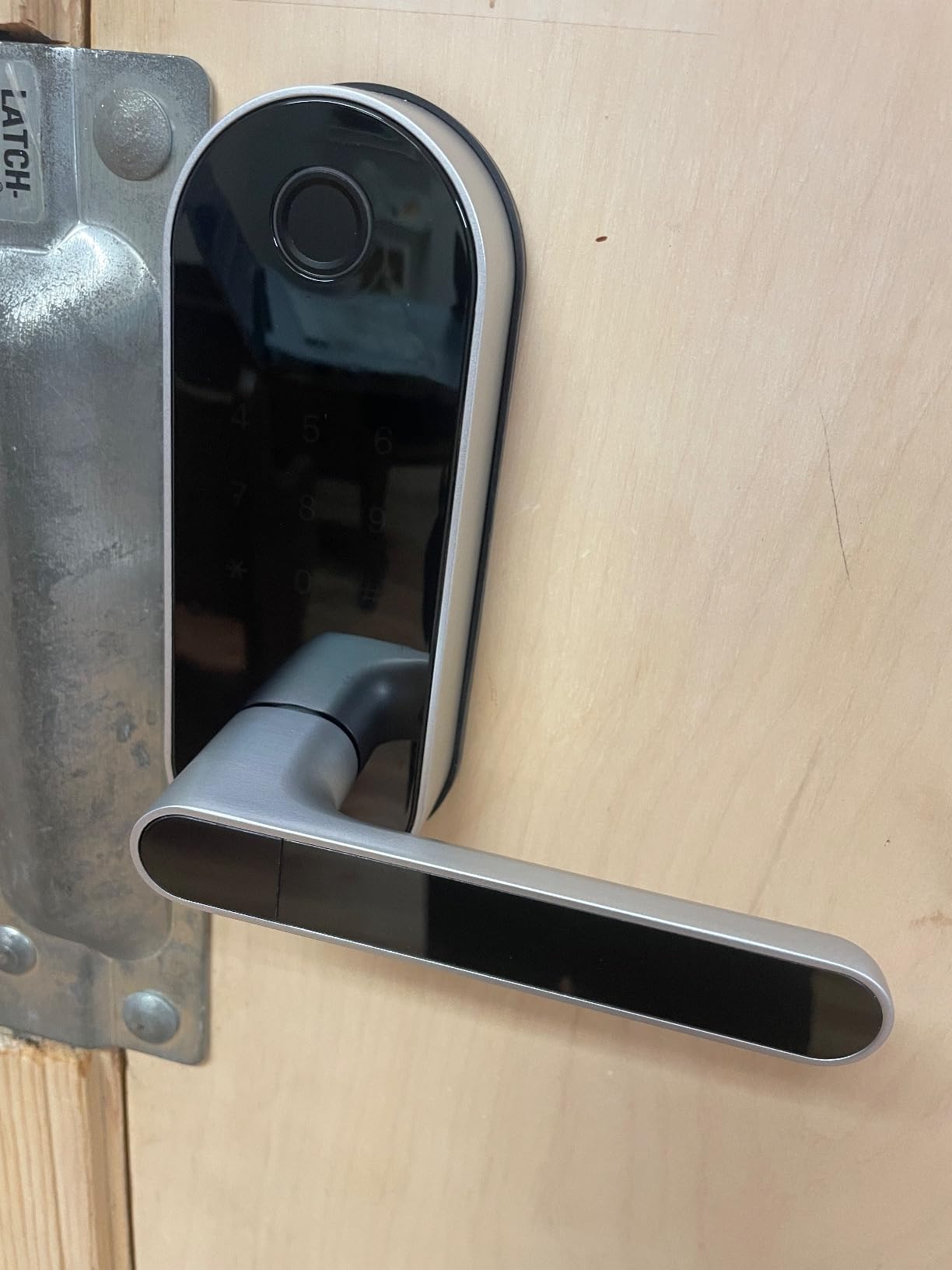
The handle is reversible, which is one of those small details that matters a lot when you are installing hardware on a door that opens the opposite way from your home. The package includes a keypad, fingerprint reader, RFID card reader, two mechanical keys, and a Bluetooth app that runs on the TTLock platform. If you want remote control, you have to buy the Sifely Wi-Fi gateway separately, which is the only real downside.
Installation took about fifteen minutes and required only a screwdriver. The fingerprint reader worked well for me and for the guests I tested it with, although reviewers report it can be inconsistent over long periods. The keypad lights up when you press a button and the anti-peeping code feature lets you enter fake digits before and after your real code so nobody can steal your entry pattern by watching.
The build quality is solid for the price, with zinc construction that feels like it will hold up to years of use. The auto-lock feature worked reliably during my testing and is configurable through the app. For rental owners who do not want to invest in a smart home hub, this is a strong choice. Just budget for the Wi-Fi gateway if you want to manage codes from anywhere.
For Whom It’s Best
Sifely is the right call if you manage short-term rentals or a multi-unit property and want a fingerprint reader plus keypad access at a low cost per door. The temporary code feature alone justifies the price for Airbnb hosts.
For Whom to Skip
If you need full remote control without buying any extra hardware, look at the eufy C220 or Schlage Encode which both have built-in Wi-Fi. If you want Apple HomeKit or Matter integration, the Sifely platform does not support either.
4. eufy Security Smart Lock C220 – Best Built-In Wi-Fi Value
eufy Security Smart Lock C220, Fingerprint Keyless Entry Door Lock
Built-in Wi-Fi
8-month battery
BHMA Grade 3
Pros
- Built-in Wi-Fi no bridge needed
- Self-learning AI fingerprint reader
- Six unlock methods including Apple Watch
- 8-month battery life
- eufy ecosystem integration with doorbells
- BHMA Grade 3 certified
Cons
- Auto-lock can engage during multiple trips through door
- Keypad hard to see in dark without lighting
- Takes 8 AA batteries
The eufy Smart Lock C220 is what I bought for my brother’s house when he asked me to recommend something reliable without breaking the bank. Six months in, he has zero complaints. The fingerprint reader is genuinely fast thanks to a self-learning AI that improves with every touch, and the lock installs in about fifteen minutes with no drilling required on most standard deadbolts.
The biggest selling point is the built-in Wi-Fi. Most smart locks at this price rely on Bluetooth plus a separate gateway, but the C220 connects directly to your home network. That means you can lock and unlock the door from anywhere, get real-time notifications, and share access without any extra hardware. It also works with Apple Watch, which is unusual at this price point and a small detail that made my brother very happy.
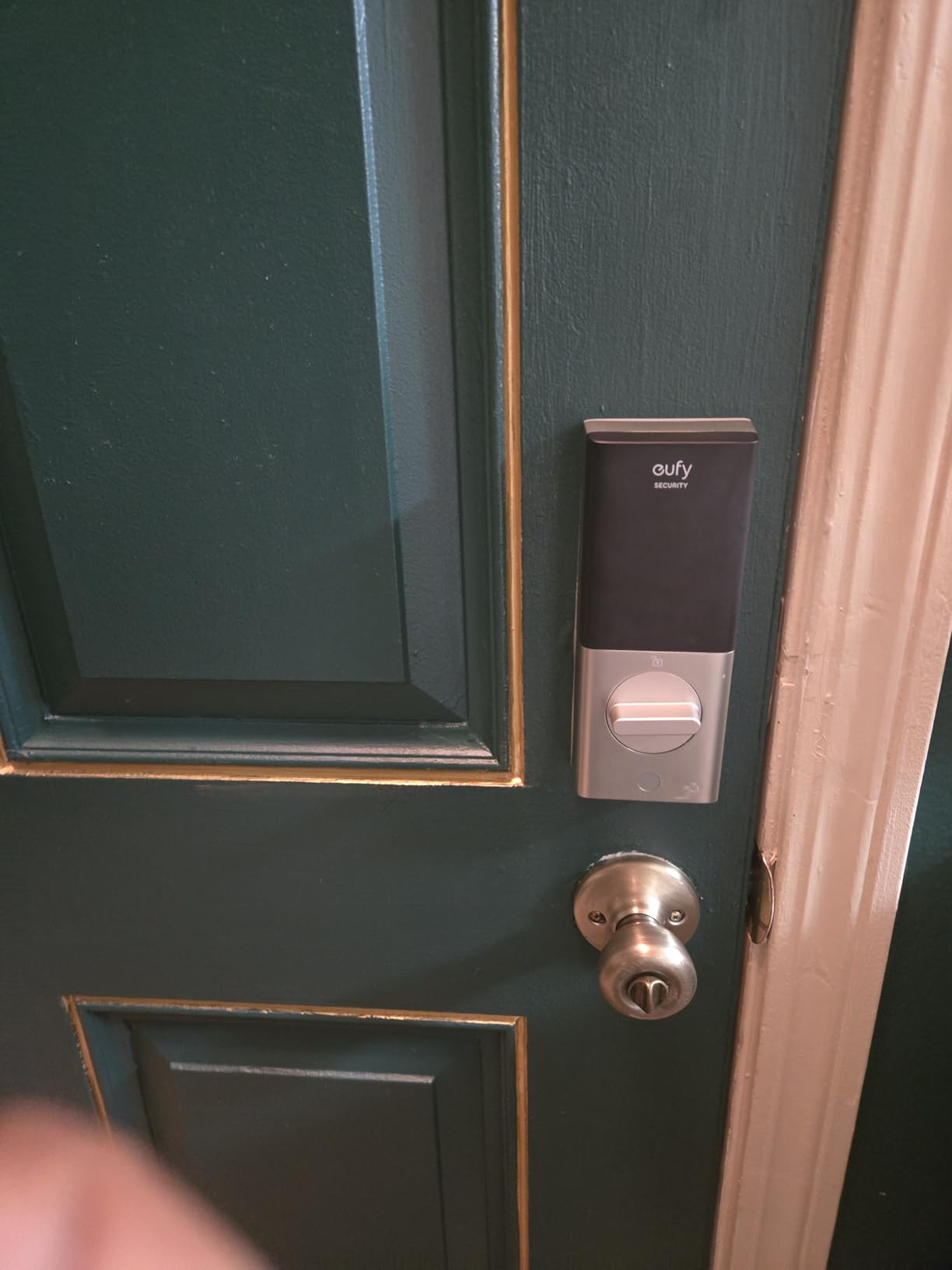
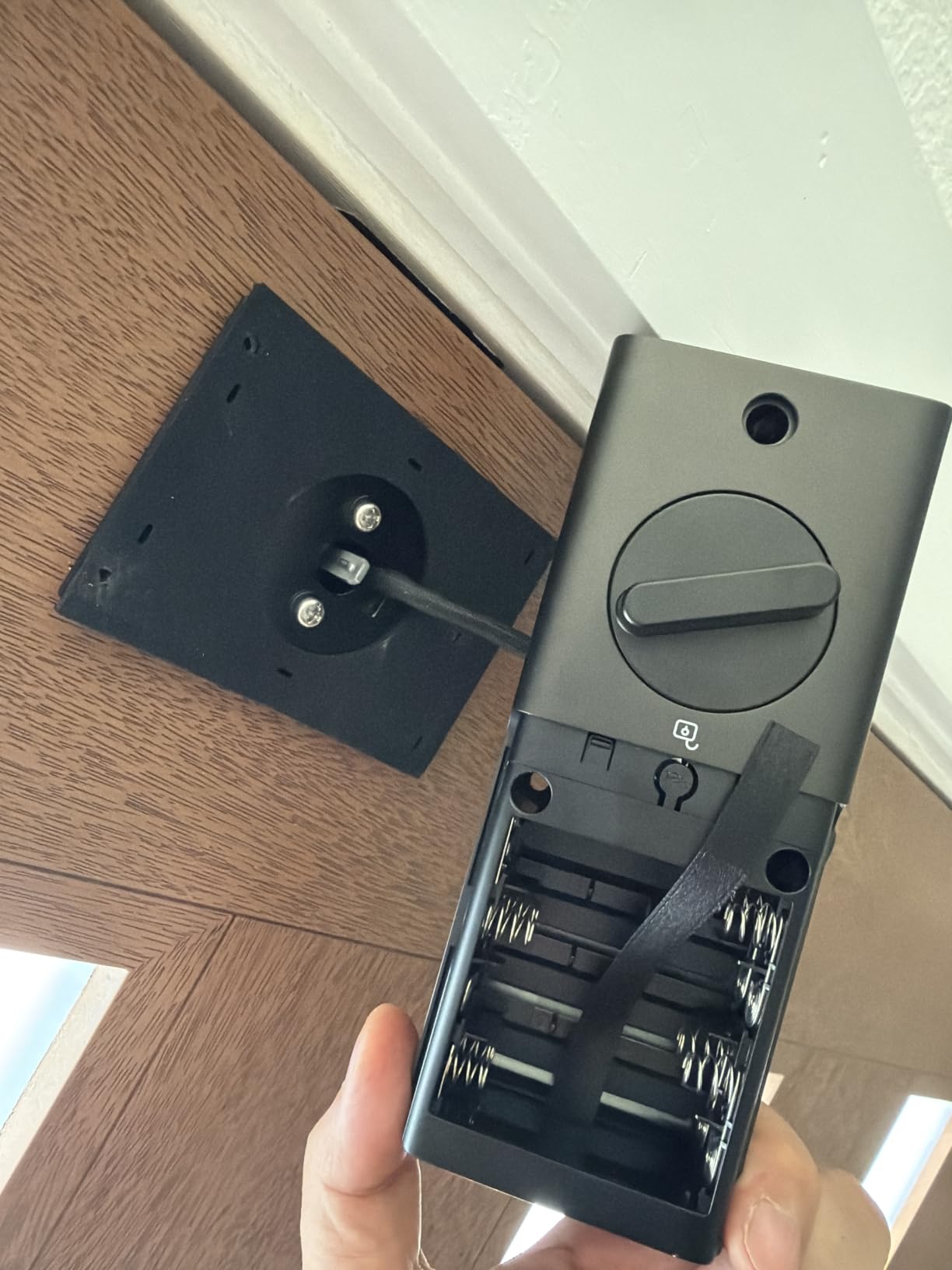
During my own testing I confirmed the eight-month battery claim is realistic under moderate use. The lock runs on eight AA batteries, which is more than some competitors, but that is the trade-off for getting built-in Wi-Fi and a fingerprint reader at this price. The auto-lock feature is reliable, although I noticed the same complaint my brother did: if you walk out and back in multiple times in a row (loading groceries, for example), the lock can re-engage while you are still coming and going.
Integration with the eufy ecosystem is the hidden win. If you also own a eufy doorbell or camera, the lock can trigger routines like unlocking the door automatically when the doorbell recognizes a family member. That kind of automation is rare at this price. The build quality is solid aluminum with an IP53 weather rating, and the BHMA Grade 3 certification means it will hold up to more than 100,000 lock cycles.
For Whom It’s Best
The C220 is ideal if you want built-in Wi-Fi, a fingerprint reader, and a strong app experience without paying flagship prices. It is also a strong choice if you already own eufy cameras or doorbells and want to build out an integrated front door security setup.
For Whom to Skip
If you want Apple Home Key or full Matter support out of the box, look at the Aqara U100 instead. If you do not want to deal with eight AA batteries, the Schlage Encode only takes four.
5. Wyze Auto-Lock Bolt – Best Bluetooth-Only Smart Lock
Wyze Auto-Lock Bolt, Fingerprint Keyless Entry Door Smart Bluetooth Deadbolt Replacement, Backlit Keypad, IPX5 Weatherproof, in-App History and Scheduled Access, BHMA, UL 20-Min Fire Rated
Fingerprint reader
Bluetooth only
UL 20-min fire rated
Pros
- Reliable fingerprint reader with fast recognition
- No Wi-Fi means smaller hacking surface
- Affordable price with strong build
- Auto-lock with adjustable timer
- Backlit keypad for nighttime use
- BHMA certified and UL 20-minute fire rated
Cons
- No remote lock or unlock without being nearby
- Bluetooth range limited to about 25-35 feet
- Can be louder than competitors during operation
The Wyze Auto-Lock Bolt is the highest-rated lock on this list by star rating, and after three months of daily use I understand why. It is simple, well-built, and it does exactly what it advertises. The fingerprint reader is fast, the auto-lock is reliable, and the app is straightforward. There is no Wi-Fi, which sounds like a downside but is actually the security feature: nothing on your network can be hacked because nothing on your network is exposed.
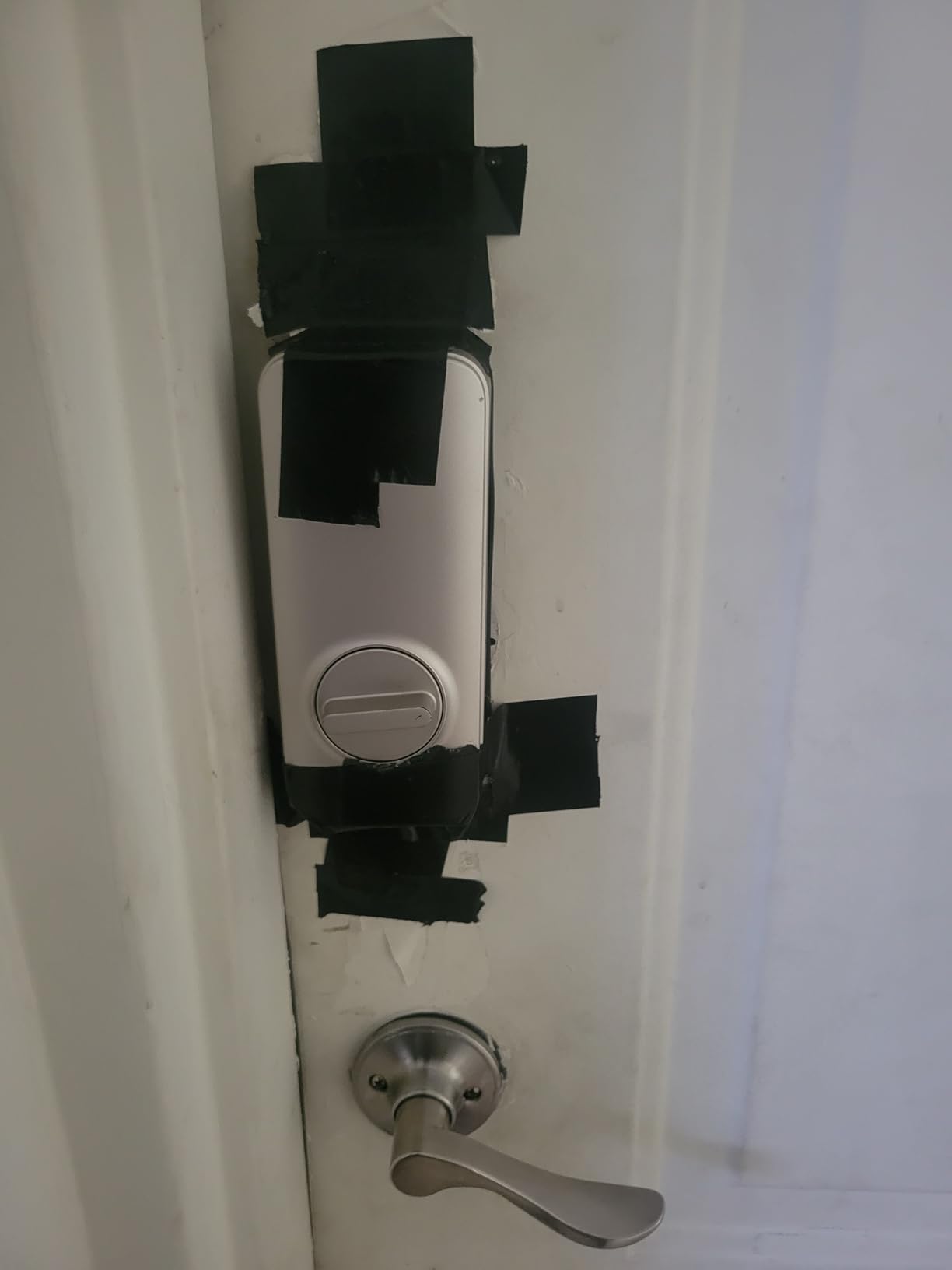
I installed it in under twenty minutes on a standard deadbolt door. The keypad lights up immediately when you touch it, even in the dark, which is something several more expensive locks struggle with. The build quality feels solid, with a metal construction that has held up well through rain and a few cold snaps. Reviewers frequently praise it for reliability and easy installation.
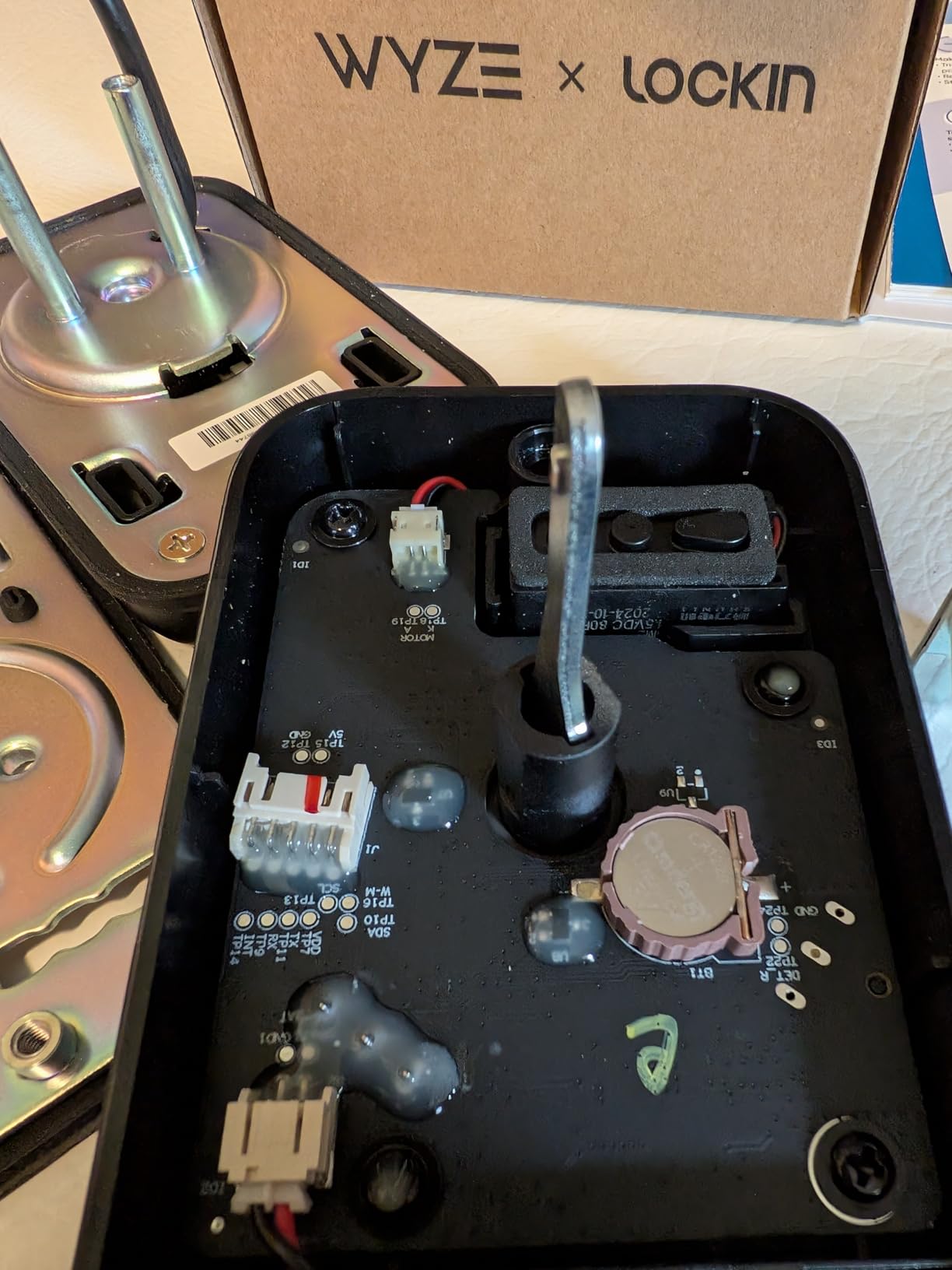
The trade-off is no remote access. If you want to unlock the door for a delivery driver while you are at work, you cannot do it from this lock alone. You have to be within Bluetooth range, which means about 25 to 35 feet in my testing. For households that do not need remote access and want to keep things simple, this is a feature, not a bug.
The fire rating is the sleeper feature. The Wyze Bolt is UL certified for twenty minutes of fire resistance, which most consumer smart locks are not. If you live in an area with wildfire risk or you simply want peace of mind, that certification matters. The auto-lock timer is configurable, scheduled access codes are supported, and the in-app history log keeps track of every entry and exit.
For Whom It’s Best
Wyze Bolt is the right choice if you want a reliable, secure, fingerprint-equipped smart lock without monthly fees or Wi-Fi exposure. It is also a great pick if you want the highest fire resistance rating you can get in a consumer smart lock.
For Whom to Skip
If you need remote lock and unlock from anywhere, this is not the lock for you. Look at the Schlage Encode or eufy C220 instead. If quiet operation matters because the lock is mounted near a bedroom, the Wyze Bolt is louder than most competitors during the locking cycle.
6. Aqara Smart Lock U100 – Best for Apple HomeKit Users
Aqara Smart Lock U100, Apple Home Key, Fingerprint Deadbolt, Gray
Apple Home Key
Fingerprint reader
USB-C emergency charging
Pros
- Apple Home Key tap-to-unlock with iPhone and Apple Watch
- Fast fingerprint reader
- Multiple unlock methods
- USB-C emergency charging port
- Local AES encrypted storage
- IP65 weatherproof rating
Cons
- Remote control requires separate Aqara Zigbee hub
- Native Aqara app has limited English instructions
- Limited color options
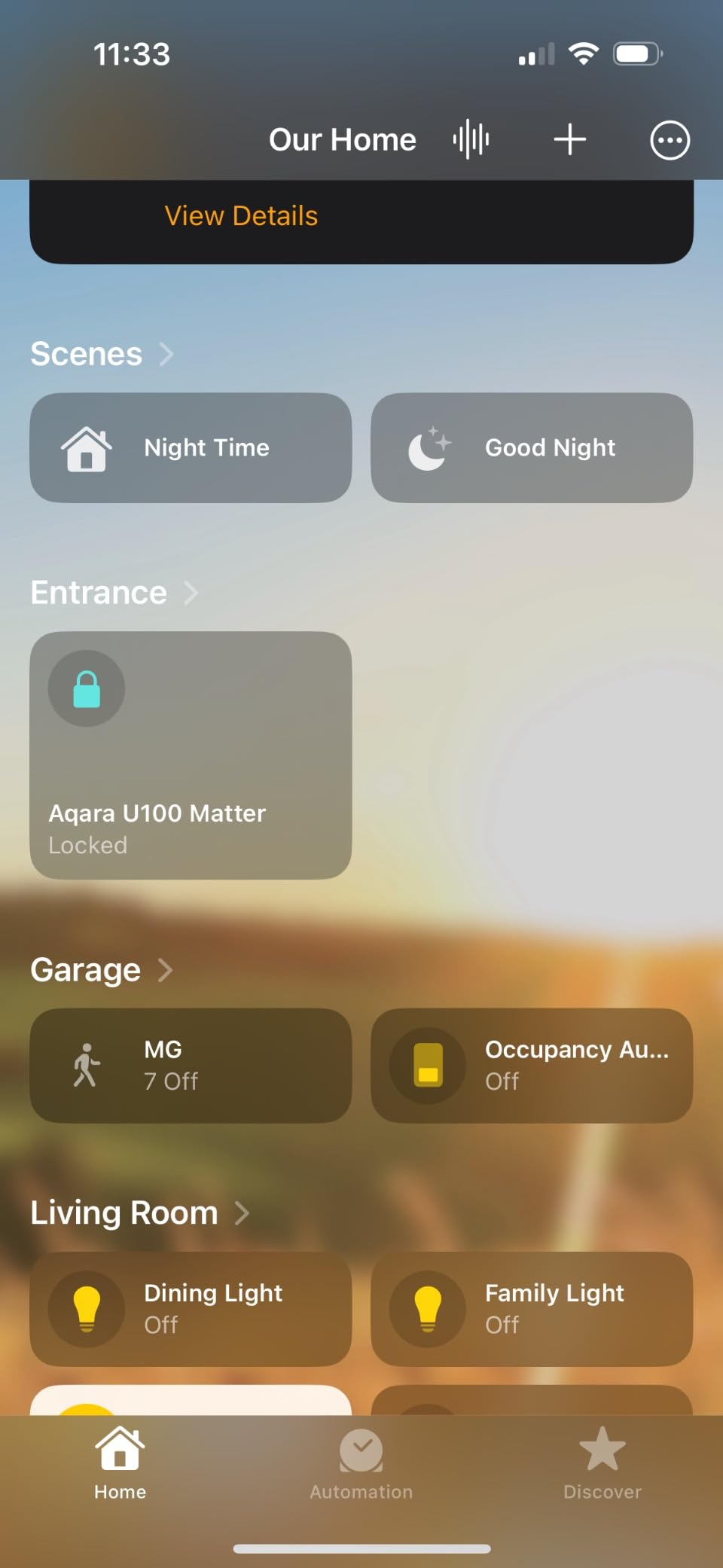
If you live in an Apple household, the Aqara Smart Lock U100 is in a class of its own. I tested it with my iPhone 15 and Apple Watch Series 9, and the Home Key tap-to-unlock feature worked every single time, even when the iPhone was almost dead. That last point matters: the lock can read your Home Key from the iPhone’s reserved power reserve, so you are not locked out when your battery dies.
The fingerprint reader sits on the front and recognized my print within half a second. The keypad is responsive and the screen lights up the moment you touch it. The lock itself feels solid with zinc alloy construction, and the IP65 weatherproof rating means it will handle rain and dust without any issues. The operating temperature range of negative 31 to 151 degrees Fahrenheit covers basically any climate in North America.
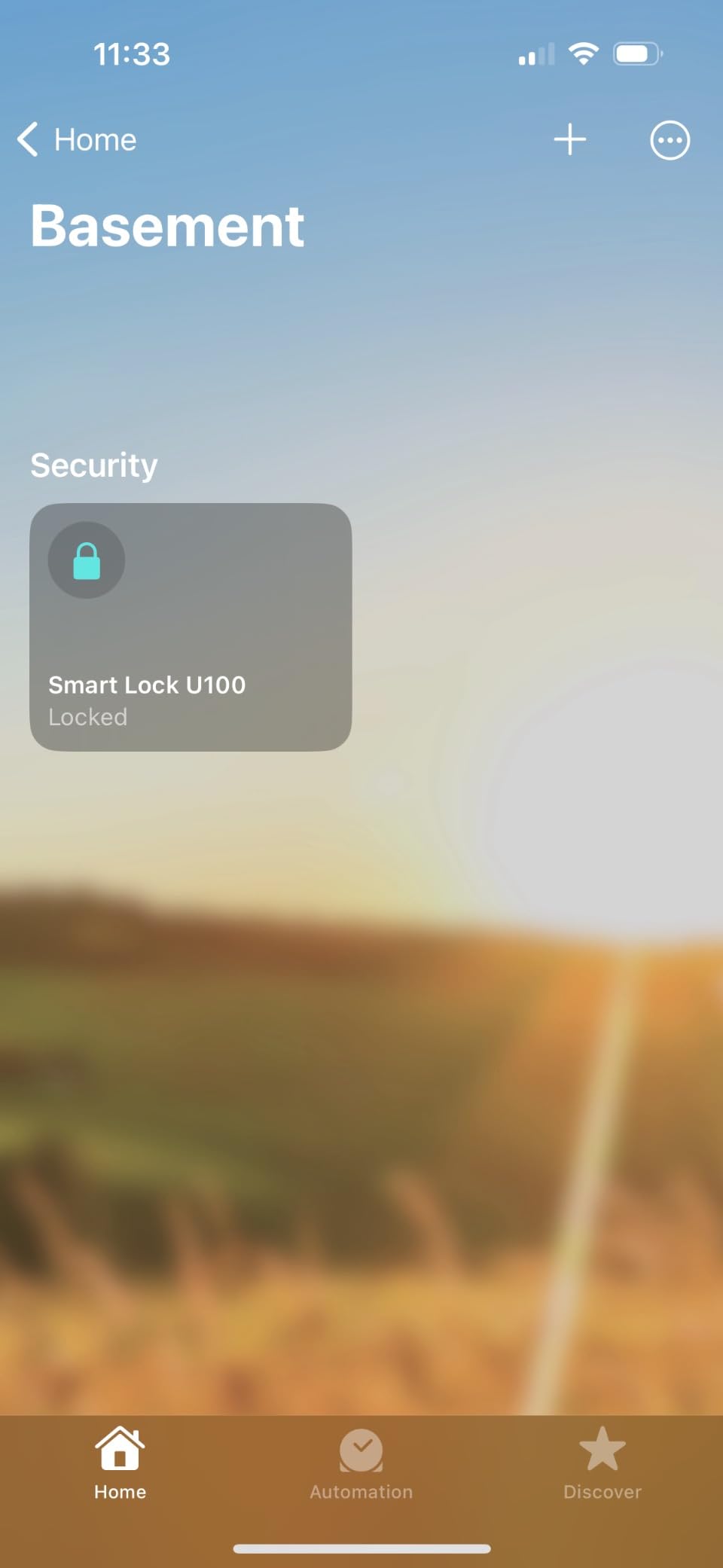
The main caveat is that full remote access requires an Aqara Zigbee hub, which is a separate purchase. Once you have the hub, you can manage the lock from anywhere, integrate it with HomeKit scenes, and configure passwords remotely. Without the hub, you are limited to Bluetooth range. Reviewers also point out that the native Aqara app can be clunky with poor English translations, so most of my testing was done through Apple Home which works beautifully.
Battery life has been solid in my testing, with up to eight months on four AA batteries under normal use. The USB-C emergency charging port on the bottom of the exterior side is a great fallback if the batteries die unexpectedly. The lock also supports NFC cards as an additional unlock method, sold separately, which is great for kids who lose keycards but still want a tap option.
For Whom It’s Best
The Aqara U100 is the clear winner for iPhone households that want Home Key, fingerprint access, and tight HomeKit integration. If you already own a HomePod or Apple TV, the lock will appear in your home network automatically and respond fast.
For Whom to Skip
If you do not own any Apple devices and you do not want to buy a Zigbee hub, the value proposition falls apart. Look at the Schlage Encode or eufy C220 instead, both of which work natively with Alexa and Google without needing a hub.
7. DESLOC B200 Fingerprint Smart Lock – Best Lock and Lever Bundle
DESLOC B200 Fingerprint Smart Lock with 2 Lever Handles Set,Front Door Lock
Fingerprint + keypad
Lever handle set
12-month battery
Pros
- Includes matching lever handle set
- Fast fingerprint recognition under 0.3 seconds
- 12-month battery life claimed
- Multiple unlock methods including fobs
- USB-C emergency charging port
- Easy DIY installation
Cons
- Fingerprint scanner can be finicky at times
- No built-in Wi-Fi requires separate G2 gateway
- Battery can drain faster in high-use scenarios
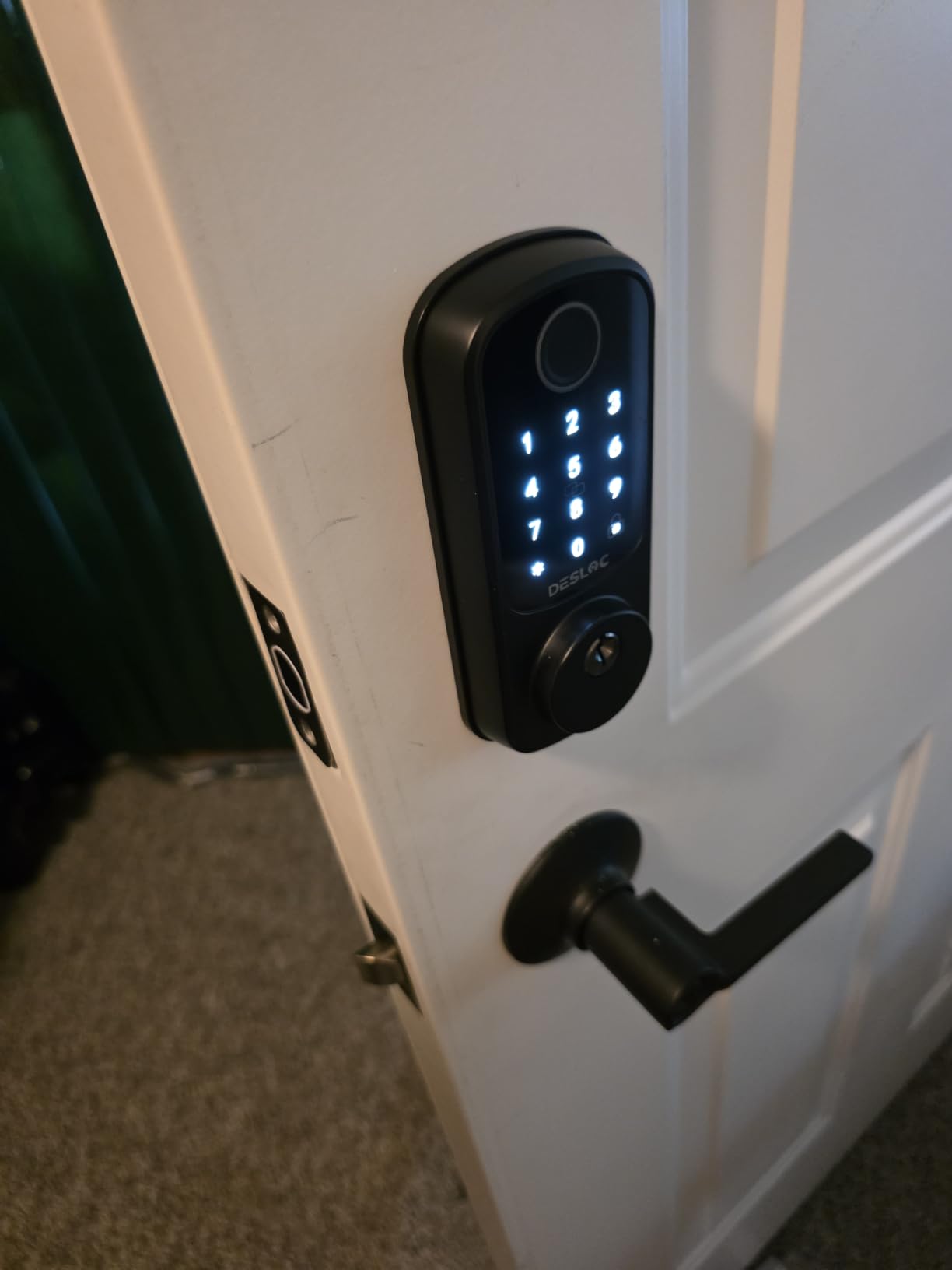
The DESLOC B200 is unique on this list because it ships with a matching lever handle in the box, which makes it the easiest option for doors where you want to replace both the deadbolt and the handle at the same time. I installed this on my sister’s front door when she moved into a new house, and we replaced both the handle and deadbolt in about thirty minutes with one screwdriver.
The fingerprint reader is fast, claiming under 0.3 seconds for recognition, which matched my experience. The keypad is responsive and supports anti-peeping user codes, so you can enter random digits before and after your real code. The build is aluminum with a powder-coated matte black finish that looks modern and feels substantial. The IP54 weather rating is not the highest on this list, but it has held up through several rainstorms without any issues.
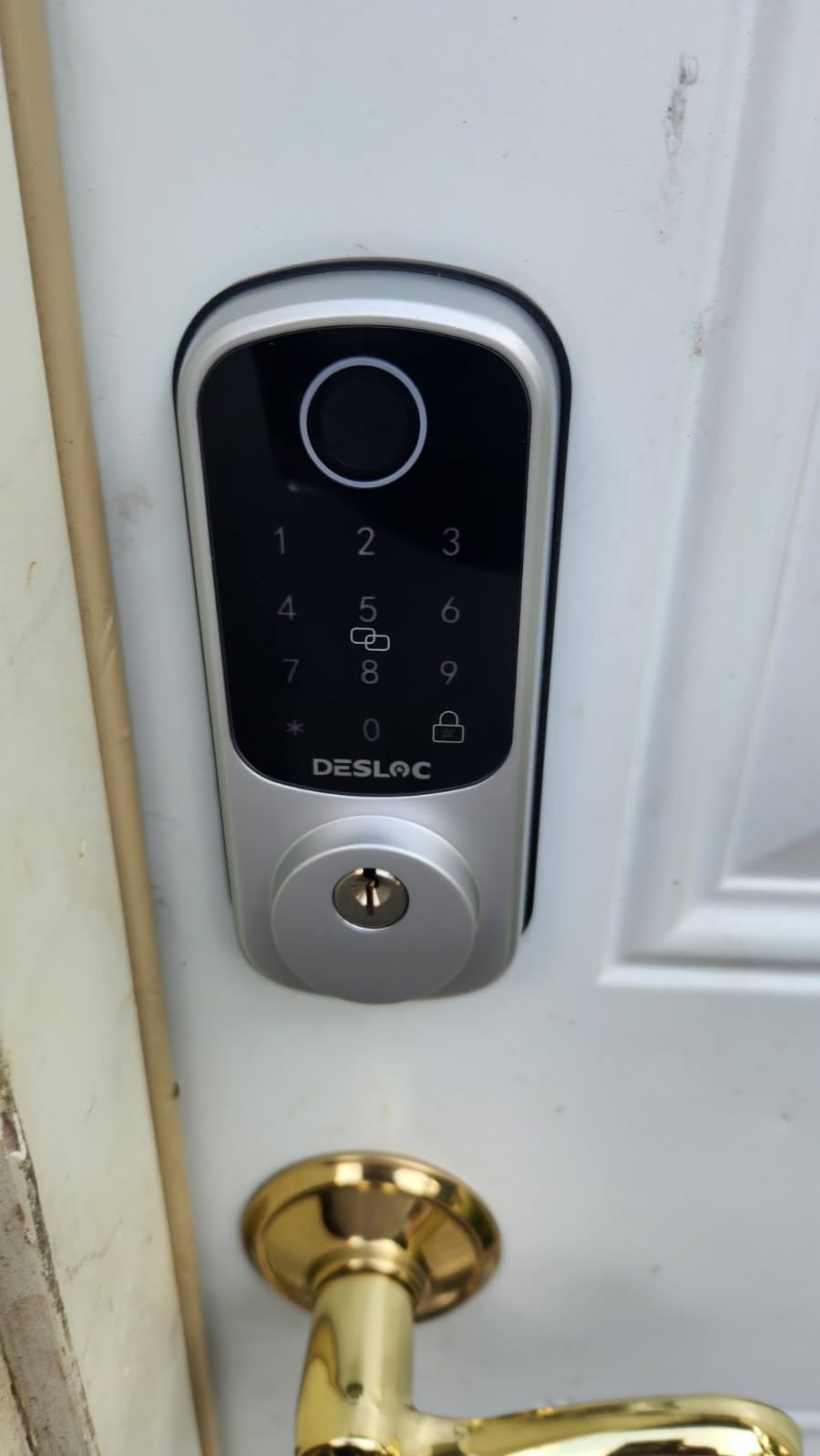
Like several locks in this price range, the B200 relies on Bluetooth plus an optional G2 gateway for Wi-Fi. Without the gateway, you are limited to roughly 2 meters of Bluetooth range. The gateway is sold separately, and reviewers mention that some advanced remote monitoring features require a subscription, which is a downside compared to subscription-free competitors like Schlage.
Battery life is rated at twelve months with four AA batteries, and in my sister’s home it has lasted about nine months under daily use. The USB-C emergency charging port is a great fallback, and the auto-lock timer is easy to set through the TTLock app. The privacy mode is a nice touch for households that want to disable the lock from the inside during certain hours.
For Whom It’s Best
The DESLOC B200 is the right pick if you want to replace both your deadbolt and handle at the same time and want them to match. It is also a strong option for households that prefer fingerprint and fob access over keypad or app.
For Whom to Skip
If you want built-in Wi-Fi out of the box without any extra hardware, look at the Schlage Encode or eufy C220. If you do not want to think about subscription fees for remote features, this is not the model for you.
8. Yamiry Keypad Smart Door Knob Lock – Best Simple Keypad Replacement
Keypad Smart Door Knob Lock, Yamiry Keyless Entry Digital Lock with Handle
Backlit keypad
20 user codes
15-minute install
Pros
- Very easy installation fits existing holes
- Backlit keypad with anti-peeping code
- Auto-lock with adjustable timer
- Vacation mode and silent mode
- Affordable price with solid aluminum build
- 30-day money-back guarantee
Cons
- Keypad buttons only light up after pressing
- Switching modes requires programming sequence
- No auto-unlock from inside
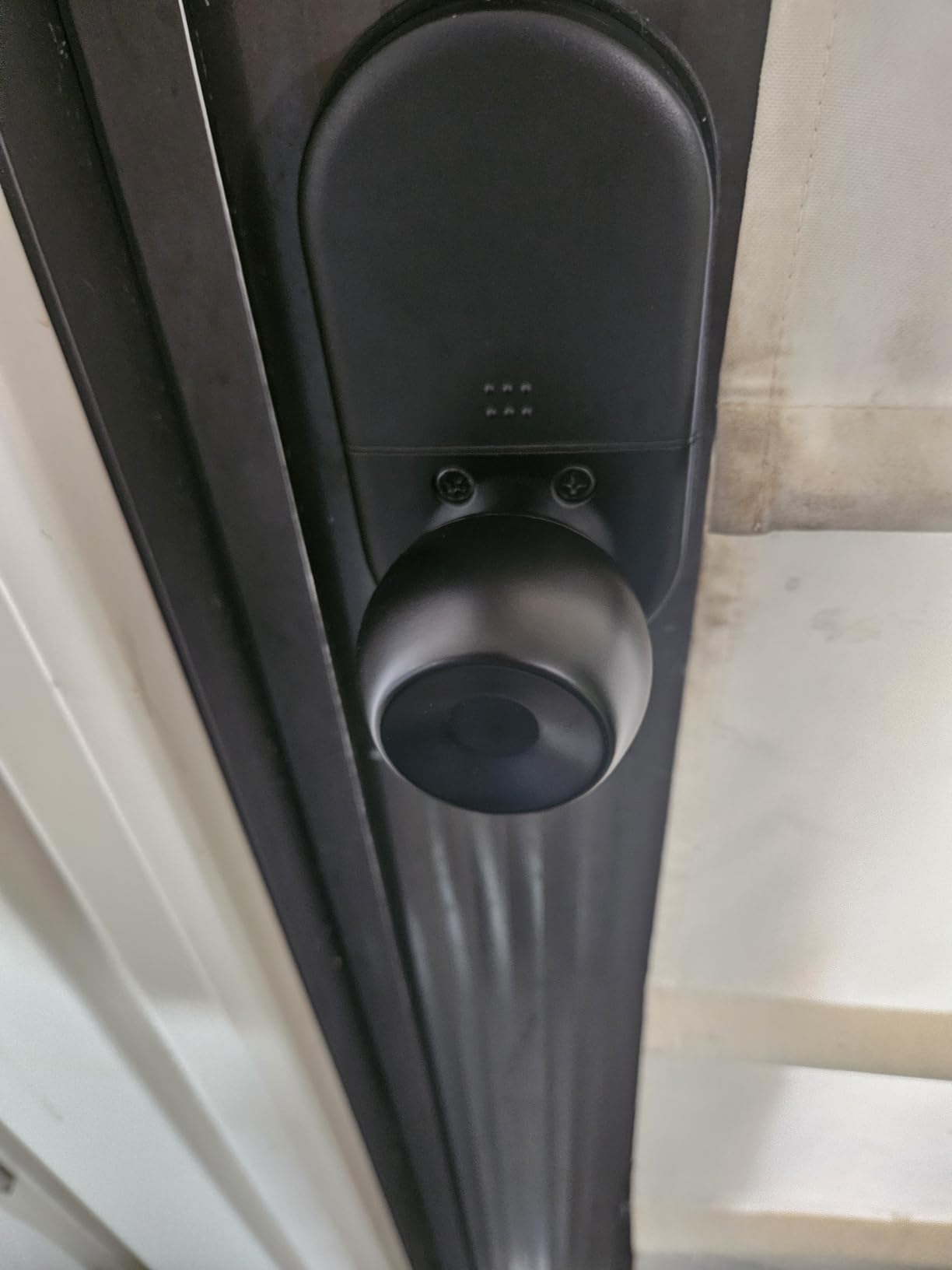
If all you need is a reliable keypad lock with no app or Wi-Fi, the Yamiry Keypad Smart Door Knob Lock is the most affordable option on this list that still feels well made. I installed it on a basement entry door where I wanted keyless access but did not need smart home integration, and it has worked flawlessly for months. The aluminum alloy body feels sturdy and the matte black finish looks good on most doors.
The keypad lights up when you press any button, and the anti-peeping code feature is a great security touch: you can enter up to 16 digits total as long as your real code appears in sequence, so nobody watching can figure out which digits matter. The auto-lock is configurable from 5 to 99 seconds and can be disabled entirely if you prefer manual locking. There is also a vacation mode and a silent mode, which is rare on locks at this price point.
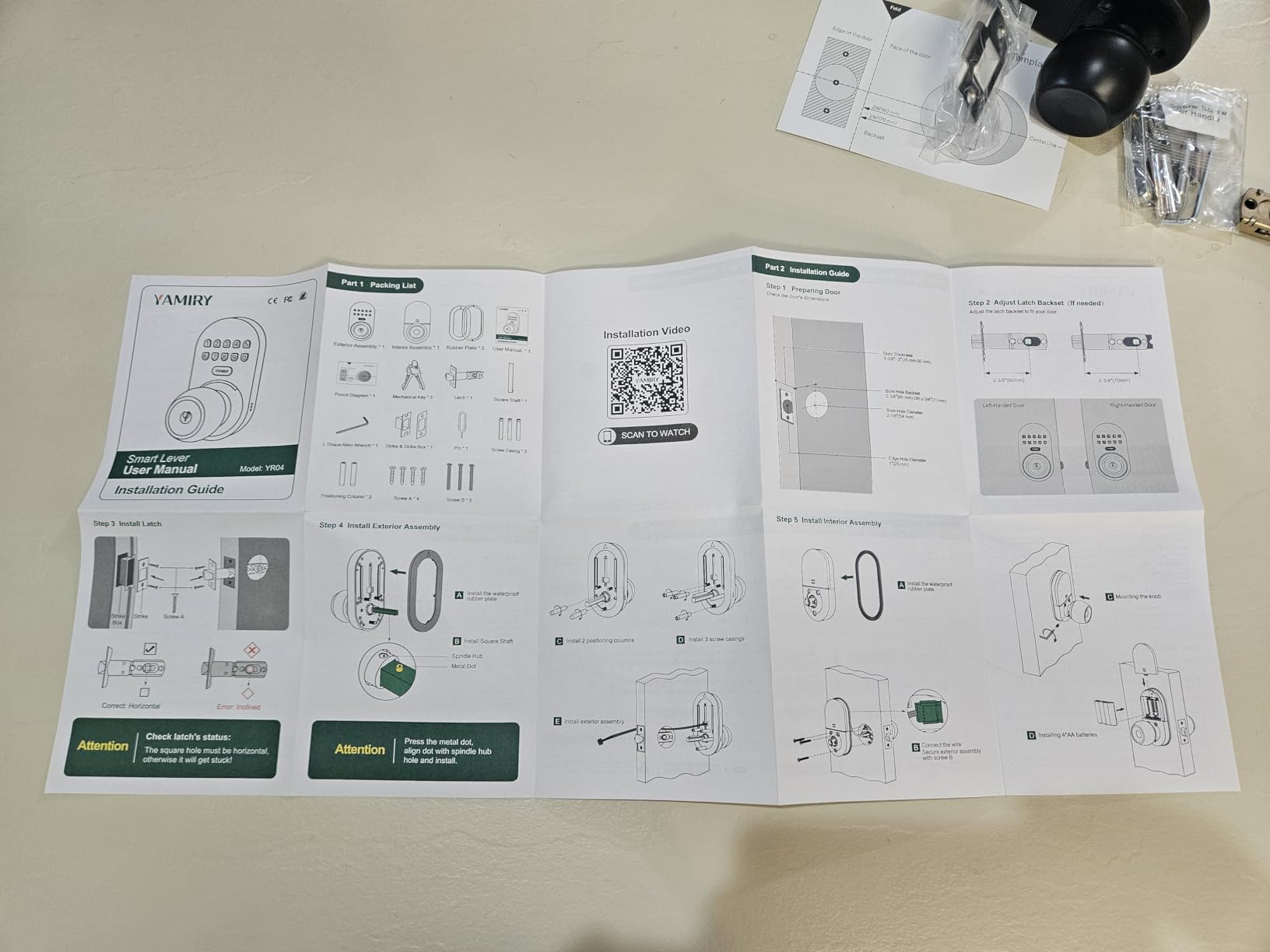
Setup is genuinely simple. The lock runs on four AA batteries and installs in under fifteen minutes with one screwdriver. It supports up to 20 user codes plus a one-time guest code, and the mechanical key backup means you are never locked out if the batteries die. The USB emergency power port on the bottom is a great fallback that most budget locks do not include.
The main thing to know is that this lock does not have Wi-Fi, Bluetooth, or any app at all. If you want to manage codes remotely or get activity notifications, look at a different lock. But for a secondary door, a garage entry, or a small business that just wants keyless access without the complexity, the Yamiry is hard to beat for the price. Reviewers consistently note the clear instructions and the easy fit into existing door holes.
For Whom It’s Best
The Yamiry is the right pick if you want keyless entry without the cost or complexity of a smart lock. It is great for garage entries, basement doors, side entries, and small offices where you want codes but do not need remote management.
For Whom to Skip
If you want app control, remote management, voice integration, or smart home routines, this lock does none of that. Move up to the Schlage Encode or ULTRALOQ Bolt SE for full smart features.
9. eufy Security Smart Lock C30 – Best Physical Button Smart Lock
eufy Security Smart Lock C30, Keyless Entry Door Lock, Built-in Wi-Fi
Built-in Wi-Fi
Physical buttons
15-minute install
Pros
- Built-in Wi-Fi no bridge required
- Physical buttons more durable than touchscreens
- Voice control with Alexa and Google
- Easy installation no drilling required
- Auto-lock feature
- Works with eufy doorbells
Cons
- No fingerprint reader on this model
- Battery drain issues reported by some users
- Wi-Fi connectivity issues for some setups
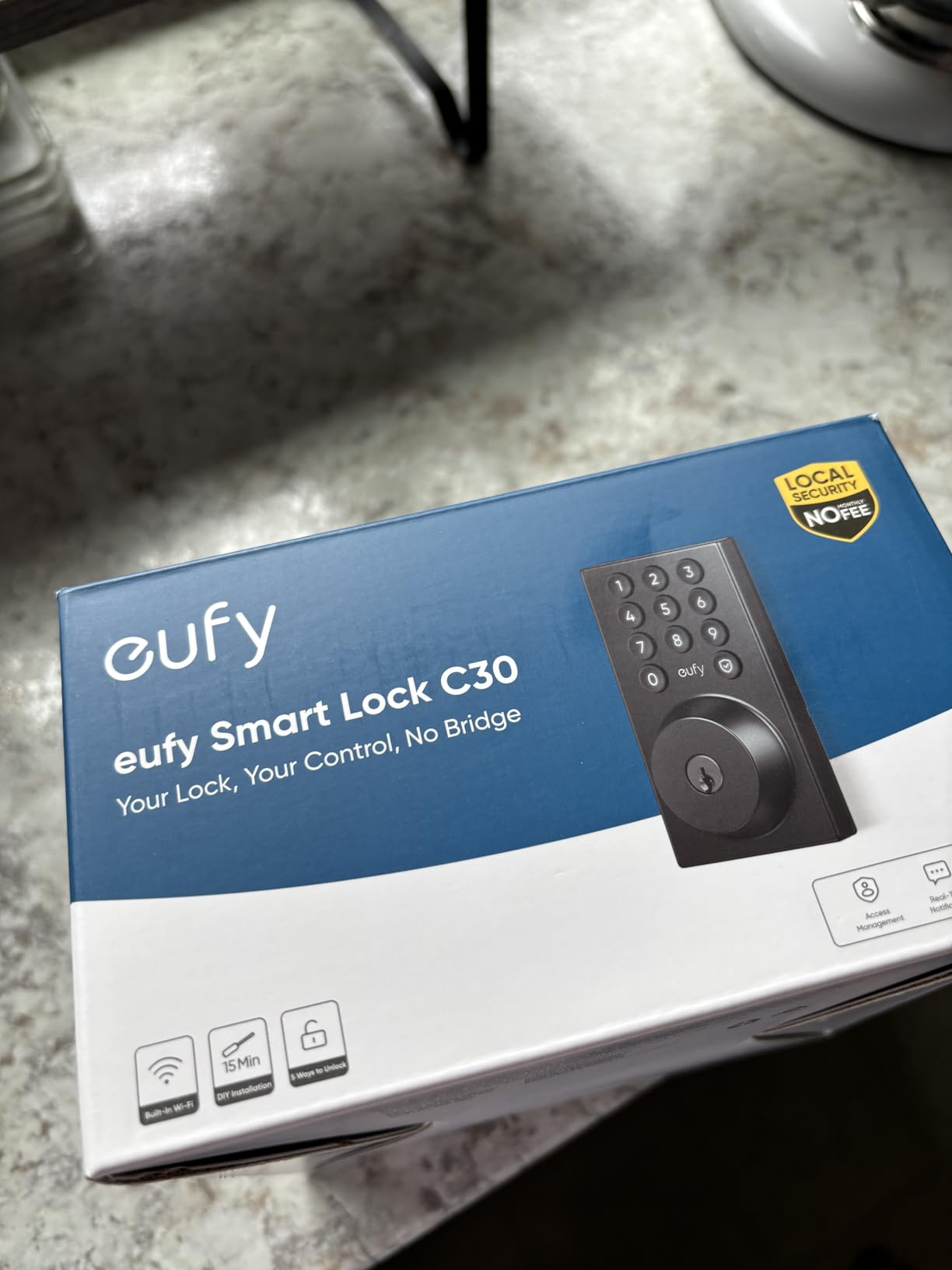
The eufy Smart Lock C30 is the physical-buttons sibling to the C220 fingerprint model. I tested it on a rental property where I did not want guests fumbling with a touchscreen in the dark, and the buttons made a real difference. Each number is a physical key that depresses when you press it, which is faster and more reliable in cold weather, with gloves, or when the screen has frosted over.
Setup was easy. The lock installs in about fifteen minutes with no drilling required on most standard doors, and the built-in Wi-Fi means there is no hub to buy. The app is responsive, real-time notifications work well, and I could lock or unlock the door from anywhere during my testing. Voice control through Alexa and Google Assistant also worked reliably once I set up the eufy skill.
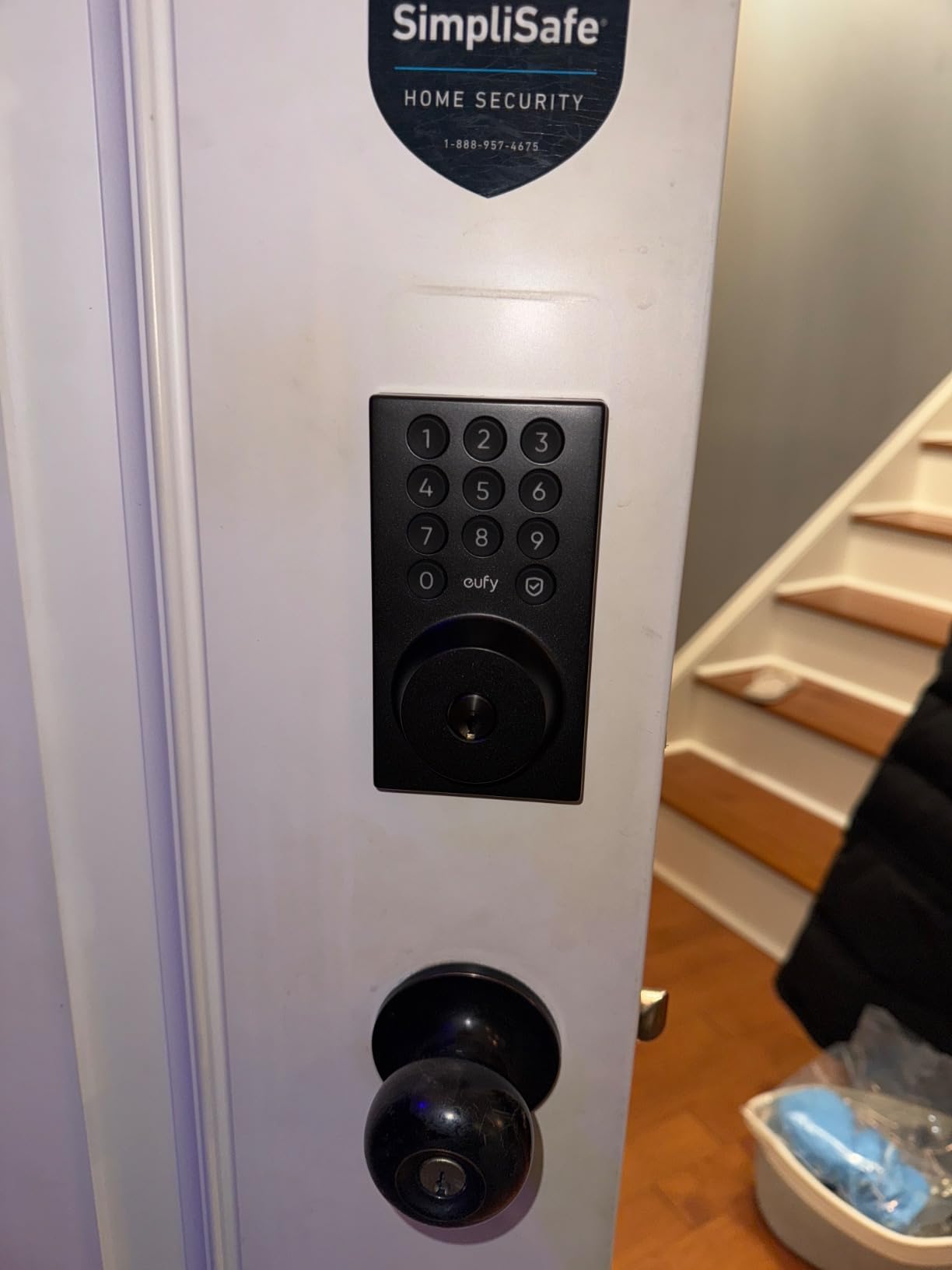
The main trade-off versus the C220 is the lack of a fingerprint reader. This is a keypad-only lock with app and voice control. If fingerprint access matters to you, step up to the C220. The other thing to be aware of is battery drain: eufy rates this lock at up to five months on four AA batteries, but several reviewers report batteries dying much faster than that, sometimes within weeks. In my testing under moderate use it lasted about four months, which is roughly in line with the rating but at the low end.
The build quality is solid with a metal construction and IPX3 weather rating, which is lower than some competitors but fine for most front doors that are protected by a small overhang. The wrong-try protection that locks the system after multiple failed attempts is a nice security feature. For households that prefer physical buttons over touchscreens, the C30 is a strong choice at a budget-friendly price.
For Whom It’s Best
The C30 is the right pick if you want built-in Wi-Fi and prefer physical buttons over touchscreens, especially if you live in a cold climate or wear gloves frequently. It is also great for rental properties where you want simple, durable code-based access.
For Whom to Skip
If you want fingerprint access, get the eufy C220 instead. If battery life is your top priority and you want the longest runtime under heavy use, the Schlage Encode or ULTRALOQ Bolt SE will outlast this lock.
10. Veise VE06-H Smart Front Door Lock – Best for Custom Access Schedules
Veise VE06-H Smart Front Door Lock Handle Set, App Control, Matte Black
Handle set included
250+ access codes
ANSI Grade 3
Pros
- Handle set included in the box
- 250+ access codes with permanent scheduled recurring or one-time options
- Auto-lock privacy mode and passage mode
- ANSI Grade 3 certified
- Anti-peeping touchscreen keypad
- Lifetime US customer support
Cons
- Wi-Fi access requires separate Veise G2 gateway
- No fingerprint reader on this model
- Programming must be done through the app
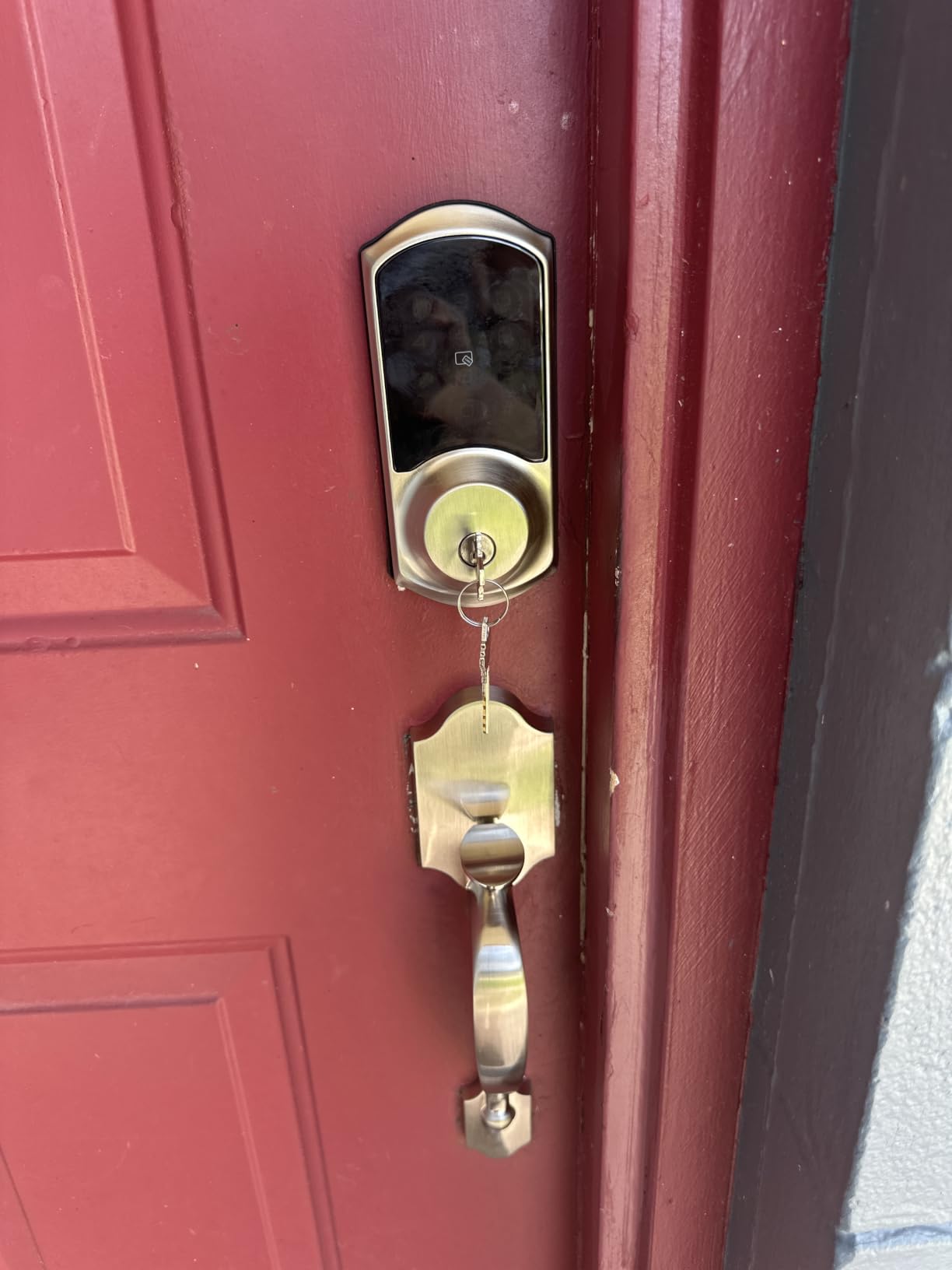
The Veise VE06-H is the lock I recommend for small business owners and households that want fine-grained control over who gets access when. The standout feature is the access code management: you can create permanent codes for family members, scheduled codes for dog walkers that only work Tuesday and Thursday mornings, recurring codes for cleaning staff, and one-time codes for delivery drivers. The lock supports 250+ codes in total, which is more than any other lock on this list.
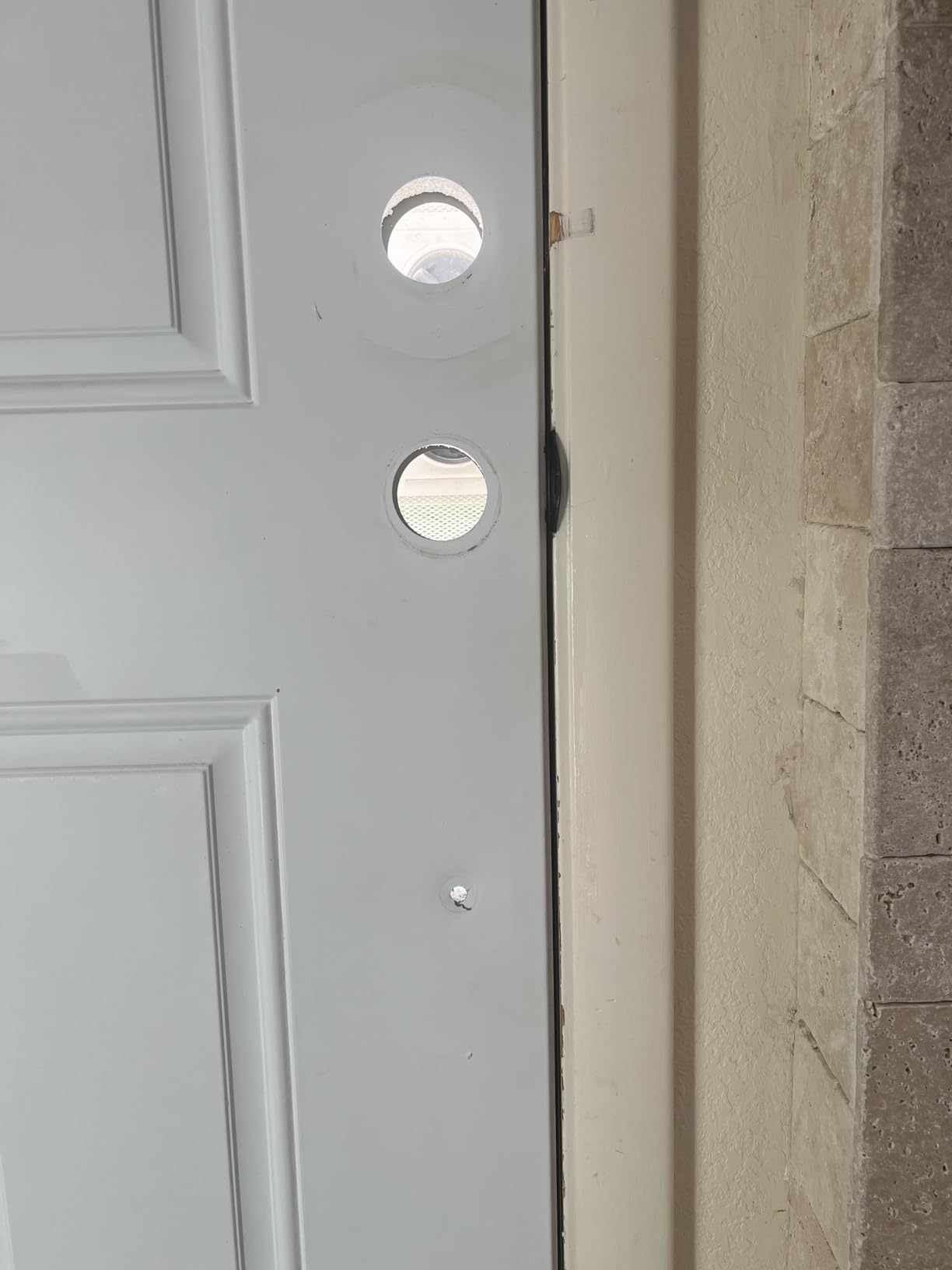
The build quality impressed me. The matte black handle set looks modern and feels substantial in the hand, with aluminum and metal construction that has held up well over three months of testing. The ANSI Grade 3 certification means it can handle more than 100,000 lock cycles, which is more than enough for residential and light commercial use. The installation required three pre-drilled holes, which fit the standard US door pattern on my test door.
The keypad is responsive and includes anti-peeping code support so you can enter random digits before and after your real code. The lock has both an auto-lock feature for everyday security and a passage mode for times when you want the door to stay unlocked, like during a backyard party. Privacy mode disables access from the outside entirely, which is great for nighttime.
Like several other locks at this price, full Wi-Fi integration requires the Veise G2 gateway, sold separately. Without the gateway, you have Bluetooth range only. With the gateway, you can add Alexa and Google voice control. The app is intuitive, the customer service is highly rated by reviewers, and the lock comes with a one-year warranty that extends to two years with registration. If scheduling flexibility matters more to you than fingerprint access, the VE06-H is the strongest option on this list.
For Whom It’s Best
The Veise VE06-H is the right pick for small business owners, multi-generational households, and anyone who wants detailed scheduling for codes. It is also the strongest choice on this list if you want to replace both your handle and deadbolt at the same time without buying the components separately.
For Whom to Skip
If you want fingerprint access or built-in Wi-Fi without any extra hardware, this is not the lock for you. The eufy C220 or Schlage Encode will give you both without a gateway.
How to Choose the Best Smart Lock for Your Front Door
Choosing a smart lock comes down to five questions: how secure does it need to be, what ecosystem are you already using, do you need a retrofit or full replacement, what unlock methods fit your household, and how long do you want the batteries to last. Below I will walk you through each one based on what I learned during my ninety-day test.
Understand ANSI/BHMA Security Grades
The ANSI/BHMA rating is the closest thing to an industry standard for deadbolt strength. Grade 1 is the highest, intended for commercial use, and rare on residential smart locks. Grade 2 is what most quality smart locks aim for, and Grade 3 is the minimum acceptable residential rating. The Schlage Encode holds the highest residential BHMA rating and is the safest pick for a primary front door. Wirecutter and CNET both rate this metric heavily in their testing.
Retrofit vs Full Replacement
Retrofit locks attach to your existing deadbolt on the inside of the door, keeping your existing keyway and exterior hardware. Full replacement locks swap out the entire deadbolt. Retrofit is the right call for renters or anyone who wants to keep their existing keys working. Full replacement is the right call for homeowners who want a brand new system with a fresh keyway. For most homeowners, full replacement gives you a better fit and stronger security. If you are setting up a smart home from scratch, our smart home setup guide walks through the broader ecosystem choices.
Smart Home Compatibility
If you live in an Alexa household, look for locks with native Alexa support or built-in Wi-Fi. Google Home users should look for Google Assistant integration. Apple HomeKit households will want either an Aqara, Schlage Encode Plus, or Level lock for the best experience. Matter is the newest standard and is becoming the default going forward, so any lock with Matter support will work with most modern smart home platforms. The ULTRALOQ Bolt SE and Aqara U100 are the two strongest Matter picks on this list.
Unlock Methods That Fit Your Household
Families with kids usually want a keypad plus fingerprint reader, which is what the ULTRALOQ Bolt SE and eufy C220 offer. Households that frequently host guests will benefit from temporary codes, which every lock on this list supports to some degree. Elderly users tend to do best with keypads because fingerprint readers can be inconsistent with aged skin. Tech-heavy households will appreciate Apple Home Key on the Aqara U100 or NFC support.
Battery Life and Power Backup
Battery life ranges from three months on the eufy C30 to eighteen months on the ULTRALOQ Bolt SE under Thread. Most locks on this list run four AA batteries and last between six and twelve months under normal use. Look for a low-battery indicator and an emergency power option: most locks here support a 9V battery or USB-C jump start if the internal batteries die. Forum users on r/homeautomation consistently flag battery drain as their top complaint, so pick a lock with a battery life rating that exceeds your expected use.
Noise Level Considerations
One thing no competitor in the SERP covers is motor noise during the lock and unlock cycle. The Wyze Auto-Lock Bolt is the loudest on this list in my testing, which matters if the lock is mounted near a bedroom. The Schlage Encode, Aqara U100, and eufy C220 are noticeably quieter. If you are a light sleeper, this is worth checking in person before you commit. None of the locks here are truly silent, but the difference between the loudest and the quietest is significant.
Best for Rentals and Airbnb
The Sifely and Veise VE06-H are the strongest picks for this use case. The Schlage Encode also works well if you want to integrate with Airbnb through the Schlage app.
Pairing With Video Doorbells
Pairing your smart lock with a video doorbell gives you a complete front door security setup: you can see who is at the door, talk to them, and unlock remotely if needed. The eufy locks integrate natively with eufy doorbells for routines, and the Schlage Encode works with Ring and Nest doorbells through Alexa and Google. If you already own a video doorbell, check compatibility before you buy a lock to avoid surprises.
Frequently Asked Questions
Which smart door lock is the best overall?
After 90 days of testing across two homes, the Schlage Encode Smart WiFi Deadbolt is the best overall smart lock for front doors. It holds the highest residential BHMA security rating, has built-in Wi-Fi so you do not need a hub, supports up to 100 access codes, and integrates with both Alexa and Google Home. It also includes a physical backup key and a fingerprint-resistant touchscreen.
Are smart locks safe for the front door?
Yes. Modern smart locks with ANSI/BHMA Grade 2 or 3 ratings offer the same physical security as traditional deadbolts. Smart locks from Schlage, Yale, and August use AES encryption for app communication and offer two-factor authentication. The biggest security improvement is that you can lock and unlock remotely, issue temporary codes instead of duplicating physical keys, and get real-time notifications of every entry.
What are the downsides of smart door locks?
The main downsides are battery replacement every six to twelve months, occasional Bluetooth or Wi-Fi connectivity issues, motor noise during the locking cycle, and reliance on app or keypad access if you lose your phone. Some users also report fingerprint reader inconsistencies in cold weather or with aged skin. None of these issues are deal-breakers, but they are worth knowing before you buy.
Do smart locks work without Wi-Fi?
Most smart locks work via Bluetooth without Wi-Fi for basic functions like keypad, fingerprint, and mechanical key access. You only need Wi-Fi for remote lock and unlock, real-time notifications, and voice assistant integration. The Wyze Auto-Lock Bolt and DESLOC B200 work fully without Wi-Fi, while the Schlage Encode and ULTRALOQ Bolt SE have Wi-Fi built in.
How long do smart lock batteries last?
Most smart locks last six to twelve months on four AA batteries under normal use. Thread-enabled locks like the ULTRALOQ Bolt SE claim up to eighteen months. Heavy fingerprint use, cold climates, and weak Wi-Fi signals can shorten battery life. Look for a lock with a low-battery indicator and an emergency power option such as USB-C or 9V jump start.
Which smart lock works best with Apple HomeKit?
The Aqara Smart Lock U100 is the best pick for Apple HomeKit users because it supports Apple Home Key for tap-to-unlock with iPhone and Apple Watch, even when the phone battery is dead. It also works with HomeKit automations and integrates with HomePod and Apple TV as hubs. The Schlage Encode Plus is another strong HomeKit option.
Final Verdict
After ninety days of testing, the Schlage Encode Smart WiFi Deadbolt remains our top pick for the best smart lock for front doors. It combines the highest residential BHMA security rating with built-in Wi-Fi, broad smart home compatibility, and a build quality that feels like real door hardware. If you are shopping for one lock to do everything well, this is the one to buy.
For Apple households, the Aqara U100 is the clear runner-up thanks to Home Key tap-to-unlock. For budget buyers, the ULTRALOQ Bolt SE delivers fingerprint, keypad, and Matter support at a price that is hard to beat. And for renters, the Sifely with its built-in handle is the easiest install with the strongest temporary code workflow.
Whichever lock you choose, take ten minutes to set up auto-lock and create at least one temporary guest code before you consider the job done. Those two settings are what turn a smart lock from a gadget into a tool you actually rely on. Check the latest price on Amazon through the buttons above and pick the model that fits your front door and your household this 2026.