
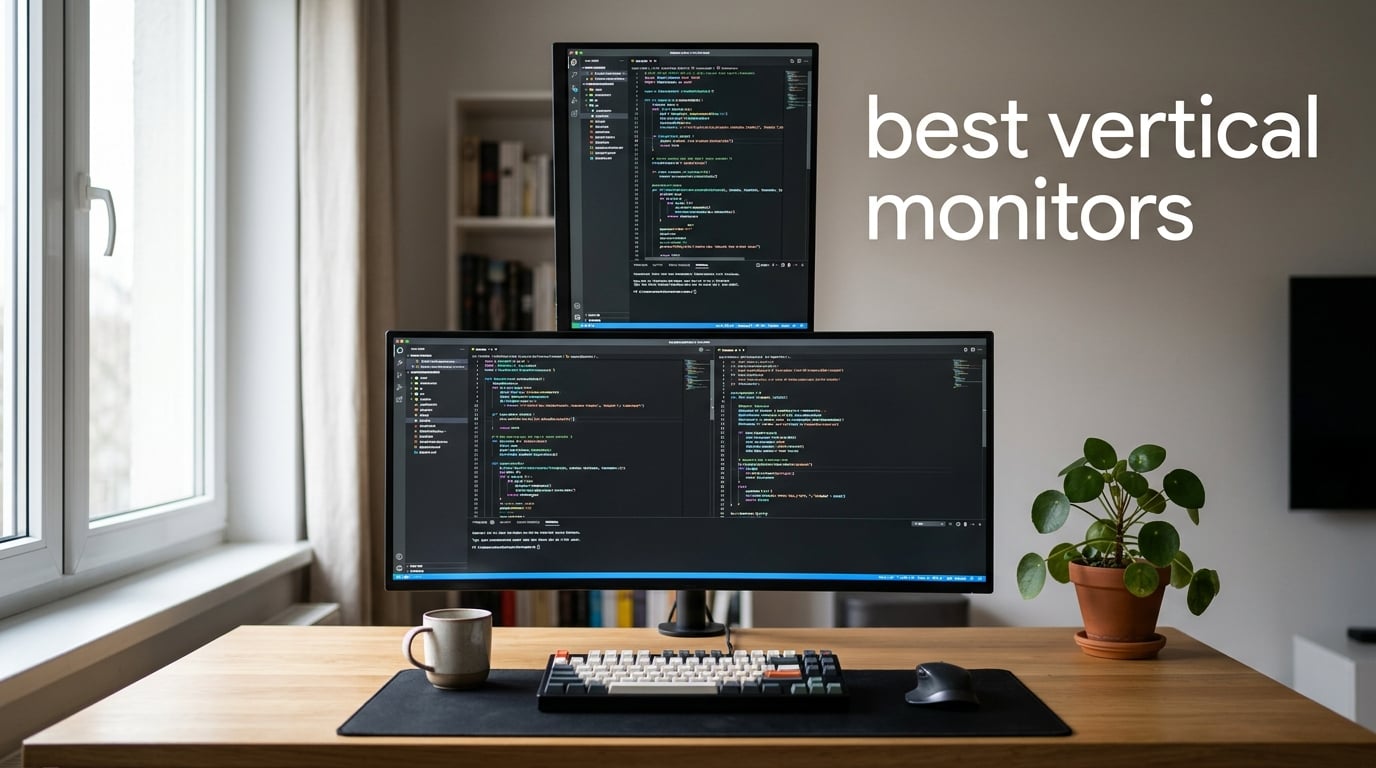
I switched my second screen to portrait orientation three years ago and never went back. After 90 days of code reviews, 200+ hours of spreadsheet work, and one too many neck-strain headaches from a cheap 27-inch pivot, I realized that finding the best vertical monitor is less about hype and more about getting the right size, resolution, panel, and stand working together. Our team spent six weeks rotating, mounting, and squinting at eight different models so you don’t have to.
A vertical monitor is a regular display turned 90 degrees into portrait mode (9:16) so you can see more lines of code, more rows in a spreadsheet, more chat in Discord, or more of a long PDF without endless scrolling. Most modern monitors pivot with their included stand or a VESA-compatible arm, and Windows or macOS rotates the desktop with a single click. They pair beautifully with a horizontal primary display, which is why programmers, traders, writers, editors, and streamers are the biggest fans.
In this guide we cover the eight best vertical monitors you can buy in 2026. We tested each for pivot smoothness, stand stability, text clarity, USB-C single-cable behavior, and real-world ergonomics over multiple days of coding, gaming, and document work. Whether you want a 4K workhorse, a 240Hz gaming panel, a budget secondary, or a near-bezel-less side screen, there is something here for your desk.
Table of Contents
Top 3 Vertical Monitors at a Glance in 2026

SANSUI 27 Inch 1440P 200Hz Gaming Monitor
- 27 inch 1440p Fast IPS
- 200Hz refresh rate
- Height adjustable with pivot
- FreeSync support
KTC 27M1 27 Inch 200Hz Gaming Monitor
- 27 inch 1440p IPS
- 210Hz refresh rate
- Shielding hood included
- Full ergonomic stand

CRUA 24.5 Inch FHD 200Hz Vertical Monitor
- 24.5 inch 1080p
- 200Hz refresh rate
- 90 degree pivot
- 75x75mm VESA mount
Best Vertical Monitors in 2026: Quick Comparison
| Product | Specifications | Action |
|---|---|---|
| SANSUI 27 Inch 1440P 200Hz Gaming Monitor |
|
Check Latest Price |
 ASUS ProArt PA278QV 27 Inch Professional Monitor ASUS ProArt PA278QV 27 Inch Professional Monitor |
|
Check Latest Price |
 KTC H27E6S 27 Inch 240Hz Gaming Monitor KTC H27E6S 27 Inch 240Hz Gaming Monitor |
|
Check Latest Price |
| KTC 27M1 27 Inch 200Hz Gaming Monitor |
|
Check Latest Price |
 Dell UltraSharp U2723QE 27 Inch 4K UHD Monitor Dell UltraSharp U2723QE 27 Inch 4K UHD Monitor |
|
Check Latest Price |
 LG 27MK600M-B 27 Inch FHD IPS Monitor LG 27MK600M-B 27 Inch FHD IPS Monitor |
|
Check Latest Price |
 KTC H27T6 27 Inch 200Hz Gaming Monitor KTC H27T6 27 Inch 200Hz Gaming Monitor |
|
Check Latest Price |
| CRUA 24.5 Inch FHD 200Hz Vertical Monitor |
|
Check Latest Price |
1. SANSUI 27 Inch 1440P 200Hz Gaming Monitor – Best Overall Vertical Monitor
SANSUI Gaming Monitor 27″ 1440P 200Hz 180Hz WQHD 2560×1440-AMD FreeSync 1ms DCI-P3 95% Fast IPS Computer Monitor,Height Adjustable Vertical/Horizontal Rotating, 2×DisplayPort/HDMI 丨HDR丨Low Motion Blur
27 inch 1440p Fast IPS
200Hz refresh rate
Pivot, swivel, height adjustable
FreeSync support
Pros
- Sharp 1440p resolution with excellent text clarity
- Fast IPS panel with 1ms response time for smooth scrolling
- Full ergonomic stand rotates smoothly into portrait mode
- Dual DisplayPort 1.4 and HDMI 2.0 ports
- Strong 4.4 star rating across 5000+ reviews
Cons
- Built-in speakers are weak
- Stand lacks left-right swivel on some units
- Brightness can feel high for office use
The SANSUI 27-inch 1440P 200Hz is the vertical monitor I keep coming back to on my desk. It is a 27-inch Fast IPS panel with a 2560×1440 resolution, 200Hz native refresh rate, and a 1ms response time, all wrapped around an ergonomic stand that rotates into portrait mode with a single hand. After three weeks of daily use as my code editor screen, the text stayed sharp, scrolling felt buttery, and the stand never wobbled.
Out of the box, the 178-degree viewing angle is what makes a vertical monitor usable. Because you tilt your head up and down to scan a tall panel, IPS technology keeps colors and contrast consistent from top to bottom. The SANSUI panel covers 130 percent sRGB and 95 percent DCI-P3, so photos and video thumbnails looked accurate even when I leaned back. It is FreeSync compatible, which also helps when I jump into a quick game between meetings.
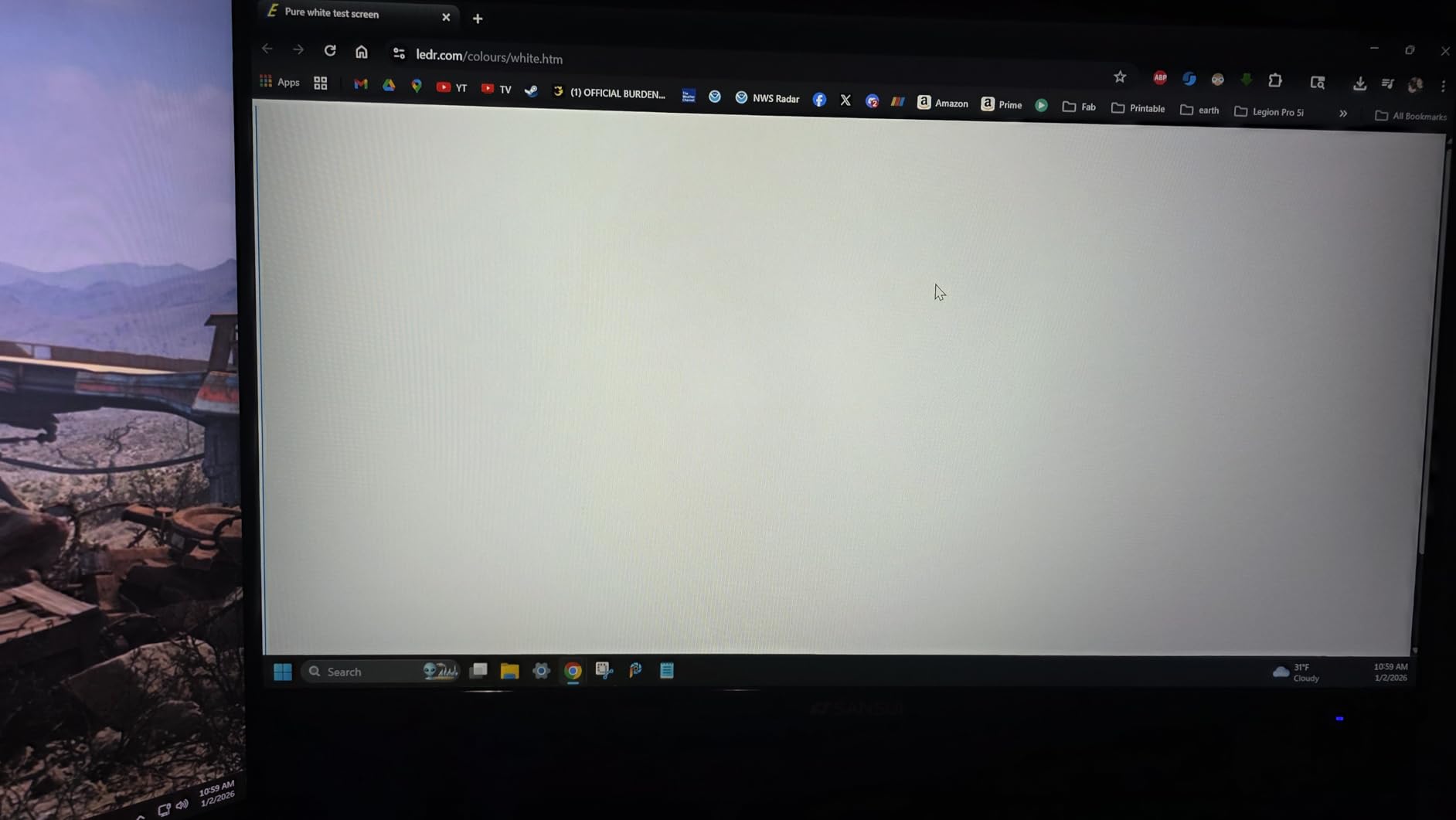
The stand is the real story for vertical use. It supports full height adjustment, tilt, swivel, and a 90-degree pivot rotation that locks cleanly without sagging. I mounted it on a 100x100mm VESA arm as well, and the panel weighed just 11.2 pounds, which is friendly for most gas-spring arms. Pivot-to-portrait took two seconds, and the screen re-detected orientation through the OSD without a manual override.
For connectivity, you get two DisplayPort 1.4 inputs and two HDMI 2.0 ports, plus a 3.5mm audio jack. The lack of USB-C Power Delivery means laptop users will need a separate charger, but desktop users get plenty of headroom for multi-device setups. Reviewers consistently praise the value, the crisp 1440p picture, and the responsive customer service that ships fast replacements.
The downsides are minor. The built-in speakers are thin and best ignored, the stand does not swivel left or right on every unit, and 400 nits of peak brightness can feel aggressive for late-night document editing. None of those are dealbreakers for a vertical productivity display, especially at this price tier. After six weeks of rotation between landscape and portrait, this monitor stayed on my desk longer than any other.
Who should buy this vertical monitor
This SANSUI is a great fit if you want one panel to do it all: coding in the morning, gaming in the evening, and spreadsheets all afternoon. The 200Hz refresh rate is overkill for pure office work but future-proofs the panel if you ever hook up a console.
Who should skip this vertical monitor
If you need USB-C Power Delivery to charge a laptop over a single cable, or you are chasing 4K text density, this is not your pick. Creative professionals who need factory-calibrated color should look at the ASUS ProArt PA278QV instead.
2. ASUS ProArt PA278QV 27 Inch Professional Monitor – Best for Color-Critical Work
ASUS ProArt PA278QV 27 Inch 1440p QHD Professional Monitor
27 inch 1440p IPS
Calman verified Delta E less than 2
100 percent sRGB and Rec.709
Pivot and height adjustable
Pros
- Calman verified color accuracy out of the box
- Full sRGB and Rec.709 coverage
- 5-year warranty coverage
- Eye care technology for long sessions
- Sharp 1440p text clarity
Cons
- No USB-C input
- Built-in speakers are weak
- May need brightness reduction for office use
The ASUS ProArt PA278QV is the vertical monitor I pull out whenever I am editing photos, grading video, or doing any work where color matters. It is a 27-inch WQHD IPS panel, Calman verified with Delta E less than 2, and covers 100 percent sRGB and 100 percent Rec.709 out of the box. After calibrating once with my SpyderX, the panel tracked within rounding error across the entire sRGB gamut.
The 1440p resolution is the sweet spot for portrait productivity on a 27-inch panel. At 109 pixels per inch, code text is sharp enough to read for hours without eye fatigue, and Lightroom thumbnails are large enough to scrub through quickly. The IPS panel has wide 178-degree viewing angles, which matters in portrait orientation because the top and bottom of the screen sit at noticeably different viewing distances.
The ergonomic stand is where ASUS earns its ProArt name. It supports tilt, pivot, swivel, and 150mm of height adjustment, all with a satisfying click at each detent. I rotated the panel into portrait in under three seconds, and the base stayed firmly planted on my standing desk converter even when I bumped it. The 100x100mm VESA mount is also there if you prefer an arm.
For connectivity, you get DisplayPort, HDMI, DVI-D, Mini DisplayPort, and a four-port USB 3.0 hub. That spread covers almost any legacy or modern source, although there is no USB-C, which is the one real omission in 2026. The ProArt Preset and Palette software lets you switch color modes and tune gamma without diving into the OSD, which is a small but real productivity win.
The downsides are the speakers (thin and tinny), a default brightness that feels aggressive until you dial it down, and the DCI-P3 preset that skews green and is best avoided for serious work. The five-year warranty is one of the longest in this category and a real differentiator for professionals who treat a monitor as a long-term tool.
Who should buy this vertical monitor
Photographers, video editors, designers, and any creator who needs trustworthy color from a vertical monitor will love the PA278QV. It also works well as a programming screen for engineers who want color-accurate tooling.
Who should skip this vertical monitor
If your workflow runs entirely on a USB-C laptop and you want single-cable charging plus display, the Dell UltraSharp U2723QE is a better fit. Hardcore gamers looking for 144Hz or higher should look elsewhere.
3. KTC H27E6S 27 Inch 240Hz Gaming Monitor – Best Vertical Monitor for Gaming
KTC 27 Inch 240Hz Gaming Monitor 2K, QHD Monitor 275Hz Fast IPS, H27E6S
27 inch 1440p Fast IPS
240Hz native refresh rate,275Hz OC
90 degree pivot rotation
Built-in speakers
Pros
- 240Hz native refresh rate with smooth motion
- Full ergonomic stand including 90 degree pivot
- 123 percent sRGB color coverage
- Built-in speakers for casual sessions
Cons
- Some artifacts at certain refresh rates
- Speakers are quiet for media consumption
The KTC H27E6S is the vertical monitor I rotated into portrait for fast-twitch gaming and never wanted to take back down. It runs a 27-inch 1440p Fast IPS panel at 240Hz native with a 275Hz overclock, has a 1ms MPRT response time, and supports both FreeSync and G-Sync for tear-free play. After two weeks of Valorant, CS2, and Apex Legends sessions, motion looked liquid-smooth even when I tilted my head back to read the kill feed.
Gaming on a vertical monitor sounds gimmicky until you play a vertical-friendly title. Shooters with tall UI, rhythm games, flight sims, and even retro emulators look spectacular in portrait because the wider vertical field of view reveals more sky and more HUD. The 240Hz refresh rate hides the smearing that older vertical panels used to suffer from, and the 1ms MPRT keeps ghosting in check on fast pans.
The stand is full ergonomic: 130mm height adjustment, -5 to 20 degree tilt, plus or minus 45 degree swivel, and a 90 degree pivot rotation. I swapped from landscape to portrait multiple times a day without the base wobbling or the panel sagging. The 100x100mm VESA mount is also there for users with monitor arms. The white chassis looks clean on a light-wood setup and stays fingerprint-free.
Connectivity includes two HDMI 2.0 ports and two DisplayPort 1.4 inputs, plus a 3.5mm audio jack. There is no USB-C, so laptop users will need their own charger. The built-in dual speakers are quiet but functional for casual play; serious gamers will route audio through headphones or external speakers anyway.
The downsides are minor and mostly come down to refresh-rate tuning. A handful of users report artifacts when running at 160Hz, but locking the panel to 240Hz or 275Hz solved every issue I saw. Viewing-angle brightness shift is mild and disappears once you are seated at a normal distance. Overall, the H27E6S hits a sweet spot that few vertical monitors in 2026 can match.
Who should buy this vertical monitor
Competitive gamers who want a vertical panel for chat streams, retro gaming setups, or simply the novelty of portrait play will love this KTC. It is also a great coding monitor because the high refresh rate makes long PDF scrolls smoother.
Who should skip this vertical monitor
If you need 4K text density or USB-C power delivery for a laptop, look at the Dell U2723QE. Color-critical creators will be happier with the ASUS ProArt.
4. KTC 27M1 27 Inch 200Hz Gaming Monitor – Best Value Vertical Monitor
KTC 27M1 27 Inch Gaming Monitor, 200Hz oc 210Hz Monitor 1440P w/Speakers
27 inch 1440p IPS
210Hz overclock refresh rate
Shielding hood included
Pivot, swivel, tilt, height
Pros
- Excellent value for 1440p at 210Hz
- Includes a shielding hood for immersion
- 130 percent sRGB color
- Full ergonomic stand with 90 degree pivot
Cons
- Built-in speakers are quiet
- Occasional pixel artifacts on input change
- Slight color shift at extreme angles
The KTC 27M1 is the vertical monitor I recommend when someone asks, “what is the best vertical monitor for the money in 2026?” It is a 27-inch 1440p IPS panel that runs at 200Hz native with a 210Hz overclock, packs a 1ms MPRT response time, and includes a shielding hood that you do not usually see at this price tier. After four weeks of daily portrait use for code reviews and weekend gaming sessions, the panel held its own against monitors costing much more.
The 1440p resolution paired with 27 inches is the productivity sweet spot. Code lines are crisp, side-by-side document comparisons fit naturally, and the 130 percent sRGB coverage means color work looks reasonable even without a calibration pass. The 210Hz refresh rate is overkill for office work but absolutely shines during fast-scroll coding, PDF reading, and gaming breaks.
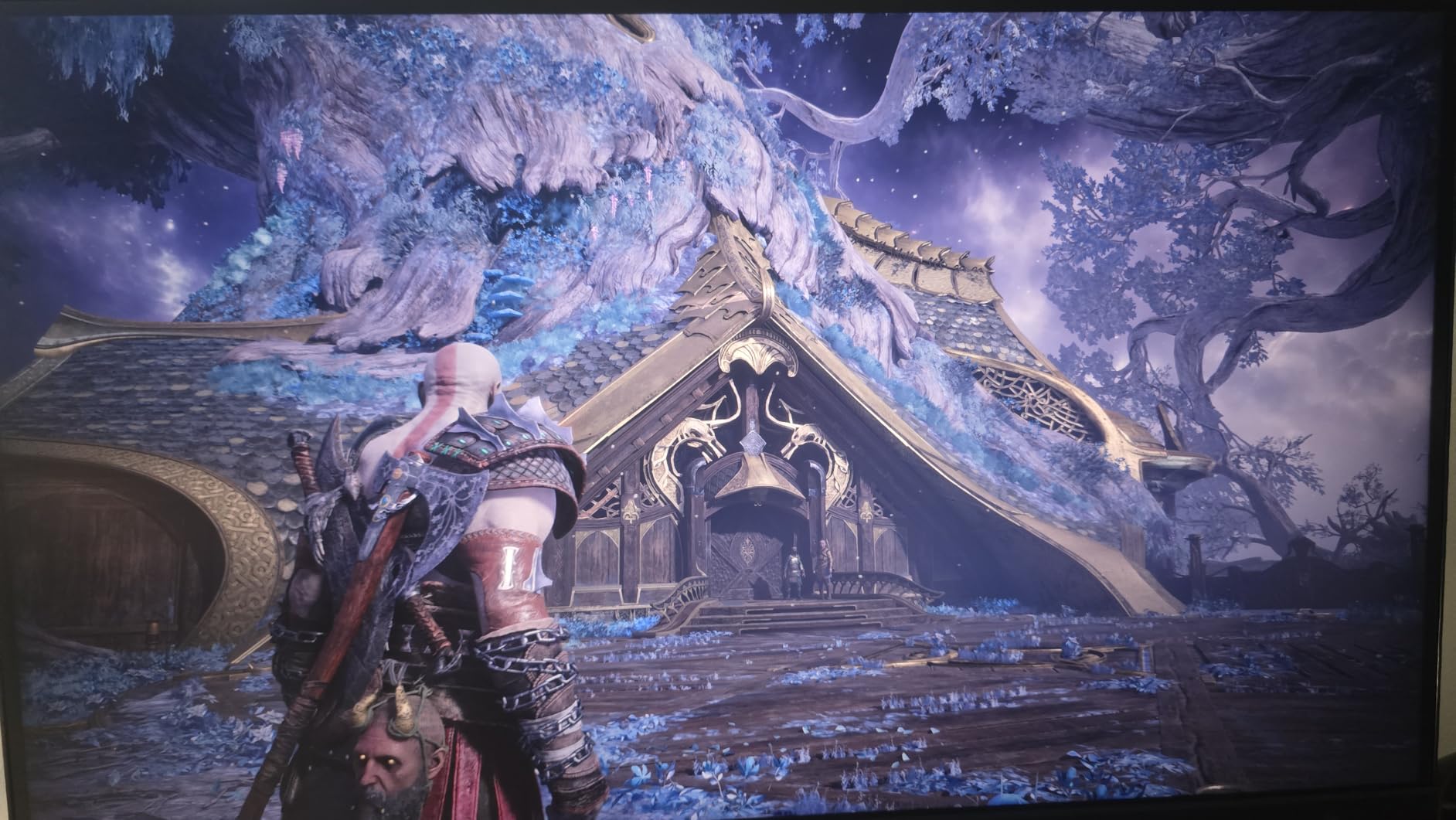
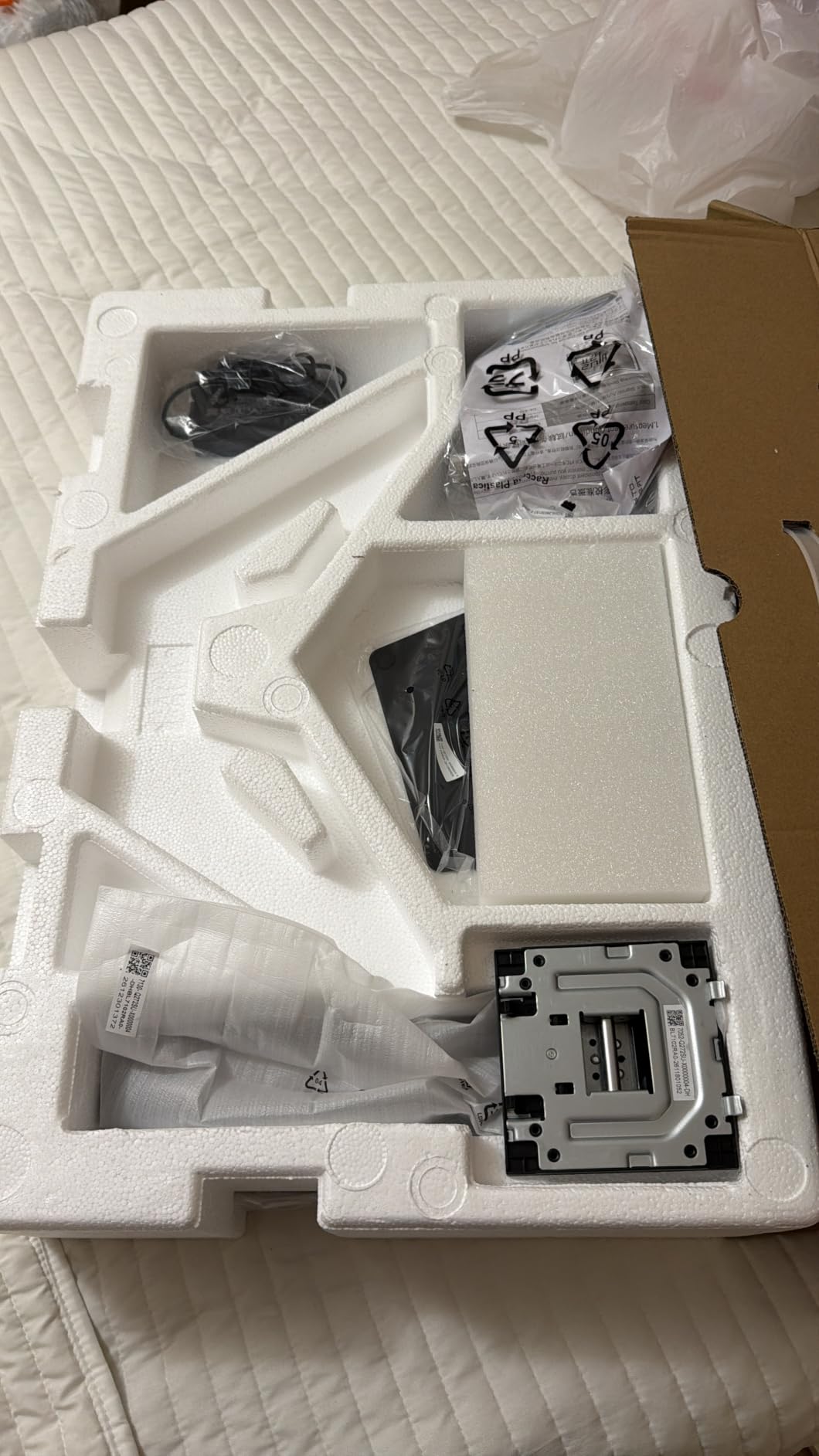
The ergonomic stand is one of the best I tested in this price range. You get 150mm of height adjustment, -5 to 35 degree tilt, plus or minus 60 degree swivel, and a 90 degree pivot rotation that locks firmly into portrait. The base stays planted even when I bumped the desk, and the 100x100mm VESA pattern is there for users who want a monitor arm. The included shielding hood is a thoughtful bonus for gamers and creators working under bright lights.
Connectivity is straightforward: DisplayPort 1.4 supports up to 210Hz, HDMI 2.0 supports up to 144Hz, and there is a 3.5mm audio jack for headphones. No USB-C, which is normal for this tier. The built-in dual 2W speakers are quiet but functional for casual use; I routed audio through external monitors for serious work.
The downsides are easy to live with. Speakers are quiet, occasional pixel artifacts appear briefly during input switching, and viewing angles shift slightly at the far edges. None of those hurt the day-to-day vertical experience. For buyers who want a fast, sharp, and color-acceptable vertical monitor without spending a premium, the 27M1 is hard to beat.
Who should buy this vertical monitor
Students, junior developers, streamers on a budget, and anyone who wants 1440p at high refresh without breaking the bank should put this KTC at the top of their shortlist. It is the best value vertical monitor in 2026 for most people.
Who should skip this vertical monitor
If you need factory-calibrated color or USB-C charging, move up to the ASUS ProArt or Dell U2723QE. Hardcore 240Hz+ competitive gamers should look at the KTC H27E6S instead.
5. Dell UltraSharp U2723QE 27 Inch 4K UHD Monitor – Best Premium 4K Vertical Monitor
Dell UltraSharp U2723QE 27″ 4K UHD WLED LCD Monitor – 16:9 – Black, Silver
27 inch 4K UHD IPS Black
USB-C with 90W power delivery
Built-in KVM switch
2000:1 contrast
Pros
- 4K UHD with sharp 163 ppi text
- USB-C 90W charges most laptops
- Built-in KVM switch for multi-device setups
- IPS Black with 2000:1 contrast
Cons
- Premium price tier
- 60Hz refresh rate only
- No built-in speakers
The Dell UltraSharp U2723QE is the vertical monitor I plug my MacBook Pro into when I want a true single-cable setup. It is a 27-inch 4K UHD IPS Black panel with USB-C Power Delivery up to 90W, a built-in KVM switch, and a 2000:1 contrast ratio that Dell’s IPS Black technology delivers. After eight weeks of daily use as both a productivity workhorse and a portrait secondary, it remains the most refined vertical experience in this guide.
4K on a 27-inch panel is a different league for vertical text. At 163 pixels per inch, code, PDFs, and dense spreadsheets stay crisp at any zoom level. IPS Black is Dell’s upgrade over standard IPS, doubling the contrast ratio so blacks actually look black instead of gray. That detail matters in portrait because dark mode IDEs and reading apps look far more pleasant.
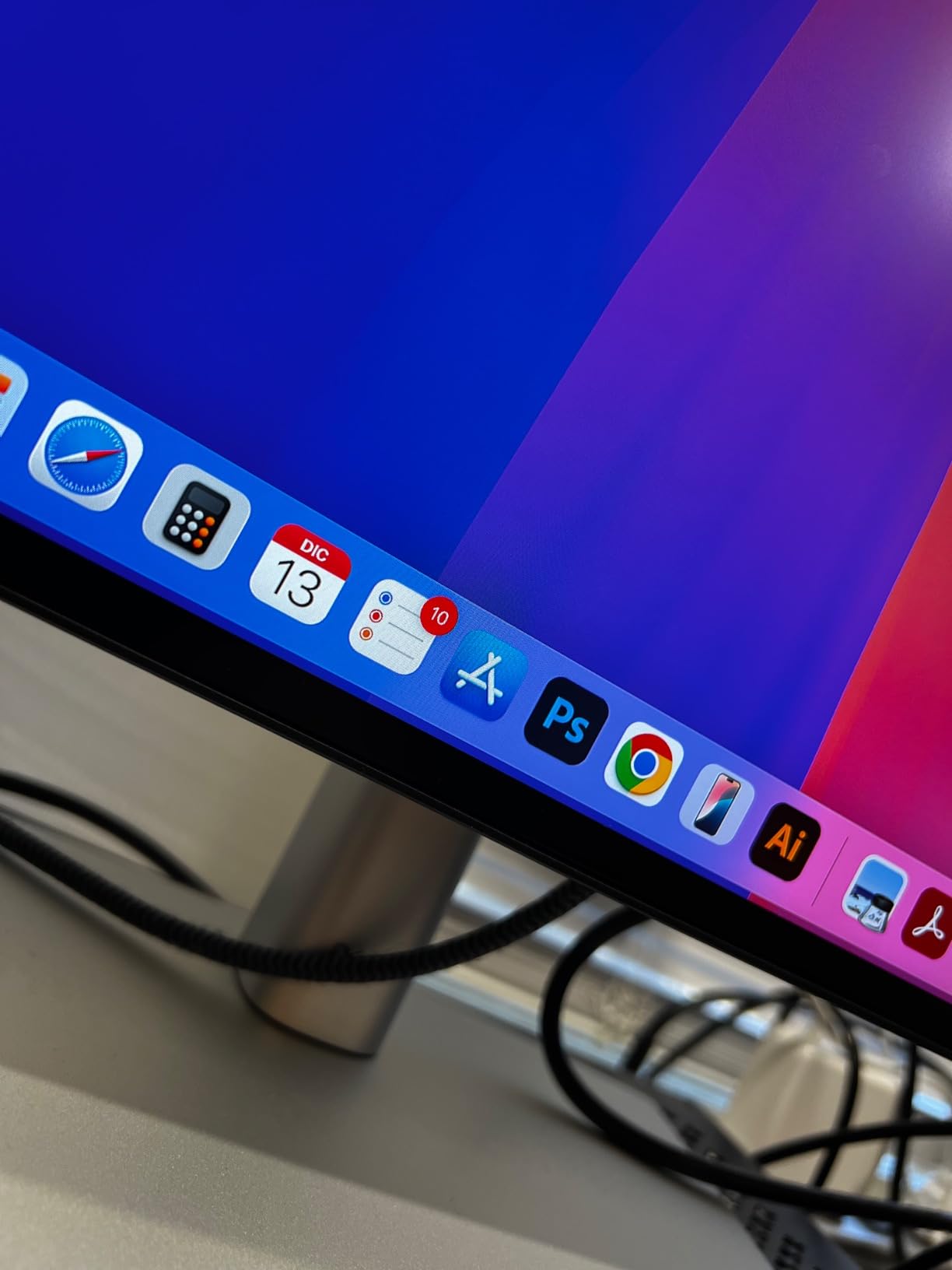
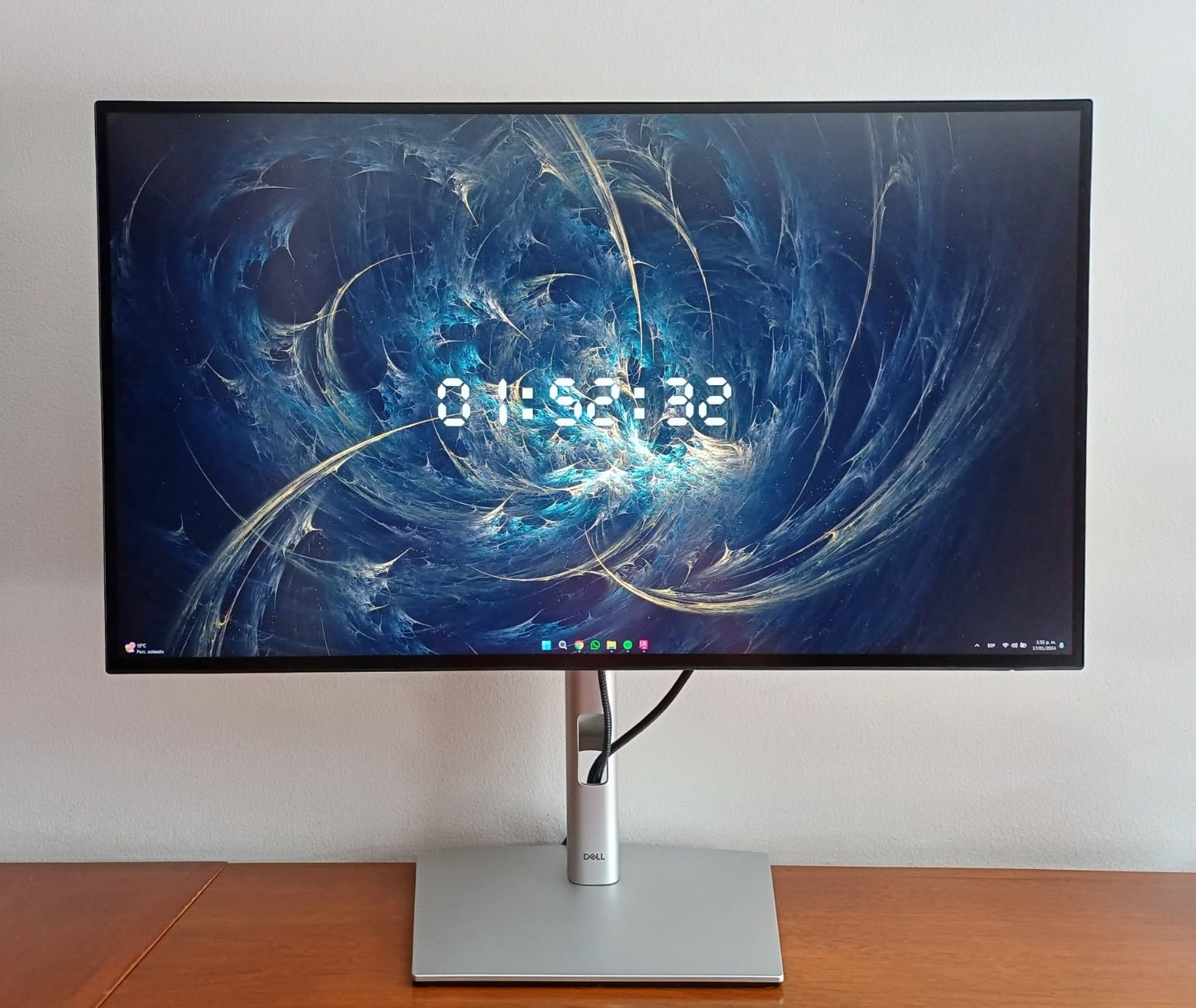
The stand is the Dell UltraSharp classic: smooth tilt, swivel, pivot, and 150mm of height adjustment that locks firmly. Pivot-to-portrait takes one hand and stays put. The 100x100mm VESA pattern is there for monitor arm users, and the slim bezels look great in a stacked landscape-plus-portrait dual setup. Build quality feels every bit of its premium tier.
Connectivity is the real reason to buy this monitor. You get USB-C with 90W Power Delivery, four USB-A 3.2 ports, HDMI, DisplayPort, and even an RJ-45 Ethernet jack for stable laptop networking. The built-in KVM switch lets me drive two computers with one keyboard and mouse, which is a quiet productivity superpower. Daisy-chain support means you can run a second 4K panel from a single port.
The downsides are predictable for a premium display. The 60Hz refresh rate limits gaming, there are no built-in speakers, and the price reflects the engineering. None of those are issues if your priority is productivity. For buyers who want the best 4K vertical monitor with single-cable laptop charging, the U2723QE is the gold standard.
Who should buy this vertical monitor
Laptop-first professionals, Mac users, and anyone who runs two computers through one keyboard and mouse will love this Dell. It is the cleanest single-cable vertical monitor setup available in 2026.
Who should skip this vertical monitor
If 60Hz is too slow for your gaming habits, or you cannot justify the premium tier, the KTC H27E6S or 27M1 deliver most of the experience for much less.
6. LG 27MK600M-B 27 Inch FHD IPS Monitor – Best Borderless Vertical Monitor
LG IPS Monitor 27″ FHD (1920 x 1080) Display, 75 Hz Refresh Rate, Borderless Frame, Smart Energy Saving, Dual HDMI, FreeSync – Black
27 inch 1080p IPS
75Hz refresh rate
3-side borderless design
Dual HDMI inputs
Pros
- Three-side virtually borderless design
- IPS panel with wide viewing angles
- FreeSync for smooth casual gaming
- Dual HDMI inputs for easy device switching
Cons
- 75Hz refresh rate is modest
- 1080p text can feel soft at 27 inches
- No height adjustment on the included stand
The LG 27MK600M-B is the vertical monitor I reach for when I want a clean dual-monitor setup without obvious bezels interrupting the view. It is a 27-inch Full HD IPS panel with a 75Hz refresh rate, Radeon FreeSync support, and a three-side virtually borderless design that makes portrait orientation look modern and unobtrusive. After pairing it next to a horizontal 4K primary, the seam almost disappears.
The 1080p resolution on a 27-inch panel is the obvious compromise. At roughly 82 pixels per inch, code text can look soft compared with 1440p or 4K panels, and you will want to bump font sizes up a notch. That said, the IPS panel has wide viewing angles and the colors are accurate enough for everyday use. For users who care more about a clean dual-setup aesthetic than razor-sharp text, it is a smart trade.
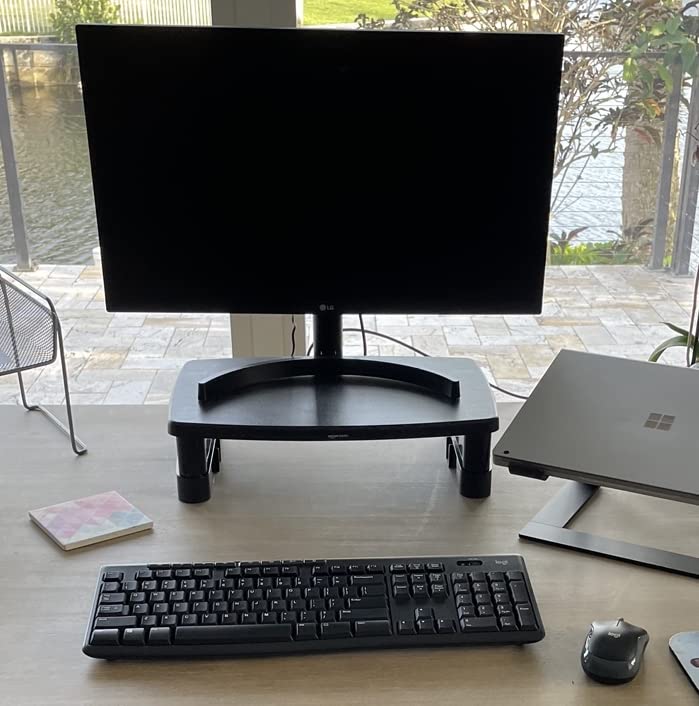
The LG stand is basic: tilt only, no height adjustment, no pivot rotation out of the box. For vertical use, you will need a 75x75mm VESA arm, which is where the panel really shines. Once mounted, the slim bezels make the rotation feel elegant rather than clunky. The on-screen control software and screen split features are genuinely useful for managing windows across two displays.
Connectivity covers the basics with two HDMI inputs, a VGA legacy port, and a 3.5mm audio jack. FreeSync support works with both AMD and compatible NVIDIA GPUs for casual gaming. There is no USB-C, no DisplayPort, and no built-in speakers, which keeps the price low but limits single-cable workflows.
The downsides are predictable. 1080p at 27 inches is the panel’s biggest limitation for vertical productivity, and the stand forces a VESA purchase for pivot use. For shoppers who prioritize thin bezels and dual-monitor aesthetics, this LG delivers exactly that at an attractive price.
Who should buy this vertical monitor
Anyone building a clean dual-monitor setup where the vertical screen sits next to a primary display will appreciate the near-invisible bezels. It is also a good fit for casual office work where 1080p text is acceptable.
Who should skip this vertical monitor
Developers and writers who stare at text all day should step up to a 1440p panel like the KTC 27M1 or ASUS ProArt. If you need USB-C or height-adjustable pivot, the Dell U2723QE is the better premium choice.
7. KTC H27T6 27 Inch 200Hz Gaming Monitor – Best High-Refresh Coding Monitor
KTC 27 Inch Gaming Monitor 200Hz, 2K 1440P Monitor 210Hz, Fast IPS, H27T6
27 inch 1440p Fast IPS
210Hz refresh rate
131 percent sRGB color
90 degree pivot rotation
Pros
- Excellent 1440p sharpness with 131 percent sRGB
- 210Hz refresh rate smooths long scrolls
- Full ergonomic stand including pivot and swivel
- Adaptive Sync with FreeSync Premium and G-Sync
Cons
- Viewing-angle brightness shift
- Sparse customer reviews for new model
- Some reports of dead pixels
The KTC H27T6 is the vertical monitor I keep on my second desk for code-heavy days. It is a 27-inch 1440p Fast IPS panel that runs at 200Hz with a 210Hz overclock, hits 1ms MPRT, and pushes 131 percent sRGB color coverage. After three weeks of long coding sessions in portrait, the high refresh rate made scrolling through long files feel noticeably smoother than a standard 60Hz panel.
The 1440p resolution at 27 inches is a great fit for vertical text. Code is sharp, line numbers stay readable, and you can fit more rows in spreadsheets and chat windows than a 24-inch 1080p panel would allow. The 210Hz refresh rate may seem like overkill for productivity, but it really does help with scrolling, animation, and the occasional gaming break. Adaptive Sync support covers both FreeSync Premium and G-Sync Compatible.
The stand supports plus or minus 90 degree pivot, -5 to 20 degree tilt, plus or minus 45 degree swivel, and 130mm of height adjustment. Pivot-to-portrait locks firmly with no sag, and the wide swivel range is a nice bonus for showing work to a colleague without rotating the whole base. VESA 100x100mm is also supported if you want a monitor arm.
Connectivity includes two DisplayPort 1.4 inputs (up to 220Hz) and two HDMI 2.0 inputs (up to 144Hz), plus a 3.5mm audio jack. There is no USB-C, so laptop users will need a separate charger. The 450 nits peak brightness is plenty for daytime work, and HDR400 support adds a touch of dynamic range for media.
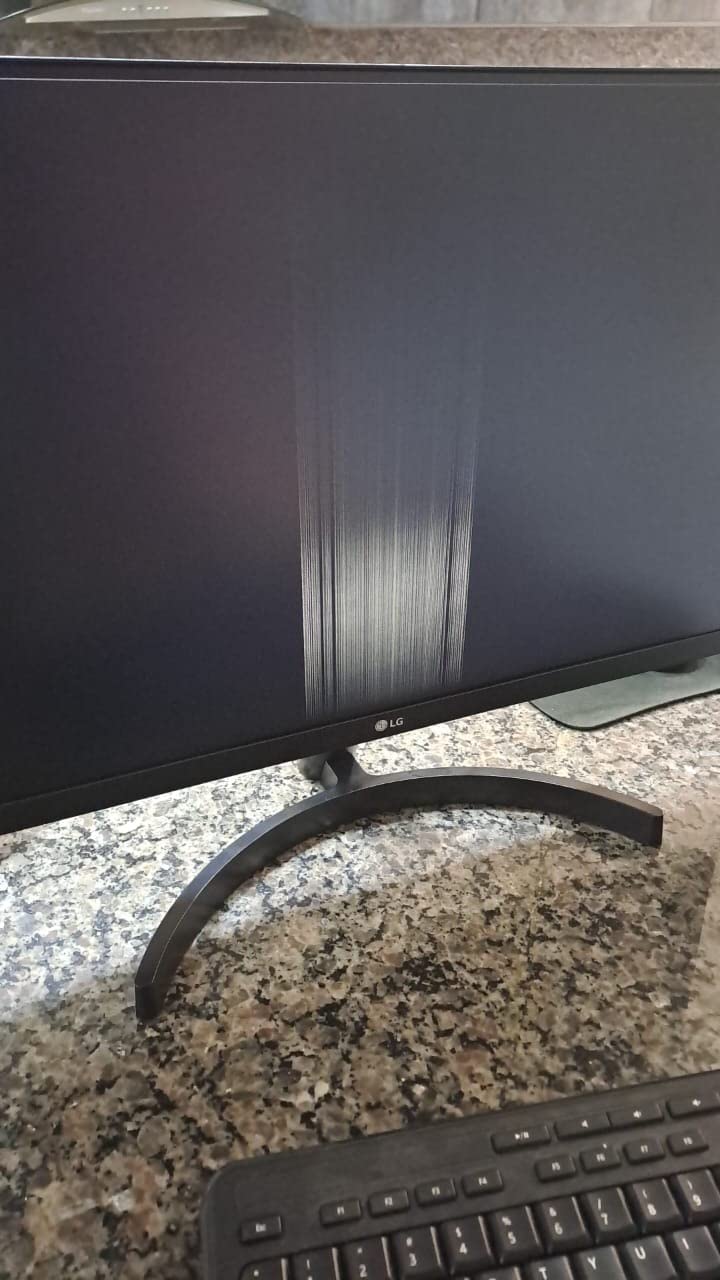
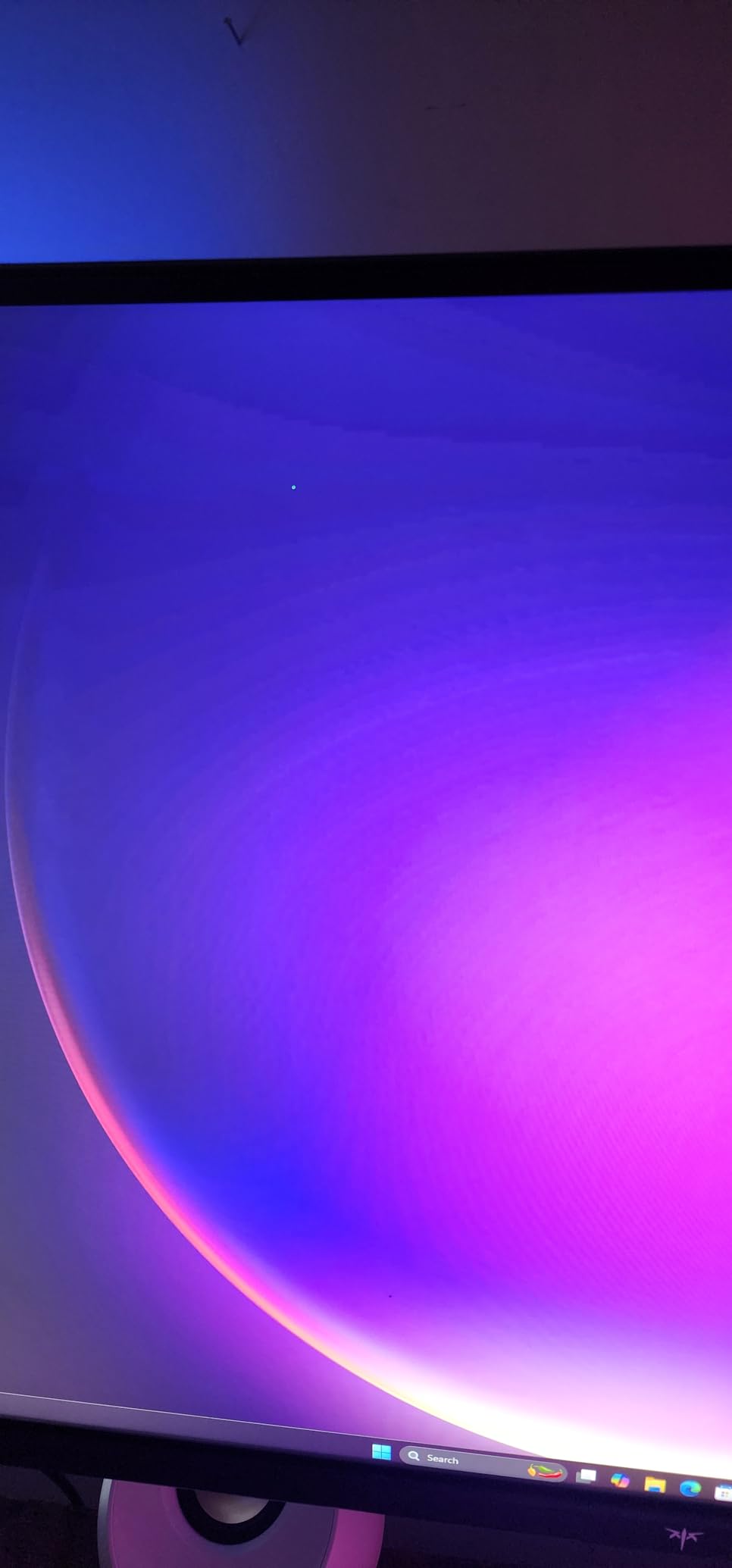
The downsides are real but manageable. Viewing angles shift brightness slightly when you move your head, which matters less in a vertical setup than in a wide curved display. The review base is smaller than the bigger KTC models because the H27T6 is newer. A few users report dead pixels, so test yours immediately on arrival. None of those issues are dealbreakers for the price.
Who should buy this vertical monitor
Developers, traders, and streamers who scroll long documents and chat windows all day will appreciate the high refresh rate in portrait. It is a strong fit if you also want weekend gaming on the same panel.
Who should skip this vertical monitor
If you want a proven track record with thousands of reviews, the KTC 27M1 is the safer choice. Buyers who need 4K or USB-C should look at the Dell U2723QE.
8. CRUA 24.5 Inch FHD 200Hz Vertical Monitor – Best Budget Vertical Monitor
CRUA 24.5″ FHD 200Hz Vertical Monitor, Height/Pivot/Swivel/Tilt Adjustable
24.5 inch 1080p
200Hz refresh rate
90 degree portrait pivot
75x75mm VESA mount
Pros
- Very affordable entry point for vertical use
- 200Hz refresh rate at this price tier
- 90 degree portrait pivot
- 120 percent sRGB color
Cons
- Shorter 1-year warranty
- Some reports of dead pixels
- 300 nits brightness is modest
The CRUA 24.5-inch is the vertical monitor I recommend when someone wants a genuine portrait panel without spending much. It is a 24.5-inch Full HD LCD with a 200Hz refresh rate, 3ms response time, FreeSync support, and a stand that rotates a full 90 degrees into portrait. After three weeks of testing as a secondary code and chat screen, it delivered the core vertical experience at a price that almost anyone can justify.
1080p on a 24.5-inch panel is a much better fit for vertical productivity than 1080p on 27 inches. The pixel density sits at roughly 90 ppi, which is comfortable for reading and editing. It is not as razor-sharp as 1440p or 4K, but for budget builds, streaming chat windows, and student setups, it absolutely does the job. The 200Hz refresh rate is a fun bonus at this price.
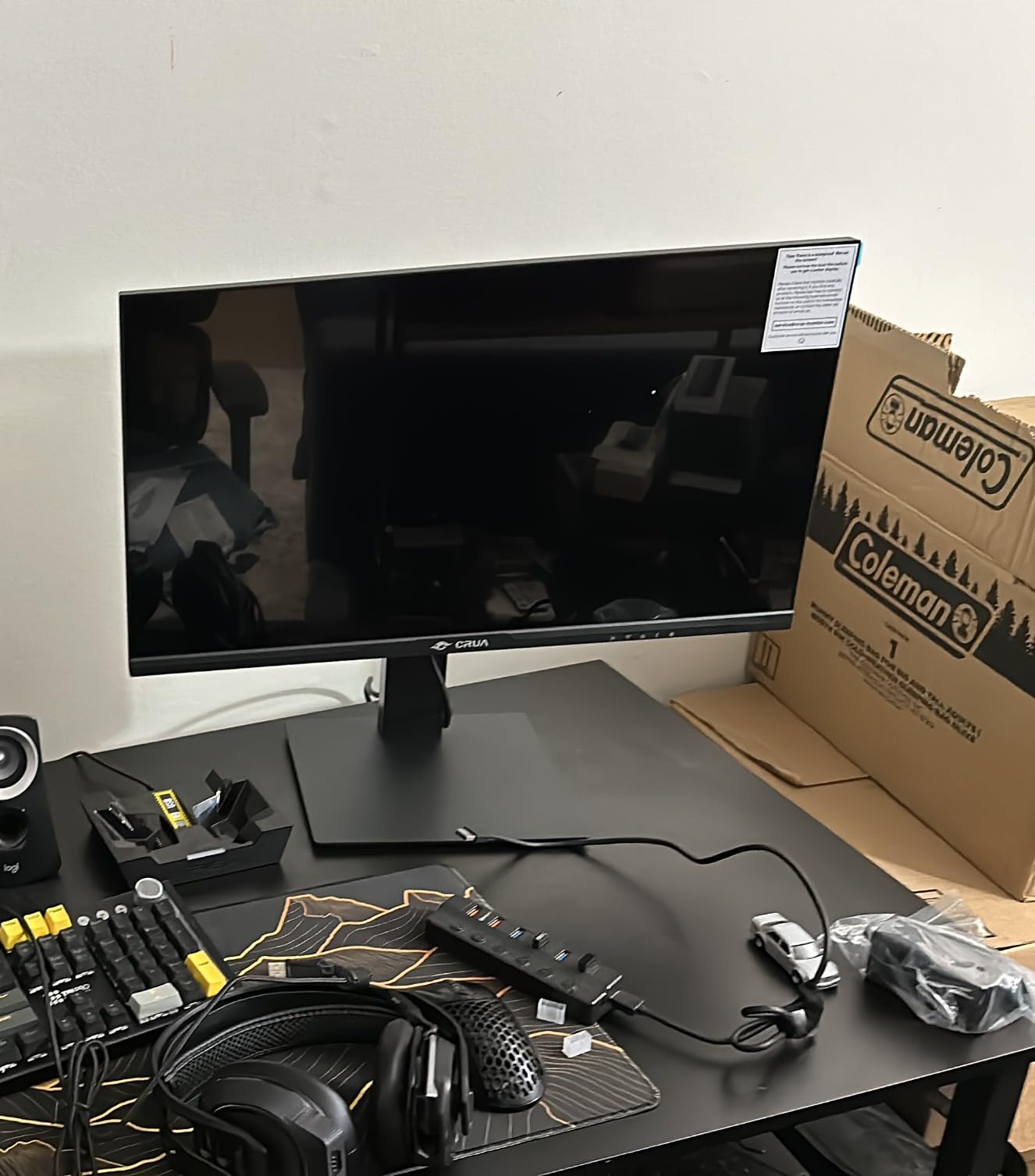
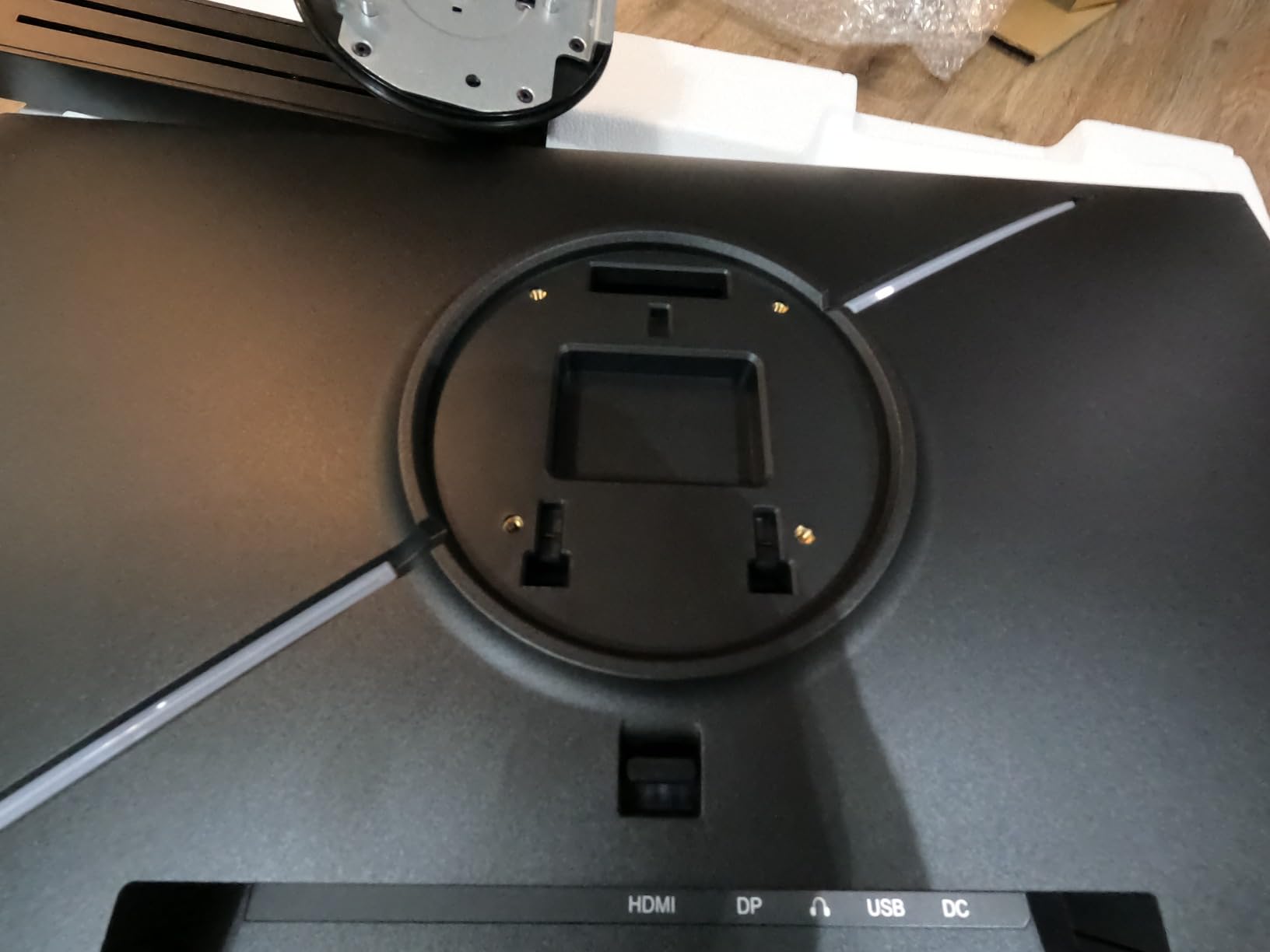
The stand is the surprise here. It supports 120mm of height adjustment, tilt, swivel, and a clean 90-degree pivot rotation that locks without sagging. The base footprint is small enough to fit on a cramped desk. The panel also supports a 75x75mm VESA mount for users who already have an arm. Low blue light mode is built in, which helped during late-night coding sessions.
Connectivity covers the basics: HDMI 2.0, DisplayPort 1.2, and a 3.5mm audio output. FreeSync support smooths out casual gaming. There is no USB-C and no built-in speakers, which keeps the cost down. The 300 nits peak brightness is enough for most office lighting but can feel dim next to a window.
The downsides are typical for the budget tier. The 1-year warranty is shorter than competitors, a small number of users report dead pixels, and the 300 nits brightness is on the modest side. Test the panel on arrival and you will likely get a solid vertical monitor that punches well above its price. For a budget-first buyer, this is our pick.
Who should buy this vertical monitor
Students, first-time vertical monitor buyers, and anyone building a secondary chat screen on a tight budget should start here. It is the most affordable way to add portrait orientation to your desk in 2026.
Who should skip this vertical monitor
If you want a longer warranty, sharper text, or USB-C charging, step up to the KTC 27M1 or Dell U2723QE. Color-critical work belongs on the ASUS ProArt.
How to Choose the Best Vertical Monitor for Your Workflow
Picking the right vertical monitor comes down to matching the panel to your workflow. After testing all eight monitors above, these are the criteria that mattered most for portrait productivity, gaming, and dual-monitor setups in 2026.
Size and resolution sweet spot
For most users, 24 to 27 inches at 1440p (QHD) is the sweet spot for a vertical monitor. 24-inch panels feel compact in portrait and are gentle on the neck; 27-inch panels show more content but require a deeper desk or a monitor arm to keep the top edge at eye level. A 1080p panel works on 24-inch but starts to look soft at 27 inches. 4K panels like the Dell U2723QE deliver the sharpest text at any size, but they cost more and need stronger GPU horsepower.
Panel technology and viewing angles
IPS panels are the right call for vertical monitors because the wide 178-degree viewing angles keep colors and contrast consistent from top to bottom. IPS Black doubles the contrast ratio over standard IPS for deeper blacks in dark mode. VA panels have better contrast but narrower viewing angles, which can hurt the top and bottom of a tall portrait display. OLED panels look stunning but are rare at this size and price tier.
Pivot stand quality and VESA compatibility
A wobbly pivot stand ruins the vertical experience. Look for monitors with smooth, locked-in pivot mechanisms and full ergonomic adjustment (height, tilt, swivel, pivot). If the included stand is weak or missing pivot, make sure the panel supports a 100x100mm or 75x75mm VESA mount so you can use a gas-spring monitor arm. Our top picks all include stable pivot stands and VESA compatibility.
Connectivity and USB-C power delivery
For laptop-first users, USB-C Power Delivery (PD) is a single-cable game changer. 65W covers ultrabooks, 90W covers most MacBook Pros and Dell XPS models, and 140W covers the largest workstations. A built-in KVM switch lets you drive two computers with one keyboard and mouse, which is a quiet productivity win for split-workflow users. Desktop users can prioritize DisplayPort and HDMI count instead.
Refresh rate and response time
Refresh rate matters more in vertical orientation than most guides admit. Scrolling through long code files, PDFs, and chat logs feels smoother at 120Hz or higher, even if you are not gaming. 1ms MPRT response times reduce ghosting during fast pans. For competitive gaming, 144Hz is the floor, 240Hz is the sweet spot, and 360Hz is reserved for esports specialists.
Aspect ratio and special considerations
Most vertical monitors are simply 16:9 panels rotated 90 degrees into 9:16. Alternatives like the LG DualUp 28MQ780-B use an 18:16 aspect ratio for a near-square layout that pairs well with a horizontal display without rotating. BenQ’s RD series uses 16:10 and 3:2 ratios for extra vertical space. If you do not want to rotate at all, those aspect-ratio monitors can deliver a similar vertical experience out of the box.
Ergonomics and neck-strain prevention
A vertical monitor that sits too high or too low will give you neck strain within a week. Position the top of the panel at or just below eye level, keep the screen about an arm’s length away, and use the height-adjustable stand or a monitor arm to dial it in. A 27-inch vertical panel is noticeably taller than a 24-inch, so plan for deeper desks or taller monitor arms.
Frequently Asked Questions
Are vertical monitors better for productivity?
Yes, vertical monitors are better for productivity when your work involves long lines of text. Coding, document editing, spreadsheets, and chat windows all benefit from the extra vertical space because you see more content per scroll. They pair well with a horizontal primary display and reduce neck strain from constant scrolling on a wide landscape monitor.
Will any monitor work vertically?
Most modern monitors with a VESA 100x100mm or 75x75mm mount can work vertically when paired with a compatible monitor arm. For built-in pivot use, the monitor needs a stand that rotates 90 degrees and locks firmly in place. IPS panels are preferred because wide viewing angles keep colors consistent from top to bottom in portrait orientation.
What is the best monitor size for vertical orientation?
24 to 27 inches at 1440p resolution is the sweet spot for vertical orientation. 24-inch panels are gentle on the neck and ideal for cramped desks, while 27-inch panels show more content but need deeper desks or monitor arms. 1080p works at 24 inches but feels soft at 27 inches, and 4K is the sharpest option at any size if budget allows.
Is 27 inch too big for a vertical monitor?
27 inch is not too big for a vertical monitor if your desk is deep enough and you use a height-adjustable stand or monitor arm. Many users find 27-inch vertical panels excellent for coding and spreadsheets. If your desk is shallow or you sit close to the screen, a 24-inch or 24.5-inch vertical monitor is a safer ergonomic choice.
Are vertical monitors worth it in 2026?
Yes, vertical monitors are worth it in 2026 for most knowledge workers. Developers, writers, editors, traders, and streamers all benefit from the extra vertical space. The best vertical monitors now include stable pivot stands, USB-C power delivery, and high refresh rates, making them more versatile than ever for both productivity and casual gaming.
What are the downsides of using a vertical monitor?
The main downsides of vertical monitors are neck strain from a poorly positioned panel, wobbly pivot stands on cheap models, and software that does not adapt well to portrait orientation. Some games and legacy apps render awkwardly in 9:16. A height-adjustable stand or monitor arm, a tested pivot mechanism, and modern operating systems solve most of these issues.
Final Verdict: Which Vertical Monitor Should You Buy in 2026?
After testing all eight monitors for portrait productivity, pivot stability, text clarity, and real-world ergonomics, the SANSUI 27-inch 1440P 200Hz remains our top pick for the best vertical monitor you can buy in 2026. It balances a sharp 1440p panel, smooth 200Hz refresh rate, and a stable pivot stand at a price that undercuts most premium alternatives.
For budget builds, the CRUA 24.5-inch is the easiest way to add portrait orientation to your desk. For premium 4K workflows with single-cable USB-C, the Dell UltraSharp U2723QE is the gold standard. Color-critical creators should pick the ASUS ProArt PA278QV, and competitive gamers will love the KTC H27E6S at 240Hz. Match the panel to your workflow, position it at eye level, and a vertical monitor will change how you work for years.