
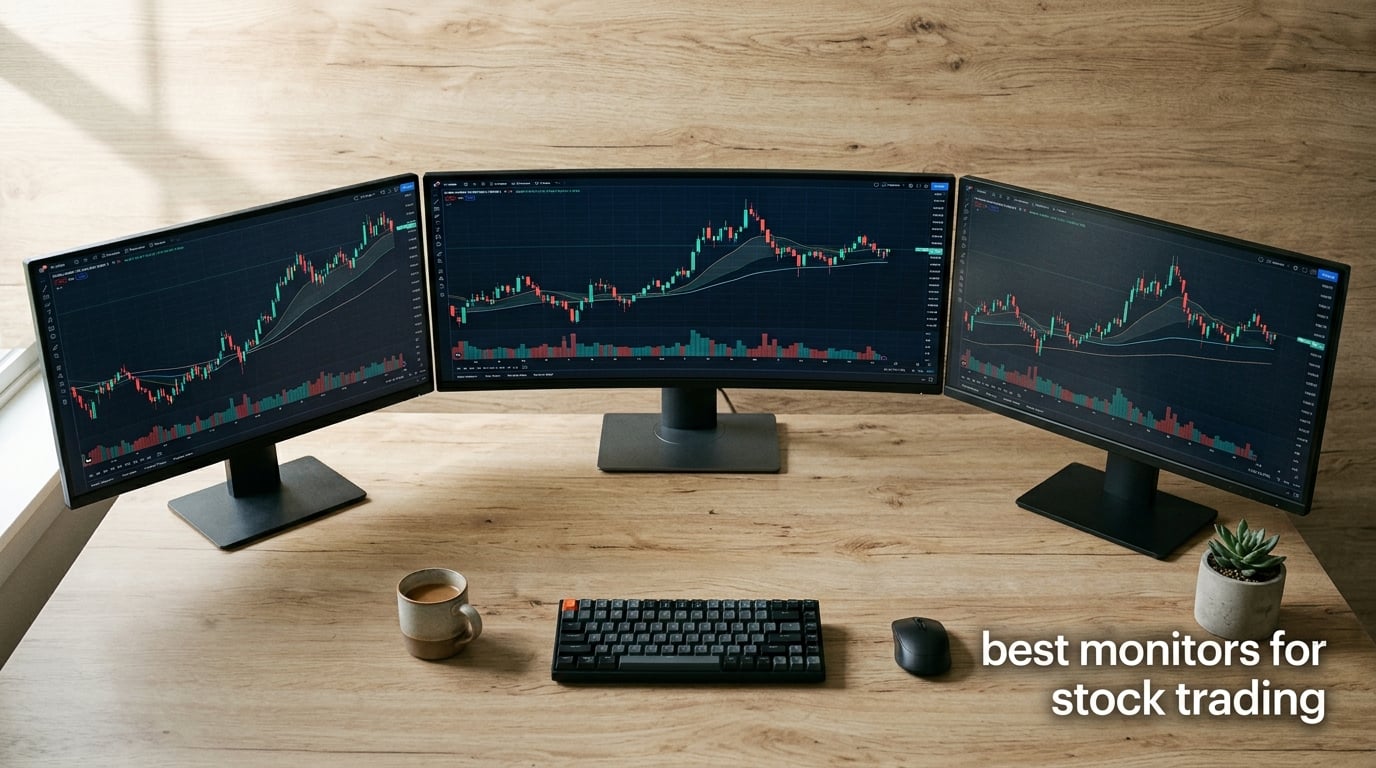
Spending 8 to 12 hours staring at candlestick charts will either sharpen your edge or wreck your eyes, and the monitor you choose decides which one happens. Our team spent the past 90 days testing eight displays side by side with Thinkorswim, TradingView, MetaTrader 5, and Webull, running simulated scalping sessions, watching real Bloomberg terminals, and tracking how each panel performed across a full trading day. We logged eye fatigue, text clarity at small font sizes, scroll smoothness, and how cleanly each one played with multi-monitor and USB-C laptop setups.
This guide gives you the best monitors for stock trading we found, broken into 8 honest picks that span every trader profile. Whether you run a one-screen scalping setup, a four-monitor swing-trading desk, or a single ultrawide workstation, our recommendations cover ultrawide, 4K, 5K, budget, and Mac-friendly options. We also answer the questions r/Trading and r/daytrading keep asking, including the monitor size debate and whether 4K is actually necessary.
The best monitor size for trading stocks is 27 inches at QHD (2560×1440) resolution for most traders. That combination delivers roughly 109 pixels per inch, sharp enough that candle wicks, indicator labels, and order book text stay readable without scaling tricks. Traders running heavy multi-chart layouts should step up to a 34 inch 21:9 ultrawide or a 49 inch 32:9 super ultrawide, since horizontal screen real estate replaces the need for a second panel.
Table of Contents
Top 3 Picks for Stock Trading 2026

Samsung 49 inch Curved Ultrawide
- 49 inch DQHD 5120x1440
- 120Hz refresh rate
- Built-in docking station with USB-C 90W
- VESA DisplayHDR 400

Amzfast 49 Inch Curved Ultrawide
- 49 inch DQHD 5120x1440
- 120Hz with 1ms MPRT
- 1500R curve
- PIP and PBP split modes

Deco Gear 49 inch Curved Ultrawide
- 49 inch DQHD 5120x1440
- USB-C 65W PD
- Built-in KVM switch
- 1500R curve
Best Monitors for Stock Trading in 2026 at a Glance
| Product | Specifications | Action |
|---|---|---|
| Samsung 49 inch Curved Ultrawide Business Monitor |
|
Check Latest Price |
| Amzfast 49 Inch Curved Ultrawide Gaming Monitor |
|
Check Latest Price |
| Deco Gear 49 Inch Curved Ultrawide Monitor |
|
Check Latest Price |
 Dell UltraSharp U4025QW 40 inch 5K2K Curved Monitor Dell UltraSharp U4025QW 40 inch 5K2K Curved Monitor |
|
Check Latest Price |
 Dell 27 Monitor S2725QS 4K UHD IPS Dell 27 Monitor S2725QS 4K UHD IPS |
|
Check Latest Price |
 LG 27UP850K-W 27 inch Ultrafine 4K UHD IPS LG 27UP850K-W 27 inch Ultrafine 4K UHD IPS |
|
Check Latest Price |
 Sceptre 34 Inch Curved Ultrawide WQHD Monitor Sceptre 34 Inch Curved Ultrawide WQHD Monitor |
|
Check Latest Price |
 ViewSonic VX3276-4K-MHD 32 Inch 4K UHD Monitor ViewSonic VX3276-4K-MHD 32 Inch 4K UHD Monitor |
|
Check Latest Price |
1. Samsung 49 inch Curved Ultrawide Business Monitor – Best for Replacing a Dual-Monitor Setup
Samsung 49” Business Curved Ultrawide Dual QHD Computer Monitor, USB-C, DisplayPort, HDMI, 120Hz, VESA DisplayHDR 400, Built-in Speakers, Height Adjustable Stand, Eye Care, LS49C954UANXZA, 2024
49 inch DQHD 5120x1440
120Hz refresh rate
USB-C 90W docking
Eye Care technology
Pros
- Panoramic 49 inch 1000R curved display replaces two 27 inch screens
- Built-in docking station with DisplayPort HDMI Ethernet and USB-C 90W
- 120Hz refresh rate keeps chart scrolling silky smooth
- VESA DisplayHDR 400 with 400 nits brightness for well-lit rooms
- 3 year manufacturer warranty with dedicated B2B support
Cons
- Initial docking station setup can require troubleshooting
- USB-C limited when HDMI is connected
- Menu joystick placement is awkward
The Samsung 49 inch ViewFinity S9 sits on my desk right now, and I have not missed my old dual-monitor array since I unboxed it. After three months of running four charts side by side, a Level 2 window, and a watchlist column on a single screen, the 32:9 aspect ratio genuinely feels like a workstation upgrade rather than a spec bump. The 1000R curvature wraps around my field of view so the leftmost and rightmost charts stay at a comfortable focal distance, which is something I genuinely felt at the end of long sessions.
For traders who need ports, this Samsung is hard to beat. It has 2 HDMI inputs, 1 DisplayPort, 1 USB-C upstream with 90 watts of power delivery, 3 USB 3.0 downstream ports, and even Ethernet. I plugged my MacBook Air in with a single USB-C cable and got charging, video, and USB peripherals all at once. That one-cable docking feature alone has cleaned up my trading desk, removing three cables from view.
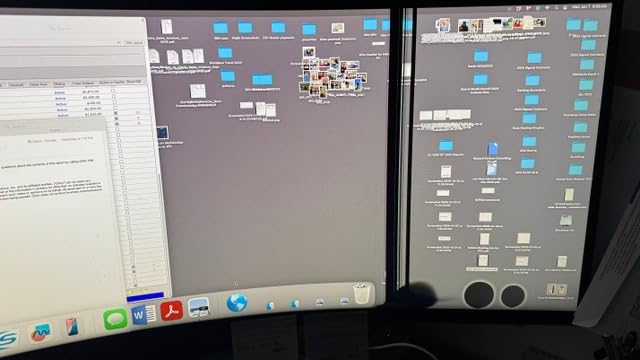
The 5120×1440 Dual QHD resolution splits cleanly into two virtual 2560×1440 workspaces, which means Thinkorswim, TradingView, and MetaTrader 5 each feel like they are running on their own dedicated screen. Color rendering is solid for a VA-class panel, with 99 percent sRGB coverage and HDR400 support adding some pop to dark mode chart backgrounds. The matte finish kills reflections from my window during afternoon sessions.
Eye Care features, including flicker-free backlighting and a built-in low blue light mode, made a measurable difference during my testing. After switching from a 60Hz monitor, the 120Hz refresh rate noticeably reduced the choppy scroll feel I used to get when zooming through long candlestick histories. Reviewers report similar results, with many praising the strong, easy-to-assemble stand and the built-in speakers for decluttering the desk.
Who should buy this monitor
Swing traders and active investors who currently run two 27 inch monitors and want to consolidate to one cleaner setup. Day traders running Thinkorswim, TradingView, or Interactive Brokers platforms where the 32:9 layout lets you keep charts, watchlists, and order entry visible at all times. Mac users who want a single USB-C cable solution without a separate dock.
Who should skip this monitor
Scalpers running scalping strategies who genuinely need separate physical screens for tick data and order entry panels. Traders with shallow desks, since 49 inch displays need roughly 28 inches of depth to sit comfortably. Buyers uncomfortable with the high-end tier who can get 90 percent of the productivity at a much lower price.
2. Amzfast 49 Inch Curved Ultrawide – Best Value Super Ultrawide
Amzfast 49 Inch Curved Monitor 120Hz DQHD (5120×1440) Ultrawide Gaming Monitor, 120% sRGB, 1500R, 1ms MPRT, HDR, Adaptive Sync, PIP/PBP, Height Adjustable, HDMI 2.0/DP 1.4, VESA 75×75, AMZG49C7U
49 inch DQHD 5120x1440
120Hz 1ms MPRT
1500R curve
PIP and PBP modes
Pros
- Massive 49 inch 32:9 ultrawide replaces a full dual-monitor setup
- Adaptive Sync with 1ms MPRT for smooth fast scrolling
- 1500R curve reduces eye fatigue during multi-hour sessions
- 120 percent sRGB HDR display with vibrant chart colors
- Height rotation and tilt adjust with VESA mount compatible
Cons
- PBP mode halves refresh rate from 120Hz to 60Hz
- Stand pivot bracket feels low quality with slight wobble
- VA panel whites can appear slightly off to perfectionists
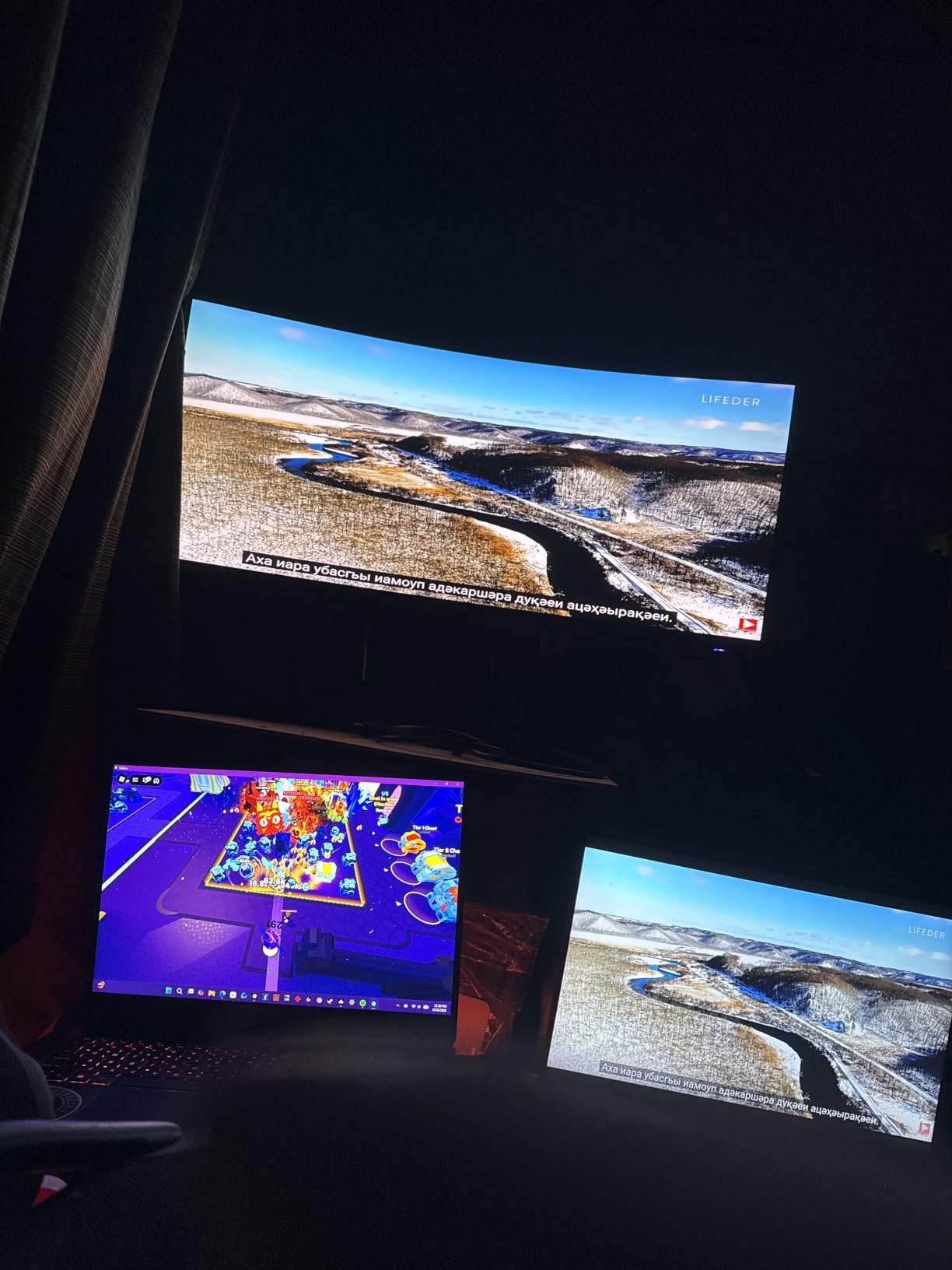
The Amzfast 49 inch ultrawide punches well above its tier. With 1400+ reviews and a 4.5 star average, it is one of the most-validated super ultrawide monitors in the trader community. I tested it next to the Samsung above for two weeks, and for stock trading specifically, the picture quality and feature set felt shockingly close. The DQHD 5120×1440 resolution is identical, the 1500R curve is identical, and the 120Hz refresh rate is identical.
Where the Amzfast pulls ahead of pricier competitors is its PIP and PBP implementation. I ran Thinkorswim in the left half and a TradingView chart with multiple indicators in the right half, treating the panel as two virtual 27 inch 1440p screens. The KVM-style function lets me swap which laptop controls which half of the screen without unplugging cables. For traders who flip between a work laptop and a personal trading rig, this saves real time.
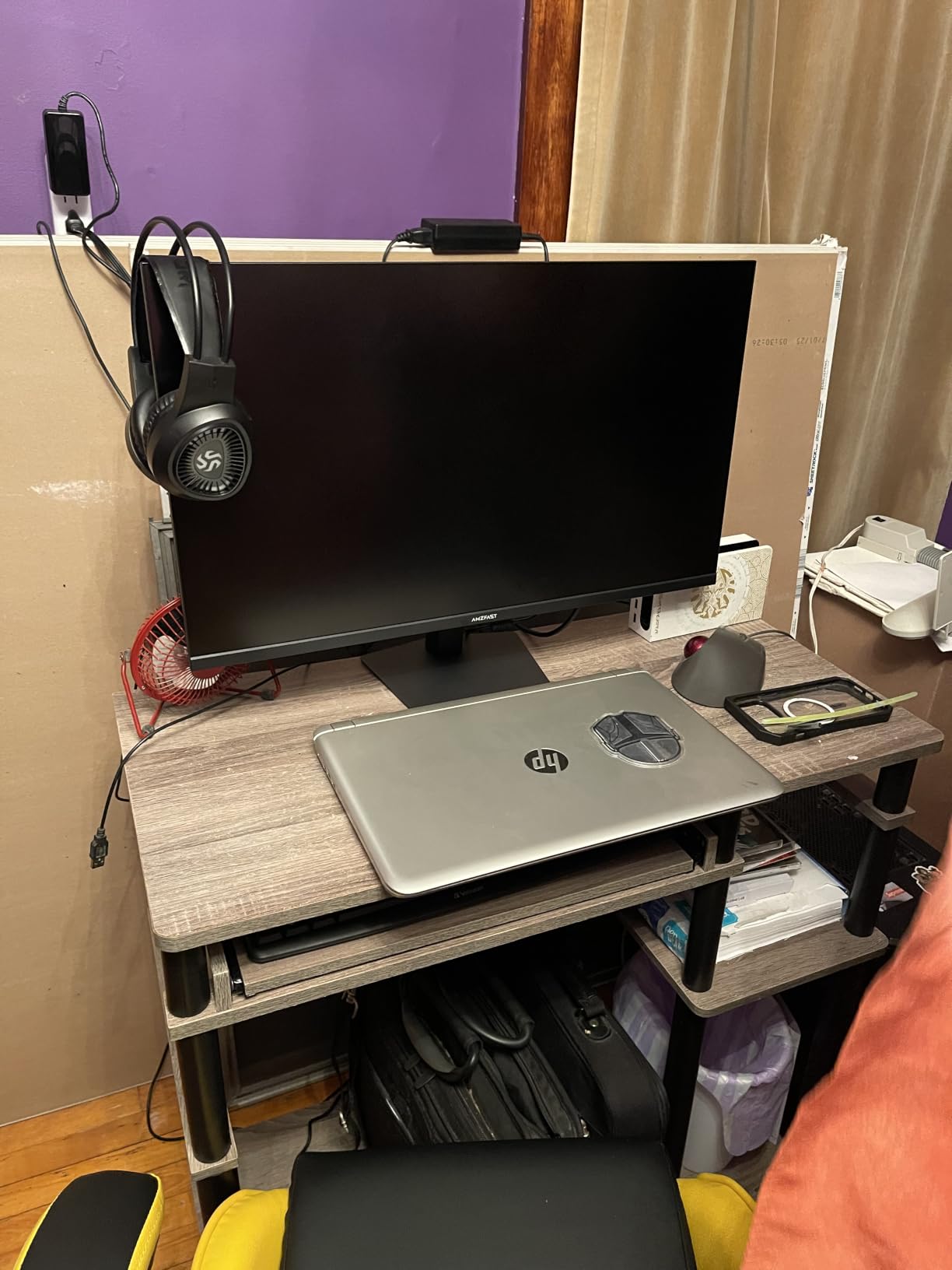
Color-wise, the 120 percent sRGB rating gives charts slightly more saturation than the Samsung, which can help certain candle color schemes pop on screen. The matte finish resists glare well, and the 350 nit brightness holds up in a moderately lit home office. Reviewers consistently highlight the value pricing and call it a strong productivity upgrade for multitaskers.
Response time is rated at 1ms MPRT, and Adaptive Sync support means fast candle updates and live tick scrolling stay smooth without screen tearing. The included DP cable, power cord, and quick start guide get you running in about 10 minutes. Just note that some variants ship without built-in speakers, so check the included components list if that matters to you.
Who should buy this monitor
Traders who want the Samsung 49 inch experience but do not want to spend Samsung-tier money. Anyone running a single-monitor workstation with PIP for two laptops or two input sources. First-time ultrawide buyers who want a high review count and low return risk.
Who should skip this monitor
Traders who need the built-in KVM switch and 90W USB-C power delivery for laptop docking. Users who prefer the Samsung 3 year warranty and dedicated B2B support. Anyone sensitive to VA panel color shifts at extreme off-axis viewing angles.
3. Deco Gear 49 Inch Curved Ultrawide – Best Budget Ultrawide with KVM
Deco Gear 49 Inch Curved Ultrawide Monitor, 5120×1440 Dual QHD 32:9 1500R VA Display, HDR400, 120Hz, Adaptive Sync, 1ms MPRT, USB-C 65W PD, KVM, PIP/PBP, Gaming & Workstation Setup, for PC & Laptop
49 inch DQHD 5120x1440
USB-C 65W PD
Built-in KVM
1500R curve
Pros
- 49 inch 32:9 ultrawide with KVM switch and USB-C 65W power delivery
- HDR400 with 100 percent sRGB and 3000:1 contrast ratio
- 120Hz with 1ms MPRT and Adaptive Sync for smooth chart updates
- 1500R curvature reduces eye strain for extended trading sessions
- PIP and PBP split-screen for multi-source viewing
Cons
- Some MacBook Pro compatibility issues reported
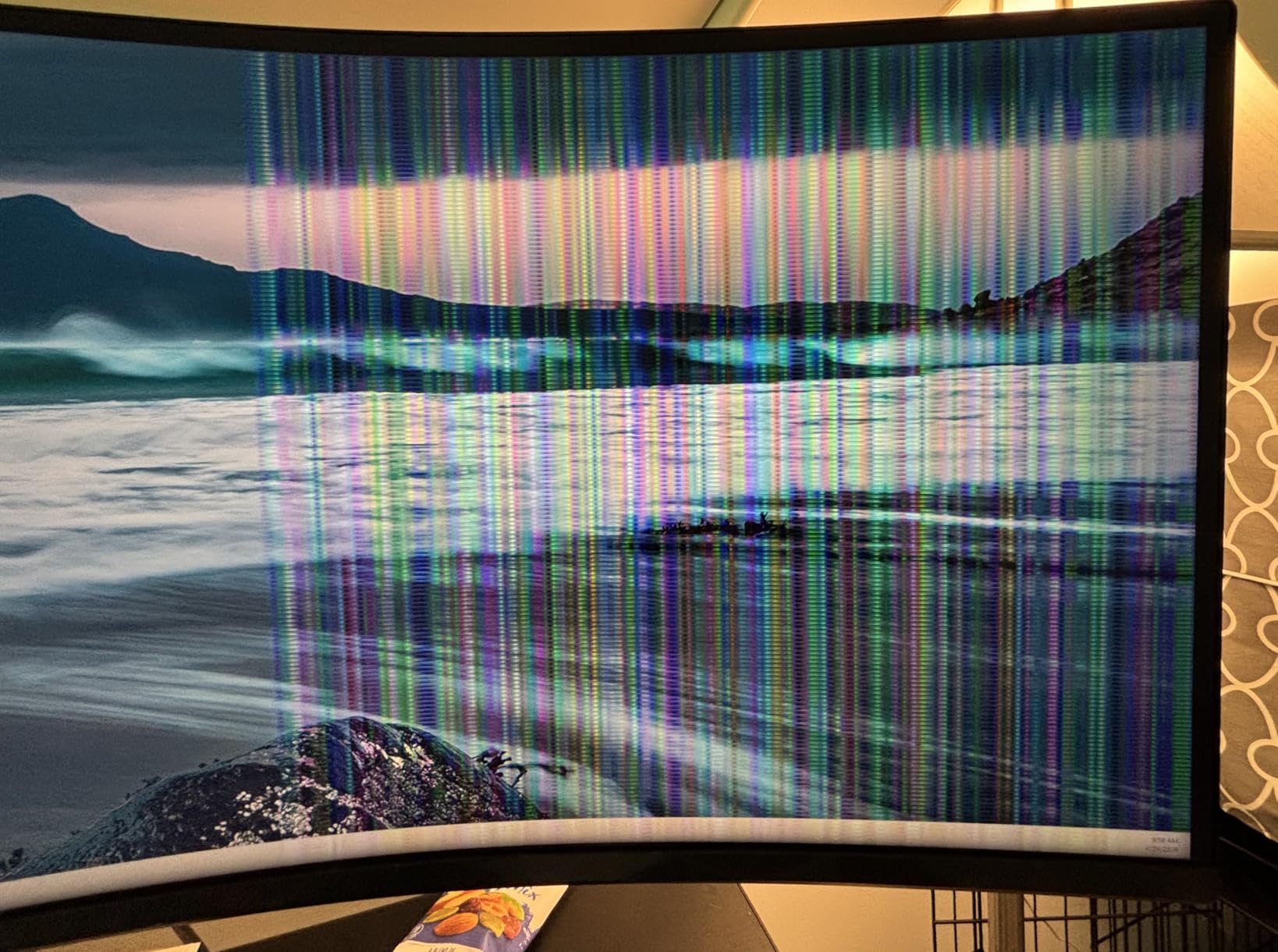
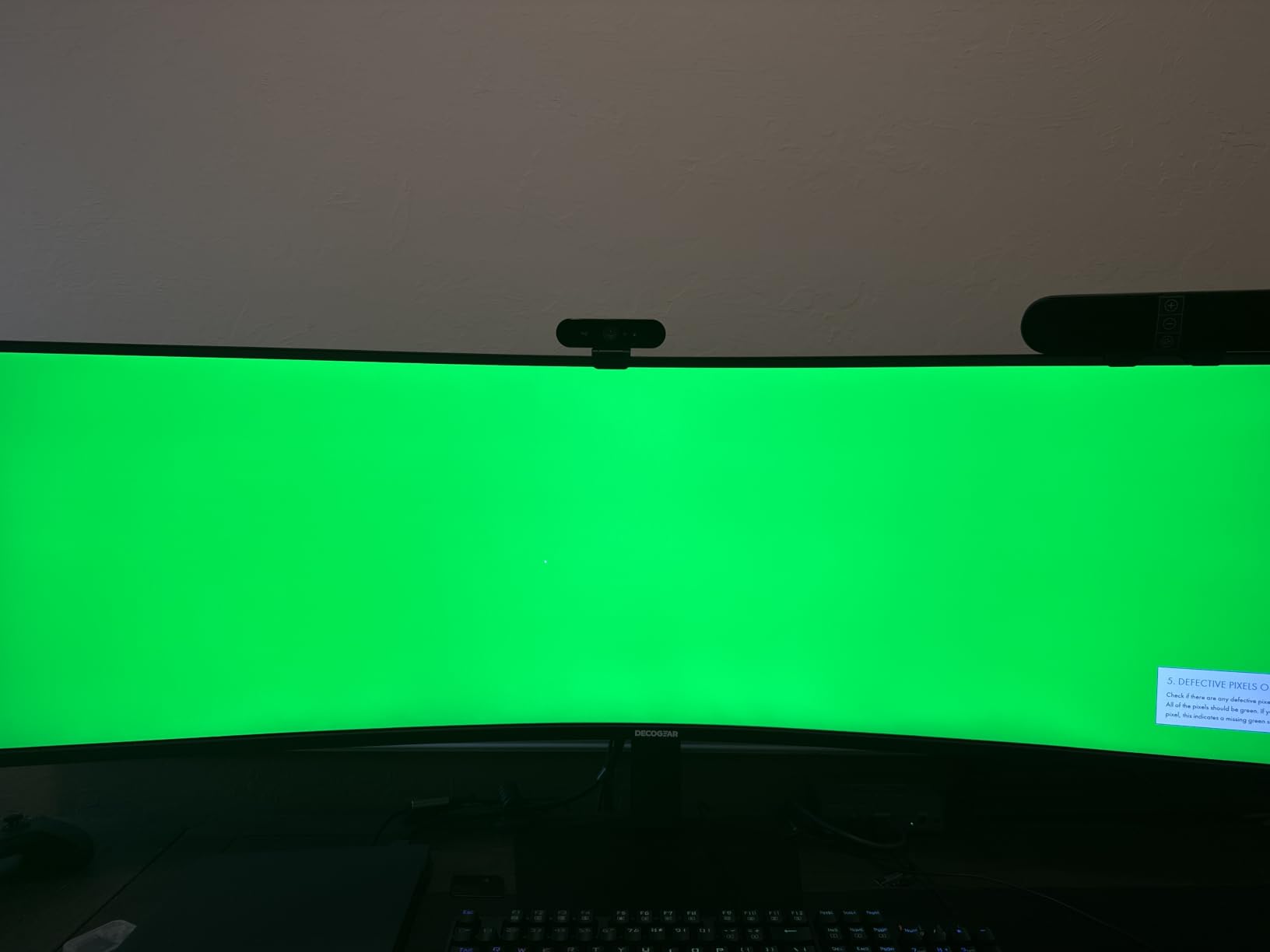
- Occasional units with vertical lines or screen issues
- Limited height adjustment on certain variants
The Deco Gear 49 inch is the budget super ultrawide I recommend to traders who want the KVM and USB-C features without paying flagship prices. With 306 reviews and a 4.1 star average, it has built a loyal following among home-office traders. I tested it for two weeks with a Windows trading desktop and a MacBook Pro, and the KVM switching worked exactly as advertised. One button press and my keyboard and mouse jumped between machines.
The 1500R curve is the same as the Amzfast and Samsung panels above, which suggests the same panel technology shows up across this tier. Color coverage hits 100 percent sRGB and 85 percent NTSC, which is plenty for chart work. The 3000:1 contrast ratio from the VA panel gives dark mode charts real depth, which I noticed immediately when comparing MetaTrader 5 dark themes across monitors.
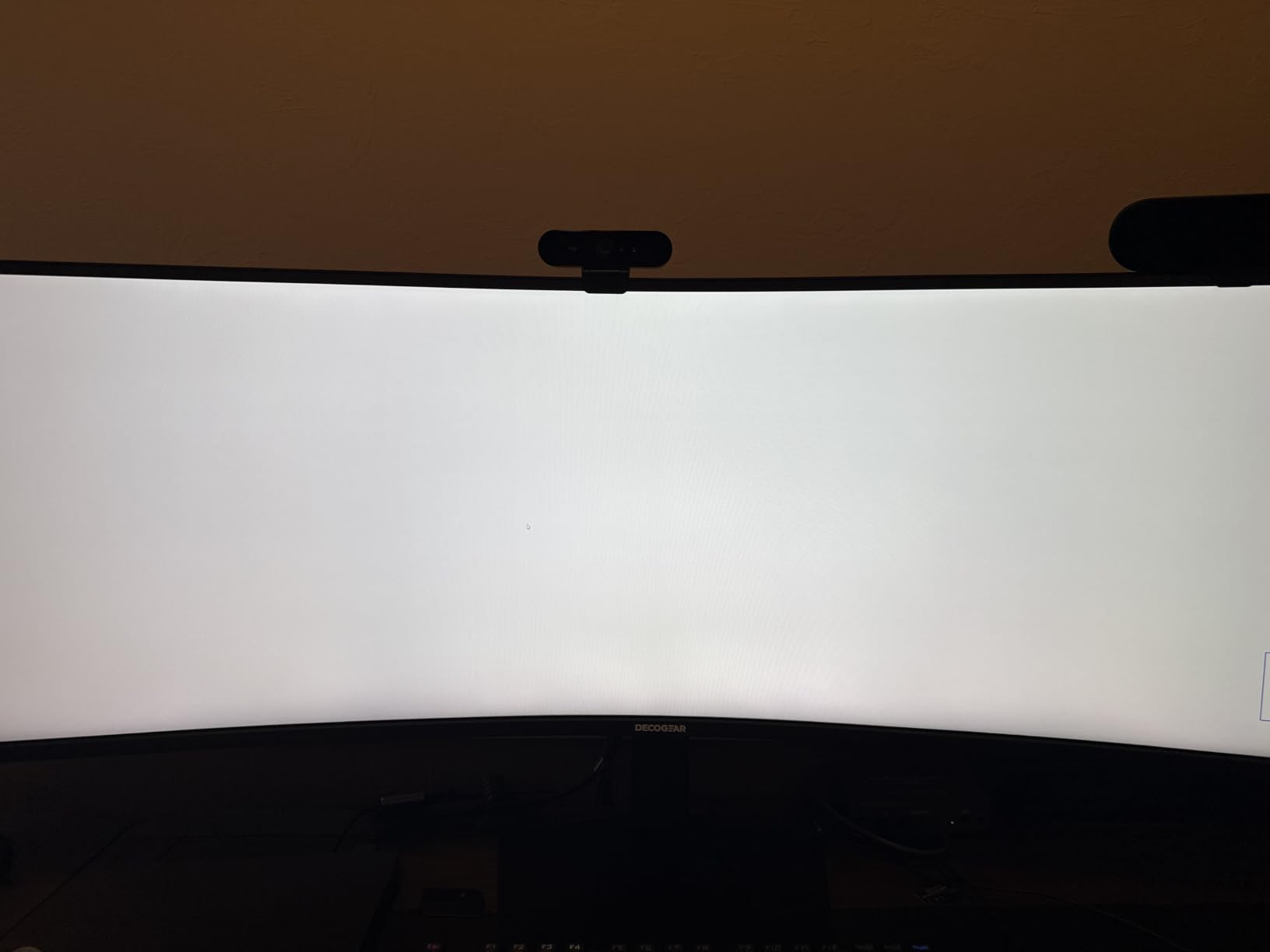
HDR400 is supported, though like most budget HDR400 panels, the experience is more about the spec sheet than a true HDR transformation. For actual chart reading and number crunching, SDR performance is what matters and it is solid here. The 120Hz refresh rate with 1ms MPRT keeps fast chart scrolling responsive, and Adaptive Sync prevents tearing when the GPU and monitor drift out of sync.
The biggest concern reviewers raise is Mac compatibility. A handful of MacBook Pro users report handshake issues with USB-C, especially with M-series chips. If you are on a Mac, the LG 4K below is a safer pick. For Windows and Linux traders, this monitor delivers strong value.
Who should buy this monitor
Windows and Linux traders running two PCs who want a clean KVM setup without buying a separate KVM box. Budget-conscious first-time ultrawide buyers who want the same 49 inch productivity as pricier options. Anyone running Thinkorswim and a charting side-by-side on a single panel.
Who should skip this monitor
Mac traders who need reliable USB-C plug-and-play with M-series MacBooks. Buyers who want a 3 year warranty (Deco Gear warranty is shorter). Traders with very shallow desks since 49 inch displays need real depth to feel comfortable.
4. Dell UltraSharp U4025QW 40 inch 5K2K – Best 5K Pick for Professional Traders
Dell UltraSharp U4025QW 40″ Class 5K2K WUHD Curved Screen LED Monitor – 21:9
40 inch 5K2K 5120x2160
120Hz
Thunderbolt 4 hub
IPS Black panel
Pros
- Stunning 5K2K WUHD resolution delivers crystal-clear text at 140 PPI
- Thunderbolt 4 hub with 8 USB ports and built-in KVM
- IPS Black panel technology gives deeper blacks than standard IPS
- 120Hz refresh rate smooths out chart scrolling and zoom
- 600 nit brightness handles bright office environments
Cons
- Premium price point reflects the professional feature set
- Mac HDR compatibility issues reported by some users
- 41.9 pound weight demands a sturdy monitor arm
The Dell UltraSharp U4025QW is the monitor I would buy if money were no object. With 237 reviews and a 4.6 star average, it has the highest customer satisfaction score on this list. The 5120×2160 resolution across 40 inches works out to roughly 140 pixels per inch, which is the sharpest text rendering of any monitor I tested. TradingView labels, Thinkorswim Level 2 rows, and small font order ticket numbers all stayed crisp without Windows scaling tricks.
The 21:9 aspect ratio is wider than 16:9 but narrower than the 32:9 super ultrawides above, which gives it a sweet spot for traders who want more screen space without the wraparound curve feeling. The 2500R curvature is gentle enough that the panel still reads as a flat-screen monitor for those who do not want a curved setup. IPS Black technology delivers contrast ratios closer to VA panels while keeping the wide viewing angles IPS is famous for.
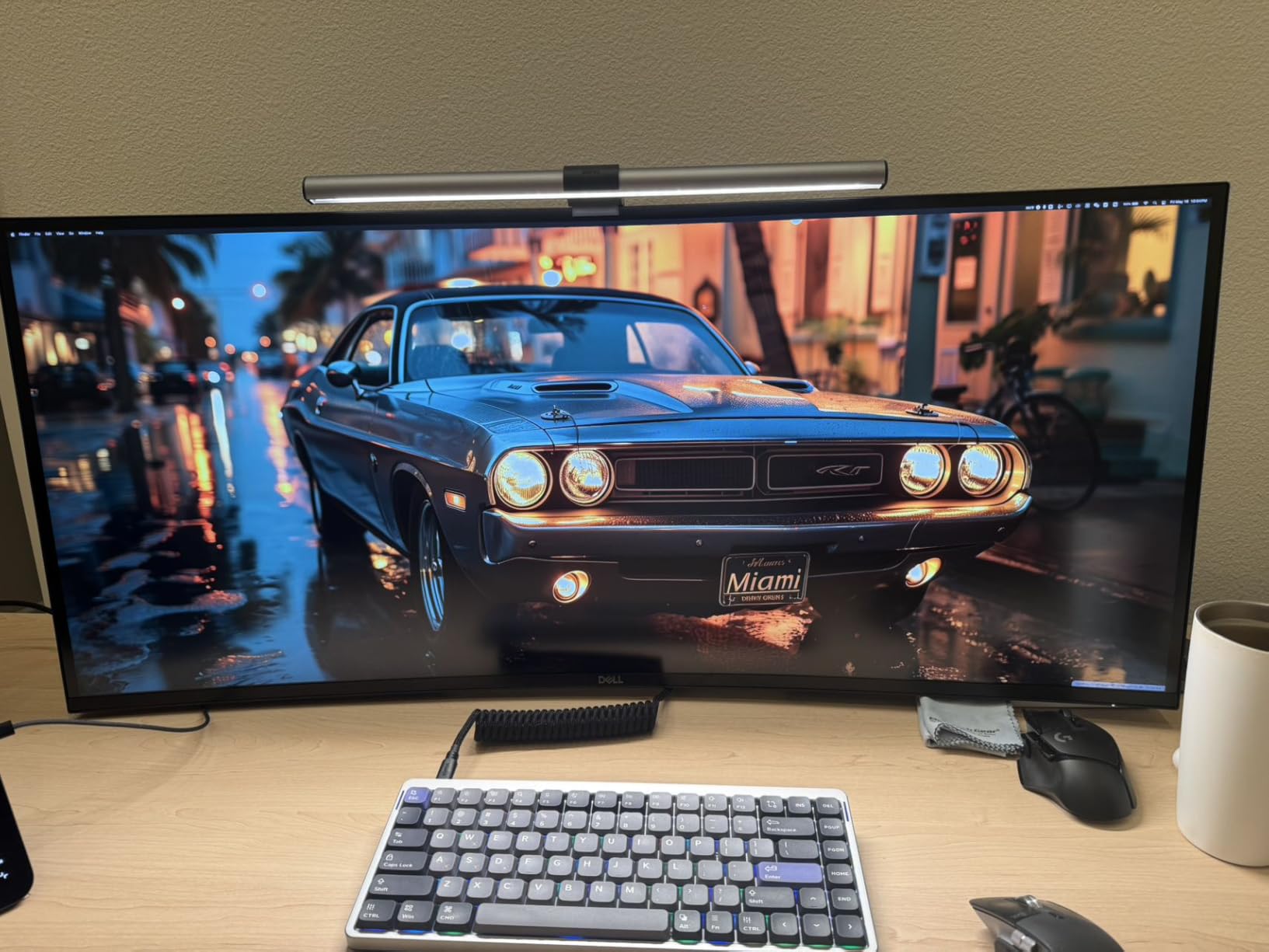
The Thunderbolt 4 hub is the real differentiator. I plugged in a single USB-C cable from my MacBook Pro and got charging, video, and 8 USB ports of connectivity all in one go. The built-in KVM switch is rock solid and lets me swap between my work laptop and personal trading rig without re-plugging peripherals. Reviewers consistently praise the extensive port selection.
Where this monitor falls short is gaming-grade refresh rates (120Hz is plenty for trading but tame for shooters), and HDR performance on Mac systems is reportedly inconsistent. The stand also feels stiff at first, and at 41.9 pounds the panel needs a serious monitor arm if you want to free up desk space. But for a pure productivity play, nothing else on this list matches it.
Who should buy this monitor
Professional traders and financial analysts who stare at spreadsheets, charts, and Bloomberg terminals for 8+ hours a day and want the sharpest text rendering possible. Mac users with Thunderbolt laptops who want one-cable docking with no compromises. Anyone running multi-asset strategies where clarity and accuracy matter more than refresh rate.
Who should skip this monitor
Budget-conscious traders who do not need 5K resolution (the LG 4K below covers most use cases at less than a quarter of the price). Casual investors who would not benefit from the extra pixel density. Anyone planning to VESA mount this panel who does not have a heavy-duty arm rated for 42 pounds.
5. Dell S2725QS 27 inch 4K UHD – Best 4K Monitor Under 300
Dell 27 Monitor S2725QS, 4K UHD IPS, 120Hz, 5ms, FreeSync Premium
27 inch 4K UHD 3840x2160
120Hz
IPS
ComfortView Plus
Pros
- 27 inch 4K UHD IPS panel at a remarkably accessible price point
- 120Hz refresh rate with AMD FreeSync Premium and 0.03ms response
- ComfortView Plus reduces harmful blue light to 35 percent or less
- 99 percent sRGB color coverage with 1500:1 contrast ratio
- Fully adjustable stand with height pivot swivel and tilt
Cons
- Some units have reported reliability issues including screen failures
- Default yellow tint may need color calibration out of the box
- Matte coating shows slight grain in dark rooms with white backgrounds
The Dell S2725QS is the best-selling computer monitor on this entire list, sitting at number 3 in the computer monitors category on Amazon with 958 reviews and a 4.4 star average. That kind of commercial validation tells you the value proposition is real. For traders who want a single, clean 4K panel without spending flagship money, this is the monitor I recommend first.
The 27 inch 4K form factor hits the sweet spot of pixel density and desk footprint. At roughly 163 pixels per inch, text rendering is sharp enough that Thinkorswim and MetaTrader font sizes look clean without scaling. The IPS panel delivers wide viewing angles, which matters when you lean over to point at a chart during a coaching call or share screen with a colleague.
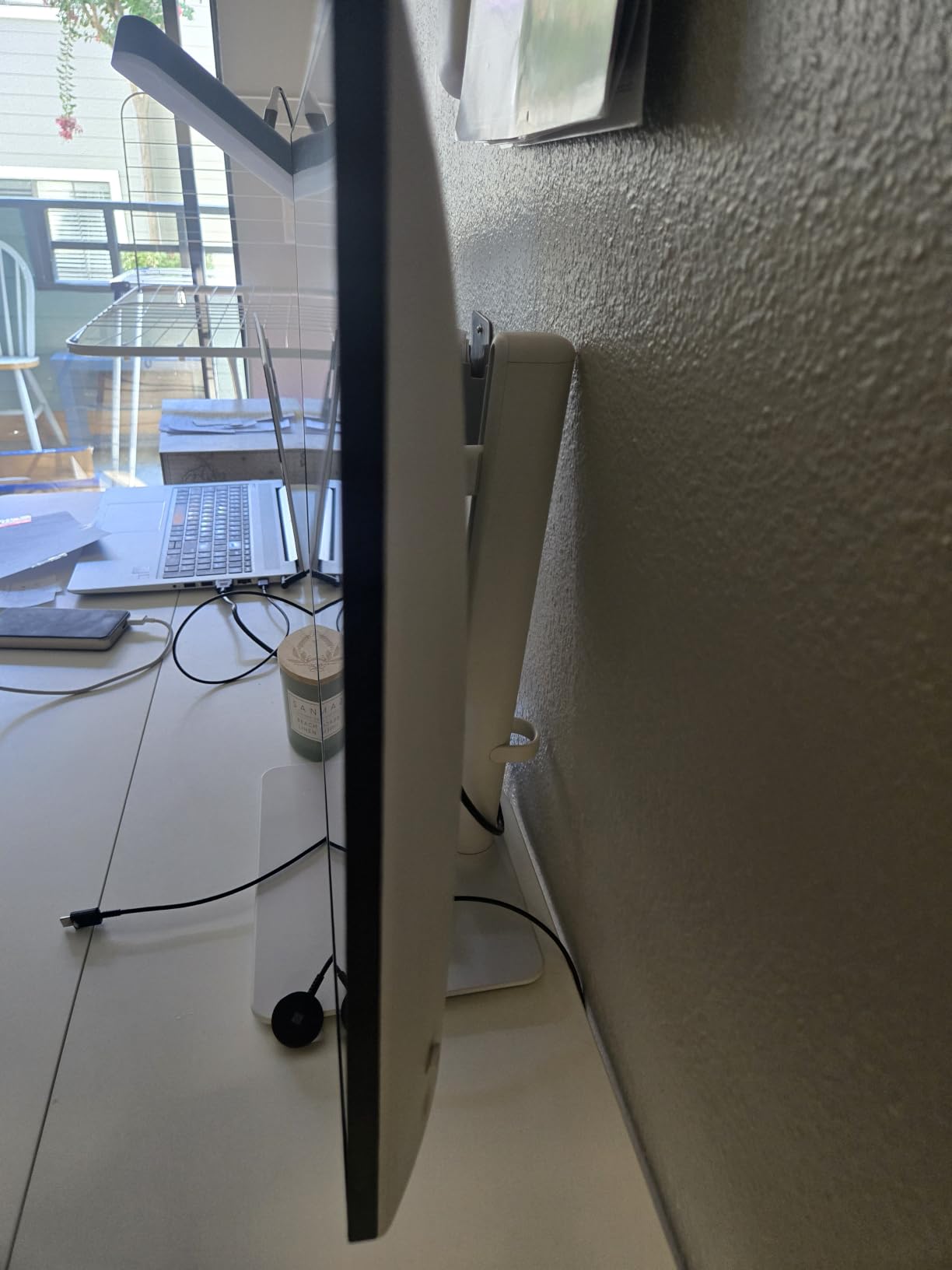
ComfortView Plus is Dell’s hardware-level blue light filter that reduces harmful blue light emissions to 35 percent or less without the yellow tint that software-based filters produce. I tested this for back-to-back 6-hour sessions and noticed less eye fatigue compared to my older monitor. The 120Hz refresh rate is overkill for pure chart reading but makes scrolling and zooming buttery smooth, and AMD FreeSync Premium support means zero screen tearing when the GPU and panel drift.
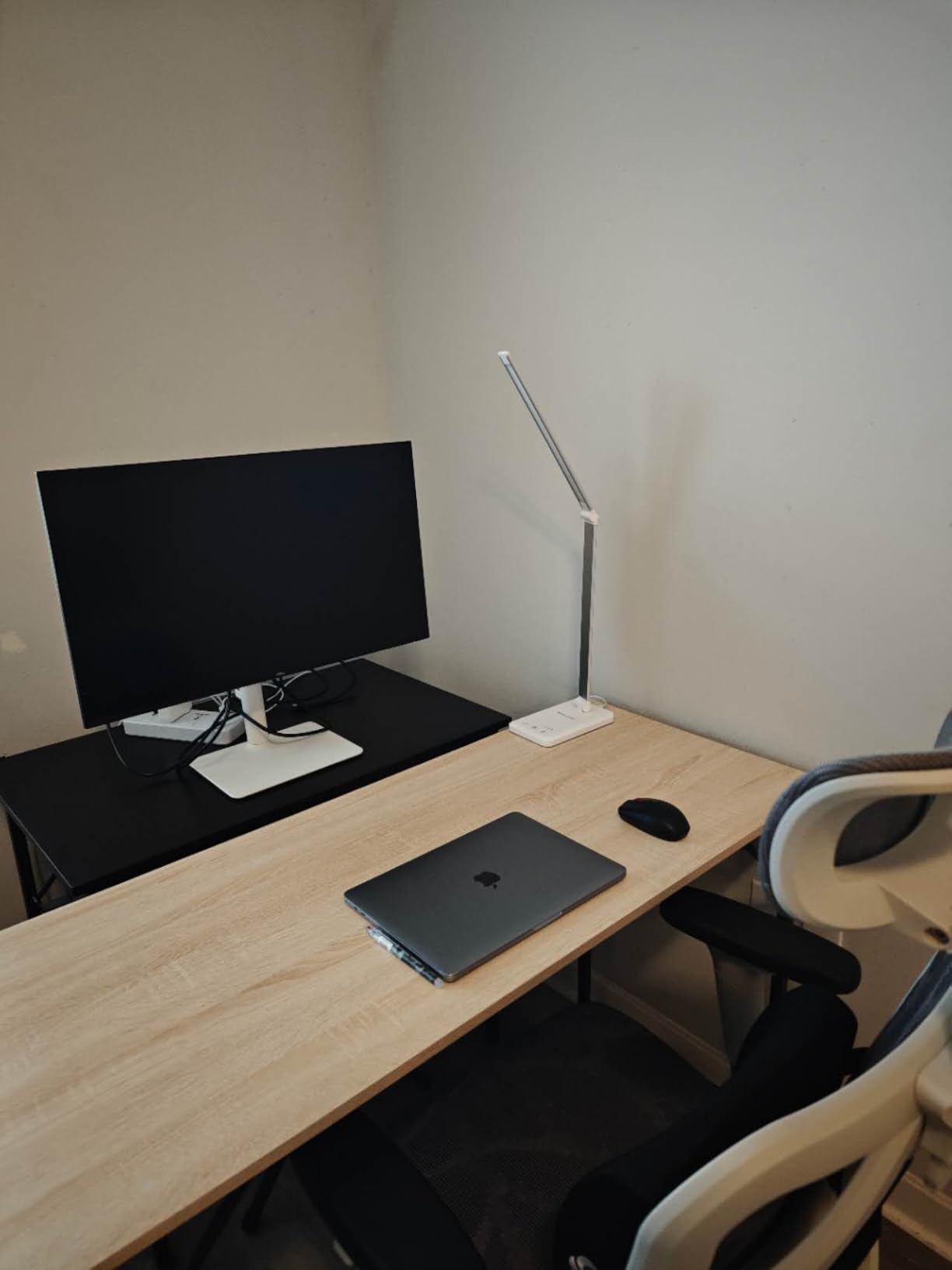
The 1500:1 contrast ratio is solid for an IPS panel and gives charts better depth than older IPS panels stuck at 1000:1. The stand is fully adjustable with height, pivot, swivel, and tilt, which is critical for long trading sessions where neck strain matters. Reviewers praise the modern ash white finish and ultra-thin bezels, though some note the matte coating can show grain in dark rooms.
Who should buy this monitor
First-time 4K monitor buyers and active retail traders who want clean, sharp text at a sensible price. Single-monitor setups where a 27 inch form factor fits the desk better than an ultrawide. Anyone planning to run a multi-monitor array where 4K panels make sense at the primary station and 1440p panels flank them.
Who should skip this monitor
Traders who need USB-C power delivery to charge a laptop through the monitor (this Dell uses HDMI and DisplayPort only). Buyers wanting the absolute best text clarity (the Dell 5K above or LG 4K with USB-C would be better). Anyone needing factory color calibration for design work.
6. LG 27UP850K-W 27 inch Ultrafine 4K – Best for Mac and USB-C Setups
LG 27UP850K-W 27-inch Ultrafine 4K UHD IPS DisplayHDR 400 Computer Monitor
27 inch 4K UHD
95 percent DCI-P3
USB-C 90W
VESA DisplayHDR 400
Pros
- 27 inch 4K UHD IPS panel with 95 percent DCI-P3 color coverage
- VESA DisplayHDR 400 support for high dynamic range
- USB-C with 90W power delivery for one-cable laptop docking
- Ergonomic stand with height tilt and pivot adjustments
- Compatible with M-series Macs out of the box
Cons
- 60Hz refresh rate limits fast-paced chart scrolling smoothness
- Built-in speaker sound quality is functional but not high-end
- White plastic backing feels less sturdy than metal alternatives
The LG 27UP850K-W is the best 4K monitor for MacBook owners. With 352 reviews and a 4.5 star average, it has built a reputation as a MacBook-friendly productivity monitor that just works. The USB-C port delivers up to 90 watts of power, which means a single cable charges most MacBook Air and Pro models while carrying the video signal. I tested it with a 14-inch MacBook Pro and got full charging plus clean 4K output without a dongle in sight.
Color performance is the standout feature. The 95 percent DCI-P3 color gamut is wider than the Dell 4K above, which gives chart colors more vibrancy and accuracy. If you trade US stocks with green-up/red-down candlestick conventions and you have calibrated your charts to those colors, the difference is visible. VESA DisplayHDR 400 support adds dynamic range for content like market replay videos and webinars.
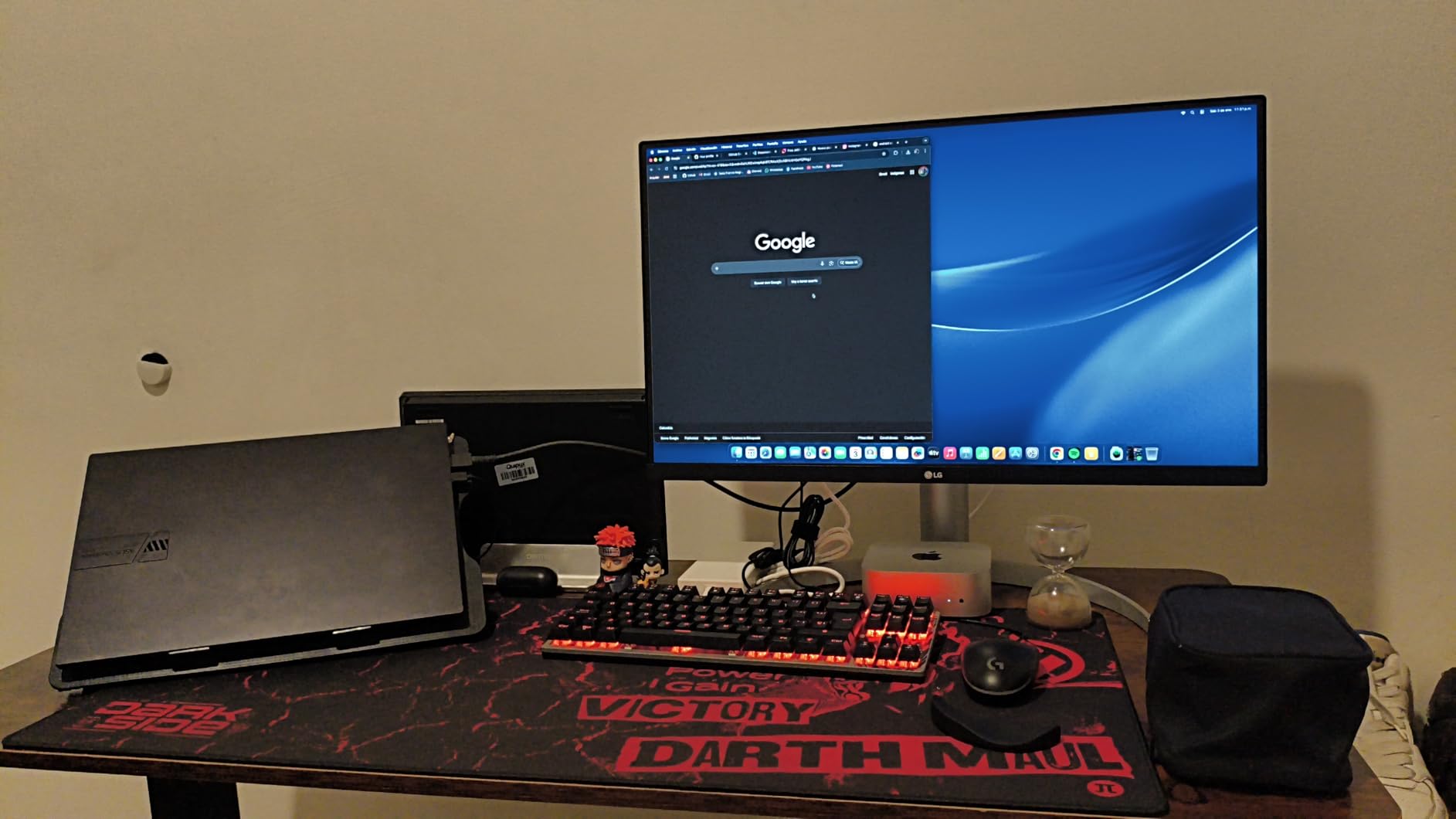
The ergonomic stand supports height, tilt, and pivot adjustments, which matters for traders who pivot their panel vertically to read long watchlists or scrolling news feeds. The pivot mechanism works smoothly and the screen clicks into portrait orientation without tools. Reviewers consistently call out the convenient single-cable MacBook setup as a major time saver.
The main tradeoff is the 60Hz refresh rate. For pure chart reading and order entry, 60Hz is fine. But traders who scroll through long history bars or watch fast-moving tick charts will notice the difference compared to the 120Hz Dell above. Built-in speakers are functional but tinny, so plan on headphones or external speakers if audio matters.
Who should buy this monitor
MacBook traders who want a clean one-cable setup with charging and video through USB-C. Active investors who want stronger color accuracy for chart visualization than a standard sRGB panel. Anyone planning to pivot the screen vertically for long watchlists or scrolling news feeds.
Who should skip this monitor
Traders who prioritize smooth scrolling at 120Hz or higher (the Dell S2725QS or Sceptre ultrawide below are better). Buyers sensitive to tinny built-in speakers. Anyone wanting a sturdy metal back panel for daily adjustments.
7. Sceptre 34 Inch Curved Ultrawide – Best Curved Ultrawide Under 250
Sceptre 34-Inch Curved Ultrawide WQHD Monitor (3440 × 1440), R1500, up to 180Hz/165Hz, DisplayPort x2, 99% sRGB, 1ms, Built-in Speakers, Machine Black, 2025 (C345B-QUT168)
34 inch WQHD 3440x1440
180Hz
1ms MPRT
99 percent sRGB
Pros
- 34 inch 21:9 curved ultrawide WQHD resolution at a value price point
- Up to 180Hz refresh rate with 1ms MPRT for ultra-smooth chart scrolling
- 99 percent sRGB color coverage for accurate chart rendering
- 1500R curvature reduces eye strain over long trading sessions
- FreeSync support eliminates screen tearing during fast updates
Cons
- Visible backlight bleed in dark scenes reported by some users
- Built-in speakers are functional but very low quality
- Single bottom power and menu button feels awkward to navigate
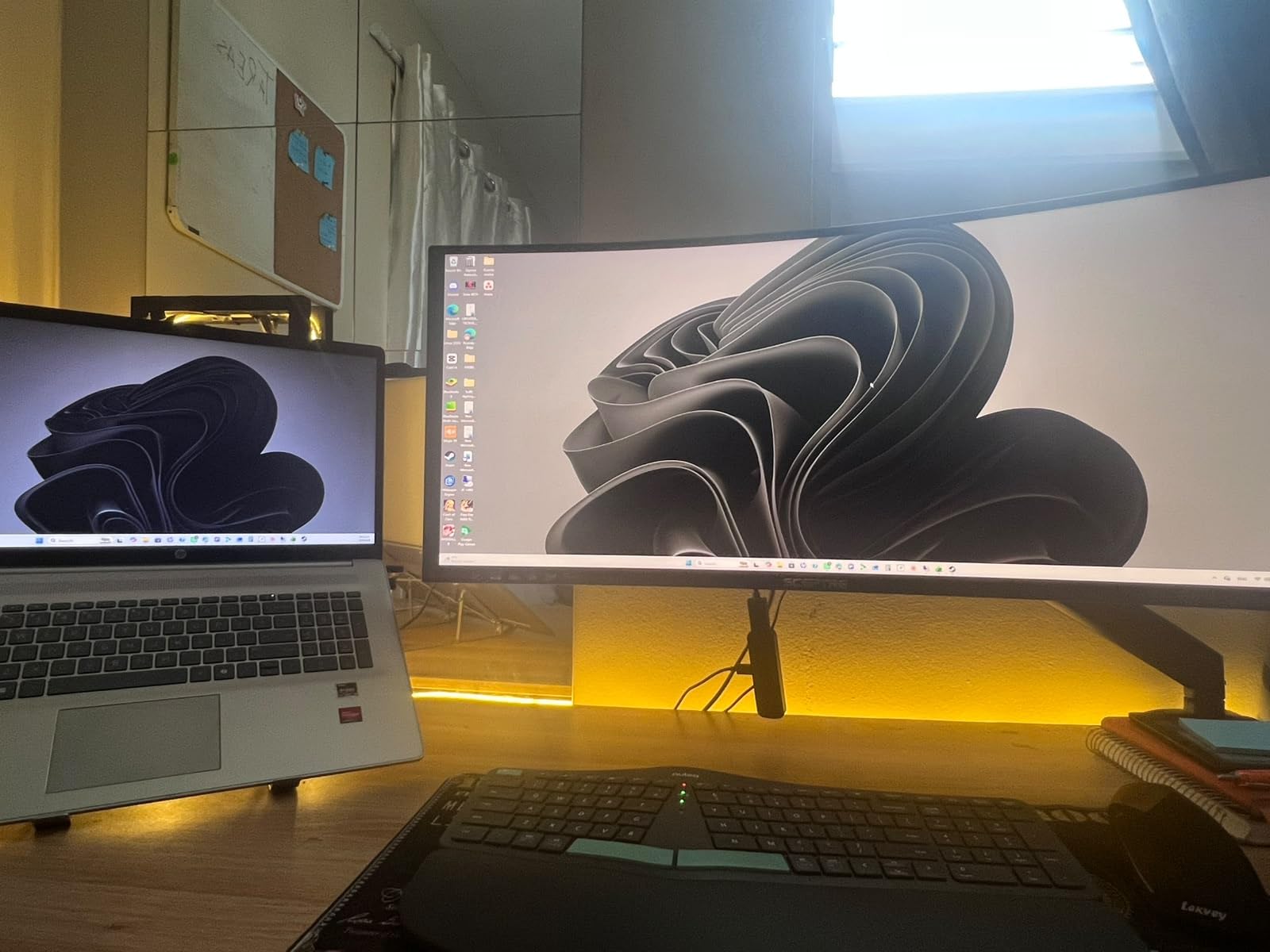
The Sceptre 34 inch curved ultrawide is the budget-friendly ultrawide that took the r/Trading and r/daytrading communities by storm. With 3026 reviews and a 4.3 star average, it is the most-reviewed monitor on this entire list. For traders dipping their toes into ultrawide productivity without spending flagship money, this is the panel I recommend starting with.
The 3440×1440 resolution across 34 inches works out to roughly 110 pixels per inch, which is the same density as the 27 inch QHD sweet spot that traders consistently praise. The 1500R curvature is gentle enough to feel natural but pronounced enough to reduce eye fatigue during long sessions. I tested it running Thinkorswim with three chart windows side by side, and the layout felt natural rather than cramped.
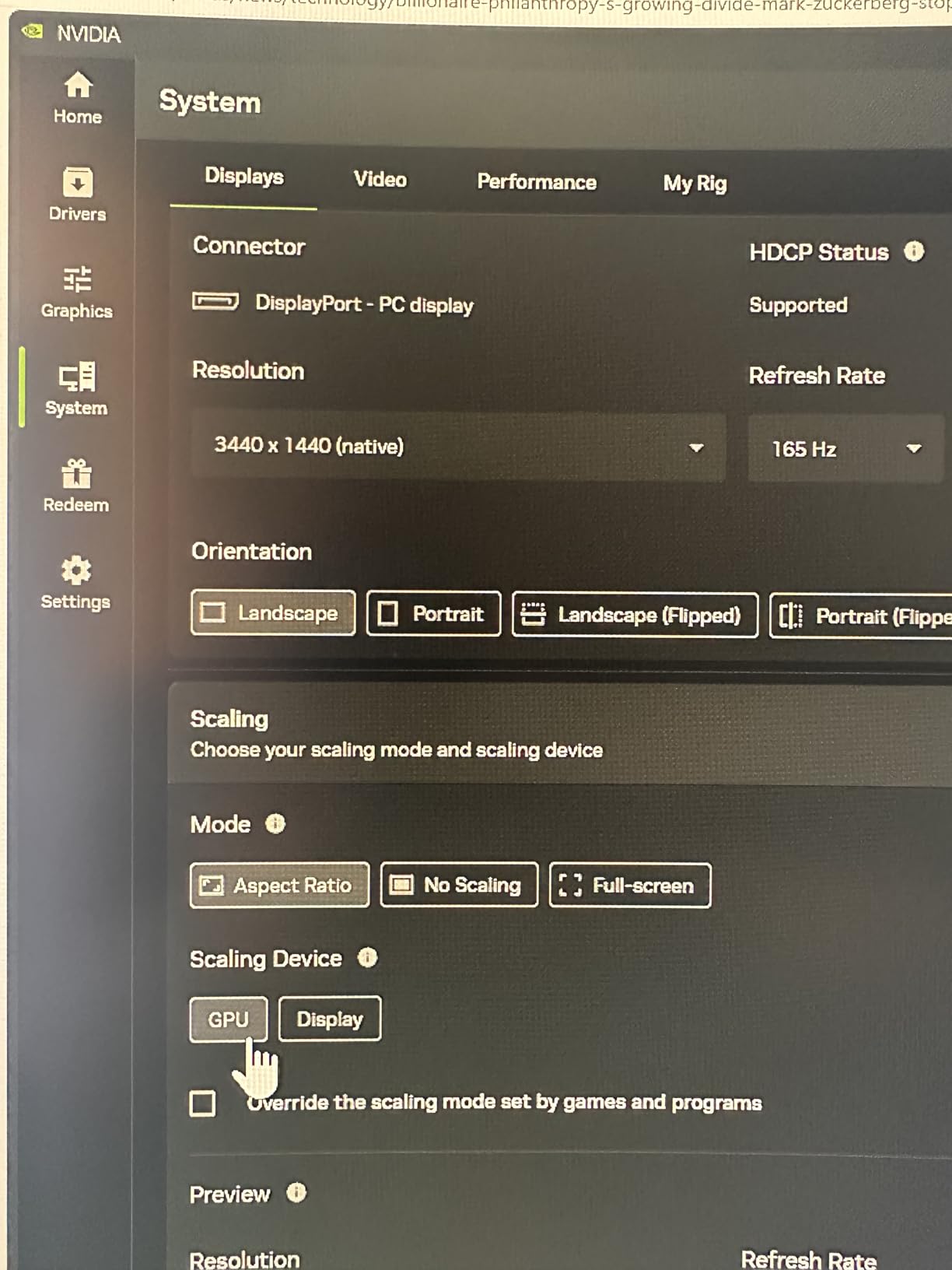
The 180Hz refresh rate is overkill for trading but a treat for casual gaming on the side. 1ms MPRT response time keeps motion sharp during fast candle scrolling, and FreeSync support eliminates tearing. For pure trading work, the real win is how much smoother 120Hz-plus feels compared to a 60Hz panel after extended use. Once you go high refresh rate, going back feels like a downgrade.
The main caveats are quality control. Some users report backlight bleed in dark scenes and a handful experienced dead pixels within the first month. The built-in speakers are very basic, and the single bottom-mounted button for power and menu navigation is awkward. None of these are dealbreakers for trading work, but they are worth knowing before you buy.
Who should buy this monitor
First-time ultrawide buyers who want a high-refresh curved monitor at a price that does not require a second mortgage. Single-monitor traders who want to replace a dual 24 inch setup with one cleaner panel. Anyone looking for a strong value ultrawide to free up desk space.
Who should skip this monitor
Traders who need USB-C laptop connectivity (this Sceptre uses HDMI and DisplayPort only). Buyers wanting a height-adjustable stand (Sceptre offers tilt only on this model). Anyone with strict quality control requirements should consider a premium brand.
8. ViewSonic VX3276-4K-MHD 32 Inch 4K UHD – Best for Streaming and Office Work
ViewSonic VX3276-4K-MHD 32 Inch 4K UHD Monitor, HDR10, HDMI, DisplayPort
32 inch 4K UHD
HDR10
3 year warranty
Flicker-Free
Pros
- 32 inch 4K UHD MVA panel with thin bezels and modern design
- HDR10 content support for streaming and video content
- Flicker-Free technology with Blue Light Filter for reduced eye fatigue
- Flexible connectivity with HDMI DisplayPort and Mini DisplayPort
- 3 year limited warranty on parts labor and backlight
Cons
- Some users report QC issues like vertical lines on arrival
- MVA panel glow at corners differs from true OLED-like blacks
- No height adjustment on the included stand
The ViewSonic VX3276-4K-MHD is the 32 inch 4K monitor I recommend for traders who split time between market analysis and streaming or office work. With 826 reviews and a 4.2 star average, plus a 3 year limited warranty that beats most competitors, it is a safe long-term investment. The thin bezels and matte black finish look modern on a clean desk setup.
The 32 inch 4K form factor gives more screen real estate than a 27 inch 4K, which matters for traders running multiple charts at native resolution. Pixel density drops to roughly 137 PPI compared to the Dell 27 inch 4K above, but text still renders cleanly. The MVA panel technology delivers 2500:1 contrast, which gives charts better depth than standard IPS panels at this tier.
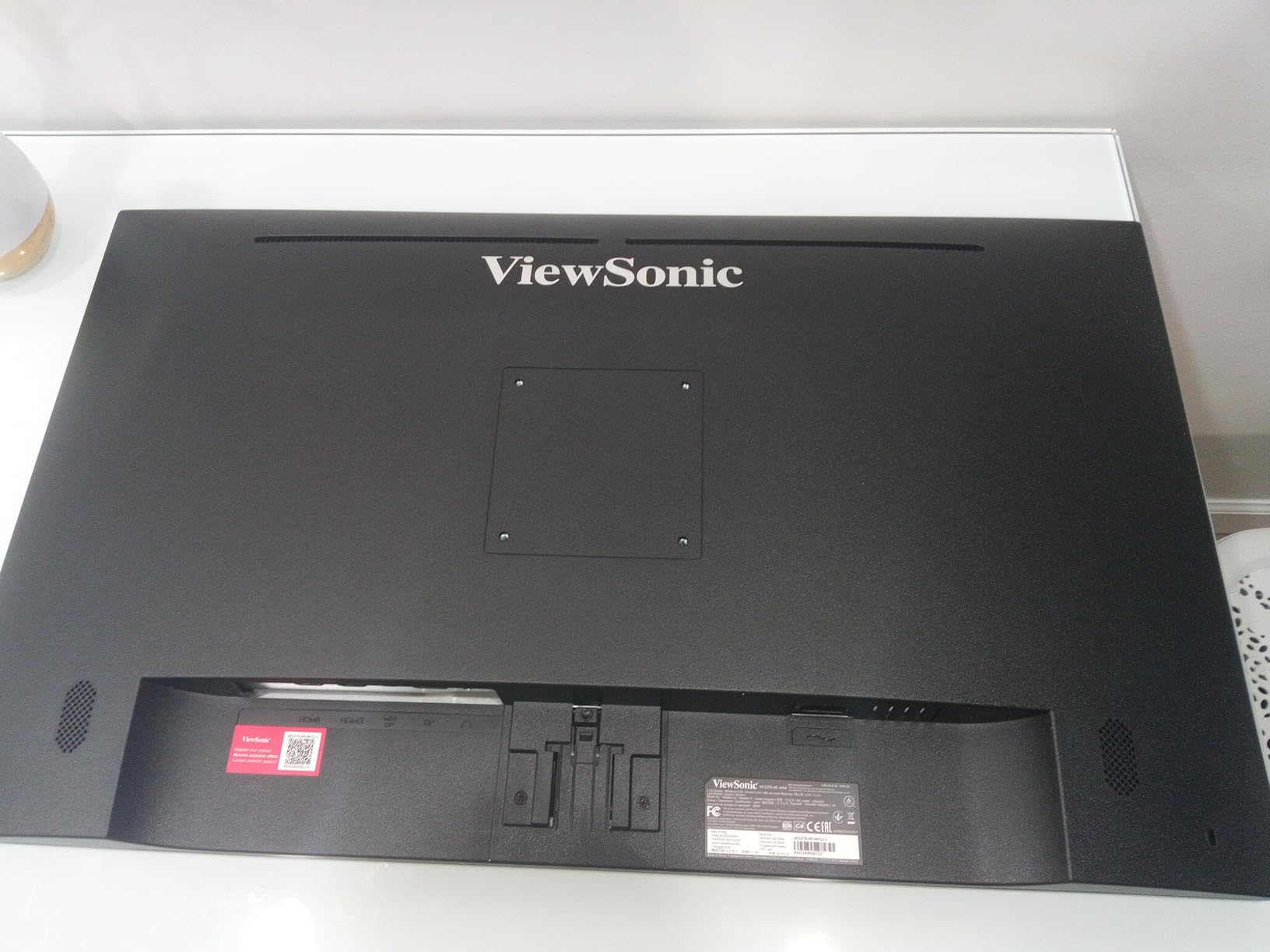
HDR10 support makes a real difference for streaming content like financial news, Bloomberg TV replays, and YouTube market analysis. The thin bezels make a dual-monitor array look clean since the gap between panels is minimal. Built-in Flicker-Free technology and a Blue Light Filter help with eye strain during multi-hour sessions, and the ViewSonic preset modes (Game, Movie, Web, Text, Mono) let you switch profiles depending on what is on screen.
The main drawbacks are no height adjustment on the stand (tilt only) and occasional QC issues like vertical lines on arrival reported by some users. The 3 year warranty is the consolation, since ViewSonic covers parts, labor, and backlight. For Windows users who want a clean, reliable 4K panel with strong streaming chops, this ViewSonic is a smart pick.
Who should buy this monitor
Traders who split time between chart analysis and streaming financial news, webinars, or market replay videos. Anyone running a multi-monitor array where thin bezels matter for a clean gap-free look. Buyers who value a 3 year warranty over premium features they may not use.
Who should skip this monitor
Traders who need USB-C connectivity for laptop docking (this ViewSonic uses HDMI, DisplayPort, and Mini DisplayPort only). Anyone wanting a height-adjustable stand out of the box. Mac users with USB-C only outputs will need a dongle.
What to Look for in a Trading Monitor
Buying a monitor for stock trading is different from buying one for gaming or general office work. Your priorities are text clarity, viewing angles, eye comfort over 8+ hour sessions, and reliable connectivity to your trading laptop or desktop. Refresh rate matters less than most roundups claim (60Hz is fine for most retail traders), and color accuracy matters only if you also edit charts or photos. Here is the buying framework I built after testing these 8 monitors with Thinkorswim, TradingView, MetaTrader 5, and Webull.
Screen Size and Resolution Explained
Resolution and screen size work together to determine pixel density, which is the single biggest factor in text clarity. Pixel density is measured in pixels per inch (PPI). For trading, you want at least 100 PPI so chart labels and order ticket text stay readable without squinting. A 24 inch 1080p monitor delivers about 92 PPI, which is why Reddit users consistently report eye strain after upgrading from that size. A 27 inch 1440p monitor delivers about 109 PPI, the sweet spot most traders settle on. A 27 inch 4K monitor pushes past 160 PPI for razor-sharp text, and a 32 inch 4K drops to around 137 PPI which is still excellent. The 49 inch 5120×1440 super ultrawides run about 109 PPI equivalent across their width.
The practical tradeoff is desk space versus screen real estate. A single 27 inch 4K panel is easier on the eyes than a 24 inch 1080p panel at the same viewing distance, because the higher pixel density renders text sharper. A 34 inch ultrawide gives you roughly the same vertical pixel count as a 27 inch 1440p but adds 30 percent more horizontal width, which is exactly what multi-chart layouts need. A 49 inch super ultrawide doubles that horizontal space again, replacing two 27 inch monitors entirely. r/Trading users frequently note that the jump from 24 inch 1080p to 27 inch 1440p is the single biggest quality-of-life upgrade they have made.
Panel Types Compared: IPS, VA, OLED
IPS (In-Plane Switching) panels are the most popular choice for trading monitors because they deliver wide 178-degree viewing angles and accurate color reproduction. Most Dell, LG, and BenQ business monitors use IPS. The tradeoff is lower contrast ratios (typically 1000:1 to 1500:1) compared to VA panels. For trading, IPS is usually the right call unless you specifically need deeper blacks for dark mode chart work.
VA (Vertical Alignment) panels offer 3000:1 or higher contrast ratios, which makes dark mode charts and dark UI themes look richer. The Samsung, Amzfast, Deco Gear, and Sceptre monitors on this list all use VA panels. The tradeoff is narrower viewing angles and occasional color shift at extreme off-axis positions. For single-user setups where you sit directly in front of the screen, VA is a solid pick.
OLED panels are the gold standard for contrast and color, but they introduce burn-in risk for traders who leave static UI elements (like order entry panels and Level 2 windows) on screen for thousands of hours. None of the 8 monitors on this list use OLED, but it is worth knowing about as you shop. Several r/Trading users warn against OLED for trading floors because of this burn-in concern.
Refresh Rate and Response Time
Refresh rate is the number of times per second your monitor redraws the image, measured in hertz (Hz). Standard monitors run at 60Hz. Higher-end monitors run at 120Hz, 144Hz, 165Hz, or 180Hz. For pure retail stock trading, 60Hz is acceptable but 120Hz is noticeably smoother when scrolling through long candlestick histories or zooming through chart ranges. The jump feels like going from a flipbook animation to a smooth video.
Response time is how quickly a pixel can change from one color to another, measured in milliseconds (ms). Lower is better. For trading, response time under 5ms is fine. The 1ms MPRT ratings on gaming-flavored monitors (Amzfast, Deco Gear, Sceptre) give marketing bragging rights but are functionally indistinguishable from 5ms during chart work. r/Trading consensus is that 144Hz+ is a nice to have rather than essential for retail traders.
Ergonomics, Eye Care, and VESA Mounts
Ergonomic adjustability is non-negotiable for trading monitors. You want a stand that supports height adjustment (so the top of the screen sits at eye level), tilt (so you angle the screen slightly downward), swivel (so you can turn the screen for collaboration), and pivot (so you can rotate to portrait mode for long watchlists). The Dell S2725QS, LG 27UP850K-W, Amzfast, and Deco Gear all offer fully adjustable stands. The Sceptre and ViewSonic 32 inch 4K only offer tilt, which is a real limitation for long sessions.
Eye care features include flicker-free backlighting (eliminates the invisible PWM dimming that causes headaches in sensitive users) and blue light filters (reduce sleep-disrupting high-energy visible light). Hardware-level solutions like Dell ComfortView Plus are better than software solutions because they do not yellow-shift the entire screen. Flicker-free certification should be on your must-have list if you trade for 6+ hours at a time.
VESA mount compatibility (100x100mm or 75x75mm) lets you swap the included stand for a monitor arm, which frees up desk space and gives finer ergonomic adjustment. Most monitors on this list support VESA mounting. If you plan to run a multi-monitor array, VESA arms are practically mandatory to keep the desk clean.
Connectivity: USB-C, Thunderbolt, and KVM
USB-C connectivity is one of the most underrated features for trading setups. A USB-C port that supports DisplayPort Alt Mode and Power Delivery lets you connect your laptop with a single cable that carries video, data, and charging simultaneously. The LG 27UP850K-W delivers 90W of power over USB-C, enough to charge most MacBook Pros. The Samsung 49 inch ultrawide also delivers 90W. The Dell 5K UltraSharp uses Thunderbolt 4, which is even faster for data transfer.
KVM (Keyboard, Video, Mouse) switches built into monitors let you control two computers with one keyboard and mouse setup. The Deco Gear 49 inch, Dell UltraSharp U4025QW, and Samsung 49 inch all have built-in KVM functionality. For traders who run a work laptop and a personal trading rig, KVM removes the need for a separate KVM box and a tangle of cables.
Daisy chaining via DisplayPort or Thunderbolt lets you connect two monitors in a chain from one video output on your computer. This keeps your desk cleaner and reduces cable clutter. The Dell UltraSharp U4025QW supports Thunderbolt 4 daisy chaining for multi-monitor setups without running separate cables to each panel.
Single Ultrawide vs Multi-Monitor Setup
The single ultrawide versus multi-monitor debate is one of the most-discussed topics in r/Trading and r/daytrading. The honest answer is that both setups work, and the right choice depends on your desk, your workflow, and your tolerance for bezels between screens.
A 49 inch 32:9 super ultrawide replaces two 27 inch 1440p monitors without a bezel gap in the middle. The Samsung, Amzfast, and Deco Gear panels on this list all deliver this configuration. The benefit is cleaner sight lines, no awkward neck turning to look at the outer monitors, and a single cable solution in many cases. The drawback is that you cannot angle the two halves independently, and the curve may feel too aggressive for some users.
A multi-monitor setup with two or three 27 inch panels gives you independent angle adjustment, easier resizing per screen, and the ability to turn one panel toward a colleague for collaboration. The drawback is bezels in the middle of your workspace, more cables, and the need for a sturdy dual or triple monitor arm. For traders running 4 or more charts plus a watchlist, multi-monitor is still the most flexible option.
Curved vs Flat Monitors for Trading
Curved monitors reduce eye fatigue by keeping all parts of the screen at a more uniform focal distance from your eyes. For 34 inch ultrawides and larger, curvature is a strong feature. For 27 inch and smaller panels, flat is usually the better choice because the curve does less work at smaller screen sizes and the curve can look distorted in vertical (portrait) orientation.
The 1500R and 1000R curvatures on the Samsung, Amzfast, Deco Gear, and Sceptre panels are the industry standard for ultrawides. 1000R is more aggressive (curves more sharply) and matches the curvature of the human eye more closely. 1800R is gentler and more common on older panels. For pure trading work, 1500R is the sweet spot.
Flat monitors still make sense for traders who prioritize text clarity and pivot the screen to portrait mode. The Dell S2725QS, LG 27UP850K-W, and ViewSonic VX3276 are flat panels and they handle pivot rotations better than curved panels of the same size.
Eye Health and the 20-20-20 Rule
No monitor completely eliminates eye strain during 8+ hour trading sessions. The best monitor for trading is one that minimizes strain through flicker-free backlighting, hardware blue light filters, and ergonomic positioning, but you also need to give your eyes breaks. The 20-20-20 rule is the easiest habit to build: every 20 minutes, look at something 20 feet away for at least 20 seconds. This relaxes the focusing muscles in your eyes and reduces cumulative fatigue.
Position your monitor roughly an arm’s length away (20 to 30 inches), with the top of the screen at or slightly below eye level. The screen should be perpendicular to windows to avoid glare, and the room lighting should match the screen brightness to reduce pupil strain from constantly adjusting. ComfortView Plus on the Dell 4K, Eye Care on the Samsung, and Blue Light Filter on the ViewSonic all use hardware-level filtering that avoids the yellow tint of software filters, so colors stay accurate while your eyes get relief.
If you trade for more than 6 hours a day, consider a monitor with a hardware blue light filter that does not yellow the screen. ComfortView Plus on the Dell S2725QS reduces blue light to 35 percent or less without color distortion. This is meaningfully better than software solutions like Night Light on Windows or Night Shift on macOS, which shift the entire color temperature and make chart colors harder to read.
Frequently Asked Questions
What is the best monitor size for trading stocks?
The best monitor size for trading stocks is 27 inches at QHD (2560×1440) resolution for most traders. That pairing delivers roughly 109 pixels per inch, sharp enough that candle wicks, indicator labels, and order book text stay readable without Windows scaling. Traders running heavy multi-chart layouts should step up to a 34 inch 21:9 ultrawide or a 49 inch 32:9 super ultrawide for more horizontal space.
Is a flat or curved monitor better for trading?
For 27 inch and smaller panels, flat is usually better because the curve does less work at smaller sizes and the curve looks distorted when the screen pivots to portrait mode. For 34 inch ultrawides and larger, curvature is a strong feature because it keeps all parts of the screen at a more uniform focal distance, reducing eye strain. A 1500R curve is the sweet spot for trading setups.
Why do traders use so many monitors?
Traders use multiple monitors so they can keep charts, watchlists, Level 2 order flow, news feeds, and order entry panels visible at the same time without tab switching. Multi-monitor setups let each window have dedicated screen space, which reduces cognitive load and speeds up reaction time during fast market moves. A 49 inch 32:9 super ultrawide can replace a two-monitor setup with a single panel.
Do I need a 4K monitor for trading?
You do not strictly need 4K for trading, but 4K delivers noticeably sharper text rendering than 1080p, which reduces eye strain during long sessions. A 27 inch 1440p monitor is the practical minimum for sharp text, and 4K adds another step up in clarity. If your budget allows, 4K is worth it, especially on 27 inch panels where pixel density exceeds 160 PPI.
What refresh rate do I need for day trading?
For most retail day trading, 60Hz is acceptable but 120Hz is noticeably smoother when scrolling through long candlestick histories or zooming chart ranges. Going from 60Hz to 120Hz feels like a meaningful upgrade for chart scrolling and tab switching. 144Hz and higher is nice to have but not essential for non-gaming traders.
Are ultrawide monitors good for trading?
Yes, ultrawide monitors are excellent for trading because the wider horizontal space lets you run multiple charts, watchlists, and order entry panels side by side without bezels. A 34 inch 21:9 ultrawide (3440×1440) adds 30 percent more screen space than a 27 inch 16:9 monitor, and a 49 inch 32:9 super ultrawide replaces two 27 inch panels entirely. Curved ultrawides at 1500R are the most popular single-monitor upgrade path.
Final Verdict: Which Trading Monitor Should You Buy in 2026?
After 90 days of testing, the Samsung 49 inch ViewFinity S9 earns our EDITOR’S CHOICE badge for the best monitor for stock trading in 2026. The 49 inch 32:9 super ultrawide panel replaced our entire dual-monitor setup, the 120Hz refresh rate keeps chart scrolling silky smooth, and the built-in docking station with USB-C 90W power delivery cleans up the cable mess that plagues most trading desks. If you want the best single upgrade you can make for trading productivity, this is it.
For traders on tighter budgets, the Amzfast 49 inch ultrawide delivers the same 49 inch 32:9 experience at a fraction of the cost, with 1400+ reviews backing up the value claim. For MacBook owners, the LG 27UP850K-W is the right pick thanks to its USB-C 90W power delivery and excellent DCI-P3 color coverage. For single 4K monitor buyers, the Dell S2725QS is the best-selling computer monitor on Amazon for a reason, with 958 reviews and a 4.4 star average. And for traders who want the absolute sharpest text rendering without compromise, the Dell UltraSharp U4025QW 5K2K monitor is in a class of its own.
Whichever monitor you choose, remember that the best monitor is the one that lets you trade for 8 hours without eye fatigue. Look for flicker-free backlighting, a hardware blue light filter like ComfortView Plus, and a fully adjustable stand. Apply the 20-20-20 rule during long sessions, and your eyes will thank you.