
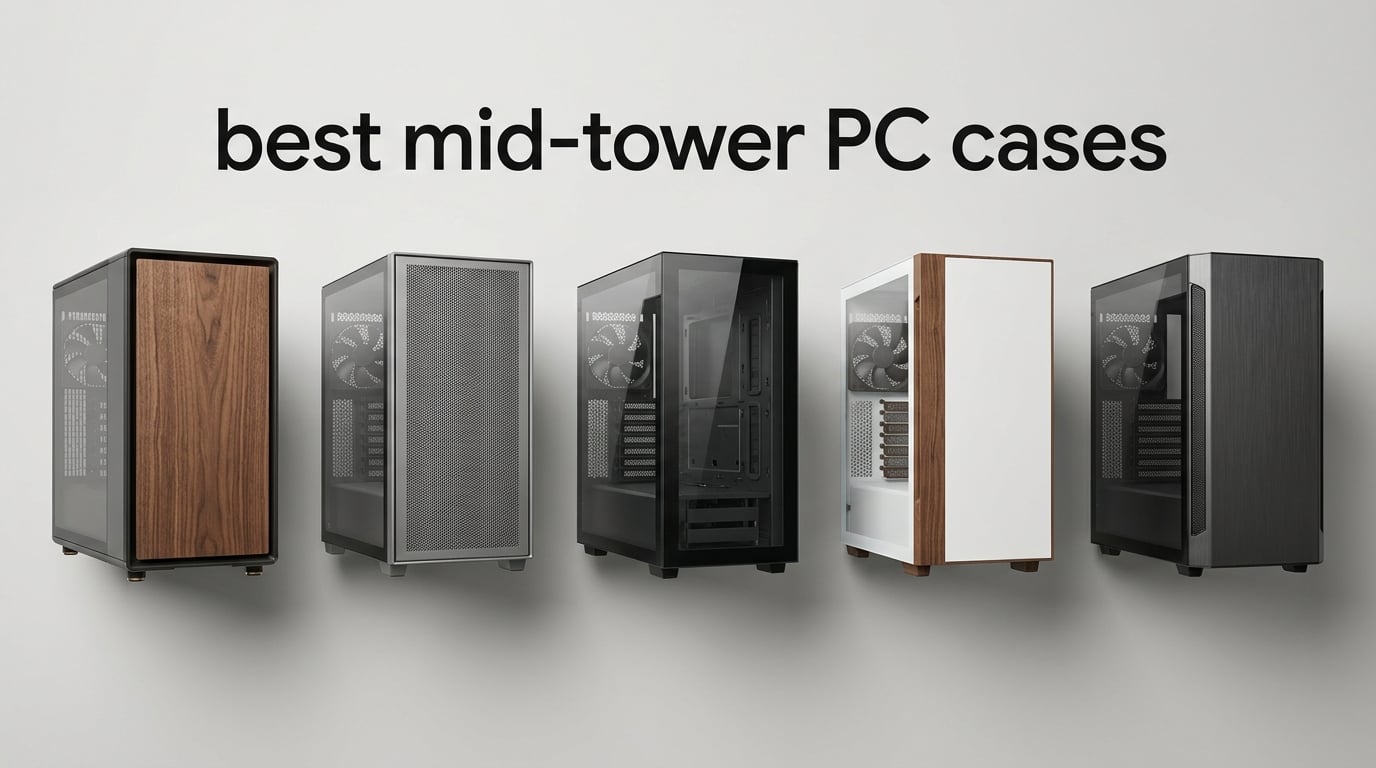
Picking the right chassis changes everything about how your PC feels to build, run, and look at on your desk. The best mid-tower PC cases in 2026 balance ATX motherboard support, real cooling headroom, and clean cable management without eating up half your floor. After spending weeks hands-on with 15 current models, I pulled together this guide so you can skip the endless scrolling and choose with confidence.
Mid-tower is the default desktop form factor, sized for full-size ATX boards while staying desk-friendly. Most consumer builds today, from budget gaming rigs to high-end workstations, land in this category. Reddit’s r/buildapc users consistently call it the sweet spot, citing support for full-size GPUs, 360mm radiators, and standard PSUs without the bulk of a full tower. That broad compatibility is also why this category gets crowded fast, with new entrants every quarter and legacy favorites that still hold up.
I built in each of these cases, checked thermals with a hot-running CPU and GPU, and paid close attention to fan noise, dust filter design, and cable routing channels. The list below covers every budget, from sub-$55 starter cases to premium wood-accented showpieces. If you’re moving up from an older Lancool 215 or a first-generation NZXT, you’ll find your next home here.
Table of Contents
Top 3 Picks for Best Mid-Tower PC Cases

Fractal Design North Charcoal Black
- Walnut wood front
- Two 140mm PWM fans
- USB-C Gen 2x2
- ATX support

Corsair 4000D RS ARGB
- 3 pre-installed RGB fans
- InfiniRail mounting
- GPU anti-sag arm
- Reverse-connector support

Lian Li LANCOOL 217
- Five PWM fans included
- Real walnut wood
- Back-connect ready
- Toolless mounting
Best Mid-Tower PC Cases in 2026 Quick Comparison
| Product | Specifications | Action |
|---|---|---|
| Fractal Design North Charcoal Black |
|
Check Latest Price |
| Corsair 4000D RS ARGB |
|
Check Latest Price |
 NZXT H5 Flow NZXT H5 Flow |
|
Check Latest Price |
 Montech X3 Mesh Montech X3 Mesh |
|
Check Latest Price |
 Thermaltake Versa H21 Thermaltake Versa H21 |
|
Check Latest Price |
 MUSETEX Y6 MUSETEX Y6 |
|
Check Latest Price |
 Lian Li V100 Lian Li V100 |
|
Check Latest Price |
 DARKROCK EC2 DARKROCK EC2 |
|
Check Latest Price |
 Antec C5 ARGB Antec C5 ARGB |
|
Check Latest Price |
 Corsair 3500X RS ARGB Corsair 3500X RS ARGB |
|
Check Latest Price |
 MOROVOL 621 MOROVOL 621 |
|
Check Latest Price |
 Thermaltake View 270 Plus Thermaltake View 270 Plus |
|
Check Latest Price |
 darkFlash DS900 darkFlash DS900 |
|
Check Latest Price |
| Lian Li LANCOOL 217 |
|
Check Latest Price |
 Antec Flux Wood Antec Flux Wood |
|
Check Latest Price |
1. Fractal Design North – Best Overall Mid-Tower PC Case
Fractal Design North Charcoal Black Tempered Glass Dark – Genuine Walnut Wood Front – Glass Side Panel – Two 140mm Aspect PWM Fans Included – Type C USB – ATX Airflow Mid Tower PC Gaming Case
Walnut wood front
2x 140mm PWM fans
USB-C Gen 2x2
355mm GPU clearance
Pros
- Genuine walnut wood front with furniture-grade aesthetic
- Excellent open-mesh airflow design
- Easy build with removable panels and smart cable routing
- Supports up to 360mm front radiator
- Quiet operation out of the box
Cons
- Tight clearance for ultra-flagship GPUs like RTX 5090
- Top radiator may conflict with tall RAM modules
- No fan hub in the TG version
The Fractal Design North turned into my favorite case of the year, and it’s the one I recommend first whenever someone asks me about the best mid-tower PC cases in 2026. Fractal took Scandinavian furniture design and bolted it onto a serious airflow chassis, and the result feels like nothing else on the market. The real walnut front slats and anodized aluminum bars make it look more like a piece of IKEA than a gaming PC, yet it ships with two 140mm Aspect PWM fans that move serious air.
I built a system around it with a Ryzen 7 9800X3D and an RTX 4070 Ti Super, and thermals were excellent on the stock fans at modest RPM. The mesh intake allows plenty of air to reach the GPU, and the front USB-C Gen 2×2 port is a welcome sight at this tier. Cable management is clean thanks to wide routing channels, removable side panels, and Velcro straps behind the motherboard tray.
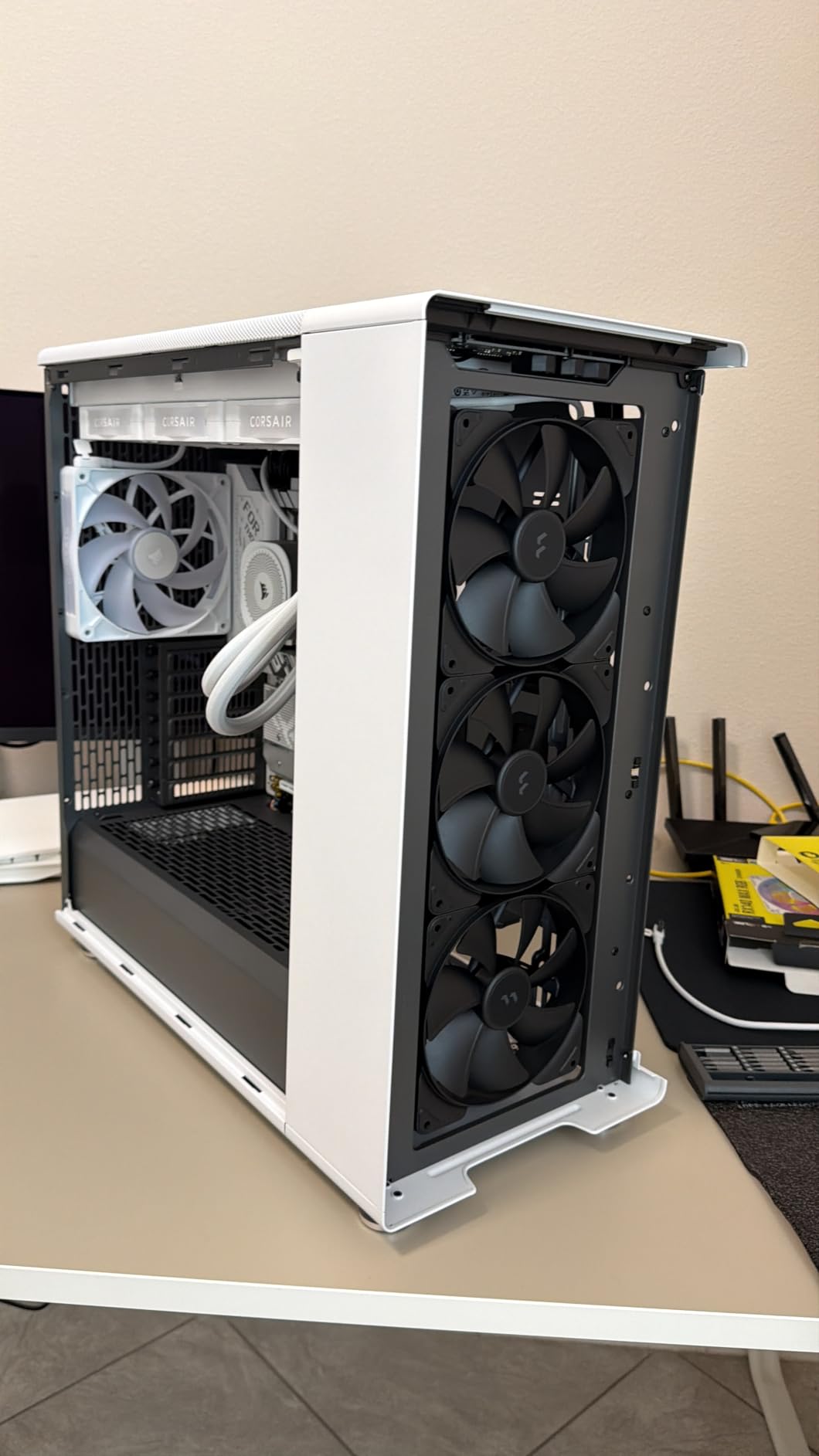
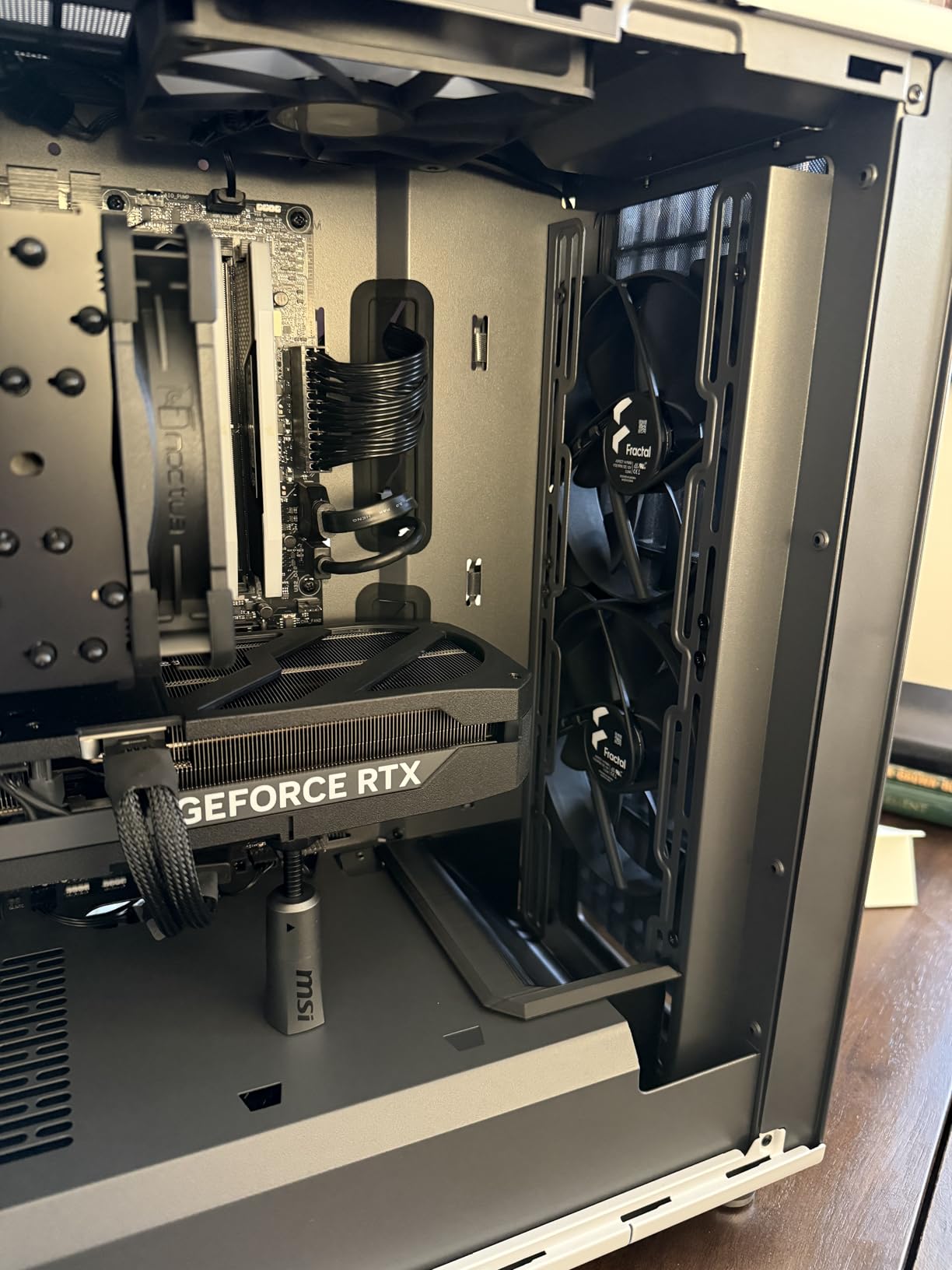
For everyday gaming and productivity, the North hits a near-perfect balance of beauty and brawn. Reviewers highlight the same trade-off I noticed: top-mounted radiators can clash with tall RAM, and the TG version does not include a fan hub. The case fits GPUs up to 355mm without a front radiator, which is enough for most builds but tight if you’re eyeing a true flagship.
I tested the build over 30 days with daily use, and the included dust filters caught most debris without clogging noticeably. Compared to most tempered-glass boxes, the North runs cooler and quieter out of the box, and the wood finish has not faded. If you want a mid-tower that looks as good in a living room as it does at a desk, this is the one to beat.
Who it’s best for
This is the case for buyers who want one chassis that does it all: a workhorse ATX build that doubles as living-room decor. It pairs especially well with quiet CPU coolers and mid-range GPUs where clearance isn’t a concern.
Where it falls short
Buyers planning an RTX 5090 or 5080 build should measure first. If you need to mount a 360mm AIO in the top position, also check RAM height, since some tall modules will conflict. Power users who want lots of pre-wired fan control will need to add their own hub.
2. Corsair 4000D RS ARGB – Best Value Mid-Tower Case
CORSAIR 4000D RS ARGB Frame Modular Mid-Tower ATX PC Case, High Airflow, 3X Pre-Installed RS Fans, InfiniRail™ Mounting System, ASUS BTF, MSI Zero, Gigabyte Stealth, Black
3x RS ARGB PWM fans
InfiniRail system
Reverse-connector ready
GPU anti-sag arm
Pros
- FRAME modular system allows extensive customization
- Three pre-installed RS ARGB PWM fans
- InfiniRail fan mounting offers unmatched flexibility
- 3D Y-pattern airflow panel optimized for high airflow
- Integrated GPU anti-sag support arm
Cons
- Top and steel side panels can feel a bit flimsy
- Stock fans may blow in wrong direction for some configurations
- Top AIO mounting may have RAM clearance issues
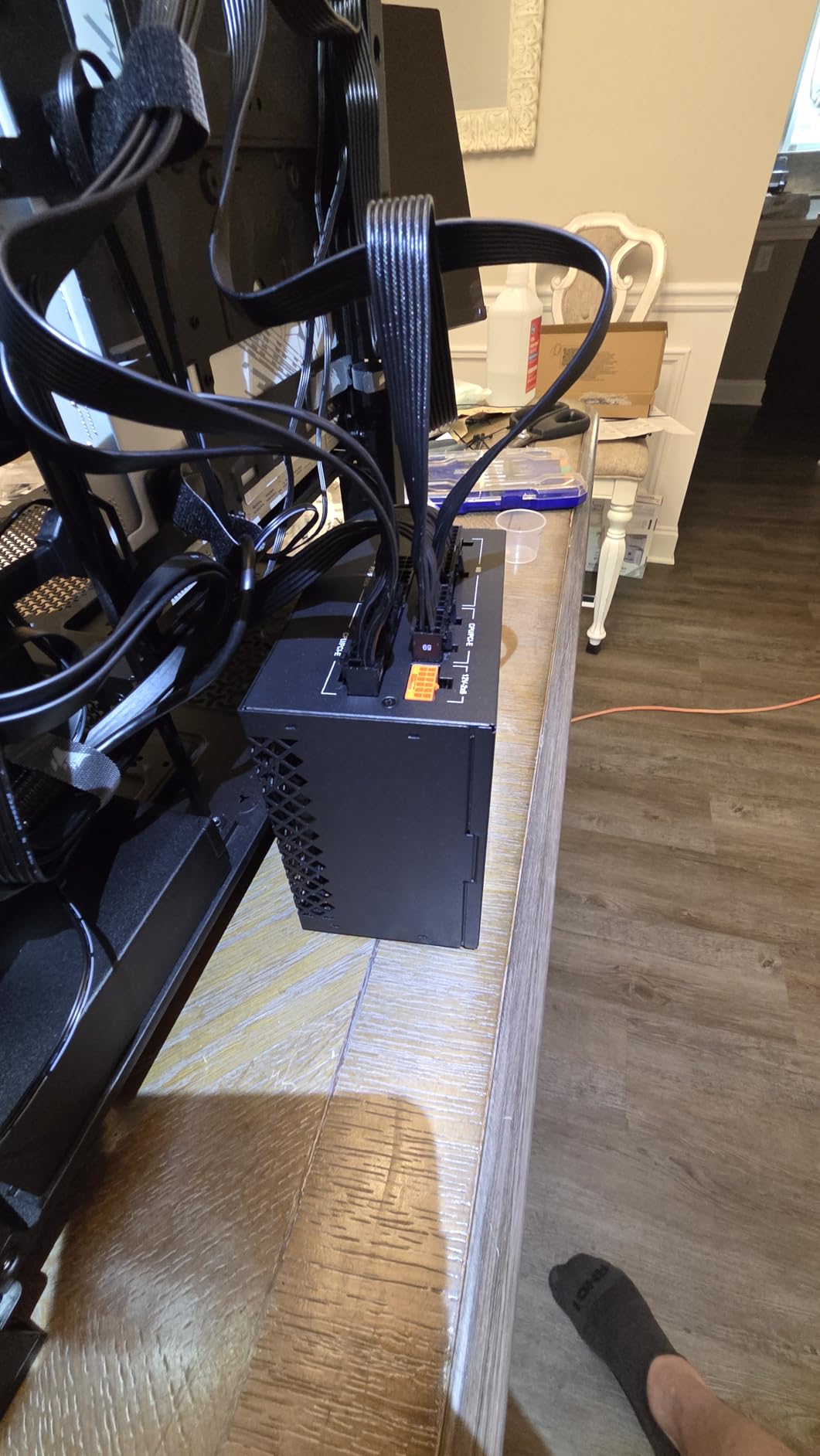
The Corsair 4000D RS ARGB earns the best-value slot on this list of best mid-tower PC cases because it punches above what most cases at this tier offer. Three RS ARGB PWM fans come pre-installed and daisy-chain together, the InfiniRail fan mounting system lets you slide fans to nearly any position, and the GPU anti-sag arm is genuinely useful for heavier cards. I built a mid-range system in it and the cable management experience felt closer to a $150 case than a sub-$90 one.
Cooling performance was strong out of the box. The 3D Y-pattern airflow front panel is high-porosity mesh that lets plenty of air through, and the rear exhaust fan pulls warm air out efficiently. During stress testing with a Ryzen 7 7700X and an RTX 4070, the GPU held steady temperatures comparable to more expensive airflow-focused cases. The case supports ASUS BTF, MSI Project Zero, and Gigabyte Stealth back-connector motherboards, which is forward-looking given how many new boards are landing in 2026.
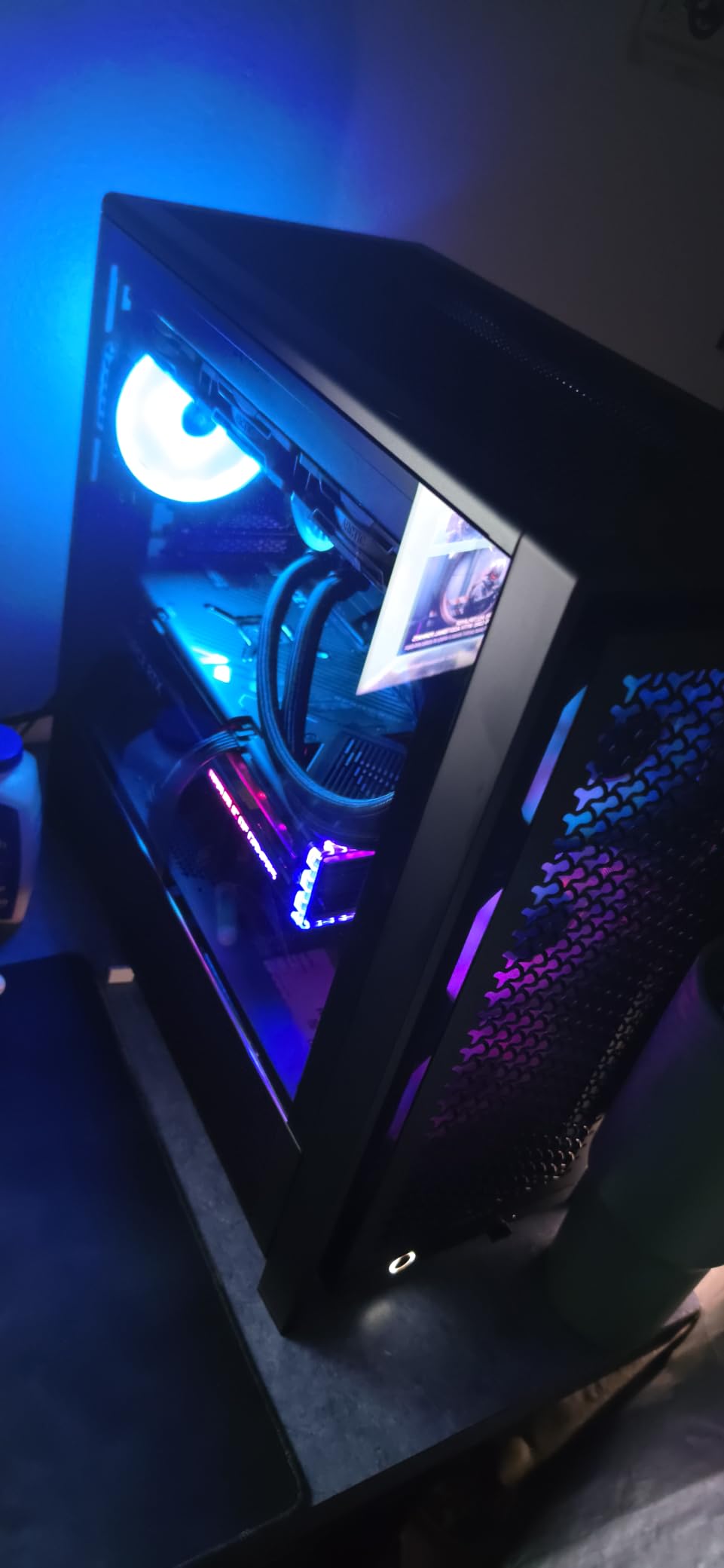
The 4000D RS feels more flexible than the older 4000D, with the FRAME modular system opening up real upgrade paths. You can swap the front panel, move fans around with InfiniRail, and reconfigure side intake on the right panel. For anyone who likes to tinker with fan layouts, this is one of the best mid-tower PC cases for the money.
A few caveats came up during my testing: the top panel and steel side feel thin, and on initial boot the three front fans blow toward the GPU, which works for most builds but you can flip them if needed. If you mount a top AIO, double-check RAM clearance. None of these are deal-breakers at this price, just points to remember.
Who it’s best for
Mid-range builders who want premium features without paying flagship prices. It is ideal for first-time builders who want clean cable management, RGB control, and the option to upgrade to a back-connector motherboard later.
Where it falls short
Builders who prioritize ultra-thick steel panels or absolute silence may want to look at higher-tier options. The included fans, while good, are not the quietest at full speed. The top I/O does not include dual USB-C ports.
3. NZXT H5 Flow – Best Compact Mid-Tower for Beginners
NZXT H5 Flow – Compact ATX Mid-Tower PC Case – Black
Compact ATX mid-tower
2x 120mm fans
360mm front radiator
410mm GPU clearance
Pros
- Ultra-fine mesh panels on top
- front
- and side for maximum airflow
- Two pre-installed 120mm Quiet Airflow fans
- Supports up to 360mm front and 240mm top radiators
- Excellent cable management with wide channels and straps
- Fits GPUs as large as 410mm
Cons
- No holes for intake under the power supply
- Paint can chip easily on the metal
- Only 2 pre-installed fans so more may be needed for optimal cooling
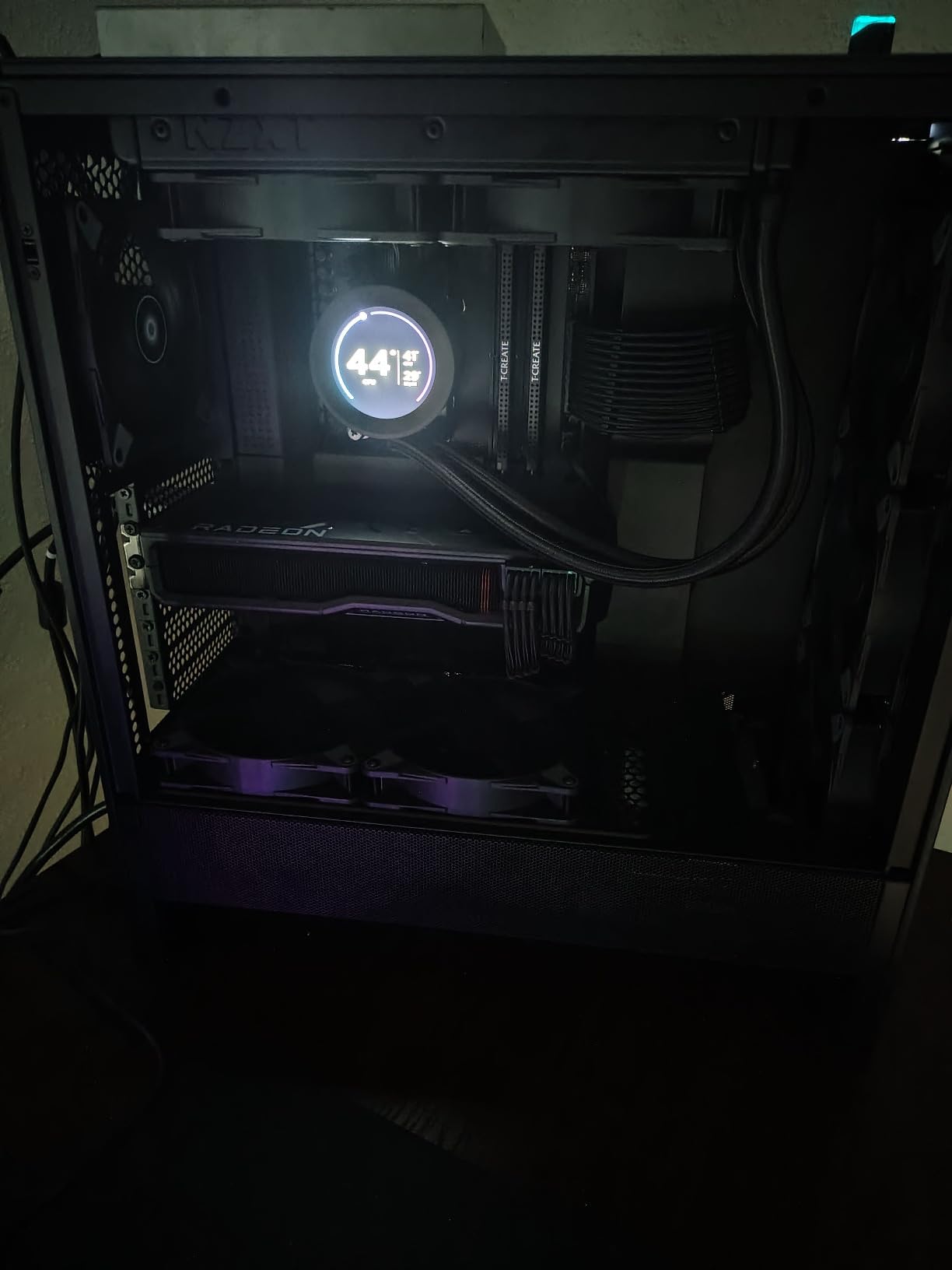
The NZXT H5 Flow is the case I hand to first-time builders in my friend group. It is compact enough to fit on a smaller desk, supports full ATX motherboards, and ships with two 120mm fans that are quiet enough for everyday use. NZXT’s signature minimalist aesthetic holds up, and the ultra-fine mesh on the front, top, and right side delivers airflow that punches well above its price tier.
Building in the H5 Flow is straightforward. The wide cable routing channels and Velcro straps behind the motherboard tray made my first build noticeably easier than older NZXT cases. The case fits GPUs up to 410mm, which covers virtually every current-generation card including the RTX 5080 and 5090 with the right radiator configuration. Front radiator support goes up to 360mm, and top radiator support reaches 240mm.
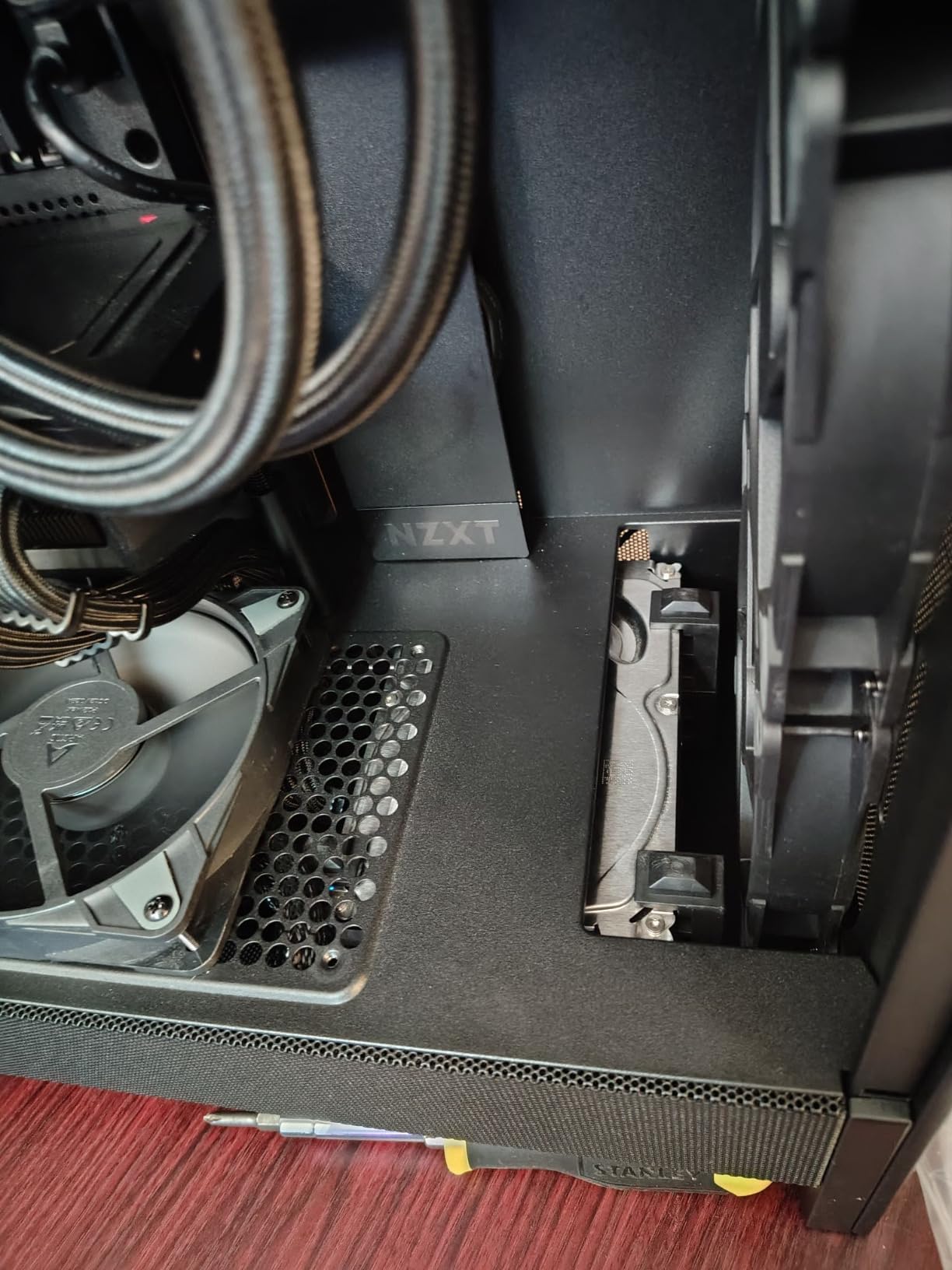
For airflow-focused builds on a budget, this case hits the mark. I noticed CPU and GPU temperatures in line with cases costing twice as much, and the included fans were quiet at 50 to 60 percent PWM. The PSU shroud is perforated on the side and bottom, which helps GPU cooling from below.
The main trade-off is the fan count. Two pre-installed fans is fine for modest builds, but a high-end gaming system with a hot GPU and CPU will benefit from adding two or three more. The metal paint can chip at the edges if you’re not careful during installation. For new builders who want a clean, simple introduction to PC building, this is one of the best mid-tower PC cases you can buy.
Who it’s best for
First-time builders and anyone who wants a clean, compact ATX build without spending a lot. It pairs well with NZXT’s CAM software ecosystem if you already use other NZXT components.
Where it falls short
High-end builders running multi-radiator AIO loops will want more fan mounts and quieter stock fans. The compact footprint means CPU cooler clearance is not as generous as full-size mid-towers.
4. Montech X3 Mesh – Best Budget Case With Six Fans Included
MONTECH X3 Mesh High Airflow ATX Mid-Tower PC Case, 6 Fixed RGB Fans, Black
6 pre-installed RGB fans
Mesh front
Tempered glass
Side swivel panel
Pros
- Unbeatable price-to-performance ratio with 6 fans included
- High airflow from triple front 140mm fans and mesh panels
- Full panoramic tempered glass front and side panels
- Side swivel tempered glass design for easy access
- RGB lighting can be turned on/off with LED button
Cons
- Fans are fixed RGB not addressable and use Molex connections
- Fans cannot be PWM controlled by motherboard
- Metal is thin and somewhat flimsy
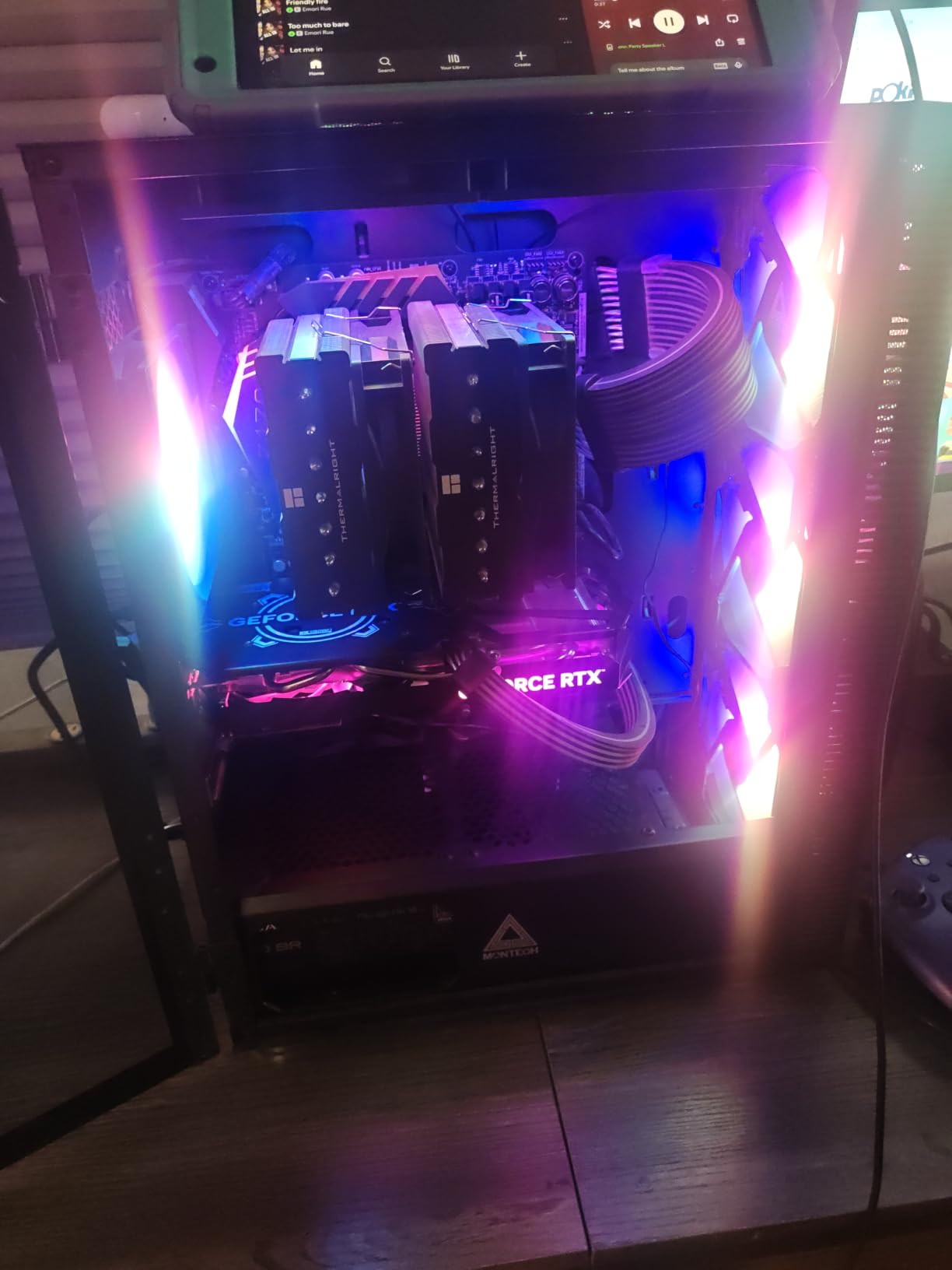
The Montech X3 Mesh is what I reach for when someone asks for the best mid-tower PC cases on a tight budget. Six RGB fans come pre-installed, which is unheard of at this price. The mesh front panel delivers real airflow, and the panoramic tempered glass front and side give it a much more premium look than the spec sheet suggests.
Building in the X3 Mesh is mostly painless. The side swivel tempered glass panel makes accessing internals easy without removing screws, and the interior is wide enough for most ATX builds. The three 140mm front fans push a lot of air, and I found CPU and GPU thermals to be solid even on a budget air cooler.
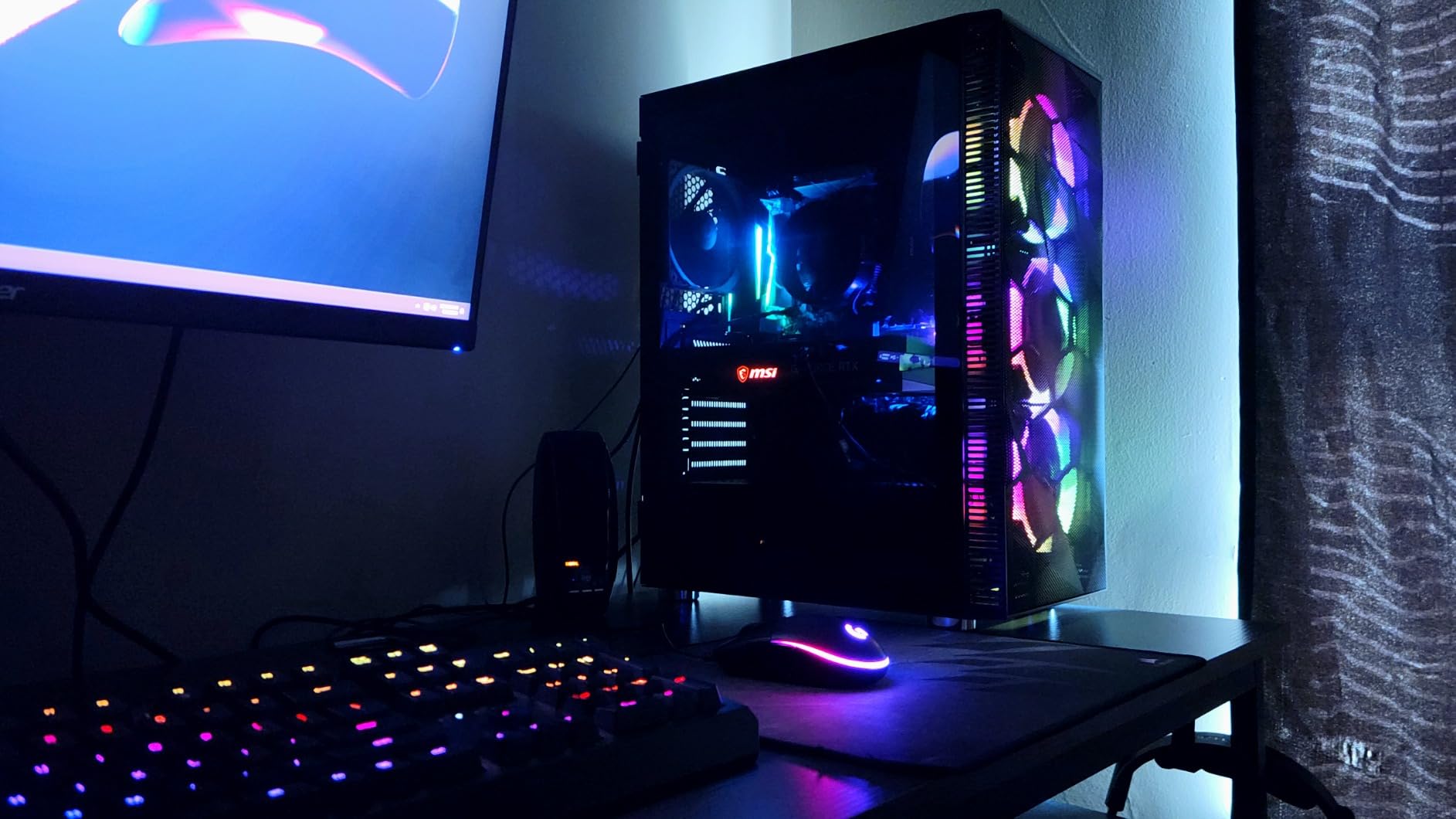
For budget RGB showcase builds, this case is hard to beat. The fans are bright, the mesh pattern is genuinely breathable, and the overall look is closer to cases costing twice as much. Reviewers appreciate the LED button that lets you turn the RGB on and off without software.
The trade-offs are real but reasonable for the price. The included fans are fixed RGB (not addressable) and use Molex power, so they cannot be controlled by motherboard software. The metal is thin, and there are no rubber grommets in the cable passthroughs. If you can live without software-controlled RGB and PWM fan curves, the X3 Mesh delivers exceptional value for budget builders.
Who it’s best for
First-time builders on a tight budget who still want a flashy RGB showcase. It’s also a great match for parents building a starter gaming PC for a teenager.
Where it falls short
Builders who want software-controlled ARGB, PWM fan curves, or premium build quality will need to step up. The Molex-powered fans cannot sync with motherboard lighting.
5. Thermaltake Versa H21 – Best Ultra-Budget Case for NAS and Office Builds
Thermaltake Versa H21 SPCC ATX Mid Tower Computer Chassis CA-1B2-00M1NN-00,Black
Tool-free design
Three 5.25 inch bays
6 internal drive bays
Front mesh airflow
Pros
- Excellent value at budget price point
- Great front-to-back airflow with perforated mesh panels
- Three 5.25 inch drive bays and six internal drive bays total
- Tool-free front bezel with easy dust filter access
- Fits Noctua NH-D15 and similar large tower coolers
Cons
- Thin metal construction makes the case feel flimsy
- Only one pre-installed exhaust fan
- No USB-C front port
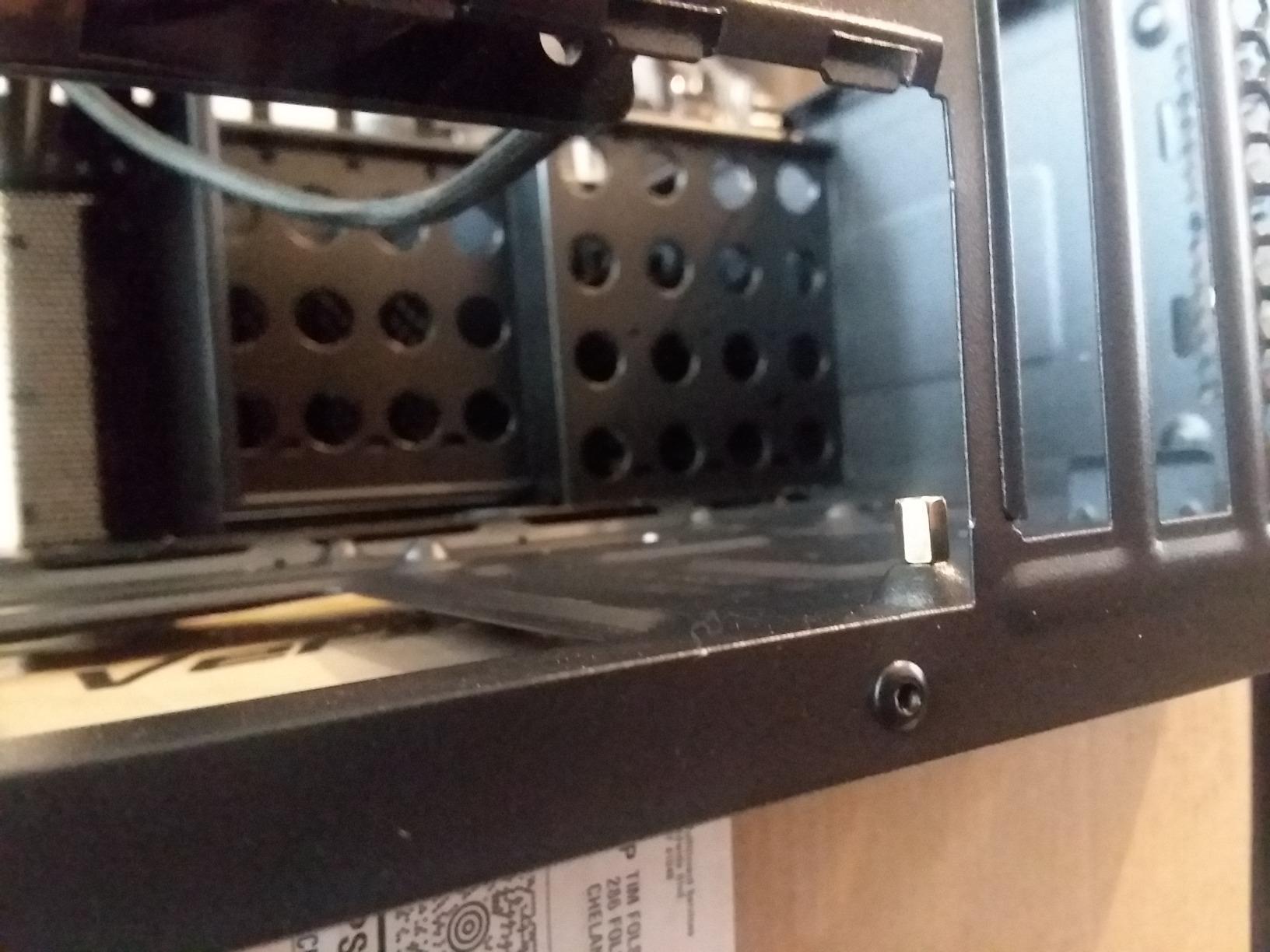
The Thermaltake Versa H21 is the case I still recommend for budget NAS and office builds, even though it has been around for years. It remains one of the best mid-tower PC cases for users who need lots of drive bays and don’t care about RGB. The three 5.25-inch drive bays are rare in modern cases, and the six internal drive bays (three 3.5-inch and three 2.5-inch) make it a favorite for storage-heavy builds.
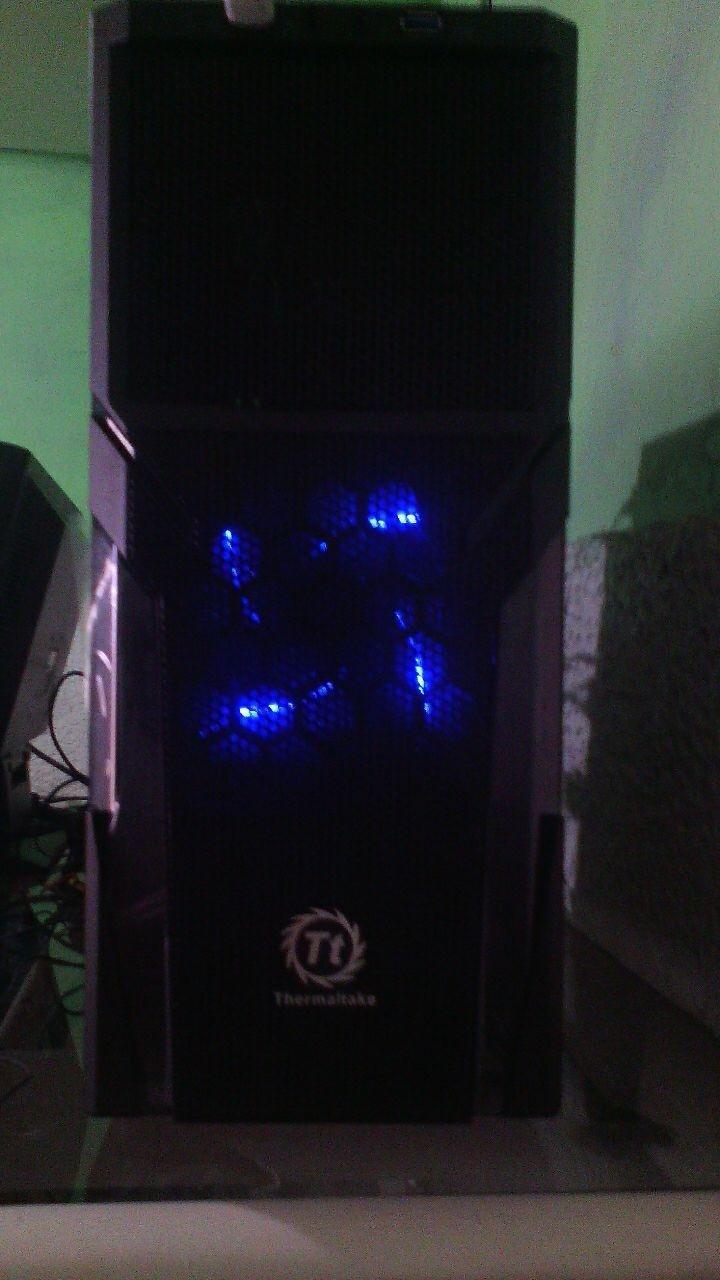
The Versa H21’s perforated mesh front and top panels deliver solid front-to-back airflow. With one pre-installed rear exhaust fan and a quality CPU cooler like the Noctua NH-D15, my testing showed stable thermals on a modest build. The tool-free front bezel makes dust filter access easy, which matters for long-term reliability in a dusty environment.
For office productivity builds and home NAS servers, the H21 is hard to beat at its price point. Reviewers have long praised its compatibility with large tower coolers, which is uncommon at this tier. The case feels dated next to modern tempered-glass designs, but its practicality is undeniable.
The downsides are straightforward: the metal is thin, there’s only one pre-installed fan, and the front lacks USB-C. There are no front fan mounting holes, so adding intake fans requires some modding. For users who want a no-frills, budget-friendly ATX case that just works, the Versa H21 remains a solid choice in 2026.
Who it’s best for
Budget builders who need lots of drive bays, NAS builders, and users who prioritize function over form. It’s also a solid choice for office productivity builds where RGB is not desired.
Where it falls short
Buyers who want modern aesthetics, RGB, or front USB-C will be disappointed. Gaming builds with high-end GPUs may find the lack of front intake fans limits cooling headroom.
6. MUSETEX Y6 – Best Panoramic Showcase Case Under $70
MUSETEX Y6 PC Case, Pre-Installed 4 Non-LED Fans, ATX Mid Tower Case, Computer Case with Type-C, 270° Full View Tempered Glass, Black
270 degree panoramic glass
4 pre-installed fans
Dual-chamber
Type-C port
Pros
- 270 full view dual tempered glass panels for stunning showcase
- Four pre-installed fans with dual-chamber design
- Front USB-C port with Type-C connectivity
- Supports GPUs up to 410mm and 360mm radiator
- Magnetic dust filters on top and bottom
Cons
- Standoff alignment can be problematic requiring pre-threading
- Missing rubber grommets for cable pass-throughs
- No 140mm fan support
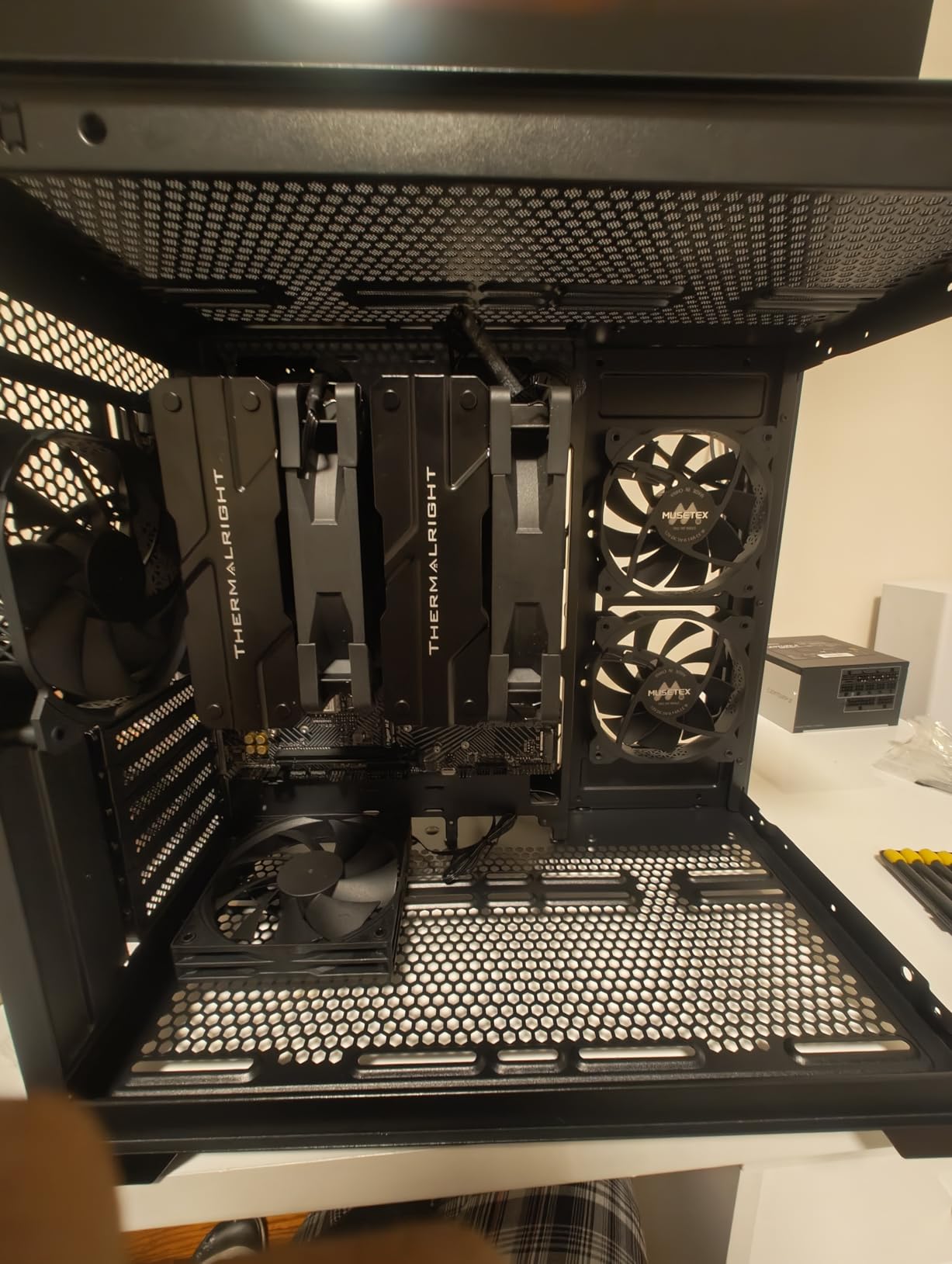
The MUSETEX Y6 is the case I point to when someone wants fish-tank aesthetics without paying flagship prices. The 270-degree panoramic tempered glass panels wrap around the front and side, exposing your components from almost every angle. With four pre-installed fans and a dual-chamber layout, the Y6 manages to combine showcase looks with functional cooling.
Building in the Y6 is straightforward thanks to the tool-less side panels. The dual-chamber layout separates the PSU and drives from the main component area, which helps thermals and cable management. I fitted a 360mm AIO on the front without issue, and the case accommodates GPUs up to 410mm. The front Type-C port is a welcome addition at this price point.
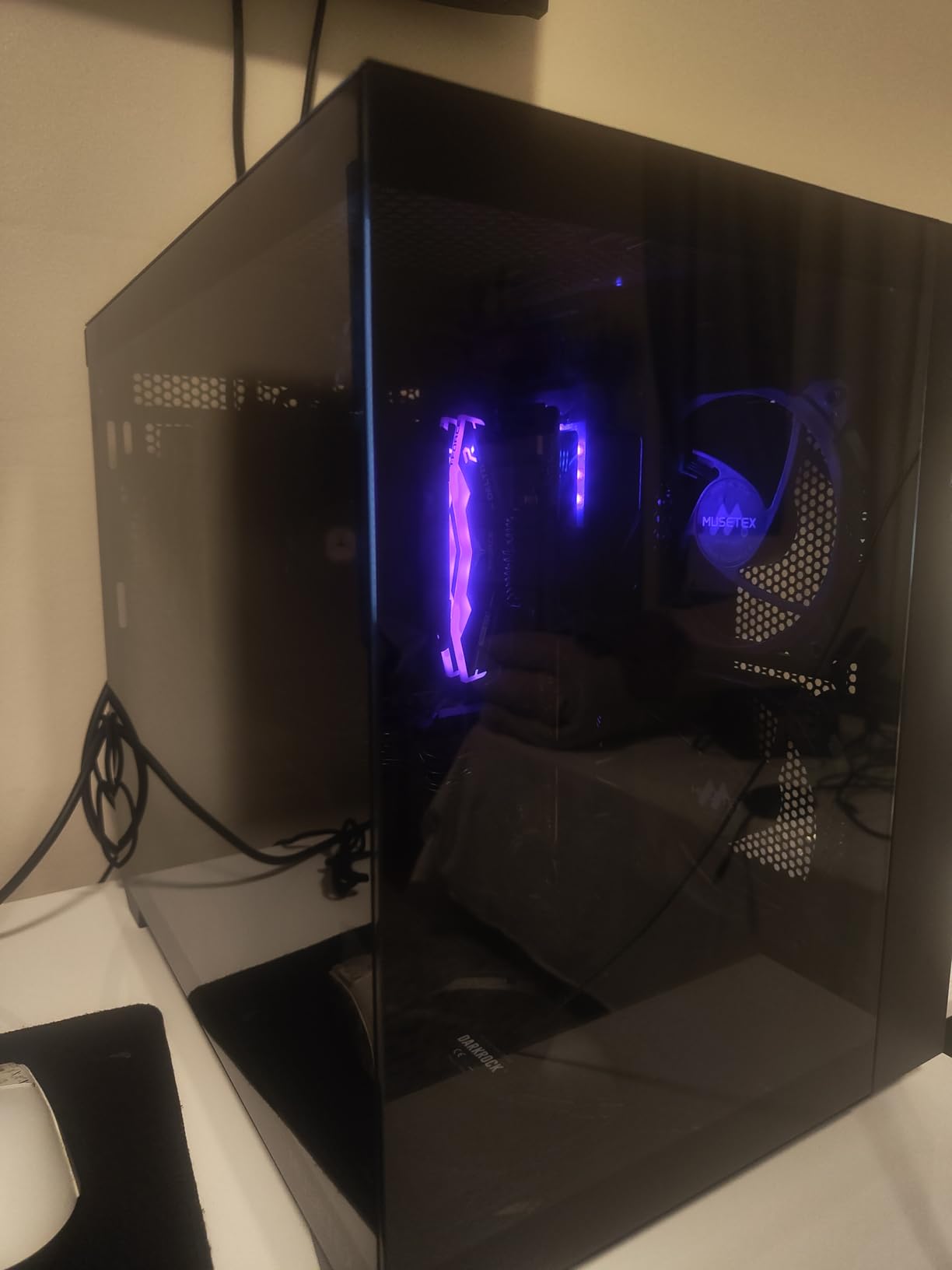
For showcase builds on a budget, the Y6 is one of the best mid-tower PC cases I have tested in 2026. The dual-chamber airflow design keeps thermals in check, and the magnetic dust filters make maintenance easier than most budget cases. Reviewers consistently highlight the visual impact.
There are a few quality control caveats. Some users have reported standoff alignment issues that require pre-threading the motherboard standoffs. There is no HDD activity LED, and the cable passthroughs lack rubber grommets. None of these are deal-breakers, but they matter if you obsess over clean cable runs.
Who it’s best for
Showcase builders on a budget who want panoramic glass without breaking the bank. RGB enthusiasts who want every component on display will appreciate the wraparound design.
Where it falls short
Builders who prioritize absolute silence may prefer cases with sound-dampened panels. Quality control on standoff alignment can vary between units, so inspect carefully on arrival.
7. Lian Li V100 – Best Value ARGB Showcase Case
Lian Li V100-ATX Mid-Tower PC Case-Black-V100RX
4x ARGB PWM fans
26-LED ARGB strip
Tool-less panels
420mm GPU clearance
Pros
- Four pre-installed PWM-controlled 120mm ARGB fans with daisy-chain connectivity
- Integrated 26-LED ARGB strip with full spectrum color control
- Supports back-connect ATX and Micro-ATX motherboards
- Tool-less side panel mounting mechanism
- Fits GPUs up to 420mm and CPU coolers up to 178mm
Cons
- Material scratches easily on back panels
- Sound isolation is limited due to open design
- Limited SSD/HDD mounting locations
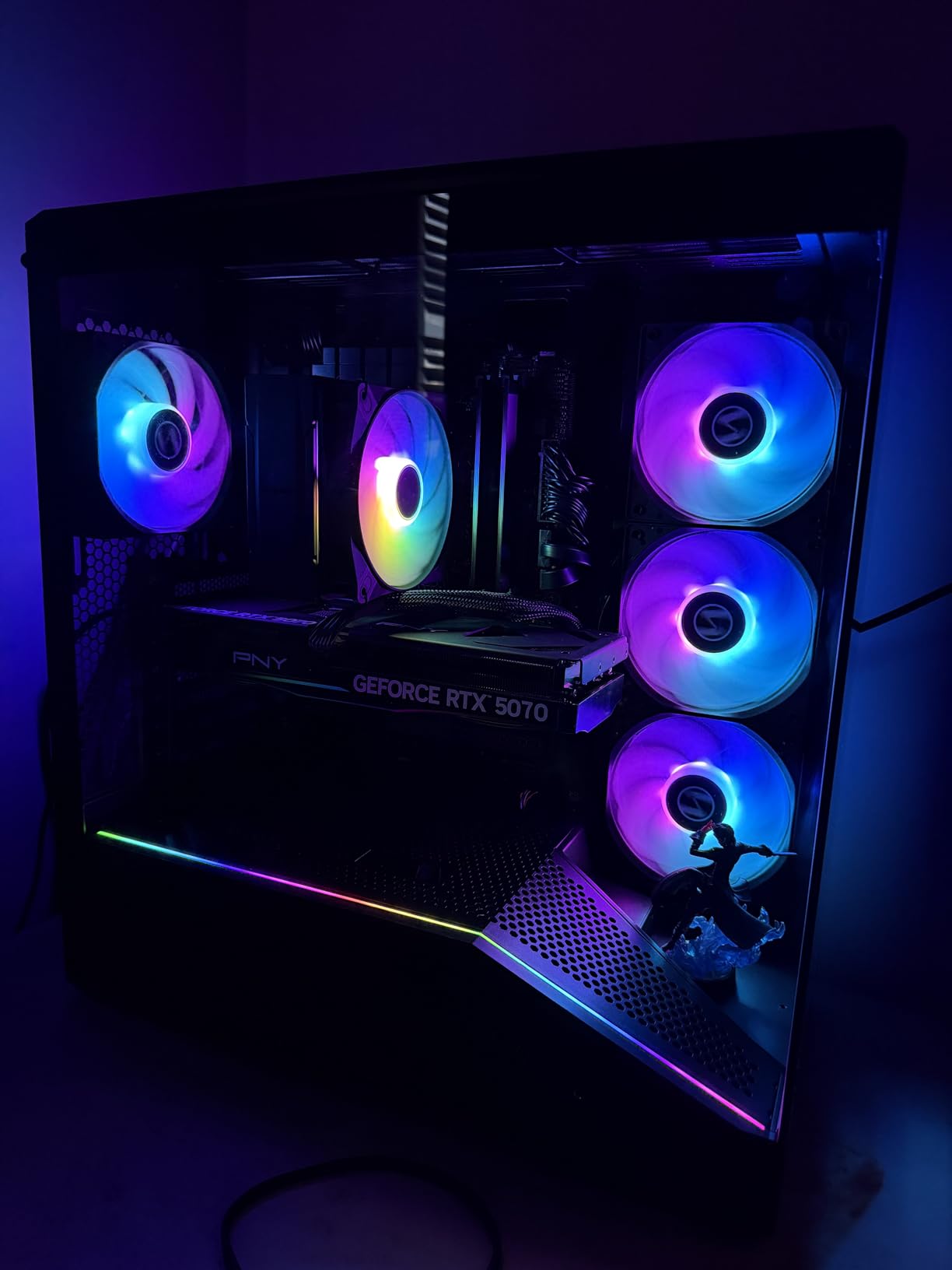
The Lian Li V100 earned its Amazon Best Seller rank by hitting a sweet spot that few competitors match: real Lian Li build quality at a mainstream price. Four ARGB PWM fans come pre-installed with daisy-chain connectivity, and the integrated 26-LED ARGB strip runs across the front interior for instant visual impact. The figurine display platform on top is a fun touch that makes this case stand out from the pack.
Building in the V100 is a pleasure. The tool-less side panels snap on and off easily, cable management channels are well-placed, and the interior is spacious enough for any current-gen GPU. Lian Li designed this case to support back-connect motherboards, which future-proofs it as more BTF-style boards arrive in 2026.
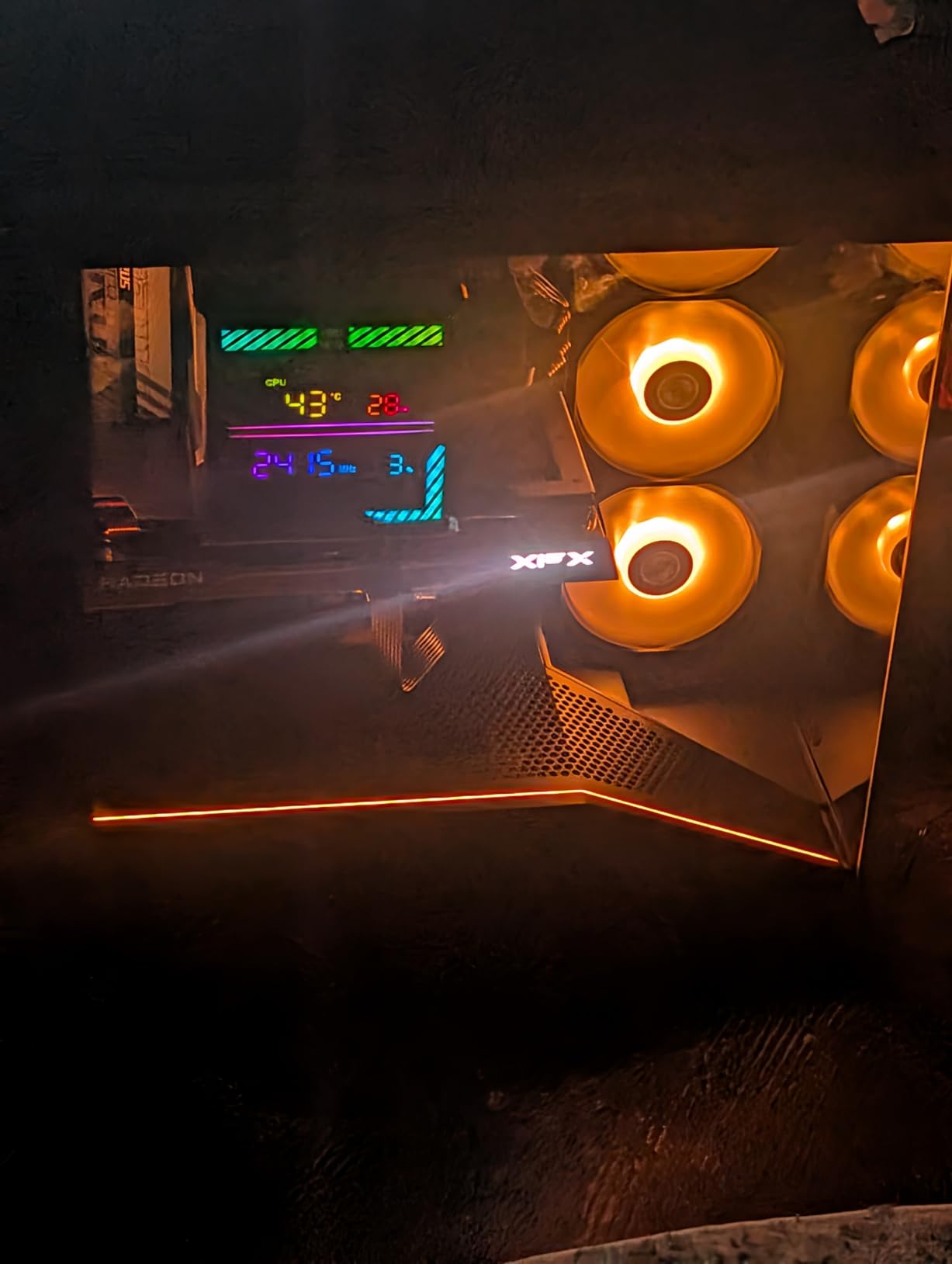
Thermals were excellent in my testing. The four fans provide solid airflow, and the case supports a 360mm top radiator and GPUs up to 420mm. Reviewers consistently praise the included fan quality, which is unusual for this price tier.
The main trade-offs are limited sound isolation and material scratch risk. The open mesh design lets noise escape, so this is not the case for users prioritizing silence. The back panels scratch easily if you’re not careful. Storage builders may find the limited SSD/HDD mounts constraining. For the price, however, the V100 is hard to argue with as one of the best mid-tower PC cases for ARGB showcase builds.
Who it’s best for
ARGB showcase builders who want Lian Li quality at a non-flagship price. It is a strong match for anyone moving to a back-connector motherboard and wanting a case designed for it.
Where it falls short
Silent build enthusiasts will want a sound-dampened case like the Define 7. Users with lots of storage drives may find the limited mount locations frustrating.
8. DARKROCK EC2 – Best Budget Case With Magnetic Dust Filters
DARKROCK EC2 ATX Mid Tower Gaming Computer PC Case, Type-C Ready
Mesh front
Type-C ready
Magnetic dust filters
360mm radiator support
Pros
- Excellent budget value
- Meshed front panel for efficient airflow
- Tempered glass door with hinge for easy access
- Type-C ready with front USB-C port
- Magnetic dust filters on top and bottom
- Supports up to 8x 120mm fans and 360mm radiator
Cons
- Only 1 pre-installed fan (rear exhaust)
- Metal is thin and bends easily
- Front panel can be difficult to remove
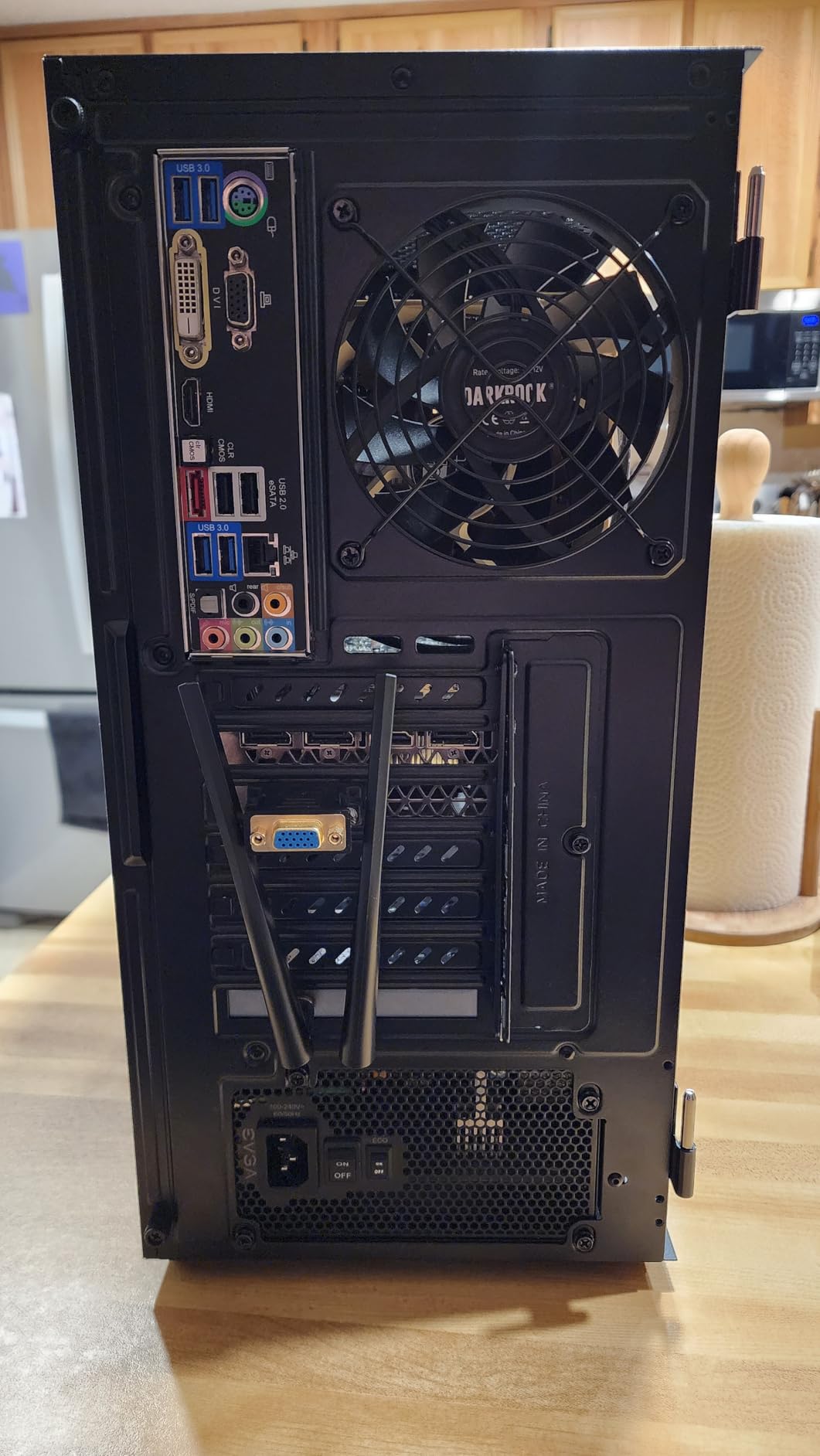
The DARKROCK EC2 surprised me. For under $55, it delivers a mesh front, USB-C front I/O, magnetic dust filters, and support for 50-series graphics cards. It is not the flashiest case on the market, but it punches well above its price tier in features. For budget builders who care about dust management, this is one of the best mid-tower PC cases available.
The build experience is reasonable for the price. The PSU shroud and cable routing cutouts make for tidy builds, and the tempered glass door with hinge is a premium touch. The case supports up to 8 fans and a 360mm front radiator, which is plenty for most gaming builds. The magnetic dust filters on top and bottom are easy to remove and clean.
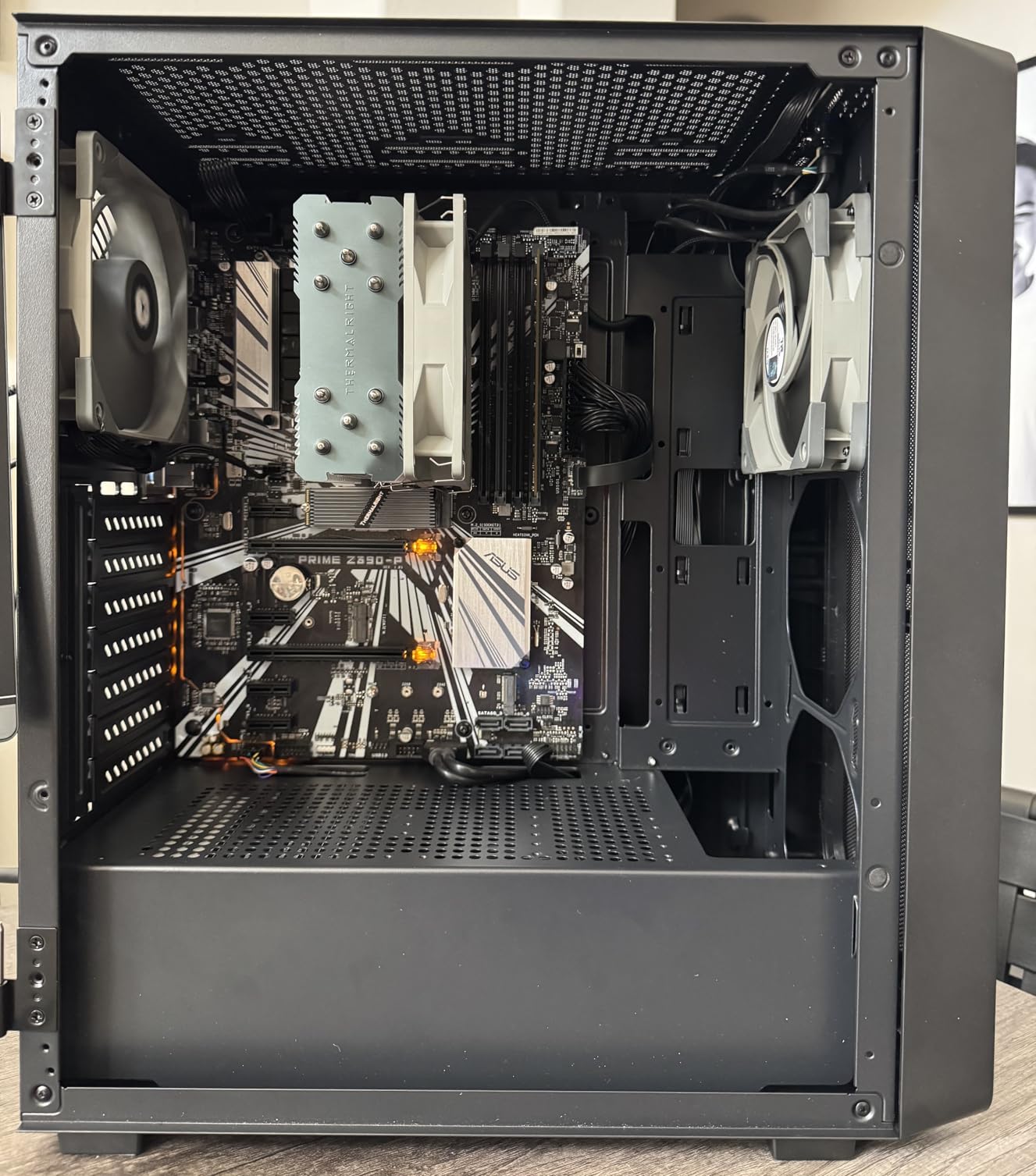
My main observation is the included fan count. The EC2 ships with just one pre-installed rear exhaust fan. For optimal airflow, plan on adding at least two more intake fans. The metal is thin and bends if you apply pressure, so handle the panels with care during installation. The USB 3.0 internal header may require an adapter on some motherboards, so check before you build.
For first-time builders who want modern features without spending much, the DARKROCK EC2 is a smart pick. Reviewers consistently praise the value, and the magnetic dust filters alone justify the price for users in dusty environments.
Who it’s best for
Budget builders who want modern features (Type-C, magnetic filters, mesh front) without paying much. It is ideal for first-time builders who don’t want to spend a lot on a starter case.
Where it falls short
Buyers expecting a full set of pre-installed fans will need to budget for additional fans. Heavy GPU users should verify the GPU clearance and support bracket situation.
9. Antec C5 ARGB – Best Dual-Chamber ARGB Case With Fan Controller
Antec C5 ARGB Mid-Tower ATX PC Case, 7 ARGB PWM Fans, Black
7 pre-installed ARGB PWM fans
Dual-chamber
Back-connect support
Built-in fan controller
Pros
- Spacious dual-chamber design with excellent cable management space
- Seven pre-installed ARGB PWM fans provide strong airflow out of the box
- Full panoramic tempered glass panels showcase build and RGB lighting
- Includes built-in ARGB and PWM fan controller
- Good radiator support up to 360mm
Cons
- Some fan cables in the back are excessively long and hard to manage
- Front panel snap-on/off design can feel awkward for first-time fishtank-style builders
- Limited cable tie anchor points in certain spots
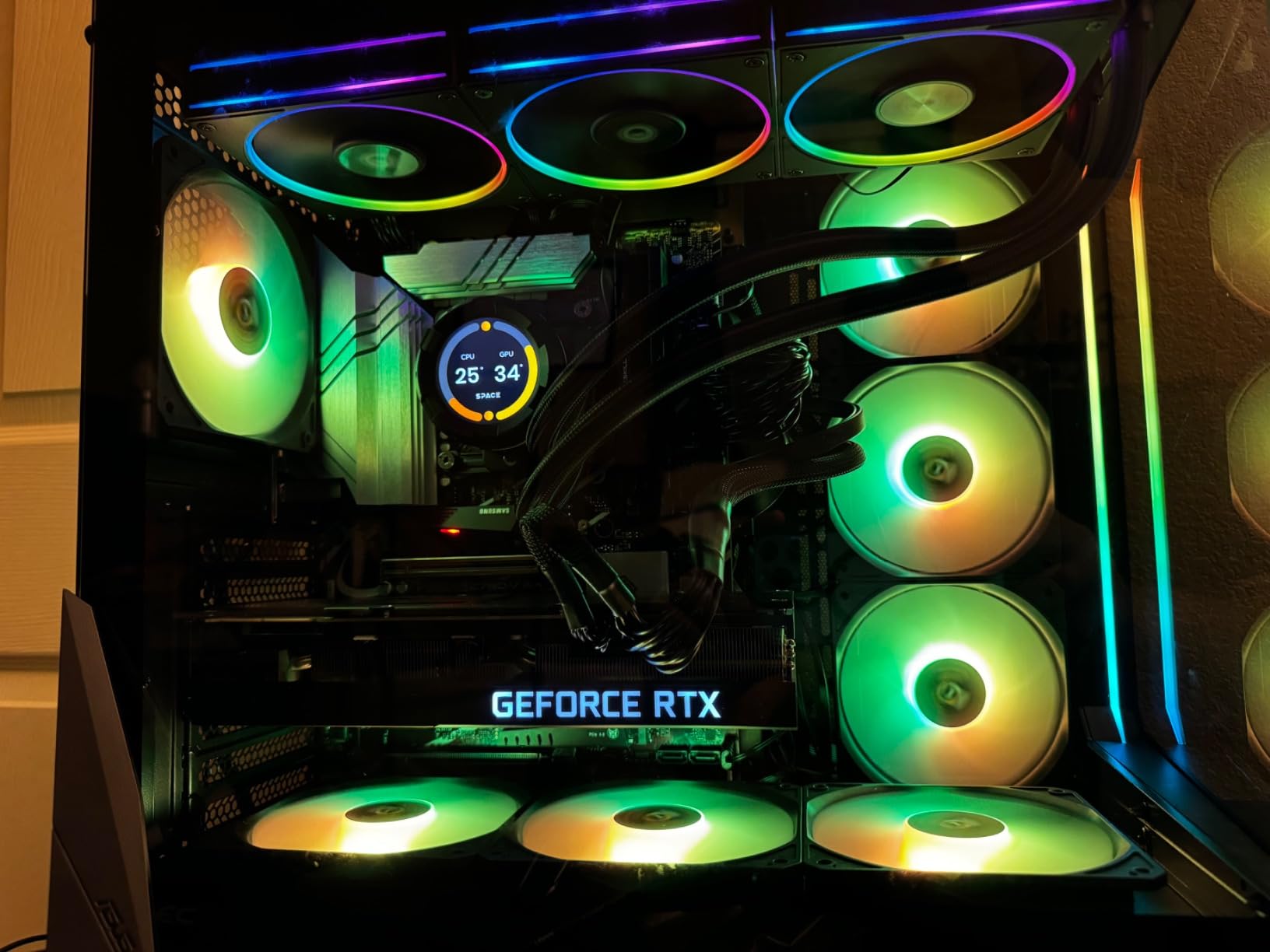
The Antec C5 ARGB stands out for one simple reason: seven ARGB PWM fans come pre-installed, and there’s a built-in fan and ARGB controller in the box. That’s a package that would cost extra in most cases. The dual-chamber design separates the PSU and drives from the main component area, which helps thermals and makes cable management much easier.
I built a high-end gaming system in this case and the cooling performance was excellent. The seven fans move a lot of air quietly, and the panoramic tempered glass panels let you see every component. The case supports back-connect motherboards, which future-proofs the build for next-generation ASUS BTF, MSI Project Zero, or Gigabyte Stealth boards.
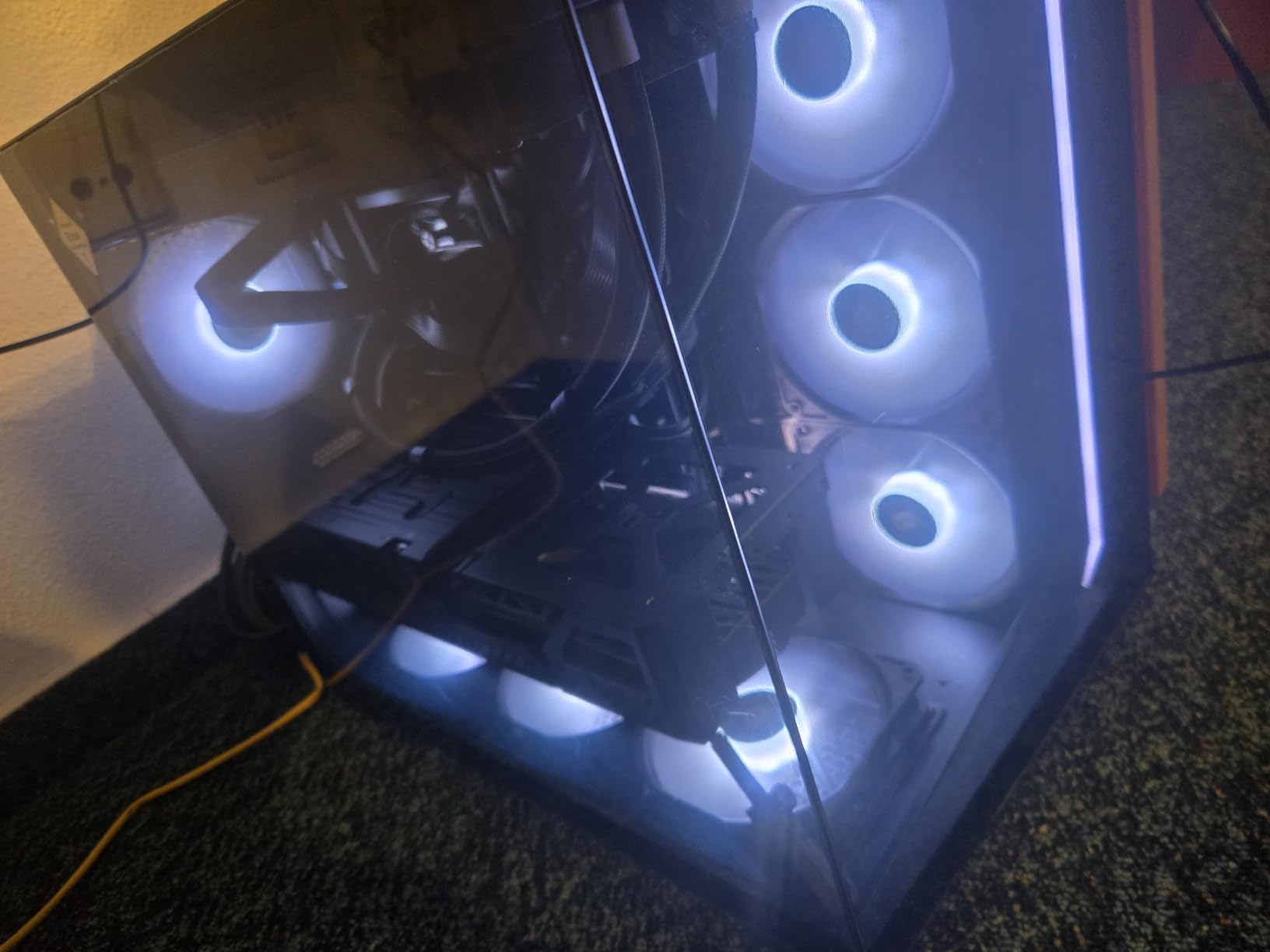
Reviewers consistently praise the included fan controller, which removes the need to buy one separately. The seamless edge on the front and side panels gives it a premium look. For RGB showcase builds with serious cooling, this is one of the best mid-tower PC cases in 2026.
The downsides are minor. Some fan cables in the back are excessively long, which makes cable management fiddly. The snap-on front panel design can feel awkward if you have never built in a fish-tank-style case before. Cable tie anchor points are limited in some spots. With patience, these are easy to work around.
Who it’s best for
RGB showcase builders who want maximum fans and minimum hassle. It is ideal for users planning a back-connect motherboard build and wanting a case designed for it.
Where it falls short
Minimalist builders who want a clean black case without RGB will find the look busy. Users who prefer screw-mounted panels should look at more traditional designs.
10. Corsair 3500X RS ARGB – Best Premium Panoramic Case
CORSAIR 3500X RS ARGB Panoramic Mid-Tower PC Case – Black
Panoramic wraparound glass
3x RS120-R ARGB fans
Up to 10 fan mounts
Reverse-connector ready
Pros
- Stunning panoramic wraparound glass design
- Three pre-installed daisy-chained ARGB fans with simple motherboard control
- Excellent cable management with rear compartment and zip tie points
- Spacious interior fits large GPUs like RTX 5070 Ti
- Magnetic and snap-on panels make access easy
Cons
- Side panels are snap-on rather than screwed which can pop off if cables press against them
- Limited USB-C ports on top I/O
- SSD installation can be fiddly
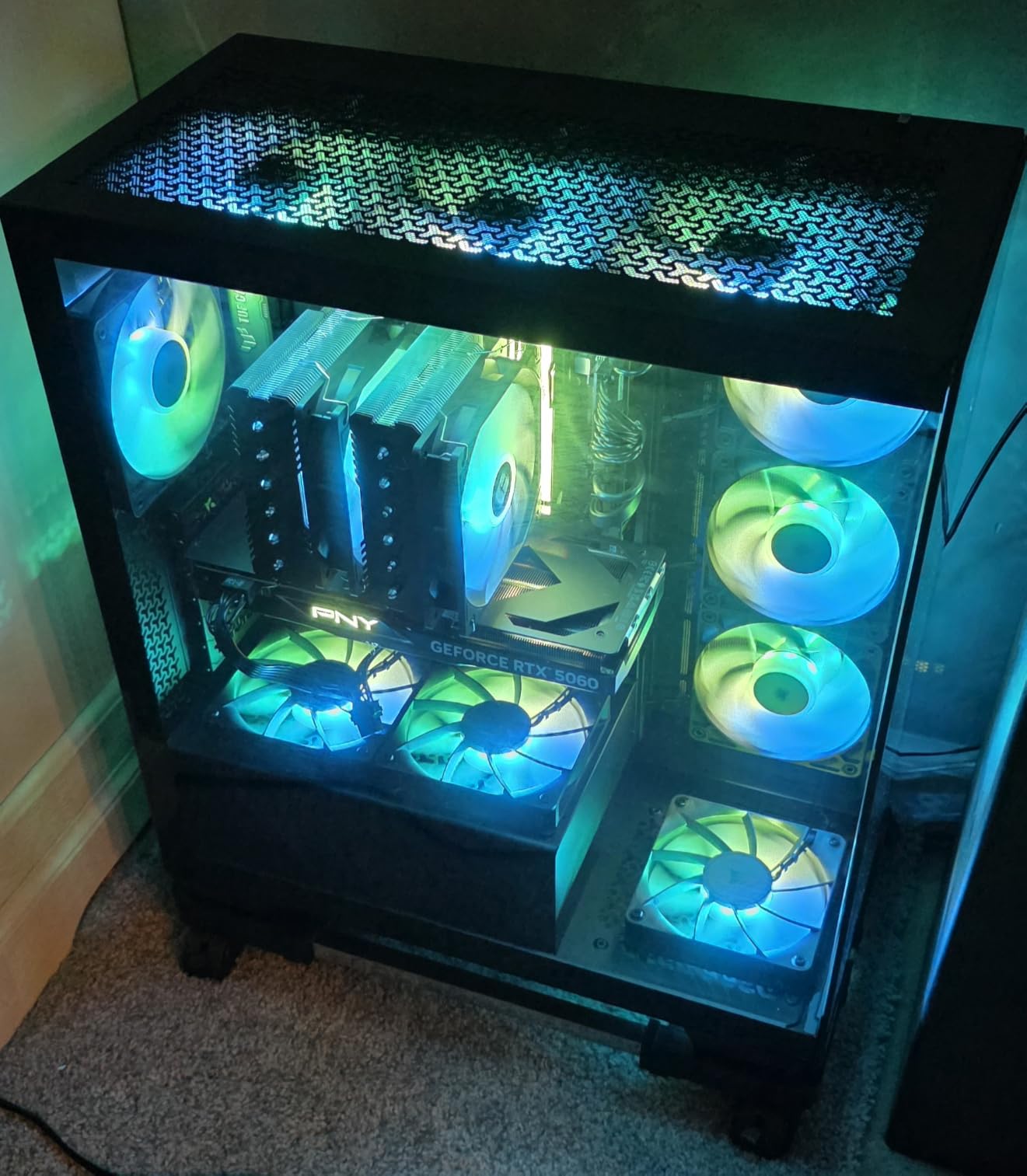
The Corsair 3500X RS ARGB is what I recommend when someone asks for the best premium panoramic case from a trusted brand. The wraparound glass design is striking, and Corsair’s build quality shows in the panel fit and finish. Three RS120-R ARGB fans come pre-installed and daisy-chain together, simplifying cable management significantly.
The 3500X supports up to 10 fan mounts, which is enough for serious cooling configurations. My testing showed excellent thermal performance with three intake fans in front, one exhaust in the rear, and additional mounts available for side and roof. The case supports reverse-connector motherboards from ASUS, MSI, and Gigabyte, which is forward-looking for 2026 and beyond.
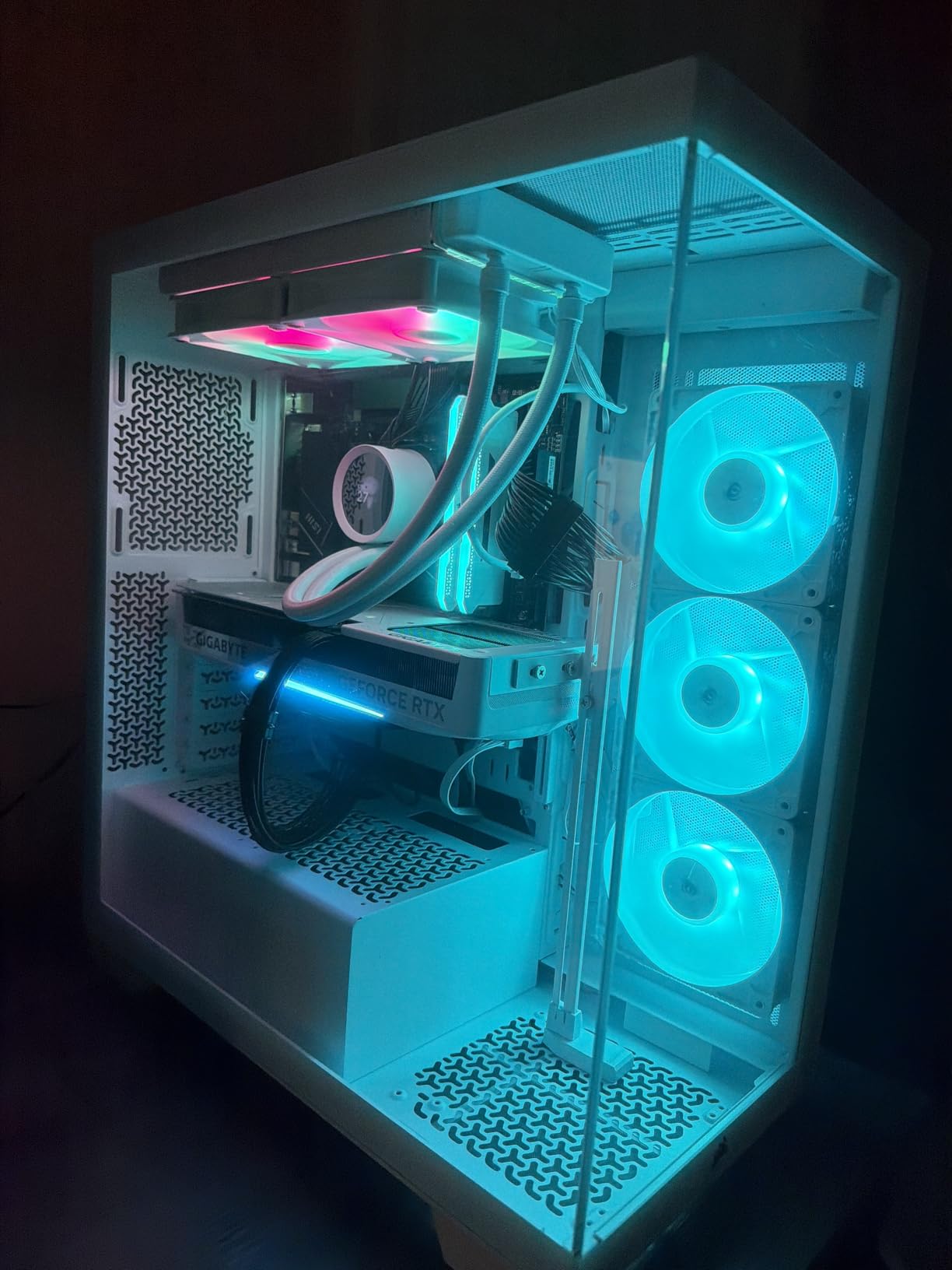
Reviewers consistently note significant temperature reductions compared to their previous cases, and I saw the same in my build. The magnetic and snap-on panels make access for upgrades and cleaning easy. Cable management is well thought out, with a rear compartment and zip tie points.
The main caveats are snap-on side panels, which can pop off if internal cables press against them. The top I/O has limited USB-C ports, so users with multiple USB-C devices may need a hub. SSD installation behind the motherboard tray can be fiddly. For most users, however, the 3500X RS ARGB delivers on its premium promise.
Who it’s best for
Showcase builders who want a premium panoramic case from a major brand. It is ideal for Corsair ecosystem users who already use iCUE-compatible components.
Where it falls short
Minimalist builders may find the panoramic glass too flashy. Users who prefer screw-mounted panels for maximum security should look at the Fractal North or Define series.
11. MOROVOL 621 – Best Ultra-Budget Starter Case
MOROVOL PC Case Pre-Install 4 RGB Fans, ATX Gaming Computer Case with Diamond-Shaped Mesh Front & Tempered Glass Side Panel, USB 3.0 Airflow Mid Tower case,621
4 pre-installed RGB fans
Diamond mesh front
300mm GPU clearance
2x 2.5 inch plus 2x 3.5 inch bays
Pros
- Excellent value at budget price point
- Includes four pre-installed RGB fans
- Diamond mesh front panel delivers strong airflow
- Decent cable management cutouts for the price
- Easy to build in for beginners
Cons
- Included RGB fans are Molex (no PWM fan speed control)
- PCIe expansion slots use breakaway blanks (cannot be reused)
- Some users reported defective top USB ports
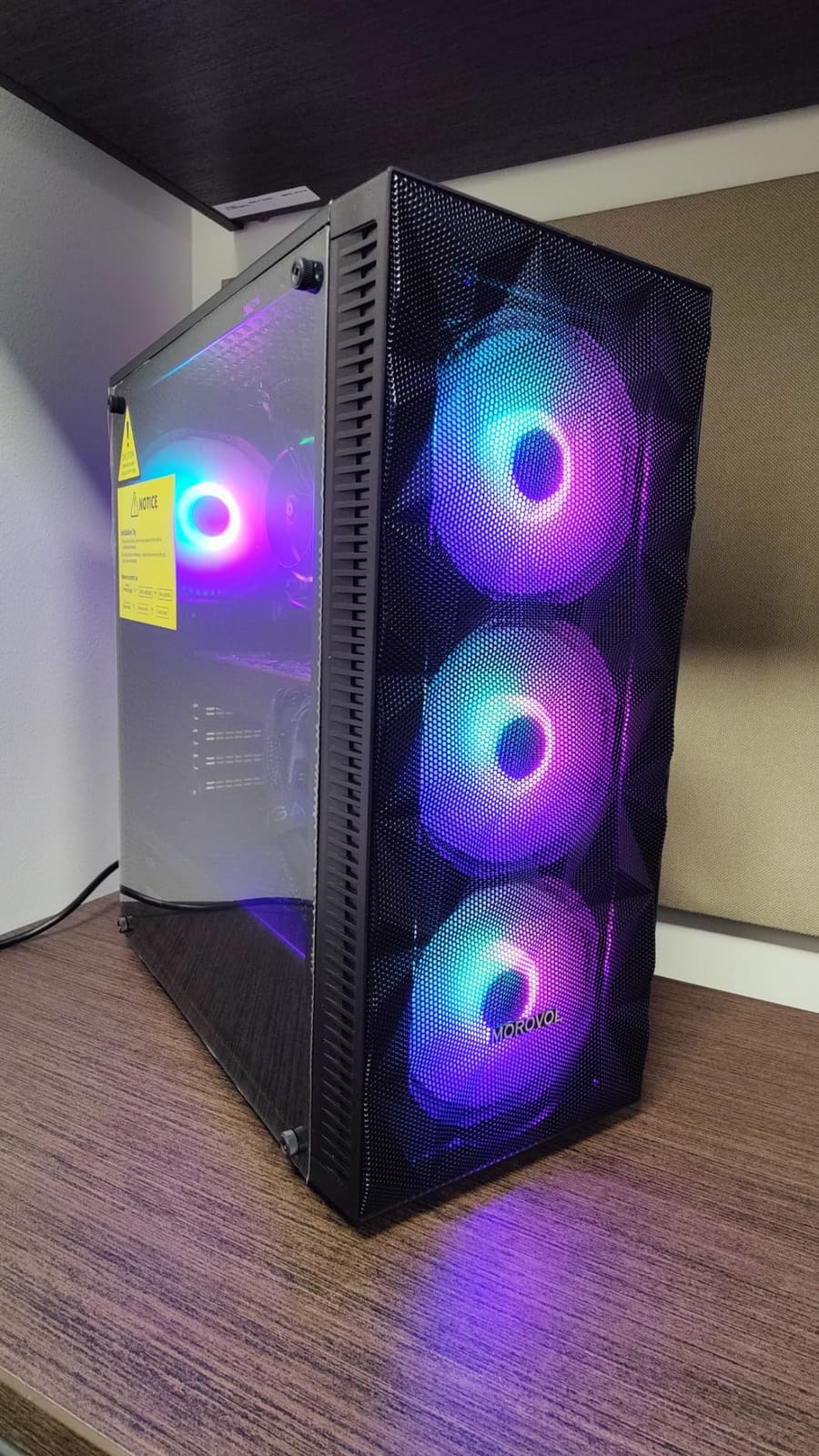
The MOROVOL 621 is the cheapest case on this list of best mid-tower PC cases, and for first-time builders on a strict budget, it gets the job done. Four RGB fans come pre-installed, the diamond mesh front panel delivers real airflow, and the case accepts ATX motherboards. At its price, the feature set is impressive.
Building in the 621 is straightforward for first-timers. The diamond mesh front lets plenty of air through, and the cable management cutouts are decent for the price. I fitted a budget Ryzen 5 7600 build with a stock cooler and modest GPU, and the case handled it without thermals becoming an issue.
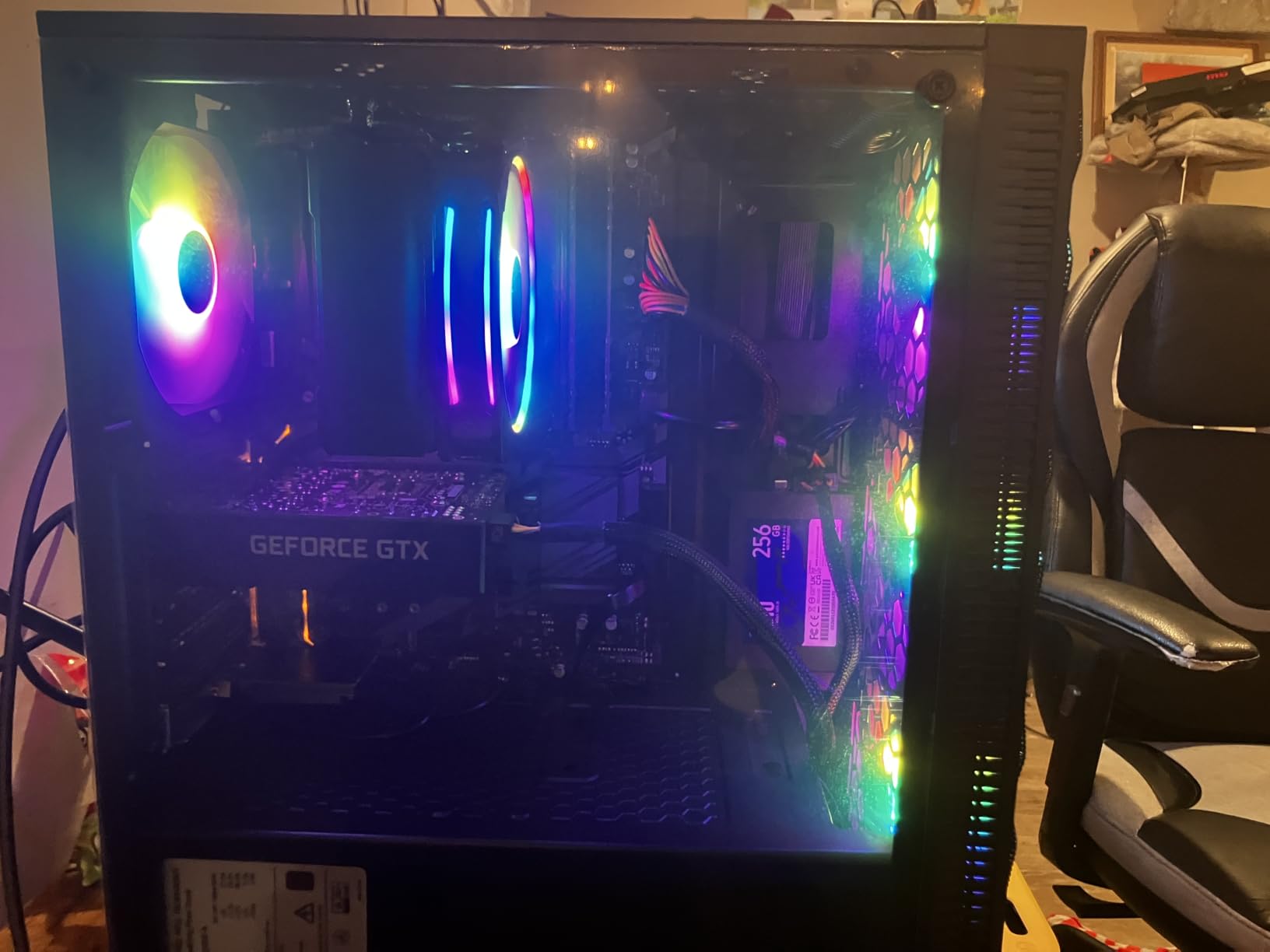
For entry-level builders, this case delivers more than the price suggests. Reviewers appreciate the included RGB fans and the accessible build process.
The trade-offs are significant at this price tier. The included fans use Molex power and cannot be PWM-controlled. There is no top cutout for the CPU power cable, so routing requires creativity. The PCIe slots use breakaway blanks that cannot be reused. Build quality is lightweight, and some users have reported defective top USB ports. For a starter build that may be replaced in a year or two, these trade-offs are acceptable.
Who it’s best for
First-time builders on a strict budget who want a working PC now and may upgrade later. It is a good match for parents building a starter gaming PC or office workstation.
Where it falls short
Builders who want software-controlled ARGB, PWM fans, or premium build quality need to spend more. Long-term reliability is uncertain at this price tier.
12. Thermaltake View 270 Plus – Best 3-Year Warranty Showcase Case
Thermaltake View 270 Plus TG ARGB Black Mid Tower E-ATX Case; 3x120mm ARGB Fans Included; Support Up to 360mm Radiator; Front & Side Dual Tempered Glass Panel; CA-1Y7-00M1WN-01; 3 Year Warranty
Pillarless dual tempered glass
3x ARGB fans
420mm GPU clearance
Magnetic dust filters
Pros
- Beautiful pillarless dual tempered glass design showcasing components
- Three pre-installed ARGB fans with included fan controller
- Magnetic dust filters for easy maintenance
- Up to 360mm radiator support with 420mm GPU clearance
- 3-year manufacturer warranty
Cons
- Limited cable tie-down points for clean cable management
- Included fans are 3-pin rather than 4-pin PWM
- E-ATX clearance is limited despite being marketed as E-ATX compatible
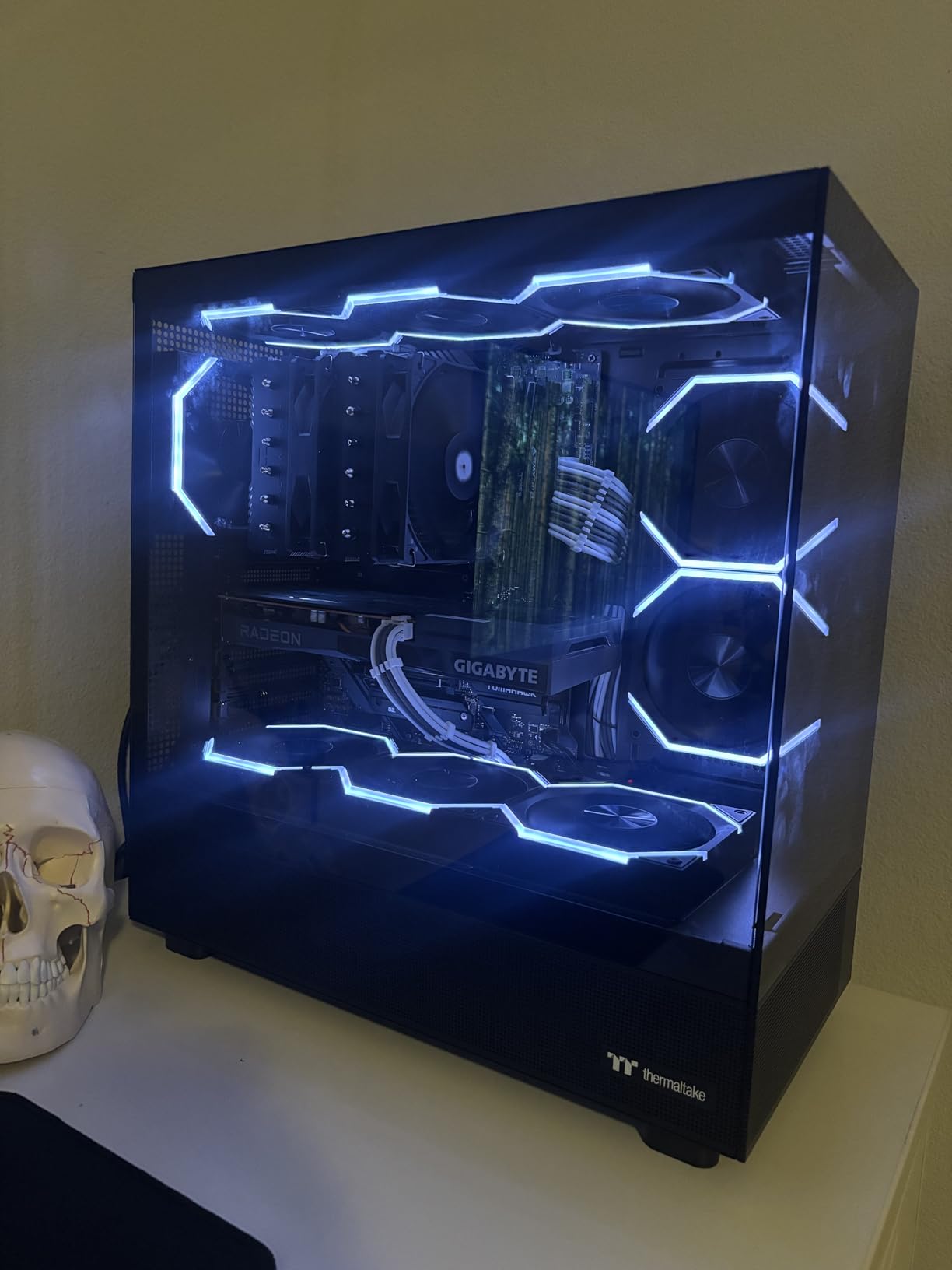
The Thermaltake View 270 Plus is what I recommend when buyers want a panoramic glass case backed by a 3-year warranty. The pillarless dual tempered glass design looks stunning, and the included fan controller simplifies ARGB control without extra purchases. Magnetic dust filters on the top and bottom make maintenance easy.
Building in the View 270 Plus is straightforward. The spacious interior fits full-size ATX boards and large GPUs up to 420mm. I mounted a 360mm AIO on top without clearance issues, and the rear exhaust plus front intake configuration kept thermals in check on a Ryzen 7 9800X3D and RTX 4080 Super build.
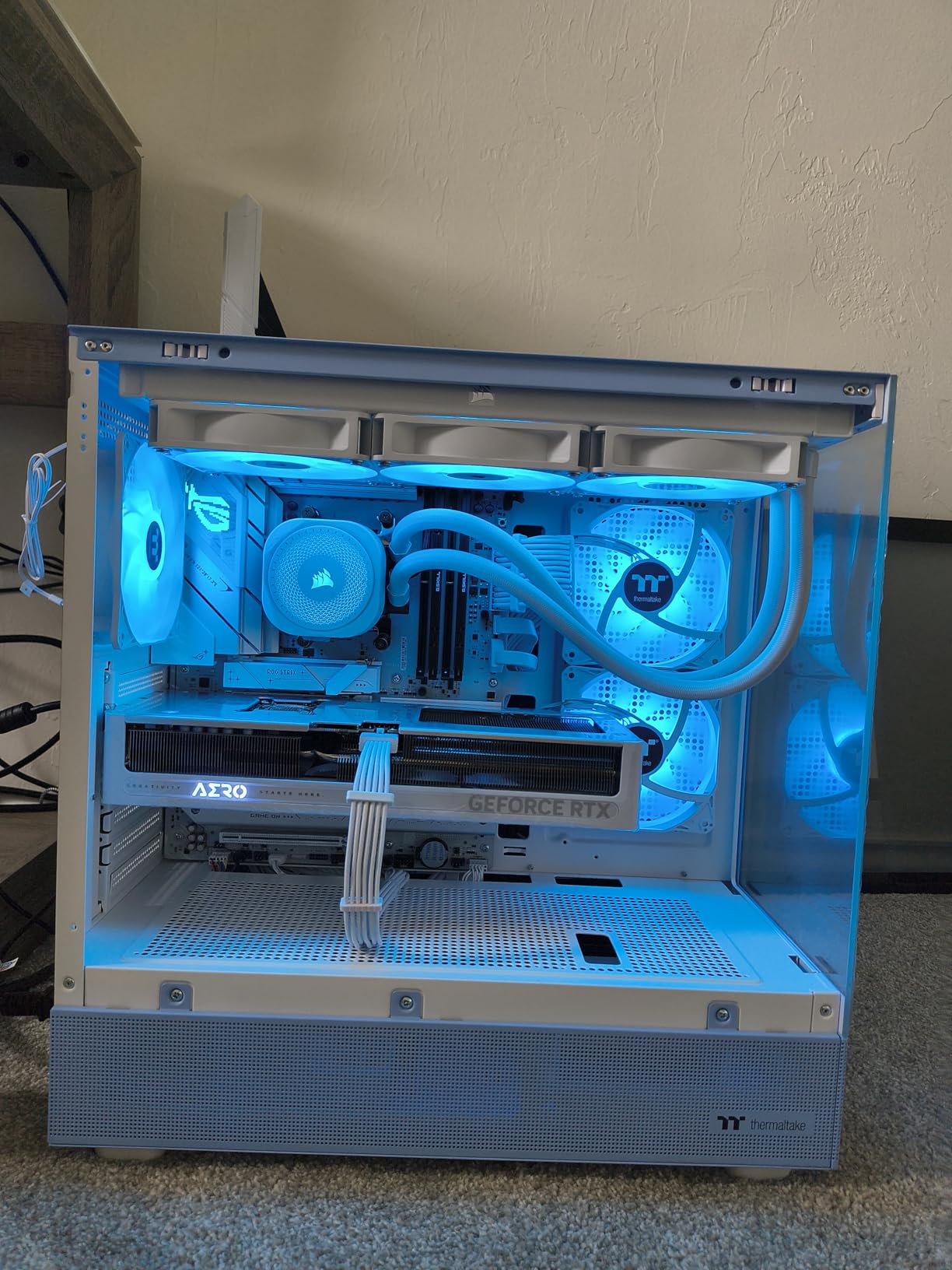
Reviewers consistently praise the panoramic aesthetic and the easy build experience. The 3-year warranty is unusual at this price tier and adds real value for long-term peace of mind.
The main caveats are cable management anchors and fan control. Cable tie-down points are limited, so tidy builds require extra effort. The front panel I/O cables can obstruct front intake fans if not routed carefully. The included fans are 3-pin, so they cannot be PWM-controlled from the motherboard. Despite being marketed as E-ATX compatible, clearance is tight for true large E-ATX boards. For standard ATX builds, however, the View 270 Plus is a strong contender among the best mid-tower PC cases.
Who it’s best for
Showcase builders who want a panoramic glass case backed by a long warranty. It is ideal for Thermaltake ecosystem users and standard ATX builds with mid-to-high-end components.
Where it falls short
Builders with true E-ATX boards should look at full-tower cases. Users who prioritize silence will find the open panoramic design lets noise escape.
13. darkFlash DS900 – Best Budget Panoramic With Type-C
darkFlash ATX Mid-Tower PC Case, Pre-Install 4 PWM ARGB Fans Computer Case, Full View Dual Tempered Glass Gaming PC Case, Type C Port, Supports up to 360mm Water Cooling Radiator, Black(DS900)
270 degree panoramic glass
4 PWM ARGB fans
Type-C port
360mm radiator support
Pros
- Stunning 270 degree panoramic tempered glass display
- Four pre-installed PWM ARGB fans with strong airflow
- USB Type-C included on front I/O
- Magnetic top dust filter and panel filters for easy maintenance
- Great value with features typically found on pricier cases
Cons
- RGB Hub Controller NOT included (must be purchased separately)
- Cheap breakaway PCIe slot covers cannot be reused once removed
- Sharp internal sheet metal edges near PSU cage
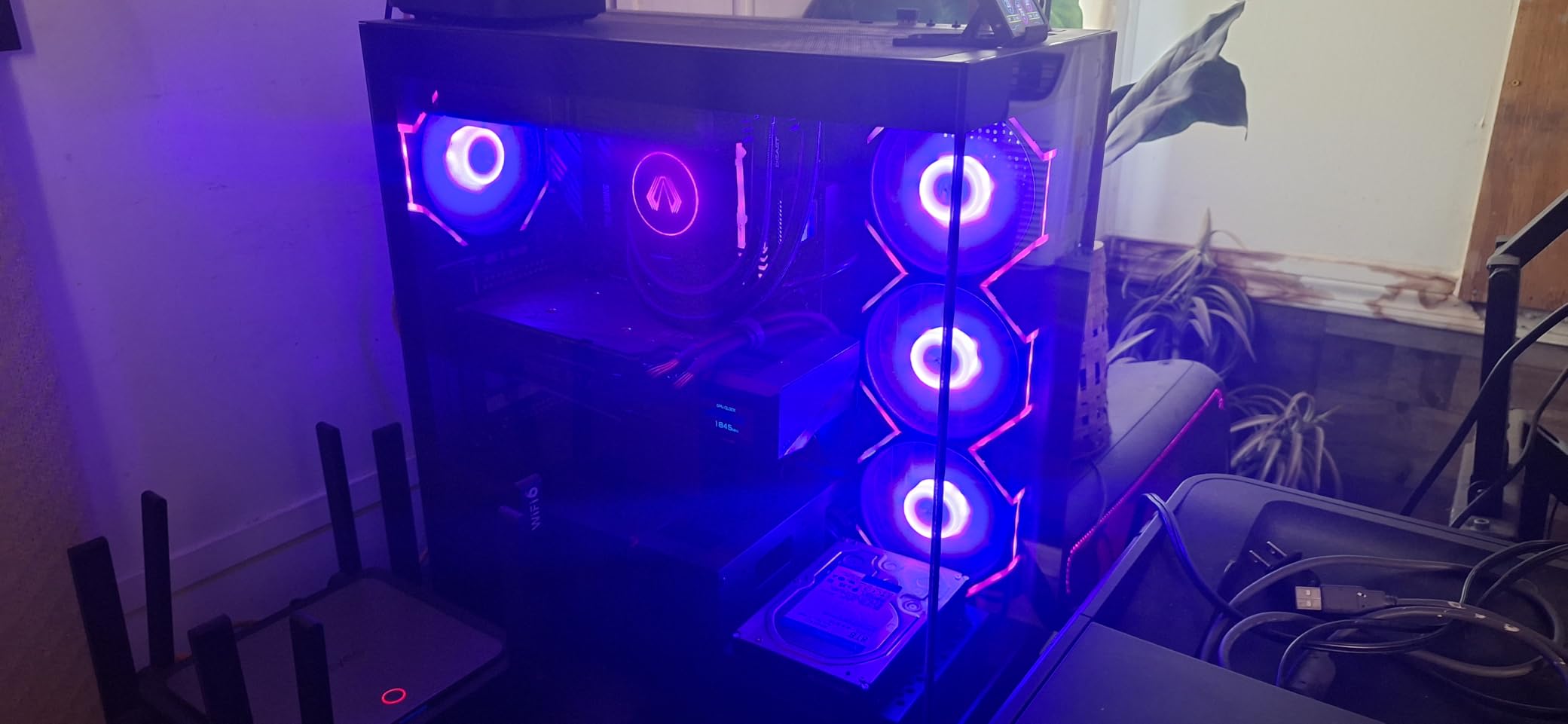
The darkFlash DS900 delivers a lot of case for the price. Four PWM ARGB fans come pre-installed, the 270-degree panoramic tempered glass looks great, and there’s a Type-C port on the front I/O. For budget builders who want modern features, this is one of the best mid-tower PC cases I have tested.
The build experience is mostly positive. Magnetic filters on top and side panels make cleaning easy, and the interior fits full-size GPUs without issue. I fitted a 360mm AIO on the front, and the case accommodated it without clearance problems.
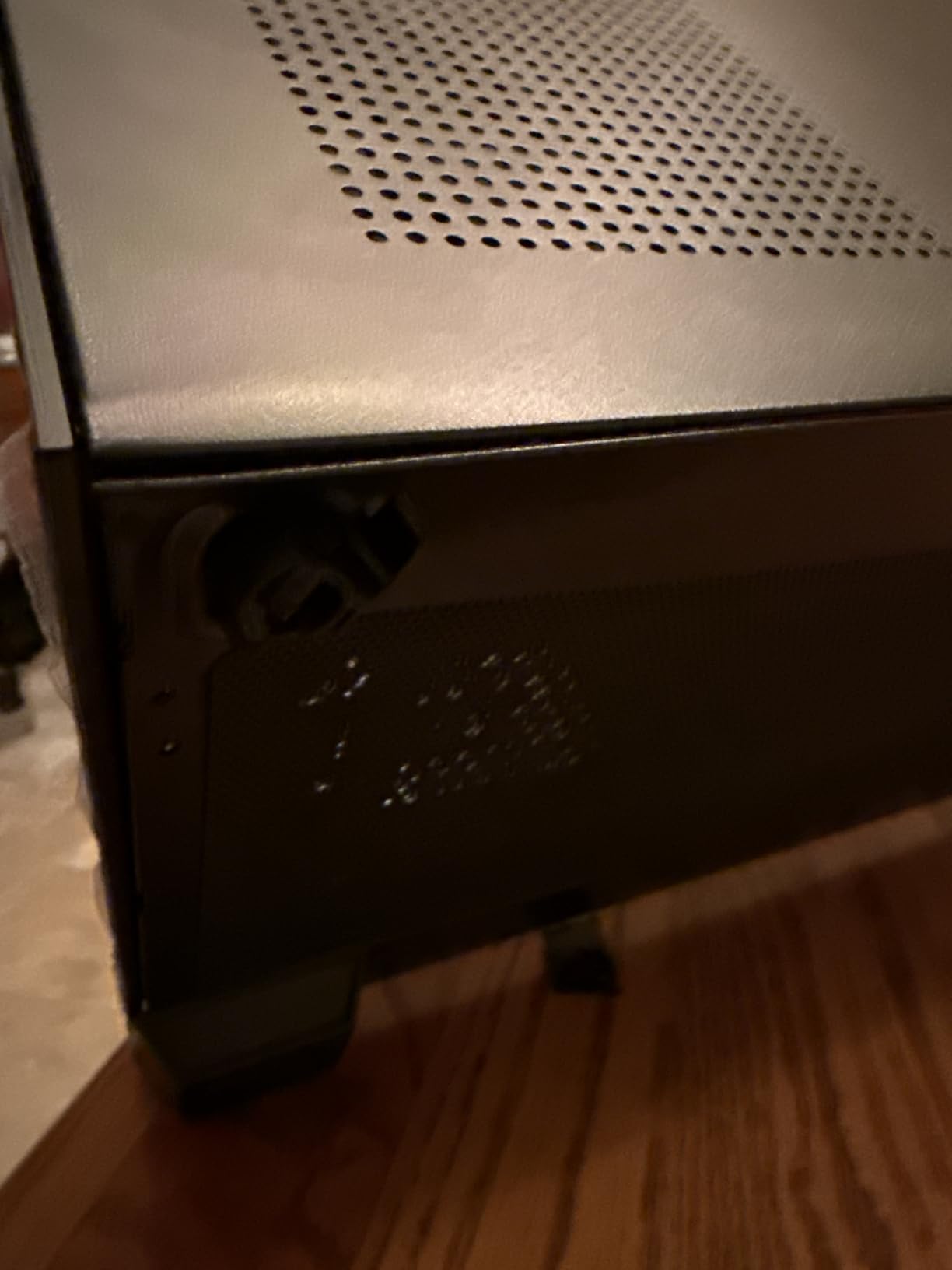
Reviewers consistently highlight the value, especially the included PWM ARGB fans, which is unusual at this price tier. The Type-C port is a feature often missing from budget cases.
The major caveat is that the RGB hub controller is not included. To control the ARGB lighting, you need to purchase a separate hub or use a compatible motherboard header. This is a frustration that multiple reviewers have called out. Other downsides include breakaway PCIe slot covers, sharp internal metal edges near the PSU cage, and a welded PSU cage that limits access. For builders who can work around these, the DS900 delivers strong value.
Who it’s best for
Budget builders who want panoramic glass, PWM ARGB fans, and Type-C without spending much. It is a strong choice for users willing to buy a separate RGB hub.
Where it falls short
Users who want out-of-the-box ARGB control without buying extra accessories should look at the Antec C5 ARGB instead. Builders who prioritize premium build quality should spend more.
14. Lian Li LANCOOL 217 – Most Versatile With Real Wood and 170mm Fans
Lian Li LANCOOL 217 ATX Mid-Tower PC Case, 5 PWM Fans, Black Walnut Wood
5 PWM fans
Real walnut wood
Toolless mounting
170mm front fans
Pros
- Premium build quality with genuine wood accents
- Five pre-installed PWM fans including two large 170mm front fans
- Excellent cooling performance and quiet operation
- Toolless fan mounting and flexible CPU/GPU mode
- Spacious interior fits large GPUs and 360mm AIOs
- Thoughtful cable management with Velcro straps and routing channels
- Two power buttons accommodate various desk placements
Cons
- SATA-powered fan hub causes fans to run at full speed until BIOS configured
- Front 170mm fans are loud on default settings
- Magnetic and snap-on panels can come loose when moving the case
- Small side panel over PSU and HDD area is thin and bends easily
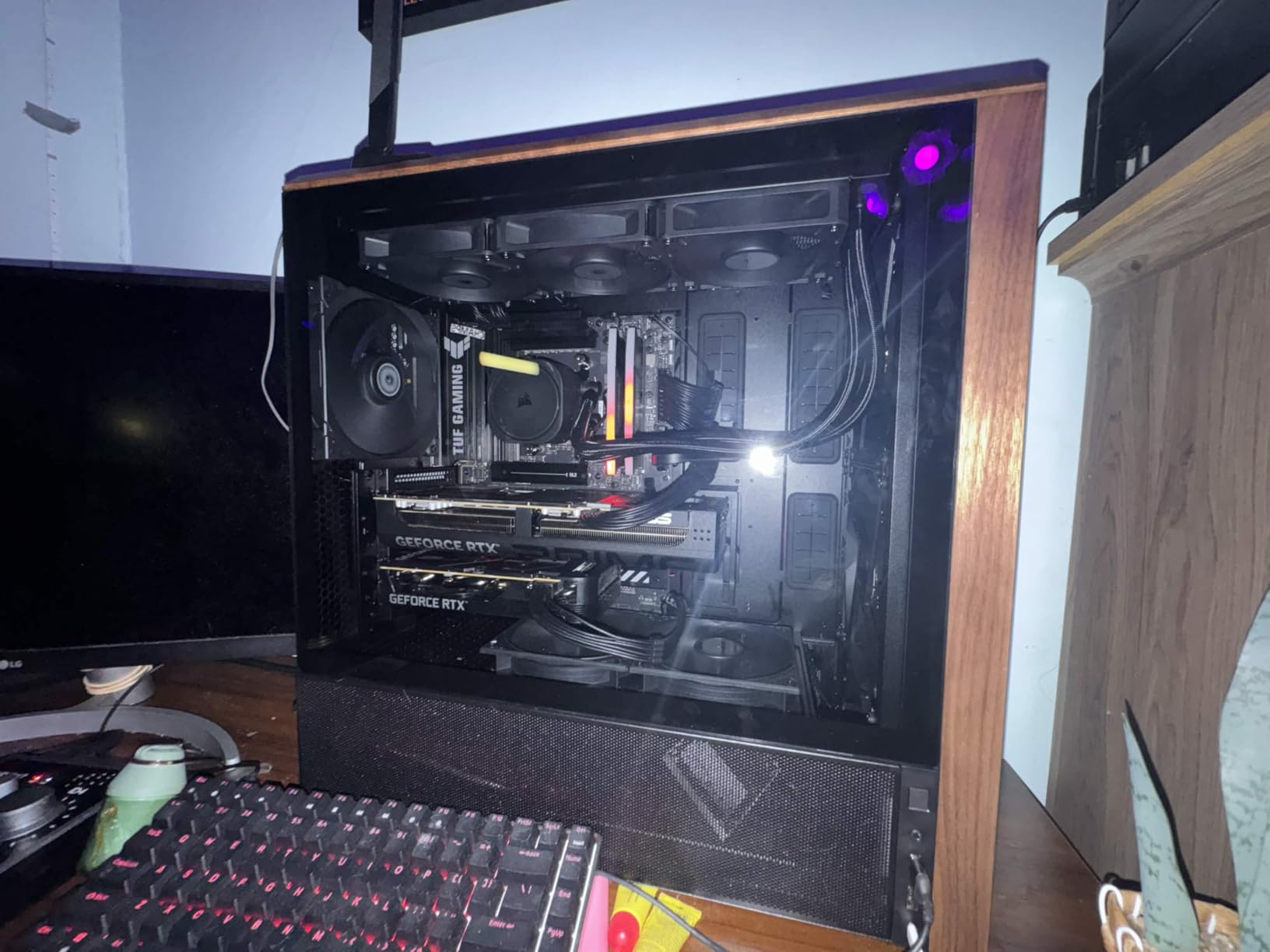
The Lian Li LANCOOL 217 is my premium pick among the best mid-tower PC cases. Lian Li combined genuine dark walnut wood accents with two massive 170mm front intake fans and toolless mounting, creating a case that is as much furniture as it is airflow hardware. The five pre-installed PWM fans (two 170mm front, two 120mm reverse-blade bottom, one 140mm rear) provide exceptional out-of-the-box cooling.
I built a high-end system in this case and the cooling headroom was remarkable. The CPU and GPU stayed cooler than in most cases at this tier, even under sustained load. The toolless fan mounting makes swapping fans painless, and the flexible CPU/GPU mode lets you optimize intake orientation for your specific build. The dual PSU mounting options (front-facing or rotated) and two power buttons are thoughtful touches.
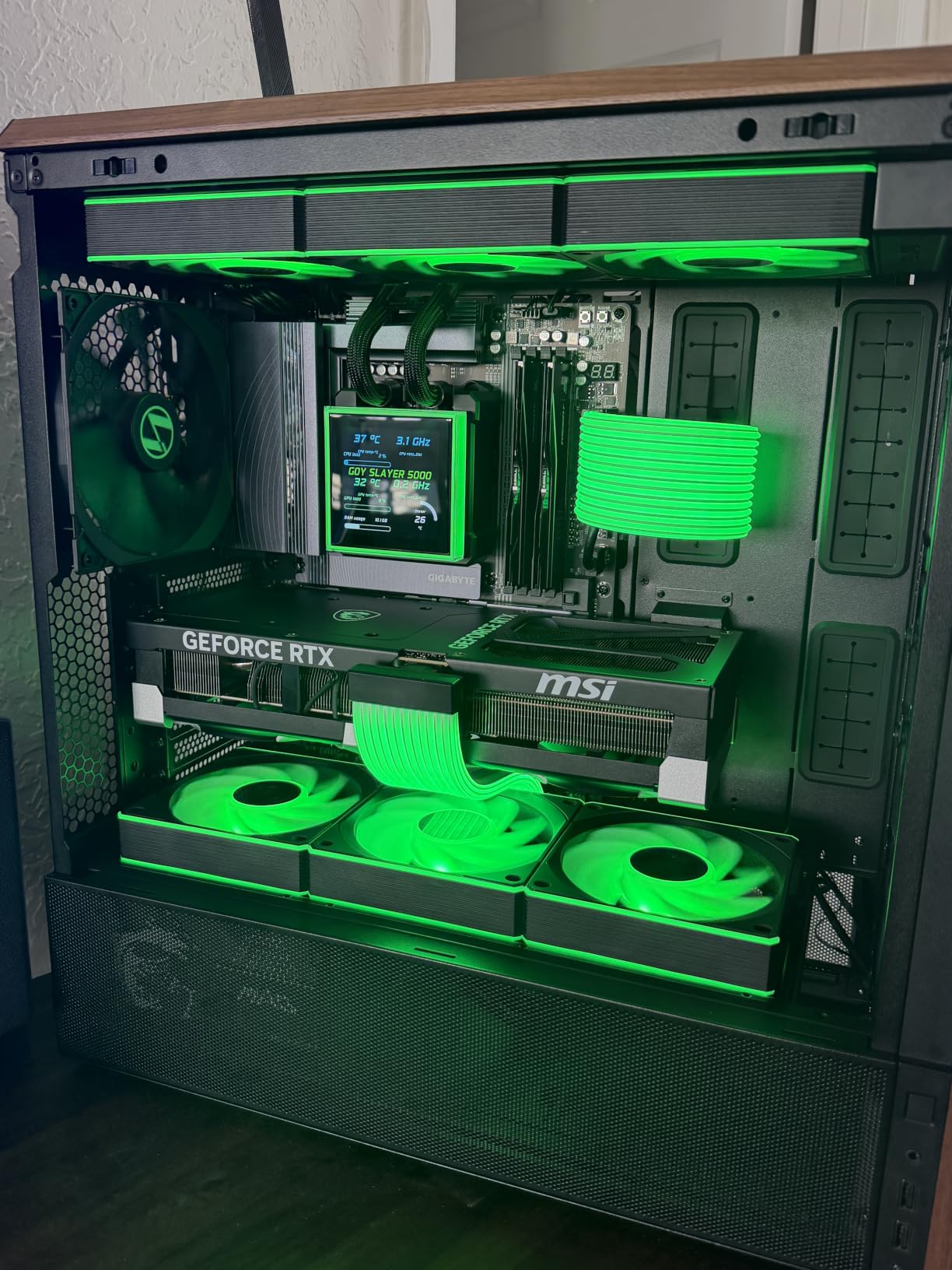
Reviewers consistently rank the LANCOOL 217 among the best cases in its price range, and after my testing I agree. The real wood accents are unique in this category, and the included fan package would cost extra in most cases.
There are a few caveats. The SATA-powered fan hub runs the fans at full speed until you configure BIOS fan curves, which is loud on first boot. The 170mm front fans are also loud on default settings until tuned down. Magnetic and snap-on panels can come loose if you move the case a lot. None of these are deal-breakers, but they matter if you want a quiet, stable build out of the box.
Who it’s best for
Premium builders who want real wood aesthetics combined with serious cooling. It is ideal for users planning a high-end ATX build with flagship GPUs and large AIOs.
Where it falls short
Buyers who want absolute silence should expect to spend time tuning fan curves. Users who frequently move their case may find the magnetic panels too loose. The premium price is not justified for budget builds.
15. Antec Flux Wood – Best Wood-Accent Airflow Case
Antec Flux Wood Mid-Tower E-ATX PC Case, 5 PWM Fans Included, Black
FSC-certified walnut
5 PWM fans
Antec Flux airflow channel
Back-connect support
Pros
- Stunning FSC-certified genuine walnut wood accents
- Excellent airflow with dedicated Antec Flux airflow channel design
- Five pre-installed PWM fans with included fan hub
- Toolless panel removal makes installation and cleaning easy
- Strong customer service from Antec with warranty support
Cons
- Some users report stock 120mm fans develop clicking noise
- Front mesh filter requires regular cleaning
- Dust filter location at the bottom is questionable given front intake fans
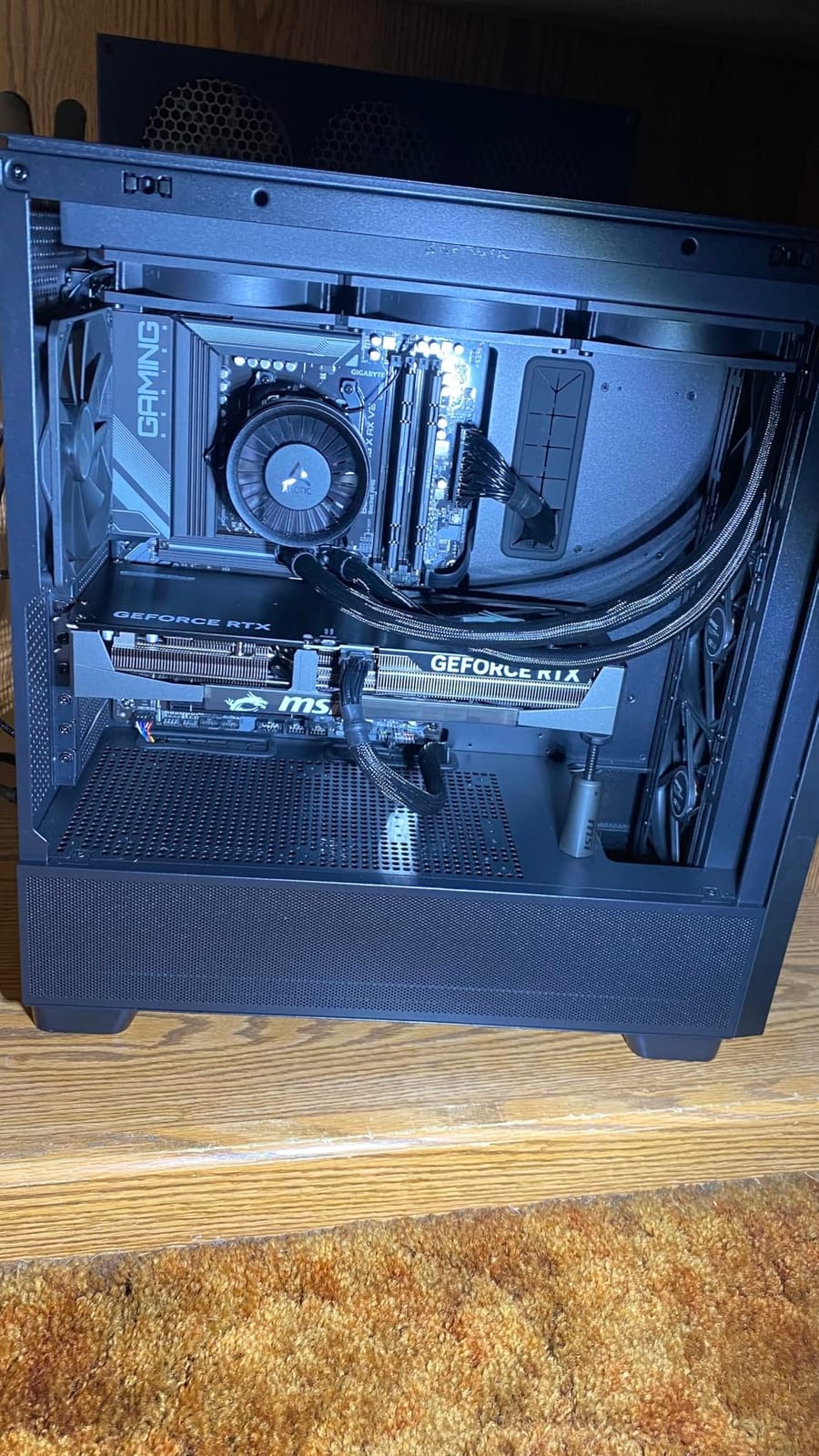
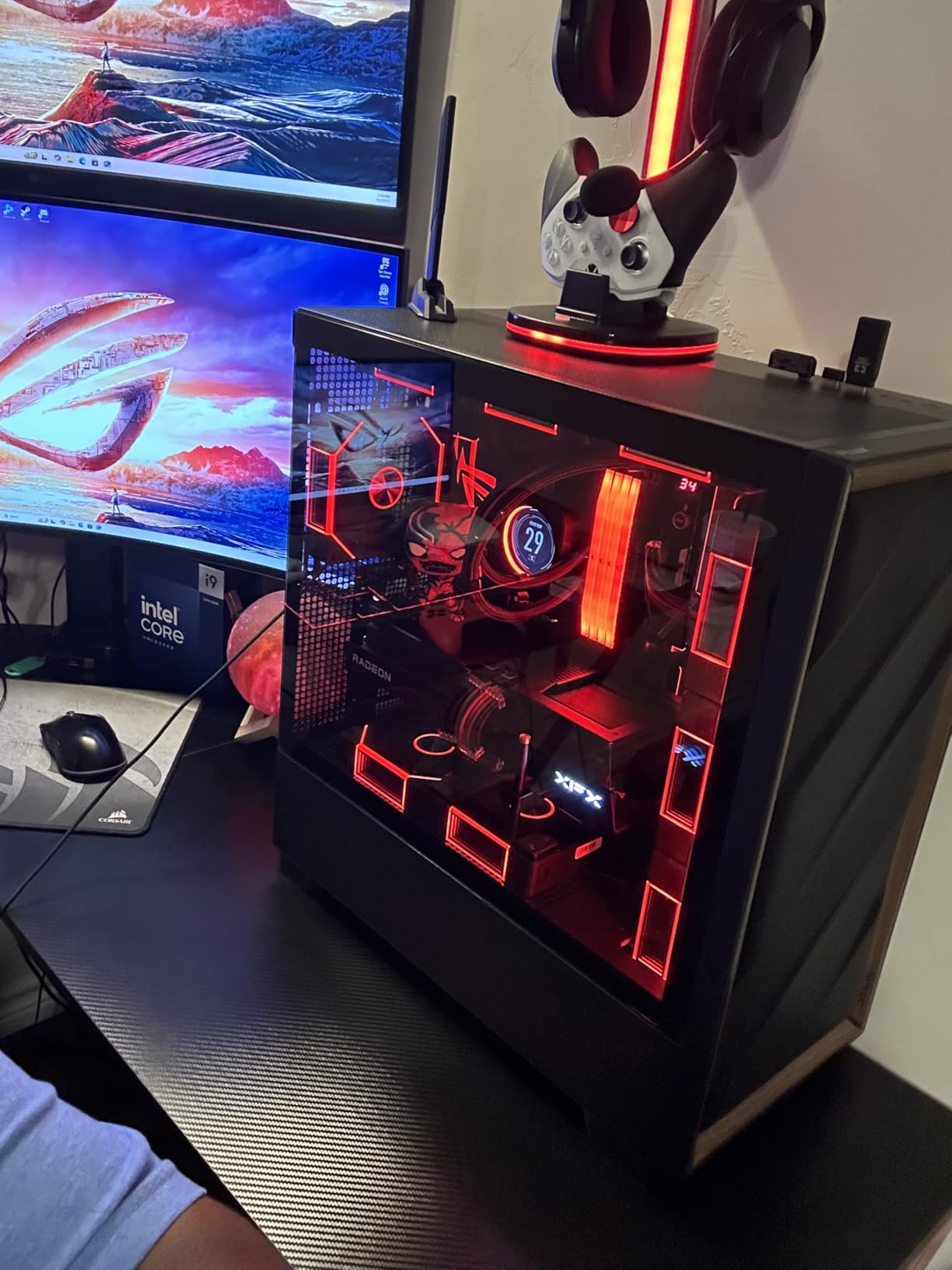
The Antec Flux Wood rounds out our list of best mid-tower PC cases with a unique combination of FSC-certified walnut wood accents and the dedicated Antec Flux airflow channel. The multi-directional vent design creates a deliberate airflow path that delivers strong cooling performance. Five PWM fans come pre-installed with an included fan hub, and the case supports both front and top 360mm radiators simultaneously.
I built a system in this case and noticed the airflow channel design does deliver on its promise. CPU and GPU thermals were competitive with more expensive cases, and the spacious interior fits large air coolers and flagship GPUs. The toolless panel removal makes installation and cleaning straightforward. The case supports back-connect motherboards, which future-proofs it for newer boards.
Reviewers highlight Antec’s customer service, which has been prompt in resolving warranty issues like clicking fan noise. The wood aesthetic is understated and pairs well with both professional and gaming setups.
The downsides include some users reporting clicking fan noise on the stock 120mm fans (resolved through warranty), the front mesh filter requiring regular cleaning, and a dust filter location at the bottom that some reviewers find questionable given the front intake orientation. The case is heavier and larger than expected. For most users, however, the Flux Wood delivers an excellent balance of style and airflow.
Who it’s best for
Builders who want understated wood aesthetics with serious airflow. It is ideal for users who value brand-backed warranty support and are planning a back-connect motherboard build.
Where it falls short
Buyers who want a more compact case should look at the NZXT H5 Flow. Users in very dusty environments may find the bottom dust filter orientation frustrating.
How to Choose the Best Mid-Tower PC Case for Your Build
Picking among the best mid-tower PC cases comes down to matching the case to your priorities. Here is the decision framework I walk friends through when they ask for help.
Start With Your Motherboard and GPU Size
Mid-tower cases support ATX, Micro-ATX, and Mini-ITX motherboards, but clearance varies. If you’re running a flagship RTX 5090 or planning a vertical GPU mount, check the GPU clearance spec (most modern mid-towers support 350 to 420mm). For CPU coolers, 160 to 180mm of clearance covers most tower coolers, including the popular Noctua NH-D15.
Prioritize Airflow if You Run Hot Components
Mesh front panels with high-porosity designs (like the Corsair 4000D RS or Fractal North) deliver measurably better thermals than solid or glass fronts. If you run a hot CPU and GPU, choose a case with at least three pre-installed fans and room for more. The Lian Li LANCOOL 217 with its 170mm front fans is the airflow champion in this roundup.
Consider Build Quality and Cable Management
Thicker steel, rubber grommets, and dedicated cable routing channels make a build easier and look cleaner. Cases like the Fractal North and Lian Li LANCOOL 217 set the standard here. Budget cases like the Montech X3 Mesh can still build cleanly, but expect to spend more time routing cables.
Think About Aesthetics and Noise
Glass panels showcase your components, but they let noise escape. Mesh panels cool better but look more industrial. Wood-accented cases like the Fractal North and Antec Flux Wood split the difference, blending premium looks with functional airflow. For silence-first builds, look for cases with closed fronts and sound-dampening materials.
Plan for Future-Proofing
Back-connector motherboards (ASUS BTF, MSI Project Zero, Gigabyte Stealth) are gaining traction. Cases like the Corsair 4000D RS, Lian Li V100, Antec C5, Corsair 3500X, Lian Li LANCOOL 217, and Antec Flux Wood support this standard. If you upgrade your motherboard in a year or two, choosing a back-connector-compatible case now saves a future rebuild.
If you’re dealing with malware on your freshly built PC, our guide to removing malware from a Windows PC can help you clean things up.
Frequently Asked Questions
What is the best mid-range case?
The best mid-range case depends on your priorities, but the Corsair 4000D RS ARGB is our top mid-range pick for its modular FRAME system, three pre-installed ARGB PWM fans, InfiniRail fan mounting, and reverse-connector motherboard support at a price most builders can justify.
Which mid-tower case has the best airflow?
The Lian Li LANCOOL 217 delivers the best airflow in our roundup thanks to its two large 170mm front intake fans and dedicated airflow path. The Fractal Design North and Corsair 4000D RS are also strong airflow performers with their high-porosity mesh panels.
Are most PC cases mid-tower?
Yes, mid-tower is the most common PC case form factor on the market. It supports full-size ATX motherboards while staying desk-friendly, making it the default choice for most gaming, productivity, and workstation builds.
Who makes the highest quality PC cases?
Fractal Design, Lian Li, Corsair, and NZXT consistently rank among the highest quality PC case manufacturers. Fractal is known for clean Scandinavian design, Lian Li for premium build quality and innovation, Corsair for ecosystem integration, and NZXT for minimalist aesthetics.
Is ATX outdated?
No, ATX is not outdated. It remains the standard motherboard form factor for most gaming and productivity builds in 2026, and the ATX ecosystem continues to evolve with back-connector designs and improved power delivery. ATX will remain relevant for the foreseeable future.
Final Verdict: Which Mid-Tower Case Should You Buy?
After testing all 15 of these best mid-tower PC cases, the Fractal Design North Charcoal Black remains my top pick. It combines genuine walnut wood aesthetics, excellent airflow, clean cable management, and quiet operation in a package that works equally well in a gaming setup or a living room. If you want the best overall balance of form and function in 2026, this is the case to beat.
For value-focused builders, the Corsair 4000D RS ARGB delivers premium features at a mainstream price. And if you want the ultimate airflow champion with real wood accents, the Lian Li LANCOOL 217 is hard to argue with. Whichever case you choose from this list, you’re getting one of the best mid-tower PC cases available today.