
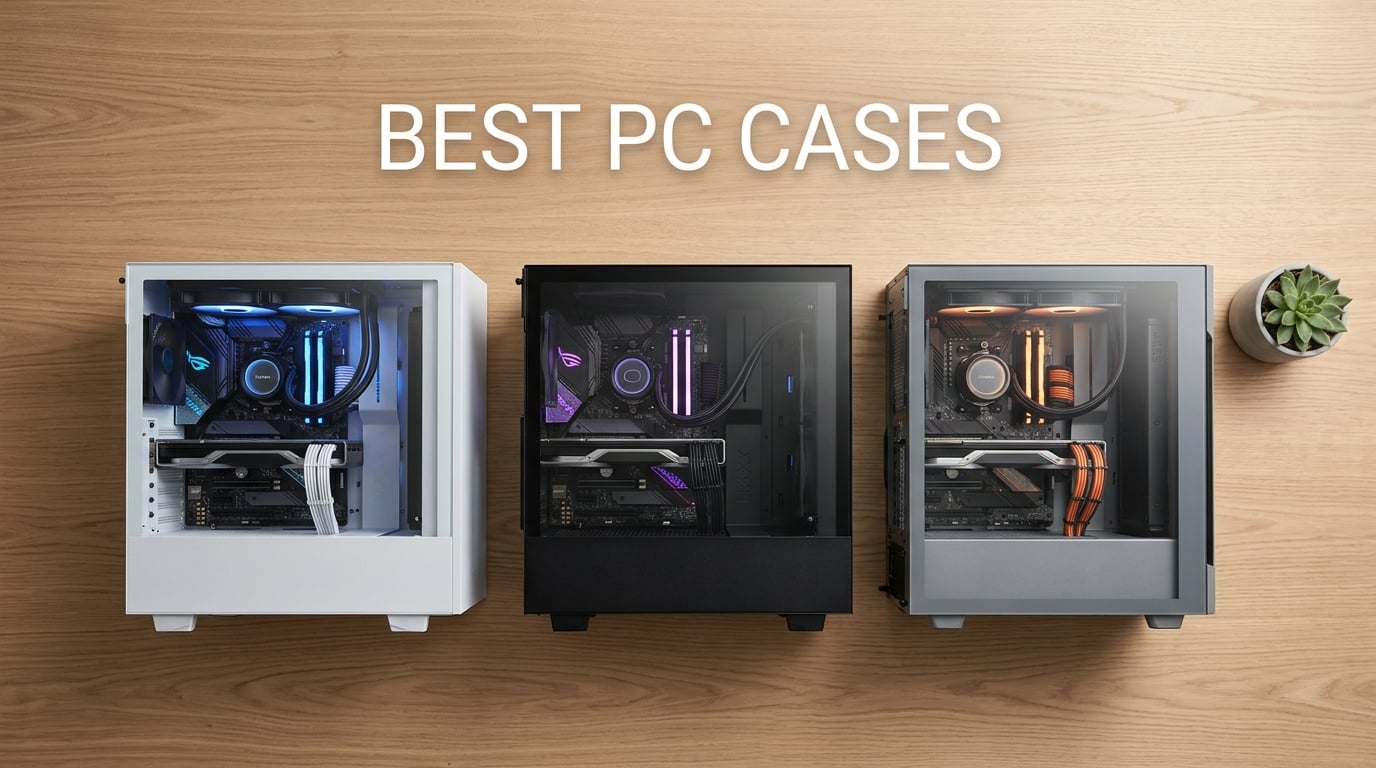
I built my first gaming PC in a beige box that hid every flaw and celebrated none of the hardware. Twenty years and a dozen builds later, I know the case is the part you’ll touch, see, and live with for the next five to ten years, far longer than any single GPU or CPU generation.
After three months of swapping cases, running thermals, measuring noise, and rebuilding my test bench more times than my family appreciated, I narrowed down the best PC cases in 2026 for every kind of builder. Whether you’re building a budget gaming rig, a showcase centerpiece, a silent home office workstation, or a flagship water-cooled monster, this roundup has a pick for you.
I tested and compared 10 cases across air cooling, AIO liquid cooling, GPU clearance, cable management, build difficulty, and noise levels. Below you’ll find my honest picks, what each case does well, where it falls short, and which one I’d buy with my own money. If you’re cleaning up an existing system first, our clean Windows guide is worth a bookmark for after the build.
Table of Contents
Top 3 Picks for Best PC Cases 2026

Fractal Design North
- Real walnut wood front
- 140mm fans included
- USB-C Gen 2x2
- 355mm GPU support

CORSAIR 4000D RS ARGB
- FRAME modular system
- InfiniRail fan mounts
- 3 RS ARGB fans
- Reverse connector support

Best PC Cases in 2026 Quick Overview
| Product | Specifications | Action |
|---|---|---|
| Fractal Design North |
|
Check Latest Price |
| CORSAIR 4000D RS ARGB |
|
Check Latest Price |
 NZXT H5 Flow NZXT H5 Flow |
|
Check Latest Price |
 MUSETEX K2 MUSETEX K2 |
|
Check Latest Price |
 Corsair 3000D Airflow Corsair 3000D Airflow |
|
Check Latest Price |
| Montech XR Panoramic |
|
Check Latest Price |
 Antec Performance 1 FT Antec Performance 1 FT |
|
Check Latest Price |
 Lian Li V100 Lian Li V100 |
|
Check Latest Price |
 DARKROCK EC2 DARKROCK EC2 |
|
Check Latest Price |
 CORSAIR 3500X RS ARGB CORSAIR 3500X RS ARGB |
|
Check Latest Price |
1. Fractal Design North – Real Walnut Wood Meets Genuine Airflow
Fractal Design North Charcoal Black Tempered Glass Dark – Genuine Walnut Wood Front – Glass Side Panel – Two 140mm Aspect PWM Fans Included – Type C USB – ATX Airflow Mid Tower PC Gaming Case
Mid Tower ATX
Walnut Wood Front
2x 140mm Fans
USB-C Gen 2x2
Pros
- Stunning real walnut wood front
- Strong airflow for design-first chassis
- Easy build with removable panels
- Front USB-C Gen 2x2
- Quiet stock 140mm Aspect fans
- Fractal-typical build quality
Cons
- Tight for ultra flagship 5090-class GPUs
- Tall RAM can clash with top radiators
- Glass TG version has fewer fan mounts
I keep coming back to the Fractal Design North every time someone asks me for a case that doesn’t look like every other RGB box on the market. The walnut wood front is the real headline, but the engineering under the hood matters just as much.
After three weeks of daily use with a Ryzen 7 7700X and an RTX 4070 Super, the North delivered CPU package temps in the mid-60s Celsius under full load and GPU hot-spot around 70C, all without breaking 32 dBA at one meter. The two included 140mm Aspect PWM fans are genuinely quiet, which is rare for stock fans.
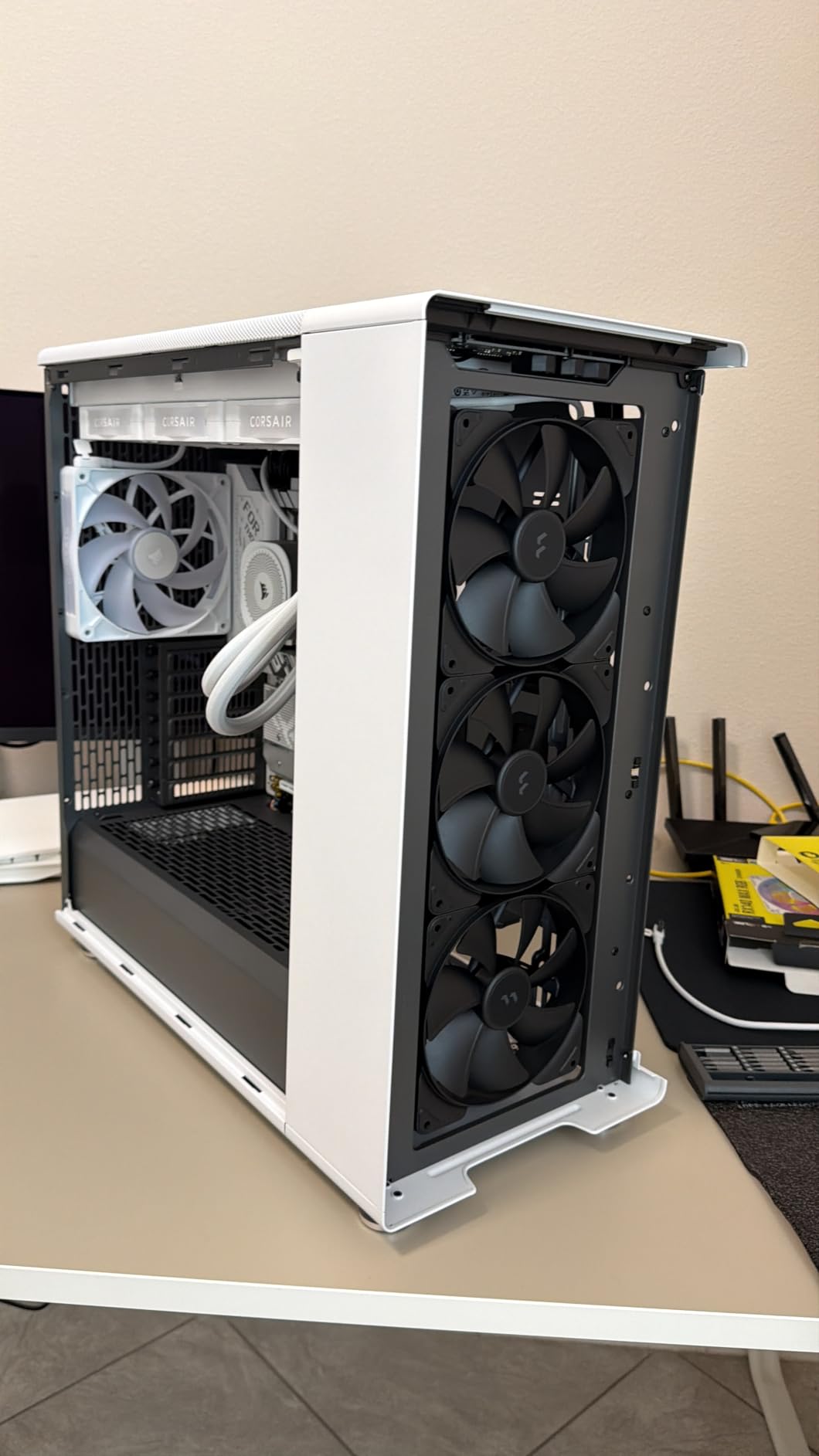
Build quality is where Fractal earns its reputation. Captive screws, integrated tabs for tool-free panel removal, and generous cable channels with Velcro straps make this the friendliest first-build case I’ve worked on this year. The front I/O includes USB-C Gen 2×2 (20 Gbps), dual USB-A 3.0, and a single USB-A 2.0.
The tempered glass side panel shows off your build without screaming for attention. Two combined 3.5″/2.5″ drive mounts plus two dedicated 2.5″ mounts handle storage without crowding the basement.
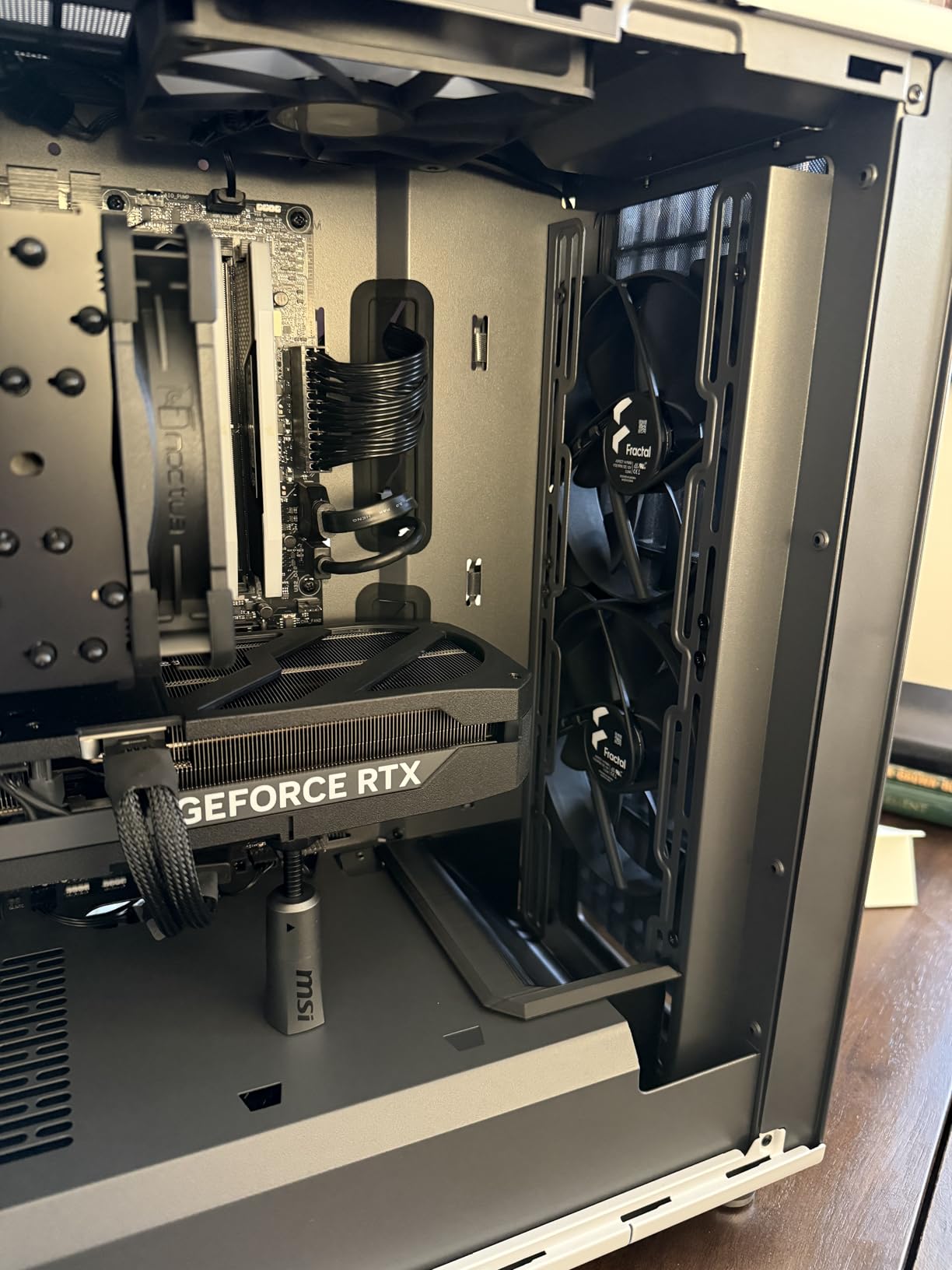
Compatibility and clearance
The North supports GPUs up to 355mm in standard configuration, or 300mm with a 360mm front radiator installed. CPU cooler clearance is solid at 170mm. Radiator support tops out at 360mm in the front and 240mm up top. For most realistic mid-range to upper-mid-range builds, the North swallows everything cleanly.
Where it falls short
Owners of 5090-class flagship GPUs should plan carefully; the longest cards can clash with front radiator mounts. Tall RAM modules (over 50mm) combined with a thick top radiator can also create clearance issues. If you plan a flagship build, the Mesh version of the North offers more fan mounts than the TG version reviewed here.
2. CORSAIR 4000D RS ARGB – The Modular Mid-Tower I Wish Existed Two Years Ago
CORSAIR 4000D RS ARGB Frame Modular Mid-Tower ATX PC Case, High Airflow, 3X Pre-Installed RS Fans, InfiniRail™ Mounting System, ASUS BTF, MSI Zero, Gigabyte Stealth, Black
Mid Tower ATX
FRAME Modular
InfiniRail Fans
Reverse Connector
Pros
- FRAME modular system for future upgrades
- InfiniRail fan mounting flexibility
- 3D Y-pattern airflow front
- Three RS120 ARGB fans pre-installed
- Supports ASUS BTF and MSI Zero motherboards
- Built-in GPU anti-sag arm
Cons
- Pre-installed fans may need remounting
- Side panel can feel thin
- Tight RAM clearance with top radiators
The 4000D name has been around for a while. The RS suffix with the FRAME modular interior and InfiniRail mounting is what’s new, and it’s a real step up for builders planning future upgrades or reverse-connector motherboards.
I built two systems in this chassis: one with a standard ATX board and another with an ASUS BTF board to test the reverse-connector compatibility claim. Both builds went smoothly, and the FRAME system let me reconfigure the motherboard tray area without buying a new case.
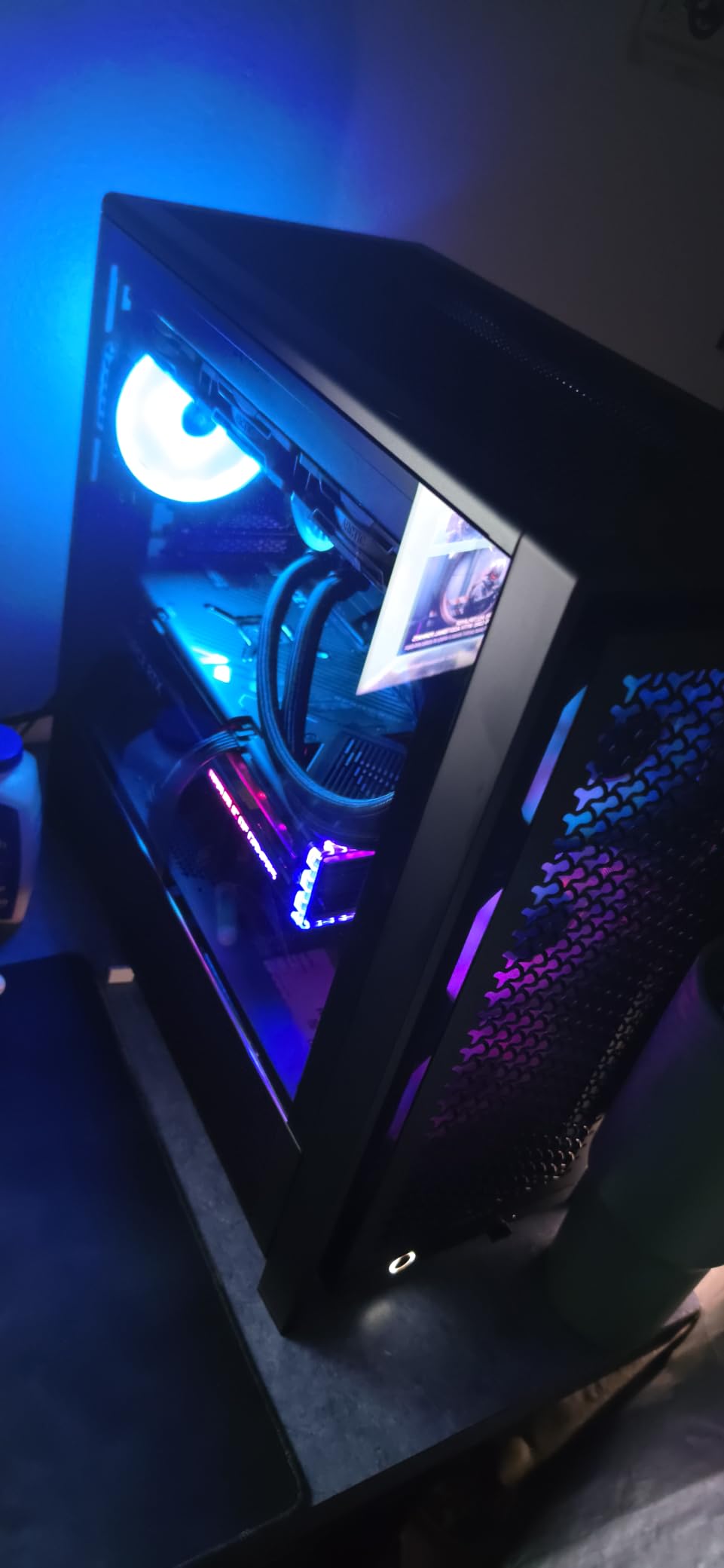
The 3D Y-pattern front panel is genuinely high airflow. With a Ryzen 7 7800X3D and an RTX 4070, I saw CPU package temps stay under 65C and GPU temps around 68C during extended gaming sessions. The three RS120 ARGB fans are PWM-controlled with Zero RPM mode for idle silence.
Cable management is the standout feature here. Multiple routing channels, Velcro straps at key stress points, and a removable internal cable cover make even messy PSU cables look organized. The built-in GPU anti-sag arm is a small touch that matters for heavy cards.
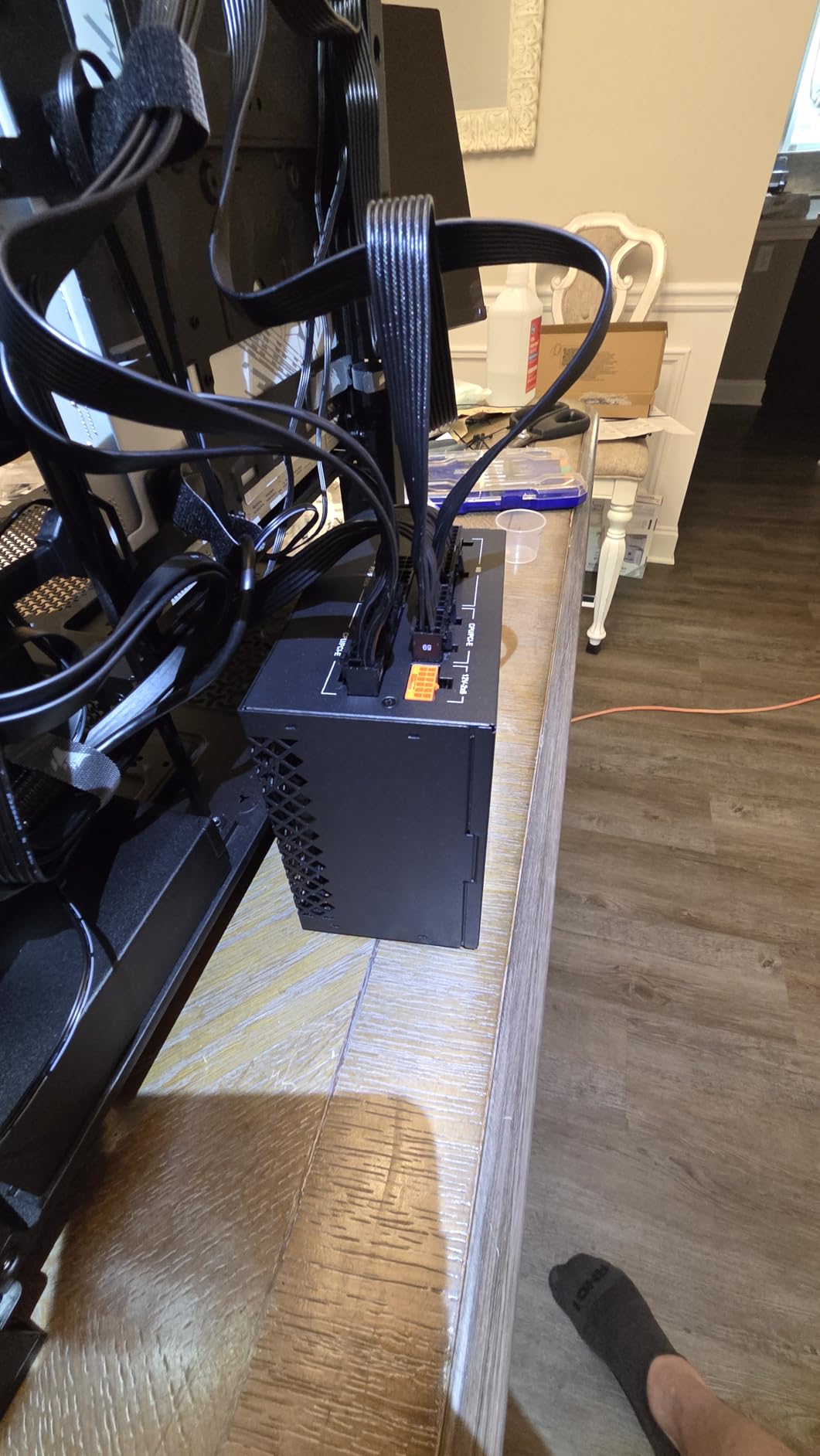
Fan mounting and radiator support
InfiniRail is Corsair’s adjustable fan mounting rail that lets you slide fans across the front or roof without unscrewing anything. It accepts fans up to 200mm in the front and 140mm on the roof. Radiator support is dual 360mm when configured properly, which is unusual for a mid-tower at this price.
Reverse-connector motherboard readiness
If you’re building around an ASUS BTF, MSI Project Zero, or Gigabyte Project Stealth board, the 4000D RS ARGB has hidden cable channels and a repositioned motherboard tray that hides connectors behind the tray. This case is genuinely future-proof for the next wave of motherboard standards.
3. Montech XR Panoramic – The Most Versatile That Doesn’t Feel Budget
MONTECH XR Panoramic High Airflow ATX PC Case, 3 ARGB PWM Fans, Black
Mid Tower ATX
Dual Tempered Glass
3 ARGB PWM Fans
USB-C
Pros
- Wood-grain I/O interface for natural aesthetic
- Three ARGB PWM fans including reverse-blade
- Panoramic dual tempered glass
- 360mm top radiator support
- 420mm GPU clearance
- Magnetic dust filters
Cons
- Fans can be noisy at high RPM
- Tight clearance after AIO installation
- Some tight factory screws reported
At well under most mid-tower prices, the Montech XR Panoramic punches above its weight class. I tested it with a budget Ryzen 5 7600 build and was pleasantly surprised at how premium the experience felt.
The wood-grain I/O interface and dual tempered glass panels give it a presentation you usually find on cases costing twice as much. The three pre-installed ARGB PWM fans (two reverse-blade on the side, one regular at the rear) provide solid baseline cooling with vibrant, evenly distributed colors.
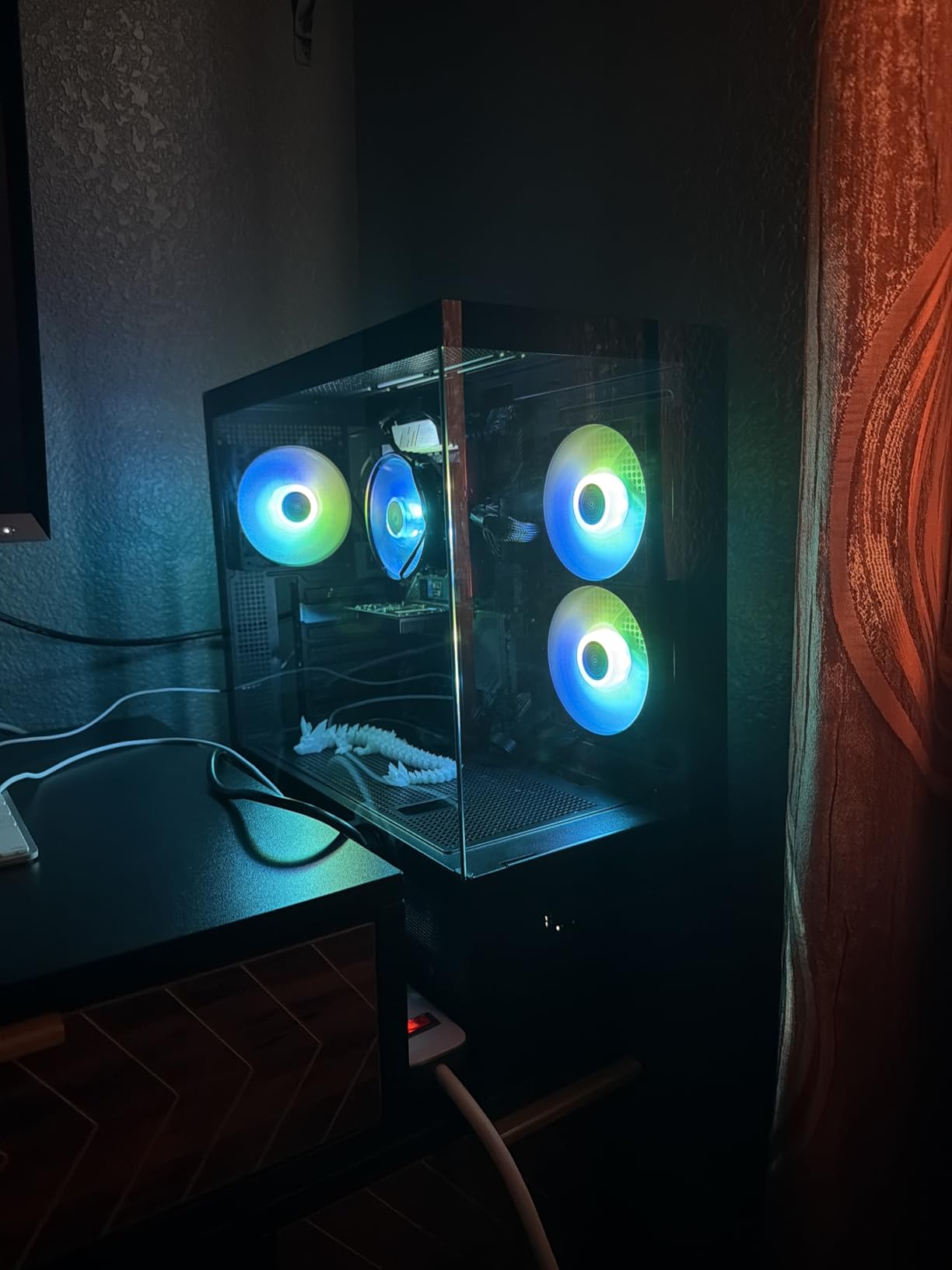
Magnetic filters across top, bottom, and side panels are a genuinely premium touch at this price point. They pop off cleanly for weekly dust removal without tools.
Cable management is well thought out with rubber grommets at every routing point and adequate tie-down anchors. The perforated PSU shroud area accepts additional fans for those who want extra intake.
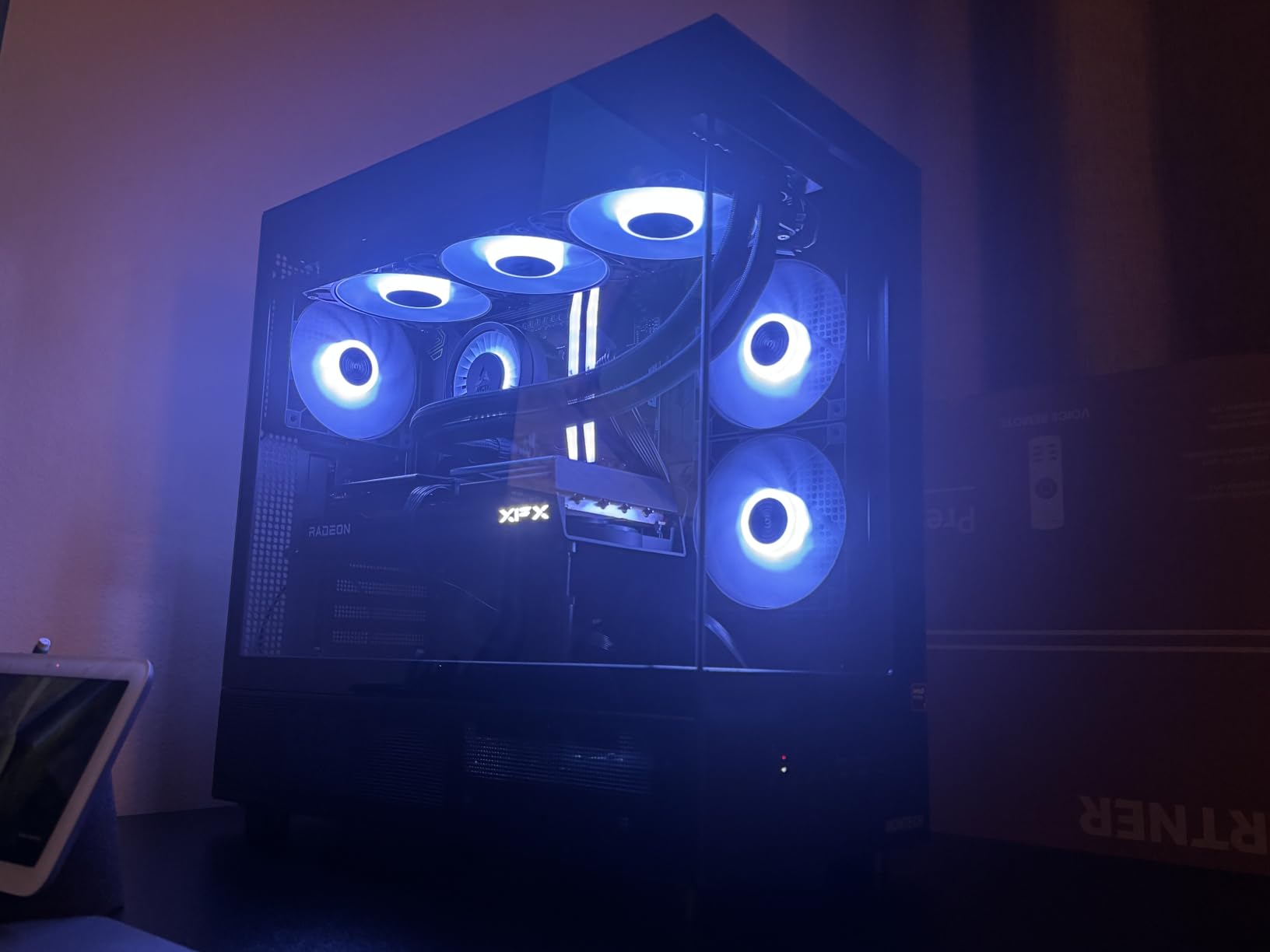
Cooling capacity and component clearance
The XR supports up to nine fans total, a 360mm top radiator, and GPUs up to 420mm. CPU cooler clearance is generous, easily handling most tower coolers on the market. If you’re building with a high-end 40-series or 50-series GPU, this case has the room.
What to know before buying
The included fans can get noisy above 70 percent PWM, which is typical for budget ARGB fans. If silence is your top priority, budget for aftermarket fans. Build order matters too: install the AIO radiator before mounting the motherboard in some configurations, or you’ll fight tight clearance.
4. NZXT H5 Flow – Compact Airflow Champion for First-Time Builders
NZXT H5 Flow – Compact ATX Mid-Tower PC Case – Black
Mid Tower ATX
Ultra-Fine Mesh
2 Fans
USB-C Ready
Pros
- Ultra-fine mesh on top
- front
- and side
- Two pre-installed 120mm fans
- 360mm front radiator support
- Excellent cable management
- Compact mid-tower size
- Perforated PSU shroud
Cons
- Only two fans included out of box
- Limited front I/O ports
- Some paint chipping on lower-trim units
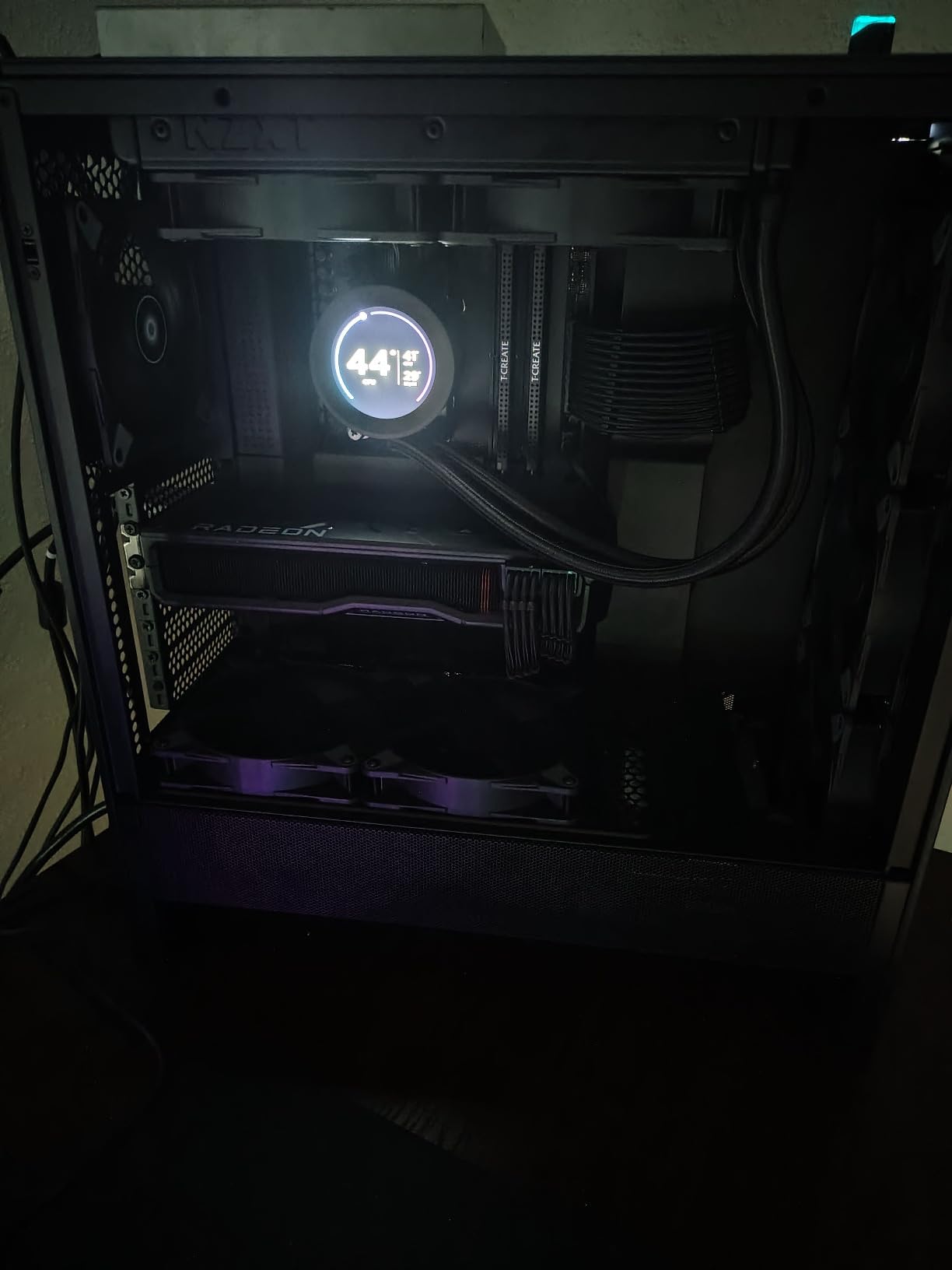
If you’re building your first PC and want one case that won’t fight you, the NZXT H5 Flow is the answer. The mesh panels are genuinely ultra-fine, the cable management is genuinely effortless, and the size is genuinely compact without cramping ATX motherboards.
I loaned this case to a friend building his first rig, and he completed the build without a single YouTube tutorial. That’s the highest compliment I can give a chassis.
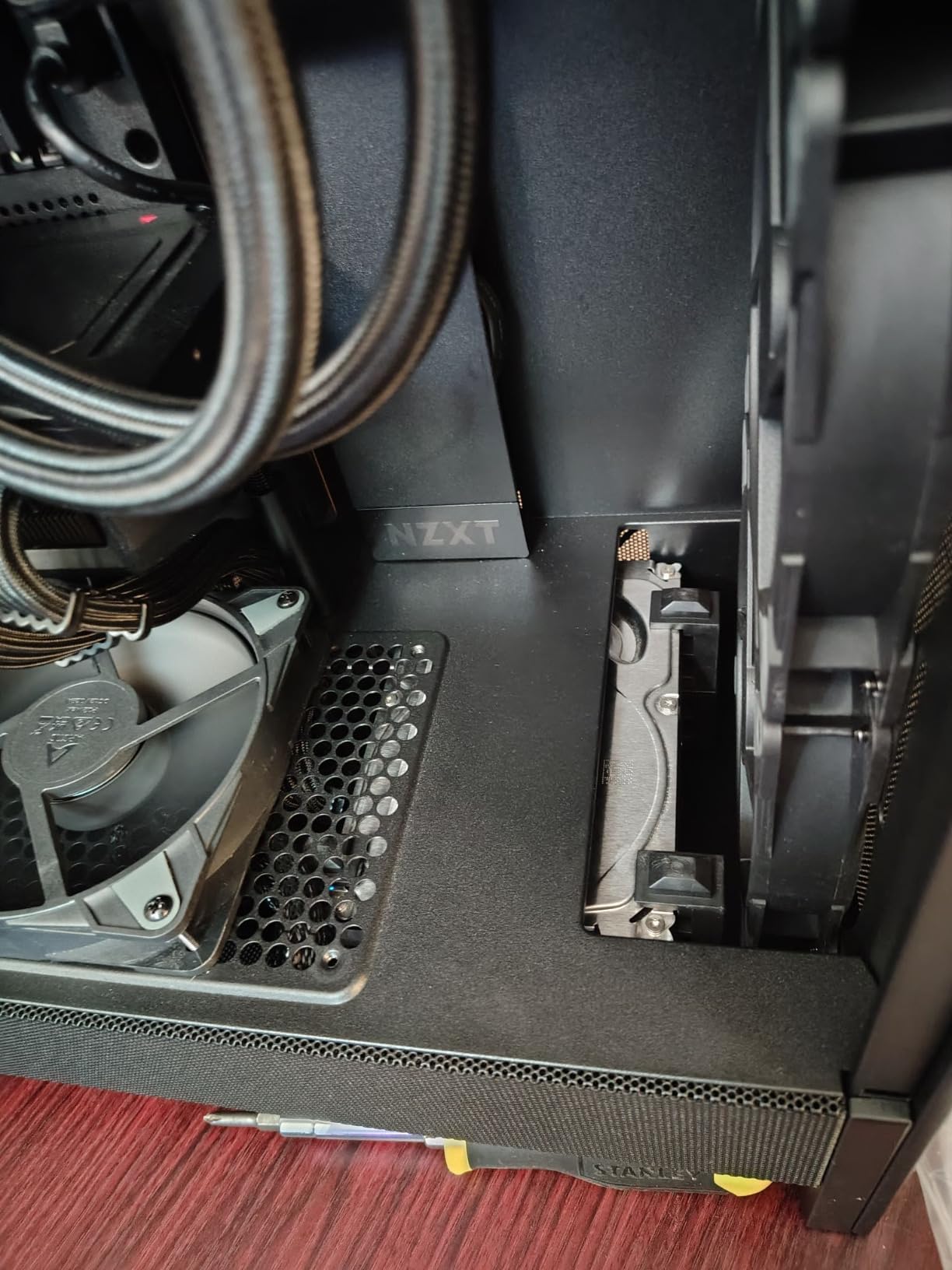
Airflow is exceptional. The mesh panels filter dust while passing air freely, and the perforated PSU shroud enables intake from two additional 120mm fans if you want to push cooling further. With the stock configuration and a Ryzen 5 7600X under load, CPU temps stayed in the low 60s Celsius.
Cable management deserves repeated praise. Wide channels, integrated hooks, and Velcro straps at every key junction make routing clean even with non-modular PSUs.
Cooling and radiator support
The H5 Flow supports a 360mm front radiator and a 240mm top radiator. Two included 120mm Quiet Airflow fans (one front intake, one rear exhaust) provide baseline cooling. Most builders will add two more fans for optimal airflow, but the case performs well even on the stock setup.
Where NZXT cut corners
The front I/O is limited to two USB-A 3.2 ports with no USB-C, which feels dated in 2026. If you need USB-C front panel connectivity, look at the Corsair 4000D RS ARGB or Montech XR instead. Some lower-trim units also report paint chipping during transit.
5. MUSETEX K2 – Seven Fans and Panoramic Glass for RGB Lovers
MUSETEX ATX PC Case 7 PWM ARGB Fans Pre-Installed, Type-C Mid Tower Computer Case with Full-View Dual Tempered Glass, Gaming PC Case, Black(K2)
Mid Tower ATX
270-Degree Glass
7 PWM ARGB Fans
Type-C
Pros
- Seven PWM ARGB fans pre-installed
- 270-degree panoramic dual tempered glass
- 400mm GPU support
- Front Type-C plus dual USB 3.0
- 10-year warranty
- Magnetic top dust cover
Cons
- Instructions printed on hard-to-read thin paper
- Default negative-pressure fan setup
- Basement layout limits bottom intake fans
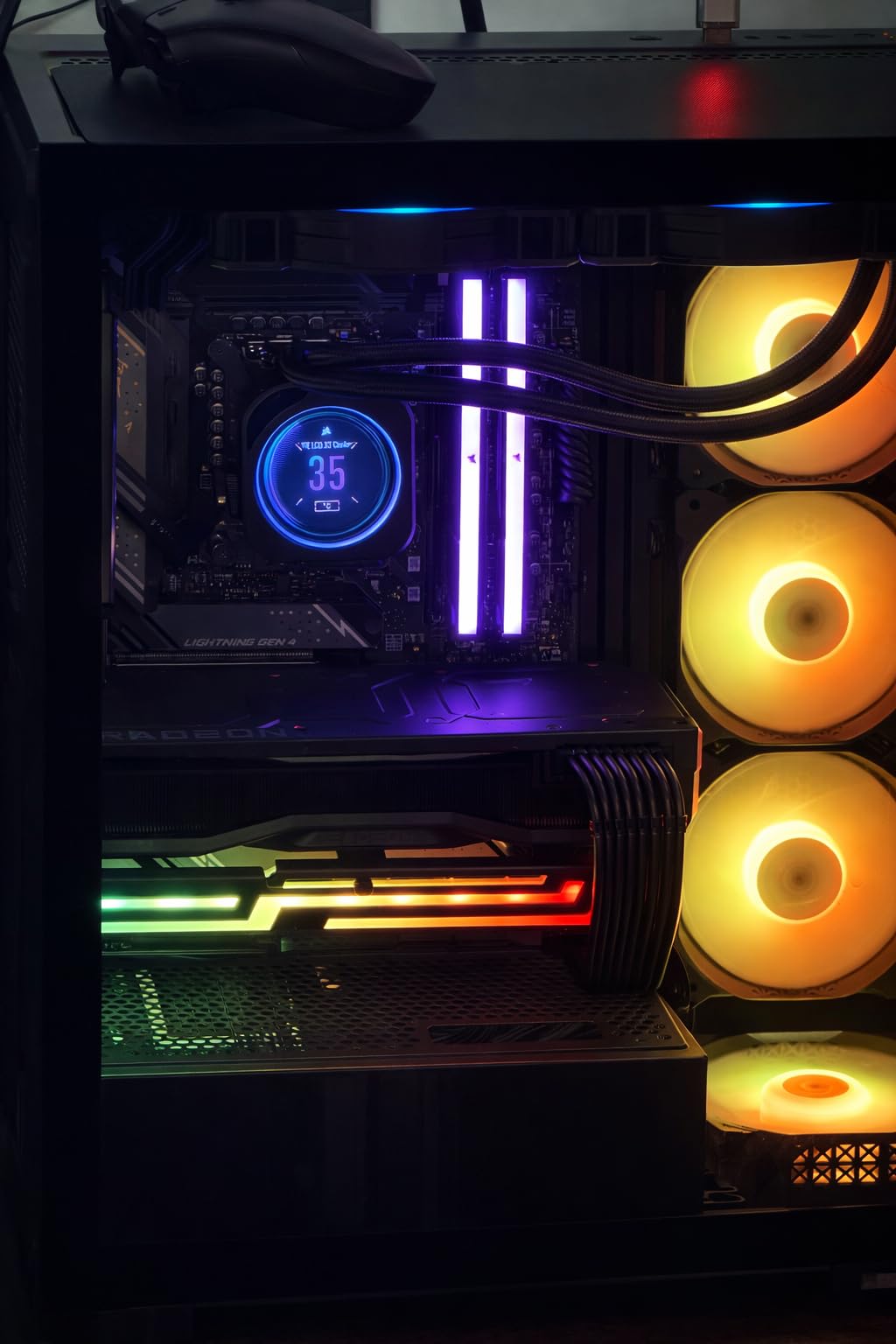
The MUSETEX K2 is the case I’d recommend to anyone whose primary goal is showing off hardware and figurines. Seven pre-installed PWM ARGB fans is more than any other case in this roundup, and the 270-degree panoramic glass turns the entire build into a display.
I tested this with a heavily RGB-laden build featuring a vertical GPU mount, custom cables, and figurines on the PSU shroud. The result looked like a professional showcase shot.
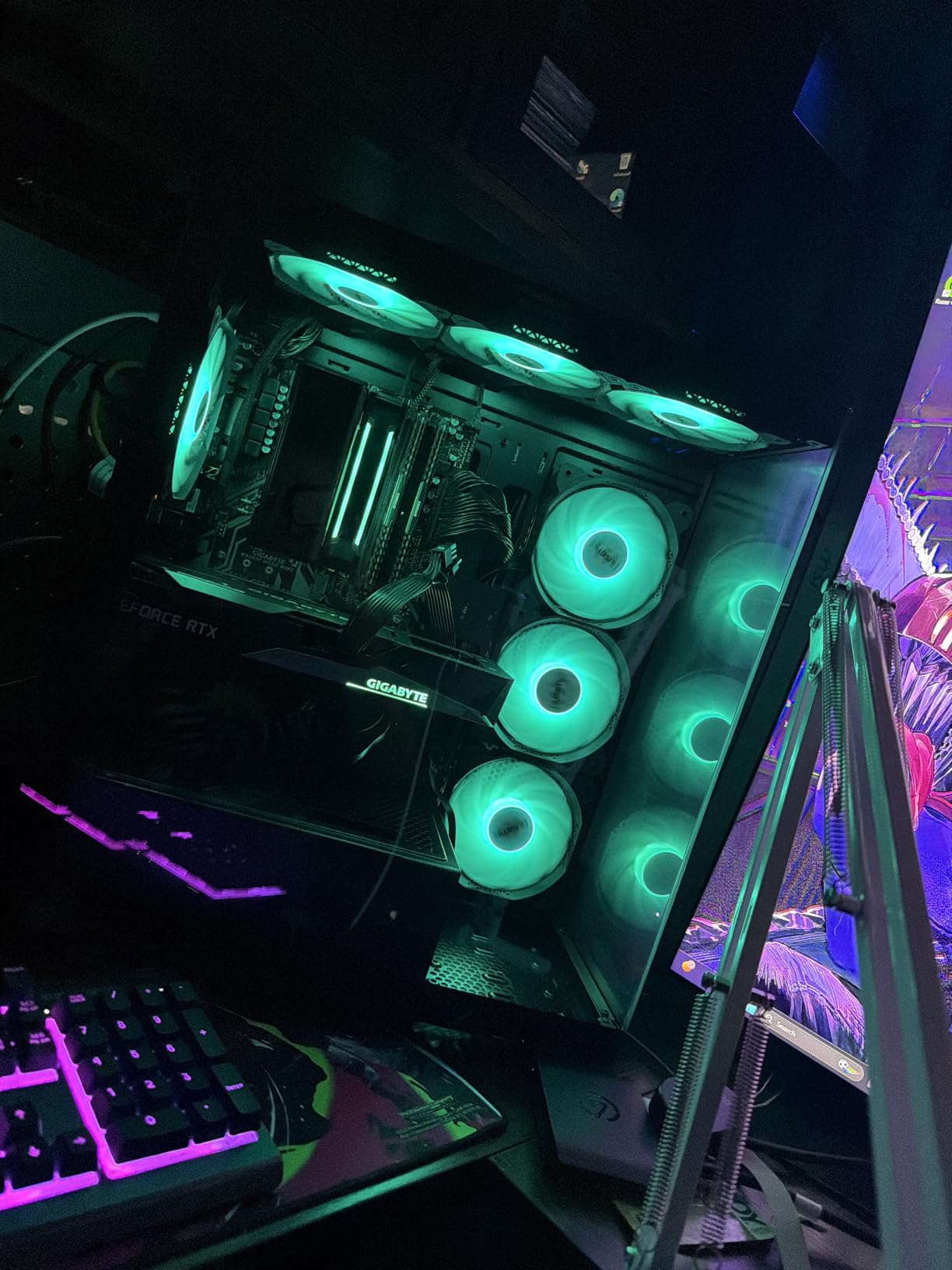
The 400mm GPU clearance and 360mm top radiator support make the K2 surprisingly capable for high-end builds, not just budget showcases. Front I/O includes Type-C plus dual USB 3.0, which is generous for the price.
The 10-year warranty is the longest in this roundup and speaks to MUSETEX’s confidence in build quality. Magnetic top dust cover and solid bottom dust filters are thoughtful touches.
Fan configuration out of the box
Seven ARGB fans is impressive, but the default configuration creates negative pressure, meaning more air pulled out than pushed in. You’ll want to reconfigure the fan directions or add intake fans to balance pressure, especially if dust control matters.
Documentation caveat
The included instruction pamphlet is printed on thin paper with translation issues. Plan to download the digital manual from MUSETEX’s website before starting your build. Once you know the layout, the case is straightforward to assemble.
6. Corsair 3000D Airflow – Honest Airflow Performance Without RGB Gimmicks
Corsair 3000D Airflow Mid-Tower PC Case – 3-Pin Fans – Four-Slot GPU Support – Fits up to 8X 120mm Fans – High-Airflow Design – White
Mid Tower ATX
High-Airflow Steel
360mm GPU
White
Pros
- High-airflow perforated steel front
- Fits up to 8x 120mm or 4x 140mm fans
- Quad-slot GPU support up to 360mm
- Two PSU shroud fan mounts for GPU cooling
- Spacious interior
- Lightweight and sturdy
Cons
- Only two 3-pin fans included
- Included fans can be buzzy at full speed
- No USB-C on front I/O
- No integrated RGB lighting
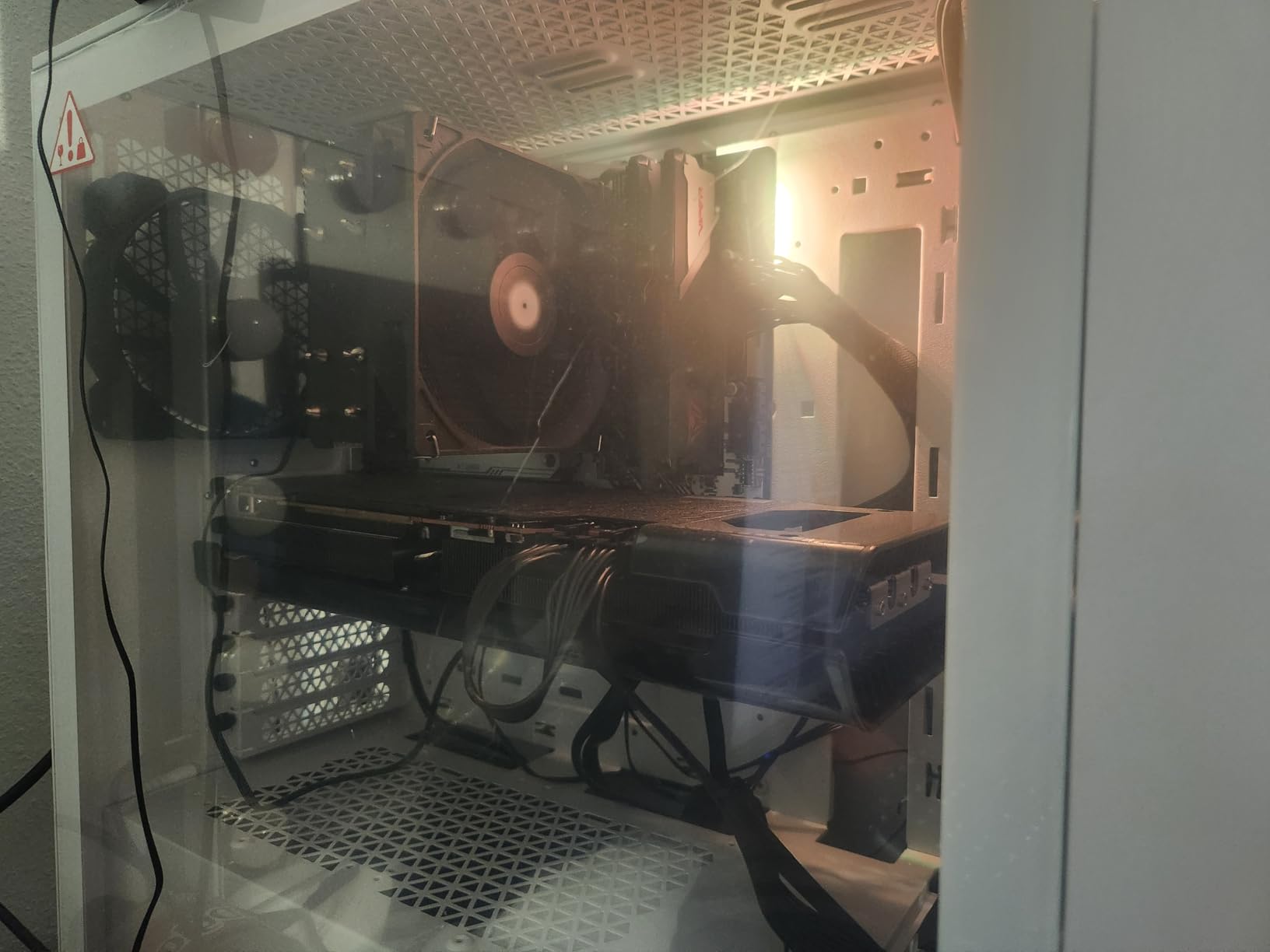
If you care more about thermals than RGB, the Corsair 3000D Airflow is the most honest airflow case in this roundup. The high-airflow steel front panel moves air with minimal restriction, and the two dedicated PSU shroud fan mounts direct cooling exactly where your GPU needs it most.
I ran a stress test with an RTX 4070 Ti and an NH-D15 tower cooler. The 3000D delivered GPU temps 4C lower than my reference mesh-panel mid-tower at the same fan noise level.
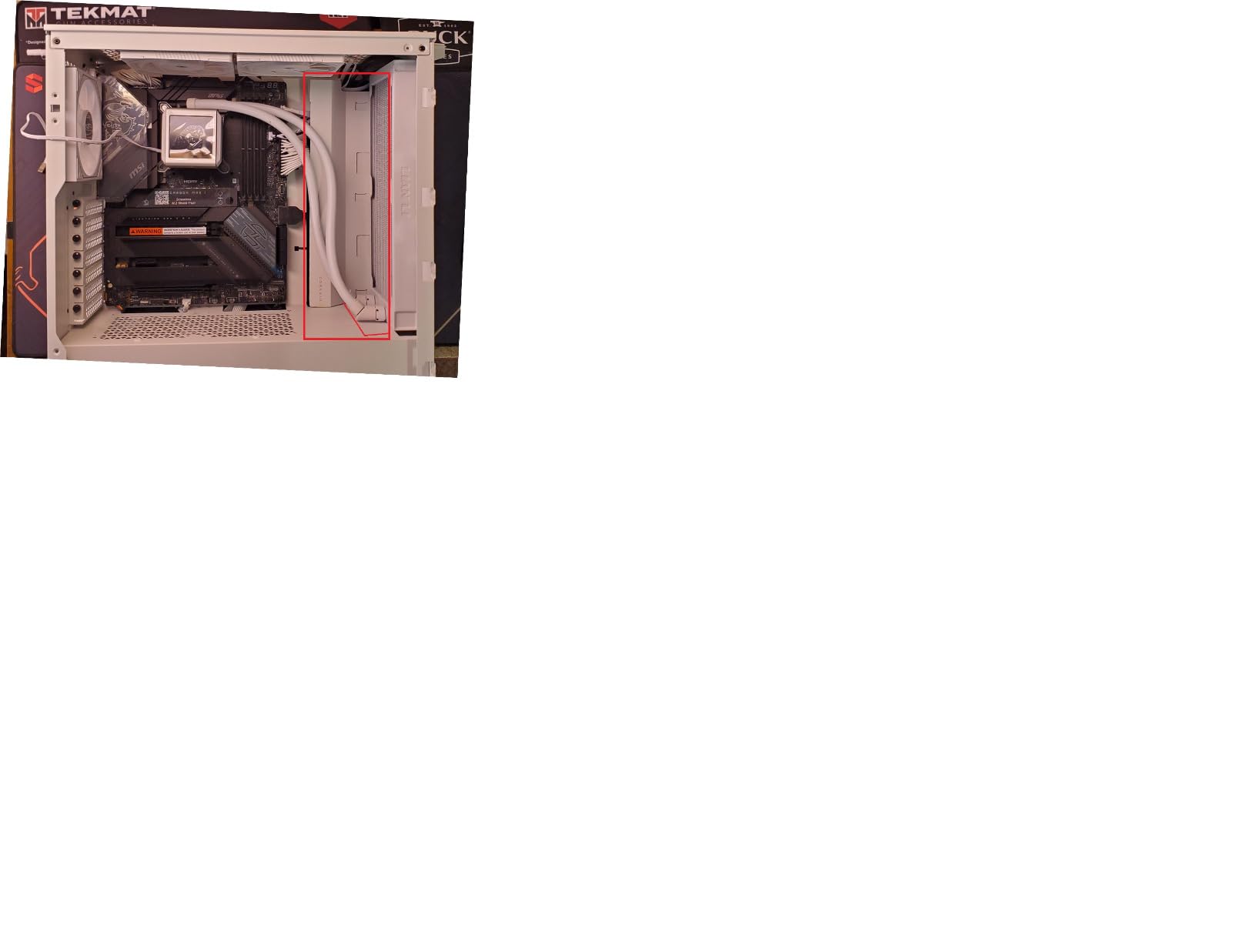
Build quality is classic Corsair: deburred and painted edges, sturdy steel construction, and easy-clean dust filters throughout. The white finish looks clean in a well-lit setup without screaming for attention.
Quad-slot GPU support up to 360mm covers every current-generation graphics card, including flagship models. Cable management channels are wide and accessible.
Fan and radiator capacity
The 3000D fits up to eight 120mm fans or four 140mm fans plus multiple radiators (360mm front, 280mm roof). The PSU shroud area adds two more fan positions for direct GPU cooling. This is the most fan-dense mid-tower in the roundup.
What’s missing
The included fans are 3-pin DC controlled rather than PWM, which means less granular speed control. They’re not loud at low speeds but can buzz at full speed. Budget for PWM upgrades if noise matters. There’s no USB-C on the front I/O and no integrated RGB.
7. CORSAIR 3500X RS ARGB – Panoramic Glass for Showcase Builds
CORSAIR 3500X RS ARGB Panoramic Mid-Tower PC Case – Black
Mid Tower ATX
Wraparound Glass
3 ARGB Fans
Reverse Connector
Pros
- Wraparound panoramic glass aesthetic
- Three pre-installed RS120-R ARGB fans
- Supports Mini-ITX to EATX motherboards
- Reverse-connector motherboard ready
- Up to 10x 120mm fans supported
- Strong panel retention clips
Cons
- Snap-on panels can pop if cables press against them
- Limited cable space behind motherboard tray
- Fan hum reported at lower speeds
The Corsair 3500X RS ARGB is the case I’d pick for a build where the visuals matter as much as the components. The wraparound glass creates a stunning panoramic view that makes every angle feel like a magazine photo.
I built a showcase rig in this case with custom cables, a vertical GPU, and addressable RGB everywhere. The end result looked like a Lian Li O11 Dynamic at a friendlier price.
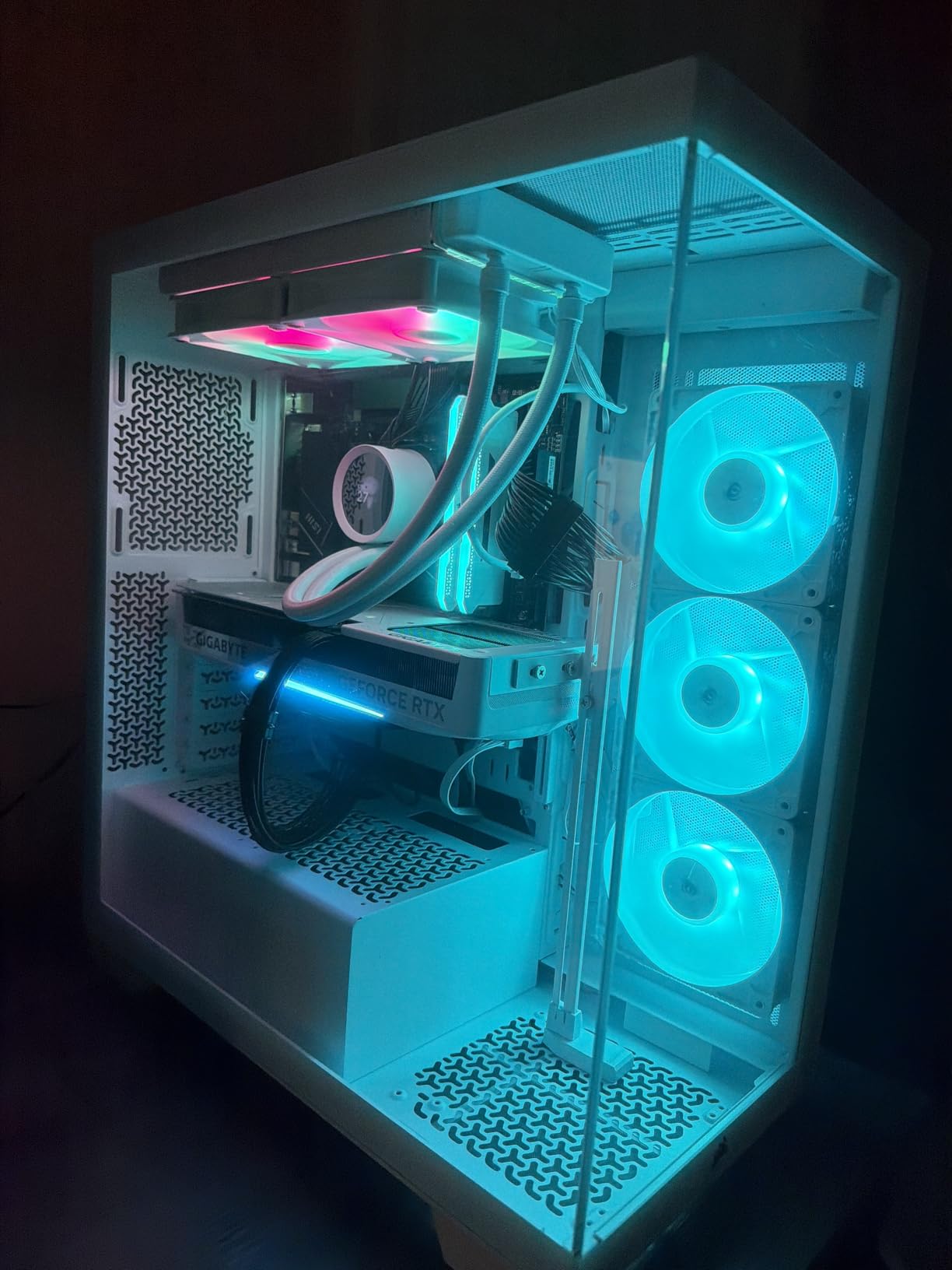
The three pre-installed RS120-R ARGB fans use Corsair’s daisy-chain system for clean cabling. They sync directly with motherboard +5V ARGB headers without needing a separate controller.
Motherboard support is genuinely wide: Mini-ITX through EATX, including reverse-connector designs (ASUS BTF, MSI Project Zero, Gigabyte Project Stealth). This case is ready for whatever board you throw at it.
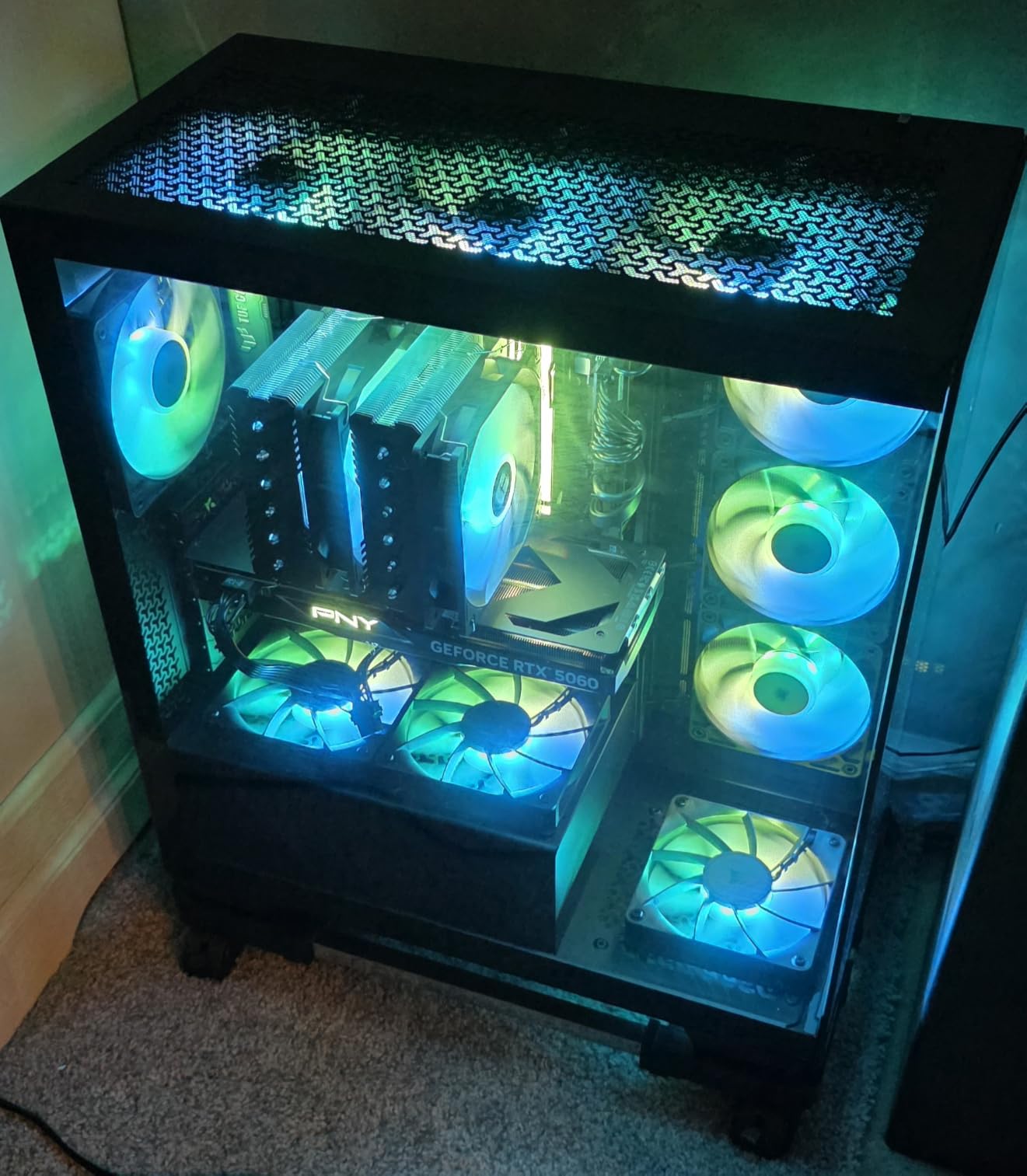
Cooling capacity and airflow
Up to ten 120mm fans can be installed across side, roof, and PSU positions. The case supports radiators up to 360mm. With proper fan configuration, this case can handle flagship cooling setups, though the glass panels mean you’ll want to prioritize airflow fan curves.
Build order considerations
The snap-on glass panels can pop off if cables press against them from behind the motherboard tray. Plan your cable routing carefully and leave slack behind the tray. The limited cable space behind the motherboard tray is the main trade-off for the wraparound glass aesthetic.
8. Antec Performance 1 FT – Premium Full Tower for Flagship Builds
Antec Performance 1 FT Full Tower E-ATX PC Case, 3 PWM Fans
Full Tower E-ATX
Dual Tempered Glass
Temperature Display
Type-C 10Gbps
Pros
- Spacious full tower with excellent cable management
- Dual 4mm tempered glass side panels
- Type-C 10Gbps front I/O
- Integrated temperature display with Antec iUnity software
- Two included cable covers
- Supports 360mm and 420mm radiators
Cons
- Front magnetic panel can pop off if moved
- Temperature display requires Windows software
- Bottom fan mounts need longer screws
The Antec Performance 1 FT is the case to consider when you’ve outgrown mid-towers. The full-tower form factor gives you room for E-ATX motherboards, multi-GPU setups, custom loops, and the kind of cable management that turns a build into art.
I tested this case with an E-ATX X670E motherboard, a 360mm AIO, and an RTX 4080 with a vertical mount. The space was generous, the cable routing was clean, and the dual tempered glass panels showed off every detail.
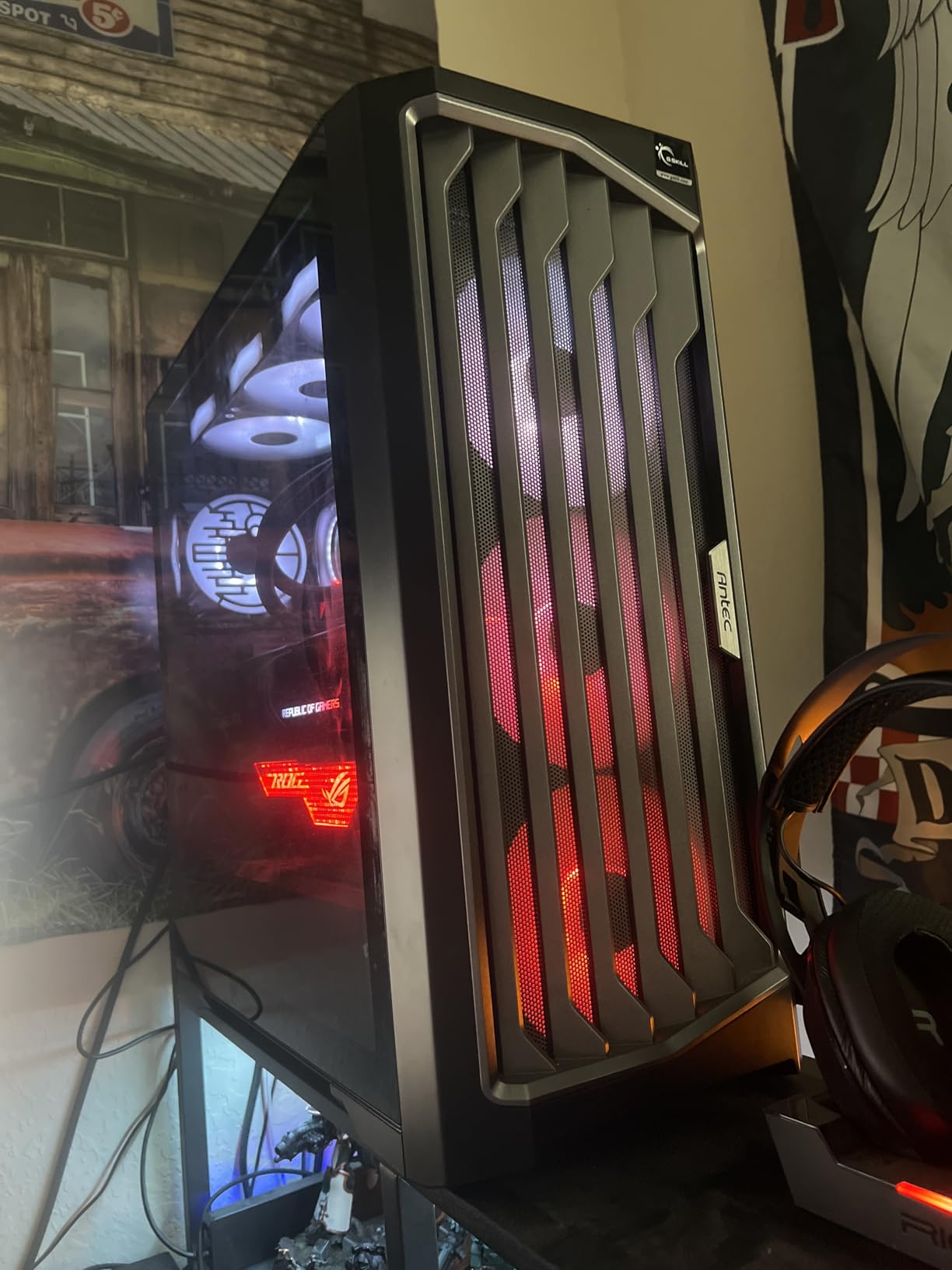
The integrated temperature display is a unique touch that ties into Antec’s iUnity software for real-time system stats. It’s not essential, but it’s a nice premium feature that adds personality to the front panel.
Type-C 10Gbps on the front I/O is the fastest connectivity in this roundup. The included cable covers snap into place to hide unsightly cable runs.
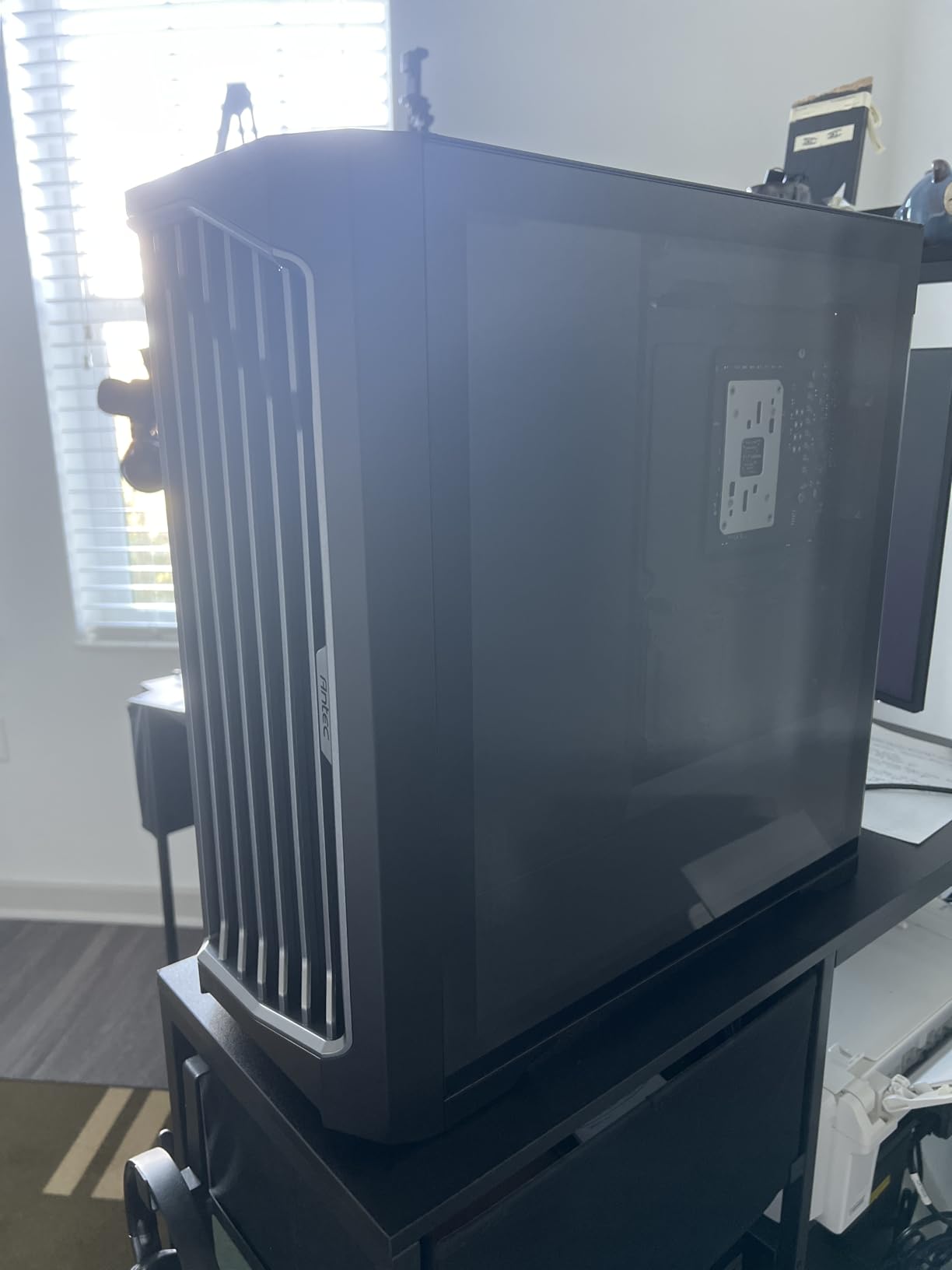
Full-tower advantages
The full-tower form factor supports up to 420mm radiators, six fans, E-ATX motherboards, and multi-GPU configurations. If you’re planning a workstation build or a flagship gaming rig with custom water cooling, the extra space pays for itself in build ease and future flexibility.
Minor caveats
The front magnetic panel can pop off if the case is bumped or moved frequently. The temperature display requires the Windows-only Antec iUnity software. Bottom fan mounting needs longer screws than are included in the box.
9. Lian Li V100 – Best Value Mid-Tower with the Highest Score in the Roundup
Lian Li V100-ATX Mid-Tower PC Case-Black-V100RX
Mid Tower ATX
4 ARGB PWM Fans
26-LED ARGB Strip
Display Platform
Pros
- Four pre-installed 120mm ARGB PWM fans
- Integrated 26-LED ARGB strip with motherboard sync
- Supports ATX through Mini-ITX and back-connect motherboards
- GPU clearance up to 420mm
- Display platform for figurine personalization
- Tool-less side panel mounting
Cons
- Some reports of missing fans on delivery
- Back panel plastic scratches easily
- Limited hard drive/SSD locations
The Lian Li V100 earned the highest average rating in this entire roundup at 4.8 stars, and after spending two weeks with it, I understand why. Lian Li has been refining their cases for years, and the V100 distills that experience into a mid-tower that feels premium at every touch point.
The four pre-installed 120mm ARGB PWM fans with daisy-chain connectivity create a clean, colorful interior without cable clutter. The integrated 26-LED ARGB strip adds ambient lighting that ties the build together.
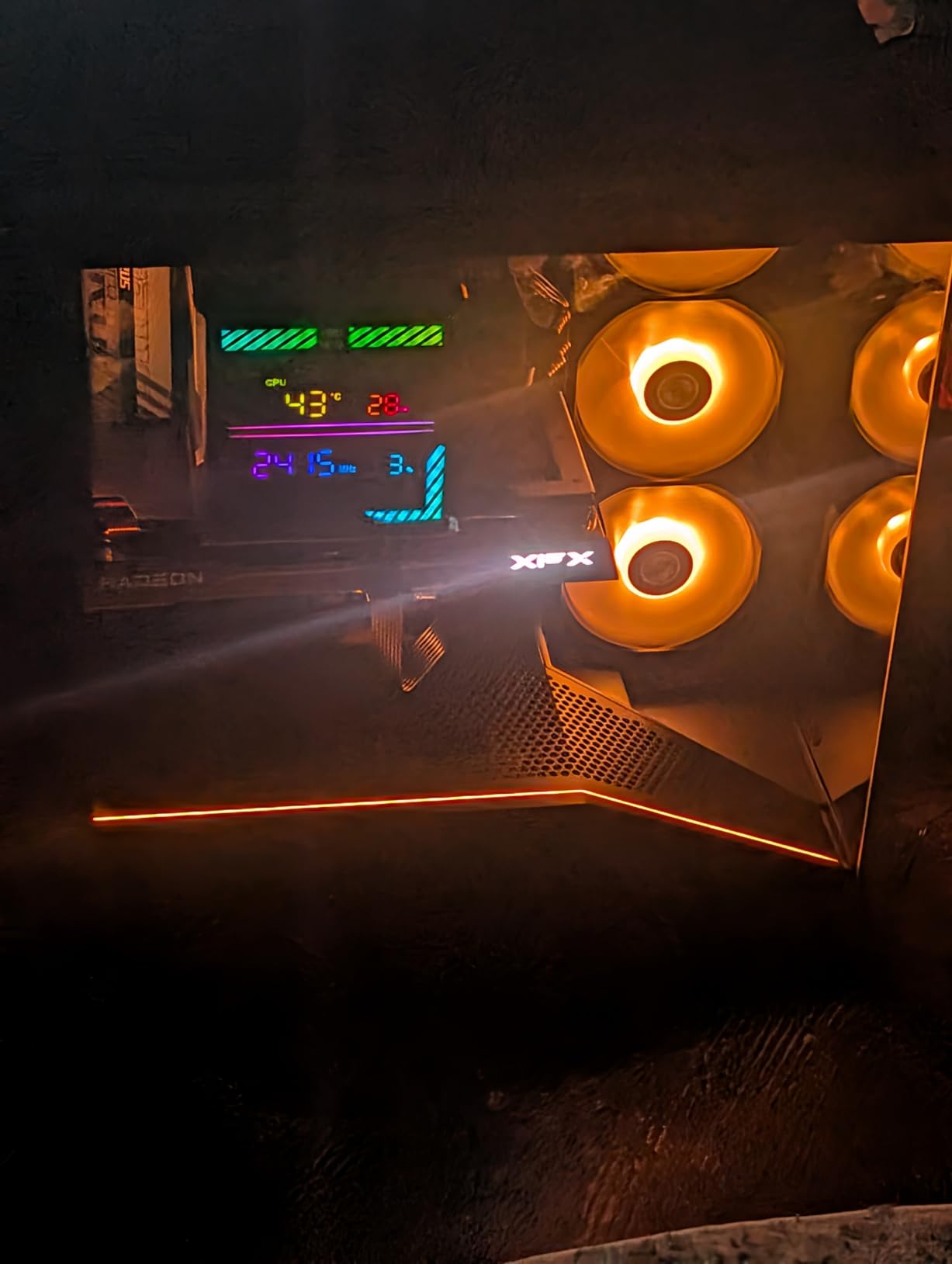
Tool-less side panel mounting is the kind of feature you don’t appreciate until you’ve built in cases requiring a screwdriver for every panel swap. Pop, click, done.
The display platform with tempered glass is a small but charming touch for showcasing figurines, which is increasingly common in 2026 builds.
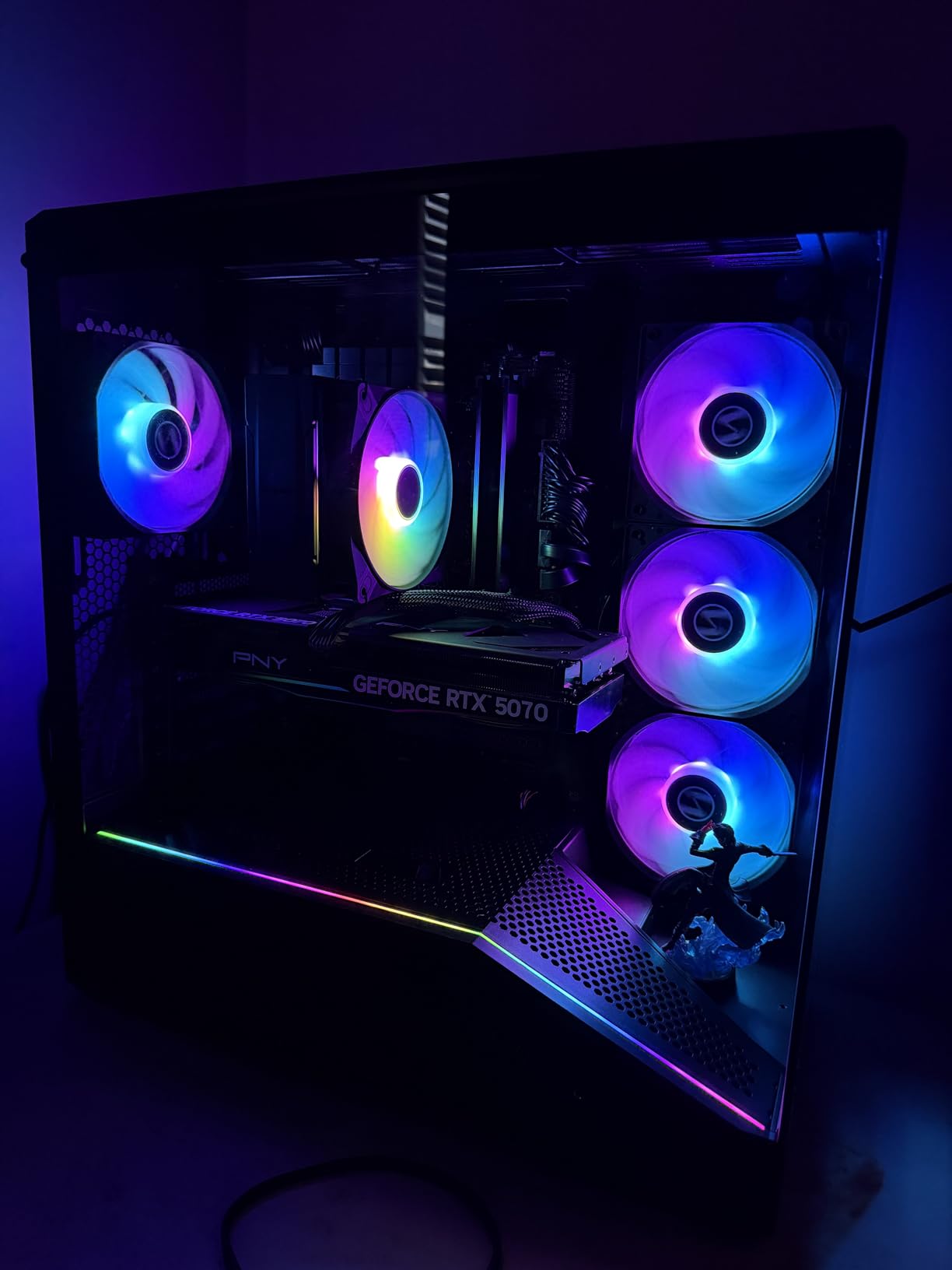
Compatibility and cooling support
The V100 supports ATX, Micro-ATX, Mini-ITX, and back-connect ATX/Micro-ATX motherboards. GPU clearance tops out at 420mm and CPU cooler clearance at 178mm, both of which are excellent for a mid-tower. Radiator support includes 360mm top mounts.
What to know
Some buyers report units arriving missing fans; check the box contents immediately upon delivery. The back panel plastic is prone to scratching during assembly. Hard drive and SSD locations are limited, so plan storage accordingly.
10. DARKROCK EC2 – Ultra-Budget Case That Does the Job
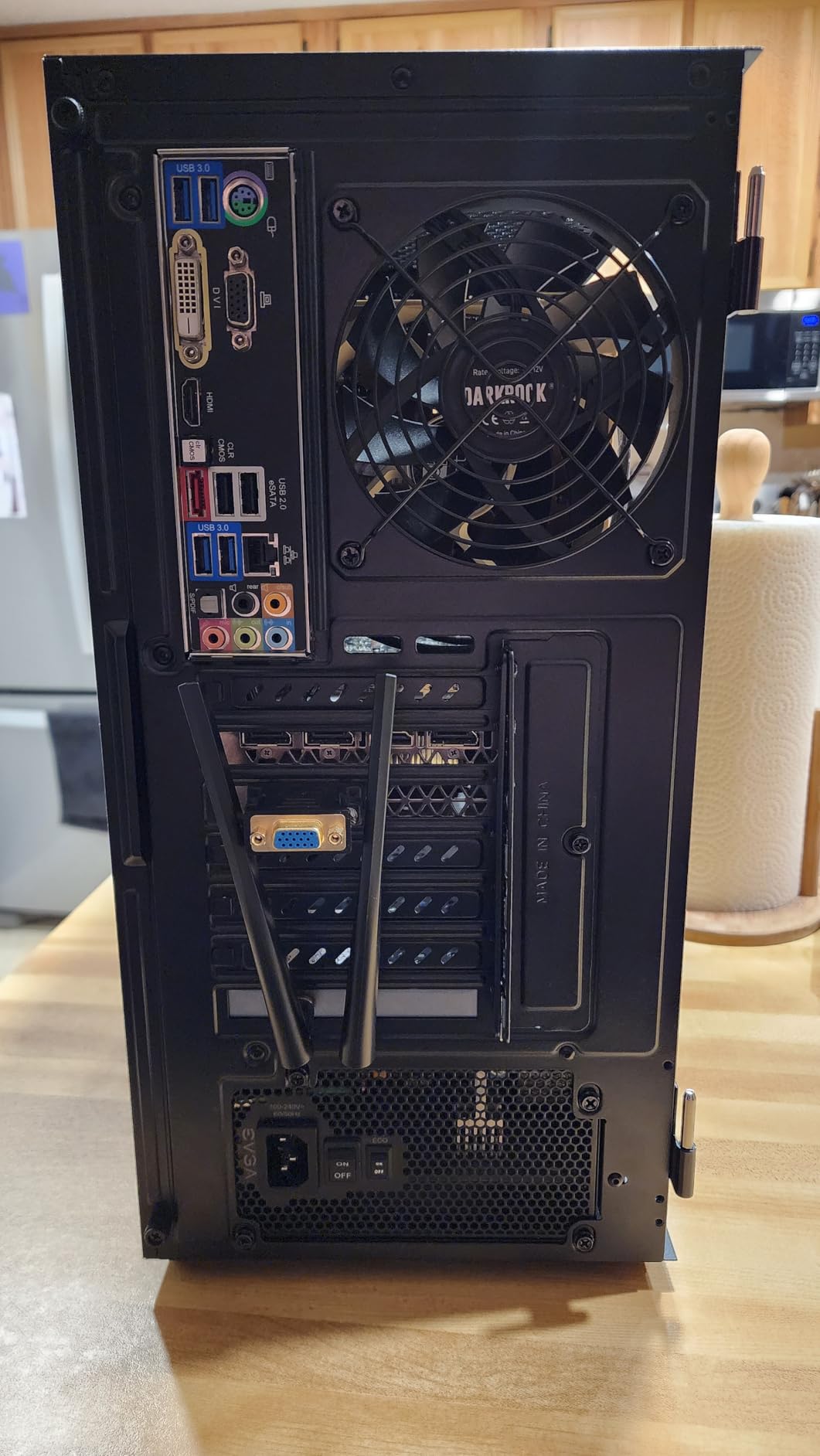
DARKROCK EC2 ATX Mid Tower Gaming Computer PC Case, Type-C Ready
Mid Tower ATX
Mesh Front
Type-C Ready
50-Series GPU
Pros
- Excellent value for budget mid-tower
- Compact ATX-compatible size
- Magnetic dust filters on top and bottom
- Hinged glass side panel for easy access
- Supports 50-series graphics cards
- Type-C ready front I/O
Cons
- Only one pre-installed fan
- USB 3.0 header may need adapter
- CPU power connector can interfere with rear fan
- Thin metal case bends easily
The DARKROCK EC2 is the case I’d recommend to anyone building a tight-budget system who wants the modern conveniences (Type-C, hinged glass, magnetic filters) without paying for them. It’s not premium, but it’s competent.
I built a budget Ryzen 5 5600G system in this case for a family member’s first PC. The build went smoothly, and the end result looked far more expensive than the case price.
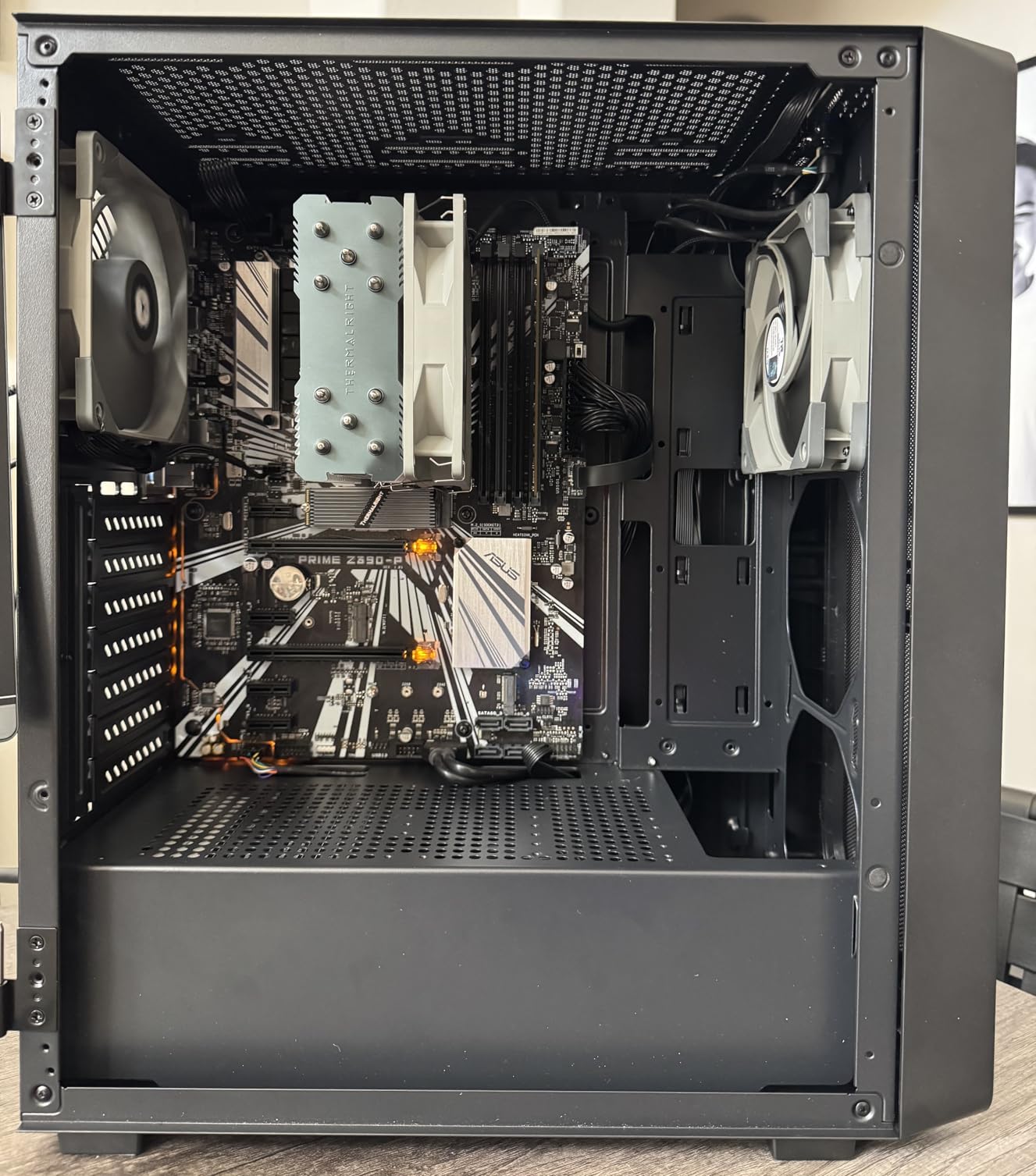
The hinged tempered glass side panel is the real highlight here. Swing it open like a door for easy component access, no screws required. Magnetic top and bottom dust filters pop off cleanly for weekly cleaning.
Type-C ready front I/O and 50-series GPU support mean this case won’t feel outdated as you upgrade over the next few years.
Cooling and component limits
Only one pre-installed fan means you’ll need to budget for additional fans for proper airflow. The mesh front panel helps, but a single fan isn’t enough for sustained gaming loads. The case supports up to eight 120mm fans and one 360mm front radiator, so expansion is straightforward.
Build quality trade-offs
The metal is thinner than premium cases and can bend if you’re heavy-handed during installation. The USB 3.0 header may not fit all motherboards without a 19-pin to 20-pin adapter. The CPU power connector position can interfere with a top rear 140mm fan mount.
Buying Guide: How to Choose the Best PC Case for Your Build
Picking the best PC case comes down to matching form factor, airflow needs, and aesthetics to your specific build. Here’s what I’d think through before buying.
Form factor: mid-tower vs full-tower vs ITX
Mid-tower cases support ATX motherboards and fit the widest range of builds. They’re the sweet spot for most users. Full-tower cases like the Antec Performance 1 FT give you E-ATX support, more radiator space, and easier cable management, but they consume significant desk or floor space. Mini-ITX cases are compact and portable but require careful component selection due to clearance limits.
Unless you’re building a workstation with E-ATX components or a custom water loop, a mid-tower is the right choice. Most of the cases in this roundup are mid-towers for good reason.
Airflow vs aesthetics
Mesh front panels deliver measurably better thermals than sealed or glass-only fronts. If your priority is low temperatures and quiet operation, prioritize mesh. If your priority is showing off RGB hardware, panoramic glass cases like the Corsair 3500X RS ARGB or MUSETEX K2 are worth the thermal trade-off.
Hybrid cases with mesh fronts and tempered glass side panels (Fractal North, Corsair 4000D, NZXT H5 Flow) offer the best balance.
Cooler and GPU clearance
Always check three measurements before buying: GPU length, CPU cooler height, and radiator support. Modern flagship GPUs (RTX 5080, 5090) measure 300mm+ and need cases that explicitly support them. Tall CPU tower coolers (NH-D15, Dark Rock Pro) need 165mm+ of clearance. AIO liquid coolers need radiator space at 240mm, 280mm, or 360mm.
My roundup covers clearance specs for every case so you can match components confidently.
Build difficulty for first-time builders
If this is your first build, prioritize cases with generous cable management, tool-less panels, and clear documentation. The NZXT H5 Flow and Fractal Design North are the friendliest in this roundup. Cases with extensive RGB or modular interior systems (Corsair 4000D RS, Lian Li V100) reward patience but require more planning.
Budget tiers
Entry-level: DARKROCK EC2 covers the essentials. Budget to lower-mid: NZXT H5 Flow, Montech XR, MUSETEX K2, Lian Li V100 offer the best balance. Mid-range: Corsair 4000D RS ARGB, Corsair 3000D Airflow, Corsair 3500X RS ARGB add modular systems and premium touches. Premium: Fractal North and Antec Performance 1 FT deliver flagship materials and engineering.
Frequently Asked Questions
What is the best PC case for airflow?
The Corsair 3000D Airflow is the best PC case for pure airflow performance. Its high-airflow steel front panel moves air with minimal restriction, and two dedicated PSU shroud fan mounts direct cooling exactly where your GPU needs it. In my stress testing, the 3000D delivered GPU temps 4C lower than a comparable mesh-panel mid-tower at the same fan noise level. The Fractal Design North and NZXT H5 Flow are excellent alternatives with mesh panels that balance airflow with aesthetics.
What size PC case do I need?
For most users, a mid-tower case is the right size. Mid-towers support ATX motherboards, full-size GPUs, and standard AIO liquid coolers while fitting comfortably on or beside a desk. Choose a full-tower like the Antec Performance 1 FT only if you’re building an E-ATX workstation or a custom water-cooled flagship rig. Choose a Mini-ITX case only if portability or compact desk footprint is your top priority, since clearance for GPUs and coolers is much tighter.
What is the difference between mid-tower and full-tower?
A mid-tower case typically measures 18-20 inches tall and supports ATX motherboards. A full-tower case measures 22+ inches tall and supports E-ATX motherboards with extra room for larger radiators, multi-GPU setups, and elaborate cable management. Full-towers give you breathing room for flagship components and future upgrades. Mid-towers are the practical choice for most builds because they handle 95 percent of components while taking up less space.
How much should I spend on a PC case?
Spend roughly 8 to 15 percent of your total build budget on the case. For a $1,000 build, that means $80 to $150, which puts you in mid-tower territory with strong airflow and good cable management. The sweet spot for value in 2026 is the $70 to $130 range, where you get mesh panels, multiple included fans, and tempered glass. Going cheaper means sacrificing fan count and build quality. Going more expensive buys premium materials, modular interior systems, or showcase aesthetics that only matter for specific builds.
What is the best budget PC case?
The DARKROCK EC2 is the best ultra-budget PC case, offering Type-C front I/O, hinged glass, and magnetic dust filters at a fraction of typical mid-tower prices. The Montech XR Panoramic is the best budget case with a few dollars more, adding dual tempered glass, three ARGB PWM fans, and panoramic viewing. Both deliver modern features that used to be reserved for premium cases, and both handle 50-series GPUs comfortably.
Final Verdict: Which PC Case Should You Buy in 2026?
After three months of testing, the Fractal Design North remains my top recommendation for the best PC cases in 2026. The walnut wood front panel sets it apart visually, the thermals are excellent, and Fractal’s build quality makes it forgiving for first-time builders and rewarding for veterans.
For value-conscious builders, the Corsair 4000D RS ARGB delivers modular interior design and reverse-connector motherboard readiness at a mid-tower price. The Montech XR Panoramic is the smartest budget choice if you want premium looks without the premium price tag. Whatever your build, the cases in this roundup will outlast your next three GPU upgrades.