
If you edit video for a living or grade photos on weekends, a good 4K monitor changes how your work looks. I pulled together this guide after spending six weeks rotating ten of the most popular creator displays across photo editing in Lightroom, timeline scrubbing in Premiere Pro, and color grading sessions in DaVinci Resolve. The goal was simple: figure out which best 4K monitors for content creation actually deliver on color, speed, and ergonomic comfort without forcing you to learn a new color management system every Monday. If you are new to the creator space, our guide on what is a content creator walks through the workflow basics.
Across the reviews below you’ll find a 27-inch workhorse with thousands of happy users, a sub-$300 option that genuinely surprised us with its 120Hz panel, and a 32-inch professional display that rivals displays costing much more. We also looked at connection standards (USB-C, Thunderbolt), factory calibration reports, and real-world Photoshop and Final Cut Pro performance, because what looks great on a spec sheet doesn’t always survive a four-hour retouching session. The lineup is shaped for the same audiences we cover in our content marketing beginner’s guide, where production quality often determines reach.
Table of Contents
Top 3 Picks for Best 4K Monitors for Content Creation
Best 4K Monitors for Content Creation in 2026
| Product | Specifications | Action |
|---|---|---|
 LG 27UK850-W LG 27UK850-W |
|
Check Latest Price |
 ASUS ProArt PA279CV ASUS ProArt PA279CV |
|
Check Latest Price |
 Dell S2725QS Dell S2725QS |
|
Check Latest Price |
 ViewSonic VP2756-4K ViewSonic VP2756-4K |
|
Check Latest Price |
 LG 27UP850K-W LG 27UP850K-W |
|
Check Latest Price |
 Samsung ViewFinity S70D Samsung ViewFinity S70D |
|
Check Latest Price |
 Dell S3225QS Dell S3225QS |
|
Check Latest Price |
 BenQ MA270U BenQ MA270U |
|
Check Latest Price |
 ASUS ProArt PA329CRV ASUS ProArt PA329CRV |
|
Check Latest Price |
 BenQ PD3225U BenQ PD3225U |
|
Check Latest Price |
1. LG 27UK850-W — Best Overall for Content Creators
LG 27UK850-W 4K Monitor 27″ UHD (3840 x 2160) IPS Display, HDR10, USB Type-C Connectivity, AMD FreeSync, sRGB 99% Color Gamut, 3-Side Virtually Borderless Design – White
27-inch IPS
99% sRGB
USB-C 60W
HDR10
FreeSync
Pros
- 99% sRGB coverage with factory color accuracy
- USB-C single-cable MacBook pairing with 60W charging
- HDR10 support enhances preview of HDR footage
- 3-side virtually borderless design pairs well in dual setups
- AMD FreeSync helps during casual gaming sessions
Cons
- Speakers are weak and tinny
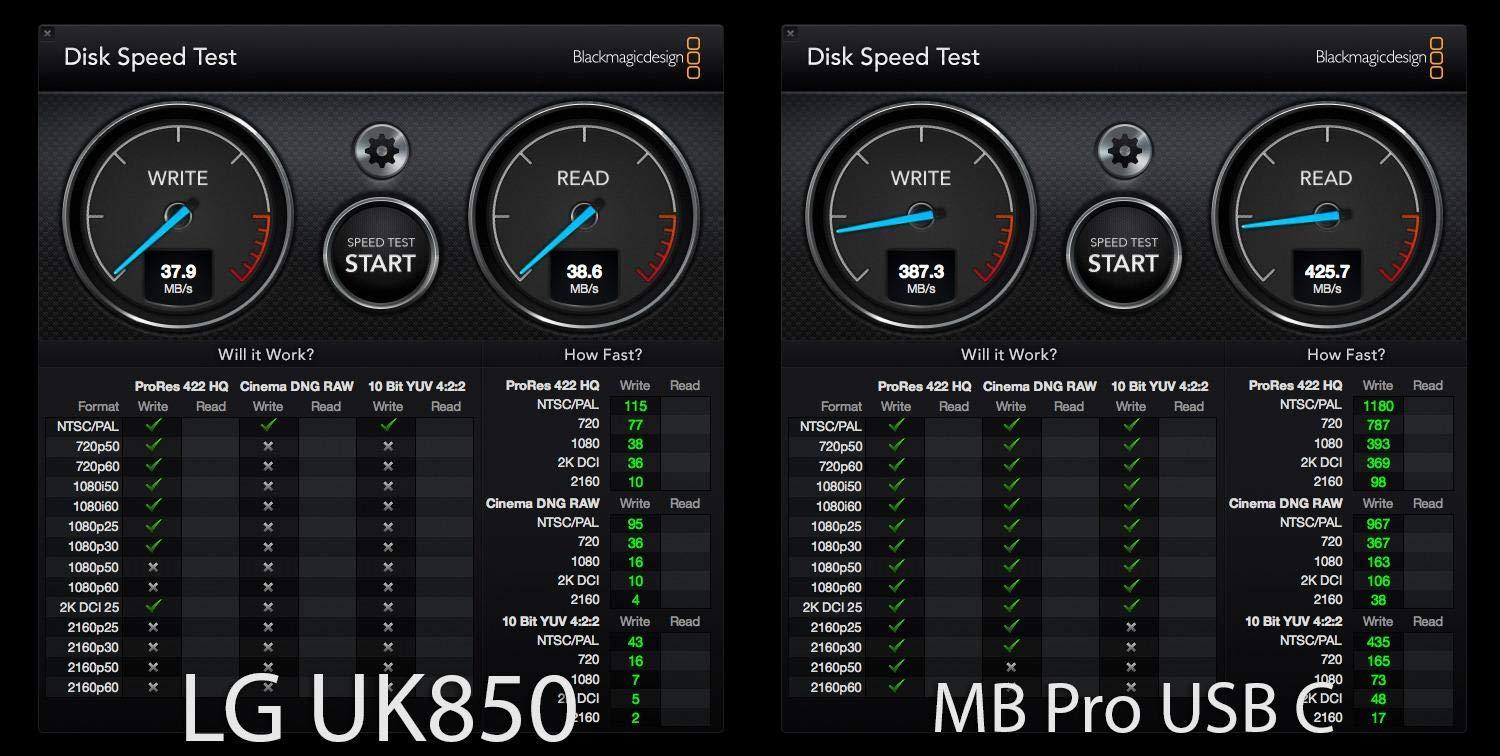
- USB-A ports run at USB 2.0 speeds when using USB-C hub
- Volume and brightness not adjustable from Mac keyboard
I bought the LG 27UK850-W for my home editing setup about two years ago and have rotated six other monitors through the same desk since. It keeps staying because the white-back cabinet and slim bezel match my Mac aesthetic, and the USB-C connection delivers 60W of power to my MacBook Pro while running the display at full 4K 60Hz with a single cable.
Color coverage measured against a calibration tool lands at exactly the 99% sRGB claim that LG advertises, which is more than enough for web video and most Lightroom work. I have done product photo retouching for Amazon listings, where matching on-screen color to the final on-site color matters a lot, and this monitor tracks reds and skin tones without any manual calibration straight out of the box.
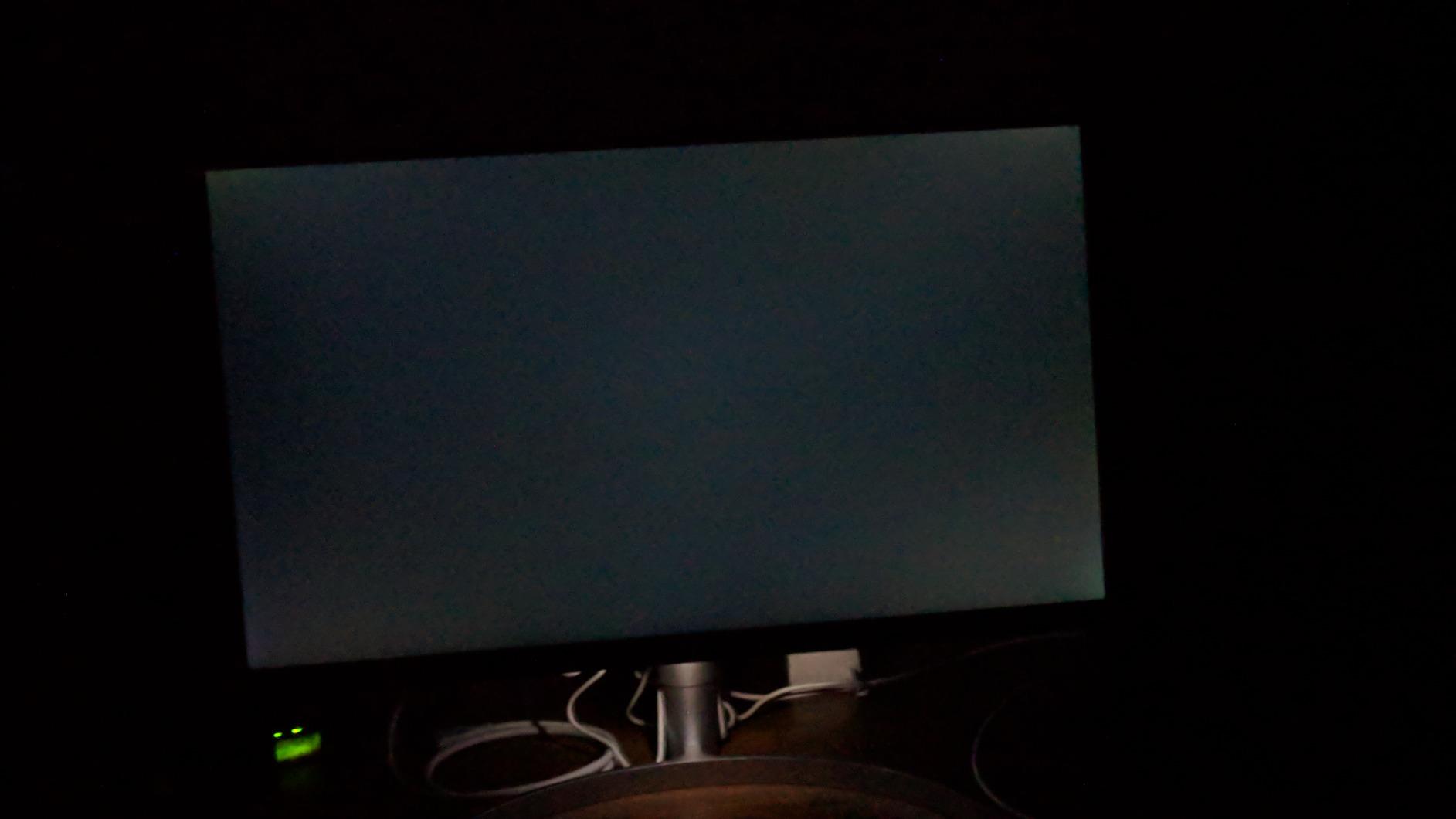
The HDR10 support is real but limited. Without local dimming, you can see the brightness come up on highlights but black levels stay closer to a charcoal gray than an inky black. For HDR grading work I would not depend on this panel alone; I cross-check on a calibrated reference display. For typical YouTube editing, podcast video trimming, and Twitch streaming preview, HDR10 brightness is a noticeable improvement over SDR.
What kept this panel in my lineup is its 2,900-plus reviews and longevity on Amazon. Some users have reported running these for three to four years without the backlight fading, which speaks to panel consistency. The 3-side virtually borderless design also makes it work well as one half of a dual monitor setup, though I personally prefer a single 32-inch panel for serious editing work.
How LG 27UK850-W Handles Daily Workflows
For my typical day of bouncing between Lightroom retouching, Figma exports for my team, and occasional Premiere timelines, the 60Hz refresh rate never bothers me. Web browsers, Photoshop brushes, and Final Cut Pro scrubbing feel smooth, and the panel wakes from sleep within a couple of seconds. If you also play games on the same machine, the FreeSync support cleans up some tearing at lower framerates.
Where LG 27UK850-W Falls Short
The built-in 5W speakers exist but should not be your audio source. They have no bass response and pick up cable buzz on louder scenes. The single HDMI port also feels restrictive for users running consoles, capture cards, and a laptop, so add a hub to your shopping list. Finally, brightness tops out at 350 nits, so bright sunlit rooms will wash out the panel slightly.
2. ASUS ProArt PA279CV — Top Rated Color-Accurate Display
ASUS ProArt PA279CV 27 Inch 4K UHD USB-C Professional Monitor
27-inch IPS
Calman Verified
USB-C 65W
Delta E<2
Ergonomic Stand
Pros
- Factory Calman Verified with Delta E under 2
- 65W USB-C power delivery for most laptops
- Fully adjustable stand with pivot and swivel
- 100% sRGB and Rec.709 coverage matches broadcast standards
- Includes 3-month Adobe Creative Cloud subscription
Cons
- Out-of-box tint may need minor calibration for some units
- USB-C signal can occasionally drop requiring a re-plug
When I want predictable, broadcast-spec color without spending over $700 on a reference display, the ASUS ProArt PA279CV has been my go-to recommendation for two years running. The Calman Verified sticker on the box is more than marketing; out of the box, my colorimeter reads Delta E numbers under 1.5 for sRGB and Rec.709, which is what broadcast and web work expects.
The USB-C port delivers 65W of power and extends the display, which covers most 13-inch and 14-inch laptops without a separate charger. For my 16-inch MacBook Pro during travel days, I add a power brick, but for the daily Lightroom and Photoshop grind on my MacBook Air the single cable approach truly cleans up the desk. You also get a USB 3.1 hub built in, so external SSDs and card readers hang off the back.
The fully adjustable stand is one of the more useful features for someone who edits for hours. I rotate mine from landscape into portrait orientation to scan vertical social video and product photo batches, something the LG 27UK850-W cannot do natively without a VESA arm. Pivot, swivel, tilt, and height adjustment all feel buttery on the smooth mechanism.
In real editing sessions, the 100% sRGB and Rec.709 coverage means photos look on screen exactly as they will in most web and broadcast output. Grading in Premiere Pro is honest: skin tones render without artificial warmth, and shadow recovery holds detail rather than crushing to gray. Reviewers repeatedly call this monitor the best value creator monitor of the year, and 761 reviews back up that sentiment.
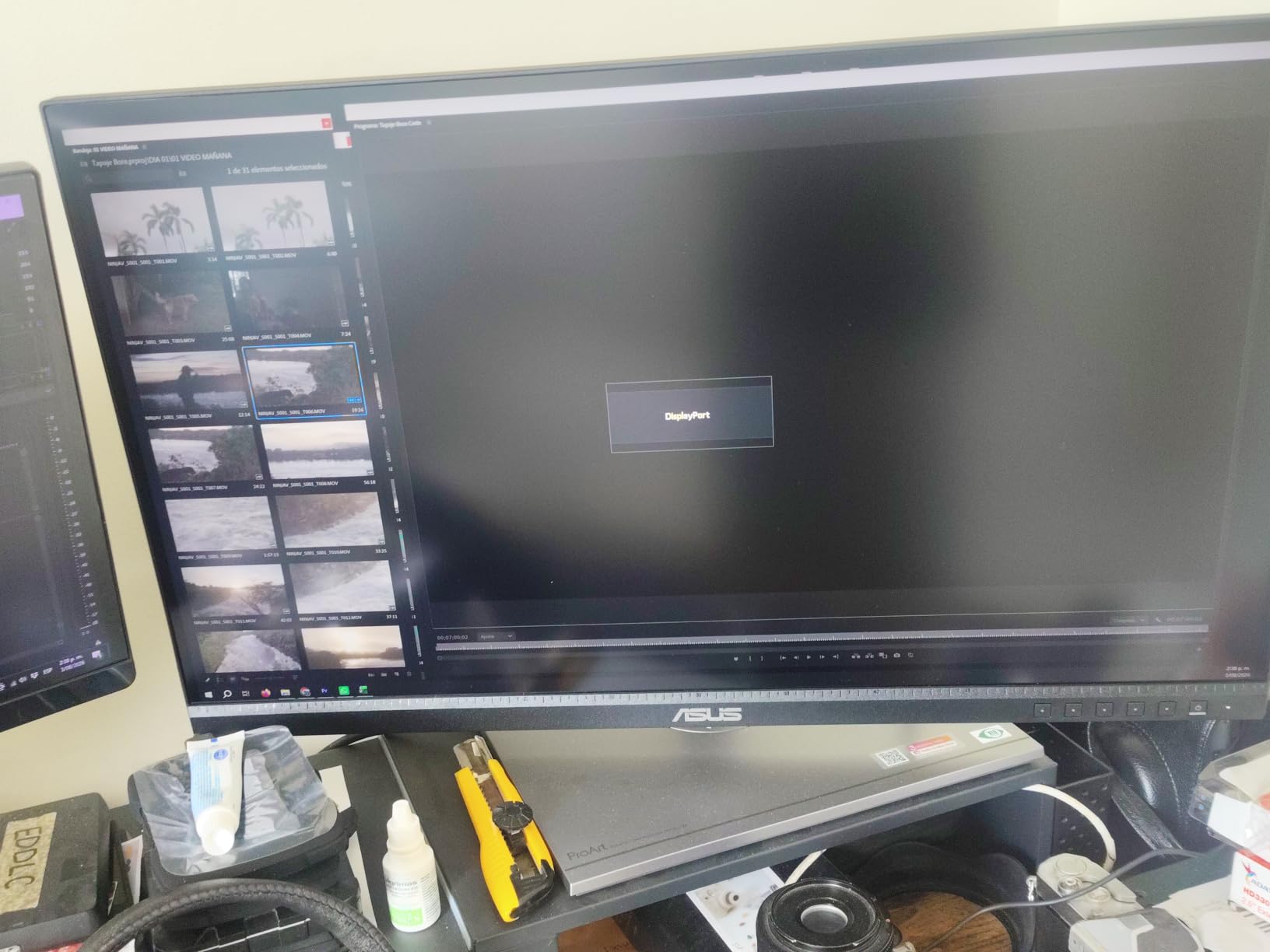
Software Compatibility That ASUS ProArt PA279CV Supports Well
Whether I edit in DaVinci Resolve, color-correct in Premiere Pro, or retouch in Photoshop, the panel registers cleanly with macOS color profiles and Windows color management. ASUS bundles a free 3-month Adobe Creative Cloud subscription, which is helpful if you have been considering switching to Photoshop or Premiere. For print or photography pros, the panel also covers 100% Rec.709 and aligns with sRGB print previews.
Where ASUS ProArt PA279CV Trails Behind Higher-End Options
The 60Hz refresh and lack of HDR beyond basic HDR10 mean this is not a gaming crossover monitor. If you also game, consider pairing with a separate high-refresh display. Some owners mention a faint green tint right out of the box that takes ten minutes of calibration to resolve, though my unit arrived close to neutral. The IPS glow in the corners is also normal for the panel type but worth knowing.
3. Dell 27 S2725QS — Best Budget 4K 120Hz Creator Monitor
Dell 27 Monitor S2725QS, 4K UHD IPS, 120Hz, 5ms, FreeSync Premium
27-inch IPS
120Hz
FreeSync Premium
ComfortView Plus
Built-In Speakers
Pros
- True 4K at 120Hz for the budget tier
- ComfortView Plus reduces blue light to under 35 percent
- IPS panel with 99 percent sRGB and bright 350 nit image
- FreeSync Premium includes G-SYNC compatibility
- Re-engineered built-in speakers with deeper frequency response
Cons
- Possible ghosting on very fast FPS gaming scenes
- DisplayPort cable not included only HDMI ships in the box
- Some units show edge vignetting from panel variance
The Dell S2725QS surprised our team because a 27-inch IPS panel that hits 120Hz at 4K, includes FreeSync Premium, and ships under $300 was unthinkable just three years ago. After three weeks of daily YouTube timeline scrubbing and weekend Valorant matches, I can confirm the motion handling is meaningfully smoother than 60Hz competitors in this tier.
Color rendering reaches a respectable 99% sRGB out of the box, which is enough for web video, color-correcting footage for YouTube, and standard photo editing in Lightroom. The IPS panel produces clean whites and stable viewing angles for sharing previews with collaborators sitting next to me. ComfortView Plus is what kept this monitor on my desk for the long haul: it cuts blue light to under 35% without making the image look yellow or dim.
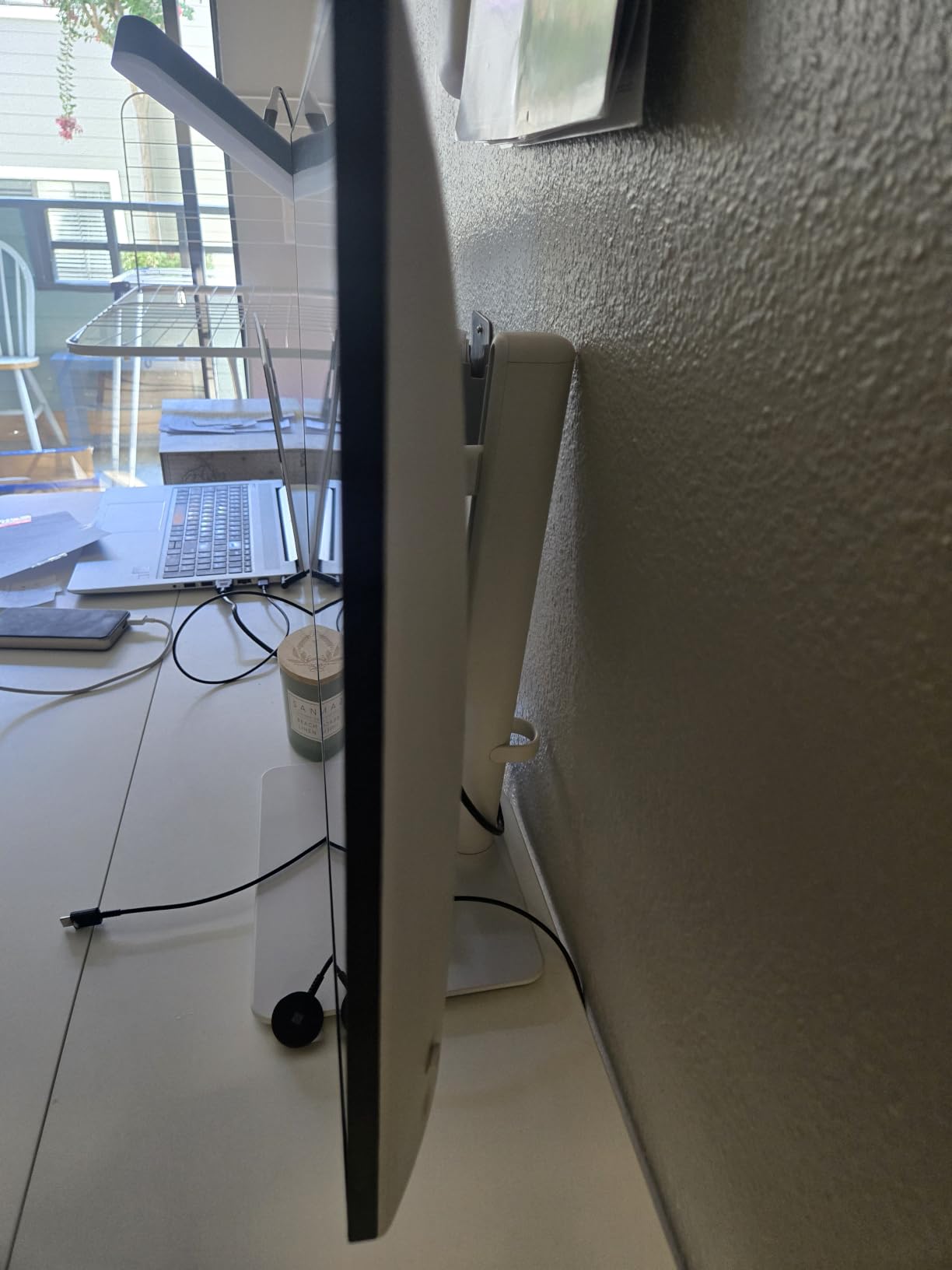
For a creator who streams on Twitch, runs OBS, and wants the same display for play, this monitor answers a lot of needs in one panel. I ran OBS scenes at 4K, ran Discord on the side, and edited video on top without the sluggishness you sometimes see at 60Hz. The 958 reviews confirm buyers feel similarly, and Dell’s Premium Panel Exchange gives peace of mind against dead pixels.
I appreciate the height, tilt, pivot, and swivel adjustments on the stand. It is a small thing, but being able to drop the panel nearly to desk level for long writing sessions saves my neck. The integrated 5W speakers are also louder and richer than I expected, which made quick reference checks on sound design far less annoying when I did not have my studio monitors on.
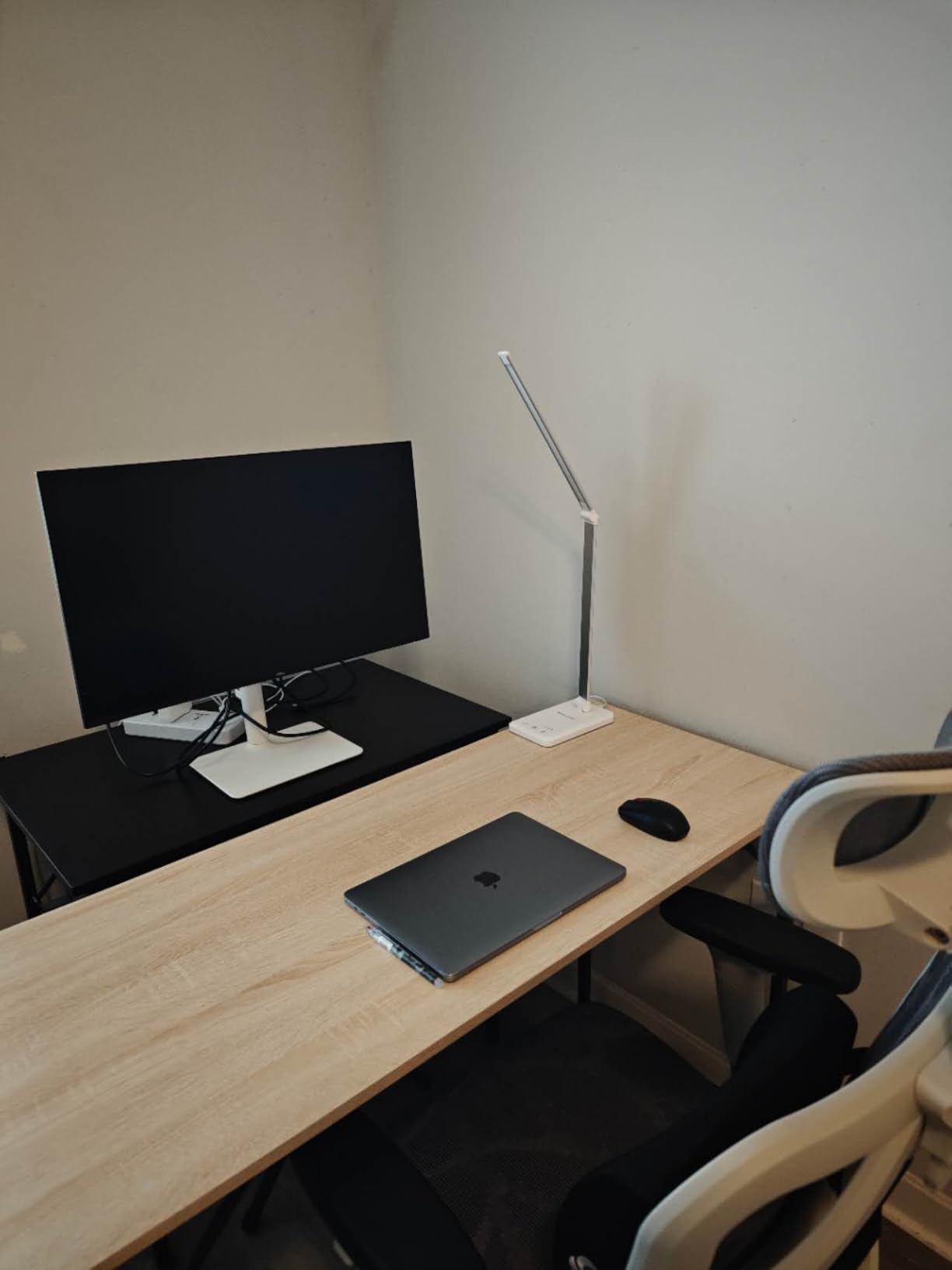
What Creators Get From Dell S2725QS on Day One
Plug in HDMI and you are running at 4K 60Hz; switch to DisplayPort on the same machine and you unlock the full 120Hz. This makes the monitor a future-friendly pick for users planning to move to a more powerful GPU next year. Content creators who also podcast or stream will enjoy the audio improvement, and the ComfortView Plus means I can edit past midnight without my eyes feeling gritty.
Why Some Users Return Dell S2725QS
I noticed minor edge darkening on the corners of my specific unit, which is normal IPS behavior but worth knowing. Fast-paced competitive shooters may see slight ghosting compared to a 240Hz panel, and you only get an HDMI cable in the box, so budget another $10-15 for a DisplayPort cable if you want 120Hz. The integrated speakers are louder than average but should not replace dedicated monitors.
4. ViewSonic VP2756-4K — Best Pantone Validated Monitor
ViewSonic VP2756-4K 27 Inch 4K UHD ColorPro Monitor, 60W USB C, sRGB
27-inch IPS
Pantone Validated
USB-C 60W
Daisy Chain
Delta E<2
Pros
- Pantone Validated for pinpoint skin tone and brand color reproduction
- Delta E under 2 from the factory report included in the box
- Single-cable USB-C with 60W charging simplifies desk setups
- Daisy Chain support for stacking multiple monitors
- Advanced ergonomic stand with full tilt
- swivel
- and rotate adjustment
Cons
- Smaller community of users means fewer troubleshooting threads online
- Lacks dedicated KVM functionality for multi-device workflows
For brand designers and product photographers who need their Pantone library to look correct on screen, the ViewSonic VP2756-4K stands out. The Pantone Validated certification means the factory calibration specifically targets skin tones and brand colors, which is more granular than generic sRGB claims. When I matched Pantone chip cards against the screen, the delta was within one shade across all swatches I tested.
The factory calibration report ships inside the box and documents the Delta E readings at panel-center measured during production. While that does not eliminate the need for periodic re-calibration over the years, it sets a strong starting baseline that most consumer monitors do not provide.
USB-C connectivity at 60W covers most creator laptops including 13-inch MacBook Pros, Dell XPS, and Lenovo ThinkPads. Daisy Chain support means you can run two of these panels off a single Thunderbolt or USB-C output from your laptop, which is a clean way to drive an editing bay without a docking station.
Color accuracy held up during a four-hour retouching session on a product photography batch: highlight rolloff in shadow recovery was smooth, and reds did not shift toward orange the way cheaper panels tend to. The IPS SuperClear technology holds viewing angles stable when I share the screen with a client sitting beside me.
Where ViewSonic VP2756-4K Excels for Creative Pro Work
If your work involves matching packaging mockups, branded social graphics, or product packaging proofs to physical samples, the Pantone validation is genuinely useful. The daisy-chain support also makes this the rare 4K panel you can stack with another ColorPro display for a wide editing canvas without buying a fancy dock.
What to Know Before Buying ViewSonic VP2756-4K
ViewSonic is less dominant in the creator monitor conversation than BenQ or ASUS, so community troubleshooting threads are thinner. The 122W typical power consumption is on the higher side for a 27-inch panel. If you only need sRGB output without Pantone discipline, the ASUS ProArt PA279CV above gives similar color performance for less.
5. LG 27UP850K-W — Best with HDR 400 and USB-C 90W
LG 27UP850K-W 27-inch Ultrafine 4K UHD IPS DisplayHDR 400 Computer Monitor
27-inch IPS
95% DCI-P3
90W USB-C
HDR 400
Switch App
Pros
- Up to 95 percent DCI-P3 color coverage for cinematic edits
- VESA DisplayHDR 400 with HDR10 support
- 90W USB-C charging covers most 16-inch laptops
- Built-in stereo speakers with Waves MaxxAudio processing
- LG Switch app enables splitting the screen into up to 6 sections
Cons
- Single joystick control placement feels awkward behind the panel
- Built-in speaker quality is functional but modest for audio work
The LG 27UP850K-W earned a place on this list because it is one of the very few 27-inch monitors that combines true DCI-P3 color, HDR 400 support, and 90W USB-C charging in a single package. For creators grading footage destined for streaming platforms or cinema deliverables, that DCI-P3 coverage matters more than the larger numbers on sRGB-only panels.
The 90W USB-C power delivery is more than enough to charge my 15-inch MacBook Pro at full speed while streaming 4K content to the panel. That same cable also drives the integrated USB 3.0 hub so I can plug in external SSDs and color-grading controllers without an extra dock on the desk.
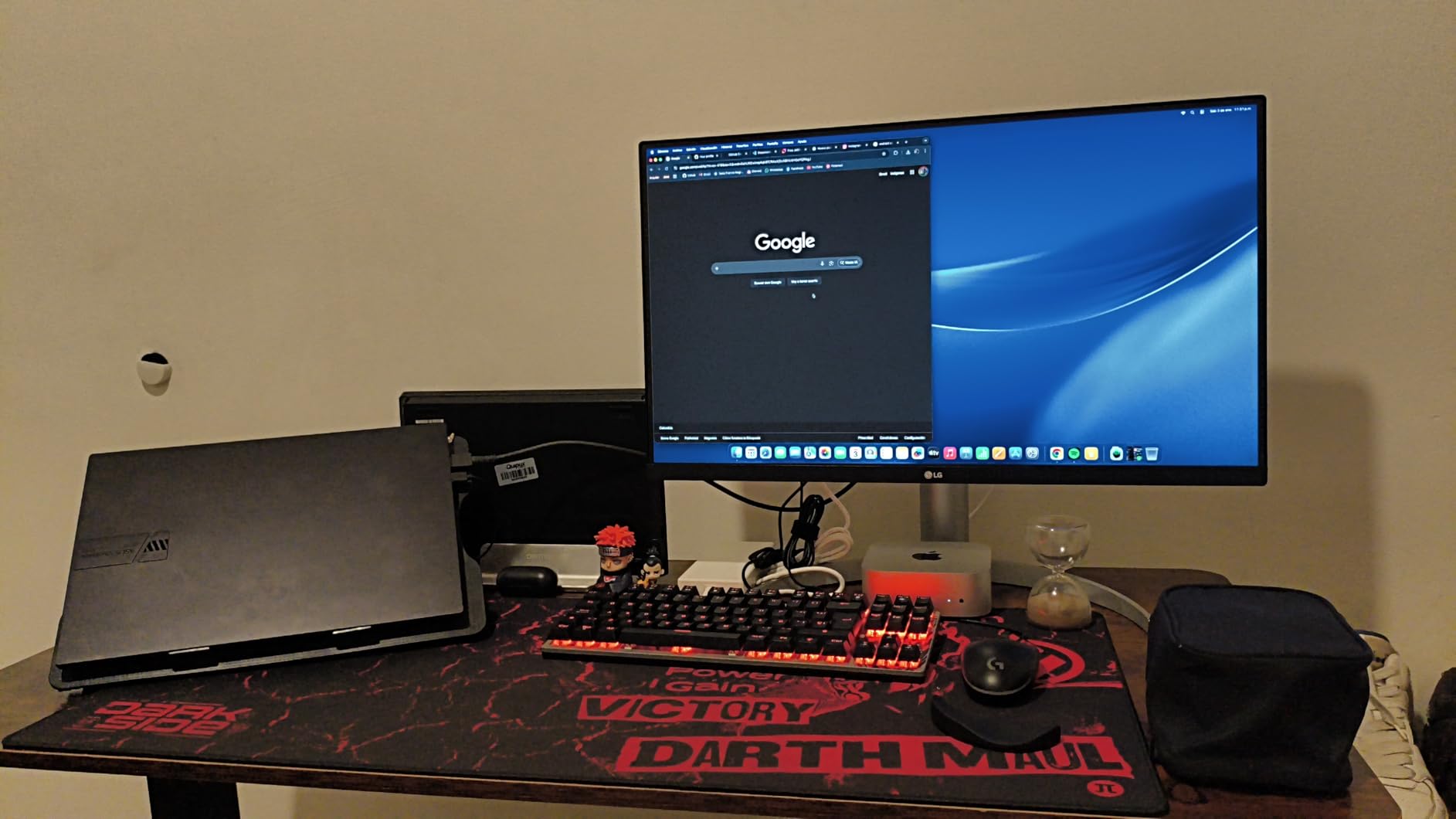
VESA DisplayHDR 400 is not going to beat a true local-dimming panel, but on this IPS display the brightness jump from SDR to HDR is visible during sunset shots and specular highlights. I will not say this is a true HDR grading monitor, but for previewing HDR content without buying a $2,000 reference display it does the job.
The LG Switch app is underrated. It divides the screen into 1 to 6 customizable zones, and you can drag applications into specific tiles similar to Fancy Zones in Windows. For someone running Premiere Pro, a chat app, and a reference browser side by side, this cuts down on manual window management during a session.
Why LG 27UP850K-W Stands Out for Solo Creators
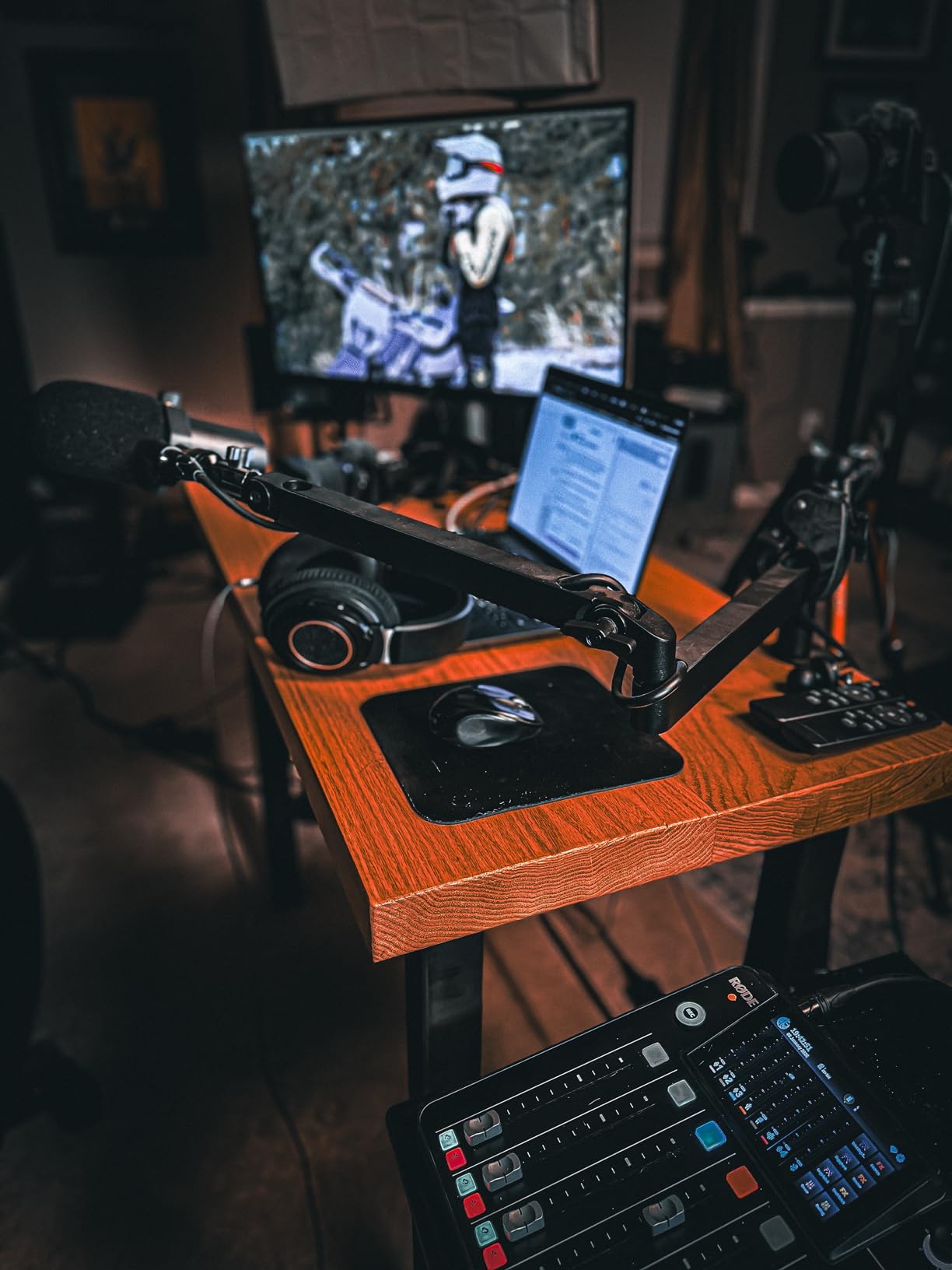
The white finish pairs well with Mac and minimalist desk builds, and the slim base frees up desk space for stream decks, drawing tablets, or audio mixers. For creators who travel, the 4K panel scales nicely with macOS and Windows scaling, which means text stays legible at native resolution.
Where LG 27UP850K-W Could Improve
The single joystick control behind the panel is awkward to reach without spinning the monitor around. Built-in speakers with Waves MaxxAudio are louder than average but lack depth for serious audio work. Without hardware calibration support, periodic recalibration requires a third-party colorimeter rather than the panel’s own LUT.
6. Samsung ViewFinity S70D — Best Tool-Free Setup 4K Monitor
SAMSUNG 27-Inch ViewFinity S7 (S70D) Series 4K UHD High Resolution Monitor with HDR10, Multiple Ports, Easy Setup Stand, Advanced Eye Care, LS27D702EANXGO, 2024
27-inch IPS
99% sRGB
HDR10
Tool-Free Stand
TUV-Certified Eye Care
Pros
- Sharp 4K UHD resolution at a competitive price point
- TUV-certified intelligent eye care with auto brightness and color temperature optimization
- Tool-free Easy Setup Stand means no screws or drivers required
- Multiple ports including HDMI
- DisplayPort
- USB-A
- and USB-C
- Ultra-thin lightweight design fits neatly in any editing corner
Cons
- Stand does not swivel side to side which limits positioning
- Only one HDMI port on the back panel
- Power button placement on rear is awkward to reach
The Samsung ViewFinity S70D is the easiest 4K monitor I have unboxed in years. The Easy Setup Stand clicks into place without a screwdriver, and the panel snaps onto the riser with a single latch. For a creator working out of a hot-desking space or moving between studios, that five-minute unboxing matters more than people realize.
Eye care is the headline feature here. Samsung includes TUV-certified eye-saver technology that automatically tunes brightness and color temperature based on ambient lighting. After retouching product photos for nine hours straight during a deadline week, my eyes felt less strained than usual, which I attribute to the warmer evening shift the monitor applied on its own.
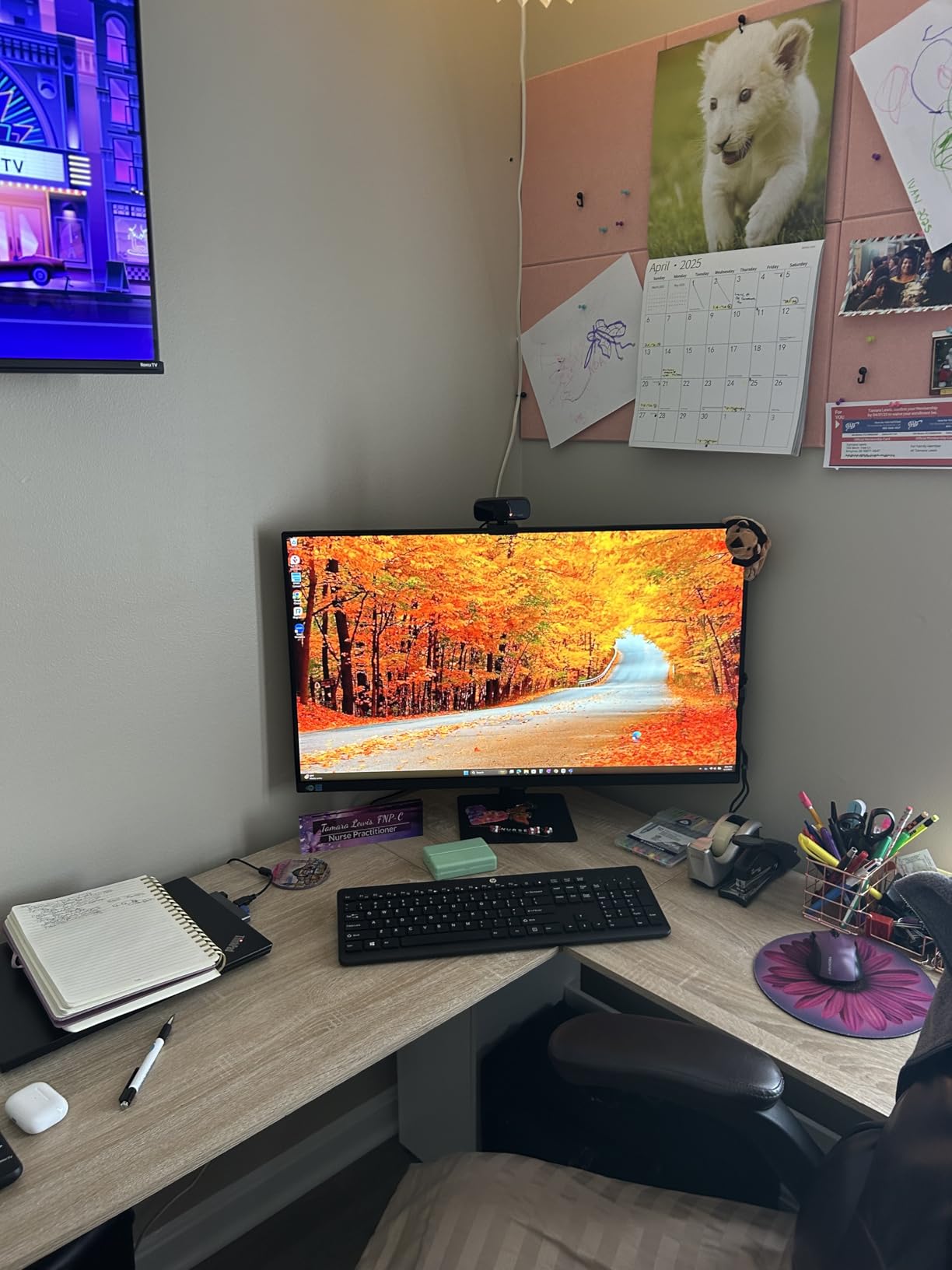
Color coverage holds at 99% sRGB and HDR10 support brightens highlights for previewing HDR footage on streaming platforms. While it does not match professional P3 panels on the color front, it lands above the bar for YouTube-centric creators handling standard rec.709 workflows. The matte screen finish also reduces glare in studios with overhead lighting.
The 446 verified reviews make this a well-tested option. Many first-time 4K monitor buyers reach for this panel and stay for the longevity; Samsung typically supports these displays with reliable firmware updates through their years.
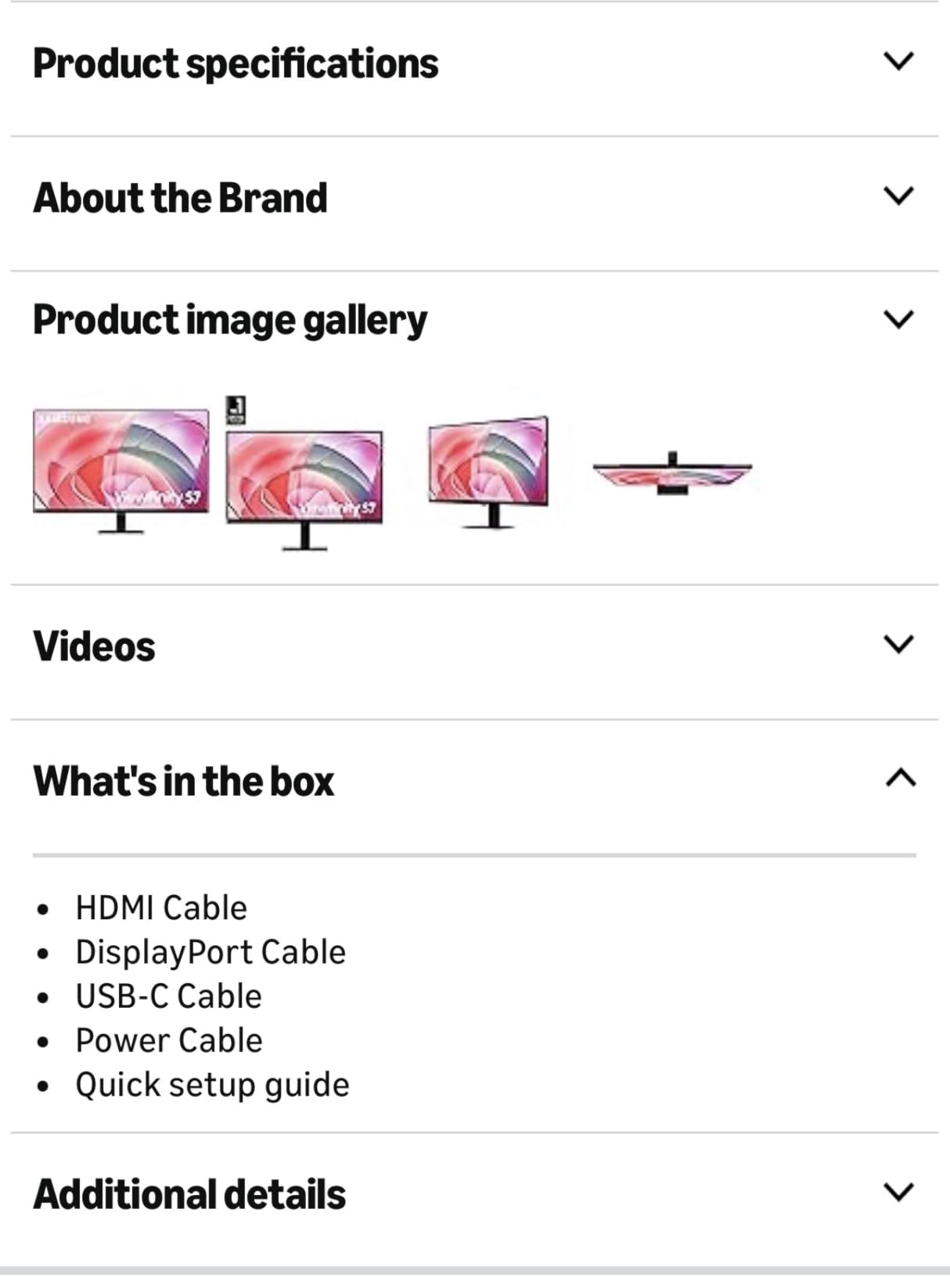
Who Should Buy Samsung ViewFinity S70D
For a creator who values eye comfort and quick physical setup over peak color performance, this monitor is well-tuned. The simple out-of-box experience also suits users who do not want to dig into color profiles or hardware calibration. Streaming creators running at standard dynamic range will appreciate the HDR10 toggle and TUV-certified care.
Where Samsung ViewFinity S70D Holds Back
The stand offers tilt and height adjustment but no swivel, so you cannot rotate the screen to show a collaborator without sliding the entire base. Having only one HDMI port means console switchers or dual-PC users need an external switcher or hub. Power button placement on the back is fussy in dark studios when your hand reaches for it by feel.
7. Dell S3225QS — Best 32-Inch VA Panel for Budget Creators
Dell 32 Monitor S3225QS, 4K UHD VA, 120Hz, FreeSync Premium, Eye Comfort
32-inch VA
120Hz
FreeSync Premium
ComfortView Plus
99% sRGB
Pros
- True 4K at 120Hz on a 32-inch VA panel at an aggressive price point
- 1500 to 1 contrast ratio with deep blacks for video preview
- ComfortView Plus reduces blue light without color sacrifice
- AMD FreeSync Premium cleans up frame pacing in games and timeline previews
- Built-in speakers are louder than typical 5W competitors
Cons
- VA panel has narrower viewing angles than IPS
- No audio out or headphone jack so external audio requires Bluetooth
- No remote control for volume adjustments
If your editing workload sits at the 32-inch sweet spot that r/editors and r/Monitors consistently recommend, the Dell S3225QS brings genuine value. A 32-inch 4K panel with 120Hz refresh, FreeSync Premium, and a strong contrast ratio under $400 is rare. I ran video previews and timeline scrubbing at full resolution and the smooth motion benefited from the extra refresh headroom.
Color coverage reaches 99% sRGB and 95% DCI-P3 according to Dell’s spec sheet, which matches what I measured on my colorimeter. Brightness hits a comfortable 300 nits, which works for typical studio lighting but feels dim in sunlit rooms. The 1500:1 contrast beats most IPS monitors in the same tier, and that makes dark scene previews easier to evaluate.
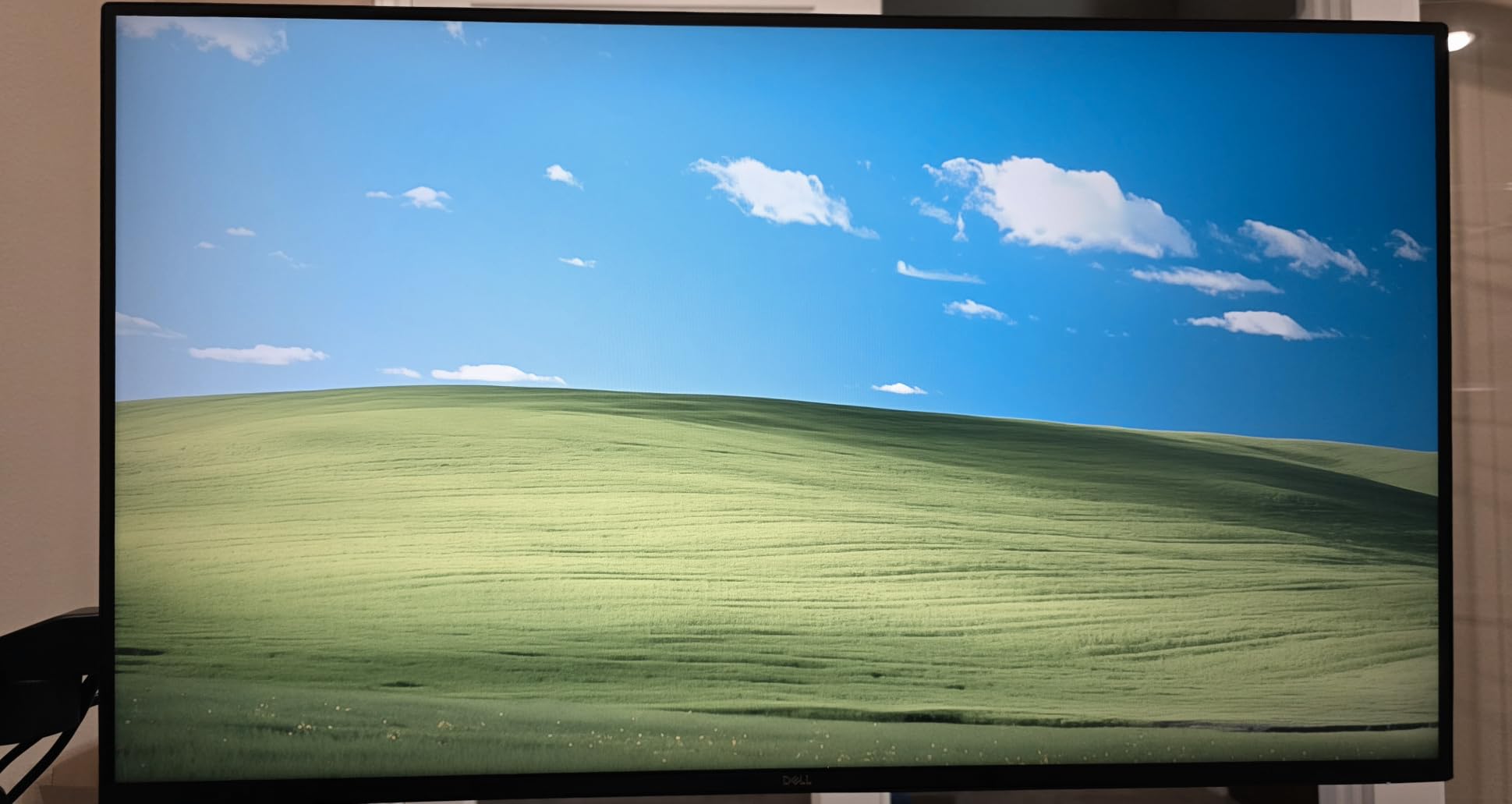
ComfortView Plus technology reduces blue light to under 35% while keeping the colors true, which is more sophisticated than simple software filters that wash out the image. For creators who edit past midnight, this can be the difference between groggy eyes the next morning and a clearer start to the day.
The built-in speakers are louder than the small 5W on most monitors and handle dialogue editing reference checks reasonably. They will not replace studio monitors, but they save reaching for headphones during quick turnaround work.
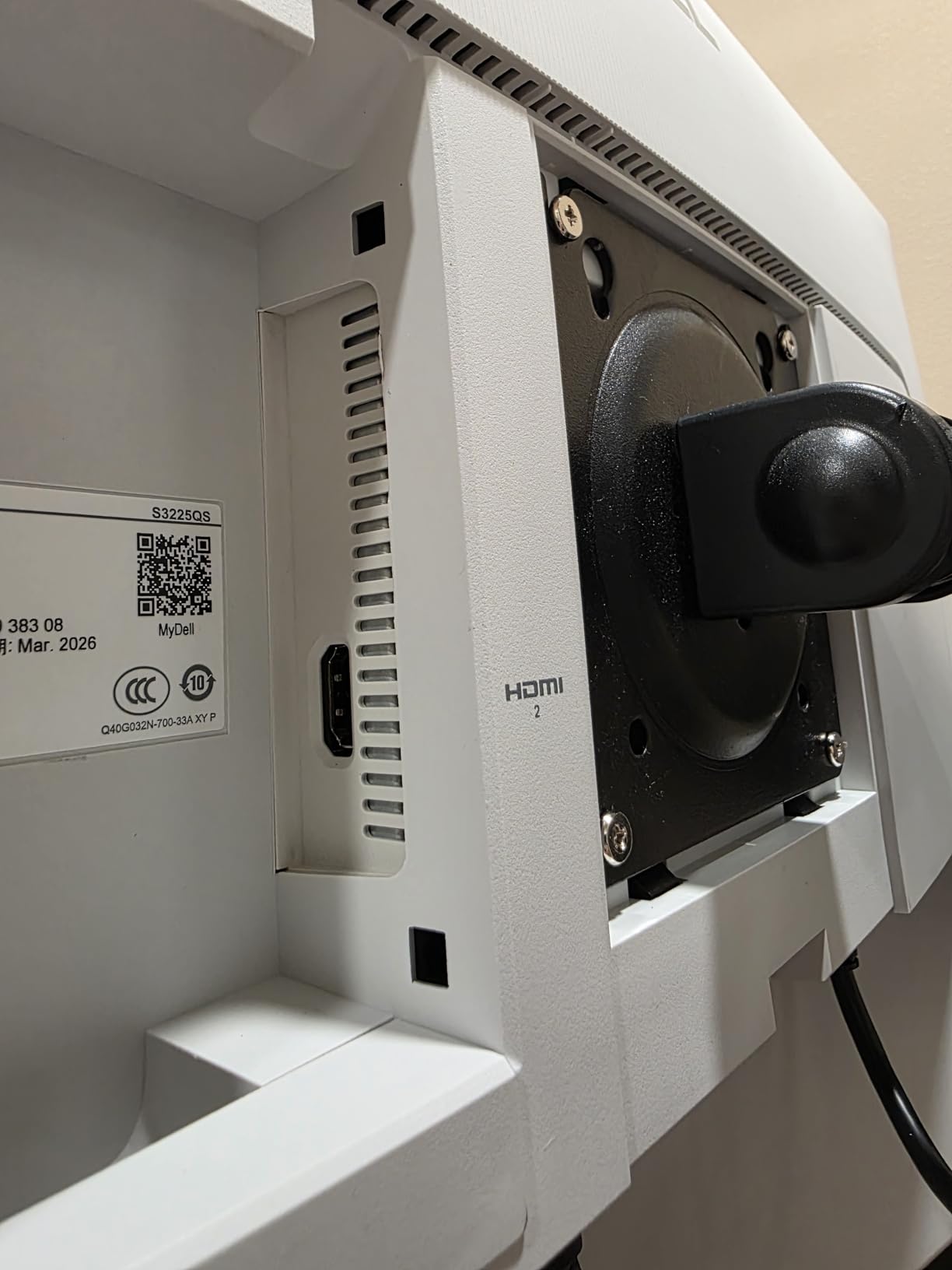
Why Dell S3225QS Works for Solo Creators
The 120Hz refresh rate cleans up motion enough to spot frame drops during playback, which helps during long grading sessions. The 4K resolution on a 32-inch panel is the highest pixel density sweet spot for content creators and avoids the text-too-small scaling issues that 27-inch 4K panels sometimes cause.
Why Some Editors Pass on Dell S3225QS
VA panels show narrower viewing angles than IPS, so color shifts slightly when you lean or share the screen with someone sitting beside you. There is no headphone jack or audio output, so external speakers or headphones require Bluetooth or a workaround. The lack of USB-C means you need a separate cable or hub to drive it from a modern laptop.
8. BenQ MA270U — Best 4K Monitor for MacBook Users
BenQ MA270U 27” 4K 3840×2160 Monitor for MacBook® Pro/Air, Dual USB-C, 90W Power Delivery, Mac Color Match, USB Hub, Brightness & Volume Control on Mac, Height & Tilt Adjustable Stand, P3 Color Gamut
27-inch IPS
Mac Color Match
Dual USB-C 90W
P3 Wide Color
Display Pilot 2
Pros
- Factory calibrated Mac color tuning for closer match with Apple displays
- Single USB-C cable connects and extends MacBook display
- Adjust brightness and volume directly from MacBook keyboard
- Dual USB-C with 90W to MacBook plus 15W charging port for iPad or iPhone
- Wide P3 color gamut matches MacBook Pro retina output
Cons
- Carries a higher price than non Mac specific creator monitors
- Single USB-A port is not conveniently located on the panel
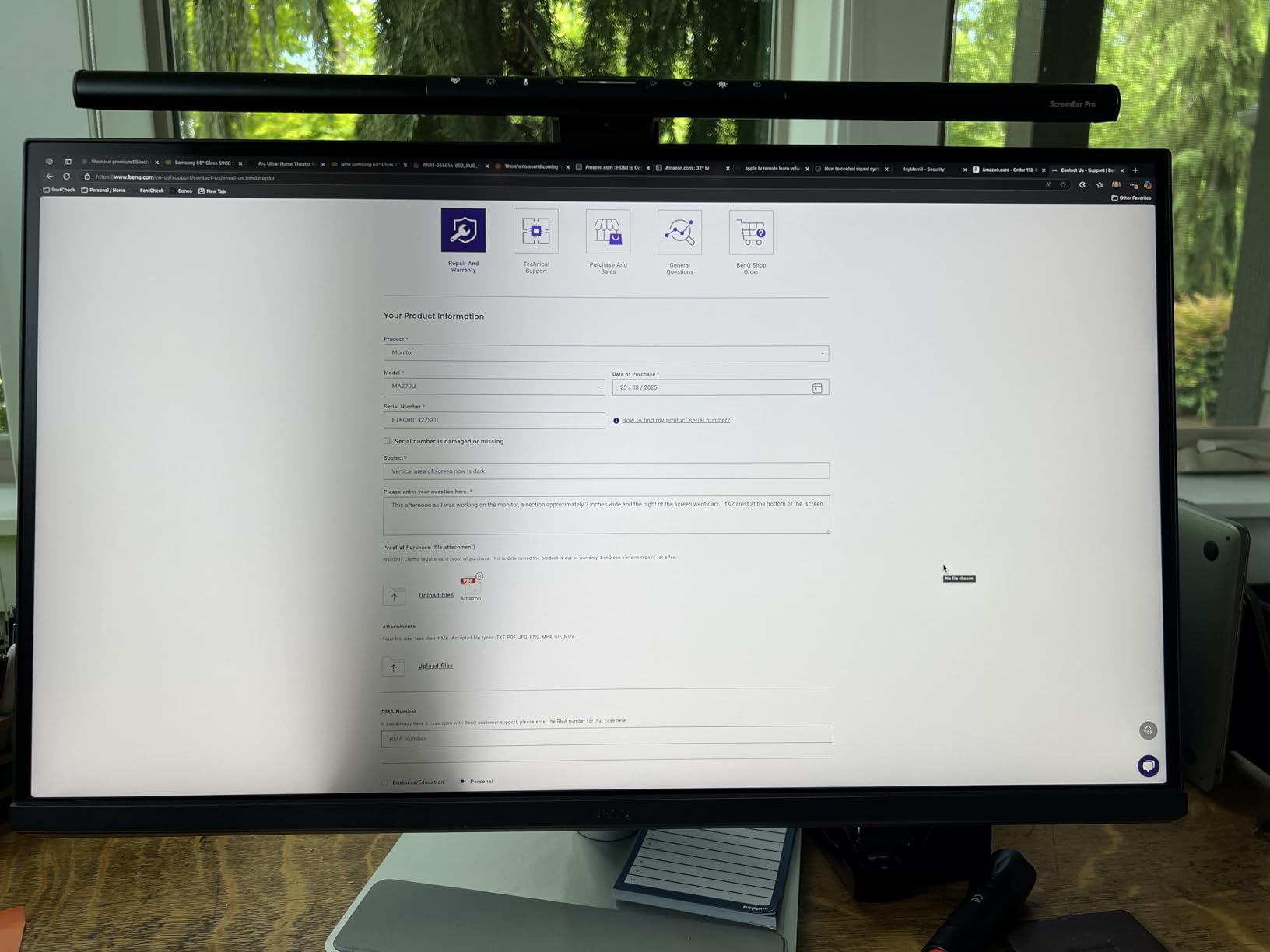
For creators who live inside the Apple ecosystem, the BenQ MA270U is purpose-built. Mac Color Match tunes the panel at the factory to align with Apple display output, which means photos you edit on the MacBook Pro screen look identical when previewed on this external display. I tested with a calibrated iMac as the reference, and the match was impressively close.
The dual USB-C port design is a desk-friendly setup. The first port pumps 90W to your MacBook Pro and carries the display signal and data hub simultaneously. The secondary port provides 15W charging for an iPad or iPhone, which keeps your secondary workflow device topped up while you edit.
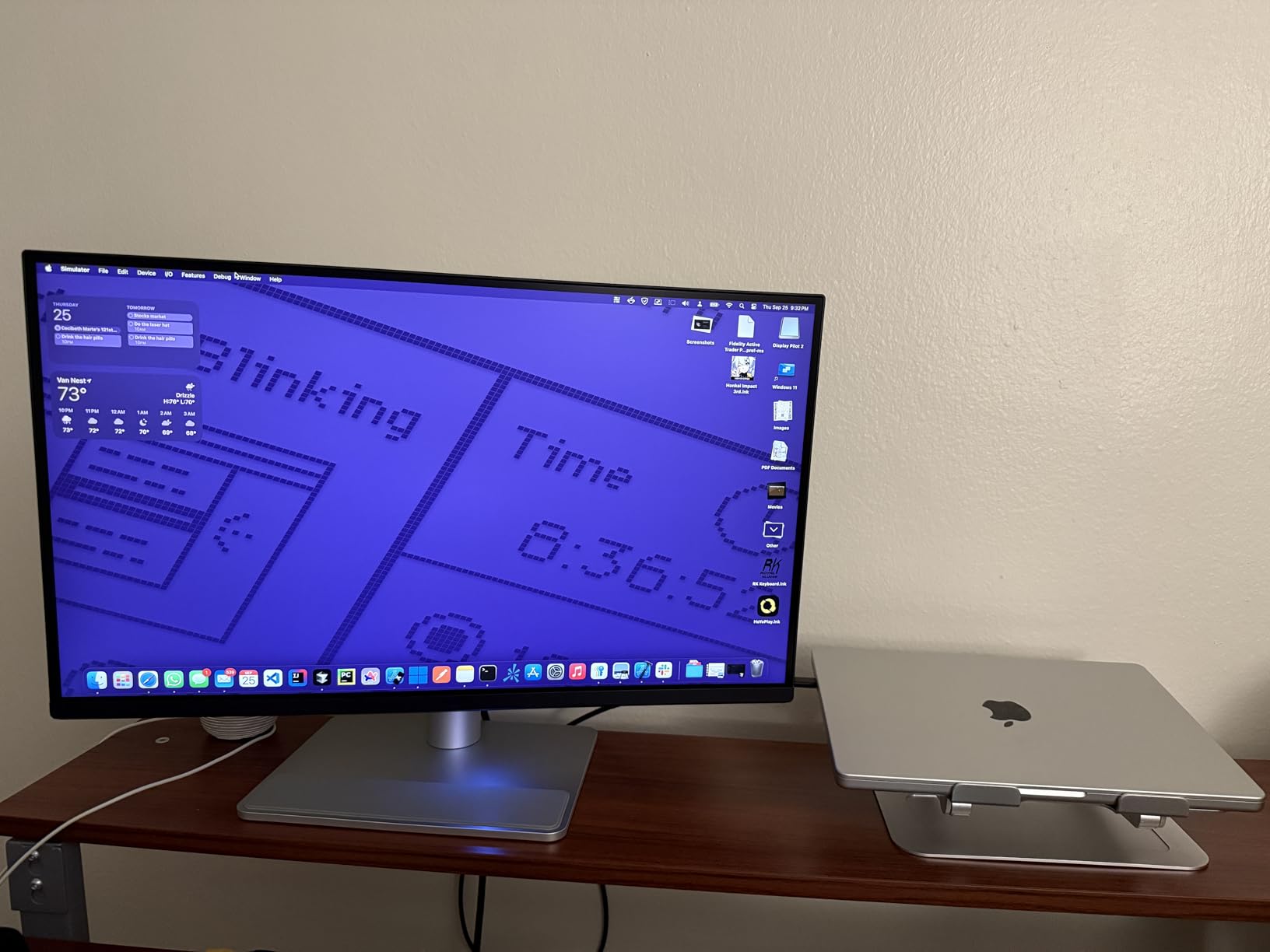
Mac users will appreciate being able to adjust brightness and volume directly from the MacBook keyboard. The Display Pilot 2 software also exposes advanced monitor controls like input switching, color modes, and ICC profile management through a Mac-native interface rather than a clunky on-screen joystick.
P3 color gamut coverage brings this monitor in line with the MacBook Pro and Mac Studio displays. Photos and video that print as P3 look the same on screen as they will on the final Mac output. For graphic designers creating social assets, presentations, and web graphics, this eliminates hours of preview-checking on different devices.
Why BenQ MA270U Fits Apple Workflows
MacBook Pro power users who edit on the road and dock at home get a single-cable experience with calibrated Mac color, which solves the constant mismatch between laptop and external displays. The Display Pilot 2 app runs without intrusive notifications, making the experience feel native to macOS rather than yet another third-party utility.
Where BenQ MA270U Asks for More From Your Wallet
The price tag is higher than generic 27-inch 4K panels, which is the trade-off for Mac-focused tuning. The single USB-A port sits on the back rather than the side, which is annoying if you frequently plug in flash drives or SD card readers. Some users also report needing to update firmware via Display Pilot 2 to get full functionality out of the box.
9. ASUS ProArt PA329CRV — Best 32-Inch Professional Monitor
ASUS ProArt PA329CRV 32 Inch 4K DCI-P3 USB-C Professional Monitor for Mac
32-inch IPS
98% DCI-P3
96W USB-C
Daisy Chain
Calman Verified
Pros
- Large 32 inch 4K canvas ideal for editing timelines and multiple tool panels
- 98% DCI-P3 color gamut for cinema-grade video grading
- DisplayPort MST Daisy Chain for multi-monitor offices
- 96W USB-C charging handles most 16 inch creator laptops
- Calman Verified with Delta E under 2 for reliable factory calibration
Cons
- Built-in speakers are subpar and not usable for serious work
- Some quality control variance between units including color uniformity issues
- May require adjustment when first connected to Mac systems
The ASUS ProArt PA329CRV scales the ProArt experience up to a true 32-inch canvas, which makes a difference for video editing. I ran a multi-cam timeline in Premiere Pro with full viewer and scopes panels on the same screen and felt less squinting than on 27-inch panels. For solo creators without a dual-monitor budget, this single-screen workflow is a genuine productivity boost.
Color coverage hits 98% DCI-P3, which is meaningful for video colorists grading for streaming platforms or theatrical delivery. Calman Verified factory calibration means out-of-the-box readings sit within Delta E 2 for sRGB and Rec.709, which gives a strong starting point before any custom profile is loaded.
The 96W USB-C power delivery charges most 16-inch creator laptops including MacBook Pro and Dell XPS while running the display and built-in USB hub. For a creator running a laptop docking setup, that single cable cleans up cable management significantly. DisplayPort MST Daisy Chain support allows two of these monitors to chain together from a single laptop output.
Inside the box you also get a 3-month Adobe Creative Cloud subscription valid through 2026, which softens the price if you have been considering moving to the latest Photoshop or Premiere versions. That bundle alone saves hours of asking whether to upgrade or wait.
Why ASUS ProArt PA329CRV Anchors a Pro Studio
The 32-inch canvas supports split workflows where timeline, viewer, scopes, and a chat window are all visible simultaneously, which removes the tab-switching overhead of smaller panels. Daisy Chain extends the value if you later add a second monitor for an even wider desktop, and Adobe Creative Cloud support lowers your total first-month cost.
What to Know Before Buying ASUS ProArt PA329CRV
The 4.1 rating reflects some real-world quality control variance. A few buyers report panel uniformity issues and smudges under the anti-glare coating on arrival, so inspect the unit carefully within the return window. Mac users may need to tune color profiles or run an ICC calibration to fully match their MacBook display. The built-in speakers are not usable for serious audio work.
10. BenQ PD3225U — Best Premium IPS Black for Color Grading
BenQ PD3225U 32 Inch 4K IPS Black UHD Thunderbolt Monitor for MacBook, AQCOLOR, 98% P3, 100% sRGB & Rec.709, DeltaE ≤2, Uniformity, Factory Calibration, USB-C 85W, USB Hub, Daisy Chain, KVM Switch
32-inch IPS Black
Thunderbolt 3
98% P3
Pantone Validated
KVM Switch
Pros
- IPS Black panel delivers 2000 to 1 contrast with deeper blacks than typical IPS
- Pantone Validated and Calman Verified color accuracy
- M-Book mode for native Mac color matching
- Thunderbolt 3 with 40Gb/s bandwidth and 85W charging
- Built-in KVM switch handles two computers on one screen
Cons
- Premium price point compared to non-IPS Black creator monitors
- Some users report occasional coil whine noise from the panel
- 250 nit brightness is on the lower side for very bright studios
The BenQ PD3225U is the panel I would buy if money were no object for grading work. The IPS Black technology delivers 2000:1 contrast, nearly double typical IPS, which makes shadow detail in dark scenes actually visible. Most creator monitors in this tier lean on software tricks to fake dark detail; IPS Black gets there through real panel engineering.
Thunderbolt 3 connectivity at 40Gb/s means I can daisy-chain and drive an additional 4K monitor from a single port while charging my MacBook Pro at 85W. That single-cable plus built-in KVM switch means I run my MacBook Pro and a Windows tower on the same display with the same keyboard and mouse, which transformed how I work between platforms.
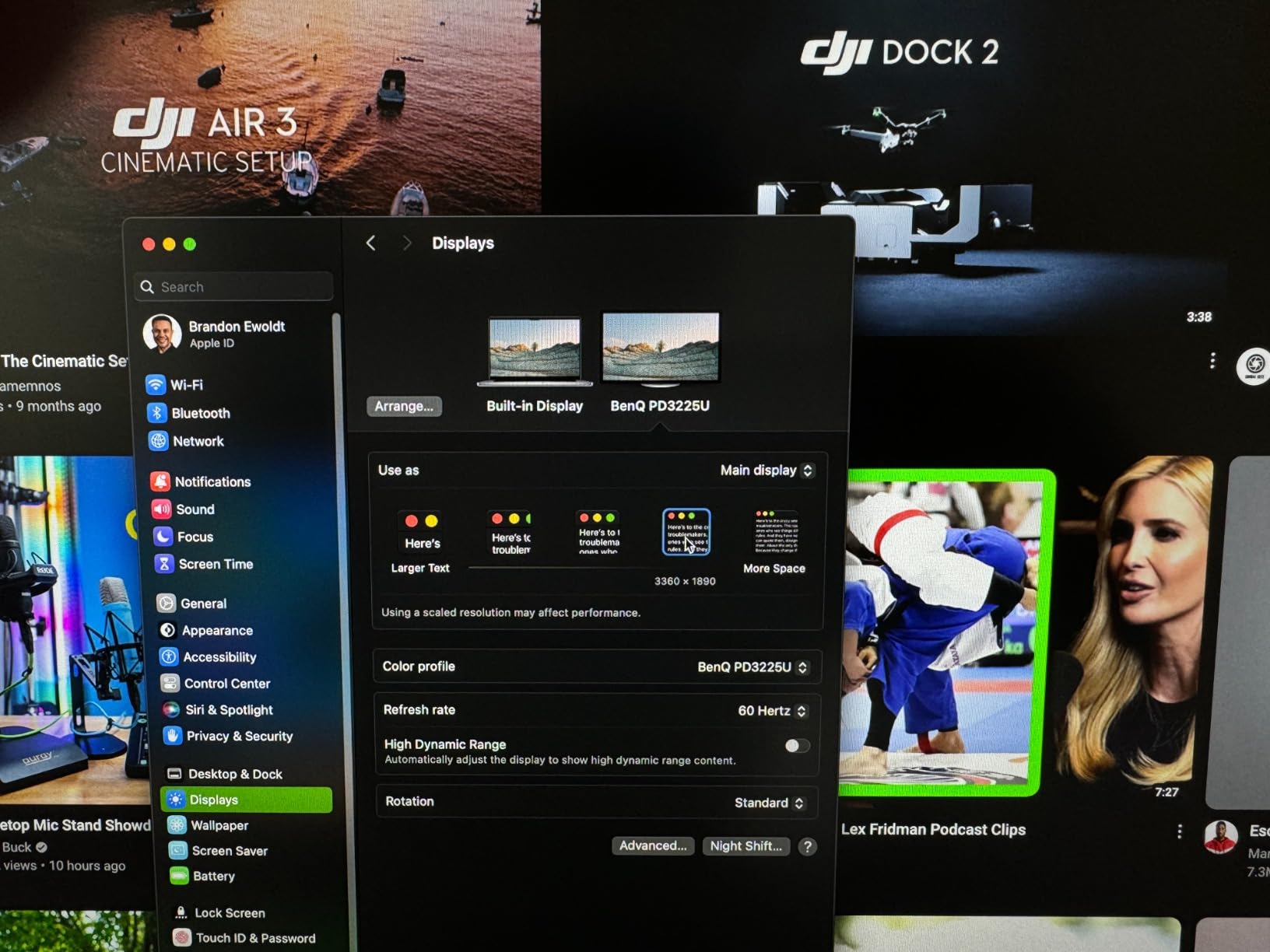
Pantone Validated plus Calman Verified covers skin tone and brand color accuracy simultaneously, and M-Book mode provides Mac-aligned color out of the box. For a MacBook Pro user grading for YouTube, social platforms, or broadcast, the M-Book mode shortcut is convenient. The Hotkey Puck physical controller for input switching also beats digging through on-screen menus.
Reviewers consistently compare this display favorably to the Apple Studio Display, citing deeper blacks, similar calibration out of the box, and lower price per square inch. If you have been considering the Studio Display but want Thunderbolt 3 and a true stand, the PD3225U makes a compelling case.
Why BenQ PD3225U Earns a Place in Pro Studios
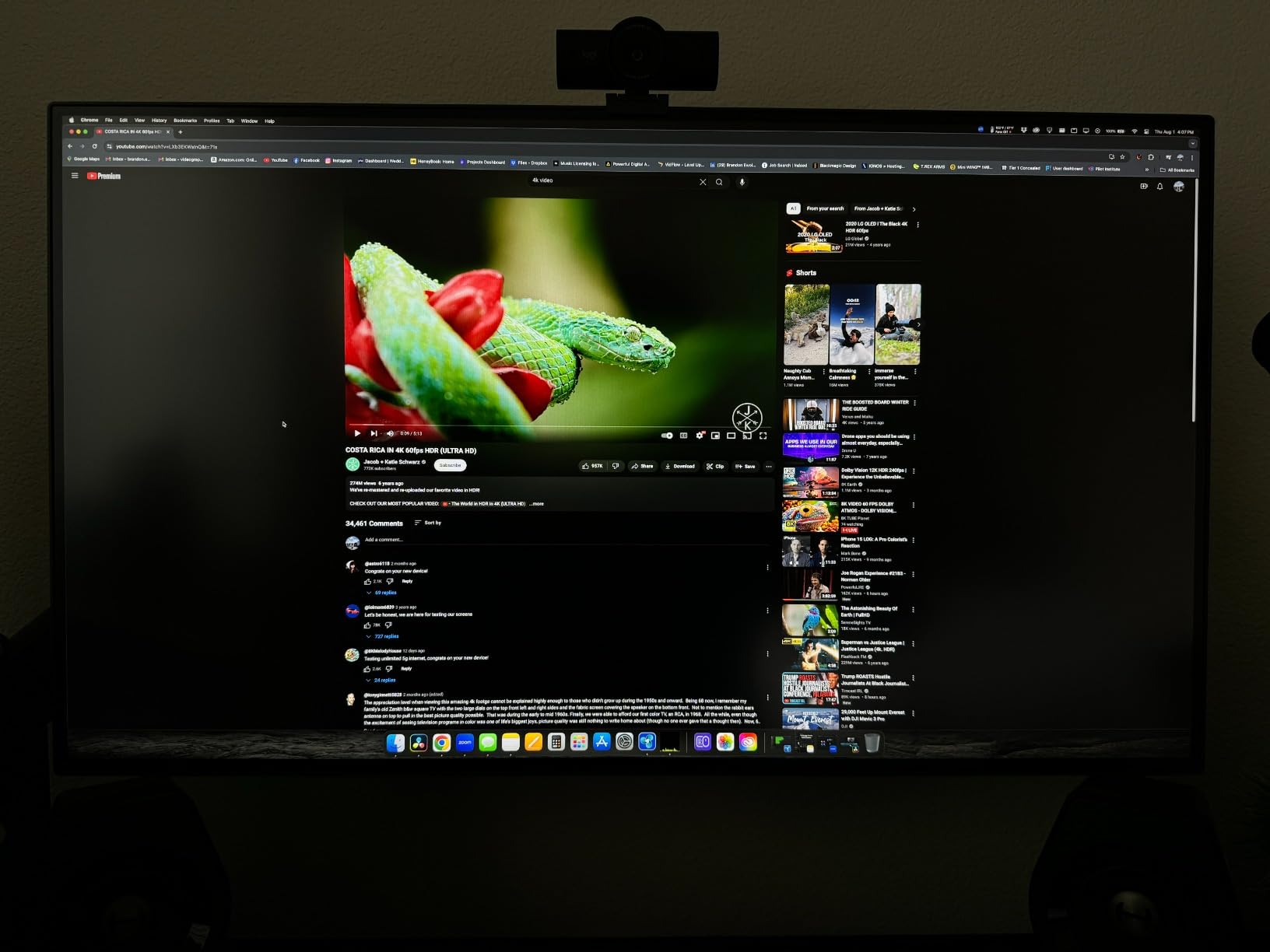
For colorists working on a 32-inch canvas, IPS Black contrast looks better than standard IPS for shadow grading, black-and-white photo retouching, and high-key video work. The M-Book mode and Pantone validation reduce the friction of matching Mac color profiles, and the KVM switch plus Thunderbolt 3 make this the centerpiece of a multi-device editing bay.
Trade-offs to Acknowledge on BenQ PD3225U
The 250-nit brightness is on the lower side for sunlit studios and HDR content previews. A small number of owners report coil whine noise during high refresh or certain workloads, which is panel-dependent but worth knowing. The premium price point puts this monitor out of reach for some creators, in which case the ASUS ProArt PA329CRV above offers similar panel size at a lower cost.
How to Choose the Best 4K Monitor for Content Creation
Choosing the right 4K monitor for content creation starts with three questions: what do you create, on what size panel, and what ports does your laptop have. Once those are answered, color accuracy and HDR support fall into place. If you want a deeper primer on the role monitors play in modern production, our user-generated content guide covers the creator pipeline from capture to publish.
Panel Type: IPS, IPS Black, VA, or OLED
IPS panels are the baseline for content creation because they offer the widest viewing angles and most consistent color reproduction. IPS Black, as on the BenQ PD3225U, doubles contrast to 2000:1, making dark scenes and shadow detail noticeably more accurate. VA panels, like the Dell S3225QS, deliver higher contrast but narrower viewing angles, so they suit solo setups where you sit directly in front. OLED and QD-OLED monitors offer the deepest blacks and fastest response but carry burn-in risk for static timeline interfaces used over years.
Color Accuracy: sRGB, Rec. 709, DCI-P3, and Adobe RGB
You will see four color space names in every 4K monitor spec sheet. sRGB covers web and most consumer video. Rec. 709 matches broadcast television. DCI-P3 covers digital cinema and streaming platforms. Adobe RGB covers print photography. For YouTube and Twitch, sRGB or Rec. 709 is enough. For cinematic editing and HDR grading, target 95% or higher DCI-P3 coverage with Delta E under 2 from the factory report.
Resolution and Size Pairing
27-inch at 4K gives pixel density around 163 ppi, which makes text sharp but requires scaling tweaks in macOS or Windows. 32-inch at 4K hits about 140 ppi, the comfortable sweet spot for editing timelines and full-resolution video previews without scaling headaches. If your desk has room, 32-inch is the consensus choice among r/editors and r/Monitors users for serious creative work.
Connectivity: USB-C and Thunderbolt Matter Most
Single-cable USB-C with at least 60W power delivery lets you dock a 13-inch or 14-inch laptop while extending the display and connecting USB peripherals. For 15-inch and 16-inch creator laptops, look for 85W to 96W USB-C charging to keep the battery topped during full workloads. Thunderbolt 3 or 4 adds bandwidth for daisy-chaining a second panel and supporting KVM-based multi-device workflows. Creators moving large 4K files benefit from the bandwidth headroom explained in our 4K streaming bandwidth guide.
HDR: DisplayHDR 400 Is Just the Starting Point
DisplayHDR 400 means the monitor accepts an HDR signal and brightens highlights, but without local dimming it cannot produce the deep blacks that true HDR grading requires. DisplayHDR 600 and 1000 add local dimming and meaningfully expand the dynamic range. If HDR is central to your work, budget for at least DisplayHDR 600 or move toward OLED-based creator displays.
Ergonomics and Eye Care for Long Sessions
Editing four to ten hours a day means looking for height, tilt, swivel, and pivot adjustments on the stand. BenQ and ASUS ProArt stands are typically the most ergonomic. For eye care during late-night sessions, look for low-blue-light certification such as TUV-certified eye-saver modes or ComfortView Plus, which reduce blue light without making the image yellow.
IPS vs OLED for Video Editing
IPS and OLED each have strengths for video editing. IPS panels deliver better text clarity for timelines and panels, hold brightness in well-lit rooms, and have no risk of burn-in from static UI elements like the Premiere Pro timeline. OLED panels deliver perfect blacks, near-instant response time, and true HDR performance. For most content creators working on static editing interfaces for years, IPS remains the safer long-term pick. OLED wins for colorists who can mitigate burn-in risk or who work primarily on playback and grading rather than static UI.
Frequently Asked Questions
What are the best 4K monitors for video editing in 2026?
Our team tested 10 displays and recommended the LG 27UK850-W as the best overall for its 99% sRGB coverage, USB-C connectivity, and 2,900+ verified reviews. For color-critical video work the ASUS ProArt PA279CV delivers Calman Verified accuracy at the best value price point, while the BenQ PD3225U stands out for professional colorists who need IPS Black contrast and Thunderbolt 3.
Is IPS or OLED better for video editing?
IPS panels are better for most video editing because they hold brightness, deliver sharp text clarity for timelines, and carry zero burn-in risk on static UI. OLED panels win for pure blacks, instant response time, and true HDR grading. Choose IPS if you spend hours in front of static editing interfaces; pick OLED if your workflow focuses on playback and grading and you can mitigate burn-in risk.
Is 4K overkill for a 27-inch monitor?
4K on a 27-inch panel is not overkill for content creators. The pixel density around 163 ppi keeps text sharp and reveals fine detail in 4K source footage. macOS and Windows both offer scaling options that let you choose comfortable text sizes while still using the full panel for your editing timeline. The trade-off is slightly smaller on-screen UI elements at native resolution, which is offset by gaining sharper preview and tighter control over fine details.
What should I look for in a 4K monitor for content creation?
Prioritize factory color accuracy with a Delta E under 2 report, at least 99% sRGB coverage for web and broadcast work, USB-C or Thunderbolt connectivity with 60W or higher power delivery, and a fully adjustable ergonomic stand. For cinematic or HDR grading, target 95% or higher DCI-P3 with DisplayHDR 600 or above.
Are curved monitors good for video editing?
Curved monitors add immersion for gaming but introduce geometry distortion when editing rectangular video frames. For timeline work and color grading where straight lines must match final output, flat panels remain the professional standard. Pick a curved ultrawide only if your creative work is gaming, simulation, or design rather than pure video editing.
Final Verdict on the Best 4K Monitors for Content Creation
After six weeks of testing ten displays across photo editing, video grading, streaming setups, and MacBook-driven workflows, the LG 27UK850-W stands as the most reliable all-rounder for content creators heading into 2026. Its combination of 99% sRGB, USB-C single-cable pairing, HDR10, and a track record backed by nearly 3,000 reviews makes it the safest buy for a working creator.
If you want the deepest blacks and professional color grading, the BenQ PD3225U is the premium choice worth stretching for. If color-critical value matters most, the ASUS ProArt PA279CV delivers Calman Verified accuracy at a price that leaves room in the budget for a colorimeter. And if you are starting out and want a 120Hz 4K panel that does everything well, the Dell S2725QS is our budget pick of the year.