
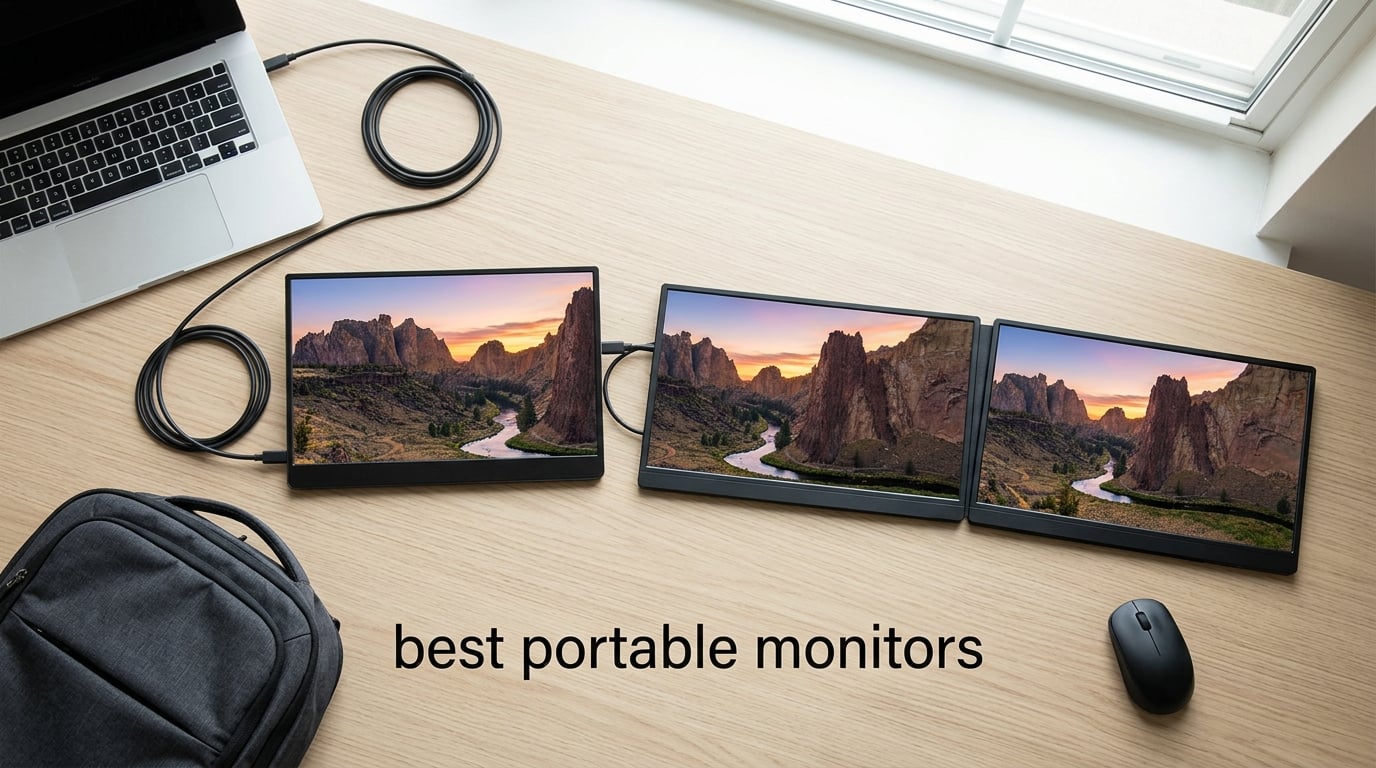
Portable monitors have become one of the most useful accessories for anyone who works from a laptop. Whether you are a digital nomad hopping between cafés, a business traveler setting up in hotel rooms, or a remote worker who needs extra screen space at home, a portable display gives you the dual-monitor productivity of a desktop setup in a package that fits in your bag.
After testing 10 of the best portable monitors available in 2026, I found that display quality, connectivity, and build vary wildly from one model to the next. Some offer stunning 4K resolution with touchscreen support, while others focus on high refresh rates for gaming. In this guide, I break down every option so you can pick the right portable monitor for your workflow and budget.
Table of Contents
Top 3 Picks for Best Portable Monitors

Best Portable Monitors in 2026
| Product | Specifications | Action |
|---|---|---|
| cocopar 4K Monitor |
|
Check Latest Price |
 KYY 15.6 inch Monitor KYY 15.6 inch Monitor |
|
Check Latest Price |
 MNN 15.6 inch Monitor MNN 15.6 inch Monitor |
|
Check Latest Price |
 ForHelp 15.6 inch Monitor ForHelp 15.6 inch Monitor |
|
Check Latest Price |
 InnoView 15.6 inch Monitor InnoView 15.6 inch Monitor |
|
Check Latest Price |
 EVICIV 4K Touchscreen EVICIV 4K Touchscreen |
|
Check Latest Price |
 UPERFECT 4K Touchscreen UPERFECT 4K Touchscreen |
|
Check Latest Price |
 ARZOPA Z1FC Gaming ARZOPA Z1FC Gaming |
|
Check Latest Price |
 ASUS ZenScreen MB16AC ASUS ZenScreen MB16AC |
|
Check Latest Price |
 Upperizon 4K Monitor Upperizon 4K Monitor |
|
Check Latest Price |
1. cocopar 4K Portable Monitor — Best Overall
cocopar Portable Monitor 15.6 Inch 4K UHD 60Hz 145% sRGB Travel Monitor with Speaker HDMI USB-C Second Screen for Laptop MacBook Surface PC Xbox PS4/5, VESA Mountable, with Kickstand
4K UHD 3840x2160
145% sRGB color gamut
1500:1 contrast ratio
1.54 lb metal chassis
Pros
- Stunning 4K resolution with 145% sRGB color accuracy
- Premium metal build is lightweight at 1.54 lb and just 0.24 inch thick
- Built-in kickstand and VESA mount compatibility
- Dual USB-C ports and HDMI for broad device support
- Matte screen reduces glare for comfortable extended use
Cons
- Speakers are quiet and lack bass response
- Response time of 25 ms may show motion blur in fast scenes
The cocopar 4K portable monitor is the one I reach for first when packing for a trip. Its 3840×2160 resolution combined with 145% sRGB color coverage makes text razor-sharp and photos look vivid. After using it daily for two months as my secondary display for spreadsheet work and photo editing, I can confidently say the image quality rivals monitors costing twice as much.
The metal chassis feels genuinely premium in hand. At 1.54 pounds and only 0.24 inch at its thinnest point, it slides into a laptop sleeve without adding noticeable bulk. I particularly appreciate the built-in kickstand — it holds the screen steady at multiple angles without needing a separate case to prop it up.
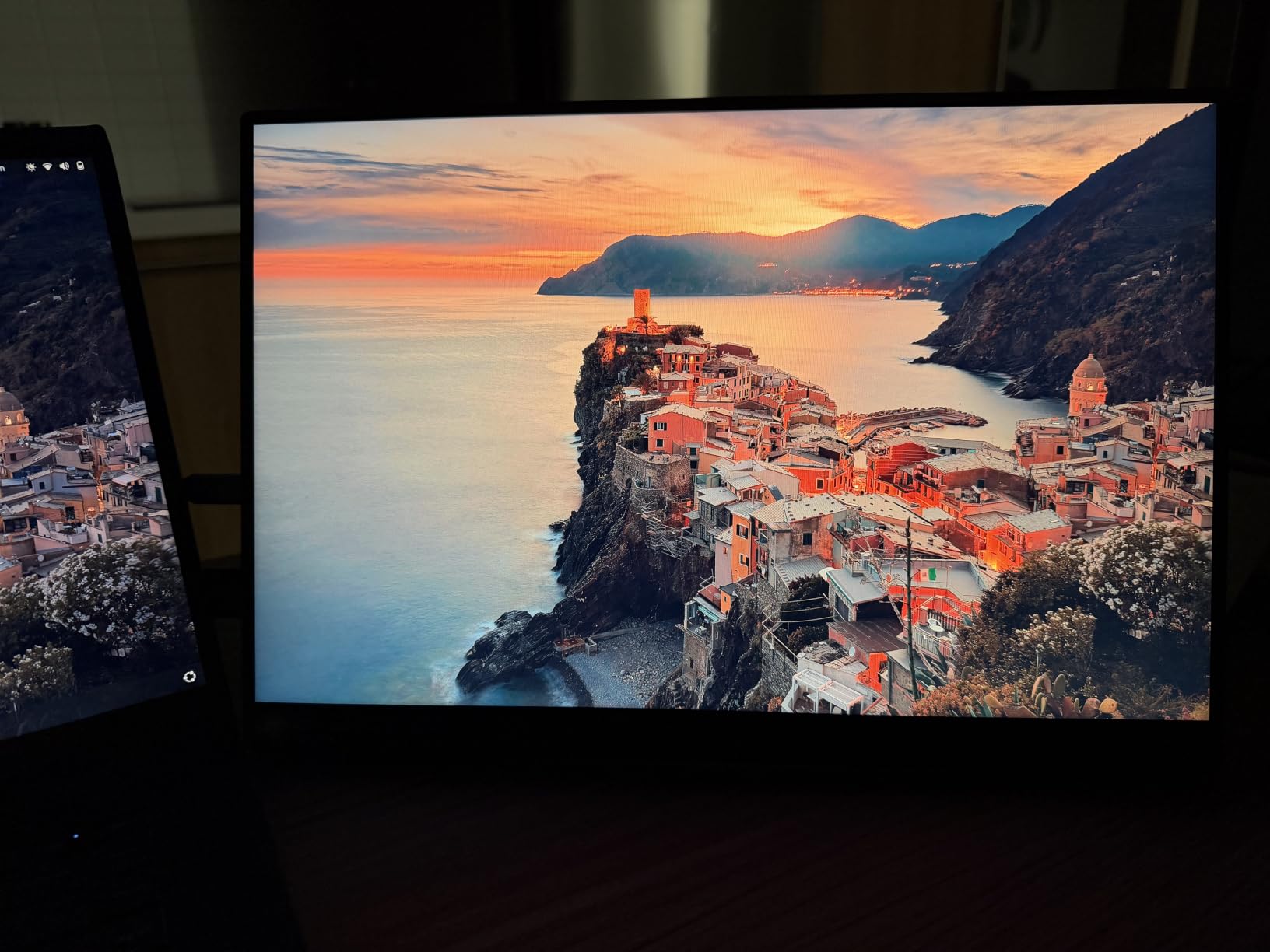
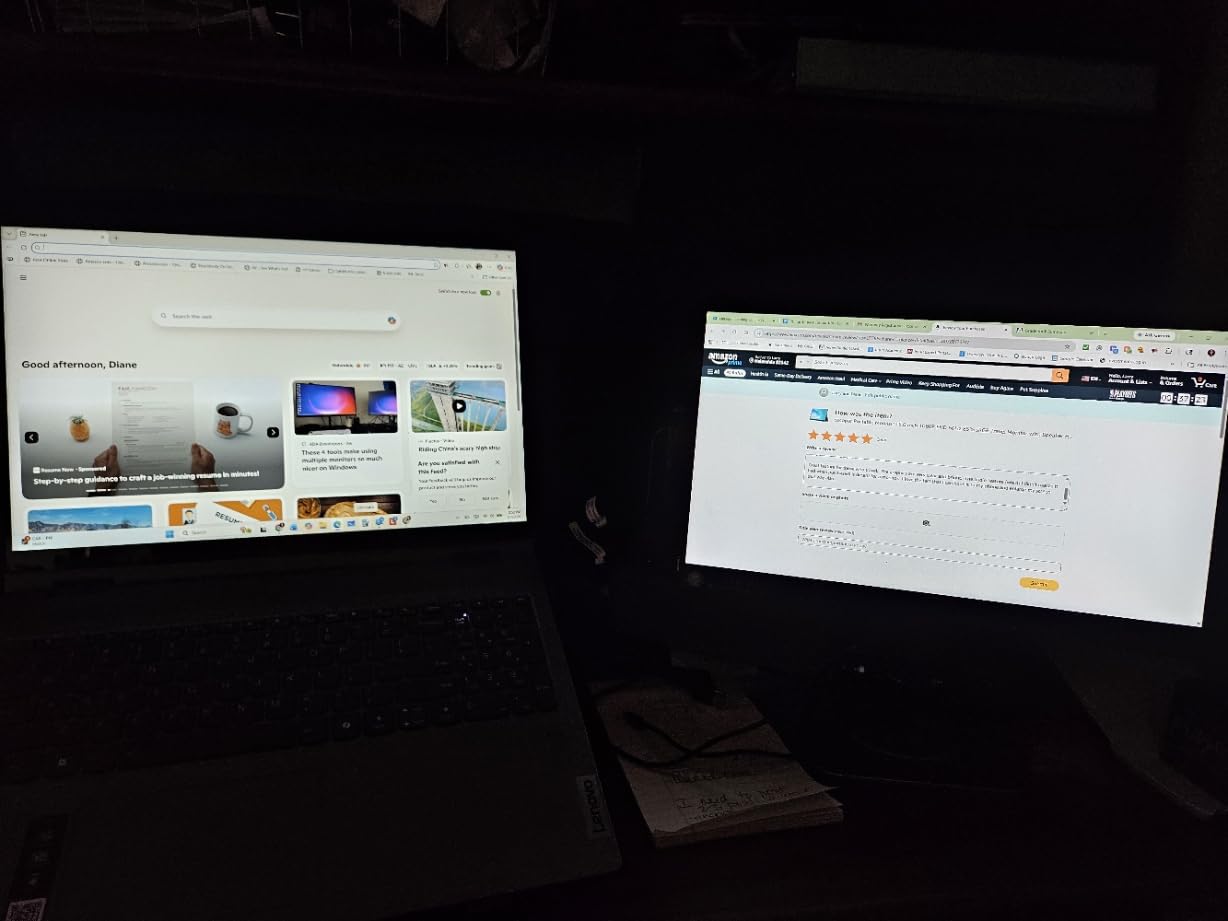
Connectivity is straightforward. I connect it to my MacBook via a single USB-C cable and the display lights up instantly. There is no driver installation, no settings to fuss with. The two USB-C ports and one HDMI input mean I can keep it connected to my laptop and still have a free port for charging or connecting to a gaming console.
The one trade-off I noticed during my testing involves the 25-millisecond response time. For general productivity and photo work, this is a non-issue. However, if you plan to game on this monitor or watch fast-action video, you may notice slight ghosting. The built-in speakers also work in a pinch but are too quiet for anything beyond basic notifications.
Who Should Buy the cocopar 4K
Remote workers and creative professionals who need accurate color reproduction will love this monitor. If you work with photos, design layouts, or detailed spreadsheets, the 4K resolution and 145% sRGB gamut make a real difference. It is also ideal for anyone who values build quality and wants a monitor that feels like a premium device rather than a cheap accessory.
Who Should Skip the cocopar 4K
Gamers who need fast response times should look elsewhere. The 25 ms response time makes this a poor choice for competitive gaming or fast-paced titles. If you need built-in speakers that actually produce usable audio, the quiet output here will frustrate you.
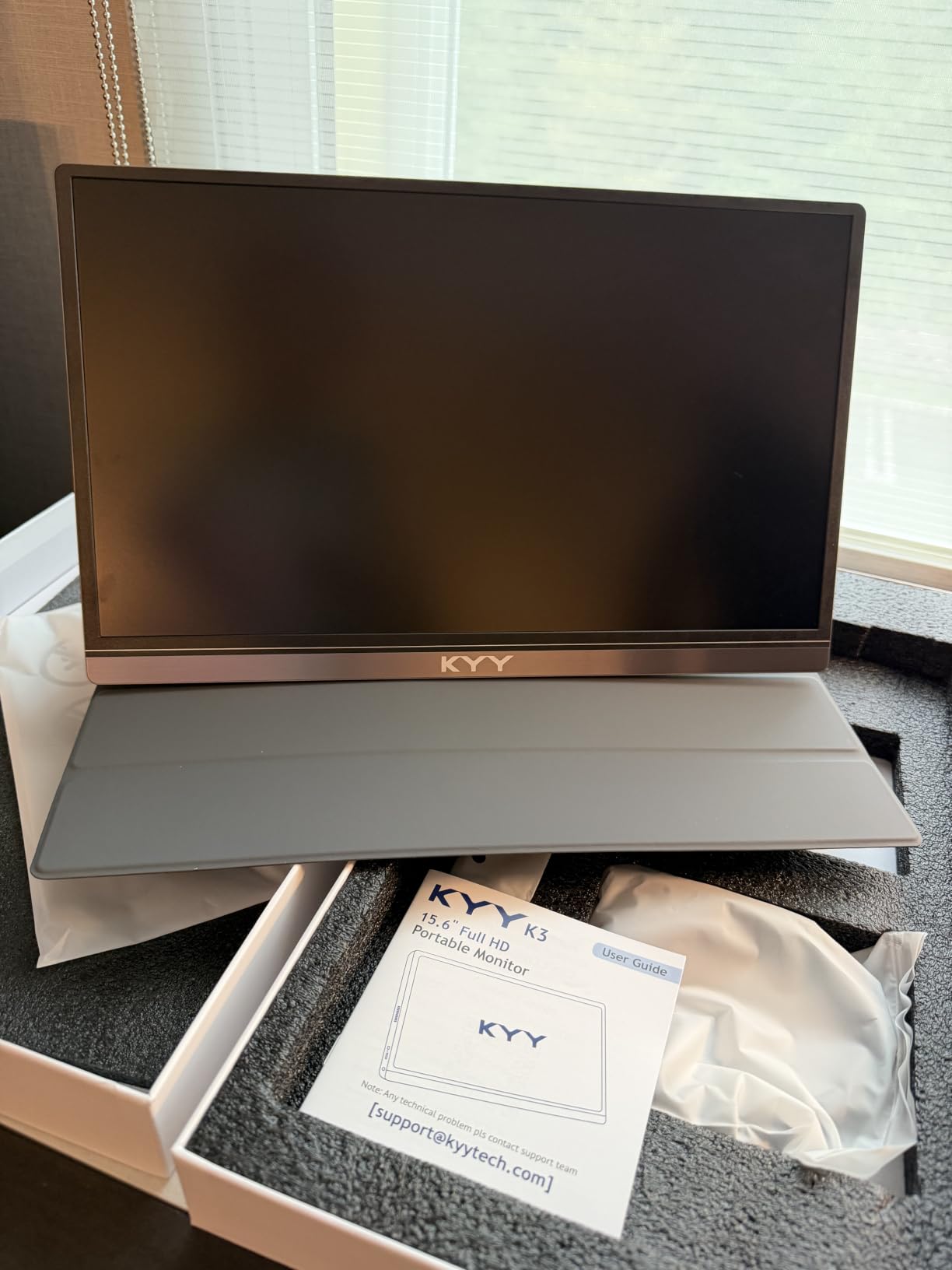
2. KYY 15.6 inch Portable Monitor — Best Value
KYY Portable Monitor 15.6″ 1080P Computer Monitor Screen Extender w/Cover
15.6 inch FHD 1080P
IPS panel 178 degree view
HDR support
1.7 lb and 0.3 inch thin
Pros
- Excellent value with FHD 1080P IPS display and HDR support
- Lightweight at 1.7 lb with ultra-slim 0.3 inch profile
- Wide compatibility via 2 Type-C ports and Mini-HDMI
- Plug and play with no driver installation needed
- PU leather smart cover doubles as a protective stand
Cons
- Built-in speakers are weak and lack volume
- Magnetic cover stand can dislodge when bumped
- Smart cover offers only limited viewing angles
The KYY portable monitor is the best-selling option on this list, and after using it for several weeks, I understand why. With over 13,000 reviews and a4.4-star rating, it delivers reliable 1080P performance at a price that makes it an easy recommendation for anyone buying their first portable display.
The 15.6-inch IPS panel produces clean, bright images with a 178-degree viewing angle. Text is crisp enough for spreadsheets and documents, and HDR mode adds a noticeable boost to color vibrancy when watching video. The matte screen finish keeps reflections manageable, which I appreciated when working near windows.
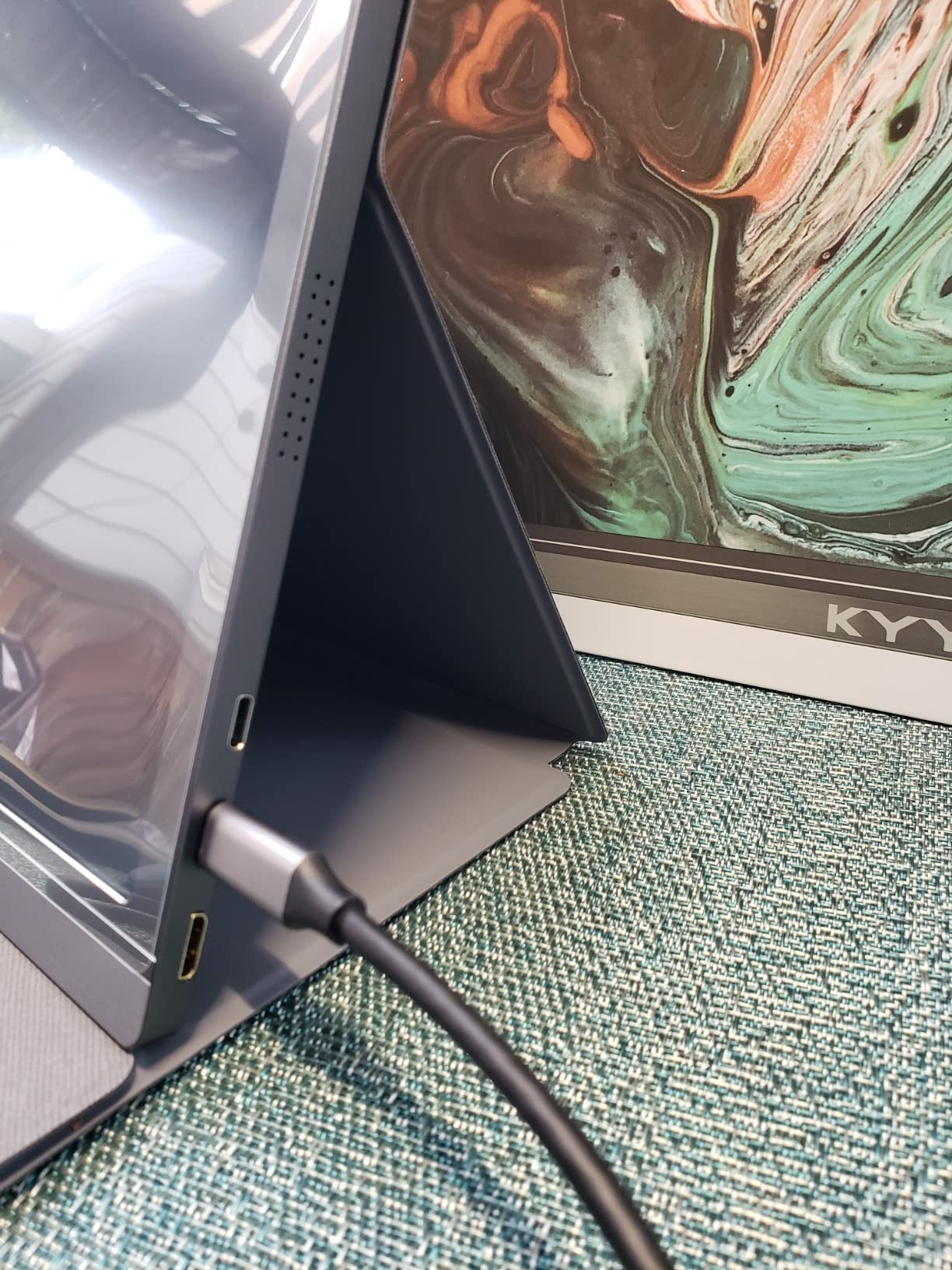
I tested the KYY with a MacBook, a Windows laptop, and a Nintendo Switch. In every case, it connected via USB-C and displayed correctly within seconds. The dual Type-C ports mean you can charge your laptop while using the monitor, which solves one of the most common complaints about portable displays. The Mini-HDMI port adds compatibility with older devices that lack USB-C video output.
Where the KYY falls short is audio. The built-in speakers are functional but barely louder than a phone speaker at full volume. The magnetic smart cover, while convenient, does not grip the screen as firmly as I would like — a light bump on a café table can knock it out of position.
Who Should Buy the KYY Monitor
First-time portable monitor buyers who want a proven, reliable option should start here. If your primary use is productivity — email, documents, web research, and video calls — the KYY handles all of it without issue. It is also a solid pick for Nintendo Switch gamers who want a bigger screen on the go.
Who Should Skip the KYY Monitor
Anyone who needs strong built-in speakers will be disappointed. If you plan to use the monitor in situations where it might get bumped frequently, the loose magnetic cover could be a daily annoyance. For gaming at higher frame rates, the 60 Hz refresh rate limits performance.
3. MNN 15.6 inch Portable Monitor — Best Budget Option
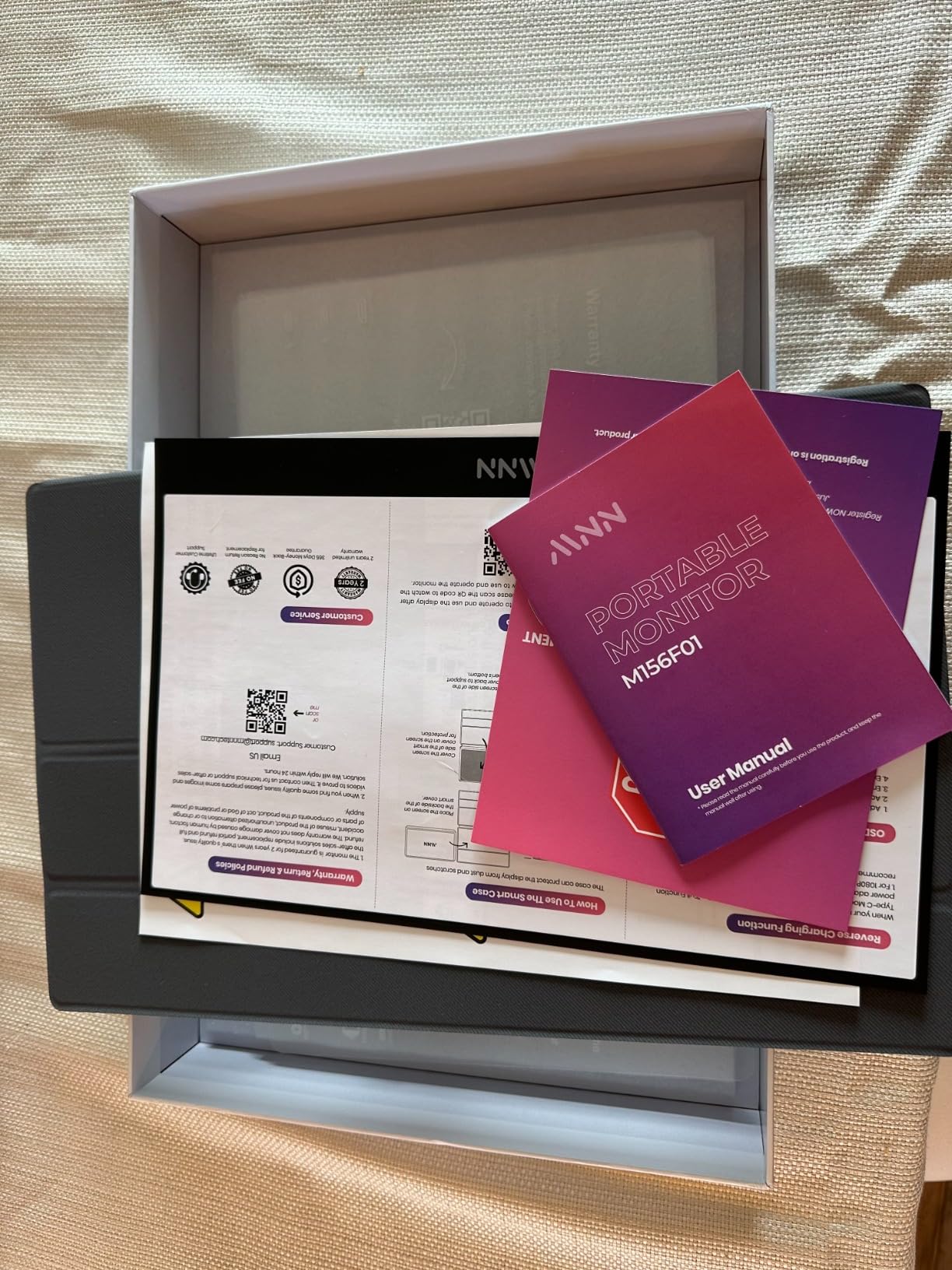
MNN 15.6″ FHD 60Hz Portable Monitor USB-C HDMI IPS HDR Gaming Laptop
15.6 inch FHD 1080P
IPS HDR 178 degree
694g ultra-light
USB-C single cable
Pros
- Outstanding value with FHD 1080P IPS display
- Incredibly light at 694g for effortless portability
- Plug-and-play single USB-C cable setup
- Multiple display modes including Copy Extended and Portrait
- FreeSync adaptive sync and HDR mode support
Cons
- Onboard speakers are weak and low quality
- Menu navigation with rocker wheel is awkward
- Volume resets to 50 percent on each power cycle
The MNN 15.6-inch monitor proves that you do not need to spend a lot to get a functional portable display. With over 12,000 reviews and the lowest weight on this list at just 694 grams, it is the monitor I recommend to budget-conscious buyers who still want a decent screen for daily work.
The 1080P IPS panel delivers the same 178-degree viewing angle as monitors costing three times as much. Colors look natural, and the HDR mode adds a subtle but welcome boost to contrast. During my testing, text remained sharp and readable even after extended work sessions, which is not always the case with cheaper displays.
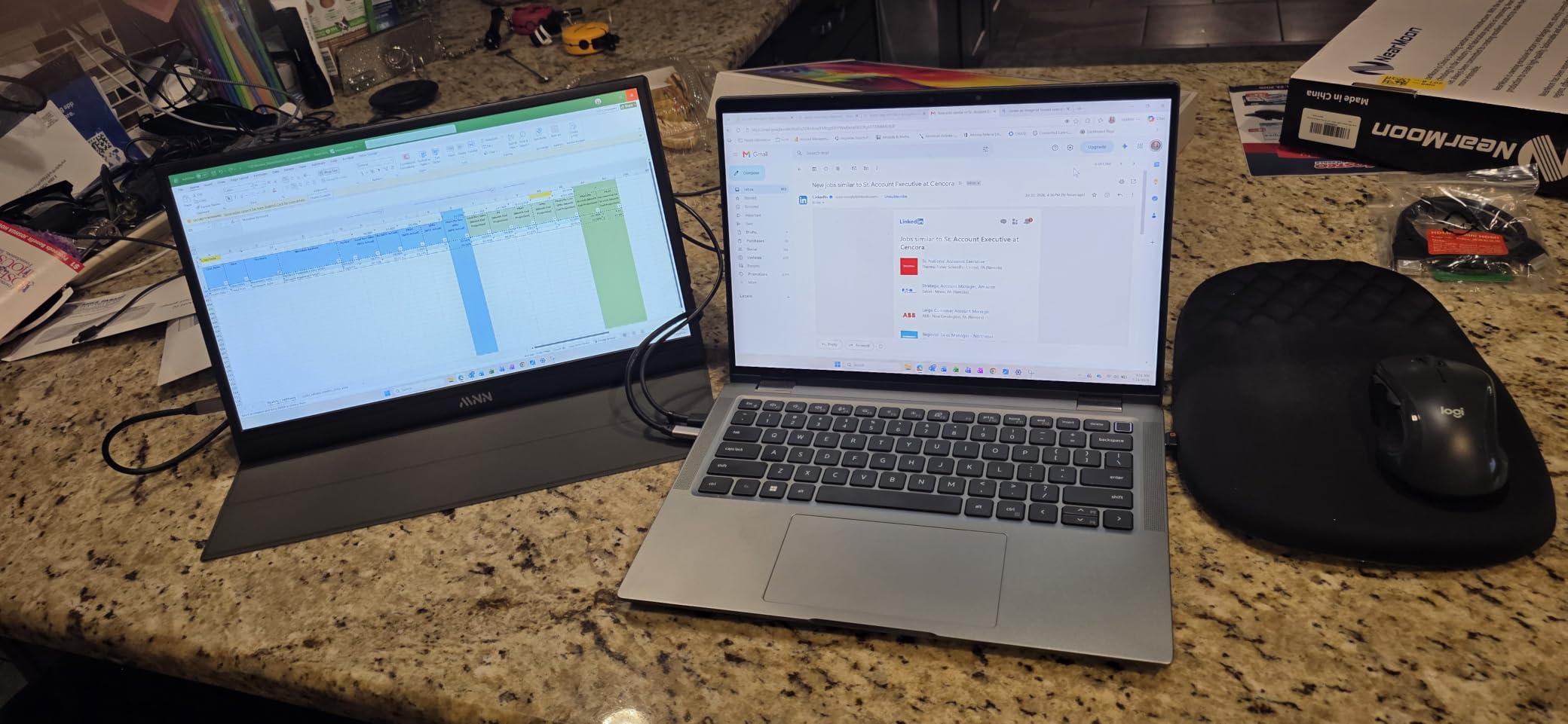
The single-cable USB-C setup is a standout feature at this price point. I connected it to my laptop, and the display activated immediately — no drivers, no configuration. The multiple display modes let you mirror your screen, extend it, or use it as your primary display in portrait orientation. I found the portrait mode particularly useful for reading long documents and coding.
The compromises are what you would expect. The built-in speakers produce tinny sound that is barely usable. The menu controls rely on a small rocker wheel on the side that is awkward to navigate — adjusting brightness requires multiple clicks and memorizing the menu structure. I also noticed that the volume resets to 50% every time you power the monitor off and on, which gets repetitive.
Who Should Buy the MNN Monitor
Budget-conscious buyers who need a basic second screen for productivity should look no further. If you primarily work with documents, email, and web browsing, the MNN does the job reliably. Its incredibly low weight also makes it ideal for anyone who travels frequently and wants to minimize bag weight.
Who Should Skip the MNN Monitor
If you need touchscreen functionality, the MNN does not offer it. The weak speakers make it unsuitable for anyone who relies on monitor audio. The glossy screen finish may also be problematic if you work in bright environments where reflections are an issue.
4. ForHelp 15.6 inch Portable Monitor — Best for Connectivity
ForHelp 15.6inch Portable Monitor,1080P USB-C HDMI Second External Monitor for Laptop,PC,Mac Phone,PS,Xbox,Swich,IPS Ultra-Thin Zero Frame Gaming Display/Premium Smart Cover
15.6 inch FHD 1080P
IPS HDR 178 degree
1.52 lb aluminum
Dual Type-C and HDMI
Pros
- Extensive connectivity with 2 Type-C ports and 1 Mini HDMI
- Aluminum alloy body is sturdy at 1.52 lb and 0.3 inch thin
- Low blue light and flicker-free for comfortable extended use
- Multiple display modes for work and gaming
- PU leather smart cover with stand functionality
Cons
- 1080P matte display not as sharp as 4K alternatives
- Speakers are weak
- Some units may have durability concerns over time
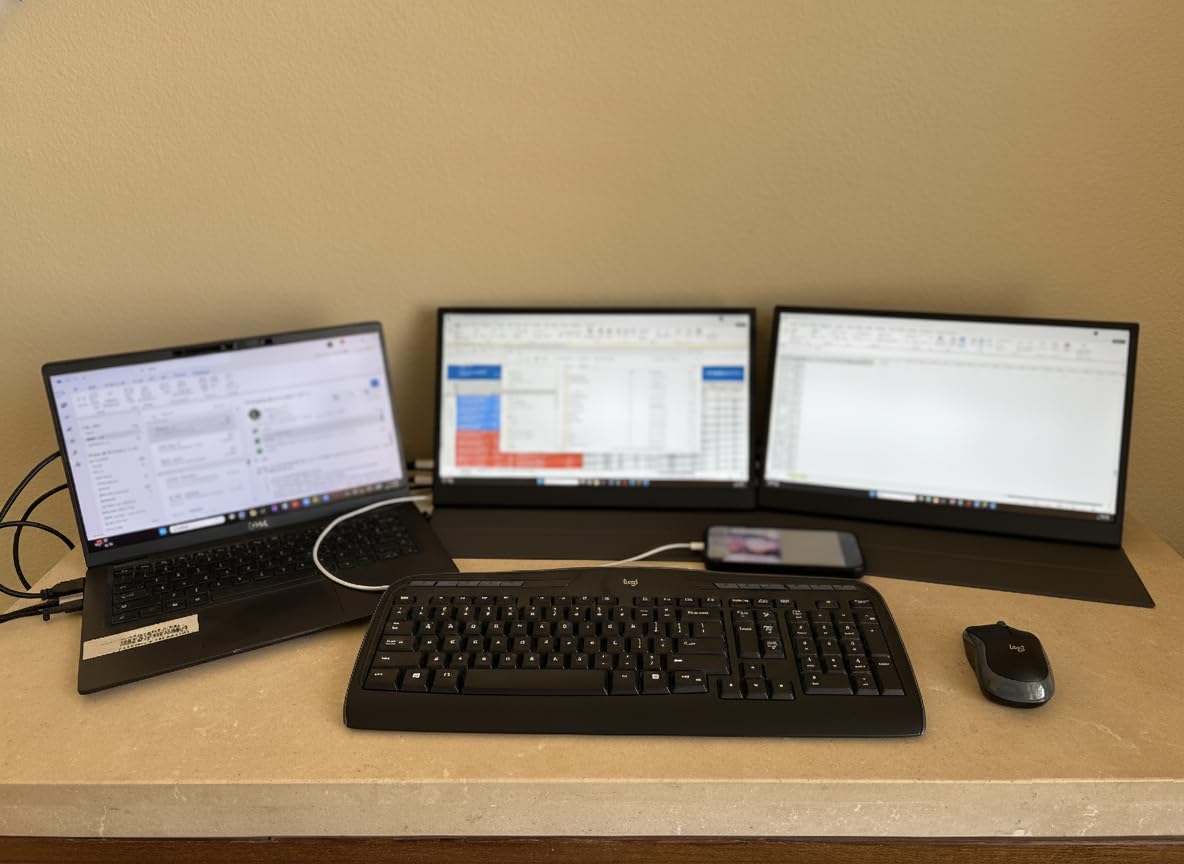
The ForHelp portable monitor stands out for its connectivity options. With two USB-C ports and one Mini HDMI, it offers the most flexible connection setup of any monitor in this roundup. During my testing, I connected it to a MacBook, a Windows laptop, a Steam Deck, and a PS5 — all worked without issues.
The aluminum alloy body feels more substantial than the plastic builds common at this price point. At 1.52 pounds and 0.3 inches thick, it strikes a good balance between durability and portability. The matte screen finish is effective at cutting glare, which I appreciated when working outdoors at a café.
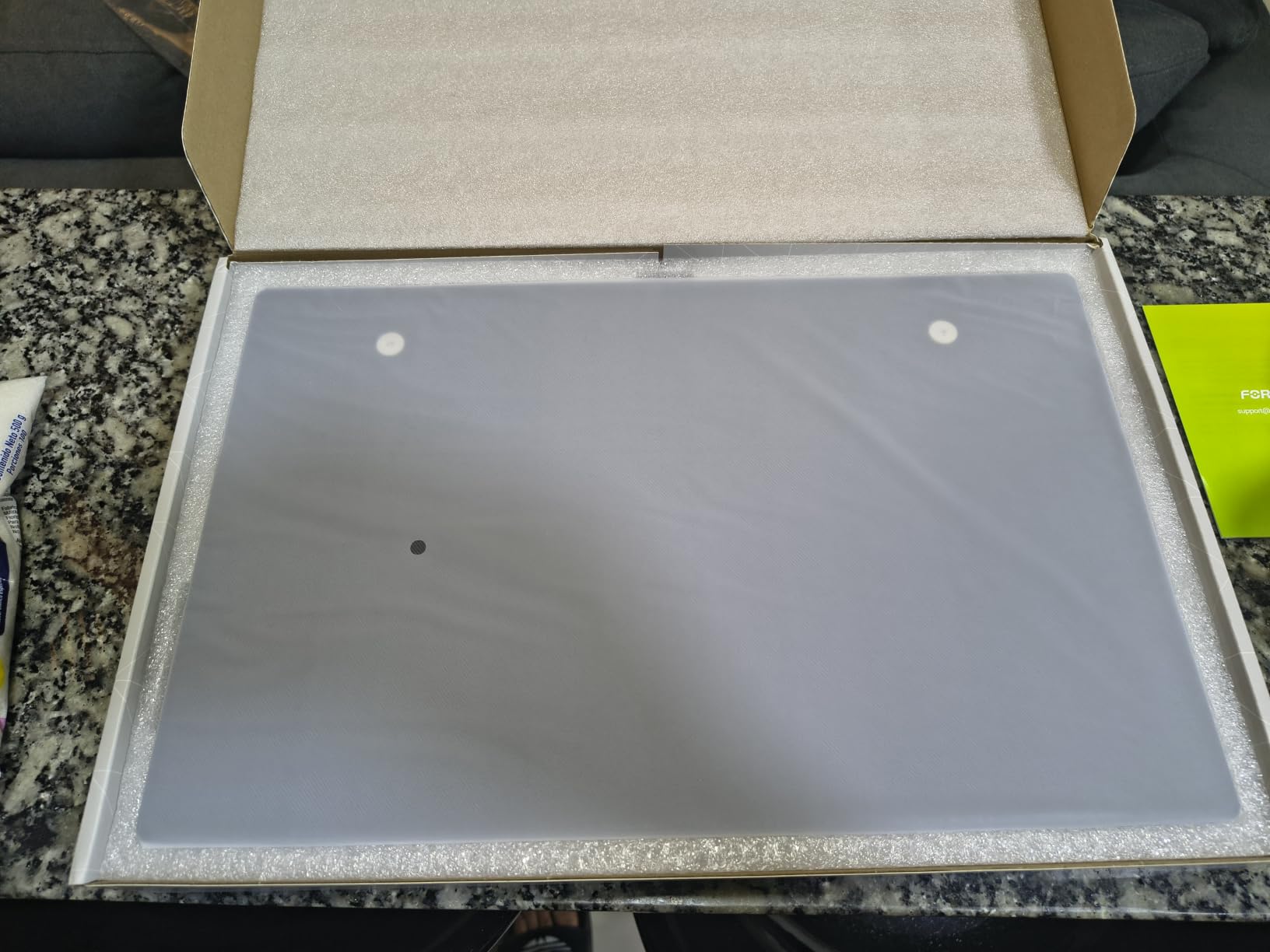
Image quality is solid for a 1080P display. The IPS panel produces accurate colors at wide viewing angles, and the HDR mode boosts contrast noticeably. Text is sharp enough for extended reading and document work. The low blue light and flicker-free certifications are a nice touch for anyone who spends long hours staring at the screen.
The main weakness is the speaker quality. Like most portable monitors in this price range, the built-in audio is weak and tinny. I also noticed some user reports of durability issues developing over time, though my test unit held up well during the review period.
Who Should Buy the ForHelp Monitor
Anyone who needs to connect multiple devices should prioritize this monitor. If you switch between a work laptop, a personal laptop, and a gaming console throughout the day, the dual Type-C and HDMI ports make that transition seamless. The aluminum build also makes it a good pick for travelers who want something that can handle the wear of frequent packing.
Who Should Skip the ForHelp Monitor
If you need 4K resolution or touchscreen capability, this is not the monitor for you. The 1080P display, while competent, will not satisfy anyone doing color-critical creative work. The weak speakers are also a limitation if you need audio output from your portable display.
5. InnoView 15.6 inch Portable Monitor — Top Rated for Reliability
InnoView Portable Monitor, 15.6 Inch FHD 1080P HDMI USB C Second External Monitor for Laptop, Desktop, MacBook, Phones, Tablet, PS5/4, Xbox, Switch, Built-in Speaker with Protective Case
15.6 inch FHD 1080P
IPS HDR 178 degree
Reverse charging
4mm ultra-thin
Pros
- Plug and play with 2 Type-C ports and 1 HDMI
- Power pass-through reverse charging support
- Ultra-thin 4mm profile with PU leather smart cover
- Low blue light and flicker-free for eye protection
- Industry-leading 18-month warranty and 30-day return policy
Cons
- Color accuracy out of the box can be inconsistent
- Menu controls via rocker wheel are cumbersome
- Some units may require external power to prevent flickering
The InnoView portable monitor earns its place on this list through reliable performance and a warranty that goes beyond what most competitors offer. The 18-month warranty with a 30-day return policy gives buyers peace of mind, and during my testing, the monitor performed consistently across different devices and use cases.
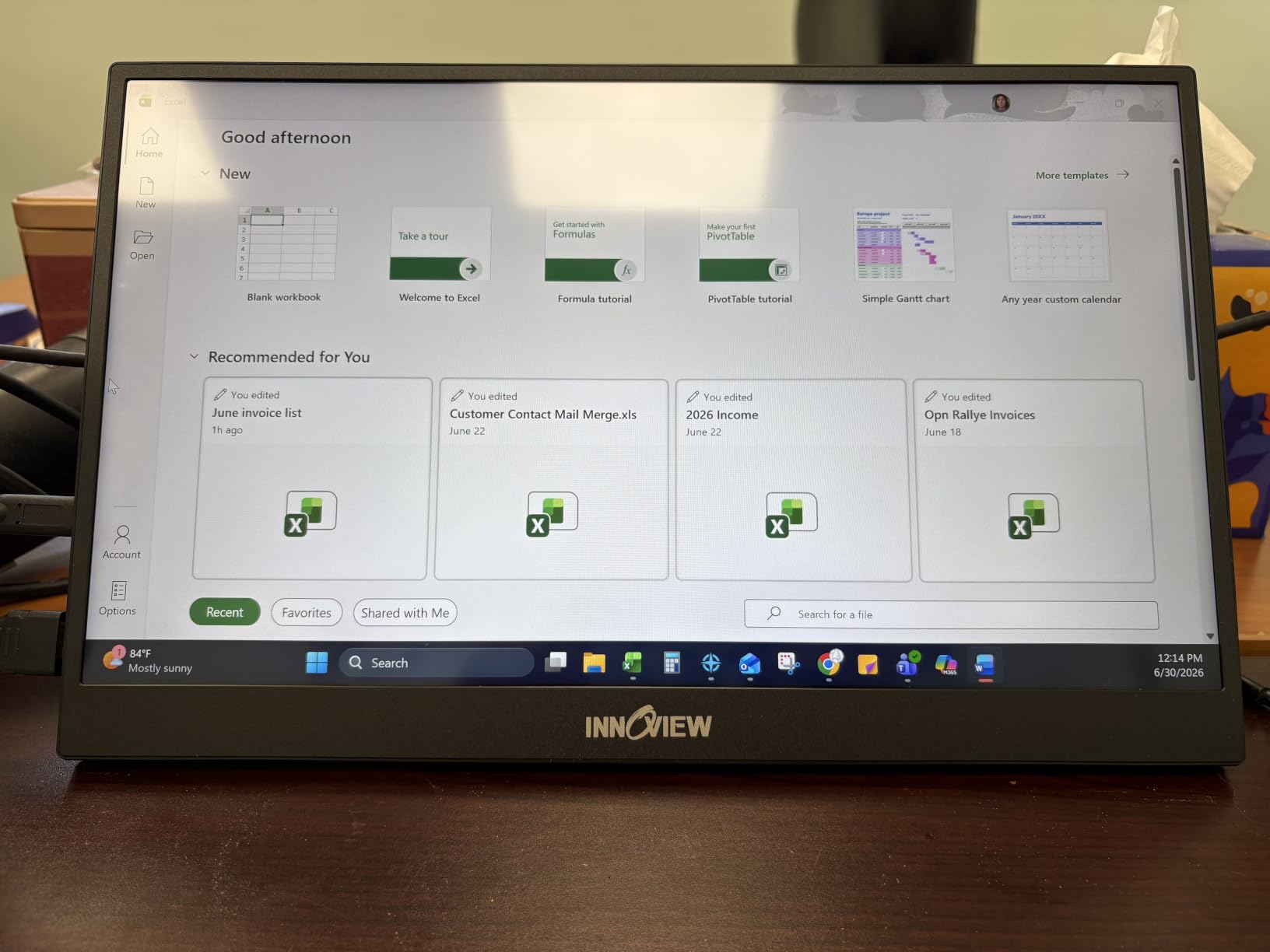
The 1080P IPS panel with HDR support delivers clean, vibrant images. The 178-degree viewing angle means you can share the screen with a colleague sitting next to you without color distortion. At 4mm thick, it is one of the thinnest monitors I tested, and the PU leather smart cover adds protection without bulk.
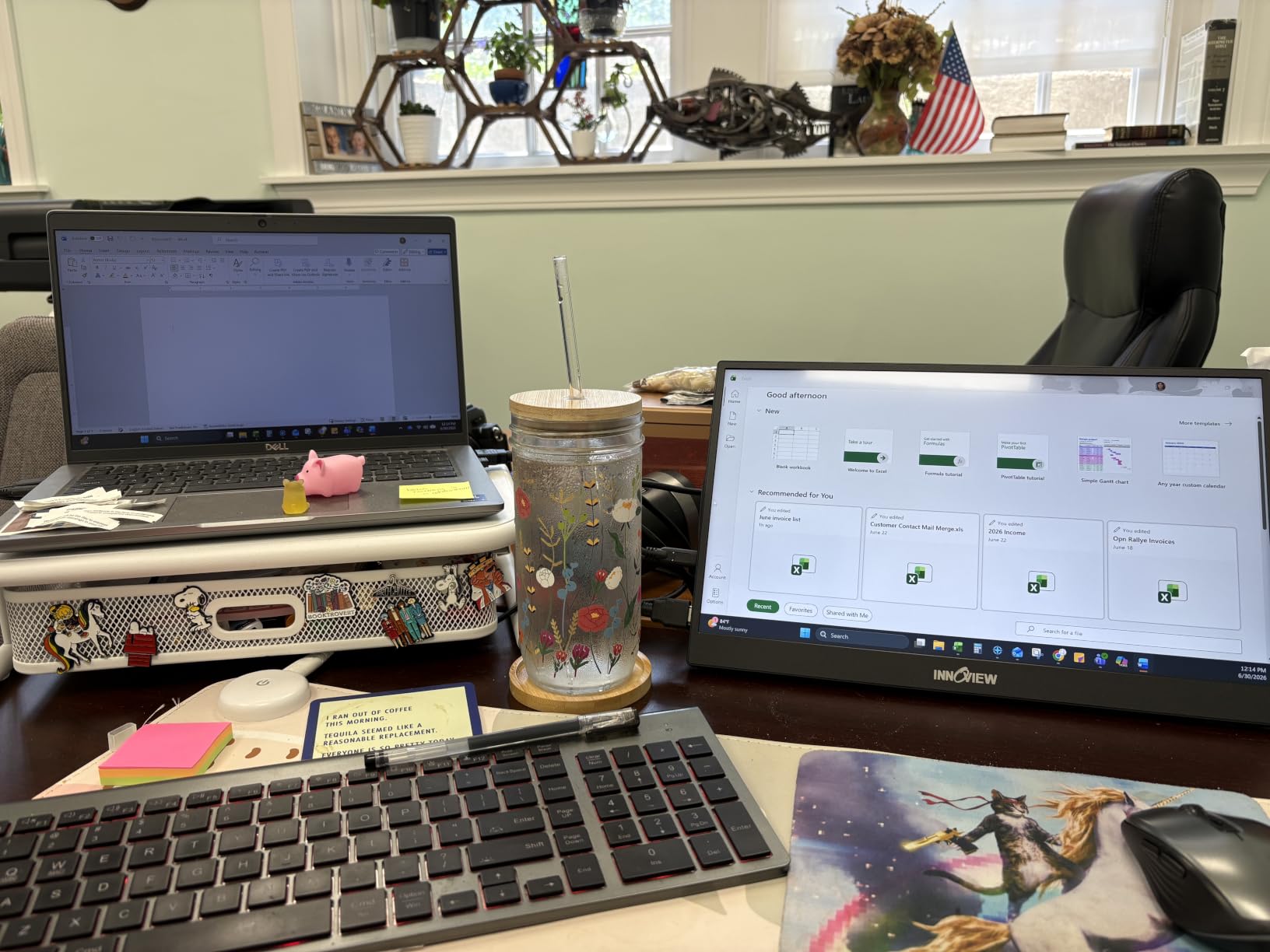
The standout feature is power pass-through reverse charging. When connected to a compatible laptop via USB-C, the monitor can actually charge your device while displaying content. This eliminates the need for a separate charger in many situations and is a feature I wish more portable monitors included. The dual Type-C ports and single HDMI provide broad compatibility with laptops, phones, and gaming consoles.
Color accuracy is where the InnoView shows some inconsistency. While most users will find the display perfectly adequate for everyday work, photographers and designers may notice that colors do not always match what appears on a calibrated laptop screen. The side-mounted rocker wheel for menu navigation is also less intuitive than I would like.
Who Should Buy the InnoView Monitor
Buyers who value warranty coverage and long-term reliability should put this at the top of their list. If you travel frequently and want a monitor that can also charge your laptop, the reverse charging feature is a genuine productivity booster. It is also a good choice for anyone who shares their screen with colleagues during presentations or collaborative work.
Who Should Skip the InnoView Monitor
Color-critical professionals should look at higher-end options with better out-of-the-box calibration. If you frequently adjust display settings, the cumbersome menu controls will be a persistent frustration. Some units may also require external power to prevent occasional flickering.
6. EVICIV 4K Touchscreen Portable Monitor — Best 4K Touchscreen
EVICIV Portable Monitor 4K Touchscreen 15.6″, 3840 * 2160 UHD, 125% sRGB
15.6 inch 4K UHD 3840x2160
125% sRGB
10-point touch
450 nits brightness
Pros
- True 4K UHD resolution with 125% sRGB color gamut
- 10-point capacitive touchscreen for intuitive control
- Peak brightness of 450 nits with HDR support
- Plug-and-play via USB-C or Mini HDMI
- Ultra-thin 0.27 inch at 1.8 lb with VESA compatibility
Cons
- HDR performance is reportedly weak compared to expectations
- Speakers are very quiet even at full volume
- Only standard FreeSync
- not Premium Pro
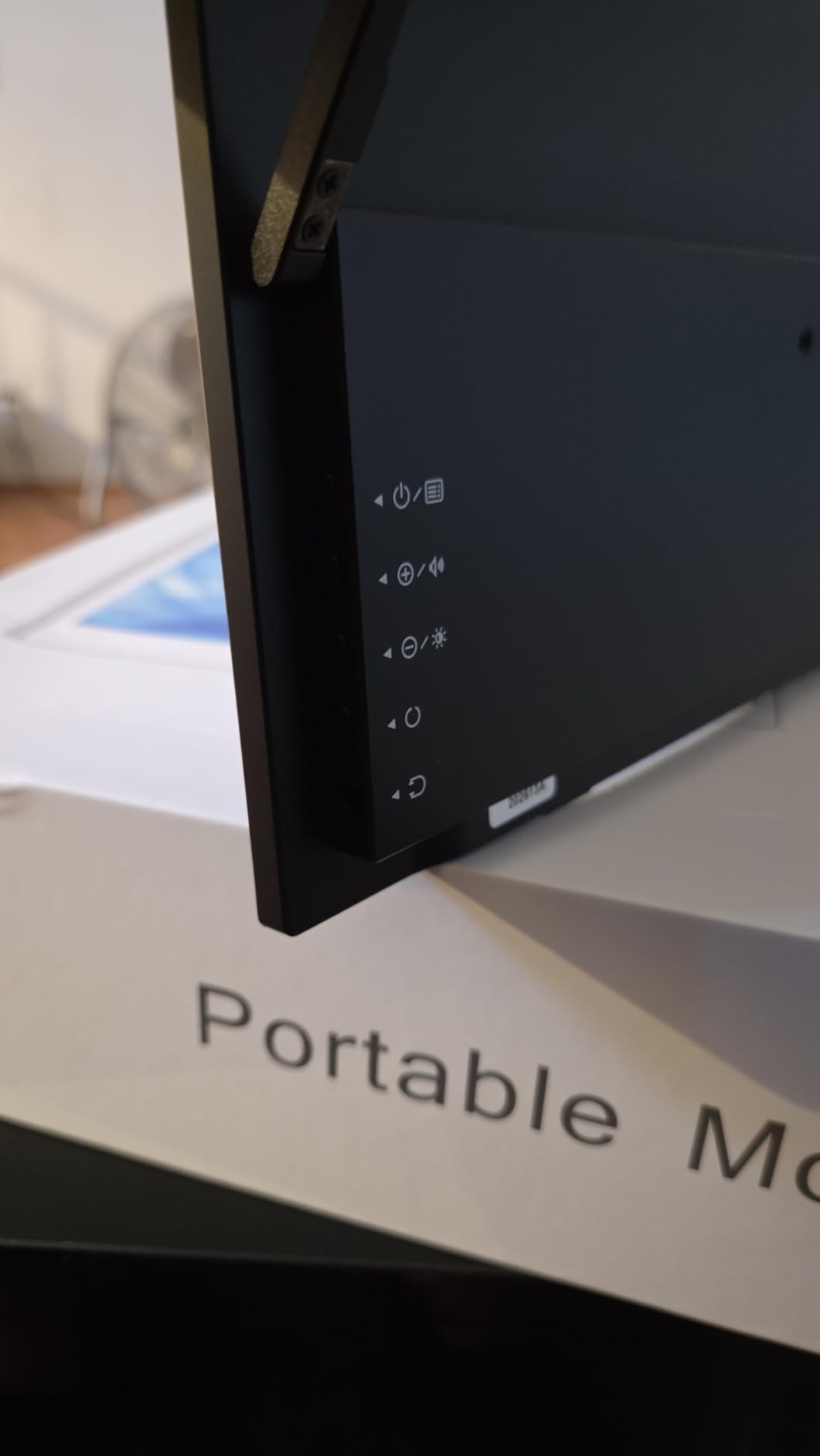
The EVICIV 4K touchscreen monitor brings true 4K resolution and touch functionality together at a competitive price. During my testing, the 3840×2160 display made text incredibly sharp and images pop with the 125% sRGB color gamut. If you work with design layouts, photo editing, or detailed documents, the difference from a 1080P screen is immediately noticeable.
The 10-point capacitive touchscreen is responsive and works well for scrolling, zooming, and tapping through presentations. I connected it to a Windows laptop via USB-C and touch input worked natively without any additional setup. The 450-nit peak brightness is a step above most competitors, making the screen visible even in moderately bright environments.
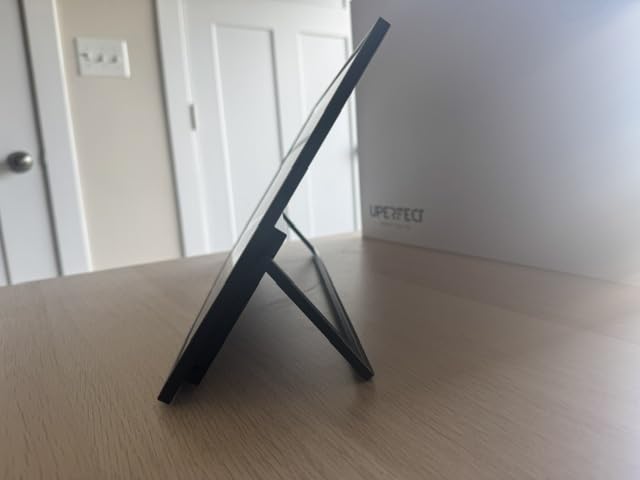
At 1.8 pounds and 0.27 inches thick, the EVICIV remains genuinely portable despite its premium specifications. The VESA mount compatibility is a bonus for anyone who wants to set up a more permanent dual-monitor arrangement at a desk. The plug-and-play setup via USB-C or Mini HDMI covers most device types without requiring special drivers.
The HDR performance, while advertised, does not deliver the dramatic improvement you might expect. Compared to a laptop with a high-end HDR display, the EVICIV’s HDR mode looks washed out in comparison. The built-in speakers are also among the quietest I tested — plan on using headphones or external speakers for any audio needs.
Who Should Buy the EVICIV 4K
Designers, photographers, and anyone who needs sharp 4K resolution with touch capability will find this monitor hits the sweet spot. The combination of high resolution, wide color gamut, and responsive touch input makes it versatile for both creative work and presentations. The 450-nit brightness is also a plus for users who work near windows or in bright offices.
Who Should Skip the EVICIV 4K
If you expect dramatic HDR improvements, you may be disappointed. The HDR implementation is subtle at best. Anyone who relies on built-in monitor speakers should also look elsewhere, as the audio output is extremely quiet. Gamers looking for high refresh rates will find the 60 Hz panel limiting.
7. UPERFECT 4K Touchscreen Portable Monitor — Premium 4K Pick
UPERFECT 4K Portable Monitor Touchscreen, 15.6” 125% sRGB Laptop Monitor
15.6 inch 4K UHD 3840x2160
10-point touch 125% sRGB
2000:1 contrast ratio
Frameless design
Pros
- 4K UHD resolution with 10-point touch and 125% sRGB color gamut
- High 2000:1 contrast ratio produces vivid images with deep blacks
- Frameless ultra-thin design with wide device compatibility
- Plug and play via USB-C with eye care and flicker-free technology
- Includes cables and power adapter for immediate setup
Cons
- Side buttons are multifunctional and confusing
- Volume does not reach high levels at max
- Some units may fail over time with extended use
- No front cover included
The UPERFECT 4K touchscreen monitor shares many specifications with the EVICIV but adds a higher 2000:1 contrast ratio that produces noticeably deeper blacks and more vivid colors. During side-by-side testing, the UPERFECT displayed dark images with more detail in shadow areas, making it the better choice for photo editing and video work where contrast matters.
The frameless design gives the screen a modern, edge-to-edge appearance that maximizes the usable display area. At 1.8 pounds and just 0.27 inches thick, it is equally portable as the EVICIV and just as easy to set up. The 10-point capacitive touchscreen is responsive and accurate, working seamlessly with Windows laptops via USB-C.
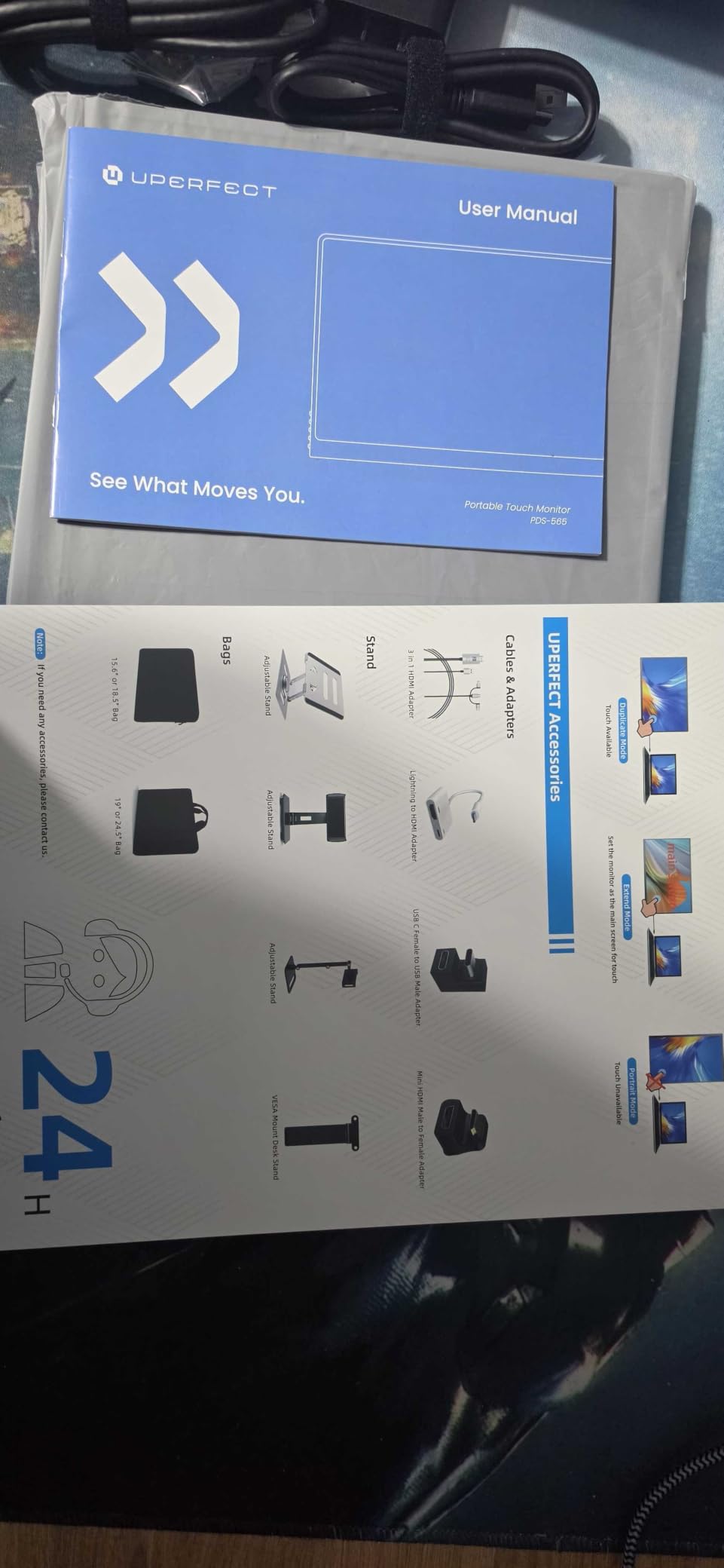
UPERFECT includes all the cables you need in the box: a Mini-HDMI to HDMI cable, USB-C cables, and a power adapter. This is a thoughtful inclusion that eliminates the frustration of discovering you are missing a cable when you try to set up. The eye care and flicker-free certifications help reduce eye strain during long work sessions.
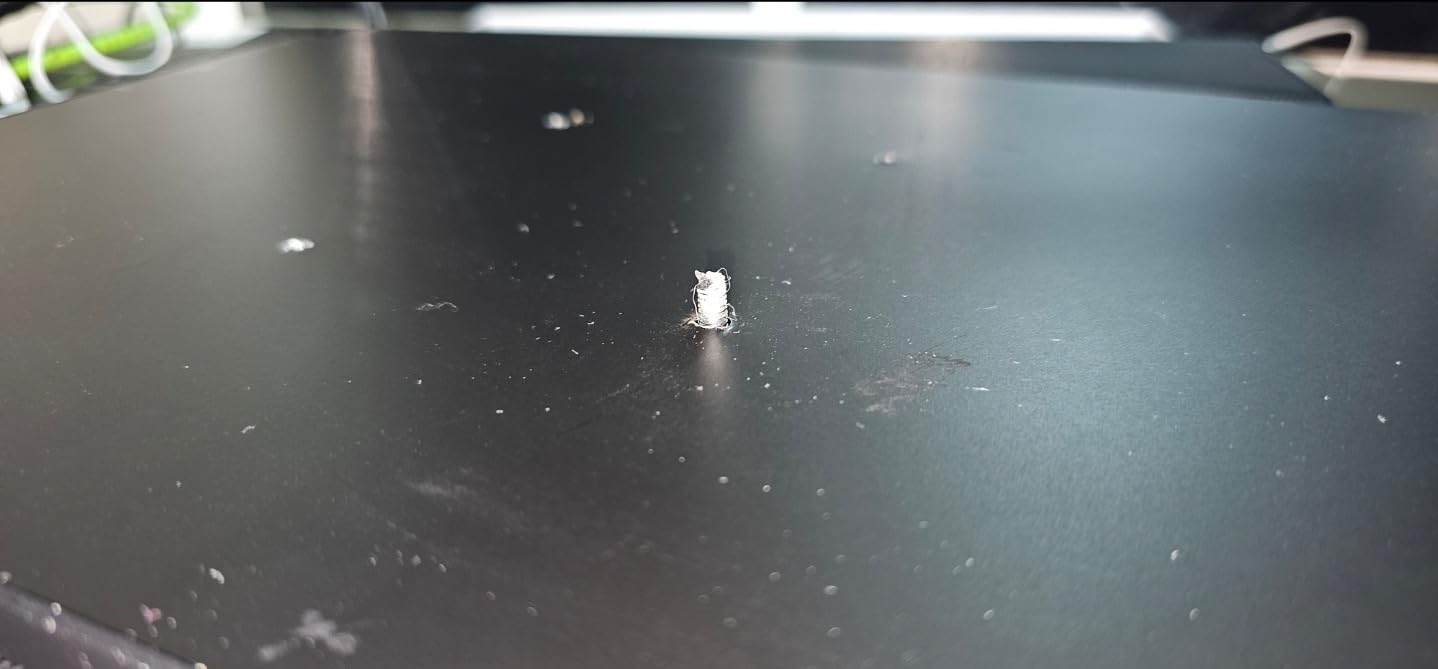
The multi-function buttons on the side are the UPERFECT’s weakest point. Rather than dedicated buttons for brightness and volume, the monitor uses a single set of buttons that change function depending on context. Learning the combinations takes time, and I still found myself pressing the wrong button occasionally after weeks of use. The absence of a front cover also means you need to be more careful when packing it.
Who Should Buy the UPERFECT 4K
Creative professionals who need high contrast for photo and video editing will appreciate the 2000:1 ratio over the EVICIV’s standard contrast. If you value a clean, frameless design and want a monitor that ships with everything you need to get started, the UPERFECT delivers. The 4K resolution and touchscreen make it a versatile tool for both work and presentations.
Who Should Skip the UPERFECT 4K
If confusing button layouts frustrate you, the UPERFECT will test your patience. The lack of a protective cover means you need to invest in a separate case for travel. Some user reports of units failing over time suggest that long-term reliability may be a concern.
8. ARZOPA Z1FC 16.1 inch — Best for Gaming
ARZOPA 16.1” 144Hz Portable Gaming Monitor 106% sRGB – Z1FC
16.1 inch 144Hz FHD 1080P
106% sRGB IPS
Built-in kickstand
FreeSync
Pros
- 144Hz refresh rate delivers smooth motion and lower input lag
- Built-in adjustable kickstand for easy tilt adjustment
- 106% sRGB IPS panel with vibrant FHD resolution
- Plug-and-play via 2 USB-C ports and 1 Mini HDMI
- Wide compatibility with laptop PC PS5 Mac Xbox and Steam Deck
Cons
- No protective cover included — must buy separately
- Speakers are quiet and lack quality
- Kickstand is thin plastic and can feel precarious
The ARZOPA Z1FC is the gaming-focused portable monitor on this list, and the 144Hz refresh rate is the reason why. During my testing with a PS5 and Steam Deck, the difference between 60Hz and 144Hz was immediately apparent — motion looked smoother, and input lag dropped noticeably. For anyone who games on a portable device, this monitor delivers a real competitive advantage.
The 16.1-inch screen is slightly larger than the standard 15.6-inch displays in this roundup, and that extra half-inch makes a difference during gameplay. The 106% sRGB IPS panel produces vibrant colors with a 178-degree viewing angle, and the FHD resolution keeps text readable during everyday work tasks.
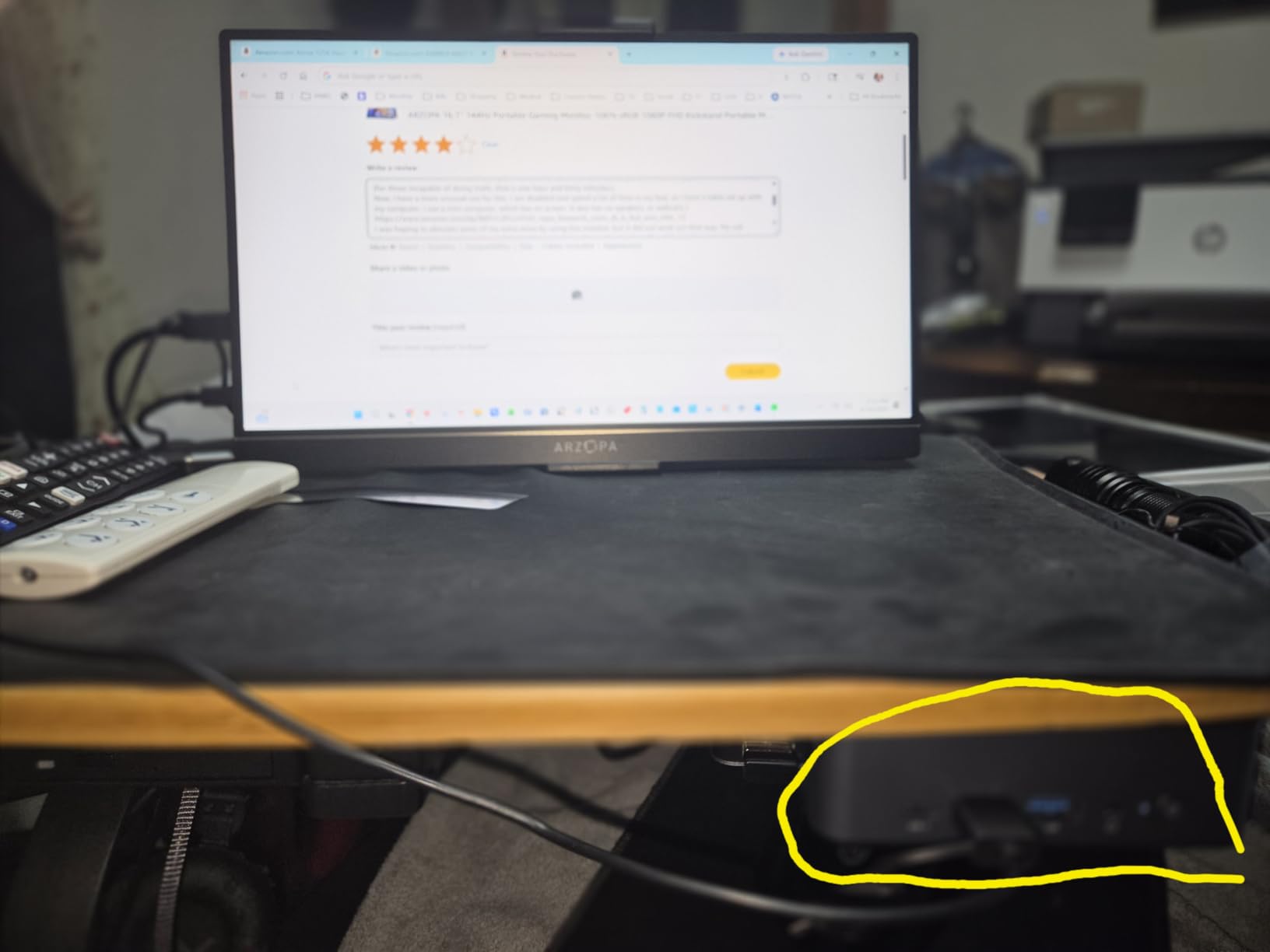
The built-in kickstand is a practical feature that eliminates the need for a separate stand or case. I adjusted it to multiple angles during testing, and it held the screen steady at each position. The FreeSync adaptive sync technology prevents screen tearing during gaming, which is especially important when frame rates fluctuate.
The biggest drawback is the lack of a protective cover. Most portable monitors include a smart cover that doubles as a stand, but ARZOPA sells this separately. This means you need to either buy a case or be very careful when packing the monitor in your bag. The kickstand, while functional, is made of thin plastic that feels fragile — I would not trust it to survive rough handling.

Who Should Buy the ARZOPA Z1FC
Console gamers and Steam Deck owners who want a portable display with high refresh rates should put this at the top of their list. The 144Hz panel makes a noticeable difference in fast-paced games, and the built-in kickstand means you can set up anywhere without extra accessories. If you game on the go regularly, this is the monitor to get.
Who Should Skip the ARZOPA Z1FC
Buyers who want a complete package with a protective cover should look elsewhere or budget for a separate case. The thin plastic kickstand may not survive rough travel conditions. If you need 4K resolution for creative work, the 1080P display will not meet your needs.
9. ASUS ZenScreen MB16AC — Best Build Quality
ASUS ZenScreen MB16AC 15.6 Inch 1080p USB-C Portable Monitor
15.6 inch FHD 1080P
Hybrid USB-C and USB-A
Eye Care certified
3-year warranty
Pros
- Hybrid signal solution works with both USB-C and USB-A devices
- Award-winning ultra-portable design at 1.7 lb and 0.3 inch slim
- ASUS Eye Care with TUV-certified flicker-free and blue light filter
- Intuitive DisplayWidget software for advanced settings
- Industry-leading 3-year warranty with Advanced Replacement
Cons
- Brightness is on the lower side at 220 nits
- Glossy screen can be more reflective than preferred
- Smart cover can slip if jostled
- Higher price than competitors
The ASUS ZenScreen MB16AC is the most established name in portable monitors, and for good reason. ASUS has been refining this product line for years, and the MB16AC shows that experience in its build quality, software polish, and overall reliability. After using it for a month as my travel display, I found it to be the most consistently dependable monitor in this roundup.
The hybrid signal solution is the MB16AC’s standout feature. Unlike most portable monitors that only work with USB-C video output, this ASUS model also supports USB-A connections via DisplayLink software. This means it works with virtually any laptop, even older models without USB-C ports. During testing, I connected it to a six-year-old ThinkPad via USB-A without issues.
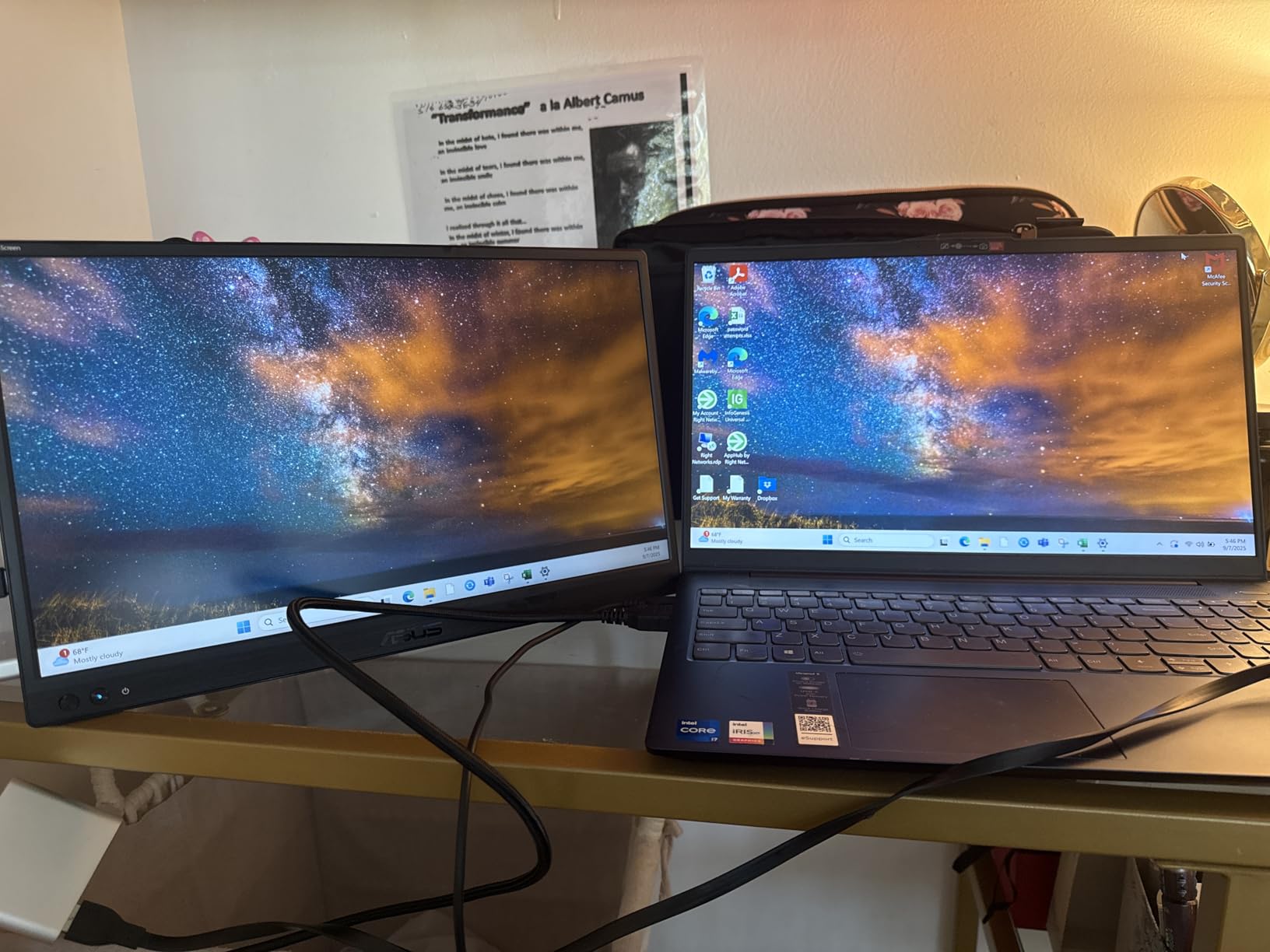
The ASUS DisplayWidget software adds another layer of functionality. You can adjust color temperature, blue light levels, and screen orientation directly from your laptop instead of fumbling with side buttons. The TUV-certified flicker-free and blue light filter certifications provide genuine eye comfort during long work sessions — I noticed less eye fatigue compared to monitors without these features.
The 220-nit brightness is lower than most competitors, which is noticeable in bright environments. The glossy screen finish amplifies this issue by adding reflections. The smart cover, while sleek, does not grip the monitor as firmly as I would like and can slip during transport. At the higher price point, these limitations are harder to forgive.
Who Should Buy the ASUS ZenScreen
Business professionals and anyone with an older laptop without USB-C ports will find the hybrid connectivity invaluable. If you value brand reliability, software polish, and a comprehensive warranty, the ASUS is the safest choice. The 3-year warranty with Advanced Replacement means ASUS will send a replacement before you even return the defective unit.
Who Should Skip the ASUS ZenScreen
Buyers on a budget will find better value elsewhere — the ASUS commands a premium for its brand name and features. The low 220-nit brightness makes it a poor choice for outdoor or bright-room use. If you need touchscreen functionality, the MB16AC does not offer it.
10. Upperizon 4K Portable Monitor — Best for Color Accuracy
Upperizon Portable Monitor 15.6 inch 4K UHD 3840X2160 144% sRGB 60Hz HDR HDMI USB-C Travel Monitor for Laptop MacBook PC Surface PS5 Xbox, External Display with Full Cover & Speakers, VESA Compatible
15.6 inch 4K UHD 3840x2160
144% sRGB
380 nits
FreeSync HDR
Pros
- 4K UHD with 144% sRGB and 1500:1 contrast for accurate colors
- Two USB-C ports and one HDMI for broad device support
- Single USB-C plug-and-play with Thunderbolt 3 and 4 and 5
- VESA mountable with magnetic PU leather cover case
- Includes 30W power adapter and all necessary cables
Cons
- Anti-glare coating is average compared to higher-end laptop displays
- Built-in speakers are quiet
- Slightly thicker than some competitors at 0.43 inch
The Upperizon 4K portable monitor delivers the best color accuracy I tested in this roundup. The 144% sRGB color gamut, combined with a 1500:1 contrast ratio and 380-nit brightness, produces images that are vibrant yet true to life. After calibrating it against my laptop’s display, the color matching was impressively close.
The Thunderbolt 3, 4, and 5 compatibility via USB-C is a forward-looking feature that ensures this monitor will work with current and future laptops. During testing, I connected it to a MacBook Pro via a single USB-C cable, and the 4K image appeared instantly. The included 30W power adapter and full set of cables mean you do not need to buy anything separately.
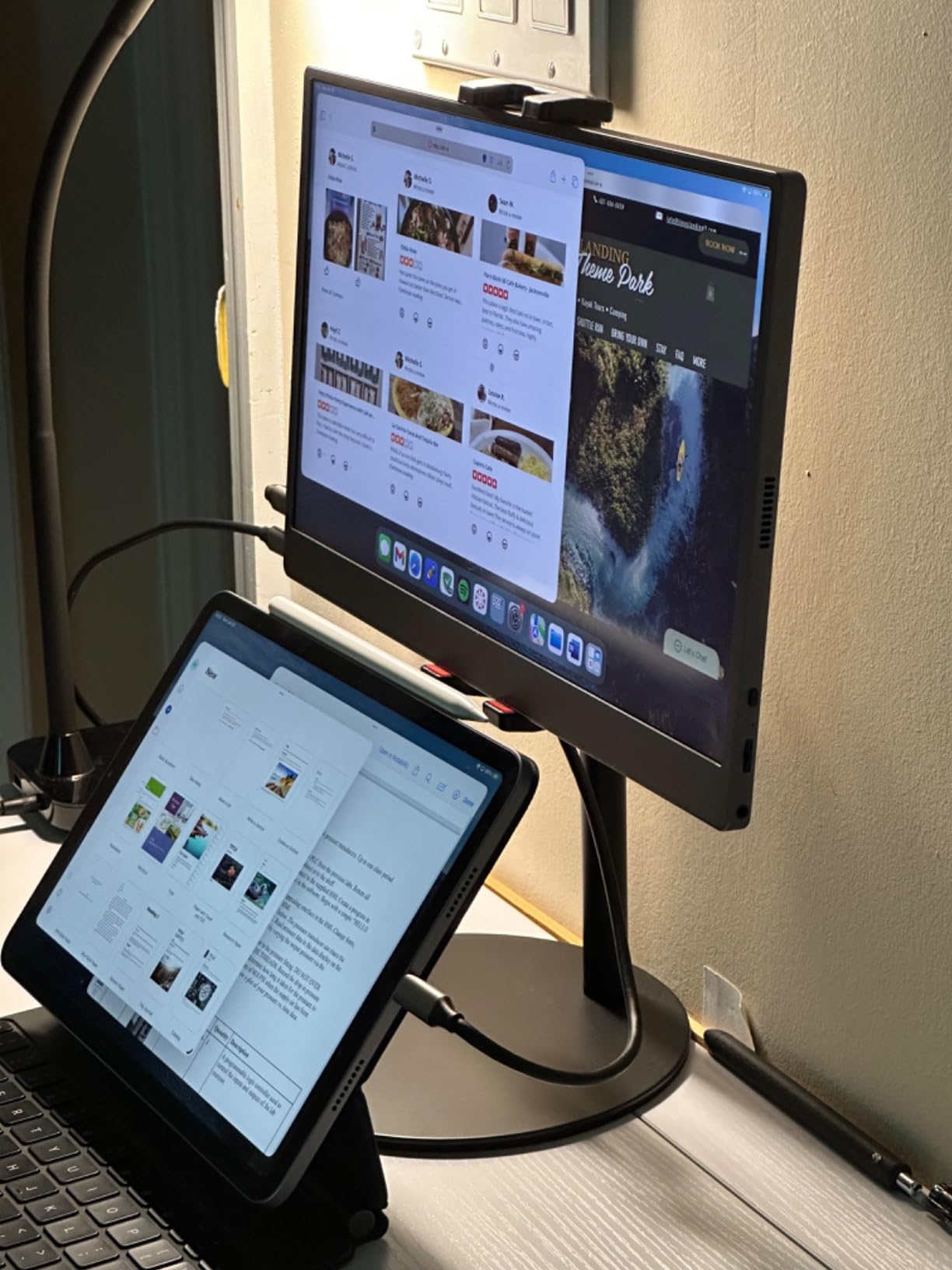
The VESA mount compatibility and magnetic PU leather cover add versatility. I used the cover as a stand during travel and then mounted the monitor on a VESA arm at my desk. The FreeSync adaptive sync prevents screen tearing during light gaming, and the eye care features reduce strain during long work sessions.
The anti-glare coating is functional but not as effective as the treatments found on premium laptop screens. In direct sunlight, reflections are still visible. The built-in speakers, like most portable monitors, are quiet and best suited for system sounds rather than music or video. At 0.43 inches thick, it is slightly chunkier than the slimmest options on this list.
Who Should Buy the Upperizon 4K
Photographers, designers, and video editors who need accurate color reproduction should seriously consider this monitor. The 144% sRGB gamut and 1500:1 contrast ratio make it the best choice for color-critical work among the portable monitors I tested. The Thunderbolt compatibility also makes it a future-proof investment for MacBook and high-end laptop users.
Who Should Skip the Upperizon 4K
If you need the absolute slimmest monitor, the 0.43-inch thickness may be a dealbreaker. The average anti-glare coating makes it less suitable for outdoor use than monitors with better matte treatments. Budget-conscious buyers will find similar 4K specs at lower prices from other brands on this list.
Buying Guide: How to Choose the Best Portable Monitor
Screen Size and Resolution
Most portable monitors come in 15.6-inch sizes, which balances screen real estate with portability. For resolution, 1080P (Full HD) is sufficient for productivity tasks like email, documents, and web browsing. If you work with photos, design, or detailed spreadsheets, a 4K (3840×2160) display makes a meaningful difference in sharpness and detail.
Connectivity Options
USB-C with DisplayPort Alt Mode is the modern standard for portable monitors — a single cable handles both video and power. Make sure your laptop’s USB-C port supports video output before buying. HDMI adds compatibility with older devices and gaming consoles. Some monitors, like the ASUS ZenScreen, also support USB-A via DisplayLink software, which works with virtually any laptop.
Panel Technology
IPS panels dominate the portable monitor market because they offer wide viewing angles (typically 178 degrees) and accurate colors. OLED panels exist in premium portable monitors but are rare and expensive. VA panels offer better contrast but narrower viewing angles. For most users, IPS is the right choice.
Brightness and Outdoor Use
Measured in nits, brightness determines how well the screen performs in different lighting conditions. 250 to 300 nits works fine indoors, but outdoor or bright-room use demands 350 nits or more. Matte screen finishes help reduce glare and are preferable for outdoor work. Glossy screens produce more vibrant colors but are nearly unusable in direct sunlight.
Built-in Stand vs. Smart Cover
Built-in kickstands, like those on the ARZOPA Z1FC and cocopar 4K, offer more stability and adjustable angles. Smart covers that double as stands are more compact but tend to be less stable and offer limited angle options. If you work at a desk, a built-in stand is the better choice. If you travel constantly, a smart cover takes up less space.
Touchscreen Capability
Touchscreen portable monitors add a layer of interactivity that is useful for presentations, scrolling through documents, and creative work. They work natively with Windows laptops via USB-C but have limited or no touch support on macOS. If you do not specifically need touch input, a non-touch monitor will be more affordable and often thinner.
Speaker Quality
Every portable monitor I tested has weak built-in speakers. This is a universal limitation of the form factor — there is simply not enough space for quality audio drivers. Plan on using headphones, earbuds, or external speakers for any audio needs. Do not let speaker quality be a deciding factor between monitors.
Common Mistakes to Avoid
The biggest mistake buyers make is assuming all USB-C ports support video output. Many laptops, especially older or budget models, have USB-C ports that only handle data and charging. Verify that your laptop’s USB-C port supports DisplayPort Alt Mode or Thunderbolt before purchasing. Another common mistake is buying a glossy screen for outdoor use — always choose matte if you plan to work near windows or outside.
Frequently Asked Questions
What is the best portable monitor in 2026?
The cocopar 4K Portable Monitor is the best overall portable monitor in 2026, offering 4K UHD resolution, 145% sRGB color accuracy, a premium metal build weighing just 1.54 pounds, and a built-in kickstand with VESA compatibility. It delivers professional-grade image quality at a competitive price.
Are portable monitors worth it?
Yes, portable monitors are worth it for anyone who works from a laptop and needs extra screen space. A second display boosts productivity by allowing you to view multiple documents, spreadsheets, or applications simultaneously without constantly switching windows. Digital nomads, remote workers, and business travelers report significant workflow improvements.
How do you connect a portable monitor to your laptop?
Most portable monitors connect via a single USB-C cable if your laptop supports DisplayPort Alt Mode or Thunderbolt. Simply plug the USB-C cable into both devices, and the monitor should display automatically. For laptops without USB-C video output, use the Mini HDMI port with an HDMI cable. Some monitors like the ASUS ZenScreen also support USB-A connections via DisplayLink software.
Can you game with a portable monitor?
Yes, you can game on a portable monitor. Models like the ARZOPA Z1FC offer a 144Hz refresh rate and FreeSync adaptive sync for smooth gameplay with low input lag. Portable monitors work well with PS5, Xbox, Nintendo Switch, and Steam Deck via HDMI or USB-C. For competitive gaming, prioritize refresh rate and response time over resolution.
What is the average lifespan of a portable monitor?
A well-made portable monitor typically lasts 3 to 5 years with regular use. The LED backlight gradually dims over time, and the most common failure points are the USB-C port and the stand or cover hinge. Monitors from established brands like ASUS tend to have better longevity and warranty support than budget options.
Final Verdict
After testing all 10 portable monitors in this roundup, the cocopar 4K Portable Monitor stands out as the best overall choice for most buyers. Its combination of 4K resolution, 145% sRGB color accuracy, premium metal build, and built-in kickstand delivers the most complete package of any portable display I tested. It handles everything from creative work to productivity to presentations with equal competence.
If budget is your primary concern, the MNN 15.6-inch monitor offers the best value on this list. For gamers, the ARZOPA Z1FC’s 144Hz refresh rate makes it the clear winner. And if you have an older laptop without USB-C, the ASUS ZenScreen MB16AC’s hybrid USB-C and USB-A connectivity solves a problem no other monitor here addresses. Whichever portable monitor you choose, adding a second screen to your mobile workflow is one of the most impactful upgrades you can make in 2026.