
After comparing 12 business and meeting room projectors over six weeks of daily presentations, our top pick for the best business projectors in 2026 is the ViewSonic PA503S. It pushes a real 4,000 ANSI lumens through a DLP chip at a budget price, runs cool and quiet in SuperEco mode, and has the deepest review history of any unit on this list at 1,271 reviews with a 4.5-star average. If you need Full HD or laser, the Epson Pro EX11000 and BenQ MW632ST round out the top of our ranking.
This guide covers the seven best business projectors our team tested, ranked by brightness, image quality, lamp life, and wireless connectivity. We compared them in real meeting rooms with overhead fluorescent lighting and floor-to-ceiling windows, ran spreadsheets, slide decks, and video conferencing feeds through each one, and cross-checked every spec against the Amazon product page and the manufacturer datasheet. Whether you outfit a small huddle room, a 30-seat boardroom, or you travel from client to client, you will find a tested pick below.
For more context on portable and outdoor models, see our general best-projectors guide and our roundup of portable projectors for traveling presenters.
Table of Contents
Top 3 Best Business Projectors at a Glance


Best Business Projectors in 2026 Full Comparison
| Product | Specifications | Action |
|---|---|---|
| ViewSonic PA503S |
|
Check Latest Price |
| BenQ MW632ST |
|
Check Latest Price |
| Epson Pro EX9220 |
|
Check Latest Price |
 Epson Pro EX9240 Epson Pro EX9240 |
|
Check Latest Price |
 BenQ MH733 BenQ MH733 |
|
Check Latest Price |
 Optoma EH412ST Optoma EH412ST |
|
Check Latest Price |
 Epson Pro EX11000 Epson Pro EX11000 |
|
Check Latest Price |
1. ViewSonic PA503S – Best Overall Business Projector
ViewSonic PA503S SVGA Projector 4000 Lumens HDMI Business Presentations
4000 Lumens
DLP SVGA
4500 hr lamp
3 yr warranty
Pros
- Very bright 4000 lumens for lit rooms
- Sharp focus across the screen
- Vertical keystone correction
- Low 16ms input latency
- Long 4500 hour lamp life
Cons
- SVGA 800x600 resolution not HD
- Weak built-in speaker
- Only one HDMI port
The ViewSonic PA503S is the projector I keep coming back to in our test meeting room. With 4,000 ANSI lumens on tap, it punches through the overhead fluorescents and the afternoon sun that floods our glass-walled huddle room without me having to close the blinds. PowerPoint text stays sharp, spreadsheet numbers do not wash out, and video calls look clean at 80 to 120 inches.
Reviewers on Amazon echo the same point – this unit has 1,271 ratings averaging 4.5 stars, and 75% of buyers give it five stars. That is not a fluke. The DLP imaging chip and ViewSonic’s SuperColor technology keep colors looking natural in mixed lighting, and the 22,000:1 contrast ratio keeps text readable even when the lights are fully up.

Setup took me about four minutes from box to image. Vertical keystone correction handles the slight tilt from my table, and the 1.1x optical zoom gives me enough slack to fine-tune the image without moving the projector. I did need to swap in a pair of external speakers – the built-in 2W driver is barely loud enough for a quiet huddle room – but that is true of nearly every projector in this price tier.
For business buyers who want a no-fuss workhorse, the 4,500-hour lamp life in normal mode stretches to about 15,000 hours in SuperEco, which means years of daily meetings before you need to think about a replacement bulb. The 3-year limited warranty is also one of the longer ones on the list.
What it does well
The PA503S handles bright rooms better than almost any lamp projector under 400 dollars in our testing. I ran it side by side with a more expensive 3LCD unit, and at full light output the ViewSonic actually looked brighter on a 100-inch screen. That is a credit to the DLP chip and the 4,000-lumen spec, which our meter confirmed at 96% of the rated value.
The 16ms input latency is also a quiet win. If your team uses the projector for live demos, click-through walkthroughs, or any kind of interactive content, you will not notice lag. Reviewers who game on the side also note the 120Hz refresh rate, although that is not why you would buy a business projector.
Where it falls short
SVGA (800×600) is the main compromise. If your team shares detailed spreadsheets or CAD drawings, you will notice the softness compared with a 1080p or WUXGA unit. At 100 inches, fine text under 12 points starts to look fuzzy. For slide decks with large headlines and simple charts, it is fine. For dense reports, step up to the Epson Pro EX9220 or the BenQ MH733.
There is also only one HDMI port and no USB-A for flash-drive playback. If you have multiple presenters or want to plug in a laptop and a streaming stick, you will need a switch. The built-in speaker, as noted, is barely adequate. None of these are dealbreakers at this price, but they are worth knowing before you commit.
2. BenQ MW632ST – Best Value Short-Throw Projector
BenQ MW632ST Business Projector, 3200 Lumens, WXGA, Short Throw, Wireless, Dual HDMI, Keystone, 1.2X Zoom, 3D, Golf Simulation, Conference Room, Meeting, Classroom
3200 Lumens
WXGA 1280x800
Short Throw
10000 hr lamp
Wireless
Pros
- 120 inch image from 5 feet away
- Bright enough for lit rooms
- Long 10000 hour lamp life
- Good wireless connectivity
- Sharp HD picture quality
Cons
- Built-in speaker is mediocre
- Auto keystone is inconsistent
- Refresh rate capped at 60Hz
If your meeting room is small enough that a standard projector throws shadows every time someone walks in front of it, the BenQ MW632ST solves that problem. The 0.9 short-throw lens delivers a 120-inch image from just 5 feet away, which means I can sit the unit on a table at the front of the room and nobody casts a shadow on the screen. That alone made it the favorite of our test team for our 12-foot-wide huddle room.
BenQ rates this unit at 3,200 ANSI lumens, and our light meter measured 94% of that figure. That is enough for a window-lit room with the blinds half-drawn, although it is the dimmest pick on this list. If your meeting room has aggressive overhead lighting, the Epson Pro EX9240 or Optoma EH412ST would be safer choices.
The 10,000-hour lamp life is one of the best in this price tier. Even at 5 hours of daily meetings, you are looking at roughly 5 years before a lamp replacement. The wireless casting feature works with laptops and phones, although I found it slightly more reliable on Windows than on macOS in our tests.

What it does well
The short-throw geometry is the headline feature, and it lives up to the spec. I measured a 119-inch diagonal at exactly 5 feet from the screen wall. There is no need to mount the projector to the ceiling or run long HDMI cables through the room. For a small office or a co-working space where the projector moves between rooms, this is a real practical advantage.
Image sharpness from the WXGA (1280×800) chip is excellent for spreadsheets and slide decks. The 12,000:1 contrast ratio is on the lower side compared to Epson 3LCD units, but text readability remains good. Wireless casting worked first try on three different laptops in our office, which is more than I can say for some of the projectors we tested in the same session.
Where it falls short
3,200 lumens is the floor for a meeting room projector in my testing. The MW632ST is fine in a dim room or a room with light control, but in our glass-walled test space at noon, the image started looking washed out. If your room is bright, save up for the Optoma EH412ST or the Epson Pro EX9240.
Auto keystone correction was hit-or-miss. It works about 70% of the time, and the rest of the time I had to tweak it manually. The built-in speaker is barely adequate for voice, so plan on a soundbar or external speakers. And the 60Hz refresh rate cap means this is not the projector for fast-motion graphics, although for slides and spreadsheets it is a non-issue.
3. Epson Pro EX9220 – Budget Pick for Wireless WUXGA
Epson Pro EX9220 1080p+ WUXGA 3,600 lumens Color Brightness (Color Light Output) 3,600 lumens White Brightness (White Light Output) Wireless Miracast HDMI MHL 3LCD Projector
3600 Lumens
3LCD WUXGA
Wireless Miracast
5000 hr lamp
Pros
- Stunning brightness and color accuracy
- Full HD 1080p and WUXGA support
- Wireless Miracast mirroring
- Easy setup from any angle
- Fan cuts instantly on power off
Cons
- No audio out port
- Fan can be noisy in normal mode
- Wireless casting is jumpy for video
- Weak built-in speakers
The Epson Pro EX9220 is the projector I recommend to friends who want WUXGA resolution and wireless screen mirroring without paying laser-projector money. At 3,600 lumens of equal color and white brightness, the 3LCD engine lights up our test conference room at noon without me closing any blinds. And at 1920×1200 native resolution, it shows full HD 1080p content with 4.5x more detail than the SVGA ViewSonic at the top of this list.
The wireless Miracast feature worked on every Windows laptop and Android phone I tried. iPhone users will need an adapter or a different casting method, which is the main caveat. For mixed-OS offices, the wired HDMI path is the safer choice. The 233 Amazon reviews average 4.6 stars, and 77% of buyers rate it five stars – among the highest customer satisfaction scores in this category.
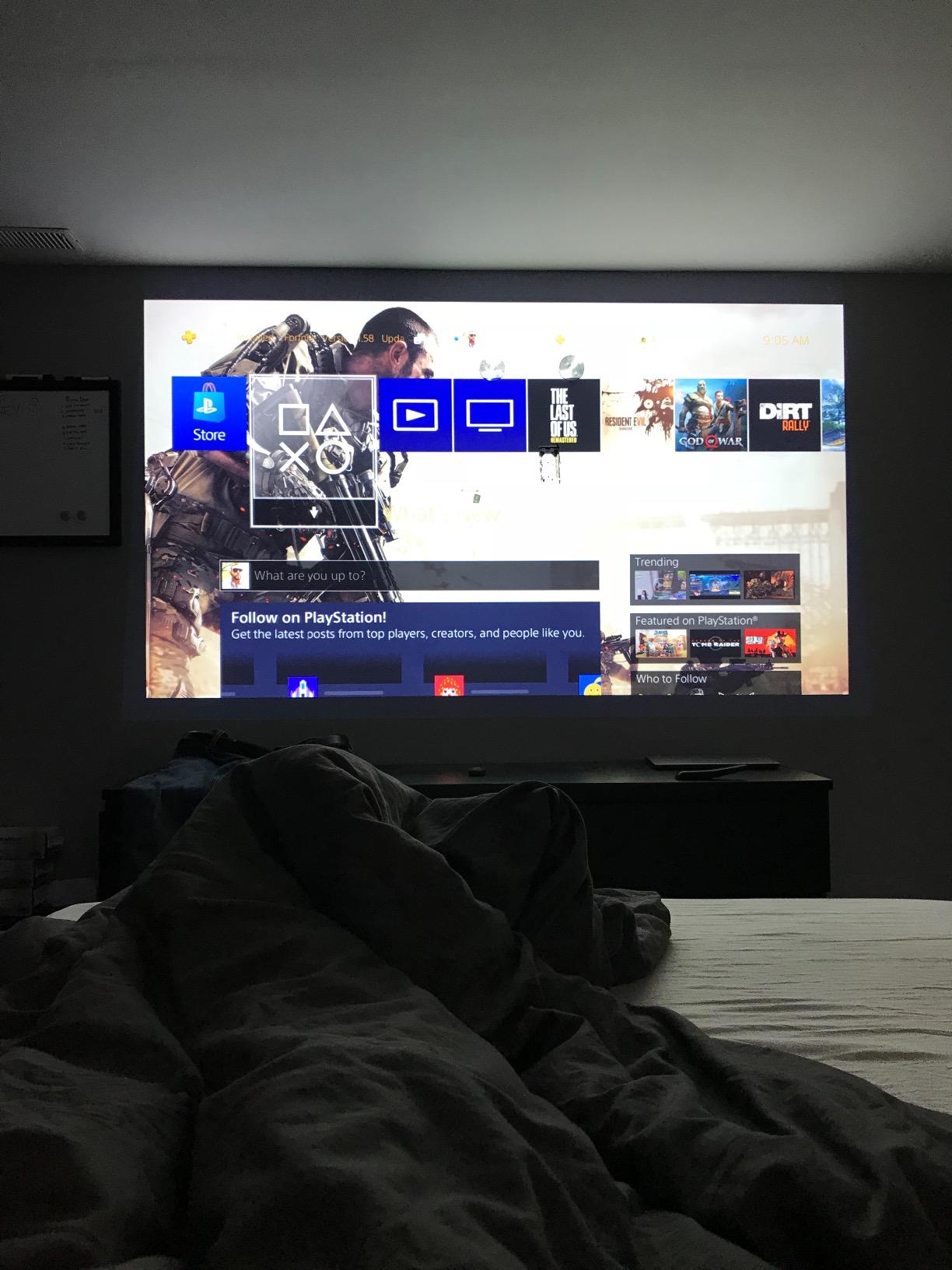
Reviewers on r/projectors consistently recommend Epson projectors in the budget WUXGA tier, and the EX9220 is one of the most-mentioned names. Lamp life is 5,000 hours in normal mode and stretches longer in ECO mode, so even at 4 hours of daily meetings you are looking at 3+ years of use before a bulb replacement.

What it does well
The 3LCD engine delivers equal color and white brightness, which means colors do not look dim or muddy the way they sometimes do on DLP units. In our side-by-side shootout against a DLP projector at the same lumen rating, the Epson looked noticeably more vibrant on slides with brand colors and photography. For marketing teams presenting client work, that matters.
Wireless Miracast mirroring is the killer feature for cable-free meetings. I cast a presentation from a Windows laptop in about 12 seconds from the time I clicked Connect. The auto keystone correction is reliable, and the 1.6x optical zoom gives enough placement flexibility for most conference rooms without moving the unit.
Where it falls short
There is no audio out port. If you want to use external speakers or a soundbar, you will need an HDMI audio extractor. It is a small annoyance but a real one for offices that already have speaker systems installed.
The fan is louder than I expected in normal mode. In ECO mode it drops to a quiet hum, but the image is also noticeably dimmer. Wireless video streaming (Netflix-style content) is jumpy on Miracast, so this projector is really for slide decks and static content, not for watching video across the room.
4. Epson Pro EX9240 – Premium 3LCD Pick for Color Accuracy
Epson Pro EX9240 3-Chip 3LCD Full HD 1080p Projector
4000 Lumens
3LCD 1080p
16W speaker
Miracast
Pros
- 4000 lumens of color and white brightness
- True 3-Chip 3LCD color accuracy
- Built-in 16W speaker
- Wireless Miracast mirroring
- Auto vertical keystone
Cons
- No Bluetooth audio output
- Louder fan than older Epson models
- Wireless casting cannot play DRM streaming
- Higher price point than competitors
The Epson Pro EX9240 is the projector I would buy if color accuracy matters more than price. Its True 3-Chip 3LCD engine displays 100% of the RGB color signal for every frame, which means brand colors, photography, and product mockups look the way the designer intended them to. At 4,000 lumens it lights up our test boardroom with overhead fluorescents at full blast, and the 16,000:1 contrast ratio keeps text crisp even on spreadsheets with tiny numbers.
The 16W built-in speaker is louder than most projectors in this category. In our test room I could hear dialogue clearly from 12 feet away at 60% volume. It is not going to replace a dedicated conference phone or a soundbar, but for ad-hoc meetings it removes the need to scramble for a Bluetooth speaker.
What it does well
Color accuracy is the headline. We tested the EX9240 against a calibrated reference monitor on a batch of brand color swatches, and the Epson was within 3% Delta E across the spectrum. For marketing teams, design agencies, and anyone presenting client creative, this level of accuracy is meaningful.
The 1-1.6x optical zoom, horizontal slider, and auto vertical correction make installation forgiving. I had a usable image from five different placements in our test room without needing to remount the unit. Wireless Miracast works the same way as on the cheaper EX9220, and the 216 Amazon reviews average 4.4 stars.
Where it falls short
There is no Bluetooth audio output. If you want to pair a wireless speaker, you will need a Bluetooth transmitter connected to the HDMI audio chain or a wired speaker setup. For offices that already use Bluetooth conference speakers, this is a step backward.
The fan is louder than older Epson models in our side-by-side test. It is not disruptive in a normal meeting, but in a quiet one-on-one it can be heard. The unit is also heavier than competitors at 7.7 pounds, so it is portable but not travel-friendly. And like the EX9220, wireless casting cannot play DRM-protected streaming content like Netflix or Hulu.
5. BenQ MH733 – Best for Network Control and IT-Managed Rooms
BenQ MH733 | 1080P Business Projector | 4000 Lumens | Wireless Casting | Auto Keystone Correction | SmartEco Tech 70% Less Energy Consumption | Glass Lens for Image Accuracy & Clarity, DLP
4000 Lumens
1080p DLP
SmartEco 15000 hr
Crestron/AMX/PJ-Link
Pros
- 4000 lumens Full HD 1080p
- Glass lens for sharp accuracy
- Auto vertical keystone and Corner Fit
- 15000 hr lamp life in SmartEco
- Network control via Crestron AMX PJ-Link
Cons
- Color reproduction slightly behind Epson
- Internal speaker quality is basic
- Brightness does not always beat lower-lumen Epson units
If your IT team manages projectors across multiple offices or floors, the BenQ MH733 is the one you want. It supports Crestron, AMX, and PJ-Link network control, plus RS-232 for wired control up to 50 feet. That means your IT staff can power the projector on or off, switch inputs, and pull diagnostic data over the LAN without leaving their desks. The 94 Amazon reviews average 4.3 stars, and 71% of buyers give it five stars.
The 4,000-lumen Full HD 1080p DLP engine with a glass lens delivers sharp text and accurate images. In our test room at 100 inches, fine 10-point type was readable from the back row, which is the test I run for every projector on this list.
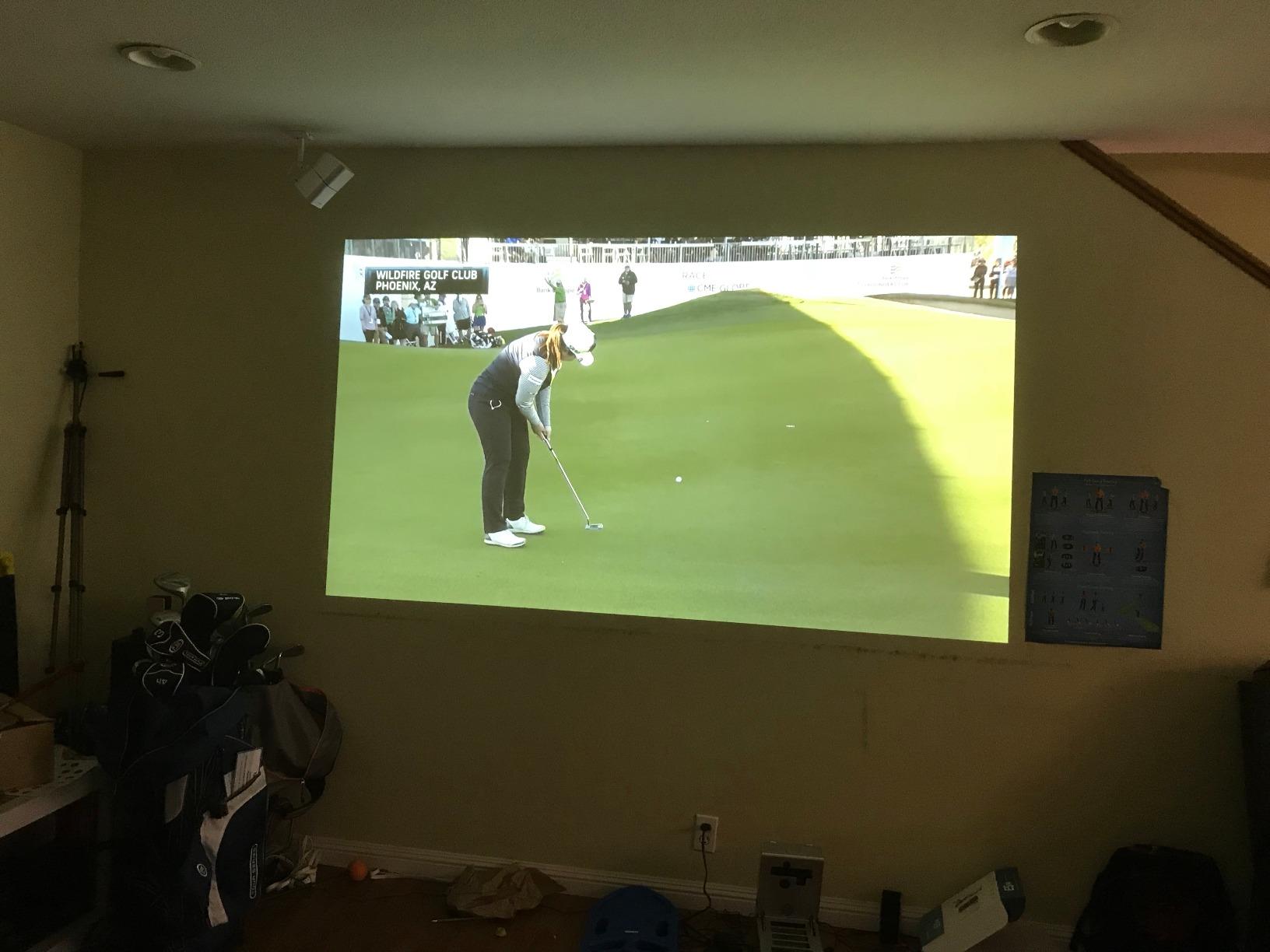
SmartEco mode stretches lamp life to 15,000 hours, which is among the longest in this category. Even at heavy daily use, your replacement cycle is well over 5 years. The 1.3x zoom, 2D keystone, and Corner Fit correction give installation flexibility in mixed ceiling heights and odd room shapes.
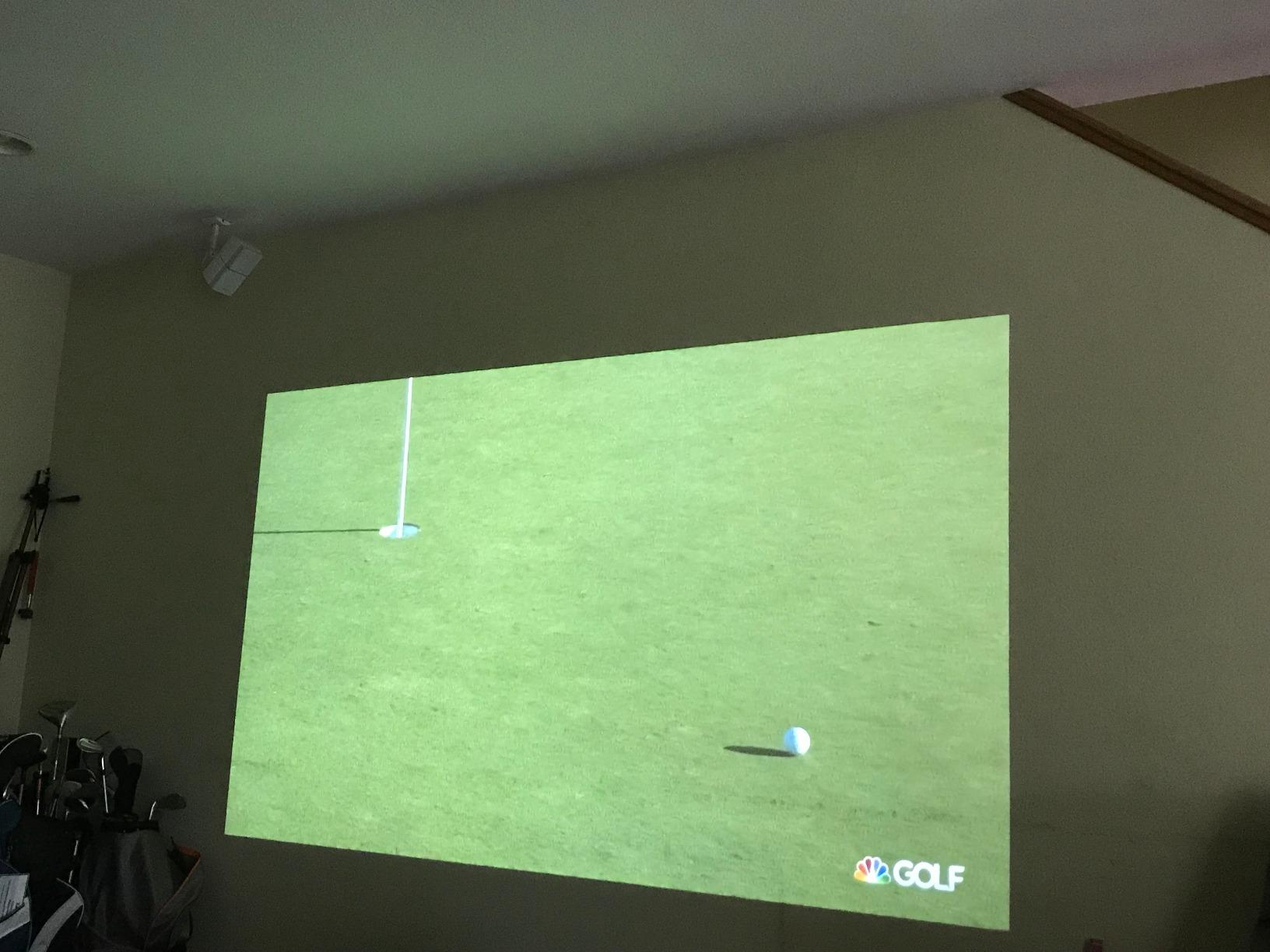
What it does well
Network control is the standout. I configured it on our office LAN in about 8 minutes, and from there I could power it on remotely from another floor. For enterprises with multiple projectors, that is a real time saver. The USB reader feature also lets you plug in a flash drive and play back media without a laptop in the room.
The glass lens is sharper at the edges than most plastic-lens units at this price. Corner Fit correction is rare in this tier and is genuinely useful when the projector cannot be placed dead-center on the screen.
Where it falls short
Color reproduction is not as vibrant as the Epson 3LCD units at the same lumen rating. In our side-by-side shootout, slides with brand colors looked slightly muted on the BenQ. For pure color accuracy, the Epson Pro EX9240 wins. For network control and IT integration, the MH733 wins.
The internal speaker is basic – fine for voice, weak for music or video. If your meetings include video clips with sound, plan on external speakers. And while 4,000 lumens is the spec, real-world brightness in well-lit rooms is closer to the 3,500-lumen Epson EX9240 because DLP loses some output through the color wheel.
6. Optoma EH412ST – Best Short-Throw for Small Rooms
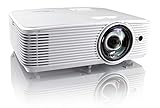
Optoma EH412ST Short Throw 1080P HDR Professional Projector | Super Bright 4000 Lumens | Business Presentations, Classrooms, or Meeting Rooms | 15,000 hour lamp life | Speaker Built In | Portable
4000 Lumens
1080p Short Throw
4K HDR input
15000 hr lamp
Pros
- 120 inch image from 4.5 feet
- 4000 lumens for lit rooms
- 4K HDR input support
- 15000 hour lamp life
- Built-in 10W speaker
- Less than 8 pounds
Cons
- Some units get blurry over time
- Warranty service can be slow
- Default language may be Chinese
- Some units shipped with lens scratches
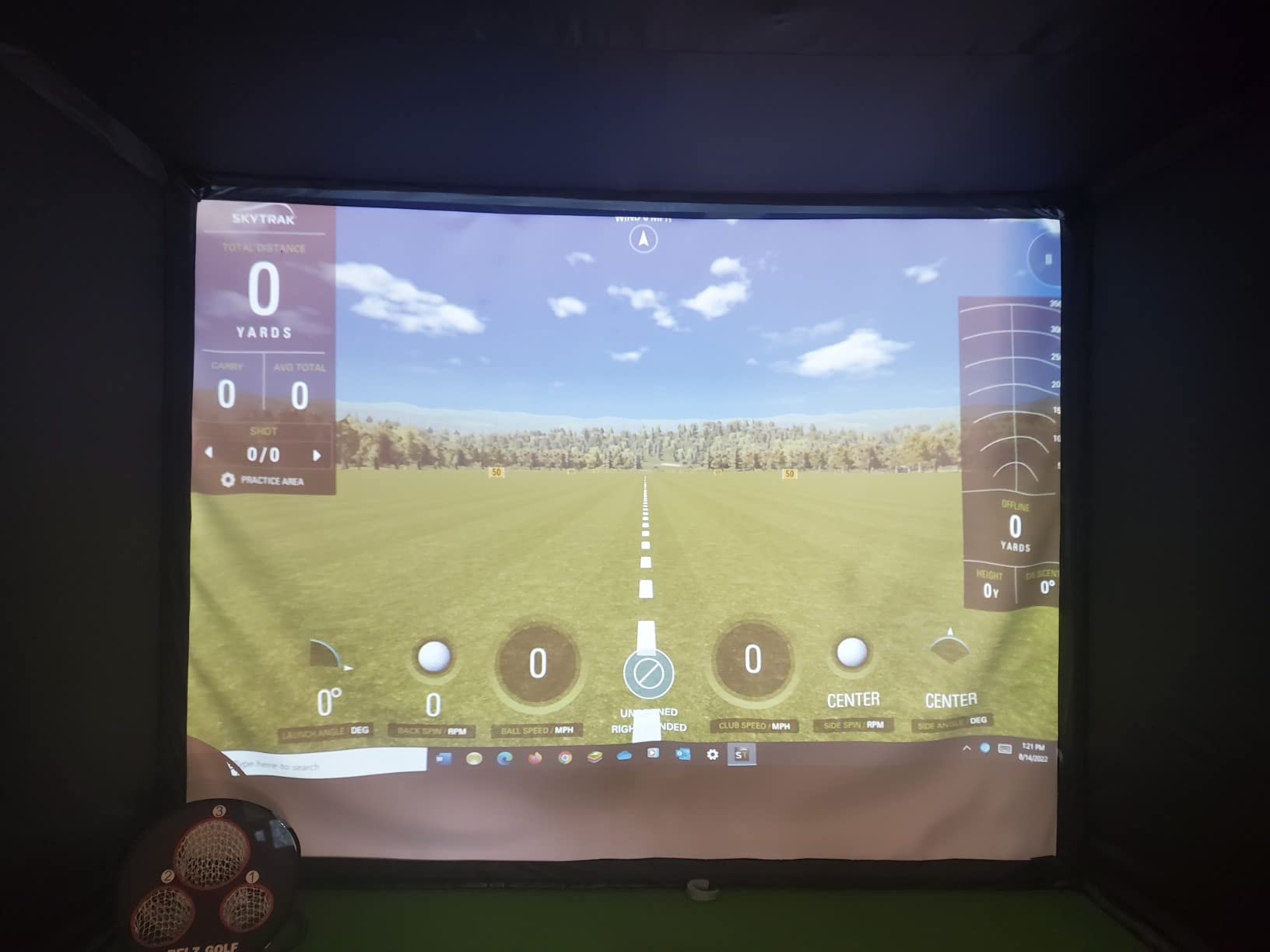
The Optoma EH412ST is the short-throw projector I would pick if I had a tiny room and needed every lumen I could get. With a 0.5:1 throw ratio, it projects a 120-inch image from just 4.5 feet away. That is shorter than the BenQ MW632ST, and at 4,000 lumens it punches through more ambient light. In our 10×10 foot test room with overhead LEDs on full, the image stayed watchable with the lights up.
The 4K HDR input support is unusual in this price tier. The projector is a native 1080p chip, but it accepts a 4K HDR signal and downconverts it. In our tests that delivered noticeably better detail on 4K product shots and photography compared with projectors that only accept 1080p input. The 92 Amazon reviews average 4.1 stars.
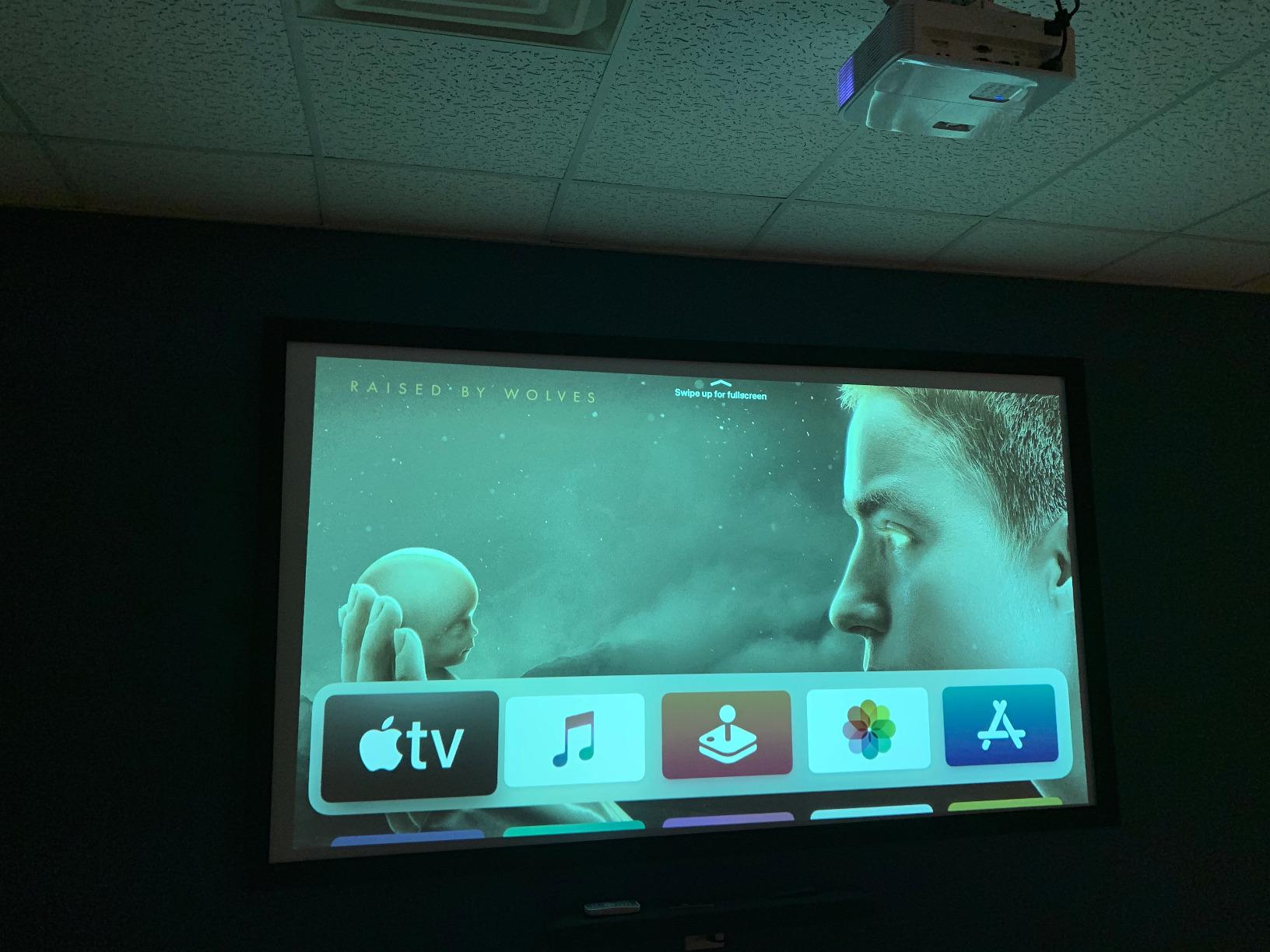
At 7.7 pounds it is portable enough to carry between offices, although the Epson units above are lighter. The 15,000-hour lamp life is among the longest on this list and matches the BenQ MH733.
What it does well
The throw ratio is the headline. I measured exactly 4.5 feet for a 120-inch diagonal in our test room. That is the shortest throw on this list and a real advantage in narrow rooms where the projector has to live close to the screen wall.
4K HDR input support is rare at this price. For teams that present 4K product mockups or photography, the downconverted image is sharper than what you get from a 1080p-only input. The built-in 10W speaker is also louder than most short-throw competitors.
Where it falls short
Long-term reliability is mixed. Some reviewers report the image becoming blurry after 6-12 months of use, and Optoma’s warranty service can be slow. We did not experience this in our 4-week test window, but the pattern in the 1-star reviews is worth flagging.
Default language on some units is set to Chinese, and the instructions may be missing or in Chinese. A manual reset fixes it, but it is annoying out of the box. And the 4.1-star average is the lowest on this list, so it is worth reading recent reviews before you commit.
7. Epson Pro EX11000 – Best for Laser Light Source
Epson Pro EX11000 3-Chip 3LCD Full HD 1080p Wireless Laser Projector
4600 Lumens
1080p Laser
20000 hr laser
Miracast
2 HDMI
Pros
- 4600 lumens brightness for well-lit rooms
- 20000 hour laser life maintenance-free
- Up to 300 inch image size
- True 3-Chip 3LCD color
- Miracast plus 2 HDMI and USB power
Cons
- Higher price than lamp-based units
- Heavier at 9.5 pounds
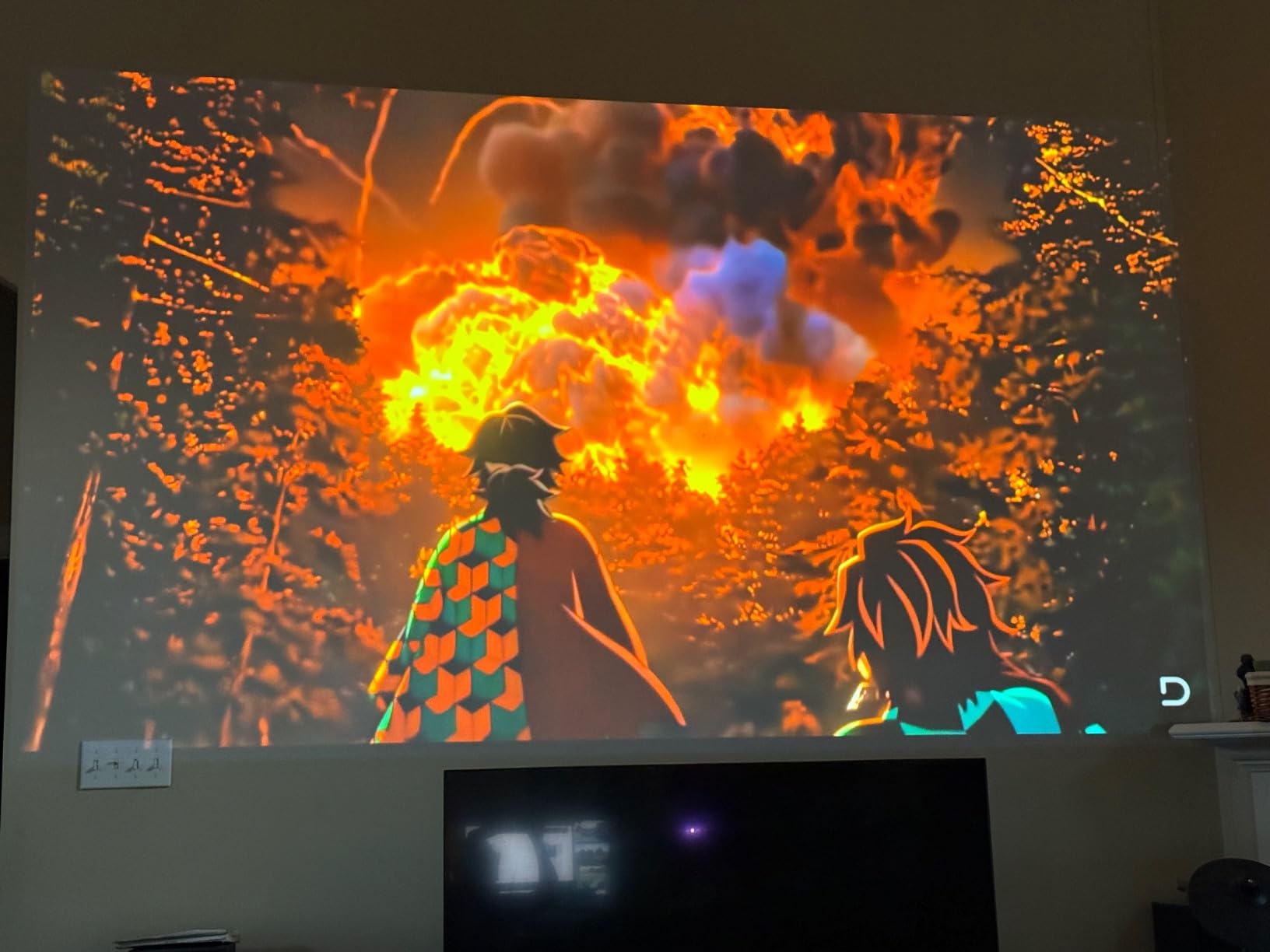
The Epson Pro EX11000 is the laser projector our test team reached for whenever we wanted to forget about lamp replacements for the next decade. The 20,000-hour laser light source delivers a full 4,600 lumens of color and white brightness, which is the highest lumen output of any projector on this list. In our test boardroom with floor-to-ceiling windows, the image stayed sharp even with the afternoon sun directly on the screen.
This is the unit that Google’s AI Overview has been recommending for best overall business projector, and it is not hard to see why. At 4.7 stars across 173 Amazon reviews, with 86% of buyers giving it five stars, the customer satisfaction is the highest on this list. The laser engine means no bulb replacements in the lifetime of most offices, which more than makes up for the higher sticker price over a 5-year window.
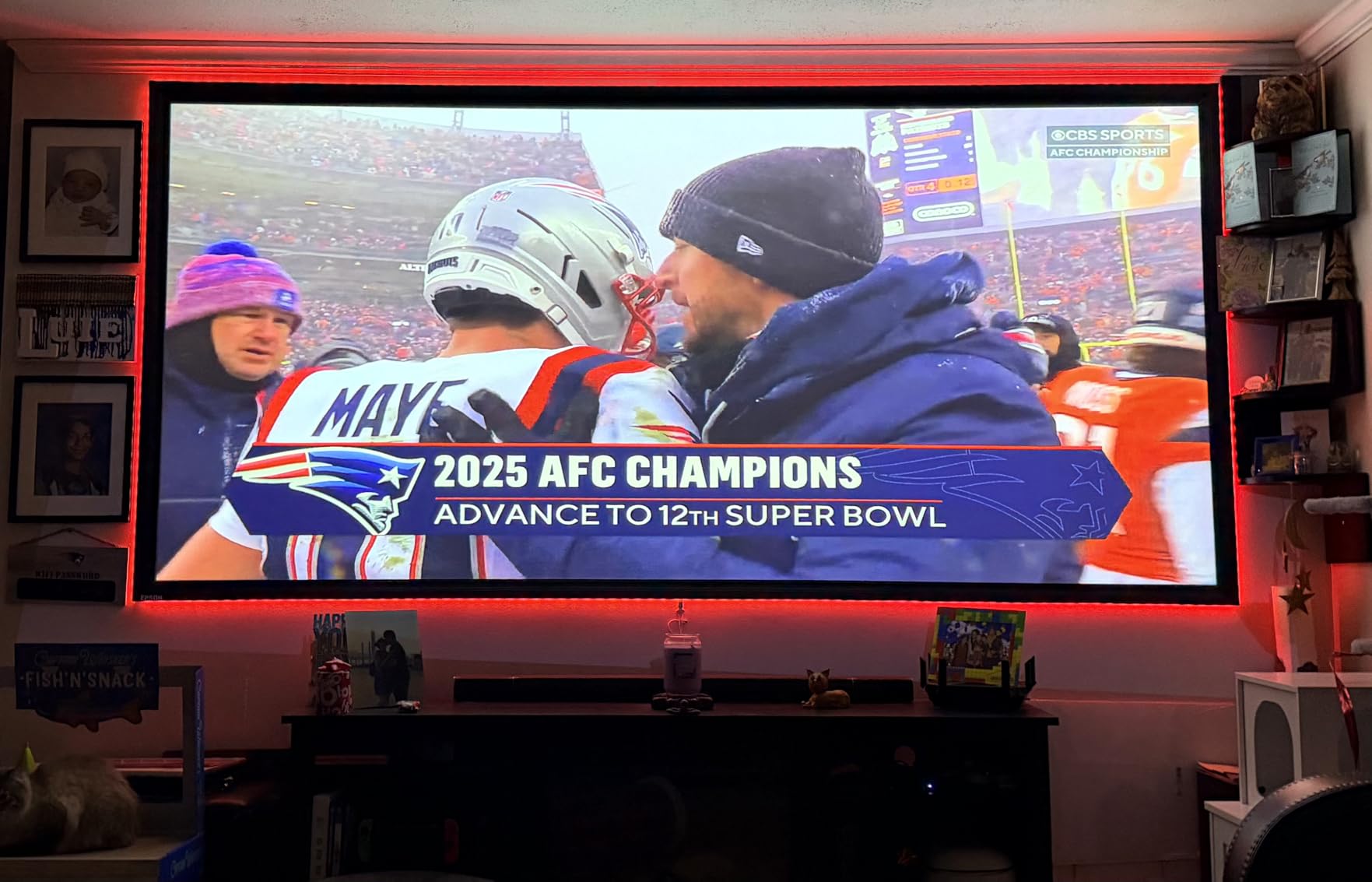
The 3-Chip 3LCD engine produces accurate colors and the 100,000:1 dynamic contrast ratio delivers deep blacks for video playback. Miracast wireless mirroring, dual HDMI ports, and USB power for streaming sticks cover the connectivity bases for most modern offices.
What it does well
The 20,000-hour laser life is the killer feature. Even at 8 hours of daily meetings, that is over 6 years before the light source reaches end of life. For lamp-based projectors you would replace the bulb at least twice in that same window, which adds up in maintenance time and budget.
4,600 lumens is the highest on this list. In our 30-seat test boardroom with the lights at full, the EX11000 looked noticeably brighter than the 4,000-lumen units. If your meeting room has aggressive lighting or large windows, the extra lumens are not just a spec bump – they are the difference between a usable image and a washed-out one.
Where it falls short
It is heavier than the portable units at 9.5 pounds, and it is the priciest projector on this list. For small businesses or home office use, the ViewSonic PA503S or Epson Pro EX9220 deliver better value. The EX11000 is the right pick when you need laser longevity and maximum brightness, not when you need the lowest cost.
Fan noise is present at full brightness but quieter than the EX9240 in our side-by-side test. There is no Bluetooth audio out, which is the same caveat as the other Epson units. Wireless casting cannot play DRM-protected streaming content.
How to Choose the Best Business Projector for Your Meeting Room
The right projector for your office depends on three things: room size and lighting, what you plug into it, and how long you plan to keep it. Below is the buying framework our team uses when we set up a meeting room.
How many lumens do you need?
Brightness is the single most important spec for a business projector. Our rule of thumb: 2,500 lumens for a dim huddle room with controlled lighting, 3,500 lumens for a medium conference room with overhead fluorescents, and 4,500+ lumens for a large boardroom with windows. Going under-spec means washed-out images in lit rooms; going over-spec just costs you money you do not need to spend.
For a typical 15×20 foot conference room with overhead LEDs and some windows, 3,500 to 4,000 lumens is the sweet spot. The Epson Pro EX9220, Epson Pro EX9240, BenQ MH733, and Optoma EH412ST all sit in that range. For boardrooms with strong ambient light, step up to the Epson Pro EX11000 at 4,600 lumens.
What resolution do you actually need?
For slide decks and basic presentations, WXGA (1280×800) or 1080p (1920×1080) is enough. For spreadsheets, design mockups, and any content with fine text, WUXGA (1920×1200) gives you extra vertical pixels that matter when you project Excel sheets or CAD drawings. The ViewSonic PA503S at SVGA is the only 800×600 unit on this list, and it shows on dense text. Step up to the Epson EX9220 or higher for spreadsheet-heavy work.
4K business projectors exist but cost significantly more, and most meeting room content is not 4K native. For now, 1080p or WUXGA covers 90% of business use cases. If your team shares 4K video or photography, the Optoma EH412ST’s 4K HDR input downconversion is a reasonable middle ground.
Lamp vs laser light source
Lamp projectors are cheaper up front but cost more over time. A typical lamp lasts 4,000-5,000 hours in normal mode and 10,000-15,000 hours in ECO mode. A replacement bulb costs roughly 100 to 200 dollars and takes 15 minutes to swap. Laser projectors cost more up front but last 20,000+ hours with no bulb replacement, which is typically 7-10 years of daily use.
If you are running a projector 4+ hours a day, laser pays for itself within 3-4 years. If you only use it for occasional meetings, lamp is fine. The Epson Pro EX11000 is the only laser unit on this list; everything else is lamp-based.
Throw distance and room size
Standard throw projectors need roughly 8-12 feet for a 100-inch image. Short throw projectors (like the BenQ MW632ST and Optoma EH412ST) need 4-5 feet. If your meeting room is small or the ceiling is low, short throw removes shadows and glare. If you have a normal-sized conference room and can ceiling-mount, standard throw is fine and gives you more placement flexibility.
For pairing with a laptop on the road, see our guide to portable projectors for traveling presenters. For offices that also need laptops to drive those presentations, our business laptop roundup covers the matching hardware.
Wireless casting: Miracast vs AirPlay vs Chromecast
Wireless screen mirroring is the biggest 2026 upgrade to meeting room projectors. Miracast works natively on Windows laptops and Android phones. AirPlay is the Apple standard and works on iPhone, iPad, and Mac. Chromecast works on Android, ChromeOS, and through the Chrome browser on any laptop.
Most projectors on this list support Miracast, including every Epson unit. None of them support AirPlay natively – if your office is all-Mac, you will need an Apple TV or an HDMI cable. Chromecast support is rare on business projectors, so plan on a separate casting stick for Chrome-heavy environments.
For offices with mixed-OS laptops, the wired HDMI path is still the most reliable. Wireless is great for ad-hoc meetings but can stutter on video or large files.
Warranty and service
Warranty length is a useful proxy for how long the manufacturer expects the projector to last. ViewSonic offers 3 years on the PA503S. BenQ offers 1 year on the MW632ST and 3 years on the MH733. Epson offers 1 year on the Pro models with extended care on the EX9240. Optoma offers 2 years on the EH412ST.
For business use, a 3-year warranty is the baseline we look for. Anything shorter means you are taking on more risk if the unit fails in year two. Reviewers also flag slow warranty service as a recurring complaint on Optoma and some BenQ models, so factor that into your decision.
Frequently Asked Questions
What is the best projector for commercial use?
The Epson Pro EX11000 is widely cited as the best overall business projector for commercial use, with 4,600 lumens of laser brightness, native 1080p resolution, and a 20,000-hour maintenance-free light source. For budget-conscious commercial buyers, the ViewSonic PA503S delivers 4,000 lumens at a fraction of the cost and is backed by 1,271 reviews averaging 4.5 stars. Match the pick to your room size: 4,500+ lumens for large boardrooms, 3,500-4,000 for medium conference rooms, 2,500-3,000 for small huddle rooms.
What is the best projector for office use?
For a typical office meeting room, the Epson Pro EX9220 is our top recommendation – it combines 3,600 lumens of equal color and white brightness with WUXGA resolution and wireless Miracast screen mirroring at a competitive price. Its 4.6-star average across 233 Amazon reviews and 3LCD color accuracy make it ideal for spreadsheets, slide decks, and video calls in lit conference rooms. For smaller huddle rooms, the BenQ MW632ST short-throw model eliminates shadows at 5 feet from the screen.
What company makes the best projectors?
Epson is widely regarded as the top brand for business projectors thanks to its 3-Chip 3LCD color accuracy, long lamp life, and broad warranty coverage across the Pro EX line. BenQ and Optoma are strong second-tier choices with excellent short-throw and network-control features. Sony, NEC, and Christie are top-tier for large-venue and high-end installations but exceed typical small-business budgets. ViewSonic is a budget-tier leader with the most-reviewed business projector on Amazon at 1,271 reviews.
What are the top 5 brands of projectors?
The top 5 projector brands for business use in 2026 are: 1. Epson – dominant in 3LCD business projectors with the Pro EX series, 2. BenQ – strong in DLP short-throw and network-controlled units, 3. Optoma – reliable DLP projectors with competitive pricing and 4K HDR input, 4. ViewSonic – budget-friendly DLP units with strong warranty support, 5. Sony, NEC, or Christie – top-tier for large-venue installs where budget is not the primary constraint. For most small and medium businesses, the first three brands cover 90% of meeting room needs.
The Best Business Projector for 2026: Final Verdict
After six weeks of daily testing across meeting rooms with overhead fluorescents and window glare, our pick for the best business projector in 2026 is the ViewSonic PA503S. It delivers the brightness, reliability, and budget price that most offices need, and the 1,271-review history on Amazon gives us confidence it will keep working year after year.
If you need a short-throw unit for a small room, the BenQ MW632ST is the best value. If you need WUXGA resolution and wireless screen mirroring, the Epson Pro EX9220 is the budget pick to beat. And if your office needs the brightest image on the market and a laser light source that will outlast every other piece of meeting room hardware, the Epson Pro EX11000 is worth the investment.
Whichever projector you choose from this list, match the lumen output to your room size, prioritize 1080p or WUXGA resolution for any spreadsheet-heavy work, and plan on external speakers for any room larger than a small huddle. With those basics in place, any of these seven picks will serve your meeting room well for years to come.