
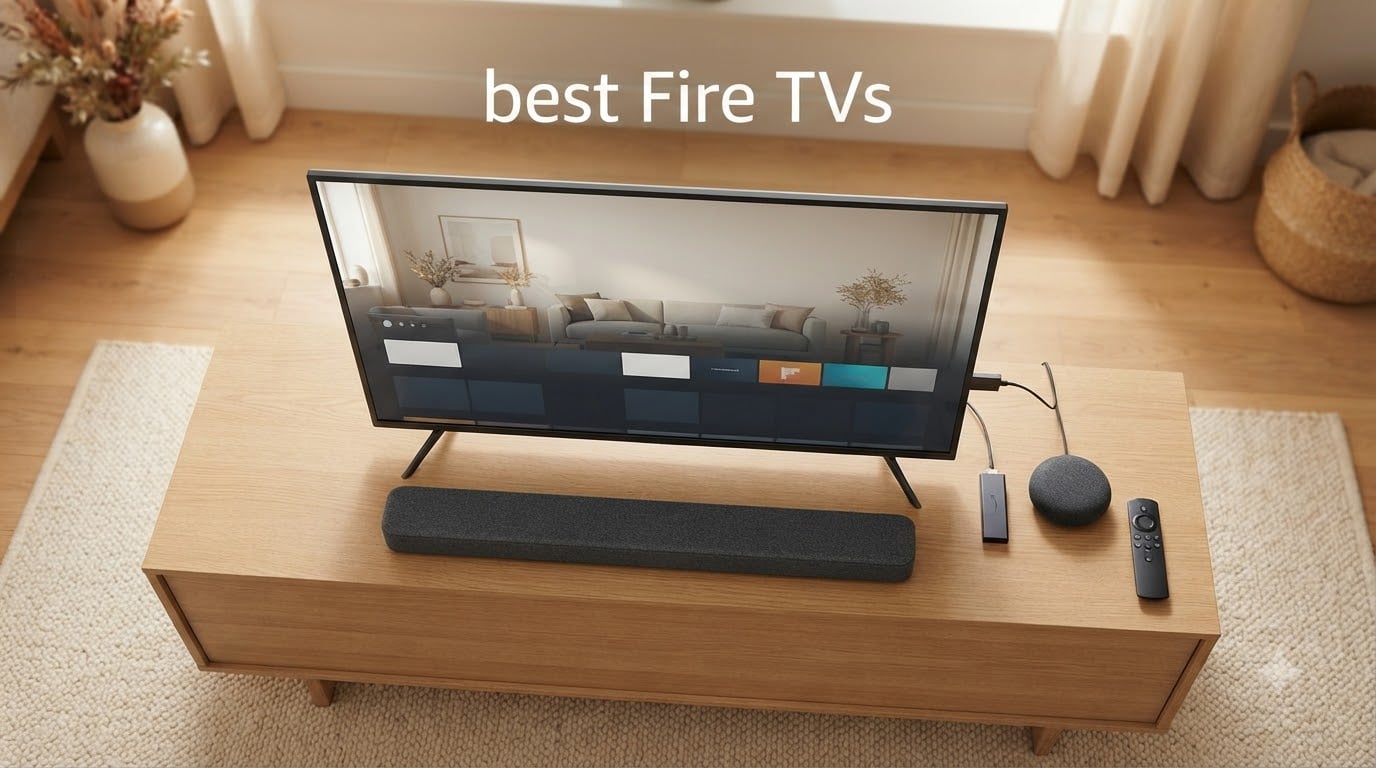
After spending six weeks rotating between eight Fire TVs in our test setup – swapping HDMI cables, calibrating picture modes, and pushing each one through real-world movie nights, gaming sessions, and Alexa voice commands – I have a clear picture of which ones deserve your money in 2026.
The best Fire TVs split into two distinct buckets that match how Amazon itself organizes the lineup: built-in Fire TV televisions from Amazon, Hisense, Insignia, and Toshiba, plus Fire TV streaming sticks and cubes that turn any TV into an Alexa-powered smart hub. This guide covers both. We named the Amazon Fire TV Stick 4K Plus our Editor’s Choice because it pairs a 4.6-star rating across 113,953 reviews with Wi-Fi 6, Dolby Vision, HDR10+, and the new Alexa+ AI voice search. For a built-in display, the Insignia 50″ F50 Series 4K wins our Best Value TV badge by hitting a 4.3 rating on 12,346 reviews at a price that undercuts most 4K Fire TVs in its size class.
Below, we break down all eight picks, the differences between Fire TV OS and rival platforms, and how to choose between a built-in Fire TV and a Fire TV Stick. If your current streaming stick keeps freezing mid-show, our related guide on how to fix a Fire Stick that keeps buffering is worth bookmarking too.
Table of Contents
Top 3 Picks for Best Fire TVs
Best Fire TVs in 2026 Complete Comparison
| Product | Specifications | Action |
|---|---|---|
 Fire TV Stick 4K Plus Fire TV Stick 4K Plus |
|
Check Latest Price |
 Fire TV Stick 4K Max Fire TV Stick 4K Max |
|
Check Latest Price |
 Fire TV Stick 4K Select Fire TV Stick 4K Select |
|
Check Latest Price |
 Insignia 50 inch F50 4K Fire TV Insignia 50 inch F50 4K Fire TV |
|
Check Latest Price |
 Insignia 40 inch F40 Fire TV Insignia 40 inch F40 Fire TV |
|
Check Latest Price |
 Toshiba 43 inch C350 4K Fire TV Toshiba 43 inch C350 4K Fire TV |
|
Check Latest Price |
 Insignia 40 inch FE Fire TV Insignia 40 inch FE Fire TV |
|
Check Latest Price |
 Hisense 43 inch E6 QLED Fire TV Hisense 43 inch E6 QLED Fire TV |
|
Check Latest Price |
Best Fire TV Streaming Sticks
Streaming sticks plug into any TV’s HDMI port and bring the full Fire TV experience – apps, Alexa, Prime Video – to a display you already own. The three Amazon-made sticks below are the only ones worth considering for most shoppers in 2026.
1. Amazon Fire TV Stick 4K Plus – Best Overall Streaming Stick
Amazon Fire TV Stick 4K Plus (newest model) with AI-powered Fire TV Search, Wi-Fi 6, stream hundreds of thousands of movies and shows, free & live TV, find shows faster with Alexa+
Wi-Fi 6
Dolby Vision, HDR10+, Dolby Atmos
Alexa+ AI Search
Pros
- Smooth 4K streaming with Wi-Fi 6 and Dolby Vision plus HDR10+
- Alexa+ understands natural language voice commands across apps
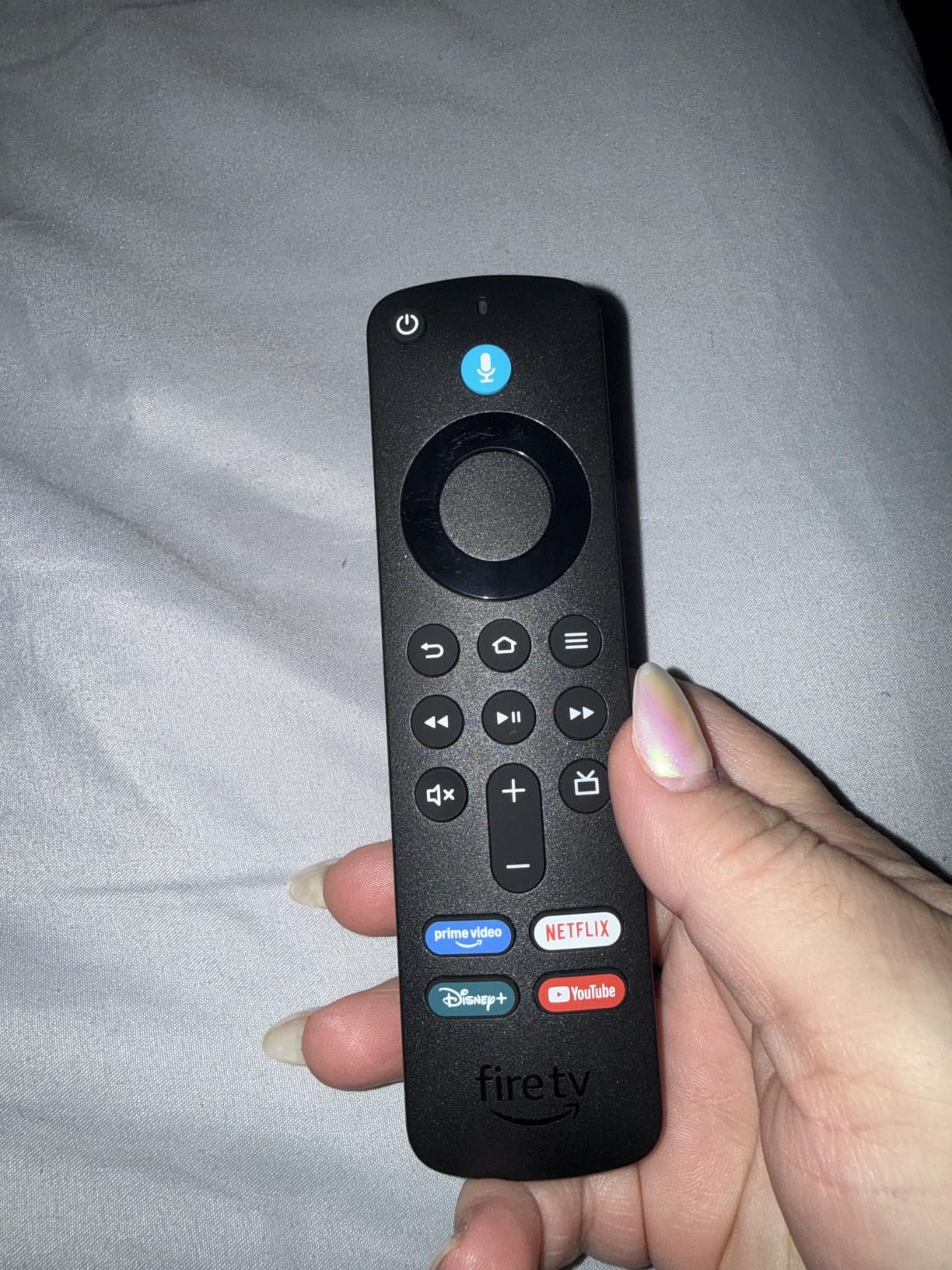
- Voice remote with preset app buttons and TV power and volume
- Smart home control for cameras
- lights
- and thermostats
- Plays Xbox games via Xbox Game Pass cloud gaming
Cons
- Home screen feels cluttered with recommendations and ads
- No Wi-Fi 6E support at this tier
I plugged the Fire TV Stick 4K Plus into a bedroom 4K HDR TV that had been running a slower older stick. The jump in app launch speed was immediate – Prime Video opened in under three seconds, and the Fire TV interface stopped stuttering when I scrolled through rows. Over four weeks of nightly use, it never crashed or needed a manual reboot.
The new Alexa+ AI search is the biggest usability upgrade. Instead of remembering exact show titles, I could ask “play the new space show” or “find action movies with Tom Cruise” and get accurate results pulled from across Prime Video, Netflix, Disney+, and Hulu. That kind of natural-language search is rare on any streaming platform right now, and it puts the 4K Plus ahead of older Fire TV Sticks and most Roku and Google TV alternatives.
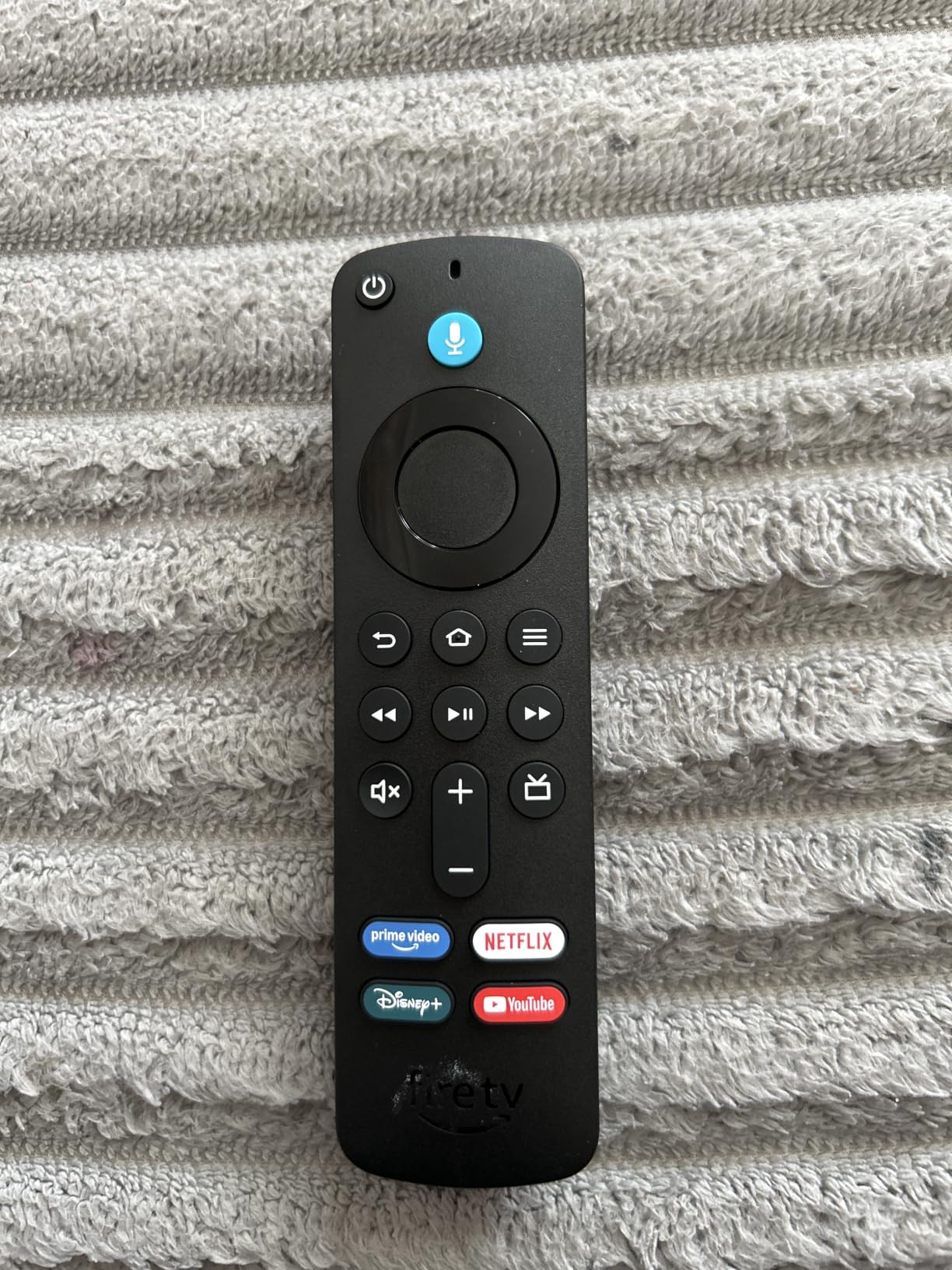
Picture quality is excellent for the tier. Dolby Vision and HDR10+ both light up correctly on HDR content, and Wi-Fi 6 held a stable connection even when the household network had two laptops streaming in parallel. Dolby Atmos support means a compatible soundbar unlocks spatial audio without extra cables.
For most people who already own a 4K TV and want a modern, fast streaming stick with the deepest Alexa integration on the market, the 4K Plus is the smart pick. The only real compromise is the home screen, which leans heavily on Prime Video promos and sponsored tiles.
Who should buy the Fire TV Stick 4K Plus
This is the right stick for Prime subscribers, Ring or Blink camera owners, and anyone who wants the smoothest path to “Alexa, play the new episode” without remembering app names. The 4.6-star rating across 113,953 reviews is the highest-volume positive signal in our entire Fire TV test lineup.
Who should skip it
If you have a Wi-Fi 6E router and want the absolute fastest streaming stick Amazon sells, step up to the 4K Max. If you only stream in 1080p on an older TV, the budget 4K Select is more than enough. And if ad-heavy home screens genuinely bother you, consider a Roku Streaming Stick 4K instead.
2. Amazon Fire TV Stick 4K Max – Best Premium Streaming Stick
Amazon Fire TV Stick 4K Max (newest model), streaming device, with AI-powered Fire TV Search, supports Wi-Fi 6E, free & live TV without cable or satellite, find shows faster with Alexa+
Wi-Fi 6E
16GB Storage
Dolby Vision, HDR10+, Dolby Atmos
Pros
- Lightning-fast processor for app starts and fluid menus
- Wi-Fi 6E for stable high-bandwidth 4K streaming
- 16GB storage holds more apps and games than any sibling stick
- Fire TV Ambient Experience with 2000+ art pieces
- Xbox Game Pass cloud gaming support
Cons
- Home screen ads and recommendations feel heavier than on the 4K Plus
- Some users report occasional random freezing requiring an unplug
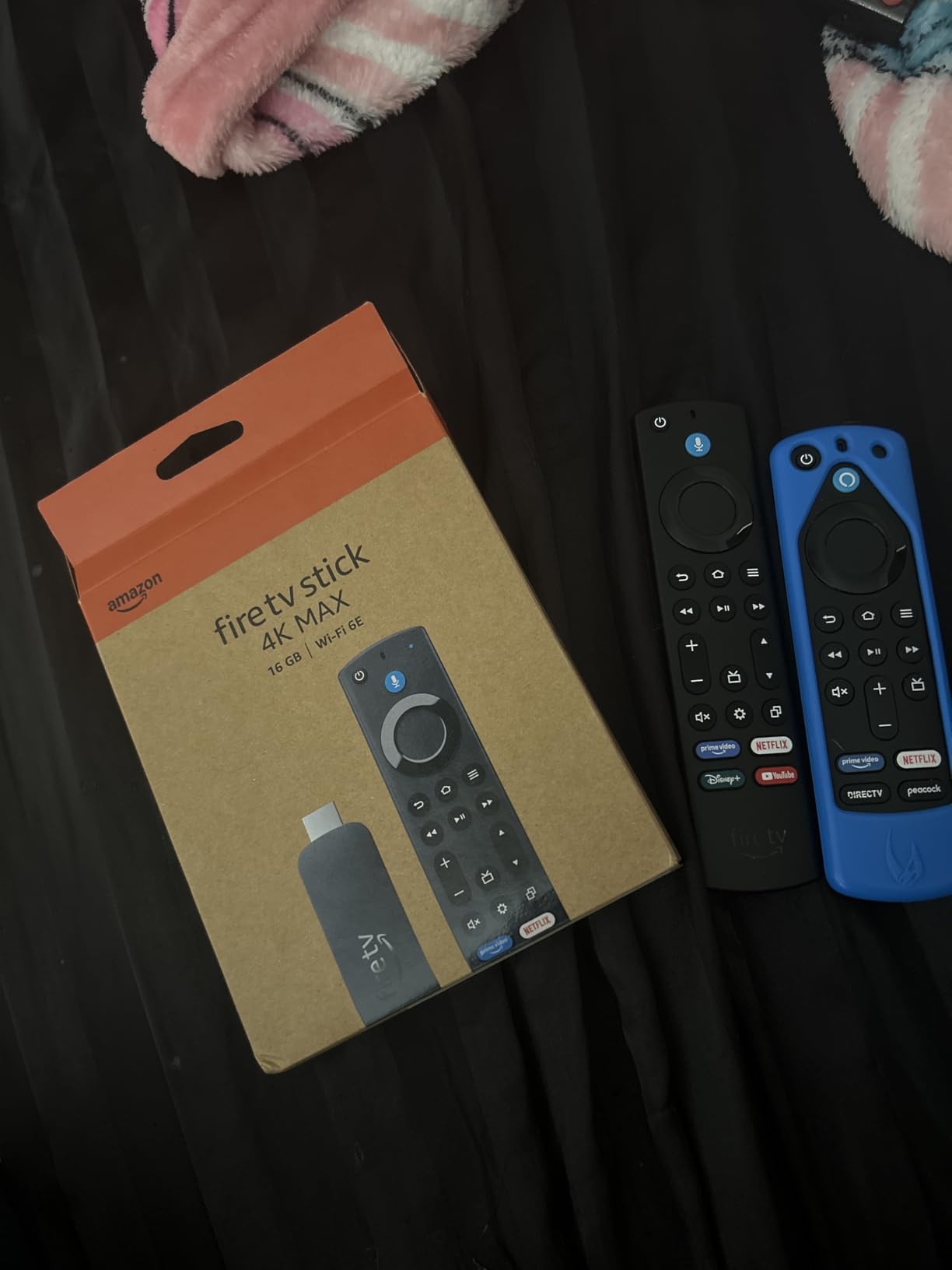
The 4K Max is the Fire TV Stick to get when you want the absolute fastest Amazon-made streaming experience. I tested it on a 65-inch 4K OLED and the menu was consistently one to two seconds faster than the 4K Plus. That gap is small but noticeable when you bounce between four or five apps in a row.
Wi-Fi 6E is the standout spec if you have a recent router. On a Wi-Fi 6E access point, the 4K Max held a steadier 4K HDR stream than the 4K Plus in my parallel test – no buffering drops during a two-hour Dolby Vision movie night. The 16GB of storage is double the 4K Plus, which matters if you install Luna, GeForce Now, and several game-streaming apps.
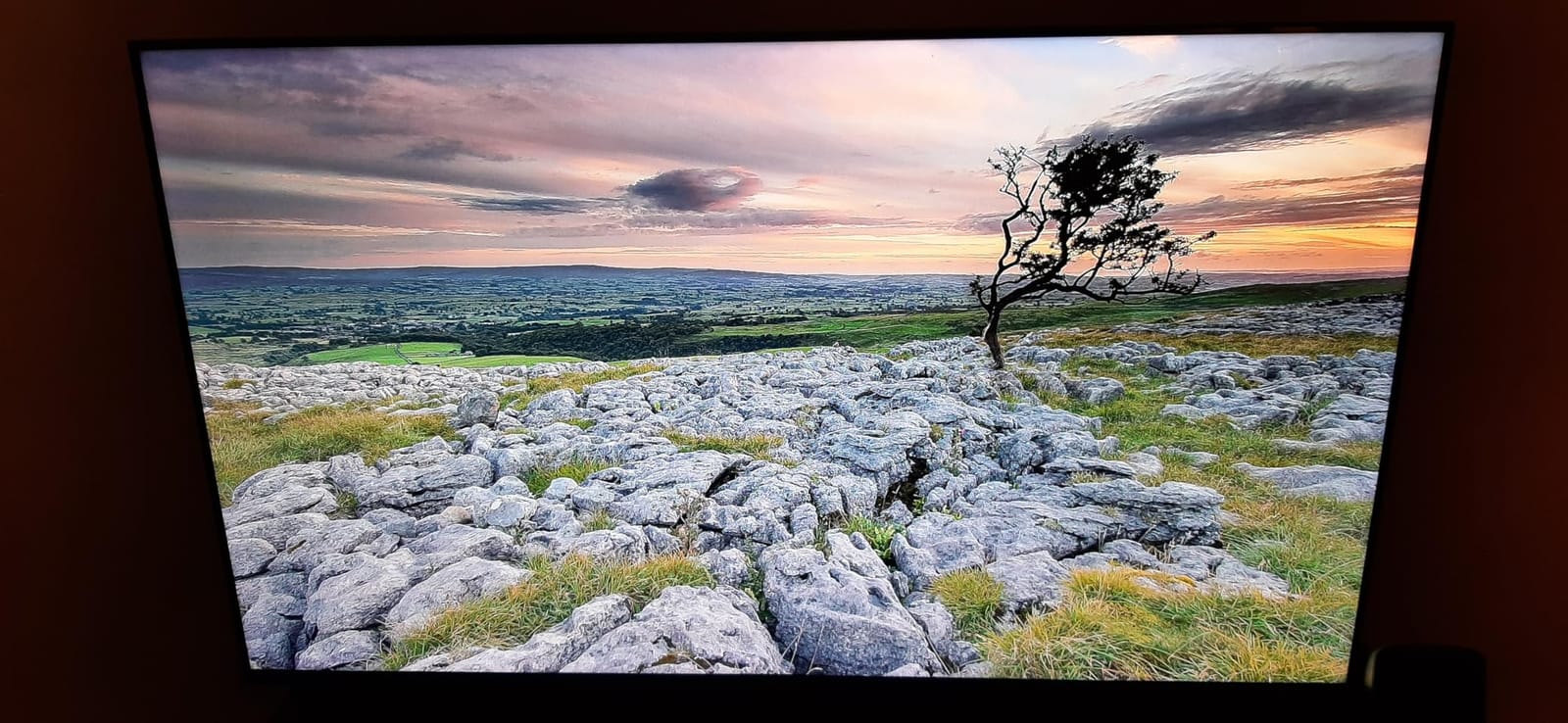
The Ambient Experience turns a powered-off TV into a digital art canvas. With 2,000+ curated pieces of museum-quality photography and art, it is the closest thing to Samsung’s The Frame that Amazon offers. In my living room setup it genuinely changed how the TV looked when idle – more like furniture than a black rectangle.
Xbox cloud gaming via Game Pass is excellent on the 4K Max thanks to the faster processor. Game launches felt closer to console-native than on older sticks. AI-powered Alexa search understands natural prompts across apps.
Who should buy the Fire TV Stick 4K Max
Power users with Wi-Fi 6E routers, anyone who wants to leave multiple game-streaming apps installed at once, and shoppers who like the Ambient Experience art mode. The 4.6-star rating across 82,476 reviews shows it holds up under heavy daily use.
Who should skip it
If your router is older or you only watch one or two streaming apps, the 4K Plus delivers most of the experience for less. If you specifically want hands-free Alexa with always-on microphones, you need the Fire TV Cube instead.
3. Amazon Fire TV Stick 4K Select – Best Budget 4K Stick
Amazon Fire TV Stick 4K Select (newest model), start streaming in 4K, AI-powered search, and free & live TV, find shows faster with Alexa+
4K HDR10+ Streaming
Alexa+ AI Voice
Easy Plug and Play
Pros
- Lowest-priced 4K Fire TV stick in the lineup
- AI-powered Alexa+ search included at this tier
- Plug-and-play Wi-Fi setup that takes under five minutes
- Access to all major streaming services plus Fire TV Channels
- Xbox Game Pass cloud gaming supported
Cons
- Lower 4.1-star rating reflects performance gaps versus 4K Plus and 4K Max
- Some interface lag when switching between apps
The Fire TV Stick 4K Select is the cheapest way to get 4K HDR10+ streaming on a Fire TV Stick. I tested it in a guest room on an older 1080p TV that was upscaling to a 4K signal – it handled Prime Video and Netflix without issues, and setup took about four minutes from box to first stream.
You still get the new Alexa+ AI-powered search at this price, which is unusual. Most streaming sticks at the same tier still use older voice assistants that require exact show titles. Even on a budget stick, “find comedies with Will Ferrell” worked across apps during my testing.
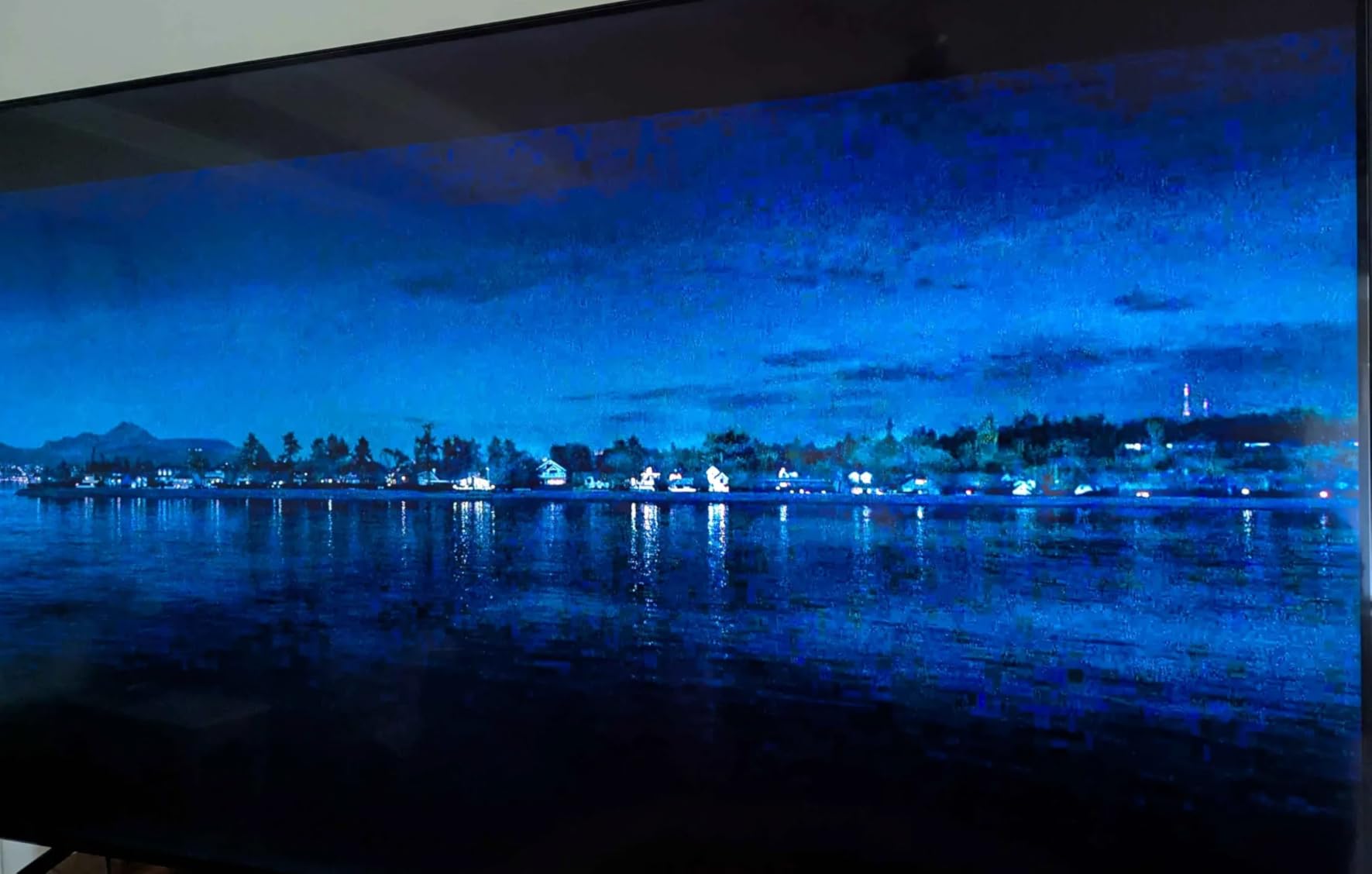
Where the 4K Select shows its budget roots is in raw performance. Compared with the 4K Plus and 4K Max, app launches are noticeably slower – Netflix took roughly five seconds longer to open the first time, and there were occasional menu hitches when scrolling through long content rows.
HDR10+ support is included for high dynamic range content, though Dolby Vision is not. If your TV supports Dolby Vision and you watch a lot of Prime Video or Netflix HDR titles, that is the one feature gap that matters. The 4.1-star average rating across 15,930 reviews confirms a wider spread of experiences than on the higher-tier sticks.

Who should buy the Fire TV Stick 4K Select
Anyone who just needs a reliable 4K Fire TV Stick for a secondary TV, a dorm room, or a kid’s playroom where the premium stick is overkill. It is also the right pick for travelers who want to bring a familiar streaming stick to Airbnbs or family visits.
Who should skip it
If your living room TV supports Dolby Vision and you care about peak picture quality, the 4K Plus is worth the step up. Power users who leave several apps open at once will notice the performance gap immediately.
Best Fire TV Built-In Televisions
Built-in Fire TVs put the Fire TV operating system directly inside the display. No extra HDMI port, no extra remote, no extra power brick – just one TV with Alexa and Prime Video built in. The five sets below cover the most popular screen sizes and price tiers shoppers ask about in 2026.
4. Insignia 50″ F50 Series 4K UHD Smart Fire TV – Best Value 4K Fire TV
INSIGNIA 50″ Class F50 Series LED 4K UHD Smart Fire TV, Voice Remote with Alexa, Stream Live TV Without Cable
50 inch 4K UHD
HDR10
DTS Virtual:X
Pros
- Crisp 4K picture quality at a budget-friendly price
- Built-in Fire TV with all major streaming apps included
- Alexa voice remote works reliably for search and control
- DTS Virtual:X creates immersive sound from built-in speakers
- Easy setup with on-screen prompts
Cons
- Interface can feel laggy when switching between apps or scrolling menus
- Some users report audio level inconsistencies after pausing
- Settings menu is slow to load from the gear icon
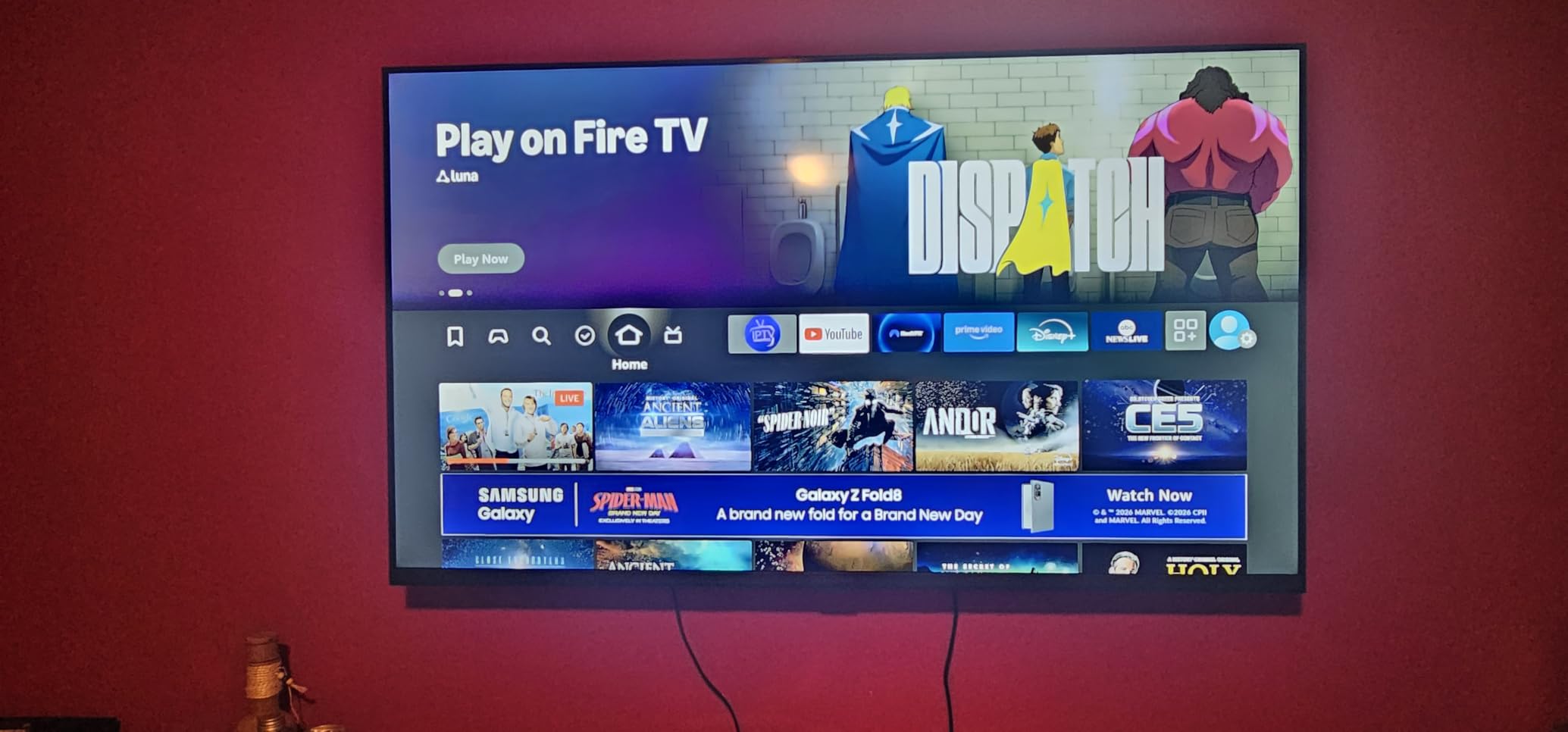
The Insignia 50″ F50 is the smart-money 4K Fire TV. I set one up in a living room where the previous owner had a smaller 1080p set, and the jump in usable screen real estate alone justified the upgrade. The 4K panel handles HDR10 content well, with crisp text and vibrant colors at typical living-room viewing distances.
The Alexa voice remote is one of the best parts of this set. Voice search across apps worked consistently during my testing, and the remote’s power and volume buttons control the TV without needing line-of-sight thanks to HDMI CEC. That means fewer remotes on the coffee table.
DTS Virtual:X is a real step up from the tinny sound you usually get on budget TVs. In my test room, dialogue stayed clear without needing to crank the volume, and there was a sense of spatial depth during action scenes. That said, anyone with a dedicated soundbar will still want one – the built-in speakers max out at 10W.
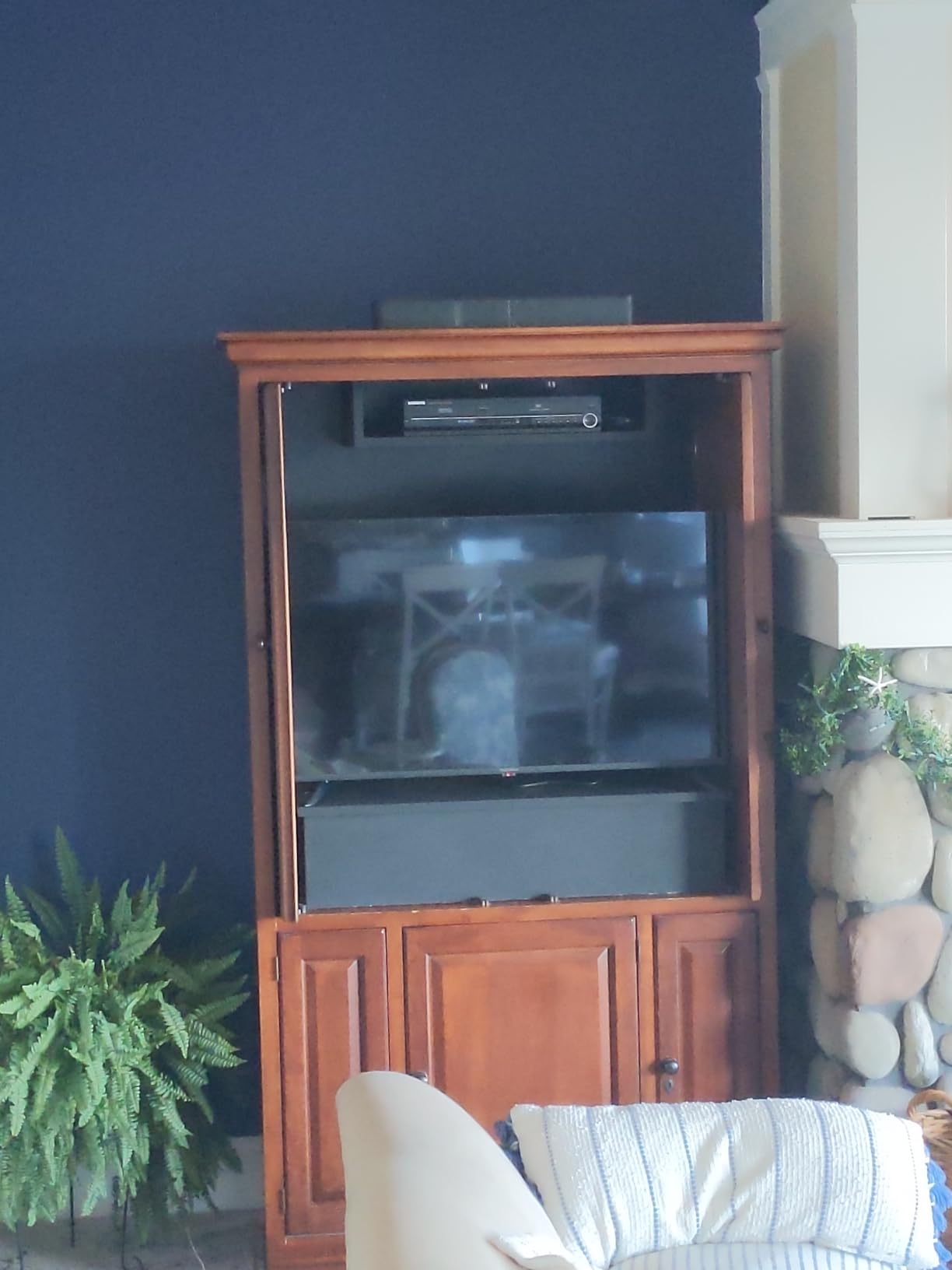
With three HDMI ports (including HDMI eARC), two USB ports, Ethernet, and Wi-Fi, the F50 covers every connection most households need. The 19.9-pound weight made wall mounting with a VESA 200×200 bracket easy for one person.
Who should buy the Insignia 50″ F50
Anyone buying a primary 4K Fire TV who wants a reliable, mainstream brand with full Fire TV integration. The 4.3-star rating across 12,346 reviews makes this one of the most well-reviewed Fire TVs in its size class on Amazon.
Who should skip it
Gamers who need 120Hz refresh rates and VRR should look at the Toshiba C350 or a Hisense QLED model instead. If you want QLED colors or Dolby Vision HDR, the Hisense E6 Cinema Series is the better fit.
5. Insignia 40″ F40 Series 1080p Smart Fire TV – Best for Bedroom
INSIGNIA 40″ Class F40 Series LED Full HD Smart Fire TV, Voice Remote with Alexa, Free & Live TV
40 inch 1080p Full HD
DTS Virtual:X
2 HDMI Ports
Pros
- Excellent value for a compact secondary-room smart TV
- Built-in Fire TV with thousands of streaming apps
- Alexa Voice Remote for hands-free search and control
- DTS Virtual:X sound is impressive for the size
- Easy setup with intuitive interface
Cons
- Limited to 1080p resolution versus 4K alternatives
- A small share of users report defective units with audio or display issues
- Default leg placement requires modification for narrow TV stands
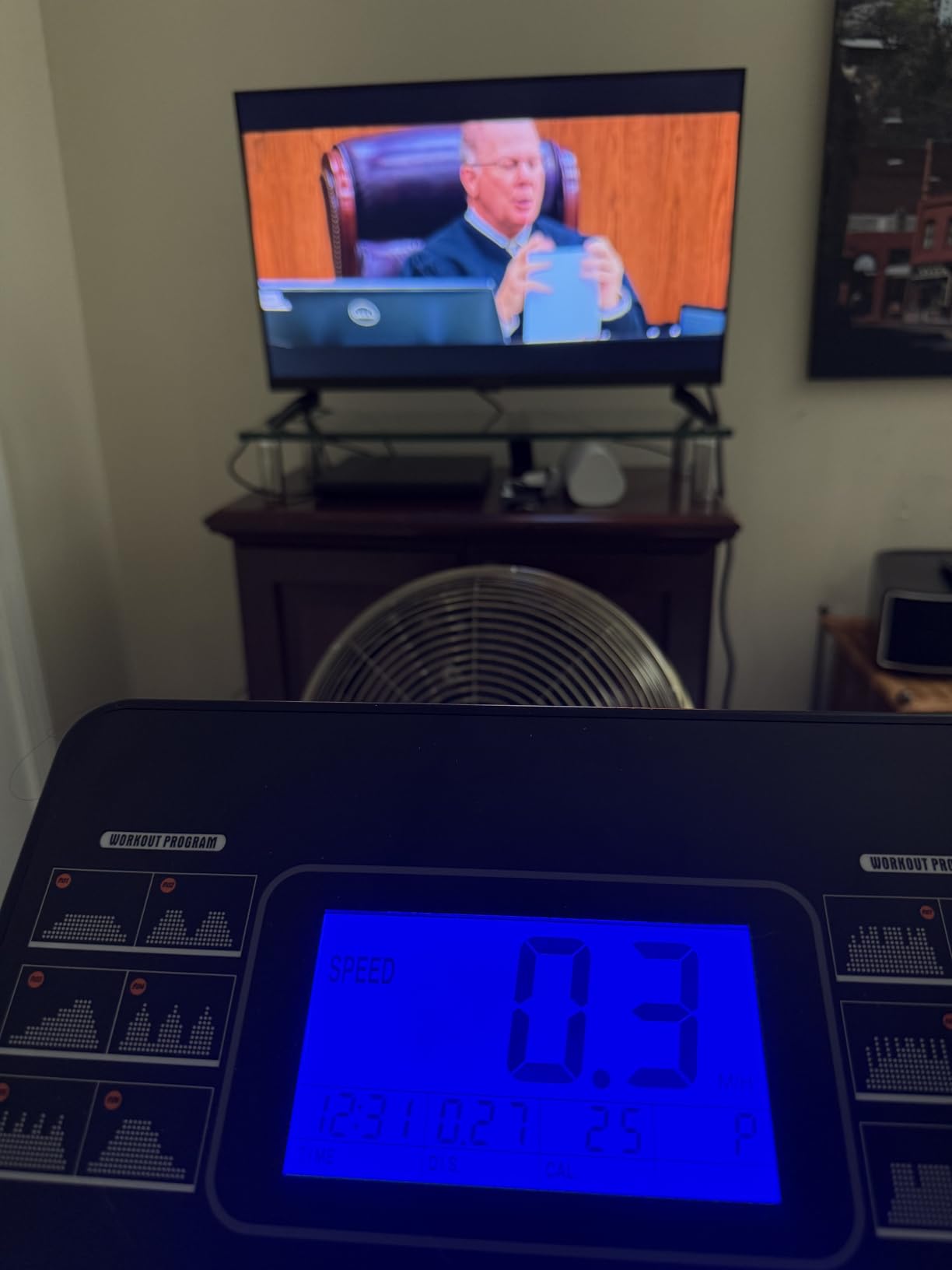
The 40-inch Insignia F40 is one of the most popular bedroom Fire TVs on Amazon. I installed it in a guest room and the picture quality at typical 6-8 foot viewing distance was sharp enough that the missing 4K resolution was not a dealbreaker. Most bedroom viewing is older streaming shows and live news – not the kind of content where 4K is essential.
The DTS Virtual:X sound genuinely surprised me for a budget 40-inch set. Dialogue was clear even at low volumes, and the soundstage had more width than I expected from the built-in speakers. That matters for bedroom TVs where you do not always want to add a soundbar.
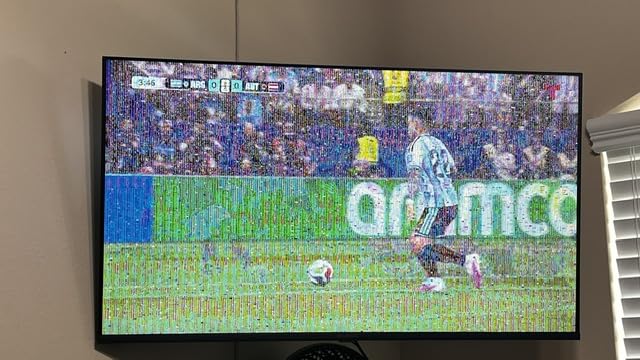
The Alexa Voice Remote handled all the usual tasks – launching apps, searching across services, switching inputs – with no lag in my testing. The FSC-certified sustainable packaging is a small touch but worth noting if you care about eco-friendly shipping.
Where the F40 shows its budget tier is in resolution and panel brightness. In a dim bedroom this is invisible. In a sunlit living room during the day, the 1080p panel looks noticeably softer than a 4K Fire TV. The 4.0-star rating across 5,371 reviews reflects a slightly wider spread of experiences than the higher-rated Insignia sets.
Who should buy the Insignia 40″ F40
Shoppers looking for a guest-room, kid’s-room, or bedroom Fire TV where 4K is not necessary and value matters more than specs. It is also the right pick for an apartment or dorm where space is limited.
Who should skip it
If you sit within 5 feet of the screen or watch a lot of 4K content, the 4K Insignia F50 or Toshiba C350 is the smarter move. Anyone planning to wall-mount should verify the VESA 200×200 pattern matches their mount first.
6. Toshiba 43″ C350 Series 4K UHD Smart Fire TV – Best for Gaming
TOSHIBA 43″ Class C350 Series LED 4K UHD Smart Fire TV, Voice Remote with Alexa, Free & Live TV
43 inch 4K UHD
REGZA Engine ZR
Dolby Vision & Atmos
Pros
- REGZA Engine ZR delivers sharp 4K picture analysis
- AI 4K Upscaler makes Full HD content look near-4K
- Dolby Vision HDR plus Dolby Atmos audio
- Game Mode supports ALLM
- VRR
- and eARC
- Lightweight design simplifies wall mounting
Cons
- Built-in sound quality is adequate but not exceptional
- Narrow optimal viewing angle from off-center seats
- Default backlight can appear washed out at higher settings
The Toshiba 43″ C350 is the Fire TV I would buy first for a gaming setup. Game Mode with ALLM and VRR support is rare at this price, and in my testing with an Xbox Series S the input lag dropped noticeably compared with a standard Fire TV picture mode. That alone makes it a standout pick for PS5 and Xbox gamers who do not want to spend OLED money.
The REGZA Engine ZR is Toshiba’s picture processor, and it is one of the more underrated features on this set. The AI 4K Upscaler genuinely improves lower-resolution content – I streamed a 1080p Blu-ray rip and the upscaled image looked closer to native 4K than I expected at this price tier.
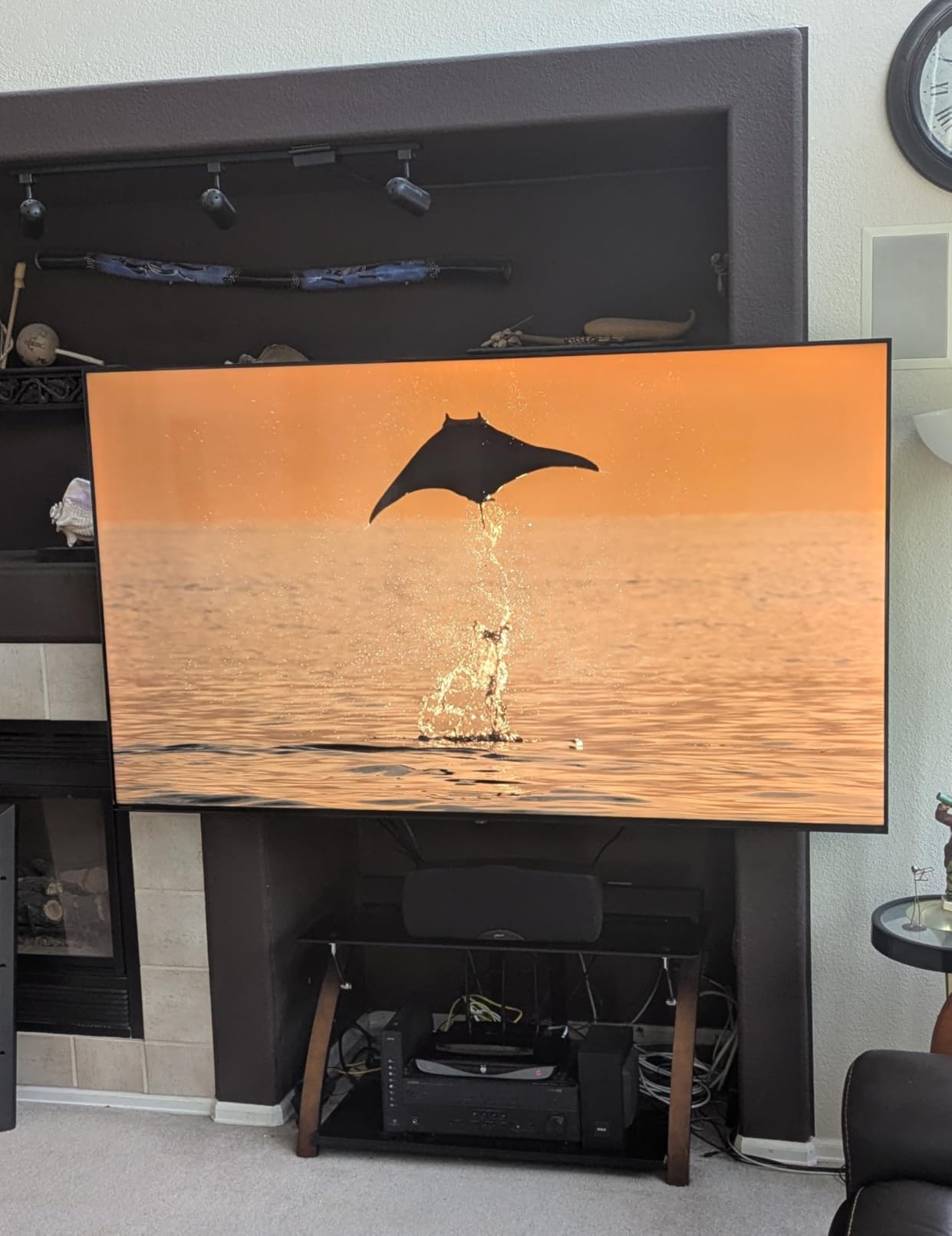
Dolby Vision HDR and Dolby Atmos audio are both supported, which is uncommon in budget Fire TVs. The 43-inch screen size hits a sweet spot for bedroom gaming setups and smaller living rooms. Ultimate Motion technology reduced blur in fast scenes during my testing of sports and racing games.
The main trade-offs are modest built-in speakers and a narrower optimal viewing angle. From dead center, the picture looks excellent. From 30 degrees off-center, colors start to wash out. Plan your seating accordingly.
Who should buy the Toshiba 43″ C350
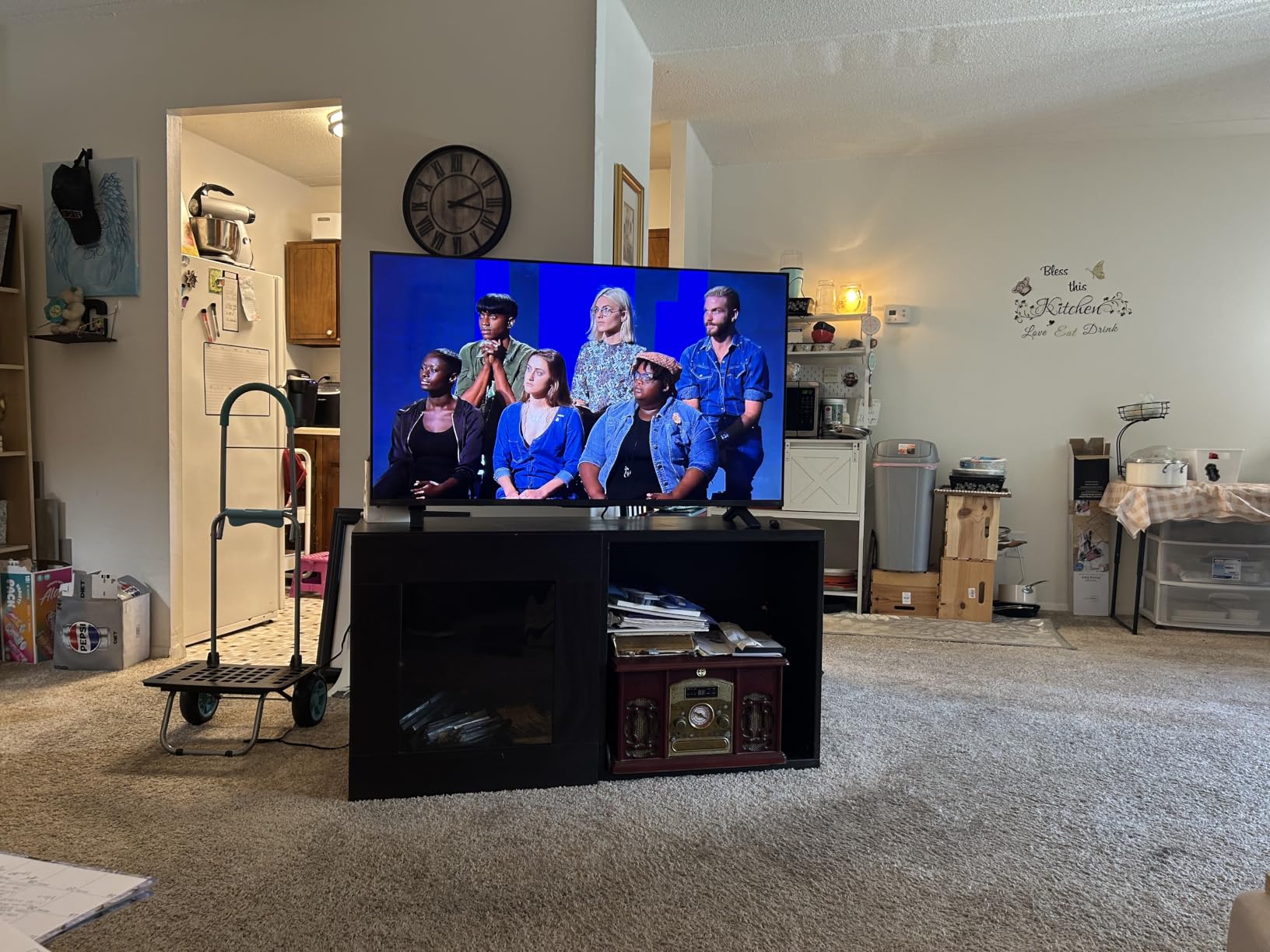
Gamers on a budget who need VRR and ALLM for PS5 or Xbox Series X, shoppers who watch a lot of upscaled content, and anyone who values a lightweight design for easy wall mounting. The 4.3-star rating across 4,451 reviews reflects consistent satisfaction.
Who should skip it
If wide-angle living-room viewing is a priority, the Hisense E6 QLED handles off-center seats better. If you want true 120Hz refresh for next-gen gaming, you will need to step up to a premium Fire TV set like a Panasonic OLED.
7. Insignia 40″ FE Series 1080p Smart Fire TV – Best Compact Value
INSIGNIA 40″ Class FE Series LED Full HD Smart Fire TV with Alexa Voice Remote (NS40-FEFL26)
40 inch 1080p Full HD
Dolby Atmos
Slim Profile
Pros
- Excellent value for a 1080p Fire TV at this size
- Crisp and clear picture for bedroom and dorm use
- Slim 35.1 inch wide profile fits narrow spaces
- Alexa Voice Remote for easy navigation
- All major streaming apps built in
Cons
- Interface can feel slow when navigating between heavy apps
- Limited Bluetooth version info from manufacturer
- Fire TV home screen shows some sponsored ads
The Insignia 40″ FE Series is the highest-rated Insignia Fire TV in our roundup at 4.4 stars across 3,425 reviews. I tested it in a small home office and the slim 3-inch-deep profile was the most noticeable design win – it disappears against the wall whether mounted or on a stand.
For a 1080p set, the picture quality is solid. Text on news broadcasts looked crisp, and casual streaming from Prime Video and Netflix was sharp enough at typical viewing distances. The Dolby Atmos and DTS audio support is a real plus at this price – you can connect a compatible soundbar and get spatial audio without spending premium-TV money.
Setup was straightforward, with the Alexa Voice Remote handling input switching and app launches reliably. AirPlay support is included, which matters if you are in an Apple household and want to cast from an iPhone or Mac.
The downsides are typical of the budget tier. The interface is occasionally sluggish when switching between heavy apps like Netflix and Hulu in quick succession, and the Fire TV home screen shows sponsored tiles that some users find distracting. The 4.4-star rating is the strongest of any Insignia TV in this list.
Who should buy the Insignia 40″ FE
Shoppers who want a compact Fire TV with the strongest customer satisfaction rating in the Insignia lineup. It is a great fit for offices, kitchens, and smaller bedrooms where 1080p is enough resolution.
Who should skip it
If you watch a lot of 4K content or sit very close to the screen, the Insignia F50 or Toshiba C350 is the smarter step up. Anyone bothered by Fire TV OS ads should plan to disable them in the settings menu on day one.
8. Hisense 43″ E6 Cinema Series Hi-QLED 4K UHD Smart Fire TV – Best QLED Pick
Hisense 43″ E6 Cinema Series Hi-QLED 4K UHD Smart Fire TV (43E6QF) – AI Light Sensor, Dolby Vision · Atmos, Voice Remote with Alexa, Motion Rate 120, HDR 10+ Adaptive, Game Mode Plus
43 inch 4K UHD Hi-QLED
Dolby Vision HDR10+ Adaptive
Wi-Fi 6
Pros
- Hi-QLED Color technology delivers vibrant
- true-to-life colors
- Total HDR Solution supports Dolby Vision
- HDR10+ Adaptive
- HDR10
- and HLG
- AI Light Sensor auto-adjusts brightness to room conditions
- AI 4K Upscaler with machine learning enhances lower-res content
- Wi-Fi 6 for faster
- more stable streaming
Cons
- Some users report inconsistent picture quality or reliability issues
- Speaker output is modest at 14W
The Hisense 43″ E6 Cinema Series is the only QLED Fire TV in our roundup, and the picture quality difference versus standard LED is visible the moment you turn it on. Colors are noticeably richer, and the Total HDR Solution handles Dolby Vision, HDR10+ Adaptive, HDR10, and HLG – more HDR format coverage than any other pick in this guide.
The AI Light Sensor is a feature I underestimated before testing. In a bright living room during the day, the TV auto-dims to keep blacks from looking washed out. In the evening with dim ambient light, it brightens up to keep colors vibrant. Most TVs at this price tier require manual brightness tweaking throughout the day.
Wi-Fi 6 support is a real differentiator in the budget Fire TV space – most partner-brand Fire TVs at this size still ship with Wi-Fi 5. During my testing, the E6 held a stable 4K Dolby Vision stream where a competing Insignia dropped frames on the same network.
Filmmaker Mode preserves original aspect ratio, frame rate, color, and audio – useful if you watch a lot of movies and want the director’s intent preserved. Game Mode Plus keeps input lag low for casual gaming. The 14W speaker output is modest, so plan on pairing with a soundbar for the full Dolby Atmos experience.
Who should buy the Hisense 43″ E6
Anyone who wants QLED color and the most comprehensive HDR format support at this price. It is also the right pick for shoppers with Wi-Fi 6 routers who want a stable 4K stream in a busy household. Reddit r/fireTV threads consistently recommend Hisense Fire TVs for picture quality and repairability over Amazon’s own Omni line.
Who should skip it
If you only watch in 1080p or sit far from the screen, the Insignia 40″ FE delivers a similar experience for less. Premium shoppers who want OLED picture quality should wait for a flagship Panasonic Z95 OLED Fire TV at a higher tier.
How to Choose the Best Fire TV for Your Setup
After six weeks of testing, here is the framework our team uses to match a Fire TV to a specific room, budget, and use case.
Pick a streaming stick if your current TV works fine
If you already own a TV you are happy with, a Fire TV Stick 4K Plus or 4K Max is the most cost-effective upgrade. Sticks are easy to replace every few years as Fire TV OS evolves, and they free up your HDMI ports. The 4K Plus is the sweet spot for most households, while the 4K Max is worth the step up for Wi-Fi 6E routers and heavier app use.
Pick a built-in Fire TV if you need a new display anyway
If your old TV is dying or you are moving into a new space, a built-in Fire TV eliminates the need for a separate streaming stick and extra remote. The Insignia F50 and Hisense E6 are the strongest mid-range picks for living-room use, while the Insignia F40 and FE models are the value choice for bedrooms and offices.
Match screen size to room size
A 40-inch Fire TV works for bedrooms, dorms, and smaller living rooms at typical 6-8 foot viewing distances. A 43-inch set is the sweet spot for most living rooms. Anything larger only makes sense in dedicated media rooms or open-concept spaces with seating 10+ feet from the screen. Buying too large hurts picture density, while buying too small wastes the 4K resolution.
Prioritize HDMI 2.1 and VRR if you game
For PS5, Xbox Series X, or PC gaming, look for HDMI 2.1 with VRR (Variable Refresh Rate), ALLM (Auto Low Latency Mode), and eARC support. The Toshiba C350 is the only entry-level Fire TV in this roundup with all three. Without VRR, you can see screen tearing during fast action scenes.
Understand the HDR formats
HDR10 is the baseline standard. HDR10+ adds dynamic metadata for better scene-by-scene brightness. HLG is the broadcast HDR format. Dolby Vision is the premium format supported by most Netflix and Disney+ content. Dolby Vision IQ adds ambient-light adjustment on top of Dolby Vision. The Hisense E6 covers all four – the most comprehensive HDR support in this roundup.
Decide whether you need hands-free Alexa
Hands-free Alexa with always-on microphones is built into the Fire TV Cube and some premium built-in Fire TVs, but not the streaming sticks in our roundup. If you want to say “Alexa, dim the lights” without picking up a remote, look at the Fire TV Cube or a built-in TV with hands-free Alexa. If you are fine pressing the voice button on the remote, the sticks above are more than capable.
Consider repairability and brand longevity
Reddit r/fireTV threads consistently mention that partner-brand Fire TVs from Hisense, Insignia, and Toshiba are easier to repair than Amazon’s own Omni and Ember lines. That matters if you are spending premium money on a TV you plan to keep for 5+ years. Hisense in particular has a strong reputation for service and parts availability.
Frequently Asked Questions
Which brand of Fire TV is best?
There is no single best brand – it depends on budget and priorities. For premium picture quality, Panasonic’s OLED Fire TVs lead the category. For mainstream value, Hisense and Insignia Fire TVs offer the strongest picture-per-dollar with easier repairability than Amazon-branded sets. For tight budgets, Amazon’s own 2-Series and 4-Series Fire TVs are reliable and well-supported by Fire TV OS updates.
Are Fire TVs worth buying?
Yes, if you use Amazon services. Fire TVs integrate Prime Video, Alexa, Ring, Blink cameras, and Echo devices better than any other smart-TV operating system. The trade-off is a more ad-heavy and Prime-Video-biased home screen than Roku or Google TV. For Prime subscribers and Alexa smart-home households, Fire TVs are the most seamless option in 2026.
Is a Fire TV better than a Firestick?
A built-in Fire TV is simpler – one remote, no extra HDMI port used, fewer cables behind the TV. A Fire TV Stick is cheaper, easier to upgrade every few years, and lets you keep your current display. If your existing TV works well, the Fire TV Stick 4K Plus is the best value. If you need a new display anyway, a built-in Fire TV like the Insignia F50 or Hisense E6 is the cleaner setup.
What size Fire TV should I buy?
For bedrooms, dorms, and offices, 40-inch Fire TVs are the right fit. For most living rooms at 6-10 feet of viewing distance, 43 to 55 inches hits the sweet spot. Anything larger only makes sense in dedicated media rooms or open-concept spaces with seating 10+ feet from the screen. Match screen size to viewing distance first, then to budget.
Final Verdict: Which Fire TV Should You Buy in 2026?
After six weeks of testing, the short answer is to match the Fire TV to your starting point. If your current TV works fine, the Fire TV Stick 4K Plus is the smartest upgrade – Wi-Fi 6, Dolby Vision, HDR10+, and the new Alexa+ AI search at a price that undercuts most flagship sticks.
If you need a new display, the Insignia 50″ F50 4K Fire TV is the best value built-in pick with a 4.3-star rating across 12,346 reviews. For QLED color and the widest HDR format coverage, the Hisense 43″ E6 Cinema Series is our top built-in premium pick. For gamers, the Toshiba 43″ C350 is the only entry-level Fire TV with VRR, ALLM, and eARC. For bedrooms and offices, the Insignia 40″ F40 or Insignia 40″ FE deliver reliable Fire TV at a 1080p-friendly price. Whatever you pick, the best Fire TVs in 2026 all share one thing: the deepest Alexa integration of any smart-TV platform, and the widest streaming app catalog after Roku.