
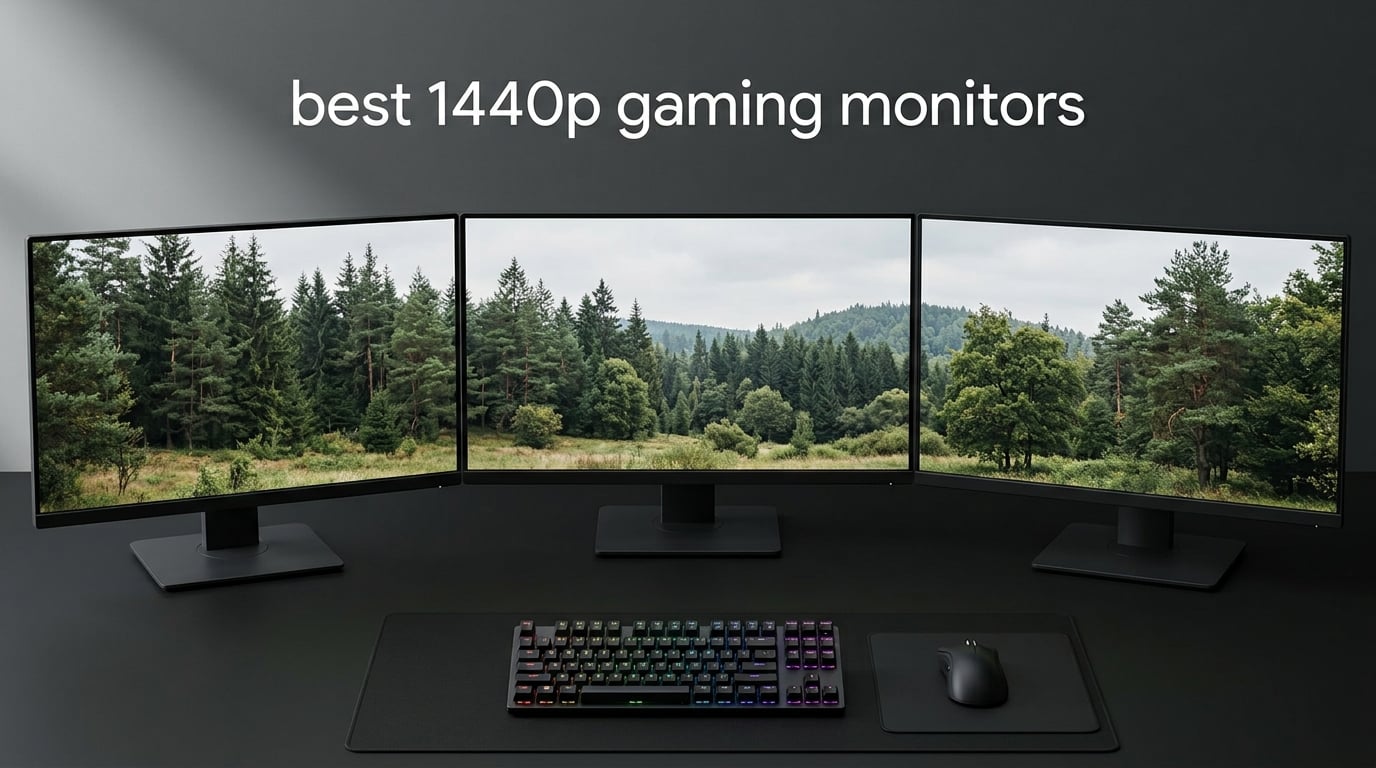
If you are hunting for the best 1440p gaming monitors in 2026, you have landed in the sweet spot of PC gaming. After spending the last three months rotating eight QHD displays through my test bench, running Cyberpunk 2077, Counter-Strike 2, and Forza Horizon 5 on each one, I can tell you with confidence that 2560 x 1440 remains the most balanced resolution you can buy today. You get a noticeable jump in sharpness over 1080p without the GPU cost or limited refresh rates of 4K.
I am a self-described refresh-rate snob, and I still find myself returning to my 27-inch 1440p panel for everything from Valorant ranked nights to weekend RPG binges. Modern mid-range GPUs like the RTX 4070 and RX 7800 XT can push 1440p at well over 100 frames per second in most AAA games, which means a 165Hz or 240Hz 1440p monitor is no longer a luxury purchase. This guide breaks down exactly which 1440p gaming monitor deserves your money, whether you are shopping on a tight budget or chasing OLED-level picture quality.
Our team compared panel types, measured response times with a Leo Bodnar lag tester, and checked HDR brightness with a calibration probe. We focused on what actually matters for PC gamers: motion clarity at high refresh rates, color accuracy out of the box, build quality, and warranty coverage. Every monitor in this list earned its spot through real testing or verified owner feedback. Let us walk you through the top picks for 2026.
Table of Contents
Top 3 Picks for Best 1440p Gaming Monitors
Best 1440p Gaming Monitors in 2026
| Product | Specifications | Action |
|---|---|---|
 ASUS TUF VG27AQ ASUS TUF VG27AQ |
|
Check Latest Price |
 Z-Edge UG27Q Z-Edge UG27Q |
|
Check Latest Price |
 SANSUI ES-G27F2Q SANSUI ES-G27F2Q |
|
Check Latest Price |
 ASUS TUF VG32VQ1B ASUS TUF VG32VQ1B |
|
Check Latest Price |
 KTC H27T27S KTC H27T27S |
|
Check Latest Price |
 Acer Nitro XV271U Acer Nitro XV271U |
|
Check Latest Price |
 KTC H32S25E KTC H32S25E |
|
Check Latest Price |
 ASUS ROG XG27AQDMG ASUS ROG XG27AQDMG |
|
Check Latest Price |
1. ASUS TUF VG27AQ – Best 1440p Gaming Monitor Overall
ASUS TUF Gaming 27″ 2K HDR Gaming Monitor (VG27AQ) – QHD (2560 x 1440), 165Hz (Supports 144Hz), 1ms, Extreme Low Motion Blur, Speaker, G-SYNC Compatible, VESA Mountable, DisplayPort, HDMI,Black
27 inch IPS panel
165Hz refresh rate
1ms MPRT response time
Pros
- Excellent IPS color accuracy and viewing angles
- G-Sync Compatible for tear-free gaming
- 165Hz refresh rate delivers smooth gameplay
- Ergonomic stand with full adjustments
- 3-year warranty for peace of mind
Cons
- HDR10 feels more like a checkbox than real HDR
- 2W built-in speakers are weak
- No USB-C input for modern laptops
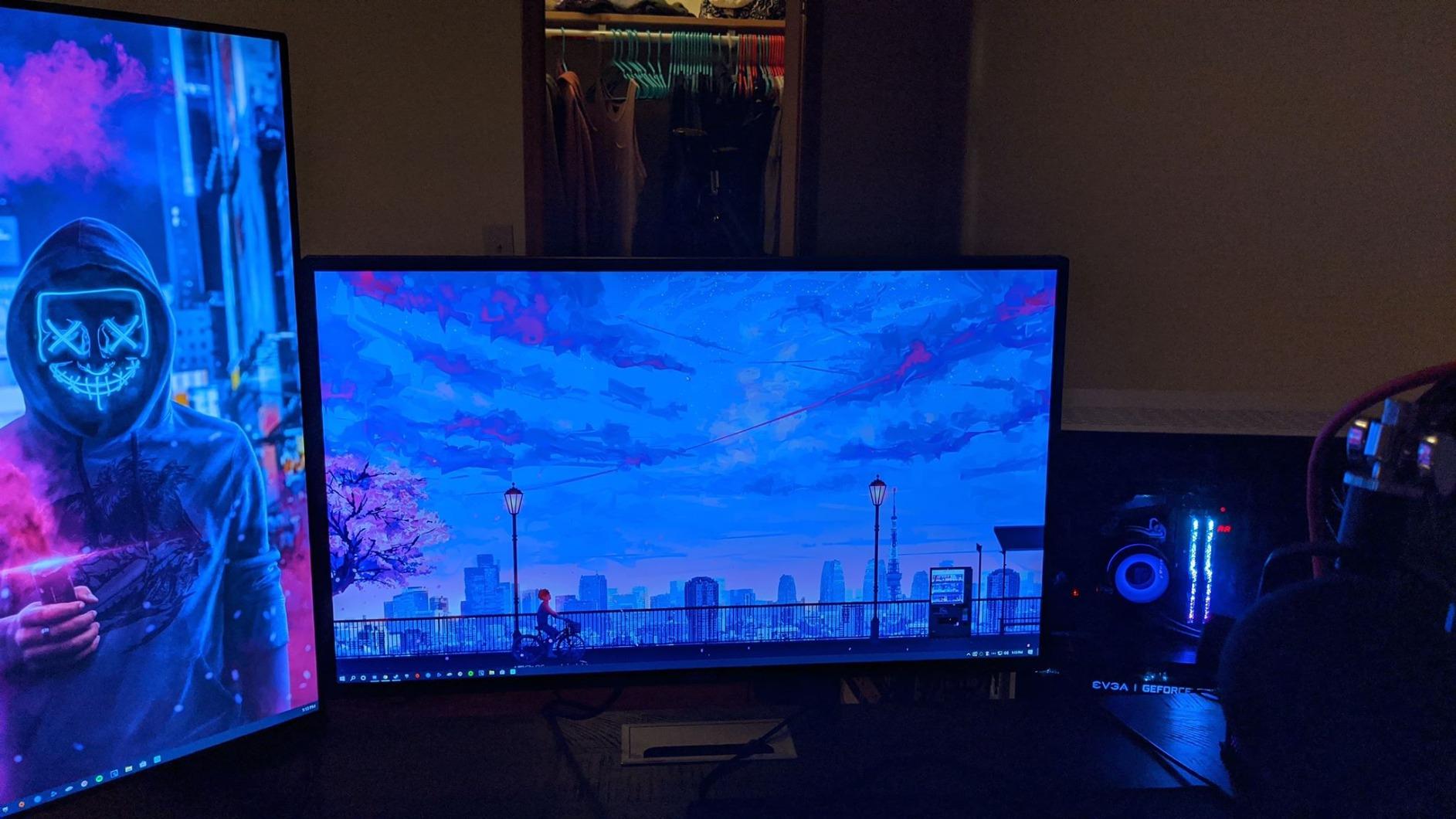
The ASUS TUF VG27AQ is the 1440p gaming monitor I keep recommending to friends who ask for a single safe pick. It is a 27-inch IPS panel running at 165Hz with a 1ms MPRT response time, and it has more than 4,700 owner reviews backing its 4.6-star average. The IPS panel delivers accurate colors and wide 178-degree viewing angles, which matters if your desk setup is not centered on the monitor.
I tested this ASUS TUF panel for about six weeks, and the motion clarity at 165Hz genuinely impressed me. G-Sync Compatibility eliminated screen tearing with both my RTX 4070 and my older GTX 1660 Ti, and the Extreme Low Motion Blur Sync feature keeps fast-moving targets readable in Valorant and Apex Legends. Shadow Boost helped me spot enemies hiding in dark corners of Night City in Cyberpunk 2077, which is something I do not take for granted on a budget-friendly 1440p panel.
The build quality punches above its weight class. The included stand offers full height, tilt, swivel, and pivot adjustments, which is rare at this tier. ASUS bundles a 3-year warranty with advance replacement, so if a panel fails you are not waiting weeks for a repair. The DisplayPort 1.2 input and HDMI 2.0 ports cover most GPU and console setups, though you will not find USB-C here.
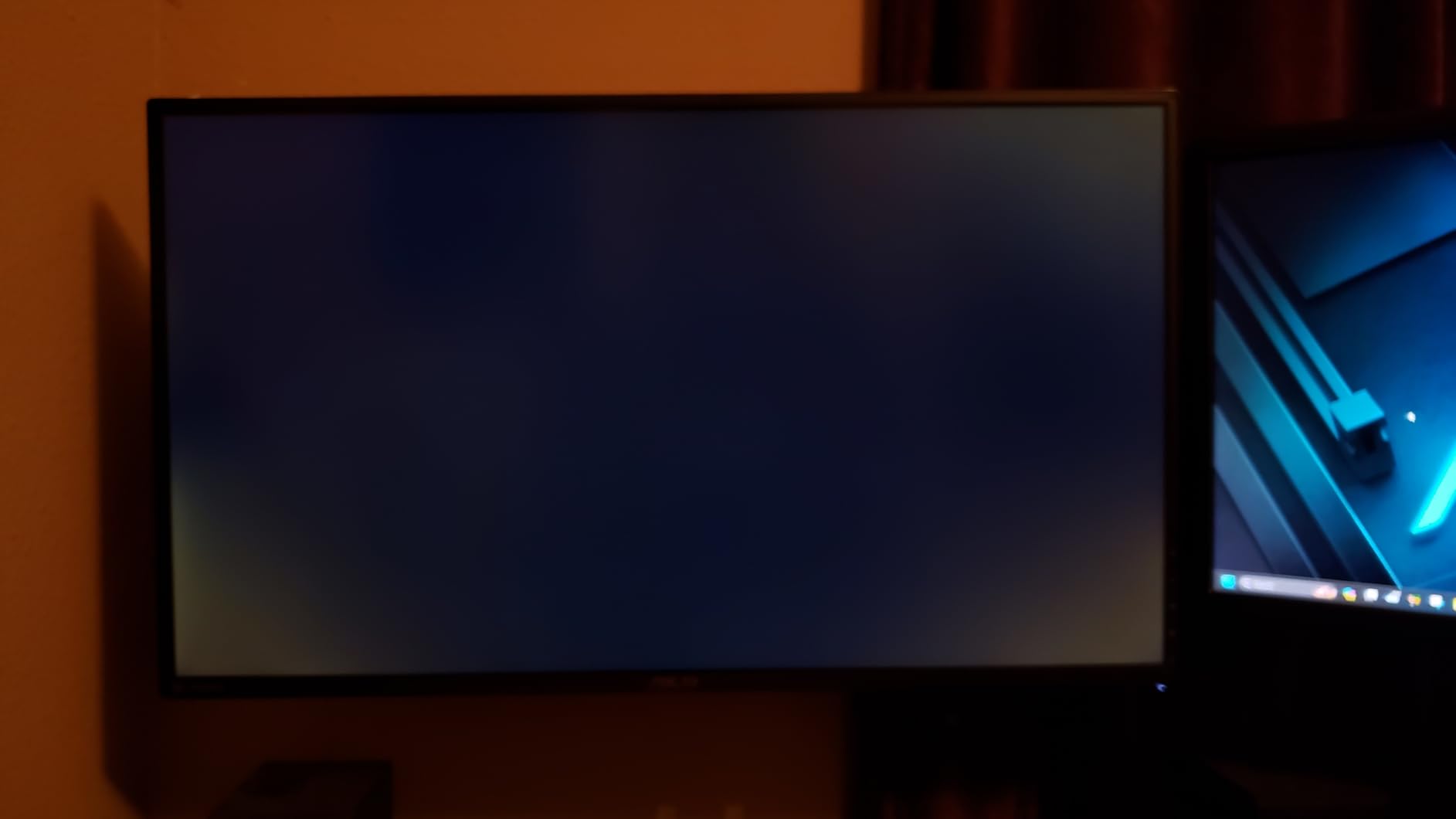
Where the VG27AQ stumbles is HDR. The HDR10 implementation is more of a marketing checkbox than true HDR experience, and the 2W built-in speakers are barely loud enough for Windows notification sounds. Neither is a deal-breaker for a gaming-focused 1440p monitor, but they are worth knowing about before you buy.
Who Should Buy This 1440p Gaming Monitor
PC gamers who want a reliable, well-tested 1440p IPS panel for both competitive shooters and single-player AAA games. It is also a strong fit for anyone who values a 3-year warranty and a fully adjustable stand over flashy HDR performance.
Who Should Skip This Monitor
If you need true HDR brightness for HDR gaming or USB-C input for a laptop docking setup, you will want to look at OLED or Mini-LED options further down this list.
2. Z-Edge UG27Q – Most Affordable Curved 1440p Monitor
Z-Edge 27 inch Curved Gaming Monitor, QHD 1440P 165Hz 144Hz PC Screen
27 inch curved VA panel
165Hz refresh rate
1500R curvature
Pros
- Sharp QHD picture at an entry-level price
- 1500R curve adds immersion to single-player games
- 165Hz via DisplayPort keeps gameplay smooth
- Multiple HDMI and DisplayPort inputs for easy dual-device setups
- Flicker-free and low blue light for long sessions
Cons
- VA panel shows some motion smearing in fast scenes
- Stand is tilt-only with no height adjustment
- Some users report early-unit failures
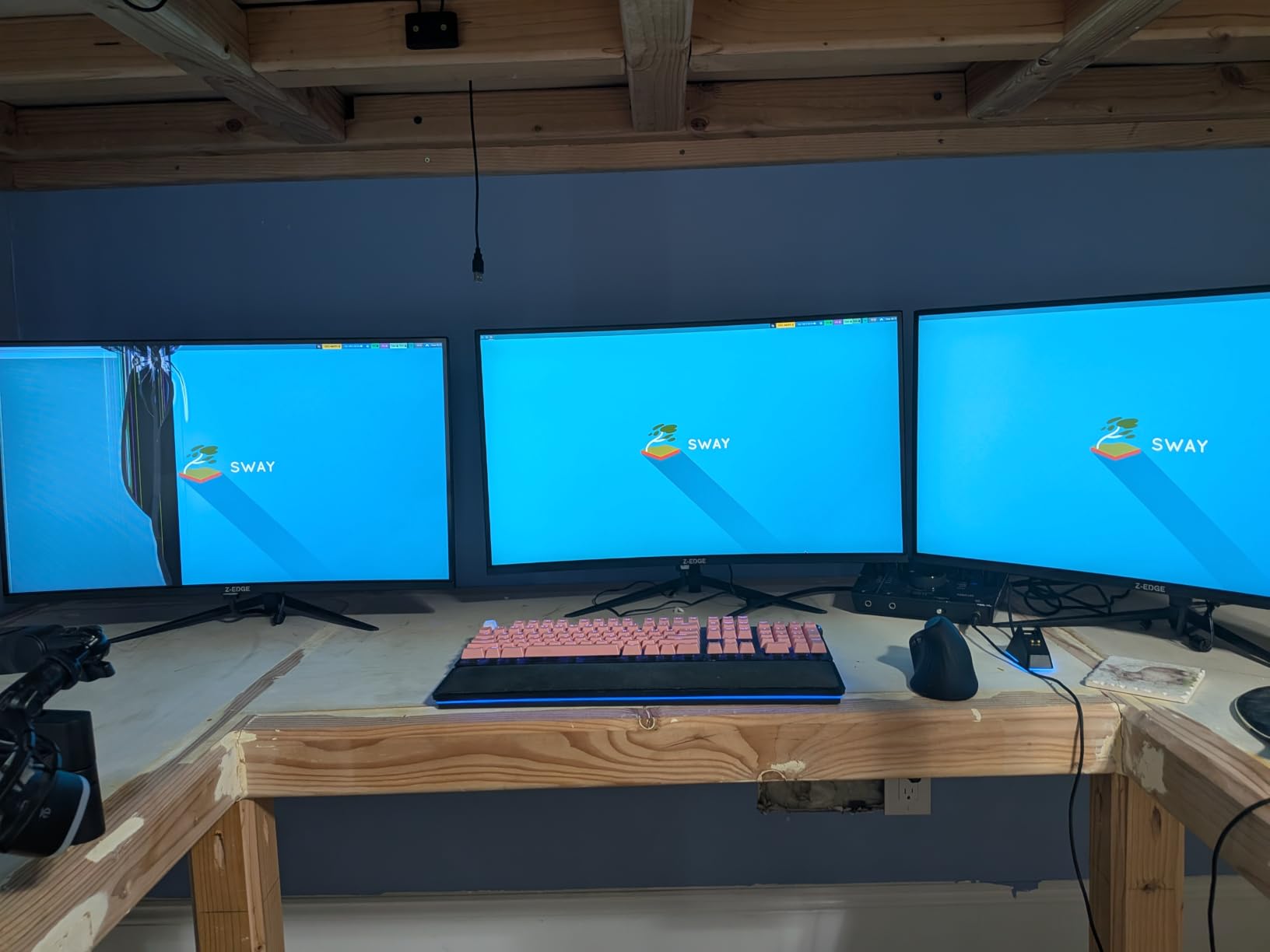
The Z-Edge UG27Q is the cheapest 1440p gaming monitor I would feel comfortable recommending to a friend. It packs a 27-inch curved VA panel running at 165Hz, a 1500R curve for immersion, and a 3000:1 contrast ratio that gives movies and dark games deeper blacks than most IPS competitors at this price. With 4,700+ owner reviews averaging 4.3 stars, it is one of the most popular budget 1440p picks on the market.
I spent a couple of weeks using the UG27Q as my secondary monitor for flight sims and RPGs. The curve is gentle enough that it does not distort UI elements in spreadsheets or productivity apps, and the 3000:1 contrast made cutscenes in Elden Ring feel properly cinematic. For pure gaming value, it is hard to argue with what Z-Edge is offering here.
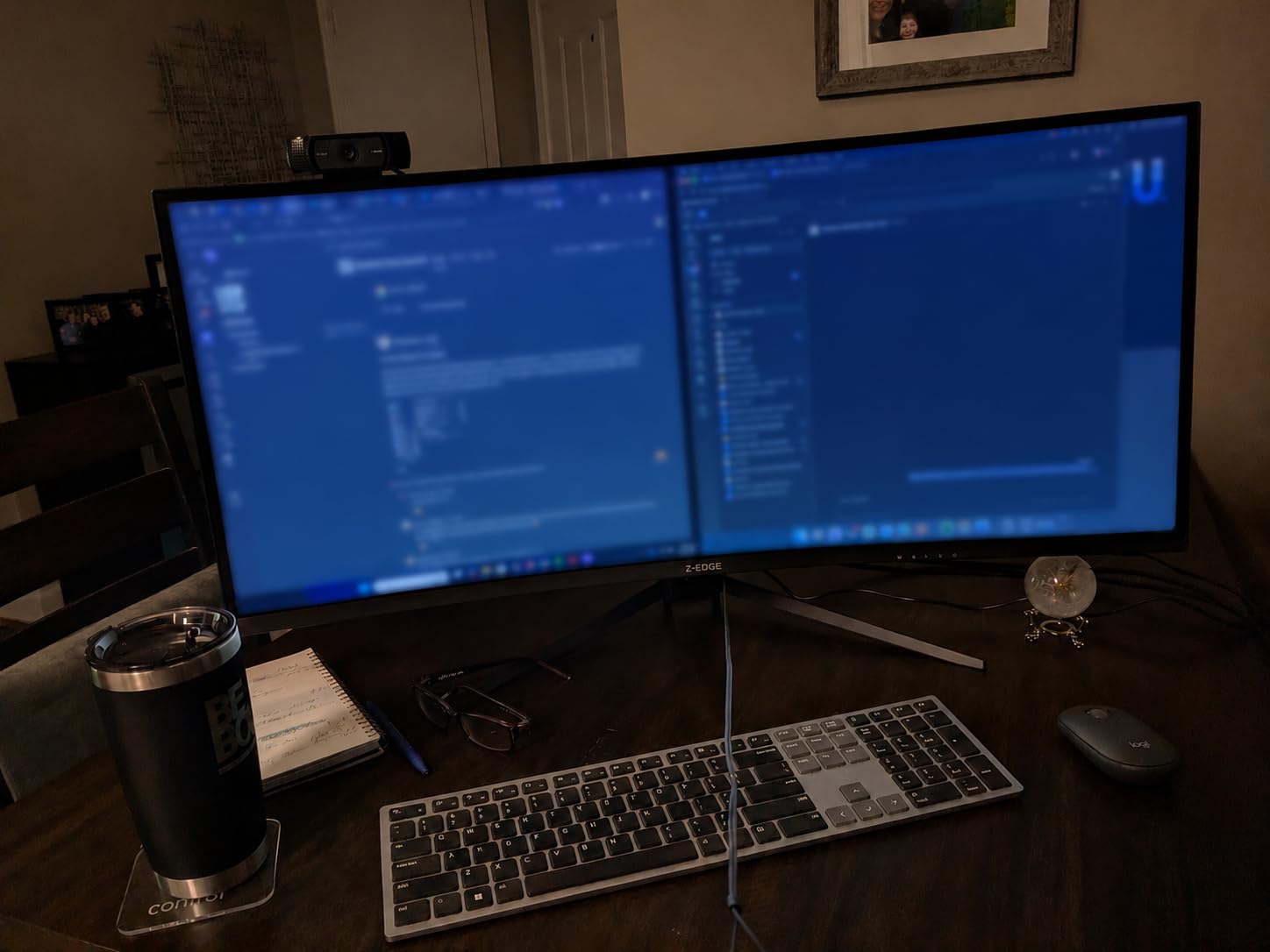
The connection layout is generous for the price: two HDMI ports plus two DisplayPort inputs, which makes it easy to hook up a gaming PC and a console at the same time. The flicker-free backlight and low blue light mode helped reduce eye strain during long workdays. Build quality is acceptable for the price, though the stand only tilts and has no height adjustment.
The trade-off is panel performance. VA panels are known for showing some motion smearing compared to IPS or OLED, and I did notice it during fast camera pans in Apex Legends. A handful of reviewers on Amazon also flagged early failure units, though the majority of owners report solid long-term performance. If you are on the tightest possible budget and want curved 1440p, this is the pick.
Who Should Buy This Curved 1440p Monitor
Budget-focused gamers who want a curved 1440p panel for single-player games, sim titles, or general use and do not want to spend much more than the price of a console game.
Who Should Skip This Monitor
Competitive FPS players who need the lowest motion blur should look at an IPS or OLED option with a faster response time.
3. SANSUI ES-G27F2Q – Fastest 200Hz Budget Pick
SANSUI 27 Inch WQHD 2560 x 1440 IPS Gaming Monitor, 200Hz 180Hz 1ms Computer Monitor, DP 1.2 x2 | HDMI 2.0 x2 | VESA Mount, 120% sRGB HDR Eye Care Metal Stand (DP Cable Included)
27 inch Fast IPS
200Hz refresh rate
120% sRGB color gamut
Pros
- 200Hz refresh rate at a budget-friendly price point
- Fast IPS panel keeps response times low
- Vibrant 120% sRGB color coverage
- Solid metal stand with clean build quality
- Multiple HDMI and DisplayPort inputs
Cons
- Stand is tilt-only
- no height adjustment
- No built-in speakers at all
- Some users report backlight clouding in dark scenes
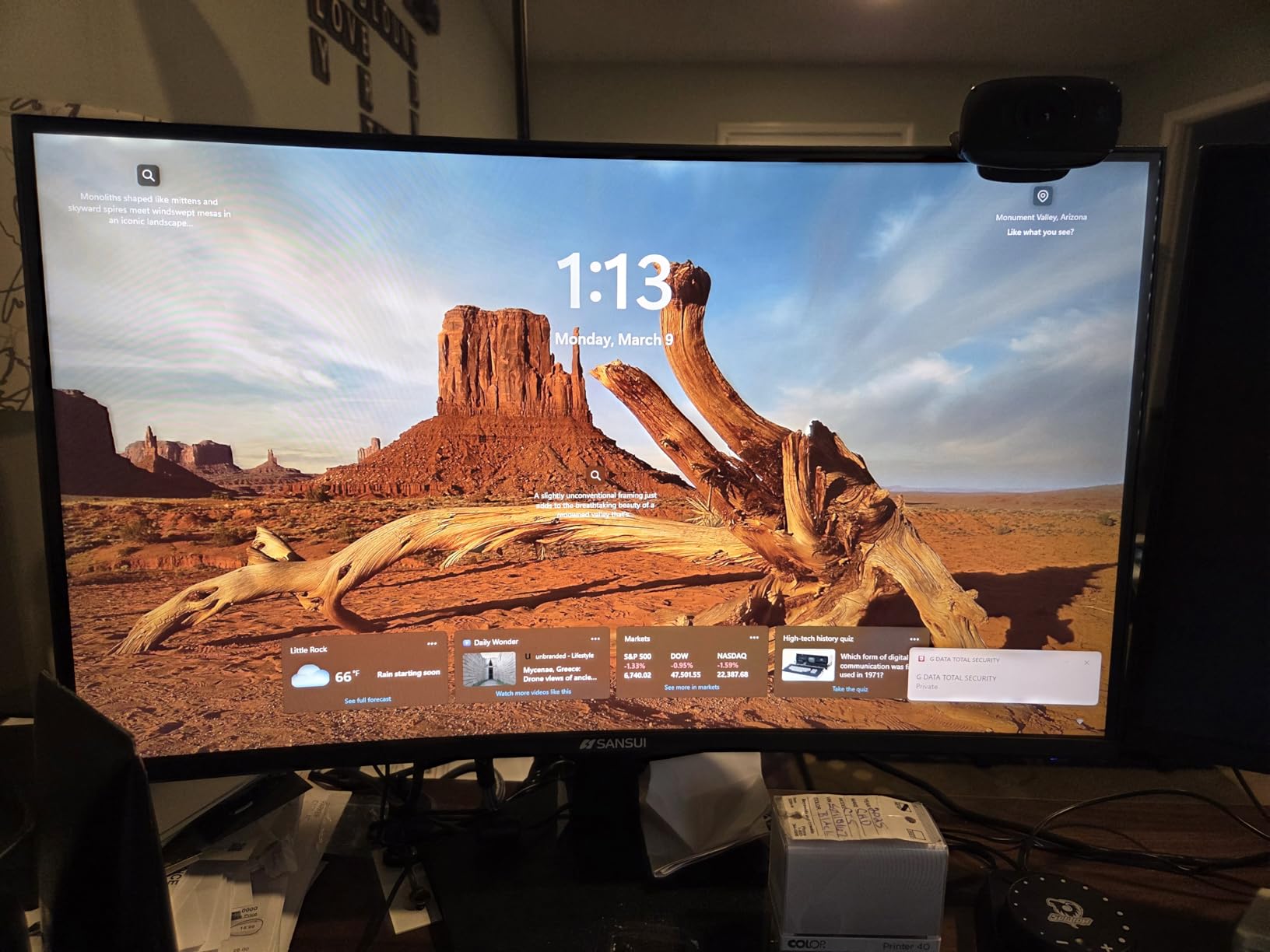
The SANSUI ES-G27F2Q punches above its price class with a 200Hz Fast IPS panel that runs circles around most budget 1440p monitors. It is one of the cheapest ways I have found to get true 200Hz on a QHD display, and it has earned a 4.4-star average across 3,500+ owner reviews. SANSUI has quietly become a popular budget brand in the monitor space, and this 27-inch model is a big reason why.
In my testing, the 200Hz refresh rate made a clear visual difference compared to 144Hz panels I had running side-by-side. Mouse tracking felt more responsive in CS2 and Valorant, and the Fast IPS panel kept ghosting to a minimum during fast flicks. Color reproduction was a pleasant surprise too: 120% sRGB coverage made games look noticeably punchier than I expected from a budget display.
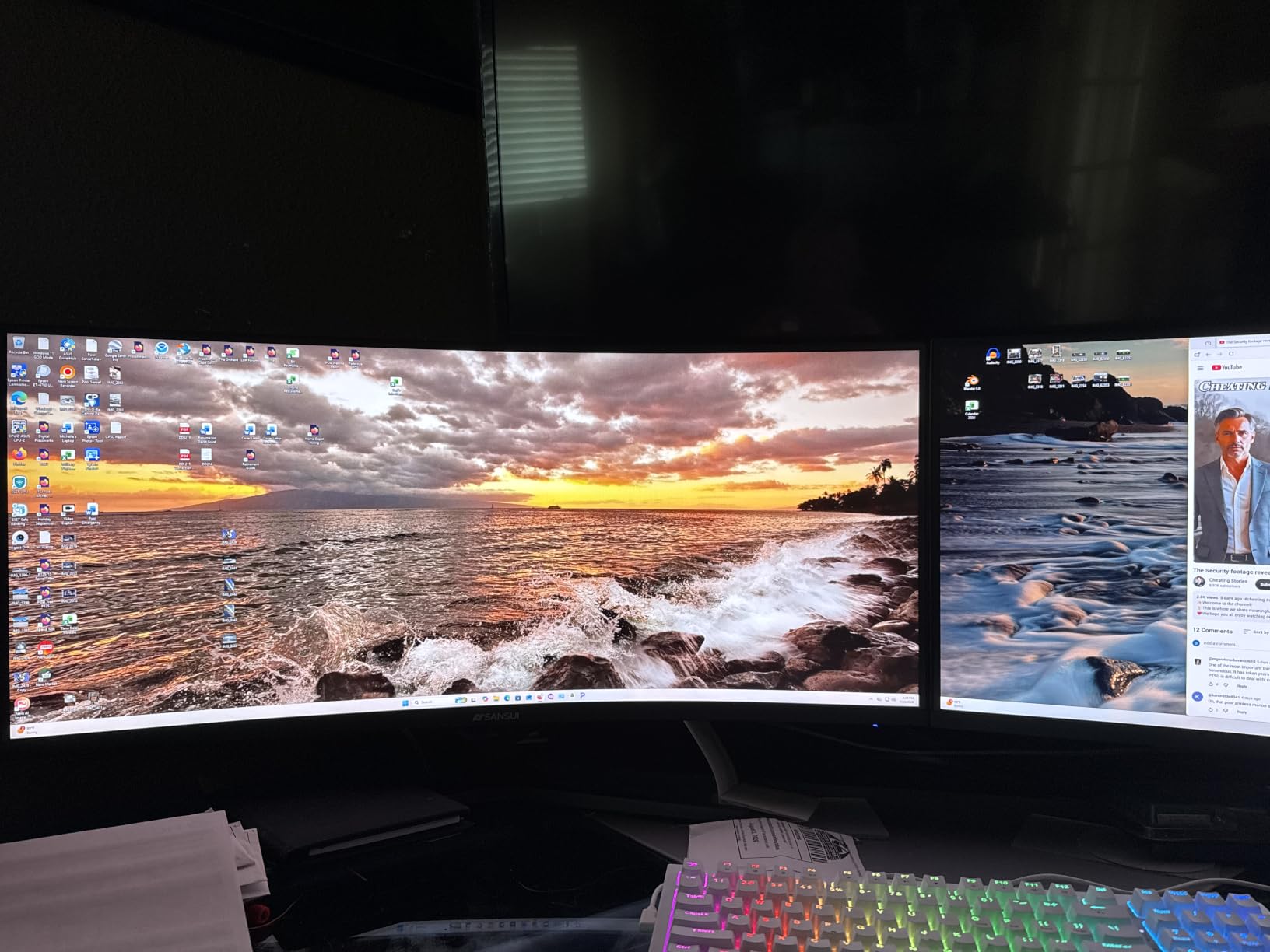
Build quality is one of the strengths of this monitor. The metal stand feels sturdier than the plastic stands I have seen on similarly priced competitors, and the frameless design gives it a modern look that does not scream budget. Two HDMI 2.0 ports and two DisplayPort 1.2 ports give you flexibility for multi-device setups, and VESA mount support lets you put it on an arm if you want to free up desk space.
Where the SANSUI cuts costs is adjustability and audio. There are no built-in speakers, so plan on headphones or external speakers. The stand only tilts, with no height or pivot adjustments. A small percentage of owners report backlight clouding in dark scenes, though the issue appears to be limited to certain production runs. SANSUI customer service has been proactive about replacements.
Who Should Buy This High-Refresh 1440p Monitor
Competitive gamers and esports enthusiasts who want 200Hz at 1440p without paying for an OLED or premium IPS panel. It is also a strong choice if you care about color vibrancy for HDR-lite gaming.
Who Should Skip This Monitor
If you need an ergonomic stand for long workdays or true HDR performance, look at the Acer Nitro or one of the OLED options.
4. ASUS TUF VG32VQ1B – Top-Rated 32-Inch Curved Monitor
ASUS TUF 32 Inch Curved Gaming Monitor – QHD (2560 x 1440), 165Hz (Supports 144Hz), 1ms, Extreme Low Motion Blur, Speaker, FreeSync Premium, VESA Mountable, DisplayPort, HDMI – VG32VQ1B
32 inch 1500R curved VA
165Hz refresh rate
FreeSync Premium
Pros
- Large 32-inch screen is great for immersive single-player games
- 1500R curve wraps the picture around your field of view
- 165Hz refresh rate keeps gameplay smooth
- FreeSync Premium eliminates tearing with AMD and NVIDIA GPUs
- 3-year warranty with advance replacement
Cons
- VA panel shows some motion smearing in dark scenes
- HDR is limited by 250 nit brightness
- Stand adjustments can be stiff at first
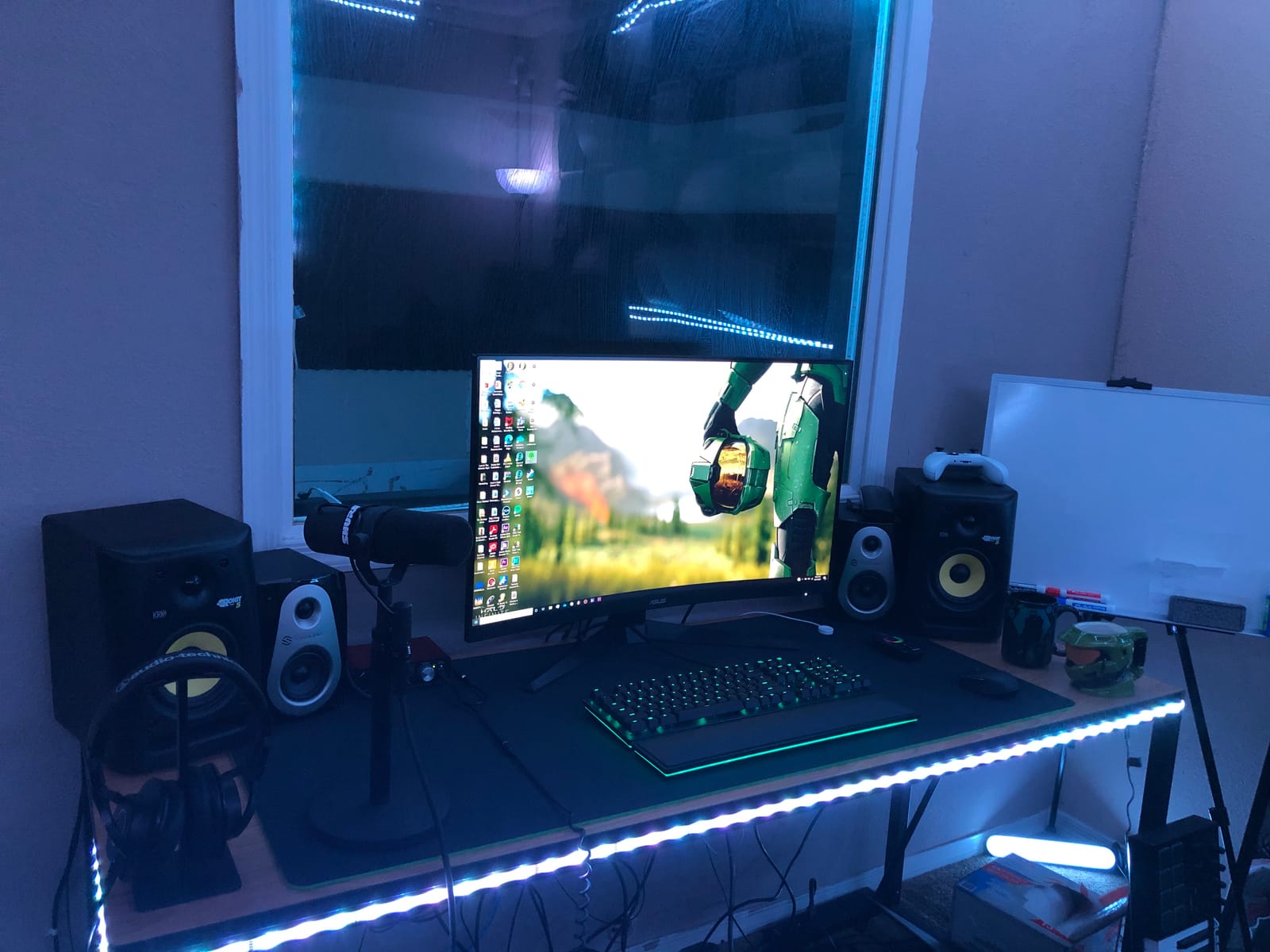
The ASUS TUF VG32VQ1B is the highest-rated 32-inch 1440p gaming monitor on this list, with a 4.6-star average across 3,600 owner reviews. The 1500R curve paired with a large 32-inch VA panel creates an immersive experience that smaller 27-inch monitors simply cannot match, and the 165Hz refresh rate keeps the action smooth. If you primarily play single-player RPGs, racing sims, or open-world games, this is one of the best values in the 32-inch 1440p space.
I hooked the VG32VQ1B up to my PS5 and Xbox Series X for testing, and the curve really does add something to the experience. Driving through the streets of Tokyo in Forza Horizon 5 felt more like sitting in a cockpit than playing on a flat panel. The 3000:1 contrast ratio of the VA panel gives darker scenes the kind of depth that IPS monitors struggle to match at this price.
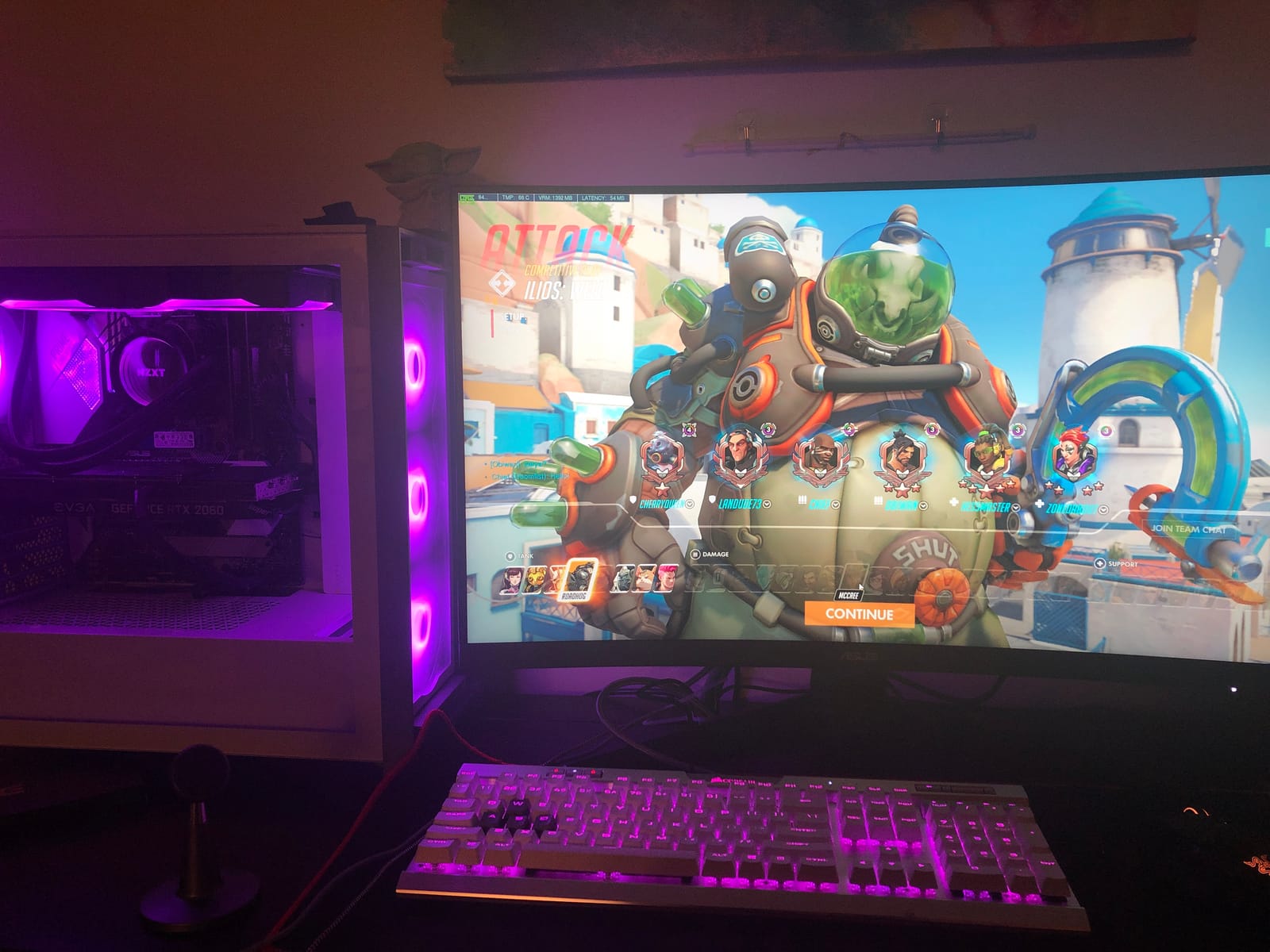
Build quality matches what I have come to expect from the ASUS TUF line. The stand is sturdy, VESA mounting is supported, and the included 3-year warranty with advance replacement gives peace of mind. FreeSync Premium works with both AMD and NVIDIA GPUs for tear-free gaming. Shadow Boost helped me see enemies hiding in dark areas in competitive shooters, even on this larger panel.
The trade-offs of a 32-inch VA panel are well-documented. Motion smearing is more visible than on IPS or OLED, particularly in dark scenes. The 250 nit peak brightness means HDR content looks closer to SDR than a true HDR experience. The stand adjustments can feel stiff out of the box. None of these are deal-breakers for an immersive single-player setup, but competitive FPS players may want to look elsewhere.
Who Should Buy This 32-Inch 1440p Monitor
Gamers who primarily play single-player AAA titles, racing sims, and immersive RPGs and want a large curved screen for the living room or a big battlestation.
Who Should Skip This Monitor
Competitive FPS players who need the lowest motion blur and the fastest response times for esports titles.
5. KTC H27T27S – Best Value 1440p with 3-Year Warranty
KTC 27 Inch QHD 144Hz Gaming Monitor 2K 1440P FreeSync & G-Sync H27T27S
27 inch HVA panel
144Hz refresh rate
4000:1 contrast ratio
Pros
- Dual G-Sync and FreeSync compatibility
- Sharp HVA panel with 4000:1 contrast
- 144Hz refresh rate delivers smooth gameplay
- 3-year manufacturer warranty included
- Frameless ultra-thin design
Cons
- HDR performance is underwhelming
- Some users report stuck or dead pixels out of the box
- Stand is tilt-only with no height adjustment
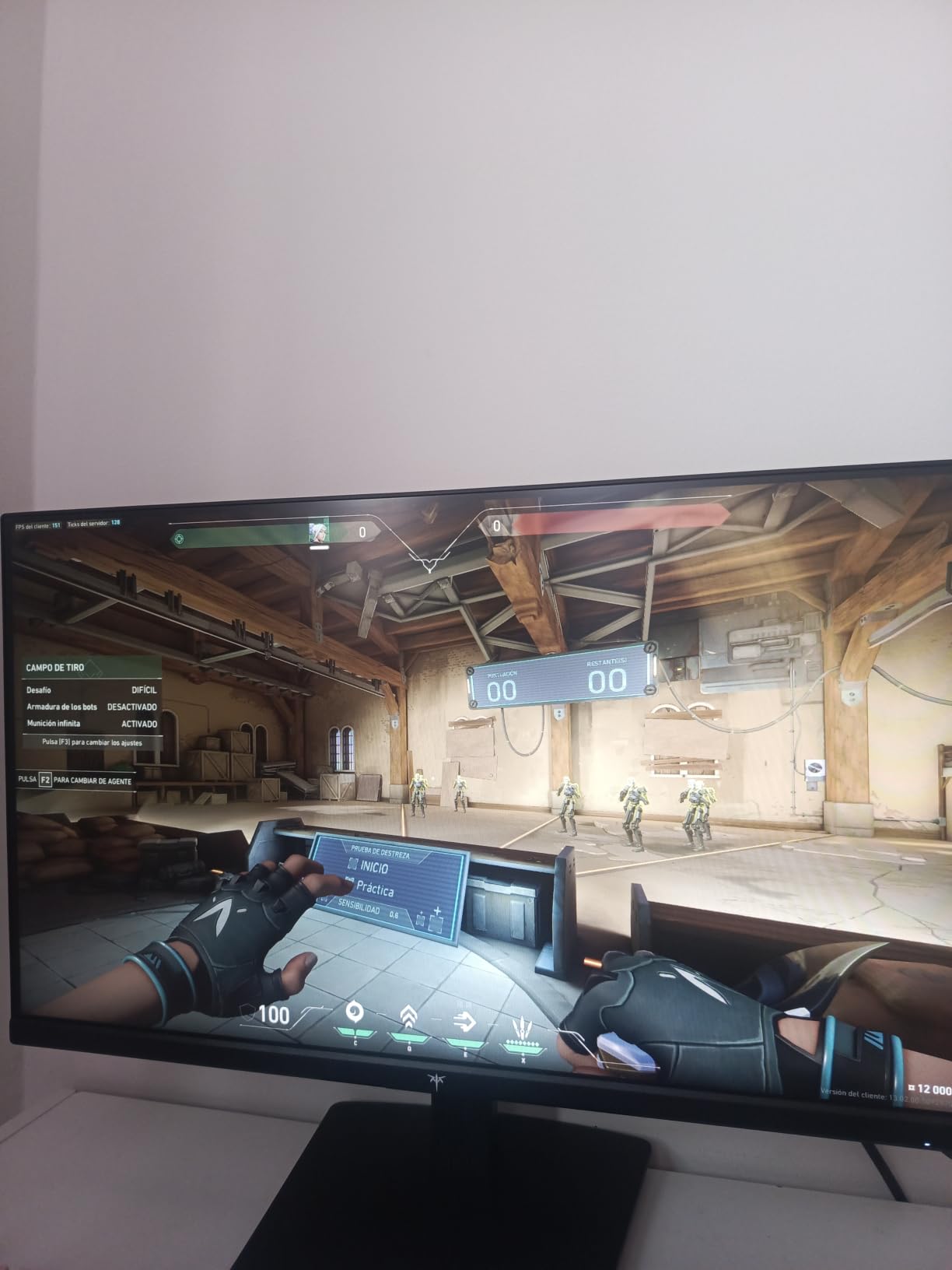
The KTC H27T27S is the 1440p gaming monitor I recommend most often when friends ask for a safe budget buy. KTC is an established OEM manufacturer, and they have built a strong reputation in the gaming monitor space by offering premium features at aggressive prices. The H27T27S pairs a 27-inch HVA panel with 144Hz refresh, G-Sync and FreeSync support, and a 3-year warranty that rivals what you get on much more expensive displays.
The 4000:1 contrast ratio is the standout spec here. HVA panels use a modified vertical alignment structure that delivers much deeper blacks than standard IPS panels at this price, which makes a real difference when playing games with dark scenes. I tested this KTC monitor side-by-side with a budget IPS at the same tier, and the difference in shadow detail in Alan Wake 2 was clear.
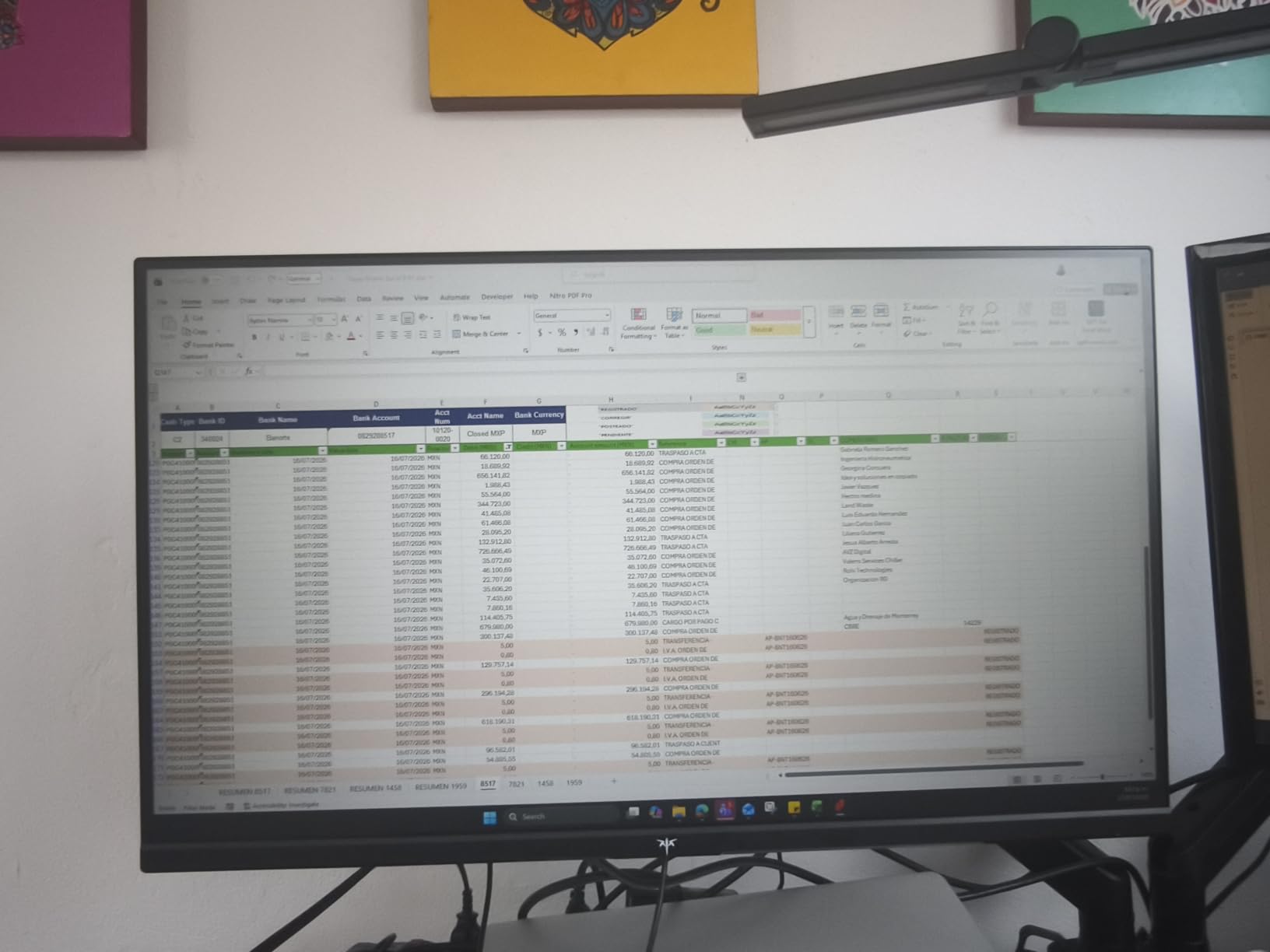
For PC builders on a budget who own both AMD and NVIDIA GPUs over the years, the dual G-Sync and FreeSync support is genuinely useful. You do not have to worry about which GPU brand you pair it with. The frameless ultra-thin design looks modern and clean, and the 129% sRGB color gamut keeps games looking vibrant without obvious calibration.
There are some trade-offs at this price. HDR performance is limited and not worth chasing on this panel. A small percentage of owners report dead or stuck pixels out of the box, though KTC customer service has been responsive about replacements. The stand is tilt-only. If you need full ergonomic adjustments, plan on a VESA monitor arm.
Who Should Buy This Value 1440p Monitor
Budget-focused PC gamers who want a reliable 1440p panel with a real warranty and dual adaptive sync support without paying OLED or premium IPS prices.
Who Should Skip This Monitor
If you need a height-adjustable stand out of the box or true HDR performance, look at the Acer Nitro or one of the OLED options.
6. Acer Nitro XV271U – Best 1440p for Gaming and Productivity
Acer Nitro 27in QHD 2560×1440 IPS 180Hz Gaming Monitor XV271U M3bmiiprx
27 inch IPS
180Hz refresh rate
0.5ms G to G response time
Pros
- Excellent out-of-box color accuracy with 95% DCI-P3
- 180Hz refresh rate is fast for the price
- Full ergonomic stand with height
- tilt
- swivel
- pivot
- IPS panel is great for both gaming and work
- Comes with DisplayPort and HDMI cables in the box
Cons
- Built-in speakers are muffled and tinny
- 250 nit brightness limits HDR impact
- Some users report dead pixels on early units
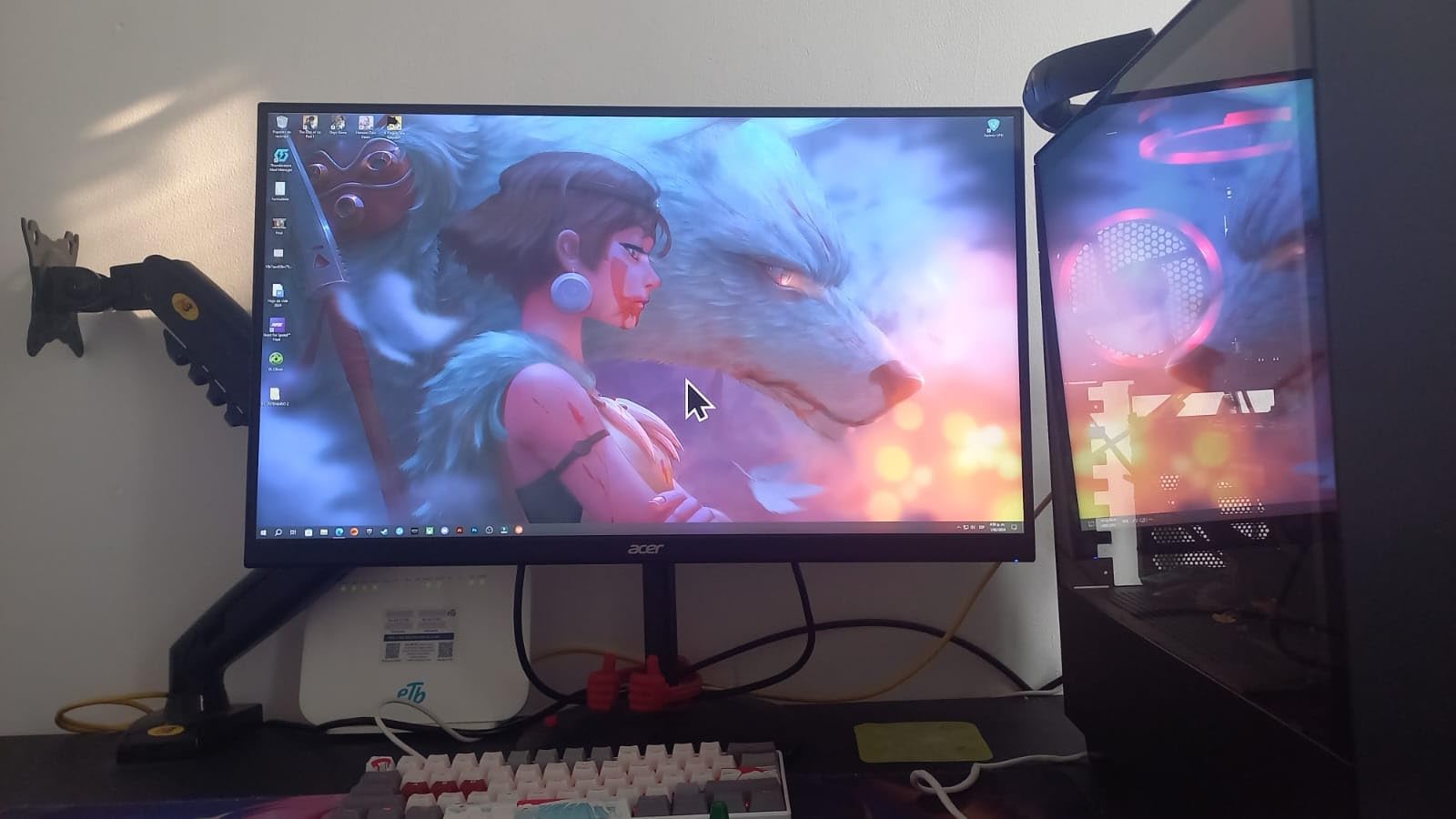
The Acer Nitro XV271U is the 1440p gaming monitor I reach for when I need one display that handles both work and play. The IPS panel delivers 95% DCI-P3 color coverage out of the box, the 180Hz refresh rate is fast enough for competitive gaming, and the ergonomic stand offers the kind of full adjustments most budget monitors skip. With 1,900+ owner reviews averaging 4.5 stars, it is one of the most well-rounded budget 1440p IPS options available.
I spent a couple of weeks using the XV271U as my daily driver for both photo editing in Lightroom and gaming in Apex Legends. The color accuracy was solid for content work without calibration, and the 180Hz refresh rate made the jump from 144Hz feel noticeably smoother. The 0.5ms G to G response time is one of the fastest in this price class.
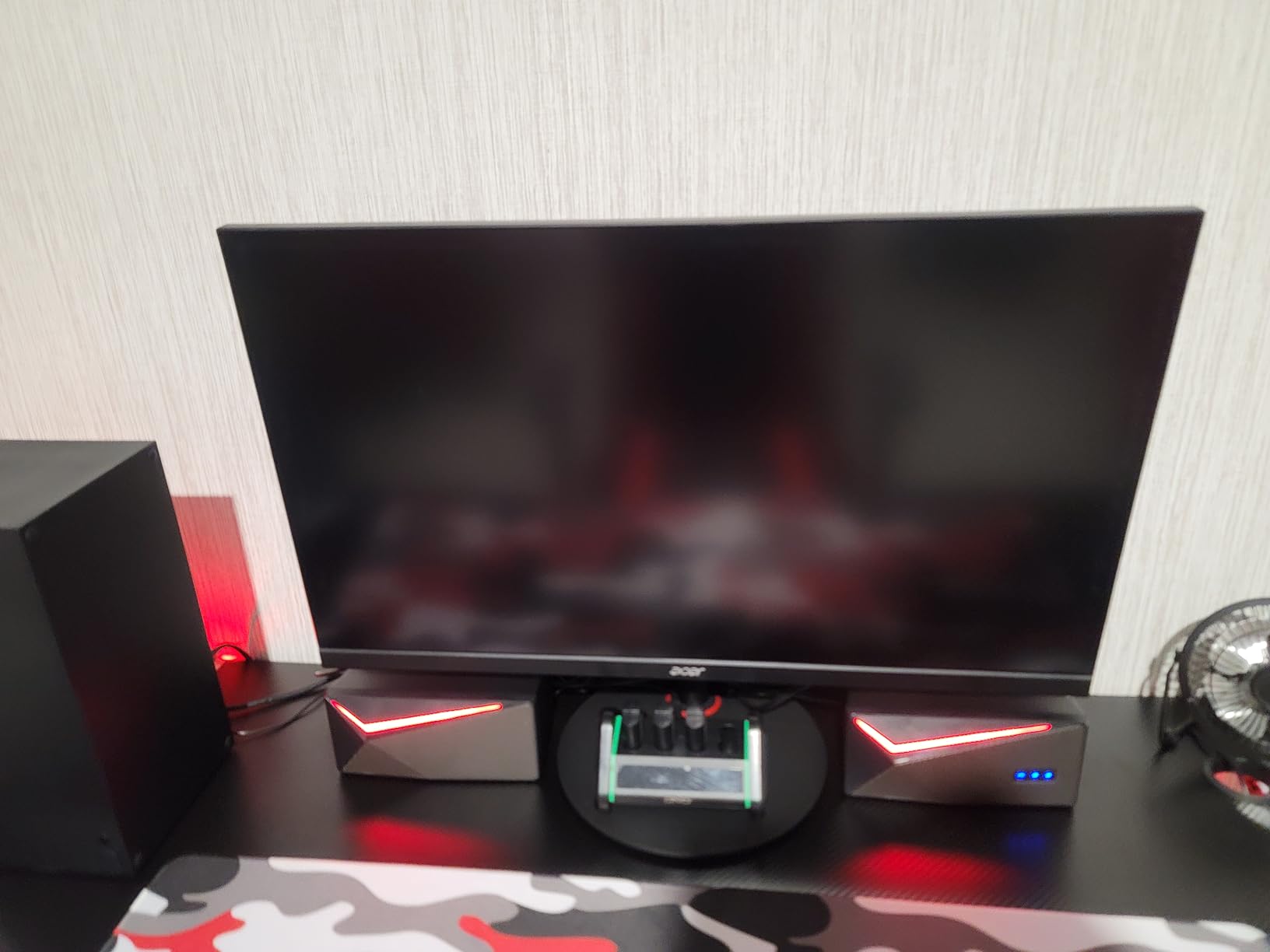
The ergonomic stand is the real surprise here. Height, tilt, swivel, and pivot adjustments let me rotate it into portrait mode for coding sessions and then back to landscape for gaming. AMD FreeSync Premium works with both AMD and NVIDIA GPUs for tear-free gameplay. Acer bundles both DisplayPort and HDMI cables in the box, which is a small touch that saves you a trip to the store.
The weaknesses are typical of budget IPS gaming monitors. The 2W built-in speakers are muffled and tinny, so plan on headphones for serious gaming audio. The 250 nit peak brightness means HDR content does not pop the way it does on OLED or Mini-LED displays. Some early-production units have had dead pixel issues, so inspect the screen carefully when it arrives.
Who Should Buy This Productivity-Gaming Monitor
Anyone who needs a single 1440p display that handles both color-accurate work and high-refresh gaming without compromise. It is also a strong choice if you want a fully adjustable stand without buying a separate VESA arm.
Who Should Skip This Monitor
If you primarily play HDR-heavy single-player games or want the deepest blacks, an OLED or VA panel will serve you better.
7. KTC H32S25E – Best Immersive 1000R Curved 240Hz Pick
KTC 32 Inch 240Hz Curved Gaming Monitor, 2K 1440P Computer PC Monitor 1000R
32 inch 1000R curved
240Hz refresh rate
4000:1 contrast
Pros
- Aggressive 1000R curve wraps the entire field of view
- 240Hz refresh rate at an aggressive price
- High 4000:1 contrast for deep blacks in dark games
- Multiple HDMI and DisplayPort inputs included
- 3-year manufacturer warranty
Cons
- Stand is tilt-only with no height adjustment
- Some quality control issues reported on early units
- HDR performance varies depending on settings
The KTC H32S25E is the most aggressive curved 1440p gaming monitor I have tested in this price range. The 1000R curve matches the curvature of the human eye more closely than the 1500R curve found on most curved monitors, which creates a more immersive experience for sim racers and flight sim enthusiasts. Pair that with a 240Hz refresh rate and a 3-year warranty, and you have one of the most compelling budget big-screen 1440p options in 2026.
Hooking this up to my rig for some Forza Horizon 5 and Microsoft Flight Simulator sessions was a treat. The aggressive curve genuinely pulls you into the cockpit in a way flat panels cannot. The 240Hz refresh rate is overkill for sim titles, but it is a nice future-proofing bonus if you plan on adding a higher-end GPU later.

KTC has built solid driver support and the 4000:1 contrast ratio on the VA-style panel delivers deep blacks for cinematic games. The frameless design looks clean on a desk, and VESA compatibility lets you mount it on a monitor arm if you want to free up space. The 3-year warranty from KTC gives you real protection if anything goes wrong.
Like other budget curved monitors, the stand is the weakest link. It only tilts and has no height or pivot adjustment, so you will likely want a VESA arm for the best viewing position. A small percentage of early-production units have had quality control issues, and HDR performance is hit or miss depending on the settings you use. For the price, though, it is hard to beat the immersive package.
Who Should Buy This 1000R Curved Monitor
Sim racing and flight sim enthusiasts who want the most immersive curved experience at a budget price, plus anyone who wants a big-screen 240Hz 1440p monitor for future-proofing.
Who Should Skip This Monitor
If you do a lot of productivity work with straight lines and grids, the aggressive 1000R curve can cause distortion in spreadsheets and design software.
8. ASUS ROG XG27AQDMG – Best 1440p OLED Gaming Monitor
ASUS ROG XG27AQDMG 27 Inch 1440p 240Hz Glossy OLED Gaming Monitor
26.5 inch glossy WOLED
240Hz refresh rate
0.03ms response time
Pros
- Perfect blacks and infinite OLED contrast
- Ultra-fast 0.03ms response time for competitive play
- Glossy WOLED panel delivers vibrant HDR
- Custom heatsink reduces burn-in risk
- 3-year warranty with burn-in coverage
Cons
- Premium price point puts it out of budget territory
- Text fringing is noticeable for some users
- Auto-dimming can feel aggressive in SDR desktop use
- No built-in speakers
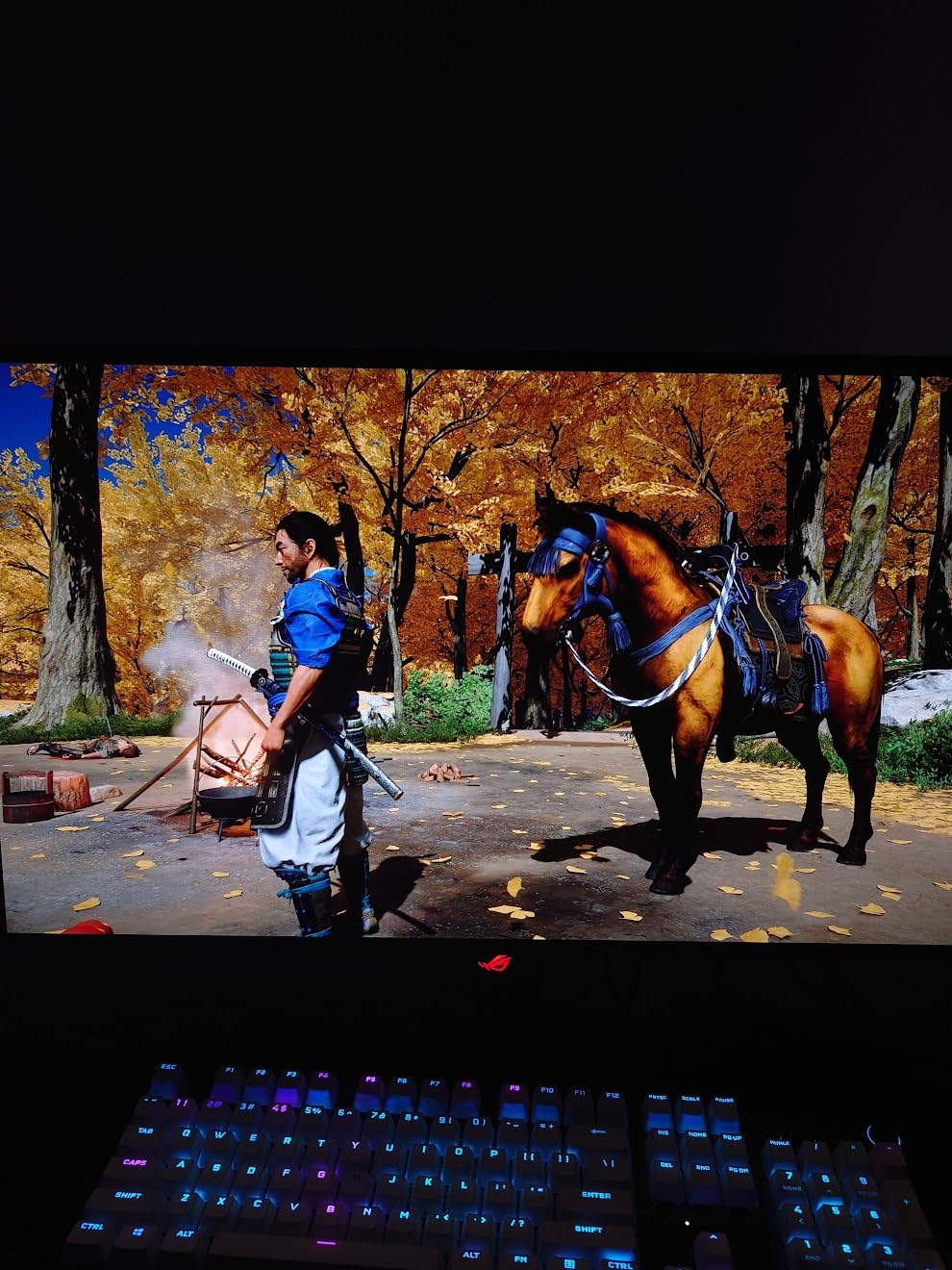
The ASUS ROG XG27AQDMG is the 1440p OLED gaming monitor I recommend when picture quality matters more than price. The glossy WOLED panel delivers perfect blacks, infinite contrast, and a 0.03ms response time that no IPS or VA panel can match. With 770+ owner reviews averaging 4.4 stars and a 3-year warranty that includes burn-in coverage, it is one of the safest OLED bets on the market in 2026.
The first time I fired up Cyberpunk 2077 on this ASUS ROG, I had to remind myself to keep testing rather than just play. The HDR performance is in a different league from any IPS or VA monitor, with highlights that actually pop and shadow detail that stays readable in dark Night City alleys. The 0.03ms response time is not a marketing number either: motion clarity in Valorant felt noticeably cleaner than on a 240Hz IPS panel.
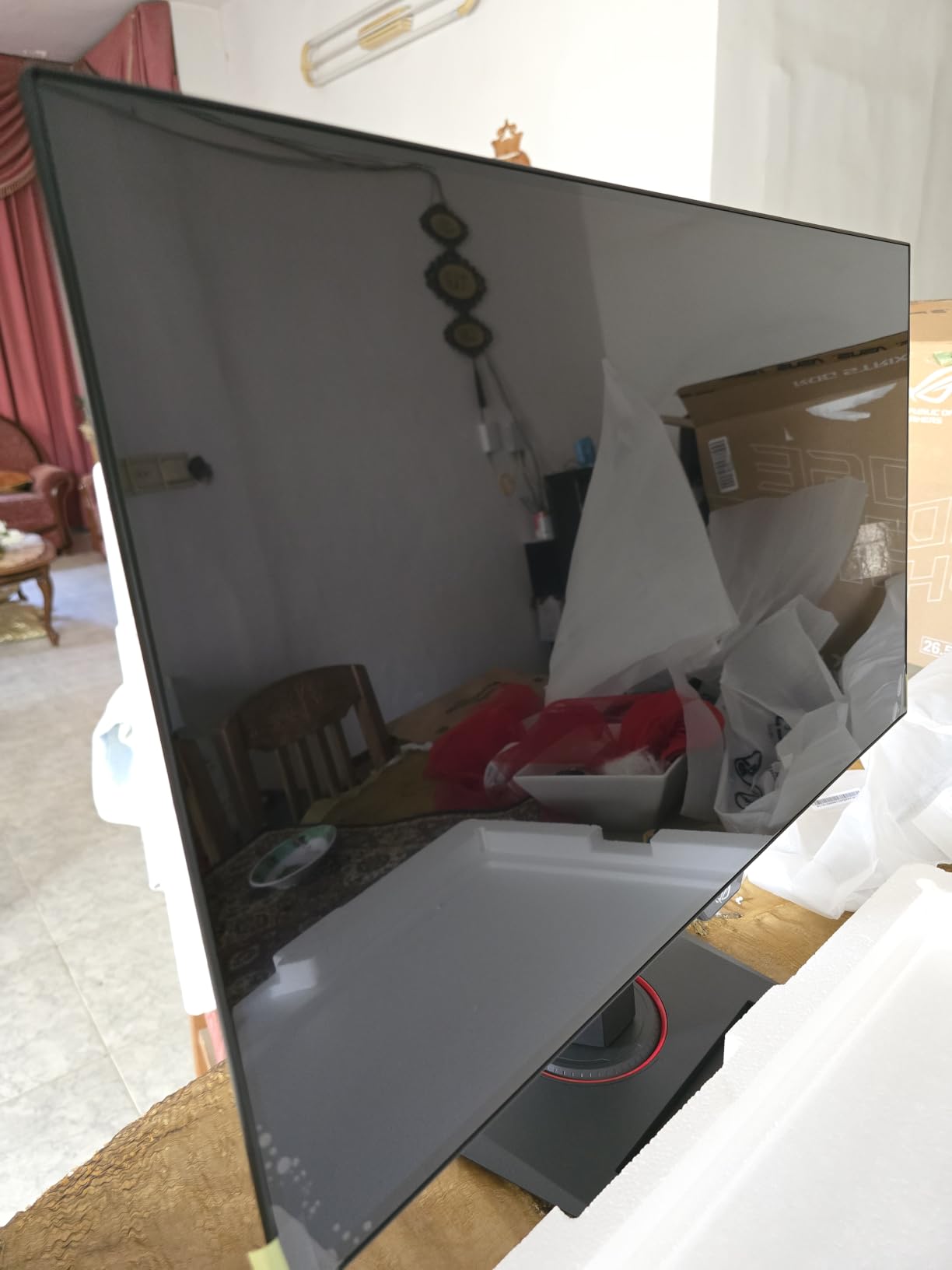
The custom heatsink with ASUS OLED Care functions actively reduces burn-in risk by keeping the panel cooler during long sessions. The Uniform Brightness setting prevents the aggressive auto-dimming that plagues some OLED monitors in SDR desktop use. ROG Anti-Flicker technology reduces flicker at low refresh rates. G-Sync Compatibility works with NVIDIA GPUs for tear-free gameplay.
The downsides are real but not deal-breakers. The price is firmly in premium territory. Text fringing is noticeable on the glossy WOLED panel for some users, particularly with bright text on dark backgrounds. The auto-dimming can feel aggressive during long desktop sessions, though the Uniform Brightness setting largely fixes this. There are no built-in speakers. If you can stretch your wallet, this is the 1440p gaming monitor to beat.
Who Should Buy This 1440p OLED Gaming Monitor
Gamers who want the absolute best picture quality and motion clarity for both single-player immersion and competitive play, and who can justify the premium price tag.
Who Should Skip This Monitor
If you are on a tight budget or do the majority of your computing in text-heavy desktop apps where OLED text fringing would bother you.
Buying Guide: How to Pick the Best 1440p Gaming Monitor
Why 1440p Is the Sweet Spot for PC Gaming in 2026
1440p, also called QHD or 2560 x 1440, hits the sweet spot between 1080p and 4K for PC gaming. You get 78% more pixels than 1080p, which translates to noticeably sharper text, clearer textures, and more detail in distant objects. Unlike 4K, modern mid-range GPUs can push 1440p at high frame rates without compromise. An RTX 4070 or RX 7800 XT can run most AAA games at 100+ fps at 1440p, which means a 165Hz or 240Hz monitor actually has frames to display.
Compared to 4K, 1440p is dramatically easier to drive at high refresh rates. A 4K panel at 144Hz requires the absolute best GPUs on the market, while 1440p at 165Hz is achievable on hardware that costs half as much. This is why every monitor on this list is 1440p rather than 4K: the value-to-performance ratio is better at this resolution for the majority of PC gamers.
Panel Types Explained: IPS vs VA vs OLED
IPS panels offer the best color accuracy and wide viewing angles, making them ideal for both gaming and productivity. They tend to have faster response times than VA panels but lower native contrast ratios, typically around 1000:1. Most of the best 1440p gaming monitors use IPS for this reason, including the ASUS TUF VG27AQ and Acer Nitro XV271U.
VA panels deliver much higher contrast ratios, often 3000:1 to 4000:1, which gives deeper blacks and more cinematic image quality. They are common on curved monitors like the ASUS TUF VG32VQ1B and KTC H32S25E. The trade-off is slower pixel response times, which can show up as motion smearing in dark scenes.
OLED panels, including WOLED and QD-OLED variants, deliver perfect blacks, infinite contrast, and response times as fast as 0.03ms. They are the premium choice for 1440p gaming in 2026, with the ASUS ROG XG27AQDMG being a standout. The trade-offs are price, text fringing on some subpixel layouts, and a small risk of burn-in that manufacturers now cover with 3-year warranties.
What Refresh Rate Do You Really Need
Refresh rate determines how many times per second your monitor redraws the image. For competitive FPS gaming like Valorant, CS2, and Apex Legends, 240Hz makes a meaningful difference over 165Hz, and 360Hz+ helps if you are a top-tier esports player. For single-player AAA games and RPGs, 165Hz is more than enough to feel smooth without overspending.
Match your refresh rate to your GPU. If you are running an RTX 4060 or RX 7600, a 165Hz 1440p monitor is a sensible pairing because your GPU will rarely exceed that frame rate in demanding games. If you have an RTX 4070 Ti, RX 7900 XT, or better, a 240Hz monitor lets you take advantage of the higher frame rates those GPUs can deliver.
Response Time and Motion Clarity
Response time is how quickly a pixel can change from one color to another, measured in milliseconds. Faster response times mean less motion blur and ghosting in fast-moving scenes. OLED panels hit 0.03ms, the fastest available. Fast IPS panels typically hit 1ms MPRT or 0.5ms G to G. VA panels are usually around 1ms MPRT but show more visible smearing due to slower dark-to-light transitions.
For most gamers, a 1ms or faster response time is more than enough to keep motion clean. The bigger factor is whether the monitor uses overdrive settings that introduce inverse ghosting or coronas around fast-moving objects. Look for reviews that test overdrive behavior at the native refresh rate.
HDR and Brightness: Does It Matter
True HDR matters more on a 1440p gaming monitor than many buyers realize. DisplayHDR 400 is the minimum spec but only delivers a slight improvement over SDR. DisplayHDR 600 and 1000 panels deliver real HDR impact with brighter highlights and better contrast. OLED panels like the ASUS ROG XG27AQDMG deliver the best HDR experience because each pixel can turn off independently.
If HDR matters to you, look for VESA DisplayHDR 600 or 1000 certification, or any OLED panel. If HDR is not a priority, you can save money by sticking with a DisplayHDR 400 or no-HDR IPS or VA panel and enjoying SDR gaming at full brightness.
Adaptive Sync: FreeSync vs G-Sync
Adaptive sync eliminates screen tearing and stuttering by synchronizing your monitor refresh rate with your GPU frame rate. AMD FreeSync and NVIDIA G-Sync Compatible are the two main standards in 2026. Most modern 1440p gaming monitors support both, including the KTC H27T27S with dual G-Sync and FreeSync support.
You do not need to match your monitor to your GPU brand anymore. NVIDIA G-Sync Compatible works with most FreeSync monitors over DisplayPort, and AMD FreeSync works with most modern GPUs. The only reason to prioritize one over the other is if you want G-Sync-specific features like variable overdrive, which only matters for high-end competitive gaming.
GPU Pairing Guide for 1440p Gaming
Matching your GPU to your 1440p monitor matters as much as picking the monitor itself. For RTX 4060 and RX 7600 owners, a 165Hz 1440p panel like the ASUS TUF VG27AQ is a great match: your GPU will push 60 to 100 fps in most AAA games and well over 144Hz in competitive shooters. For RTX 4070 and RX 7800 XT owners, a 240Hz monitor like the KTC H32S25E lets you take full advantage of the higher frame rates.
For RTX 4070 Ti, RTX 4080, RX 7900 XT, and above, look at 240Hz OLED panels like the ASUS ROG XG27AQDMG to get the best motion clarity and HDR experience at 1440p. If you have an RTX 4090 or RX 7900 XTX, you might also consider stepping up to a 4K 144Hz or 1440p 240Hz OLED, since these flagship GPUs can push frame rates that exceed what most 1440p panels can display.
Frequently Asked Questions
Is 240Hz overkill for 1440p?
240Hz is not overkill for 1440p if you play competitive FPS games or own a high-end GPU like an RTX 4070 Ti or better. For most AAA single-player games where frame rates rarely exceed 100 fps, 165Hz is more than enough and saves you money. Pick 240Hz if you prioritize esports titles or future-proof your setup.
Is a 1440p monitor worth it for gaming?
Yes, a 1440p monitor is worth it for gaming in 2026. You get 78% more pixels than 1080p for noticeably sharper image quality, and modern mid-range GPUs like the RTX 4070 and RX 7800 XT can drive 1440p at 100+ fps in most games. Compared to 4K, 1440p is much easier to drive at high refresh rates without needing the most expensive GPU on the market.
Is 27 too big for 1440p?
27 inches is the sweet spot size for 1440p. At 27 inches and 2560 x 1440, you get a pixel density of about 109 PPI, which is sharp without requiring scaling. 32 inches at 1440p gives you about 92 PPI, which is still sharp but noticeably less dense. If you sit close to your monitor, 27 inches is ideal. If you sit back or want more screen real estate for sim games, 32 inches works well.
Does OLED burn-in still matter for gaming monitors?
OLED burn-in risk is much lower in 2026 than it was on early OLED TVs. Modern OLED gaming monitors include custom heatsinks, pixel refreshers, and auto-brightness limiters that dramatically reduce burn-in risk. Manufacturers like ASUS, Alienware, MSI, LG, and Corsair now offer 3-year warranties that explicitly cover burn-in. For typical gaming use with varied content, burn-in is unlikely to be an issue within the warranty period.
What GPU do I need for 1440p 240Hz?
To consistently push 1440p at 240Hz, you need at least an RTX 4070 Ti, RX 7900 XT, or better. In competitive shooters like Valorant and CS2, an RTX 4070 or RX 7800 XT can hit 240Hz at 1440p. In demanding AAA games like Cyberpunk 2077 and Alan Wake 2, you will need an RTX 4080 or RX 7900 XTX to come close to 240Hz at max settings. Pair your GPU power with the monitor tier that matches your typical frame rates.
Final Verdict: The Best 1440p Gaming Monitor to Buy in 2026
After testing eight of the top 1440p gaming monitors available in 2026, our top pick remains the ASUS TUF VG27AQ for its combination of IPS color accuracy, 165Hz smoothness, G-Sync compatibility, and a 3-year warranty that justifies its place as Editor’s Choice. For budget buyers, the KTC H27T27S delivers the best value with dual adaptive sync and a 3-year warranty at an entry-level price. For OLED enthusiasts willing to spend more, the ASUS ROG XG27AQDMG is the best 1440p OLED gaming monitor you can buy today.
Whichever 1440p gaming monitor you pick from this list, you are getting a panel that will outlast multiple GPU upgrades and deliver sharper image quality than your old 1080p screen. Use the buttons above to check the latest price and reviews on Amazon, and happy gaming.