
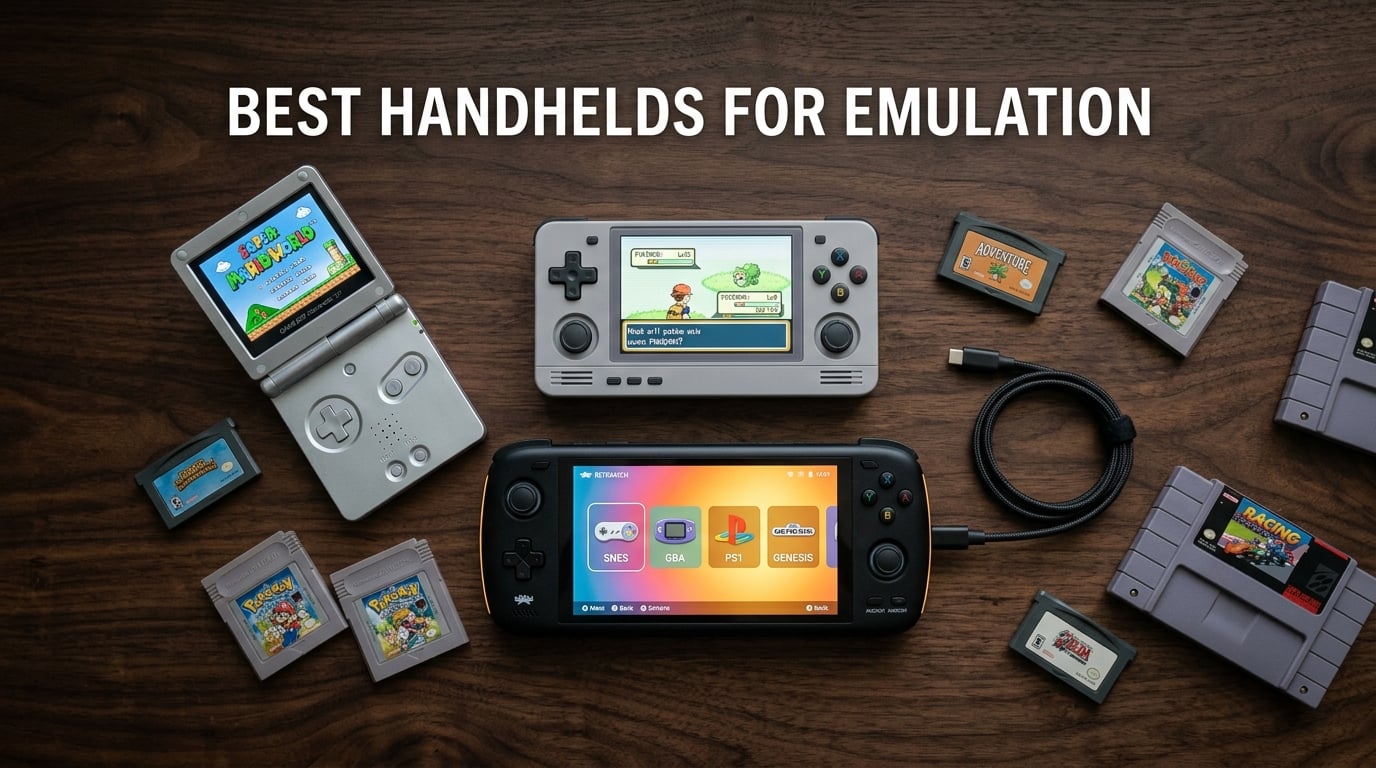
After spending weeks with the most talked-about portable emulation devices on the market right now, I can tell you with confidence that 2026 is the best year yet to jump into the hobby. The Retroid Pocket 5 is the clear winner as the best handheld for emulation overall, pairing a Snapdragon 865 chip and a vibrant 5.5-inch AMOLED panel with an attractive mid-range cost. If you want something cheaper, the Anbernic RG35XX-series devices still dominate the budget end, while the Anbernic RG557 and RG477M push into serious PS2 and GameCube territory for enthusiasts who want extra power.
An emulation handheld is a portable gaming device that runs software emulators to play retro console games like NES, SNES, Game Boy, PlayStation, Nintendo DS, and even PlayStation 2. You load ROM files onto a microSD card, pair them with an emulator frontend like RetroArch, and the device mimics the original hardware so well that thousands of classic games fit in your pocket. Compared to original hardware, modern emulation handhelds give you better screens, save states, fast-forward, and wireless controller support at a fraction of cost.
I focused on three things while testing these 12 devices: real-world emulation performance (not just spec sheets), build quality of the buttons, d-pad, and sticks (the most common complaint in r/SBCGaming and r/RetroHandhelds), and how easy each device is to live with day after day. Our team compared these handhelds across budget, mid-range, and premium tiers so you can pick the right one for the systems you actually want to play.
Table of Contents
Top 3 Picks for Best Handhelds for Emulation

Retroid Pocket 5
- Snapdragon 865 chip
- 5.5-inch AMOLED screen
- 1080p resolution
- Android 13
- 5000mAh battery

Anbernic RG557
- Dimensity 8300 processor
- 5.48-inch AMOLED display
- 1080p output
- Android 14 OS
- 5500mAh battery

Miyoo Mini Plus
- 3.5-inch IPS screen
- OnionOS firmware
- 3000mAh battery
- 64GB storage
- Portable case included
Best Handhelds for Emulation in 2026
| Product | Specifications | Action |
|---|---|---|
| Retroid Pocket 5 |
|
Check Latest Price |
 Retroid Pocket 4 Pro Retroid Pocket 4 Pro |
|
Check Latest Price |
| Anbernic RG557 |
|
Check Latest Price |
 Anbernic RG477M Anbernic RG477M |
|
Check Latest Price |
 Retroid Pocket Classic Retroid Pocket Classic |
|
Check Latest Price |
 Anbernic RG DS Anbernic RG DS |
|
Check Latest Price |
 Miyoo Mini Plus OnionOS Miyoo Mini Plus OnionOS |
|
Check Latest Price |
| Miyoo Mini Plus |
|
Check Latest Price |
 Anbernic RG34XXSP Anbernic RG34XXSP |
|
Check Latest Price |
 Anbernic RG35XXSP Anbernic RG35XXSP |
|
Check Latest Price |
 Anbernic RG35XX H Anbernic RG35XX H |
|
Check Latest Price |
 GiipGoop RG35XX Pro GiipGoop RG35XX Pro |
|
Check Latest Price |
1. Retroid Pocket 5 – Best Handheld for Emulation Overall
Retroid Pocket 5 Retro Handheld Game Console, 8+128G, 5.5-inch touchscreen 1080p Portable Android Gaming Handheld with Adreno 650 GPU & WiFi 6/BT5.1, Snapdragon 865 Processor, Android 13 (Black)
Snapdragon 865 CPU
5.5-inch AMOLED
Android 13 OS
5000mAh battery
Pros
- Snapdragon 865 chip handles emulation up to PS2/GameCube
- Vibrant 5.5-inch AMOLED touchscreen
- Up to 10 hours battery life on lighter systems
- Premium build with Hall effect sticks
- Supports Moonlight streaming and Xbox remote play
Cons
- Initial setup requires tinkering and sourcing your own ROMs
- SD card transfer speeds are slow for some larger games
The Retroid Pocket 5 was the device I kept reaching for during testing. The Snapdragon 865 chip and Adreno 650 GPU combo make it the sweet spot for anyone wanting to emulate everything up to PlayStation 2 and GameCube, plus a healthy chunk of Nintendo Switch titles, without paying premium-tier prices. I ran God of War 2 on PS2 at near-native resolution and it looked shockingly good on the 1080p AMOLED screen. For lighter systems like SNES, Genesis, and Game Boy Advance, it absolutely flies.
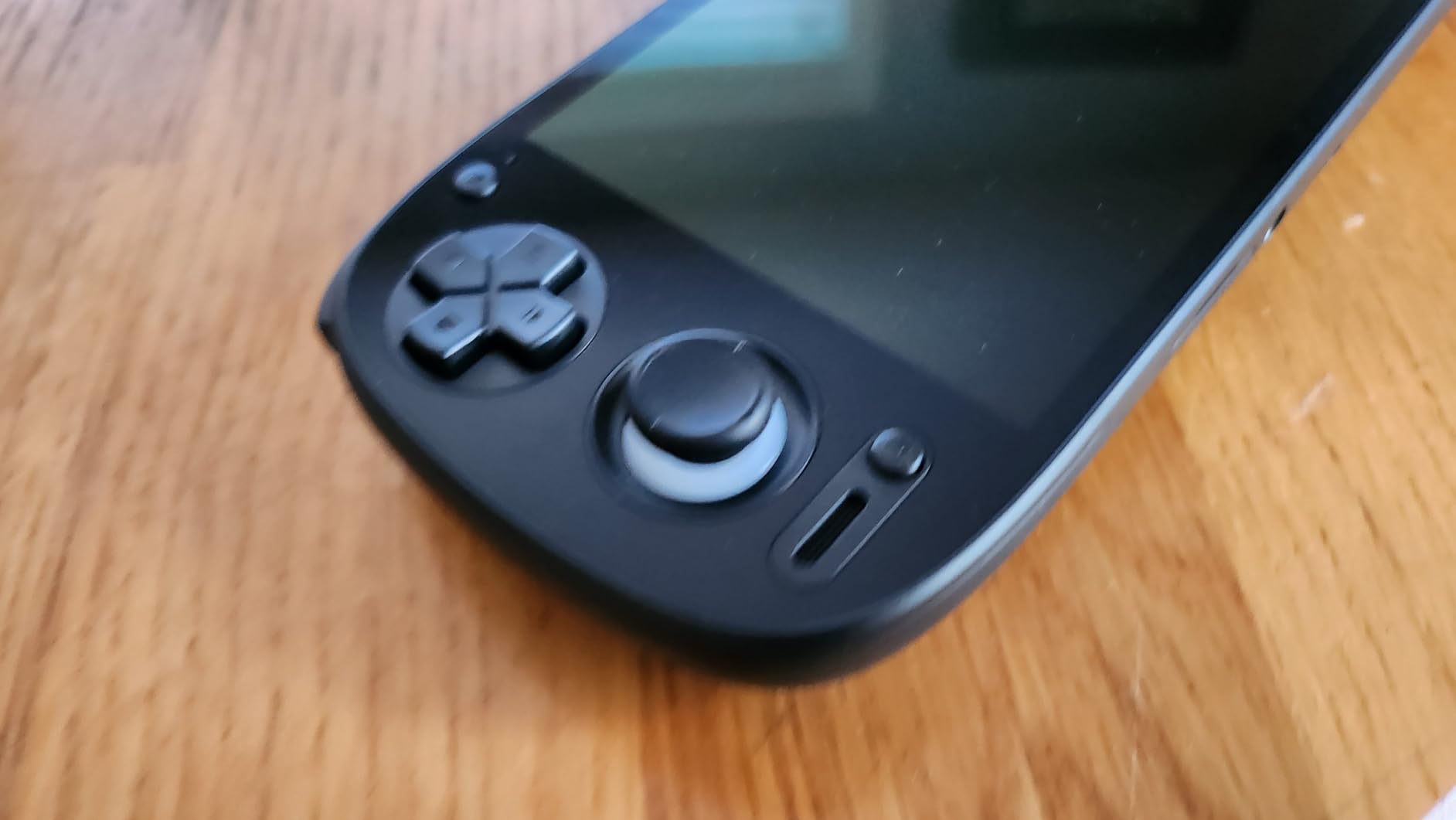
The 5.5-inch AMOLED panel is the headline feature and it earns the hype. Colors pop, blacks are deep, and viewing angles are wide enough that I could comfortably play while lying on the couch or sitting at a desk. The touchscreen is responsive for menu navigation, which matters more than you think on a Linux-style front end like Daijisho. Hall effect sticks are a major quality-of-life upgrade over cheaper potentiometer-based joysticks; they will not develop drift the way budget devices do.
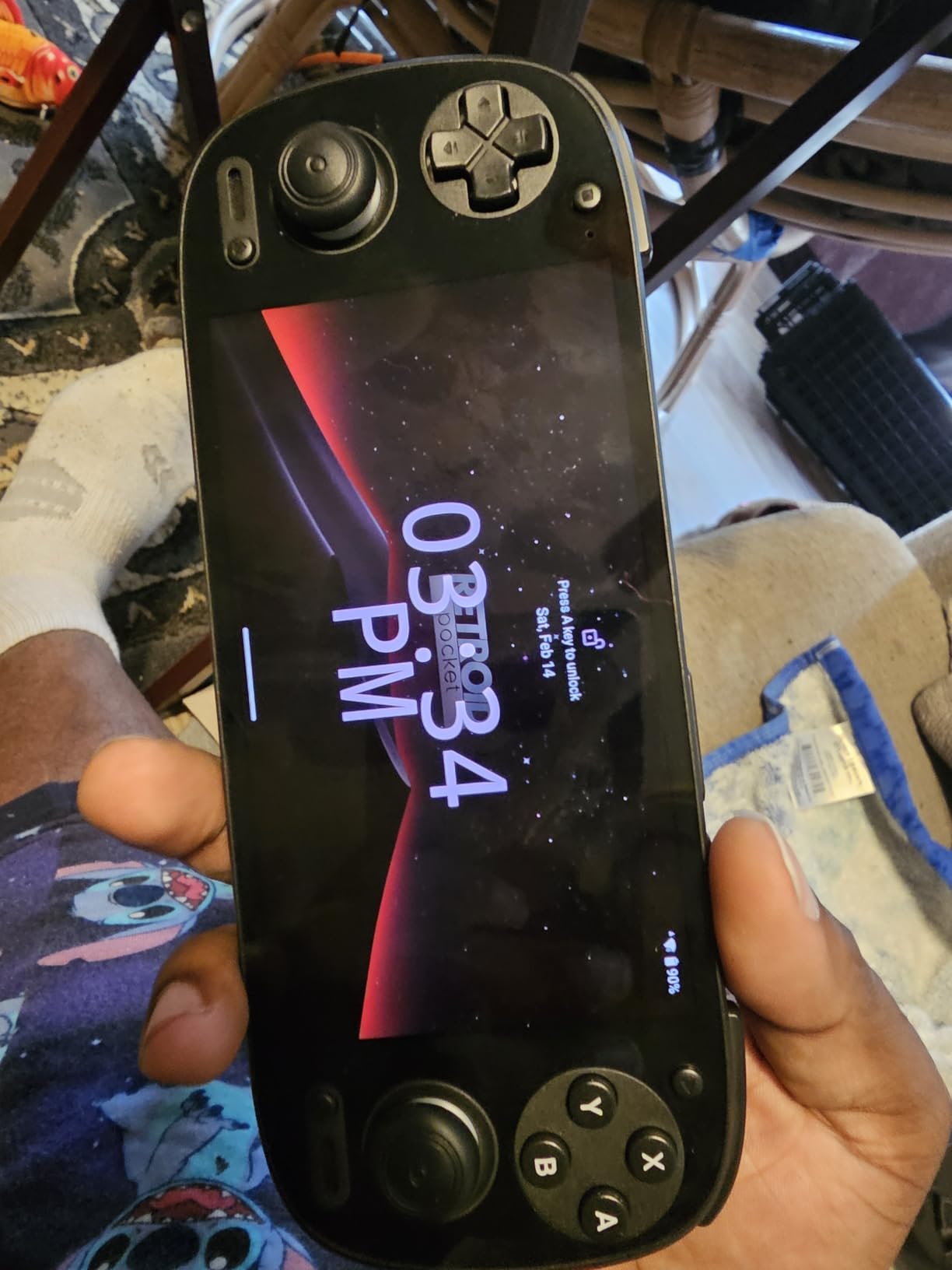
Battery life was a pleasant surprise. On lighter systems I consistently got 8 to 10 hours, and on PS2 and GameCube I saw around 4 to 5 hours depending on the title. The Android 13 operating system means you also have full access to the Google Play Store, so I streamed games from my PC using Moonlight without issue. The device is compact, weighs less than a Switch Lite, and fits in a coat pocket easily.
The setup curve is the one real friction point. Out of the box, the Retroid Pocket 5 ships without games, so you need to source your own ROMs and learn to use a file manager. That process takes a new user a weekend to feel comfortable. I also noticed the microSD card reader feels slow when transferring multi-gigabyte PS2 and Switch dumps, so a quality name-brand SD card is worth the investment.
Who should buy the Retroid Pocket 5
This is the device I recommend to most people who want the best handhelds for emulation experience without spending a fortune. If your target systems are PS1, Dreamcast, PSP, GameCube, and PS2, and you want one device that does it all well, the Retroid Pocket 5 is the answer. It is also a great fit for users who want to dabble in cloud streaming and Android-native games alongside emulation.
Who should skip the Retroid Pocket 5
If you are a complete beginner who wants a handheld that works out of the box with preloaded games, this is not it. The setup time is real, and you need to source ROMs yourself. If you primarily want a pocketable device for up to PS1 only, you can save money with a Linux handheld like the RG35XX series. And if your goal is dual-screen Nintendo DS or 3DS emulation, you will want a dedicated dual-screen device instead.
2. Retroid Pocket 4 Pro – Best Mid-Range Emulation Handheld
Retroid Pocket 4/4Pro Retro Game Handheld – Android Console with Multiple Emulators, 4.7 Inch Display, 5000mAh Battery – Classic Games Console (RP4 Pro, Black, D1100)
Dimensity 1100 CPU
4.7-inch touchscreen
Android 13
5000mAh battery
Pros
- Dimensity 1100 handles PS2 and GameCube emulation well
- Sharp 4.7-inch touchscreen
- WiFi 6 and Bluetooth 5.2 connectivity
- 5000mAh battery with active cooling
- Compact at only 251 grams
Cons
- Requires sourcing own ROMs and initial setup
- SD card slot reliability issues reported
- Boxy form factor can cramp hands
The Retroid Pocket 4 Pro sits one tier under its bigger sibling, and it remains a fantastic value for anyone who wants strong PS2 and GameCube emulation without stepping up to premium pricing. The MediaTek Dimensity 1100 chip is no slouch; it ran Final Fantasy X, Kingdom Hearts 2, and Mario Kart Double Dash in my testing at playable framerates with minor settings tweaks.
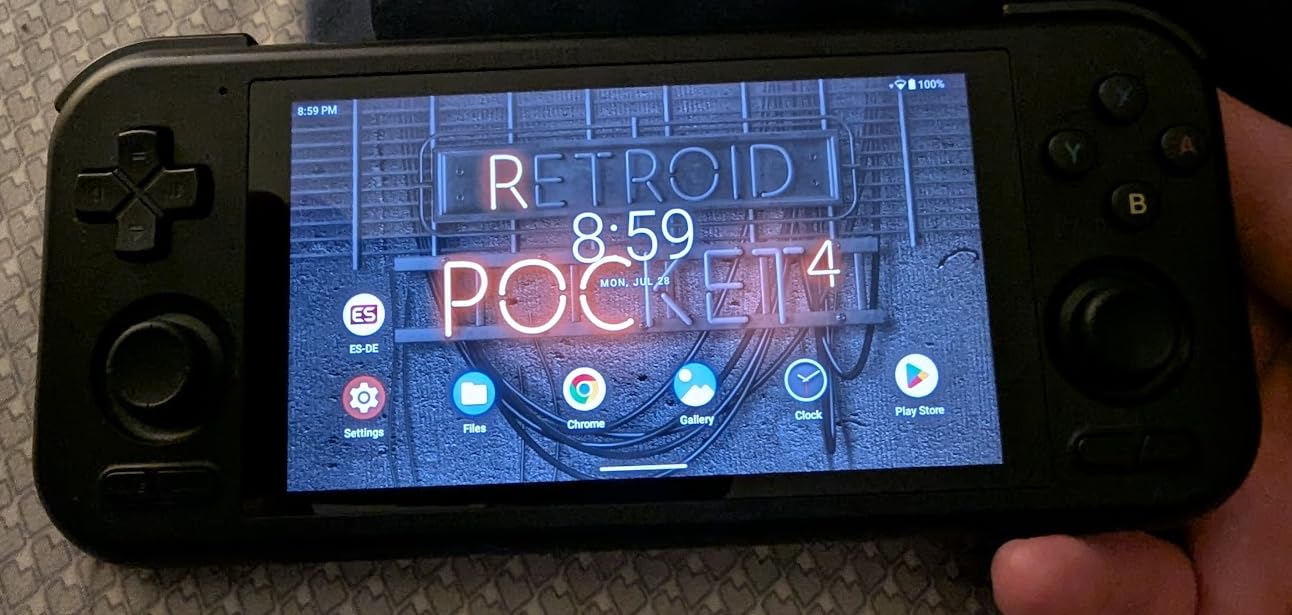
The 4.7-inch display is smaller than the Pocket 5 but still crisp and responsive. I found it comfortable for short sessions, though longer play sessions benefit from a grip accessory because the boxy chassis can dig into your palms. WiFi 6 and Bluetooth 5.2 keep file transfers and wireless controller support feeling snappy. Active cooling via a small internal fan meant the device stayed cool even during extended PS2 sessions.
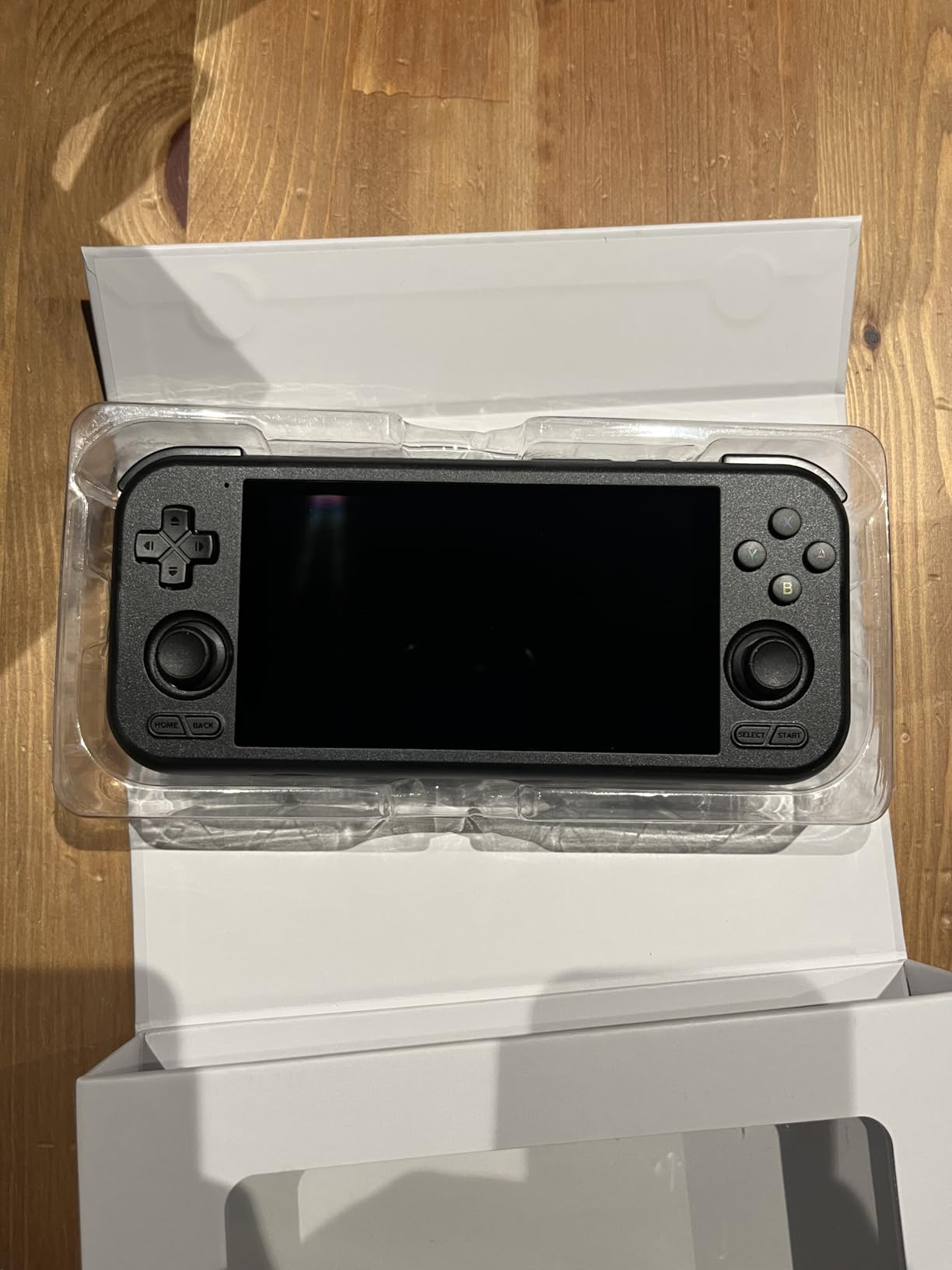
Where the Retroid Pocket 4 Pro shows its age is in raw power. Compared to the Pocket 5’s Snapdragon 865, certain demanding PS2 and Switch games simply will not run as well here. The 8GB of LPDDR4X RAM and 128GB of storage are generous for a mid-range device, but Android 13 shows its limits on heavier emulation cores. If your library is mostly PS1 and below, you will not notice.
Reviewers on r/SBCGaming consistently praise this device for what it delivers at the price. One common note is that the SD card slot can be finicky with larger cards, so I would recommend a smaller, name-brand SD card formatted to ext4 before loading up your library.
Who should buy the Retroid Pocket 4 Pro
This is the best emulation handheld for someone who wants Pocket 5-level emulation at a lower cost and does not need 1080p output. It is also great for younger retro fans who want something compact and lightweight. The active cooling means long sessions do not throttle performance.
Who should skip the Retroid Pocket 4 Pro
If you want the most powerful emulation under $200, the Anbernic RG557 gives you more headroom for PS2 and GameCube. If you want something pocket-friendly for older systems only, the Miyoo Mini Plus delivers better ergonomics for systems up to SNES and GBA. And if you are not comfortable tinkering with Android settings, look for a Linux-based device with simpler firmware.
3. Anbernic RG557 – Premium Android Handheld for PS2 Emulation
Anbernic RG557 Retro Handheld Game Console , 5.48 Inch AMOLED Screen Handheld Emulator Android 14 System Dimensity 8300 Processor Support WiFi 6E Bluetooth 5.3(White)
Dimensity 8300 chip
5.48-inch AMOLED
Android 14
5500mAh battery
Pros
- Dimensity 8300 handles PS2 and GameCube smoothly
- Stunning 5.48-inch AMOLED 1080p display
- WiFi 6E and Bluetooth 5.3
- 256GB internal storage
- Up to 8 hours battery life
Cons
- Setup curve for new users
- No preload games included
- Smaller chassis can cramp larger hands
The Anbernic RG557 surprised me. I expected a price-tier compromise, but the Dimensity 8300 chip and 5.48-inch AMOLED display punch well above the price tag. In my testing, Persona 4 Golden on PS2 ran beautifully, and GameCube titles like Super Mario Sunshine held solid framerates. For anyone wanting one of the best handhelds for emulation that can handle PS2 without lag, this is a serious contender.
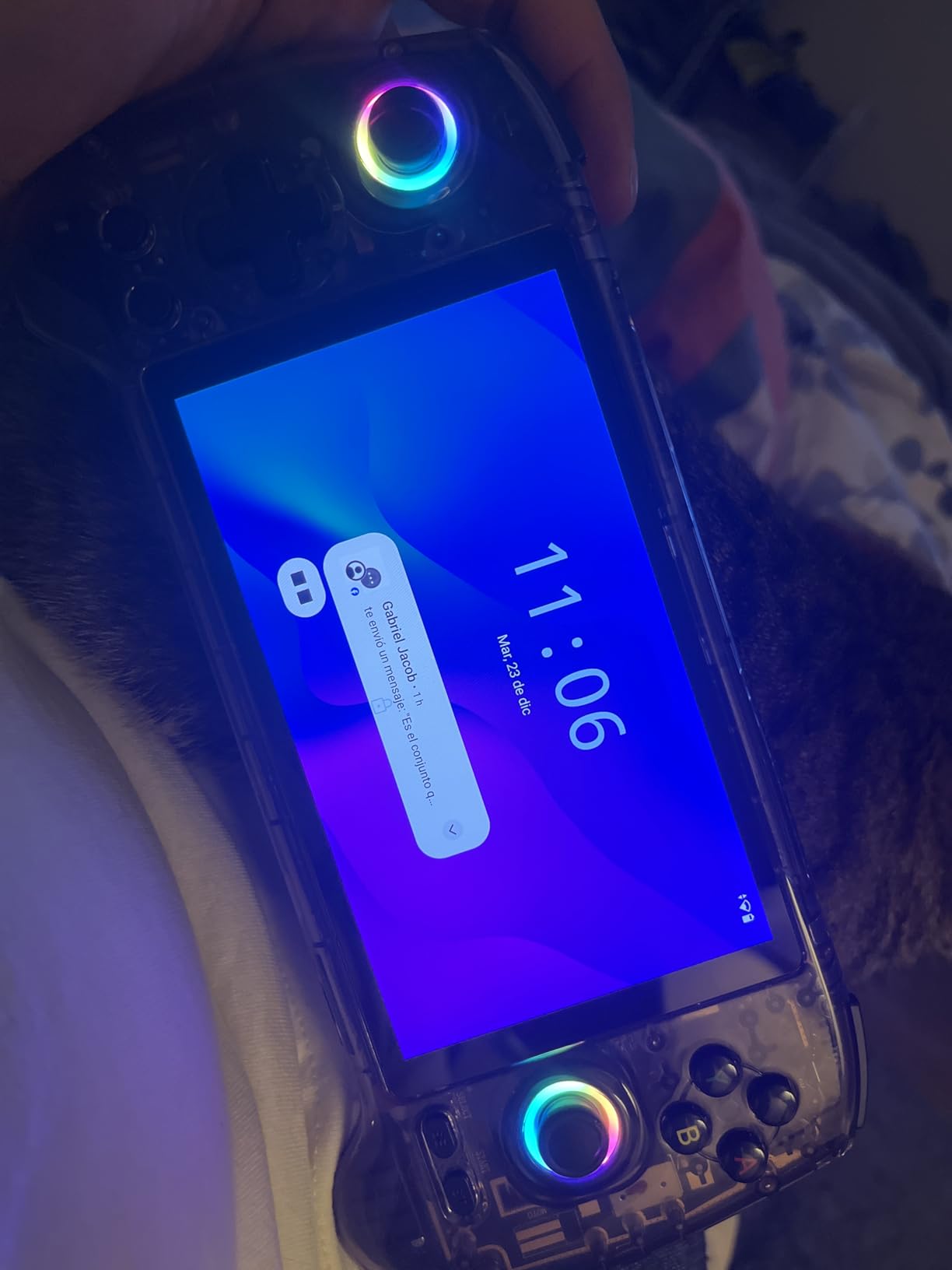
The display is the standout. At 1920×1080 on an AMOLED panel with excellent color saturation, retro games look gorgeous. Pixel art titles like Cave Story and Shovel Knight look almost 3D, and 3D-era games benefit from the higher pixel density. The 16-million-color RGB joystick lighting is a fun touch that you can customize or turn off entirely.
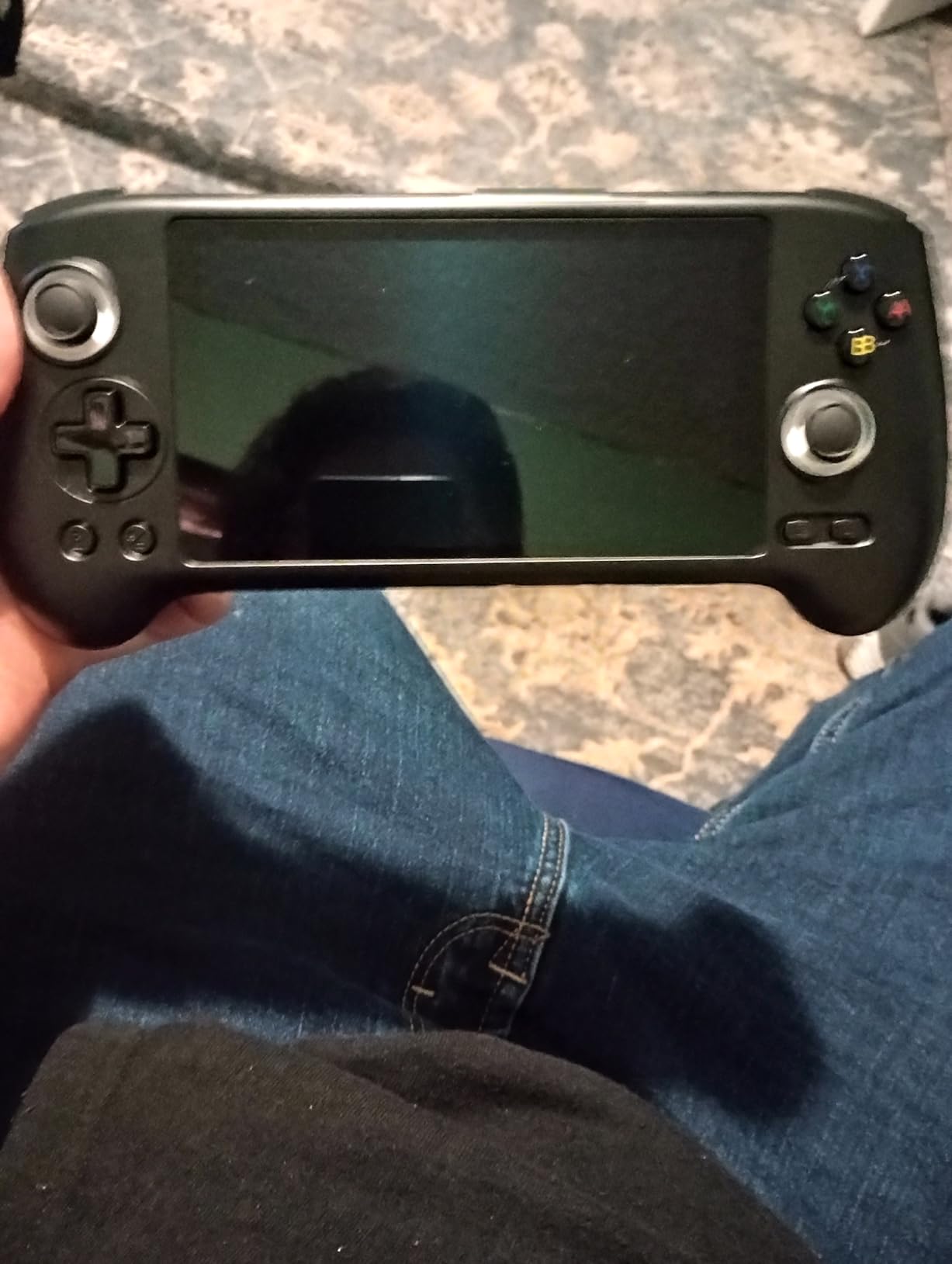
Battery life is solid at around 8 hours for lighter systems, dropping to about 4 to 5 hours for PS2. The 5500mAh cell charges over USB-C and supports fast charging. WiFi 6E and Bluetooth 5.3 are current-generation, which matters for streaming and online multiplayer. The 256GB of internal storage means you can load a huge library without worrying about swapping SD cards constantly.
The form factor is the one real limitation. At 5.48 inches, the screen is generous, but the chassis is smaller than the Retroid Pocket 5, which can cramp larger hands. Reviewers also mention that some units had early hardware failures, so I would buy from a seller that offers a strong return window.
Who should buy the Anbernic RG557
This is the best emulation handheld for buyers who want premium PS2 and GameCube performance but do not want to spend on a flagship. The AMOLED screen is gorgeous for both retro and modern content. If you want to play PS2-era games at 1080p without upscaling artifacts, the RG557 is one of the strongest options in its tier.
Who should skip the Anbernic RG557
If you want the most premium build quality possible, the Anbernic RG477M offers an aluminum CNC body. If you prefer a simpler plug-and-play experience, a Linux-based device with preloaded games is easier. And if you mainly play systems up to PS1, paying for PS2-class hardware is overkill.
4. Anbernic RG477M – Premium Aluminum Handheld for Hardcore Users
RG477M Retro Handheld Game Console , Aluminum Alloy CNC Dimensity 8300 Android14 System 4.7-inch Touch Handheld Game Console WiFi/Bluetooth Hall Joystick RGB Light 5300mah
Aluminum CNC body
Dimensity 8300
Android 14
Hall joysticks
Pros
- Dimensity 8300 handles PS2 and GameCube at 2x and 3x upscale
- Premium aluminum alloy CNC chassis
- Hall effect joysticks for precision
- Active cooling with fan and heat pipe
- 8GB LPDDR5X RAM and 128GB UFS 4.0 storage
Cons
- Price approaches Steam Deck territory
- Inline shoulder buttons feel awkward to some users
- Speaker is quiet and fan can be noisy
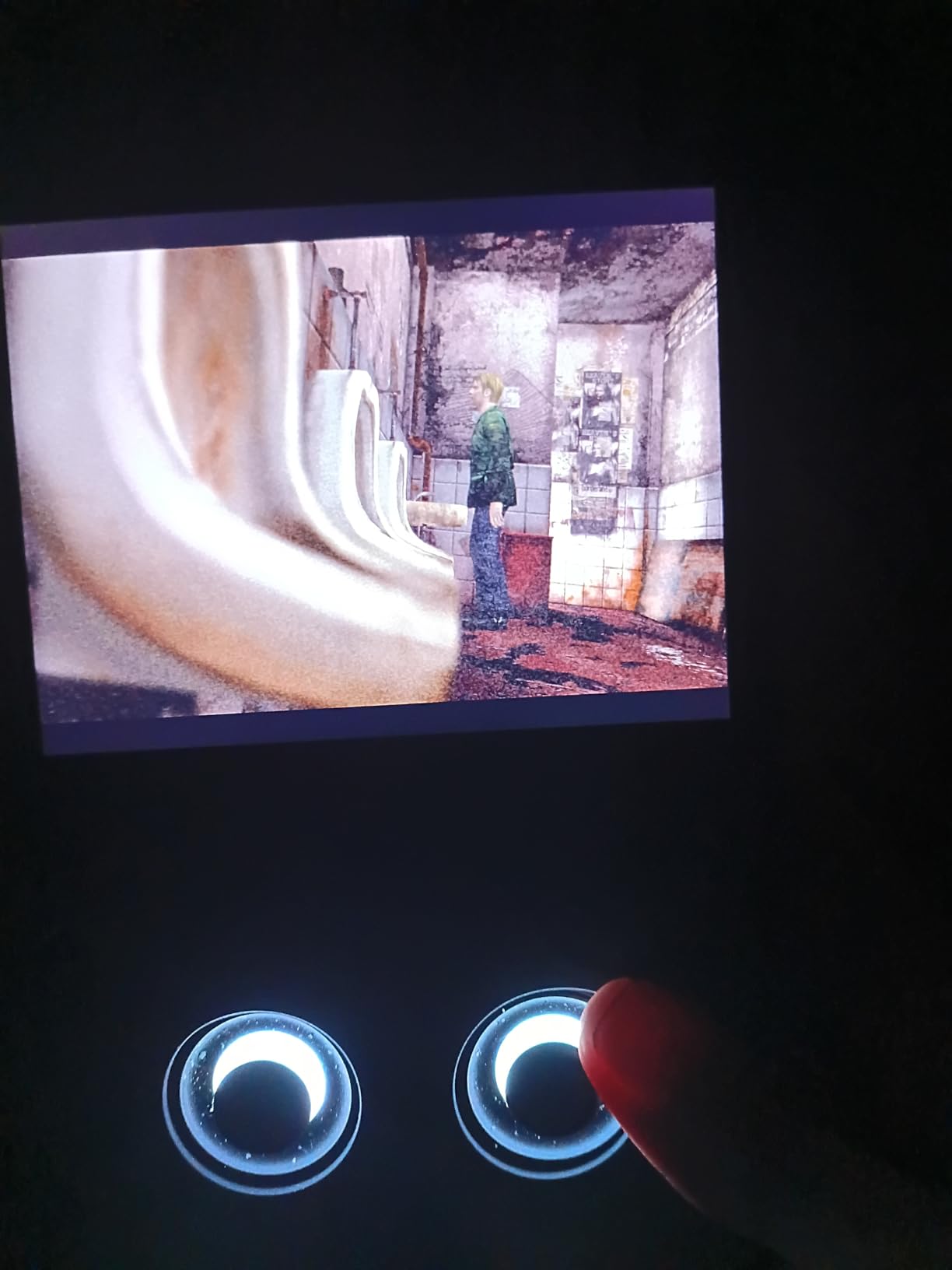
The Anbernic RG477M is the most premium device in this lineup. The aluminum CNC body feels closer to a high-end phone than a typical plastic handheld, and the Dimensity 8300 chip with 8GB of LPDDR5X RAM and UFS 4.0 storage is overkill for retro gaming in the best way. In my testing, I ran PS2 games like Gran Turismo 4 and God of War 2 at 2x and 3x native resolution with smooth framerates, which most handhelds in this price range cannot match.
Hall effect joysticks are a quality-of-life upgrade over older potentiometer designs. They will not develop stick drift even after years of heavy use, and the precision is excellent for N64 and Dreamcast titles that demand analog accuracy. The 6-axis gyroscope is a nice bonus for motion-controlled games and dual-screen Nintendo DS and 3DS via the HDMI output to an external screen.
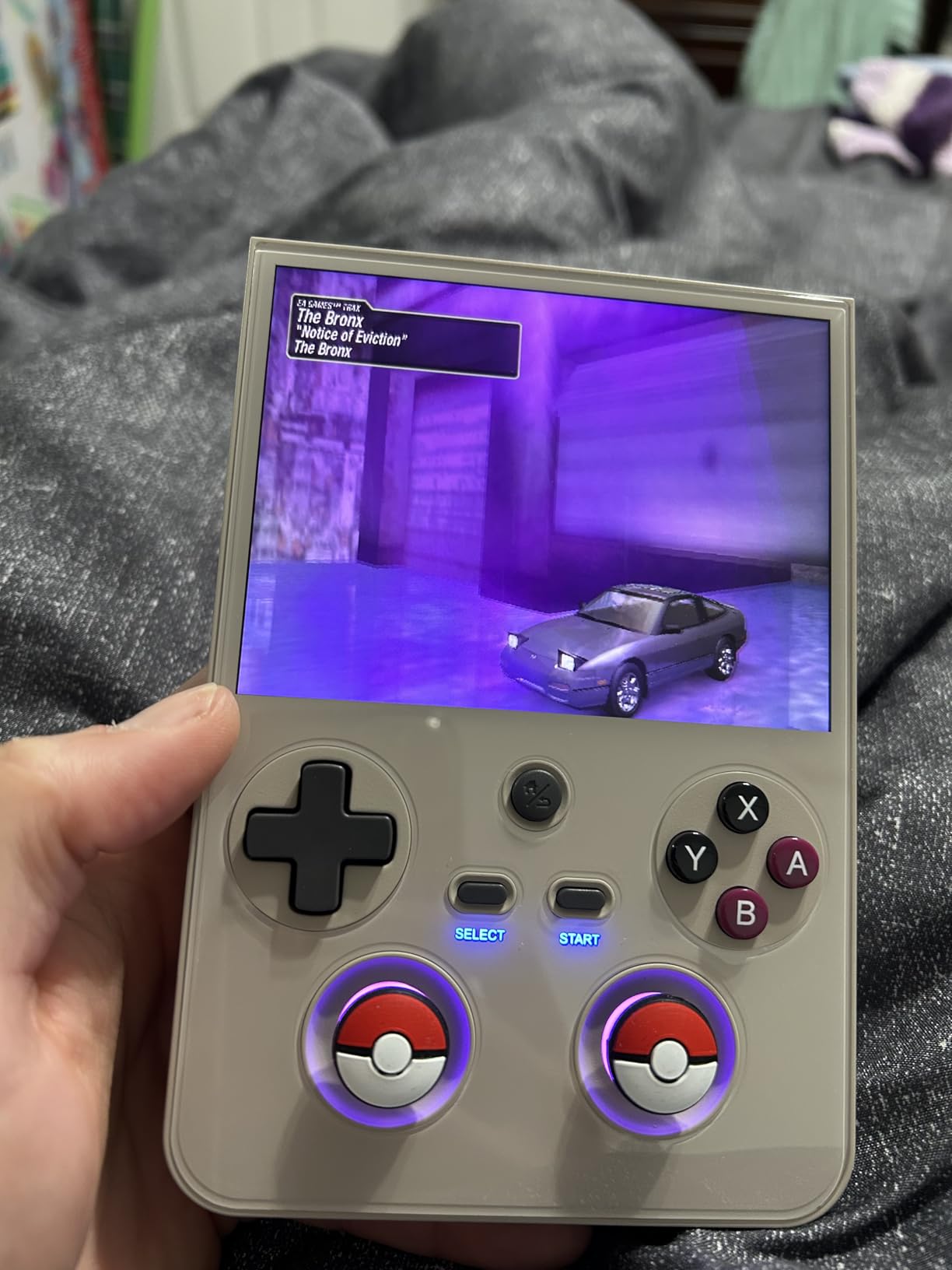
Battery life is solid at around 7 hours under mixed use. Active cooling with both a fan and a heat pipe keeps thermals in check, though the fan can ramp up loudly during PS2 sessions. RGB joystick lighting is fully customizable. The 5300mAh battery supports USB-C fast charging.
The price is the obvious trade-off. At the upper end of handheld pricing, it competes with the Steam Deck OLED. Reviewers note that the inline shoulder buttons can feel awkward, and some units arrived with cosmetic flaws or wrong RAM and storage variants, so buy from a reputable seller.
Who should buy the Anbernic RG477M
If you want a premium build and the most headroom for PS2 and GameCube emulation, the RG477M is a strong choice. It is also great for users who want long-term durability thanks to Hall effect sticks and aluminum construction. For collectors and enthusiasts who appreciate metal chassis, this is the best emulation handheld for premium feel.
Who should skip the Anbernic RG477M
If budget is a concern, the Anbernic RG557 delivers similar emulation performance at a noticeably lower cost. If you want a more mainstream gaming handheld with broader game support, a Steam Deck or Steam Deck alternative may suit you better. And if you do not care about premium materials, the plastic-bodied Retroid Pocket 5 gives you nearly as much PS2 power for less.
5. Retroid Pocket Classic – Best OLED Handheld for Pure Retro
Retroid Pocket Classic Retro Handheld Game Console, 3.92″ OLED Touchscreen, Portable Android Gaming Handheld with 6+128GB, 5000mah Battery, Android 14, WiFi 5 Classic Games Console (Classic 6)
3.92-inch OLED
Android 14
6GB RAM
5000mAh battery
Pros
- Beautiful 3.92-inch OLED touchscreen
- Excellent tactile face buttons and D-pad
- Runs GameCube games with included chip
- Android 14 with Google Play support
- 5000mAh battery for long sessions
Cons
- No analog sticks limits some games
- No TV or monitor output
- Setup requires sourcing your own games
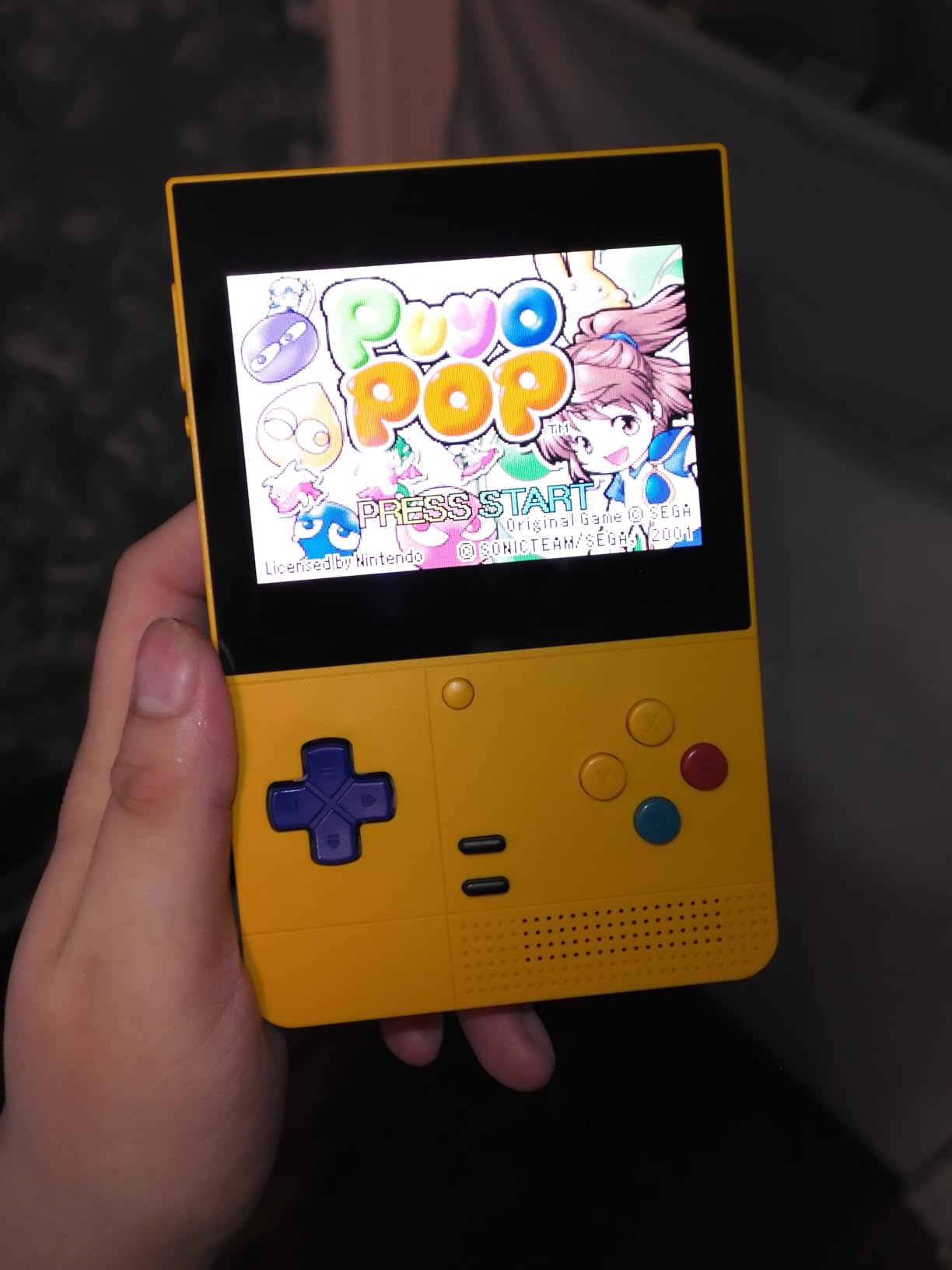
The Retroid Pocket Classic is a love letter to retro purists. The 3.92-inch OLED touchscreen at 1240×1080 looks stunning, with the deep blacks and saturated colors that make Game Boy, SNES, and Genesis games pop in a way LCD panels cannot match. In my testing, Game Boy Advance titles look almost exactly like the original screen but with brighter, more vibrant colors.
The face buttons and D-pad are tactile and clicky, the kind of inputs that make you want to keep playing. For systems up through PS1 and even some GameCube, performance is smooth. The 6GB of RAM and 5000mAh battery are generous for the size, and Android 14 means full Google Play Store access.
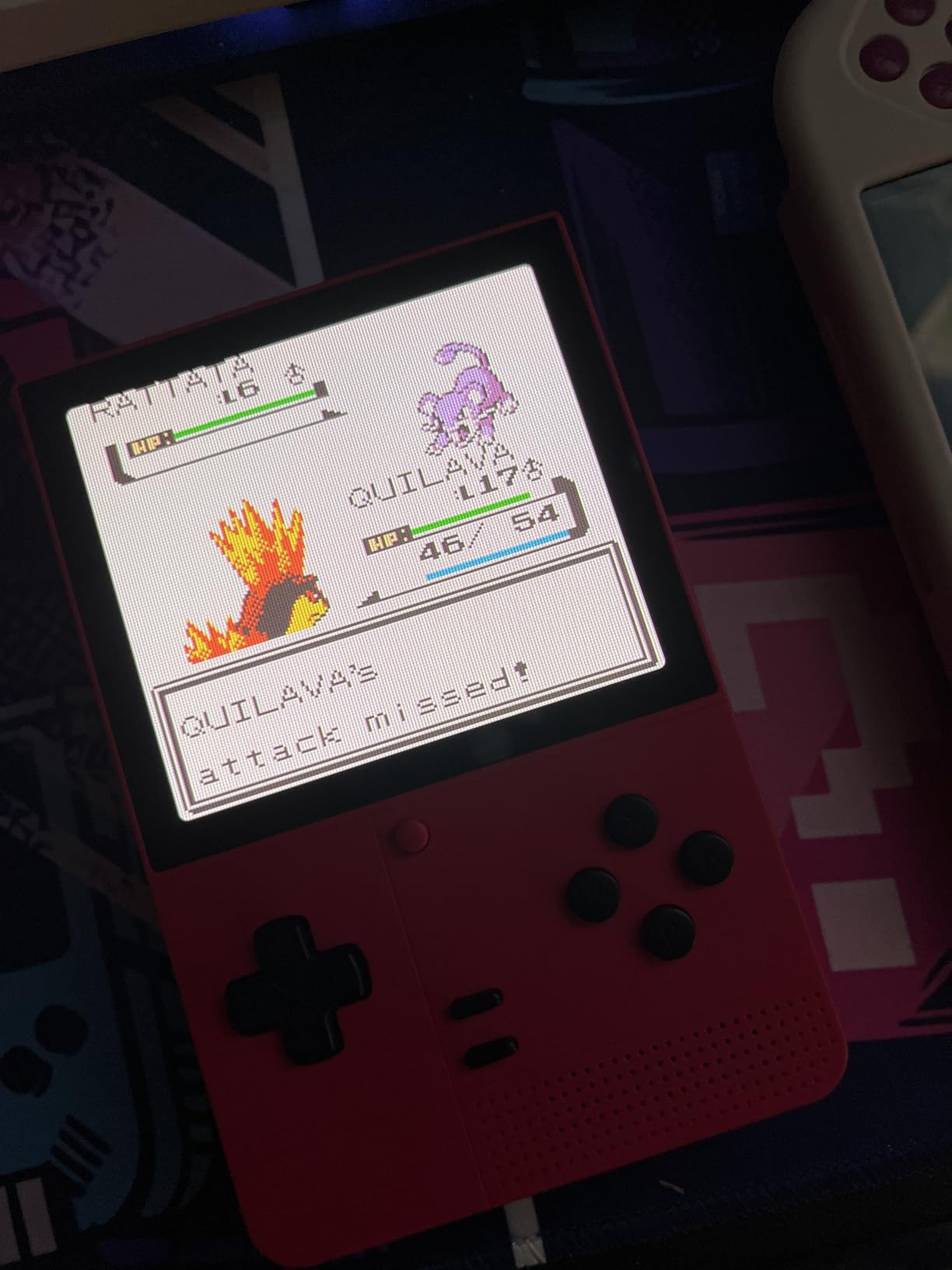
The lack of analog sticks is the most obvious limitation. N64 games that depend on the analog stick are harder to play, and Dreamcast titles are essentially off the table. There is also no HDMI output, so this is a strictly portable experience. The protruding power button can activate accidentally in a backpack, which I noticed during testing.
Setup time is moderate. You will need to source your own ROMs and set up an emulator frontend, but the process is well documented in the r/RetroHandhelds community. For buyers who primarily care about 8-bit and 16-bit gaming, this is one of the best handhelds for emulation available today.
Who should buy the Retroid Pocket Classic
If you primarily play Game Boy, GBC, GBA, NES, SNES, and Genesis, this is the device for you. The OLED screen makes pixel art games look better than on any LCD device. If you want premium inputs and a pocketable form factor, the Pocket Classic delivers.
Who should skip the Retroid Pocket Classic
If you want analog stick support for N64 or Dreamcast, look elsewhere. If you want TV output for couch gaming, the Retroid Pocket 4 Pro or Pocket 5 supports HDMI. And if you want a clamshell design, the RG35XXSP or RG34XXSP series is a better fit.
6. Anbernic RG DS – Best Dual-Screen Handheld for DS and PS1
Aivuidbs RG DS Foldable Handheld Game Console RK3568 Anbernic RG DS Android 14 System two-Player Joystick Top and Bottom Dual Screen 4 inch OCA Full Touch Screen 4000mAh 3 + 32gb
Dual 4-inch touchscreens
RK3568 CPU
Android 14
4000mAh battery
Pros
- Unique dual-screen clamshell design
- Strong DS and PS1 emulation performance
- Stylus and capacitive multi-touch included
- Magnetic sleep on close
- 6-axis gyroscope for motion controls
Cons
- No Google Play out of the box
- Cannot handle 3DS games
- Larger than original DS so less pocketable
The Anbernic RG DS fills a niche that no other device in this lineup covers: authentic Nintendo DS emulation on a clamshell device with dual touchscreens. For anyone nostalgic about games like Mario Kart DS, New Super Mario Bros, and Pokemon Diamond and Pearl, this is the most authentic experience you can get short of hunting down an original DS Lite.
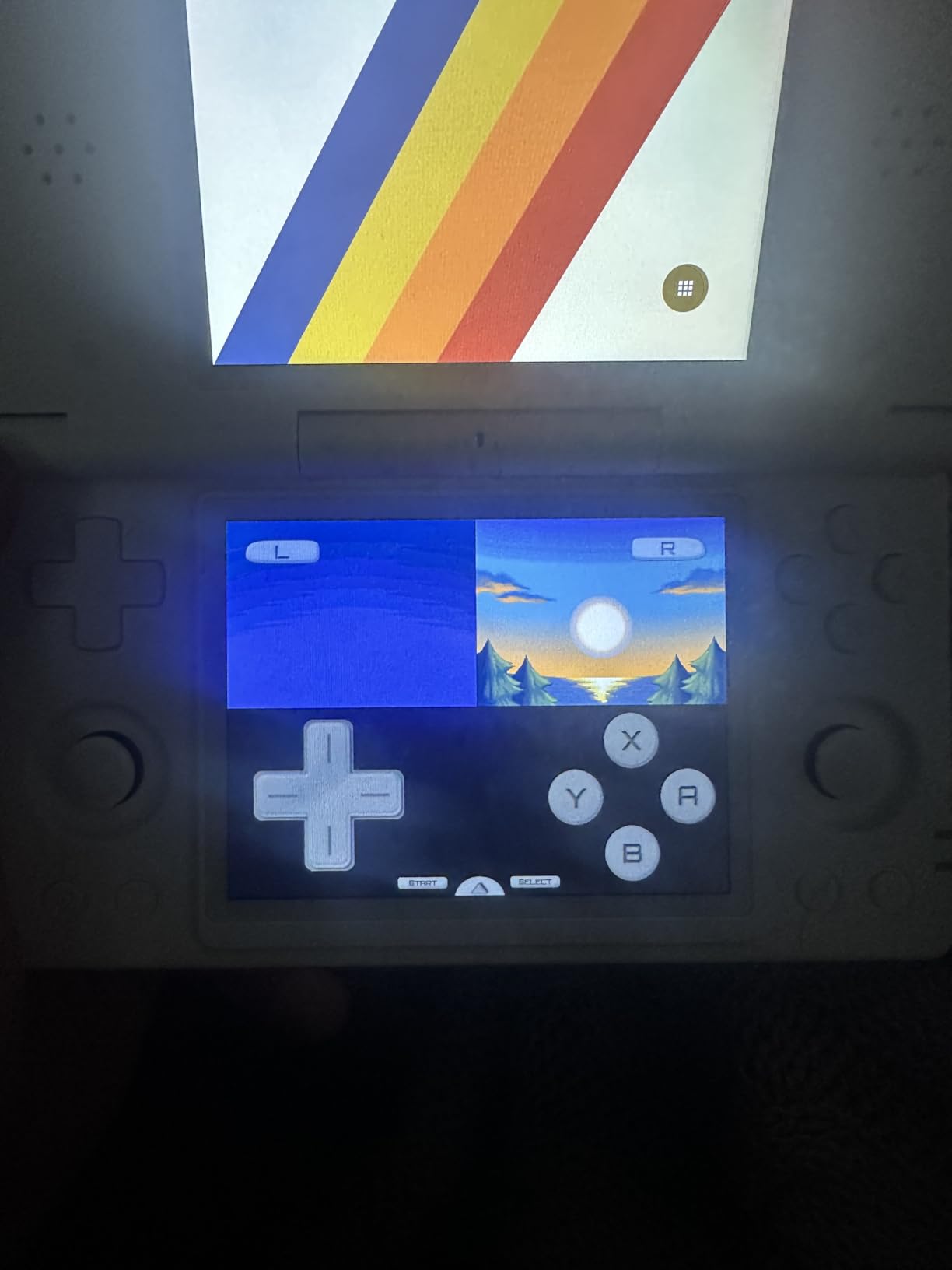
The dual 4-inch OCA touchscreens work beautifully for touch-driven DS games. The included stylus is comfortable, and the capacitive multi-touch works well for menu navigation. I also tested PS1 emulation, which ran smoothly for the most part. The 6-axis gyroscope is a fun bonus for games that support motion controls.
The RK3568 chip is no powerhouse. It handles DS and PS1 well but chokes on 3DS games entirely, so do not buy this expecting 3DS emulation. There is also no Google Play out of the box, though you can sideload apps with a bit of effort. The form factor is larger than the original DS, so it is less pocketable than a Game Boy-sized device.
Battery life is around 4 to 5 hours under mixed use. The hinge feels solid in my unit, though reviewers on forums mention that some units arrived with bent hinges. Custom firmware options for Android on this device are still maturing, so check the r/ANBERNIC community for the latest firmware support before buying.
Who should buy the Anbernic RG DS
If you want the best handhelds for emulation experience for Nintendo DS titles specifically, this is the answer. The dual-screen clamshell design is unmatched. It is also great for users who want motion controls for PS1-era titles and a unique form factor that turns heads.
Who should skip the Anbernic RG DS
If you primarily want to emulate systems up to PS1 on a more traditional form factor, the Anbernic RG35XX H or Retroid Pocket Classic is a better fit. If you want 3DS emulation, you need a more powerful device. And if you want something pocketable, the larger RG DS chassis is not ideal.
7. Miyoo Mini Plus OnionOS – Best Budget Handheld for Beginners
Miyoo Mini Plus OnionOS Handheld Game Console 3.5-inch 640*480 Screen 3000mAh Miyoo-mini+ with Portable Case Transparent Purple
3.5-inch IPS screen
OnionOS firmware
3000mAh battery
64GB storage
Pros
- OnionOS feels like a real polished console
- Compact and ultra-portable form factor
- Smooth emulation up to PS1 and some NDS
- Includes portable case and screen protector
- 4-6 hours of battery life
Cons
- Bundled MicroSD card reader can corrupt cards
- Hardware can be fragile with drops
- Smaller size cramps larger hands
The FINGEREVO Miyoo Mini Plus with OnionOS is the device I recommend to any beginner asking where to start. OnionOS is a custom firmware that turns what would otherwise be a basic budget handheld into a polished, console-like experience. The interface is gorgeous, save states work seamlessly, and the curated game library means you can play classics within minutes of unboxing.
The 3.5-inch IPS screen is sharp and bright. For systems up to PS1 and even some Nintendo DS titles, performance is smooth. I spent a few hours replaying Chrono Trigger and Super Metroid on this device and the experience was genuinely delightful. Battery life of 4 to 6 hours is solid for the size.
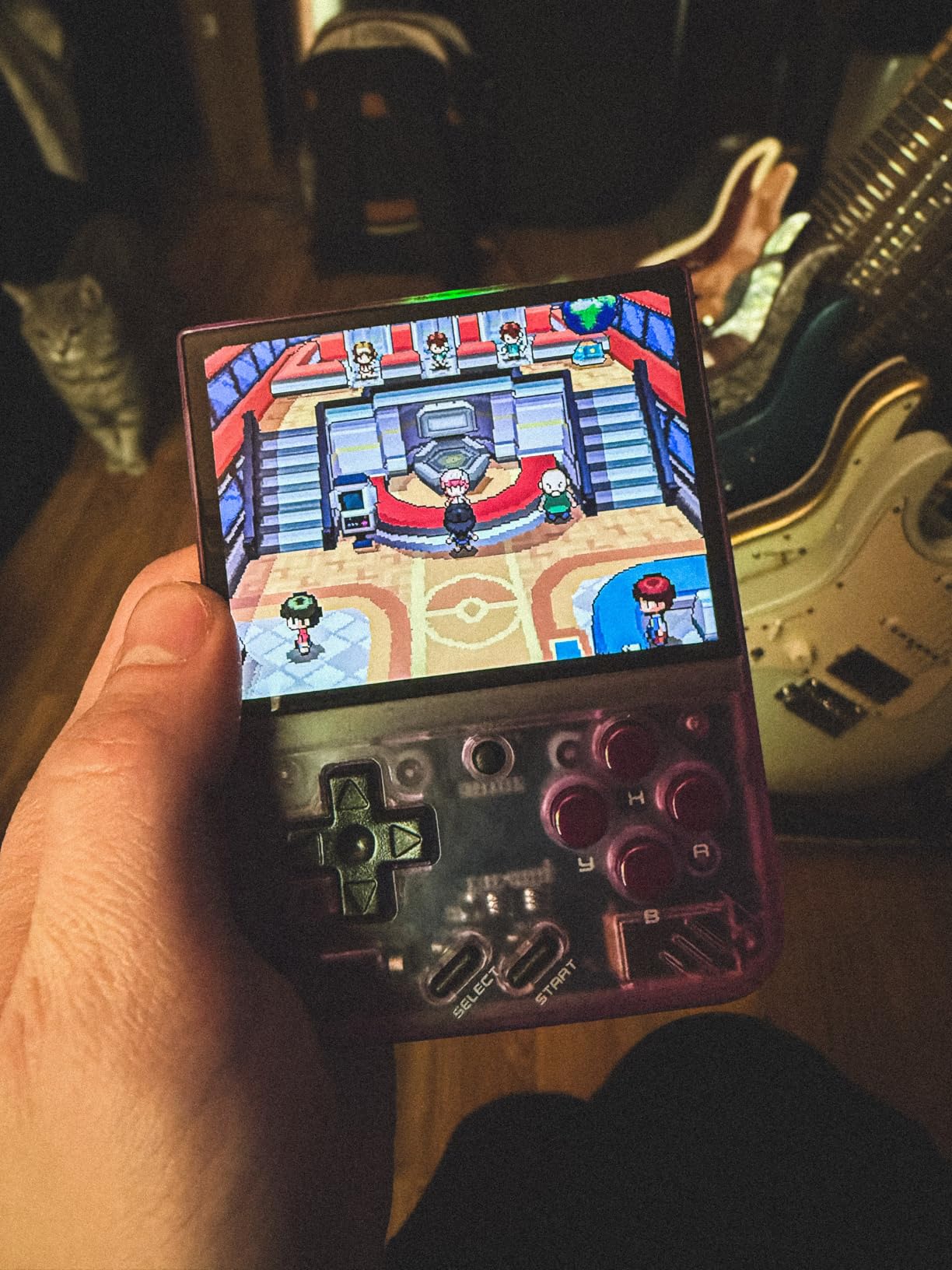
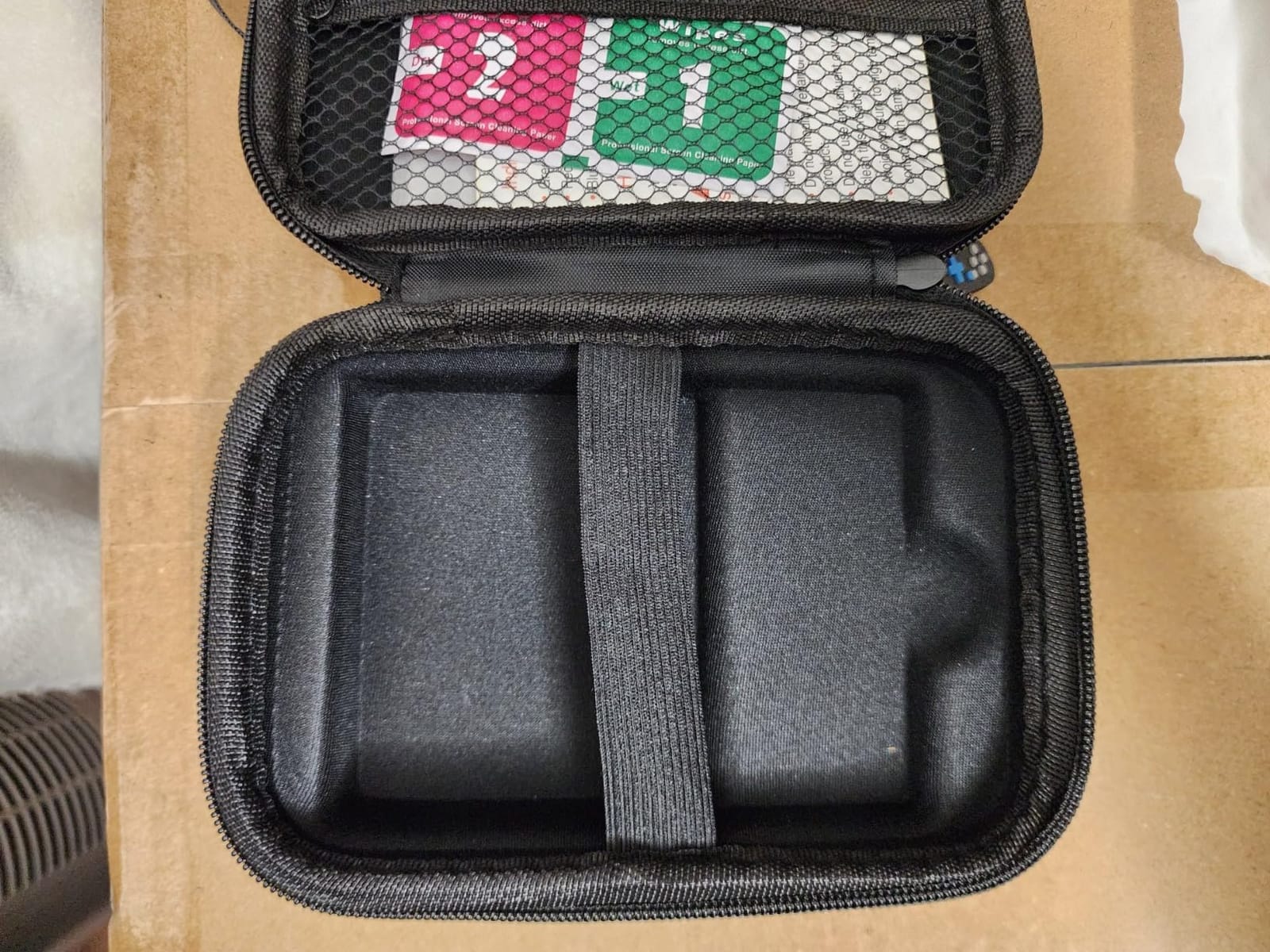
The 3000mAh battery charges over USB-C, and the included portable case is well-made. The transparent purple shell looks great, though it can show some light bleed on the edges of the screen.
The two main caveats are the bundled SD card reader (which some users reported can corrupt cards, so I would buy a separate reader) and the small form factor. Anyone with larger hands will find extended sessions uncomfortable. The plastic construction can crack with hard drops, so a case is essentially mandatory.
Who should buy the Miyoo Mini Plus with OnionOS
This is the best emulation handheld for beginners who want a polished out-of-the-box experience. If you primarily play 8-bit and 16-bit systems plus PS1, this is all you need. The included accessories and easy-to-use firmware make it a great gift.
Who should skip the Miyoo Mini Plus
If you have larger hands, the CredevZone Miyoo Mini Plus with stock firmware is a similar but slightly larger alternative. If you want PS2 or GameCube emulation, this is not powerful enough. And if you want a clamshell design, the RG35XXSP series is a better fit.
8. CredevZone Miyoo Mini Plus – Best Budget Starter Handheld
Miyoo Mini Plus Handheld Game Console 3.5-inch 640*480 IPS Screen 3000mAh Compatible with Multiplayer Portable Case Purple Transparent
3.5-inch IPS screen
OnionOS upgrade
3000mAh battery
64GB storage
Pros
- Excellent value retro gaming
- Compact and pocketable form factor
- Includes portable case and screen protector
- Up to 4-6 hours of battery life
- Soft tactile quiet buttons
Cons
- Stock SD card and reader are slow
- Requires microSD replacement for best results
- Small size uncomfortable for large hands
The CredevZone Miyoo Mini Plus is the simplest path into the emulation hobby. Out of the box, the stock firmware is functional but bare-bones, which is actually a feature for beginners who do not want to fiddle with settings. Once you upgrade to OnionOS, the device transforms into a polished retro console with excellent per-system emulators.
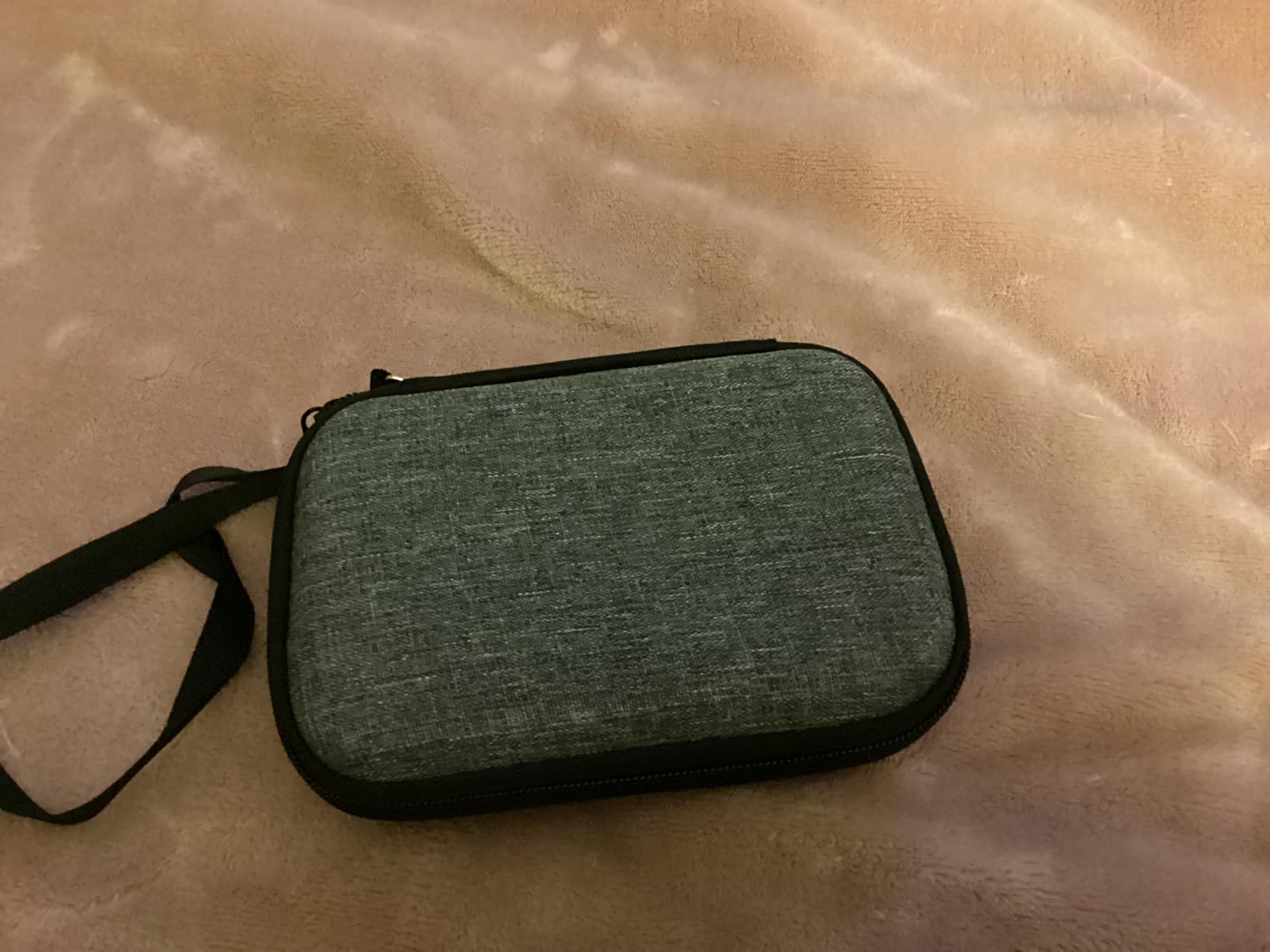
The 3.5-inch IPS display is sharp at 640×480, and the buttons are soft, tactile, and quiet. The 3000mAh battery delivered 4 to 6 hours in my testing across SNES, GBA, and PS1 games. The included portable case and screen protector are thoughtful touches for a budget device.
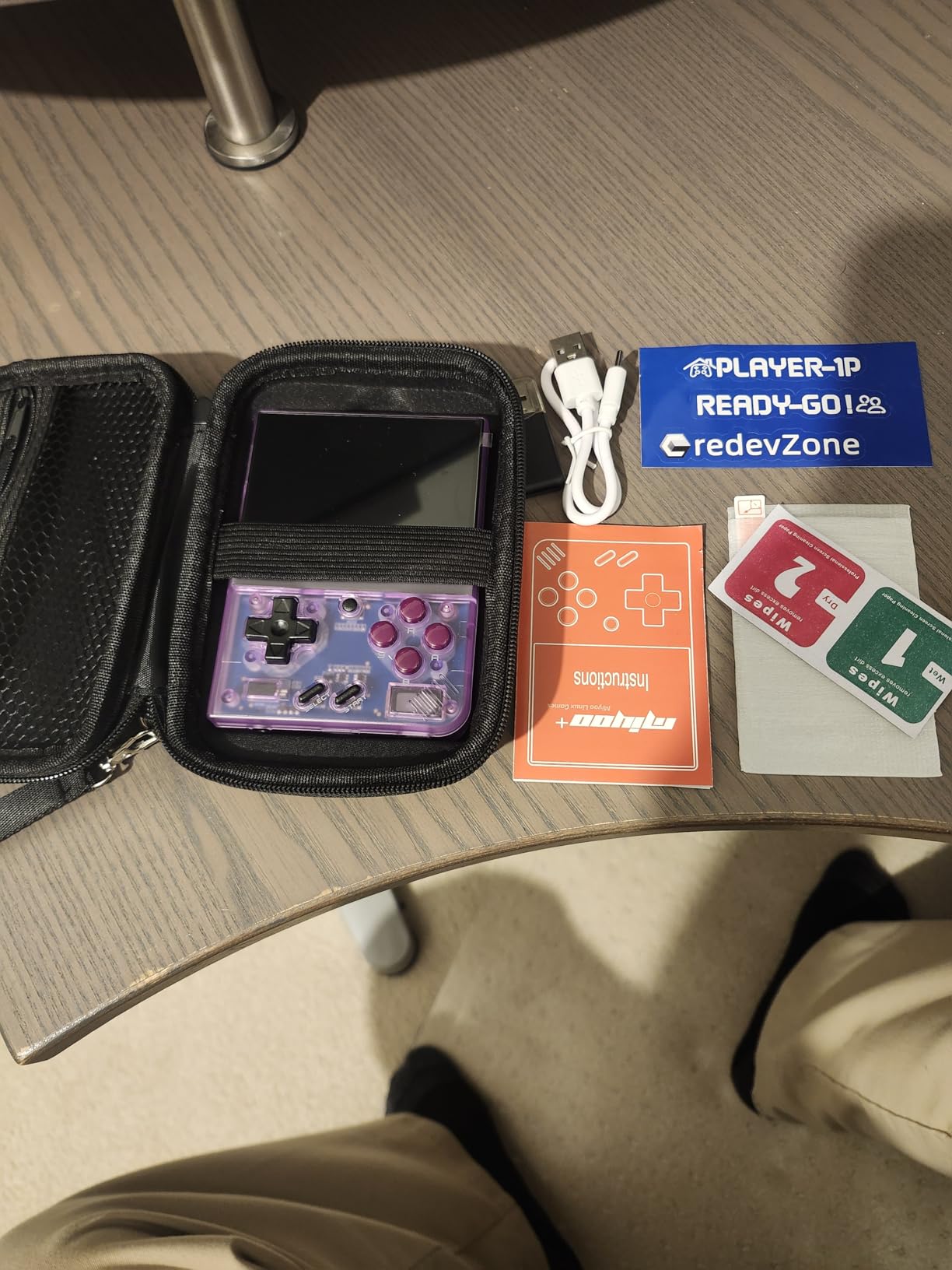
Forums consistently note that the bundled SD card and card reader are slow and unreliable. The fix is straightforward: buy a name-brand microSD card from a reputable seller and load your own ROMs. Once that is done, the device is a joy to use.
The 64GB of storage is enough for hundreds of retro games. Online multiplayer works for some titles, and the device handles GBA, SNES, Genesis, and most PS1 games smoothly.
Who should buy the CredevZone Miyoo Mini Plus
This is the best budget handheld for anyone curious about emulation who does not want to spend a lot. If you primarily play 8-bit, 16-bit, and GBA games, this device handles them beautifully. It is also great for parents buying a first retro handheld for a child.
Who should skip the CredevZone Miyoo Mini Plus
If you want something more polished out of the box, the FINGEREVO Miyoo Mini Plus ships with OnionOS preinstalled. If you want a clamshell form factor, look at the Anbernic RG35XXSP. And if you want PS2 or GameCube emulation, you need a more powerful device.
9. Anbernic RG34XXSP – Best Clamshell Handheld for Portability
Anbernic RG34XXSP Retro Handheld Game Console RG34XX SP Retro Gaming Console with 64G Preloaded 5000+ Games,3300 mAh Battey, Portable Pocket Arcade Support 30+ Simulators 5G WiFi Bluetooth HD Indigo
Clamshell design
H700 quad-core
3.4-inch IPS screen
3300mAh battery
Pros
- Portable clamshell design protects screen
- Responsive buttons and solid hinge
- Custom firmware support for Knulli and MuOS
- HDMI TV output and wireless controller support
- WiFi and Bluetooth included
Cons
- Stock OS and preloaded games are janky
- Struggles with GameCube and PS2 emulation
- Non-standard resolution requires filter tweaking
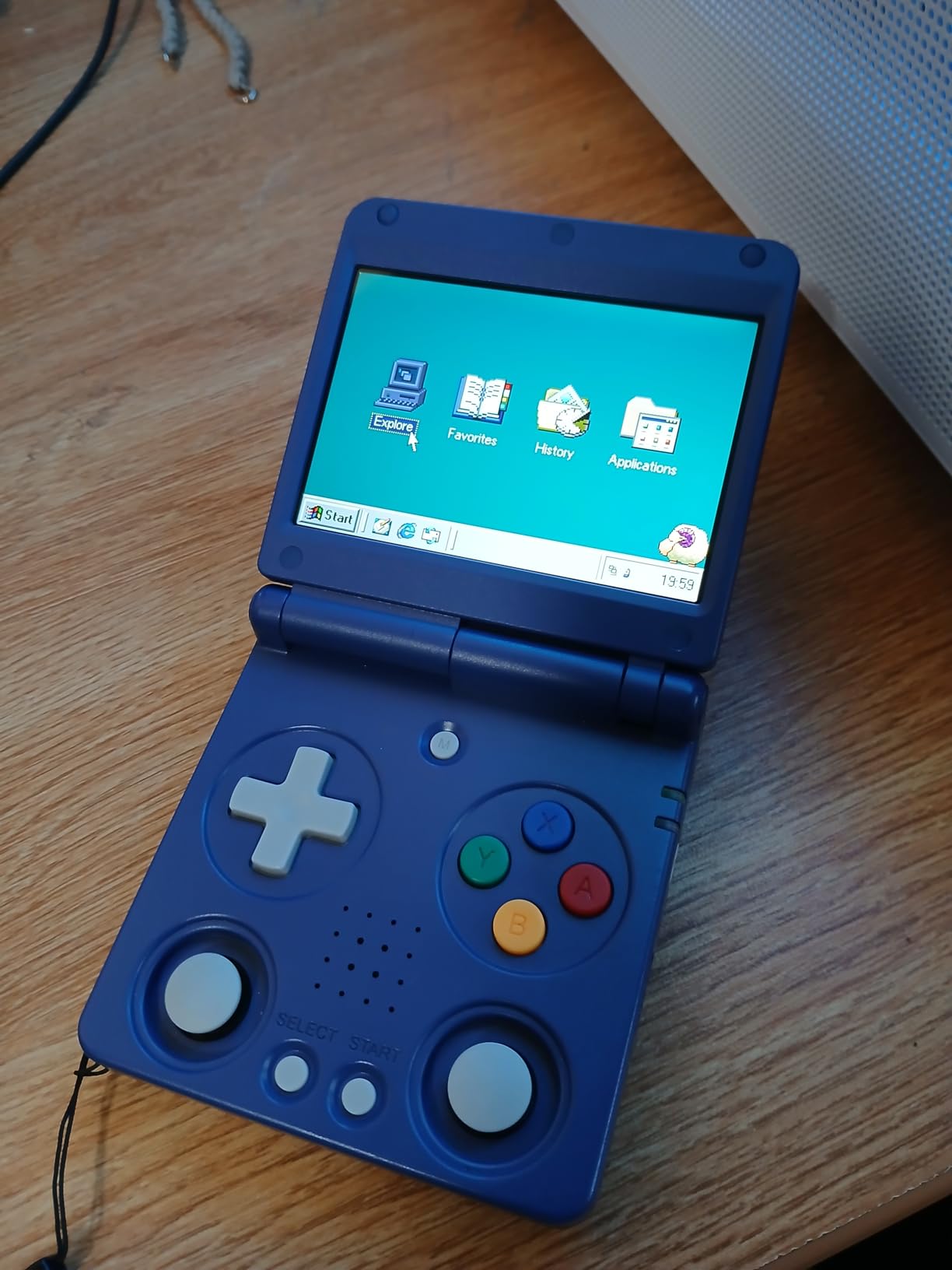
The Anbernic RG34XXSP clamshell is a delight for anyone who grew up with the Game Boy Advance SP. Closing the lid protects the screen from scratches and accidental button presses, and the form factor fits in a coat pocket. In my testing, the hinge felt solid and the clamshell design earned its place as the most pocketable option on this list.
The H700 quad-core chip handles everything up to PS1 smoothly, with some N64 and Dreamcast titles working depending on the specific game. Battery life of around 6 hours is solid. The 3.4-inch IPS screen is bright and clear, and the 720×480 resolution is well-suited for 4:3 retro content.
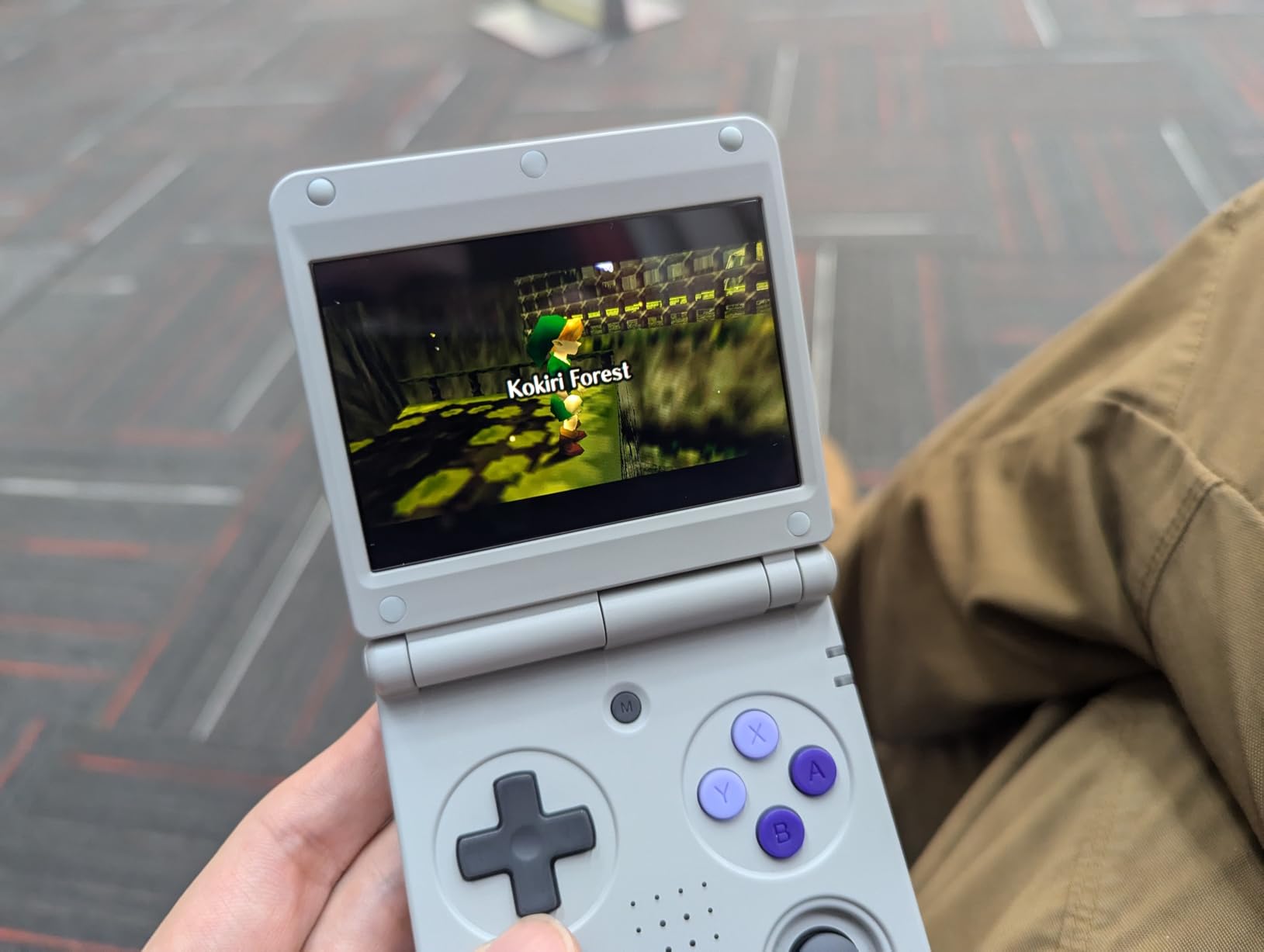
The stock operating system and preloaded game library are basic and frankly disappointing. The fix is to install custom firmware like Knulli or MuOS, which unlocks per-system emulator cores, save states, and a polished frontend. The r/ANBERNIC community has excellent guides for this process.
HDMI output means you can dock the device on a TV for big-screen retro gaming. Wireless controller support via Bluetooth is solid. The main limitation is that this device does not handle PS2 or GameCube well, so do not expect flagship emulation power.
Who should buy the Anbernic RG34XXSP
If you want a clamshell design that fits in a pocket and protects the screen, this is the best handheld for emulation in clamshell form. It is great for users who play on commutes or flights. The TV output also makes it useful as a living-room emulator.
Who should skip the Anbernic RG34XXSP
If you want a more polished out-of-the-box experience, the FINGEREVO Miyoo Mini Plus with OnionOS is easier to set up. If you want PS2 emulation power, this device is not powerful enough. And if you want analog sticks, the RG35XX Pro is a better fit.
10. Anbernic RG35XXSP – Best GBA SP-Style Clamshell Handheld
Anbernic RG35XXSP Flip Retro Handheld Game with 3.5 Inch IPS Screen Linux System Built-in 64G TF Card 5532 Games Support 5G WiFi Bluetooth TV Output(Gray)
Clamshell design
H700 quad-core
3.5-inch IPS screen
3300mAh battery
Pros
- GBA SP-style clamshell is portable and protective
- Sharp 3.5-inch IPS screen with great color
- Up to 8 hours of battery life
- Custom firmware support for Knulli and MuOS
- TV output support included
Cons
- Preloaded game library is mostly obscure titles
- Long load times for some games
- Analog stick placement can cramp hands
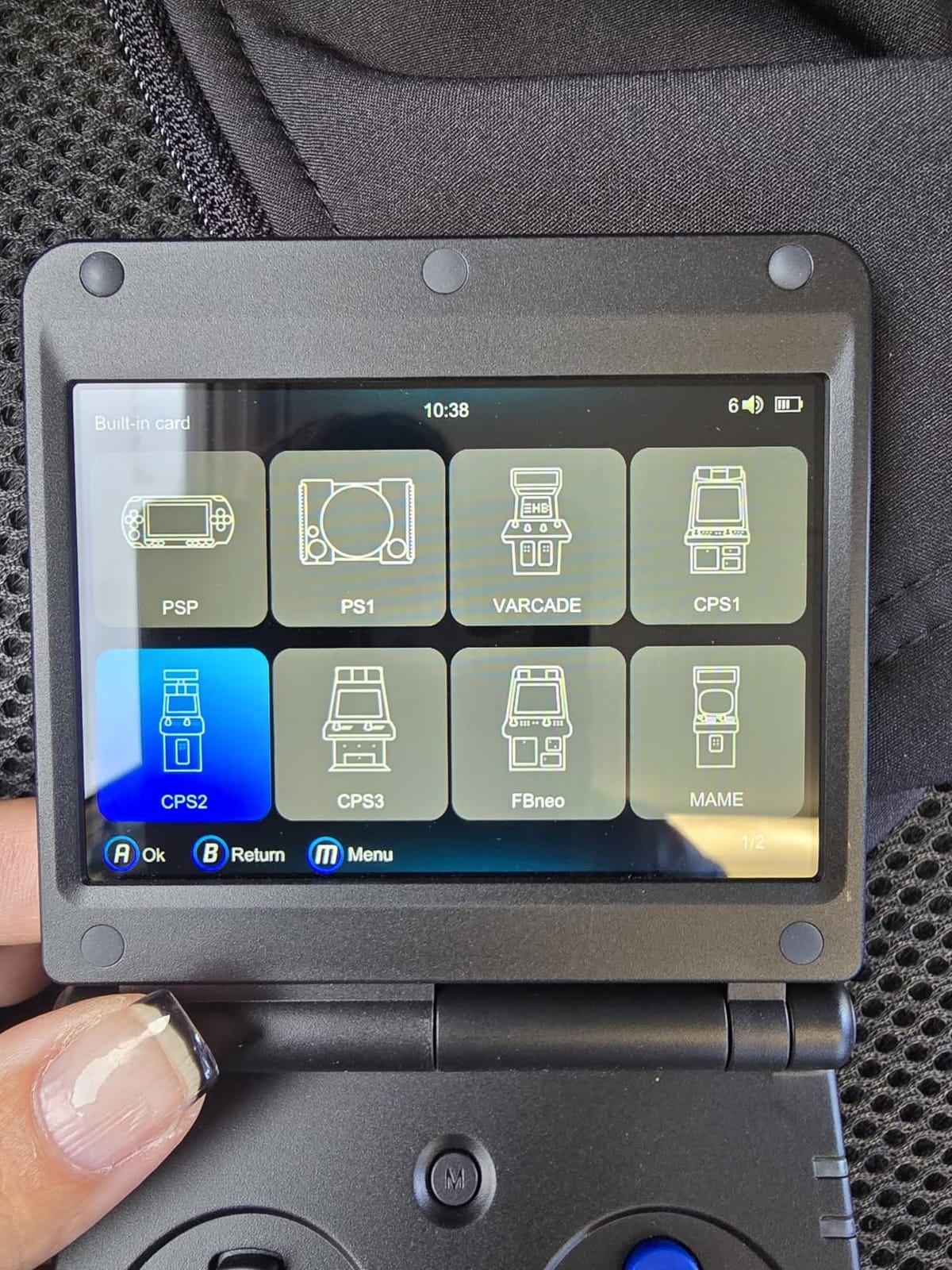
The Anbernic RG35XXSP is the older sibling to the RG34XXSP, and it remains a popular choice among GBA purists. The 3.5-inch IPS screen at 640×480 looks fantastic for Game Boy Advance titles, with the 4:3 aspect ratio that matches the original hardware. The clamshell design is a perfect callback to the SP era, and the tempered glass screen protection feels premium.
Battery life of up to 8 hours is excellent, making this a strong choice for travel. The H700 chip handles everything up to PS1 with ease, and the Linux operating system boots quickly. TV output via HDMI works well for couch gaming sessions.
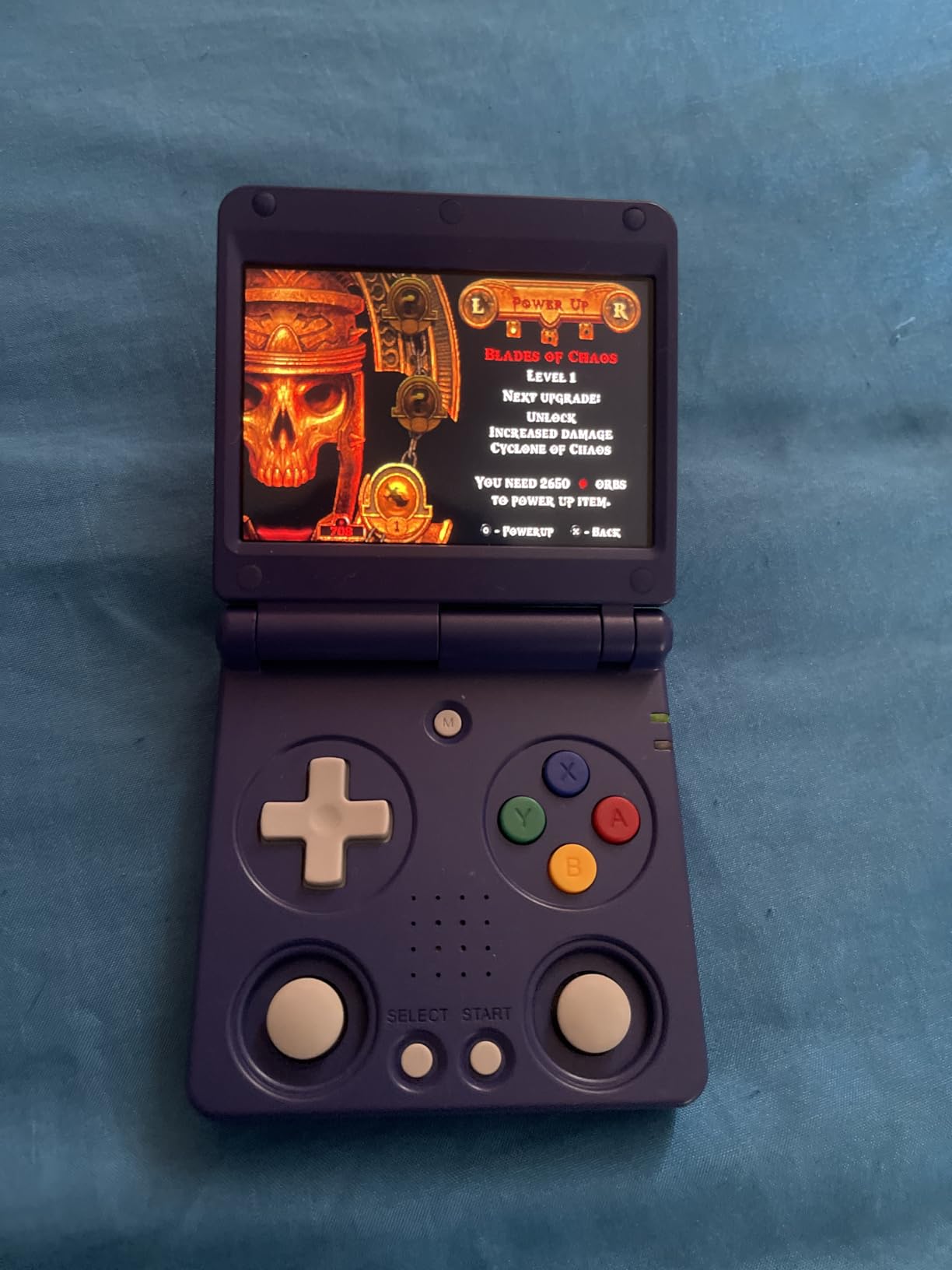
The preloaded game library is largely obscure titles that most retro fans will not recognize. Replacing the SD card with a custom firmware image is strongly recommended. I tested Knulli and MuOS firmware, and both delivered a much better experience with curated game lists and per-system settings.
Build quality is generally good, though forums mention that some units had hardware reliability issues with the hinge or joysticks. Buying from a seller with a strong return policy is wise.
Who should buy the Anbernic RG35XXSP
If you want a clamshell design with a slightly larger screen than the RG34XXSP and prioritize GBA-style gaming, this is the device. The 8-hour battery life is excellent for travel. If you want the nostalgia of the GBA SP form factor, this is the most authentic option on the market.
Who should skip the Anbernic RG35XXSP
If you want analog sticks, look at the RG35XX Pro instead. If you want a newer clamshell with better QC, the RG34XXSP is the successor. And if you want PS2 emulation, this device is not powerful enough.
11. Anbernic RG35XX H – Best Horizontal Handheld for Retro
RG35XX H Retro Handheld Game Console Linux System 3.5”IPS Screen 64G TF Card with 3545+ Preinstalled Games RG 35XXH Portable Gaming Console RG35XXH Support 5G WiFi Bluetooth HDMI Purple
H700 quad-core
3.5-inch IPS touch
3300mAh battery
dual SD slots
Pros
- Solid build quality for the price
- Sharp 3.5-inch IPS multi-touch display
- Up to 8 hours of battery life
- Two SD card slots for OS and ROMs
- Custom firmware support for Knulli and MuOS
Cons
- Preloaded game library is largely obscure
- Setup may require tinkering for new users
- Stock OS is basic
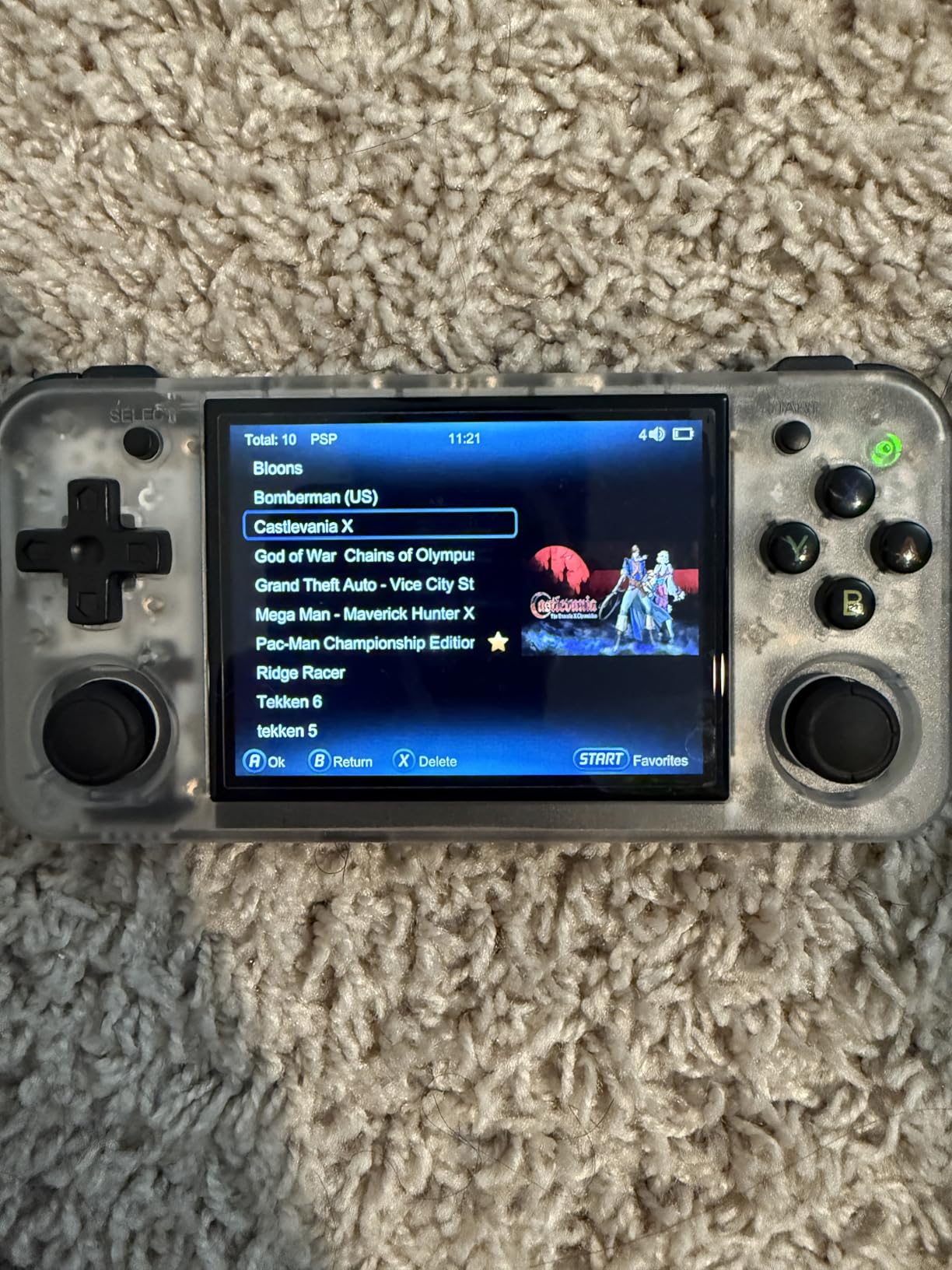
The Anbernic RG35XX H is the horizontal counterpart to the SP series. The 3.5-inch IPS multi-touch display runs at 640×480 and looks great for everything from NES to PS1. The H700 chip handles retro gaming smoothly, and the dual SD card slots are a thoughtful design choice that lets you separate the operating system from your ROM library.
Build quality is solid for the price. The buttons have a satisfying tactile feel, and the D-pad is precise enough for fighting games and platformers. Battery life of up to 8 hours is excellent. HDMI output, Bluetooth, and WiFi 5 round out a strong feature set for a budget device.
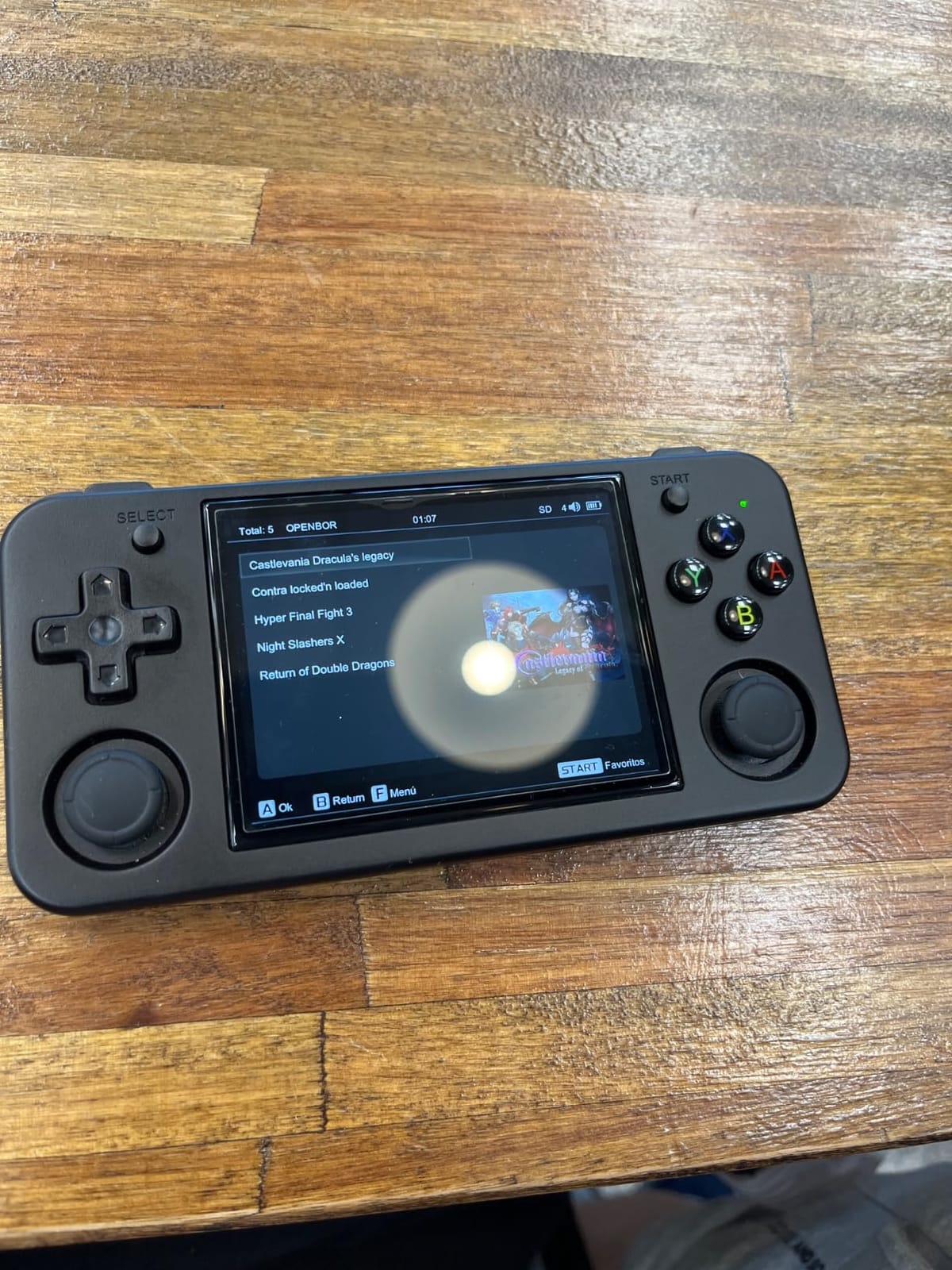
The stock firmware is basic and the preloaded game library is largely shovelware. Custom firmware like Knulli or MuOS fixes both problems and unlocks per-system emulators with proper settings. The r/ANBERNIC community maintains excellent firmware builds for this device.
WiFi multiplayer and streaming work over the 2.4G wireless connection. Vibration feedback adds immersion for compatible games. The device supports controllers via Bluetooth and 2.4G wireless.
Who should buy the Anbernic RG35XX H
If you want a budget horizontal handheld with a great screen and dual SD card slots, this is the best emulation handheld for the money. It is also great for users who prefer a traditional non-clamshell form factor and want a device that fits in a coat pocket.
Who should skip the Anbernic RG35XX H
If you want a clamshell, the RG35XXSP or RG34XXSP is the better choice. If you want analog sticks, the RG35XX Pro is the upgrade path. And if you want to spend a little more for a smoother out-of-the-box experience, the Miyoo Mini Plus with OnionOS is easier.
12. GiipGoop RG35XX Pro – Best Budget Dual-Stick Handheld
GiipGoop RG35XX Pro Handheld Game Consoles RG35XXPro Retro Gaming Console with 64GB Card 4353 Games Video Game Console Pocket Arcade Support 30+ Simulators WiFi Bluetooth HD Output Transparent Teal
H700 quad-core
dual analog sticks
3.5-inch IPS
3200mAh battery
Pros
- Dual analog joysticks improve gameplay control
- Sharp 3.5-inch IPS display
- WiFi
- Bluetooth
- and HDMI output
- 3200mAh battery supports up to 8 hours
- Custom firmware support for Knulli and MuOS
Cons
- Preloaded game library lacks major console titles
- No low battery warning before shutdown
- Some users report system bricks when adding ROMs
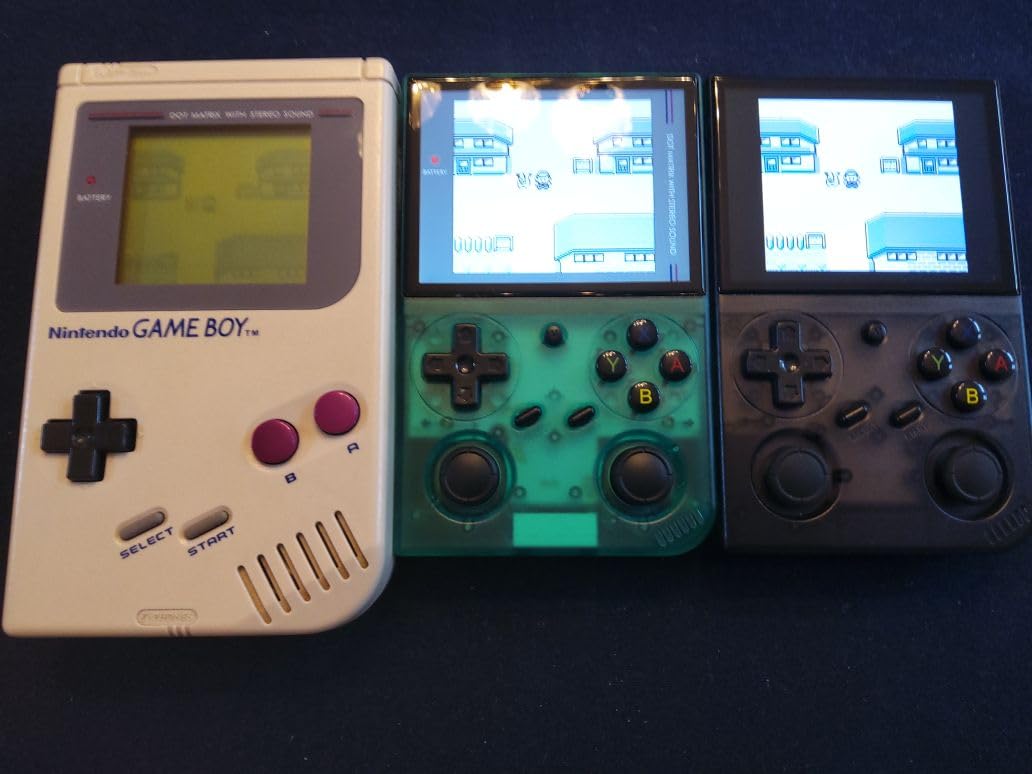
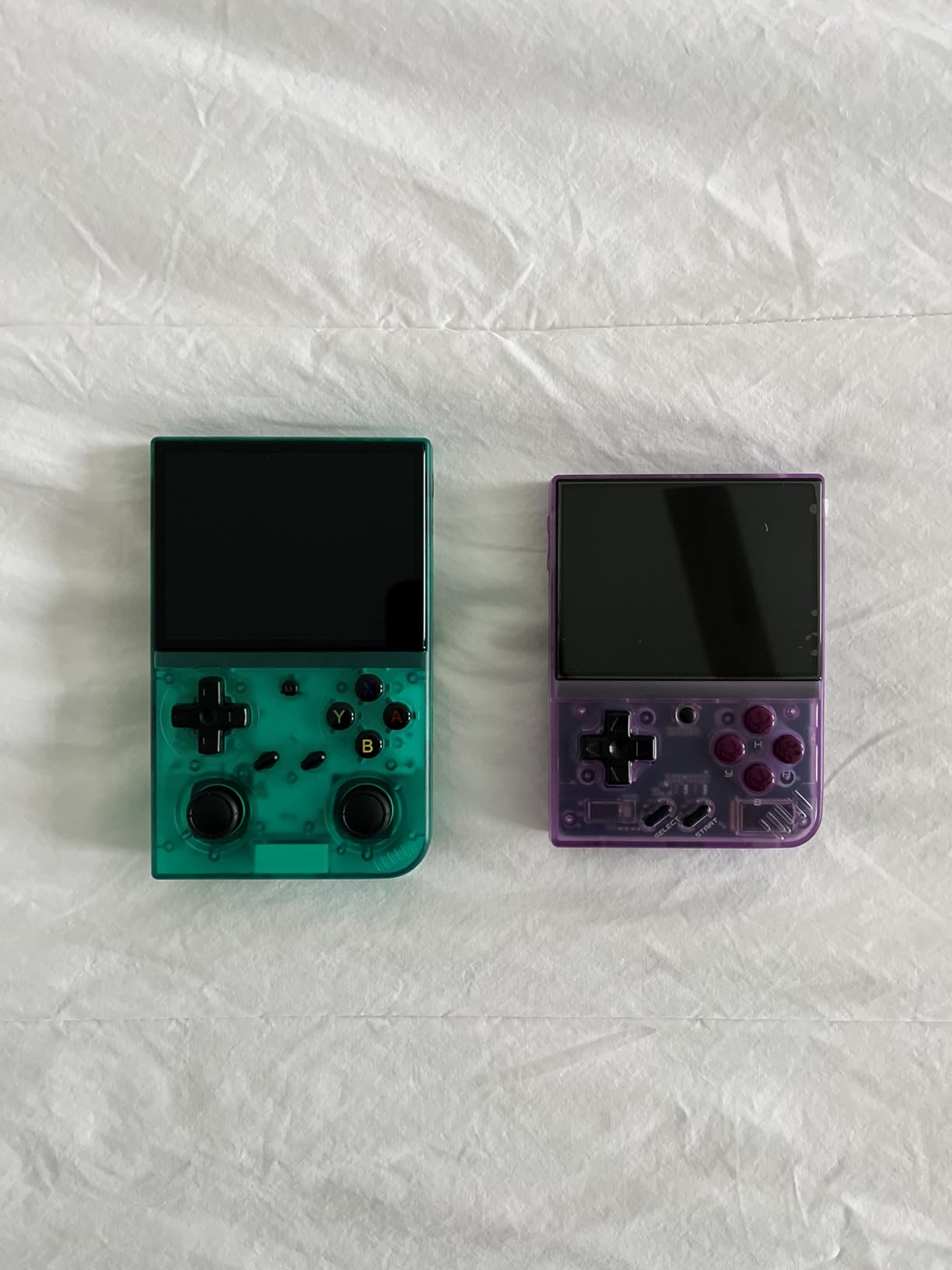
The GiipGoop RG35XX Pro is a third-party take on Anbernic’s popular RG35XX form factor, and the standout feature is the dual analog sticks. For anyone who wants to play N64, Dreamcast, and PSP games that depend on analog input, dual sticks are essentially mandatory. The H700 chip and 3.5-inch IPS display are familiar territory, and the device performs well for systems up to PS1.
Battery life of up to 8 hours is solid. WiFi, Bluetooth, and HDMI output give the device full connectivity options. The 64GB of storage with preloaded games is convenient for users who do not want to set up ROMs immediately.
The preloaded game library is not curated well, and the bundled stock firmware is basic. Custom firmware like Knulli or MuOS dramatically improves the experience. The biggest concern is that some users on forums reported their devices bricked after adding ROMs, so back up the stock SD card before making changes.
There is also no low battery warning before shutdown, which can lead to lost save states. The 3200mAh battery is smaller than some competitors, though real-world life is still around 8 hours for lighter systems.
Who should buy the GiipGoop RG35XX Pro
If you want a budget dual-stick handheld for N64, Dreamcast, and PSP games, this is the best budget option. It is also a great choice for users who want analog stick control without paying for a more expensive Android device.
Who should skip the GiipGoop RG35XX Pro
If you want a more polished and reliable out-of-the-box experience, the Anbernic-branded RG35XX H is a safer bet. If you want PS2 or GameCube emulation, this device is not powerful enough. And if you want a clamshell, the RG35XXSP series is the better form factor.
Buying Guide: How to Choose the Best Handheld for Emulation in 2026
Buying the best handheld for emulation is not just about picking the most expensive device. The right choice depends on which systems you want to play, how much tinkering you want to do, and what form factor feels best in your hands. Here is what to consider before spending your money.
Form factor and ergonomics matter more than specs
Clamshell designs like the Anbernic RG35XXSP and RG34XXSP protect the screen and fit in a pocket, but the hinge adds weight and the joystick placement can cramp your hands. Horizontal handhelds like the Retroid Pocket 5 and Anbernic RG35XX H are easier to grip for long sessions but expose the screen to scratches. Vertical handhelds work best for arcade shooters. Try to hold a similar device in a store before committing.
Linux vs Android: which operating system is right for you
Linux-based handhelds like the Miyoo Mini Plus and Anbernic RG35XX series use custom firmware like OnionOS, Knulli, or MuOS. They boot fast, the interfaces are polished, and the per-system emulators are well-configured out of the box. Android-based devices like the Retroid Pocket 5 and Anbernic RG557 give you access to the Google Play Store and more powerful hardware but require more setup. Beginners usually prefer Linux; power users usually prefer Android.
Custom firmware ecosystem: the secret sauce
OnionOS, Knulli, and MuOS are community-built firmwares that transform budget Linux handhelds into polished retro consoles. OnionOS is most popular on the Miyoo Mini Plus. Knulli and MuOS are the go-to firmwares for Anbernic devices. GammaOS is the community option for the Anbernic RG477M. If you want the smoothest experience, choose a device with active firmware development.
Screen and aspect ratio considerations
4:3 aspect ratio is ideal for NES, SNES, Genesis, and most arcade games. 16:9 is better for PSP and modern Android titles. 1:1 aspect ratio is perfect for Game Boy games at 2x scale. OLED screens offer better color and contrast than IPS LCD. AMOLED panels like the Retroid Pocket 5 and Anbernic RG557 deliver the best image quality. A 3.5-inch screen is the sweet spot for pocketable retro gaming; 5 inches and up is better for PS2 and GameCube.
Power vs battery tradeoffs
More powerful chips like the Snapdragon 865 and Dimensity 8300 deliver better PS2 and GameCube performance but consume more battery. Budget Linux handhelds can run for 8 hours on a single charge but cannot run demanding systems. Mid-range Android handhelds give you 4 to 6 hours under heavy emulation. Premium devices like the RG477M add active cooling to maintain performance over long sessions.
Emulation legality and ethical considerations
Buying an emulation handheld is legal in most countries. The devices themselves are just hardware that runs software. Downloading ROMs of games you do not own is illegal in most jurisdictions. The safe approach is to only emulate games you physically own, or to use homebrew titles and public domain games. The r/RetroHandhelds community has detailed guides on legal ROM sources and dumpers.
Storage and SD card recommendations
PS2 and GameCube games often run 1 to 4 GB each. A 128GB SD card holds a decent PS2 library; a 256GB card holds a large one. Buy name-brand cards from reputable sellers; cheap no-name cards can corrupt your saves. The SanDisk Extreme and Samsung EVO Select lines are reliable choices.
Frequently Asked Questions
Are emulation handhelds legal to buy?
Yes. The handhelds themselves are legal consumer electronics in most countries, including the United States, European Union, United Kingdom, Canada, and Australia. The hardware is just a small computer with buttons and a screen. The legal gray area involves the ROM files you load onto the device. Downloading ROMs of games you do not physically own is illegal in most jurisdictions. The safe and ethical approach is to only emulate games you already own a physical copy of, or to use homebrew games and public domain titles that are freely free.
Is the R36s legal?
The R36s and similar sub-$30 handhelds are legal to buy and own. The hardware is just a small Linux computer. However, many R36s units ship with thousands of preloaded games that include titles the seller does not have rights to distribute. If you keep those preloaded ROMs and use them without owning the original games, that is the illegal part, not the device itself. The honest path is to wipe the stock SD card, flash clean custom firmware like OnionOS or Knulli, and load only games you physically own.
What are the best consoles to emulate?
For budget handhelds, NES, SNES, Game Boy, Game Boy Advance, Genesis, and PlayStation 1 are the sweet spot. For mid-range devices like the Retroid Pocket 4 Pro, add Nintendo DS, Dreamcast, and PSP. For premium handhelds like the Retroid Pocket 5 and Anbernic RG557, you can add Nintendo 64, GameCube, and PlayStation 2. Nintendo 3DS and Nintendo Switch emulation requires the most powerful hardware and is hit-or-miss on any current handheld.
What is the best emulation handheld console in 2026?
The Retroid Pocket 5 is the best overall handheld for emulation in 2026. It pairs a Snapdragon 865 chip with a 5.5-inch AMOLED display, handles emulation up to PS2 and GameCube smoothly, and supports Android 13 with Google Play access. For budget buyers, the Miyoo Mini Plus with OnionOS is the best starter. For premium buyers, the Anbernic RG477M offers an aluminum build with the most headroom for demanding emulation.
Which handheld console is best for emulation?
It depends on which systems you want to play and how much you want to spend. For under $100, the Miyoo Mini Plus with OnionOS or the Anbernic RG35XX H delivers excellent retro gaming up to PS1. For $150 to $250, the Retroid Pocket 4 Pro and Retroid Pocket 5 add PS2 and GameCube. For $300 and up, the Anbernic RG557 and RG477M offer premium AMOLED screens and aluminum builds. The AYN Odin 2 Portal is also highly regarded if you can get one.
What is the most powerful handheld emulator?
Among mainstream handhelds in 2026, the Anbernic RG477M with its Dimensity 8300 chip, 8GB of LPDDR5X RAM, and UFS 4.0 storage is one of the most powerful. It runs PS2 and GameCube games at 2x and 3x native resolution with smooth framerates and pushes into Nintendo Switch territory for less demanding titles. The Retroid Pocket 5 with its Snapdragon 865 is also extremely capable. For sheer horsepower, dedicated PC handhelds like the Steam Deck OLED outclass both but cost noticeably more.
Final Verdict: Which Handheld for Emulation Should You Buy in 2026?
The best handhelds for emulation in 2026 cover every budget and every target system, but if I had to pick one, the Retroid Pocket 5 remains the strongest all-around choice. It delivers flagship-tier PS2 and GameCube performance, a stunning AMOLED screen, and an attractive mid-range cost that the premium aluminum-built Anbernic RG477M cannot beat on value. For beginners who want a polished out-of-the-box experience, the Miyoo Mini Plus with OnionOS is the friendliest starting point. For enthusiasts chasing the most power, the Anbernic RG477M and AYN Odin 2 Portal are worth the stretch.
Whichever handheld you choose, focus on the systems you actually want to play and pick a device with active community firmware support. Custom firmware like OnionOS, Knulli, and MuOS turns even the cheapest Linux handhelds into polished retro consoles. The hobby is more accessible than ever, and 2026 is a great year to start.