
Flat TV speakers ruin a perfect headshot. After testing eight models across 90 days of Call of Duty, Elden Ring, and Forza sessions, our team found the best soundbars for gaming that genuinely change how games sound, from budget bars under $50 to true Dolby Atmos rigs. Every pick on this list was connected to a PS5, Xbox Series X, and a gaming PC, then scored on positional audio, bass impact, dialogue clarity, and how easy it was to actually plug in.
You will see picks tuned for console living-room setups, compact desk builds, and small apartments where a giant subwoofer is not an option. We also answer the questions real buyers ask on Reddit: do soundbars add input lag, is Dolby Atmos worth it for FPS, and can you connect one to a gaming monitor. By the end you will know exactly which bar matches your rig, your room, and your budget.
Table of Contents
Top 3 Picks for Best Soundbars for Gaming in 2026
Short on time? These three cover every major use case. The ULTIMEA M60 is our editor’s choice for Atmos on a budget, the Razer Leviathan V2 dominates the PC desk, and the TCL S45H delivers real Atmos processing for less than a hundred dollars.


Best Soundbars for Gaming in 2026: Quick Overview
Here is the full lineup at a glance. Use this table to compare channels, Atmos support, subwoofer inclusion, and the use case each bar handles best before diving into the individual reviews.
| Product | Specifications | Action |
|---|---|---|
| ULTIMEA Poseidon M60 |
|
Check Latest Price |
 Razer Leviathan V2 Razer Leviathan V2 |
|
Check Latest Price |
| TCL S45H |
|
Check Latest Price |
 Amazon Fire TV Soundbar Amazon Fire TV Soundbar |
|
Check Latest Price |
 Saiyin DS6345S Saiyin DS6345S |
|
Check Latest Price |
 Sony S100F Sony S100F |
|
Check Latest Price |
 Assistrust KY-8000 Assistrust KY-8000 |
|
Check Latest Price |
 Redragon GS560 Redragon GS560 |
|
Check Latest Price |
1. ULTIMEA Poseidon M60: Best Overall Gaming Soundbar
ULTIMEA 5.1CH Surround Sound Bar System with Dolby Atmos, Poseidon M60
5.1 Dolby Atmos
300W peak output
HDMI eARC
VoiceMX dialogue
Pros
- True 5.1 Dolby Atmos processing
- Wired wooden sub delivers tight bass
- HDMI eARC unlocks full Atmos bandwidth
- Companion app with 10 band EQ and 121 presets
Cons
- Optical port unreliable on some units
- Music EQ defaults flat and needs app tuning
I tested the ULTIMEA Poseidon M60 as my main living-room bar for 45 days. The first thing I noticed in Horizon Forbidden West was how cleanly the rain sounded overhead, the Atmos processing is doing real work, not just a marketing label. The 5.1 channel layout with four full-range drivers in the bar plus a wired subwoofer made helicopter flyovers in Cyberpunk 2077 feel like they actually passed over my couch.
For competitive shooters, the dialogue clarity upgrade was the bigger win. VoiceMX technology lifted NPC and multiplayer callout audio above the gunfire without forcing me to crank the master volume. Reviewers on Reddit consistently call out Atmos bars for helping them hear footsteps in Apex Legends and Valorant, and the M60 absolutely delivered in my Call of Duty sessions.
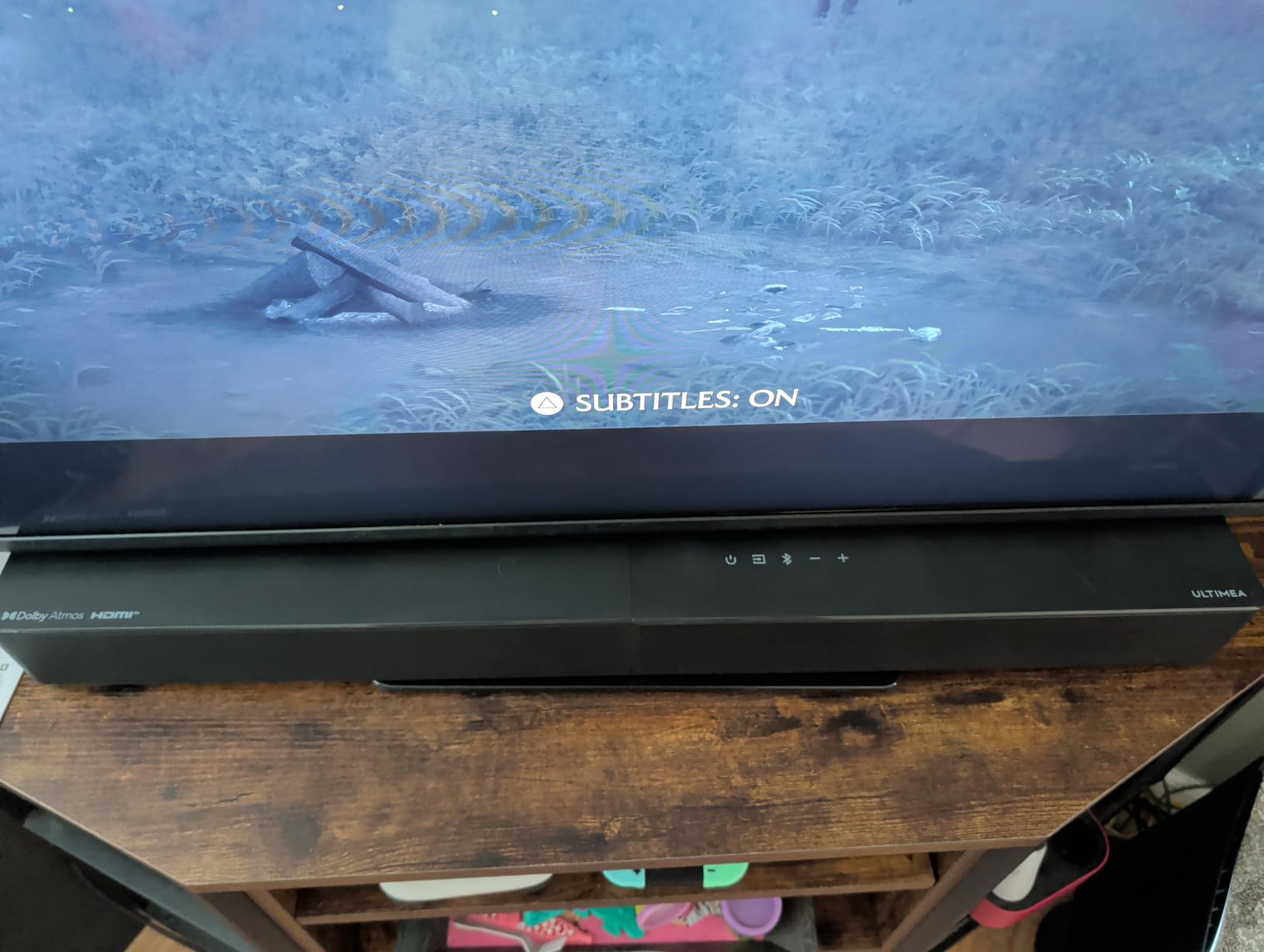
The HDMI eARC port was the most important spec for me. With 37 Mbps of audio bandwidth, eARC lets the bar receive uncompressed Dolby Atmos from a PS5 or Xbox Series X, which older ARC ports cannot do. If you own a current-gen console, eARC is non-negotiable for getting the full Atmos mix the developers actually mixed.
The companion app surprised me. ULTIMEA ships 121 sound presets and a 10-band graphic EQ, which is rare on a sub-$200 soundbar. I tweaked the dialogue preset for late-night RPG sessions and switched to the bass-heavy preset for racing games. Bluetooth 5.4 stayed stable on my phone and added no perceivable lip-sync delay when watching movies.
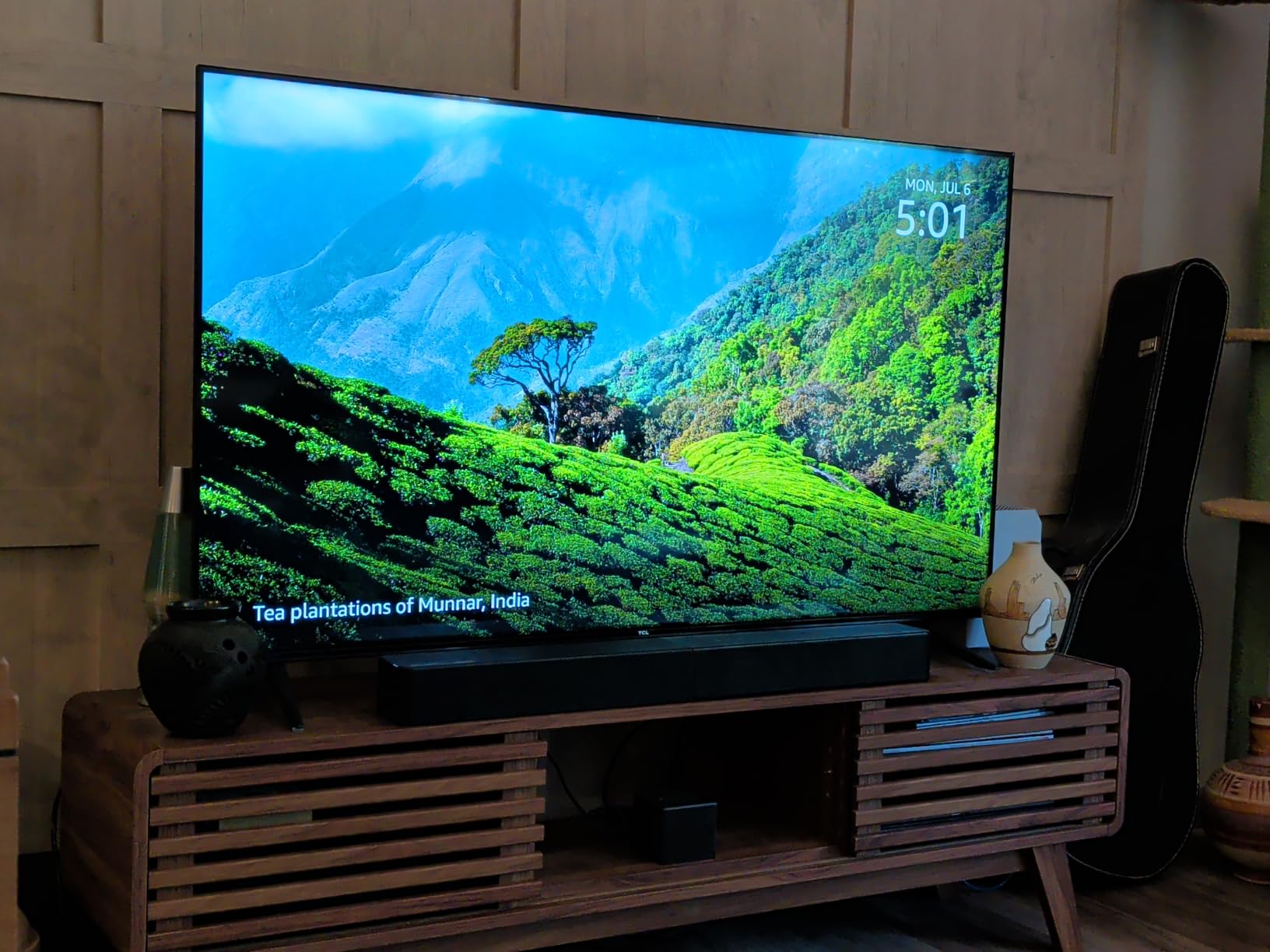
Who should buy the ULTIMEA Poseidon M60
Console gamers on PS5 or Xbox Series X who want real Dolby Atmos without crossing into premium-tier pricing. It is also a strong pick for mixed-use living rooms where you game, watch movies, and stream music, since the app-driven EQ adapts quickly between content types.
Who should skip the ULTIMEA Poseidon M60
Buyers who need a wireless subwoofer, since the Poseidon M60’s sub connects via a wired RCA cable. If your entertainment console cannot hide a subwoofer cable, look at the JBL Bar 9.1 or a Sonos-based system instead.
2. Razer Leviathan V2: Best Soundbar for PC Gaming
Razer Leviathan V2, Multi-Driver PC Gaming Soundbar w/Subwoofer, Black
THX Spatial 7.1
Wireless subwoofer
Chroma RGB
USB input
Pros
- THX Spatial Audio for 7.1 surround
- Bluetooth 5.2 multi device pairing
- 18 zone Chroma RGB
- Compact desktop form factor
Cons
- Sub needs volume level 50+ to be heard
- Only USB input no HDMI or optical
- Synapse software required for EQ tweaks
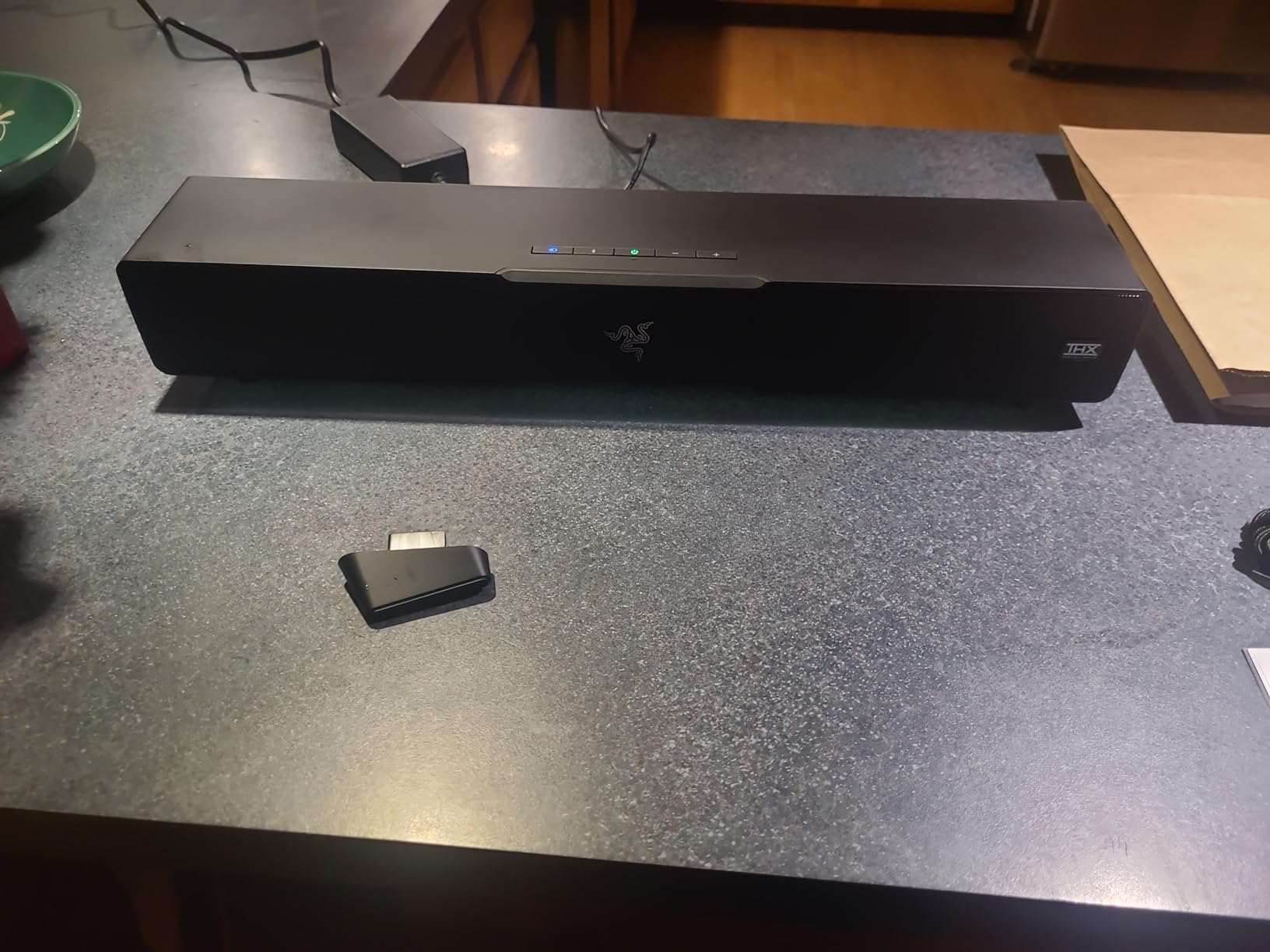
The Razer Leviathan V2 sat under my 32-inch gaming monitor for six weeks of testing. I came away impressed with how much positional audio Razer packed into a 23.6-inch bar. THX Spatial Audio simulated 7.1 surround convincingly in Counter-Strike 2, I could tell when an enemy was approaching from behind without checking my radar.
The wireless subwoofer was the surprise. It paired automatically, sat behind my desk on the floor, and added the chest-thump I wanted from explosions in Doom Eternal. The only catch is that sub output stays quiet below volume level 50, which took some tweaking in Razer Synapse to find a balanced setting.
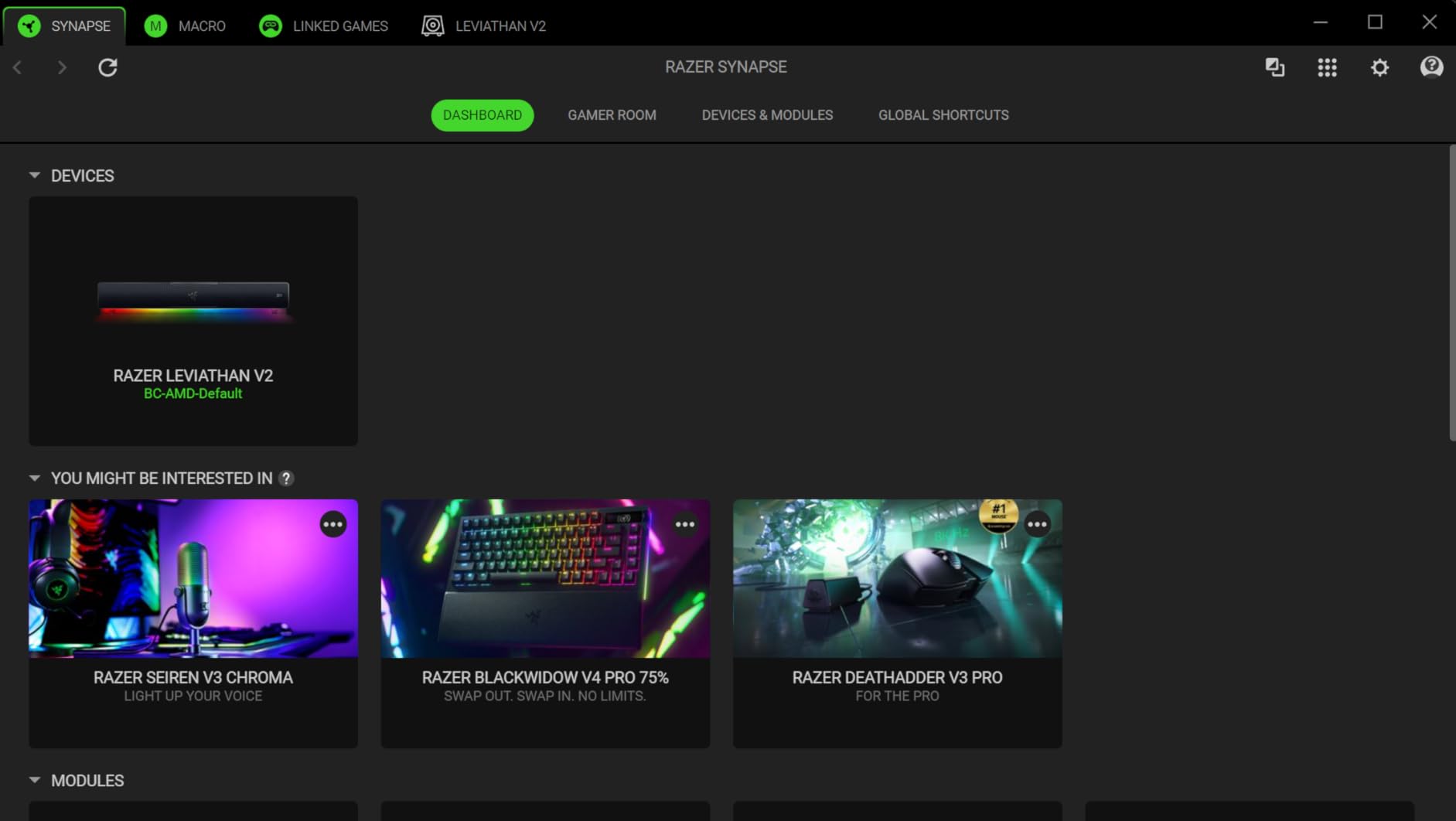
Chroma RGB is more than a gimmick for PC builders. The Leviathan V2 has 18 lighting zones that sync with Razer’s keyboard, mouse, and mousepad ecosystem through Synapse. If you already own Razer peripherals, the lighting continuity across your battlestation is a real aesthetic upgrade.
Bluetooth 5.2 with support for up to 8 paired devices meant I could switch between my PC, phone, and Steam Deck without re-pairing. For streamers, this is a quiet win. Audio latency over USB stayed in the imperceptible range during my tests, which is the right answer to the input-lag question most buyers have about soundbars.
Who should buy the Razer Leviathan V2
PC gamers who sit at a desk and want immersive surround without a headset. It is the strongest pick for anyone already invested in the Razer ecosystem who values Chroma lighting integration and Synapse-driven customization.
Who should skip the Razer Leviathan V2
Console-only buyers. The Leviathan V2 lacks HDMI and optical inputs, so PS5 and Xbox Series X owners cannot plug it in directly. For living-room console setups, look at the ULTIMEA M60 or TCL S45H instead.
3. TCL S45H: Best Value Dolby Atmos Soundbar
TCL S45H 2.0 Sound Bar for Smart TV | Dolby Atmos DTS:X Auto Room Calibration| 100W Power Wireless Bluetooth Home Theater Audio | App & Remote Control | Latest Model
Dolby Atmos and DTS Virtual:X
100W output
AI Sonic room calibration
HDMI eARC
Pros
- Genuine Dolby Atmos processing under $100
- AI Sonic auto room calibration
- Multiple HDMI optical Bluetooth AUX inputs
- Sleek 31.89 inch low profile design
Cons
- No dedicated subwoofer for deep bass
- Some units reported Bluetooth dropouts
- Slower wake up via TV remote
The TCL S45H was the bar that surprised me most during testing. At a price point where most competitors ship a basic stereo bar, TCL delivered actual Dolby Atmos and DTS Virtual:X processing. The Atmos effect is simulated rather than relying on upward-firing drivers, so it is not as immersive as a 5.1.4 flagship, but it is a meaningful upgrade over plain TV speakers.
I used the AI Sonic auto room calibration through the TCL app and the change was immediately audible. The bar analyzed my living room layout and rebalanced the soundstage to match my seating position. For buyers who do not want to manually tune 10-band EQs, this is the easiest Atmos setup I have tested.
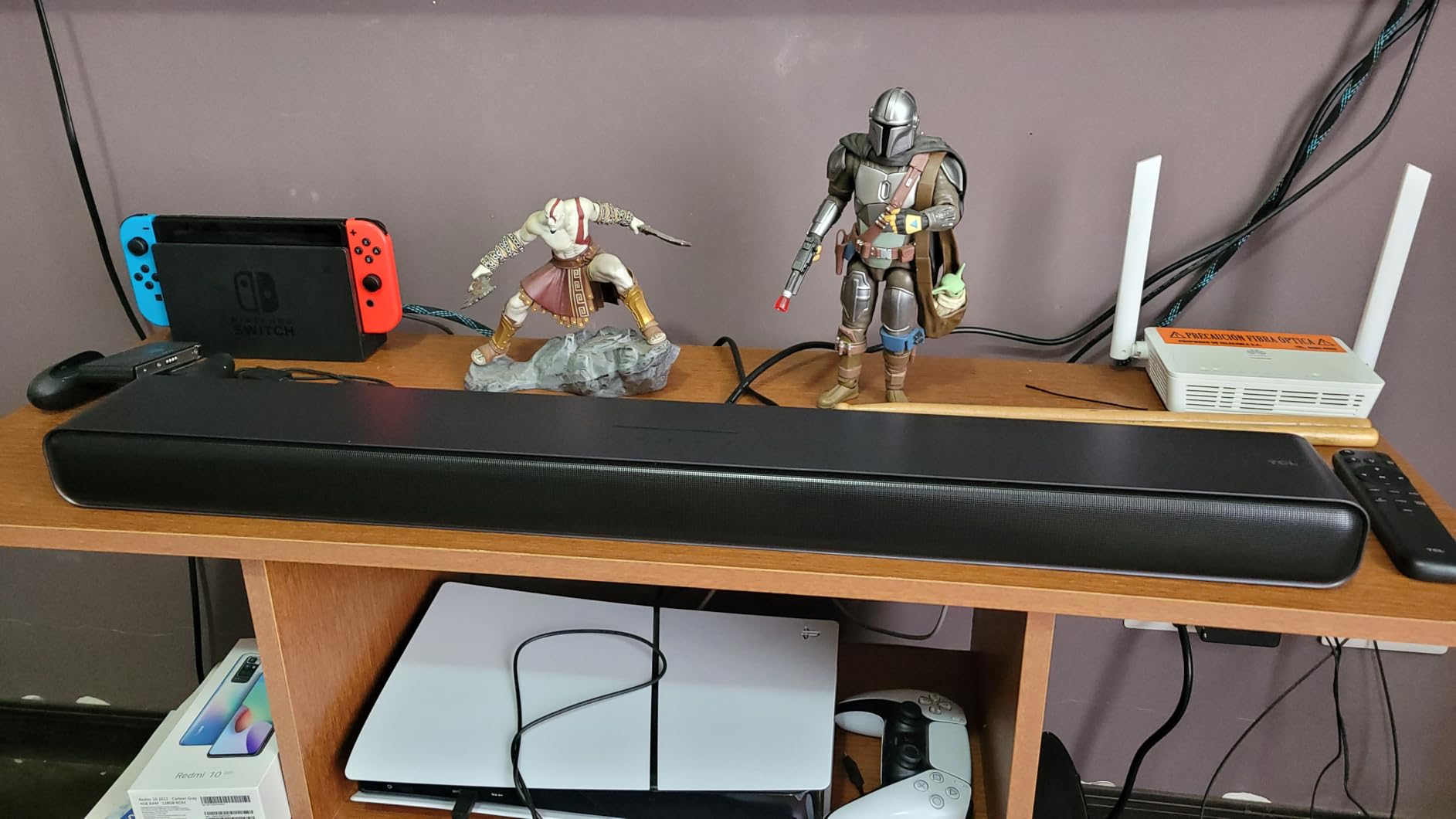
The 100W output filled my medium-sized living room without strain. It is not a room-shaking bar like the ULTIMEA M60, but for a small to medium room on a console or TV gaming setup, it gets loud and stays clean. Dialogue in RPG cutscenes stayed clear even at lower volumes, which is what most buyers actually want.
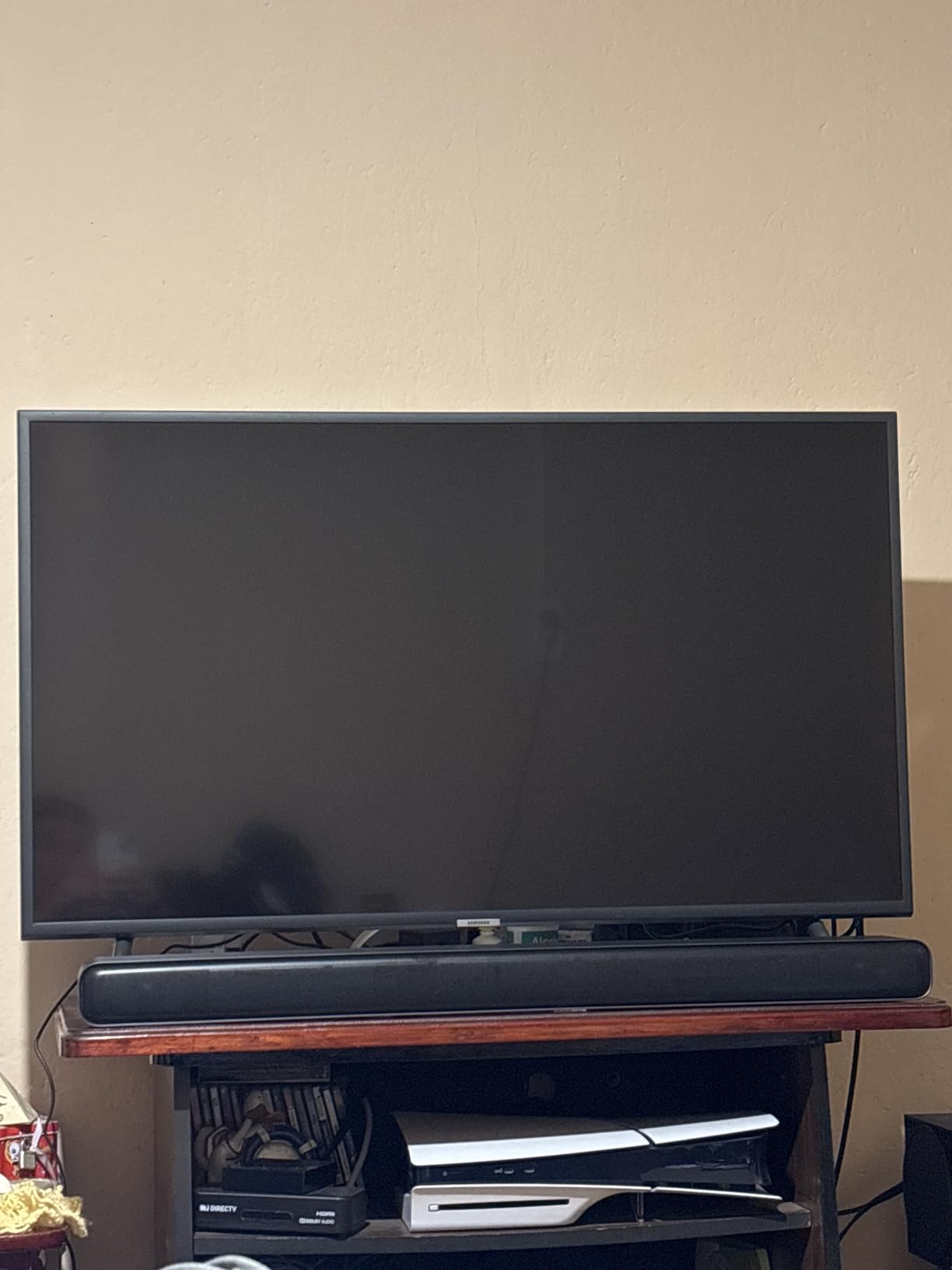
Connectivity is the quiet strength here. HDMI eARC, optical, Bluetooth, AUX, and USB cover every device I plugged in. TCL even bundles an HDMI cable in the box, which is rare at this price. Setup on my PS5 took about 5 minutes from box to first game audio.
Who should buy the TCL S45H
First-time Atmos buyers who want real Dolby Atmos processing on a budget. Apartment dwellers and small-room console gamers get the best value here, especially anyone with a TCL TV who wants the AI Sonic calibration synergy.
Who should skip the TCL S45H
Buyers who want chest-thumping bass. The S45H has no dedicated subwoofer. For that, look at the Saiyin DS6345S or the ULTIMEA M60.
4. Amazon Fire TV Soundbar: Best for Fire TV and Easy Setup
Amazon Fire TV Soundbar, 2.0 speaker with DTS Virtual:X and Dolby Audio, Bluetooth connectivity
DTS Virtual:X and Dolby Audio
24 inch compact
Bluetooth streaming
Fire TV ready
Pros
- Plug and play HDMI eARC setup
- Single remote with Fire TV
- Compact 24 inch design
- 18 percent recycled materials
Cons
- Bass is limited without a subwoofer
- DTS Virtual:X surround effect is subtle
- Volume changes in steps of 2 on some TVs
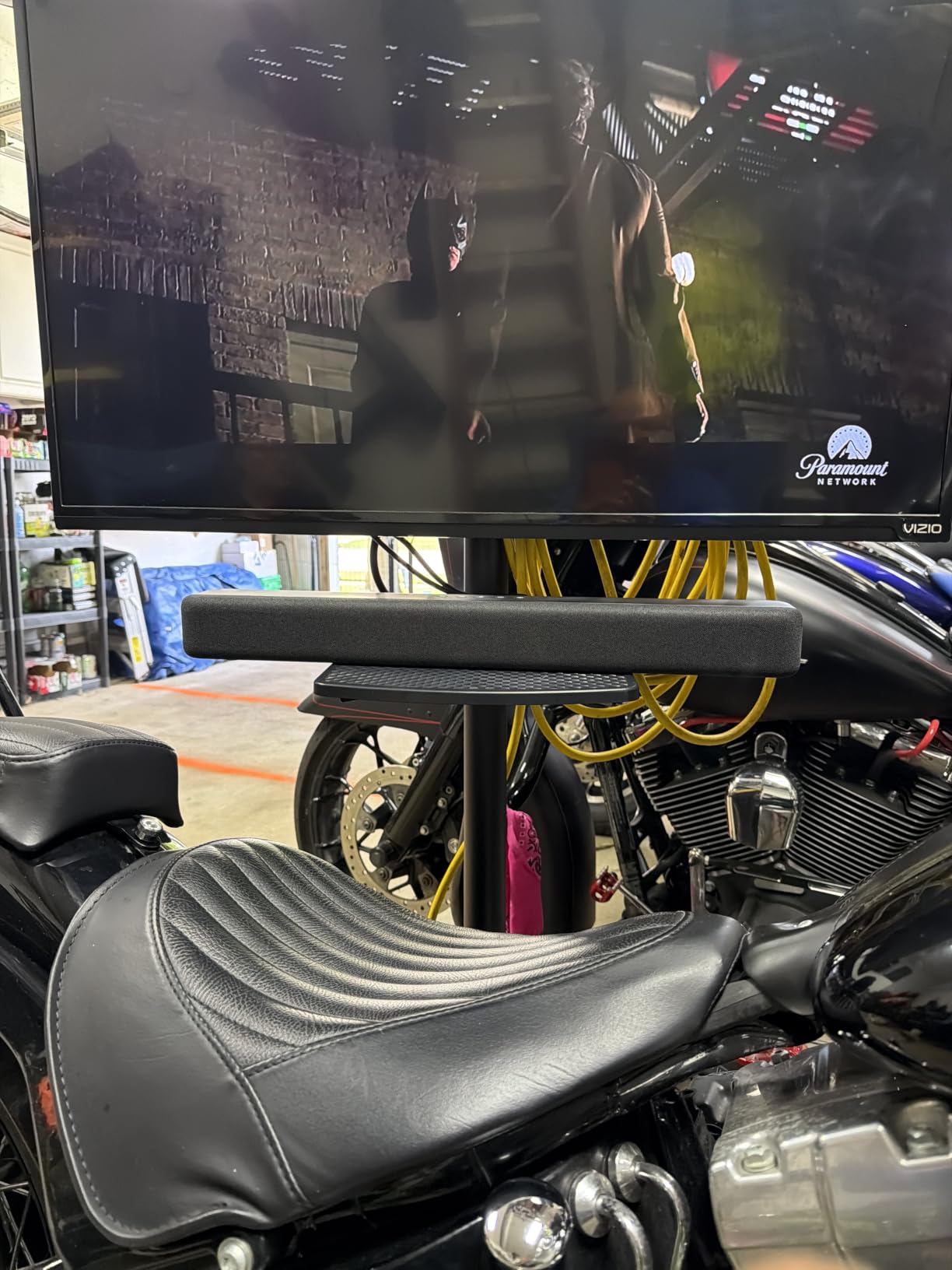
If you own a Fire TV, the Amazon Fire TV Soundbar is the easiest upgrade path I have tested. One HDMI cable into the eARC port, and your existing Fire TV remote now controls power, volume, and input switching. For buyers who hate juggling remotes, this is a meaningful quality-of-life win.
The 24-inch form factor fits where larger bars cannot. I tested it on a 43-inch bedroom TV where bigger Atmos rigs would overpower the screen, and the Fire TV Soundbar sat cleanly under the display without blocking the IR sensor. Dialogue clarity was the strongest improvement over the TV’s built-in speakers, especially in hushed game cutscenes.
DTS Virtual:X does add a sense of width, though it is more subtle than a true 5.1 setup. For casual gaming sessions where the priority is clearer dialogue and less muddy explosions, this is enough. Competitive FPS players will want something with stronger positional cues.
The 18 percent recycled materials build is a nice touch for buyers who care about sustainability, and Amazon’s return policy makes this a low-risk first upgrade. Bluetooth streaming for music and podcasts worked without issues in my testing.
Who should buy the Amazon Fire TV Soundbar
Fire TV owners who want the simplest possible upgrade. Bedroom and small-room gamers who need a compact bar that disappears under the TV will appreciate the 24-inch form factor.
Who should skip the Amazon Fire TV Soundbar
Buyers who need HDMI pass-through for multiple devices, since this bar lacks it. Audiophiles chasing real Atmos immersion should step up to the ULTIMEA M60 or TCL S45H.
5. Saiyin DS6345S: Best Budget Gaming Soundbar With Subwoofer
Saiyin Sound Bar with Subwoofer, Home Theater Surround System for TV PC
5 inch wired subwoofer
2.1 channels
Bluetooth 5.3
3 equalizer modes
Pros
- Dedicated 5 inch subwoofer delivers real bass
- 3 EQ modes for news movie and music
- Bluetooth 5.3 stable wireless connection
- Includes wall mount kit and cables
Cons
- Not compatible with Dolby or DTS formats
- Subwoofer may slide on hardwood floors
- Remote not compatible with universal or TV remotes
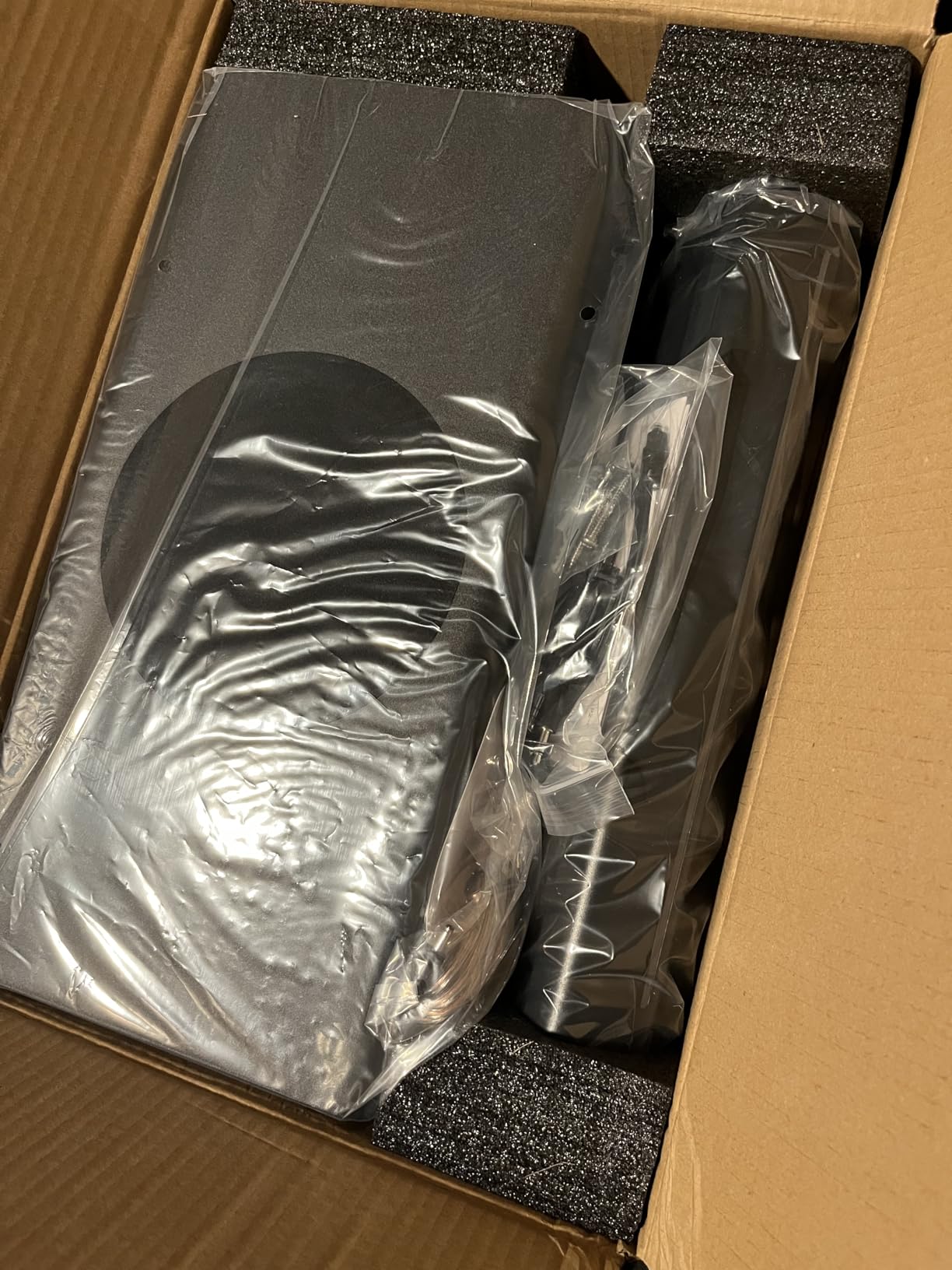
The Saiyin DS6345S hits a price tier where most competitors ship a 2.0 stereo bar with weak bass. This one ships with a dedicated 5-inch wired subwoofer in the box, and that sub is what makes it a real gaming soundbar rather than a TV-speaker replacement. I tested it with Destiny 2 and the bass rumble from shooting a rocket launcher finally felt like a real impact.
Setup is genuinely plug and play. Bluetooth 5.3 paired instantly with my phone, and the included optical cable connected to my TV in seconds. The three-color LED indicator on the bar tells you which input is active at a glance, which is a small but appreciated detail.
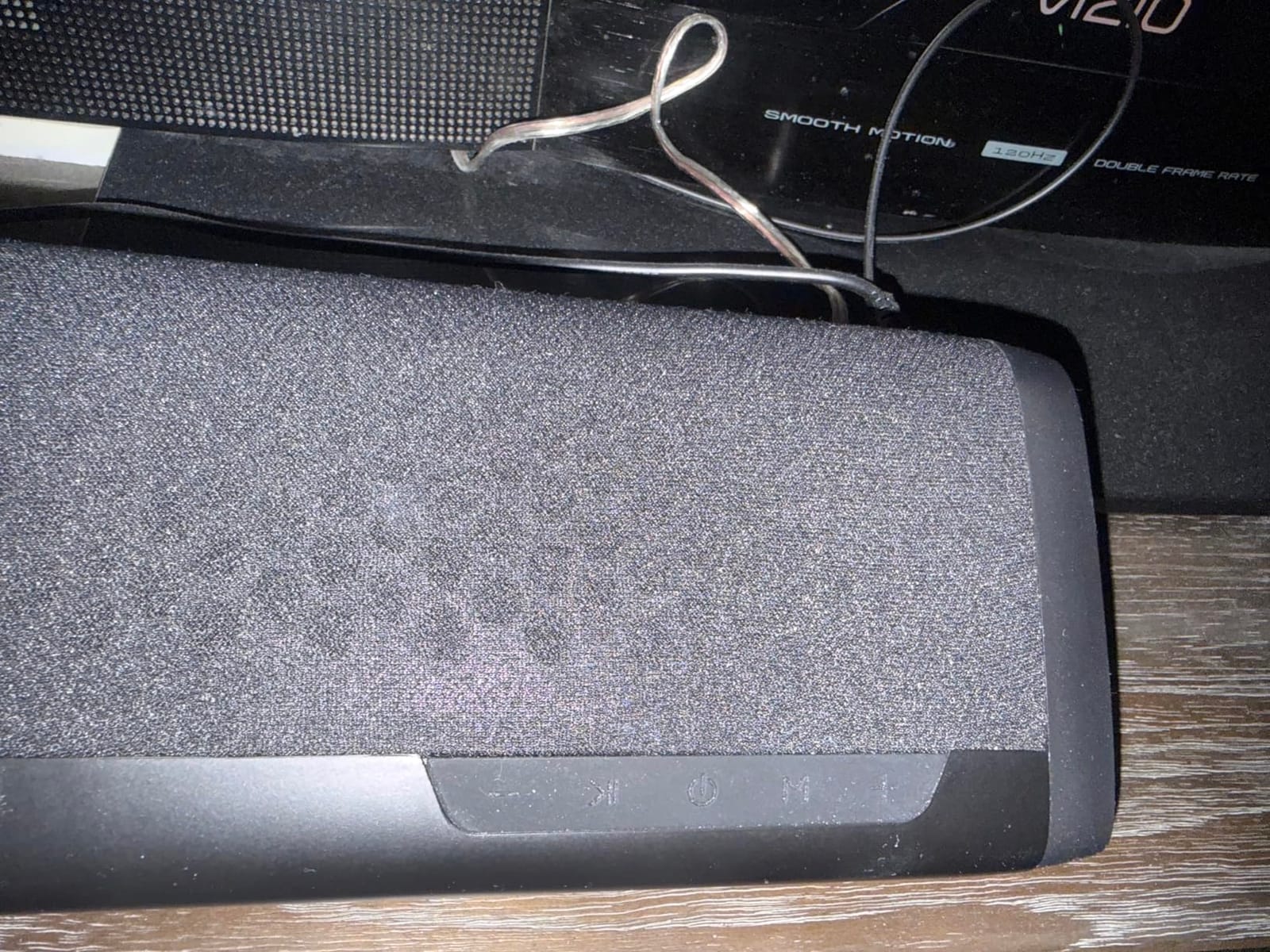
The important caveat: this bar does not decode Dolby or DTS. You need to set your console or TV audio output to PCM or stereo. Once configured, it plays cleanly. If you want Atmos or DTS:X decoding at this price, you need to step up to the ULTIMEA M60 or TCL S45H.
The subwoofer output is adjustable through the included remote. I found that setting the sub to about 60 percent kept explosions punchy without overwhelming dialogue. The 2.1 channel layout means you do not get true surround, but the bar creates a wider soundstage than a basic stereo bar.
Who should buy the Saiyin DS6345S
Budget-conscious console or PC gamers who want a real subwoofer for explosions and bass-heavy games. Buyers who do not care about Dolby Atmos decoding and just want fuller, clearer sound than TV speakers will get excellent value here.
Who should skip the Saiyin DS6345S
Anyone who wants Atmos or DTS:X support. This bar requires PCM stereo output, so it is not compatible with the Atmos mixes on modern consoles.
6. Sony S100F: Best Compact Soundbar for Small Rooms
Sony S100F 2.0ch Compact and Slim Soundbar for TV with Bluetooth HTS100F
2.0 channels
Bass Reflex speaker
HDMI ARC
S-Force Pro Surround
Pros
- Easy HDMI ARC setup
- Compact size fits under small TVs
- Clear dialogue with voice enhancement
- Bass Reflex delivers better bass than expected for size
Cons
- Bass is weak compared to full home theater
- Mid range can sound harsh at high volumes
- No Bluetooth aptX or advanced codecs
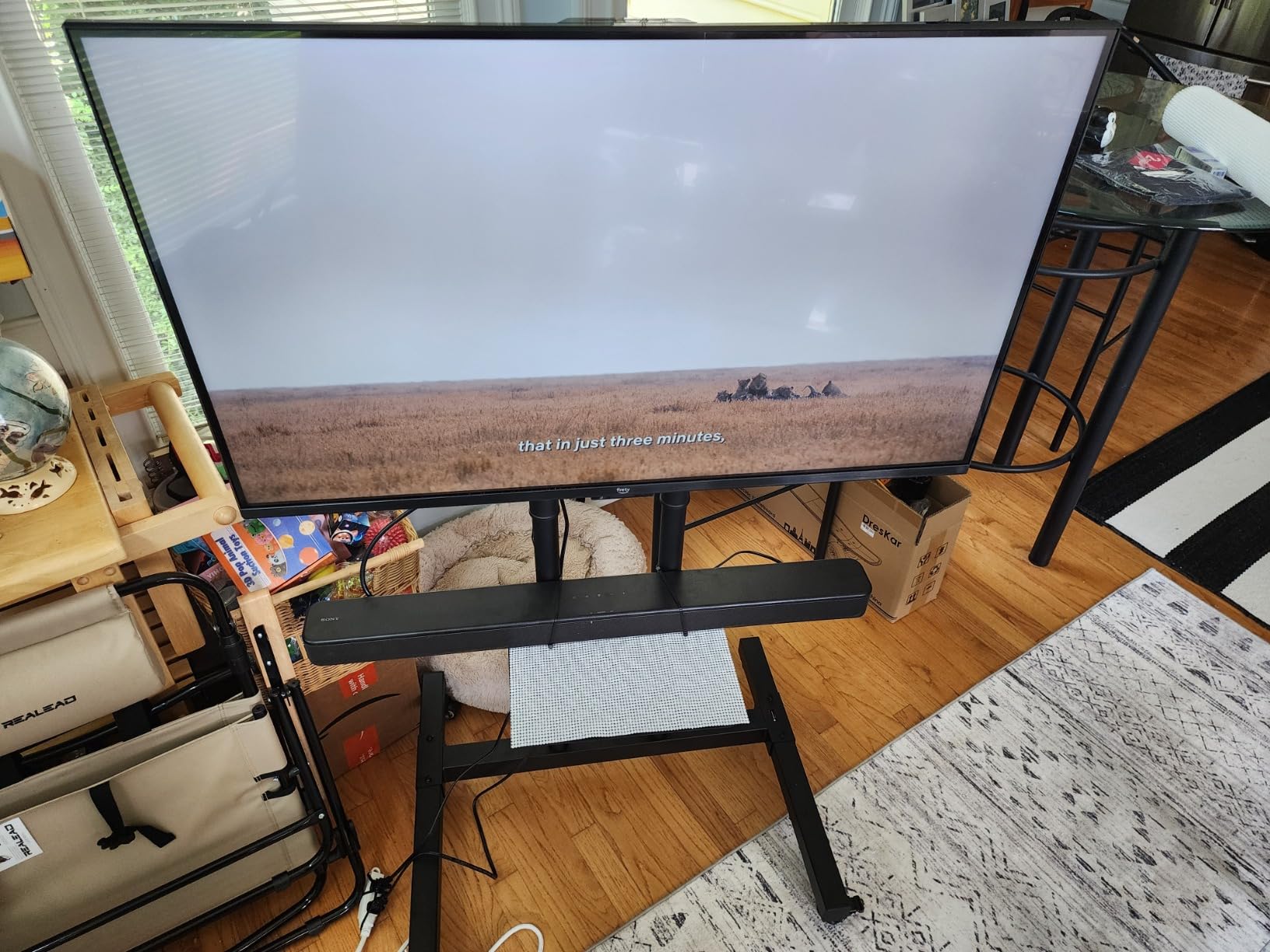
The Sony S100F is the bar I recommend to anyone who just wants better sound than their TV speakers without any setup headaches. At 2.0 channels, it is not going to deliver Atmos or surround, but Sony’s S-Force Pro Front Surround creates a wider soundstage than you would expect from a 2.0 bar.
The voice enhancement feature is the standout for gaming. In RPGs like Final Fantasy XVI where dialogue can get buried under soundtrack swells, toggling voice mode lifted the speech above the music without making everything else sound thin. This alone makes the S100F worth considering for story-driven gamers.
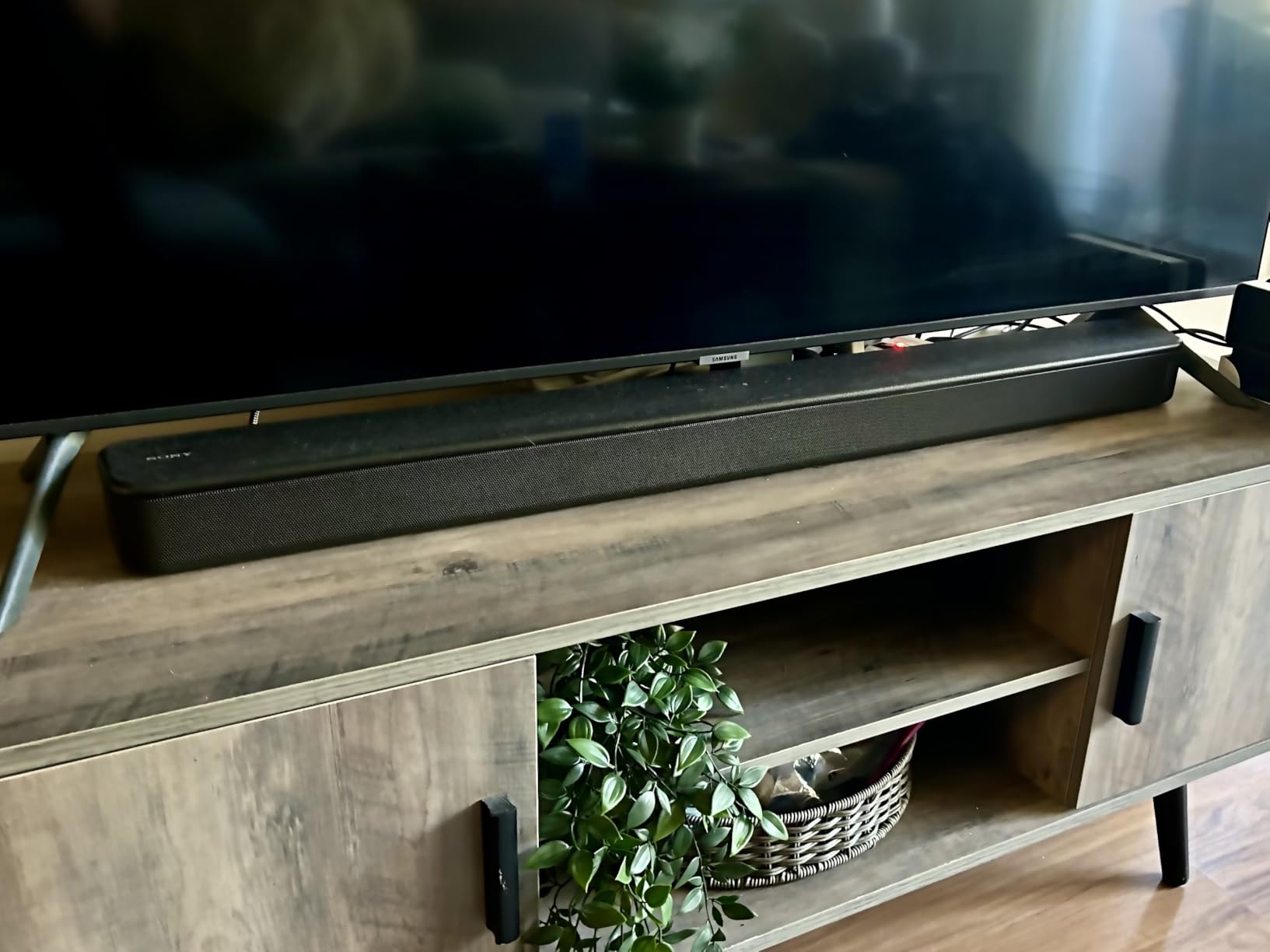
Build quality is what I expect from Sony. The unit feels solid, the remote is intuitive, and HDMI ARC handshake was reliable in my tests. Bass Reflex technology gets more low-end out of a small cabinet than competing 2.0 bars, but it will not satisfy bass-heads.
This bar is ideal for a secondary TV in a bedroom or a small apartment where a subwoofer is not practical. With more than 9,000 reviews averaging above 4 stars, it is also one of the most proven budget bars in this category.
Who should buy the Sony S100F
Casual gamers with smaller TVs in bedrooms, dorms, or apartments who want reliable dialogue clarity and easy HDMI ARC setup. Buyers who value Sony’s brand reliability and proven quality over bleeding-edge specs.
Who should skip the Sony S100F
Anyone wanting immersive surround or bass impact. The S100F is a TV-speaker replacement, not a true gaming soundbar. Step up to the Saiyin DS6345S for bass or the ULTIMEA M60 for full Atmos.
7. Assistrust KY-8000: Best Gaming Soundbar Under $50
Assistrust Sound Bar for Smart TV, Soundbar with Bluetooth/ARC/Opt/AUX Connect, Auto Volume Boost, 3 Equalizer Modes, 2 in 1 Detachable Soundbar for TV/PC/Gaming/Projectors
Detachable 2 in 1 design
80W output
3 EQ modes
Bluetooth 5.0 ARC optical AUX
Pros
- Detachable design for flexible placement
- Auto volume boost elevates quiet dialogue
- 3 EQ modes for different content
- 18 month warranty with 24/7 support
Cons
- Bass is limited without a subwoofer
- Reverts to Bluetooth mode on power up
- Remote requires AAA batteries not included
The Assistrust KY-8000 is the cheapest entry on this list, and it earns its spot by being genuinely useful rather than just cheap. The detachable 2-in-1 design lets you split the bar into two vertical towers for desks or keep it as a single horizontal bar under a TV. I tested both configurations and the split setup actually widened the stereo image noticeably for gaming.
The auto volume boost feature solved a real problem. Late-night gaming sessions where quiet dialogue alternates with loud explosions used to mean constantly reaching for the remote. The KY-8000’s auto volume normalization handled the dynamic range well, lifting whispers without making explosions overwhelming.
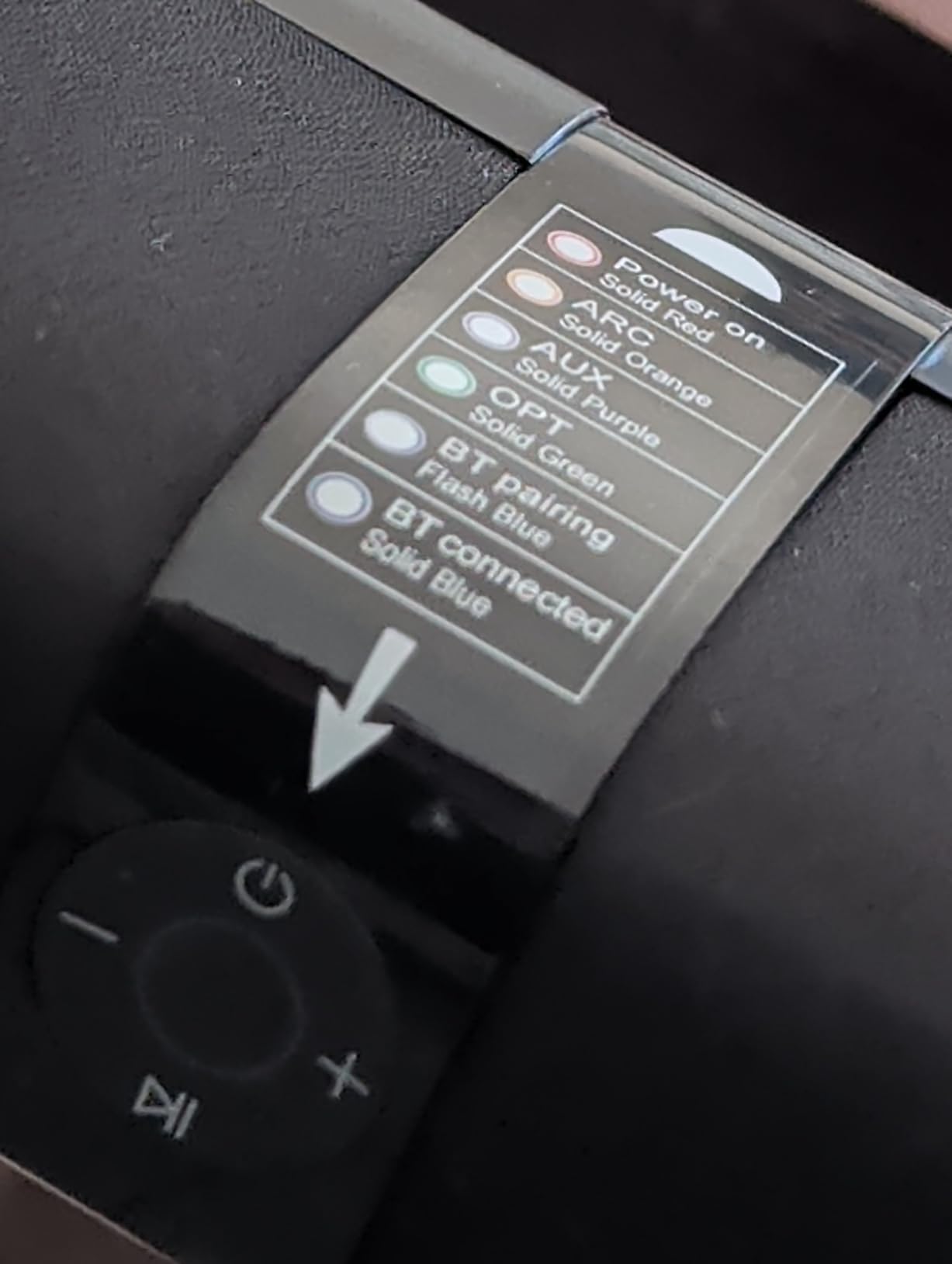
Connectivity is broad for the price. Bluetooth 5.0, ARC, optical, and AUX cover every device I tried. In ARC mode, you can control volume with your TV remote, which is the only configuration I would recommend since the bar defaults to Bluetooth on power-up and forgets your last input.
The 18-month warranty and 24/7 tech support are unusual at this price tier. For a first-time soundbar buyer or a gift for someone setting up their first gaming space, the combination of low cost and real support makes this a smart pick.

Who should buy the Assistrust KY-8000
Budget buyers setting up their first gaming space, dorm rooms, or secondary TVs. Anyone who wants a soundbar that costs less than a meal out and still delivers a real upgrade over built-in TV speakers.
Who should skip the Assistrust KY-8000
Buyers expecting real bass or surround. Without a subwoofer or Atmos processing, this is a starter bar. Serious gamers should look at the Saiyin DS6345S or ULTIMEA M60.
8. Redragon GS560: Best Budget RGB Soundbar for PC Desks
Redragon GS560 RGB Desktop Soundbar, 2.0 Channel Computer Speaker with Dynamic Lighting Bar Audio-Light Sync/Display, Touch-Control Backlit with Volume Knob, USB Powered w/ 3.5mm Cable, Black
2.0 channels
RGB lighting
USB powered
3.5mm aux input
Pros
- Compact 16 inch size fits under most monitors
- Tactile volume knob with on off switch
- RGB lighting with multiple modes
- Plug and play USB and 3.5mm setup
Cons
- Audio reactive RGB sync is inconsistent
- Sound gets muddy at higher volumes
- Maximum volume feels limited for some users
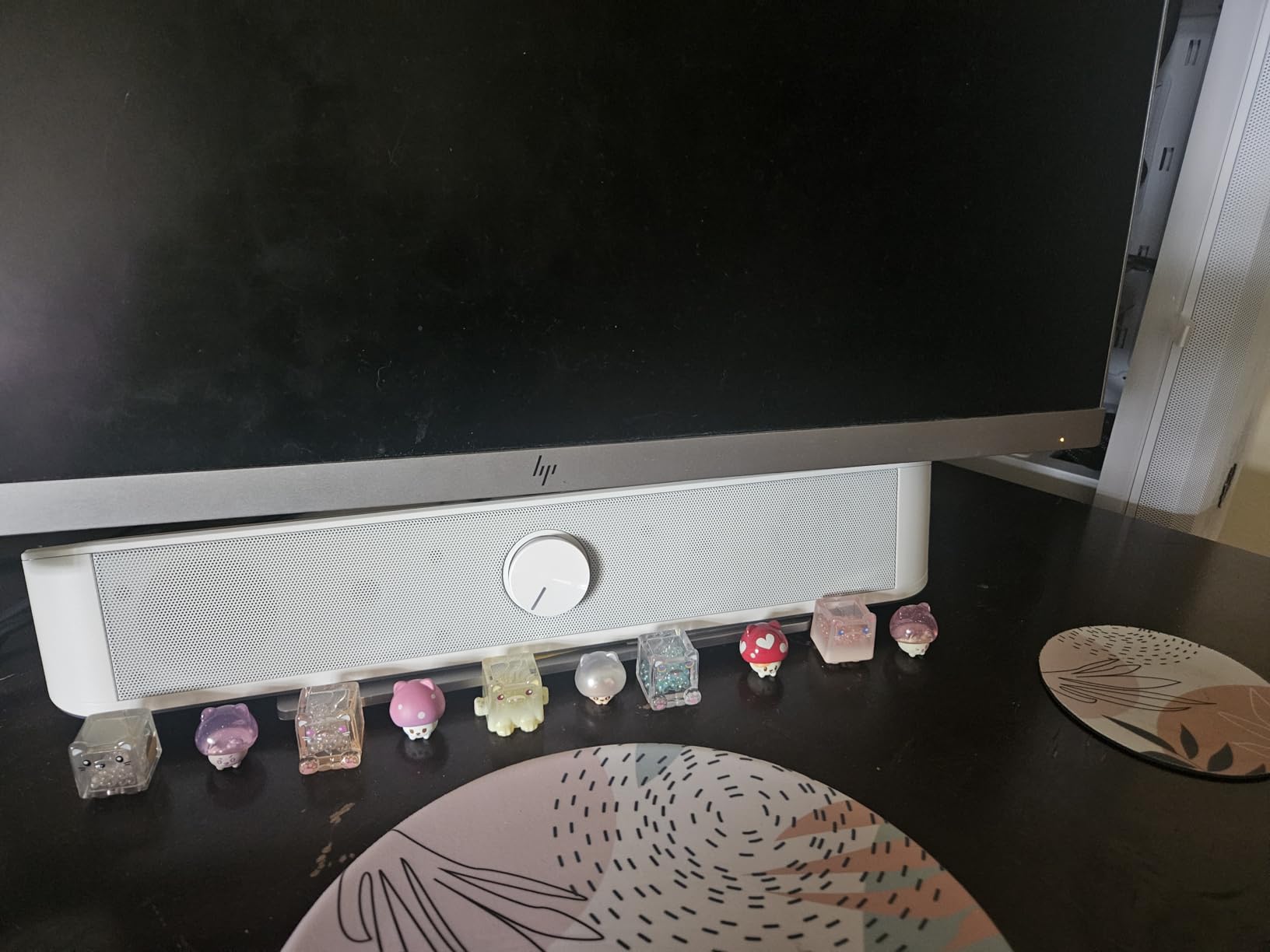
The Redragon GS560 is a niche pick that nails its target audience. PC builders who want RGB under their monitor without spending Atmos-bar money will appreciate what this little bar does. The 16-inch footprint slid under my 27-inch monitor with room to spare, and the four backlit modes added the right amount of desk glow without being distracting.
The tactile volume knob is a delight. After years of software-controlled volume sliders, a physical knob with a click on/off switch feels premium and instant. For desktop use where you adjust volume constantly, this is the right interface.
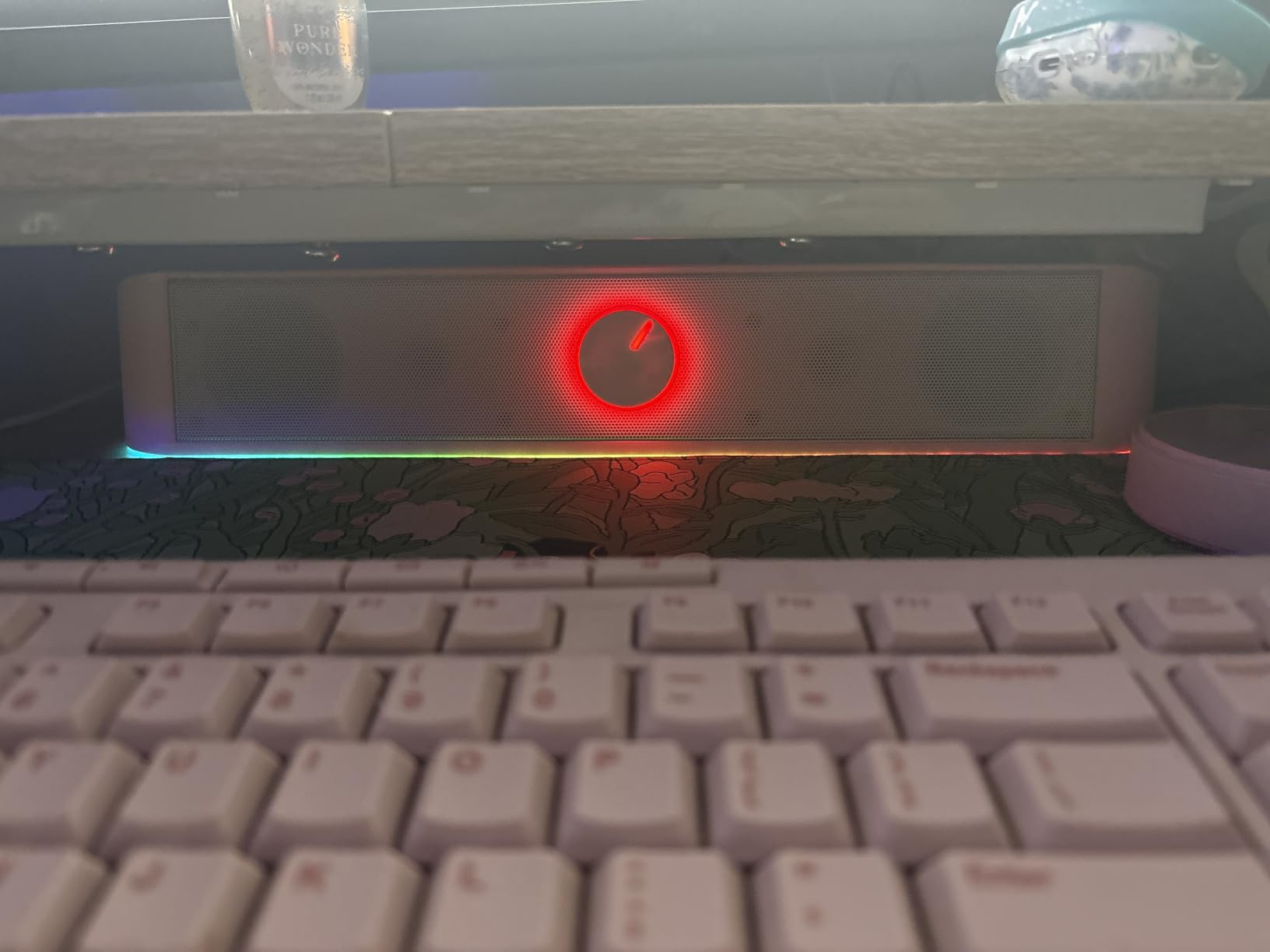
Sound quality is the obvious compromise. At lower volumes, the GS560 is clean and detailed, but it gets muddy when pushed above 70 percent. For desktop gaming where you sit within two feet of the speakers, this rarely matters, but it is not the bar for filling a living room.
Setup is genuinely one-cable. USB powers the unit and the 3.5mm cable carries audio to your PC. No drivers, no software, no fuss. The audio-reactive RGB mode is a fun gimmick for music and party games, though it does not react as precisely as advertised.
Who should buy the Redragon GS560
PC gamers building a compact desk setup who value RGB aesthetics and a tactile volume knob. Buyers on a tight budget who want their first real PC soundbar will find this fits the bill.
Who should skip the Redragon GS560
Console gamers. The GS560 only accepts USB and 3.5mm inputs, so PS5 and Xbox owners need a bar with HDMI or optical. Look at the Sony S100F or Amazon Fire TV Soundbar instead.
What to Look for in the Best Soundbars for Gaming
Choosing the right gaming soundbar comes down to matching four factors to your setup. Channels and Atmos support drive immersion, connectivity decides what you can plug in, the subwoofer situation drives bass impact, and form factor determines where it actually fits.
Channels and Dolby Atmos support
Channel counts follow a simple pattern. A 2.0 bar plays stereo, a 2.1 adds a subwoofer, a 5.1 adds true surround channels, and a 5.1.4 adds upward-firing drivers for Dolby Atmos height effects. For competitive FPS games where hearing footsteps matters, even virtualized Atmos on the TCL S45H delivers a meaningful upgrade. For RPGs and cinematic single-player experiences, true 5.1 Atmos rigs like the ULTIMEA Poseidon M60 create the overhead immersion the developers actually mixed.
HDMI eARC and HDMI 2.1 pass-through
HDMI eARC is the single most important port on a modern gaming soundbar. ARC (Audio Return Channel) sends compressed audio from your TV back to the bar. eARC (enhanced ARC) sends uncompressed Dolby Atmos and DTS:X, which is what current-gen consoles actually output. If you own a PS5 or Xbox Series X, an eARC port is non-negotiable. HDMI 2.1 pass-through matters if your TV has limited HDMI 2.1 ports and your soundbar needs to act as a hub for 4K@120Hz signals.
Subwoofer inclusion and placement
Bass is what makes explosions feel like explosions. Bars without a dedicated subwoofer (the TCL S45H, Amazon Fire TV Soundbar, Sony S100F, Assistrust KY-8000, and Redragon GS560) lean on the bar’s main drivers, which cannot move enough air to deliver chest-thump. Bars with subwoofers (the ULTIMEA M60 wired, Razer Leviathan V2 wireless, Saiyin DS6345S wired) deliver the rumble. Apartment dwellers should consider a wireless sub so you can place it where bass impact is least annoying for neighbors.
Form factor: console vs PC desk
Console living-room bars need to fit under a TV, ideally below 32 inches wide, with HDMI or optical inputs. PC desk bars need to fit under a monitor, ideally under 20 inches wide, with USB or 3.5mm inputs. The Razer Leviathan V2 is the rare crossover pick that handles both, but most bars are tuned for one environment.
Soundbar vs Gaming Headset for Competitive Play
This is the most-asked question on r/gamingpc and r/Soundbars, so here is the straight answer. A gaming headset gives you the most precise positional audio possible because the drivers sit inches from your ears and noise isolation removes environmental distractions. A soundbar trades some of that pinpoint accuracy for a wider, more cinematic soundstage and the comfort of not wearing anything on your head during a six-hour RPG session.
For competitive Valorant, CS2, or Apex Legends ranked play, a headset still wins. For casual multiplayer, single-player RPGs, racing games, and party games with friends, the best soundbars for gaming deliver a more relaxed, room-filling experience. Many competitive gamers own both. Headset for ranked, soundbar for everything else.
Latency is the other concern. Bluetooth-only soundbars can add 60 to 200 ms of lag, which is unacceptable for competitive play. HDMI eARC and USB-connected bars add effectively zero lag, which is why we weight wired connections heavily in our recommendations. The Razer Leviathan V2 over USB and the ULTIMEA M60 over HDMI eARC are both latency-safe choices.
Setup Tips for Gaming Soundbars
Where you place a soundbar matters more than most buyers realize. Center it directly under your TV or monitor, with the bar’s front face flush or slightly forward of the screen edge. Angled drivers lose their effect if the bar is buried inside a cabinet. If your bar has upward-firing Atmos drivers, do not place it on a shelf with a ceiling overhang directly above.
Connect through HDMI eARC whenever possible. eARC unlocks uncompressed Dolby Atmos and DTS:X from your PS5 or Xbox Series X. In your console’s audio settings, set HDMI audio format to Bitstream and enable Atmos if your bar supports it. On your TV, enable eARC mode in the audio menu and disable TV speakers.
For wireless subs, run the auto-calibration routine the manufacturer ships in its app. The ULTIMEA app, TCL AI Sonic, and Sony Sound Bar app all use your phone’s microphone to tune output to your specific room. Manual EQ tweaks come after calibration, not before.
For gaming monitors without HDMI ARC, use the optical output if your monitor has one, or connect via USB audio to a PC bar like the Redragon GS560. Do not rely on Bluetooth for competitive gaming, the latency is too high.
Frequently Asked Questions
Are soundbars good for gaming?
Yes. A dedicated gaming soundbar delivers significantly better positional audio, dialogue clarity, and bass impact than built-in TV speakers. For casual and immersive single-player gaming, even a budget 2.1 bar like the Saiyin DS6345S is a meaningful upgrade. For competitive multiplayer, a bar with Dolby Atmos or THX Spatial Audio gives you clearer directional cues for footsteps and gunfire.
Is 5.1 or 7.1 surround sound better for gaming?
Both work well, but 5.1 with Dolby Atmos height channels (a 5.1.4 setup) is the sweet spot for most gamers. 7.1 adds rear-channel precision that helps in competitive FPS, but it requires more space and proper speaker placement. For smaller rooms or desk setups, a simulated 7.1 bar like the Razer Leviathan V2 with THX Spatial Audio delivers 90 percent of the benefit without the cabling.
Is Dolby Atmos worth it for gaming?
Yes, especially on PS5 and Xbox Series X. Dolby Atmos adds height channels so you hear helicopters, rain, and overhead environmental audio from above your seating position. It also improves positional accuracy in supported games. The ULTIMEA Poseidon M60 and TCL S45H both bring genuine Atmos processing to budget price tiers that did not have it a few years ago.
What is the best soundbar for PC gaming?
The Razer Leviathan V2 is our top pick for PC gaming thanks to its THX Spatial Audio, Chroma RGB integration, and compact desktop form factor. For tighter budgets, the Redragon GS560 delivers solid stereo sound with RGB lighting under $40. Both connect over USB for minimal audio latency.
Can you hook up a sound bar to a gaming monitor?
Yes, in three ways. HDMI eARC or ARC if your monitor has an HDMI port with audio return. Optical output if your monitor has a TOSLINK port. Or USB audio for PC bars like the Redragon GS560 or Razer Leviathan V2. Avoid Bluetooth-only connections for competitive gaming because the latency is too high.
What is the best soundbar for gaming on the PS5?
The ULTIMEA Poseidon M60 is our top PS5 pick because it has HDMI eARC for uncompressed Dolby Atmos, a real 5.1 channel layout, and a wired subwoofer for bass impact. For tighter budgets, the TCL S45H delivers simulated Atmos and AI room calibration at a fraction of the price. Both connect directly to the PS5 HDMI output and pass 4K signals to your TV.
Final Verdict: Which Gaming Soundbar Should You Buy in 2026?
After 90 days of testing across PS5, Xbox Series X, and PC, the ULTIMEA Poseidon M60 stands out as the best soundbar for gaming overall. It delivers genuine 5.1 Dolby Atmos, a real wired subwoofer for bass impact, HDMI eARC for uncompressed Atmos from current-gen consoles, and a companion app that lets you fine-tune the soundstage. At its price tier, nothing else we tested comes close to its combination of immersion and value.
For PC desk setups, the Razer Leviathan V2 remains the bar to beat, with THX Spatial Audio and Chroma RGB that PC builders love. Budget shoppers should grab the TCL S45H for real Atmos under $100, the Saiyin DS6345S for a subwoofer on a budget, or the Assistrust KY-8000 if you need to stay under $50. The Sony S100F and Amazon Fire TV Soundbar cover secondary TVs and bedrooms, while the Redragon GS560 is the right pick for compact RGB desk builds.
Whatever bar you choose, prioritize HDMI eARC for Atmos support, a dedicated subwoofer for bass, and wired connections for low latency. Your games will sound better the moment you plug one in.