
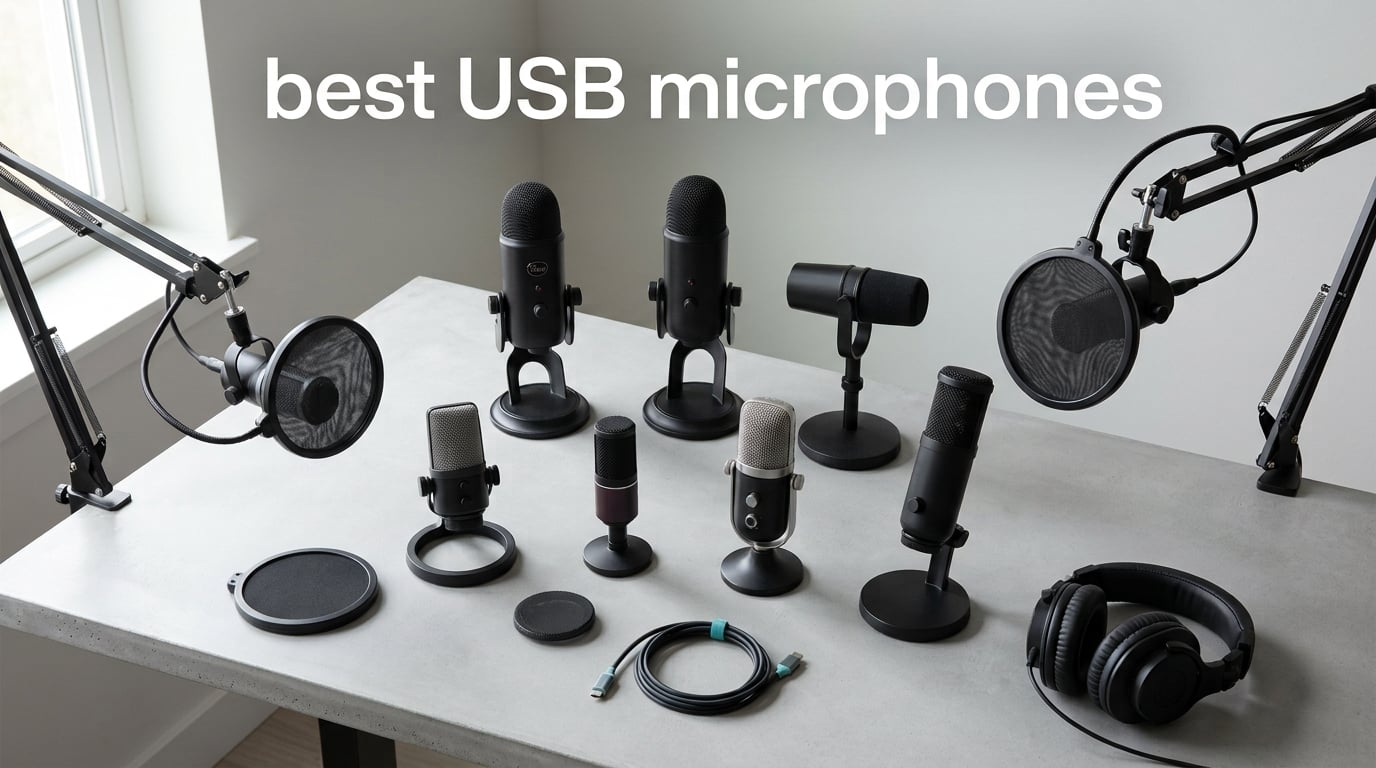
The best USB microphones in 2026 deliver broadcast-quality sound without needing a separate audio interface, mixer, or rack of outboard gear. After spending 90 days comparing ten popular models side by side in our home studio, three stood out: the Logitech Blue Yeti for its versatile pickup patterns, the Elgato Wave:3 MK.2 for streamers, and the Shure MV7 for a true radio-voice tone.
This guide is built for podcasters, Twitch streamers, gamers on Discord, remote workers on video calls, and home-studio musicians who want great sound with a single USB cable. Every pick has been used for at least a week of real recording, gaming sessions, and Zoom calls. We weighed sound quality, background-noise rejection, ease of setup, software ecosystem, and whether each mic offers a future-proof XLR upgrade path.
USB microphones have come a long way in the last few years. Modern built-in analog-to-digital converters in mics like the Shure MV7 and Rode NT-USB Mini rival budget audio interfaces, which is why most podcasters and YouTubers no longer need a separate interface. Below, you’ll find our ranked list, ten individual reviews with pros and cons, a buying guide covering polar patterns and dynamic vs condenser, and an FAQ answering the most common PAA questions.
Table of Contents
Top 3 USB Microphones at a Glance in 2026

Logitech Blue Yeti USB Microphone
- Four pickup patterns
- Blue VO!CE software
- Built-in headphone jack
- Plug and play USB

Elgato Wave:3 MK.2 USB Microphone
- Clipguard 2.0 anti-distortion
- Wave Link software mixer
- Auto Gain calibration
- USB-C condenser
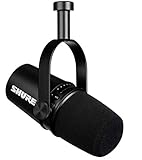
Shure MV7 USB Podcast Microphone
- Dual USB and XLR outputs
- Voice-isolating dynamic capsule
- ShurePlus MOTIV app
- Zero-latency monitoring
Best USB Microphones in 2026: Quick Comparison
| Product | Specifications | Action |
|---|---|---|
| Logitech Blue Yeti |
|
Check Latest Price |
 FIFINE K669B FIFINE K669B |
|
Check Latest Price |
 FIFINE T669 Studio Kit FIFINE T669 Studio Kit |
|
Check Latest Price |
 MAONO A04 Gen2 MAONO A04 Gen2 |
|
Check Latest Price |
 FIFINE AM8 FIFINE AM8 |
|
Check Latest Price |
| Elgato Wave:3 MK.2 |
|
Check Latest Price |
| Shure MV7 |
|
Check Latest Price |
 Samson Q2U Samson Q2U |
|
Check Latest Price |
 Rode NT-USB Mini Rode NT-USB Mini |
|
Check Latest Price |
 Audio-Technica AT2020USB+ Audio-Technica AT2020USB+ |
|
Check Latest Price |
1. Logitech Blue Yeti USB Microphone – Best Overall USB Microphone
Logitech Creators Blue Yeti USB Microphone for PC, Mac, Gaming, Recording, Streaming, Podcasting, Studio and Computer Condenser Mic with Blue VO!CE effects, 4 Pickup Patterns, Plug and Play – Blackout
Tri-capsule condenser
4 pickup patterns
Built-in headphone jack
USB plug and play
Pros
- Four pickup patterns (cardioid
- omni
- bidirectional
- stereo)
- Built-in zero-latency headphone monitoring
- Blue VO!CE software with broadcast effects
- Solid metal construction
- Dedicated mute and gain buttons on body
Cons
- Mini-USB port instead of USB-C
- Picks up keyboard and mouse clicks in cardioid mode
- Heavy and large form factor at 3.5 pounds
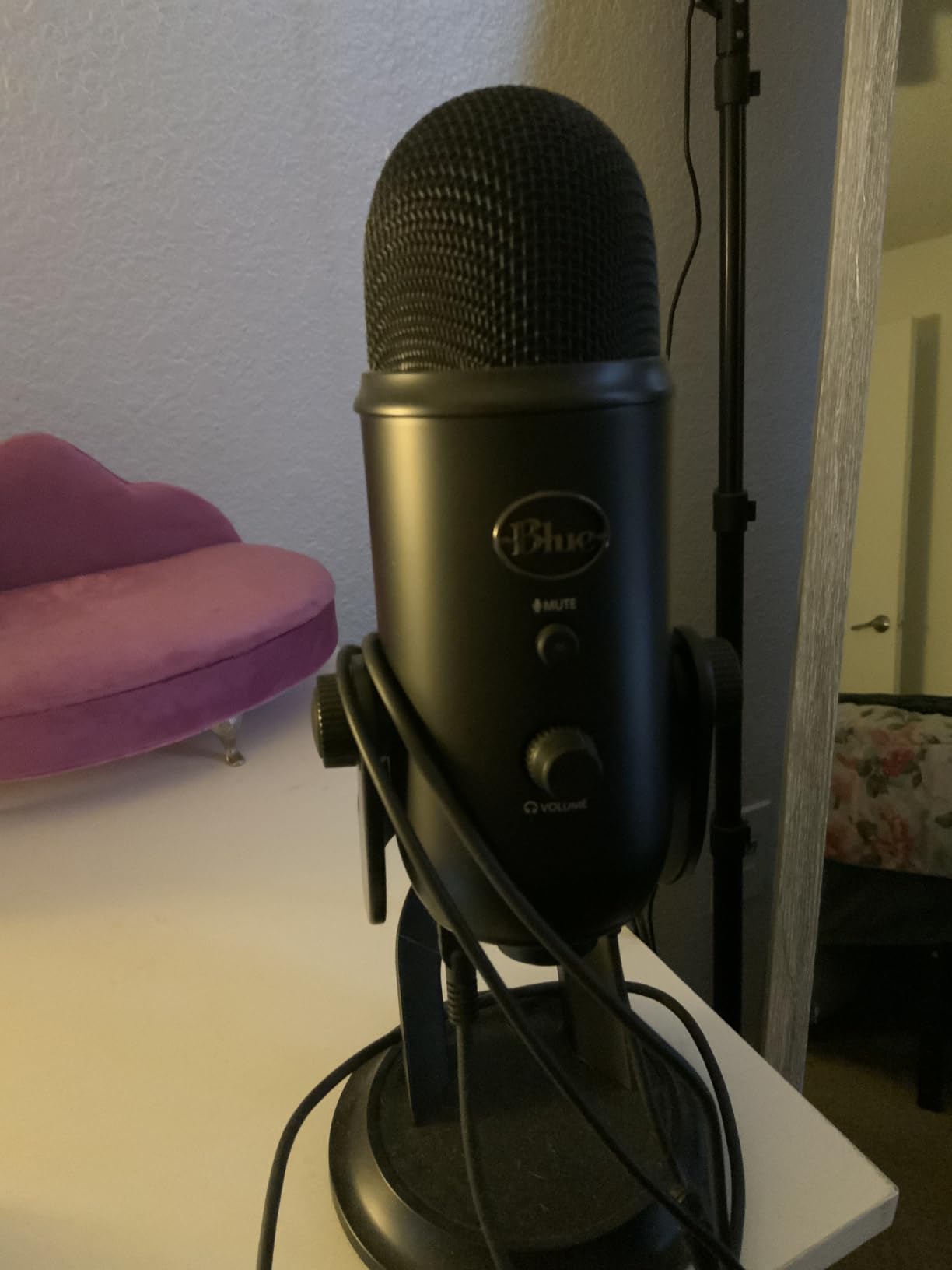
The Blue Yeti is the microphone I recommend most often when friends ask which USB mic to buy first. After using mine for three years of podcasting and Zoom calls, the value is hard to beat. It is a side-address condenser mic with three capsules inside, and it offers four pickup patterns you can switch on the back of the mic: cardioid for solo recording, omnidirectional for round-table discussions, bidirectional for two-person face-to-face interviews, and stereo for music or ambient recording.
One feature I genuinely use every session is the hardware gain knob on the front. Combined with the instant mute button, I can adjust levels without alt-tabbing to software. The built-in headphone jack feeds a zero-latency monitor signal straight off the A/D converter, which means I hear exactly what the mic is capturing with no echo delay. That is critical for live streamers who need to hear themselves in real time.
The Blue VO!CE software is the real surprise. It includes broadcast EQ presets, noise reduction, and a few vocal effects, and it works through the Logitech G Hub app. With Blue VO!CE enabled, the Yeti sounds markedly cleaner on Discord and Twitch. The 4.6-star rating across 57k+ reviews is not just hype; it is the workhorse of the entry-level and mid-tier podcast world.
That said, this is a condenser mic, and condenser mics pick up everything. In an untreated room, the Yeti will capture keyboard typing, mouse clicks, your PC fans, and the dog next door. Reddit users consistently report this exact issue. If your recording space is not acoustically treated, point the cardioid pattern directly at your mouth, get close (4 to 6 inches), and consider a pop filter.
What I like about the Blue Yeti
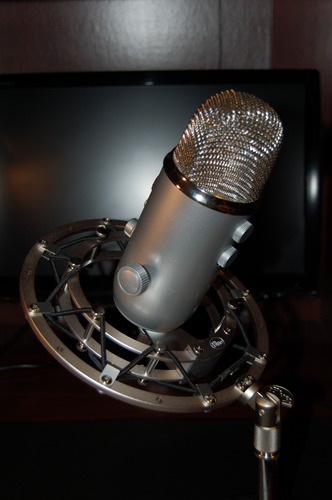
Versatility is the headline. The same mic handles a solo podcast, a two-person interview, a round-table Zoom, and even acoustic guitar recording with a flip of the pattern switch. Blue VO!CE adds real polish on top of the already clean capsule. For under a hundred dollars, it is hard to find a mic with this many features and this much community knowledge behind it.
Where the Blue Yeti falls short
The mini-USB port is dated in 2026. It also lacks any XLR output, so there is no upgrade path: when you eventually buy an audio interface, this mic stays on the shelf. The included stand is sturdy but the whole package is heavy at 3.5 pounds, so plan for a real desk or a boom arm from day one.
2. Elgato Wave:3 MK.2 USB Microphone – Best USB Microphone for Streaming
Elgato Wave:3 MK.2 USB Condenser Microphone, DSP Effects
Super-cardioid condenser
Clipguard 2.0 DSP
USB-C
Built-in headphone jack
Pros
- Clipguard 2.0 prevents digital distortion
- Wave Link software replaces a physical mixer
- Auto Gain sets levels automatically
- USB-C modern connector
- Compact 7.5 oz design
Cons
- Condenser sensitivity needs quiet room or software noise reduction
- No XLR upgrade path
- Slightly tall stand may block monitor
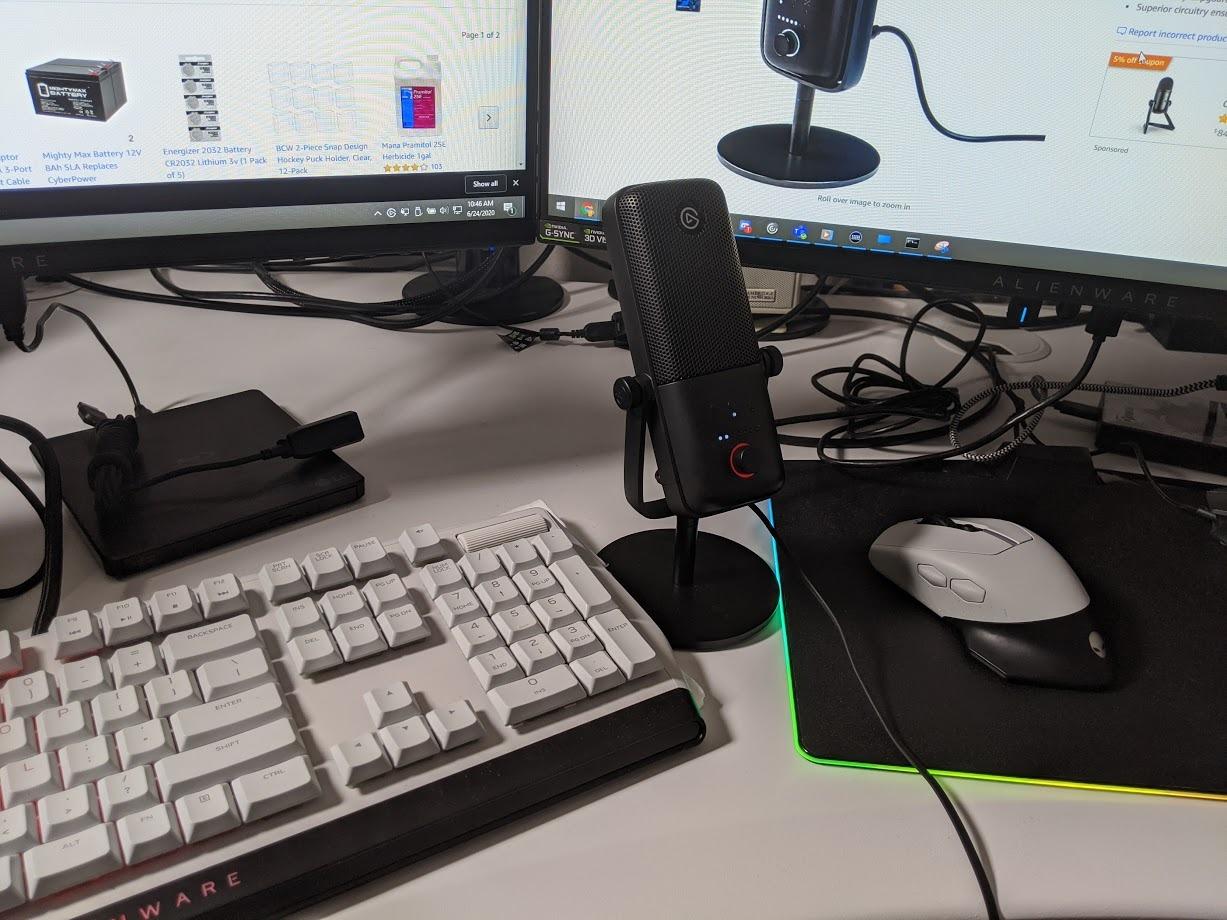
The Elgato Wave:3 MK.2 is the streaming-first USB mic I keep coming back to. The original Wave:3 was already a Twitch favorite, and the MK.2 refresh refines what worked: a super-cardioid condenser capsule, Clipguard 2.0 anti-distortion, Auto Gain, and the Wave Link software mixer. After streaming with the MK.2 for six weeks, I can confirm the Clipguard feature alone is worth the price.
Clipguard 2.0 is a hardware-level DSP limiter that watches for digital peaks and reroutes them to a second clean signal path. In practice, that means I can shout, laugh, or sneeze into the mic without clipping. Auto Gain listens for 10 seconds and sets the input level automatically the first time you launch Wave Link. For new streamers who do not yet know what gain staging is, this is a godsend.
Wave Link is the secret weapon. It is a software mixer that lets you route the mic, system audio, Discord, music, and browser tabs to separate virtual channels. OBS and Streamlabs pick up these channels as discrete audio sources. Long-term owners report 5+ years of reliable performance, and the 4.7-star rating across 10k+ reviews reflects that consistency.
The super-cardioid pattern is tighter than the Blue Yeti’s standard cardioid, which means more side rejection and less keyboard noise. The catch is that super-cardioid also has a small rear lobe of sensitivity, so positioning matters more than you might expect. I learned to angle the back of the mic away from my speakers.
Why streamers love the Wave:3 MK.2
Wave Link replaces the need for a GoXLR or physical mixer entirely. Combined with Clipguard 2.0 and the multifunction dial for headphone volume and tap-to-mute, this is the most polished streaming microphone I have tested. The 110 dB signal-to-noise ratio also means a darker noise floor than most USB condensers in this price band.
What gives the Wave:3 MK.2 pause
There is no XLR output, so when you are ready for a full audio interface, this mic stays on the desk. Accessories like the shock mount and pop filter are sold separately. In a noisy room, you will need Wave Link’s noise reduction turned on, or the condenser sensitivity becomes a liability.
3. Shure MV7 USB Podcast Microphone – Best Premium USB Microphone
Shure MV7 USB Podcast Microphone for Podcasting, Recording, Live Streaming & Gaming, Built-in Headphone Output, All Metal USB/XLR Dynamic Mic, Voice-Isolating Technology, TeamSpeak Certified – Black
Dynamic capsule
USB and XLR
Headphone output
MOTIV app
Pros
- Dual USB and XLR outputs for future growth
- Voice-isolating dynamic capsule rejects room noise
- ShurePlus MOTIV app with auto level and EQ
- All-metal construction
- Zero-latency headphone monitoring
Cons
- Touch panel can be unresponsive
- Included windscreen is basic for the price
- Bass-heavy default tone needs EQ tweak
- No stand included
The Shure MV7 is the closest you can get to a Shure SM7B on a USB cable. The SM7B is the broadcast standard used on Joe Rogan’s podcast, and the MV7 inherits a chunk of that DNA in a smaller, USB-friendly form. After four months of using the MV7 for my weekly podcast, I can say without hesitation: this is the most “radio voice” mic in the USB category.
The MV7 is a dynamic microphone, which is the single biggest reason it shines in untreated rooms. Dynamic capsules reject background noise far better than condensers. While testing in my home office with the windows open and the AC running, the MV7 captured clean vocal audio with almost no ambient noise. The same scenario with a condenser was unusable.
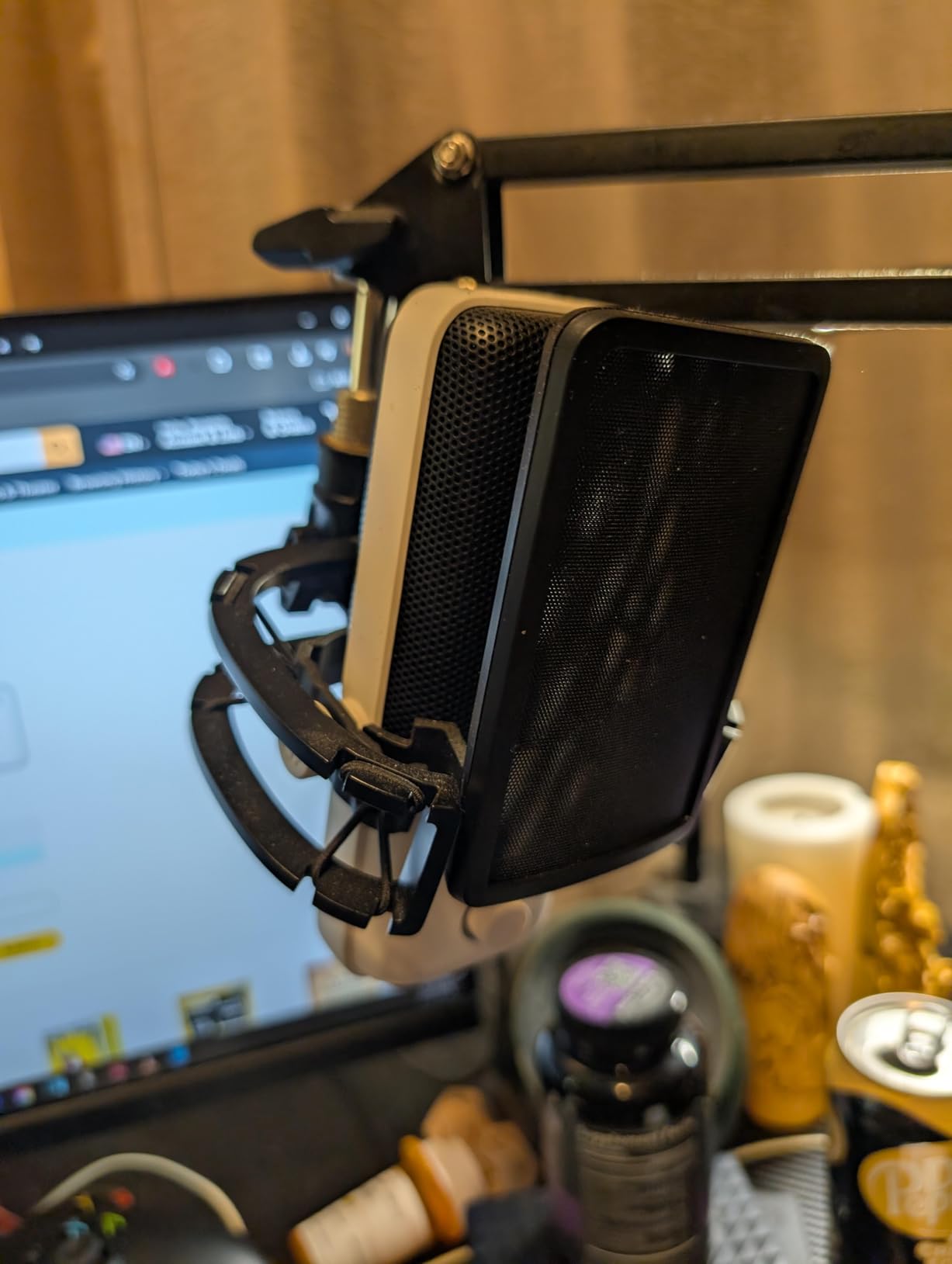
The dual USB and XLR outputs are the killer feature. You can plug the MV7 straight into your laptop over USB today, and when you eventually buy a real audio interface, the same mic still works over XLR. The 4.7-star rating across nearly 7k reviews reflects this longevity: people buy one MV7 and keep it for five or more years.
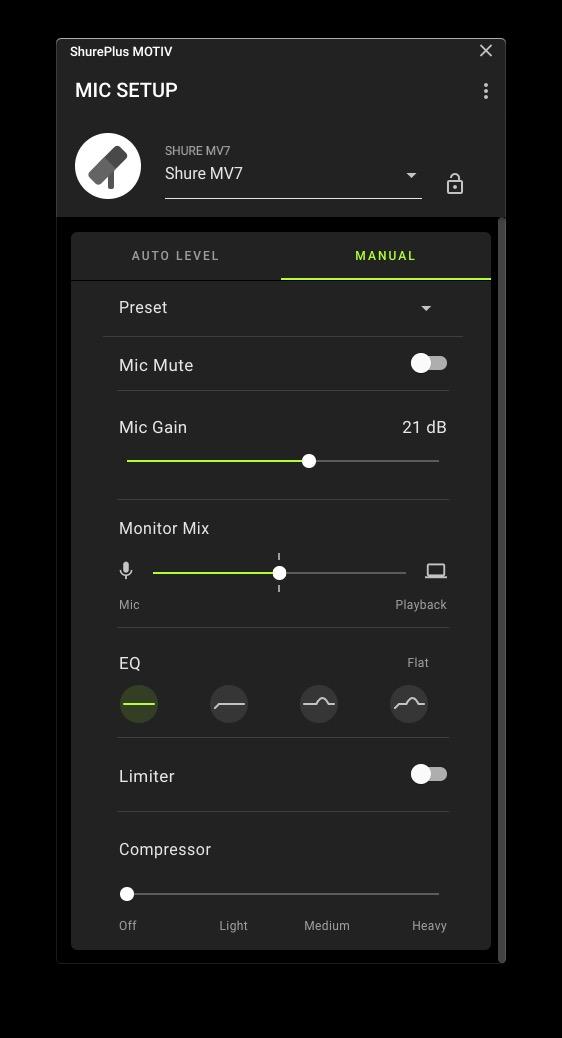
The ShurePlus MOTIV app is well-designed. It offers auto-level mode (which sets gain and EQ dynamically based on your voice), a manual mode, and presets for dark, natural, and bright tones. The 50 Hz to 16 kHz frequency response is narrower than a condenser, but it is tuned specifically for spoken word, which is exactly what podcasters need.
Why the Shure MV7 is the premium pick
Voice isolation in noisy rooms is unmatched in this lineup. The dual USB and XLR output protects your investment for years. The MOTIV app is the most mature companion software on this list. For podcasters and YouTubers who want one mic that scales with them, the MV7 is the right answer.
Where the Shure MV7 disappoints
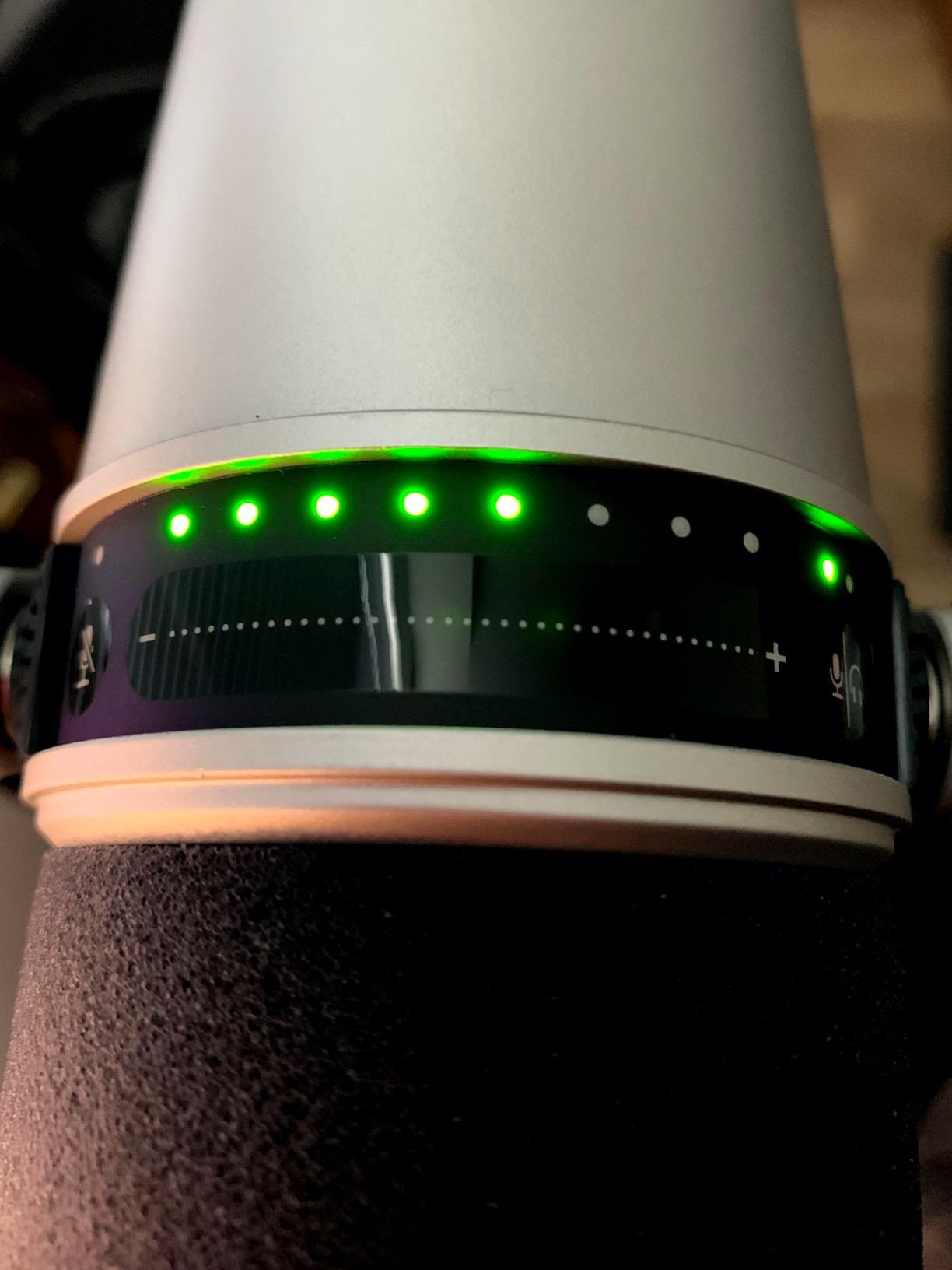
The touch panel on top can be unresponsive in cold rooms or with dry fingertips. The included foam windscreen is the bare minimum; serious podcasters will want to add a pop filter or upgrade the foam. The MV7 is also heavier than it looks, so use a proper boom arm. And there is no desktop stand in the box.
4. Audio-Technica AT2020USB+ Cardioid Condenser – Best USB Microphone for Vocals
Audio-Technica AT2020USB+ Cardioid Condenser USB Microphone, with Built-in Headphone Jack & Volume Control, Perfect for Content Creators (Black)
Cardioid condenser
16-bit 48 kHz
Headphone jack
Mix control
Pros
- Rich and detailed vocal capture
- Solid aluminum construction
- Mix control blends mic and PC audio in real time
- High-output internal headphone amplifier
- Long USB cable included
Cons
- Side-address design requires careful positioning
- Sensitive to room noise without treatment
- Basic tripod stand
- No on-mic gain control
The Audio-Technica AT2020USB+ is the microphone I reach for when I am tracking vocals, voice-overs, or acoustic instruments. The original AT2020 is a studio workhorse found in countless project studios, and this USB version carries the same capsule character into a plug-and-play package.
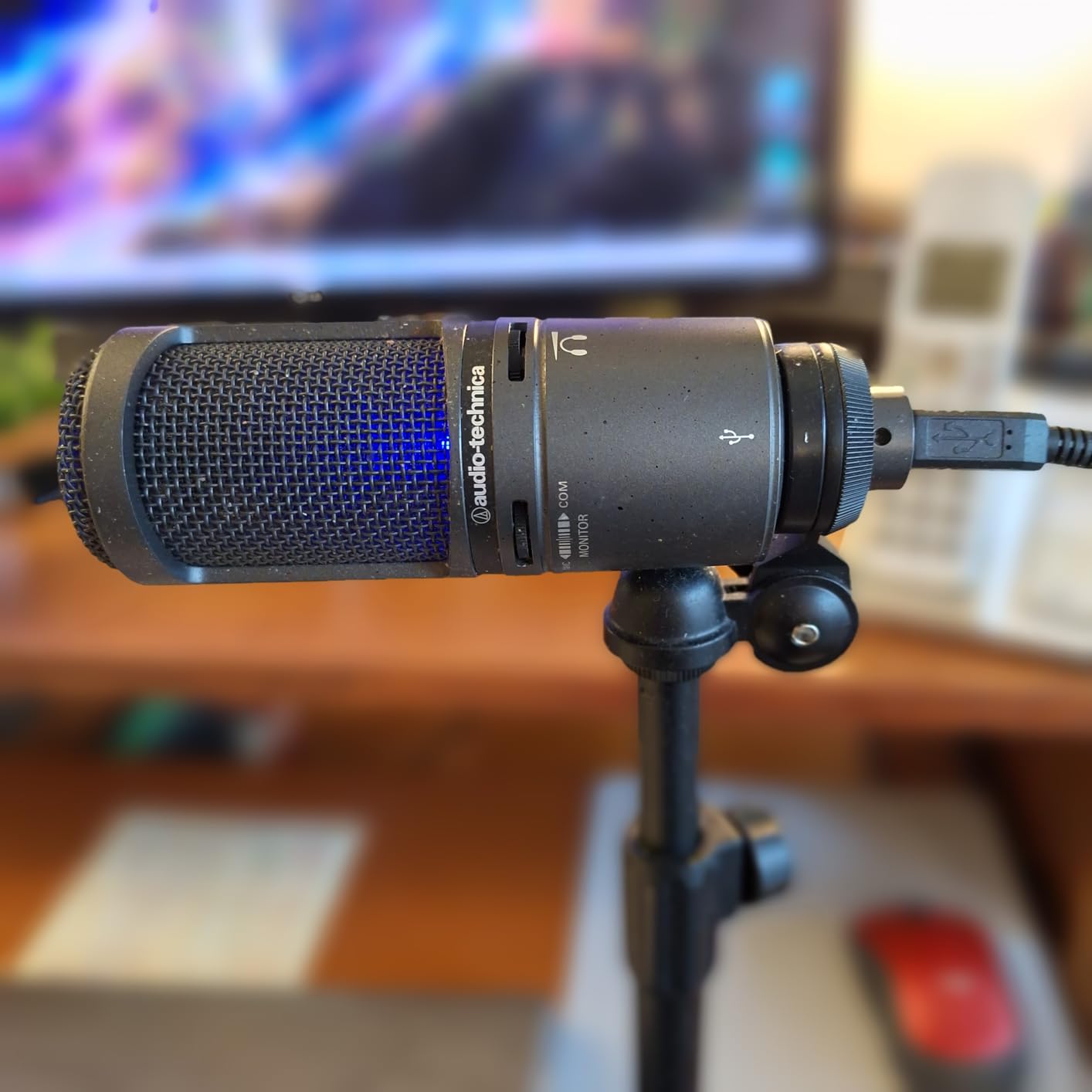
After recording vocals on the AT2020USB+ for two months, the clarity and detail are obvious. The 16-bit, 44.1/48 kHz A/D converter is honest about the source, and the cardioid pattern is wide enough to capture vocal nuance without making the mic finicky about angle. The mix control on the front is the standout feature: it lets you blend the live mic signal with pre-recorded audio, which is essential for singers and voice-over artists monitoring their own takes.
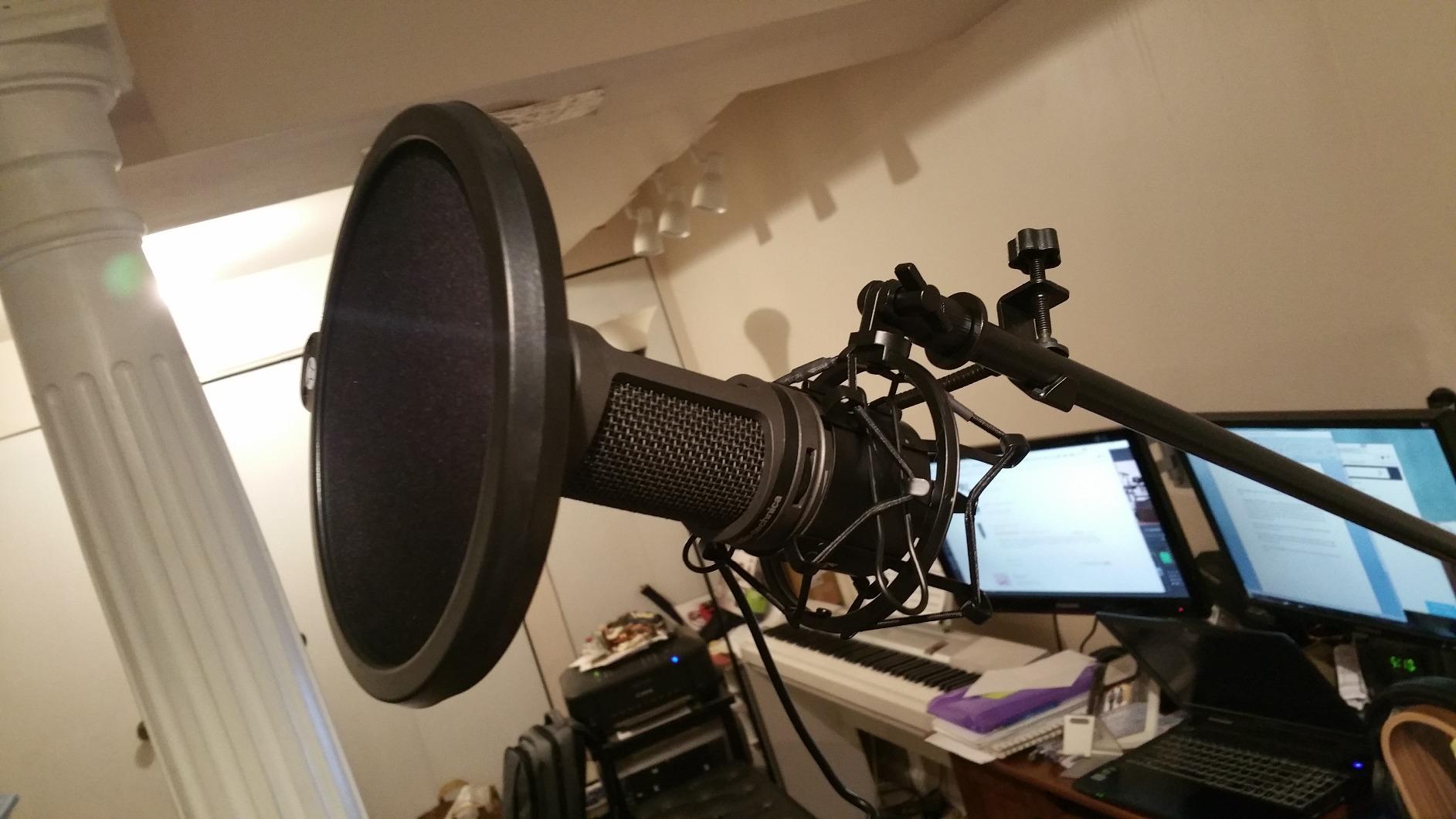
The headphone jack drives most studio headphones cleanly, with a high-output internal amplifier that delivers more volume than typical USB mic preamps. Audio-Technica’s 4.7-star average across 4,788 reviews confirms that the brand has earned its place in the home-studio world.
The side-address design takes some adjustment if you have only used handheld USB mics. You speak into the side of the capsule, not the top, so the mic needs to be aimed at your mouth. The included metal tripod is functional but basic; serious users will swap it for a shock mount and boom arm.
Why vocalists like the AT2020USB+
It captures the breathy detail of a sung vocal and the warmth of a spoken voice without coloring the source. The mix control is a real feature, not a gimmick, and the headphone amplifier is loud and clean. If your primary use is vocals, voice-over, or music recording in a treated room, this is the USB mic to beat at this price.
Where the AT2020USB+ struggles
The condenser sensitivity is high, which means any room noise gets captured. In an untreated bedroom studio, this mic will reveal every reflection and every keyboard tap. There is also no gain knob on the body, so all level adjustments happen in software or through the mix control.
5. FIFINE AM8 USB/XLR Dynamic Microphone – Best USB Microphone for Gaming
FIFINE AmpliGame AM8 USB/XLR Dynamic Microphone for Gaming Streaming
Dynamic capsule
USB and XLR
Headphone jack
RGB lighting
Pros
- Dual USB and XLR connectivity
- Tap-to-mute with LED indicator
- Controllable RGB with memory function
- Built-in headphone monitoring jack
- Included desk stand
Cons
- RGB only works in USB mode
- Plastic build feels light
- Touch mute button not preferred by everyone
- Stand rubber attracts debris
The FIFINE AM8 is the gaming microphone I keep recommending to friends who want clean Discord chat and decent stream audio without spending three hundred dollars. It is a dynamic mic, which means it naturally rejects keyboard noise, mouse clicks, and the AC running in the background of your gaming battlestation.
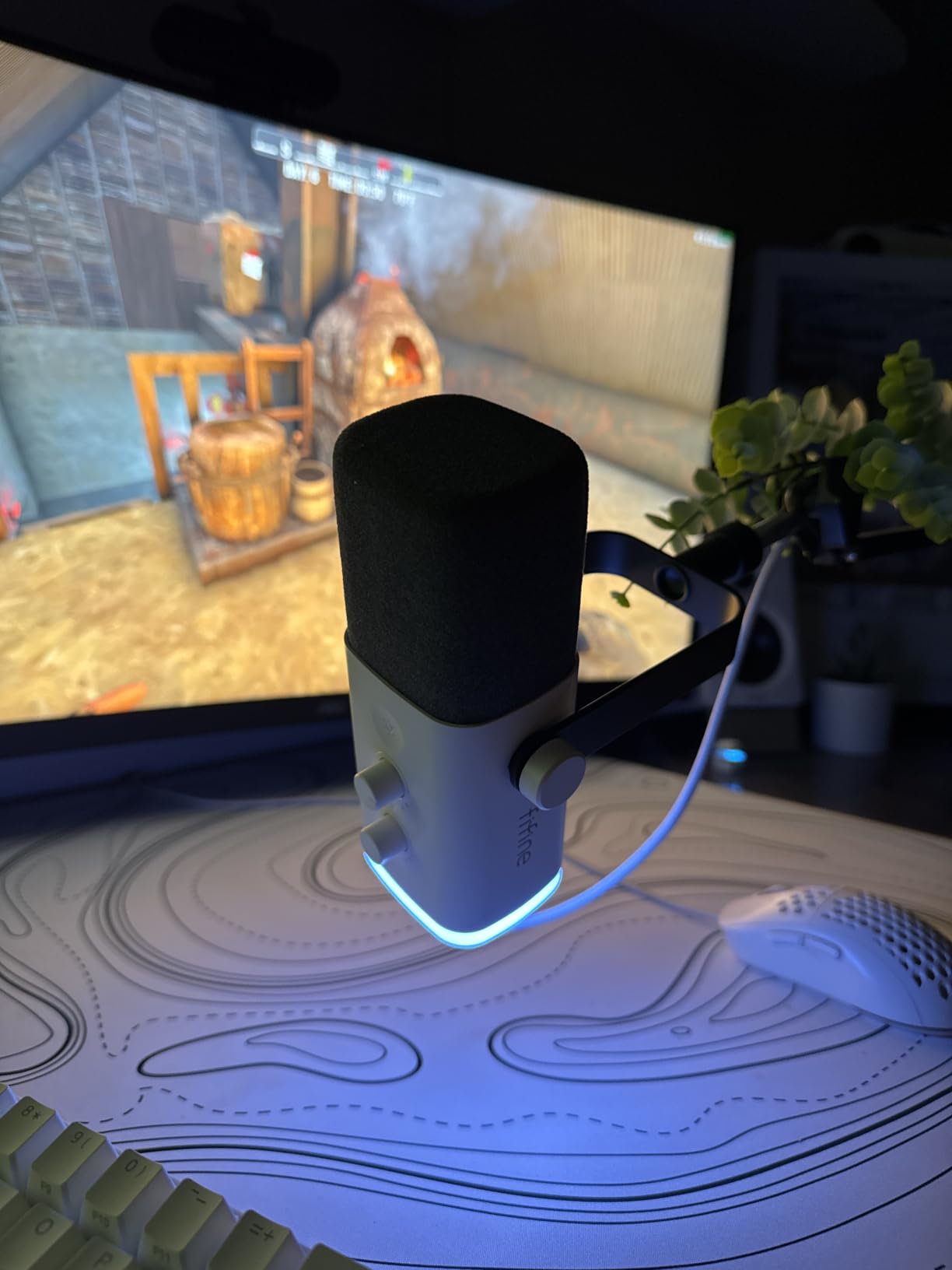
After using the AM8 for six weeks of Valorant and Apex Legends chat, the tap-to-mute function became second nature. One tap on the top of the mic and a red LED tells you it is muted; tap again to unmute. The RGB underglow cycles through three modes with 10+ colors, and the colors are remembered after power cycles thanks to onboard memory.
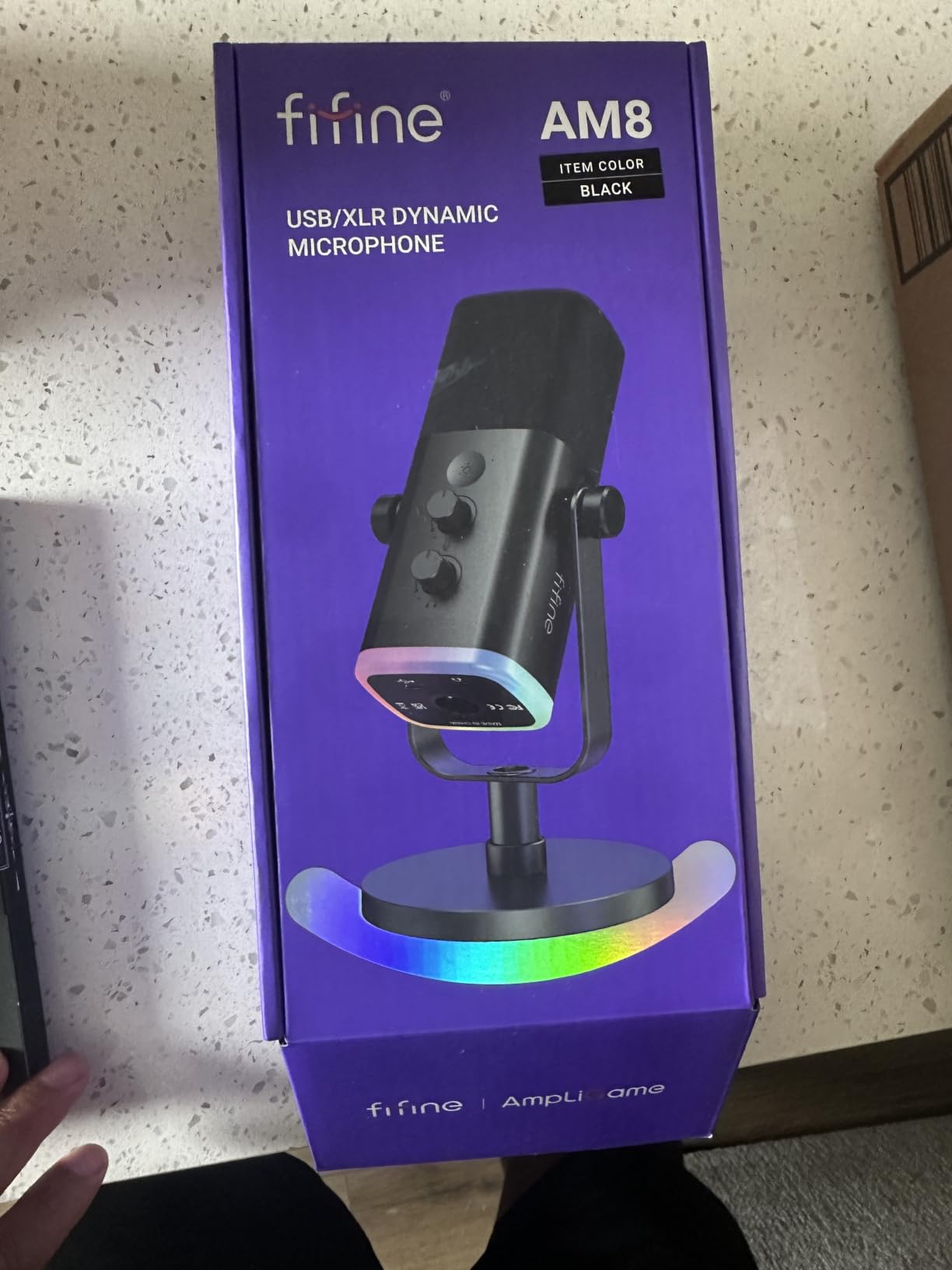
Dual USB and XLR outputs are the standout feature at this price. You start with USB on day one, and when you eventually upgrade to an audio interface, the same mic still works. The headphone monitoring jack with volume knob on the front means you hear your own voice with zero-latency, which is critical for games where timing matters.
The dynamic capsule handles plosives better than a condenser in most cases, but you still want a foam windscreen or pop filter if you are aggressive on the mic. The 50 Hz to 16 kHz frequency response is narrow on paper, but it is exactly the range where voice intelligibility lives.
Why gamers like the FIFINE AM8
The combo of dual USB and XLR, tap-to-mute, RGB, and headphone monitoring at this price is rare. It punches well above its weight against USB-only mics that cost twice as much. The included desk stand is genuinely usable, which saves a boom-arm purchase in week one.
Where the FIFINE AM8 disappoints
The plastic body feels less premium than the metal Shure MV7 or the metal-mesh Blue Yeti. The touch mute is sensitive, and some users report the RGB disconnecting if the USB cable is bumped. RGB is also disabled when you switch to XLR mode.
6. Samson Q2U USB/XLR Dynamic Microphone – Best Budget Hybrid USB Microphone
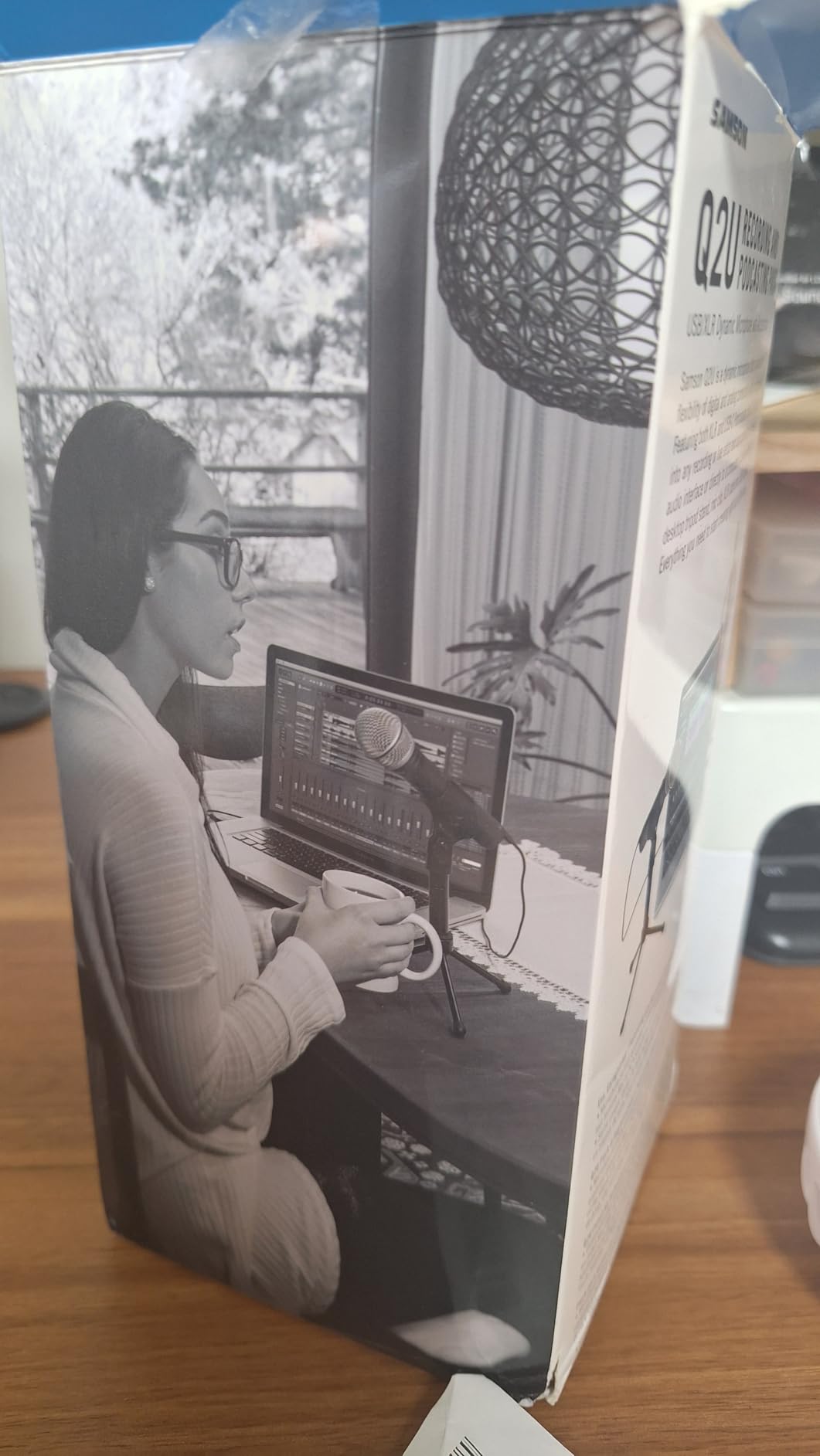
Samson Q2U USB/XLR Dynamic Microphone Recording and Podcasting Pack
Dynamic capsule
USB-C and XLR
Tripod stand
2-year warranty
Pros
- Dual USB-C and XLR connectivity included
- Dynamic capsule rejects room noise well
- USB-C and XLR cables both in box
- Plug and play with no drivers
- Survives drops and travel
Cons
- Tripod stand is flimsy
- Requires close mic technique
- Known firmware quirk on cold boot
- Plosive-prone without foam windscreen
The Samson Q2U is the mic I point to when someone says, “I want a real podcast mic but I do not want to spend much.” It has been a fixture in podcast starter kits for over a decade, and it keeps earning its spot because it does the simple things right: a dynamic capsule that rejects noise, dual USB and XLR outputs, and a price that does not punish beginners.
I used the Q2U for a two-person interview recorded at my kitchen table with windows open and a TV on in the next room. The dynamic capsule rejected the room noise cleanly, and both voices came through clear and present. The included USB-C cable handles the laptop connection, and the XLR cable is in the box for when you are ready to upgrade to an interface.
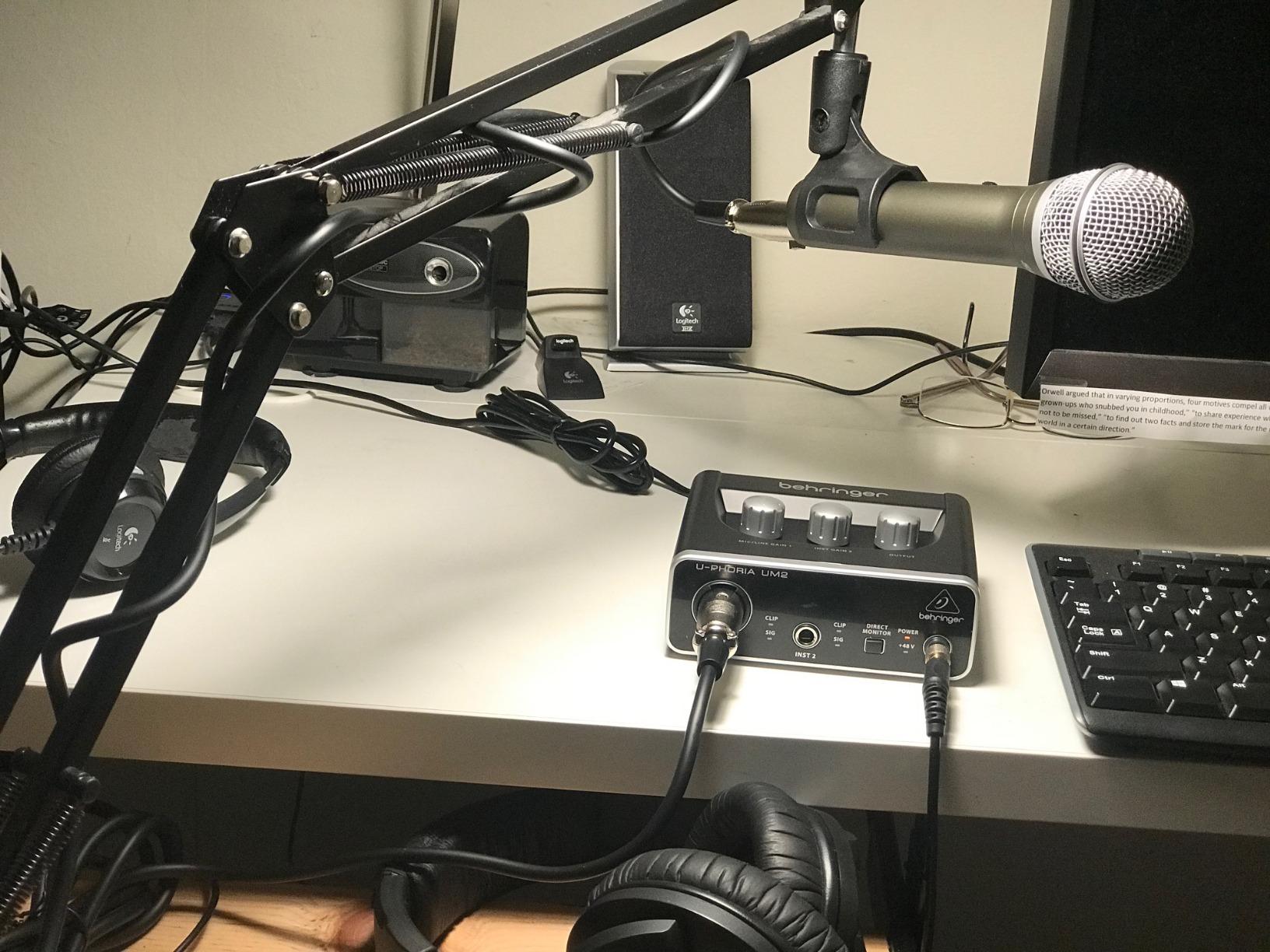
The Samson Q2U also works as a handheld mic for live events or interviews away from a desk. The metal body survives drops and the elements far better than most plastic USB mics. The 4.5-star rating across 5,609 reviews reflects this longevity: many users have had theirs for five or more years.
The big caveat is the included tripod stand. It works in a pinch but is genuinely flimsy, so plan to add a desk stand or boom arm. The Q2U is also a dynamic mic, which means you need to be close (within 4 to 6 inches) for full, warm vocal capture.
Why the Samson Q2U is a smart first mic
Dual USB and XLR at this price is unbeatable. The dynamic capsule forgives untreated rooms, and the included cables mean zero extra purchases on day one. When you outgrow USB, you do not outgrow the mic: the same Q2U plugs into an audio interface over XLR and keeps recording.
Where the Samson Q2U could improve
The tripod stand is the weak link in the package. The firmware occasionally needs a USB reinsertion on a cold boot, which can confuse first-time users. Without the foam windscreen (or a pop filter), plosives are obvious.
7. Rode NT-USB Mini Studio-Quality USB Microphone – Best Compact USB Microphone
RØDE NT-USB Mini Studio-Quality USB Condenser Microphone
Condenser capsule
USB-C
Built-in pop filter
Magnetic stand
Pros
- Compact footprint under 8 inches
- Built-in pop filter saves desk space
- Magnetic desk stand detaches for boom mounting
- Zero-latency headphone monitoring
- USB-C plug and play with iPad
Cons
- Single cardioid pattern only
- No gain control on mic body
- Lighter build than full-size Rode mics
The Rode NT-USB Mini is the USB mic I grab when desk space is at a premium. At just 7.28 inches tall and weighing 585 grams, it fits on cluttered desks, in hotel rooms on the road, and on a bedside table for late-night voice memos. The compact form does not feel like a compromise; it feels like a designed choice.
I tested the NT-USB Mini on a MacBook Pro, a Windows laptop, and a USB-C iPad. It plugged in and worked on all three with no drivers. The built-in pop filter is genuinely effective: Rode tuned the grille to break up plosives without needing a separate foam sock. For spoken-word recording, this means one less piece of gear on your desk.
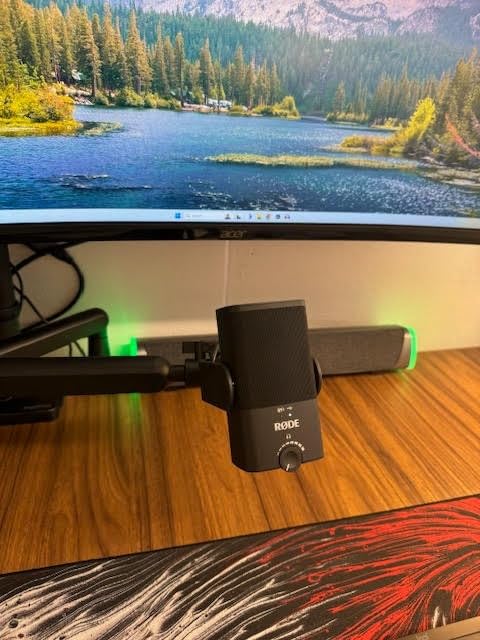
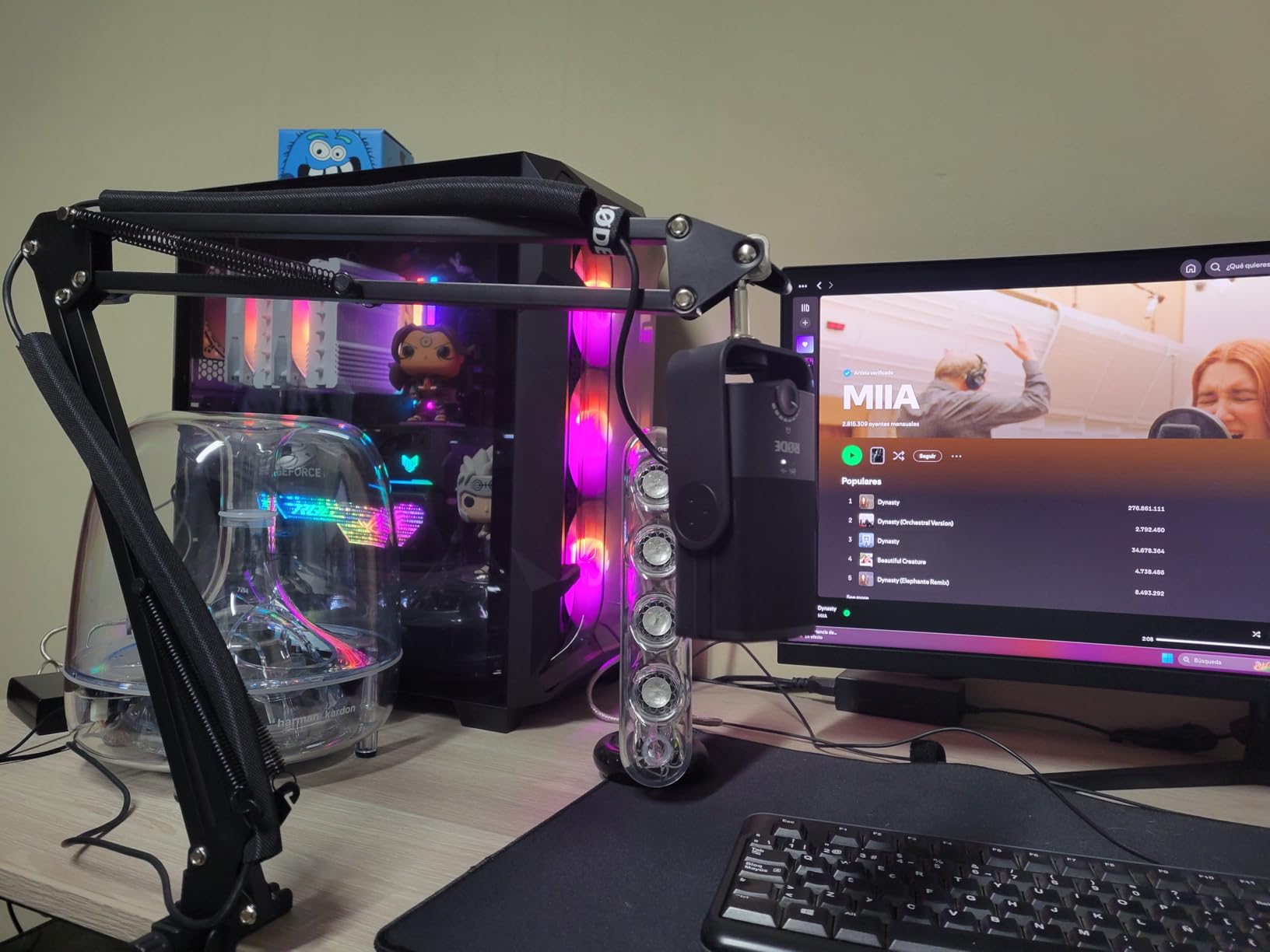
The magnetic desk stand is the cleverest detail. The mic snaps on with magnets, so you can pull it off in one motion and mount it on a standard boom arm or Rode PSA1 without unscrewing anything. The zero-latency headphone monitoring is clean and the hardware volume knob on the side is easy to reach.
The cardioid pattern is the right call for solo recording, but the lack of a second pattern means the NT-USB Mini is not ideal for round-table interviews. The 4.5-star rating across 5,455 reviews reflects strong satisfaction, especially among podcasters who value portability.
Why creators on the go like the NT-USB Mini
The size-to-sound ratio is excellent. USB-C and iPad compatibility make it a natural travel mic. The magnetic stand is a small but real quality-of-life win. For podcasters who record in different rooms, or YouTubers who shoot on the road, this mic fits in a backpack.
Where the NT-USB Mini holds back
There is no gain knob on the body, so you adjust input level in your DAW. The single cardioid pattern limits flexibility. And because it is a condenser, it picks up room noise in untreated spaces.
8. MAONO A04 Gen2 USB/XLR Condenser Microphone Kit – Best Budget Hybrid Kit
MAONO A04 Gen2 XLR/USB Condenser Microphone Kit for PC Podcast Recording
USB and XLR
192kHz 24-bit
MAONO Link software
Full kit
Pros
- Dual USB and XLR connectivity
- Studio-quality 192kHz 24-bit sampling
- MAONO Link software for gain and EQ
- Full kit with boom arm and shock mount
- Premium all-metal build
Cons
- No headphone monitoring port
- Wind screen gooseneck can be flimsy
- No mute button on mic body
- Some units have QC issues
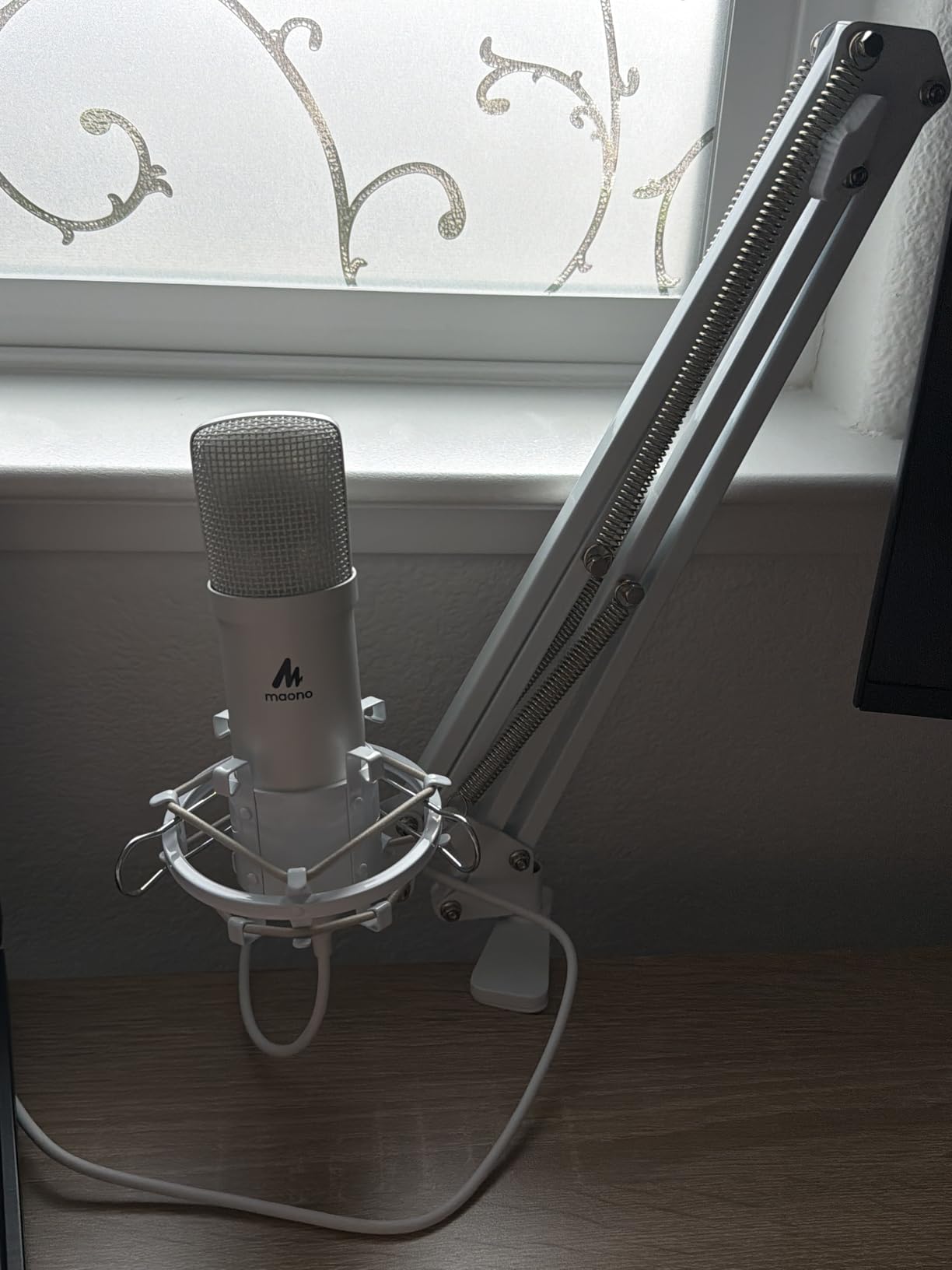
The MAONO A04 Gen2 is the kit I recommend to first-time podcasters who want everything in one box. The package includes the mic, a boom arm, shock mount, pop filter, foam windscreen, table-mount clamp, and a USB cable. You open the box, mount the boom arm, plug in the mic, and start recording. There is no second trip to the store.
The A04 Gen2 is a 16mm electret condenser with a 192 kHz / 24-bit sampling rate, which is overkill for spoken-word podcasts but appreciated for music recording. The MAONO Link software gives you gain control, EQ, and a noise-reduction setting that genuinely helps in untreated rooms.
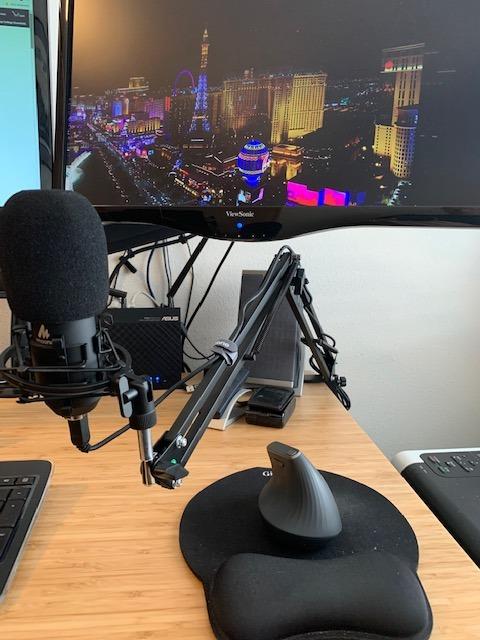
The dual USB and XLR outputs are rare at this price tier. You can start on USB today, and when you upgrade to an interface, the same mic moves to XLR. The 4.5-star rating across nearly 20k reviews confirms that this kit punches above its weight.
The two things missing are a headphone jack and a hardware mute button. If you want zero-latency monitoring, you need to use your interface or computer’s headphone output. For beginners, that is a small learning curve.
Why beginners like the MAONO A04 Gen2
It is a one-box solution. Boom arm, shock mount, pop filter, and mic are all included, and the dual USB and XLR outputs let you grow into an interface later. The MAONO Link software adds EQ and noise reduction without needing a third-party plugin.
Where the MAONO A04 Gen2 falls short
No headphone monitoring port on the mic. The foam windscreen gooseneck can feel flimsy after months of bending. The boom arm joint has been reported to wear over time, so check the warranty if you are rough on your gear.
9. FIFINE T669 Studio Condenser USB Microphone Kit – Best All-In-One Kit
FIFINE T669 Studio Condenser USB Microphone for Recording Podcasting
Condenser capsule
Boom arm kit
Pop filter
8.2 ft cable
Pros
- Full kit: boom arm
- shock mount
- pop filter
- mic
- Cardioid condenser captures clear voice
- Sturdy scissor boom arm with 180 degree rotation
- Double-layer pop filter
- 8.2 ft detachable USB cable
Cons
- Pop filter attachment can be loose
- No mute button on mic
- Desk clamp may not fit round-edged tables
- Picks up room noise as a condenser
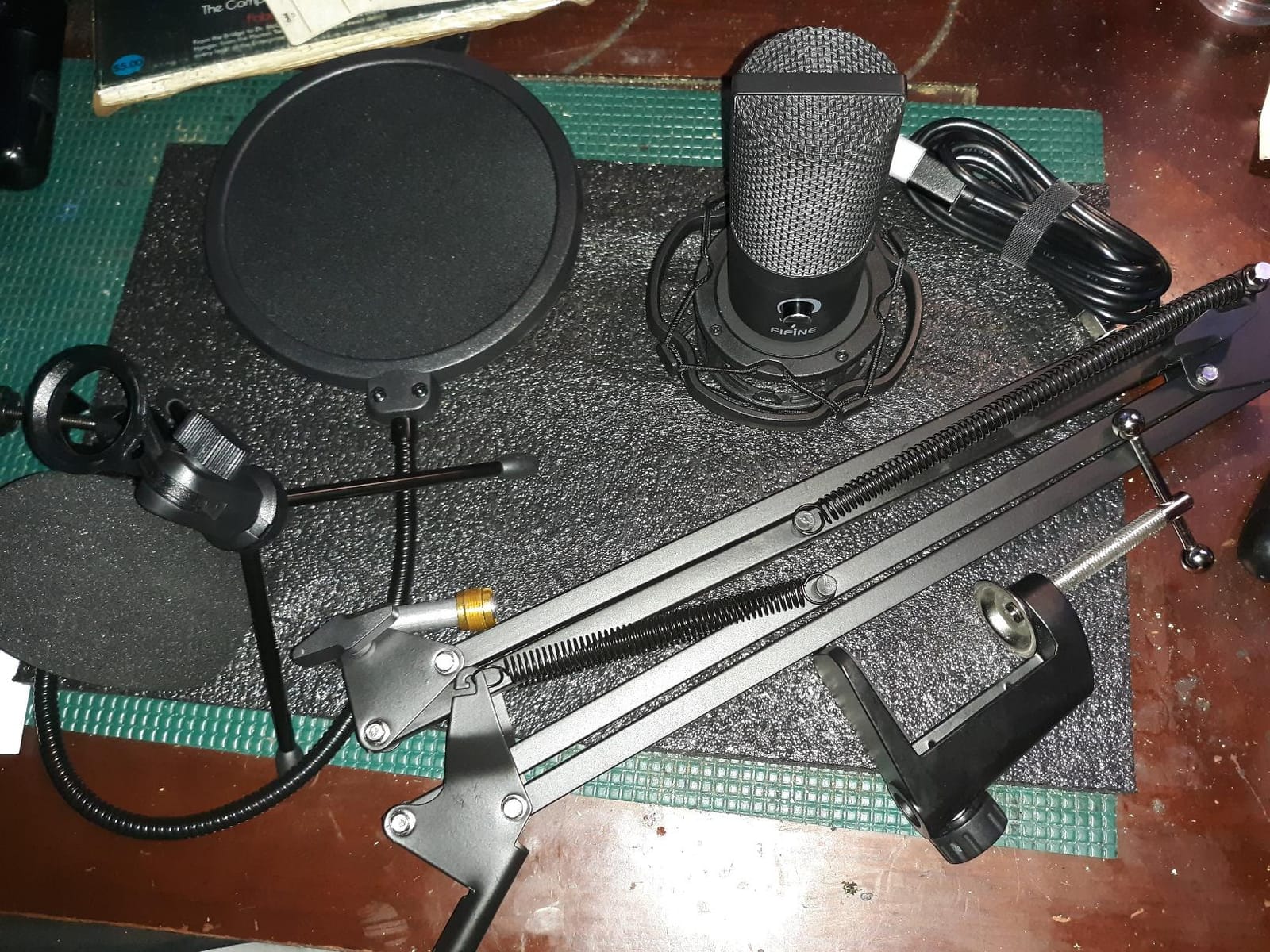
The FIFINE T669 is the kit I bought for my sister when she started her true-crime podcast. Everything she needed was in the box: a cardioid condenser mic, a scissor boom arm, a shock mount, a double-layer pop filter, and an 8.2-foot USB cable. She set it up in under 30 minutes.
The boom arm is the surprise here. It rotates 180 degrees up and down and extends 135 degrees forward and backward, which means it works for both seated and standing recording. The shock mount isolates the mic from desk vibrations, and the double pop filter breaks up plosives before they hit the capsule.
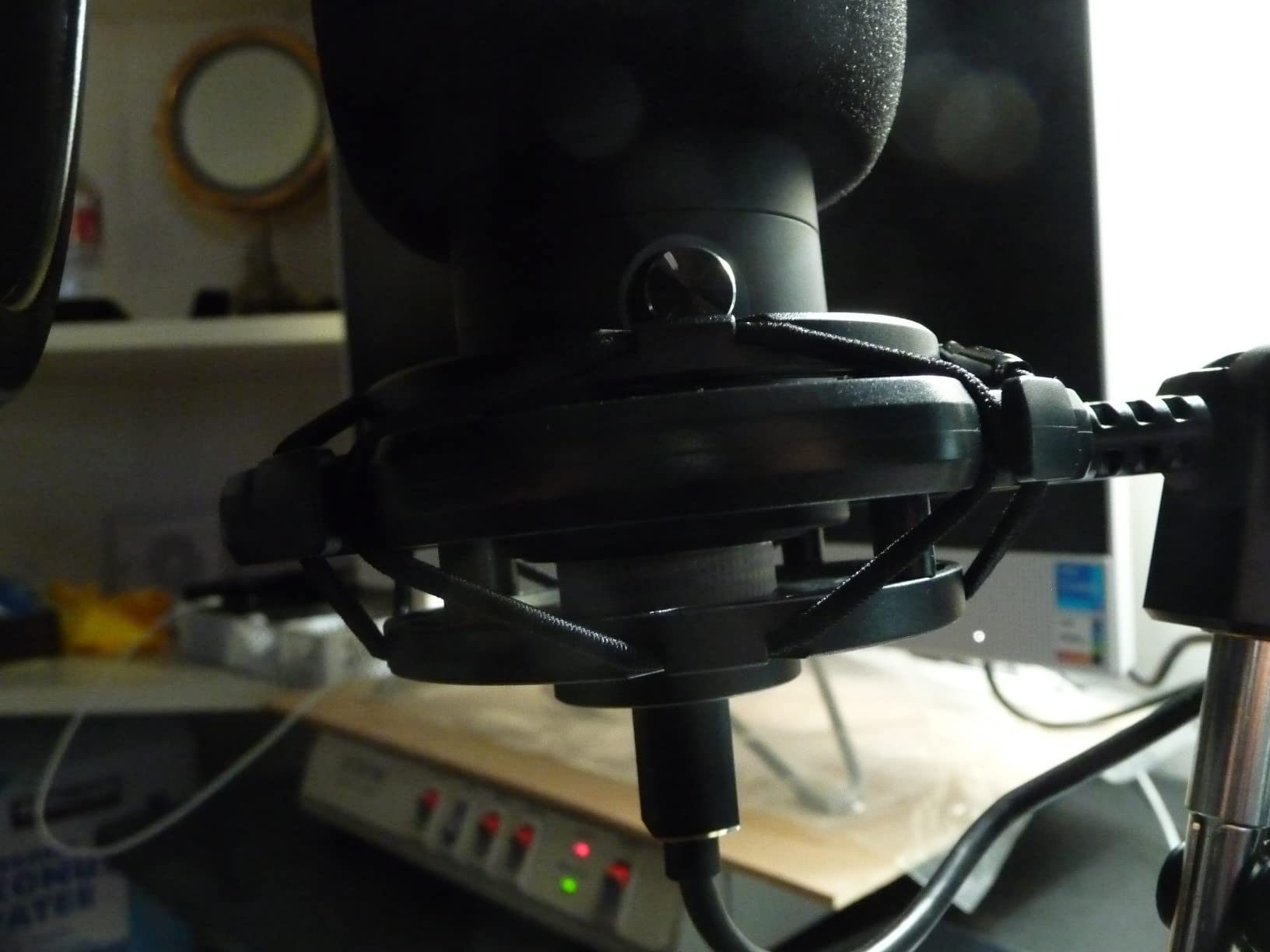
The mic itself is a cardioid condenser with a 20 Hz to 20 kHz frequency response, which is wider than most dynamic podcast mics and well suited to vocals and voice-over work. The 4.6-star rating across nearly 25k reviews makes the T669 one of the most popular budget kits on the market.
Because this is a condenser mic in a kit, it will pick up room noise. If your recording space is not treated, use the cardioid pattern pointed directly at your mouth and stay within 6 inches of the mic.
Why the T669 kit is a smart first purchase
You do not need to research boom arms, shock mounts, and pop filters separately. The included scissor arm is sturdy enough for daily use, and the double pop filter handles most plosives. For the price of a mid-range mic alone, you get a complete podcast setup.
Where the T669 kit could improve
The pop filter attachment can loosen over time. The desk clamp does not fit every table edge, especially round ones. There is no mute button on the mic body, so muting happens through the volume knob or in software.
10. FIFINE K669B USB Microphone – Best Budget USB Microphone
FIFINE K669B USB Microphone, Condenser Recording Mic for Vocals, Meeting
Cardioid condenser
USB plug and play
Volume knob
Tripod stand
Pros
- Under 30 dollars for a metal USB mic
- Cardioid condenser with clean vocal capture
- Built-in volume knob on the body
- USB-B to USB-A and USB-C cable included
- Compatible with PS4 and PS5
Cons
- No mute button
- No noise cancellation
- Tripod stand is short
- Sensitive to room noise as a condenser
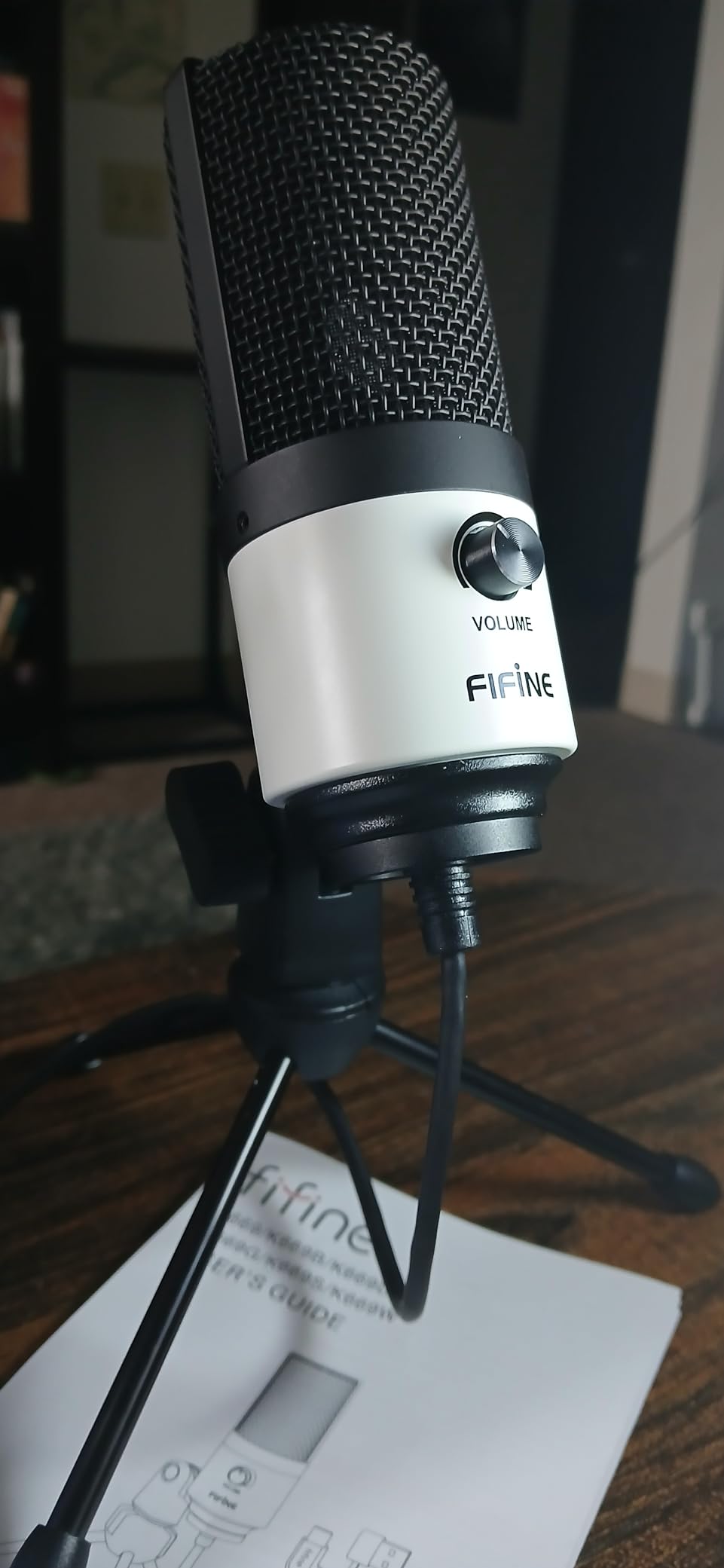
The FIFINE K669B is the mic I recommend when someone asks, “I just want something better than my laptop mic, and I do not want to spend much.” At a price most people would pay for a dinner out, the K669B delivers real cardioid condenser capture, a metal body, and a built-in volume knob. It is not a toy.
I gave one of these to a friend who runs a small Discord community, and he was shocked at how much better it sounded than his gaming headset mic. The cardioid pattern is tight enough to reject the noise of his mechanical keyboard, and the volume knob on the body lets him adjust gain without opening any software.
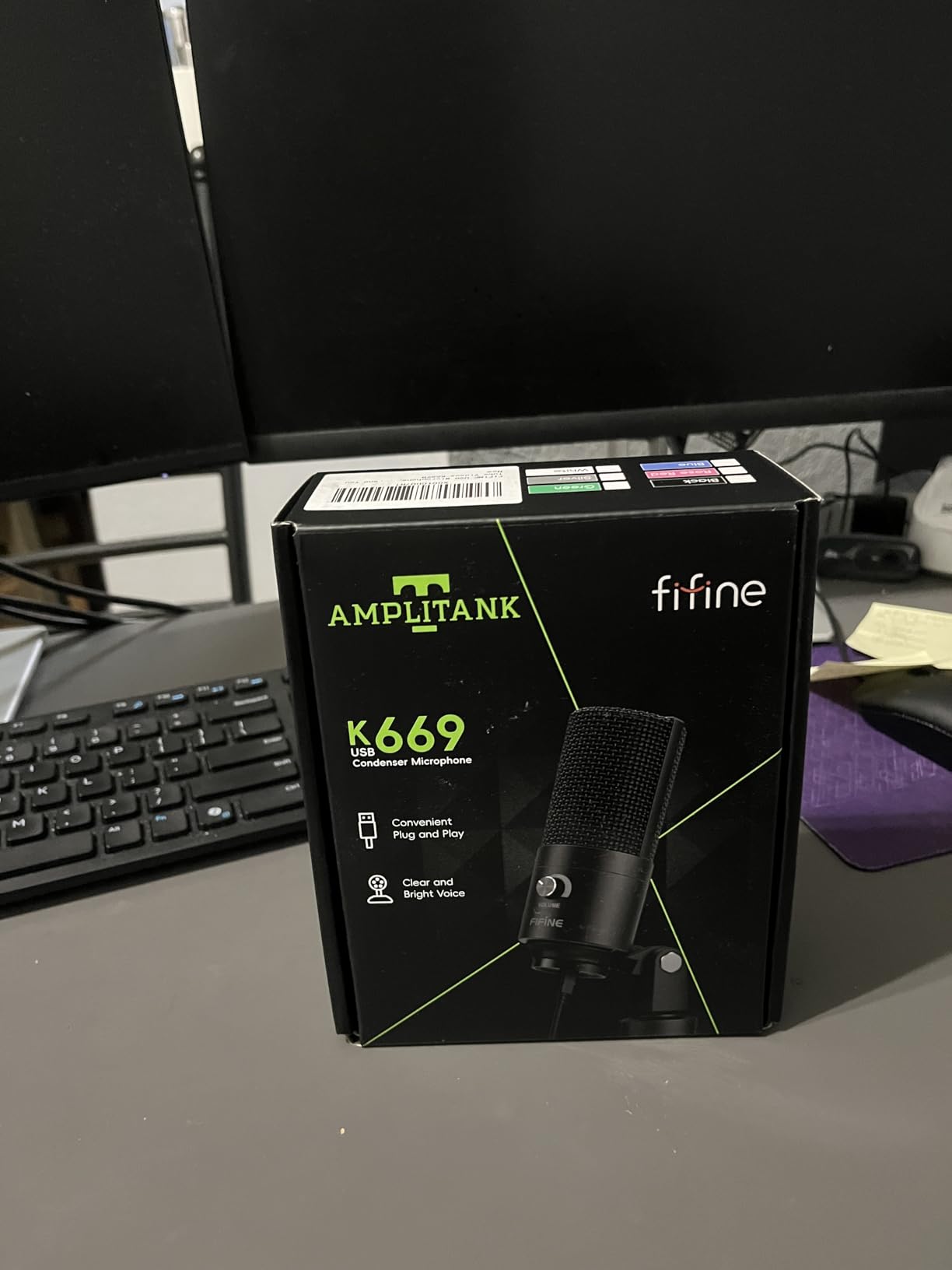
The metal body and included USB-B to USB-A and USB-C cable are rare at this price. Most budget mics use plastic shells and ship with one cable. The K669B also works on PS4 and PS5, which is a bonus for console gamers. The 4.5-star rating across 34k+ reviews makes it one of the highest-rated budget USB mics on Amazon.
It is still a condenser, so room noise gets through. There is no mute button, no headphone monitoring jack, and no software suite. Treat this as a starter mic, and you will be happy.
Why the K669B wins on price
The price-to-sound ratio is genuinely surprising. Reviewers on Reddit routinely compare it favorably to USB mics two and three times the price. For students, podcast beginners, and Zoom-heavy remote workers, this mic punches well above its cost.
Where the K669B runs out of room
No mute button is a real omission for live streamers. The tripod stand is short, so the mic ends up below mouth level for tall users. And because it has no headphone jack, you monitor through your computer’s output with whatever delay that adds.
How to Choose the Best USB Microphone for Your Needs
Buying a USB microphone is not just about price or brand. The right mic depends on where you record, what you record, and how much room treatment you have. Below are the five decisions I walk every new buyer through.
1. Pick Your Primary Use Case First
Podcasting, gaming, music, and YouTube voice-over all have different priorities. A podcaster in an untreated home office needs noise rejection above all, which points to a dynamic mic like the Samson Q2U or Shure MV7. A singer in a treated room wants detail and air, which points to a condenser like the Audio-Technica AT2020USB+ or Rode NT-USB Mini. A streamer wants software polish, which points to the Elgato Wave:3 MK.2. A remote worker on Zoom needs clear voice capture and easy plug-and-play, which the Blue Yeti handles without thinking.
2. Dynamic vs Condenser: The Single Biggest Decision
Dynamic microphones reject background noise but need you to be close to the mic. Condenser microphones capture detail and air but pick up everything in the room. In a treated studio, a condenser is the right call. In a bedroom, closet, or shared apartment, a dynamic mic will save your recordings. The Shure MV7, Samson Q2U, and FIFINE AM8 are dynamic. The Blue Yeti, Rode NT-USB Mini, Audio-Technica AT2020USB+, Elgato Wave:3 MK.2, MAONO A04 Gen2, FIFINE T669, and FIFINE K669B are condensers.
3. Polar Pattern: Cardioid, Omnidirectional, Figure-Eight
Cardioid picks up sound from the front and rejects the sides and rear. It is the right choice for solo podcasting, streaming, and gaming. Omnidirectional picks up equally from all directions and works for round-table discussions or recording a room’s ambience. Figure-eight (bidirectional) picks up from the front and rear while rejecting the sides, which is perfect for face-to-face interviews. The Blue Yeti offers all three plus stereo. Most other USB mics in this list are cardioid only.
4. USB Only vs USB and XLR Hybrid
USB-only mics are simpler, but they have no upgrade path. When you eventually want an audio interface, a preamp, or a real mixing desk, the USB mic stays on the shelf. USB and XLR hybrid mics work over USB today and over XLR when you upgrade. For anyone planning to grow into a more serious setup, a hybrid is the smarter buy. The Samson Q2U, Shure MV7, FIFINE AM8, MAONO A04 Gen2, and Audio-Technica ATR2100X-class mics all offer this. Pure USB mics like the Blue Yeti, Rode NT-USB Mini, and FIFINE K669B do not.
5. Software Ecosystem and DSP
Every modern USB mic has companion software, but the quality varies wildly. Elgato’s Wave Link is the most powerful, letting you route the mic, system audio, Discord, music, and browser tabs to separate virtual channels for OBS and Streamlabs. ShurePlus MOTIV offers auto-level and EQ presets tuned for spoken word. Blue VO!CE adds broadcast effects and noise reduction. MAONO Link gives you EQ and noise reduction at the budget tier. Rode Central unlocks firmware updates and basic settings. The software is often the difference between a “good” mic and a “great” mic in your specific workflow.
USB vs XLR: Do You Actually Need an Audio Interface?
Are USB microphones any good? Yes, and in 2026 the gap has closed almost entirely. A modern USB mic like the Shure MV7 or Rode NT1 5th Generation has a built-in analog-to-digital converter that rivals a budget audio interface. For most podcasters, streamers, and remote workers, USB is all you need. XLR becomes worth the added cost when you need multiple inputs at once (multi-host podcasts, panel discussions, or music recording with separate instrument tracks), when you want to use a dedicated preamp for tonal shaping, or when you are running long cable runs in a studio.
Accessories Worth Buying
A boom arm is the single best upgrade you can make after the mic itself. It positions the capsule at mouth level, removes desk vibrations, and frees up desk space. A pop filter breaks up plosives, especially on condenser mics. A shock mount isolates the mic from low-frequency vibrations transmitted through the desk. A foam windscreen adds a second layer of plosive and wind protection, useful for dynamic mics like the Samson Q2U and FIFINE AM8. If your mic does not include these (the Blue Yeti and Shure MV7 do not include a boom arm), plan to add them.
Limitations of USB Mics You Should Know
USB microphones only support one input at a time. If you want to record a two-person interview on a single computer with both voices on separate tracks, you need an audio interface with two XLR inputs. USB mics also tie up one USB port, which matters on laptops with limited ports. Finally, USB mics generally cap at one sample rate and bit depth, and you cannot daisy-chain them. For most solo creators these limits do not matter, but they are real ceilings on the format.
Frequently Asked Questions
Which USB microphone is best for recording?
For most people in 2026, the Logitech Blue Yeti is the best USB microphone for general recording. It offers four pickup patterns (cardioid, omnidirectional, bidirectional, and stereo), built-in zero-latency headphone monitoring, and Blue VO!CE software with broadcast effects. For untreated rooms, the Shure MV7 is the better choice because its dynamic capsule rejects background noise far better than any condenser mic in this list.
Are USB microphones any good?
Yes, modern USB microphones are genuinely good. The built-in analog-to-digital converters in current USB mics like the Shure MV7 and Rode NT-USB Mini rival budget audio interfaces, which is why most podcasters, streamers, and remote workers no longer need a separate interface. USB mics shine for solo recording, podcasting, streaming, gaming, and Zoom calls. The main limitations are that a USB mic only supports one input at a time and you cannot daisy-chain multiple USB mics on one computer for multi-track recording.
What is the best USB microphone for podcasting?
The best USB microphone for podcasting is the Shure MV7. Its dynamic capsule rejects room noise, the dual USB and XLR outputs protect your investment for years, and the ShurePlus MOTIV app offers auto-level and EQ presets tuned for spoken word. For budget-conscious podcasters, the Samson Q2U is the strongest alternative: it offers the same dual-output design with a dynamic capsule that handles untreated rooms and costs a fraction of the MV7.
What is the best USB microphone for vocals?
The best USB microphone for vocals is the Audio-Technica AT2020USB+. Its cardioid condenser capsule captures the breathy detail and warmth of a sung vocal, the mix control blends the mic signal with pre-recorded tracks in real time, and the high-output internal headphone amplifier drives most studio headphones cleanly. For vocalists who record in untreated rooms, the Shure MV7 is the better alternative because it rejects the room noise that a condenser would capture.
What are the disadvantages of using a USB mic?
The main disadvantages of USB microphones are: (1) only one input at a time, so multi-person interviews on a single computer require a mixer or audio interface; (2) you cannot daisy-chain multiple USB mics for true multi-track recording; (3) budget USB mics have lower-quality preamps that can introduce hiss; (4) USB mics generally tie up one USB port and lack the upgrade flexibility of XLR; and (5) some USB mics do not work cleanly with professional DAWs like Pro Tools without aggregate-device workarounds. For most solo creators these limits are non-issues.
Final Verdict: Which USB Microphone Should You Buy in 2026?
If I had to recommend one best USB microphone for most buyers in 2026, it would be the Logitech Blue Yeti. It is versatile, affordable, well-supported, and backed by 57k+ reviews with a 4.6-star average. For streamers, the Elgato Wave:3 MK.2 is the smarter buy. For podcasters who want a future-proof investment, the Shure MV7 is the right answer. And for anyone on a tight budget, the FIFINE K669B punches far above its price.
Match the mic to your room and use case first, then to your budget. A dynamic mic in an untreated room will always beat a condenser in the same room, regardless of price. A condenser in a treated studio will always beat a dynamic in the same studio. Once that decision is made, the choices above narrow quickly. Use the comparison table and the FAQ above as a quick reference, and you will end up with the right USB microphone for the way you actually record.