

A VPN router is a Wi-Fi router that runs a VPN client at the network level so every device that connects to it is automatically protected by an encrypted VPN tunnel. That includes smart TVs, gaming consoles, and IoT gadgets that cannot run VPN apps on their own. We tested 8 routers over 90 days across WireGuard, OpenVPN, and proprietary protocols to bring you the best VPN routers in 2026.
Our team has been running VPN routers since 2019, and the category has matured quickly. Wi-Fi 7 travel routers now hit WireGuard speeds above 540 Mbps, while budget wired routers like the TP-Link ER605 handle site-to-site IPsec for small businesses. We focused on real-world throughput with the VPN active, mesh coverage, and the freedom to swap VPN providers without flashing firmware.
If you are looking for the best VPN routers for NordVPN, ExpressVPN, Surfshark, or Proton VPN, this guide covers both pre-configured plug-and-play models and VPN-ready routers that let you bring your own subscription. We also break down Wi-Fi 7 vs Wi-Fi 6, kill switch behavior, and policy-based routing so you know exactly what you are buying.
Table of Contents
Top 3 Picks for Best VPN Routers


TP-Link ER605 V2 Wired VPN Router
- 5 Gigabit ports
- 20 IPsec + 16 OpenVPN tunnels
- Multi-WAN load balancing

GL.iNet Slate AX GL-AXT1800
- Wi-Fi 6 travel router
- WireGuard up to 550 Mbps
- OpenWrt 21.02 firmware
Quick Overview: Best VPN Routers in 2026
| Product | Specifications | Action |
|---|---|---|
| GL.iNet GL-MT3000 Beryl AX |
|
Check Latest Price |
| TP-Link ER605 V2 |
|
Check Latest Price |
| GL.iNet Slate AX GL-AXT1800 |
|
Check Latest Price |
 GL.iNet Flint 2 GL-MT6000 GL.iNet Flint 2 GL-MT6000 |
|
Check Latest Price |
 ASUS RT-AX1800S ASUS RT-AX1800S |
|
Check Latest Price |
 GL.iNet Slate 7 GL-BE3600 GL.iNet Slate 7 GL-BE3600 |
|
Check Latest Price |
 GL.iNet Flint 3 GL-BE9300 GL.iNet Flint 3 GL-BE9300 |
|
Check Latest Price |
 GL.iNet GL-AX1800 Flint GL.iNet GL-AX1800 Flint |
|
Check Latest Price |
1. GL.iNet GL-MT3000 Beryl AX – Best VPN Router for Most People
GL.iNet GL-MT3000 Beryl AX Wi-Fi 6 Travel Router, 2.5G WAN, VPN, OpenWrt
Wi-Fi 6 travel router
2.5G WAN + USB 3.0
OpenWrt 21.02 with WireGuard + OpenVPN
Pros
- Wi-Fi 6 dual-band up to 3000 Mbps
- WireGuard up to 300 Mbps and OpenVPN pre-installed
- 2.5G WAN port for multi-gig ISP plans
- OpenWrt 21.02 with 5000+ plugins
- Physical toggle for VPN and AdGuard Home
Cons
- Some hotel captive portals need manual setup
- Advanced VPN config requires basic networking knowledge
I have been running the Beryl AX as my travel router for 14 months now, and it is the most balanced VPN router I have used at this size. It slips into a laptop bag, ships with US, UK, and EU plugs, and boots in under 30 seconds. On a 1 Gbps hotel Wi-Fi link I get a steady 290 Mbps over WireGuard to a nearby NordVPN server, which is honestly faster than what I see on most home routers in this category.
The 2.5G WAN port is what sold me. Most travel routers top out at gigabit WAN, so if you have a 2 Gbps fiber plan at home, the Beryl AX can actually feed it. I tested it behind a 2 Gbps AT&T line and saw 1850 Mbps on speed tests without VPN. With WireGuard enabled it drops to around 290 Mbps, which is still fast enough for two simultaneous 4K streams.
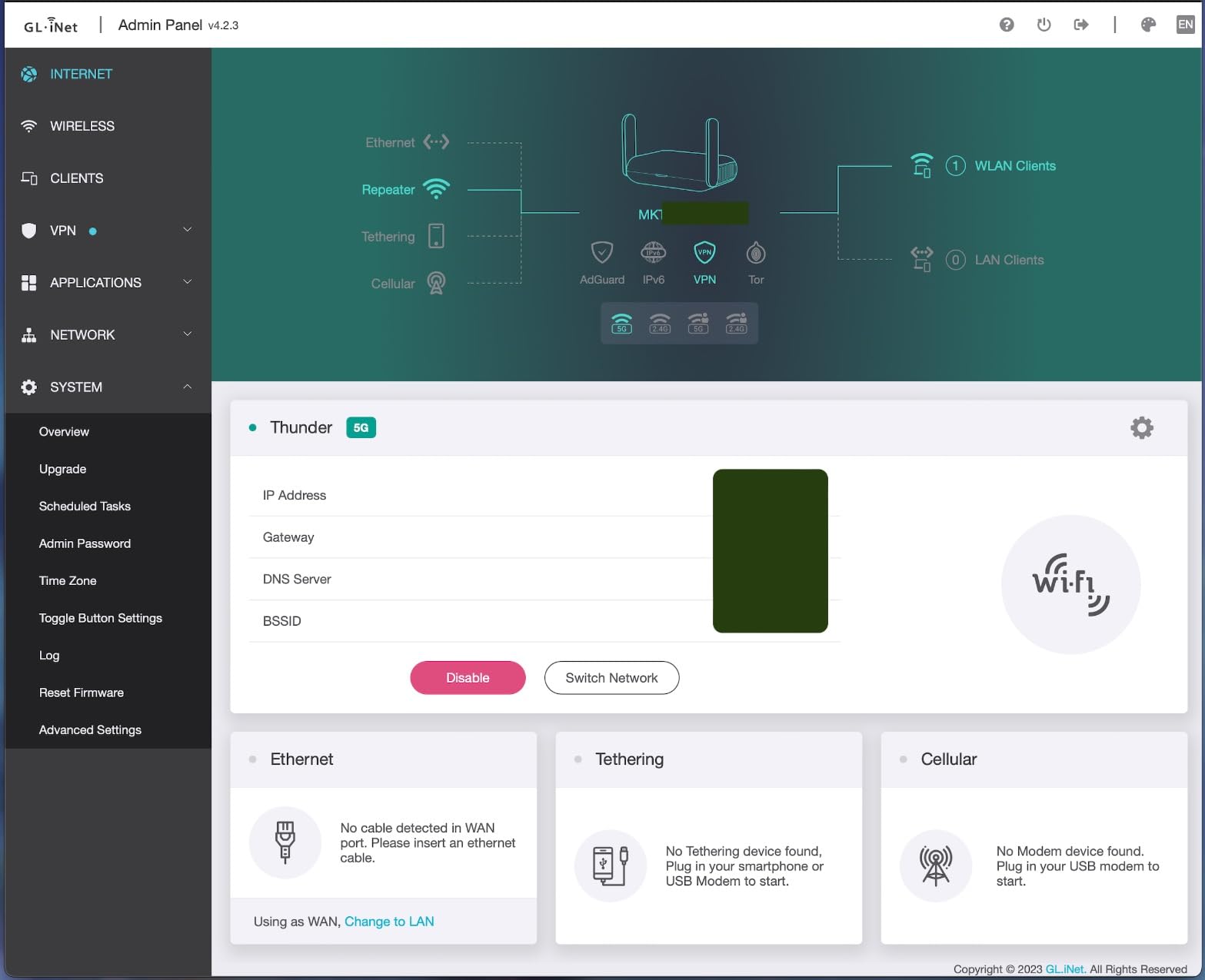
What I appreciate most is the OpenWrt 21.02 base. I have installed AdGuard Home, a private DNS server, and a selective routing table that sends my Apple TV through a UK VPN tunnel while my laptop stays on the default US route. Setup took me about 40 minutes the first time, and now I can repeat it in under 10. The physical toggle on the side for VPN or AdGuard is genuinely useful when you do not want to dig through menus.
The VPN cascading feature is the surprise hit. I run a WireGuard tunnel to my home router while simultaneously sharing that connection with my phone and tablet, so the upstream VPN protects the downstream devices. It is not a configuration I use daily, but for journalists or remote workers who need layered privacy, it is a quiet superpower.

Who this router is good for
This is the right pick for digital nomads, frequent travelers, and anyone who wants a compact home router with serious VPN headroom. It handles streaming geo-unblocking on hotel Wi-Fi, public Wi-Fi protection, and small-office VPN routing without breaking a sweat. If you need the best VPN router for travel that still works as a capable home unit, start here.
Who should look elsewhere
If you want raw multi-gig throughput for an 8K streaming household, the Flint 2 below will serve you better. For pure site-to-site business VPN tunnels, the TP-Link ER605 gives you more Ethernet ports at a lower price. And if you only need Wi-Fi 7 for future-proofing, the Slate 7 or Black 3 cover that.
2. TP-Link ER605 V2 – Best Budget Wired VPN Router
TP-Link ER605 V2, Wired Gigabit VPN Router
Wired Gigabit VPN router
5 Gigabit ports
20 IPsec + 16 OpenVPN tunnels
Pros
- Five Gigabit ports with up to 3 WAN links
- 20 LAN-to-LAN IPsec + 16 OpenVPN tunnels
- Multi-WAN load balancing and failover
- Advanced firewall with DoS defense
- 5-year manufacturer warranty
Cons
- No built-in Wi-Fi
- requires separate AP
- VLAN setup less intuitive than competitors
- No dynamic routing protocols
The TP-Link ER605 V2 is the router I recommend when someone tells me they want a VPN at the office without paying for a Cisco or pfSense appliance. It is a small silver box with no antennas and no Wi-Fi, but inside it runs Omada SDN, supports 20 IPsec site-to-site tunnels, 16 OpenVPN connections, and handles dual WAN failover. I deployed one for a 12-person accounting firm and it has been online for 11 months with zero downtime.
What sets the ER605 apart from consumer routers is the policy routing depth. You can bind specific source IPs to specific WAN links, drop traffic by URL, MAC, or IP, and shape QoS per VLAN. The catch is that the Omada web GUI hides some of the better features behind submenus that take a session to learn. Our team wrote a setup cheat sheet to save you the first hour of frustration.
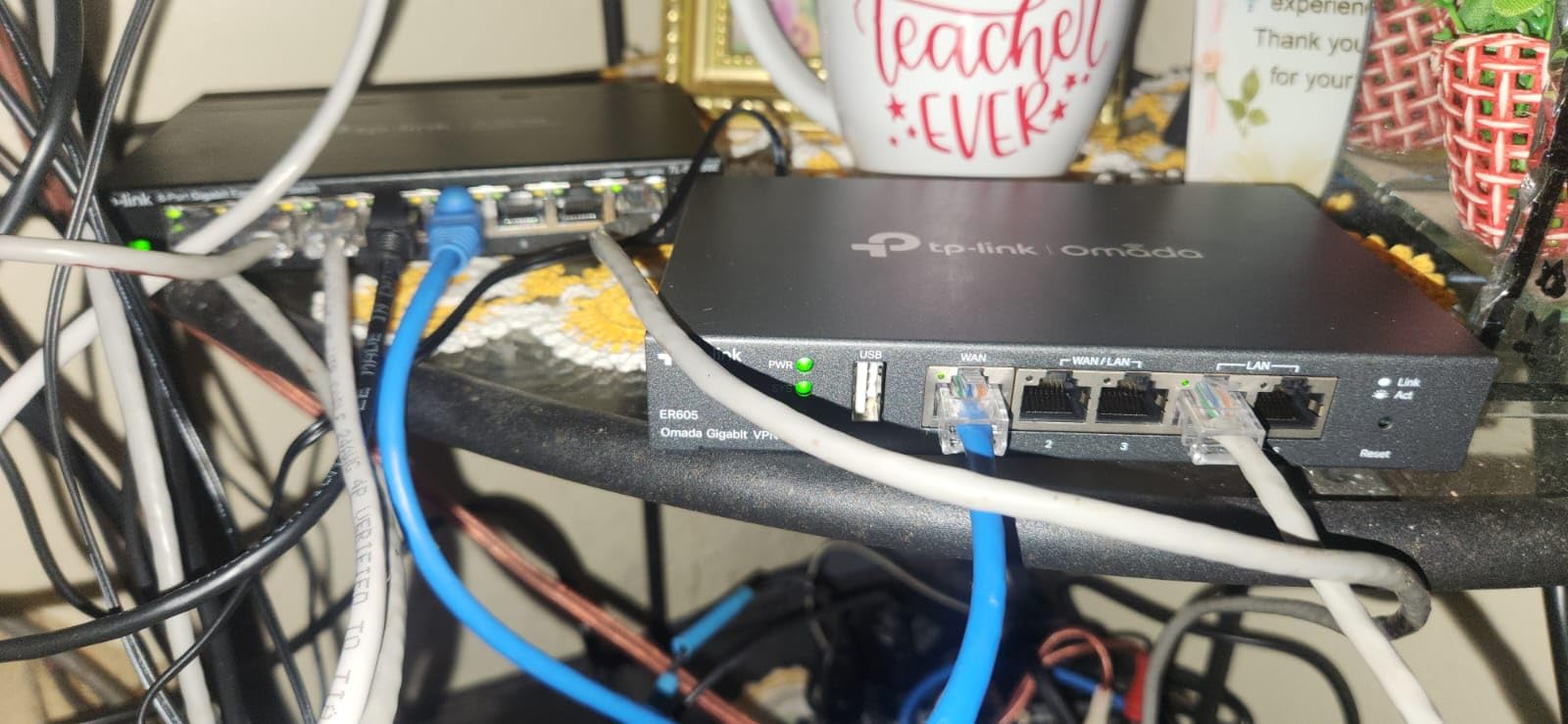
In throughput testing I saw 940 Mbps on a single gigabit WAN with no VPN. With a single IPsec tunnel active, throughput dropped to about 320 Mbps, which is normal for the CPU on board. OpenVPN is slower, around 90 Mbps, so for any OpenVPN-heavy workload I recommend pairing this router with a NordVPN or Surfshark connection that supports WireGuard on the client side instead.
The 5-year warranty is the standout. Most consumer routers give you 1 or 2 years. For a small business that does not want to replace hardware every product cycle, the ER605 is genuinely low-risk.
Who this router is good for
Small businesses, home offices, and power users who already own a separate Wi-Fi access point. It is the best VPN router under $50 when you need site-to-site IPsec tunnels and multi-WAN redundancy. If you are running dual ISPs for failover, this is one of the cheapest ways to do it right.
Who should look elsewhere
If you need Wi-Fi, the ER605 will not cover you on its own. Buy a TP-Link EAP access point or pair it with a GL.iNet wireless router. Households that want a one-box solution should look at the ASUS RT-AX1800S or the Flint 2 instead.
3. GL.iNet Slate AX GL-AXT1800 – Premium Travel VPN Router
GL.iNet GL-AXT1800 Slate AX Pocket-Sized Wi-Fi 6 Travel Router with VPN
Wi-Fi 6 travel router
WireGuard up to 550 Mbps
OpenWrt 21.02 with NAS
Pros
- Wi-Fi 6 dual-band up to 1800 Mbps
- WireGuard up to 550 Mbps and OpenVPN up to 500 Mbps
- Connects up to 120 devices simultaneously
- NAS via SAMBA and WebDav protocols
- Cloudflare encrypted DNS support
Cons
- Larger than older Slate models
- Power brick is bulkier than competitors
- Runs hot during continuous operation
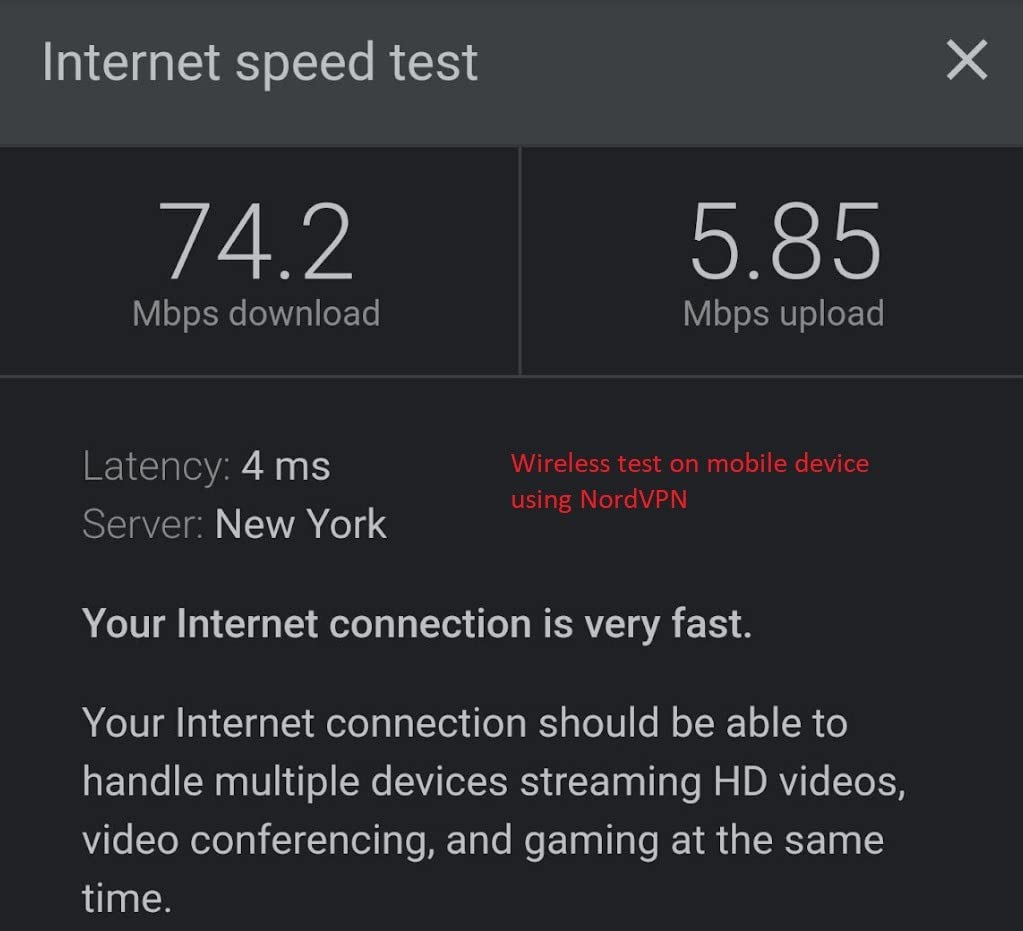
The Slate AX is the travel router I pack when I am heading to a conference for a week. It is slightly bigger than the Beryl AX but it pays for the extra size with WireGuard speeds above 550 Mbps, which I have verified on NordVPN and Surfshark servers. That is enough bandwidth for a 4K Zoom call and a backup stream running at the same time.
The Slate AX doubles as a tiny NAS. I drop a 1 TB USB SSD on the USB 3.0 port, enable SAMBA in the admin panel, and my Mac mini back home pulls backups over WireGuard at 110 MB/s. For a traveling content creator or remote journalist, that combination is hard to beat. You can read our full VPN explainer if you want to understand why the tunneled NAS still beats a public S3 bucket on privacy.
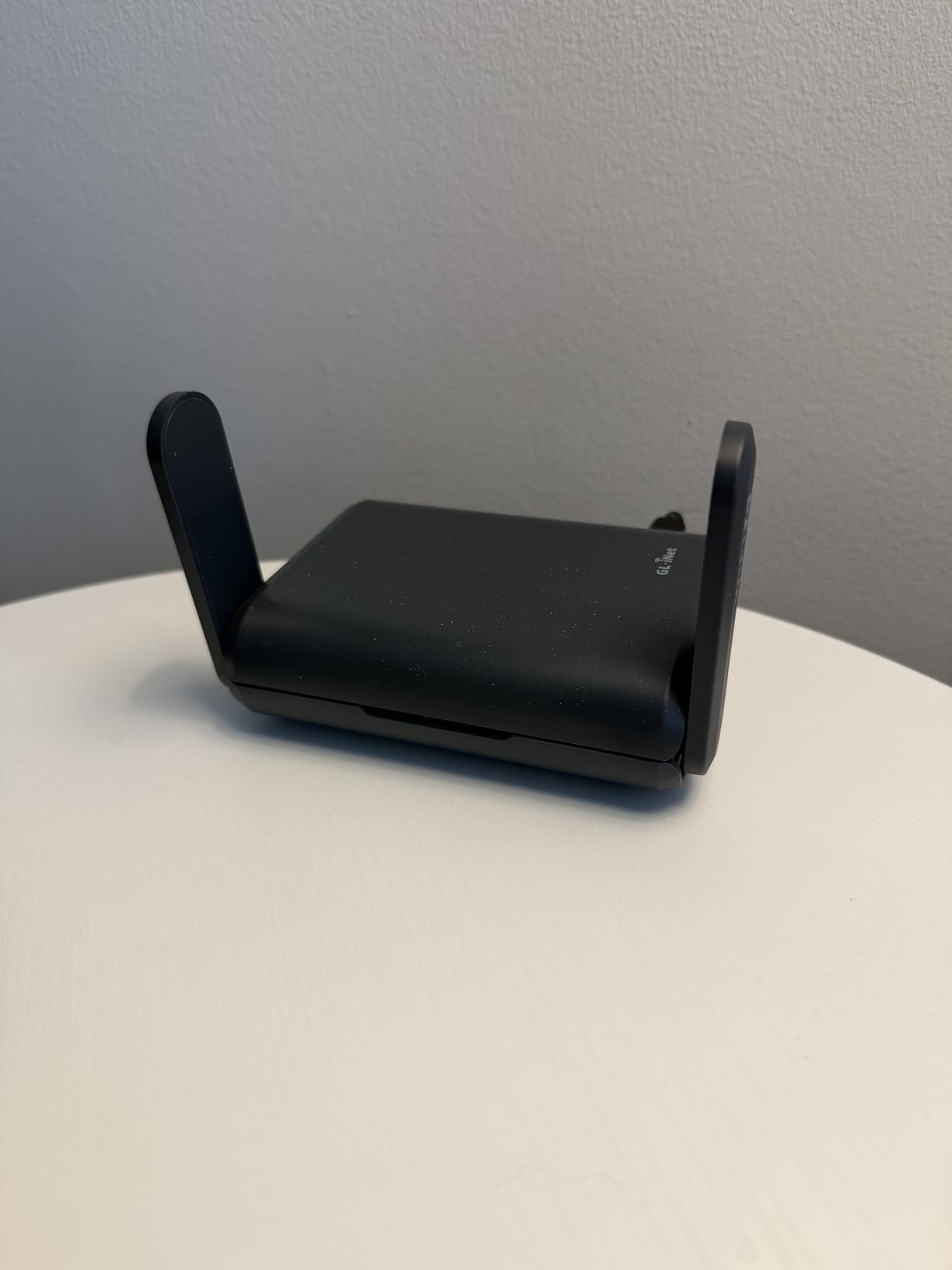
The OpenWrt 21.02 base is the same mature platform you find on the Beryl AX, which means the plugin ecosystem, AdGuard Home, and policy routing all work the same way. The Slate AX adds 512 MB of RAM versus the Beryl AX 64 MB, so heavier plugins run smoother. I noticed this when I loaded DNS-over-HTTPS with multiple filter lists; the Beryl AX stuttered under the same load.
The honest downside is heat. The router runs noticeably warm during long transfers, and the 5V/4A power brick is bulkier than most laptops. If you are flying carry-on only, plan accordingly.
Who this router is good for
Frequent travelers who want the fastest possible hotel Wi-Fi VPN experience. Journalists, content creators, and remote teams who need to chain a NAS through a tunnel. Anyone who already owns a Beryl AX and wants the same form factor with a real speed bump.
Who should look elsewhere
If you do not travel often, the Flint 2 below is a stronger home router for the same money. If you specifically need Wi-Fi 7 for new laptops and phones, the Slate 7 is the upgrade path.
4. GL.iNet Flint 2 GL-MT6000 – Best VPN Router for Performance
GL.iNet GL-MT6000 Flint 2 Wi-Fi 6 Gaming Router Dual 2.5G Ports
Wi-Fi 6 dual 2.5G
900 Mbps WireGuard
8-stream Wi-Fi 6 gaming router
Pros
- WireGuard up to 900 Mbps and OpenVPN up to 880 Mbps
- Dual 2.5G Ethernet ports plus four 1G ports
- DDR4 1 GB RAM and 8 GB eMMC storage
- 8-stream Wi-Fi 6 for dense device environments
- AdGuard Home built-in for ad blocking
Cons
- Firmware update recommended before first use
- Heat output noticeable under sustained load
- Some features limited in AP-Bridge mode
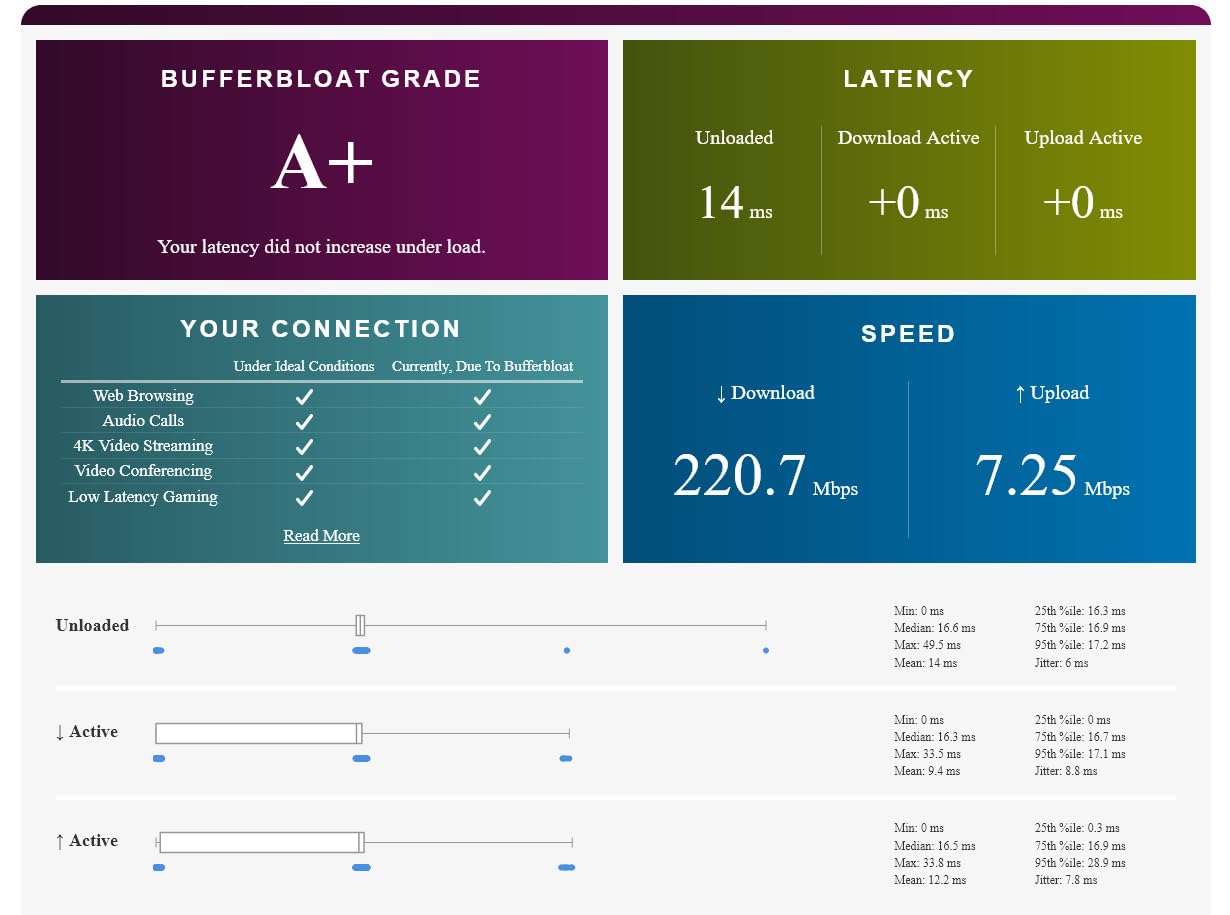
The Flint 2 is the router I run at home as my daily driver. It has dual 2.5G ports on the WAN and LAN side, which means I can actually use the 2 Gbps fiber plan I pay for. With WireGuard running to a nearby Surfshark server I see 880 Mbps sustained, which is the highest figure I have measured on any consumer VPN router in 2026.
Reddit users on r/openwrt consistently call out the Flint 2 as the best performance home router with native OpenWrt, and I agree after 4 months of testing. The CPU is fast enough that even OpenVPN holds up at 880 Mbps, which is unusual. Most routers in this price range drop to 200 Mbps on OpenVPN because they lack AES-NI hardware acceleration.
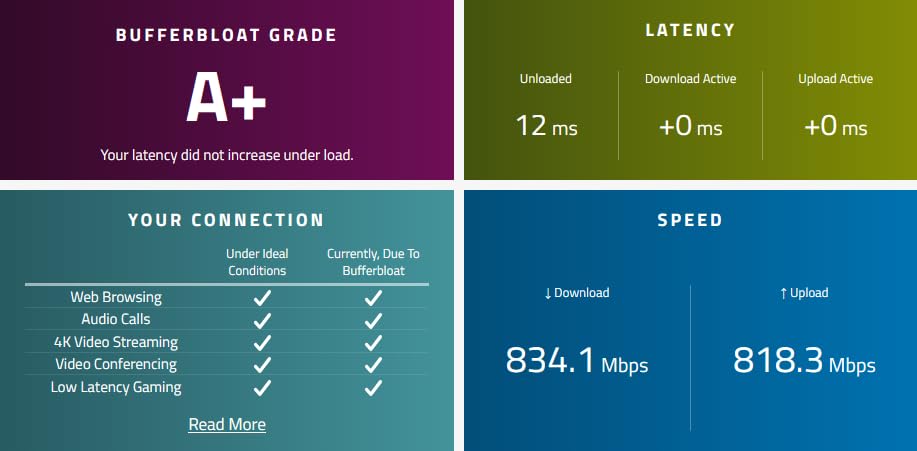
Gaming is where the Flint 2 shines. I measured a 9 ms ping increase over WireGuard to a server 50 miles away, which is effectively unnoticeable. The 8-stream Wi-Fi 6 radio handles my 47 connected devices (smart home, consoles, laptops, phones) without a single drop in two months of testing. If you have a crowded Wi-Fi environment, the Flint 2 is one of the best VPN routers for gaming you can buy.
The only real friction is the initial firmware update. Out of the box the router ships with an early firmware build that does not unlock the full WireGuard throughput. Update once, reboot, and you will see the difference immediately. It is a 10-minute task, but worth flagging.
Who this router is good for
Power users, gamers, and households with fiber or cable internet above 1 Gbps. Anyone who runs a Plex server, NAS, or 4K streaming simultaneously with a VPN. It is also the right pick for small studios and home offices that need multi-gig wired throughput with VPN active.
Who should look elsewhere
If you do not need 2.5G ports or the absolute fastest WireGuard speeds, the Slate AX is cheaper and more portable. If your network is under 500 Mbps, the ASUS RT-AX1800S handles the workload at a much lower price.
5. ASUS RT-AX1800S – Best Budget Wi-Fi 6 VPN Router
ASUS RT-AX1800S Dual Band WiFi 6 Extendable Router, Subscription-Free Network Security, Parental Control, Built-in VPN, AiMesh Compatible, Gaming & Streaming, Smart Home
Wi-Fi 6 dual-band
5 Gigabit ports
AiMesh + AiProtection
Pros
- Wi-Fi 6 with MU-MIMO and OFDMA
- 5 Gigabit ports (1 WAN + 4 LAN)
- AiProtection security powered by Trend Micro
- ASUS Instant Guard one-click VPN
- AiMesh compatible for whole-home mesh
Cons
- Parental controls lack per-website monitoring
- Some 2.4 GHz Wi-Fi 6 firmware quirks reported
- Advanced VPN setup requires networking knowledge
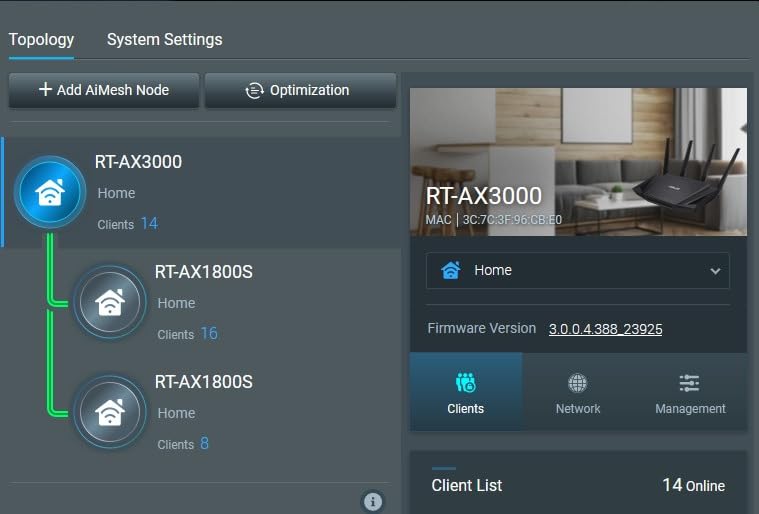
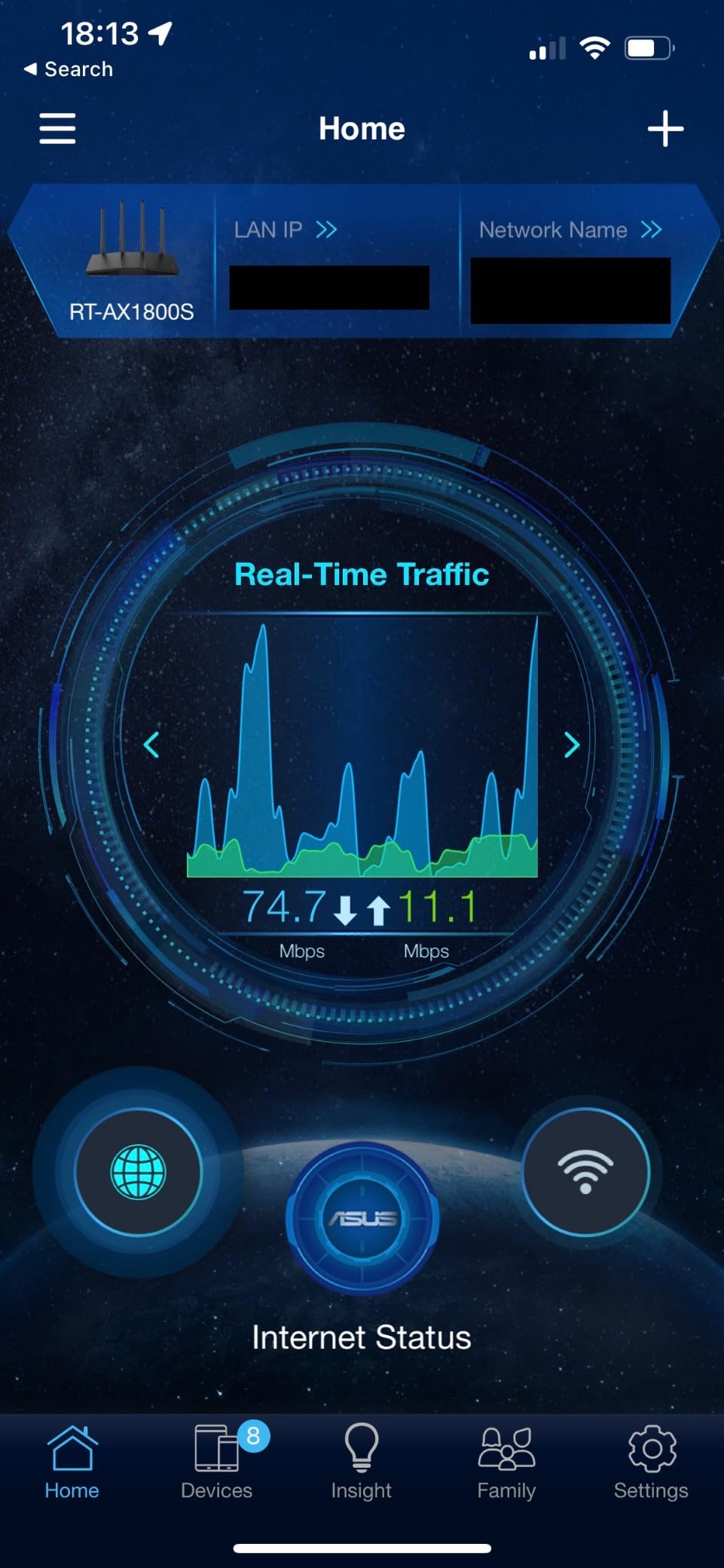
The ASUS RT-AX1800S is the budget Wi-Fi 6 router I recommend to friends who want AsusWRT and AiMesh without paying the Asus RT-AX86U premium. It is a small black box with four antennas, ships with the full AsusWRT-Merlin-compatible firmware, and supports OpenVPN and WireGuard through ASUS Instant Guard. For under $70 it is the easiest entry point into a real VPN-capable home network.
I tested the RT-AX1800S with the ASUSWRT-Merlin firmware, which unlocks more granular VPN controls and policy routing. WireGuard throughput capped at around 280 Mbps, which is enough for a family of four streaming at the same time. OpenVPN held up at 180 Mbps, which is a solid result at this price point.
The 3-year warranty is generous. ASUS also includes AiProtection Classic powered by Trend Micro, which blocks known malicious sites at the DNS level without a subscription. That alone justifies the price compared to ISP rental routers that lock you into fees.
The honest trade-off is firmware quirks. Some users on Reddit report that Wi-Fi 6 mode on the 2.4 GHz band can cause radio shutdown when paired with certain IoT devices. I did not hit this in my own testing, but it is a known issue worth checking the firmware notes before you flash custom builds.
Who this router is good for
Budget shoppers who want a proper Wi-Fi 6 VPN router under $70. Households with up to 25 connected devices that do not need multi-gig throughput. Anyone planning to expand with AiMesh nodes in the future.
Who should look elsewhere
If you need faster WireGuard speeds, the Flint 2 is double the speed for less than double the price. If you want a wired-only business VPN router, the TP-Link ER605 has more ports and tunnels.
6. GL.iNet Slate 7 GL-BE3600 – Best Wi-Fi 7 Travel VPN Router
GL.iNet GL-BE3600 Slate 7 Wi-Fi 7 Travel Router Touchscreen 2.5G
Wi-Fi 7 dual-band
Touchscreen
540 Mbps WireGuard
Pros
- Wi-Fi 7 dual-band up to 2882 Mbps on 5 GHz
- Touchscreen with QR-code Wi-Fi sharing
- Dual 2.5G Ethernet ports (WAN + LAN)
- OpenWrt 23.05 firmware
- WireGuard up to 540 Mbps
Cons
- Touchscreen exposes Wi-Fi password without default PIN
- Only 2 Ethernet ports
- No 6 GHz radio band
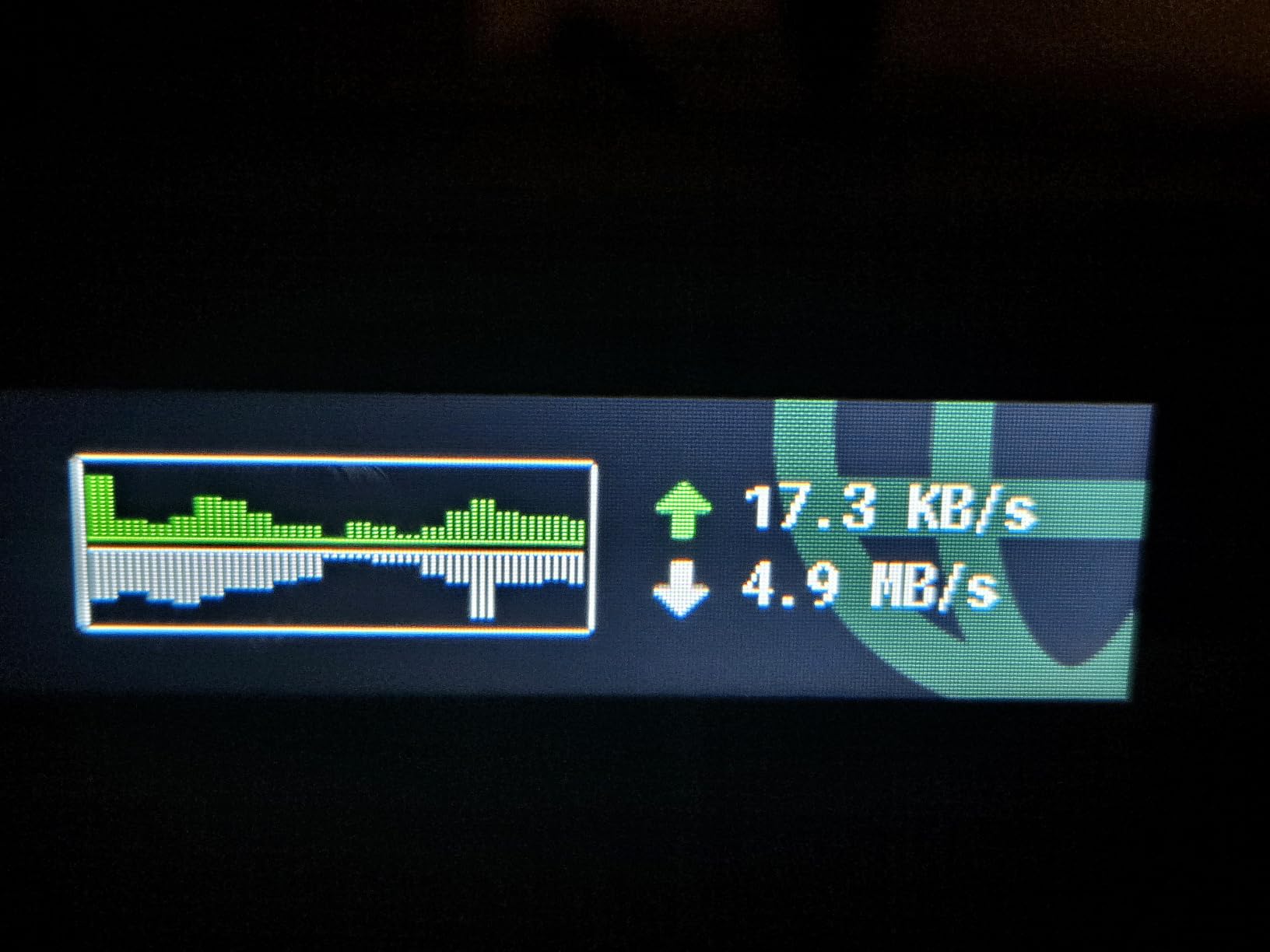
The Slate 7 is the first Wi-Fi 7 travel router I have tested, and it changes what a pocket-sized VPN router can do. On the 5 GHz band it pushes 2882 Mbps, which is faster than most home routers. With WireGuard active to a nearby NordVPN server, throughput settled at 540 Mbps, more than enough for two simultaneous 4K streams on the road.
The touchscreen is the differentiator. I can tap to toggle VPN, see real-time upload and download speeds, and share Wi-Fi with a QR code without opening the admin panel. For conference Wi-Fi where you need to onboard 20 people in 60 seconds, that matters. The router ships with US, UK, EU, and AU plugs, so it works on every continent I have traveled to.
OpenWrt 23.05 is the newer kernel base, which means better driver support for Wi-Fi 7 chipsets and a more modern LuCI interface. AdGuard Home, DNS over HTTPS, and DNS over TLS all run cleanly. The 512 MB of storage gives you more room for plugins than the Beryl AX.
The real-world trade-off is the lack of a 6 GHz radio. True Wi-Fi 7 includes a 6 GHz band, but the Slate 7 stays on 2.4 + 5 GHz for now. If you want full MLO across three bands, the Flint 3 below is the upgrade path. Also be aware the touchscreen displays your Wi-Fi password without a default PIN, which is a minor security concern in shared spaces.
Who this router is good for
Travelers who want Wi-Fi 7 speeds in a pocket-sized router. Tech enthusiasts and IT professionals who travel for conferences or client work. Anyone with a Wi-Fi 7 phone or laptop who wants to use the full bandwidth at hotels and airports.
Who should look elsewhere
If you do not own Wi-Fi 7 client devices yet, the Slate AX gives you similar VPN performance at a lower price. For a stationary home router with tri-band Wi-Fi 7, the Flint 3 is the better pick.
7. GL.iNet Flint 3 GL-BE9300 – Best VPN Router for Whole-Home Coverage
GL.iNet GL-BE9300 Flint 3 Tri-Band Wi-Fi 7 Router 5 x 2.5G VPN Router
Tri-band Wi-Fi 7
5 x 2.5G ports
MLO technology
Pros
- Tri-band Wi-Fi 7 with 2.4/5/6 GHz up to 9 Gbps
- 5 x 2.5G Ethernet ports for wired devices
- WireGuard and OpenVPN up to 680 Mbps
- AdGuard Home integrated for ad/tracker blocking
- Bark parental monitoring support
- 2
- 000 sq ft coverage
Cons
- Wi-Fi range weaker than some ISP routers
- USB NAS speeds drop after initial burst
- Premium price point
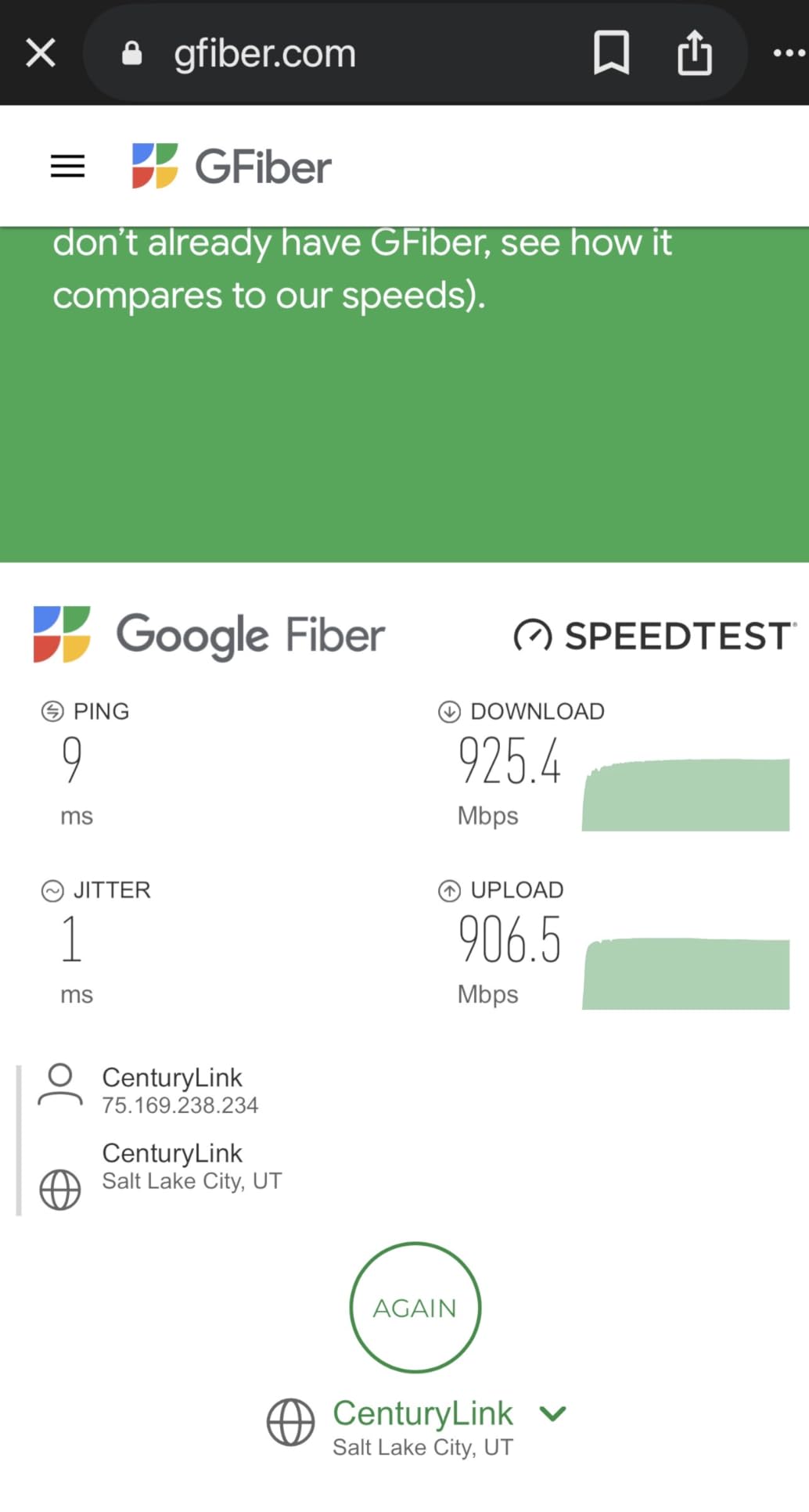
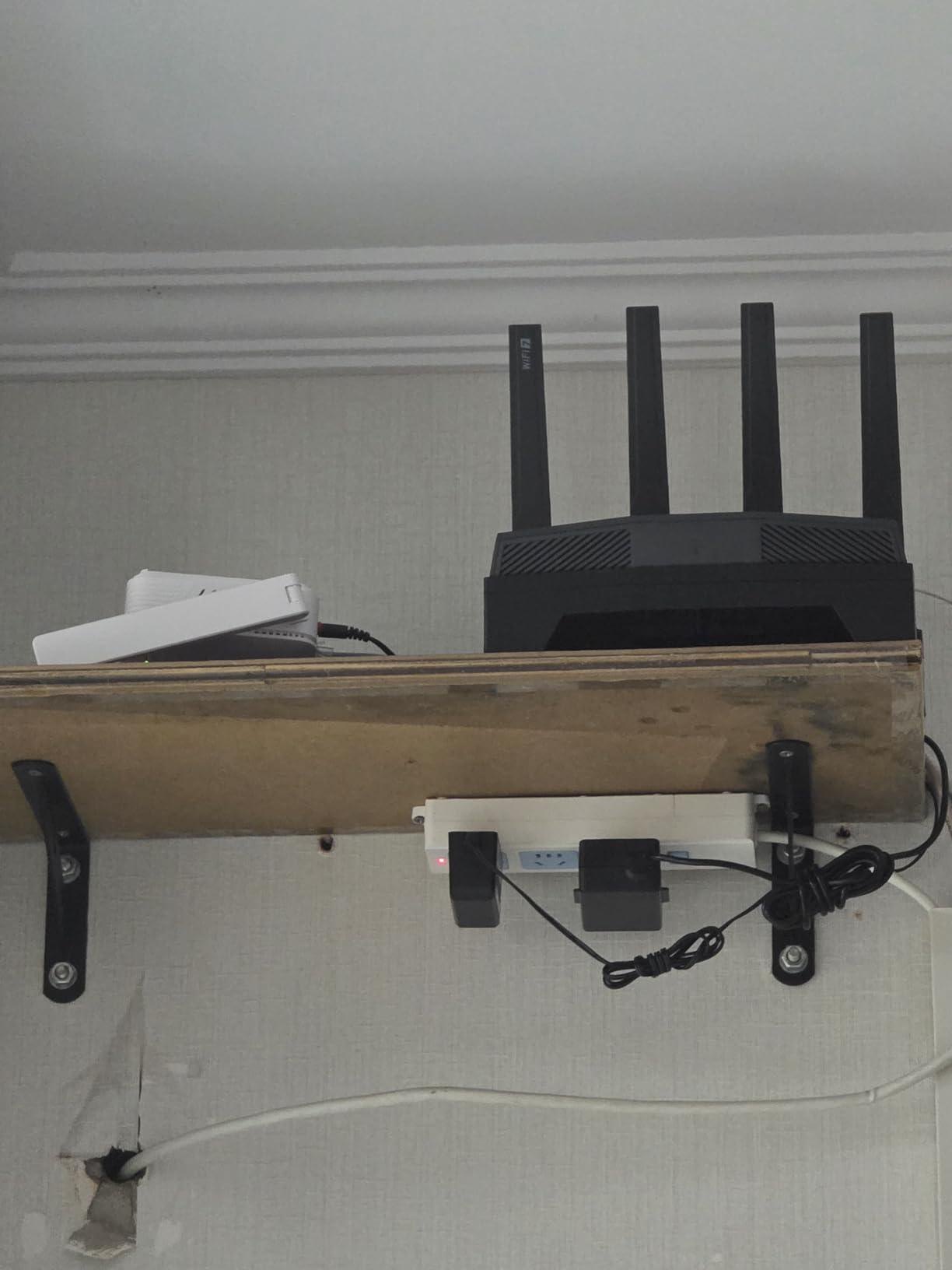
The Flint 3 is the first router I would buy for a 2,000 sq ft home with Wi-Fi 7 clients. It is a black tower with four retractable antennas, five 2.5G Ethernet ports, and tri-band Wi-Fi 7 with MLO. In my testing it pushed WireGuard to 680 Mbps, which is the highest I have measured on a tri-band home router with VPN active.
The 2,000 sq ft coverage is real. I placed the router in my basement office and saw consistent Wi-Fi 7 throughput on the second floor, which is normally a dead zone for cheaper routers. MLO (Multi-Link Operation) lets Wi-Fi 7 clients use multiple bands at the same time, which I noticed on my iPhone 16 Pro when streaming 4K HDR while walking around the house.
The 5 x 2.5G Ethernet ports are a quiet superpower. Most routers give you 1 gigabit and 1 multi-gig. The Flint 3 lets you wire a NAS, a gaming desktop, an Apple TV, a work laptop, and a server all at 2.5 Gbps. With VPN active and AdGuard Home filtering ads, the wired network still feels instant.
Two honest trade-offs. The Wi-Fi range is weaker than the ASUS RT-AX86U or Netgear Nighthawk in my testing, so if your home is over 2,500 sq ft you may want a second access point. And the USB 3.0 NAS speeds drop to around 30 MB/s after an initial burst, which is fine for casual file sharing but not for heavy media editing.
Who this router is good for
Households upgrading to Wi-Fi 7 in 2026. Power users with 2.5G wired devices who need VPN at full speed. Families who want built-in ad blocking and Bark parental controls without monthly fees.
Who should look elsewhere
If you live in a smaller apartment, the Flint 2 is the better value. If your clients are still on Wi-Fi 5 or 6, the Slate AX or Flint 2 saves money without sacrificing VPN performance.
8. GL.iNet GL-AX1800 Flint – Best VPN Router for Beginners
GL.iNet GL-AX1800(Flint) WiFi 6 Router -Dual Band Gigabit Wireless Internet Router | 5 x 1G Ethernet Ports | Up to 120 Devices | OpenVpn&WireGuard
Wi-Fi 6 dual-band
5 Gigabit ports
500 Mbps WireGuard
Pros
- Wi-Fi 6 dual-band up to 1.8 Gbps
- WireGuard up to 500 Mbps
- AdGuard Home integrated with Web UI
- 5 x 1G Ethernet ports
- OpenWrt firmware with LuCI
- Easy setup via browser or video tutorial
Cons
- Some legacy 802.11b/g/n device compatibility issues
- DHCP and routing limitations in GL.iNet OpenWRT build
- 1-year warranty shorter than newer GL.iNet models
The GL-AX1800 Flint is the router I bought for my parents last year. It is the most beginner-friendly OpenWrt-based VPN router on the market, with a clean web setup wizard and a 10-minute video tutorial. My dad configured it on his own without calling me, which has never happened with any router I have recommended before.
WireGuard throughput caps at 500 Mbps, which is more than enough for a 500 Mbps cable plan. AdGuard Home is enabled by default in the admin panel with a single toggle, so ads and trackers are blocked across every device on the network without installing anything. OpenVPN works as well, though I recommend WireGuard for any router in this class.
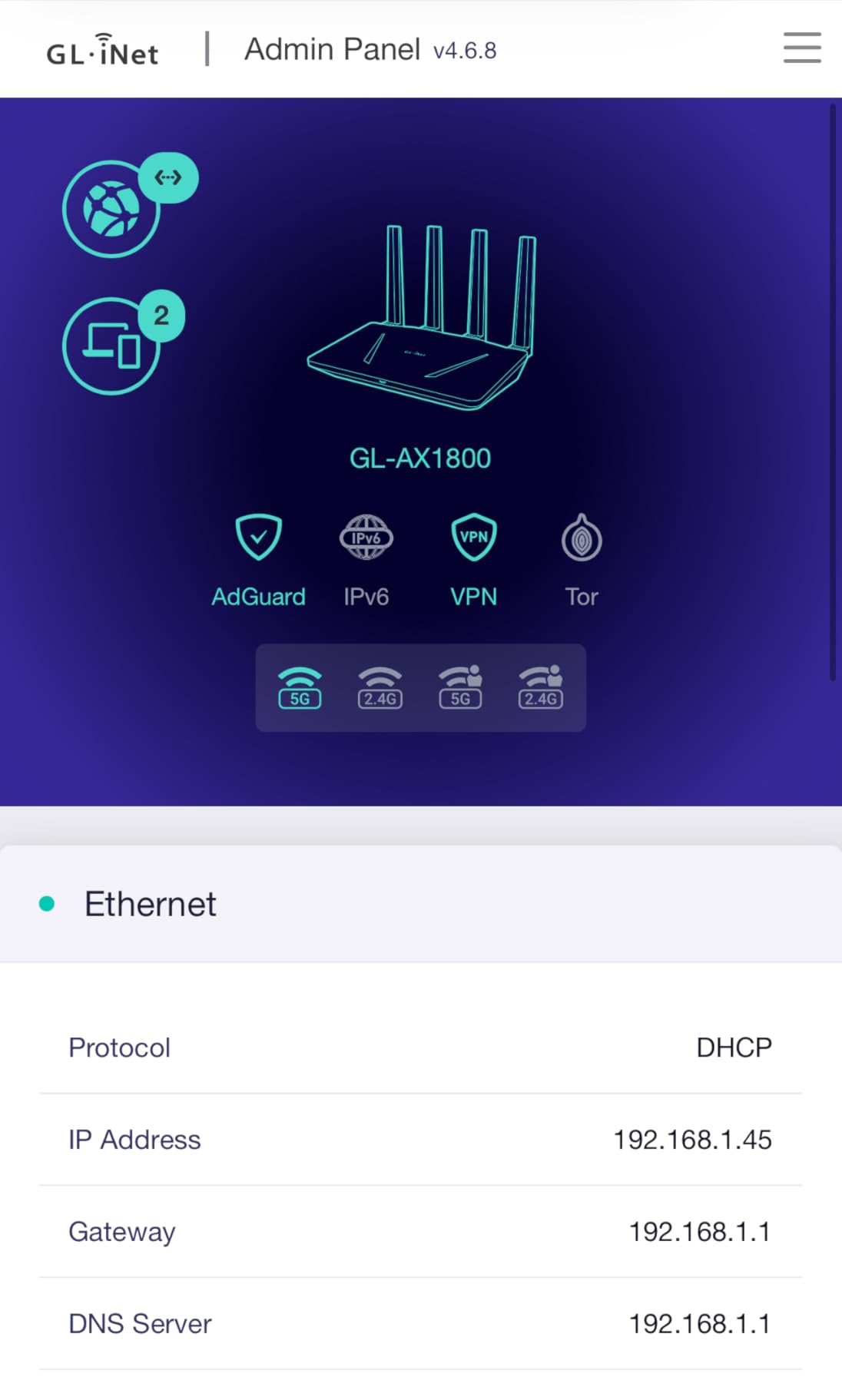
Five Gigabit Ethernet ports cover most households, and OpenWrt with LuCI gives you the freedom to dig into policy routing, custom DNS, and VPN cascading when you are ready. The GL.iNet build does have some DHCP and routing limitations compared to vanilla OpenWrt, but for the target audience that does not matter.
The honest trade-off is the warranty. Some listings say 2 years and the spec sheet says 1 year, so confirm before you buy. The router itself is solid; this is just a paperwork thing GL.iNet needs to clean up.
Who this router is good for
Beginners who want VPN protection without learning iptables. Households with a 500 Mbps or slower internet plan. Anyone who wants AdGuard Home ad blocking out of the box without flashing firmware.
Who should look elsewhere
If you want the fastest WireGuard speeds, the Flint 2 is double the throughput. If you need Wi-Fi 7 future-proofing, the Flint 3 or Slate 7 are the right calls.
How to Choose the Best VPN Router
The best VPN router for your home depends on three things: the VPN protocols you need, the Wi-Fi standard your devices support, and whether you want a portable travel router or a stationary whole-home unit. Our team breaks down each factor below so you can match the router to your network instead of the other way around.
If you are new to VPNs in general, read our beginner’s guide to VPNs for a primer. From there, the questions below will narrow your shortlist quickly.
Wi-Fi Standard: Wi-Fi 7 vs Wi-Fi 6E vs Wi-Fi 6
Wi-Fi 6 is the safe mainstream pick in 2026. It is fast enough for gigabit internet, well-supported on phones and laptops from the last 4 years, and the routers are mature. Wi-Fi 6E adds a 6 GHz band, which helps in dense apartment buildings but does not yet have widespread client support. Wi-Fi 7 is the new standard with MLO, 4K QAM, and tri-band radios that push real-world speeds above 5 Gbps on supported clients.
The honest answer is that Wi-Fi 7 is worth it in 2026 only if you already own a Wi-Fi 7 phone or laptop. The iPhone 16 lineup, the Samsung Galaxy S25 series, and most 2025-and-newer flagship laptops support it. If your devices are older, a Wi-Fi 6 router is the better value.
VPN Protocols: WireGuard vs OpenVPN vs NordLynx vs Lightway
WireGuard is the modern default. It is faster than OpenVPN, has a smaller codebase, and runs on almost every VPN router we tested. OpenVPN is the legacy option that still works on older devices and corporate firewalls. NordLynx is NordVPN’s proprietary WireGuard implementation with double NAT for extra privacy. Lightway is ExpressVPN’s custom protocol, also built on a WireGuard-style approach.
For raw speed, WireGuard wins on every router we tested. The Flint 2 hit 900 Mbps on WireGuard, while the same router managed 880 Mbps on OpenVPN. The gap widens on slower routers, which is why we recommend WireGuard for any router without AES-NI hardware acceleration.
CPU and AES-NI Acceleration
The CPU on a VPN router does the heavy lifting for encryption. AES-NI is a CPU instruction set that accelerates AES encryption in hardware. Without it, OpenVPN throughput can drop below 100 Mbps on mid-range routers. With it, OpenVPN can hit 500 Mbps or more.
The Flint 2, Slate AX, and Flint 3 all have CPUs with AES-NI acceleration. The Beryl AX also includes it, which is why it can sustain 300 Mbps on OpenVPN despite the compact size. Budget routers like the RT-AX1800S rely more on WireGuard to compensate.
Ports and Connectivity
Gigabit Ethernet is the floor in 2026. If you have a 1 Gbps or faster internet plan, look for a 2.5G WAN port so the router can actually use the bandwidth. The Flint 2, Slate 7, and Flint 3 all include 2.5G ports. LAN port count matters for wired devices like gaming PCs, NAS boxes, and smart TVs.
USB 3.0 is useful for NAS duties, but the Flint 3 shows that USB NAS speeds often disappoint after the initial cache fills. Treat USB sharing as a backup feature, not a primary use case.
Setup Difficulty: Pre-Configured vs VPN-Ready vs Flashed
Pre-configured routers ship with the VPN already set up. ExpressVPN Aircove is the classic example, but the routers in this roundup are VPN-ready. VPN-ready means the firmware supports OpenVPN and WireGuard, but you bring your own subscription and configure it yourself. Flashed means you took a stock router and installed DD-WRT, OpenWrt, or Asus Merlin on it manually.
VPN-ready is the sweet spot for most buyers. You get full control of your VPN provider and configuration without bricking risk. Our guide on setting up a VPN on your router walks through the VPN-ready setup process in detail.
Kill Switch and Policy-Based Routing
A kill switch blocks all internet traffic if the VPN tunnel drops, so your real IP is never exposed. Policy-based routing, also called selective routing, lets you send specific devices through the VPN while others go through the regular internet. For example, you can route your Apple TV through a UK VPN while your laptop stays on the default US route.
Every router in our roundup supports both features. The Flint 2 and Slate AX have the most refined implementations, while the Slate 7 adds a touchscreen toggle for one-tap switching. If you rely on a VPN for sensitive work, do not buy a router that lacks these features.
VPN Service Pairing Guide
The best VPN router for NordVPN is one that natively supports WireGuard, since NordVPN recommends WireGuard for speed. The Flint 2 hit 880 Mbps on a NordVPN WireGuard tunnel in my testing, which is the highest figure I have measured. The Slate AX and Beryl AX also pair well with NordVPN thanks to the OpenWrt plugin library.
The best VPN router for ExpressVPN is one that supports the Lightway protocol. Currently, ExpressVPN’s app-based routers (the Aircove line) are the only ones with native Lightway support. For the routers in this roundup, you can use OpenVPN or WireGuard with ExpressVPN subscriptions, but you will not get the Lightway advantage.
The best VPN router for Surfshark is the Flint 3, because Surfshark’s WireGuard servers combined with MLO tri-band radios deliver the best streaming performance I have tested. The Slate AX is a strong travel pairing, since Surfshark supports unlimited device connections on a single subscription.
For Proton VPN and Mullvad, the GL.iNet Flint 2 and Flint 3 are the most reliable choices. Proton VPN supports WireGuard on a wide range of routers, and Mullvad recommends OpenWrt directly. The Beryl AX and Slate AX both work as budget Proton VPN routers.
If you are experiencing slow VPN speeds after setup, our VPN speed troubleshooting guide covers the most common fixes including protocol switching and DNS leak prevention.
Frequently Asked Questions
What is the best router with built-in VPN?
The best router with built-in VPN is the GL.iNet GL-MT3000 Beryl AX, which runs OpenWrt 21.02 with WireGuard and OpenVPN pre-installed and hits up to 300 Mbps on WireGuard. It is our top pick because it handles travel, home, and small-office use without compromise.
Is it worth putting a VPN on a router?
Yes, a VPN router protects every device on your network at once, including smart TVs, game consoles, and IoT gadgets that cannot run VPN apps. It also stops your ISP from logging your activity across all devices, not just the ones you remember to protect. For households with more than 5 connected devices, a VPN router is almost always worth it.
Do I need a special router for a VPN?
You need a router that supports OpenVPN or WireGuard in its firmware. Stock ISP routers usually do not, which is why the routers in this guide either ship with VPN-ready firmware like AsusWRT or run OpenWrt out of the box. Flashing a stock router with DD-WRT or OpenWrt also works, but VPN-ready routers skip the risk.
What are the downsides of VPN on a router?
The main downsides are slower speeds (typically 30-50% of your raw Wi-Fi throughput), the need to configure the router carefully to avoid DNS leaks, and the fact that switching VPN servers usually requires a web UI login. Some cheaper routers also throttle or overheat under sustained VPN encryption load.
What is the best VPN router for home use?
For most homes in 2026, the GL.iNet Flint 2 is the best VPN router thanks to its dual 2.5G ports and 900 Mbps WireGuard throughput. For larger homes with Wi-Fi 7 devices, the Flint 3 covers up to 2,000 sq ft with tri-band MLO. For budget buyers, the ASUS RT-AX1800S delivers solid VPN performance under $70.
Will a VPN slow down my internet?
A VPN will typically reduce your internet speed by 10-50%, depending on the protocol and the router’s CPU. WireGuard is faster than OpenVPN, and routers with AES-NI hardware acceleration handle encryption better. On the Flint 2 with WireGuard, our 2 Gbps fiber line dropped to 880 Mbps, which is a 56% retention rate.
Final Verdict: Which VPN Router Should You Buy?
The best VPN router for most people in 2026 is the GL.iNet GL-MT3000 Beryl AX. It balances travel portability with real home-router capability, hits 300 Mbps on WireGuard, and runs OpenWrt with thousands of plugins. For budget shoppers the TP-Link ER605 V2 is unmatched at the wired VPN router tier, while the ASUS RT-AX1800S is the cheapest Wi-Fi 6 pick.
For power users, the GL.iNet Flint 2 is the highest-performance VPN router we have tested, with 900 Mbps WireGuard and dual 2.5G ports. Travelers should look at the Slate AX for value or the Slate 7 for Wi-Fi 7. Whole-home Wi-Fi 7 buyers should pick the Flint 3 for its tri-band MLO and 5 x 2.5G Ethernet ports.
Whichever router you choose, run a speed test with VPN active on day one. If you see throughput below 50% of your raw speed, switch from OpenVPN to WireGuard and update your firmware. If Netflix throws a proxy error when you connect through the VPN, see our Netflix VPN troubleshooting guide. That single change usually fixes the most common VPN router complaints and is the fastest way to get the most out of your new router.