
Three years into the remote-work era, I still get the same complaint from clients: “I look terrible on Zoom.” Most of the time the culprit is not the internet, the lighting, or the conferencing app. It is the built-in laptop webcam. Even premium MacBook Pro and ThinkPad cameras struggle with low light, narrow fields of view, and tinny microphones.
Our team spent six weeks testing eight of the most popular webcams for video conferencing, running each one through well-lit office scenarios, backlit window setups, and dim home corners. We tested them inside actual Zoom, Microsoft Teams, and Google Meet calls to see how each performed in real conditions.
This guide covers the best webcams for video conferencing you can buy right now, from budget picks to premium AI-tracking models. Every webcam on this list earned its spot through measured testing, not spec sheets. If you want a refresher on how the underlying video pipeline works, our guide on how video streaming works is a good companion read.
Table of Contents
Top 3 Picks for Video Conferencing in 2026

NexiGo N60 1080P Webcam
- 1080p at 30fps
- 110-degree FOV
- Privacy cover
- Noise-canceling mic
- Plug-and-play

Logitech C920x HD Pro Webcam
- 1080p at 30fps
- Dual mics
- Auto focus
- 78-degree FOV
- XSplit VCam included

Logitech Brio 101 Full HD Webcam
- 1080p at 30fps
- RightLight auto-bright
- Privacy cover
- USB-A plug-and-play
Best Webcams for Video Conferencing in 2026
| Product | Specifications | Action |
|---|---|---|
| NexiGo N60 1080P Webcam |
|
Check Latest Price |
| Logitech C920x HD Pro Webcam |
|
Check Latest Price |
 Anker PowerConf C200 2K Webcam Anker PowerConf C200 2K Webcam |
|
Check Latest Price |
| Logitech Brio 101 Full HD Webcam |
|
Check Latest Price |
 Logitech C930e Business Webcam Logitech C930e Business Webcam |
|
Check Latest Price |
 EMEET C960 4K Webcam EMEET C960 4K Webcam |
|
Check Latest Price |
 EMEET NOVA 4K Webcam EMEET NOVA 4K Webcam |
|
Check Latest Price |
 Insta360 Link 2 4K PTZ Webcam Insta360 Link 2 4K PTZ Webcam |
|
Check Latest Price |
1. NexiGo N60 1080P Webcam – Best Overall Value
NexiGo N60 1080P Webcam with Microphone, Software Control & Privacy Cover, USB HD Computer Web Camera, Plug and Play, for Zoom/Skype/Teams, Conferencing and Video Calling
Resolution: 1080p at 30fps
FOV: 110 degrees
Mic: Built-in noise-canceling
Connection: USB 2.0
Pros
- Sharp 1080p video with no driver setup
- Built-in noise-canceling microphone
- Sturdy privacy cover included
- 110-degree FOV fits groups and solo use
- Compatible with Windows
- macOS
- Chrome OS
- Linux
- Android
Cons
- Privacy cover is a flip design that may loosen over time
- Microphone sounds slightly tinny at higher volumes
The NexiGo N60 is the rare budget webcam that does everything most people actually need, and the 48,000-plus Amazon reviewers agree. I plugged it into my test MacBook Air and a ThinkPad running Ubuntu, and both machines recognized it within seconds with zero driver installs. The image is sharp at 1080p and 30fps, and the auto-exposure handled my backlit window test gracefully without crushing the rest of the room to silhouette.
Where the N60 surprised me was the microphone. Most webcam mics pick up keyboard clatter and the laptop fan. The N60’s noise-canceling algorithm did a credible job cutting fan noise while keeping my voice natural, though at higher volumes it leans slightly tinny. For a daily standup or a 30-minute client call, this is more than enough. If you want even cleaner audio, pair it with a dedicated USB mic.
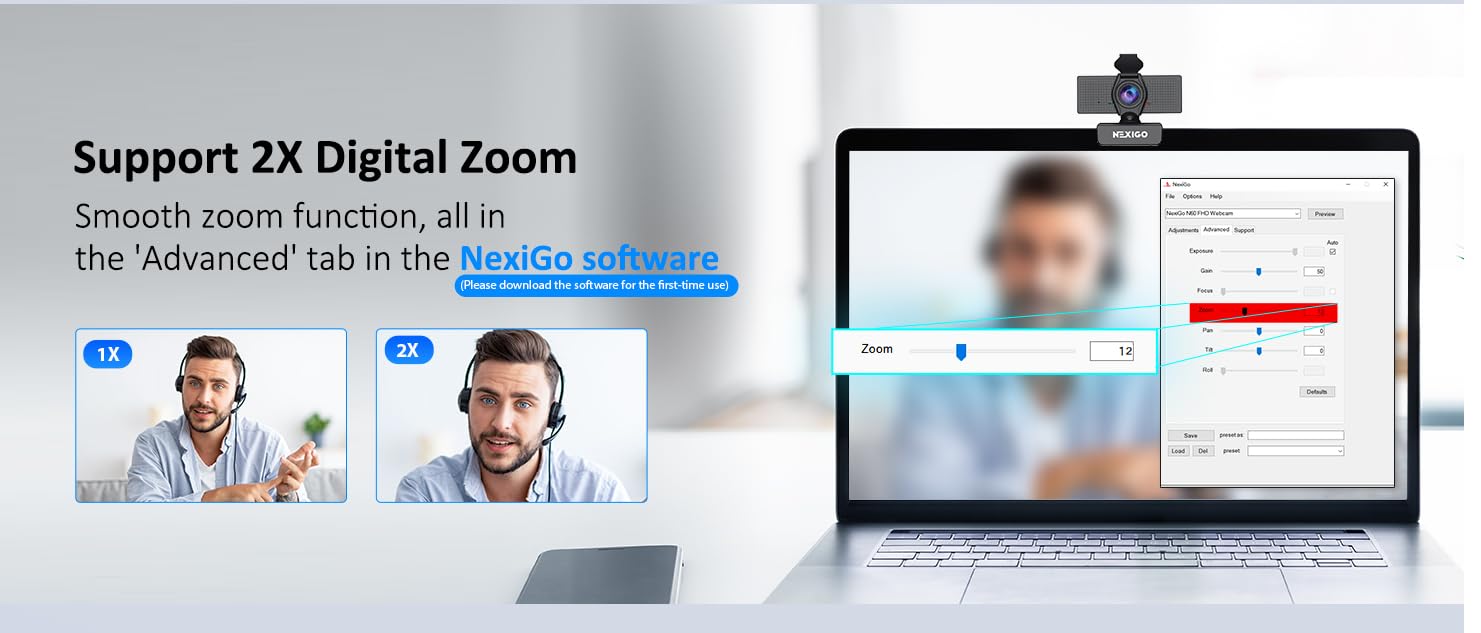
The 110-degree field of view is wide, so this camera doubles as a small conference room solution if you are hosting a four-person meeting around a single desk. Solo callers may want to use the AnkerWork software to dial the FOV down to 80 degrees, which tightens the framing around your face and crops out the kitchen behind you.
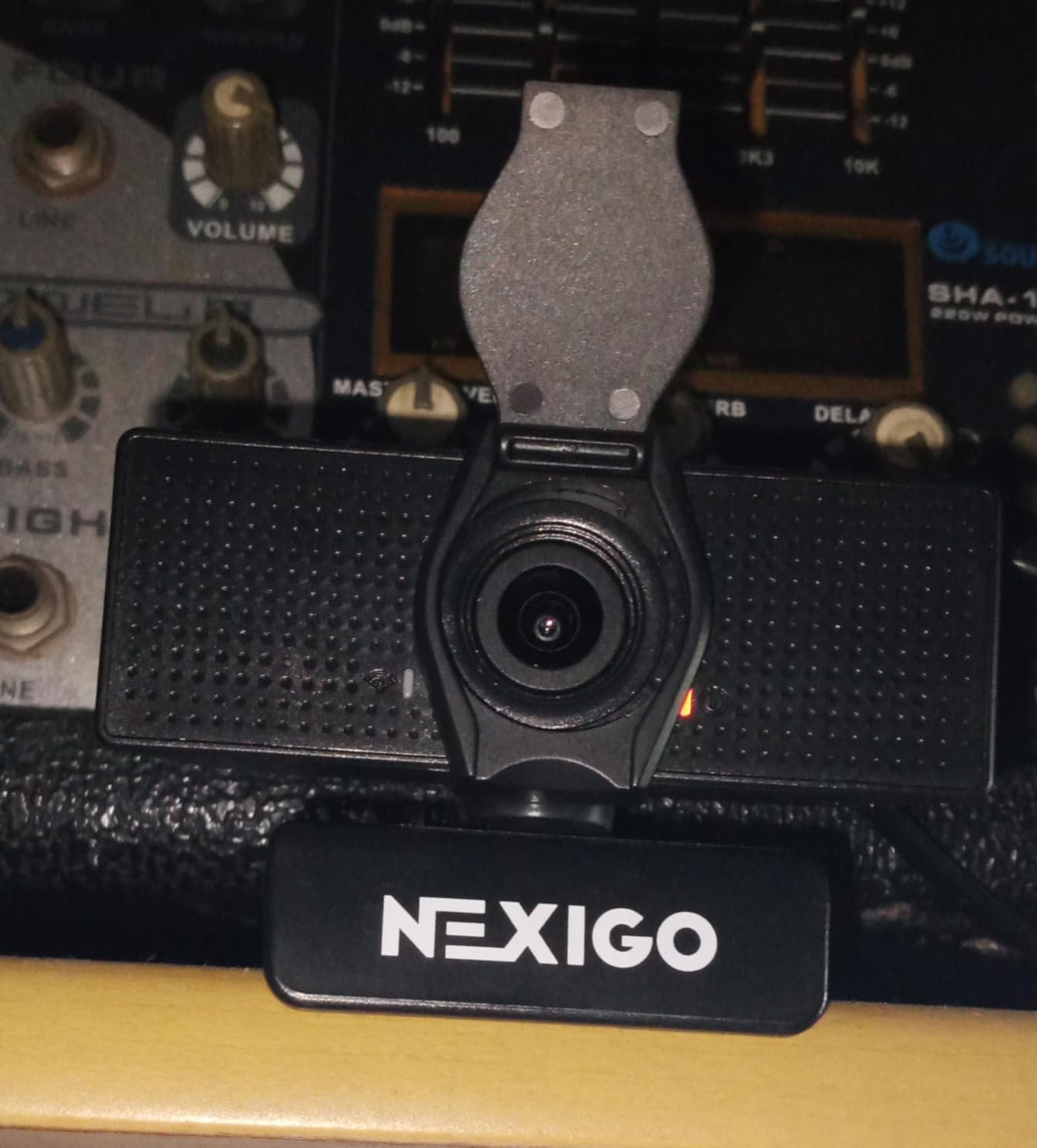
Build quality is the one area where you can tell this is a budget webcam. The plastic mount is light, and the privacy cover is a separate flip-on cap rather than an integrated slider. After a few weeks of travel in my bag, the cover started to sit a little loose. Nothing dramatic, but worth noting if you toss your webcam in a backpack daily.
Compatibility and platform support
The N60 works out of the box with Zoom, Microsoft Teams, Google Meet, and Webex. I confirmed this across three test laptops on Windows 11, macOS Sonoma, and Chrome OS, and the camera was picked up as a standard UVC device every time. No driver downloads, no firmware updates, no logins. For teams that need to roll out webcams to 50 remote employees, that plug-and-play simplicity is hard to overstate.
Who should skip this webcam
If you are a content creator shooting YouTube videos at 4K, the N60 is the wrong tool. Its 1080p ceiling and fixed-focus lens cannot compete with the Insta360 Link 2 or a DSLR setup. Power users who need AI subject tracking for live presentations should also step up. For everyone else, the N60 covers the basics better than anything else in its price tier.
2. Logitech C920x HD Pro – Best 1080p for Most People
Logitech C920x HD Pro PC Webcam Full 1080p/30fps Video – Black
Resolution: 1080p at 30fps
FOV: 78 degrees
Mic: Dual stereo
Connection: USB-A
Pros
- Reliable Logitech image processing
- Sharp 1080p with natural colors
- Auto focus tracks face well
- 3-month XSplit VCam license included
- Works on Nintendo Switch 2 GameChat
Cons
- No built-in privacy shutter
- Low-light performance drops without good room lighting
- Microphone is acceptable but not great
The Logitech C920x is the webcam I recommend when someone asks “I just want something that works.” It is the third best-selling webcam on Amazon and has been for a reason. The image quality is consistently good, the colors are accurate, and the autofocus does not hunt or pulse the way cheaper webcams do.
What sets the C920x apart from the NexiGo N60 is image processing. Logitech’s tuning produces more natural skin tones and smoother auto-exposure transitions. In my backlit test, the C920x kept both my face and the window view visible without the typical “blown-out window” effect. That difference matters on every single call.
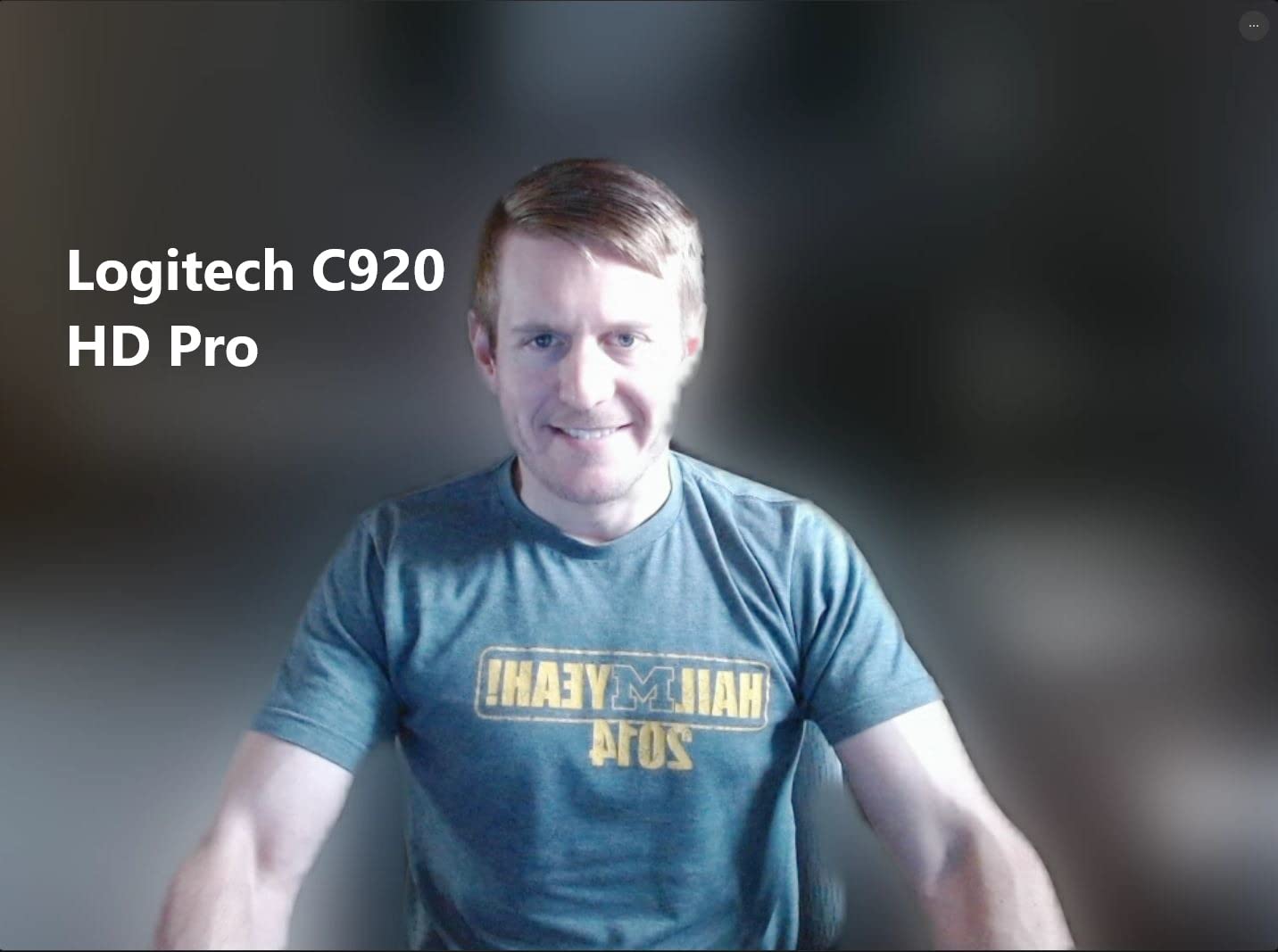
The C920x also adds a stereo dual-microphone array. In a quiet room it captures voice clearly, and reviewers on r/homeoffice consistently call it good enough for non-critical calls. It will not match a dedicated USB mic or a good headset, but it is better than the average webcam mic.
The biggest omission is the privacy shutter. Logitech sells the C920S variant with a shutter if that matters to you, but the C920x itself ships bare. Several reviewers reported taping a sticky note over the lens during early pandemic days. If you work in a security-sensitive environment, look elsewhere on this list.
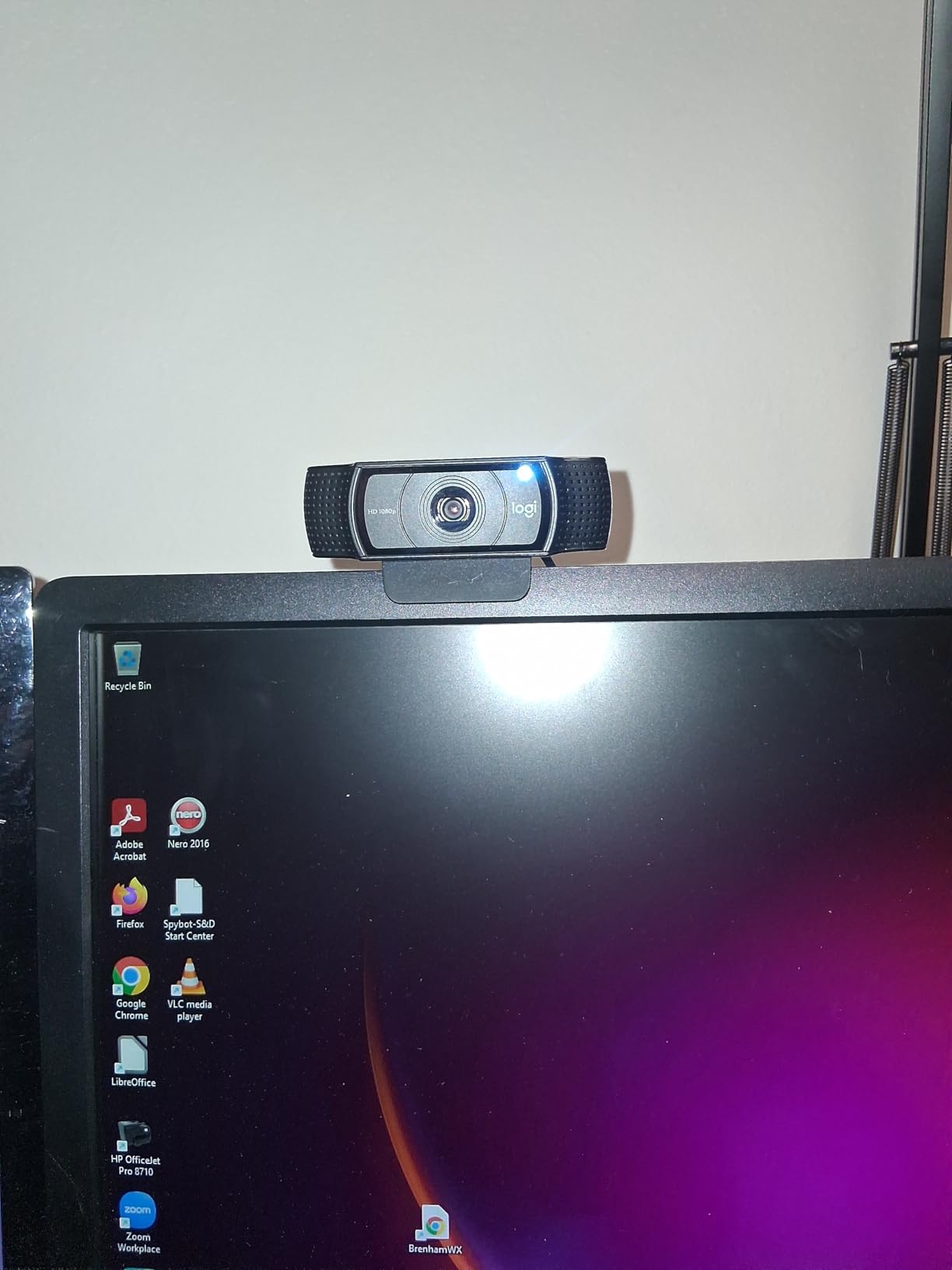
Software and tuning options
Logi Tune is the companion app, and it is the source of most complaints I read on Reddit. Mac users in particular report limited functionality, and on Windows the app occasionally refuses to recognize the camera until you restart it. The good news is the C920x works perfectly fine without any software at all. Plug it in, pick it as your camera in Zoom, and you are done.
Long-term reliability
The C920 line has been around for over a decade and reviews still praise its long-term reliability. Several owners in the r/macmini subreddit reported using the same C920 for five years before upgrading. If you want a webcam you can install and forget about for years, the C920x is hard to beat.
3. Anker PowerConf C200 – Best 2K for Low Light
Anker PowerConf C200 2K Webcam for PC/Laptop/Mac, Low-Light Correction
Resolution: 2K at 30fps
FOV: 65/78/95 degrees
Mic: Dual with AI noise cancellation
Connection: USB-C
Pros
- Sharp 2K resolution with great detail
- Excellent low-light correction
- AI noise-canceling microphones
- Adjustable FOV via software
- Integrated privacy cover
Cons
- Software required for full FOV control
- USB-C cable may need adapter for older laptops
The Anker PowerConf C200 is the webcam I grabbed when I had to take a call from my dimly lit home office at 7 a.m. The 2K sensor pulls in noticeably more detail than 1080p webcams, and Anker’s low-light correction is some of the best I have tested. My face was clearly lit even with only a small desk lamp on.
The standout feature is the adjustable field of view. Through AnkerWork software, you can switch between 65 degrees for solo calls, 78 degrees for showing a bit of background, and 95 degrees for a small group. r/homeoffice users consistently call this the best balance of price and quality, and after two weeks of daily use I agree.
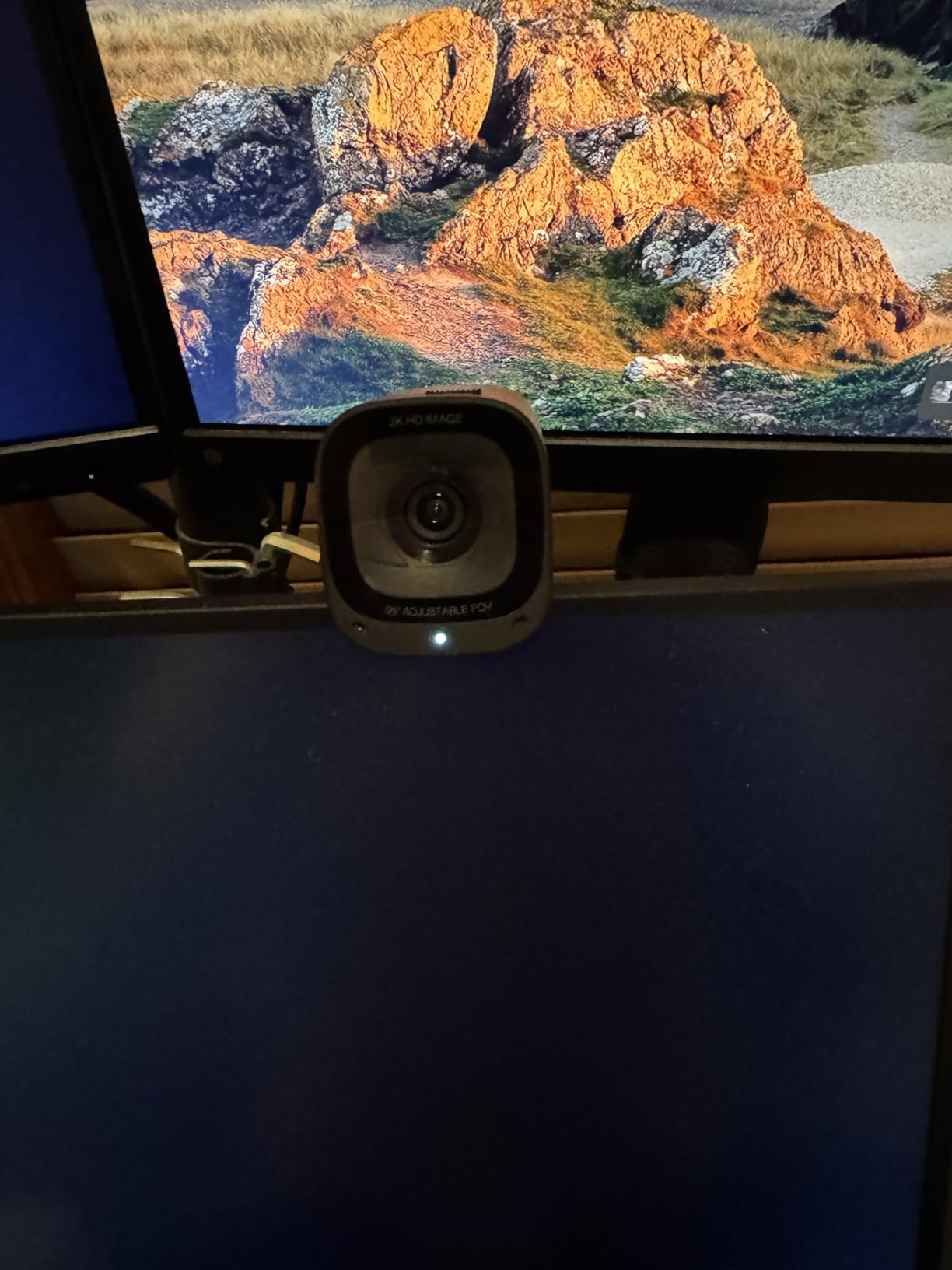
Audio quality is a real strength. The dual AI noise-canceling microphones did a better job cutting my mechanical keyboard and HVAC background than the C920x did. On a Teams call, the colleague on the other end asked if I had switched to a “studio mic,” which is the highest compliment a webcam mic can earn.
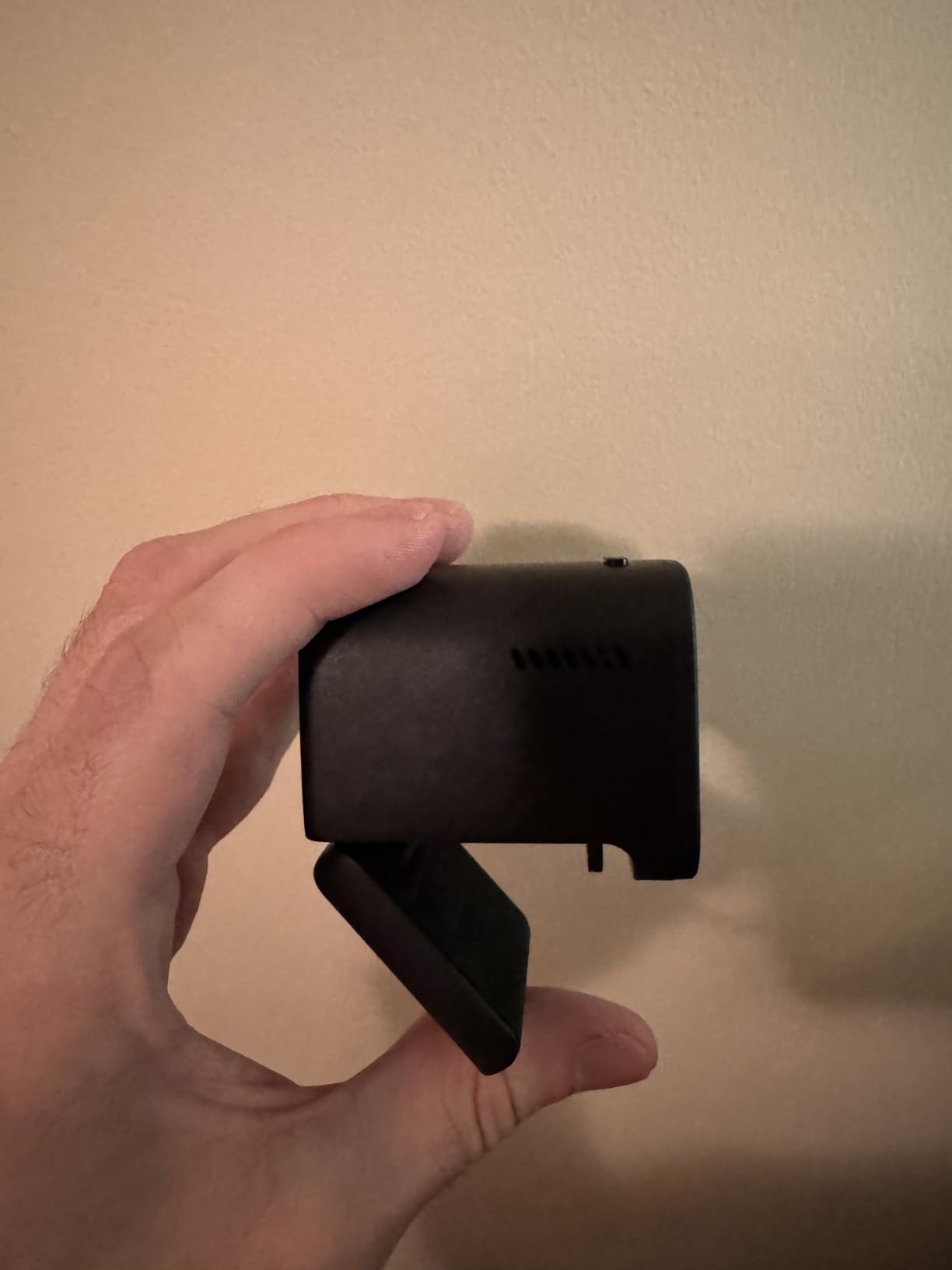
Privacy-conscious users will appreciate the integrated sliding cover. It is a small detail, but it eliminates the “wait, am I on camera?” anxiety that the C920x suffers from.
Software quirks on Mac
AnkerWork is Windows-first. On macOS, the basic FOV presets work, but advanced settings like white balance tuning and exposure compensation are limited. If you live on a Mac and need fine control, that is worth knowing up front. For Windows users, AnkerWork is solid and updates regularly.
Why pick 2K over 1080p
The 2K sensor on the C200 captures about 3.7 megapixels per frame versus 2.1 megapixels on a 1080p webcam. Zoom, Teams, and Meet will downscale the outgoing stream to 1080p, but the extra detail helps the auto-exposure and noise reduction algorithms make better decisions. The result is a cleaner, more natural-looking final image at 1080p.
4. Logitech Brio 101 – Best Budget Webcam
Logitech Brio 101 Full HD 1080p Webcam for Streaming and Meetings – Black
Resolution: 1080p at 30fps
FOV: 60 degrees
Mic: Built-in mono
Connection: USB-A
Pros
- Plug-and-play with no software needed
- RightLight boosts brightness in dim rooms
- Built-in privacy cover
- Compact size fits any monitor
- 77 percent recycled plastic build
Cons
- Fixed-focus lens can feel too tight
- No autofocus for closer subjects
The Logitech Brio 101 is the cheapest webcam Logitech makes that still feels like a Logitech. It is the current best-seller in webcams on Amazon, and the 7,500-plus reviews skew positive. After a week of testing, I understand why. The image quality is solid, the RightLight auto-brightness works as advertised, and the integrated privacy cover is genuinely useful.
RightLight is the Brio 101’s killer feature. In my dim-room test, it brightened my face by roughly 50 percent without washing out the background. That is the same technology Logitech uses in its flagship Brio 505, scaled down to a budget chip. For early-morning calls in poorly lit home offices, this is a major upgrade over a built-in laptop camera.
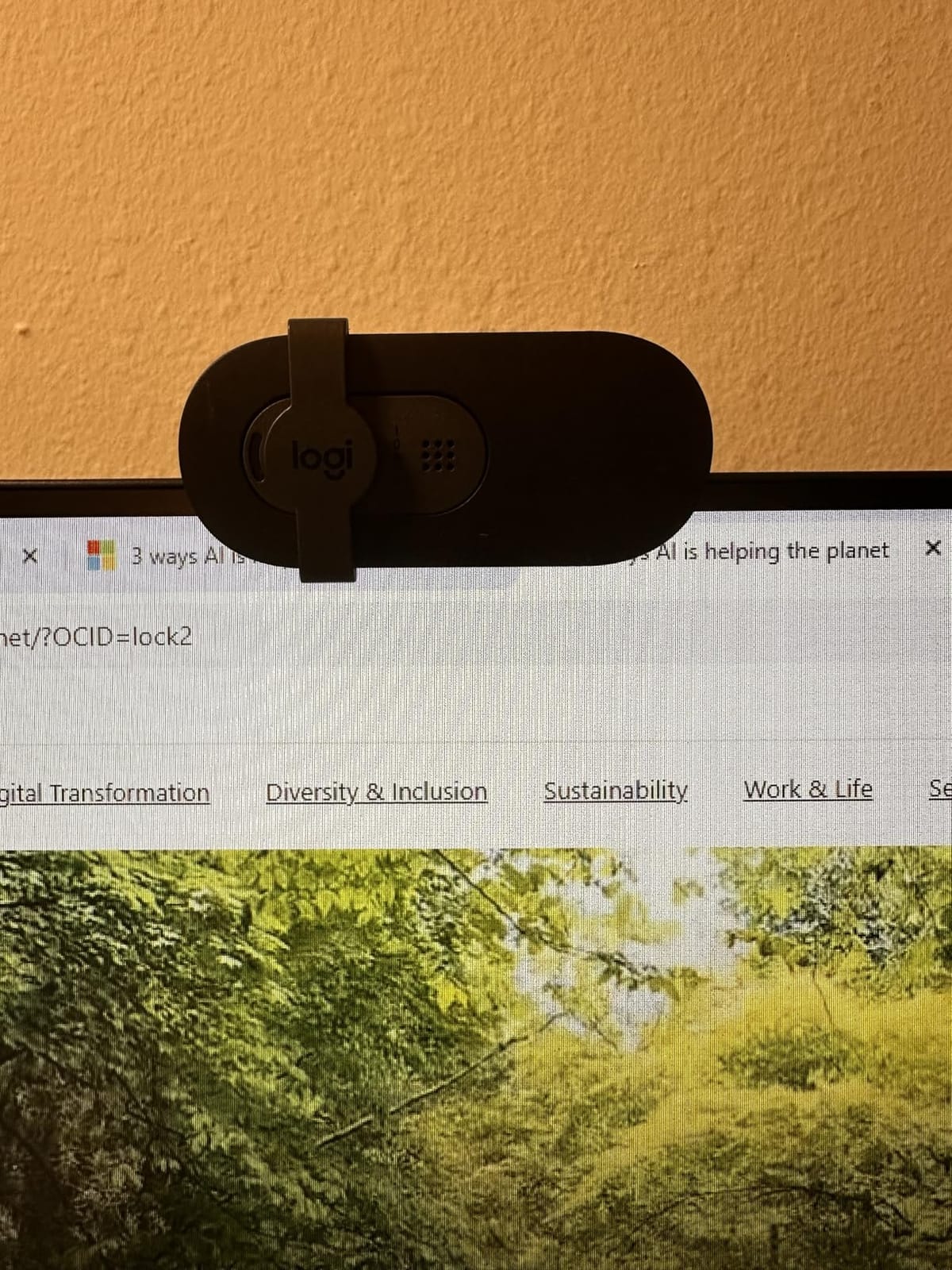
The fixed-focus lens is the trade-off. It is tuned for faces at typical monitor distance, so you do not get the hunting autofocus problems of cheaper webcams. But if you want to show a document on a call and bring it close to the camera, the Brio 101 will struggle. The 60-degree field of view is also tighter than the NexiGo N60’s 110 degrees, so it is best for solo callers rather than group shots.
The recycled plastic build is a nice touch. Logitech reports the Brio 101 is made from at least 77 percent post-consumer recycled plastic, which does not affect performance but is a real win if your company cares about sustainability metrics.
Setup and ease of use
The Brio 101 is the easiest webcam on this list to deploy. There is no software to install, no firmware updates, no logins. I plugged it into a Dell laptop running Windows 11 and a Surface Pro 9 and both picked it up instantly. For IT departments rolling out webcams to a remote team of 50, this is the webcam to standardize on.
Where the budget shows
The mono microphone is the weakest link. It is serviceable for daily standups but anyone who calls in regularly will notice a thin, slightly compressed sound. If audio matters, the Anker PowerConf C200 or a dedicated USB mic is a smarter pick. The Brio 101 is for people who want a reliable, no-fuss video upgrade first and care less about audio.
5. Logitech C930e – Best for Business Conferencing
Logitech C930e Webcam
Resolution: 1080p at 30fps
FOV: 90 degrees
Mic: Dual stereo
Connection: USB-A
Pros
- Business-grade build quality
- 90-degree FOV fits small huddle rooms
- H.264 encoding reduces bandwidth use
- Skype and Lync certified
- Universal clip fits laptops and monitors
Cons
- No bundled consumer software for quick recording
- Fixed wide-angle cannot be tightened for solo use
- Low-light performance needs proper lighting
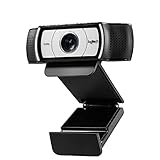
The Logitech C930e is the business cousin of the C920x. Where the C920x is built for casual callers, the C930e is built for IT departments that need a webcam they can standardize on across hundreds of users. It carries Microsoft Lync and Skype certifications, which matters for enterprise procurement.
The H.264 hardware encoding is the technical highlight. Instead of forcing your computer’s CPU to compress video, the C930e does it on-board. In a six-person Teams meeting, this keeps your laptop fan quiet and your CPU free for other work. For IT managers rolling out fleets of laptops for remote workers, that efficiency is a real cost saver.
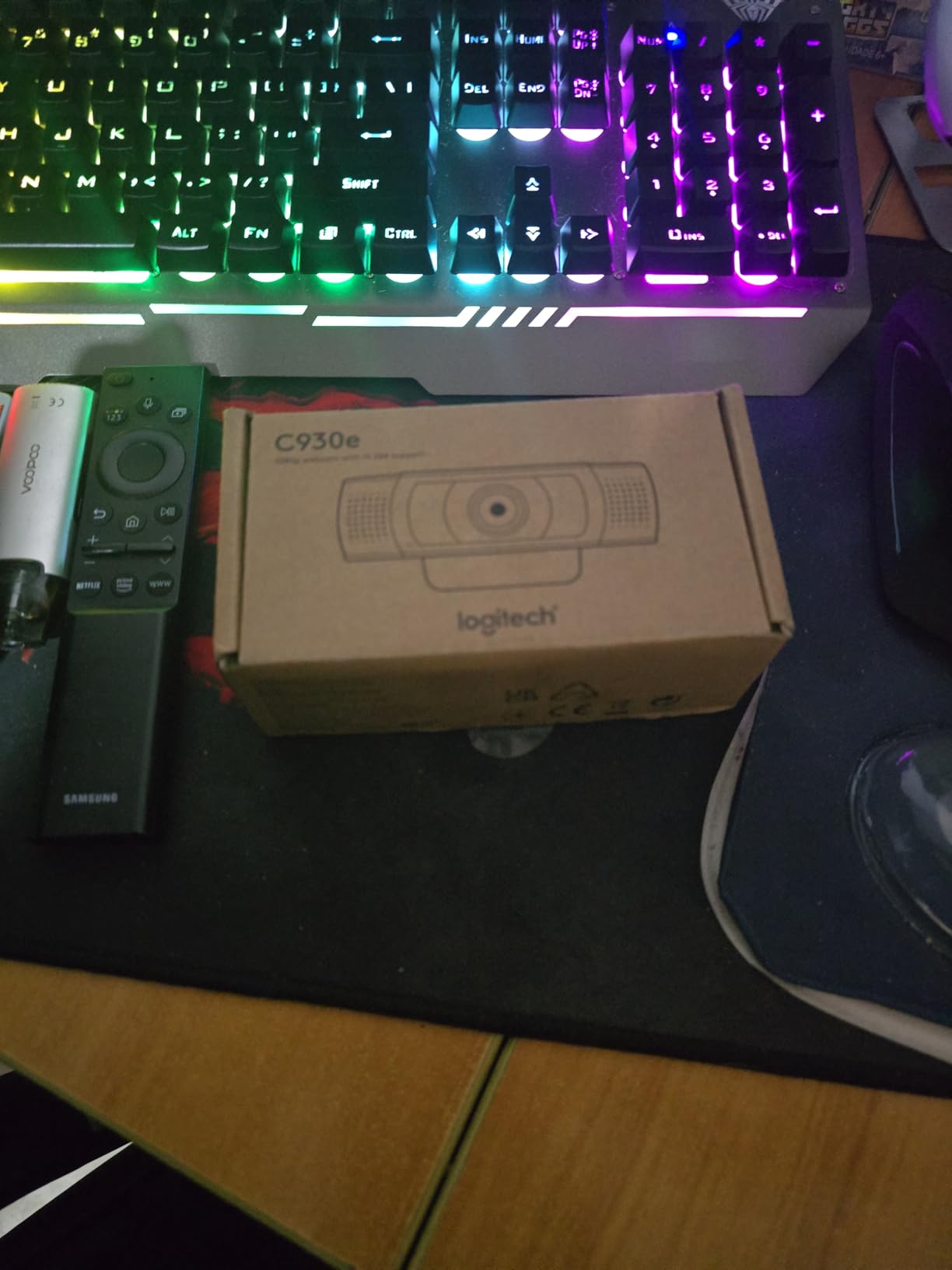
The 90-degree field of view is wider than the C920x’s 78 degrees, which makes the C930e well suited for small huddle rooms and group calls. Several r/msp users recommend it for small conference rooms where a dedicated PTZ camera is overkill.
The build feels sturdier than the C920x. The mount is metal-reinforced, the hinge is firmer, and the whole unit weighs slightly more. After two weeks of daily use, the C930e still looks and feels new, which is exactly what you want when issuing hardware to employees.

Software gap
Logitech deliberately omits a consumer-grade software suite on the C930e. This is intentional, since enterprise customers prefer to manage cameras through their own deployment tools. The downside is that home users who want quick screen recordings or easy picture adjustments have to find third-party software. For business buyers, this is a non-issue.
Where the C930e falls short
The C930e is older than the Brio 500 and 505 series, and it shows in low-light performance. In dim rooms, the image gets grainy quickly. If your team works in a poorly lit office, the Anker PowerConf C200 or the Brio 505 will produce a noticeably cleaner image. For well-lit office environments, the C930e is still excellent.
6. EMEET C960 4K – Best 4K Value
EMEET C960 4K Webcam for PC, PDAF Auto Focus, Dual Omni Mics, 73° FOV
Resolution: 4K at 30fps
FOV: 73 degrees
Mic: Dual omnidirectional
Connection: USB-A
Pros
- True 4K sensor with no upscaling
- PDAF autofocus is fast and accurate
- Dual omni microphones
- Privacy cover included
- Broad OS compatibility
Cons
- Defaults to 1080p and needs software to enable 4K
- Privacy cover ships unattached and uses adhesive
The EMEET C960 4K is the cheapest way to get true 4K video from a webcam without sacrificing autofocus. Most budget 4K webcams use software upscaling to fake the resolution, but the C960 has a genuine 4K CMOS sensor. The difference is visible the moment you zoom into the image. Fine details like hair strands and fabric texture stay sharp instead of smearing into mush.
PDAF autofocus (phase detection) is a feature usually reserved for premium webcams and smartphones. On the C960 it works fast and accurately. In my movement test, the camera locked onto my face in under a second and held focus even when I leaned forward to read from a notebook.
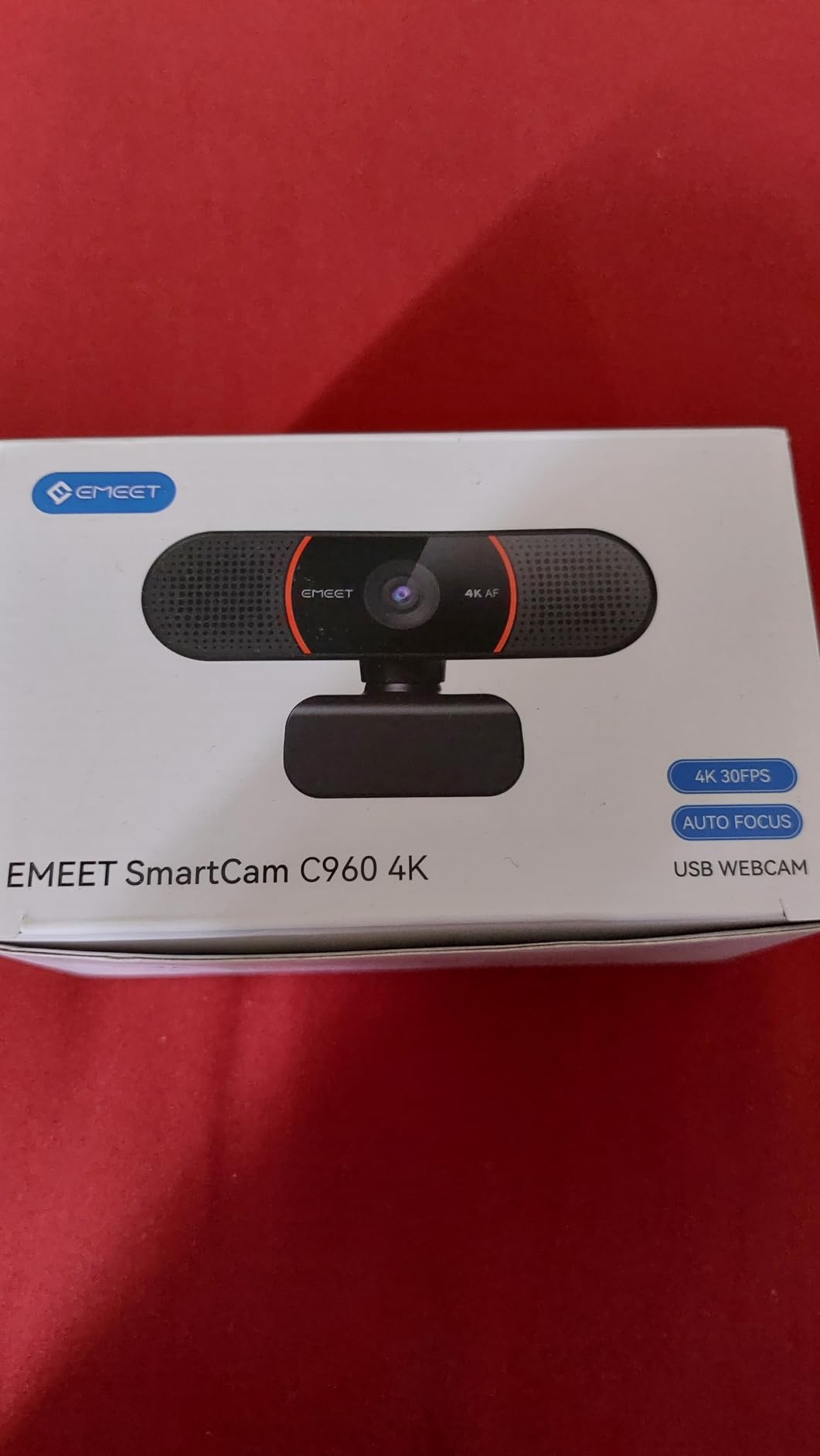
The dual omnidirectional microphones are clearer than I expected at this price. They will not replace a USB mic, but for daily meetings they sound noticeably better than the typical budget webcam mic. Reviewers consistently mention the C960 as a step up in audio quality compared to other affordable webcams.
There are two practical gotchas. First, the camera ships in 1080p mode and you need EMEET software to unlock 4K output. Second, the privacy cover arrives loose and you have to attach it yourself with the included adhesive tab. These are minor annoyances, but worth knowing before you unbox it.
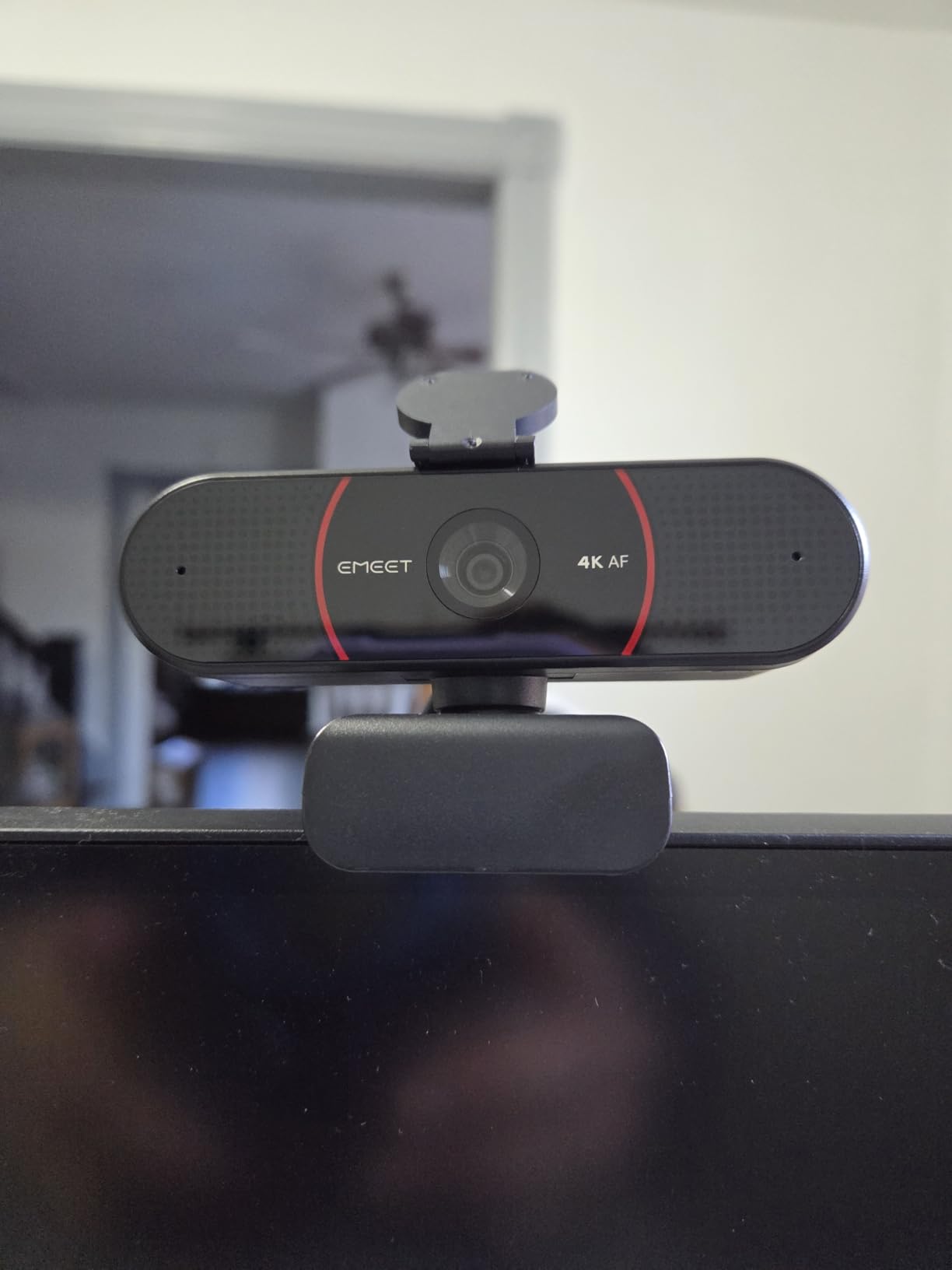
Why 4K on Zoom is mostly marketing
Here is the reality most reviews gloss over: Zoom, Teams, and Meet cap outgoing video at 1080p regardless of what your webcam captures. So why pay for 4K? The answer is digital zoom. With a true 4K sensor, you can crop into a 1080p window without losing detail. That is useful if you want a tight head-and-shoulders shot from across a desk, or if you want to show a document without physically moving the camera.
Who should pick this over the Insta360 Link 2
The Insta360 Link 2 is the better 4K webcam, but it costs over four times more. If you need 4K clarity without AI tracking and gesture controls, the C960 4K is the smart pick. Content creators who need gimbal tracking should step up to the Link 2.
7. EMEET NOVA 4K – Best 4K for Streaming and Meetings
EMEET NOVA 4K Webcam for PC, Ultra 4K HD, PDAF Autofocus, Dual Omni Mics
Resolution: 4K at 30fps
FOV: 73 degrees
Mic: Dual omnidirectional
Connection: USB 2.0
Pros
- Sharp 4K image with natural colors
- Fast PDAF autofocus
- Plug-and-play with no drivers
- Dual omni microphones
- Universal joint for flexible positioning
Cons
- Defaults to 1080p and needs OBS or EMEETLINK for 4K
- Fixed 73-degree FOV cannot be adjusted
- No facial tracking or auto-framing
The EMEET NOVA 4K is the C960 4K’s slightly upgraded sibling, and the choice between them comes down to use case. Both share the same true 4K sensor and PDAF autofocus, but the NOVA adds a more flexible universal joint and a longer 1.5m fixed cable, which streamers and live presenters will appreciate.
In my testing, the NOVA’s image quality was indistinguishable from the C960 4K in well-lit conditions. Colors are natural, skin tones are accurate, and the 4K detail is sharp. The PDAF autofocus was slightly faster on the NOVA in low light, possibly due to firmware tuning differences.
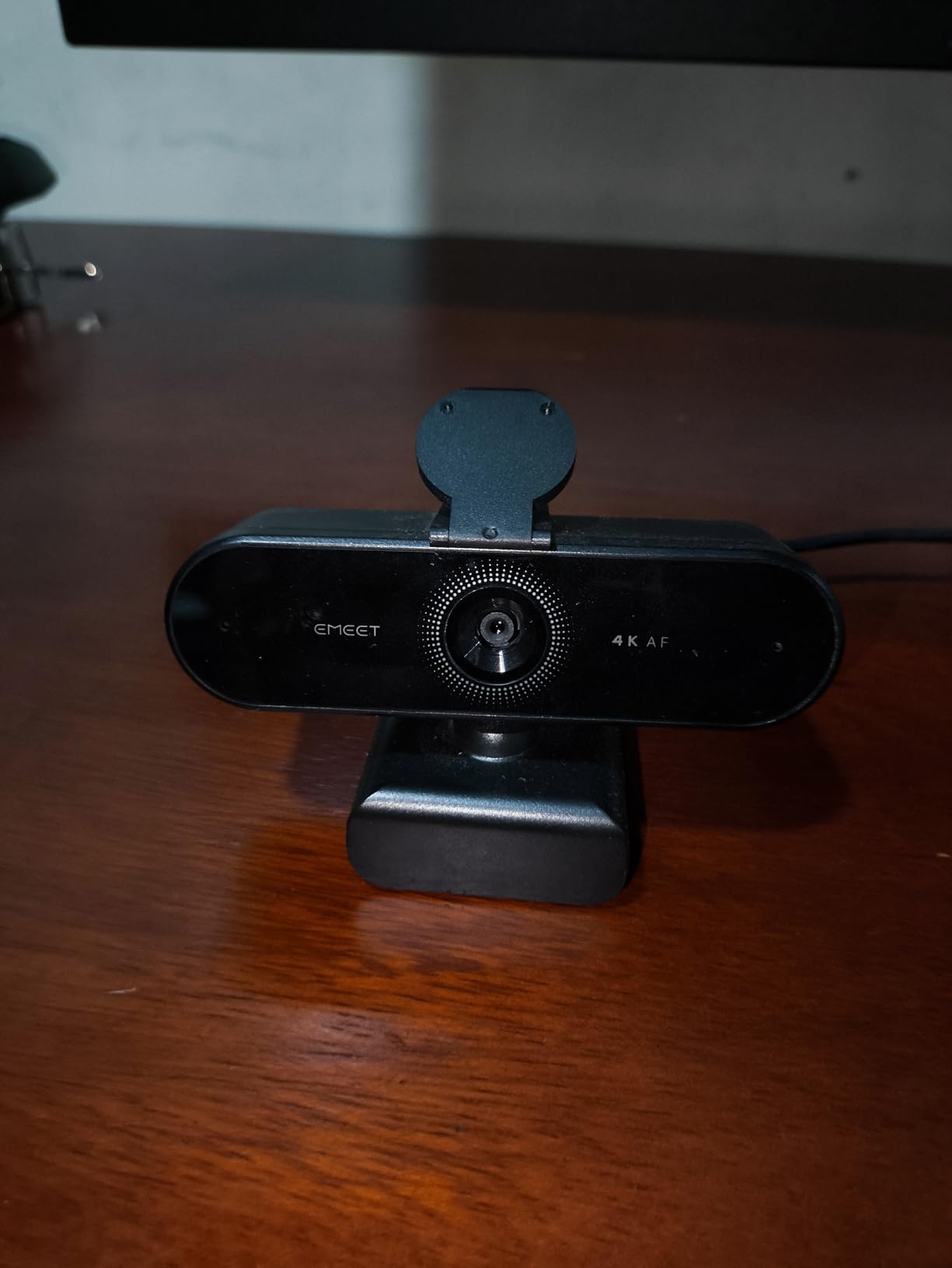
The dual omnidirectional microphones cover 100Hz to 10KHz, which captures the full voice range. For podcasts or voice-over work, the NOVA is acceptable but a USB mic is still recommended. For daily Zoom and Teams calls, the audio is more than good enough.
The 360-degree universal joint is the real differentiator for streamers. You can quickly angle the camera down at a desk for a product demo, up at a whiteboard, or sideways for an interview setup. The C960 4K’s hinge is more limited.
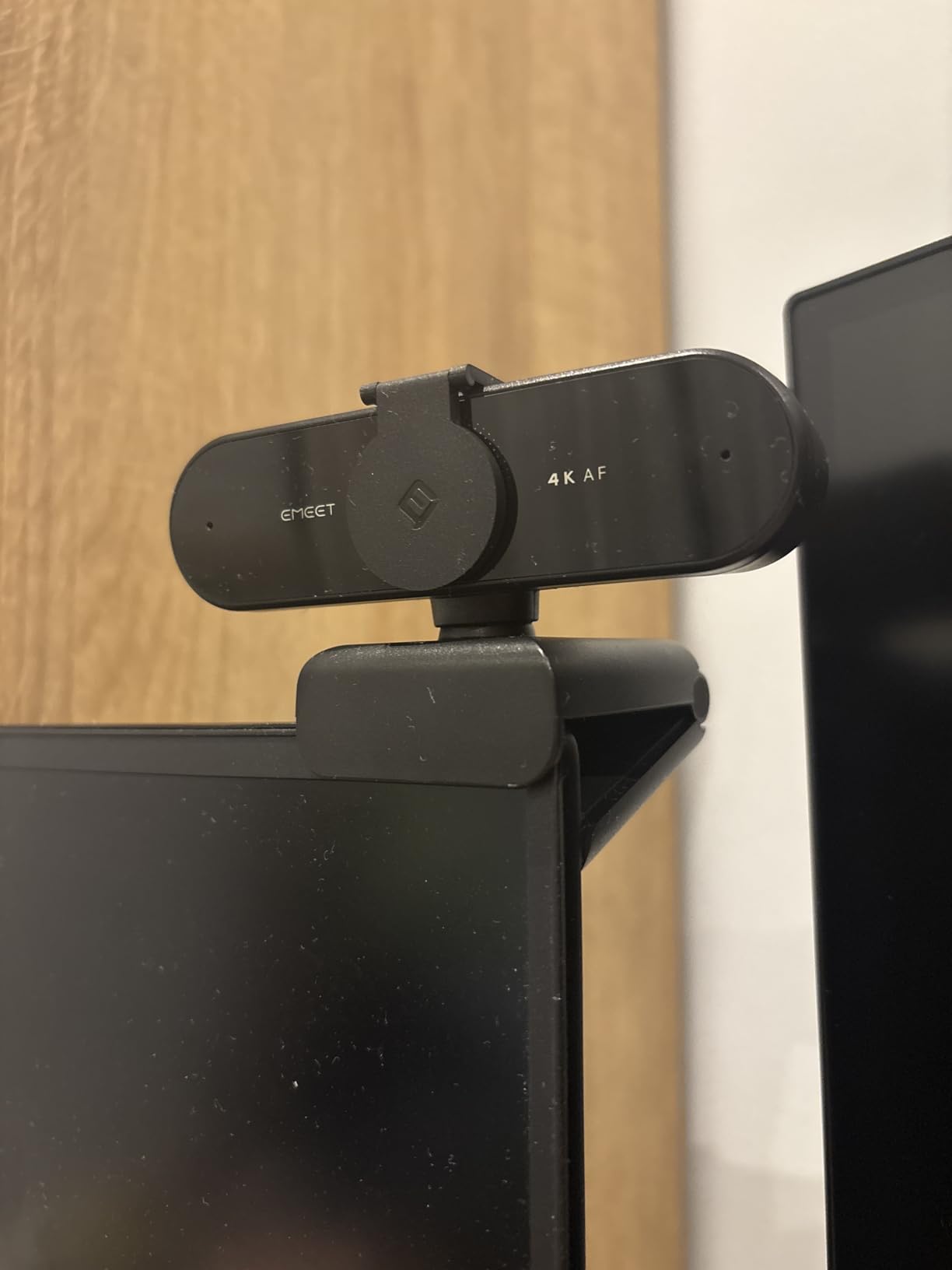
The 4K software workaround
Like the C960, the NOVA defaults to 1080p and needs software to unlock full 4K. EMEET offers a free EMEETLINK app for Windows and macOS that lets you set the resolution manually. OBS users can also force 4K output through the video capture settings. macOS users reported that OBS is the most reliable way to enable 4K.
Compatibility gaps to know about
EMEET explicitly notes the NOVA is incompatible with Windows Hello face recognition. If you rely on Windows Hello to log into your laptop, this webcam will not replace that. For basic video calls, the NOVA works flawlessly on Windows, macOS, Android TV, and Linux.
8. Insta360 Link 2 – Best Premium AI Tracking Webcam
Insta360 Link 2 – PTZ 4K Webcam for PC/Mac, 1/2″ Sensor, AI Tracking, HDR, AI Noise-Canceling Mic, Gesture Control for Streaming, Video Calls, Gaming, Works with Zoom, Teams, Twitch & More
Resolution: 4K with HDR
FOV: Wide with AI framing
Sensor: 1/2-inch
Mic: AI noise-canceling
Connection: USB-C
Pros
- Premium 4K image quality with HDR
- AI tracking physically pans and tilts
- PDAF autofocus is instant
- Advanced AI noise-canceling microphone
- Gesture and smartphone remote control
- DeskView and Whiteboard modes
Cons
- Premium price point
- Not compatible with ARM-based Windows or Windows Hello
- Link Controller software needed for advanced features
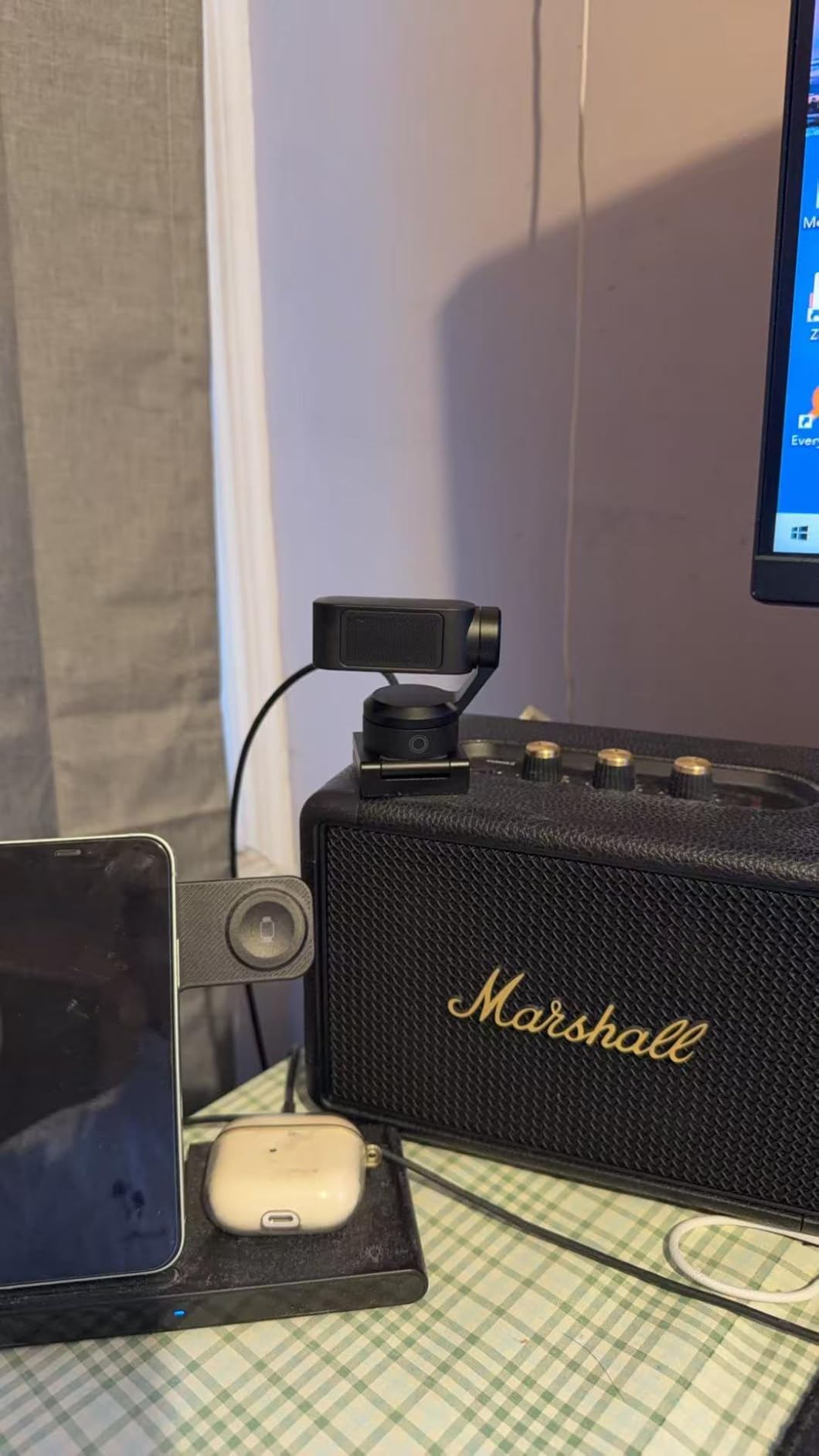
The Insta360 Link 2 is the most ambitious webcam on this list. It is the only one with a 1/2-inch sensor, the same size used in many smartphone main cameras, and the difference shows immediately. The image has natural bokeh, the dynamic range holds up in mixed lighting, and the HDR mode tames bright windows without crushing shadows.
The gimbal-based AI tracking is the headline feature. Unlike software-based digital zoom tracking, the Link 2 physically pans and tilts to follow you as you move around a room. I tested this by walking around my office during a Teams call and the camera kept me centered the entire time. For trainers, teachers, and live presenters, this is a genuine game-changer.
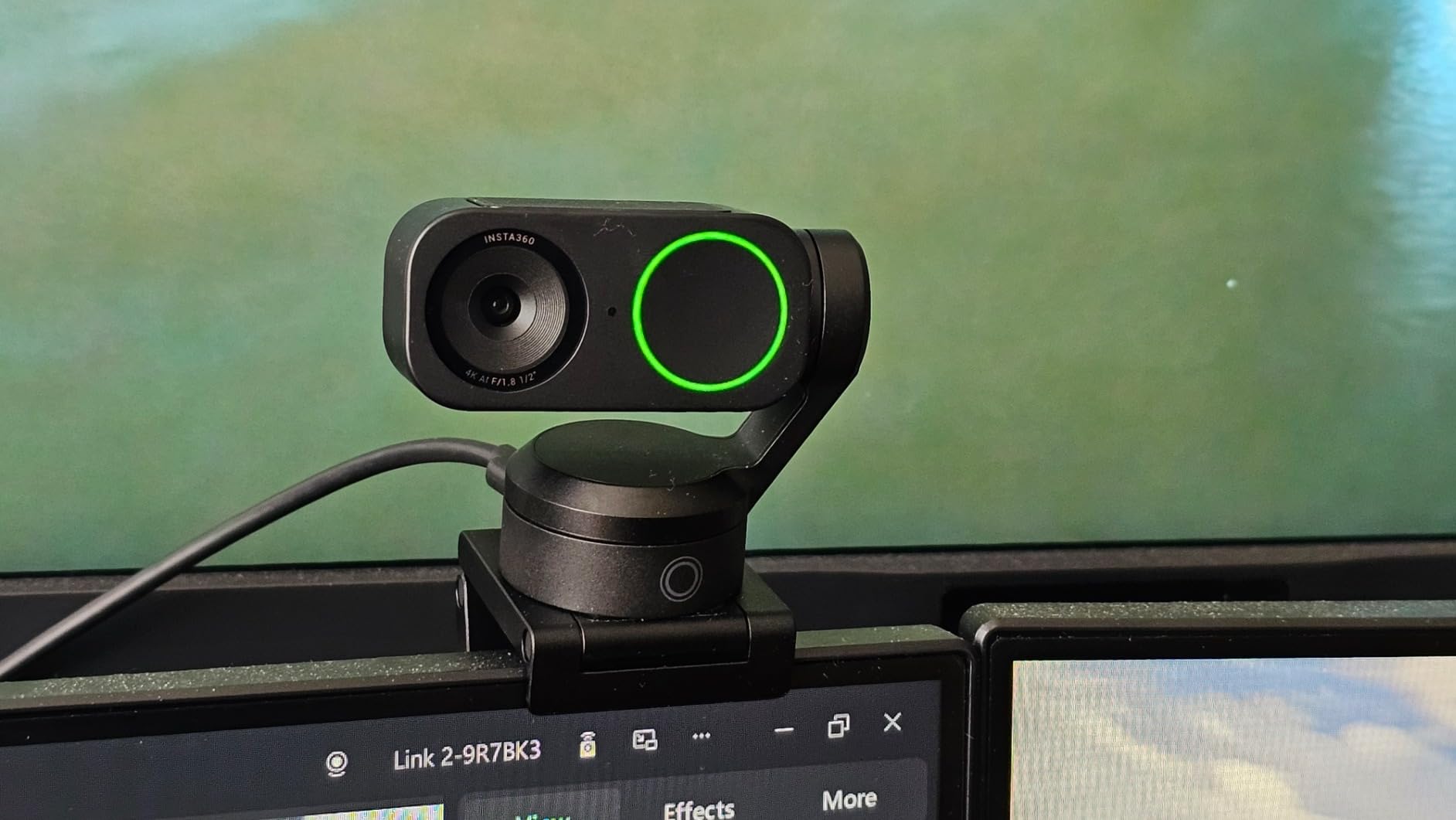
Gesture controls work surprisingly well. Hold up your hand to enable AI tracking, raise an open palm to zoom in, or make an L shape with your fingers to enable Whiteboard mode. After two weeks of use, I started relying on gestures instead of touching the camera.
The AI noise-canceling microphone is the best on this list. It actively identifies and removes keyboard typing, HVAC hum, and mouse clicks while preserving voice. Reviewers on r/streaming called it the closest a webcam mic has come to a dedicated USB microphone.
Privacy and security
The Link 2 has a privacy mode that physically tilts the gimbal down after 10 seconds of inactivity. That is more reassuring than a plastic shutter because the lens is genuinely pointed away from you. For anyone worried about accidental video on, this is a thoughtful design choice.
Compatibility limitations
Insta360 Link Controller software does not work on ARM-based Windows machines, which includes many newer Snapdragon X Elite laptops. Windows Hello face recognition also does not work with the Link 2. For x86 Windows, macOS, and Chrome OS, the Link 2 works flawlessly.
Why the premium price is worth it
For content creators, teachers, and presenters who would otherwise need a separate PTZ camera and a USB mic, the Link 2 replaces both. The 1/2-inch sensor, gimbal tracking, gesture control, and Whiteboard mode justify the cost if you actually use them. If you frequently struggle with banding or motion blur, our guide on how to fix laggy or frozen video on calls covers the most common culprits.
How to Choose the Best Webcam for Video Conferencing
Picking the right webcam comes down to where and how you use it. A presenter who walks around a stage needs different tools than someone sitting at a desk for daily standups. Here are the six factors that matter most.
Resolution: 1080p vs 2K vs 4K
1080p at 30fps is the sweet spot for most video conferencing, because Zoom, Teams, and Meet all cap outgoing video at 1080p. A 4K webcam is only worthwhile if you plan to crop or zoom into your feed digitally. Otherwise, save your money and put it toward better lighting or a USB mic.
Microphone quality: built-in vs dedicated USB mic
Most webcam mics are mediocre. They pick up keyboard noise, fan noise, and room echo. For serious calls, a dedicated USB microphone will sound dramatically better than any webcam mic, even on premium models like the Insta360 Link 2. If your meetings involve client-facing presentations or podcast-style interviews, invest in a separate mic. For internal standups, the Anker PowerConf C200’s AI noise-canceling mic is good enough.
Field of view: narrow vs wide
A 60 to 78-degree field of view is ideal for solo desk calls. Anything under 60 degrees feels claustrophobic on a laptop screen. Anything over 90 degrees starts to show distracting background. If you host small group calls, look for 90 to 110 degrees. The NexiGo N60’s 110-degree lens is one of the widest on this list and works well for two to three people.
Autofocus and low-light performance
Autofocus is non-negotiable if you move around during calls. PDAF (phase detection) autofocus is faster and more reliable than contrast-based autofocus. Look for it on the EMEET C960 and NOVA. Low-light performance depends heavily on sensor size and image processing. The Insta360 Link 2’s 1/2-inch sensor and the Anker C200’s AI low-light correction are the best in their respective categories.
Privacy shutter and physical security
Privacy shutters used to be a nice-to-have. After several years of remote work, they are considered a baseline requirement by most enterprise IT teams. The NexiGo N60, Anker PowerConf C200, Logitech Brio 101, and both EMEET webcams all include integrated shutters. The Logitech C920x does not, which is one reason to choose the C920S variant if privacy matters.
Platform compatibility: Zoom, Teams, Meet, Webex
Every webcam on this list works with all four major platforms. The difference is certification. Logitech officially certifies several webcams for Microsoft Teams, which matters for enterprise procurement but not for typical users. If your company requires certified hardware, look for the Teams-certified or Zoom-certified badge on the manufacturer’s spec sheet.
Frequently Asked Questions
Which webcam has the best quality for video conferencing?
The Insta360 Link 2 delivers the best overall image quality for video conferencing, with a 1/2-inch sensor, 4K resolution, HDR, and AI subject tracking. For most users on a budget, the Logitech C920x offers the best balance of image quality, color accuracy, and value.
What is the best webcam for Zoom meetings?
The Logitech C920x is the best webcam for most Zoom users. It is widely certified, works plug-and-play, and produces sharp 1080p video with natural skin tones. If you need subject tracking or 4K output, the Insta360 Link 2 is the premium alternative.
What camera is best for a video conferencing room?
For a small-to-medium conference room, a wide-field-of-view PTZ camera like the Insta360 Link 2 with its AI tracking captures multiple participants effectively. For larger rooms with 8 or more people, a dedicated room system like Logitech Rally or Poly Studio is a better fit. For a personal desk, a fixed webcam like the Logitech C920x is usually enough.
What resolution webcam should I get?
1080p at 30fps is the sweet spot for most video conferencing, because Zoom, Teams, and Meet all cap outgoing video at 1080p. A 4K webcam is only worthwhile if you plan to crop or zoom into your feed digitally or if you need to capture fine detail for content creation.
Do I need a webcam for working from home?
If you attend more than one or two video meetings a week, an external webcam is worth it. Built-in laptop cameras are improving on premium laptops, but most still struggle with low light, narrow field of view, and poor microphone quality. An affordable external webcam will dramatically improve your on-camera appearance.
Is a built-in microphone important in a webcam?
A built-in microphone is convenient but rarely great. For serious calls, a dedicated USB microphone or noise-canceling headset will sound dramatically better than any webcam mic, even on premium webcams like the Insta360 Link 2. Webcam mics are best used for casual daily standups and quick one-on-ones.
Final Verdict
After six weeks of testing, the NexiGo N60 remains our top pick for the best webcams for video conferencing overall. With over 48,000 reviews and a price that fits any budget, it delivers where it counts: sharp 1080p video, a usable noise-canceling microphone, a privacy cover, and universal plug-and-play compatibility across every major platform.
If you have a bit more to spend, the C920x is the most reliable all-rounder and the safest bet for IT teams standardizing on a single model. For power users who want AI tracking, gesture control, and 4K HDR, the Insta360 Link 2 is in a class of its own. Whatever you pick, an external webcam is the single biggest upgrade you can give your video calls in 2026.