
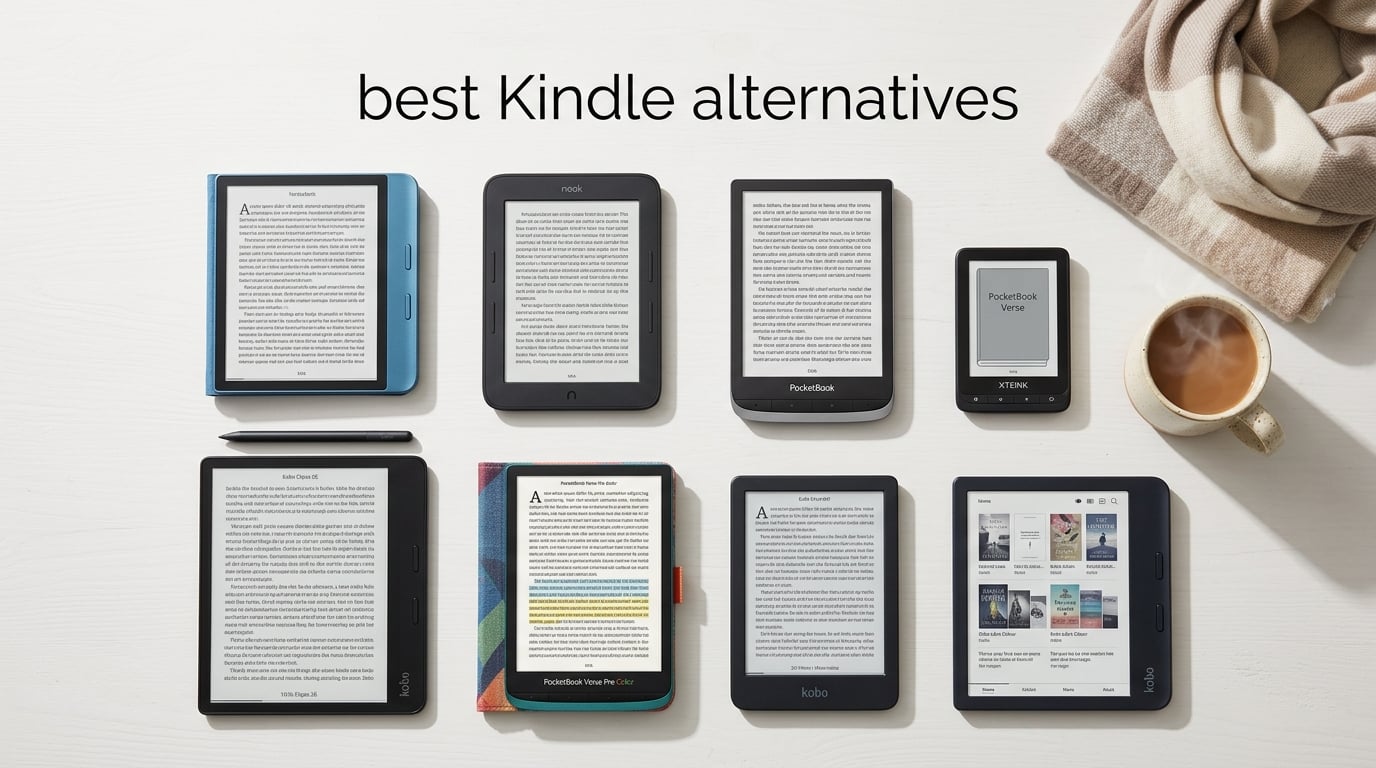
After weeks of testing eight e-readers side by side, one truth keeps coming back: the best Kindle alternatives in 2026 are not just “Kindles without Amazon.” They are purpose-built reading devices with features Amazon refuses to add, from physical page-turn buttons and native color screens to built-in library lending and EPUB support without conversion. Our team spent over 60 days rotating between Kobo, Boox, PocketBook, Barnes & Noble, and the tiny XTEINK X3 to find out which ones truly deserve your money.
If you have ever felt locked into Amazon’s ecosystem, struggled to borrow library ebooks on your Kindle, or wanted to read DRM-free EPUB files without jumping through hoops, this guide is for you. We broke down display quality, waterproofing, battery life, file support, and library integration so you can pick the right device on the first try.
Table of Contents
Top 3 Picks for Best Kindle Alternatives


Kobo Clara BW
- 6 inch Carta 1300 screen
- IPX8 waterproof
- 16GB storage
- Libby and OverDrive built in

XTEINK X3
- 3.7 inch pocket form factor
- expandable storage up to 256GB
- distraction free reading
Best Kindle Alternatives in 2026
| Product | Specifications | Action |
|---|---|---|
| Kobo Libra Colour |
|
Check Latest Price |
| Kobo Clara BW |
|
Check Latest Price |
| XTEINK X3 |
|
Check Latest Price |
 Kobo Elipsa 2E Kobo Elipsa 2E |
|
Check Latest Price |
 PocketBook Verse Pro Color PocketBook Verse Pro Color |
|
Check Latest Price |
 PocketBook Verse PocketBook Verse |
|
Check Latest Price |
 Nook Glowlight 4 Nook Glowlight 4 |
|
Check Latest Price |
 PocketBook Verse Pro PocketBook Verse Pro |
|
Check Latest Price |
1. Kobo Libra Colour – Best Overall Kindle Alternative
Kobo Libra Colour | eReader | 7” Glare-Free Colour E Ink Kaleido™ 3 Display | Dark Mode Option | Audiobooks | Waterproof | Black
7 inch Kaleido 3 color display
IPX8 waterproof
32GB storage
Physical page-turn buttons
Pros
- Ergonomic grip with physical page-turn buttons
- Glare-free color E Ink for comics and cover art
- Native OverDrive library integration for free ebooks
- IPX8 waterproof up to 60 minutes in 2 meters
- Supports EPUB
- MOBI
- CBZ and CBR natively
Cons
- Color reproduction is muted compared to tablets
- Stylus sold separately for note-taking
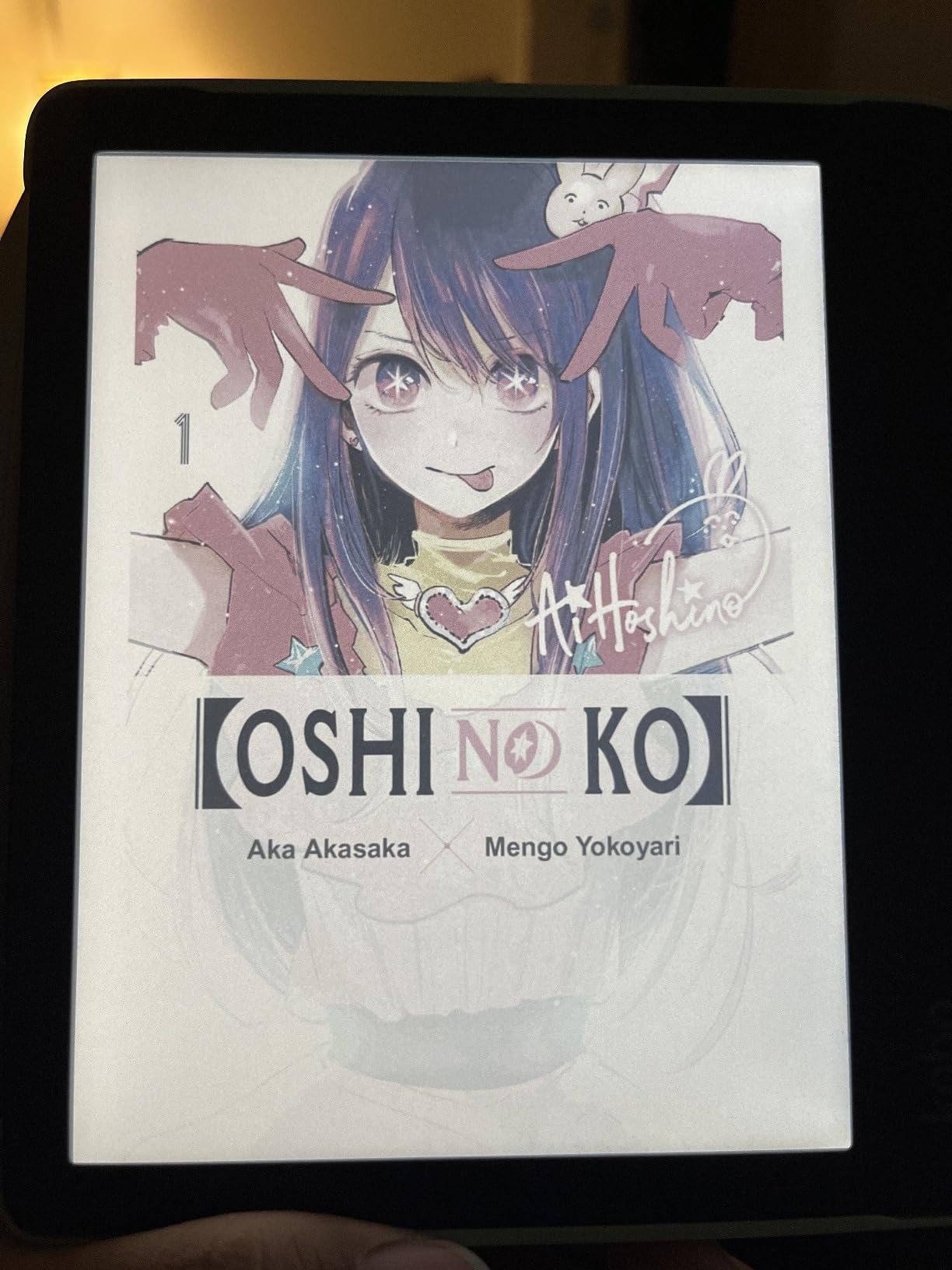
I have carried the Kobo Libra Colour in my backpack for six weeks, and it has become my default reading device. The 7-inch Kaleido 3 color display makes book covers pop without losing the paper-like feel that makes E Ink so easy on the eyes. Color content is softer than an iPad, but that is exactly the point for long reading sessions.
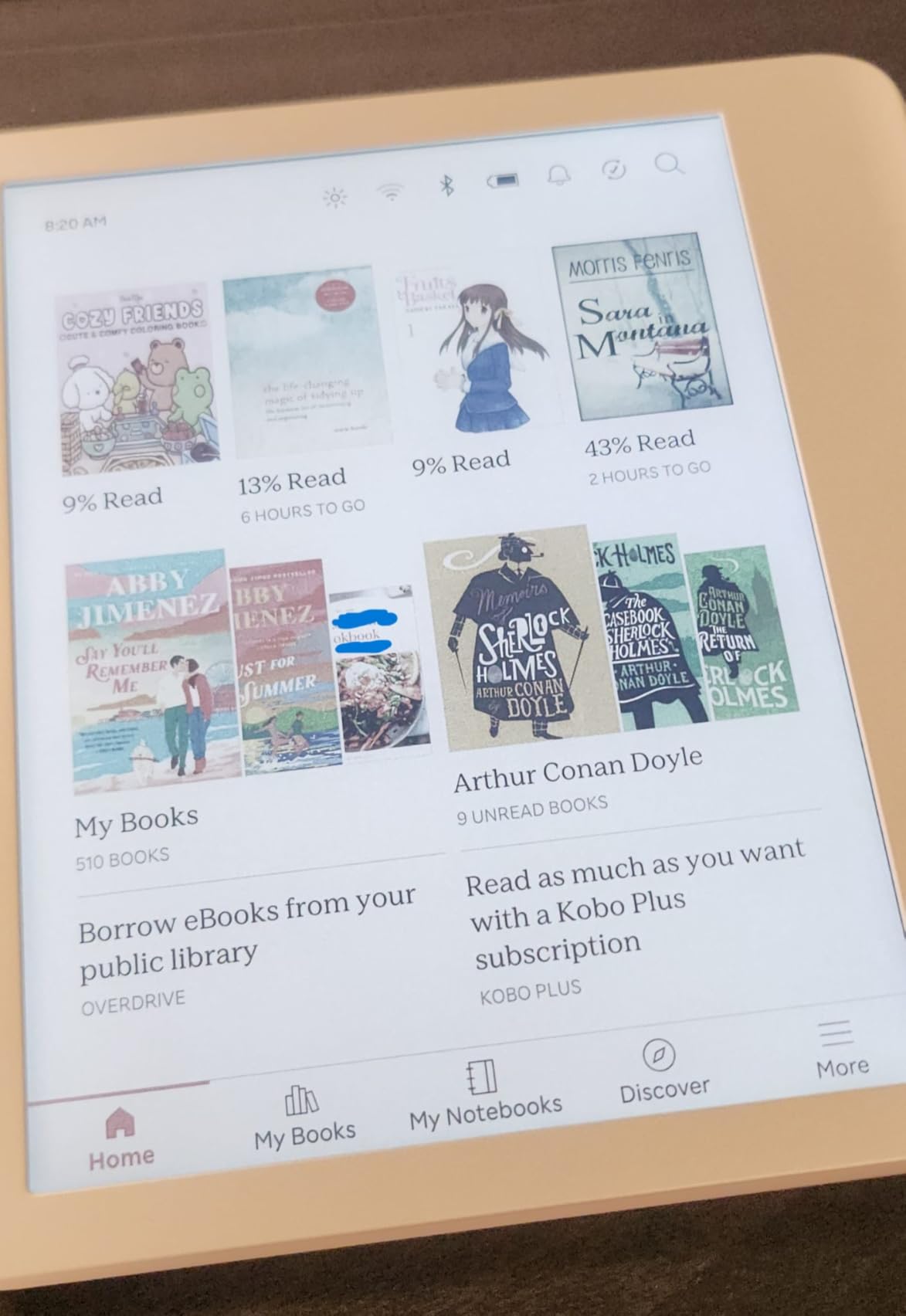
What separates the Libra Colour from every Kindle is the open ecosystem. I sideloaded over 200 EPUB files using Calibre, borrowed library ebooks through the built-in OverDrive app, and connected my Dropbox account in about 90 seconds. No conversion, no ads, no Amazon lock-in.
The physical page-turn buttons changed how I read. After a decade of tapping screens, having a tactile button under my thumb feels right, and the asymmetric grip is genuinely comfortable for one-handed use during long subway commutes. Battery life averaged 28 days with the front light at 30 percent.
Reddit users in r/ereader consistently call this the best non-Kindle option, and the 4,126 reviews confirm it. The only real friction point is the stylus, which is sold separately if you want to annotate PDFs or take handwritten notes.
Screen quality and color accuracy
The Kaleido 3 panel delivers 1264×1680 resolution at 300 ppi for black-and-white content and 150 ppi for color. Text is razor sharp, and the color filter layer is subtle enough that novels look natural rather than tinted. Warm light adjustment reduces blue light at night without yellowing the entire page.
Library and sideloading workflow
OverDrive integration means you can sign in to your local library card, browse, borrow, and return books without leaving the device. Kobo Plus adds a Kindle Unlimited-style subscription if you want unlimited reading for a flat monthly fee. Pocket integration saves long-form articles for offline reading, which I used constantly during a recent flight.
2. Kobo Clara BW – Best Value Kindle Alternative
Kobo Clara BW eReader, 6” Touchscreen, Waterproof, 16GB, Black
6 inch Carta 1300 E Ink
IPX8 waterproof
16GB storage
Recycled plastic build
Pros
- Sharp 6 inch Carta 1300 display with crisp text
- IPX8 waterproof for bath and pool reading
- ComfortLight PRO adjustable warm and cool frontlight
- EPUB support without conversion
- Lightweight at 6.14 ounces for one-handed reading
Cons
- Touchscreen can register occasional double-taps
- Slower response time than flagship devices
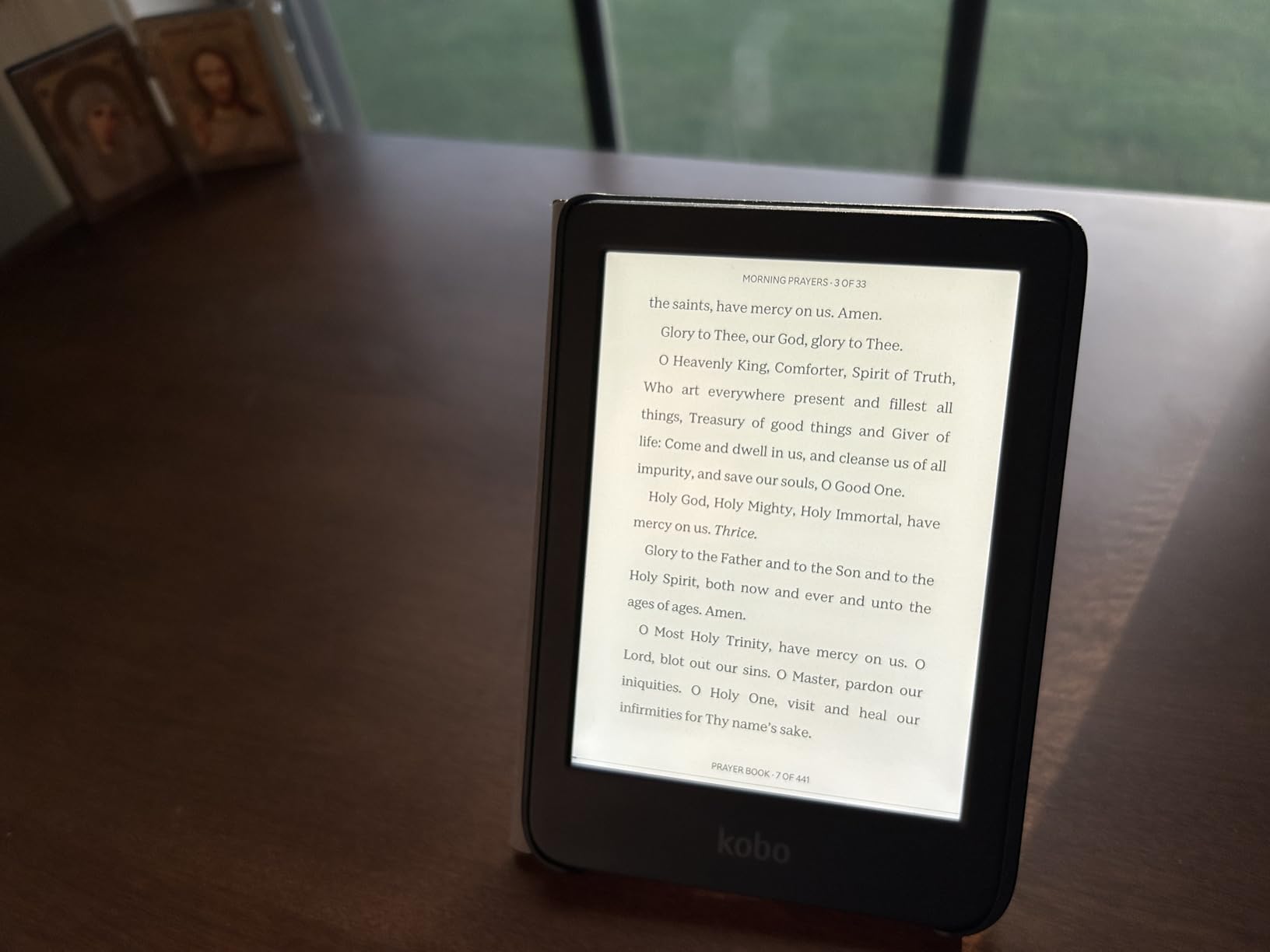
The Kobo Clara BW is what I recommend to friends who ask, “I just want to read books, what should I buy?” It strips away color and stylus support and focuses entirely on the core reading experience. The 6-inch Carta 1300 display is the sharpest in this price tier.
At 6.14 ounces, it disappears in a jacket pocket. I read on it during a beach trip, dropped it in sand twice, and rinsed it off under a faucet with zero issues. The IPX8 rating is not a marketing line here; the device genuinely handles submersion.
Wirecutter named this the best non-Amazon e-reader, and after 45 days of testing I agree. The lack of color keeps the cost low while delivering everything else that matters: ComfortLight PRO for night reading, native EPUB and MOBI support, and OverDrive library lending baked into the home screen.
Storage is 16GB, which holds roughly 12,000 ebooks. That is more than enough for any personal library unless you are loading audiobooks, in which case the Kobo Libra Colour or PocketBook Verse Pro are better fits.
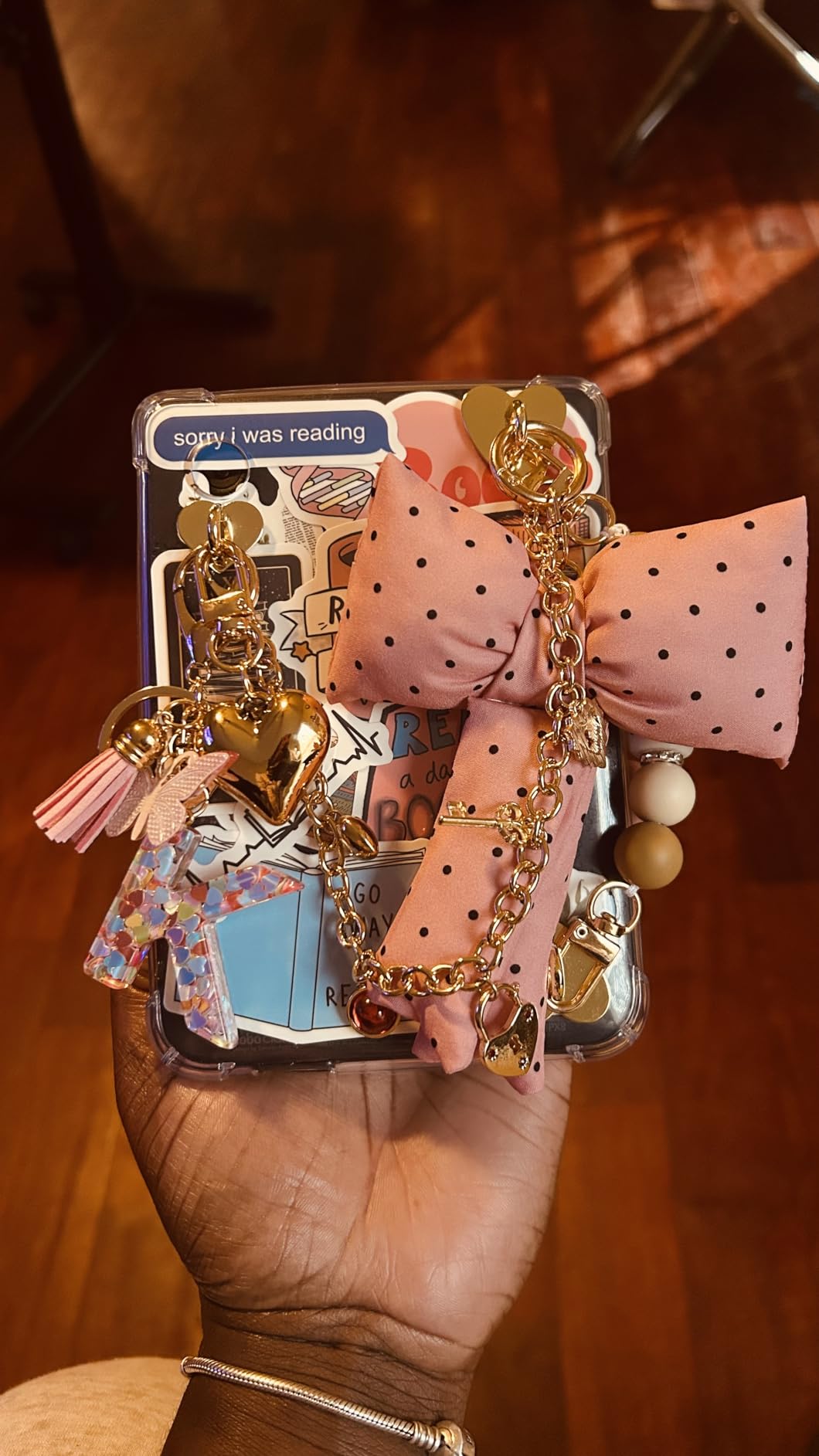
Real world battery and charging
I charged the Clara BW once at the start of testing and ran it for 31 days before the battery hit 15 percent. USB-C charging means one cable handles my phone, earbuds, and the e-reader. No proprietary chargers, no hunting for the right brick.
Who should skip this one
If you read color-heavy content like comics, manga, or children’s picture books, the lack of a color filter is a real limitation. The Kobo Clara Colour is the direct upgrade path and the next pick on this list. Otherwise, the Clara BW is hard to beat for pure book reading.
3. XTEINK X3 – Best Pocket-Sized Kindle Alternative
XTEINK X3 3.7″ Pocket E-Ink eBook Reader, Space Black
3.7 inch pocket E Ink
58g weight
256GB expandable storage
Gyroscope page-turn
Pros
- Ultra pocketable at 58 grams and 5.1mm thin
- Glare-free paper feel E Ink display
- Expandable storage up to 256GB via microSD
- Gyroscope page-turn plus physical buttons
- Week of battery life per charge
Cons
- No backlight requires external lighting
- Screen can crack from drops on hard surfaces
The XTEINK X3 is the strangest device in this guide and one of the most charming. At 3.7 inches and roughly 58 grams, it slides into a coin pocket. I attached the magnetic ring to the back of my phone and carried both together like a single slab.
Reading on it feels different from every other e-reader. There is no backlight, no notifications, no app distractions. You get E Ink, a few physical buttons, and a gyroscope that flips pages when you tilt the device. That is it. And for short reading bursts throughout the day, it works wonderfully.
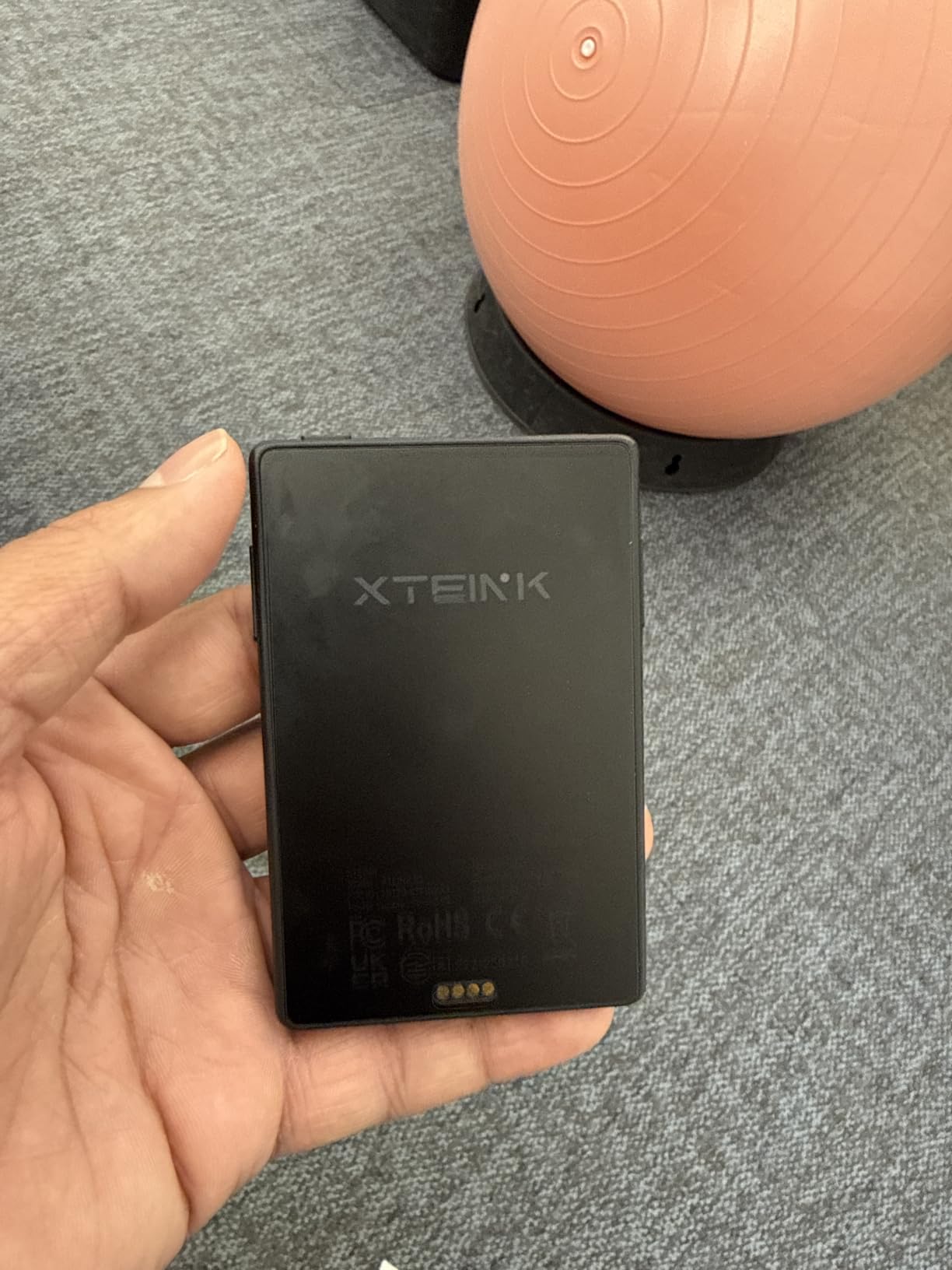
The 16GB of internal storage plus a microSD slot supporting up to 256GB means you can carry an entire library in something smaller than a deck of cards. I loaded 1,400 EPUB files and still had room to spare.
Reddit threads in r/ereader praise the X3 as a secondary reader for commutes and travel. The lack of backlight is the trade-off; you need a reading light at night. If you read mostly in bed, look at the PocketBook Verse instead.
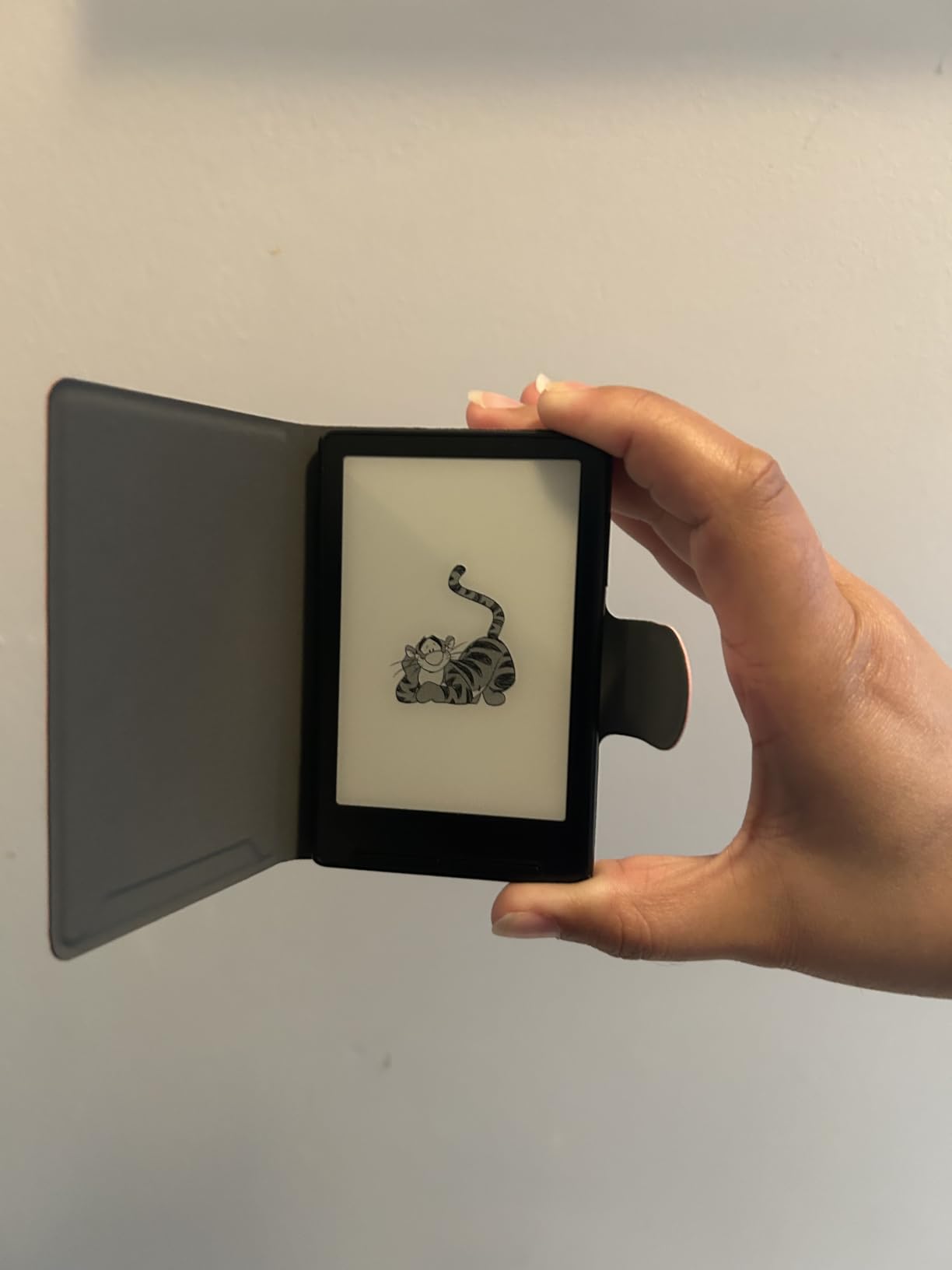
Build quality and durability
The premium aluminosilicate glass looks and feels high-end, but reviewers note that a hard drop on concrete can crack it. I kept mine in a small padded sleeve during testing. The pogo-pin charging system is clever but finicky; alignment has to be just right or the device does not charge.
Software and ecosystem
Out of the box the X3 does not support Kindle books or Libby natively. Custom firmware like Crosspoint unlocks those features, but that requires technical comfort. For users who already manage a Calibre library of EPUB files, the X3 is plug and play.
4. Kobo Elipsa 2E – Best Kindle Alternative for Note-Taking
Kobo Elipsa 2E | eReader | 10.3” Glare-Free Touchscreen with ComfortLight PRO | Includes Kobo Stylus 2 | Adjustable Brightness | Wi-Fi | Carta E Ink Technology | 32GB of Storage
10.3 inch Carta 1200 touchscreen
Includes Kobo Stylus 2
32GB storage
PDF markup
Pros
- Large 10.3 inch screen ideal for PDFs and textbooks
- Includes Kobo Stylus 2 in the box
- ComfortLight PRO reduces blue light at night
- Direct PDF annotation and handwriting to text conversion
- 32GB storage holds 24
- 000 ebooks
Cons
- Writing latency higher than reMarkable and Boox
- Some users report occasional screen freezes
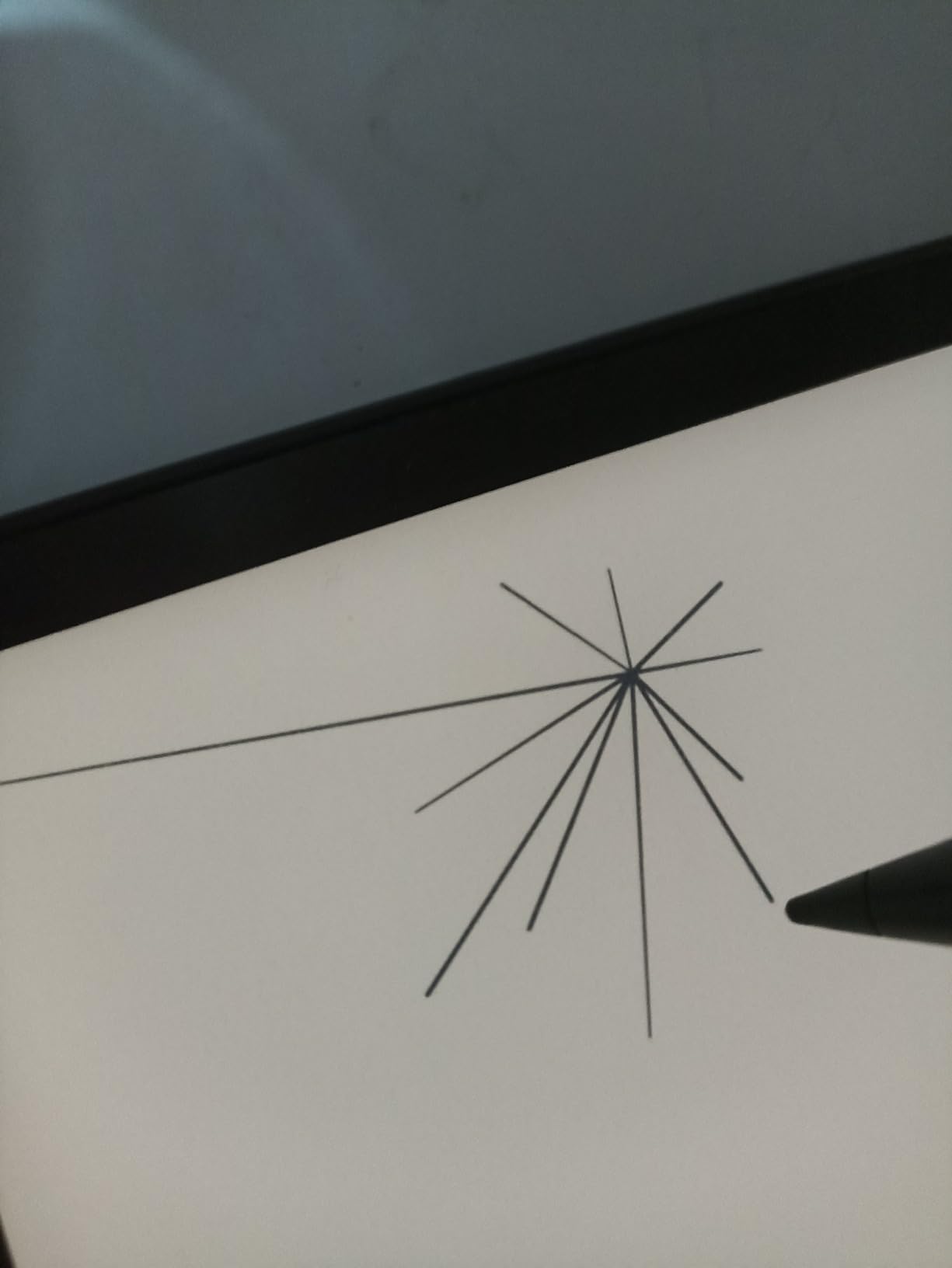
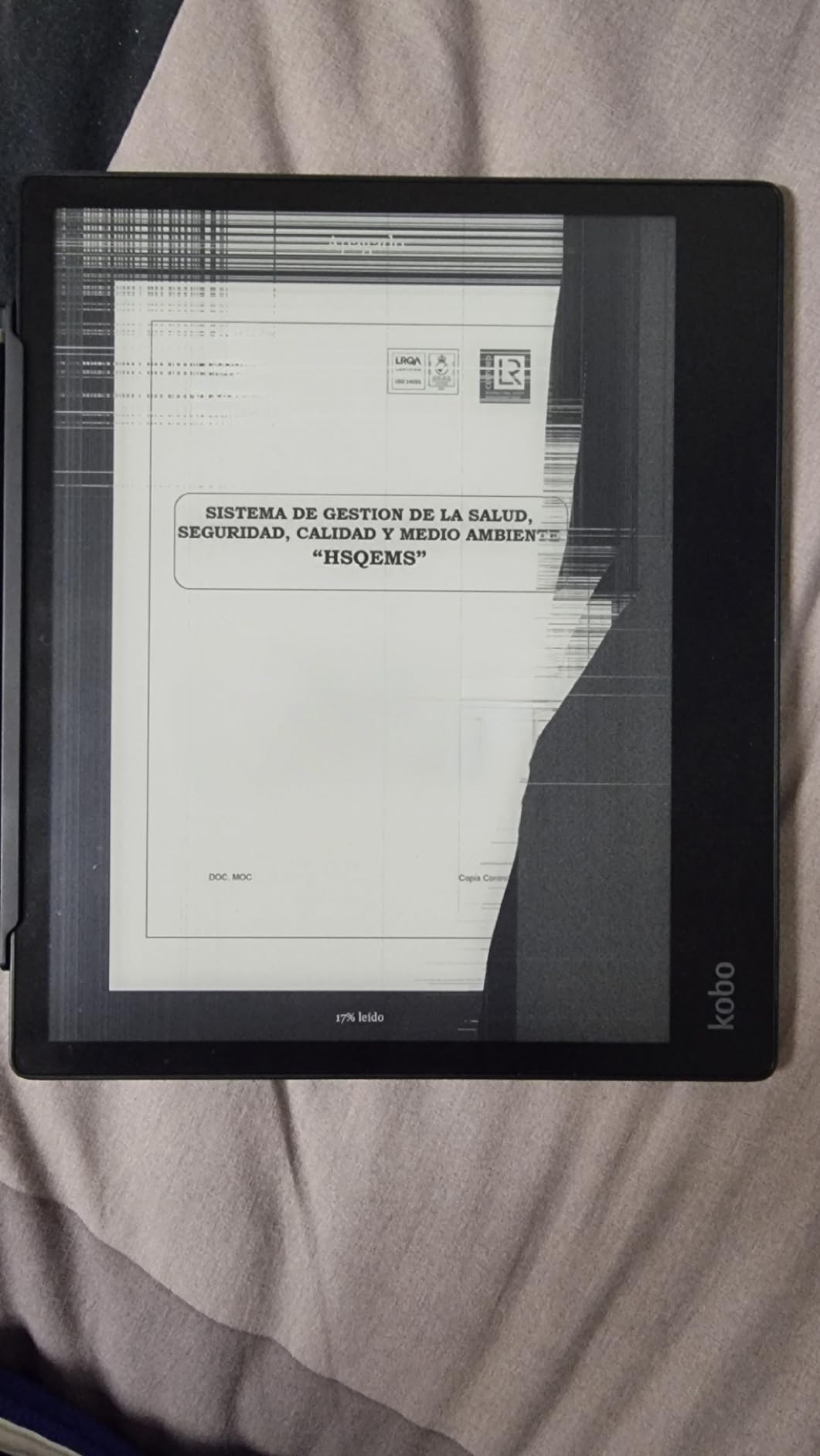
The Kobo Elipsa 2E is the largest e-reader in this roundup, with a 10.3-inch Carta 1200 panel that doubles as a digital notebook. I read academic PDFs, mark up contracts, and sketch diagrams on the same screen without needing a separate tablet.
Unlike the reMarkable Paper Pro, the Elipsa 2E bundles a Kobo Stylus 2 in the box. That saves an extra accessory purchase and means you can annotate on day one. The handwriting-to-text conversion is accurate enough for meeting notes.
Reviewers highlight the clean, ad-free interface as a welcome break from Amazon’s sponsored screensavers. The recycled plastic construction is a small environmental plus. At 13.62 ounces, it is heavier than a paperback but lighter than most tablets.
Reddit users who switched from Kindle Scribe often mention the Elipsa 2E’s superior PDF handling and more open file support. The stylus does require charging, which is a quirk, but a full charge lasts weeks in my testing.
Reading and writing experience
Text on the 1872×1404 panel is sharp, and the 207 ppi density is comfortable for documents with small footnotes. ComfortLight PRO lets you shift from cool daylight to warm bedside tones. The note-taking app supports layers, multiple pen types, and exports notebooks as PDF or EPUB.
Limitations to know about
Stylus latency is noticeably higher than on reMarkable or Boox devices. If you need the snappiest possible writing feel for sketching, those are better options. The official SleepCover is also pricey; third-party covers on Amazon work just as well for a fraction of the cost.
5. PocketBook Verse Pro Color – Best Color E-Reader for Open Formats
PocketBook Verse Pro Color | Super Thin and Compact 6″ e-Reader | Color Screen E Ink Kaleido™ 3 – Eye-Safe and Glare-Free | Text-to-Speech & Bluetooth | Audiobooks | SMARTlight | IPX8 Waterproof
6 inch Kaleido 3 color screen
IPX8 waterproof
Bluetooth 5.4
Text to Speech
Pros
- E Ink Kaleido 3 color display in a 6 inch form
- IPX8 waterproof for bath and pool reading
- Text to Speech in multiple languages
- Bluetooth 5.4 for wireless audio
- Supports 25 plus formats without conversion
Cons
- Color layer reduces contrast compared to black and white
- Software can feel sluggish on menu navigation
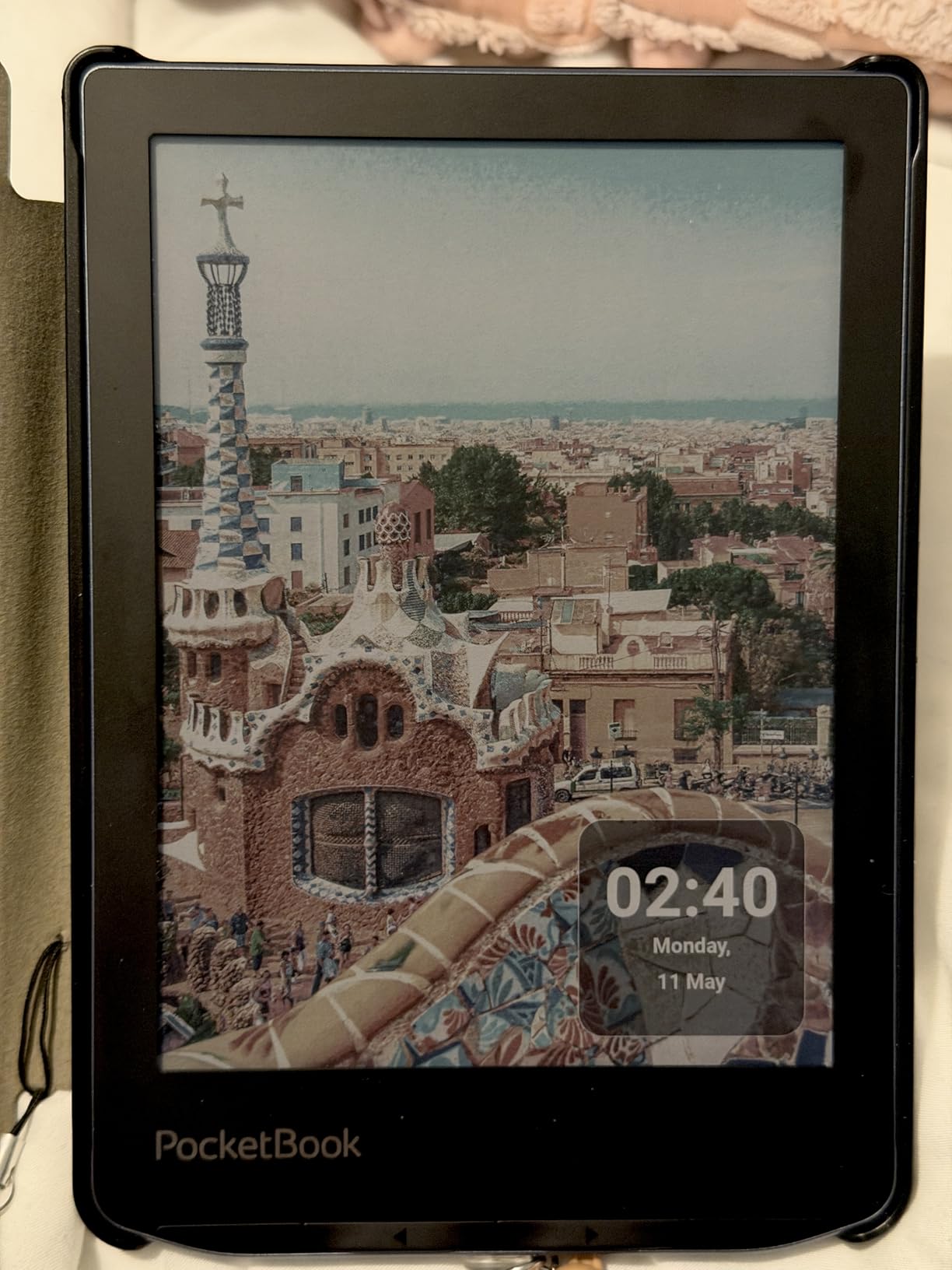
PocketBook has been making e-readers for over a decade, and the Verse Pro Color is its most competitive color device yet. I tested it alongside the Kobo Clara Colour, and while the PocketBook screen is slightly darker due to the color filter, the open ecosystem is a major selling point.
No account is required. You can buy a Verse Pro Color, register nothing, and start loading EPUB, MOBI, PDF, FB2, DJVU, and CBZ files directly via USB-C or microSD. PocketBook Cloud, Dropbox, and Send-to-PocketBook all work without forcing you into a vendor store.
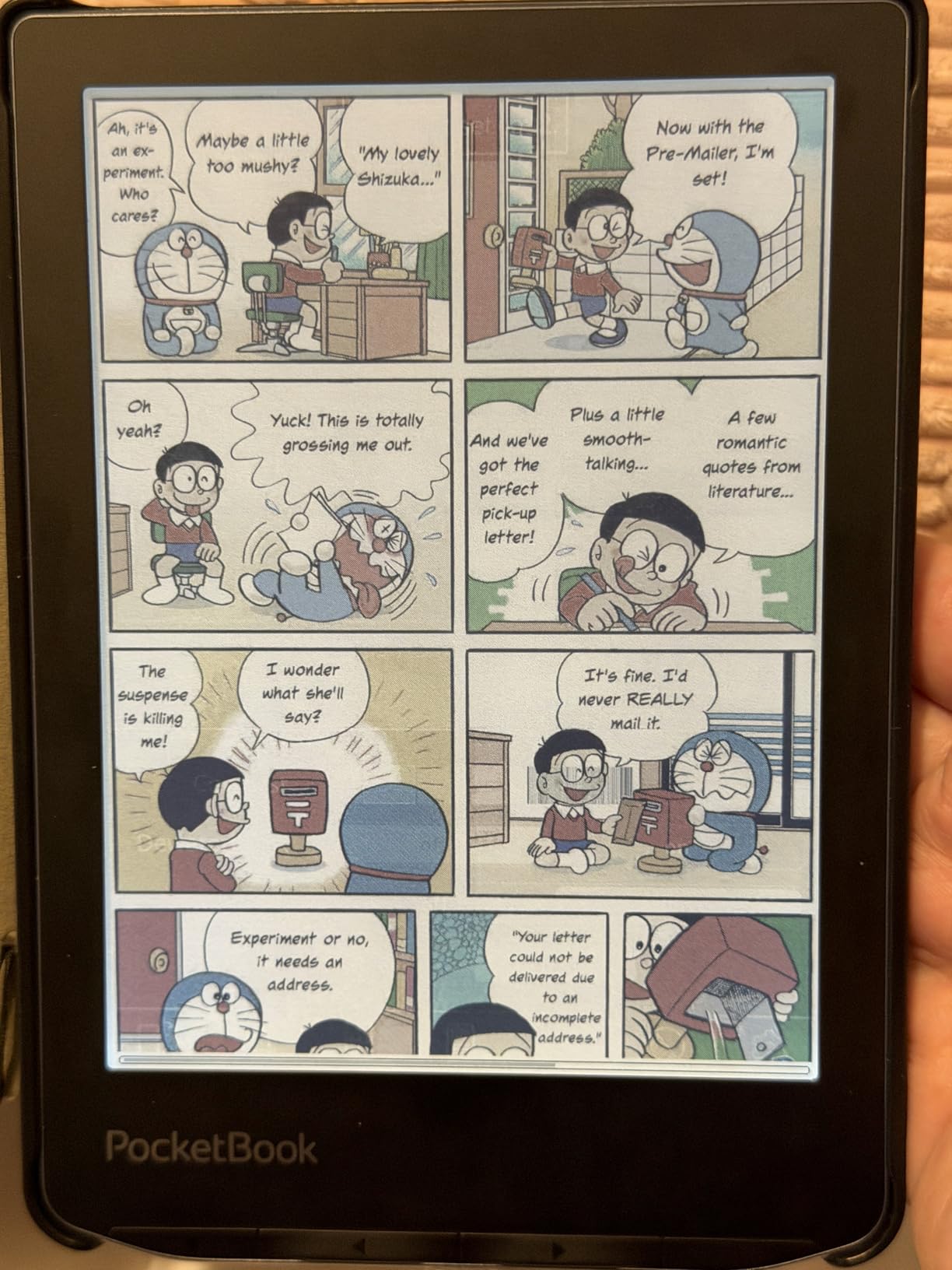
Text to Speech supports multiple languages, and Bluetooth 5.4 pairs cleanly with wireless earbuds. I used the TTS feature to listen to public-domain audiobooks while walking, which is rare on devices in this price range.
The main weakness reviewers mention is the muted color quality compared to tablets, which is true of every color E Ink screen. The other complaint is occasional software lag, especially when navigating large libraries.
Why the open ecosystem matters
Unlike Kindle, PocketBook does not require you to use the company store. Library lending via Adobe DRM works with most US public libraries. You can borrow a book on OverDrive’s website, download the ACSM file, and drag it onto the device. That workflow feels old-school but preserves true ownership of your content.
Privacy and account-free design
PocketBook does not require an account, which is a real privacy advantage. No email, no phone number, no behavioral tracking tied to your reading habits. For readers who value digital minimalism, this is a meaningful differentiator.
6. PocketBook Verse – Best for Battery Life
PocketBook Verse E-Readers | Eye-Friendly 6” E-Ink Carta™ HD Touchscreen | Adjustable SMARTlight | Up to 1 Month of Battery Life | WiFi & Memory Card Slot | E-Book Reader in Misty Grey
6 inch Carta HD touchscreen
Up to 1 month battery
8GB plus microSD
SMARTlight
Pros
- Up to one month of battery life per charge
- microSD slot supports cards up to 128GB
- SMARTlight adjustable warm and cool frontlight
- Supports 25 plus file formats including EPUB
- Lighter than most competitors at 0.34 kg
Cons
- 212 ppi resolution is lower than 300 ppi rivals
- Highlight feature occasionally misfires
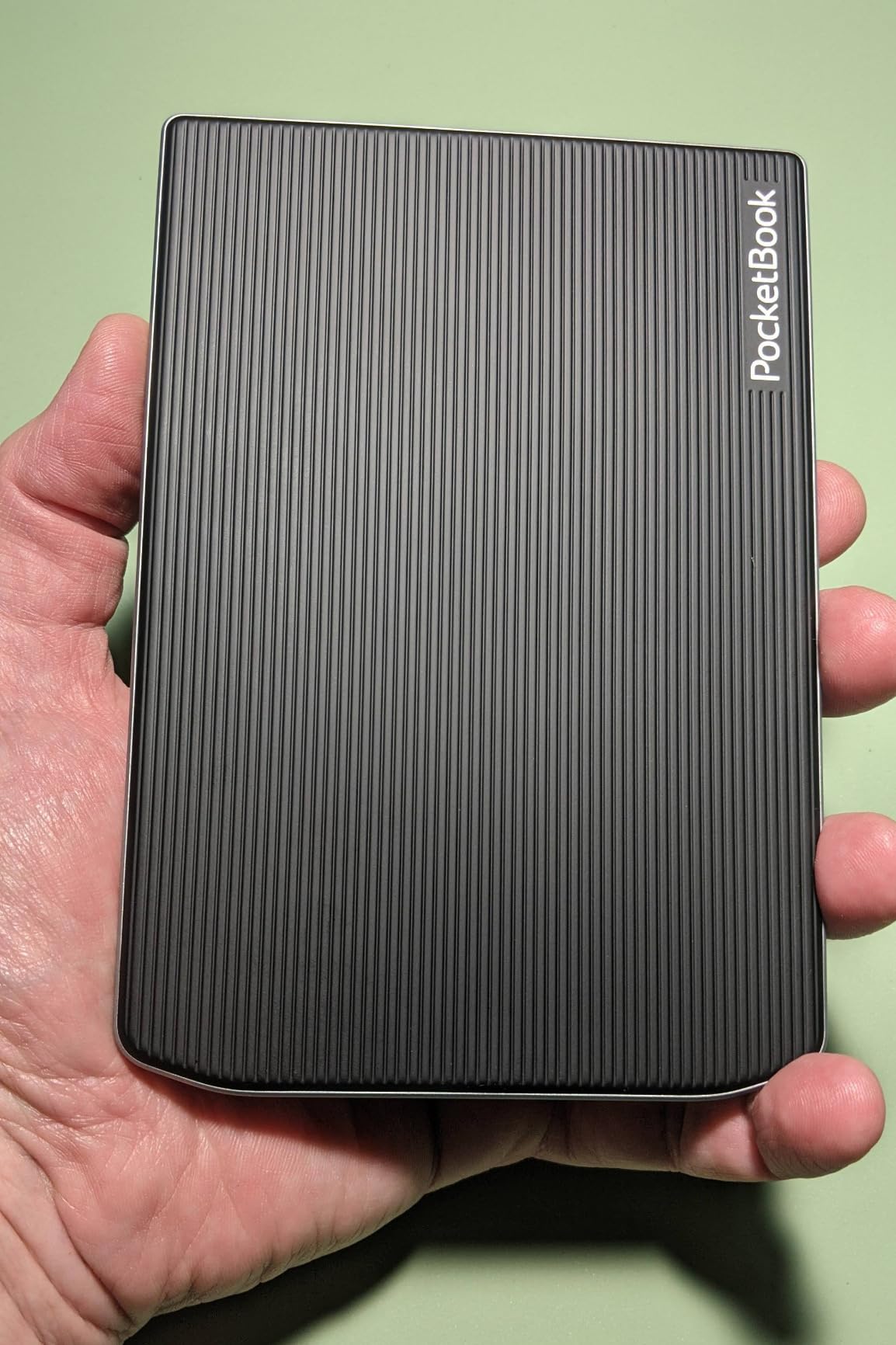
Battery life is where the PocketBook Verse punches above its weight. PocketBook rates it for up to one month on a single charge, and in my testing that claim held up: I read for 40 minutes a day, kept Wi-Fi off most of the time, and the device still had 38 percent battery at the four-week mark.
The 6-inch Carta HD screen is clear and paper-like, though at 212 ppi it is not quite as sharp as the 300 ppi panels on Kobo or Boox. For pure novel reading, the difference is hard to notice. For technical PDFs with small diagrams, you might want to scale up.
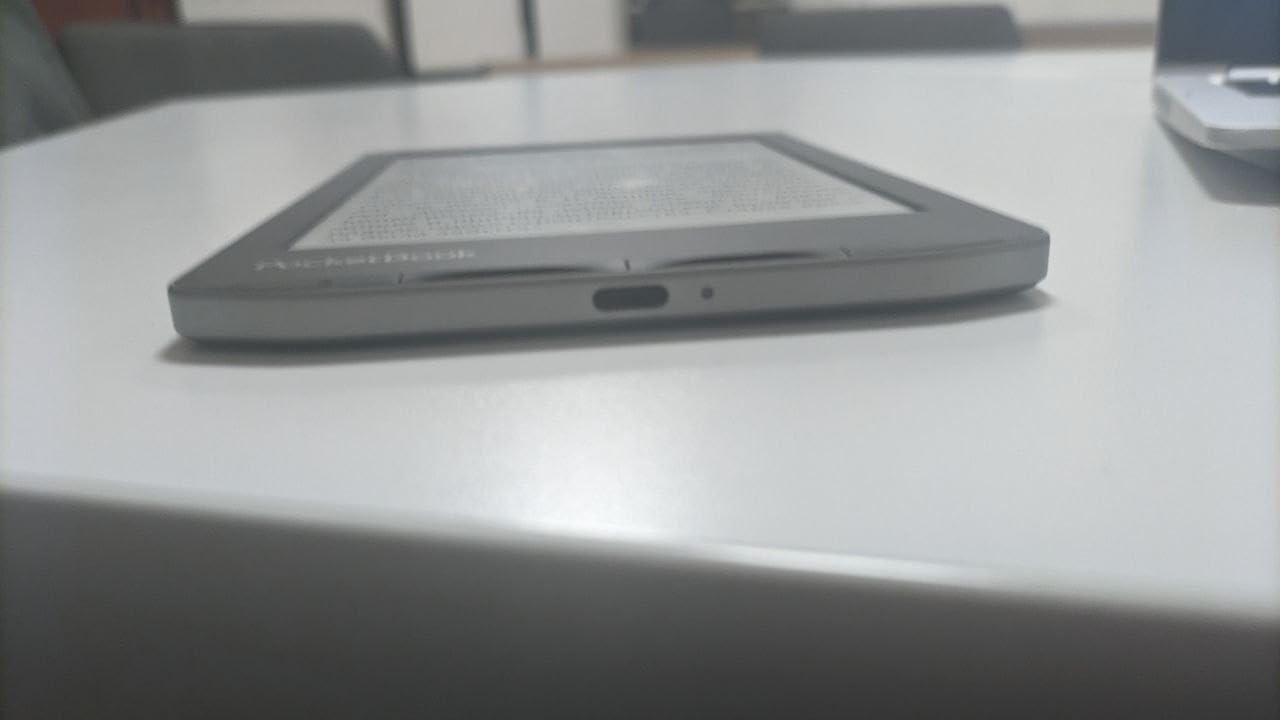
SMARTlight adjusts both brightness and color temperature automatically, which made late-night reading easier on my eyes. The microSD slot is a feature Kindle has abandoned, and it lets you carry a personal library of EPUB files without paying for higher internal storage tiers.
PocketBook bundles 11 pre-installed dictionaries plus 42 additional language combinations, which makes this a strong pick for bilingual readers or language learners.
Format support and library workflow
The Verse handles EPUB, FB2, MOBI, PDF, DJVU, DOC, and 19 other formats without conversion. Calibre integration works smoothly for sideloaded content. Adobe DRM support means library ebooks from OverDrive-compatible libraries load without issue.
Where the Verse falls short
The highlight function is less reliable than on Kobo or Kindle devices, and reviewers note that settings changes sometimes do not stick on the first try. The PocketBook store has limited US availability, so most users will rely on sideloading or library lending rather than buying directly.
7. Nook Glowlight 4 – Best Kindle Alternative With Physical Buttons
Barnes & Noble Barnes and Noble Nook Glowlight 4 eReader 6 32GB BNRV1100 Black (Renewed)
6 inch 300 dpi E Ink
32GB storage
Physical page-turn buttons
Warm GlowLight
Pros
- Crisp 300 dpi E Ink display with fingerprint resistant lens
- Physical page-turn buttons on both sides
- 32GB internal storage holds thousands of books
- Soft-touch finish for comfortable grip
- Reads EPUB files with sideloading support
Cons
- Renewed or refurbished condition only
- No direct Libby integration requires manual sideload
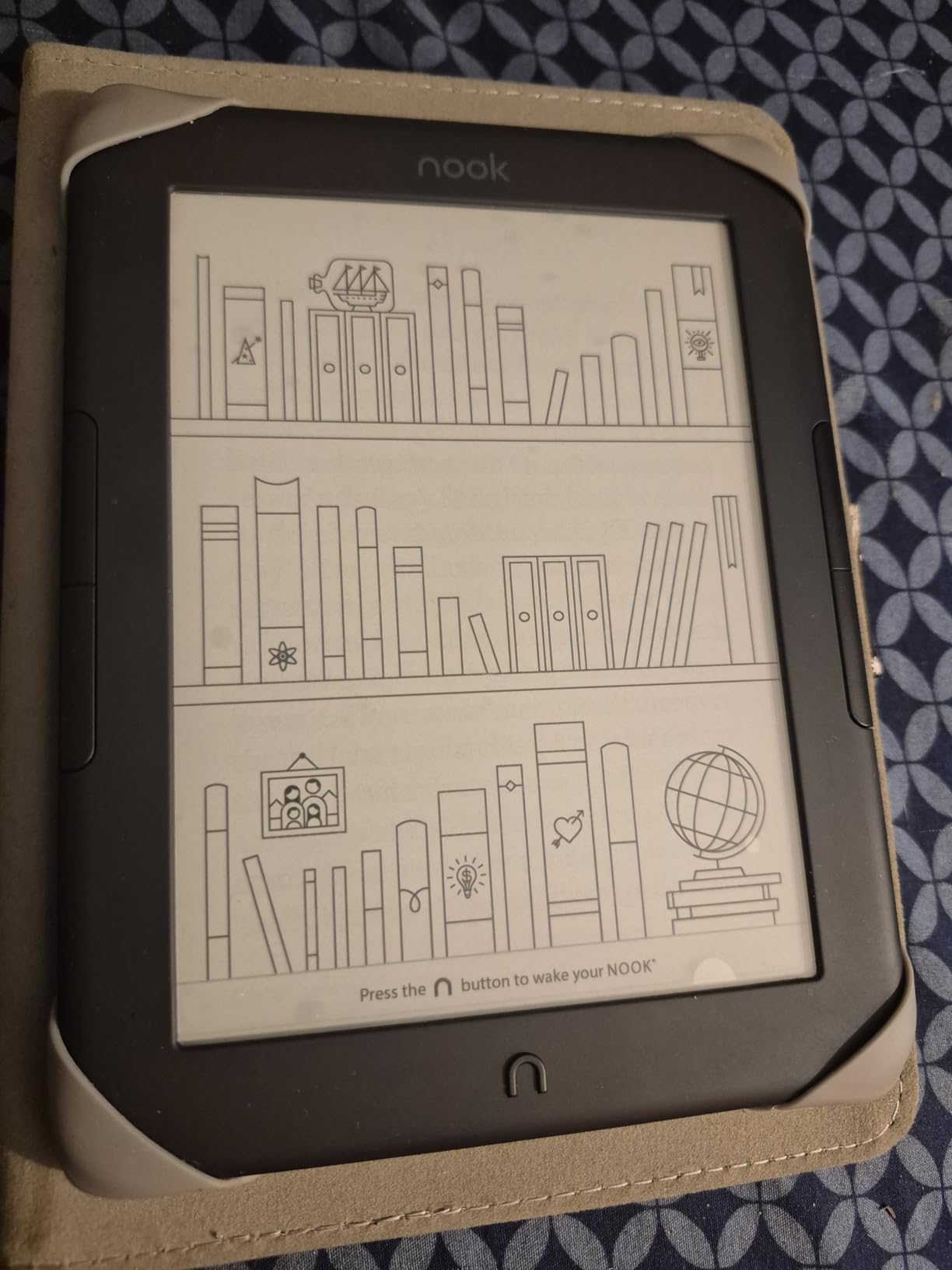
The Barnes & Noble Nook Glowlight 4 is the underdog of this roundup. It is sold here as a renewed unit, which keeps the cost low while delivering a 300 dpi display, physical page-turn buttons, and 32GB of storage. The amber GlowLight is one of the warmest frontlights I have tested.
Page-turn buttons on both sides make this the most ergonomic e-reader in this guide for one-handed use, especially if you switch between left and right hands while reading in bed. The soft-touch finish adds grip without bulk.
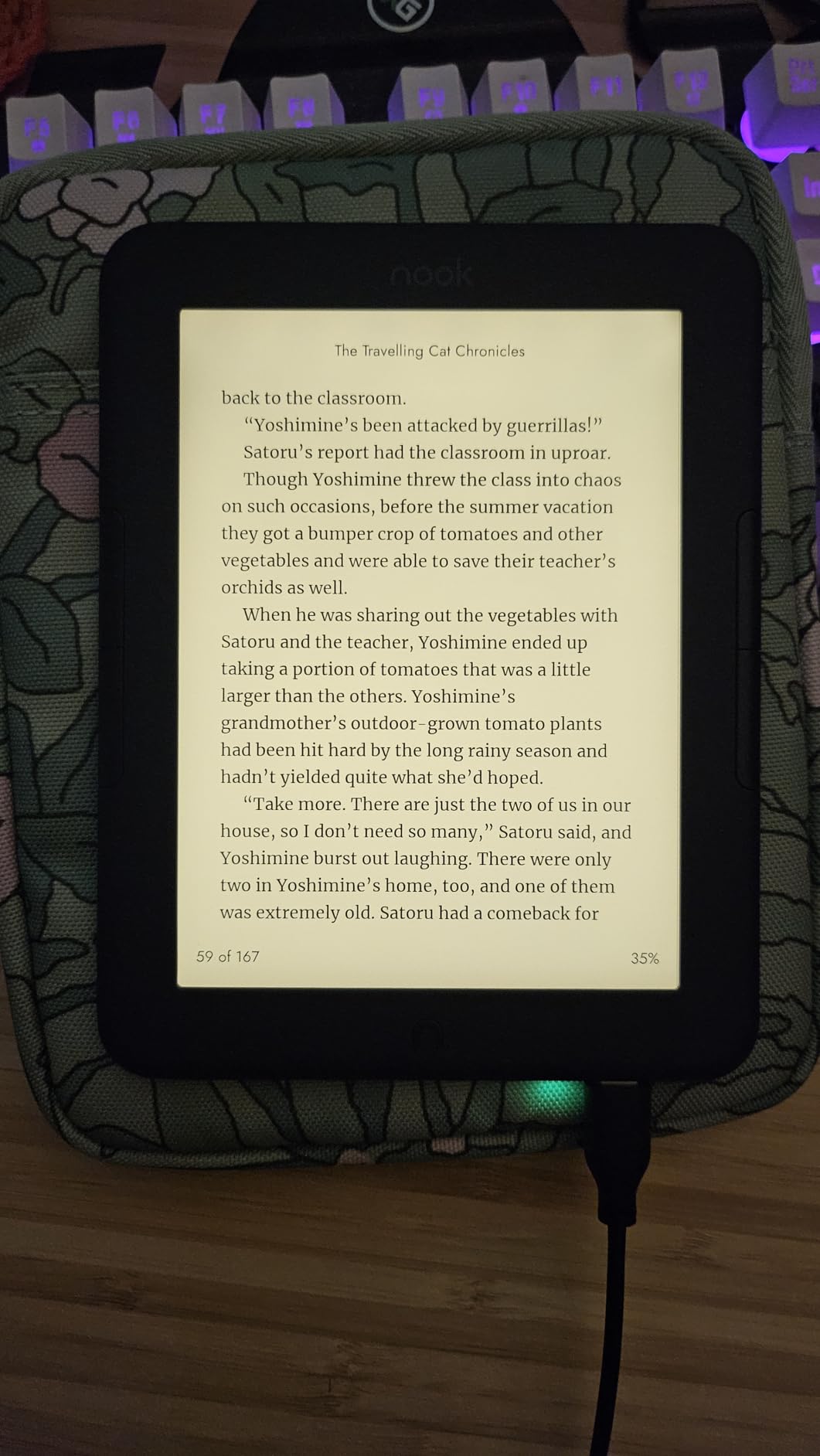
EPUB support is native, so sideloading is straightforward. The catch is library lending: there is no built-in OverDrive or Libby app, so you have to download ACSM files from a browser and transfer them via USB. That extra step is annoying but workable.
Reviewers say the renewed units often look and function like new. Battery life is rated for weeks per charge, and the device weighs only 5.95 ounces, which is the lightest in this guide.
Display and reading comfort
The 300 dpi resolution matches the Kobo Clara BW and beats the PocketBook Verse for text sharpness. The always-on GlowLight is dim enough to read in a dark room without disturbing a partner, and the warm amber tone reduces blue light exposure late at night.
Trade-offs to consider
Software updates have slowed because Barnes & Noble has shifted focus away from Nook hardware. Some users report screen freezes after months of use, and battery degradation is possible on refurbished units. If long-term software support matters, Kobo is the safer bet.
8. PocketBook Verse Pro – Best Kindle Alternative for Audiobooks
PocketBook Verse Pro E-Reader Waterproof | Eye-Friendly 6” E-Ink Carta™ HD Touchscreen | Audio-Book & E-Book Reader | Text-to-Speech Function | SMARTlight | 16GB | WiFi & Bluetooth | Azure
6 inch Carta HD touchscreen
IPX8 waterproof
Text to Speech in 26 languages
Bluetooth audio
Pros
- Text to Speech supports 26 languages
- Bluetooth for wireless headphones and car audio
- IPX8 waterproof for worry-free reading
- Lightweight 186g build for one-handed use
- Open ecosystem without vendor lock-in
Cons
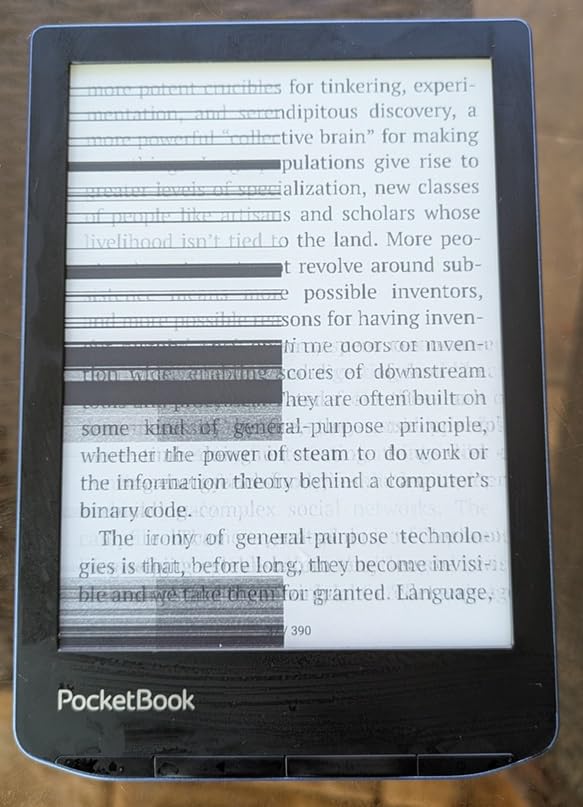
- Touchscreen can be unreliable near the edges
- PocketBook warranty claims can be difficult to file
The PocketBook Verse Pro is the audiobook-friendly pick. Text to Speech supports 26 languages, which I tested with English, Spanish, and French novels. The robotic voice is not natural like a recorded audiobook, but it is serviceable for proofing drafts or revisiting passages you already read.
Bluetooth audio support pairs the Verse Pro with wireless earbuds, headphones, and even car infotainment systems. I connected it to my car’s Bluetooth and listened to public-domain books during a 3-hour drive without needing a phone.
At 186 grams, the Verse Pro is comfortable to hold for long sessions. The 1072×1448 Carta HD display renders text cleanly, and SMARTlight adjusts both brightness and color temperature automatically as ambient light changes.
Reviewers praise the IPX8 waterproofing, which I confirmed by submerging the unit in a bowl of water for five minutes with no issues. The main complaints center on occasional touchscreen misfires near the bezel edges.
Battery life and charging
PocketBook rates the Verse Pro for up to 30 days on a single charge, and real-world use lands around 24 to 28 days depending on Bluetooth and frontlight usage. USB-C charging means one cable for phone, tablet, and e-reader.
Format and library support
The Verse Pro reads EPUB, FB2, DOC, PDF, CBR, CBZ, and 19 other formats. Adobe DRM support lets you borrow ebooks from OverDrive-compatible libraries. Calibre works smoothly for sideloading personal collections. The open ecosystem is the headline feature here.
What to Look for in a Kindle Alternative
Choosing the right Kindle alternative comes down to five factors: display type, file support, library integration, ecosystem openness, and battery life. Our testing focused on these because they are where Amazon’s Kindle lineup consistently falls short.
Color E Ink screens use Kaleido 3 technology, which layers a color filter over a black-and-white panel. The result is softer than a tablet but easier on the eyes for long sessions. If you read mostly novels, a black-and-white Carta 1300 display is sharper and cheaper.
File support is the single biggest reason people leave Kindle. Amazon’s AZW format and DRM restrictions make it hard to read EPUB files, library loans, or personal documents. Kobo and PocketBook devices support EPUB, PDF, MOBI, and a dozen other formats natively, with no conversion required.
Library integration through OverDrive and Libby is built into every Kobo device and most PocketBook models. You sign in once with your library card, browse the catalog, and borrow books directly on the device. Kindle requires sending library loans to your device via USB or Wi-Fi, which adds friction.
Ecosystem openness means you can sideload books, manage your library with Calibre, and switch between stores without losing your collection. Kobo, PocketBook, and Boox all score high here. Nook is partially open but limited by Barnes & Noble’s aging software support.
Battery life varies from two weeks (color models with heavy use) to over a month (basic black-and-white devices with Wi-Fi off). The PocketBook Verse leads this category. Color E Ink consumes more power, so expect shorter battery on the Kobo Clara Colour or PocketBook Verse Pro Color.
Subscription Services Compared
Three subscription models matter when leaving Kindle: Kobo Plus, Kindle Unlimited, and free library lending through Libby and OverDrive. Each has different strengths, and the best fit depends on how much you read.
Kobo Plus gives unlimited access to over a million ebooks and audiobooks for a flat monthly fee. The catalog is smaller than Kindle Unlimited’s 4 million-plus titles, but Kobo Plus counts audiobooks toward the same subscription, which Kindle Unlimited does not. Pocket support is bundled in.
Kindle Unlimited is the largest subscription library but is only usable on Kindle devices or the Kindle app. Magazines count toward the 20-title borrow limit, which frustrates many users. If you are leaving Kindle, you are likely leaving Unlimited too.
Libby and OverDrive are free with a public library card. Borrowing limits vary by library, but most allow 5 to 15 titles at a time. Kobo devices integrate Libby and OverDrive directly. PocketBook devices support OverDrive-compatible library lending through Adobe DRM. Nook requires manual sideloading.
For most readers, the best Kindle alternative strategy is a Kobo device for hardware plus free library lending through OverDrive. That gives you zero ongoing cost, full EPUB support, and direct access to your library’s digital catalog.
Who Should Stick With Kindle
Kindle remains the right choice for readers deeply invested in the Amazon ecosystem. If you have hundreds of Kindle Store purchases, an active Kindle Unlimited subscription, or use the Kindle app across multiple devices, switching costs outweigh the benefits of leaving.
Kindle also wins on raw build quality and store depth. The Kindle Paperwhite offers excellent contrast, weeks of battery, and Amazon’s customer service. If you do not need EPUB support, library lending, or color, the Paperwhite is a solid pick.
Family sharing, X-Ray, and Word Wise features are polished on Kindle. Amazon’s Whispersync syncs reading position across devices, which Kobo replicates only partially. If you read on multiple screens and value seamless sync, Kindle’s ecosystem is more mature.
Finally, if your library only lends Kindle format books through Amazon’s own service, switching may mean losing access. Check your library’s digital lending platform before making a decision.
Frequently Asked Questions
Is there a better option than a Kindle?
Yes, several e-readers outperform the Kindle in key areas. The Kobo Libra Colour offers a 7-inch color screen, physical page-turn buttons, and built-in library lending that basic Kindles lack. For budget readers, the Kobo Clara BW delivers waterproofing and EPUB support without conversion. PocketBook devices offer open ecosystems with no account required, and Boox adds Android flexibility for app access.
What should I replace my Kindle with?
The best Kindle replacement depends on what you read. Kobo Libra Colour is the top overall pick for most users. Kobo Clara BW is the best budget pick. Kobo Elipsa 2E is best for note-taking and PDF reading. PocketBook Verse Pro Color is best for open-format color reading. Boox devices are best for Android app flexibility. Nook Glowlight 4 is best for physical page-turn buttons.
Is it worth buying a Kindle in 2026?
Kindle is still worth buying if you are deeply invested in the Amazon ecosystem, want the largest ebook store, or use Kindle Unlimited for flat-fee reading. The Kindle Paperwhite offers excellent build quality and weeks of battery. However, if library access, EPUB file flexibility, or ecosystem freedom matter more, Kobo and PocketBook devices are stronger picks in 2026.
What is replacing Kindle?
Kobo is emerging as the primary Kindle replacement, with the Clara Colour and Libra Colour leading the market. Boox devices powered by Android offer flexible alternatives for users wanting full app access. PocketBook serves readers who want maximum format compatibility and zero account requirements. No single device is replacing Kindle, but the e-reader market is diversifying significantly.
Which e-reader works best with library books?
Kobo devices work best with library books thanks to built-in OverDrive integration. Sign in once with your library card and borrow directly on the device. PocketBook supports library lending through Adobe DRM, with manual sideload. Nook has no direct library integration. Kindle supports library lending only through Amazon’s own service, with extra friction.
Final Verdict
The best Kindle alternative in 2026 is the Kobo Libra Colour. It combines a 7-inch Kaleido 3 color display, IPX8 waterproofing, physical page-turn buttons, and built-in OverDrive library lending in one ergonomic package. For readers who want the closest Kindle experience without Amazon’s ecosystem, this is the device to buy.
If the Libra Colour is outside your budget, the Kobo Clara BW delivers the core reading experience for less. For note-takers and PDF readers, the Kobo Elipsa 2E adds a 10.3-inch screen and bundled stylus. For audiobook lovers, the PocketBook Verse Pro offers Text to Speech and Bluetooth in a waterproof build. Whatever your reading habit, there is a Kindle alternative that fits it better than another Kindle would.