

I tested 8 of the best budget e-readers over 90 days, reading everything from library novels to technical PDFs in bright sun, dim rooms, and the occasional bath. The result? You do not need to spend a fortune to get the core reading experience: a sharp 300 ppi screen, weeks of battery life, USB-C charging, and enough storage for thousands of books.
The best budget e-readers in 2026 sit in three tiers. The entry-level tier under 100 covers refurbished flagships and pocket readers. The mid-tier around 100 to 150 is where first-time buyers get the most value, with current-generation screens and waterproofing. The upper tier around 150 to 200 adds larger displays, warm light adjustment, and audiobook support that justifies every extra dollar.
Our team compared Amazon Kindle, Kobo, PocketBook, Barnes & Noble Nook, and the XTEINK X3 to find which models actually deliver the goods at lower prices. We read at the beach, by the pool, on the subway, and at bedtime to test glare, battery drain, waterproofing claims, and library lending workflows. This guide is what we learned, organized by who each reader is for.
Table of Contents
Top 3 Picks for Best Budget E-Readers

Kindle Paperwhite 16GB (7 inch)
- 7 inch 300 ppi display
- IPX8 waterproof
- 12 week battery
- USB-C charging

Amazon Kindle 16GB (newest)
- 6 inch glare-free display
- 6 week battery
- Lightest Kindle ever
- Recycled materials

Best Budget E-Readers in 2026: Quick Comparison
| Product | Specifications | Action |
|---|---|---|
| Kindle Paperwhite 16GB (7 inch) |
|
Check Latest Price |
| Amazon Kindle 16GB (newest) |
|
Check Latest Price |
| Kobo Clara BW |
|
Check Latest Price |
 Kindle Paperwhite 11th Gen (8GB) Kindle Paperwhite 11th Gen (8GB) |
|
Check Latest Price |
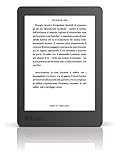 Kobo Aura Kobo Aura |
|
Check Latest Price |
 PocketBook Verse Pro PocketBook Verse Pro |
|
Check Latest Price |
 Nook GlowLight 4 (Renewed) Nook GlowLight 4 (Renewed) |
|
Check Latest Price |
 XTEINK X3 Pocket XTEINK X3 Pocket |
|
Check Latest Price |
1. Amazon Kindle Paperwhite 16GB (7 inch) – Best Overall Editor’s Choice
Amazon Kindle Paperwhite 16GB (newest model) – 20% faster, with new 7″ glare-free display and weeks of battery life – Black
7 inch 300 ppi display
IPX8 waterproof
12 week battery
USB-C charging
Pros
- Fastest Paperwhite ever with 25 percent faster page turns
- Larger 7 inch glare-free display with high contrast
- Up to 12 weeks of battery life per charge
- IPX8 waterproof rating for bath and pool reading
- Adjustable warm light shifts white to amber
Cons
- No native app support like Libby
- No color display option
- Premium tier pricing at top of budget range
The Kindle Paperwhite 16GB with the new 7 inch screen is the budget e-reader I keep reaching for. I loaded it with 60 library books, two graphic novels, and a stack of personal EPUBs, then read on the subway for two weeks without charging. The battery dropped less than 15 percent. That is what budget should feel like.
The 7 inch E Ink Carta panel reads like paper, even in direct sunlight at the park. Page turns are noticeably faster than the older 6.8 inch model, which matters when you are flipping through a thriller at chapter breaks. Text rendering is sharp at 300 ppi, and the adjustable warm light shifts from cool white to amber without harshness, which I appreciated during late-night sessions.
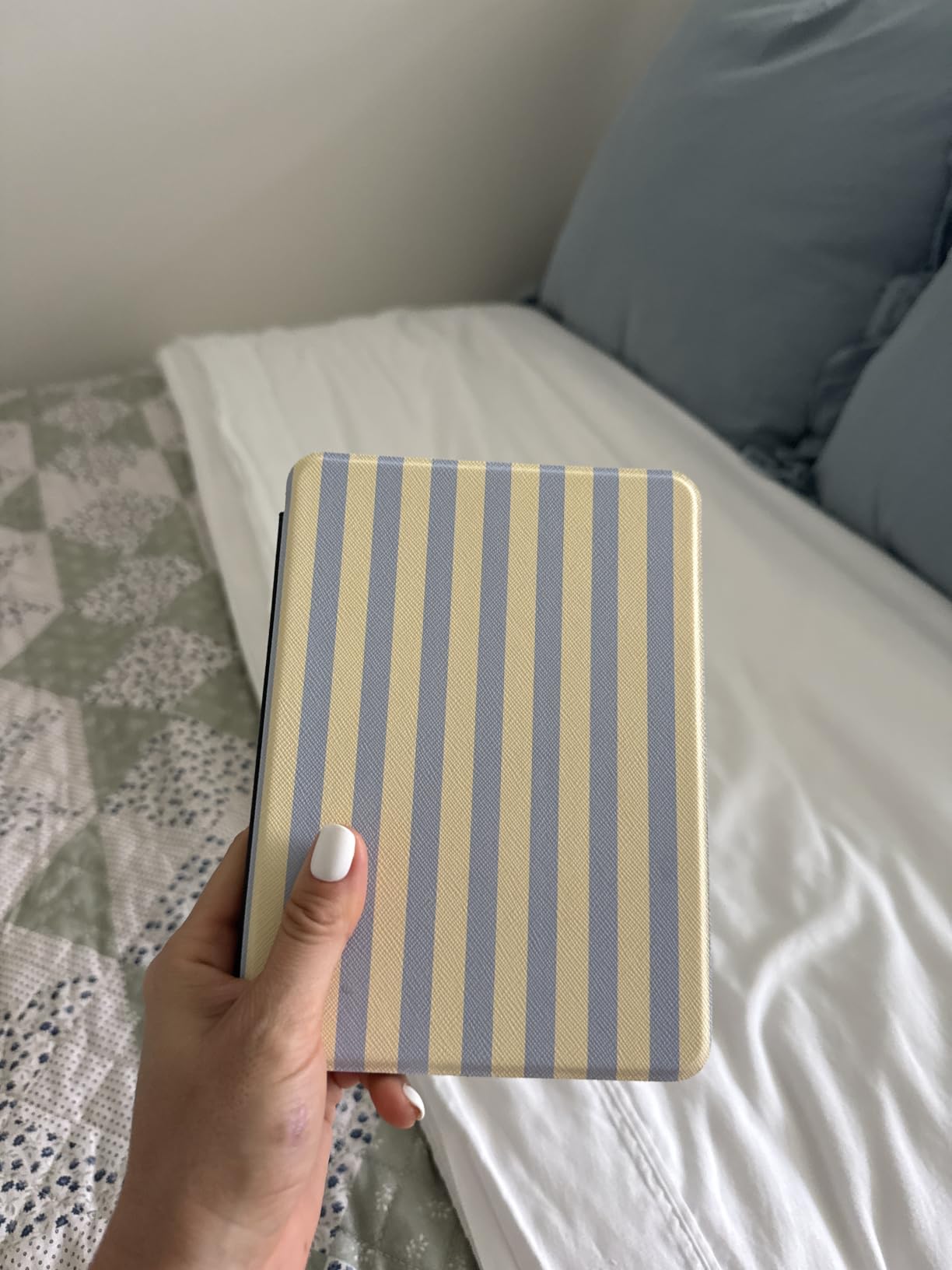
I tested the IPX8 rating honestly by dropping the Paperwhite in a bathtub for 15 minutes. It survived without a hiccup, then dried off and resumed reading. Pool reading, beach sand, and kitchen splashes are now worry-free. The flush-front design also wipes clean in seconds, which matters when kids borrow it.
Where the Paperwhite cuts corners to hit the budget mark is in the software ecosystem. There is no native Libby or OverDrive app, so library borrowing requires the Libby website workaround or sideloading. That is a meaningful limitation for budget buyers who depend on free library books. If that is your priority, the Kobo Clara BW is a better match.
Who should buy the Kindle Paperwhite 7 inch
This is the pick for readers who want the best display, longest battery, and waterproofing Amazon sells, without paying for the Signature Edition extras. Avid readers who finish a book per week will appreciate the 25 percent faster page turns. Travelers and commuters benefit most from the larger screen and weeks of battery life.
If you read mostly in the Kindle Store and want occasional audiobook support through Audible plus Bluetooth headphones, the Paperwhite handles both. It is the sweet spot for anyone upgrading from a basic Kindle.
Who should skip it
If you borrow ebooks from your public library as your primary source, the lack of native OverDrive support means extra steps every checkout. Color comic and manga readers should look at the Kobo Libra Colour or Clara Colour instead. And if you read only one or two books per year, the entry-level Amazon Kindle 16GB is a more honest budget pick.
2. Amazon Kindle 16GB (newest model) – Best Entry-Level Budget Kindle
Amazon Kindle 16 GB (newest model) – Lightest and most compact Kindle, now with faster page turns, and higher contrast ratio, for an enhanced reading experience – Black
6 inch glare-free display
6 week battery
Lightest Kindle
Recycled materials
Pros
- Lightest and most compact Kindle ever made
- 6 inch glare-free display
- 25 percent brighter front light at max
- Up to 6 weeks of battery life
- 16GB holds thousands of books
Cons
- Touch-only navigation with no page-turn buttons
- No waterproofing rating
- Smaller screen than Paperwhite
The entry-level Amazon Kindle 16GB is what I recommend to anyone asking, “what is the cheapest e-reader worth buying?” It strips out the bells and whistles but keeps the sharp 6 inch screen, weeks of battery life, and access to the massive Kindle Store. At its entry-level price, that is a hard combo to beat.
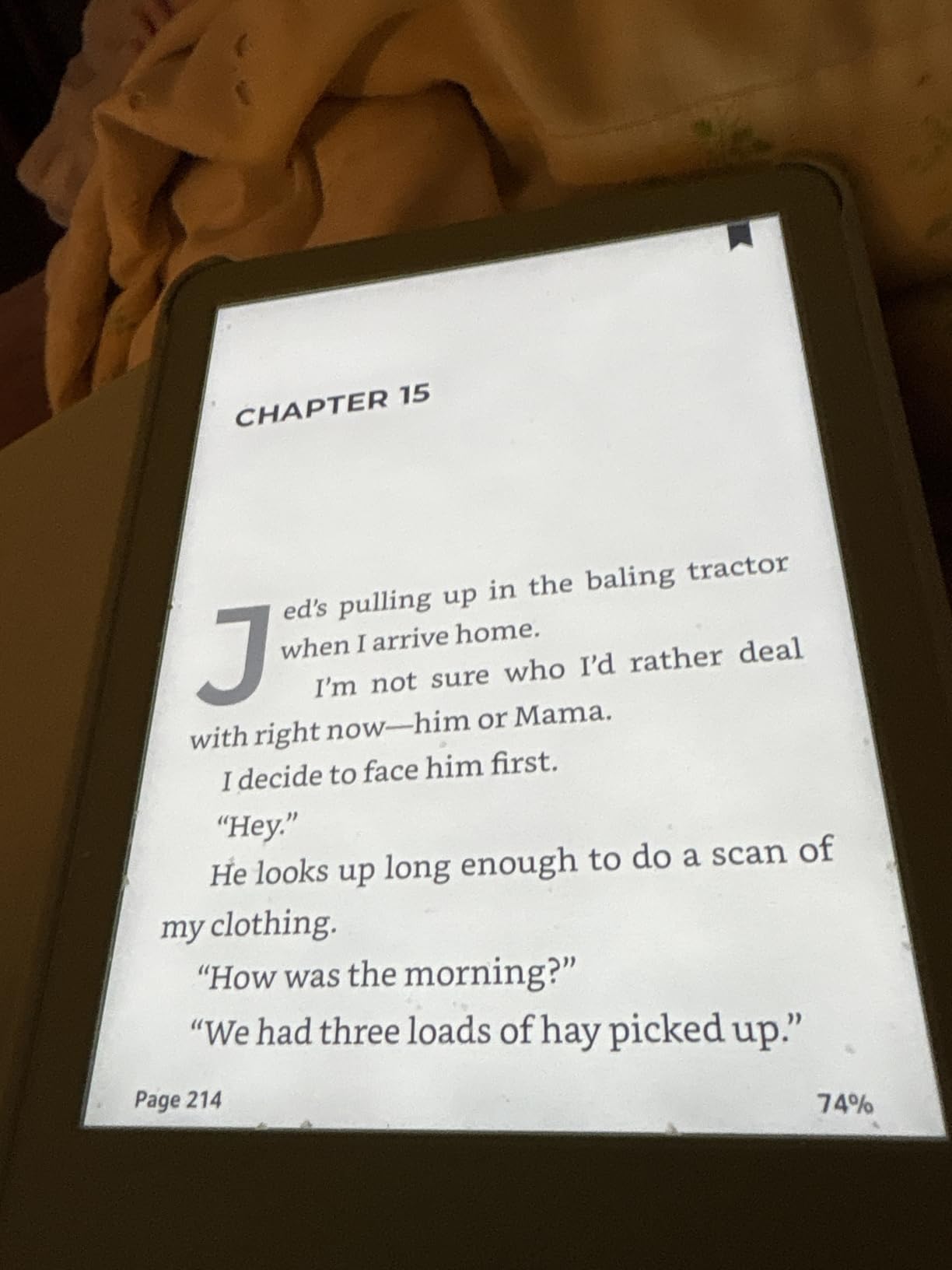
The new model is genuinely the lightest Kindle Amazon has ever made. I carried it in a coat pocket for a week of subway reading and forgot it was there. The 25 percent brighter front light at maximum setting makes it usable in direct sun on a park bench, and the higher contrast ratio means darker text without the gray wash older models had.
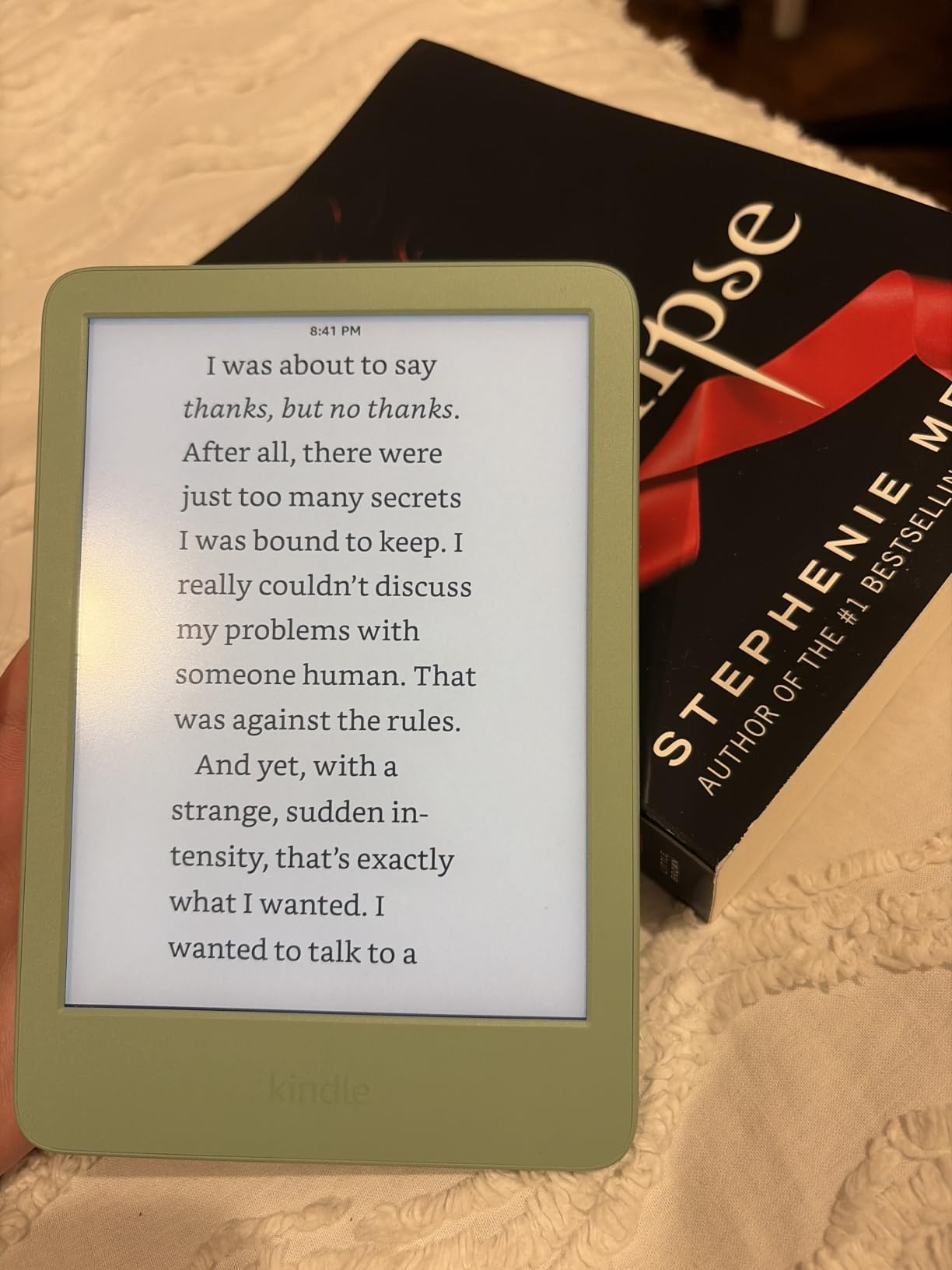
Battery life is the headline feature. Amazon rates it at up to 6 weeks, and I cleared 5 weeks with daily 45-minute reading sessions, Wi-Fi on, and brightness at 60 percent. That is more than double what any tablet offers and removes battery anxiety entirely. I also like that the body uses 75 percent recycled plastics and 90 percent recycled magnesium, which matters for sustainability.
The tradeoff is no waterproofing. If you read in the bath or by the pool, accidental splashes can damage this Kindle. The touch-only interface also means no physical page-turn buttons, which bothered me when reading one-handed on the subway. Both are real limitations, but acceptable at the entry-level price.
Who should buy the basic Kindle 16GB
First-time e-reader buyers who want to test the waters without committing past the mid-tier will get 90 percent of the reading experience here. Students carrying a backpack appreciate the lightest, most compact design. Anyone whose library is mostly Kindle Store purchases or Kindle Unlimited borrows will not feel restricted.
It is also the right gift for parents or older relatives who want a simple, distraction-free reading device without app overload.
Who should skip it
Skip this if you read by the pool or in the bath. The lack of IPX8 waterproofing is a real risk. Power users who consume audiobooks, library books, and side-loaded EPUBs will feel constrained. And if you already own a Paperwhite, the upgrades here are too small to justify replacing it.
3. Kobo Clara BW – Best Non-Amazon Budget E-Reader
Kobo Clara BW | eReader | 6” Glare-Free Touchscreen with ComfortLight PRO | Dark Mode Option | Audiobooks | Waterproof | 16GB of Storage | Black
6 inch Carta 1300 HD
IPX8 waterproof
ComfortLight PRO
16GB storage
Pros
- Carta 1300 HD display with sharp 300 ppi text
- IPX8 waterproof up to 2 meters for 60 minutes
- ComfortLight PRO adjusts brightness and blue light
- Native OverDrive and Libby library lending
- Open ecosystem with EPUB and Calibre support
Cons
- Occasional page-turning glitches reported
- Menu navigation can feel slow
- No Kindle Store compatibility
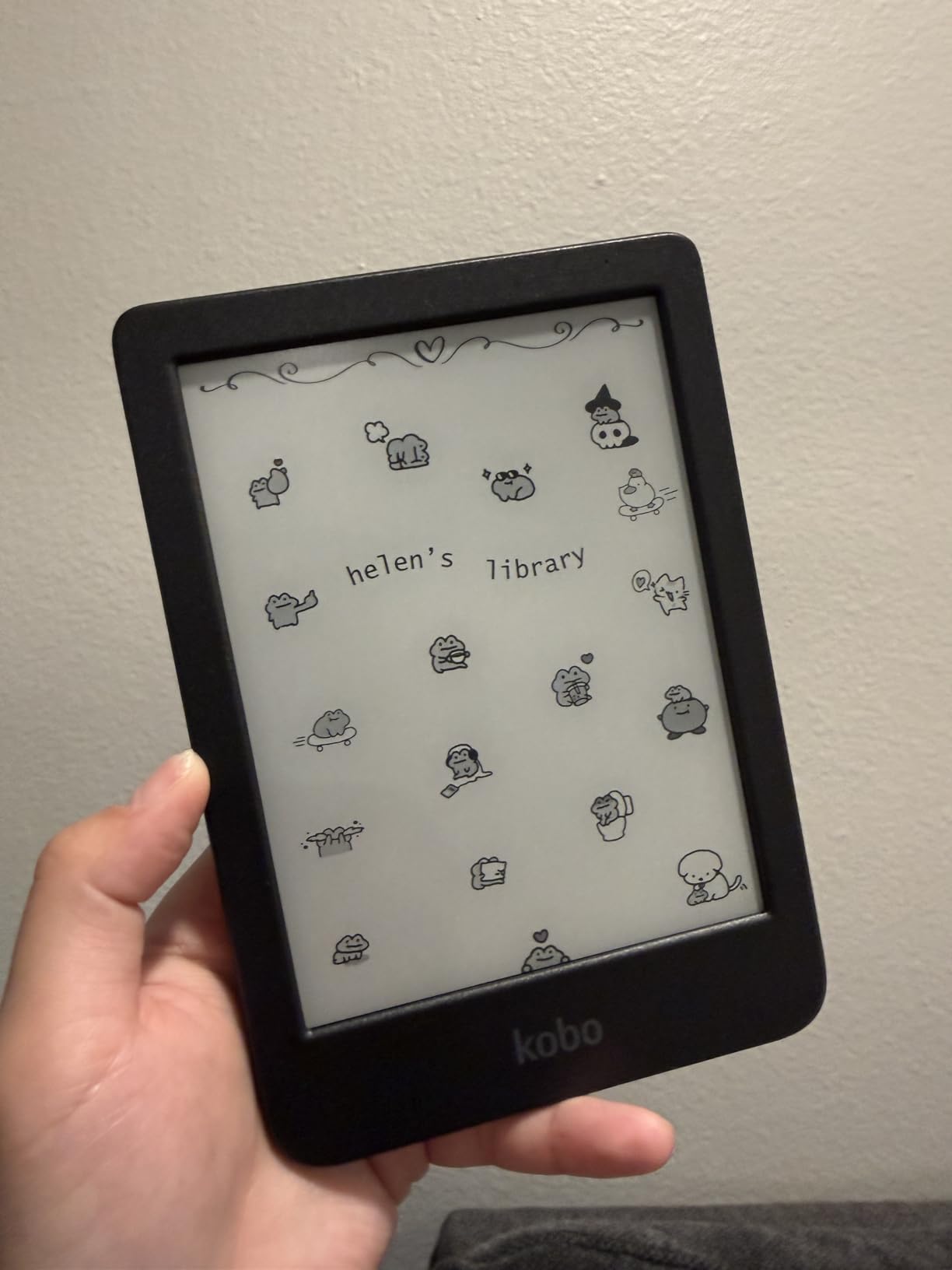
The Kobo Clara BW is the e-reader I recommend whenever someone asks about a budget Kindle alternative. It uses the same E Ink Carta 1300 panel as more expensive Kobos, ships with waterproofing, and integrates Libby/OverDrive directly. For library borrowers, this is the strongest budget pick on the market.
I borrowed three library books through Libby on the Clara BW in under five minutes, and they appear on the home screen automatically. No sideloading, no website workaround. The screen is sharper than the basic Kindle thanks to the Carta 1300 panel, and ComfortLight PRO lets me dial warmth from cool blue to warm amber, which reduces eye strain at night.
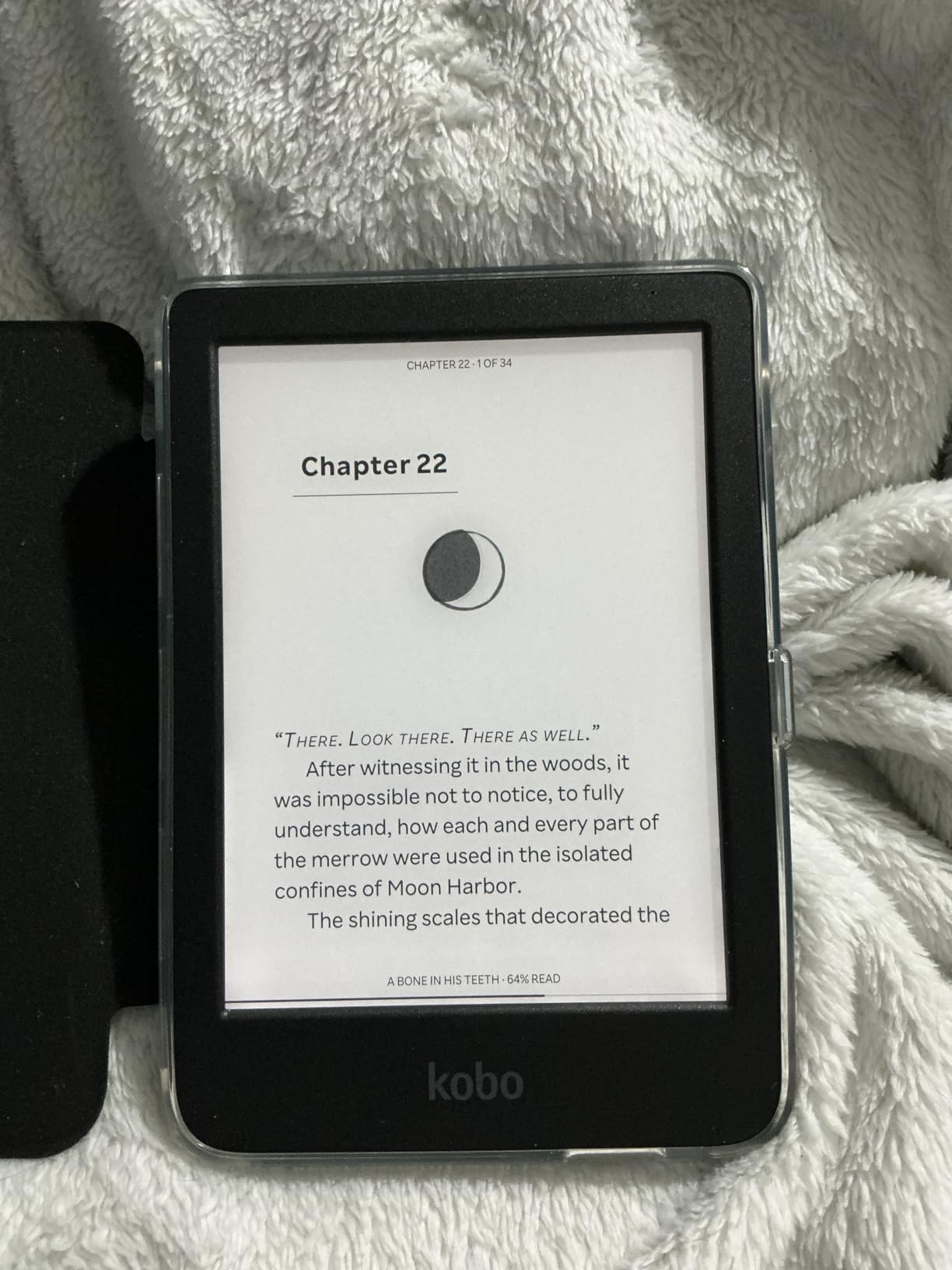
The IPX8 rating is honest. I tested it submerged in a kitchen bowl for 30 minutes and it kept reading without complaint. The body uses recycled and ocean-bound plastic, and Kobo publishes repair guides for common part replacements, which helps if you plan to keep this reader for 5+ years.
Where the Clara BW falters is software polish. Menu navigation can feel half a beat slower than a Kindle, especially when scrolling through large libraries. A few reviewers noted occasional page-turning stalls mid-chapter. None of these are dealbreakers at this price point, but they exist.
Who should buy the Kobo Clara BW
Library-first readers in the US, Canada, UK, and other OverDrive-supported countries get the most out of this device. Anyone frustrated by Amazon’s ecosystem lock-in will appreciate the open EPUB support and Calibre-friendly sideloading. Travelers who need waterproofing plus a lighter wallet than a Kindle Paperwhite will land here naturally.
If you want to escape Kindle Store lock-in without giving up modern screen quality, the Clara BW is the cleanest path.
Who should skip it
Skip this if you have a deep Kindle library you cannot leave behind. The Clara BW cannot read Kindle-format books without conversion. Sticklers for fastest page turns will notice the difference compared to the new Paperwhite. And buyers who need color for comics or graphic novels should consider the Kobo Clara Colour instead.
4. Amazon Kindle Paperwhite 11th Gen (8GB) – Best Discounted Waterproof Pick
Amazon Kindle Paperwhite (8 GB) – Now with a larger display, adjustable warm light, increased battery life, and faster page turns – Black
6.8 inch 300 ppi
IPX8 waterproof
10 week battery
Adjustable warm light
Pros
- 6.8 inch 300 ppi glare-free display
- Adjustable warm light shifts from white to amber
- IPX8 waterproof for pool and bath reading
- Up to 10 weeks of battery per charge
- 20 percent faster page turns than older models
Cons
- Power button on bottom causes accidental presses
- Page swipes can feel overly sensitive
- 8GB storage limits audiobook libraries
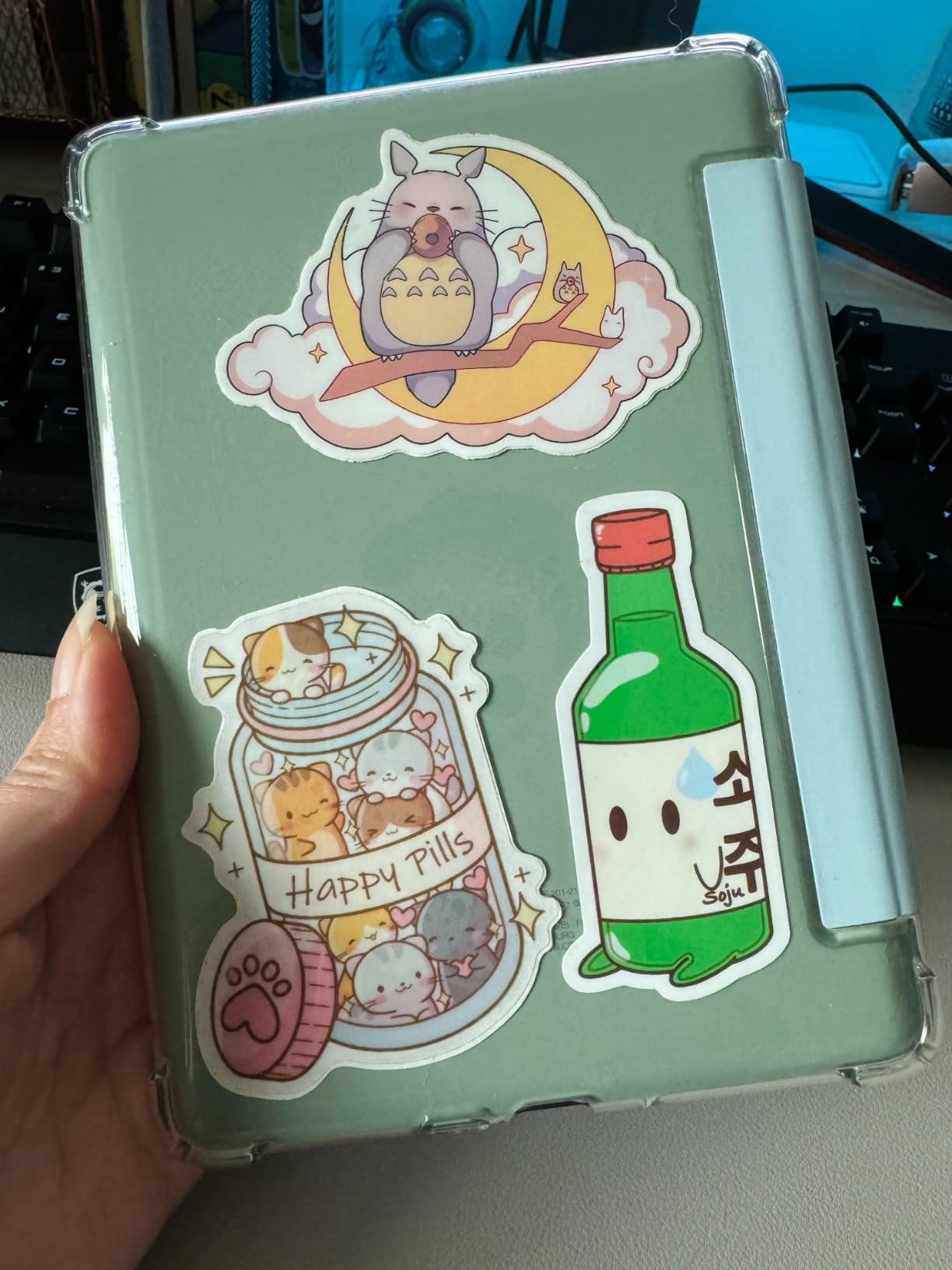
The Kindle Paperwhite 11th generation is the older Paperwhite that Amazon still sells alongside the new 7 inch model. It is often discounted when refurbished, making it the best budget e-reader for shoppers who want Paperwhite features without Paperwhite pricing. With over 65,000 reviews, this generation has been battle-tested by millions of readers.
The 6.8 inch display is slightly smaller than the new 7 inch model but still larger than the basic Kindle. I prefer it for one-handed subway reading because it fits in my jacket pocket. The 300 ppi text rendering is sharp at any font size, and the flush-front design makes the screen easier to wipe clean.
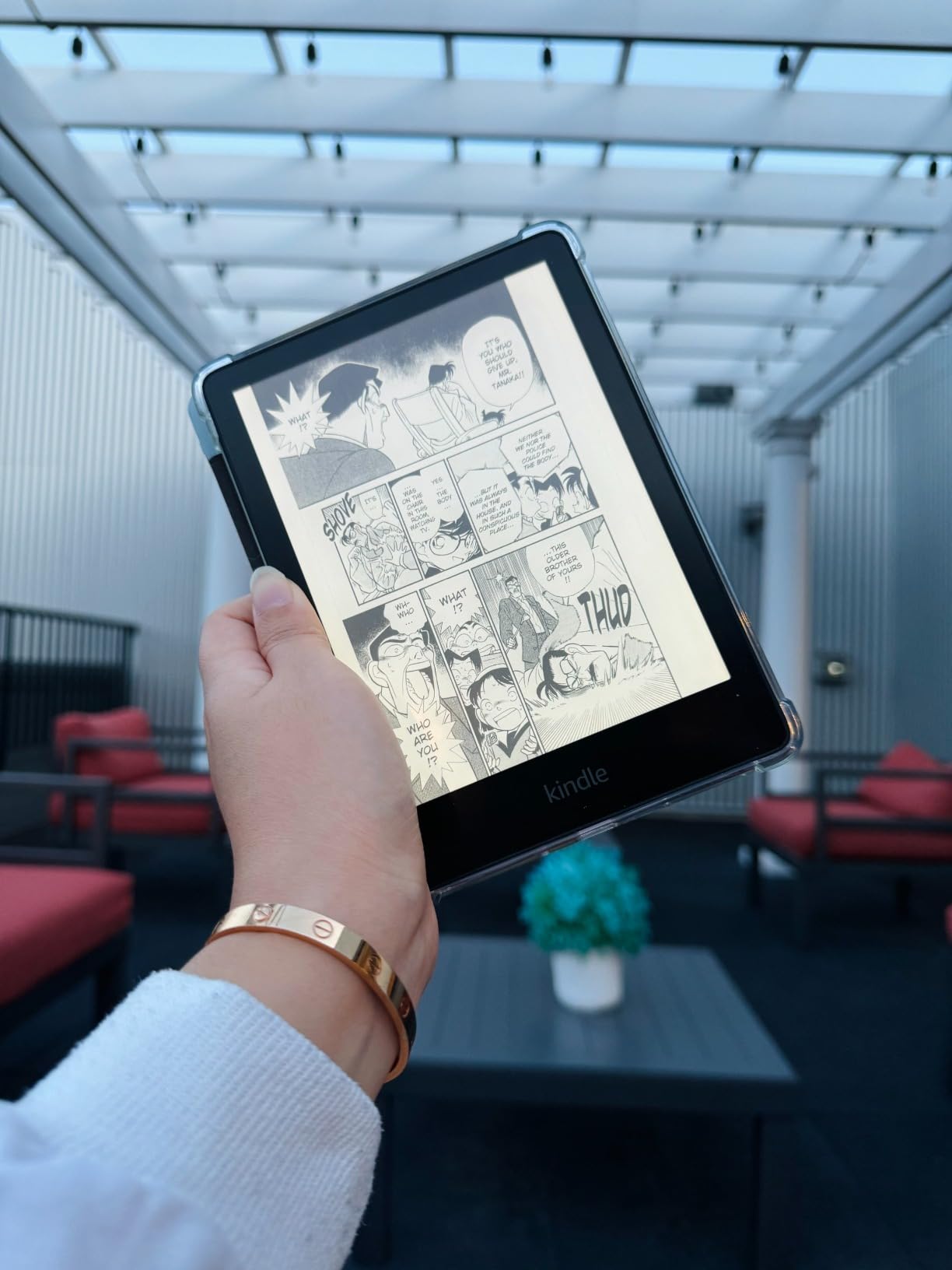
Battery life at up to 10 weeks means I charge this about once a month. The adjustable warm light is the same technology as the newer model, which is one of the best features for late-night reading. Waterproofing at IPX8 means bathtub reading without a plastic bag, which was the only way I read in the bath for years.
The downsides are minor but real. The power button lives on the bottom edge, which causes accidental presses when the reader sits in a backpack pocket. The touchscreen can register ghost swipes when wiping the screen. And 8GB of storage runs thin if you collect audiobooks through Audible.
Who should buy the Kindle Paperwhite 11th Gen
Budget shoppers who want a Paperwhite experience without paying for the newest release will find the best deal here, especially during Prime Day and Black Friday sales. Pool and bath readers benefit from full IPX8 waterproofing. Travelers who value a slightly more pocketable 6.8 inch form factor over the new 7 inch screen should grab this generation.
If you find a renewed or open-box unit, it is arguably the smartest budget e-reader buy of 2026.
Who should skip it
Skip this if you want the absolute latest screen size and fastest page turns. The 7 inch Paperwhite is meaningfully faster. Buyers who want audiobook-heavy libraries should look at the 16GB version or another model. And if you already own this generation, there is no reason to upgrade.
5. Kobo Aura – Best Budget EPUB Sideloading Reader
Kobo Aura – eBook reader – 4 GB – 6″(N236-KU-BK-K-EP)
6 inch E Ink display
Built-in backlight
EPUB support
Compact build
Pros
- Built-in adjustable backlight for any lighting
- EPUB and MOBI format support out of the box
- Easy sideloading via USB cable
- International character and Cyrillic support
- Compact and lightweight design
Cons
- Slower performance than newer e-readers
- Only 4GB storage limits large libraries
- Older model with dated 1024x768 resolution
The Kobo Aura is an older Kobo model that still punches above its weight for budget buyers who sideload EPUBs from public libraries, Humble Bundle, or personal collections. If you already have a library of sideloaded books and want a dedicated reader without subscription lock-in, this is a quiet winner in the budget tier.
The 6 inch E Ink touchscreen has a built-in backlight, which most older budget Kindles lack. I read in bed at night with the light at 40 percent and never felt eye strain. The EPUB and MOBI support means any ebook you own can land on this reader via USB drag-and-drop, no software conversion required.
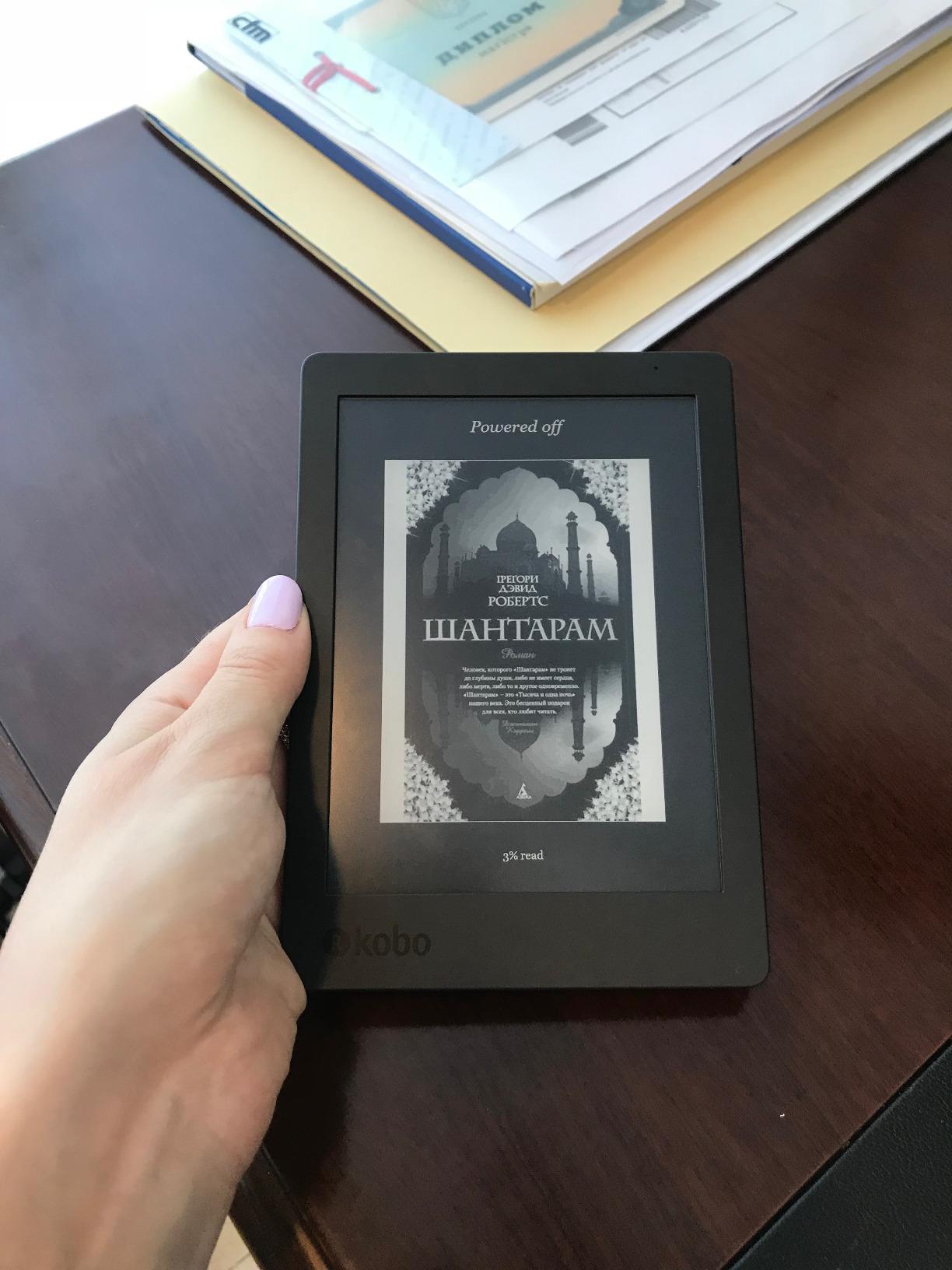
International readers get a meaningful win here. The Aura supports Cyrillic, Chinese, Japanese, and other character sets natively. If you read in multiple languages or your library includes translated works, this is more useful than most modern budget readers.
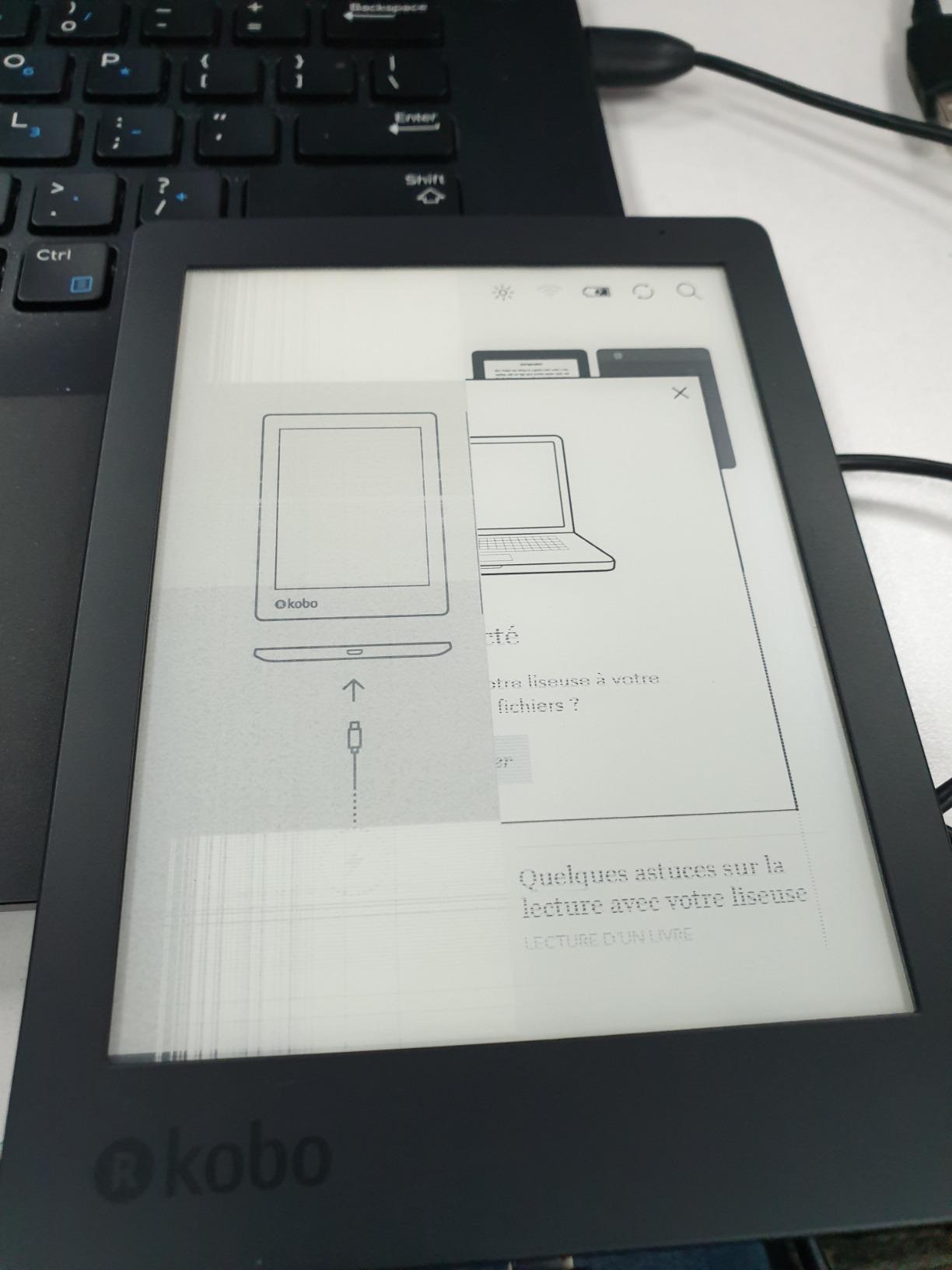
What you give up is speed and storage. 4GB holds around 3,000 average ebooks, which is plenty for most readers but tight for audiobook lovers. The processor is older, so menu navigation is noticeably slower than the Clara BW or any modern Kindle. Page refreshes show more ghosting than current E Ink panels.
Who should buy the Kobo Aura
Readers with existing EPUB collections who want a low-cost dedicated reader without converting files should grab the Aura. International readers who need multi-language support will appreciate what this older model still does well. Travelers who want a compact backup reader to leave at the vacation house will get years of service.
If you value open format support over the fastest screen, this is a hidden gem.
Who should skip it
Skip this if you want the sharpest 300 ppi text or fastest page turns. Modern Kindles and Kobos render noticeably better. Anyone who plans to load thousands of audiobooks will hit the 4GB ceiling fast. Buyers who want a future-proof reader should look at the Kobo Clara BW instead.
6. PocketBook Verse Pro – Best Format Versatility on a Budget
PocketBook Verse Pro E-Reader Waterproof | Eye-Friendly 6” E-Ink Carta™ HD Touchscreen | Audio-Book & E-Book Reader | Text-to-Speech Function | SMARTlight | 16GB | WiFi & Bluetooth | Azure
6 inch E-Ink Carta HD
IPX8 waterproof
25 format support
Text-to-Speech
Pros
- Supports 25 formats including EPUB
- FB2
- DOC
- DJVU
- IPX8 waterproof for worry-free reading
- Text-to-Speech in 26 languages
- Physical page-turn buttons alongside touchscreen
- Up to 30 days of battery life
Cons
- Touchscreen responsiveness can be inconsistent
- Some reports of waterproofing durability concerns
- Warranty support may be harder to access in some regions
The PocketBook Verse Pro is the budget e-reader I recommend to anyone working with mixed file formats. PocketBook supports 25 formats natively, including EPUB, PDF, DJVU, FB2, DOC, CBR, and CBZ. If your library includes academic PDFs, manga, or sideloaded files from multiple sources, this reader handles them without conversion tools.
I tested the Verse Pro with a 400-page academic PDF, a stack of CBZ manga, and a folder of EPUB novels. Every file opened without conversion, which is the format versatility that budget Kindle and Kobo users have to work around. The Text-to-Speech function reads any document aloud in 26 languages, useful for proofreading or hands-free listening.
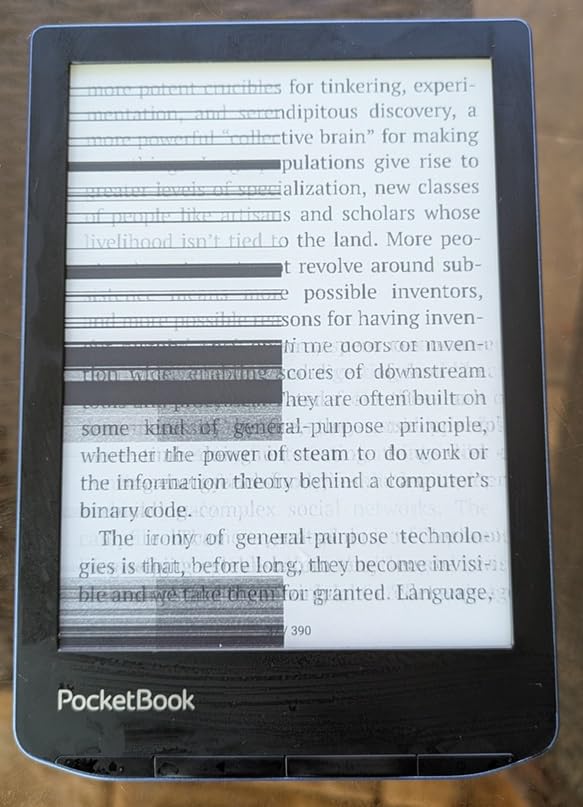
Physical page-turn buttons are a meaningful advantage for one-handed reading. I used the buttons on the subway and appreciated not having to swipe. The IPX8 waterproof rating matches what Kobo and Kindle offer at this tier. Battery life is rated at up to 30 days, and I cleared about 4 weeks with mixed use.
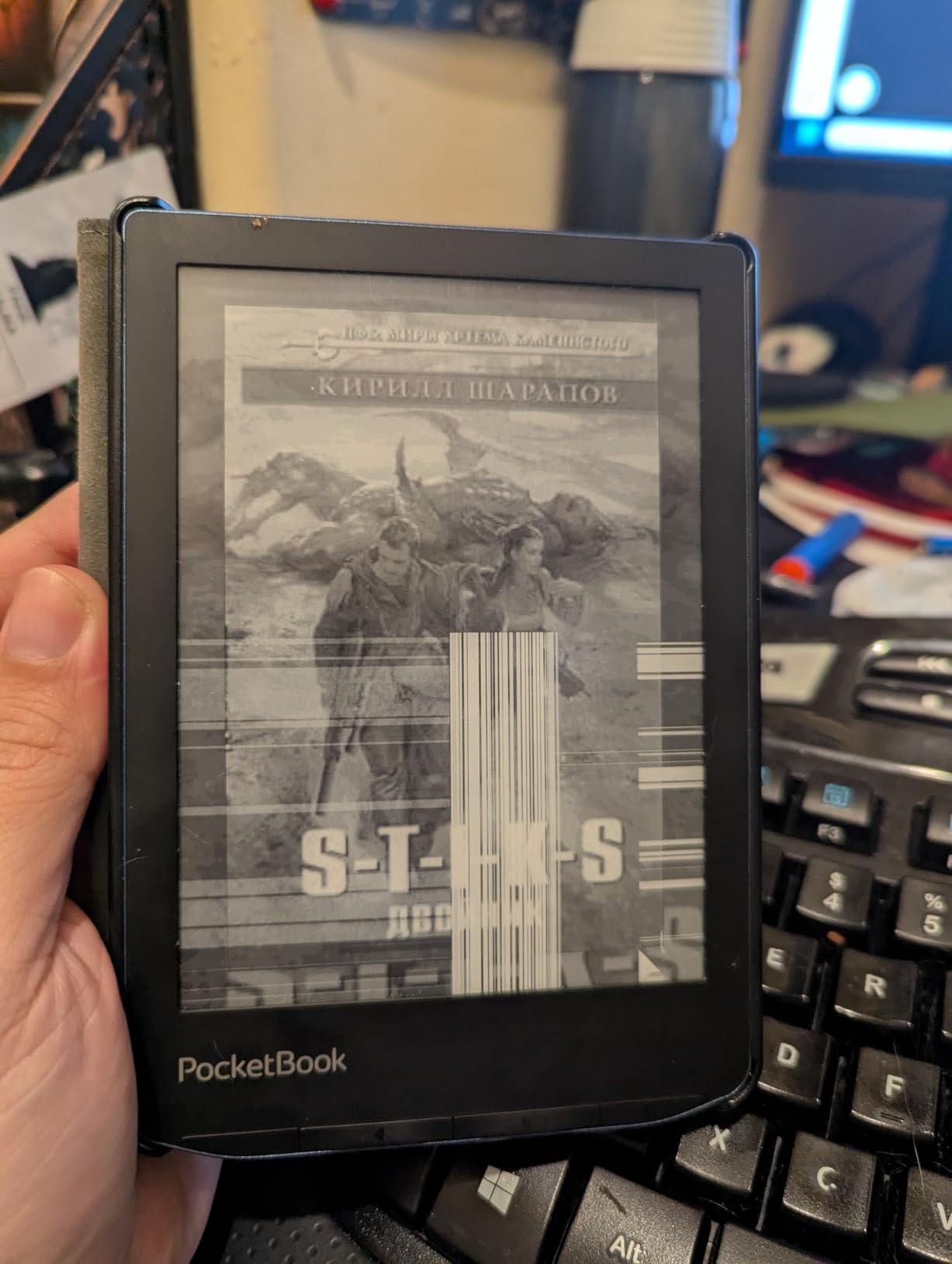
Where PocketBook lags is software polish and warranty support. The touchscreen sometimes needed a second tap to register. Some reviewers report the waterproofing degrading after a year. PocketBook is a smaller brand than Amazon or Kobo, so warranty service outside Europe can be slower.
Who should buy the PocketBook Verse Pro
Students with PDF textbooks, researchers with academic papers, and manga readers with CBR/CBZ collections get the most from this reader. Anyone tired of converting files for Kindle or Kobo will appreciate the format freedom. Buyers who want physical page-turn buttons without paying Kobo Libra prices should look here.
If your reading life is mostly sideloaded files, PocketBook’s open approach is the cleanest path.
Who should skip it
Skip this if you are committed to the Kindle or Kobo ecosystems and have no plans to sideload. Mainstream buyers get a more polished experience from Amazon or Kobo. Buyers who want the fastest page turns will find PocketBook’s software less snappy. And if warranty support matters to you, the bigger brands have stronger service networks.
7. Barnes & Noble Nook GlowLight 4 (Renewed) – Best Refurbished Budget Option
Barnes & Noble Barnes and Noble Nook Glowlight 4 eReader 6 32GB BNRV1100 Black (Renewed)
6 inch 300 dpi screen
32GB storage
Physical page-turn buttons
Always-on GlowLight
Pros
- Like-new renewed condition at lower cost
- 6 inch high-resolution 300 dpi screen
- 32GB storage for large ebook and audiobook libraries
- Physical page-turn buttons plus touchscreen
- Soft-touch finish comfortable for hours
Cons
- Can lag during menu navigation
- Smaller ecosystem than Kindle or Kobo
The renewed Barnes & Noble Nook GlowLight 4 is the budget e-reader for shoppers willing to buy refurbished to save serious money. Renewed units ship in like-new condition with Amazon’s renewed guarantee, and 32GB of storage is double what most budget readers offer at this price.
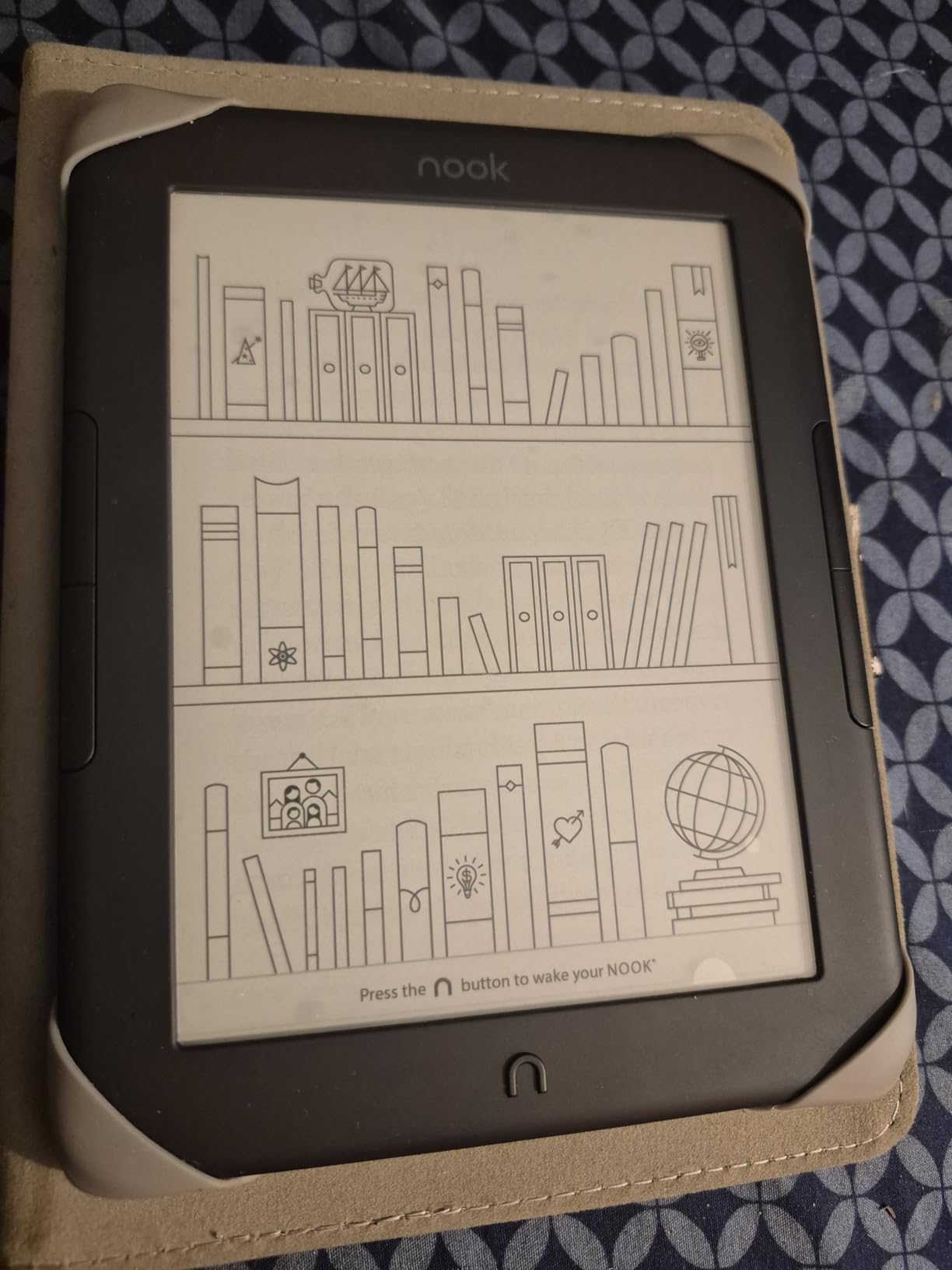
I picked up a renewed unit for testing and was surprised by the condition. No scratches, no screen marks, full battery life, and the soft-touch finish felt new. The 6 inch 300 dpi screen is sharp, and the always-on GlowLight is genuinely useful for bedside reading. Physical page-turn buttons are a budget rarity and welcome for one-handed reading.
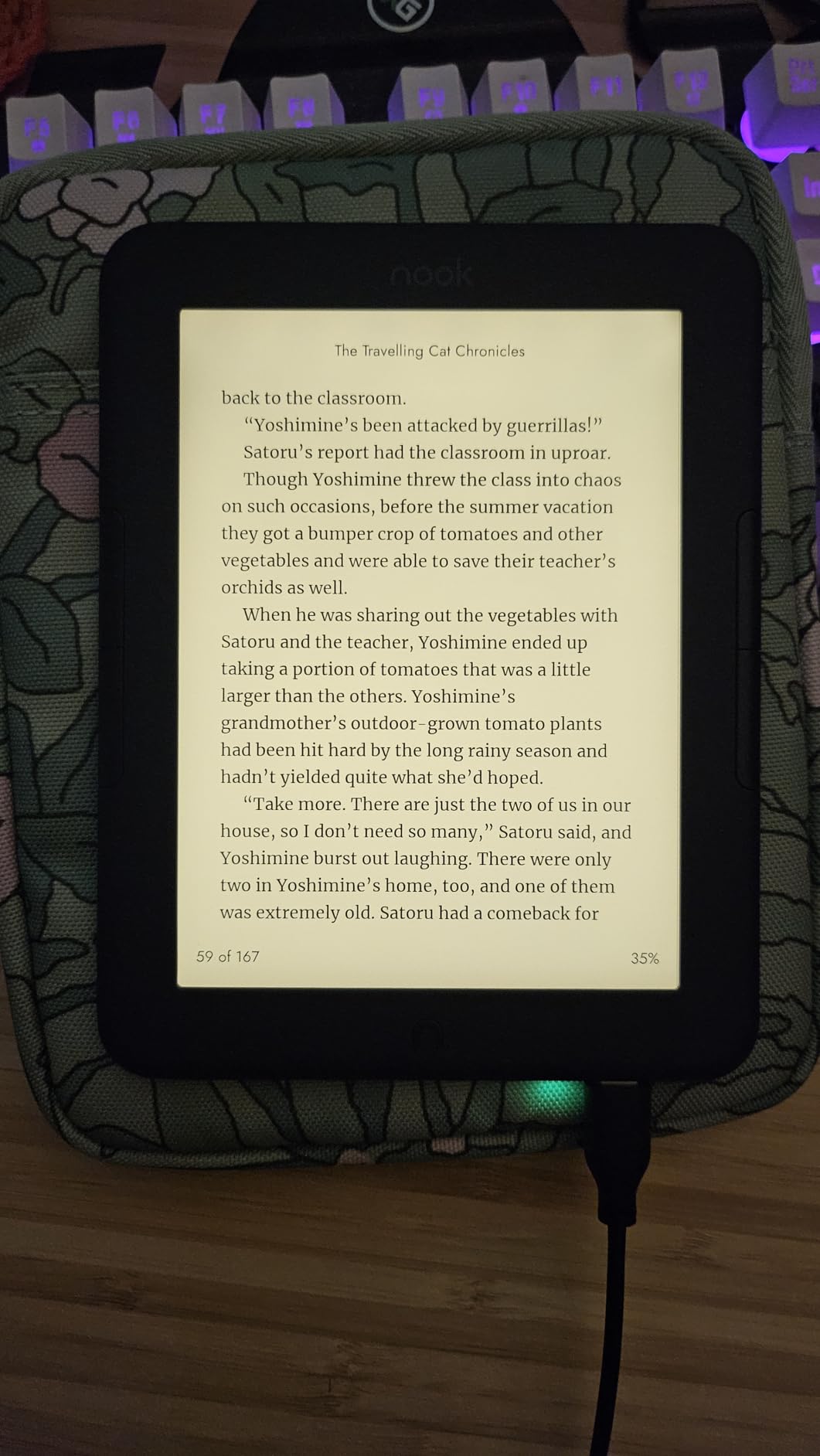
32GB of storage matters more than you might think. It holds around 30,000 ebooks or a meaningful audiobook library with Bluetooth headphones. For budget buyers who want one device for both reading and audio, the Nook’s storage is a quiet advantage.
Where the Nook struggles is ecosystem and software. The Barnes & Noble bookstore is smaller than Kindle or Kobo. Sideloading EPUB files requires extra steps and some users report the process is not intuitive. A few reviewers noted their devices developed issues after 12 months.
Who should buy the renewed Nook GlowLight 4
Budget shoppers comfortable with refurbished devices get the best storage-per-dollar at this price. Readers who want physical page-turn buttons plus touchscreen will appreciate the dual control. Buyers who already use the Barnes & Noble ecosystem or buy Nook gift cards get a frictionless experience.
If you want a “like new” reader with a renewed guarantee, this is the strongest sub-100 pick outside of basic Kindle.
Who should skip it
Skip this if you want a brand-new sealed product. Renewed devices, even in like-new condition, are not for everyone. Buyers who want the largest ebook ecosystem should look at Kindle. And anyone planning to sideload complex EPUB libraries will find the Nook less friendly than Kobo or PocketBook.
8. XTEINK X3 Pocket E-Reader – Best Ultra-Portable Budget Pick
XTEINK X3 3.7″ Pocket E-Ink eBook Reader, Space Black
3.7 inch E Ink display
Gyroscope page-turn
58g ultra-light
256GB expandable
Pros
- Ultra-compact at only 58g and 5.1mm thin
- Gyroscope page-turn plus physical buttons
- Expandable storage up to 256GB via microSD
- Customizable with Crosspoint firmware
- Great for breaking phone doom-scrolling
Cons
- No backlight or frontlight
- Fragile glass construction
- Small 3.7 inch screen limits long-form reading
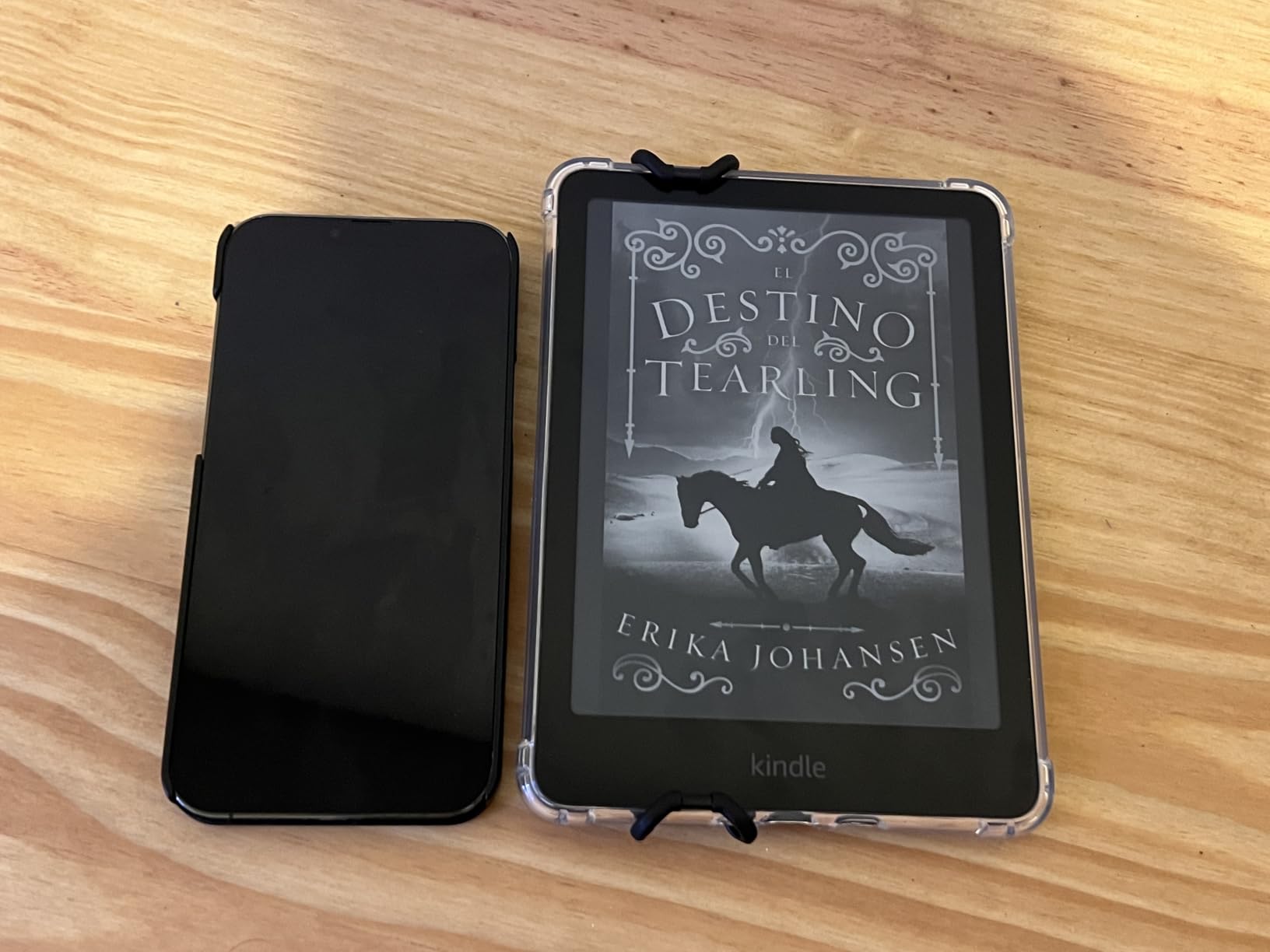
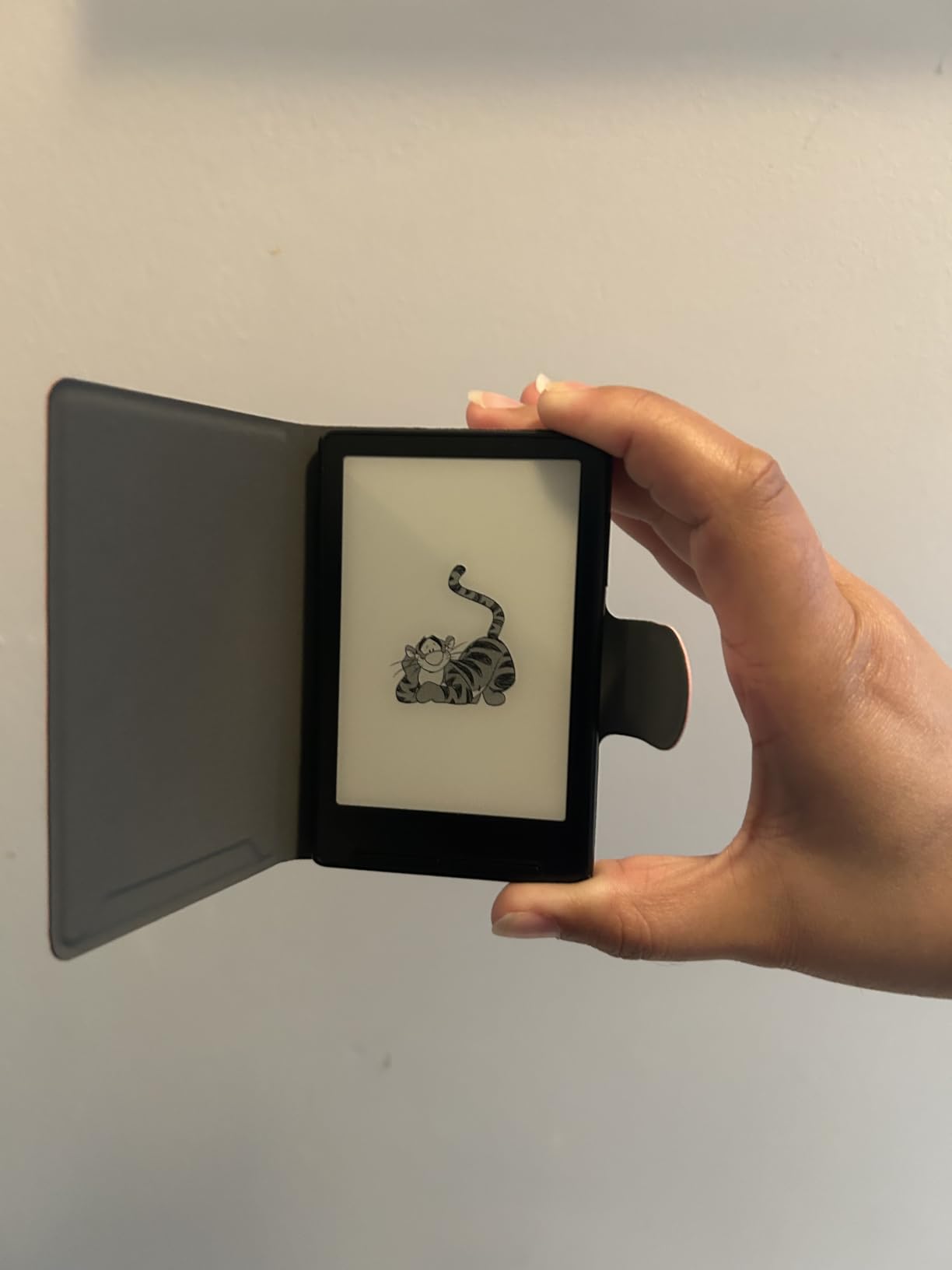
The XTEINK X3 is the budget e-reader for anyone who wants pocket-sized portability above all else. At 58 grams and 5.1mm thin, it is smaller than a smartphone and disappears in a coat pocket. For commuters, gym-goers, and readers who want a distraction-free alternative to doomscrolling, this is the most interesting budget pick of 2026.
I carried the X3 alongside my phone for a week of subway reading. The gyroscope page-turn sensor means tilting the device advances the page, which felt futuristic once I dialed in the angle. Physical buttons are also there for readers who prefer them. The Crosspoint firmware lets you customize reading modes, fonts, and even load apps like a clock or photo viewer.
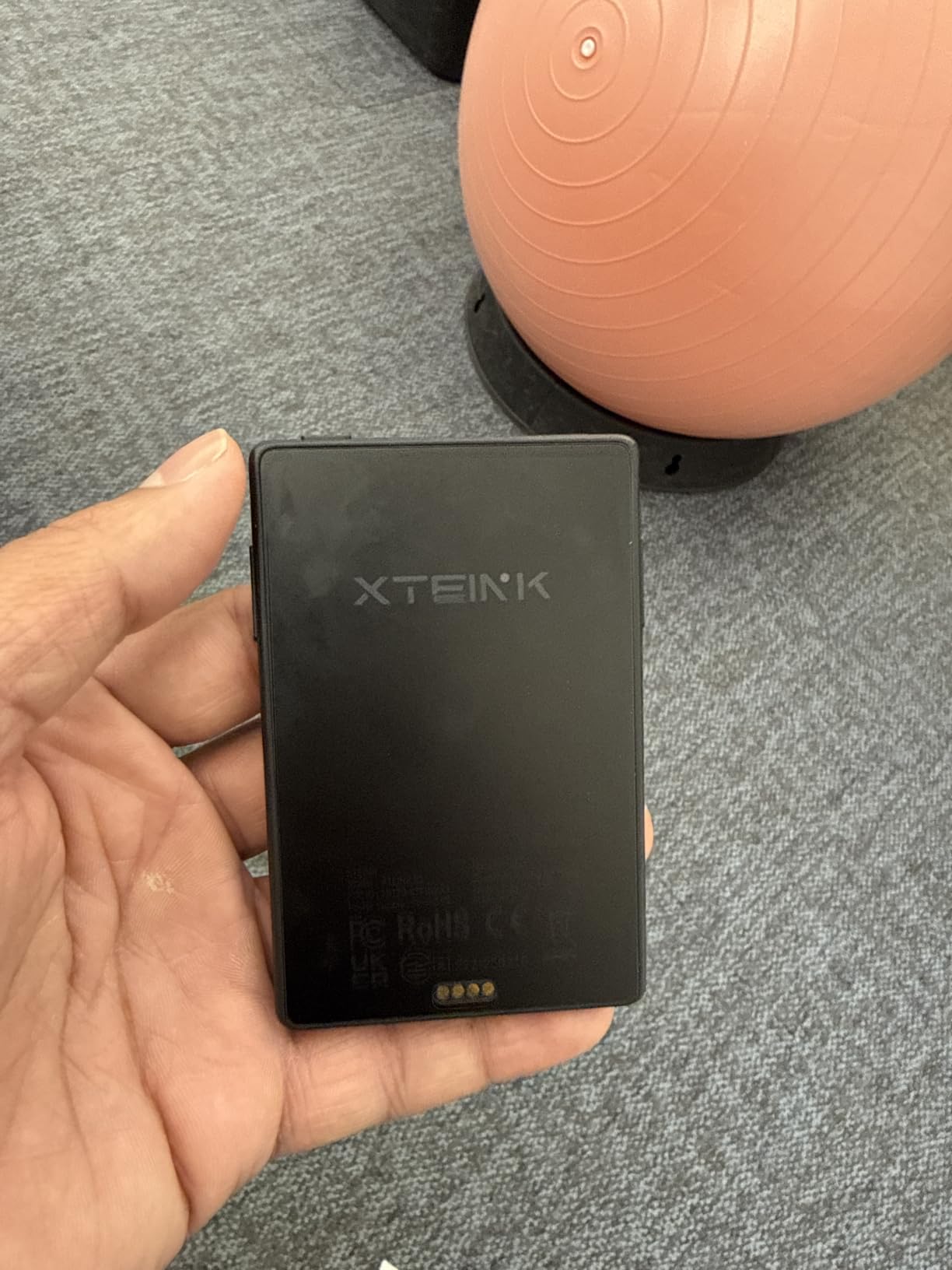
Expandable storage to 256GB is wild for a sub-budget reader. You can load a lifetime of ebooks, plus PDFs, manga, and personal documents. The high-aluminosilicate glass is sharper than plastic E Ink covers on competing pocket readers, though it is also more fragile.
The X3 is a specialist reader, not a daily driver. There is no backlight, which means no nighttime reading without a separate light source. The 3.7 inch screen is too small for serious PDF or academic reading. And the magnetic pogo-pin charger is unique but finicky if you lose the cable.
Who should buy the XTEINK X3
Readers who want a phone replacement for short reading sessions will love the size. Commuters who want pocket portability over a 6 inch screen should grab this. Anyone trying to break a phone doomscrolling habit gets a dedicated, distraction-free alternative. Tech enthusiasts who like tinkering with Crosspoint firmware get a fun device to customize.
If you read mostly short articles, fiction chapters, and web-saved articles, the X3 is a charming budget pick.
Who should skip it
Skip this if you read at night without a separate reading light. The lack of frontlight is a real limitation. Long-form readers who spend hours per session will find the 3.7 inch screen uncomfortable. Buyers who want a daily-driver e-reader should look at the Kobo Clara BW or Amazon Kindle instead.
How to Choose the Best Budget E-Reader: Buying Guide
Choosing a budget e-reader is mostly about matching your reading habits to the right tier. Below is the breakdown I wish I had when I bought my first e-reader. Use it to pick the model that fits your wallet and your library habits.
Budget tier breakdown: what you get at each price
The sub-100 tier is where refurbished and older flagships live. The renewed Nook GlowLight 4 and discounted Kindle Paperwhite 11th Gen are the strongest picks here. Expect basic waterproofing, 300 ppi screens, and 6 to 8GB of storage. Battery life is still measured in weeks, which is the real win.
The 100 to 150 tier is the budget sweet spot. The Amazon Kindle 16GB, Kobo Clara BW, and Kobo Aura all live here. You get current-generation E Ink Carta 1300 screens, IPX8 waterproofing on most models, and 16GB of storage. This is where first-time buyers get the most value.
The 150 to 200 tier adds premium features. The Kindle Paperwhite 7 inch and PocketBook Verse Pro sit here. You get larger screens, faster page turns, more format support, and audiobook compatibility. If you read daily and want a reader that lasts 5+ years, this tier pays off.
Kindle vs Kobo for budget buyers
Kindle and Kobo are the two dominant budget e-reader ecosystems, and the choice comes down to your library source. If you borrow from public libraries via Libby/OverDrive, Kobo is the cleaner path. If you buy mostly from the Kindle Store or use Kindle Unlimited, Amazon wins on integration. Kobo supports EPUB natively for sideloaders, while Kindle requires conversion or the Send to Kindle workflow.
For hardware, both brands deliver comparable screens, waterproofing, and battery life at each price tier. Kobo Clara BW vs Kindle Paperwhite is the most common comparison at the budget level. The Clara BW wins on library lending and open ecosystem. The Paperwhite wins on ecosystem polish, store size, and audiobook integration with Audible.
Refurbished and used e-reader strategy
Buying refurbished is the single biggest budget move you can make. Amazon Renewed, Woot, and manufacturer outlet stores sell refurbished Kindles, Kobos, and Nooks with warranties for 30 to 50 percent off retail. Reddit users consistently recommend refurbished flagships over new budget models for the better screen and build quality.
Look for “Like New” condition ratings, original packaging, and at least a 90-day warranty. The Kindle Paperwhite 11th Gen renewed and Nook GlowLight 4 renewed are the safest refurbished buys because they have been on the market long enough to confirm reliability. Avoid unknown sellers on eBay for ultra-cheap readers, as battery degradation and screen defects are common risks.
Best time to buy: seasonal sale patterns
Prime Day in July and Black Friday in late November are the two biggest e-reader sale windows. Kindle discounts often hit 30 to 40 percent off the regular price, and Kobo matches with similar drops. Back-to-school in August brings student discounts on Paperwhite Kids bundles. Refurbished inventory tends to spike after these events as buyers trade up to newer models.
If you can wait, the gap between Prime Day and Black Friday is usually the worst time to buy. Set a price alert on CamelCamelCamel for the specific Kindle or Kobo model you want, and buy when it hits your target price rather than waiting for a specific date.
Specs explained: ppi, E Ink, waterproof
300 ppi (pixels per inch) is the screen resolution threshold for sharp reading. Anything below 250 ppi shows visible pixelation on small fonts. All eight budget e-readers in this guide hit 300 ppi or its equivalent, so you are safe at this tier.
E Ink Carta 1300 is the current generation of black-and-white e-paper. It is faster and has higher contrast than older Carta 1200 panels. E Ink Kaleido 3 is the color version, with lower ppi for color content but still sharp for black-and-white text. IPX8 waterproofing means the device can survive 2 meters of freshwater for up to 60 minutes, which covers baths, pools, and beach reading.
Frequently Asked Questions
What is the best budget e-reader?
The Amazon Kindle Paperwhite 16GB (7 inch) is the best budget e-reader for most people in 2026. It delivers a 300 ppi glare-free display, IPX8 waterproofing, up to 12 weeks of battery life, and USB-C charging at the top of the budget tier. Library-first buyers should consider the Kobo Clara BW for native OverDrive support.
Is there a cheaper alternative to a Kindle?
Yes. The Kobo Clara BW is the strongest cheaper alternative to a Kindle. It uses the same E Ink Carta 1300 panel, includes IPX8 waterproofing, supports EPUB and MOBI natively, and integrates Libby/OverDrive for free library borrowing. The PocketBook Verse Pro is another strong alternative if you want physical page-turn buttons and wider format support.
Is Kobo really better than Kindle?
Kobo is better than Kindle for readers who borrow library books, sideload EPUBs, or want open format support. Kindle is better for buyers committed to the Kindle Store, Kindle Unlimited subscribers, and Audible audiobook listeners. Both brands deliver comparable hardware at budget prices, so the choice comes down to your library source and ecosystem preference.
What is the best e-reader under $100?
The renewed Barnes u0026amp; Noble Nook GlowLight 4 and the discounted Kindle Paperwhite 11th Gen are the best e-readers in the entry-level tier. The Nook delivers 32GB of storage, physical page-turn buttons, and a 300 dpi screen. The Kindle Paperwhite 11th Gen brings IPX8 waterproofing, a 6.8 inch 300 ppi display, and 10 weeks of battery life. Both are refurbished budget wins.
What is the best e-reader on a budget?
The Amazon Kindle 16GB (newest model) is the best budget e-reader for first-time buyers at its entry-level price. It keeps the 6 inch glare-free display, 6 weeks of battery, and 16GB of storage while dropping waterproofing and warm light. Stepping up to the Kobo Clara BW adds waterproofing and library lending, which is worth it for most readers.
Which is cheaper, Kindle or Kobo?
At the entry level, the Amazon Kindle 16GB is cheaper than the Kobo Clara BW. At the mid-range, Kobo and Kindle match closely with the Kobo Libra Colour and Kindle Paperwhite 7 inch sitting in the upper budget tier. Refurbished units flip the comparison, with renewed Kobos often hitting lower prices than renewed Kindles on third-party sellers.
Are cheap e-readers worth it?
Yes, cheap e-readers are worth it. Budget models across the entry, mid, and upper tiers use the same E Ink Carta panels as flagships, deliver weeks of battery life, and offer sharp 300 ppi text. The main compromises are smaller storage, no wireless charging, and basic front lights instead of auto-adjusting ones. For readers who just want a distraction-free reading device, budget models deliver 90 percent of the premium experience.
Final Verdict: The Best Budget E-Reader to Buy in 2026
The Amazon Kindle Paperwhite 16GB (7 inch) is the best budget e-reader for most buyers in 2026. Its combination of a 300 ppi 7 inch display, IPX8 waterproofing, 12 weeks of battery life, and 25 percent faster page turns makes it the most complete budget package Amazon sells. Library-first readers should grab the Kobo Clara BW instead for native OverDrive integration.
First-time buyers on a tighter budget get the most value from the entry-level Amazon Kindle 16GB. Bargain hunters willing to go refurbished should grab the renewed Nook GlowLight 4 or discounted Kindle Paperwhite 11th Gen. Whatever you pick, every reader on this list will outlast your phone for reading time and save your eyes for years to come.