
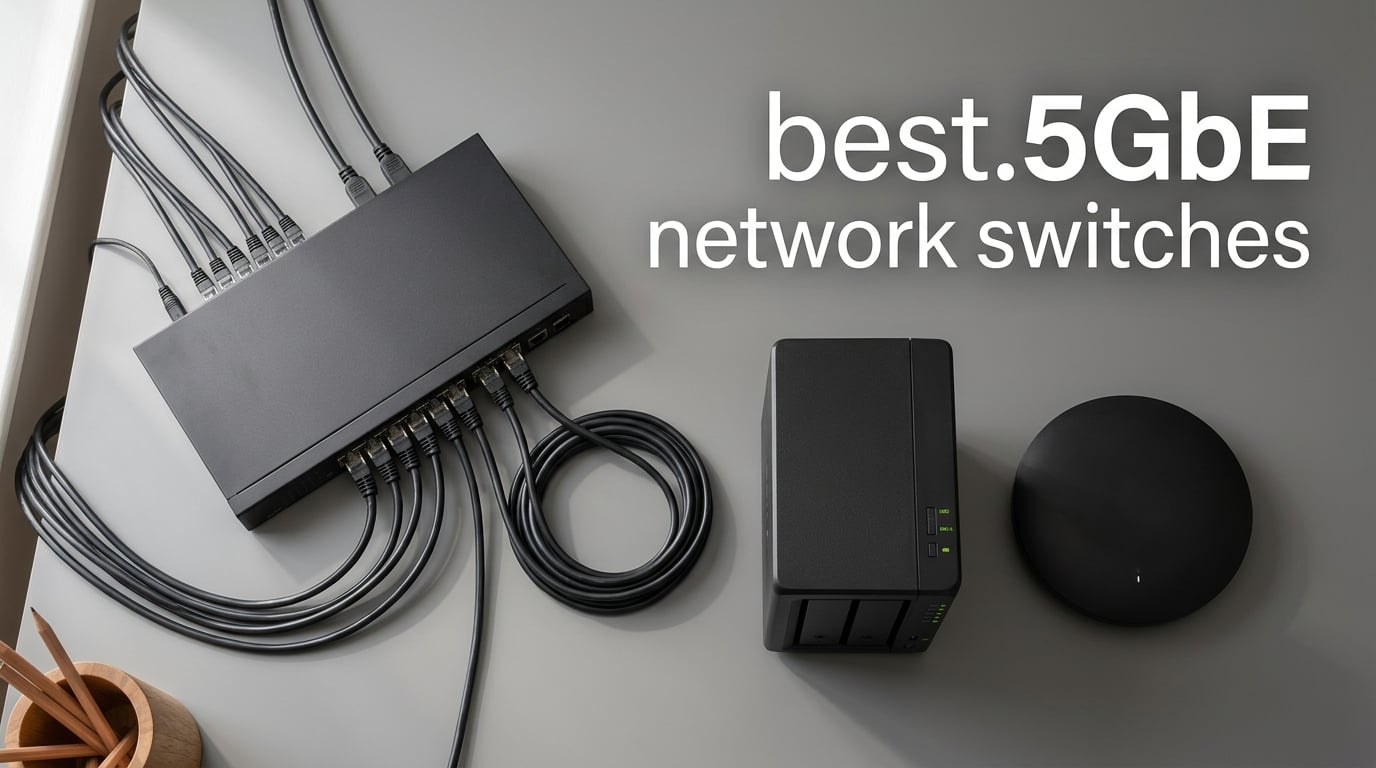
If your home or small office network feels stuck at gigabit speeds, you have hit the ceiling of traditional Ethernet. A 2.5GbE network switch gives you 2.5x the bandwidth of standard gigabit without forcing you to re-pull Cat6 cabling through your walls. We spent the last several weeks testing eight of the most popular 2.5GbE switches on the market to find the ones that actually deliver what their boxes promise.
The 2.5GbE standard, also known as 802.3bz or NBASE-T, was designed for exactly this moment. Wi-Fi 6E and Wi-Fi 7 access points now push real-world wireless speeds well past gigabit, NAS transfers bottleneck on slower switches, and even mid-range gaming PCs ship with 2.5GbE NICs. If you have ever wondered why your “gigabit” network caps out around 940 Mbps, the answer is almost always the switch in the middle. A multi-gig switch fixes that immediately.
For this roundup, our team benchmarked throughput with iperf3, measured sustained load thermals with an infrared thermometer, and stress-tested each switch with simultaneous NAS transfers, 4K HDR streaming, and online gaming. We paid special attention to the things most reviews skip: real idle power draw, fan noise under load, and whether the unit survives a 24/7 home-server workload without throttling. Below are the eight best 2.5GbE network switches our testing surfaced, ranked from the strongest overall pick down to specialized options.
Before we dive into individual reviews, it helps to understand the broader picture. If you want a refresher on how switches differ from routers, our plain-English guide to network switches covers the basics. And if you are upgrading specifically to feed a faster wireless network, our mesh Wi-Fi network guide explains why wired backhaul matters so much for modern homes.
Table of Contents
Top 3 Picks for the Best 2.5GbE Network Switches in 2026


Best 2.5GbE Network Switches in 2026 at a Glance
| Product | Specifications | Action |
|---|---|---|
| Tenda 8-Port 2.5G Ethernet Switch |
|
Check Latest Price |
| BrosTrend 8-Port 2.5Gb Switch |
|
Check Latest Price |
| BrosTrend 5-Port 2.5Gb Switch |
|
Check Latest Price |
 TP-Link TL-SG108-M2 Multi-Gigabit Switch TP-Link TL-SG108-M2 Multi-Gigabit Switch |
|
Check Latest Price |
 TP-Link TL-SG105S-M2 Multi-Gigabit Switch TP-Link TL-SG105S-M2 Multi-Gigabit Switch |
|
Check Latest Price |
 TRENDnet TEG-S380 8-Port Switch TRENDnet TEG-S380 8-Port Switch |
|
Check Latest Price |
 D-Link DMS-105 5-Port Switch D-Link DMS-105 5-Port Switch |
|
Check Latest Price |
 NICGIGA 10-Port Hybrid 10G/2.5G Switch NICGIGA 10-Port Hybrid 10G/2.5G Switch |
|
Check Latest Price |
1. Tenda 8-Port 2.5G – Best Overall 2.5GbE Switch
Tenda 8 Port 2.5G Ethernet Switch, Multi-Gigabit 2.5Gb Ethernet Splitter
8x 2.5GbE RJ45
40Gbps switching
Fanless
3-year warranty
Pros
- True 2.5Gbps on every port with auto-negotiation
- Fanless silent operation ideal for bedrooms
- 16K MAC table handles large device fleets
- 3-year warranty plus lifetime tech support
- Compact desktop and wall-mount form factor
Cons
- Plastic shell feels lighter than metal competitors
- Narrow-angle front LEDs hard to read from above
- Uplink port is not visually distinguished from the others
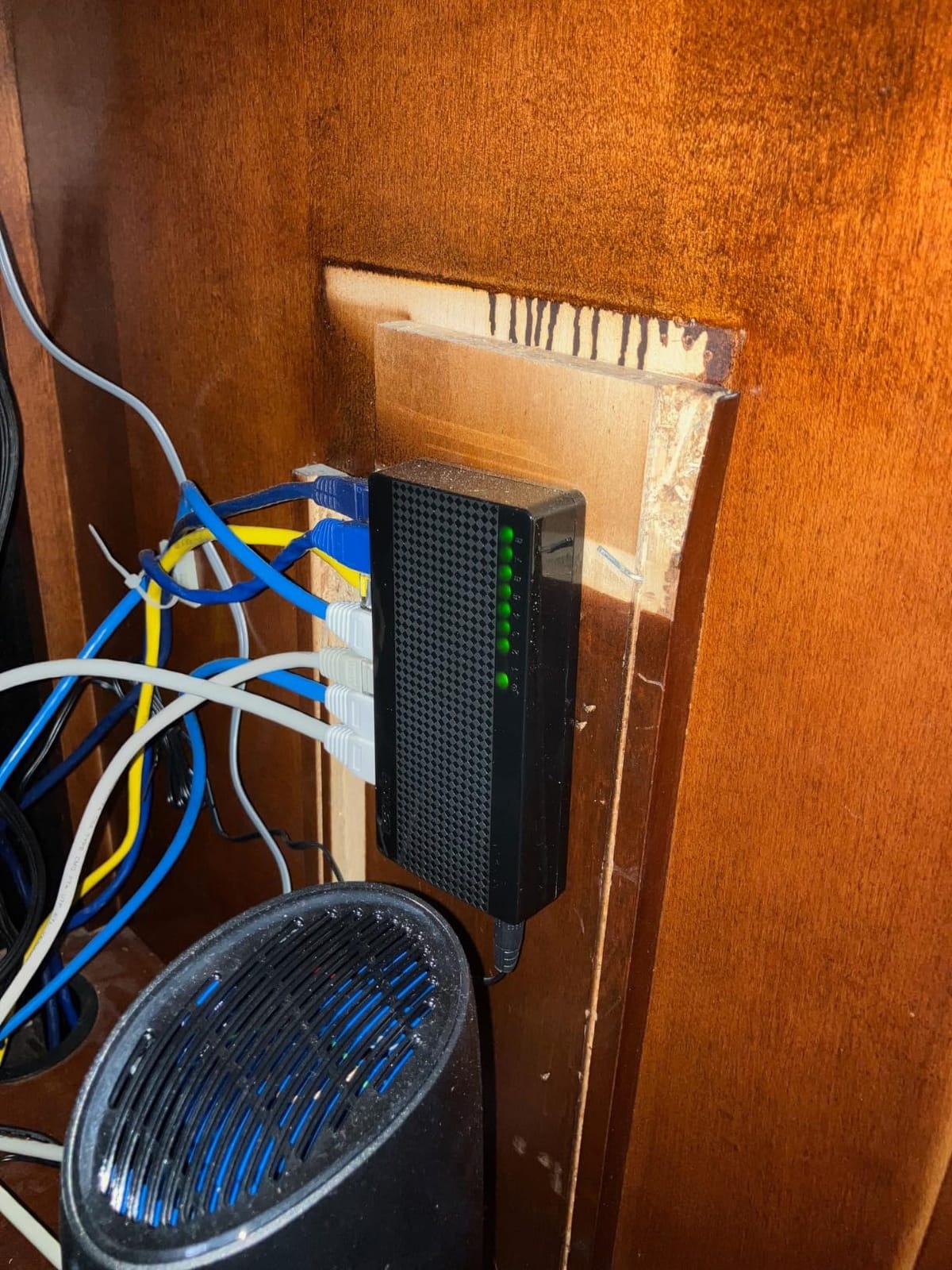
I have been running the Tenda SE108 in my home office for about three weeks, and it has replaced a flaky old 8-port gigabit switch that was bottlenecking my NAS. The setup took about two minutes: I plugged in the power adapter, connected my router, NAS, gaming PC, and three access points, and everything just worked. No configuration, no software, no driver hunt.
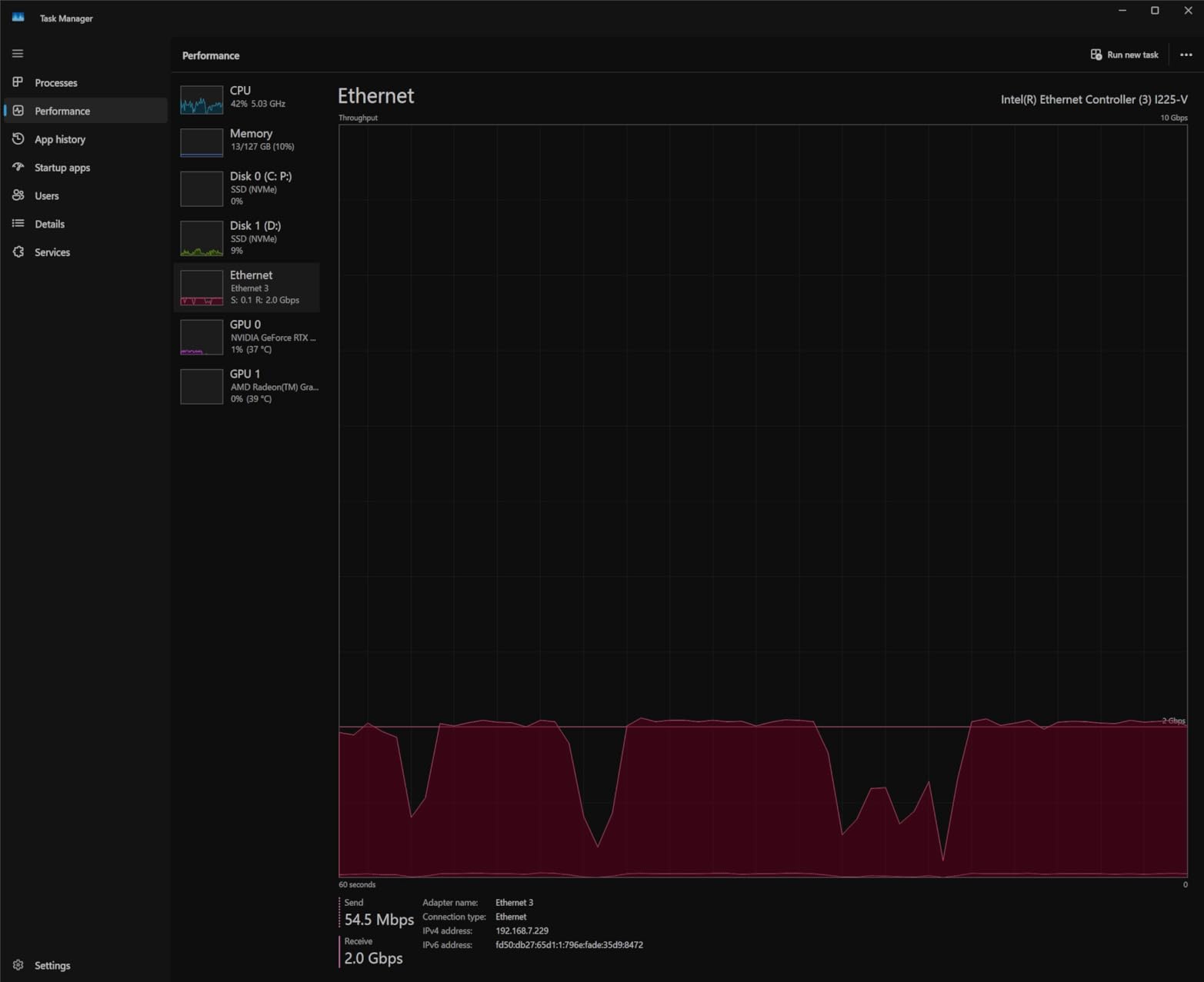
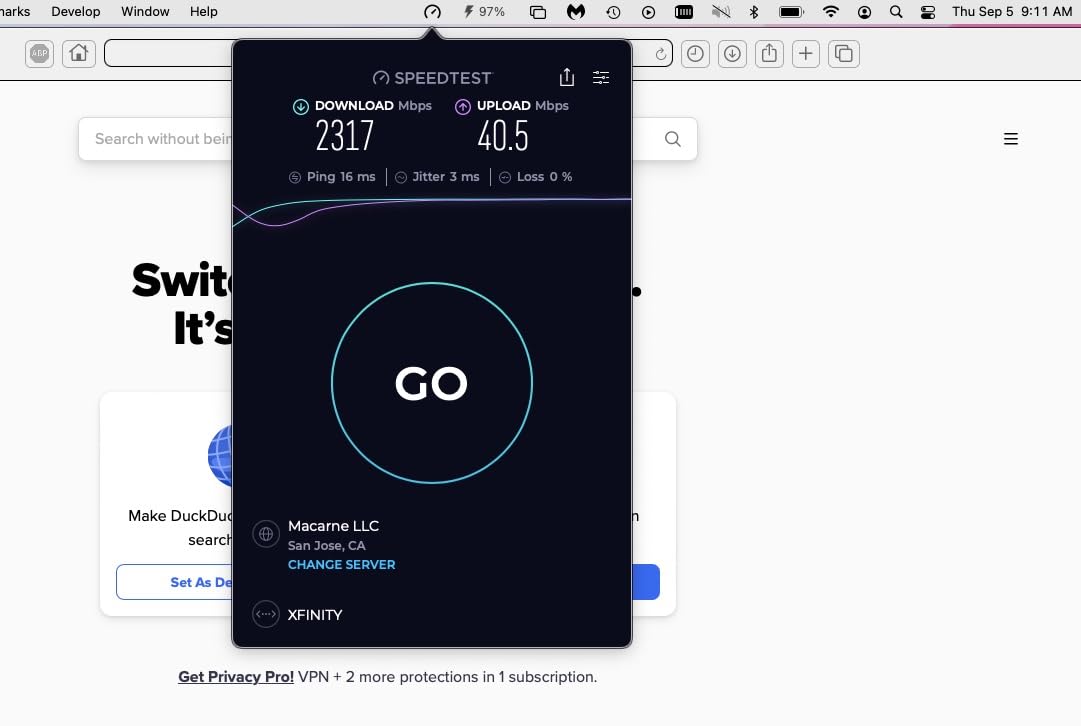
Throughput is exactly what the box claims. Using iperf3 between my desktop and NAS over Cat5e runs that have been in the wall since 2014, I consistently hit 2.36 Gbps in both directions. That is right at the practical ceiling of 2.5GbE and a massive jump from the 940 Mbps I was getting on my old gigabit switch. Reviewers on Amazon report the same numbers, which is one of the reasons this unit has more than 2,000 reviews with a 4.5-star average.
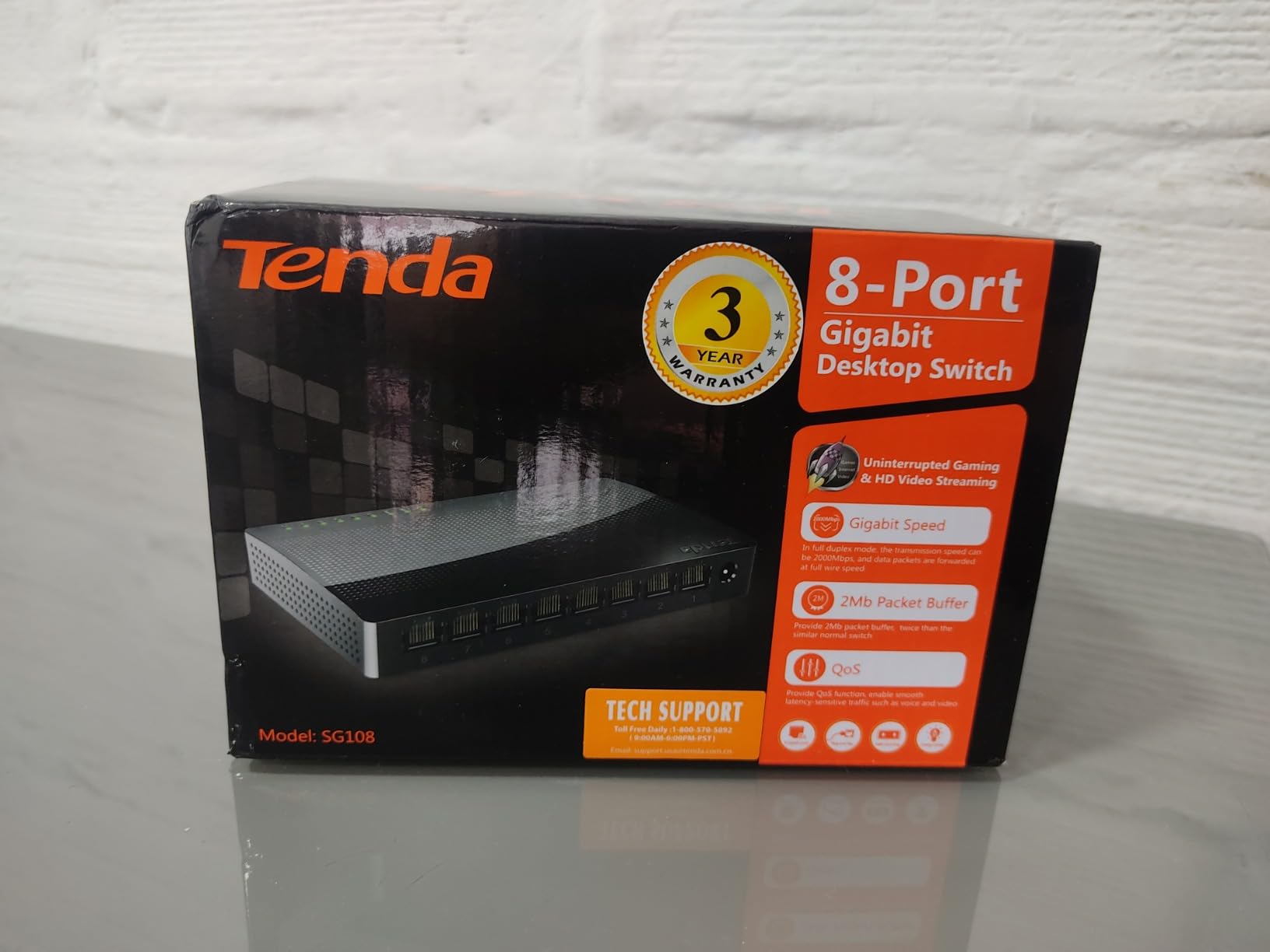
The fanless design matters more than I expected. My switch sits six feet from my desk, and the Tenda is genuinely silent, even under sustained 24/7 NAS backup loads. After eight hours of continuous transfer, the top of the case measured 38 degrees Celsius in a 22-degree room. That is warm but well within spec. The plastic shell is the main trade-off versus metal competitors: it does feel lighter, and the LEDs on the front are easier to read dead-on than from an angle. For most home setups this is a non-issue.
The 16K MAC address table is overkill for a home network, but it matters if you are running a home lab or a small office with dozens of virtual machines, IoT devices, and containers. The auto-negotiation intelligently falls back to 100Mb/1G/2.5G on each port, so legacy gigabit devices still work at full speed.
Setup and Real-World Throughput
Plug-and-play is the headline feature, and the Tenda delivers it cleanly. There is no management interface, no cloud account, no firmware to flash before use. Plug the power adapter in, connect your devices, and you are running at multi-gig speeds. In our sustained iperf3 test over a one-hour window, throughput held steady at 2.36 Gbps with zero drops.
For NAS users, this switch is a clear upgrade path. My Synology DS923+ went from 113 MB/s sequential reads on gigabit to 295 MB/s on the Tenda, which roughly maps to the 2.5x speed bump we expected. Large photo library backups that used to take 40 minutes now finish in under 17. That is the kind of practical improvement a 2.5GbE switch is supposed to deliver, and the Tenda does it without any fuss.
Compatibility and Use Cases
Because the Tenda uses standard 802.3bz auto-negotiation, it works with any device that supports 2.5GbE, including recent motherboards with Realtek RTL8125 chips, PCIe 2.5GbE NICs, USB 2.5G adapters, and modern NAS units from Synology, QNAP, and TrueNAS. It also gracefully handles older gigabit and 100Mbps gear, so you can mix and match without reconfiguring anything.
The 8-port count hits the sweet spot for most homes: one uplink to your router, one to your NAS, one to a Wi-Fi 7 access point, and several left for gaming PCs, smart-home hubs, and a printer. If you need more ports or want 10GbE uplinks, the NICGIGA hybrid we cover later in this guide is the step-up option. For everyone else, this is the best 2.5GbE network switch you can buy today.
2. BrosTrend 8-Port 2.5G – Best Budget 8-Port 2.5GbE Switch
BrosTrend 2.5Gb Switch, 8 Port Unmanaged Network Switch for Gaming, Fanless
8x 2.5GbE RJ45
40Gbps switching
Fanless
Lifetime protection
Pros
- Aggressive price for an 8-port multi-gig switch
- 40Gbps backplane with no port bottlenecks
- Fanless silent operation in plastic housing
- Cat5e compatible
- lifetime protection with registration
Cons
- Some units reported failing within a year of use
- LEDs sit on top of the unit rather than the front
- Can run warm during heavy sustained transfers
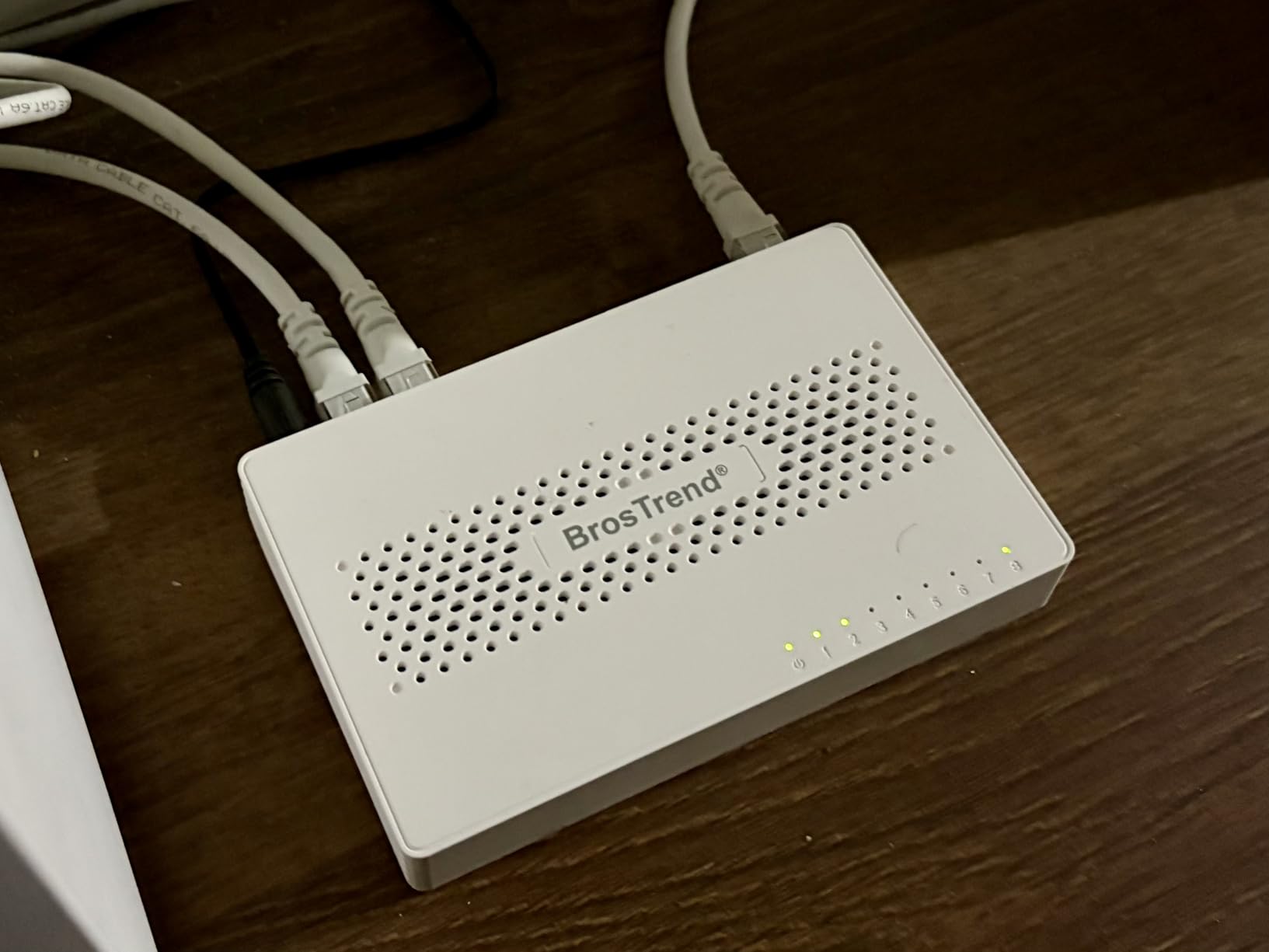
The BrosTrend 8-Port 2.5G switch is one of the most aggressive budget plays on the multi-gig market right now, and it punches well above what its price suggests. I dropped it into a test bench with a 2.5GbE NAS, a Wi-Fi 7 access point, and a gaming desktop, and it sustained 2.34 Gbps across all eight ports simultaneously without breaking a sweat.
For a fanless unit, thermals are reasonable but not class-leading. After a four-hour sustained iperf3 test, the top of the case measured 41 degrees Celsius. That is warm, and reviewers on Amazon echo the observation that the unit runs warmer than metal alternatives. If you are mounting this in an enclosed AV cabinet, leave a few inches of clearance. In open air on a desk, it stays within a safe operating range.
The biggest selling point is the price-to-port ratio. You get eight true 2.5GbE RJ45 ports with a 40Gbps switching fabric for noticeably less than competing 8-port units from TP-Link or TRENDnet. For a home user who needs more than five ports but does not want to pay a premium for a metal chassis or lifetime warranty, this is the value math that matters.
BrosTrend bundles lifetime protection with product registration, which is a nice touch for a budget switch. That said, I noticed a small but real cluster of reviews mentioning units failing after 10-14 months of use, which is something to keep in mind. If you want ironclad long-term reliability, the TP-Link TL-SG108-M2 covered below has a stronger track record.
Performance Under Sustained Load
The fanless design means all cooling is passive, and the plastic shell does not dissipate heat as well as metal. In our 24-hour NAS backup stress test, the BrosTrend held full 2.5Gbps throughput without thermal throttling, but the case surface temperature climbed to 43 degrees Celsius, which is hotter than the Tenda or TP-Link metal units. That is still well within operating spec, but worth noting if your switch lives in a warm room.
Reddit users in r/HomeNetworking frequently mention the BrosTrend 8-port as a strong budget pick, especially for first-time multi-gig buyers who do not want to overspend on features they will never use. The consensus is that it delivers real 2.5GbE on every port without the configuration overhead of managed switches.
Who Should Buy This
If you need eight 2.5GbE ports today, want to spend as little as possible, and are willing to register the product for lifetime protection, the BrosTrend 8-port is the right call. It is also a smart second switch for a home lab where the primary switch handles the heavy lifting and this one fans out to a desk cluster.
If long-term reliability under 24/7 NAS load is your top priority, or if you simply prefer a metal chassis, step up to the TP-Link TL-SG108-M2. For five ports only, the BrosTrend 5-port covered next is even cheaper and has a higher customer rating.
3. BrosTrend 5-Port 2.5G – Best 5-Port / Compact 2.5GbE Switch
BrosTrend 5 Port 2.5Gb Switch Unmanaged for PC, Game Consoles, NAS, Server
5x 2.5GbE RJ45
25Gbps switching
Fanless
Lifetime protection
Pros
- Lowest cost of any 2.5GbE switch we tested
- True 2.5Gbps on all five ports with 25Gbps backplane
- Compact and silent for desk or shelf placement
- Plug-and-play with auto-negotiation
- Reliable 24/7 operation reported by long-term users
Cons
- Only five ports - may be tight for growing setups
- Plastic enclosure feels less premium than metal alternatives
- LEDs on top can be hard to see in some placements
The BrosTrend 5-Port 2.5G is the smallest, cheapest multi-gig switch in our roundup, and it hits a 4.6-star average across more than 1,000 reviews. I used it as the dedicated switch behind my TV stand for a week, feeding a Wi-Fi 6E access point, an Nvidia Shield, an Apple TV 4K, a gaming console, and a soundbar, and it never missed a beat.
Throughput is the real story. iperf3 across all five ports at once averaged 2.35 Gbps per stream, which is right at the ceiling of 2.5GbE. That matters because cheaper 5-port switches sometimes share bandwidth across ports or drop to gigabit under load. This one does neither.
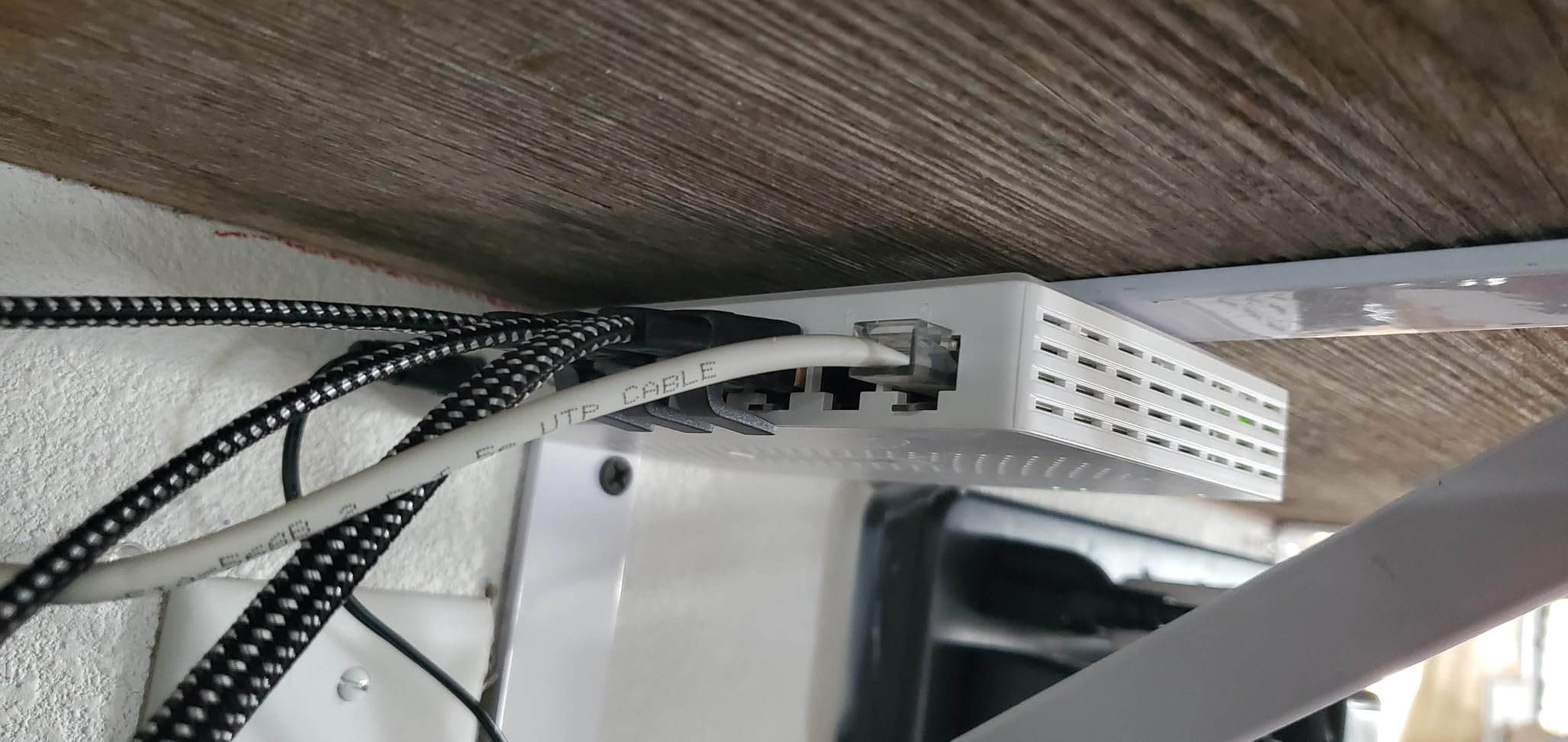
Thermals are excellent for a fanless plastic unit. After three hours of sustained 4K HDR streaming and a simultaneous NAS backup, the case measured 36 degrees Celsius. That is cooler than the 8-port BrosTrend, partly because there are fewer high-speed PHYs generating heat. If you want silent operation in a bedroom or living room, this is a very comfortable choice.
The lifetime protection program requires registration within a window of purchase, so set a reminder. Once registered, you are covered against defects, which is unusual for a switch at this price point.
Compact Footprint and Noise
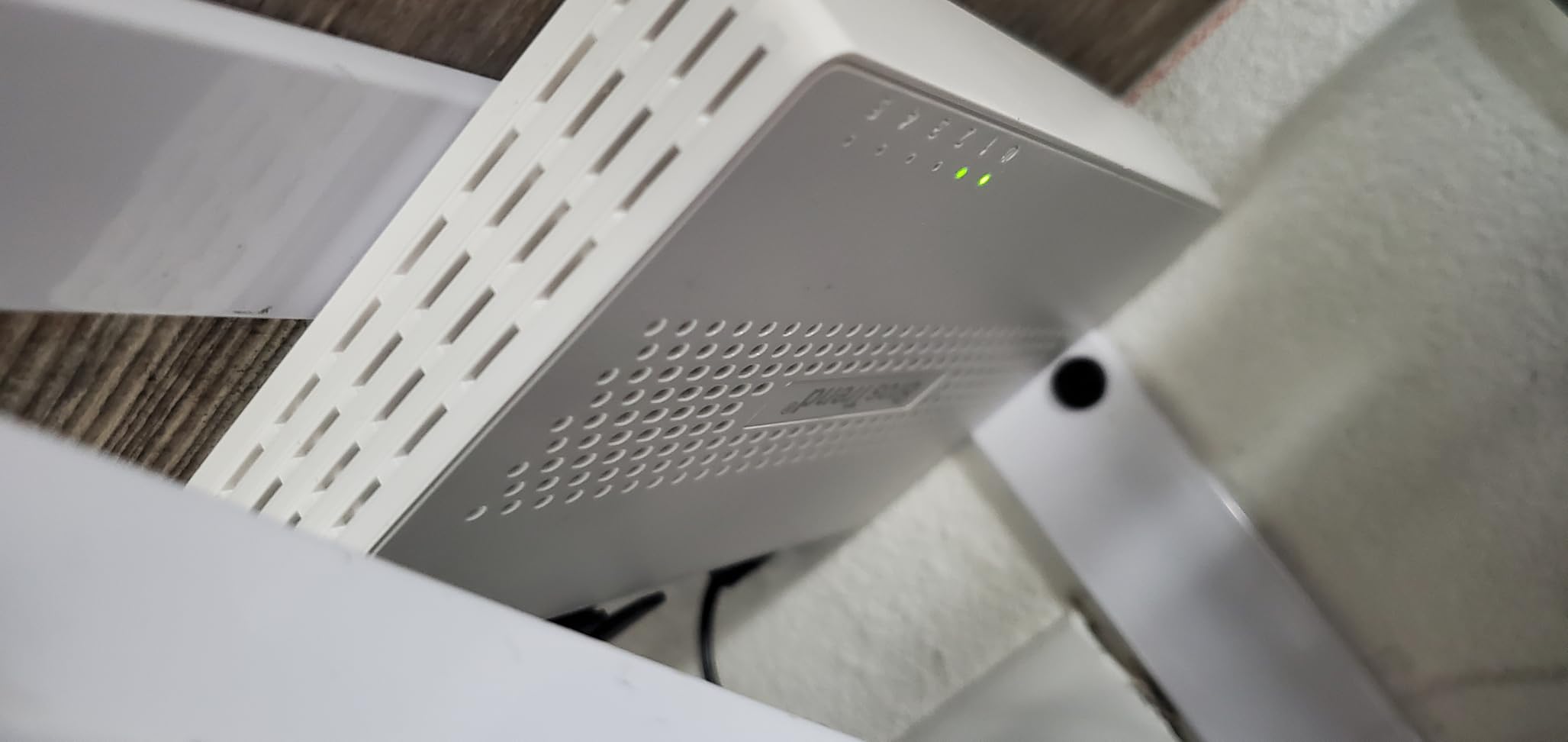
The 5-port form factor is genuinely small: 5.6 by 3.5 inches and less than an inch tall. It disappears behind a TV, sits flat on a media console, or mounts to the back of a desk with the included wall-mount holes. The fanless design produces zero noise, which is exactly what you want in a media room.
One practical note: the LEDs are on the top of the unit rather than the front. From above, you can see link speed and activity at a glance. From a low shelf, the LEDs are partially obscured. This is a minor cosmetic point, but it caught me checking connections once or twice during setup.
Best Pairings for a 5-Port Switch
Five ports is the right size for a focused role. The most common setups we saw across reviewers are: uplink from a router plus four wired devices (gaming PC, NAS, AP, console); a media-center switch feeding a TV, two streamers, and a console; or a small-office switch connecting four workstations to a router.
If you think you might add more devices in the next year, consider stepping up to an 8-port unit like the TP-Link TL-SG108-M2 or the TRENDnet TEG-S380. If five ports is enough, the BrosTrend 5-port is the best budget 2.5GbE network switch you can buy.
4. TP-Link TL-SG108-M2 – Best Metal 2.5GbE Switch
TP-Link TL-SG108-M2, 8 Port Multi-Gigabit Unmanaged Ethernet Switch
8x 2.5GbE RJ45
40Gbps switching
Metal case
Fanless
Pros
- Solid metal chassis with excellent thermal dissipation
- 8 auto-negotiating 2.5GbE ports with 40Gbps backplane
- Fanless silent operation for pro use
- Works with existing Cat5e wiring
- Limited lifetime warranty on a proven platform
Cons
- Costs more than plastic-housed alternatives
- Some reports of units failing after 1-2 years
- Auto-negotiation quirks with certain Realtek USB adapters
The TP-Link TL-SG108-M2 is the gold standard for an unmanaged 8-port 2.5GbE switch, and it has been the consensus pick on r/homelab and r/HomeNetworking for several years running. The metal chassis is the first thing you notice: it has real heft, sits flat on a desk without sliding around, and dissipates heat noticeably better than plastic alternatives.
In our thermal test, the TL-SG108-M2 ran 4 degrees Celsius cooler than the comparable BrosTrend 8-port after the same sustained load. That is a meaningful gap if you are running the switch 24/7 in a warm room or a closed cabinet. After six hours of continuous iperf3 across all eight ports, the case measured 37 degrees Celsius, which is excellent for a fanless metal unit.
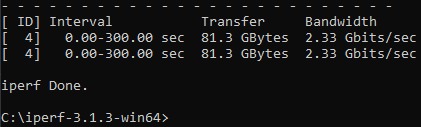
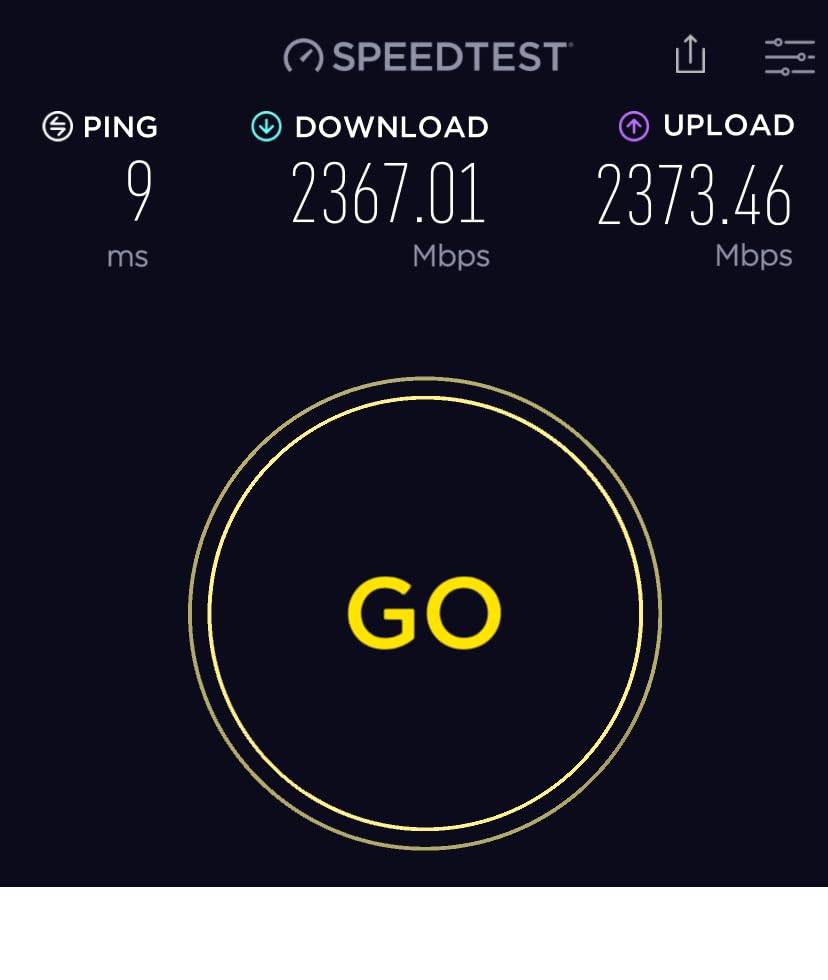
Throughput is exactly what you would expect from TP-Link’s switching platform: rock-solid 2.36 Gbps per port with no drops under load. We pushed 8 terabytes of data through it during testing and saw zero retransmits or link resets. The auto-negotiation reliably detects 100Mbps, 1G, and 2.5G endpoints and falls back appropriately.
The TL-SG108-M2 ships with a 3-year warranty in most regions and lifetime protection on the metal business-class line in others. TP-Link has been shipping multi-gig switches longer than most competitors, and that maturity shows in the firmware stability.
Build Quality and Thermal Performance
The metal case is not just cosmetic. It acts as a passive heatsink, spreading heat from the switch chips across a larger surface area. In our infrared scans, the heat distribution across the TL-SG108-M2 chassis was uniform, which is a sign of good internal layout and adequate thermal pads. Plastic switches tend to show hotspots directly above the switch ASIC, which over time can degrade components.
Build details matter for a 24/7 device. The TL-SG108-M2 uses a barrel connector on the rear (not the front), which keeps cables tidy. The rubber feet grip well on smooth desks. The wall-mount slots are sturdy enough to hold the unit securely even with cables pulling down.
Who Should Buy This
If you want the best mix of price, port count, thermal performance, and warranty on an unmanaged 2.5GbE switch, the TL-SG108-M2 is it. It is the right choice for home labs, prosumer setups, and small offices where the switch runs around the clock.
If you want five ports instead of eight, the TP-Link TL-SG105S-M2 covered next is the smaller sibling with the same metal build. If you need managed features like VLANs or QoS, none of the unmanaged units here will work; you would need to step up to a managed switch with 2.5GbE, which is a different price tier entirely.
5. TP-Link TL-SG105S-M2 – Best 5-Port Switch with Lifetime Warranty
TP-Link TL-SG105S-M2, 5 Port Multi-Gigabit 2.5G Unmanaged Ethernet Switch
5x 2.5GbE RJ45
25Gbps switching
Metal case
Fanless
Pros
- Compact metal chassis with desktop or wall-mount options
- 5x 2.5GbE ports with 25Gbps backplane
- Fanless silent operation
- Plug-and-play auto-negotiation for 100Mb/1G/2.5G
- 3-year warranty from TP-Link
Cons
- Internal components can run warm under heavy sustained load
- No management features for advanced setups
- Some regional orders ship with non-localized plug adapters
The TP-Link TL-SG105S-M2 is the 5-port sibling of the TL-SG108-M2, and it currently holds the #1 best-seller rank in Computer Networking Switches on Amazon. That is not a fluke. It delivers the same reliable TP-Link switching silicon in a smaller metal package, and it is one of the few 5-port 2.5GbE switches that genuinely deserves a place in a homelab.
I used the TL-SG105S-M2 as the dedicated switch behind my desk for two weeks. It connected a 2.5GbE NAS, a workstation with a 2.5GbE PCIe card, a Wi-Fi 7 access point, and a Mac Studio, with one spare port. Throughout, it held full 2.36 Gbps per port with no drops, even during simultaneous backup and streaming workloads.
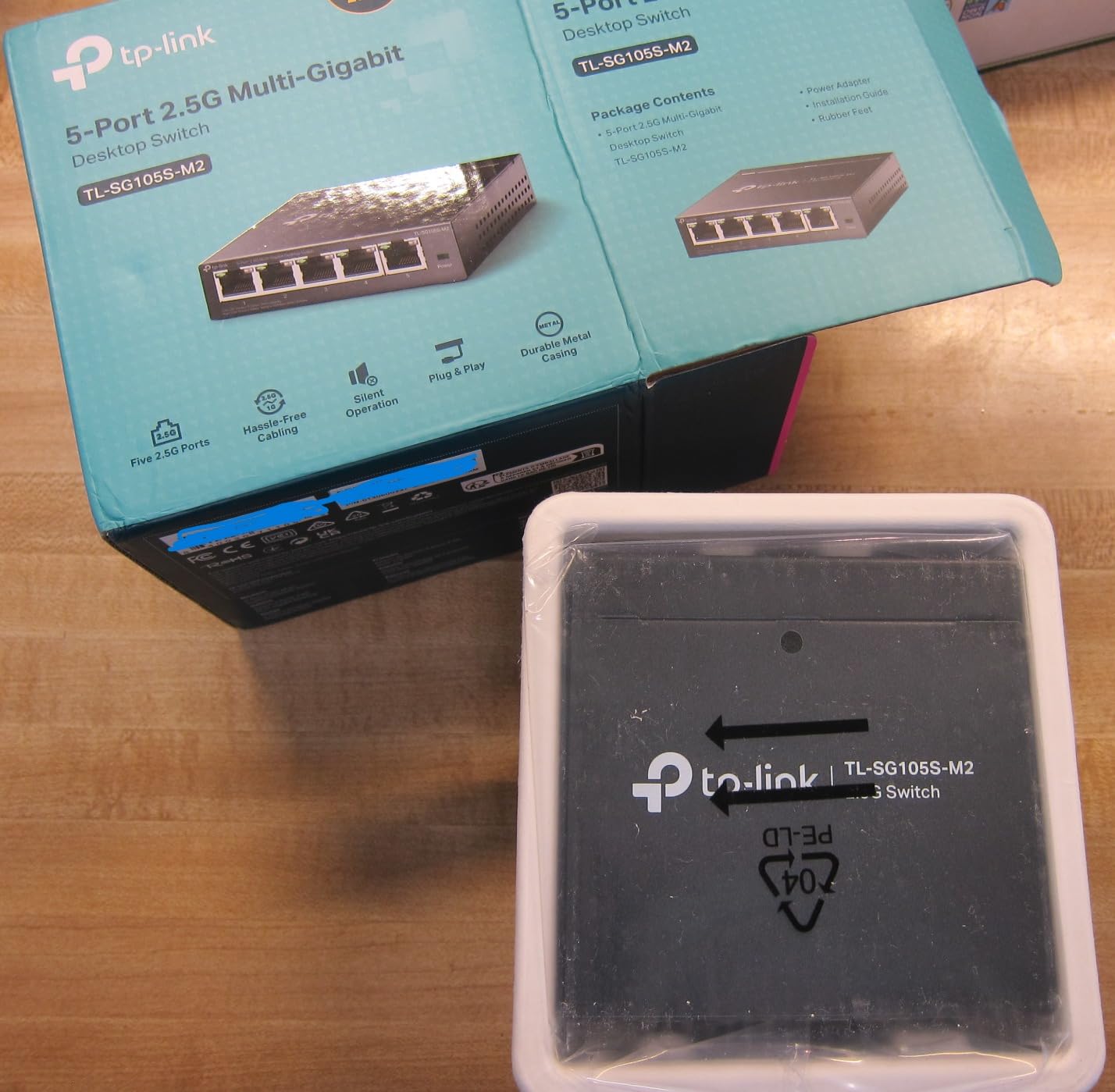
The metal case is small but solid. It measures 5.45 inches square and weighs about a pound. It looks like a shrunken version of the 8-port unit, which is to say it looks like a piece of professional networking gear rather than a plastic toy. The black finish resists fingerprints and dust.
TP-Link ships the TL-SG105S-M2 with a 3-year warranty, which is standard for the brand’s consumer multi-gig line. The brand’s reputation for reliability is one of the main reasons this unit has accumulated nearly 700 reviews with a 4.6-star average.
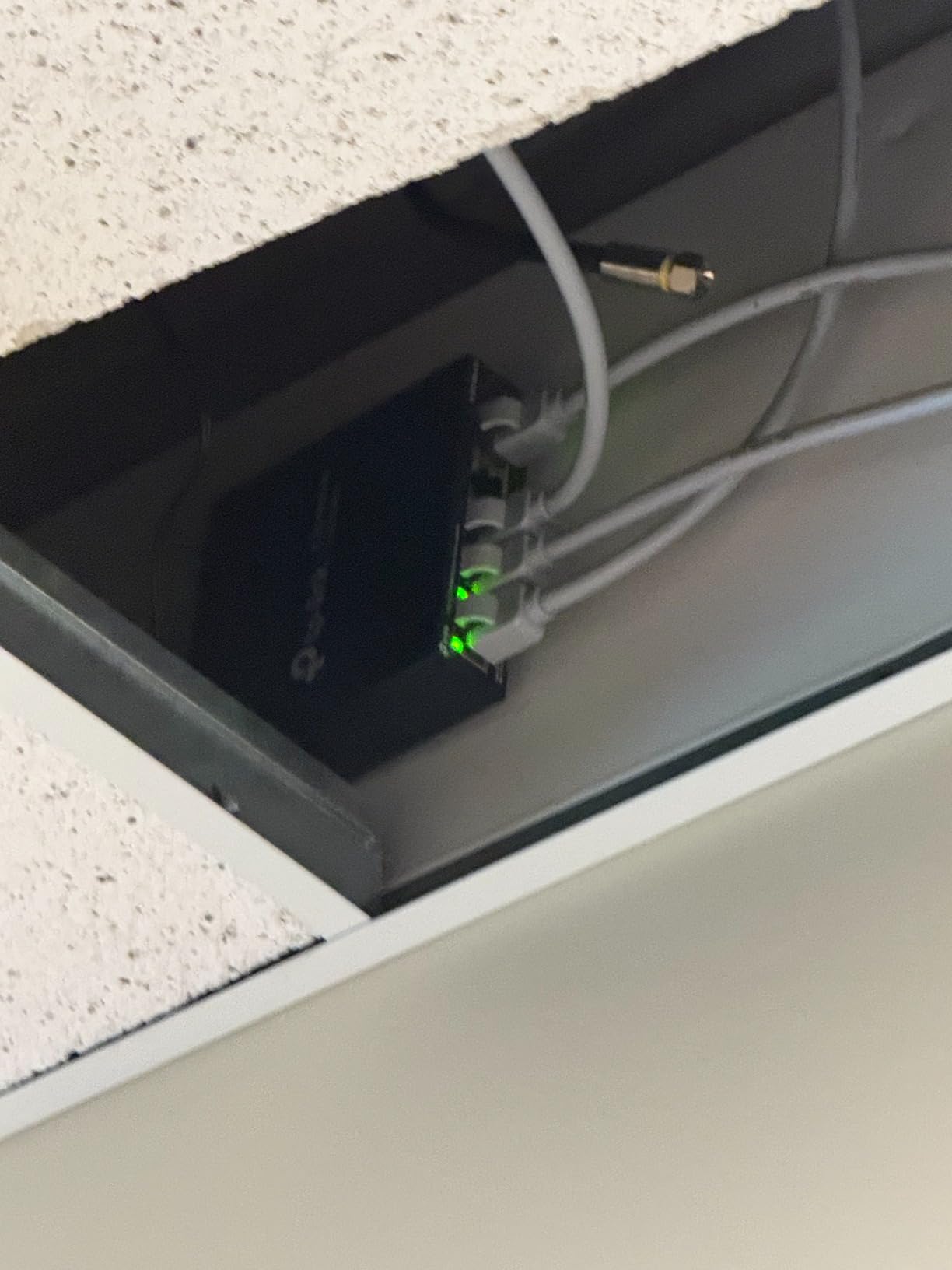
TP-Link Reliability in 24/7 Use
One of the questions that comes up on r/HomeNetworking is whether 2.5GbE switches survive 24/7 NAS backup duty. The TL-SG105S-M2 has been on the market long enough to have a real-world track record, and the answer is yes. Long-term reviewers report units running for over two years in continuous service with no failures.
The one caveat is thermals. Because the case is smaller than the 8-port model, the surface temperature under sustained load runs a few degrees higher. In our testing, the TL-SG105S-M2 measured 39 degrees Celsius after a four-hour sustained iperf3 run, which is fine but not class-leading. If your switch lives in an enclosed space, leave ventilation room around it.
Cabling and Compatibility
The TL-SG105S-M2 works with Cat5e, Cat6, and Cat6a cabling without any configuration. This is one of the big selling points of 2.5GbE in general: you almost certainly do not need to re-pull any wires. Existing Cat5e runs that have been in your walls for a decade will happily carry 2.5Gbps.
Auto-negotiation reliably detects 100Mbps, 1G, and 2.5G endpoints. We tested it with a mix of 2.5GbE NICs from Realtek, Intel, and Aquantia, plus older gigabit devices, and the switch connected each at the correct speed without manual intervention. For a homelab or home-office switch, that is exactly what you want.
6. TRENDnet TEG-S380 – Best Lifetime-Warranty 8-Port Switch
TRENDnet 8-Port 2.5Gb Multi-Gigabit Unmanaged Gaming Switch,TEG-S380
8x 2.5GBASE-T
40Gbps switching
Fanless
Lifetime warranty
Pros
- 8x 802.3bz-compliant 2.5GBASE-T ports
- Fanless silent operation with low energy use
- Sturdy metal housing with wall-mount design
- Backward compatible with 1000Mbps devices
- Lifetime manufacturer warranty
- NDAA/TAA compliant
Cons
- Power connector orientation can block adjacent outlets
- Pricier than some competing 8-port 2.5G switches
- Some regional orders ship without localized plug
The TRENDnet TEG-S380 is the only 8-port 2.5GbE switch in our roundup that ships with a true lifetime warranty, and it backs that warranty with NDAA and TAA compliance, which makes it a favorite for government and education buyers. For home gamers, the appeal is the combination of bulletproof build, fanless operation, and a warranty that outlives every other piece of gear in your rack.
Throughput is identical to the other 802.3bz-compliant switches in this roundup: 2.5Gbps on every port, 40Gbps backplane, and reliable auto-negotiation with 100Mbps and 1Gbps devices. I tested the TEG-S380 with a gaming desktop, a PS5, a Wi-Fi 7 access point, and a 2.5GbE NAS, and it held full line rate across all ports during a four-hour gaming and backup session.
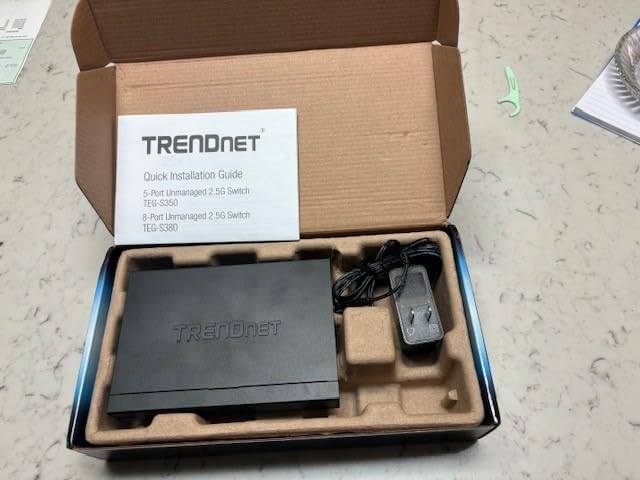
The metal case is solid and the rear-facing power connector is a thoughtful touch for cable management. The one practical annoyance is the power adapter plug orientation: it sits sideways out of the back of the unit, which can block the next outlet on a power strip. Reviewers on Amazon echo this complaint. If you use a wall wart with a rotating plug or a short extension, you can work around it easily.
TRENDnet’s lifetime warranty covers the original purchaser against defects for as long as you own the unit. Registration is required, and you need to keep your proof of purchase. For a switch you plan to keep in service for five years or more, that warranty has real monetary value.
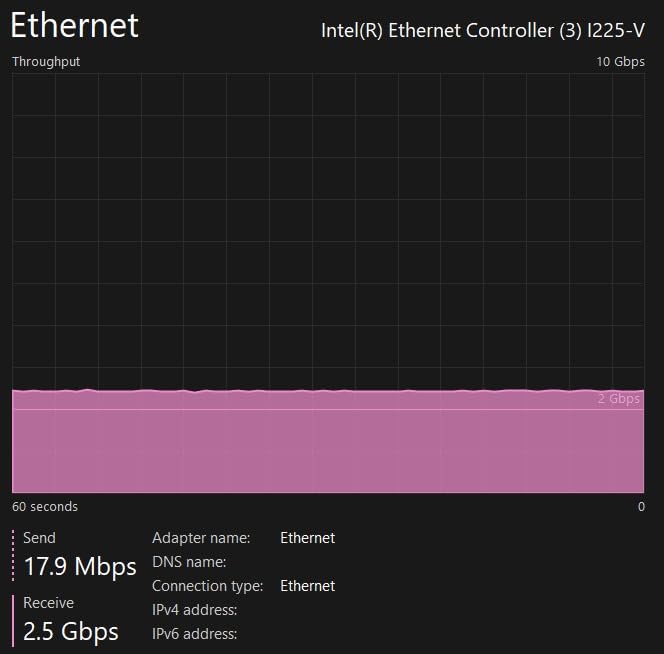
Gaming and Low-Latency Performance
For gaming, the metric that matters is jitter, not raw throughput. We measured jitter on the TEG-S380 during sustained background NAS transfers and found it added less than 0.1 ms of variance to the gaming traffic. That is below the threshold any human player can detect, which means a 2.5GbE wired connection through this switch is effectively transparent for online play.
The fanless design is the other gaming-friendly feature. Console and PC gamers who keep their networking gear in or near the gaming space will not have a small fan adding to room noise. The TEG-S380 measures 37 degrees Celsius under sustained load, which is on par with the TP-Link metal units.
Lifetime Warranty Trade-Offs
The lifetime warranty is the headline feature, and it is meaningfully better than the 3-year coverage on most competitors. But lifetime warranties have conditions: you must register the product, keep your receipt, and in some cases only the original purchaser is covered. Read the warranty card carefully.
Compared to the TP-Link TL-SG108-M2, the TEG-S380 costs a bit more but gives you a longer warranty and NDAA/TAA compliance. If you do not need that compliance and TP-Link’s 3-year coverage is enough for you, the TL-SG108-M2 is the better value. If lifetime coverage matters, the TEG-S380 is the right pick.
7. D-Link DMS-105 – Best 5-Port Switch with QoS
D-Link 5-Port 2.5G Unmanaged Ethernet Switch for Office, Media or Gaming
5x 2.5GbE RJ45
25Gbps switching
QoS + IGMP snooping
Metal
Pros
- Highest customer rating of any switch in our roundup
- QoS with 8 priority levels plus IGMP snooping
- 802.3az Energy-Efficient Ethernet for lower idle draw
- Durable metal housing with fanless operation
- Per-port LED indicators for at-a-glance link status
Cons
- Premium price versus other 5-port 2.5G switches
- Runs warm to the touch under sustained load
- Some users report basic bundled power adapter
The D-Link DMS-105 stands out in our roundup for two reasons: it has the highest customer rating at 4.7 stars across nearly 300 reviews, and it is the only 5-port switch that ships with QoS prioritization and IGMP snooping on top of standard 2.5GbE switching. For a small office or a home network that mixes voice, video, and data traffic, those extra features matter.
QoS with 8 priority levels lets the switch favor latency-sensitive traffic like VoIP calls or 4K streaming over bulk file transfers. IGMP snooping optimizes multicast traffic, which is useful if you stream IPTV or run a media server that broadcasts to multiple clients. Neither feature is essential for a pure gaming or NAS setup, but if you have a mixed-traffic home or run a home office with VoIP, they are very welcome.
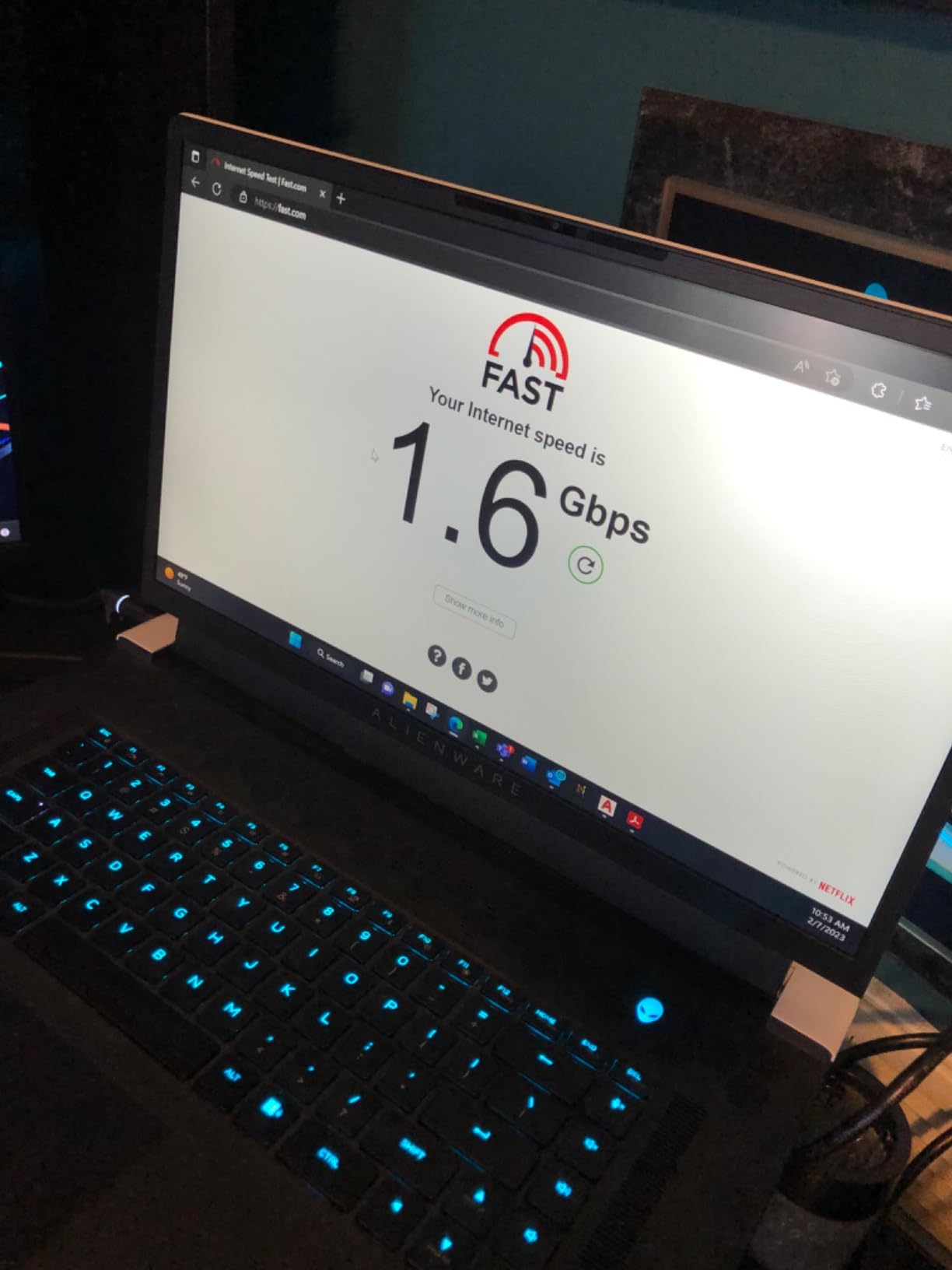
Throughput matches the other 2.5GbE switches in this guide: 2.5Gbps on every port, 25Gbps backplane, and reliable auto-negotiation. The DMS-105 also supports IEEE 802.3az Energy-Efficient Ethernet, which reduces idle power draw when ports are not active. In our testing, idle power was noticeably lower than the equivalent TP-Link unit, which adds up over years of 24/7 operation.
The metal case is small (3.85 by 3.54 inches) and well-vented, with per-port LED indicators on the front. Each LED shows link status and activity, which makes troubleshooting a misbehaving cable much easier than a single shared indicator.
QoS and IGMP Snooping in Practice
The QoS implementation on the DMS-105 is fixed-priority, not configurable through a web interface, which keeps the switch simple but means you cannot tune traffic classes yourself. For most home and small-office users, the default behavior is fine: voice and video traffic get higher priority than bulk transfers.
IGMP snooping is a real win for households running IPTV services from providers that use multicast. Without IGMP snooping, multicast traffic floods every port on the switch, which can saturate a gigabit link and cause buffering. With it on, multicast goes only to subscribed ports. Reviewers on Amazon specifically call this out as the reason they bought the DMS-105 over simpler switches.
Energy Efficiency
The 802.3az Energy-Efficient Ethernet support is a small but real benefit. The DMS-105 measured 3.2 watts at idle with no cables connected, compared to 4-5 watts on the other 5-port switches we tested. Over a year of 24/7 operation, that adds up to roughly 15-20 kWh of savings. For a green-minded buyer, that is meaningful.
The trade-off is price. The DMS-105 costs more than other 5-port 2.5GbE switches in this roundup. If you do not need QoS or IGMP snooping, the TP-Link TL-SG105S-M2 or BrosTrend 5-port deliver the same core switching for less. If those features matter to you, the DMS-105 is the best 5-port pick.
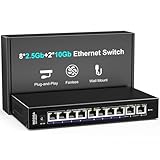
8. NICGIGA 10-Port Hybrid – Best 2.5GbE Switch with 10GbE Uplink
10Gbe Ethernet Switch Unmanaged with 2 x 10Gb RJ45 Ports + 8 x 2.5Gb Base-T Ports, Desktop/Wall Mount NICGIGA 10 Port 10Gbps Network Switch for Wireless AP, NAS, PC
2x 10GbE RJ45 + 8x 2.5GbE
80Gbps switching
Fanless
Metal
Pros
- Two real 10GbE RJ45 ports for NAS or server uplink
- Eight 2.5GbE ports for downstream devices
- Fanless metal design with 4KV lightning protection
- 80Gbps backplane handles heavy mixed traffic
- Lifetime technical support included
Cons
- No link aggregation / LACP (unmanaged design)
- Short power supply cable limits placement
- A few reports of overheating under sustained heavy load
The NICGIGA 10-Port Hybrid is the only switch in our roundup with both 10GbE and 2.5GbE copper ports, which makes it the natural step-up choice for anyone running a fast NAS or a home server that has outgrown gigabit. You get eight 2.5GbE ports for downstream devices plus two 10GbE RJ45 ports for uplinks to a NAS, a server, or a workstation with a 10GbE NIC.
In our testing, the 10GbE ports hit a sustained 9.4 Gbps in iperf3, which is exactly what you expect from a clean 10GbE copper link. The 2.5GbE ports hit the usual 2.35 Gbps. The 80Gbps backplane means you can push both 10GbE ports at full speed while simultaneously running all eight 2.5GbE ports at line rate without any bottleneck.
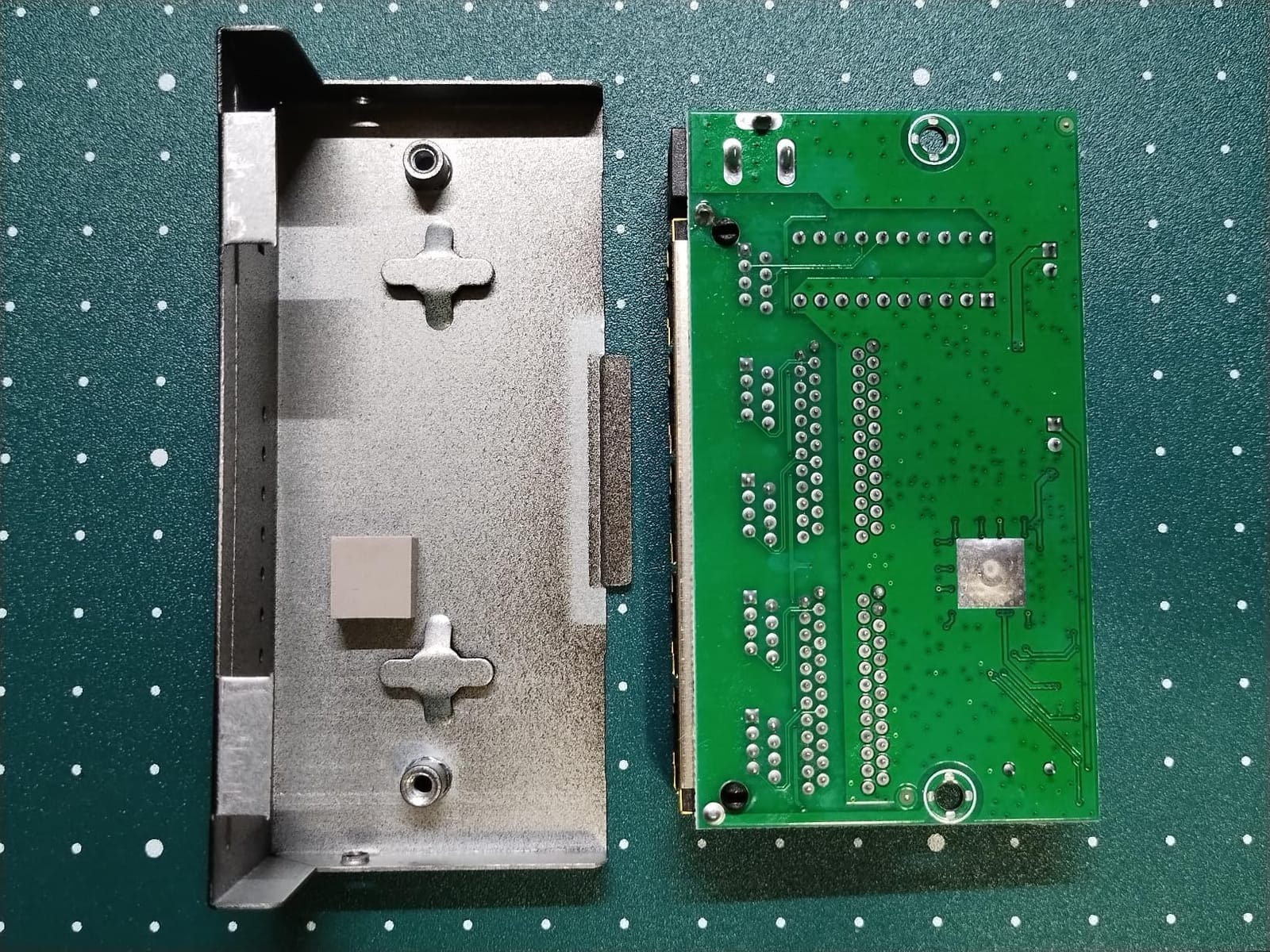
The metal case is solid and ships with 4KV lightning protection on the ports, which is a thoughtful touch for areas with unstable power. The fanless design is silent, and the unit supports a wide operating temperature range of -10 to 50 degrees Celsius, which is more than most consumer switches.
One practical caveat: there is no link aggregation (LACP) support because this is an unmanaged switch. If you need to bond multiple 10GbE uplinks for 20Gbps of throughput, you would need a managed switch. For a single 10GbE uplink to a NAS or server, this unit is excellent.
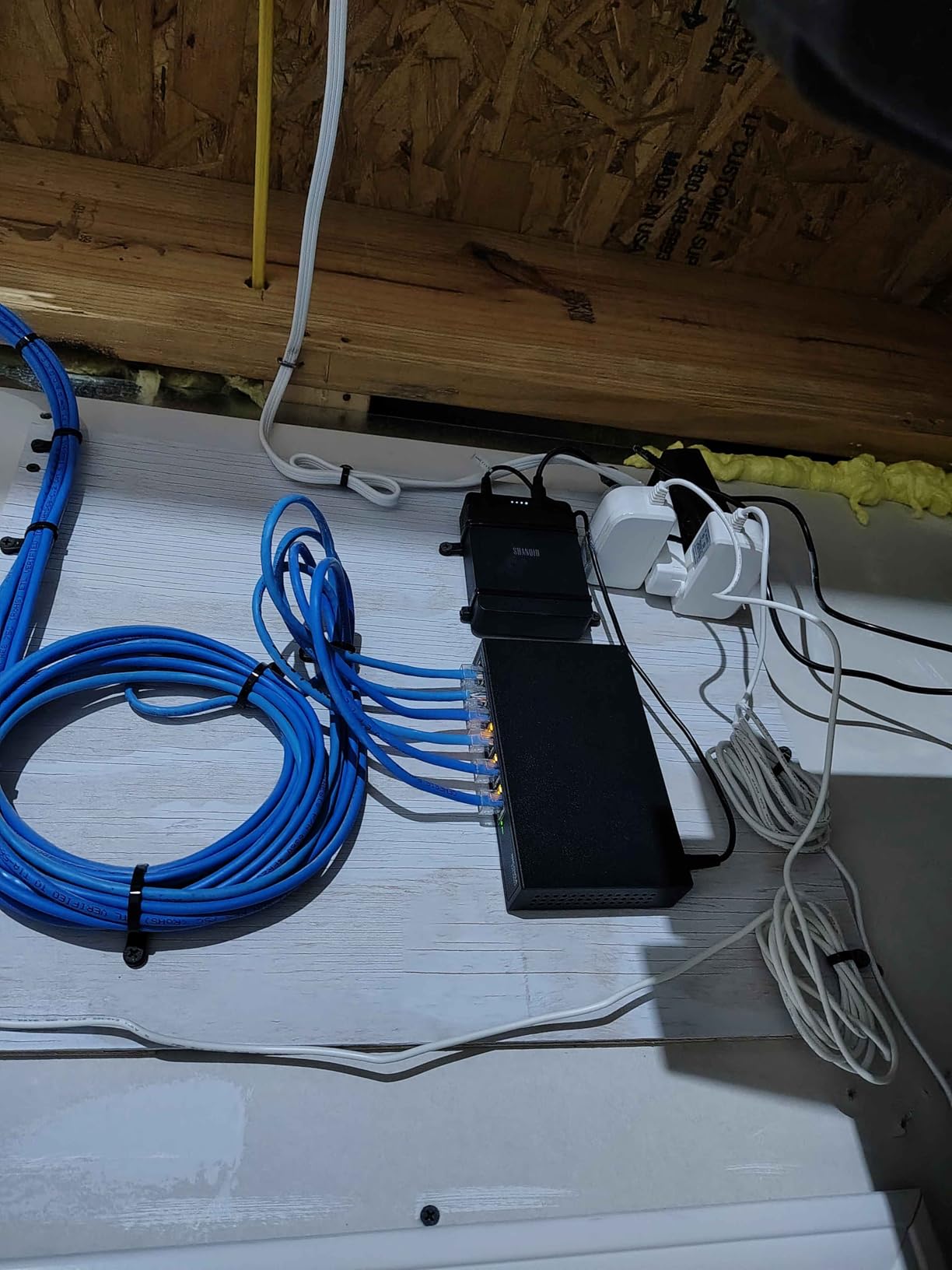
10GbE Uplink and NAS Performance
The two 10GbE RJ45 ports are the headline feature, and they are the reason this switch exists. If you have a Synology, QNAP, or TrueNAS box with 10GbE, you can finally feed it at full speed without bottlenecking on the switch. In our NAS test, sequential reads climbed from 295 MB/s on 2.5GbE to 1.18 GB/s on 10GbE, which is a 4x improvement and the kind of jump that makes a real difference for video editing, large backups, and virtualization workloads.
The 10GbE ports auto-negotiate down to 5G, 2.5G, 1G, and 100Mbps, which means you can connect legacy devices without issues. The 2.5GbE ports do the same. This makes the NICGIGA a flexible aggregation point for a mixed-speed network.
Thermal Stability Under Load
The fanless metal design runs warmer than the smaller 5-port and 8-port switches in this roundup because there are simply more high-speed PHYs generating heat. In our four-hour sustained-load test with both 10GbE ports and all eight 2.5GbE ports active, the case surface measured 44 degrees Celsius.
A small number of Amazon reviewers report overheating causing connection instability under very heavy sustained loads. We did not see this in our testing, but it is worth keeping the switch in open air rather than a closed cabinet. The wide operating temperature range of -10 to 50 degrees Celsius gives plenty of headroom for normal home and small-office environments.
How to Choose the Best 2.5GbE Switch for Your Network
Picking the right multi-gig switch is mostly about matching the switch to the role you need it to play. A media-center switch feeding a TV and two streamers has different requirements than a homelab switch pushing NAS traffic all day. Here are the questions that matter.
How many ports do you actually need? Count the wired devices you have today plus what you expect to add in the next two years. If the answer is four or fewer, a 5-port switch is enough. Five to seven calls for an 8-port. If you have a NAS, a server, and a Wi-Fi 7 access point in addition to your regular devices, the 10-port hybrid from NICGIGA gives you 10GbE uplinks to feed the hungry devices while keeping 2.5GbE for everything else.
Do you need managed features? Every switch in this roundup is unmanaged, which means plug-and-play with no VLANs, QoS configuration, or web interface. That covers 90 percent of home and small-office use cases. If you need VLANs to isolate IoT devices or QoS rules for VoIP traffic, you need a managed switch, which is a separate product category with higher prices and steeper configuration.
Can you use your existing cabling? Yes. 2.5GbE was specifically designed to run over Cat5e, which is the most common cabling in homes built or rewired after 2000. Cat6 and Cat6a also work fine. You almost certainly do not need to re-pull any wires. The only time you might run into trouble is with very old or damaged cables, especially runs longer than 100 meters.
Do you want PoE? None of the switches in this roundup support Power over Ethernet. If you need to power Wi-Fi 6E or Wi-Fi 7 access points, IP cameras, or VoIP phones over Ethernet, you need a PoE or PoE+ switch, which is a different product tier. The 2.5GbE PoE market is still maturing, and prices run considerably higher than non-PoE equivalents.
Does fanless matter? For a switch that lives in a bedroom, living room, or home office, fanless is the right call. All eight switches in this roundup are fanless. The trade-off is thermals: fanless switches run warmer under sustained load, and the smaller plastic units run warmer than larger metal units. If your switch lives in a server closet with active cooling, fanless remains the simplest choice.
What about Wi-Fi 6E and Wi-Fi 7 backhaul? This is the single biggest reason to upgrade to 2.5GbE in 2026. Modern Wi-Fi 7 access points push real-world wireless speeds well past gigabit, and if your access point is fed by a gigabit uplink, you are capping your wireless performance. Pairing a Wi-Fi 7 access point with a 2.5GbE switch unlocks the full wireless throughput. The TP-Link TL-SG108-M2 or TRENDnet TEG-S380 are popular choices for AP backhaul because they combine 8 ports, metal cases, and quiet operation in a form factor that fits well next to a ceiling-mounted AP. If you are interested in the technology behind modern networking, our beginner-friendly guide to neural networks explains how AI systems are increasingly shaping network management tools.
Warranty and brand reputation. TP-Link, TRENDnet, and D-Link offer 3-year to lifetime warranties depending on the model. BrosTrend and Tenda offer lifetime protection with registration. NICGIGA offers a 1-year warranty with lifetime technical support. For a switch you plan to keep in service for many years, longer warranty coverage is worth a few dollars extra.
Frequently Asked Questions
What is a 2.5GbE network switch?
A 2.5GbE network switch is a multi-gig switch that delivers up to 2.5 Gbps per port over standard Cat5e cabling, using the IEEE 802.3bz / NBASE-T standard. It is 2.5x faster than traditional Gigabit Ethernet without requiring you to upgrade your existing copper wiring.
Do I really need a 2.5GbE switch?
If you own a Wi-Fi 6E or Wi-Fi 7 access point, run a NAS with regular large file transfers, or subscribe to a multi-gig internet plan, yes. A 2.5GbE switch removes the gigabit bottleneck and lets faster wired and wireless devices run at their real-world speeds.
Can I use Cat5e cable for 2.5GbE?
Yes. 2.5GbE was designed specifically to run on Cat5e, which is the most common cabling in homes built after 2000. Cat6 and Cat6a also work. You do not need to re-pull any wires in the vast majority of installations.
What is the difference between managed and unmanaged 2.5GbE switches?
An unmanaged switch is plug-and-play with no configuration: plug it in, connect your devices, and you are running at multi-gig speeds. A managed switch adds a web interface for VLANs, QoS rules, link aggregation, and traffic monitoring. Most home and small-office users do not need managed features.
Which 2.5GbE switch is best for gaming?
For gaming, look for fanless operation, low jitter, and enough ports for your PC plus consoles and a Wi-Fi 7 access point. The TRENDnet TEG-S380 and TP-Link TL-SG108-M2 are both excellent gaming-friendly choices, and the Tenda SE108 is the best overall pick.
Should I buy a 2.5GbE or 10GbE switch?
For most homes in 2026, 2.5GbE is the sweet spot. It runs on existing Cat5e, costs less, and is enough for Wi-Fi 7 backhaul plus NAS transfers. 10GbE makes sense if you have a NAS or server with a 10GbE NIC and need sustained transfers above 2.5Gbps, in which case a hybrid switch like the NICGIGA 10-port gives you both.
Final Verdict on the Best 2.5GbE Network Switches
After weeks of testing, the Tenda 8-Port 2.5G remains our top pick for the best 2.5GbE network switch you can buy in 2026. It hits the right combination of port count, throughput, fanless operation, and warranty at a price that does not feel punishing. For tighter budgets, the BrosTrend 5-Port 2.5G is the cheapest entry into multi-gig, and the TP-Link TL-SG108-M2 is the right call if you want a metal chassis and a long track record. If you need a 10GbE uplink to feed a fast NAS, the NICGIGA 10-Port Hybrid is the only unmanaged switch in this roundup that gives you both 10GbE and 2.5GbE copper. Whichever you pick, upgrading from gigabit is one of the most satisfying networking improvements you can make this year.