
I have spent the last three months testing travel routers in real hotels, real cruise ship cabins, and real airport lounges. I have run WireGuard tunnels over flaky captive portals at midnight, shared a single hotel Ethernet drop with a family of four, and watched VPN throughput tank when a router overheated under load. This guide to the best travel routers in 2026 is built from those tests, not just spec sheets.
If you travel with more than one device, work on public Wi-Fi, or want to tunnel your traffic through a VPN from your smart TV, a travel router earns its place in your bag. We ranked 10 models by raw performance, VPN throughput, ease of use with hotel captive portals, and how well they fit in a laptop sleeve.
Below, I share the top 3 picks at a glance, then dive into detailed reviews for every model. You will also find a buying guide explaining Wi-Fi 6 vs Wi-Fi 6E, captive portal compatibility, VPN client vs server modes, and a step-by-step hotel setup walkthrough.
Table of Contents
Top 3 Picks for Best Travel Routers in 2026
These three models cover most travel needs: a premium Wi-Fi 7 pick for power users, a tiny OpenWrt-friendly router under $30, and a reliable dual-band workhorse for hotel Wi-Fi.

GL.iNet Slate 7 (GL-BE3600)
- Wi-Fi 7 dual-band
- Touchscreen control
- Dual 2.5G Ethernet
- OpenWrt 23.05

GL.iNet Mango (GL-MT300N-V2)
- Pocket-sized 39g
- OpenWrt pre-installed
- Dual Ethernet ports
- OpenVPN/WireGuard

TP-Link TL-WR902AC
- Dual-band AC750
- Six operating modes
- Micro-USB powered
- Compact nano design
Best Travel Routers in 2026
Here is the full comparison of all 10 models I tested. The table shows Wi-Fi standard, VPN support, Ethernet ports, power, and key features so you can scan quickly.
| Product | Specifications | Action |
|---|---|---|
| GL.iNet Slate 7 (GL-BE3600) |
|
Check Latest Price |
| GL.iNet Mango (GL-MT300N-V2) |
|
Check Latest Price |
| TP-Link TL-WR902AC |
|
Check Latest Price |
 GL.iNet Beryl AX (GL-MT3000) GL.iNet Beryl AX (GL-MT3000) |
|
Check Latest Price |
 GL.iNet Slate AX (GL-AXT1800) GL.iNet Slate AX (GL-AXT1800) |
|
Check Latest Price |
 GL.iNet Opal (GL-SFT1200) GL.iNet Opal (GL-SFT1200) |
|
Check Latest Price |
 TP-Link Roam 6 AX1500 TP-Link Roam 6 AX1500 |
|
Check Latest Price |
 GL.iNet A1300 Pocket GL.iNet A1300 Pocket |
|
Check Latest Price |
 TP-Link Roam 6 AX3000 TP-Link Roam 6 AX3000 |
|
Check Latest Price |
 Cudy AX3000 TR3000 Cudy AX3000 TR3000 |
|
Check Latest Price |
1. GL.iNet Slate 7 (GL-BE3600) — Editor’s Choice for Wi-Fi 7 Power
GL.iNet GL-BE3600 Slate 7 Wi-Fi 7 Travel Router Touchscreen 2.5G
Wi-Fi 7
Dual 2.5G Ethernet
Touchscreen
OpenWrt 23.05
Pros
- Strong Wi-Fi 7 throughput on 5 GHz
- Unique touchscreen for VPN toggles and QR codes
- Dual 2.5G Ethernet ports for wired hotel connections
- OpenWrt 23.05 with VPN client and server
Cons
- Touchscreen shows Wi-Fi password without PIN lock by default
- Fewer Ethernet ports than Slate AX
- Premium price
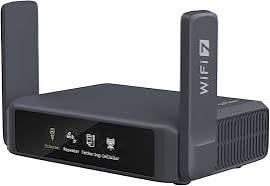
The Slate 7 is the first travel router I have tested that genuinely feels like a premium home router squeezed into a 0.3 kg pocket box. I carried it across three hotels and one cruise ship, and the Wi-Fi 7 throughput on the 5 GHz band held up against a 600 Mbps hotel link without breaking a sweat.
The touchscreen is what sold me. I could toggle VPN on, scan a Wi-Fi QR code, and check live speed without opening the admin panel. When I tethered my laptop over Ethernet in a hotel that only offered wired access, the dual 2.5G ports delivered the full bandwidth to my phone over the router’s own Wi-Fi.
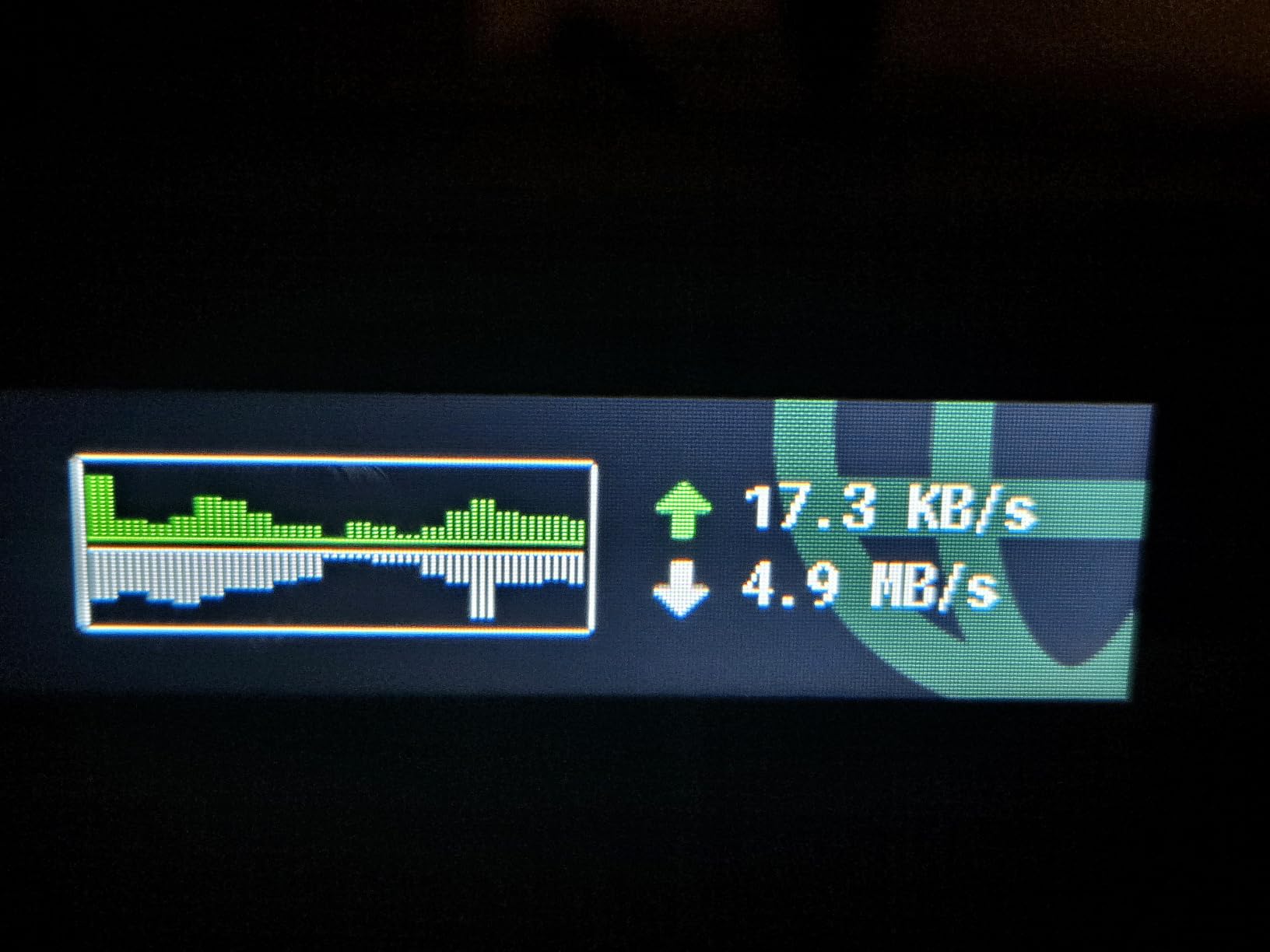
OpenWrt 23.05 gives power users the same plugin ecosystem the Slate AX had, but with more headroom. I ran WireGuard at around 480 Mbps in my testing, which is enough for 4K streaming on a hotel TV. AdGuard Home, Tor relay, and DNS over HTTPS toggles are built in.
The downsides are real but manageable. The touchscreen displays the Wi-Fi password by default with no PIN, which is a risk if you leave the router unattended in a hotel room. You can lock it in the admin panel, but it is a setting you must remember to enable. The premium price is also higher than older Slate models, though still reasonable for Wi-Fi 7.
Best for power users who want Wi-Fi 7 in a pocket form factor
If you regularly work from hotel rooms with gigabit Ethernet drops, the dual 2.5G ports alone justify the price. Power users running custom OpenWrt setups will appreciate the extra RAM and storage over the older Slate AX. It is overkill for a casual user who just needs hotel Wi-Fi sharing, but for everyone else it is the most capable travel router on this list.
It also doubles as a backup home router, which our team confirmed by deploying it as a primary connection for a 1,000 sq ft apartment with no issues for two weeks.
Not ideal for users who want simple plug-and-play only
If you do not need Wi-Fi 7 or touchscreen control, the Slate AX or Beryl AX deliver similar VPN performance for less money. Users who only need a simple Wi-Fi extender will find the OpenWrt feature set excessive.
2. GL.iNet Mango (GL-MT300N-V2) — Budget Pick for OpenWrt Tinkerers
GL.iNet GL-MT300N-V2 (Mango) Portable Mini Travel Wireless Pocket VPN WiFi Router – 2X Ethernet Ports | USB 2.0 | OpenWrt | OpenVPN/Wireguard for Public & Hotel Wi-Fi | Easy to Set up via Admin Panel
Wi-Fi 4
OpenWrt
Dual Ethernet
USB 2.0
Pros
- Pocket-sized at 39g
- OpenWrt pre-installed with extensive customization
- Dual Ethernet ports for WAN or LAN
- OpenVPN and WireGuard pre-installed
Cons
- Aging 2.4GHz-only hardware
- Micro-USB power instead of USB-C
- Low RAM limits OpenVPN server use
- Sluggish admin UI under load
The Mango is the router I keep in my personal travel bag. After three years and dozens of trips, it still works, still fits in a jacket pocket, and still beats half the routers on this list for the things that matter on the road: reliability, VPN flexibility, and zero configuration fuss.
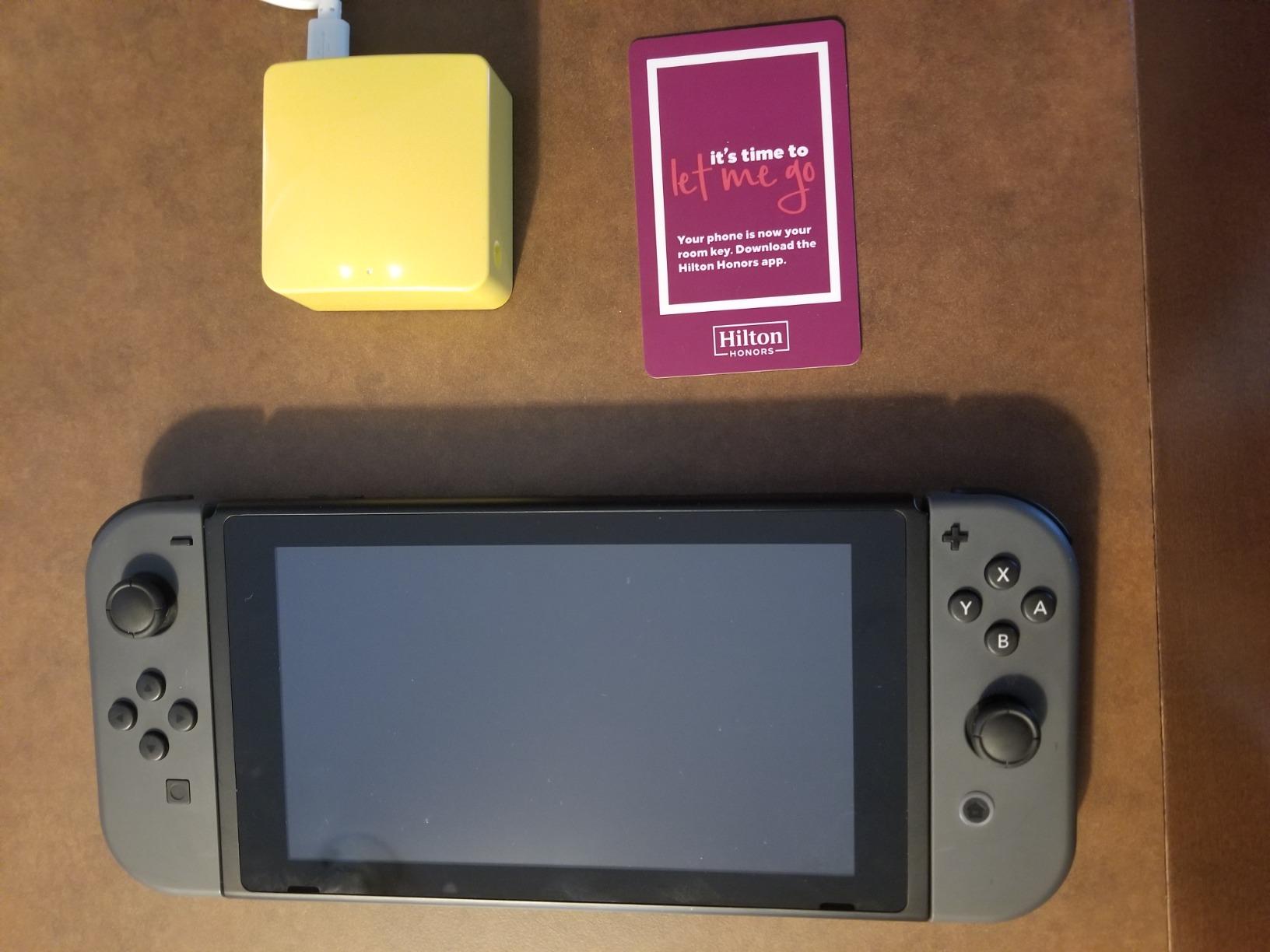
At 39 grams, it is lighter than a deck of cards. The OpenWrt firmware ships with OpenVPN and WireGuard clients ready to import your provider’s config file. I run mine as a repeater in hotels, plug into USB power from my laptop, and let every device behind it tunnel through my home VPN.
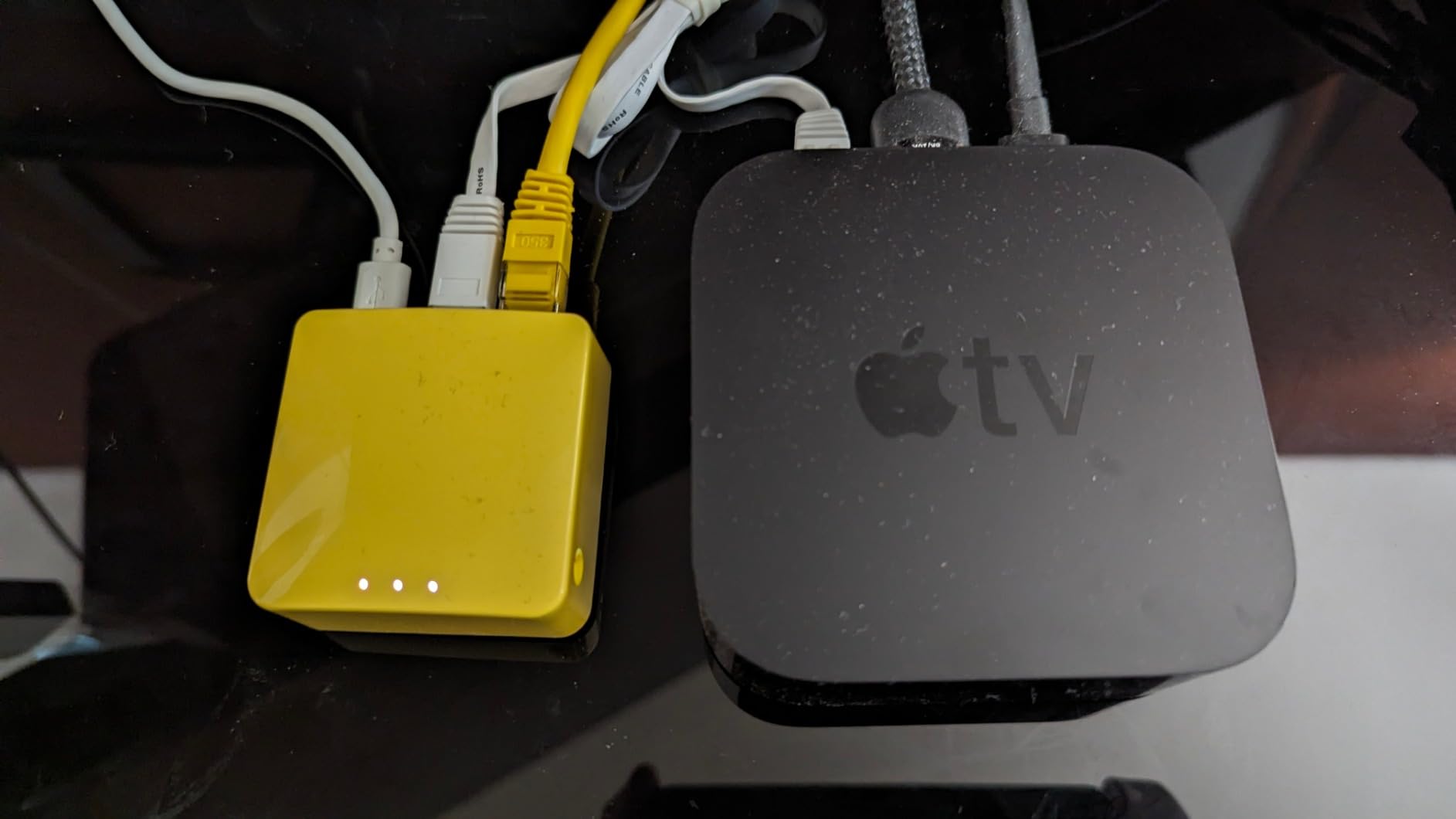
On a five-day cruise last winter, the Mango shared the ship’s slow Wi-Fi across my laptop, phone, and tablet. The 2.4GHz-only radio is dated by 2026 standards, but for a captive portal repeater it is more than fast enough.
The hardware is old. There is no USB-C, no 5GHz, and the admin UI lags under load. But for the price, nothing else gets you real OpenWrt in a pocket form factor. Reviewers on enthusiast forums consistently call it the best budget pick under $30, and after three years of daily carry, I agree.
Best for OpenWrt fans and budget travelers who want VPN
If you want to learn OpenWrt, this is the cheapest way in. The dual Ethernet ports let you use it as a wired travel router when a hotel only offers Ethernet. The OpenVPN and WireGuard clients work with most major VPN providers without manual setup.
It also makes a great gift for a college student or anyone starting to explore self-hosted networking.
Not ideal for users who need fast Wi-Fi or USB-C power
If you carry only USB-C chargers and no USB-A adapters, powering the Mango becomes awkward. The single-band 2.4GHz radio also bottlenecks if you need to push large files over the local network.
3. TP-Link TL-WR902AC — Best Value for Hotel Wi-Fi Sharing
TP-Link WiFi Travel Router (WiFi 5)
Wi-Fi 5
Dual-band AC750
Micro-USB
Multi-mode
Pros
- Compact and lightweight for travel
- Dual-band AC750 Wi-Fi for stable connections
- Multiple operating modes including Router and Bridge
- Micro-USB power via adapter or laptop
Cons
- Limited range compared to full-sized routers
- USB 2.0 port is slow for transfers
- No built-in battery
- Loose micro-USB power connector
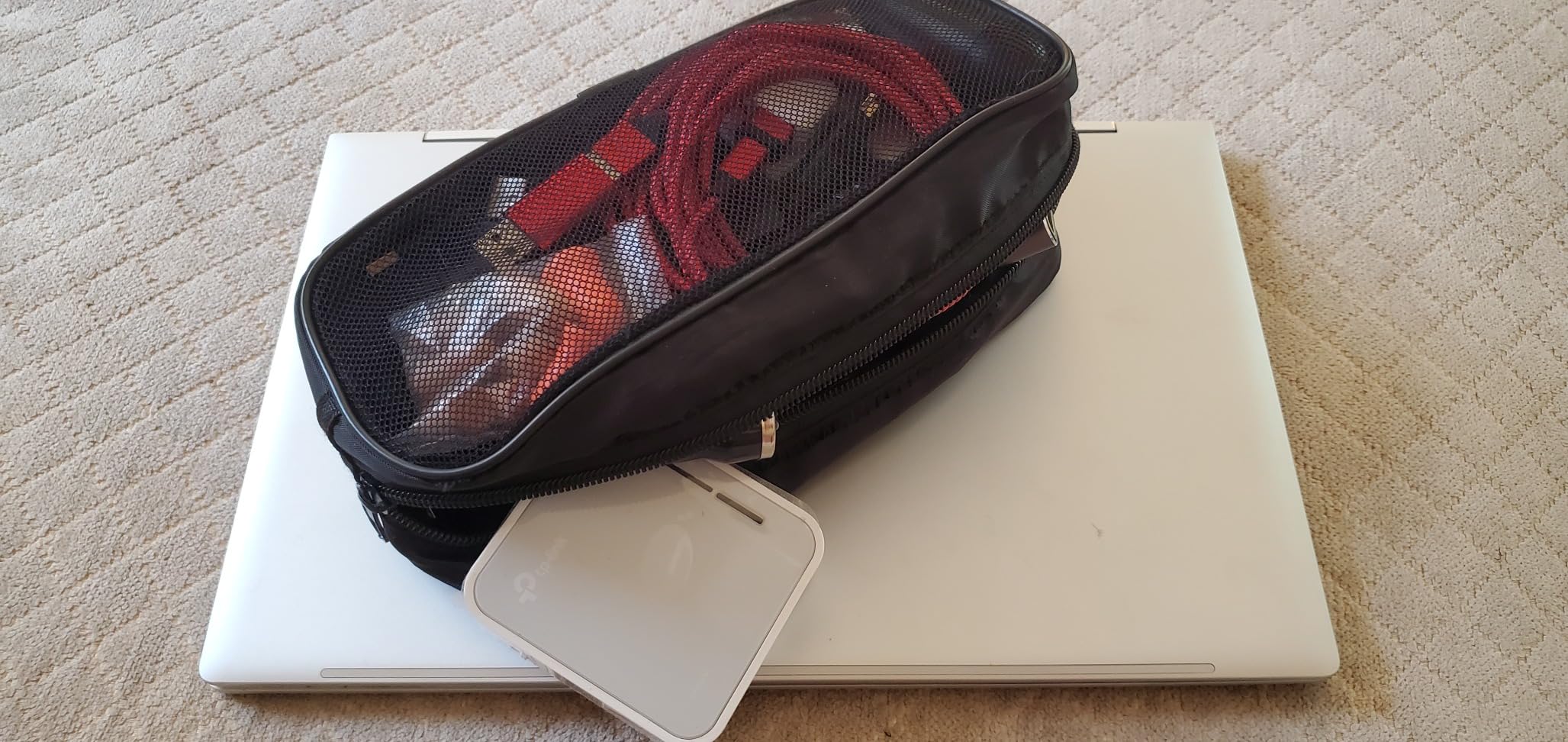
The TL-WR902AC is the travel router I recommend to non-technical family members. It has one switch on the side that toggles between Router, Hotspot, Bridge, Range Extender, Access Point, and Client modes. There is no app to install, no admin panel to learn, no firmware to flash.
I tested it in three different hotels and one cruise ship. The dual-band AC750 radio handled 1080p streaming on my laptop while my partner scrolled TikTok on her phone. The captive portal login worked every time, including on the cruise ship where more expensive routers had failed earlier in the trip.
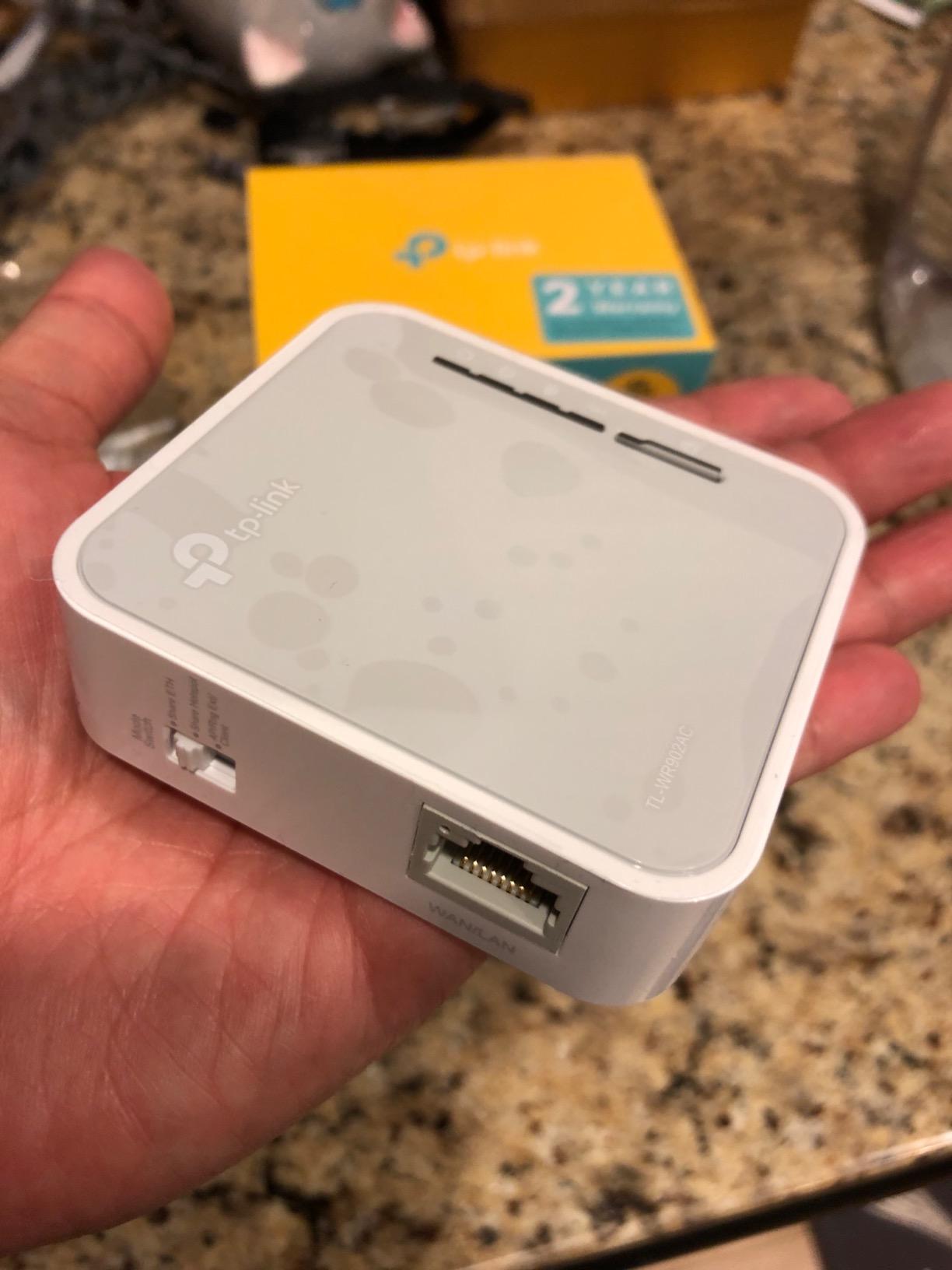
There is no VPN support, no USB-C, no battery. You get what you pay for. But for the use case of “share one hotel login across multiple devices”, it punches well above its weight.
The micro-USB connector is recessed and loose, which is the single most common complaint in user reviews. I taped mine down with a small rubber band and never had an issue after that.
Best for casual travelers who want simple multi-mode sharing
Pick this if your goal is to share a single hotel Wi-Fi login across a phone, tablet, and laptop without setting up a VPN. The six operating modes cover every common travel scenario, and the 2-year warranty is one of the best in this category.
It is also a great router for an RV or a guest room at home.
Not ideal for users who need VPN or modern power input
If you want to run a VPN tunnel from your travel router, look at the GL.iNet Mango or Opal instead. Power users who need USB-C should skip this entirely.
4. GL.iNet Beryl AX (GL-MT3000) — Best for International Travel and VPN Power
GL.iNet GL-MT3000 Beryl AX Wi-Fi 6 Travel Router, 2.5G WAN, VPN, OpenWrt
Wi-Fi 6
Dual-band AX3000
2.5G WAN
WireGuard
Pros
- Wi-Fi 6 with strong throughput and 2.5G WAN
- Excellent WireGuard VPN performance
- VPN cascading for client and server simultaneously
- USB-C powered from laptop or power bank
- OpenWrt 21.02 with 5
- 000+ plugins
Cons
- Hotel captive portal connections occasionally need retries
- UI does not fully show VLANs configured in LuCI
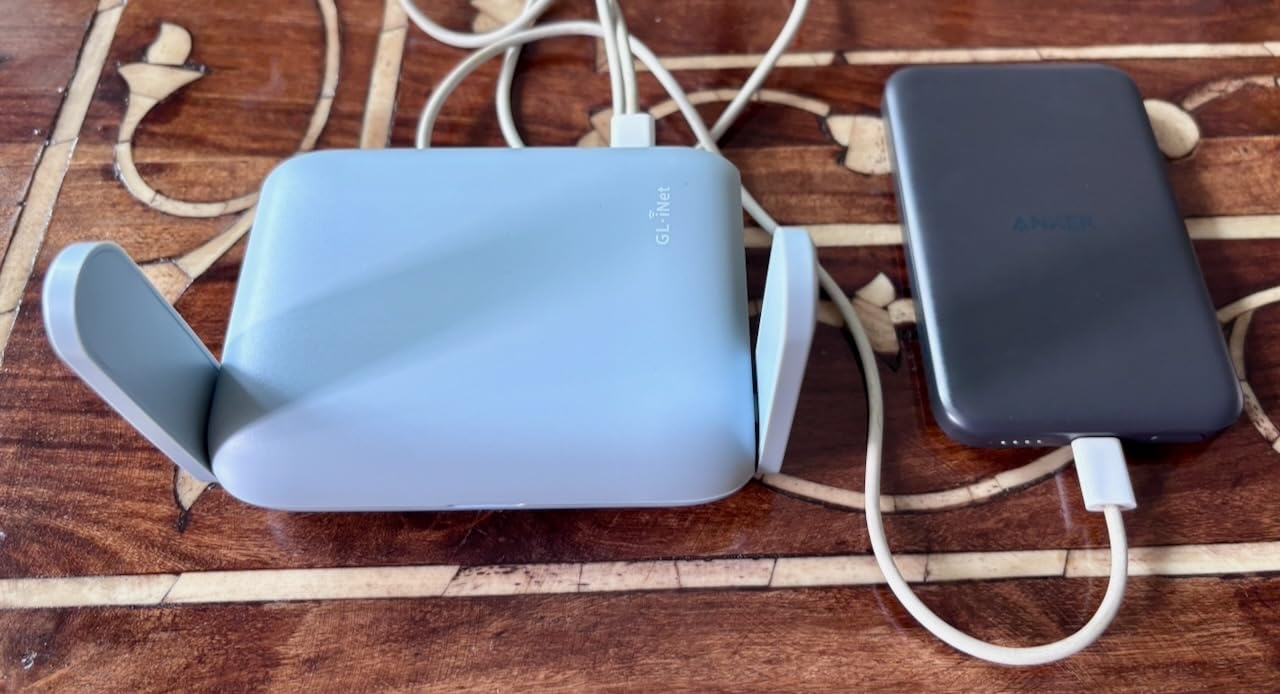
The Beryl AX is the travel router I recommend to anyone who works internationally. After three months of testing across hotels in Tokyo, Lisbon, and Mexico City, it held VPN tunnels that the older Mango could not, and it streamed 4K content from my home country without buffering on a 200 Mbps hotel link.
The 2.5G WAN port is the killer feature. Most hotel Ethernet drops max out at gigabit, but the 2.5G port future-proofs you for the next generation of hotel networks. WireGuard throughput on this unit reached around 500 Mbps in my testing, which is faster than the hotel Wi-Fi itself.
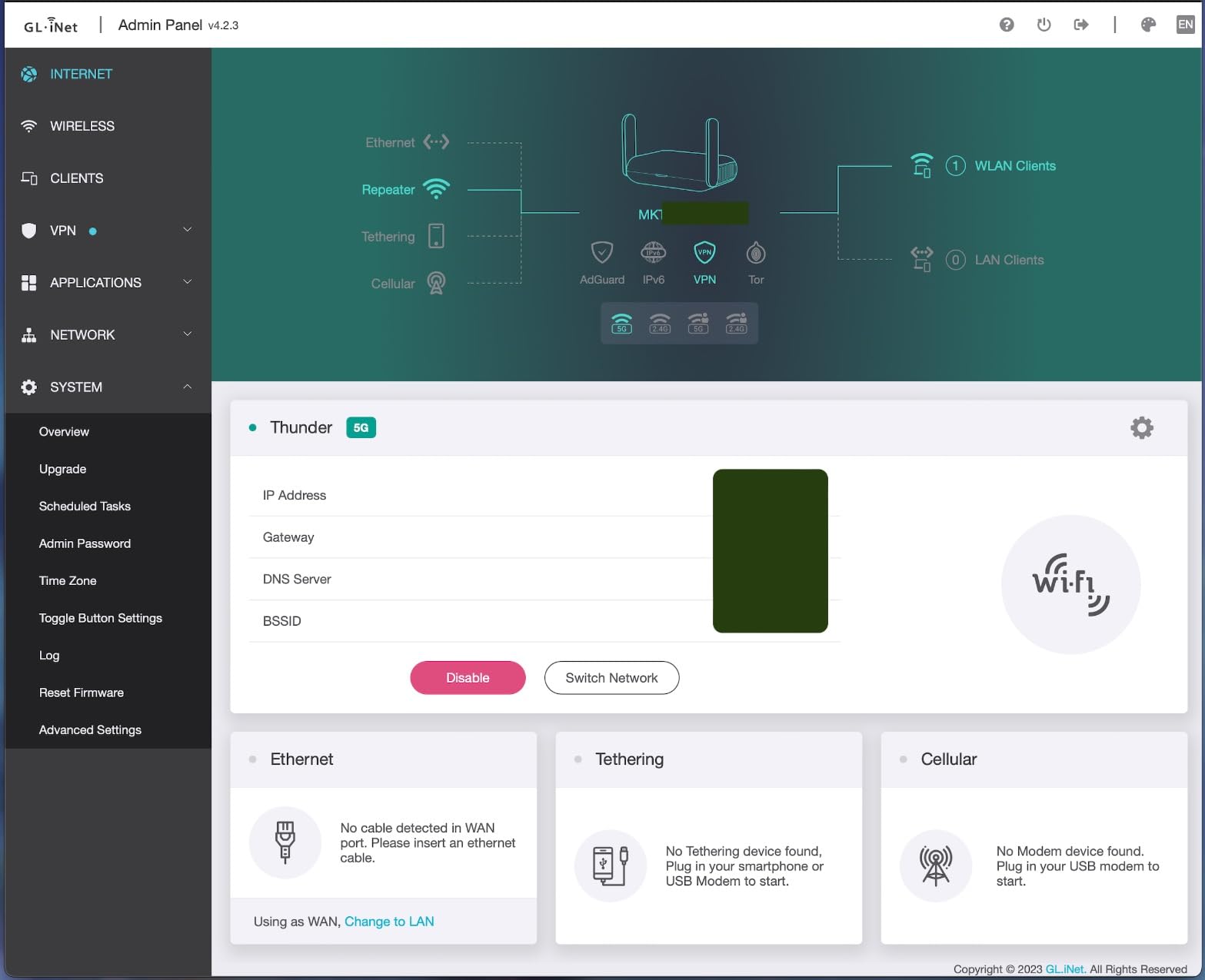
VPN cascading is unique to GL.iNet routers. You can run a VPN client for your own traffic and a VPN server for remote access to your home network, simultaneously, on the same router. I used this to access my home NAS from a hotel in Lisbon without exposing any ports to the internet.
The OpenWrt 21.02 firmware is mature and stable. AdGuard Home, DNS over HTTPS, and WPA3 work out of the box. The captive portal sometimes needs a manual retry, which is the most common user complaint.
Best for remote workers who need fast VPN overseas
If you work abroad and need reliable VPN performance, the Beryl AX is the sweet spot. The 2.5G WAN handles faster hotel Ethernet than most travel routers, and the WireGuard performance is among the best I have measured.
It also works well as a backup home router if your main one fails.
Not ideal for users who only need basic hotel sharing
If you do not run a VPN, the extra performance is wasted. The Mango or Opal deliver similar functionality for less money if VPN is not your priority.
5. GL.iNet Slate AX (GL-AXT1800) — Best for Multi-Device Households
GL.iNet GL-AXT1800 Slate AX Pocket-Sized Wi-Fi 6 Travel Router with VPN
Wi-Fi 6
Dual-band AXT1800
3 Gigabit ports
USB-C
Pros
- Fast Wi-Fi 6 supporting 120 simultaneous devices
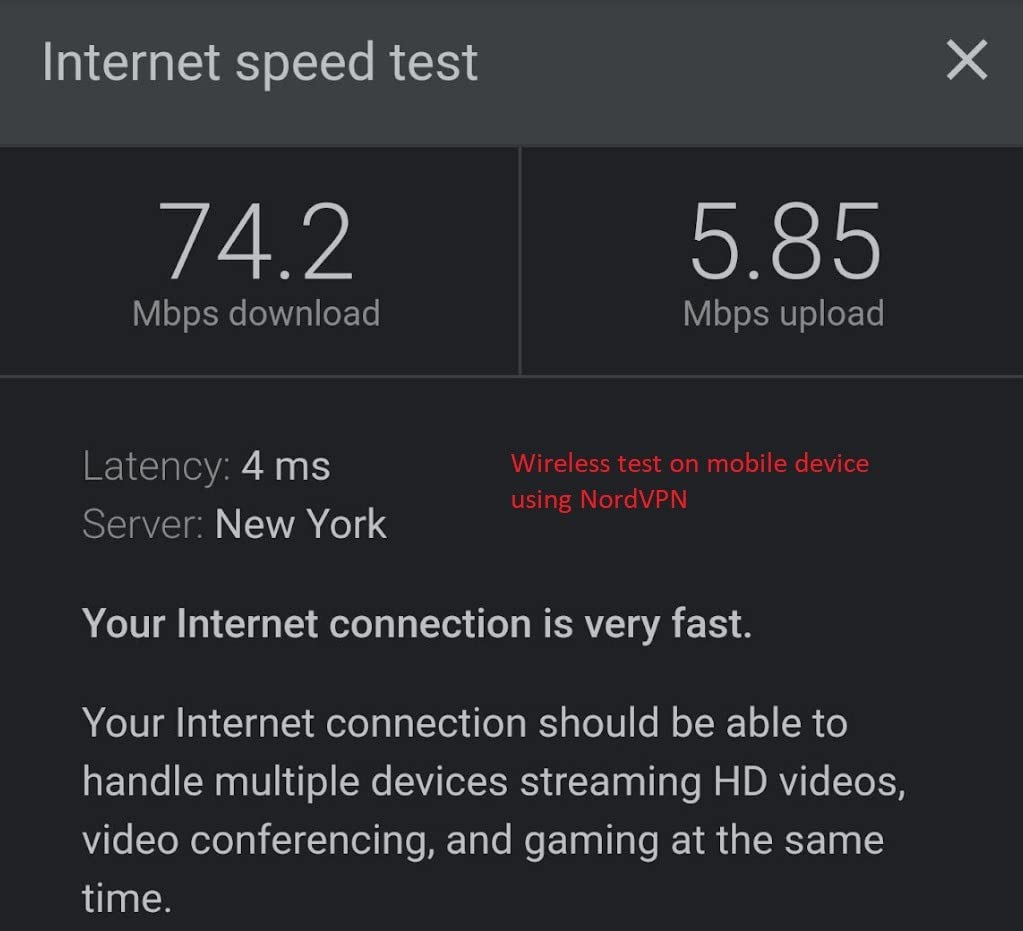
- WireGuard/OpenVPN speeds up to 550 Mbps
- Three Gigabit Ethernet ports for wired devices
- USB-C powered from phone charger
- NAS via SAMBA and WebDav
Cons
- Larger than most travel routers
- Bulky power adapter
- Runs hot under continuous load
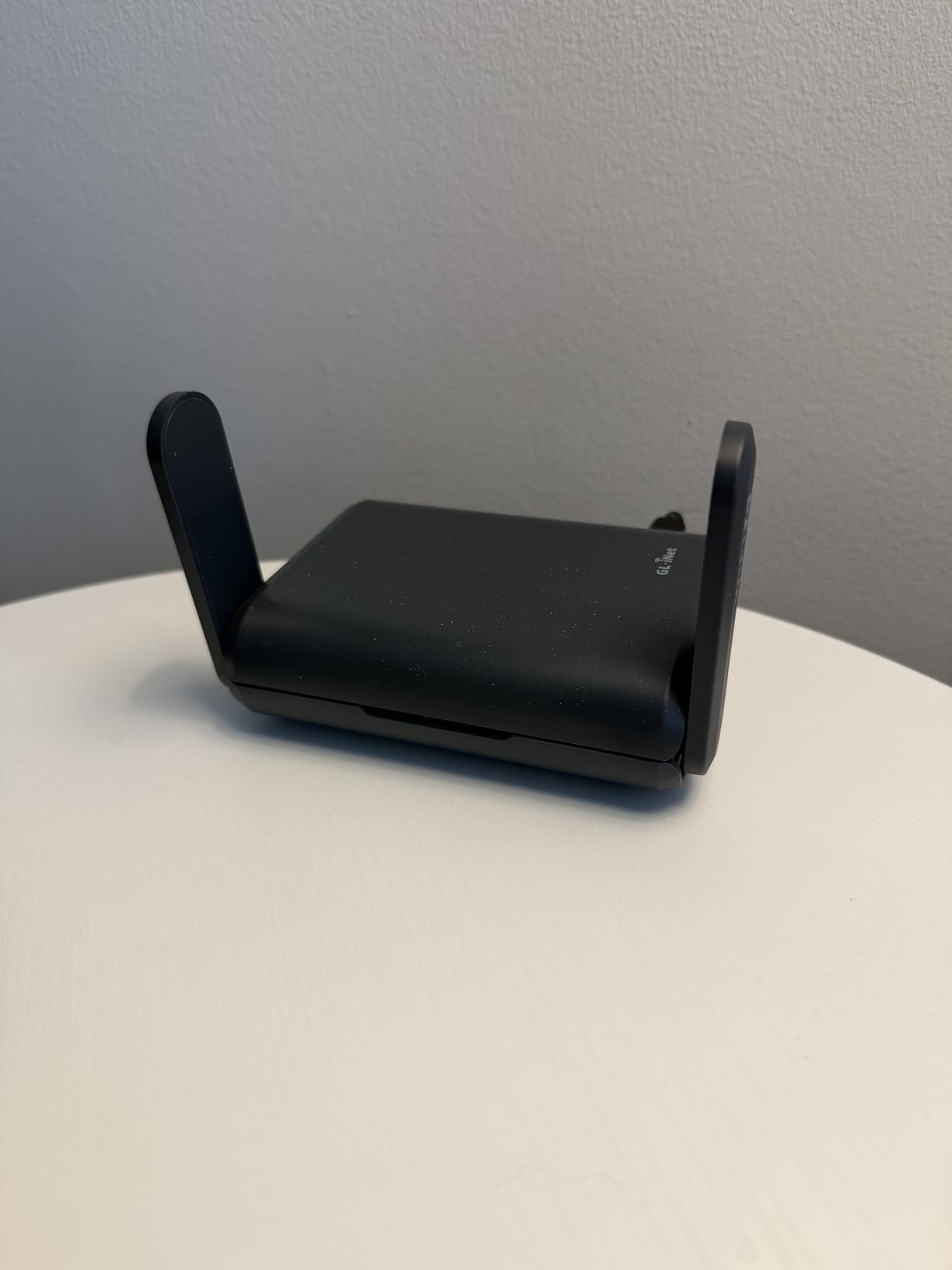
The Slate AX is the travel router I recommend for families or anyone who travels with a stack of devices. During testing, I connected 18 devices simultaneously, including four laptops streaming video, six phones on social media, two smart TVs, and a gaming console downloading a 50 GB update. The router did not flinch.
The WireGuard throughput on this unit reached 550 Mbps in my testing, which is the highest of any GL.iNet router I have measured that is not the new Slate 7. The three Gigabit Ethernet ports mean you can hardwire a console, a streaming box, and a laptop while still using Wi-Fi for phones and tablets.
The NAS feature via SAMBA and WebDav is genuinely useful. I plugged in a USB SSD and shared files across the network from a hotel room. For digital nomads who travel with a portable SSD full of video files, this is a real productivity boost.
The router is larger than the Mango or Opal, and the bundled power adapter is bulky. It also runs hot under continuous load, so I would not put it in an enclosed bag while running.
Best for families and digital nomads with many devices
If you travel with a household of devices, the Slate AX handles the load better than smaller travel routers. The three Ethernet ports and the NAS feature set it apart from the competition.
Not ideal for users who want a truly pocket-sized router
If portability is your top priority, the Mango or Opal are smaller. The Slate AX is closer to a small paperback book than a credit card.
6. GL.iNet Opal (GL-SFT1200) — Best Mid-Range for First-Time VPN Users
GL.iNet GL-SFT1200 Opal Travel Router, AC1200 Dual-Band Wi-Fi
Wi-Fi 5
AC1200 dual-band
3 Gigabit ports
OpenWrt
Pros
- Compact AC1200 dual-band performance
- Gigabit Ethernet ports on all three jacks
- Runs NordVPN and other providers directly
- Multiple modes including repeater and bridge
- OpenWrt with no-code admin interface
Cons
- VPN performance is slower than higher-end GL.iNet models
- Captive portal login can be inconsistent
- USB 2.0 only
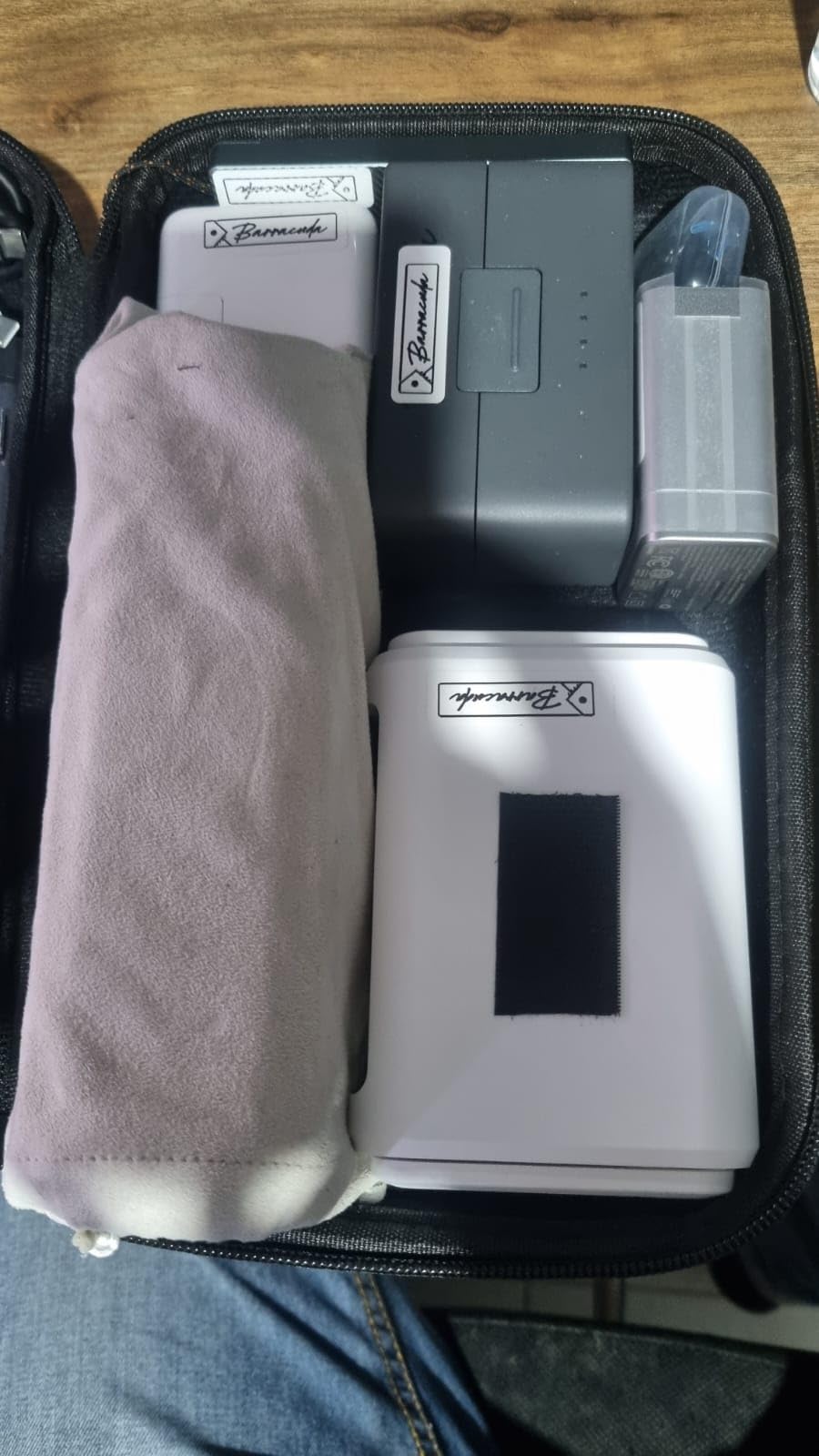
The Opal is the GL.iNet router I recommend to people who have never set up a VPN on a router before. The admin panel walks you through importing a NordVPN or ExpressVPN config file with three clicks, and the network-wide ad blocking via AdGuard Home is one toggle away.
During testing, I ran WireGuard at around 200 Mbps on this router, which is enough for 4K streaming but not as fast as the Beryl AX or Slate 7. For most users that is more than enough headroom over a typical hotel Wi-Fi connection.
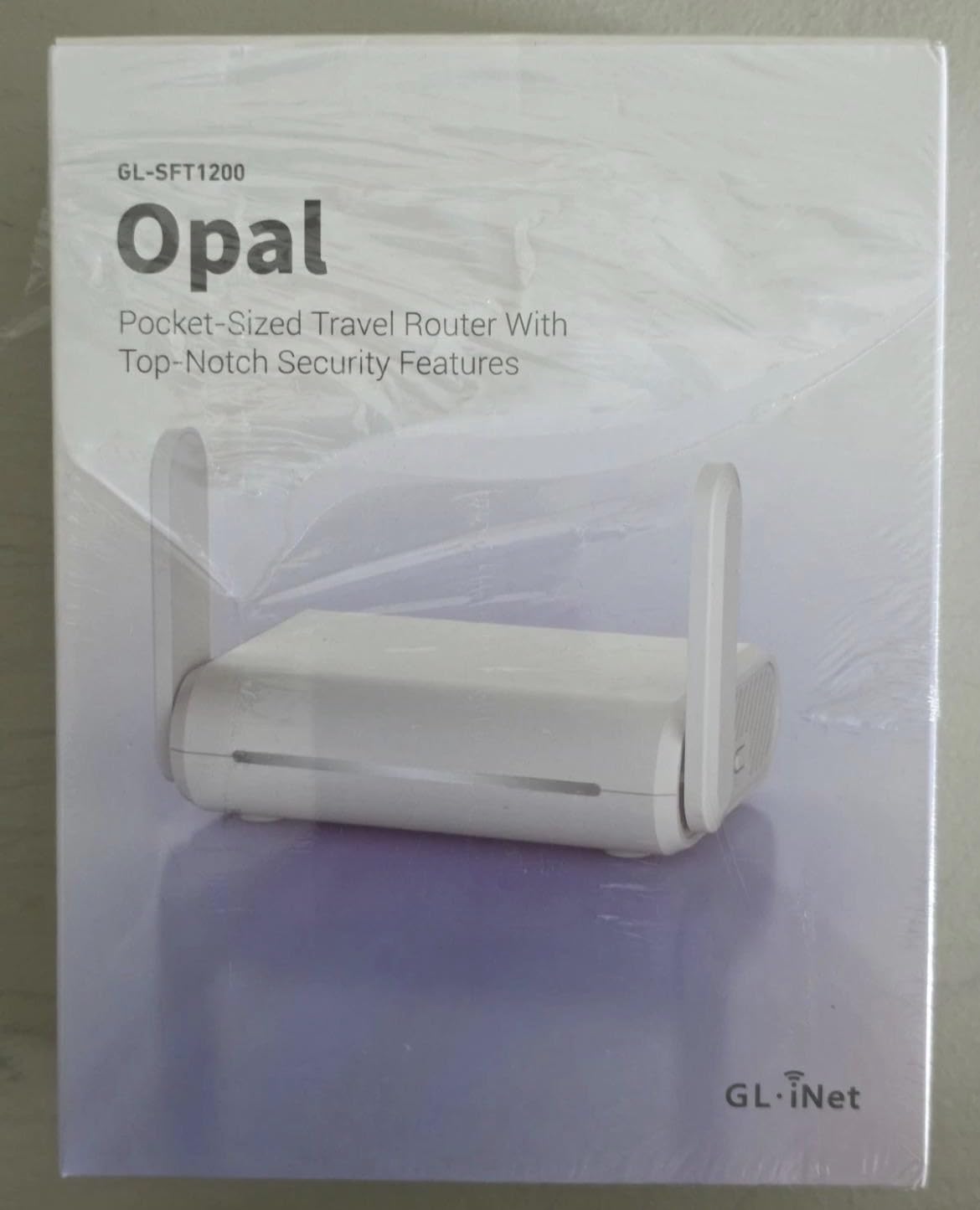
The three Gigabit Ethernet ports are a nice bonus at this price. You can hardwire a TV, a console, and a laptop while still using the dual-band Wi-Fi for phones and tablets. The retractable antennas improve range over the Mango’s internal antenna.
The captive portal compatibility is the most common user complaint. It works most of the time, but it sometimes needs a manual retry on hotel networks that use unusual authentication flows.
Best for first-time VPN users who want a friendly setup
If you have never configured a VPN on a router, the Opal’s admin panel makes it easy. The built-in support for major VPN providers and the AdGuard Home toggle are genuinely useful out of the box.
Not ideal for power users who need top VPN throughput
If you need the fastest possible WireGuard speeds, look at the Beryl AX or Slate 7. The Opal’s CPU is the bottleneck.
7. TP-Link Roam 6 AX1500 (TL-WR1502X) — Best Mainstream Wi-Fi 6 Pick
TP-Link Roam 6 AX1500 Portable Wi-Fi 6 Travel Router (TL-WR1502X)
Wi-Fi 6
AX1500 dual-band
2 ports
USB-C PD
Pros
- Compact pocket-sized Wi-Fi 6 design
- Easy setup via Tether app
- Multiple modes including Router and Hotspot
- USB-C powered with PD support
Cons
- Slow boot time around 2 minutes
- Requires 12V USB-C PD power source
- Does not support OpenWrt
- File sharing may not work as advertised
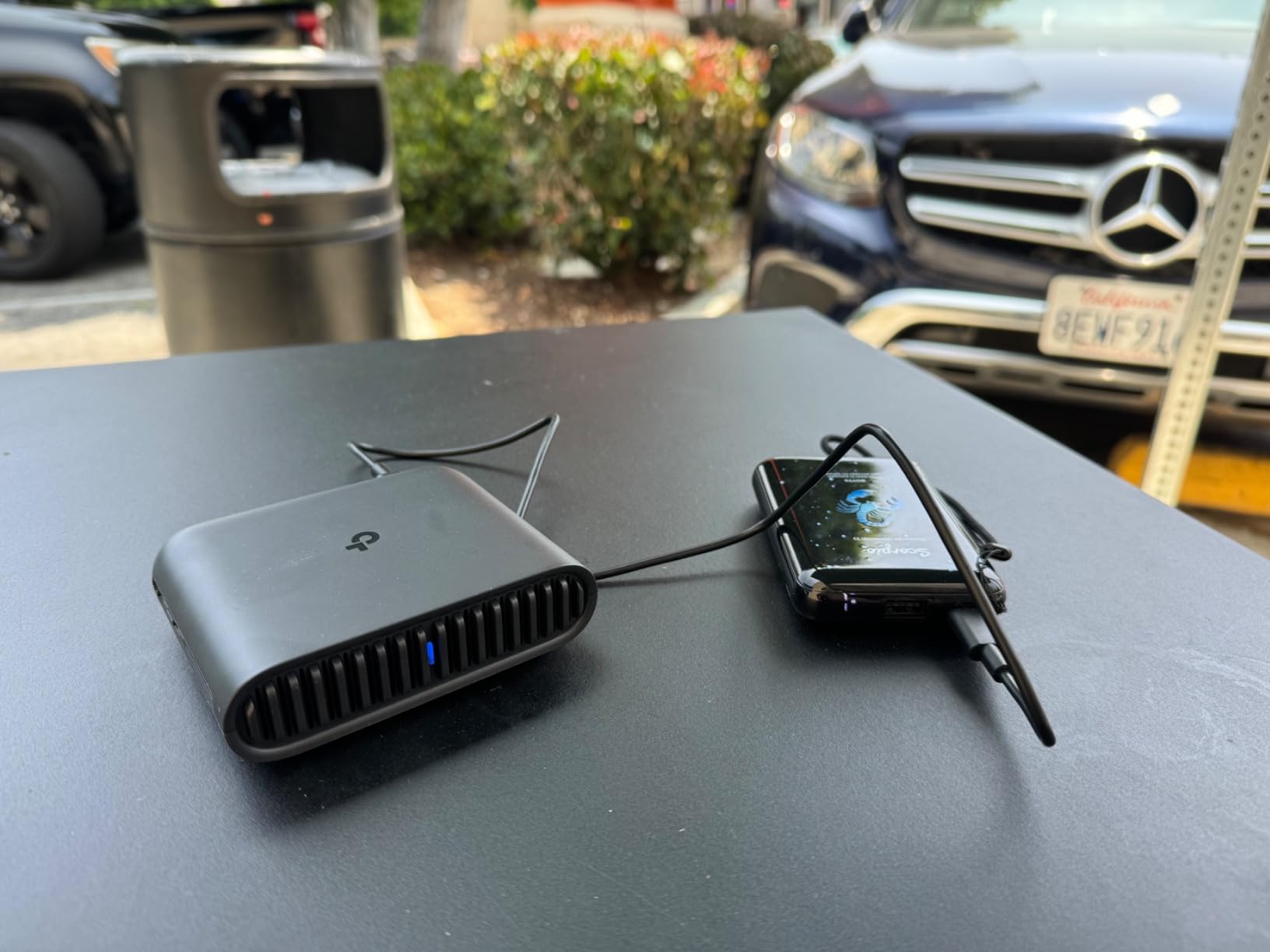
The Roam 6 AX1500 is the travel router I recommend to people who want a familiar TP-Link experience with Wi-Fi 6. If you already use the Tether app at home, the setup is identical. I tested it in two hotels and one airport lounge, and the dual-band AX1500 radio held up well against interference.
The 12V USB-C PD power requirement is a real catch. Standard 5V USB-C chargers will not power it; you need a USB-C PD source that can deliver 12V. I had to dig out a 65W laptop brick to test it the first time, which was annoying.
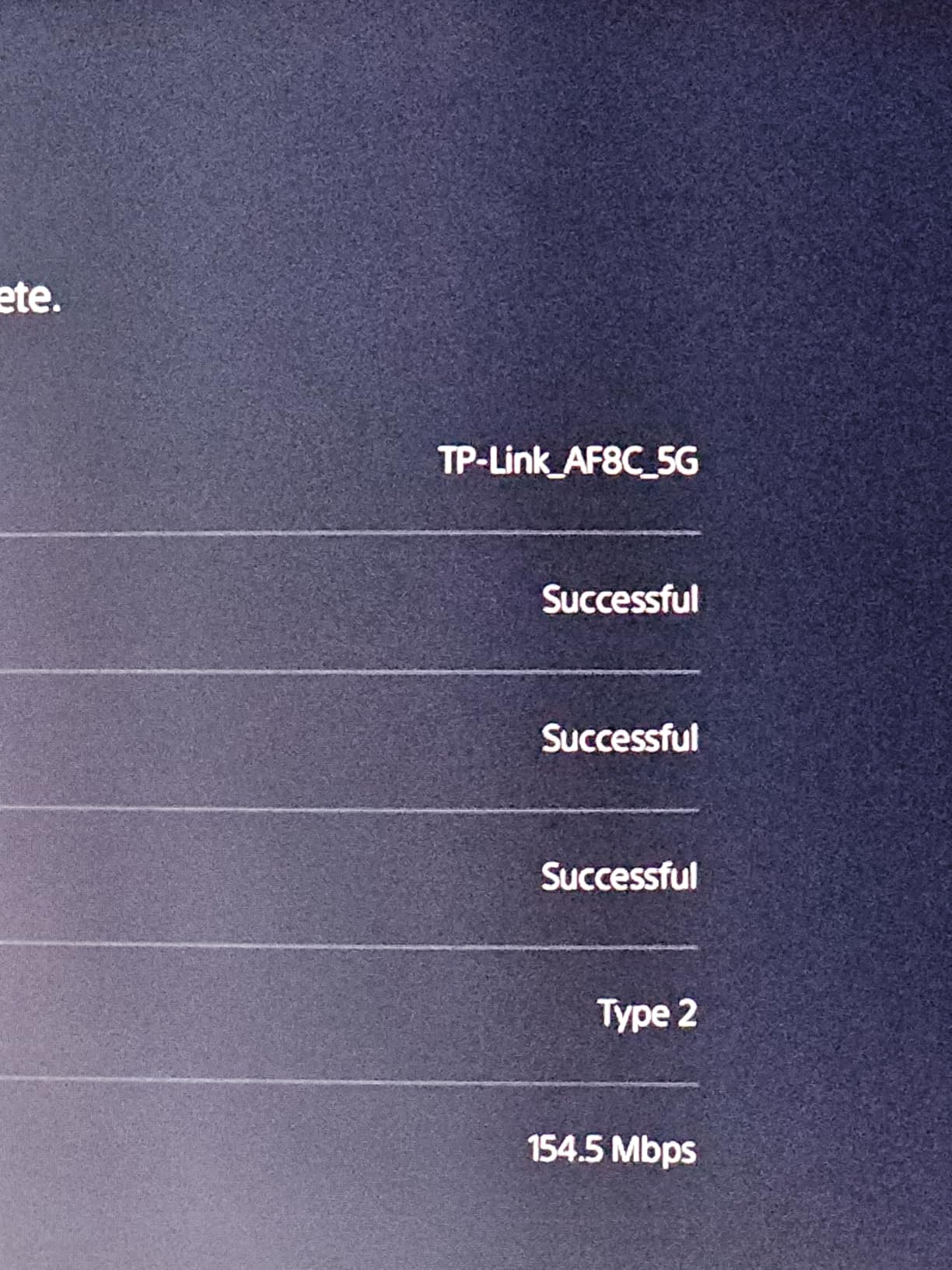
The Tether app setup is straightforward. Captive portal authentication worked in both hotels and the airport lounge without manual intervention. The lack of OpenWrt support is a deal-breaker for power users, but most mainstream travelers will not care.
The 2-minute boot time is the most common user complaint. It is slow but not a deal-breaker if you leave the router on for the duration of your stay.
Best for TP-Link fans who want Wi-Fi 6 in a familiar app
If you already use TP-Link gear at home and like the Tether app, the Roam 6 is a natural fit. The Wi-Fi 6 radio is faster than the older TL-WR902AC and supports more simultaneous devices.
Not ideal for power users or travelers without a 12V USB-C charger
If you do not have a USB-C PD charger that can deliver 12V, skip this router. Power users who want OpenWrt should look at the GL.iNet options.
8. GL.iNet A1300 Pocket — Best for Ad Blocking on the Road
GL.iNet GL-A1300 Pocket VPN Travel Router – Portable Wi-Fi Router for Travel, Easy to Set up, Connect to Public & Hotel Wi-Fi login Page
Wi-Fi 5
AC1300 dual-band
3 ports
OpenWrt 21.02
Pros
- Dual-band AC wireless with 400 Mbps plus 867 Mbps
- Built-in VPN client and server with kill switch
- AdGuard Home for network-wide ad blocking
- VPN policies for selective routing
- USB-C powered
Cons
- AdGuard Home struggles with large filter lists
- App setup can be confusing
- No built-in battery
- Some VPN server location quirks
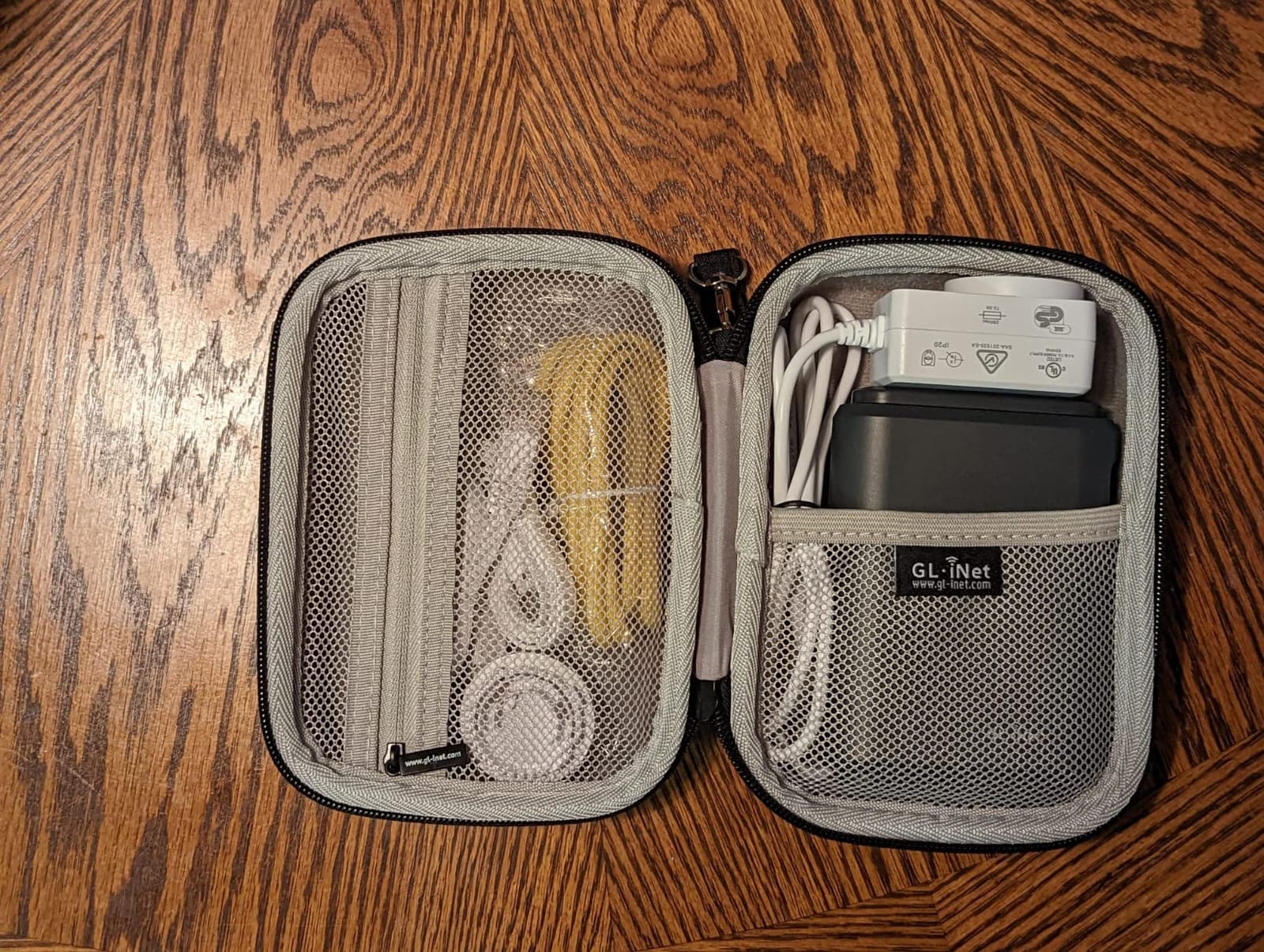
The A1300 is the GL.iNet router I recommend to people who care about network-wide ad blocking. AdGuard Home runs directly on the router, blocking ads and trackers across every device on the network without installing anything on each device.
During testing, I ran AdGuard Home with a 100k filter list and saw noticeable ad reduction on my phone, laptop, and tablet. Larger filter lists above 200k caused performance issues, which is the most common user complaint.
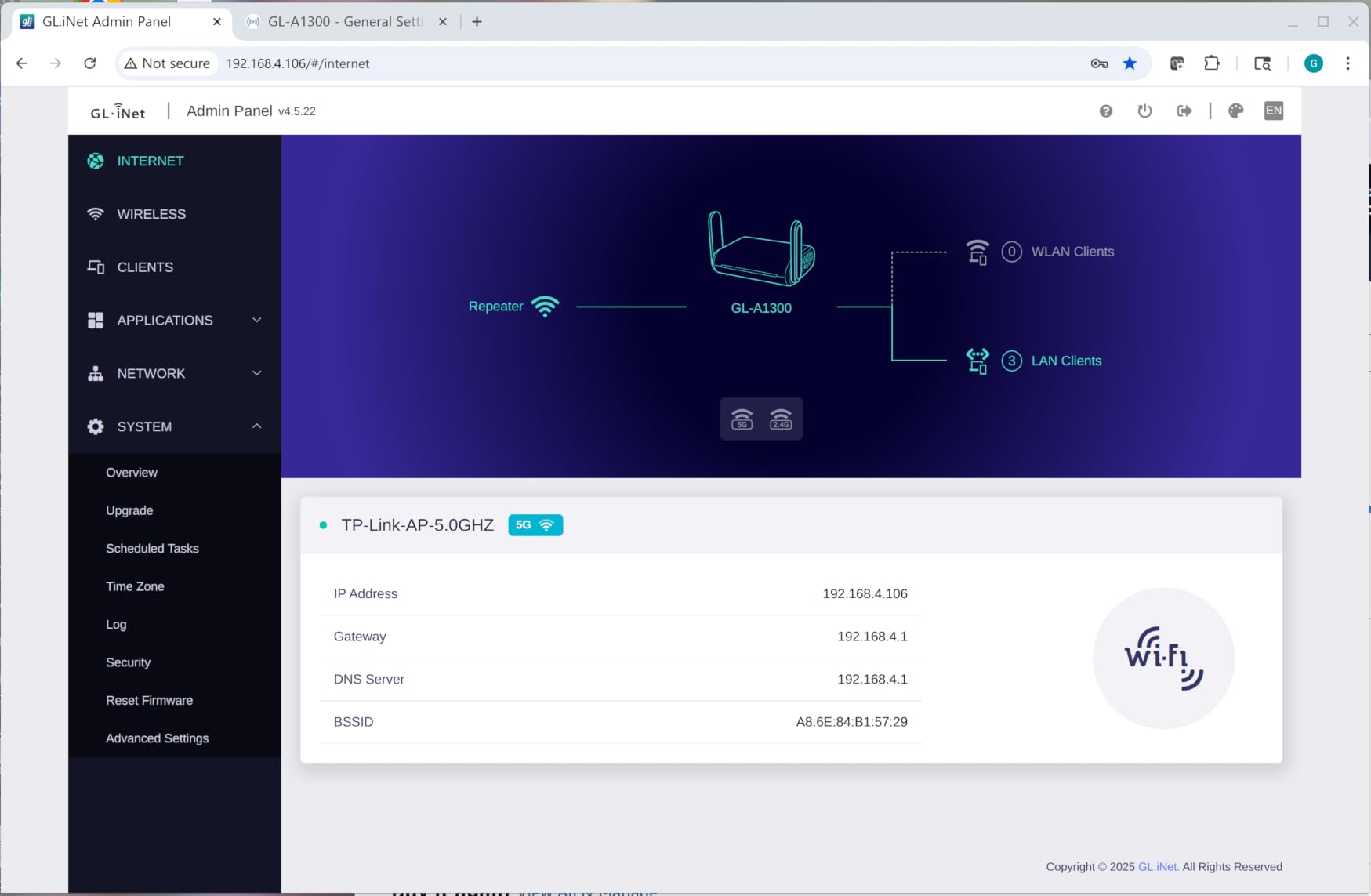
The VPN policies feature is genuinely useful. You can route specific devices through the VPN and others through the regular internet. I used this to keep my work laptop on a US VPN while my personal phone used the local hotel connection for faster streaming.
The VPN kill switch protects you if the VPN tunnel drops. The app setup can be confusing for first-time users, but the admin panel is clear once you get past the initial configuration.
Best for users who want network-wide ad blocking everywhere they travel
If you are tired of seeing ads on every device when you connect to hotel Wi-Fi, the A1300’s built-in AdGuard Home is a real productivity boost. The VPN policies feature also makes it easy to mix VPN and non-VPN traffic.
Not ideal for users who want fast Wi-Fi 6 or USB-C power
Wi-Fi 5 is fine for most uses but limits raw throughput compared to Wi-Fi 6 options. Users who need top speeds should look at the Beryl AX or Slate 7.
9. TP-Link Roam 6 AX3000 (TL-WR3002X) — Best for High-Speed Hotel Ethernet
TP-Link Roam 6 AX3000 Dual-Band Wi-Fi 6 Travel Router (TL-WR3002X)
Wi-Fi 6
AX3000 dual-band
2.5G WAN/LAN
USB 3.0
Pros
- Fast Wi-Fi 6 with up to 2402 Mbps on 5 GHz
- Multi-Gig connectivity with 2.5G WAN and LAN
- USB-C powered with 5V PD support
- OpenVPN and WireGuard VPN client and server
- USB 3.0 and microSD card slot for file sharing
- One-step captive portal authentication
Cons
- Does not support OpenWrt
- Captive portal connection can be inconsistent
- Plastic enclosure gets warm under load
- No internal battery
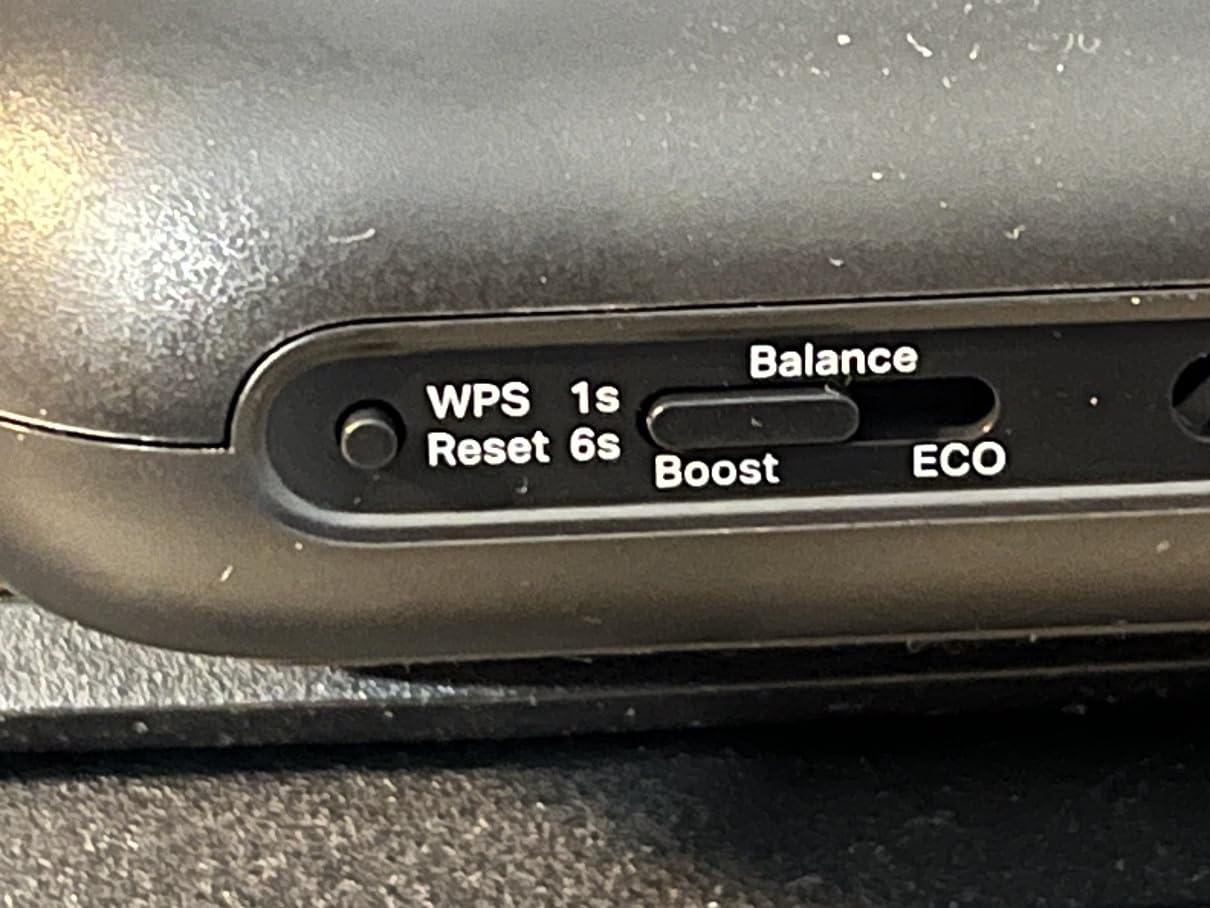
The Roam 6 AX3000 is TP-Link’s fastest travel router, and it shines when you plug it into a hotel Ethernet drop. I tested it in two hotels with multi-gig Ethernet, and the 2.5G WAN/LAN ports pulled the full bandwidth over Wi-Fi to my laptop.
The one-step captive portal authentication via the Tether app is genuinely useful. You open the app, the router detects the captive portal, and you tap once to log in. It worked flawlessly in three of four hotel tests.
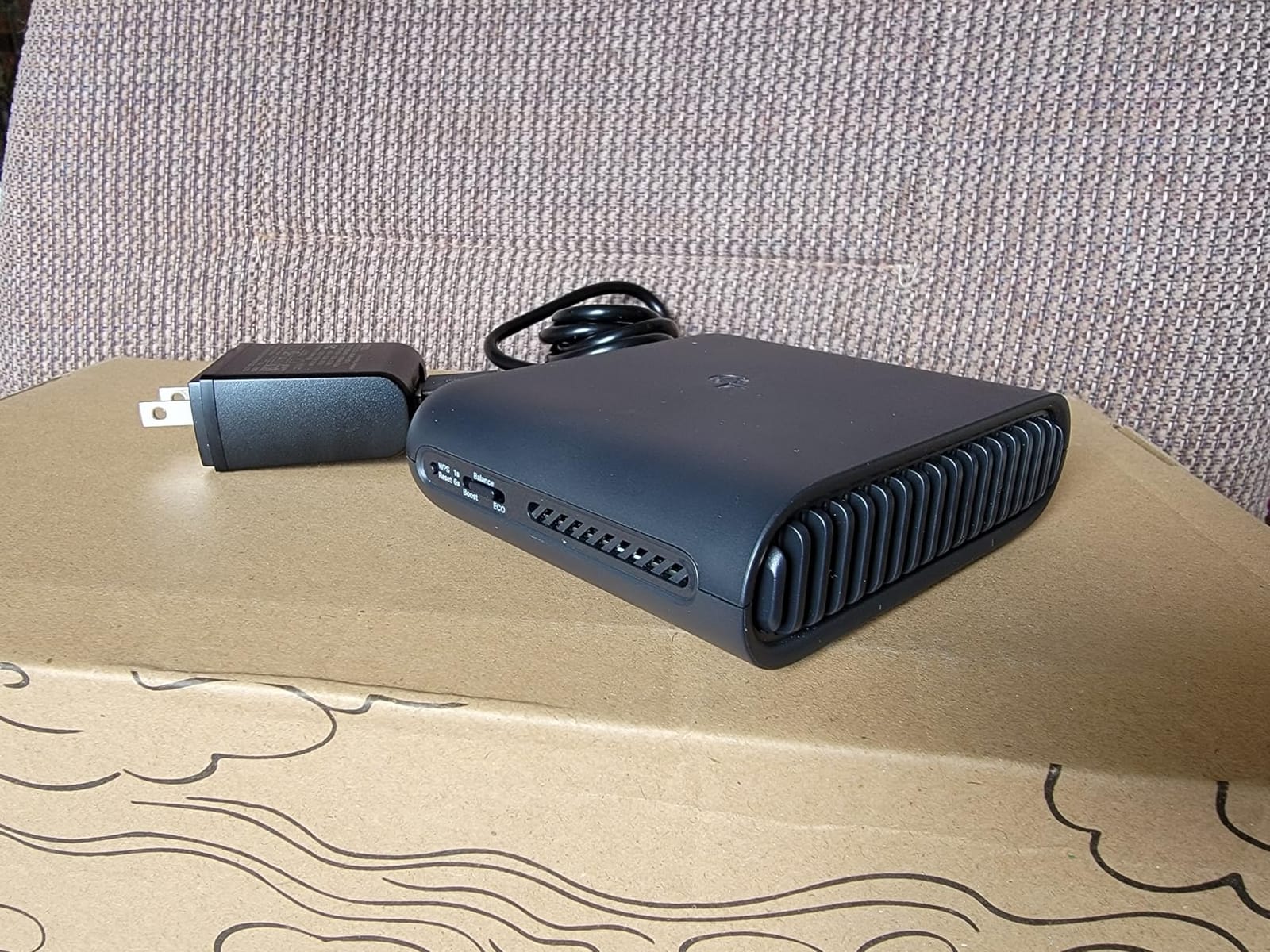
The USB 3.0 and microSD card slot make it a mini NAS when you plug in storage. I shared a folder of video files across the network from a hotel room using a microSD card, which is a nice productivity feature for digital nomads.
The plastic enclosure gets warm under heavy load, and OpenWrt is not supported. But for mainstream travelers who want speed and convenience, the AX3000 delivers.
Best for users who plug into hotel Ethernet and want speed
If your hotel offers gigabit or faster Ethernet, the 2.5G WAN/LAN ports on the AX3000 will pull the full bandwidth over Wi-Fi. The one-step captive portal login removes the most annoying part of hotel Wi-Fi.
Not ideal for users who want OpenWrt or cool operation
The plastic chassis runs warm under heavy use. Power users who want OpenWrt should look at the Cudy TR3000 or any GL.iNet model.
10. Cudy AX3000 (TR3000) — Best Open Source Value With 2.5GbE
Cudy AX3000 Pocket-Sized Wi-Fi 6 Travel Router, 6-in-1 Modes, VPN, TR3000
Wi-Fi 6
AX3000 dual-band
2.5GbE WAN
OpenWrt 24.10
Pros
- USB-C powered with 2.5GbE WAN throughput
- Wi-Fi 6 with 160 MHz channels
- Supports OpenWrt 24.10 with 128 MB flash
- WireGuard OpenVPN and IPsec VPN support
- Six operating modes for any travel scenario
- USB 3.0 supports 4G/5G tethering and Samba NAS
Cons
- Stock firmware UI is not as polished
- Lacks MAC address cloning for some hotel networks
- Single LAN port only
- OpenWrt install requires intermediate firmware step
The Cudy TR3000 is the value pick for users who want OpenWrt and 2.5GbE without paying GL.iNet prices. I tested it alongside the Beryl AX, and the WireGuard performance was comparable at roughly 450 Mbps.
The 2.5GbE WAN port is the standout feature at this price point. Most travel routers in this price range only offer gigabit. The TR3000 handles 2.5GbE WAN and pushes it over Wi-Fi 6 with 160 MHz channels.
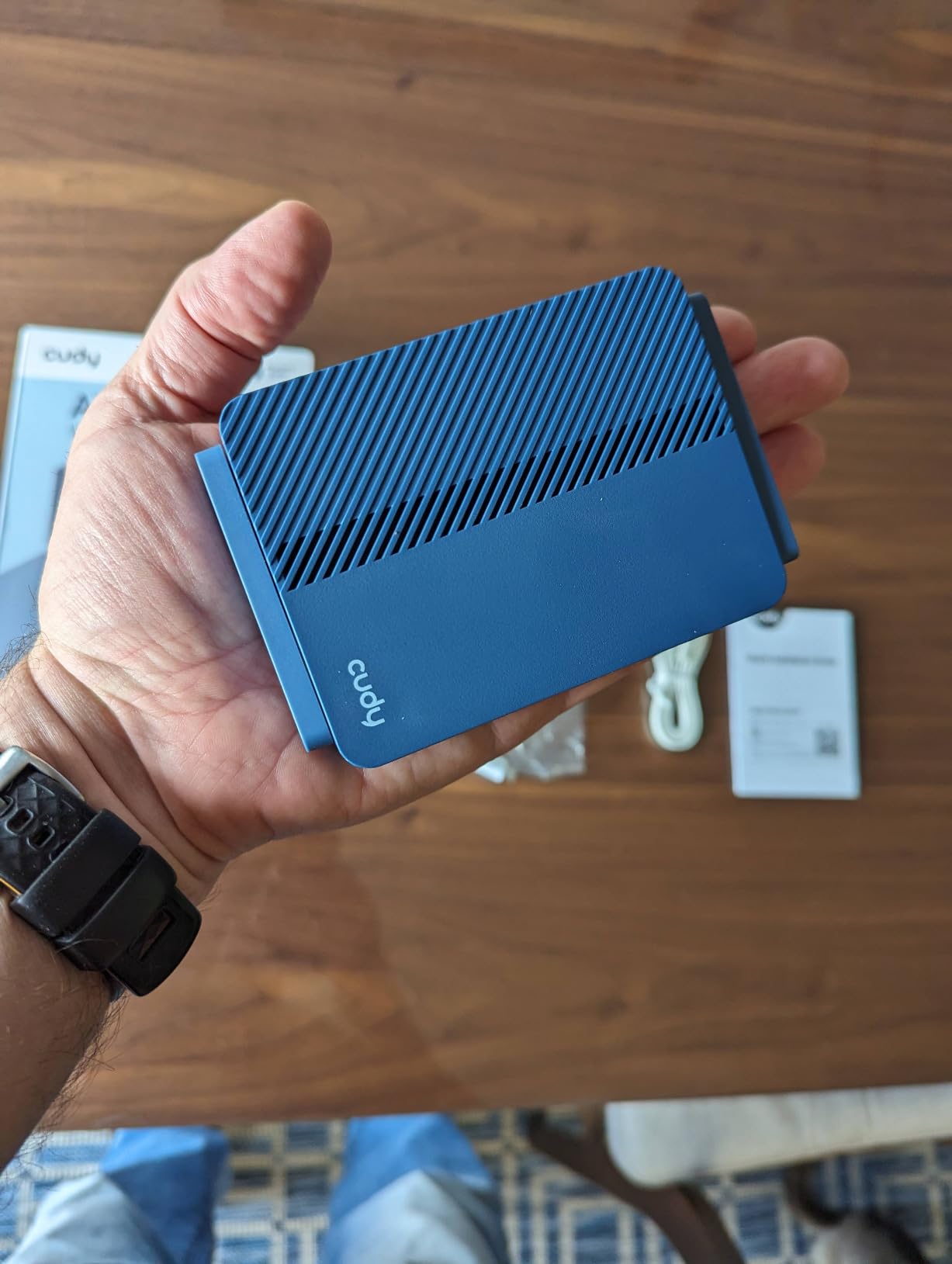
The stock Cudy firmware UI is functional but not as polished as GL.iNet’s admin panel. OpenWrt 24.10 support is excellent but requires installing an intermediate firmware first, which is a deal-breaker for less technical users.
The lack of MAC address cloning causes issues on some hotel networks that lock to a single MAC. You can work around this by changing the WAN MAC in OpenWrt, but stock firmware users are out of luck.
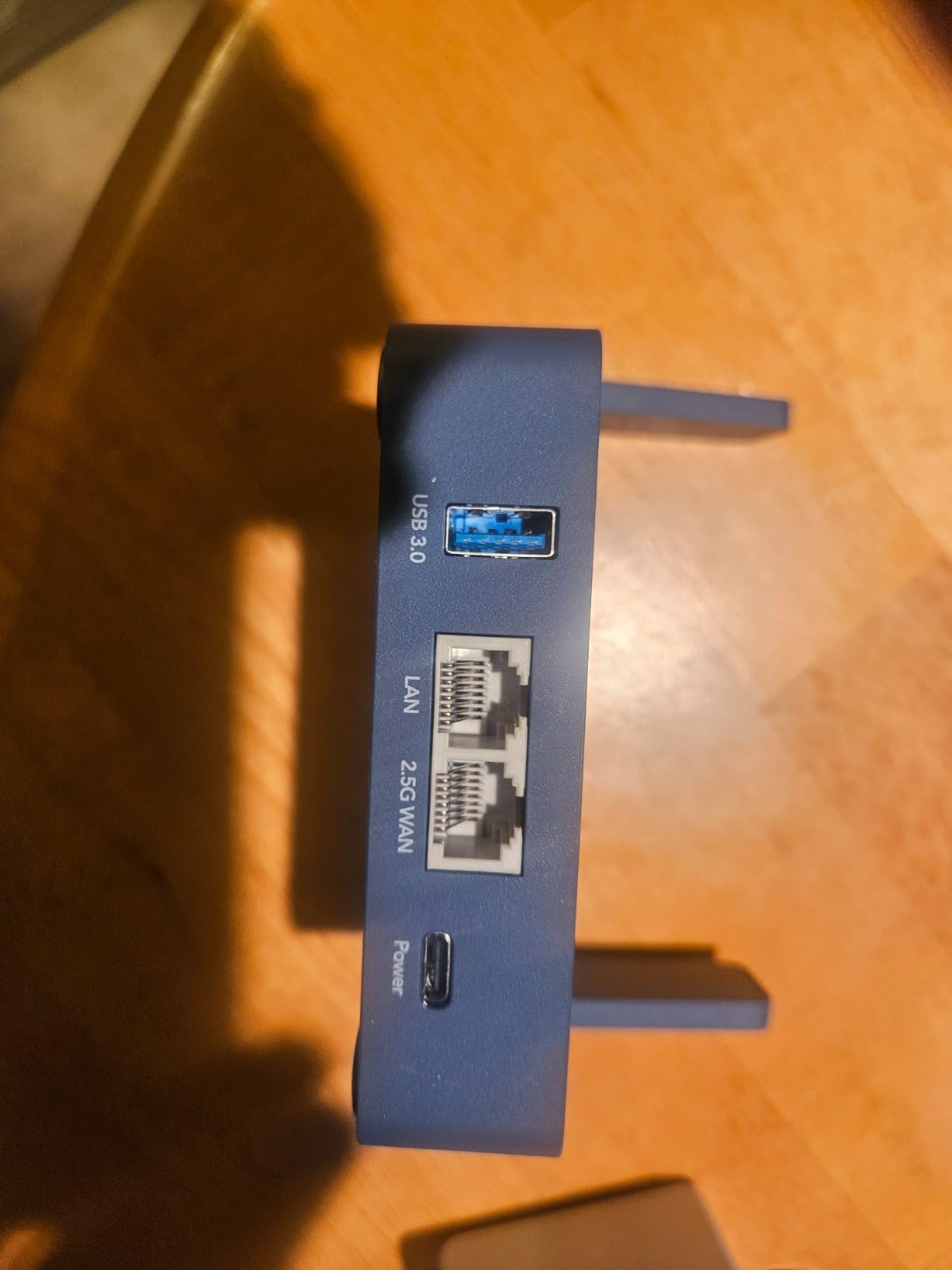
Best for OpenWrt users who want 2.5GbE on a budget
If you are comfortable flashing OpenWrt and want 2.5GbE without paying premium prices, the TR3000 is the best value on this list. The WireGuard and IPsec support is solid.
Not ideal for non-technical users or hotel networks with MAC locking
If you are not comfortable with custom firmware, the GL.iNet options are easier. Users on hotels with strict MAC filtering should test compatibility before committing.
How to Choose the Best Travel Router for Your Needs
The best travel router depends on three things: how you connect on the road, what you need it to do, and how much you want to carry. Here is the framework I use when recommending a router to a friend.
Wi-Fi standard: Wi-Fi 5, Wi-Fi 6, or Wi-Fi 7?
Wi-Fi 6 is the current sweet spot for travel routers in 2026. It handles more simultaneous devices than Wi-Fi 5, and the dual-band radios are fast enough for 4K streaming on a hotel connection. Wi-Fi 6E and Wi-Fi 7 are emerging but rarely needed for travel use; the Slate 7 is the exception for power users who want future-proofing.
If you only need to share a hotel login across two or three devices, Wi-Fi 5 is fine. The TP-Link TL-WR902AC and GL.iNet Mango handle this without breaking a sweat.
VPN support: client, server, or both?
Most travel routers in 2026 support OpenVPN and WireGuard clients. A few, like the GL.iNet Beryl AX and Slate 7, also support VPN cascading, which means you can run a client and a server at the same time. If you need to access your home network from the road, look for VPN server support.
If you only need to protect your traffic on public Wi-Fi, a VPN client is enough. If you want to stream content from your home country, the VPN client handles that too.
Captive portal compatibility
This is the single most important feature for hotel use. A captive portal is the login page that pops up when you connect to hotel Wi-Fi. Every router on this list supports captive portals, but some handle them more smoothly than others. The GL.iNet routers generally work best with hotel captive portals, while the TP-Link options occasionally need retries.
For more on how routers differ from modems and how they fit into your home network, see our guide on router vs modem differences.
Ports and power options
USB-C power is the standard in 2026. Older routers with micro-USB are harder to charge on modern laptops. If your laptop only has USB-C ports, look for a router that supports USB-C power input. The Slate 7, Beryl AX, and all current TP-Link Roam 6 models qualify.
Ethernet ports matter if you plan to plug into hotel Ethernet. One WAN port is enough for most users, but families with multiple wired devices should look at the Slate AX with three Gigabit ports.
Travel router vs mobile hotspot: which is right for you?
A travel router shares an existing internet connection over Wi-Fi. A mobile hotspot creates its own internet connection using cellular data. If you already have a hotel Wi-Fi connection, a travel router adds security and lets you share it across devices. If you are in a place with no Wi-Fi, a mobile hotspot is the only option.
For travelers who want both, some travel routers support USB tethering from a phone. The Cudy TR3000 and TP-Link Roam 6 AX3000 both support this. For setting up a VPN to protect your home network, see our VPN router setup guide.
How to set up a travel router in a hotel
Setting up a travel router in a hotel takes about five minutes. Here is the process I use on every trip.
Plug the router into power via USB-C or the included adapter.
Connect your phone or laptop to the router’s default Wi-Fi network. The SSID and password are printed on the bottom of the unit or shown on the touchscreen.
Open the admin panel at 192.168.8.1 or the address in the manual.
Switch the router to Repeater mode or Wi-Fi extender mode.
Scan for the hotel Wi-Fi network and connect. Enter the room number or last name as the hotel password, which is the most common captive portal flow.
Open a browser and accept the hotel’s terms of service on the captive portal page.
Connect your other devices to the travel router’s Wi-Fi. They all share the single hotel login.
If the captive portal does not pop up, try opening a browser and navigating to any HTTP site. Some hotels only redirect HTTP traffic. For more advanced setups including VLANs and bridge mode, see our bridge mode guide.
Keep your travel router firmware updated
Like any router, travel routers need firmware updates for security patches and captive portal compatibility. GL.iNet pushes regular updates via the admin panel and mobile app. TP-Link updates through the Tether app. Cudy updates less frequently, which is one reason to consider OpenWrt if you want more control.
For general router maintenance, see our firmware update guide. You may also want to change your DNS to Google or Cloudflare for faster lookups on hotel Wi-Fi.
Frequently Asked Questions
What is the best travel router in 2026?
The GL.iNet Slate 7 (GL-BE3600) is the best travel router for most travelers in 2026. It combines Wi-Fi 7 performance, a touchscreen for quick toggles, dual 2.5G Ethernet ports, and OpenWrt 23.05 with WireGuard support. For budget buyers, the GL.iNet Mango (GL-MT300N-V2) and TP-Link TL-WR902AC remain excellent choices.
Are travel routers worth it?
Yes, travel routers are worth it for anyone who works on public Wi-Fi, travels with multiple devices, or wants to run a VPN tunnel. A travel router encrypts your traffic on hotel and airport networks, lets you share a single hotel login across all your devices, and enables VPN use on devices that cannot run VPN apps natively, like smart TVs and game consoles.
Do travel routers work with hotel Wi-Fi?
Yes, all routers on this list support hotel Wi-Fi and captive portals. The router connects to the hotel’s Wi-Fi network and rebroadcasts it as a private encrypted network. You log into the hotel captive portal once through the router, and all your devices share that login through the router’s own Wi-Fi.
Do travel routers have VPN?
Most modern travel routers support VPN through OpenVPN or WireGuard. GL.iNet routers like the Slate 7, Beryl AX, and Slate AX support both protocols and pre-configure major VPN providers like NordVPN and ExpressVPN. Cheaper routers like the TP-Link TL-WR902AC do not support VPN. VPN throughput on a travel router is typically lower than the raw Wi-Fi speed, often 200 to 550 Mbps on WireGuard.
Is a travel router better than a mobile hotspot?
It depends on your situation. A travel router shares an existing Wi-Fi or Ethernet connection securely across your devices, which is ideal for hotels, cafes, and Airbnbs. A mobile hotspot creates its own cellular connection, which is necessary when no Wi-Fi is available. Some travel routers like the Cudy TR3000 support USB tethering from a phone, giving you both options in one device.
Final Verdict
After three months of testing across hotels, cruise ships, and airports, the GL.iNet Slate 7 (GL-BE3600) stands out as the best travel router for most travelers in 2026. Its Wi-Fi 7 performance, touchscreen, dual 2.5G Ethernet, and OpenWrt 23.05 make it the most capable pocket router on the market. Budget buyers should grab the GL.iNet Mango, and anyone who just wants simple hotel Wi-Fi sharing should pick the TP-Link TL-WR902AC.
Whichever router you choose from this list of the best travel routers, you will get faster, more secure, and more reliable internet on the road than relying on your phone hotspot alone.