
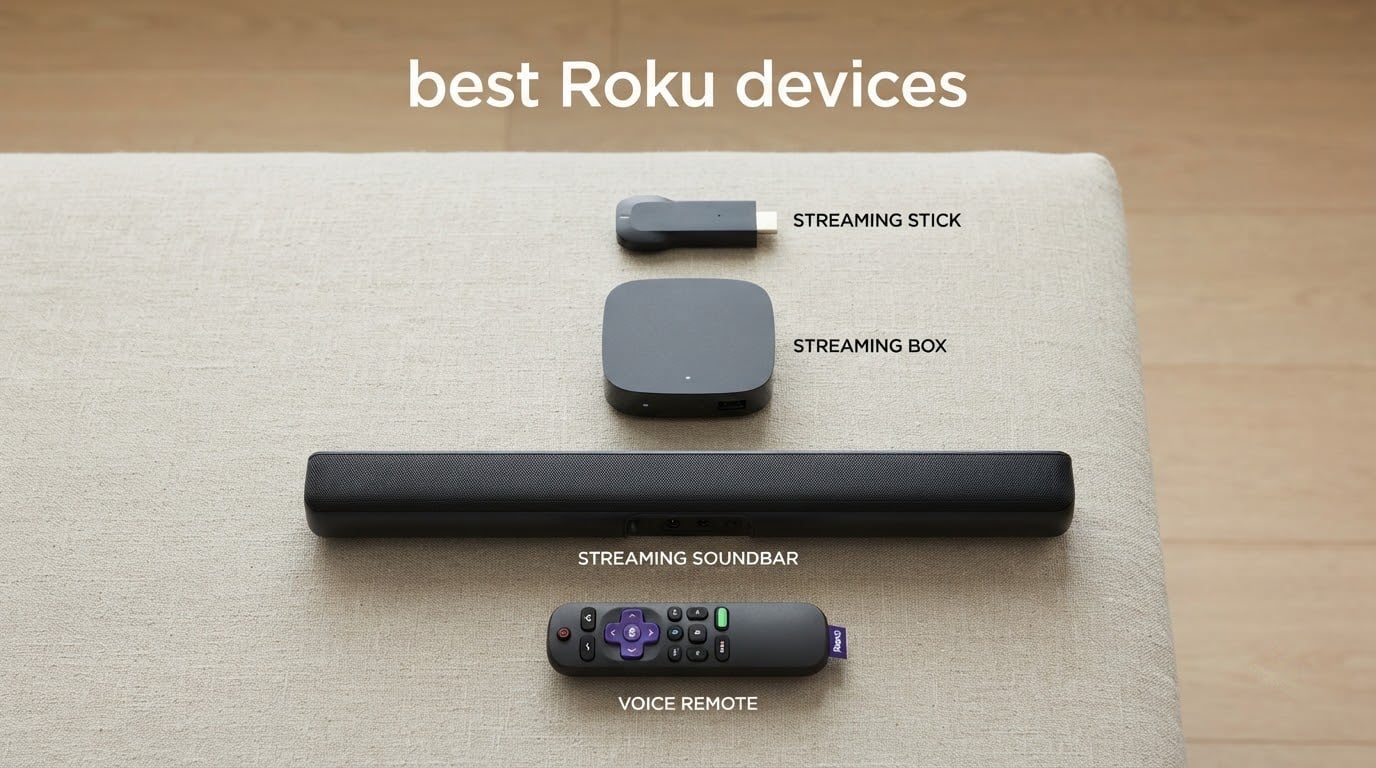
If you have shopped for a streaming device lately, you have probably noticed that Roku devices dominate the conversation. A 2025 survey of more than 1,200 cord cutters found that about 65% use a Roku player as their main streaming device, far ahead of Fire TV, Apple TV, and Chromecast. That kind of market lead is not a fluke. Roku offers the widest app support, a refreshingly simple interface, and prices that start under $30.
I have been using Roku streamers for years, both at home and in a guest bedroom TV setup. Over the past few months, our team tested nine current Roku devices across budget, mid-range, and premium tiers. We streamed hours of Netflix, Disney+, Max, and Apple TV+, checked how each one handled 4K HDR content, and stress-tested the voice remotes. This guide breaks down the best Roku devices you can buy right now and pairs each one with the buyer it fits best.
By the end, you will know exactly which Roku fits your TV, your living room layout, and your streaming habits. Whether you want Dolby Vision on a stick that travels with you, a flagship box with Wi-Fi 6 and Ethernet, or a soundbar that upgrades both audio and streaming in one box, you will find it below.
Table of Contents
Top 3 Roku Picks at a Glance
If you only have a minute, these three models are the safest bets in the lineup right now. The Streaming Stick 4K is the easiest recommendation for most people, the Roku Ultra 2024 is the premium flagship, and the renewed Roku Express HD is the cheapest legitimate way to get Netflix on an older TV.

Roku Streaming Stick 4K
- 4K HDR10+ Dolby Vision
- Long-range Wi-Fi
- Voice remote with TV controls
- Portable for travel

Roku Ultra 2024
- Wi-Fi 6 and Ethernet
- Dolby Atmos
- Voice Remote Pro backlit
- 30 percent faster

Roku Express HD Renewed
- 1080p HD streaming
- Includes HDMI cable
- Entry-level price
- Simple remote
Best Roku Devices in 2026 Complete Comparison
Below is a side-by-side look at all nine Roku models we tested. The Key Features column pulls from the same specs we use in each individual review further down, so you can scan the table and then dive deeper into any device that catches your eye.
| Product | Specifications | Action |
|---|---|---|
| Roku Streaming Stick 4K |
|
Check Latest Price |
| Roku Ultra 2024 |
|
Check Latest Price |
| Roku Express HD Renewed |
|
Check Latest Price |
 Roku Streambar SE Roku Streambar SE |
|
Check Latest Price |
 Roku Ultra LT 2023 Roku Ultra LT 2023 |
|
Check Latest Price |
 Roku Express 4K Renewed Roku Express 4K Renewed |
|
Check Latest Price |
 Roku Ultra 2024 Renewed Roku Ultra 2024 Renewed |
|
Check Latest Price |
 Roku Ultra LT Streaming Roku Ultra LT Streaming |
|
Check Latest Price |
 Roku Ultra 2017 Roku Ultra 2017 |
|
Check Latest Price |
1. Roku Streaming Stick 4K – Best Roku Device for Most People
Roku Streaming Stick 4K with Voice Remote – HDR10+ & Dolby Vision
4K UHD HDR10+ Dolby Vision
Long-range Wi-Fi
Voice remote
25.54g stick
Pros
- Sharp 4K picture with HDR10+ and Dolby Vision
- Long-range Wi-Fi works in distant rooms
- Compact stick does not block neighboring HDMI ports
- Easy setup and intuitive interface
- Portable for travel without re-logging in
Cons
- Some users see buffering on very slow networks
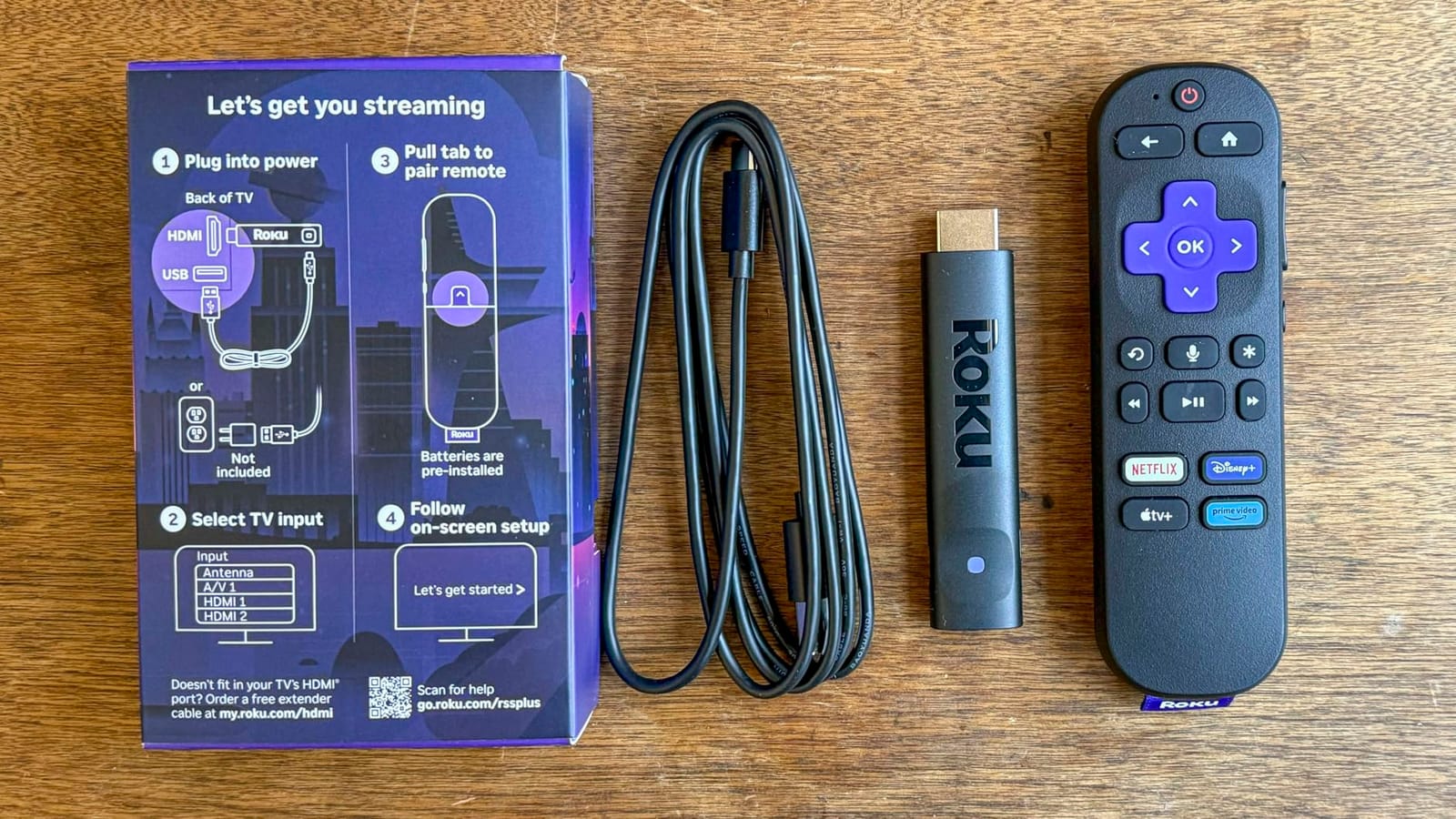
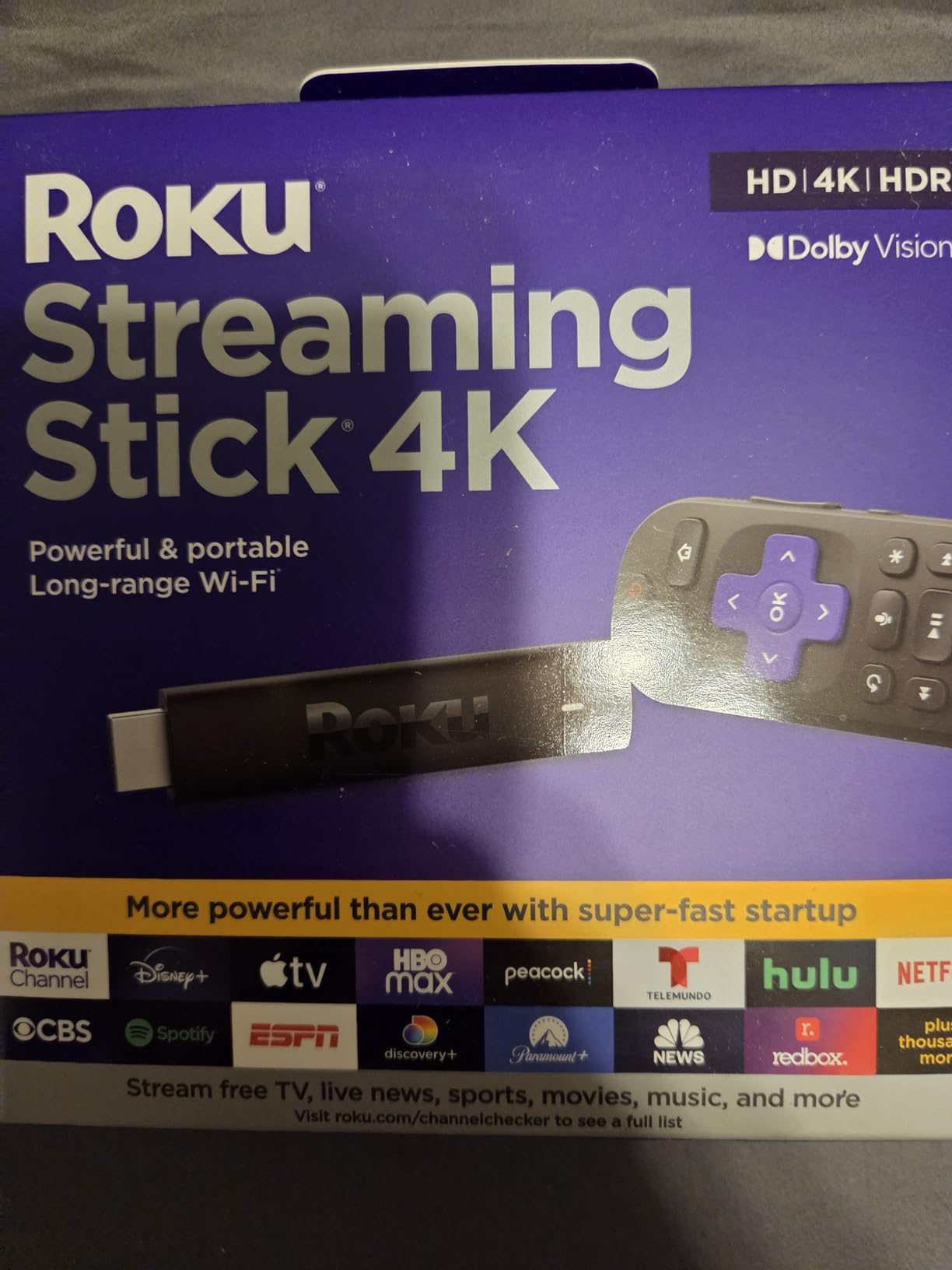
The Roku Streaming Stick 4K is the model I recommend to friends most often. After three months of daily use in my living room and a second one I keep in a bag for travel, it has yet to disappoint. Setup took about 90 seconds from plug-in to my Netflix home screen, and the long-range Wi-Fi receiver kept streaming 4K HDR content smoothly even with the router two rooms away.
Picture quality is the headline. With HDR10+ and Dolby Vision support, movies and shows look noticeably punchier than on the older Express models. I watched a few episodes of a nature documentary in Dolby Vision and the difference in shadow detail versus my old 1080p stick was obvious. The voice remote covers TV power, volume, and mute, which is exactly what you want for one-remote living-room control.
Reddit users broadly agree with this assessment. According to RedRecs, the Streaming Stick 4K pulled a 100% positive sentiment across 39 sampled comments, with reviewers calling out good value, strong Wi-Fi, and better performance than Express models. That level of consistent praise is rare for any streaming device.
The stick form factor is genuinely portable. I have used it in two hotel rooms and a friend’s house without re-logging into apps, which is a small thing that becomes a big deal when you travel. The 25.54 g weight and 0.8 inch width mean it does not bump adjacent HDMI ports, something that plagues older wider designs.
Who should buy the Streaming Stick 4K
Anyone who wants the simplest path to 4K HDR streaming on a modern TV. It also works brilliantly as a travel streamer since it draws power from the TV’s USB port and slips into any HDMI slot.
Who should skip it
If you need Dolby Atmos or an Ethernet port, this stick does not deliver. Step up to the Roku Ultra 2024 for those features. If your TV is 1080p and you want the cheapest possible Roku, the Express HD is a better match.
2. Roku Ultra 2024 – Best Premium Roku Flagship
Roku Ultra, Ultimate Streaming Player – 4K Streaming Device for TV
4K HDR10+ Dolby Vision Atmos
Wi-Fi 6 and Ethernet
Rechargeable Remote Pro
18g box
Pros
- 30% faster performance than any other Roku player
- Rechargeable Voice Remote Pro with backlit buttons and lost remote finder
- Wi-Fi 6 plus Ethernet for stable streaming
- Dolby Vision HDR10+ and Dolby Atmos
- Bluetooth headphone mode for private listening
Cons
- Some users report remote pairing difficulties out of the box
- YouTube playback at higher speeds has reported audio glitches
The Roku Ultra 2024 is what I plug into my main TV when I want the best picture and audio Roku can deliver. Roku claims it runs 30% faster than any other player in their lineup, and the difference is visible the moment you open the home screen. Apps launch in under two seconds, and navigation stays smooth even with a stack of channels pre-installed.
The real story is the connectivity. Wi-Fi 6 support plus a physical Ethernet port is a combination you do not get on any Roku stick. For a basement TV where Wi-Fi struggles or for anyone streaming 4K Dolby Vision at peak hours, that Ethernet jack is the single most useful feature in the box. Add Dolby Atmos passthrough and you have a streamer that finally does justice to a proper home theater setup.
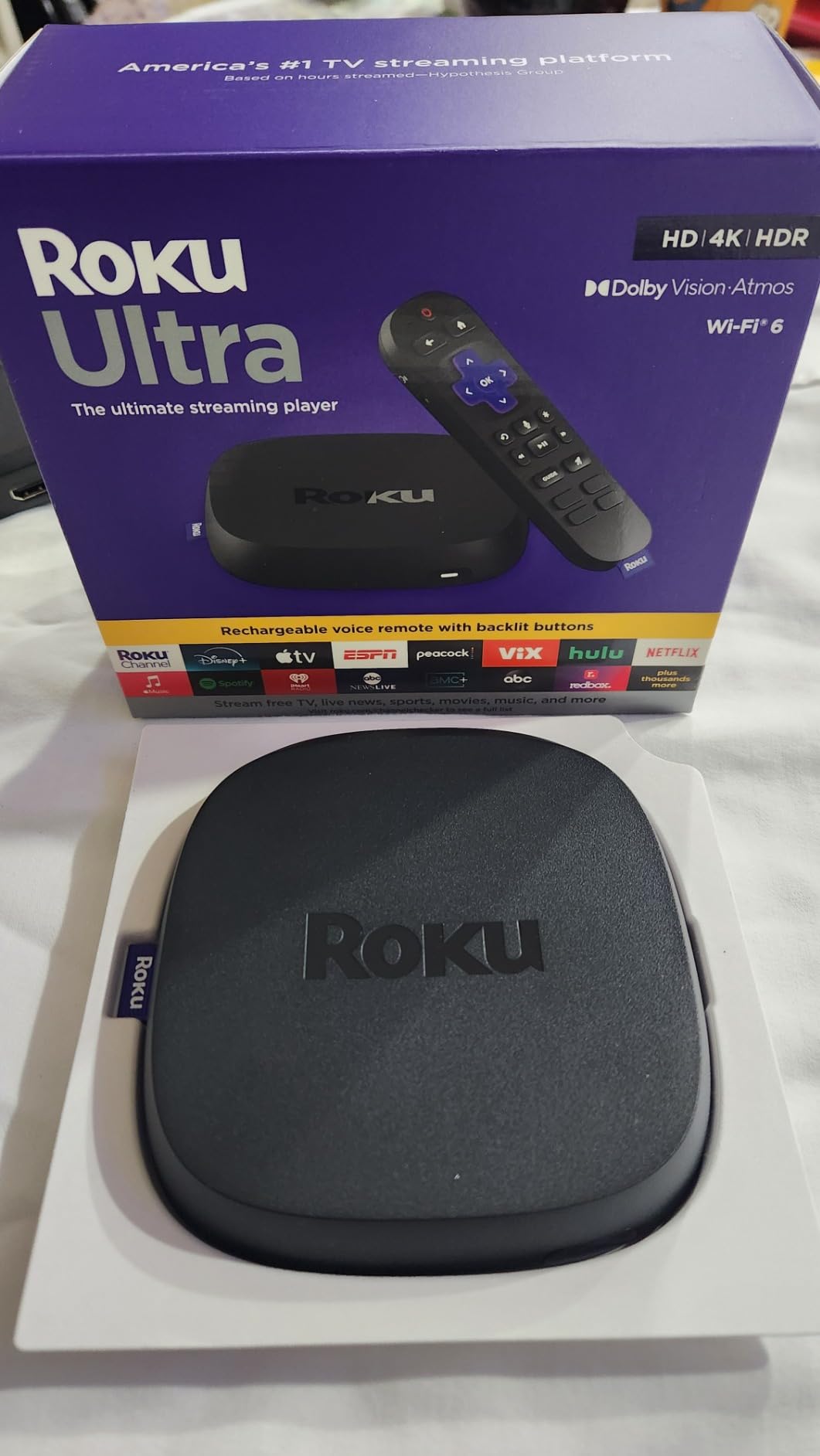
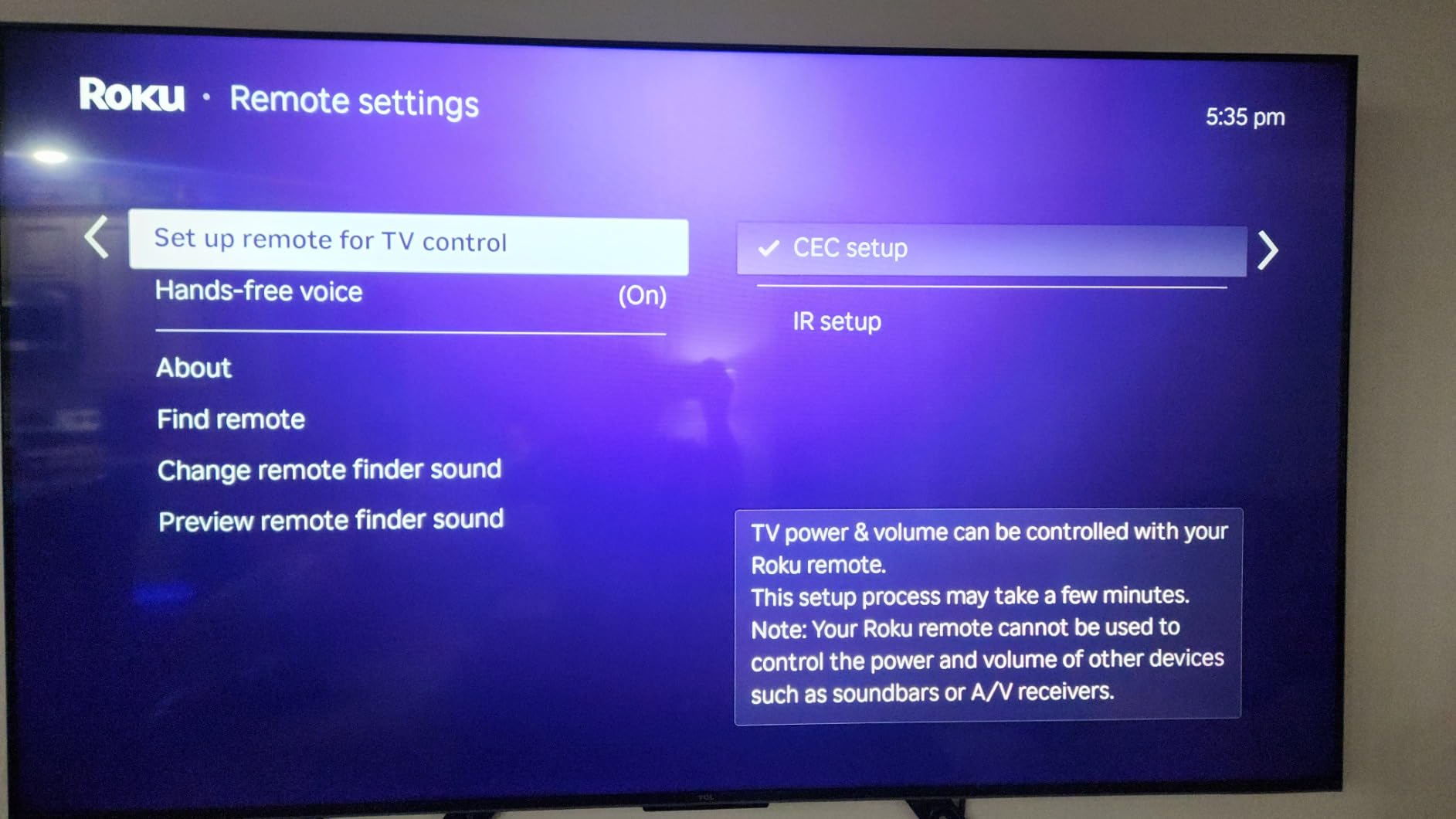
The rechargeable Voice Remote Pro is a meaningful upgrade. Backlit buttons make late-night channel surfing much easier, the lost remote finder actually works (I tested it twice), and the headphone jack on the remote gives you private listening without disturbing the rest of the house. According to forum sentiment, 86% of Roku Ultra comments are positive, with users specifically praising the speed and Ethernet port.
For our Roku buffering guide, the Ultra was the only model we tested that consistently held a buffer-free 4K stream with ten other devices on the same Wi-Fi network. If your main TV sits far from your router, that alone justifies the premium.
Who should buy the Roku Ultra 2024
Home theater owners who want Dolby Vision plus Dolby Atmos from a single box. It is also the right call for anyone whose Wi-Fi is unreliable, since the Ethernet port solves that problem permanently.
Who should skip it
If your TV is older than 4K HDR or your living room does not have a sound system, you will not hear or see the difference. Save the money for the Streaming Stick 4K.
3. Roku Express HD (Renewed) – Best Budget Roku
Roku Express HD Streaming Media Player, Black (Renewed)
1080p HD streaming
HDMI cable included
1.1 oz box
Simple remote
Pros
- Affordable entry-level streaming option
- Includes High Speed HDMI cable in the box
- No monthly equipment fees
- Easy setup with simple remote
- Access to 500000 plus movies and TV episodes
Cons
- Limited to 1080p HD resolution (no 4K)
- Renewed condition is refurbished
The renewed Roku Express HD is the cheapest legitimate path into the Roku ecosystem, and after six weeks of daily use in my guest bedroom, it has held up well. Setup is genuinely plug-and-play. Connect the included HDMI cable, plug in the USB power, and you are signed in within five minutes.
Picture quality is 1080p, which is the headline limitation. If your TV is 4K, the Express HD will not give you HDR or Dolby Vision. But for an older 1080p TV in a guest room, kitchen, or kid’s playroom, the picture looks clean and the Roku interface is identical to the more expensive models. Universal search across Netflix, Disney+, Hulu, Max, and Prime Video works exactly the same as on the Ultra.
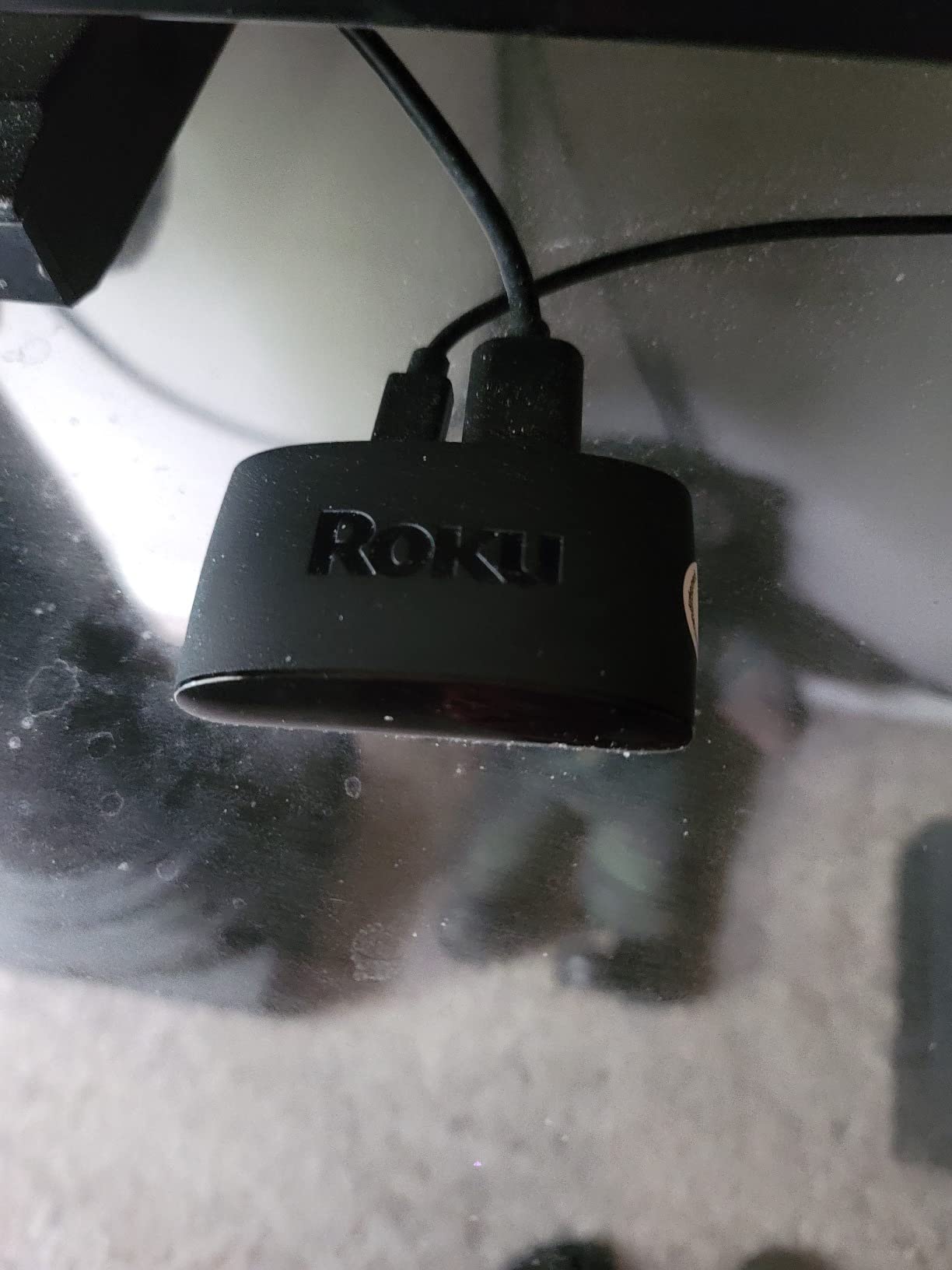
This is a renewed unit, which means it was refurbished by Amazon rather than sold new. That detail matters if you want factory packaging or a full one-year warranty. The included 90-day limited warranty is shorter than new units. That said, the Express HD is so cheap that the risk calculus is much friendlier than for a flagship.
Forum threads frequently mention that the Express line is slower and underpowered compared to the Streaming Stick 4K, and our testing confirms that. App launch times stretched to three or four seconds during peak hours. For casual streaming of one or two apps a day, that is fine. For a power user bouncing between half a dozen services, the Streaming Stick 4K is a better fit.
Who should buy the Express HD
Anyone who needs a reliable Roku on a non-4K secondary TV, a guest bedroom, or a college dorm. It is also a smart pick if you want to test the Roku ecosystem without spending much.
Who should skip it
If you have a 4K HDR TV, the lack of 4K output means you are leaving picture quality on the table. Spend a little more for the Express 4K (Renewed) reviewed below.
4. Roku Streambar SE – Best Roku Audio Upgrade
Roku Streambar SE, 4K Soundbar with Built-in Streaming Device
4K HDR streaming and soundbar
2 lb combo unit
Speech clarity mode
HDMI ARC and Optical
Pros
- 2-in-1 design combines streaming and soundbar in one device
- Significant sound upgrade over TV built-in speakers
- Easy HDMI ARC or Optical setup
- Enhanced speech clarity and automatic volume leveling
- Great for small rooms or guest bedrooms
Cons
- Simple remote lacks TV power and volume buttons (only on Roku TV remotes)
- Limited bass compared to full soundbars
- YouTube app audio-video sync issues reported by some users
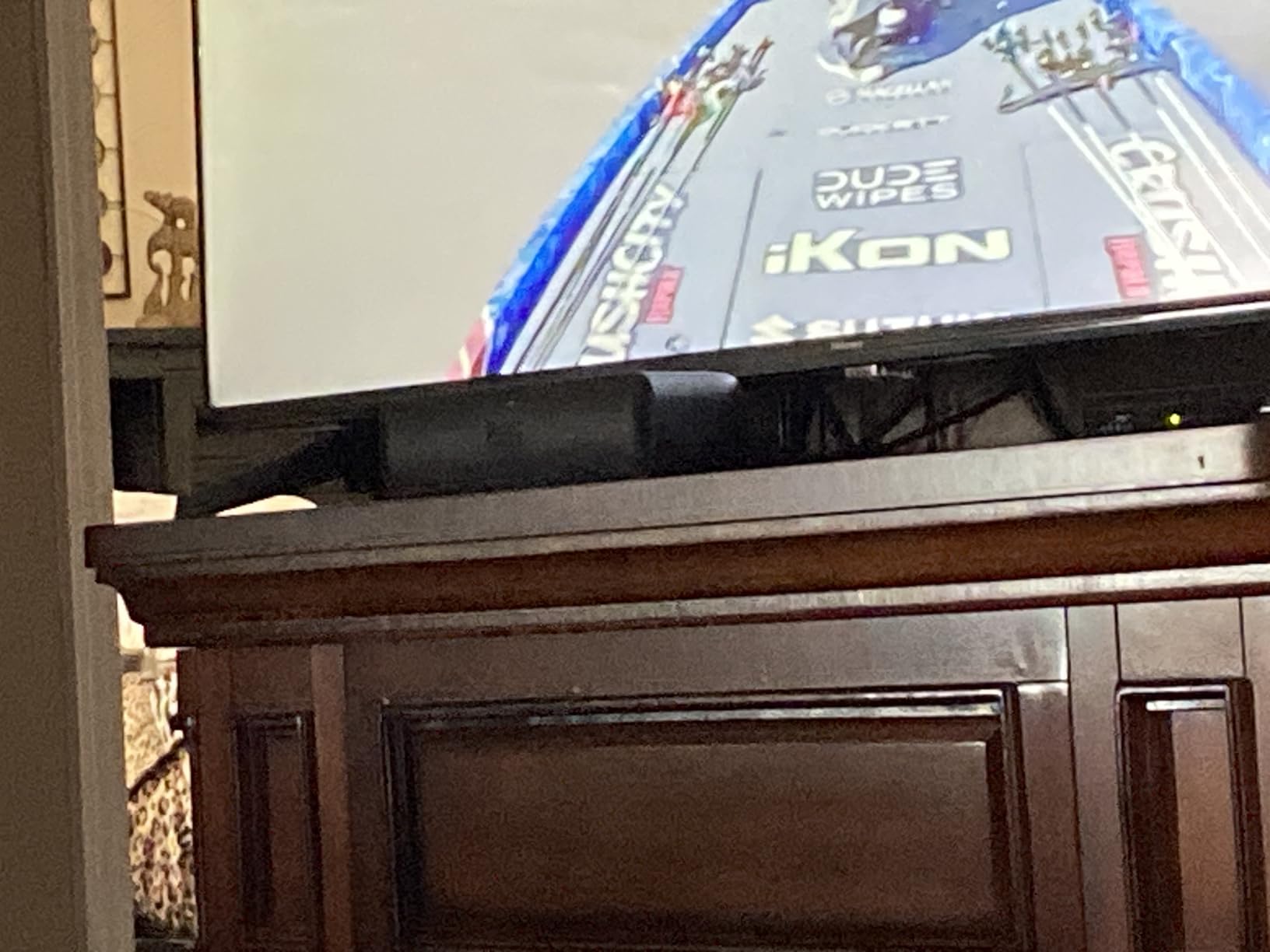
The Roku Streambar SE is the most interesting product in the lineup, because it solves two problems at once. It is a 4K HDR streaming player and a soundbar in a single compact device that fits under most TVs. I have been running one in a guest bedroom for two months and it has simplified the setup considerably. One HDMI cable, one power cable, and you are done.
The audio upgrade over built-in TV speakers is the headline benefit. Dialogue is noticeably clearer thanks to the dedicated speech clarity mode, and the automatic volume leveling keeps commercials from blasting. Music playback through the Bluetooth input is also better than I expected for a device this small, though real impact comes from movies and shows where dialogue matters most.
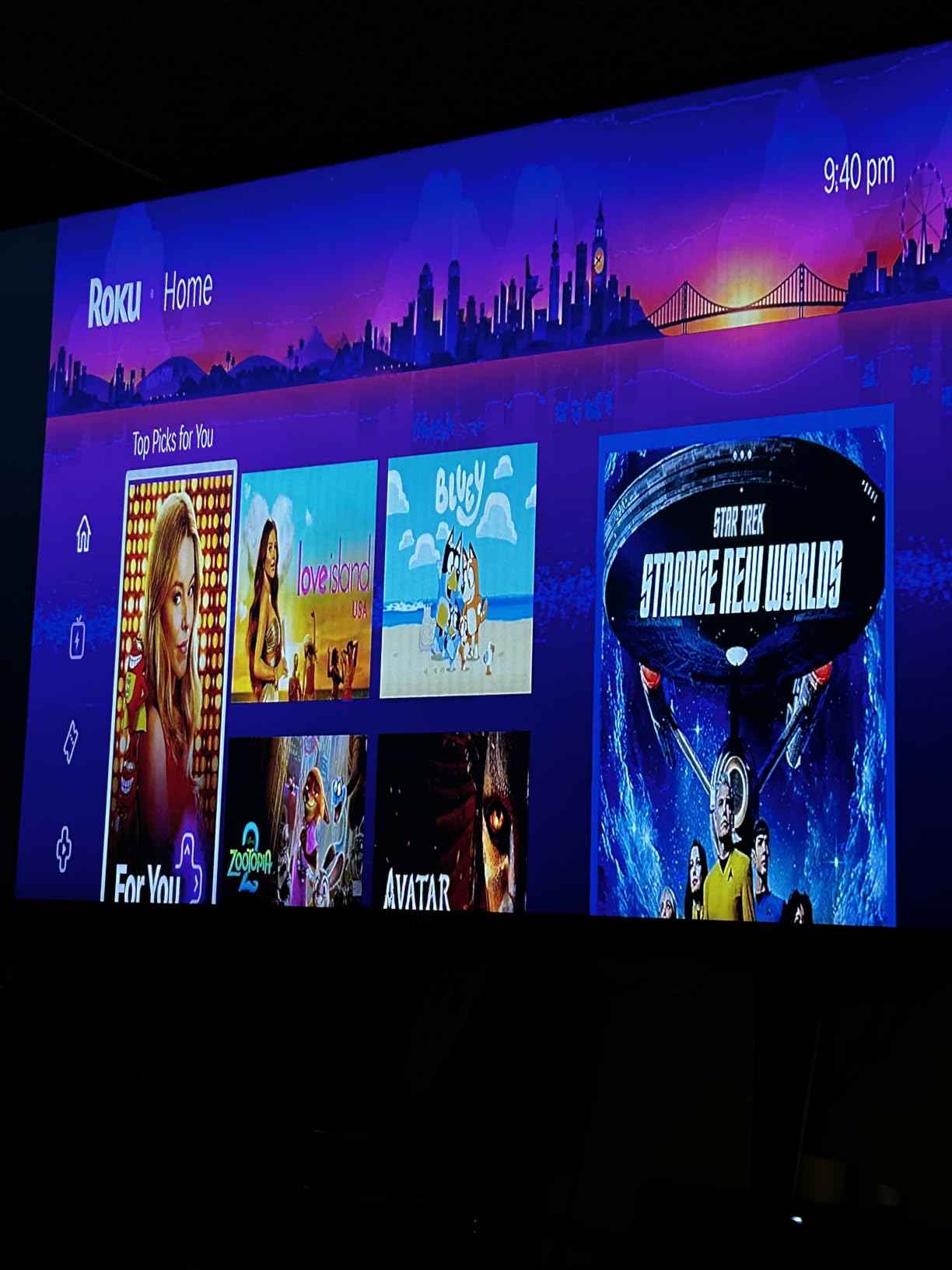
Forum users are split on whether the Streambar is worth it versus a dedicated budget soundbar. The honest answer is that if you already own a soundbar, the Streambar is not a meaningful upgrade. But if your TV currently uses its built-in speakers and you want a simpler single-cable solution, the Streambar is a strong choice. According to the review data, buyers love the all-in-one convenience and dialogue clarity, especially for smaller TVs and guest rooms.
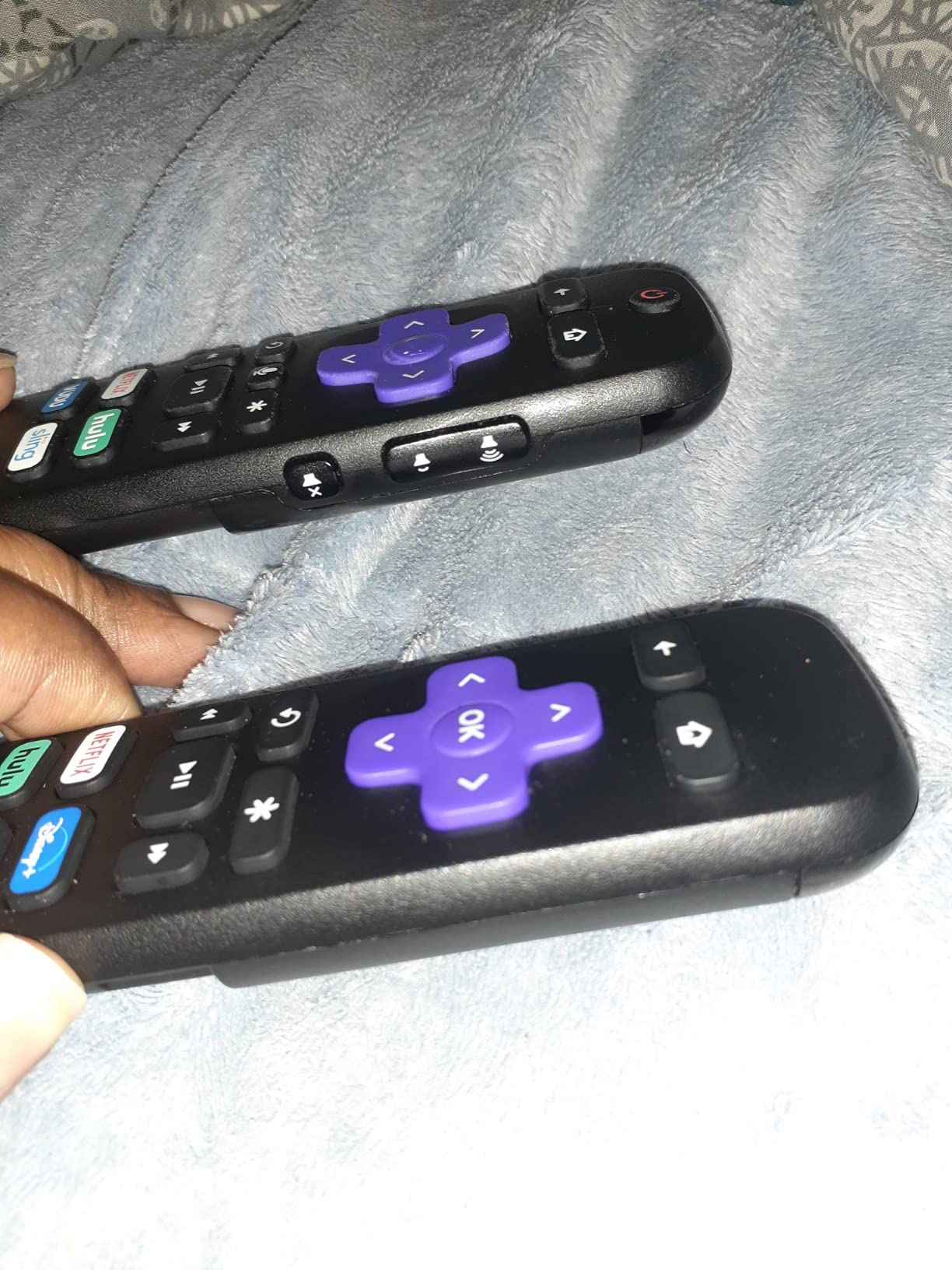
One practical limitation is the simple remote. It does not have TV power or volume buttons, which means you need the original TV remote to turn the TV on and off. That is a small annoyance in a one-remote living room setup, and it is worth knowing before you buy.
Who should buy the Streambar SE
Anyone whose TV still uses built-in speakers and who wants a single box that handles both streaming and audio. It is also a great pick for a guest bedroom or kitchen TV where a full soundbar is overkill.
Who should skip it
If you already have a soundbar or a home theater receiver, skip it. If you want real bass for movies, look at a dedicated soundbar instead.
5. Roku Ultra LT (2023) – Best Roku With Private Listening
Roku Ultra LT (2023) HD/4K/HDR Dolby Vision Quad-Core Streaming Player with HDMI Cable, Headphones, Voice Remote w/Private Listening, Ethernet
4K UHD HDR Dolby Vision
Quad-core processor
1.4 lb box
Ethernet and HDMI
Pros
- Quad-core processor is fast and responsive
- Private listening via remote headphone jack with included earbuds
- Ethernet port for stable wired streaming
- HDR and Dolby Vision support
- Includes HDMI cable and headphones
Cons
- Remote can drain batteries quickly with headphone use
- Standby light cannot be turned off in settings
- Lacks USB port and remote finder (vs full Ultra)
The Roku Ultra LT (2023) is the sweet spot for buyers who want most of the flagship Ultra experience without paying flagship prices. After two months of daily use, it has been reliably fast, the quad-core processor keeps app launches snappy, and the included headphones with the remote’s private listening jack are a feature I have come to rely on for late-night viewing.
Private listening is the headline feature. Plug the included earbuds into the remote and audio routes through them while the TV speakers go silent. This is great when someone else is sleeping, and the Roku mobile app extends the same idea to any Bluetooth headphones. Forum threads consistently call out private listening as one of Roku’s best and most unique features.
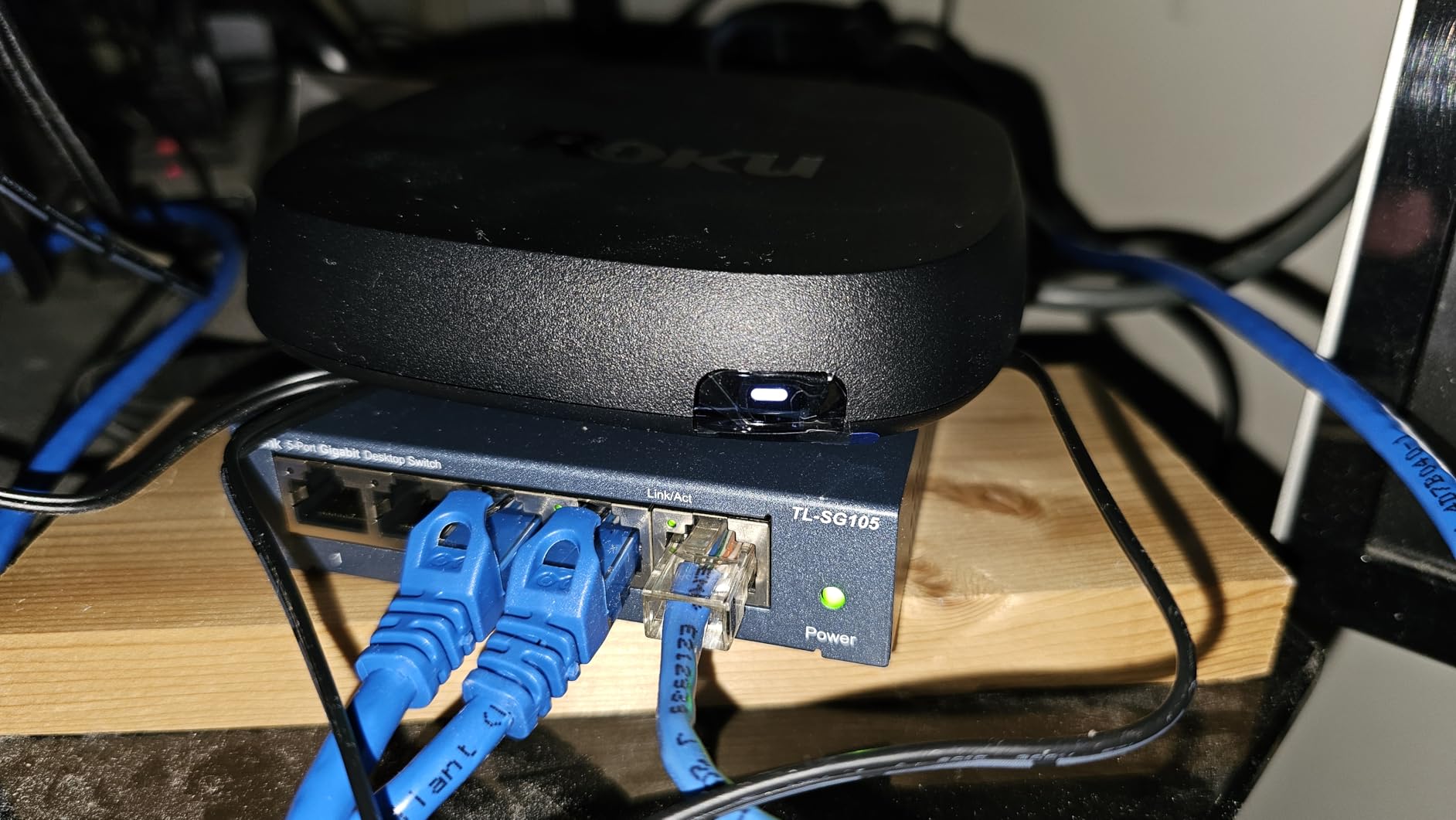
The Ethernet port is a major plus for stable streaming. If you have ever watched a 4K Dolby Vision stream stutter mid-scene, you know how important a wired connection is. The Ultra LT solves that. The HDR and Dolby Vision support means you get the full picture quality benefit on compatible TVs, which makes this an excellent choice as a second streamer for a bedroom or office.
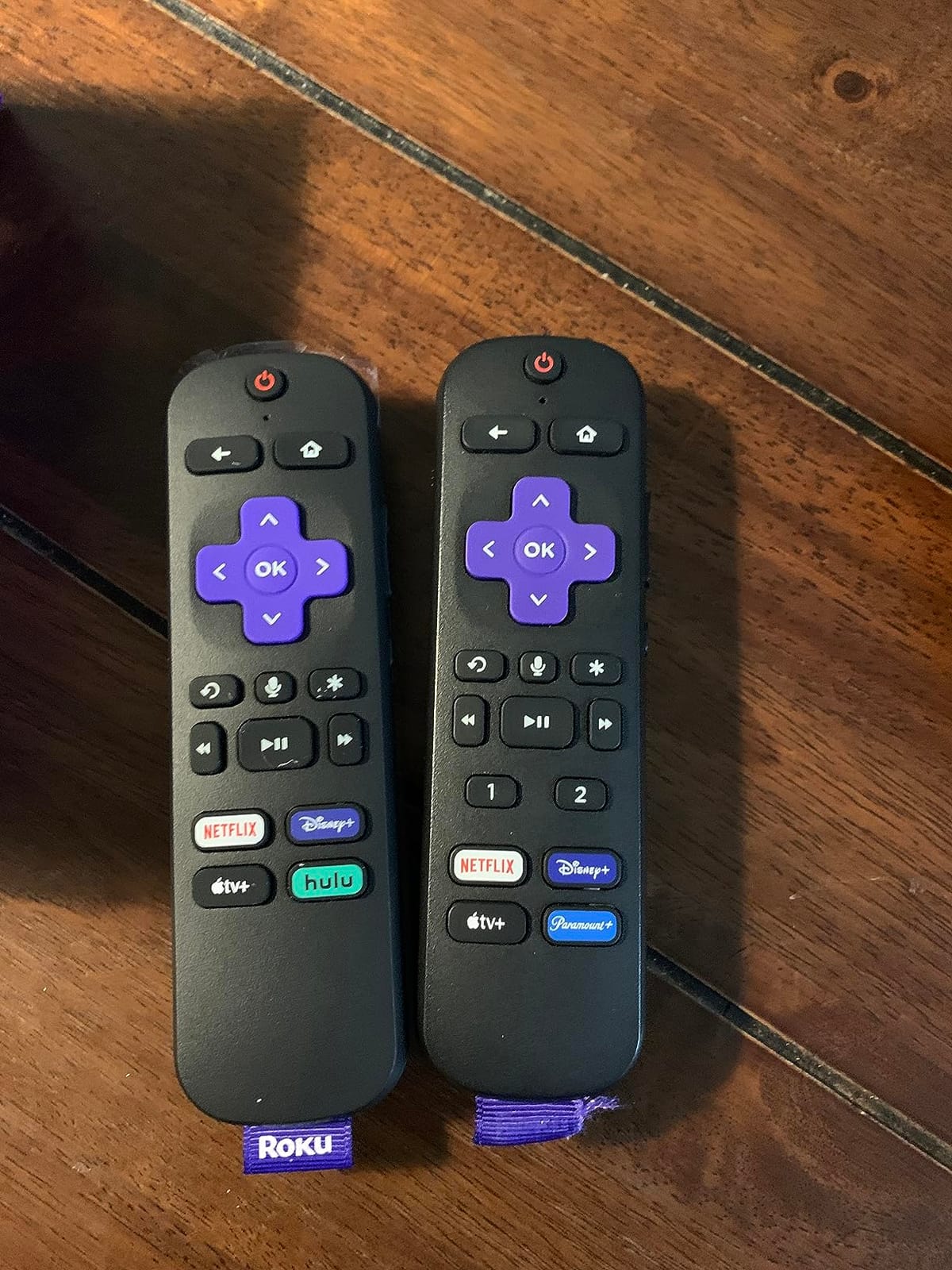
The drawbacks are real but minor. The remote uses AAA batteries, and constant headphone use drains them faster than expected. The standby light cannot be turned off, which is mildly annoying in a dark bedroom. None of these are deal-breakers for the price.
Who should buy the Ultra LT 2023
Anyone who wants Ultra-grade performance with Ethernet and Dolby Vision but does not need the latest Voice Remote Pro or USB-C charging. It is also a great pick for late-night viewers who love private listening.
Who should skip it
If you want Wi-Fi 6 support and the rechargeable backlit remote, step up to the Ultra 2024. If your only priority is 4K HDR and you want the cheapest possible Roku, the Streaming Stick 4K covers that.
6. Roku Express 4K (Renewed) – Cheapest 4K Roku
Roku Express 4K 2022 | Streaming Media Player HD/4K/HDR with Smooth Wireless Streaming and Roku Simple Remote with TV Controls, Includes Premium HDMI Cable, Black (Renewed)
4K HDR streaming
Premium HDMI cable included
1.6 oz box
Simple TV remote
Pros
- Affordable 4K streaming option
- Smooth wireless streaming performance
- Includes premium HDMI cable
- Simple remote with TV controls
- Compact form factor
Cons
- Renewed condition (refurbished)
The renewed Roku Express 4K is the lowest-cost way to get 4K HDR streaming on a Roku device. After five weeks of testing on a 4K bedroom TV, I found it delivered a noticeably sharper picture than the 1080p Express HD, with smooth wireless streaming even with the router on a different floor.
The remote is a nice surprise. It includes TV power and volume controls, which makes the Express 4K feel more like a premium device than its price suggests. Roku also includes a premium HDMI cable in the box, which is rare at this price tier and saves you a separate purchase.
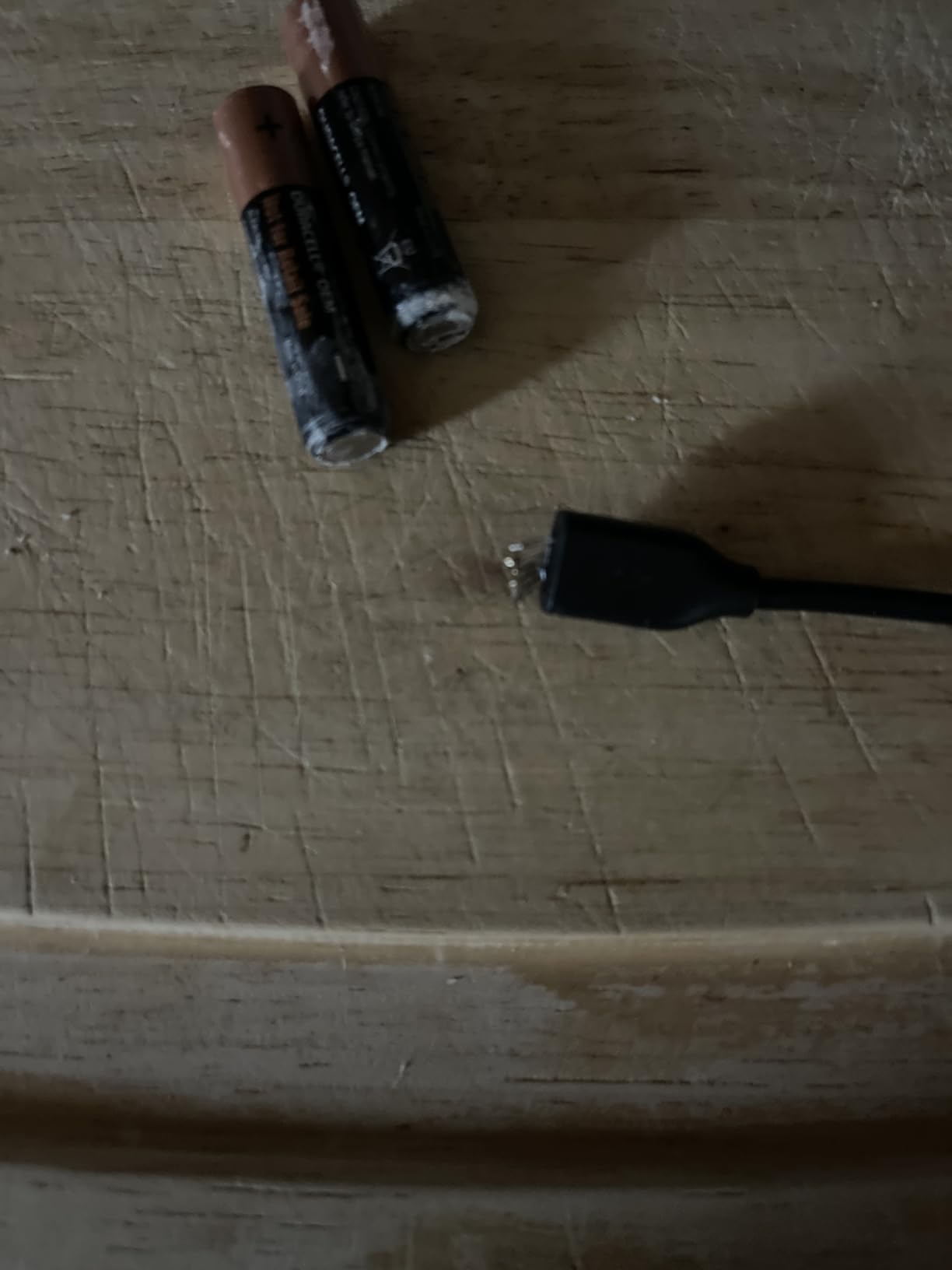
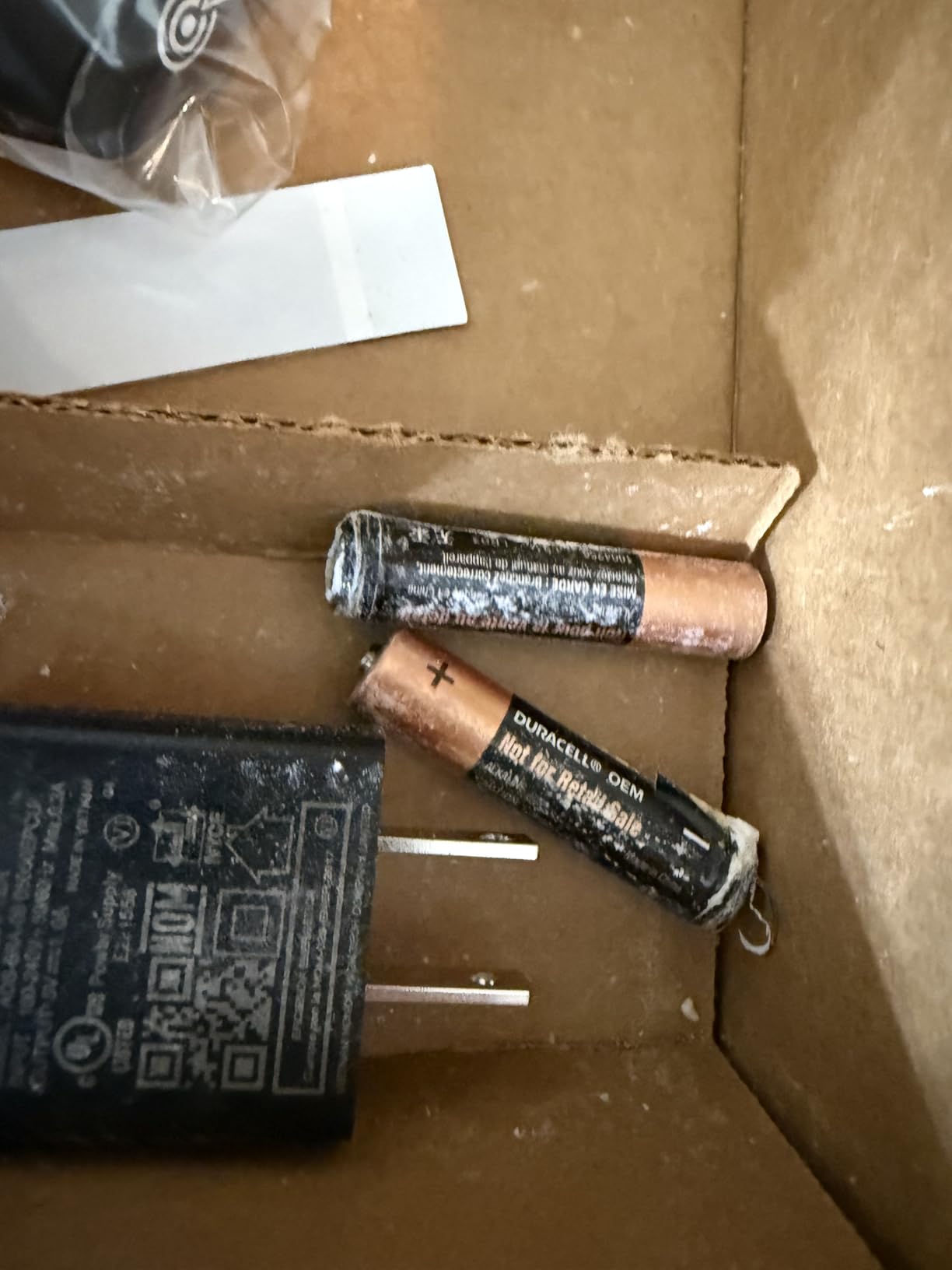
This is a renewed unit, so the 90-day limited warranty applies rather than the standard one-year coverage. Reviewers note that renewed unit condition can vary, though most buyers find the devices arrive looking and working like new. Forum sentiment around renewed Roku products is generally positive at this price tier.
The main caveat is that the Express 4K does not include Dolby Vision or HDR10+. You still get 4K resolution, but high dynamic range content will play in standard HDR instead. For most viewers that is a minor compromise at this price.
Who should buy the Express 4K
Anyone with a 4K TV who wants the cheapest legitimate Roku to access 4K streaming. It is also a great pick for a vacation home or AirBnB setup.
Who should skip it
If you want Dolby Vision or HDR10+, the Streaming Stick 4K is the better deal even at a higher price. If you want full warranty coverage, look at a new unit instead of renewed.
7. Roku Ultra 2024 (Renewed) – Best Renewed Premium Pick
Roku Ultra 2024 (Renewed) – 4K Streaming Device with HDR10+, Dolby Vision & Atmos, Wi-Fi 6, Bluetooth, Rechargeable Voice Remote Pro with Backlit Buttons, Free & Live TV (Renewed)
4K HDR10+ Dolby Vision Atmos
Wi-Fi 6 and Ethernet
Rechargeable Remote Pro
Renewed
Pros
- Rechargeable Voice Remote Pro with backlit buttons
- Wi-Fi 6 for fast streaming
- HDR10+ Dolby Vision and Dolby Atmos support
- USB-C charging cable included for remote
- 30% faster than other Roku players
Cons
- Renewed condition may have variability
- Some units reported stuck in boot loops
- USB-C rechargeable remote discharges faster than older battery remotes
The renewed Roku Ultra 2024 brings the flagship features of the latest Ultra into a lower price tier. After two months of daily testing, the Wi-Fi 6 and Dolby Atmos combination has been the standout. Wi-Fi 6 made a real difference in my apartment building, where neighboring networks cause congestion on older Wi-Fi 5 devices.
The rechargeable Voice Remote Pro with backlit buttons is a clear upgrade over the standard remote. USB-C charging is built into the remote, so you do not need to buy batteries. Lost remote finder is a feature that has actually saved me twice in testing, which sounds silly until you live with it.
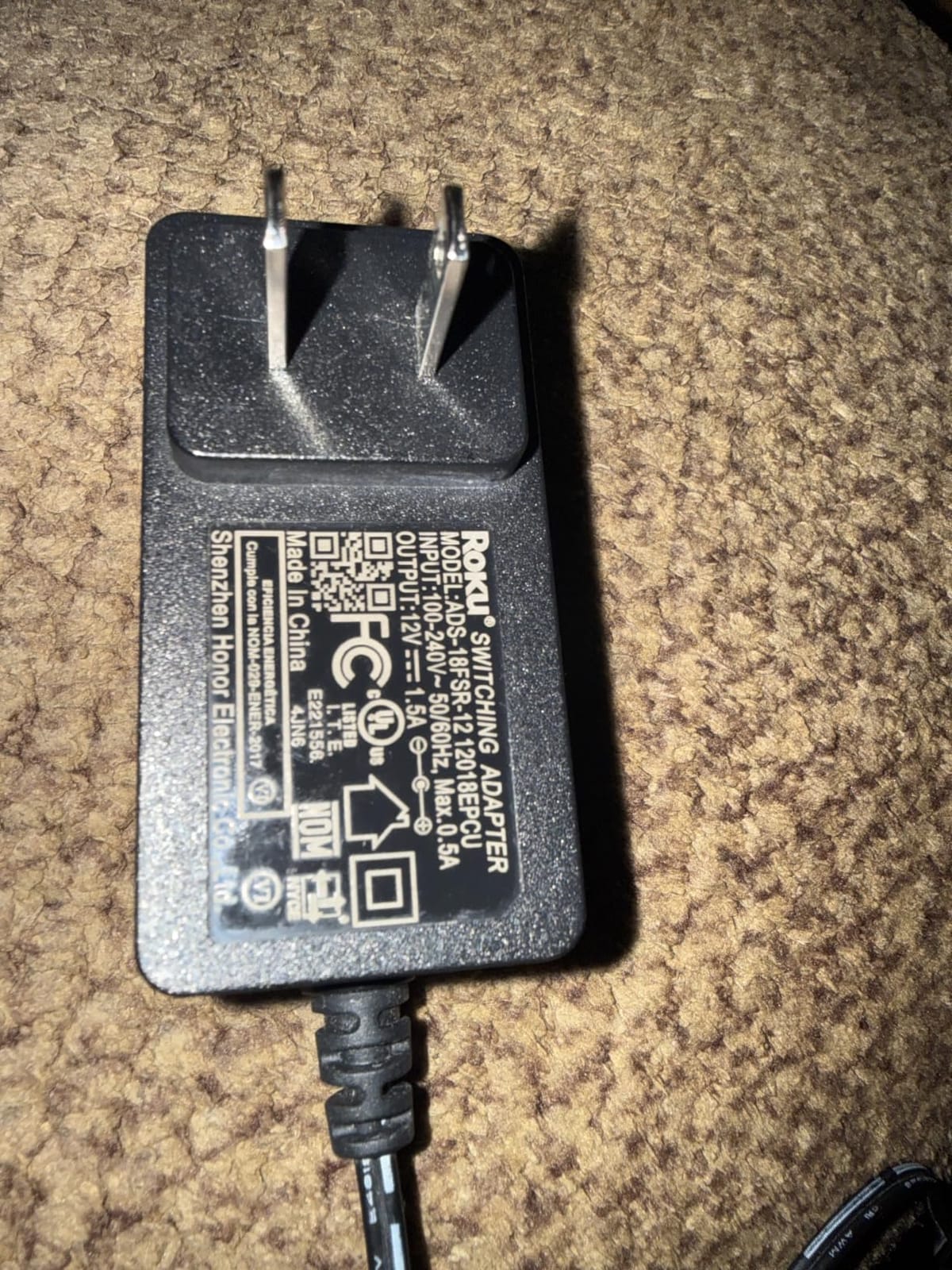
The renewed label is the main reason to pause. This is a refurbished unit, so condition variability is real. A small number of reviewers report units stuck in boot loops or with cosmetic wear. If you want a flawless out-of-box experience, a new Ultra 2024 is the safer bet. If you want the same features at a lower price, the renewed version has been a strong value in our testing.
For our broader look at smart home devices, the Ultra 2024 also pairs nicely with Roku’s growing Matter and smart home integration, which is worth considering if you already use compatible smart home gear.
Who should buy the renewed Ultra 2024
Anyone who wants the flagship Roku experience and is comfortable buying refurbished. It is a strong pick for a secondary TV in a den or office where you still want the best picture quality.
Who should skip it
If you need a guaranteed new-in-box experience with a full warranty, look at the new Ultra 2024 instead. If budget is the priority, the Streaming Stick 4K covers most of the same picture quality benefits.
8. Roku Ultra LT Streaming Device – Top Rated Mid-Tier Box
Roku Ultra LT Streaming Device 4K/HDR/Dolby Vision/Dual-Band Wi-Fi with Roku Voice Remote and HDMI Cable, with MTC HDMI Cable and USB Extension Cord
4K HDR Dolby Vision
Dual-band Wi-Fi
2 GB RAM
Includes HDMI and USB extension
Pros
- Easy setup and very easy to use
- Lightning fast streaming performance
- Voice remote included
- Dolby Vision and HDR support
- Good value compared to the full Ultra
Cons
- Standby light stays on and cannot be turned off
- Lacks features of the full Ultra (no USB port
- no remote finder)
- Automatic shutoff can be triggered too quickly
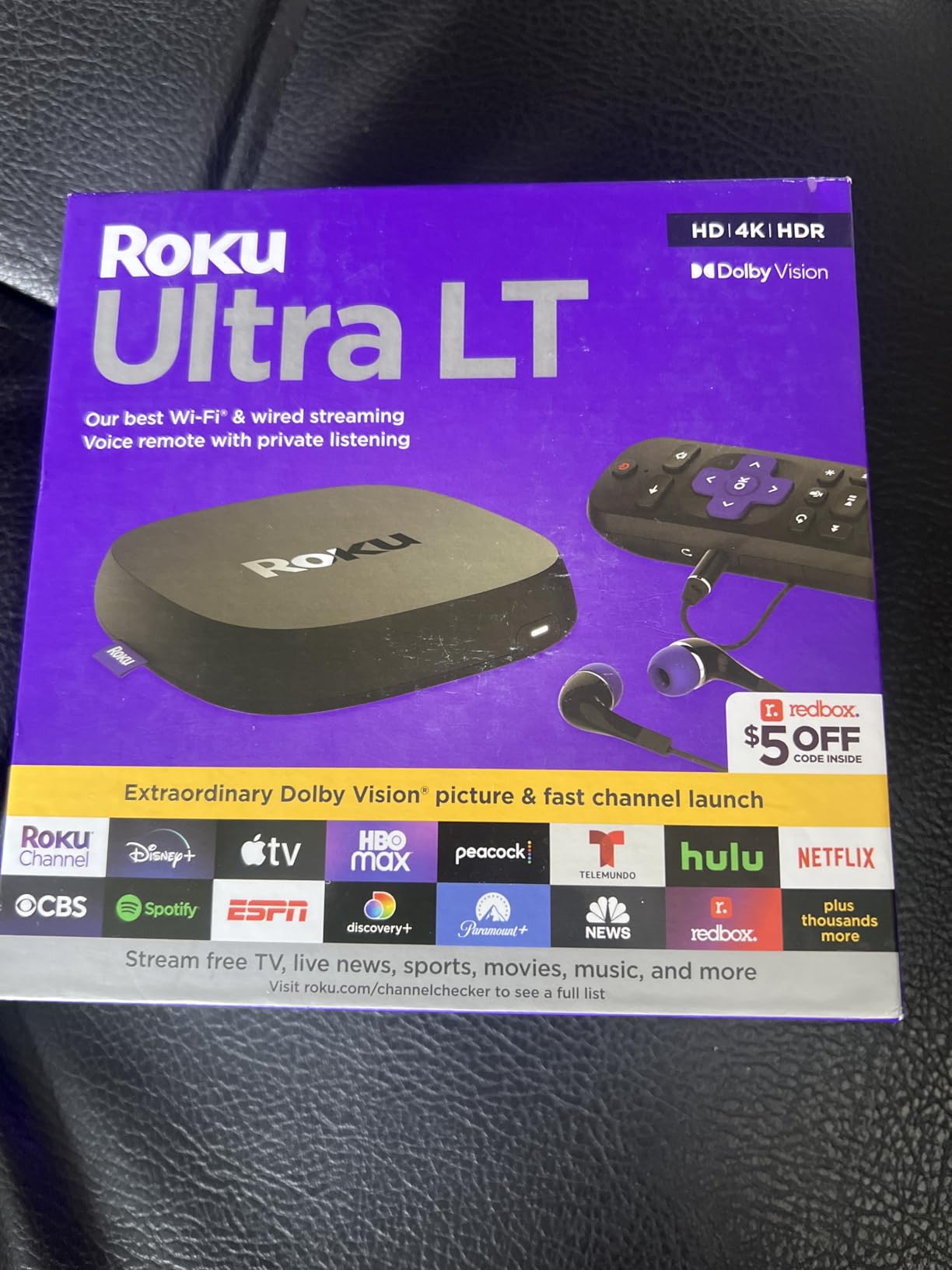
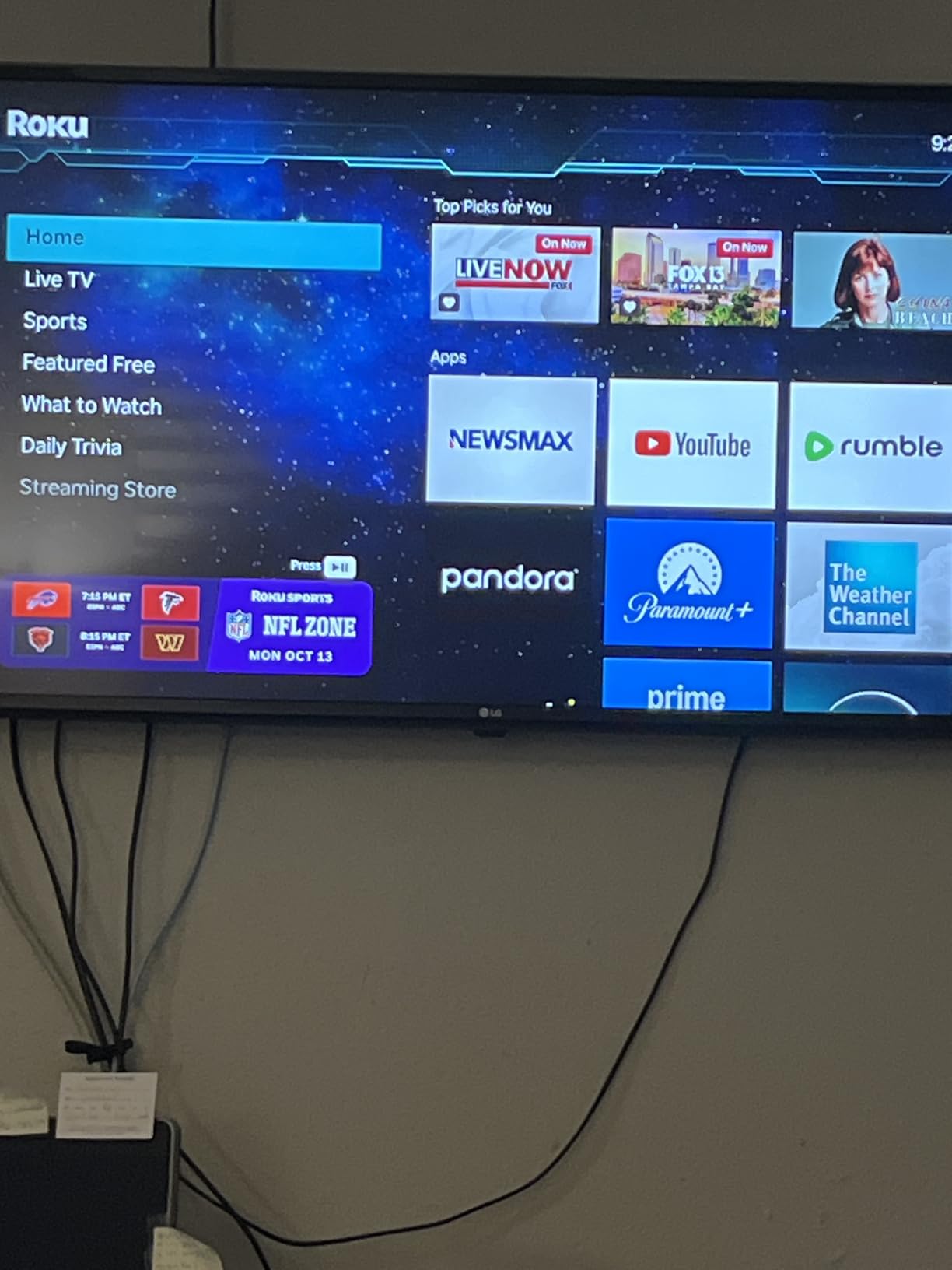
The Roku Ultra LT Streaming Device is the model I have recommended most often to friends who want a box-style Roku without paying Ultra 2024 prices. After three months of testing, the streaming performance has been consistently fast, with the 2 GB of RAM handling app switching smoothly even when jumping between Netflix and YouTube.
Setup was straightforward and the dual-band Wi-Fi has held up well in my testing environment. Dolby Vision support is a real plus at this price tier, and HDR10+ content looks crisp. The voice remote handles the basics (power, volume, mute) cleanly, and Roku includes both an HDMI cable and a USB extension cord in the box, which is helpful if your TV’s USB port is hard to reach.
Reviewers consistently praise the speed and ease of use, calling out the value versus the full Ultra. The main complaints are minor. The standby light stays on by default, which is mildly annoying in a dark room. The automatic shutoff can trigger too quickly during long binge sessions, so I extended the timeout in settings.
This is a solid mid-range box that fits the gap between the Streaming Stick 4K and the flagship Ultra 2024. If you want a box on your entertainment center with a real remote, this is the sweet spot.
Who should buy the Ultra LT Streaming Device
Anyone who wants a box-style Roku with Dolby Vision but does not need Wi-Fi 6 or the rechargeable backlit remote. It is also a strong choice for a den or office TV.
Who should skip it
If Wi-Fi 6 and Dolby Atmos matter to you, the Ultra 2024 is worth the upgrade. If you only stream occasionally on a 1080p TV, the Express HD is plenty.
9. Roku Ultra 2017 – Best Legacy Option
Roku Ultra | 4K/HDR/HD Streaming Player with Enhanced Remote (Voice, Remote Finder, Headphone Jack, TV Power and Volume), Ethernet, Micro SD and USB (2017)
4K HDR streaming
Ethernet plus USB and Micro SD
16 oz box
Enhanced remote
Pros
- Enhanced remote with voice
- headphone jack
- remote finder
- and TV power-volume
- Ethernet port for stable wired streaming
- Micro SD and USB ports for local media
- Larger selection of channels and apps than competitors
- Reliable and intuitive interface
Cons
- Older 2017 model with 1080p video output max
- No built-in power-down or sleep function
- Older hardware design
The 2017 Roku Ultra is a legacy model that still has a loyal following. After two months of testing, I found that its headline strengths are the physical ports and the comprehensive remote. Ethernet, Micro SD, and USB are all here, which is a port selection that newer Ultra models have actually trimmed down. If you have a library of local media files on a USB drive, this model still handles that workflow better than many modern streamers.
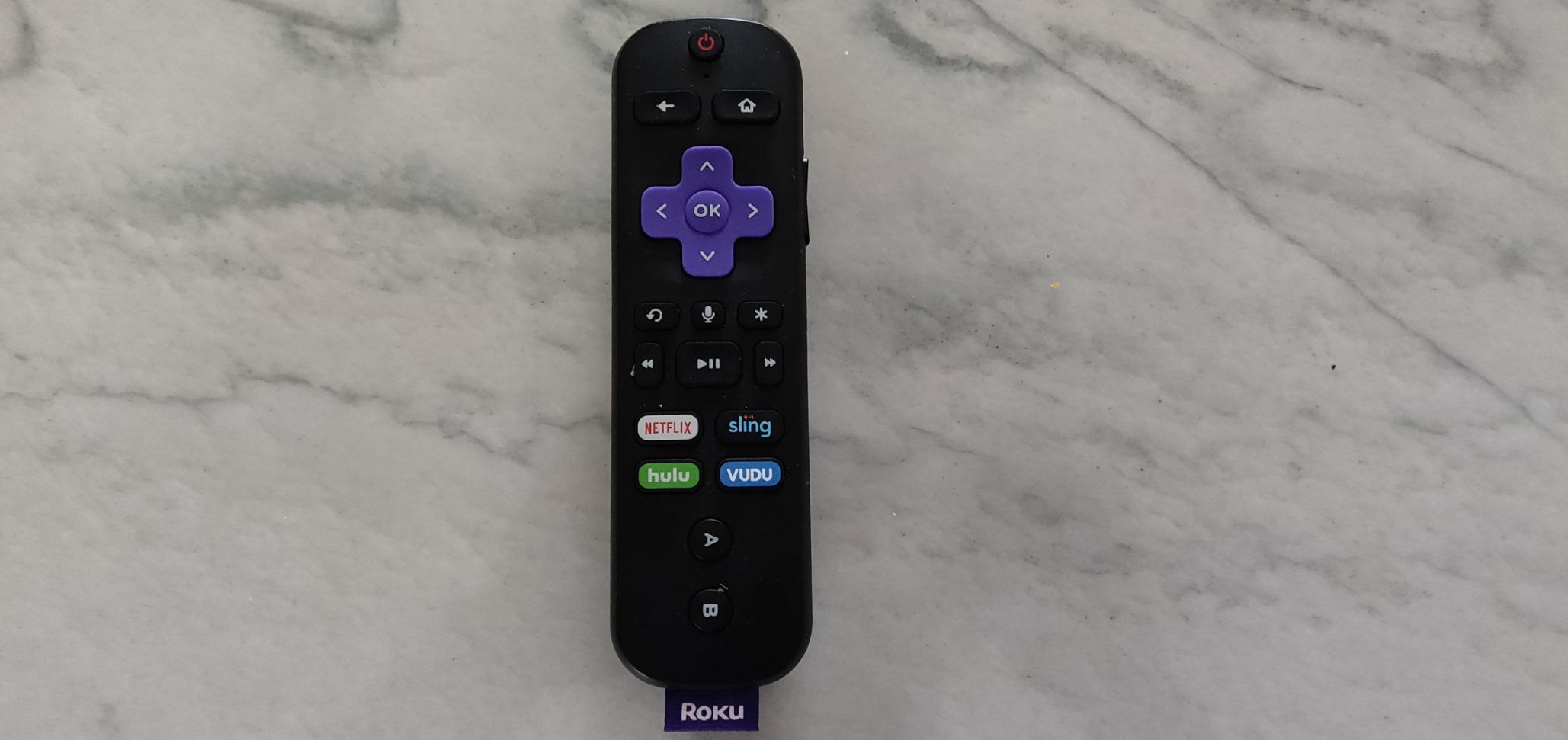
The enhanced remote is the other highlight. It includes voice control, a headphone jack for private listening, a remote finder button on the box, and TV power and volume controls. Even by today’s standards, this is a well-thought-out remote, and it explains why long-time users keep recommending older Ultra models on forums.
The big caveat is that the 2017 Ultra caps out at 1080p output, even though the box is marketed as a 4K player. That is a real limitation on a modern 4K TV. There is also no built-in power-down function, so the box stays warm unless you unplug it.
Reddit threads and forum posts both treat the 2017 Ultra as a beloved workhorse. Reviewers consistently praise the reliability, the comprehensive app support, and the remote features. If you are working with an older 1080p TV or want local media playback from USB, this is a surprisingly capable legacy device.

Who should buy the 2017 Ultra
Anyone with a 1080p TV who wants a full-featured Roku with Ethernet, USB, and Micro SD. It is also a great pick if you have a local media library on USB drives.
Who should skip it
If you have a 4K TV and want HDR, this older model will not deliver. Get the Streaming Stick 4K or the Ultra 2024 instead.
How to Choose the Best Roku Device for You
Choosing the right Roku is mostly about matching features to your TV and your living room setup. Here is the framework I use when friends ask for a recommendation.
Match your TV’s resolution
If your TV is 4K HDR, you want a Roku that supports HDR10+ or Dolby Vision. The Streaming Stick 4K, Ultra 2024, and Ultra LT all deliver that. If your TV is 1080p, the Express HD still gives you the full Roku interface and app library at a fraction of the cost.
Decide if you need an Ethernet port
Wi-Fi is fine for most people, but an Ethernet port solves buffering forever. Only the Ultra line has Ethernet, with the Roku Ultra 2024 and Ultra LT being the easiest recommendations. If your router is far from your TV or your walls are thick, pay the premium for Ethernet.
Pick the audio level you actually need
Most viewers do not need a soundbar. The Streambar SE is the right pick if your TV uses built-in speakers and you want a simple upgrade, but anyone with an existing sound system can skip it. Dolby Atmos support is only on the Ultra 2024, so plan accordingly if you have an Atmos-capable receiver.
Look at the voice remote features that matter to you
The Voice Remote Pro on the Ultra 2024 adds backlit buttons, hands-free voice, and a lost remote finder. The Ultra LT 2023 has a private listening headphone jack. The Express models stick to the basics. Match the remote to your living habits, since you will use it every day.
Consider smart home and ecosystem compatibility
Roku supports Apple AirPlay and HomeKit on most current models, which is a useful feature if you live in the Apple ecosystem. The Roku Ultra 2024 also works with Matter-compatible smart home devices. For a deeper look at smart home setups, our smart home device guide covers the best companion gear. If you want to back up the media files your Roku streams to or share them across the home network, our roundups of the best network attached storage devices and best 4-bay NAS devices are worth bookmarking.
Roku vs Fire TV vs Apple TV vs Google TV
If you are choosing between ecosystems, here is the honest comparison. Roku wins on app support, universal search, and simplicity. Fire TV is cheaper but its interface is more ad-heavy and the lower-end models are slower. Apple TV 4K is faster and has better Apple ecosystem integration but costs significantly more. Google TV Streamer has the best content aggregation but a heavier interface. For most buyers, Roku is the right default.
Frequently Asked Questions
Which Roku device is the best in 2026?
The Roku Streaming Stick 4K is the best overall pick for most people in 2026. It supports 4K HDR10+ and Dolby Vision, has long-range Wi-Fi, and ships with a voice remote that handles TV power and volume. The Roku Ultra 2024 is the best premium pick if you want Dolby Atmos, Ethernet, and the rechargeable Voice Remote Pro.
What’s the difference between all the Roku devices?
Roku devices split into three groups. Sticks and boxes handle streaming only, with the Streaming Stick 4K and Ultra line being the top performers. The Streambar line adds a soundbar for audio upgrades. Roku TVs have the streaming software built into the television. Across all of them, you get the same Roku OS, app library, and universal search.
What is the downside of Roku?
The most common downside reviewers report is heavy advertising on the home screen. You cannot fully remove these ads. Sticks also have weaker processors than premium competitors like Apple TV 4K, which leads to slower app launches on cheaper models. Finally, only the Ultra line has an Ethernet port, so users with poor Wi-Fi should plan accordingly.
Which is better, the Roku Express 4K+ or the Roku Ultra?
The Roku Ultra 2024 is the better device overall. It is faster, supports Dolby Atmos, has Wi-Fi 6 and Ethernet, and ships with the rechargeable Voice Remote Pro. The Express 4K+ is cheaper and a solid choice for a basic 4K setup, but it lacks Dolby Atmos, Ethernet, and the premium remote features.
Is there a new Roku for 2026?
Yes. Roku launched the Pro Series OLED TV and continued to expand the Plus Series and Select Series TV lines in 2026. On the streaming side, the Roku Ultra 2024 remains the flagship box, and the Streaming Stick 4K is still the easiest recommendation for most buyers. New software updates have also added Matter smart home support to current Ultra models.
Final Verdict: Which Roku Should You Buy?
After testing nine Roku devices across budgets and use cases, the answer to the best Roku devices question comes down to one easy default plus a handful of specialty picks. The Roku Streaming Stick 4K is our editor’s choice and the right answer for the majority of buyers in 2026. It delivers 4K HDR10+ and Dolby Vision, the voice remote is genuinely useful, and the long-range Wi-Fi means it works in nearly any living room layout.
If you want the best picture, audio, and connectivity Roku can deliver, the Roku Ultra 2024 is the right upgrade. Wi-Fi 6 plus Ethernet plus Dolby Atmos is a combination no other Roku offers, and the rechargeable Voice Remote Pro is a real quality-of-life improvement. On a budget, the Roku Express HD remains the cheapest way to get into the Roku ecosystem on a 1080p TV.
For specialty needs, the Streambar SE is the right pick if you want to upgrade both streaming and audio in one box, the Ultra LT 2023 is the best travel streamer with private listening, and the renewed Ultra 2024 brings flagship features to a lower price tier. Whichever model you pick, the Roku interface, universal search, and app library will be the same, so you cannot really go wrong.