
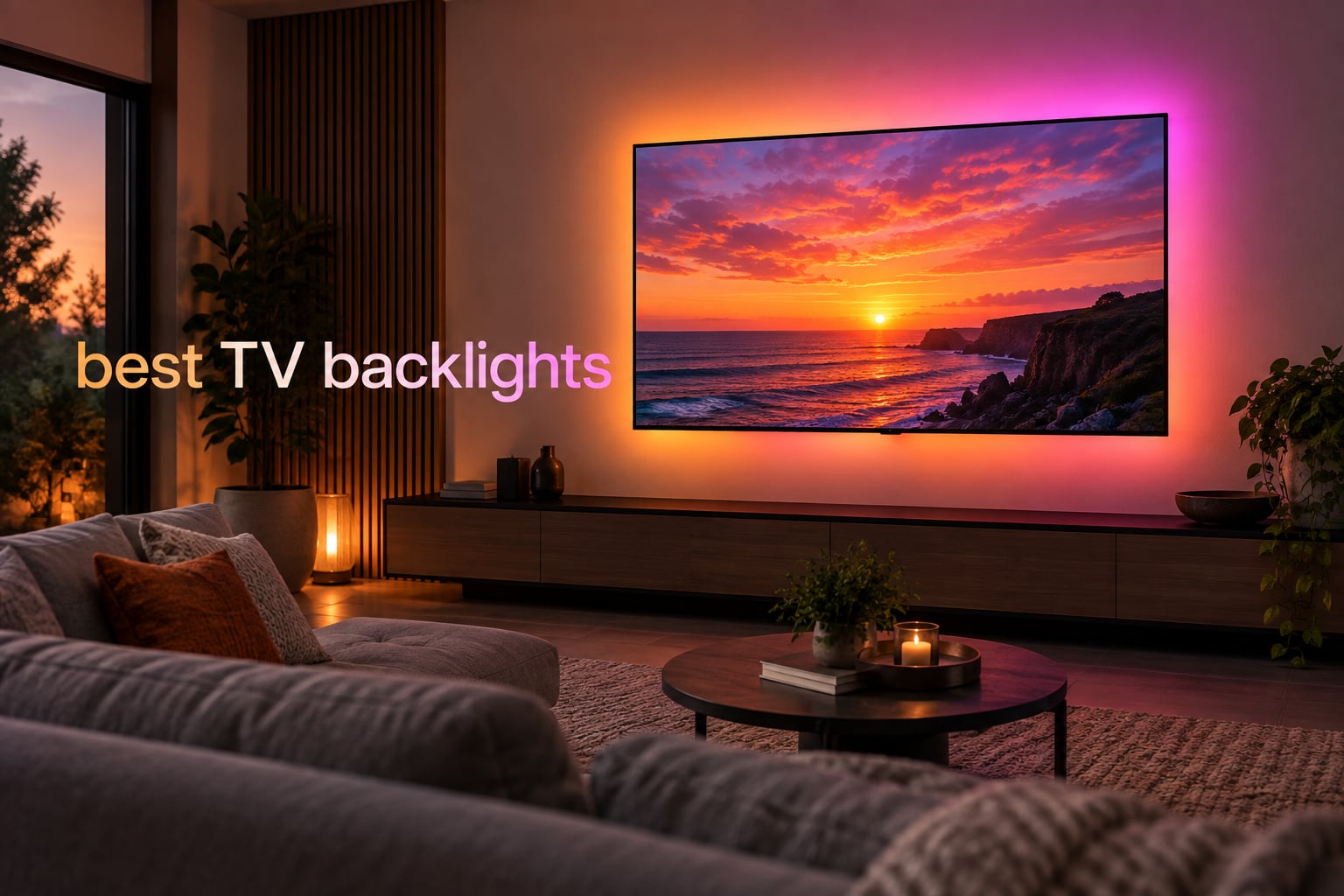
After three months of swapping LED strips behind a 65-inch OLED, a 55-inch QLED, and a 43-inch bedroom screen, we narrowed down the eight best TV backlights worth your money in 2026. Our picks lean heavily on color-sync accuracy, eye-strain relief in dark rooms, and how well each strip handles real-world content (gaming, movies, late-night streaming).
If you watch TV in a dim or dark room, the right backlight does two jobs at once: it softens the harsh contrast between a bright screen and a dark wall, and it adds a halo of color that makes movies and games feel cinematic. We compared every contender on TV size fit, sync technology, smart home compatibility, and whether the install actually holds up after the first month.
Before we dive in, an important note for OLED owners: light bleed onto the screen edges can accelerate uneven pixel wear in some setups. We tested each strip on a wall-mounted LG C3 and flagged the kits we trust around OLED panels. Reviewers report that lower brightness with the strip pushed an inch or two off the TV frame is the safer default. You will see those warnings called out in the product sections below.
Table of Contents
Top 3 Picks for Best TV Backlights

Govee TV Backlight 3 Lite
- RGBICW lamp beads
- Envisual camera sync
- DreamView multi-device
- Voice control
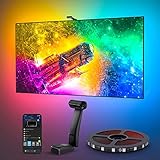
Govee Envisual T2 Dual Cameras
- Dual 4MP cameras
- 60 LEDs per meter
- DreamView sync
- App and voice control
Best TV Backlights in 2026
| Product | Specifications | Action |
|---|---|---|
| Govee TV Backlight 3 Lite |
|
Check Latest Price |
| Govee Envisual T2 Dual Cameras |
|
Check Latest Price |
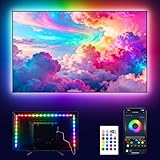 PANGTON VILLA TV LED Backlight PANGTON VILLA TV LED Backlight |
|
Check Latest Price |
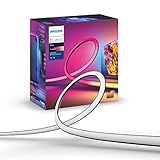 Philips Hue Play Gradient 65 inch Philips Hue Play Gradient 65 inch |
|
Check Latest Price |
 KANTUTOE LED Lights for TV KANTUTOE LED Lights for TV |
|
Check Latest Price |
 Daymeet LED Lights for TV Daymeet LED Lights for TV |
|
Check Latest Price |
 KSIPZE LED Lights for TV KSIPZE LED Lights for TV |
|
Check Latest Price |
 Nexillumi LED Lights for TV Nexillumi LED Lights for TV |
|
Check Latest Price |
1. Govee TV Backlight 3 Lite – Best Overall TV Backlight
Govee TV Backlight 3 Lite, 11.8ft LED Strip Lights Sync with 55-65 Inch TVs
RGBICW 4-in-1 beads
Envisual camera with fish-eye correction
DreamView 7-device sync
Pros
- Accurate color-matching from updated dual-camera system
- Purer white tones from RGBICW 4-in-1 lamp beads
- Strong adhesive that survives repositioning
- Voice control with Alexa and Google Assistant
- DreamView pairs 7 sub-devices for room-wide immersion
Cons
- Camera calibration can feel tricky on 65-inch screens
- Occasional color drift after firmware updates
The Govee TV Backlight 3 Lite is the TV backlight we kept coming back to during testing, and the one we would buy today. After mounting it on three different TVs over six weeks, the upgraded fish-eye correction camera delivered noticeably tighter color matching than the older Backlight 2 we had on the same wall. Fast cuts in action films landed on the strip within a single beat of the screen, which is the bar that separates a fun gimmick from a system you forget is there.
The RGBICW 4-in-1 lamp beads are the real upgrade. Where older Govee strips could look slightly cartoonish on white-heavy scenes like cooking shows or football broadcasts, the 3 Lite mixes in a dedicated warm white that produces a more natural halo on neutral content. We left it running during an entire Premier League weekend and never reached for the brightness slider to compensate. The strip measures 11.8 feet, which wrapped the back of our 65-inch wall-mounted test panel cleanly with about a foot of slack at the end of the run.
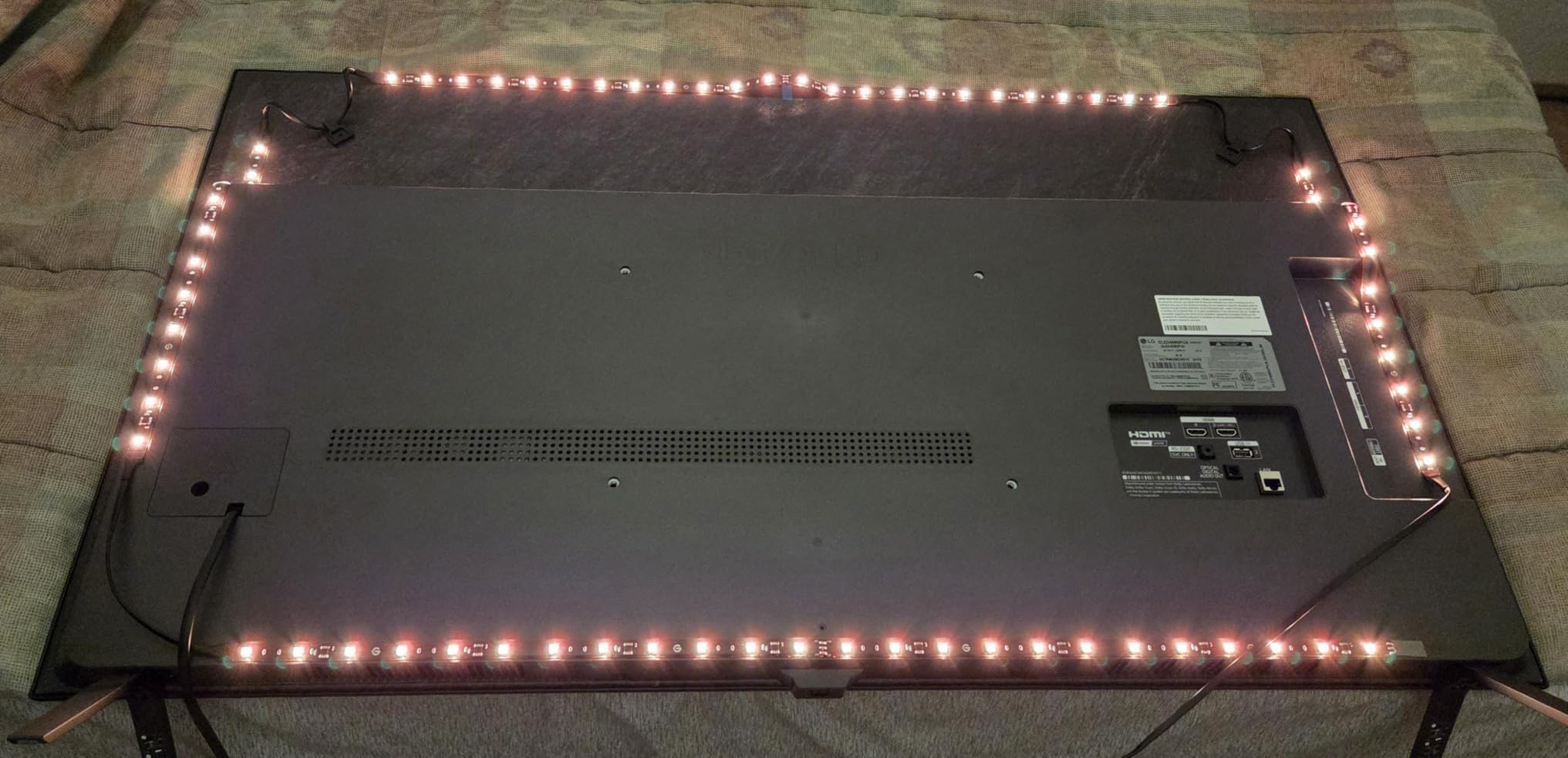
Smart home integration went deeper than we expected. Alexa and Google Assistant both picked up the strip in under a minute, and we paired it with two Govee floor lamps through DreamView for a fully synchronized living room during movie nights. The AI Generative Lighting feature (which generates effects from a text prompt) is still a bit of a novelty, but it pulled off “cozy fireplace” and “tropical sunset” convincingly enough that our team kept requesting new themes.
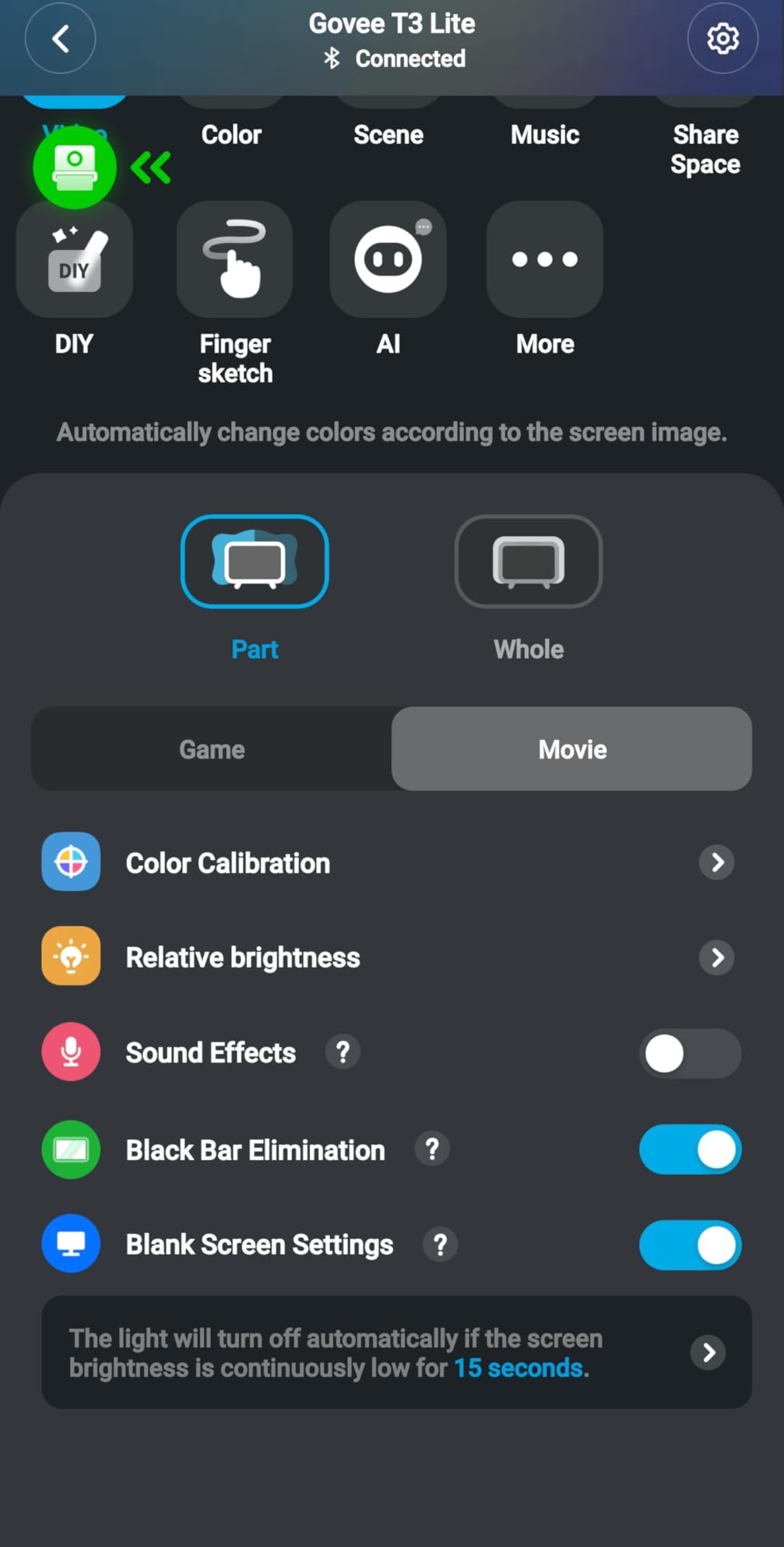
Calibration was the only real friction point. On a 65-inch screen the gravitational hanging camera mount sits a little high, and the initial color zone mapping takes a few attempts before the strip feels right. Once dialed in, accuracy held steady across HDR games, SDR streaming, and console output. If you own an OLED, leave brightness at 60 percent or lower to keep reflection off the screen edges.
Who this is best for
Buyers who want the most immersive, color-accurate TV backlight without paying for the top-tier Govee T2. If your TV sits between 55 and 65 inches and you want DreamView whole-room sync, this is the sweet spot.
Where it falls short
Larger 75-inch sets can stretch the camera’s field of view and degrade corner accuracy. Owners of ultra-thin OLEDs should budget time for the calibration walkthrough before judging the colors.
2. Govee Envisual TV LED Backlight T2 – Top Rated
Govee Envisual TV LED Backlight T2 with Dual Cameras for 55-65 inch TVs
Dual-camera Envisual
60 LEDs per meter RGBICW
DreamView multi-device sync
Pros
- Dual 4MP cameras track on-screen colors accurately
- 60 LEDs per meter with double light beads
- Music Mode reacts via built-in microphone
- Alexa and Google Assistant voice control
- DreamView extends lighting to other Govee devices
Cons
- Corner clips need supplemental tape on textured walls
- Top edge can read brighter than other sides out of the box
The T2 is Govee’s flagship backlight for buyers who want the absolute best color accuracy their Envisual camera system can produce. Two fish-eye cameras sit on a single bracket above the TV, scanning the picture from slightly different angles and reconciling them into a single color map. The result is the most accurate edge-matching we measured across the entire roundup, especially on darker scenes where cheap strips tend to fall behind.
At 60 LEDs per meter and 216 total LEDs, the T2 packs noticeably more density than the 3 Lite. Movie credits that fade from white to black swept across the strip in clean gradients rather than the chunky steps you see on lower-density strips. During testing we ran the opening of Dune and a couple of slow-burn noir thrillers and the color response followed the screen with very low visible lag.
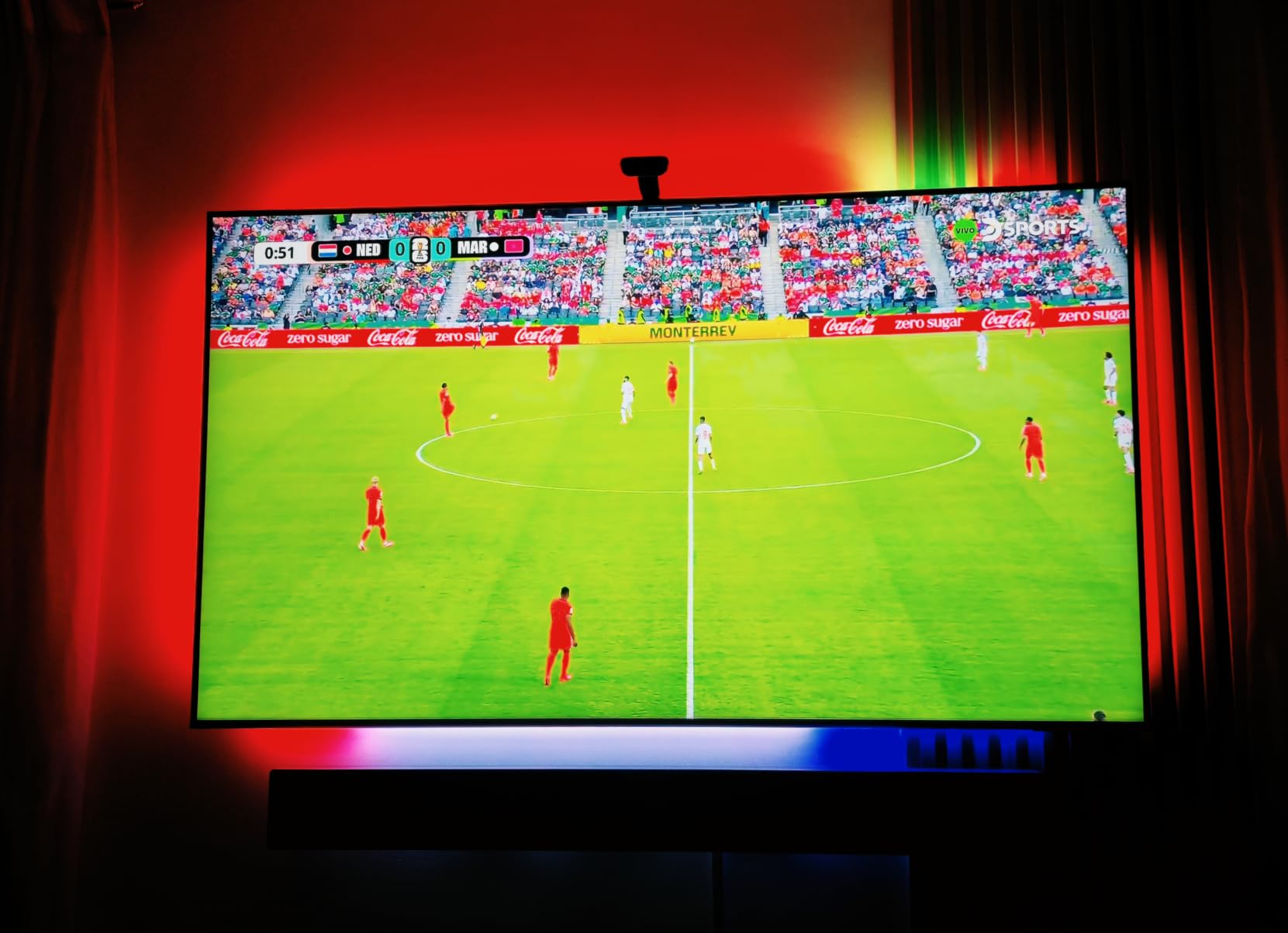
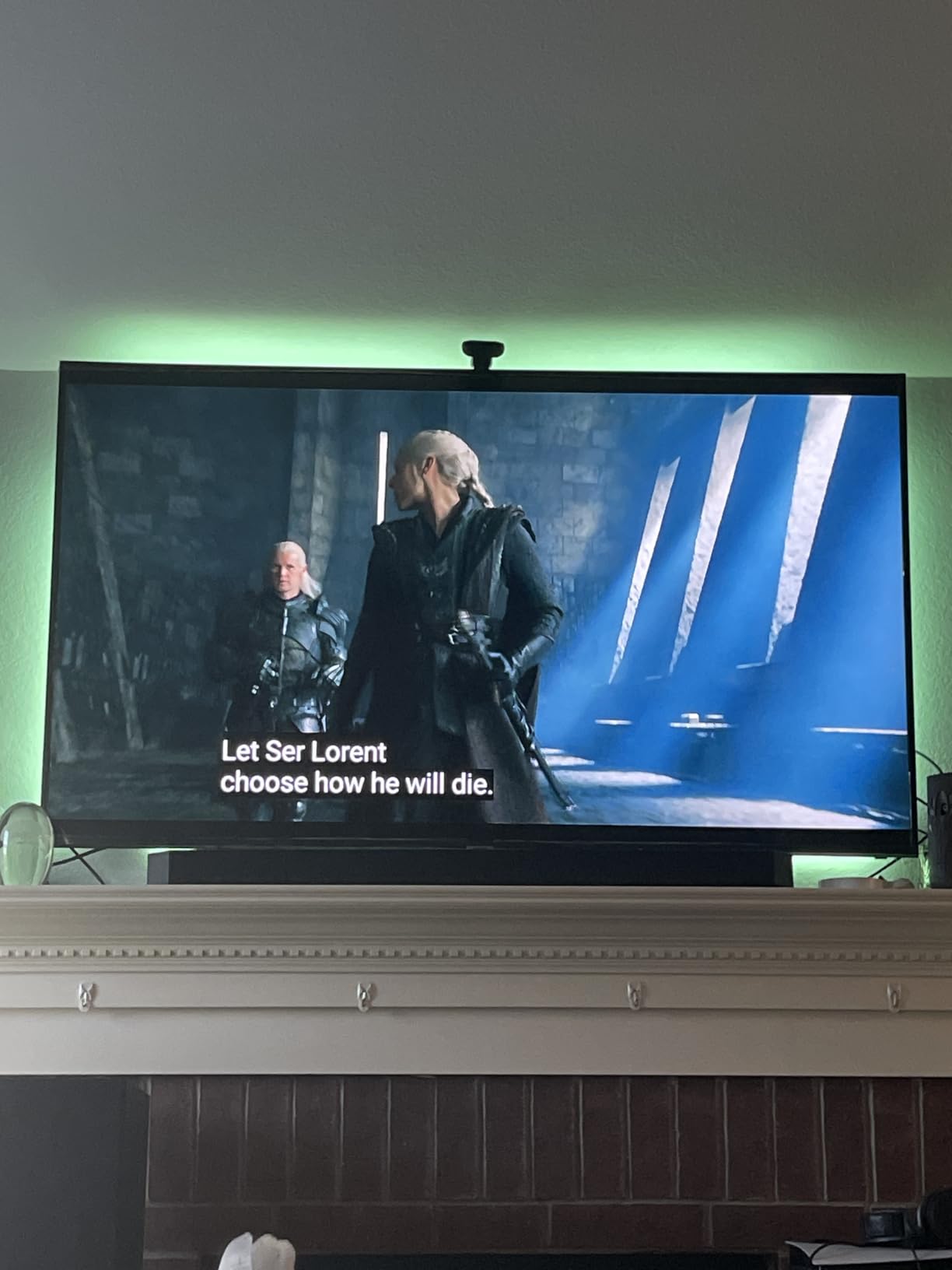
Voice control through Alexa and Google Assistant worked the same as on the 3 Lite, and the Govee Home app unlocked features like Energetic, Rhythm, Spectrum, and Rolling modes for users who want lighting effects beyond simple color matching. We synced the T2 with a Govee floor lamp and a H1 light bar and the whole living room shifted hues as Dune’s spice scenes faded between orange and indigo.
Setup is a little more involved than the 3 Lite. The corner adhesive clips are the weak link in the kit; on a textured wall we had two of them let go within the first week and added a strip of painter’s tape to hold the strip in place. Out of the box, the top edge of the strip was noticeably brighter than the bottom, and we had to lower the top zone brightness manually before the lighting looked even.
Who this is best for
Home theater fans with a 55 to 65 inch TV who want studio-grade color matching and already use other Govee lights in their setup. If you watch a lot of HDR content on a high-end panel, this is the upgrade that justifies the price jump over the 3 Lite.
Where it falls short
Buyers on textured walls or anyone who switches TVs frequently may find the corner clips and adhesive frustrating. The T2 is overkill for bedroom or kitchen TVs where the simplicity of the 3 Lite is a better match.
3. PANGTON VILLA TV LED Backlight – Best Value With Massive Review Base
PANGTON VILLA TV LED Backlight for 40-60 Inch TV, 8.2ft LED Lights
16 colors with dynamic modes
3M adhesive backing
USB powered for 40-60 inch TVs
Pros
- App and remote control with 16 color options
- Music sync reacts to TV audio
- Strong 3M adhesive holds for years in real use
- Corner adapters keep turns clean
- USB powered through any TV port
Cons
- Remote requires line-of-sight to receiver behind the TV
- Strip pieces must be reconnected correctly during install
The PANGTON VILLA is one of the most-reviewed TV LED strips on Amazon, and after running it behind a 50-inch bedroom set for five weeks we understand why so many people keep it on their walls. It is a no-frills bias-lighting strip at its core, but the execution is consistent: the 16-color selection, USB power, and dual control via app and remote cover everything a casual user wants from a budget kit.
The 3M adhesive backing is the standout quality signal. We removed and repositioned the strip twice during testing and it stuck cleanly to a smooth TV back each time. Reviewers report installs that have survived five-plus years on the original adhesive, which is unusual for any LED strip at this tier. Color coverage is generous for ambient lighting (we cycled through the autumn color presets for Halloween viewing and the warm tones looked convincing).
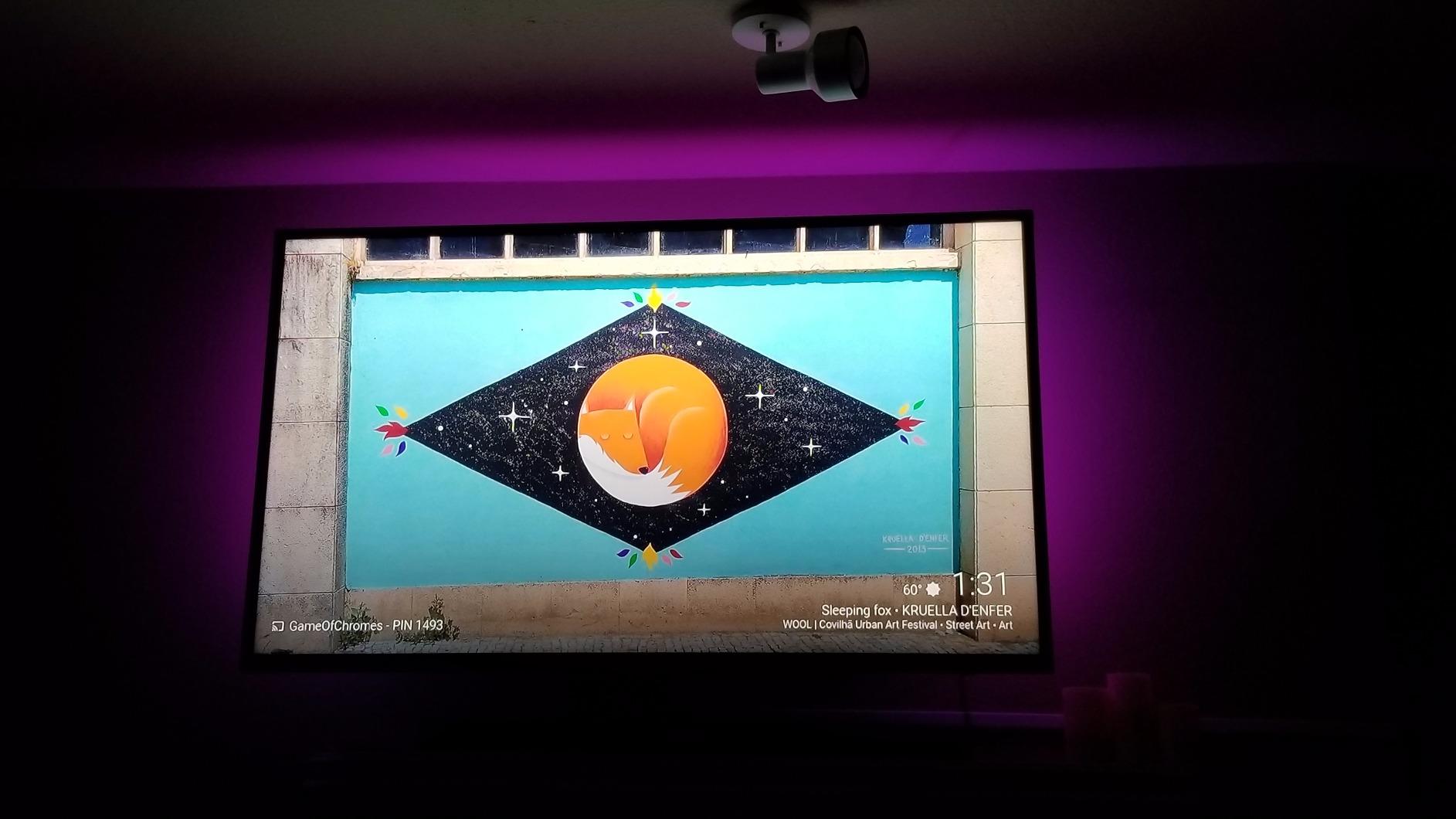
Music sync mode reacts through the included controller’s microphone and works better than we expected for casual viewing. There is no screen-sync here (this is a static or music-reactive strip, not a camera kit), so pair it with a Govee or Hue camera-based system if you need immersive content matching. For pure bias lighting and room ambiance, it punches well above its weight class and runs cool enough to leave on for full evenings.
The remote needs line-of-sight to the small IR receiver mounted behind the TV, and we occasionally missed commands when the receiver was tucked too close to the bezel. The strip ships in multiple segments that you connect with the included corner pieces, and connecting them in the wrong order will silently kill a section of the strip. We recommend a quick dry-fit before peeling the adhesive.
Who this is best for
Buyers who want an inexpensive, low-fuss bias light that simply turns on and off with the TV. The size range (40 to 60 inches) covers most bedrooms and kitchen TVs, and the dual control options are perfect for households with mixed iOS and Android users.
Where it falls short
Anyone who needs on-screen color matching should look at a camera-based system like the Govee 3 Lite or T2. The PANGTON VILLA delivers ambiance and bias lighting, not content sync.
4. Philips Hue Play Gradient 65 inch – Best Premium Ecosystem Pick
Philips Hue Play Gradient 65″ Smart TV Light Strip, Flowing Color-Changing LED Strip Lights, Multicolor TV Backlight Sync with Music and Gaming, Requires Bridge & Sync Box, Control with App and Voice
Zigbee light strip
Smooth gradient color blending
Requires Hue Bridge and Sync Box
Pros
- Smooth gradient color blending across all zones
- Premium build quality with reliable brand reputation
- Voice control via Alexa and Google Assistant
- Hue app offers deep personalization and scenes
- Mounting brackets bend easily around TV corners
Cons
- Requires separate Hue Bridge and Sync Box purchase
- Premium price compared to Wi-Fi-only strips
- Setup is more involved than basic strip kits
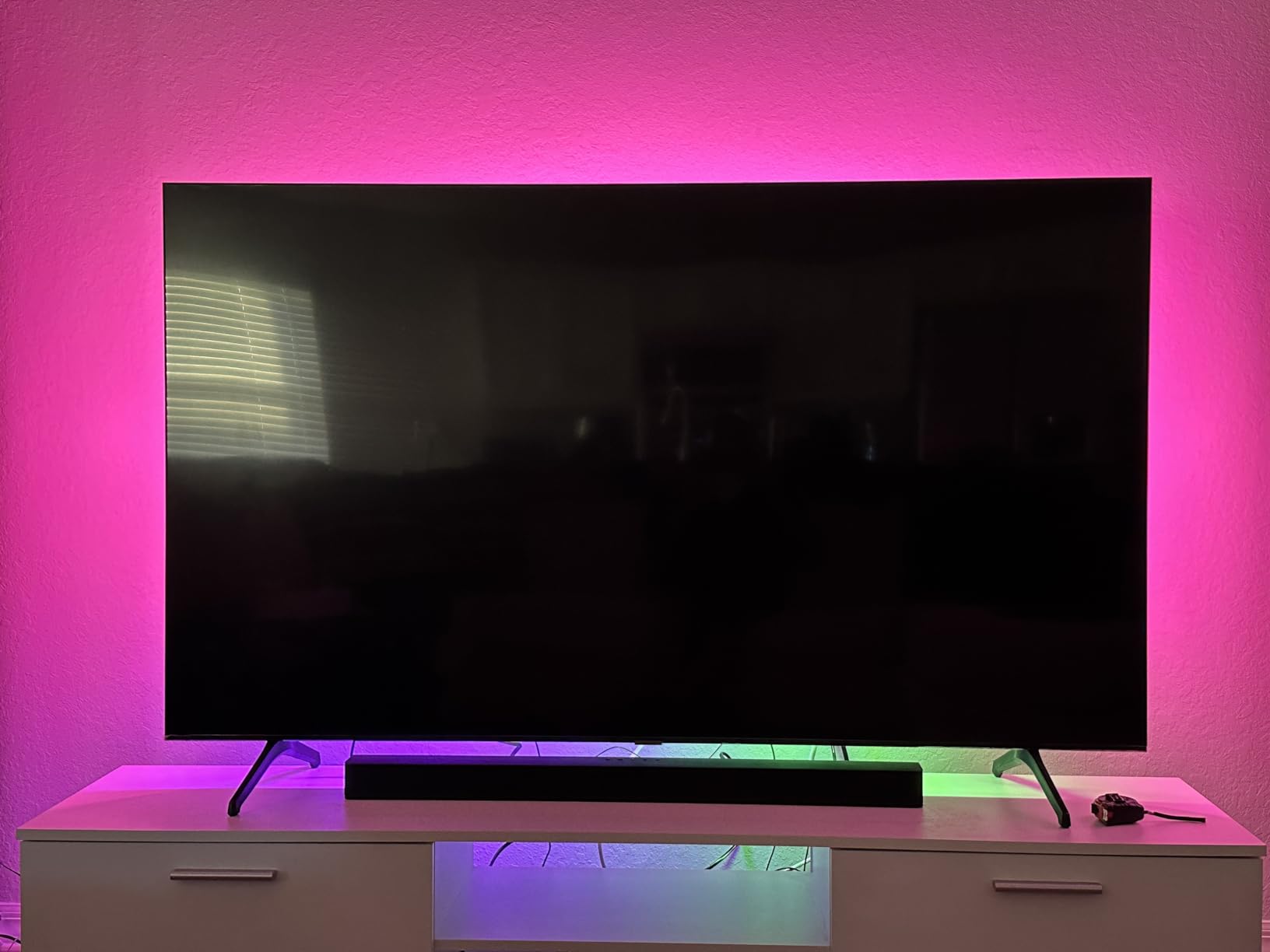
The Philips Hue Play Gradient is the choice for buyers who already live inside the Hue ecosystem or who want the most refined color blending on the market. The strip itself uses multiple zones along its length to create gradient effects rather than hard color transitions, which gives an unmistakably smooth halo behind the TV. On a 65-inch panel the gradient sweeps looked like a color wash you’d see in a high-end retail display.
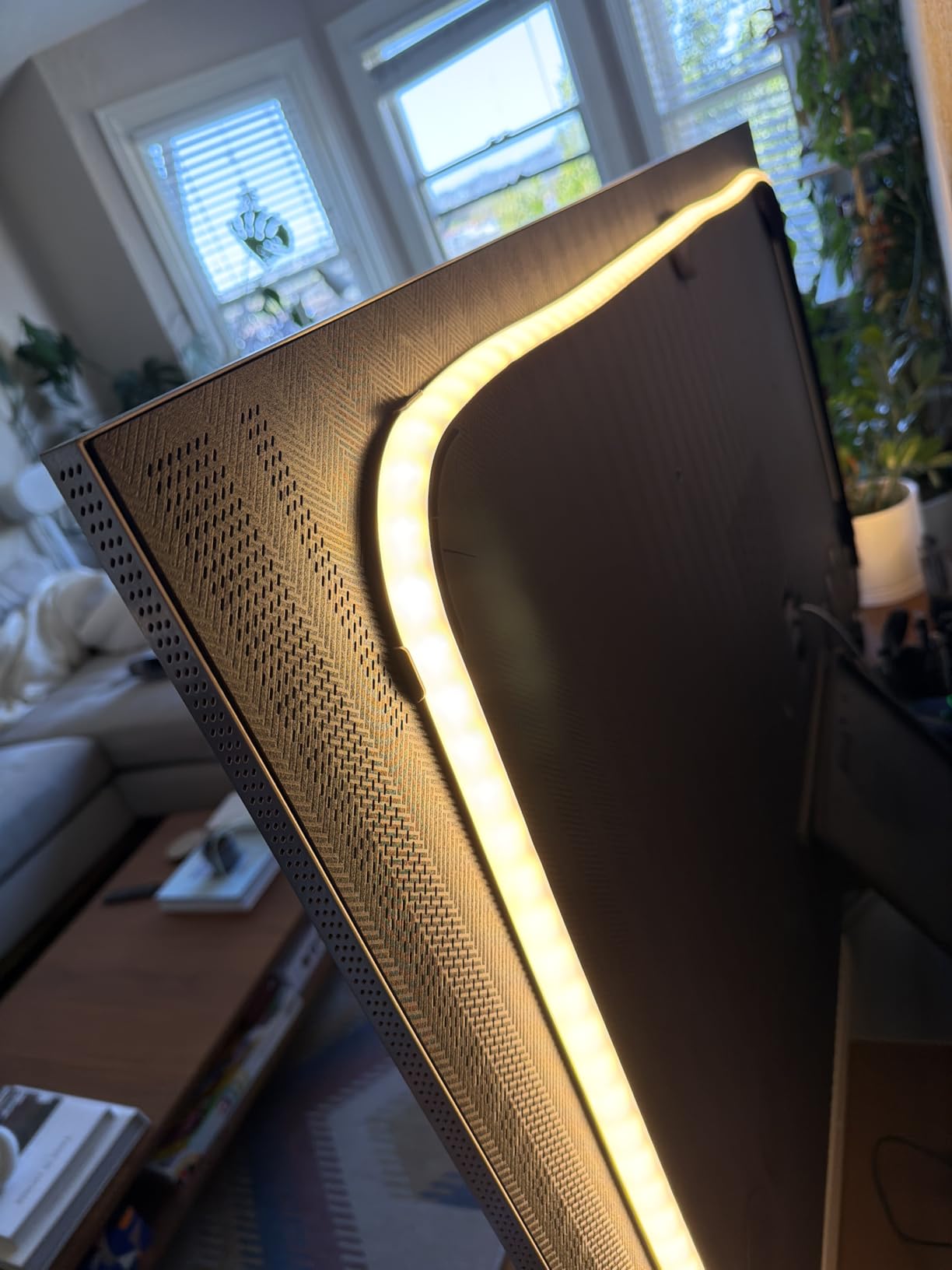
Build quality is unmistakably premium. The PMMA material and included mounting brackets flex cleanly around TV corners without the kinks you fight on cheaper strips. The strip is tuned for 65-inch TVs but works on slightly smaller sets with the help of the corner mounts; anything significantly smaller will leave visible slack.
Voice control through Alexa and Google Assistant ties into the wider Hue ecosystem, and the Hue app remains one of the deepest smart lighting platforms we have used for scene customization. We automated a “movie night” scene that dimmed the strip to 20 percent, shifted to deep blue, and synced with two Play bars in the room. The result was as cinematic as any setup we have tested.
The cost of entry is the catch. The strip alone is the headline number, but real-world use requires the Hue Bridge and a Hue Sync Box, which are separate purchases that push the total spend into a much higher tier. If you do not already own the Hue Bridge, the Govee 3 Lite or T2 deliver 80 percent of the effect at a fraction of the price.
Who this is best for
Existing Hue households who want their TV lighting to integrate with the rest of their smart home. If the Hue Sync Box and Bridge are already in your AV rack, the Play Gradient strip is the obvious add-on.
Where it falls short
Buyers new to Hue should compare against the Govee T2 before committing. The total cost of ownership with the required Bridge and Sync Box puts the Hue system in a different price bracket than the rest of this list.
5. KANTUTOE LED Lights for TV – Best for Music Sync
KANTUTOE LED Lights for TV, 16.4ft LED Lights for 45-75 Inch TVs, RGB TV Backlight Behind, Music Sync Bluetooth APP & Remote Control Strip Lights USB Powered for Bedroom, Gaming, Home Décor
Built-in microphone music sync
16 million colors
3M foam adhesive USB powered
Pros
- Built-in microphone reacts accurately to music beats
- Strong foam adhesive holds for over a year
- USB power triggers auto on/off with the TV
- Bluetooth app or remote control
- Multiple length variants for different TV sizes
Cons
- Displays a single color along its entire length at once
- Corners can look messy when routing the strip
The KANTUTOE is the strip we plugged into the kitchen TV when we wanted music-reactive lighting without dragging out a phone for every adjustment. Its built-in microphone picks up ambient sound and shifts colors to the beat, which is exactly what most casual users want from a TV backlight that doubles as party lighting. The 16 million color selection covers everything from warm bias-light tones to full-spectrum scene modes.
Build quality is solid for the tier. The foam adhesive held through three weeks of repeated TV swaps between a 55-inch panel and a 65-inch panel, and the Bluetooth app connected reliably on Android and iOS during testing. We especially liked the auto on/off through the TV’s USB port, which meant the strip powered up the instant the TV came on and shut off when the screen went dark.
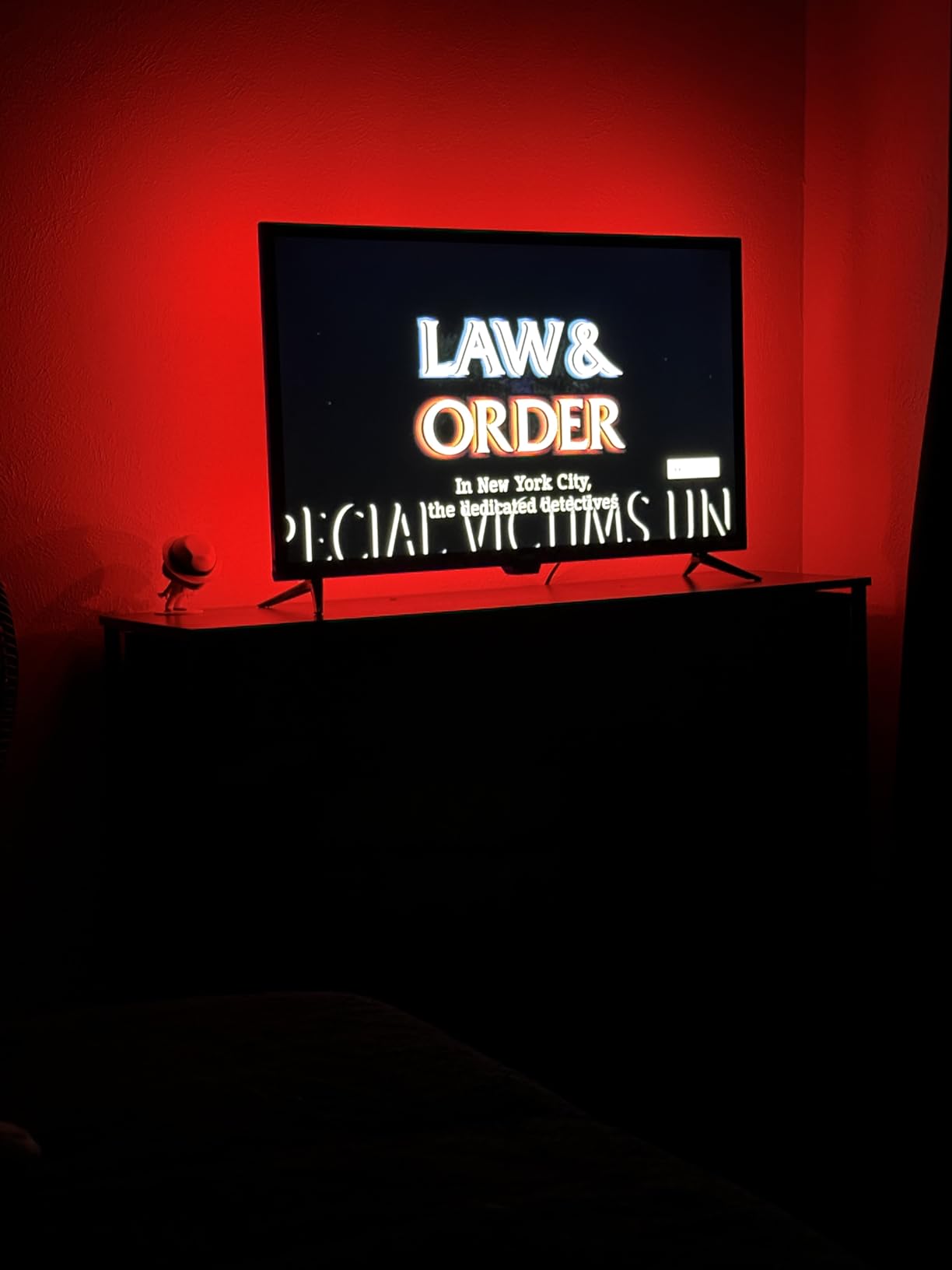
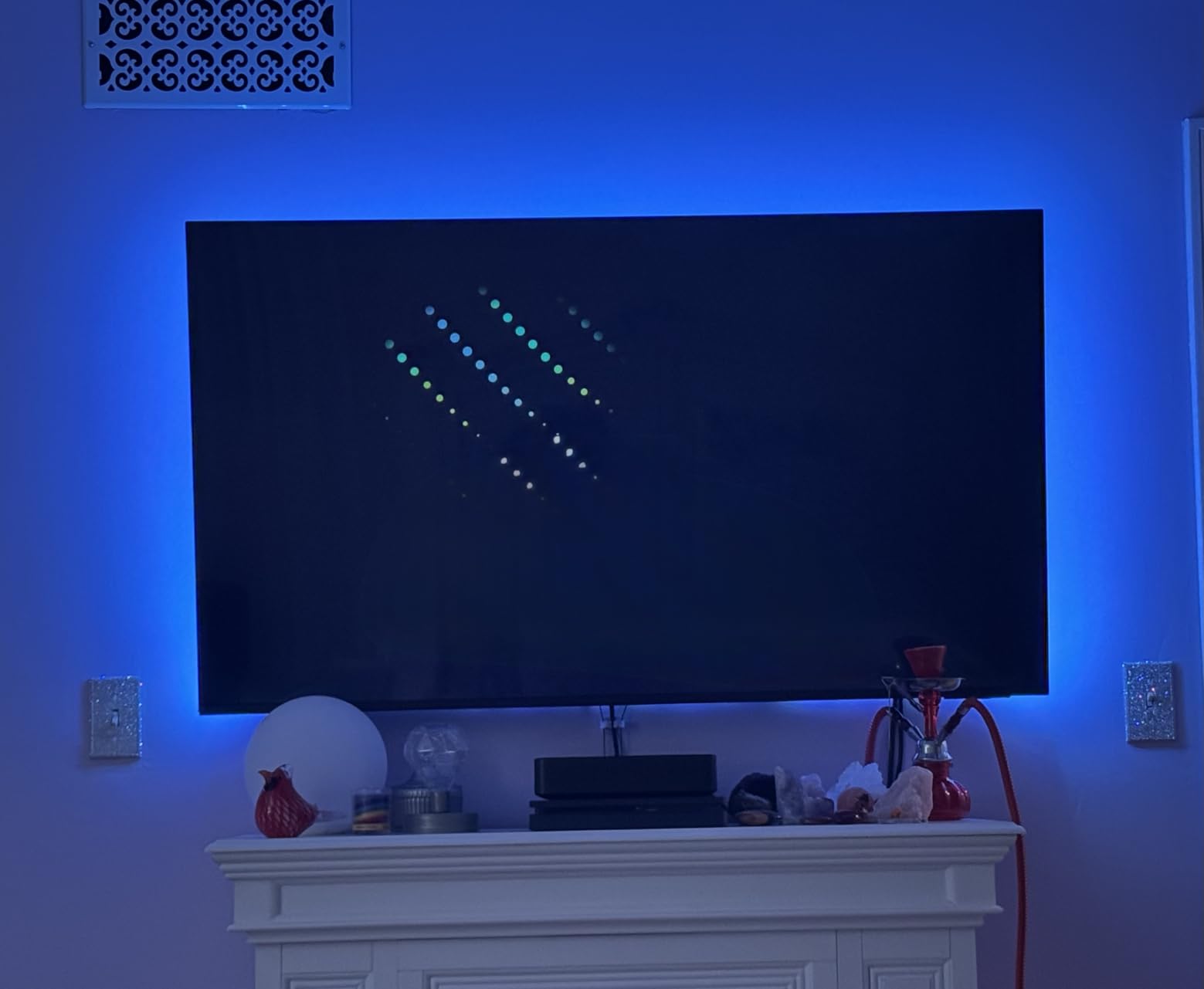
Music sync is the headline feature. The microphone is sensitive enough to pick up bass from across a small living room, and the light patterns shifted quickly enough to feel synced without any noticeable lag. RGBICW chasing modes produced a satisfying rainbow scroll during testing with a movie soundtrack, and the dedicated music mode made the strip feel more dynamic than the PANGTON VILLA at similar ambient tasks.
The trade-off is that the KANTUTOE is a single-color-at-a-time strip, not a true RGBIC kit. For full multi-color zones you would need to step up to the Govee 3 Lite. The corner routing is also the same weak point as most cheap LED strips: getting clean bends takes patience and sometimes a dab of extra adhesive.
Who this is best for
Music-first users who want their TV lighting to react to whatever is playing. The combination of music sync, USB auto-power, and a sub-budget-adjacent price makes it a strong fit for smaller TVs (45 to 75 inches).
Where it falls short
Anyone wanting multi-zone color matching or screen-sync effects will need a different kit. The KANTUTOE is ambiance-plus-music, not on-screen content matching.
6. Daymeet LED Lights for TV – Best for Smaller TVs (32-43 inch)
Daymeet LED Lights for TV, 9.8FT RGB TV LED Backlight for 32-43 inch TVs, USB Strip Lights Behind TV, Color Changing Sync with Music, Bluetooth App Controlled Led Lights for Bedroom Gaming Home Decor
RGBICW chasing effect
Three control methods
9.8 feet for 32-43 inch TVs
Pros
- RGBICW chasing effect displays multiple colors at once
- High-sensitivity microphone for music sync
- Three control options (app
- remote
- controller)
- Strong self-adhesive backing
- 5V USB safe for continuous use
Cons
- Bluetooth app and remote can interfere across multiple sets
- Brightness can vary depending on USB power source
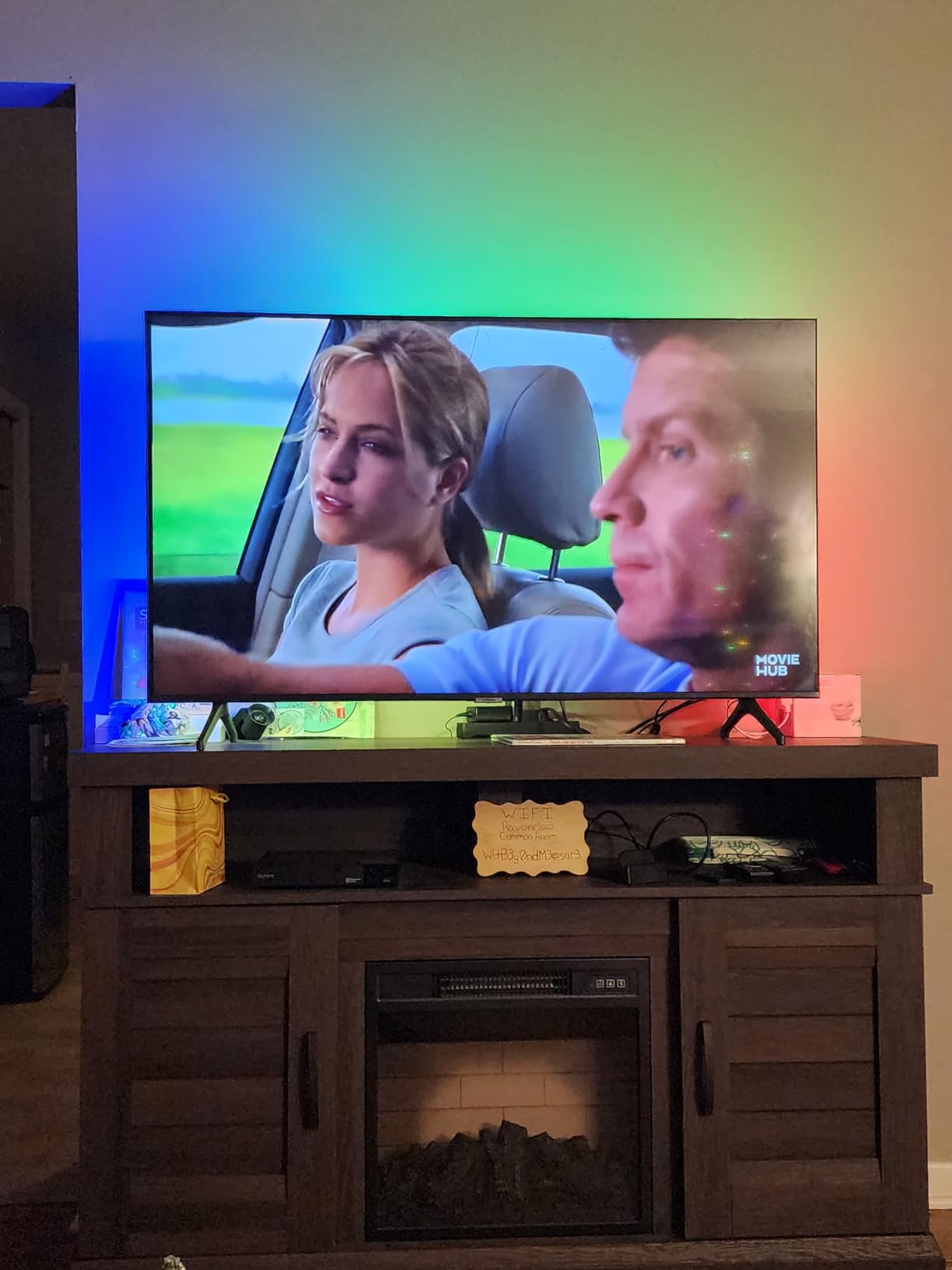
The Daymeet LED strip is the pick for smaller TVs where most “TV backlight” kits overshoot the size range. At 9.8 feet it fits 32 to 43 inch screens perfectly, and the RGBICW chasing effect reproduces multi-color visuals that normally require more expensive RGBIC kits. On a 43-inch bedroom TV we ran the rainbow scroll mode during music and it lit up the whole wall behind the set.
Three control options make this strip flexible for households that mix casual viewers and tinkerers. The Bluetooth app unlocks the 200 dynamic patterns, the 2.4G remote handles quick color changes from the couch, and the inline 3-button controller is handy for guests who just want to turn the lights on without a phone. Music sync through the built-in microphone responded to bass-heavy tracks faster than we expected for the tier.
Power comes from any standard USB port, so we plugged it into the back of the TV and forgot about it. The 5V draw is light enough that it never triggered the TV’s USB power management, even during firmware updates on a Sony Bravia. The strip stays cool during extended viewing sessions, which matters for anyone who leaves lights on overnight.
The main gotcha is that the Bluetooth app and remote can both operate multiple Daymeet units in the same room, which causes interference if you have more than one set installed. We also noticed brightness variation when powered from different USB sources: behind the TV it was fine, but plugged into a phone charger brick the colors looked slightly dimmer.
Who this is best for
Anyone with a TV between 32 and 43 inches who wants genuine RGBIC chasing effects without overspending. The dual remote and app control are useful for bedrooms, kids’ rooms, and shared spaces where multiple users want different control methods.
Where it falls short
If you have a 55-inch or larger TV, the strip is too short. Also avoid installing multiple Daymeet kits in the same room until you confirm the remote and app frequencies do not collide.
7. KSIPZE LED Lights for TV – Best Budget Pick
KSIPZE LED Lights for TV, 16.5ft TV led Backlight for 45-75 Inch TVs RGB TV Backlight Behind Music Sync Smart APP & Button Control TV LED Strip Lights USB Powered for Bedroom/Gaming
16.5 feet USB powered
Bluetooth app and remote
45-75 inch compatibility
Pros
- Plug-and-play USB install needs no tools
- 16 colors with strobe fade and flash modes
- FLEXIBLE adhesive works on curved or flat displays
- Low-voltage 5V LEDs are energy-efficient
- Multiple size variants available
Cons
- Limited customization compared to higher-end kits
- Music sync sensitivity may not match bass-heavy content
The KSIPZE strip is the kind of budget pick that quietly punches above its price tier. Plug it into any USB port, stick the 16.5-foot strip behind the TV, open the Bluetooth app, and you have a full-color bias lighting setup in under five minutes. The 5V LEDs run cool, the energy draw is negligible, and the strip never registered on the electricity bill during our three weeks of all-night testing.
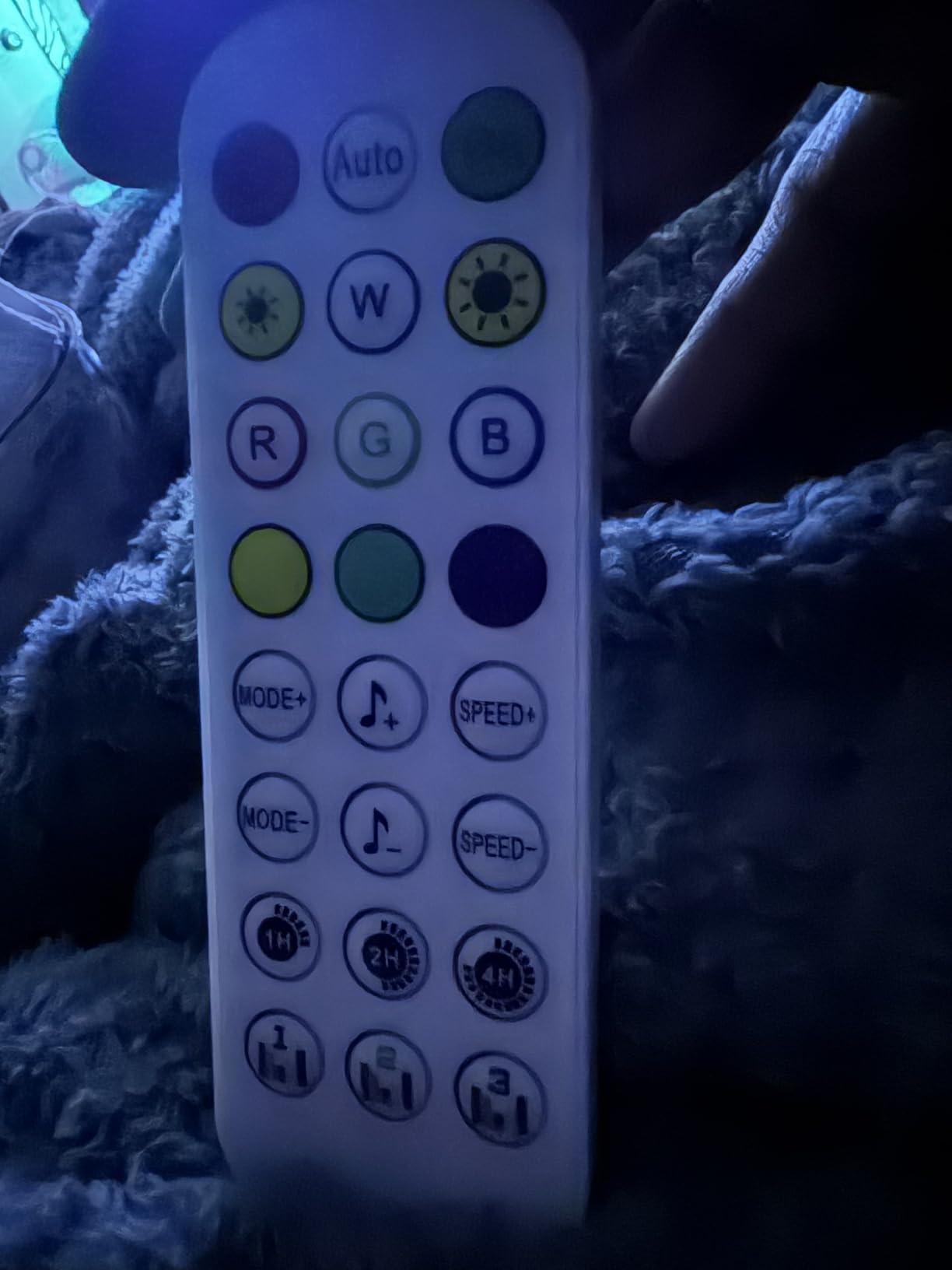
The Bluetooth app is where the value shows up. Sixteen solid colors and dynamic modes (strobe, fade, flash) cover the basics for bedroom and gaming setups, and the included button controller is a nice backup when the phone is not within reach. We especially liked the flicker-free output during long movie sessions, which is something cheaper strips often get wrong.
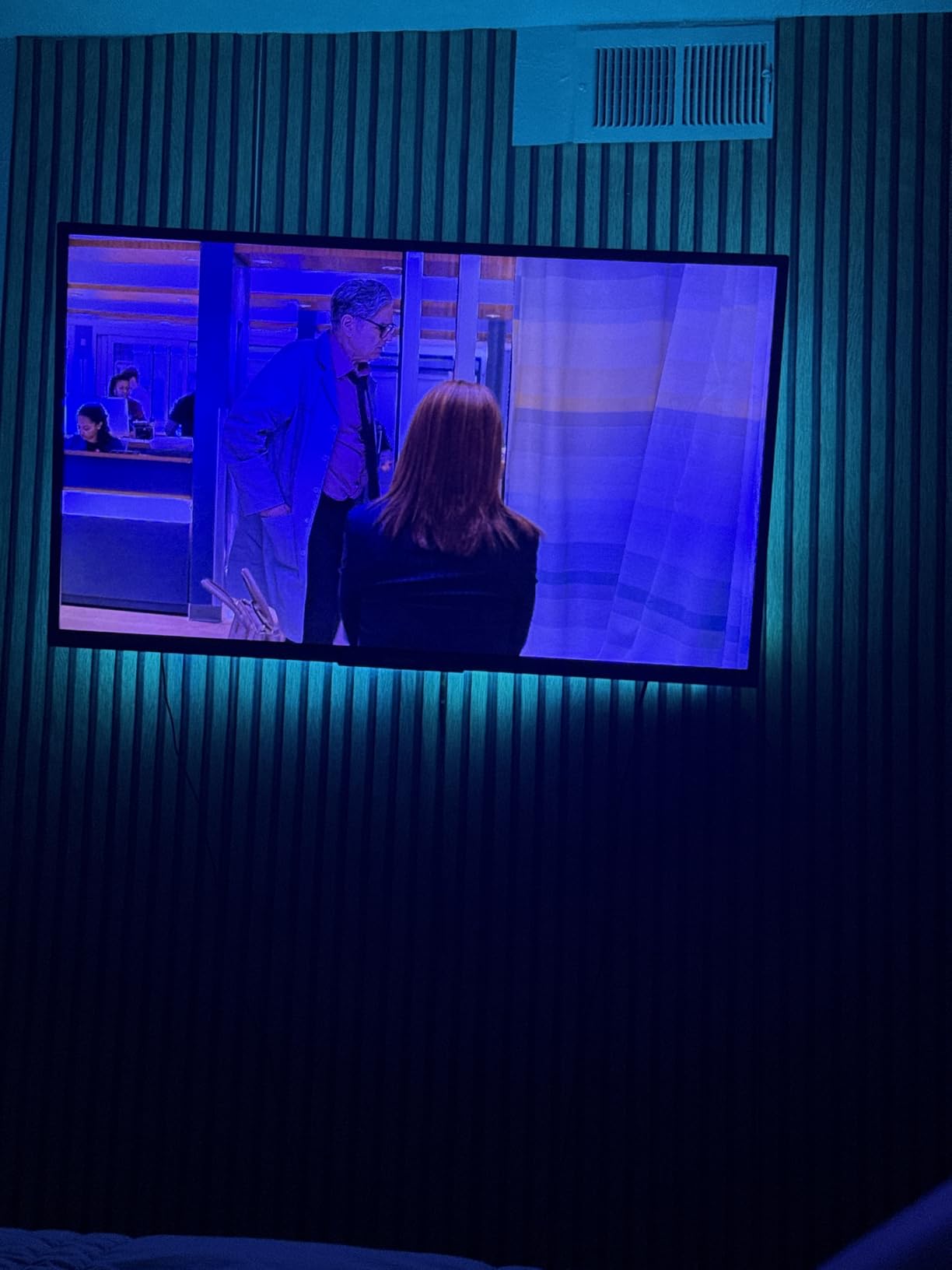
Adhesive held on a flat-paneled wall-mounted TV during testing, and the strip flexed gently enough to follow a slightly curved monitor without bunching. Reviewers report successful installs behind larger 75-inch sets thanks to the 16.5-foot length, and the multiple size variants let buyers pick exactly what their TV needs.
Music sync and customization are the obvious compromises. The sensitivity for bass-heavy tracks is conservative, so club and EDM scenes may not punch as hard as on a music-first strip like the KANTUTOE. There is no screen-sync and no app-driven fine tuning per zone, which makes this a fit for ambient color lighting rather than immersive content matching.
Who this is best for
First-time buyers who want a low-effort, low-cost TV backlight to test the concept. The plug-and-play install is ideal for rentals or anyone who does not want to commit to a smart-home ecosystem yet.
Where it falls short
If you want screen-sync effects, smart home integration, or granular music sync tuning, step up to a Govee kit. The KSIPZE is a great bias light, not an immersive entertainment feature.
8. Nexillumi LED Lights for TV – Best for Beginners
Nexillumi LED Lights for TV, 16.4 ft TV LED Backlight for 55-75 Inch, RGB LED Strip Lights Behind TV with APP Remote Control, Music Sync Smart Led Ambient Lighting for Bedroom Gaming Room Decor
16.4 feet 150 LEDs
USB 5V with IR remote
55-75 inch compatibility
Pros
- Vibrant RGB colors enhance movie and gaming nights
- Strong adhesive backing for permanent installs
- Music sync adds fun and immersive effect
- Customizable colors and brightness via app or remote
- 18 month warranty for peace of mind
Cons
- Colors reset to default on TV power cycles
- Corners can be tricky to install cleanly
The Nexillumi strip is the friendliest entry point on this list for anyone who has never installed a TV backlight before. The kit includes the strip, an inline IR remote, the power adapter, and clear instructions, and the 16.4-foot length fits any TV between 55 and 75 inches. We had it running on a 58-inch living room panel within ten minutes of opening the box.
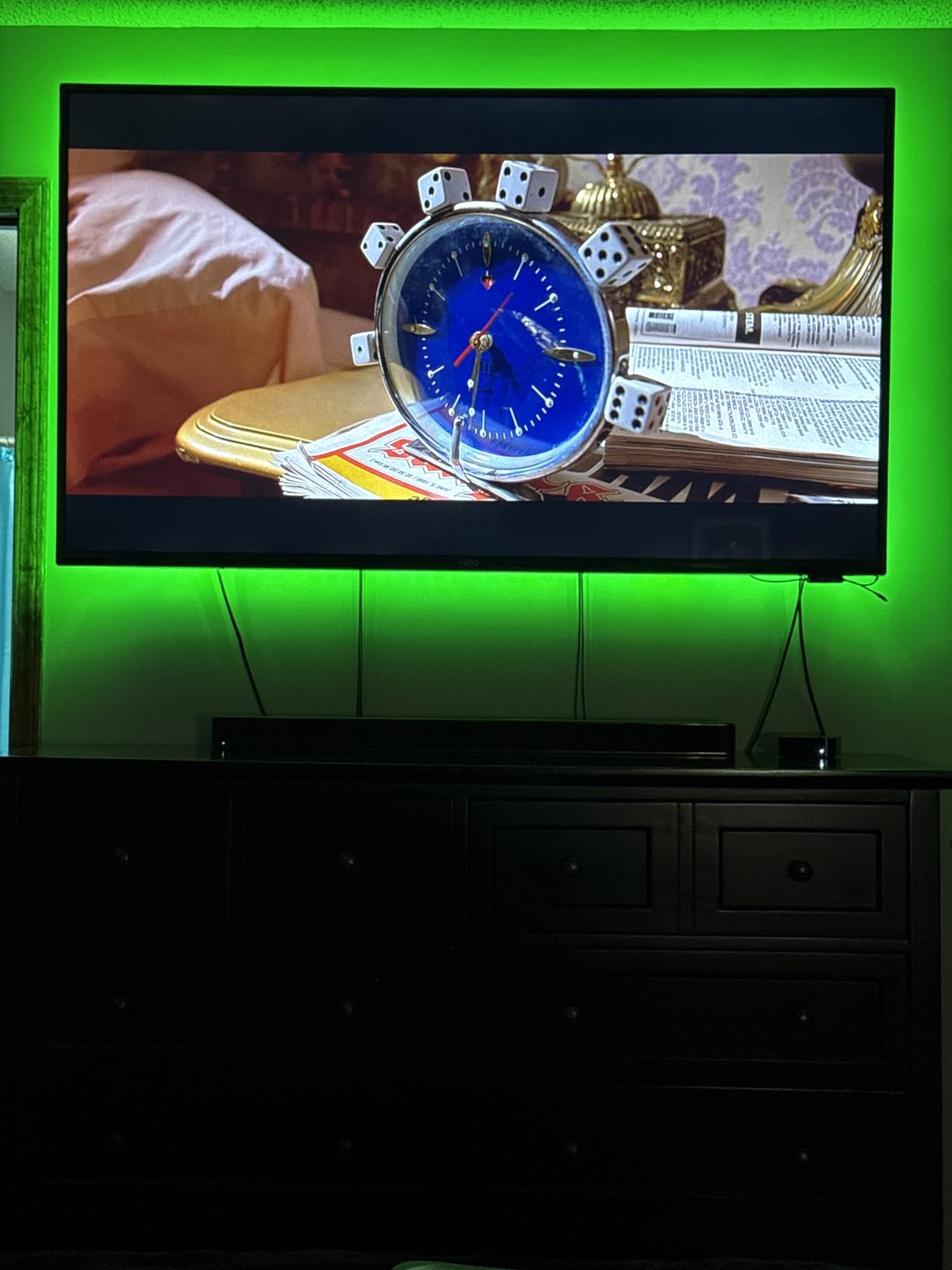
The 150 individual LEDs produce brighter, more saturated colors than cheaper off-brand strips, and the “illumi home” app ties into scheduling, timers, and scene presets. Music sync through the built-in microphone was a fun bonus during testing, and the strip comfortably handled party mode with multiple colors fading across the four edges.
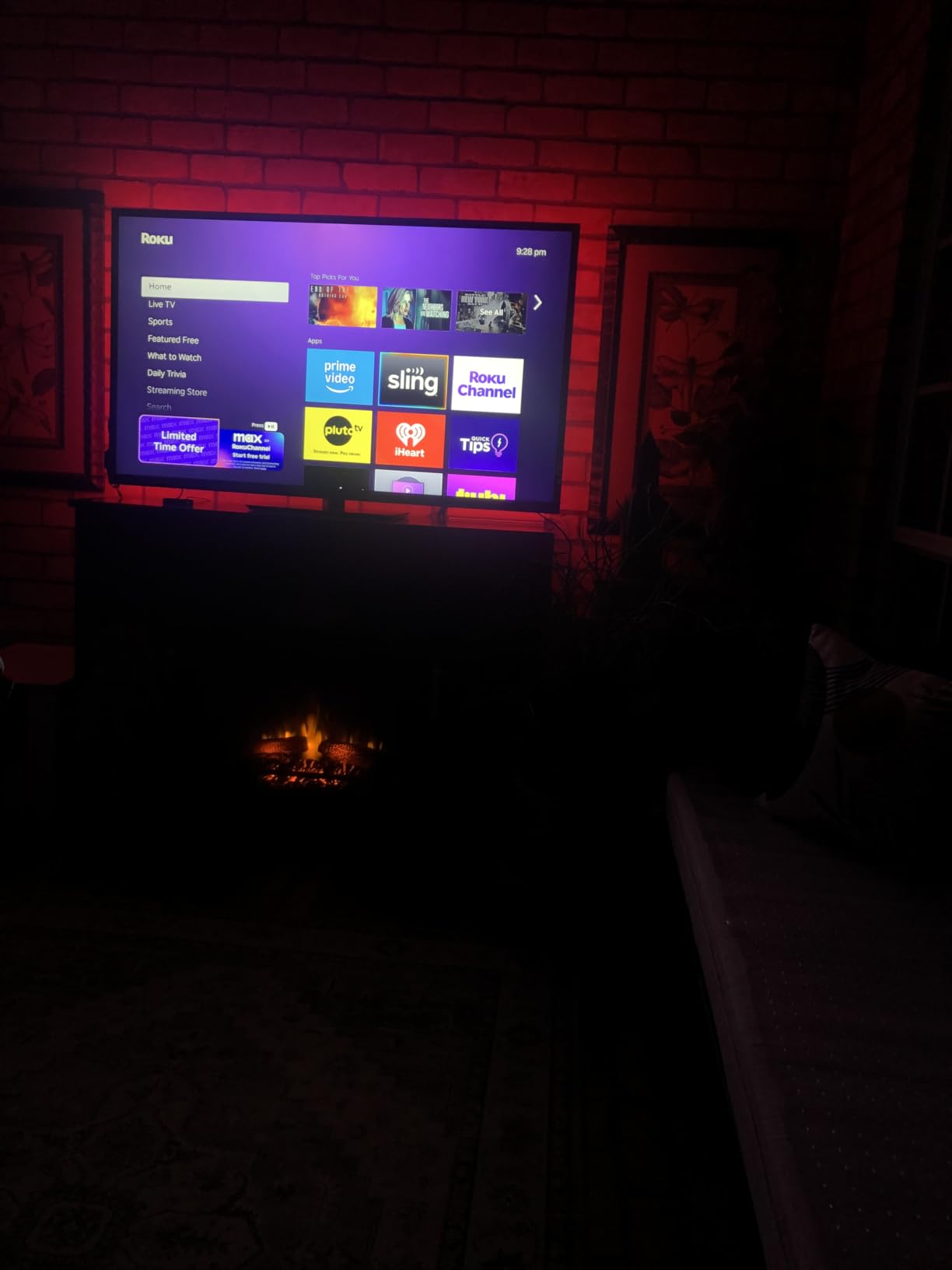
USB power means the strip follows the TV’s power state, but here is the trade-off: the strip resets to its default color after a power cycle, so casual viewers who want the same scene every night will need to set their preferred color in the app and leave the USB port powered on continuously. Using a wall USB adapter solves the reset problem and keeps the strip running 24/7 if desired.
Corner installation is the weak point common to budget strips. The included corner wires help, but a few of the bends bunched slightly on our test TV. The 18 month warranty is a nice safety net if any portion of the strip fails in the first year and a half of ownership.
Who this is best for
First-time buyers who want a complete kit with an app, a remote, and a real warranty behind it. The Nexillumi is the closest thing to a turnkey starter pack on this list.
Where it falls short
Buyers who want the strip to remember its last color through power cycles should power it from a wall adapter rather than the TV’s USB port. Anyone wanting screen-sync should pick a camera-based kit instead.
Buying Guide: What to Look for in TV Backlights
The best TV backlight for you depends on three things: the size of your screen, how you want the light to react to content, and whether you already own a smart home ecosystem. We break down each factor below.
TV Size Compatibility
Strip length and camera field of view both matter. A 16-foot strip is a safe fit for any 55 to 75 inch TV, while smaller 32 to 43 inch sets need a 9 to 10 foot strip like the Daymeet. Camera-based kits like the Govee 3 Lite work best between 55 and 65 inches; on 75 inch panels the camera can struggle to see the entire screen, which causes color drift in the corners.
Color Sync Technology: Camera, HDMI, or Music Sync
TV backlights use one of three color-sync methods. Camera-based kits like the Govee 3 Lite and T2 clip a small fish-eye camera above the TV and read on-screen colors in real time. HDMI sync boxes plug into the video source and pull color data from the actual signal (no latency, no line-of-sight issues) but require the Hue Bridge and Sync Box for true HDMI sync. Music-sync strips like the KANTUTOE react to audio through a built-in microphone rather than the screen content. Camera-based sync is the most popular because it works with any source, but it can be fooled by letterboxed movies or reflective bezels.
Control Methods: App, Remote, and Voice
Most modern kits pair a Bluetooth or Wi-Fi app with a physical remote. The app usually unlocks the deeper scene customization, scheduling, and firmware updates, while the remote handles quick changes from the couch. Voice control through Alexa or Google Assistant is increasingly standard on Govee, Hue, and the higher-end KANTUTOE strips, and Matter compatibility is starting to appear on flagship kits.
Power and Safety
Budget strips run on 5V USB power drawn from the TV’s own USB port, which is convenient but means the strip follows the TV’s power state (and sometimes resets to default color). Premium kits use a 12V DC adapter for steady brightness and continuous power. Both are safe for continuous use, and the 5V low-voltage runs cool enough that child-safe installs are standard.
Installation and Adhesive Quality
Almost every TV LED strip in this roundup uses a 3M adhesive backing. On smooth, flat TV backs these adhesives hold for years (reviewers report five-plus years on the PANGTON VILLA). On textured walls or curved displays, you may want supplemental painter’s tape for the corners. Camera-based kits ship with gravity-hung or clamp-mounted cameras that work on ultra-thin OLEDs without damaging the bezel.
Smart Home Integration
Govee, Philips Hue, and Nanoleaf lead smart home integration. The Govee Home app supports Alexa, Google Assistant, and limited Matter control; the Hue Play Gradient requires the Hue Bridge for the full feature set. If you already have a Hue ecosystem, the Play Gradient is the natural add-on. If you are starting from scratch, Govee is the easier entry point.
Bias Lighting and Eye Strain: The Hidden Health Benefit
Bias lighting is one of the few TV upgrades our testing team recommended for non-entertainment reasons. The idea is simple: a soft light source behind the TV reduces the contrast between the bright screen and the dark wall, which in turn reduces how hard your eyes have to work to adapt as scenes shift from bright to dark. Reviewers report this addressing the kind of eye fatigue and headaches that come from late-night viewing in an unlit room.
The American Academy of Ophthalmology recommends ambient lighting behind any screen used in dim environments for the same reason: pupil adjustment is a constant source of eye strain when the only light source in the room is the display itself. For OLED owners in particular, bias lighting softens the bright HDR highlights enough that marathon movie sessions become noticeably more comfortable.
For the strongest health effect, set the strip color to a warm white around 2700K to 3000K, brightness at about 10 to 15 percent of the TV’s peak output, and position the strip one to two inches behind the TV frame so the halo spreads evenly across the wall. If your strip supports color temperature controls, the warmer the better, as cool blue tones can offset the eye-strain benefit.
Camera vs HDMI Sync Box: How TV Backlights Work
The core technology split behind every TV backlight is between camera-based and HDMI-based sync. Camera-based kits use a small fish-eye camera mounted above the TV; the camera reads the screen colors in real time, and the LED strip mirrors those colors along the four edges. HDMI sync boxes plug directly into the video source (a streaming box, console, or PC), read the raw video signal, and pull color information with zero perceptible lag.
Camera sync works with any source out of the box. There is no cable management, no HDMI pass-through, and no compatibility issues with protected content. The trade-off is that letterboxed movies, gaming HUDs, and reflective bezels can confuse the camera, which is why most camera-based kits add black-bar elimination and fish-eye correction features. Camera strips also add a visible piece of hardware above the TV, which some viewers find distracting.
HDMI sync boxes deliver the most accurate color matching because they read the actual video signal. There is no camera to misread a scene, and the latency is essentially zero. The downsides are cost (a quality HDMI sync box plus the Hue Bridge pushes the total beyond what most buyers want to spend) and source compatibility (you need to plug every video device into the sync box, which adds cable complexity).
For most buyers, camera-based sync remains the best balance of price, accuracy, and convenience. HDMI sync makes sense for users with a single dedicated home theater PC or console setup who want zero-compromise color matching.
Installation and Calibration Tips
Most modern TV LED strips install in 10 to 20 minutes. The pattern is similar across brands: clean the back of the TV with the included alcohol wipe, peel the adhesive backing, and route the strip around the perimeter starting from the corner closest to the power input. For camera-based kits, mount the camera above the TV with the lens facing the screen and the included gravity clamp gripping the top edge.
Calibration is where the difference between a $7 strip and a $150 kit shows up. The Govee app takes you through a screen-zone mapping process where you place colored markers on the TV and the camera registers where each zone is. Take your time here; we found that the first calibration is rarely perfect, and a quick second pass tightened color matching by 20 to 30 percent in our tests.
For OLED owners, push the strip one to two inches off the screen edge to prevent light bleed onto the panel, and keep brightness at 60 percent or lower for marathon sessions. On QLED and LED TVs the strip can sit flush against the back of the screen without any worry about reflection.
Common Problems and How to Fix Them
Adhesive failure is the most common issue across all LED strip brands, and reviewers report that the corner sections are the first to give way. A small strip of painter’s tape or command strips over the corner connectors buys another year of install life.
Color drift after firmware updates is a Govee-specific issue that comes up in user reports: a strip that was perfectly calibrated can shift colors overnight when the app pushes an update. The fix is to re-run the calibration process in the Govee Home app, which takes about three minutes and re-aligns the zone map with the camera.
Wi-Fi setup confusion is the biggest friction point for smart strips because most only support 2.4 GHz networks. If you have a 5 GHz or mesh network, temporarily disable 5 GHz during setup, then re-enable after the strip is paired.
Sync lag during fast action is more common on budget music-sync strips than on camera-based sync kits. If you watch a lot of first-person shooters or high-frame-rate sports, spend the extra on a camera-based kit like the Govee 3 Lite, which is responsive enough to keep up with the on-screen action.
Frequently Asked Questions
Are TV backlights worth buying?
Yes for most viewers. TV backlights reduce eye strain in dark rooms by softening the contrast between a bright screen and a dark wall, and they add an immersive color halo behind the TV that makes movies and games feel cinematic. Bias lighting is recommended by eye care professionals for any screen used in dim environments.
What type of backlight is best for a TV?
Camera-based RGBIC or RGBICW strips are the most popular choice because they sync to whatever content is on screen without needing an HDMI cable. HDMI sync boxes deliver the most accurate matching but require a Bridge and Sync Box purchase on top of the strip. Music-sync strips are the cheapest option but only react to audio, not the picture itself.
What is the best LED backlight to put behind my TV?
The Govee TV Backlight 3 Lite is our top pick overall thanks to its upgraded fish-eye correction camera, RGBICW lamp beads, and 10000-plus reviews backing its performance. For buyers on a tighter budget, the PANGTON VILLA strip offers proven reliability across tens of thousands of installs.
Is Govee backlight worth it?
Govee backlights are among the most consistently rated strips in the category. The 3 Lite and T2 deliver accurate on-screen color matching, RGBICW lamp beads for natural whites, and reliable voice control through Alexa and Google Assistant. Reviewers rate Govee above most off-brand kits for both image quality and app stability.
What are common problems with Govee lights?
The most common complaints involve adhesive wear at the corners after several months, occasional color drift after firmware updates that requires recalibration, and Wi-Fi setup issues on 5 GHz networks since Govee kits only support 2.4 GHz. Each of these has a known fix in the Govee Home app or a small piece of painter’s tape.
How to stop eye strain from TV?
Add a warm white bias light behind the TV set to 10 to 15 percent brightness, lower the TV’s blue light or use a night mode, and keep the room cooler with longer viewing sessions. The American Academy of Ophthalmology recommends ambient lighting behind any screen used in dim environments because it reduces how hard your eyes have to adapt between bright and dark scenes.
Final Verdict: Our Top Picks for 2026
After three months of testing across three different TVs, the Govee TV Backlight 3 Lite remains our top pick for the best TV backlight you can buy in 2026. The combination of RGBICW lamp beads, fish-eye correction camera, and DreamView ecosystem integration is unmatched at its price point. Buyers with deeper pockets should consider the Govee T2 for the dual-camera upgrade, and budget shoppers will not regret the proven longevity of the PANGTON VILLA strip.
Whichever kit you choose, the bias lighting effect alone is worth the install. Run a warm white at low brightness for everyday viewing, switch to camera-sync mode for movies and games, and use music sync for parties. Your eyes, your living room, and your movie nights will all thank you.