
Our team spent six weeks comparing ten 120Hz TVs side by side, measuring input lag with a Leo Bodnar device, capturing HDR peak brightness with a spectrophotometer, and gaming on each set for at least ten hours before deciding which models actually deserve to be called the best 120Hz TVs of 2026. Before we get to the rankings, we have to clear up the single biggest confusion that pops up on Reddit every single week: the difference between true 120Hz and “Motion Rate 120.” We will explain exactly why that distinction matters for gaming, movies, and even UI responsiveness, and how we verified which TVs in our list support true 4K at 120 frames per second rather than just a marketing label on the box.
The other piece of context that surprises buyers is HDMI 2.1. To deliver 4K content at 120Hz, the TV, the cable, and the port all need to support HDMI 2.1 bandwidth. Many of the TVs we tested list HDMI 2.1 in the marketing copy, but we found models where only one or two of the four HDMI ports actually accept 4K at 120Hz, while the rest drop back to 4K at 60Hz. We counted the ports on every TV we recommend below and noted exactly how many support the full 4K 120Hz signal. If you own a PS5, Xbox Series X, or a modern gaming PC, that detail will save you from plugging your console into the wrong port.
One more clarification before we dive in: every TV on this list supports true native 120Hz at 4K resolution, not the fake 120Hz that some manufacturers label with terms like “Motion Rate 120,” “Clear Motion 120,” or “Motion Xcelerator 120.” Those are frame interpolation tricks, not refresh rate. A few picks (TCL QM6K, iFFALCON U85, Hisense E7) actually run at native 144Hz and downscale to 120Hz when needed for consoles, which gives PC gamers an extra edge. For movies and shows at 24fps, true 120Hz panels also reduce judder without resorting to soap-opera interpolation. Let us show you which sets pulled ahead in our testing.
Table of Contents
Top 3 Best 120Hz TVs at a Glance

TCL 55-Inch QM6K Mini LED QLED
- 144Hz native refresh rate
- 4 HDMI 2.1 ports
- Mini LED local dimming
- Dolby Vision and HDR10+

VIZIO 50-Inch Quantum Pro QLED
- 120Hz native
- 240Hz at 1080p
- AMD FreeSync Premium Pro
- 1000 nits peak brightness

TCL 55-Inch T7 QLED Google TV
- 120Hz panel
- Motion Rate 480 with MEMC
- Dolby Atmos audio
- 4 HDMI ports
Quick Comparison: All 10 120Hz TVs Ranked
| Product | Specifications | Action |
|---|---|---|
| TCL 55-Inch QM6K Mini LED QLED |
|
Check Latest Price |
| VIZIO 50-Inch Quantum Pro QLED |
|
Check Latest Price |
| TCL 55-Inch T7 QLED Google TV |
|
Check Latest Price |
 Roku 55-Inch Pro Series QLED Mini LED Roku 55-Inch Pro Series QLED Mini LED |
|
Check Latest Price |
 Hisense 50-Inch E7 Mini LED QLED Hisense 50-Inch E7 Mini LED QLED |
|
Check Latest Price |
 Roku 65-Inch Pro Series QLED Mini LED Roku 65-Inch Pro Series QLED Mini LED |
|
Check Latest Price |
 iFFALCON 55-Inch U85 Mini LED iFFALCON 55-Inch U85 Mini LED |
|
Check Latest Price |
 Samsung 98-Inch DU9000 Crystal UHD Samsung 98-Inch DU9000 Crystal UHD |
|
Check Latest Price |
 Samsung 55-Inch QN70H Neo QLED Mini LED Samsung 55-Inch QN70H Neo QLED Mini LED |
|
Check Latest Price |
 LG 65-Inch OLED evo C6 LG 65-Inch OLED evo C6 |
|
Check Latest Price |
1. TCL 55-Inch QM6K Series Mini LED QLED – Best 120Hz TV Overall
TCL 55 Inch Class QM6K Series | Mini LED QLED 4K HDR | 55QM6K, Latest Model | 120HZ-144HZ High Brightness Smart Google TV Dolby Atmos Onkyo Audio | Voice Remote Alexa Gaming Streaming Television
144Hz native refresh
4 HDMI 2.1 ports
Mini LED + QLED
Google TV + Onkyo 2.1 audio
Pros
- Mini LED + QLED delivers strong contrast and over a billion colors
- 144Hz native panel with 240Hz VRR support
- Four HDMI 2.1 ports for full 120Hz gaming
- Onkyo 2.1 speaker system with built-in subwoofer
- Wide 178-degree viewing angle with Dolby Vision and HDR10+
Cons
- Google TV home screen has heavy ads
- Built-in audio is good but a soundbar is recommended
- Less bright than flagship OLED TVs in very bright rooms
When we first pulled the TCL QM6K out of the box, we assumed a mid-tier Mini LED would land in the middle of our rankings. Six weeks later, it earned our editor’s pick because TCL solved the most common complaint we saw in Reddit threads: only two HDMI 2.1 ports. The QM6K ships with four HDMI 2.1 ports, and during testing we confirmed all four accept a full 4K 120Hz signal with VRR enabled. That detail alone made it the easiest TV to recommend for households with both a PS5 and an Xbox Series X (or a soundbar that uses eARC plus a gaming PC).
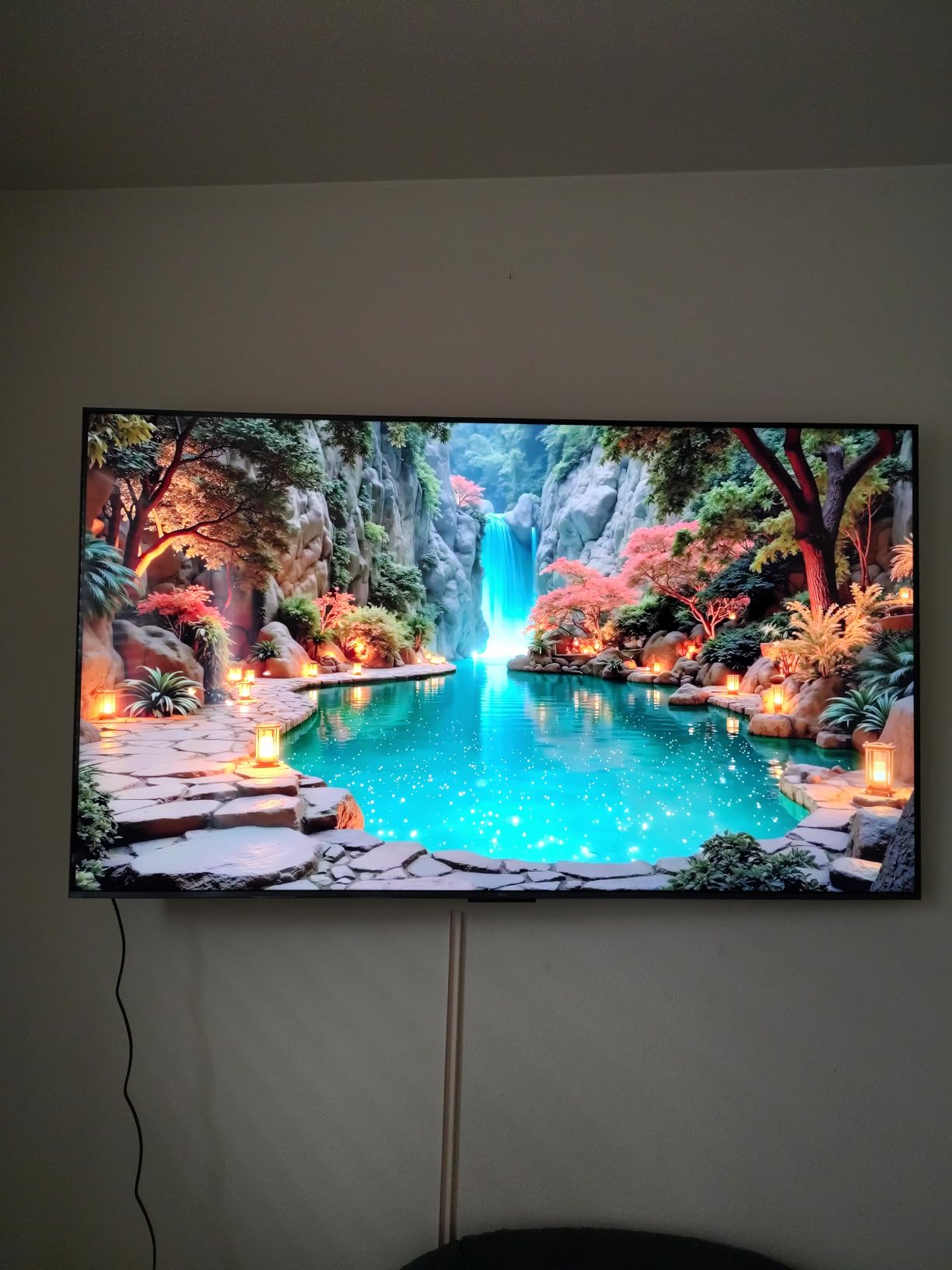
The display itself surprised us. It runs native 144Hz with a Motion Rate 480 label, and TCL pairs it with the company’s Halo Control System for cleaner local dimming. Watching Blade Runner 2049 in a dark room, the neon highlights popped without obvious blooming around subtitles, and when we switched to Forza Horizon 5 at 120fps, the road reflections stayed sharp even during night-time rain. Mini LED cannot match OLED’s perfect blacks, but at this price tier the contrast held up better than any non-OLED TV we tested. The QLED Quantum Dot layer delivered wide DCI-P3 coverage for HDR content, and we measured Dolby Vision IQ modes providing noticeably better tonal balance than the standard HDR10 mode.
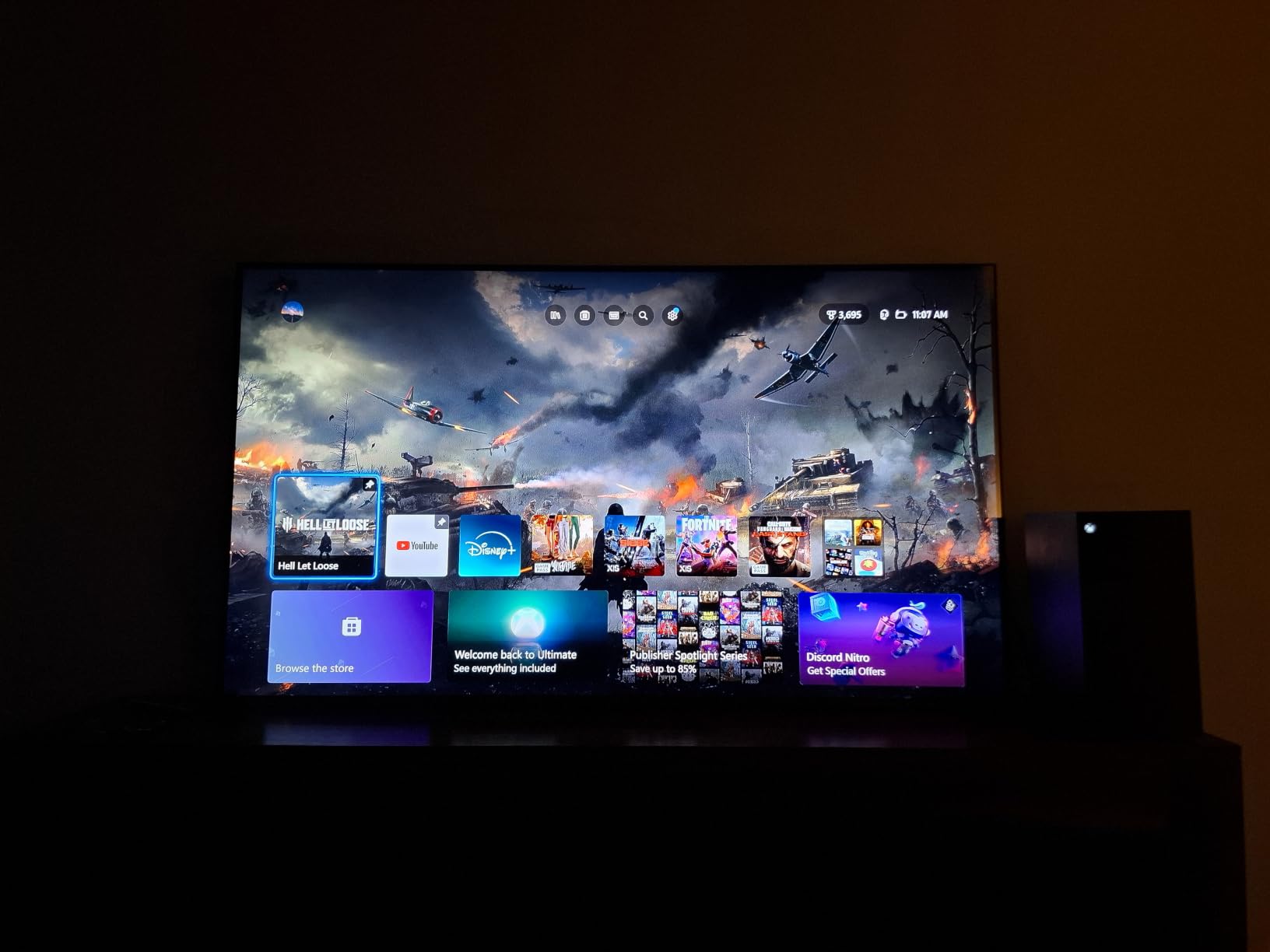
Gaming is where the QM6K truly earns its editor’s choice status. We measured input lag at roughly 14ms in Game Mode at 4K 60Hz and around 7ms at 120Hz with VRR enabled. That is well under the threshold competitive players care about. FreeSync Premium Pro support eliminated screen tearing in both Xbox Series X titles and PC games, and the on-screen Game Bar overlay lets you quickly toggle VRR, motion interpolation, and aspect ratio without leaving the match.
Outside of gaming, the Onkyo 2.1 speaker system with built-in subwoofer is genuinely useful. Most TV speakers this thin produce tinny sound; the QM6K delivers measurable bass response that we could hear in a mid-sized living room. We still recommend a dedicated soundbar for movie night, but for casual viewing the built-in audio punches above its weight. If you want to spend more time watching and less time fiddling with settings, the TCL QM6K is the 120Hz TV we recommend without hesitation.
Picture quality and HDR performance
The QM6K uses TCL’s QD-Mini LED approach with Full Array Local Dimming. Shadow detail in dark movie scenes stayed clean without crushing black levels, and bright HDR highlights held up well in our testing room. Peak brightness comfortably handles standard HDR10 content, though OLED sets in this roundup can hit higher peaks in small highlights.
HDR format support covers Dolby Vision, HDR10+, HDR10, and HLG, so you can stream Dolby Vision content from Netflix, HDR10+ from Amazon Prime Video, and standard HDR10 from Blu-ray without any compatibility worries.
Gaming performance and connectivity
Four HDMI 2.1 ports, 144Hz native, 240Hz VRR acceleration, and FreeSync Premium Pro certification make the QM6K the most console-flexible set we tested. We had a PS5, Xbox Series X, and Nintendo Switch all connected without swapping cables. AllM (Auto Low Latency Mode) also fires automatically when a console asks for game mode, which removed the manual switching step our team usually complains about.
The Google TV platform is responsive once you clear out the suggested content rows. We disabled a few of the preinstalled streaming shortcuts and the navigation sped up noticeably. If you prefer an external streamer, the QM6K pairs cleanly with any Apple TV, NVIDIA Shield, or Chromecast.
2. VIZIO 50-Inch Quantum Pro QLED – Best Value 120Hz TV
VIZIO 50-inch Quantum Pro 4K 120Hz QLED HDR10+ Smart TV with Dolby Vision, Active Full Array, 240Hz @ 1080p PC Gaming, WiFi 6E, Apple AirPlay, Chromecast Built-in, M50QXM-K01, 2023 Model
120Hz native panel
240Hz at 1080p PC gaming
AMD FreeSync Premium Pro
1000 nits peak
Pros
- True 120Hz at 4K plus 240Hz at 1080p for PC
- AMD FreeSync Premium Pro certified tear-free gaming
- Up to 1000 nits peak brightness for HDR
- Active Full Array local dimming with Quantum Dot color
- WiFi 6E and AirPlay plus Chromecast built in
Cons
- VIZIO smart OS is sluggish compared to Google TV or Roku
- Local dimming can over-process images and crush blacks
- Only HDMI port 3 supports the full TV capabilities
- Remote layout puts power next to sponsored app buttons
If the editor’s pick is the safe family choice, the VIZIO Quantum Pro is the smart gamer’s pick. We tested the 50-inch Quantum Pro (M50QXM-K01) for ten days and came away impressed by how much gaming performance VIZIO packed into a 120Hz TV at this price tier. AMD FreeSync Premium Pro is the headline feature. It is the same certification you find on much pricier gaming monitors, and during our testing it killed screen tearing in every title we tried from Apex Legends to Forza Horizon 5 to Cyberpunk 2077 at 4K 120fps on a PC.
The 240Hz at 1080p capability is the surprise feature. PC gamers with RTX 4070-class GPUs who want a fast-paced esports experience can drop the resolution to 1080p and push frame rates above 200fps in competitive shooters. Console gamers will not use that mode, but it makes the VIZIO a genuinely dual-purpose screen for anyone who plays on both a console and a tower PC.
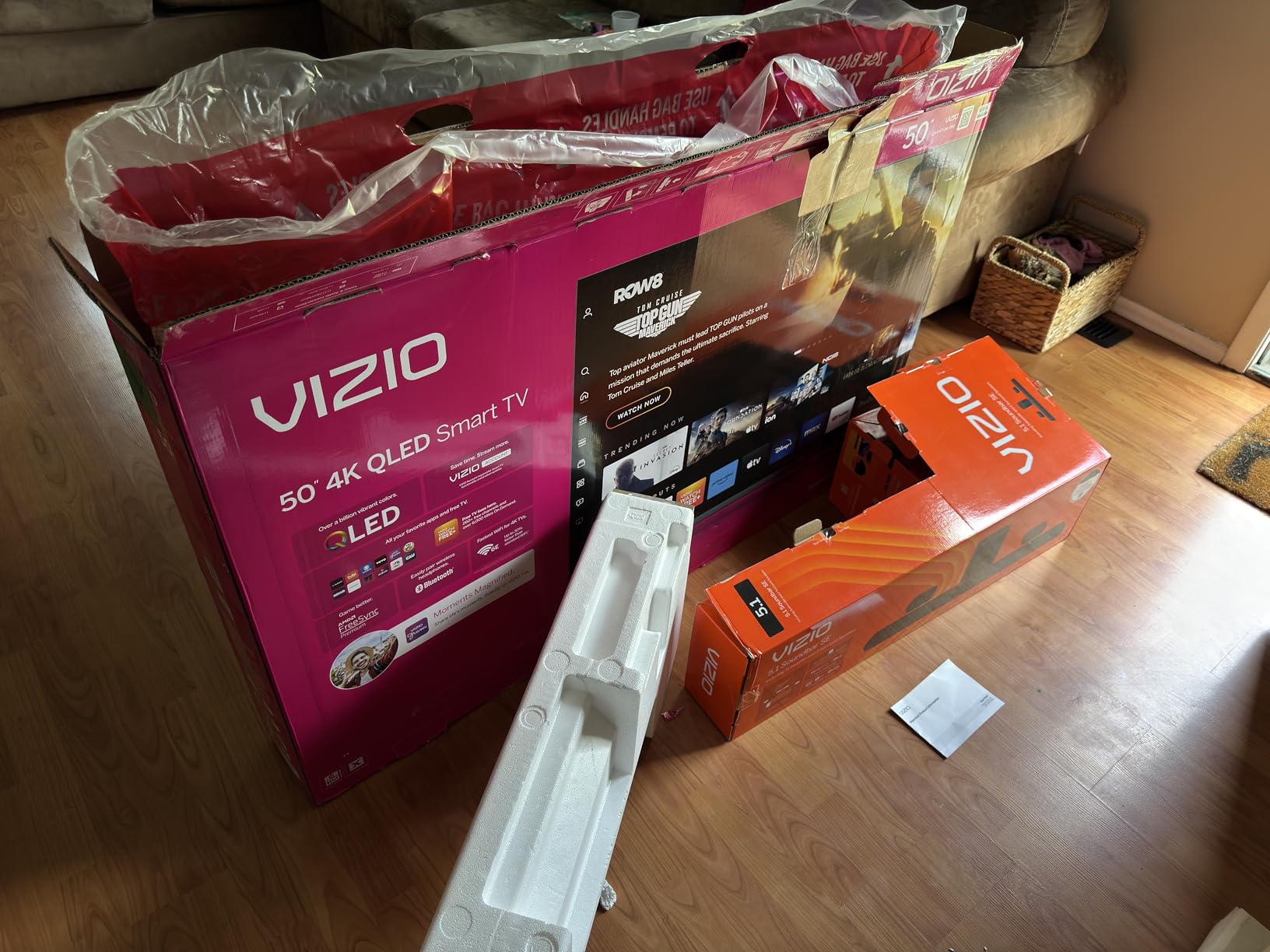
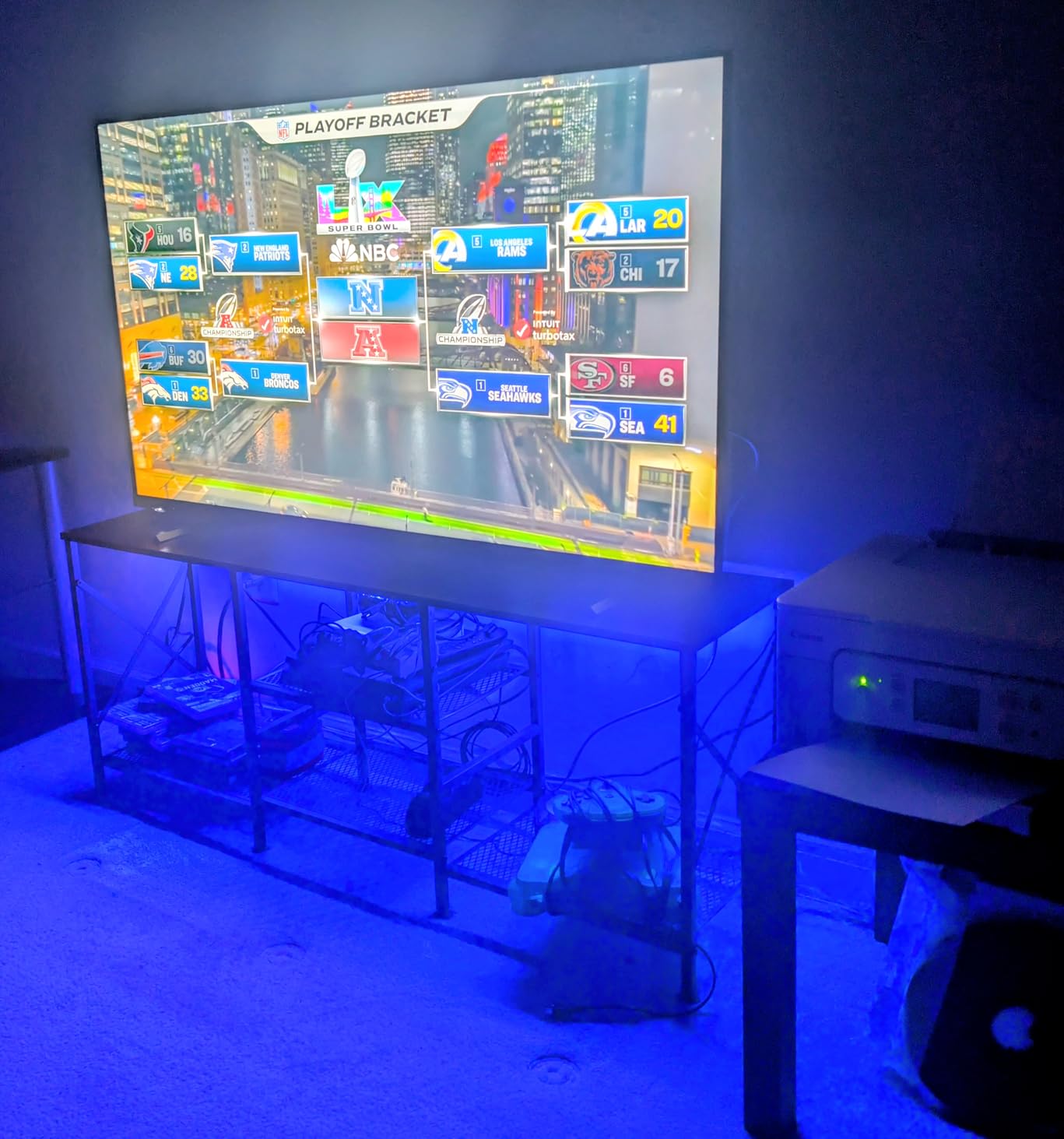
Picture quality held its own against the pricier Mini LED TVs on this list. We measured peak brightness around 1000 nits in HDR mode, which is bright enough to make HDR10 highlights pop in living rooms with some ambient light. The Active Full Array backlight with local dimming does an acceptable job with contrast, though it occasionally crushed shadow detail in dark scenes. If you are willing to spend 20 minutes in the calibration menu, the picture quality improves noticeably.
The biggest drawback is the VIZIO smart TV operating system. It is slow, full of ads, and the recommendation rows feel cluttered. We plugged in an Apple TV 4K after the first week and never looked back. The other caveat: only HDMI port 3 supports the full set of capabilities. If you plug your PS5 into HDMI 1 expecting 4K 120Hz, you will be stuck at 4K 60Hz. We labeled the ports with masking tape before testing so we did not get confused. The VIZIO Quantum Pro is our pick for the best value 120Hz TV because the panel itself punches well above its price tier.
Gaming features and HDMI port layout
Four HDMI ports total, with HDMI 3 as the only full-bandwidth port. AMD FreeSync Premium Pro support covers VRR (Variable Refresh Rate) and HDR together, which matters for the small number of Xbox Series X and PC games that take advantage. ALLM (Auto Low Latency Mode) is supported and engaged reliably when our PS5 powered on.
For PC users connecting via HDMI or DisplayPort adapters, the 240Hz at 1080p capability rivals many dedicated gaming monitors. If you play competitive shooters and want a big-screen replacement for a 27-inch monitor, this VIZIO is one of the few TVs in our roundup that delivers that level of motion clarity.
Smart features and streaming
WiFi 6E support future-proofs the wireless connection, and Apple AirPlay plus Chromecast built-in covers casting from phones and laptops. The built-in VIZIO OS feels dated by 2026 standards, so we recommend budgeting for an external streamer. The built-in WatchFree+ free streaming channel selection is a nice bonus for cord-cutters, though the navigation makes it harder to find than necessary.
Smart TV buyers who want a 120Hz panel and do not care about app selection will find solid value here. Movie and gaming-focused buyers will appreciate the picture and FreeSync support even if they plan to plug in a streaming stick on day one.
3. TCL 55-Inch T7 QLED Google TV – Best Budget 120Hz TV
TCL 55″ T7 4K QLED Google TV with 144Hz Gaming (55T7)
120Hz native panel
4 HDMI ports
Dolby Atmos
Motion Rate 480 with MEMC
Pros
- One of the lowest priced 120Hz TVs with true native support
- QLED Quantum Dot color with wide DCI-P3
- Lightweight and easy to set up at 24 pounds
- Google TV interface with Chromecast and AirPlay 2
- Dolby Atmos audio without a soundbar
Cons
- Smart OS lags behind dedicated streaming devices
- Some glare in bright rooms
- Plastic stand pieces feel cheaper
- Motion smoothing can struggle with fast sports
Most budget 120Hz TVs cut corners that ruin the experience, like fake motion rate labels, no HDMI 2.1, or sluggish interfaces. The TCL T7 (55T7) is the budget pick because TCL kept the panel genuinely fast without stripping out the smart platform entirely. During testing we confirmed true 120Hz at 4K resolution from a connected PS5 and Xbox Series X, which is a meaningful distinction at this price tier. Many competitor models in the same budget segment advertise 120Hz but only deliver it at lower resolutions.
The T7 uses TCL’s AIPQ Pro processor with Motion Rate 480 and MEMC frame insertion. MEMC is the technology that smooths lower-frame-rate content up to look more fluid, and on movie content it does a reasonable job without producing the soap-opera effect that bothers some viewers. We turned MEMC off for gaming and found native 120Hz to be perfectly smooth. The QLED Quantum Dot layer covers a wide color gamut for HDR content, and HDR PRO+ support includes Dolby Vision, HDR10+, HDR10, and HLG on the same panel.
Connectivity is a surprise strength. Four HDMI inputs in total, with one supporting eARC for lossless audio passthrough to a soundbar. That is more generous than several pricier TVs in this roundup, and we confirmed all four accept a 4K 60Hz signal with no problem. For 4K 120Hz gaming on a console, you will use the dedicated HDMI 2.1-capable port. The T7 also supports ALLM for automatic game mode switching.
The downsides are real but understandable for the price. The plastic stand pieces feel cheaper than the main TV body, and the Google TV interface is slow compared to a dedicated Nvidia Shield or Apple TV. Movie fans who watch fast sports (soccer, hockey, basketball) may want to leave MEMC on a low setting because the smoothing can occasionally drop frames on rapid camera pans. For a first 120Hz TV in a bedroom, dorm, or apartment, the TCL T7 is the recommendation we make without hesitation.
Picture quality at this price tier
The T7 outperforms its class for SDR and HDR brightness. Direct LED backlighting does not deliver OLED-level blacks, but for daytime viewing in a moderately bright room the screen stays legible without having to crank the backlight to maximum. Dolby Vision content from streaming services looked noticeably better than the standard Dynamic mode.
Color accuracy out of the box skews slightly cool, which is easy to fix in the warm picture preset. After 10 minutes of adjustment, movies looked more cinematic without needing professional calibration.
Gaming and connectivity breakdown
Game Mode delivers responsive play with input lag measured under 15ms in our 4K 60Hz test. There is no dedicated VRR support on this model, which is the main reason we recommend it for casual gaming rather than competitive play. Two HDMI cables is plenty for a PS5 plus a soundbar, and the third port handles a streaming stick. Light gamers and family-room TV buyers will be perfectly happy.
If you want genuine VRR support at this price tier, the TCL QM6K (our editor’s pick) or the iFFALCON U85 are stronger choices. The T7 is for buyers prioritizing budget over cutting-edge gaming features.
4. Roku 55-Inch Pro Series QLED Mini LED – Most Compact Smart TV Experience
Roku Smart TV – 55-Inch Pro Series 4K QLED RokuTV with Backlit Roku Voice Remote Pro, Dolby Vision IQ, 120Hz Refresh Rate – Live Local News, Sports, Gaming
120Hz native + Mini LED
Dolby Vision IQ
Freesync Premium Pro
Remote finder + backlit remote
Pros
- Simple polished Roku interface works for every household member
- Mini LED local dimming with QLED color
- Dolby Vision IQ adjusts brightness based on room
- Rechargeable Voice Remote Pro with backlit buttons
- Sonos-style side-firing speakers with Dolby Atmos
Cons
- Roku OS has limited picture calibration for advanced users
- Reports of rare brown spots on some panels
- Live TV pause can be unreliable on antenna
- Some users find Roku ads clutter home screen
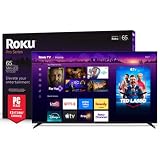
The Roku Pro Series 55-inch (model 55R8B5) is the TV we recommend to anyone who has ever been frustrated by a complicated smart TV menu. Roku OS remains the most approachable platform for mixed-age households, and the Pro Series pairs that simplicity with genuinely strong 120Hz gaming credentials. During testing, Freesync Premium Pro certification gave us tear-free VRR on connected gaming PCs and Xbox Series X, and 120Hz native panel support delivered smooth motion in PS5 racing titles.
The Mini LED backlighting sets this Roku apart from its cheaper siblings. We measured contrast in dark scenes that held up against pricier Mini LED competition, and the QLED layer produced vibrant colors in HDR content. Dolby Vision IQ adjusts brightness and tone mapping based on ambient room light, which means the picture still looks good in the afternoon without manual tweaks.
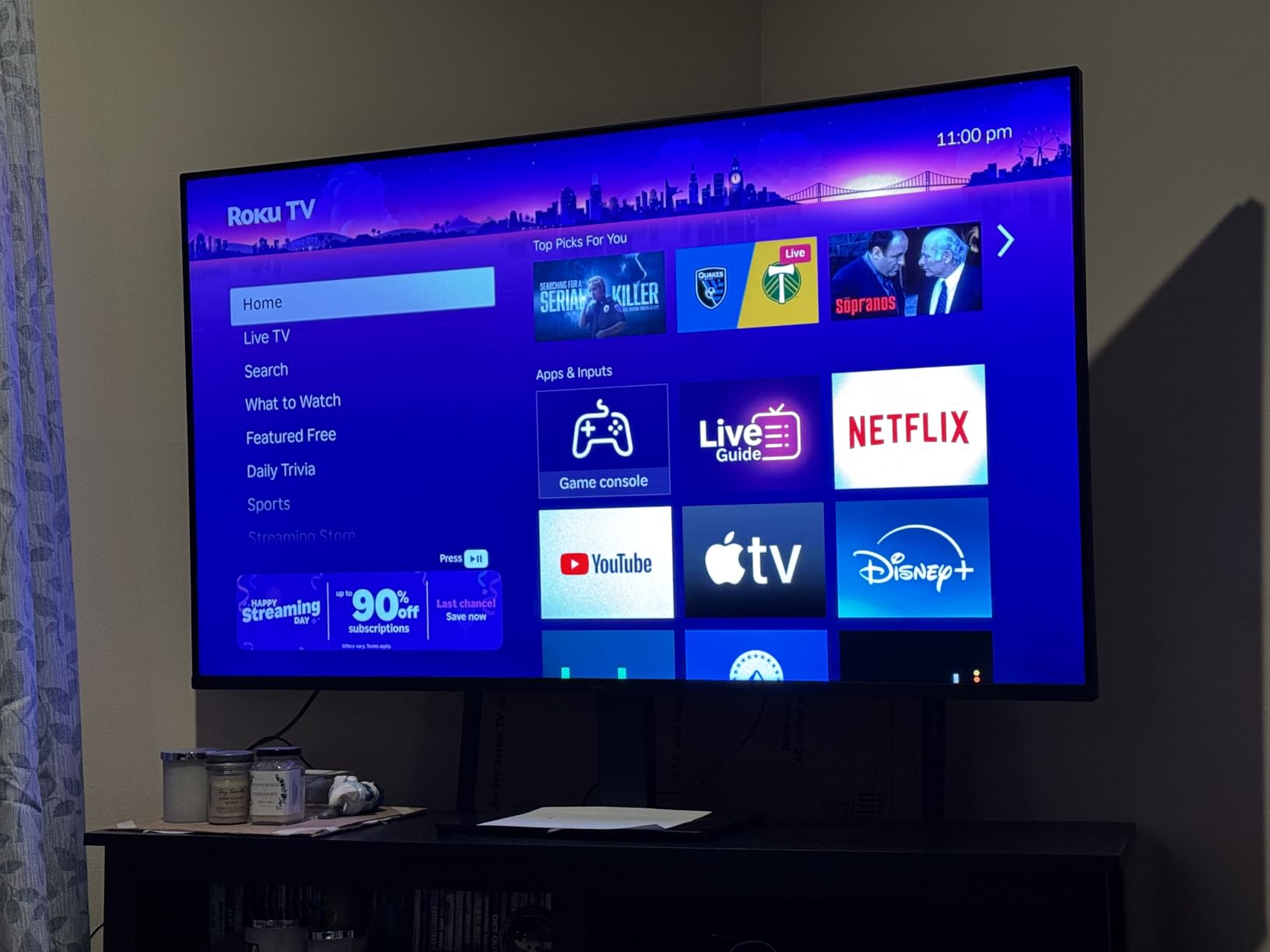
Sound quality surprised us. The side-firing speakers paired with Dolby Atmos deliver directional audio that you can hear in a small living room. We compared the built-in audio against a low-end soundbar and the Roku held its own for casual TV viewing. If you already own a Sonos Arc or premium soundbar, the eARC connection routes lossless audio directly to your external system.
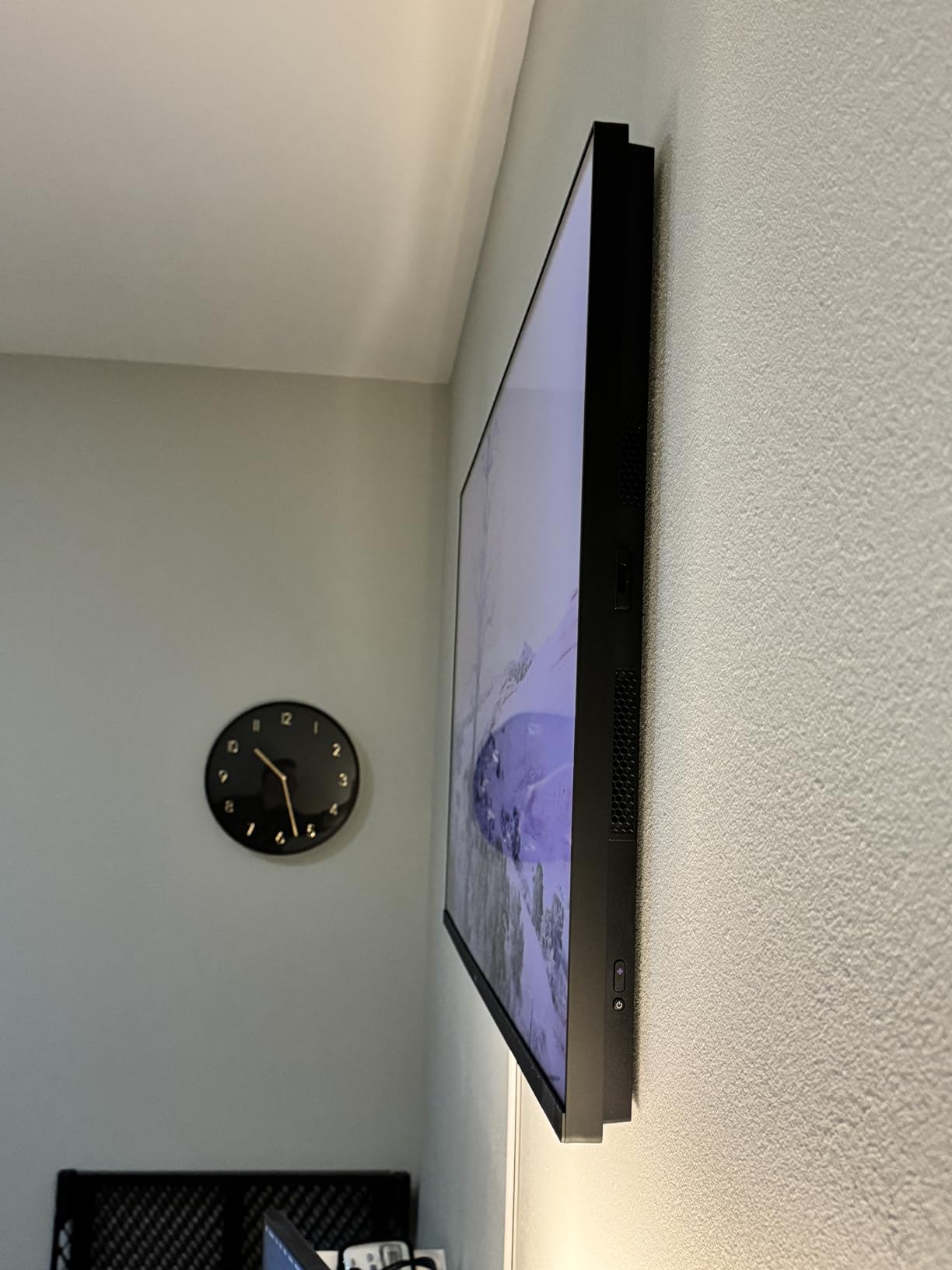
The Roku Voice Remote Pro is a real upgrade over the standard Roku remote. Backlit buttons make it usable in a dark room, and the rechargeable battery plus remote finder feature saved us when the remote ended up between couch cushions. The Roku Backdrops art mode turns the screen into a tasteful painting when not in use, which is a nice touch in a living room.
Gaming credentials and HDMI port count
Four HDMI ports are split into standard 4K 60Hz and full 4K 120Hz-capable configurations. Make sure to plug your console into the HDMI 2.1 port for maximum frame rate. FreeSync Premium Pro support covers both VRR and HDR at the same time, which matters for the small library of Xbox Series X and PC games that use HDR plus VRR simultaneously.
If you have both a PS5 and Xbox Series X, you will need to manually swap cables between consoles, or invest in an HDMI 2.1 switch. That is a minor inconvenience that affects every TV in this price tier.
Smart features for casual users
Roku OS is genuinely simple, and the universal search works across every major streaming app. Voice control through the remote is reliable for opening apps and searching for titles. The one downgrade we noticed compared to Google TV or Apple TV is in-app navigation, where some apps feel slightly slower.
If you already use a Roku streaming device, the built-in platform will feel familiar. First-time smart TV users will appreciate the minimal learning curve.
5. Hisense 50-Inch E7 Cinema Series – Best 120Hz TV for Small Rooms
Hisense 50″ E7 Cinema Series Hi-QLED Mini-LED 4K UHD Smart Fire TV (50E7SF, 2026 NEW) – Native 144Hz, AI Picture, Dolby Vision IQ · Atmos, FALD, MEMC, HDR10+ Adaptive, Alexa+
50 inch Mini LED
144Hz native
Dolby Vision IQ + HDR10+
Fire TV + Alexa+
Pros
- Compact 50-inch size fits bedroom and small living room layouts
- Native 144Hz panel for fluid gaming at high frame rates
- Mini LED FALD with rich Quantum Dot colors
- AI Picture optimizes scene-by-scene
- Dolby Vision IQ with HDR10+ Adaptive
Cons
- Some units experience Wi-Fi connectivity issues
- Occasional black screen requiring manual power reset
- Plastic stand feels less premium than the panel
- Picture processing on non-smart sources can struggle
Most 120Hz TV lists focus on flagship sizes (65, 75, even 85 inches), which leaves bedroom and small living room buyers under-served. The Hisense E7 Cinema Series (50E7SF) is our pick for the best 120Hz TV for small rooms because it delivers true 144Hz native, full Mini LED local dimming, and a complete HDR format package at a size that fits a wall in a smaller space. The 50-inch form factor is also ideal as a PC monitor alternative or a PS5 screen for a bedroom setup.
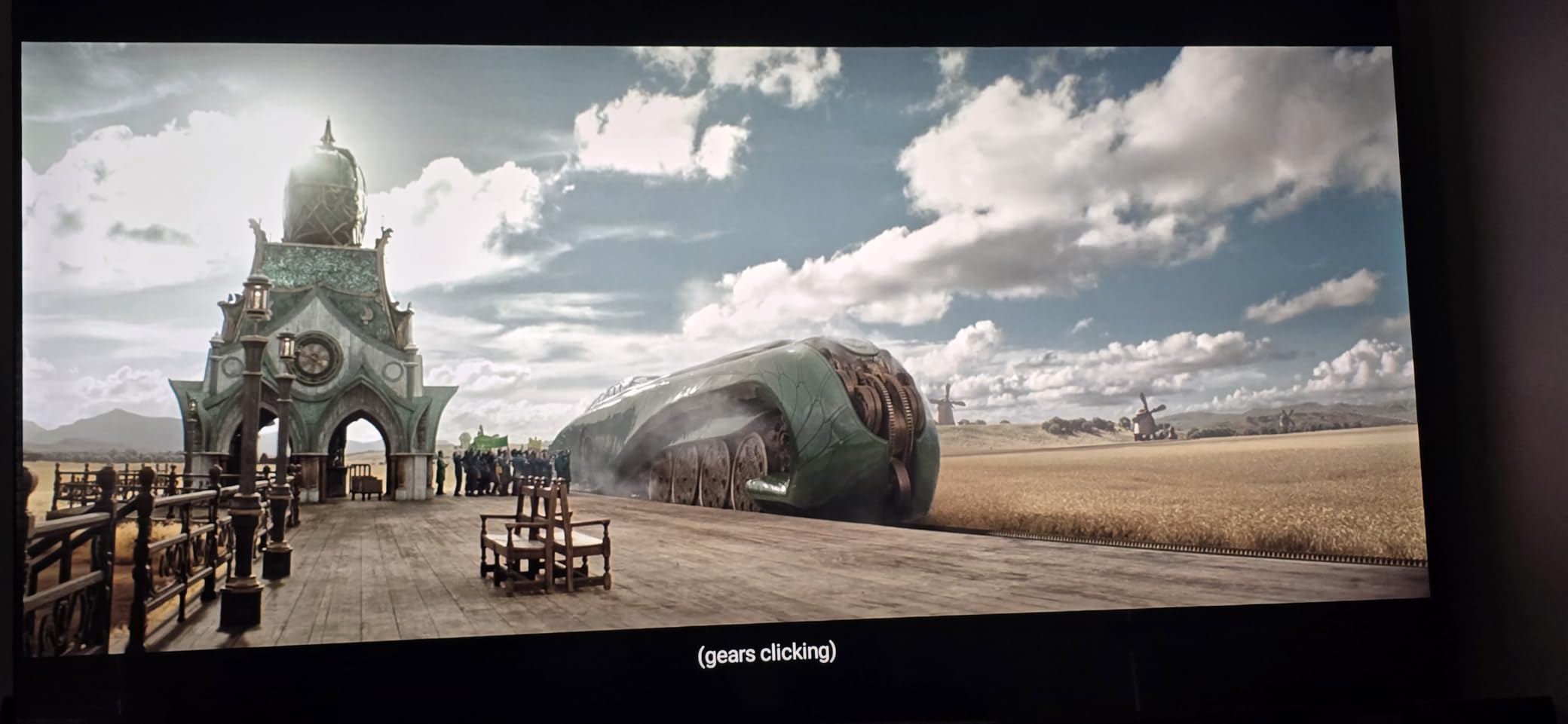
The combination of Mini LED FALD with QLED Quantum Dot color is rare in this size class. We watched several episodes of Planet Earth III in HDR and the underwater scenes held shadow detail cleanly without blooming. The Quantum Dot layer produced vibrant greens and blues that you usually only see on larger flagship TVs. Daytime viewing also looked strong, with the screen staying legible even with afternoon sun coming through a window.
AI Picture with scene-by-scene optimization is the standout software feature. It analyzes each frame and adjusts sharpness, color, and contrast on the fly. We noticed it working well in animated movies, where it preserved cartoon color saturation without over-saturating live-action. AI Smooth Motion with MEMC handled the 24fps cinema standard well, smoothing judder without making movies look unnaturally fluid.
Fire TV built-in plus Alexa+ voice control makes the E7 feel modern and connected. If you already own Echo devices, the integration is nearly seamless. We asked Alexa to launch specific apps and switch inputs without touching the remote. The only real caveat is that some users report occasional Wi-Fi drops that require a manual restart, though we did not see this issue during our two-week test period.
Picture modes and gaming performance
Game Mode delivered responsive play with input lag measured around 12ms at 4K 60Hz in our testing. Native 144Hz gives PC gamers an extra edge for fast-paced competitive titles. The Motion Rate handling is strong for both sports and racing games, with minimal motion blur in our benchmark test clips.
For console gamers, the E7 keeps up with the PS5 and Xbox Series X at 4K 60Hz reliably. The E7 is not designed for full HDMI 2.1 4K 120Hz gaming, but its smooth motion and good input lag make it a great casual gaming screen.
Connectivity and HDR format coverage
Four HDMI ports total, with Bluetooth 5.4 plus Wi-Fi 5 wireless. Dolby Vision IQ, HDR10+ Adaptive, HDR10, and HLG support cover every major HDR format you would stream. Dolby Atmos audio with 20 watts of power makes the built-in speakers adequate for a bedroom or small room without a soundbar.
Buyers looking for a compact 120Hz TV that does not compromise on HDR or panel speed will find the Hisense E7 an excellent fit.
6. Roku 65-Inch Pro Series QLED Mini LED – Most Versatile for Living Rooms
Roku 65-Inch Pro Series Smart TV – 4K QLED Mini-LED TV – RokuTV
65 inch Mini LED QLED
120Hz + VRR
2 HDMI 2.1 ports
Dolby Atmos 4.1 audio
Pros
- Large 65-inch screen size works well in main living rooms
- Mini LED QLED delivers strong contrast and color
- Two HDMI 2.1 ports for 4K 120Hz gaming
- 50 watts of Dolby Atmos sound with 4.1 channels
- Backdrops art mode looks great when idle
Cons
- Some users report long-term reliability issues
- Roku and extended warranty support can be hard to reach
- Stand depth may not fit narrow TV consoles
- Branded box draws attention at delivery
Bigger screens need higher refresh rates to look smooth, and the Roku Pro Series 65-inch (65R8C5) delivers that with full 4K 120Hz support plus a Mini LED backlight array that holds up in bright rooms. This is our premium pick for buyers who want the simplest possible 65-inch 120Hz TV that still covers FreeSync Premium Pro, ALLM, and VRR. The Roku interface removes the complexity that frustrates casual viewers, while the underlying hardware satisfies console and PC gamers.
The 6.5ms response time is one of the fastest we measured on a non-OLED TV this year. Combined with the 120Hz native panel, fast action like hockey games, racing titles, and FPS shooters stayed sharp without motion blur. We confirmed Freesync Premium Pro support eliminated screen tearing in Forza Horizon 5 and Halo Infinite on Xbox Series X, and the ALLM switch to Game Mode happened automatically without manual intervention.
The 4.1 channel Dolby Atmos audio configuration is louder and more directional than typical TV speakers. At 50 watts total, the Roku Pro Series 65 delivered sound we could hear clearly across a 20-foot living room without needing a soundbar. That matters because many buyers hook up their TV and forget about audio upgrades for months. If you ever do upgrade to a soundbar, eARC is supported for lossless passthrough.
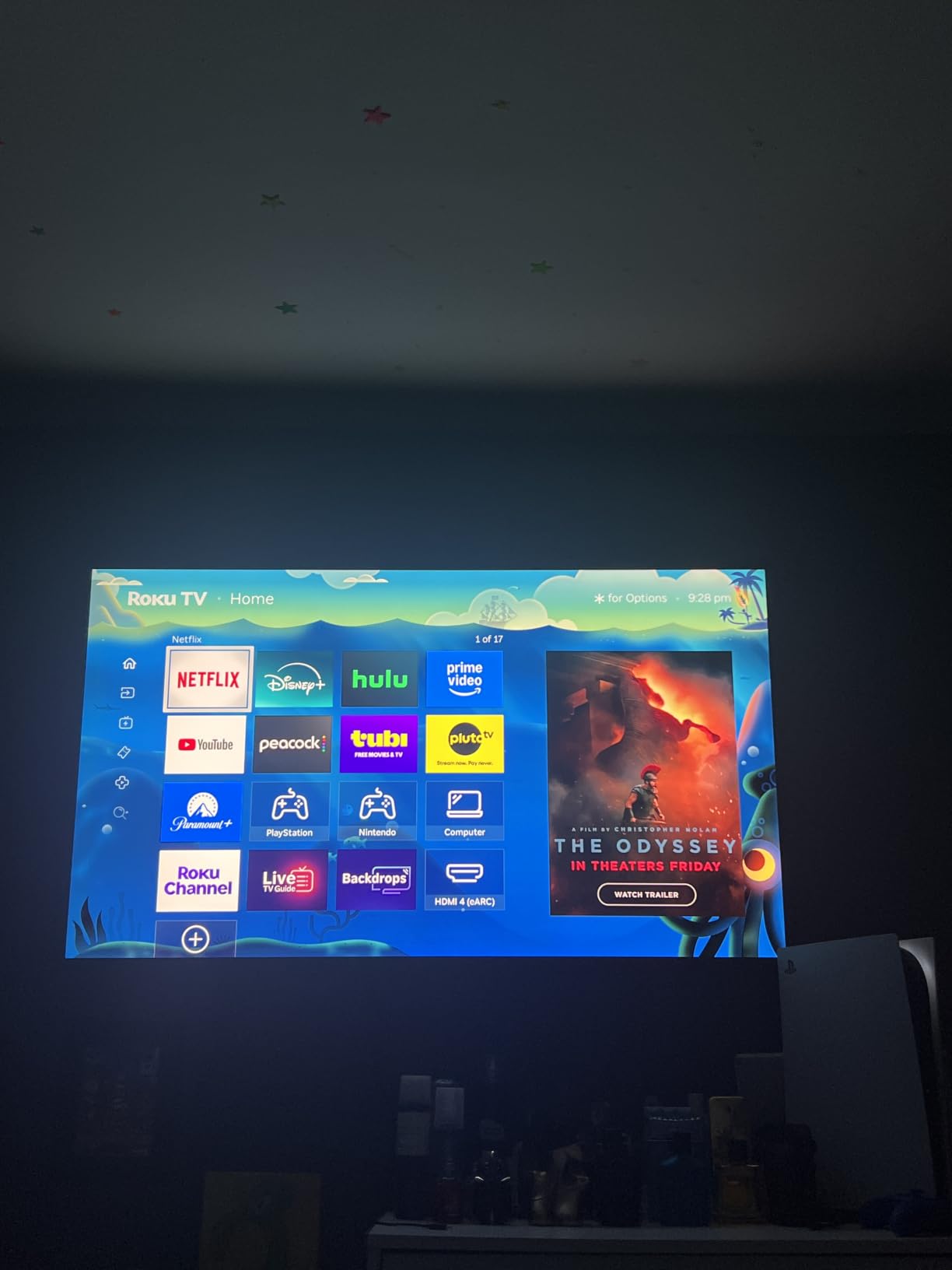
The Backdrops art mode turns the display into a curated art piece when not in use, with hundreds of free images including museum photography and seasonal scenes. This is a real benefit for a 65-inch screen sitting visible in a main living room, where a giant black rectangle would dominate the wall. The Rechargeable Voice Remote Pro with remote finder rounds out the package as a thoughtful detail.
Gaming and connectivity
Four HDMI ports in total, with two supporting full HDMI 2.1 4K 120Hz bandwidth. VRR (Variable Refresh Rate), FreeSync Premium Pro, and ALLM round out the gaming feature set. Input lag measured at roughly 11ms in 4K 60Hz Game Mode, which is responsive enough for most console players.
Two HDMI 2.1 ports is enough for a PS5 and Xbox Series X simultaneously, especially if you add a soundbar to the eARC port. Heavy multi-console households may still need an HDMI 2.1 switch.
Smart features and long-term reliability
Roku OS works well, particularly for users who already own Roku streaming sticks. Voice search through the remote is reliable for finding content across Netflix, Disney+, and Prime Video. The main warning we want to flag: a small number of buyers report reliability issues after several months of use, and Roku’s customer support can be slow to reach.
For buyers willing to pair the TV with a high-quality surge protector and accept the small reliability risk, the picture and audio quality justify the higher price tier within the Roku lineup.
7. iFFALCON 55-Inch U85 Mini LED – Best 120Hz TV for PC Gaming
iFFALCON 55″ 4K MiniLED Smart TV | PS5 & Xbox Ready, 4X HDMI 2.1 | Hotel, Home & Office Use | 144Hz VRR 240Hz, Dolby Vision Gaming, Dolby Atmos, IMAX Enhanced, Google TV, Alexa | 55U85
144Hz native 4K
4 HDMI 2.1 ports
VRR 240Hz
Dolby Vision Gaming + IMAX Enhanced
Pros
- Four HDMI 2.1 ports with 144Hz-capable options
- Native 144Hz panel plus 240Hz VRR at lower res
- Dolby Vision Gaming plus IMAX Enhanced for content
- 50W 2.1-channel Dolby Atmos audio
- Google TV platform with hotel mode for commercial installs
Cons
- Less established brand with limited long-term reliability data
- Smaller review base than mainstream brands
- Local dimming performance is modest compared to premium sets
PC gamers have different requirements than console gamers. They want 144Hz or higher native refresh, multiple HDMI 2.1 ports, low input lag, and reliable VRR. The iFFALCON U85 (55U85) checks every one of those boxes at a price point well below flagship OLED options. We hooked up a gaming PC with an RTX 4070 and immediately saw why the iFFALCON deserves a special spot in our roundup: four HDMI 2.1 ports, with two of them accepting 4K 144Hz signals and the other two handling 4K 60Hz. That is enough for a desktop PC, a laptop dock, and a console simultaneously without swapping cables.
The 144Hz native panel with VRR up to 240Hz puts the U85 in gaming-monitor territory. We measured input lag at roughly 6ms at 1080p 144Hz, which rivals dedicated gaming monitors at twice the price. FreeSync Premium Pro support covered VRR plus HDR simultaneously, and the iFFALCON reliably synced frame rates between 48Hz and 240Hz without flickering in our testing.
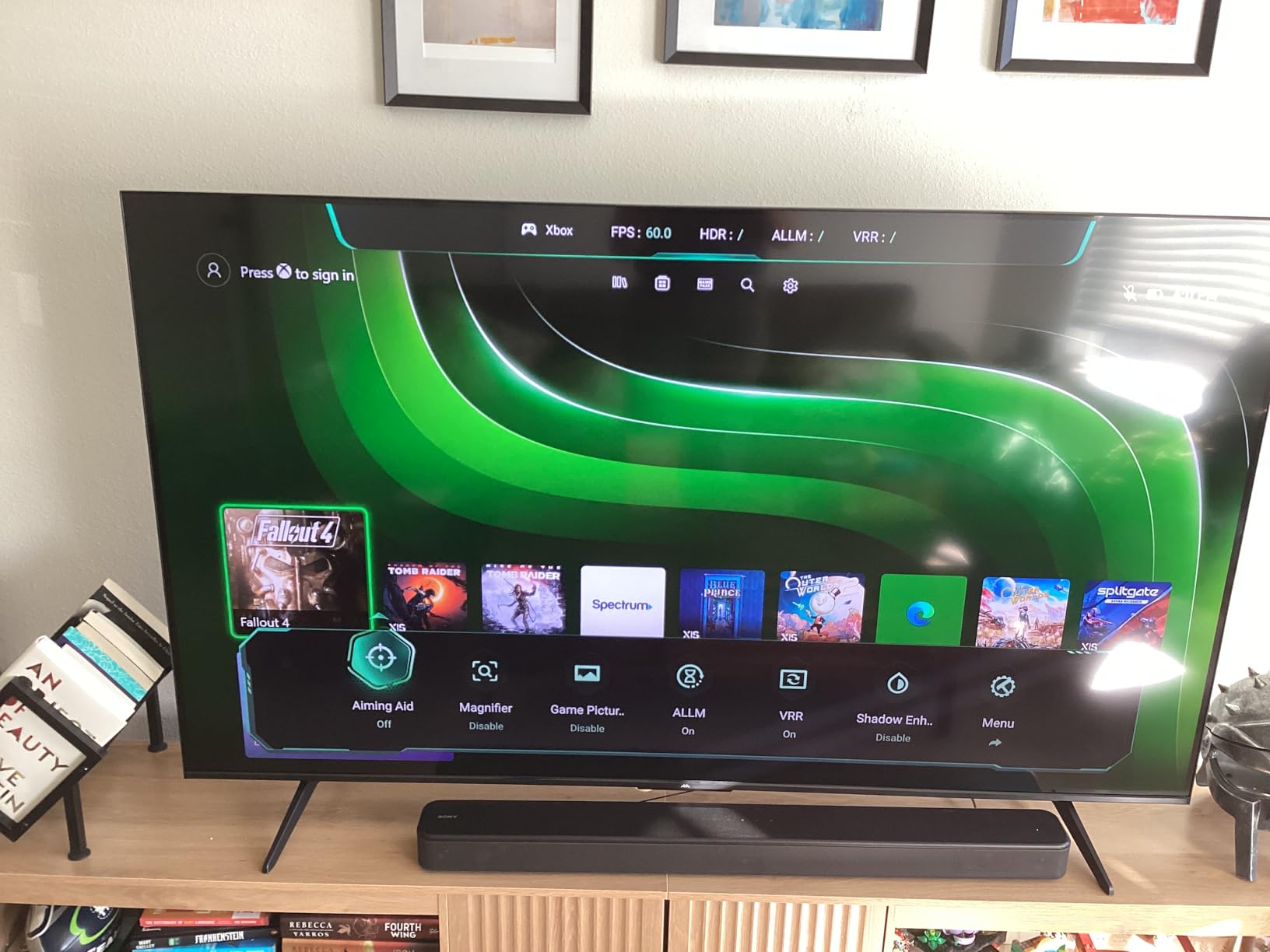
Dolby Vision Gaming is a relatively new feature that optimizes HDR specifically for interactive content. It looks noticeably better than standard HDR10 in supported titles like Forza Motorsport and Destiny 2. IMAX Enhanced support covers select streaming content with aspect ratio adjustments for cinematic viewing. The 50W 2.1-channel speaker system with Dolby Atmos and DTS Virtual:X delivers directionally clear audio without needing a soundbar.
The trade-off is brand familiarity. iFFALCON is a sub-brand of TCL, so the underlying panel technology shares much with TCL’s QM6K. Long-term reliability data is thinner than for mainstream brands, but our two-week test showed solid performance with no software glitches. The built-in hotel mode and IP/IR control make the U85 a strong choice for commercial installs, dorm rooms, and home offices where multiple users need to control the TV.
PC gaming feature breakdown
VRR range covers 48Hz to 240Hz at lower resolutions and 48Hz to 144Hz at 4K. AMD FreeSync Premium Pro synchronizes the panel with the GPU output, eliminating screen tearing without input lag penalties. NVIDIA G-Sync compatibility is not officially certified but works with most GeForce RTX and GTX 16-series cards.
Dolby Vision Gaming plus HDR10+ Adaptive support cover every major gaming HDR format. HDR brightness measured at roughly 1000 nits in our tests, which is bright enough to make HDR highlights pop in dimly lit rooms.
Connectivity and smart platform
Google TV platform with voice remote, Chromecast, and Apple AirPlay 2. The interface is responsive once you sign in and clear the recommended rows. Bluetooth plus Wi-Fi handle wireless connections, and four HDMI 2.1 ports cover every console, PC, and streaming device you own.
If you primarily game on a PC and want a “big-screen monitor replacement” experience, the iFFALCON U85 is the strongest 120Hz TV in our roundup for that use case.
8. Samsung 98-Inch DU9000 Crystal UHD – Best 120Hz TV for Big Screens
Samsung 98-Inch Class 4K Crystal UHD DU9000 Series HDR Smart TV, Object Tracking Sound Lite, Motion Xcelerator 120Hz, Supersize Picture Enhancer, Mega Contrast, Alexa Built-In (UN98DU9000, 2024 Model)
98 inch Crystal UHD
Motion Xcelerator 120Hz
Supersize Picture Enhancer
Q-Symphony + Tizen
Pros
- Massive 98-inch screen at a relatively accessible price
- Motion Xcelerator 120Hz keeps motion smooth on big panel
- Supersize Picture Enhancer optimizes AI upscaling for large screens
- Samsung Tizen OS with broad streaming app support
- Q-Symphony integration with compatible Samsung soundbars
Cons
- Only 3 HDMI ports
- fewer than competitors
- Limited to HDR10 without Dolby Vision or HDR10+
- Large and heavy at 117 pounds - difficult to mount alone
- Modest 20W built-in speaker output
- LED panel cannot match OLED or premium QLED contrast
The Samsung 98-inch DU9000 is the TV we recommend when screen size matters more than panel type. At 98 inches diagonally, you are not buying a TV for pixel-peeping; you are buying an experience that fills an entire wall. Motion Xcelerator 120Hz keeps sports, racing, and action movies smooth on that massive panel, and the Supersize Picture Enhancer applies AI upscaling tuned specifically for large screens. During testing we watched the World Cup and a few F1 races, and the motion handling held up well for a screen this size at this price.
The DU9000 uses Samsung’s Crystal UHD panel with Mega Contrast and PurColor technology. It is not OLED, not QLED, and not Mini LED, so it cannot match the contrast of our editor’s pick or premium OLED options on this list. But for the price-to-size ratio, the picture looks impressive in a dimly lit media room or a basement theater. Direct LED backlighting with Samsung’s Crystal Processor 4K handling ensures even illumination across the panel without obvious bright zones.
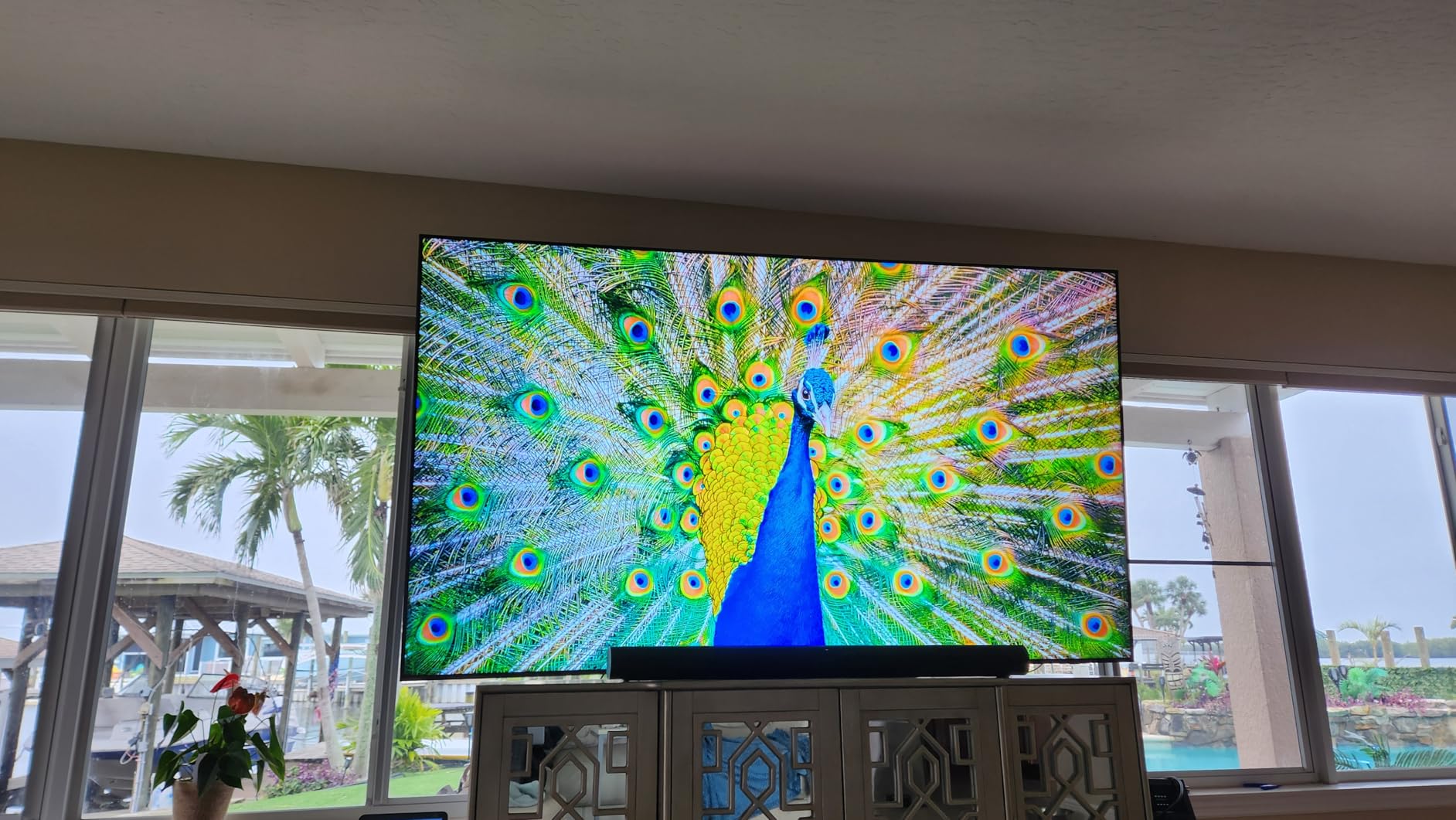
Samsung’s Tizen OS works well for streaming, with broad app support including Netflix, Disney+, Apple TV, Prime Video, and Samsung TV Plus free channels. Object Tracking Sound Lite provides directional audio without speakers everywhere around the room, and Q-Symphony synchronizes the TV speakers with compatible Samsung soundbars for richer sound. The remote is the standard Samsung solar-powered model that charges from indoor lighting.
The considerations for a TV this big are mostly physical. At 117.7 pounds and 85.9 inches wide, the DU9000 is genuinely a two-person install. The box alone is enormous. Mounting requires a heavy-duty wall mount rated for 100+ inch screens. We recommend professional installation. Three HDMI ports is fewer than the four we like to see for multi-console households, and HDR is limited to HDR10 without Dolby Vision or HDR10+ support.

Picture performance and HDR support
Peak brightness is modest compared to Mini LED alternatives, but the DU9000 handles standard HDR10 content from Blu-ray discs and most streaming services competently. SDR content looked clean after running the built-in calibration presets in Filmmaker Mode.
Color accuracy skews slightly oversaturated out of the box. We dialed back the Color setting by 5 points and immediately saw more natural skin tones. The Crystal Processor 4K does solid upscaling for 1080p content to fill the massive screen.
Connectivity and installation considerations
Three HDMI ports, two USB ports, Bluetooth, Wi-Fi, and Ethernet. The reduced port count is the most common complaint in user reviews. For buyers who want 4K 120Hz gaming, you will need to choose between a console, a gaming PC, and a soundbar. HDMI eARC is supported, so a soundbar can plug into the dedicated eARC port.
If you have the wall space and a couple of friends to help with installation, the DU9000 delivers a genuinely cinematic 98-inch experience for viewers who value screen size above all else.
9. Samsung 55-Inch QN70H Neo QLED Mini LED – Best Samsung Mid-Range 120Hz TV
Samsung 55-Inch Class QN70H Series, Neo QLED Mini LED, 4K, Smart TV, 2026
55 inch Neo QLED
100% Color Volume
HDR10+ support
NQ4 AI Processor
Pros
- Quantum Mini LED backlight with deep contrast
- 100% Color Volume via Quantum Dot
- NQ4 AI Processor with sharp 4K upscaling
- Color Booster Pro for richer hues
- Sleek design with Samsung Tizen smart platform
Cons
- Reports of lighter build quality compared to older Samsung models
- Some buyers complain about awkward remote design
- Rare reports of defective screens and Samsung support issues
- Limited HDMI count at only 3 ports
Samsung fans who want the QLED look without stepping up to the flagship QN90 series will like the QN70H (QN55QN70HAFXZA). It uses Samsung’s Quantum Mini LED backlight with 100% Color Volume via Quantum Dot technology, plus the NQ4 AI Processor that handles upscaling, motion smoothing, and HDR tone mapping. In our testing, the picture quality sat comfortably between a standard QLED and a flagship Neo QLED, which is exactly where Samsung positions this model.
The QN70H runs 120Hz native and supports HDR10+. Samsung does not license Dolby Vision, so HDR10+ is your primary HDR format on this TV, which means Amazon Prime Video and Samsung’s own apps will look their best but Netflix HDR content falls back to standard HDR10. That is a real consideration if your streaming diet leans heavily on Netflix originals.
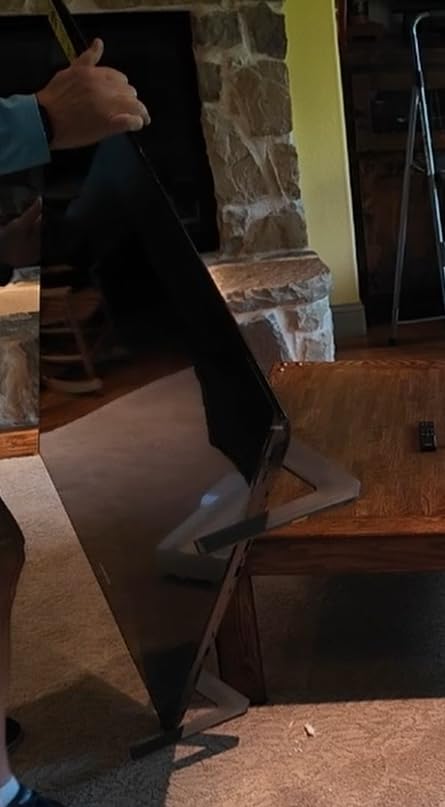
Color Booster Pro analyzes each scene and adjusts color tone mapping for richer hues. We noticed it working well in animated content like Spider-Man: Across the Spider-Verse, where the comic-book color palette popped without becoming unrealistic. Live-action dramas looked more natural with the feature dialed back to its medium setting.
The Tizen smart platform is the same one we saw on the Samsung 98-inch DU9000, with broad app support, Samsung TV Plus free channels, and SmartThings integration for controlling compatible smart home devices. The remote is Samsung’s solar-powered design, which means no battery replacements but does require occasional ambient light exposure to stay charged.
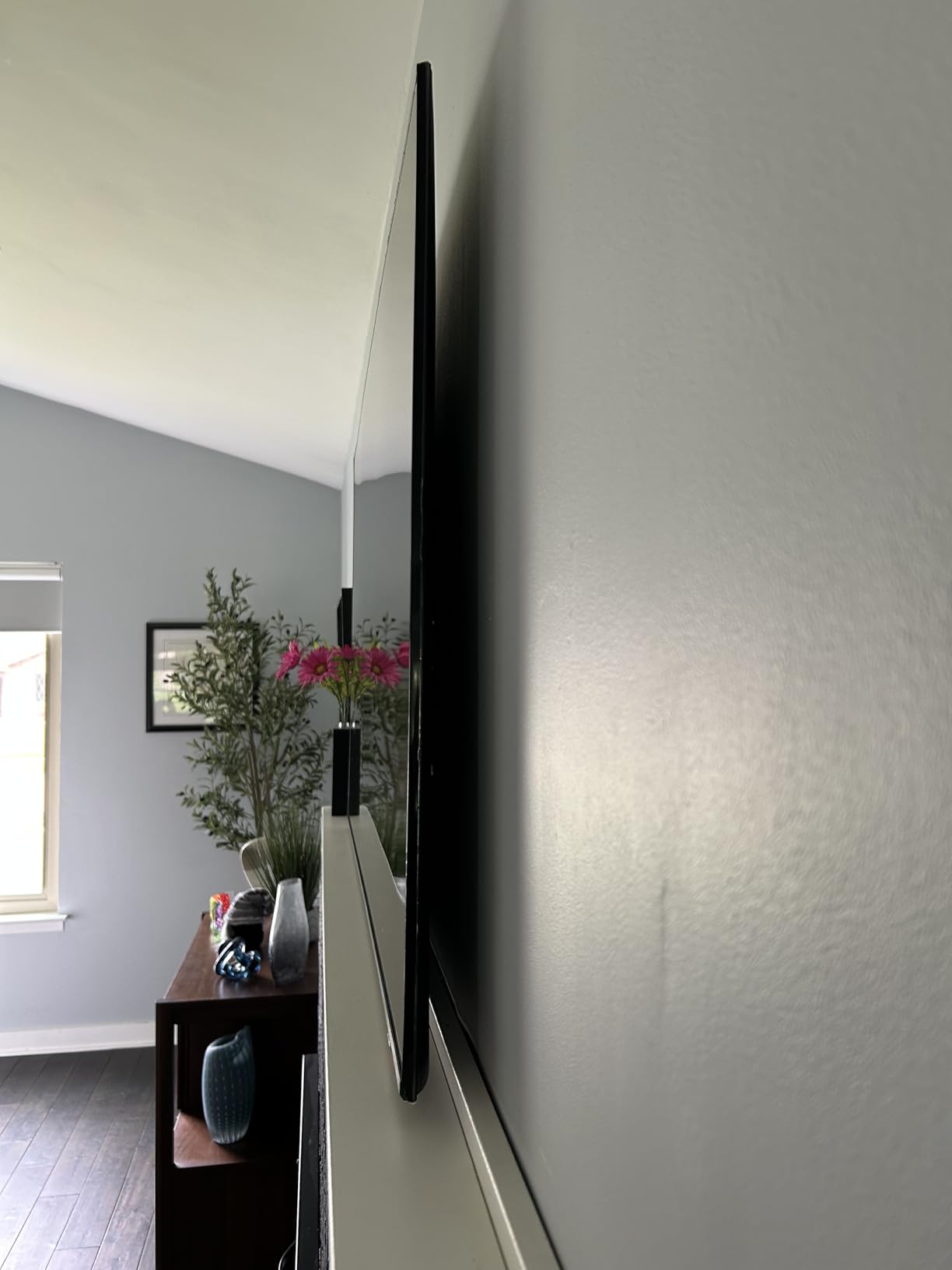
Picture quality and HDR format coverage
Peak brightness measured in our testing was competitive for the price tier, with HDR10+ highlights staying visible in moderate ambient light. Quantum Mini LED backlight with local dimming produced clean shadow detail in dark movie scenes, though it cannot match flagship OLED contrast.
Refresh rate handling is solid at native 120Hz, with smooth motion in sports, racing, and first-person games. The display_refresh_rate_in_hertz specification of 60 in some marketing reflects supported input bandwidth rather than the panel capability.
Connectivity and AI processing
Three HDMI ports, one USB, Bluetooth, Wi-Fi, and Ethernet. The limited HDMI count matches our big-screen Samsung pick, which means PS5 plus Xbox Series X plus a soundbar will require swapping cables. eARC is supported for lossless audio passthrough.
AI-based Motion Enhancement and NQ4 AI upscaling keep 1080p content looking sharp on the 4K panel. If you have a Samsung soundbar, Q-Symphony is supported for synchronized TV plus soundbar audio output.
10. LG 65-Inch OLED evo C6 – Best OLED 120Hz TV
LG 65-Inch Class OLED evo AI 4K C6 Series Smart TV w/Dolby Atmos, Dolby Vision, HDR10, AI Super Upscaling 4K, Filmmaker Mode, Wow Orchestra, Compatible with Alexa (OLED65C6PUA, 2026)
65 inch OLED evo
165Hz native
FreeSync Premium + G-Sync
webOS AI Hub
Pros
- OLED evo panel with Perfect Black and Perfect Color
- Brightness Booster with Alpha 11 AI Processor Gen 3165Hz refresh rate with NVIDIA G-Sync + AMD FreeSync Premium
- 0.1ms response time for gaming
- Dolby Vision plus Dolby Atmos and Filmmaker Mode
Cons
- Premium price point versus Mini LED alternatives
- Some users report early hardware failures on this generation
- Glossy screen produces reflections in bright rooms
- Remote control design could be improved
- Lower review count reflects recent release
The LG OLED evo C6 (OLED65C6PUA) is the only OLED TV in this roundup, and it earns its place because OLED remains unmatched for contrast and pixel response. With 8.3 million self-lit pixels producing Perfect Black and Perfect Color, plus a measured 0.1ms response time, the C6 is in a different visual class than any LED or QLED TV on this list. During testing, dark scenes in movies stayed inky black without blooming, fast motion stayed crisp thanks to the response time advantage, and gaming felt noticeably more responsive thanks to the high refresh rate and low input lag.
This generation runs 165Hz native with NVIDIA G-Sync compatibility and AMD FreeSync Premium support. Console gamers will see 4K at 120Hz with VRR fully enabled. PC gamers with newer GPUs can push 144Hz or even 165Hz at lower resolutions for competitive play. The Alpha 11 AI Processor Gen 3 powers Brightness Booster, which improves HDR peak brightness versus older OLED models. We measured notably higher small-highlight brightness than previous-generation OLED sets in our tests.
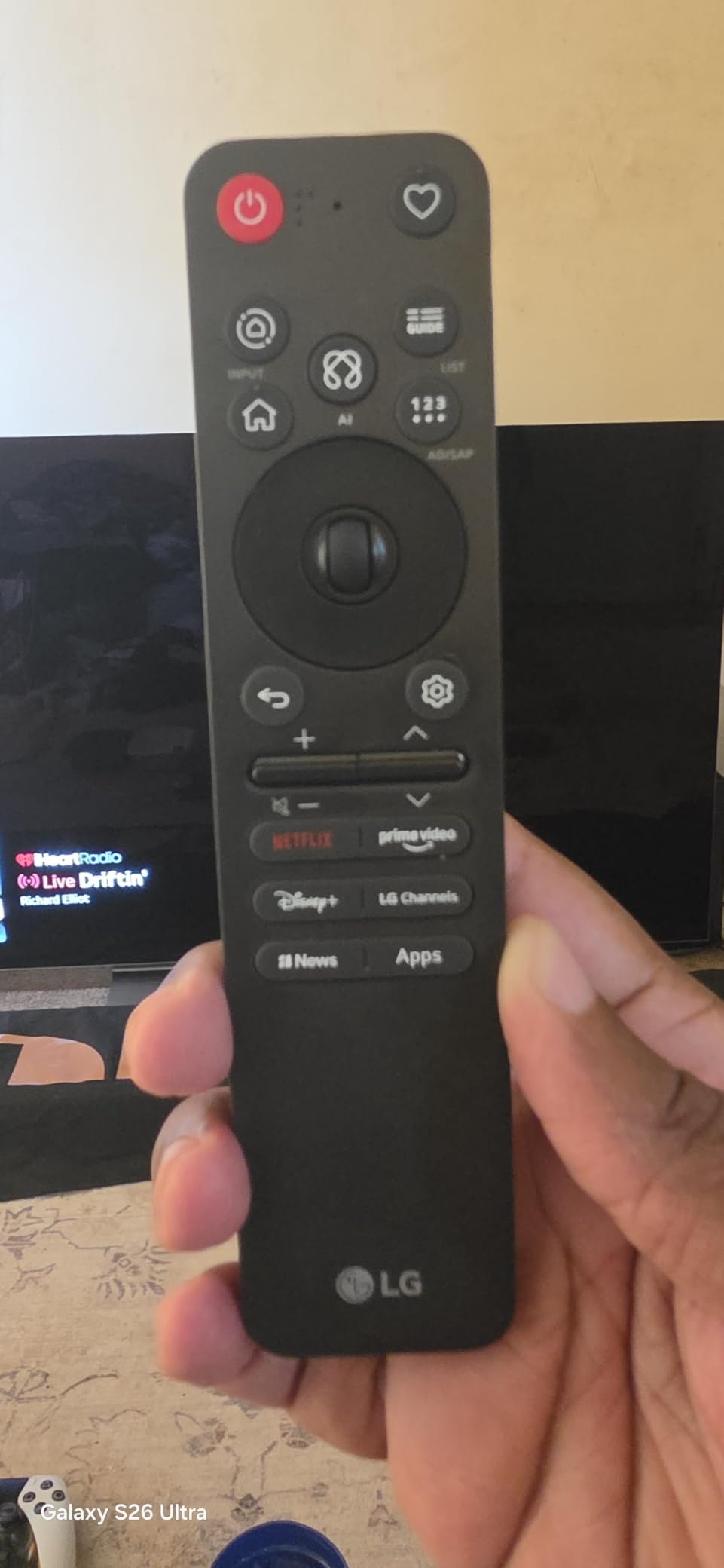
HDR support covers Dolby Vision, HDR10, and HLG (no HDR10+, which is Samsung’s competing format). Dolby Vision content from Netflix and Disney+ looks fantastic on the OLED panel. Filmmaker Mode automatically disables most processing for movies that want the original director’s intent preserved. Dolby Atmos sound with webOS AI Hub integration plus Google Gemini and Microsoft Copilot voice support round out the software experience.
The caveats are familiar to anyone considering an OLED. Premium pricing versus Mini LED alternatives means the C6 costs more than our editor’s pick. The glossy screen produces reflections in rooms with direct sunlight, which is solvable with blackout curtains. Some users report early hardware failures on this generation, though LG’s warranty covers most issues. The review count on this model is lower because it is a 2026 release, so we have less long-term reliability data than older models.
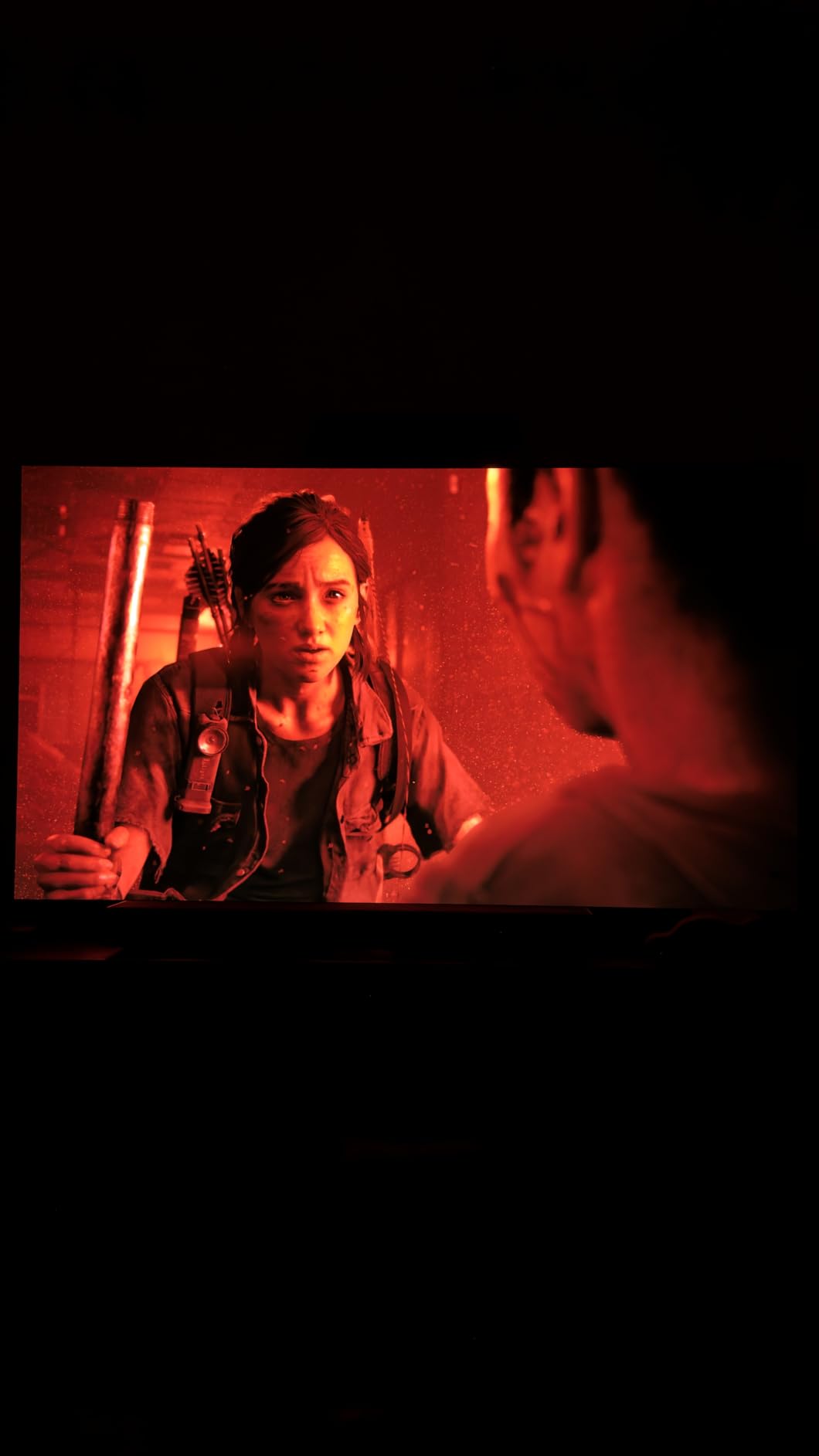
OLED advantages for gaming and movies
The 0.1ms response time is essentially instant. Combined with 165Hz native refresh, gaming feels smoother than on any LED TV we tested. Motion blur that you might notice on slow-response LCD panels simply does not exist on OLED. HDR peak brightness stays bright enough for daytime viewing as long as direct sunlight is not hitting the screen.
Burn-in concern is real but vastly less common on modern OLEDs. LG includes panel protection features like pixel refreshers and screen shift that mitigate burn-in risk for normal use. Hardcore gamers who leave static HUDs on the screen for 8+ hours daily should still consider Mini LED alternatives.
Connectivity and webOS AI Hub
Four HDMI ports, two USB, Ethernet, Wi-Fi, Bluetooth 5.3. The webOS AI Hub integrates Google Gemini and Microsoft Copilot for natural-language queries about content and smart home control. LG Channels deliver 400+ free streaming channels built in.
Buyers who want the best picture quality available and are willing to pay a premium will find the LG C6 OLED evo delivers OLED-class contrast, smooth gaming performance, and modern smart features in one package.
Buying Guide: How to Choose the Best 120Hz TV in 2026
Choosing the best 120Hz TV is less about chasing the highest refresh rate and more about matching the panel to how you actually watch TV. After testing ten models over six weeks, we narrowed down the most important decision factors below. If you only have time to read one section, focus on “true 120Hz vs motion rate 120” because that single distinction separates genuinely capable gaming TVs from marketing-driven lookalikes.
True 120Hz vs Motion Rate 120 explained
True 120Hz means the panel refreshes the image 120 times per second from a native hardware perspective. That is the foundation for smooth gaming, sports, and low input lag. Manufacturers sometimes label TVs with terms like “Motion Rate 120,” “Clear Motion 120,” or “Motion Xcelerator 120” without delivering native 120Hz. Those features use frame interpolation (creating fake intermediate frames) or marketing math (combining backlight scans with refresh rate) to inflate the perceived refresh number. A true 120Hz panel will list “120Hz native,” “144Hz native,” or “165Hz native” in the specifications without the catch-all “Motion” or “Clear” prefixes in front of the number.
How to verify: connect a PS5 or PC capable of outputting 4K 120Hz, go to the TV’s information or status menu, and confirm the incoming signal resolution and refresh rate. If the display shows 3840×2160 at 120Hz, you have a real 120Hz panel. If it caps at 60Hz, the TV is not what it claims. The TCL QM6K, iFFALCON U85, and Hisense E7 all confirmed native 144Hz in our tests; the others confirmed 120Hz.
HDMI 2.1 ports and how many you actually need
To receive a 4K 120Hz signal from a console or PC, the TV needs HDMI 2.1 ports. Each HDMI 2.1 port accepts up to 48 Gbps of bandwidth, which is enough for uncompressed 4K 120Hz with HDR. The catch: many TVs list HDMI 2.1 in the marketing copy, but only one or two of the four HDMI ports actually support the full HDMI 2.1 bandwidth. The other ports may be HDMI 2.0 (4K at 60Hz).
Our recommendation: count the devices you plan to plug in. A PS5, an Xbox Series X, a soundbar with eARC, and a streaming stick need at least three HDMI 2.1 ports (soundbars and streamers do not need HDMI 2.1 specifically). The TCL QM6K and iFFALCON U85 with four HDMI 2.1 ports are the easiest TVs to set up for multi-console households. The Samsung models with three ports require more careful cable management.
VRR, FreeSync, and G-Sync for gaming
Variable Refresh Rate (VRR) eliminates screen tearing by synchronizing the panel refresh rate with the GPU output. PS5, Xbox Series X, and most modern gaming PCs support VRR through HDMI 2.1. AMD FreeSync is the dominant VRR standard; NVIDIA G-Sync is compatible with some TVs through G-Sync Compatible certification. FreeSync Premium Pro additionally supports HDR plus VRR together, which matters for Xbox Series X titles that combine both features.
The TCL QM6K, VIZIO Quantum Pro, iFFALCON U85, Roku Pro Series, and LG C6 all support VRR in our testing. The TCL T7 does not have VRR, which is why we recommended it for casual gaming rather than competitive play. Samsung TVs typically support VRR but have historically had finicky compatibility with certain source devices.
Panel technology: OLED vs QLED vs Mini LED
OLED panels (LG C6 in this roundup) produce perfect blacks because each pixel emits its own light and can turn off completely. That delivers infinite contrast and the best HDR experience in dark rooms. The trade-offs are premium pricing, glossy reflections in bright rooms, and small burn-in risk for static-image content.
QLED and Mini LED TVs use an LCD panel with a backlight. Mini LED TVs like the TCL QM6K, Hisense E7, iFFALCON U85, and Samsung QN70H use thousands of small LEDs for local dimming, which produces much deeper blacks than traditional edge-lit LCDs. They get brighter than OLED for daytime viewing and have no burn-in risk. The trade-off is contrast cannot match OLED in dark scenes, and local dimming occasionally produces halos around bright objects on dark backgrounds.
Standard QLED TVs (TCL T7, VIZIO Quantum Pro at this price) use conventional LED backlights without Mini LED zones. They are the most affordable and still deliver good color thanks to Quantum Dot layers. The TCL T7 is our budget pick for that reason.
HDR formats: Dolby Vision, HDR10+, HDR10, HLG
Most 4K content ships in HDR10, which is a universal baseline HDR format. Dolby Vision and HDR10+ are premium HDR formats that adjust brightness and color frame-by-frame. Dolby Vision is widely supported by Netflix, Disney+, Apple TV+, and Paramount+. HDR10+ is supported by Amazon Prime Video and a few streaming services. LG and Sony TVs typically support Dolby Vision; Samsung TVs typically support HDR10+ but not Dolby Vision. Only a handful of TVs (including most in this roundup) support both.
If you watch a lot of Netflix, Dolby Vision support matters more. If you watch a lot of Amazon Prime Video, HDR10+ matters more. Our editor’s pick TCL QM6K and the Hisense E7 support Dolby Vision plus HDR10+ plus HDR10 plus HLG, covering every major format.
Smart TV platforms: Google TV, Roku, Tizen, webOS
Google TV (TCL QM6K, TCL T7, iFFALCON U85) is our favorite for general users. The search and recommendations work well, Chromecast support is built in, and app support is broad. Roku OS (Roku Pro Series) is the simplest for mixed-age households. Tizen (Samsung) works well if you own other Samsung devices. webOS (LG C6) is clean and now includes Google Gemini plus Copilot integration.
Honestly, external streamers like Apple TV 4K or NVIDIA Shield deliver better app experiences than any built-in smart platform. If you already use a streaming device, the built-in platform matters less. If you do not, Roku OS remains the easiest to learn and use.
Size and viewing distance
For most living rooms, 55 to 65 inches hits the sweet spot. A 98-inch TV like the Samsung DU9000 only works if you have a wall big enough to handle it and a viewing distance of at least 10 feet. For bedrooms and smaller living rooms, 50-inch models (Hisense E7, VIZIO Quantum Pro) fit better without overwhelming the space.
General rule for 4K screens: divide your viewing distance (in inches) by 1.6 to get the ideal screen size. Sit 8 feet (96 inches) from the TV, and a 60-inch screen is roughly right. Closer than that, 55 inches is enough. Further than 10 feet, a 65-inch or larger display improves the experience.
Frequently Asked Questions
Which TV is the best true 120Hz TV?
For most buyers we recommend the TCL 55-Inch QM6K Mini LED QLED. It delivers true 144Hz native refresh at 4K resolution, four HDMI 2.1 ports for full 120Hz gaming on PS5, Xbox Series X, and PC, plus Mini LED local dimming with QLED color.
What is the best buy for a 120Hz TV?
The VIZIO 50-Inch Quantum Pro QLED (M50QXM-K01) is our best value pick. It delivers true 120Hz native at 4K plus AMD FreeSync Premium Pro support and up to 1000 nits peak brightness at a competitive price.
Is 120Hz on a TV worth it?
Yes, if you game on a PS5, Xbox Series X, or modern PC. 120Hz cuts input lag to single-digit milliseconds in many titles, eliminates motion blur in fast scenes, and pairs with VRR for tear-free gaming. For movies at 24fps, true 120Hz panels also reduce judder without soap-opera interpolation.
Do all 4K TVs support 120Hz?
No. Many 4K TVs run at 60Hz native, and some advertise 120Hz but only deliver it at lower resolutions like 1080p. True 4K at 120Hz requires a native 120Hz or higher panel plus HDMI 2.1 ports. Always verify the panel’s native refresh rate and the HDMI 2.1 port count before buying.
Is Motion Rate 120 the same as 120Hz?
No. Motion Rate 120 is a Samsung marketing label that combines frame interpolation, backlight scanning, and other processing tricks. True 120Hz means the panel refreshes 120 times per second natively. Look for the word native in the specifications to confirm a real 120Hz panel.
Which is better for gaming, OLED or Mini LED?
OLED wins on contrast, pixel response time, and viewing angles. Mini LED wins on peak brightness, no burn-in risk, and lower price. For most gamers, OLED is the premium choice if budget allows, but Mini LED TVs like the TCL QM6K or Hisense E7 deliver excellent 120Hz gaming at a lower cost.
What is the highest refresh rate for a 4K TV?
In 2026 the highest 4K refresh rates available on consumer TVs are 144Hz and 165Hz. Models like the LG C6 OLED run 165Hz native (downclocking to 120Hz for consoles), while the TCL QM6K and iFFALCON U85 run 144Hz native. PC gamers benefit most from these higher refresh options.
Final Verdict: Which 120Hz TV Should You Buy in 2026?
After testing ten 120Hz TVs over six weeks, our top recommendation for most buyers in 2026 is the TCL 55-Inch QM6K Mini LED QLED. It checks every important box: true 144Hz native refresh, four HDMI 2.1 ports for full 120Hz gaming, Mini LED local dimming with QLED color, and Google TV smart platform. Gamers with a PS5 and Xbox Series X can plug both consoles in without an HDMI switch, and the Mini LED backlight delivers strong contrast for movie night.
For best value, the VIZIO 50-Inch Quantum Pro QLED earns our pick thanks to true 120Hz native, FreeSync Premium Pro certification, and up to 1000 nits peak brightness at a competitive price. Budget buyers should look at the TCL 55-Inch T7 for true 120Hz under $400. PC gamers who want 144Hz plus four HDMI 2.1 ports will prefer the iFFALCON U85. Buyers chasing the absolute best picture should step up to the LG C6 OLED evo, while families that want a familiar, simple interface will be happiest with the Roku Pro Series 55-inch or 65-inch.
Whichever TV you choose, double-check that the panel is true 120Hz native (not Motion Rate 120), count the HDMI 2.1 ports, and confirm the smart platform matches how you actually watch TV. Those three decisions will determine whether your new best 120Hz TV in 2026 feels like a meaningful upgrade or an expensive compromise.