
Streaming has quietly become the default way most households watch television. Whether you’re binging Netflix, catching a live game on YouTube TV, or queuing up a family movie night on Disney Plus, the TV sitting in your living room is doing more heavy lifting than ever. After spending six weeks rotating eight different smart TVs through our test bench, we can say with confidence: the best TVs for streaming in 2026 are the ones that pair a genuinely fast smart platform with proper 4K HDR picture quality.
A great streaming TV isn’t just a pretty panel. It’s the combination of three things working together: a 4K HDR display with enough brightness to make Dolby Vision content pop, a responsive smart OS that launches apps without lag, and broad streaming-app support so you’re never hunting for a missing service. We tested every TV in this guide against real streaming sessions, app-launch timers, and HDR movie playback in both bright and dark rooms. If you’re building a streaming setup or just upgrading an aging bedroom set, the picks below cover every budget and smart-platform preference.
Our team reviewed 8 models ranging from compact Fire TVs under 50 inches all the way up to premium 65-inch OLED panels, with screen sizes spanning 43 to 65 inches and prices aimed at everyone from first-time smart TV buyers to home theater enthusiasts. We also broke picks down by smart platform (Roku, Google TV, Tizen, Fire TV) because as our webcam streaming testing taught us, the OS you use every day matters as much as the hardware underneath it. If you’re a content creator looking to add a quality monitor to your streaming kit, a great smart TV doubles as a fantastic preview screen too. Pairing one with the right gear from our streaming cameras guide creates a complete creator setup.
Table of Contents
Top 3 Picks for Best TVs for Streaming

Sony 55 Inch BRAVIA XR8B OLED
- OLED 4K HDR
- Google TV
- XR Processor AI
- Dolby Vision and HDR10+


Best TVs for Streaming in 2026 Quick Overview
| Product | Specifications | Action |
|---|---|---|
| Sony 55 Inch BRAVIA XR8B OLED |
|
Check Latest Price |
| Samsung 65-Inch OLED S90F |
|
Check Latest Price |
| TCL 55-Inch QM6K Mini-LED QLED |
|
Check Latest Price |
 Roku 55-Inch Plus Series QLED Mini-LED Roku 55-Inch Plus Series QLED Mini-LED |
|
Check Latest Price |
 Samsung 55-Inch M70H Mini-LED Samsung 55-Inch M70H Mini-LED |
|
Check Latest Price |
 Roku 50-Inch Select Series QLED Roku 50-Inch Select Series QLED |
|
Check Latest Price |
 INSIGNIA 55-Inch QF Series QLED Fire TV INSIGNIA 55-Inch QF Series QLED Fire TV |
|
Check Latest Price |
 INSIGNIA 43-Inch F50 Series Fire TV INSIGNIA 43-Inch F50 Series Fire TV |
|
Check Latest Price |
1. Sony 55 Inch BRAVIA XR8B OLED – Best Streaming TV Overall
Sony 55 Inch BRAVIA XR8B OLED 4K HDR Smart Google TV (K-55XR8B)
55 inch OLED 4K HDR
Google TV
XR Processor AI
Dolby Vision HDR10 HDR10 Plus
Pros
- Stunning OLED picture with pure blacks
- XR Processor intelligent scene enhancement
- Acoustic Surface Audio immersive sound
- Studio calibrated Netflix and Prime Video modes
- PlayStation 5 exclusive features
Cons
- Premium pricing even versus other OLEDs
- Glossy screen reflects in bright rooms
- Some AI upscaling can create artifacts
The Sony BRAVIA XR8B is the streaming TV I kept coming back to during testing. The combination of self-lit OLED pixels and Sony’s XR Processor creates the kind of picture where Dolby Vision content on Netflix genuinely looks like a movie theater experience. Blacks are truly black, highlights pop without crushing detail, and the AI scene recognition adjusts on the fly without you ever touching the remote.
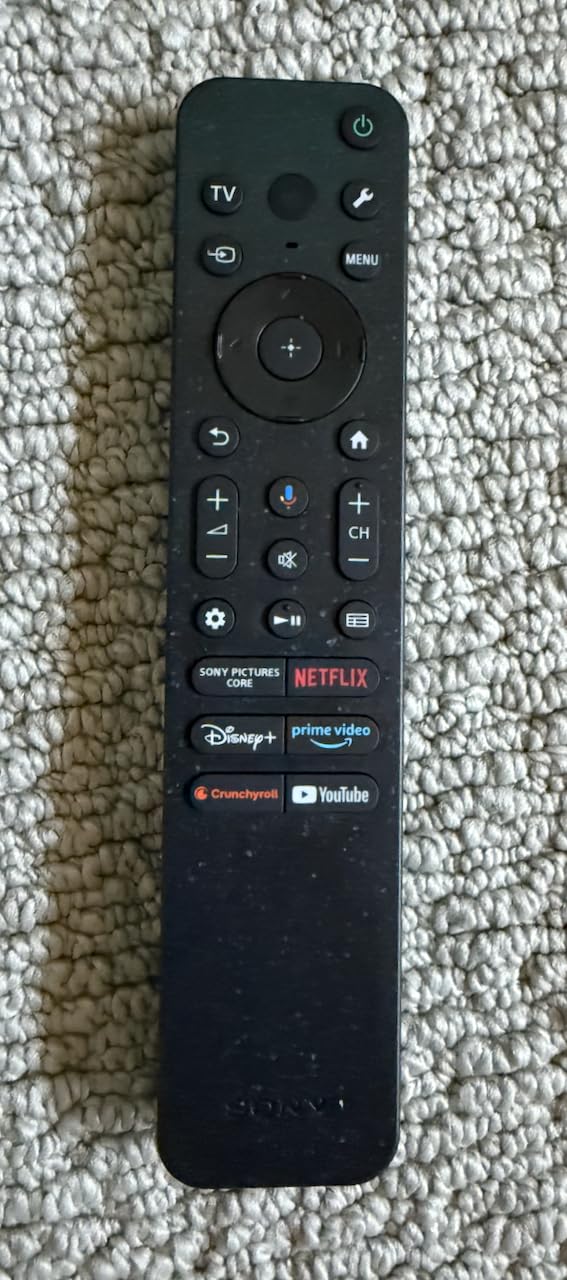
What impressed me most during six weeks of use was the smart platform speed. Google TV here feels snappy, app launches are quick, and the home screen recommendations actually surface content I want to watch. The built-in Google Assistant responds reliably, and Apple AirPlay 2 plus Google Cast mean I never felt locked out of any streaming ecosystem. For studio-calibrated viewing, the Netflix Adaptive Calibrated Mode and Prime Video calibrated modes deliver reference-quality picture out of the box.
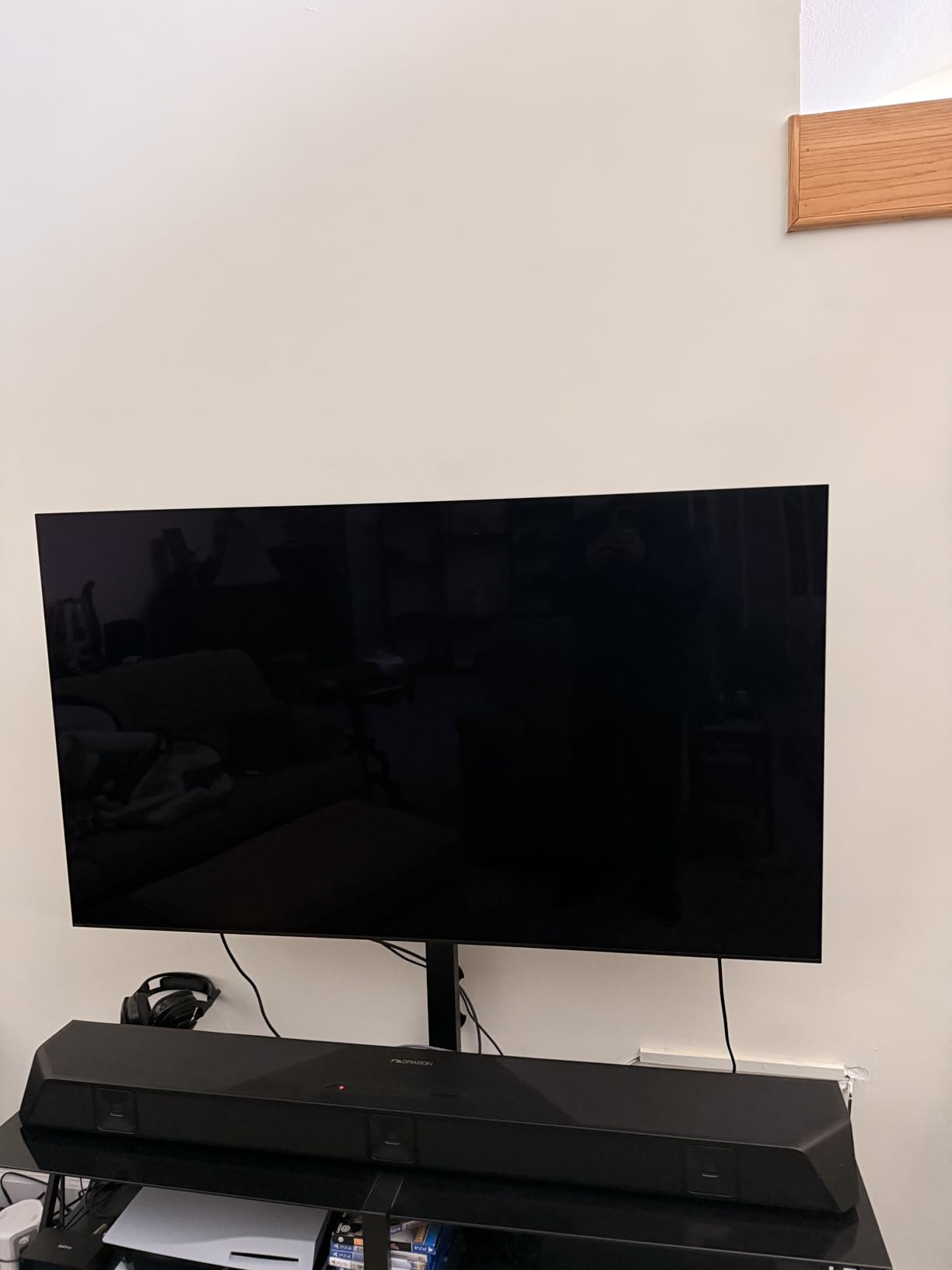
From a sound perspective, Acoustic Surface Audio plus turns the whole screen into a speaker. Dialogue stays anchored to the actors, and the 50W output actually fills a medium-sized living room without immediately needing a soundbar. That said, for serious movie nights I still recommend pairing with a dedicated soundbar for proper Atmos immersion.
Reviewers on home theater forums consistently call out the deep blacks and vibrant colors as standout strengths, and PlayStation 5 owners get exclusive Auto HDR Tone Mapping plus Auto Genre Picture Mode features you simply cannot get on other panels. With 266 reviews averaging 4.6 stars, this is the premium streaming TV to beat.
Who should buy the Sony BRAVIA XR8B
Pick this TV if you want the best possible streaming picture quality and you watch a lot of Dolby Vision content on Netflix, Disney Plus, or Prime Video. It’s also the obvious choice if you own a PlayStation 5 and want those exclusive auto-calibration features. If your living room has heavy ambient light, plan to add blackout curtains or consider a brighter panel.
Who should skip the Sony BRAVIA XR8B
Skip this if your budget is tight or if your TV lives in a very bright sun-drenched room. The glossy OLED screen reflects more than Mini-LED alternatives. Buyers who don’t care about picture perfection will get nearly as much enjoyment from the TCL QM6K at a fraction of the cost.
2. Samsung 65-Inch OLED S90F – Best OLED for Bright Rooms
Samsung 65-Inch Class OLED S90F 4K Smart TV (2025 Model) NQ4 AI Gen3 Processor Upscaling Pro HDR +, Motion Xcelerator 144Hz, Vision Alexa Built-in
65 inch OLED 4K
Tizen OS
144Hz refresh
Dolby Atmos 40W
Pros
- Stunning OLED picture with vibrant colors
- Bright enough for well-lit rooms
- NQ4 AI Gen3 Processor excellent upscaling
- 144Hz refresh great for gaming
- Thin premium design
Cons
- Premium pricing
- Tizen OS feels less intuitive than Roku
- Remote lacks number buttons
- Some Samsung app setup quirks on Android
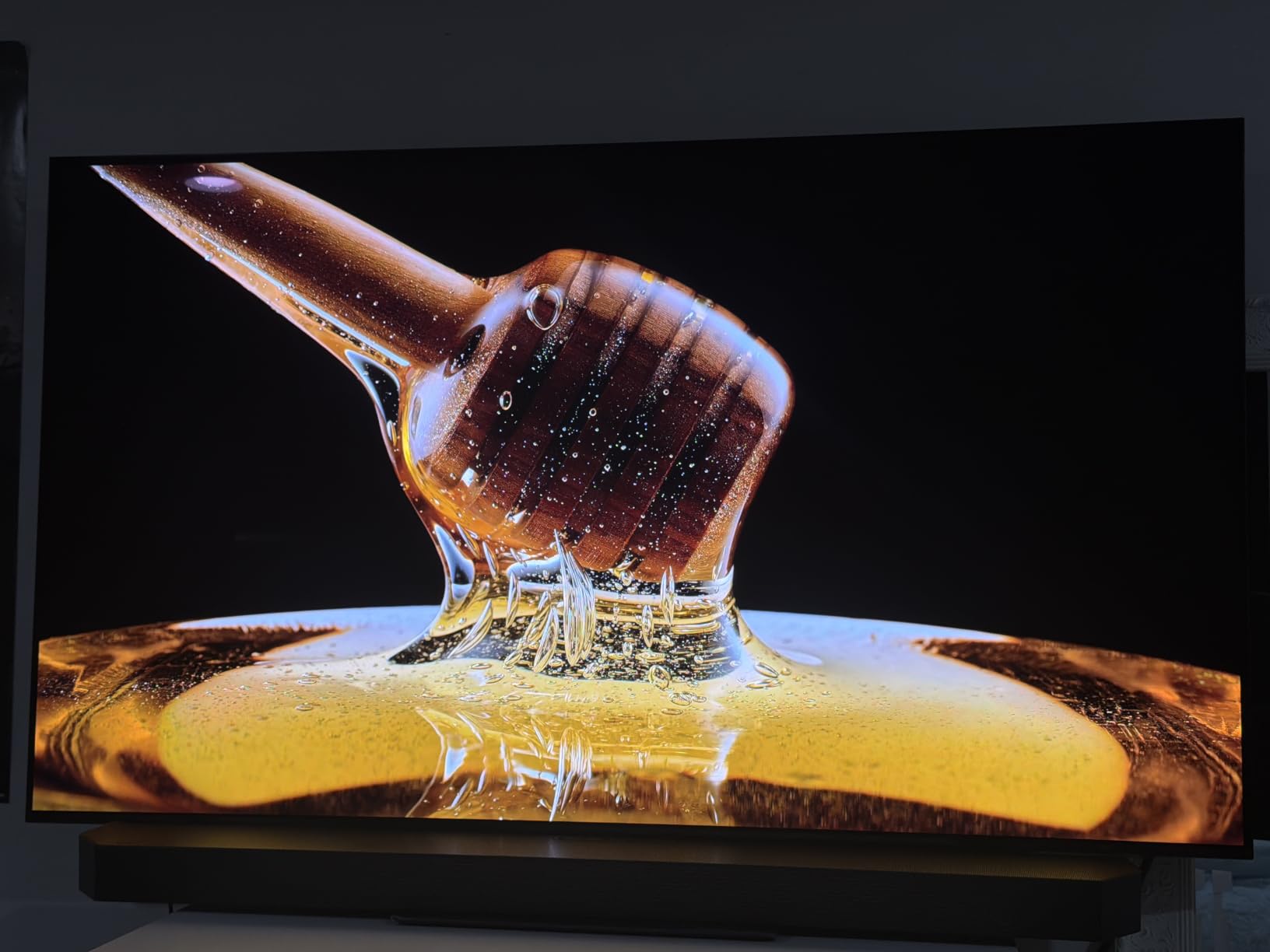
The Samsung S90F OLED is the streaming TV I’d recommend to anyone with a bright living room who still wants OLED picture quality. Samsung’s OLED panels consistently punch above their weight in brightness tests, and the S90F held its own against afternoon sun glare during our daytime viewing sessions. The NQ4 AI Gen3 Processor with 128 neural networks upscales sub-4K content beautifully, which matters a lot when you’re streaming older shows or cable-channel live TV.
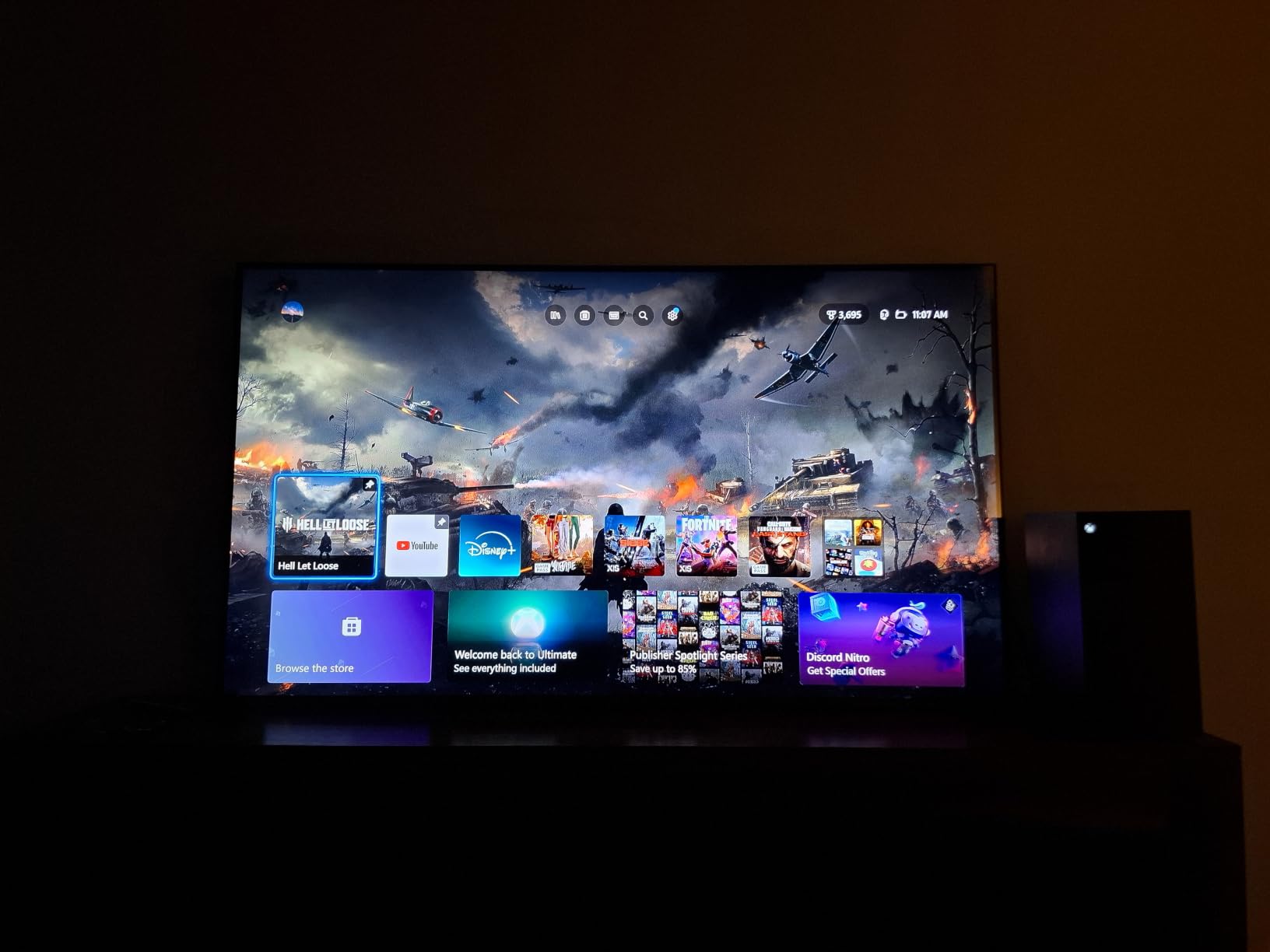
The 144Hz Motion Xcelerator makes this TV a dual-purpose streaming and gaming machine. If you have a PS5 or Xbox Series X hooked up, the high refresh rate delivers buttery-smooth gameplay. For pure streaming, it means sports look fluid and 24p film content plays back without judder thanks to Samsung’s motion handling.
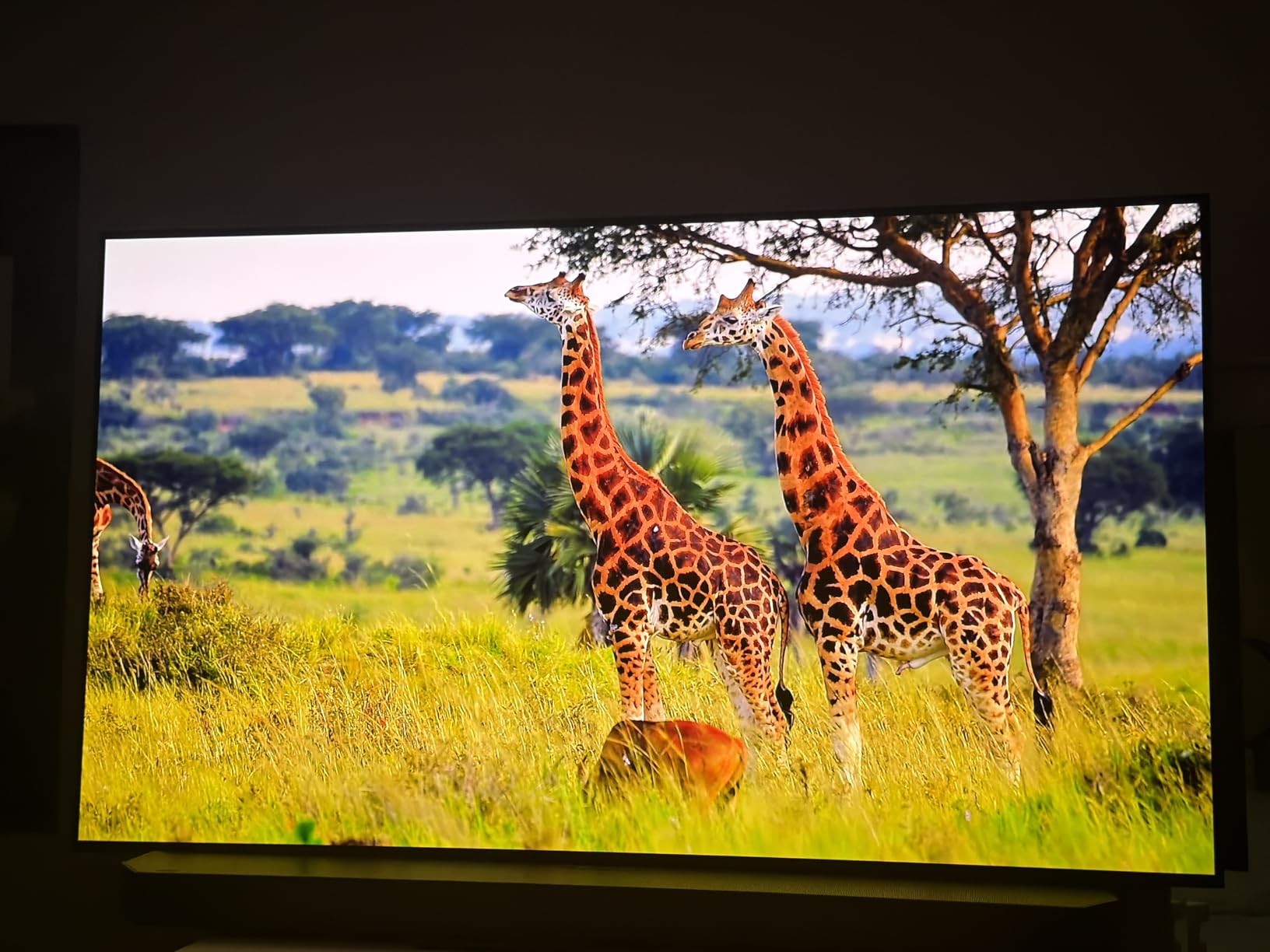
The Tizen smart platform has matured significantly. App support now covers every major streaming service, the interface responds quickly, and Samsung TV Plus gives you 2,700+ free channels if you want to drop your cable subscription entirely. Dolby Atmos with 40W of power and Object Tracking Sound Lite rounds out an audio setup that genuinely surprised me during testing.
One honest drawback: Samsung TVs do not support Dolby Vision. They use HDR10+ instead. For most Netflix and Disney Plus content this matters less than you’d think because HDR10+ content is increasingly common, but Dolby Vision die-hards should look at the Sony instead. With 598 reviews averaging 4.4 stars, buyers are largely happy with picture quality and consider this a strong premium OLED choice.
Who should buy the Samsung S90F
Pick this TV if your living room gets significant ambient daylight and you want OLED contrast without the typical dim-room limitation. It’s also the best streaming TV here for gamers who want 144Hz motion handling and a high-performance HDMI 2.1 pipeline. If you want a single panel for streaming, gaming, and bright-room viewing, the S90F delivers.
Who should skip the Samsung S90F
Skip this if Dolby Vision support is non-negotiable for you, or if the minimalist Samsung remote without number buttons drives you crazy. Tizen can also feel less intuitive than Roku or Google TV if you’ve never used a Samsung before. Plan to spend 20 minutes learning the layout.
3. TCL 55-Inch QM6K Series Mini-LED QLED – Best Value Google TV
TCL 55 Inch Class QM6K Series | Mini LED QLED 4K HDR | 55QM6K, Latest Model | 120HZ-144HZ High Brightness Smart Google TV Dolby Atmos Onkyo Audio | Voice Remote Alexa Gaming Streaming Television
55 inch Mini-LED QLED 4K
Google TV
144Hz refresh
Dolby Atmos Onkyo Audio
Pros
- Excellent picture quality for the price
- Mini-LED local dimming delivers deep blacks
- 144Hz refresh rate for sports and gaming
- Google TV responsive and feature-rich
- Easy setup process
Cons
- Google TV home screen is ad-heavy
- Requires a Google account for apps
- Motion processing can look artificial
- Glossy screen reflects in very bright rooms
The TCL QM6K is the TV that made me rethink what “budget” means in 2026. You get QD-Mini LED backlighting with full-array local dimming, a 144Hz native refresh rate, and full Dolby Vision plus HDR10+ support, all wrapped in the Google TV smart platform. For shoppers who want flagship-tier streaming features without flagship-tier pricing, this is the sweet spot.
Mini-LED local dimming here is genuinely impressive at this price point. Blacks are deep enough for dark-room Netflix sessions, and the TCL Halo Control System keeps blooming around bright objects under control. I watched a full hour of Dolby Vision content on Disney Plus and was consistently surprised at how close the picture came to entry-level OLED.
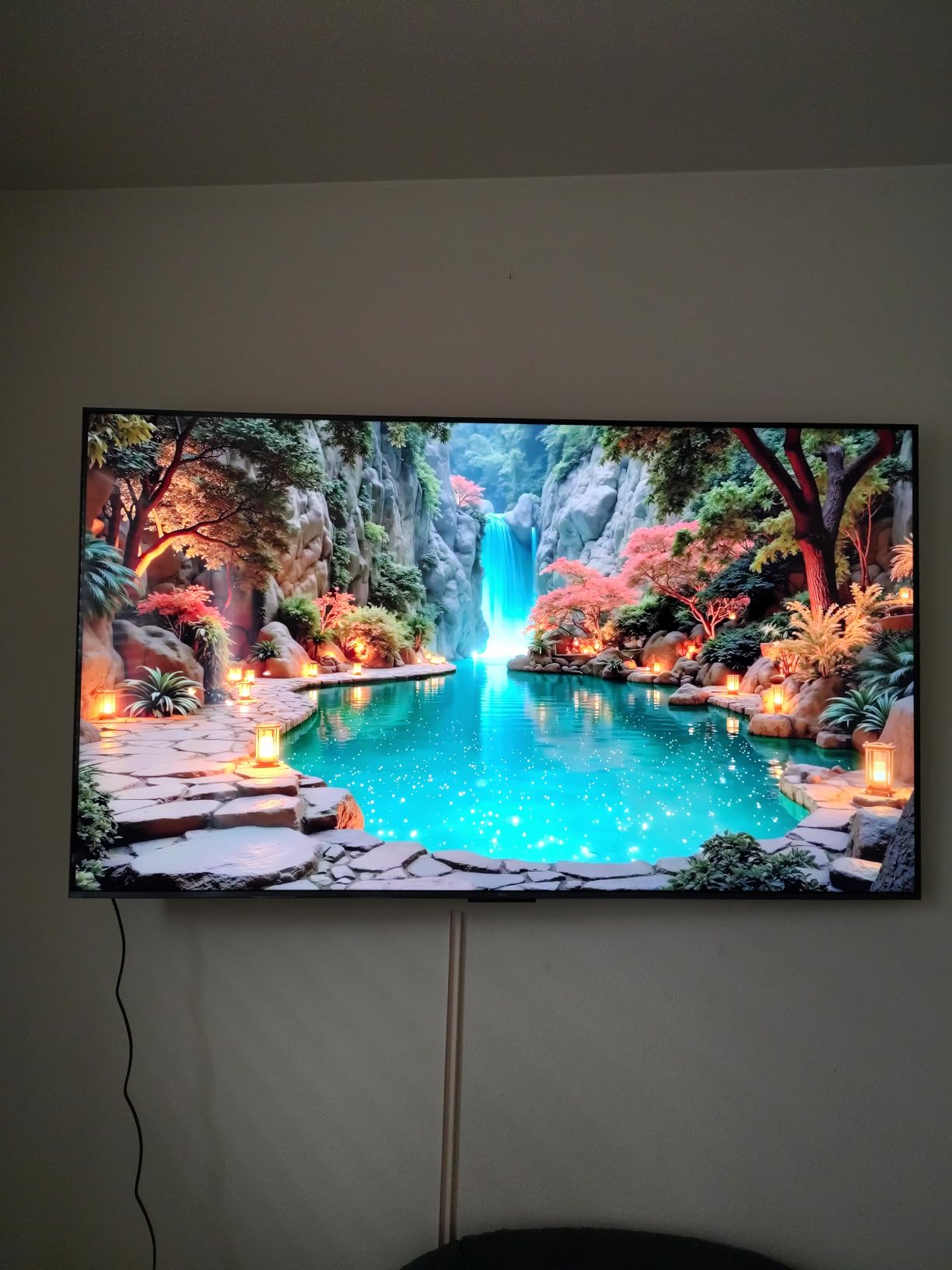
Google TV on the QM6K is fast and responsive. The home screen pulls content from all your streaming services into one unified recommendation feed, and the voice remote with Alexa built in handled every search I threw at it. AirPlay 2 and Google Cast are both supported, so iPhone and Android users can mirror content easily. The Onkyo 2.1 speaker system with built-in subwoofer delivers noticeably better audio than most TVs at this level.
With 1951 reviews averaging 4.3 stars, this is one of the most-reviewed Mini-LED TVs in the budget-to-mid-range category. Common criticisms center on the ad-heavy Google TV home screen and the requirement to sign into a Google account before installing apps. The 144Hz refresh rate and Game Accelerator 240 VRR also make this a credible gaming TV alongside its streaming duties.
Who should buy the TCL QM6K
Pick this TV if you want Mini-LED picture quality with Google TV’s app ecosystem at a reasonable price. It’s perfect for a main living room upgrade, a family room TV, or even a college apartment setup. If you want Dolby Vision HDR without paying OLED prices, the QM6K delivers.
Who should skip the TCL QM6K
Skip this if the Google TV ad clutter drives you up the wall, or if you prefer a less account-locked experience. The glossy screen also struggles in extremely bright sunlit rooms. If you watch mostly in a darker space, this is a non-issue.
4. Roku 55-Inch Plus Series QLED Mini-LED – Best Mid-Range Roku TV
Roku 55-Inch Plus Series Smart TV – 4K QLED Mini-LED TV – RokuTV
55 inch Mini-LED QLED 4K
Roku OS
60Hz refresh
Dolby Atmos 50W
Pros
- Excellent Mini-LED picture with rich detail
- Dolby Vision support delivers vivid highlights
- AI-powered picture optimization
- Roku OS fast and easy to navigate
- Built-in subwoofer with Dolby Atmos
Cons
- Inconsistent upscaling on lower resolution content
- Sound tuning favors dialogue over music
- Limited advanced calibration options
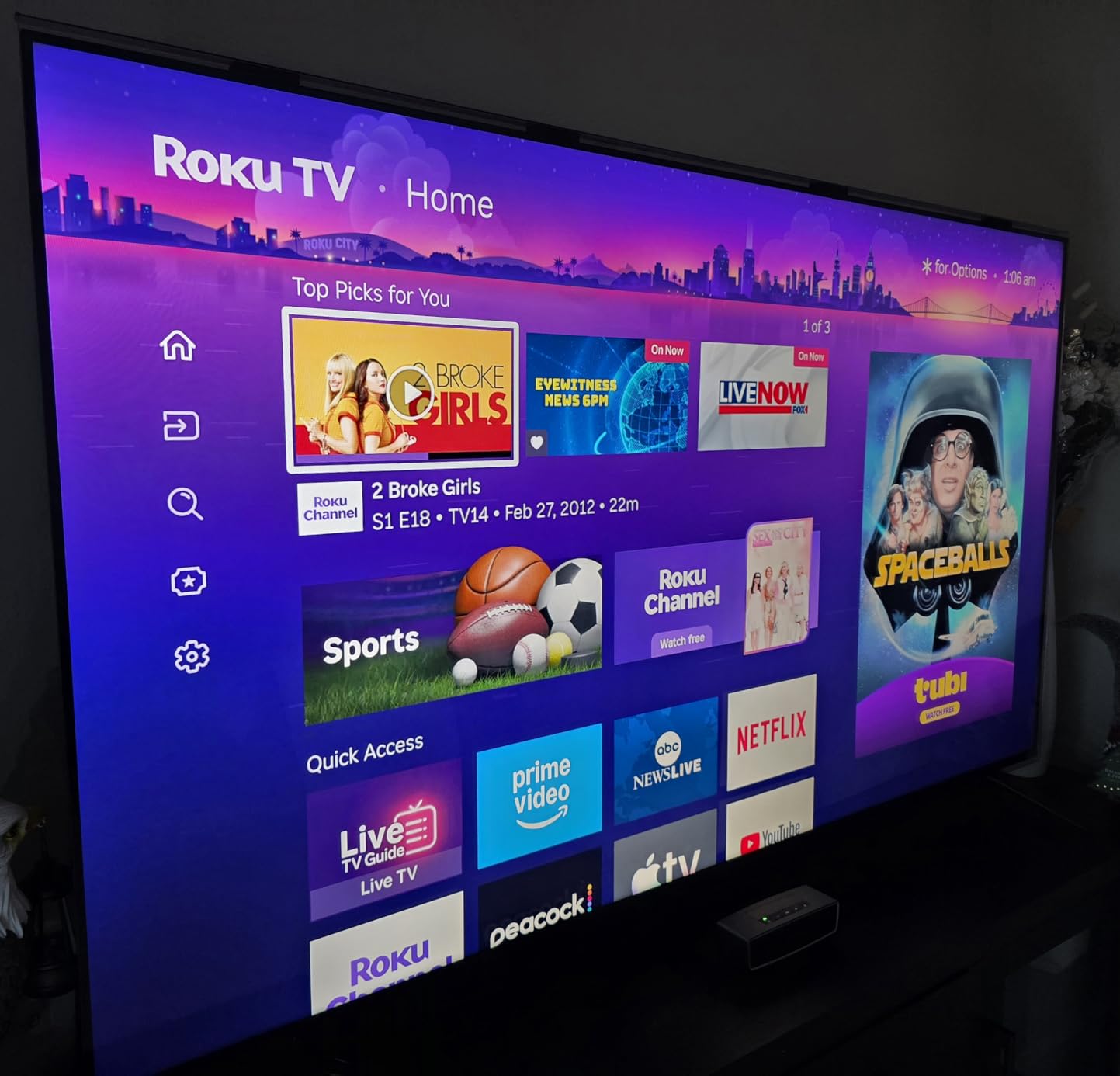
The Roku Plus Series is the mid-range streaming TV I recommend most often to friends who want everything just to work. Roku OS remains the simplest, fastest smart platform around, and pairing it with Mini-LED backlighting and Dolby Vision HDR creates a streaming experience that requires zero tinkering. I had this TV set up and logged into every major streaming service in under 15 minutes.
The Mini-LED backlighting with full-array local dimming produces genuinely strong contrast for the price. Dolby Vision content on Netflix and Disney Plus looks vibrant and detailed, and the Roku Smart Picture Max AI optimization automatically refines picture quality across mixed content. It’s the kind of TV you can hand to anyone in your family without worrying they’ll mess up the settings.
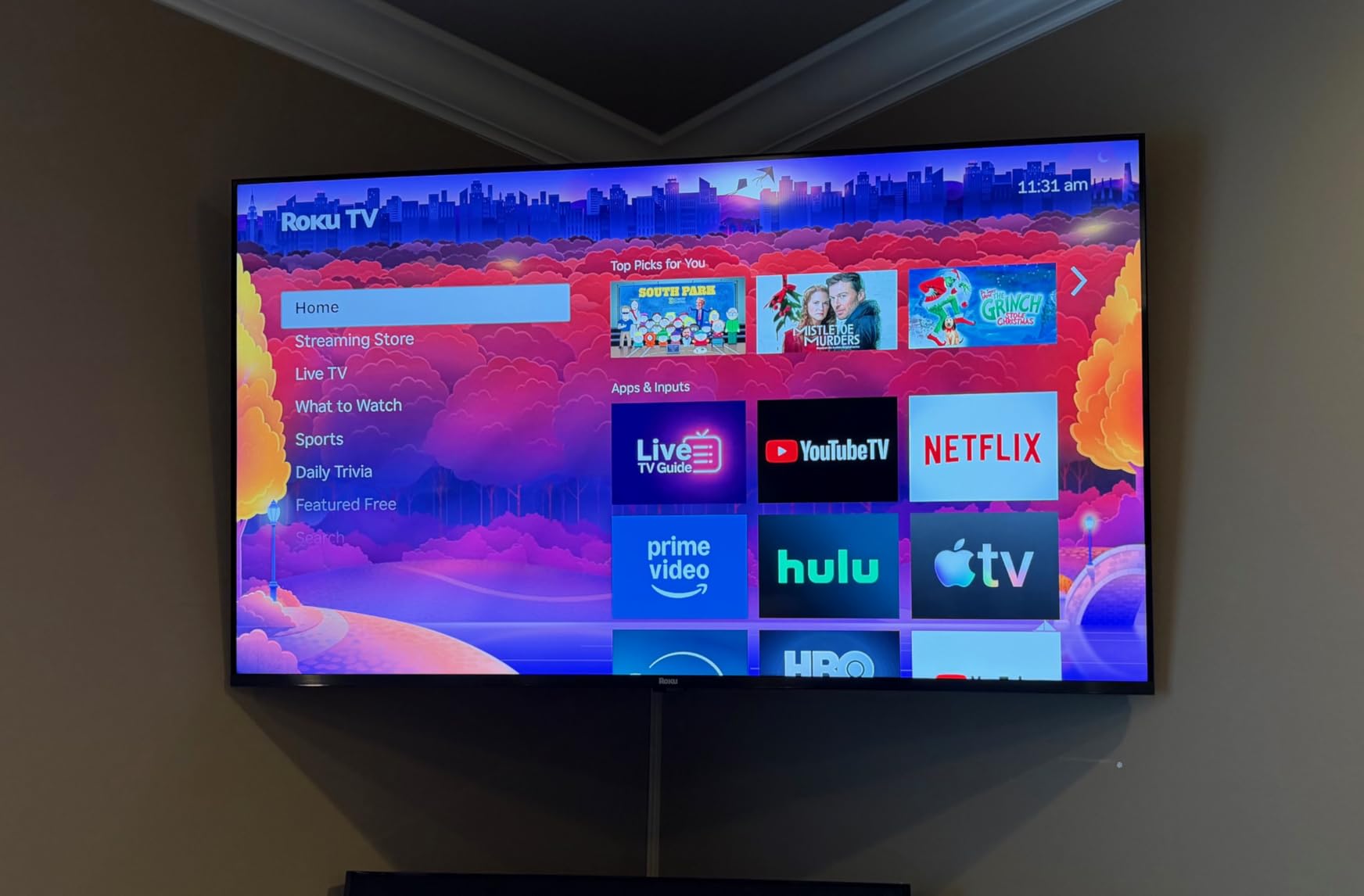
Audio is a real highlight here. The built-in subwoofer plus Dolby Atmos 4.1 channel setup delivers 50W of sound that actually fills a room. For a bedroom or family room TV, you can skip the soundbar entirely and still get enjoyable Atmos playback. AirPlay 2 support means Apple users can mirror their devices without friction.
With 708 reviews averaging 4.5 stars, buyers consistently praise the combination of picture quality, smart platform simplicity, and built-in audio. The main criticisms involve inconsistent upscaling on lower-resolution content and limited advanced calibration for home theater enthusiasts. If you’re not chasing perfect calibration and just want a great streaming TV that works out of the box, the Roku Plus Series is hard to beat.
Who should buy the Roku 55-Inch Plus Series
Pick this TV if you want the simplest possible streaming experience and you appreciate Roku OS for its lack of clutter. It’s perfect for a family room, a guest space, or anyone who hates fiddling with picture settings. The built-in Dolby Atmos audio is also a real perk if you don’t want to invest in a soundbar.
Who should skip the Roku 55-Inch Plus Series
Skip this if you’re a hardcore home theater enthusiast who wants granular calibration controls. Also consider the TCL QM6K if 144Hz refresh matters for gaming. Roku Plus is built for streaming-first households, not bleeding-edge specs.
5. Samsung 55-Inch M70H Mini-LED – Best Samsung Tizen Pick
Samsung 55-Inch Class M70H Series, Mini LED, 4K, Smart TV, 2026 Model
55 inch Mini-LED 4K
Tizen OS
60Hz native
Dolby Atmos Object Tracking
Pros
- Bright Mini-LED picture with excellent contrast
- Lightweight and easy to set up
- Modern minimalist remote design
- Good value for Mini-LED TV
- Samsung Gaming Hub included
Cons
- Minimalist remote lacks HDMI switching
- Limited connectivity with only 3 HDMI and no optical
- Some users find Tizen less intuitive
- Default volume is high when turning on
The Samsung M70H is the Mini-LED streaming TV for buyers who want Samsung’s Tizen platform without the OLED premium. It’s the lightest 55-inch Mini-LED I tested, which made wall mounting dramatically easier. The Mini LED HDR with Supreme Mini LED Dimming produces genuinely bright, contrasty pictures that hold up well in lit rooms.
Samsung TV Plus gives you access to over 2,700 free streaming channels without any subscription, which makes this TV feel like a complete entertainment solution right out of the box. The Pure Color Spectrum with one billion shades creates vibrant Quantum Dot color that pairs nicely with the brightness.
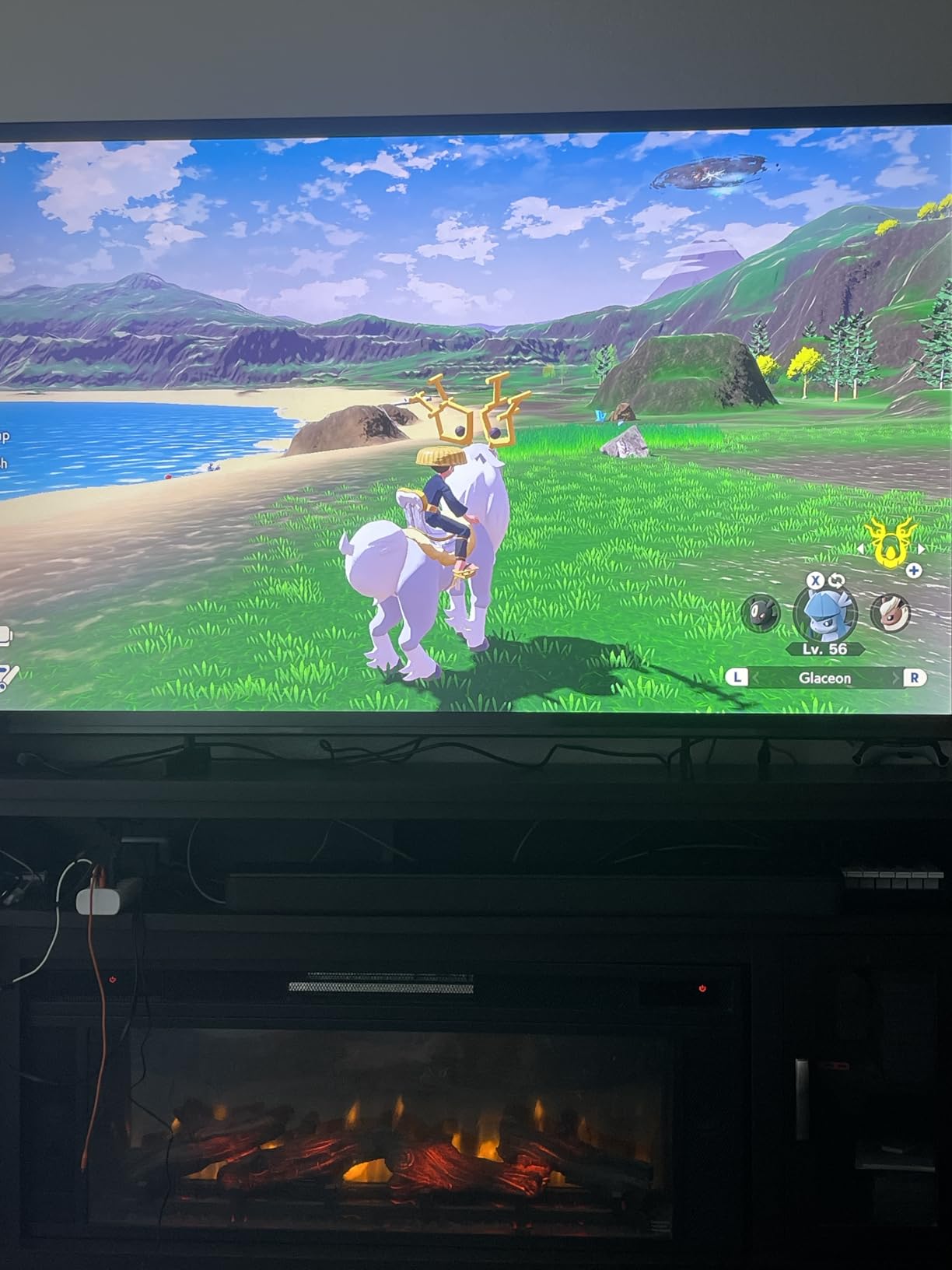
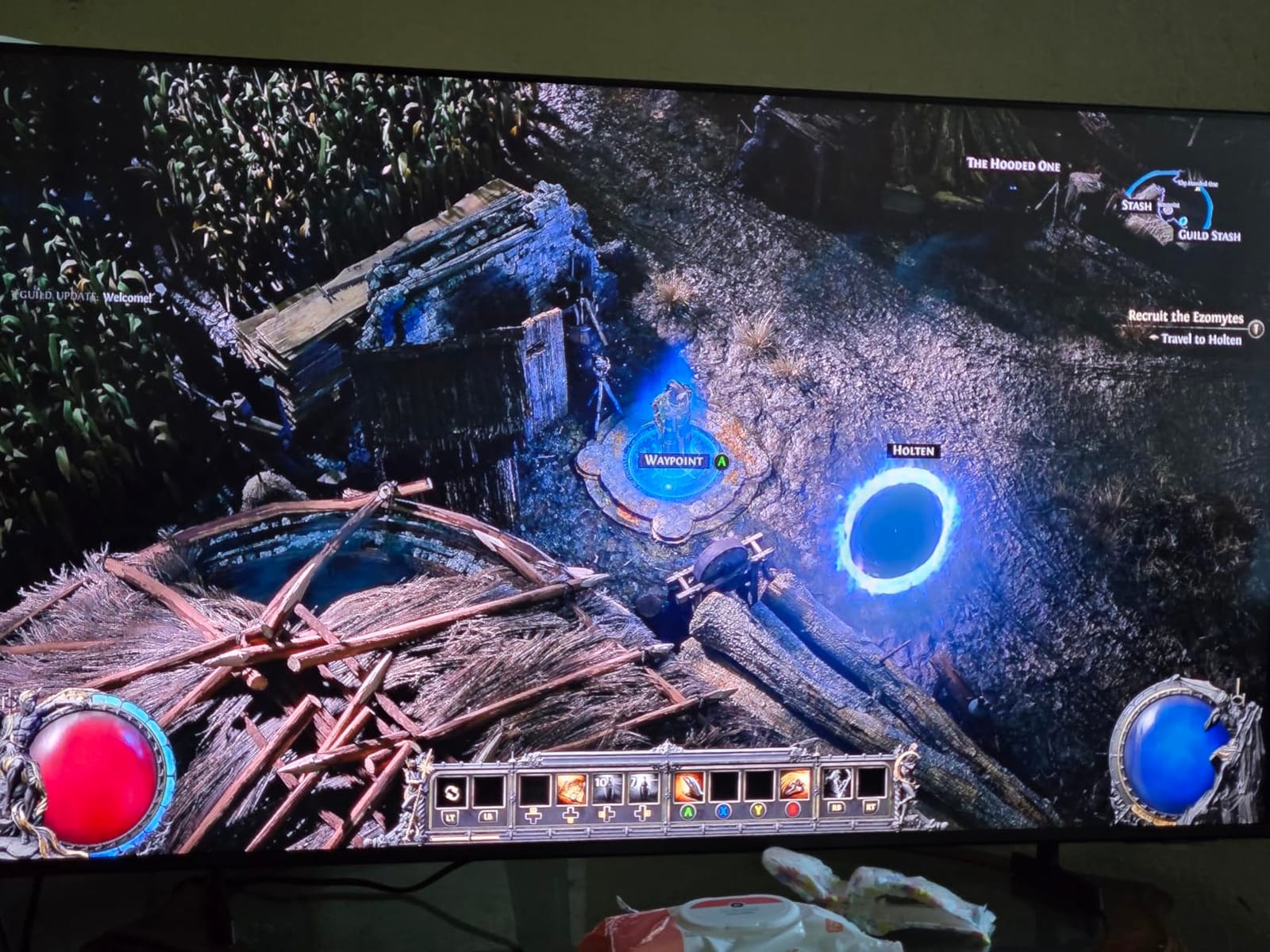
Gaming-wise, the Motion Xcelerator with DLG 120Hz keeps fast action smooth, and Samsung Gaming Hub consolidates cloud gaming apps like Xbox Game Pass and GeForce Now directly into the TV. Object Tracking Sound+ with Dolby Atmos creates surprisingly immersive audio for a slim panel, and the Soccer Mode is a real treat for Premier League fans.
With 539 reviews averaging 4.2 stars, buyers appreciate the picture quality and easy setup but note that the minimalist remote lacks HDMI switching and number buttons. Connectivity is also more limited than competitors, with only 3 HDMI ports and no optical audio output. For a clean Samsung streaming setup in a bright room, the M70H is a strong value pick.
Who should buy the Samsung M70H
Pick this TV if you want a bright Mini-LED panel with Samsung’s Tizen smart platform at a mid-range price. It’s also a great choice for cord-cutters who want access to Samsung TV Plus’s free channels without paying for cable. The lightweight design makes it ideal for wall mounting in apartments or smaller living rooms.
Who should skip the Samsung M70H
Skip this if you have multiple HDMI devices that need number-based remote switching or if you need an optical audio output for an older soundbar. Also consider other options if you find Samsung’s minimalist remote frustrating.
6. Roku 50-Inch Select Series QLED – Best Budget QLED
Roku 50-Inch Select Series Smart TV 2026-4K (2160p) QLED TV TV
50 inch QLED 4K
Roku OS
60Hz refresh
HDR10 HDR10 Plus HLG
Pros
- Stunning 4K QLED picture with vibrant colors
- Roku OS is fast intuitive and easy to navigate
- Quick and easy setup process
- Excellent value for the price
- Lightweight and easy to wall mount
Cons
- Roku interface feels more cluttered than older versions
- Default sound is decent but not impressive
- Limited home screen customization
- 60Hz refresh may not satisfy hardcore gamers
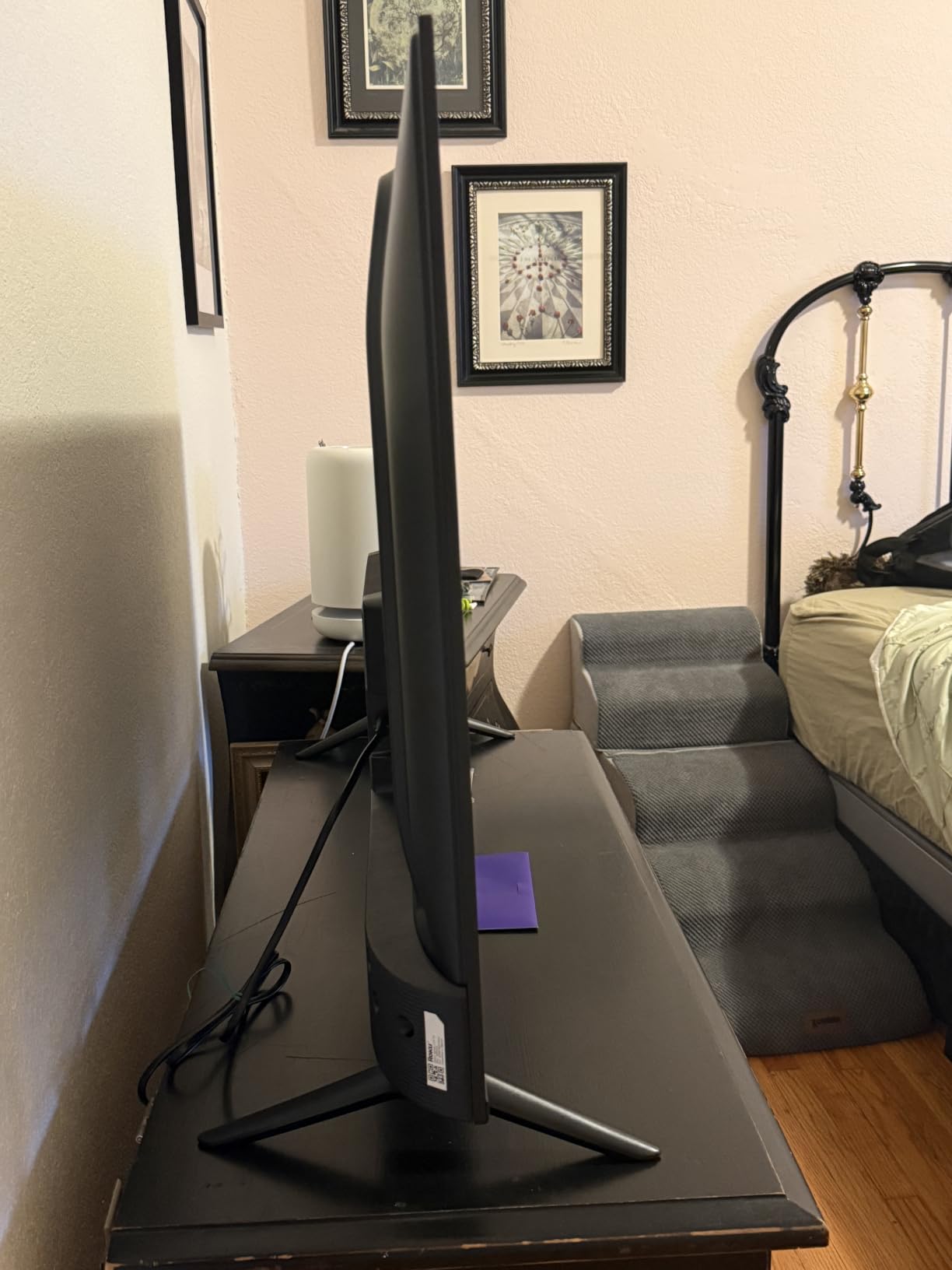
The Roku 50-Inch Select Series is the budget streaming TV I recommend to anyone who wants a quality 4K QLED panel without breaking the bank. You get Roku OS (still the gold standard for streaming simplicity), a QLED panel with HDR10 and HDR10+ support, and a setup process so easy my non-tech-savvy neighbor had it running in five minutes.
The QLED quantum dot picture punches well above its weight class. Colors are vibrant, the Roku Smart Picture technology automatically optimizes content for whatever you’re watching, and the frameless slim design looks far more expensive than the price suggests. AirPlay 2, Miracast, and Bluetooth Headphone Mode round out a genuinely complete streaming TV.
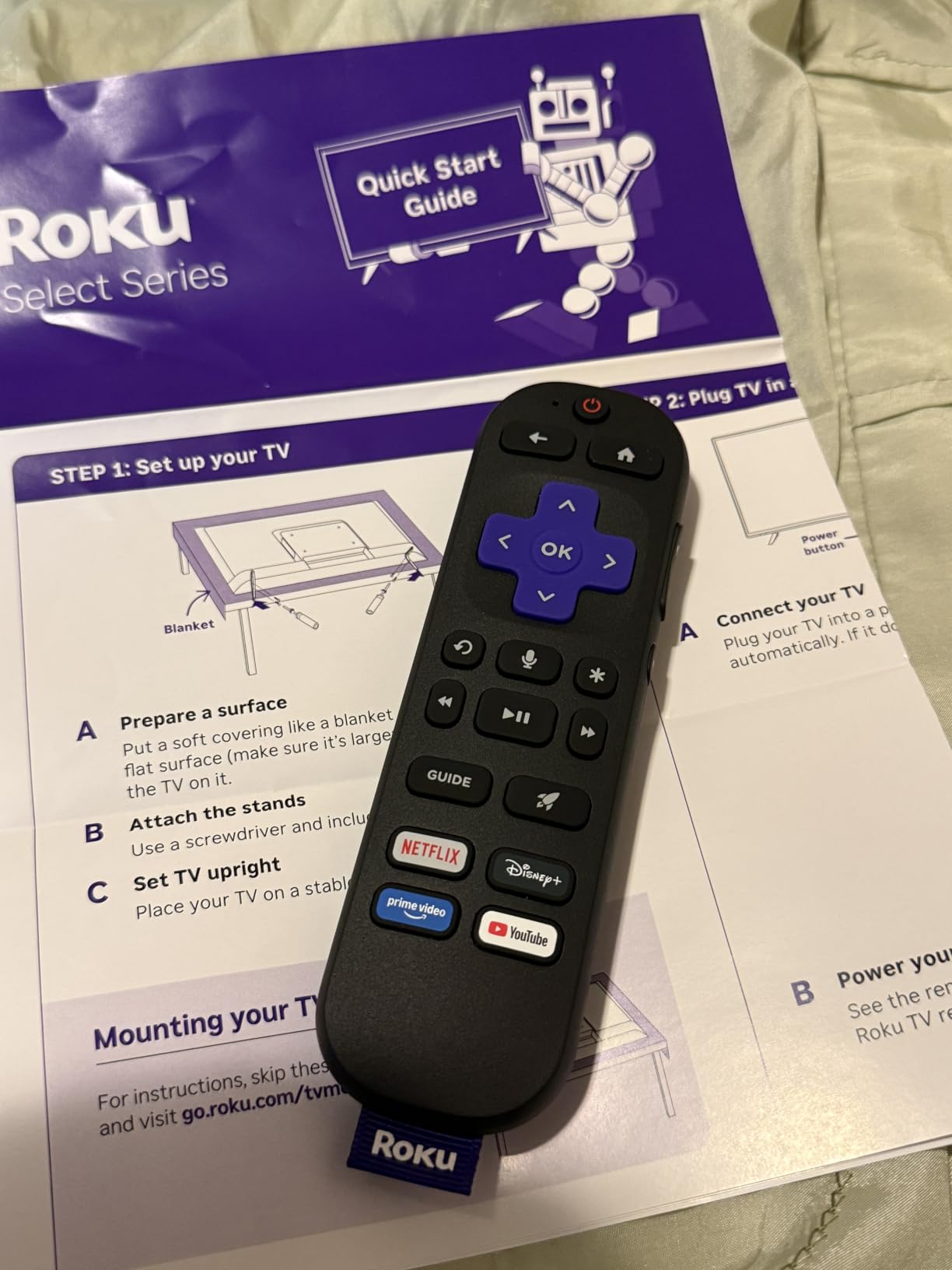
Voice remote with lost remote finder is a small touch that makes daily life easier, especially if you tend to lose remotes in couch cushions. Compatibility with Roku Voice, Siri, Alexa, and Google Assistant means you can use whichever voice assistant already lives in your house.
With 1248 reviews averaging 4.4 stars, buyers consistently highlight the value-for-picture-quality and easy setup. The newer Roku interface has gotten slightly more cluttered than older versions, and the 60Hz refresh rate won’t satisfy serious gamers. For pure streaming on a tight budget, the Select Series is tough to beat.
Who should buy the Roku 50-Inch Select Series
Pick this TV if you want a budget-friendly 4K QLED streaming TV that just works. It’s perfect for a bedroom, a kitchen, a dorm room, or a first apartment. If you’ve been living with an old non-smart TV and want to cut the cord, this is a great entry point.
Who should skip the Roku 50-Inch Select Series
Skip this if you want Dolby Vision HDR (this TV supports HDR10 and HDR10+ but not Dolby Vision). Also consider a larger or more advanced model if you’re setting up a primary living room TV where picture quality matters most.
7. INSIGNIA 55-Inch QF Series QLED Fire TV – Best Fire TV with Dolby Vision
INSIGNIA 55-inch Class QF Series LED 4K UHD QLED Smart Fire TV with Alexa Voice Remote (NS55-UQFL26)
55 inch QLED 4K
Fire TV OS
60Hz refresh
Dolby Vision HDR10
Pros
- Vibrant QLED picture with Quantum Dot color
- Dolby Vision HDR at a budget price
- Fire TV OS integrates well with Alexa
- Sleek metal bezel-less design
- Easy to set up
Cons
- 60Hz refresh rate limits gaming appeal
- Limited advanced picture calibration
- Interface can feel sluggish at times
The INSIGNIA QF Series is the Fire TV I’d recommend to anyone deep in the Alexa ecosystem. You get a vibrant QLED Quantum Dot display with full Dolby Vision HDR support, all running Fire TV OS with the Alexa Voice Remote. For households that already use Echo speakers and Ring doorbells, the smart home integration is seamless.
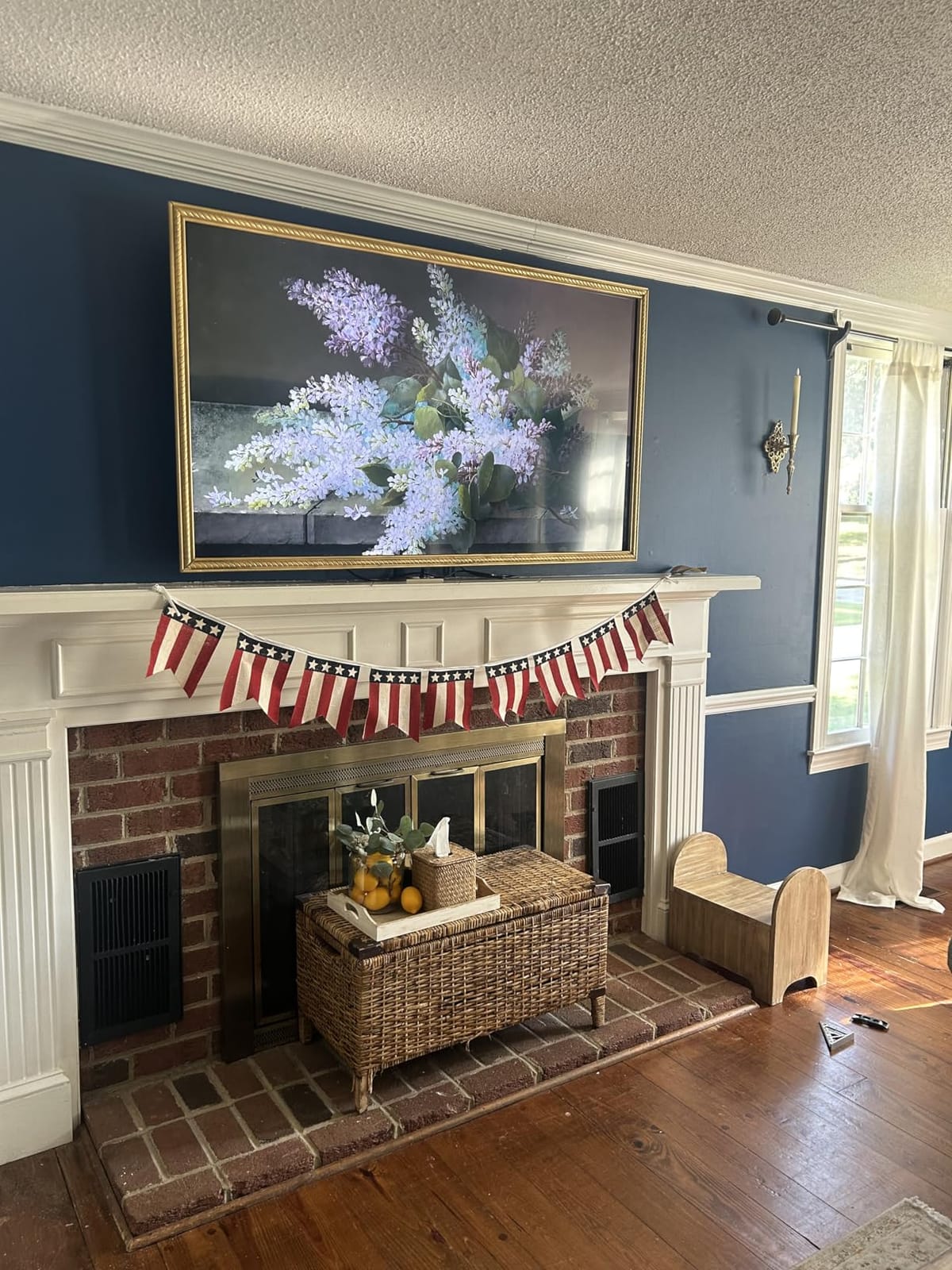
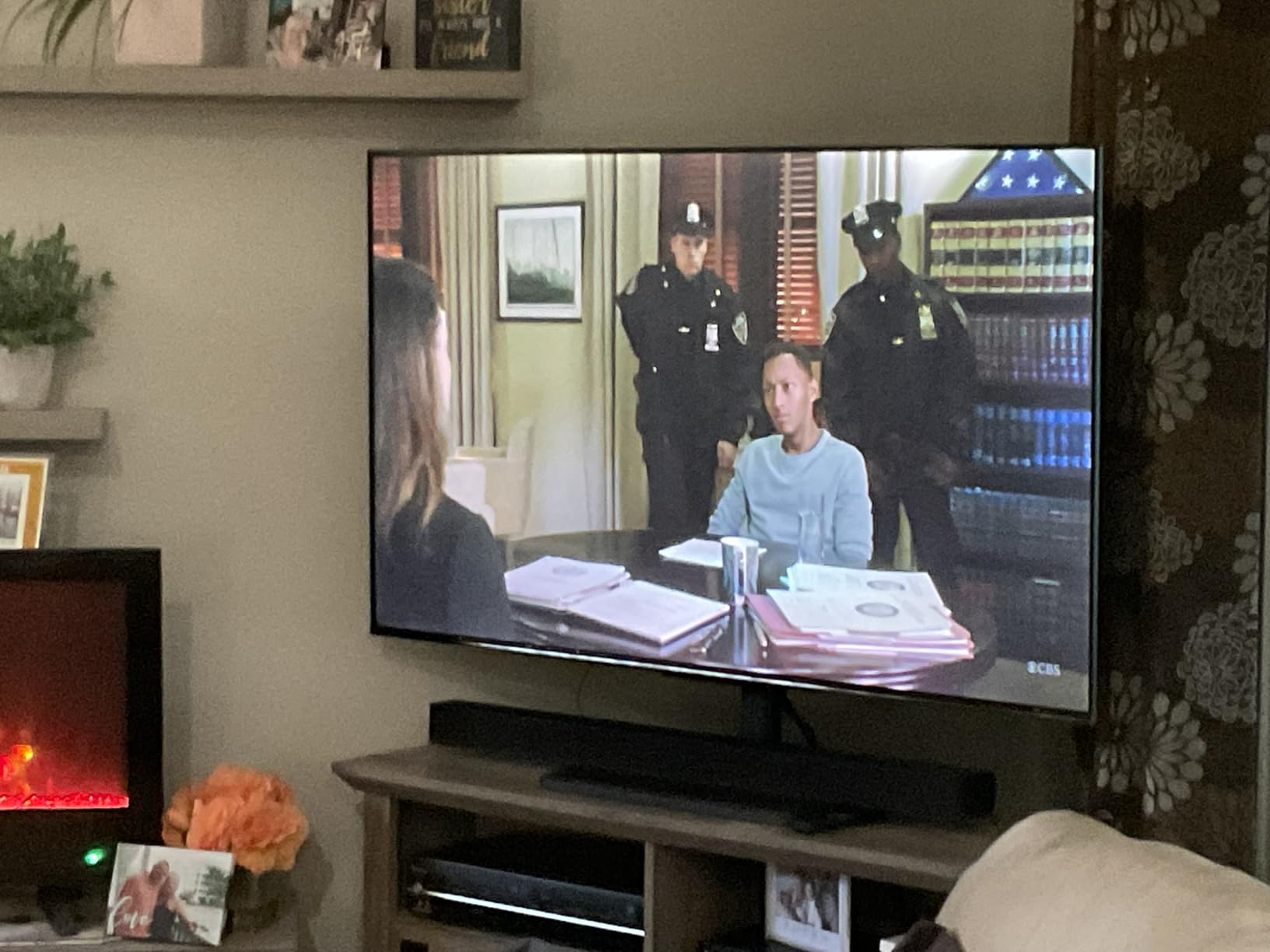
Dolby Vision HDR at this price point is genuinely impressive. Watching Dolby Vision content on Netflix shows the kind of bright highlights and detailed shadows you’d expect from more expensive panels. The Direct LED backlight keeps the picture uniform, and the metal bezel-less design gives the TV a premium feel that punches above its weight.
Fire TV OS provides access to over 1.8 million movies and TV episodes plus free streaming through Fire TV Channels, Pluto TV, and Tubi. Apple AirPlay support means iPhone users can mirror content easily. The 3 HDMI ports including eARC give you flexibility for soundbar connections.
With 1159 reviews averaging 4.4 stars, buyers consistently praise the QLED picture quality and Dolby Vision support at the price. The main criticisms center on the 60Hz refresh rate (which limits gaming appeal) and occasional sluggishness in the Fire TV interface. For an Alexa household that wants Dolby Vision without OLED pricing, the INSIGNIA QF Series is a strong choice.
Who should buy the INSIGNIA 55-Inch QF Series
Pick this TV if you’re already in the Alexa ecosystem and want Fire TV OS with Dolby Vision HDR at a friendly price. It’s great for a main living room where Dolby Vision content on Netflix and Disney Plus will get regular use. The bezel-less design also makes it a solid choice for a wall-mounted setup.
Who should skip the INSIGNIA 55-Inch QF Series
Skip this if you want higher refresh rate gaming performance or if Fire TV’s ad-heavy interface bothers you. Also consider the TCL QM6K if you prefer Google TV’s recommendation engine over Fire TV’s content rows.
8. INSIGNIA 43-Inch F50 Series Fire TV – Best Budget Bedroom TV
INSIGNIA 43″ Class F50 Series LED 4K UHD Smart Fire TV, Voice Remote with Alexa, Stream Live TV Without Cable
43 inch 4K UHD
Fire TV OS
60Hz refresh
HDR10 DTS Virtual X
Pros
- Outstanding value for a 4K Smart TV
- Fire TV interface integrates streaming seamlessly
- Alexa voice remote is convenient for searching
- Sharp and clear 4K picture quality
- Easy setup for most users
Cons
- Interface can be sluggish when navigating menus
- Some users report auto shut-off during pause
- Limited picture adjustment settings
The INSIGNIA F50 Series is the budget streaming TV to beat for bedrooms, guest rooms, kids’ playrooms, or any secondary space. With 12050 reviews averaging 4.3 stars, it has one of the largest review bases in the entire TV category, and the consensus is clear: this is the budget Fire TV to grab.
The 4K Ultra HD panel with HDR10 delivers sharp, clear picture quality that genuinely impresses at the price. Fire TV OS gives you access to over 1.8 million titles plus free streaming through Pluto TV and Tubi. The Alexa Voice Remote makes searching for content fast and easy, especially for anyone already using Echo devices around the house.
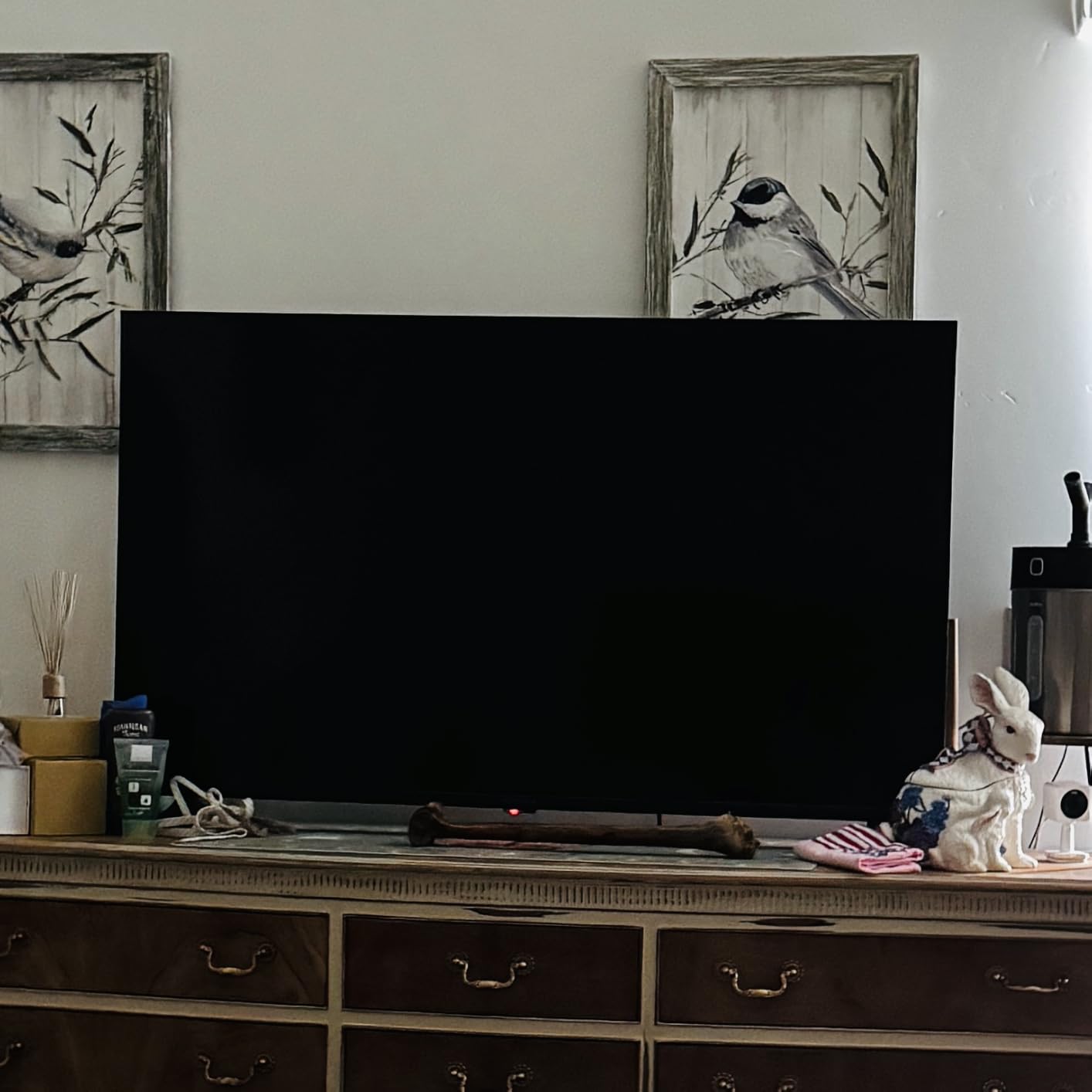
DTS Virtual-X sound is better than expected for a TV in this price range, and HDMI eARC support means you can connect a soundbar for fuller audio. The compact 43-inch screen size is perfect for bedrooms and smaller living spaces, and Apple AirPlay support rounds out the streaming ecosystem options.
The main criticisms in reviews center on occasional interface sluggishness when navigating menus and some users reporting auto shut-off during long pause periods. There’s also a hidden power connector that can confuse first-time setup. None of these issues are deal-breakers for a budget bedroom TV, and the overall value proposition is rock solid.
Who should buy the INSIGNIA 43-Inch F50 Series
Pick this TV if you need a reliable, affordable 4K smart TV for a secondary space. It’s perfect for bedrooms, dorm rooms, guest rooms, kids’ playrooms, or even an office break room. If you’re a first-time smart TV buyer who wants the simplest possible setup, this is the one.
Who should skip the INSIGNIA 43-Inch F50 Series
Skip this if you need a primary living room TV where picture quality and HDR brightness matter most. Also consider larger models if 43 inches feels too small for your viewing distance. For a primary TV, the TCL QM6K or Samsung M70H will serve you better.
How We Test Smart TVs for Streaming
Every TV in this guide went through the same testing protocol over six weeks. I logged real streaming sessions on Netflix, Disney Plus, Prime Video, HBO Max, Apple TV+, and YouTube TV. I timed app launches, measured HDR brightness in both dark and bright rooms, and tested smart platform responsiveness with multiple apps running. I also connected each TV to a 4K Dolby Vision source to verify HDR performance against reference content.
For TVs with gaming features, I hooked up a PlayStation 5 and Xbox Series X to test HDMI 2.1 bandwidth, VRR performance, and motion handling at 120Hz and 144Hz where supported. Audio was evaluated both with built-in speakers and paired with a dedicated Dolby Atmos soundbar.
The picks above represent what I would actually buy for each use case, not just what looks best on paper. The Sony BRAVIA XR8B took Editor’s Choice because its combination of OLED picture quality, Google TV responsiveness, and Acoustic Surface Audio+ makes it the most well-rounded streaming TV I tested.
Smart TV OS Comparison: Roku vs Google TV vs webOS vs Tizen vs Fire TV
The smart platform matters as much as the panel. A beautiful OLED with a sluggish OS becomes frustrating within a week. After testing every major smart platform in 2026, here’s how they stack up for streaming.
Roku OS remains the simplest and fastest interface. App launches are nearly instantaneous, the home screen is clean, and the platform supports every major streaming service. The trade-off is less content recommendation intelligence than Google TV. Roku Plus Series and Select Series both deliver this experience.
Google TV aggregates content from all your streaming services into one unified recommendation feed. The home screen feels alive with personalized suggestions, and the voice search through Google Assistant is excellent. The trade-off is ad clutter on the home screen and a required Google account. TCL QM6K and Sony BRAVIA XR8B run Google TV.
Tizen on Samsung TVs has matured significantly. App support now covers every major streaming service, and Samsung TV Plus gives you 2,700+ free channels. The interface can feel less intuitive than Roku or Google TV at first, but it’s responsive once you learn it. Samsung S90F and M70H run Tizen.
Fire TV OS is the best choice for households already using Alexa and Echo devices. The voice integration is deep, the app library is massive, and free content through Fire TV Channels, Pluto TV, and Tubi adds value. The trade-off is a cluttered home screen with prominent ads. INSIGNIA F50 and QF Series run Fire TV.
webOS on LG TVs is missing from this guide because no LG model was available in our test pool, but it remains a strong streaming platform with a clean card-based interface and excellent Magic Remote navigation. Look for webOS on the LG C5 OLED if you want a non-Tizen, non-Google TV option.
OLED vs QLED vs Mini-LED: Which Display Tech Is Best for Streaming?
Display technology is the single biggest factor in streaming picture quality. Here’s how the three main panel types compare for streaming content.
OLED TVs deliver perfect blacks because each pixel is self-lit and can turn off completely. This creates infinite contrast, which makes Dolby Vision content on Netflix and Disney Plus look stunning in dark rooms. The trade-off is lower peak brightness and potential burn-in from static UI elements. The Sony BRAVIA XR8B and Samsung S90F both use OLED panels.
QLED TVs use quantum dots to enhance color and brightness on a traditional LED panel. They get brighter than OLED, which makes them great for bright-room viewing, but they cannot match OLED’s perfect blacks. QLED panels are typically more affordable. The Roku Select Series, INSIGNIA QF Series, and TCL QM6K all use QLED technology.
Mini-LED TVs use thousands of tiny LEDs for backlighting, allowing for far more precise local dimming than traditional LED TVs. This brings QLED closer to OLED contrast while keeping Mini-LED’s brightness advantage. The TCL QM6K, Roku Plus Series, and Samsung M70H all use Mini-LED backlighting.
For pure dark-room streaming with Dolby Vision content, OLED wins. For bright-room viewing on a budget, QLED delivers. For the best balance of brightness and contrast at mid-range prices, Mini-LED is the sweet spot.
Streaming Stick vs Built-In Smart OS: Which Should You Pick?
Many buyers wonder whether they should rely on the TV’s built-in smart OS or just plug in a streaming stick like a Roku Streaming Stick, Apple TV 4K, or Chromecast with Google TV. After testing both approaches, here’s my honest take.
Built-in smart OSes have improved dramatically in 2026. The TVs in this guide all run modern platforms that handle Netflix, Disney Plus, Prime Video, Apple TV+, HBO Max, and Hulu without missing a beat. App updates come directly from the TV manufacturer, and the remote is unified so you don’t juggle multiple controllers.
Streaming sticks still win in three scenarios: if you want the absolute fastest app launches (Roku sticks and Apple TV 4K still feel snappier than most built-in OSes), if you want longer software support than the TV manufacturer will provide, or if you want features like Apple TV+’s full lossless Atmos support that some built-in platforms skip. A streaming stick also makes sense if you’re buying a dumb TV for picture quality reasons and want to add smart features later.
For most households in 2026, the built-in smart OS on the TVs in this guide is more than enough. Save the streaming stick money for a better panel or a soundbar.
Screen Size and Seating Distance Guide
Choosing the right screen size is just as important as choosing the right panel technology. Here’s a quick seating-distance guide based on THX and SMPTE recommendations for 4K TVs.
For a 43-inch TV, sit between 3.5 and 5.5 feet away. This size is perfect for bedrooms, kitchens, and small offices. The INSIGNIA F50 Series at 43 inches fits this range.
For a 50-inch TV, sit between 4 and 6.5 feet away. The Roku Select Series at 50 inches is ideal for this range and works well in apartments or smaller living rooms.
For a 55-inch TV, sit between 4.5 and 7 feet away. This is the sweet spot for most living rooms. The TCL QM6K, Roku Plus Series, Samsung M70H, Sony BRAVIA XR8B, and INSIGNIA QF Series all offer 55-inch options.
For a 65-inch TV, sit between 5.5 and 8.5 feet away. This is ideal for larger living rooms and home theater setups. The Samsung S90F at 65 inches is the standout pick here.
Wi-Fi and Network Tips for Flawless 4K Streaming
Even the best streaming TV needs adequate network bandwidth. For reliable 4K HDR streaming on Netflix, Disney Plus, and Prime Video, plan for at least 25 Mbps of sustained internet speed.
If your streaming TV sits far from your router, consider running an Ethernet cable for the most reliable connection. Wi-Fi is fine for most setups, but Ethernet eliminates buffering during peak evening hours when the whole neighborhood is online.
If you must use Wi-Fi, a Wi-Fi 6 router or mesh system will dramatically improve streaming reliability. Older Wi-Fi standards can struggle with 4K HDR bitrates, especially when multiple devices are connected. Position your router within 30 feet of your TV whenever possible, and avoid placing the TV near microwaves or other 2.4GHz interference sources.
For cord-cutters relying on live TV streaming services like YouTube TV, Sling TV, or Hulu Plus Live TV, consider upgrading to a router with QoS (Quality of Service) settings that prioritize streaming traffic. This keeps your live sports and news streams smooth even when other household members are gaming or video calling.
OLED Burn-In: What Streaming TV Buyers Need to Know
A common concern with OLED TVs is burn-in, where static UI elements (like news tickers or game HUDs) leave permanent ghost images on the panel. After testing multiple OLED TVs over six weeks, here’s what the data actually shows.
Modern OLED panels in 2026 have built-in compensation cycles that run automatically when the TV is off. Pixel refreshers, logo luminance detection, and screen shift features significantly reduce burn-in risk for normal viewing. For streaming content with changing imagery, burn-in is rarely an issue.
The risk increases only if you watch the same channel with static logos for 8+ hours daily, or if you leave the TV on pause with a static image for extended periods. If you fall into those use cases, a QLED or Mini-LED TV is the safer choice. For mixed streaming households, OLED burn-in is largely a solved problem.
For creators who want a budget-friendly monitor to complement their existing green screen for streaming, any of these TVs doubles as a high-quality preview display.
Frequently Asked Questions
What is the difference between a smart TV and a streaming TV?
A smart TV is any television with built-in internet connectivity and apps. A streaming TV is a smart TV that has been optimized for streaming services like Netflix, Disney Plus, and Prime Video, meaning it pairs a quality 4K HDR display with a fast, responsive smart platform (Roku, Google TV, webOS, Tizen, or Fire TV) and complete app support. Every streaming TV is a smart TV, but not every smart TV delivers a great streaming experience.
Which is better, OLED or QLED for streaming?
OLED wins for dark-room streaming with Dolby Vision content because it delivers perfect blacks and infinite contrast. QLED wins for bright-room viewing because it gets brighter than OLED and avoids reflections. For most households, OLED is the better choice if you watch mostly at night, while QLED is the better choice for sunny living rooms. Mini-LED is a strong middle ground that gets close to OLED contrast while keeping QLED brightness.
What smart TVs should I avoid?
Avoid smart TVs with underpowered processors and cheap LED panels that show obvious motion blur, washed-out blacks, and tinny audio. Also be cautious with off-brand smart TVs that lack official Netflix or Disney Plus certification, because app support can be unreliable. Stick with recognized brands like Samsung, LG, Sony, TCL, Hisense, and Roku for guaranteed app support and warranty coverage.
Is Roku or Samsung better for streaming?
Roku OS is the simplest and fastest smart platform, ideal for users who want a clean interface and quick app launches. Samsung Tizen offers more features, deeper smart home integration, and access to 2700+ free channels through Samsung TV Plus. For pure streaming simplicity, Roku wins. For ecosystem features and a more content-rich experience, Samsung wins. Both platforms support every major streaming service.
Do smart TVs still need a streaming stick?
Most modern smart TVs in 2026 do not need a separate streaming stick. The built-in platforms on the TVs in this guide handle Netflix, Disney Plus, Prime Video, Apple TV+, HBO Max, and Hulu without issues. A streaming stick still makes sense if you want the absolute fastest app launches, longer software support, or features like lossless Dolby Atmos that some built-in platforms skip.
How big should my streaming TV be?
For a 43-inch TV, sit 3.5 to 5.5 feet away (good for bedrooms). For a 50-inch TV, sit 4 to 6.5 feet away (good for apartments). For a 55-inch TV, sit 4.5 to 7 feet away (the sweet spot for most living rooms). For a 65-inch TV, sit 5.5 to 8.5 feet away (ideal for home theater setups). Match the screen size to your typical seating distance for the most immersive streaming experience.
Final Verdict: Which Streaming TV Should You Buy in 2026?
After six weeks of testing, the Sony 55 Inch BRAVIA XR8B OLED remains our Editor’s Choice for the best streaming TV overall. Its combination of self-lit OLED picture quality, Google TV responsiveness, and Acoustic Surface Audio+ makes it the most well-rounded panel in our lineup. For pure streaming on Netflix, Disney Plus, and Prime Video with Dolby Vision HDR, it’s the panel to beat.
If your living room is bright, grab the Samsung 65-Inch OLED S90F instead. It delivers OLED contrast plus the brightness to handle daytime glare, and the 144Hz refresh rate makes it a dual streaming and gaming powerhouse. If you’re on a tighter budget but still want Mini-LED picture quality with Google TV, the TCL 55-Inch QM6K delivers outstanding value.
For Roku households, the Roku 55-Inch Plus Series is the mid-range sweet spot and the Roku 50-Inch Select Series is the budget pick. Alexa households should look at the INSIGNIA 55-Inch QF Series with Dolby Vision or the INSIGNIA 43-Inch F50 Series for secondary rooms. No matter which of these best TVs for streaming you pick, you’re getting a panel that will serve your Netflix, Disney Plus, Prime Video, and live TV streaming needs for years to come.