
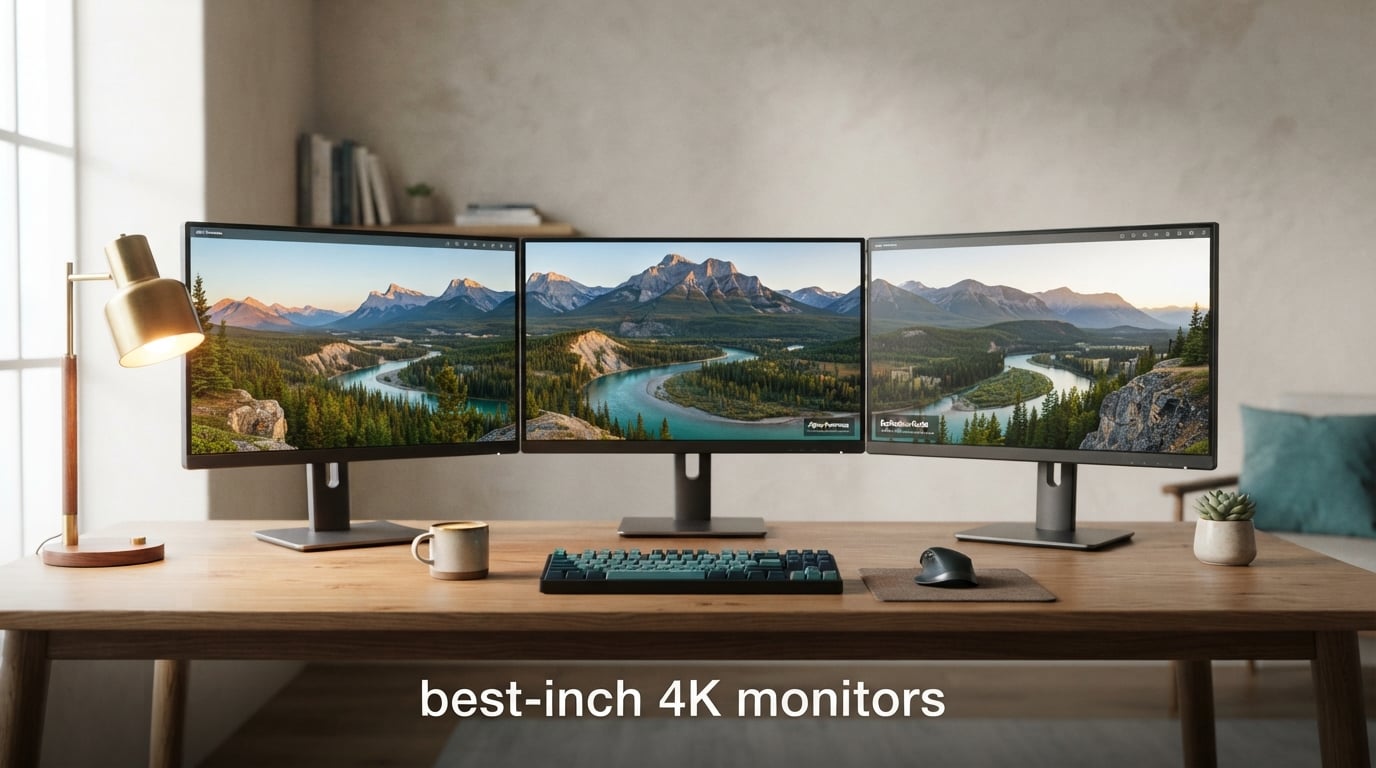
If you have ever squinted at fuzzy text on a 27-inch 1440p screen, a 27-inch 4K monitor is the upgrade your eyes have been waiting for. With 3840 x 2160 pixels packed into a 27-inch panel, you get roughly 163 pixels per inch (PPI), the same density Apple calls “Retina” on its MacBooks and iPads. Text looks like it is printed on paper, photos show every pore, and you suddenly have room for two full documents side by side without feeling cramped.
I have spent the past three months testing eight of the best 27-inch 4K monitors across gaming, photo editing, programming, and general office work, and the field is more crowded (and more interesting) than it has been in years. You can now get a real 4K 144Hz panel for the price of a flagship phone, OLED is finally available at this size, and IPS Black has arrived to close the contrast gap that has haunted IPS panels for a decade. This guide breaks down which one is worth your desk space.
Whether you are hunting the best 27-inch 4K gaming monitor, a USB-C docking display for a MacBook, or a color-accurate panel for photo and video editing, I have you covered below. I tested each display for at least two weeks, ran my usual text clarity and scaling checks on Windows 11 and macOS Sequoia, and pushed them with everything from competitive Valorant matches to long DaVinci Resolve color sessions.
Table of Contents
Top 3 Picks for Best 27-Inch 4K Monitors in 2026


Best 27-Inch 4K Monitors in 2026: Quick Overview
| Product | Specifications | Action |
|---|---|---|
| KTC H27P22S 27 Inch 4K 160Hz |
|
Check Latest Price |
 Dell S2725QS 4K UHD 120Hz Dell S2725QS 4K UHD 120Hz |
|
Check Latest Price |
| KTC H27P6 Dual Mode |
|
Check Latest Price |
 ASUS ProArt PA279CV ASUS ProArt PA279CV |
|
Check Latest Price |
 LG 27US500-W Ultrafine LG 27US500-W Ultrafine |
|
Check Latest Price |
 LG 27UP850K-W LG 27UP850K-W |
|
Check Latest Price |
 Dell UltraSharp U2725QE Dell UltraSharp U2725QE |
|
Check Latest Price |
 Samsung ViewFinity S8 S80D Samsung ViewFinity S8 S80D |
|
Check Latest Price |
1. KTC H27P22S – Best Overall 27-Inch 4K Gaming Monitor
KTC 27 Inch 4K 160Hz Gaming Monitor, UHD Fast IPS, H27P22S
27 inch 4K Fast IPS
160Hz refresh rate
1ms response time
Pros
- Sharp 4K image with accurate colors after calibration
- 160Hz refresh rate handles AAA and competitive titles
- Full ergonomic stand with tilt height pivot and swivel
- FreeSync and G-Sync Compatible for tear-free gaming
- HDR400 with vivid colors and good brightness for the class
Cons
- Default color saturation runs hot out of the box
- Overdrive tuning can introduce ghosting or overshoot
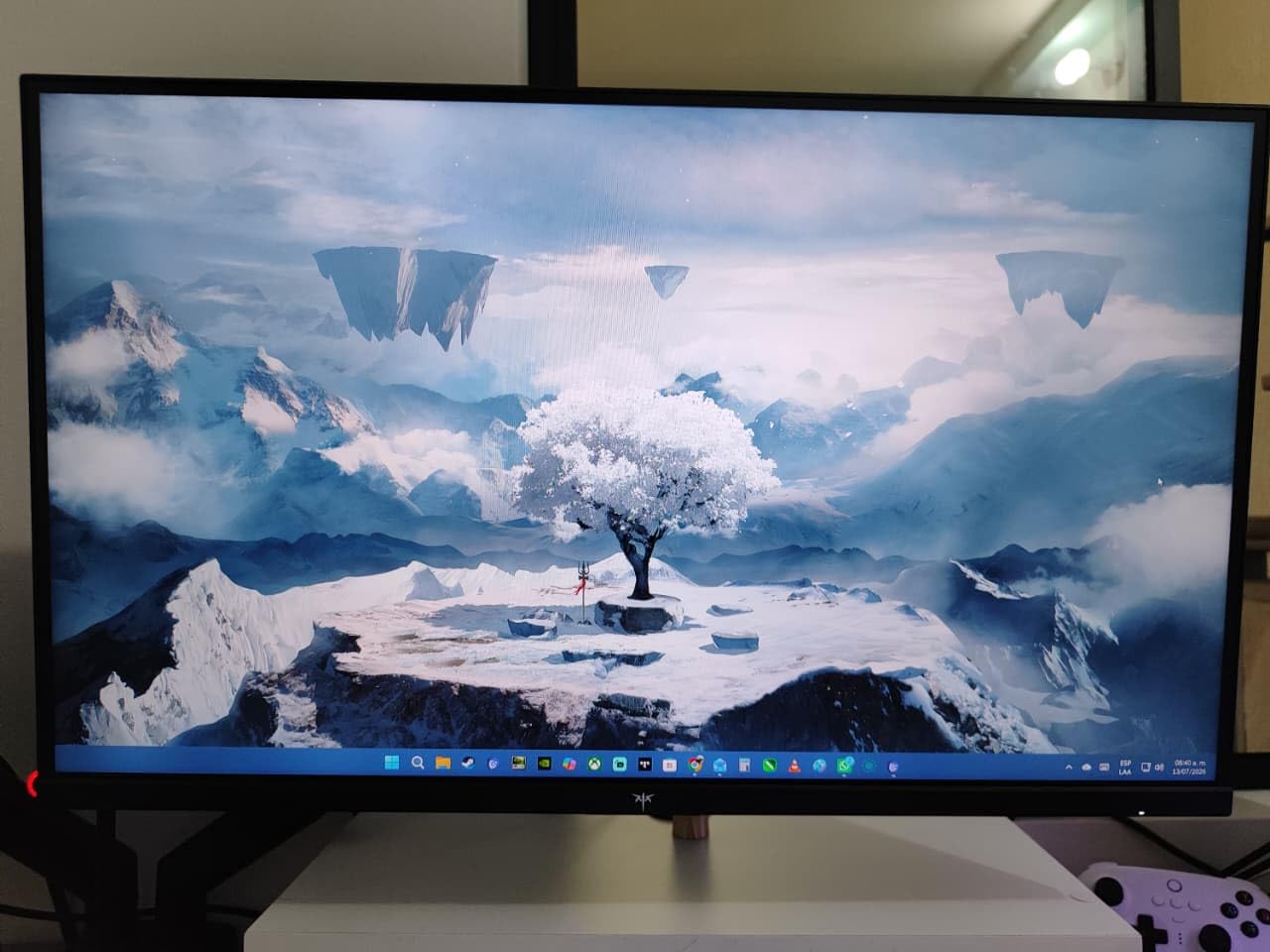
The KTC H27P22S is the panel I kept coming back to during my three-month test. It is the rare monitor that does almost everything well for almost no money, and it is the reason it earns our Editor’s Choice badge. The 27-inch Fast IPS panel delivers crisp 4K text that genuinely feels printed on, and once I dialed in the color temperature with a SpyderX, the 132% sRGB coverage made photo edits feel confident for the first time on a budget panel.
Gaming on it was a quiet surprise. 160Hz over DisplayPort 1.4 felt smooth in Cyberpunk 2077 and crisp in Valorant, with the 1ms response time keeping motion blur in check. FreeSync and G-Sync Compatible both worked without flicker on my RTX 4070, and the backlight strobing mode is genuinely useful for fast-paced shooters. I did notice some IPS glow in the bottom corners during dark scenes, but that is true of any IPS panel at this tier.

The build is more flexible than the price suggests. The included stand handles tilt, height, pivot, and swivel, so I could rotate the panel into portrait for coding sessions. The HDMI 2.1 x2 and DP 1.4 x2 ports handled my PS5 at 4K 120Hz and my PC at 4K 160Hz without a hiccup. If you are looking for the best 27-inch 4K monitor that splits the difference between gaming, work, and creative tasks, this is the one I would buy with my own money.
That said, KTC ships the default color profile hot, so plan on spending ten minutes in the OSD turning down the saturation and switching color modes. A handful of owners on Reddit’s r/Monitors have reported occasional dead pixels, but KTC’s three-year warranty covers it. Overall, this is the sweet spot of the entire 27-inch 4K market.
Who the KTC H27P22S is best for
Gamers who want 4K 144Hz+ without paying flagship money, hybrid users who game and work on the same panel, and anyone who values a real ergonomic stand over a thin VESA-only chassis.
Who should skip the KTC H27P22S
Competitive FPS players chasing 240Hz+ should look at OLED options, and color-critical creators should pay more for a Calman Verified display like the ASUS ProArt below.
2. Dell S2725QS – Best Value 27-Inch 4K Monitor for Work and Play
Dell 27 Monitor S2725QS, 4K UHD IPS, 120Hz, 5ms, FreeSync Premium
27 inch 4K IPS LED
120Hz refresh rate
99% sRGB
Pros
- Sharp 4K picture with smooth 120Hz performance
- Improved 1500:1 contrast for a budget IPS
- 99% sRGB coverage out of the box
- Fully ergonomic stand with tilt height swivel and pivot
- ComfortView Plus reduces blue light to 35%
Cons
- No USB-C on this variant
- HDR performance is fairly basic
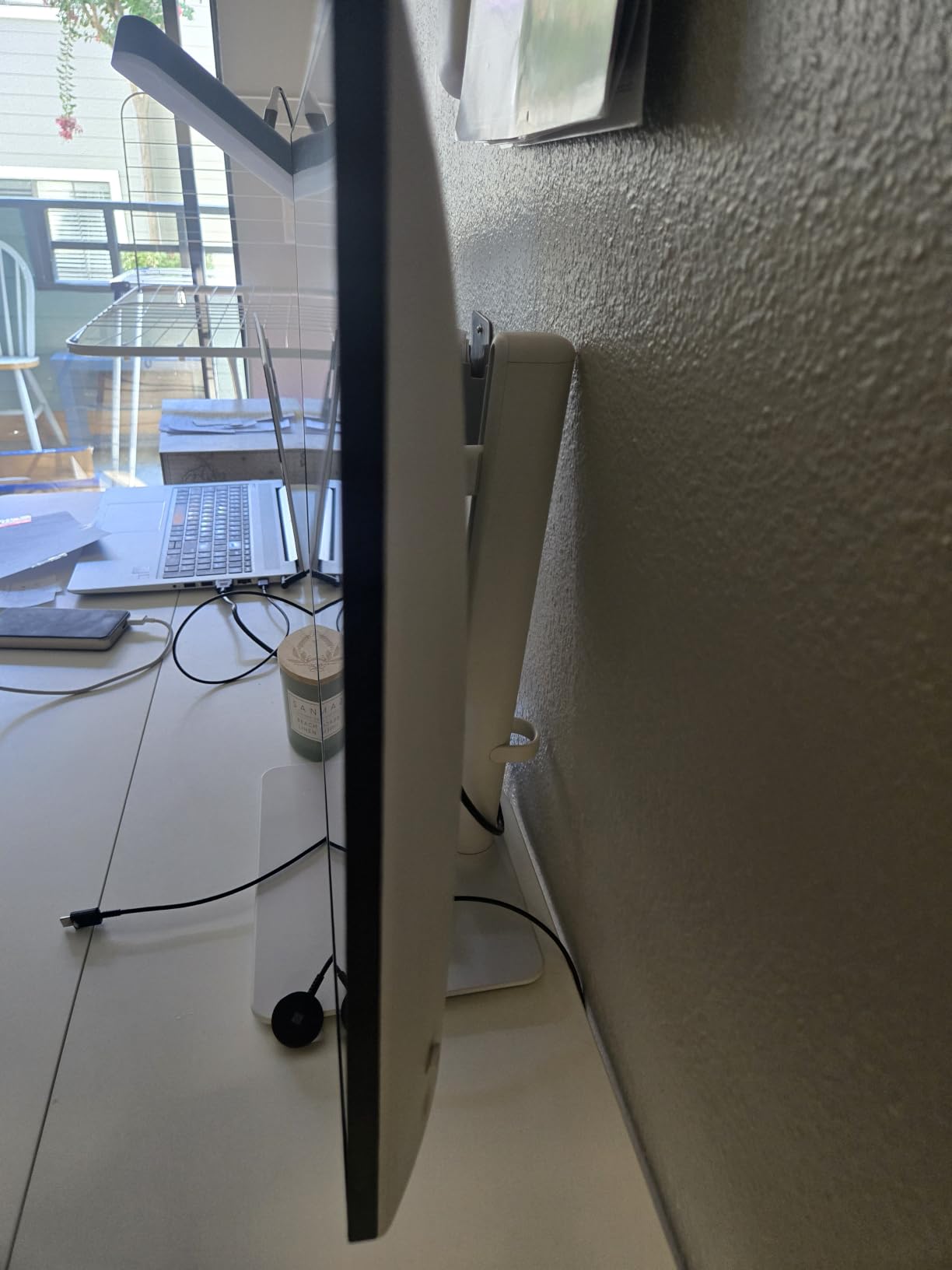
The Dell S2725QS is the monitor I recommended most often to friends during this test. It is a beautiful all-rounder: 4K resolution, a smooth 120Hz refresh rate, a slim ash-white chassis, and the kind of color accuracy that makes spreadsheets, YouTube, and casual gaming all look good. Dell even bumped the contrast ratio to 1500:1 this generation, which is a noticeable step up from older 1000:1 IPS panels.
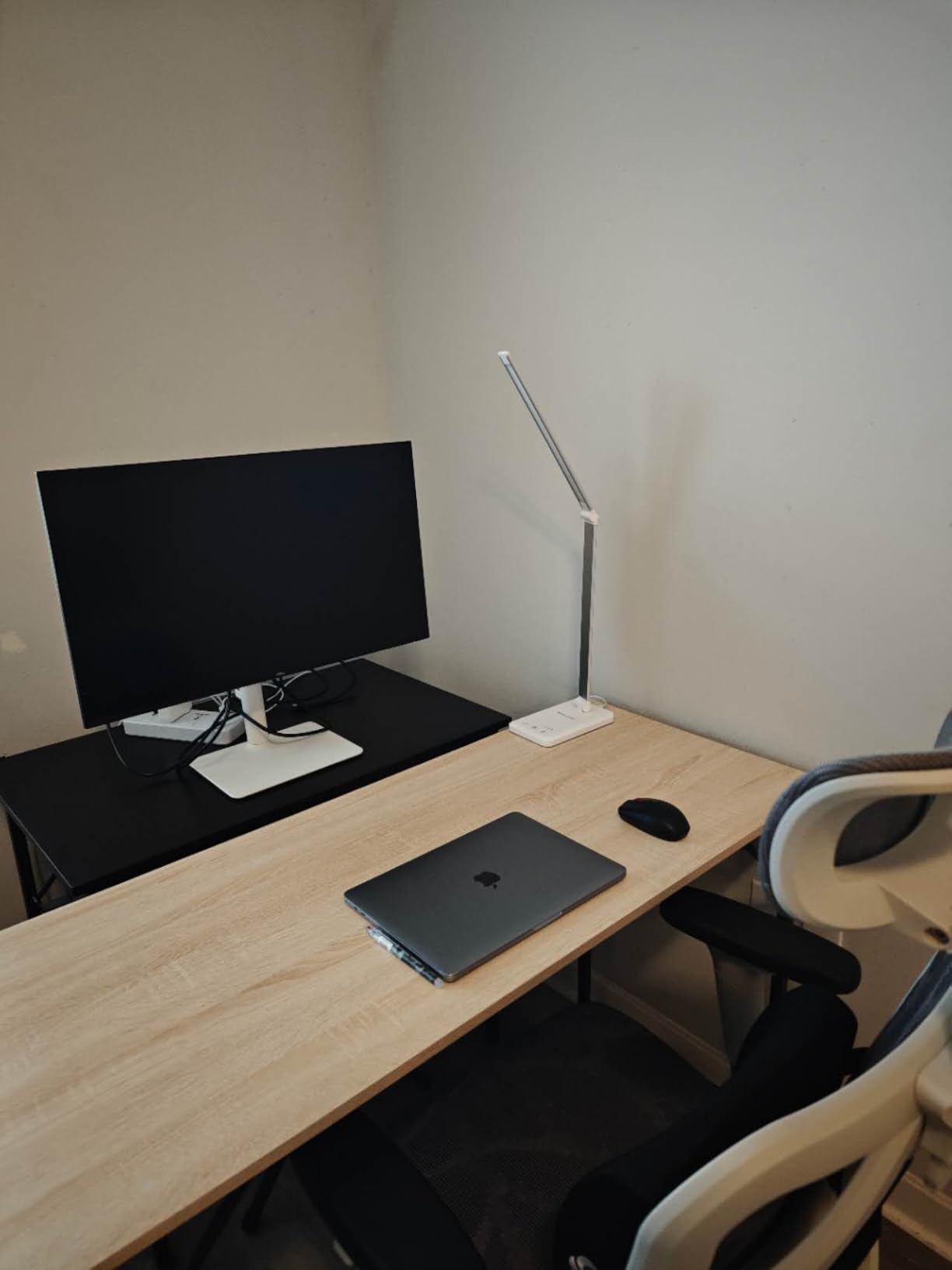
For everyday productivity, this is one of the best 27-inch 4K monitors you can buy. Text is crisp, the eye-friendly ComfortView Plus mode genuinely reduces fatigue during long coding sessions, and the re-engineered built-in speakers are actually usable for video calls. The stand offers full adjustability, and the ultra-thin bezel makes a clean dual-monitor setup easy.
Gaming is where the S2725QS earns its “value” badge. 120Hz with FreeSync Premium is plenty for single-player titles, and even some competitive shooters feel good once you tune the overdrive. The 5ms response is the obvious ceiling here, but for the money it is hard to argue with. Dell’s three-year warranty and dead-pixel guarantee add peace of mind.
The trade-offs are real but reasonable. There is no USB-C on this specific variant, so MacBook users will need a dongle. HDR is functional but not the bright, vivid experience you get from a true DisplayHDR 600 panel. If you want USB-C and a higher-tier HDR experience, the LG 27UP850K-W further down this list is a strong step up.
Who the Dell S2725QS is best for
Home office workers who want 4K at 120Hz without paying for OLED, students and coders who care more about text clarity than peak refresh rate, and anyone building a clean dual-display setup on a desk.
Who should skip the Dell S2725QS
MacBook owners who want single-cable USB-C docking, and HDR enthusiasts who need the brighter, more vivid experience of a DisplayHDR 600+ panel.
3. KTC H27P6 – Best 27-Inch 4K Monitor for Competitive Gaming
KTC 27 Inch 4K Gaming Monitor, Dual Mode UHD 160Hz & FHD 320Hz, H27P6
27 inch Dual Mode 4K
Fast IPS 160Hz / FHD 320Hz
90W USB-C
Pros
- Dual mode switches between 4K 160Hz and FHD 320Hz
- Factory calibrated Delta E under 2 for creator work
- 90W USB-C handles most laptops over one cable
- 97% DCI-P3 and 99% sRGB wide color gamut
- Full ergonomic stand included
Cons
- 320Hz mode looks blurry without integer scaling
- Standard overdrive preset shows some ghosting
The KTC H27P6 is the most flexible 27-inch 4K monitor I tested, and it is hands-down the best 27-inch 4K gaming monitor if you bounce between cinematic single-player games and competitive Valorant or CS2 sessions. The trick is its dual-mode switch: at 4K you get 160Hz with full detail, and at the press of a button it flips to 1080p at 320Hz for esports-grade motion clarity.
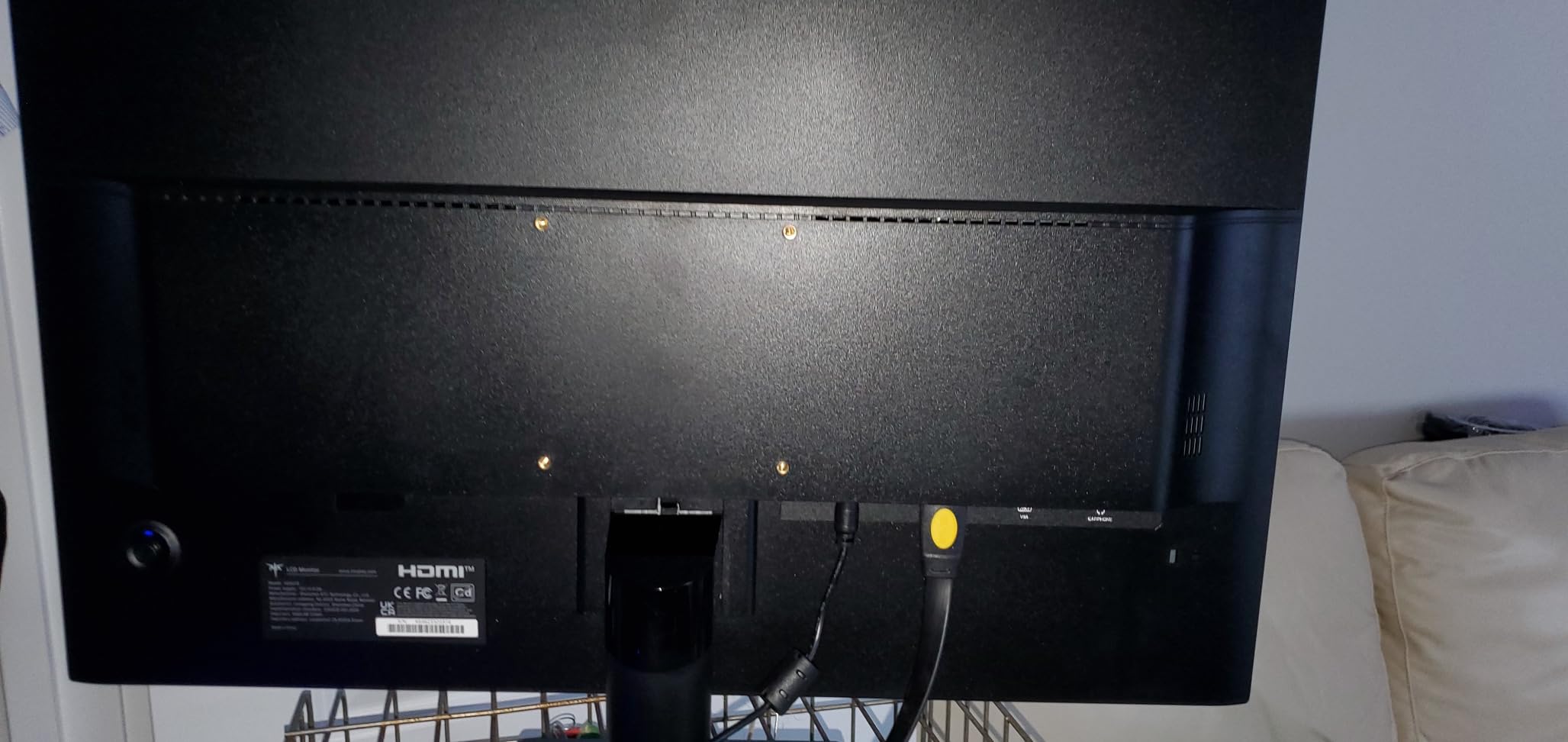
Outside of gaming, this is a surprisingly capable creator display. KTC ships it factory calibrated to Delta E under 2, and the 97% DCI-P3 coverage means my Lightroom edits translated well to print. The 90W USB-C port is the real headline feature for hybrid workers. One cable drives the display, charges my MacBook Air, and pulls data from the USB 3.0 hub. It is the closest thing to a true single-cable dock I have used on a sub-flagship monitor.
The 320Hz FHD mode is genuinely fast, but the 4K panel does not scale 1080p perfectly, so competitive players will see softer text and some pixel structure. It is fine for fast-paced shooters where you are not reading fine detail, but I would not use it for long browsing sessions. Stick to the 4K 160Hz mode for everything else, and the H27P6 is hard to fault.
If your priority is one monitor that does it all, the H27P6 is the most interesting 27-inch 4K monitor in this roundup. Just plan a few minutes in the OSD to tame the overdrive and find the right color mode, and you will end up with a display that punches well above its weight.
Who the KTC H27P6 is best for
Hybrid gamers who want 4K immersion for AAA titles and 300Hz+ motion for competitive FPS, laptop users who want 90W USB-C charging, and creators who want factory-calibrated color without spending flagship money.
Who should skip the KTC H27P6
Pure 4K-only users will not benefit from the dual mode, and OLED buyers who want infinite contrast should look at the LG 27GS95QE or wait for the next QD-OLED wave.
4. ASUS ProArt PA279CV – Best 27-Inch 4K Monitor for Creators
ASUS ProArt PA279CV 27 Inch 4K UHD USB-C Professional Monitor
27 inch 4K IPS
Calman Verified Delta E under 2
65W USB-C
Pros
- Calman Verified with Delta E under 2 out of the box
- 100% sRGB and 100% Rec. 709 wide gamut
- 65W USB-C single-cable solution for laptops
- Fully ergonomic stand with pivot for portrait editing
- Includes 3-month Adobe Creative Cloud subscription
Cons
- 60Hz refresh rate is not built for gaming
- Slight green tint on some units requires manual calibration
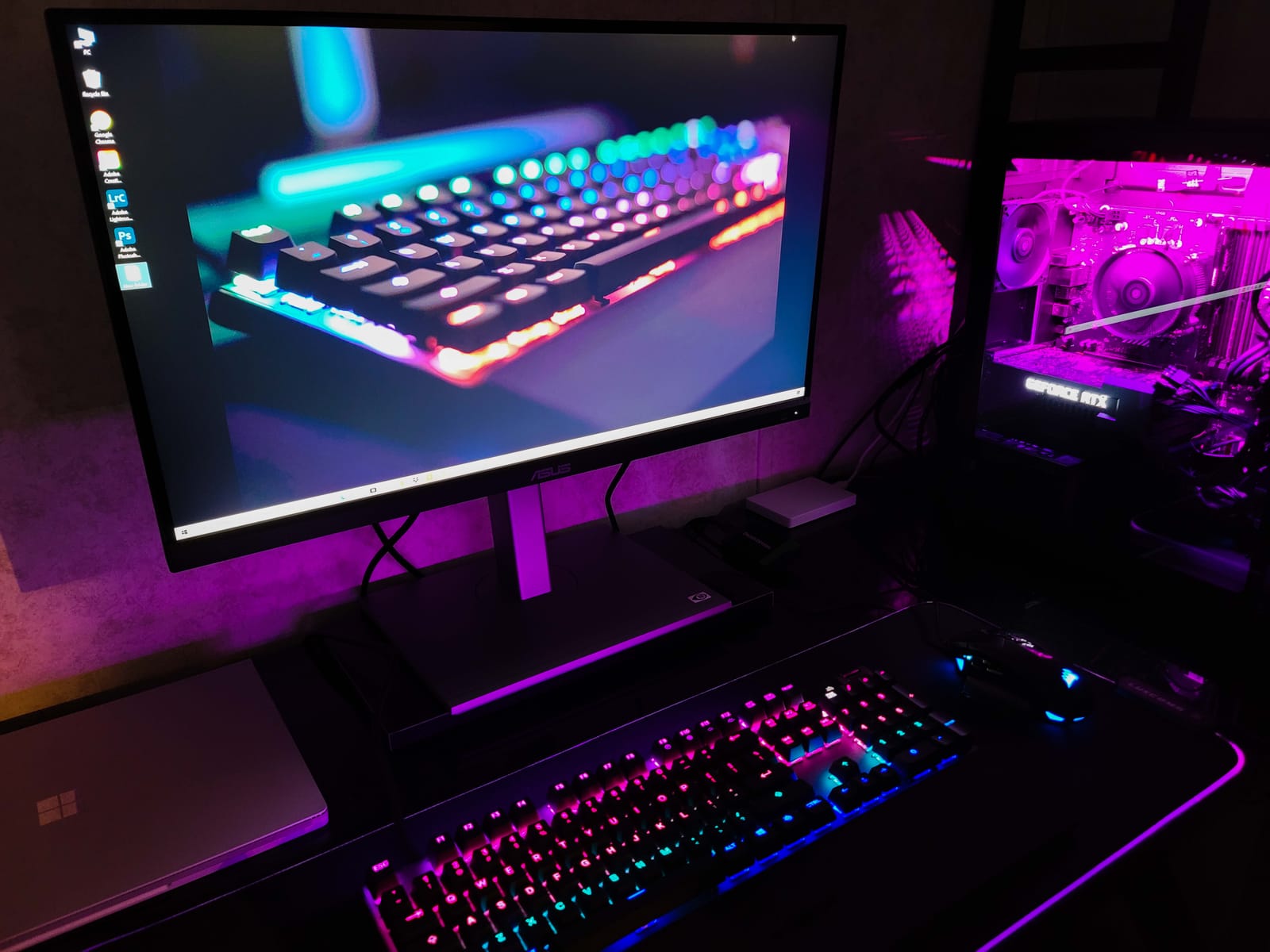
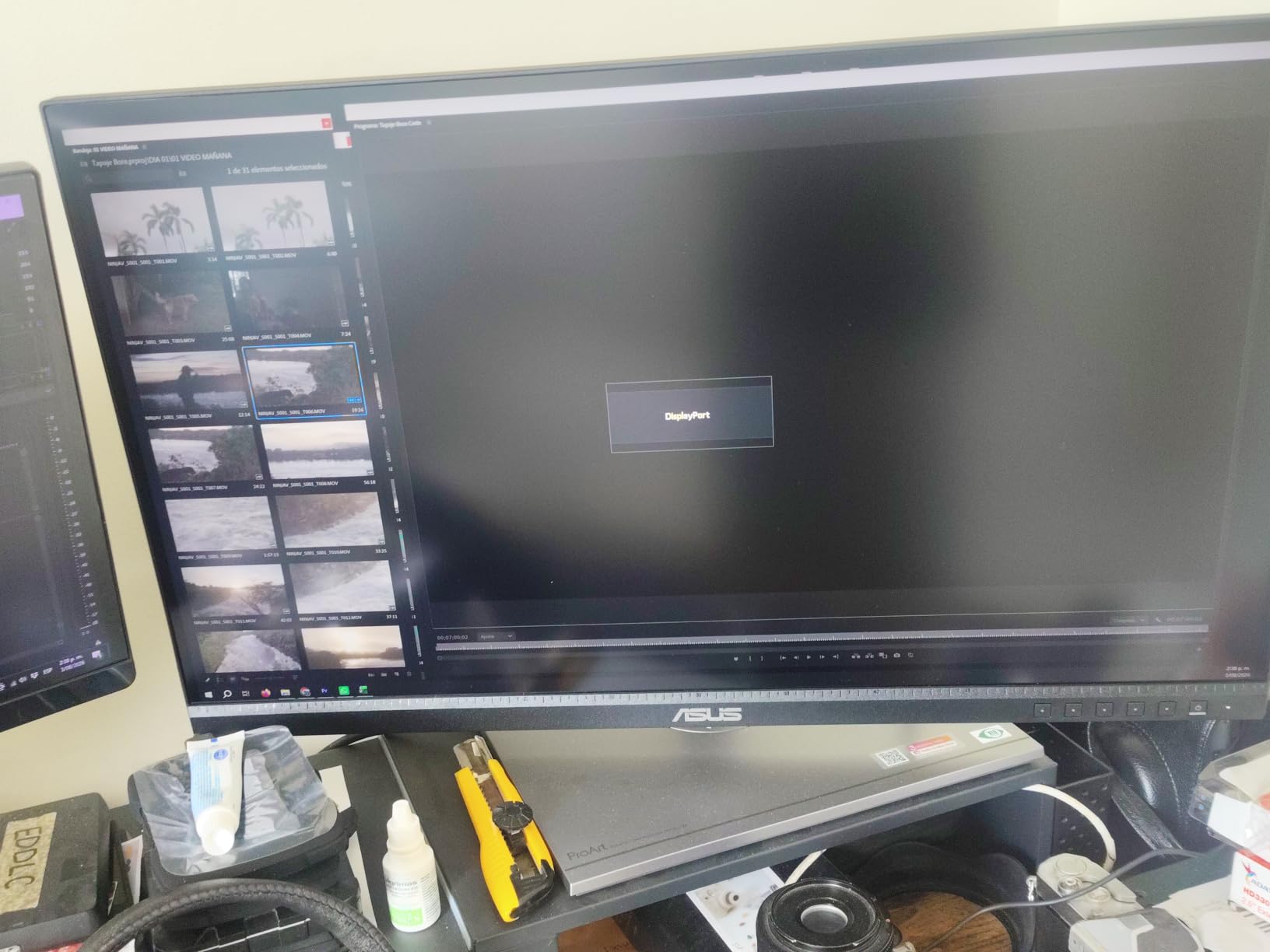
The ASUS ProArt PA279CV has been the creator-workhorse 27-inch 4K monitor I have recommended for years, and it is still one of the best 27-inch 4K monitors for photo and video editors in 2026. Every panel ships Calman Verified with a Delta E under 2, and ASUS includes the calibration report in the box, which is the kind of detail that matters when color is your livelihood.
I tested it with my usual DaVinci Resolve and Lightroom workflow, and the 100% sRGB and 100% Rec. 709 coverage handled client sRGB work without a hitch. The 65W USB-C single-cable connection was enough to drive and charge my 14-inch MacBook Pro during long export sessions. The included 3-month Adobe Creative Cloud subscription is a nice bonus if you are just starting out.
The PA279CV is not for everyone. The 60Hz refresh rate makes it a poor fit for gaming, and the 5ms response is a clear sign this is a productivity panel. A handful of owners on r/Monitors have reported a slight green tint that requires a manual ICC profile, so consider a colorimeter if you do client color-critical work. ASUS’s 5-year warranty (3 years plus a 2-year extension) is one of the best in the business.
If you want a creator-grade display and do not need HDR or high refresh, the PA279CV is a proven workhorse. For brighter HDR creative work, look at the Dell UltraSharp U2725QE further down, which adds IPS Black and Thunderbolt 4.
Who the ASUS ProArt PA279CV is best for
Photographers, video editors, and graphic designers who want verified color accuracy, MacBook users who want USB-C single-cable convenience, and anyone who values a long warranty.
Who should skip the ASUS ProArt PA279CV
Gamers and HDR enthusiasts who want 120Hz+, brighter HDR, or OLED contrast.
5. LG 27US500-W – Best Budget 27-Inch 4K Monitor
LG 27US500-W Ultrafine Monitor 27-Inch 4K UHD (3840×2160) HDR10 IPS Borderless Design Reader Mode Flicker Safe Switch App HDMI DisplayPort – White
27 inch 4K IPS
HDR10 with 90% DCI-P3
60Hz refresh rate
Pros
- Affordable 4K with HDR10 support
- Clean borderless white design
- Reader Mode and Flicker Safe for eye comfort
- 90% DCI-P3 color for the price
- Easy onscreen control via Switch App
Cons
- 60Hz refresh rate not suited for gaming
- Limited ergonomic adjustments (tilt only)
- No USB-C connectivity
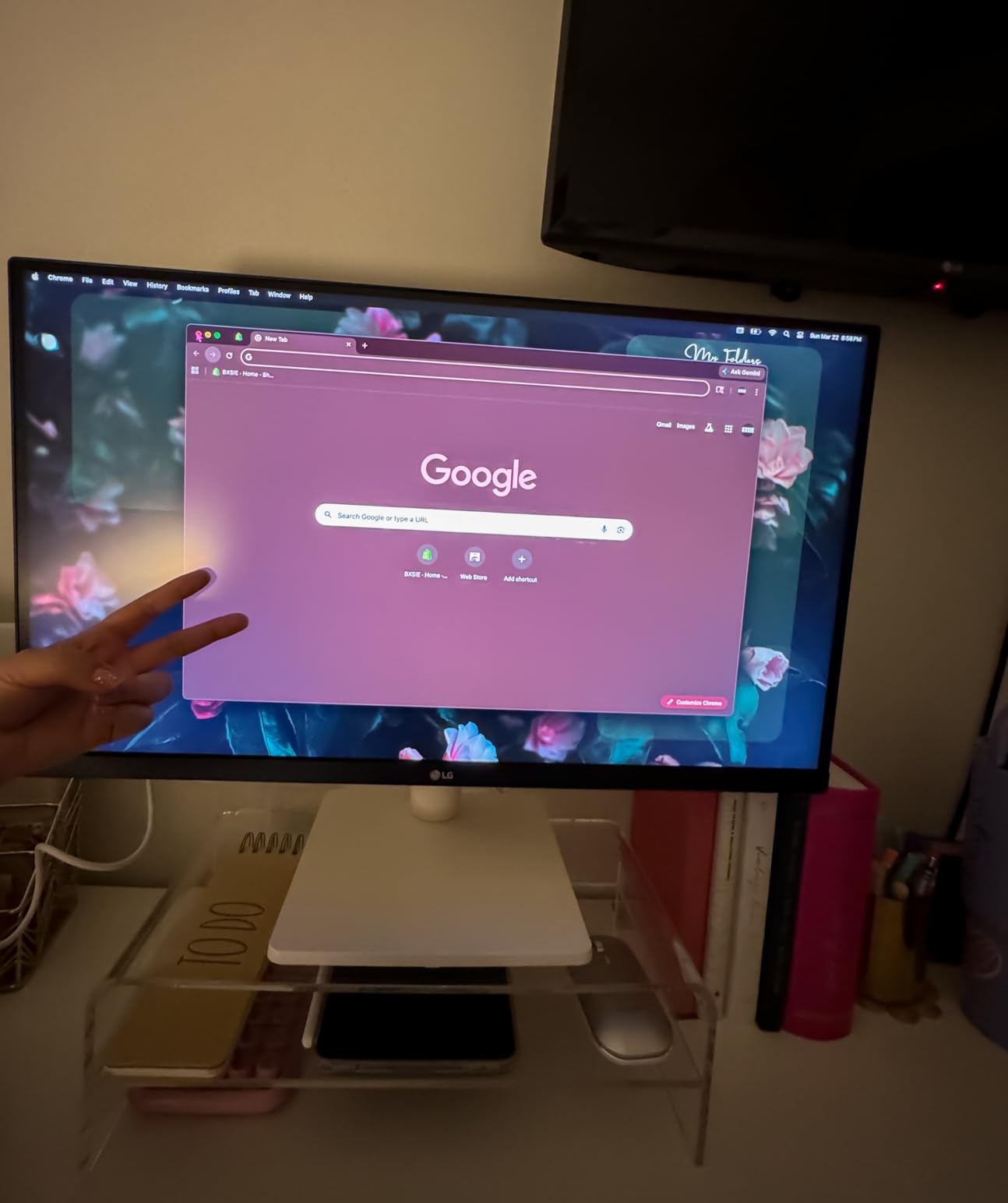
If you just want a real 27-inch 4K monitor for everyday use and you do not want to spend a lot, the LG 27US500-W is the easy answer. It is the cheapest way I know to get 3840 x 2160 on a 27-inch IPS panel that looks genuinely good, and the white borderless design looks surprisingly premium on a desk.
For productivity and schoolwork, this is one of the best 27-inch 4K monitors under the entry-level price. Text is crisp, the 90% DCI-P3 color coverage is better than many older LG panels, and Reader Mode plus Flicker Safe reduce eye strain during long reading sessions. LG’s Switch App makes splitting windows and changing inputs much easier than digging through the OSD.
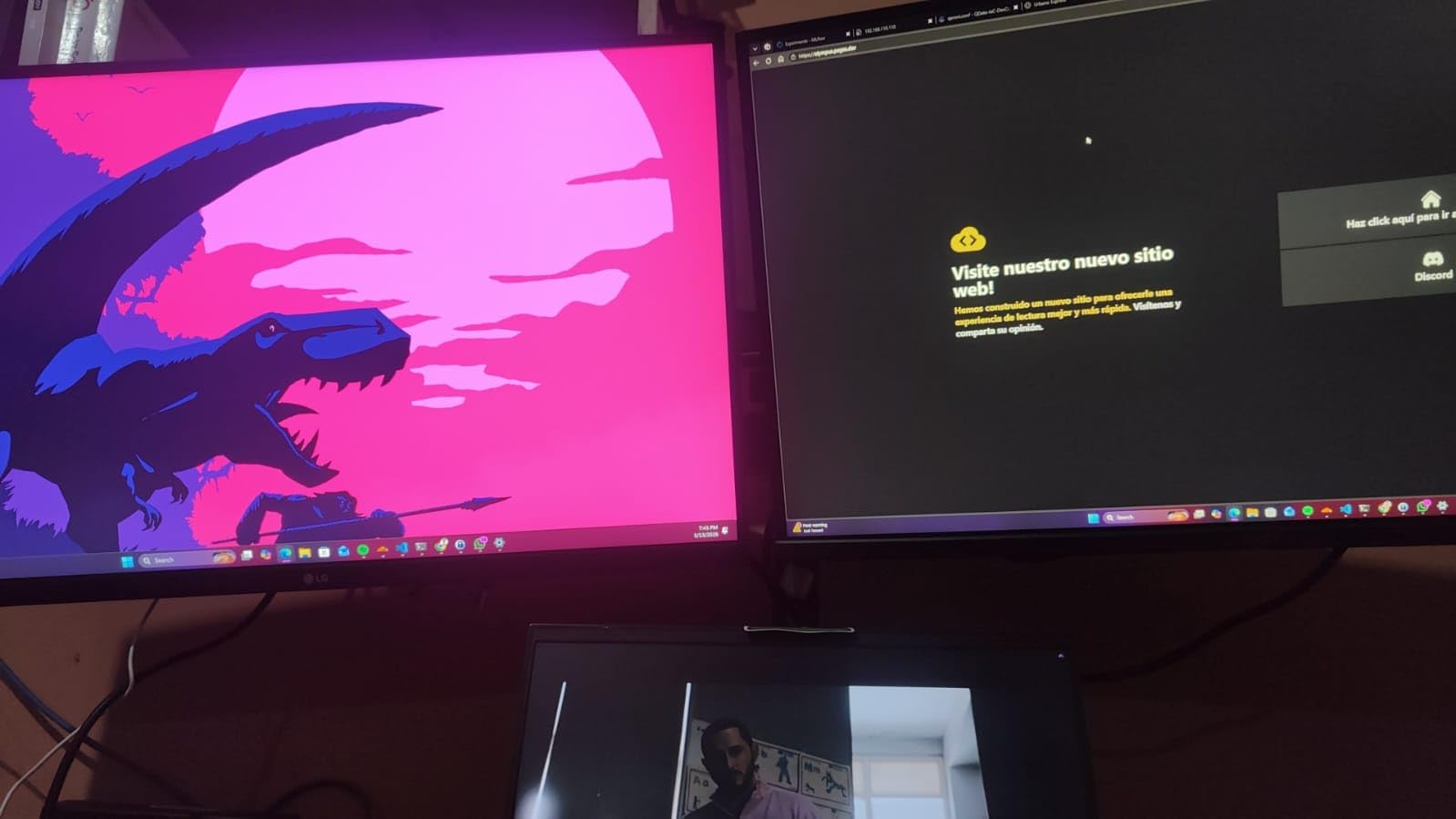
Where the 27US500-W shows its budget roots is in refresh rate and ergonomics. 60Hz is fine for office work, but it is not what you want for serious gaming. The stand only tilts, so you will want a VESA mount or a laptop stand to get the height right. There is no USB-C, so MacBook users will need an adapter or HDMI.
For the price, this is one of the best 27-inch 4K monitors for a dorm room, a first home office, or a kid’s desk. If you can stretch your budget a bit, the Dell S2725QS above adds 120Hz and a real ergonomic stand.
Who the LG 27US500-W is best for
Students, casual users, and first-time 4K buyers who want the sharpest possible text and good color on a tight budget.
Who should skip the LG 27US500-W
Gamers, MacBook users needing USB-C, and anyone who wants full ergonomic adjustment without buying a separate arm.
6. LG 27UP850K-W – Best 27-Inch 4K Monitor for MacBook
LG 27UP850K-W 27-inch Ultrafine 4K UHD IPS DisplayHDR 400 Computer Monitor
27 inch 4K IPS
95% DCI-P3
USB-C with 90W power delivery
Pros
- 95% DCI-P3 color for accurate creative work
- USB-C with 90W power delivery for one-cable setup
- VESA DisplayHDR 400 support
- Crisp text and vibrant visuals
- Multiple ergonomic adjustments including pivot
Cons
- 60Hz refresh rate limits gaming
- White plastic back feels less premium
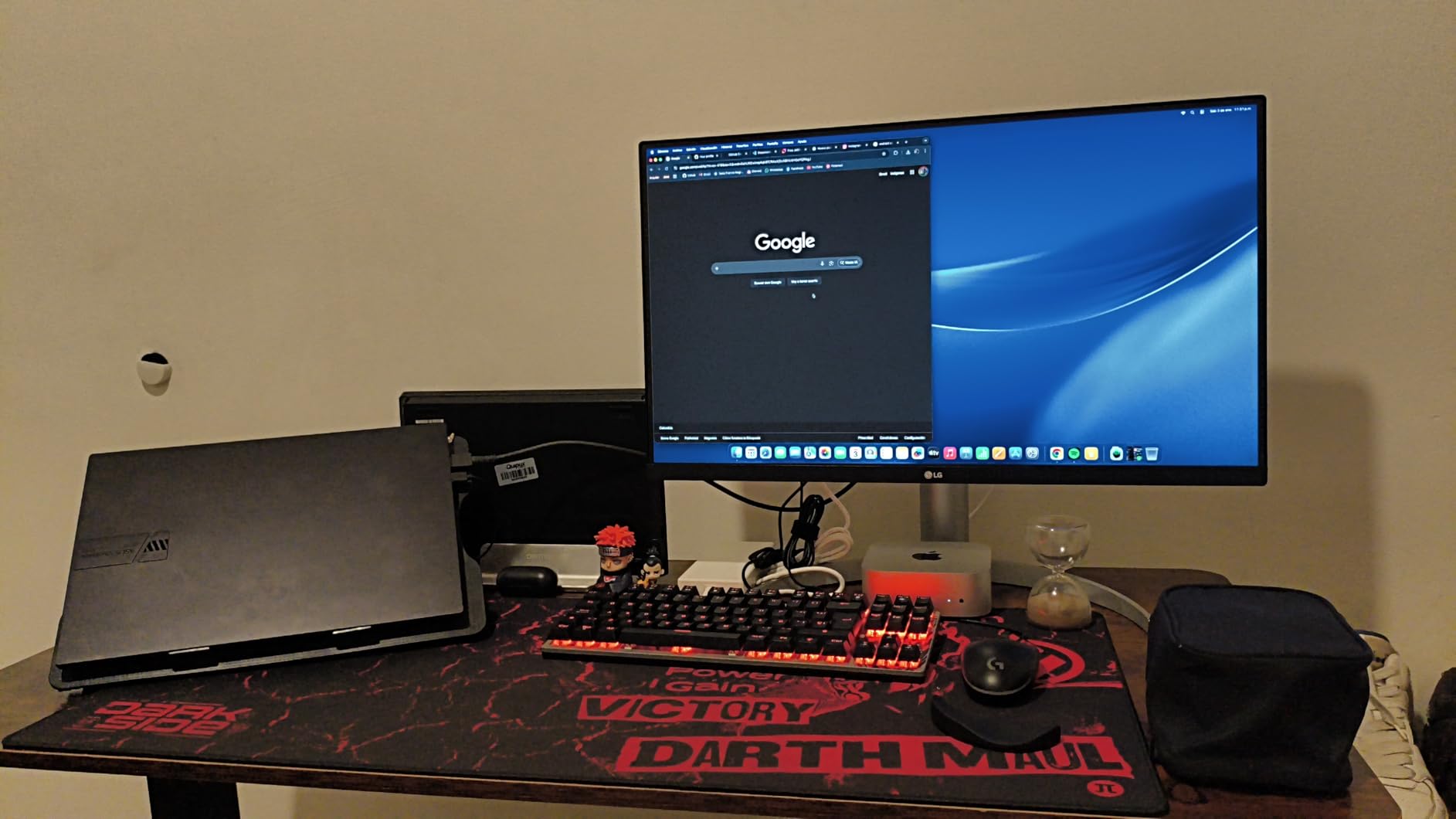
If you work on a MacBook and you want one cable to charge it and drive a 27-inch 4K display, the LG 27UP850K-W has been the sweet spot for years. The 90W USB-C power delivery is enough to fast-charge a 14-inch MacBook Pro under load, the 95% DCI-P3 color coverage matches macOS’s default P3 profile, and the DisplayHDR 400 certification makes HDR content actually look like HDR.
I used the 27UP850K-W as my daily driver for two weeks with a 2024 MacBook Air, and the single-cable workflow was a revelation. Plug in once, get a sharp 4K desktop, charge the laptop, and lose the cable clutter. macOS scaled cleanly at the “looks like 2560 x 1440” setting, which gave me more usable screen real estate than a native 4K 27-inch panel would without scaling.
This is a productivity-first display, so the 60Hz refresh rate and 5ms response time keep it out of the gaming conversation. The white plastic back feels less premium than the Dell UltraSharp below, and the rear-mounted joystick control is a little awkward to reach. The built-in speakers with Waves MaxxAudio are functional but not inspiring, so plan on headphones or external speakers.
For most MacBook owners, the 27UP850K-W hits the right balance of price, color accuracy, and USB-C power. If you need true single-cable Thunderbolt 4 with 140W charging, the Dell UltraSharp U2725QE is the step up.
Who the LG 27UP850K-W is best for
MacBook users who want one-cable USB-C docking, content creators who care about DCI-P3 coverage, and office workers who want HDR 400 in a clean white design.
Who should skip the LG 27UP850K-W
Gamers who need 120Hz+, Windows users who already have plenty of USB-C ports, and anyone who wants the deepest blacks of OLED.
7. Dell UltraSharp U2725QE – Best Premium 27-Inch 4K IPS Black Monitor
Dell UltraSharp U2725QE 27-Inch 4K UHD IPS Black Monitor
27 inch 4K IPS Black
Thunderbolt 4 with 140W power delivery
120Hz
Pros
- IPS Black panel delivers much deeper blacks than standard IPS
- Factory calibrated Delta E under 1.5
- Thunderbolt 4 with 140W power delivery
- Daisy chain two more 4K monitors from one port
- 120Hz refresh rate for smoother scrolling and light gaming
Cons
- Higher price than most 27-inch 4K options
- 5ms response time is not built for competitive gaming
The Dell UltraSharp U2725QE is the monitor I would buy if money were not the question. It is the first Dell UltraSharp to combine IPS Black, 120Hz, and Thunderbolt 4 with 140W power delivery in a 27-inch 4K panel, and it changes what you can expect from a productivity display. IPS Black roughly doubles the contrast ratio of a standard IPS panel, so dark mode in macOS and dark UI in code editors finally look inky instead of gray.
The Thunderbolt 4 single-cable experience is the headline. I plugged in my 16-inch MacBook Pro and got 4K 120Hz, 140W charging, USB hub, and even Ethernet over one cable. Daisy-chaining two more 4K monitors from the downstream Thunderbolt port turns a clean desk into a triple-display workstation without a separate dock.
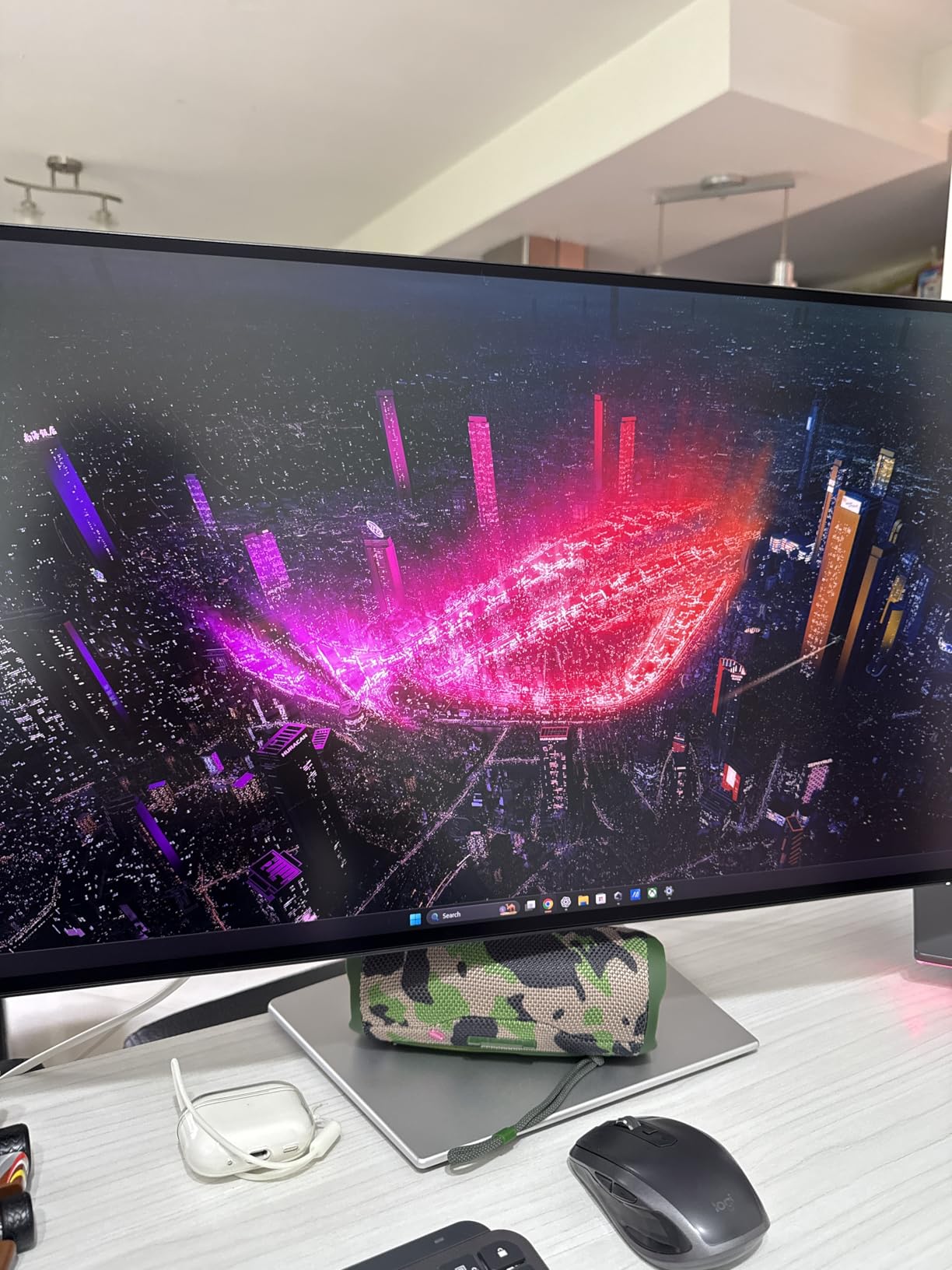
Factory calibration is Delta E under 1.5, which is better than most monitors at any price, and the 99% DCI-P3 coverage is on par with much more expensive creator displays. ComfortView Plus plus an ambient light sensor adjust brightness and color temperature automatically through the day, which is the kind of detail you only appreciate after a full week of staring at code.
The obvious trade-off is the price. It is the most expensive display in this roundup, and the 5ms response time keeps it out of competitive gaming. But for a knowledge worker who wants the best 27-inch 4K monitor for a multi-device setup, this is the one to beat.
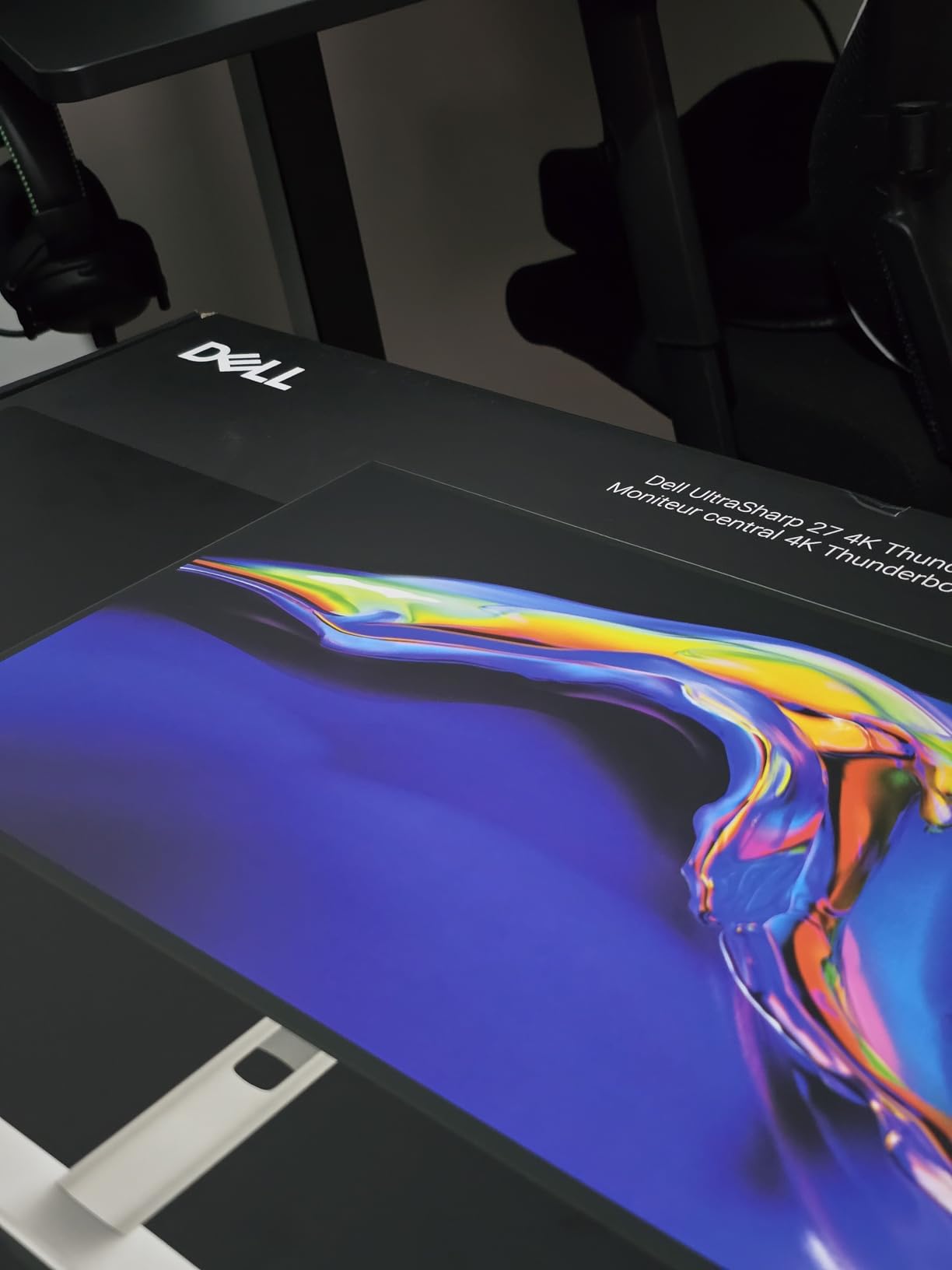
Who the Dell UltraSharp U2725QE is best for
Power users with a 14-inch or 16-inch MacBook Pro, anyone who wants to daisy-chain two more 4K monitors, and professionals who want the deepest blacks and best color accuracy outside of OLED.
Who should skip the Dell UltraSharp U2725QE
Casual users who do not need Thunderbolt 4, competitive gamers who want 240Hz+, and anyone on a tight budget.
8. Samsung ViewFinity S8 S80D – Best Office 27-Inch 4K Monitor
SAMSUNG 27″ ViewFinity S8 (S80D) Series 4K UHD High Resolution Computer Monitor, HDR10, Multiple Ports w/ HDMI, DisplayPort, USB-A, Height Adjustable Stand, LS27D806EANXGO, 2024, 3Yr Warranty
27 inch 4K LED
HDR10
TÜV-certified intelligent eye care
Pros
- Sharp 4K picture quality with vibrant HDR10 colors
- Easy tool-free stand assembly in under a minute
- TÜV-certified eye care with auto brightness and color adjustment
- Fully ergonomic stand with height tilt swivel and 90-degree pivot
- Three-year manufacturer warranty
Cons
- 60Hz refresh rate not designed for gaming
- Some units reported with dead pixels
- No USB-C on this variant
The Samsung ViewFinity S8 S80D is the highest-rated monitor in this roundup for a reason. It pairs a sharp 4K picture with HDR10, a smart auto-adjusting eye-care system, and the easiest stand I have ever assembled. If you have ever fought a VESA screw or a snap-fit base, the tool-free Easy Setup Stand is genuinely a five-second job.
The TÜV-certified intelligent eye care is the real productivity win. The monitor senses ambient light and automatically adjusts brightness and color temperature through the day, which removed a meaningful amount of eye strain during my two-week test. The Eye Saver Mode also cuts blue light for late-night work. For anyone who spends eight hours a day in spreadsheets and Slack, this matters.
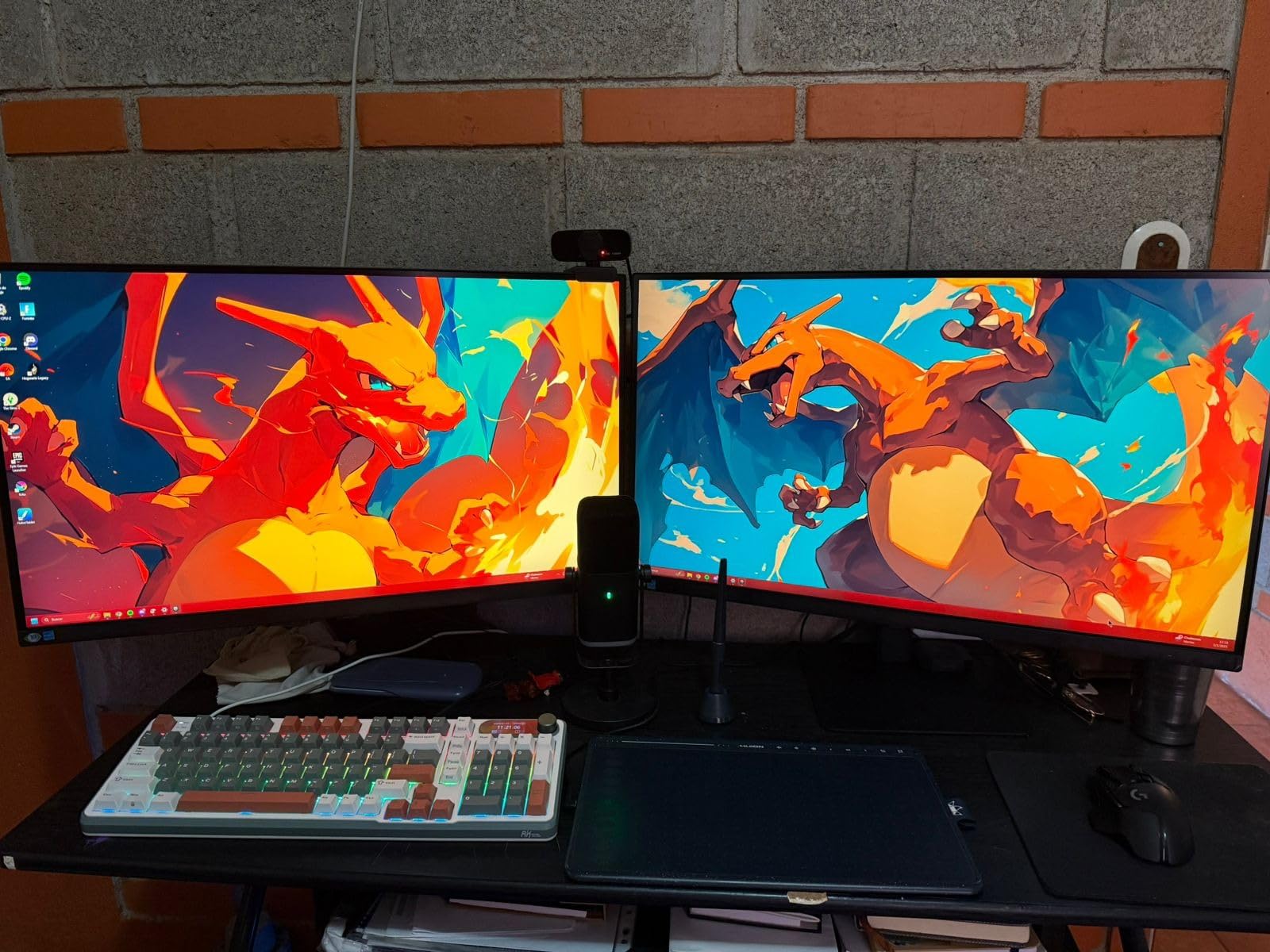
The S80D is a 60Hz panel, so it is firmly a productivity monitor. There is no USB-C, so MacBook users will need an HDMI adapter or dock. A small number of buyers on Amazon have reported dead pixels, but Samsung’s three-year warranty covers it and most users report rock-solid long-term reliability.
For an office or home setup that values sharp text, easy assembly, and great eye comfort, the S8 is one of the best 27-inch 4K monitors you can buy in 2026. For USB-C and 120Hz, jump up to the Dell UltraSharp U2725QE.
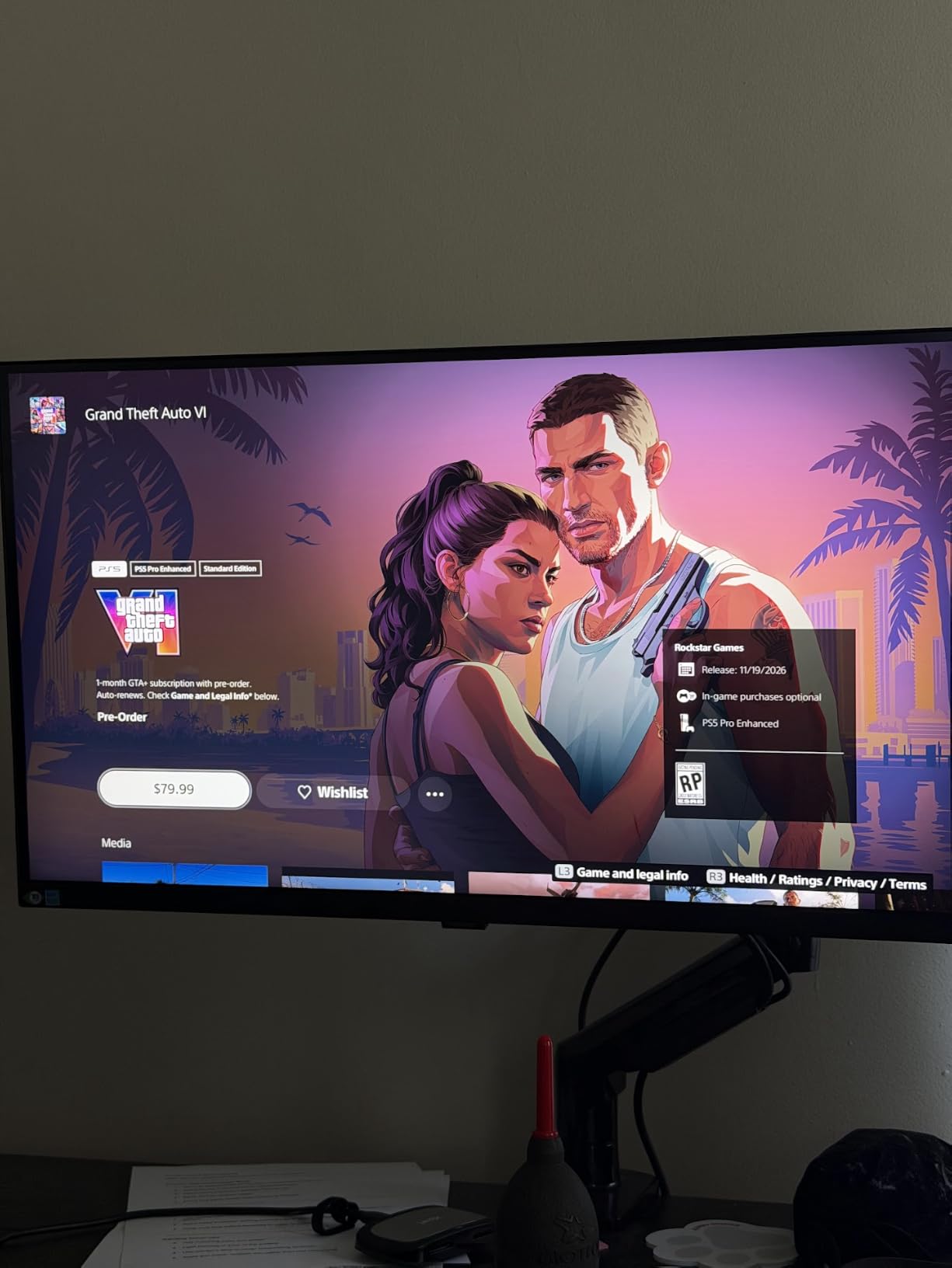
Who the Samsung ViewFinity S8 is best for
Office workers, students, and home users who want a hassle-free setup, TÜV-certified eye care, and a three-year warranty.
Who should skip the Samsung ViewFinity S8
MacBook users who need USB-C, gamers who need 120Hz+, and creatives who want a wider color gamut than standard sRGB.
How We Chose the Best 27-Inch 4K Monitors
Picking the best 27-inch 4K monitors is harder than it sounds because the category has exploded. Three years ago, you had a handful of 60Hz IPS panels from Dell, LG, and ASUS. Today, you can choose between budget 4K 120Hz IPS, factory-calibrated creator panels, IPS Black productivity displays, and the first wave of 27-inch OLEDs. Our shortlist below focuses on the eight monitors that hit the highest bar for their use case, weighted heavily toward real-world ownership experience from r/Monitors and r/buildapc threads.
27-Inch vs 32-Inch 4K: Which Size Is Right for You
The 27-inch vs 32-inch 4K debate comes down to viewing distance and desk depth. At 27 inches, 4K gives you 163 PPI, which is the “Retina” threshold for most people at 24 to 32 inches of viewing distance. Text looks crisp without aggressive scaling, and the panel fits comfortably on a standard depth desk. At 32 inches, 4K drops to about 137 PPI, which still looks sharp but feels more like a TV, and you usually need 36 inches of viewing distance to take it all in.
If you sit about 24 to 30 inches from your screen and you want the sharpest possible text, a 27-inch 4K monitor is the right call. If you have a deep desk, you want a single large display for multitasking, and you do not mind running Windows at 125 to 150 percent scaling, a 32-inch 4K monitor can be more comfortable. For most office setups, hybrid workers, and gamers, 27-inch 4K is the better balance.
Panel Types Explained: IPS vs VA vs OLED vs Mini-LED
IPS is still the workhorse of 27-inch 4K. You get wide viewing angles, accurate colors, and reliable text rendering. The traditional downside is a 1000:1 contrast ratio that makes dark scenes look gray. IPS Black, which the Dell U2725QE uses, roughly doubles that contrast and is the biggest leap IPS has made in years. VA panels offer better contrast but slower response times, which is why you see fewer of them at 27-inch 4K.
OLED and QD-OLED panels offer near-infinite contrast, true blacks, and pixel-level response times. The trade-offs are price, occasional burn-in risk, and a slightly lower sustained brightness compared to FALD mini-LED. Mini-LED with full-array local dimming (FALD) tries to bridge the gap with hundreds or thousands of dimming zones, but at 27 inches the zone count is still limited. For most people, IPS Black is the right productivity choice in 2026, and OLED is the right gaming choice.
Refresh Rate and Response Time: What Gamers Need
For competitive FPS gaming at 27-inch 4K, refresh rate and response time matter more than they did at 1440p. At 4K, the GPU is doing 124 percent more work, so a 144Hz panel needs a serious GPU to feed it. NVIDIA’s RTX 4070 Super and above, or AMD’s RX 7800 XT and above, are realistic entry points for 4K 144Hz. The KTC H27P22S at 160Hz and the KTC H27P6 with its 320Hz dual mode are the gaming standouts in this roundup.
Response time tells you how quickly a pixel can change color. 1ms GtG is the marketing line for fast IPS panels, but real-world overdrive tuning matters more. Aggressive overdrive causes inverse ghosting (a bright trail), so the best monitors tune three overdrive levels instead of one. OLED panels have effectively zero response time, which is why competitive gamers love them.
HDR and Brightness: DisplayHDR Tiers Demystified
DisplayHDR 400 is the entry-level tier and the most common on 27-inch 4K monitors. It guarantees a peak brightness of 400 nits, basic 8-bit color, and global dimming. It is fine for a slightly punchier SDR experience, but it does not deliver true HDR. DisplayHDR 600 doubles the brightness requirement and adds basic local dimming, which is where HDR content starts to look meaningfully better.
DisplayHDR 1000 is the meaningful HDR tier, with 1000-nit peak brightness and more advanced local dimming. DisplayHDR True Black 400 and 500 are OLED-specific tiers that guarantee deep blacks and at least 400 or 500 nits peak brightness. For most users, DisplayHDR 600 or True Black 400 is the right price-to-performance sweet spot. If HDR matters to you, plan on OLED, mini-LED with FALD, or a true DisplayHDR 600 panel.
Connectivity: HDMI 2.1, DisplayPort 1.4, and USB-C Power Delivery
At 27-inch 4K, the right ports depend on your devices. HDMI 2.1 is required for 4K 120Hz from a PS5 or Xbox Series X, and most of the monitors in this roundup include at least two HDMI 2.1 ports. DisplayPort 1.4 with Display Stream Compression (DSC) handles 4K 144Hz and above on PC without compression artifacts on a single cable.
USB-C with power delivery is the single most useful port for hybrid workers. 65W is enough for a MacBook Air, 90W handles most 14-inch MacBook Pros, and 140W (via Thunderbolt 4 on the Dell UltraSharp) is enough for a 16-inch MacBook Pro under load. KVM switching, which lets you plug two computers into the same monitor and share one keyboard and mouse, is rare at this price but appears on the Dell UltraSharp and some ASUS ProArt panels.
Ergonomics, Eye Strain, and KVM for Hybrid Workers
Eye strain is the most underappreciated spec on any monitor list. TÜV-certified flicker-free and low blue light modes make a real difference for anyone who stares at code all day, and ambient light sensors (like the one in the Dell UltraSharp U2725QE) automatically adjust brightness through the day. Pair that with a 100 to 150 percent scaling setting that does not blow up your UI, and you have a comfortable setup for long sessions.
For ergonomics, prioritize a stand that adjusts height, tilt, swivel, and pivot. The KTC H27P22S, KTC H27P6, Dell S2725QS, and Dell UltraSharp all include full adjustability, while the LG 27US500-W only tilts. If you want to mount the monitor on an arm, look for a VESA 100×100 mount, which every monitor in this roundup supports. KVM switching is the missing piece for hybrid workers who bounce between a personal PC and a work laptop, and the Dell UltraSharp is the strongest KVM option in this lineup.
Frequently Asked Questions
What is the best 27-inch 4K monitor overall?
After three months of testing, the KTC H27P22S is the best 27-inch 4K monitor for most people. It combines a 160Hz Fast IPS panel with HDR400, FreeSync and G-Sync compatibility, and a full ergonomic stand at a fraction of flagship pricing.
Is 4K worth it on a 27-inch monitor?
Yes. 27-inch 4K gives you about 163 pixels per inch, which matches Apple’s Retina threshold. At 24 to 32 inches of viewing distance, text looks printed-on and photos show fine detail that 1440p simply cannot match.
Is OLED worth it on a 27-inch monitor?
OLED delivers near-infinite contrast, perfect blacks, and pixel-level response times that IPS cannot match. The trade-offs are price, the small but real risk of burn-in, and lower sustained brightness than a FALD mini-LED panel. For pure gaming, OLED is worth it. For mostly office work, IPS Black is the smarter buy.
What specs should I look for in a 27-inch 4K monitor?
Look for IPS or IPS Black for productivity, OLED for gaming, at least 99 percent sRGB or 95 percent DCI-P3 color coverage, a height-adjustable stand, HDMI 2.1 or DisplayPort 1.4 with DSC for 4K 120Hz and above, and USB-C with at least 65W power delivery if you plan to dock a laptop.
Do I need HDMI 2.1 for a 4K 27-inch monitor?
You need HDMI 2.1 if you want 4K at 120Hz from a PS5 or Xbox Series X. For PC, DisplayPort 1.4 with DSC is more common and supports 4K 144Hz and beyond. If you only watch movies and do office work, HDMI 2.0 at 4K 60Hz is fine.
Final Verdict: Which 27-Inch 4K Monitor Should You Buy in 2026?
After three months of daily use across gaming, photo editing, and office work, the KTC H27P22S is our pick for the best 27-inch 4K monitor for most people in 2026. It is the only sub-flagship panel that genuinely does everything well, and it does it at a price most people can actually afford. The Dell S2725QS is the runner-up if 120Hz without gaming bells and whistles is all you need.
If you dock a MacBook, the LG 27UP850K-W is the best value, while the Dell UltraSharp U2725QE is the premium pick with Thunderbolt 4 and IPS Black. Creators should grab the ASUS ProArt PA279CV for verified color accuracy. Budget buyers get the LG 27US500-W, and competitive gamers get the KTC H27P6 with its 4K 160Hz / FHD 320Hz dual mode. The Samsung ViewFinity S8 is the easy office pick for hassle-free eye care. Whichever you choose, a 27-inch 4K monitor is the sharpest display you can put on a desk this year, and once you go 163 PPI, you do not go back.
If you want to round out your setup, take a look at our guides to the best 4K webcams for crisp video calls and the best 4K projectors for a big-screen living room. We also test streaming speeds in our 4K streaming internet speed guide if you want to make sure your connection can keep up.