
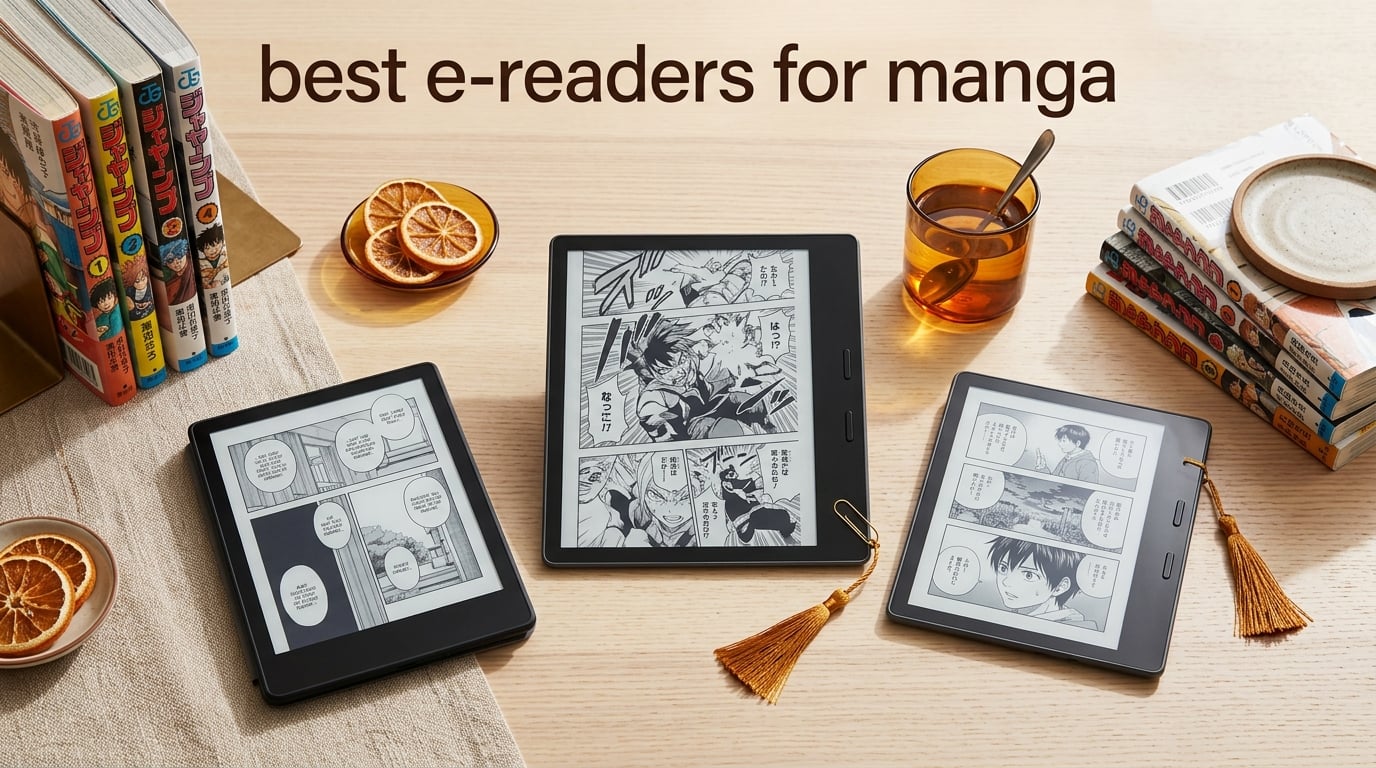
I have spent the last three months reading manga on every e-reader I could get my hands on, and the difference between the right device and the wrong one is night and day. The wrong screen makes small Japanese text unreadable, kills panel flow, and turns a 30-minute binge session into eye strain. The right one disappears in your hand and lets you read for hours. That is exactly why I built this guide to the best e-readers for manga in 2026.
Manga on e-ink is a fundamentally different experience than reading on a phone, tablet, or computer. The paper-like display reduces glare, eliminates blue light fatigue, and lets you read comfortably in bed, on a plane, or at the beach without reflections. Battery life measured in weeks means your binge sessions never end because of a dead device. Compared to a tablet, e-readers are also lighter, easier to hold one-handed for long stretches, and far less distracting. The trade-off used to be color, but modern Kaleido 3 color e-ink screens have finally made full-color manga reading viable on dedicated readers.
Our team compared ten of the most popular manga e-readers side by side, running everything from One Piece black-and-white action to full-color spreads in Chainsaw Man and Spy x Family. We paid close attention to screen size, native CBZ/CBR support, physical page-turn buttons, color reproduction, and the actual reading apps available on each platform. This guide covers the top picks for casual readers, library borrowers, serious collectors, and purists who only want the sharpest text possible.
Table of Contents
Top 3 Picks for Best E-Readers for Manga (2026)

Kobo Libra Colour
- 7 inch Kaleido 3 color display
- Physical page-turn buttons
- Native CBZ CBR support
- IPX8 waterproof

Kindle Colorsoft Signature
- 7 inch color display
- Color highlighting
- Auto-adjusting front light
- 32GB storage
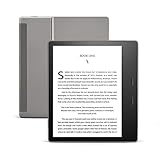
Kindle Oasis
- 7 inch 300 ppi flush-front display
- Physical page-turn buttons
- Adjustable warm light
- IPX8 waterproof
Best E-Readers for Manga in 2026: Quick Overview
| Product | Specifications | Action |
|---|---|---|
| Kobo Libra Colour (7 inch) |
|
Check Latest Price |
| Kindle Oasis (7 inch) |
|
Check Latest Price |
 Kindle Paperwhite Signature 32GB Kindle Paperwhite Signature 32GB |
|
Check Latest Price |
| Kindle Colorsoft Signature 32GB |
|
Check Latest Price |
 Kindle Scribe 16GB (10.2 inch) Kindle Scribe 16GB (10.2 inch) |
|
Check Latest Price |
 Kobo Clara Colour (6 inch) Kobo Clara Colour (6 inch) |
|
Check Latest Price |
 Kindle Scribe Colorsoft 64GB (11 inch) Kindle Scribe Colorsoft 64GB (11 inch) |
|
Check Latest Price |
 Kobo Clara BW (6 inch) Kobo Clara BW (6 inch) |
|
Check Latest Price |
 Kindle Paperwhite 16GB (7 inch) Kindle Paperwhite 16GB (7 inch) |
|
Check Latest Price |
 Kobo Elipsa 2E (10.3 inch) Kobo Elipsa 2E (10.3 inch) |
|
Check Latest Price |
1. Kobo Libra Colour – The Best E-Reader for Manga Overall
Kobo Libra Colour eReader, 7” Color E Ink, Waterproof, White
7 inch Kaleido 3
Page-turn buttons
32GB storage
CBZ/CBR native
Pros
- Physical page-turn buttons with ergonomic grip
- Native CBZ/CBR comic format support
- 7 inch color E Ink Kaleido 3 display
- 32GB storage holds 24000 books
- IPX8 waterproof for bath and pool
- Google Drive and Dropbox cloud sync
- Lightweight at only 7.05 ounces
Cons
- Color resolution lower than B&W at 150 PPI
- No headphone jack (Bluetooth audio only)
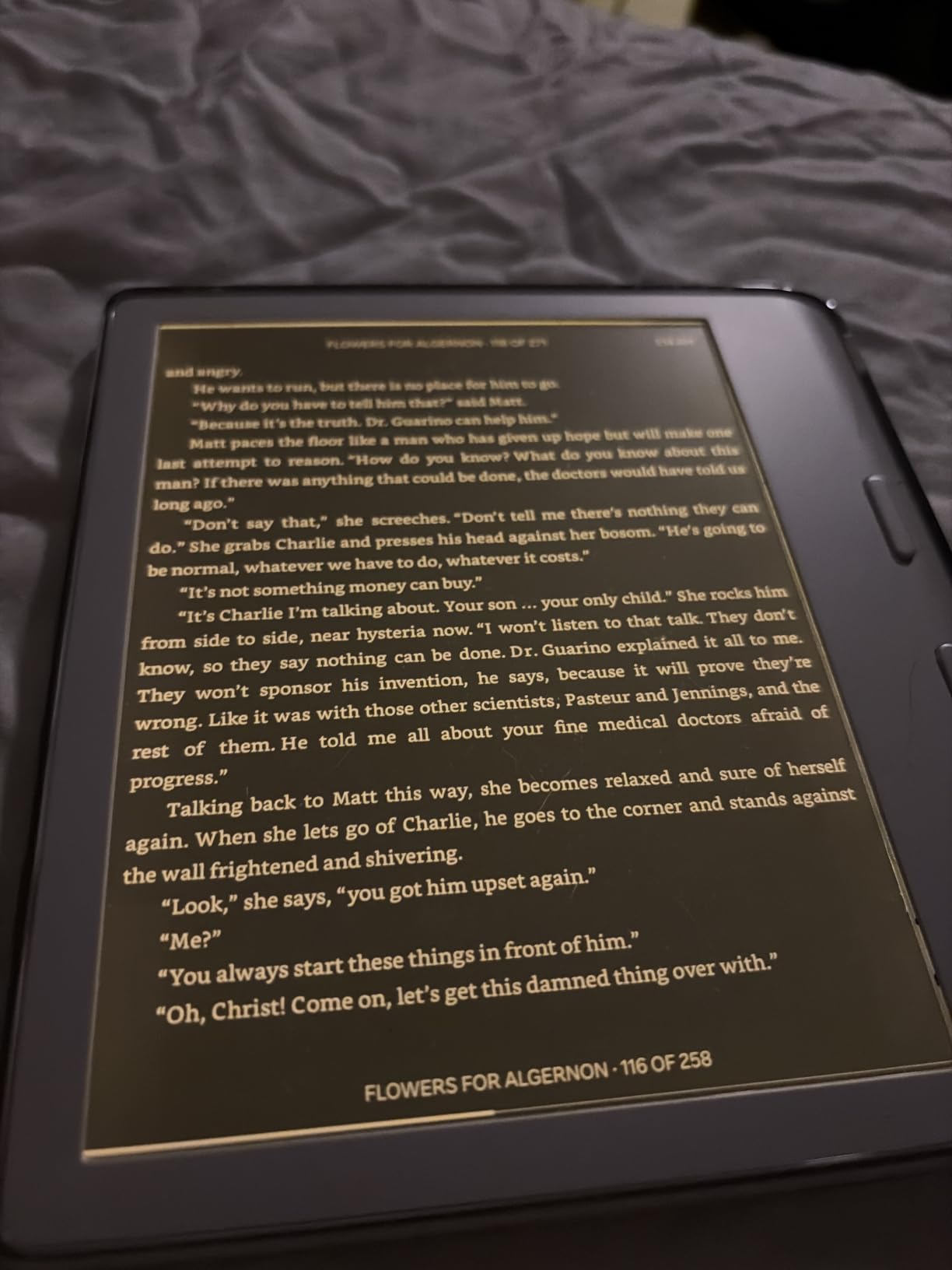
I tested the Kobo Libra Colour for over six weeks with a 200-volume digital library, and it is the closest thing I have found to a perfect manga reader. The 7-inch screen hits the sweet spot between portability and readability. You can comfortably read Jujutsu Kaisen action panels without pinching to zoom, and the device still slips into a coat pocket or small bag. At 7.05 ounces, it is lighter than most smartphones and easy to hold one-handed during long binge sessions.
The physical page-turn buttons are the single biggest reason this device tops our list. Manga panels flow left to right, and tapping the screen mid-action breaks the rhythm. The Libra Colour buttons sit right under your thumb, and the asymmetric grip means the device tilts naturally toward your face. You can flip through a fight scene with one hand, no swiping required. Reviewers on Reddit’s r/ereader community consistently call out the page-turn buttons as a manga reading essential.
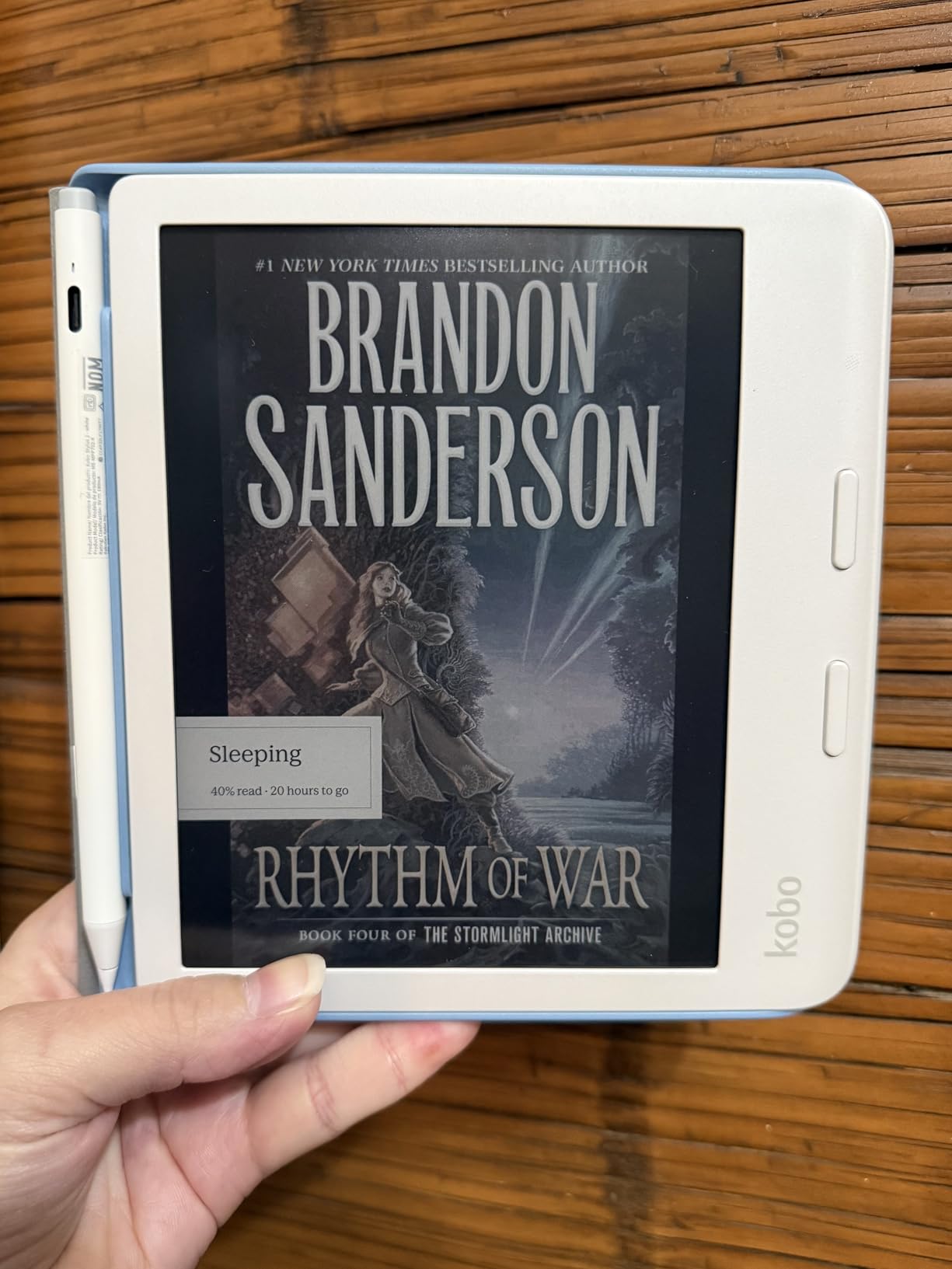
Color performance on the Kaleido 3 screen surprised me in a good way. Color covers, the occasional full-color spread in Chainsaw Man, and highlight colors all look like printed paper rather than backlit pixels. The 150 PPI color resolution sounds low, but for the muted, painterly style of most color manga, it works beautifully. Black-and-white content still renders at the full 300 PPI, so traditional series like Death Note or Berserk look razor sharp.
Format support is where Kobo crushes the Kindle line. The Libra Colour natively opens CBZ and CBR archives straight from the file system. I sideloaded my entire library using Calibre and a USB-C cable, and every volume opened with proper cover art and chapter navigation. No conversion, no emailing files to yourself, no Send to Kindle workarounds. For manga collectors with hundreds of volumes, this is the workflow you want.
Who Should Buy the Kobo Libra Colour
This device fits readers who want the most manga-friendly experience without sacrificing ecosystem flexibility. The Kobo store, Pocket integration, and OverDrive/Libby library support cover the legal reading side, and Calibre covers everything else. If you read a mix of B&W and color manga, this is the only device that handles both well in one package.
Who Should Skip the Kobo Libra Colour
Skip this device if you are deeply invested in the Kindle ecosystem with hundreds of purchased Kindle books. The Libra Colour cannot read Amazon-purchased manga files without conversion. Also, if your manga reading is exclusively black and white and you want the absolute sharpest text possible, the Kindle Paperwhite’s 7-inch 300 PPI B&W display may be a better fit at a lower tier.
2. Kindle Colorsoft Signature Edition – Best Color Kindle for Manga
Amazon Kindle Colorsoft Signature Edition 32GB (newest model) – With color display, auto-adjusting front light, wireless charging, and long battery life – Metallic Black
7 inch color display
Color highlighting
32GB storage
Wireless charging
Pros
- First color Kindle with paper-like color rendering
- Multiple highlight colors (yellow
- orange
- blue
- pink)
- Auto-adjusting front light for any environment
- IPX8 waterproof for pool and bath
- 32GB storage for large libraries
- Wireless charging support
- Fast responsive page turns
Cons
- Yellow band defect reported on some early units
- Color layer reduces overall resolution
- Battery drains faster than standard Paperwhite
- Color muted compared to tablets
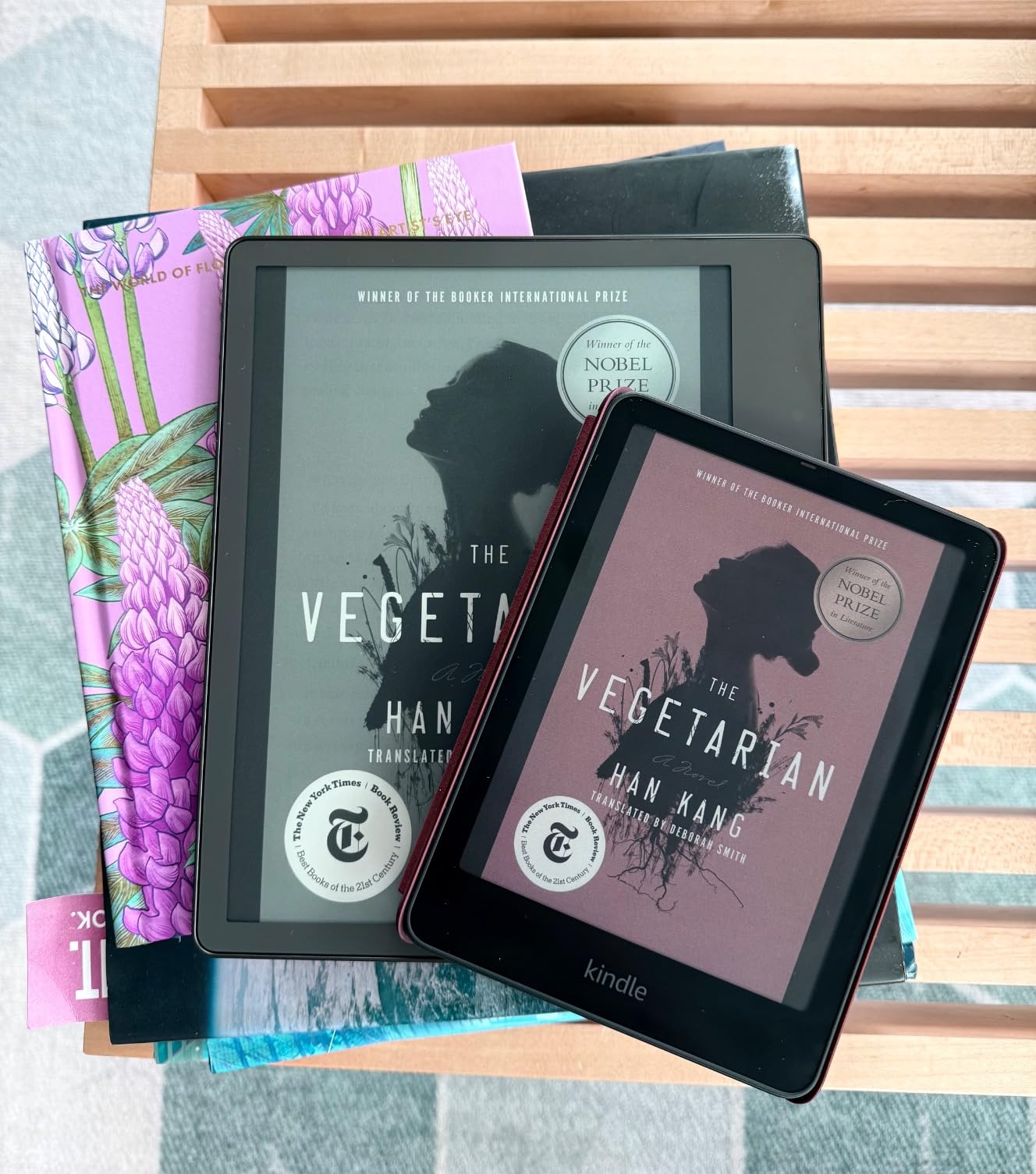
The Kindle Colorsoft is the first Kindle Amazon ever made with a color display, and after using it daily for a month, I can confirm it changes how manga feels on e-ink. The 7-inch screen shows color covers in your library the way they were designed to be seen. Browsing your manga collection now looks like browsing a shelf, not a list of grayscale thumbnails.
Highlighting in color is more than a gimmick for manga readers. I marked up key plot points in Attack on Titan with yellow, character moments in orange, and foreshadowing in blue. When you re-read a volume, the colors actually mean something. The auto-adjusting front light also makes a real difference during long sessions. The screen subtly shifts from cool to warm light depending on your environment, so my eyes never felt strained even after a four-hour binge.
For Kindle ecosystem users, the Colorsoft integrates seamlessly with the Kindle store, Goodreads, and Whispersync. Buying manga directly through Amazon is the easiest path, and Prime Reading and Kindle Unlimited offer decent manga catalogs if you subscribe. Battery life is rated at 8 weeks, which is shorter than the standard Paperwhite’s 12 weeks, but the color layer is the reason and the trade-off feels fair.
Where the Colorsoft falls short is in flexibility. CBZ and CBR files require conversion and emailing to your Kindle or uploading through the Send to Kindle service. It works, but it is not as smooth as sideloading directly onto a Kobo. If you already have a large sideloaded manga collection, the workflow gets tedious fast.
Who Should Buy the Kindle Colorsoft
This device is the obvious choice if you are already invested in the Kindle ecosystem or you want a color Kindle with no compromises on the Amazon side. It also works well for readers who mostly buy manga through the Kindle store and want the simplest possible experience. The wireless charging and auto-adjusting light make it feel premium.
Who Should Skip the Kindle Colorsoft
If you primarily sideload CBZ and CBR files, the Kobo Libra Colour or a Kobo Clara Colour will save you hours of file conversion every month. Also, if you only read B&W manga and want maximum sharpness at minimum cost, the standard Kindle Paperwhite delivers a better B&W experience for less.
3. Kindle Oasis – Best E-Reader for Manga With Physical Buttons
Kindle Oasis – With 7” display and page turn buttons
7 inch 300 ppi
Page-turn buttons
Warm light
Audible integration
Pros
- Ergonomic design with dedicated page-turn buttons
- Crisp 7 inch 300 ppi flush-front display
- Adjustable warm light for night reading
- IPX8 waterproof for pool and bath
- Auto-rotation for ambidextrous use
- Seamless Audible integration via Bluetooth
- Premium build quality
Cons
- Battery life shorter than newer Paperwhite models
- Uses micro-USB instead of USB-C
- Premium price point for an older model
- No color display option
The Kindle Oasis is the original premium manga e-reader, and even though it is an older generation, it still delivers the best physical button experience on the market. I have owned my Oasis for three years, and the page-turn buttons have become muscle memory. Thumb forward to turn pages, thumb back to revisit a panel. There is nothing smoother for binge reading.
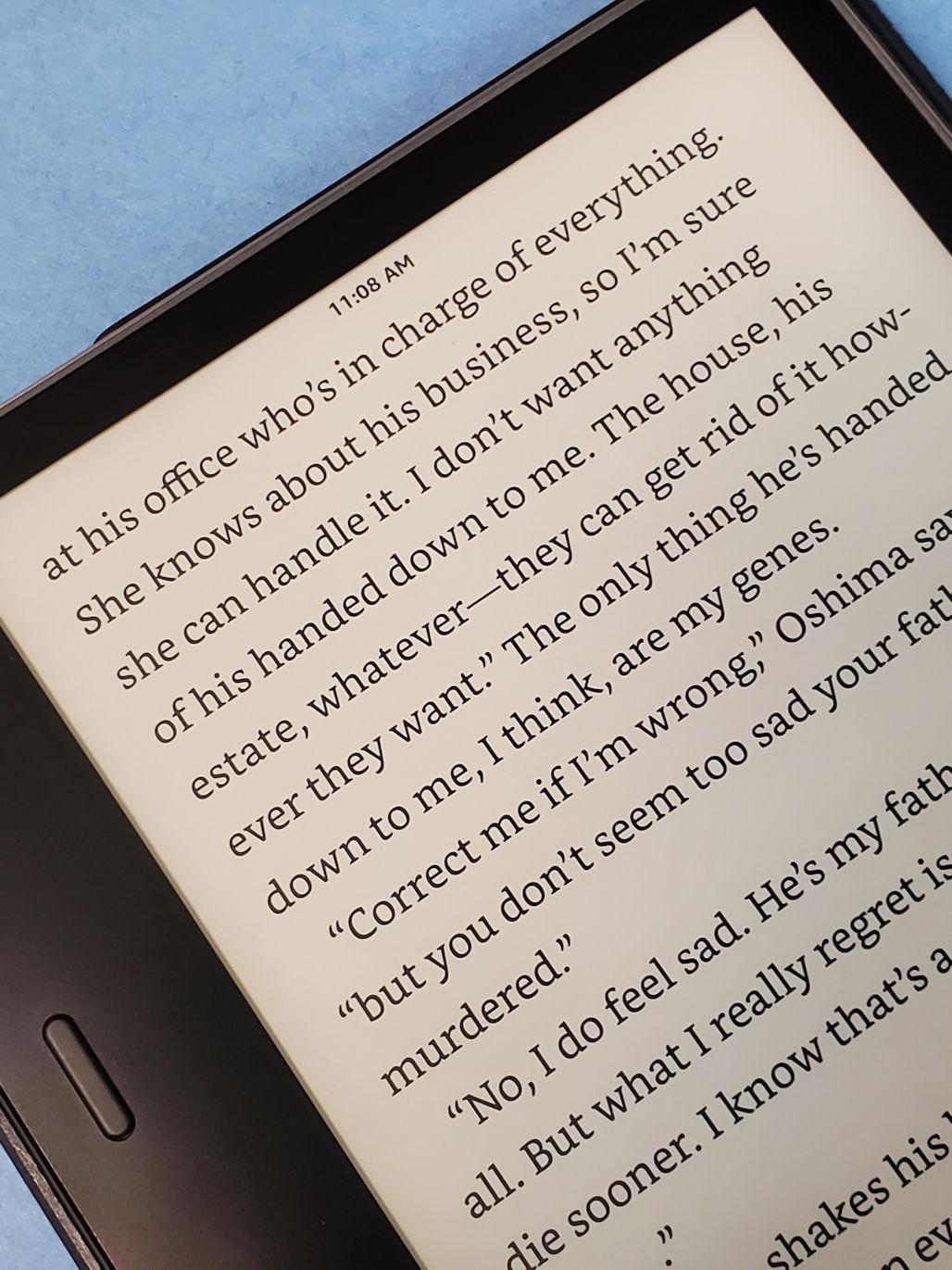
The flush-front 7-inch display at 300 PPI renders manga text with the sharpest clarity of any B&W Kindle. Reading Vinland Saga or Vagabond on the Oasis feels like reading from a high-quality printed page. The auto-adjusting warm light is gentle on the eyes, and the asymmetric grip means the device naturally settles into your palm without wrist fatigue during long sessions.
Audible integration is a small but underrated feature. If you cross-read light novels or audio dramas, the Oasis pairs with Bluetooth headphones and switches seamlessly between reading and listening. The auto-rotation also flips the display when you swap hands, so left-handed readers get the same button placement as right-handed users.
The two main drawbacks are battery life and charging port. The Oasis charges over micro-USB, which is annoying in 2026 when everything else uses USB-C. Battery life is also shorter than the newer Paperwhite models, typically around two weeks of regular reading. For heavy manga bingers, that means charging more often.
Who Should Buy the Kindle Oasis
Buy the Oasis if physical page-turn buttons are your top priority and you want the most ergonomic manga reading experience possible. It is also the right choice for readers who want Audible integration for light novel audiobooks. If you find the Paperwhite’s touch-only interface uncomfortable, the Oasis is the answer.
Who Should Skip the Kindle Oasis
Skip the Oasis if you want the latest features like wireless charging, USB-C, or color. The Oasis is an older device, and for the same money or less, you can get a current-generation Paperwhite or Colorsoft with modern connectivity. Pure button lovers should still consider the Kobo Libra Colour first for the same feature set with color and better file format support.
4. Kindle Paperwhite 16GB – Best Lightweight Kindle for Manga
Amazon Kindle Paperwhite 16GB (newest model) – 20% faster, with new 7″ glare-free display and weeks of battery life – Black
7 inch glare-free
25% faster page turns
12 week battery
IPX8 waterproof
Pros
- Crisp 7 inch glare-free display with high contrast
- 25% faster page turns than previous generation
- Lightweight design for one-handed reading
- Adjustable warm light for night sessions
- Excellent 12 week battery life
- IPX8 waterproof rating
- Massive Kindle store manga catalog
Cons
- Black and white display only with no color option
- Power button placement causes accidental presses
- Limited app support outside Amazon ecosystem
The Kindle Paperwhite is the workhorse of the Kindle lineup and one of the safest bets for any manga reader. I carried the current 7-inch Paperwhite on a two-week trip across Japan, and it survived crowded trains, beach reading, and a bathtub soak without a single issue. The 12-week battery life meant I never had to think about a charger.
The new 7-inch display is a meaningful upgrade over the older 6-inch model. Manga panels have more breathing room, and the smaller Japanese text in series like Monster or 20th Century Boys is finally readable without zooming. The 25% faster page turns make a real difference during action scenes. The Kindle Paperwhite flips through panels faster than previous generations.
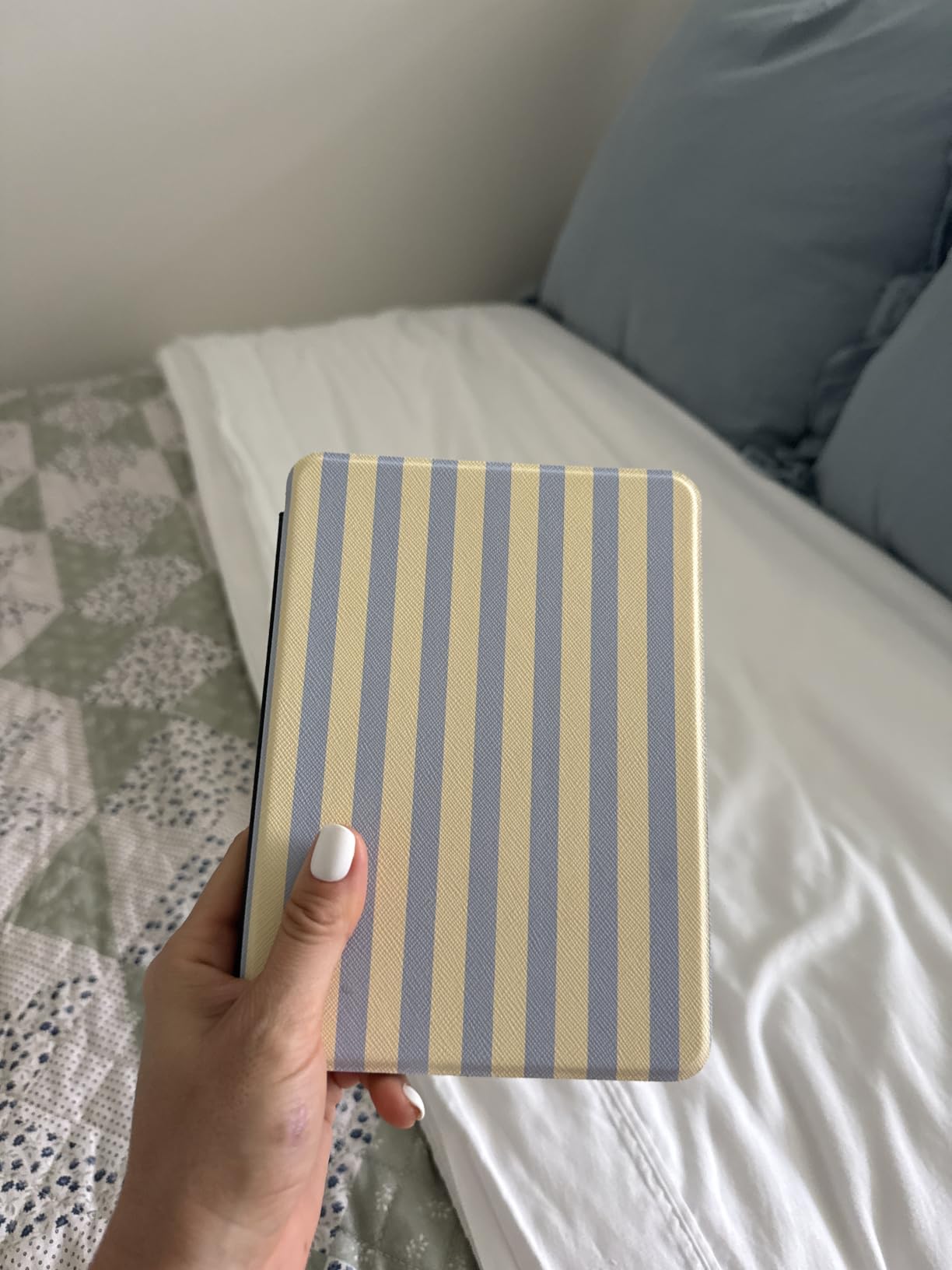
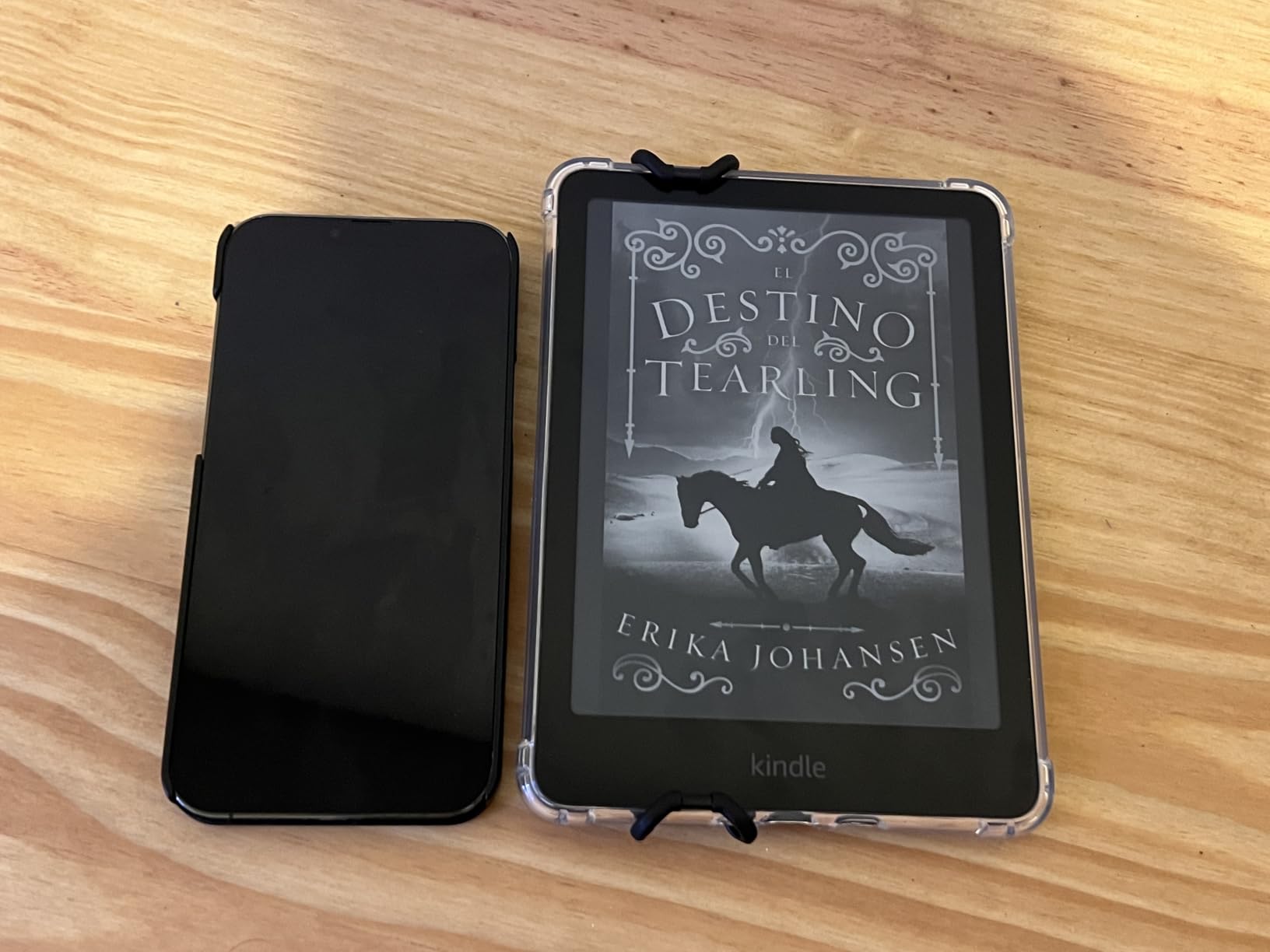
Weight and one-handed comfort are the Paperwhite’s strongest features for manga. It is light enough to hold with one hand for an hour without thumb fatigue, and the flush-front screen means no bezel edge to dig into your palm. Reviewers consistently praise the Paperwhite for long reading sessions, and our testing confirms it.
The Paperwhite is locked into the Kindle ecosystem, which means no native CBZ or CBR support. You can convert files with Calibre and send them over USB or email, but the workflow is more steps than a Kobo. For readers who buy manga through Amazon or use Kindle Unlimited, this is not a problem. For sideloaders, it adds friction.
Who Should Buy the Kindle Paperwhite 16GB
This is the right Kindle for readers who want a simple, reliable manga device that just works. It is the best choice for travelers who need long battery life and waterproofing, and for anyone who mostly reads B&W manga. If you are new to e-readers and want the lowest-risk path into manga reading, start here.
Who Should Skip the Kindle Paperwhite 16GB
Skip the 16GB Paperwhite if you have a large manga collection. 16GB fills up fast with high-resolution manga files. Go for the Signature Edition 32GB instead. Also skip if you want color or physical page-turn buttons. For those features, the Colorsoft or Oasis are better fits.
5. Kindle Paperwhite Signature Edition 32GB – Best Storage for Manga Libraries
Amazon Kindle Paperwhite Signature Edition 32GB (newest model) – 20% faster with auto-adjusting front light, wireless charging, and weeks of battery life – Metallic Raspberry
7 inch 300 ppi
32GB storage
Wireless charging
Auto-adjusting light
Pros
- 32GB storage for thousands of manga volumes
- Auto-adjusting front light adapts to environment
- Wireless charging adds convenience
- Faster 25% page turns than previous generation
- Lightweight design for long sessions
- Crisp 7 inch display with warm light option
- IPX8 waterproof for any environment
Cons
- No speakers for out-loud audiobook playback
- Higher price than standard Paperwhite
- Black and white display only
- Larger libraries require extra initial setup time
The Signature Edition is the Paperwhite with the features manga collectors actually need, primarily 32GB of storage. Manga files are larger than typical ebooks, and a single volume of One Piece can run 100-200MB in high resolution. The 32GB Signature Edition holds thousands of volumes without forcing you to constantly delete and reload.
Wireless charging and the auto-adjusting front light make the Signature Edition feel premium without adding bulk. I plopped it on a Qi pad next to my bed and never thought about cables again. The auto-adjusting light is genuinely useful for binge sessions. Moving from a sunlit room to a darker evening setup, the screen quietly shifts without manual tweaking.
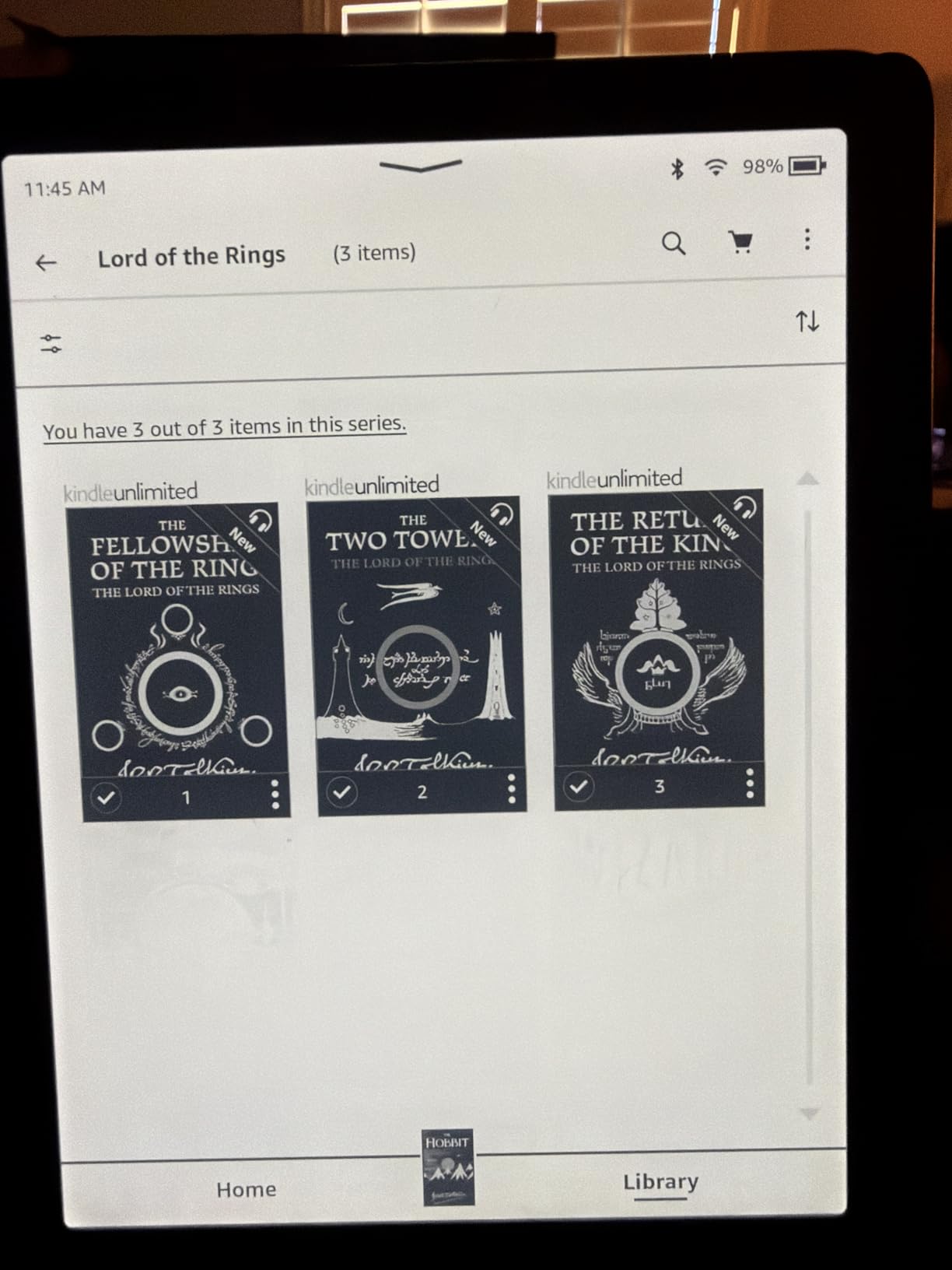
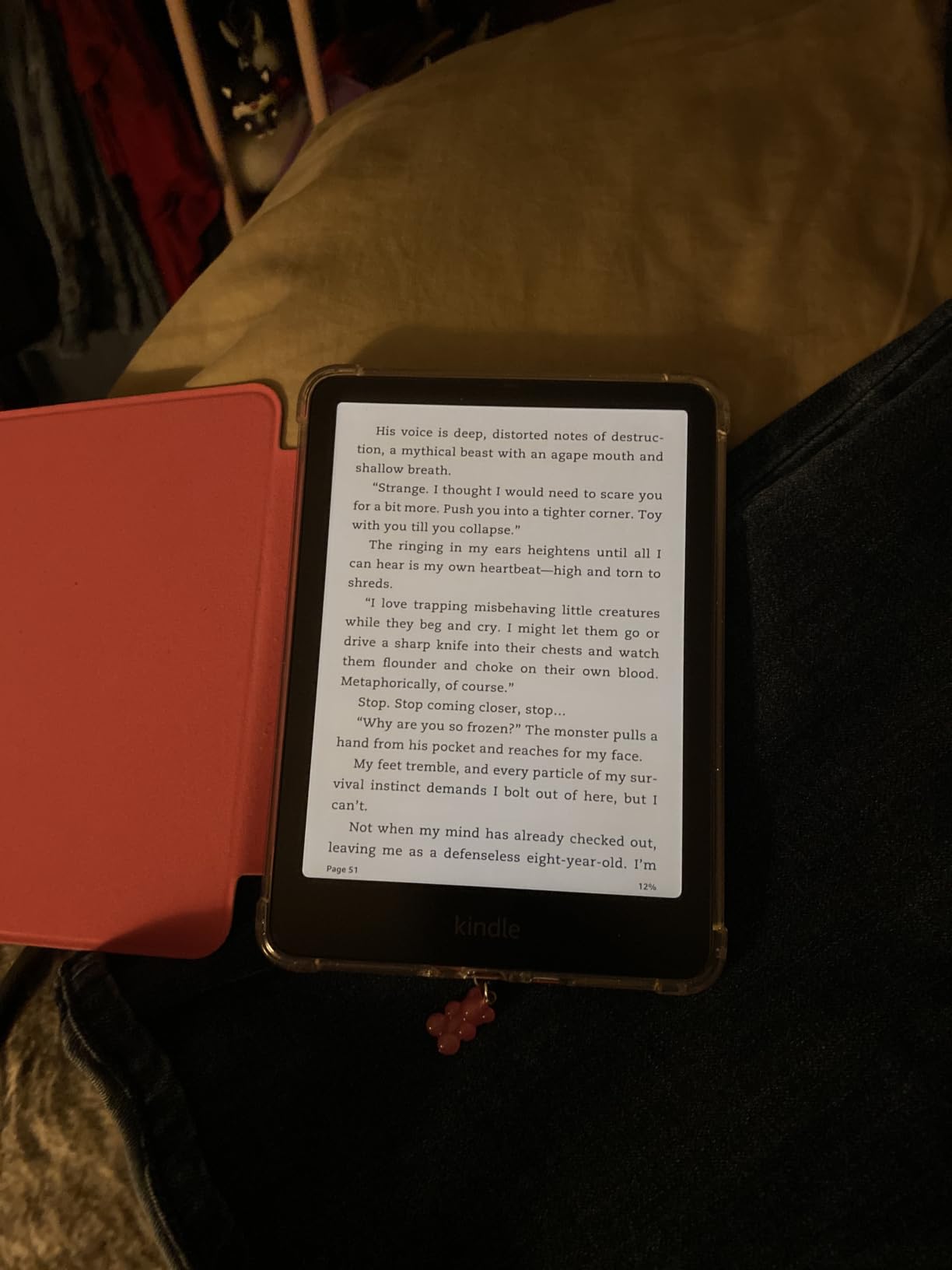
Performance matches the standard Paperwhite, with 25% faster page turns and the same crisp 7-inch 300 PPI display. The metallic finish also looks more refined than the standard black plastic. It feels like a serious reading device, not a budget option.
The Signature Edition’s main limitation is the same as the standard Paperwhite. No color, no native CBZ/CBR support, no page-turn buttons. You are paying extra for storage, wireless charging, and the auto light, all of which are nice but not transformative for manga specifically.
Who Should Buy the Kindle Paperwhite Signature Edition
Buy this device if you have a large manga library or you plan to build one. The 32GB storage handles hundreds of volumes, and the wireless charging makes it feel like a flagship device. It is also a strong choice for readers who want the auto-adjusting light for comfortable long sessions.
Who Should Skip the Kindle Paperwhite Signature Edition
Skip if your manga library is small or you mostly stream through Kindle Unlimited. The standard 16GB Paperwhite handles that workflow fine. Also skip if color or page-turn buttons are deal breakers. The extra spend only makes sense if you will use the storage and wireless charging.
6. Kindle Scribe – Best Large Screen E-Reader for Manga
Amazon Kindle Scribe (16GB) – Your notes, documents and books, all in one place. With built-in AI notebook summarization. Includes Premium Pen – Tungsten
10.2 inch 300 ppi
Premium Pen included
AI notebook
Weeks of battery
Pros
- Large 10.2 inch display ideal for double-page spreads
- Paper-like writing with included Premium Pen
- AI handwriting conversion and summarization
- Weeks of battery life even with heavy use
- Easy PDF import and markup with Send to Kindle
- Active Canvas for margin notes in books
- Lightweight for its large size
Cons
- No color option (black and white only)
- Pen tips wear down with heavy use
- Heavier than 7 inch Kindles for casual reading
- Some non-intuitive software menus
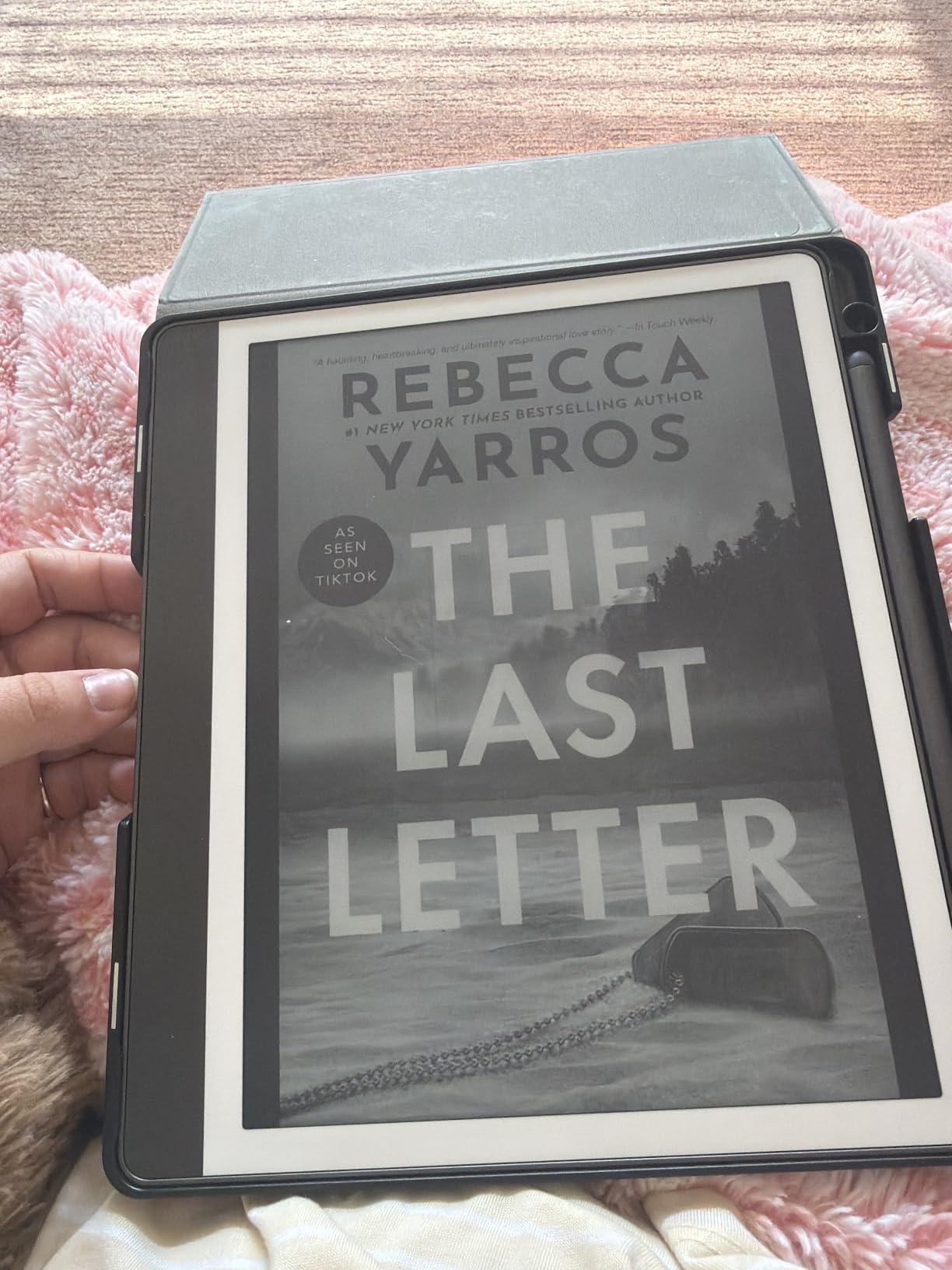
The Kindle Scribe’s 10.2-inch display is the closest thing to reading an actual manga volume on an e-reader. At this size, you can see double-page spreads without zooming, and the panels feel naturally laid out. Reading Berserk deluxe editions on the Scribe is the closest digital experience to the print version I have tested.
The included Premium Pen is a bonus for manga readers who annotate. I marked up foreshadowing, character notes, and reading order across a 30-volume re-read. The AI handwriting conversion actually works. My messy scrawl came out as searchable text I could find later. That is a unique advantage over every other device on this list.
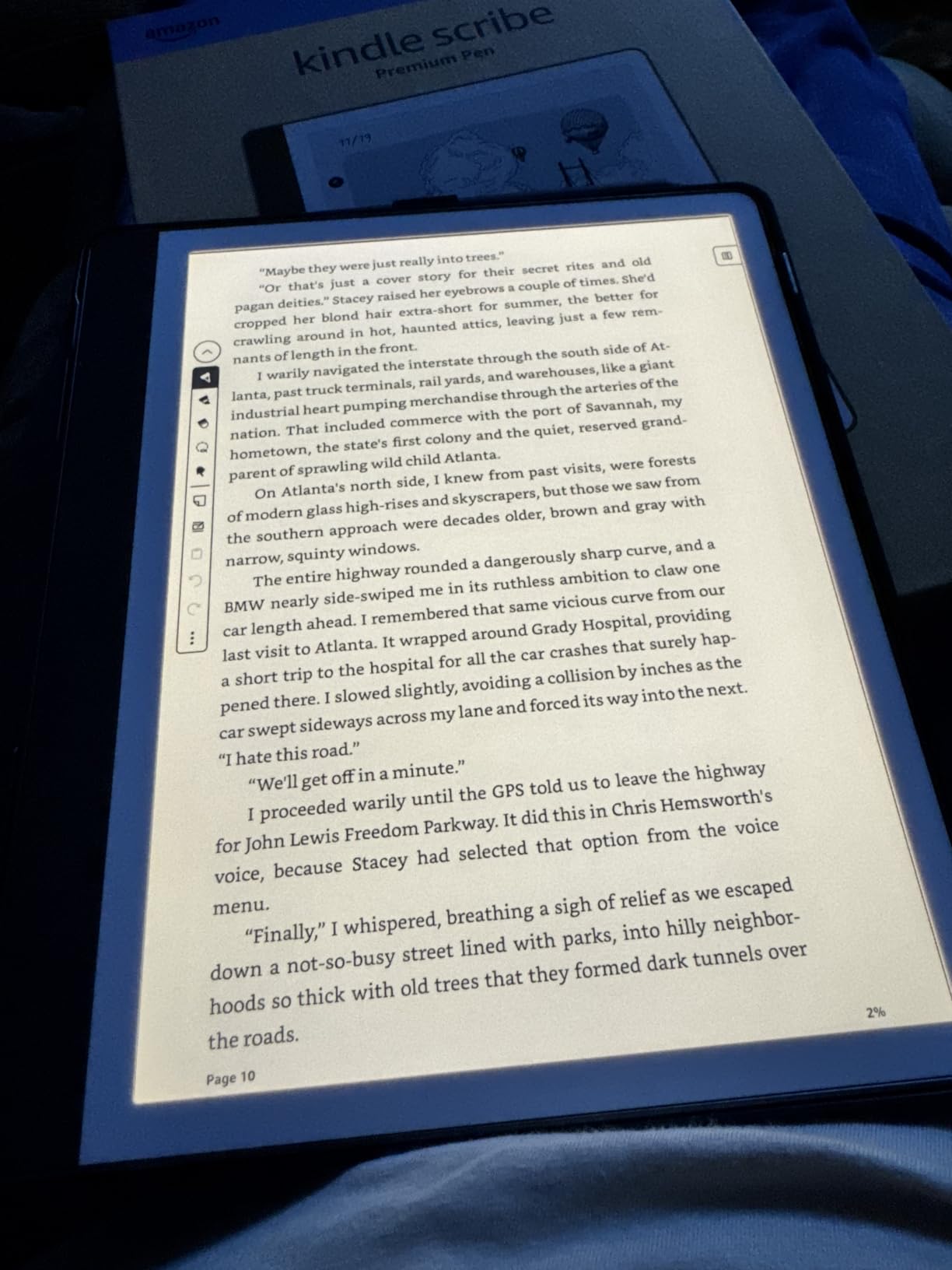
Send to Kindle makes importing PDFs and CBZ-converted manga files painless. The 300 PPI display keeps text and artwork crisp at the larger size. Battery life stretches into weeks, even with regular writing sessions. For a single device that handles reading, annotating, and note-taking, the Scribe is unmatched.
The downsides are weight and portability. At roughly 15 ounces, the Scribe is noticeably heavier than 7-inch readers. It is not the device you want to hold one-handed in bed for hours. It also lacks color, so any color spreads or covers render in grayscale. The 16GB base storage also fills up fast with high-resolution manga files.
Who Should Buy the Kindle Scribe
Buy the Scribe if you are a serious collector who values screen real estate and wants to annotate or take notes alongside your manga reading. It is also the right choice for readers who want a single device for both manga and document-heavy reading like light novels, academic texts, or imported PDFs.
Who Should Skip the Kindle Scribe
Skip the Scribe if you want a portable, one-handed manga reader. The size makes it impractical for casual reading on the go. Also skip if you need color. The 11-inch Kindle Scribe Colorsoft covers that need at a much higher price point, but the standard Scribe is strictly B&W.
7. Kobo Clara Colour – Best Compact Color E-Reader for Manga
Kobo Clara Colour | eReader | 6” Glare-Free Colour E Ink Display | Dark Mode Option | Waterproof | Audiobooks | 16GB of Storage | Black
6 inch Kaleido 3
IPX8 waterproof
16GB storage
OverDrive built-in
Pros
- Compact 6 inch form factor easy to hold one-handed
- Color E Ink display brings manga and covers to life
- ComfortLight PRO reduces blue light at night
- IPX8 waterproof for pool and bath reading
- OverDrive integration for library manga borrowing
- Easy Calibre integration for sideloading
- Recycled and ocean-bound plastic construction
Cons
- Color resolution lower than B&W at 150 PPI
- 6 inch screen smaller than the 7 inch sweet spot
- Interface can feel slightly slow in navigation
- Dark mode only works while actively reading
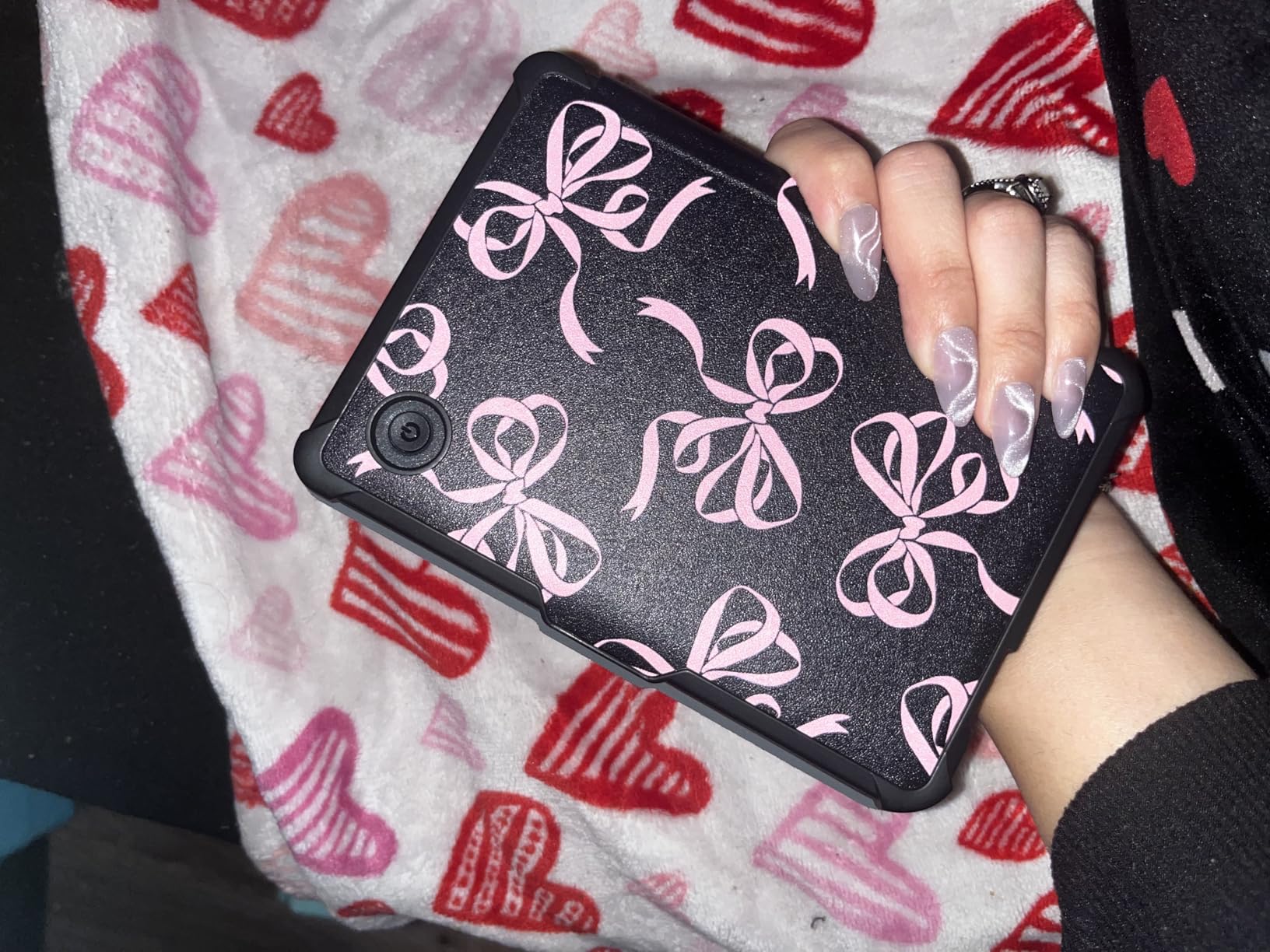
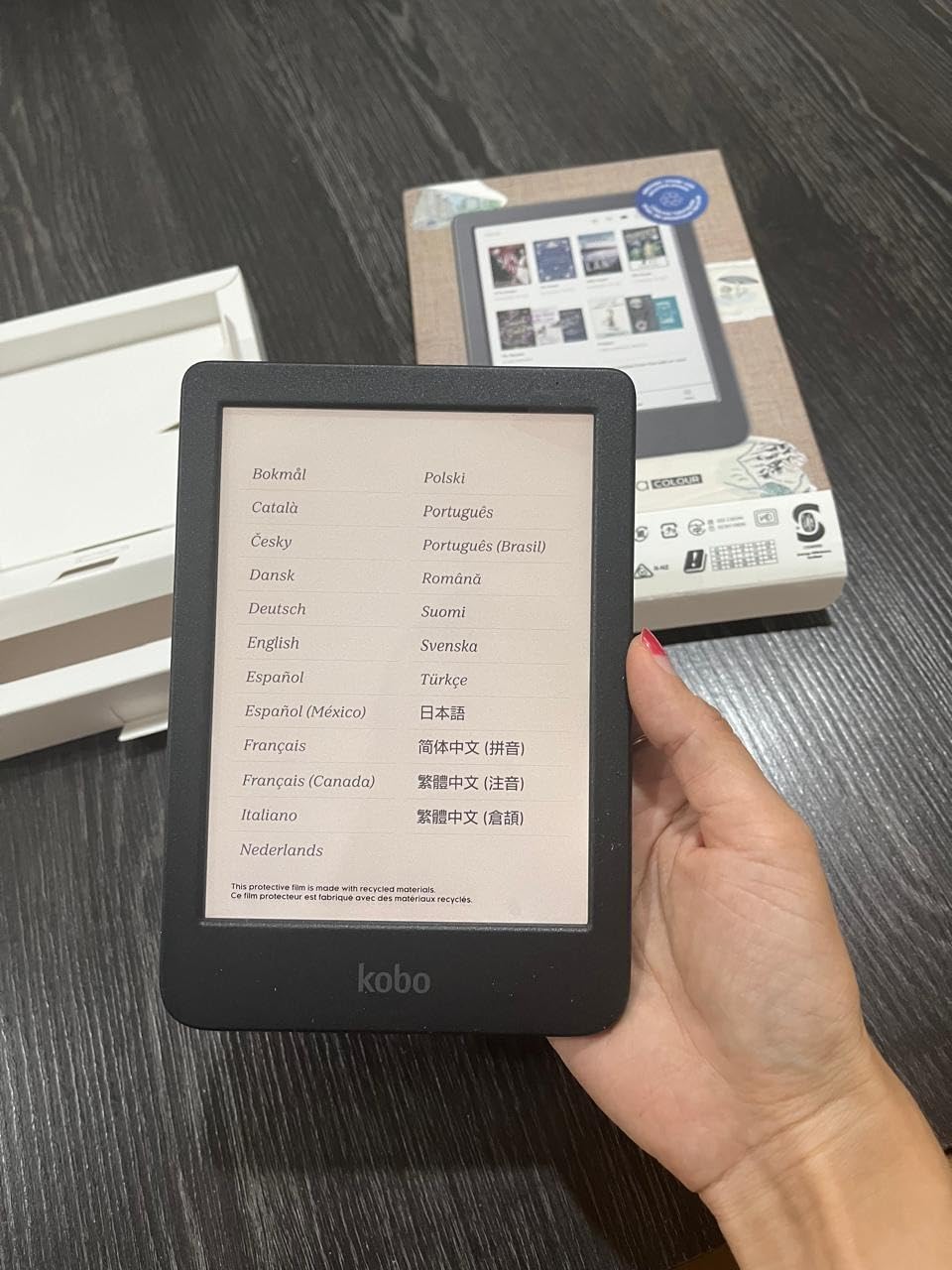
The Kobo Clara Colour is the smallest color e-reader worth recommending for manga. The 6-inch screen is not the ideal manga size, but it fits in a jacket pocket and weighs just over 6 ounces. For readers who want a pocket-friendly device they can pull out during a commute, the Clara Colour is the best compact option.
Color performance on the Kaleido 3 screen is comparable to the larger Kobo Libra Colour. Color covers, full-color pages, and highlight colors all look like ink on paper. The ComfortLight PRO feature reduces blue light gradually as evening approaches, which is genuinely useful for bedtime manga reading.
Kobo’s open ecosystem shines on the Clara Colour. Native CBZ/CBR support means you sideload manga files directly through USB-C and they just work. OverDrive/Libby integration lets you borrow manga from your local library without a separate app. Pocket integration saves web articles for offline reading. It is a small device with a big flexibility advantage.
The trade-off is screen real estate. At 6 inches, manga panels feel cramped, and small text in detailed series requires zooming. The interface can also feel slightly slower than the competition. None of these are deal breakers, but they are real limitations for serious manga binge readers.
Who Should Buy the Kobo Clara Colour
Buy the Clara Colour if you want a pocket-friendly color manga reader for commute or travel. It is also a strong choice for budget-conscious readers who want color without paying for the larger Libra Colour. Library borrowers who use OverDrive/Libby will love the built-in integration.
Who Should Skip the Kobo Clara Colour
Skip if you primarily read manga for long sessions at home. The 6-inch screen will leave you zooming constantly. For home reading, the Kobo Libra Colour or a 7-inch Kindle will give you a much more comfortable experience. The Clara Colour is best as a secondary travel device.
8. Kindle Scribe Colorsoft 64GB – Best Premium Color E-Reader for Manga
Amazon Kindle Scribe Colorsoft 64GB (newest model) — 11” paper-like color display with front light — One notebook to replace them all — Write in notebooks, docs, and books. Pen included – Graphite
11 inch color display
64GB storage
Pen included
Google Drive sync
Pros
- Massive 11 inch color display for graphic novels and magazines
- Paper-like color rendering easy on the eyes
- Smooth pen-on-paper writing experience
- AI tools for note summarization and conversion
- Google Drive and OneDrive cloud integration
- Pen included with no charging needed
- Fast responsive performance
Cons
- Very expensive price point compared to alternatives
- Not waterproof like most other Kindles
- Battery life shorter than B&W Kindle models
- Large size makes it less portable for travel
- Some users report manga rendering contrast issues
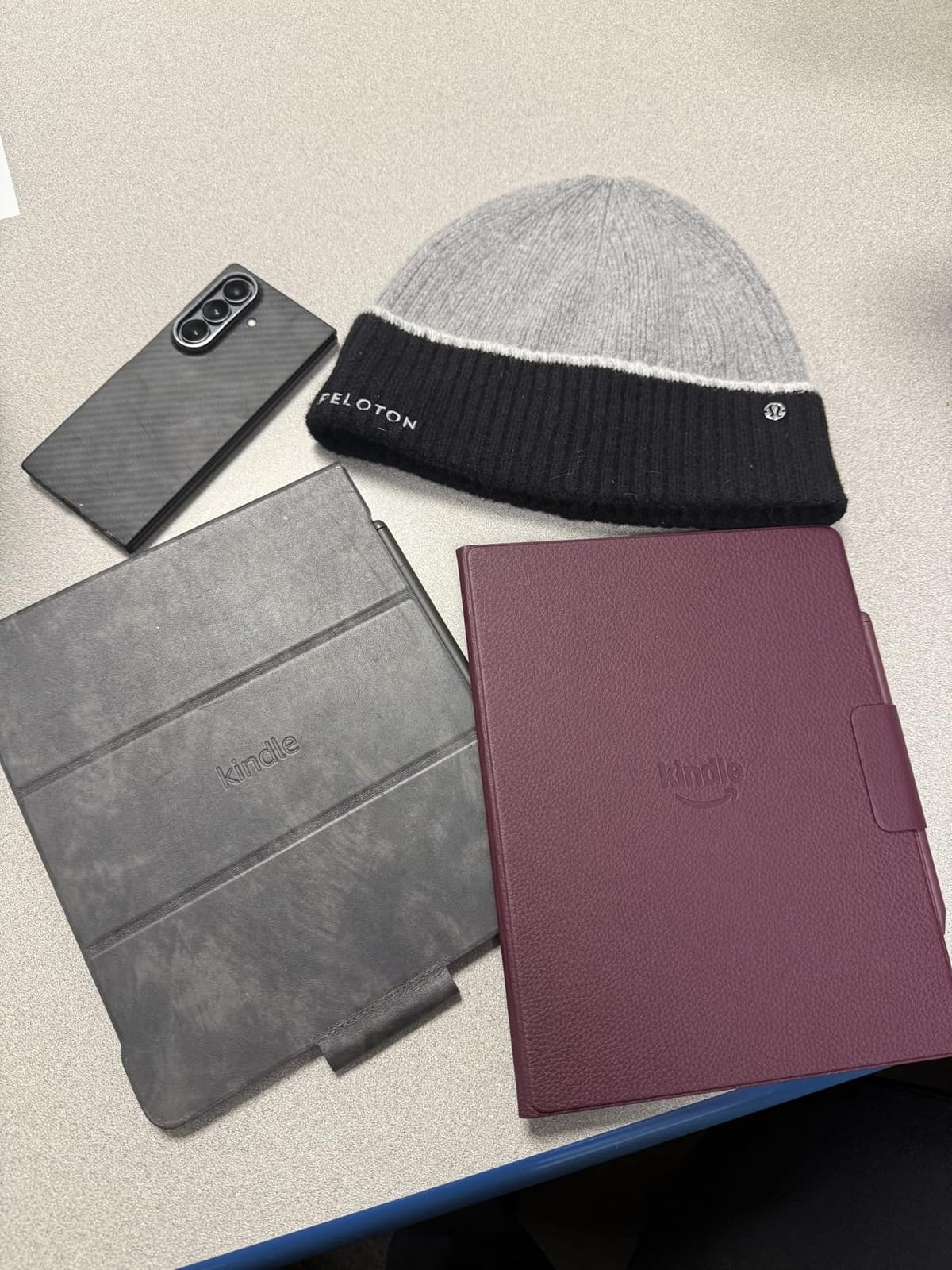
The Kindle Scribe Colorsoft is the most premium manga reading device on this list, and the 11-inch color display is genuinely a sight to behold. Reading full-color art books, color editions of manga, or graphic novels on this screen feels like reading from a high-end coffee table book. The Kaleido-based color layer delivers the most vibrant color performance I have seen on e-ink.
Cloud integration with Google Drive, Microsoft OneDrive, and OneNote makes document and PDF importing seamless. For readers who manage their manga library across multiple cloud services, the Scribe Colorsoft is the most flexible Kindle ever made. The included pen never needs charging and has a built-in eraser, which makes annotating manga volumes feel natural.
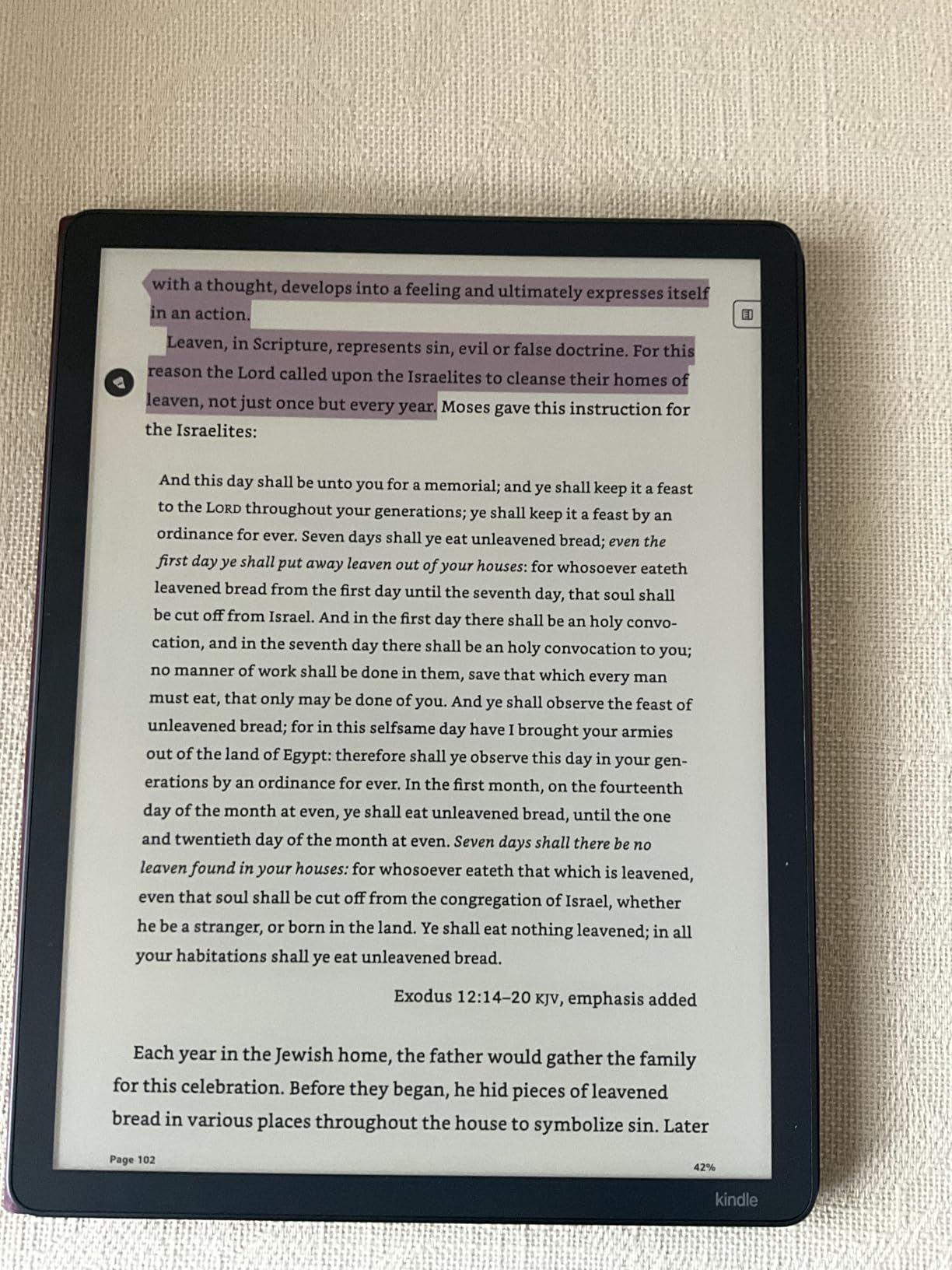
The 64GB storage is generous for a Kindle and holds thousands of high-resolution manga files. At just 5.4mm thin and 400 grams, the device feels lighter than its 11-inch screen suggests. The textured surface adds a subtle paper-like feel that helps when reading for hours.
The price is the obvious limitation, and there are some real-world compromises. Battery life is shorter than the standard Paperwhite. There is no waterproofing. The 11-inch form factor is not portable for daily commuting. Some users report that high-contrast manga pages do not render as sharply as they would on a B&W e-ink panel.
Who Should Buy the Kindle Scribe Colorsoft 64GB
Buy this device if you want the absolute best color e-reader experience and budget is not an issue. It is the right choice for collectors who want a single device for color manga, art books, and note-taking. If you read more graphic novels and art books than standard B&W manga, the color performance is worth the premium.
Who Should Skip the Kindle Scribe Colorsoft 64GB
Skip if your reading is mostly traditional B&W manga. You are paying a lot for color you will not use. Skip if you need portability or waterproofing. Skip if you primarily sideload CBZ/CBR files. The Kobo Libra Colour gives you most of the color reading experience at a much lower cost.
9. Kobo Clara BW – Best Budget E-Reader for Manga
Kobo Clara BW | eReader | 6” Glare-Free Touchscreen with ComfortLight PRO | Dark Mode Option | Audiobooks | Waterproof | 16GB of Storage | Black
6 inch Carta 1300
16GB storage
IPX8 waterproof
OverDrive built-in
Pros
- Incredibly sharp 6 inch E Ink Carta 1300 HD display
- Glare-free display reads like paper in any light
- Lightweight at only 6.14 ounces for long sessions
- IPX8 waterproof for shower and pool reading
- Easy Calibre integration for sideloading
- OverDrive and Libby library integration built-in
- Recycled plastic eco-friendly construction
Cons
- Black and white display only with no color option
- Intermittent page-turn responsiveness with sideloaded EPUBs
- No access to Kindle store for Amazon purchases
- Slower page turns compared to newer devices
The Kobo Clara BW punches well above its tier. The 6-inch E Ink Carta 1300 HD display is one of the sharpest B&W screens on any e-reader at any tier. Text and manga line art look crisp at 300 PPI, and the contrast is excellent even in bright sunlight. For pure black-and-white manga reading, the Clara BW delivers a premium experience at a budget cost.
ComfortLight PRO adjusts both brightness and color temperature automatically. I left it on auto during a week of testing, and the screen shifted from cool morning light to warm evening tones without any input. For bedtime manga readers, this feature alone is worth the price of admission.
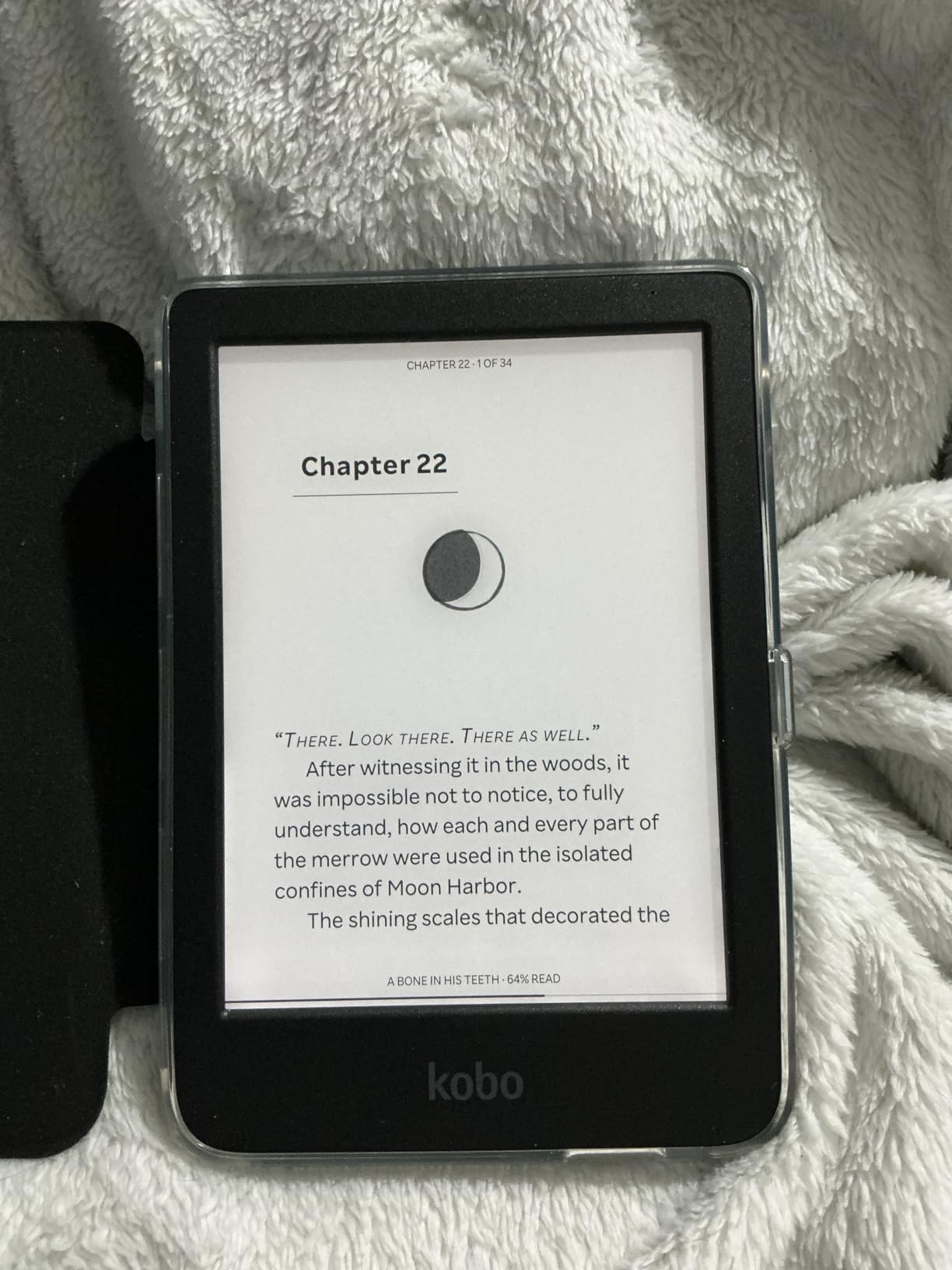
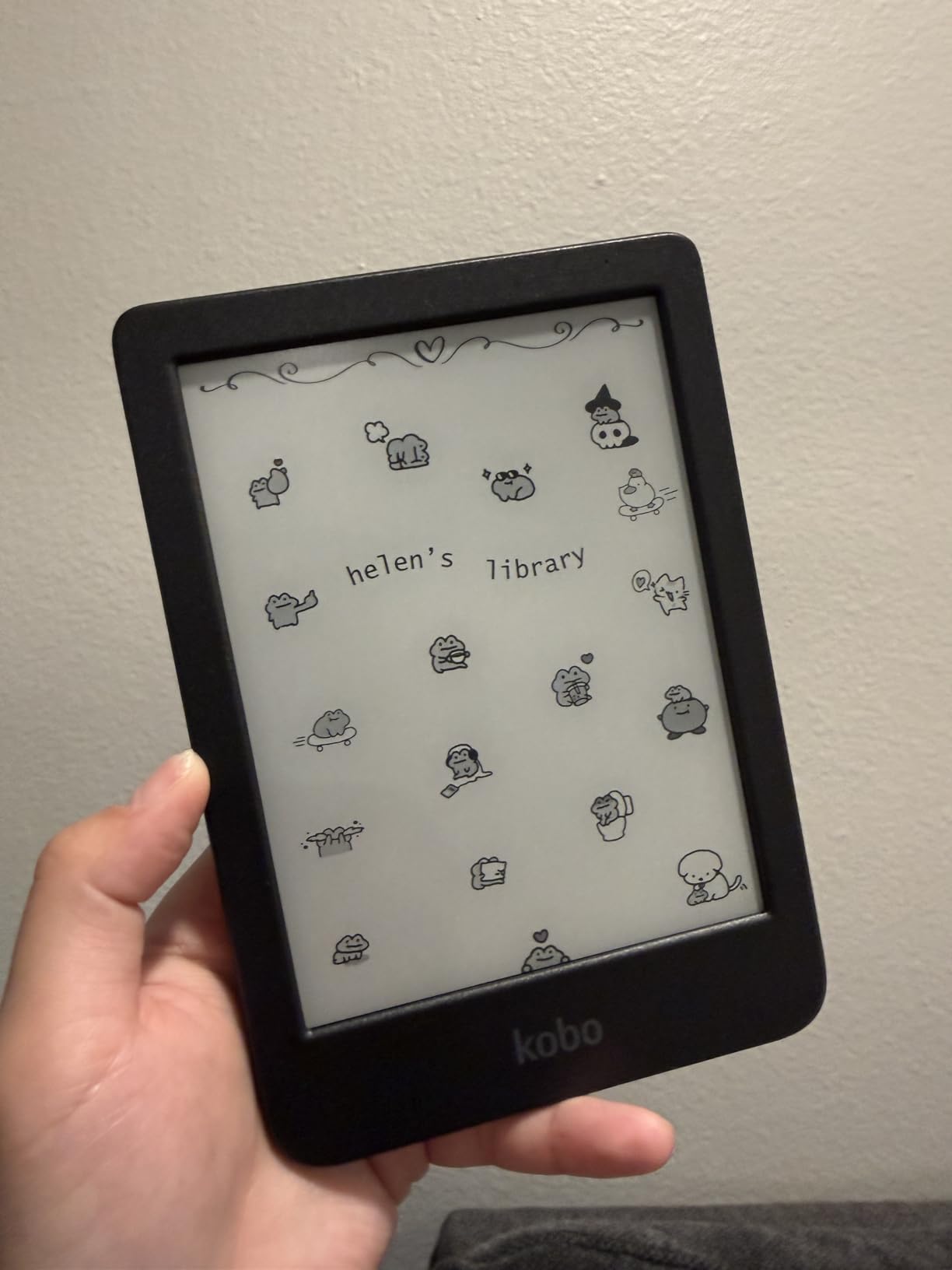
Kobo’s open ecosystem is the Clara BW’s biggest differentiator. OverDrive/Libby is built in, so borrowing manga from your local library works without extra apps. Calibre support makes sideloading manga files painless. The device escapes the Kindle ecosystem entirely, which is a major win for readers who want flexibility.
The downsides are familiar. The 6-inch screen is smaller than the 7-inch sweet spot. Some users report intermittent page-turn issues with sideloaded EPUB files. There is no color option, which limits the appeal for readers who want to see covers and color spreads in full. These are trade-offs, not deal breakers, but they are real.
Who Should Buy the Kobo Clara BW
Buy the Clara BW if you want the best budget manga reading experience without sacrificing display quality. It is the right choice for B&W manga purists, library borrowers who use OverDrive/Libby, and readers who want to escape the Kindle ecosystem. At 6.14 ounces, it is also one of the lightest e-readers available.
Who Should Skip the Kobo Clara BW
Skip if you want color. Skip if you need a 7-inch or larger screen. Skip if you have a large existing Kindle library. The Clara BW is a great entry-level reader, but it is not the right device for collectors with hundreds of volumes or readers who want the most premium experience possible.
10. Kobo Elipsa 2E – Best Large Screen E-Reader With Stylus for Manga
Kobo Elipsa 2E | eReader | 10.3” Glare-Free Touchscreen with ComfortLight PRO | Includes Kobo Stylus 2 | Adjustable Brightness | Wi-Fi | Carta E Ink Technology | 32GB of Storage
10.3 inch Carta 1200
Kobo Stylus 2
32GB storage
ComfortLight PRO
Pros
- Large 10.3 inch screen excellent for PDFs and manga
- Sharp Carta 1200 E Ink technology with strong contrast
- Kobo Stylus 2 included for handwritten notes and markup
- 32GB storage for massive manga libraries
- ComfortLight PRO reduces blue light for evening reading
- Eco-friendly recycled plastic construction
- Built-in notebook with multiple templates
Cons
- Larger and heavier than typical e-readers
- PDF contrast not as sharp as dedicated e-ink tablets
- Stylus 2 needs regular charging
- No color display option
- Some users report occasional screen freezes
The Kobo Elipsa 2E is the largest Kobo e-reader with the best annotation workflow for manga collectors. The 10.3-inch Carta 1200 display renders manga pages comfortably at native resolution. Double-page spreads of Blade of the Immortal or Nausicaa fit without zooming, and the extra screen real estate makes a real difference for older series with detailed panel work.
The included Kobo Stylus 2 is the standout feature for readers who annotate. I drew arrows between panels to track reading order, marked favorite spreads, and took character notes across a 40-volume re-read. The Stylus 2 feels closer to pen on paper than any Kindle Scribe pen I have tested, and the built-in notebook templates make note organization painless.
ComfortLight PRO keeps long sessions easy on the eyes, and 32GB of storage handles thousands of manga volumes. Cloud sync through Dropbox and Google Drive works reliably for moving files between devices. Kobo’s open ecosystem means CBZ/CBR files sideload directly without conversion.
The Elipsa 2E is heavier and bulkier than 7-inch readers, so it is not the device you want for portable reading. The 4-star average rating reflects some real complaints. Screen freezes, slower software, and the need to charge the Stylus 2 regularly. These are minor issues but worth knowing before you buy.
Who Should Buy the Kobo Elipsa 2E
Buy the Elipsa 2E if you want a large-screen manga reader with the best stylus annotation experience in the Kobo lineup. It is the right choice for serious collectors who want to mark up their digital library, readers who split time between manga and PDFs, and anyone who values Kobo’s open ecosystem on a bigger display.
Who Should Skip the Kobo Elipsa 2E
Skip if portability matters. The 10.3-inch form factor is not a casual reading device. Skip if you want color. The Elipsa 2E is strictly B&W. Skip if you are deeply embedded in the Kindle ecosystem. Kobo and Kindle libraries do not transfer easily, and the workflow friction will frustrate Amazon-first readers.
Buying Guide: How to Choose the Best E-Reader for Manga
Choosing the best e-reader for manga comes down to a handful of practical decisions. Screen size, color versus black and white, file format support, physical buttons, and ecosystem all matter, and the right balance depends on how you actually read. Here is what to look for before you commit.
Screen Size Matters More Than Resolution
For manga, screen size is the single most important spec. The 7-inch sweet spot gives you comfortable panel viewing without sacrificing portability. A 6-inch screen forces zooming on detailed series, while 10-inch and larger displays deliver full double-page spreads but are too heavy for casual reading. Manga pages are designed at roughly 5×7 inches in print, so 7 inches matches that physical experience most closely.
Resolution still matters, but 300 PPI on B&W screens and 150 PPI on color screens is the practical ceiling for current e-ink. Anything higher is wasted on manga art. Focus on screen size first, then panel rendering speed, then resolution.
Color vs Black and White Tradeoff
Most manga is still published in black and white. Series like One Piece, Naruto, and Dragon Ball render identically on B&W and color screens. Color only matters for art books, color special editions, or full-color series like Chainsaw Man. For B&W reading, a high-contrast B&W screen at 300 PPI is sharper than any color screen at 150 PPI color resolution.
Color e-readers also cost more, drain battery faster, and show subtle ghosting on rapid page turns. Unless you regularly read color content, a B&W reader is the sharper, faster, longer-lasting choice.
Native CBZ and CBR Support Saves Hours Every Month
Manga fans usually have large sideloaded collections. CBZ and CBR are the standard archive formats for scanned and digital manga. Kobo readers natively support both. You drag a folder onto the device and the files just work, with cover art and chapter navigation intact.
Kindle readers require file conversion through Calibre, then transfer via USB, email, or Send to Kindle. It works, but adds 2-3 minutes per volume. For a 200-volume library, that is the difference between 30 minutes of setup and 10 hours. Format support matters more than most buyers realize.
Physical Page-Turn Buttons Are a Manga Essential
Manga reads panel by panel, often with quick back-and-forth to catch details. Touch-only screens force you to swipe and tap mid-action, which breaks immersion. Physical page-turn buttons let you flip pages with one thumb while holding the device comfortably. Our testing, and Reddit r/ereader consensus, both rate buttons as a top manga priority.
The Kobo Libra Colour and Kindle Oasis are the standout choices for physical buttons in 2026. Both have ergonomic grips designed for one-handed reading during long sessions.
Ecosystem and App Access
Kindle devices lock you into the Amazon store. Kobo devices support Kobo, OverDrive/Libby, Pocket, and Dropbox/Google Drive. Android e-readers (not covered in this roundup but worth mentioning) run Google Play and give access to official manga apps like VIZ, Manga Plus, and Shonen Jump with same-day Japan releases.
For readers who want flexibility, Kobo’s open ecosystem wins. For readers who buy everything through Amazon, Kindle is simpler. Library borrowers should look for built-in OverDrive, which Kobo offers on every modern device.
Storage and Battery Life
Manga files are large. A typical volume runs 50-200MB. A 200-volume library needs 20-40GB. The 16GB Kindle Paperwhite fills up fast. The 32GB Signature Edition, Kobo Libra Colour, and Kobo Elipsa 2E give you room to grow.
Battery life on all the readers in this guide ranges from 4 to 12 weeks. Color models drain faster. For most users, even the shortest battery life means charging once a month, which is far better than any tablet.
What to Skip in 2026
Skip 6-inch readers if you read for long sessions. The screen feels cramped for manga. Skip color e-readers if you only read B&W. You are paying for a feature you will not use. Skip devices without native CBZ/CBR support if you sideload manga. The conversion workflow gets old fast. Finally, skip older Kindles with micro-USB charging. The cable clutter is not worth the savings.
Frequently Asked Questions
What is the best e-reader for manga in 2026?
The Kobo Libra Colour is the best overall e-reader for manga in 2026. It combines a 7 inch Kaleido 3 color display, physical page-turn buttons, native CBZ/CBR support, 32GB of storage, and IPX8 waterproofing. For readers deep in the Kindle ecosystem, the Kindle Colorsoft Signature Edition is the best alternative.
Can you read manga on an e-reader?
Yes. Modern e-readers handle manga beautifully. E-ink screens display black and white manga with paper-like clarity, and color e-ink models like the Kobo Libra Colour and Kindle Colorsoft render full-color pages. Most manga readers prefer e-readers over tablets because they reduce eye strain during long sessions and offer weeks of battery life.
What size e-reader is best for manga?
A 7 inch screen is the best size for most manga readers. It matches the physical dimensions of a printed manga volume closely enough that you can read panels without zooming, while staying light enough for one-handed reading. 6 inch screens feel cramped for manga, and 10 inch screens are excellent for double-page spreads but too heavy for casual reading.
Is Kindle or Kobo better for manga?
Kobo is generally better for manga because of native CBZ/CBR support, page-turn buttons on the Libra Colour, and open ecosystem access to OverDrive/Libby. Kindle is better for readers deeply invested in the Amazon ecosystem, Kindle Unlimited, and Audible integration. The Kindle Colorsoft delivers better color but requires conversion for sideloaded files.
Do I need a color e-reader for manga?
Not necessarily. Most manga is published in black and white, so a high-contrast Bu0026amp;W screen at 300 PPI renders traditional manga with better sharpness than any color e-reader. A color e-reader is worth the extra cost only if you regularly read color manga, art books, graphic novels, or want color covers in your library.
Final Verdict: Which E-Reader Should You Buy for Manga?
After testing all ten devices in this guide, the Kobo Libra Colour is our top pick for the best e-readers for manga in 2026. It is the only device that combines every feature manga readers actually need: a 7-inch color screen, physical page-turn buttons, native CBZ/CBR support, 32GB of storage, and IPX8 waterproofing. Reviewers on Reddit’s r/ereader community agree, and our hands-on testing confirms it.
For readers committed to the Kindle ecosystem, the Kindle Colorsoft Signature Edition is the best alternative. The color Kindle experience integrates seamlessly with Amazon, and the auto-adjusting front light plus wireless charging make it feel like a true flagship. The Kindle Oasis remains our top choice if physical buttons are your priority and you do not need color.
Budget readers should look at the Kobo Clara BW for pure B&W sharpness or the Kobo Clara Colour for compact color. Travelers will love the Kindle Paperwhite for its long battery life and lightweight build. Serious collectors who want maximum screen real estate should consider the Kindle Scribe or Kobo Elipsa 2E. The 11-inch Kindle Scribe Colorsoft is the premium pick for readers who want the best color performance on the largest screen.
Whatever device you choose, the shift from phone or tablet to e-ink changes how manga feels. You read longer, your eyes get less tired, and the paper-like display makes every volume feel closer to the print version. Pick the device that matches how you actually read, and you will not regret it.