
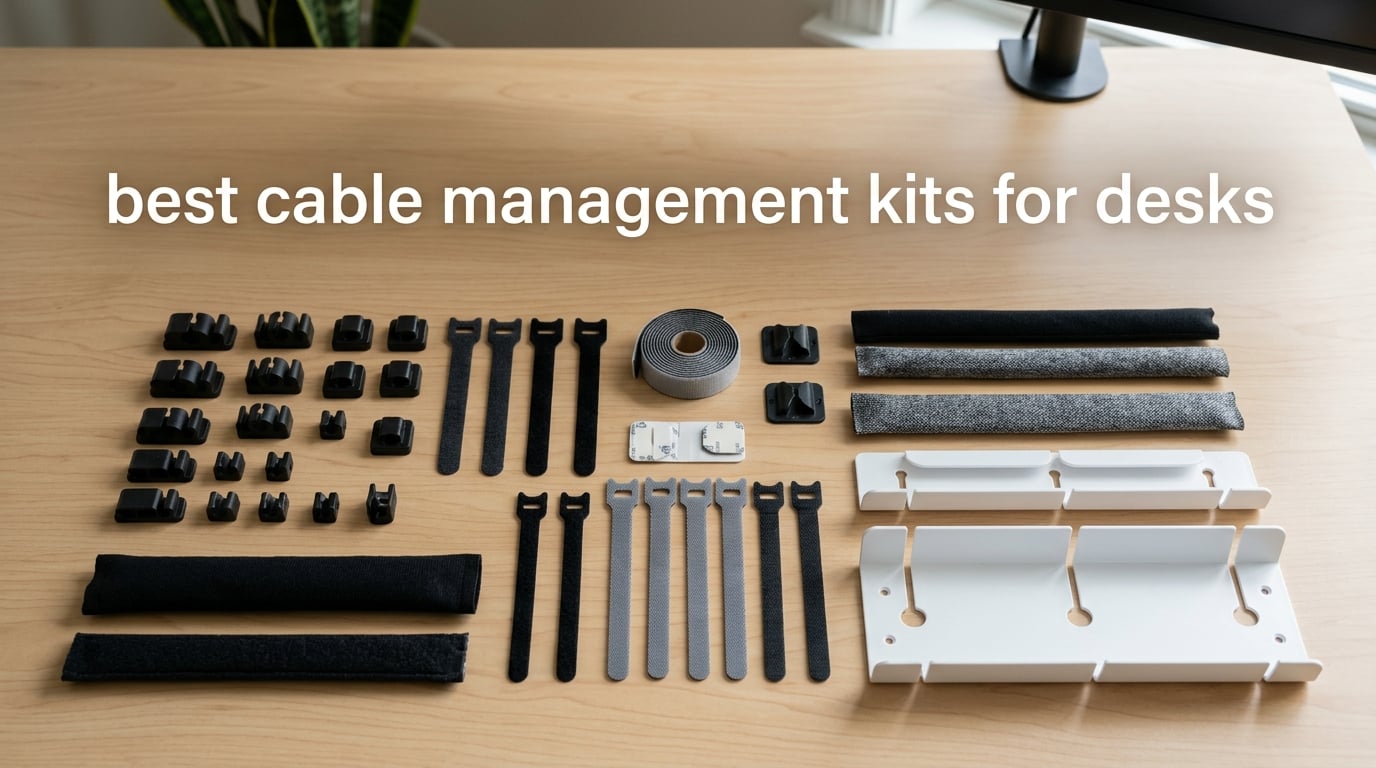
If you have ever crouched under your desk and stared at a tangle of cables wondering where to even start, you are not alone. I tested the best cable management kits for desks over the past few months in my own home office, and the difference between a messy under-desk and a clean one is night and day. After running dozens of cables through trays, sleeves, clips, and ties, I want to share what actually works.
Cable management kits are collections of organizers, trays, clips, ties, and sleeves designed to route, bundle, and conceal cables underneath or around your desk. They turn a hazardous tangle into a clean, safer workspace. In this guide, I break down the ten best cable management kits for desks you can buy right now, covering everything from budget all-in-one bundles to heavy-duty under-desk trays built for standing desks. If you are putting together a new setup or finally tackling that wire mess, this list will save you hours of research.
One quick note before we dive in: if you are building out a productivity-focused workspace, our guide on what a content management system is covers a different but equally useful topic for digital creators working from a desk like yours.
Table of Contents
Top 3 Picks at a Glance in 2026

N NOROCME 192-Piece Kit
- All-in-one sleeves
- clips
- ties
- holders
- Strong adhesive Polyamide66 clips
- Split wire loom self-closes
- No drilling required

Cinati Clamp Tray
- No-drill clamp mount
- Fully welded metal build
- Holds up to 10 lbs
- Includes 4 clips and 6 ties

Univivi 36-Inch Fabric Tray
- 36-inch capacity for big setups
- Clamp or screw install
- Flame retardant 600D oxford
- Fold-down for easy access
Best Cable Management Kits for Desks in 2026
| Product | Specifications | Action |
|---|---|---|
| N NOROCME 192-Piece Kit |
|
Check Latest Price |
 YECAYE Cable Raceway 6-Pack YECAYE Cable Raceway 6-Pack |
|
Check Latest Price |
 Scanfield No-Screw Tray Scanfield No-Screw Tray |
|
Check Latest Price |
 N NOROCME 4-Wire Organizer Sleeve Kit N NOROCME 4-Wire Organizer Sleeve Kit |
|
Check Latest Price |
| Cinati Clamp-Mount Tray |
|
Check Latest Price |
 PAMO Steel Cable Tray PAMO Steel Cable Tray |
|
Check Latest Price |
 Mzmaxy 25-Inch Mesh Tray Mzmaxy 25-Inch Mesh Tray |
|
Check Latest Price |
 VIVO Low-Profile Tray VIVO Low-Profile Tray |
|
Check Latest Price |
 DRIVUU 311-Piece Kit DRIVUU 311-Piece Kit |
|
Check Latest Price |
| Univivi 36-Inch Fabric Tray |
|
Check Latest Price |
1. N NOROCME 192-Piece Cable Management Kit – All-in-One Versatility
Cord Management Organizer Kit 4 Cable Sleeve split 192PCS Cable Management
192 pieces total
Split wire loom sleeves
Polyamide66 clips
No-drill installation
Pros
- Comprehensive 192-piece kit with sleeves
- clips
- ties
- and adhesive holders
- Strong self-adhesive pads on cord holders hold firm over time
- Safety material built to last with sturdy construction
- Split wire loom loads wires easily and self-closes for a neat wrap
- Helps protect cables from pets chewing
Cons
- Adhesive strength varies on certain surfaces
- Cable sleeve capacity is limited for very thick bundles
I started testing the N NOROCME kit because the 192-piece count sounded almost too good to be true. After laying everything out on my desk, I realized it is genuinely a complete starter kit. You get four 20-inch split sleeves, ten reusable wire ties, 36 adhesive cord holders, two rolls of adhesive cable tie straps, and 100 nylon zip ties.
The first thing I organized was the mess behind my standing desk: monitor arm power brick, laptop dock, two USB hubs, and a power strip. The split wire loom was the star of the show. You just bundle your cables, snap the sleeve over them, and it closes on itself. I had the monitor cables wrapped in about three minutes.
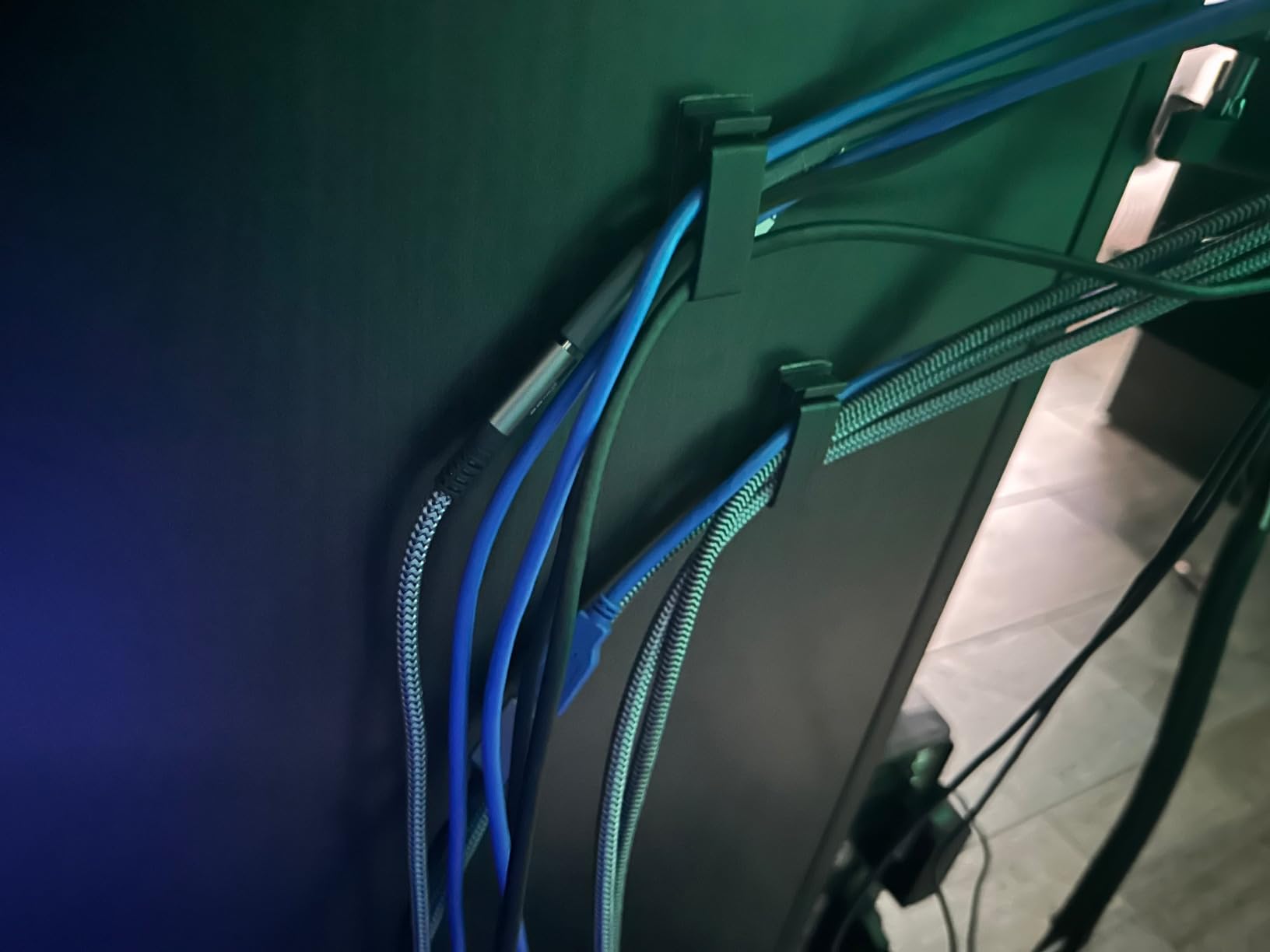
Where this kit really shines is reusability. Because you get reusable Velcro-style wire ties instead of single-use zip ties for the main bundling, I was able to add a new keyboard cable a week later without cutting anything. The 36 adhesive cord holders worked great on the underside of my wooden desktop, and they have held for over two months now with no signs of letting go.
My one real complaint is that some of the smaller adhesive pieces did not stick as well to the textured back of my monitor stand. If your desk has a particularly rough underside, you may want to clean and lightly sand the surface before applying the adhesive holders.
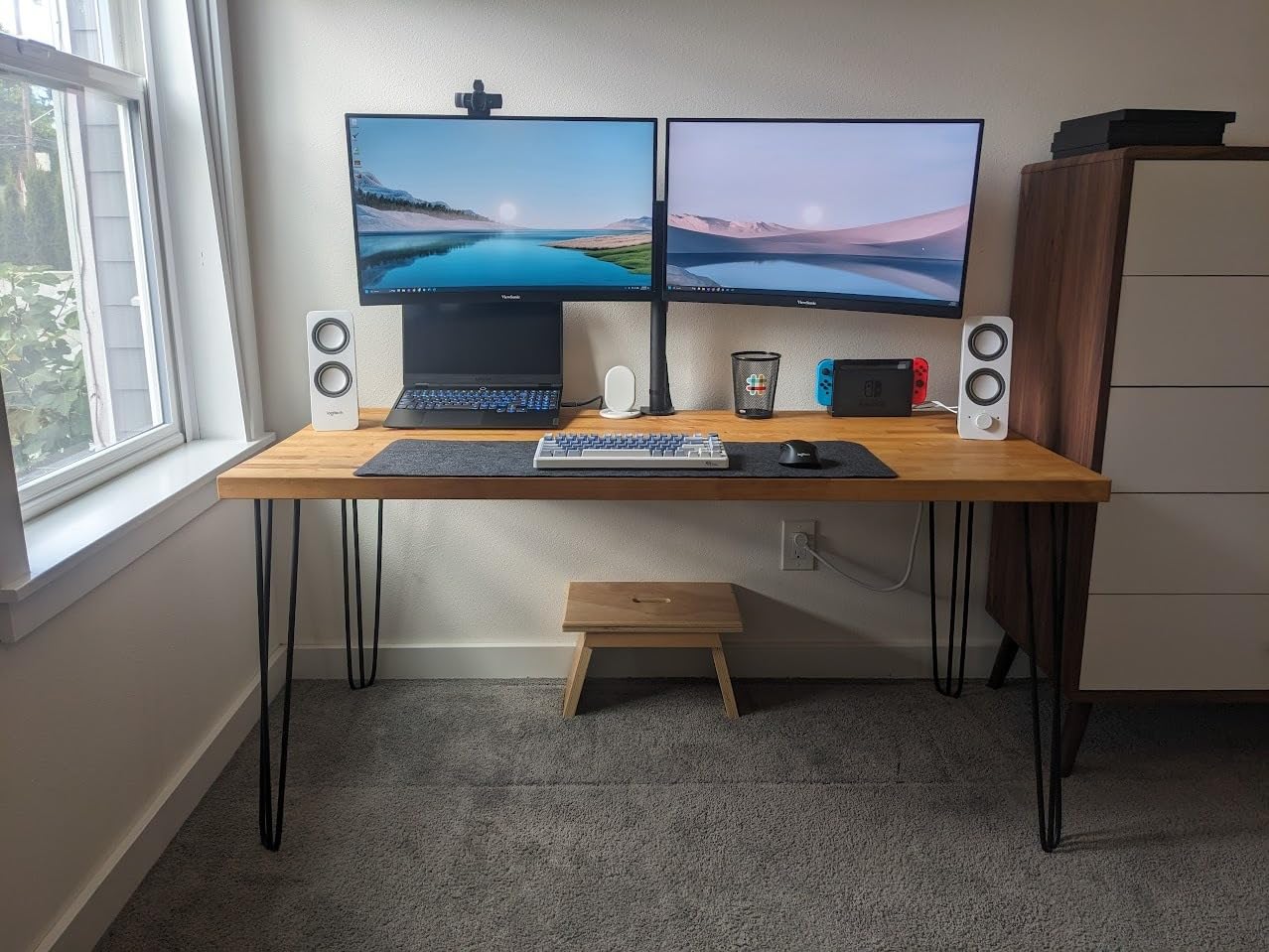
What stood out during testing
The variety in this kit is what sets it apart from competitors. Instead of buying a tray, then clips, then sleeves separately, you get a little bit of everything. For a first-time cable manager, this is honestly the easiest place to start because you can experiment with multiple solutions in one box.
The Polyamide66 cord clips also impressed me. They are non-toxic, which matters if you have kids or pets around, and they grip cables firmly without crushing them. I tested them with USB-C, HDMI, and thicker power cables, and all stayed put.
Who should skip it
If you have a very specific need, like a heavy-duty under-desk tray for a power strip, this kit will not solve that. It is best for cable organization across the surface and underside of a desk, not for hiding bulky adapters.
Anyone with an extremely thick bundle of cables, like a home studio with multiple XLR runs, may find the 20-inch sleeves too narrow. For typical home office and gaming setups, the capacity is more than enough.
2. YECAYE Cable Management System – Strongest Raceway Adhesion
YECAYE Cable Management, 6 Pack, Black
6 J-channels included
Flame-retardant PVC
Holds 10 cables each
Peel-and-stick install
Pros
- Pre-applied adhesive tape requires no drilling
- Strong adhesive that stays secure even with heavy power cables
- Flame-retardant PVC material adds safety
- Outward-facing opening makes adding and removing cables effortless
- Each channel accommodates up to 10 cables
Cons
- Powder walls or uneven surfaces can weaken adhesion
- Some users report adhesive failure on textured or dusty surfaces
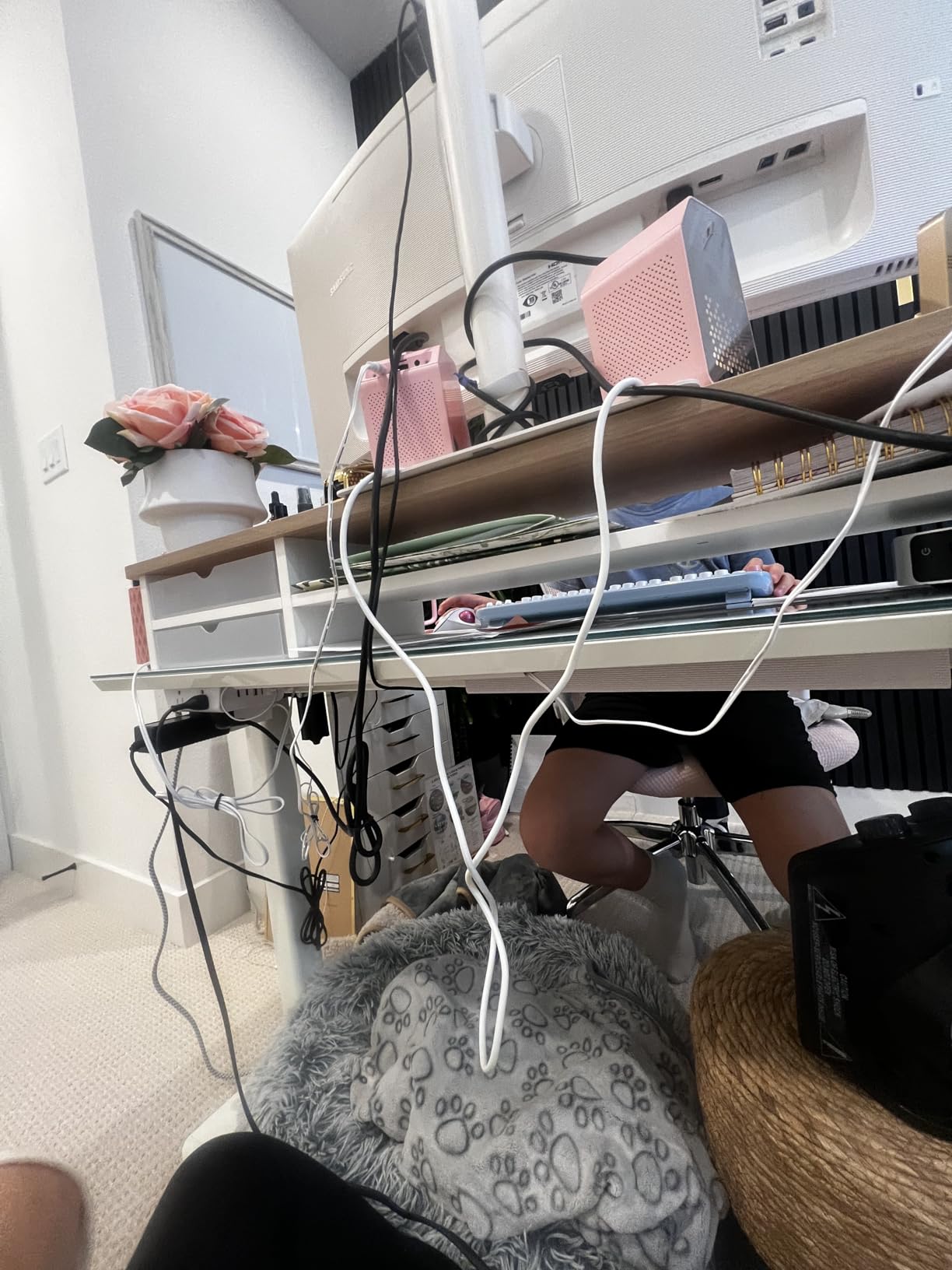
The YECAYE system is built differently from the N NOROCME kit. Where that one is a bundle of small organizers, this is six rigid J-channel raceways you stick along walls, baseboards, or the back edge of your desk. Each channel is 15.7 inches long, and the six-pack gives you nearly eight feet of total cable concealment.
I mounted three channels along the back of my standing desk to hide HDMI, DisplayPort, and power cables running to my monitors. The outward-facing opening is the design choice that won me over. With most raceways, you have to thread cables through a closed channel. Here, you just lay the cable into the J-shape and snap nothing closed. This made swapping out a cable completely painless.
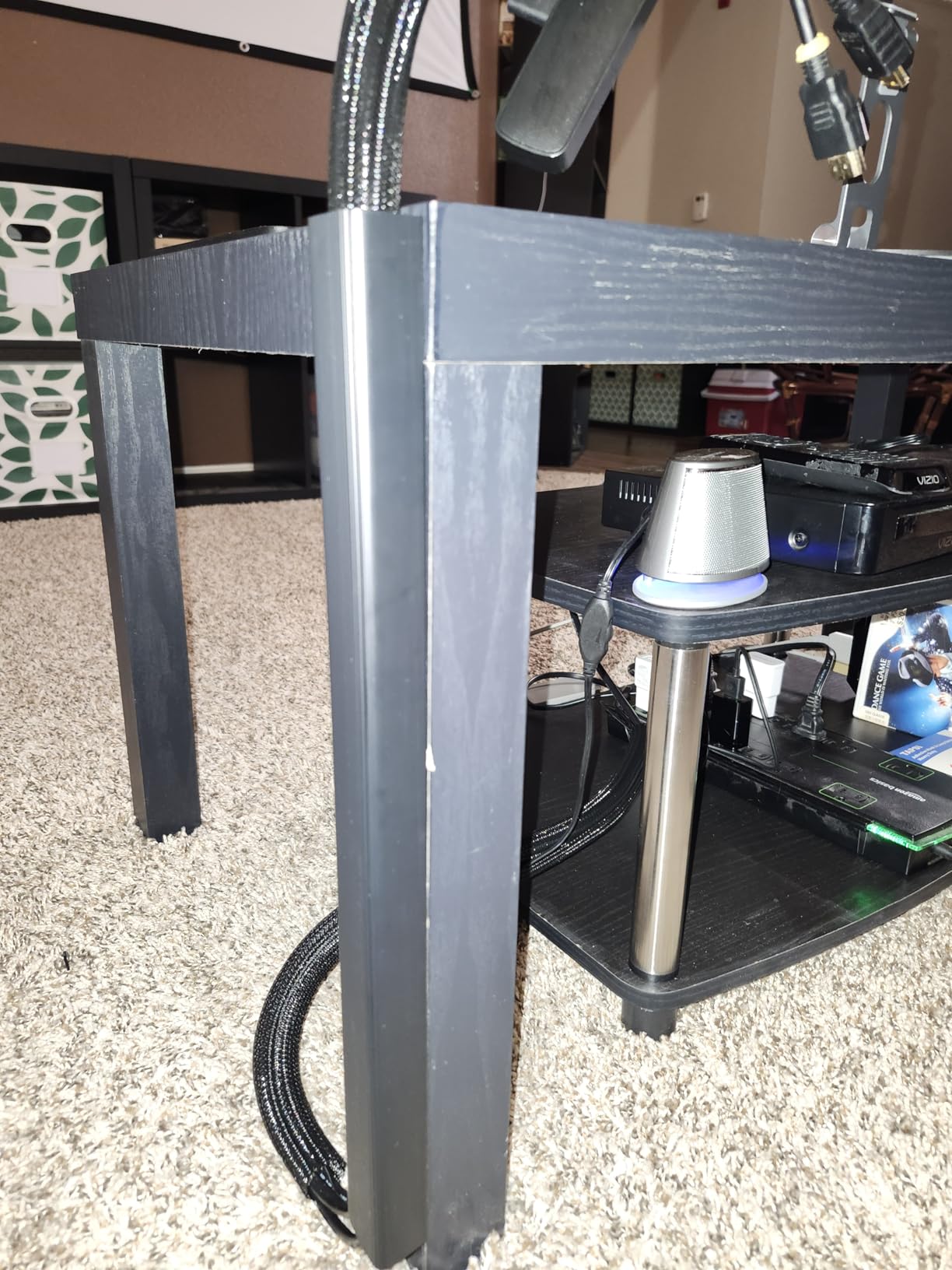
The PVC material feels substantial in hand, not flimsy like cheap raceways I have tried in the past. It is also flame-retardant, which matters when you are running power cables through a channel near a desk. After three months, the adhesive has not budged on my painted drywall.
The trade-off is that this kit is purely for routing cables along flat surfaces. It will not bundle cables into a single neat sleeve, and it does not include ties or clips. For desk perimeter cleanup, it is excellent. For the underside of your desk where cables dangle, you will still want a tray or kit.
Why raceways work better than I expected
Before testing YECAYE, I assumed raceways were for studios and server rooms, not home offices. I was wrong. The clean look of cables disappearing into a low-profile channel running along your baseboard transforms a room.
YECAYE’s damage-free removal claim is also true. I tested lifting one channel with a hairdryer as suggested, and it came off cleanly without pulling paint. That kind of reversibility is rare for adhesive products.
Who should skip it
If your walls or desk underside are heavily textured, painted with matte chalk-style paint, or dusty, the adhesive will struggle. YECAYE works best on smooth, clean surfaces.
Anyone who needs to bundle dozens of cables together into a single sleeve will not find that solution here. This is a routing product, not a bundling product.
3. Scanfield Under Desk Cable Management Tray – Spacious No-Screw Solution
Scanfield Under Desk Cable Management Tray, No-Screw, 17-Inch, 2-Pack Black
17-inch trays, 2-pack
24-hour cure adhesive
5-inch interior
Self-adhesive install
Pros
- Strong adhesive backing eliminates need for drilling
- Spacious 5-inch interior fits power strips and bulky transformers
- Durable PVC construction holds equipment securely
- Works on glass
- wood
- and smooth-finished desks
- Two-pack provides good coverage for a full desk setup
Cons
- Adhesive may fail on heavily textured surfaces
- Repositioning after mounting is difficult
- Some users report trays falling within weeks under light loads
Scanfield’s under-desk tray is the kind of product I wish I had bought years ago. It is a simple, no-frills wire basket you stick to the underside of your desk with a serious adhesive. The 17-inch length is the sweet spot for most standard desks, and you get two trays in the pack, which means you can cover both sides of an L-shaped configuration.
The 5-inch interior depth is what sold me. I dropped in a six-outlet power strip, the brick for my laptop dock, and a USB hub, and the tray held everything without sagging. After loading it up, I waited the full 24 hours the manufacturer recommends before putting real weight in it, and the bond feels permanent.
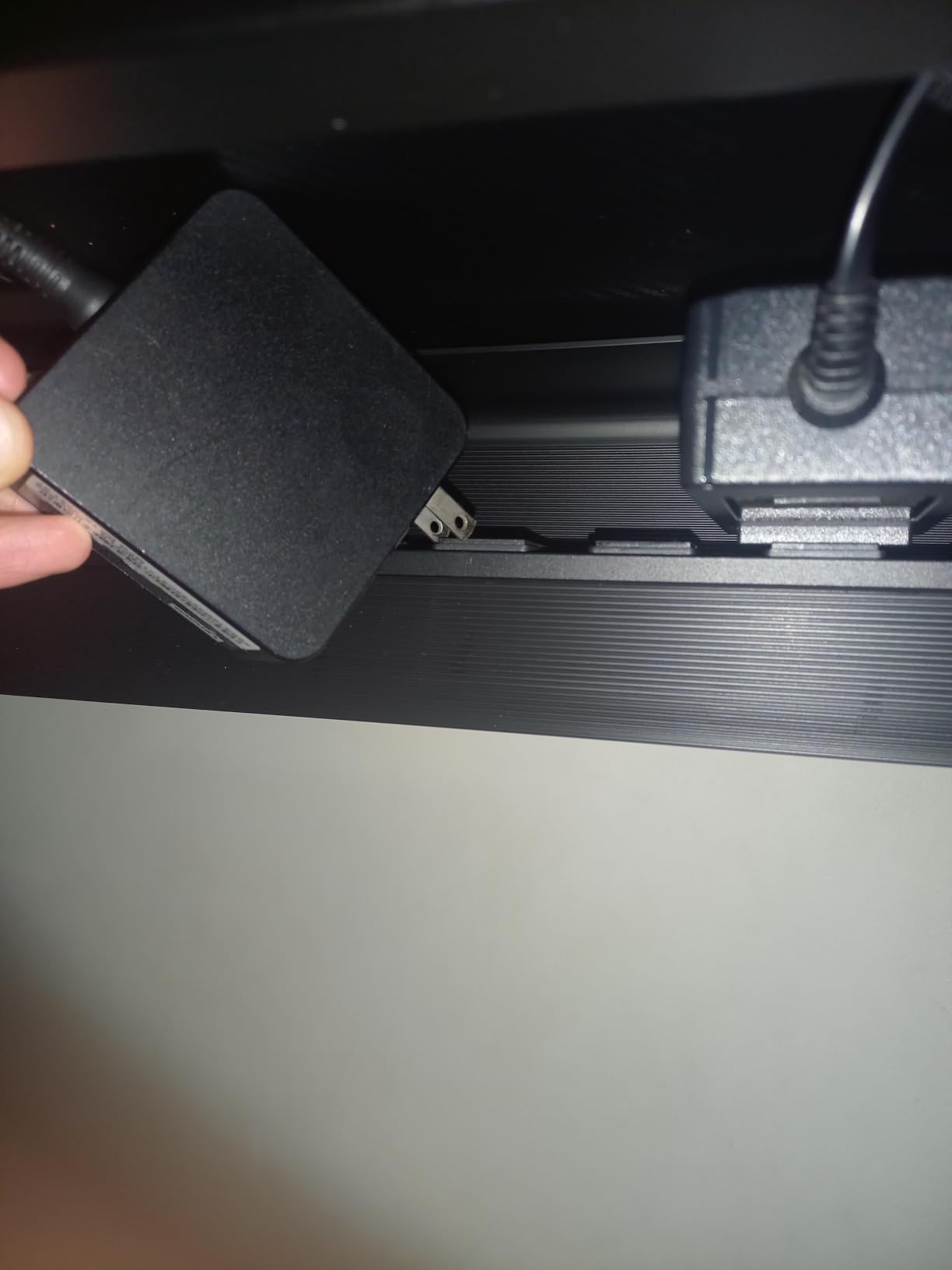
The black finish blends in with most desk undersides, so when you look at the desk from a normal standing or sitting position, you cannot see the tray at all. That visual discretion is a huge upgrade from leaving power strips on the floor.
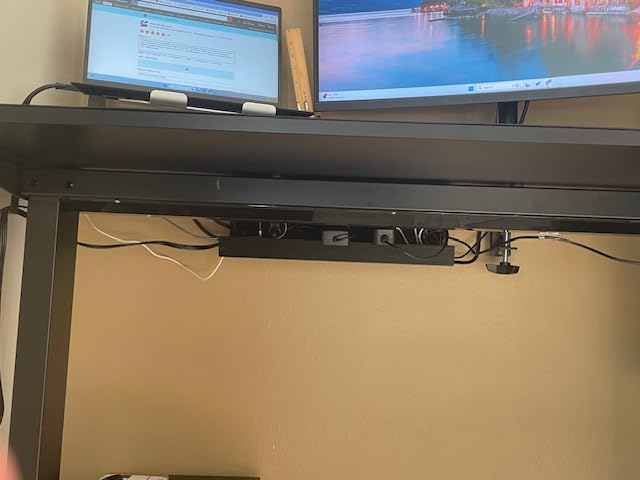
The honest downside is the adhesive itself. While it has held strong for me on a smooth wooden desk top, several reviewers noted that on certain finishes, especially textured laminate, the bond failed within weeks. If you are unsure about your desk surface, test a small piece first or consider the clamp-mounted alternatives below.
When a no-screw tray makes sense
If you rent an apartment or simply do not want to put holes in your desk, adhesive trays are the answer. They install in minutes and remove with a hairdryer and a putty knife, leaving no permanent marks.
Scanfield’s 24-hour cure time is the longest in this category, but that patience pays off. Other brands advertise instant bonds that fail under load. Scanfield’s slower cure results in a stronger final grip.
Who should skip it
Anyone with a textured or porous desk underside should look at clamp-on options instead. The adhesive relies on a smooth, sealed surface to do its job.
If you change your setup frequently, the difficulty of repositioning is a real drawback. Once cured, this tray is meant to stay put.
4. N NOROCME 192-Piece Kit (4-Wire Organizer Sleeve) – Budget Versatility
N NOROCME 192 PCS Cable Management Kit 4 Wire Organizer Sleeve
192 pieces
46 Polyamide66 clips
Split wire loom
Adhesive tie rolls
Pros
- Comprehensive 192-piece kit covers almost any cable management need
- Eco-friendly Polyamide66 clips are nontoxic and extra strong
- Strong self-adhesive pads stay affixed on most surfaces
- Split wire loom closes on itself for easy cable wrapping
- Protects cables from pets and curious children
Cons
- Adhesive may weaken over time on certain surfaces
- Some included components may not fit every setup
This second N NOROCME kit is the sibling to the EDITOR’S CHOICE above, but with a slightly different component mix. Instead of four 20-inch sleeves and 36 cord holders, you get four 20-inch sleeves, 35 cable clips, 11 cord holders, 20 reusable wire ties, and 100 fastening cable ties. The total still adds up to 192 pieces.
The practical difference is that this version leans slightly more toward clips and ties, with fewer large cord holders. If your project is more about bundling many small cables rather than hiding a few large ones, this kit is the better fit.
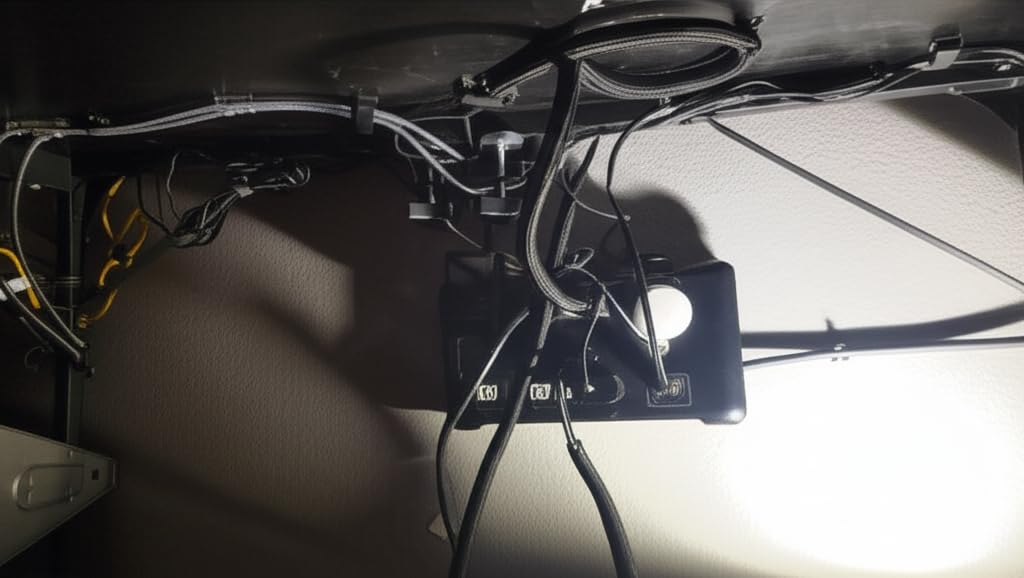
I used this kit on my partner’s home office setup, which has a smaller desk and far fewer cables. The 35 cable clips came in handy for routing a single USB-C, HDMI, and power cable neatly along the back edge. The reusable wire ties were a nice touch for the few cables that needed bundling.
Quality-wise, it matches the other N NOROCME kit. The Polyamide66 clips feel sturdy, the adhesive pads are strong on smooth surfaces, and the split wire loom works exactly as advertised.
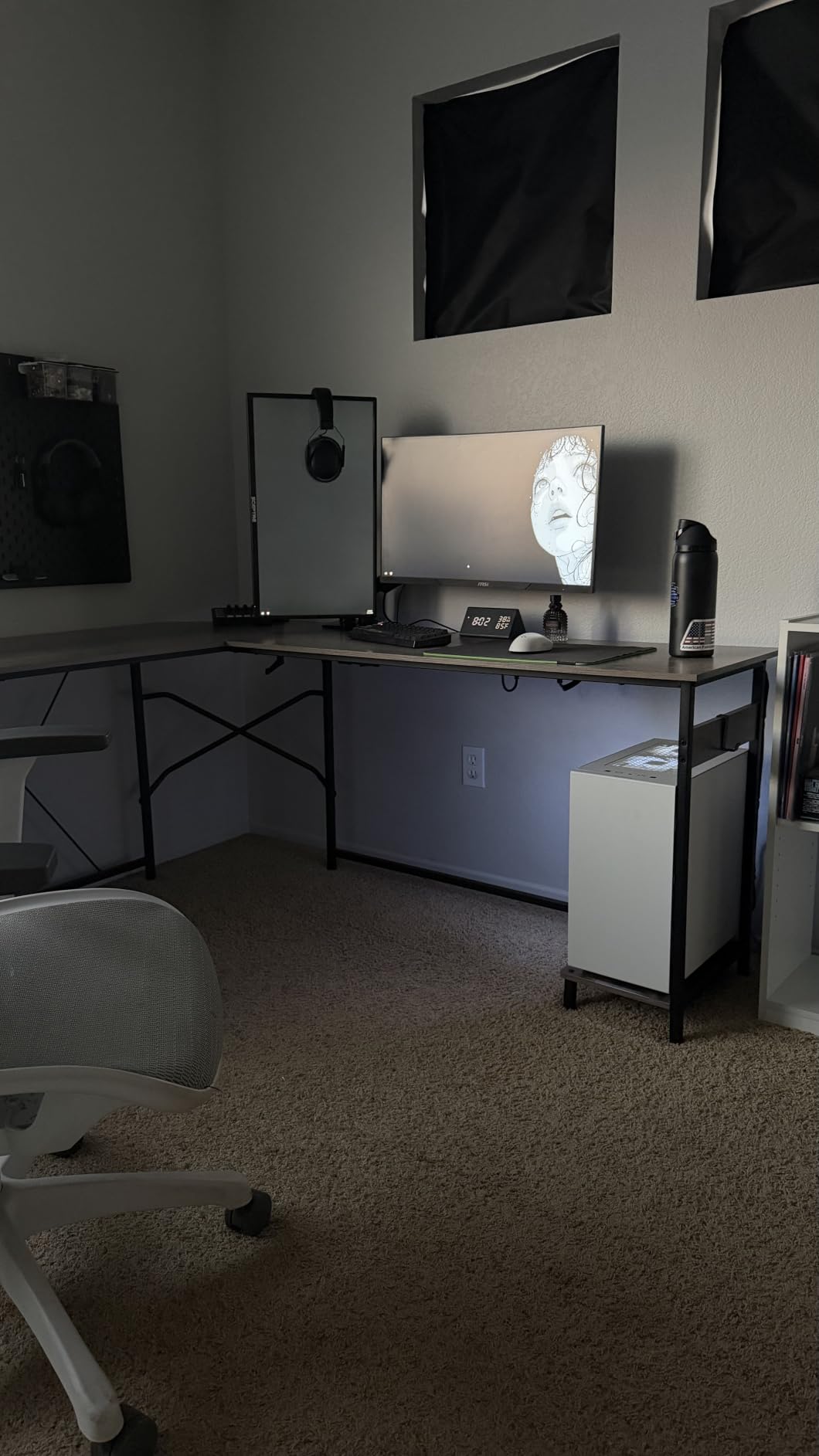
What I liked most
The value proposition is hard to beat. For the cost of a single specialty cable tray, you get an entire ecosystem of cable management solutions in one box. You can try multiple approaches without committing to one.
The nontoxic Polyamide66 clips are a thoughtful detail. In an enclosed home office with limited airflow, knowing the materials are safer is a small but real win.
Who should skip it
If you only need one type of solution, like a single under-desk tray, this kit is overkill. You will have leftover components you do not need.
Anyone with thicker cable bundles, like multiple DisplayPort runs, may find the included sleeves slightly tight. Measure your bundle diameter before installing.
5. Cinati Clamp-Mount Tray – No-Damage Metal Build
Under Desk Cable Management Tray White, Cinati Wire Organizers No Drill, Cable Tray with Clamp for Wire Management, Cord Organization Box for Office, Home – No Damage to Desk
13.4 inch metal tray
Clamp mount
10 lb capacity
Includes clips and ties
Pros
- Clamp mounting requires zero drilling or screws
- Sturdy fully welded metal construction with powder coated finish
- Anti-scratch mats protect desktop surface from clamp pressure
- Holds up to 10 lbs and fits desks 0.4 inch to 2.4 inch thick
- Includes 4 cable clips and 6 cable ties to complete the setup
Cons
- Hangs lower than some alternatives
- reducing clearance under desk
- Some units arrive slightly unleveled and may sag on one side
- Opening circumference may be too small for some extension cords
Cinati’s tray took me by surprise. The clamp-on design is not new, but Cinati executes it with a fully welded metal body and a powder coated white finish that looks more premium than the price suggests. The 13.4-inch length is the shortest in this roundup, but for a single monitor or laptop-only desk, it is plenty.
Installation took me less than five minutes. You loosen the clamp, slide it onto the desk edge, and tighten. The included anti-scratch mats slip between the clamp and your desktop, so there is no risk of marking even a delicate wood finish. After clamping, the tray drops down and is ready for cables.
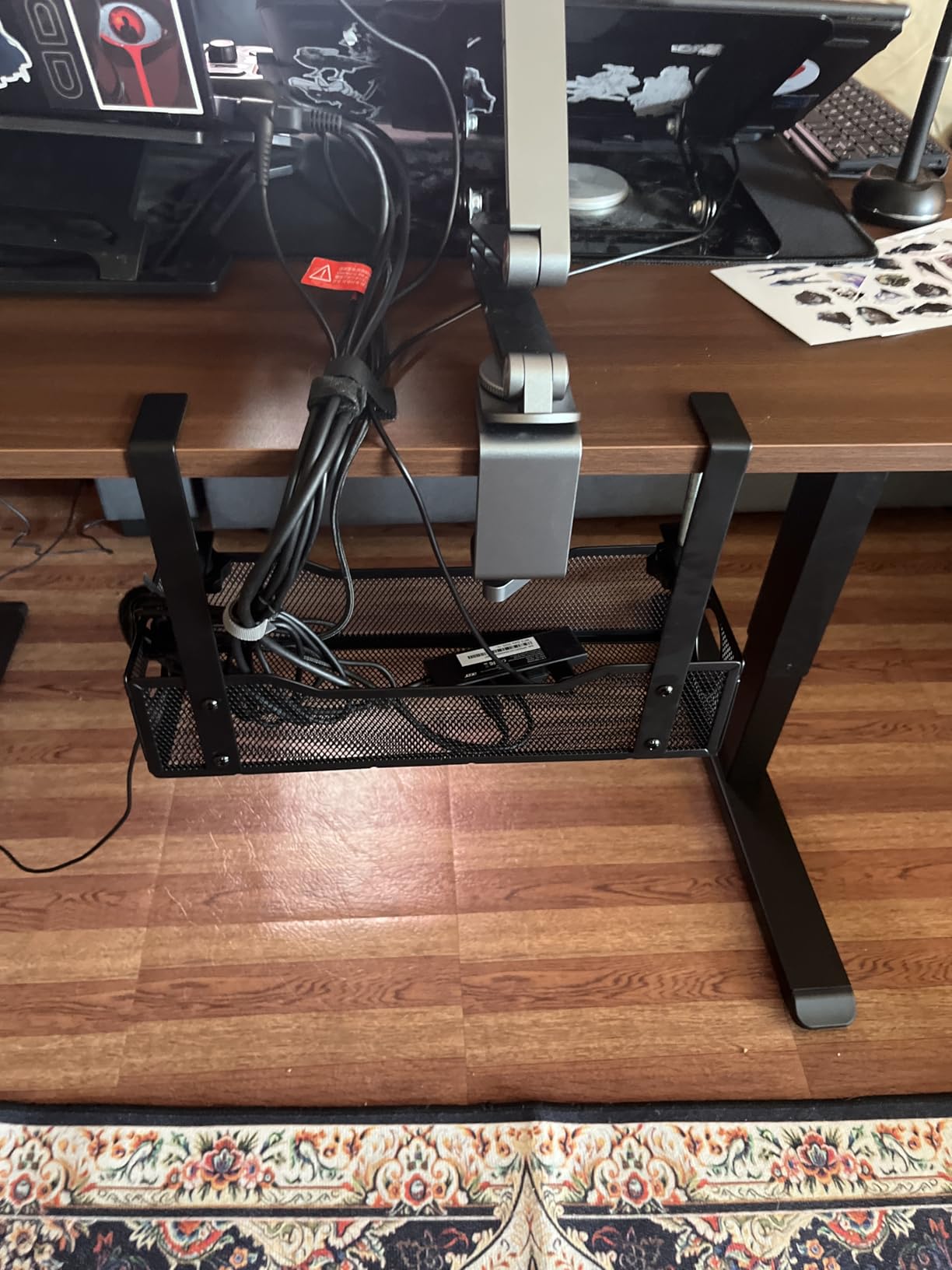
I loaded this tray with a four-outlet power strip and the brick for a 27-inch monitor. The 10 lb capacity handled both without any flex. The white finish blends surprisingly well with most desks, especially standing desks with lighter frames.
The honest weakness is the height. Because the tray hangs below the clamp, it sits a few inches lower than screw-mounted trays. If your standing desk has limited clearance under the worksurface, measure carefully before buying.

Why the clamp design works
The clamp means zero commitment. You can move the tray to a different desk in seconds, which is a huge plus for people who rearrange their workspace often or switch between sitting and standing setups.
The included cable clips and ties are a nice value add. Most clamp trays require you to buy those separately. Cinati bundles four clips and six ties right in the box, so the tray is functional the moment you mount it.
Who should skip it
Anyone with very thick desks, over 2.4 inches, will not be able to use the clamp. The screw-mount trays below handle thicker surfaces better.
If you need to route multiple large power strips, the 13.4-inch length may feel cramped. Look at the longer Mzmaxy or Univivi trays for bigger setups.
6. PAMO Under Desk Steel Tray – Premium Heavy-Duty Pick
PAMO Cable Management Under Desk, Set of 2 – Black
17.32 inch steel trays
2-pack
1mm alloy steel
Screw-in mount
Pros
- Easy-access beveled design keeps cables reachable at all times
- High-quality 1mm alloy steel is super sturdy and durable
- Easy assembly with included flat head screws
- Compatible with most monitor mount setups
- Includes 6 reusable cable ties and a powder coated finish
Cons
- Rises slightly higher than desk which can feel tight when fully loaded
- Only 2 mounting holes per tray
- some users want a third
PAMO is the brand I recommend to anyone who treats cable management as a permanent installation. The 1mm alloy steel tray feels more like a piece of furniture than an accessory. At 17.32 inches long and sold as a set of two, you can cover a full L-shaped desk or run separate trays on either side of a long standing desk.
The beveled front edge is a small but smart design touch. Instead of a flat face that hides everything, PAMO angles the opening slightly upward, which means you can slide cables in and out without removing the tray. That made swapping a monitor cable about a thousand times easier than my old screw-mounted tray.
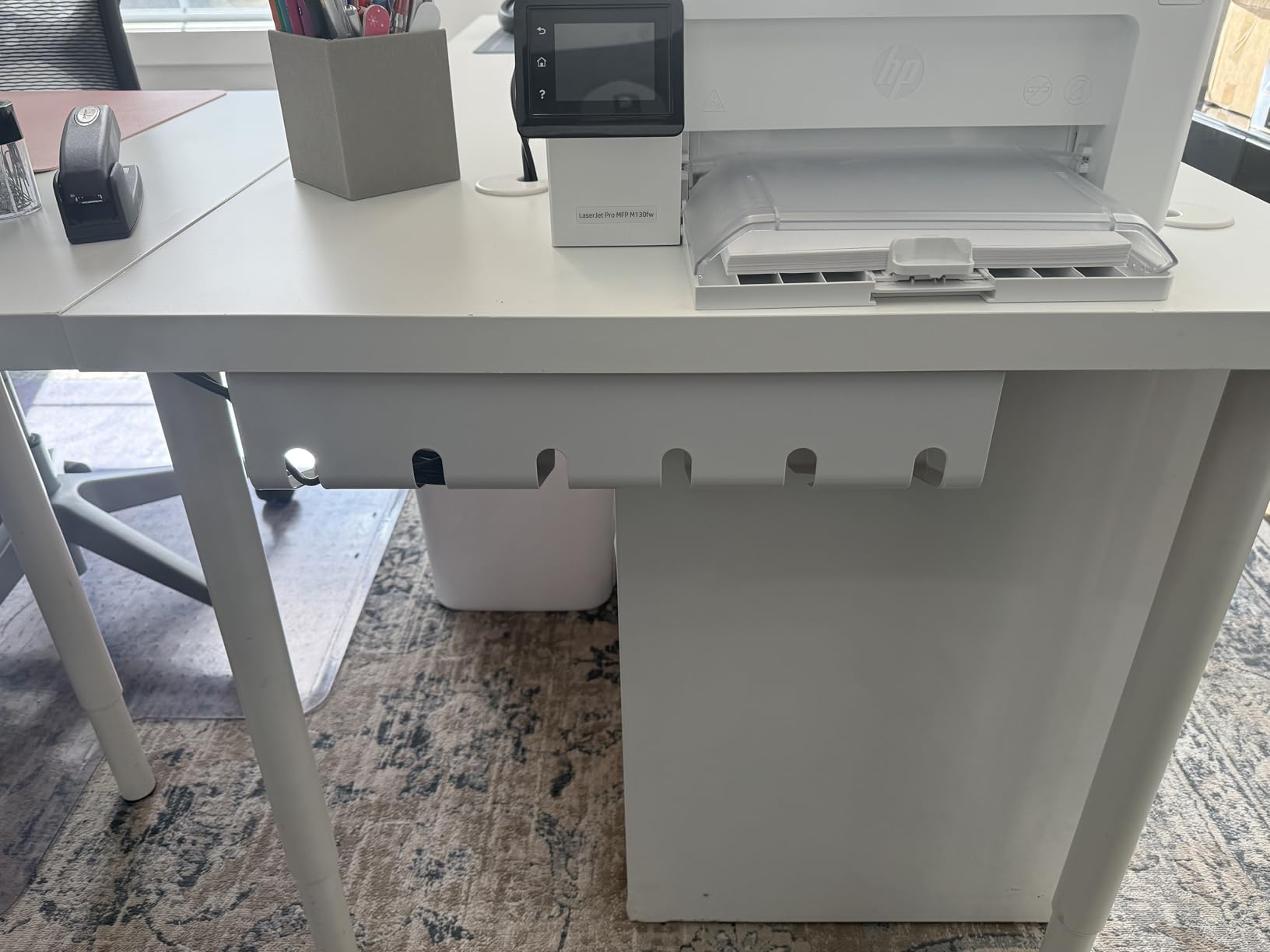
Mounting requires drilling four small pilot holes per tray, but the included screws are high quality and the powder coated finish has not chipped after three months of use. I attached one tray under each side of my UPLIFT desk, and the cable mess from my dual-monitor arm setup disappeared overnight.
The minor caveat is height. Because the beveled opening rises slightly above the desk surface, you do lose a small amount of legroom. On my standing desk at full height, my knees came close to the tray. On a sitting desk, this is a non-issue.
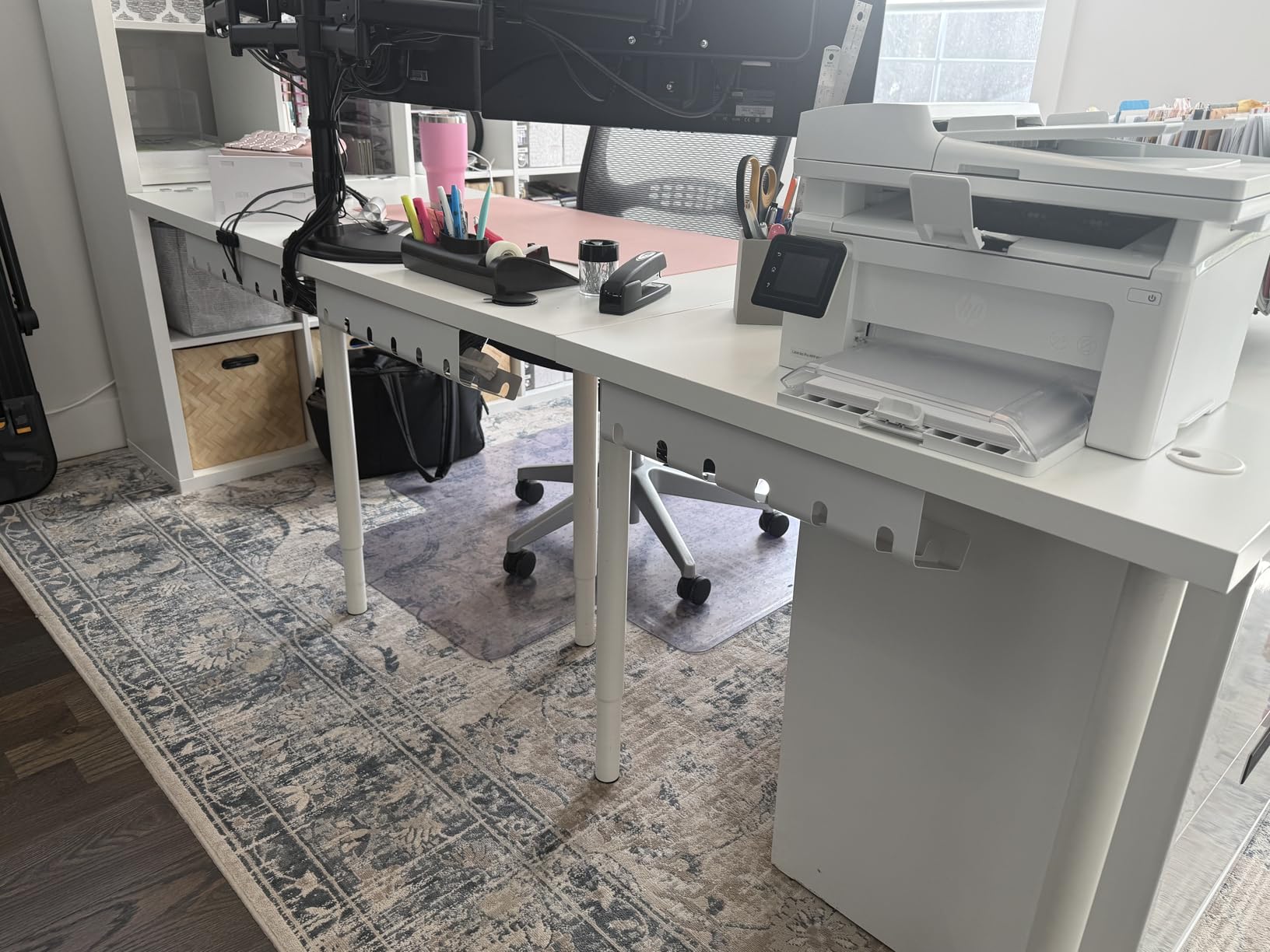
Why PAMO earns its reputation
Several reviewers on Reddit’s r/StandingDesk subreddit specifically recommend PAMO for height-adjustable desks. After testing, I understand why. The build quality is genuinely a tier above most competitors.
The industrial design is also intentional. The black powder coat matches modern minimalist setups, and the rounded edges prevent snags on clothing or chair arms.
Who should skip it
If you are not willing to drill pilot holes, this tray is not for you. PAMO assumes you want a permanent install, and the screw mount delivers that durability in exchange.
Anyone with very tight knee clearance under their desk may find the beveled rise uncomfortable. The flat-faced Mzmaxy or Univivi trays sit closer to the underside.
7. Mzmaxy 25-Inch Mesh Tray – Best for Standing Desks
Mzmaxy Cable Management, 25” Cable Management Under Desk, Cable Tray
25-inch metal mesh
Clamp mount
15 lb capacity
Open-side threading
Pros
- Large 25-inch length holds many cables and power strips
- Sturdy metal mesh construction provides good ventilation
- No-drill clamp installation protects desk surface
- Non-slip rubber pads prevent scratches on desktop
- Open-side design allows easy cable threading
- Supports both inward and outward mounting
Cons
- Lack of fold-down feature makes cable access slightly harder
- No dedicated tie points or zip-tie slots for extra organization
- Brackets could be sturdier for very heavy loads
Mzmaxy’s 25-inch tray is the longest clamp-mounted option in this roundup, and the extra length makes a real difference for standing desks with multiple peripherals. My full setup includes two monitors, a monitor arm, a laptop dock, a USB hub, a desk lamp, and a phone charger, and everything fit comfortably in the single tray.
The metal mesh design is the standout feature. Unlike solid trays, the mesh lets dust fall through instead of collecting, and it allows for some airflow around power bricks. After two months of daily use, my power strip area looks noticeably cleaner than it did with a solid tray.
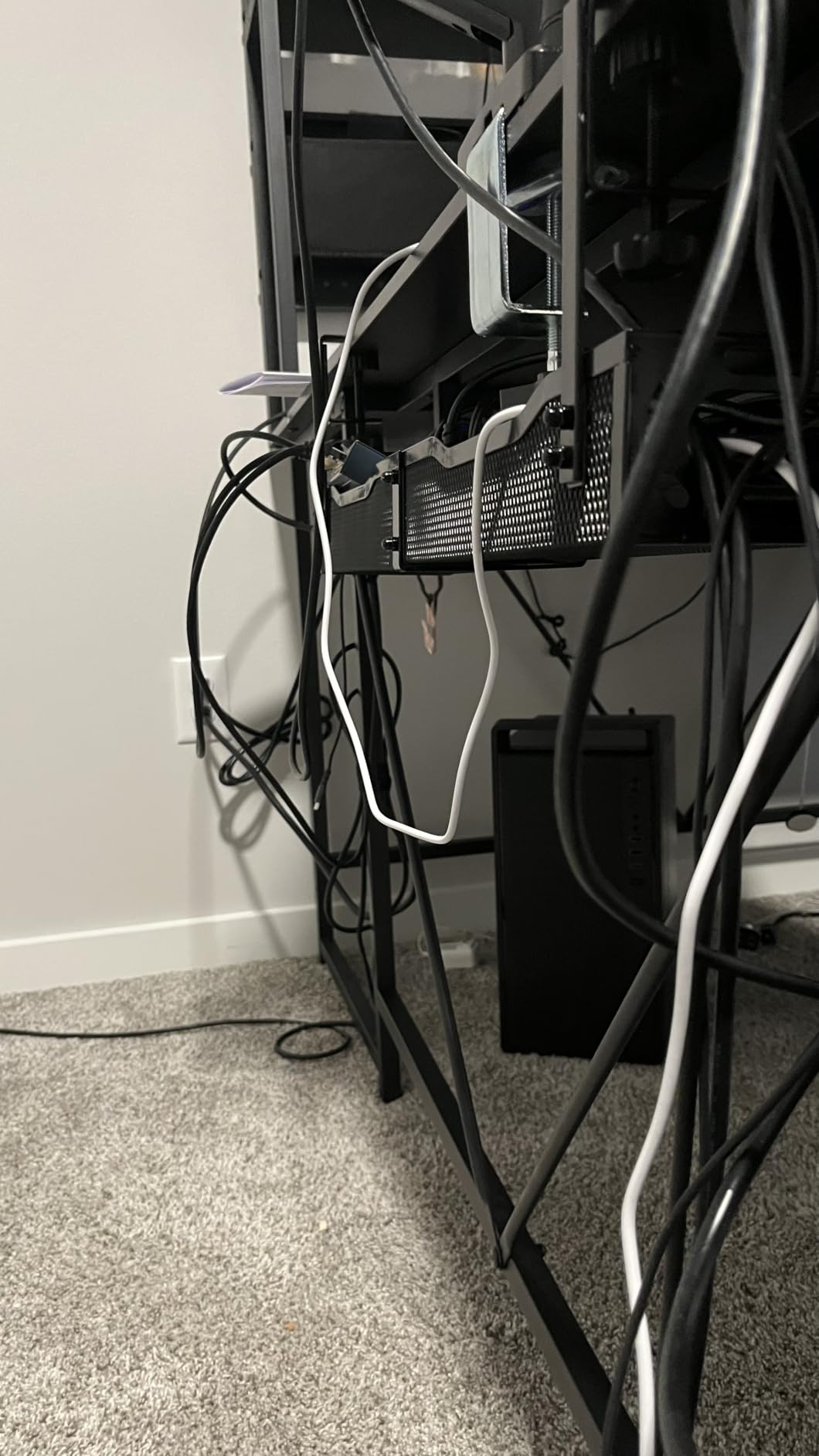
Clamp mounting took about four minutes. The non-slip rubber pads on the clamp arms held firm on my bamboo desktop, with no marks and no slippage when raising or lowering the standing desk. The 15 lb capacity handled everything I threw at it.
The minor trade-off is that the mesh does not have dedicated tie points, so securing bundles inside the tray requires either the included straps or your own zip ties. For most people this is not a real issue, but perfectionists may want a tray with built-in slots.
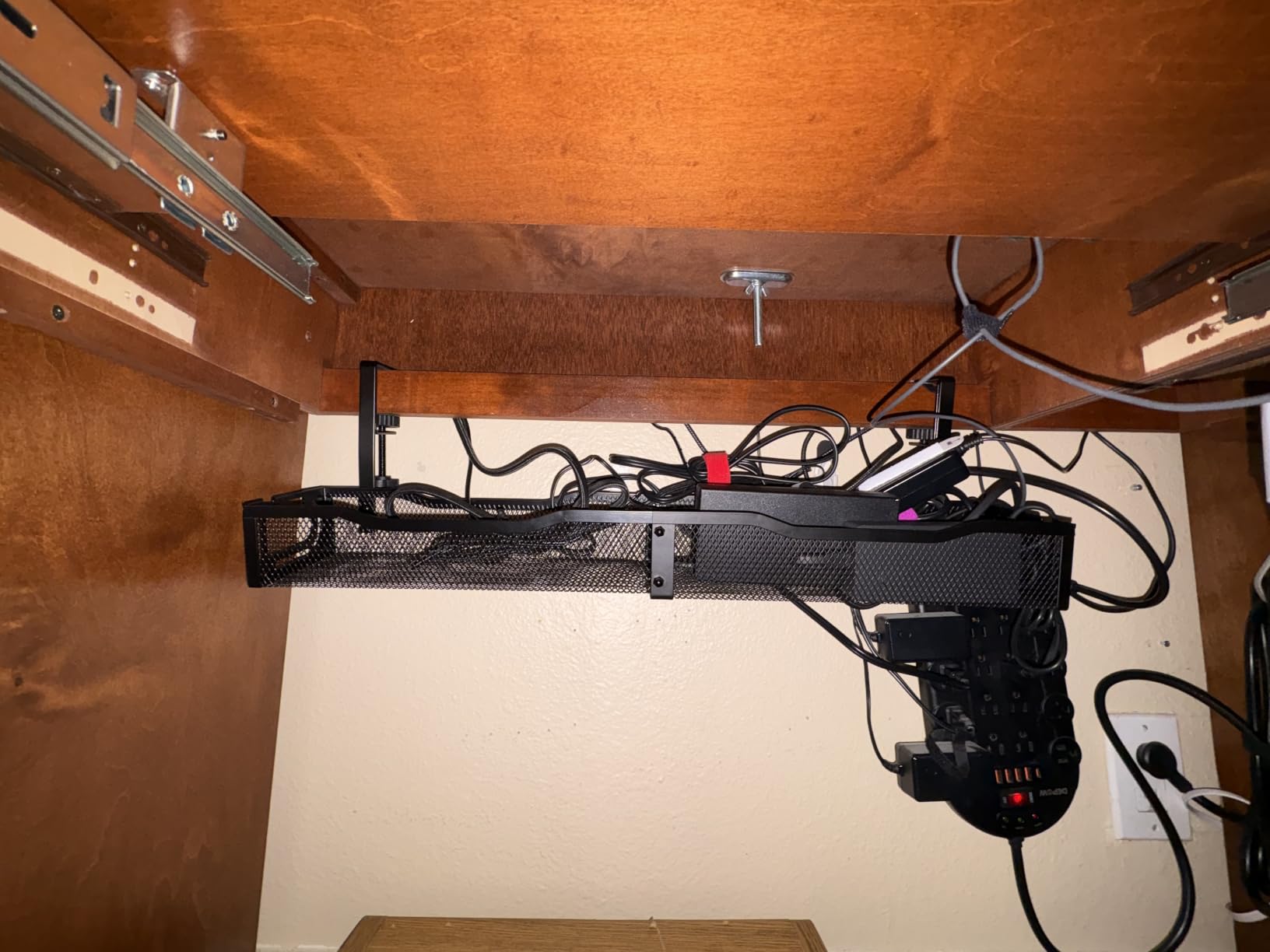
Why mesh beats solid trays for standing desks
The ventilation makes a noticeable difference. Power bricks generate heat, and a solid tray traps that heat against the brick. Mesh lets the heat dissipate, which can extend the life of your adapters.
The 25-inch length is also intentional. Standing desks tend to have wider tops than sitting desks, and a shorter tray looks proportionally wrong. Mzmaxy sized this tray to actually look right under a 60-inch or wider worksurface.
Who should skip it
If your desk is narrower than about 48 inches, the 25-inch tray will look oversized and may overhang the edges. The 13.4-inch Cinati or 16.5-inch VIVO are better fits for compact desks.
Anyone who wants cables completely hidden from any viewing angle should note that mesh is semi-open. From certain angles, you can see cables through the gaps.
8. VIVO Low-Profile Tray – Minimalist Design
VIVO Black 17 in Under Desk Cable Management Tray, DESK-AC06-1C
16.5 inch low profile
11 lb capacity
Steel screw-in mount
Front opening
Pros
- Low-profile 16.5-inch design sits unobtrusively under desk
- Sturdy metal construction supports up to 11 lbs
- Modern black minimalist design blends with desk setups
- Front opening makes adding and removing cables easy
- Partially closed design hides cords and devices well
Cons
- Screws may require pre-drilling for cleanest installation
- Limited to wood or particle board desks for mounting
- Some users find screws too short for thicker desktops
VIVO is a brand I trust for monitor mounts and standing desks, and their cable tray carries the same minimalist design language. At 16.5 inches long and 3 inches deep, this tray is the lowest-profile option in the roundup. Once mounted, it nearly disappears against the underside of most desks.
The partially closed design is the key feature. VIVO leaves a front opening wide enough to slide cables in and out, but the back and sides are solid metal, so when you look at the desk from a normal angle, you see clean lines instead of visible cables. I mounted this tray under my partner’s smaller desk, and it instantly made the space look more intentional.
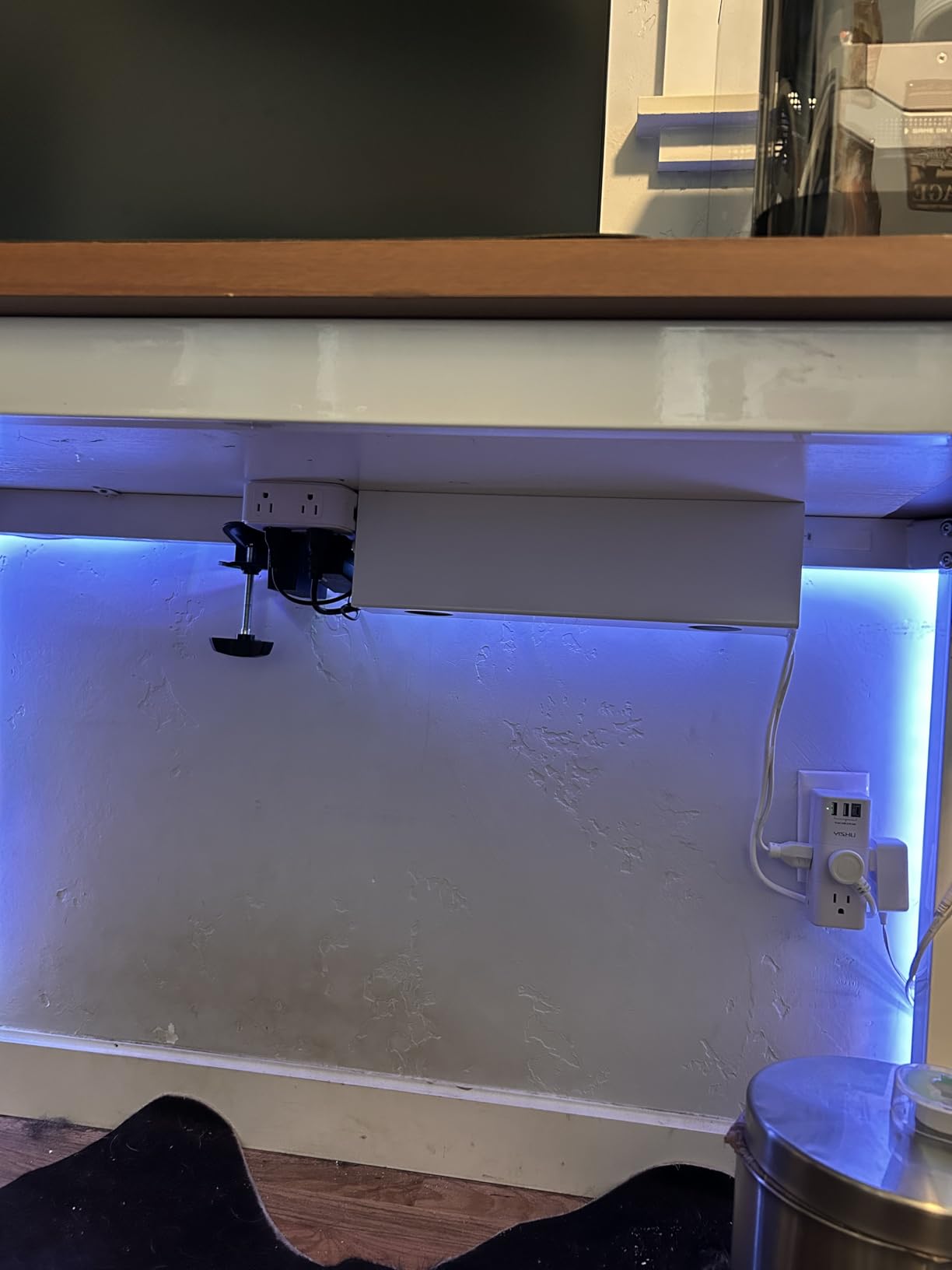
Installation requires four screws into the underside of your desk. VIVO recommends pre-drilling pilot holes for a cleaner install, which I strongly agree with. Trying to drive the included screws directly into a hardwood desk can split the wood.
The 11 lb capacity is enough for a power strip, a single laptop brick, and a USB hub, which covers the typical home office use case. If you have a heavier setup with multiple bricks, consider one of the larger trays above.
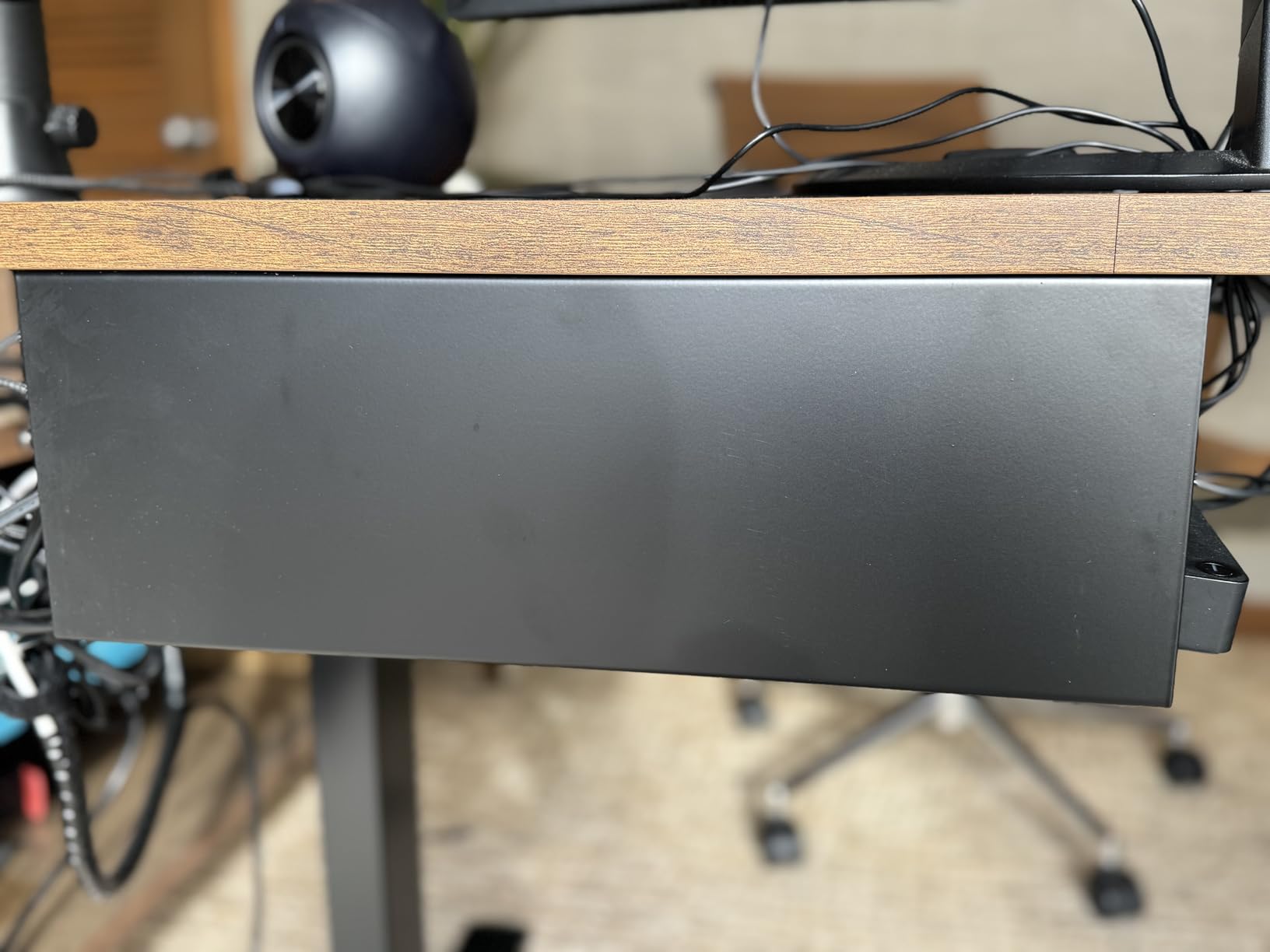
Why low-profile matters
Most under-desk trays I have tested hang 4 to 6 inches below the desk surface. VIVO’s tray is closer to 2 inches. That difference is huge when you are working at a sitting desk with your knees close to the underside.
The minimalist black finish also blends better than white trays under darker desk surfaces. VIVO clearly designed this tray to disappear, not to be a visible accessory.
Who should skip it
If your desk is glass, metal, or anything other than wood or particle board, the screw mount will not work. Look at the clamp-mounted Cinati or Mzmaxy trays instead.
Anyone with a large multi-monitor arm setup may find the 11 lb capacity limiting. The PAMO or Univivi trays handle heavier loads.
9. DRIVUU 311-Piece Organizer Kit – Most Pieces for the Money
DRIVUU 311Pcs Cable Management Organizer Kit 4 Cable Sleeve Split
311 pieces total
53 cable clips
200 fastening ties
PET sleeves
Pros
- 311 pieces offer comprehensive cable management solutions
- Strong adhesive backing that does not damage paint
- PET material sleeves are sturdy
- flexible
- and self-wrapping
- Wide application: charging cords
- power cords
- network
- audio
- video cables
- 200 fastening ties for versatile bundling
Cons
- Some pieces arrive bent or misshapen from packaging
- Adhesive on some clips may not be strong enough for all surfaces
- Smaller cord keepers may have limited usefulness
DRIVUU’s kit wins the piece-count battle at 311 components. Inside the box, you get four split sleeves, 53 cable clips, 12 cord holders, 20 reusable wire ties, two adhesive cable tie rolls, 20 cable zip tie mounts, and 200 fastening cable ties. That is enough to organize an entire home, not just a desk.
The PET material sleeves are the highlight. PET is more flexible than standard polyethylene, which means the sleeves wrap more easily around uneven cable bundles. I tested them with a chunky HDMI plus two USB-C cables, and the sleeve closed cleanly without bulging.
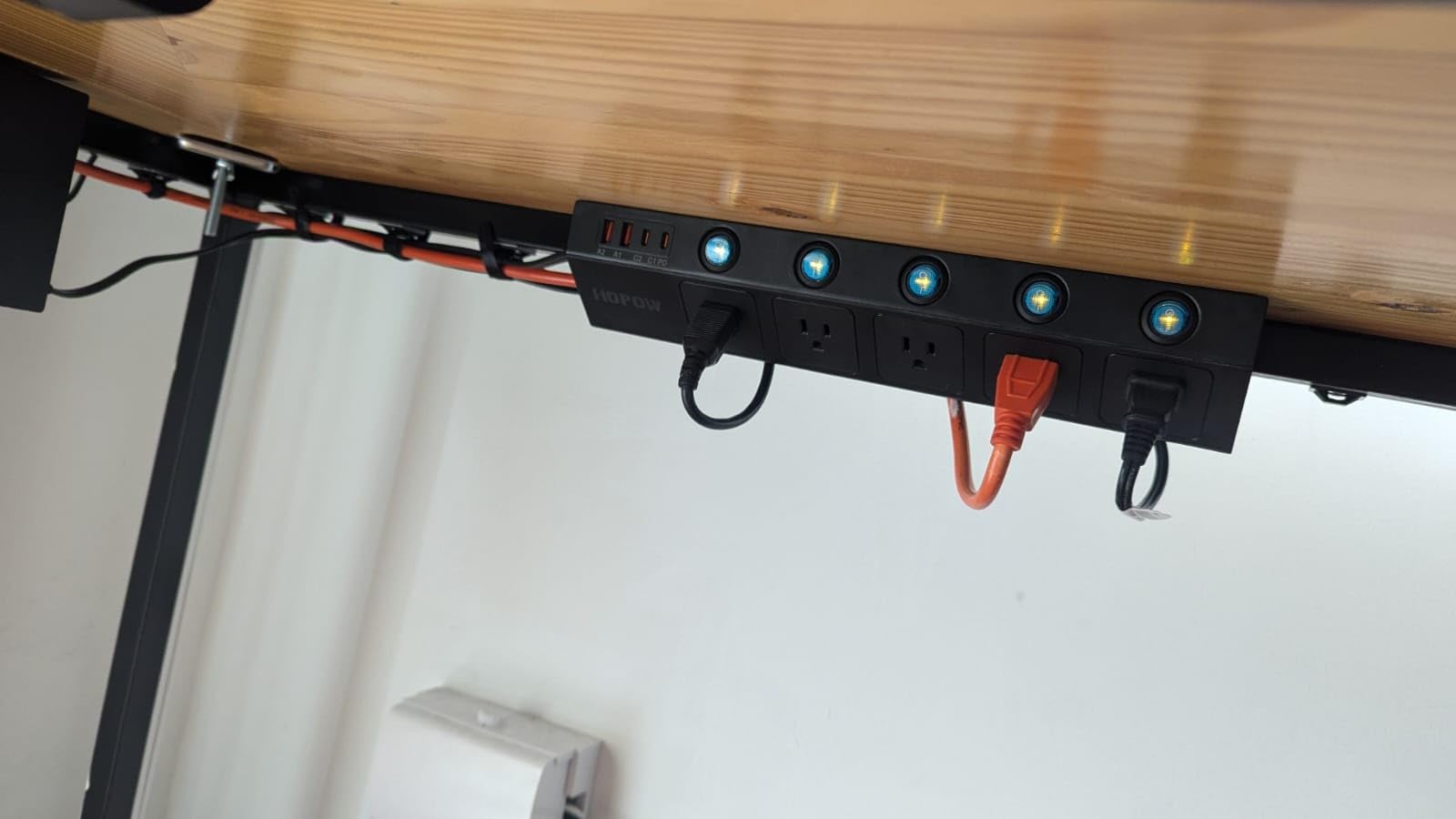
The 200 fastening ties are a small mountain of zip ties. They are single-use, so if you prefer reusability, the reusable wire ties are the better option. But for permanent bundles that you never touch, this is enough zip ties to last years.
The honest weakness is packaging. Because there are so many pieces in one box, some of the smaller clips arrived slightly bent. None were unusable, but a few needed straightening before mounting.
When more pieces actually helps
For someone setting up multiple desks, a home theater, and an entertainment center, having 311 pieces in one box is genuinely useful. You are not rationing clips for the most important cables.
The wide application range is also real. I used leftover pieces from this box to organize my TV stand, my nightstand charging cables, and even some outdoor Christmas light runs. Few kits are this versatile.
Who should skip it
If you only need to organize one desk and do not want a mountain of leftover pieces, this kit is more than you need. The N NOROCME kits at 192 pieces are a better balance.
Anyone who values reusability above all should note that 200 of the 311 pieces are single-use zip ties. You will have plenty, but they are not the eco-friendliest choice.
10. Univivi 36-Inch Fabric Tray – Largest Capacity
Univivi No Drill Under Desk Cable Management Tray, 36 inch Cable Management
36 inch fabric tray
5.5 inch interior
Clamp or screw mount
Fold-down access
Pros
- Large 36-inch capacity holds power strips
- adapters
- and cable bundles
- Two installation methods: no drill clamp or screw fixing
- Heavy-duty clamp handles significant weight without bending
- Flame retardant 600D oxford fabric adds safety
- Unfolds for easy cable access and management
- Premium quality with bottom support for shape retention
Cons
- Tray size requires at least 5.3 inches of edge clearance
- Cannot be made completely invisible due to clamp mounting
- Some users reported missing cable ties in package
Univivi’s 36-inch tray is the largest in this roundup by a wide margin, and the fabric construction is a refreshing change from metal and plastic. The 600D oxford fabric is flame retardant, which matters for a tray that will sit directly under your desk holding power strips and adapters.
The fold-down design is what makes this tray special. When you need to add or remove a cable, you simply unzip the front, drop the cable in, and zip back up. When closed, the tray looks like a clean fabric hammock under your desk. I tested it with my largest setup, including a six-outlet power strip, two laptop bricks, and a USB hub, and everything fit with room to spare.
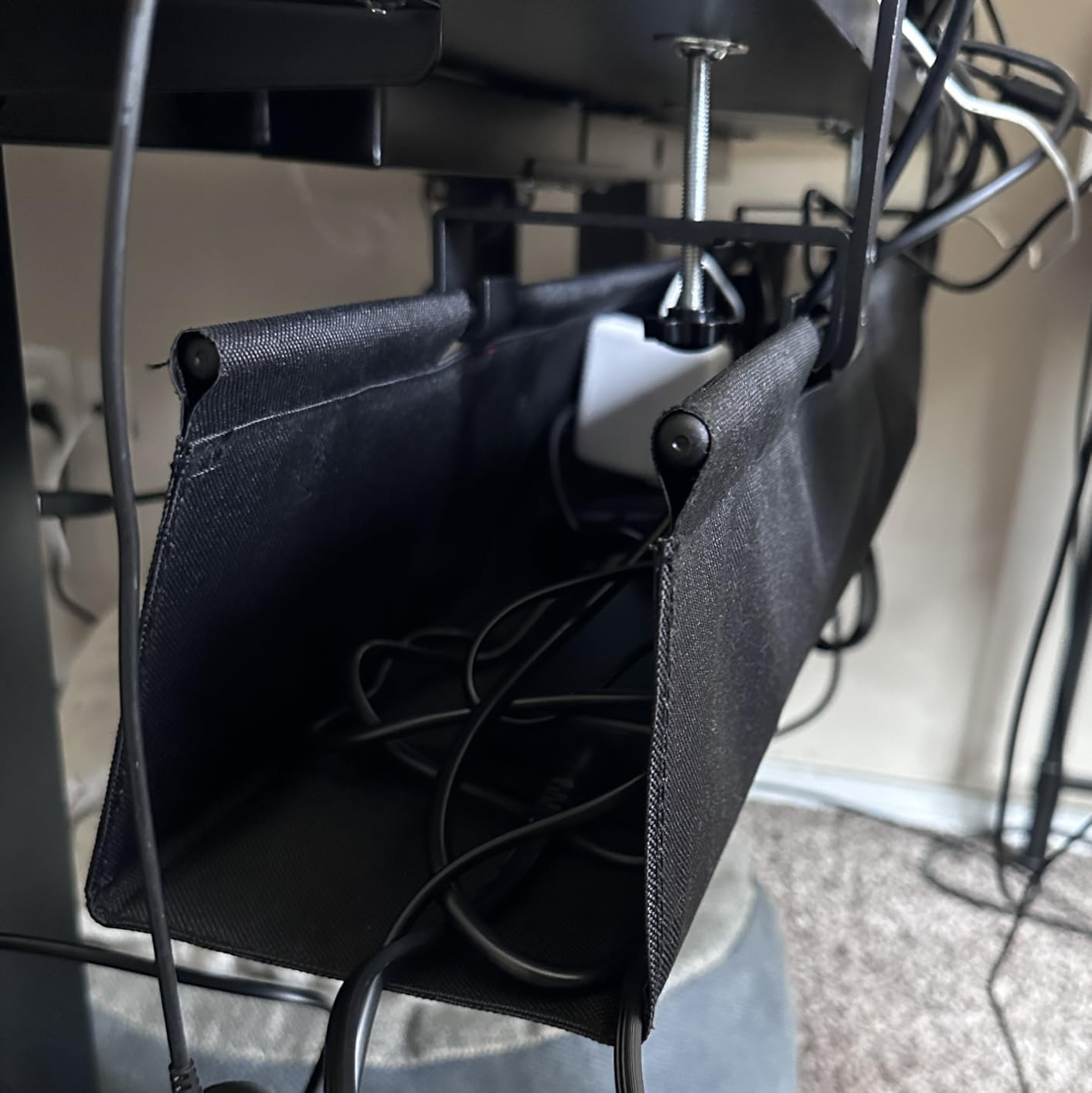
The dual-mount system is a thoughtful touch. You can either clamp the tray to the edge of your desk with no tools, or screw it in for a permanent install. I tried both, and the clamp held firm even on my heaviest standing desk movements.
The honest limitation is size. At 36 inches wide and 5.5 inches deep, this tray requires substantial edge clearance. If your desk is against a wall or has limited under-desk space, look at the 17-inch PAMO or 13.4-inch Cinati instead.
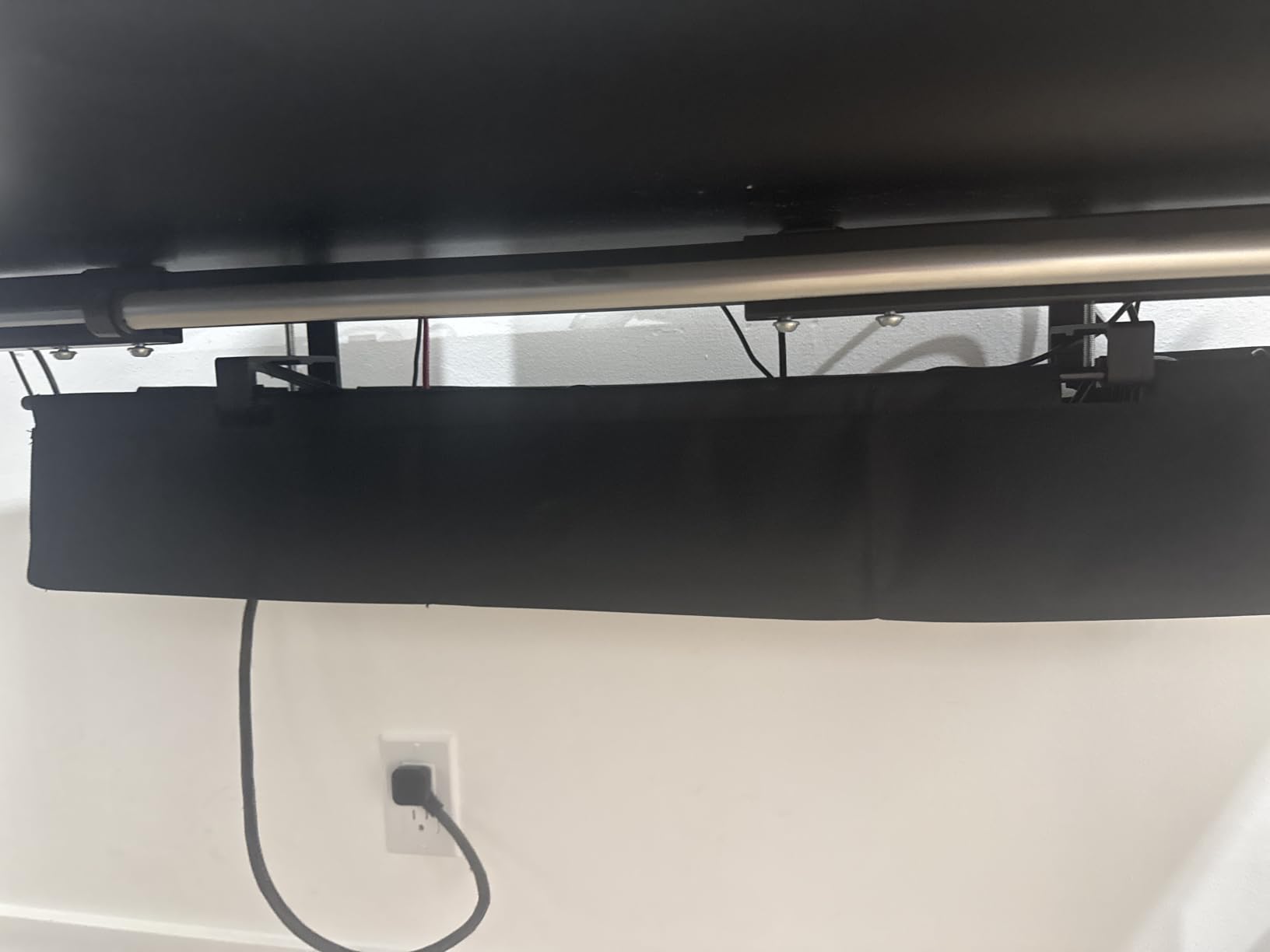
Why fabric changes the experience
Metal and plastic trays look industrial. Fabric trays look intentional and blend into a modern office aesthetic. For anyone designing a content creation or productivity space, the visual difference is meaningful.
The fold-down access is also genuinely useful. With rigid trays, you often have to slide cables through a small opening, which is annoying when you are adding a new device. Univivi’s design removes that friction.
Who should skip it
If your desk is narrower than about 48 inches, the 36-inch tray will overhang the edges. Choose a smaller tray for compact setups.
Anyone who wants cables completely hidden from any viewing angle should note that fabric trays are slightly translucent when backlit. From sharp angles, you can see cable shapes through the material.
What to Look For in a Cable Management Kit
After testing all ten products above, I have a clearer picture of what separates a great cable management kit from a mediocre one. Here are the criteria I used to evaluate each product, and the questions you should ask before buying.
Mounting Method
The biggest decision is whether you want an adhesive, clamp, or screw-mounted tray. Adhesive trays like Scanfield’s leave no marks but can fail on textured surfaces. Clamp trays like Cinati and Mzmaxy require no tools but are limited by desk thickness. Screw-mounted trays like PAMO and VIVO are the most secure but require drilling.
For renters or anyone who changes setups frequently, clamp-mounted is the safest choice. For permanent installations, screw-mounted trays offer the best long-term durability. Adhesive is a middle ground that works well on smooth desks.
Capacity and Size
Measure your largest power strip and cable bundles before buying a tray. A 13.4-inch tray is plenty for a single laptop and monitor, but if you run multiple monitors, a laptop dock, and a USB hub, you want at least 17 inches. The 25-inch Mzmaxy and 36-inch Univivi trays handle the largest setups.
Also consider the interior depth. A 5-inch interior like Scanfield fits bulky transformers, while a 3-inch interior like VIVO is more streamlined but limits what you can stack.
Material and Build Quality
Metal trays (PAMO, VIVO, Mzmaxy, Cinati) are the most durable but can show scratches over time. Plastic trays (Scanfield) are lighter and cheaper but may flex under heavy loads. Fabric trays (Univivi) blend better with modern decor but are translucent.
For longevity, look for powder coated metal or reinforced PVC. Avoid bare plastic trays that feel hollow when you tap them.
Included Accessories
The best kits include cable clips, ties, or sleeves to complete the setup. Cinati includes 4 clips and 6 ties, PAMO includes 6 reusable ties, and the all-in-one kits like N NOROCME include hundreds of pieces.
If you are buying just a tray, factor in the cost of buying clips and ties separately. A tray plus a basic accessory pack is usually a better value than a tray alone.
Standing Desk Compatibility
If you have a standing desk, you need to plan for vertical cable movement. Cables running from a stationary power strip to a moving desk need extra slack. The Mzmaxy and Univivi trays both handle this well because their larger capacity accommodates the cable loops that develop during height adjustments.
Forum users on r/StandingDesk specifically recommend trays with open or fold-down designs for standing desks, because you will be adjusting cables more often than on a fixed desk.
Reusability
Single-use zip ties force you to cut and replace every time you change a cable. Reusable Velcro ties or wire ties are better for evolving setups. The N NOROCME and Cinati kits both lean heavily on reusable options.
If your setup changes often, prioritize reusability. If your setup is stable, single-use zip ties are fine.
Frequently Asked Questions
What is the best cable management system for a desk?
The best cable management system for a desk combines an under-desk tray for hiding power strips with reusable ties or clips for routing individual cables. The N NOROCME 192-piece kit is our top pick because it includes sleeves, clips, ties, and adhesive holders in one box, and it has over 9,000 reviews averaging 4.6 stars. Pair that kit with the Scanfield no-screw tray for a complete solution.
Is cable management worth it?
Yes, cable management is worth it for any desk with more than three cables. It reduces tripping hazards, extends cable life by preventing tangles, makes cleaning easier, and creates a more focused workspace. Home office and gaming setups benefit the most because cable accumulation happens quickly.
How do you manage cables under a desk?
The easiest way to manage cables under a desk is to mount a tray or basket to the underside, drop your power strip inside, then use clips and ties to route individual cables from the tray to your devices. Adhesive-backed cord holders work on smooth desk surfaces, while clamp-mounted trays work on any desk up to about 2.4 inches thick.
What cable management works with standing desks?
Standing desks need cable management that accommodates vertical movement. Trays with at least 17 inches of length and 5 inches of interior depth, like the Mzmaxy 25-inch or Univivi 36-inch options, provide enough slack for cables to move with the desk. Reusable ties are also recommended because you will adjust cables more often than on a fixed desk.
What is the best in-wall cable management kit?
For in-wall cable management, look for paintable PVC raceways like the YECAYE 6-pack, which stick directly to baseboards and walls. They hide cables along flat surfaces and remove cleanly with a hairdryer when you are ready to repaint or rearrange. For true in-wall routing behind drywall, you would need a different category of product designed for electrical work.
Final Verdict
After testing all ten of these best cable management kits for desks, my top recommendation is the N NOROCME 192-Piece Cable Management Kit as the EDITOR’S CHOICE. It offers the most complete set of solutions in one box, has the highest review count on this list at over 9,000 reviews with a 4.6 rating, and the components work well across a wide range of setups. For pure under-desk power strip hiding, pair it with the Scanfield tray for a clean, no-drill solution.
If you want the best cable management kit for desks that also handles the heaviest standing desk setups, the Univivi 36-Inch Fabric Tray is hard to beat for capacity. For anyone on a tighter budget who still wants a sturdy metal tray, the Cinati clamp-mount option delivers excellent build quality without breaking the bank.
Whichever option you choose from this list of the best cable management kits for desks in 2026, the difference between a tangled under-desk and a clean one will be visible the moment you finish the install. Your knees will thank you, your vacuuming will get easier, and your workspace will look dramatically more intentional. Pick the kit that matches your setup, give yourself a Saturday afternoon, and enjoy the cleanest desk you have ever had.