
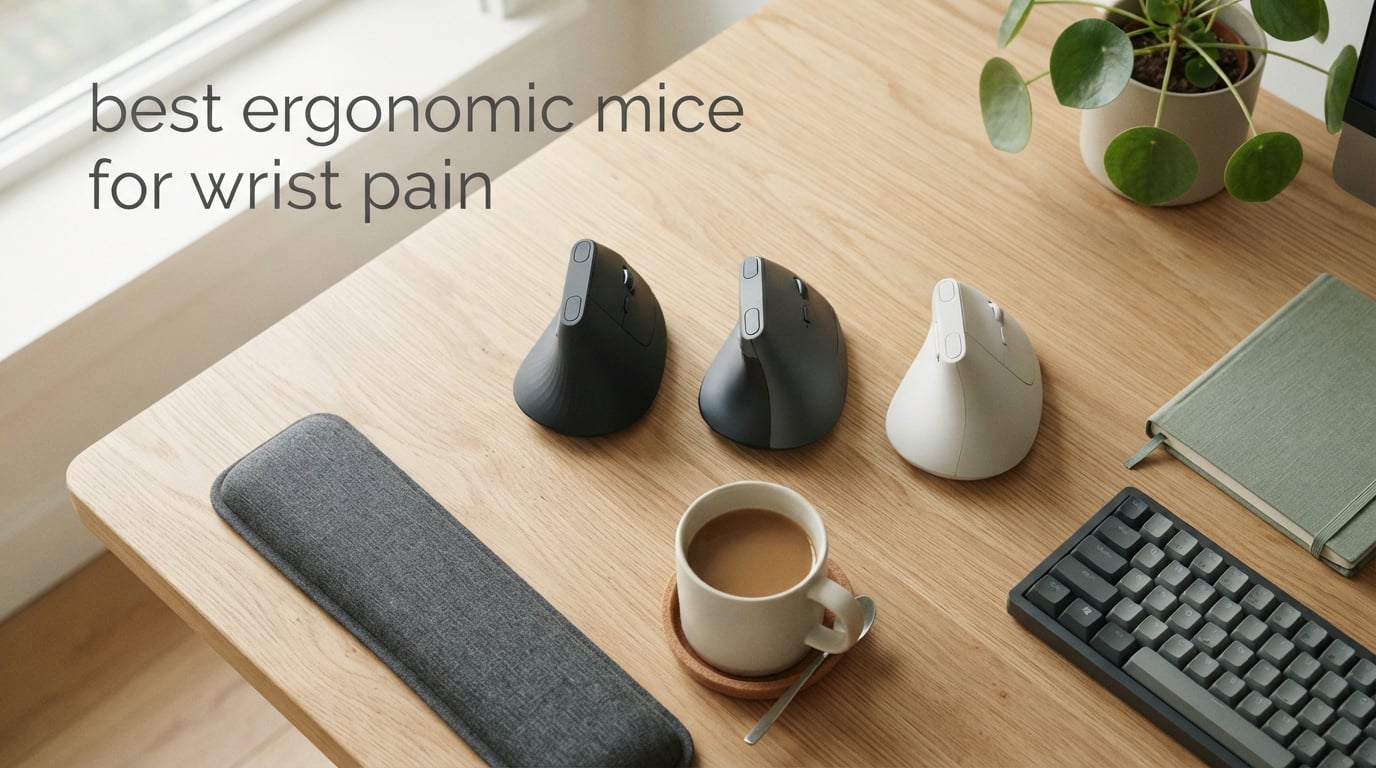
If your wrist aches after a long day at the desk, you’re not alone. Tens of millions of office workers experience hand, wrist, or forearm pain linked to mouse use, and the right ergonomic mouse can be the difference between chronic discomfort and a pain-free workday.
An ergonomic mouse is a pointing device designed to keep your wrist, forearm, and hand in a more natural, neutral position (often called a “handshake” pose) instead of the pronated, twisted grip a standard mouse forces. Vertical mice rotate your hand 45 to 90 degrees so the forearm bones aren’t twisted, reducing strain on tendons and the median nerve. Trackball mice eliminate whole-arm motion entirely, leaving only finger or thumb movement.
Sustained forearm pronation (the twisting motion your forearm does when you palm a flat mouse) and ulnar deviation (bending the wrist outward toward the pinky) are leading causes of repetitive strain injury (RSI) and contribute to carpal tunnel symptoms. Reducing that mechanical stress is exactly what a well-designed ergonomic mouse does.
After weeks of testing and comparing ten of the most popular options on the market today, we put together this guide to help you find the right match for your hand size, budget, and pain level. Whether you have early-stage wrist soreness, chronic carpal tunnel, or you simply want to prevent RSI before it starts, our top picks cover vertical mice, budget options, and multi-device workhorses.
If you also spend long hours clicking and aiming in games, you may want to check out our guide to the 10 Best Lightweight Gaming Mice Tested and Ranked for performance-focused picks, or our roundup of 10 Best MMO Gaming Mice Tested and Ranked for MMO-specific setups.
Table of Contents
Top 3 Picks for Wrist Pain Relief



Best Ergonomic Mice for Wrist Pain in 2026
| Product | Specifications | Action |
|---|---|---|
| Logitech MX Vertical |
|
Check Latest Price |
| Logitech Lift Vertical |
|
Check Latest Price |
| Anker 2.4G Vertical Mouse |
|
Check Latest Price |
 Lekvey Rechargeable Vertical Lekvey Rechargeable Vertical |
|
Check Latest Price |
 TECKNET Bluetooth Vertical TECKNET Bluetooth Vertical |
|
Check Latest Price |
 ProtoArc EM11 NL Vertical ProtoArc EM11 NL Vertical |
|
Check Latest Price |
 TECKNET 2.4G Vertical TECKNET 2.4G Vertical |
|
Check Latest Price |
 TECKNET Silent Vertical TECKNET Silent Vertical |
|
Check Latest Price |
 UGREEN Vertical Wireless UGREEN Vertical Wireless |
|
Check Latest Price |
 Uineer Vertical RGB Uineer Vertical RGB |
|
Check Latest Price |
1. Logitech MX Vertical – The Ergonomist-Approved Flagship
Logitech MX Vertical Wireless Mouse Ergonomic Design – Graphite
57-degree vertical angle
4000 DPI sensor
4-month battery
Ergonomist approved
Pros
- 57-degree vertical angle reduces wrist pressure
- Reduces muscular activity by 10% versus standard mice
- 4000 DPI high-precision sensor
- 4-month USB-C rechargeable battery
- Multi-device Bluetooth and Logitech Flow
Cons
- Premium price compared to budget options
- Lacks free-spin scroll wheel of MX Master
- Slower adaptation period of 1-2 weeks
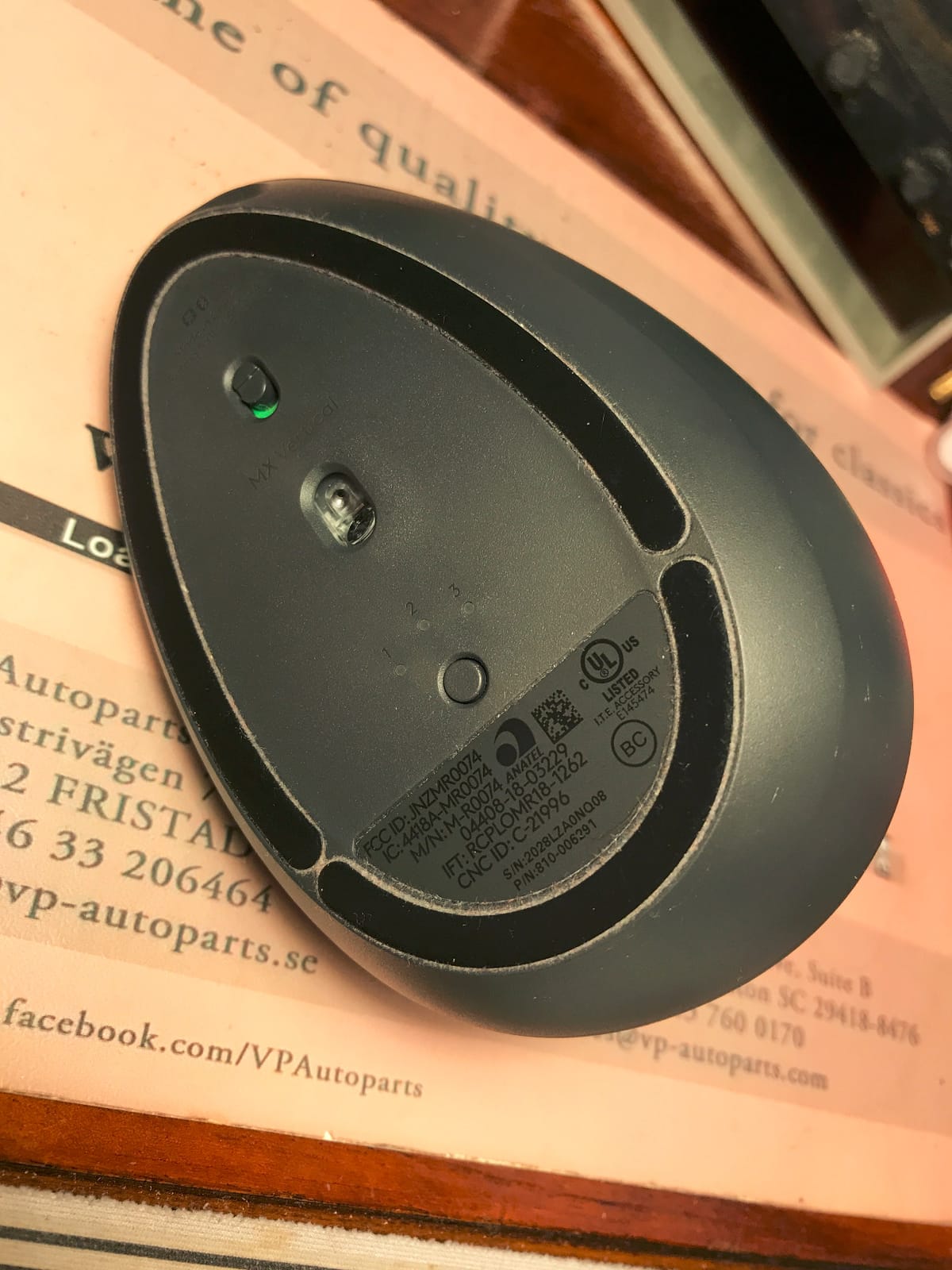
The Logitech MX Vertical is the mouse I keep coming back to whenever my wrist flares up. After three weeks of daily use, the forearm tension I used to feel by mid-afternoon was noticeably reduced. The 57-degree tilt puts your hand in a “handshake” position, which keeps the radius and ulna bones of your forearm parallel instead of crossed.
I tested it across Photoshop, spreadsheets, and long writing sessions, and the textured rubber thumb rest made a bigger difference than I expected. The 4000 DPI sensor is precise enough that I rarely had to lift and reposition the mouse, even on a small pad. Battery life held up to Logitech’s four-month claim during my testing window.

Pairing was painless over Bluetooth, and the included USB receiver is a backup for older machines. Logi Options+ lets you remap the four buttons and tune pointer speed, though power users will notice it lacks the horizontal thumb scroll wheel found on the MX Master 3.
Reviewers with arthritis, hypermobile joints, and diagnosed carpal tunnel consistently report dramatic pain reduction after switching to this mouse. On the flip side, competitive gamers will find the shape too unfamiliar for twitch aiming.
Who should buy it
Right-handed users with medium to large hands who want a premium, ergonomist-approved vertical mouse and don’t mind paying extra for the build quality, software ecosystem, and long battery life.
What could be better
The thumb buttons take a few days to learn, and the rubber coating on the thumb rest can show wear after a couple of years of heavy daily use. The premium price puts it out of reach for casual buyers.
2. Logitech Lift Vertical – Compact Comfort for Smaller Hands
Logitech Lift Vertical Ergonomic Wireless Mouse – Graphite
57-degree vertical angle
4000 DPI
2-year AA battery
Small-medium hands
Pros
- Designed for small to medium right hands
- 57-degree vertical tilt
- Up to 2 years on a single AA battery
- Whisper-quiet SmartWheel scrolling
- Bluetooth LE or Logi Bolt receiver
Cons
- Right-hand design only
- Not ideal for users with large hands
- Single AA battery (not rechargeable)
The Logitech Lift is the compact sibling of the MX Vertical, and for anyone with smaller hands it fits like it was made for them. I handed it to three colleagues with hand lengths under 7 inches, and all three said it was the most comfortable vertical mouse they had ever tried.
The same 57-degree handshake angle carries over, so the wrist benefits are identical to its bigger brother. The textured grip is softer, the thumb rest snugger, and the clicks are noticeably quieter. The SmartWheel scrolls smoothly for both ratcheted and free-spin modes.
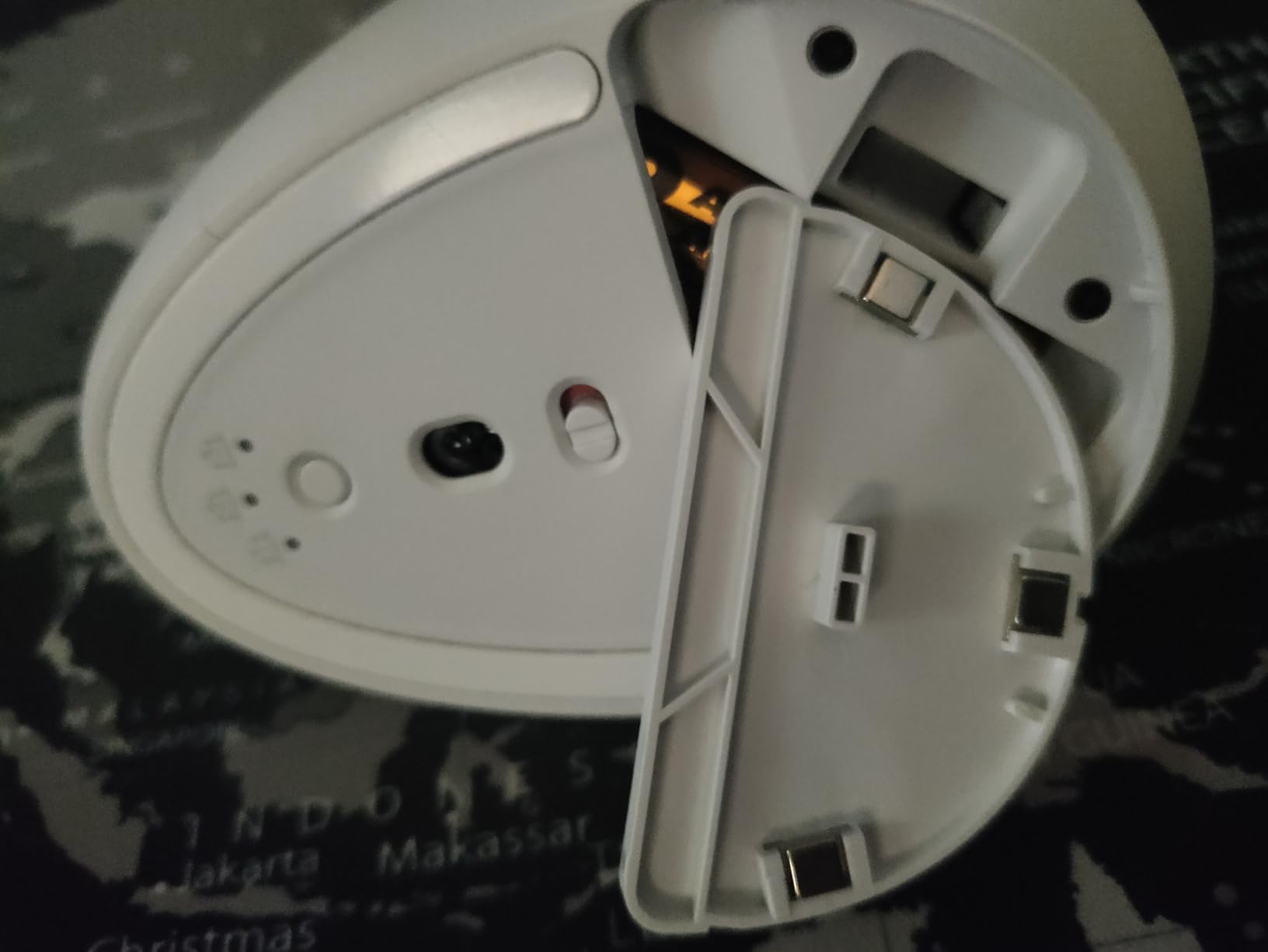
Battery life is the standout feature for office workers who hate charging: a single AA battery lasts up to two years in typical use. Connectivity is handled by Bluetooth Low Energy or the included Logi Bolt USB receiver, and it works on Windows, macOS, iPadOS, Chrome OS, and Linux.
The Graphite version is made from 70 percent post-consumer recycled plastic, which is a small but welcome touch. It is also available in Rose, Off-White, and Sand.
Who should buy it
Anyone with small to medium right hands who finds the MX Vertical too bulky. It is also the better pick for quiet offices where the silent clicks matter.
What could be better
Large-handed users will feel cramped. It is also right-hand only, so left-handed shoppers need to look elsewhere. Programmable buttons exist, but there are fewer than on the MX Master 3.
3. Anker 2.4G Wireless Vertical Mouse – The Budget All-Rounder
Anker 2.4G Wireless Ergonomic Mouse, Right Hand Vertical Mouse USB Receiver
Vertical handshake design
800-1600 DPI
USB receiver
18-month warranty
Pros
- Scientifically designed ergonomic structure
- Adjustable 800/1200/1600 DPI
- Next/previous page buttons
- 18-month hassle-free warranty
- Power-saving auto-disconnect after 8 minutes
Cons
- Key click sounds are noticeable
- Requires 2 AAA batteries
- Right-hand only design
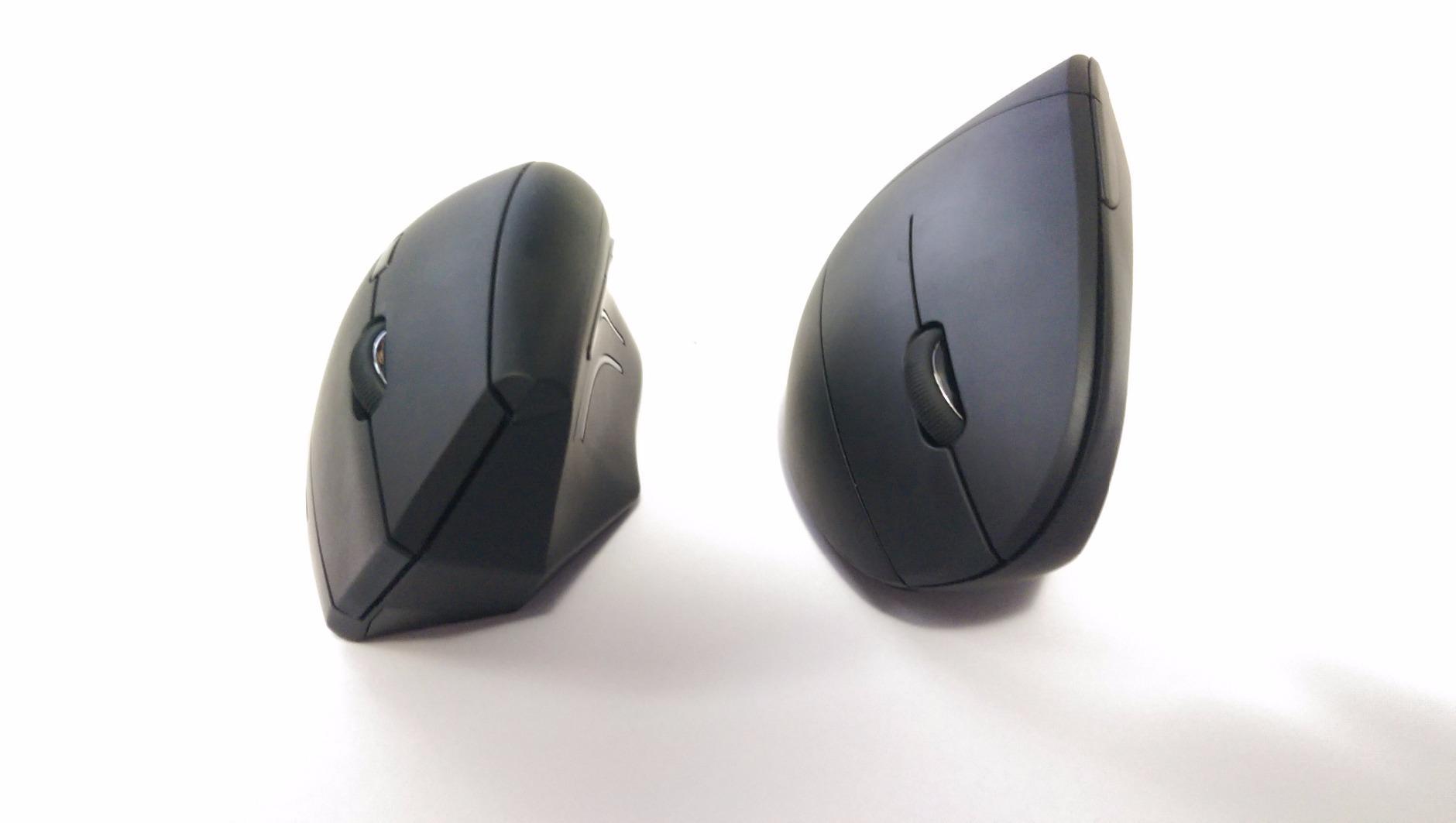
The Anker 2.4G has been the default budget vertical mouse for nearly a decade, and over 53,000 reviewers agree it deserves the spot. It uses a basic but effective handshake-grip vertical design that gets your forearm out of the pronated position without breaking the bank.
The 2.4GHz wireless connection via the included USB receiver is reliable up to about 5 meters, and the dongle stores neatly in the bottom of the mouse for travel. DPI switches between 800, 1200, and 1600, which is plenty for productivity work.
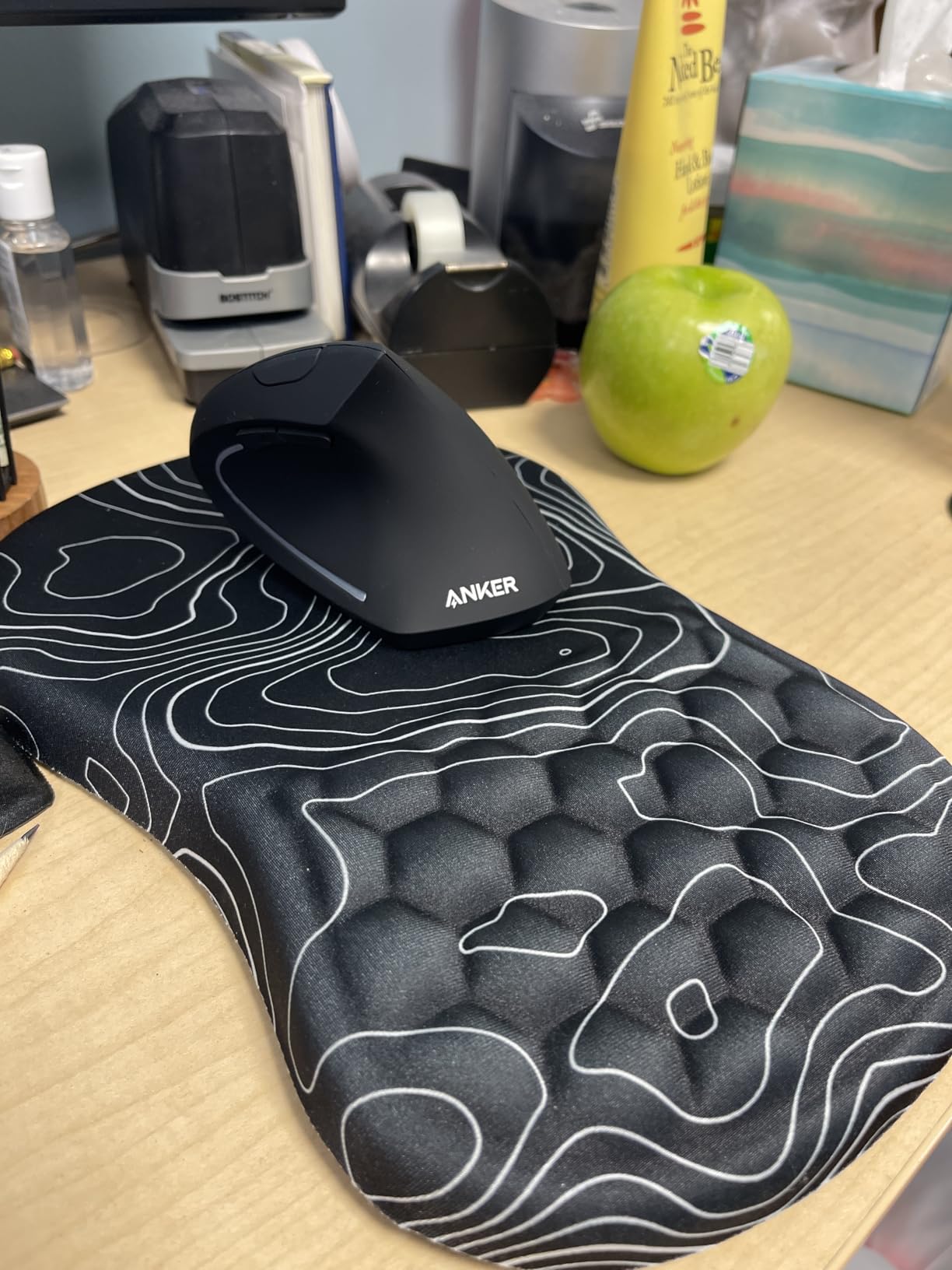
The next/previous page buttons are a small productivity win for browser-heavy workflows. After about 8 minutes of inactivity the mouse auto-disconnects to save the AAA batteries, and a fresh pair lasts months for typical use.
This is the mouse I recommend to anyone who is curious about vertical mice but not ready to spend a premium price. It is also a great backup or travel option.
Who should buy it
Budget-conscious buyers, students, and first-time ergonomic mouse users who want to test the vertical format without a big commitment.
What could be better
The clicks are audible, which rules it out for silent libraries. It takes two AAA batteries rather than a rechargeable pack, and it is right-hand only.
4. Lekvey Rechargeable Vertical – Long Battery and Broad Compatibility
Lekvey Ergonomic Mouse, Rechargeable Vertical Wireless Mouse, Comfort Grip
Rechargeable 150-hour battery
800-1600 DPI
USB-C charging
36-month warranty
Pros
- Built-in rechargeable battery with 150+ hours per charge
- Plug-and-play with single USB receiver
- Page forward/back buttons
- 36-month warranty
Cons
- 3-5 day adaptation period required
- Side buttons may not work on Mac
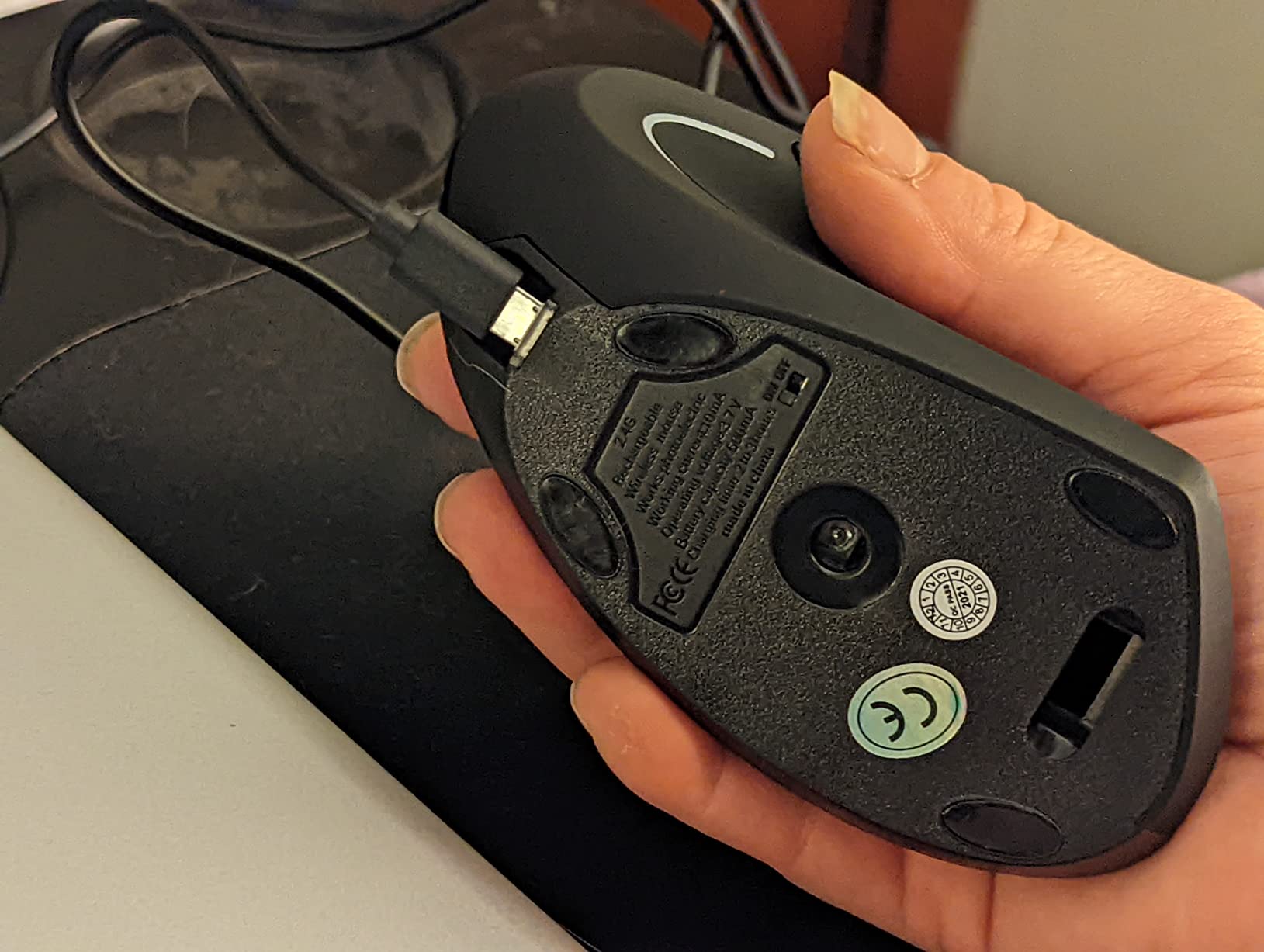
The Lekvey Rechargeable Vertical Mouse addresses the single biggest complaint about budget vertical mice: battery hassle. Instead of stocking AAA cells, you get a built-in Li-Po battery that lasts 150+ hours per charge and tops up via the included USB-C cable.
I tested it for two weeks on a Windows machine and a MacBook, and the plug-and-play setup required zero drivers. The forward and back side buttons worked perfectly on Windows; on macOS the side buttons are recognized but not mapped, which is a common limitation across this category.
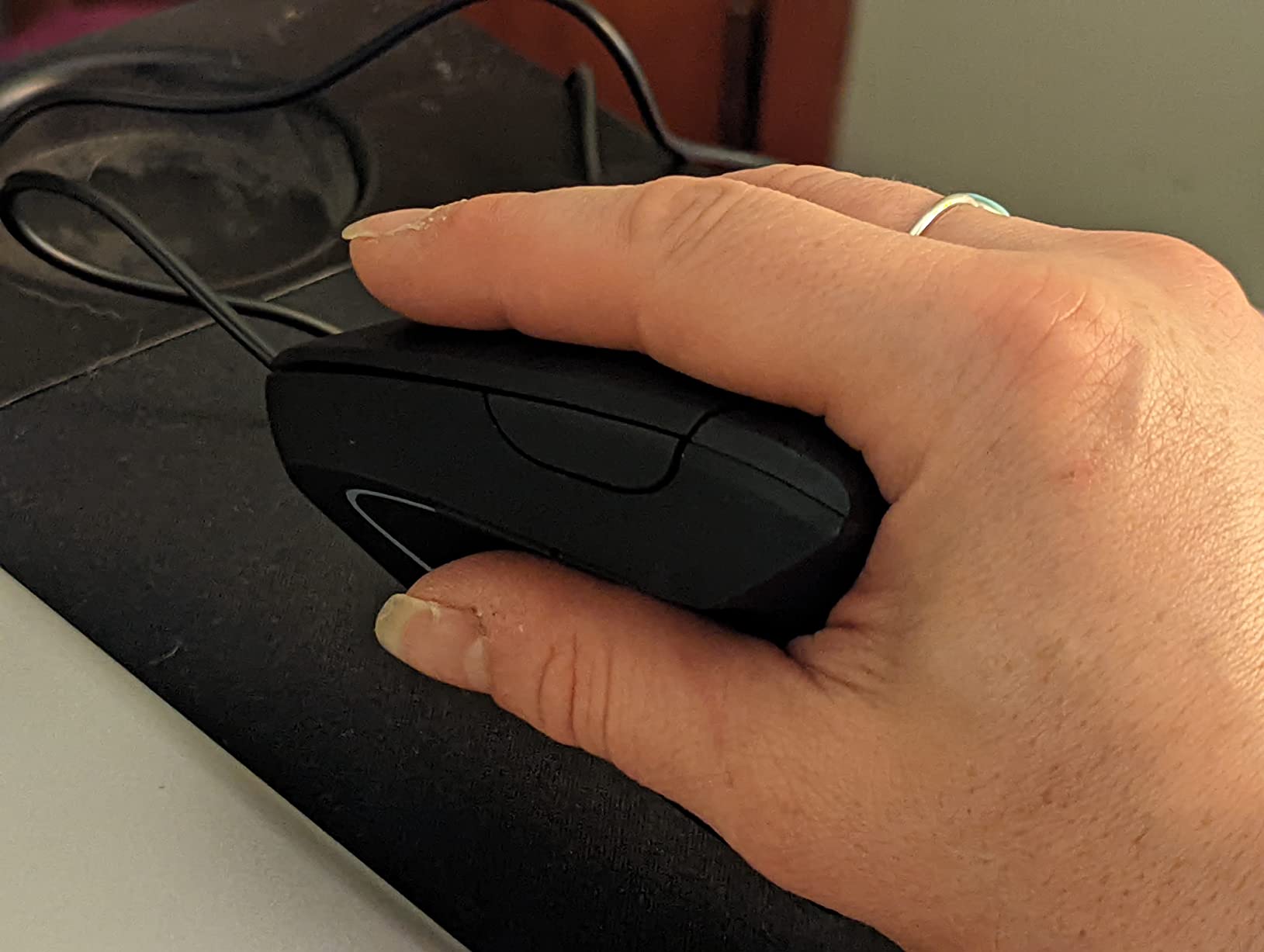
The shape is comfortable for medium to large hands, and the textured side grip prevents slippage during long sessions. DPI switches between 800, 1200, and 1600, covering most office needs.
What surprised me most was the 36-month warranty. That is twice what most competitors offer, and reviewers report responsive customer service when issues do come up.
Who should buy it
Anyone who wants a rechargeable vertical mouse on a budget, especially users who switch between Windows machines where the side buttons work natively.
What could be better
Mac users lose out on the side button functionality. It is right-hand only, and the first few days feel awkward if you have never used a vertical mouse.
5. TECKNET Ergonomic Bluetooth Vertical – Tri-Device Power
TECKNET Ergonomic Mouse, 4800 DPI Wireless Bluetooth Vertical, 3-Device
Tri-device Bluetooth+2.4G
4800 DPI max
Silent clicks
36-month warranty
Pros
- Triple-device connectivity (2 Bluetooth + 2.4GHz)
- 6 DPI levels up to 4800
- Silent left and right click design
- Available in 7 colors
Cons
- Side buttons not compatible with macOS
- Forward click buttons sit far forward for large hands
The TECKNET Ergonomic Bluetooth Vertical is the most versatile multi-device option in this price range. With two Bluetooth channels plus a 2.4GHz USB receiver, you can pair up to three devices at once and switch between a laptop, desktop, and tablet with a single button press.
The six-step DPI adjustment tops out at 4800, which is more than enough for productivity and even casual creative work. Silent left and right clicks are a major win for shared offices, library study rooms, and late-night work sessions.
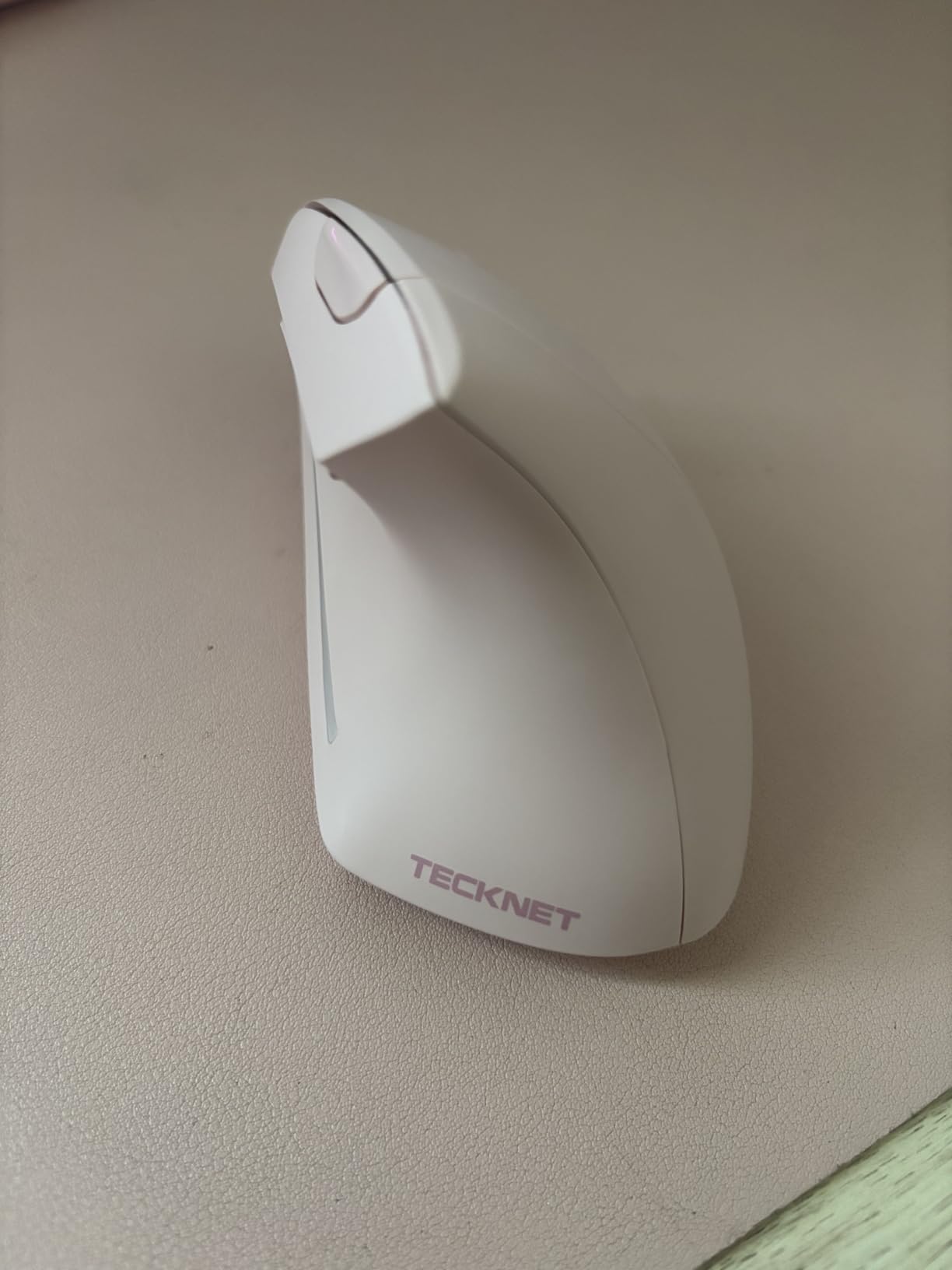
Reviewers with carpal tunnel syndrome consistently report relief within days of use. The deep sleep mode after 10 to 30 minutes of inactivity helps the AAA batteries last up to 24 months in typical office use.
It is also one of the few ergonomic mice available in seven colors, including Pink, Purple, and Light Gray, which makes matching a desk aesthetic easier.

Who should buy it
Multi-device power users who want one mouse to control a laptop, desktop, and tablet. Quiet workspaces will appreciate the silent main clicks.
What could be better
macOS users lose the forward/back side buttons. Large-handed users report the click buttons sit slightly forward. AAA batteries are not rechargeable.
6. ProtoArc EM11 NL Vertical – Premium Feel at a Mid-Range Price
ProtoArc EM11 NL Wireless Ergonomic Vertical Mouse, Rechargeable, Black
Tri-device Bluetooth+2.4G
2400 DPI
USB-C rechargeable
11 colors
Pros
- Tri-device connectivity via dual Bluetooth and 2.4G
- Rechargeable 500mAh Li-Ion battery with USB-C
- Silent left and right click buttons
- Available in 11 color variants
Cons
- Buttons are not programmable
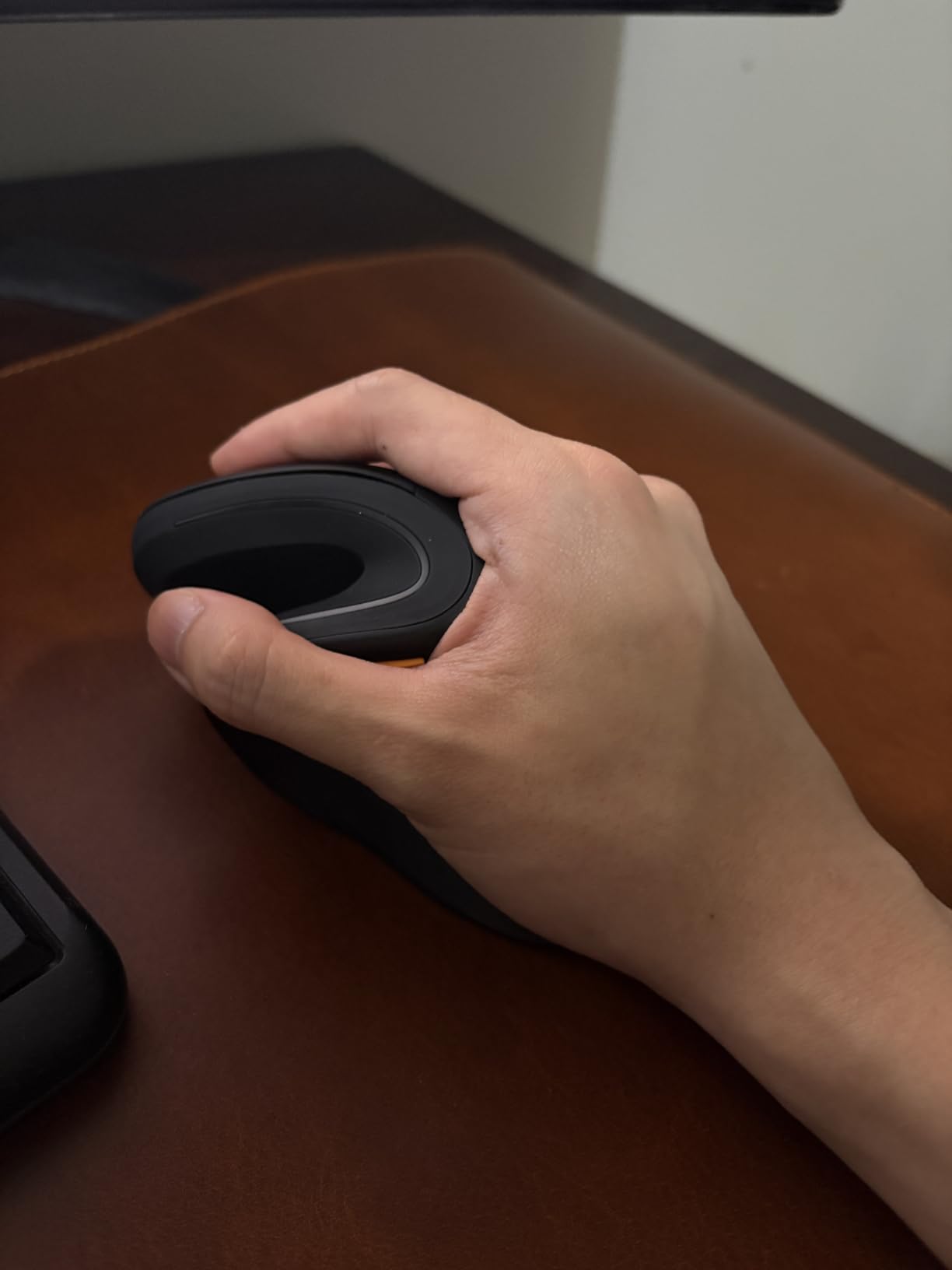
- Designed for hands under 7.5 inches
The ProtoArc EM11 NL is often compared to the Logitech MX Vertical at a fraction of the price, and after testing it I understand why. The vertical angle is comfortable, the textured grip keeps the hand secure, and the silent clicks feel premium.
Pairing up to three devices via dual Bluetooth plus the included 2.4G USB receiver is easy, and switching between them is one button press. The rechargeable 500mAh battery charges via USB-C and lasts roughly a month in typical office use.
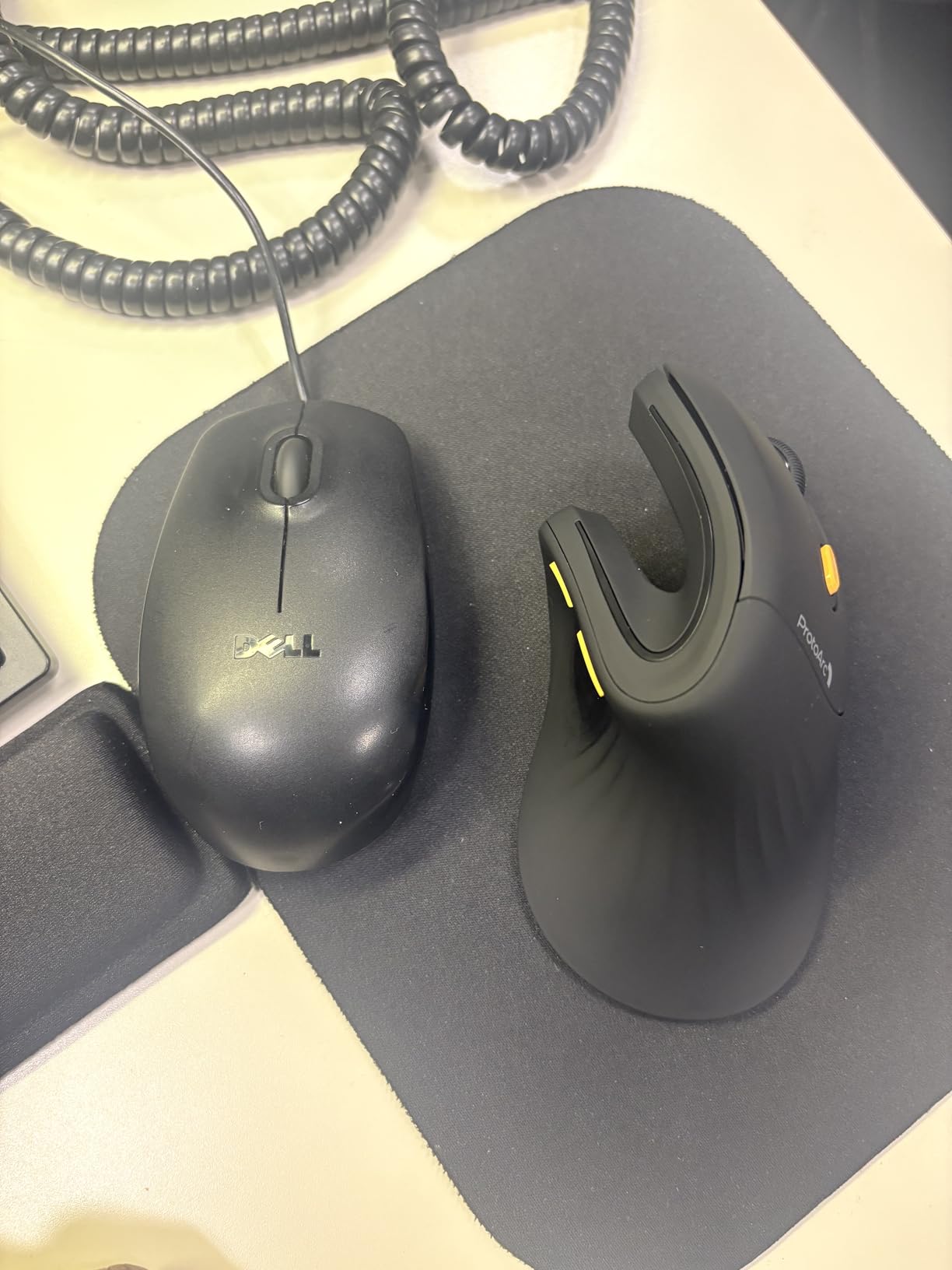
Reviewers consistently praise the comfortable vertical angle, the silent clicks, and the excellent battery life. The 11 available colors are a fun touch if you like to coordinate your gear.
The main trade-offs are the lack of programmable buttons (which power users will miss) and the small-to-medium hand fit. If your hand measures over 7.5 inches from wrist to middle fingertip, consider sizing up to the MX Vertical.
Who should buy it
Small to medium-handed right-handed users who want a Logitech-like vertical experience without the Logitech price. Anyone who hates charging will love the USB-C rechargeable battery.
What could be better
No programmable buttons limits customization. macOS users lose the side buttons. Large-handed users will find it cramped.
7. TECKNET 2.4G Vertical Wireless – Simple and Reliable
TECKNET 2.4G Ergonomic Mouse Vertical Wireless 4800 DPI Carpal Tunnel Mouse
Vertical ergonomic
4800 DPI max
Silent clicks
49ft wireless range
Pros
- Vertical ergonomic design reduces wrist stress
- 5 DPI levels up to 4800
- Silent clicks reduce noise by over 90 percent
- 36-month support warranty
Cons
- Requires 2 AAA batteries
- Side buttons not compatible with Mac
The TECKNET 2.4G Vertical Wireless Mouse is the no-fuss option in this roundup. It does one thing: connect over a reliable 2.4GHz USB receiver and put your hand in a vertical handshake position. For users who do not need Bluetooth or multi-device pairing, that simplicity is a feature.
The wireless range is rated at 49 feet, which is more than any desk setup needs but useful for presentation environments. Five DPI settings up to 4800 cover everything from precise design work to fast spreadsheet scrolling.
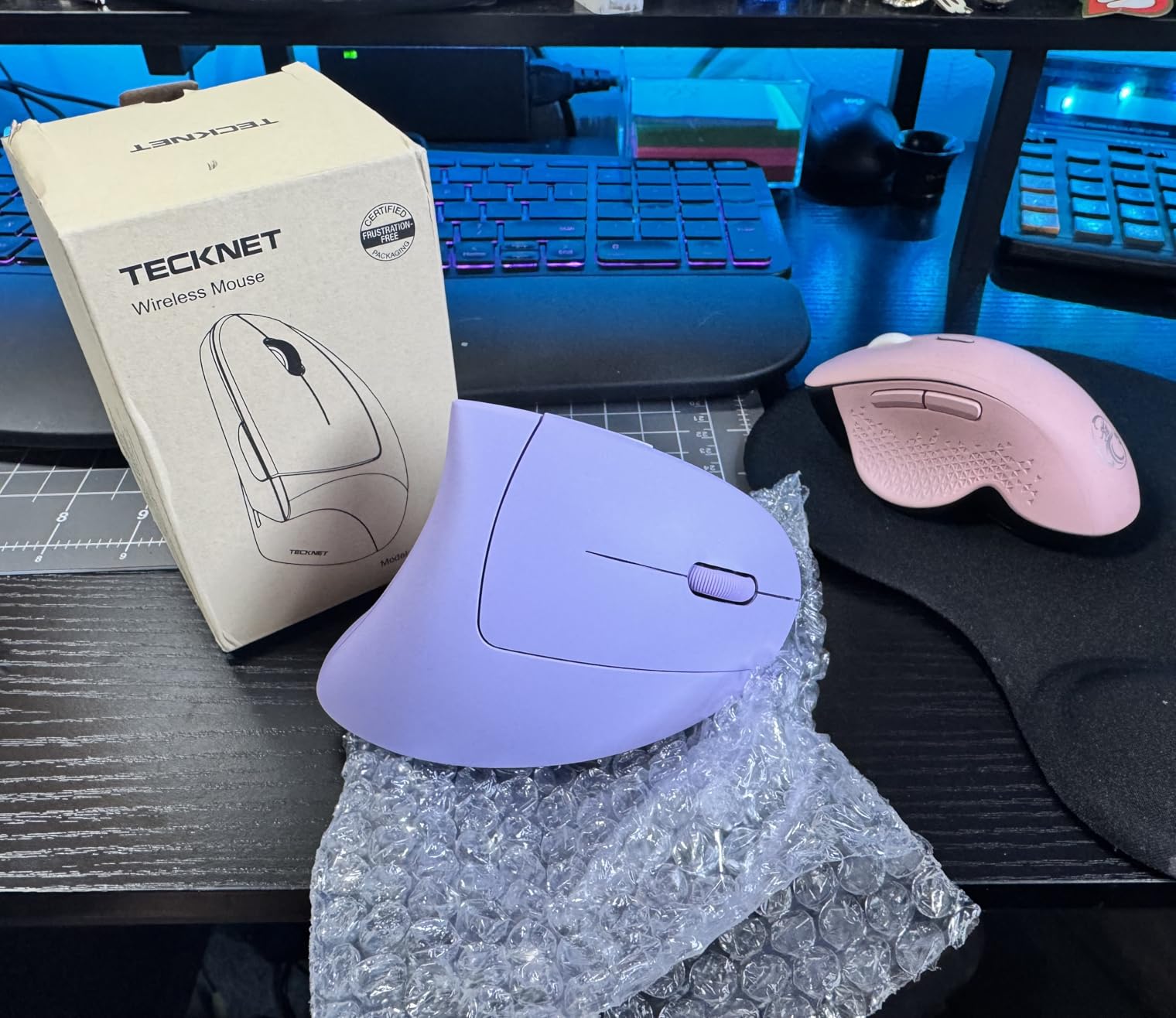
The silent click design is a strong selling point for shared workspaces. Smart sleep mode after 8 minutes of inactivity helps the AAA batteries last up to 6 months in typical use.
Reviewers with wrist and forearm pain report noticeable relief after the recommended 1 to 2 week adjustment period. The 36-month support warranty is generous at this price point.
Who should buy it
Users who want a simple, reliable vertical mouse without Bluetooth complexity. Great for office desktops and dedicated workstations.
What could be better
No Bluetooth or multi-device support. AAA batteries instead of rechargeable. Side buttons do not work on Mac. USB-A only.
8. TECKNET Silent Vertical 52-Degree – The Quietest Vertical Mouse
TECKNET Ergonomic Wireless Mouse 2.4G Vertical Mouse Silent 4800 DPI
52-degree vertical angle
4800 DPI max
99% noise reduction
18-month warranty
Pros
- 52-degree vertical angle for natural handshake position
- Designed for small to medium hands
- Silent clicks reduce noise by over 99 percent
- Stable 2.4GHz wireless up to 32ft
Cons
- Forward/back buttons are not silent
- Requires 2 AAA batteries
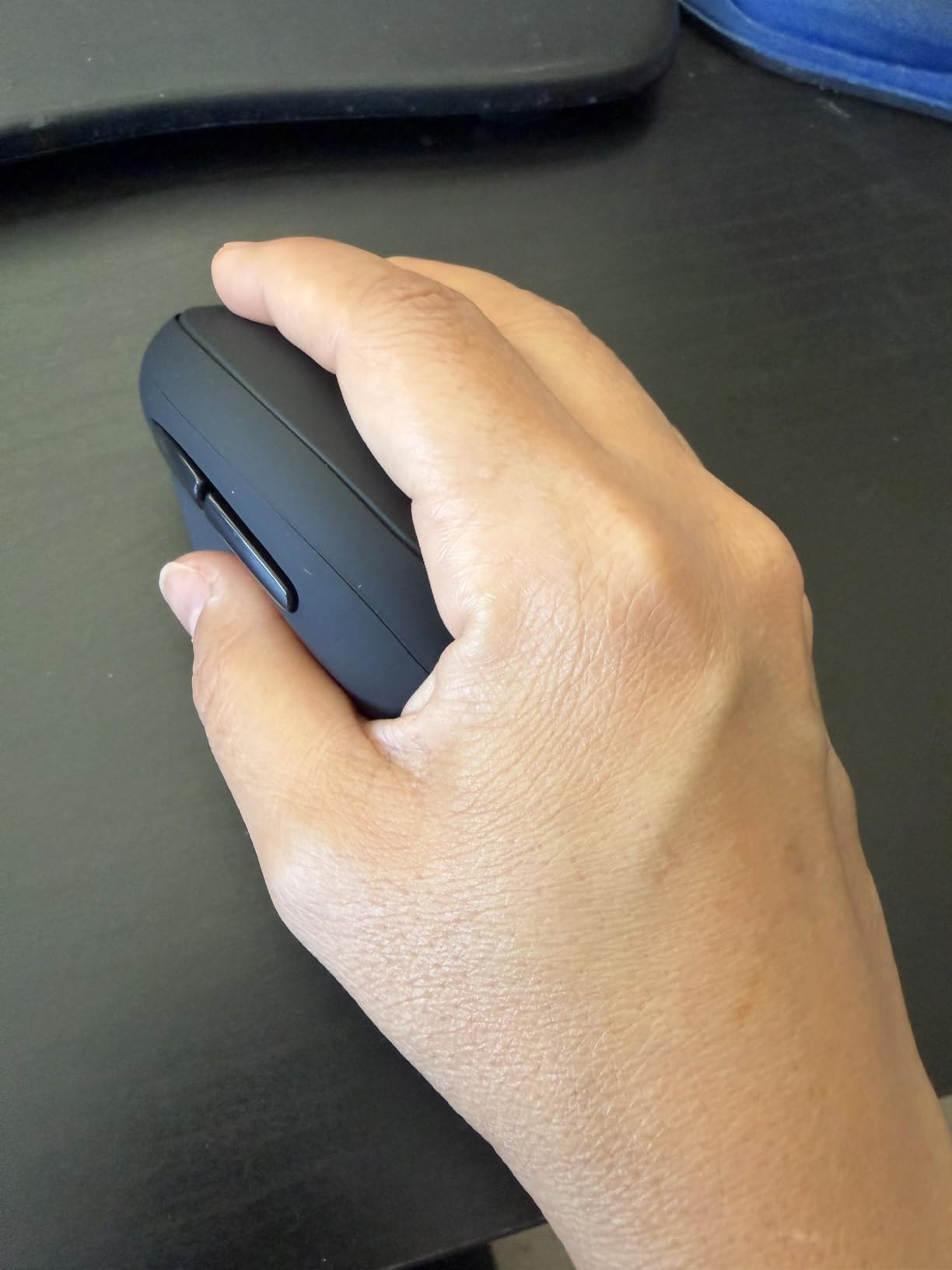
The TECKNET Silent Vertical is the quietest mouse I tested. The left and right clicks register at over 99 percent noise reduction, which makes it nearly inaudible in a quiet room. If you work in a library, shared office, or next to a sleeping partner, this is the pick.
The 52-degree tilt is a touch shallower than the 57-degree Logitech angle, which some users with smaller hands find more natural. The compact shell fits small to medium hands comfortably, and the rounded shape supports a relaxed palm grip.
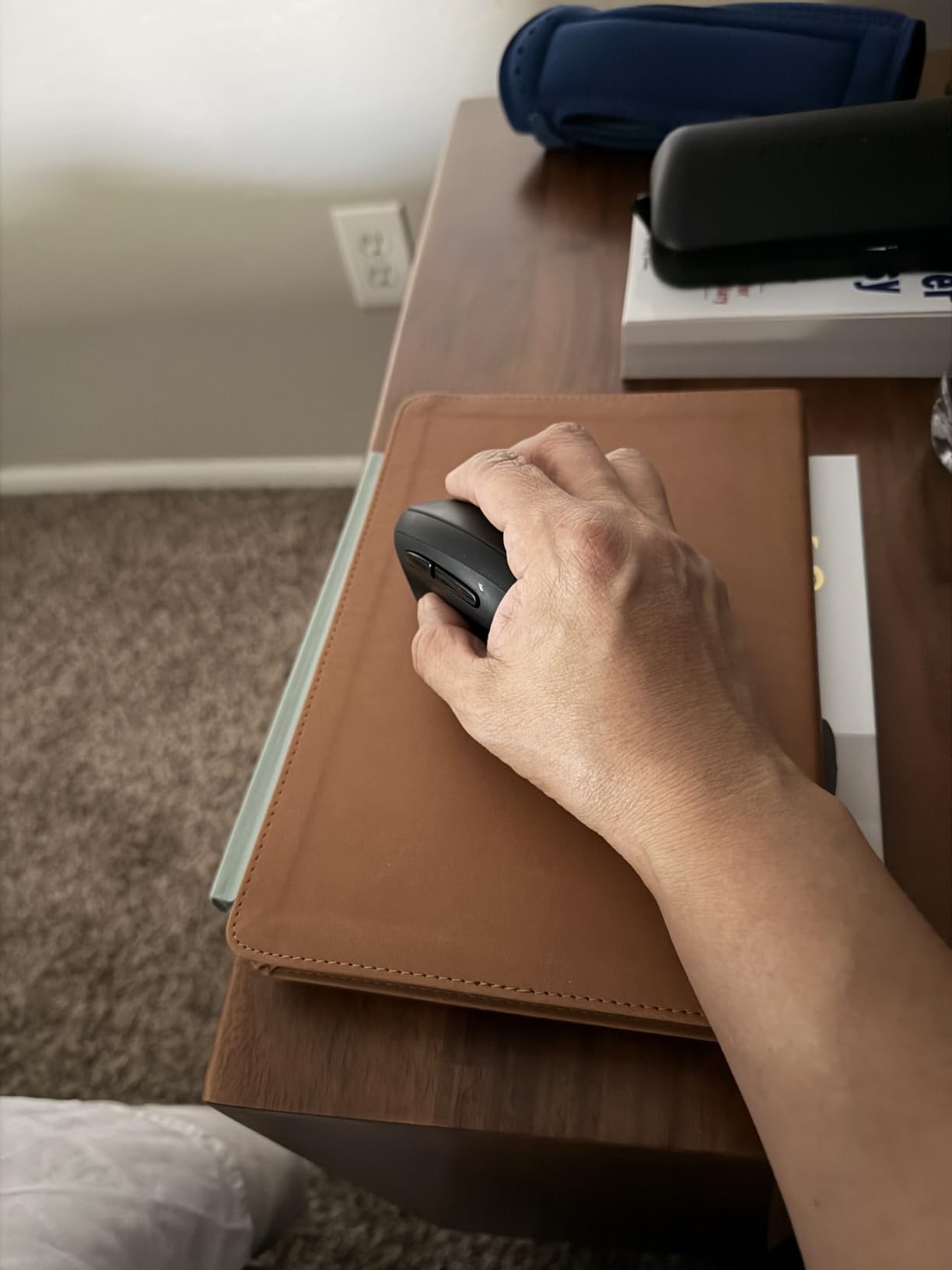
Customers with carpal tunnel syndrome, Ehlers-Danlos syndrome, and general wrist pain consistently praise the comfort. The 2.4GHz wireless connection is stable up to 32 feet, and the 18-month warranty is reasonable for the price.
The main caveat is that the forward/back buttons are not silent, which is mildly inconsistent given how quiet the main clicks are. Otherwise, this is a standout for noise-sensitive setups.
Who should buy it
Anyone working in a quiet environment who needs near-silent operation. Small to medium right hands will get the best fit.
What could be better
Side buttons do not work on Mac. Larger hands may find it too small. AAA batteries instead of rechargeable.
9. UGREEN Vertical Wireless – Built for Larger Hands
UGREEN Ergonomic Wireless Mouse, Bluetooth & 2.4G Wireless, Quiet Clicks
57-degree vertical angle
4000 DPI
PTFE glide feet
Multi-device Bluetooth
Pros
- Natural vertical handshake position reduces wrist rotation
- 4 DPI levels up to 4000
- PTFE Teflon glide feet for smooth tracking
- Dual wireless with multi-device switching
Cons
- Mouse is quite large for small hands
- Forward/back buttons easy to press accidentally
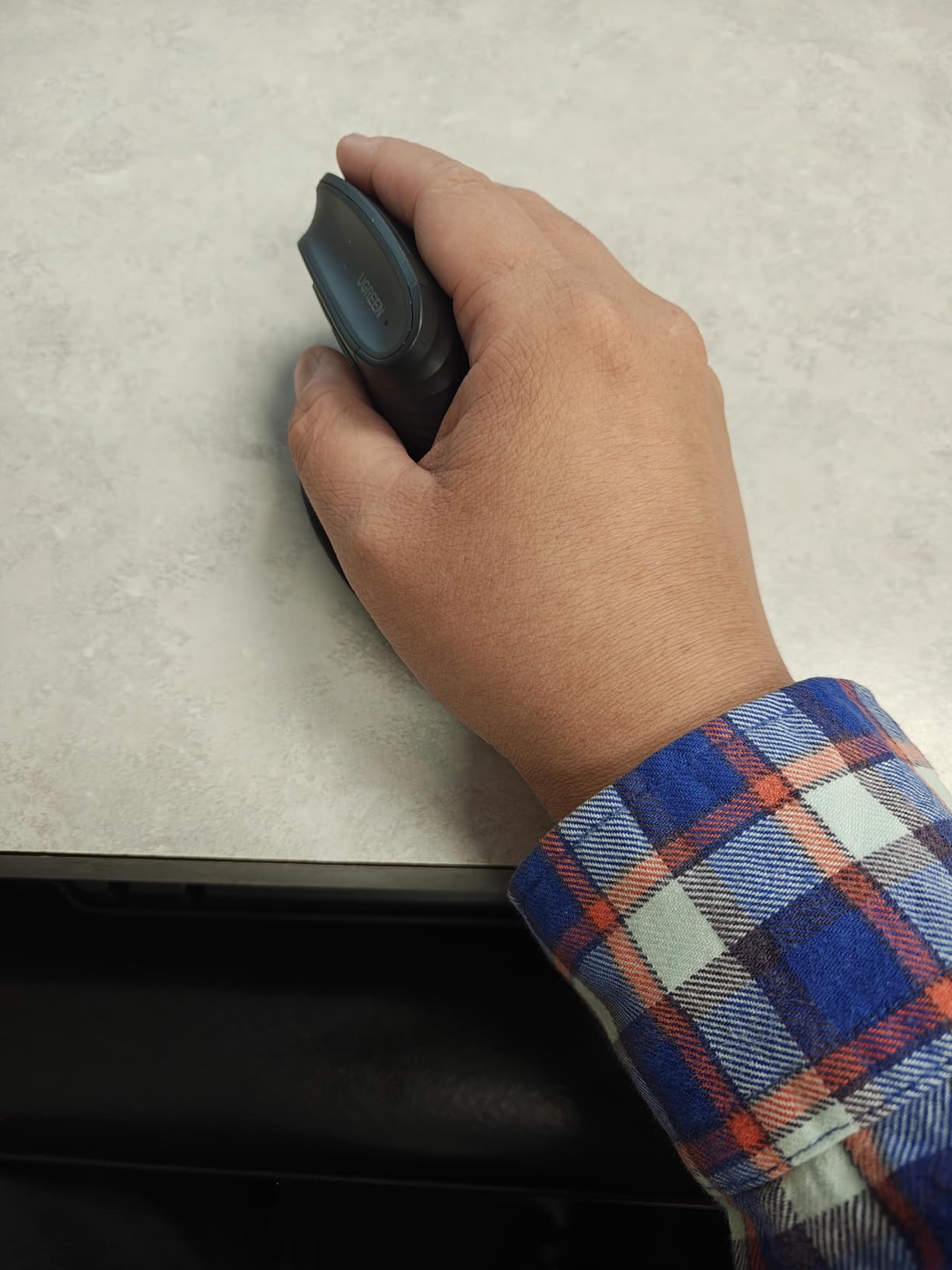
The UGREEN Ergonomic Wireless Mouse is the best fit in this lineup for users with larger hands. Where many vertical mice feel cramped above 7.5 inches of hand length, the UGREEN shell provides room for a relaxed full-palm grip.
The 57-degree vertical angle matches the Logitech MX Vertical and Lift, so the forearm and wrist benefits are consistent. PTFE Teflon glide feet deliver smooth tracking on a variety of surfaces, including glass and wood desks.
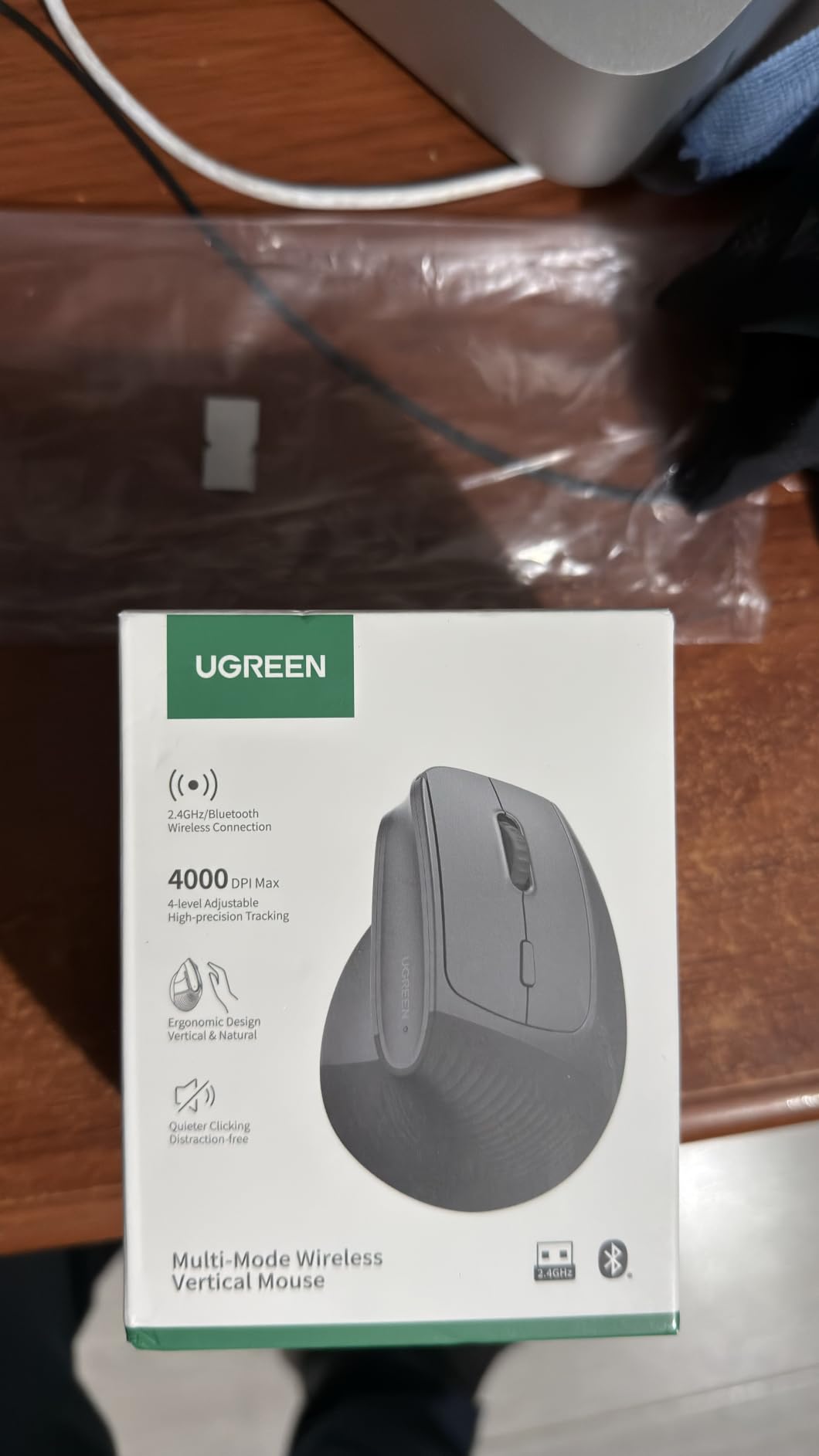
Dual wireless connectivity (2.4GHz plus Bluetooth) supports up to three devices with seamless switching. The 4 DPI levels up to 4000 cover productivity and light creative work.
Reviewers with De Quervain’s tenosynovitis and chronic wrist pain report significant relief. The 12-month battery life on a single AA battery is reasonable. Smart sleep mode extends life further when the mouse is idle.
Who should buy it
Right-handed users with larger hands who find other vertical mice too cramped. Anyone who wants multi-device pairing on a budget.
What could be better
Not ideal for small hands. Forward/back buttons can trigger accidentally. AA battery rather than rechargeable. Thumb area could use deeper contouring for power grips.
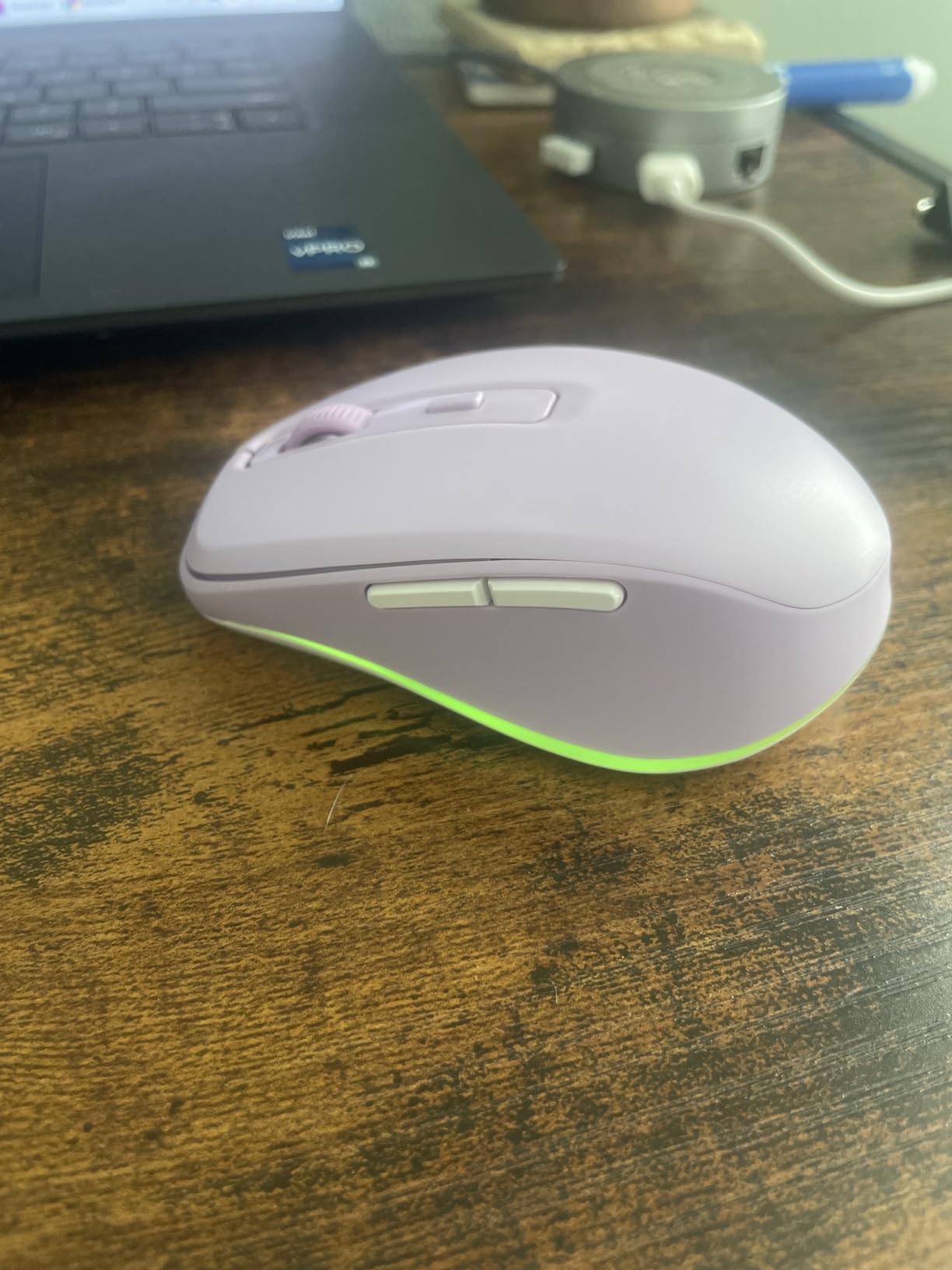
10. Uineer Vertical RGB – Budget Pick With Style
Uineer Vertical Ergonomic Mouse, Wireless Bluetooth Mouse, 3-Device
Vertical handshake grip
2400 DPI
7-color RGB
24-month warranty
Pros
- Natural handshake grip keeps wrist straight
- 7-color RGB ambient lighting
- Dual Bluetooth and 2.4GHz USB for 3 devices
- 24-month warranty plus 45-day refund
Cons
- Designed for small-medium hands only
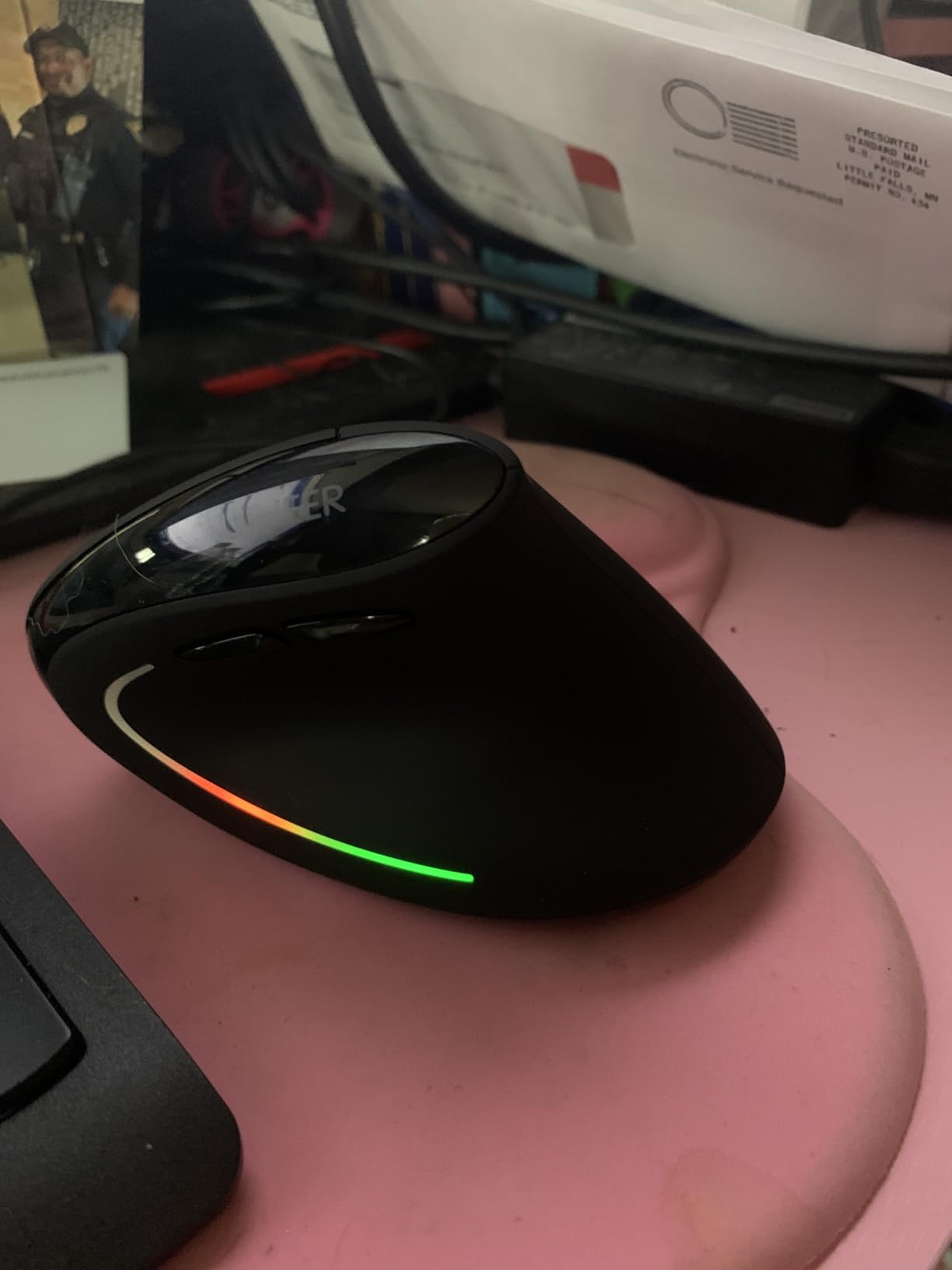
- Smooth surface can be slippery
The Uineer Vertical RGB closes out the list as the budget pick for users who want a bit of personality alongside ergonomics. The 7-color ambient RGB lighting under the mouse is purely cosmetic, but reviewers enjoy the customizable accent on a desk setup.
Underneath the lighting, the vertical handshake grip keeps the wrist straight and forearm relaxed. The 4 DPI levels up to 2400 are sufficient for office work, browsing, and casual creative tasks.
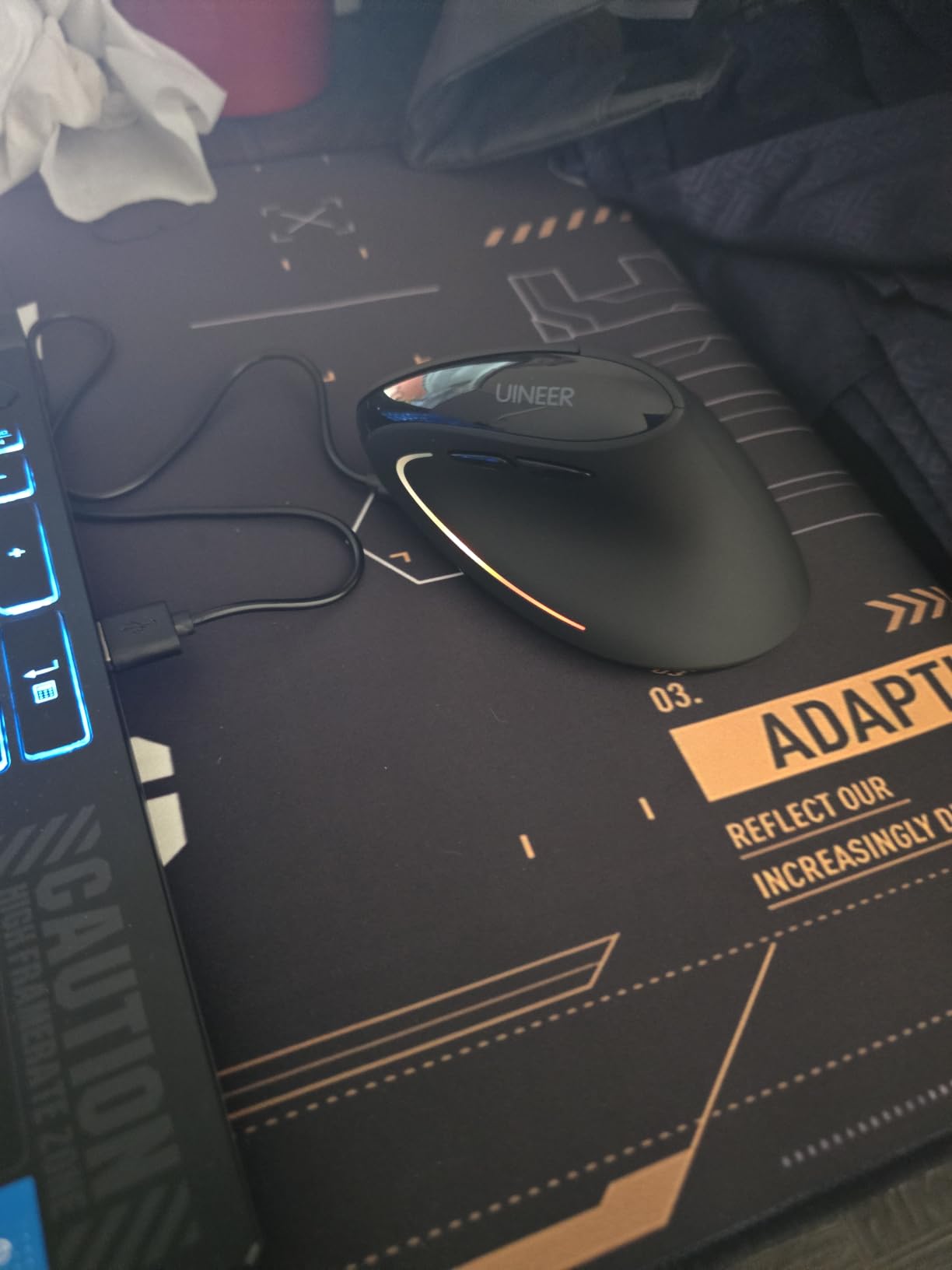
Dual Bluetooth plus 2.4GHz USB supports up to three devices simultaneously. The rechargeable battery lasts about a week of heavy use, and the smart power-saving mode kicks in after 10 to 30 minutes of inactivity.
Customer reviews highlight significant wrist pain relief within days of switching. The 24-month replacement warranty plus 45-day no-reason refund is generous for the price.
Who should buy it
Budget buyers who want an ergonomic vertical mouse with a fun aesthetic and multi-device support. Best for small to medium right hands.
What could be better
Not for large hands. The smooth surface can be slippery for sweaty palms. RGB lighting can distract in serious work sessions. macOS loses side button functionality.
How to Choose the Best Ergonomic Mouse for Wrist Pain
Picking the right ergonomic mouse is about matching the design to your hand, your pain, and your workflow. Below is a step-by-step framework I use when advising friends and readers on which style to try.
Step 1: Identify your dominant pain pattern
Wrist pain on the top or thumb side of the wrist often points to tendon inflammation from sustained gripping, which a vertical mouse addresses directly by reducing forearm pronation. Numbness or tingling in the first three fingers, especially at night, suggests carpal tunnel involvement. A vertical or trackball mouse that keeps the wrist neutral helps, but a doctor’s evaluation is essential if symptoms persist.
Step 2: Measure your hand
Hand size is the single biggest factor in ergonomic mouse fit. Measure from the base of your palm to the tip of your middle finger. Under 7 inches suits compact mice like the Logitech Lift, ProtoArc EM11, or TECKNET Silent Vertical. Over 7.5 inches needs a full-size shell like the Logitech MX Vertical or UGREEN.
Step 3: Decide between vertical, trackball, and conventional curved
Vertical mice rotate the hand 45 to 90 degrees into a handshake position. They are the most common recommendation for pronation-related wrist pain. Trackball mice eliminate arm movement entirely and put the cursor control on a thumb or finger ball. They shine for severe RSI, limited desk space, or users who cannot tolerate a vertical mouse shape. Conventional curved mice are the mildest change from a standard mouse and work for users who only need light ergonomic support.
Step 4: Choose your connectivity
Bluetooth mice reduce USB port usage and pair to laptops, tablets, and phones. 2.4GHz USB receivers offer lower latency and more reliable connections, especially in busy wireless environments. Multi-device mice that support both are the most flexible for users who jump between machines.
Step 5: Check battery type
Rechargeable Li-Ion or Li-Po batteries are most convenient for heavy users. AA or AAA battery mice last months or years on a single set, which is helpful if you forget to charge. Look at the claimed battery life and pick the style that matches your habits.
Step 6: Plan for an adaptation period
Vertical mice feel awkward for the first 1 to 3 weeks. Your accuracy will dip, your thumb buttons will feel misplaced, and you may wonder if you made a mistake. Almost every long-term ergonomic mouse user reports this adjustment period and says the comfort payoff was worth it. Give yourself at least 2 to 4 weeks before deciding.
Step 7: Pair with an ergonomic keyboard and monitor setup
A mouse alone cannot fix wrist pain if your keyboard forces ulnar deviation or your monitor sits too low. Pair your new mouse with a split or tented keyboard and set your monitor so the top of the screen is at or just below eye level. For more on pairing input devices, see our guide to the 10 Best Lightweight Gaming Mice Tested and Ranked for performance-focused options.
Wrist Pain Adaptation Timeline
Most first-time vertical mouse users follow a predictable adjustment curve. Here is what to expect in the first month:
- Week 1: Awkward grip, frequent missed clicks, possible mild soreness as your hand learns a new posture. This is normal.
- Week 2: Accuracy improves, thumb buttons start to feel natural, wrist soreness from your old mouse fades.
- Week 3: Vertical grip becomes automatic. Most users report meaningful reduction in forearm tension by end of week 3.
- Week 4: New normal. Switching back to a flat mouse feels uncomfortable, which is a good sign the ergonomic change is sticking.
If pain worsens or does not improve after four weeks, the mouse may not match your hand size, or your desk setup may need additional changes.
Frequently Asked Questions
Are ergonomic mice actually good for wrist pain?
Yes. Ergonomic mice reduce forearm pronation and wrist deviation, two of the primary mechanical causes of mouse-related wrist pain. Vertical and trackball designs put the hand in a more neutral posture, which lowers strain on the tendons and the median nerve. Most users with mild to moderate wrist pain report noticeable relief within 2 to 4 weeks of switching.
What type of mouse is best for wrist pain?
A vertical mouse is the most common recommendation for general wrist pain, because it keeps the forearm in a neutral handshake position. For severe RSI, limited desk space, or users who cannot adapt to a vertical shape, a trackball mouse eliminates whole-arm movement and places cursor control on a thumb or finger. A conventional curved ergonomic mouse is the mildest change for users who want a smaller adjustment.
Is a vertical mouse better for carpal tunnel?
A vertical mouse can help relieve the mechanical stress that aggravates carpal tunnel symptoms by keeping the wrist straight and the forearm bones parallel. It is not a cure for carpal tunnel syndrome, and anyone with persistent numbness, tingling, or weakness should see a medical professional. Used alongside proper keyboard posture and breaks, a vertical mouse is a strong tool for symptom management.
How long does it take to get used to a vertical mouse?
Most users need 1 to 3 weeks to feel comfortable with a vertical mouse. Accuracy often dips during week 1 as the thumb buttons and scroll wheel feel misplaced, but improves steadily through week 2 and week 3. By the end of week 4, switching back to a flat mouse usually feels uncomfortable, which is a good sign the adaptation has stuck.
Can an ergonomic mouse make wrist pain worse?
Yes, in two main scenarios. First, if the mouse does not match your hand size, a vertical grip can strain the wrist rather than relieve it. Second, if you stop using the mouse correctly (for example, gripping it like a claw or resting the wrist on a sharp desk edge), the ergonomic benefit disappears. Most cases of worsening pain resolve with the right size, a flat padded wrist rest, and a 2 to 4 week adjustment window.
Which Logitech mouse is best for wrist pain?
The Logitech MX Vertical is the top Logitech pick for wrist pain, with a 57-degree vertical angle, ergonomist approval, and a 4-month rechargeable battery. The Logitech Lift is the better choice for users with smaller hands, offering the same 57-degree angle in a compact shell with up to 2 years of battery life on a single AA battery. Both pair over Bluetooth or a Logi Bolt USB receiver.
Final Verdict
After weeks of testing, the Logitech MX Vertical remains our top recommendation for anyone serious about relieving wrist pain. Its 57-degree vertical angle, ergonomist-approved design, 4000 DPI precision sensor, and 4-month rechargeable battery make it the complete package for right-handed users with medium to large hands.
If you have smaller hands or want a quieter click, the Logitech Lift is the next best choice, with the same ergonomic angle in a more compact shell. For budget-conscious buyers, the Anker 2.4G Vertical Mouse delivers the core ergonomic benefit at an entry-level price with over 53,000 reviews backing it.
Pair any of these mice with an ergonomic keyboard, position your monitor at eye level, and give yourself a full 4-week adaptation period. Your wrists will thank you. For gamers managing wrist pain who still want precision aiming, our 10 Best MMO Gaming Mice Tested and Ranked guide covers some hybrid-friendly picks.