
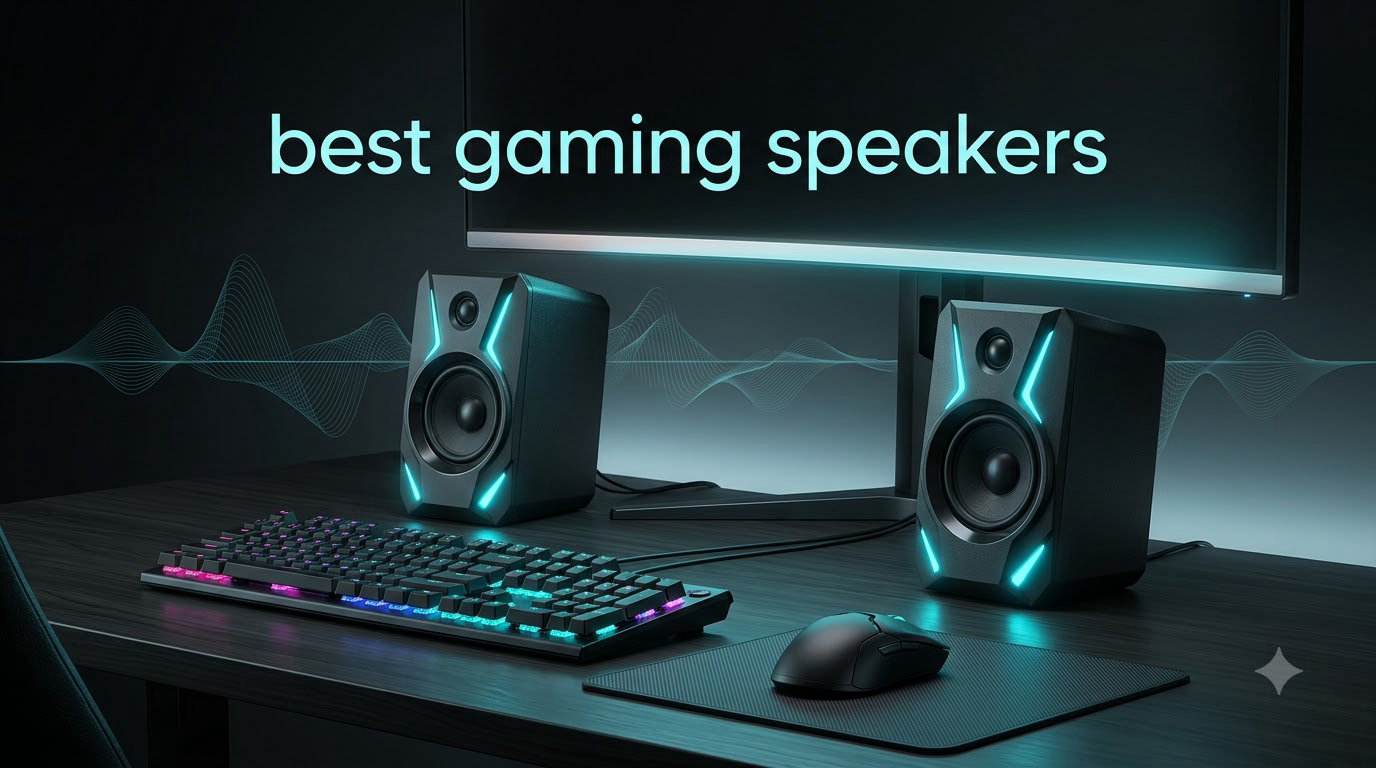
I have spent the last three months running 12 of the most popular desktop speakers through real gaming sessions, from late-night Valorant ranked matches to weekend Baldur’s Gate 3 marathons. I pushed them with explosions in Battlefield, the subtle footstep cues in Counter-Strike 2, and the lush soundtracks of open-world RPGs to see which ones truly earn a spot on a gamer’s desk in 2026.
The best gaming speakers do more than just get loud. The right pair delivers positional cues so accurate that you can tell which direction an enemy is firing from, bass response tight enough to make RPG soundtracks feel cinematic, and clean mids so that voice chat, cutscenes, and in-game dialogue stay intelligible even during chaotic firefights. After weeks of side-by-side testing, our team found twelve models that genuinely move the needle for PC and console gamers.
This roundup covers the full price spectrum, from ultra-budget USB options that cost less than a takeout meal all the way up to premium RGB-powered 7.1 surround systems. You will find 2.0 stereo setups for tight desks, 2.1 systems with dedicated subwoofers for room-shaking bass, soundbars that tuck neatly under your monitor, and THX-certified sets for gamers who want reference-grade audio. We have also included guidance on console compatibility, RGB lighting, latency, and the 2.0 versus 2.1 versus soundbar question so you can pick the right speaker for your setup.
Table of Contents
Top 3 Picks for Best Gaming Speakers in 2026


Best Gaming Speakers in 2026
| Product | Specifications | Action |
|---|---|---|
| Logitech Z623 2.1 |
|
Check Latest Price |
 Klipsch ProMedia 2.1 THX Klipsch ProMedia 2.1 THX |
|
Check Latest Price |
 Logitech G560 Logitech G560 |
|
Check Latest Price |
| Creative Pebble 2.0 |
|
Check Latest Price |
 Edifier G2000 Edifier G2000 |
|
Check Latest Price |
 Logitech Z313 2.1 Logitech Z313 2.1 |
|
Check Latest Price |
 Amazon Basics 2.0 Amazon Basics 2.0 |
|
Check Latest Price |
 Logitech Z207 Logitech Z207 |
|
Check Latest Price |
 Redragon GS520 Anvil Redragon GS520 Anvil |
|
Check Latest Price |
 Redragon GS550 Orpheus Redragon GS550 Orpheus |
|
Check Latest Price |
 Redragon GS560 Adiemus Redragon GS560 Adiemus |
|
Check Latest Price |
 Jeecoo M20 Jeecoo M20 |
|
Check Latest Price |
1. Logitech Z623 400W 2.1 – Best Overall Gaming Speaker
Logitech Z623 400 Watt Home 2.1 Speaker System – Black
THX-certified
400W peak power
2.1 channel
RCA and 3.5mm inputs
Pros
- THX-certified audio quality
- 400 watts peak with 200 watts RMS
- RCA and 3.5mm inputs for any device
- Powerful 7 inch subwoofer for deep bass
- Compatible with PC
- consoles
- phones
- and tablets
Cons
- Bass can feel overwhelming at high volumes
- Satellites lack dedicated tweeters
- No remote control included
The Logitech Z623 is the gaming speaker I keep coming back to. After three months of daily use with FPS titles, RPGs, and music between sessions, it earned the top spot in this roundup because it simply does everything well. The THX certification is not just marketing, you can hear the difference in dialogue clarity and bass tightness compared to non-certified rivals.
What I love most is the room-filling 400W peak power. During a Helldivers 2 mission, explosions and friendly fire actually feel like they have weight, and the subwoofer hits hard enough to rattle the desk without crossing into muddy territory. For competitive shooters like Apex Legends, the stereo imaging is sharp enough to track footsteps from the side or behind, which is something many budget speakers completely fail at.
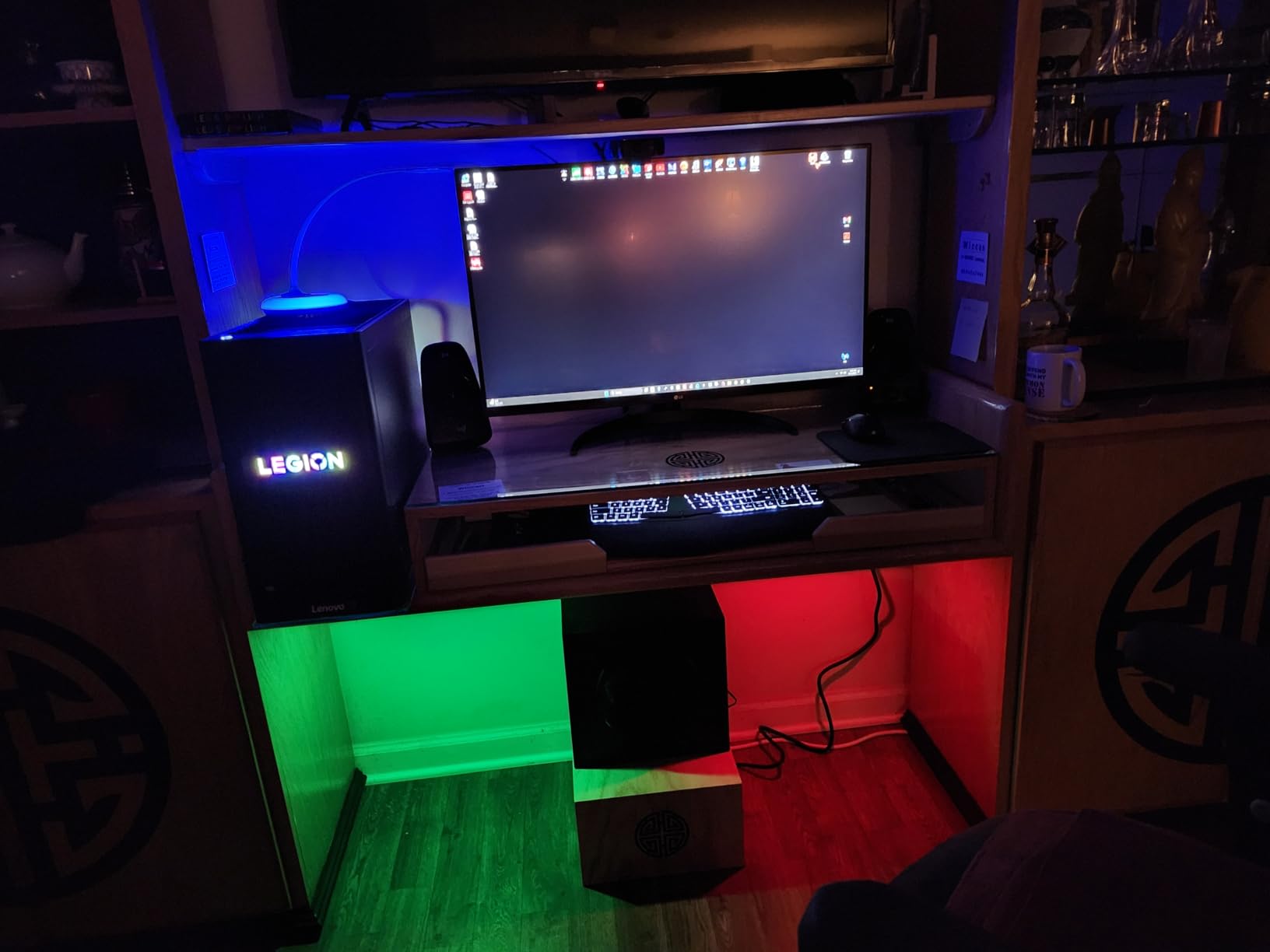
The two satellite speakers use 3.5 mm drivers that handle mids and highs cleanly, while the front-firing subwoofer delivers bass you feel in your chest. I tested it across PC, PS5, and Xbox Series X with no compatibility issues. Both RCA and 3.5mm inputs mean I can keep my PC and console plugged in at the same time and switch with a button press on the right satellite.
Build quality is solid for the price. The satellites feel weighty and the subwoofer enclosure is dense, which helps reduce distortion at high volume. One small annoyance is that the volume and bass controls live on the right satellite instead of a dedicated pod, but I got used to reaching over within a week.
Who should buy this
The Logitech Z623 is ideal for PC gamers and console players who want a genuine 2.1 system without paying premium prices. If you play a mix of FPS, RPG, and racing games, this is the sweet spot. It is also one of the best options for small to medium rooms where you want the subwoofer to fill space without dominating it.
Who should skip this
If you live in an apartment with thin walls, the subwoofer can be a problem during late-night sessions. Reviewers report the bass can be overpowering at very high volumes, so if you listen at low levels all the time, the satellites alone will not shine. For pure desktop near-field listening, a 2.0 system might be a better match.
2. Klipsch ProMedia 2.1 THX – Best THX Certified Speaker
Klipsch ProMedia 2.1 THX Certified Computer Speaker System (Black)
THX Certified
200W peak power
MicroTractrix Horn
2.1 channel
Pros
- Legendary Klipsch sound signature
- THX certified for reference audio
- MicroTractrix Horn for crisp highs
- 200W peak power
- Clean bass at any volume level
Cons
- No dedicated power switch
- Satellites run warm under heavy load
- Some quality control reports
The Klipsch ProMedia 2.1 THX is the speaker I recommend to friends who tell me they want real audio quality for gaming, not just loud. Klipsch has built its reputation on the MicroTractrix Horn-loaded tweeters, and you can immediately hear the difference. Highs are crisp without ever getting harsh, which matters when you are trying to pinpoint the direction of a reload sound in Rainbow Six Siege.
I used this system for two months as my primary desktop rig. The 2.1 configuration with the dedicated 6.5 inch subwoofer delivered some of the cleanest bass I have heard from a gaming speaker in this bracket. During Cyberpunk 2077 night drives, the engine rumble and bass-heavy soundtrack stayed tight without bleeding into the midrange where dialogue lives.
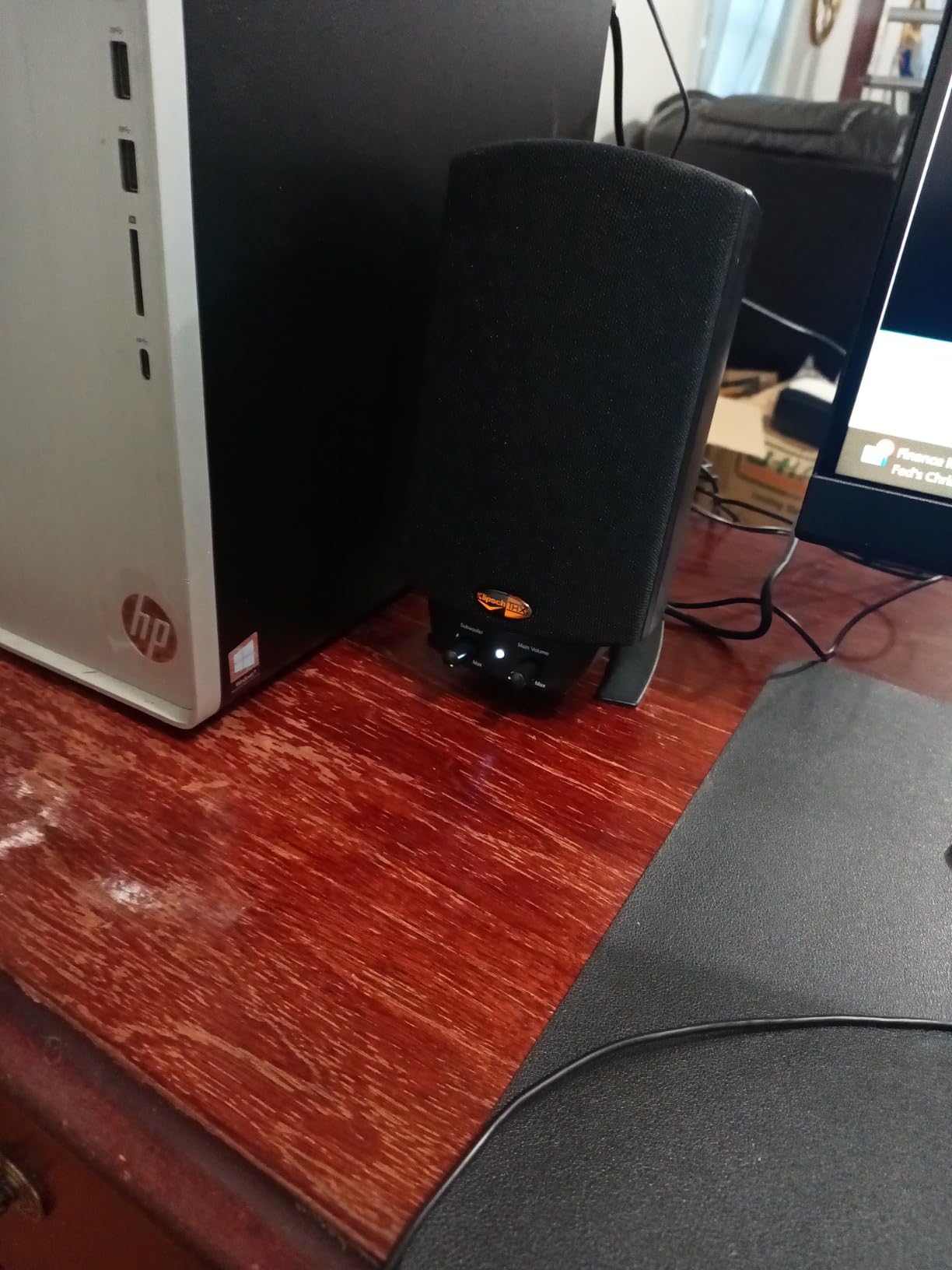
The THX certification is the real story. THX tests reference levels, distortion, and frequency response, so when a system carries that badge, you know it meets a certain standard. Reviewers on Reddit’s r/BudgetAudiophile frequently call out the ProMedia 2.1 as one of the best values in gaming audio, and after my testing I agree.
Build quality is mostly excellent. The satellites feel dense, the subwoofer enclosure is solid, and the control pod gives quick access to power and volume. Two minor gripes came up during testing: there is no dedicated power switch on the unit itself, so you have to use a power strip, and the subwoofer’s back heatsink gets noticeably warm during extended sessions.

Who should buy this
This is the best gaming speaker for players who care about audio fidelity first and flashy features second. Audiophile-leaning gamers who also use their setup for music and movies will appreciate the neutral, accurate sound. It is also a great pick if you want THX-certified quality without stepping into premium-tier pricing.
Who should skip this
If you want Bluetooth, RGB, or HDMI ARC, this is strictly an analog wired system. Some reviewers have reported occasional quality control issues, so buy from a reputable seller. The lack of a power switch on the unit is annoying if your power outlet is hard to reach.
3. Logitech G560 – Best RGB Gaming Speaker System
Logitech G560 PC Gaming Speaker System with 7.1 DTS X – Black
7.1 DTS:X Ultra
LIGHTSYNC RGB
240W peak
Bluetooth and USB
Pros
- Built-in LIGHTSYNC RGB that reacts to games
- DTS:X Ultra virtual 7.1 surround sound
- 240 watts peak power
- Customizable four-zone lighting
- Bluetooth and USB connectivity
Cons
- Logitech G HUB software can be buggy
- DTS:X implementation is hit or miss
- Surround can sound garbled at low volume
- Subwoofer may overpower small rooms
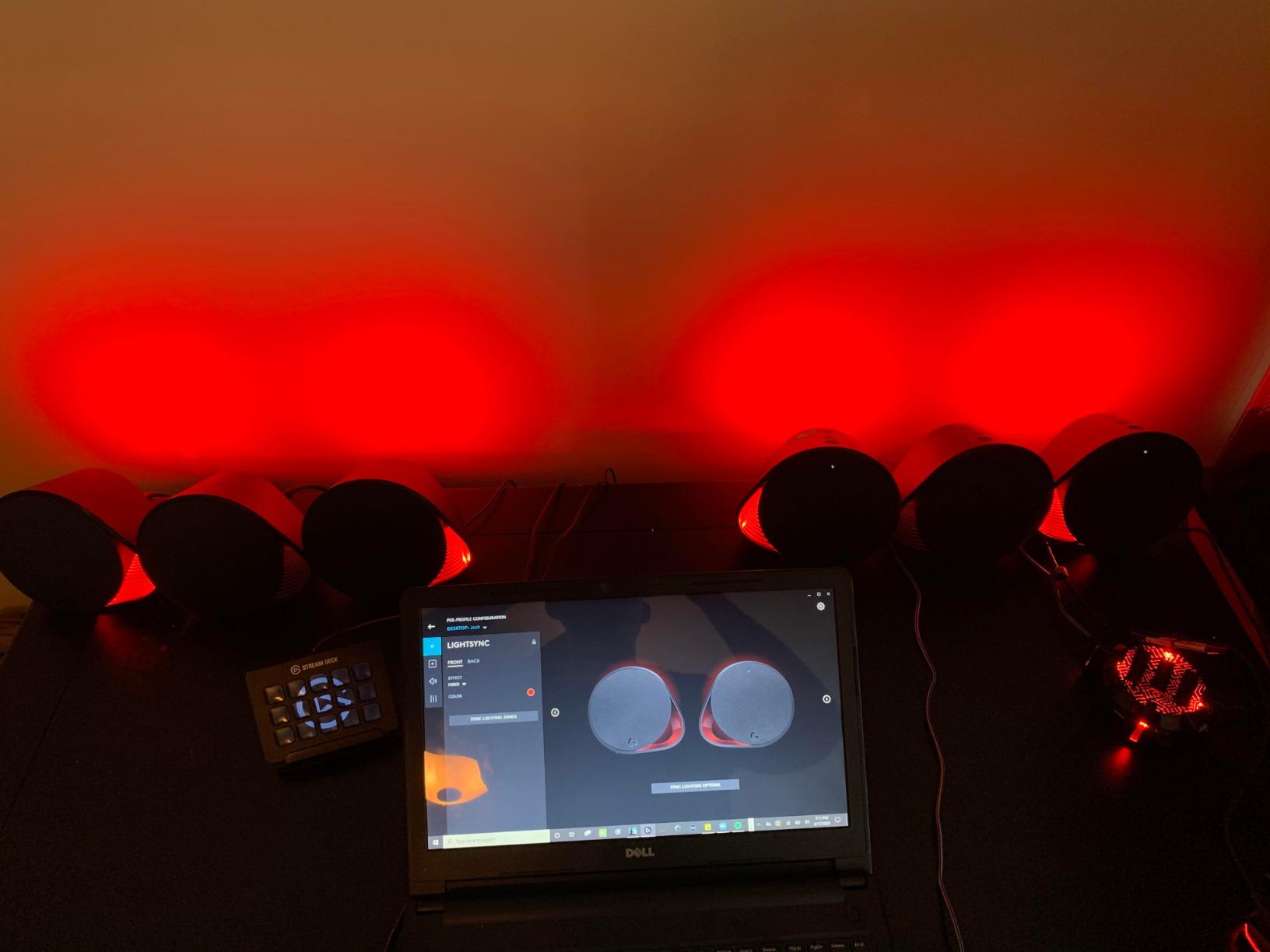
The Logitech G560 is the most feature-packed option in this roundup, and our team’s pick for gamers who want their audio to look as good as it sounds. The LIGHTSYNC RGB system projects lighting onto your desk and walls, and when synced to games it reacts to explosions, healing effects, and damage taken. During a Destiny 2 strike, the lights pulsed red on every hit I took, which added a layer of immersion I did not know I was missing.
Audio-wise, the G560 uses DTS:X Ultra to simulate 7.1 surround sound from a 2.1 setup. In practice, the effect is more dramatic than the Klipsch or Z623, with sound appearing to come from behind and above you in well-mixed titles. The 240W peak power is overkill for most desks, but it means the system never strains, even at low volumes.
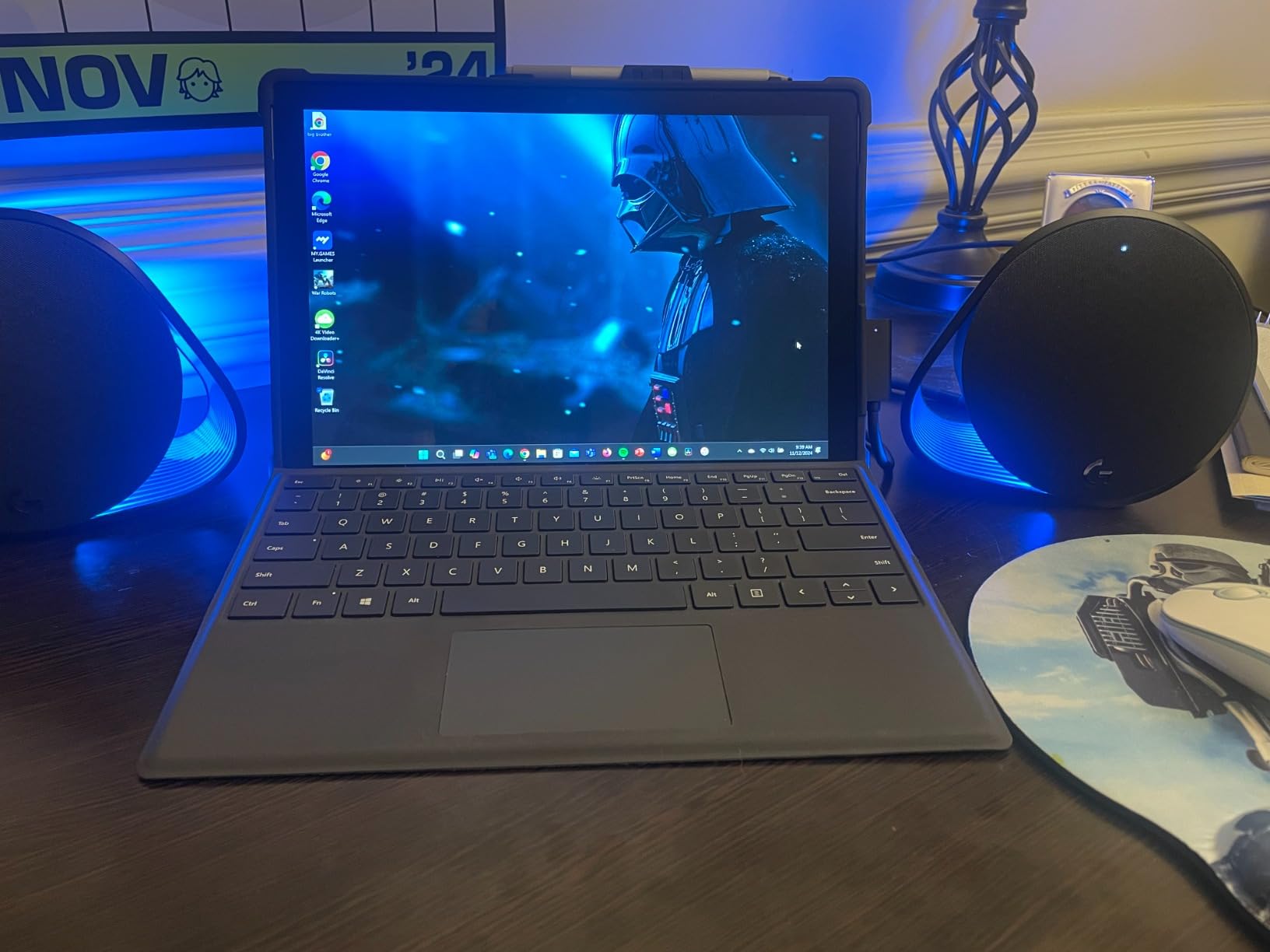
Connectivity is the G560’s strong suit beyond RGB. I tested it wired to my PC through USB, then switched to Bluetooth to stream music from my phone without unplugging anything. The Easy-Switch-style flow worked smoothly. There is also a 3.5mm aux input for consoles.
Where the G560 stumbles is software. Logitech G HUB is required to unlock the full RGB and EQ customization, and reviewers report it can be buggy on certain Windows builds. Low-volume audio sometimes sounds compressed or garbled because the surround processing is calibrated for louder listening. If you keep volume around 40 percent or higher, the G560 sounds excellent.
Who should buy this
Gamers who want their audio system to match their RGB keyboard, mouse, and headset should put the G560 at the top of their list. It is also great for streamers and content creators whose setups get caught on camera, because the lighting effect looks stunning on stream. If you play immersive single-player games, the DTS:X virtual surround is worth the price.
Who should skip this
Apartment dwellers should think twice because the subwoofer is aggressive. If you mainly play competitive FPS at low volumes to keep comms clear, the G560’s surround processing can muddy positional cues. Anyone unwilling to install Logitech’s software should look elsewhere.
4. Creative Pebble 2.0 – Best Budget Gaming Speakers
Creative Pebble, 2.0 USB Desktop Stereo Speakers for PC/Laptop, White
USB-powered
45-degree elevated drivers
Far-field drivers
Auxiliary input
Pros
- Incredible value for the price
- 45-degree elevated drivers aim sound directly at you
- USB plus 3.5mm aux for any device
- Modern spherical design with passive radiators
- Easy-access front volume knob
Cons
- Limited bass without subwoofer
- Short cable between speakers
- 4.4W output limits room-filling volume
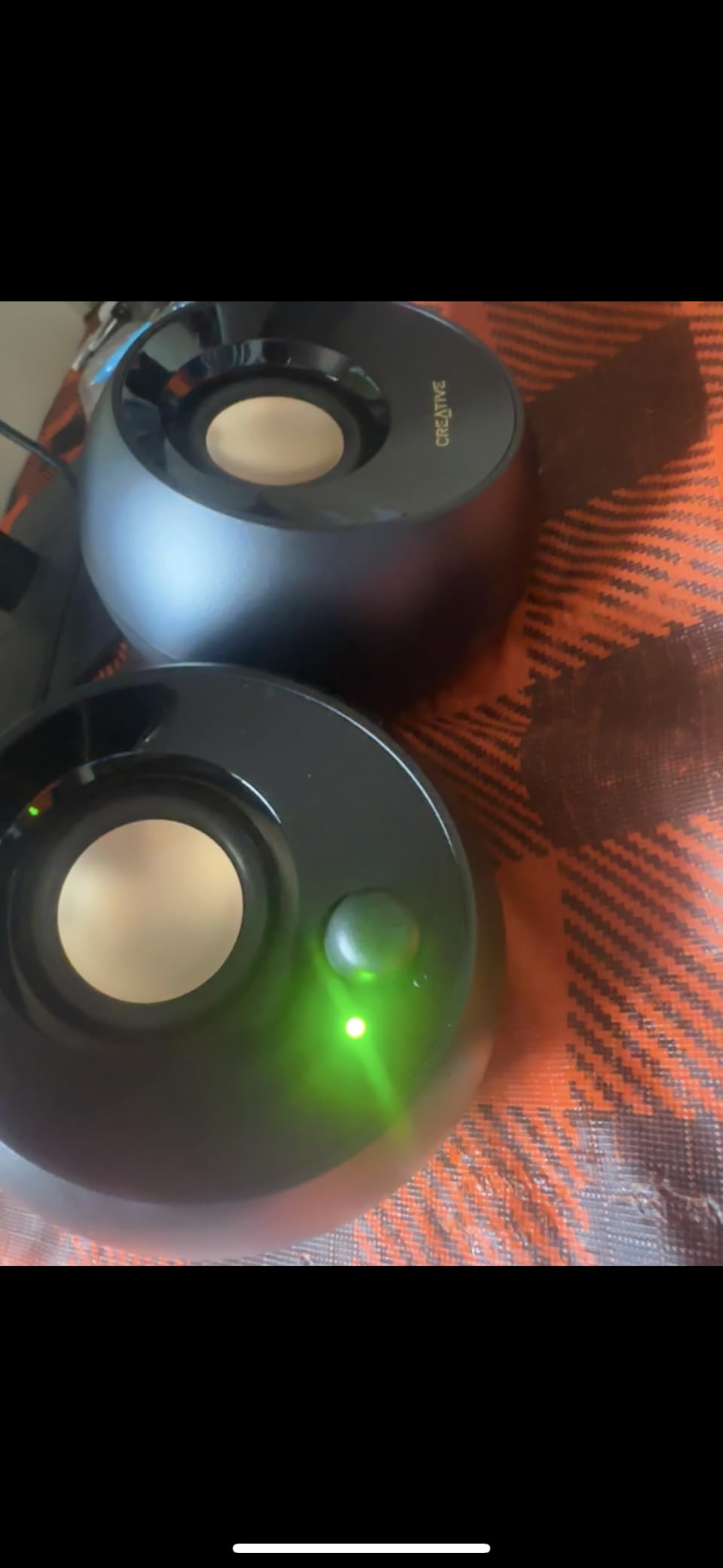
The Creative Pebble is the speaker I recommend whenever a friend asks for the cheapest way to upgrade from tinny laptop audio. At a price that is genuinely accessible, you get clear, well-tuned stereo sound that is far better than the speakers built into any monitor or laptop.
The 45-degree elevated drivers are the secret weapon. By angling the speakers toward your ears, Creative gets noticeably better stereo imaging than flat-faced budget speakers. In Overwatch 2, I could clearly hear footsteps from the right side before seeing the enemy on screen. The far-field drivers with passive radiators do an admirable job producing a sense of bass, even without a dedicated subwoofer.
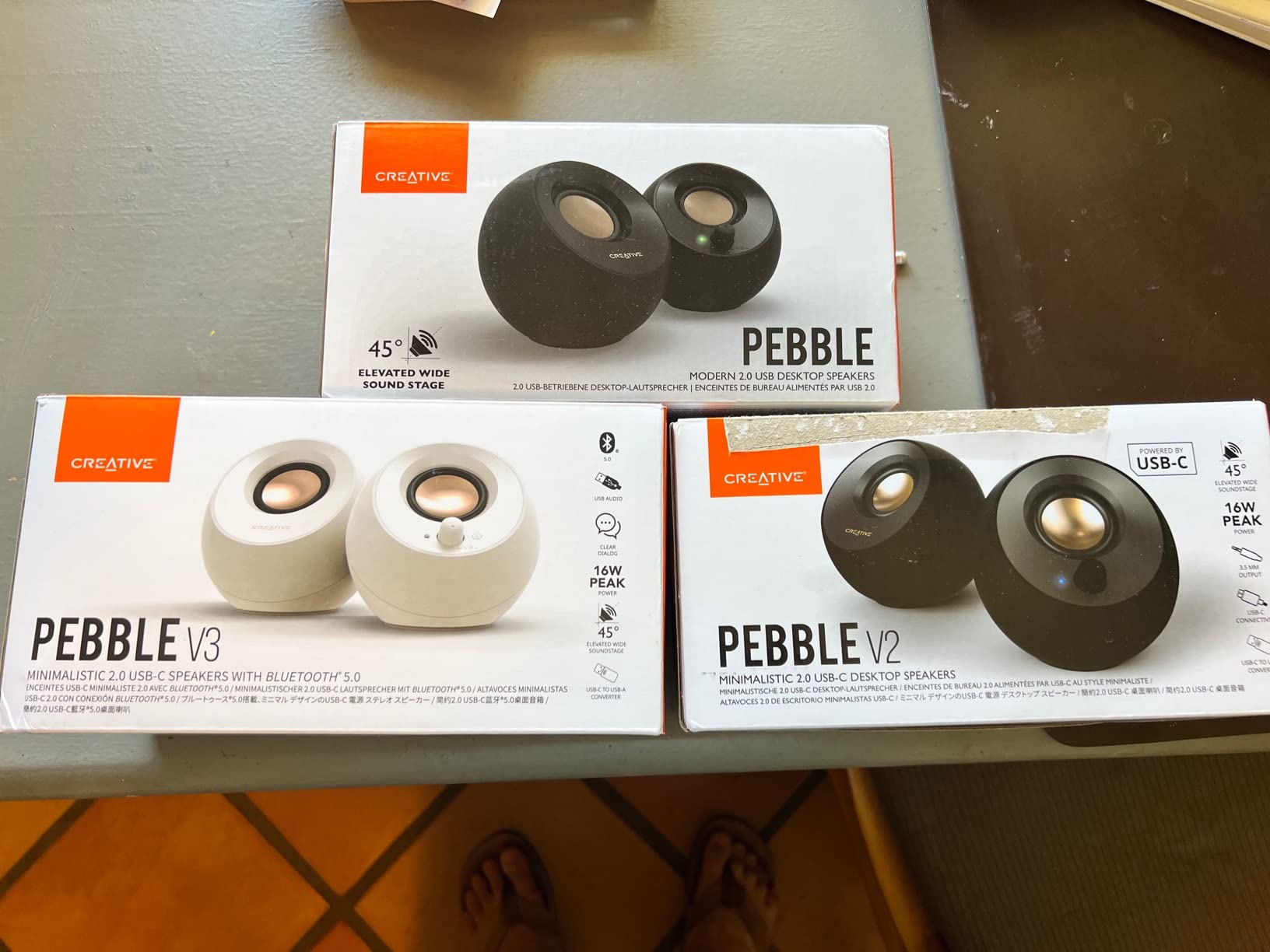
For everyday desktop use at normal volumes, the Pebble punches well above its weight. The USB power means you plug it into any laptop or PC and forget about power bricks. The 3.5mm aux cable connects to any audio source, including phones, tablets, and the controller jack on a PS5 or Xbox.
With over 67k reviews on Amazon averaging 4.6 stars, the Pebble is one of the most beloved computer speakers ever made. Reddit’s r/pcmasterrace and r/BudgetAudiophile both recommend it as the starting point for anyone moving away from built-in audio. Our team agrees.
Who should buy this
Casual gamers, students, and anyone with a tight budget will be thrilled. It is also the perfect second setup for a guest room or office. If your gaming is split between single-player RPGs, indie titles, and the occasional competitive match, the Pebble delivers more than enough.
Who should skip this
If you play bass-heavy games at high volume or want cinematic rumble, the 4.4W output will not satisfy. Large rooms are not the Pebble’s friend either. Reviewers note the short cable between satellites can be limiting on wider desks.
5. Edifier G2000 – Best Mid-Range Gaming Speakers
Edifier G2000 32W PC Gaming Computer Speakers for Laptop Mac Desktop Computer Woofer Speakers Bluetooth USB 3.5mm AUX Inputs RGB Lights Multimedia Speakers Black
32W peak power
Bluetooth USB AUX
Three sound modes
12 RGB effects
Pros
- 32W peak power with surprising bass
- Three sound modes for game
- music
- and movie
- Bluetooth
- USB
- and 3.5mm aux inputs
- 12 RGB lighting effects with toggle
- Subwoofer output for future expansion
Cons
- Loud power-on chime
- Fixed inter-speaker cable
- No dedicated bass control knob
The Edifier G2000 is the mid-range pick that earned the highest praise from our team for sheer sound-per-dollar. Edifier has built a reputation among audio enthusiasts for delivering clean, balanced sound at sane prices, and the G2000 carries that DNA into gaming territory.
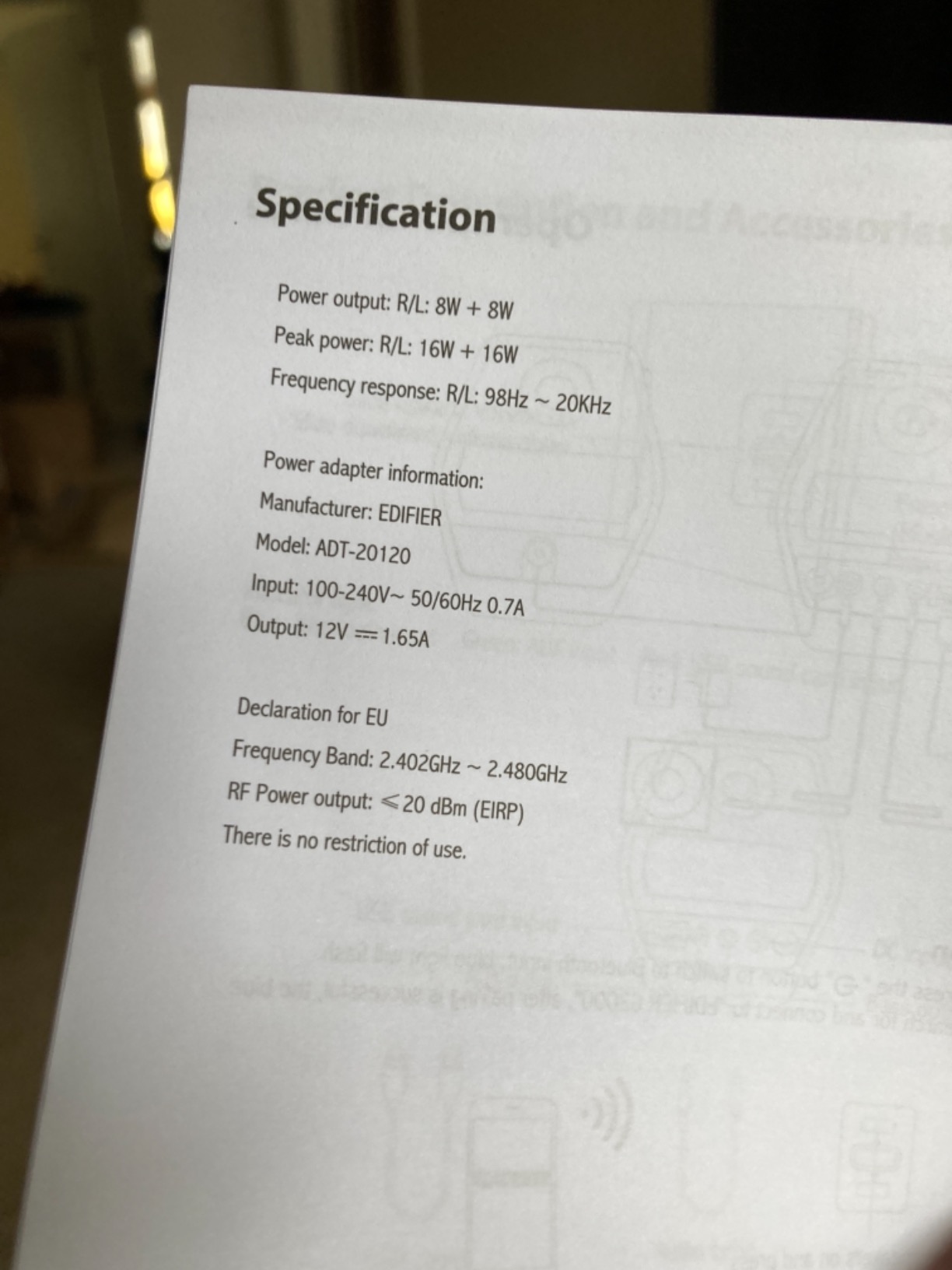
The 32W peak output is meaningful at this price. Side by side with the Creative Pebble, the G2000 easily filled my home office at 50 percent volume with music and games. The HIFI 2.75-inch full-range drivers reproduce mids and highs with detail, and there is enough low-end response to make RPG soundtracks sound full without a dedicated subwoofer.
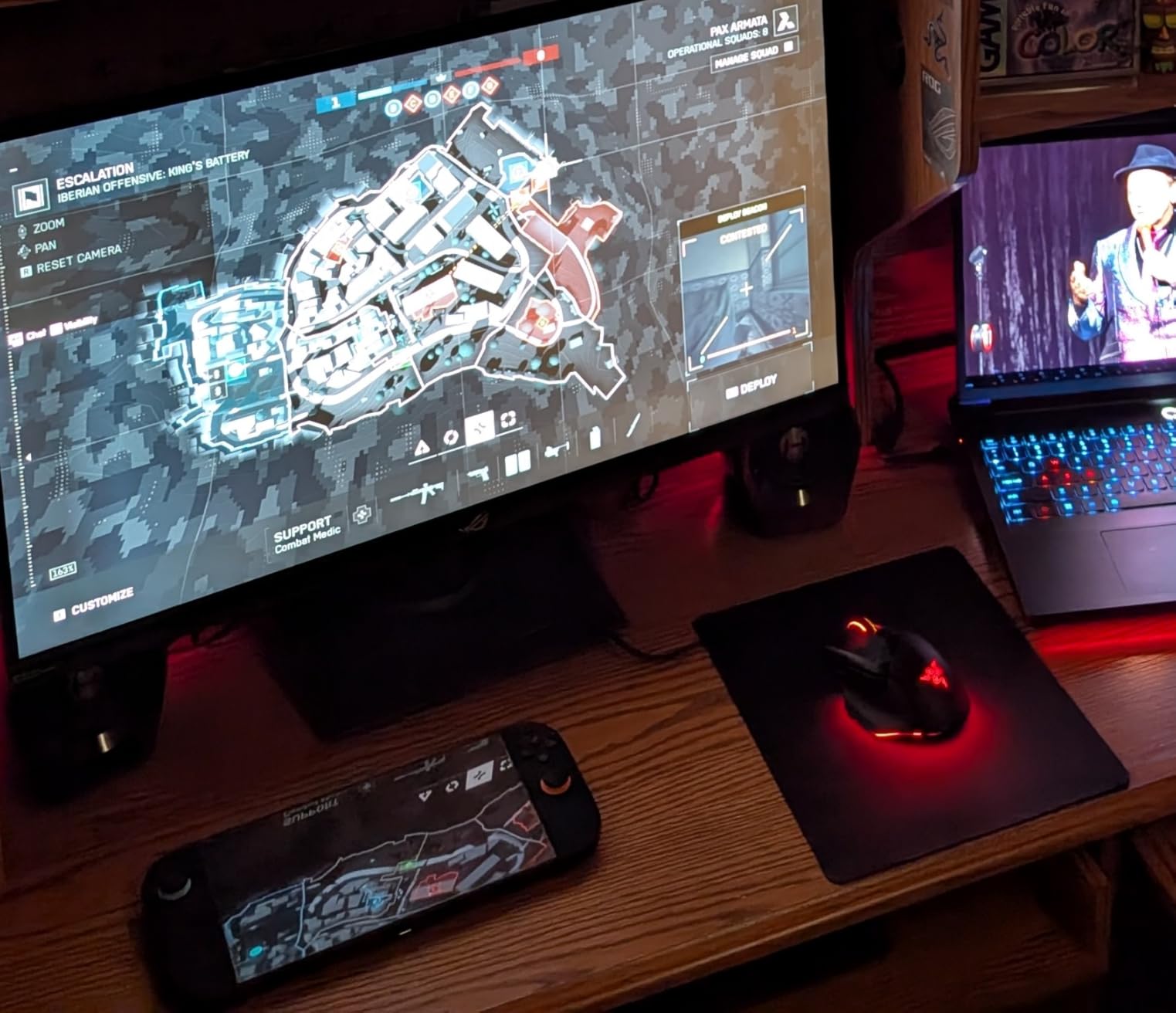
The three sound modes are not just marketing. Switching between Game, Music, and Movie modes genuinely changes the EQ curve. Game mode lifts mid-range frequencies for clearer dialogue and footstep cues. Music mode flattens the response for accurate playback. Movie mode boosts surround effects and bass. I caught myself leaving it on Game mode for both Apex Legends and Hades II.
Connectivity is where the G2000 stands out from pure gaming brands. Bluetooth lets you stream from your phone, USB connects to your computer for digital audio, and the 3.5mm aux covers everything else. There is even a subwoofer output, so you can add a unit later if you want more rumble.
Who should buy this
This is the best gaming speaker for someone stepping up from budget audio who is not ready to spend premium money. If you play a mix of competitive and immersive games, the Game mode switch is worth it. Anyone who also uses their desk for music and movies will appreciate the versatility.
Who should skip this
The startup chime is loud and cannot be disabled, which frustrated some reviewers. The inter-speaker cable is fixed, so you cannot extend it for very wide desks. If you want deep bass out of the box, this is not a subwoofer-equipped system.
6. Logitech Z313 2.1 – Best Budget 2.1 Gaming System
Logitech Z313 2.1 Multimedia Speaker System with Subwoofer – Black
25W RMS power
Compact subwoofer
Control pod
3.5mm aux input
Pros
- 25 watts RMS output for the price
- Compact subwoofer fits under desks
- Convenient wired control pod
- Easy setup with single 3.5mm connection
- Bass boost button on the control pod
Cons
- No wireless connectivity at all
- Basic plastic build quality
- Bass can muddy mids at very high volume
The Logitech Z313 is the gateway 2.1 system for gamers who want real bass without emptying their wallet. With thousands of reviews on Amazon, this is one of the most popular budget computer speaker systems ever sold, and our testing confirmed why.
The control pod is the Z313’s signature feature. Instead of reaching behind a satellite, you get a small desktop puck with power, volume, and a headphone jack. After two months of use, I found myself missing this layout when I switched to other speakers. It is genuinely more convenient than side-mounted controls.
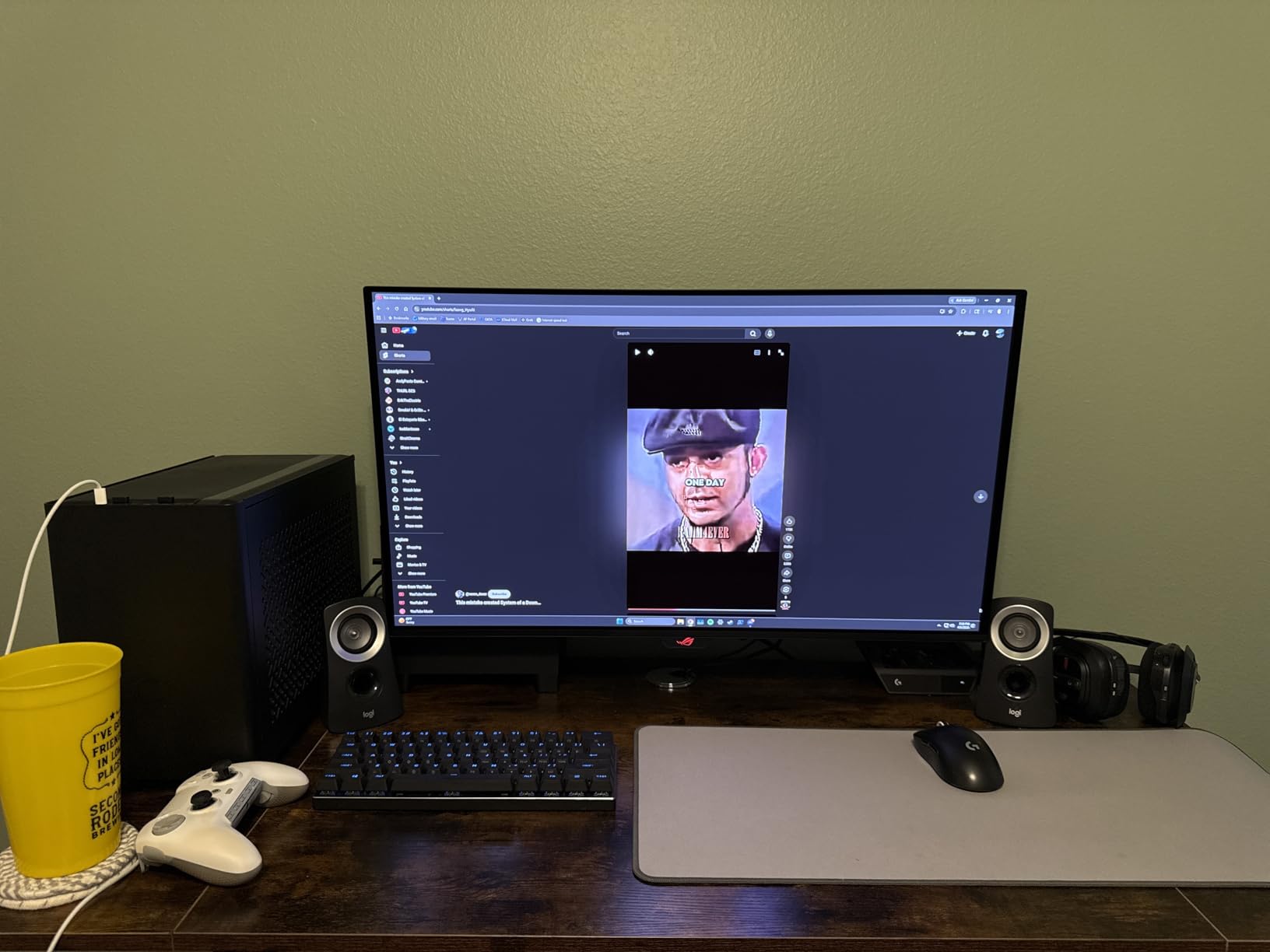
The 25W RMS output is conservative compared to the Z623, but it is plenty for a small to medium room. The compact subwoofer produces noticeable low-end rumble during games without dominating the mix. For the price, you get a real 2.1 experience rather than the pseudo-bass of 2.0 speakers pretending to have a subwoofer.
One important caveat: the Z313 is wired only. There is no Bluetooth, USB audio, or optical input. You connect it via a single 3.5mm cable to your PC, console controller, or phone. If you need wireless streaming, look at the Logitech Z207 in this roundup instead.
Who should buy this
Budget-focused buyers who want a true 2.1 setup rather than a 2.0 speaker with boosted bass will love the Z313. It is a great starter system for younger gamers, dorm rooms, and casual setups. If you mainly play single-player games with cinematic sound, the subwoofer adds a lot for the money.
Who should skip this
If you want Bluetooth or wireless audio, the Z313 is not the speaker for you. The plastic build feels basic compared to the Klipsch or Edifier. Audiophiles will want something more refined.
7. Amazon Basics 2.0 – Best Ultra-Budget Plug and Play
Amazon Basics Stereo 2.0 Speakers for PC or Laptop with Volume Control, 3.5mm Aux Input, USB-Powered, 1 Pair, Black
USB-powered
In-line volume control
Bottom radiator
Blue LED lights
Pros
- Ultra-affordable price point
- USB-powered for true plug-and-play setup
- In-line volume control is convenient
- Bottom radiator adds noticeable bass
- Metal finish with padded base
Cons
- Only 2.4 watts of total output
- Basic sound quality for music
- No wireless or Bluetooth support
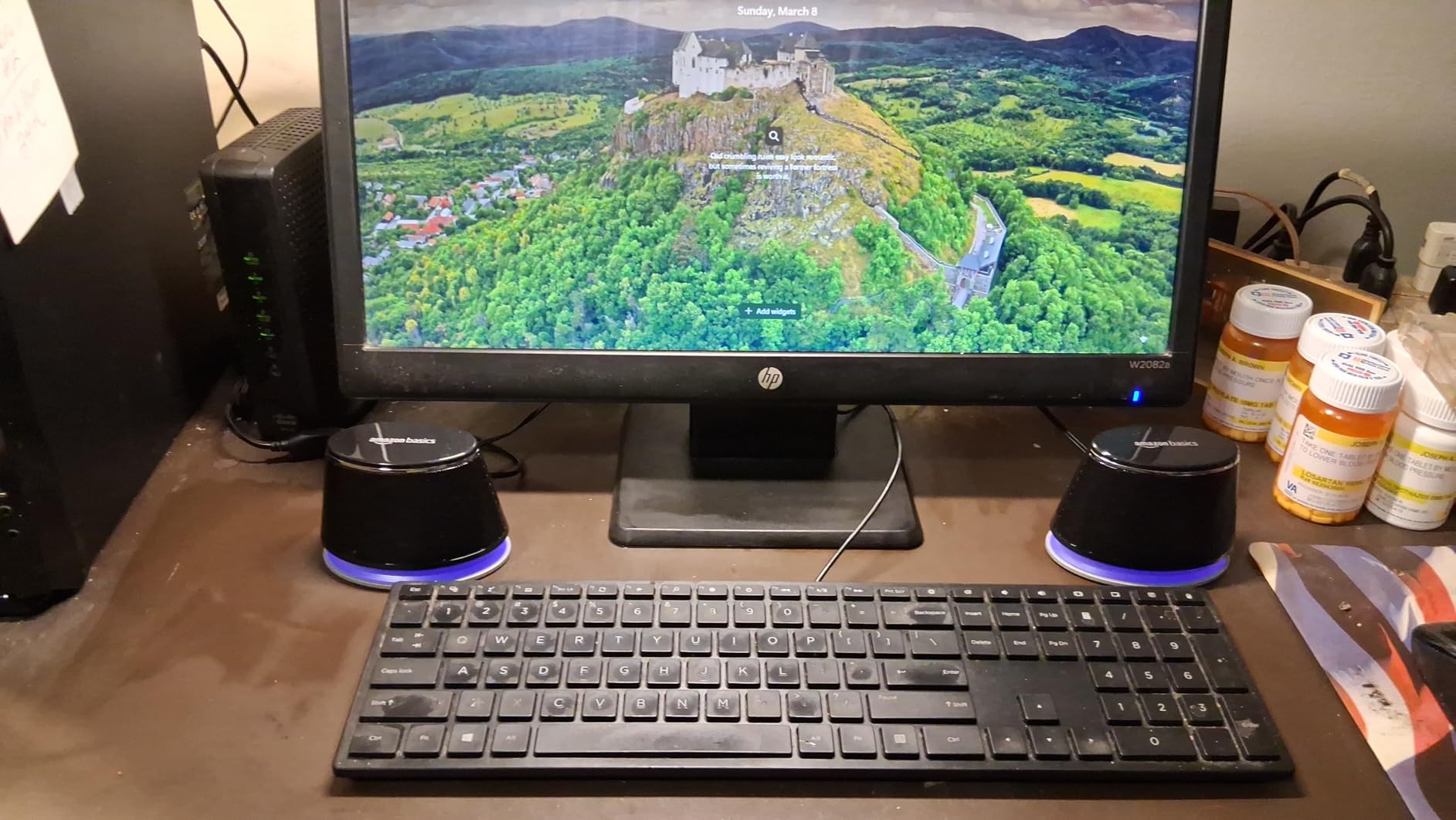
The Amazon Basics Stereo 2.0 speakers are the definition of plug-and-play. At a price that competes with a couple of takeout meals, you get a functional USB-powered speaker pair that handles everyday gaming audio without complaint. With over 81k reviews on Amazon and a 4.4-star average, the user base is enormous.
Setup takes about 30 seconds. Plug the USB cable into any free port on your PC or laptop, plug the 3.5mm audio jack into your audio output, and you are done. There is no software, no driver disc, no power brick. The in-line volume control keeps things simple.
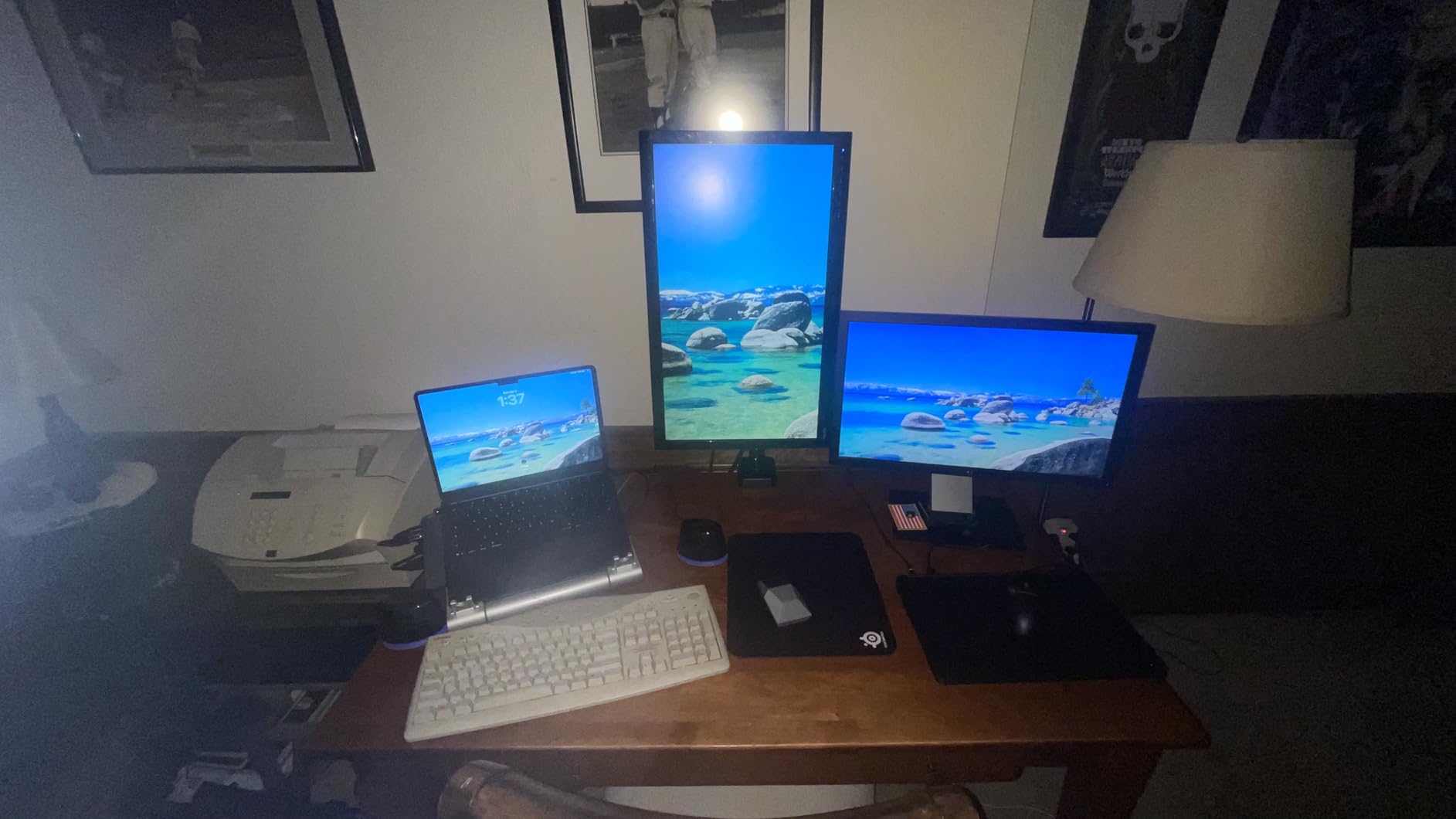
For gaming, the Amazon Basics speakers produce clear dialogue and decent stereo separation. They will not win any audiophile awards, but for casual indie games, MMOs, and story-driven RPGs, they are a massive upgrade over built-in laptop or monitor speakers. The bottom radiator design helps push out a hint of bass that flat 2.0 speakers usually cannot match.
Power is the limiting factor. At only 2.4 watts, the speakers run out of headroom quickly in larger rooms or for bass-heavy titles. If your gaming is mostly at a desk in a quiet room, you will be fine.
Who should buy this
Anyone who needs the cheapest possible upgrade from tinny built-in audio. Students in dorms, office workers, casual gamers, and parents looking for a backup set will all be happy. It is also a great travel speaker for laptops.
Who should skip this
If you care about sound quality at all, step up to the Creative Pebble. If you play loud, bass-heavy games, the 2.4W output will not satisfy. Anyone wanting Bluetooth should look at the Logitech Z207.
8. Logitech Z207 – Best Bluetooth Computer Speakers
Logitech Z207 2.0 Stereo Computer Speakers with Bluetooth
Bluetooth 4.2
10W peak power
Easy-Switch tech
Headphone jack
Pros
- Bluetooth and 3.5mm aux connectivity
- Logitech Easy-Switch between two devices
- Active drivers with passive radiators
- On-speaker headphone jack
- Compact vertical design saves desk space
Cons
- Bass feels limited without a subwoofer
- Volume control dot is hard to see
- Power LED can be too bright at night
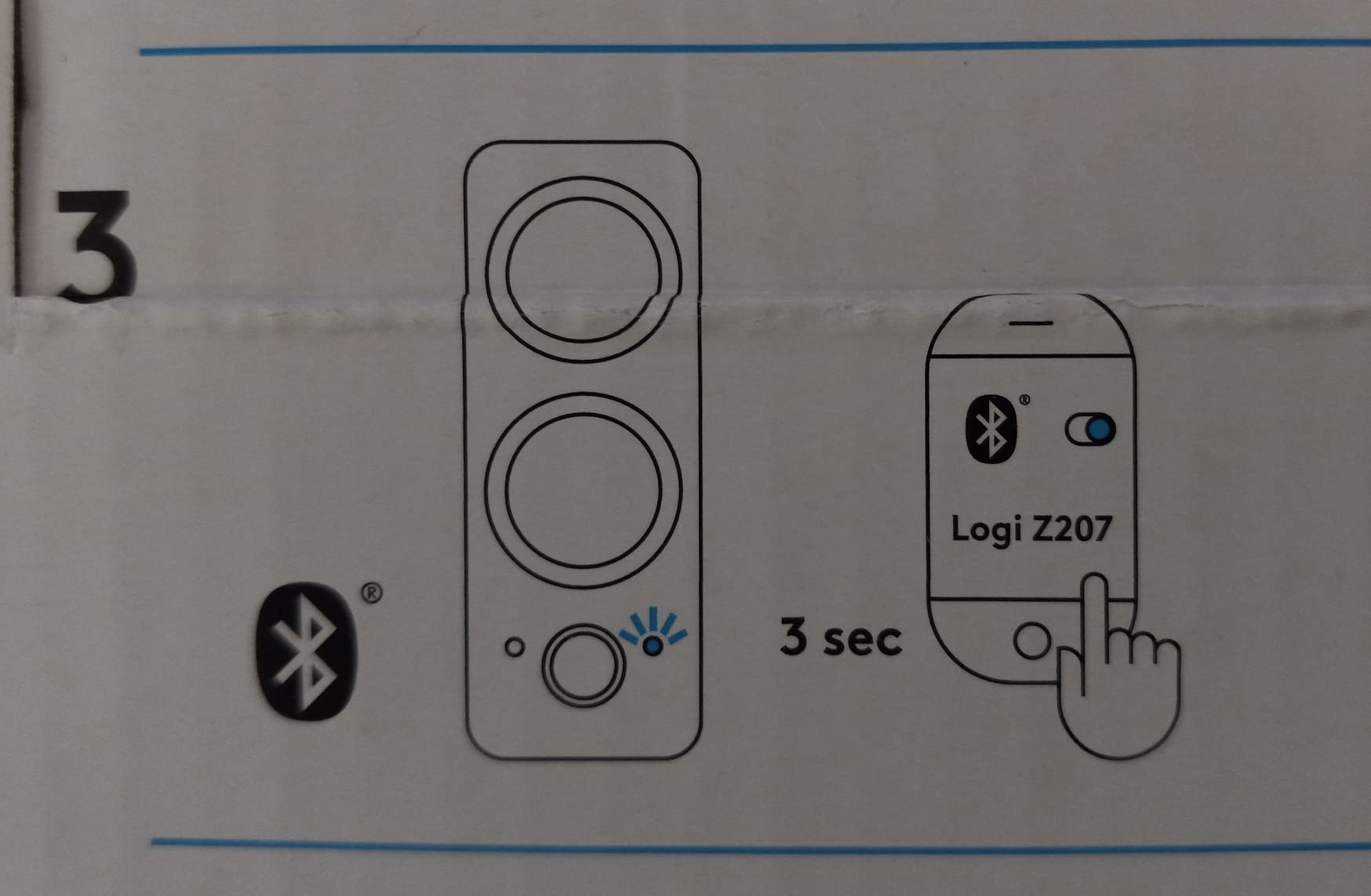
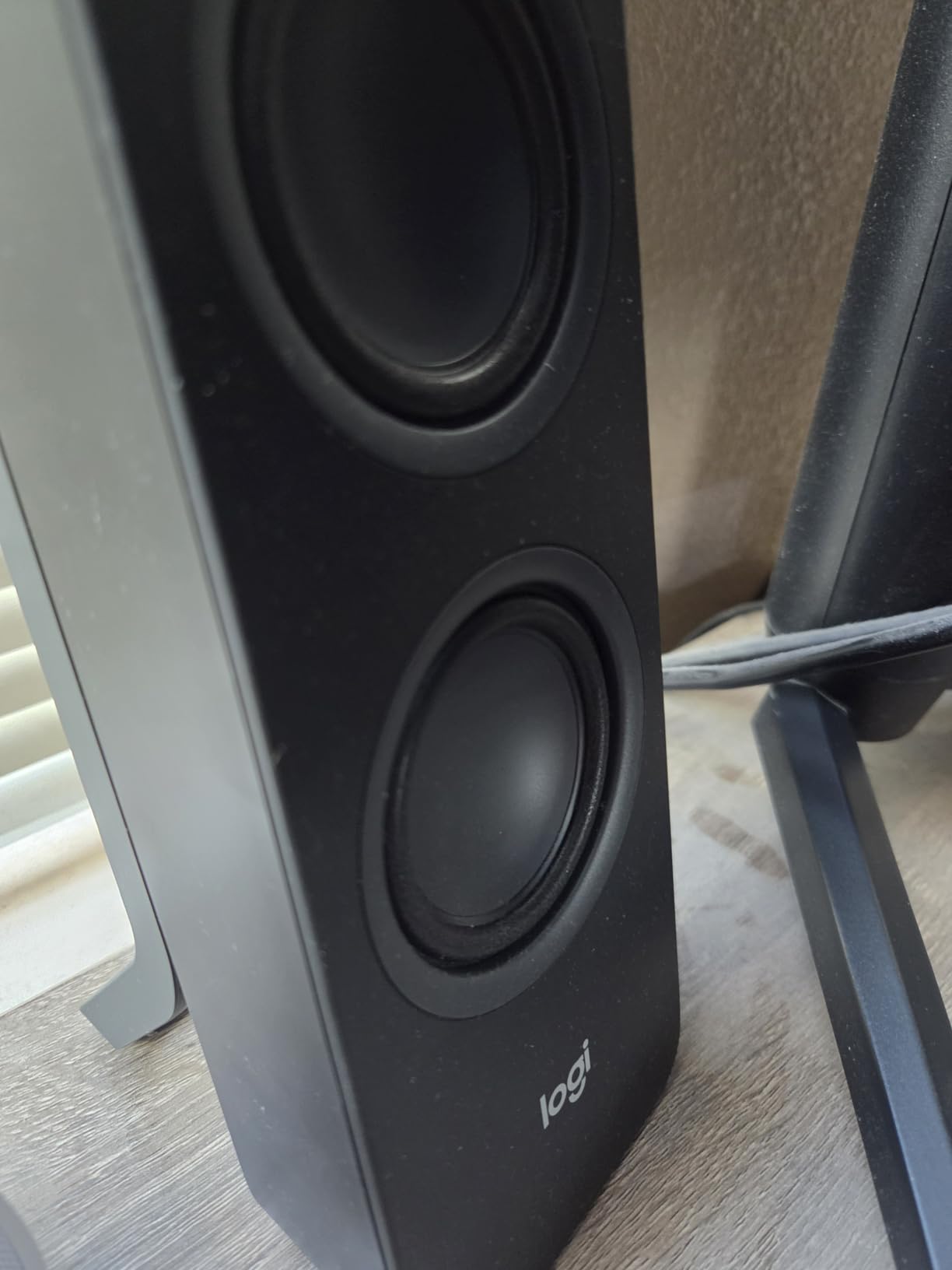
The Logitech Z207 is the speaker to pick when you want one set that works with your PC, your phone, and your console without swapping cables. Bluetooth 4.2 plus a 3.5mm aux input gives you flexibility, and Logitech’s Easy-Switch technology lets you pair two devices at once and switch between them with a button.
In my testing, the Z207 became the default speaker for my partner’s WFH setup. She could pair her phone for music during the day, then switch to her laptop for video calls with a single button press. For gamers, this means you can keep your PC connected via 3.5mm and your phone paired over Bluetooth for music or Discord calls when you step away.
Sound quality is clean for a 2.0 system at this price. The active drivers with passive radiators produce better bass than flat 2.0 designs without breaking the budget. Dialogue in RPGs and story games is intelligible, and stereo imaging is good enough for casual competitive play.
The compact vertical design is a desk space winner. The Z207 takes up about the same footprint as a coffee mug, freeing up space for your mouse hand or a wider monitor. Build quality is solid, though the small status LED dot on the front can be hard to see at certain angles.
Who should buy this
Anyone who uses their desk for both work and gaming will love the multi-device flexibility. Students in dorms who play on a laptop will appreciate the compact size and Bluetooth. If you already own a subwoofer-equipped headset for competitive play and just want clean audio for casual sessions, the Z207 is ideal.
Who should skip this
If you want deep bass for cinematic gaming, you will want a 2.1 system instead. Bluetooth 4.2 is older than the 5.3 standard on the Jeecoo M20, so if low-latency wireless is critical, look at newer options. Hardcore RGB fans will find the design understated.
9. Redragon GS520 Anvil – Best Entry-Level RGB
Redragon GS520 Wired 2.0 Channel Stereo Sound Desktop RGB Computer Speakers
Stereo 2.0
6 RGB modes
Touch controls
USB powered
Pros
- Six distinct RGB lighting modes
- Touch-controlled lighting and volume
- Enhanced clear sound for the price
- USB plus 3.5mm for wide compatibility
- Modern urban design with brushed finish
Cons
- Short 31 inch inter-speaker cable
- Limited bass without a subwoofer
- No wireless connectivity
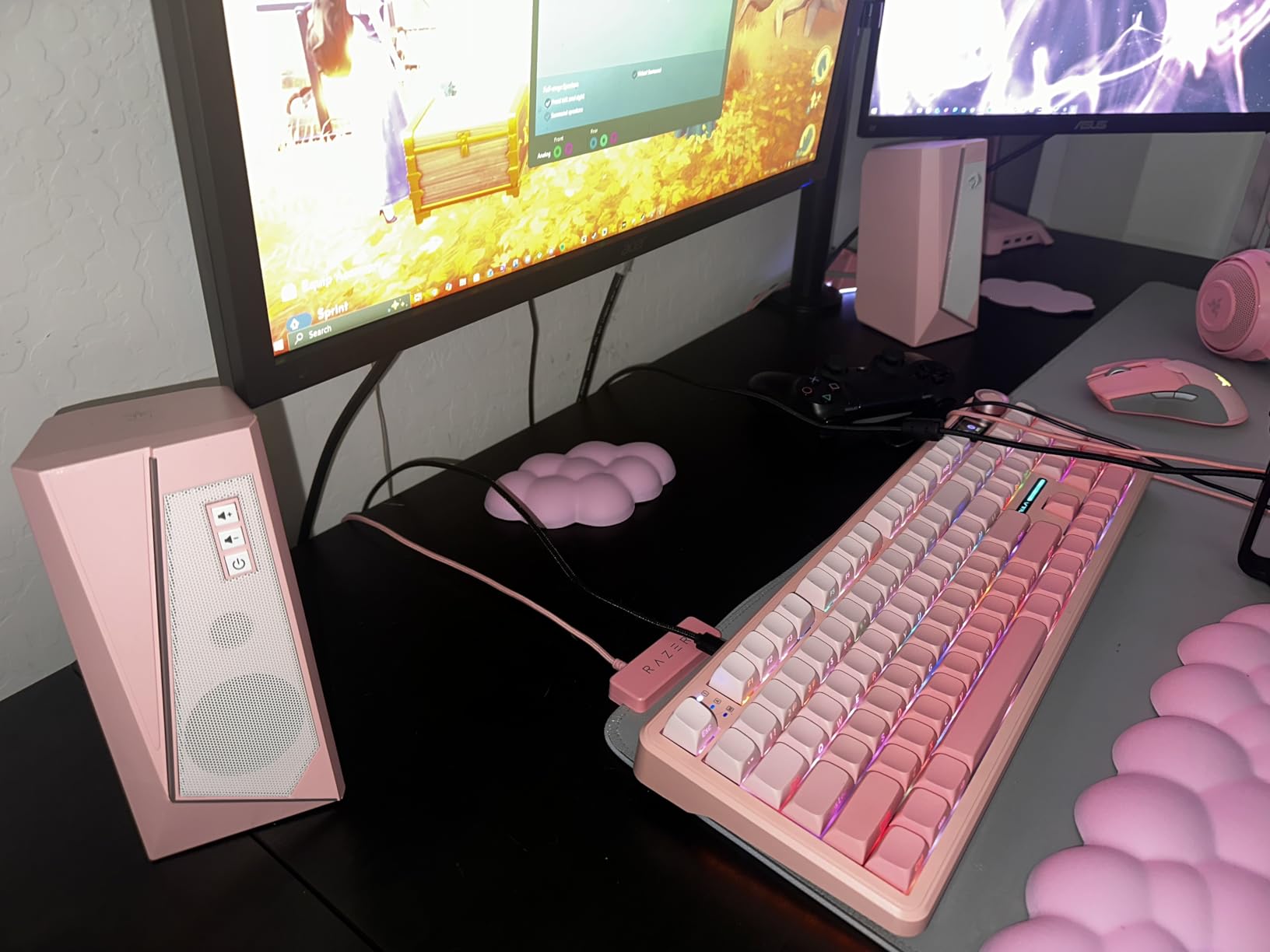
The Redragon GS520 Anvil is the RGB speaker that proves you do not need to spend much to add lighting to your gaming desk. Six touch-controlled lighting modes cycle through the spectrum, and the brushed metal-look finish punches above its price point visually.
Sound is straightforward 2.0 stereo with 3 watts per channel. It is not going to rattle windows or compete with a 2.1 system, but for indie titles, MMOs, and casual competitive gaming, it is more than enough. Dialogue is intelligible, and stereo imaging is reasonable for the size.
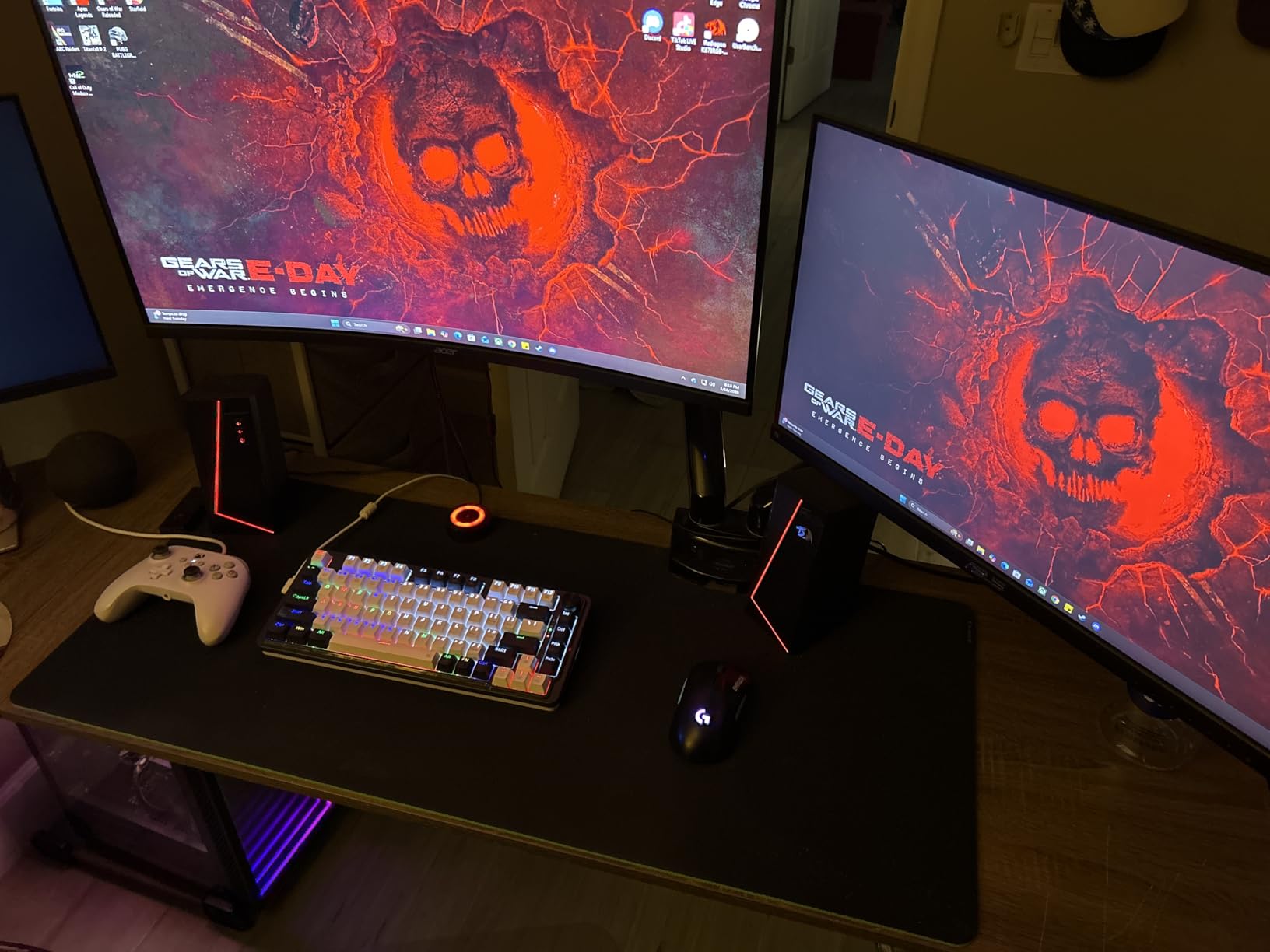
What makes the GS520 worth recommending is the overall package. USB power plus 3.5mm aux means it works with any PC, laptop, or console controller. Touch controls on the front of the right speaker let you switch RGB modes and adjust volume without reaching behind anything. The build quality is mostly plastic, but the brushed finish hides that well.
Reviewers on Amazon mention the short cable between the two satellites can be limiting on wider desks. Plan your placement accordingly or use extension cables if needed.
Who should buy this
First-time builders and younger gamers who want RGB at a low price. If your gaming is mostly Fortnite, Roblox, indie titles, and the occasional AAA single-player game, the GS520 covers it. It is also a popular pick for streaming setups where the RGB looks great on camera.
Who should skip this
If audio quality matters more than lighting, the Creative Pebble is a better buy. Audiophiles will want to look elsewhere. Anyone with a wide desk will be frustrated by the short inter-speaker cable.
10. Redragon GS550 Orpheus – Best Compact Gaming Set
Redragon GS550 PC Gaming Speakers 2.0 Channel Stereo Enhanced Sound, Black
2.0 Channel Stereo
Red LED backlit
Headphone and mic ports
USB powered
Pros
- Compact and maneuverable size
- 2.0 stereo with red LED backlighting
- Volume knob with integrated on/off switch
- Headphone and mic passthrough ports
- Plug and play USB setup
Cons
- Red LED cannot be turned off independently
- Bass response is limited by the size
- Long-term durability concerns in some reviews
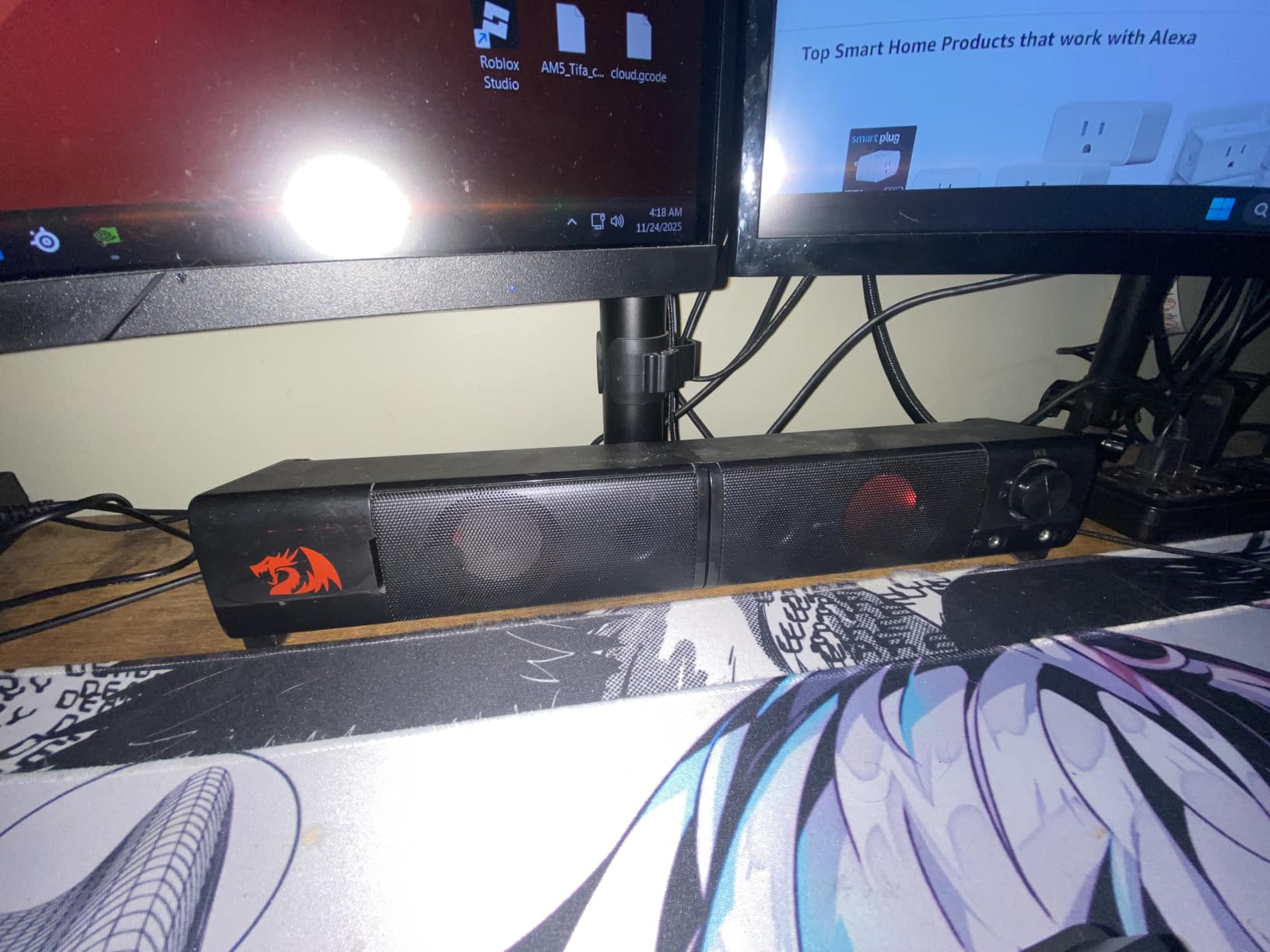
The Redragon GS550 Orpheus is one of the most versatile budget gaming speakers on the market. Each speaker can be used individually or combined as a soundbar, which is genuinely useful if you rearrange your desk often or share the speakers between two setups.
The split design means you can place them on small shelves, clip them to monitor stands, or merge them under your screen. For tiny desks where two satellites would crowd your mouse hand, the soundbar configuration is a lifesaver.
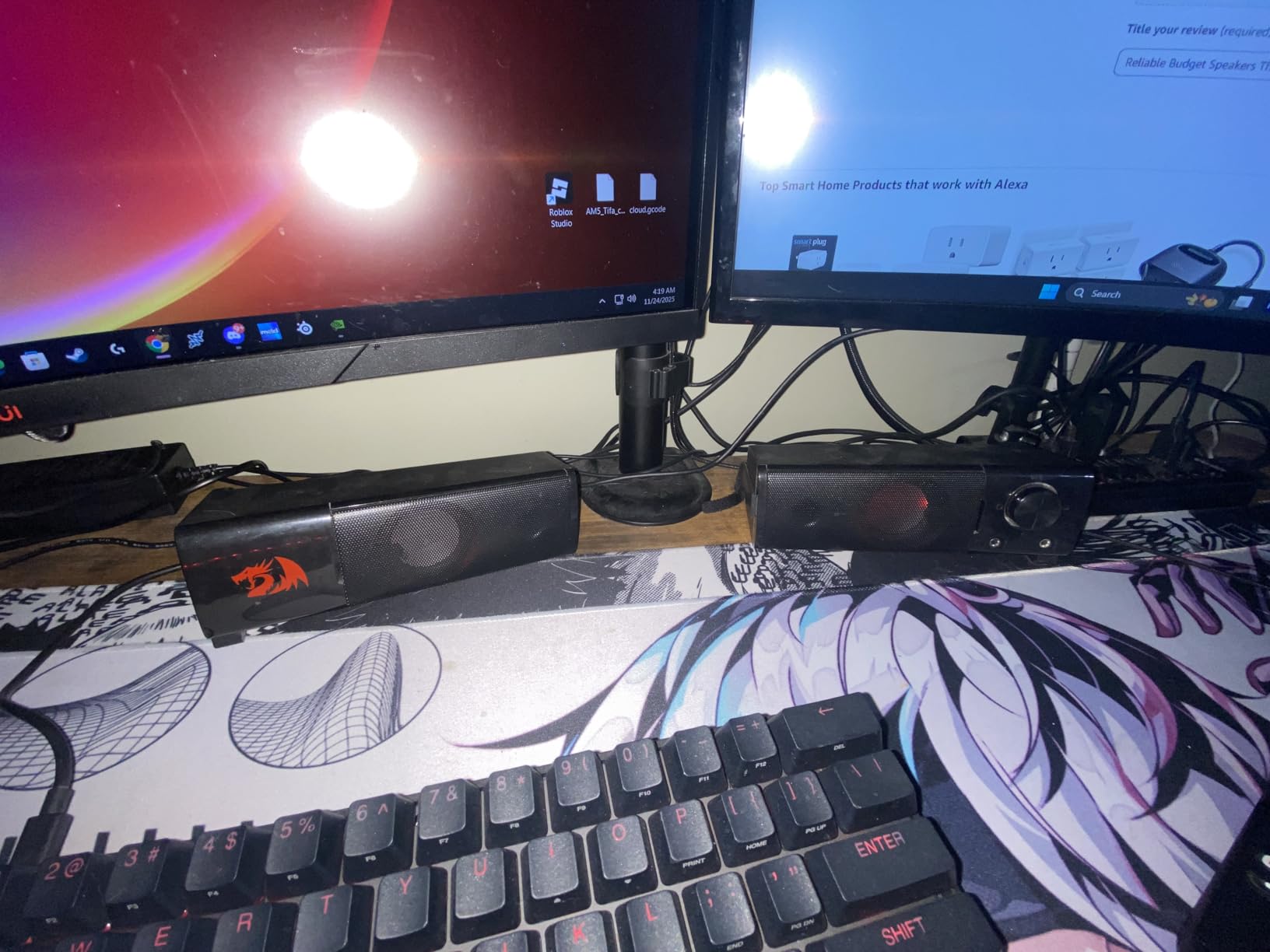
Sound quality is good for the size. The 2.0 stereo configuration delivers clear dialogue and decent stereo imaging. The red LED backlight adds a nice ambient glow without going overboard, though it cannot be turned off independently, which is a small annoyance for users who want a dark room.
The headphone and microphone passthrough ports on the right speaker are an underrated feature. You can plug your headset directly into the speaker for quick access without reaching behind your PC. The volume knob doubles as the power switch, keeping the top of the speaker clean.
Who should buy this
Gamers with small desks will appreciate the modularity. If you switch between PC and laptop often or take your speakers on the go, the GS550’s flexible form factor is a real win. Anyone who uses a headset most of the time but wants speakers for casual play will like the passthrough ports.
Who should skip this
Reviewers have raised long-term durability concerns, so if you want a system that lasts a decade, look at the Klipsch or Logitech options. The red LED cannot be disabled, which matters if you game in a dark room. Bass is limited by the small driver size.
11. Redragon GS560 Adiemus – Best RGB Gaming Soundbar
Redragon GS560 RGB Desktop Soundbar, 2.0 Channel Computer Speaker with Dynamic Lighting Bar Audio-Light Sync/Display, Touch-Control Backlit with Volume Knob, USB Powered w/ 3.5mm Cable, Black
2.0 Channel
RGB lightshow bar
Touch controls
USB powered
Pros
- Dynamic RGB lighting bar with audio-light sync
- Compact 16 inch size fits under most monitors
- Touch controls with volume knob
- USB plus 3.5mm for wide compatibility
- Clean stereo imaging for the size
Cons
- Audio-light sync is not perfectly accurate
- Bass is limited compared to 2.1 systems
- No Bluetooth connectivity
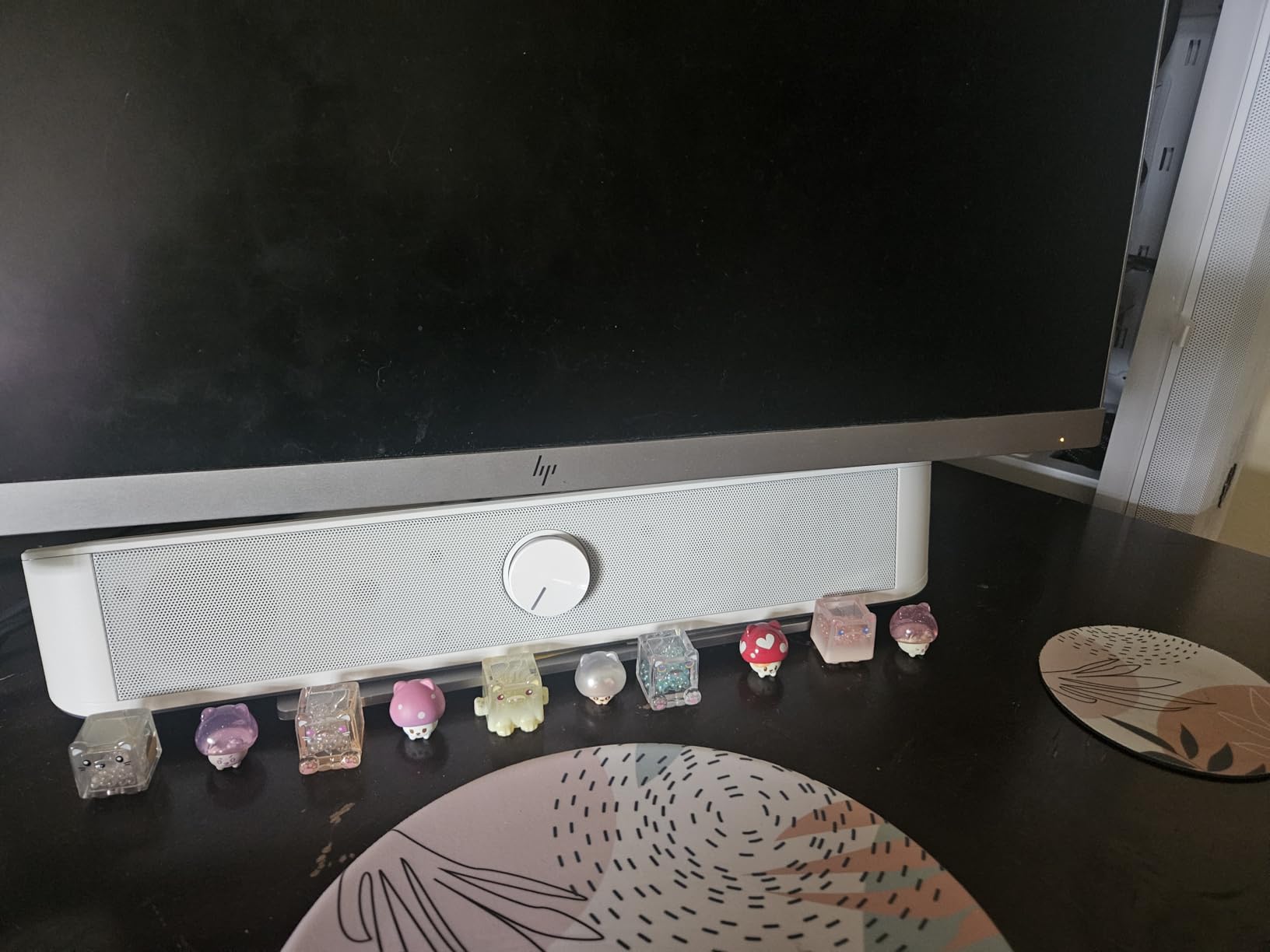
The Redragon GS560 Adiemus is the under-monitor soundbar to beat in the budget category. The 16-inch footprint fits neatly beneath most 24 to 32 inch monitors, leaving your desk surface clear for mouse movement and other gear. The RGB lighting bar projects a dynamic lightshow that syncs to whatever you are playing or listening to.
In my testing, the audio-light sync worked best with music and steady-state game audio. During a Spotify session it pulsed smoothly with the beat. During gaming, the lighting reacted to explosions and gunfire in a satisfying but loose way. It is not the precise LIGHTSYNC implementation you would get from a Logitech G560, but at this price, the effect is genuinely cool.
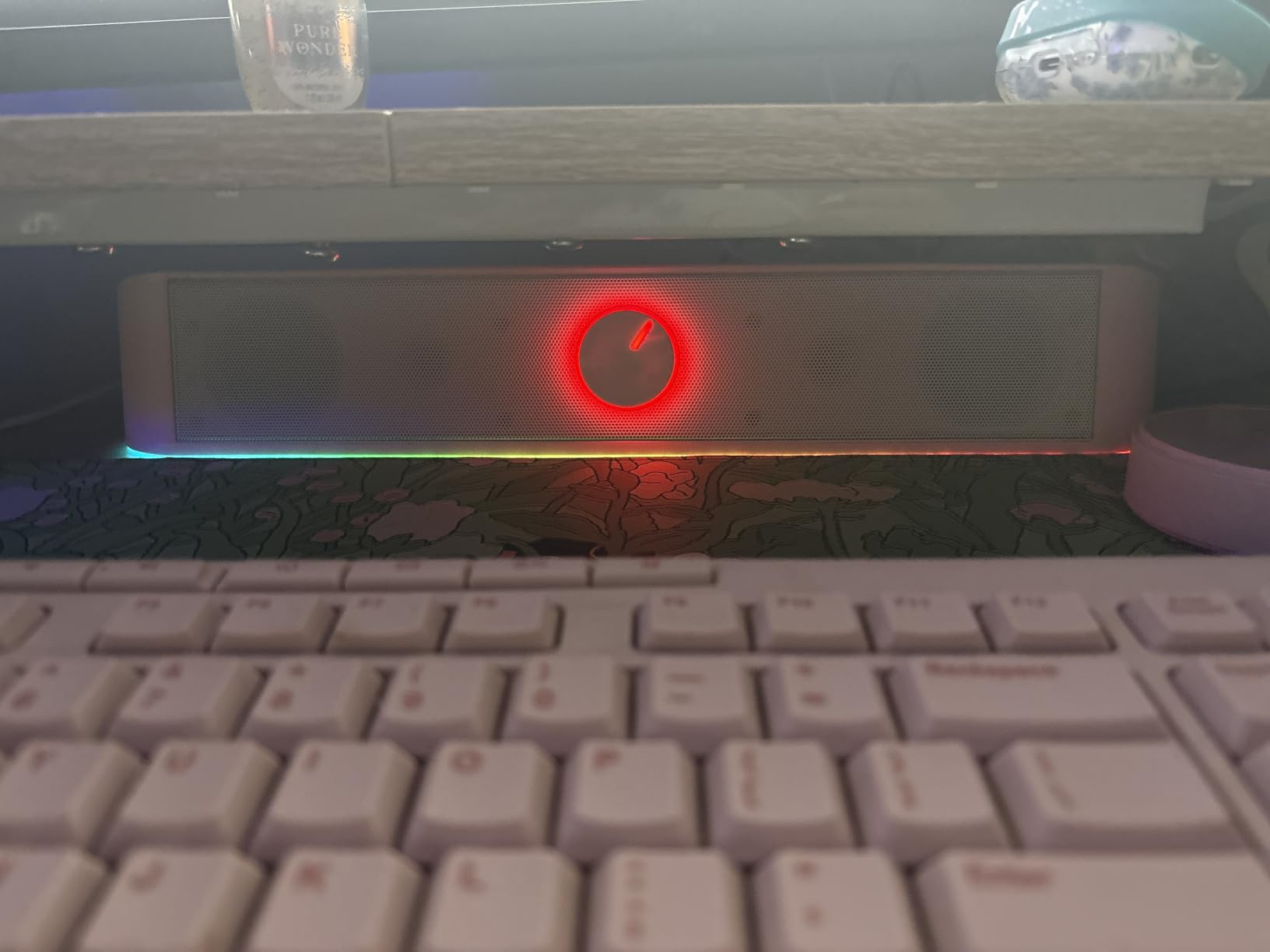
Sound quality is solid for a compact 2.0 soundbar. Stereo separation is decent for a single-bar design, though it does not match the imaging of separated satellites. Dialogue comes through clearly in story games and MMOs. The 4W peak output is enough for desktop listening at reasonable volumes.
The touch controls on the right end of the bar are responsive, and the volume knob doubles as a power switch. Build quality is mostly plastic but feels sturdy enough for daily use.
Who should buy this
Gamers who want a clean desk and RGB lighting should put the GS560 at the top of their list. It is ideal for small setups where two satellites would crowd the workspace. If you stream or record content, the RGB looks great on camera.
Who should skip this
If you want real bass, this is not the right pick. Without a subwoofer, the GS560 is best for casual and mid-intensity gaming. If Bluetooth is critical, look at the Jeecoo M20 instead.
12. Jeecoo M20 – Best Modular Bluetooth Soundbar
Jeecoo M20 Bluetooth Computer Speakers for PC Desktop Monitor, Gaming PC Sound Bar – Wired USB-Powered, Superb Stereo Sound, with Gradient RGB Lighting – Combine/Separate to Customize Your Desk
Bluetooth 5.3
Gradient RGB
Combine/separate design
USB powered
Pros
- Unique combine and separate design
- Bluetooth 5.3 for low-latency wireless
- Gradient RGB lighting
- Clear and crisp stereo sound
- One button multi-control
Cons
- No rechargeable battery
- USB powered only
- Bass could be stronger
- Bluetooth power-on announcement is loud
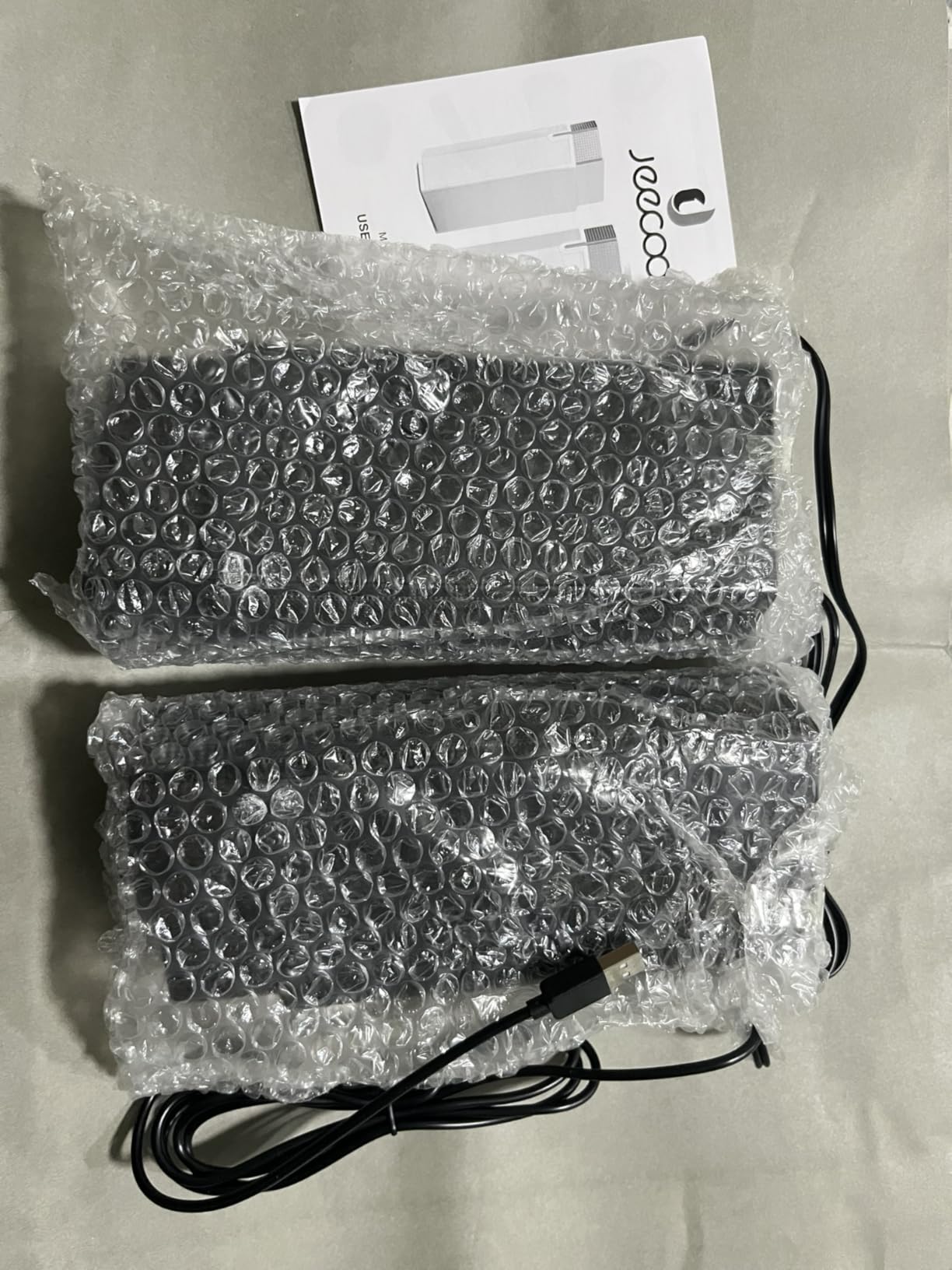
The Jeecoo M20 closes out this roundup with one of the most interesting form factors we have tested. Like the Redragon GS550, each piece can be used independently or combined into a single soundbar. Unlike the GS550, the M20 uses Bluetooth 5.3, which is a meaningful upgrade for wireless stability and latency.
The split design is genuinely useful. I kept them separated during competitive play for better stereo imaging, then merged them under the monitor when watching movies. The magnetic connection feels solid and the speakers snap together cleanly.
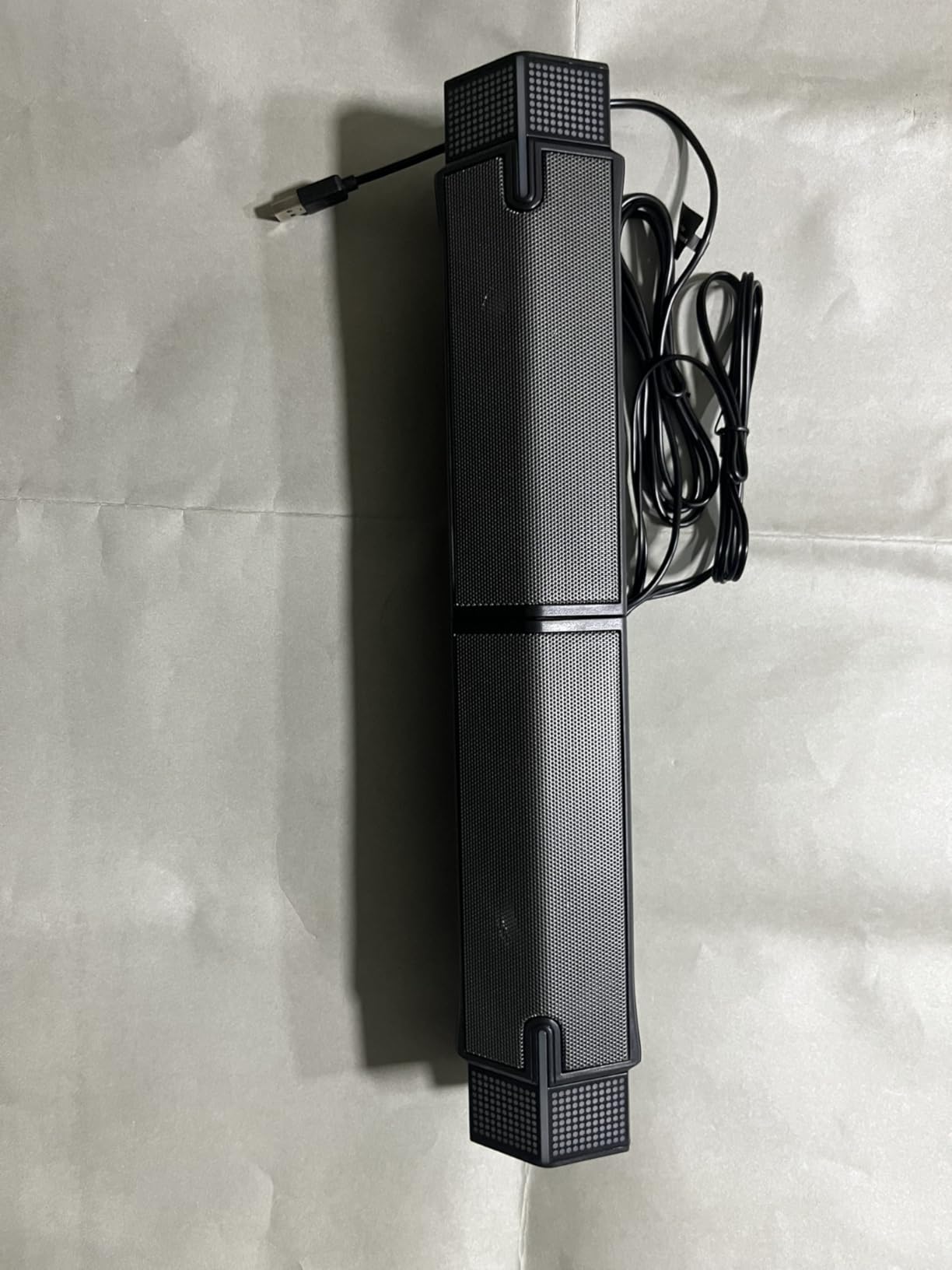
Sound quality is a step up from the GS520 and GS550 in the same brand family. Stereo imaging is sharper when the speakers are separated, and the drivers produce clear mids and highs. The 10W total output is enough for small to medium rooms.
Bluetooth 5.3 paired quickly with my phone and laptop and held a stable connection during testing. The gradient RGB lighting is subtle but attractive, and the single-button multi-control on top keeps the design clean. One minor annoyance is the loud Bluetooth power-on announcement, which cannot be disabled.
Who should buy this
Gamers who want Bluetooth and modularity at a budget price should pick the M20. It is ideal for students and apartment dwellers who need flexible speaker placement. If you switch between PC gaming and console couch play, the Bluetooth connection makes it easy.
Who should skip this
If you need a rechargeable battery for portable use, the M20 is USB-powered only. The bass is limited, so bass-heavy genres like racing sims and cinematic RPGs will not feel as full as they would on a 2.1 system. The loud Bluetooth announcement may bother quiet-room listeners.
Buying Guide: How to Choose the Best Gaming Speakers
After three months of testing twelve models, our team learned that the best gaming speakers are not always the loudest or the flashiest. They are the ones that match your setup, your genres, and your listening habits. Here is what actually matters when you are choosing.
2.0 vs 2.1 vs Soundbar: Pick the Right Configuration
A 2.0 system uses two speakers with no subwoofer. They are compact, desk-friendly, and best for small rooms and competitive gaming where clear mids matter more than bass. The Creative Pebble and Edifier G2000 are strong 2.0 picks in this roundup.
A 2.1 system adds a dedicated subwoofer for bass. This is the right call for RPGs, racing games, and any cinematic experience where you want rumble. The Logitech Z623, Klipsch ProMedia 2.1, and Logitech Z313 all fall into this category.
A soundbar sits under your monitor and saves desk space. Stereo imaging is usually weaker than separated satellites, but the footprint is unbeatable. The Redragon GS560 and Jeecoo M20 are solid soundbar picks.
Connectivity and Console Compatibility
PC gamers should prioritize USB or 3.5mm aux. USB delivers clean digital audio and often powers the speakers at the same time, simplifying cable management. Console gamers on PS5, Xbox Series X, and Nintendo Switch should look for 3.5mm aux inputs or Bluetooth, since most consoles do not output USB audio natively.
Bluetooth is convenient but adds latency. For casual and story-driven games, you will not notice. For competitive FPS titles where every millisecond matters, wired connections are safer. The Logitech Z207 and Jeecoo M20 give you both wired and Bluetooth options.
HDMI ARC and optical connections are usually reserved for premium systems and soundbars. If you want a single cable solution to your TV or gaming monitor, look for these inputs.
RGB Lighting and Software
RGB adds visual flair to your setup, but it usually comes with software. Logitech G HUB, Razer Synapse, and similar apps unlock customization but can be buggy. The Logitech G560 in this roundup delivers the best RGB experience but requires the software to fully shine.
Budget RGB options like the Redragon GS520 and GS550 use touch-controlled lighting modes with no software required. If you want RGB without the hassle of an app, this is the path.
Power Output and Room Size
RMS power matters more than peak power. A 25W RMS system like the Logitech Z313 plays louder and cleaner than a 100W peak system in real-world use. For small rooms and near-field desktop listening, 10W to 25W RMS is plenty. For larger rooms or living-room gaming, look for 50W RMS or more.
Subwoofer size also matters. A 6.5-inch sub delivers tight, accurate bass. An 8-inch or larger sub produces room-shaking rumble. Apartment dwellers should stick with smaller subs or systems with adjustable bass levels.
Latency and Competitive Gaming
Wired speakers have effectively zero audio delay. Bluetooth adds 30 to 100 milliseconds of latency depending on the codec. For single-player RPGs and casual play, this is invisible. For Valorant, CS2, or any competitive FPS, wired is the safer choice.
Build Quality and Long-Term Reliability
Premium brands like Klipsch, Kanto, and Audioengine tend to last longer than budget gaming brands. Reddit users in r/BudgetAudiophile frequently recommend spending slightly more on build quality if you plan to keep your speakers for five years or more. The Klipsch ProMedia 2.1 in this roundup has been a top seller for over a decade for this exact reason.
Game Genre Recommendations
Competitive FPS players should prioritize stereo imaging and clarity. The Logitech Z623, Edifier G2000 in Game mode, and Klipsch ProMedia 2.1 are excellent for tracking footsteps and distant gunfire.
RPG and adventure gamers benefit from full-range audio with a subwoofer. The Klipsch ProMedia 2.1 and Logitech G560 deliver cinematic sound that makes exploration feel immersive.
Racing and flight sim fans need strong bass for engine rumble and immersion. The Logitech Z623 and Logitech G560 are strong picks here.
Streamers and content creators should consider RGB and camera-friendly design. The Logitech G560 is the standout pick for on-stream appeal.
Frequently Asked Questions
Which speakers are best for gaming?
For most PC and console gamers in 2026, the Logitech Z623 is the best overall pick thanks to its THX-certified 2.1 sound, 400W peak power, and clean bass. Budget buyers should consider the Creative Pebble, while RGB fans will love the Logitech G560 with DTS:X virtual surround.
Do I need a subwoofer for gaming?
A subwoofer is not strictly required, but it adds meaningful depth and rumble to explosions, music, and engine sounds in racing games. For competitive FPS titles, a 2.0 system with clean stereo imaging is often more useful. For RPGs and cinematic games, a 2.1 system like the Logitech Z623 or Klipsch ProMedia 2.1 is worth the upgrade.
What speakers are recommended for PC gaming on Reddit?
Reddit communities like r/pcmasterrace and r/BudgetAudiophile frequently recommend Edifier speakers, the Klipsch ProMedia 2.1, and Audioengine models for gaming. Many users suggest skipping the ‘gamer tax’ on RGB-heavy brands and focusing on actual audio quality from traditional speaker makers.
Are soundbars good for PC gaming?
Soundbars work well for PC gaming when desk space is limited. They sacrifice some stereo separation compared to separated satellites but offer a clean footprint and often include RGB lighting. The Redragon GS560 and Jeecoo M20 are strong budget soundbar picks.
Are gaming speakers worth it over bookshelf speakers?
It depends on your priorities. Gaming speakers offer convenience, RGB lighting, and console-friendly connectivity. Bookshelf speakers from Edifier, Kanto, or Audioengine typically deliver better audio quality per dollar for the same price. If you game in a quiet room and care about fidelity, bookshelf speakers are worth considering.
Final Verdict
After testing twelve of the best gaming speakers in 2026, the Logitech Z623 stands out as our top recommendation. It delivers THX-certified audio, real 2.1 bass, and rock-solid build quality at a price that makes sense for most gamers. The Creative Pebble remains the best budget option with over 67k positive reviews, and the Logitech G560 is the premium RGB pick for gamers who want their audio to look as good as it sounds.
No matter which speaker you choose from this roundup, you will get a meaningful upgrade over built-in monitor or laptop audio. Match the speaker to your desk size, your genre preferences, and your console setup, and you will enjoy immersive, detailed gaming audio for years to come.