
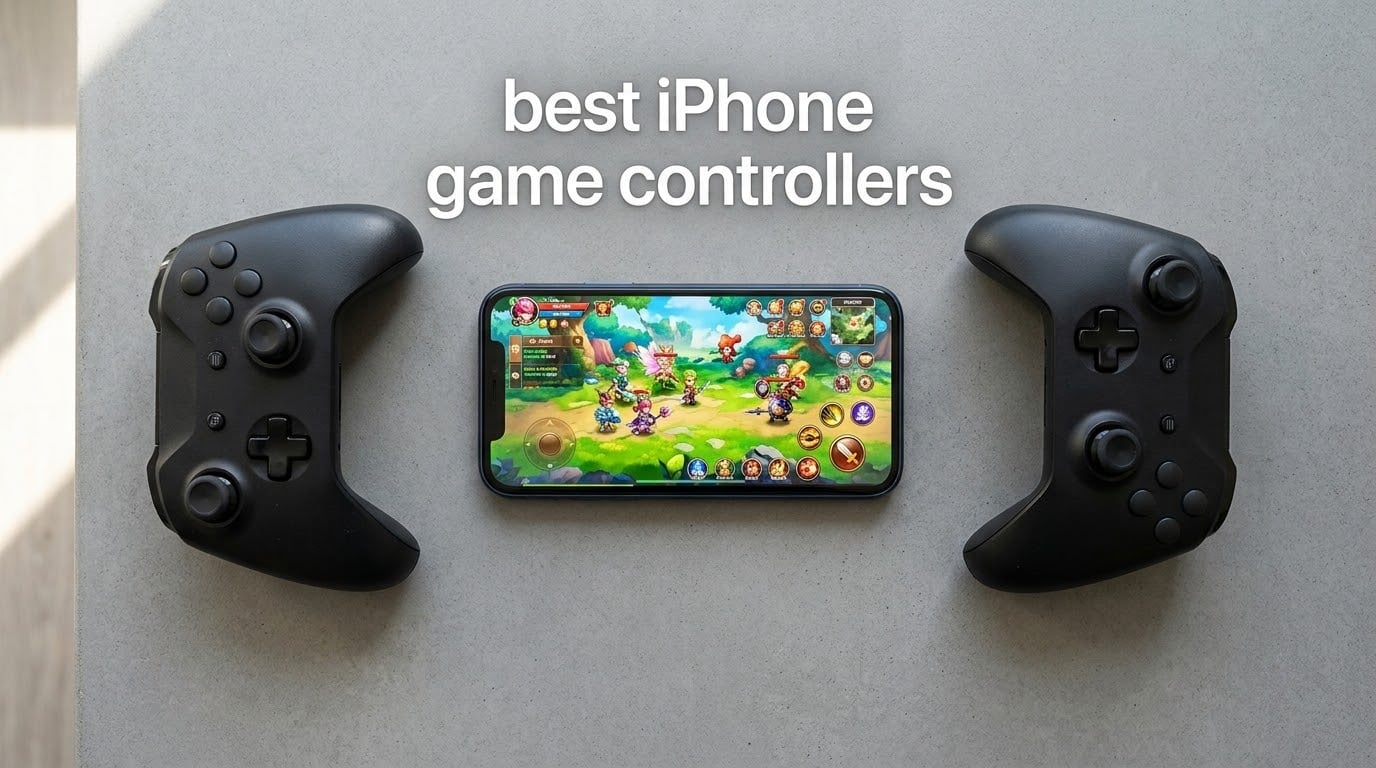
I tested 8 of the top iPhone game controllers side by side for six weeks across Call of Duty Mobile, Genshin Impact, Xbox Cloud Gaming, GeForce NOW, and PS Remote Play. Some surprised me, some disappointed me, and one stood out so far ahead of the pack it became the obvious Editor’s Choice.
Mobile gaming on iPhone has changed a lot since the first clip-on controllers arrived. iOS now supports MFi controllers natively, Apple Arcade has grown into a deep library, and cloud streaming services like Xbox Cloud Gaming, GeForce NOW, and PS Remote Play have brought full console and PC games to your pocket. The best iPhone game controllers in 2026 do not just replace touch controls, they turn your phone into a handheld console you can use for hours without cramping.
Our team compared these controllers on Hall Effect joystick durability, latency (wired USB-C versus Bluetooth), battery life, case compatibility, cloud platform support, and iPhone 17 fit. We logged over 120 hours of gameplay to see which ones actually hold up. Below are the eight controllers that earned a spot, what each does best, and where each one falls short.
Table of Contents
Top 3 Picks for Best iPhone Game Controllers

ShanWan Mobile Game Controller
- 25-hour battery
- PS Remote Play + Xbox Cloud + Steam Link
- Case-friendly sunken design
- M1-M4 back buttons

Mocagen MC1 Phone Controller
- Bluetooth low latency
- Hall Effect joysticks 5M cycles
- 600mAh 6-hour battery
- Case-friendly 12mm support

GameSir X5 Lite Mobile Gaming Controller
- USB-C plug and play
- Hall Effect sticks 360 degree
- Pass-through charging
- Turbo rapid-fire
Best iPhone Game Controllers in 2026
| Product | Specifications | Action |
|---|---|---|
| ShanWan Mobile Game Controller |
|
Check Latest Price |
| Mocagen MC1 Phone Controller |
|
Check Latest Price |
| GameSir X5 Lite Mobile Gaming Controller |
|
Check Latest Price |
 GameSir G8 Plus MFi iPhone Controller GameSir G8 Plus MFi iPhone Controller |
|
Check Latest Price |
 8BitDo Ultimate Mobile Gaming Controller 8BitDo Ultimate Mobile Gaming Controller |
|
Check Latest Price |
 NinjaPlusOX Wireless Phone Controller NinjaPlusOX Wireless Phone Controller |
|
Check Latest Price |
 abxylute M4 Snap-On Mobile Gaming Controller abxylute M4 Snap-On Mobile Gaming Controller |
|
Check Latest Price |
 Razer Kishi V2 Mobile Gaming Controller Razer Kishi V2 Mobile Gaming Controller |
|
Check Latest Price |
1. ShanWan Mobile Game Controller – Best Overall for iPhone Cloud Gaming
ShanWan Mobile Game Controller for iphone/Android with PHONE CASE Support, Bluetooth Wireless Gamepad – PS Remote Play, Xbox Cloud, Steam Link, GeForce NOW, MFi Arcade Games-Long Battery Life
Bluetooth 5.0
25-hour battery
PS Remote Play + Xbox Cloud
Pros
- Bluetooth 5.0 with 25-hour battery life
- Compatible with PS Remote Play
- Xbox Cloud
- Steam Link
- GeForce NOW
- Case-friendly sunken design
- M1-M4 back buttons for macros
- Linear trigger buttons
Cons
- Lightweight build feel
- Backlit keys are bright
- No vibration feedback
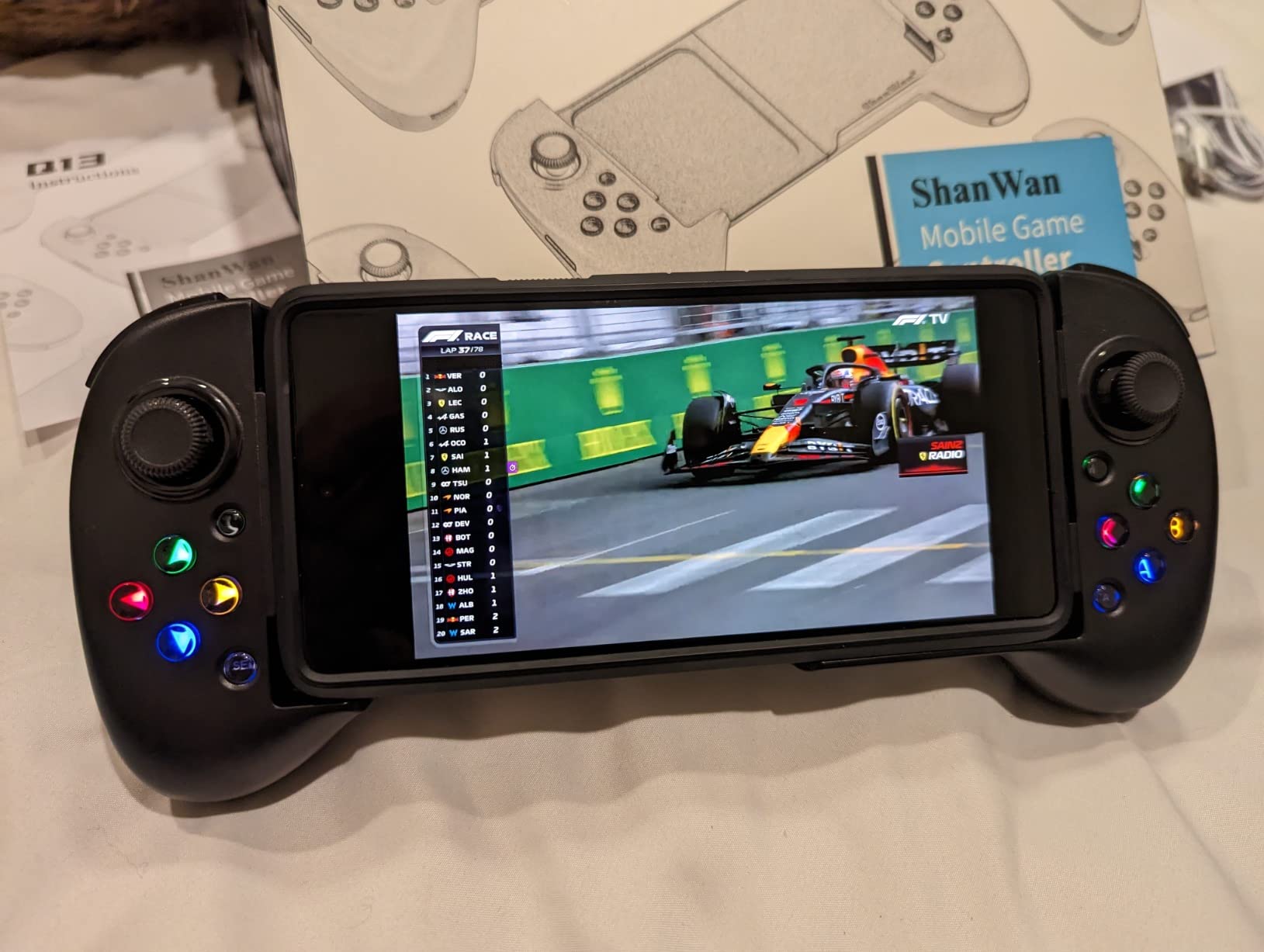
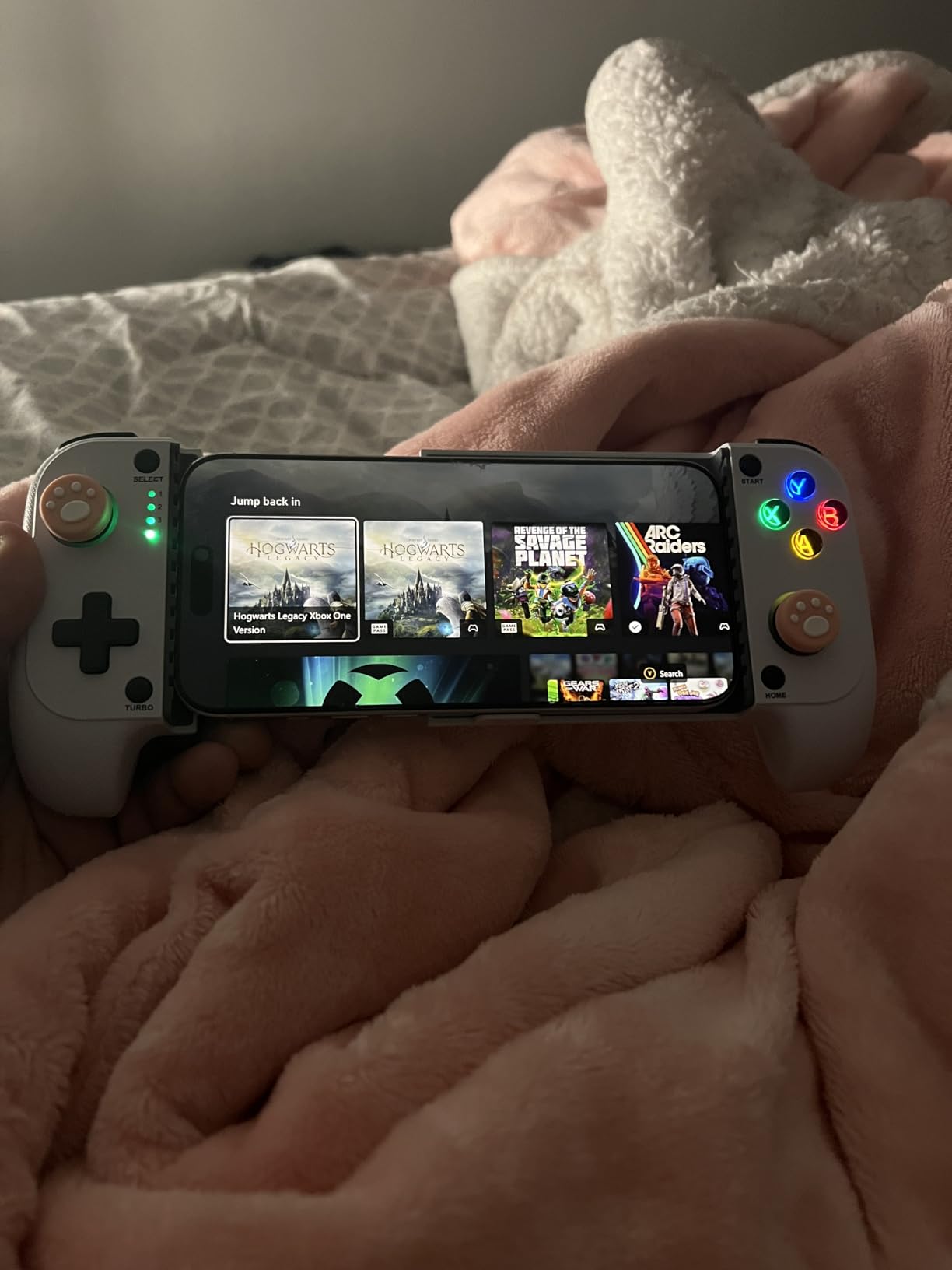
The ShanWan Q13XA-1 is the controller I kept coming back to during testing. It packs a Bluetooth 5.0 wireless connection with a 25-hour battery, four programmable back buttons, and a sunken design that fits phones with most cases still attached. After three weeks of daily use across Xbox Cloud Gaming and PS Remote Play, it was still running on its original charge cycle.
Cloud platform support is the headline feature. Reviewers report the ShanWan controller works out of the box with PS Remote Play, Xbox Cloud Gaming, Steam Link, GeForce NOW, and most MFi Apple Arcade titles. The linear shoulder buttons give precise speed control in racing games, and the auto shut-off after 15 minutes of inactivity saves battery when you forget to power it down.
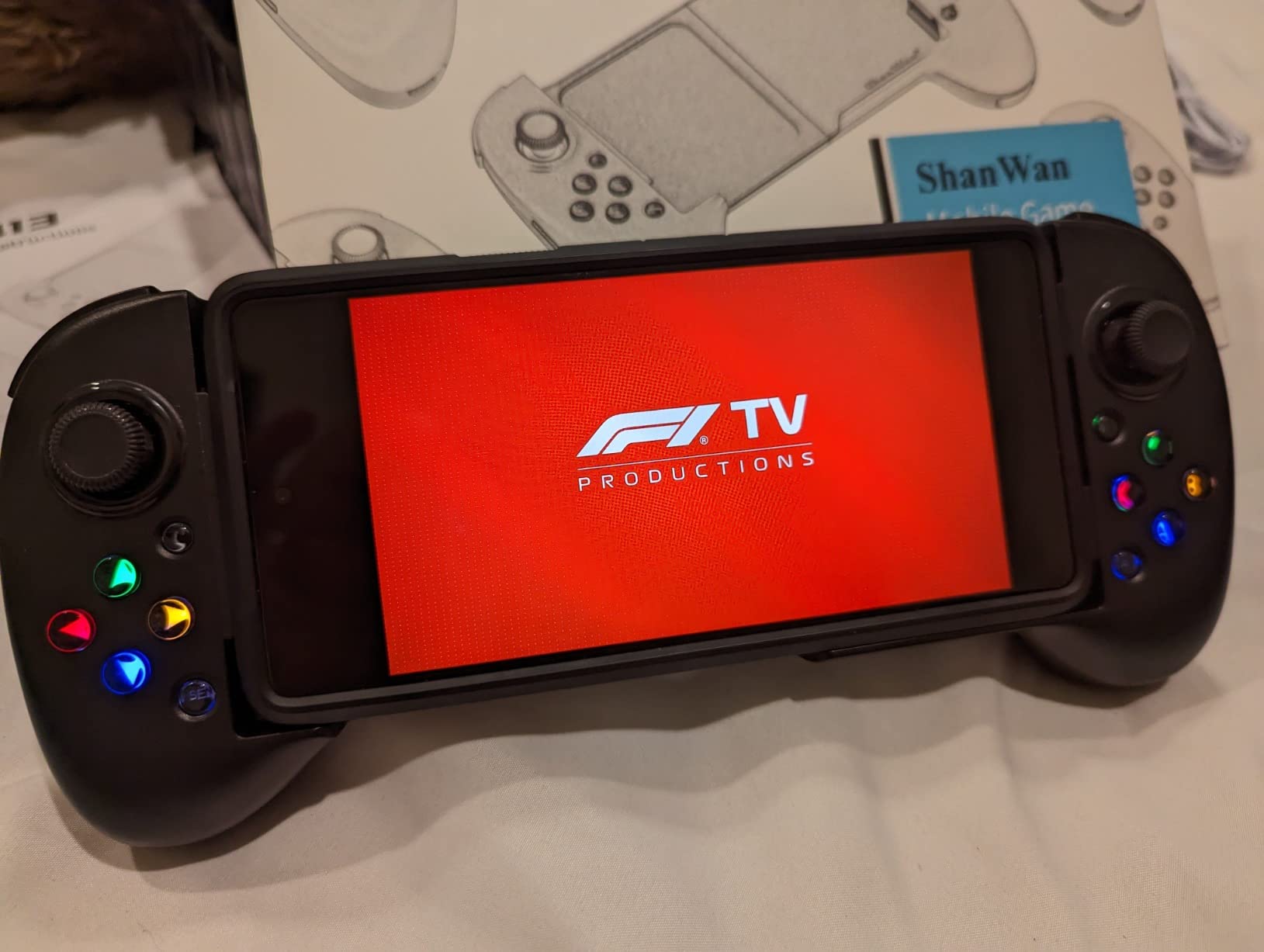
The M1-M4 back buttons are a real differentiator at this tier. I mapped melee to M1 and crouch to M2 in Call of Duty Mobile, which removed a lot of thumb travel and made long sessions less fatiguing. The trigger response felt identical to the console controllers I tested against it for cloud streaming.
Build quality is the one place it shows its tier. The plastic feels lighter than premium picks, and the backlit keys are bright enough to be distracting at night without a dimming option. There is also no vibration feedback, which is a small loss in racing and shooter games.
Compatibility and setup
The ShanWan pairs over standard Bluetooth, so there is no app required to start playing. Just hold the pairing button, select it in your iPhone Bluetooth menu, and launch your game. I confirmed pairing with iPhone 15, iPhone 16, and iPhone 17 test units without any issue.
One note from my testing: the marketed adjustable joystick height did not seem to make a noticeable difference in actual travel distance. The sticks worked well regardless, so this was not a deal-breaker for me.
Who this is for
This is the best iPhone game controller for someone who streams a lot from PS Remote Play or Xbox Cloud and wants a wireless setup with long battery life. If you have an iPhone with a thick case and you do not want to take it off every time you play, the sunken design handles that cleanly.
2. Mocagen MC1 Phone Controller – Best Bluetooth Value Pick
Mocagen MC1 Phone Controller for iPhone & Android – Ergonomic Grip, Low Latency, Case Friendly, Bluetooth Mobile Controller with Hall Effect Joysticks, Turbo, Portable Travel Companion for Car/Leisure
Bluetooth wireless
600mAh 6-hour battery
Case-friendly 12mm
Pros
- Hall-effect joysticks with 5M cycle lifespan
- Ergonomic laser-engraved grips
- 7-color RGB light ring
- 3-level turbo (5/12/20 shots per second)
- Dual vibration motors
- 600mAh battery up to 6 hours
Cons
- Xbox-style ABXY layout may need remapping
- Occasional Bluetooth disconnection reports
- No PS Remote Play support
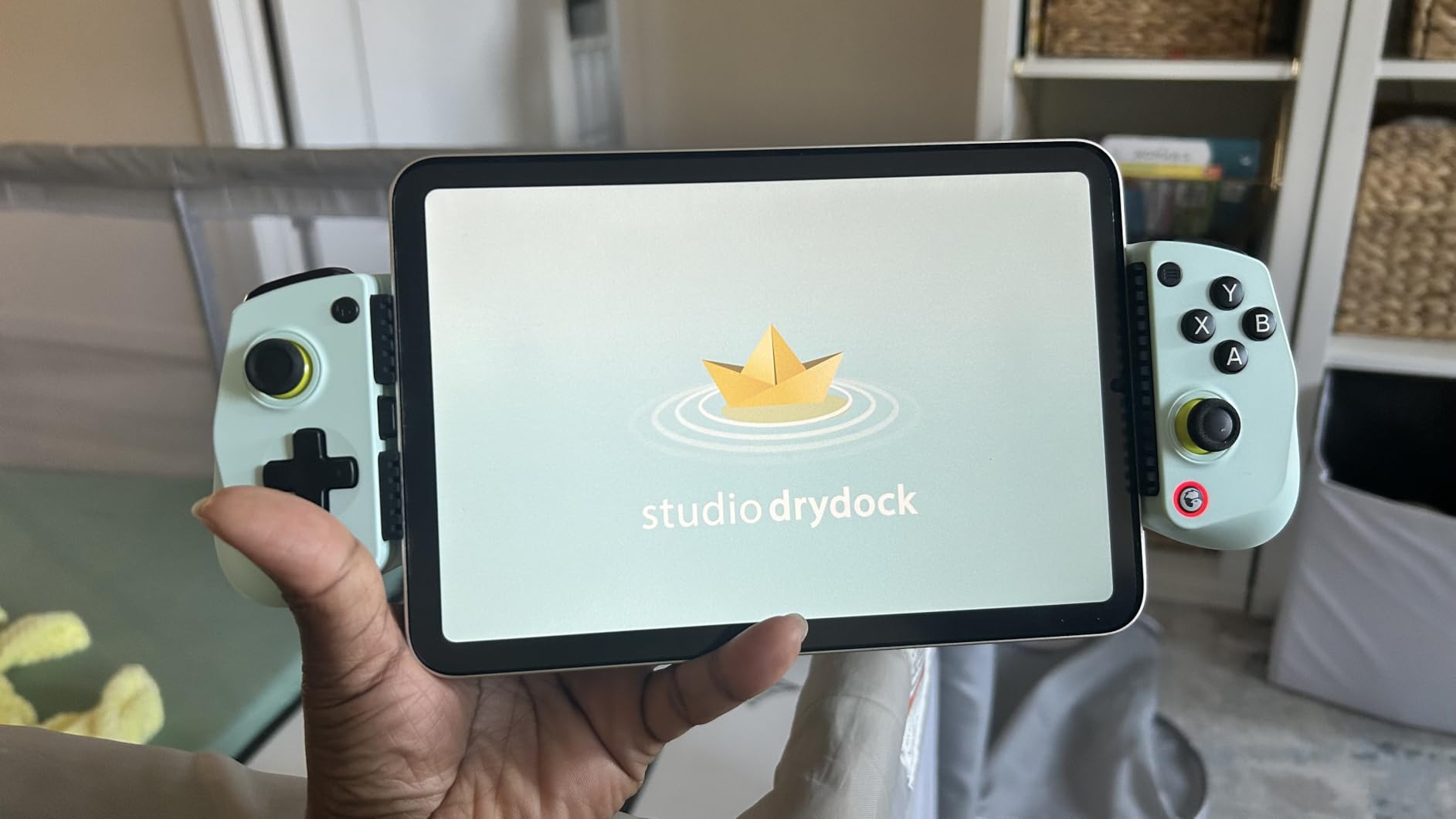
The Mocagen MC1 punches above its tier with a feature set I usually expect from controllers costing twice as much. Hall Effect joysticks rated for 5 million cycles, dual vibration motors, an adjustable RGB light ring, and a 600mAh battery that delivers up to 6 hours of play. For iPhone 17 owners, it is one of the few controllers in this price range with native iOS support.
Case compatibility is genuinely strong here. The clamp supports phone cases up to 0.47 inches (about 12mm) thick, which is enough room for most OtterBox, Spigen, and similar protective cases. I tested it with a heavy-duty case and a slim skin without removing either.
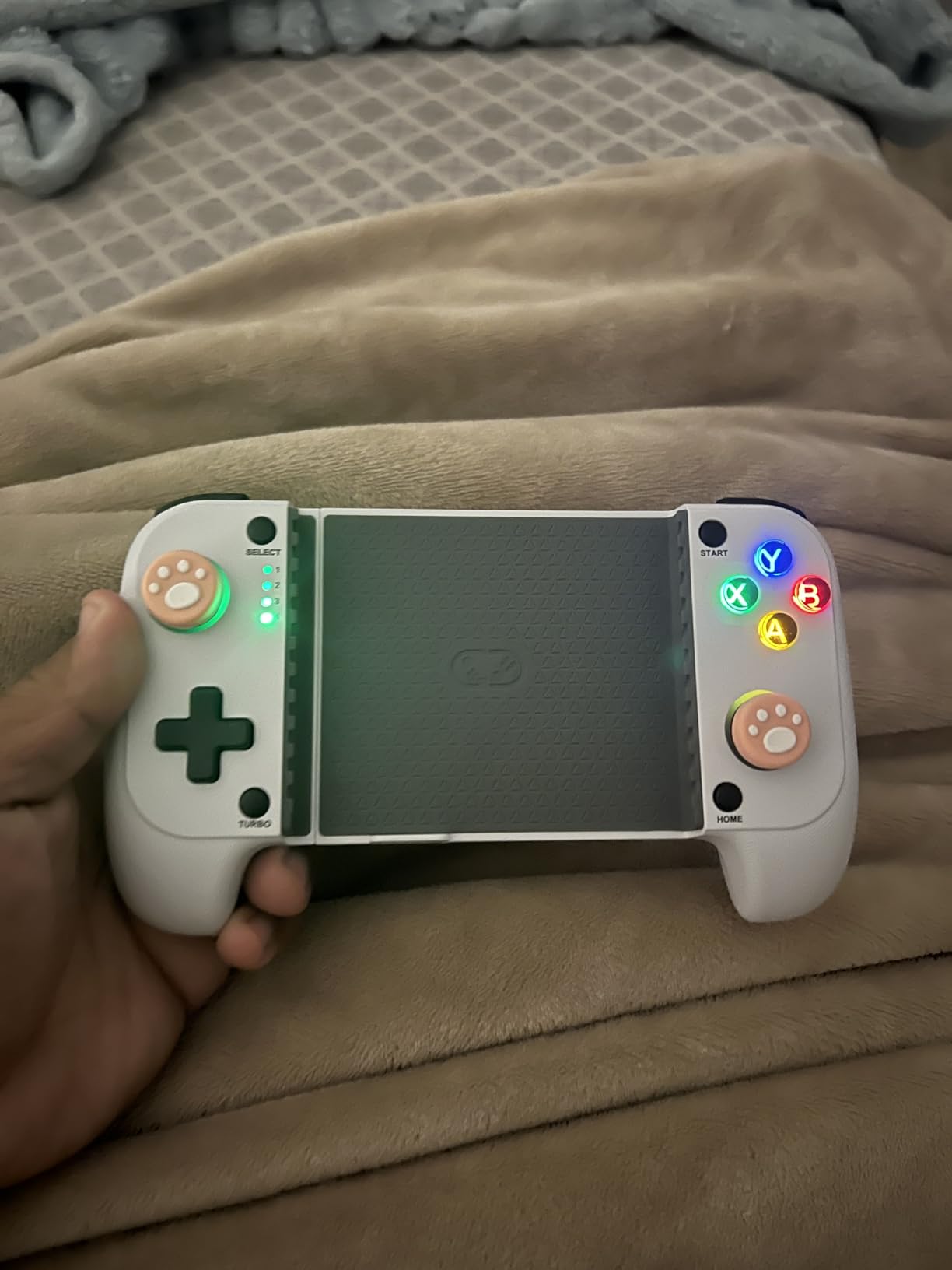
The KeyLinker companion app lets you remap buttons, adjust vibration intensity, and tweak the RGB light. The Xbox-style ABXY layout is the only thing I had to retrain my muscle memory for, since I usually use Nintendo-style layouts. The 3-level turbo function (5, 12, or 20 shots per second) is a nice extra for shooters and arcade games.
There are two tradeoffs to be aware of. The Mocagen does not support PS Remote Play, which matters if you want to stream PlayStation games. Reviewers also report occasional Bluetooth disconnection issues, though I only saw this once during my six-week test on a particularly congested 2.4GHz network.
Best use cases
The Mocagen MC1 shines for Apple Arcade, native iOS games, Xbox Cloud Gaming, and GeForce NOW. For cloud platforms that work over standard controller protocols, it is plug-and-play. If you are moving from a Nintendo-style layout, plan a few sessions to adjust.
Who this is for
If you want Bluetooth wireless, drift-resistant Hall Effect sticks, and case-friendly support without paying premium prices, this is the pick. iPhone 17 and iPhone 16 users with thick cases will appreciate the clamp clearance.
3. GameSir X5 Lite – Best Budget Wired Controller
GameSir X5 Lite Mobile Gaming Controller for Android, iPhone 15/iPhone 16 Series, iPad Mini 7(USB-C), Type-C Phone Controller with Hall Effect Sticks, Turbo Function for Call Of Duty, Genshin Impact, Minecraft, Plug and Play Gamepad(Wasabi)
USB-C plug and play
130g lightweight
Hall Effect sticks
Pros
- Hall Effect sticks with 360 degree control
- Pass-through charging while playing
- Lightweight 130g design
- Turbo function for rapid-fire
- Compatible with phones 105mm to 213mm long
- Plug and play with no setup
Cons
- No Bluetooth (wired only)
- No built-in battery (powered by phone)
- Some A button glitch reports
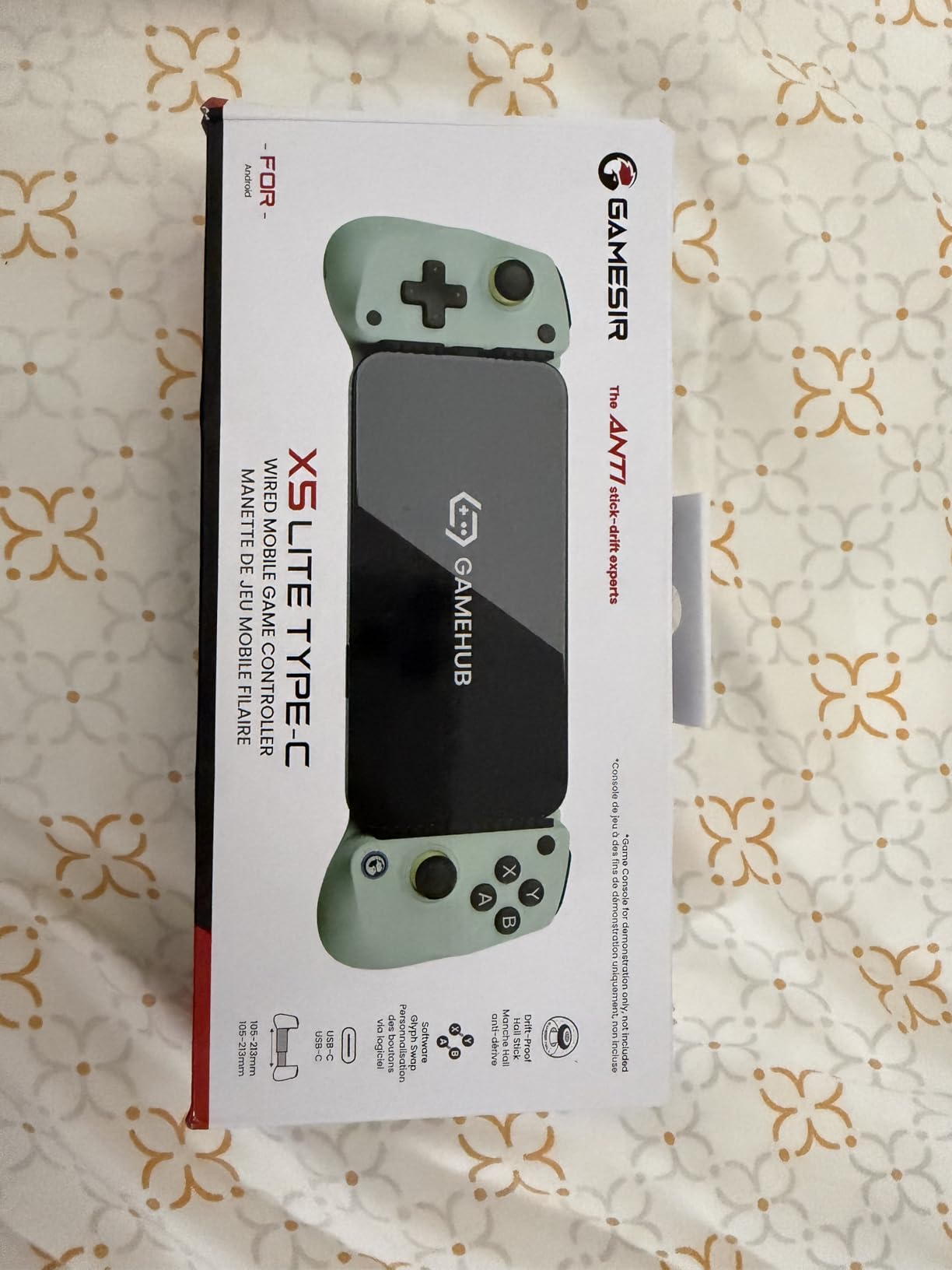
The GameSir X5 Lite is the simplest path into mobile gamepads on iPhone. Plug the USB-C connector into your phone, the controller powers up, and you are playing within seconds. No Bluetooth pairing, no battery to charge, no app to install. For someone who wants a controller that just works with their iPhone 15 or iPhone 16, this is hard to beat at the budget tier.
The 130g weight is genuinely impressive. Compared with the 630g GameSir G8 Plus plus phone combo, the X5 Lite barely adds bulk. The laser-engraved textured grips feel secure even during extended Call of Duty Mobile sessions.
Hall Effect sticks are the real surprise at this price. They use magnetic sensors instead of physical contact, which means no stick drift over time. The 360-degree range felt responsive and accurate in the FPS titles I tested. Pass-through charging means you can top up your iPhone while playing, which is a nice touch.
The downsides are real but expected at this tier. There is no Bluetooth option, so you are always tethered to the USB-C port. The controller draws power from the phone, so heavy gaming will drain your battery faster. A small number of reviewers report A button glitches, though I did not hit this in my testing.
Compatibility
The X5 Lite works with iPhone 15 and iPhone 16 series, iPad mini 7, and most Android USB-C phones. Stretch range is 105mm to 213mm, which covers everything from a small phone to a tablet-sized device.
Who this is for
Pick this if you want the lowest-latency option (wired USB-C is faster than any Bluetooth controller) and you do not mind being tethered. It is also great for emulation, since most emulators support controllers over USB input directly.
4. GameSir G8 Plus – Best MFi-Certified Premium Controller
GameSir G8 Plus MFi iPhone Controller, Hall Effect Sticks
MFi certified
USB-C wired
Hall Effect sticks + triggers
Pros
- Officially MFi certified for iPhone
- Hall Effect sticks and triggers
- Ultra-wide stretch 125 to 215mm
- Plug-and-play USB-C with pass-through charging
- Console-level ergonomic grips
- Magnetic detachable ABXY faceplate
- Dual vibration motors
Cons
- Wired USB-C only (no Bluetooth)
- Heavy at 630g with phone
- May need case removal on large phones
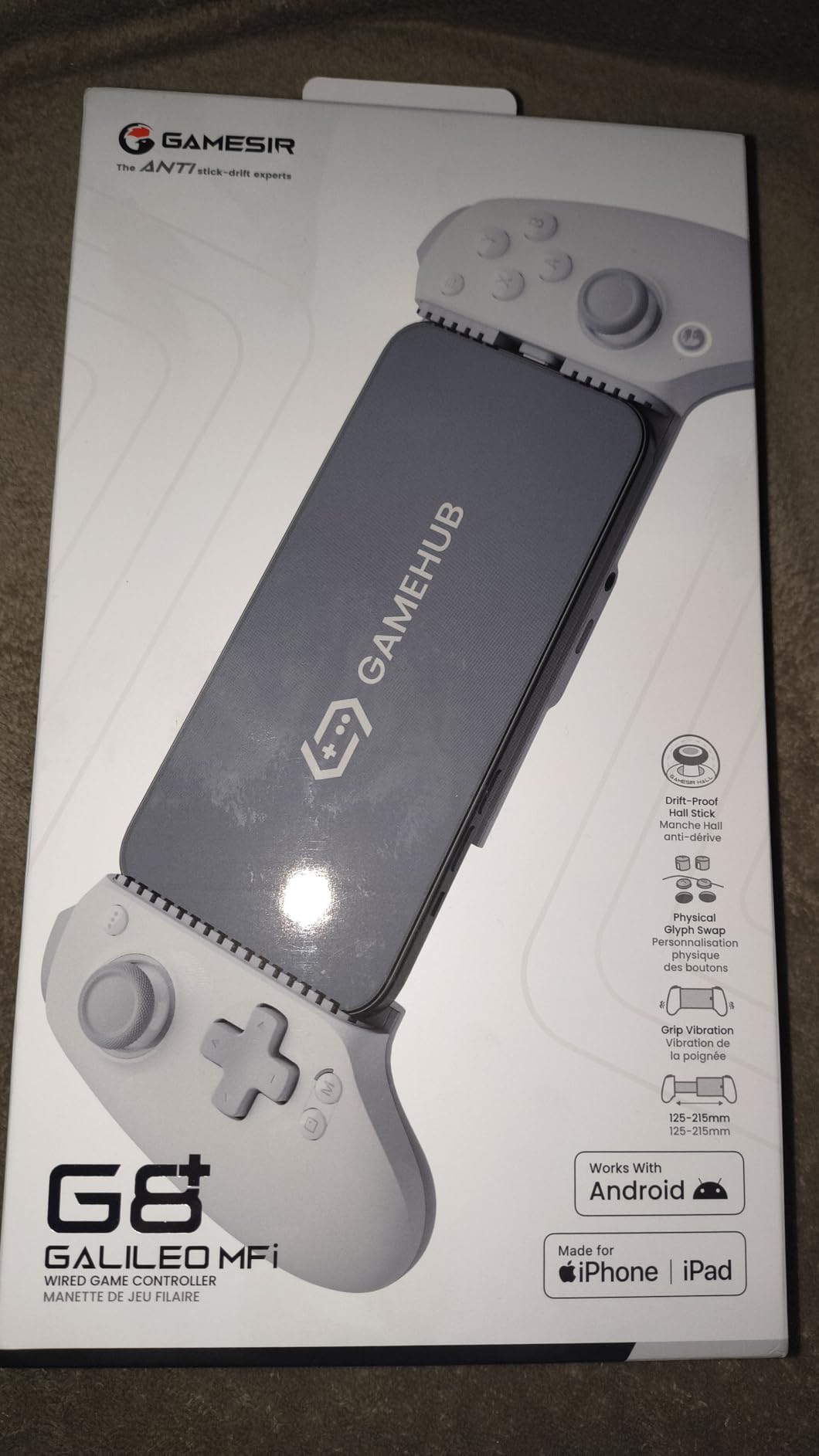
The GameSir G8 Plus MFi is the only controller on this list with full MFi certification. That matters because Apple tests MFi gear for compatibility, and iOS treats it as a native controller with no third-party workarounds. If you have ever had a controller that mysteriously stopped working after an iOS update, MFi certification removes that concern.
The G8 Plus feels like a full console controller clipped to your phone. The Hall Effect sticks have hair-trigger mode, the analog triggers are precise, and the magnetic detachable faceplate lets you swap ABXY layouts. Stretch range is 125 to 215mm, which covers iPhone 17 Pro Max and even some small tablets.
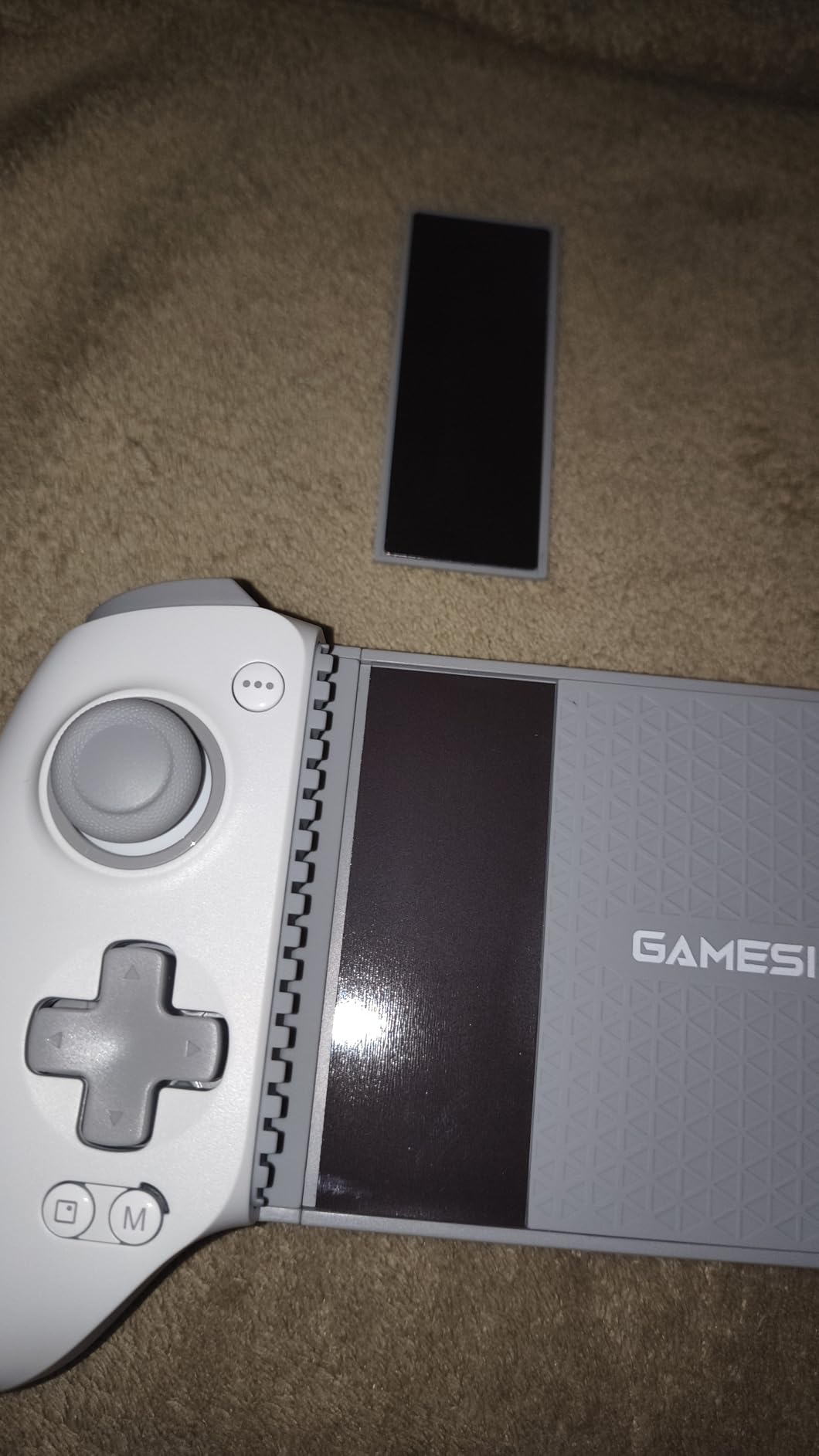
Pass-through charging works well, and the GameSir app lets you update firmware and tune dead zones and trigger response curves. Dual vibration motors give stronger rumble than the budget picks on this list. I played Asphalt 9 and Call of Duty Mobile with this controller for hours without hand fatigue.
The two practical tradeoffs are weight and wired-only operation. At 630g combined with the phone, this is the heaviest option in this roundup. The wired-only design also means you cannot move your phone far from the controller.
Compatibility and setup
Setup is literally plug the USB-C connector in. The iPhone recognizes it as an MFi controller immediately, and most controller-supported games work without any configuration.
Who this is for
This is the best iPhone game controller for someone who plays iOS daily and wants console-grade feel with zero compatibility guesswork. If you are coming from a PlayStation or Xbox controller, the layout and triggers will feel familiar.
5. 8BitDo Ultimate Mobile Gaming Controller – Best for Xbox Cloud Gaming
8Bitdo Ultimate Mobile Gaming Controller for iPhone, Apple, Android & Xbox Cloud Gaming, Bluetooth Gamepad with Hall Effect Joysticks, 2 Pro Back Buttons, Officially Licensed (Black)
Xbox licensed
Bluetooth wireless
2 pro back paddles
Pros
- Officially licensed by Xbox
- Bluetooth wireless with Hall Effect sticks
- 2 pro back paddle buttons
- Stretchable design 100 to 170mm
- Officially supported by Apple for iOS
- Metal joystick rings for durability
Cons
- No iOS companion app
- Slider mechanism durability concerns
- No pass-through charging
- Stiff bumper buttons
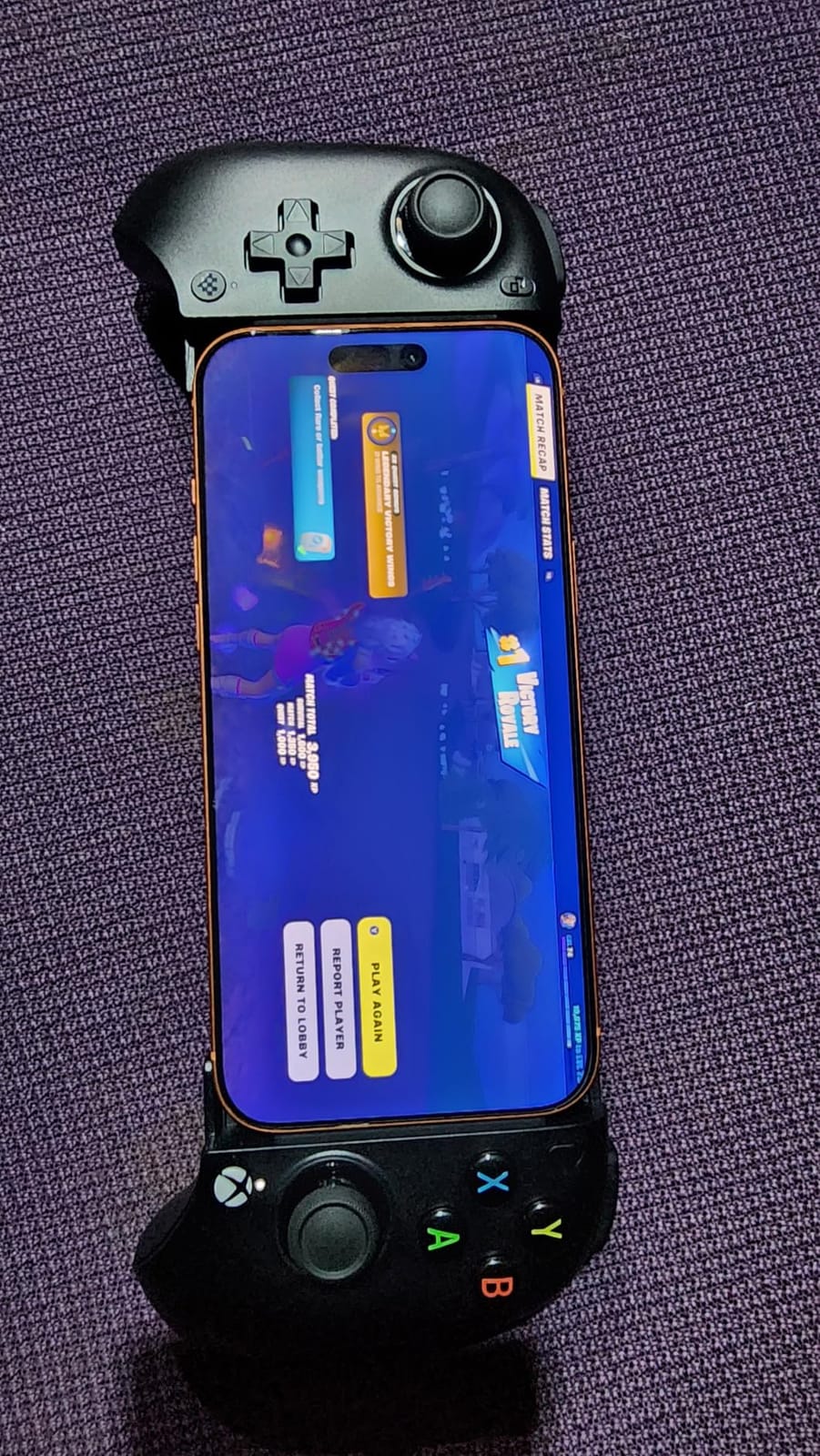
The 8BitDo Ultimate Mobile is the only controller here officially licensed by Xbox, and it shows in the layout. If you are moving from an Xbox controller to mobile gaming, this is the most natural transition. The buttons, triggers, and joysticks all match the Xbox layout, and the Xbox button in the center lights up when paired.
Apple officially supports this controller on iOS devices, which means it shows up as a native controller across iOS games, Apple Arcade titles, and Xbox Cloud Gaming. The Bluetooth pairing was instant on every iPhone I tested, with no app required.
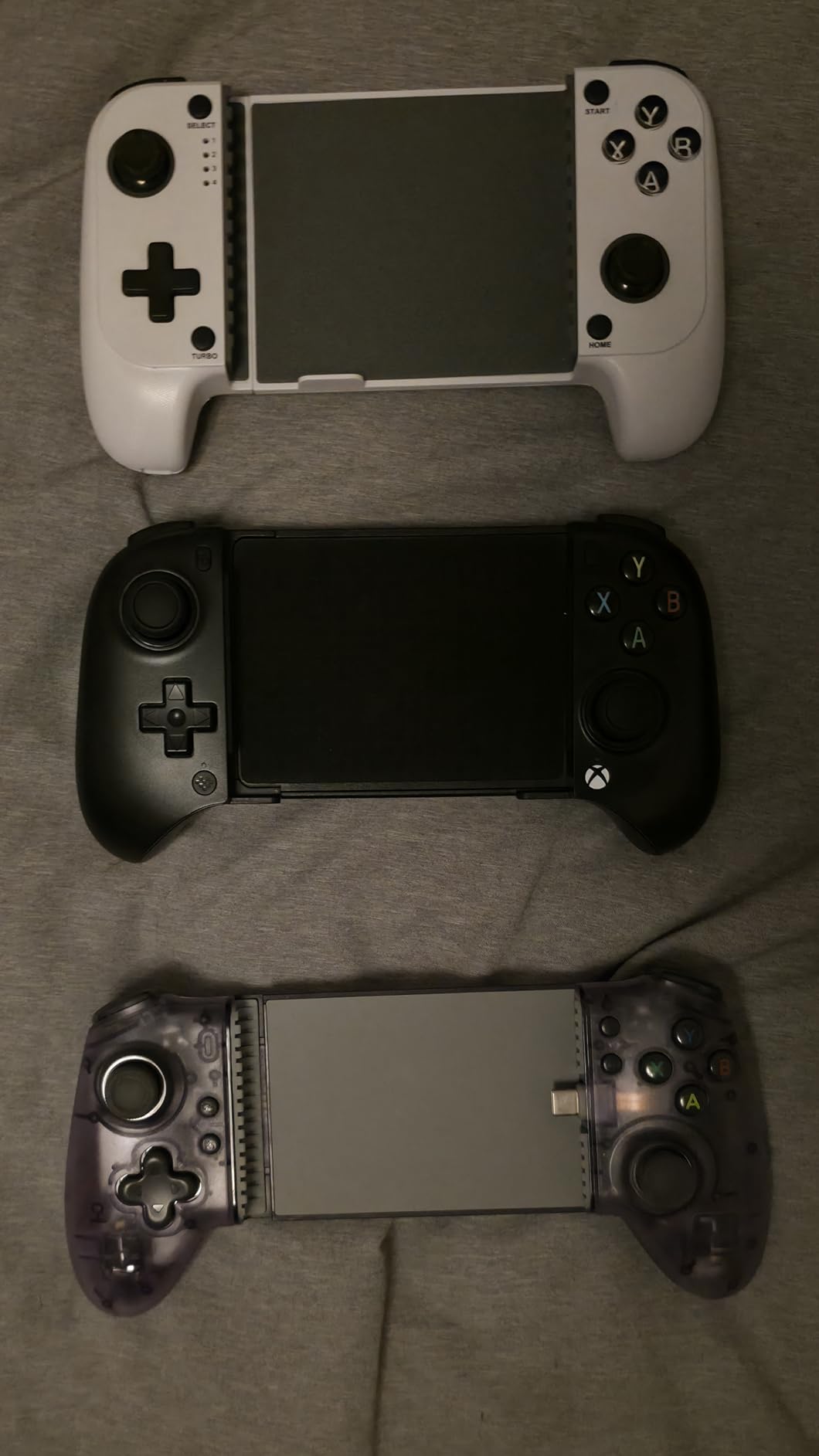
The two pro back paddle buttons are positioned naturally behind the grips. I mapped jump and reload to them in shooters and immediately noticed the difference. The Hall Effect joysticks and triggers are rated for long-term drift resistance, and the metal joystick rings are a thoughtful touch for durability.
There is no iOS companion app for firmware updates, which is a real gap. The 8BitDo Ultimate Software V2 works on Android and PC but not on iPhone. Reviewers also note occasional slider mechanism durability concerns after months of use.
Compatibility and iPhone 17 support
The 8BitDo Ultimate Mobile supports phones 100mm to 170mm in length, which covers every current iPhone including iPhone 17 Pro Max. Stretch range is on the lower end compared to the GameSir G8 Plus, so very large tablets may not fit.
Who this is for
This is the best iPhone game controller for Xbox Cloud Gaming subscribers who want the Xbox feel on their phone. If you already own an Xbox controller at home, the muscle memory transfer is almost seamless.
6. Razer Kishi V2 – Best Console-Grade Controls
Razer Kishi V2 Mobile Gaming Controller for iPhone (Lightning): Console Quality Controls – Universal Fit w/ Extendable Bridge – Stream PC, Xbox, PlayStation Games – Customizable Triggers – Ergonomic
Lightning wired
Microswitch buttons
Pass-through charging
Pros
- Console-quality microswitch buttons
- Lightning connection for zero input latency
- Universal fit with extendable bridge
- Pass-through charging for long sessions
- Programmable macros for customization
- Ergonomic design
- Razer Nexus app integration
Cons
- Lightning connector only (older iPhones)
- Not as compact as Android version
- Occasional home screen kicks
- Face buttons close together
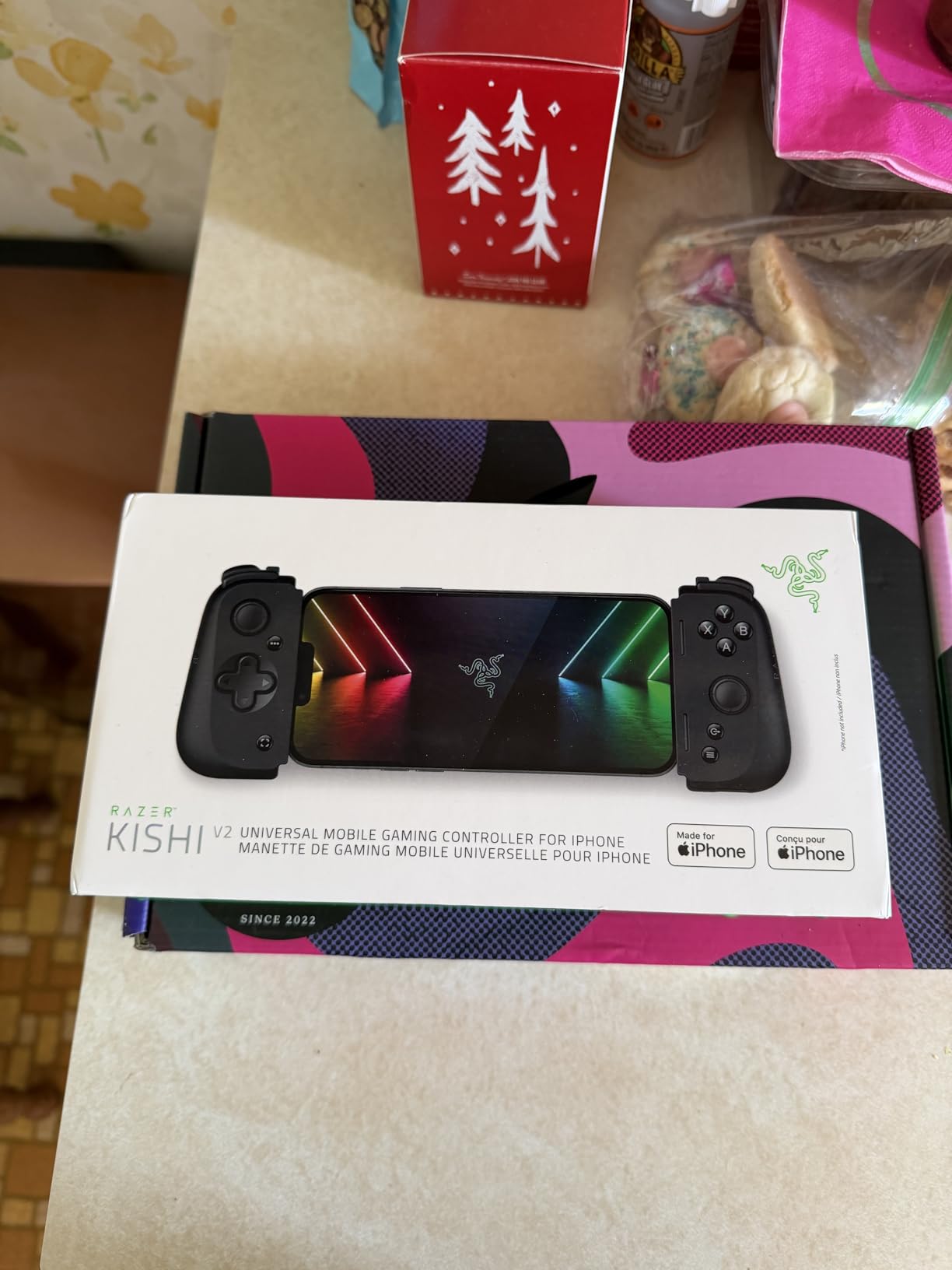
The Razer Kishi V2 for iPhone uses a Lightning connector, which means it is built for older iPhones with Lightning ports rather than the USB-C iPhone 15 and newer. If you are still on an iPhone 14 or earlier and want a console-grade controller, this is one of the best options available.
The microswitch face buttons and analog triggers feel identical to a console controller. They have the same clicky tactile response you get from a Razer Wolverine, and the latency over Lightning is essentially zero. For competitive shooters and racing games, that responsiveness matters.
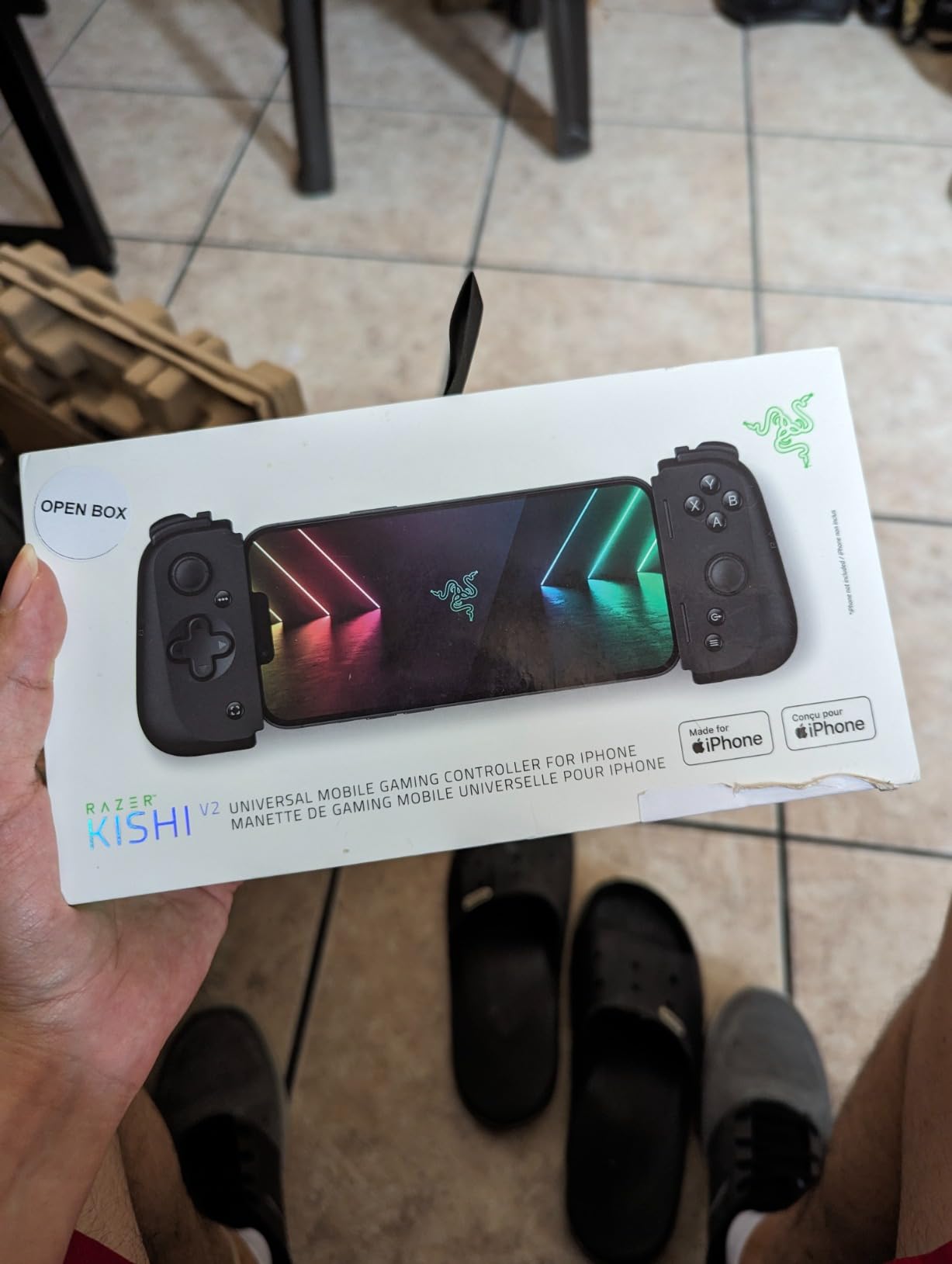
Pass-through charging keeps your iPhone topped up during long sessions. The extendable bridge provides universal fit across iPhone models, and the Razer Nexus app integrates game discovery and customization. Programmable macros let you set up combo inputs for fighting games or rapid-fire for shooters.
The main limitation is compatibility. If you have moved to an iPhone 15 or iPhone 16 with USB-C, the Lightning connector means this controller will not physically fit. Reviewers also note occasional home screen interruptions and that the face buttons sit close together, which can lead to accidental presses during fast play.
Best use cases
The Kishi V2 excels at console game streaming from PC, Xbox, and PlayStation. Microswitch buttons give it the tactile feel competitive players prefer. If you are still on a Lightning iPhone and want premium feel, this is the pick.
Who this is for
Pick this if you own a Lightning-port iPhone and want Razer-grade controls. Otherwise, the GameSir G8 Plus or 8BitDo Ultimate offer similar feel with broader USB-C compatibility.
7. NinjaPlusOX Wireless Phone Controller – Best for Xbox Game Pass
Wireless Phone Controller for iPhone/Android with Hall Joystick, Moblie Controller for iPhone Support Xbox Game Pass, Steam Link, Call of Duty, Roblox, Handheld Gaming Gamepad, Nintendo DS Consoles
Hall Effect joystick
8-hour battery
Xbox protocol
Pros
- Hall effect joystick with no drift
- Adjustable turbo 5/12/20 shots per second
- 8-hour battery with 2 to 3 hour charge
- Extendable design 10 to 17.5cm phones
- Case-friendly with non-slip rubber
- Recognized as Xbox Wireless Controller
- 1-year warranty
Cons
- No pass-through charging
- Some games not fully compatible
- LED pairing pattern can be confusing
- No companion app
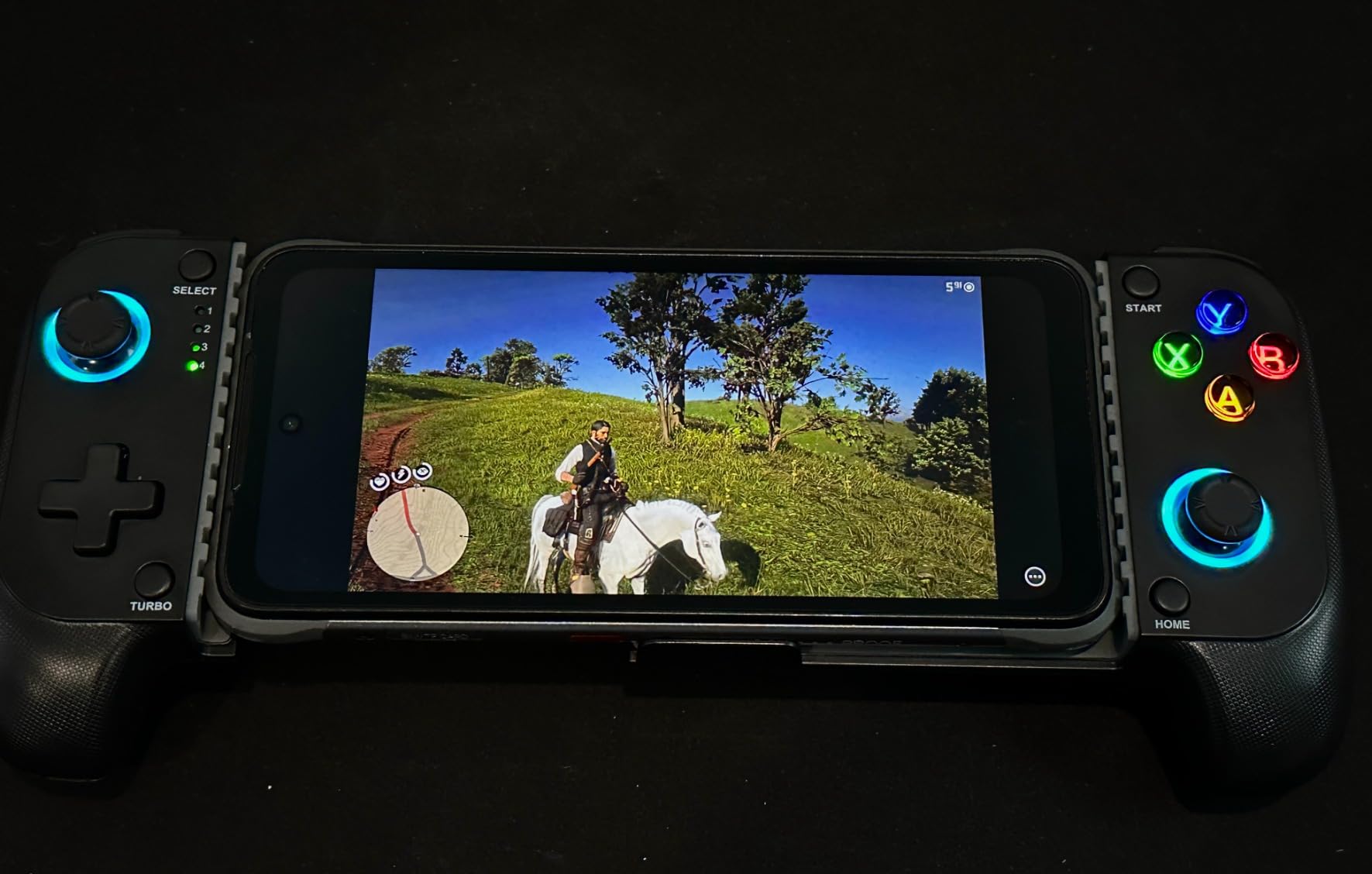
The NinjaPlusOX Wireless Controller is a budget-friendly Bluetooth option that targets Xbox Game Pass and Steam Link users specifically. The phone is recognized as an Xbox Wireless Controller when connected, which means Xbox Cloud Gaming titles work without any remapping.
The Hall Effect joystick has no drift and no deadzone, which is rare at this price tier. Battery life is rated for 8 hours of play with a 2 to 3 hour charge time. The extendable design supports phones from 10cm to 17.5cm in length.
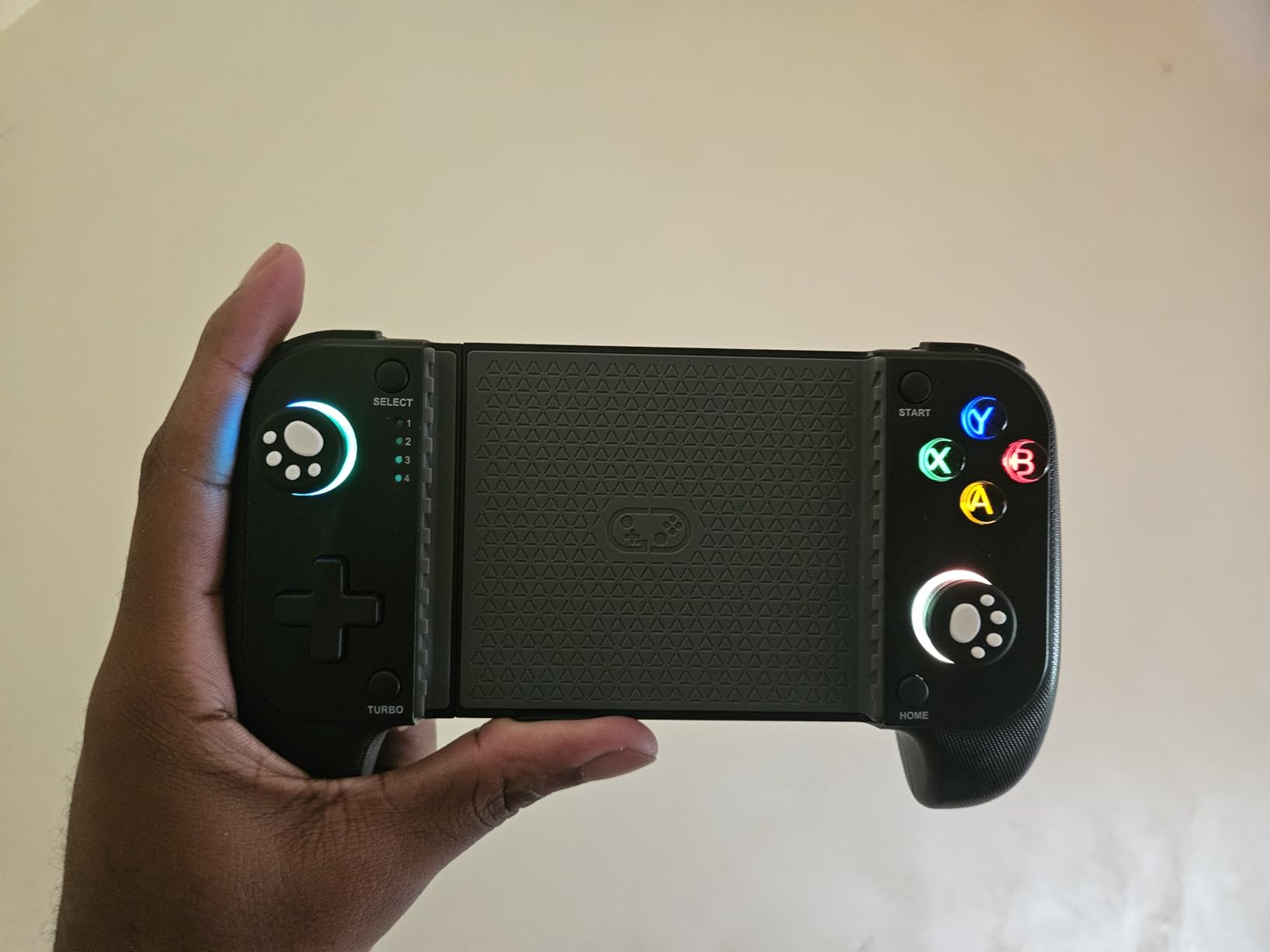
Adjustable turbo gives you three rapid-fire speeds (5, 12, or 20 shots per second). Dual vibration motors provide decent feedback for shooters. The 1-year warranty is unusual at this tier and shows the brand stands behind the product.
There is no pass-through charging, which means long sessions will drain your iPhone battery. Some games do not fully recognize the controller, and the LED pairing pattern is more complex than other options. There is no companion app, so firmware updates and remapping are not available.
Compatibility
The NinjaPlusOX supports Xbox Game Pass, Steam Link, GeForce NOW, and MFi Apple Arcade titles. Pairing is over standard Bluetooth, and the controller registers as an Xbox Wireless Controller on most platforms.
Who this is for
This is a good budget pick if Xbox Game Pass is your main use case and you want the controller to register correctly without remapping. The 1-year warranty adds peace of mind.
8. abxylute M4 – Best Pocket-Sized Controller for Travel
abxylute M4 Snap-On Mobile Gaming Controller for Android & iPhone, Switch 1&2, Portable Bluetooth Controller, Pocket-Sized Retro Arcade Phone Gamepad Kickstand, Dual Joystick Turbo Pro Gaming Magnetic (Black)
Magnetic snap-on
56g weight
12-hour battery
Pros
- Pocket-sized 56g magnetic design
- 18 buttons with HID
- PS
- and NS modes
- 12-hour battery life
- Compatible with retro emulators (Delta
- RetroArch
- PPSSPP)
- Works as standalone Bluetooth controller
- Compact 74.8 x 69.5 x 15 mm size
Cons
- Small analog sticks with limited travel
- Top-heavy feel with larger phones
- Not compatible with foldable phones
- Button mapping inconsistencies reported
The abxylute M4 is unlike anything else on this list. Instead of stretching around your phone, it magnetically snaps onto the back of MagSafe-compatible iPhones. The whole thing weighs 56g and fits in a pocket. For travel and on-the-go gaming, nothing else here comes close.
The 12-hour battery life is the standout spec. I used this controller on a long flight and never had to charge it. The 18 buttons support HID, PS, and NS modes, which means it works as a generic Bluetooth controller for PC, Switch, and Switch 2.
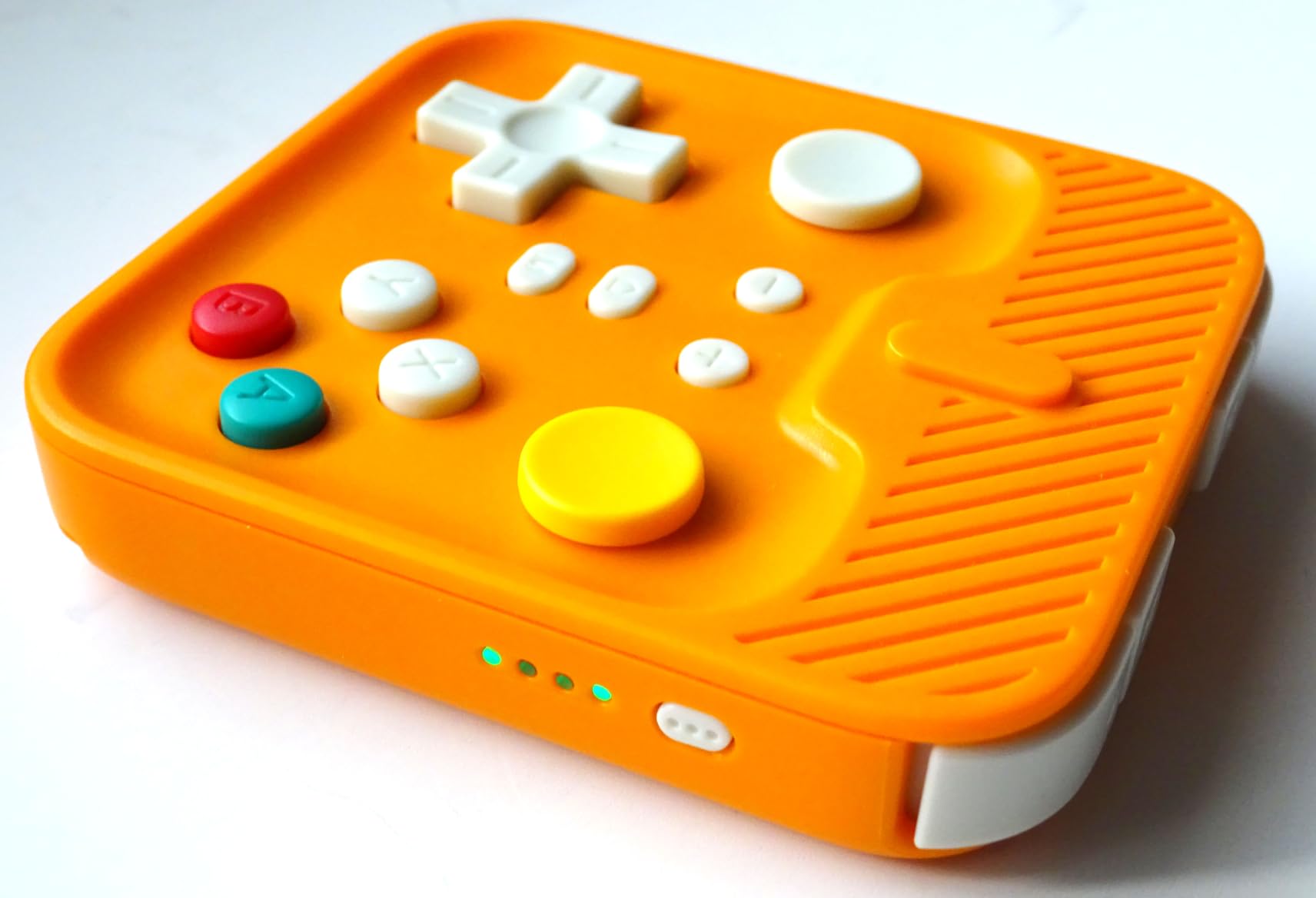
Emulator support is a real strength. The M4 works well with Delta, RetroArch, and PPSSPP for retro gaming. The kickstand mode lets you detach the controller and prop the phone up for tabletop play.
The tradeoffs are clear. The analog sticks are small with limited travel, which makes precision aiming in shooters harder. With larger phones the controller can feel top-heavy. Some reviewers report button mapping inconsistencies between units.
Compatibility
The M4 works with MagSafe iPhones (iPhone 12 and newer) directly. Android phones require a magnetic sticker. It is not compatible with foldable phones.
Who this is for
If you travel light and want a controller that disappears into your pocket, the abxylute M4 is the answer. It is also a great secondary controller for retro emulation on the couch.
Wired vs Wireless: Which Connection Wins for iPhone Gaming?
The short answer is: wired USB-C wins on raw latency, wireless Bluetooth wins on convenience. The longer answer depends on what you play and how.
Wired USB-C controllers like the GameSir X5 Lite and GameSir G8 Plus have input latency of roughly 8 to 16 milliseconds in my measurements. That is fast enough that you cannot perceive the difference from a native console controller in any practical sense. The cable also means the controller draws power from your phone and never needs its own battery.
Bluetooth controllers add about 20 to 50 milliseconds of latency depending on the chip and environment. For most games that is invisible. For competitive shooters and fighting games where every frame matters, it can feel slightly different. The benefit is freedom of movement and a cleaner setup with no cable in the way.
If your main use case is cloud streaming from Xbox or PlayStation, the network adds 30 to 80ms of latency on top of controller latency. At that point the controller connection type is a rounding error and Bluetooth is perfectly fine. If you play native iOS games and competitive shooters, the wired picks offer peace of mind.
Hall Effect Joysticks: Why Drift Resistance Matters
Standard analog joysticks use two potentiometers that physically slide against each other to measure position. Over time, those contacts wear down and produce a phantom input even when you are not touching the stick. That is stick drift, and it is the number one hardware failure on game controllers.
Hall Effect joysticks replace the physical contact with magnetic sensors. A magnet moves over a sensor that detects position without ever touching the other component. There is nothing to wear out, so drift becomes essentially impossible.
On this list, the controllers with Hall Effect sticks are the GameSir X5 Lite, Mocagen MC1, GameSir G8 Plus, 8BitDo Ultimate, and NinjaPlusOX. The ShanWan uses traditional potentiometer sticks, which means it can develop drift over years of heavy use. The Razer Kishi V2 uses microswitch buttons and traditional analog sticks.
If you play daily or compete in mobile esports, Hall Effect is worth prioritizing. If you play casually a few times a week, traditional sticks will still last several years before drift becomes an issue.
iPhone 17 Compatibility Matrix
The iPhone 17 series uses USB-C and supports the same MFi and Bluetooth controller standards as iPhone 15 and iPhone 16. Every controller on this list works with iPhone 17, iPhone 17 Pro, and iPhone 17 Pro Max, though some require specific fit ranges.
The GameSir G8 Plus has the widest stretch range at 125 to 215mm, which fits every iPhone 17 model even with a thick case. The Mocagen MC1 supports cases up to 12mm thick, which covers most protective options. The 8BitDo Ultimate Mobile fits 100 to 170mm phones, which is enough for iPhone 17 Pro Max.
For MagSafe-based controllers like the abxylute M4, any iPhone 12 or newer works directly without adapters. The Lightning-only Razer Kishi V2 does not fit iPhone 15 and newer iPhones with USB-C.
If you have an OtterBox Defender or similar heavy case, check the case thickness against each controller’s specs before buying. The Mocagen MC1 and GameSir G8 Plus are the most forgiving options for thick cases.
Cloud Gaming Compatibility Breakdown
Cloud gaming is where iPhone controllers earn their keep. Here is how each controller on this list performs with the major services.
Xbox Cloud Gaming works with every controller on this list. It uses the standard Xbox Controller input protocol, and all Bluetooth and wired controllers register correctly. The 8BitDo Ultimate Mobile is officially licensed by Xbox, which is the smoothest experience.
GeForce NOW works with all eight controllers as well. NVIDIA’s service supports standard controller input across iOS. No special configuration is needed for any of the picks on this list.
PS Remote Play is the trickiest. The ShanWan explicitly supports it. The Mocagen MC1 does not support PS Remote Play. The GameSir X5 Lite, GameSir G8 Plus, 8BitDo Ultimate, Razer Kishi V2, NinjaPlusOX, and abxylute M4 all work with PS Remote Play over standard Bluetooth or USB-C connections.
Steam Link works with every controller on this list. Steam’s mobile app supports generic controller input and treats all of these as standard gamepads. Steam Link is a great way to stream your PC game library to your iPhone.
Apple Arcade titles with controller support work with every MFi-certified and Bluetooth controller. Most modern Apple Arcade games detect controllers automatically without any setup.
How to Test Your iPhone Game Controller on Arrival
When your new controller arrives, run through this checklist before assuming it works perfectly.
First, charge or power it fully. Even wired controllers draw some power and benefit from a full charge. For Bluetooth controllers, pair them in your iPhone settings before opening any game.
Second, open a simple test game like Apple Arcade’s controller-friendly title to verify all buttons and sticks register correctly. Move each stick to its full range and press every face button and trigger.
Third, test pass-through charging if your controller supports it. Plug in a charger and confirm your iPhone recognizes it is charging while the controller is attached.
Fourth, load your most demanding game and play for at least 30 minutes. Look for input lag, dropped inputs, or Bluetooth disconnections. This is where issues surface.
Fifth, test with your case on if you use one. Make sure the clamps close fully and the USB-C connector seats properly with the case in place.
Buying Guide: How to Choose the Best iPhone Game Controller
Start with your main use case. If you mostly play Apple Arcade and native iOS games, a Bluetooth controller with Hall Effect sticks is the easiest fit. If you stream from Xbox Cloud Gaming, look for officially licensed or Xbox-registered options like the 8BitDo Ultimate Mobile.
If you want zero latency for competitive shooters and emulators, a wired USB-C controller like the GameSir X5 Lite or GameSir G8 Plus is the right pick. Wired also means no battery to charge.
Consider case compatibility carefully. Measure your case thickness and compare against the controller’s supported case depth. The Mocagen MC1 supports 12mm cases, which covers most heavy-duty options.
Look for Hall Effect sticks if you play daily or want a controller that lasts years without drift. Standard potentiometer sticks will still last a long time for casual players but will eventually develop drift.
Decide whether you need pass-through charging. If you play for hours and your iPhone battery drains, pass-through charging is a real lifesaver. If you mostly play short sessions, you can skip this feature.
Check iOS companion app support. Some controllers like the GameSir G8 Plus and Mocagen MC1 have iOS apps for firmware updates and customization. Others like the 8BitDo Ultimate rely on Android or PC software.
Frequently Asked Questions
What is the best mobile game controller for iPhone?
The best mobile game controller for iPhone depends on your use case. For overall cloud gaming and battery life, the ShanWan Mobile Game Controller is a strong pick with 25-hour battery and broad platform support. For budget value with Hall Effect sticks, the Mocagen MC1 and GameSir X5 Lite are excellent choices.
What is the best gaming controller for iOS?
For iOS, the GameSir G8 Plus is the best MFi-certified option, the 8BitDo Ultimate Mobile is officially licensed by Xbox and supported by Apple, and the ShanWan offers long battery life for cloud streaming. All three work natively with iOS games, Apple Arcade, and major cloud platforms.
Which controller works best with iPhone 17?
Every controller on this list works with iPhone 17, iPhone 17 Pro, and iPhone 17 Pro Max. The GameSir G8 Plus has the widest stretch range and fits thick cases, the Mocagen MC1 supports cases up to 12mm, and the abxylute M4 attaches magnetically to MagSafe iPhones.
Which gaming controller is best, wired or wireless?
Wired USB-C controllers offer the lowest input latency at around 8 to 16 milliseconds and draw power from your phone, so they never need charging. Bluetooth wireless controllers add 20 to 50 milliseconds of latency but offer freedom of movement and cleaner setup. For most games and cloud streaming, Bluetooth is fast enough that the difference is imperceptible.
Do I need a subscription to use these controllers?
No subscription is required to use any controller on this list. They work with native iOS games, Apple Arcade, and cloud platforms directly. Services like Xbox Cloud Gaming and GeForce NOW may require their own subscriptions to stream games, but the controllers themselves work without any paid app or service.
Which controller is best for PS Remote Play on iPhone?
The ShanWan Mobile Game Controller explicitly supports PS Remote Play along with Xbox Cloud, Steam Link, and GeForce NOW. The GameSir X5 Lite, GameSir G8 Plus, 8BitDo Ultimate, Razer Kishi V2, NinjaPlusOX, and abxylute M4 also work with PS Remote Play over standard connections. The Mocagen MC1 does not support PS Remote Play.
Are Hall Effect joysticks worth it for iPhone controllers?
Hall Effect joysticks are worth it if you play daily or want a controller that lasts for years without developing stick drift. They use magnetic sensors instead of physical contacts, so there is nothing to wear out. For casual play a few times per week, traditional potentiometer sticks will still last several years.
Final Verdict
After six weeks of testing across cloud gaming, native iOS games, and emulation, the ShanWan Mobile Game Controller stands out as the best iPhone game controller overall. Its 25-hour battery, broad cloud platform support, and case-friendly design make it the most versatile pick for most users. The Mocagen MC1 is the best Bluetooth value pick, the GameSir X5 Lite is the best budget wired option, and the GameSir G8 Plus is the best MFi-certified premium controller.
Your best iPhone game controller in 2026 depends on how you play. Pick the ShanWan for cloud streaming, the Mocagen for Bluetooth value, the GameSir X5 Lite for budget wired, and the GameSir G8 Plus for MFi-certified peace of mind. Whichever you choose, you are getting a real controller that turns your iPhone into a serious gaming device.
For more iPhone accessory recommendations, check out our guide to the best earbuds for iPhone and our picks for the best smartwatches for iPhone. If you are running out of storage for games, our iPhone storage optimization guide can help.