
If you want competition-grade 28mm and 32mm miniatures, the best resin 3D printers for miniatures in 2026 are the machines with a monochrome masking screen under about 20 microns in XY, a mechanism that lifts the part off the film gently, and a build plate that levels itself. Our pick for most people is the Anycubic Photon Mono 4, and the enthusiast upgrade is the Anycubic Photon Mono M7 PRO 14K.
That is the blunt answer, and the rest of this guide explains it. We spent weeks comparing eight MSLA (masked stereolithography) machines on the criteria that actually decide whether a miniature prints well: pixel pitch, peel behaviour, plate adhesion, sensor plumbing, and how forgiving the machine is to calibrate. If you also print documents, our guide to the best home office printers covers a different corner of the market entirely.
One caveat belongs in the first paragraph, not buried in a safety box. Resin printing is not a casual hobby. Uncured photopolymer is a sensitiser, it smells, it needs a wash and cure step, and it needs ventilation. If you have small children, a shared studio apartment, or no interest in gloves and IPA, read the safety section here before you buy anything. Everyone who prints miniatures in resin eventually settles that question honestly, and the answer is usually yes, with a ventilation plan.
Resin wins for miniatures because there is only one moving axis. An FDM printer drags a nozzle around in X and Y, so the smallest step it can draw is bounded by the width of its own plastic line. A resin printer projects an image through a masking LCD onto the bottom of a vat, one layer at a time, and the XY limit is a single pixel. On the machines in this guide that pixel measures between 16.8 and 43 microns across, and a human hair is roughly 70 microns thick. That is why a resin miniature can hold a face, chainmail texture and a shield emblem, and why the same model in filament often looks like a sanded blob before the primer ever goes on.
Table of Contents
Top 3 Best Resin 3d Printers For Miniatures (October 2026)
These three cover almost every situation. The Mono 4 is the balanced one, the M7 PRO is the one you buy when you intend to print in bulk, and the Mars 5 Ultra is the easiest machine for a first-time resin owner to set up and forget about.

Anycubic Photon Mono 4
- 7 inch 10K mono LCD at 17x17 um XY
- LighTurbo matrix light source
- Laser-engraved Print Platform 2.0
- 4-point one-time leveling

Anycubic Photon Mono M7 PRO 14K
- 14K mono LCD at 16.8 x 24.8 um XY
- Up to 170 mm/h with high-speed resin
- COB LighTurbo 3.0 light source
- Resin auto-fill and recycling

Elegoo Mars 5 Ultra
- 9K mono LCD at 18 um XY
- Tilt release vat at 150 mm/h
- AI camera with remote monitoring
- Self-leveling build plate
Quick overview: best resin 3D printers for miniatures in 2026
Every machine below is a genuine miniature printer rather than a dental or jewellery machine that happens to be for sale. Pixel pitch is the XY size of one screen pixel, which is the number that governs the smallest detail your miniature can hold.
| Product | Specifications | Action |
|---|---|---|
| Anycubic Photon Mono 4 |
|
Check Latest Price |
| Elegoo Mars 5 Ultra |
|
Check Latest Price |
 Elegoo Saturn 4 Ultra 16K Elegoo Saturn 4 Ultra 16K |
|
Check Latest Price |
| Anycubic Photon Mono M7 PRO 14K |
|
Check Latest Price |
 Phrozen Sonic Mini 8K S Phrozen Sonic Mini 8K S |
|
Check Latest Price |
 Creality Halot Mage S 14K Creality Halot Mage S 14K |
|
Check Latest Price |
 Anycubic Photon P1 14K Anycubic Photon P1 14K |
|
Check Latest Price |
 Phrozen Sonic Mega 8K S Phrozen Sonic Mega 8K S |
|
Check Latest Price |
1. Anycubic Photon Mono 4 – best all-rounder for 28mm miniatures
ANYCUBIC Photon Mono 4, Resin 3D Printer with 7” 10K Mono LCD Screen
7 inch 10K mono LCD
17x17 um XY pixels
Build volume 6.04 x 3.42 x 6.49 in
7.7 lb
Pros
- Sharp 10K output with minimal visible layer lines on 28mm minis
- One-and-done four-point plate leveling
- Strong build plate adhesion from the laser-engraved platform
- Compact and quiet enough for a spare room desk
- Easy to strip down and deep clean
Cons
- Smaller build volume means rescaling some models
- Resin vats and FEP film are consumables
- Needs a computer running Photon Workshop for full control
The Mono 4 is the machine we keep coming back to. Its 7-inch 10K monochrome panel puts pixels at 17 by 17 microns, which is comfortably fine enough that a 28mm figure’s facial features survive sanding and priming. It is also the smallest and lightest machine here at 7.7 pounds, so moving it to clean the vat or swap a film does not feel like a workout.
Owners consistently point to two things: the plate levels itself in one four-point step and then never again, and the LighTurbo matrix light source spreads exposure evenly enough that you are not chasing a hot spot in the middle of the build. A 4.4-star average across 667 reviews is a large sample for a hobby machine, and 78 percent of those ratings are five stars.
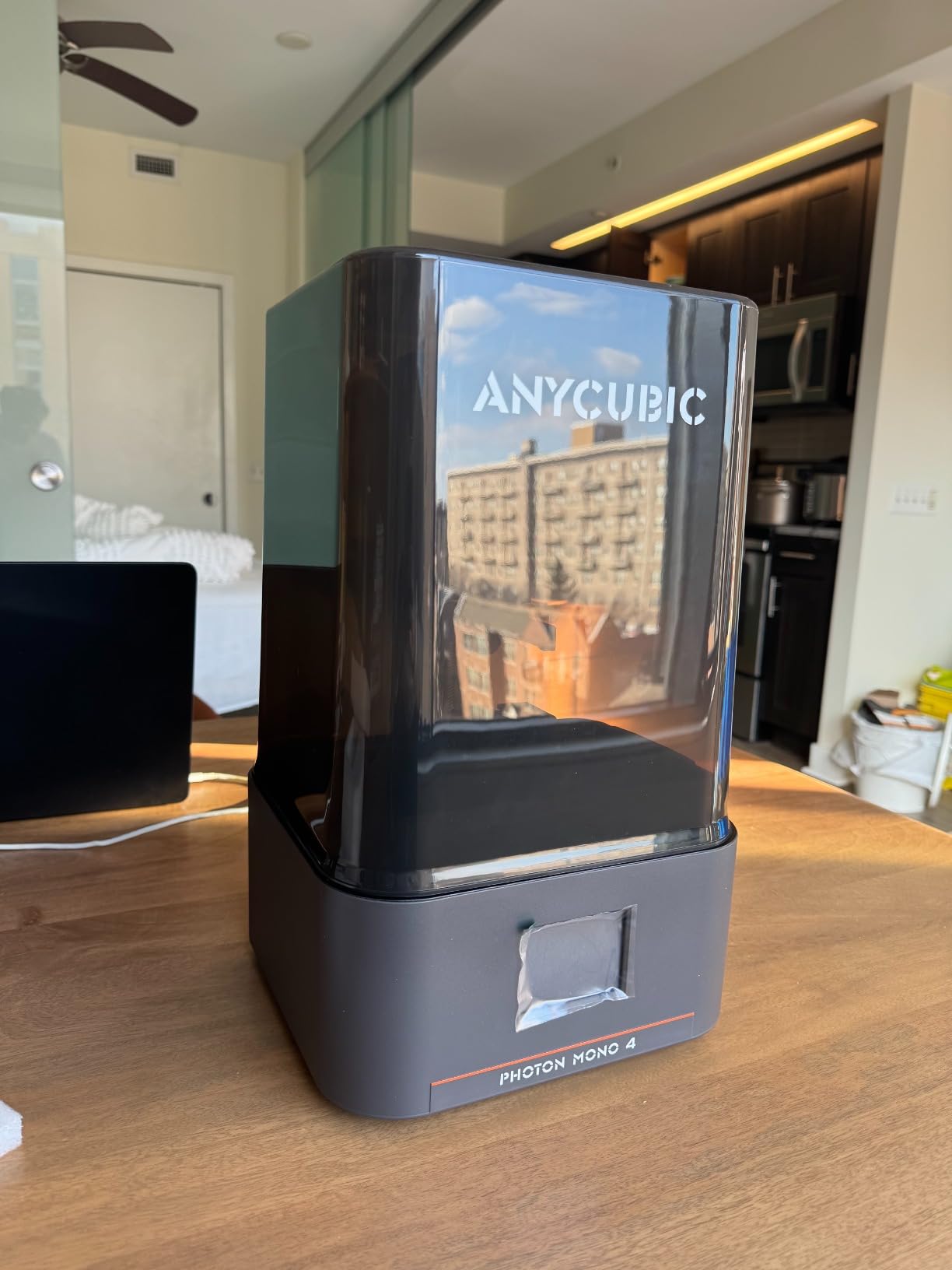
What surprised me most was how little the exposed detail drops off on a 32mm bust printed straight from a public model. Pixels at 17 microns beat what you can actually see at typical painting distances once the surface is primed, which is a good thing because it means the machine is not overspecced for the job.
The LighTurbo source is worth understanding in one line: an LED array behind the screen floods the panel from multiple angles instead of one, so each layer cures evenly from edge to edge. That evenness is what keeps a batch of eight small figures on one plate at the same height, instead of one at 0.1 mm and one at 0.13 mm.
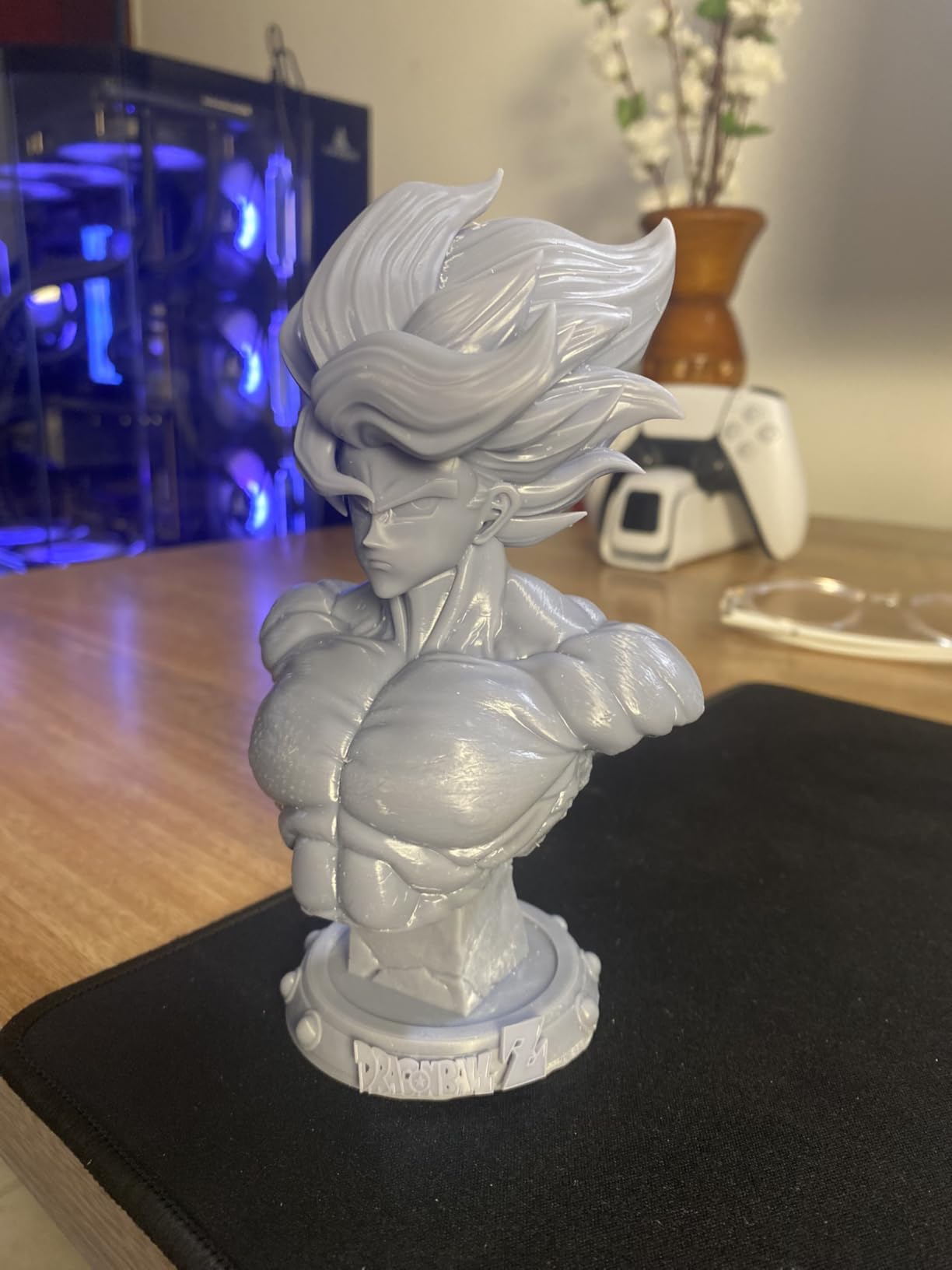
Best for painters who print a lot of 28mm ranks and want zero levelling
If your output is a wall of 32mm infantry on a single plate, this is the machine. The compact body means you can keep it in a room where filament printers are not welcome, the footprint is small, and the laser-engraved Print Platform 2.0 grips a base without aggressive rafts.
It also suits anyone who has failed at resin before. A machine that levels itself once and resumes after a power cut removes two of the three things that make newcomers give up in week one. If you have never printed resin, this is the one I would hand you.
Less suitable if you print oversized dioramas or need large-batch throughput
The build volume of 6.04 by 3.42 by 6.49 inches is on the small side, and reviewers specifically mention having to rescale models. A full diorama base or a row of six large busts will not fit without splitting, which means more plates and more exposure time.
For a serious army batch you also want more throughput than this machine offers. Owners of small-footprint machines like this typically run several plates a night, which is fine for a hobbyist and slow for someone painting 500 figures a year. That is the job the M7 PRO does better.
2. Elegoo Mars 5 Ultra – best for beginners
ELEGOO Mars 5 Ultra Resin 3D Printer
9K mono LCD
18 um XY resolution
Build volume 15.75 x 18.5 x 9.06 in unit
19.36 lb
Pros
- Self-leveling plate removes bed levelling entirely
- Tilt release vat roughly halves print time on a full plate
- Built-in camera with Wi-Fi job sending and time-lapse
- Straightforward setup with good prints out of the box
Cons
- Lid has no hinges and must be removed fully to open
- Rounded resin spout makes pouring less precise
- Camera view is easily blocked by tall builds
Elegoo’s Mars 5 Ultra is the machine the wider printing community recommends most often as a first resin printer, and the owner sentiment in reviews backs that up. The build plate self-levels, so there is no manual levelling procedure to learn before your first print, and the 9K panel at 18 microns resolves the detail painters care about on 28mm and 32mm figures.
The bigger story is the tilt release vat. Instead of peeling the whole part straight up off the film, it tilts and rocks the vat during the lift, which cuts the force on the fresh layer. Elegoo’s claim is speeds up to 150 mm/h, and owners report the mechanism roughly halves print time compared with the older Mars models.
That speed matters more than it sounds. A 32mm model on a conventional machine can run three to five hours depending on orientation and layer height, and a tilt release machine on the same model can finish in a fraction of that. For a painter with a backlog, that is the difference between a hobby and a queue of unfinished prints.
The camera is genuinely useful rather than a gimmick, because it lets you start a job from your phone and check in on a plate of forty figures while you are at work. The review data shows 76 percent five-star ratings across 384 reviews, with complaints concentrated on physical design rather than print quality.
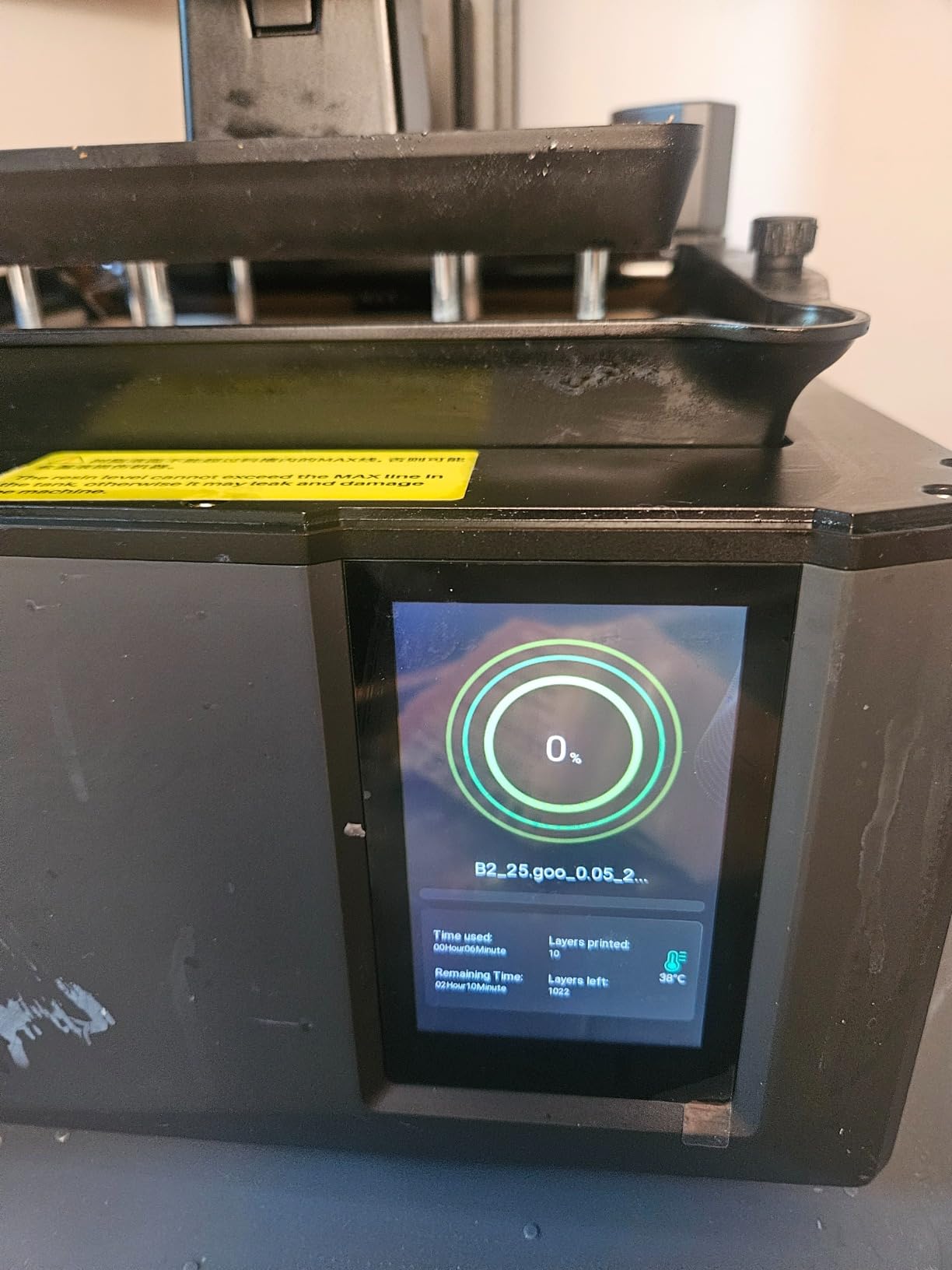
Best for a first resin printer and for Wi-Fi batch monitoring
Buy this if you have never printed resin and you want working prints on day one with a Wi-Fi workflow. The combination of self-leveling, tilt release and a remote camera means the three hardest parts of resin printing are all handled by the machine rather than by you.
It is also a strong second machine for anyone already printing. Owners run several machines from one device with Wi-Fi cluster printing, which is how a small business turns out consistent tabletop products without a dedicated technician.
Less suitable if you want to reach into the machine or pour resin precisely
Two physical details annoy repeat owners. The lid has no hinges and has to be fully removed to open, and the resin spout is rounded, which makes controlled pouring harder than on a machine with a squared, chamfered opening.
The camera is also easily blocked by tall builds, so on a plate of large models you get a partial view. And the build plate is on the small side for single-piece projects like a full bust, so plan on printing tall items individually or in pairs.
3. Elegoo Saturn 4 Ultra 16K – best for display-grade detail
ELEGOO Saturn 4 Ultra 16K Resin 3D Printer
16K monochrome LCD
Intelligent tank heating at 30 C
Tilt release at 150 mm/h
35.5 lb unit
Pros
- 16K panel captures very fine surface texture and crisp edges
- Heated vat at 30 C cuts bubbles and layer separation
- Automatic levelling makes it genuinely plug and play
- Chamber light and camera aid monitoring day or night
Cons
- Larger and heavier footprint than entry resin machines
- Bulky to move when the vat needs changing
- Camera and sensor features take time to configure
The Saturn 4 Ultra 16K is the display-case answer. Its 16K monochrome panel is the highest pixel count of the group, and owners single out the surface texture it holds on cloaks, hair and engraved detail as the reason to stretch for it over a 10K or 14K machine.
The heated vat is the underrated feature. Holding the resin at 30 degrees drops its viscosity, which reduces the bubbles that normally sit in the first few layers and cause the pitted, holey surfaces that ruin a face. On a machine that already resolves the detail, removing the defects matters as much as adding pixels.
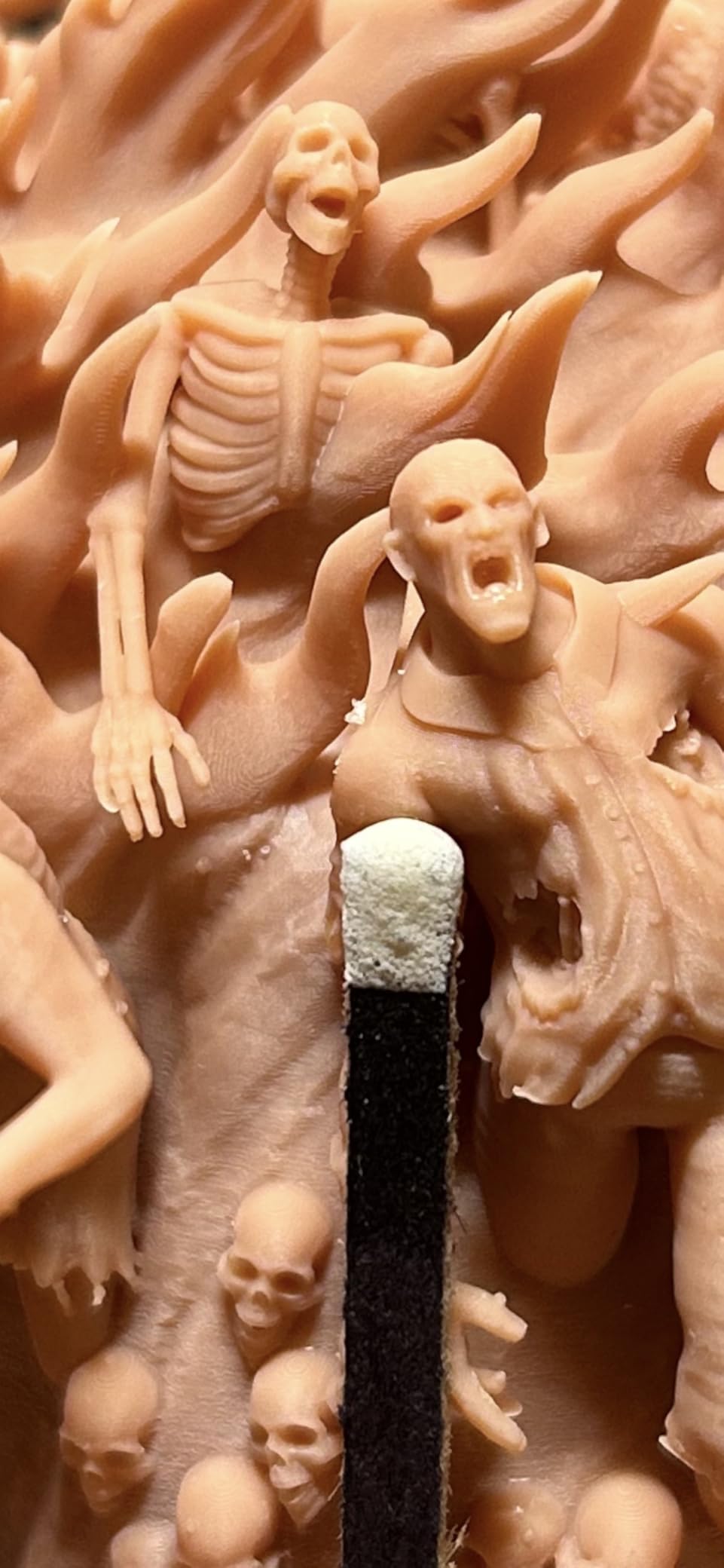
Auto-leveling, tilt release and the residue sensor make it a set-and-forget machine once you have an exposure profile. The 4.2-star average sits slightly below the leaders, and the reason is visible in the review breakdown: 13 percent one-star ratings, and the complaints are about the size and weight of the unit rather than the prints.
That is a fair trade if you have a dedicated shelf. At 35.5 pounds and 24 by 17 by 15 inches, this is not a machine you carry between rooms, but the chamber light and camera mean you rarely need to lean over it anyway.
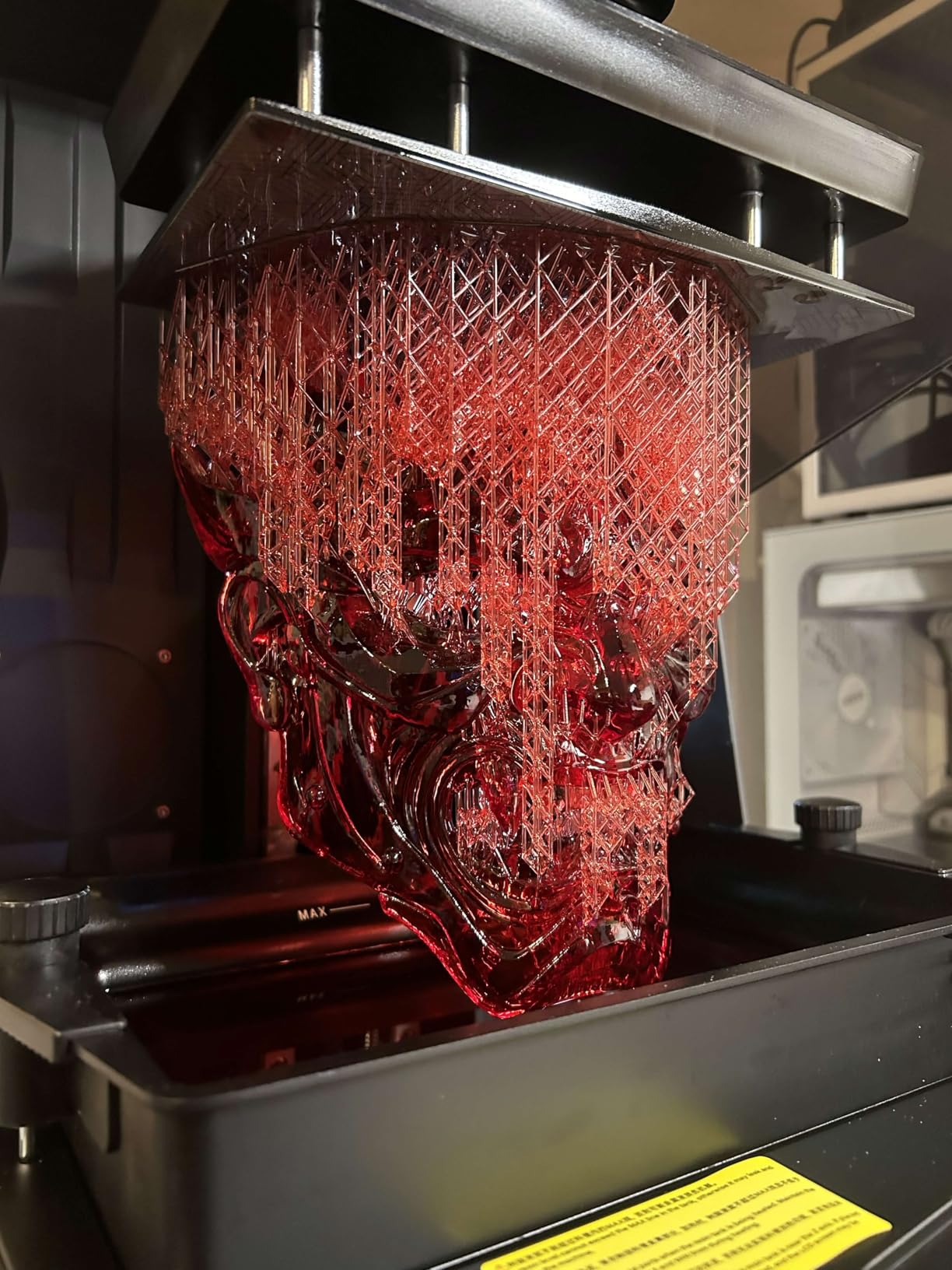
Best for busts, display models and anyone printing to a strict quality bar
If your models live on a shelf at arm’s length rather than on a game table, this is the machine. The 16K panel plus the heated vat is the combination that produces surfaces you can prime and paint without hiding defects, and 71 percent of owners rate it five stars.
It also suits mixed output. The tilt release mechanism means a plate of 28mm figures finishes fast, and the same machine handles a single centrepiece bust without a separate calibration.
Less suitable for a small desk or a first attempt at the hobby
The physical footprint is the honest drawback. It is the second largest machine in this roundup, it needs a stable surface, and moving it for a vat change or a level check is a two-person job in a tight room.
There is also a feature tax to consider. The camera, chamber light and sensor suite are excellent once configured, but newcomers report a real learning curve in getting the alerts and remote printing set up before the first print.
4. Anycubic Photon Mono M7 PRO 14K – Most Versatile for throughput
ANYCUBIC Photon Mono M7 Pro 14K Resin 3D Printer, 170mm/h Fast Printing
14K mono LCD at 16.8 x 24.8 um
Up to 170 mm/h printing
Temperature-controlled vat
33.3 lb
Pros
- Highest throughput in the group at 170 mm/h with high-speed resin
- 14K panel renders apertures as small as 0.3 mm
- Quiet operation and sturdy build quality
- Heated vat holds resin temperature for consistent layers
Cons
- Bundled slicer is unfinished with settings split between device and app
- ACF film can wear quickly in some units
- Auto resin refill only accepts branded bottles
The M7 PRO is the one to buy if the phrase army batch means something to you. With 2,066 reviews it has the largest owner base in this roundup, and the consensus is overwhelmingly about speed: 170 mm/h with high-speed resin at 0.1 mm layers, or 130 mm/h with standard resin.
Detail holds up at that speed. The 14K panel at 16.8 by 24.8 microns prints holes as small as 0.3 mm, which is the range where eyes, straps and weapon barrels start to become separate features rather than a single dark mass.
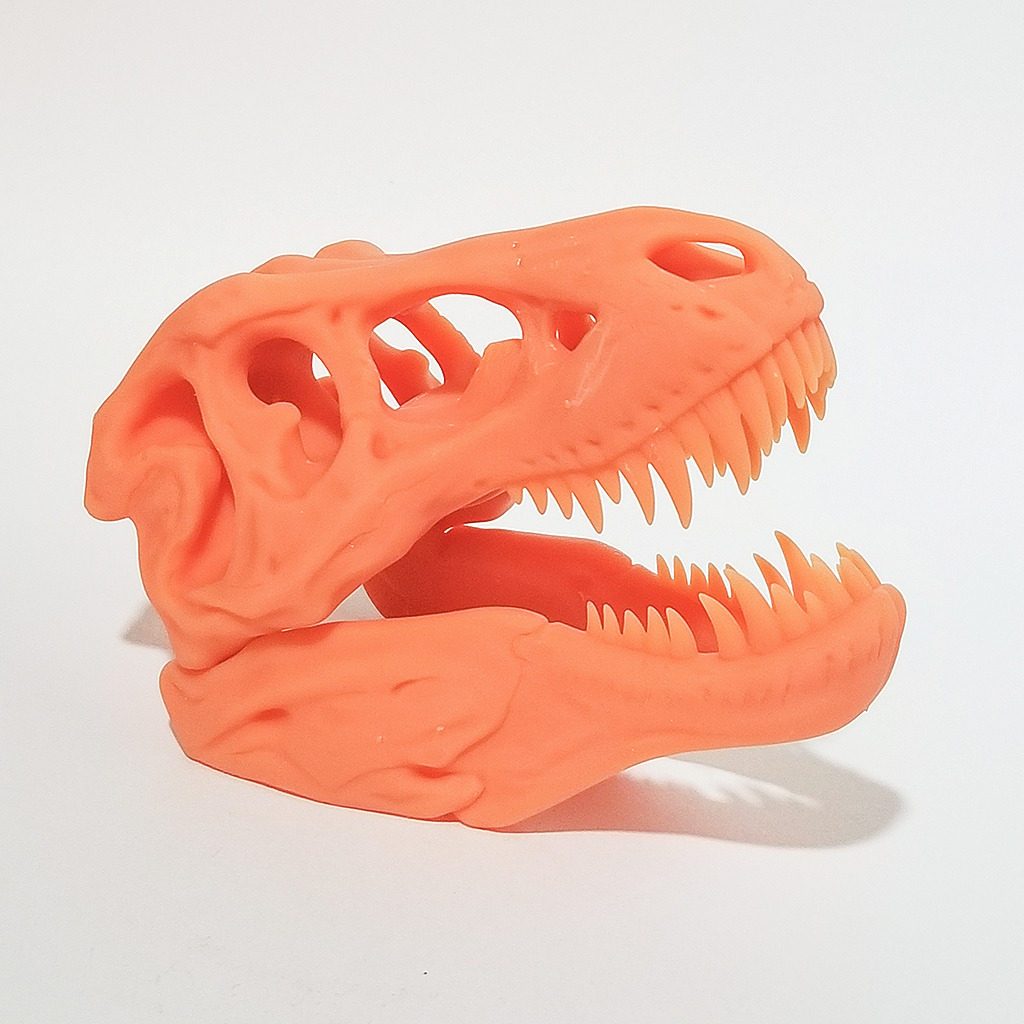
The COB LighTurbo 3.0 source uses Fresnel lenses and a three-degree light angle for over 90 percent uniformity across the panel, and the slicer ships with Anycubic resin profiles already tuned. Six intelligent detection types cover build plate installation, resin level and residue, which is useful when a job runs unattended.
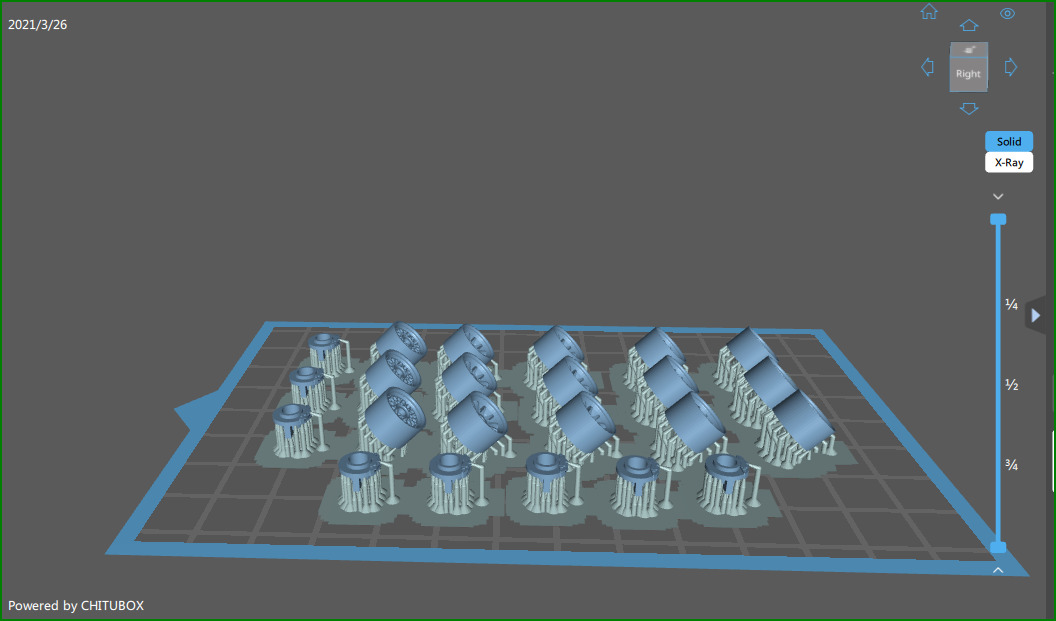
What we like most is the combination of the temperature-controlled vat, resin auto-fill and one-key recycling. On a machine you run overnight, not having to babysit the resin level is worth a lot, and 73 percent of owners rate it five stars.
Best for 32mm army batches, print farms and anyone optimising time per plate
This machine pays back its price through volume. A full plate of small figures that takes eight hours on a conventional lift-and-peel machine finishes in a fraction of that here, and the resin auto-fill keeps a multi-day run going without intervention.
It is also the sensible choice for two or three people sharing a workshop. Owners consistently describe the build quality as sturdy and the operation as quiet, so it works in a room where someone else is trying to concentrate.
Less suitable if you dislike vendor-locked consumables or bundled software
Two real caveats. The auto resin refill only accepts branded bottles, so you are steered towards Anycubic resin for unattended runs, and the ACF film is a wear item that some owners report tearing sooner than expected.
The bundled slicer is the other weak point. Settings are split between the device and the app, and the software still feels unfinished to owners. The fix is real, though: the community has a deep profile library, and experienced users generally slice in Lychee or Chitubox with an Anycubic device profile.
5. Phrozen Sonic Mini 8K S – best value tabletop machine
phrozen Sonic Mini 8K S LCD Resin 3D Printer, 7.1″ Monochrome LCD, Tabletop 3D Resin Printer with 22µm XY Resolution, 6.5 * 2.8 * 6.7 Inch Printing Volume for Models, Miniatures and Action Figures
7.1 inch 8K mono LCD
22 um XY resolution
Build volume 16.5 x 7.2 x 17 cm
22 lb
Pros
- Sharp 8K resolution at 22 um for detailed miniatures
- Compact body that fits small workspaces
- Accepts Lychee
- Chitubox and Tango slicers
- Simple Z-axis calibration improves first-layer reliability
Cons
- Small build volume limits larger models
- 8K panel sits below current 14K and 16K standards
- Phrozen software ecosystem is less integrated than rivals
The Sonic Mini 8K S is the long-running tabletop favourite, and its 4.4-star average across 157 reviews is one of the strongest in the set. It puts an 8K monochrome panel at 22 microns into a body small enough to sit on a desk, and it accepts the mainstream third-party slicers rather than locking you into one vendor profile.
That openness matters more than the spec sheet suggests. Experienced owners treat the community profile library for Lychee and Chitubox as the reason this machine has stayed relevant, and several recommended profiles for this printer are simply better than anything bundled in the box.
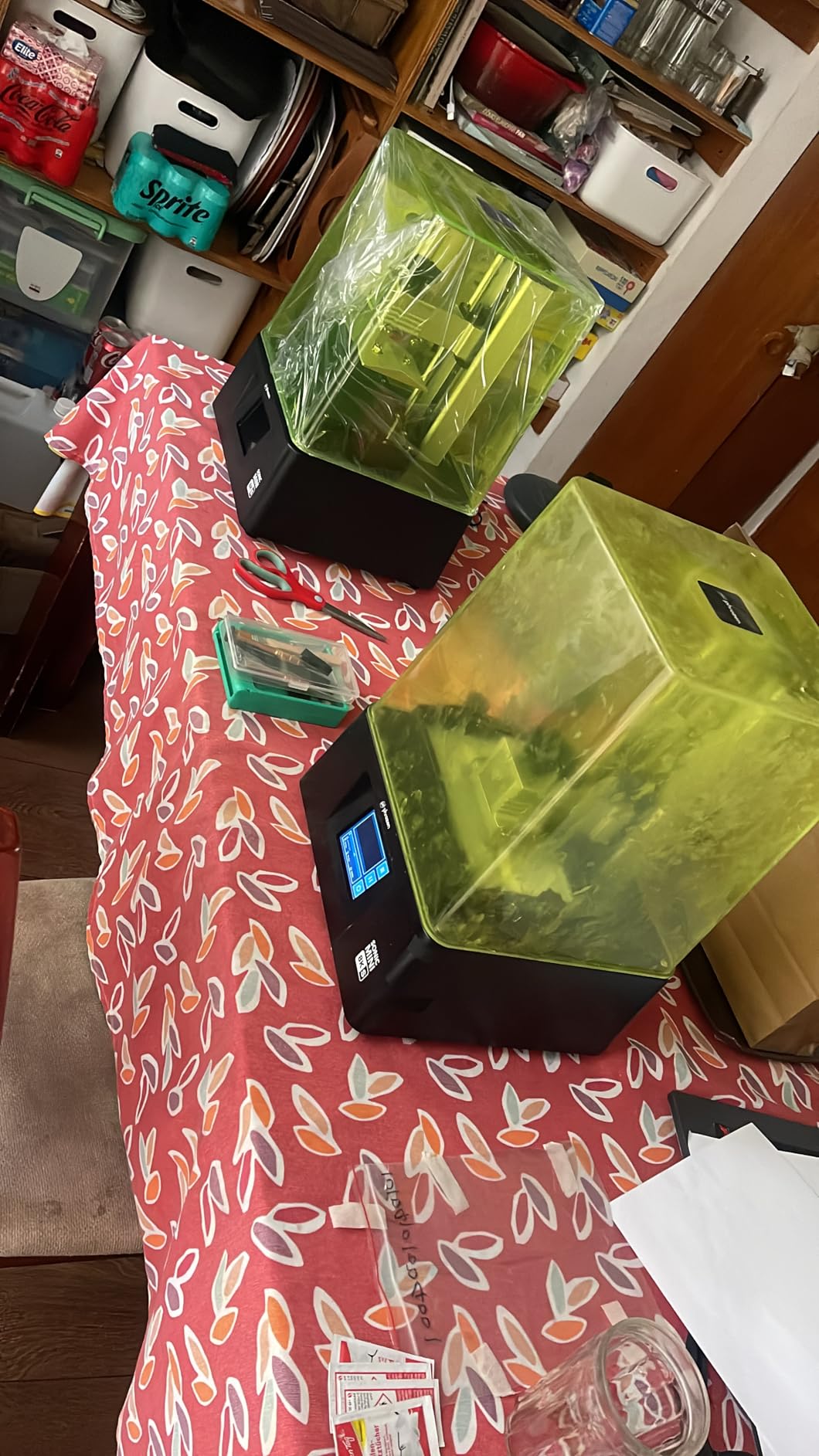
Precise Z-axis calibration is the quiet feature. Even layer consistency comes from a well-sorted screw and gantry, and it is the reason the first layer lands on the first attempt often enough to keep a beginner interested. A build load capacity up to 22 pounds covers a full plate of metal-heavy figures.
At 22 microns you are giving up resolution against the 10K and 14K machines here, and on a large 75mm-scale bust that difference is faintly visible in a macro shot. On a 28mm figure painted and based, it is not.
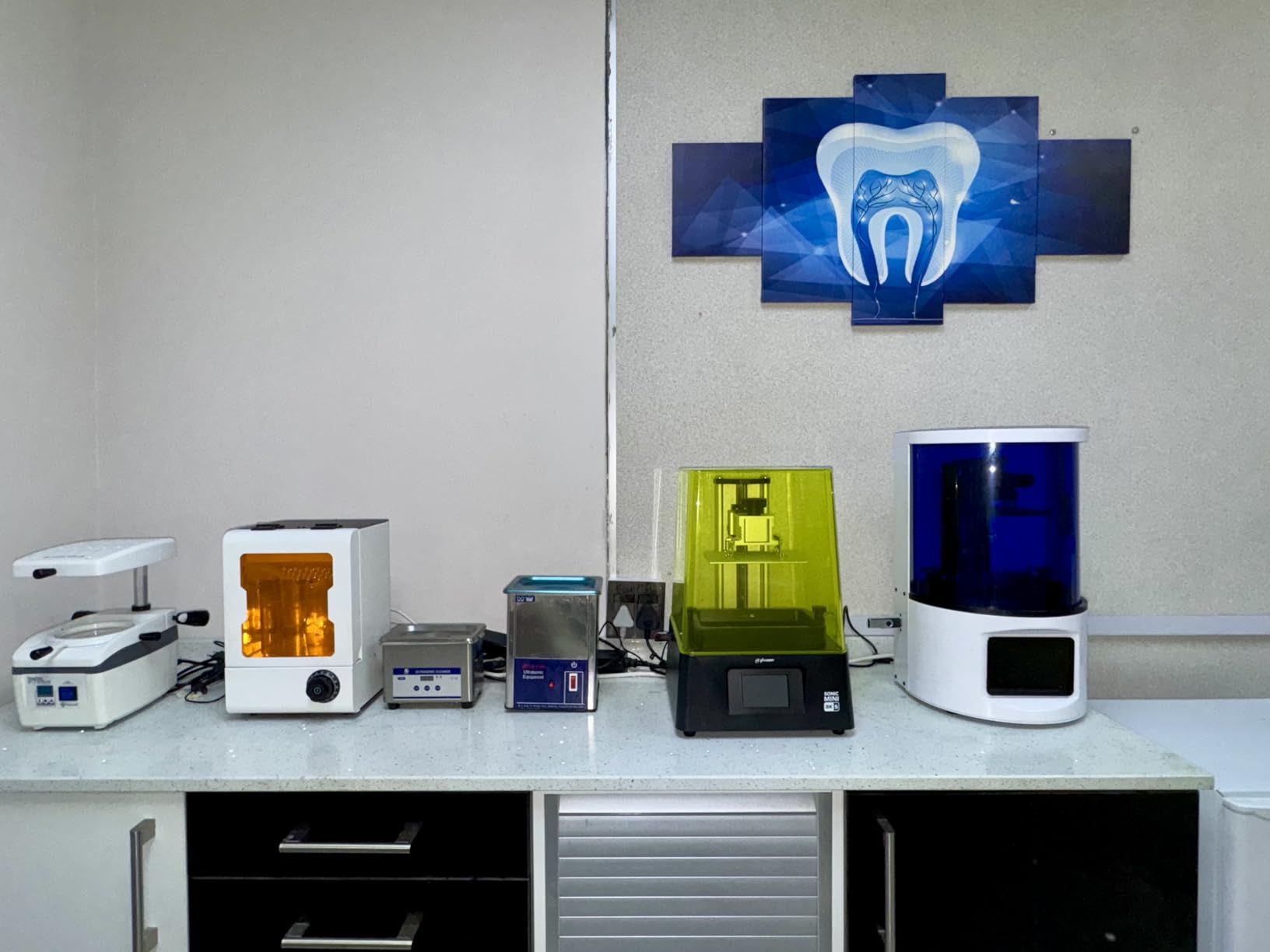
Best for hobbyists in a small space who want a proven, community-supported machine
This is the pick if your workspace is the constraint. The footprint is smaller than the larger Anycubic and Elegoo bodies, and 79 percent of owners rate it five stars for sharpness and ease of setup.
It also suits anyone who already knows how resin works and wants a second machine for batches, because the profile library means the learning curve is already paid for.
Less suitable if you need to print large single pieces or want vendor integration
The build volume of 16.5 by 7.2 by 17 cm is compact, and reviewers list the size limit as the main reason to look elsewhere. Terrain sections, big display bases and cosplay props are out of scope here.
Phrozen’s own software ecosystem is also less integrated than the competition. You will almost certainly slice in a third-party tool, which is fine if you are comfortable with that and mildly annoying if you expected a single app to do everything.
6. Creality Halot Mage S 14K – large screen, mixed reliability
Creality Resin 3D Printer Halot Mage S 14K, with 10.1″ HD LCD MSLA Mono
10.1 inch 14K mono LCD
Dynax+ closed-loop motion to 150 mm/h
27.5 lb
Pros
- 14K panel on a large 10.1 inch display below comparable rivals
- Large screen makes print progress easy to read
- Closed-loop motors and dual rails for consistent speed
- Integrated activated carbon air purifier reduces odor
Cons
- Lowest average rating in this group with a heavy one-star share
- Reports of firmware
- levelling and app connectivity friction
- Large footprint for a machine in this tier
On paper the Halot Mage S 14K is the most generous specification in this price bracket: a 14K panel at 16.8 by 24.8 microns on a 10.1-inch display, closed-loop motors, dual linear rails and Dynax+ mode running to 150 mm/h. The laser-carved build plate uses a three-layer Pictor release film, which also handles adhesion better than a bare plate.
It is also the only machine here with an integrated activated carbon air purifier. For anyone printing in a shared room, that is a genuinely useful feature rather than a line on a spec sheet, and it is why the machine is worth considering despite the rating.
Here is the problem. The 3.6-star average is the lowest in this roundup, and the review distribution shows 23 percent one-star ratings, which is far higher than anything else in the set. The complaints cluster around firmware, levelling and app connectivity rather than print quality, but reliability of the surrounding software is what you live with daily.
With only 64 reviews the sample is also thin, so a low average here is not proof the machine is bad. It is proof that the experience has been inconsistent for a meaningful share of owners.
Best for small-space printing where odour control matters more than brand polish
Choose this if you are printing in a room other people use and the activated carbon filter is the feature that makes that realistic. The large 10.1-inch screen also helps if you like to watch a long batch without leaning over the machine.
It is worth pairing with an independent community workflow. Slicing in Chitubox or Lychee with a Creality device profile sidesteps most of the HALOT OS friction that owners report.
Less suitable if you want a hands-off first machine or a large build volume
Two practical issues. The body is large for a machine in this tier, so it does not solve a small-space problem the way its competitors do, and the resin pump is an optional extra purchase that you may need for automatic refilling.
More importantly, the firmware and app connectivity complaints mean a higher share of your troubleshooting time goes into the machine rather than into the miniatures. If you want the least fuss, pick an Elegoo or Anycubic unit instead.
7. Anycubic Photon P1 14K – factory-calibrated auto-leveling
ANYCUBIC Photon P1 14K Resin 3D Printer with Auto-Leveling
10.1 inch 14K mono LCD at 16.8 x 24.8 um
Wave Release cuts release force 60 percent
Handles resin to 8,000 cps
29.7 lb
Pros
- Factory-calibrated Smart Leveling 3.0 with four-corner feedback
- Wave Release lowers peel force and failure rates
- 14K panel reproduces fine miniature detail
- Handles tough high-viscosity resins other machines cannot
Cons
- Newest release here with a small review base so far
- Large body for a desktop printer
- Pre-configured profiles tuned for Anycubic resins
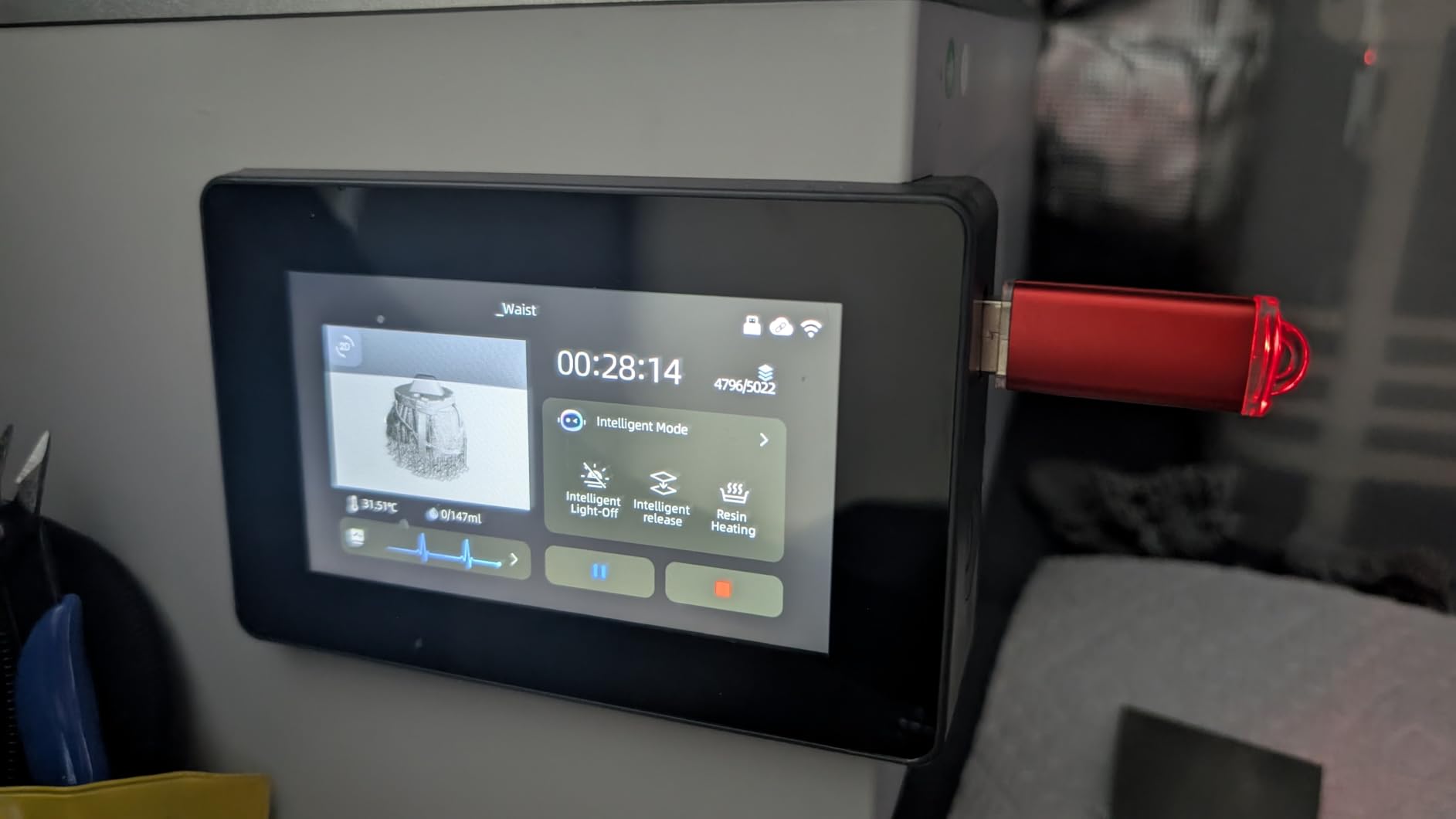
The Photon P1 is the newest machine in this roundup and the one that takes levelling most seriously. Smart Leveling 3.0 is calibrated at the factory with real-time four-corner pressure feedback, so the plate knows its own geometry and you do not run a levelling routine even once.
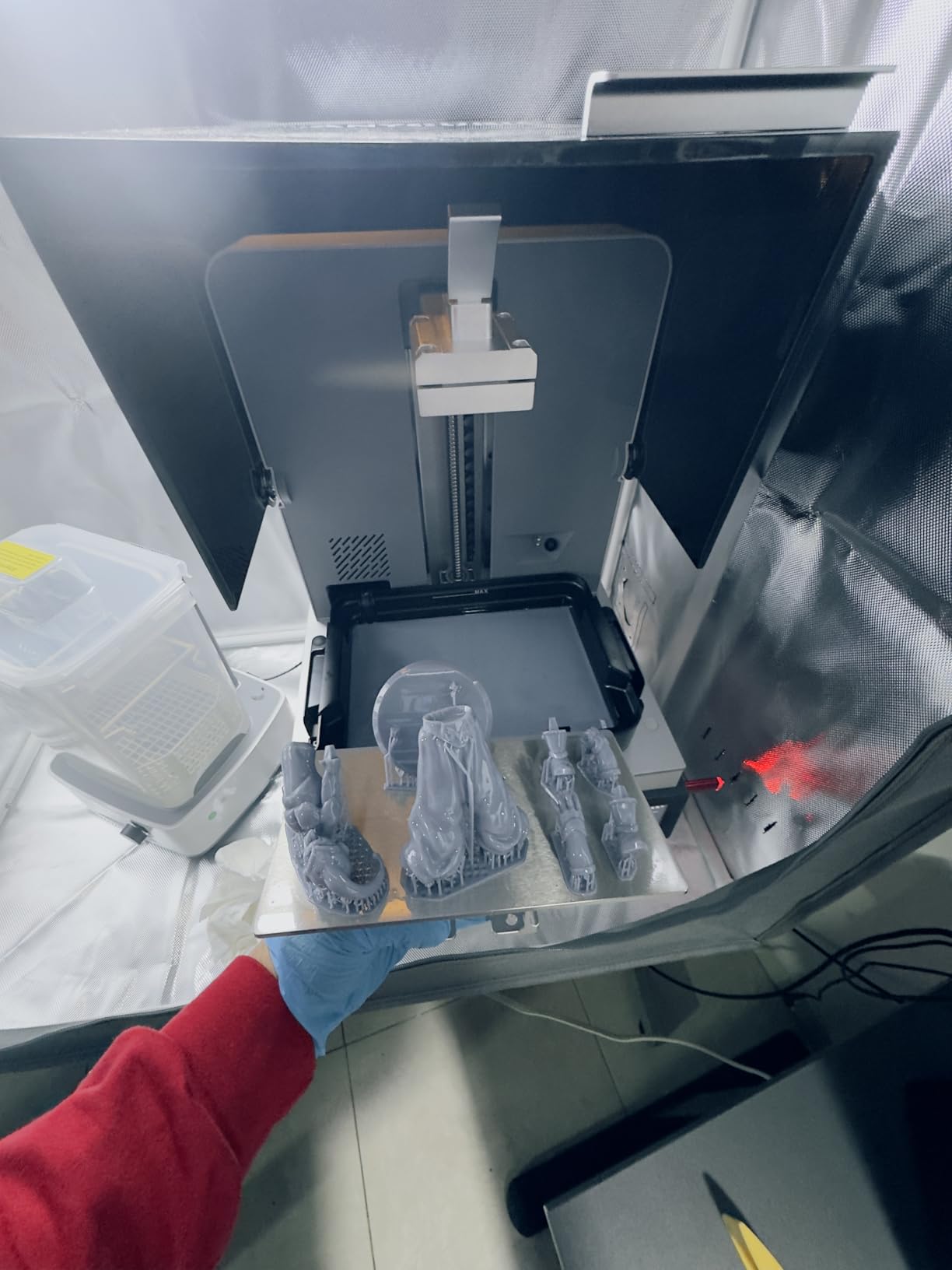
Wave Release Technology is the other headline. It generates a micro-airflow at the film that Anycubic claims cuts release force by 60 percent, which on a miniature is the difference between a clean part and a small piece of cloak snapped off at the shoulders.
On paper it is also the most capable viscosity machine here, handling resins up to 8,000 cps, which is a toughened or castable class material rather than a standard miniatures formulation. The 10.1-inch 14K panel prints apertures down to 0.3 mm, and the ball screw plus guide rail Z-axis keeps lift and lower vibration low.
Early sentiment is strongly positive, with 79 percent five-star ratings. The important caveat is the sample size: 58 reviews is the second smallest in the set, so long-term reliability data simply does not exist yet for this machine.
Best for owners who never want to level a plate again
If you have failed at resin because of levelling, or you are buying for someone who will not, this is the clearest answer in the roundup. Factory calibration means the machine arrives ready to print a known-good profile on day one.
It also suits anyone moving beyond standard grey resin into tough or castable formulations, because the viscosity ceiling is higher than the other desktop machines in this group.
Less suitable if you need established community profiles or a proven track record
With a 58-review base there is no long-term data, and machines of this age class accumulate owner knowledge over a couple of years. If you want a decade of community exposure profiles to draw on, an older platform is safer.
Also worth knowing: the shipped profiles are tuned for Anycubic resins, so switching brands means recalibrating. And at 29.7 pounds with a 16.93 by 24.41 by 16.54 inch body, it is not a small machine despite being a desktop unit.
8. Phrozen Sonic Mega 8K S – built for army batches and big models
phrozen Sonic Mega 8K S LCD/MSLA Resin 3D Printer, 43 µm High Resolution, 15 inch Mono LCD Screen, Fast Production Accurate Details, Large Printing Size L12.99xW7.28xH11.81 Printing Volume
15 inch 8K mono LCD
Build volume 33 x 18.5 x 30 cm
43 um XY resolution
57.3 lb
Pros
- Very large build volume for batch printing
- Claims 80 detailed 1/32 scale miniatures in under 90 minutes
- ACF film with TR300 resin for up to 10x faster printing
- Lift-up lid saves clearance in tight workspaces
Cons
- 43 um resolution is not sharp enough for intricate miniature detail
- No Wi-Fi
- camera or auto-levelling
- Reports of LCD
- main board or power supply failures
The Sonic Mega 8K S is the volume machine. A build volume of 33 by 18.5 by 30 cm means a full sheet of 1/32 scale figures goes down in one go, and Phrozen’s claim of 80 detailed miniatures in under 90 minutes uses ACF film with TR300 high-speed resin.
The lift-up lid is a real design decision rather than a detail. Instead of swinging the lid out, it lifts vertically, which saves both vertical and lateral clearance in a room where you cannot afford a 22-inch machine swinging into a wall.
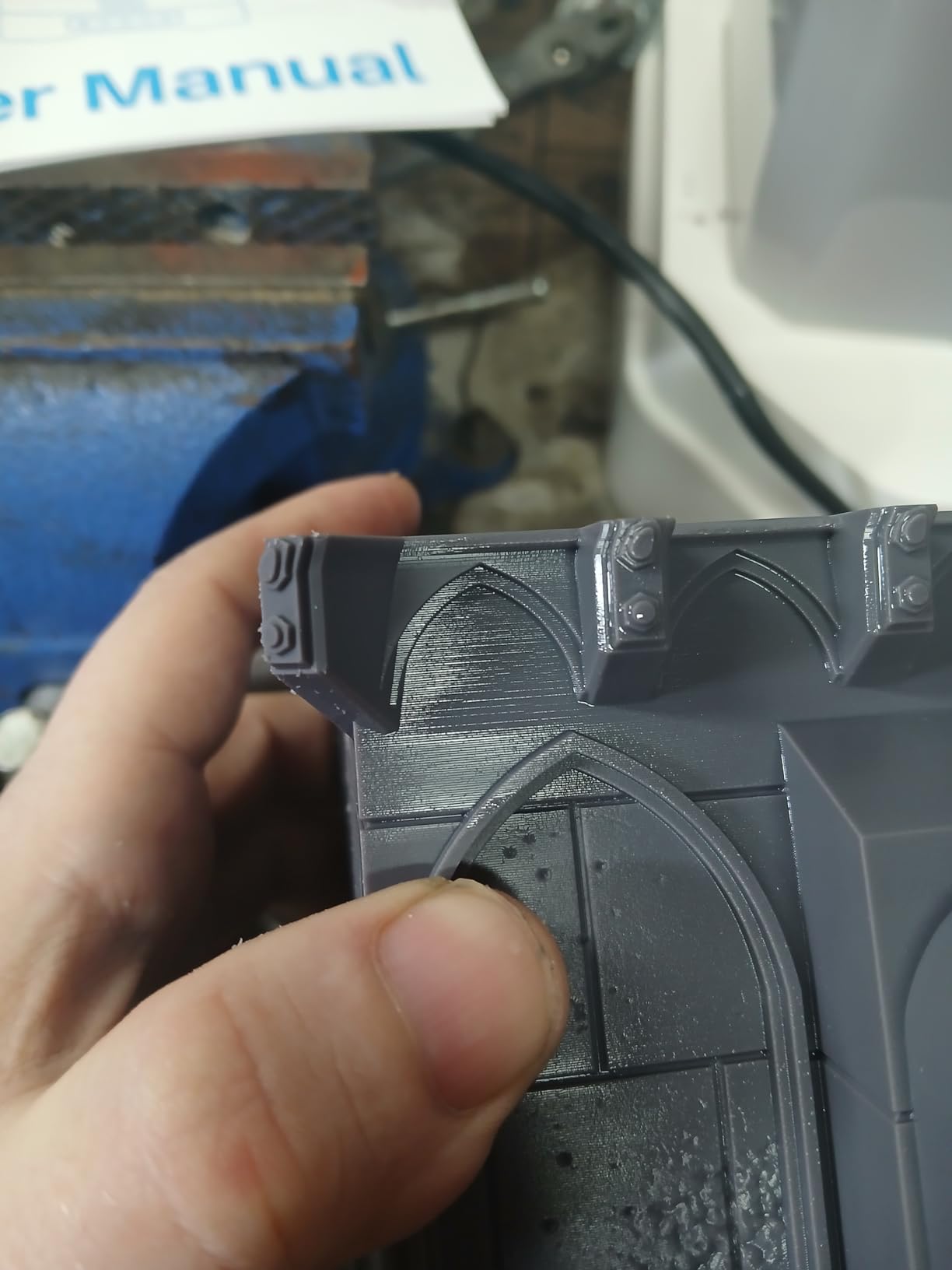
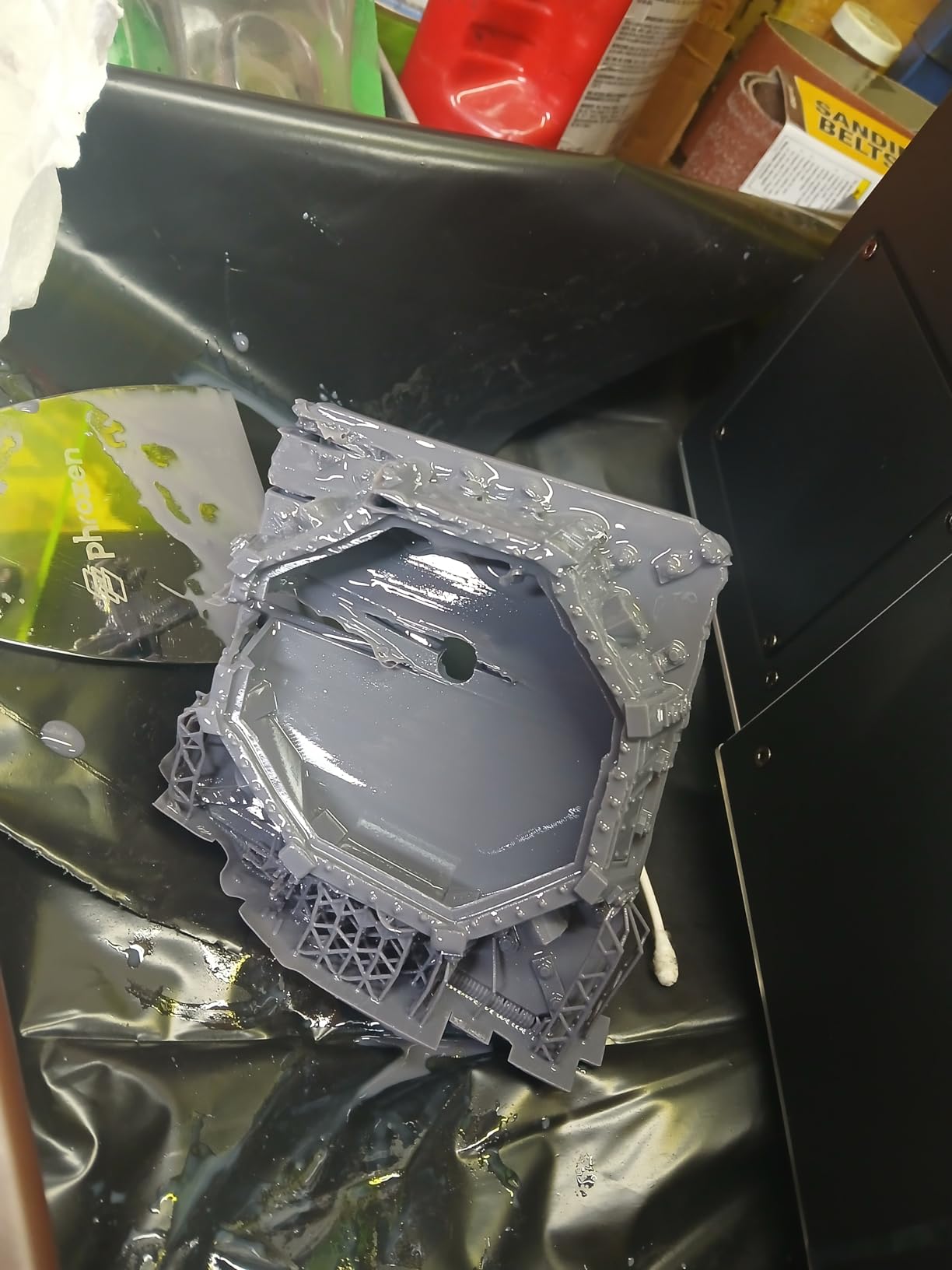
Now the honest part. The 15-inch 8K panel gives 43 microns in XY, which is the coarsest figure in this roundup and the one number that should stop a miniature painter. Reviewers are explicit that it is not sharp enough for highly intricate detail, and it suits large models with broad detail rather than small pieces.
There is also a 21 percent one-star share driven by LCD, main board and power supply failures, and no auto-levelling, camera or Wi-Fi to soften the experience. Owners who have it dialed in describe it as reliable for oversized work.
Best for large terrain pieces, big display models and print farms
This machine earns its footprint if your prints are physically large. A 33 by 18.5 by 30 cm bed handles a full diorama base, a wall of 32mm figures, or cosplay props in a way none of the others here can, and the metal drip hanger recovers resin and keeps the workspace cleaner.
Pair it with terrain work rather than hero pieces, and it becomes a genuinely productive tool for a studio that produces scenery for other people’s painted minis.
Less suitable for detailed hero miniatures or a beginner’s first machine
If your entire interest is a 28mm character with fine face detail, 43 microns will disappoint you, and a 10K or 14K machine at a fraction of the cost will look better on the shelf. The reviewers say this plainly in their own words.
At 57.3 pounds, with reports of electronics failures and no auto-levelling, this is also the least forgiving machine to learn on. We would run this alongside a smaller detail printer rather than as a first purchase.
How to choose a resin 3D printer for miniatures?
The single most useful rule: buy for pixel pitch and peel behaviour, not for the number in the product name. Everything else on the box is a bonus. Here is how the five criteria that actually matter stack up, plus the honest answer on when resin is the wrong purchase.
XY resolution in microns is the only number that changes how a mini looks
Resolution is the distance between the centres of two adjacent pixels on the masking LCD, and it sets the thinnest gap the printer can hold. A human hair is about 70 microns thick. At 17 microns, as on the Anycubic Photon Mono 4, the printer can resolve detail well below a hair’s width, which is why faces and fabric texture survive.
The K number is a marketing shortcut, not a resolution. A 14K panel can have worse pixel pitch than a 12K panel if it is physically larger, which is exactly what happens on the 10.1-inch 14K screens in this group: they land at 16.8 by 24.8 microns. Always check the micron figure, and if the listing does not show it, assume the worst.
For a 32mm miniature the practical threshold sits around 25 microns. Below that, printed detail is finer than what you can resolve after sanding, priming and a matte topcoat. Above 35 microns, faces start to look slightly soft in raking light, and that is precisely where the Phrozen Sonic Mega 8K S sits.
Tilt release and tilt vat mechanisms cut failures, not marketing
Every resin print is a tug of war. The cured layer sticks to the film, and the machine has to break that bond without tearing the layer it just made. Conventional printers pull straight up, so the force is concentrated on the smallest cross-section of the part, which on a miniature is a cloak, a raised shield edge or a raised arm.
Tilt release mechanisms, used by the Elegoo Mars 5 Ultra, the Saturn 4 Ultra 16K and the Anycubic M7 PRO, rock the vat during the lift so the peel force spreads across the whole part. The Anycubic Photon P1 takes a different route with a micro-airflow system that claims a 60 percent reduction in release force.
Owners consistently report the same practical result: fewer snapped supports, fewer parts welded to the film, and shorter print times because the machine can lift faster without risking the print. The community debate about whether tilt systems are worth it lands on the same answer from both sides. They do not make failures impossible, but they remove the single most common hardware failure for small parts.
Build volume: most miniatures never need a big bed
Here is the counterintuitive point that competitors repeat. A 28mm or 32mm figure needs about 75 by 75 by 100 mm of space, which fits inside a build volume of 165 by 72 by 170 mm. Oversizing your machine for miniatures is paying for capacity you will use exclusively for terrain and props.
Decide what you actually print. Figures and busts fit anywhere. Terrain, diorama bases and cosplay helmets need real volume, and there is a point past roughly 200 mm in Z where tilting vats also stop being practical because the part can no longer be supported. If your output is more than about 80 percent small models, the compact machines win on every other axis.
Resin versus FDM: buy resin for figures, filament for terrain
Resin is better for miniatures and filament is better for almost everything else. Resin resolves detail below the diameter of a plastic line, produces a surface that sands and primes cleanly, and needs no supports touching visible detail. Filament is cheaper per cubic centimetre, prints large parts easily, runs quietly with no fumes, and is far easier to live with in a small space.
The experienced view in the printing community is that you end up wanting both: resin for 28mm figures and busts, filament for terrain and scenery. That pairing is also the honest answer for anyone printing cosplay helmets or gaming tables, where resin buys you nothing you can see.
Our other buying guides on budget printers and laser printers cover the alternatives if resin is not the right fit for your space or your budget.
Ventilation, VOCs and safe handling
Uncured resin releases volatile organic compounds, which is the smell you will notice within minutes of opening a vat. A HEPA filter captures particles, not vapours, so an air purifier alone does not solve it. Activated carbon does, which is why the Creality Halot Mage S 14K’s built-in carbon filter is a real feature for small rooms.
Here is the sequence we recommend, and it is the same one experienced owners describe:
Print in a room you can ventilate, ideally with a window that opens, and keep the machine away from where you sleep or eat.
Run an activated carbon filter near the printer, or choose a machine with built-in carbon filtration. Treat a HEPA purifier as supplementary, not a replacement.
Wear nitrile gloves whenever you handle uncured resin, the vat, or a freshly washed part before its final cure.
Never pour uncured resin down a sink. Let it cure in the vat or in a foil tray and dispose of it as local rules require.
Wash parts in isopropyl alcohol in a separate container away from food preparation areas, and wear a respirator if you are sensitive to smells.
Fully cure prints under UV light before sanding or painting, so you are not handling uncured resin at your desk.
Owners report that once space and ventilation are sorted, most resin printers work well, and the community mood is confident rather than fearful. The problems come from setups that were never ventilated in the first place.
The failures almost every beginner hits, and what causes them
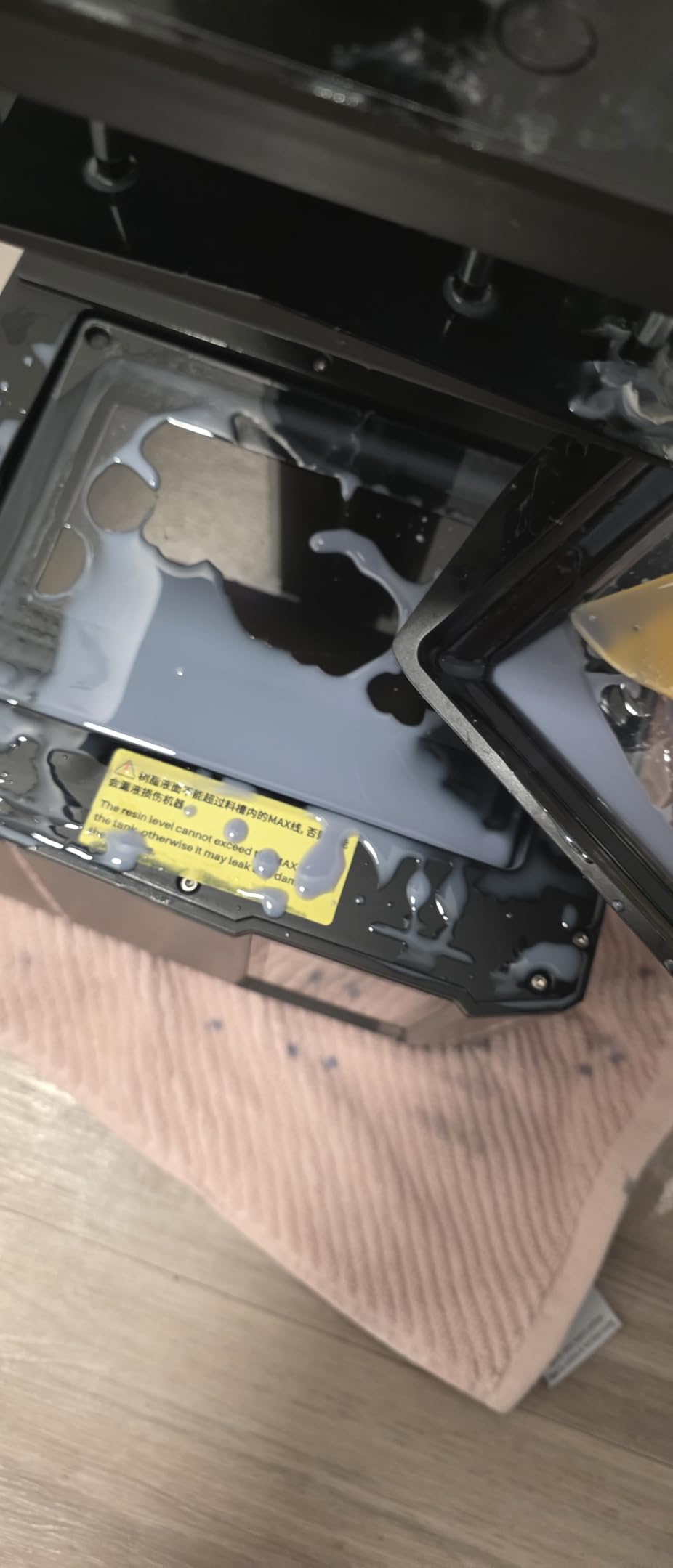
Prints sticking to the film at the bottom of the vat happen when exposure is too high for the first few layers, or when the plate is not seated flat. The cure burns through and bonds to the FEP rather than to the build plate. Fix it by lowering exposure, increasing the bottom layer count, and re-running plate levelling before you change anything else.
The other frequent problems follow a pattern. A part detaching mid-print means peel force exceeded layer adhesion, which is what tilt release mechanisms exist to solve. A part stuck to the plate and impossible to remove means the plate was under-cured at the base. Pitted or holey faces almost always come from bubbles, which is what the heated vats on the Saturn 4 Ultra 16K and the M7 PRO address. And a first layer that will not stick is a levelling or adhesion-film problem, not a resin problem.
Cold rooms cause their own set. Resin viscosity rises with temperature, and owners in unheated spaces report adhesion failures in winter that vanish in summer. If your workspace drops below about 18 C, that is your first suspect.
Resins and wash and cure: the purchases nobody budgets for
Budget for a second purchase before your first. Standard grey resin for detail work, a toughened resin for mechanical or handled parts, and a water-washable option if you would rather skip IPA entirely. Fine detail comes from the grey formulation, because pigment can hide micro-detail at a distance.
You also need a wash and cure station. Washing uncured resin off with a jar and a brush is a beginner’s shortcut, and owners who try it usually end up buying the station anyway. Cleaning parts properly before the final cure is what stops a miniature feeling chalky under a primer.
Then there are the consumables. FEP or ACF film, resin vats, filters and gloves are a recurring cost, and the masking LCD itself has a finite service life measured in print hours. Budget for a screen replacement eventually, and treat the vat and film as parts you replace rather than repair.
Frequently Asked Questions
Are resin printers better for miniatures?
Yes for figures, no for almost everything else. Resin resolves detail well below 20 microns, which is finer than a human hair, so facial features, chainmail and shield detail survive sanding and priming. FDM or filament is cheaper per print, produces no fumes, handles large terrain and props easily, and is the better choice if ventilation is impossible in your space.
Which resin 3D printer is the most accurate?
Accuracy tracks pixel pitch rather than the K number in the product name. In this roundup the Anycubic Photon Mono 4 sits at 17 by 17 microns, the Anycubic Photon M7 PRO 14K and the Creality Halot Mage S 14K at 16.8 by 24.8 microns, and the Elegoo Mars 5 Ultra at 18 microns. The Phrozen Sonic Mega 8K S is the coarsest at 43 microns.
How to properly vent a resin 3D printer?
Print in a room you can ventilate and keep the machine away from sleeping and food areas. Use an activated carbon filter near the printer, because a HEPA filter captures particles but not vapours. Wear nitrile gloves whenever you touch uncured resin or a freshly washed part, wash in isopropyl alcohol away from food areas, and fully cure prints under UV before sanding or painting.
Why are my resin prints sticking to the vat?
Usually exposure is too high for the first layers, or the build plate is not seated flat, so the cure bonds to the FEP film instead of the plate. Lower the exposure, add bottom layers, and re-run plate levelling. Tilt release mechanisms on the Elegoo and Anycubic machines reduce the force needed to lift a part and make this failure less common.
Do I need a wash and cure station?
Almost always yes. Washing uncured resin off properly before the final cure is what stops a miniature feeling chalky under primer, and a station with an integrated wash and UV cure does it faster and more evenly than a jar and a brush. Treat it as a second purchase to plan for rather than an optional extra.
The best resin 3D printers for miniatures: our final verdict
The Anycubic Photon Mono 4 is the best resin 3D printer for miniatures for most people in 2026. It pairs a 17-micron 10K panel with one-time plate levelling, holds a 4.4-star average across 667 reviews, and weighs 7.7 pounds, which is the rare combination of sharp, quiet and small in a category where those traits usually trade against each other.
Buy the Anycubic Photon Mono M7 PRO 14K instead if you print in bulk and time per plate is your bottleneck. Buy the Elegoo Mars 5 Ultra if resin is genuinely new to you and you want working prints with no levelling step. And buy the Elegoo Saturn 4 Ultra 16K only if your models live on a display shelf and you have a surface to put a 35-pound machine on.
Our pick from the rest of the field: the Phrozen Sonic Mini 8K S is the small-space and community-profile champion, the Creality Halot Mage S 14K is worth it specifically for built-in carbon filtration, the Anycubic Photon P1 14K is the auto-levelling done properly but too new to trust yet, and the Phrozen Sonic Mega 8K S is a batch and terrain machine whose 43-micron panel will disappoint anyone printing hero figures.
Before you buy anything, sort out ventilation and budget for a wash and cure station. Those two decisions matter more to whether you enjoy this hobby than the difference between a 10K and a 14K screen. For broader desk-space and hardware planning, our label printer guide covers the small-office hardware that tends to share that space.