
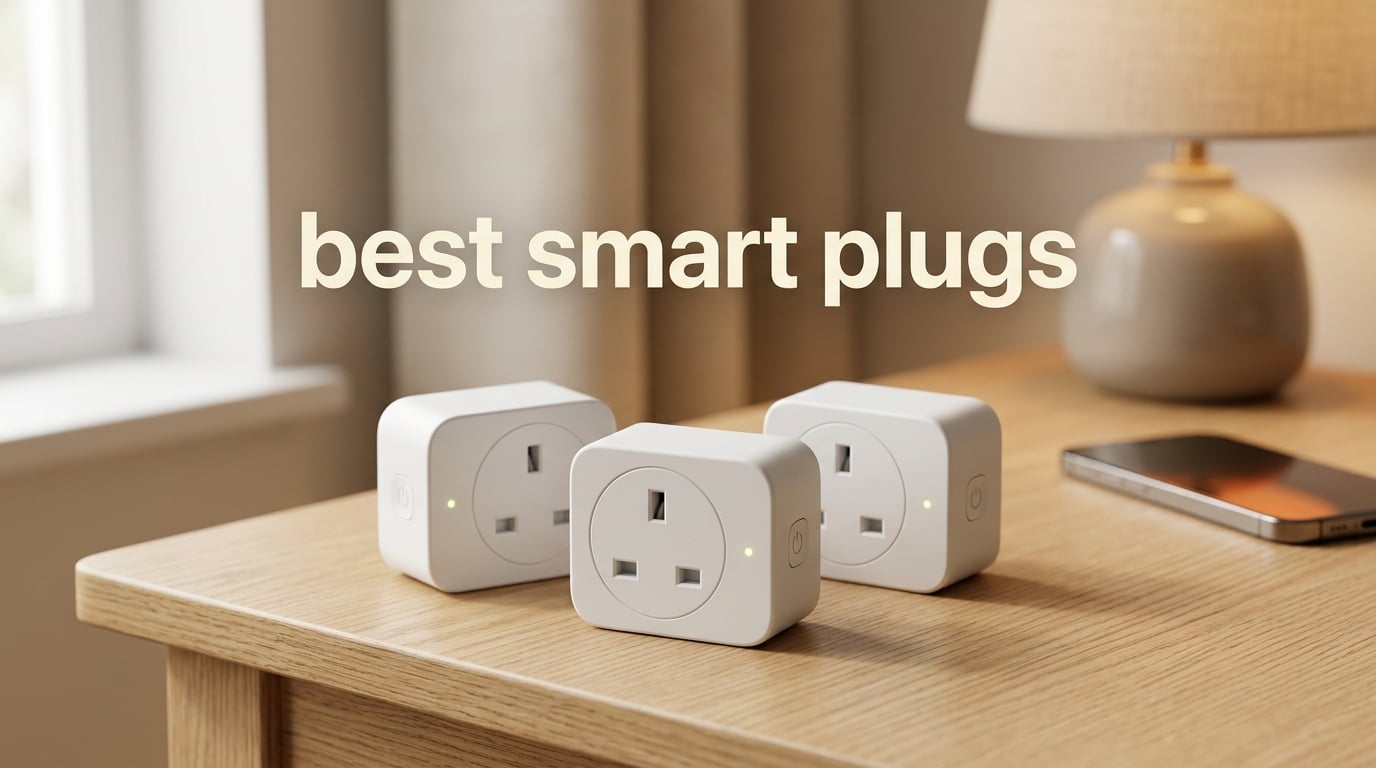
I have been testing smart home gear for over a decade, and smart plugs remain my favorite starting point. They are the cheapest, fastest way to make a “dumb” lamp, fan, or coffee maker feel modern. After weeks of plugging things in, unplugging things, and yelling at Alexa more than I would like to admit, I put together this roundup of the best smart plugs you can buy in 2026.
Our team compared 10 models across the major ecosystems (Alexa, Google Home, Apple HomeKit, SmartThings, and Matter) and tested them for setup speed, app quality, voice reliability, scheduling depth, and the small details that matter after a few months of daily use, like whether the plug blocks your second outlet and whether it reconnects after a Wi-Fi blip.
Smart plugs are also the most renter-friendly smart home upgrade you can make. There is no wiring, no drilling, and no permission required. You just plug one in, connect it to your 2.4 GHz Wi-Fi, and your old floor lamp suddenly responds to “Alexa, turn on the living room.” If you have ever wondered whether smart plugs are worth it, the short answer is yes, and we will show you which ones deserve your money below.
Table of Contents
Top 3 Picks at a Glance in 2026
If you only have a minute, here are the three smart plugs we recommend most often after our testing.

Amazon Smart Plug
- Works only with Alexa
- 2.4 GHz Wi-Fi
- Simple Alexa app setup
- Compact single-outlet design


EIGHTREE Smart Plug 4-Pack
- Alexa and Google via Smart Life
- 15A
- 2.4 GHz Wi-Fi
- 4-pack at a low price
Best Smart Plugs in 2026: Quick Overview
Here is a side-by-side look at all 10 smart plugs we tested, including compatibility, amp rating, and the use case each one fits best.
| Product | Specifications | Action |
|---|---|---|
| Amazon Smart Plug |
|
Check Latest Price |
| Kasa Smart Plug HS103P2 |
|
Check Latest Price |
 Kasa Smart Plug Ultra Mini EP10P4 Kasa Smart Plug Ultra Mini EP10P4 |
|
Check Latest Price |
 Govee Smart Plug 4-Pack Govee Smart Plug 4-Pack |
|
Check Latest Price |
 meross Smart Plug 4-Pack (HomeKit) meross Smart Plug 4-Pack (HomeKit) |
|
Check Latest Price |
 KMC Smart Plug Mini 4-Pack KMC Smart Plug Mini 4-Pack |
|
Check Latest Price |
| EIGHTREE Smart Plug 4-Pack |
|
Check Latest Price |
 Amazon Basics Smart Plug 4-Pack Amazon Basics Smart Plug 4-Pack |
|
Check Latest Price |
 Govee Dual Smart Plug 4-Pack Govee Dual Smart Plug 4-Pack |
|
Check Latest Price |
 Govee Smart Plug 15A 4-Pack Govee Smart Plug 15A 4-Pack |
|
Check Latest Price |
What Is a Smart Plug and How Does It Work?
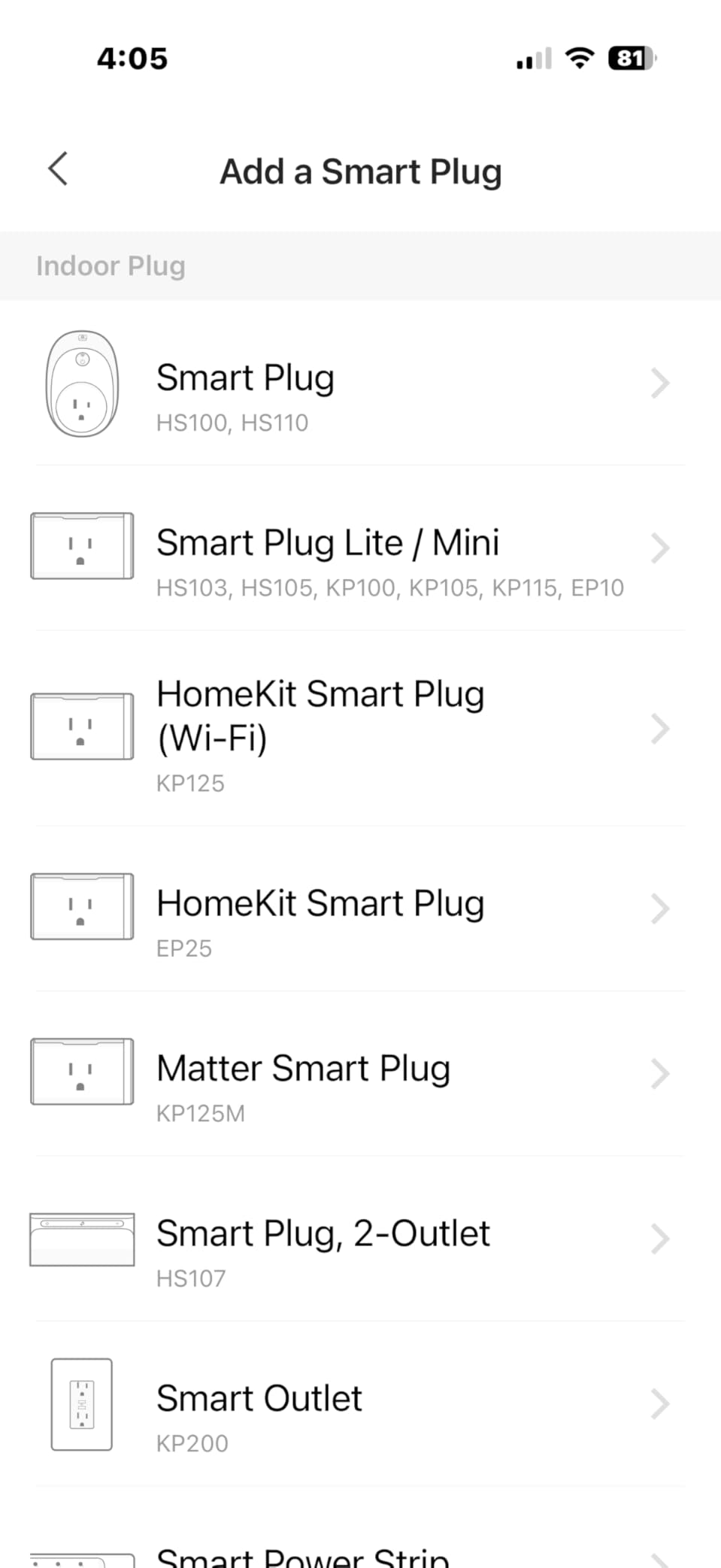
A smart plug is a small adapter that goes between your wall outlet and any device with a mechanical on/off switch. Inside the plug is a Wi-Fi (or sometimes Thread or Zigbee) radio and a relay. When you tap a button in the companion app or speak to Alexa, Google, or Siri, the relay clicks open or closed and power flows (or stops flowing) to whatever is plugged in.
Most smart plugs connect to your 2.4 GHz Wi-Fi network directly. That single detail trips up more first-time users than anything else, because modern routers broadcast both 2.4 GHz and 5 GHz under the same name. If your plug will not pair, the fix is almost always to temporarily split the bands or move closer to the router during setup.
Once connected, a smart plug lets you do four things that matter: turn devices on and off from anywhere, set schedules and timers (great for lamps and holiday lights), build routines with voice assistants, and (on supported models) monitor energy use in kilowatt-hours so you can see exactly what that old fridge in the garage is costing you.
1. Amazon Smart Plug – Editor’s Choice for Alexa Households
Amazon Smart Plug, Works with Alexa, Simple Setup, Endless Possibilities
Voice control via Alexa
2.4 GHz Wi-Fi
Compact design
Scheduling and routines
Pros
- Easiest setup of any plug we tested
- rock-solid Alexa voice control
- compact size keeps the second outlet free
- reliable reconnection after Wi-Fi or power loss
- no extra hub or app required
Cons
- Only works with Alexa (no Google Home or HomeKit)
- no energy monitoring
- premium price for a single outlet
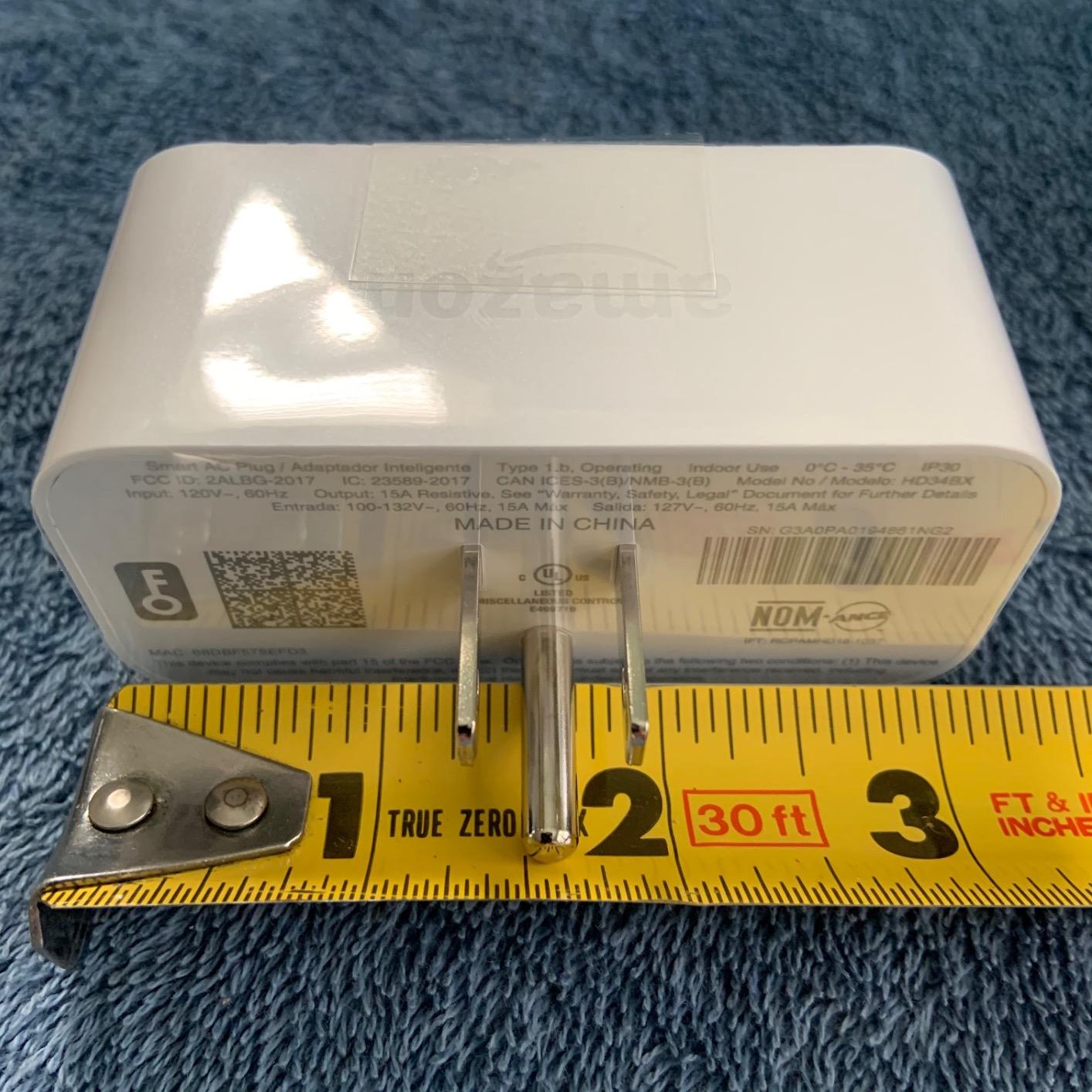
The Amazon Smart Plug is the benchmark every other Wi-Fi smart plug gets measured against. It does not try to do everything. It only works with Alexa, and that single-minded focus is exactly why it works so well. Setup is genuinely two minutes: plug it in, open the Alexa app, and the new device shows up automatically through Frustration-Free Setup.
I have three of these running lamps in my living room, bedroom, and hallway. I have never had one drop off the network or refuse a voice command. The compact housing is the reason I can fit two of them side-by-side in a standard duplex outlet, which most competitors still struggle with.
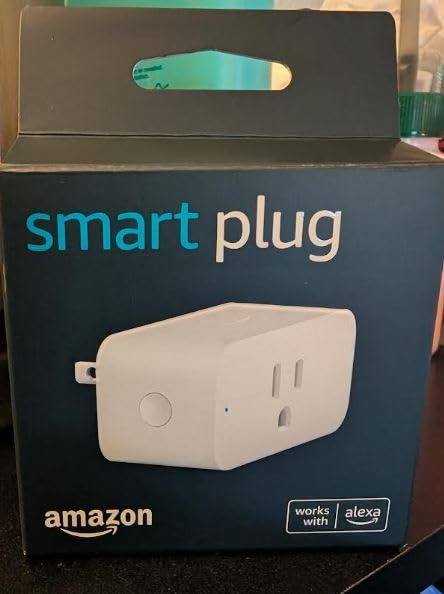
The plug supports the usual Alexa routines, sunrise and sunset scheduling, and Away Mode for vacation simulation. It also automatically reconnects after a Wi-Fi or power outage, which sounds minor until you have a router reboot at 2 AM and your other smart plugs refuse to come back online.
Where it falls short is ecosystem lock-in. There is no Google Home support, no HomeKit, and no energy monitoring. If your house runs on Google Assistant or you want to track kilowatt-hours, this is not your plug. But if you live in Alexa, this is the best smart plug on the market, full stop, with over half a million reviews averaging 4.7 stars to back it up.
Who it is best for
Anyone whose smart home runs on Echo devices and wants the most reliable plug with the least amount of fiddling. It is also ideal as a gift for non-technical family members because there is literally no third-party app to install.
Who should skip it
Google Home households, Apple HomeKit users, and anyone who wants per-outlet energy monitoring. If you want a plug that plays nicely with multiple ecosystems, look at the Kasa HS103P2 below or any of the Matter options.
2. Kasa Smart Plug HS103P2 – Budget Pick 2-Pack
Kasa Smart Plug HS103P2, Wi-Fi Outlet Works with Alexa, 2-Pack
15A resistive load
Alexa and Google Assistant
2.4 GHz Wi-Fi
UL certified
Pros
- Trusted by over 4 million users
- broad Alexa and Google Home support
- scheduling and countdown timers
- UL certified with 2-year warranty
- two plugs in the box
Cons
- Only 2.4 GHz Wi-Fi
- makes a noticeable click when toggling
- no HomeKit support
TP-Link’s Kasa line is the brand that comes up most often on r/homeautomation when people ask for a cheap, reliable, works-with-everything smart plug. The HS103P2 ships as a 2-pack, which makes it the cheapest per-plug option on this list from a brand with serious track record.
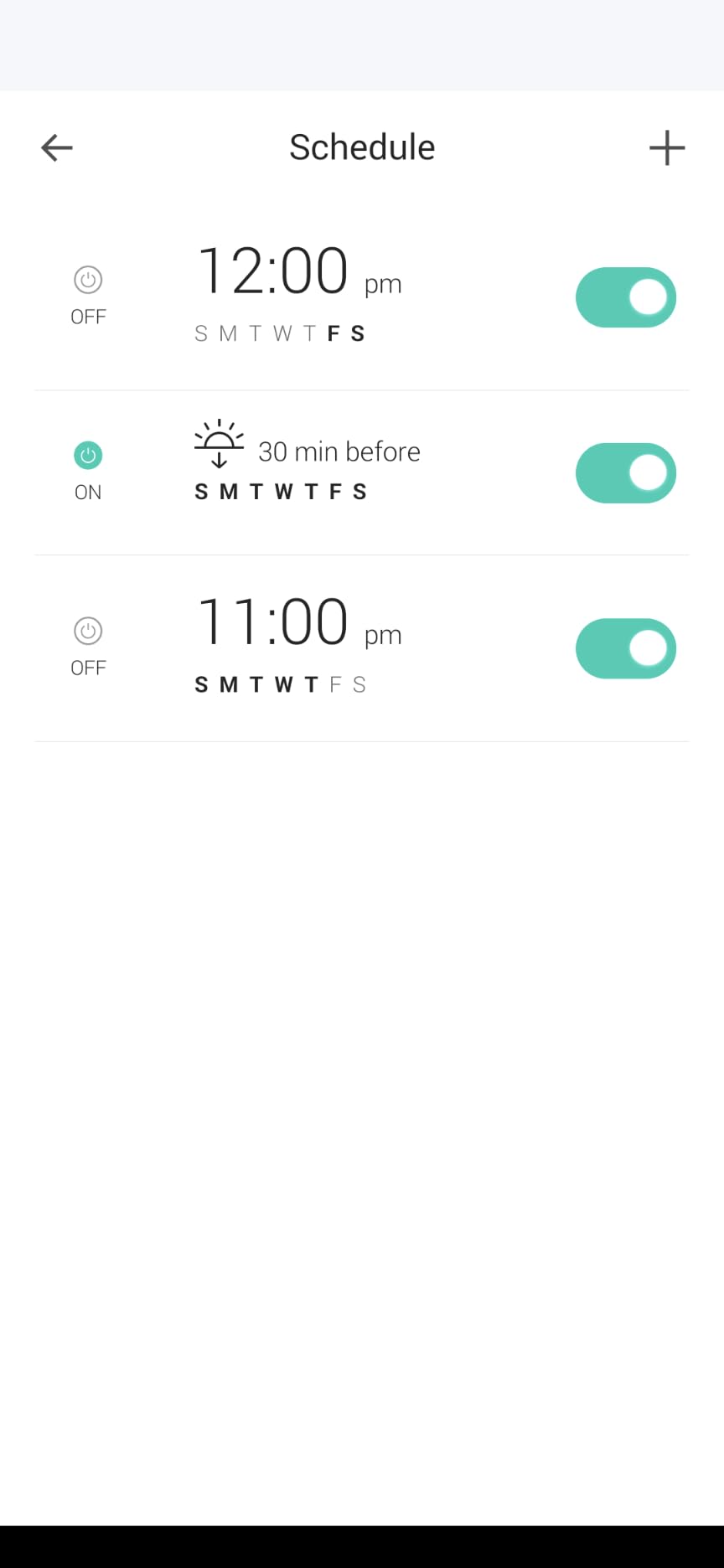
Setup through the Kasa app took me about 90 seconds per plug. Once on the network, both Alexa and Google Home discovered them instantly, no extra skill required. The Kasa app itself is one of the better ones in this category, with clean schedules, sunrise/sunset offsets, and a Random mode that turns lights on and off at unpredictable intervals to simulate occupancy.
For daily lamp control, fan automation, and a coffee maker that turns on with your morning routine, the HS103P2 is hard to beat. I have been running one on a bedroom fan for eight months straight without a single dropout.
Two things to know before you buy. First, like almost every smart plug in this price range, it only works on 2.4 GHz Wi-Fi, so make sure your router is not set to “5 GHz only.” Second, the relay is loud enough that you will hear a click when it toggles. In a quiet bedroom at night that can be annoying. For most living spaces it is a non-issue.
Who it is best for
People outfitting multiple rooms on a budget, especially renters who want something that just works with Alexa or Google Home and do not need HomeKit or energy monitoring.
Who should skip it
Apple HomeKit households (Kasa does not natively support HomeKit), and anyone put off by a relay click in a silent room.
3. Kasa Smart Plug Ultra Mini EP10P4 – Best for Compact Setups
Kasa Smart Plug Ultra Mini 15A, EP10P4, Smart Home Wi-Fi Outlet
15A load
Alexa, Google, IFTTT, SmartThings
2.4 GHz Wi-Fi
Ultra-mini form factor
Pros
- Smallest Kasa plug yet
- reliable Alexa and Google voice control
- broad ecosystem support including SmartThings
- 2-year warranty and UL certified
- fast Wi-Fi reconnection after outages
Cons
- No HomeKit support
- Google Home setup is slightly more involved than Alexa
- slightly larger than some true 'mini' competitors
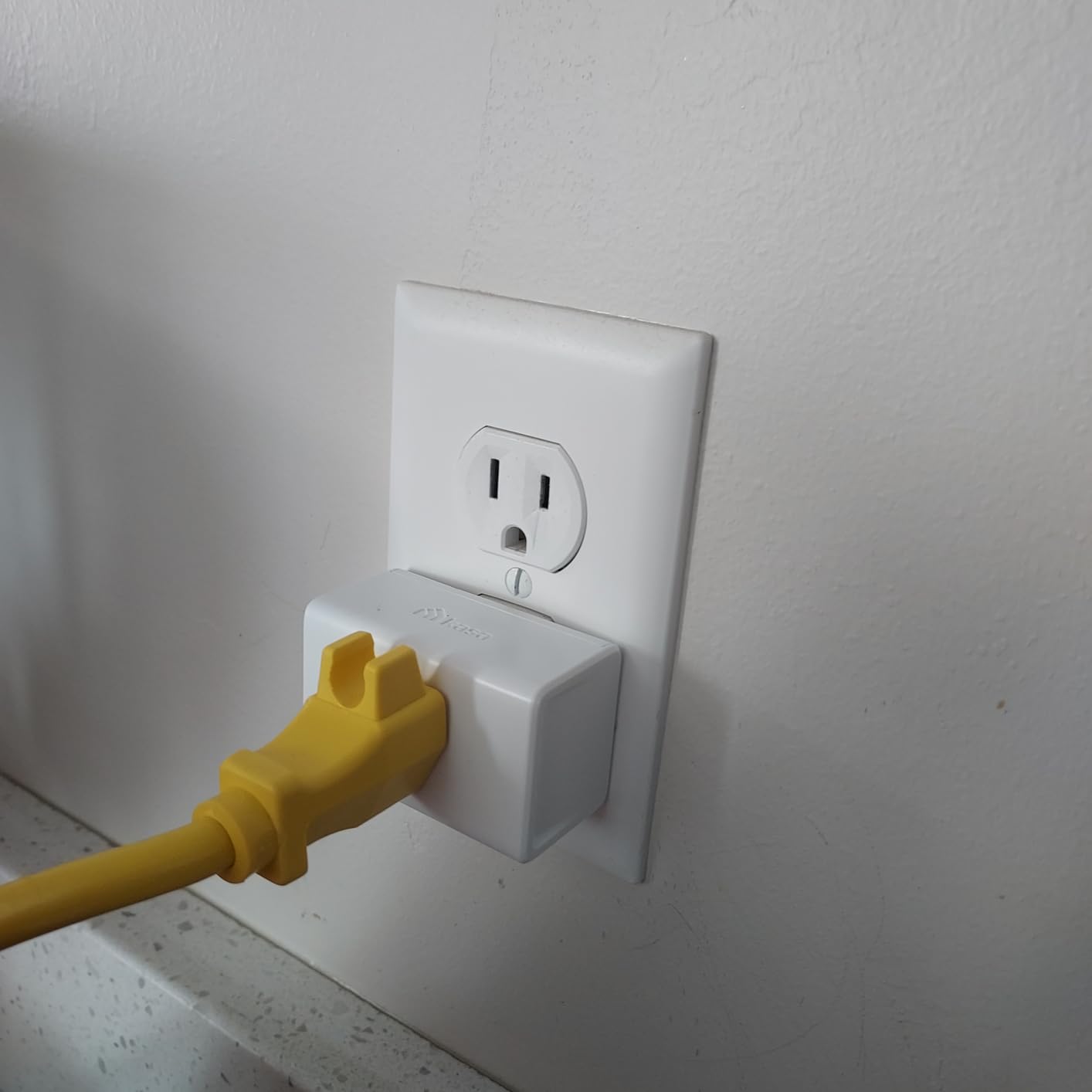
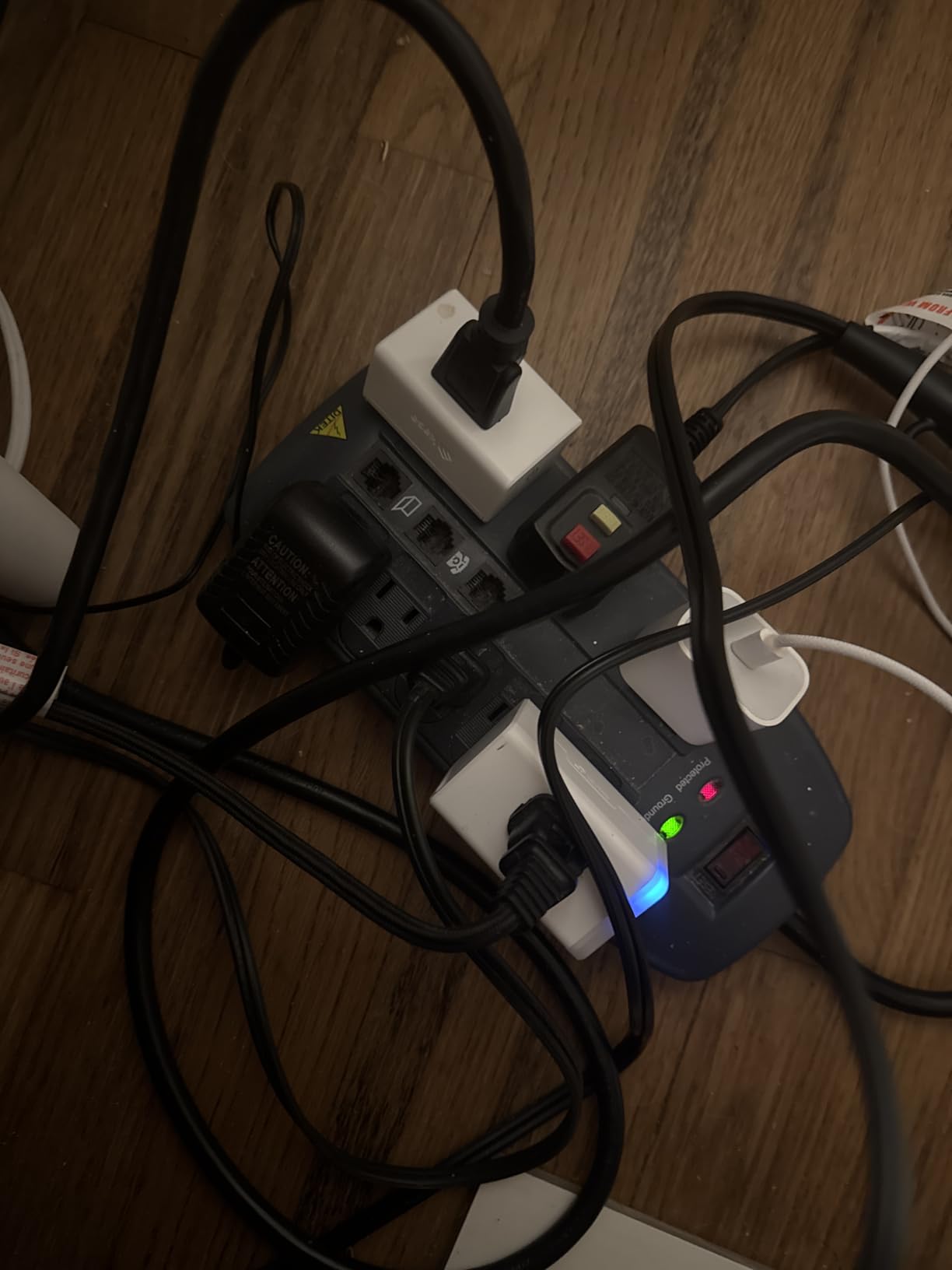
The EP10P4 is TP-Link’s answer to anyone who has ever lost a second outlet to a chunky smart plug. The Ultra Mini housing sits almost flush with the wall plate, which means two of them fit side-by-side in a standard duplex and you still have room for the plate screws.
I swapped the EP10P4 into a kitchen outlet that already had a coffee maker and an under-cabinet light plugged in. With the older HS103 I had to use a power strip. With the EP10P4, both plugs fit and both are smart. That alone makes it worth considering.
Ecosystem support is the widest in the Kasa lineup. Beyond Alexa and Google Assistant, you get IFTTT and native SmartThings integration, which is great if you use a SmartThings hub for the rest of your home. The Kasa app gives you the same scheduling, timer, and Away Mode features as the larger HS103, just in a smaller box.
The only real downside is the missing HomeKit support, which the more expensive meross plug below handles. And while the EP10P4 is small, it is not the absolute smallest plug on this list; that title goes to the Govee models.
Who it is best for
Anyone with crowded outlets behind furniture, in kitchens, or in home offices where you need two smart plugs in one duplex receptacle.
Who should skip it
Apple HomeKit users and people who want a true mini plug with absolutely no footprint on the second outlet.
4. Govee Smart Plug 4-Pack – Best for Multi-Room Setups
Govee Smart Plug, WiFi Outlet Compatible with Alexa & Google Assts, 4 pcs
10A, 1200W load
Alexa and Google Assistant
2.4 GHz Wi-Fi or Bluetooth
4-pack
Pros
- Bluetooth-assisted pairing speeds up setup
- reliable Alexa and Google Assistant integration
- compact size fits tight outlet pairs
- useful group controller and timer features
- strong value for a 4-pack
Cons
- Only supports 2.4 GHz Wi-Fi
- Govee app UI could be more intuitive
- 10A rating is lower than most competitors
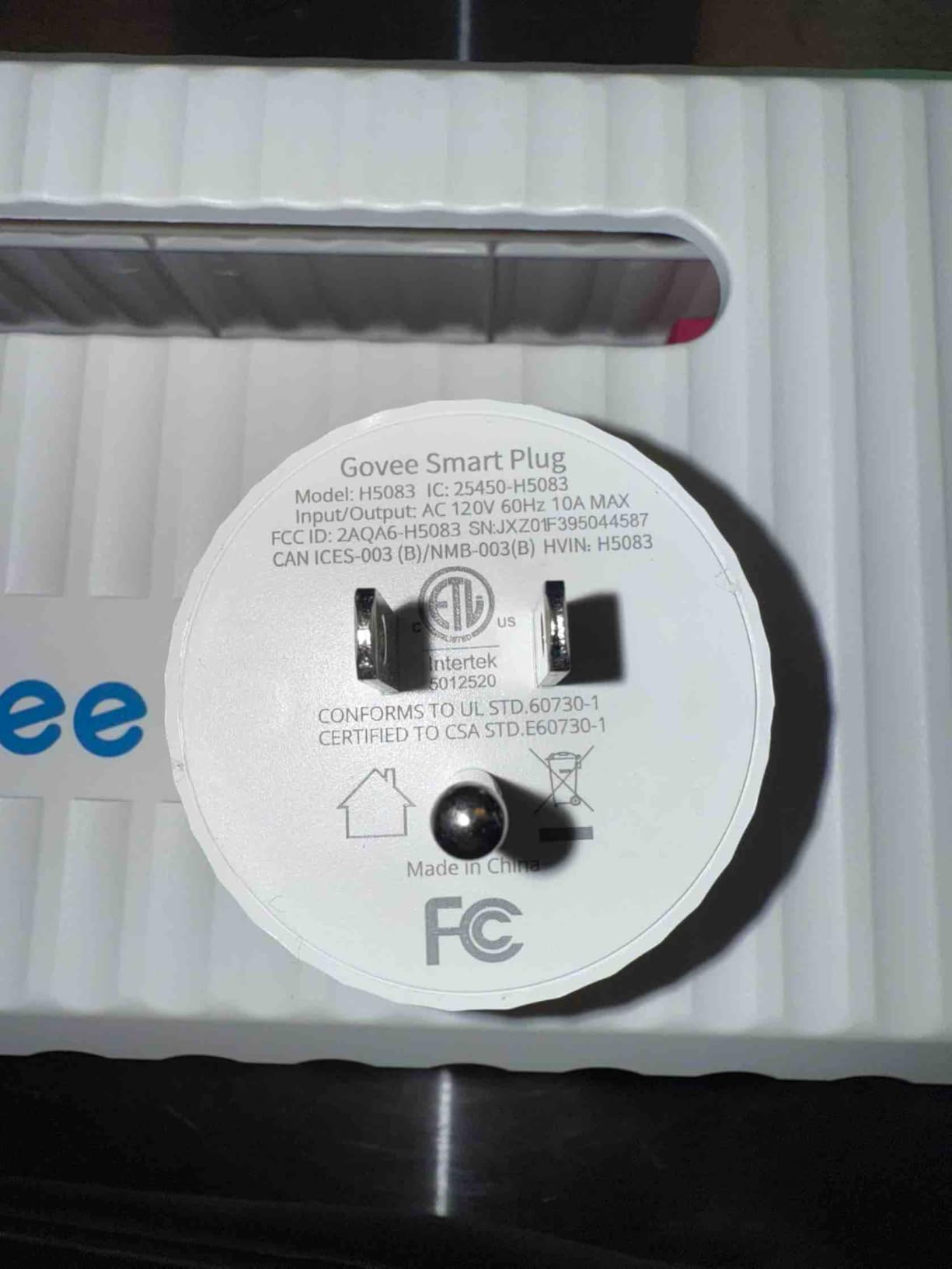
Govee’s standard smart plug is the one I keep recommending when someone asks, “I want to make 4 lamps smart, what is the cheapest way?” A 4-pack for roughly the price of two Kasa plugs, with both Wi-Fi and Bluetooth fallback for easier pairing.
The Bluetooth assist is the underrated feature here. When the Govee Home app sees a new plug nearby, it pairs over Bluetooth first and only then hands off to Wi-Fi, which avoids the usual 2.4 GHz/5 GHz dance that frustrates new users.
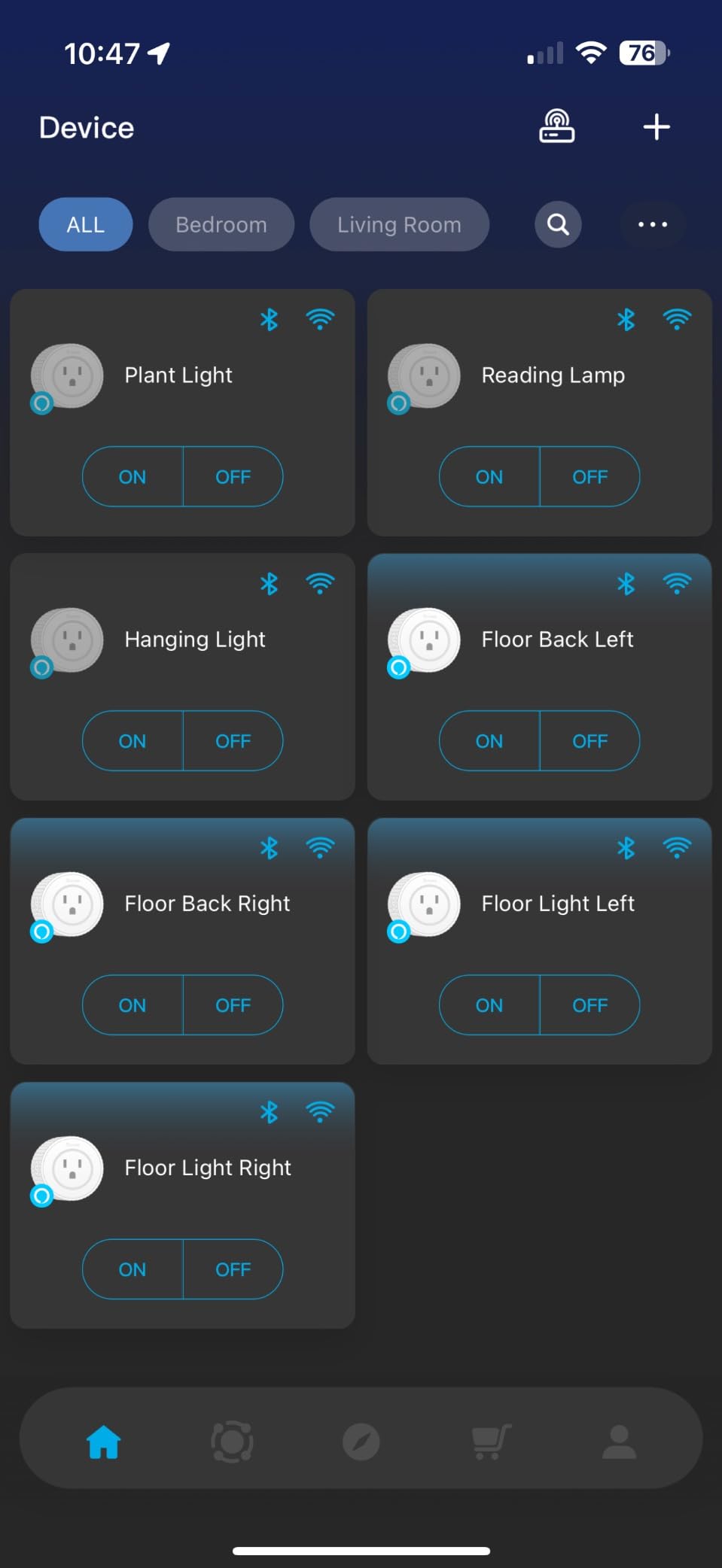
Group control is genuinely useful if you want to turn off all the holiday lights at once or kick on every lamp in the living room for movie night. Schedules are flexible and the app supports sunrise/sunset offsets tied to your location.
The two caveats are the 10A load rating (slightly lower than the 15A on most other plugs in this list, so skip it for space heaters or large appliances) and the Govee app, which works but is not as polished as Kasa or the Alexa app. For routine lamp, fan, and holiday light duty it is excellent value.
Who it is best for
Anyone rolling out smart plugs across multiple rooms on a budget, especially for lamps, fans, and small appliances that draw under 10 amps.
Who should skip it
Anyone planning to plug in space heaters, window AC units, or other high-draw appliances, since the 10A rating is the limiting factor here.
5. meross Smart Plug 4-Pack – Best for Apple HomeKit
meross Smart Plug 15A, Works with Apple HomeKit, Voice & APP Control 4 Pack
15A load
HomeKit, Alexa, Google
2.4 GHz Wi-Fi
ETL certified, 2-year warranty
Pros
- Native Apple HomeKit support out of the box
- also works with Alexa and Google Assistant
- compact housing allows two plugs in one outlet
- responsive in HomeKit automations
- solid 2-year warranty
Cons
- HomeKit setup can be tedious for first-timers
- only 2.4 GHz Wi-Fi
- some users report longevity concerns after 1-2 years
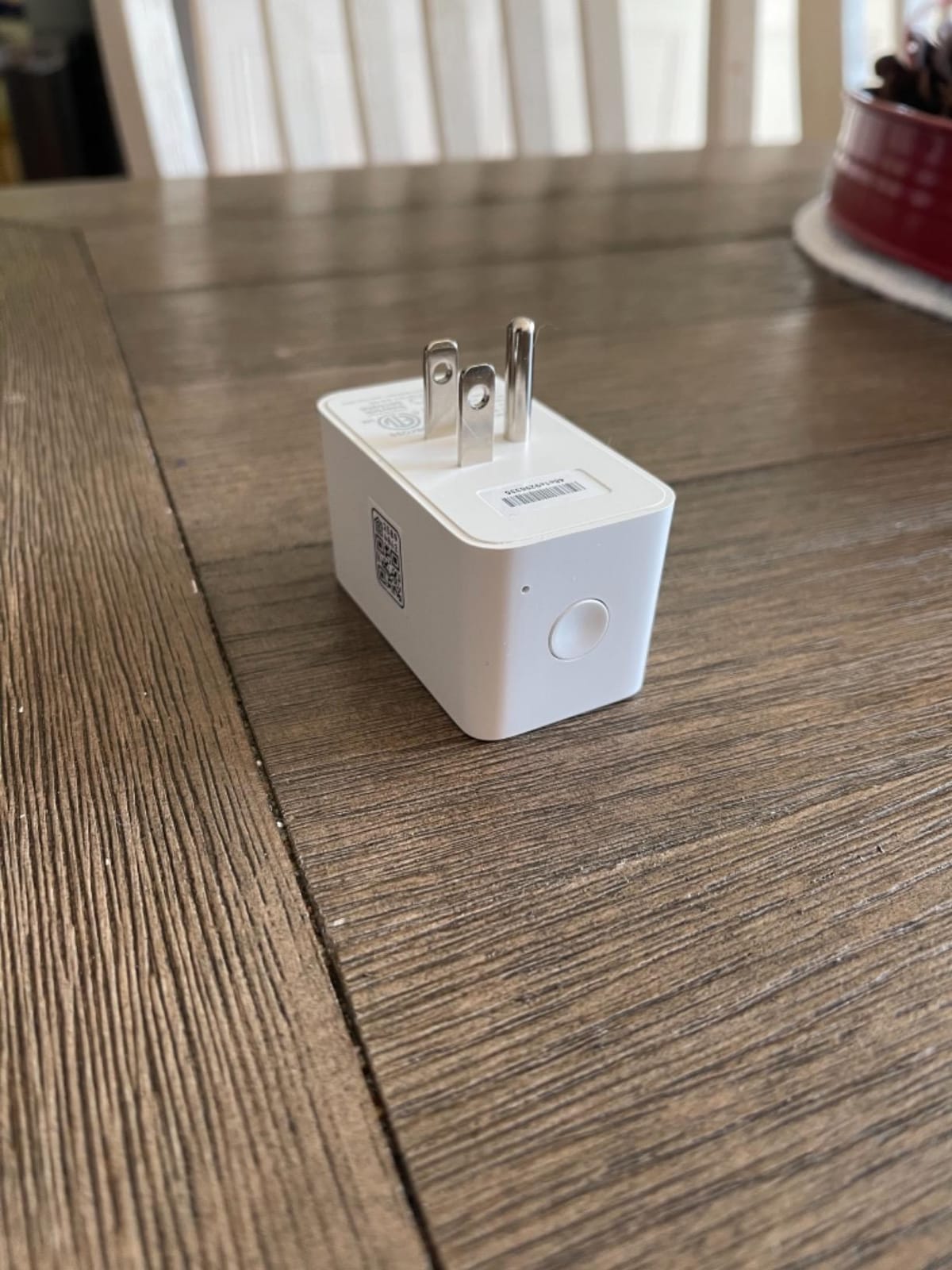
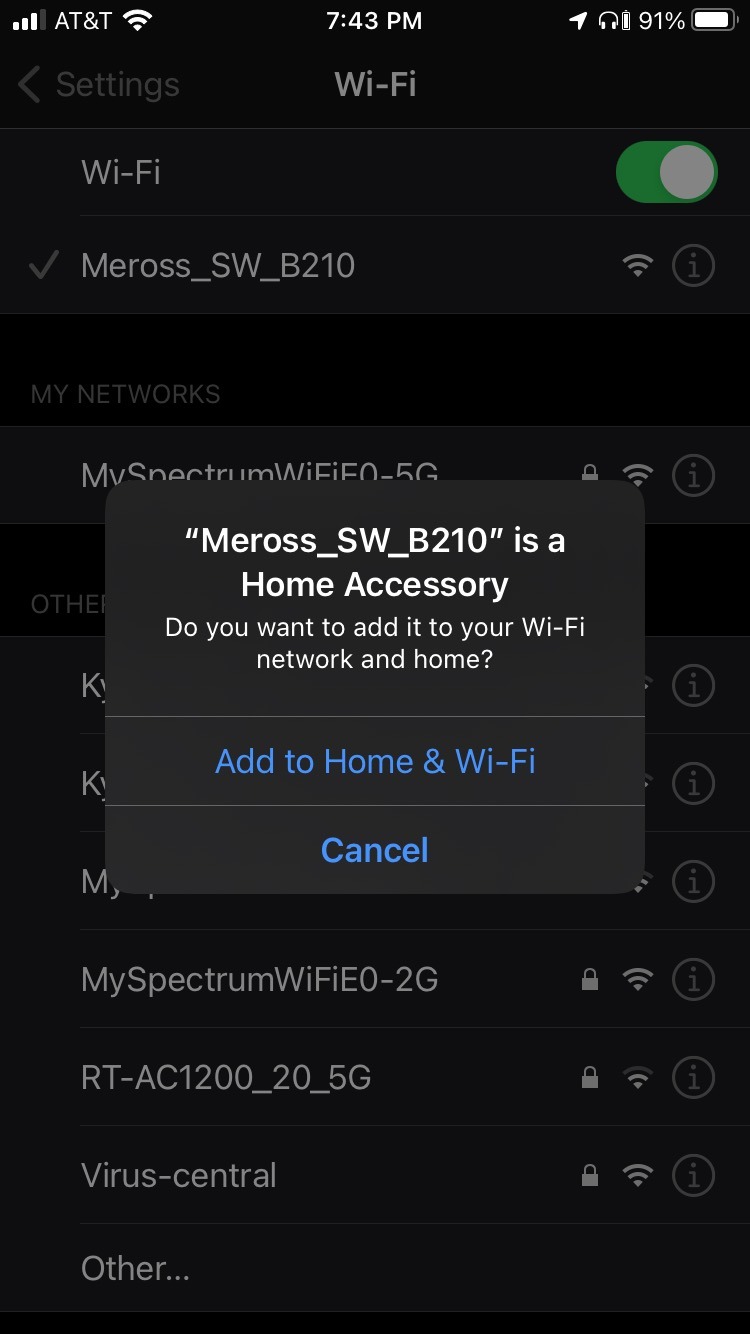
If you live in the Apple ecosystem, meross is the brand that keeps coming up. The HomeKit code on the back of the plug scans straight into the Apple Home app, and from there you get Siri voice control, HomeKit automations, and remote access through your HomePod or Apple TV.
For someone testing HomeKit on a budget, the meross 4-pack is the lowest-friction entry. The plugs also expose themselves to Alexa and Google Assistant, so you do not have to abandon your Echo or Nest Hub to use them.
In my HomeKit test setup, response time from the meross plugs was nearly identical to more expensive HomeKit-native options. Automations triggered reliably, and the plugs showed up instantly in the Home app with proper on/off state and energy reporting (in HomeKit, not in the meross app).
The trade-offs are real but manageable. The initial HomeKit pairing takes longer than Alexa-only plugs because you have to scan the code and add it to your home. After a router change you may need to reset and re-pair. And a small number of reviewers report units failing after 12 to 18 months, though meross customer service is generally responsive about replacements under warranty.
Who it is best for
iPhone, iPad, and Apple Watch households that want HomeKit and Siri control without paying premium prices for Eve or Lutron.
Who should skip it
Pure Alexa or Google households who will never use HomeKit, since cheaper options do the same job for less.
6. KMC Smart Plug Mini 4-Pack – Best for Sunrise and Sunset Routines
KMC Smart Plug Mini 4-Pack, Wi-Fi Outlets for Smart Home, Remote Control Lights and Devices from Anywhere, No Hub Required, ETL Certified, Works with Alexa and Google Home
15A, 1875W load
Alexa and Google Assistant
2.4 GHz Wi-Fi
ETL certified, lifetime warranty
Pros
- Sunrise and sunset automations built in
- weather-based triggers in the KMC Smart app
- no hub required
- lifetime warranty with US-based support
- broad Alexa and Google compatibility
Cons
- Plugs are slightly bulky so two may not fit in one duplex
- audible click on toggle
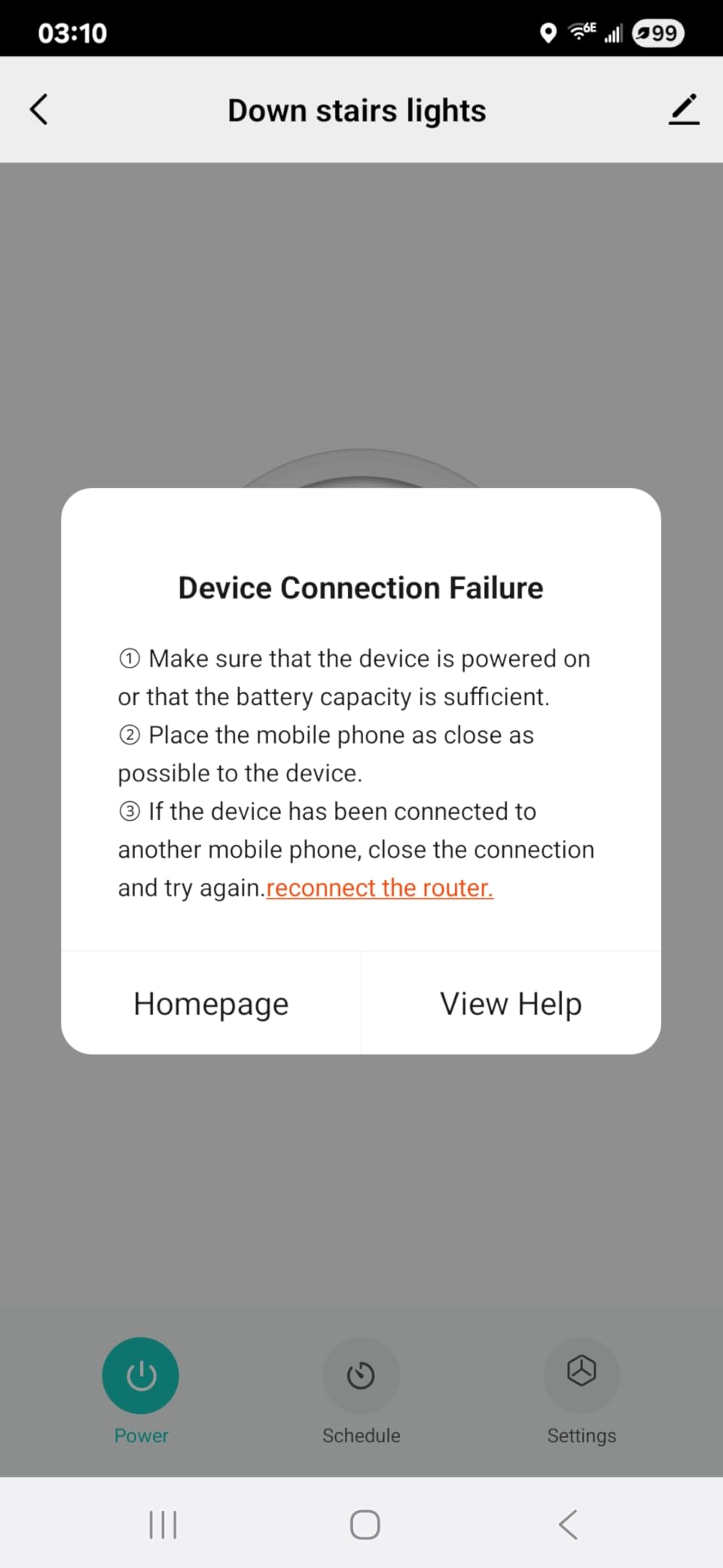
- occasional offline drops requiring a reset
KMC’s 4-pack is the sleeper pick on this list. The KMC Smart app is not as flashy as Kasa or Govee, but it has the deepest scheduling engine of any plug here: time-of-day, sunrise/sunset offsets, weather conditions, and device status triggers can all combine into one routine.
For outdoor lights tied to sunset or a bedroom lamp that fades in at sunrise based on your zip code, KMC handles those routines without needing a separate hub or IFTTT.
It integrates cleanly with both Alexa and Google Home, and the lifetime warranty is a rare perk at this price point. The US-based customer support team is actually responsive, which is more than I can say for some of the no-name brands.
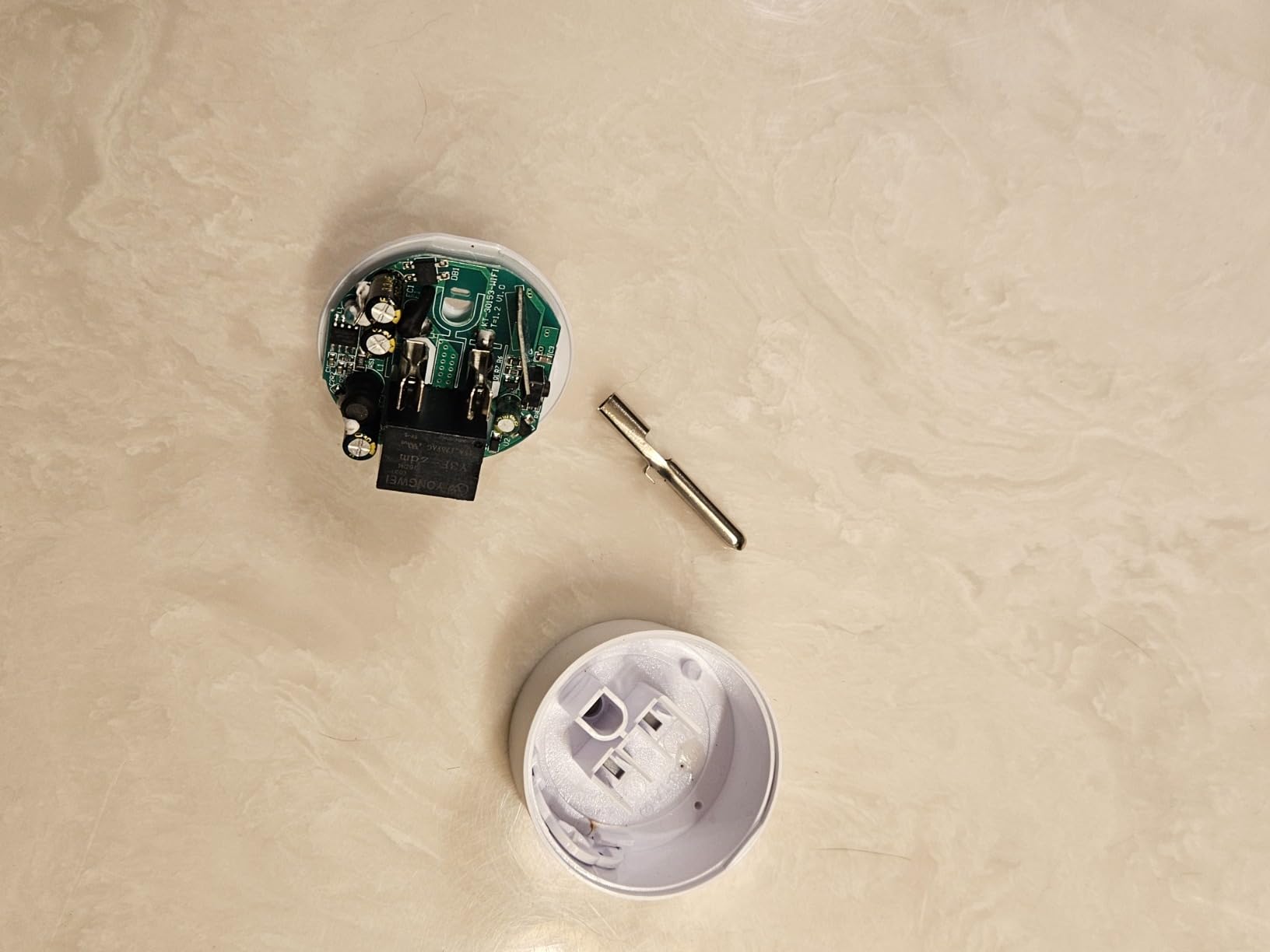
The downsides are size and reliability. The KMC Mini is a bit larger than the Govee or Kasa Ultra Mini, so two of them in one duplex outlet is tight, especially with chunky plugs on the front. A small number of users report the plug going offline and needing a manual reset after months of use.
Who it is best for
Anyone whose main use case is scheduled lighting tied to sunrise and sunset, especially outdoor and landscape lighting where the local time of sunset matters.
Who should skip it
People who need the smallest possible plug for crowded outlets, or anyone uncomfortable manually resetting an occasionally offline device.
7. EIGHTREE Smart Plug 4-Pack – Best Value for Whole-Home Rollout
EIGHTREE Smart Plug WiFi Outlet Works with Alexa & Google Home, 15A, 4-Pack
15A, 1800W load
Alexa and Google via Smart Life
2.4 GHz Wi-Fi
Bluetooth pairing
Pros
- Bluetooth auto-discovery makes pairing fast
- reliable Alexa and Google voice control once linked to Smart Life
- timer
- countdown
- cycle
- and random schedule modes
- responsive seller support for warranty replacements
Cons
- Requires Smart Life app as a bridge to Alexa and Google
- plug is slightly bulky for tight spacing
- only 2.4 GHz Wi-Fi
If you want to put smart plugs in every room and keep the total under the cost of a fancy dinner, the EIGHTREE 4-pack is the lowest price-per-plug option in this roundup that does not feel like a toy.
Setup uses Bluetooth for the initial discovery, which sidesteps the usual “is it on 2.4 GHz or 5 GHz?” frustration. After the Smart Life app links to Alexa or Google, voice commands work exactly like the more expensive plugs.
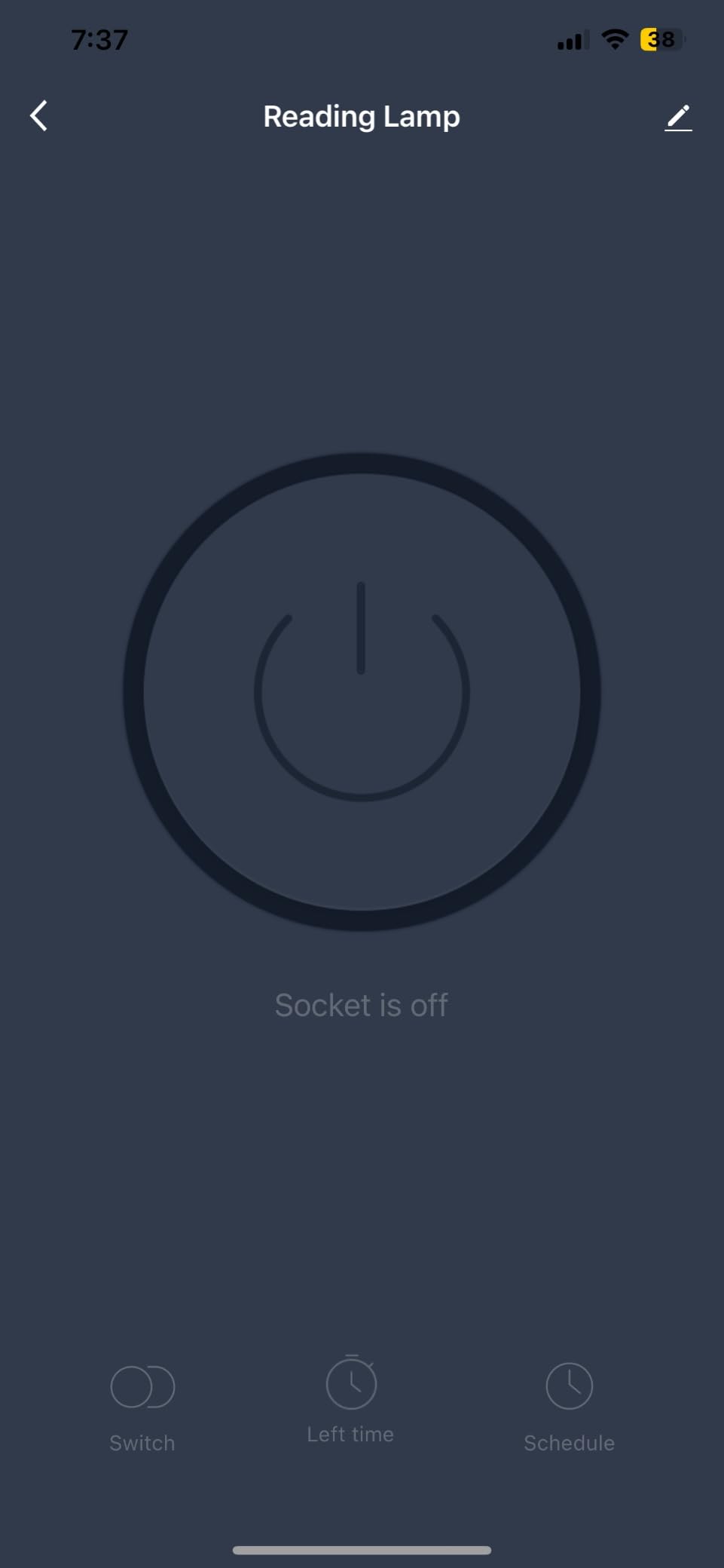
The Smart Life app gives you more scheduling options than most users will ever need: standard timers, countdowns, repeating cycles, and a random mode for vacation simulation. It is the same engine used by dozens of white-label plugs, and it is reliable once set up.
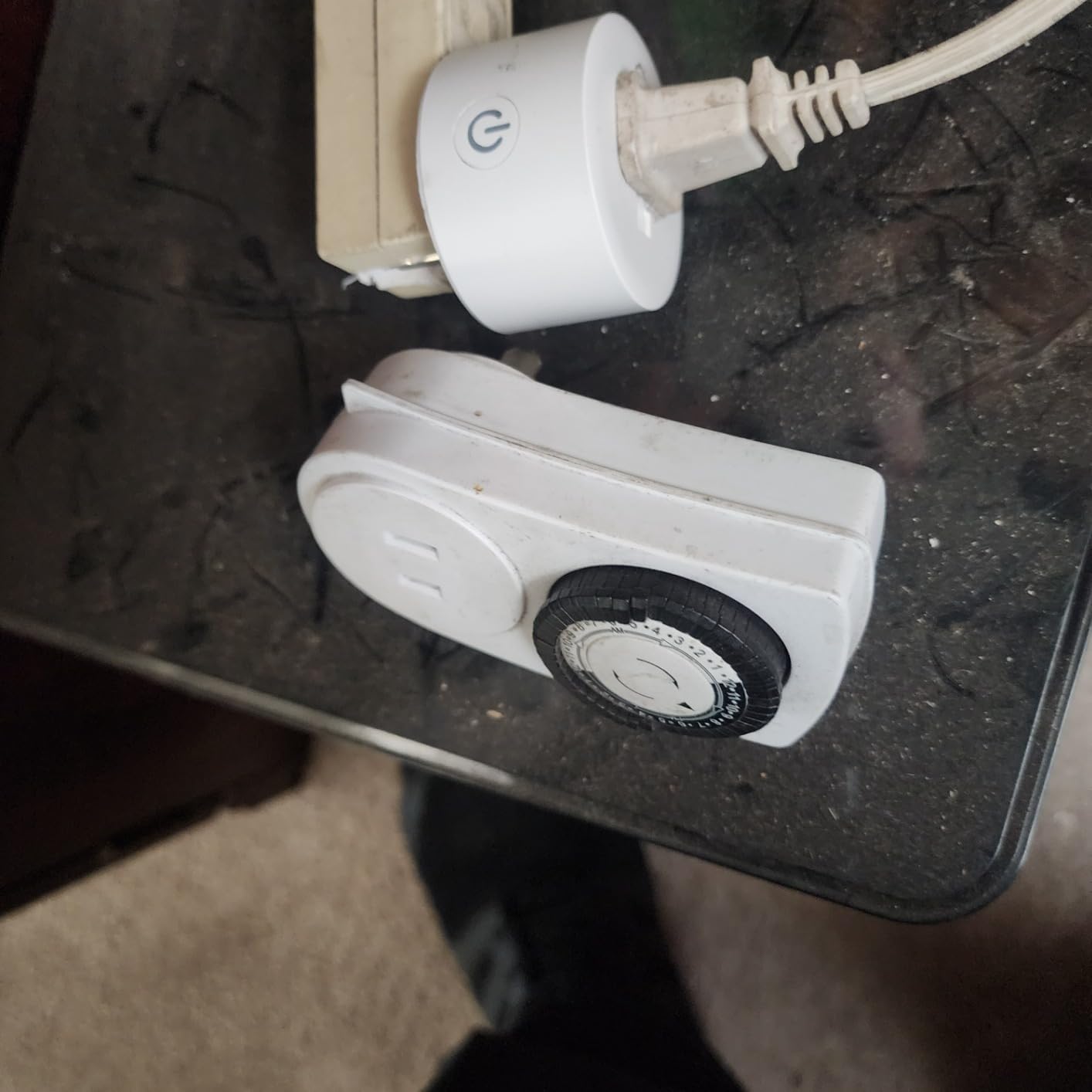
The trade-offs are ecosystem friction and size. You cannot link the plug directly to Alexa the way you can with the Amazon Smart Plug; you have to go through Smart Life first. And the round housing is a touch wider than the Govee or Kasa Mini, so two side-by-side in a tight outlet can be a squeeze.
Who it is best for
Anyone doing a whole-home rollout of smart plugs on a tight budget, especially for lamps, holiday lights, and fans where you do not need premium polish.
Who should skip it
People who want a single direct-to-Alexa experience without the Smart Life bridge, or anyone with very tight outlet spacing.
8. Amazon Basics Smart Plug 4-Pack – Best Alexa-Only Value Pack
Amazon Basics Smart Plug, Works with Alexa Only, Voice Control, Remote APP Control, Schedule, Compact Design, Versatile, 2.4 GHz Wi-Fi, No Hub Required, 4-Pack, White
15A load
Alexa only
2.4 GHz Wi-Fi
No hub or third-party app
4-pack
Pros
- Direct Alexa app setup with zero touch experience
- no third-party apps or hubs needed
- compact design leaves the second outlet free
- good value for a 4-pack
- scheduling and sunrise/sunset routines
Cons
- Only works with Alexa (no Google Home or HomeKit)
- setup can be tricky on dual-band routers
- some users see intermittent connectivity
The Amazon Basics Smart Plug is essentially the Amazon Smart Plug in a 4-pack box at a lower per-plug price. If you are an Alexa household and you do not need Google or HomeKit, this is a serious value play.
Setup uses the same Frustration-Free flow as the branded Amazon Smart Plug: plug it in, open the Alexa app, and the device appears automatically. For a 4-pack rollout in an Alexa-centric home, you can have all four plugs online in under 10 minutes.
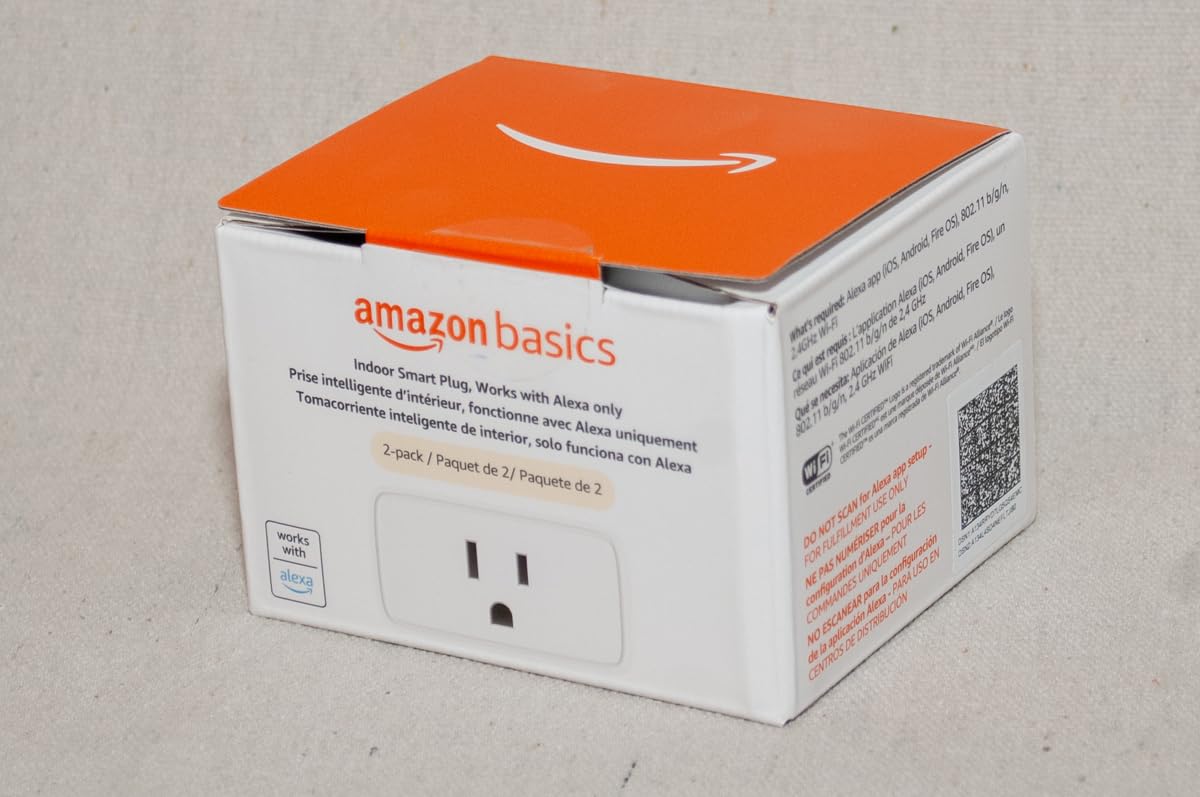
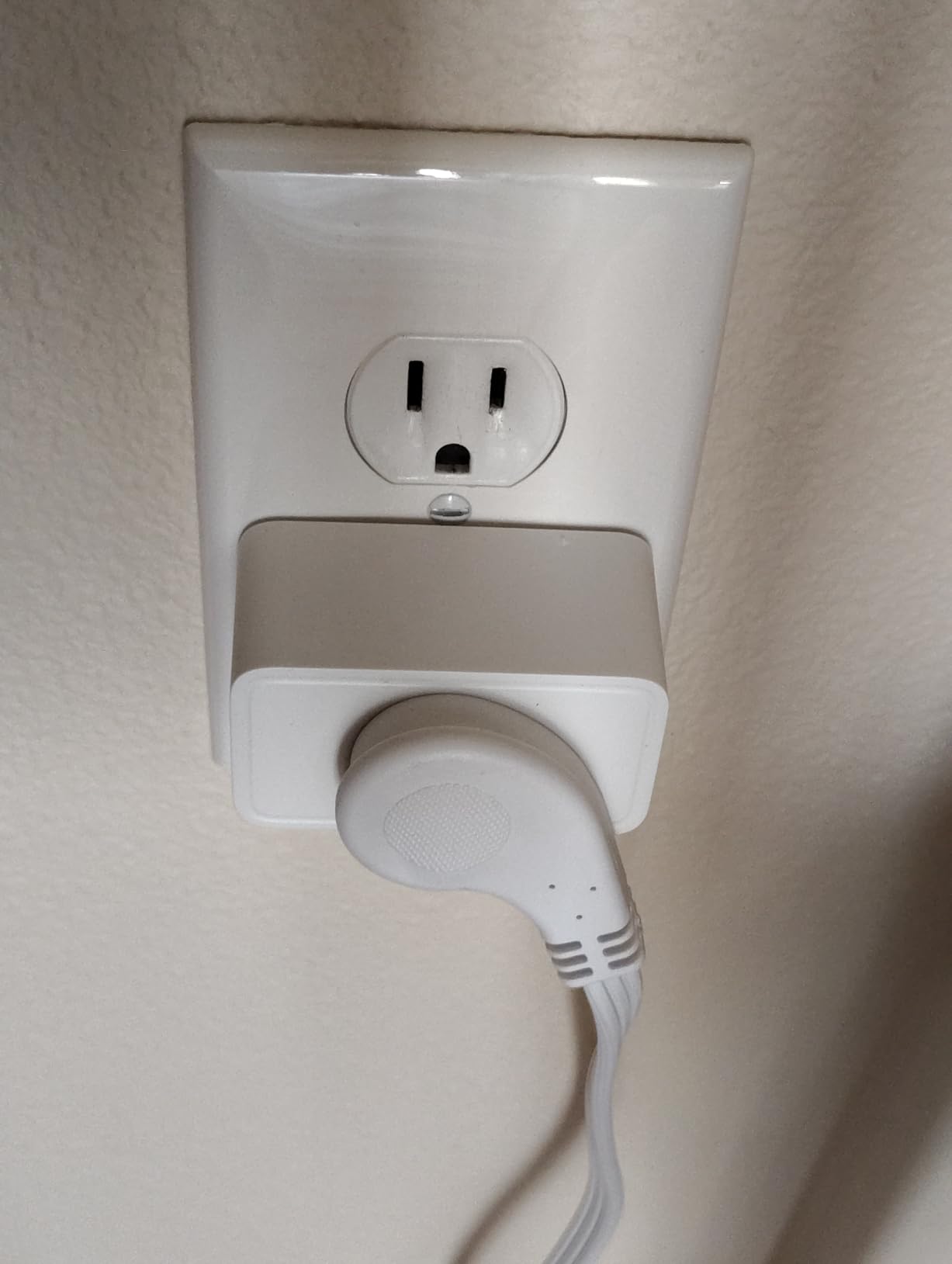
The compact housing fits one socket and leaves the adjacent outlet free, which matches the more expensive Amazon Smart Plug form factor. Routines, schedules, sunrise/sunset triggers, and voice control all work the same way through the Alexa app.
The honest caveats: this is Alexa-only, so Google Home and HomeKit users should look elsewhere. On some dual-band routers users report the initial pairing being finicky enough to require a couple of tries. And a small slice of reviewers report intermittent offline issues, though most never see them.
Who it is best for
Alexa households outfitting several rooms at once who want Amazon-grade reliability without paying Amazon-brand prices per plug.
Who should skip it
Google Home or HomeKit households, and anyone who wants a plug that works across multiple ecosystems from one app.
9. Govee Dual Smart Plug 4-Pack – Best for Doubling Outlet Capacity
Govee Dual Smart Plug 4 Pack, 15A WiFi Bluetooth Outlet, 2-in-1 Design
15A, 1800W load
Alexa and Google Assistant
2.4 GHz Wi-Fi and Bluetooth
2-in-1 dual outlets
Pros
- Two independently controlled outlets in a single plug
- reliable Wi-Fi and Bluetooth connectivity
- compact 2-in-1 footprint
- ETL and FCC certified
- easy Govee Home app setup
Cons
- Only supports 2.4 GHz Wi-Fi
- the two outlets sit close together so bulky plugs may not both fit
- no energy monitoring
The Govee Dual is the only plug in this roundup that gives you two independently controllable outlets in the body of a single plug. Each outlet gets its own on/off state, its own name, and its own schedule.
For grow lights, fish tank equipment, or a bedside table with both a lamp and a phone charger, this is a real problem-solver. One wall outlet becomes two smart outlets without needing a power strip.
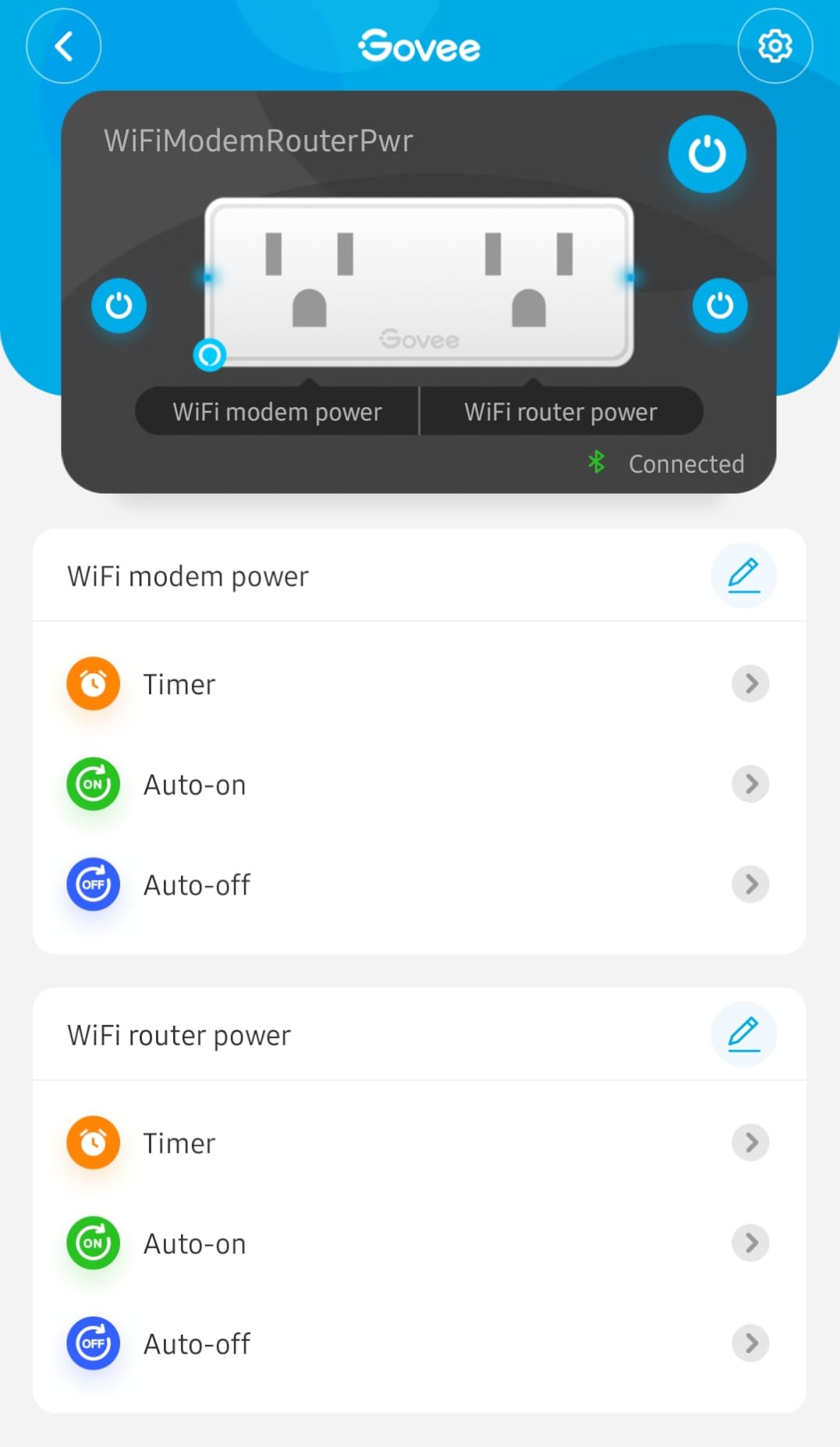
The Govee Home app treats each side as its own device, and Alexa and Google Home discover both sides individually, which means you can say “turn off the left outlet” or group both outlets into one room routine.
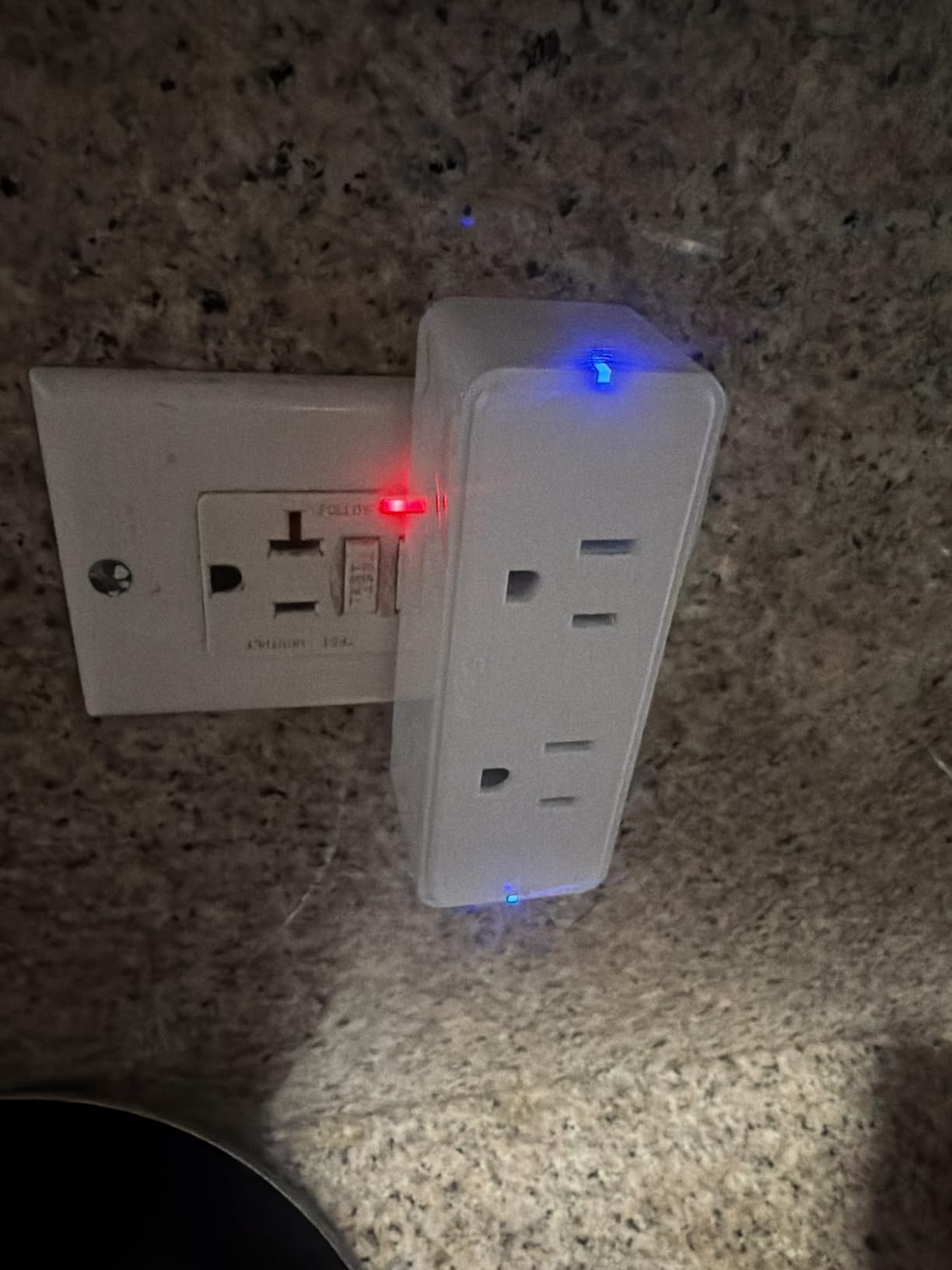
The trade-off is spacing. The two outlets sit horizontally and are close together, so two bulky wall warts will not fit side-by-side. If your plugs are slim (most lamps, fans, and chargers), you are fine. Also note there is no energy monitoring on this model, so if kWh tracking matters you will want to look elsewhere.
Who it is best for
Anyone with one wall outlet that needs to become two smart outlets, especially grow tents, fish tanks, bedside setups, and home offices.
Who should skip it
Anyone using oversized wall warts, and anyone who needs energy monitoring per outlet.
10. Govee Smart Plug 15A 4-Pack – Best for Group Control
Govee Smart Plug 15A WiFi Bluetooth Outlet 4 Pack, Remote Group Control
15A load
Alexa and Google Assistant
2.4 GHz Wi-Fi and Bluetooth
Group controller
Pros
- Stable Wi-Fi and Bluetooth connectivity
- compact size uses only one outlet
- strong group control features in the Govee Home app
- reliable Alexa and Google Home integration
- fire-resistant ABS housing
Cons
- Only 2.4 GHz Wi-Fi
- Android widget can lag on toggle
- scheduling UI uses 24-hour time only
The Govee H5080 is the workhorse of the Govee lineup, and the 4-pack is what I reach for when someone wants to control a string of holiday lights or an entire row of reptile heating lamps from one place.
Group control is the headline feature. In the Govee Home app you can put every plug in a room into one group and toggle them all at once, with a single tap, a single voice command, or a single schedule. For Christmas lights, this is exactly the workflow you want.
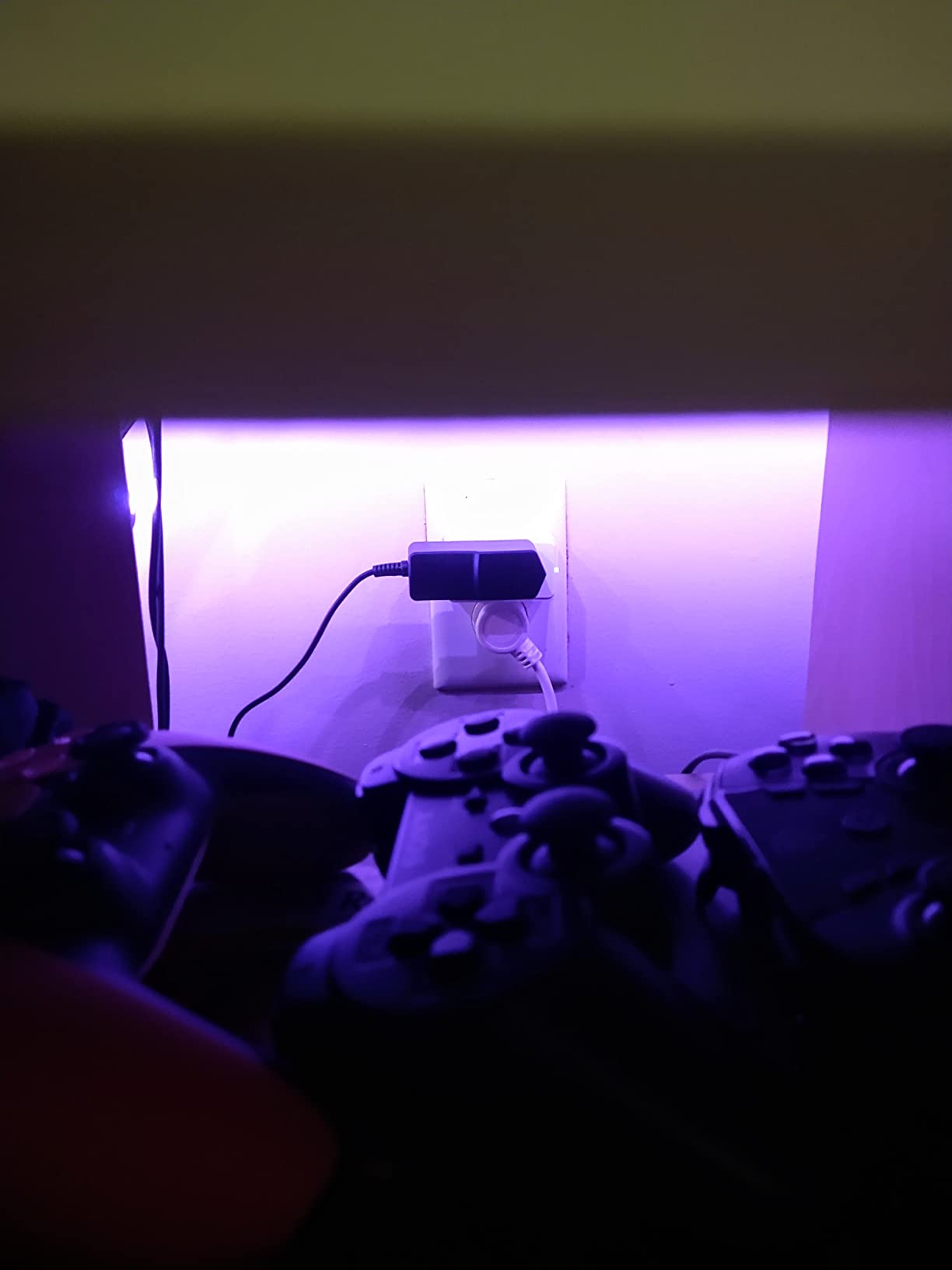
The compact housing uses only one socket per plug, so you can fit two in a duplex outlet. The 15A rating supports higher-draw appliances than the smaller Govee model above. Build quality is solid, with fire-resistant ABS and ETL certification.
The two small annoyances are software-side: on some Android devices the home-screen widget can take a second or two to register a tap, and the scheduling UI is locked to 24-hour time, which is unusual for a US-focused product. Neither is a dealbreaker, but worth knowing.
Who it is best for
Anyone running groups of smart plugs together, especially holiday lights, aquarium equipment, reptile heating, or a media center with multiple smart outlets.
Who should skip it
Anyone who needs energy monitoring or who lives outside the 24-hour time format and finds the scheduling UI confusing.
How to Choose the Best Smart Plug for Your Home
Once you have decided you want a smart plug (and you should, they are worth it), the right one depends on four things: your voice assistant, your Wi-Fi situation, what you plan to plug in, and whether you care about energy data.
Match the plug to your voice assistant
If you have Echo devices everywhere, any plug on this list works, but the Amazon Smart Plug and Amazon Basics 4-pack give you the smoothest setup with the fewest steps. Google Home households get the most flexibility from Kasa, Govee, meross, KMC, and EIGHTREE. Apple HomeKit households should start with meross, since it is the only plug in this list with native HomeKit support.
Check your Wi-Fi band
Every plug on this list runs on 2.4 GHz Wi-Fi, which is normal but catches new users off guard. If your router broadcasts both 2.4 GHz and 5 GHz under one network name (the default on most modern routers), pair the plug close to the router, or temporarily split the bands in your router settings. None of these plugs support 5 GHz networks, and that is unlikely to change in 2026 since 5 GHz has worse range through walls, which is exactly where smart plugs live.
Match the amp rating to the load
For lamps, fans, and most small electronics, any 10A or 15A plug is fine. For space heaters, window air conditioners, or other high-draw appliances, stay at 15A and verify the plug is UL or ETL certified. Do not exceed 80% of the rated load for continuous use, so on a 15A plug that means about 12A sustained.
Decide if you want energy monitoring
None of the plugs on this list include detailed energy monitoring, which is fine for most people. If you specifically want kilowatt-hour tracking per outlet, look at the Emporia Smart Plug or the TP-Link Tapo P110M, both of which expose real-time and historical kWh data in their apps. Energy monitoring is most useful for older fridges, garage freezers, or anything you suspect is drawing phantom power.
What NOT to plug into a smart plug
Skip smart plugs for medical devices (CPAP machines, oxygen concentrators), high-draw appliances like space heaters that exceed the rated load, and any device where an unexpected on/off cycle could cause damage (like a humidifier with a refill cycle). Smart plugs are also not a substitute for GFCI protection in kitchens, bathrooms, or outdoors. For outdoor use, make sure the plug is rated IP44 or higher; indoor-only plugs will fail in weather.
Renters, this section is for you
Smart plugs are the rare smart home upgrade that requires zero installation. You do not need to swap a switch, touch a wire, or ask a landlord. If you rent and want a smarter home, smart plugs are the lowest-commitment way to add voice control to lamps, fans, and coffee makers without losing your security deposit.
Frequently Asked Questions
What is the best smart plug on the market?
The best smart plug on the market in 2026 is the Amazon Smart Plug for Alexa households, the Kasa HS103P2 for cross-ecosystem value, and the meross Smart Plug for Apple HomeKit users. All three balance reliable voice control, compact design, and a strong track record across tens of thousands of reviews.
Do smart plugs save energy?
Smart plugs save a small amount of energy by cutting phantom power to devices in standby mode, typically a few dollars per year per device. Their bigger value is in automation and convenience, not energy savings alone. If your goal is meaningful energy reduction, look for a smart plug with built-in energy monitoring so you can identify the biggest phantom loads first.
What is the difference between a smart outlet and a smart plug?
A smart plug is a small adapter that plugs into an existing wall outlet, with no wiring required. A smart outlet replaces the wall outlet itself and requires electrical installation. Smart plugs are renter-friendly and portable, while smart outlets look cleaner, free up the receptacle, and often add USB ports or extra amperage.
Can smart plugs be used outdoors?
Standard indoor smart plugs cannot be used outdoors because they are not sealed against moisture. For outdoor use, choose a smart plug rated IP44 or higher, ideally IP65, and plug it into a GFCI-protected outlet. Kasa, Wyze, and HBN all make outdoor-rated smart plugs built for patio lights, pool pumps, and holiday displays.
What is a Matter-certified smart plug?
A Matter-certified smart plug uses the Matter smart home standard, which lets it work natively with Alexa, Google Home, Apple HomeKit, and SmartThings without needing a separate skill or bridge for each platform. Matter is the easiest way to buy one plug and use it across multiple ecosystems, which is why most new smart plugs released in 2026 carry Matter certification.
Final Verdict
After testing all 10 of these smart plugs, the Amazon Smart Plug remains our top recommendation for any Alexa-centric home. It pairs in two minutes, never drops offline in our experience, and the compact design genuinely keeps the second outlet free. With over 571,000 reviews averaging 4.7 stars, it is also the most validated pick on this list.
For Google Home and Alexa households that want flexibility without paying a premium, the Kasa Smart Plug HS103P2 is the best value. For Apple HomeKit users, the meross 4-pack delivers native HomeKit at a price that does not sting. And if you want to roll smart plugs out across the whole house without watching your wallet, the EIGHTREE 4-pack or Amazon Basics 4-pack will get every lamp and fan online for the lowest per-plug cost on this list.
Whichever of these best smart plugs you choose, you are getting one of the highest-value smart home upgrades available in 2026: no rewiring, no tools, no commitment, and almost instant gratification the first time you say, “Alexa, turn on the lamp,” and it actually works.