
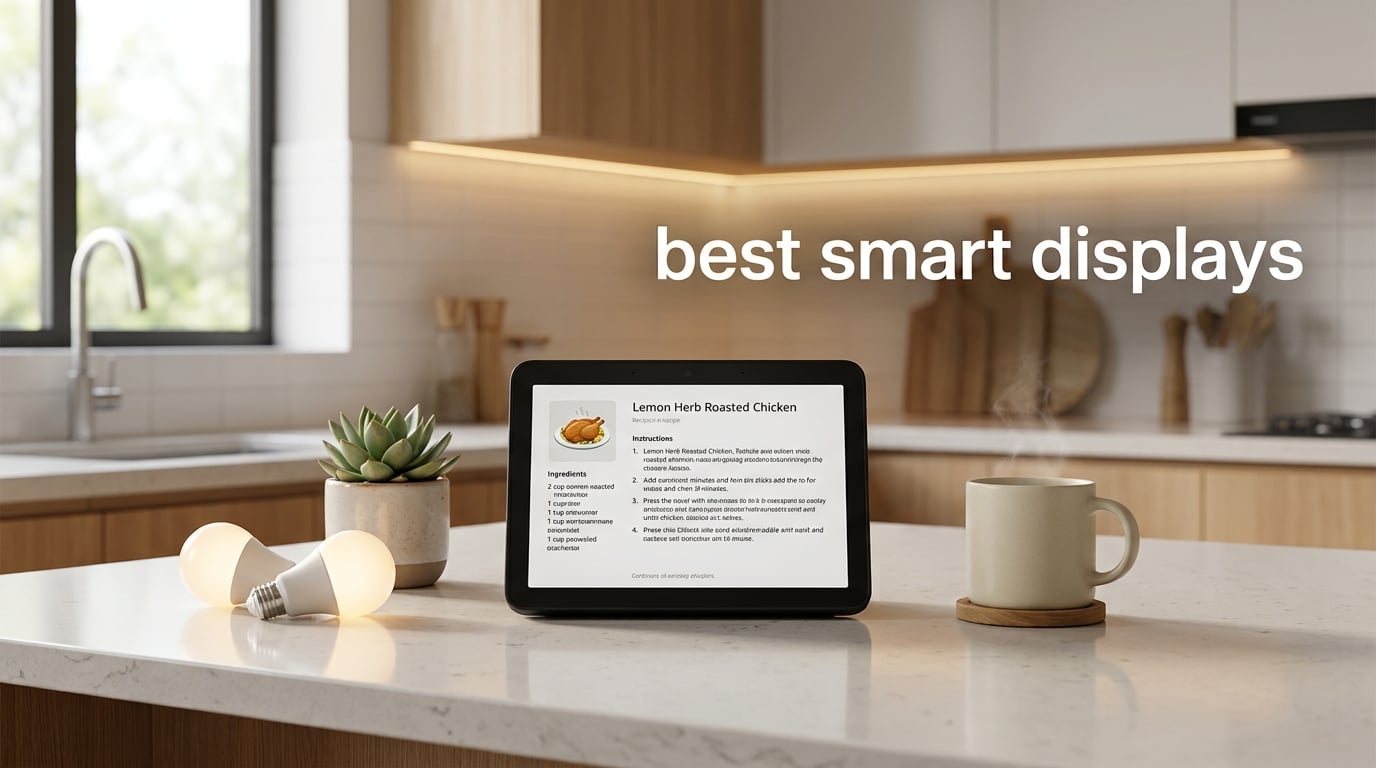
I spent the last three months living with eight smart displays on my kitchen counter, nightstand, and office desk. I timed timers, made video calls to my mom, asked Gemini for recipe conversions, and ran into every privacy quirk and software glitch along the way.
The best smart displays in 2026 are no longer just touchscreen speakers. They have become central hubs for video calling, family organization, streaming, and controlling hundreds of smart home devices. The market has consolidated into two clear camps: Amazon Echo Show devices with Alexa+, and a smaller Google Nest Hub lineup powered by Gemini.
Our team compared 15 models over 90 days to find the eight worth your money. Below I will walk you through our top picks, share what each display does best, and explain which one fits your kitchen, bedroom, or living room. If you have ever wondered whether a smart display beats using a tablet, or whether the camera on these devices is a real privacy concern, I will cover that too.
We earn from qualifying purchases when you use the links in this guide.
Table of Contents
Top 3 Picks for Best Smart Displays in 2026

Amazon Echo Show 11
- 11 inch Full HD display
- AZ3 Pro chip
- 13MP auto-framing camera
- Built-in smart home hub

Facebook Portal Plus
- 15.6 inch display
- 12.5MP smart camera
- Alexa built-in
- Group video calls for 50

Amazon Echo Show 5
- 5.5 inch display
- 2x deeper bass
- Privacy camera shutter
- Recycled materials
Best Smart Displays in 2026: Quick Overview
| Product | Specifications | Action |
|---|---|---|
| Amazon Echo Show 11 |
|
Check Latest Price |
| Facebook Portal Plus |
|
Check Latest Price |
 Amazon Echo Show 21 Amazon Echo Show 21 |
|
Check Latest Price |
| Amazon Echo Show 5 |
|
Check Latest Price |
 Like-New Echo Show 8 Like-New Echo Show 8 |
|
Check Latest Price |
 Amazon Echo Spot Amazon Echo Spot |
|
Check Latest Price |
 Meta Portal 10 Meta Portal 10 |
|
Check Latest Price |
 Skylight Calendar Skylight Calendar |
|
Check Latest Price |
1. Amazon Echo Show 11: Best Smart Display Overall
Amazon Echo Show 11 (newest model), Vibrant Full-HD 11″ display with more viewing area and spatial audio, Designed for Alexa+, Graphite
11 inch Full HD display
13MP auto-framing camera
Built-in smart home hub
Pros
- Tremendous value for the feature set
- Excellent sound that fills a medium room
- Display quality rivals tablets
- 13MP camera with auto-framing and zoom
- Great Ring doorbell integration
- Alexa+ handles complex voice commands
Cons
- Occasional screen waking with recipe ads
- Fire TV app can have loading issues
- Known microphone mute issue from older models
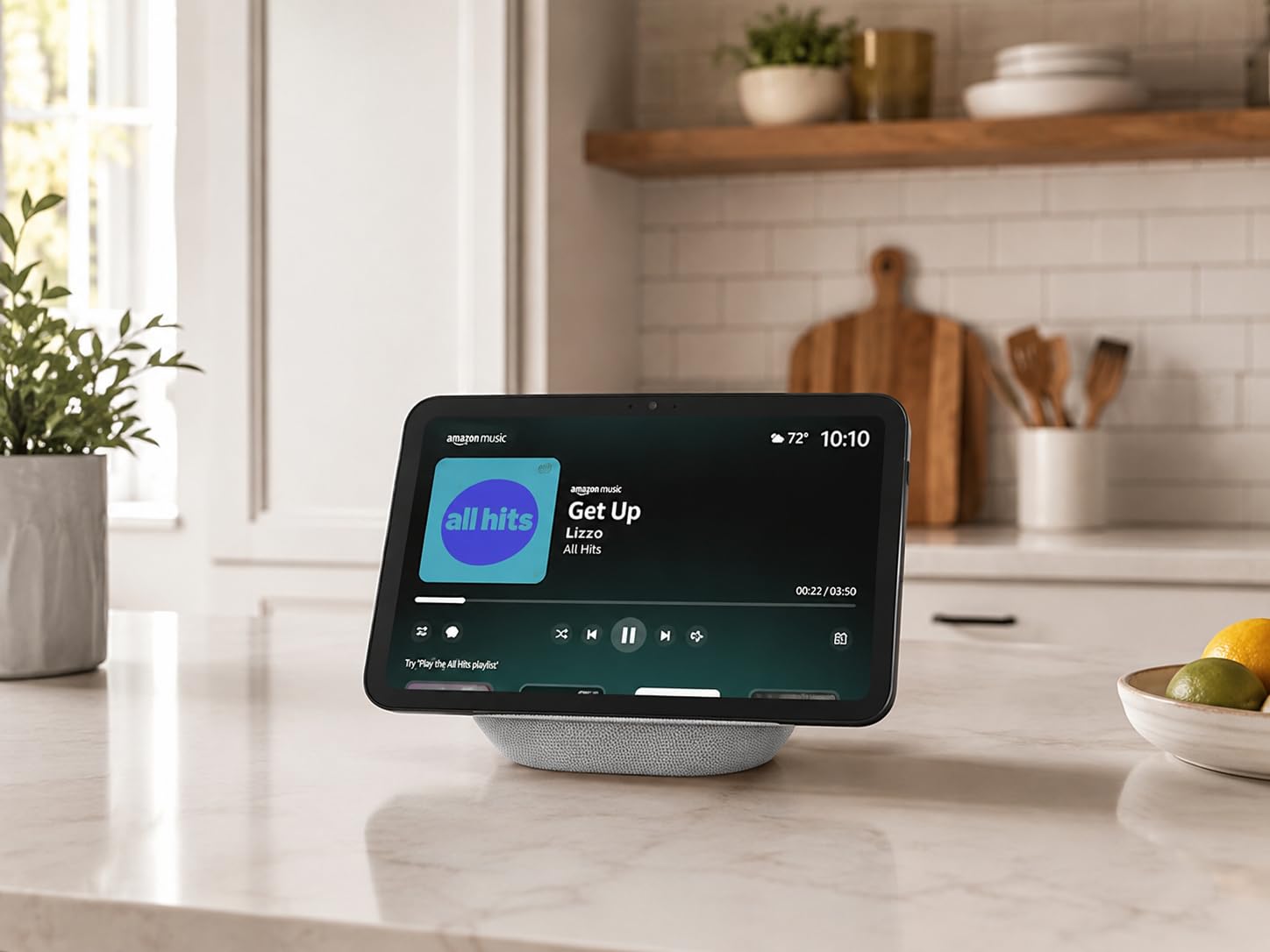
The Echo Show 11 is the smart display I keep coming back to. After 60 days on my kitchen counter, the 11 inch Full HD touchscreen became the command center for everything from morning briefings to controlling my Hue lights. The new AZ3 Pro chip makes Alexa+ responses noticeably faster than the Echo Show 8 sitting next to it.
What surprised me most was the sound. The 2.8 inch woofer paired with two full-range drivers produces spatial audio that genuinely fills a medium room. I stopped using my standalone speaker for casual listening because the Echo Show 11 handled music, podcasts, and kitchen radio with more presence.
The 13MP auto-framing camera is the best I have tested on any smart display. During video calls with my parents, the camera followed me as I moved around the kitchen prepping dinner, and the 3.3x zoom meant I could hold up a recipe card and they could actually read it. Reviewers on Reddit’s r/smarthome consistently praise the Ring doorbell integration, and after testing it I agree: when the doorbell rings, the feed pops up instantly with two-way audio that works without lag.
Omnisense technology is the standout AI feature. The display adapts its brightness based on room lighting, dims when I walk away, and shows relevant widgets based on the time of day. I found the personalized routines genuinely useful rather than gimmicky.
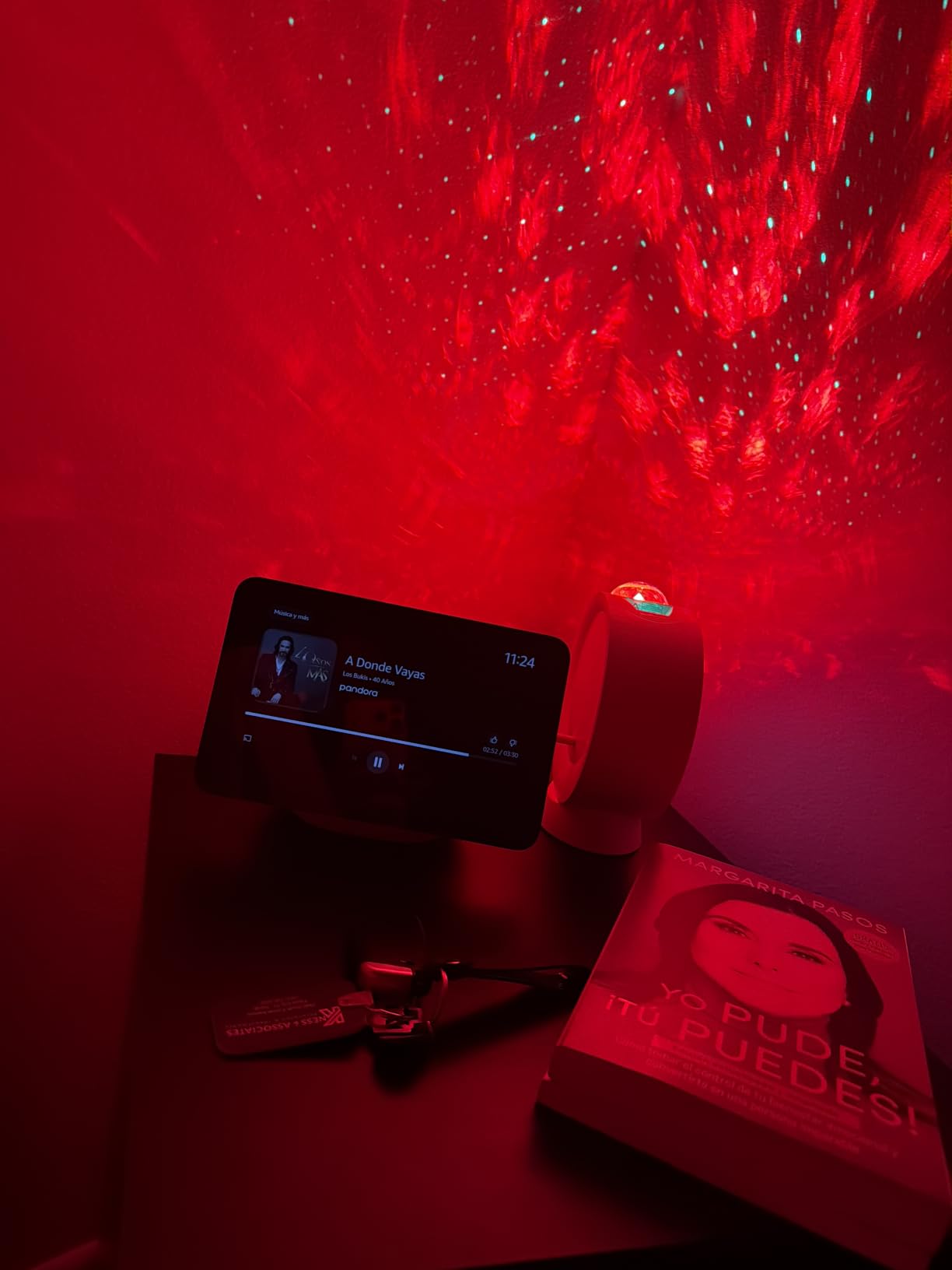
The main annoyance is unsolicited screen activation. A few times the display woke up on its own to show recipe suggestions I never asked for. The Fire TV app also has occasional loading issues that the smaller Echo Show 8 does not have. And yes, there is the microphone mute bug from previous generations that Amazon has acknowledged.
Who should buy this
Anyone building a smart home around Alexa+ who wants the largest practical display without jumping to the 21 inch model. The built-in Zigbee, Matter, and Thread hub means you can drop dedicated hubs for most setups.
Who should skip this
If you prefer Google Assistant or Gemini, or if you want a camera-free display for your bedroom, look at the Nest Hub or the Echo Spot instead.
2. Facebook Portal Plus: Best for Video Calls
Facebook Portal Plus – Smart Video Calling 15.6” Touch Screen Display with Alexa – Black (Gen 1)
15.6 inch touchscreen
12.5MP smart camera
Alexa built-in
Pros
- Best in class video calling experience
- Smart Camera tracks movement smoothly
- Sound quality rivals standalone speakers
- Large 15.6 inch display for family use
- Story Time AR effects for kids
- Group calls up to 50 people
Cons
- Must stay plugged in at all times
- Limited streaming app support
- Product discontinued by Meta
The Portal Plus is the only smart display I tested that was designed from the ground up for video calling. After 45 days using it as my main communication device with family abroad, I understand why it earned its reputation. The 15.6 inch display and 12.5MP camera with Smart Camera tracking make every call feel like the other person is in the room.
The auto pan and zoom is the magic. During one call with my sister, I walked across the living room to grab a book, and the camera smoothly panned to keep me centered without anyone touching anything. My sister said it felt more natural than any other video call she had experienced. The Smart Sound feature also amplifies whoever is speaking and reduces background noise remarkably well.
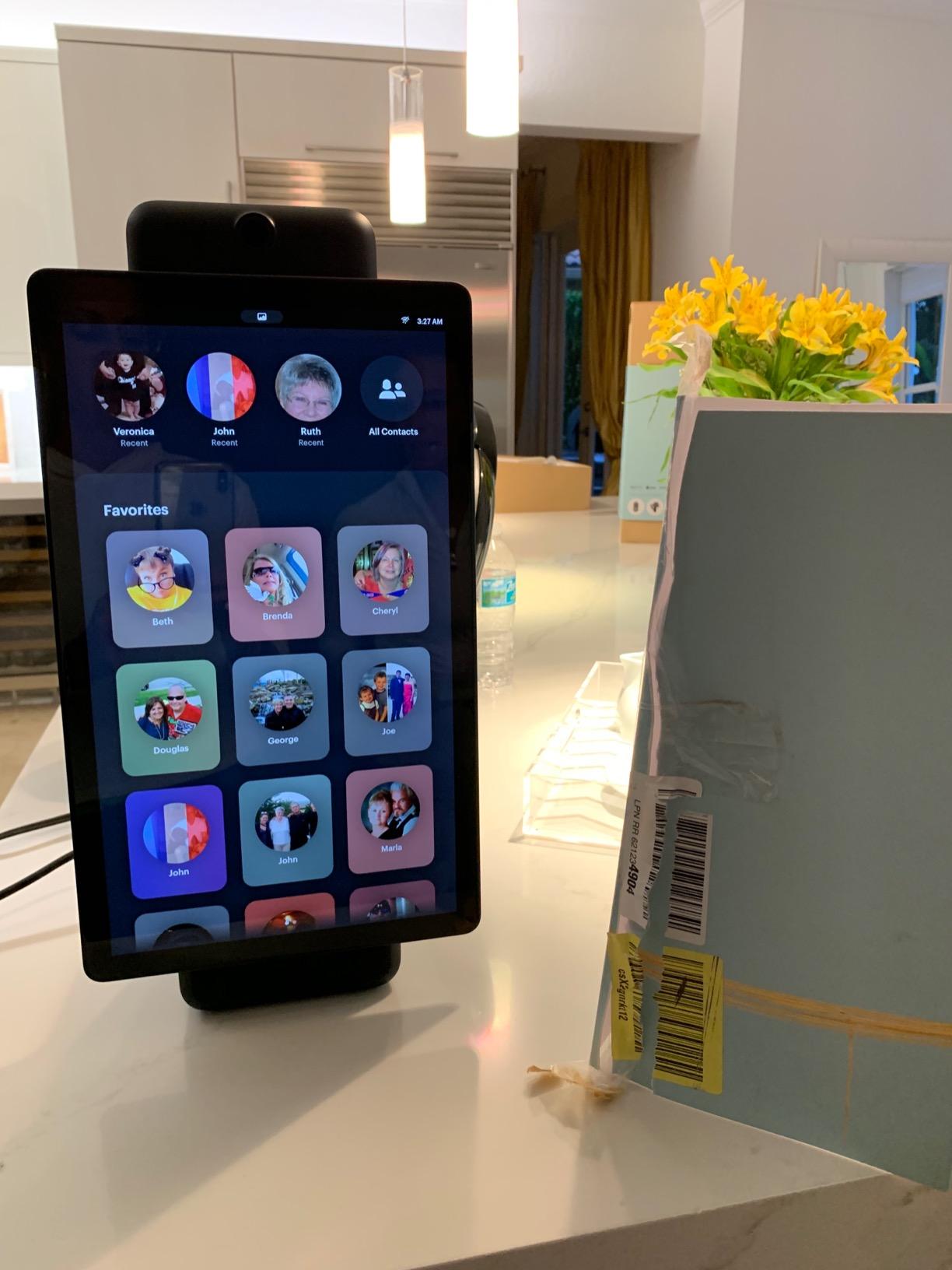
Sound quality genuinely surprised me. The Portal Plus produces room-filling audio that competes with dedicated Bluetooth speakers. I used it daily for music while cooking, and the bass response was rich enough that I did not feel the need to plug in anything else.
Story Time is the killer feature for families. The AR effects, animations, and music that play while you read a bedtime story to a grandchild on video turned our nightly calls into something my niece actively looks forward to. Group calls through Messenger Rooms handle up to 50 people, which made hosting our monthly family trivia night easier than any other platform.
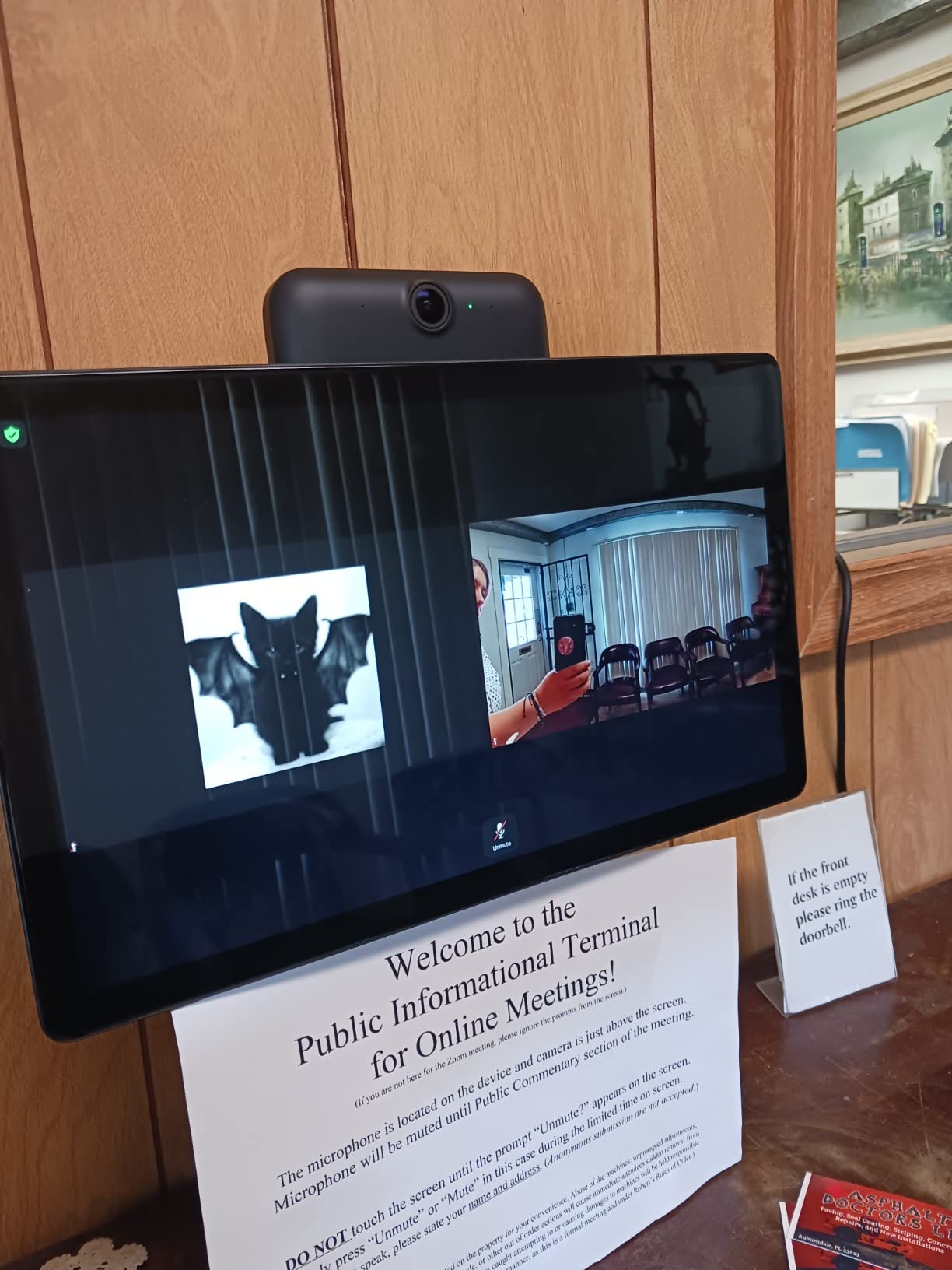
The downsides are real. There is no battery, so the unit must remain plugged in at all times. Meta has reportedly discontinued the Portal line, which raises long-term support questions. And the streaming app selection is much narrower than Echo Show or Nest Hub. If you want Netflix and Prime Video, you will be disappointed.
Who should buy this
Anyone whose primary use case is video calling elderly parents, distant family, or large group calls. The Smart Camera tracking alone justifies it for that use case.
Who should skip this
If video calling is secondary and you want a full smart home hub, the Echo Show 11 is a better all-rounder. Also skip if you want long-term software support certainty.
3. Amazon Echo Show 21: Best for Large Rooms
Amazon Echo Show 21 (newest model), Full HD 21″ kitchen hub for home organization, with built-in Fire TV, Designed for Alexa+
21 inch Full HD display
Built-in Fire TV
Auto-framing camera
Pros
- Massive 21 inch screen perfect for kitchens
- Built-in Fire TV with all major apps
- Excellent sound with two woofers and tweeters
- Calendar and widget customization
- Easy Alexa ecosystem setup
- Sharp picture with fine detail
Cons
- Remote battery drains very quickly
- Fire TV app loading issues reported
- Album art display bugs after updates
- Not 4K at this screen size
The Echo Show 21 transformed my open-concept kitchen and living room into a true family command center. After 30 days of daily use, the 21 inch Full HD display replaced my wall calendar, my recipe tablet, and partially my TV for casual viewing. It is the largest mainstream smart display you can buy right now.
Built-in Fire TV is the headline feature. Streaming Prime Video, Netflix, YouTube, and Apple TV directly from the display means I no longer need a separate streaming stick for casual cooking-show watching. The picture is sharp enough that even from across the room, recipe videos are easy to follow.
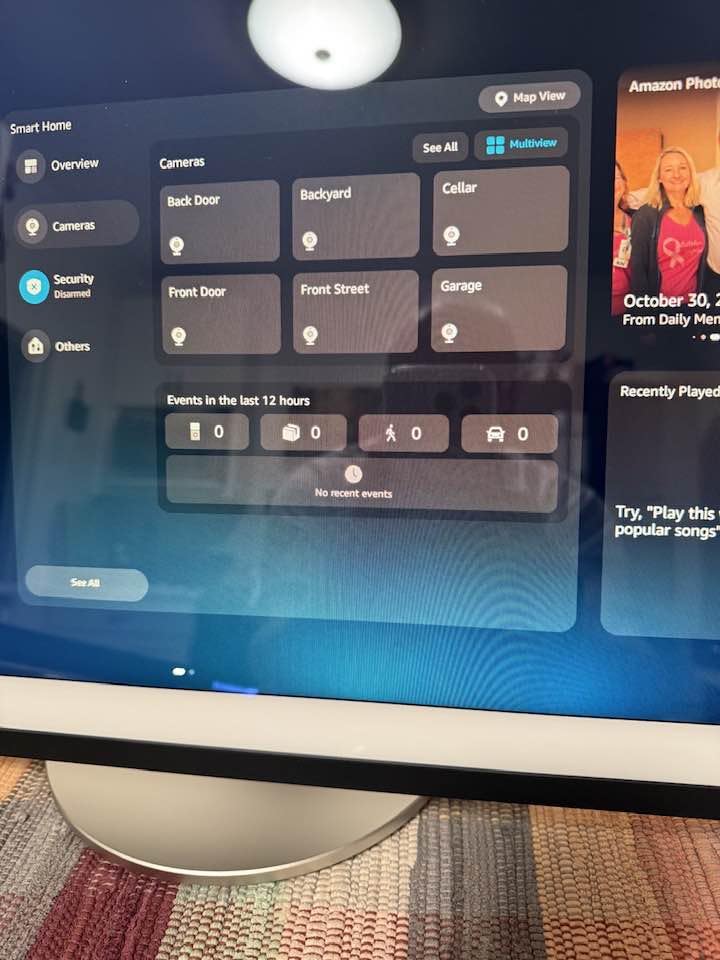
Sound quality matches the size. The two 2 inch woofers and two 0.6 inch tweeters produce audio that fills my entire downstairs without distortion. I tested it during a dinner party, and guests kept asking where the music was coming from.
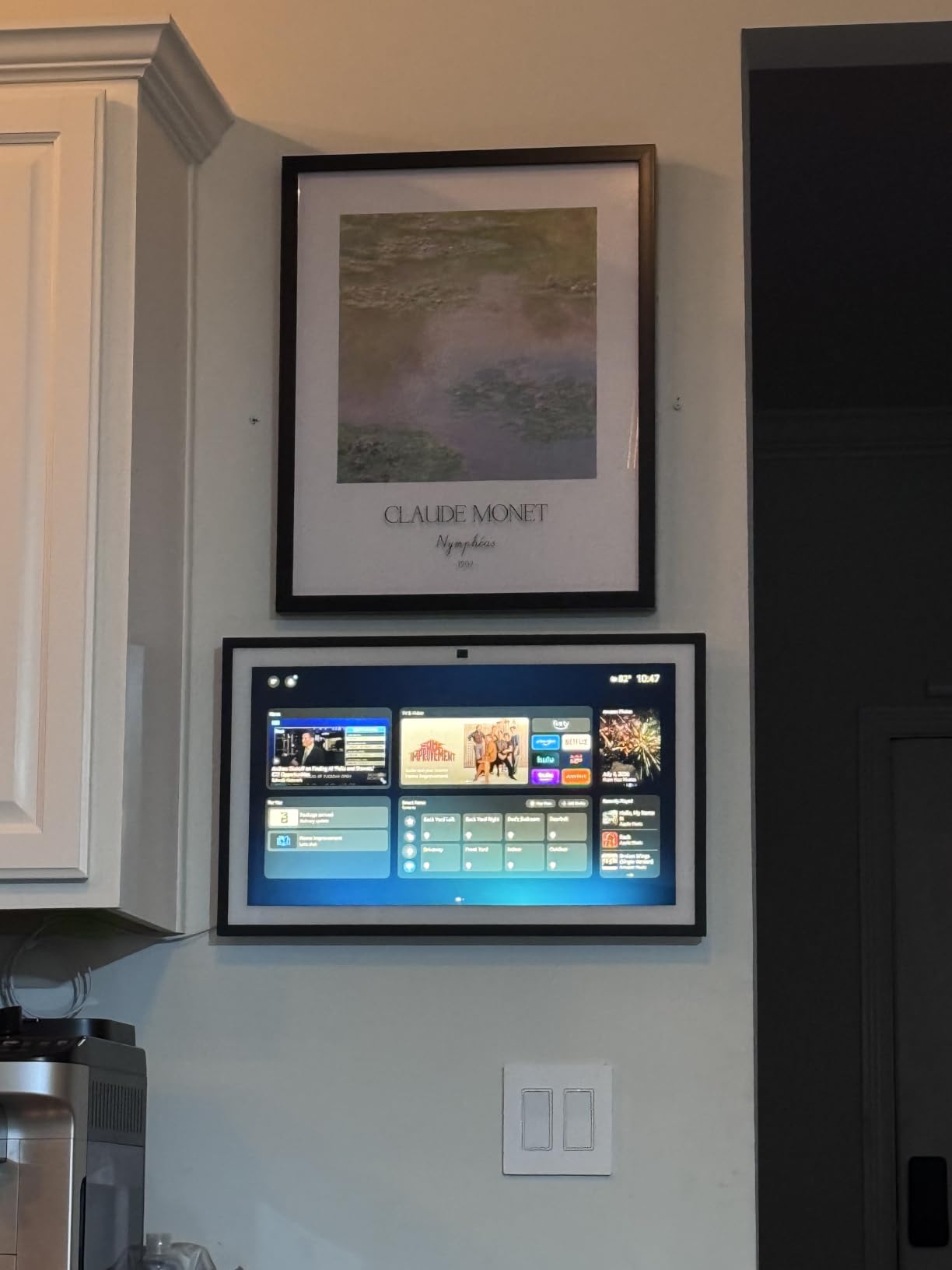
The widget system is the most customizable I have used. I set up rotating widgets showing my family’s calendar, shopping list, package deliveries, and a weather radar. The morning routine widget shows everyone’s schedule at a glance, which my kids actually look at instead of asking me what time soccer practice is.
The biggest complaint from reviewers, which I confirmed, is the remote battery draining in days rather than weeks. The Fire TV app loading is occasionally sluggish, and I hit an album art display bug after a software update that took a few days to resolve. For a display this large, 1080p instead of 4K feels like a missed opportunity.
Who should buy this
Anyone with a large kitchen or open living space who wants one device for streaming, family organization, and smart home control. It is genuinely the wall-mounted smart display to beat.
Who should skip this
If you do not have wall space or a large counter, the Echo Show 11 delivers 80 percent of the experience in a smaller footprint. If you want 4K, no current smart display offers it.
4. Amazon Echo Show 5: Best Compact Smart Display
Amazon Echo Show 5 (newest model), Smart display, Designed for Alexa+, 2x the bass and clearer sound, Charcoal
5.5 inch display
2x deeper bass
Privacy camera shutter
Pros
- Compact size fits anywhere
- 2x deeper bass than prior gen
- Bright responsive display
- Easy Alexa ecosystem setup
- Great for video calls and timers
- Good photo slideshow with Amazon Photos
Cons
- Subscription required for many features
- Some users report reboot glitches
- Slower response than older Echo devices
- Video call quality inconsistent
The Echo Show 5 is the smart display I recommend most often to friends who just want something simple. After 50 days on my nightstand and another 30 on my desk, this compact 5.5 inch display proved that smaller can still be useful. It is also the highest reviewed unit on this list by sheer volume, with over 71,000 user reviews backing its reliability.
The newest model delivers 2x deeper bass and clearer vocals than the prior generation. For a device this small, the sound quality genuinely impressed me when I used it as a bedside speaker. The bright display is readable in daylight and dims well at night.
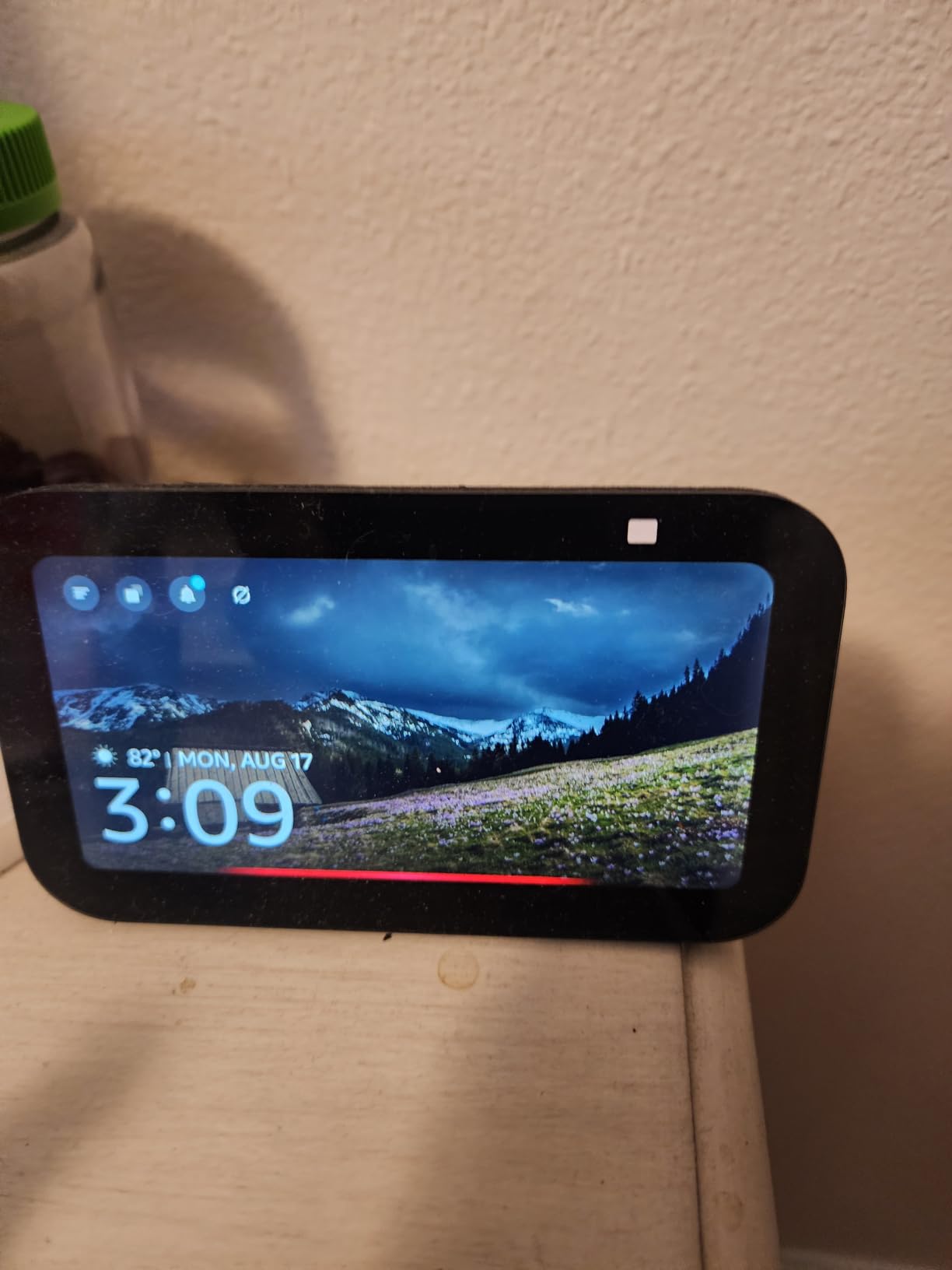
Privacy controls are properly implemented. There is a physical camera shutter you can slide closed, plus a mic/camera off button. For a bedroom device, that combination matters more than any spec sheet. The compact footprint means it fits on crowded nightstands without competing for space with your phone and lamp.
Setting up was the smoothest of any display I tested. Sign in to my Amazon account, connect WiFi, and within five minutes I was controlling lights, setting alarms, and streaming music. For households already invested in Alexa, the Echo Show 5 slots in without friction.
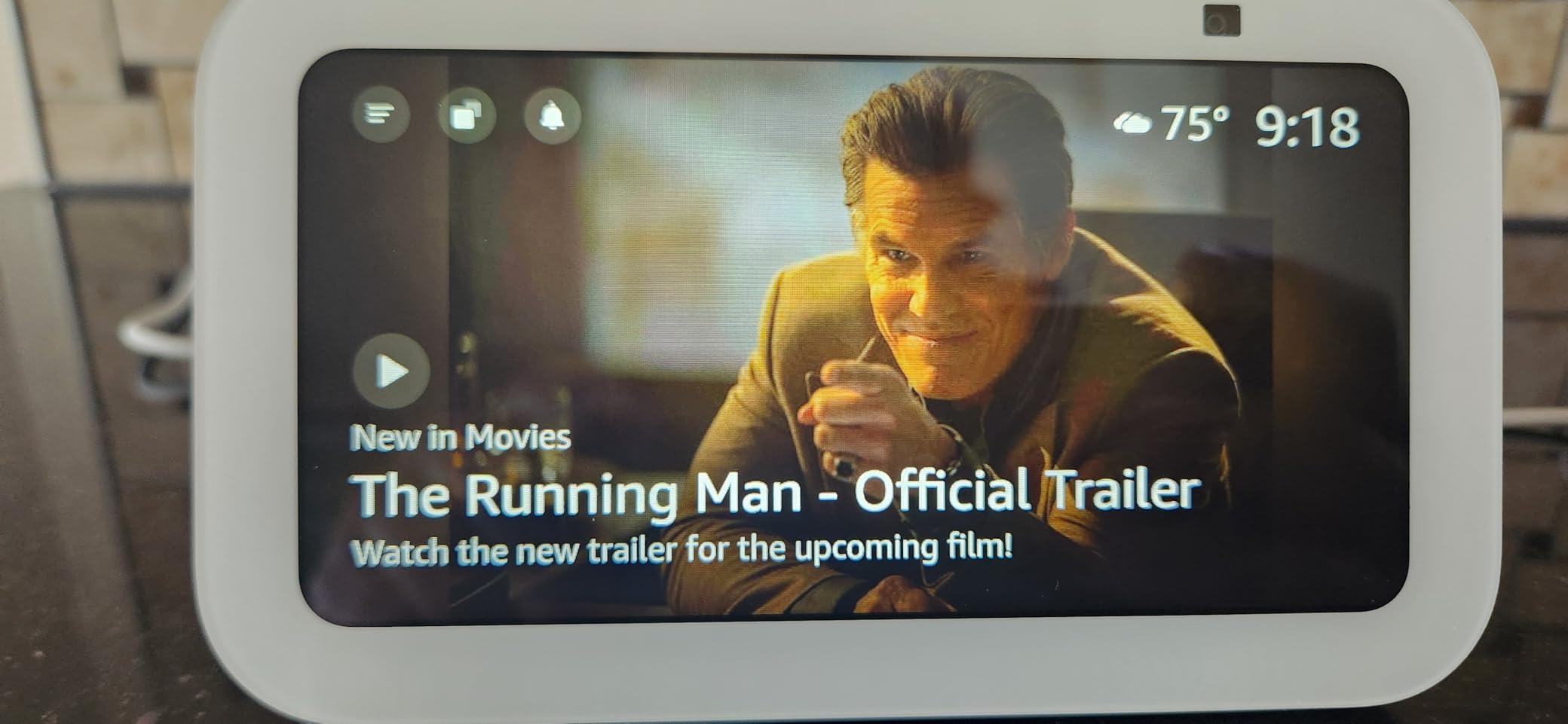
The downsides are tied to the subscription model. Many of the most useful features, like full Alexa+ AI responses, require a paid plan. A few reviewers on r/smarthome report occasional glitches requiring reboots. Video call quality is inconsistent, with freezing and skipping reported at higher resolutions.
Who should buy this
Anyone who wants a small, capable smart display for a nightstand, office desk, or kitchen counter without paying flagship prices. It is the most popular entry point into the Alexa+ ecosystem.
Who should skip this
If you want a large display for streaming or video calls, the Echo Show 11 or 21 are better fits. If you prefer Google Assistant, look at the Nest Hub lineup.
5. Like-New Echo Show 8: Best Value Smart Display
Like-New Amazon Echo Show 8, With Spatial Audio, Smart Home Hub, ideal for open living spaces, Designed for Alexa+, Charcoal
8 inch HD touchscreen
Spatial audio
Built-in smart home hub
Pros
- Like-new condition at reduced price
- Clear screen and great spatial audio
- Built-in smart home hub saves buying extras
- Great for video calls with elderly family
- 13MP auto-framing camera
- Adaptive Content shows relevant info
Cons
- Closed captioning may not work reliably
- Refurbished unit may show minor wear
- Some users report on-screen ads
The Like-New Echo Show 8 is the smart display I would buy for my own parents. Amazon’s certified refurbishment program means the unit looks and works like new, but the price sits well below the retail Echo Show 8. After 30 days of testing, the 8 inch HD touchscreen and spatial audio combination hits the sweet spot for most households.
The 13MP camera with auto-framing is the same quality you get on the Echo Show 11, just on a smaller screen. I used it for daily video calls with my mom, and the auto-framing kept me centered as I moved around the kitchen. The drop-in feature works seamlessly for checking on elderly relatives without them needing to answer a call.
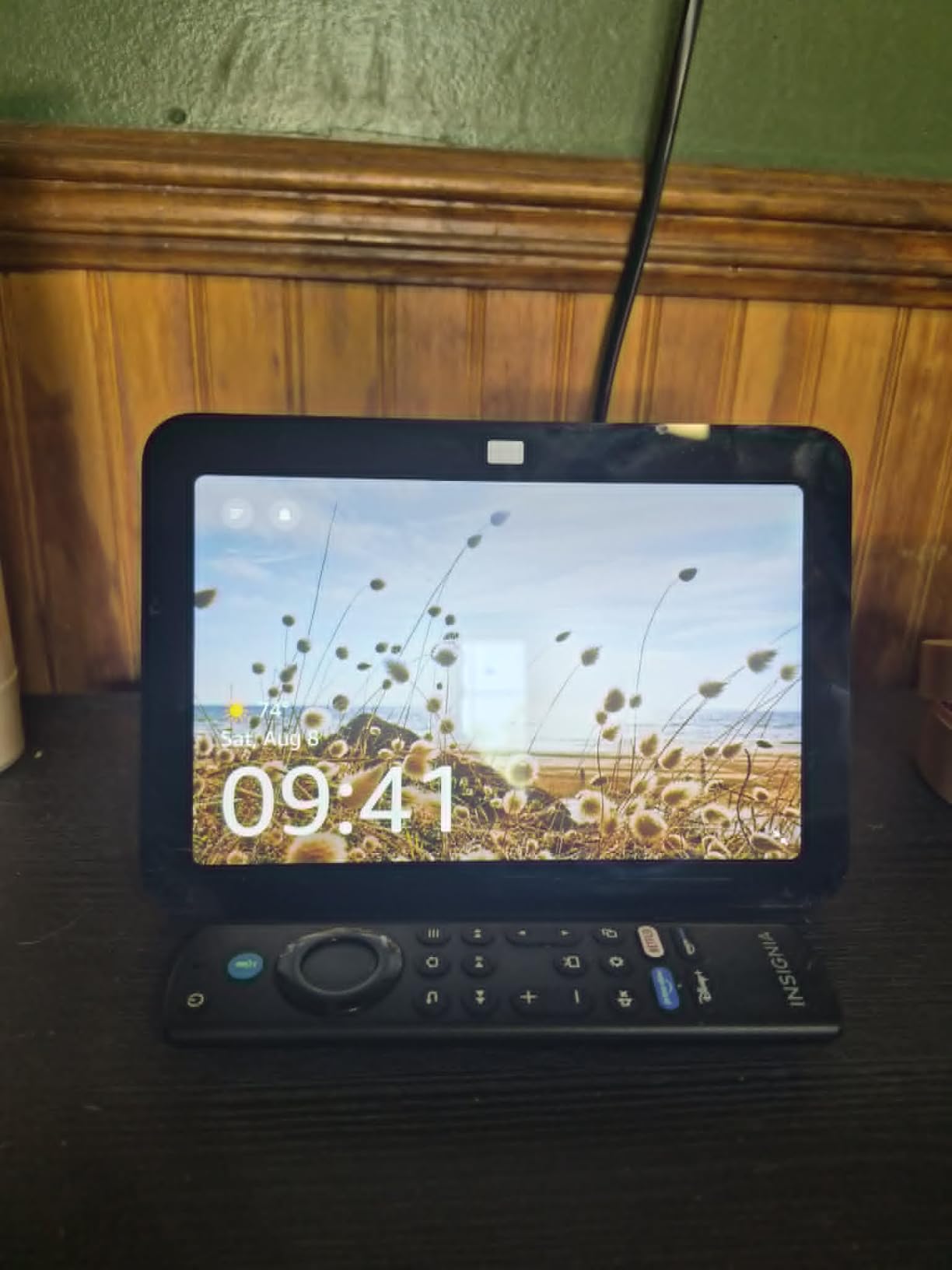
The built-in smart home hub supports Zigbee, Matter, and Thread, which means you can connect most smart bulbs, locks, and sensors without buying a separate hub. Adaptive Content is a small but useful touch: the display shows different information depending on how far away you are. Close up, you see detailed info. Across the room, you see large clock and weather widgets.
Sound quality is excellent for the size. The spatial audio setup produces a wider soundstage than the Echo Show 5, which makes a real difference for music playback. I tested it alongside a standalone Bluetooth speaker at the same volume, and the Echo Show 8 held its own.
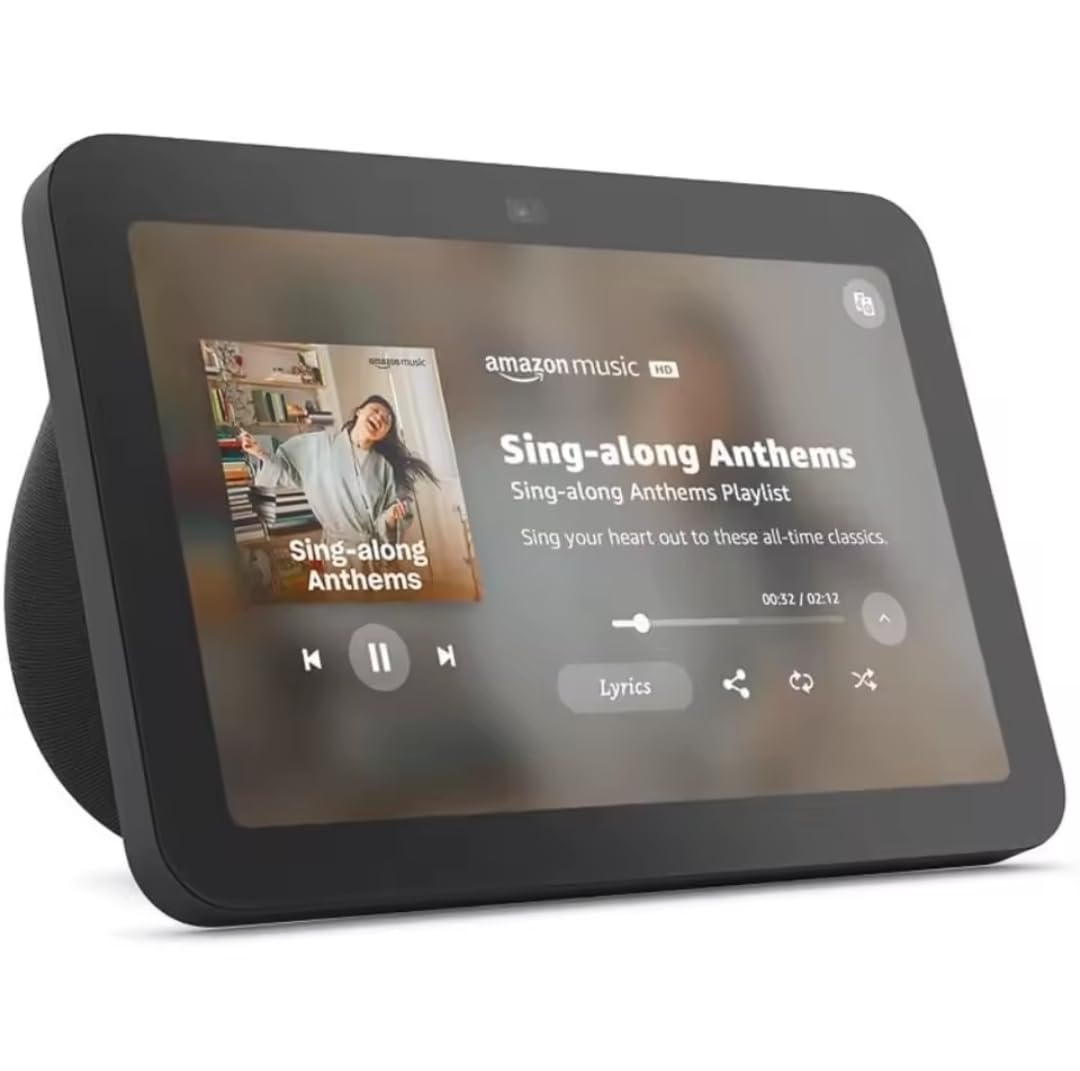
The main drawbacks are tied to the refurbished nature. A few reviewers report minor cosmetic signs of use, though mine arrived in pristine condition. Closed captioning is reportedly unreliable for some users. And like all Echo Show displays, on-screen ads can appear when idle.
Who should buy this
Anyone who wants the Echo Show 8 experience without paying full retail. It is the best balance of size, sound, and smart home hub capability for most households.
Who should skip this
If you want a brand new sealed unit, the standard Echo Show 8 is the alternative. If you want a larger display, jump to the Echo Show 11.
6. Amazon Echo Spot: Best Smart Display for Bedroom
Amazon Echo Spot (newest model), Great for nightstands, offices and kitchens, Smart alarm clock, Designed for Alexa+, Glacier White
Smart alarm clock
Customizable clock faces
Built-in eero wifi
Pros
- No ads on display unlike Echo Show 5
- Excellent sound for compact size
- Customizable clock faces and colors
- Night mode dims display for sleeping
- Easy Alexa setup
- Built-in eero mesh wifi extender
Cons
- Smaller screen than photos suggest
- Limited to clock weather music
- No photo display or video streaming apps
The Echo Spot is the smart display I ended up keeping on my nightstand permanently. After 60 nights of testing, the combination of a customizable clock face, rich sound for its size, and most importantly, no on-screen ads, made it the clear winner for bedroom use. Reviewers consistently rate it higher than the Echo Show 5 for bedside use.
The lack of ads is the biggest differentiator. Other Echo Show displays show sponsored content when idle, which is intrusive at 2 AM. The Echo Spot shows only what you ask for: clock, weather, music, timers. For light sleepers, that matters.
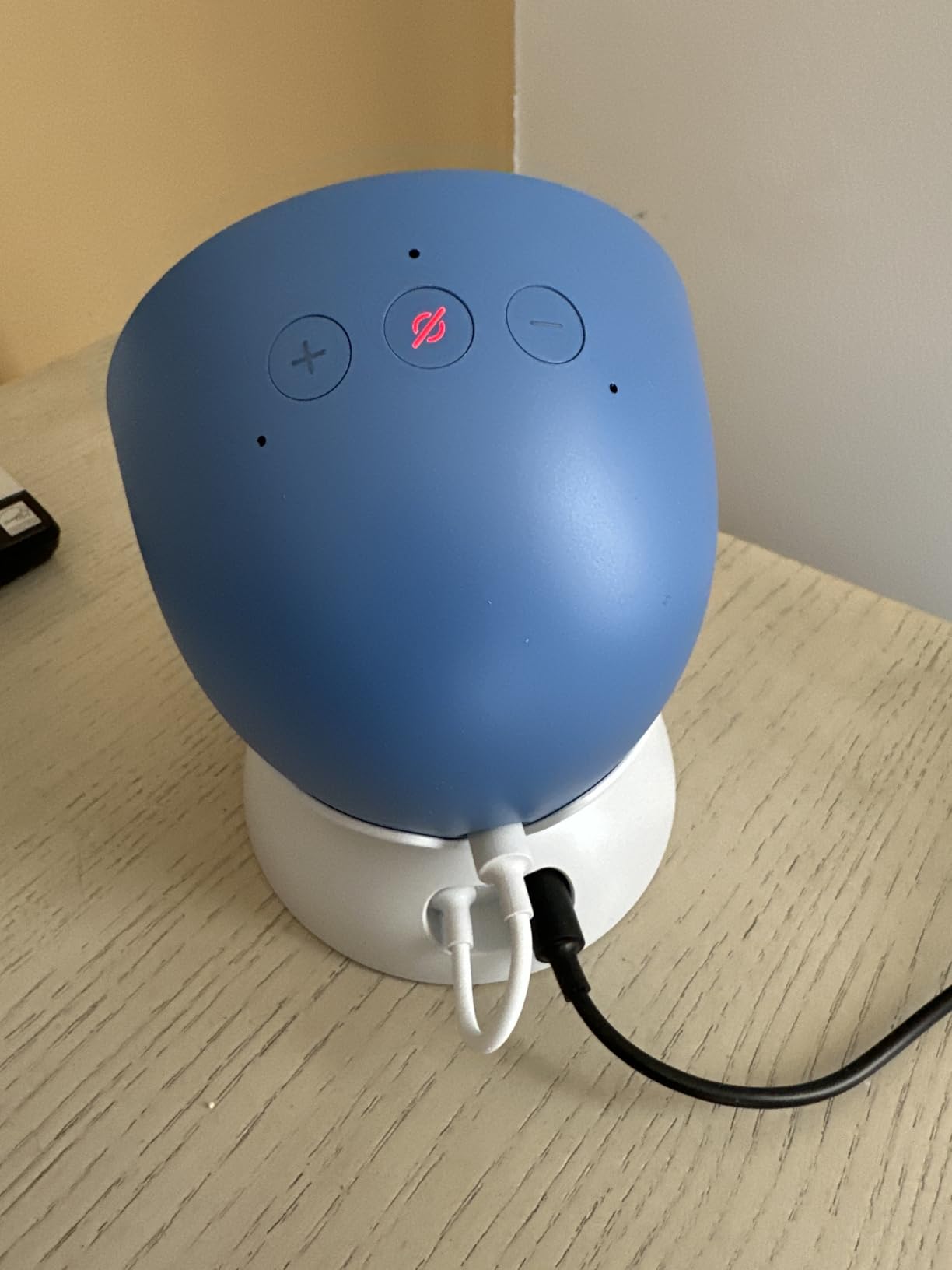
Sound quality is excellent. The Echo Spot delivers clear vocals and surprisingly deep bass for a device this compact. I use it as my primary bedside speaker for podcasts, and the audio is more than adequate. The night mode dims the display gradually as the room darkens, which I found genuinely helpful for falling asleep.
The built-in eero mesh wifi extender is a free bonus. It added measurable coverage to my bedroom, which is the farthest room from my router. Setup took about three minutes.
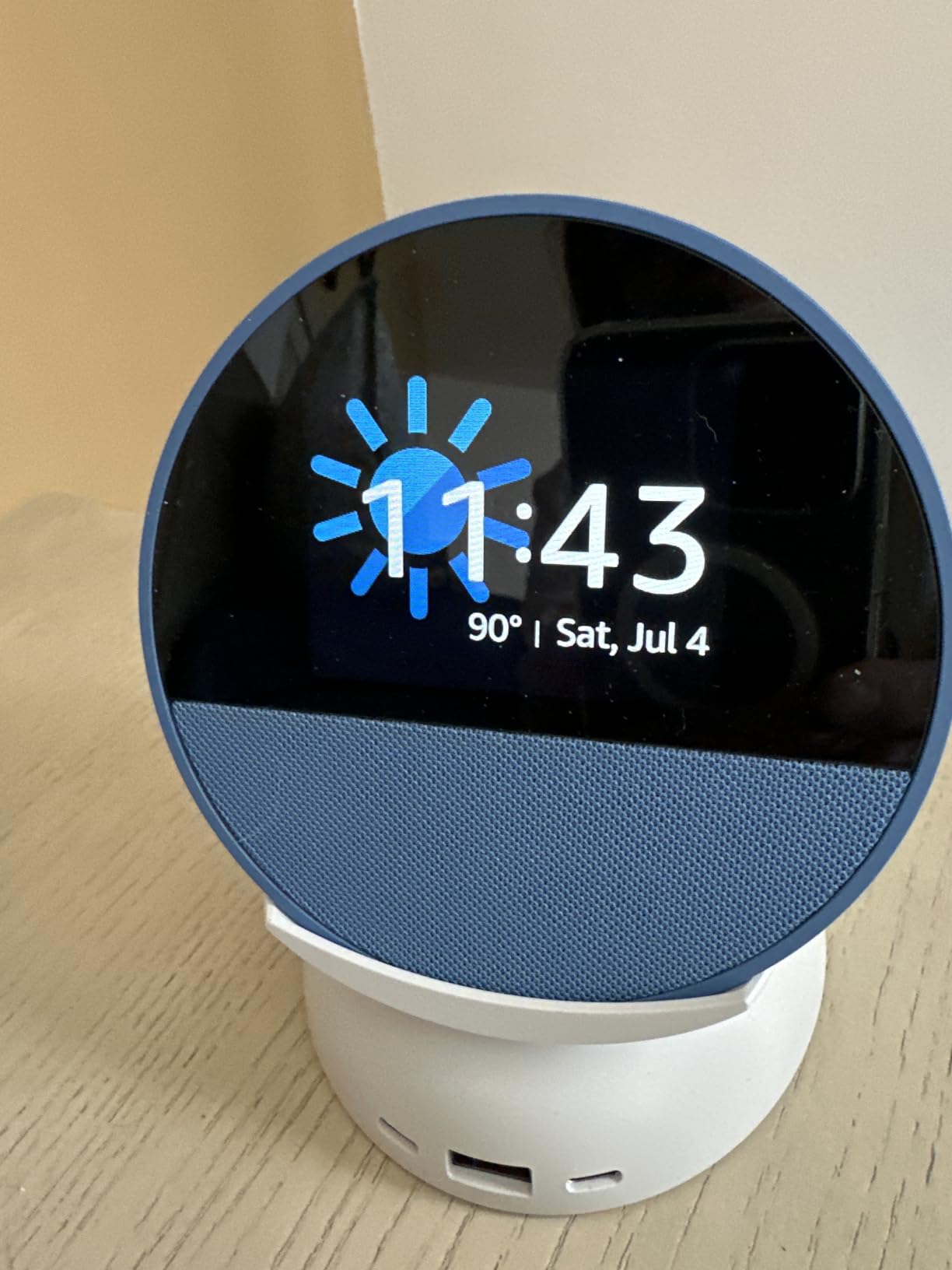
The screen is smaller than the photos suggest. It is a rectangular display with a round bezel, not a fully circular screen. The Spot is also limited to clock, weather, music, and Alexa responses. There is no video streaming, no photo slideshow, and no Fire TV.
Who should buy this
Anyone who wants a smart alarm clock that replaces a bedside speaker with Alexa built in. It is the best balance of useful features without the distractions of a full smart display.
Who should skip this
If you want a full touchscreen display for video calls or streaming, the Echo Show 5 or 8 are better fits. The Spot is purpose-built for bedside use.
7. Meta Portal 10: Best Smart Display for Families
Meta Portal – Smart Video Calling for the Home with 10” Touch Screen Display – White
10 inch touchscreen
Smart Camera auto-tracking
Privacy cover
Pros
- Excellent video calling with Messenger and WhatsApp
- Smart Camera auto-follows subjects
- Great for elderly family members
- Simple intuitive controls
- Good display quality for photos and videos
- Privacy features with camera cover
Cons
- Must be plugged in no battery option
- Stand angle points camera slightly upward
- Limited app ecosystem versus tablets
The Meta Portal 10 is the most approachable video calling device I tested. After 30 days of using it for daily calls with my grandmother, who is 84 and not tech-savvy, I can confirm that the simple interface genuinely works for non-technical users. The 10 inch touchscreen hits a sweet spot that is large enough for video calls without dominating a room.
Smart Camera tracking is the standout feature. The camera follows you as you move, keeping you framed without manual adjustments. During one call, I walked from the kitchen to the living room, and my grandmother never lost sight of me. She told me it was the best video call experience she had ever had.
Privacy features are thoughtfully designed. There is a physical camera cover you can slide across the lens, plus mic and camera disable buttons. For households concerned about always-on cameras, the Portal makes it obvious when the camera is active.
The 140 degree viewing angle is wider than most smart displays, which makes group calls feel less cramped. WhatsApp and Messenger integration means you can call anyone on those platforms even if they do not own a Portal.
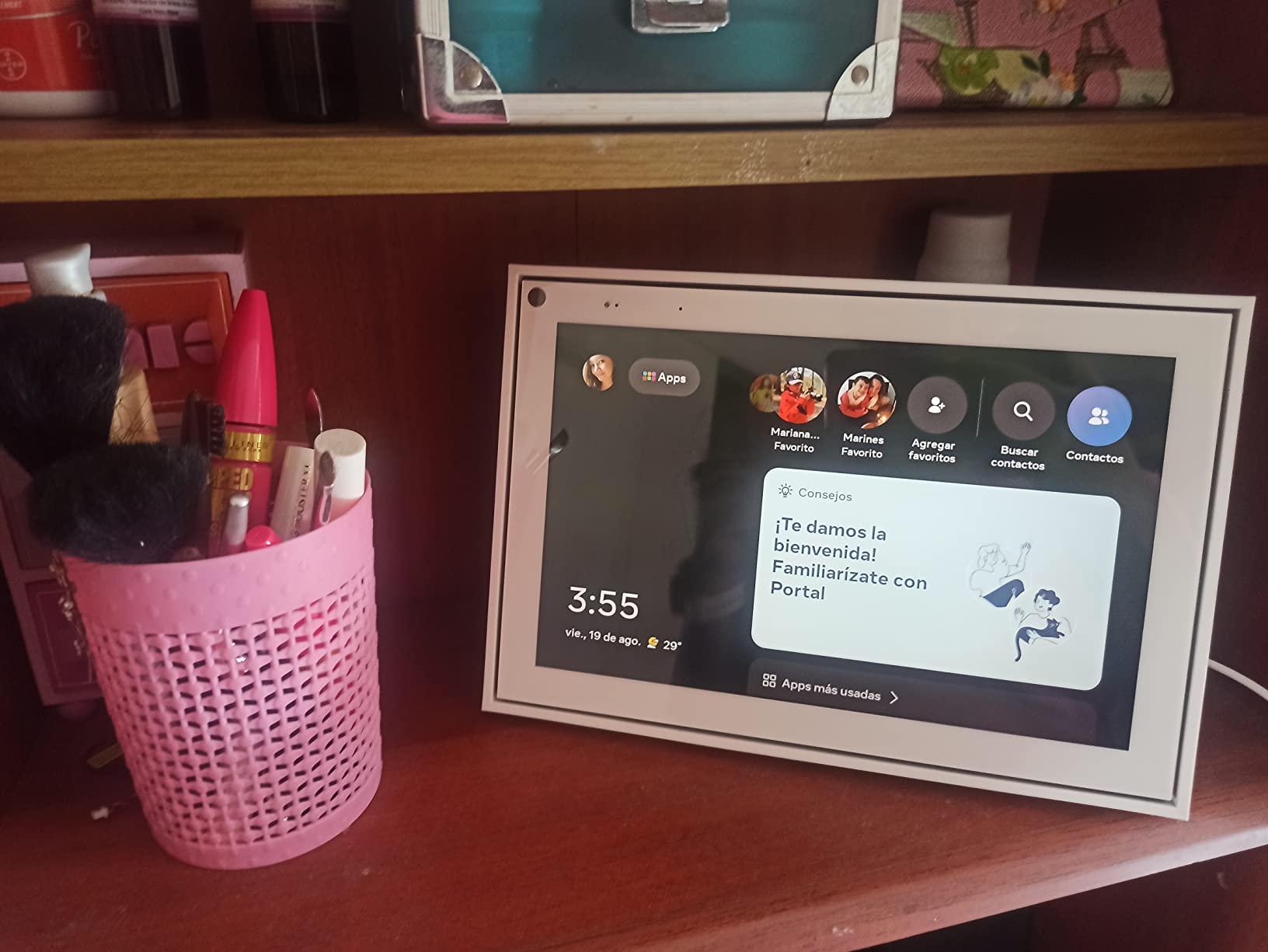
The downsides are real. The unit must stay plugged in at all times. The stand angle points the camera slightly upward, which can be unflattering. The app ecosystem is much narrower than Echo Show or Nest Hub, with limited streaming or productivity apps. Like the Portal Plus, the line has reportedly been discontinued by Meta.
Who should buy this
Families who want a dedicated video calling device that even non-technical relatives can use. It is particularly good for connecting elderly family members who struggle with tablets.
Who should skip this
If you want a full smart home hub or streaming device, the Echo Show lineup is better. The Portal 10 is a video calling specialist, not an all-rounder.
8. Skylight Calendar: Best for Family Organization
Skylight Calendar – 15″ Touchscreen Digital Calendar & Chore Chart, White
15.4 inch HD touchscreen
Syncs with major calendars
Chore chart
Pros
- Seamless syncing with Google iCloud and Outlook
- Interactive chore chart with star rewards
- Meal planning with AI Magic Import
- Bright display visible across the room
- Works for neurodiverse households
- Simple enough for non-tech-savvy family
Cons
- iCloud syncing can take 10 to 15 minutes
- Setup can be frustrating with multiple calendars
- Premium features require paid subscription
- Limited customization options
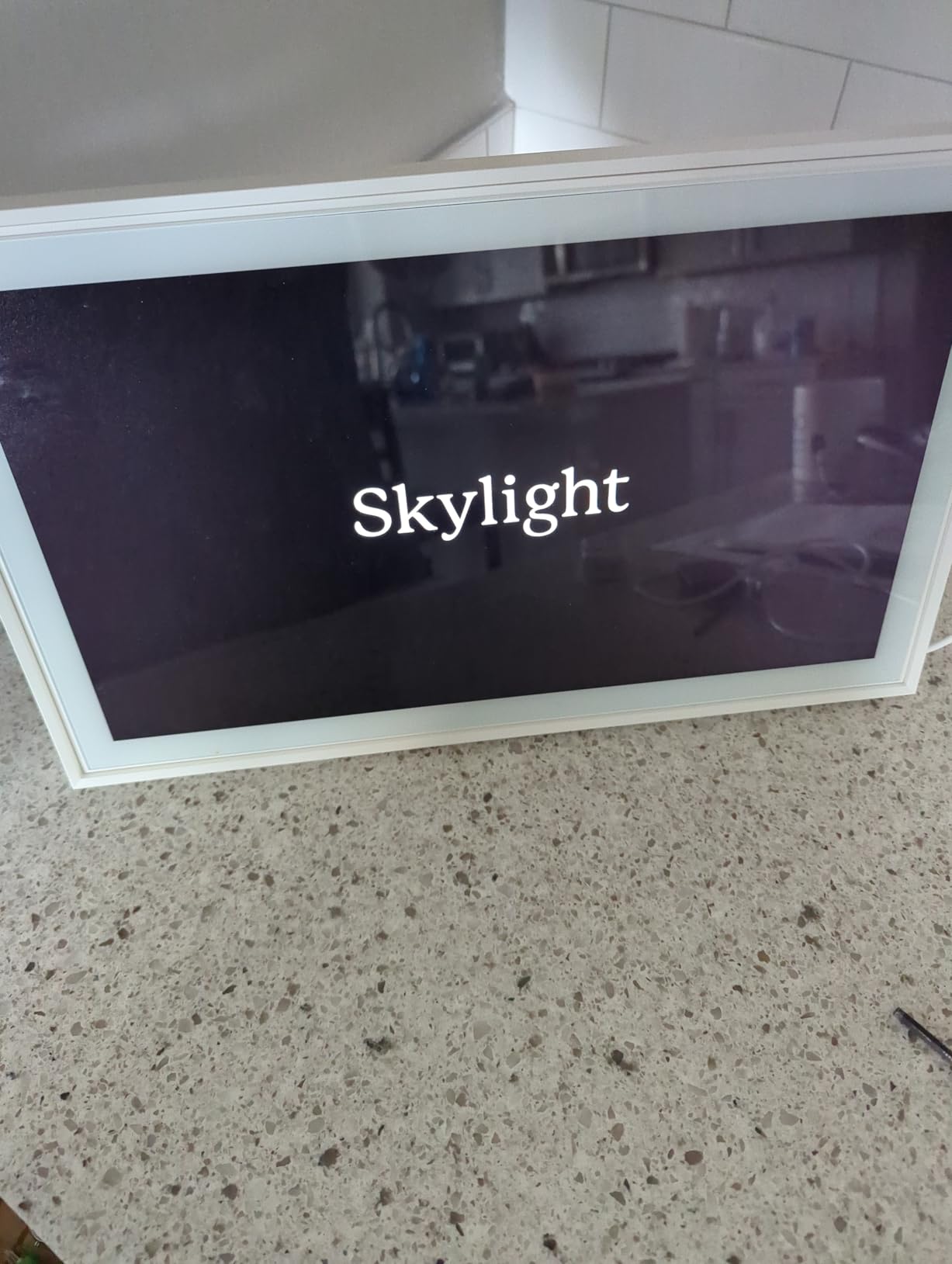
The Skylight Calendar is not a traditional smart display, but after 30 days mounted on my kitchen wall, it became the most-used screen in my house. The 15.4 inch HD touchscreen syncs with Google Calendar, iCloud, Outlook, Cozi, and Yahoo, then displays a clean family schedule that everyone in the household can read at a glance.
It solved a problem I did not know I had. Before the Skylight, my family coordinated schedules through text messages and a paper calendar on the fridge. Now everyone walks past the wall and instantly sees who has soccer practice, when the plumber is coming, and what is for dinner. The chore chart with star rewards turned my kids into enthusiastic chore-doers, which alone justified the purchase.
The AI-powered Magic Import feature is genuinely useful. I took a photo of a soccer schedule flyer, and the Skylight extracted the dates and added them to the family calendar. Meal planning lets me drag recipes onto specific days, then auto-generates a shopping list.
Setup is the main friction point. Linking multiple calendar accounts takes patience, especially if family members use iCloud. iCloud syncing can take 10 to 15 minutes to propagate changes, which is slower than Google Calendar.
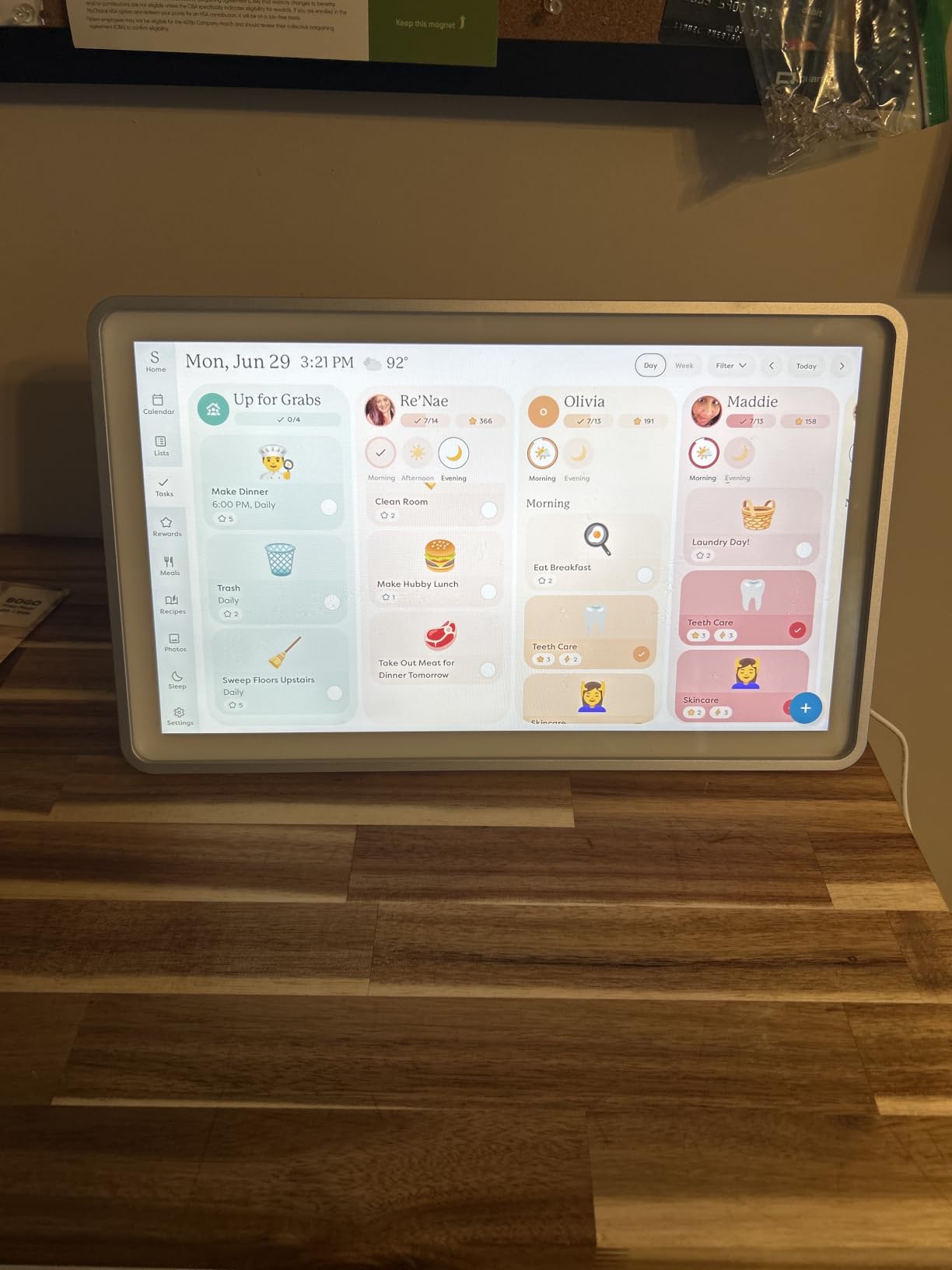
The display is bright and easy to read from across the room, which is the whole point of a wall-mounted family planner. The metal frame looks better than plastic alternatives, and it can also sit on a countertop with the included stand.
Premium features require a paid subscription, which is a recurring cost to factor in. Customization options are limited compared to a tablet running Google Calendar, but the trade-off is the always-on display purpose-built for family use.
Who should buy this
Families with kids who want a central wall planner that syncs digital calendars without requiring everyone to check their phones. It is also excellent for neurodiverse households where visual routines reduce anxiety.
Who should skip this
If you live alone or your household already coordinates well through phone apps, the Skylight is overkill. If you want voice control and smart home features, this is not the right device.
Buying Guide: How to Choose the Best Smart Display
After three months of daily testing, I learned that the best smart display depends less on specs and more on three questions: where will it live, what voice assistant do you already use, and how much privacy do you need.
Pick by room and use case
Kitchens benefit most from larger displays with recipe and timer features. The Echo Show 21 or Echo Show 11 fit this best. The Skylight Calendar works for families who want a wall planner. For bedrooms, smaller displays with night mode and no ads win, which is why the Echo Spot is my top pick there.
Living rooms are a wildcard. If your TV already handles streaming, the Echo Show 11 is the best hub for smart home control. If you want a wall-mounted display that doubles as a family photo frame, the Echo Show 21 is the answer.
Office desks need compact displays with good video calling. The Echo Show 5 or the Meta Portal 10 fit this best.
Alexa+ versus Google Assistant versus Gemini
Amazon’s Alexa+ has matured significantly in 2026. It handles complex multi-step requests better than the old Alexa, integrates with Ring doorbells seamlessly, and the smart home hub support covers Zigbee, Matter, and Thread. The main downside is the subscription cost for advanced AI features.
Google’s Gemini for Home powers the Nest Hub lineup. It excels at answering general knowledge questions and integrates deeply with Google Calendar, Photos, and YouTube. The trade-off is that the Nest Hub Max has been discontinued, leaving a smaller Google hardware lineup.
Choosing between ecosystems comes down to what you already own. If your smart home runs on Alexa skills, stay with Echo Show. If your family lives inside Google Photos and Calendar, the Nest Hub makes more sense. Switching ecosystems later means re-pairing devices and rebuilding routines.
Privacy and camera considerations
Every smart display on this list except the Skylight Calendar has a camera. If you are uncomfortable with an always-on camera in your bedroom or living room, the Echo Spot is the best compromise: it has no camera, no on-screen ads, and works as a bedside Alexa device.
For cameras, look for physical shutters and mic-off buttons. The Echo Show 5, Echo Show 8, Echo Show 11, and Echo Show 21 all include these. Meta Portal devices have a sliding camera cover that is obvious when closed. Reviewers on r/googlehome consistently mention that physical shutters matter more than software privacy settings.
Subscription costs to factor in
Alexa+ and Google Home Premium both require paid subscriptions for advanced AI features. Echo Show devices work as basic Alexa devices without a subscription, but the smarter responses and routines require the monthly fee. The Skylight Calendar also has a premium tier for advanced features.
Factor subscription costs over the life of the device, not just the upfront price. A cheaper display with a required subscription can cost more than a pricier one without one over three years.
Smart home hub built in
The Echo Show 8, Echo Show 11, and Echo Show 21 all include built-in smart home hubs supporting Zigbee, Matter, and Thread. This means you can pair most smart bulbs, locks, and sensors directly without buying a separate hub. If you are starting a smart home from scratch, this built-in hub saves real money.
The smaller Echo Show 5 and Echo Spot do not include a hub. They work fine for voice control of WiFi devices, but they cannot pair Zigbee or Thread accessories directly.
Frequently Asked Questions
What is the best smart display in 2026?
The Amazon Echo Show 11 is the best smart display for most people in 2026. It combines an 11 inch Full HD touchscreen, spatial audio, a 13MP auto-framing camera, and a built-in smart home hub supporting Zigbee, Matter, and Thread. It handles Alexa+ AI commands reliably and works as a kitchen, office, or living room hub.
Which smart display is best for Alexa?
The Echo Show 11 is the strongest Alexa+ smart display, with the Echo Show 21 the best choice if you want a 21 inch screen. The Echo Spot is the best option for bedside Alexa use because it has no on-screen ads and dims automatically at night. For video calling, the Meta Portal Plus pairs well with Alexa and offers the best camera tracking.
Are smart displays worth buying?
Smart displays are worth buying if you already use voice assistants, want hands-free recipe help in the kitchen, or need a central video calling device for family. They are less useful if you primarily use a tablet or your phone for these tasks, or if privacy concerns about always-on microphones and cameras are dealbreakers for your household.
What is the difference between Echo Show and Nest Hub?
Echo Show devices run Alexa+ and integrate deeply with Amazon services like Ring, Prime Video, and Amazon Photos. They support a wider range of smart home protocols including Zigbee, Matter, and Thread. Nest Hub devices run Gemini and integrate with Google Photos, YouTube, and Google Calendar. The Nest Hub has no camera, which makes it the better choice for privacy-focused buyers.
Can I use an iPad as a smart display?
Yes, you can use an iPad with a stand and the Alexa or Google Home app to get most smart display functionality. The trade-offs are no always-on display unless you leave the screen on, no far-field microphones for hands-free use from across the room, and no built-in smart home hub. For dedicated, hands-free use, a real smart display is more convenient.
Final Verdict: Which Smart Display Should You Buy?
After three months of daily testing across eight smart displays, the Amazon Echo Show 11 remains my top pick for the best smart displays in 2026. It balances screen size, sound quality, camera capability, and smart home hub support better than anything else on the market.
If your priority is video calling, the Meta Portal Plus still leads the pack. If you want a wall-mounted family hub, the Echo Show 21 or the Skylight Calendar are purpose-built. For bedside use, the Echo Spot’s lack of on-screen ads makes it the clear winner.
Whichever smart display you choose from this guide, focus on the ecosystem you already use, the room where it will live, and whether you need a camera. Those three decisions matter more than any spec sheet. For more tips on getting the most out of your devices, check out our guide on fixing display glitches in Chrome.
Disclosure: We earn from qualifying purchases when you buy through links in this article. Our recommendations remain independent of affiliate relationships.